Organize your presentations by topic, project, or event with Speaker Deck Pro. Share a public collection or keep one private for your own organization.
Sign up for freeNo credit card required. Creating collections requires Pro.
View Pro plans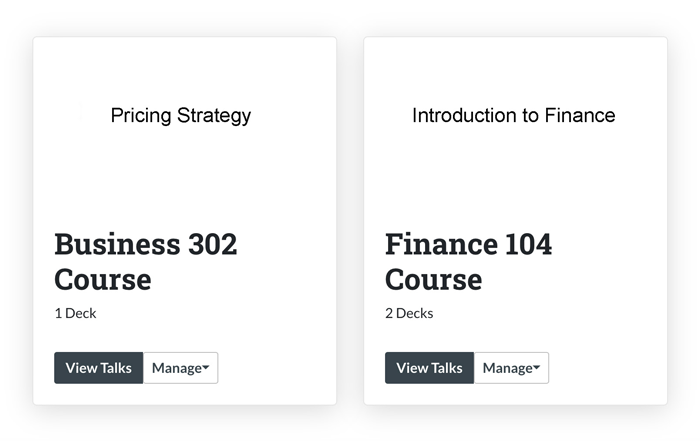
Keep a series of talks, course materials, or presentations about the same subject together.
Give readers one place to find the presentations in a public collection.
Use a private collection for your own reference. Individual decks keep their existing privacy settings.
Open Collections from your account and create a collection with a title and description. Choose whether it is public. Then use the Collections section on a presentation’s edit page to add your deck.
Yes. Creating and managing collections requires Pro. Readers do not need Pro to browse a public collection.
Yes. A public collection can be viewed by others. A private collection is visible only to its owner.
No. Collection visibility and presentation privacy are separate settings. A public deck remains accessible through its own link even when it belongs to a private collection.
Yes. On the presentation’s edit page, select the collections you want it to appear in and save.
No. Deleting a collection removes the grouping. The presentations themselves remain in your account.
Yes. Open the public collection and share its page URL. Each presentation still follows its own access settings.
Keep your presentations organized with public and private collections in Speaker Deck Pro.
Sign up for freeNo credit card required. Creating collections requires Pro.
View Pro plans