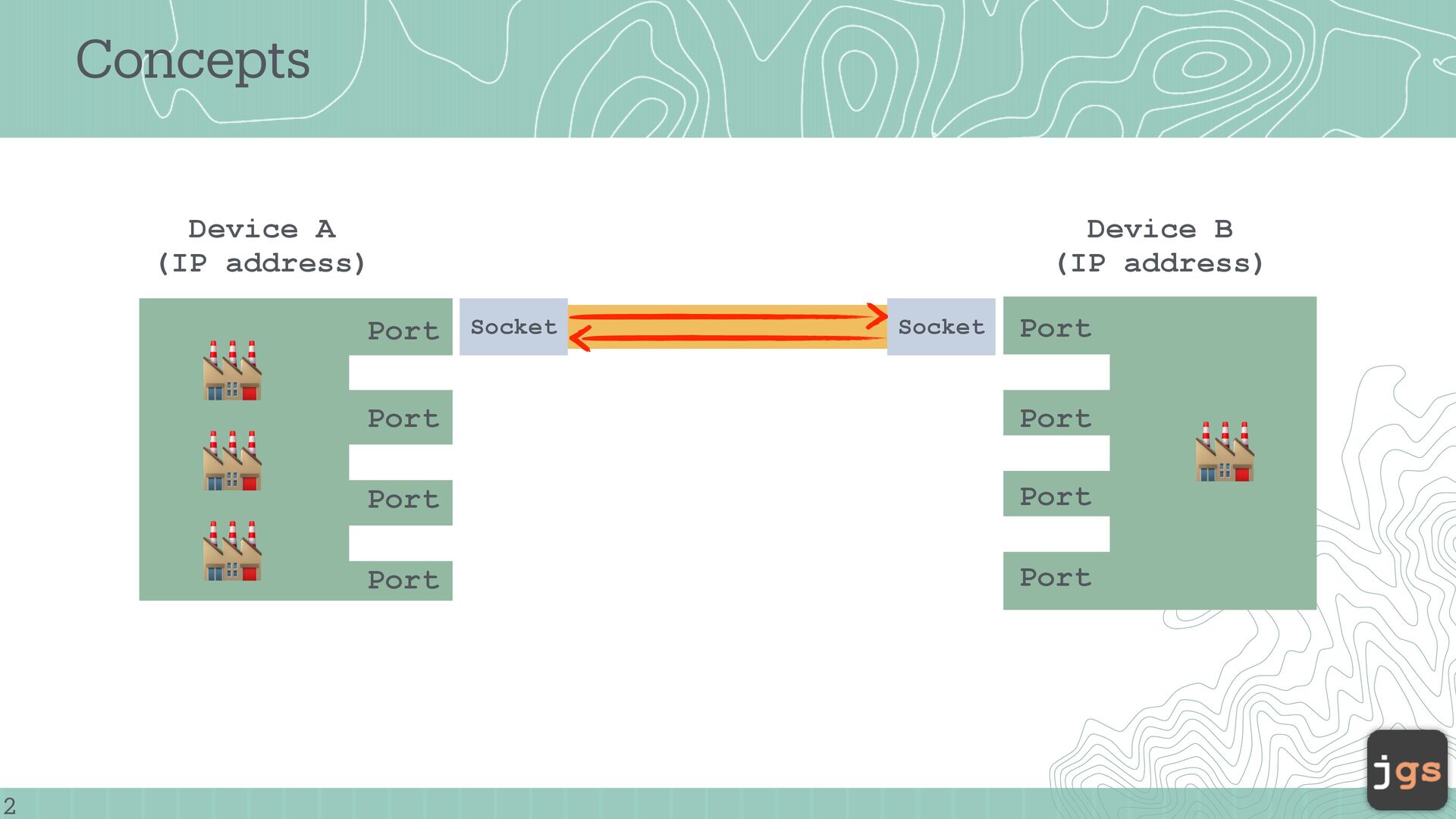
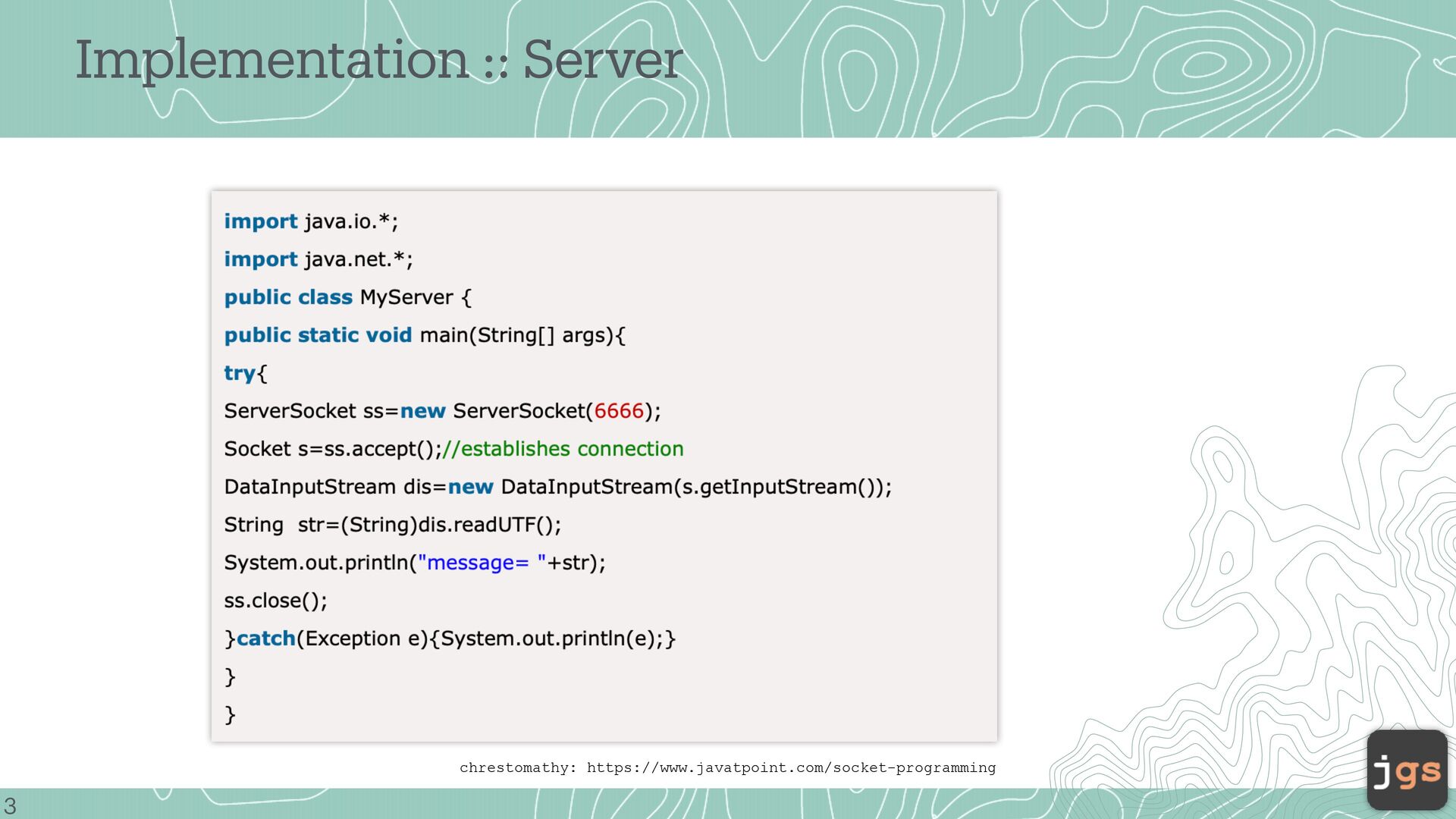
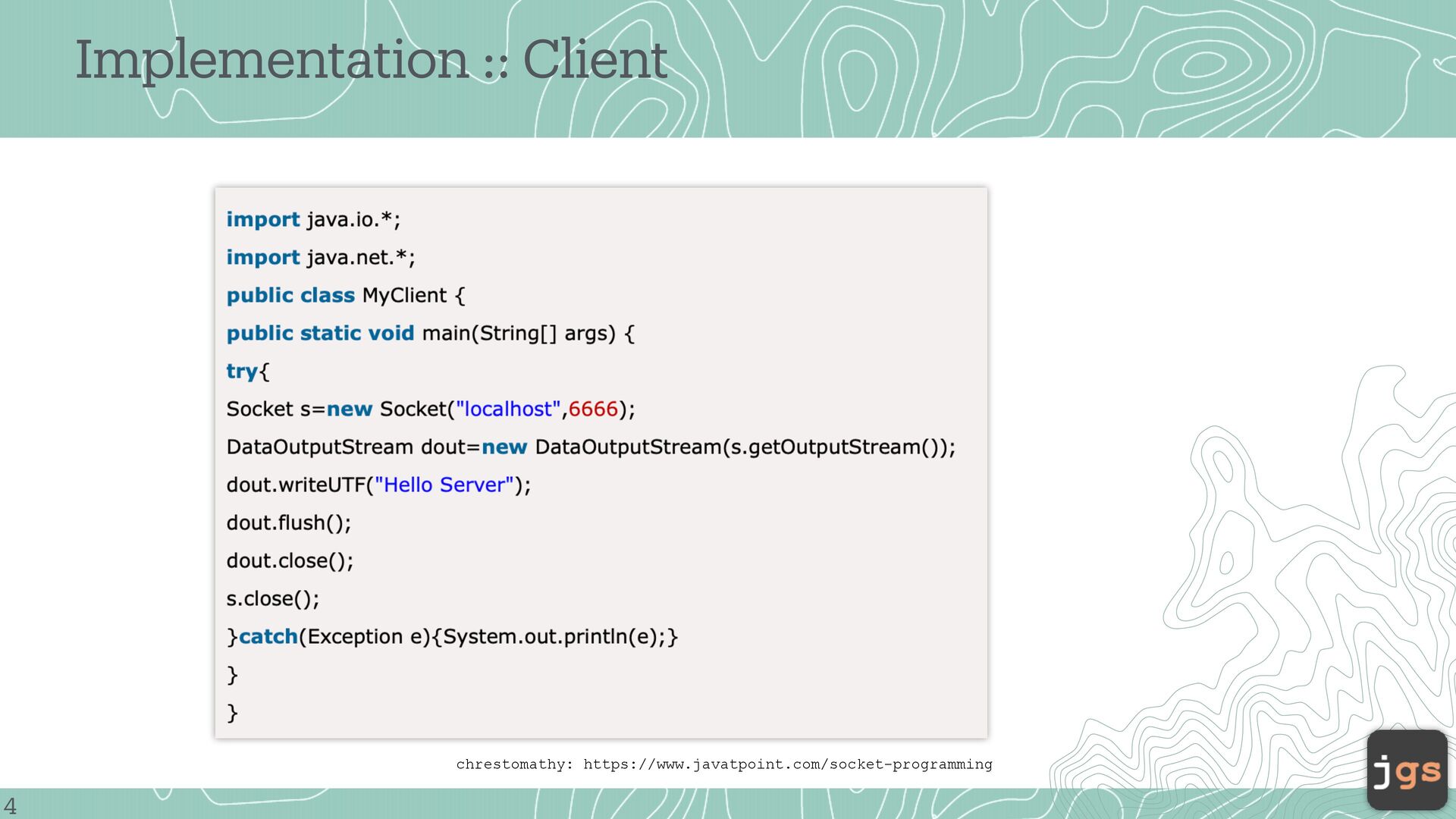
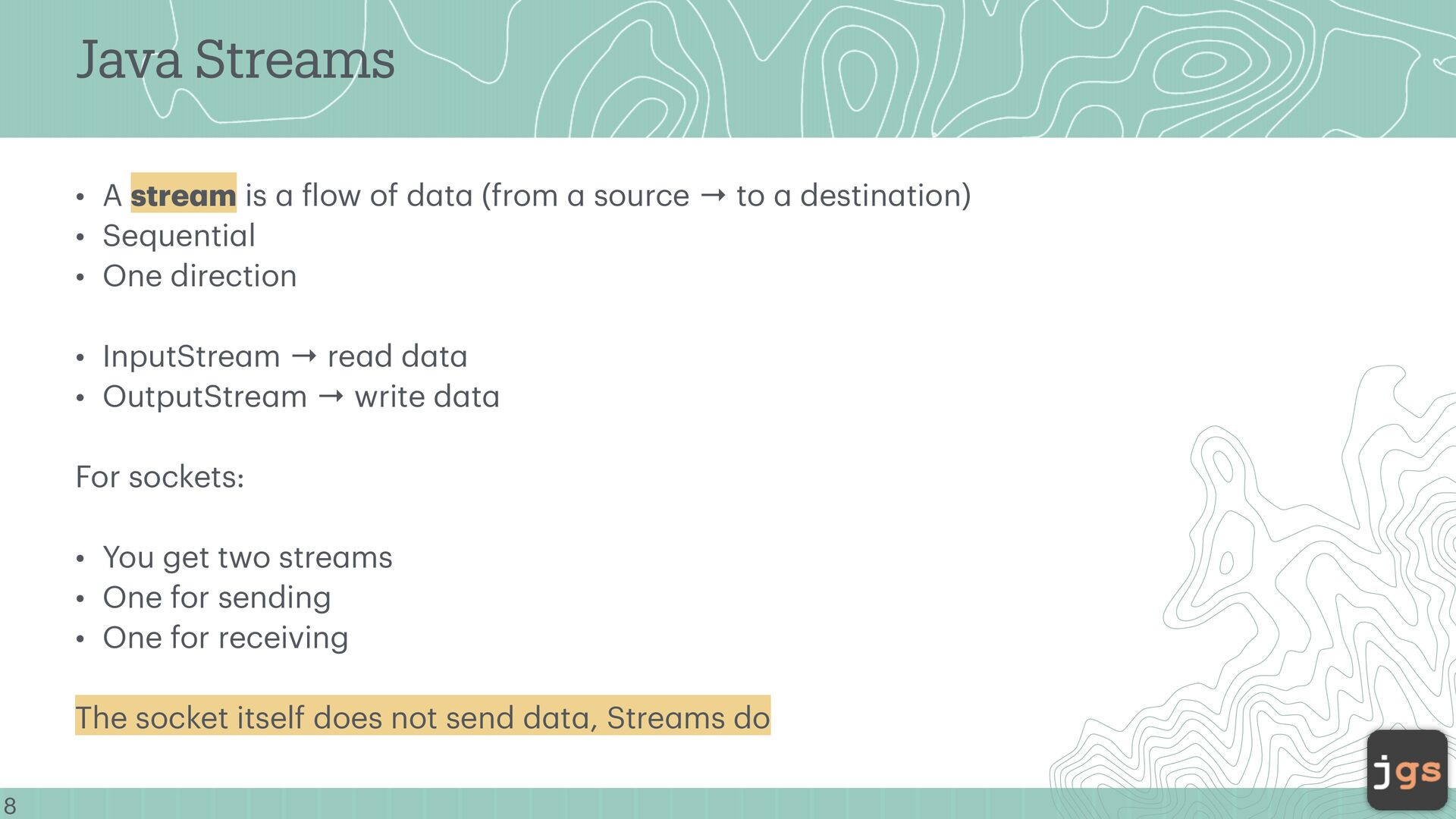
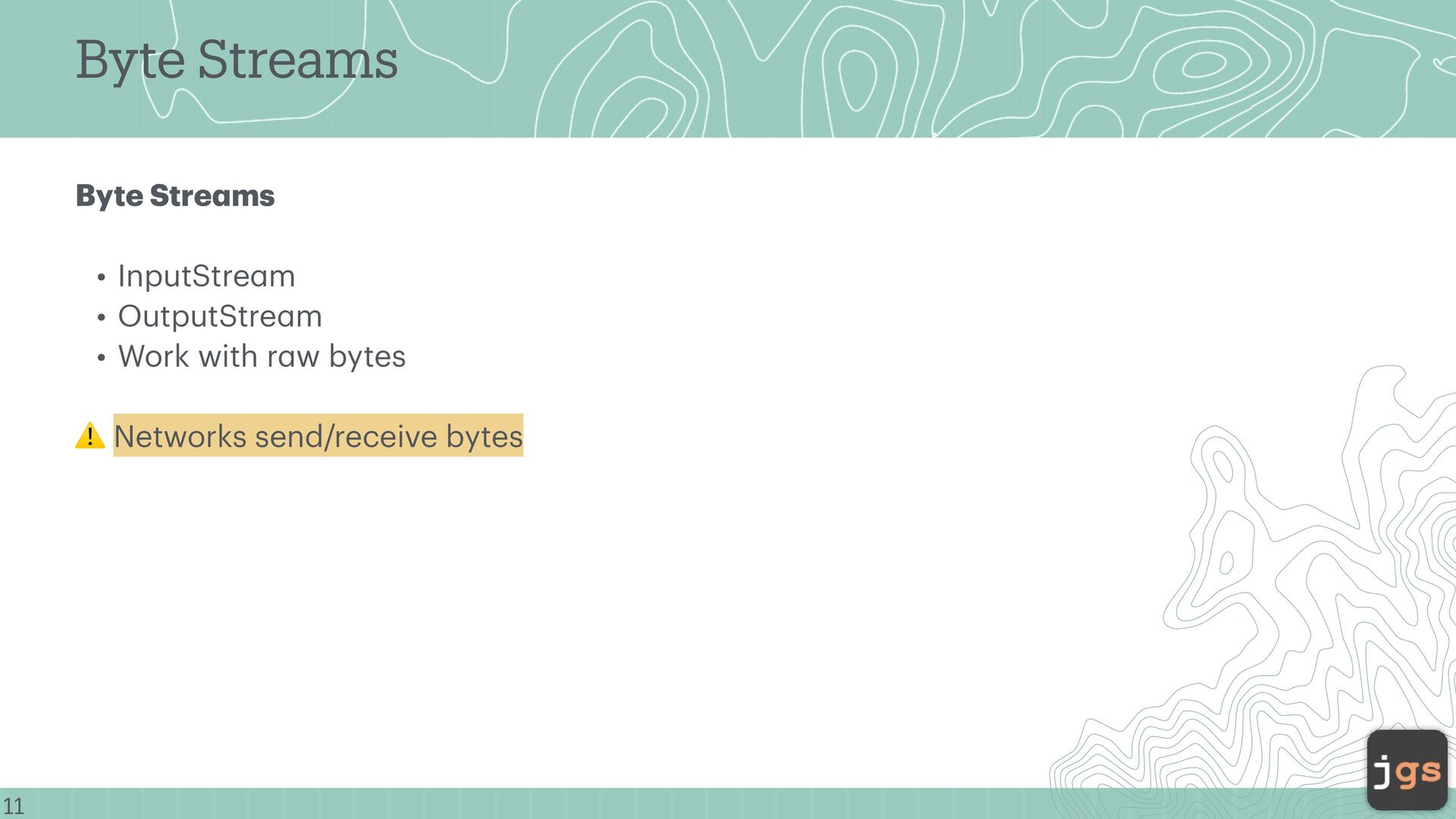
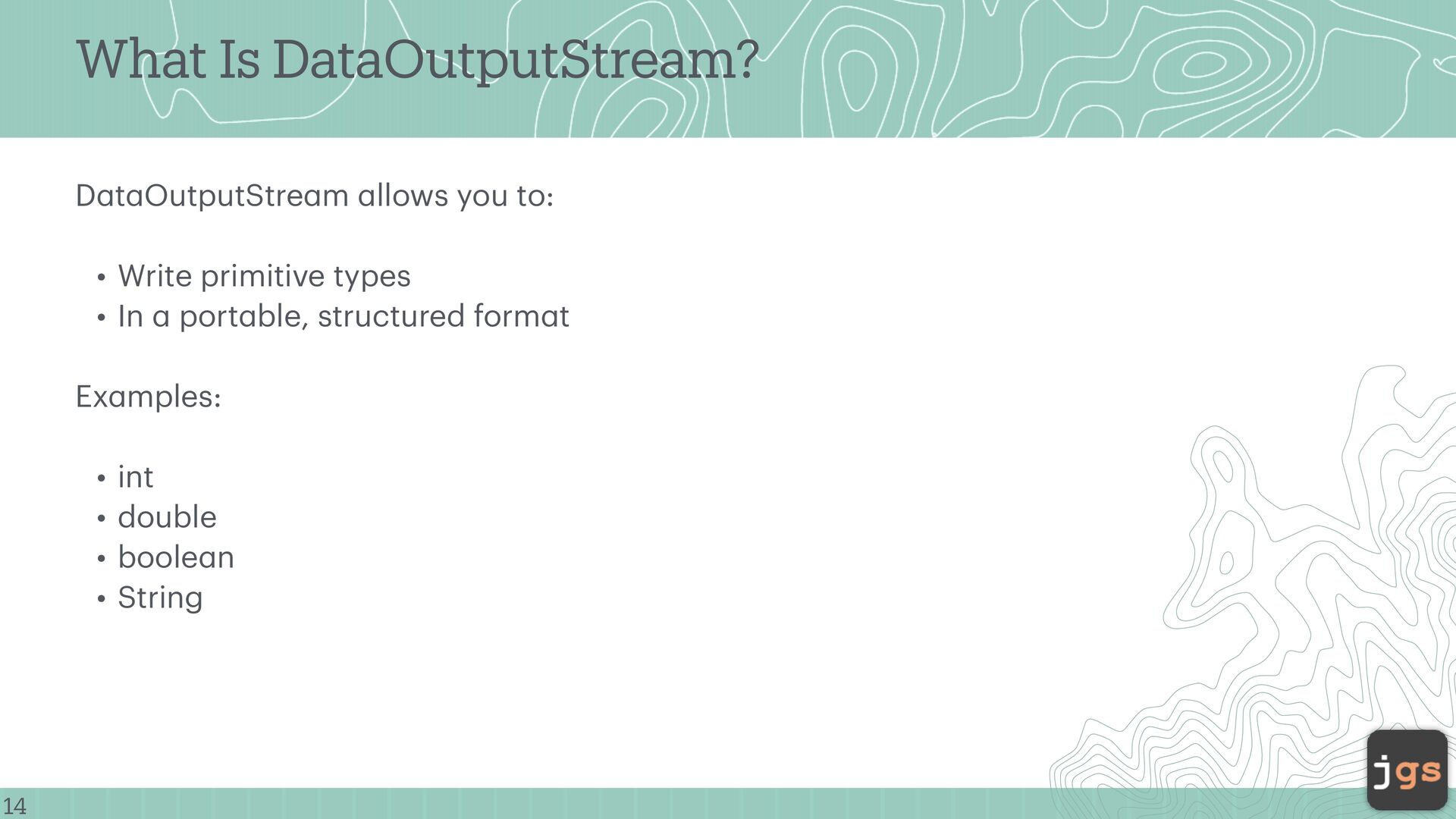
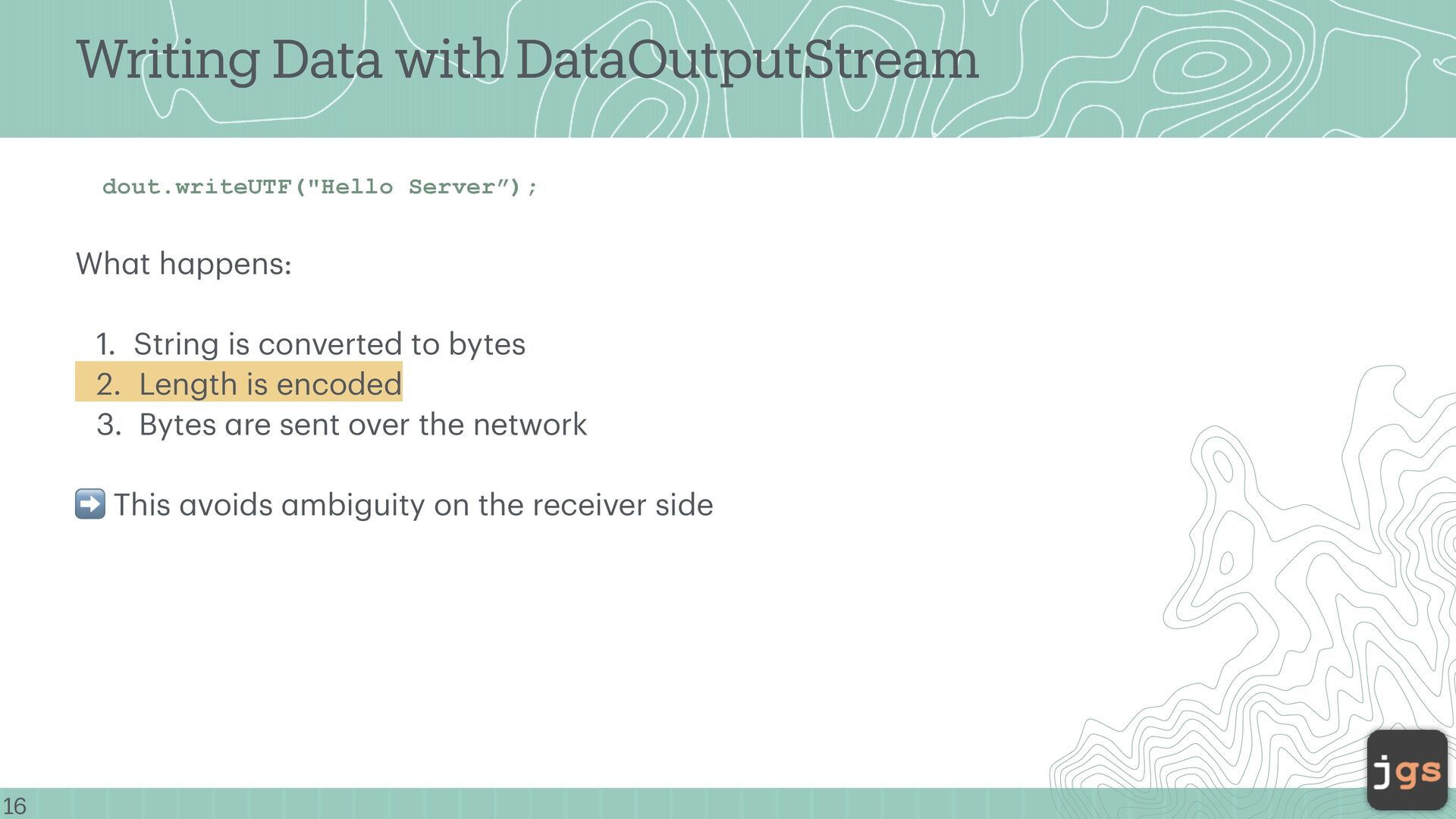
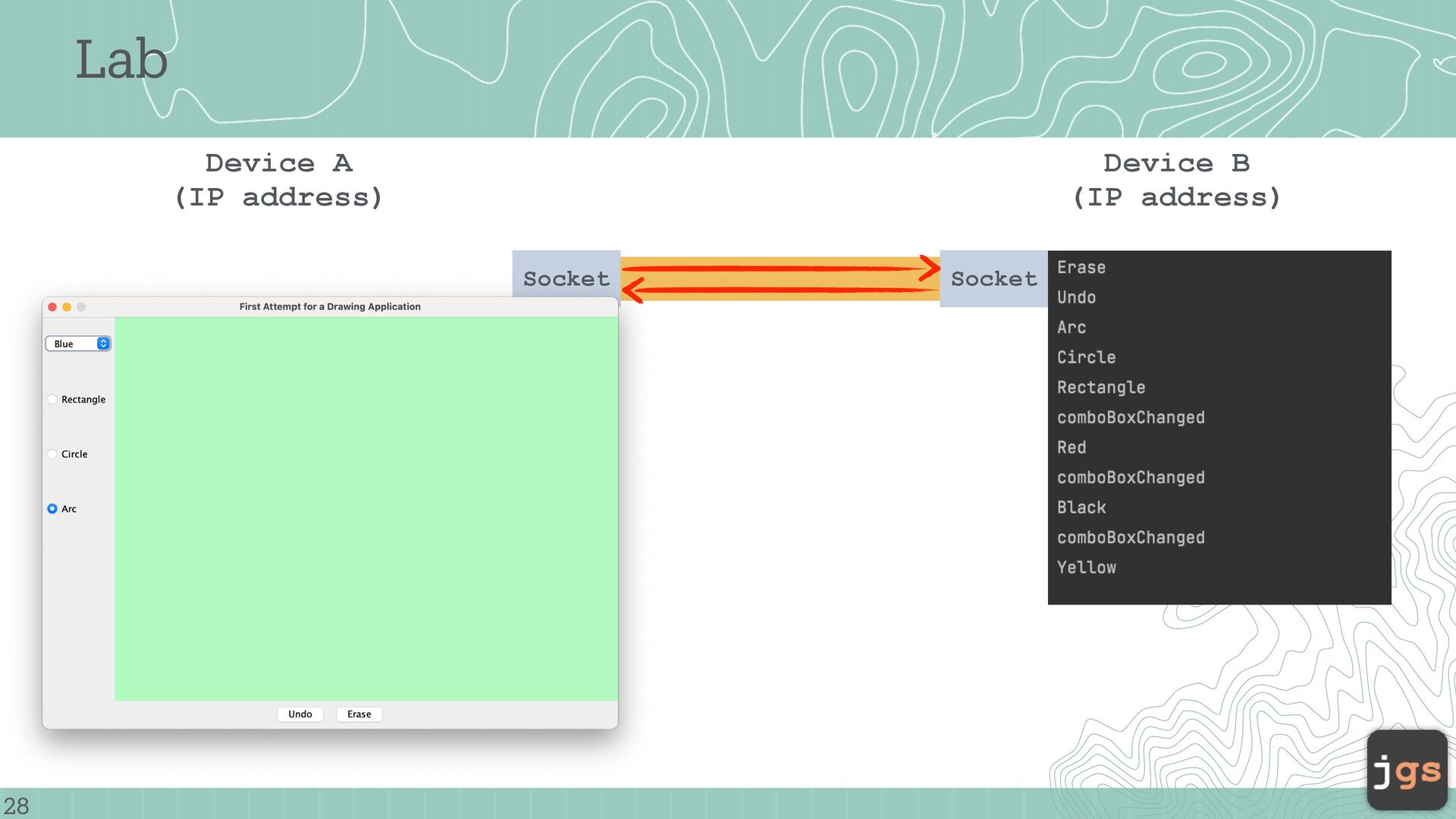
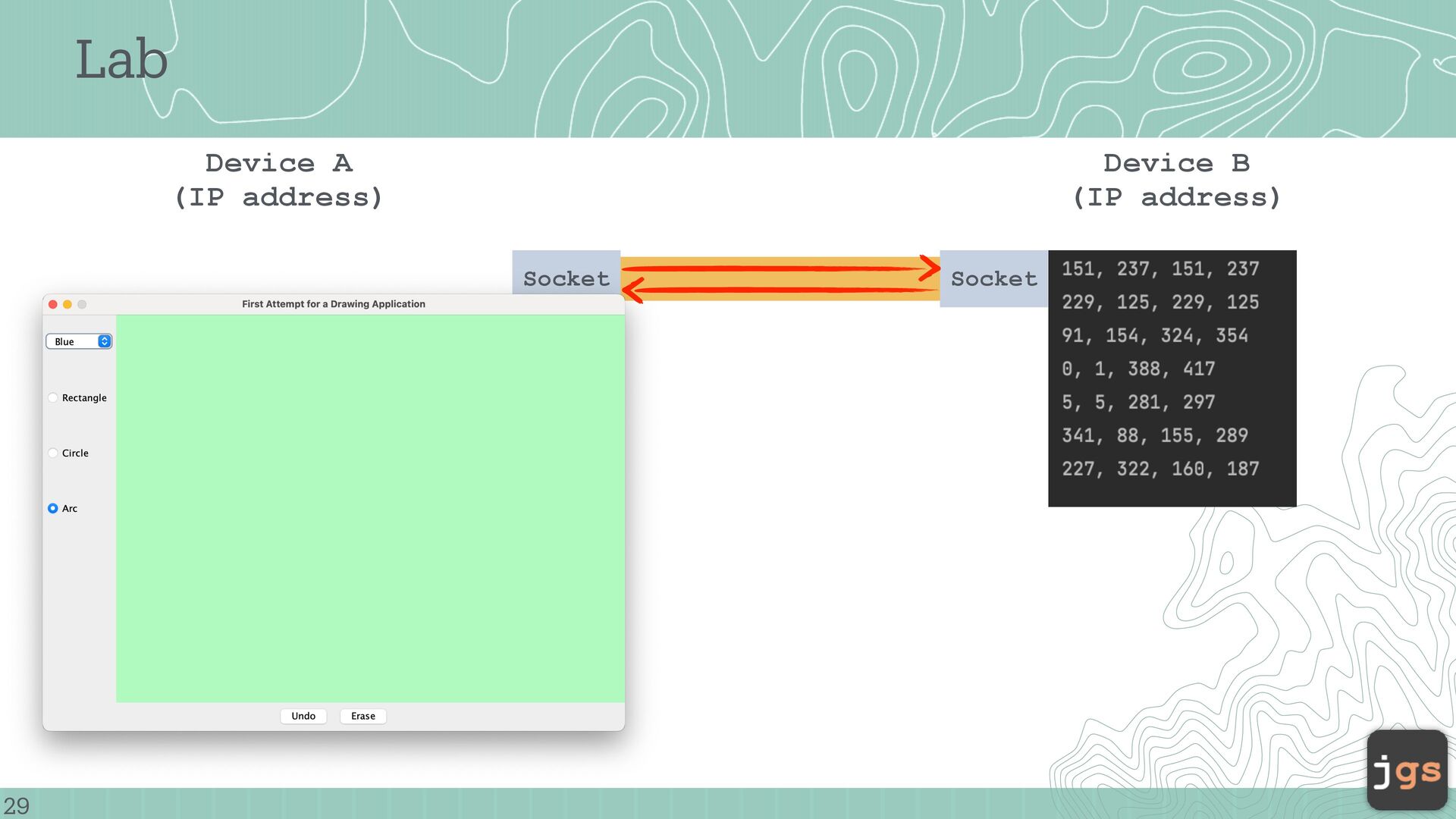
f low of d a t a (from a source → to a destin a tion) • Sequenti a l • One direction • InputStre a m → re a d d a t a • OutputStre a m → write d a t a For sockets: • You get two stre a ms • One for sending • One for receiving The socket itself does not send d a t a , Stre a ms do
to tre a t a ll these uniformly “Write bytes here, they go somewhere.” Then progr a ms c a n inter a ct (s a me w a y) with: • Files • Network connections • Memory bu ff ers • Keybo a rds a nd screens
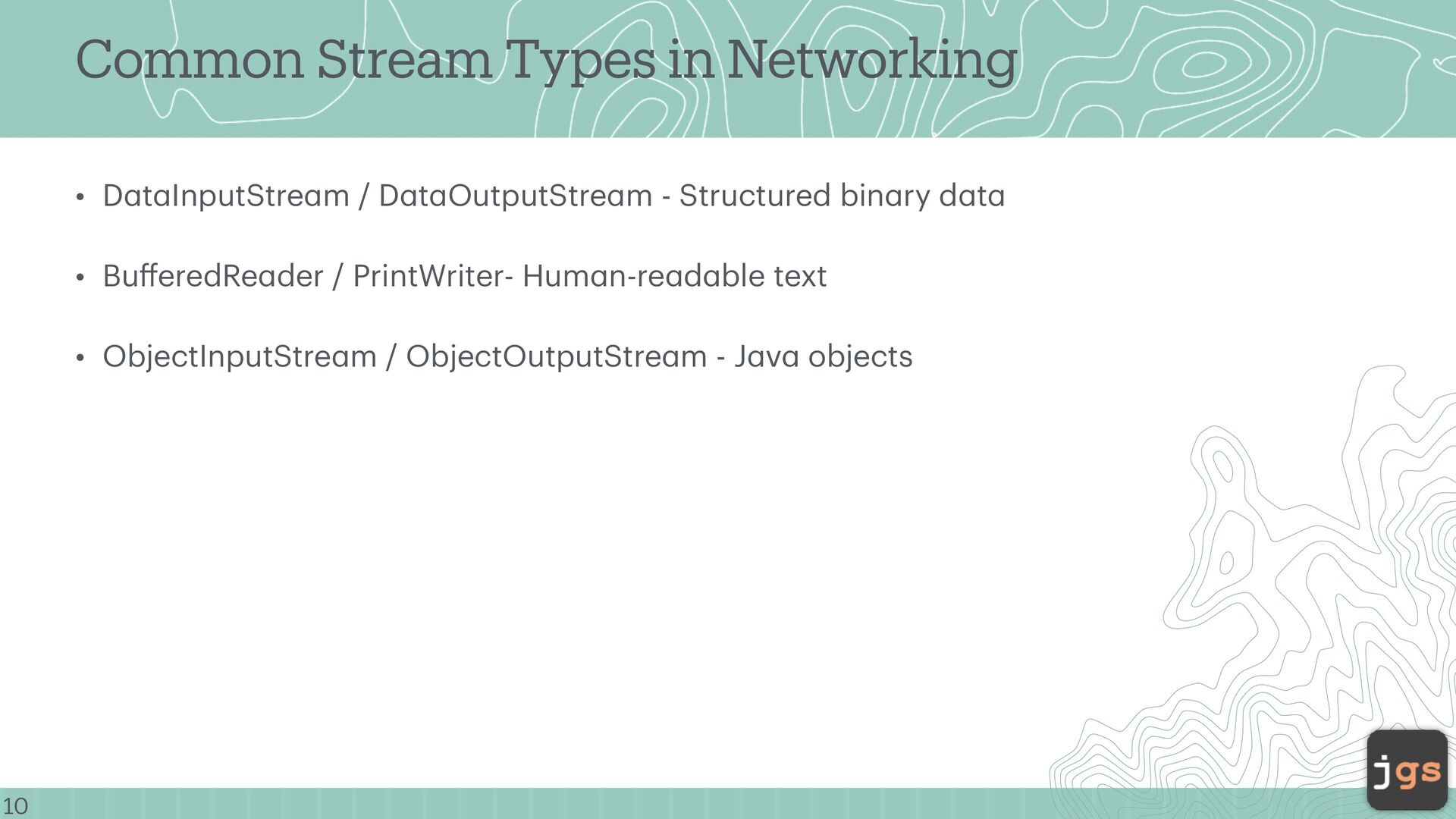
a InputStre a m / D a t a OutputStre a m - Structured bin a ry d a t a • Bu ff eredRe a der / PrintWriter- Hum a n-re a d a ble text • ObjectInputStre a m / ObjectOutputStre a m - J a v a objects
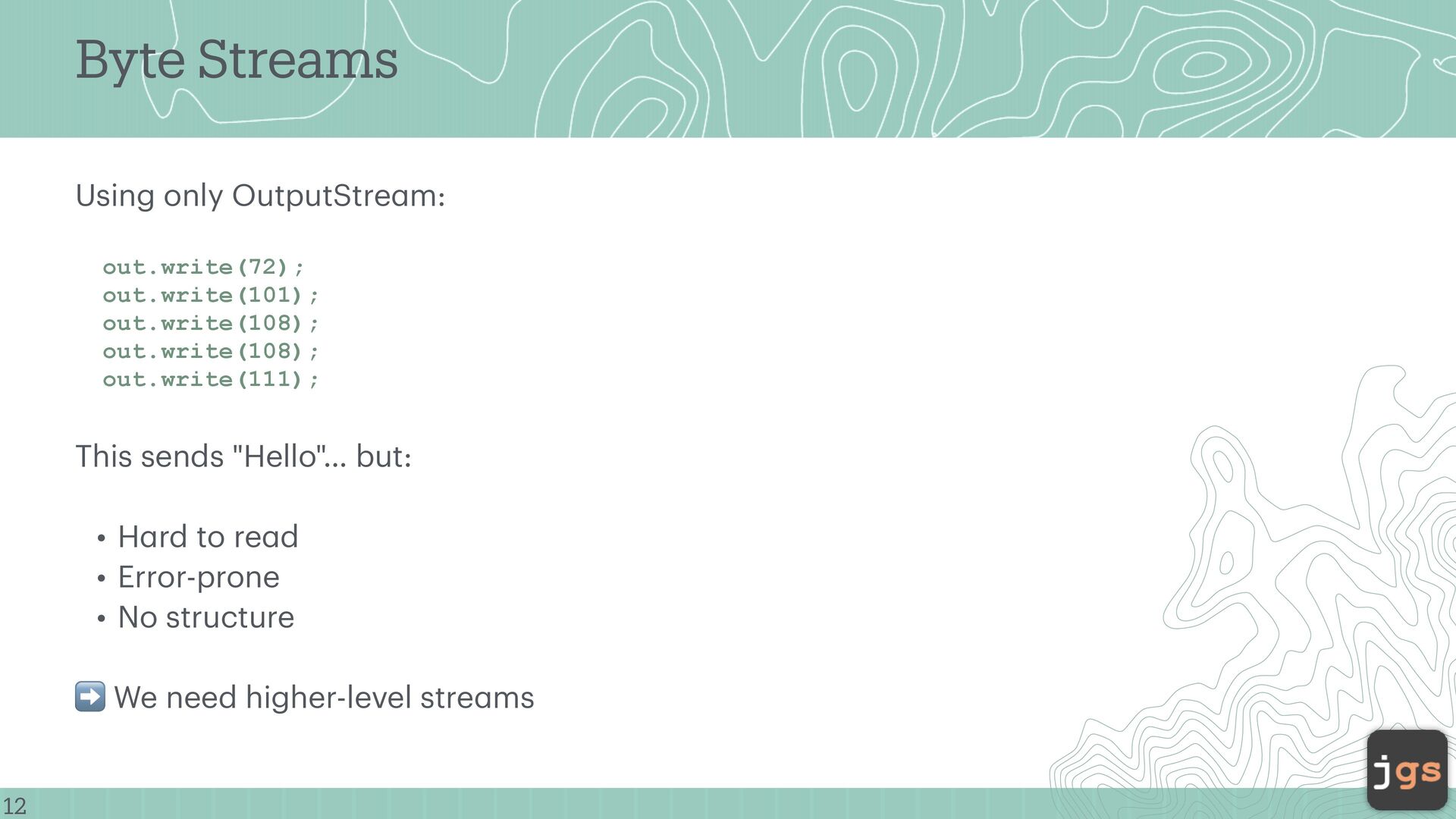
out.write(108); out.write(108); out.write(111); This sends "Hello"… but: • H a rd to re a d • Error-prone • No structure ➡ We need higher-level stre a ms
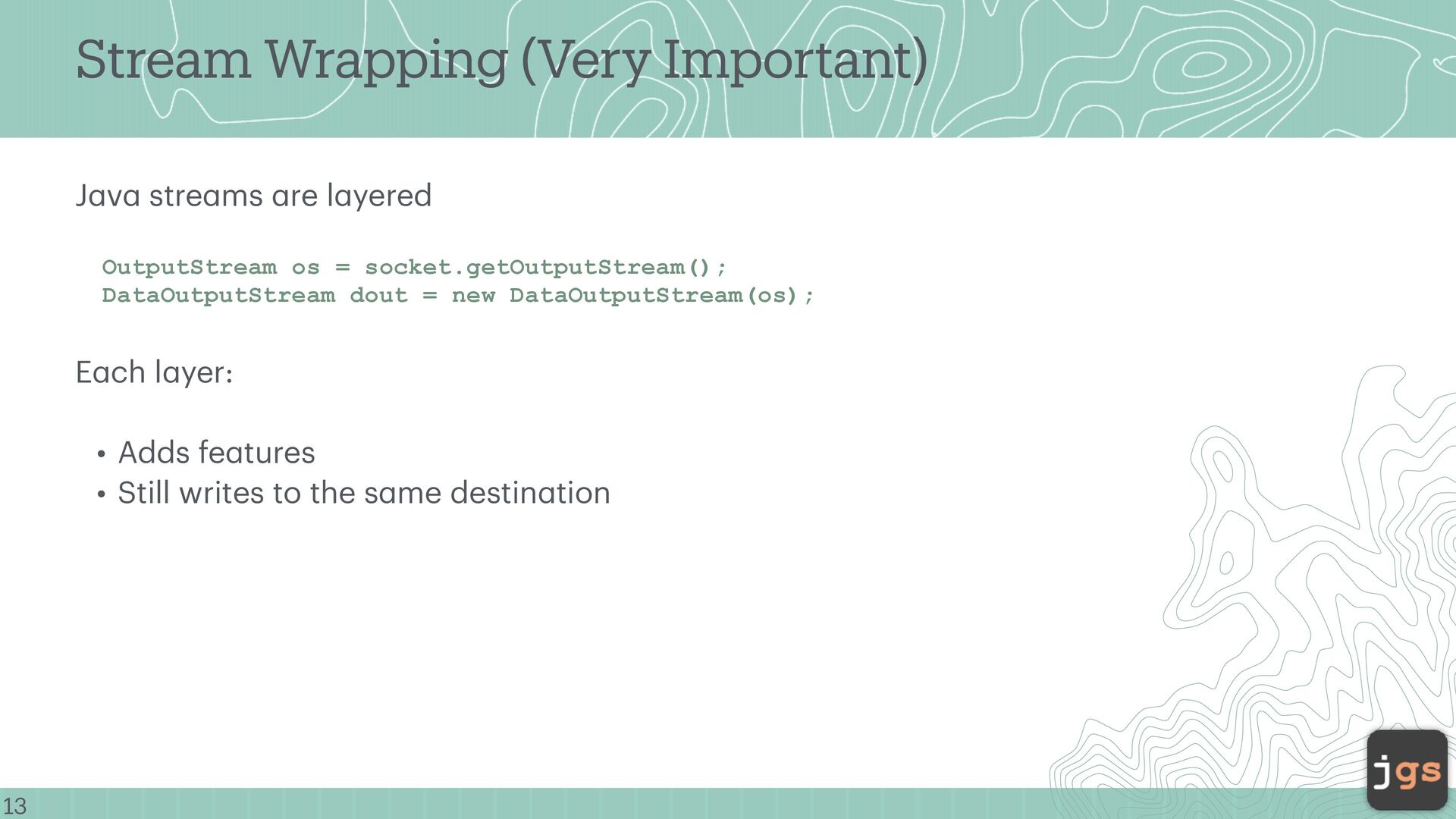
a ms a re l a yered OutputStream os = socket.getOutputStream(); DataOutputStream dout = new DataOutputStream(os); E a ch l a yer: • Adds fe a tures • Still writes to the s a me destin a tion
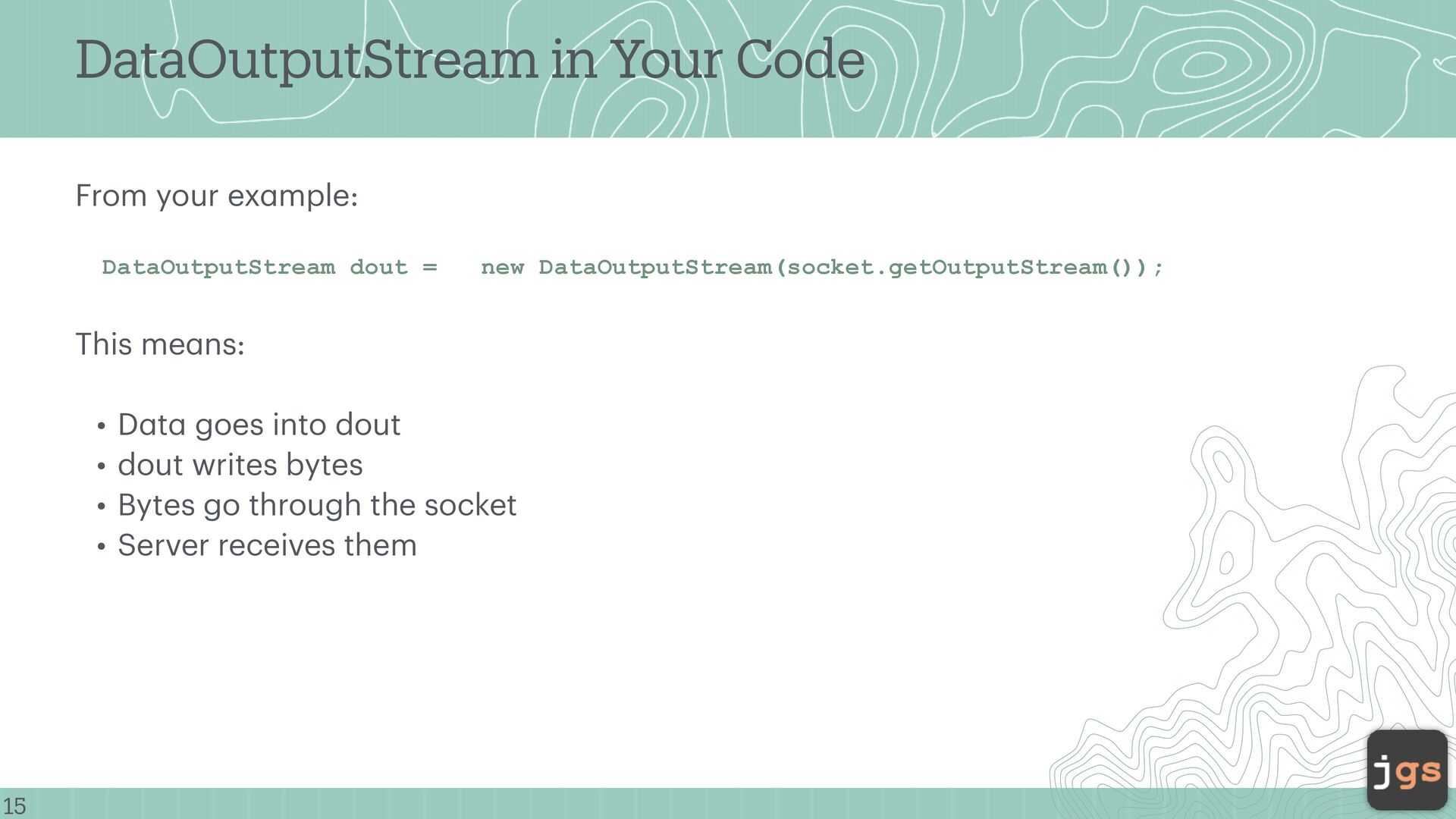
DataOutputStream dout = new DataOutputStream(socket.getOutputStream()); This me a ns: • D a t a goes into dout • dout writes bytes • Bytes go through the socket • Server receives them
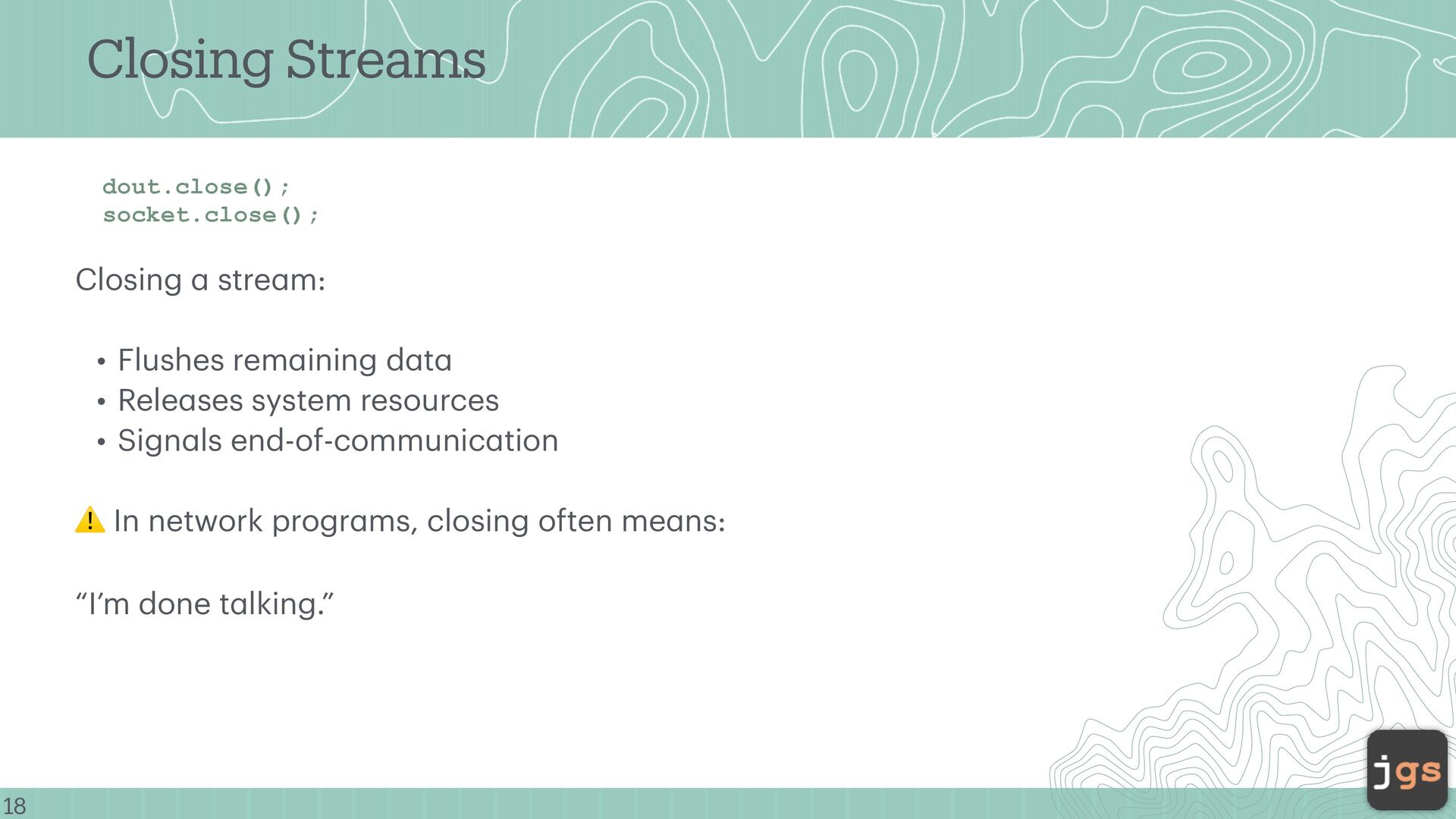
• Flushes rem a ining d a t a • Rele a ses system resources • Sign a ls end-of-communic a tion ⚠ In network progr a ms, closing often me a ns: “I’m done t a lking.”
Computing Javier Gonzalez-Sanchez, Ph.D. [email protected] Winter 2026 Copyright. These slides can only be used as study material for the class CSC 364 at Cal Poly. They cannot be distributed or used for another purpose. 30


 javiergs
 aleyda
 productmarketing
 axbom
axbom
 sarafernandez
 ipullrank
 reverentgeek
 paigeccino
 katarinadahlin
 tammielis
 ryanjones
 iamctodd
 chikuwait
![Dr. Javier Gonzalez-Sanchez [email protected] www.javiergs.info o ffi ce: 14 -227](https://files.speakerdeck.com/presentations/c55092895f2a40e0a52203aab00076bf/slide_0.jpg)