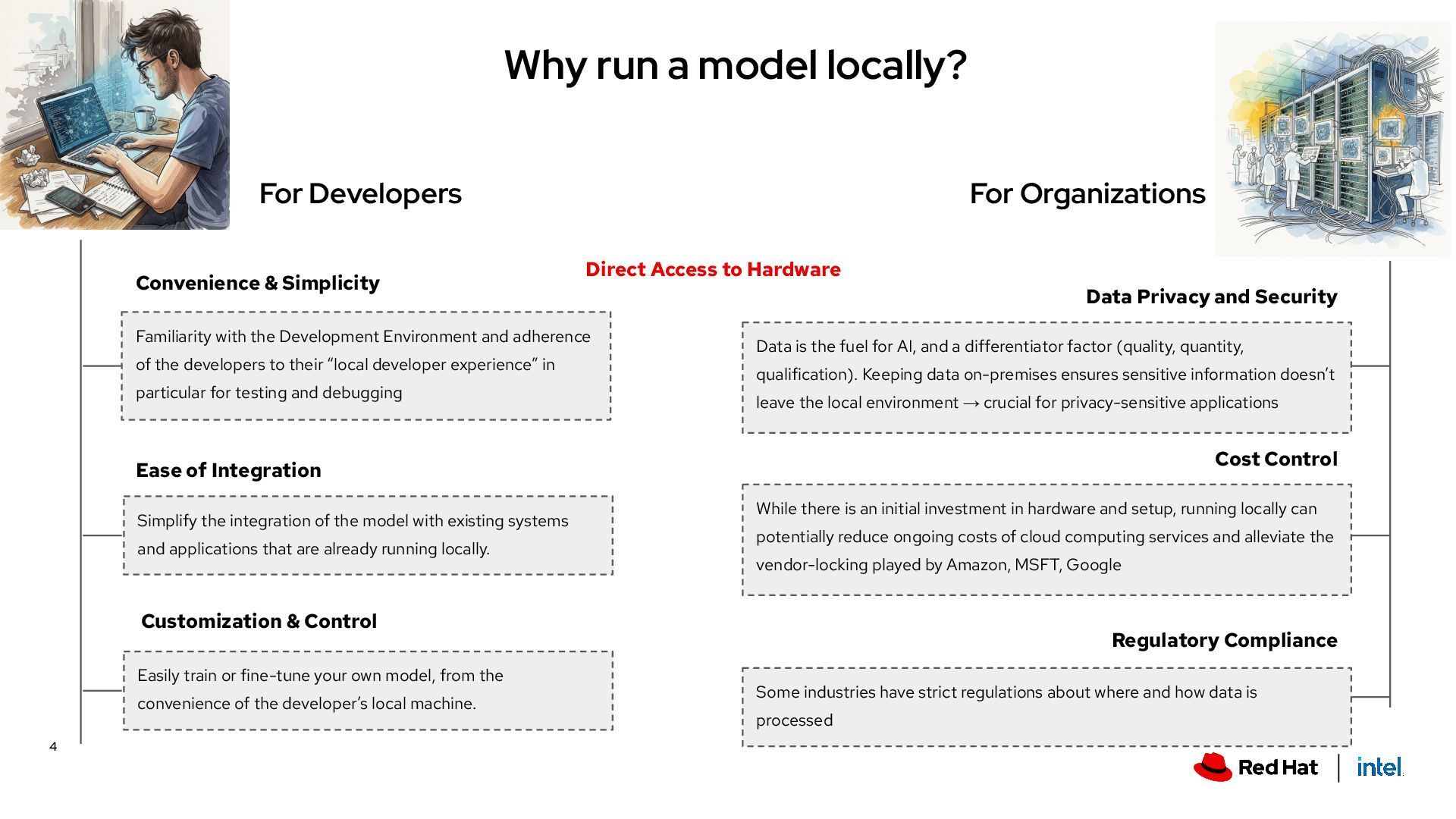
Development Environment and adherence of the developers to their “local developer experience” in particular for testing and debugging Convenience & Simplicity Direct Access to Hardware Ease of Integration Simplify the integration of the model with existing systems and applications that are already running locally. For Organizations Data Privacy and Security Data is the fuel for AI, and a differentiator factor (quality, quantity, qualification). Keeping data on-premises ensures sensitive information doesn’t leave the local environment → crucial for privacy-sensitive applications Cost Control While there is an initial investment in hardware and setup, running locally can potentially reduce ongoing costs of cloud computing services and alleviate the vendor-locking played by Amazon, MSFT, Google Regulatory Compliance Some industries have strict regulations about where and how data is processed Customization & Control Easily train or fine-tune your own model, from the convenience of the developer’s local machine. 4
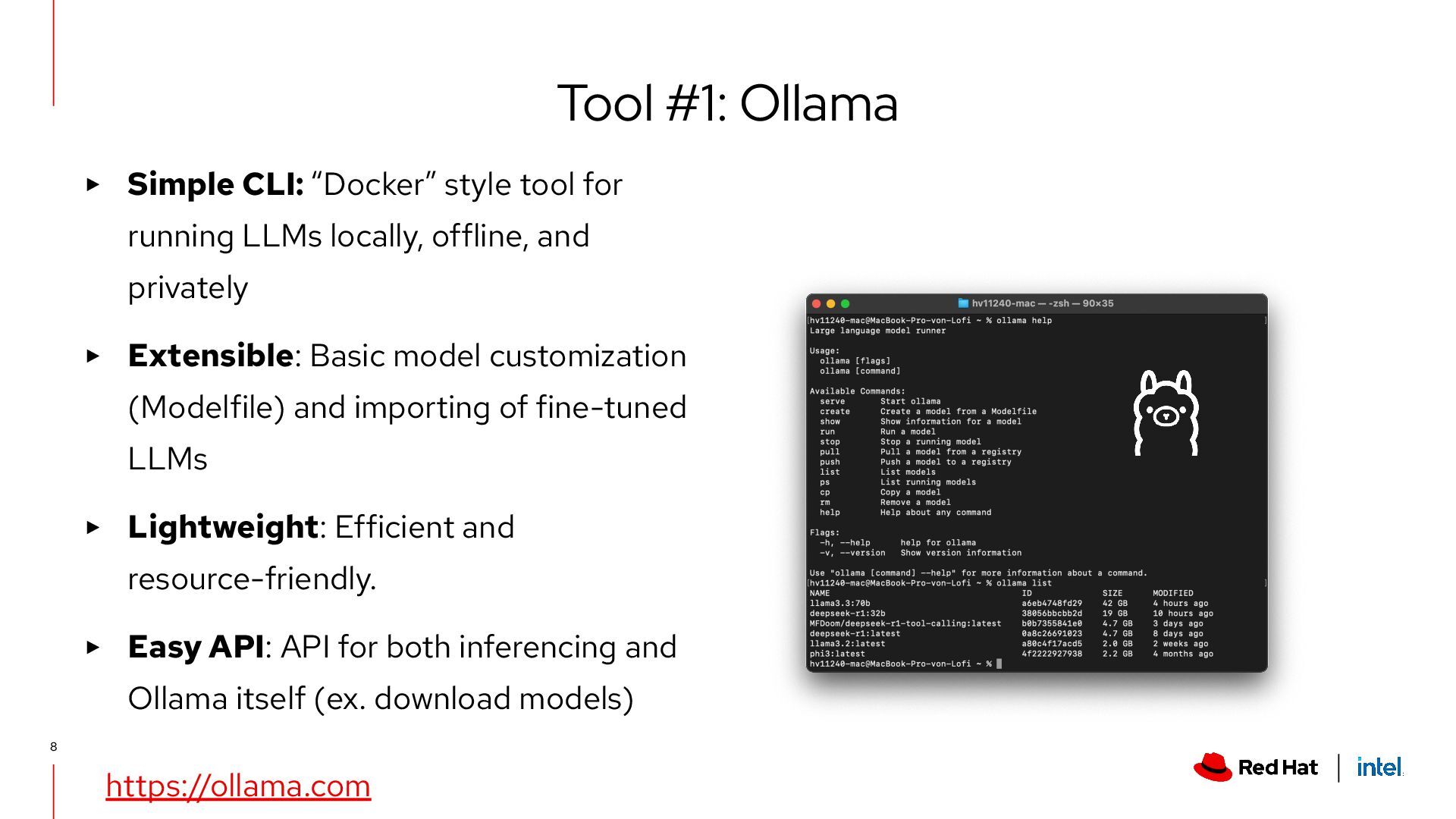
offline, and privately ▸ Extensible: Basic model customization (Modelfile) and importing of fine-tuned LLMs ▸ Lightweight: Efficient and resource-friendly. ▸ Easy API: API for both inferencing and Ollama itself (ex. download models) Tool #1: Ollama https://ollama.com 8
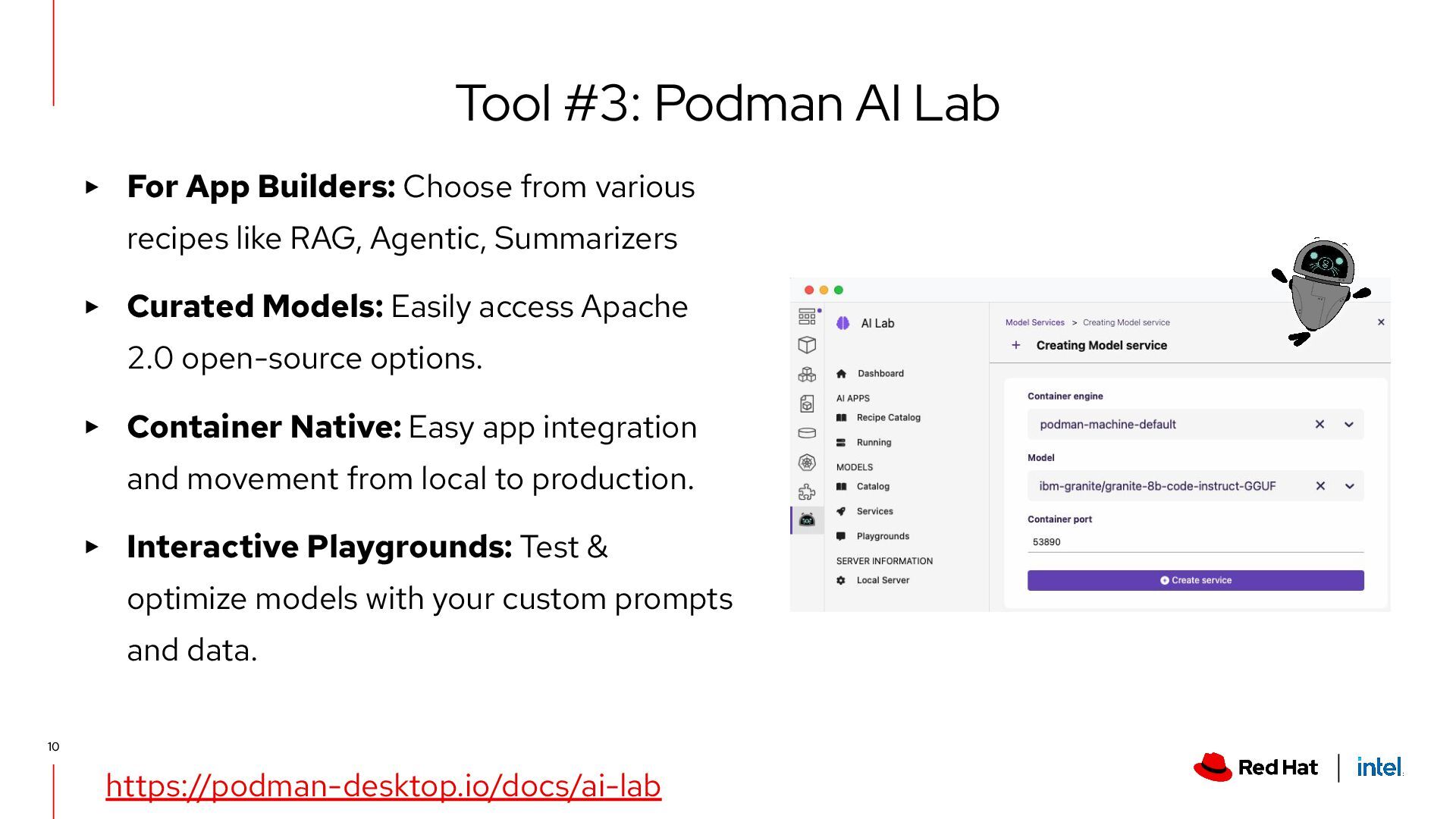
Agentic, Summarizers ▸ Curated Models: Easily access Apache 2.0 open-source options. ▸ Container Native: Easy app integration and movement from local to production. ▸ Interactive Playgrounds: Test & optimize models with your custom prompts and data. Tool #3: Podman AI Lab https://podman-desktop.io/docs/ai-lab 10
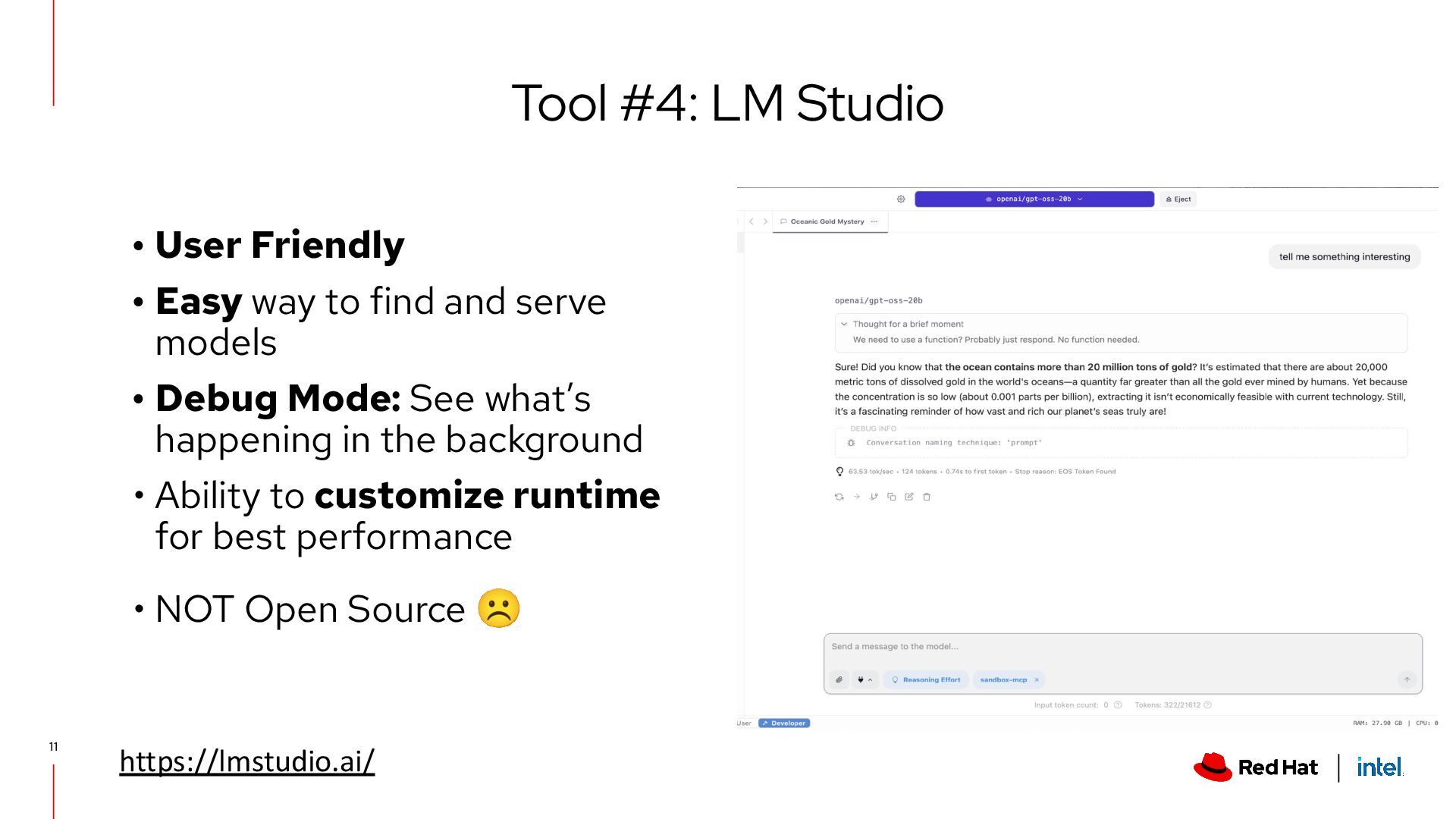
models • Debug Mode: See what’s happening in the background • Ability to customize runtime for best performance • NOT Open Source ☹ Tool #4: LM Studio https://lmstudio.ai/ 11
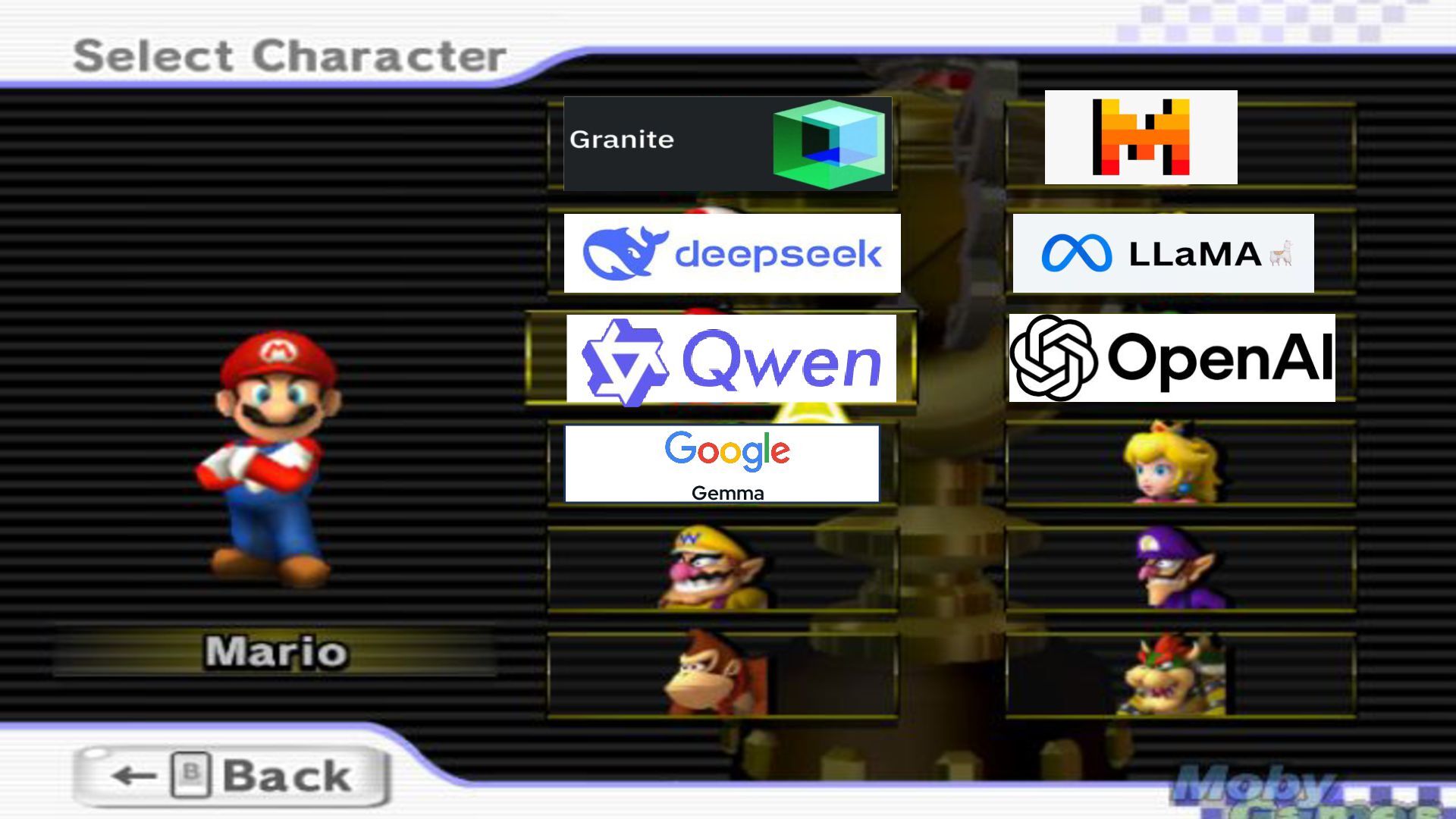
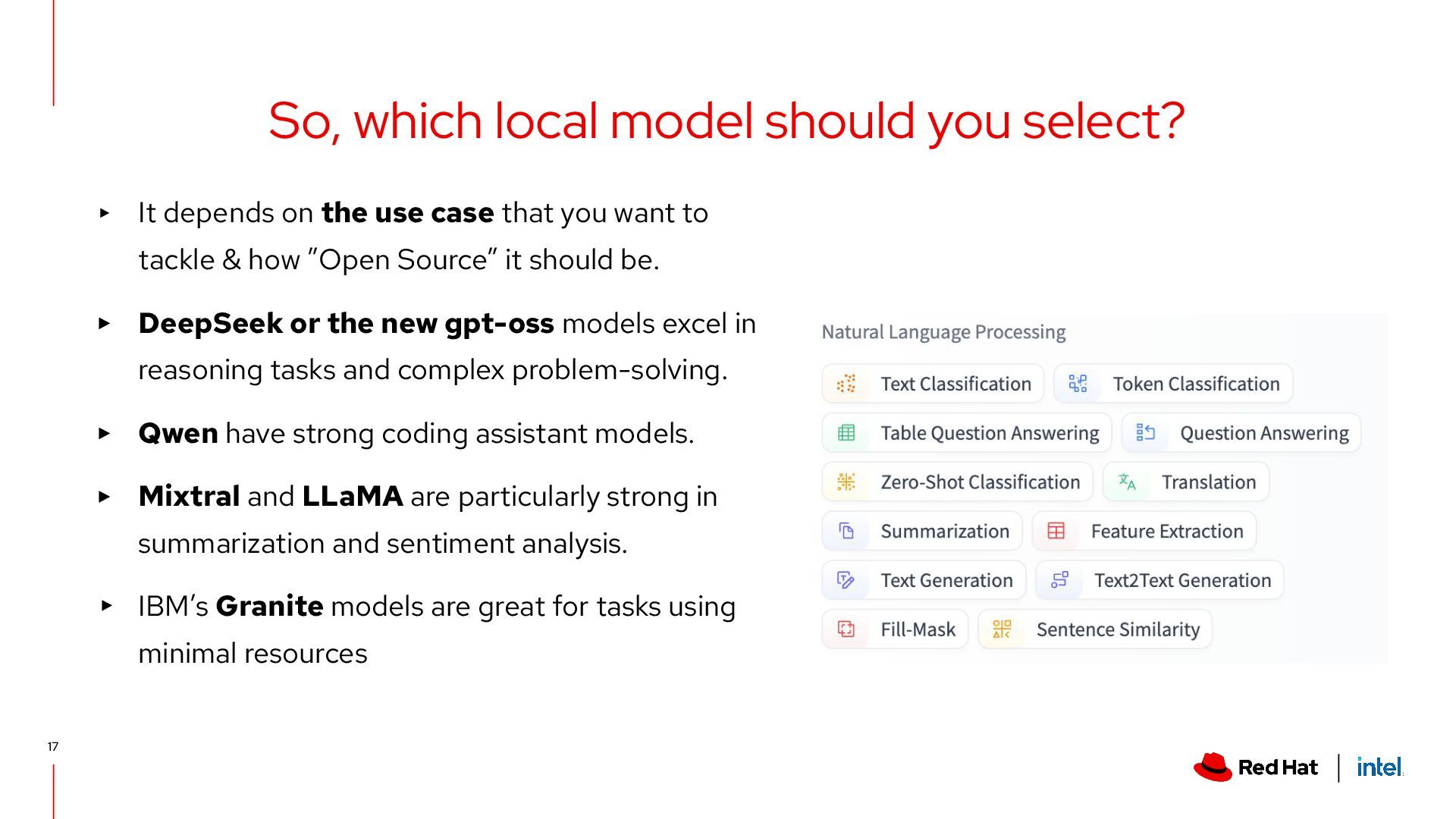
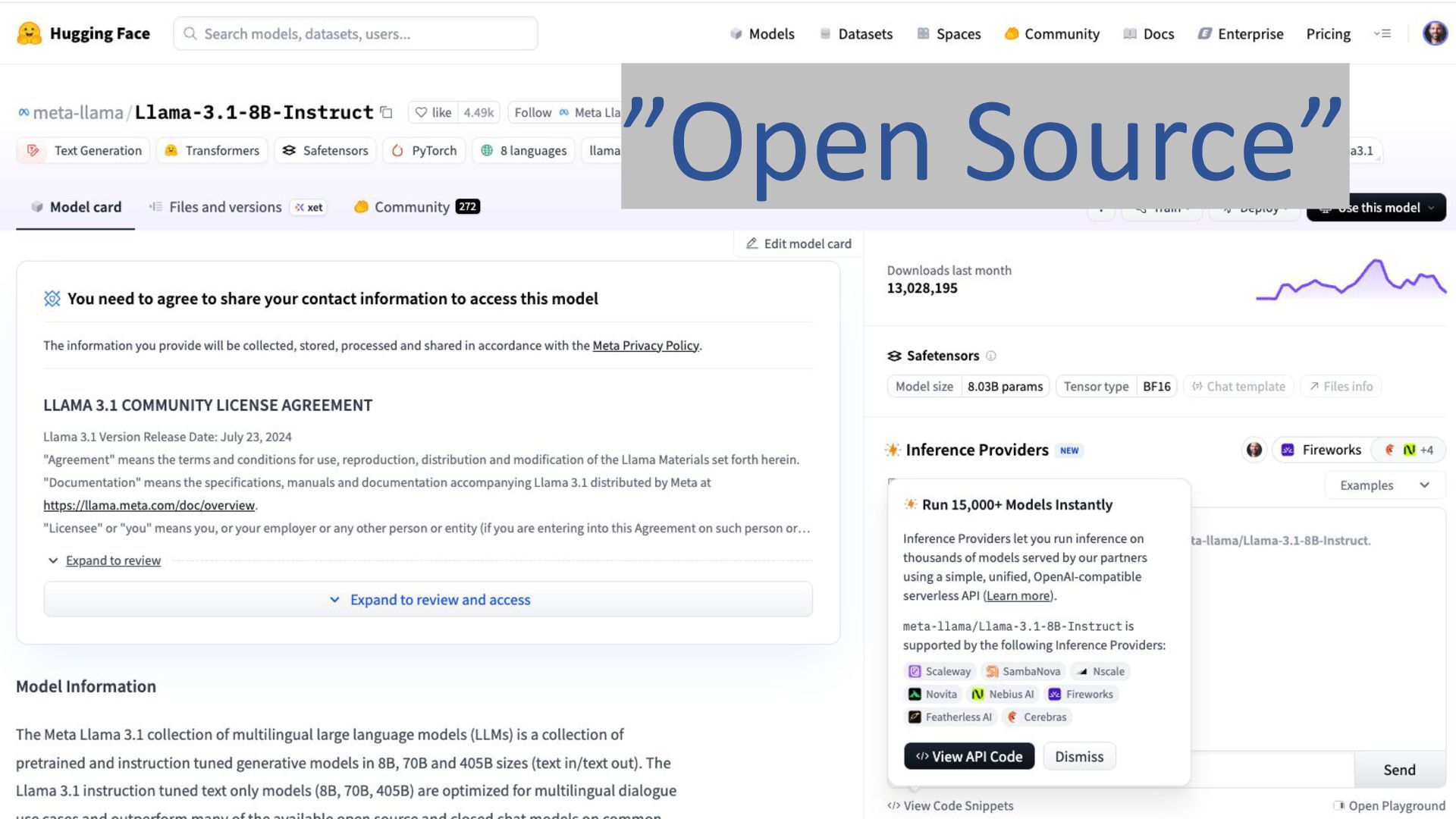
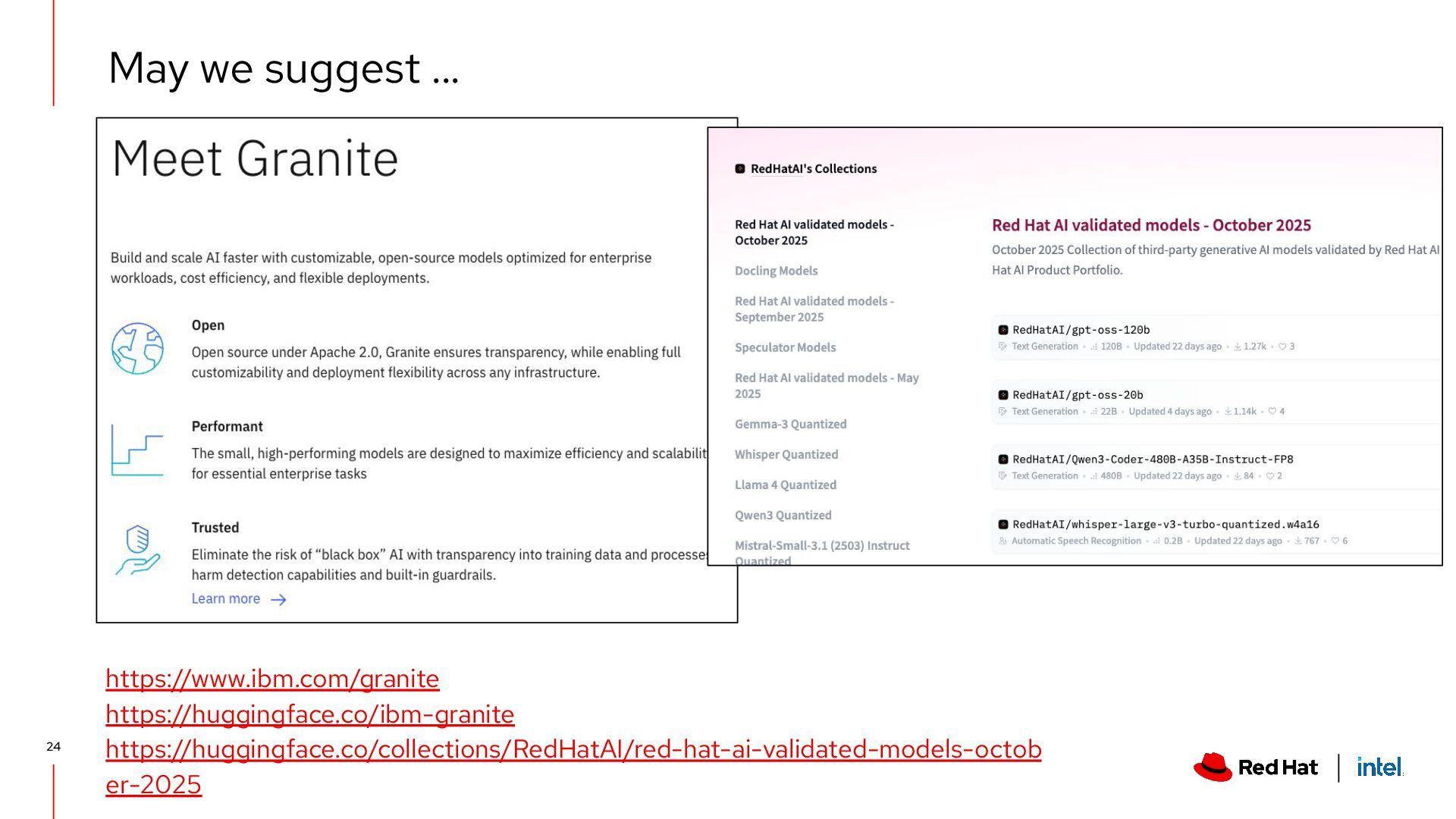
to tackle & how ”Open Source” it should be. ▸ DeepSeek or the new gpt-oss models excel in reasoning tasks and complex problem-solving. ▸ Qwen have strong coding assistant models. ▸ Mixtral and LLaMA are particularly strong in summarization and sentiment analysis. ▸ IBM’s Granite models are great for tasks using minimal resources So, which local model should you select? 17
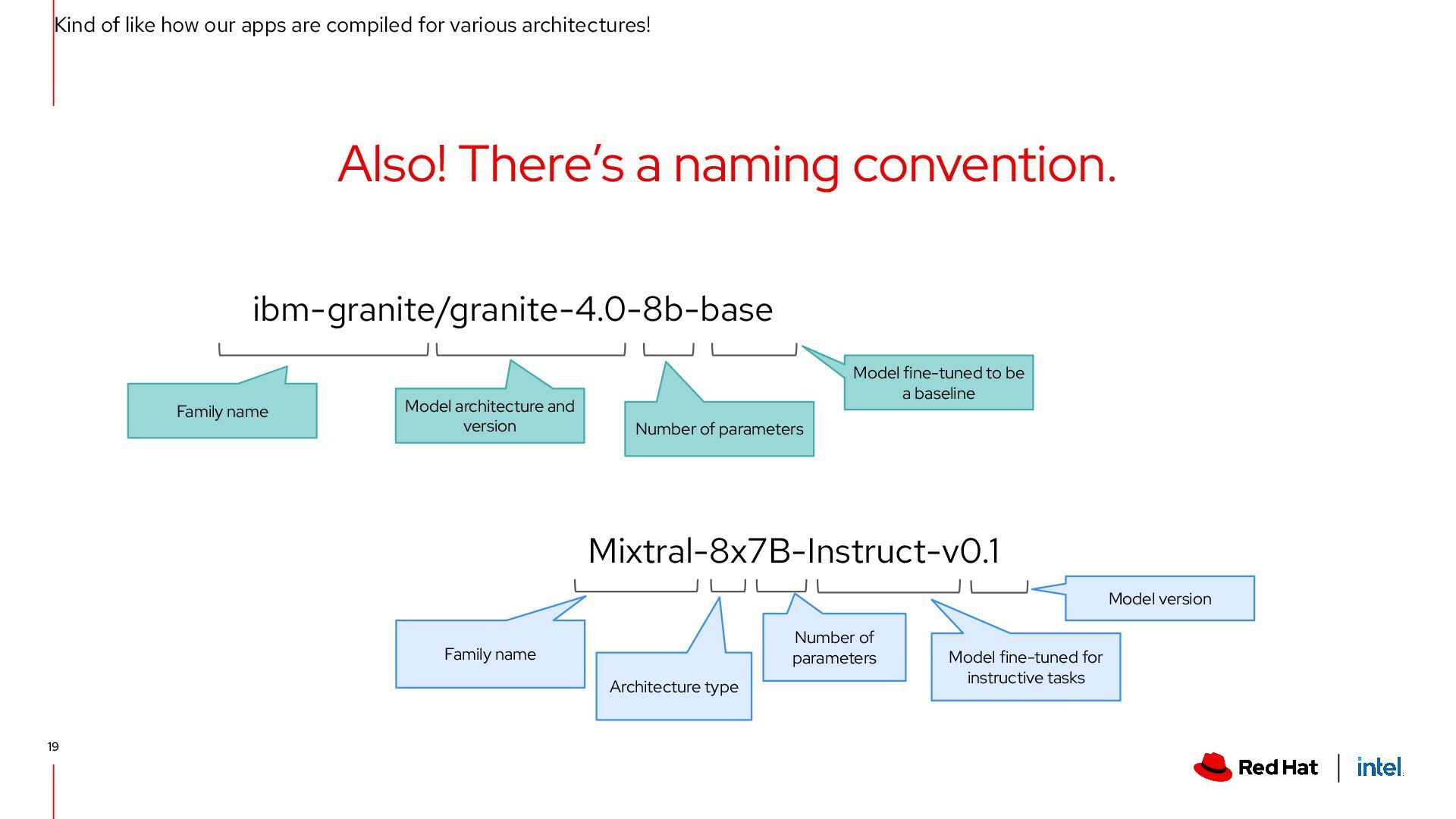
architectures! Also! There’s a naming convention. ibm-granite/granite-4.0-8b-base Family name Model architecture and version Number of parameters Model fine-tuned to be a baseline Mixtral-8x7B-Instruct-v0.1 Family name Model version Number of parameters Model fine-tuned for instructive tasks Architecture type 19
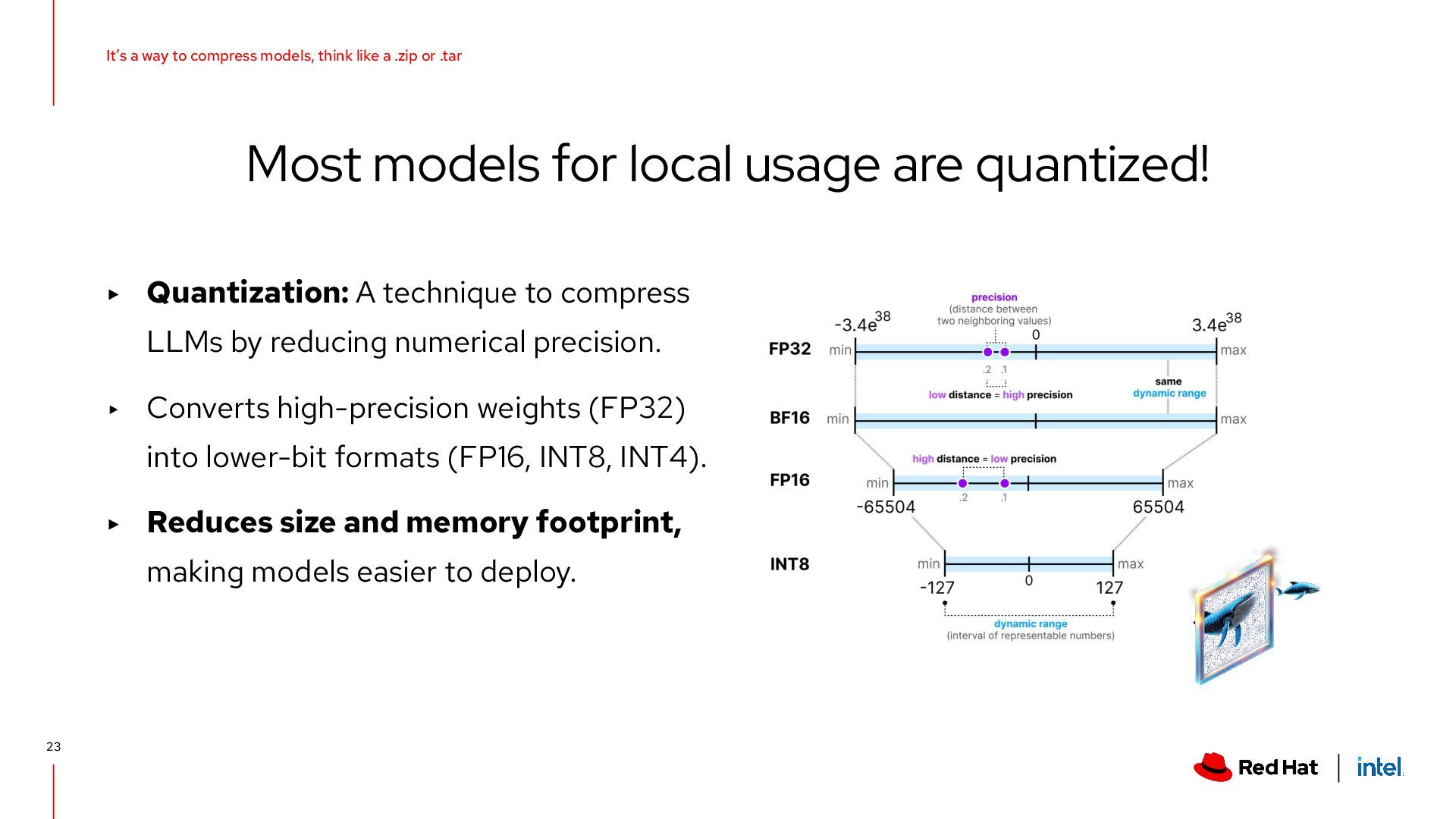
precision. ▸ Converts high-precision weights (FP32) into lower-bit formats (FP16, INT8, INT4). ▸ Reduces size and memory footprint, making models easier to deploy. Most models for local usage are quantized! 23 It’s a way to compress models, think like a .zip or .tar
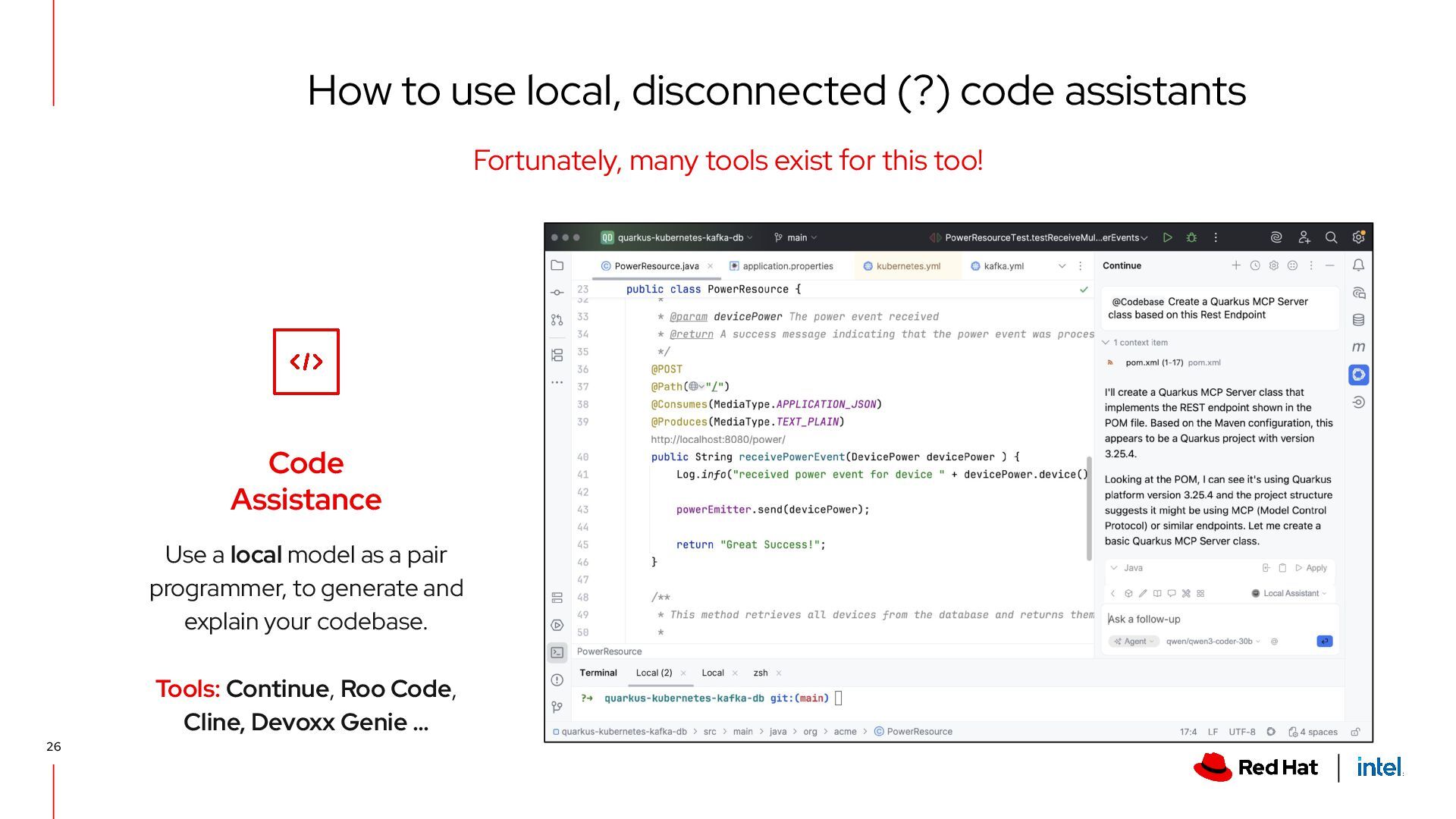
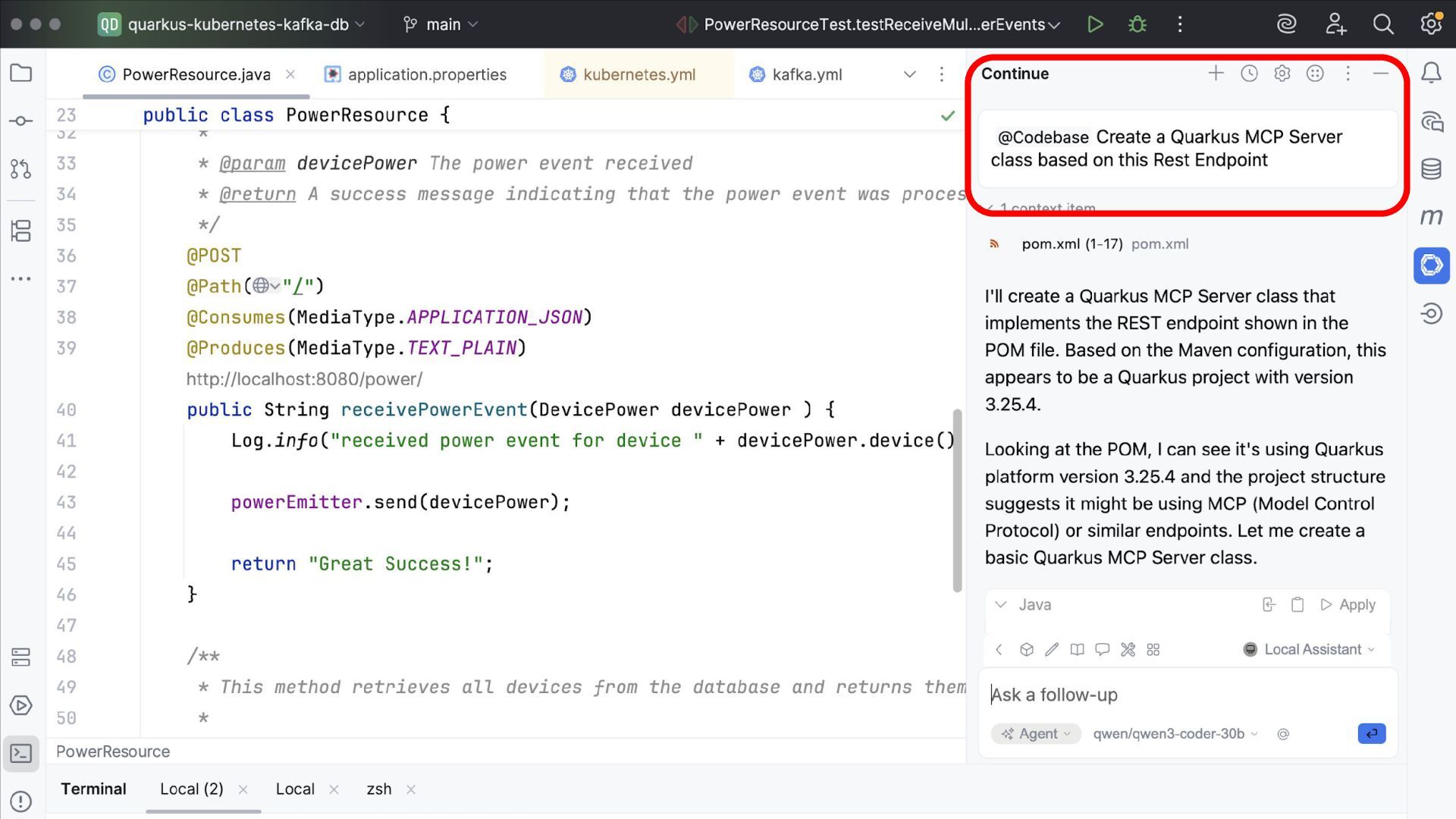
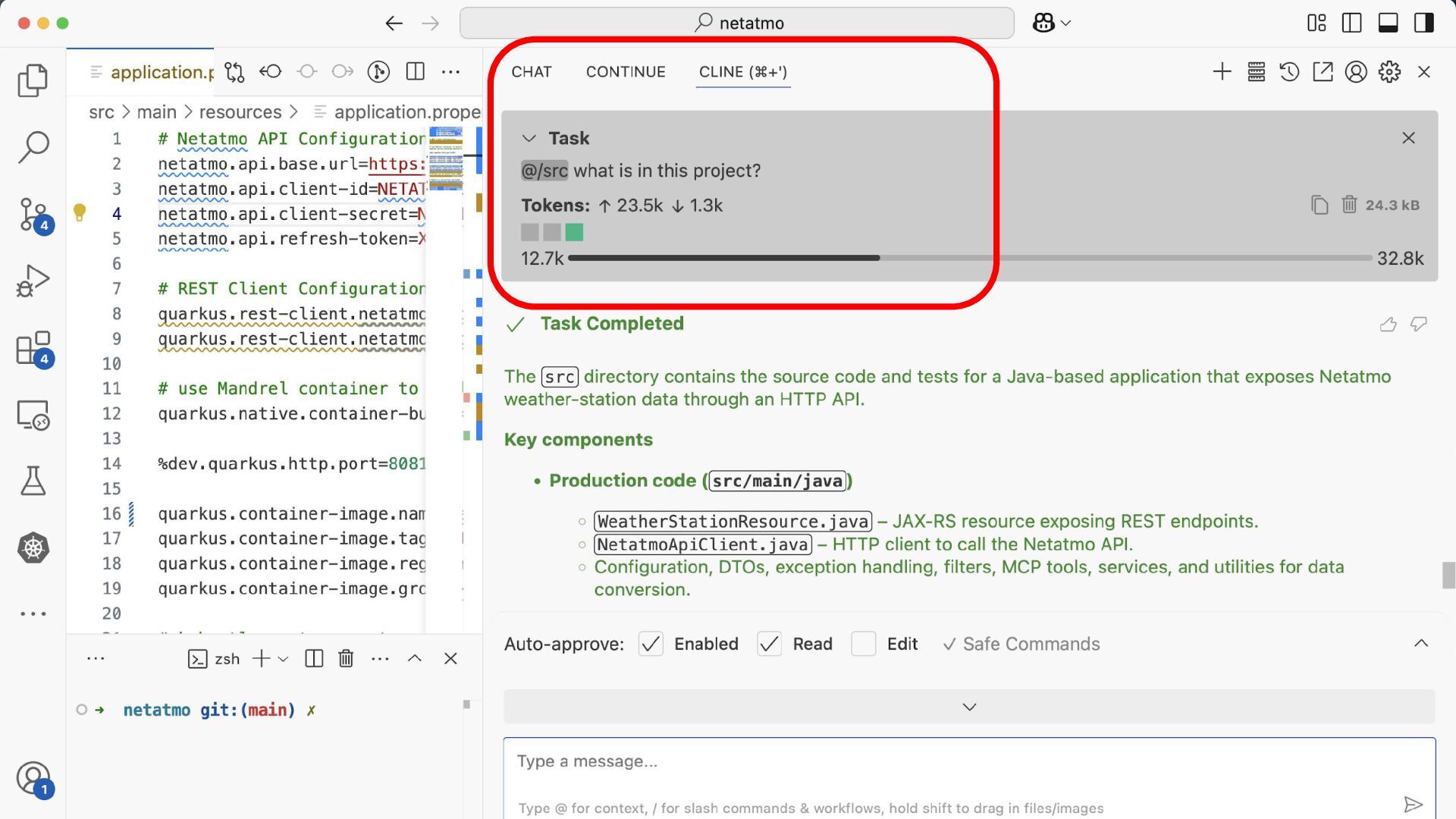
to generate and explain your codebase. Tools: Continue, Roo Code, Cline, Devoxx Genie … How to use local, disconnected (?) code assistants Fortunately, many tools exist for this too! 26
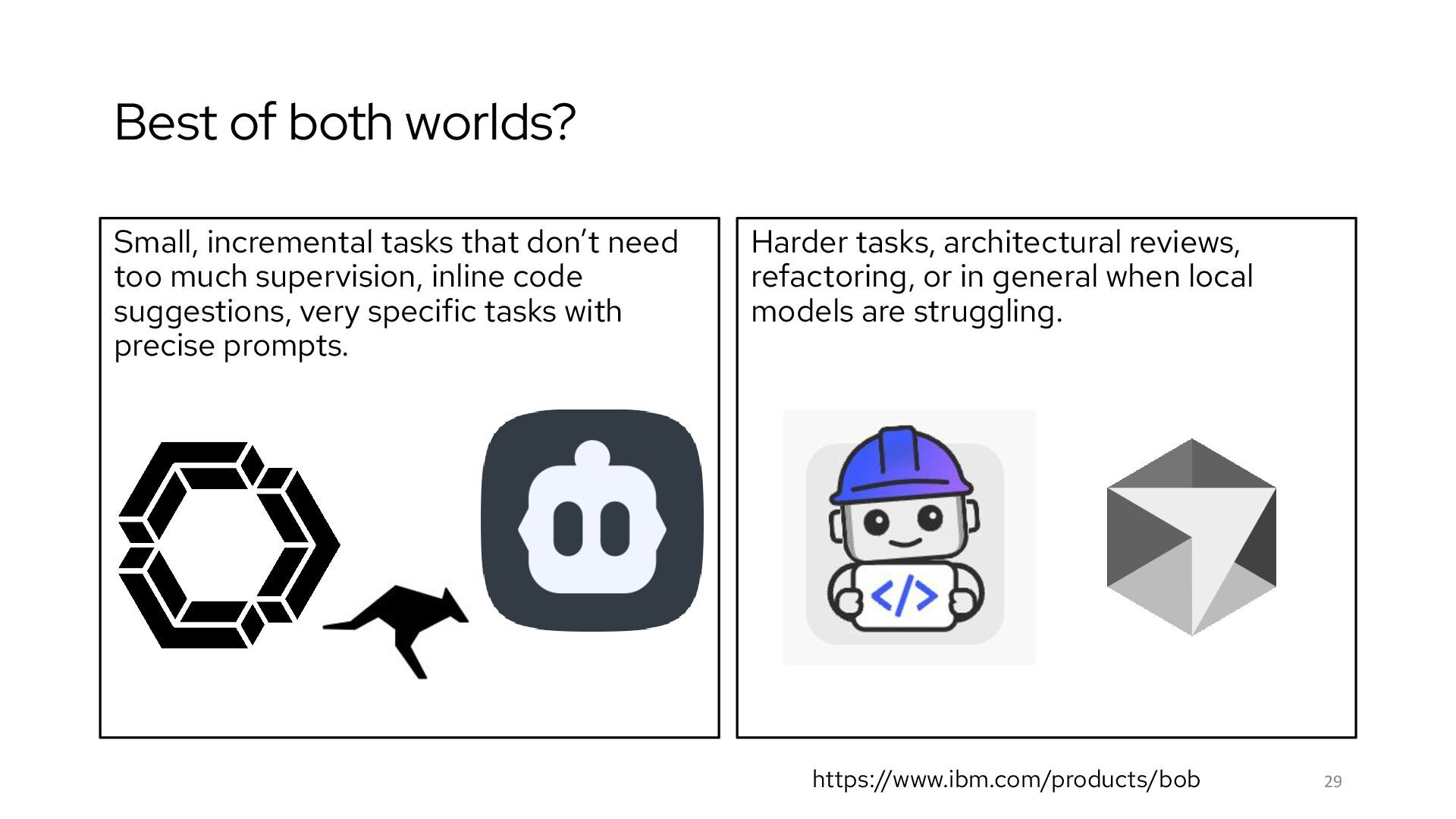
too much supervision, inline code suggestions, very specific tasks with precise prompts. 29 Harder tasks, architectural reviews, refactoring, or in general when local models are struggling. https://www.ibm.com/products/bob
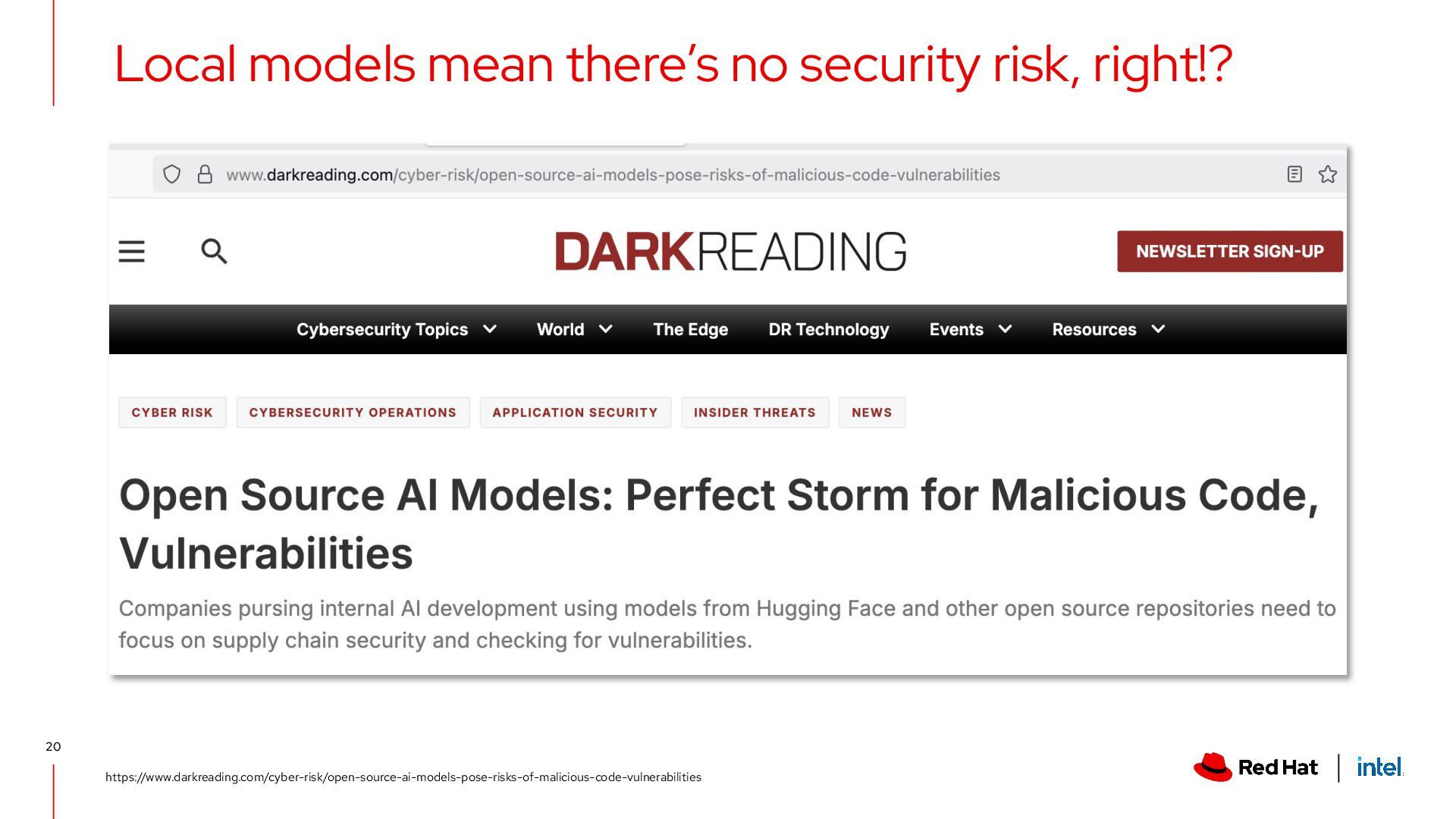
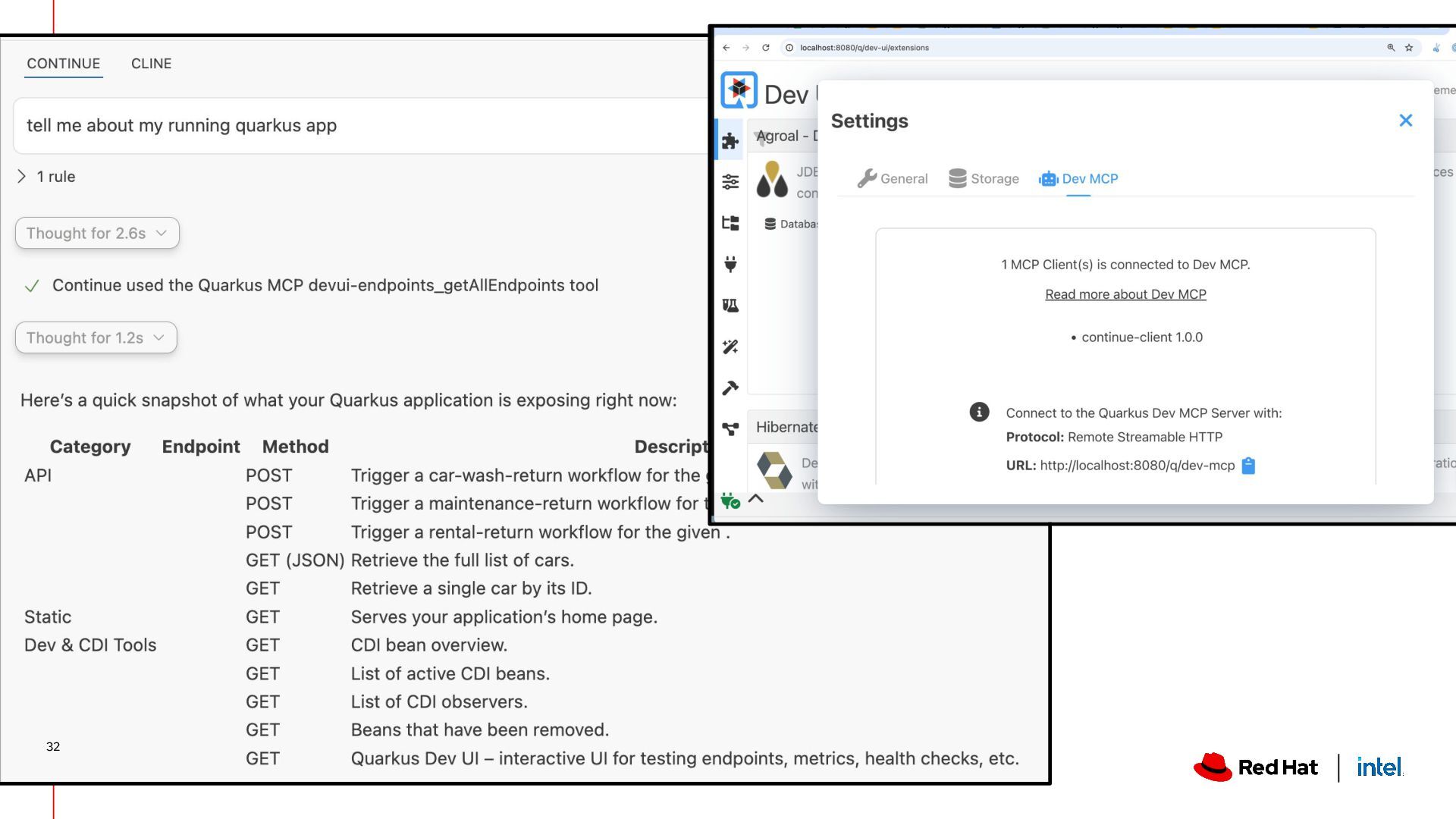
locally ▸ Pick the right model for the right use case ▸ Make sure the model comes from a reputable source (!) ▸ Local code assistants work… ish ▸ You might need to ask for hardware upgrades 😅 ▸ Developing local Agentic AI apps with Java is definitely possible (& kind of fun with Quarkus!). Wrapping it up 33


.jpg)
.jpg)
.jpg) kdubois
kdubois
 jlugia
 ianozsvald
 jnunemaker
 aleyda
 michaelherold
 rkaga
rkaga
 davetheseo
 tammyeverts
 apolaine
 jonrohan
 marktimemedia
 inesmontani