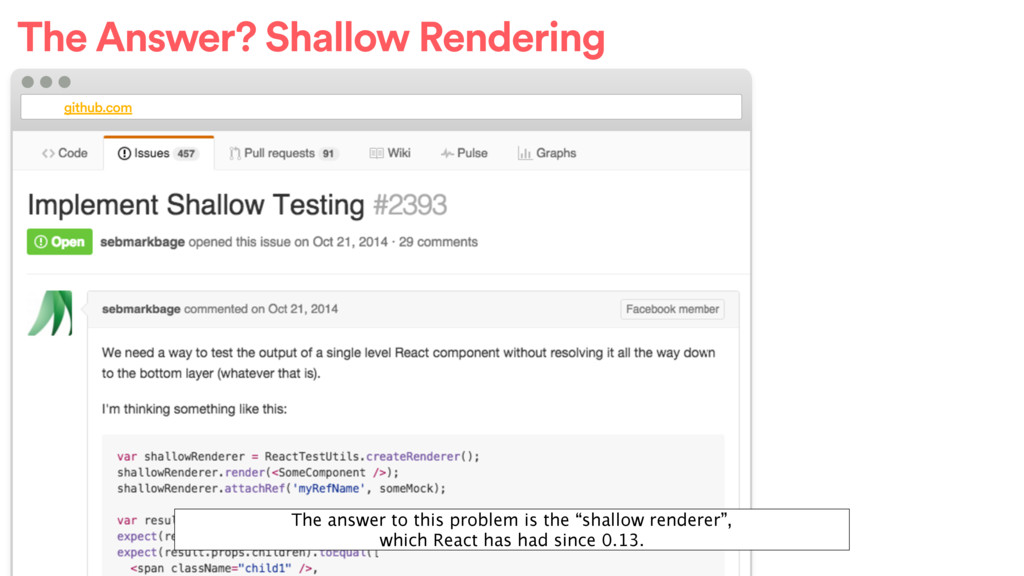
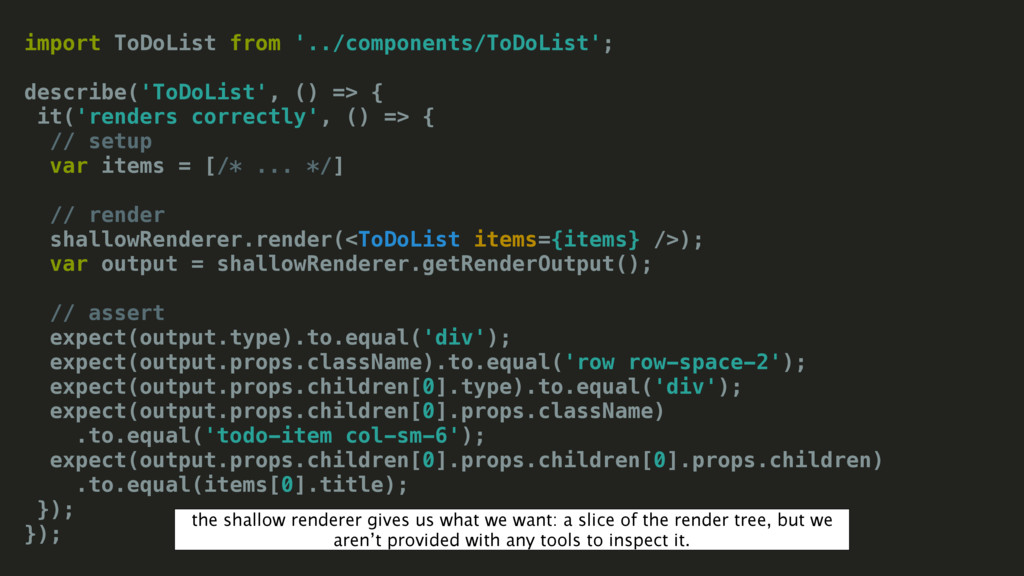
() => { // setup var items = [/* ... */] // render shallowRenderer.render(<ToDoList items={items} />); var output = shallowRenderer.getRenderOutput(); // assert expect(output.type).to.equal('div'); expect(output.props.className).to.equal('row row-space-2'); expect(output.props.children[0].type).to.equal('div'); expect(output.props.children[0].props.className) .to.equal('todo-item col-sm-6'); expect(output.props.children[0].props.children[0].props.children) .to.equal(items[0].title); }); }); the shallow renderer gives us what we want: a slice of the render tree, but we aren’t provided with any tools to inspect it.
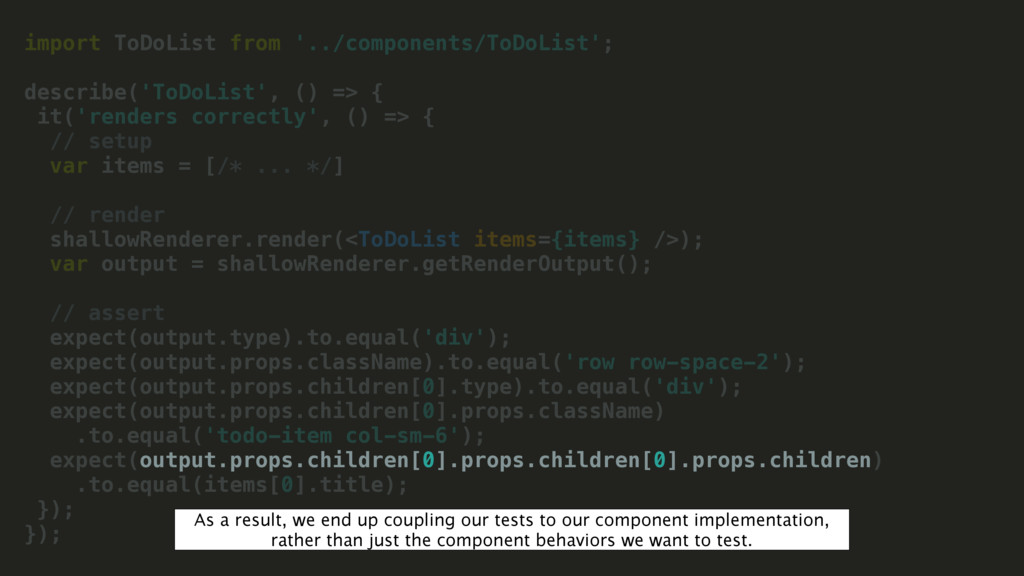
() => { // setup var items = [/* ... */] // render shallowRenderer.render(<ToDoList items={items} />); var output = shallowRenderer.getRenderOutput(); // assert expect(output.type).to.equal('div'); expect(output.props.className).to.equal('row row-space-2'); expect(output.props.children[0].type).to.equal('div'); expect(output.props.children[0].props.className) .to.equal('todo-item col-sm-6'); expect(output.props.children[0].props.children[0].props.children) .to.equal(items[0].title); }); }); As a result, we end up coupling our tests to our component implementation, rather than just the component behaviors we want to test.
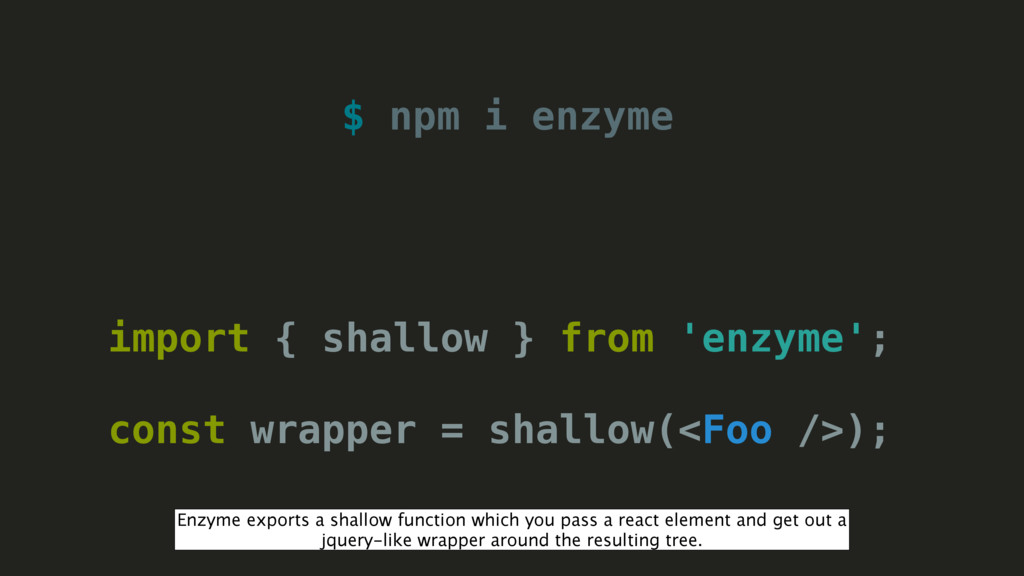
const wrapper = shallow(<Foo />); Enzyme exports a shallow function which you pass a react element and get out a jquery-like wrapper around the resulting tree.
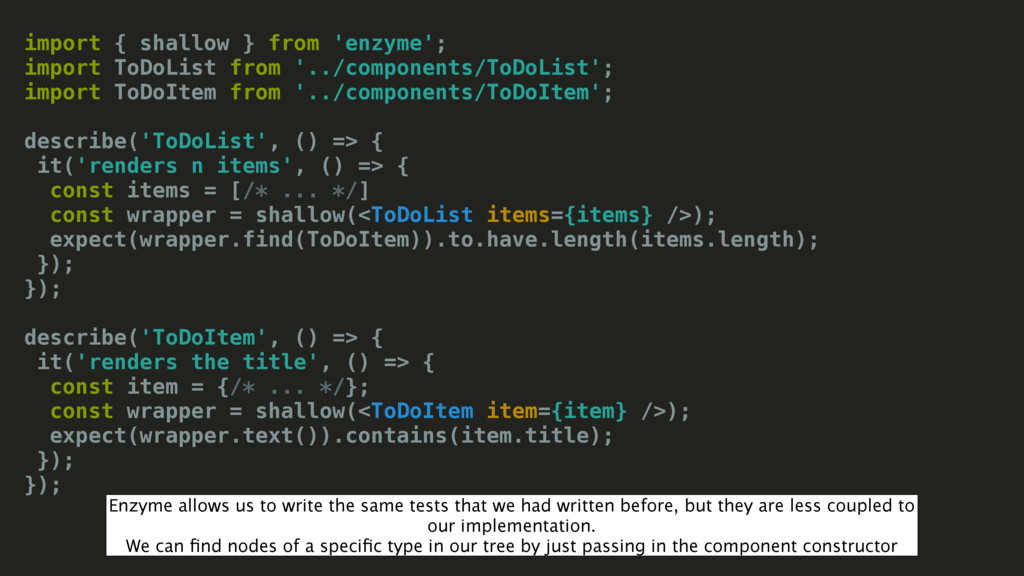
import ToDoItem from '../components/ToDoItem'; describe('ToDoList', () => { it('renders n items', () => { const items = [/* ... */] const wrapper = shallow(<ToDoList items={items} />); expect(wrapper.find(ToDoItem)).to.have.length(items.length); }); }); describe('ToDoItem', () => { it('renders the title', () => { const item = {/* ... */}; const wrapper = shallow(<ToDoItem item={item} />); expect(wrapper.text()).contains(item.title); }); }); Enzyme allows us to write the same tests that we had written before, but they are less coupled to our implementation. We can find nodes of a specific type in our tree by just passing in the component constructor
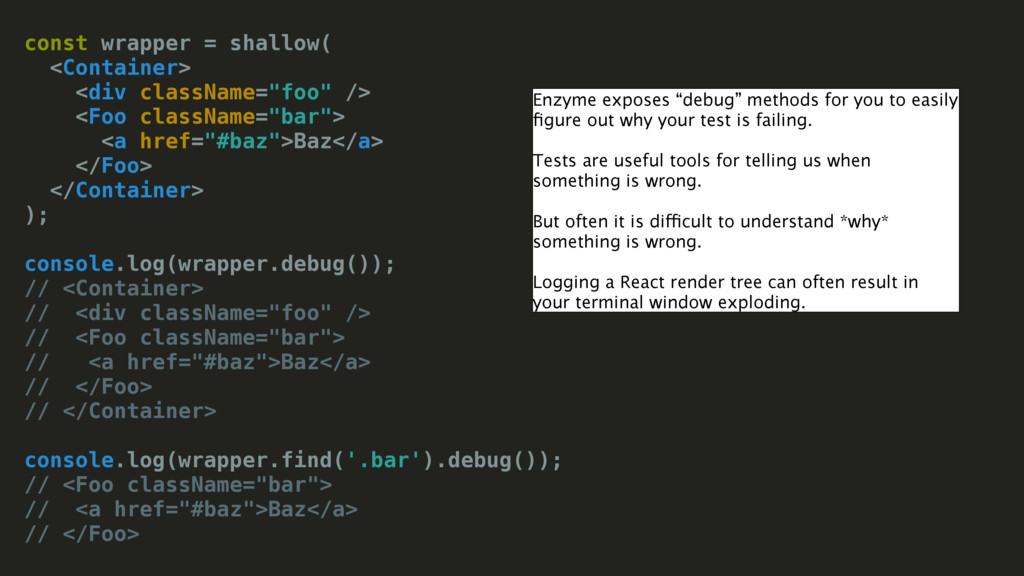
<a href="#baz">Baz</a> </Foo> </Container> ); console.log(wrapper.debug()); // <Container> // <div className="foo" /> // <Foo className="bar"> // <a href="#baz">Baz</a> // </Foo> // </Container> console.log(wrapper.find('.bar').debug()); // <Foo className="bar"> // <a href="#baz">Baz</a> // </Foo> Enzyme exposes “debug” methods for you to easily figure out why your test is failing. Tests are useful tools for telling us when something is wrong. But often it is difficult to understand *why* something is wrong. Logging a React render tree can often result in your terminal window exploding.
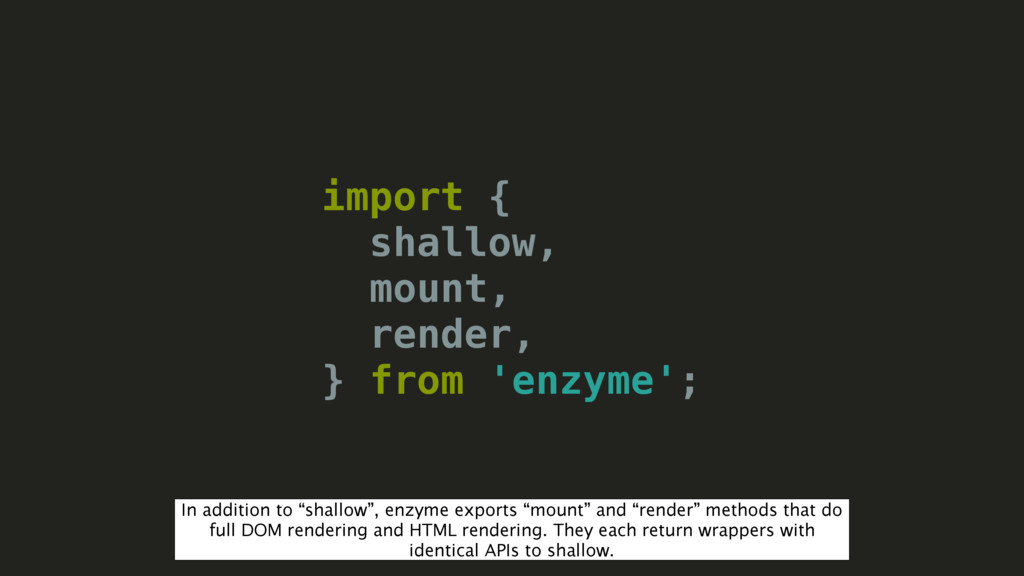
to “shallow”, enzyme exports “mount” and “render” methods that do full DOM rendering and HTML rendering. They each return wrappers with identical APIs to shallow.
node 5 + npm 3. Jest has issues with this. • React Native is dependent on Packager. • NativeModules require Device. Solution? If you just blindly try and test React Native today, it’s pretty hard for several reasons. So what’s the solution? If you look online right now you might find some people telling you to mock it… so let’s see what that entails
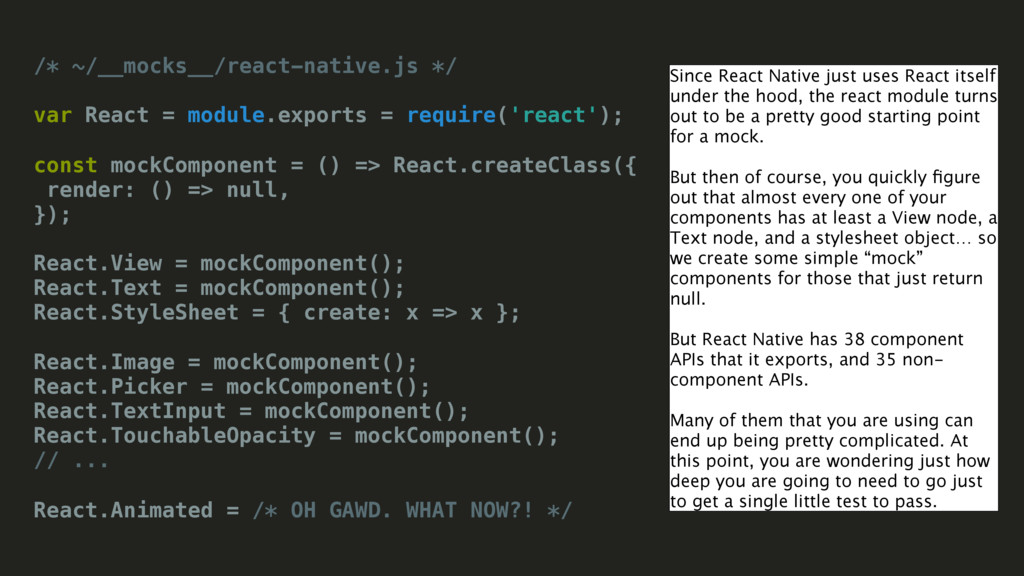
mockComponent = () => React.createClass({ render: () => null, }); React.View = mockComponent(); React.Text = mockComponent(); React.StyleSheet = { create: x => x }; React.Image = mockComponent(); React.Picker = mockComponent(); React.TextInput = mockComponent(); React.TouchableOpacity = mockComponent(); // ... React.Animated = /* OH GAWD. WHAT NOW?! */ Since React Native just uses React itself under the hood, the react module turns out to be a pretty good starting point for a mock. But then of course, you quickly figure out that almost every one of your components has at least a View node, a Text node, and a stylesheet object… so we create some simple “mock” components for those that just return null. But React Native has 38 component APIs that it exports, and 35 non- component APIs. Many of them that you are using can end up being pretty complicated. At this point, you are wondering just how deep you are going to need to go just to get a single little test to pass.
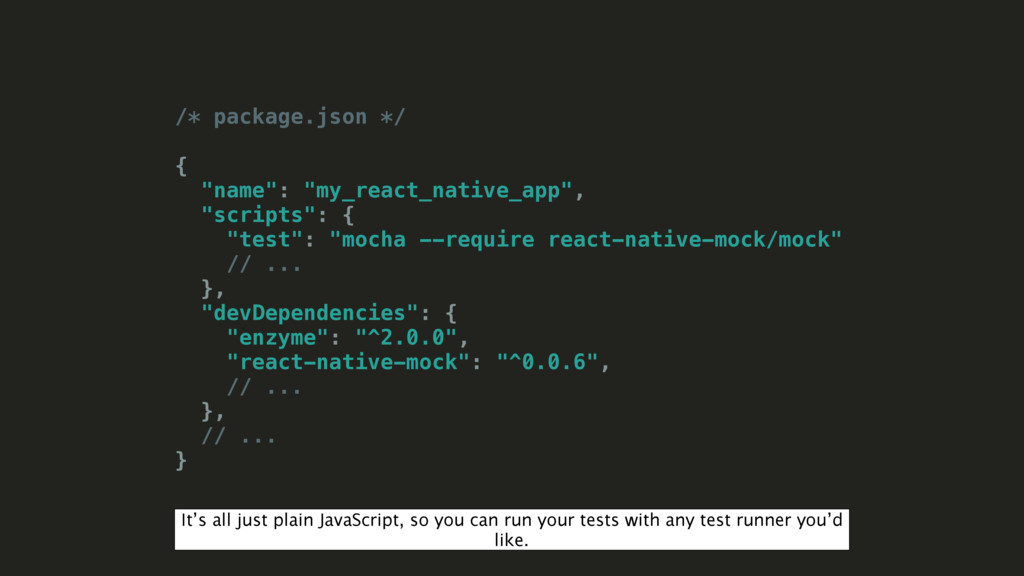
--require react-native-mock/mock" // ... }, "devDependencies": { "enzyme": "^2.0.0", "react-native-mock": "^0.0.6", // ... }, // ... } It’s all just plain JavaScript, so you can run your tests with any test runner you’d like.
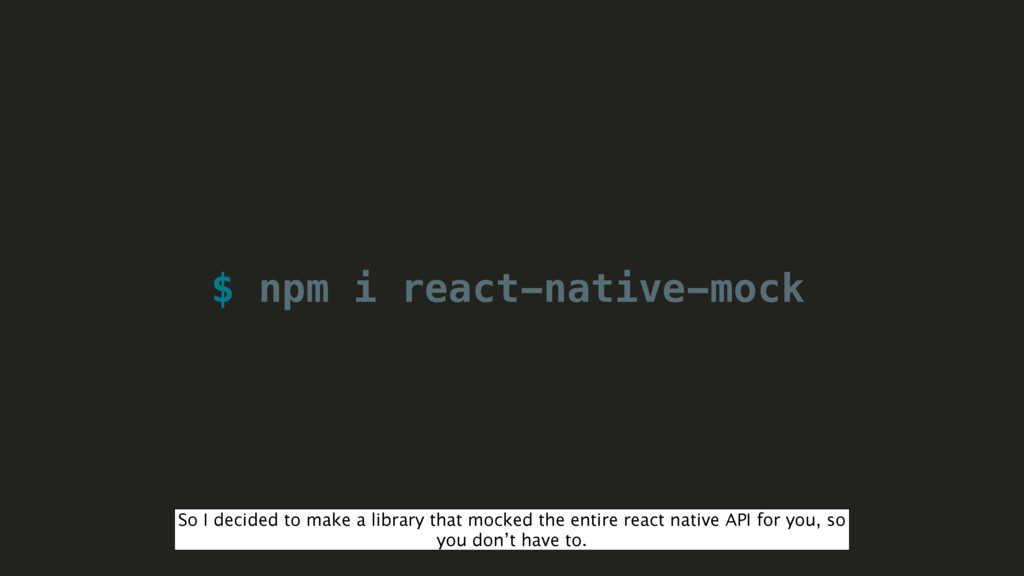
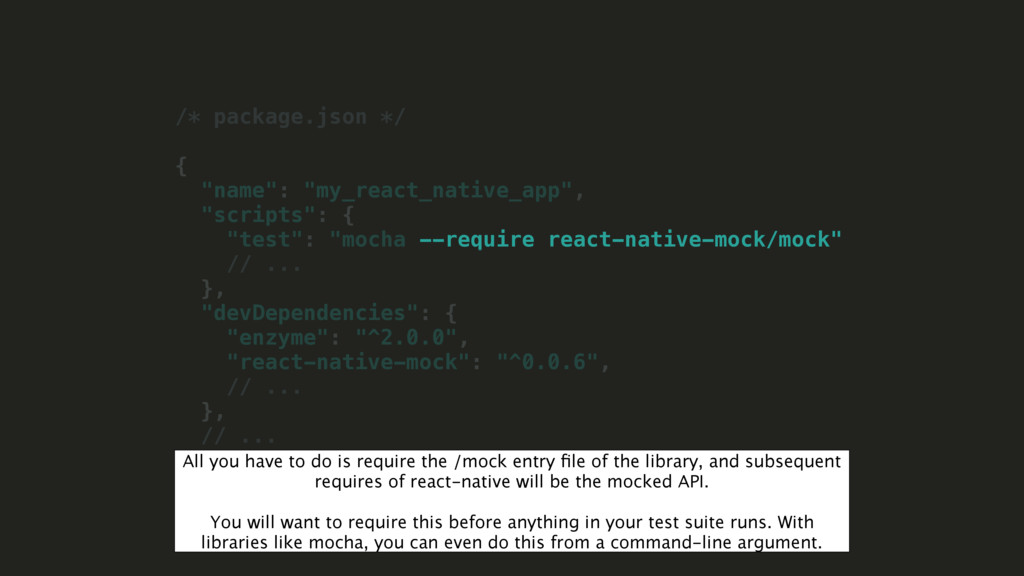
--require react-native-mock/mock" // ... }, "devDependencies": { "enzyme": "^2.0.0", "react-native-mock": "^0.0.6", // ... }, // ... } All you have to do is require the /mock entry file of the library, and subsequent requires of react-native will be the mocked API. You will want to require this before anything in your test suite runs. With libraries like mocha, you can even do this from a command-line argument.
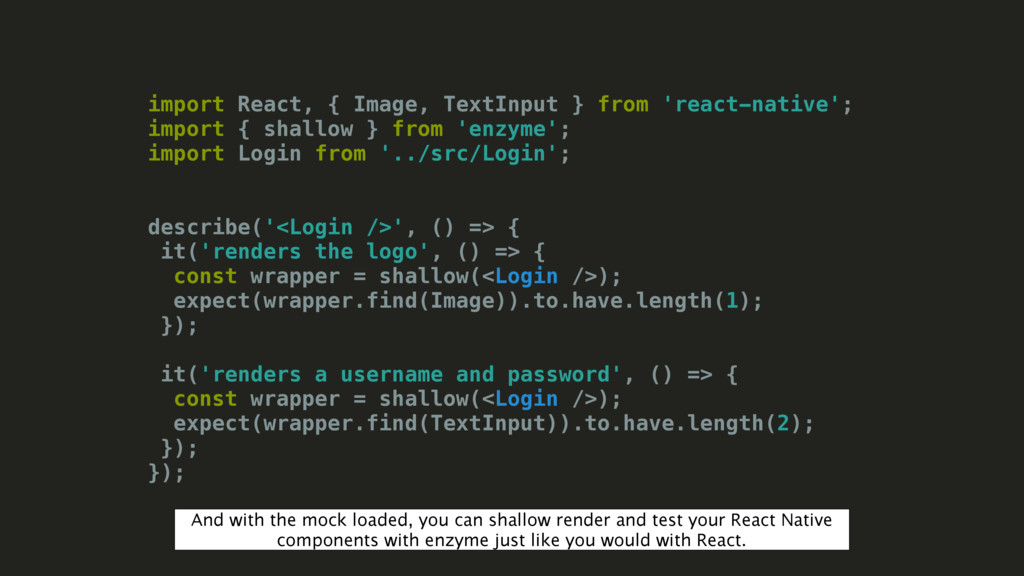
shallow } from 'enzyme'; import Login from '../src/Login'; describe('<Login />', () => { it('renders the logo', () => { const wrapper = shallow(<Login />); expect(wrapper.find(Image)).to.have.length(1); }); it('renders a username and password', () => { const wrapper = shallow(<Login />); expect(wrapper.find(TextInput)).to.have.length(2); }); }); And with the mock loaded, you can shallow render and test your React Native components with enzyme just like you would with React.
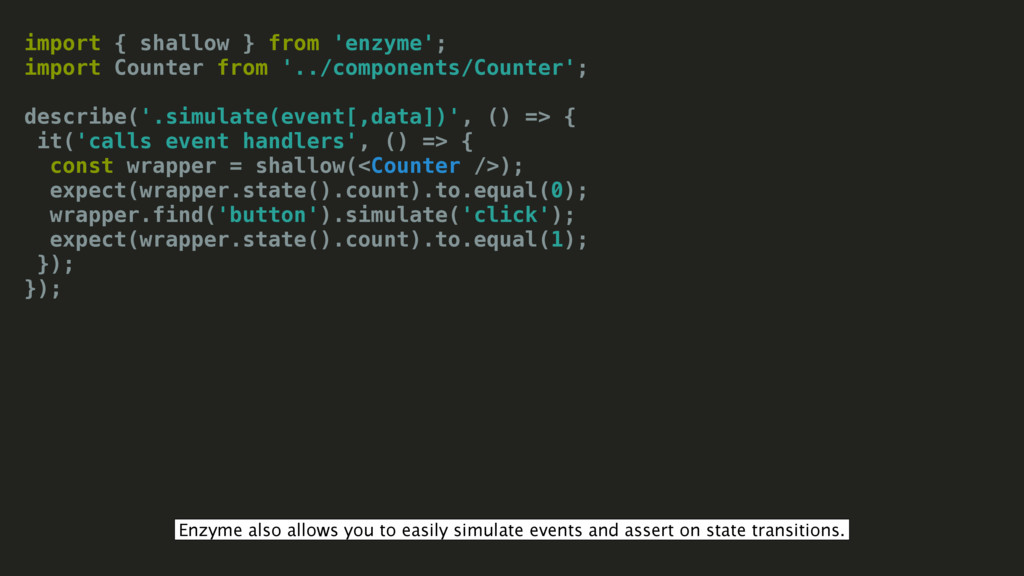
but complicated interaction such as drag and drop or typing is not easy to realistically simulate. Some work could be done here, and it wouldn’t have to be specific to enzyme or react at all.


 lelandrichardson
 n_takehata
 timakin
 teyamagu
 steliosf
 hschwentner
 ivargrimstad
 moro
moro
 ichirokano2
 seike460
 lef237
 sylph01
 o0h
o0h
 uxyall
 szymonslowik
 productmarketing
 soysaucechin
 morganepeng
 jmmastey
 mlcsv
mlcsv
 destraynor
 aleyda
 kevinliebholz
 reverentgeek
 ipullrank