$30 off During Our Annual Pro Sale. View Details »

Agents_in_Kotlin__Building_High-Performance_Int...

 Agents_in_Kotlin__Building_High-Performance_Intelligent_Apps_with_Koog_and_Gemini_-_droidcon_India_2025.pdf

Avatar for Rivu Chakraborty

Rivu Chakraborty PRO

December 13, 2025
Tweet

More Decks by Rivu Chakraborty

Other Decks in Technology

Transcript

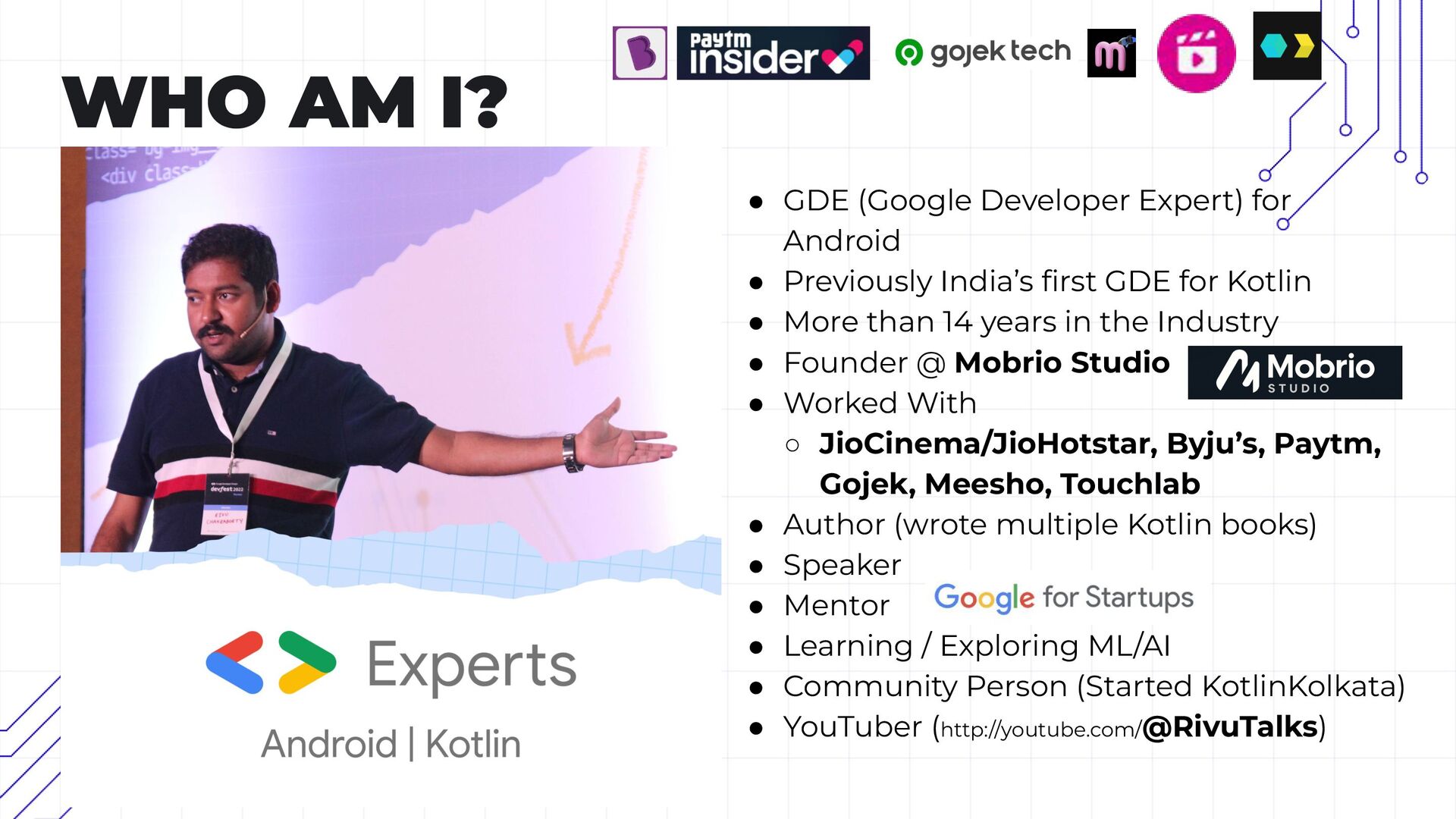
  1. WHO AM I? • GDE (Google Developer Expert) for Android

    • Previously India’s first GDE for Kotlin • More than 14 years in the Industry • Founder @ Mobrio Studio • Worked With ◦ JioCinema/JioHotstar, Byju’s, Paytm, Gojek, Meesho, Touchlab • Author (wrote multiple Kotlin books) • Speaker • Mentor • Learning / Exploring ML/AI • Community Person (Started KotlinKolkata) • YouTuber (http://youtube.com/@RivuTalks)
  2. • Led personally by me (Rivu), with my decades of

    experience of scaling 6+ unicorn startups, and many smaller ones • We do Mobile Dev tooling (products) as well as we consult with product based startups, helping them develop or scale their apps • We can help with anything to do with mobile, starting from code quality, migration, refactor to feature development • At Mobrio Studio, I have a team, who work under my direct super vision. • We don’t just develop for you, we train your team, so you’re independent in future https://mobrio.studio/ [email protected]
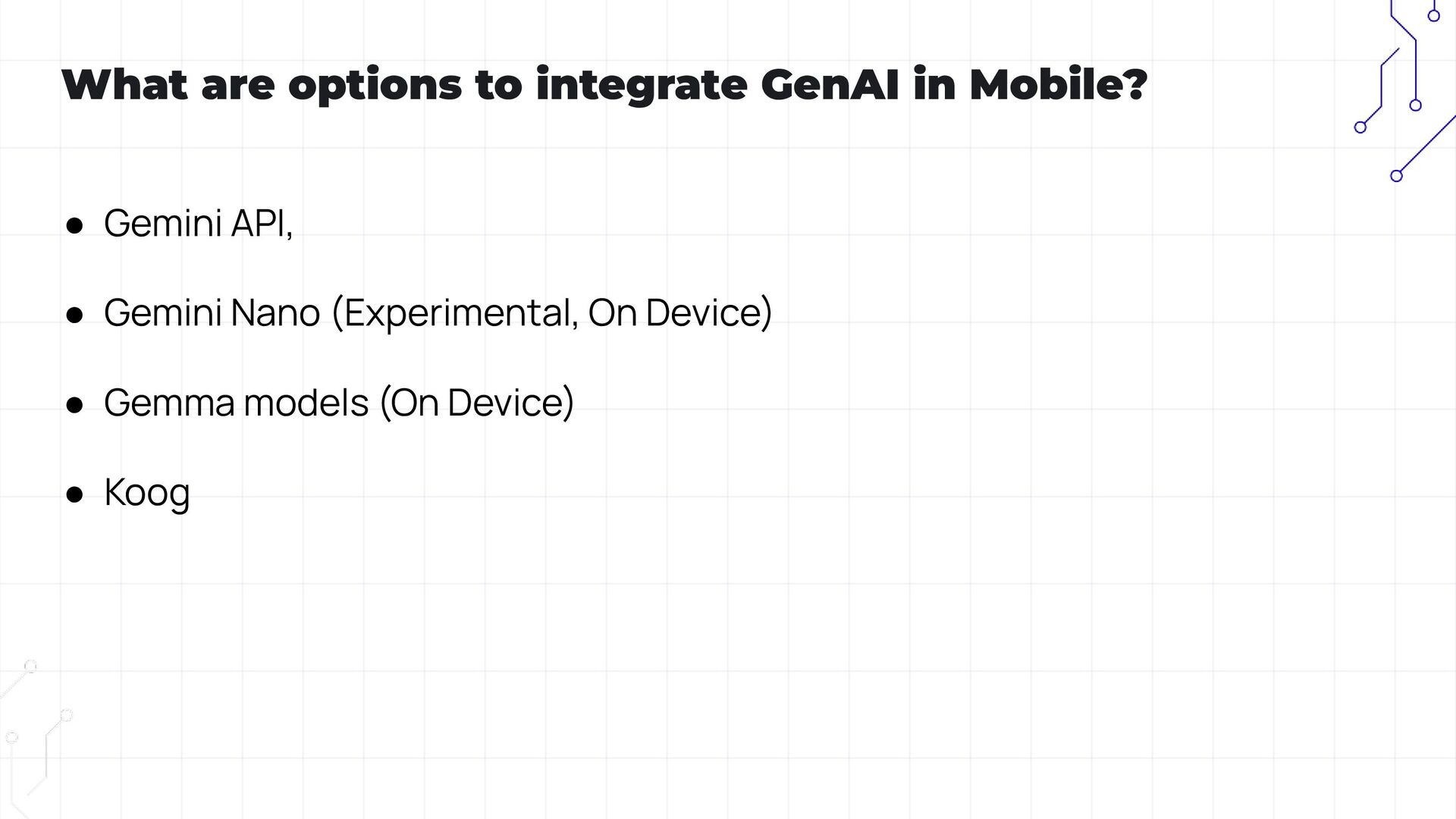
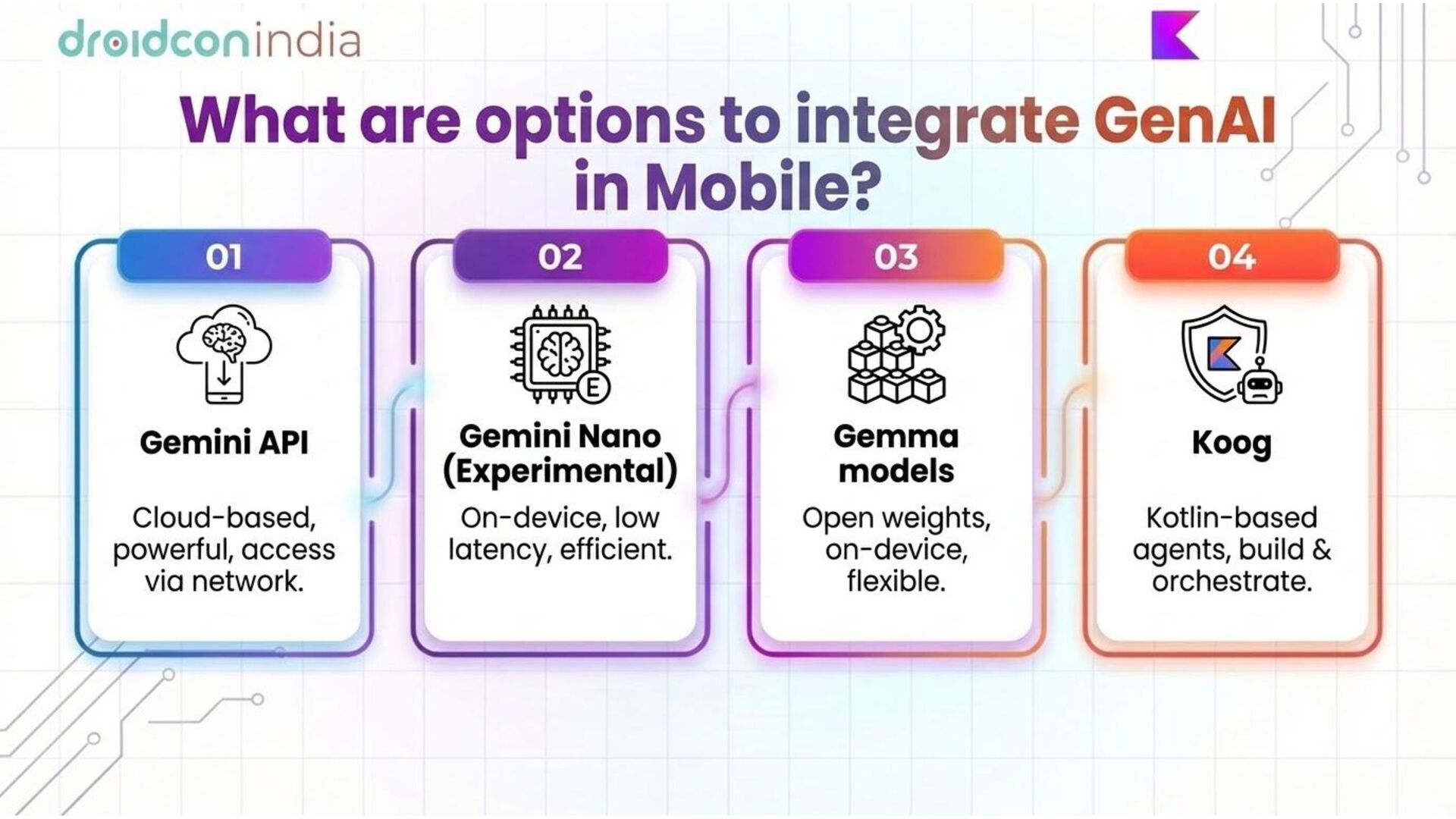
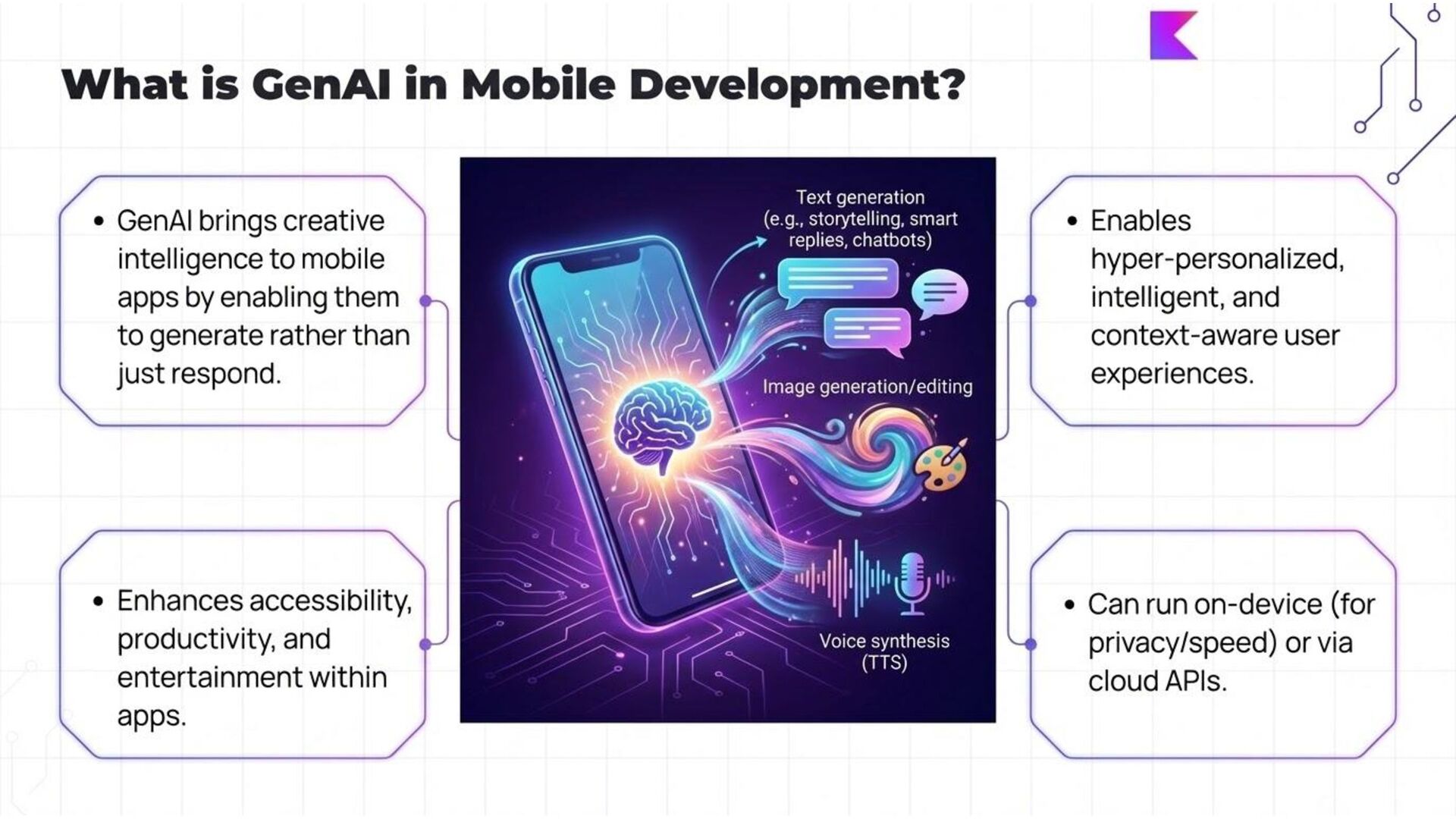
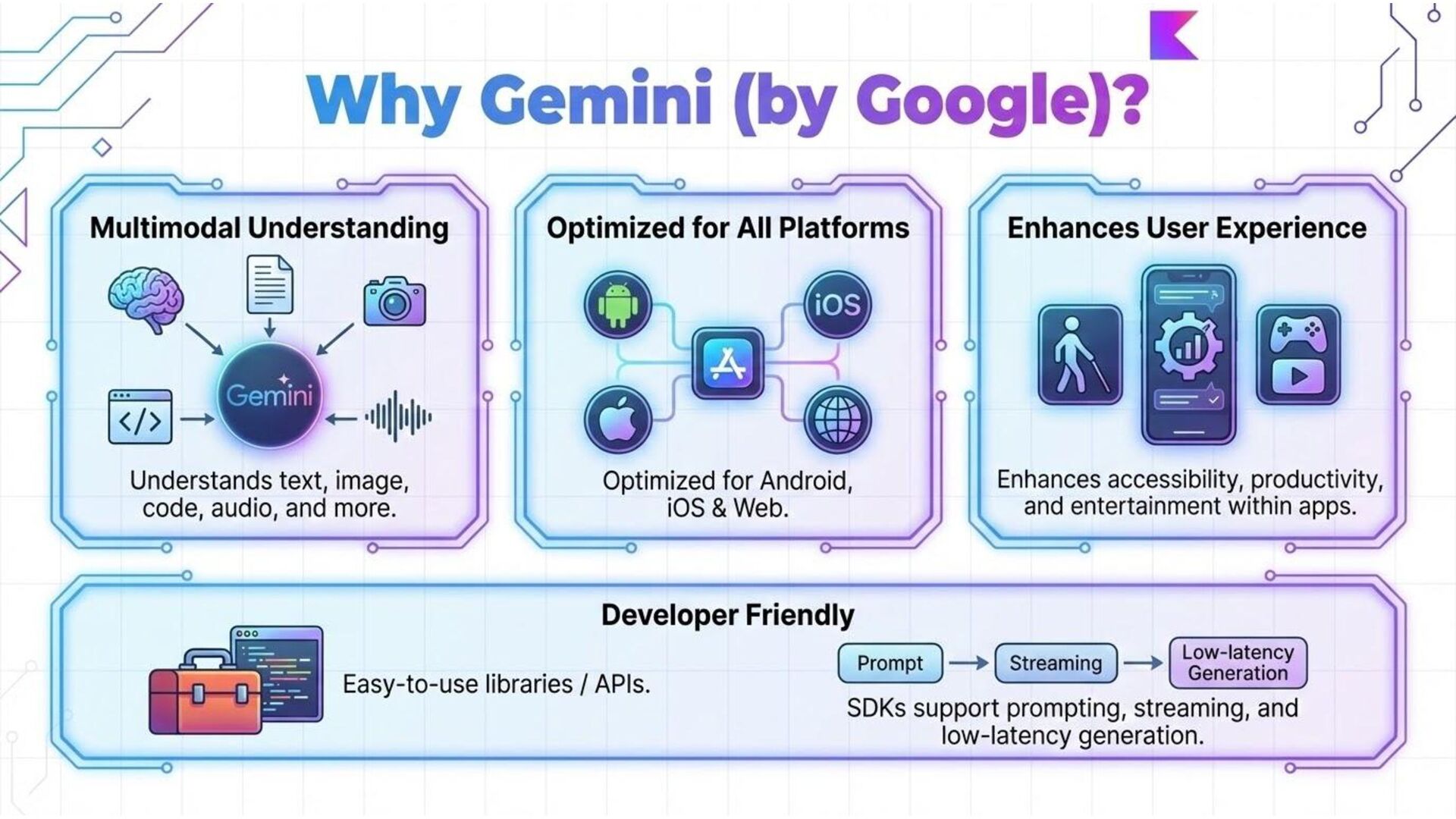
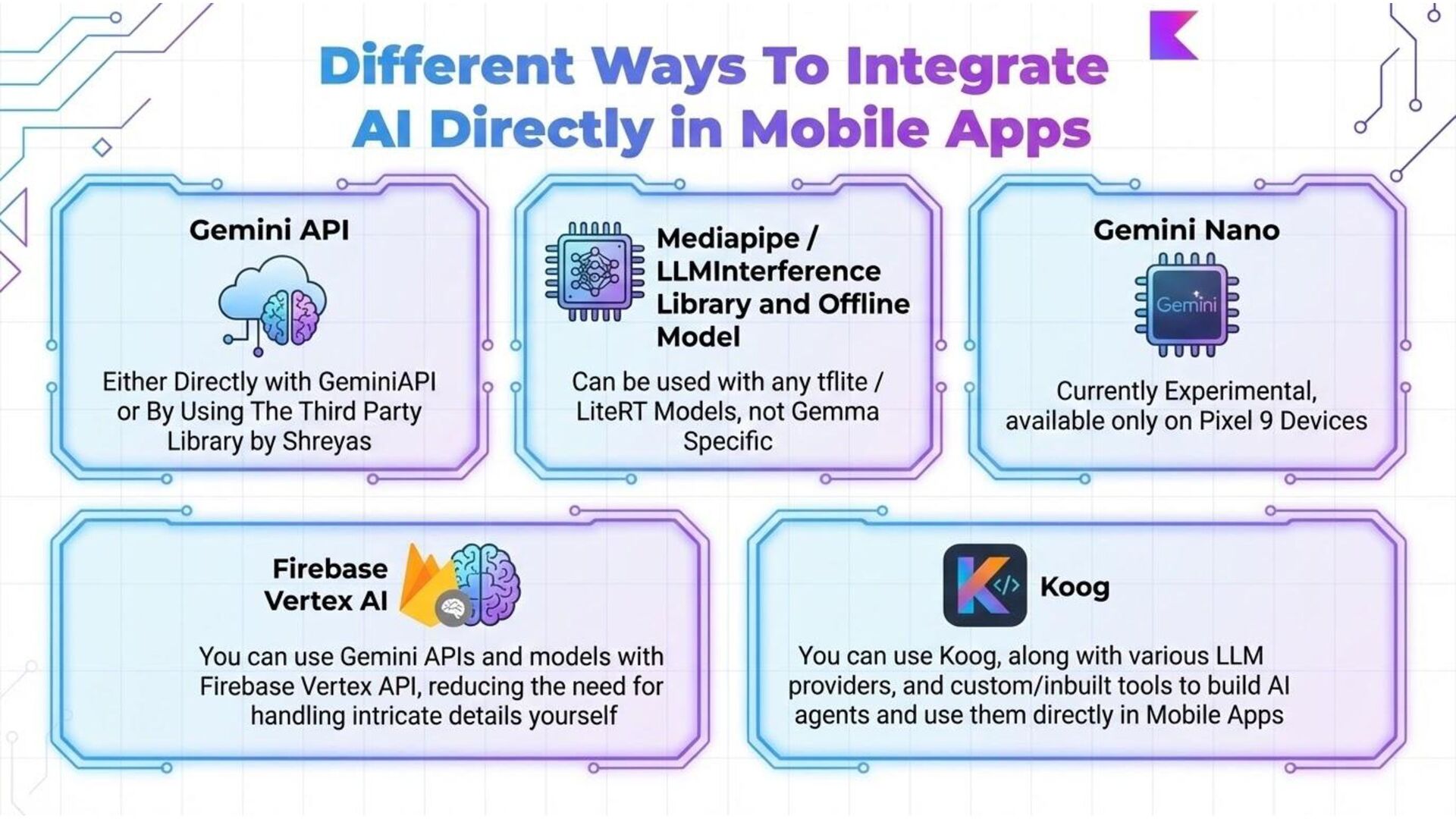
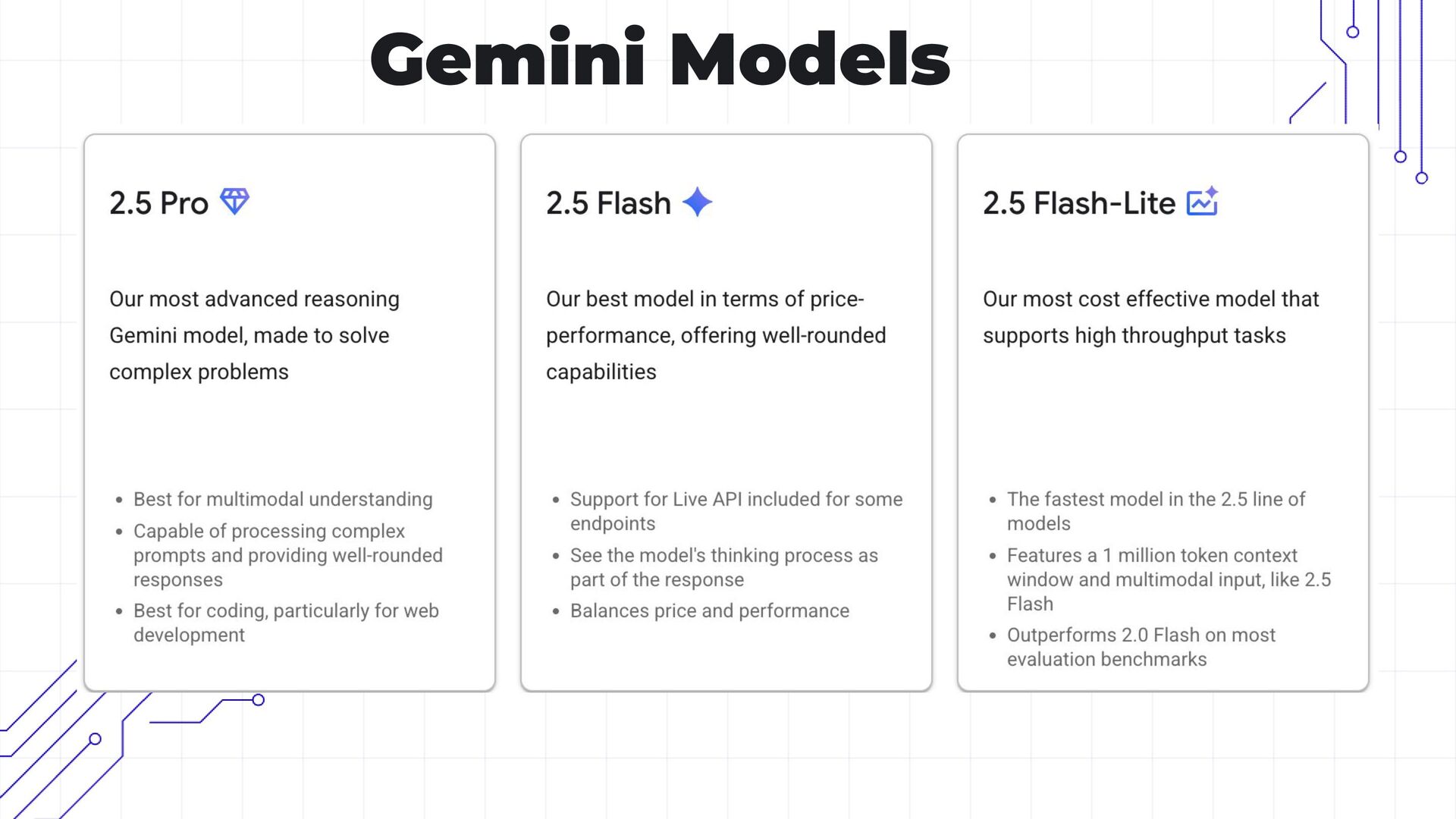
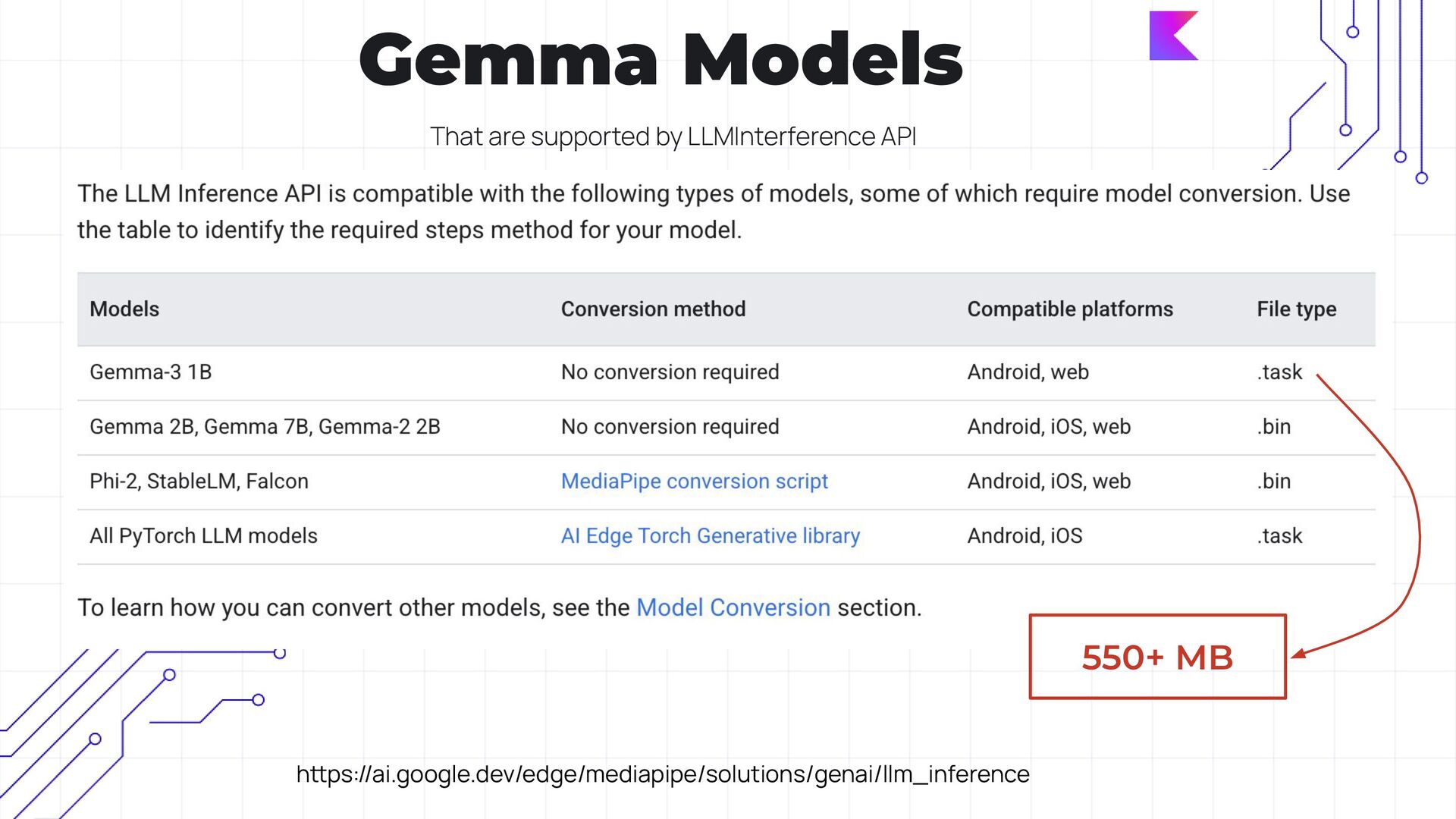
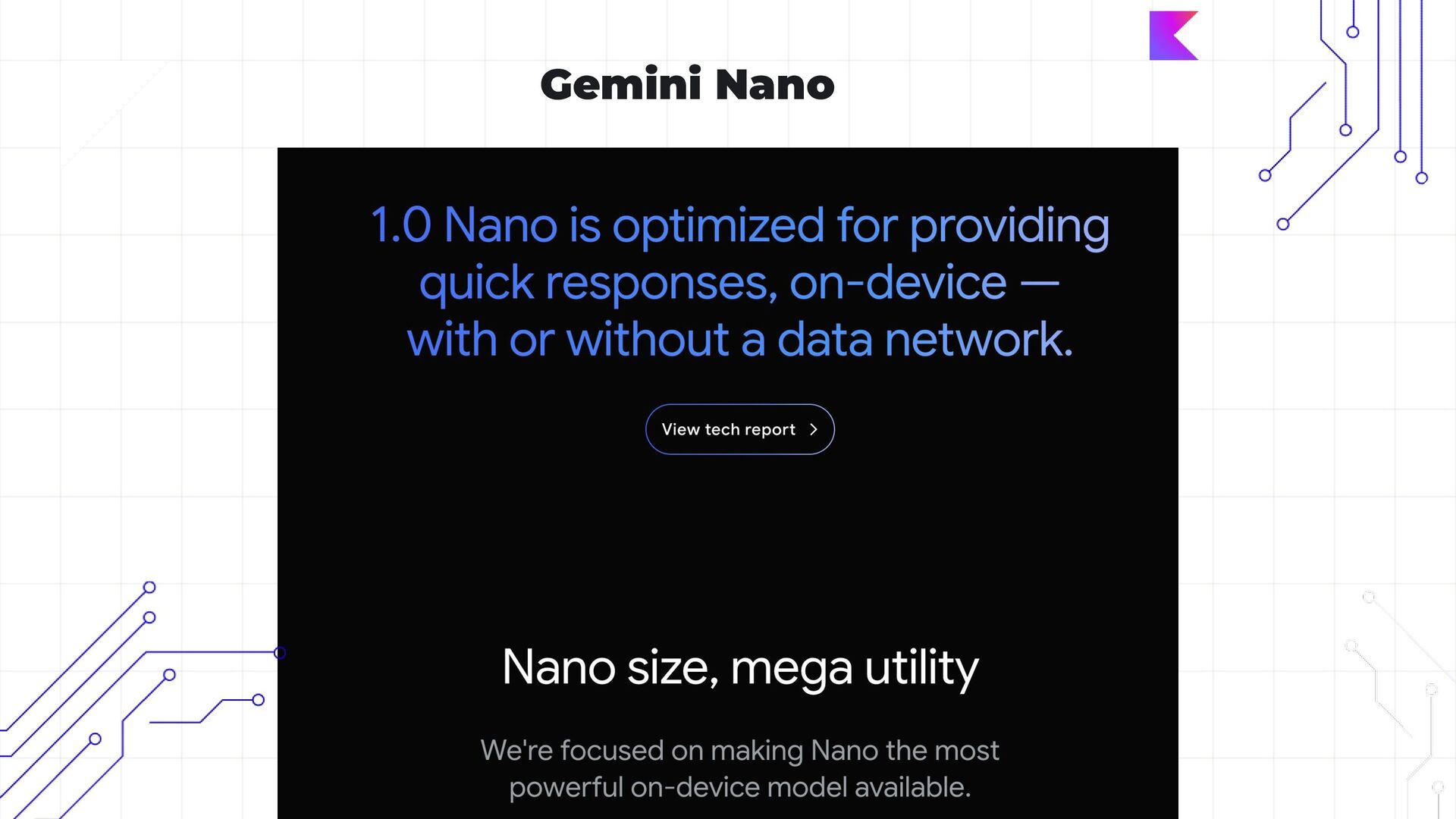
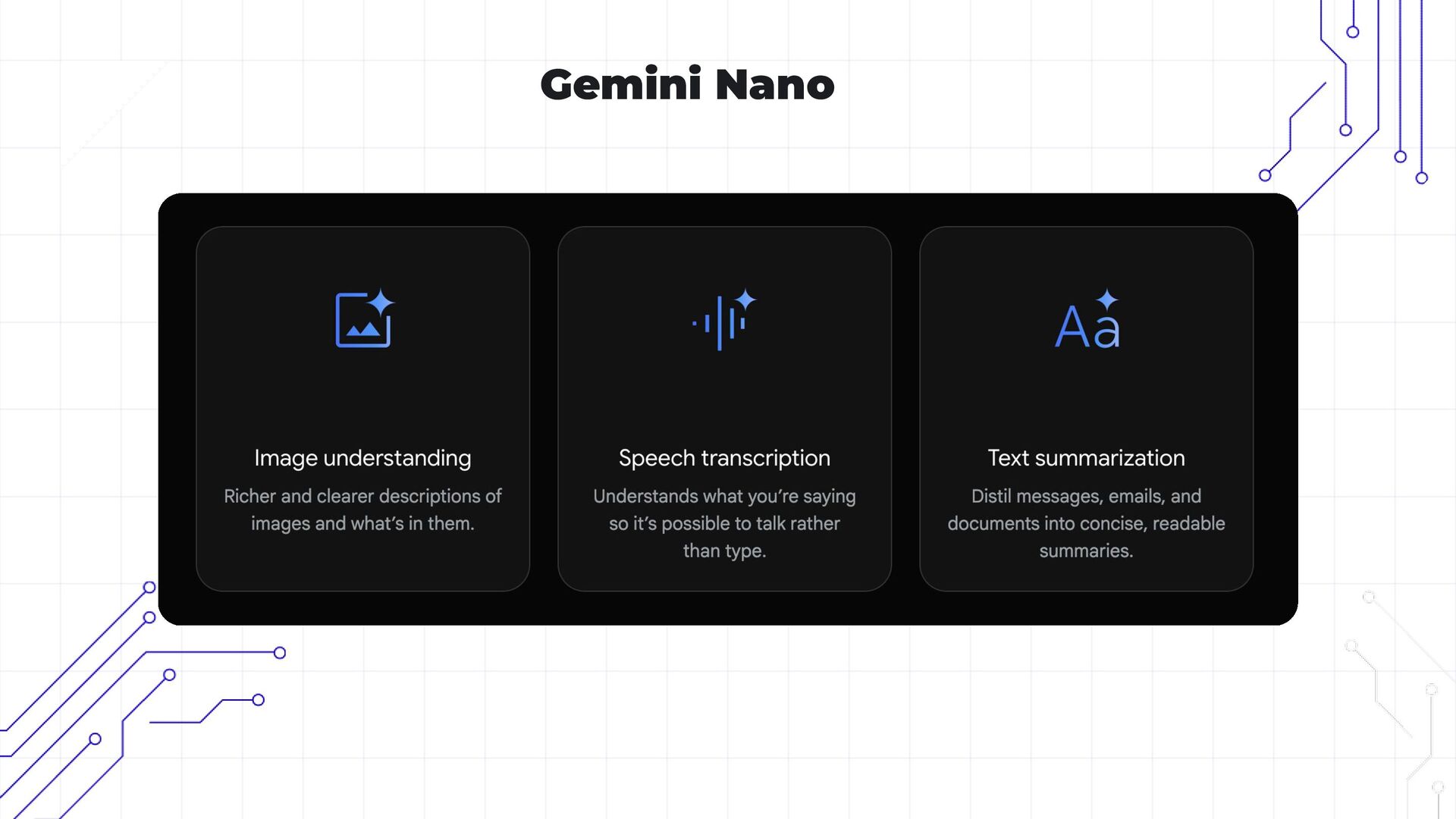
  3. What are options to integrate GenAI in Mobile? • Gemini

    API, • Gemini Nano (Experimental, On Device) • Gemma models (On Device) • Koog
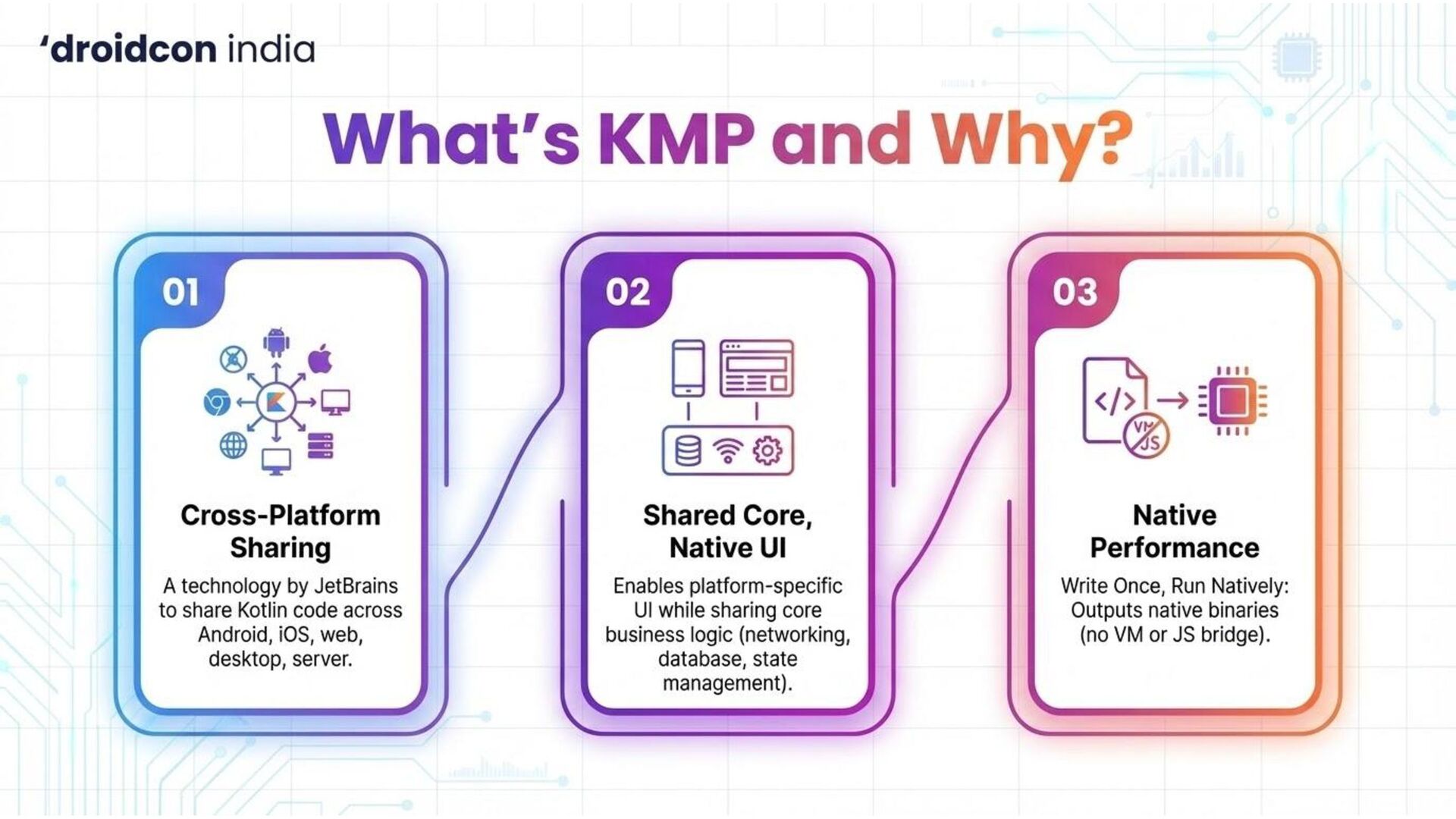
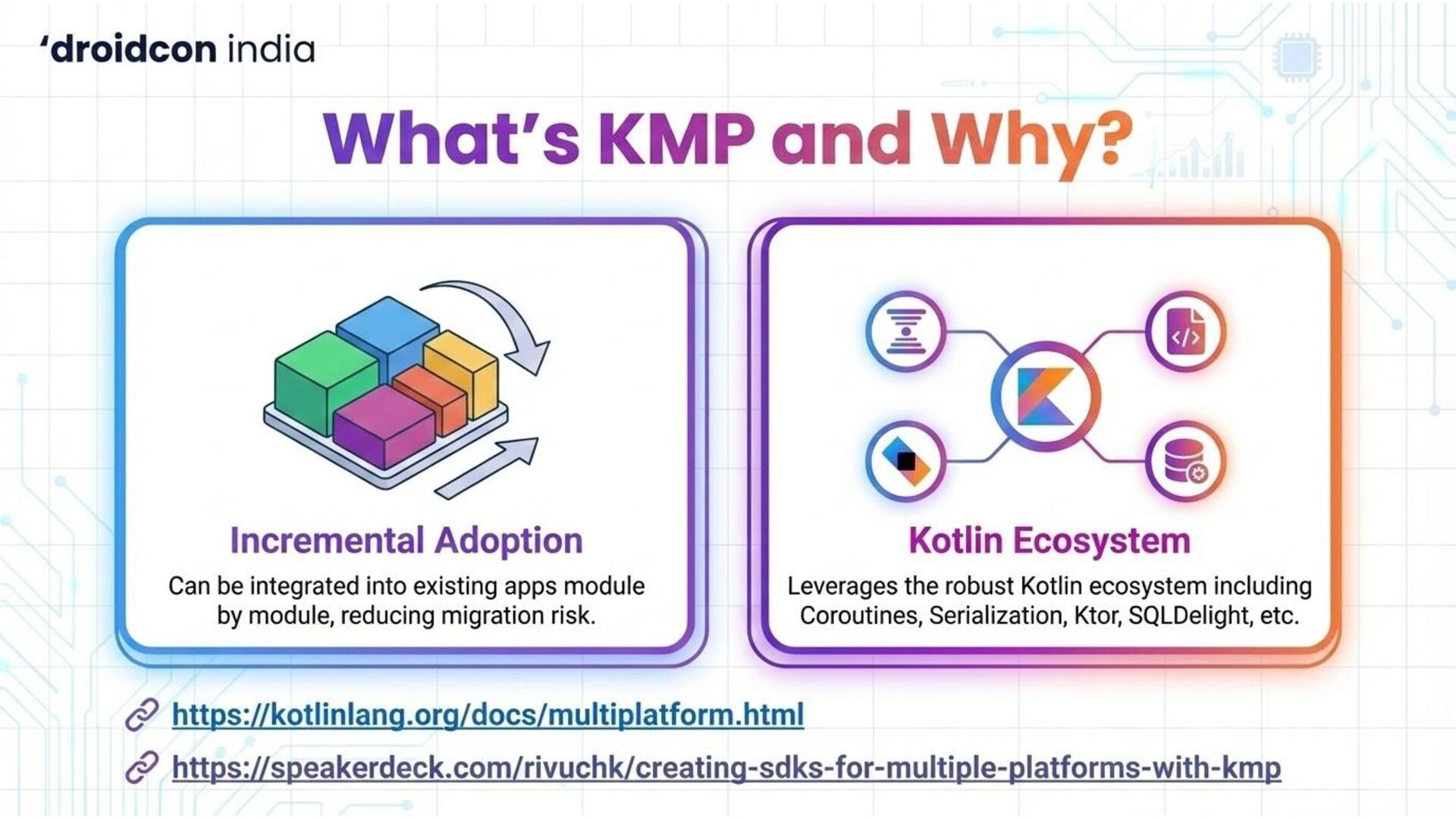
  4. KMP

  5. AI

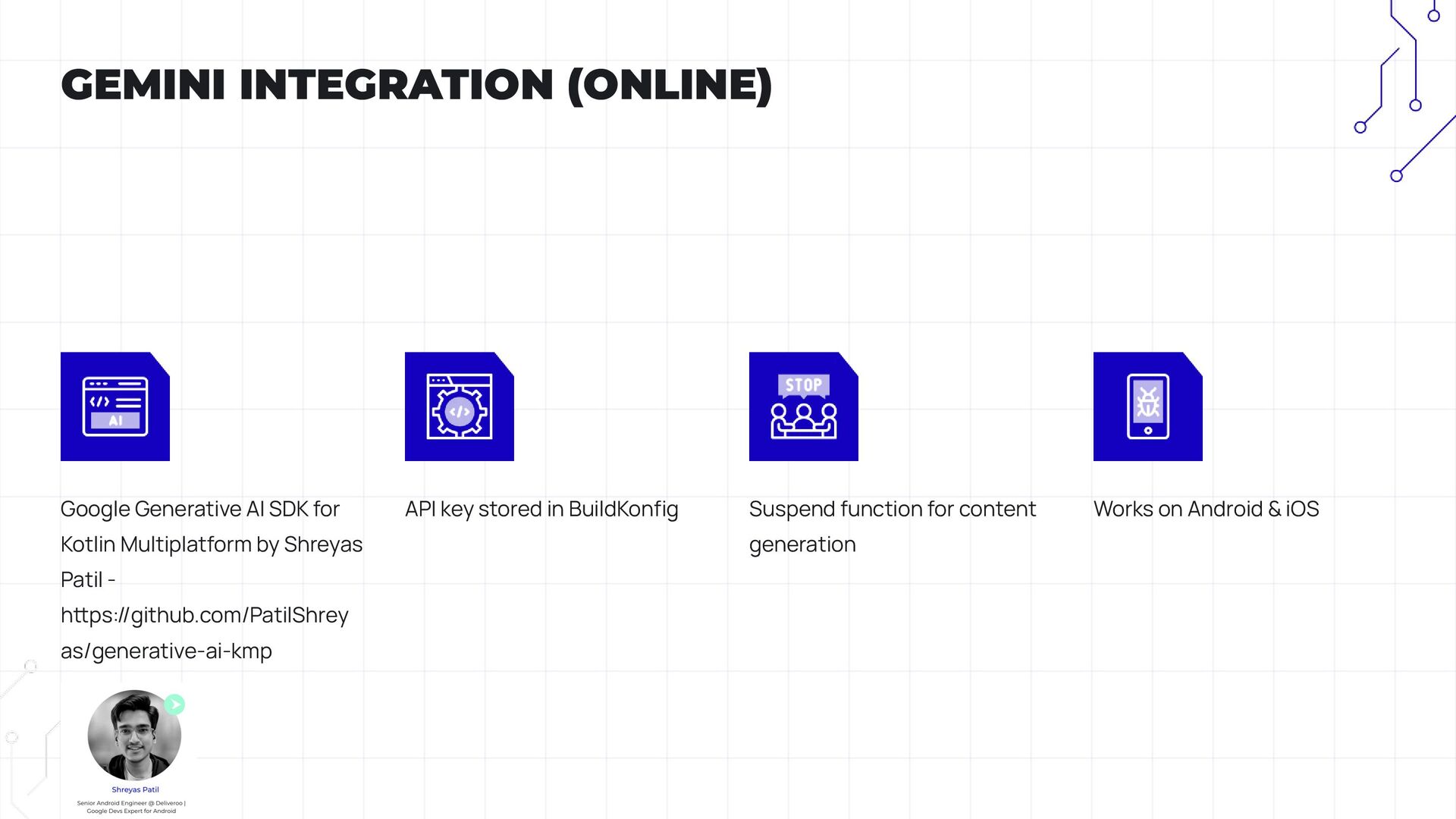
  6. Google Generative AI SDK for Kotlin Multiplatform by Shreyas Patil

    - hps://github.com/PatilShrey as/generative-ai-kmp API key stored in BuildKonfig Suspend function for content generation Works on Android & iOS GEMINI INTEGRATION (ONLINE)
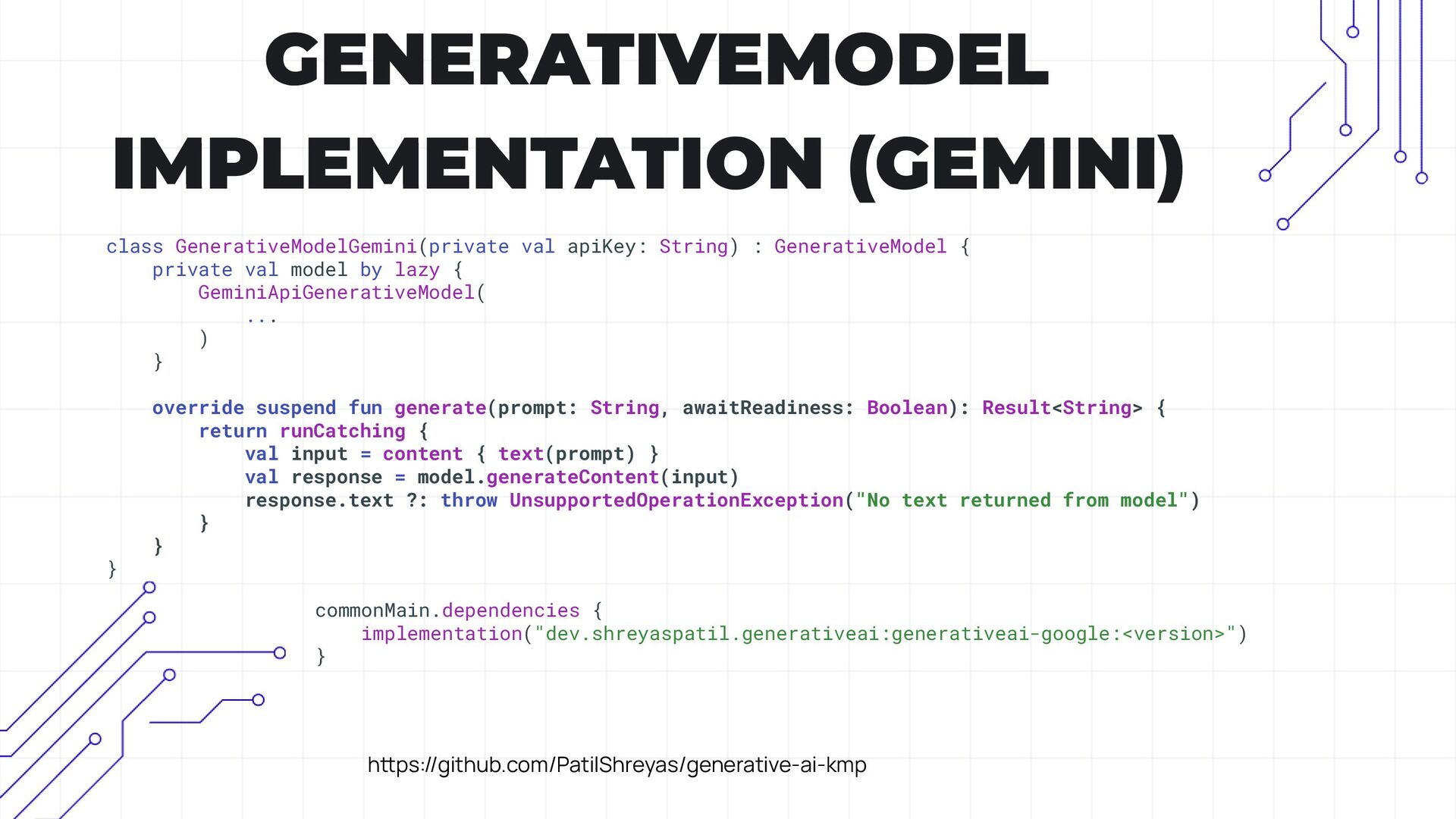
  7. GENERATIVEMODEL IMPLEMENTATION (GEMINI) class GenerativeModelGemini(private val apiKey: String) : GenerativeModel

    { private val model by lazy { GeminiApiGenerativeModel( ... ) } override suspend fun generate(prompt: String, awaitReadiness: Boolean): Result<String> { return runCatching { val input = content { text(prompt) } val response = model.generateContent(input) response.text ?: throw UnsupportedOperationException("No text returned from model") } } } commonMain.dependencies { implementation("dev.shreyaspatil.generativeai:generativeai-google:<version>") } hps://github.com/PatilShreyas/generative-ai-kmp
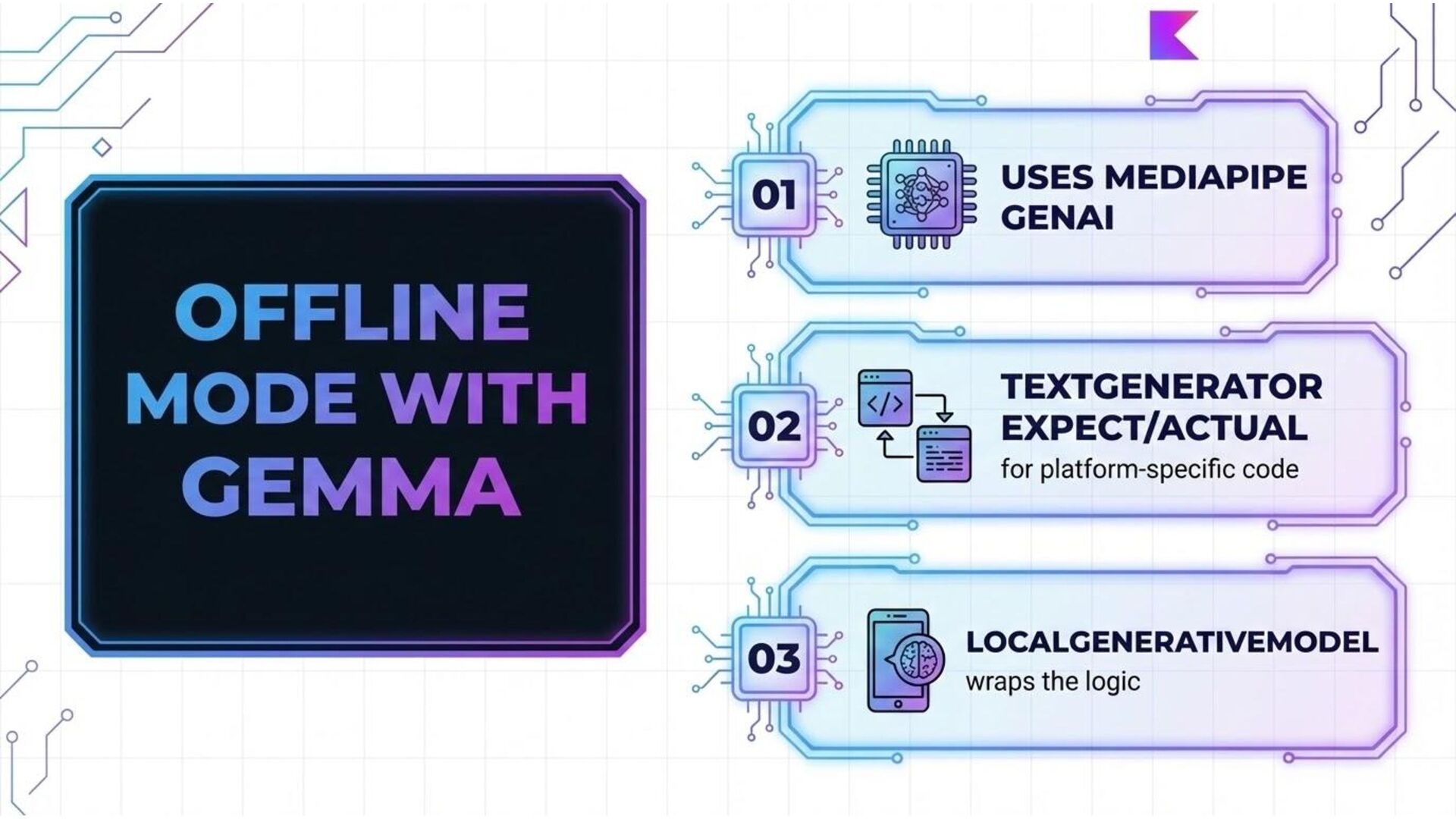
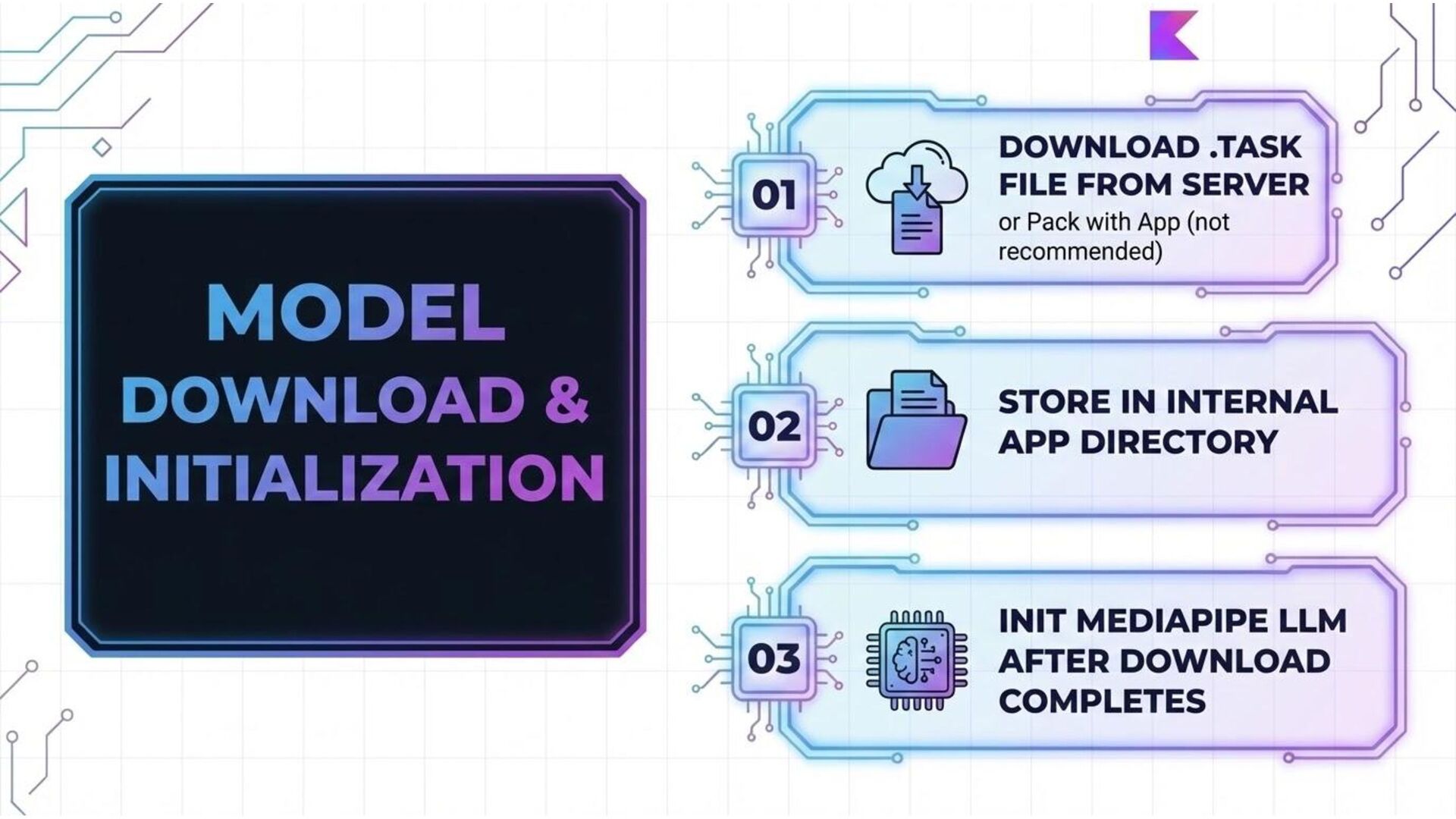
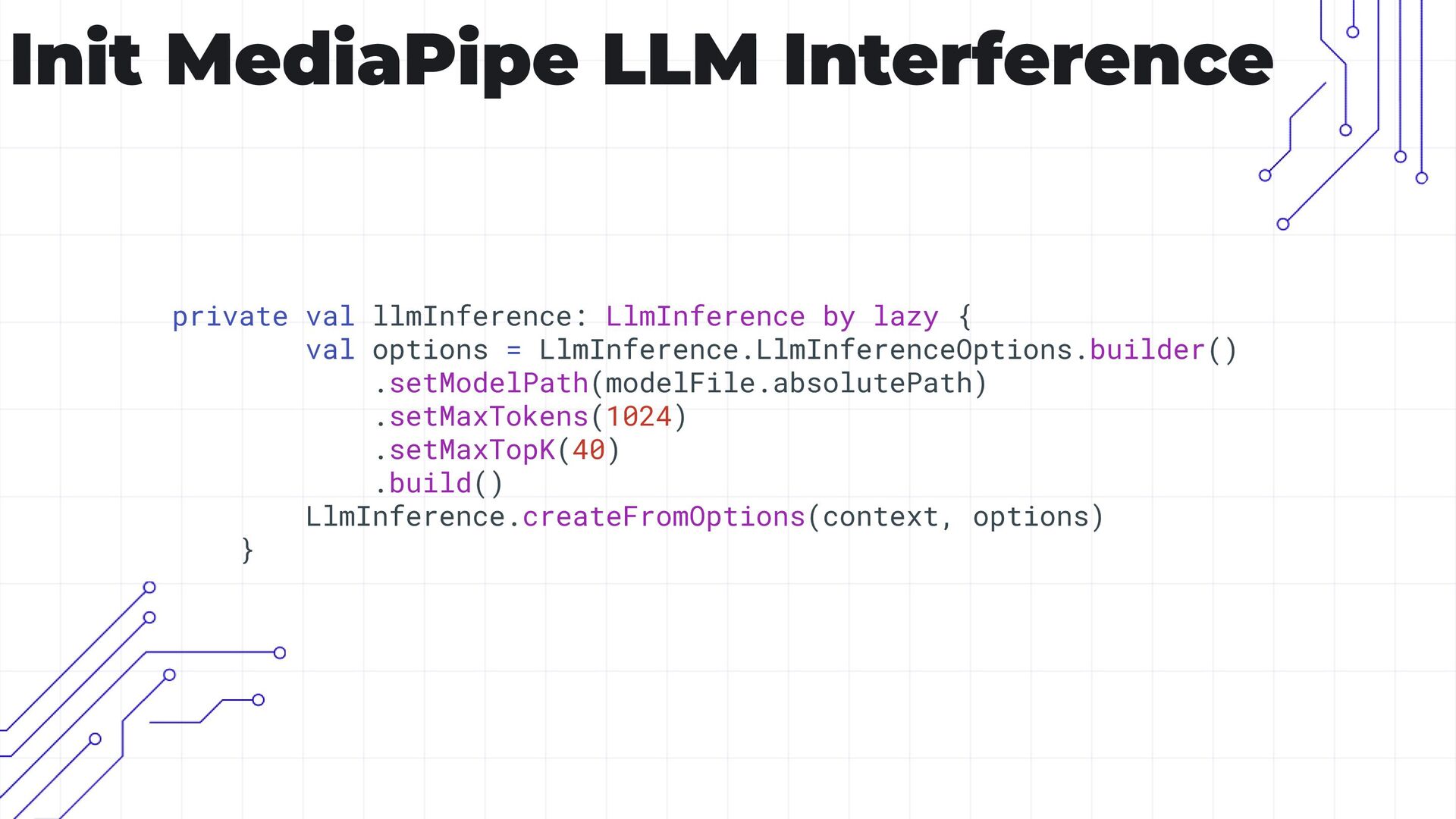
  8. Init MediaPipe LLM Interference private val llmInference: LlmInference by lazy

    { val options = LlmInference.LlmInferenceOptions.builder() .setModelPath(modelFile.absolutePath) .setMaxTokens(1024) .setMaxTopK(40) .build() LlmInference.createFromOptions(context, options) }
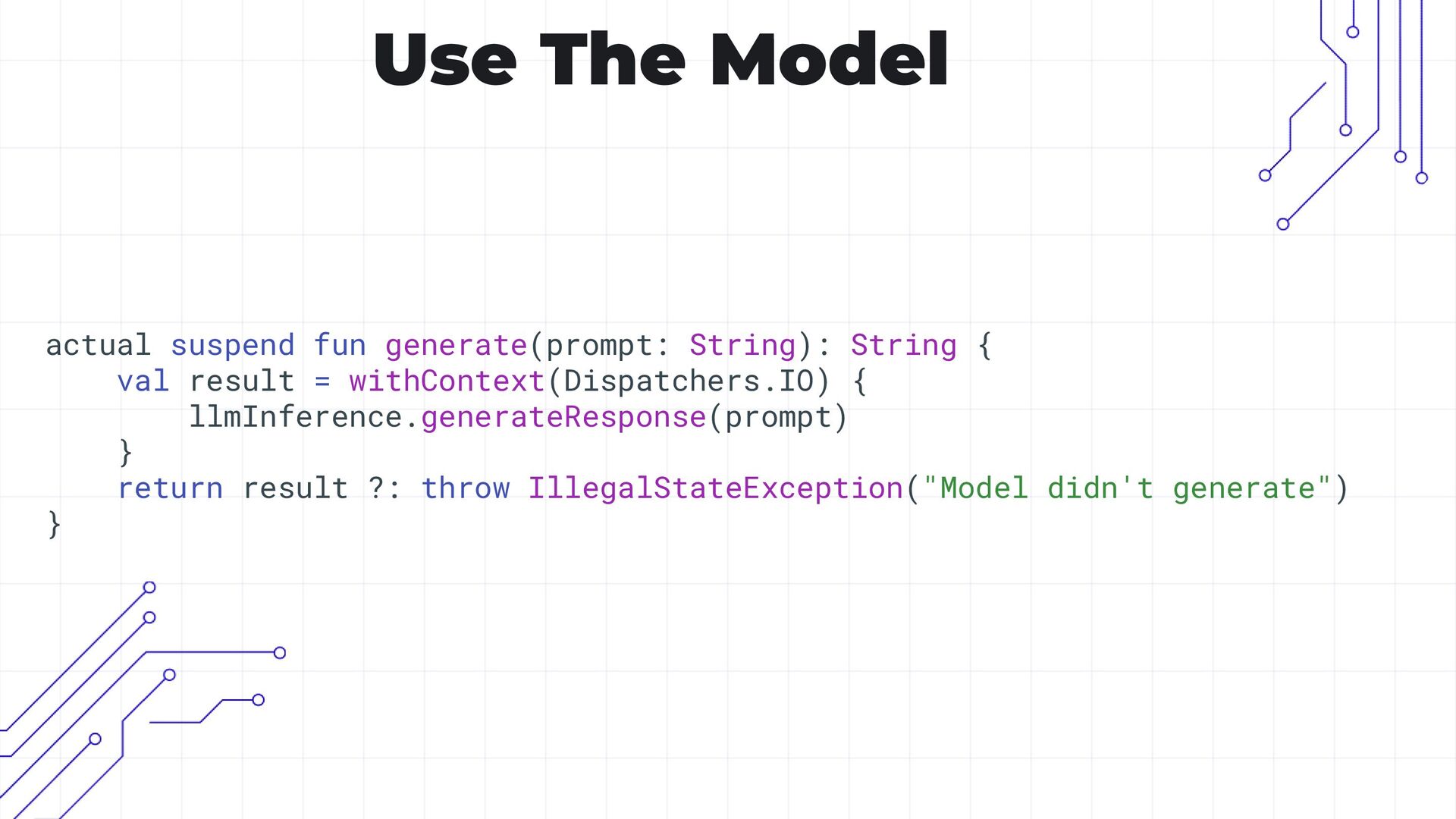
  9. Use The Model actual suspend fun generate(prompt: String): String {

    val result = withContext(Dispatchers.IO) { llmInference.generateResponse(prompt) } return result ?: throw IllegalStateException("Model didn't generate") }
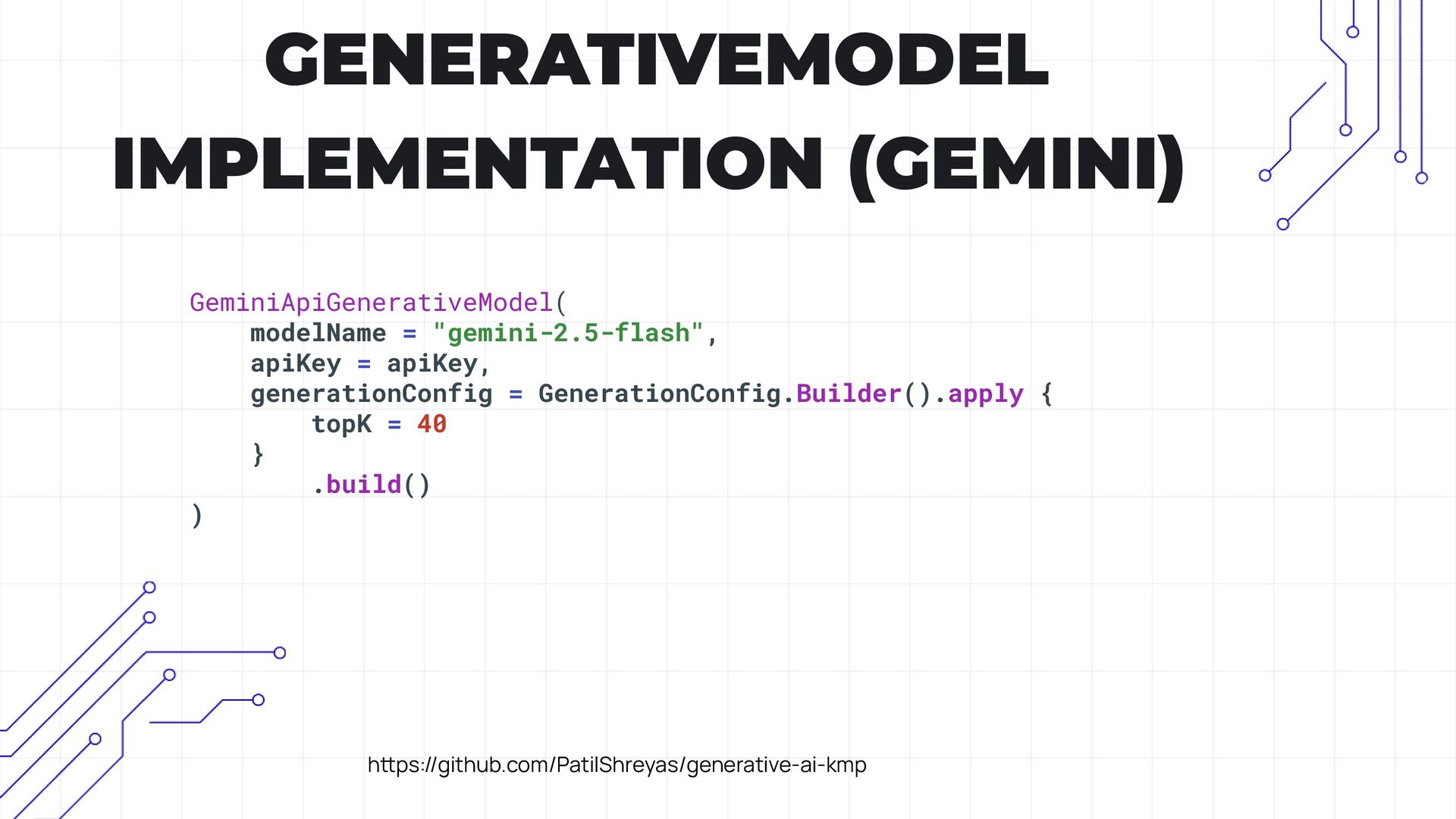
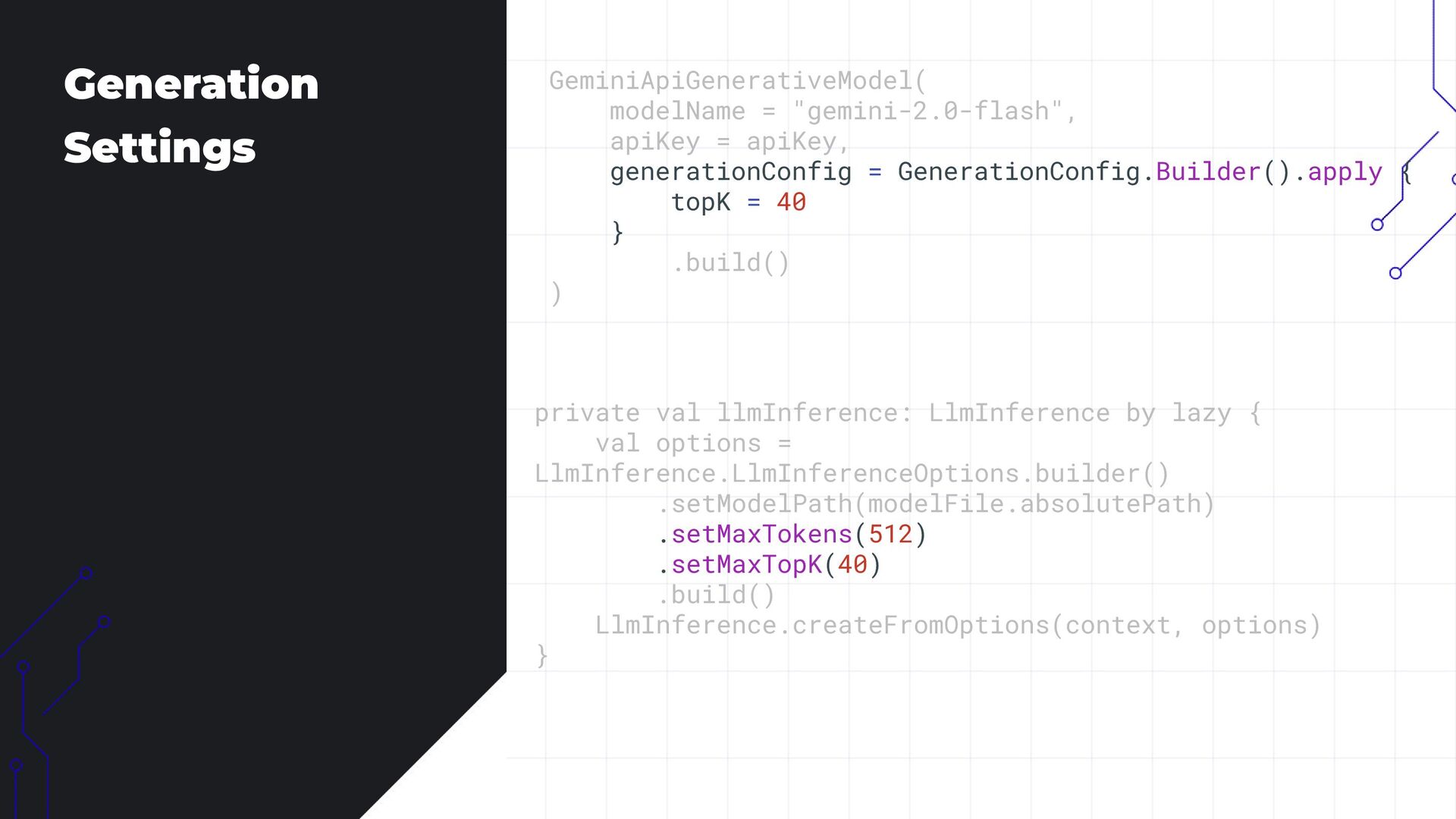
  10. Generation Settings GeminiApiGenerativeModel( modelName = "gemini-2.0-flash", apiKey = apiKey, generationConfig

    = GenerationConfig.Builder().apply { topK = 40 } .build() ) private val llmInference: LlmInference by lazy { val options = LlmInference.LlmInferenceOptions.builder() .setModelPath(modelFile.absolutePath) .setMaxTokens(512) .setMaxTopK(40) .build() LlmInference.createFromOptions(context, options) }
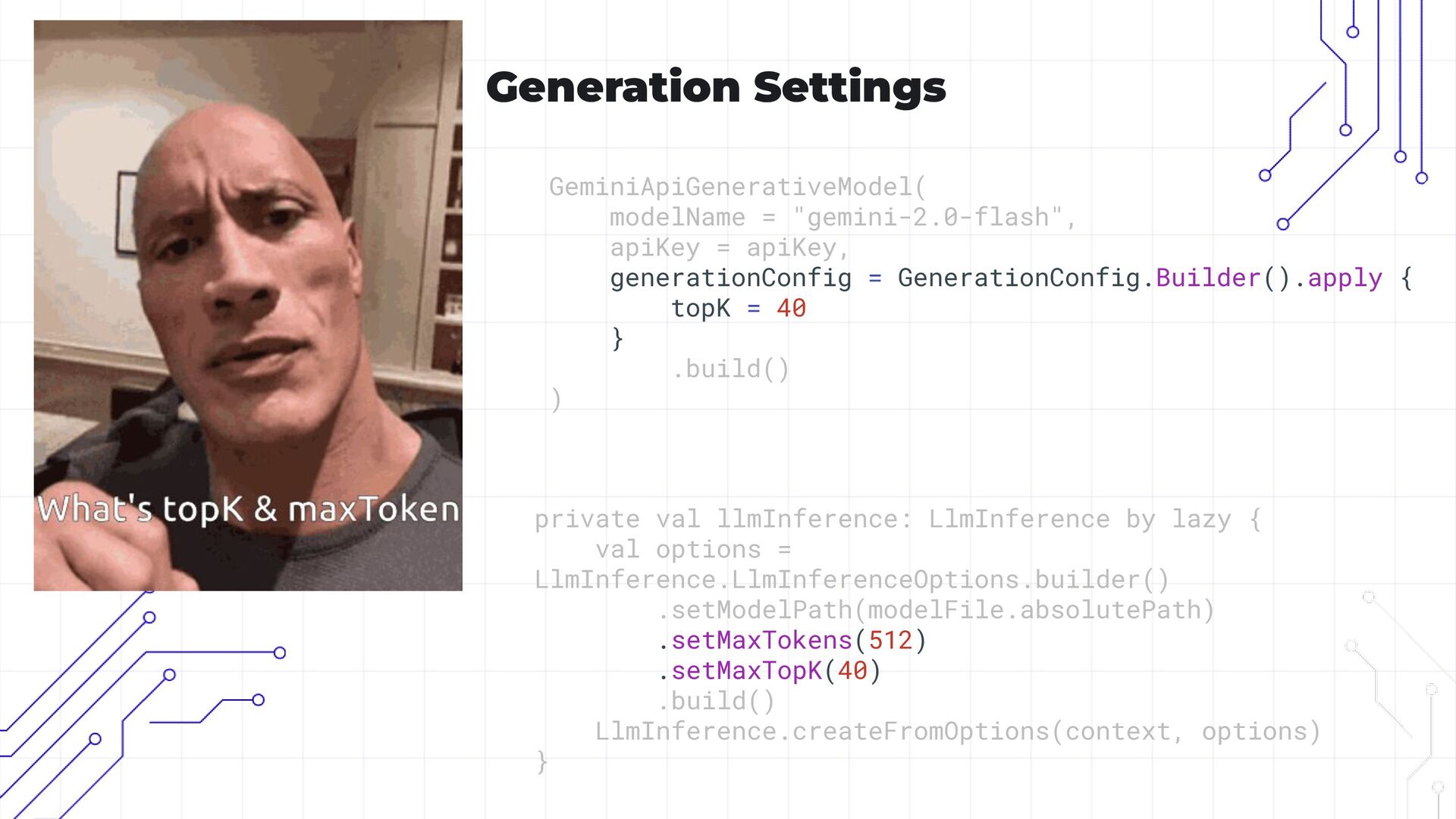
  11. Generation Settings GeminiApiGenerativeModel( modelName = "gemini-2.0-flash", apiKey = apiKey, generationConfig

    = GenerationConfig.Builder().apply { topK = 40 } .build() ) private val llmInference: LlmInference by lazy { val options = LlmInference.LlmInferenceOptions.builder() .setModelPath(modelFile.absolutePath) .setMaxTokens(512) .setMaxTopK(40) .build() LlmInference.createFromOptions(context, options) }
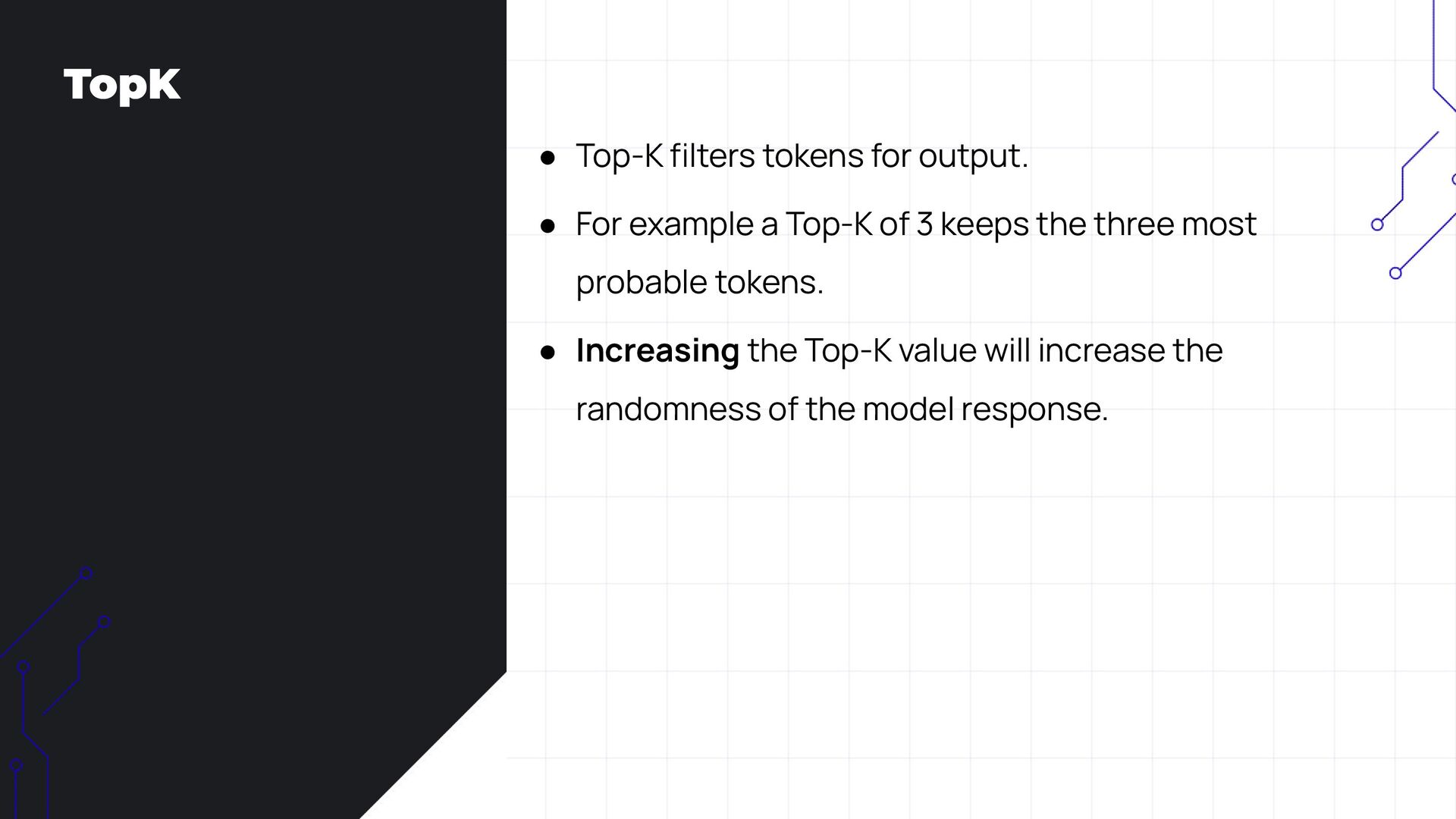
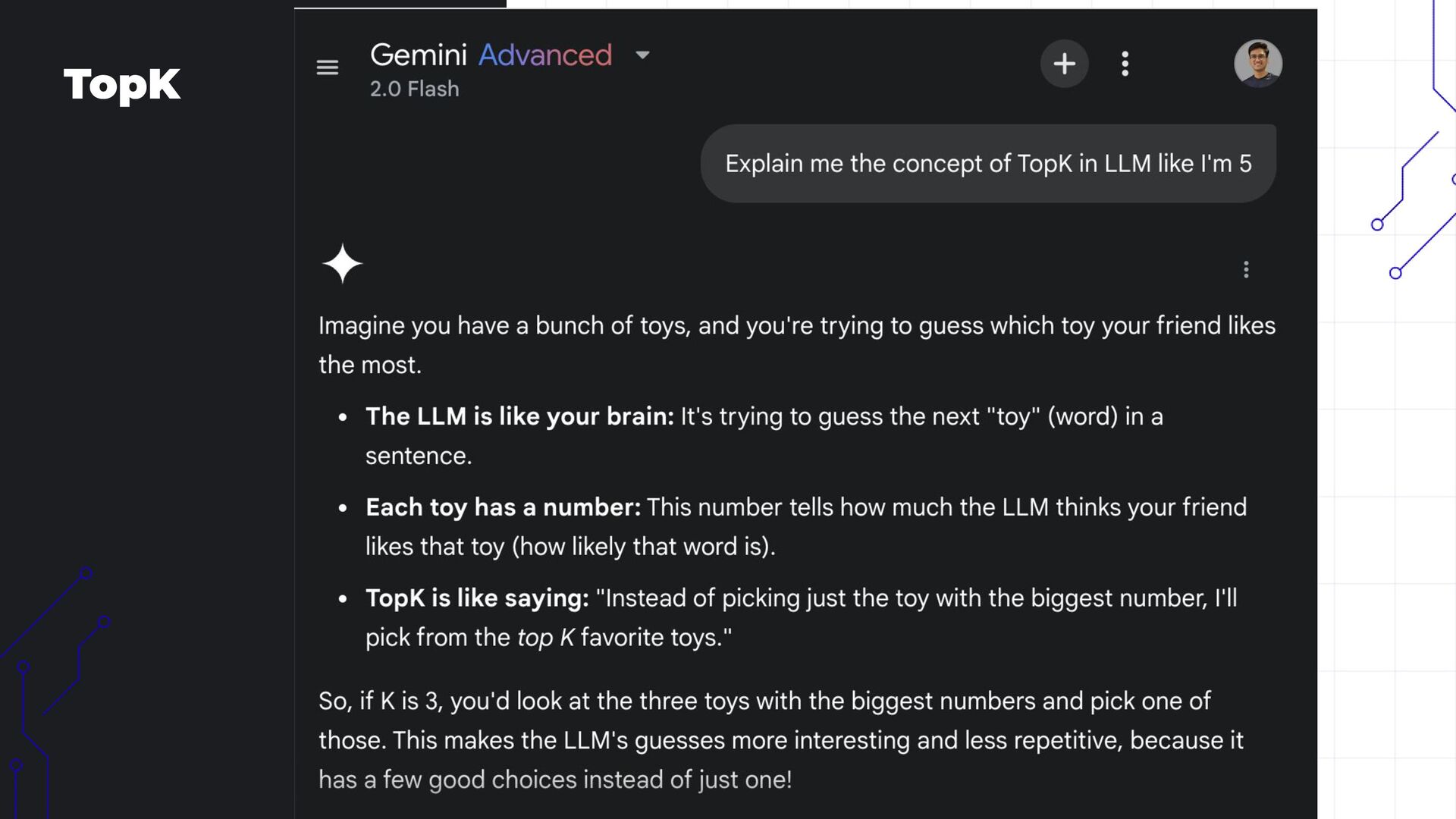
  12. TopK • Top-K filters tokens for output. • For example

    a Top-K of 3 keeps the three most probable tokens. • Increasing the Top-K value will increase the randomness of the model response.
  13. TopK • Top-K filters tokens for output. • For example

    a Top-K of 3 keeps the three most probable tokens. • Increasing the Top-K value will increase the randomness of the model response.
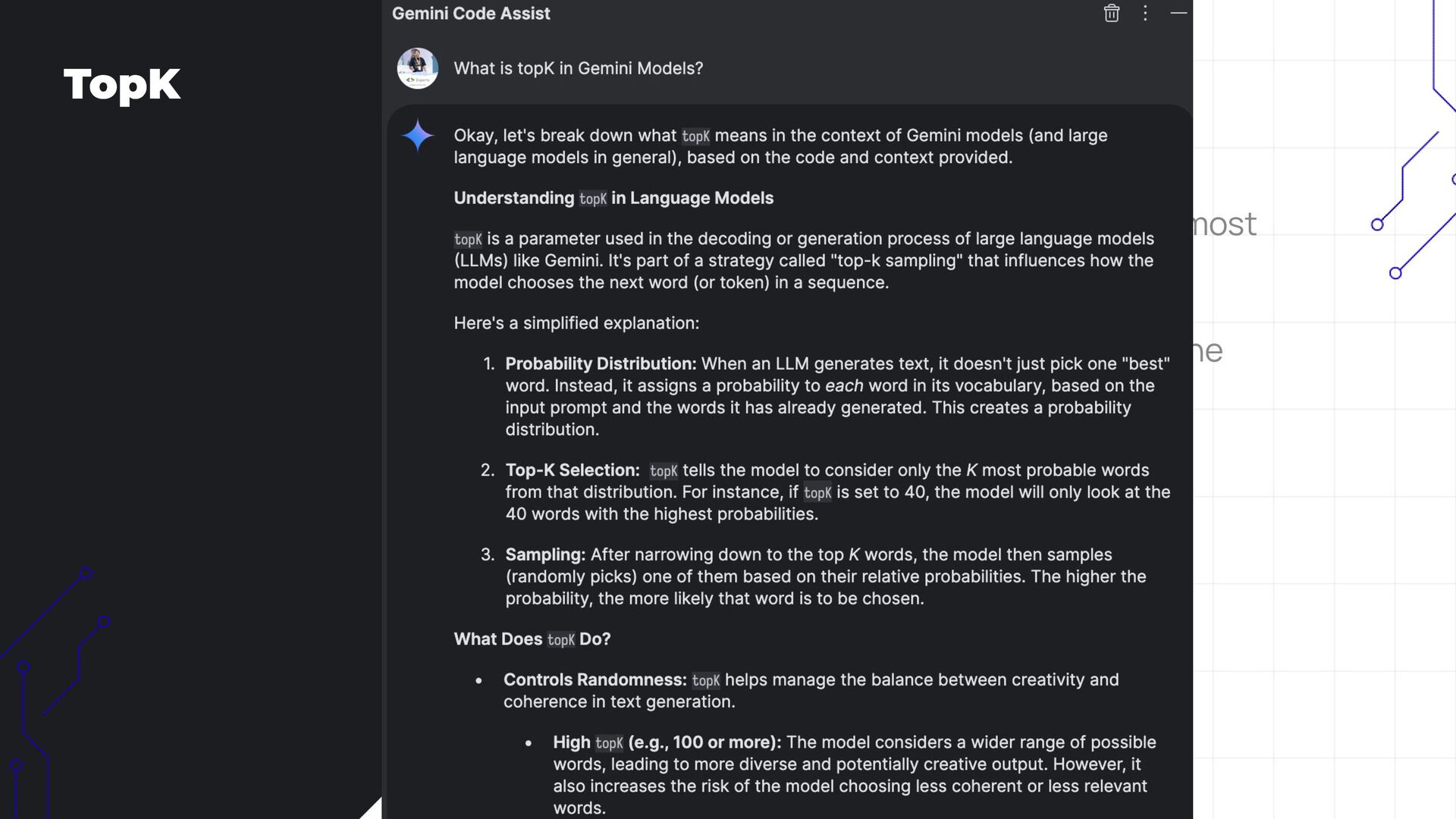
  14. TopK • Top-K filters tokens for output. • For example

    a Top-K of 3 keeps the three most probable tokens. • Increasing the Top-K value will increase the randomness of the model response.
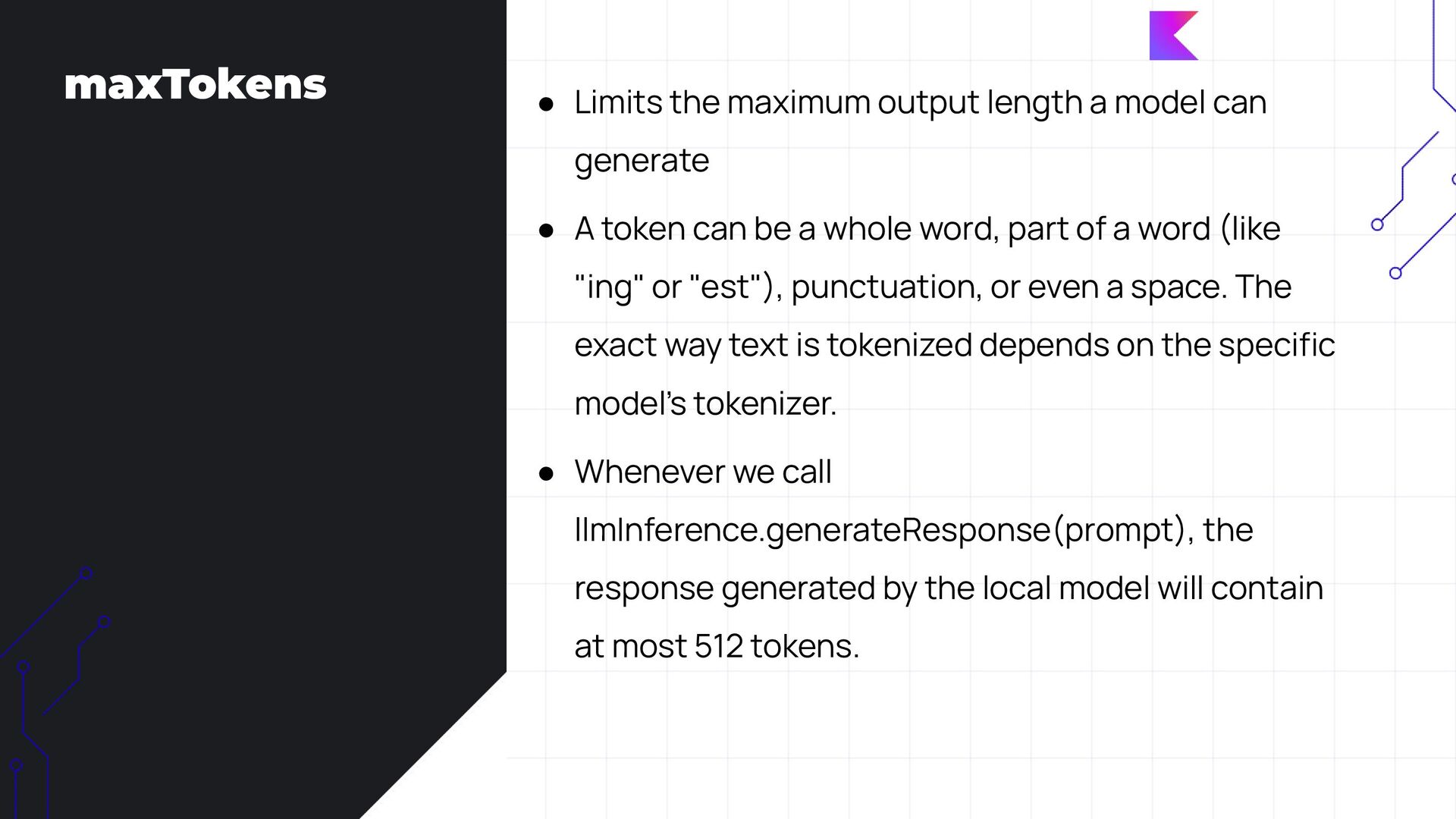
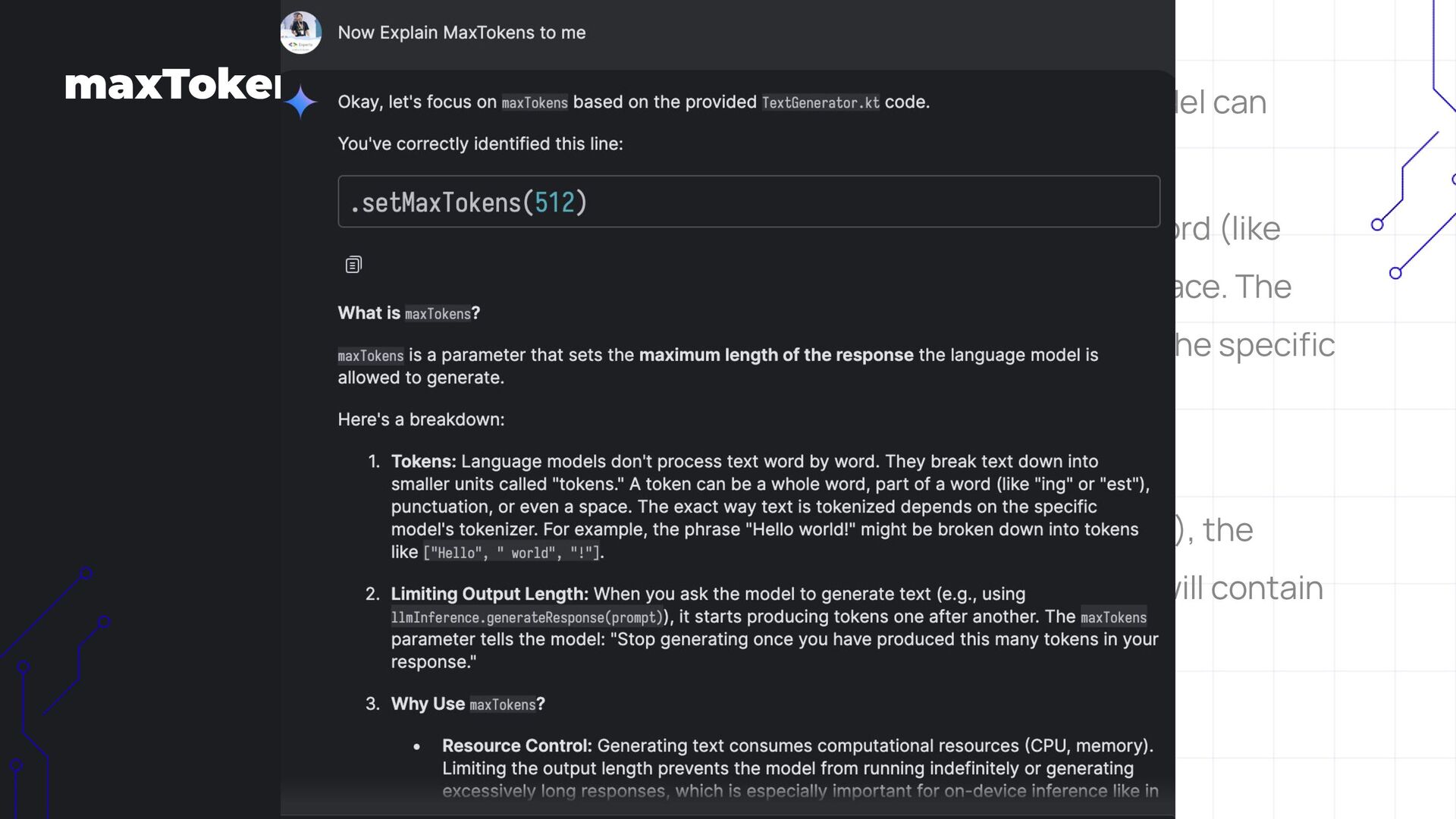
  15. maxTokens • Limits the maximum output length a model can

    generate • A token can be a whole word, part of a word (like "ing" or "est"), punctuation, or even a space. The exact way text is tokenized depends on the specific model’s tokenizer. • Whenever we call llmInference.generateResponse(prompt), the response generated by the local model will contain at most 512 tokens.
  16. maxTokens • Limits the maximum output length a model can

    generate • A token can be a whole word, part of a word (like "ing" or "est"), punctuation, or even a space. The exact way text is tokenized depends on the specific model’s tokenizer. • Whenever we call llmInference.generateResponse(prompt), the response generated by the local model will contain at most 512 tokens.
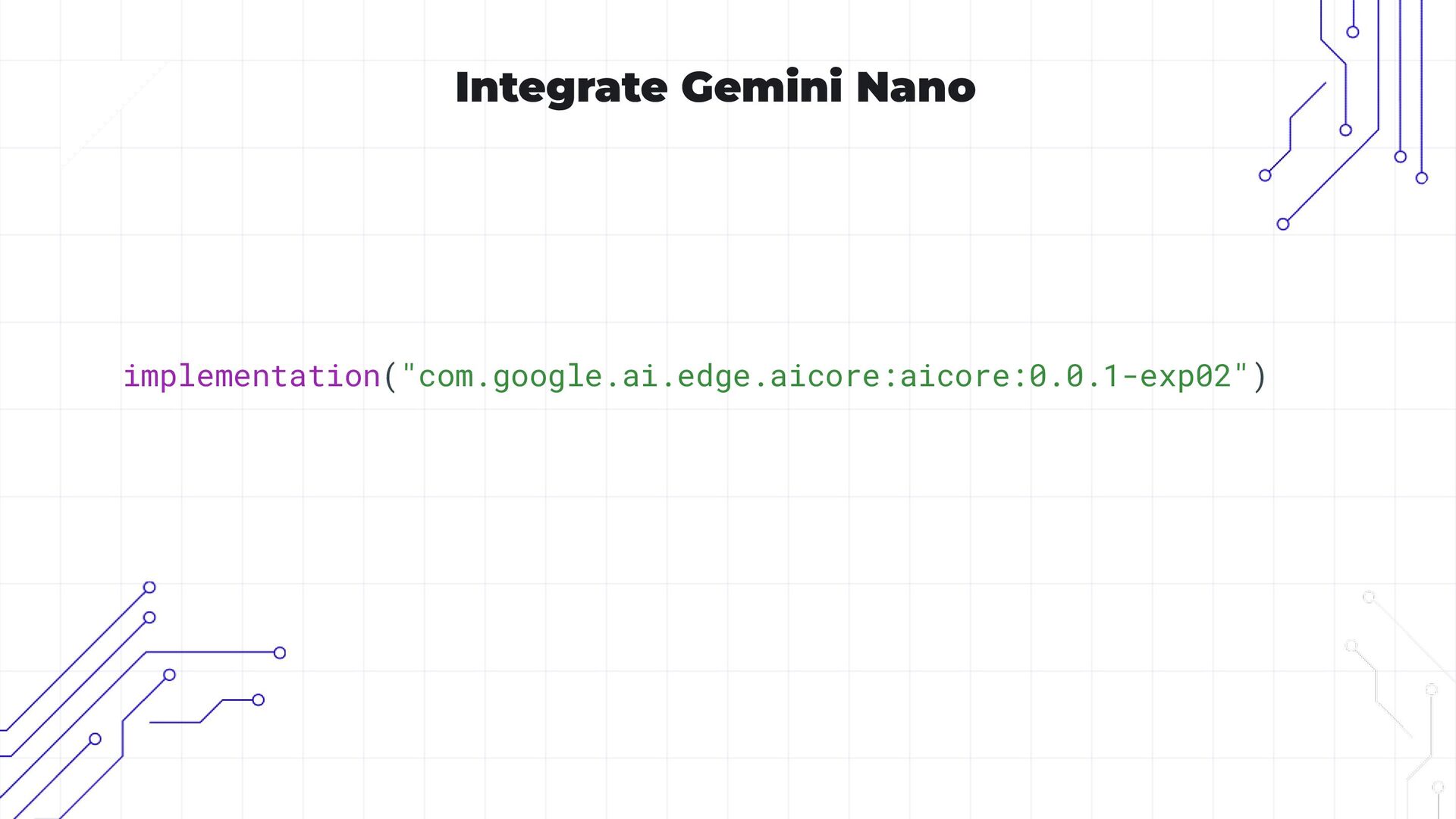
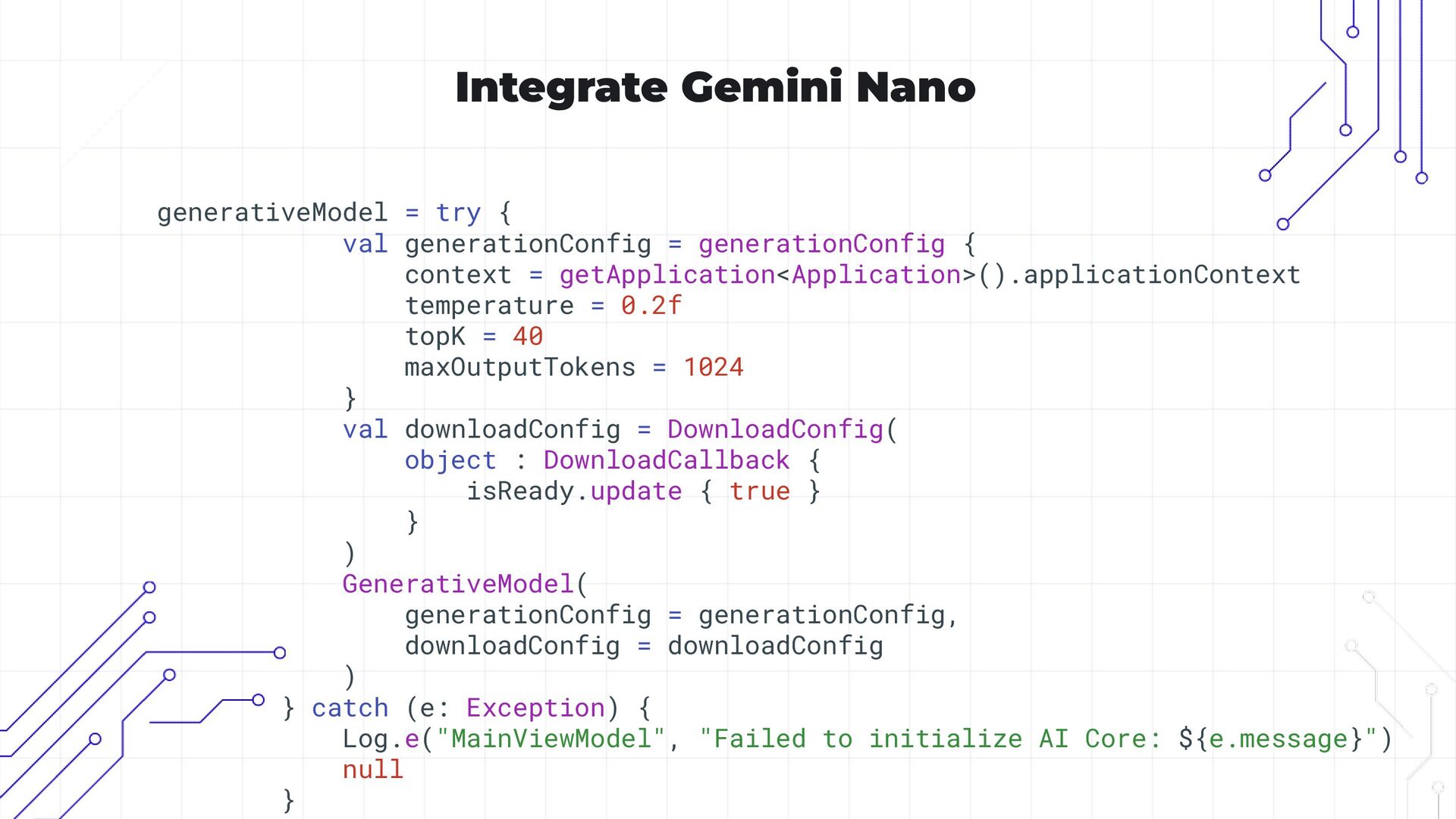
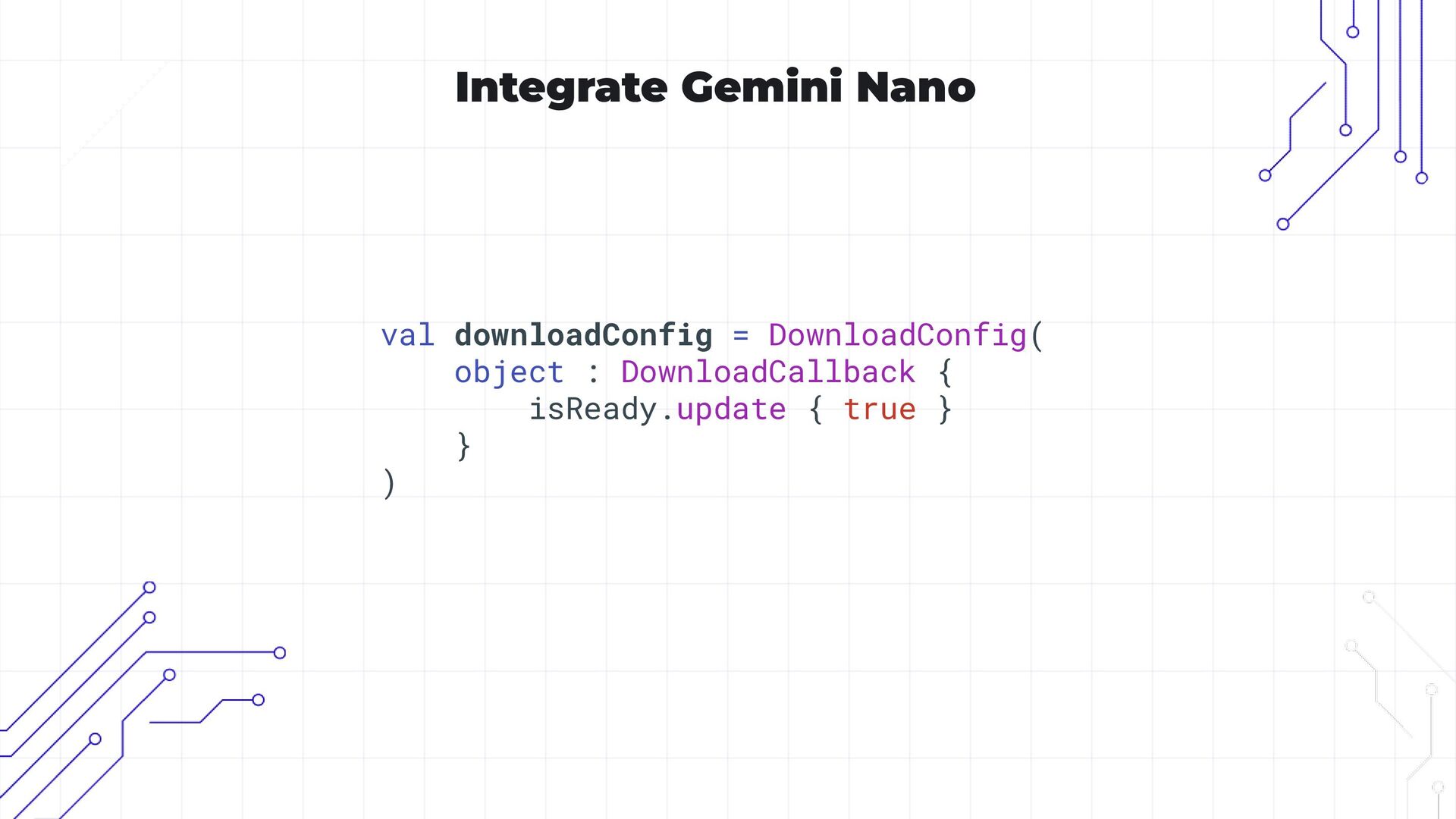
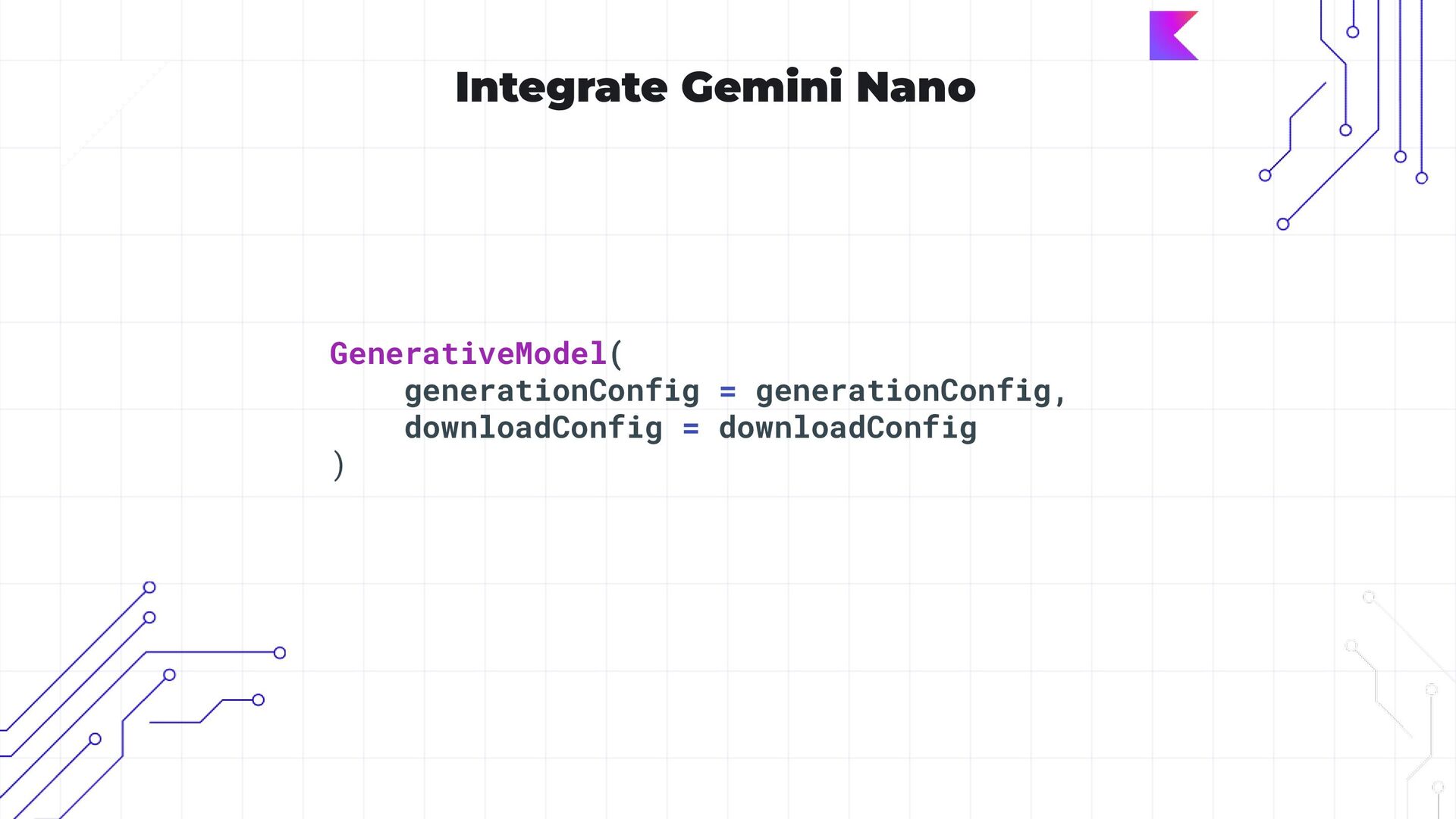
  17. Integrate Gemini Nano generativeModel = try { val generationConfig =

    generationConfig { context = getApplication<Application>().applicationContext temperature = 0.2f topK = 40 maxOutputTokens = 1024 } val downloadConfig = DownloadConfig( object : DownloadCallback { isReady.update { true } } ) GenerativeModel( generationConfig = generationConfig, downloadConfig = downloadConfig ) } catch (e: Exception) { Log.e("MainViewModel", "Failed to initialize AI Core: ${e.message}") null }
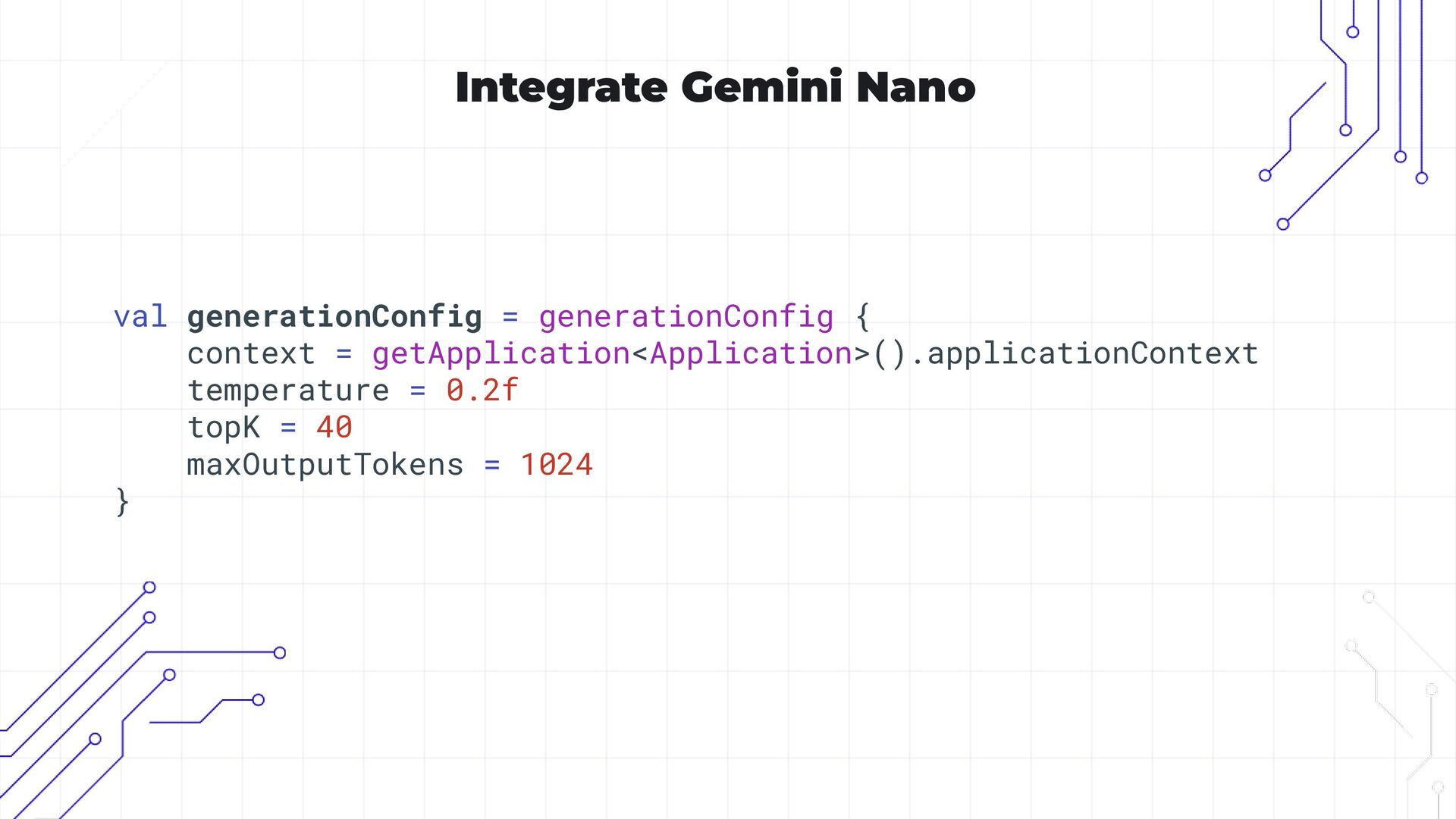
  18. Integrate Gemini Nano val generationConfig = generationConfig { context =

    getApplication<Application>().applicationContext temperature = 0.2f topK = 40 maxOutputTokens = 1024 }
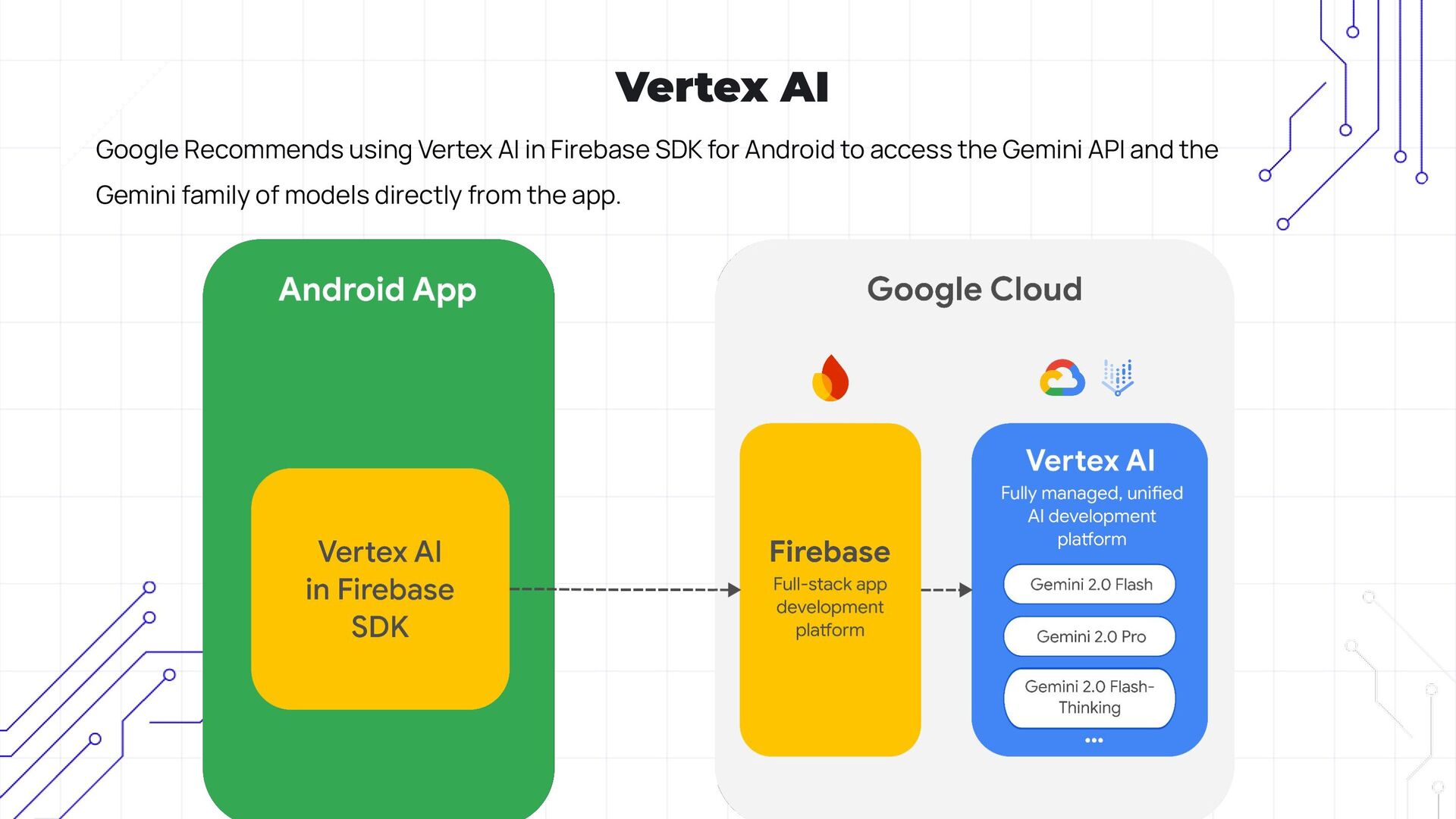
  19. Vertex AI Google Recommends using Vertex AI in Firebase SDK

    for Android to access the Gemini API and the Gemini family of models directly from the app.
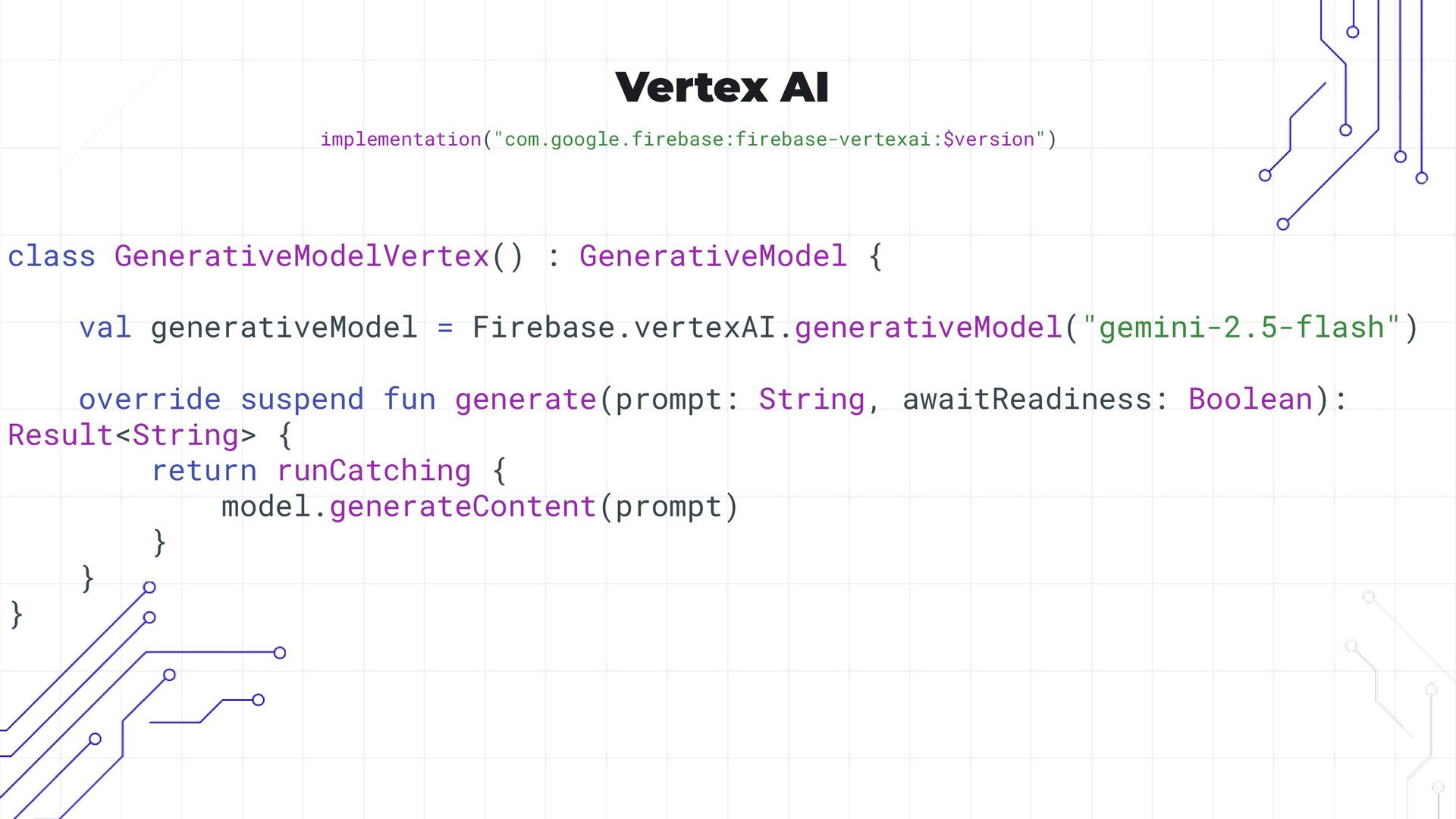
  20. Vertex AI implementation("com.google.firebase:firebase-vertexai:$version") class GenerativeModelVertex() : GenerativeModel { val generativeModel

    = Firebase.vertexAI.generativeModel("gemini-2.5-flash") override suspend fun generate(prompt: String, awaitReadiness: Boolean): Result<String> { return runCatching { model.generateContent(prompt) } } }
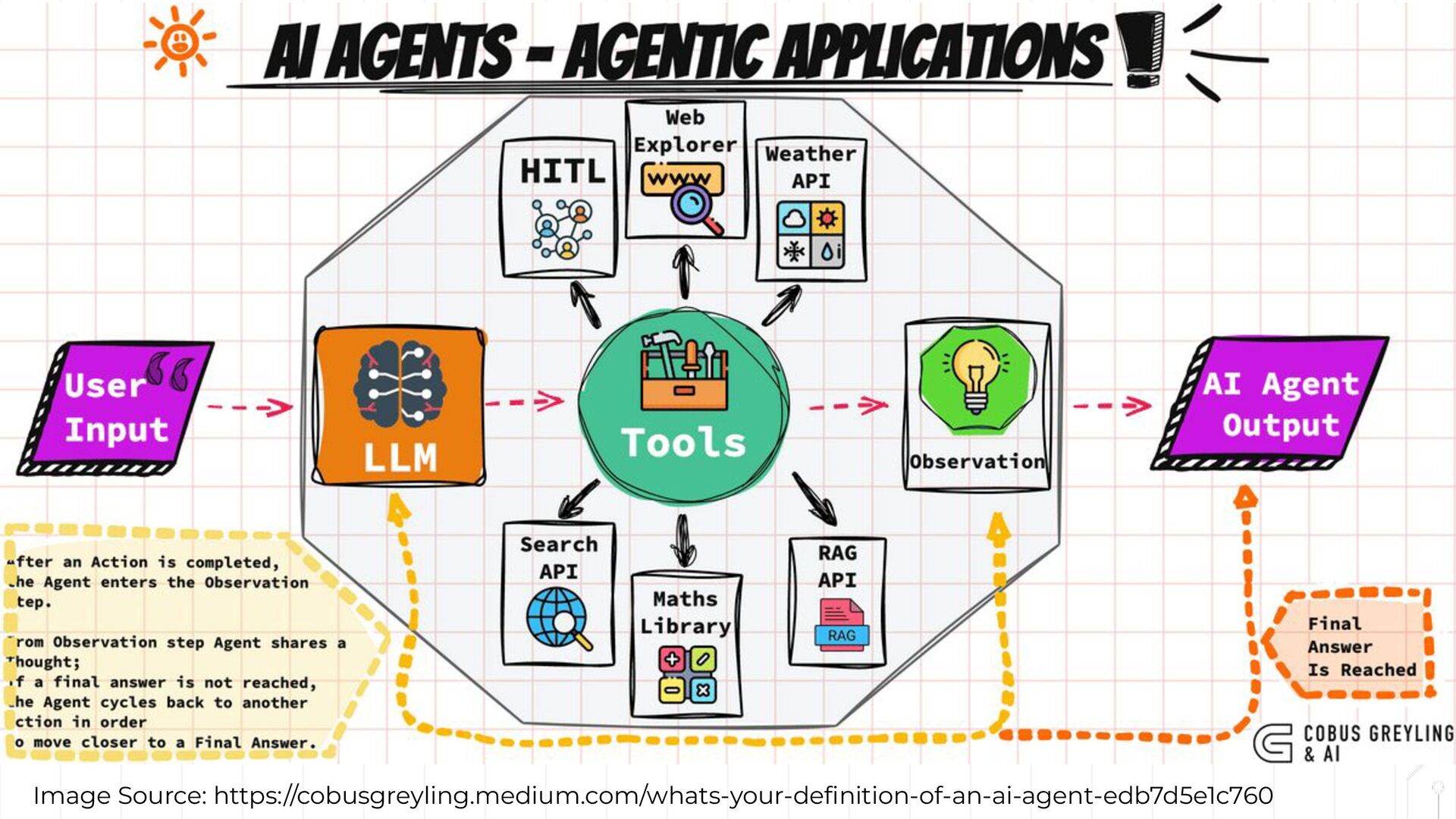
  21. Koog Koog is a Kotlin-based framework designed to build and

    run AI agents entirely in idiomatic Kotlin. It lets you create agents that can interact with tools, handle complex workflows, and communicate with users. https://docs.koog.ai/
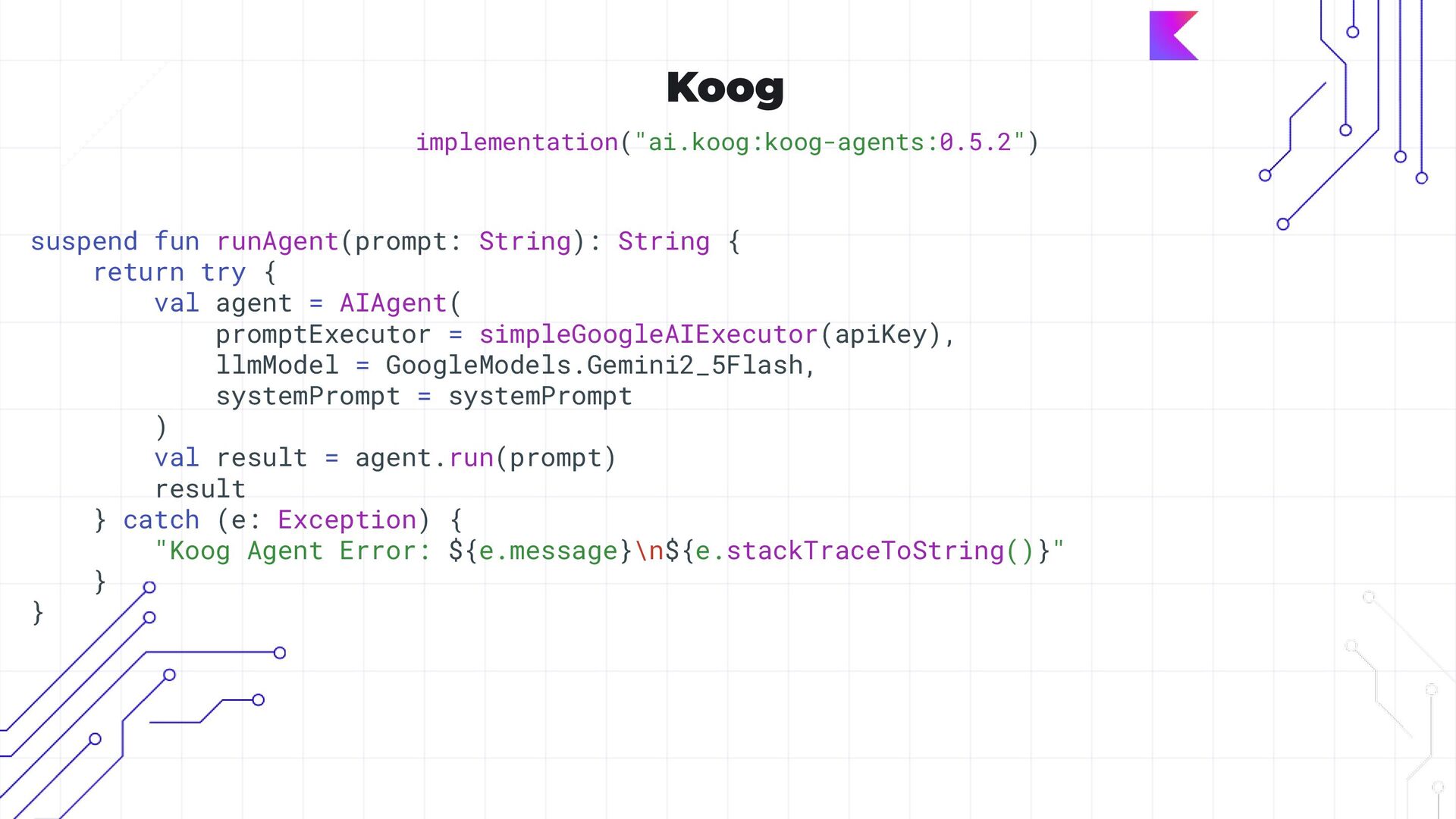
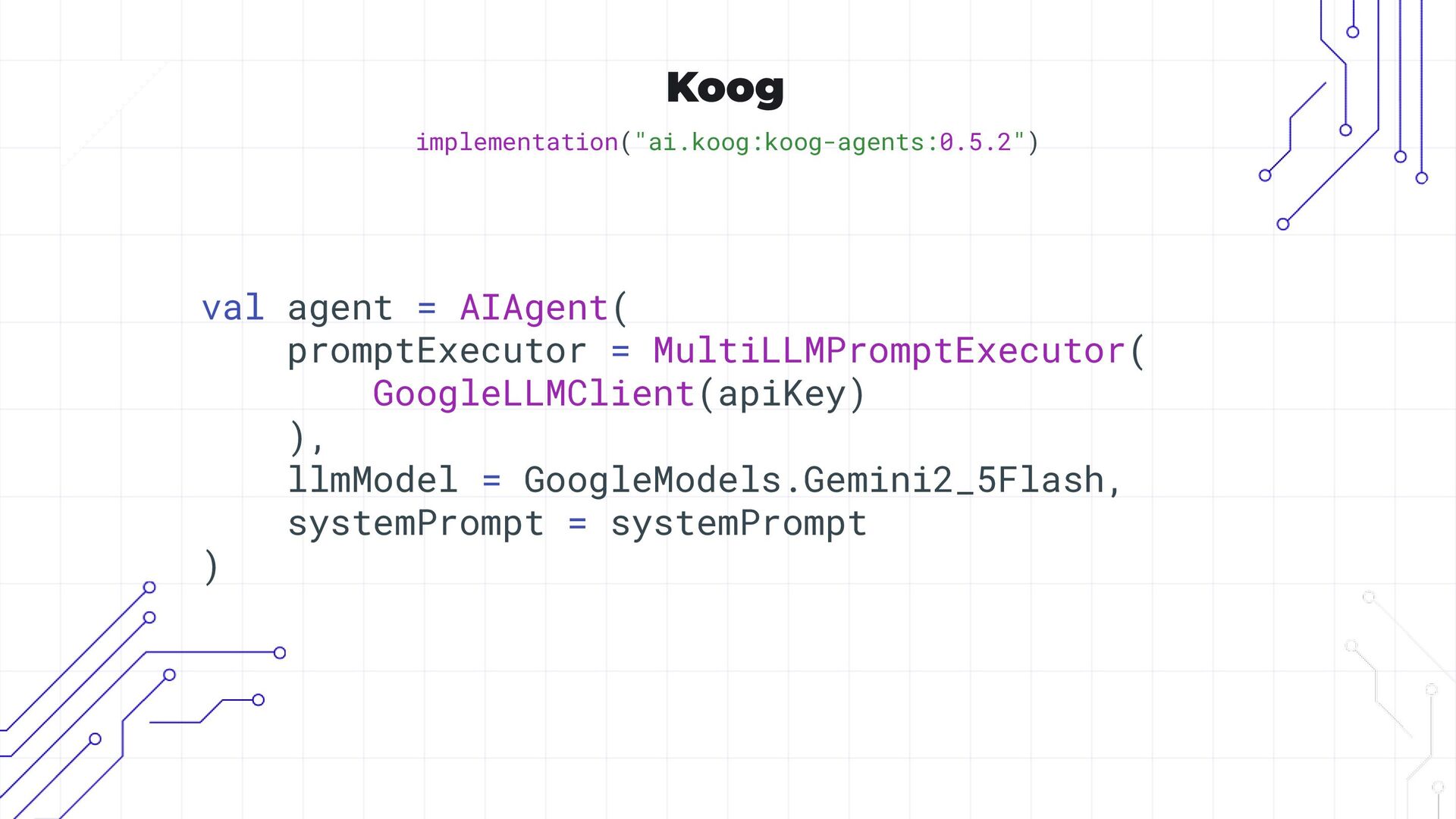
  22. Koog implementation("ai.koog:koog-agents:0.5.2") suspend fun runAgent(prompt: String): String { return try

    { val agent = AIAgent( promptExecutor = simpleGoogleAIExecutor(apiKey), llmModel = GoogleModels.Gemini2_5Flash, systemPrompt = systemPrompt ) val result = agent.run(prompt) result } catch (e: Exception) { "Koog Agent Error: ${e.message}\n${e.stackTraceToString()}" } }
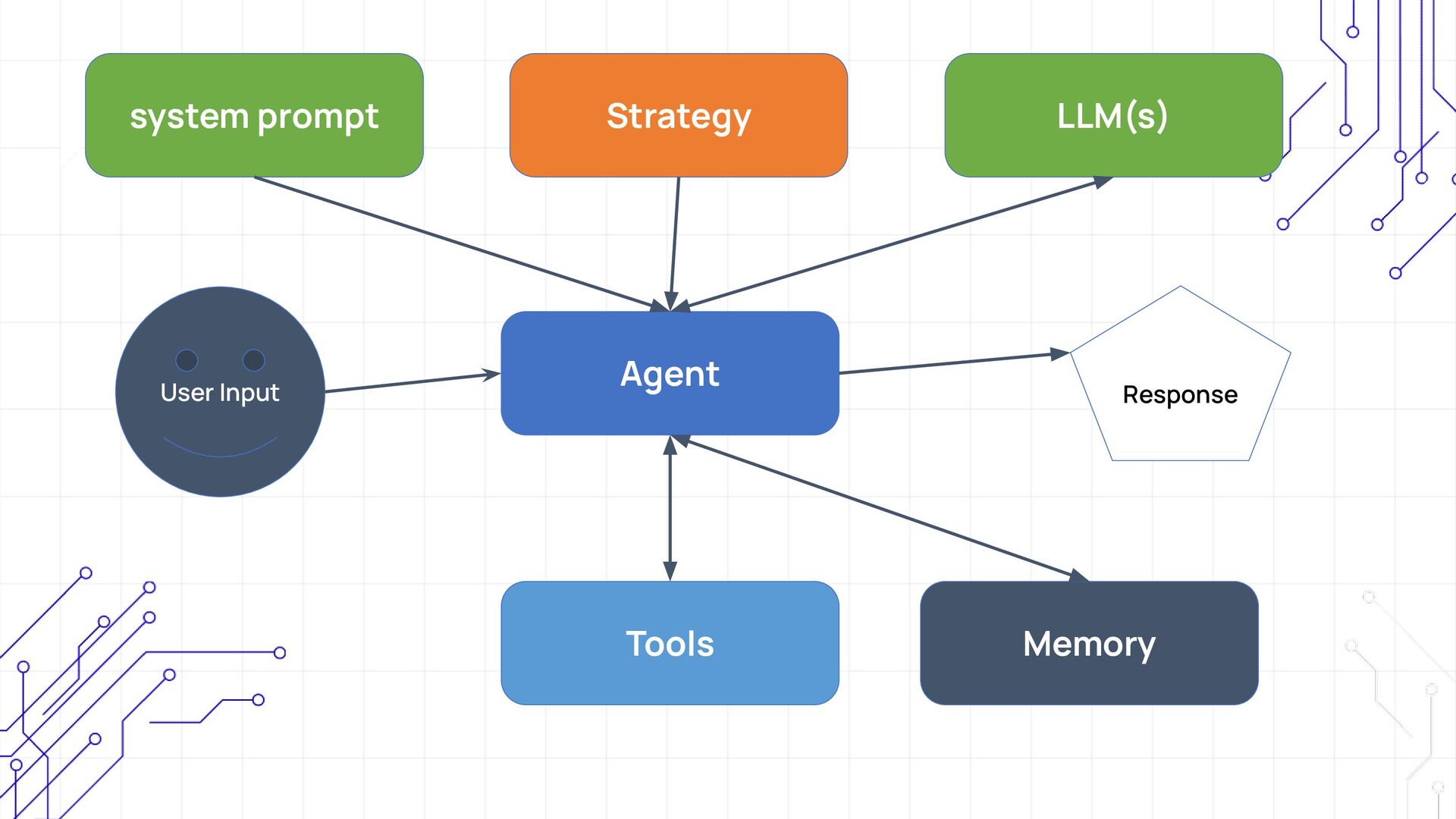
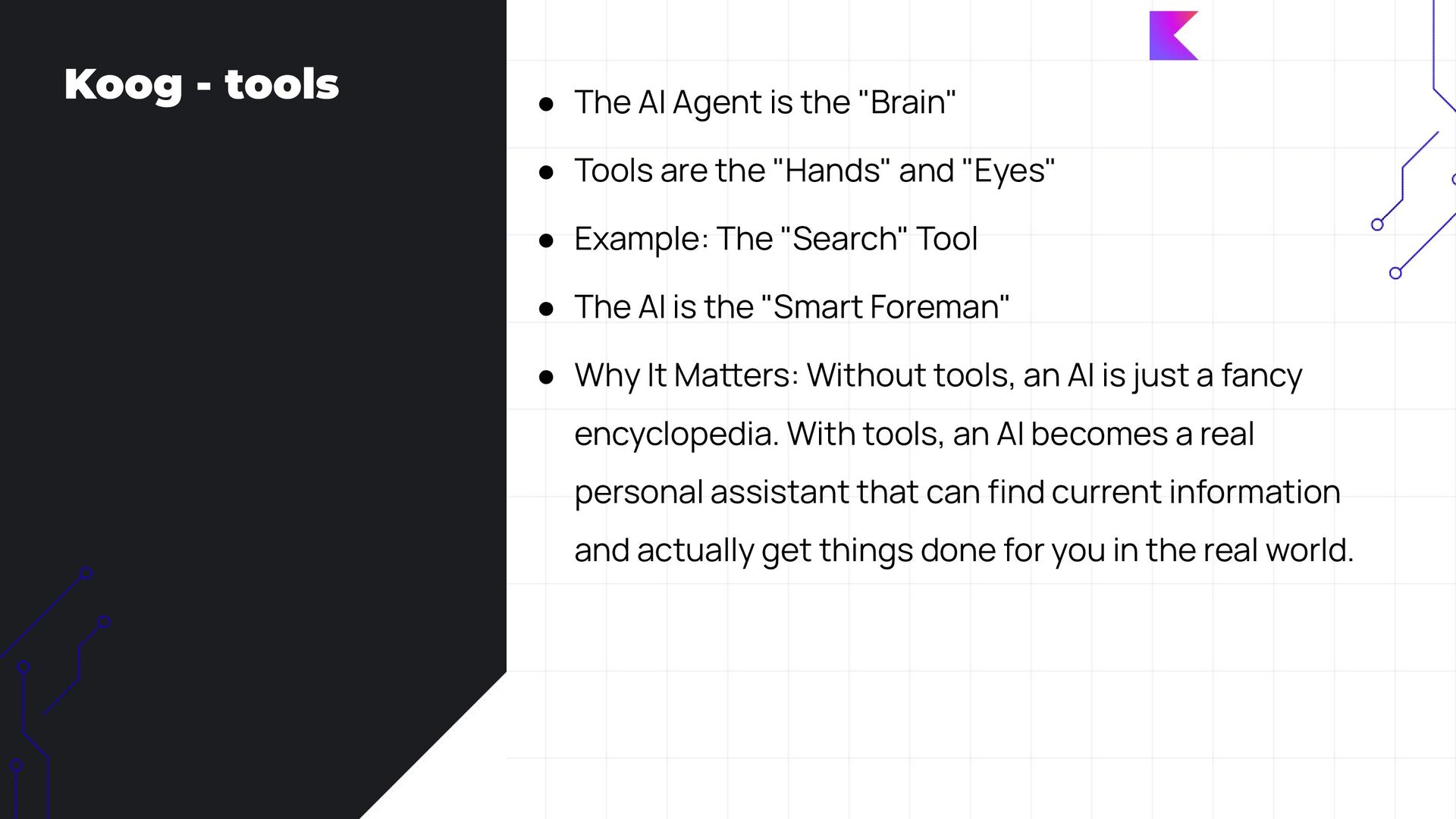
  23. Koog - tools • The AI Agent is the "Brain"

    • Tools are the "Hands" and "Eyes" • Example: The "Search" Tool • The AI is the "Smart Foreman" • Why It Maers: Without tools, an AI is just a fancy encyclopedia. With tools, an AI becomes a real personal assistant that can find current information and actually get things done for you in the real world.
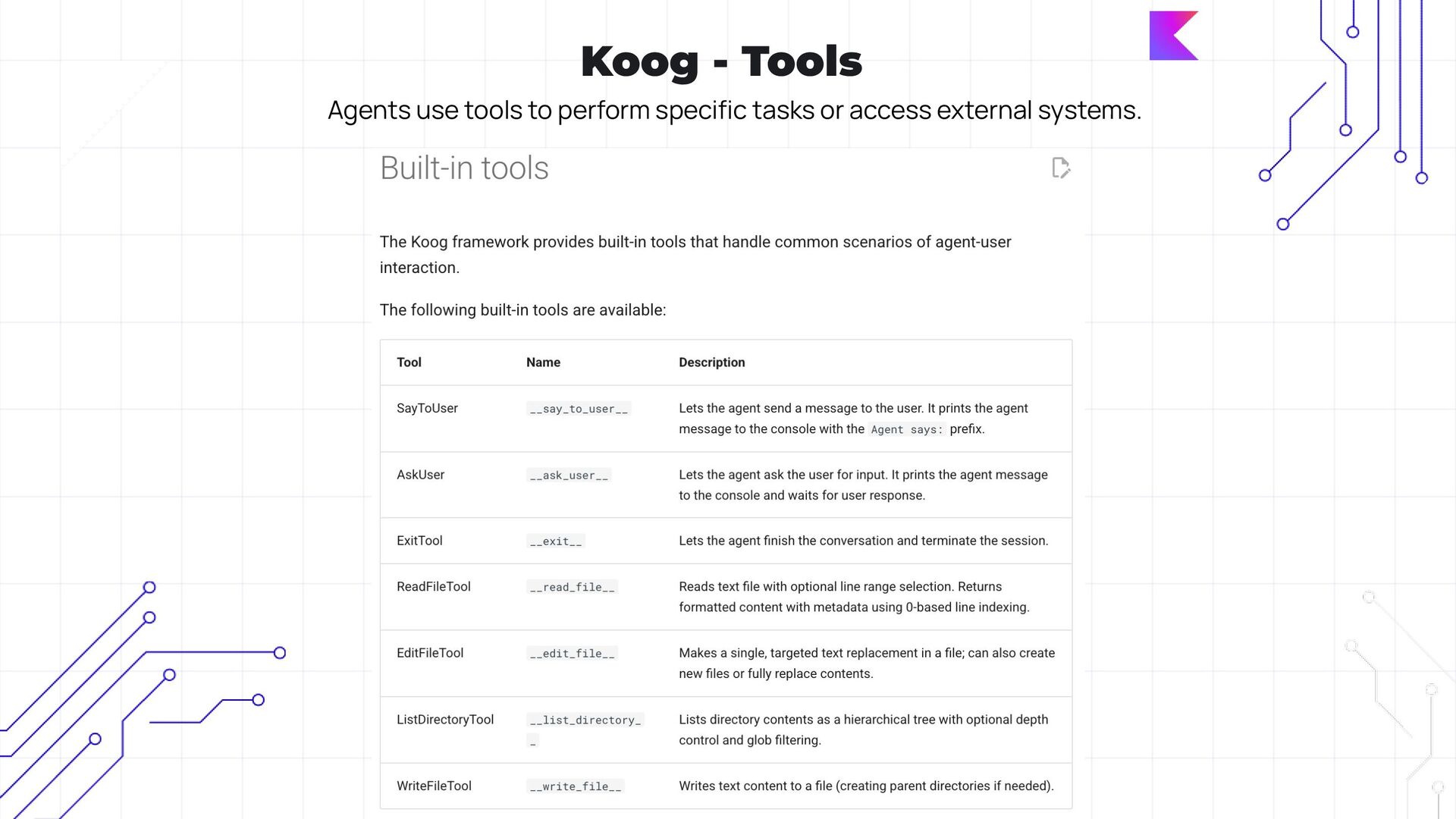
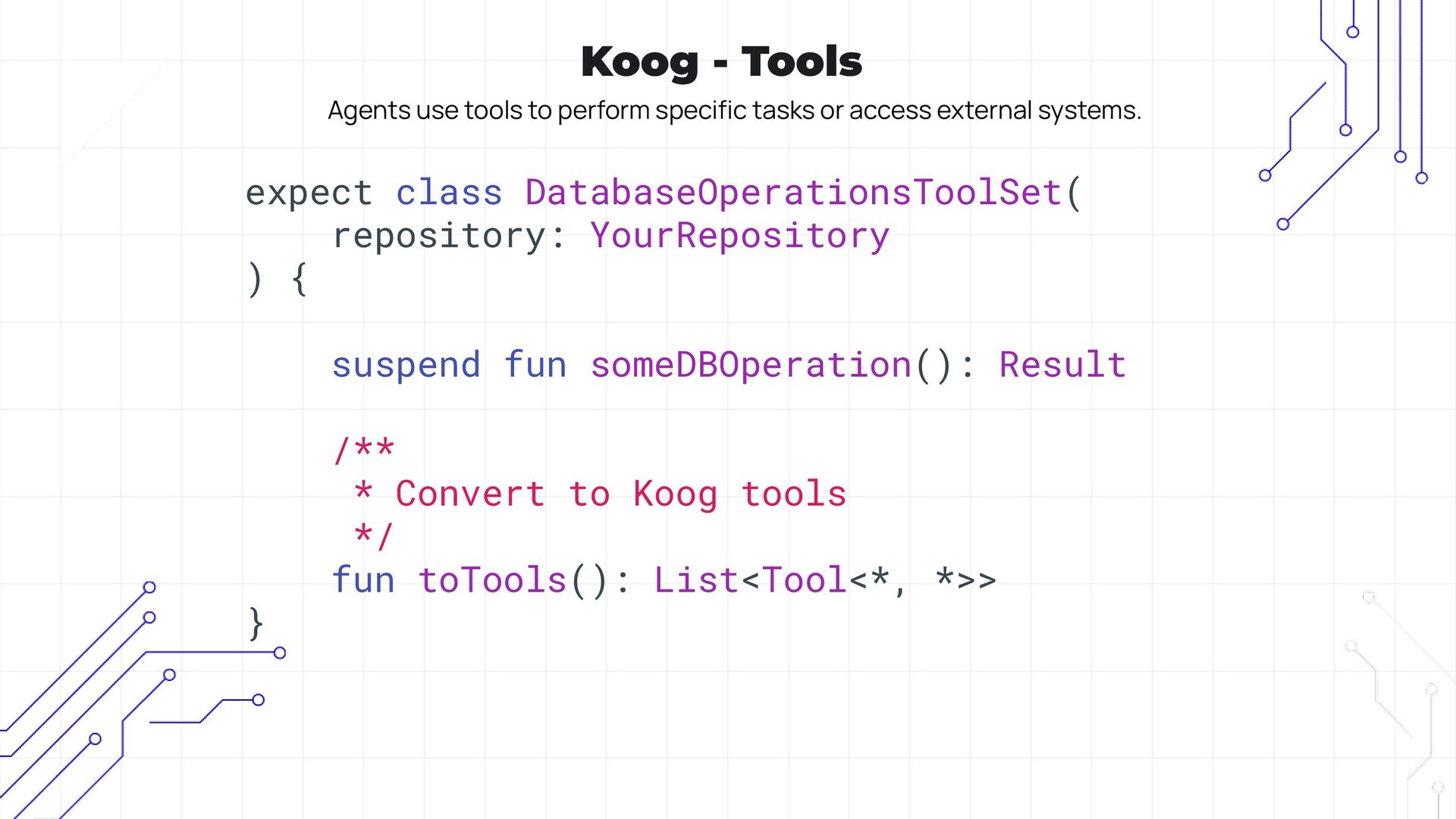
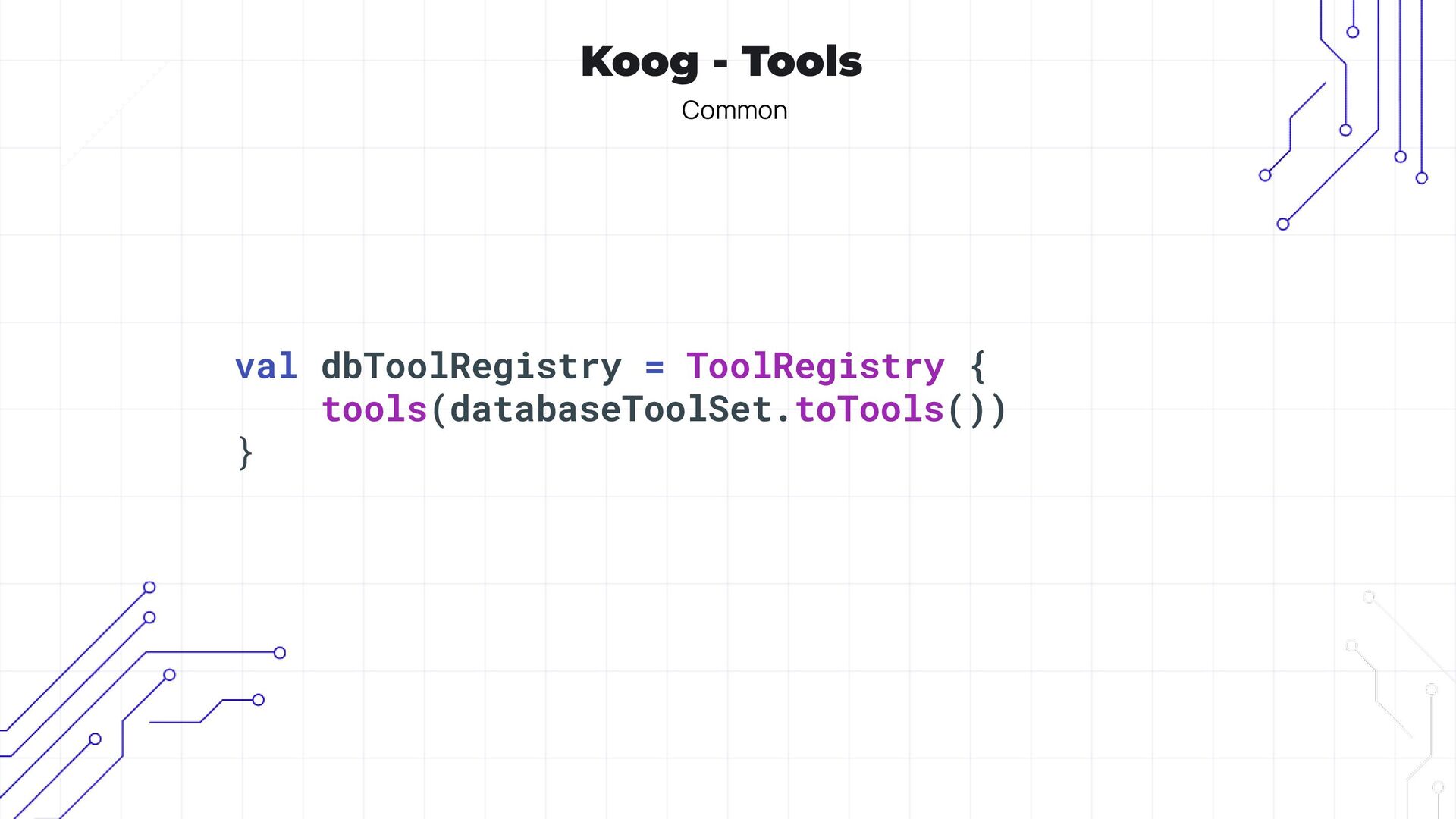
  24. Koog - Tools Agents use tools to perform specific tasks

    or access external systems. expect class DatabaseOperationsToolSet( repository: YourRepository ) { suspend fun someDBOperation(): Result /** * Convert to Koog tools */ fun toTools(): List<Tool<*, *>> }
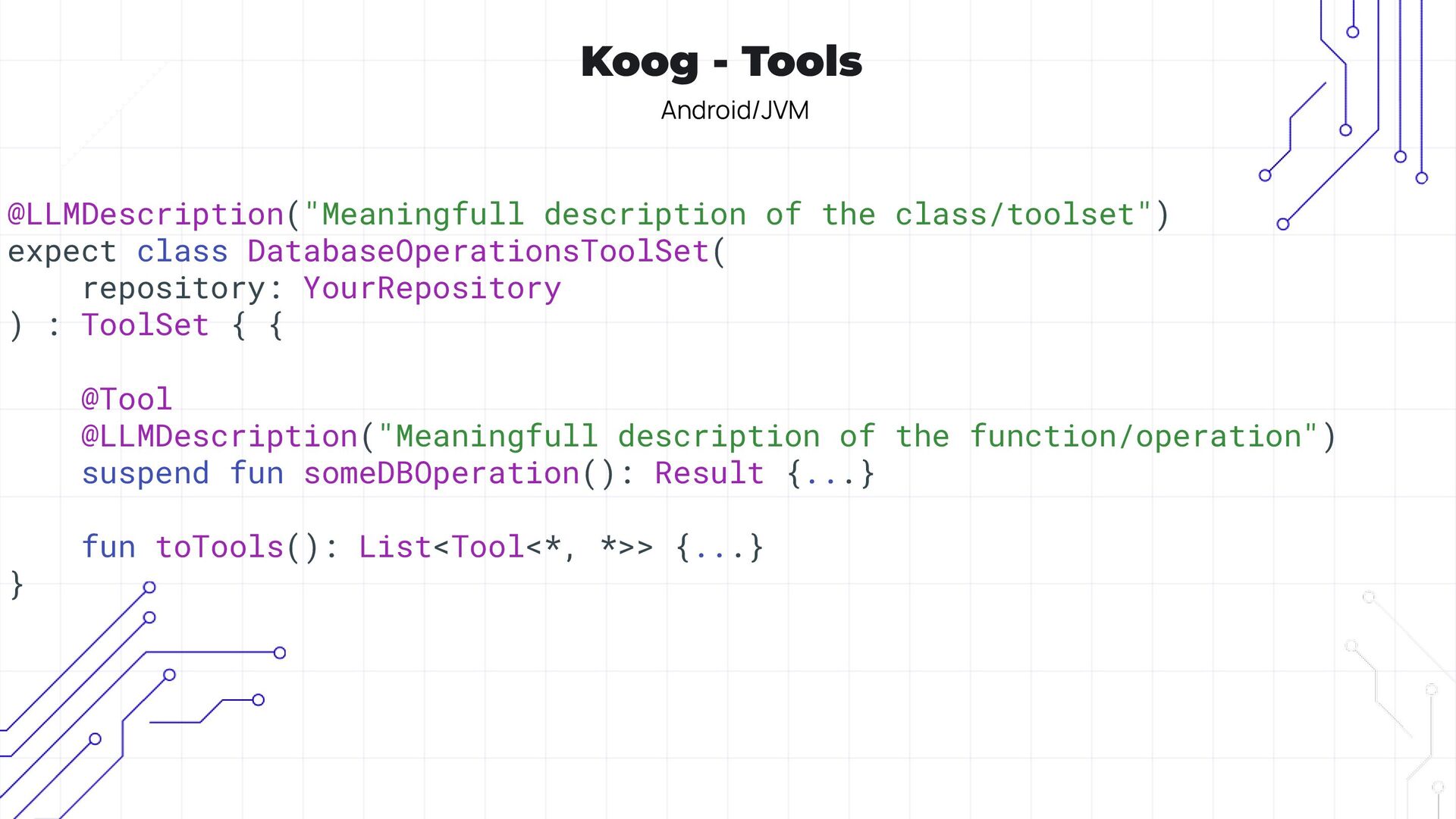
  25. Koog - Tools Android/JVM @LLMDescription("Meaningfull description of the class/toolset") expect

    class DatabaseOperationsToolSet( repository: YourRepository ) : ToolSet { { @Tool @LLMDescription("Meaningfull description of the function/operation") suspend fun someDBOperation(): Result {...} fun toTools(): List<Tool<*, *>> {...} }
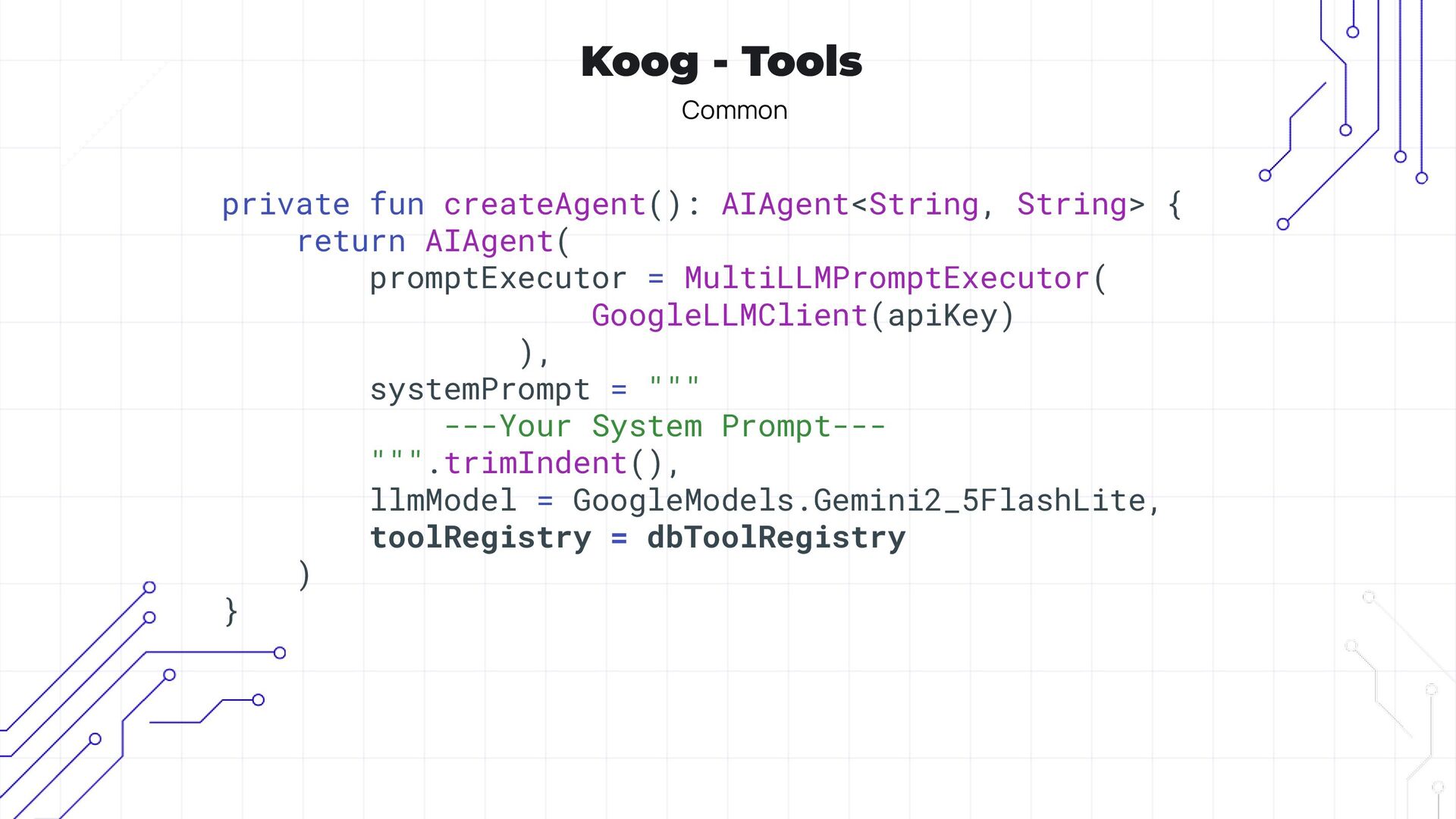
  26. Koog - Tools Common private fun createAgent(): AIAgent<String, String> {

    return AIAgent( promptExecutor = MultiLLMPromptExecutor( GoogleLLMClient(apiKey) ), systemPrompt = """ ---Your System Prompt--- """.trimIndent(), llmModel = GoogleModels.Gemini2_5FlashLite, toolRegistry = dbToolRegistry ) }
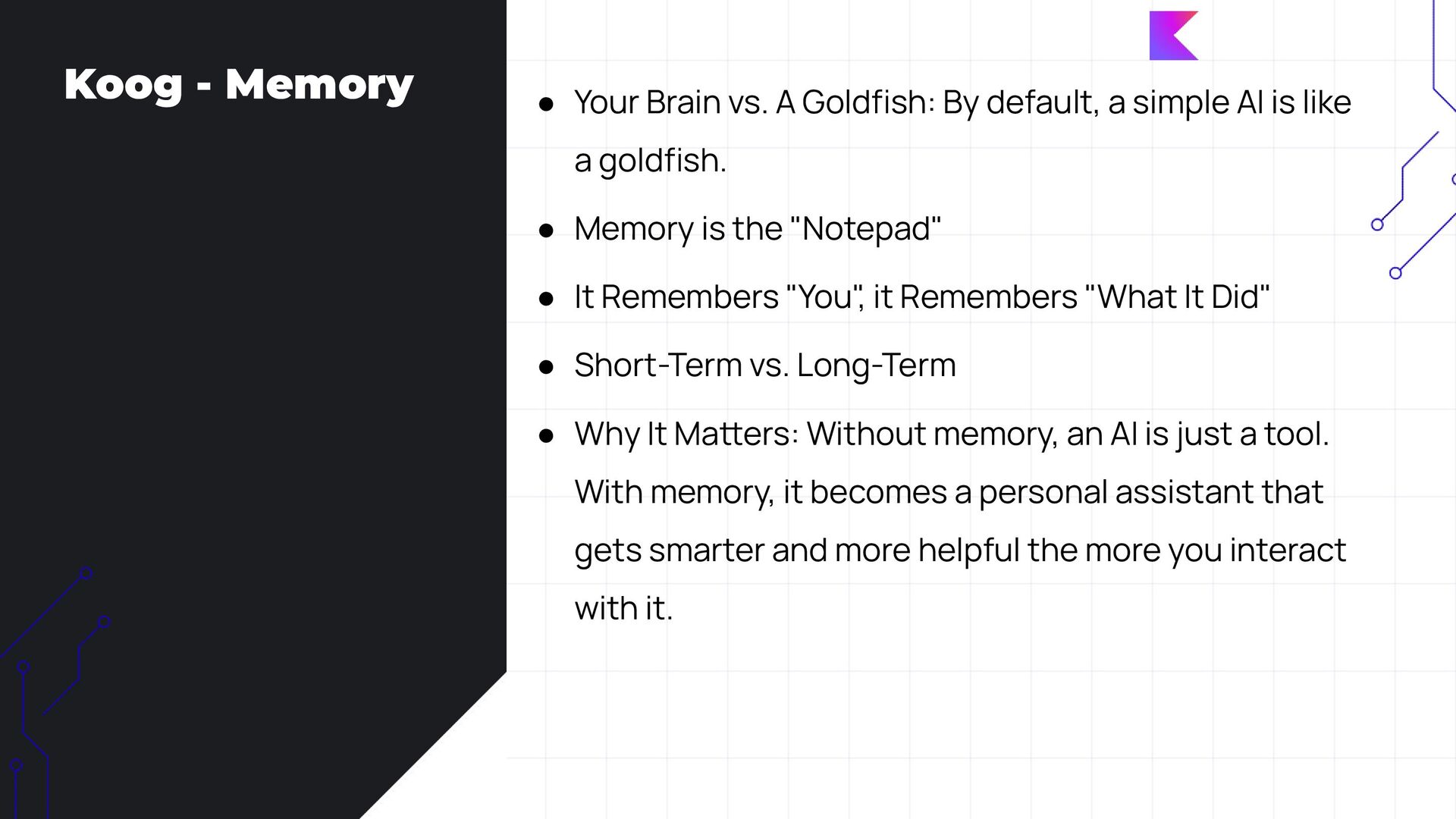
  27. Koog - Memory • Your Brain vs. A Goldfish: By

    default, a simple AI is like a goldfish. • Memory is the "Notepad" • It Remembers "You" , it Remembers "What It Did" • Short-Term vs. Long-Term • Why It Maers: Without memory, an AI is just a tool. With memory, it becomes a personal assistant that gets smarter and more helpful the more you interact with it.
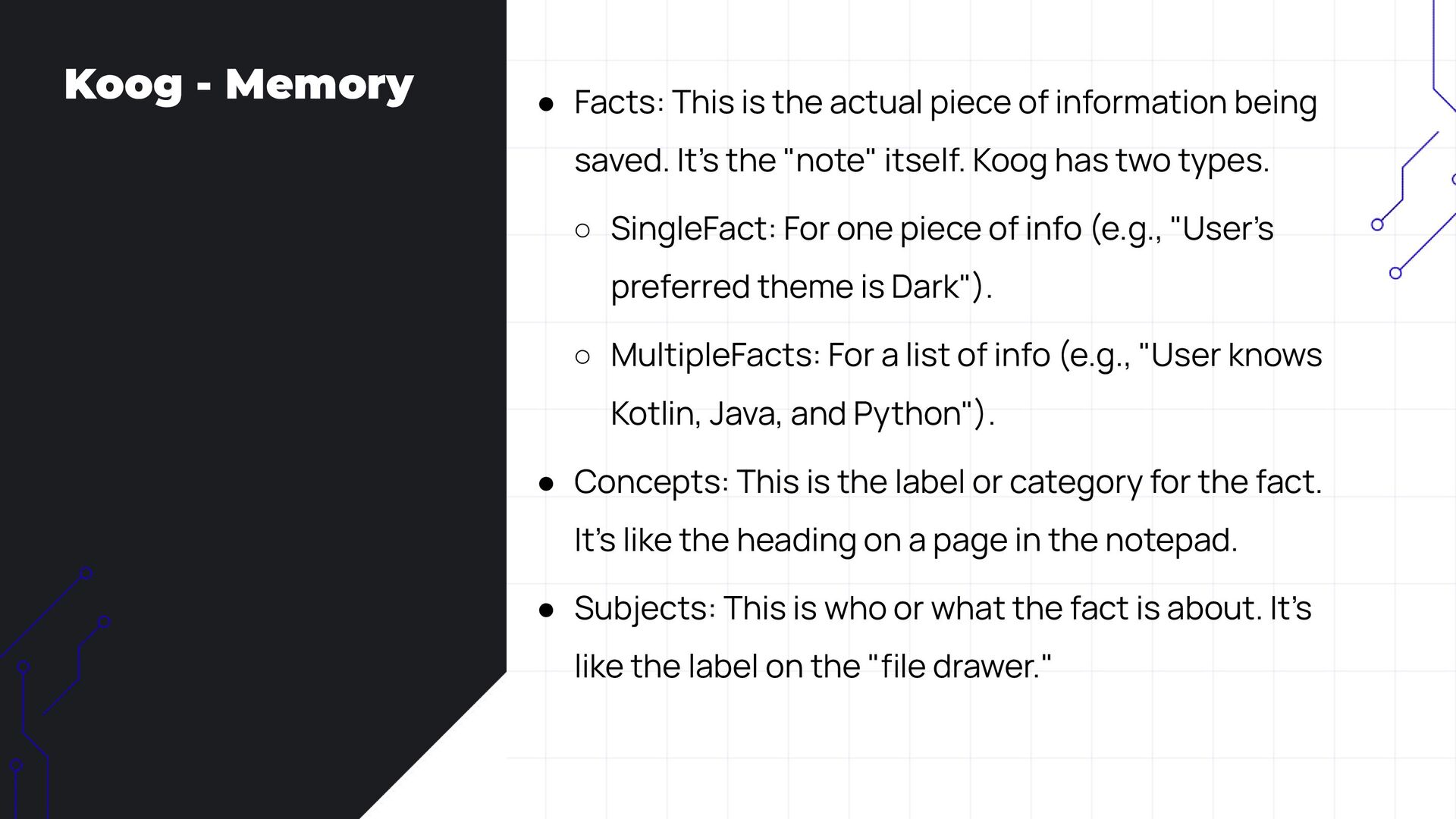
  28. Koog - Memory • Facts: This is the actual piece

    of information being saved. It’s the "note" itself. Koog has two types. ◦ SingleFact: For one piece of info (e.g., "User’s preferred theme is Dark"). ◦ MultipleFacts: For a list of info (e.g., "User knows Kotlin, Java, and Python"). • Concepts: This is the label or category for the fact. It’s like the heading on a page in the notepad. • Subjects: This is who or what the fact is about. It’s like the label on the "file drawer."
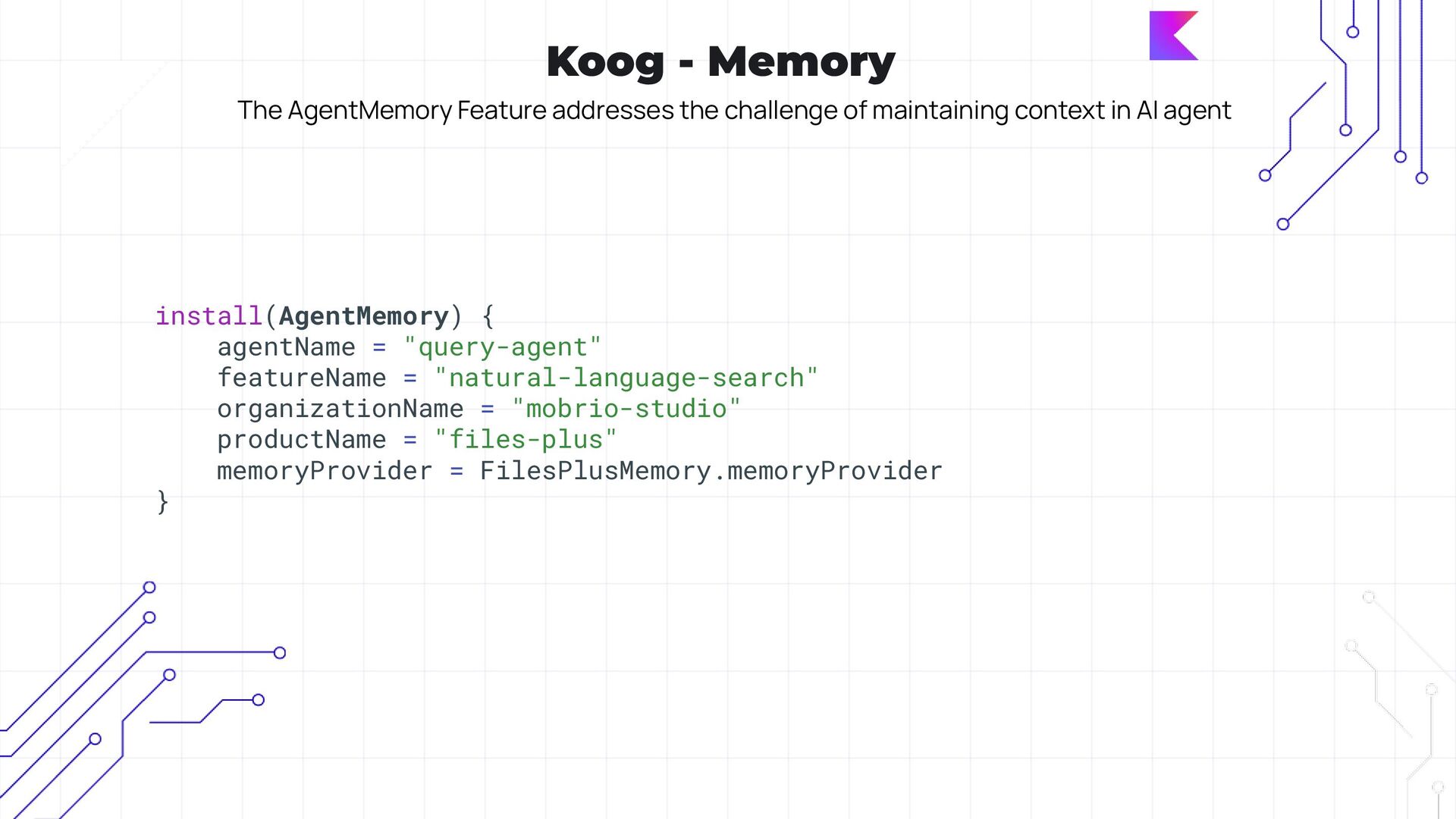
  29. Koog - Memory The AgentMemory Feature addresses the challenge of

    maintaining context in AI agent install(AgentMemory) { agentName = "query-agent" featureName = "natural-language-search" organizationName = "mobrio-studio" productName = "files-plus" memoryProvider = FilesPlusMemory.memoryProvider }
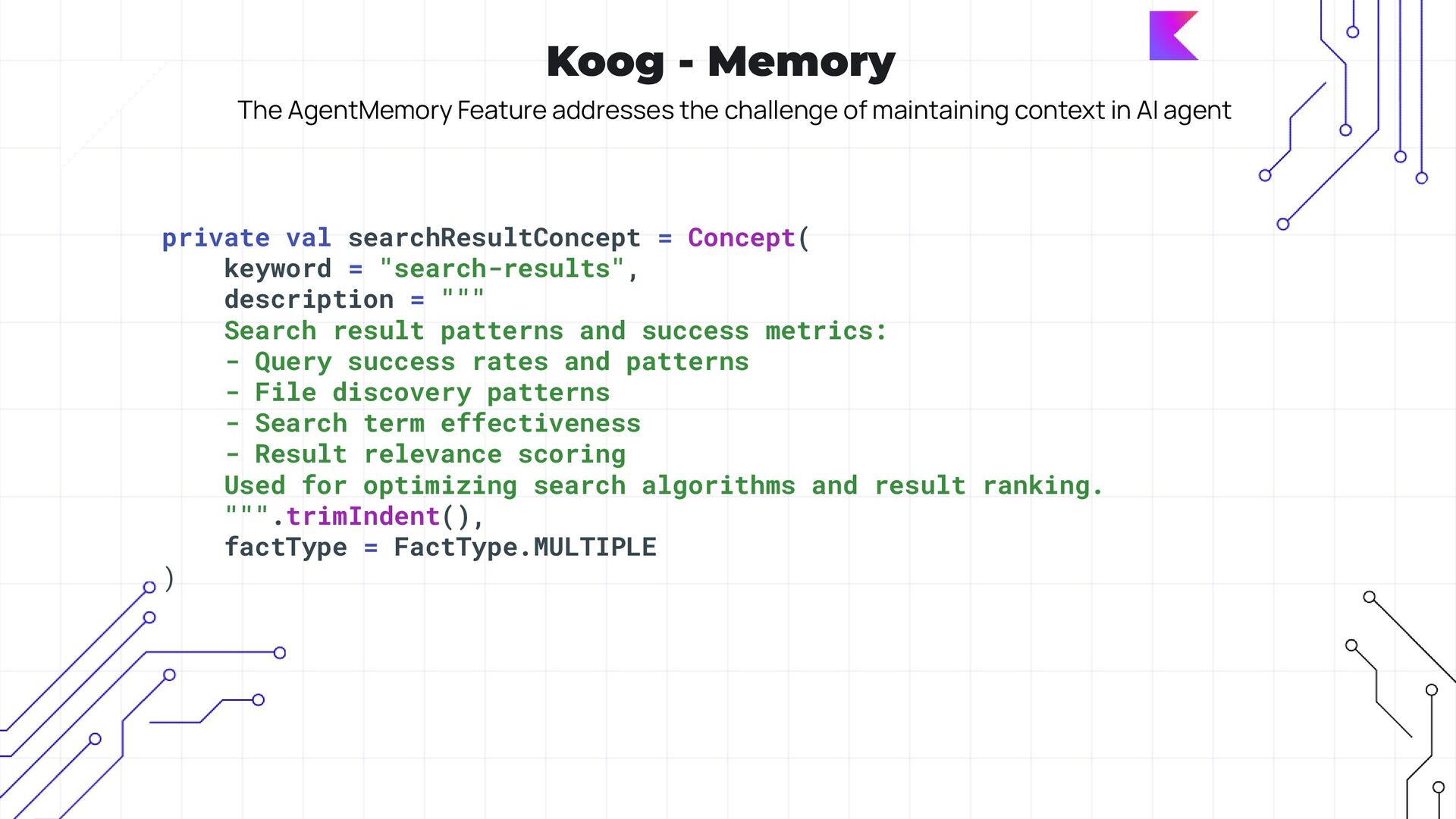
  30. Koog - Memory The AgentMemory Feature addresses the challenge of

    maintaining context in AI agent private val searchResultConcept = Concept( keyword = "search-results", description = """ Search result patterns and success metrics: - Query success rates and patterns - File discovery patterns - Search term effectiveness - Result relevance scoring Used for optimizing search algorithms and result ranking. """.trimIndent(), factType = FactType.MULTIPLE )
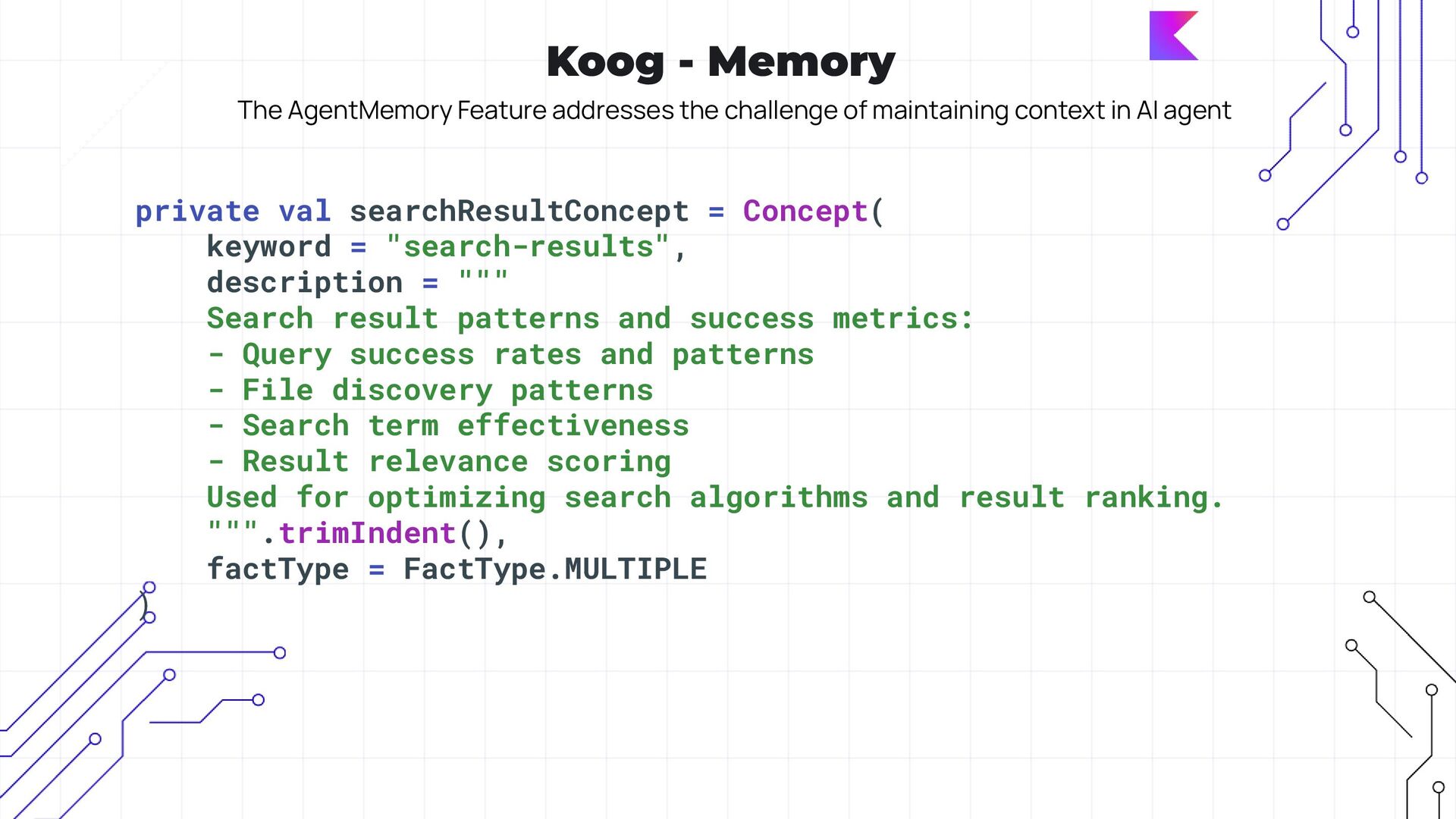
  31. Koog - Memory The AgentMemory Feature addresses the challenge of

    maintaining context in AI agent private val searchResultConcept = Concept( keyword = "search-results", description = """ Search result patterns and success metrics: - Query success rates and patterns - File discovery patterns - Search term effectiveness - Result relevance scoring Used for optimizing search algorithms and result ranking. """.trimIndent(), factType = FactType.MULTIPLE )
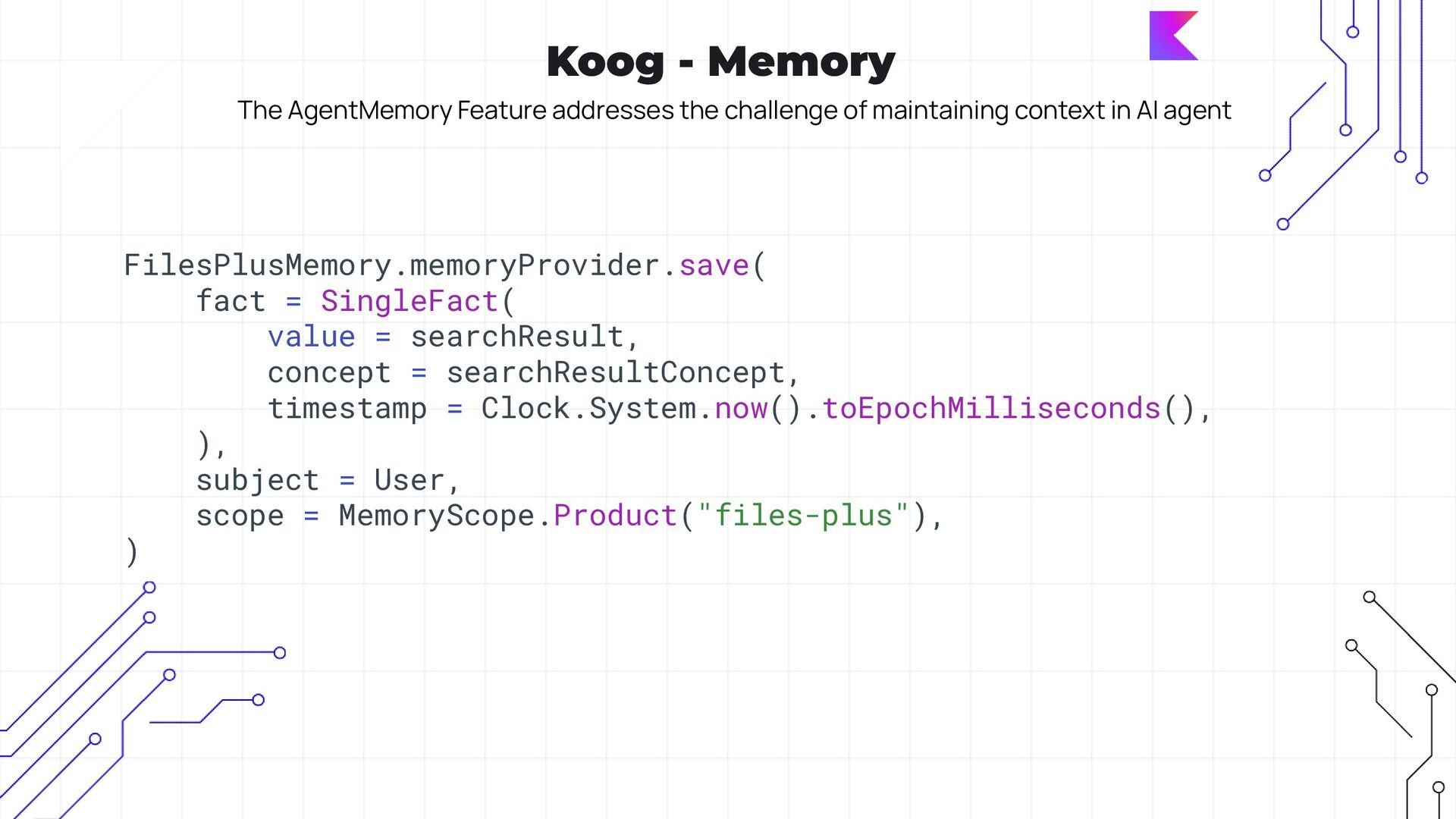
  32. Koog - Memory The AgentMemory Feature addresses the challenge of

    maintaining context in AI agent FilesPlusMemory.memoryProvider.save( fact = SingleFact( value = searchResult, concept = searchResultConcept, timestamp = Clock.System.now().toEpochMilliseconds(), ), subject = User, scope = MemoryScope.Product("files-plus"), )
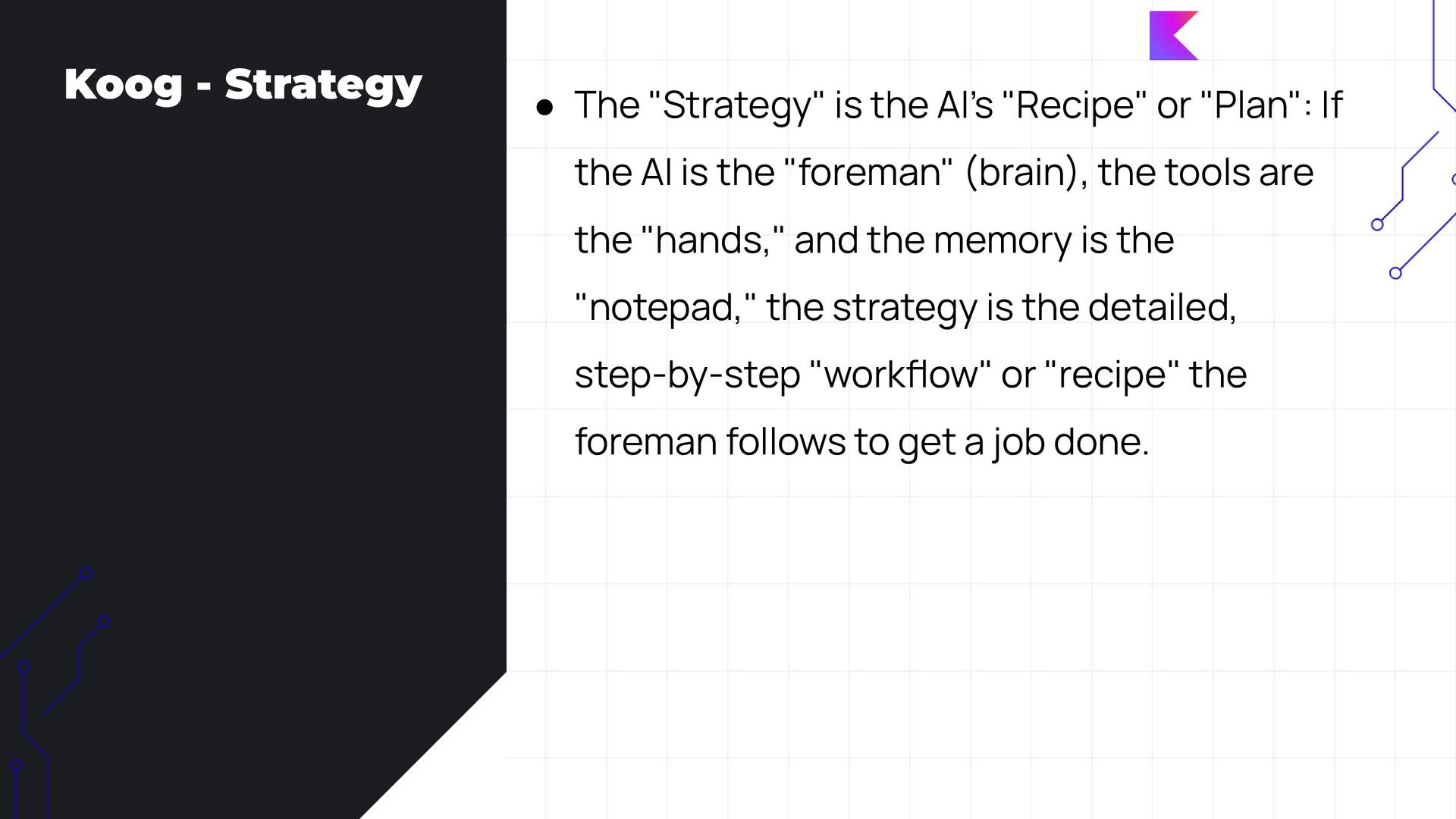
  33. Koog - Strategy • The "Strategy" is the AI’s "Recipe"

    or "Plan": If the AI is the "foreman" (brain), the tools are the "hands," and the memory is the "notepad," the strategy is the detailed, step-by-step "workflow" or "recipe" the foreman follows to get a job done.
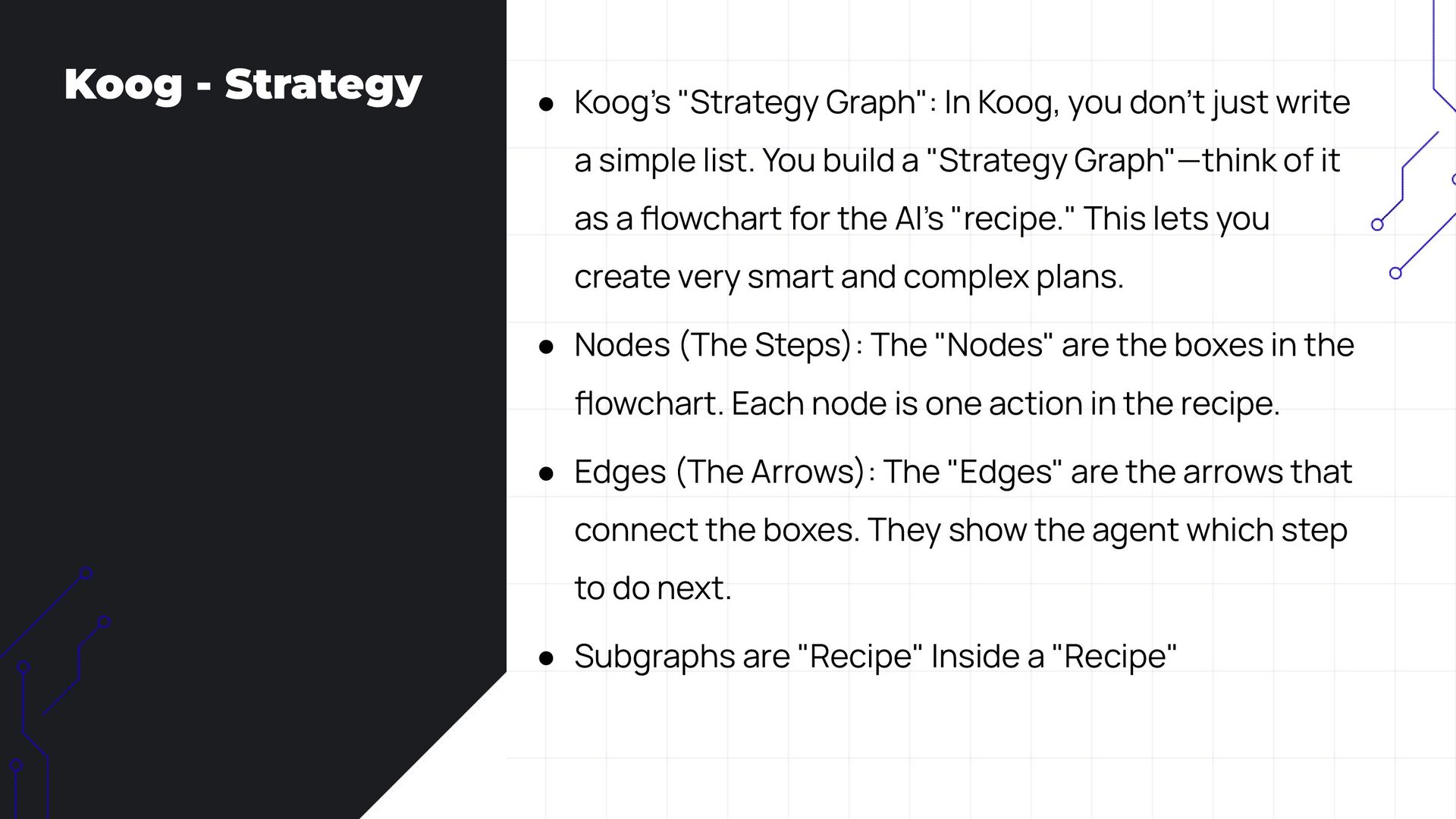
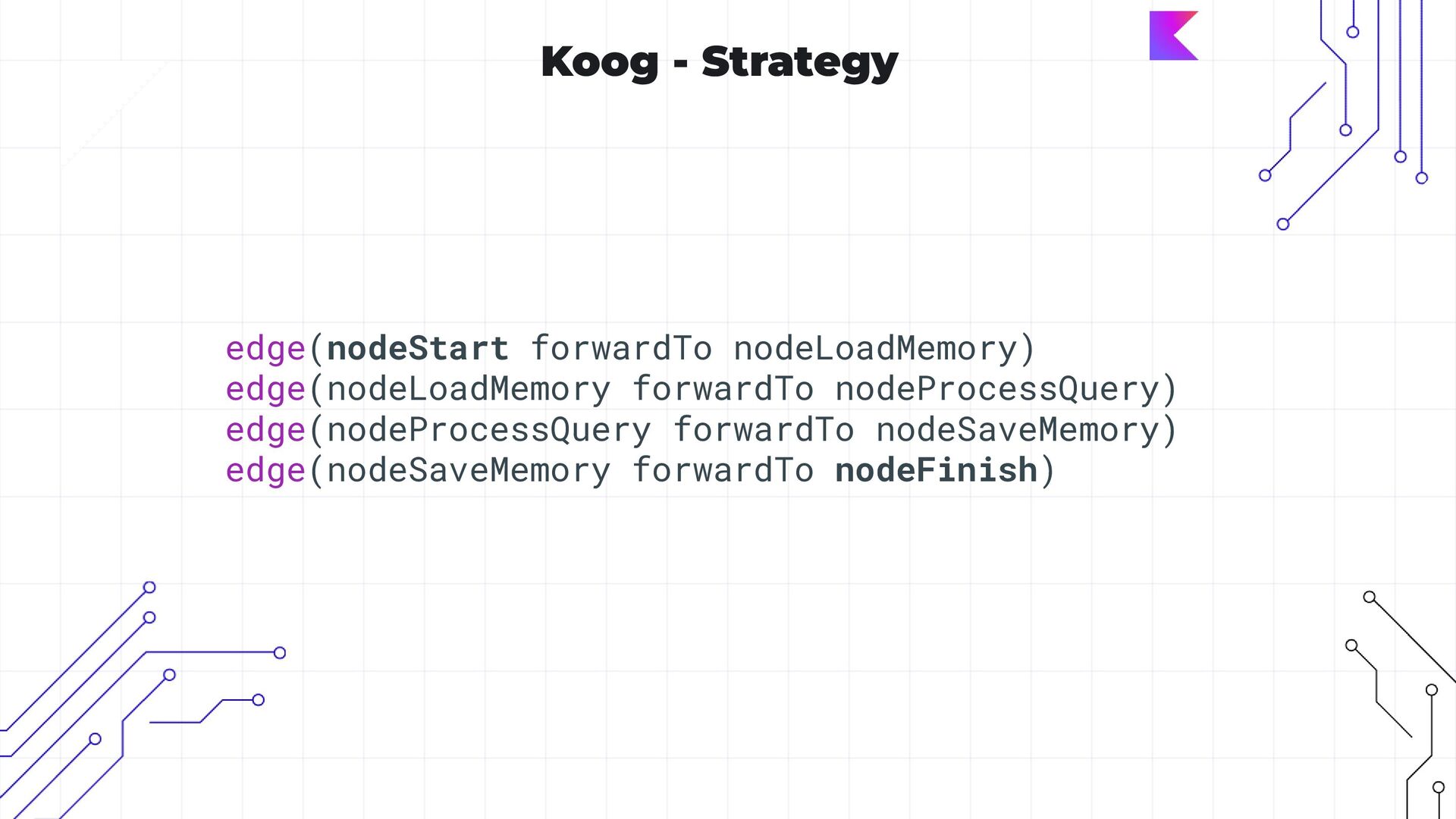
  34. Koog - Strategy • Koog’s "Strategy Graph": In Koog, you

    don’t just write a simple list. You build a "Strategy Graph"—think of it as a flowchart for the AI’s "recipe." This lets you create very smart and complex plans. • Nodes (The Steps): The "Nodes" are the boxes in the flowchart. Each node is one action in the recipe. • Edges (The Arrows): The "Edges" are the arrows that connect the boxes. They show the agent which step to do next. • Subgraphs are "Recipe" Inside a "Recipe"
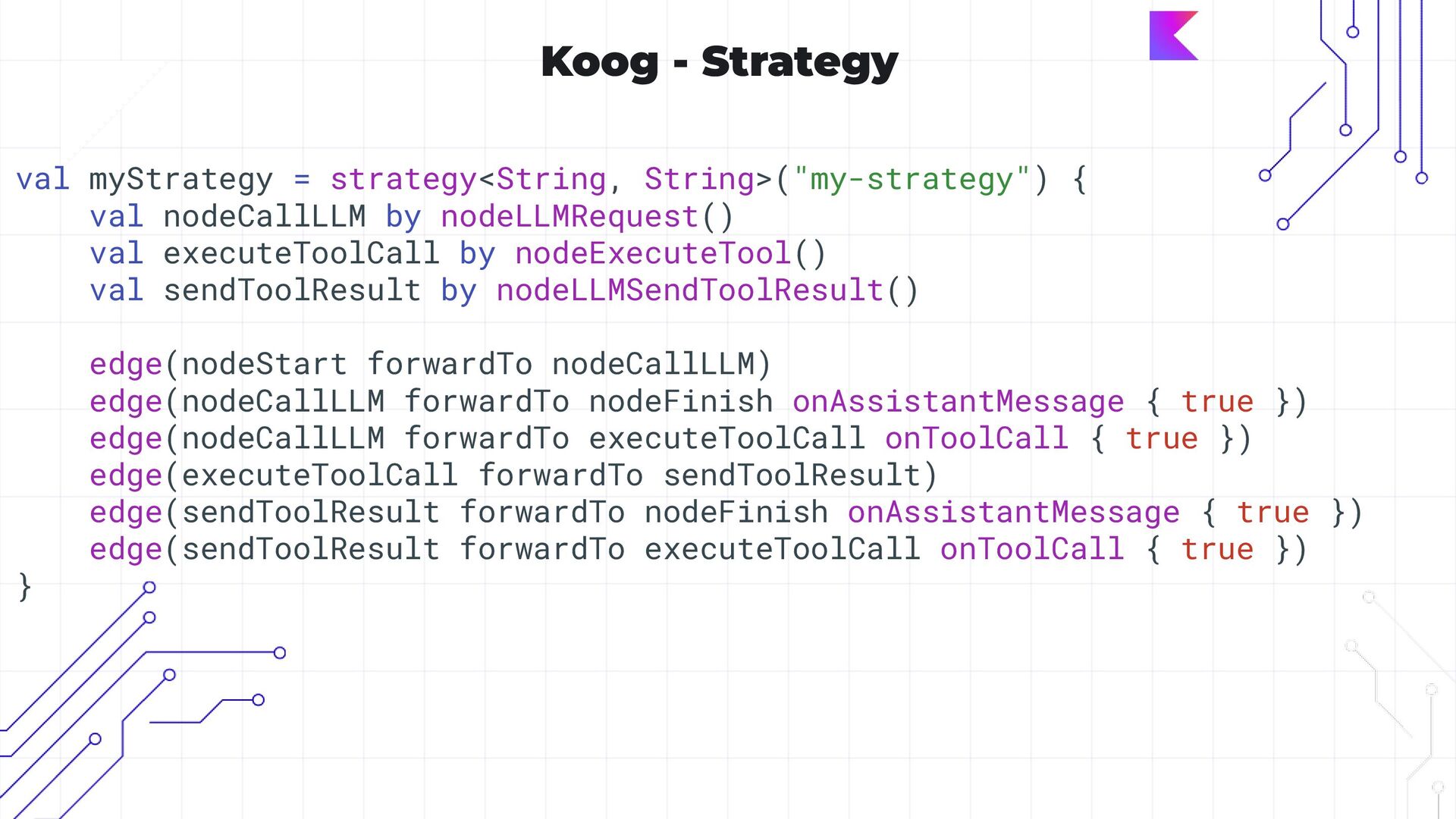
  35. Koog - Strategy val myStrategy = strategy<String, String>("my-strategy") { val

    nodeCallLLM by nodeLLMRequest() val executeToolCall by nodeExecuteTool() val sendToolResult by nodeLLMSendToolResult() edge(nodeStart forwardTo nodeCallLLM) edge(nodeCallLLM forwardTo nodeFinish onAssistantMessage { true }) edge(nodeCallLLM forwardTo executeToolCall onToolCall { true }) edge(executeToolCall forwardTo sendToolResult) edge(sendToolResult forwardTo nodeFinish onAssistantMessage { true }) edge(sendToolResult forwardTo executeToolCall onToolCall { true }) }
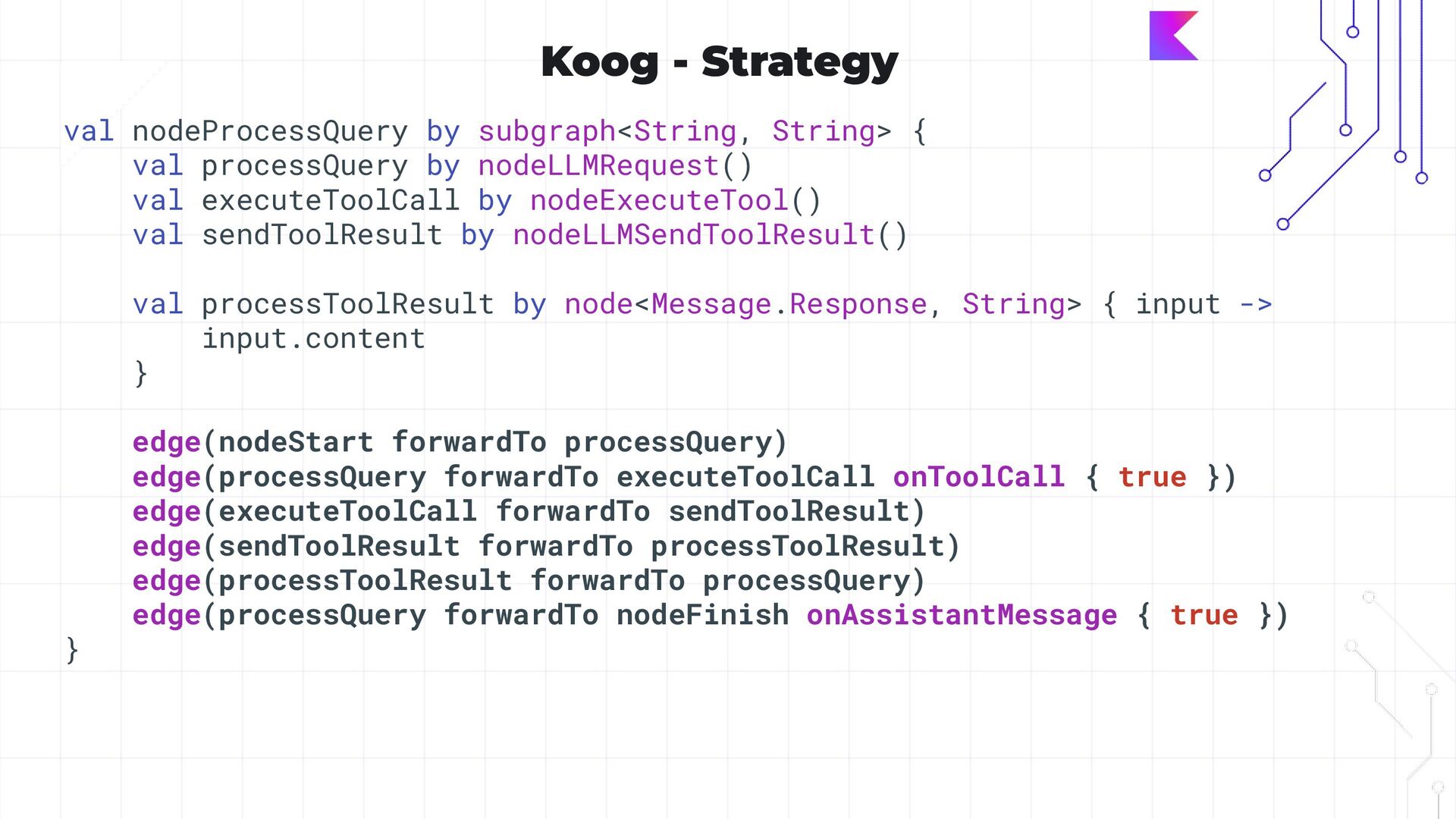
  36. Koog - Strategy val nodeProcessQuery by subgraph<String, String> { val

    processQuery by nodeLLMRequest() val executeToolCall by nodeExecuteTool() val sendToolResult by nodeLLMSendToolResult() val processToolResult by node<Message.Response, String> { input -> input.content } edge(nodeStart forwardTo processQuery) edge(processQuery forwardTo executeToolCall onToolCall { true }) edge(executeToolCall forwardTo sendToolResult) edge(sendToolResult forwardTo processToolResult) edge(processToolResult forwardTo processQuery) edge(processQuery forwardTo nodeFinish onAssistantMessage { true }) }