Upgrade to Pro
— share decks privately, control downloads, hide ads and more …
Speaker Deck
Sign up for free
Menu
Search
Features
All features
Private URLs
Password Protection
Custom URLS
Scheduled publishing
Remove Branding
Restrict embedding
Deck Collections
Notes
Features
All features
Private URLs
Password Protection
Custom URLS
Scheduled publishing
Remove Branding
Restrict embedding
Deck Collections
Notes
Explore
Featured decks
Featured speakers
Programming
Technology
Storyboards
Explore
Featured decks
Featured speakers
Programming
Technology
Storyboards
Pricing
Search
Sign in
Sign up for free
Next.jsでAPIキーを安全に扱う方法
Search
Sponsored
·
Your Podcast. Everywhere. Effortlessly.
Share. Educate. Inspire. Entertain. You do you. We'll handle the rest.
→
yamatai12
December 12, 2025
190
0
Share
Embed
Copy iframe code
Copy JS code
Copy link
Start on current slide
Next.jsでAPIキーを安全に扱う方法
yamatai12
December 12, 2025
More Decks by yamatai12
See All by yamatai12
Goのerror型がシンプルであることの恩恵について理解する
yamatai1212
1
400
AI時代の開発でも開発前の段取りの整理と振り返りを徹底したい 🧠
yamatai1212
0
170
PostgreSQLだと外部参照キーにデフォルトでインデックスが貼られていない
yamatai1212
1
410
顧客の言葉を、そのまま信じない勇気
yamatai1212
1
540
なぜPostgreSQLのGROUP BY句にエイリアスが使えるのか?
yamatai1212
0
220
SMTP完全に理解した ✉️
yamatai1212
0
410
DNS設定が必要になって初めて分かったこと
yamatai1212
0
120
LT登壇を続けたらポッドキャストに呼ばれた話
yamatai1212
0
1.3k
ページの可視領域を算出する方法について整理する
yamatai1212
0
290
Featured
See All Featured
Redefining SEO in the New Era of Traffic Generation
szymonslowik
1
480
End of SEO as We Know It (SMX Advanced Version)
ipullrank
3
4.4k
Git: the NoSQL Database
bkeepers
PRO
433
67k
The MySQL Ecosystem @ GitHub 2015
samlambert
251
13k
Impact Scores and Hybrid Strategies: The future of link building
tamaranovitovic
0
460
Lightning talk: Run Django tests with GitHub Actions
sabderemane
0
300
How To Speak Unicorn (iThemes Webinar)
marktimemedia
1
600
The Impact of AI in SEO - AI Overviews June 2024 Edition
aleyda
6
1.2k
The Myth of the Modular Monolith - Day 2 Keynote - Rails World 2024
eileencodes
28
3.7k
Believing is Seeing
oripsolob
1
250
The Power of CSS Pseudo Elements
geoffreycrofte
82
6.6k
Build The Right Thing And Hit Your Dates
maggiecrowley
39
3.5k
Transcript
Next.jsでAPIキーを安全に扱う方法 yamatai12 1
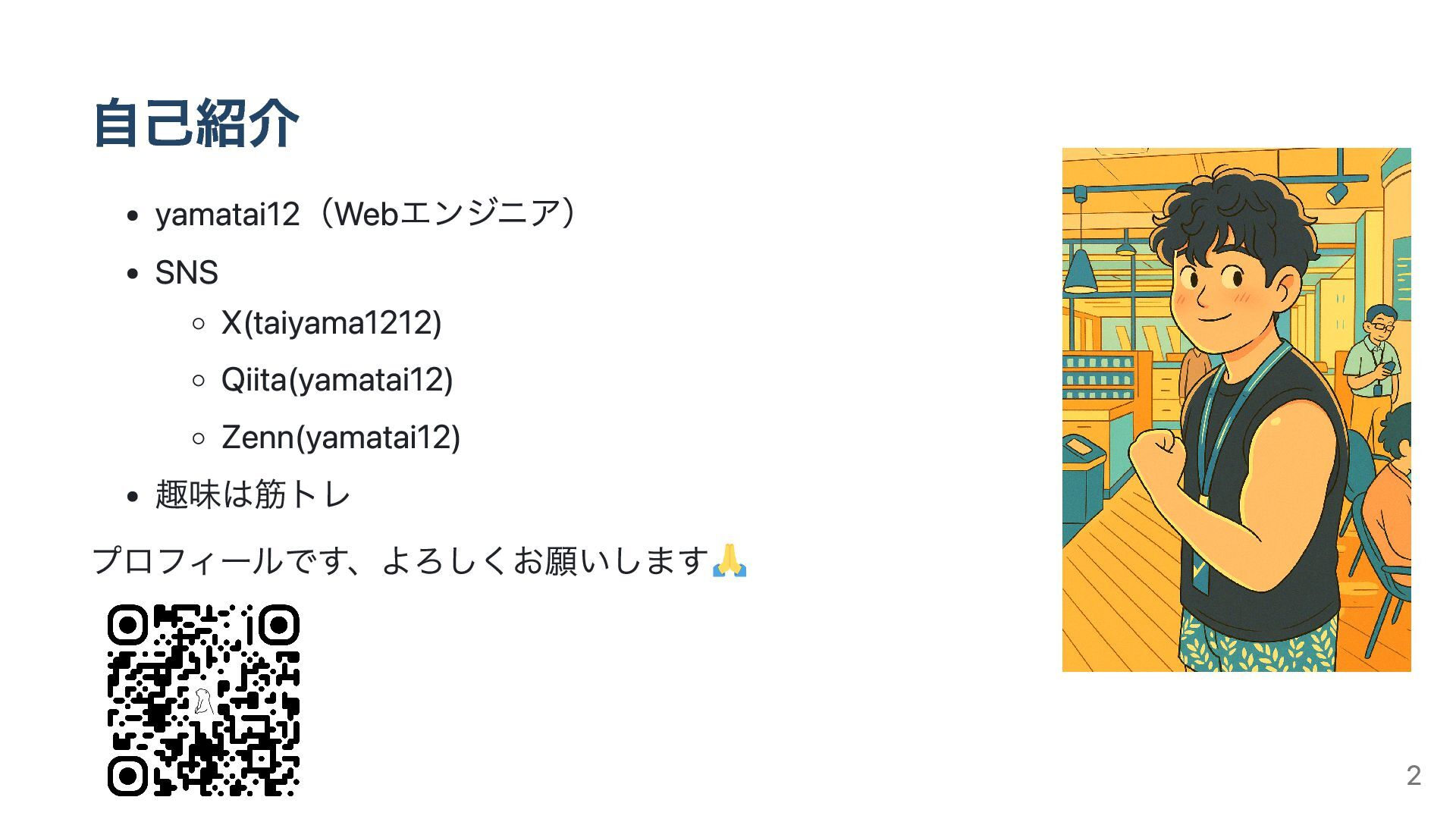
自己紹介 yamatai12(Webエンジニア) SNS X(taiyama1212) Qiita(yamatai12) Zenn(yamatai12) 趣味は筋トレ プロフィールです、よろしくお願いします 2
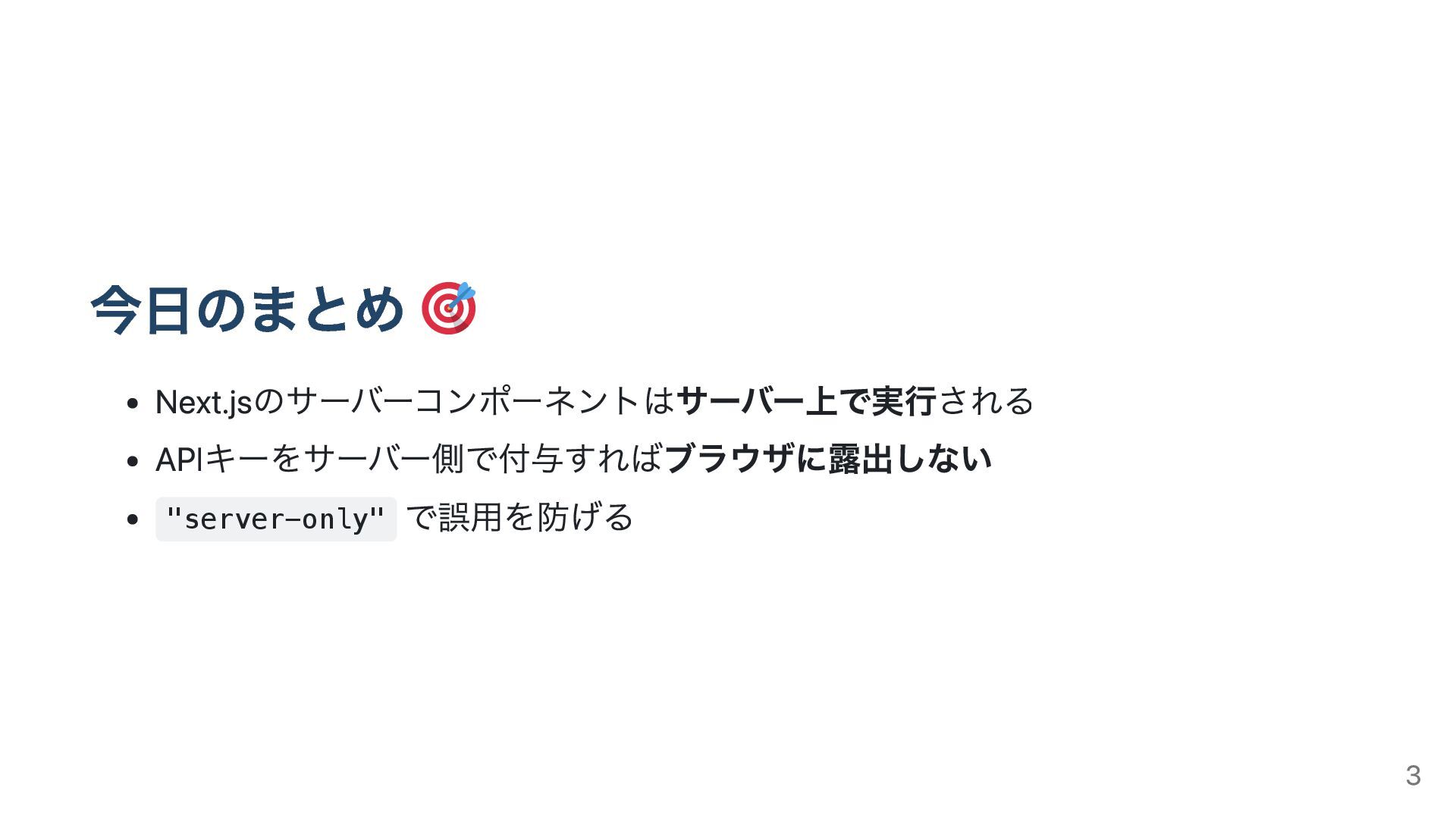
今日のまとめ Next.jsのサーバーコンポーネントはサーバー上で実行される APIキーをサーバー側で付与すればブラウザに露出しない "server-only" で誤用を防げる 3
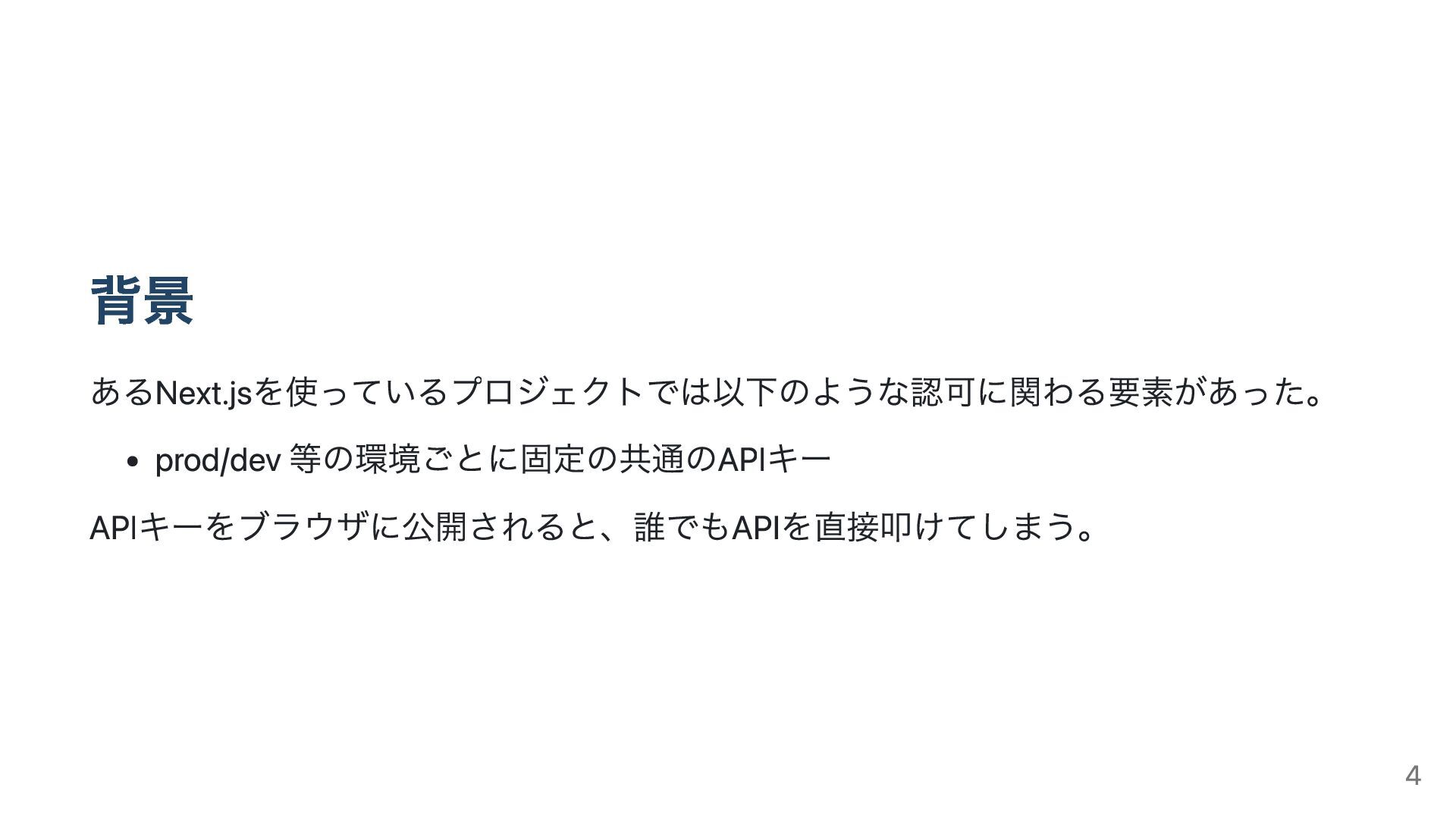
背景 あるNext.jsを使っているプロジェクトでは以下のような認可に関わる要素があった。 prod/dev 等の環境ごとに固定の共通のAPIキー APIキーをブラウザに公開されると、誰でもAPIを直接叩けてしまう。 4
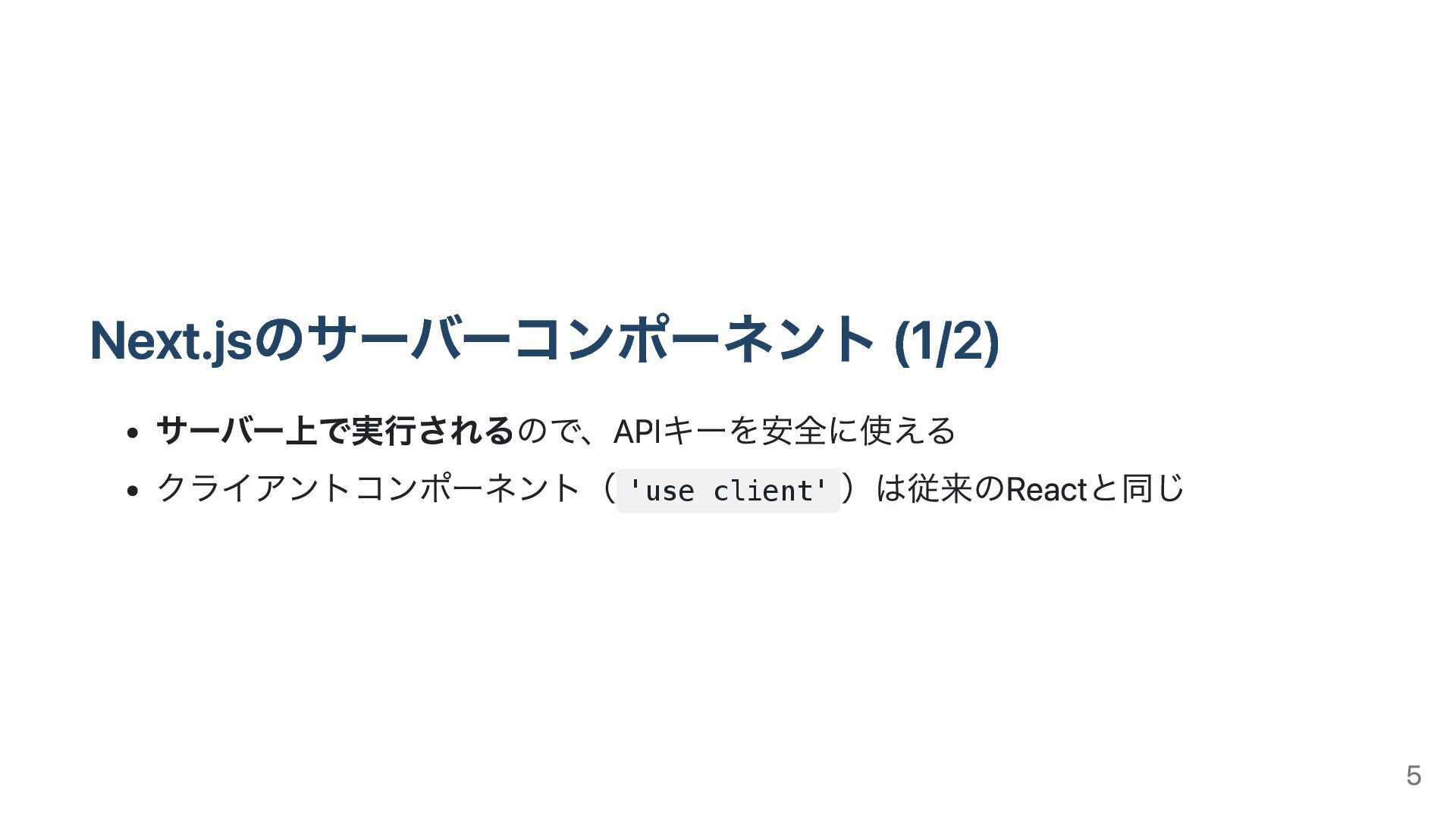
Next.jsのサーバーコンポーネント (1/2) サーバー上で実行されるので、APIキーを安全に使える クライアントコンポーネント( 'use client' )は従来のReactと同じ 5
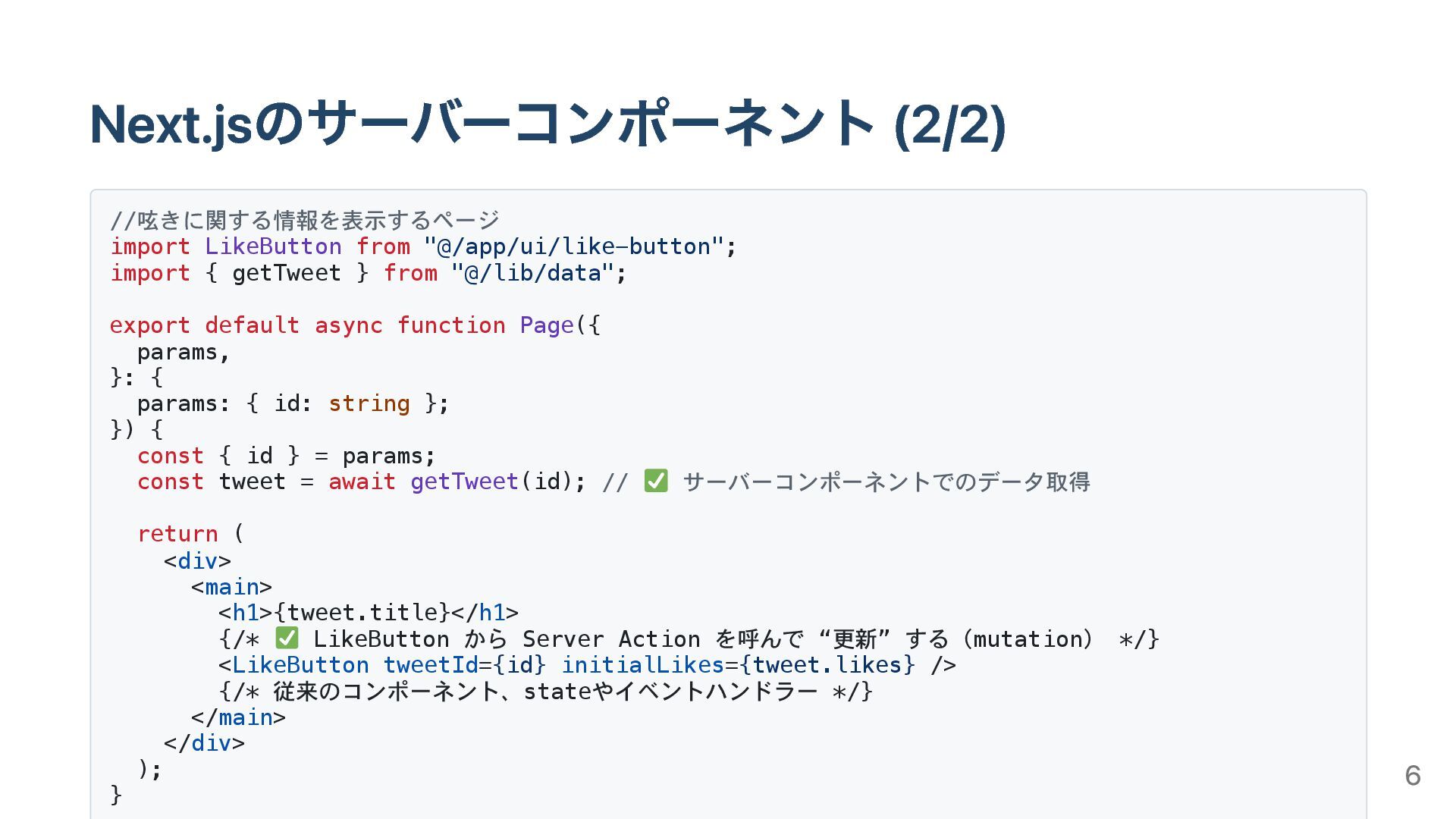
Next.jsのサーバーコンポーネント (2/2) //呟きに関する情報を表示するページ import LikeButton from "@/app/ui/like-button"; import { getTweet
} from "@/lib/data"; export default async function Page({ params, }: { params: { id: string }; }) { const { id } = params; const tweet = await getTweet(id); // サーバーコンポーネントでのデータ取得 return ( <div> <main> <h1>{tweet.title}</h1> {/* LikeButton から Server Action を呼んで “更新” する(mutation) */} <LikeButton tweetId={id} initialLikes={tweet.likes} /> {/* 従来のコンポーネント、stateやイベントハンドラー */} </main> </div> ); } 6
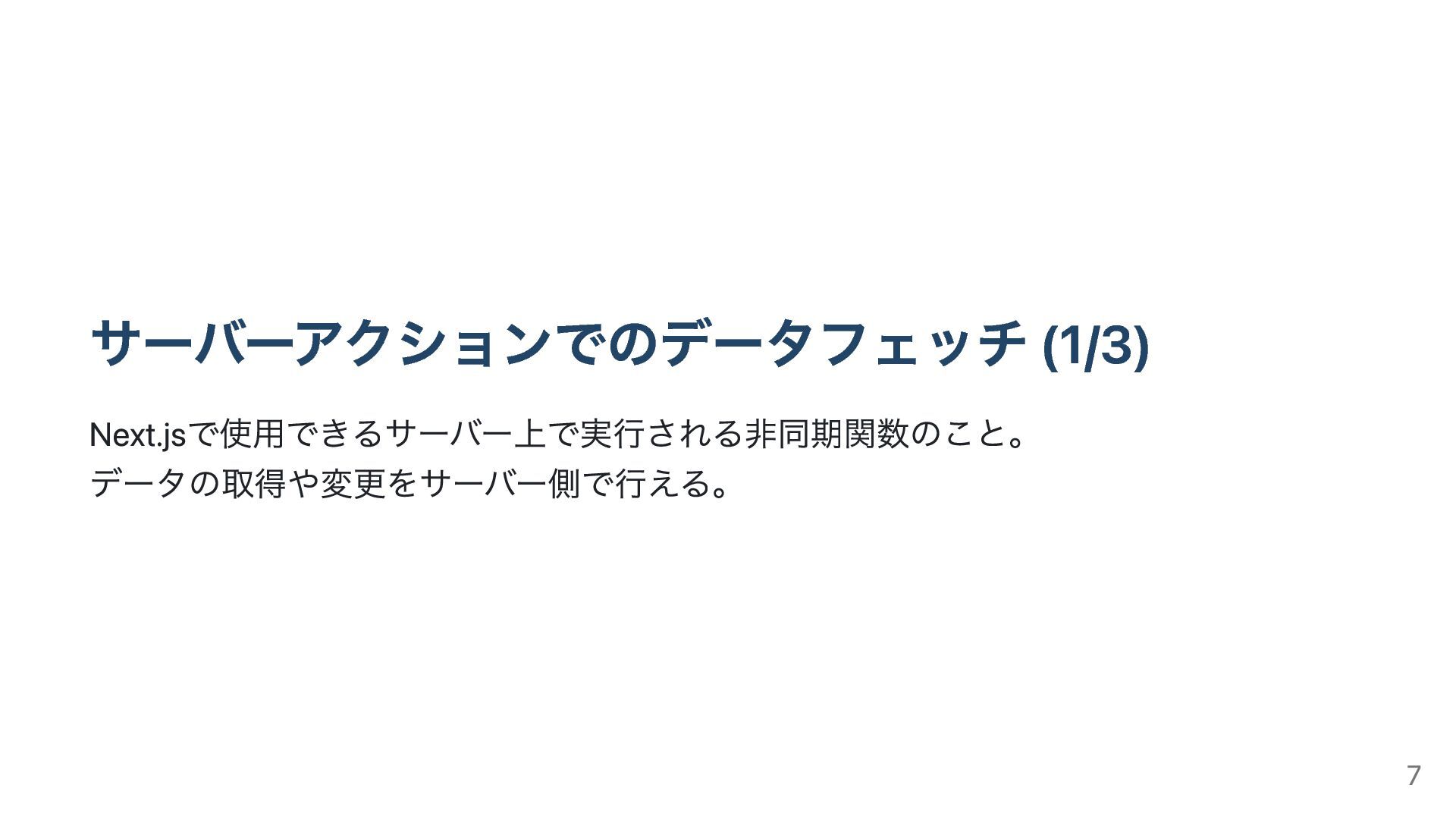
サーバーアクションでのデータフェッチ (1/3) Next.jsで使用できるサーバー上で実行される非同期関数のこと。 データの取得や変更をサーバー側で行える。 7
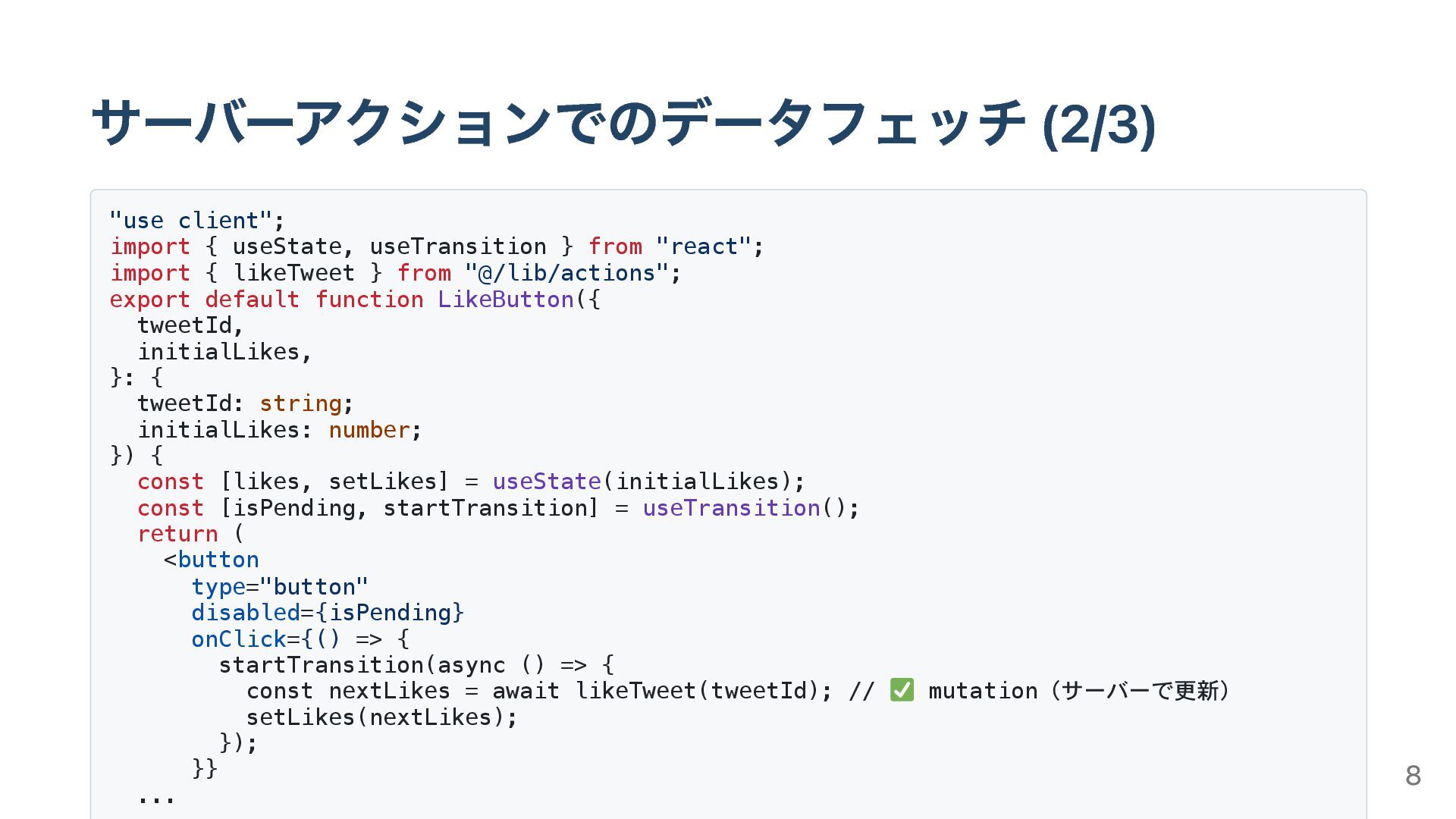
サーバーアクションでのデータフェッチ (2/3) "use client"; import { useState, useTransition } from
"react"; import { likeTweet } from "@/lib/actions"; export default function LikeButton({ tweetId, initialLikes, }: { tweetId: string; initialLikes: number; }) { const [likes, setLikes] = useState(initialLikes); const [isPending, startTransition] = useTransition(); return ( <button type="button" disabled={isPending} onClick={() => { startTransition(async () => { const nextLikes = await likeTweet(tweetId); // mutation(サーバーで更新) setLikes(nextLikes); }); }} ... 8
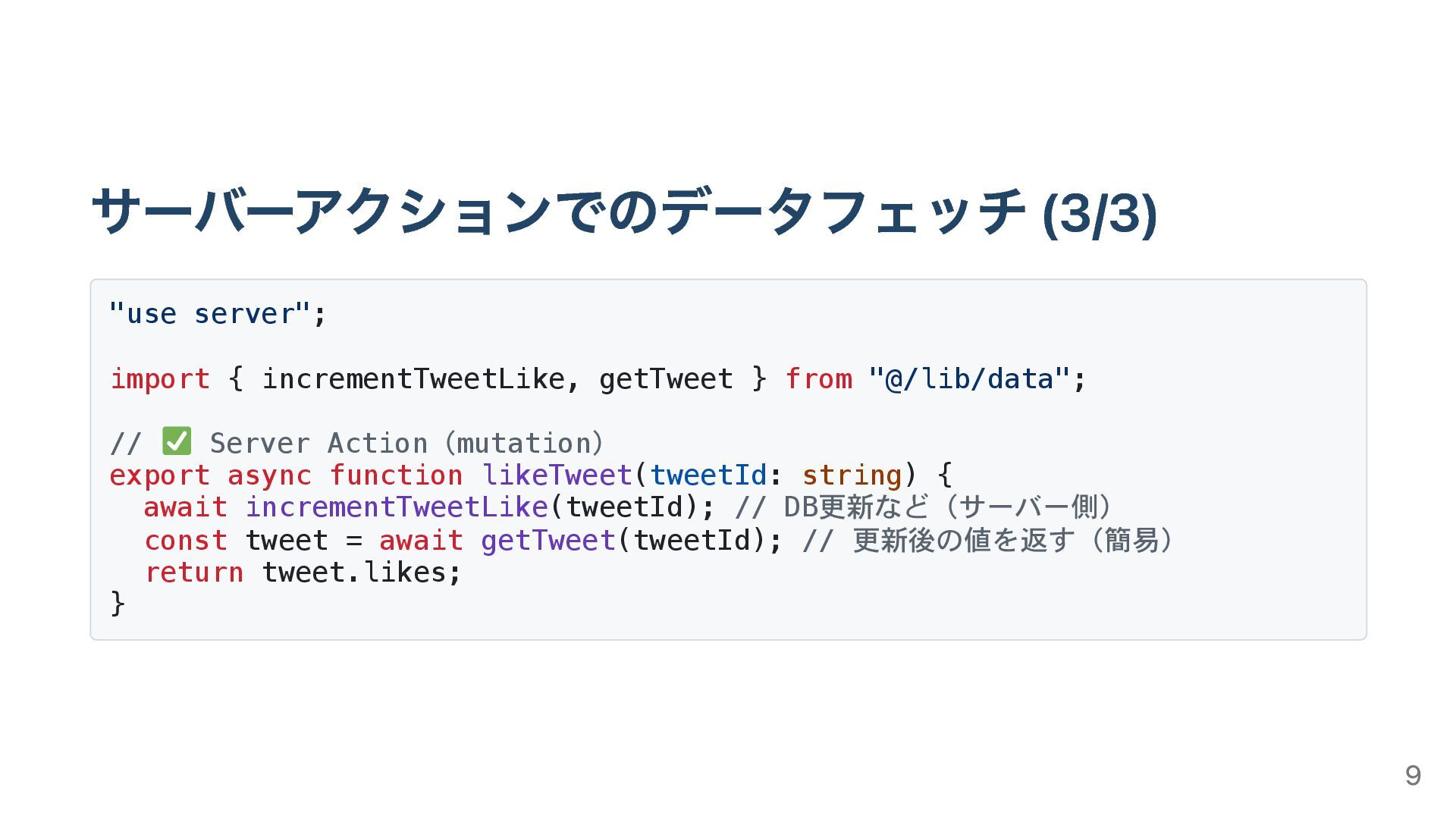
サーバーアクションでのデータフェッチ (3/3) "use server"; import { incrementTweetLike, getTweet } from
"@/lib/data"; // Server Action(mutation) export async function likeTweet(tweetId: string) { await incrementTweetLike(tweetId); // DB更新など(サーバー側) const tweet = await getTweet(tweetId); // 更新後の値を返す(簡易) return tweet.likes; } 9
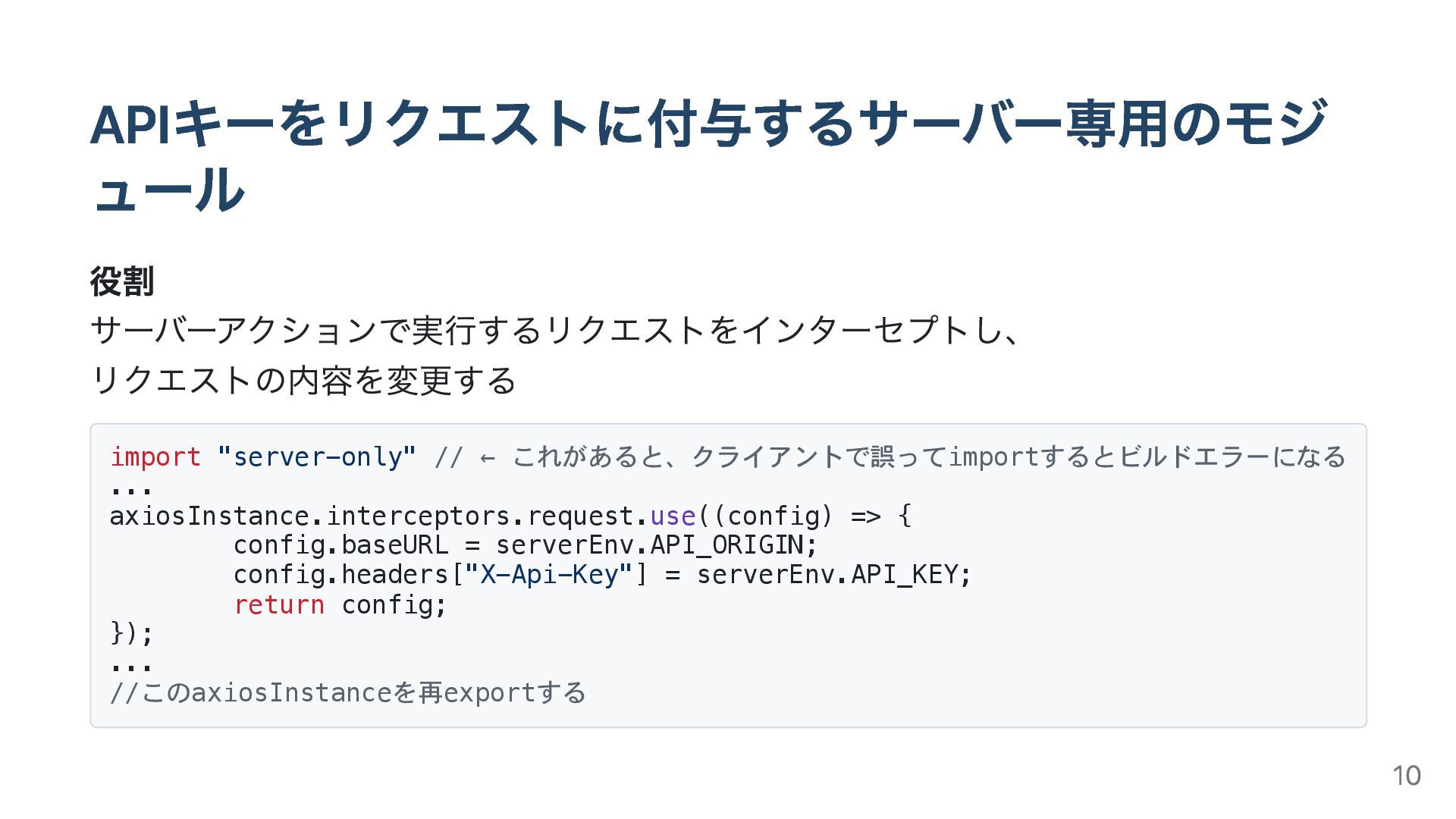
APIキーをリクエストに付与するサーバー専用のモジ ュール 役割 サーバーアクションで実行するリクエストをインターセプトし、 リクエストの内容を変更する import "server-only" // ← これがあると、クライアントで誤ってimportするとビルドエラーになる
... axiosInstance.interceptors.request.use((config) => { config.baseURL = serverEnv.API_ORIGIN; config.headers["X-Api-Key"] = serverEnv.API_KEY; return config; }); ... //このaxiosInstanceを再exportする 10
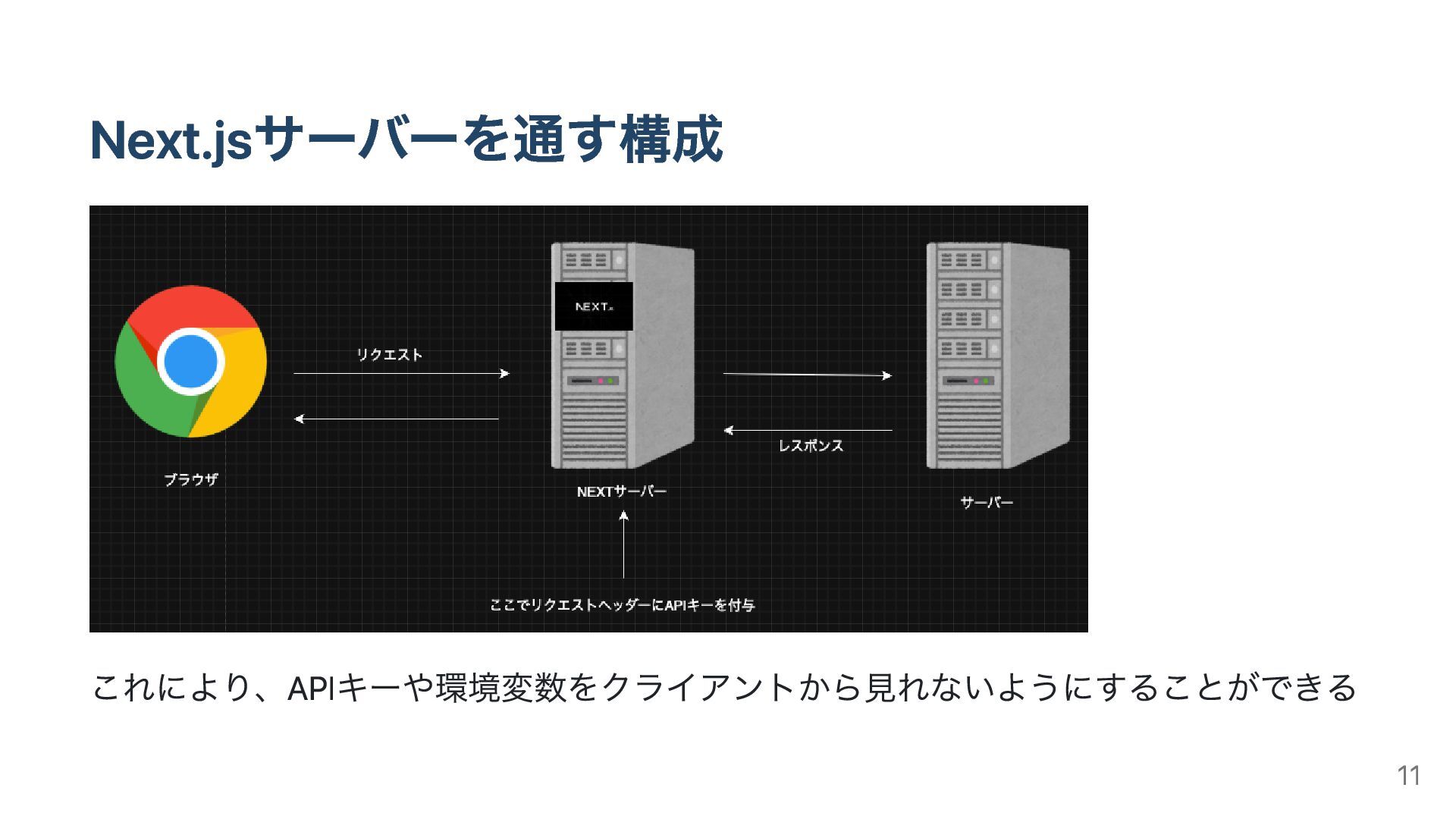
Next.jsサーバーを通す構成 これにより、APIキーや環境変数をクライアントから見れないようにすることができる 11
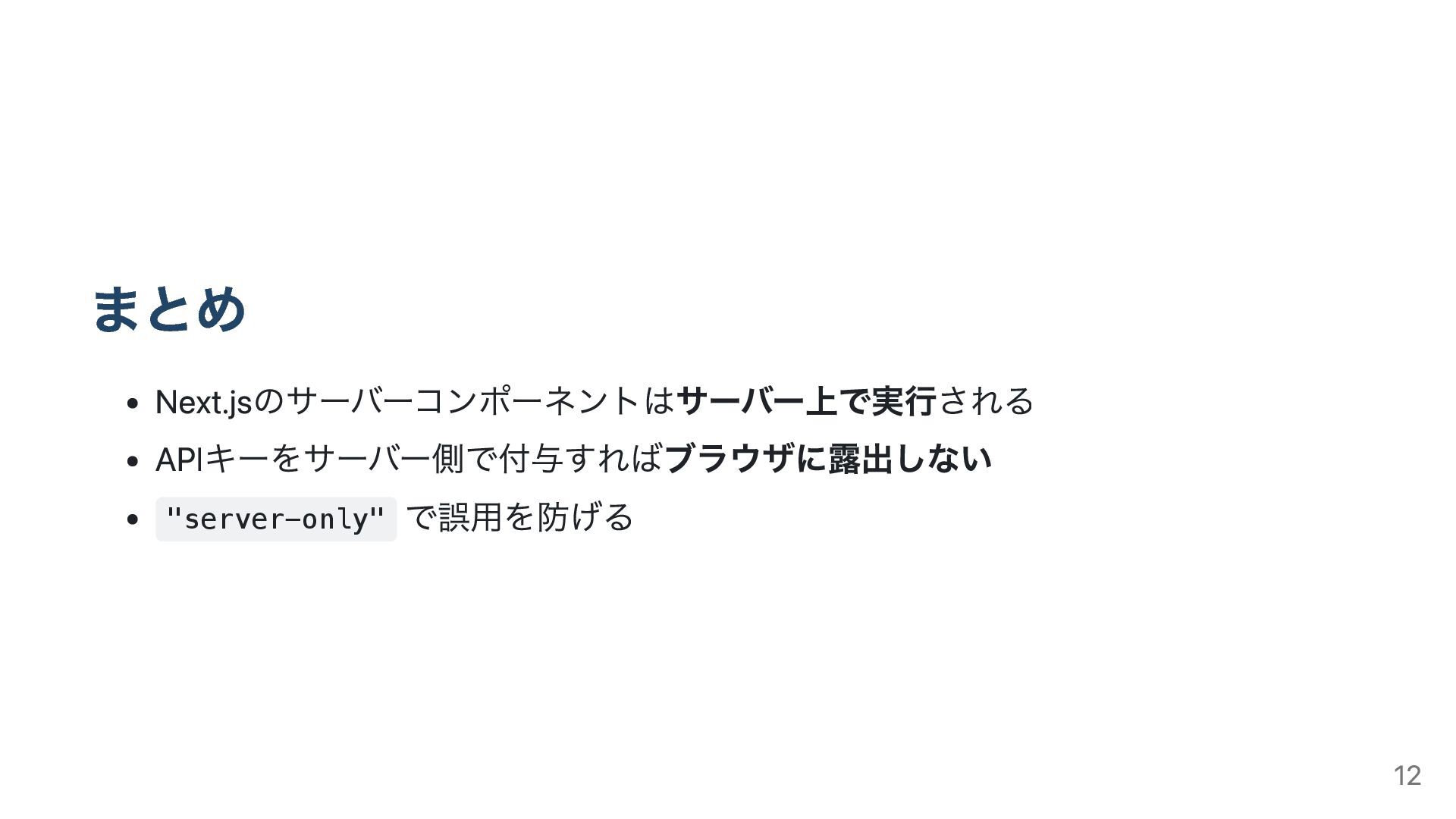
まとめ Next.jsのサーバーコンポーネントはサーバー上で実行される APIキーをサーバー側で付与すればブラウザに露出しない "server-only" で誤用を防げる 12
参考 https://kaminashi-developer.hatenablog.jp/entry/nextjs-server-actions https://Next.js.org/docs/14/app/building-your-application/data-fetching/server- actions-and-mutations https://Next.jsjp.org/docs/app/getting-started/server-and-client-components https://qiita.com/buntafujikawa/items/78e9204cc9ea7eaabd3d 13


 yamatai1212
 szymonslowik
 ipullrank
 bkeepers
 samlambert
 tamaranovitovic
 sabderemane
 marktimemedia
 aleyda
 eileencodes
 oripsolob
 geoffreycrofte
 maggiecrowley