Upgrade to Pro — share decks privately, control downloads, hide ads and more …

Shift-left on Accessibility in your Ruby web apps

Shift-left on Accessibility in your Ruby web apps

We all want to make the web more accessible for everybody, but we might not have the time or the knowledge to do it properly, and it might never be a priority for the people that make decisions at your company. We have already convinced everybody that tests matter and that a broken CI is a problem that needs to be fixed. So what if accessibility failures showed up right there, in your test suites?

This talk will show you how to add basic accessibility checks to your existing test suites very easily. Once your CI starts flagging accessibility issues the same way it flags failing functionality tests, everybody will start noticing them. And by fixing those issues, you will learn one step at a time. It's not everything, but it's a start. And if enough of us take that first step, we make the web a little better for everyone!

Avatar for Julia López

Julia López

May 11, 2026

More Decks by Julia López

Other Decks in Programming

Transcript

  1. Shift-left on Accessibility in your Ruby web apps Julia López

    – Rubycon Italy 2026 From afterthought to a failing test
  2. Julia López From Barcelona ☀ ❤ Ruby/Rails since 2011 Billing,

    integrations, refactors, upgrades 🤹 🔗 https://julialopez.dev
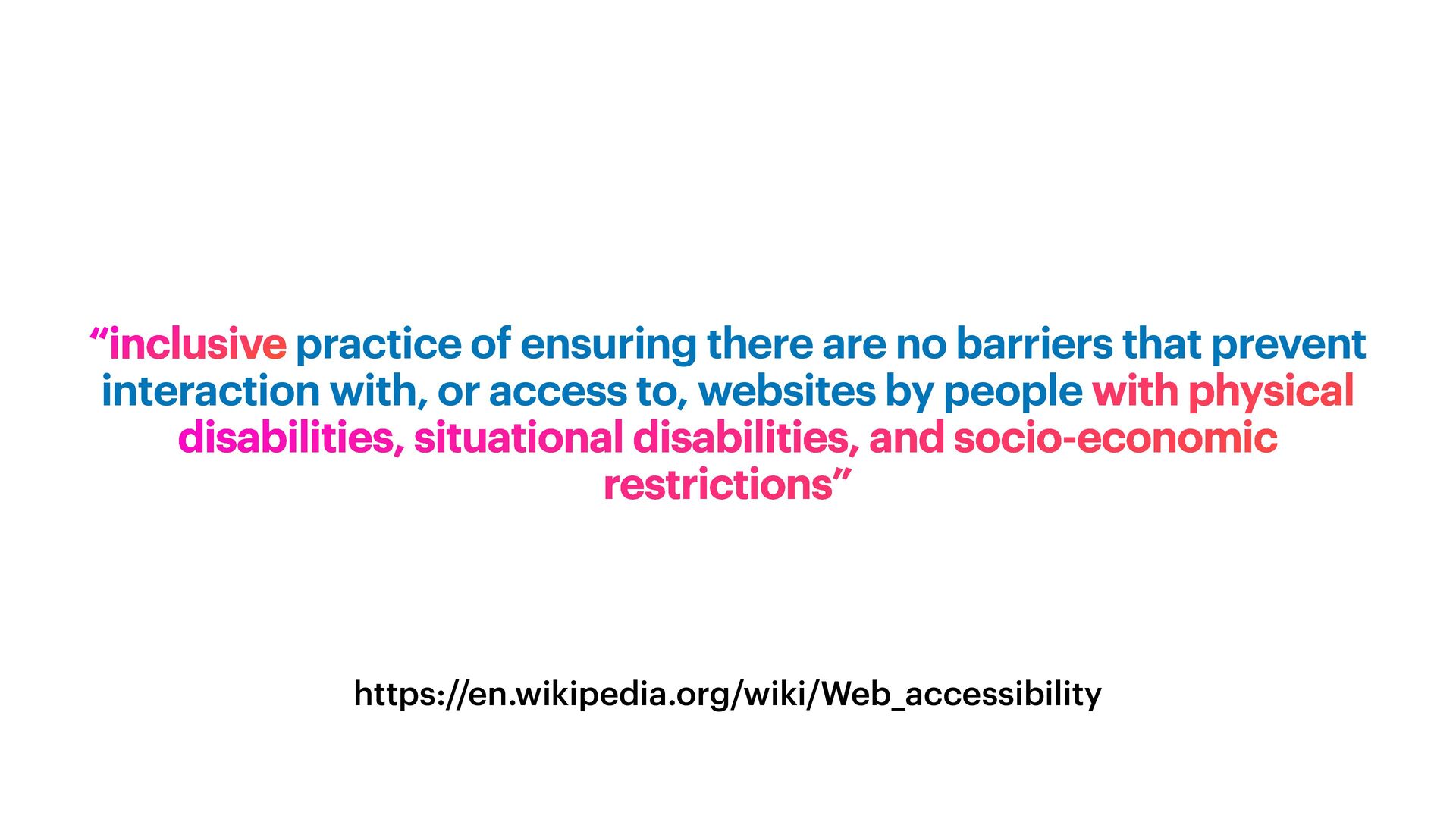
  3. https://en.wikipedia.org/wiki/Web_accessibility “inclusive practice of ensuring there are no barriers that

    prevent interaction with, or access to, websites by people with physical disabilities, situational disabilities, and socio-economic restrictions”
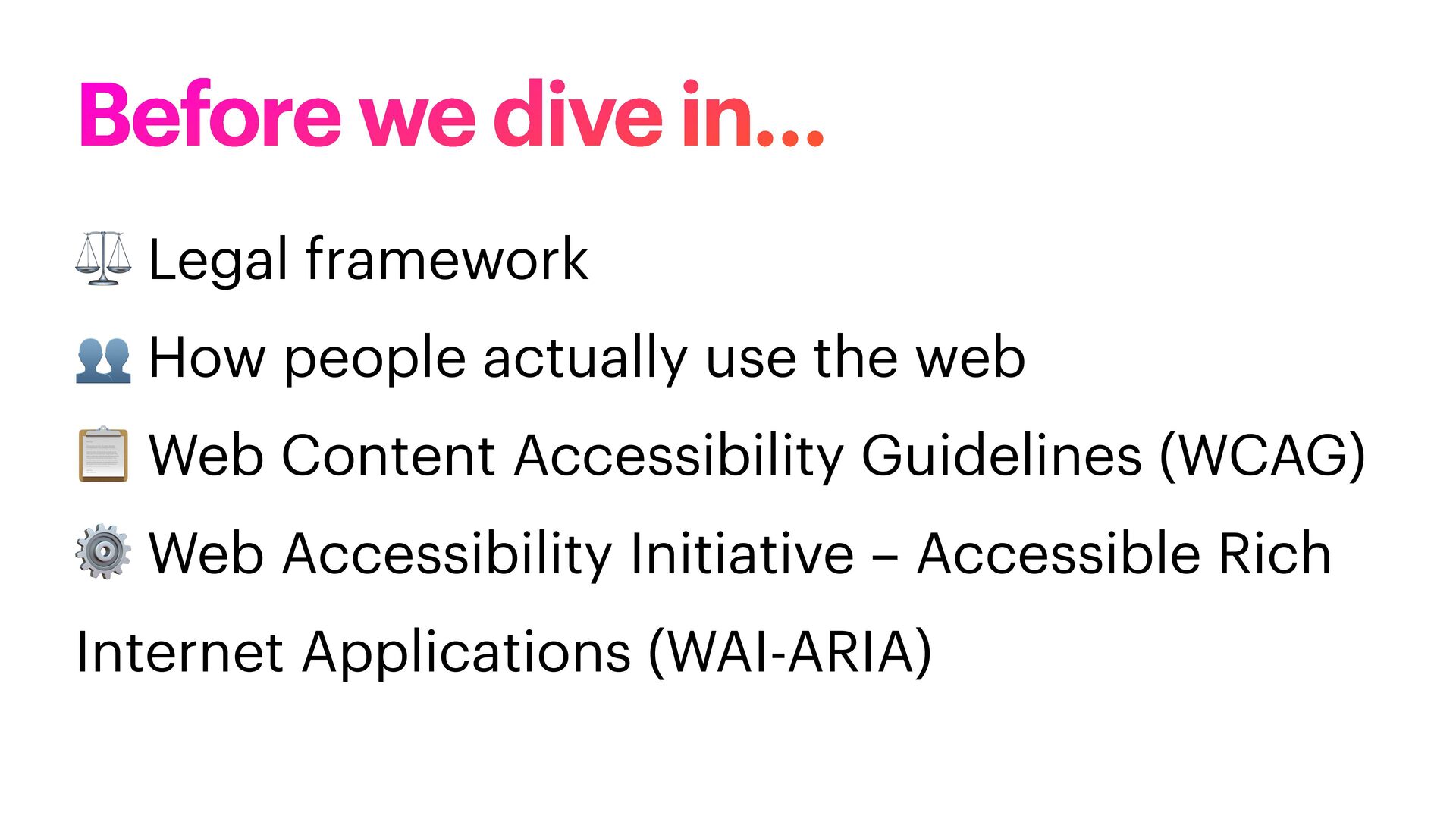
  4. ⚖ Legal framework 👥 How people actually use the web

    📋 Web Content Accessibility Guidelines (WCAG) ⚙ Web Accessibility Initiative – Accessible Rich Internet Applications (WAI-ARIA) Before we dive in…
  5. ⚖ Legal framework 👥 How people actually use the web

    📋 Web Content Accessibility Guidelines (WCAG) ⚙ Web Accessibility Initiative – Accessible Rich Internet Applications (WAI-ARIA) Before we dive in…
  6. ⚖ Legal framework 👥 How people actually use the web

    📋 Web Content Accessibility Guidelines (WCAG) ⚙ Web Accessibility Initiative – Accessible Rich Internet Applications (WAI-ARIA) Before we dive in…
  7. ⚖ Legal framework 👥 How people actually use the web

    📋 Web Content Accessibility Guidelines (WCAG) ⚙ Web Accessibility Initiative – Accessible Rich Internet Applications (WAI-ARIA) Before we dive in…
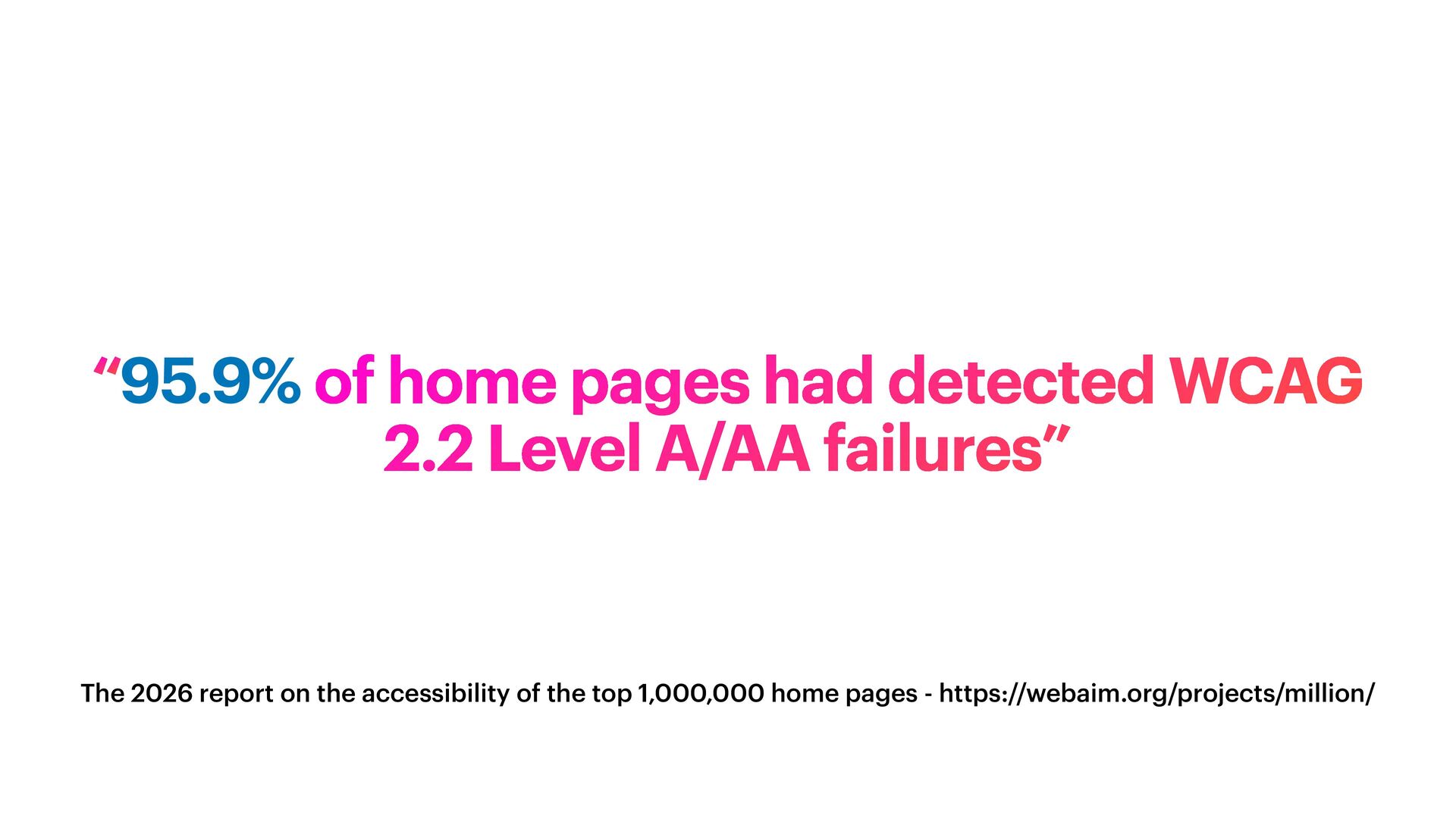
  8. The 2026 report on the accessibility of the top 1,000,000

    home pages - https://webaim.org/projects/million/ “95.9% of home pages had detected WCAG 2.2 Level A/AA failures”
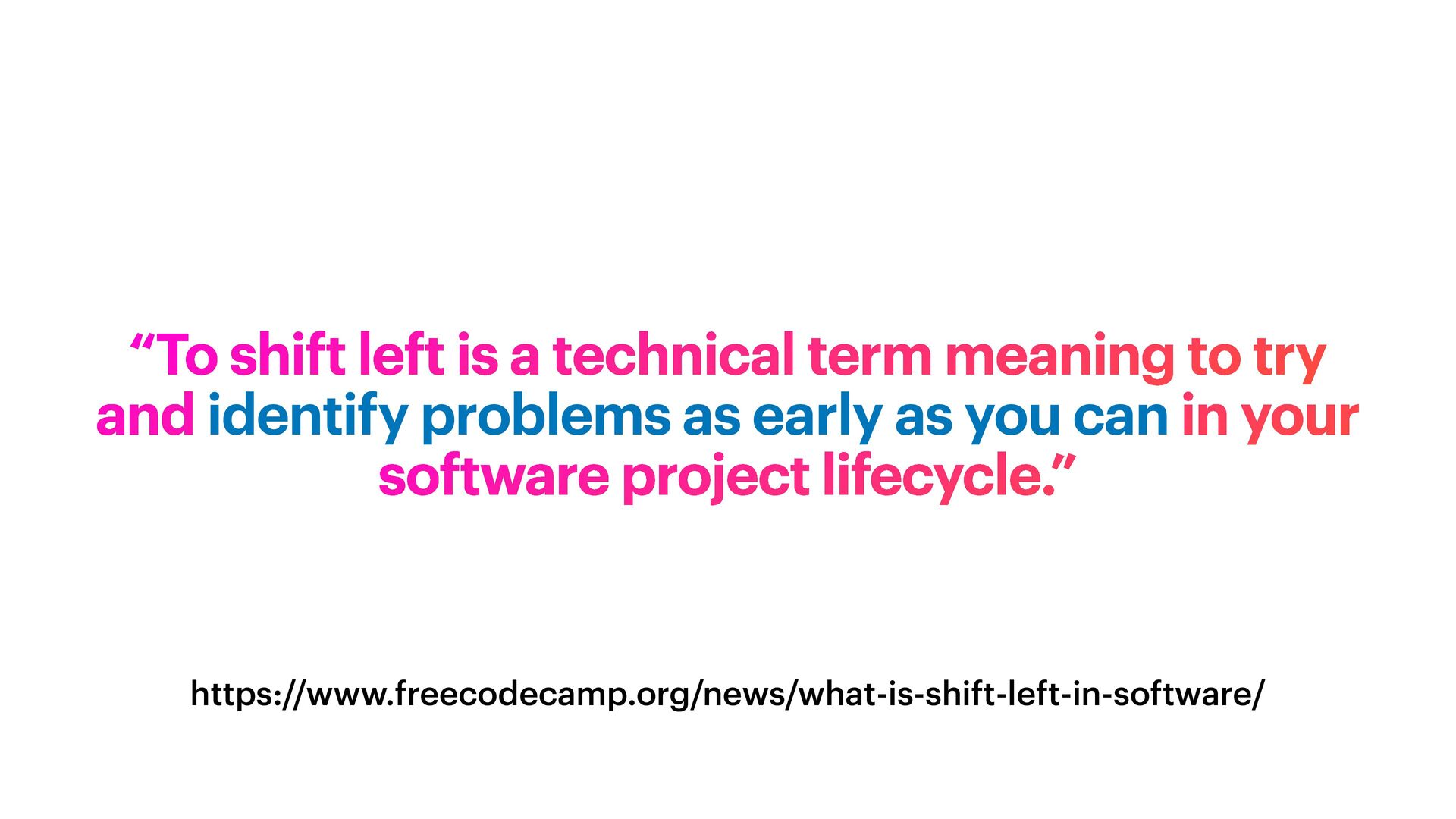
  9. https://www.freecodecamp.org/news/what-is-shift-left-in-software/ “To shift left is a technical term meaning to

    try and identify problems as early as you can in your software project lifecycle.”
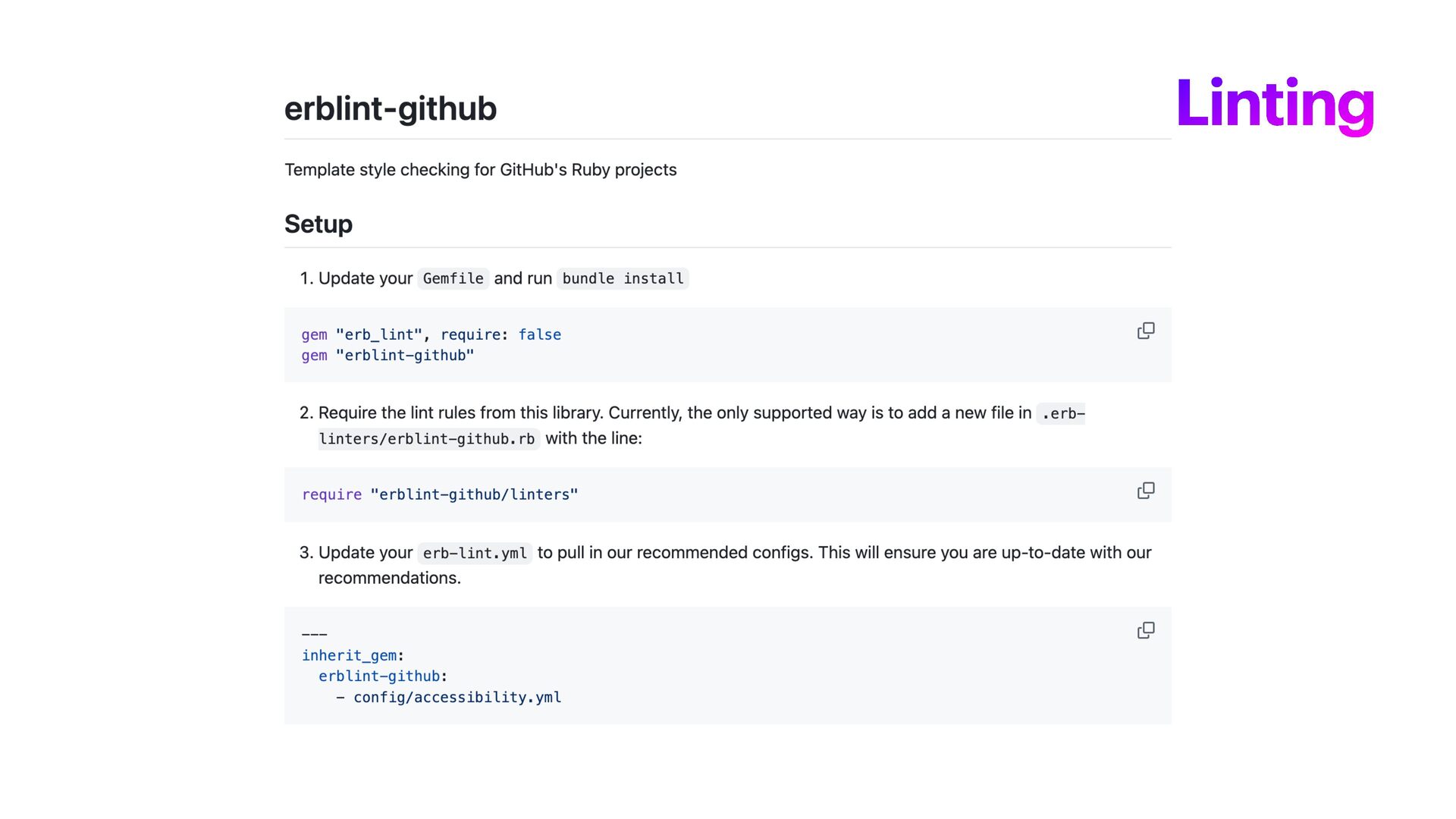
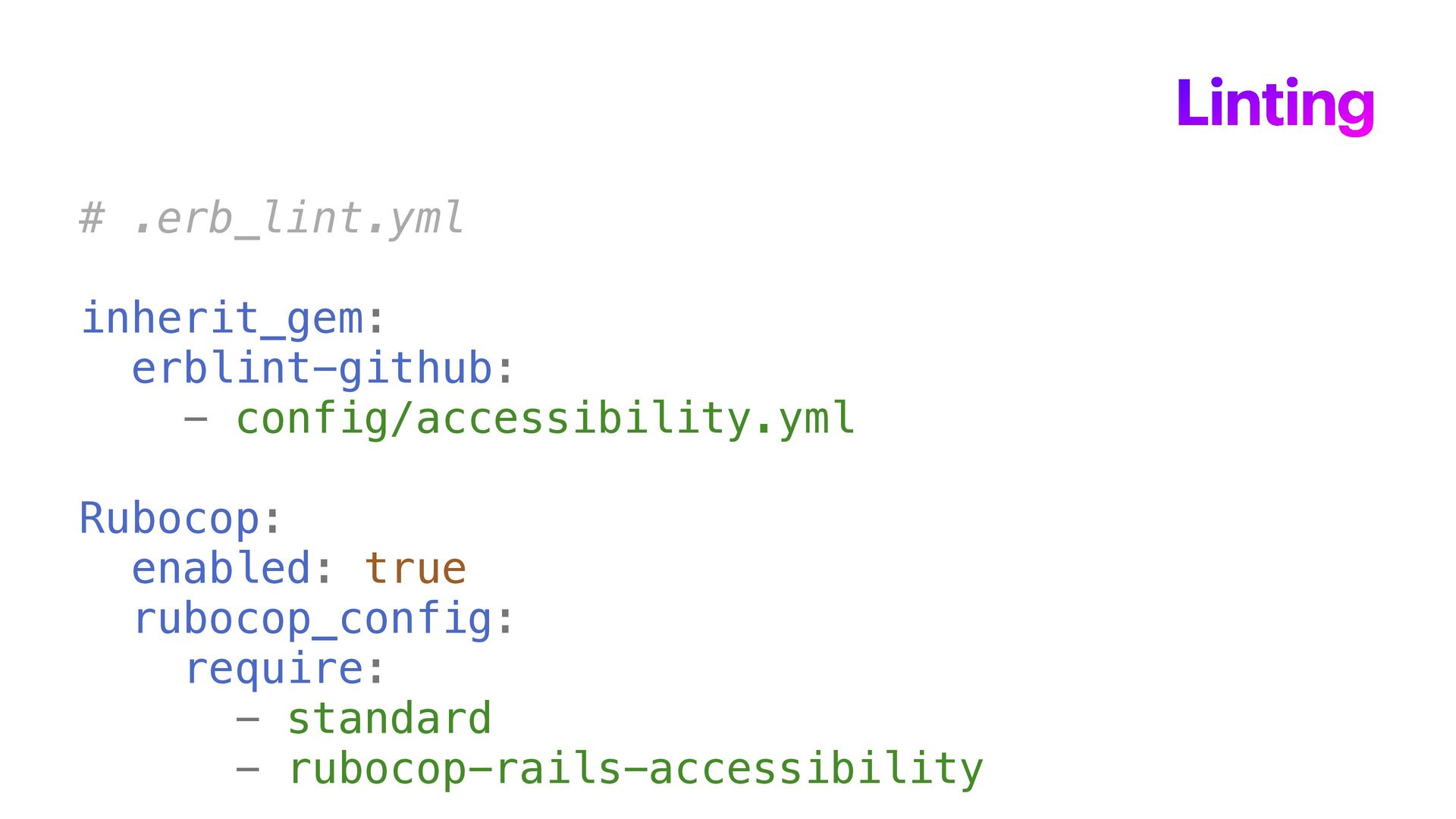
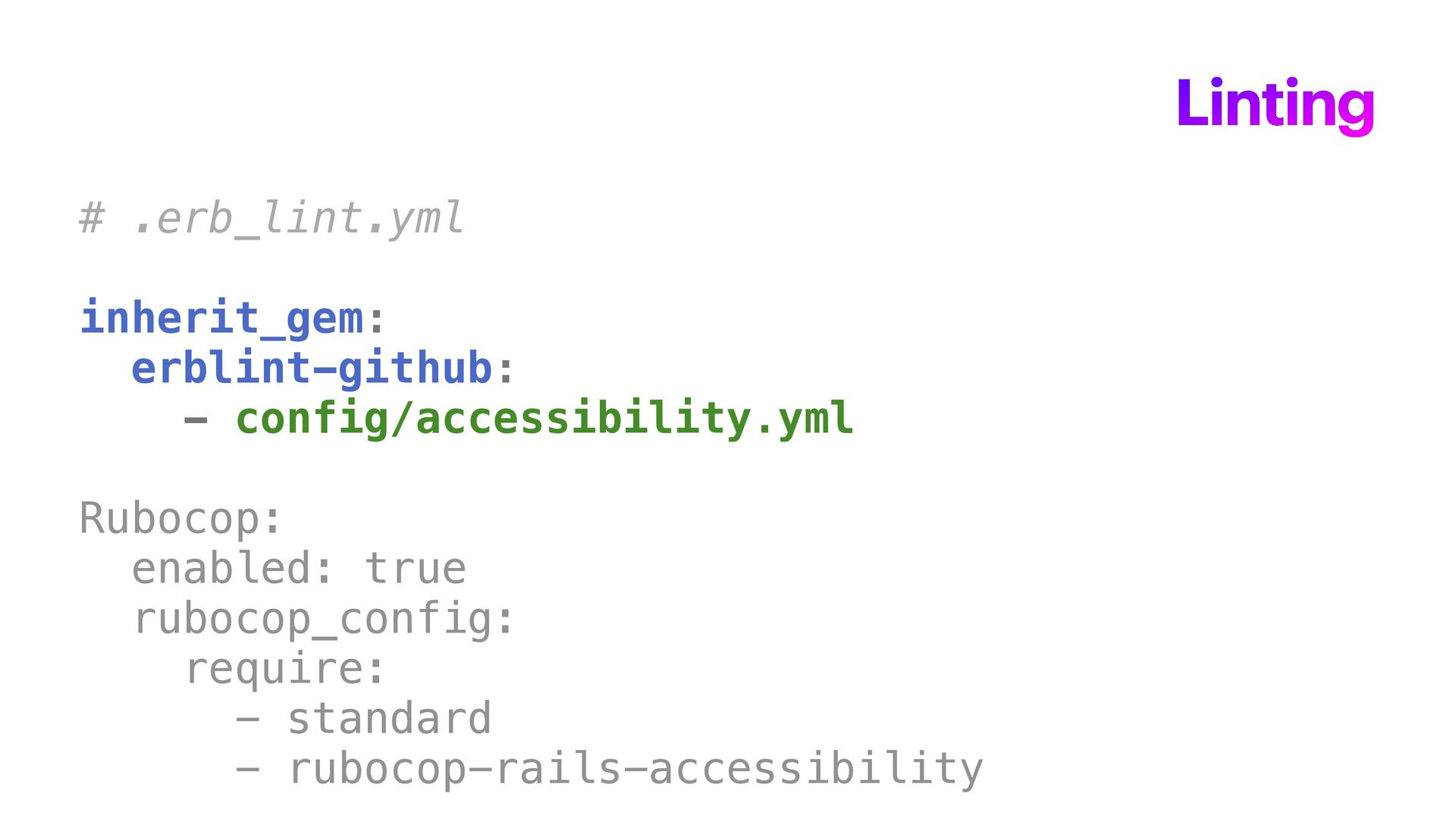
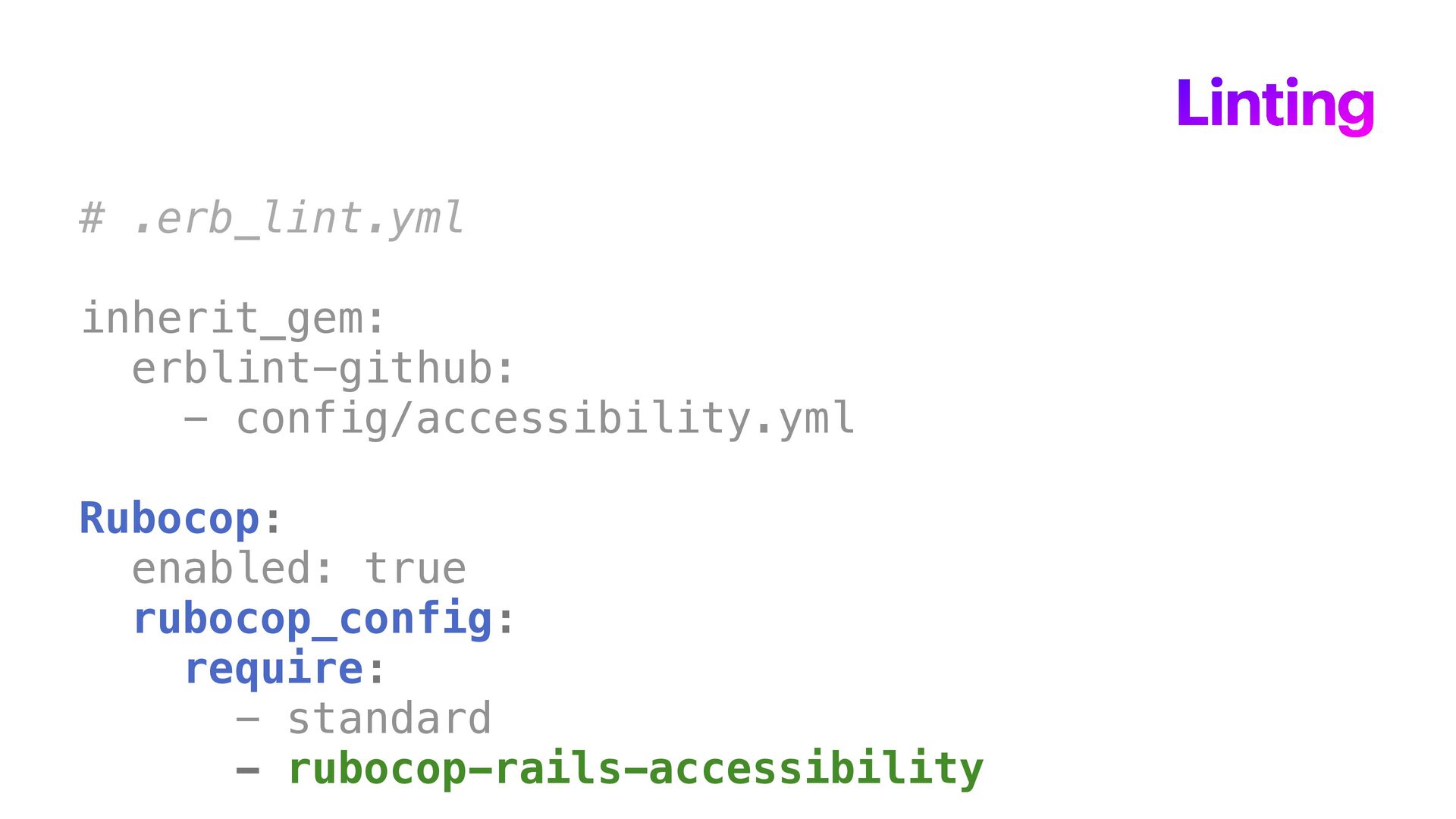
  10. Linting # .erb_lint.yml inherit_gem: erblint-github: - config/accessibility.yml Rubocop: enabled: true

    rubocop_config: require: - standard - rubocop-rails-accessibility
  11. Linting # .erb_lint.yml inherit_gem: erblint-github: - config/accessibility.yml Rubocop: enabled: true

    rubocop_config: require: - standard - rubocop-rails-accessibility
  12. Linting # .erb_lint.yml inherit_gem: erblint-github: - config/accessibility.yml Rubocop: enabled: true

    rubocop_config: require: - standard - rubocop-rails-accessibility
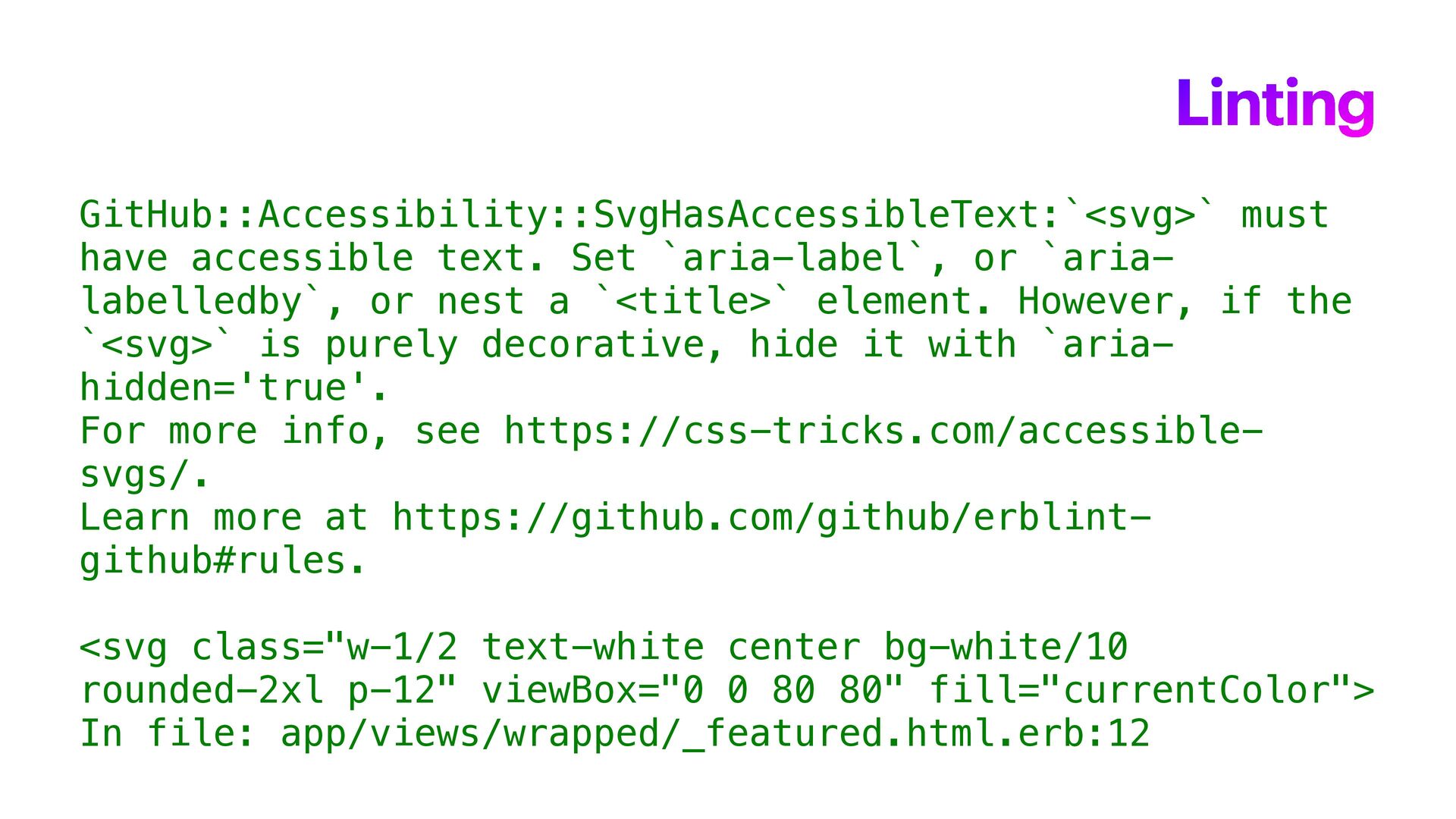
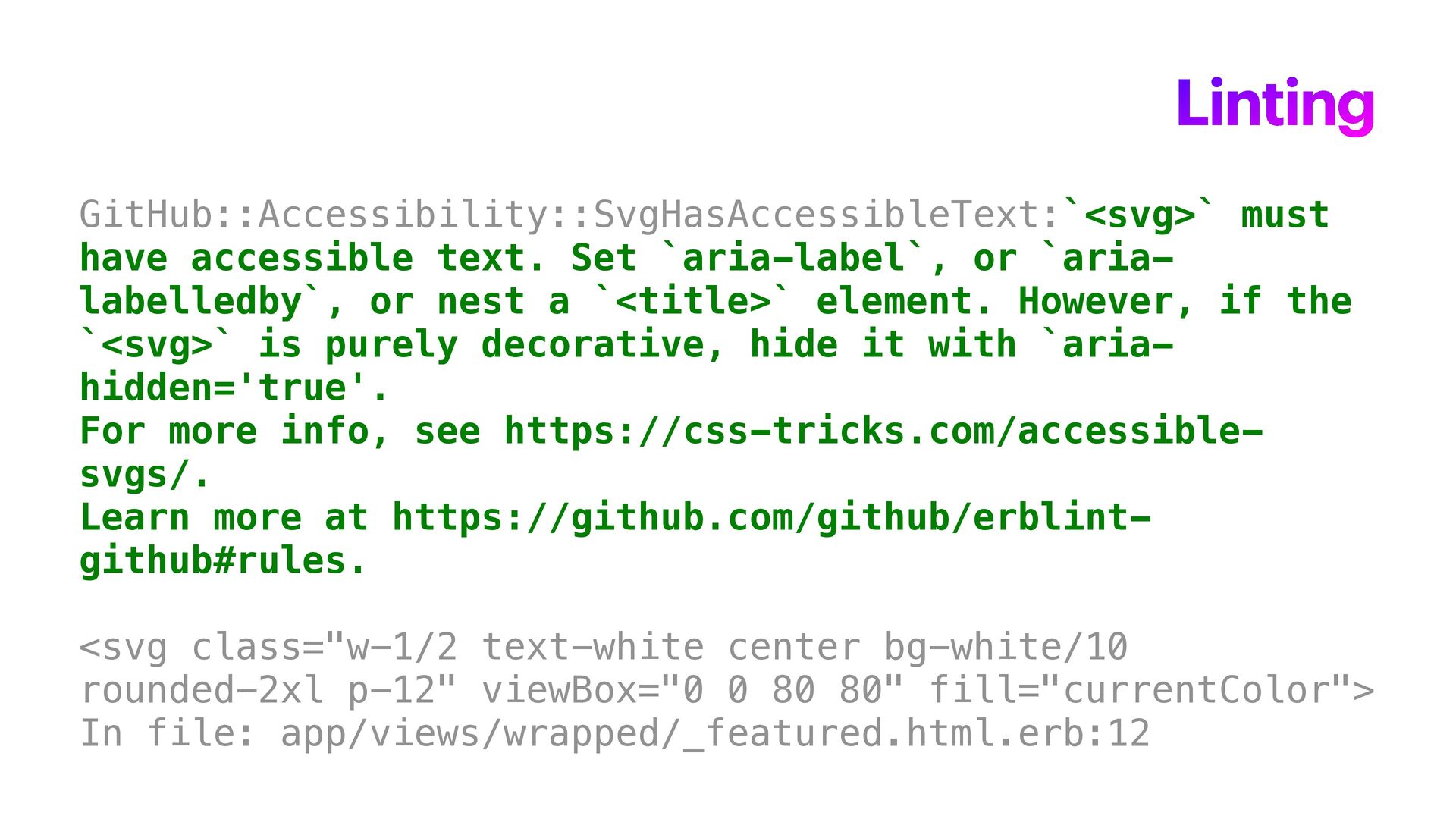
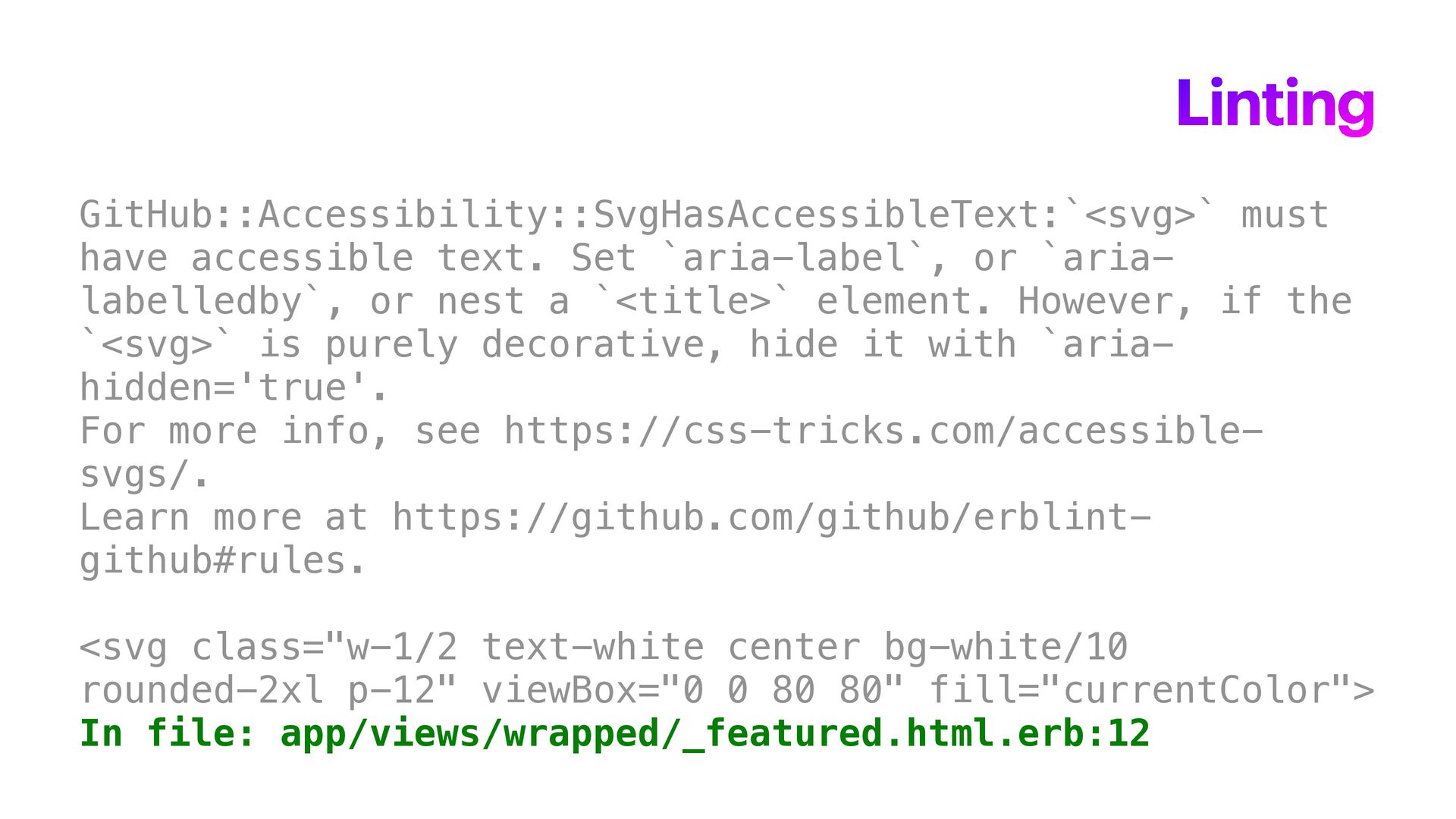
  13. Linting GitHub::Accessibility::SvgHasAccessibleText:`<svg>` must have accessible text. Set `aria-label`, or `aria-

    labelledby`, or nest a `<title>` element. However, if the `<svg>` is purely decorative, hide it with `aria- hidden='true'. For more info, see https://css-tricks.com/accessible- svgs/. Learn more at https://github.com/github/erblint- github#rules. <svg class="w-1/2 text-white center bg-white/10 rounded-2xl p-12" viewBox="0 0 80 80" fill="currentColor"> In file: app/views/wrapped/_featured.html.erb:12
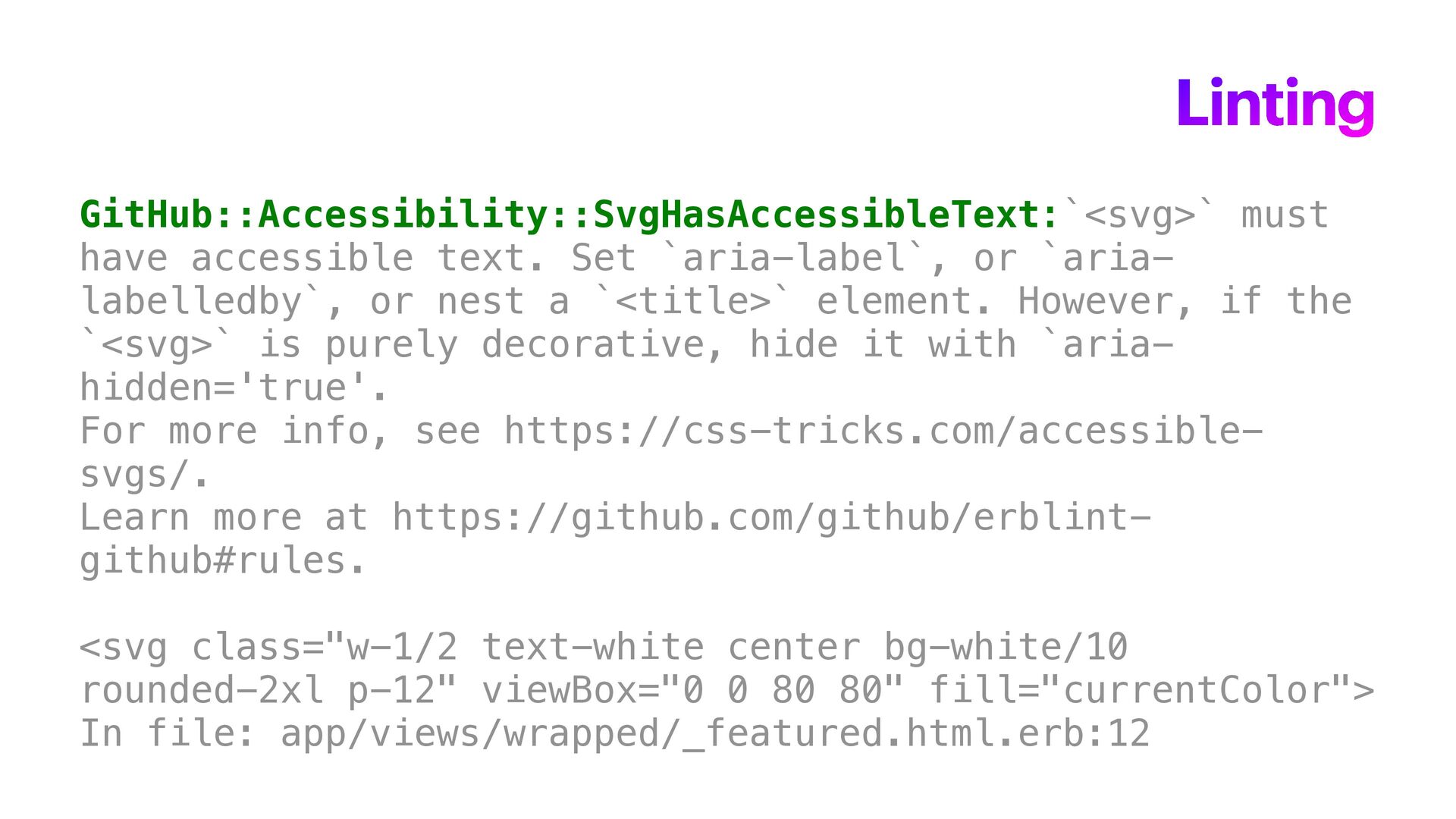
  14. Linting GitHub::Accessibility::SvgHasAccessibleText:`<svg>` must have accessible text. Set `aria-label`, or `aria-
    labelledby`, or nest a `<title>` element. However, if the `<svg>` is purely decorative, hide it with `aria- hidden='true'. For more info, see https://css-tricks.com/accessible- svgs/. Learn more at https://github.com/github/erblint- github#rules. <svg class="w-1/2 text-white center bg-white/10 rounded-2xl p-12" viewBox="0 0 80 80" fill="currentColor"> In file: app/views/wrapped/_featured.html.erb:12
  15. Linting GitHub::Accessibility::SvgHasAccessibleText:`<svg>` must have accessible text. Set `aria-label`, or `aria-

    labelledby`, or nest a `<title>` element. However, if the `<svg>` is purely decorative, hide it with `aria- hidden='true'. For more info, see https://css-tricks.com/accessible- svgs/. Learn more at https://github.com/github/erblint- github#rules. <svg class="w-1/2 text-white center bg-white/10 rounded-2xl p-12" viewBox="0 0 80 80" fill="currentColor"> In file: app/views/wrapped/_featured.html.erb:12
  16. Linting GitHub::Accessibility::SvgHasAccessibleText:`<svg>` must have accessible text. Set `aria-label`, or `aria-

    labelledby`, or nest a `<title>` element. However, if the `<svg>` is purely decorative, hide it with `aria- hidden='true'. For more info, see https://css-tricks.com/accessible- svgs/. Learn more at https://github.com/github/erblint- github#rules. <svg class="w-1/2 text-white center bg-white/10 rounded-2xl p-12" viewBox="0 0 80 80" fill="currentColor"> In file: app/views/wrapped/_featured.html.erb:12
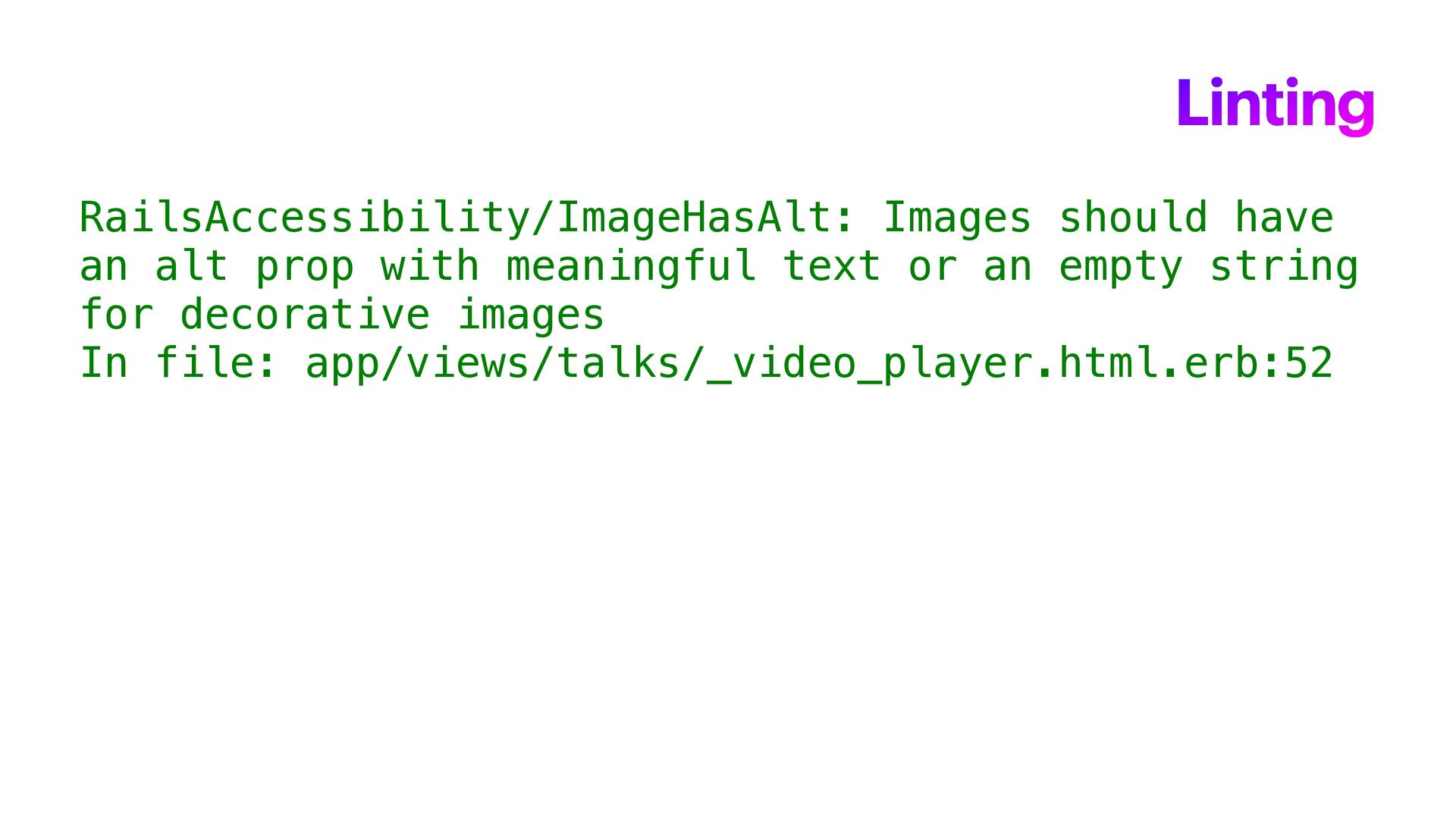
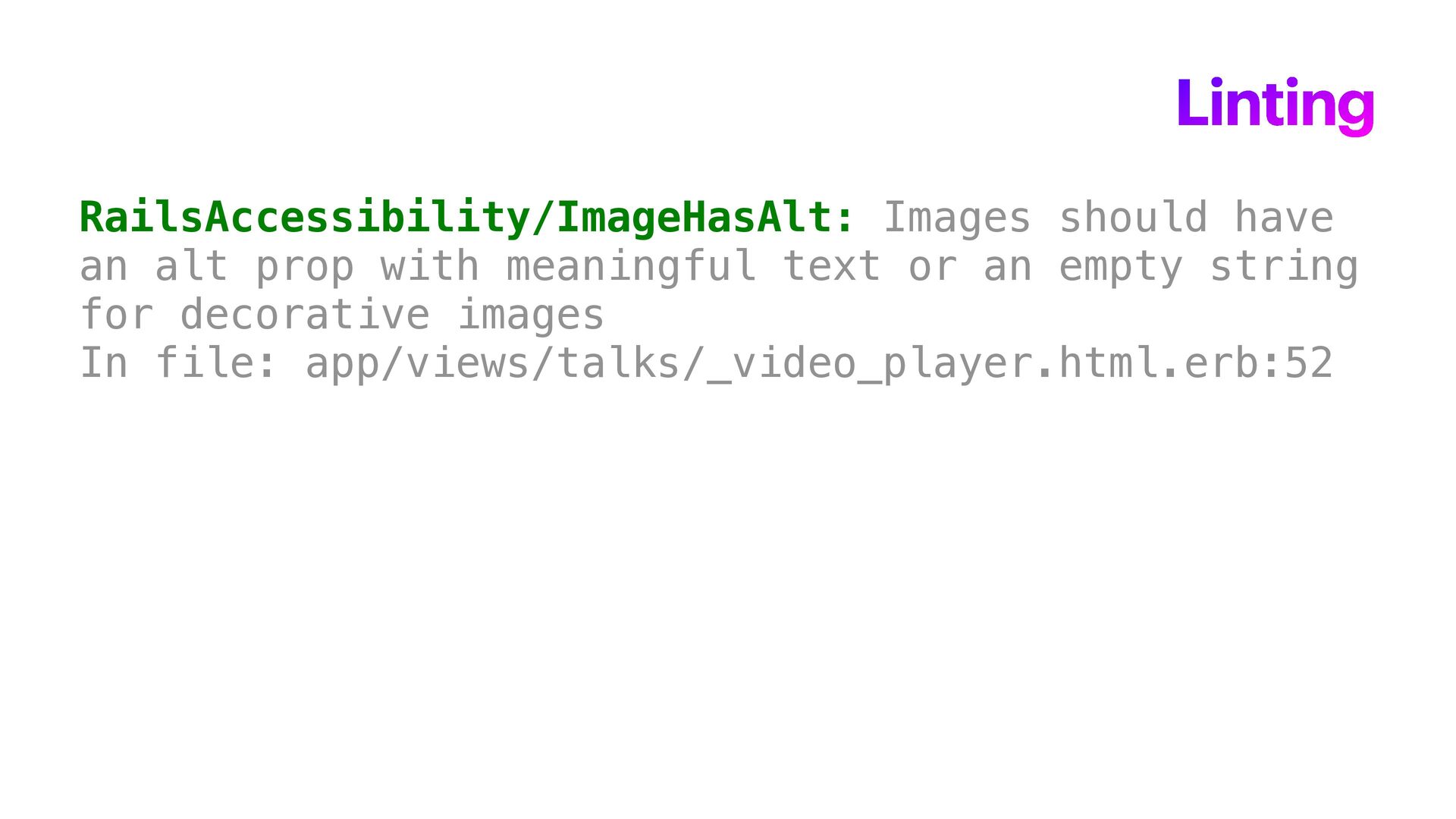
  17. Linting RailsAccessibility/ImageHasAlt: Images should have an alt prop with meaningful

    text or an empty string for decorative images In file: app/views/talks/_video_player.html.erb:52
  18. Linting RailsAccessibility/ImageHasAlt: Images should have an alt prop with meaningful

    text or an empty string for decorative images In file: app/views/talks/_video_player.html.erb:52
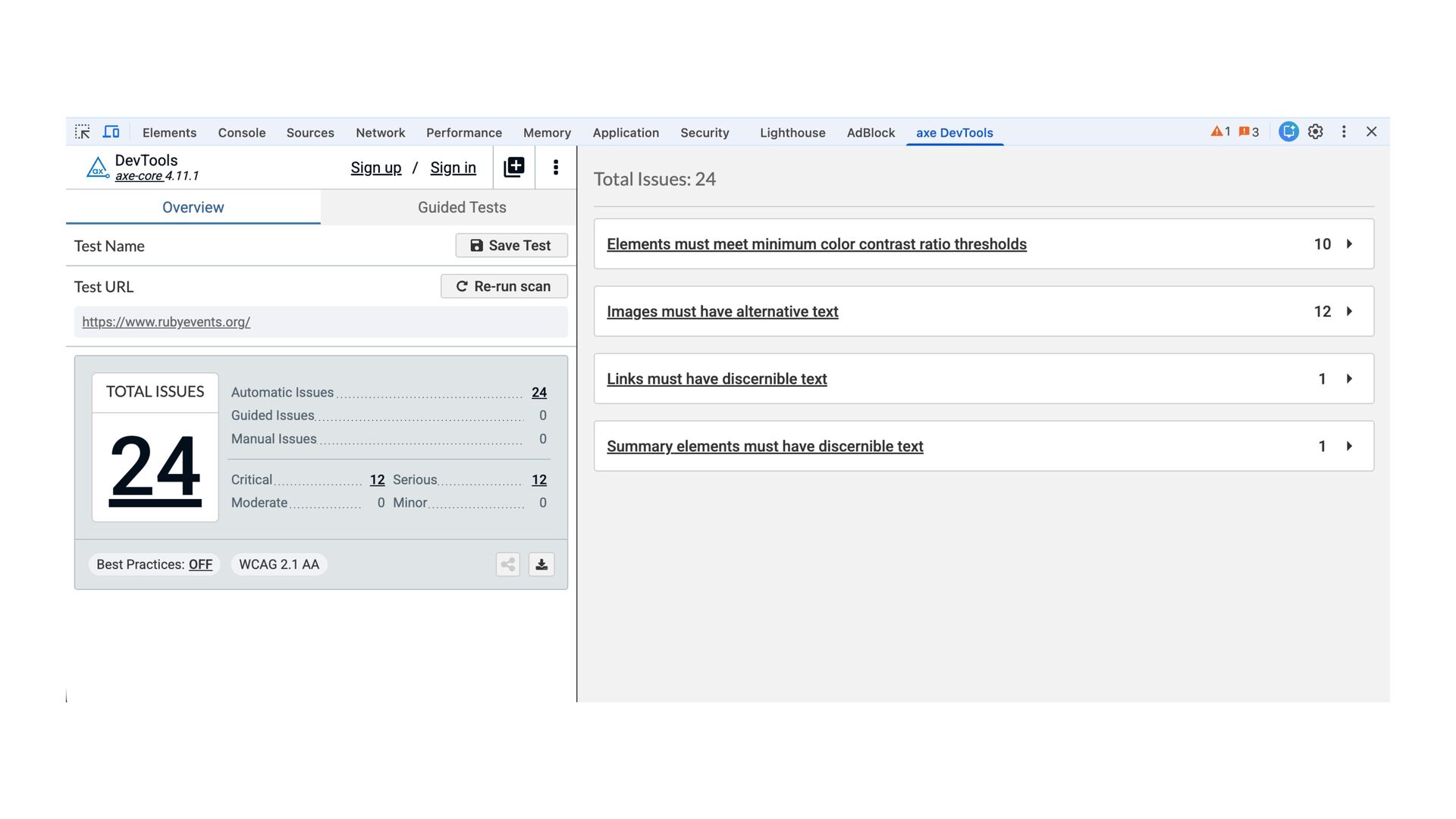
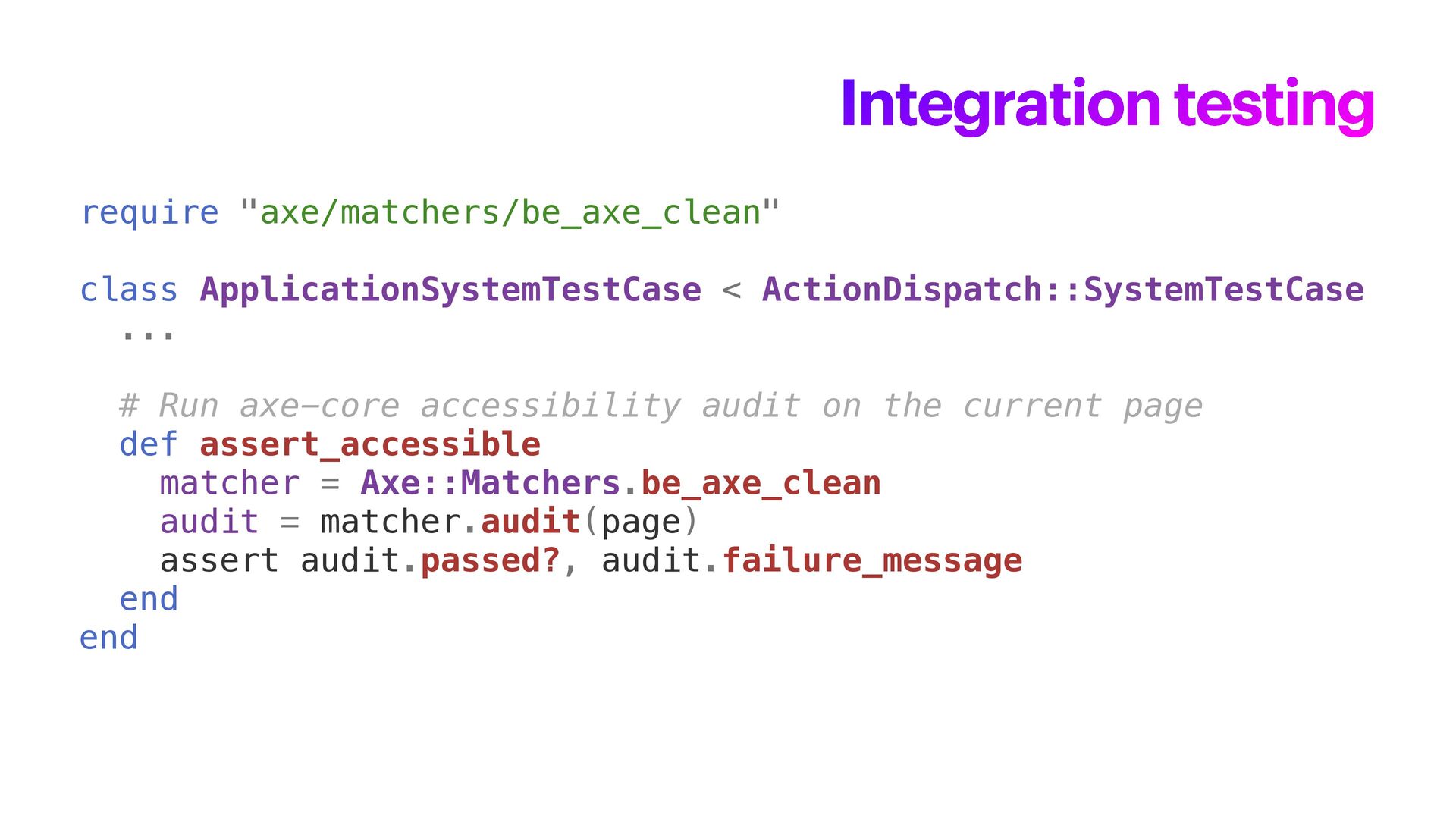
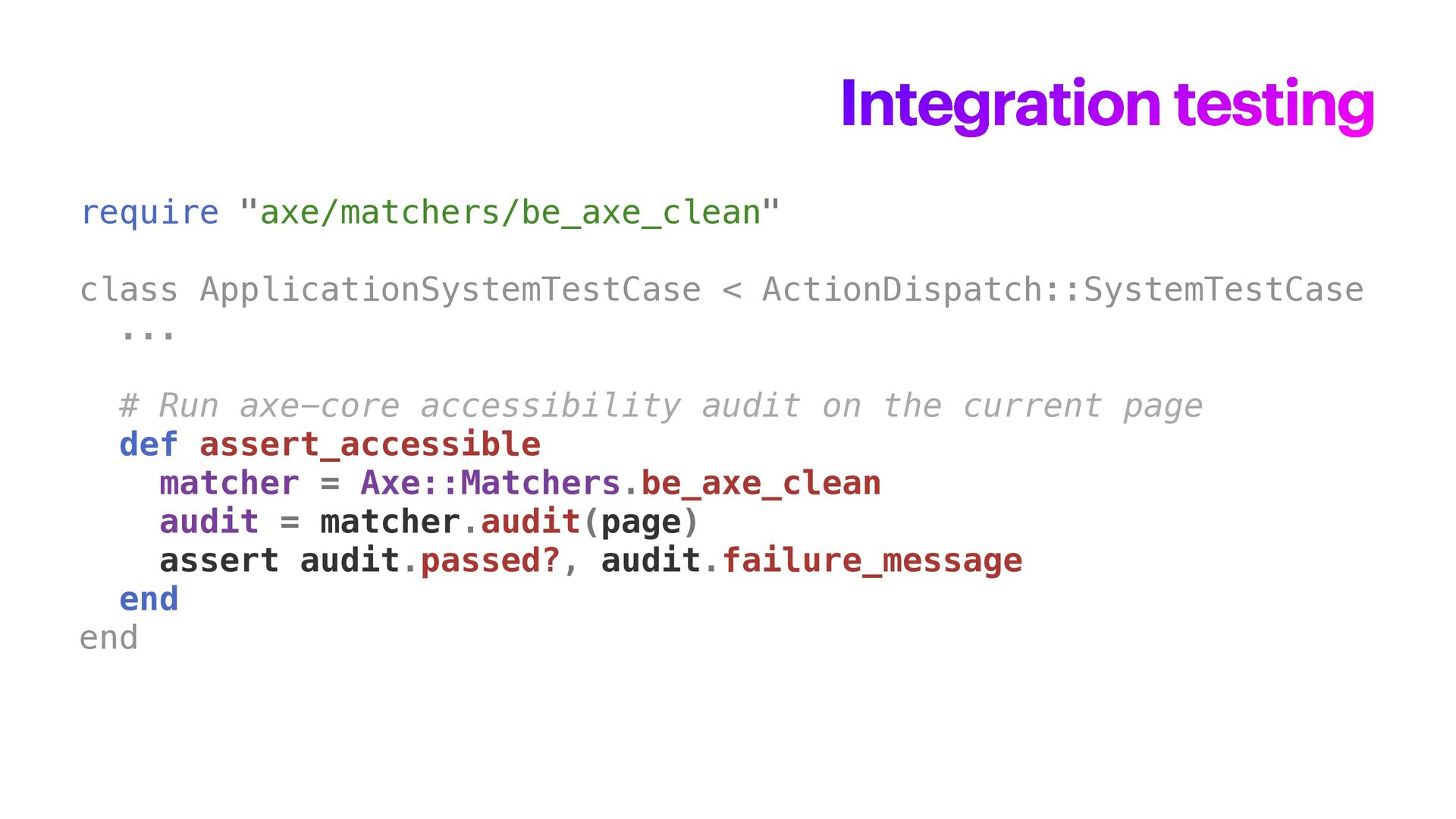
  19. Integration testing require "axe/matchers/be_axe_clean" class ApplicationSystemTestCase < ActionDispatch::SystemTestCase ... #

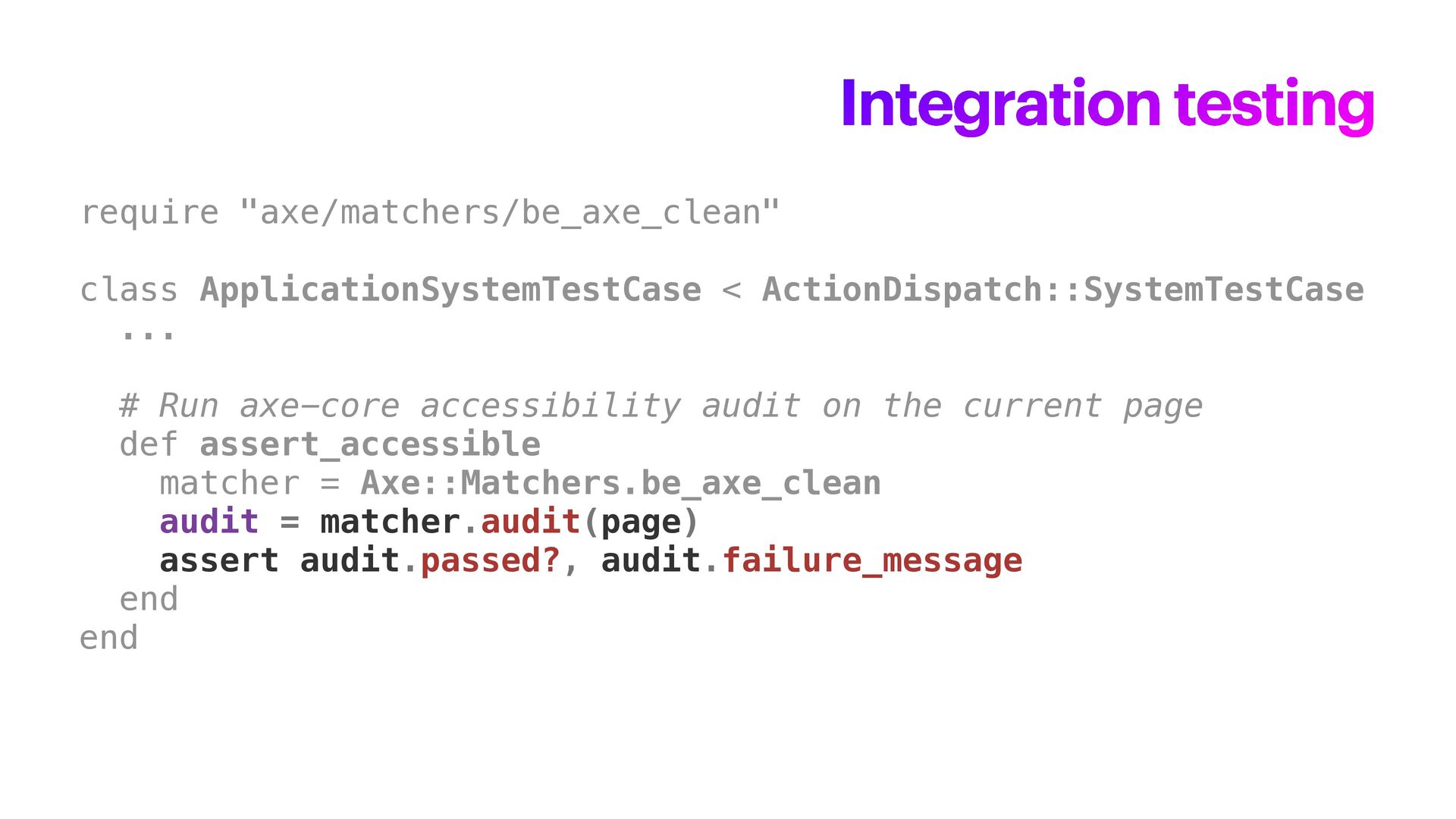
    Run axe-core accessibility audit on the current page def assert_accessible matcher = Axe::Matchers.be_axe_clean audit = matcher.audit(page) assert audit.passed?, audit.failure_message end end
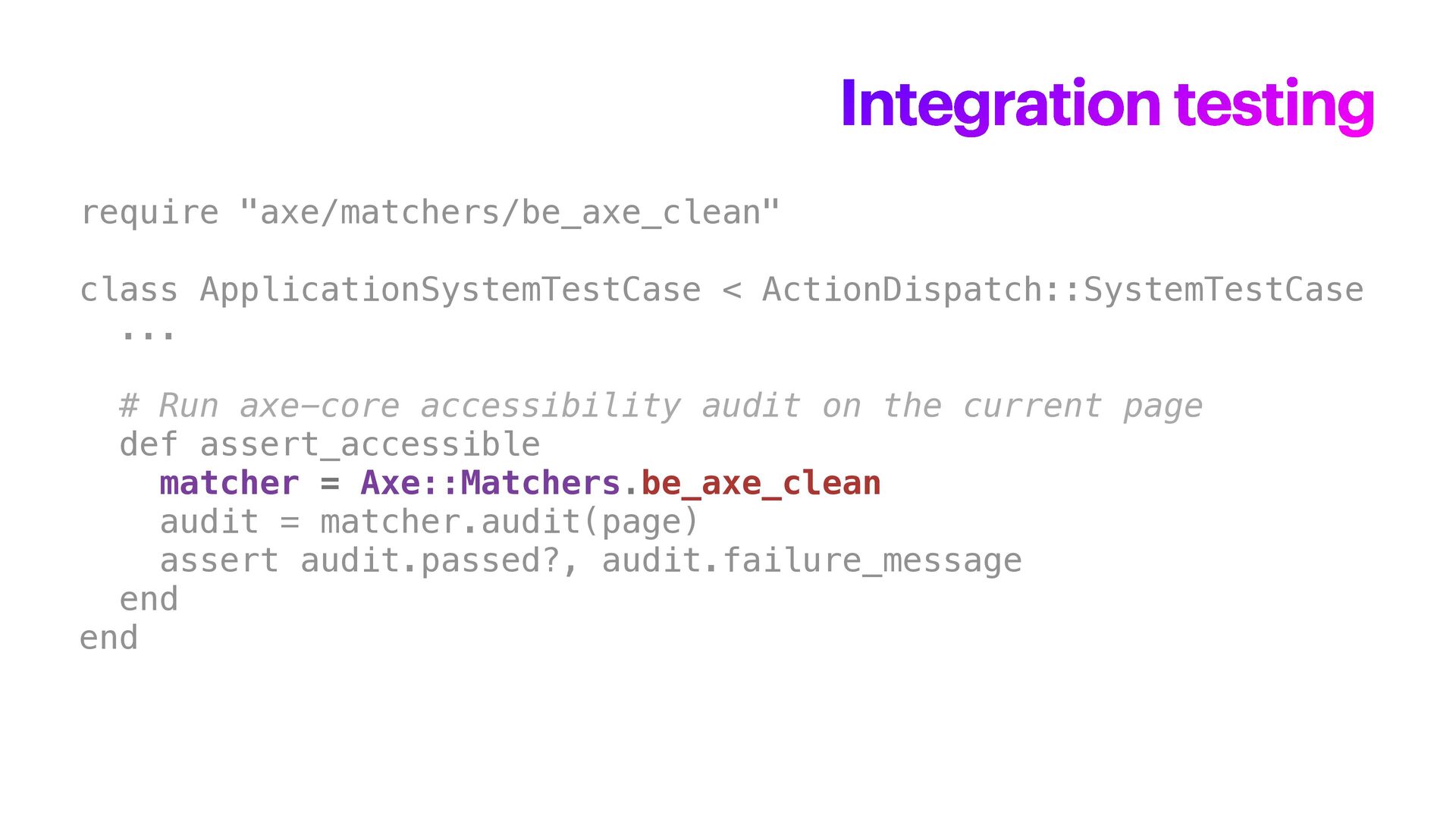
  20. Integration testing require "axe/matchers/be_axe_clean" class ApplicationSystemTestCase < ActionDispatch::SystemTestCase ... #

    Run axe-core accessibility audit on the current page def assert_accessible matcher = Axe::Matchers.be_axe_clean audit = matcher.audit(page) assert audit.passed?, audit.failure_message end end
  21. Integration testing require "axe/matchers/be_axe_clean" class ApplicationSystemTestCase < ActionDispatch::SystemTestCase ... #

    Run axe-core accessibility audit on the current page def assert_accessible matcher = Axe::Matchers.be_axe_clean audit = matcher.audit(page) assert audit.passed?, audit.failure_message end end
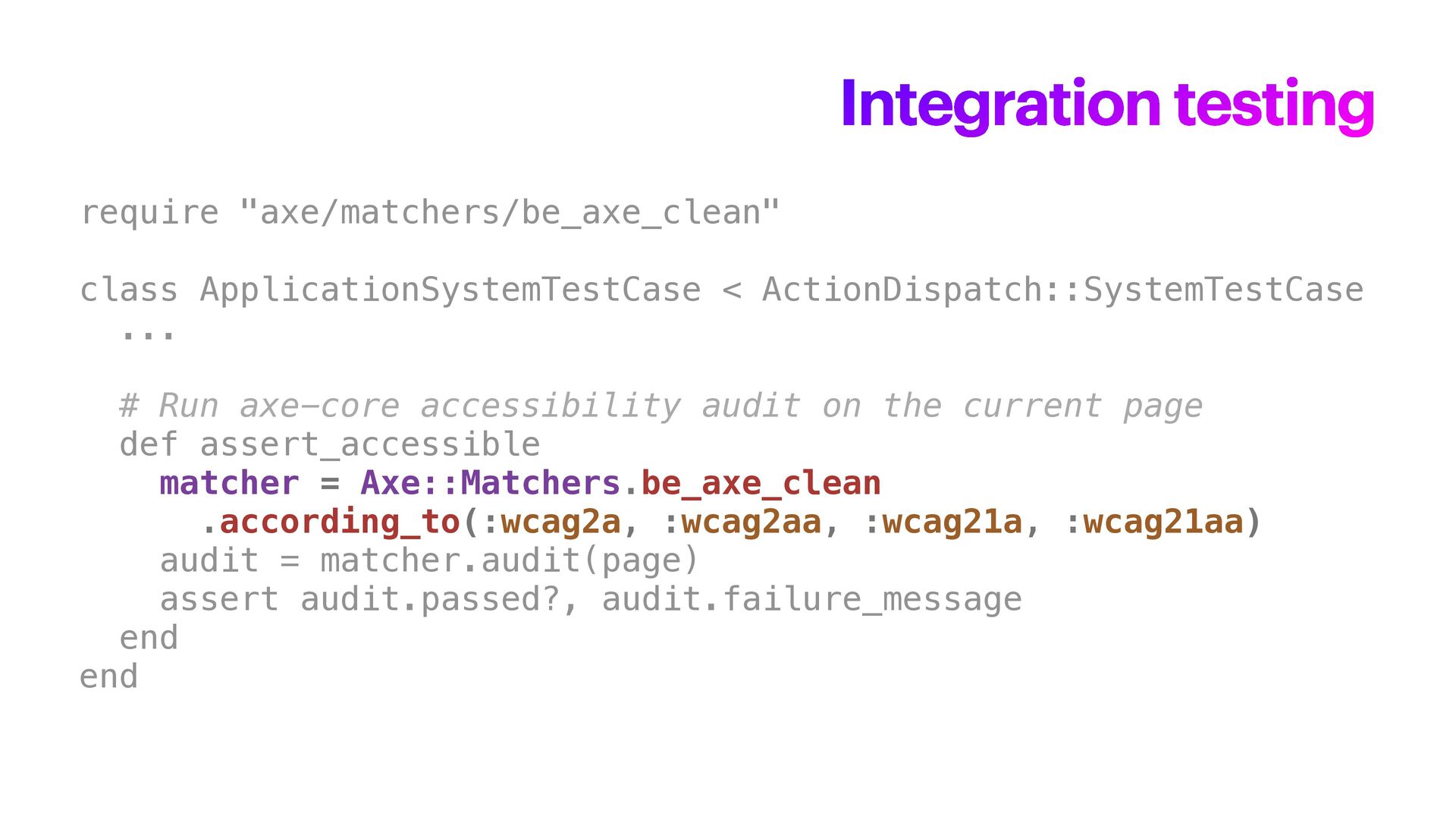
  22. Integration testing require "axe/matchers/be_axe_clean" class ApplicationSystemTestCase < ActionDispatch::SystemTestCase ... #

    Run axe-core accessibility audit on the current page def assert_accessible matcher = Axe::Matchers.be_axe_clean .according_to(:wcag2a, :wcag2aa, :wcag21a, :wcag21aa) audit = matcher.audit(page) assert audit.passed?, audit.failure_message end end
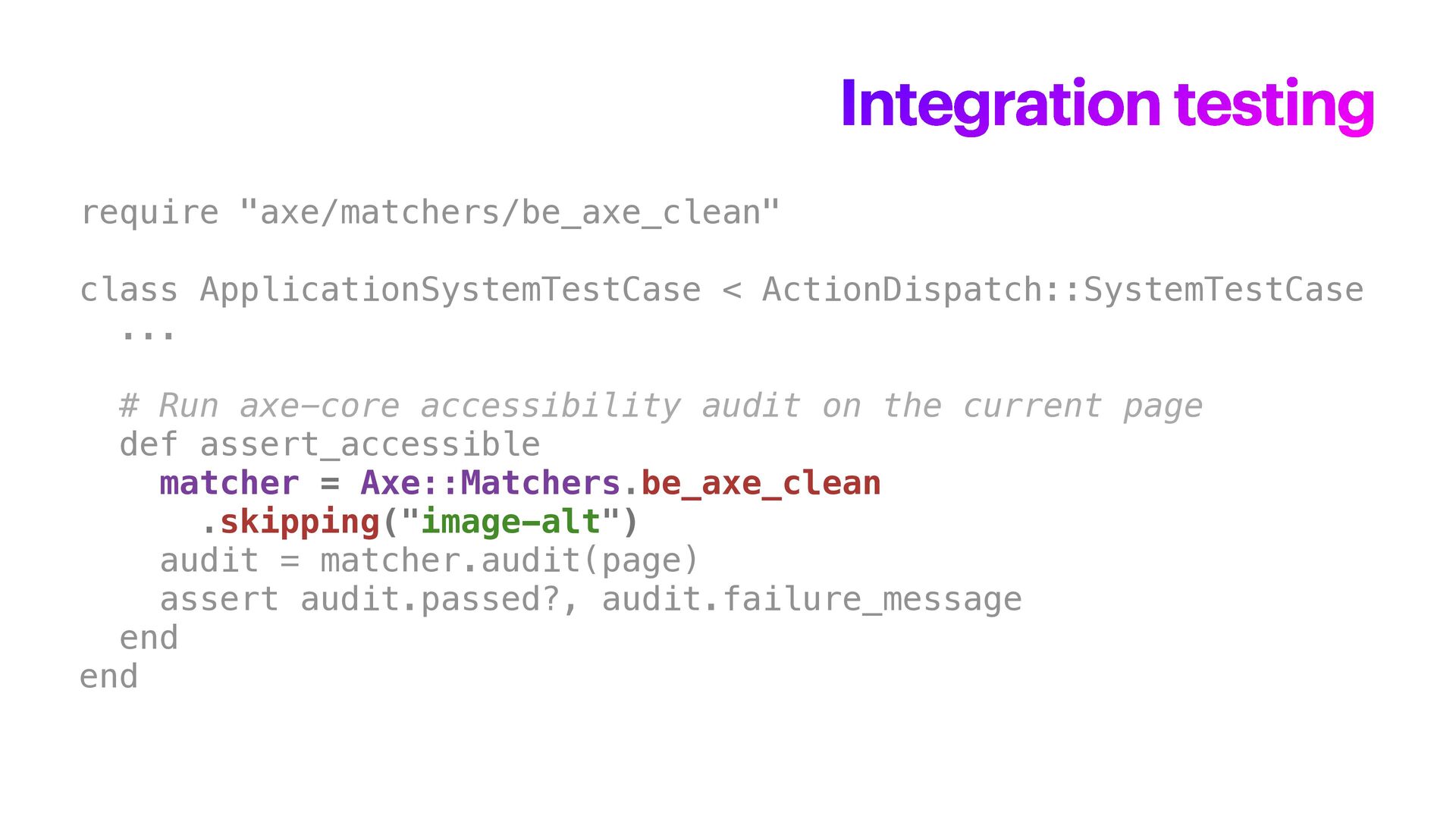
  23. Integration testing require "axe/matchers/be_axe_clean" class ApplicationSystemTestCase < ActionDispatch::SystemTestCase ... #

    Run axe-core accessibility audit on the current page def assert_accessible matcher = Axe::Matchers.be_axe_clean .skipping("image-alt") audit = matcher.audit(page) assert audit.passed?, audit.failure_message end end
  24. Integration testing require "axe/matchers/be_axe_clean" class ApplicationSystemTestCase < ActionDispatch::SystemTestCase ... #

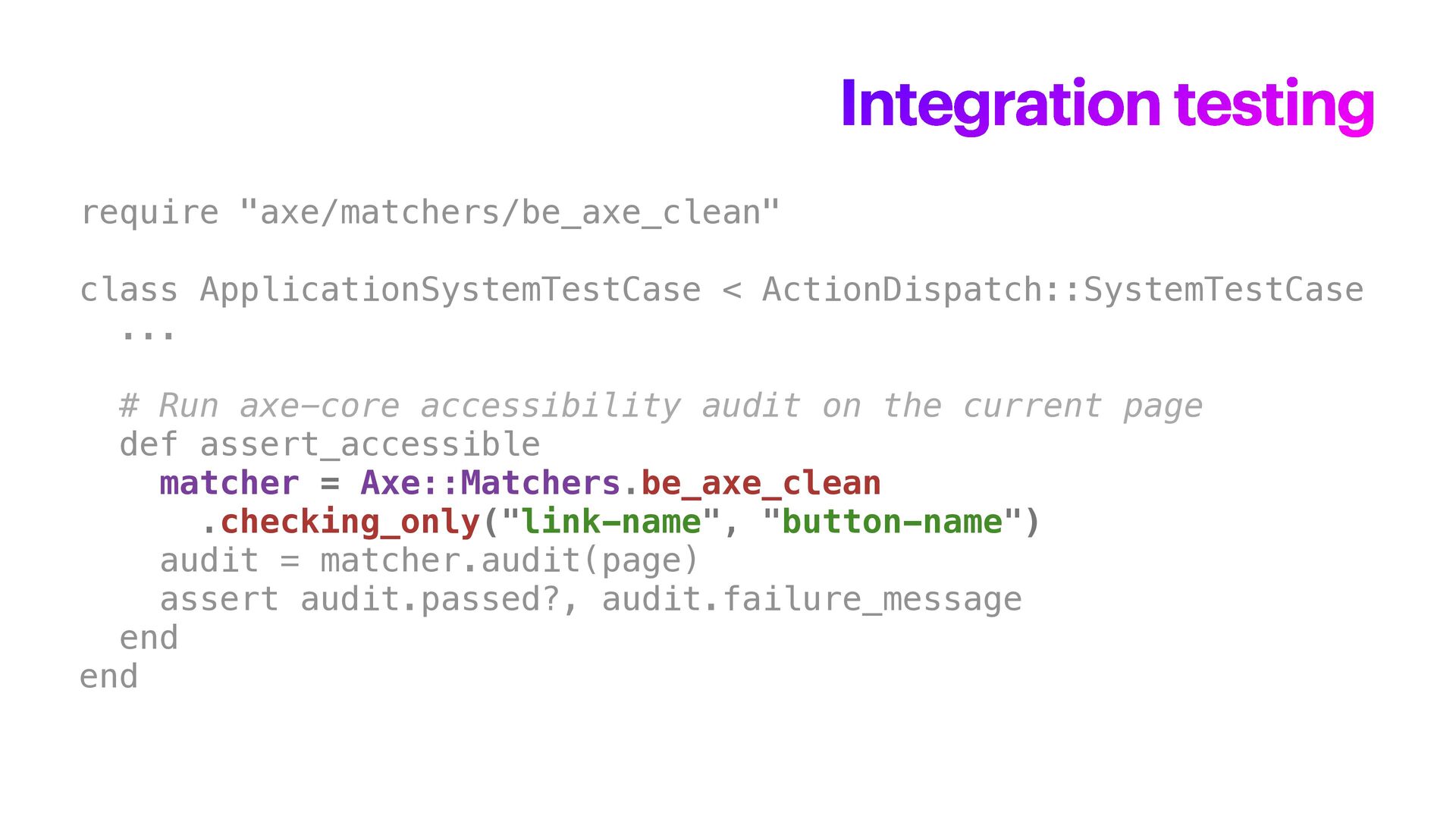
    Run axe-core accessibility audit on the current page def assert_accessible matcher = Axe::Matchers.be_axe_clean .checking_only("link-name", "button-name") audit = matcher.audit(page) assert audit.passed?, audit.failure_message end end
  25. Integration testing require "axe/matchers/be_axe_clean" class ApplicationSystemTestCase < ActionDispatch::SystemTestCase ... #

    Run axe-core accessibility audit on the current page def assert_accessible matcher = Axe::Matchers.be_axe_clean audit = matcher.audit(page) assert audit.passed?, audit.failure_message end end
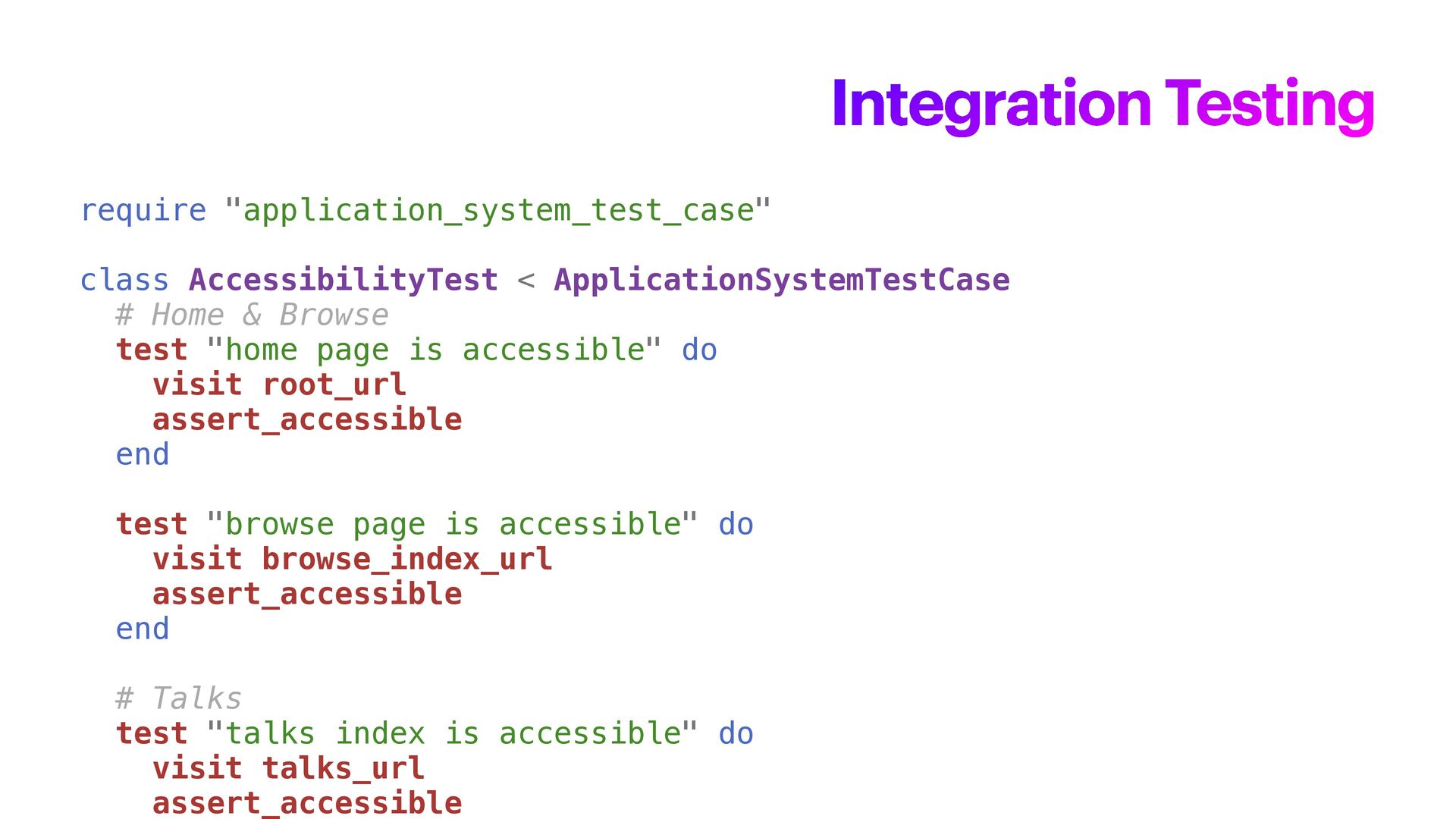
  26. require "application_system_test_case" class AccessibilityTest < ApplicationSystemTestCase # Home & Browse

    test "home page is accessible" do visit root_url assert_accessible end test "browse page is accessible" do visit browse_index_url assert_accessible end # Talks test "talks index is accessible" do visit talks_url assert_accessible Integration Testing
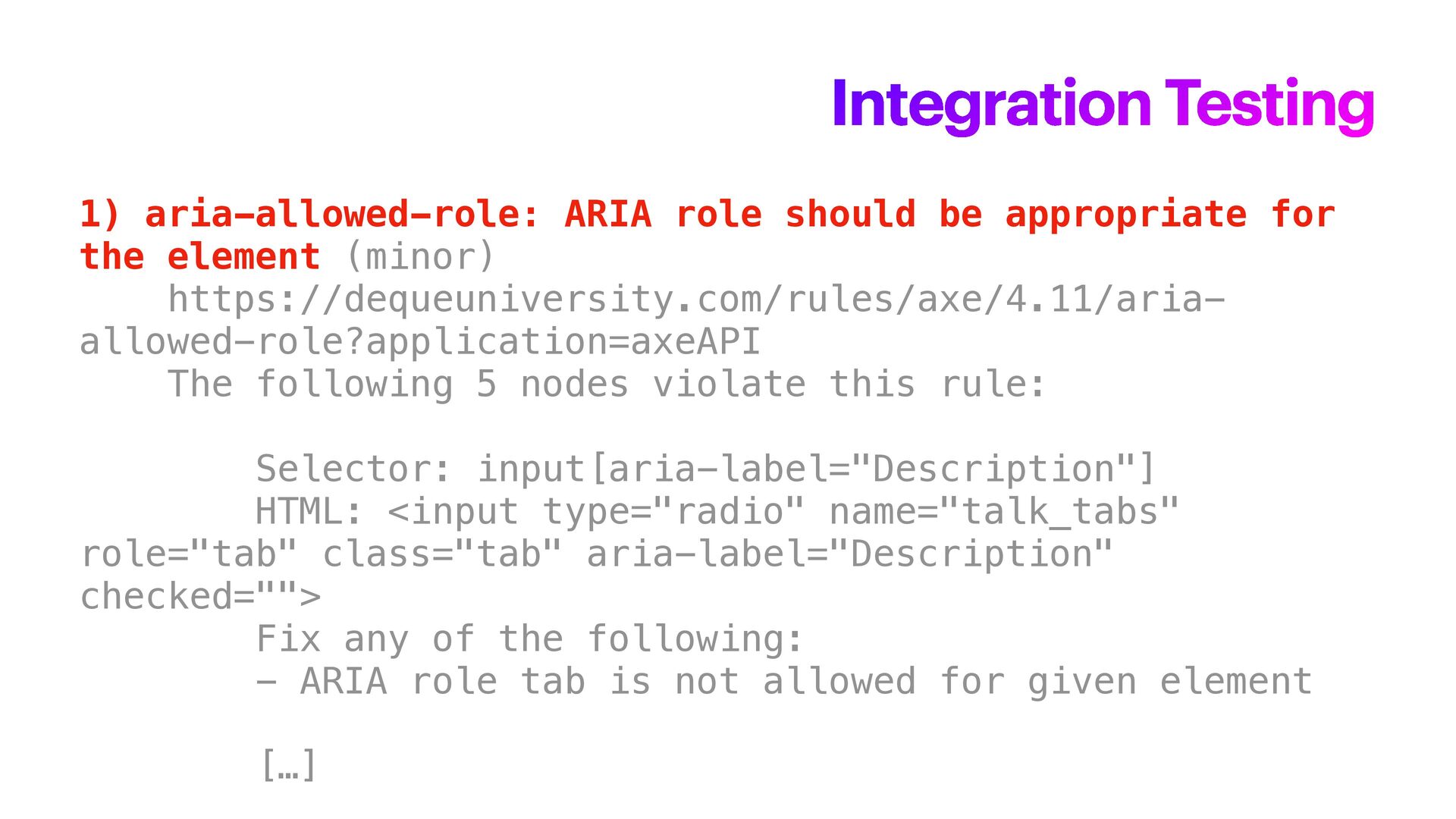
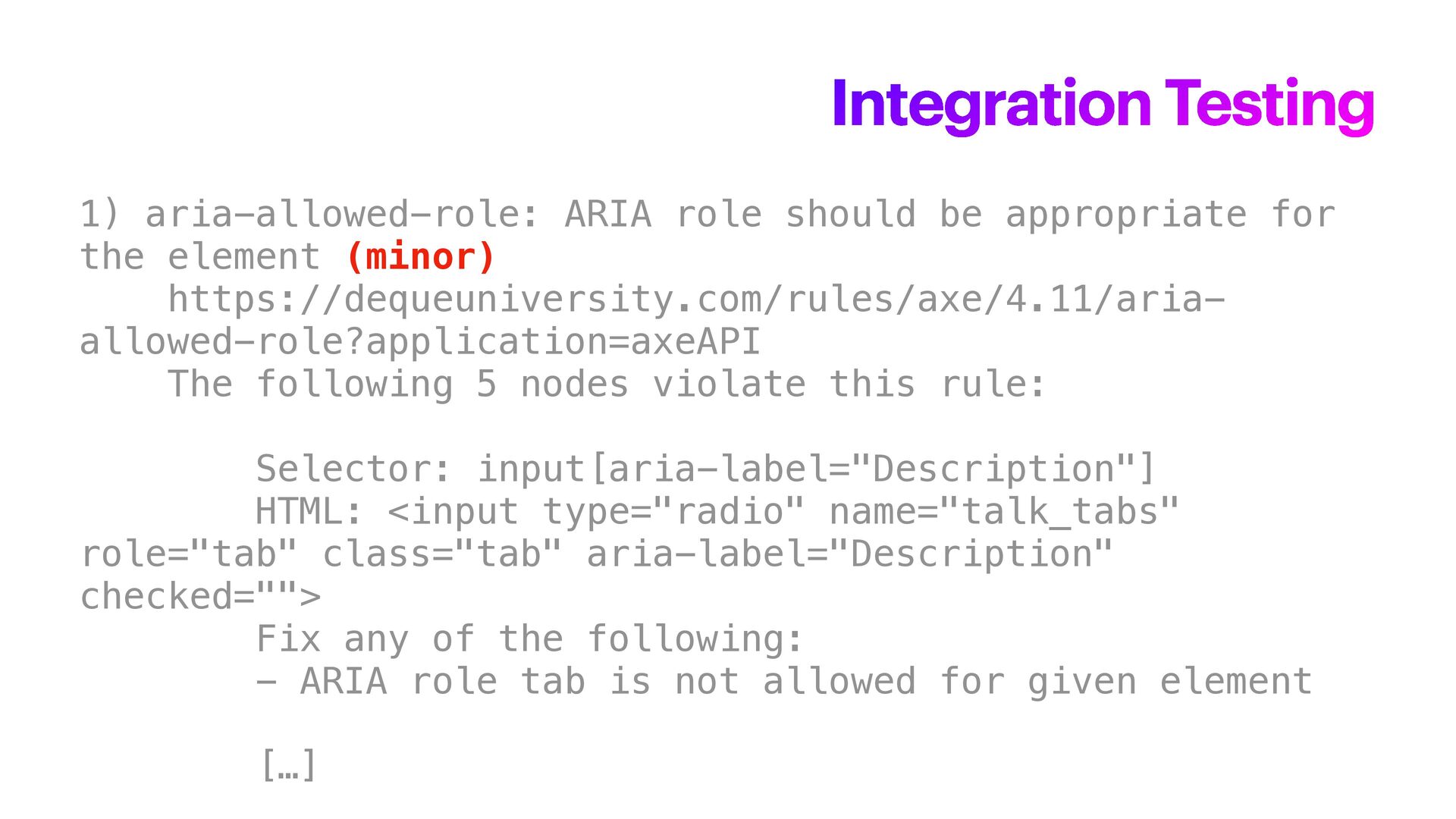
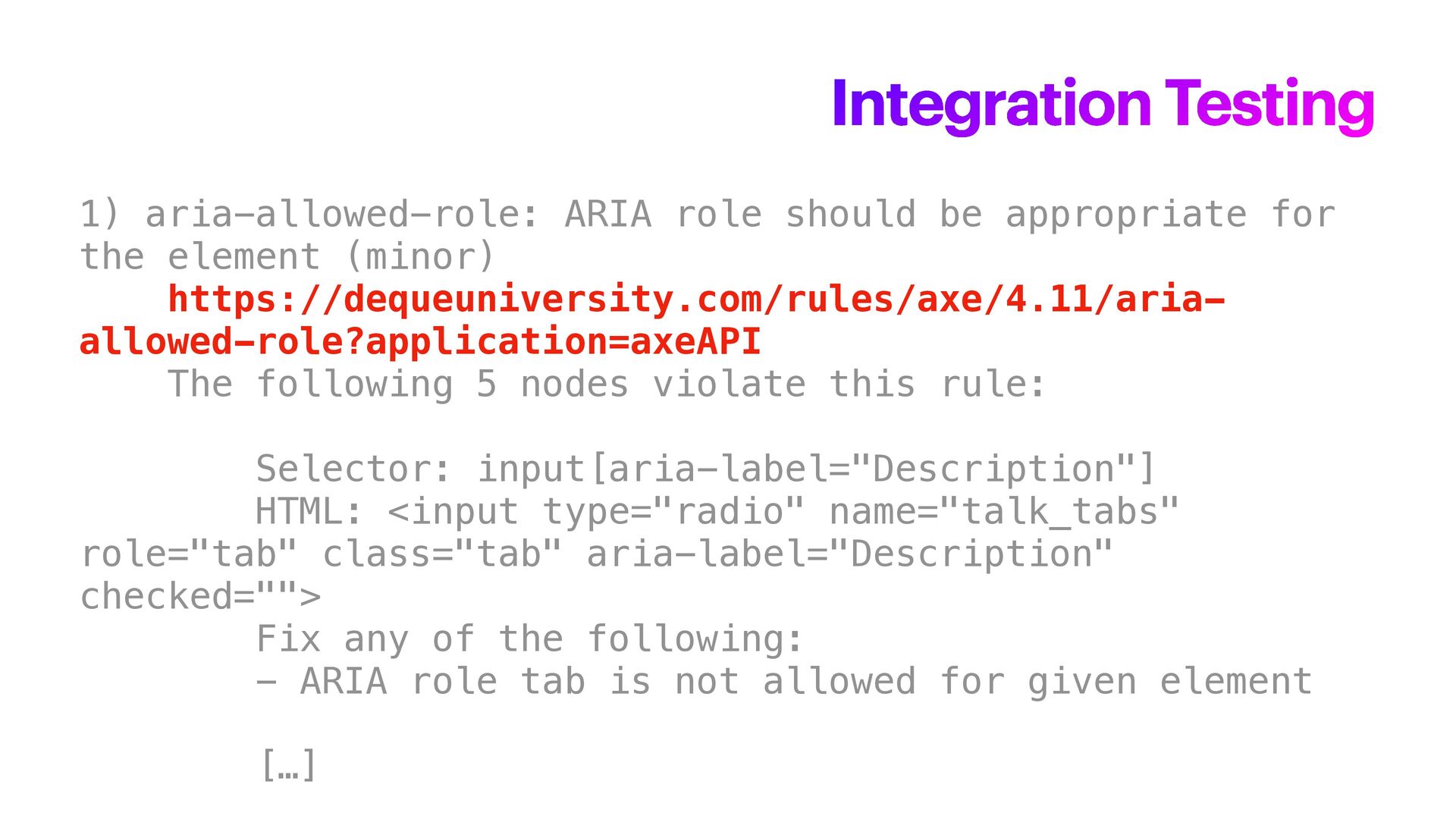
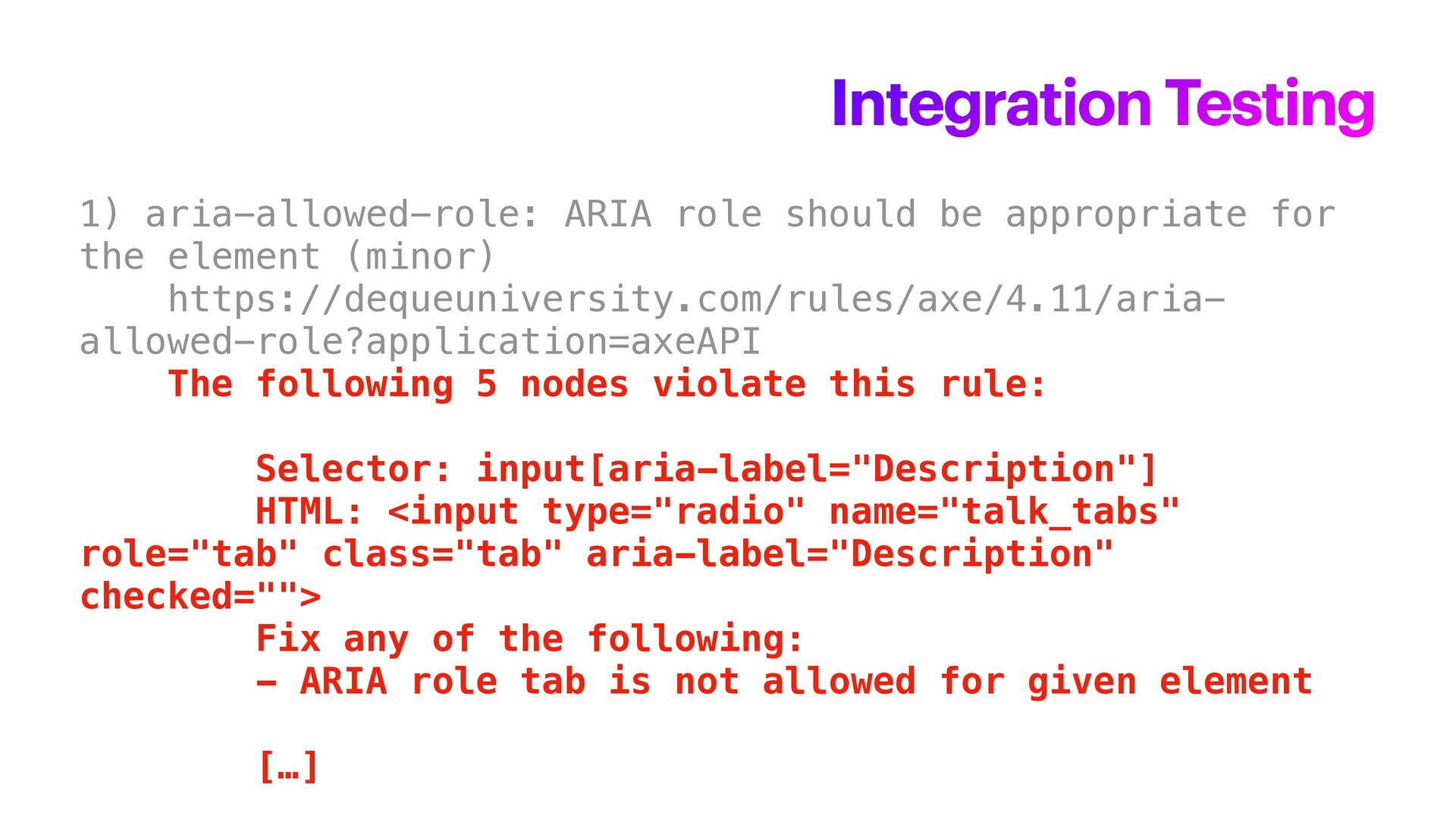
  27. 1) aria-allowed-role: ARIA role should be appropriate for the element

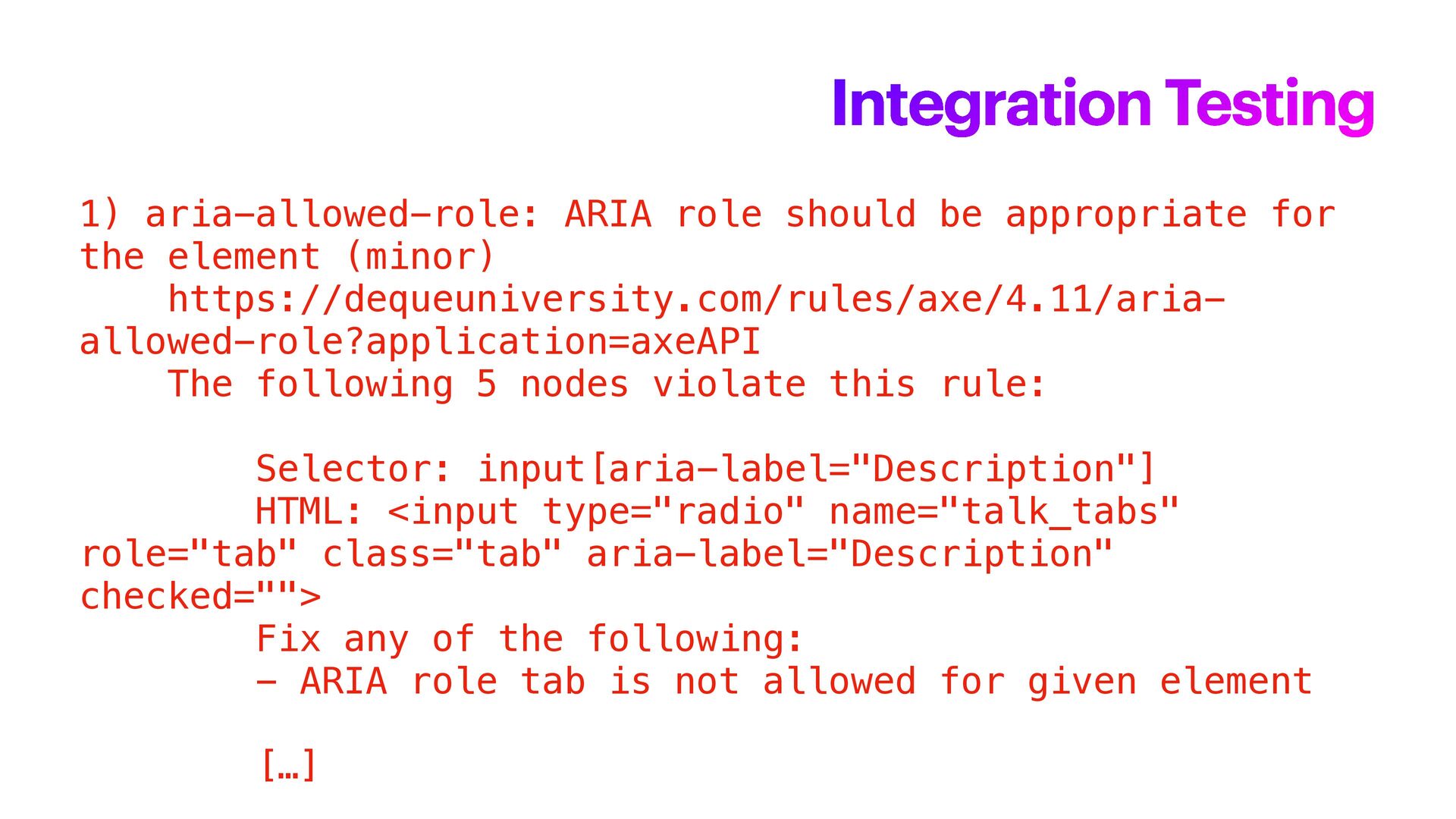
    (minor) https://dequeuniversity.com/rules/axe/4.11/aria- allowed-role?application=axeAPI The following 5 nodes violate this rule: Selector: input[aria-label="Description"] HTML: <input type="radio" name="talk_tabs" role="tab" class="tab" aria-label="Description" checked=""> Fix any of the following: - ARIA role tab is not allowed for given element […] Integration Testing
  28. 1) aria-allowed-role: ARIA role should be appropriate for the element

    (minor) https://dequeuniversity.com/rules/axe/4.11/aria- allowed-role?application=axeAPI The following 5 nodes violate this rule: Selector: input[aria-label="Description"] HTML: <input type="radio" name="talk_tabs" role="tab" class="tab" aria-label="Description" checked=""> Fix any of the following: - ARIA role tab is not allowed for given element […] Integration Testing
  29. 1) aria-allowed-role: ARIA role should be appropriate for the element

    (minor) https://dequeuniversity.com/rules/axe/4.11/aria- allowed-role?application=axeAPI The following 5 nodes violate this rule: Selector: input[aria-label="Description"] HTML: <input type="radio" name="talk_tabs" role="tab" class="tab" aria-label="Description" checked=""> Fix any of the following: - ARIA role tab is not allowed for given element […] Integration Testing
  30. 1) aria-allowed-role: ARIA role should be appropriate for the element

    (minor) https://dequeuniversity.com/rules/axe/4.11/aria- allowed-role?application=axeAPI The following 5 nodes violate this rule: Selector: input[aria-label="Description"] HTML: <input type="radio" name="talk_tabs" role="tab" class="tab" aria-label="Description" checked=""> Fix any of the following: - ARIA role tab is not allowed for given element […] Integration Testing
  31. 1) aria-allowed-role: ARIA role should be appropriate for the element

    (minor) https://dequeuniversity.com/rules/axe/4.11/aria- allowed-role?application=axeAPI The following 5 nodes violate this rule: Selector: input[aria-label="Description"] HTML: <input type="radio" name="talk_tabs" role="tab" class="tab" aria-label="Description" checked=""> Fix any of the following: - ARIA role tab is not allowed for given element […] Integration Testing
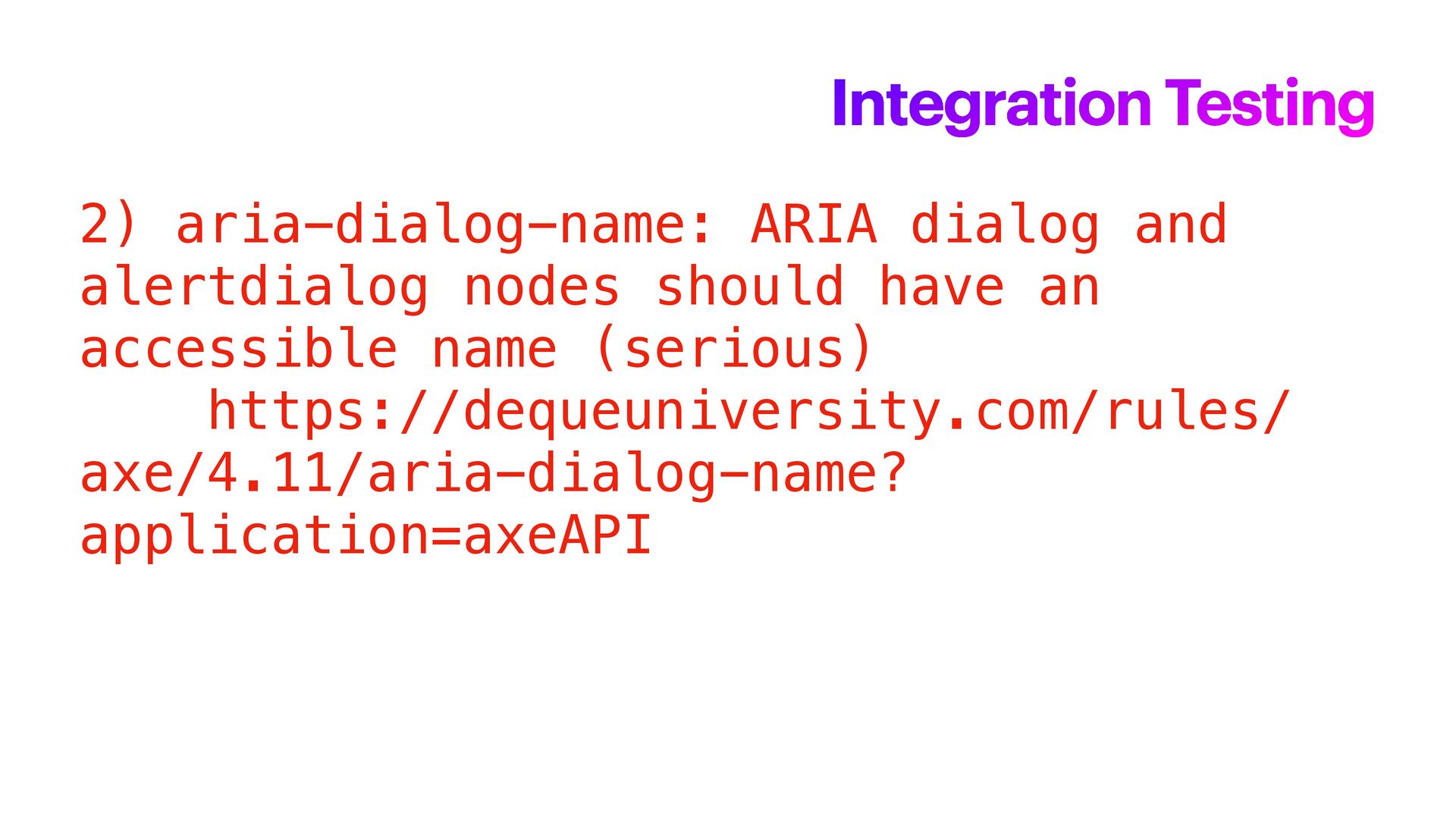
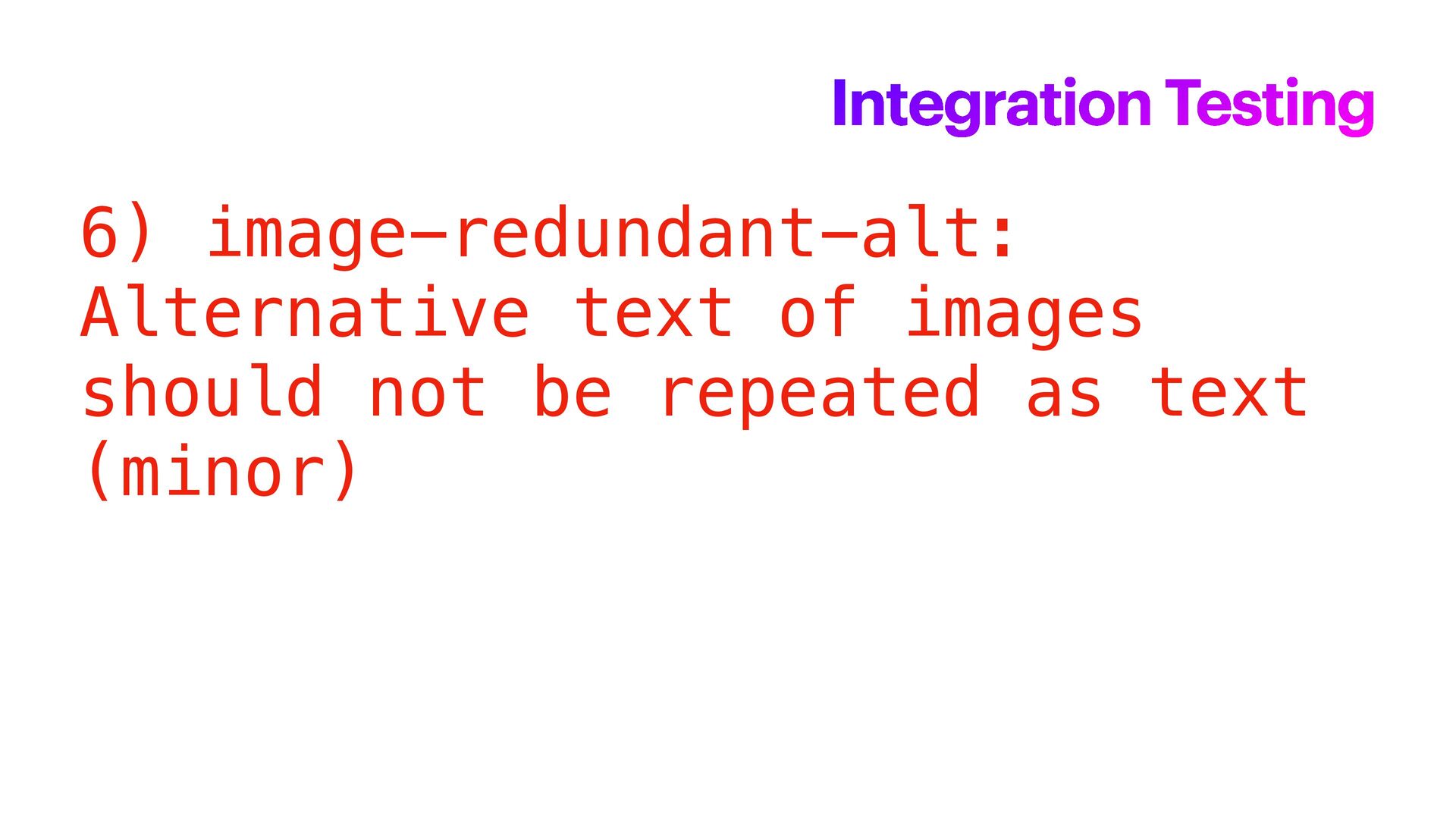
  32. 2) aria-dialog-name: ARIA dialog and alertdialog nodes should have an

    accessible name (serious) https://dequeuniversity.com/rules/ axe/4.11/aria-dialog-name? application=axeAPI Integration Testing
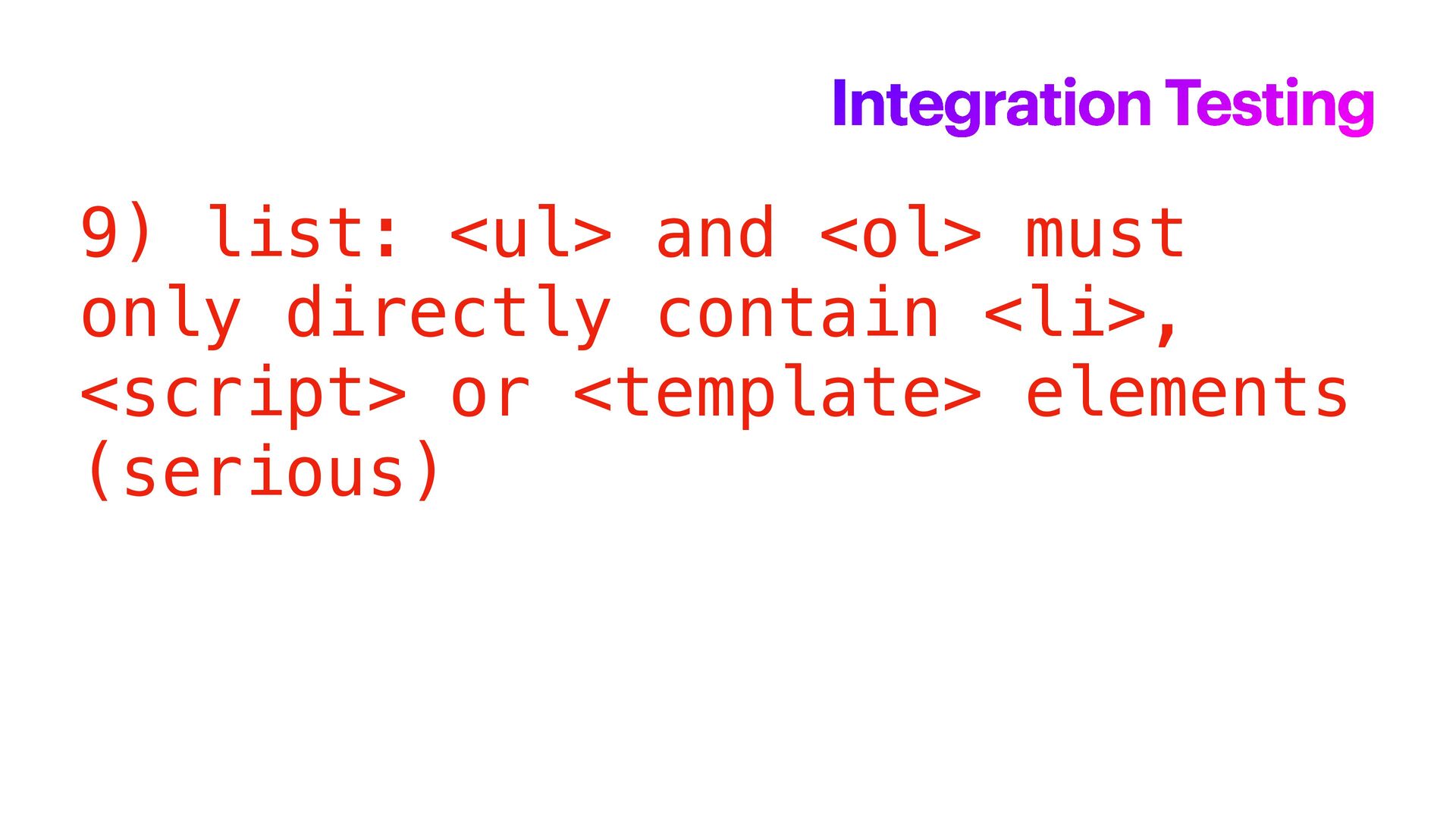
  33. 9) list: <ul> and <ol> must only directly contain <li>,

    <script> or <template> elements (serious) Integration Testing
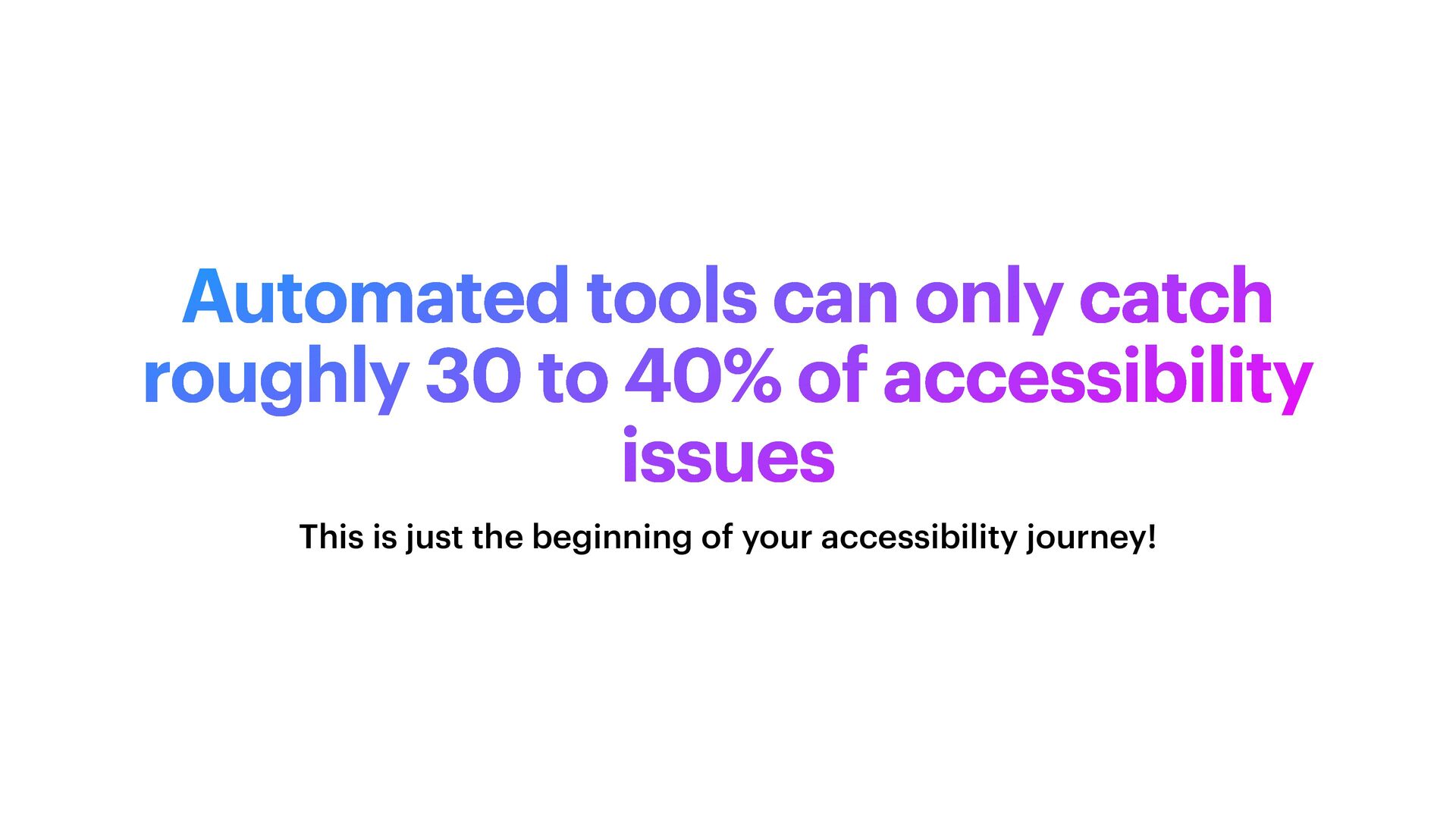
  34. Automated tools can only catch roughly 30 to 40% of

    accessibility issues This is just the beginning of your accessibility journey!