Upgrade to Pro
— share decks privately, control downloads, hide ads and more …
Speaker Deck
Sign up for free
Menu
Search
Features
All features
Private URLs
Password Protection
Custom URLS
Scheduled publishing
Remove Branding
Restrict embedding
Deck Collections
Notes
Features
All features
Private URLs
Password Protection
Custom URLS
Scheduled publishing
Remove Branding
Restrict embedding
Deck Collections
Notes
Explore
Featured decks
Featured speakers
Programming
Technology
Storyboards
Explore
Featured decks
Featured speakers
Programming
Technology
Storyboards
Pricing
Search
Sign in
Sign up for free
Pimp my terminal
Search
Miguel Laginha
November 04, 2015
Programming
310
0
Share
Embed
Copy iframe code
Copy JS code
Copy link
Start on current slide
Pimp my terminal
My tips and tricks presentation for unix day at DEIUC, Coimbra
Miguel Laginha
November 04, 2015
More Decks by Miguel Laginha
See All by Miguel Laginha
Intro to Web Components
brecke
0
91
A case for explicitness in open source
brecke
0
70
TeamedUp Pixelscamp presentation
brecke
0
73
coTransit pitch
brecke
0
200
Apresentação da plataforma OST
brecke
0
91
One.Stop.Transport presentation for the RAW Open Data event
brecke
0
130
The One.Stop.Transport pitch
brecke
0
240
One.Stop.Transport presentation
brecke
1
150
The One.Stop.Transport open data platform
brecke
0
120
Other Decks in Programming
See All in Programming
一参加者から『中の人』へ 〜全通PHPerがブースに立って学んだ、カンファレンスを100倍楽しむコツ〜
wp_daisuke
0
150
市販E-Readerを乗っ取れ 〜Embedded Swiftで電子ペーパーガジェットを制御する〜
trickart
0
190
技術的負債の返済は、AI時代の複利で効く投資 — 経営としての意思決定とその遂行
curekoshimizu
0
1.3k
アクセシビリティから考える情報設計
high_g_engineer
0
380
標準パッケージに uuid が追加された 背景から見る Go らしい意思決定 / go_127_uuid_decision
convto
5
7.2k
AGENTS.md Is Not Enough: Build Skills, Don't Download Them
lx_t
0
120
個人開発基盤をまるごとCloudflareに引っ越して爆速で総合的体験を向上させた話
tinykitten
0
190
【DroidKaigi 2026】「アクセシビリティを利用するとき、 アクセシビリティもまたこちらを利用している」 〜マルウェアによる攻撃と防衛について〜
halunoyo
0
460
MVNOの申込からeSIM開通までをiOSアプリでつなぐ- 本人確認・MNP・通信事業者基盤をまたぐ実装
satotakeshi
0
410
ゲームコントローラやキーボードのファームウェアをSwiftで書く
kishikawakatsumi
1
240
JPUG勉強会 OSSデータベースの内部構造を理解しよう(第2回)
oga5
0
230
Webの地図
yosuke_furukawa
PRO
6
4.5k
Featured
See All Featured
Designing Powerful Visuals for Engaging Learning
tmiket
1
550
Evolution of real-time – Irina Nazarova, EuRuKo, 2024
irinanazarova
9
1.6k
Paper Plane (Part 1)
katiecoart
PRO
2
11k
Measuring & Analyzing Core Web Vitals
bluesmoon
9
990
Jess Joyce - The Pitfalls of Following Frameworks
techseoconnect
PRO
1
410
Effective software design: The role of men in debugging patriarchy in IT @ Voxxed Days AMS
baasie
1
520
The Curse of the Amulet
leimatthew05
3
14k
How People are Using Generative and Agentic AI to Supercharge Their Products, Projects, Services and Value Streams Today
helenjbeal
1
320
How to Ace a Technical Interview
jacobian
281
24k
A Tale of Four Properties
chriscoyier
163
24k
[SF Ruby Conf 2025] Rails X
palkan
3
1.4k
Lightning Talk: Beautiful Slides for Beginners
inesmontani
PRO
2
690
Transcript
Pimp my terminal A tale of how I reached satisfactory
console karma
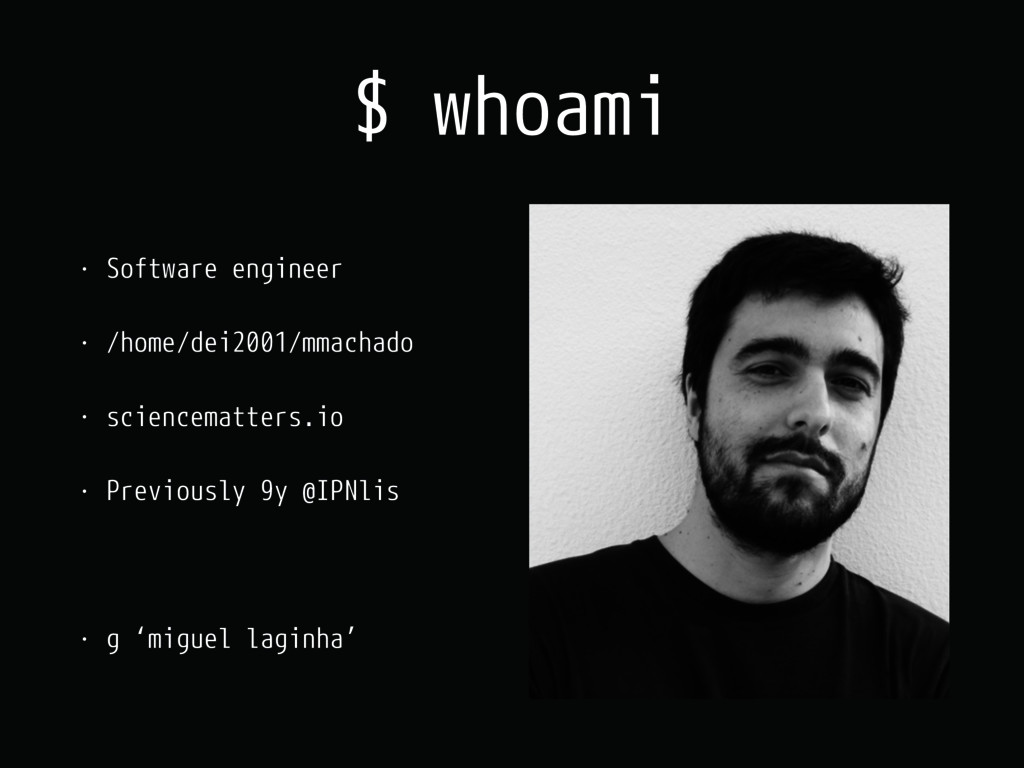
$ whoami • Software engineer • /home/dei2001/mmachado • sciencematters.io •
Previously 9y @IPNlis • g ‘miguel laginha’
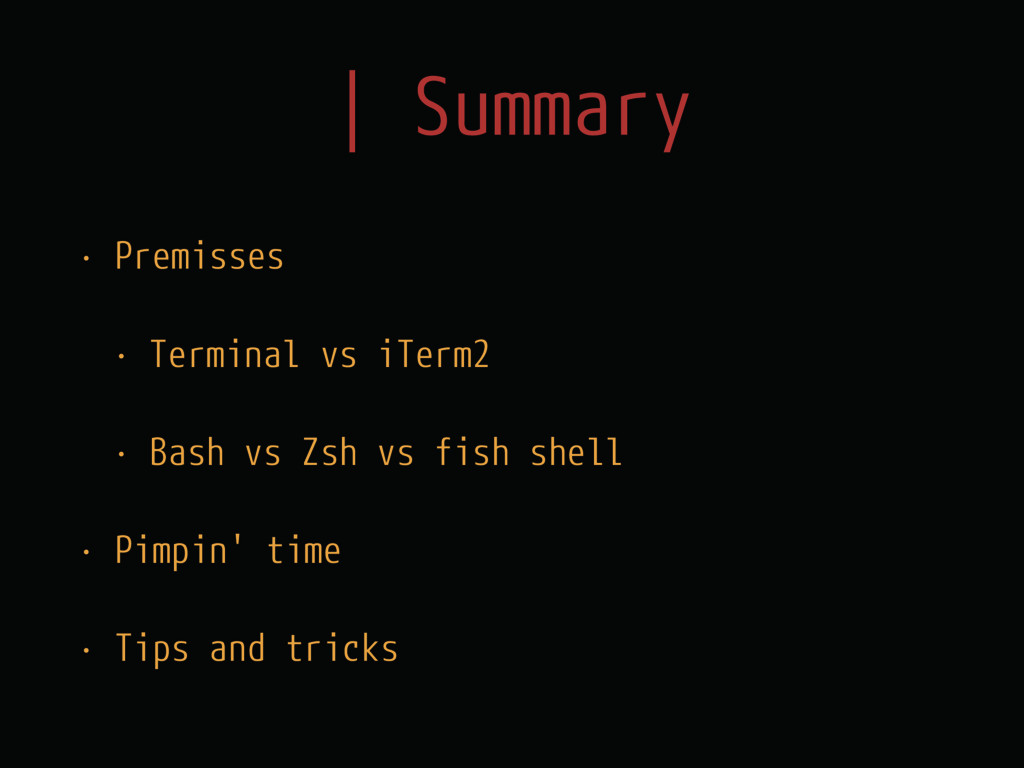
| Summary • Premisses • Terminal vs iTerm2 • Bash
vs Zsh vs fish shell • Pimpin' time • Tips and tricks
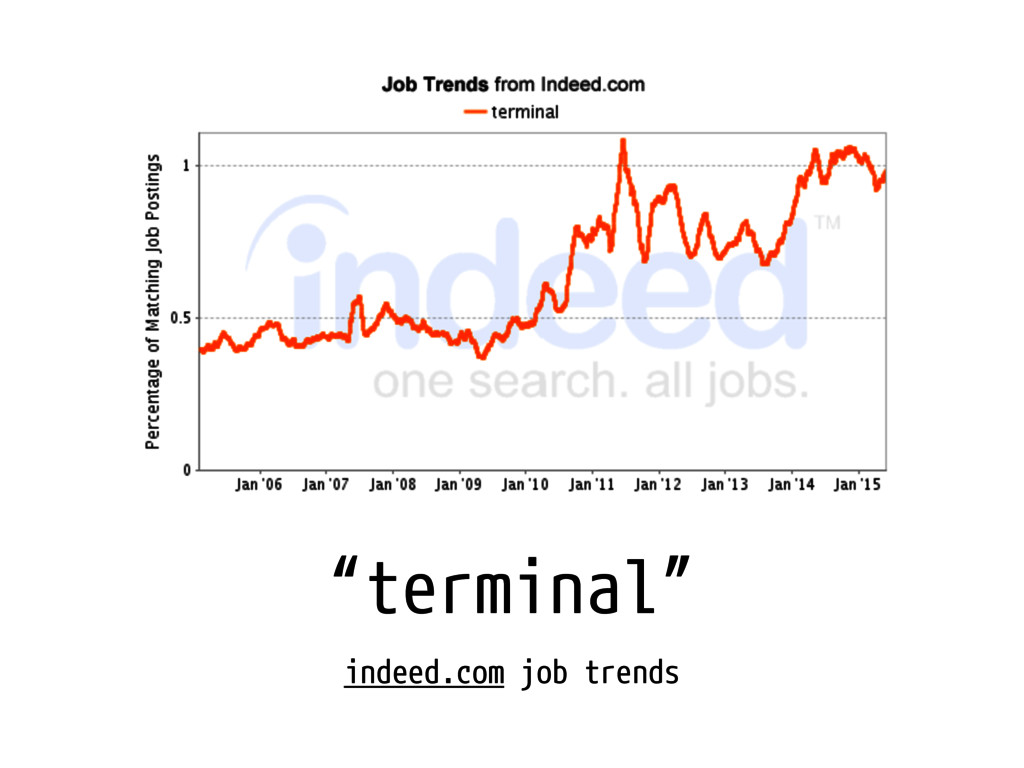
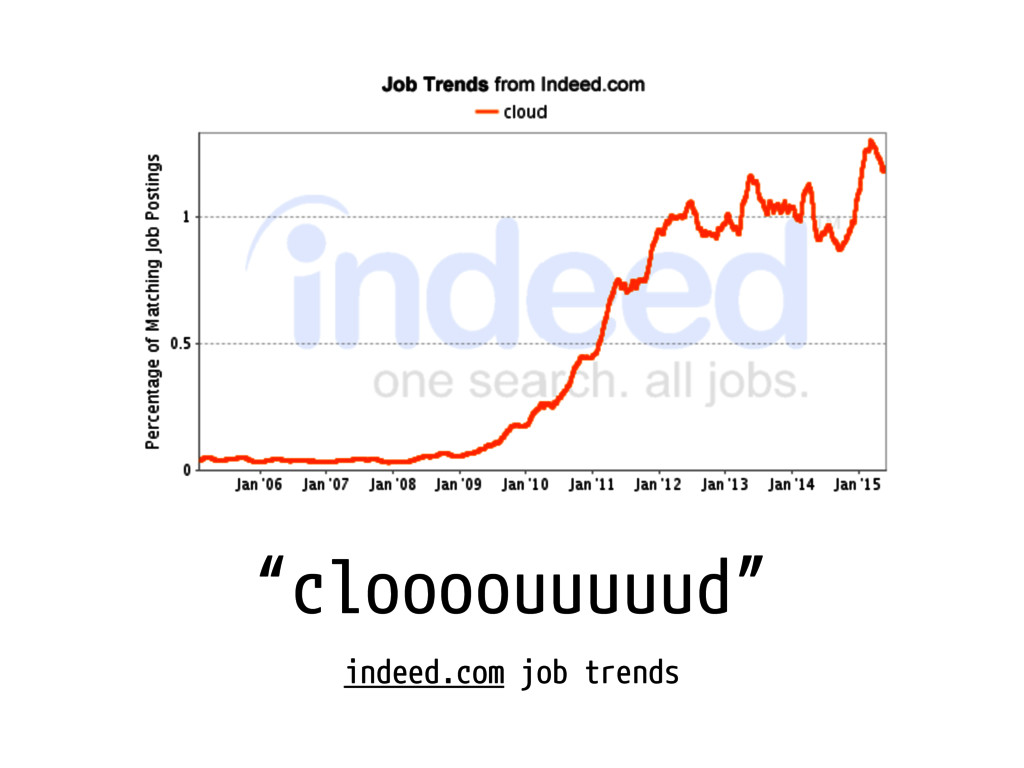
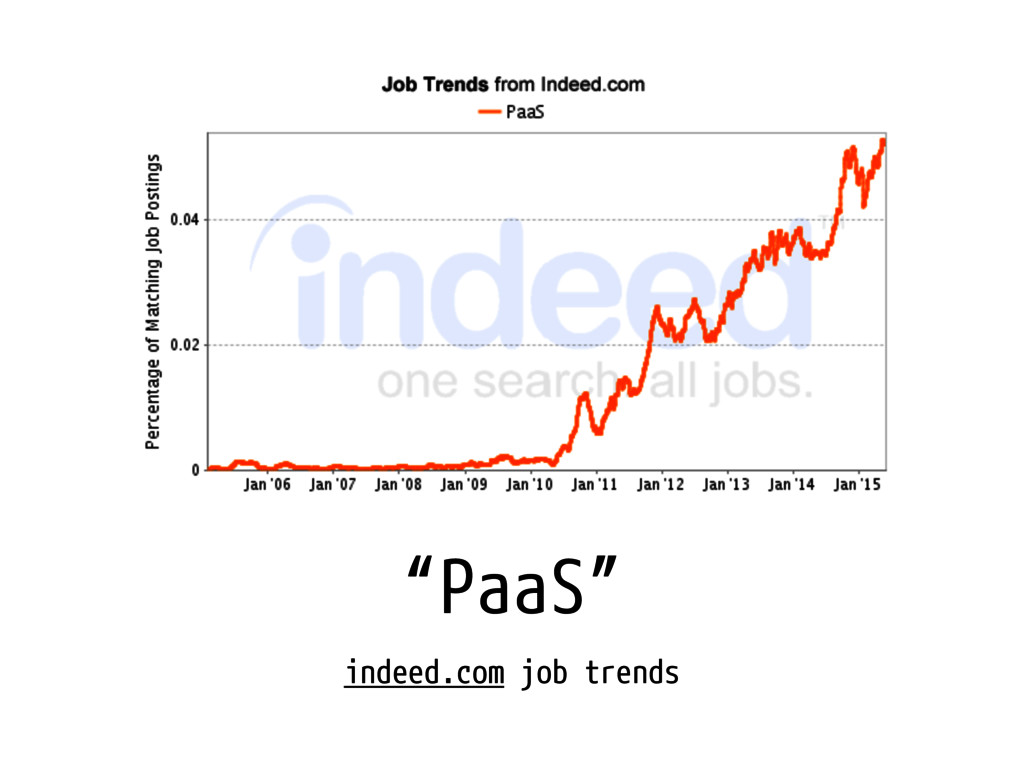
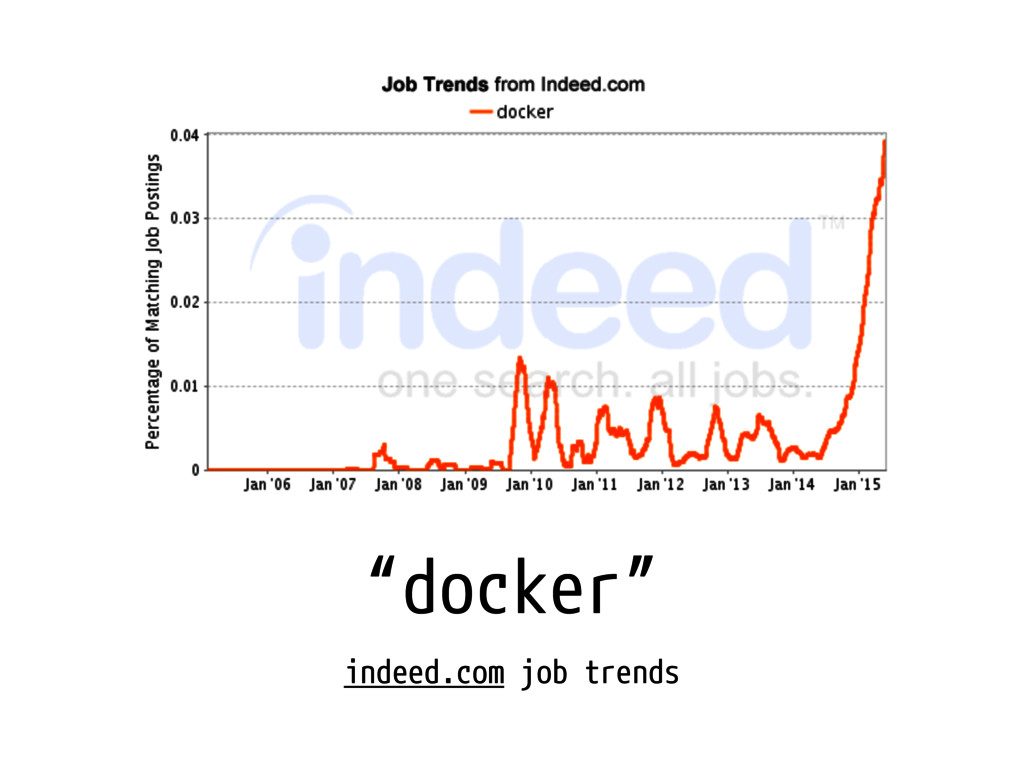
Why are $(we) here?
“terminal” indeed.com job trends
“cloooouuuuud” indeed.com job trends
“PaaS” indeed.com job trends
“docker” indeed.com job trends
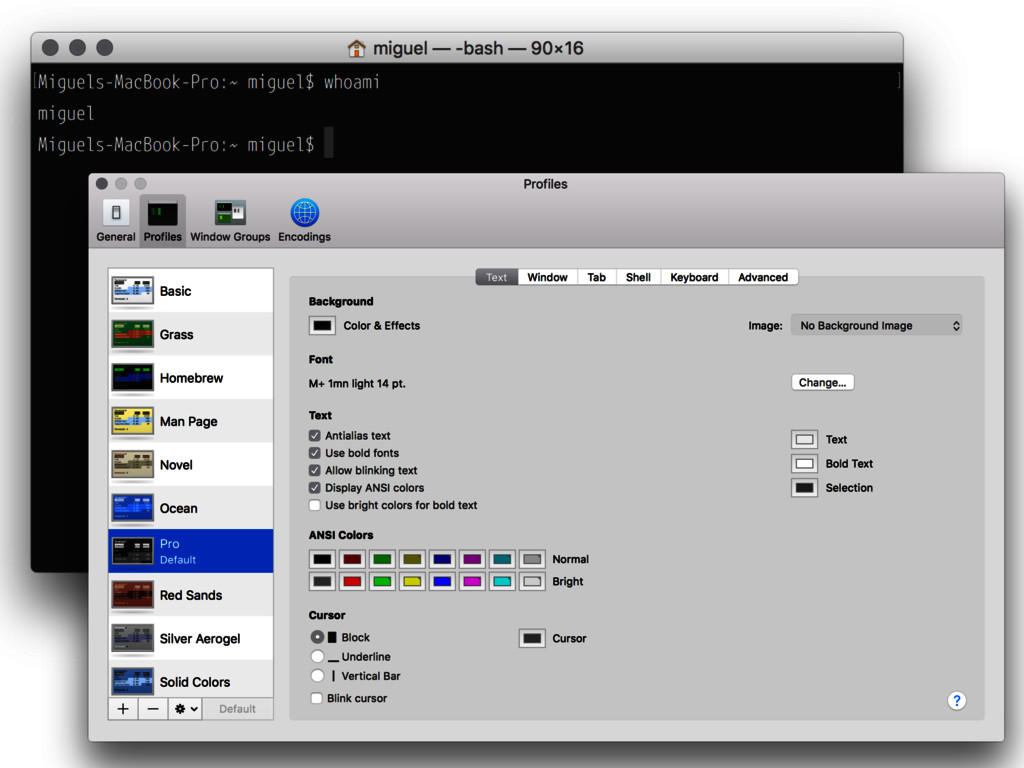
Which terminal app to use?
None
None
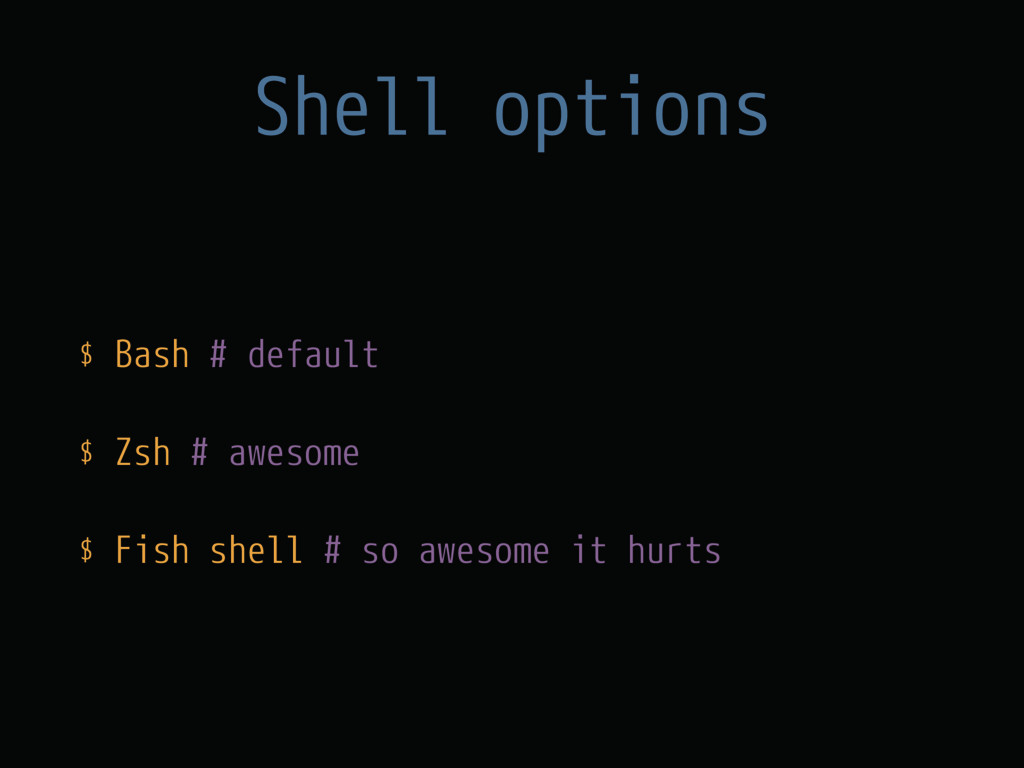
Which shell? ps -o comm $$
Shell options $ Bash # default $ Zsh # awesome
$ Fish shell # so awesome it hurts
Let’s start pimpin’ #copypaste
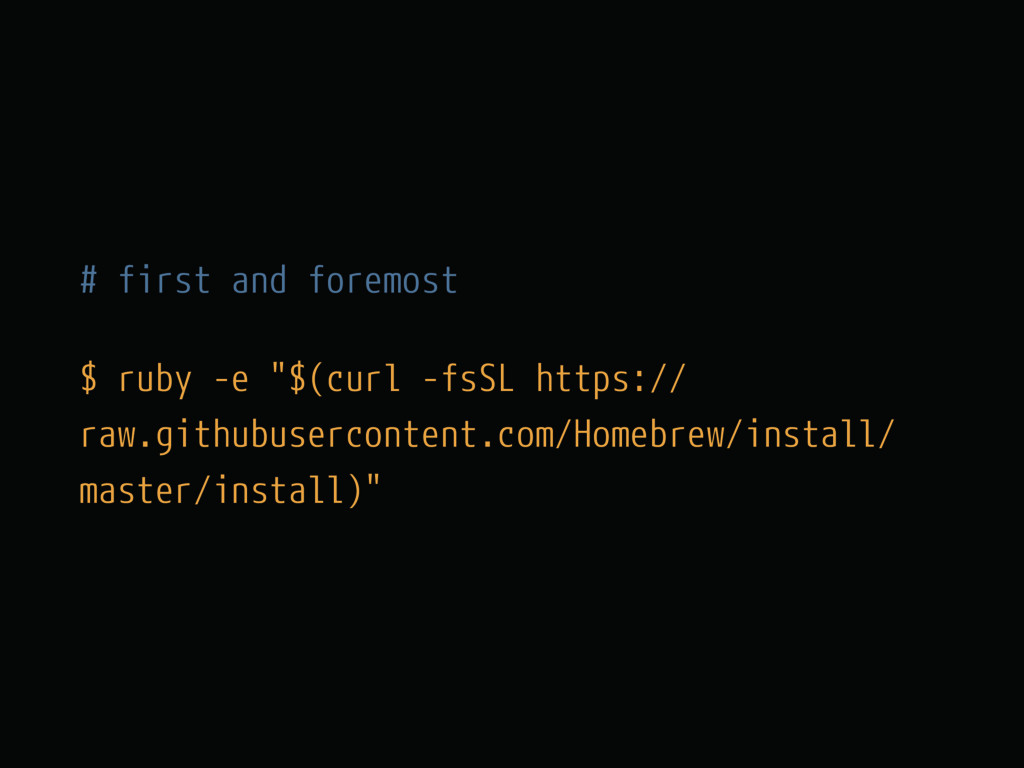
# first and foremost $ ruby -e "$(curl -fsSL https://
raw.githubusercontent.com/Homebrew/install/ master/install)"
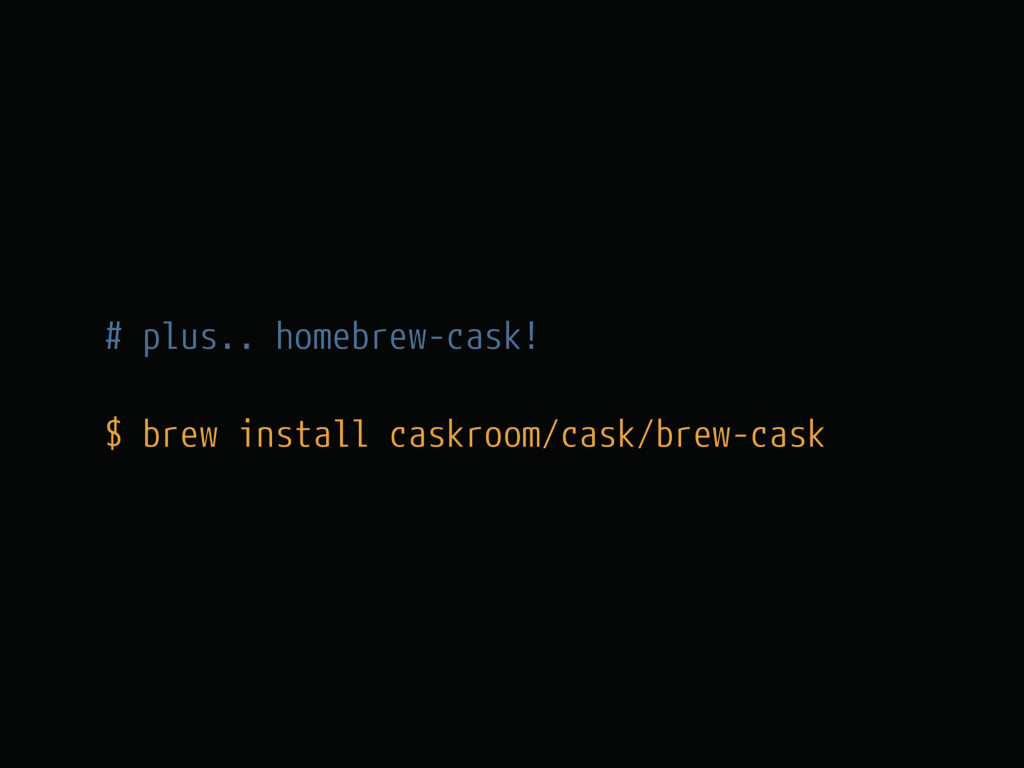
# plus.. homebrew-cask! $ brew install caskroom/cask/brew-cask
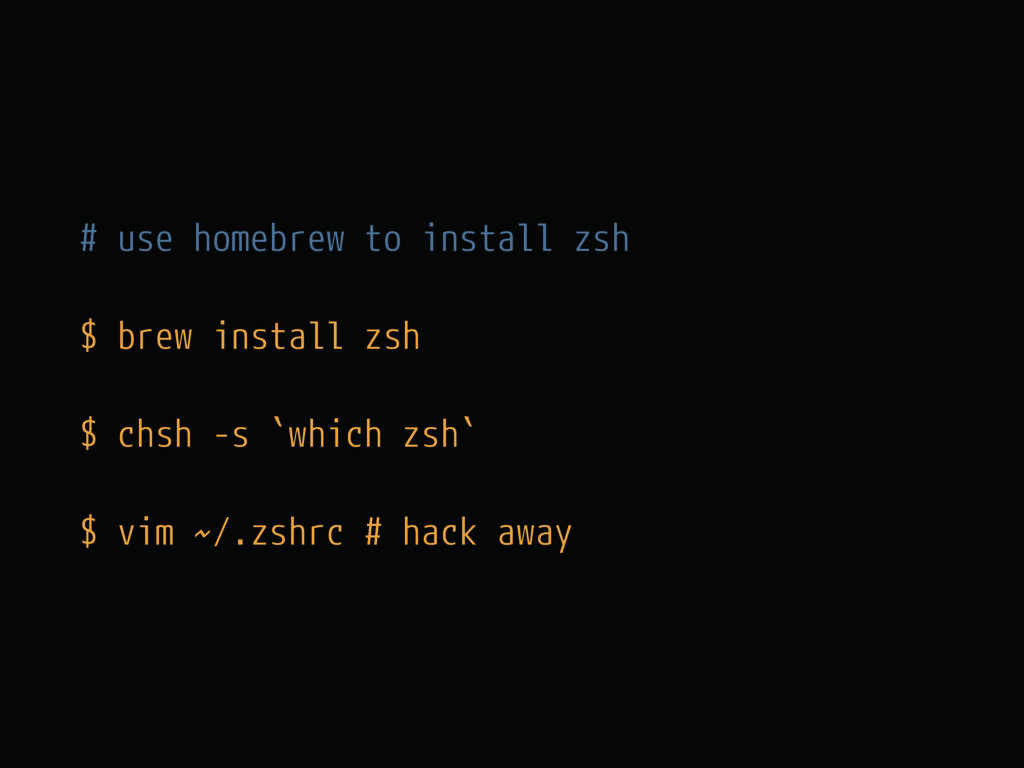
# use homebrew to install zsh $ brew install zsh
$ chsh -s `which zsh` $ vim ~/.zshrc # hack away
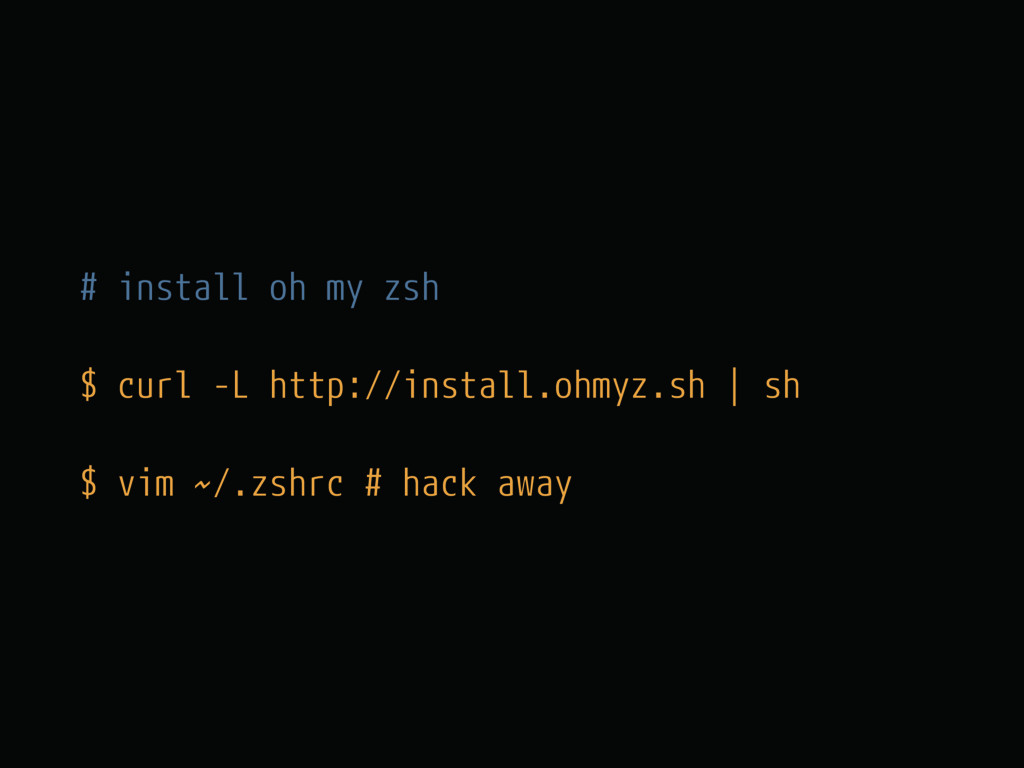
# install oh my zsh $ curl -L http://install.ohmyz.sh |
sh $ vim ~/.zshrc # hack away
# Zsh syntax highlighting $ cd ~/.oh-my-zsh && git clone
git:// github.com/zsh-users/zsh-syntax- highlighting.git $ source ~/.oh-my-zsh/zsh-syntax- highlighting/zsh-syntax-highlighting.zsh
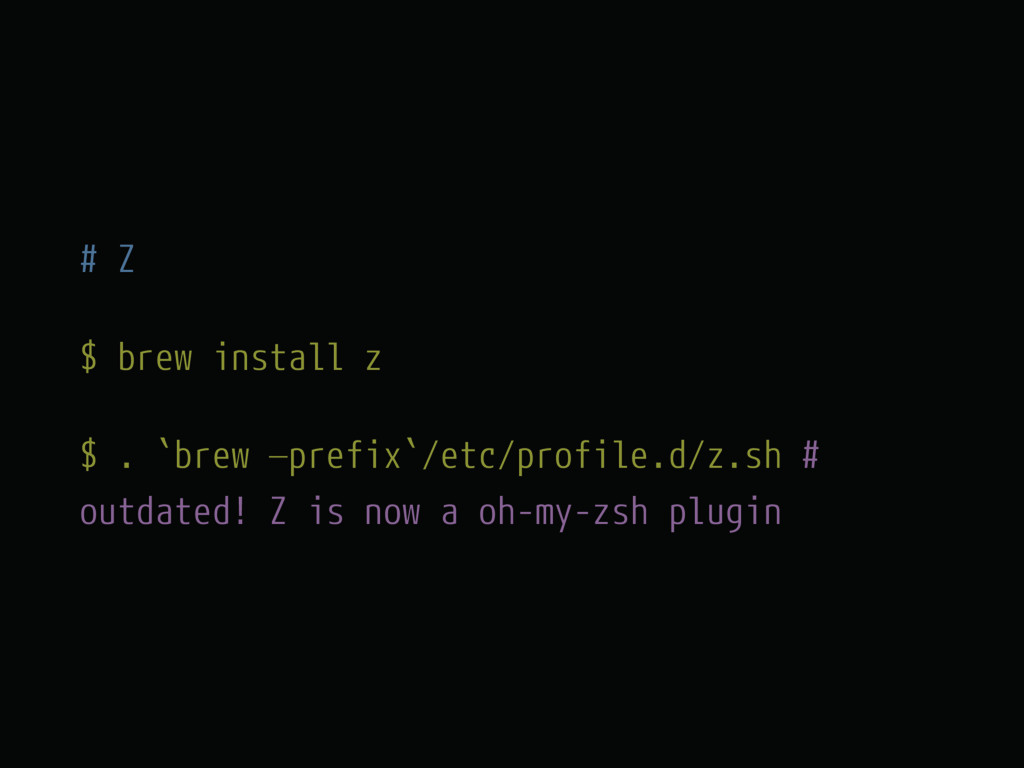
# Z $ brew install z $ . `brew —prefix`/etc/profile.d/z.sh
# outdated! Z is now a oh-my-zsh plugin
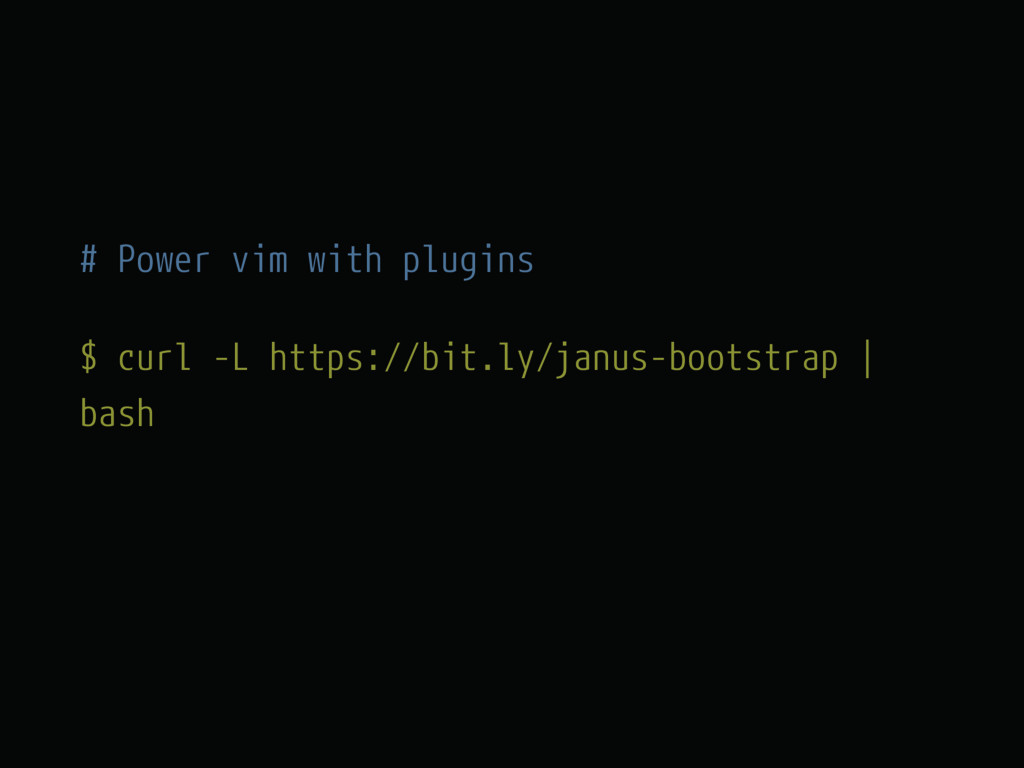
# Power vim with plugins $ curl -L https://bit.ly/janus-bootstrap |
bash
# Pimp iTerm2 $ wget https://raw.githubusercontent.com/ chriskempson/tomorrow-theme/master/iTerm2/ Tomorrow%20Night.itermcolors
Tips and tricks #mac
$ open .
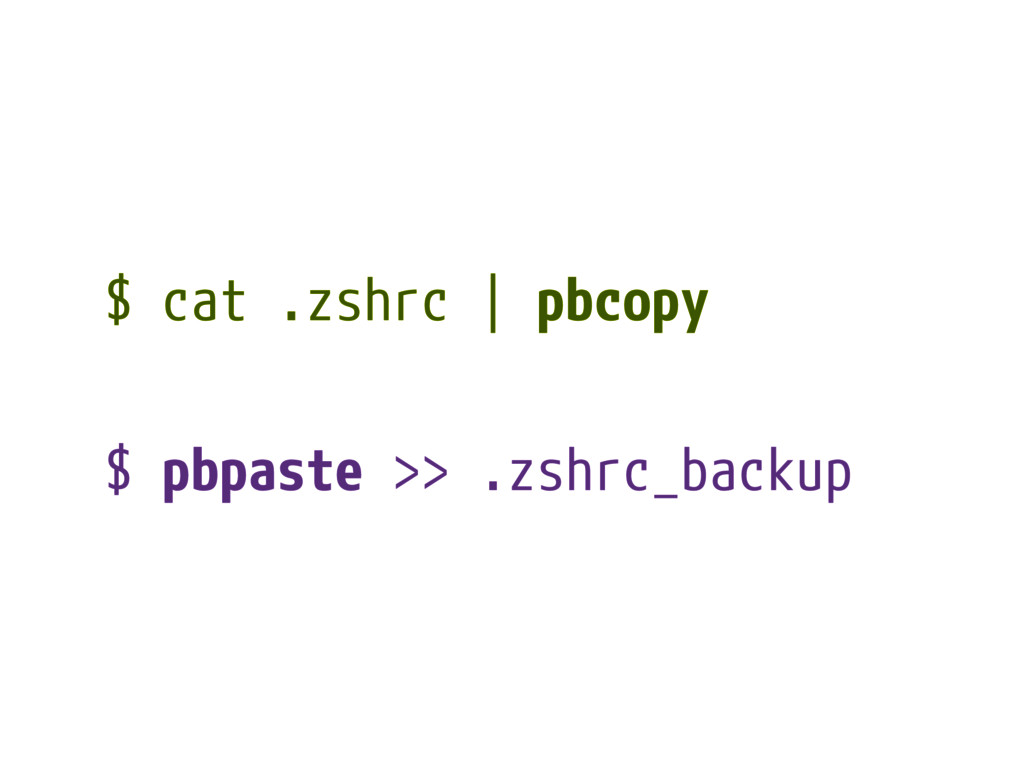
$ cat .zshrc | pbcopy $ pbpaste >> .zshrc_backup
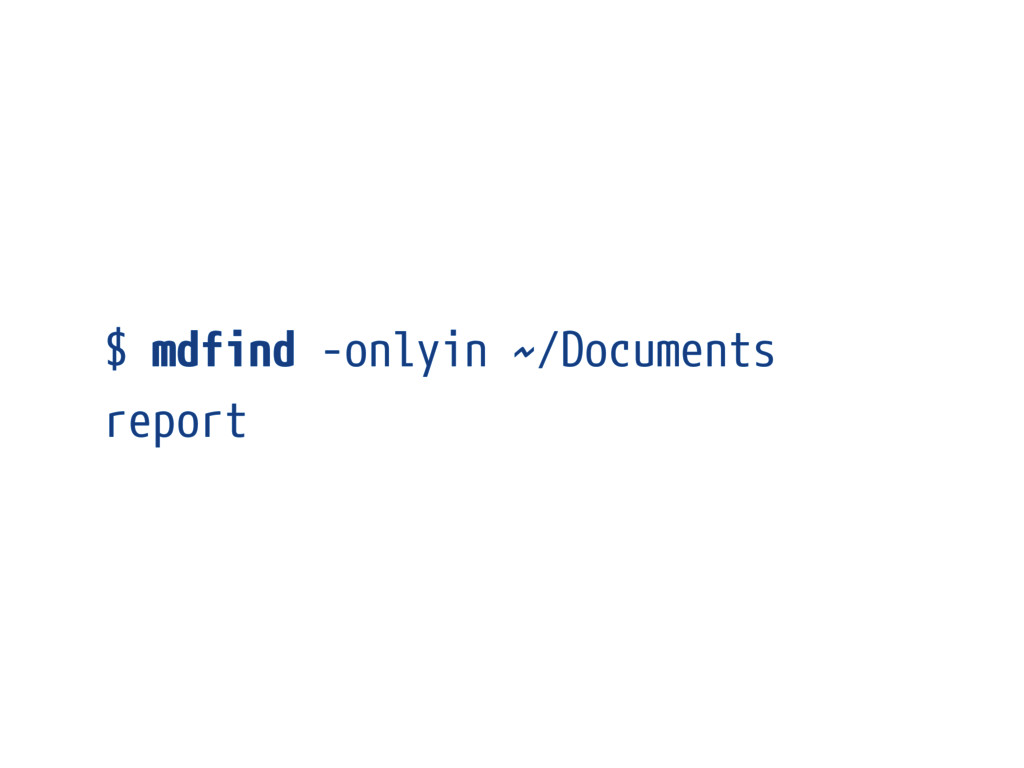
$ mdfind -onlyin ~/Documents report
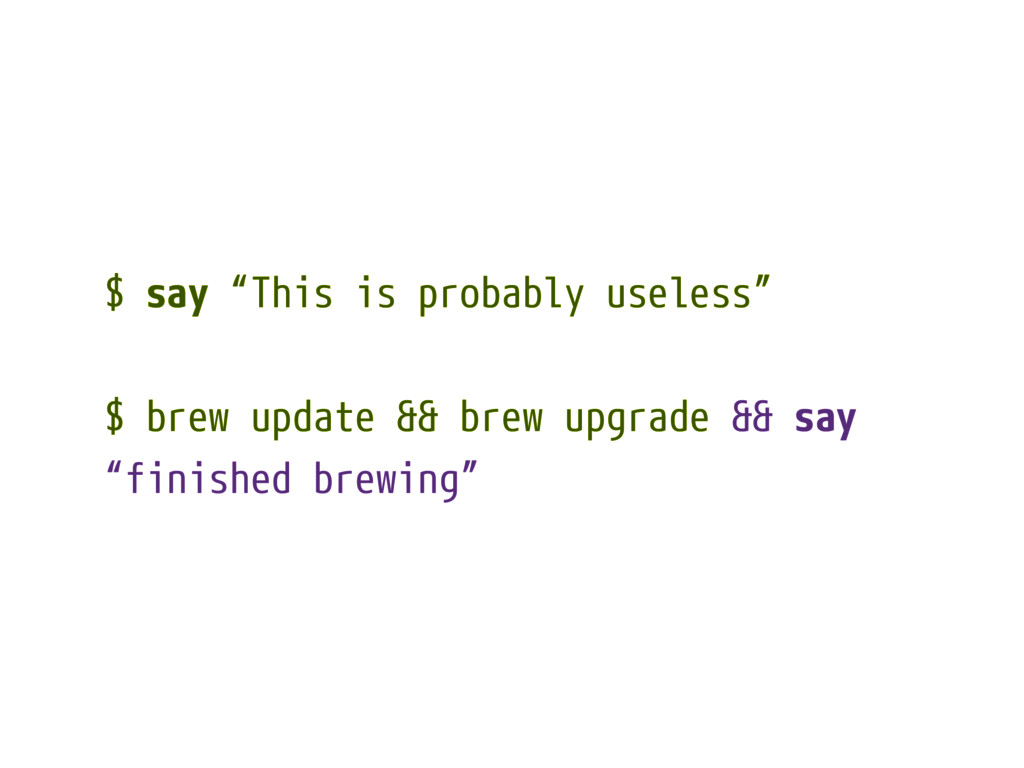
$ say “This is probably useless” $ brew update &&
brew upgrade && say “finished brewing”
What else? #cool stuff
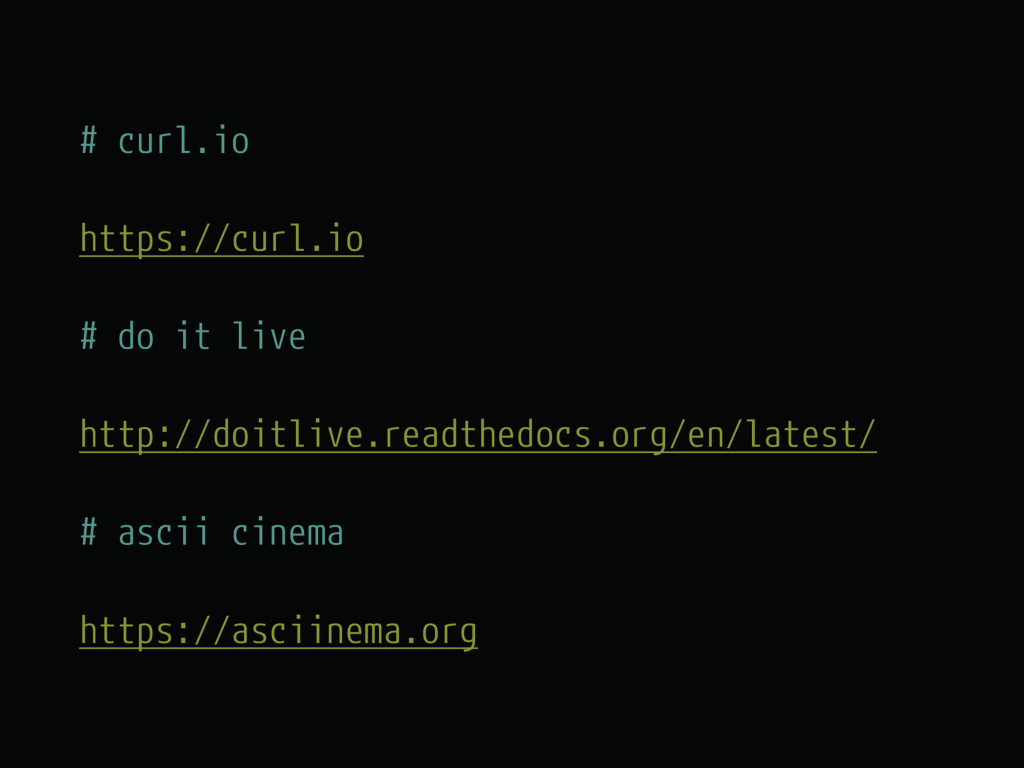
# curl.io https://curl.io # do it live http://doitlive.readthedocs.org/en/latest/ # ascii
cinema https://asciinema.org
«Never settle» Productivity matters.
$ Thank you_ @brecke


 brecke
 wp_daisuke
 trickart
 curekoshimizu
 high_g_engineer
 convto
 lx_t
lx_t
 tinykitten
 halunoyo
 satotakeshi
 kishikawakatsumi
 oga5
oga5
 yosuke_furukawa
 tmiket
 irinanazarova
 katiecoart
 bluesmoon
 techseoconnect
 baasie
 leimatthew05
.png) helenjbeal
helenjbeal
 jacobian
 chriscoyier
 palkan
 inesmontani