the heart of the Elastic Stack. • Elasticsearch provides near real-time search and analytics for all types of data. • Whether you have structured or unstructured text, numerical data, or geospatial data, Elasticsearch can efficiently store and index it in a way that supports fast searches. • You can go far beyond simple data retrieval and aggregate information to discover trends and patterns in your data. • As your data and query volume grows, the distributed nature of Elasticsearch enables your deployment to grow seamlessly right along with it. What is Elasticsearch?
• Store and analyzing the logs, metrics, …etc. • Automate the business workflow as a storage engine • For analyzing spatial data. (Geographic Information System / GIS) • Analyze genetic data using Elasticsearch as a bioinformatic research tool So, what can we use it for?
the interact with the users. • There are lots of clients for the most of the language to interact with API. We will mention at the end of the presentation. • When a document is stored, it is indexed and fully searchable in near real time-- within 1 second. • Elasticsearch also has the ability to be schema-less, which means that documents can be indexed without explicitly specifying how to handle each of the different fields that might occur in a document. • When dynamic mapping is enabled, Elasticsearch automatically detects and adds new fields to the index. More?
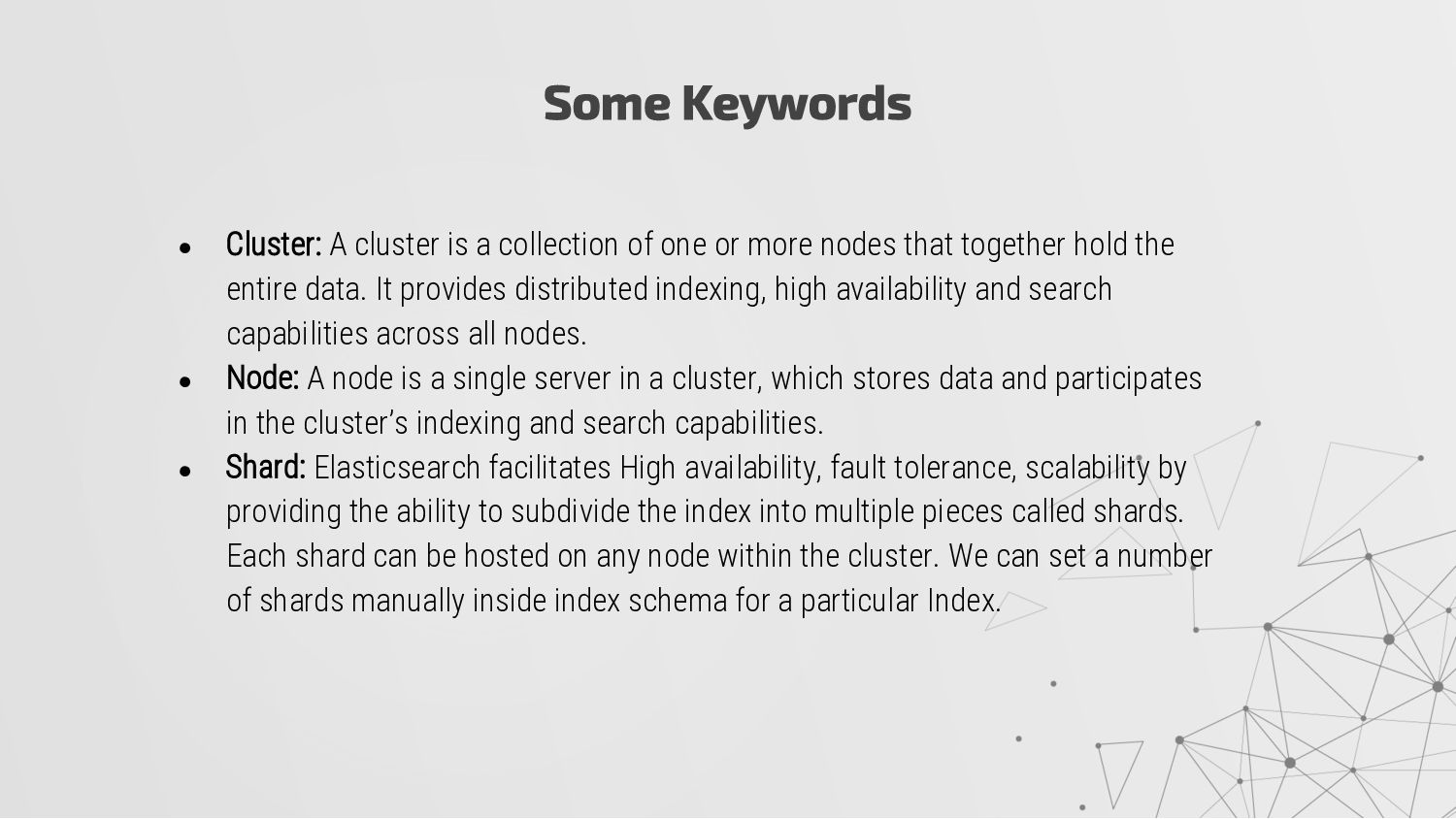
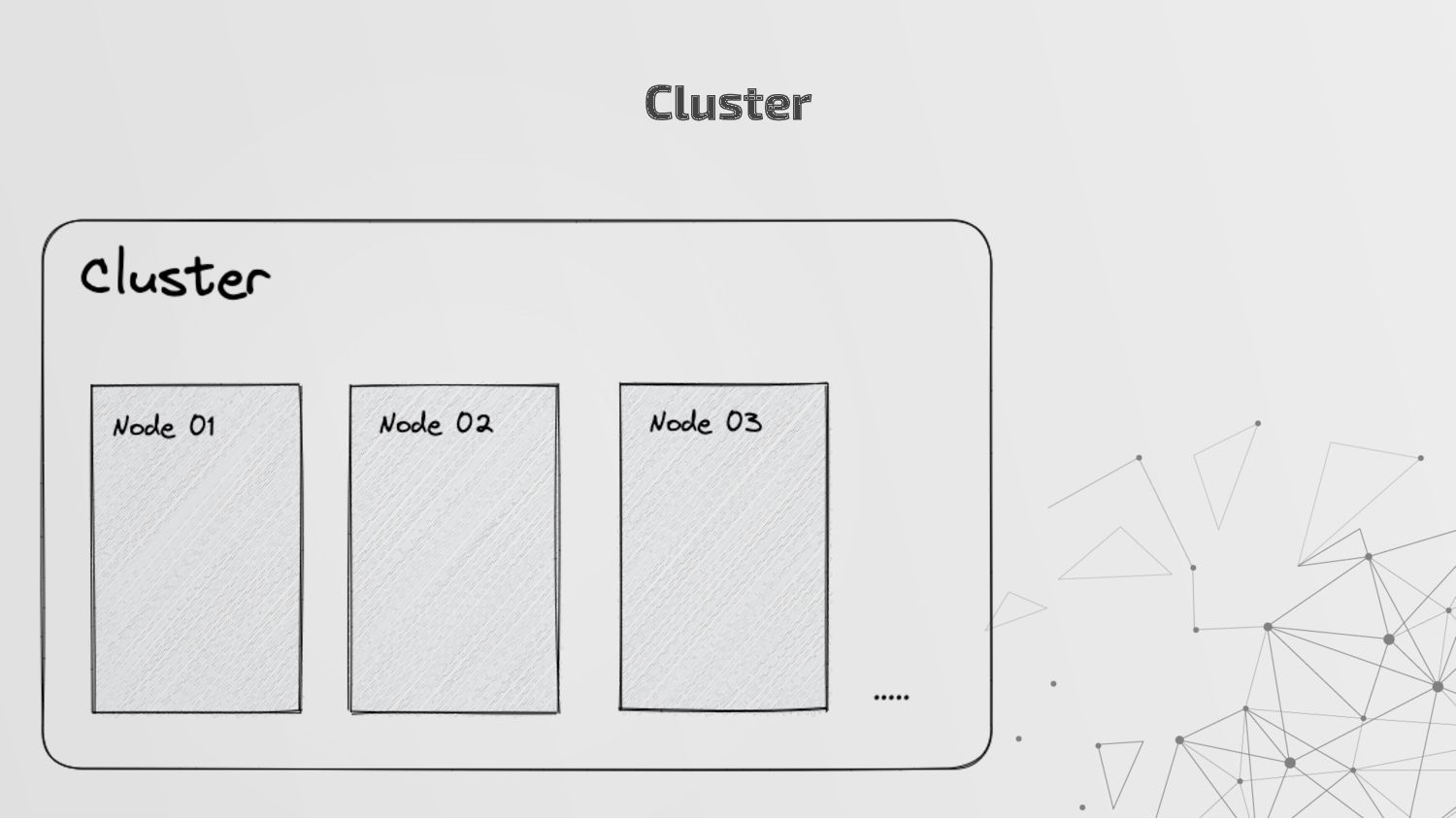
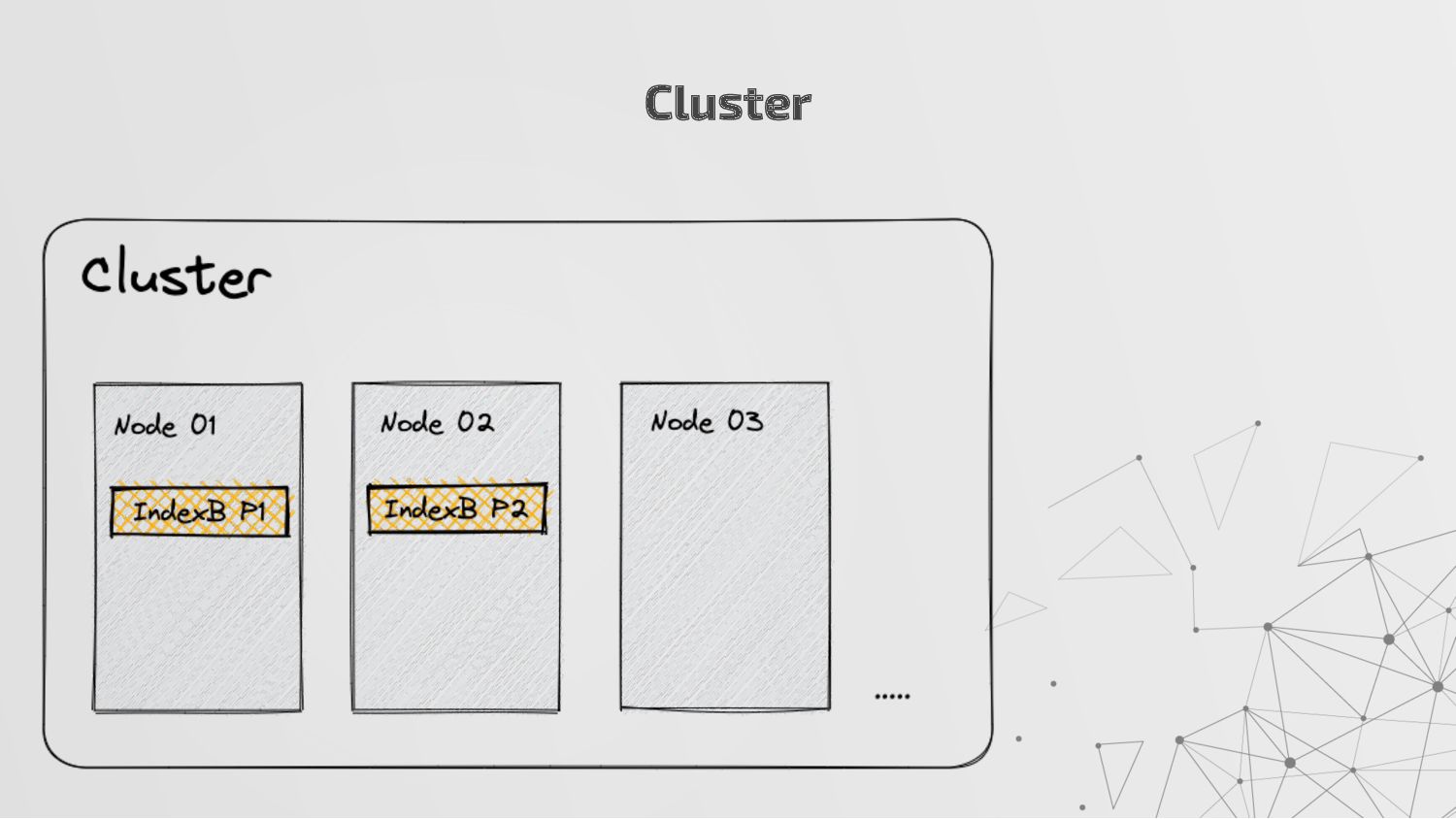
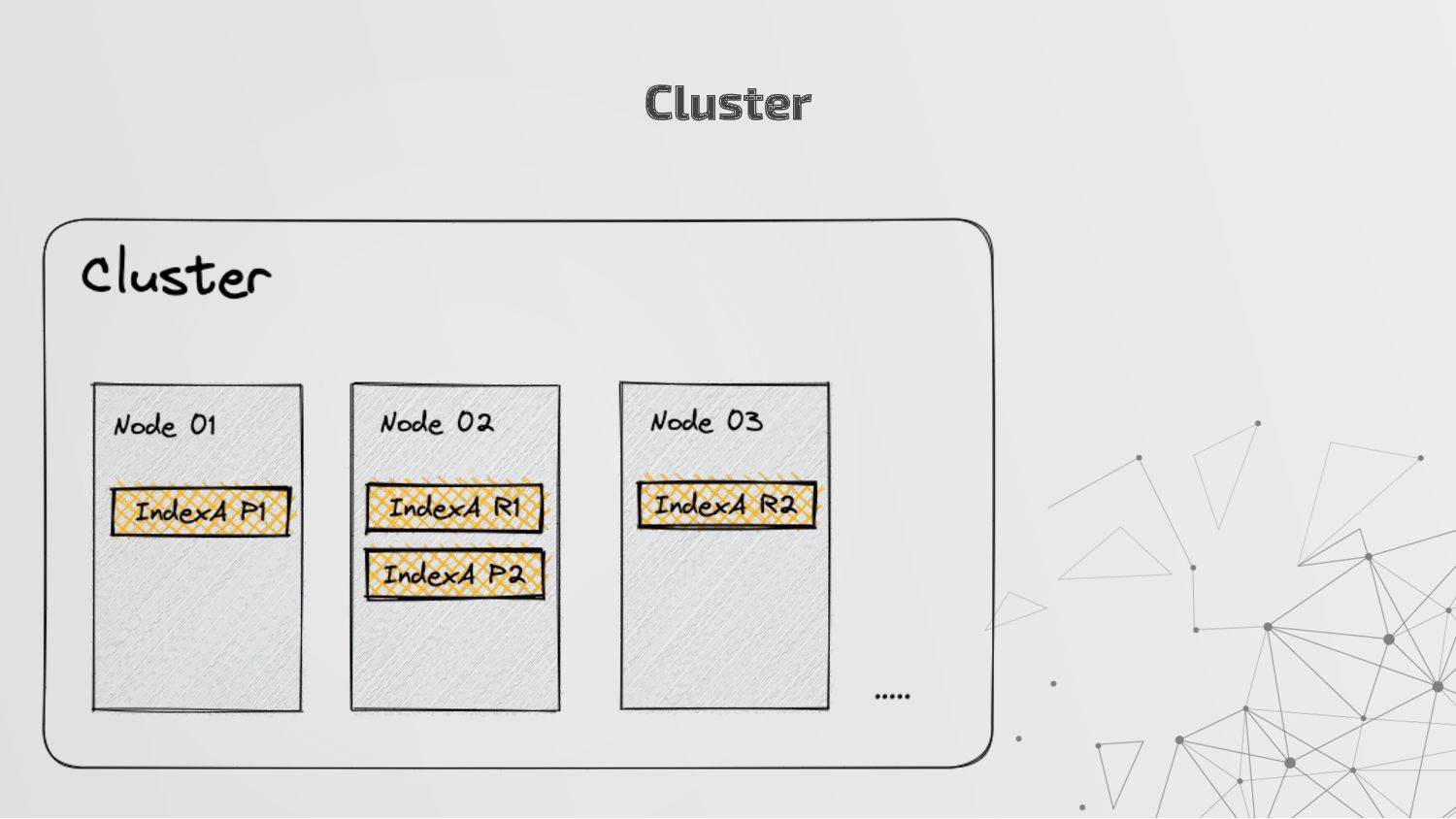
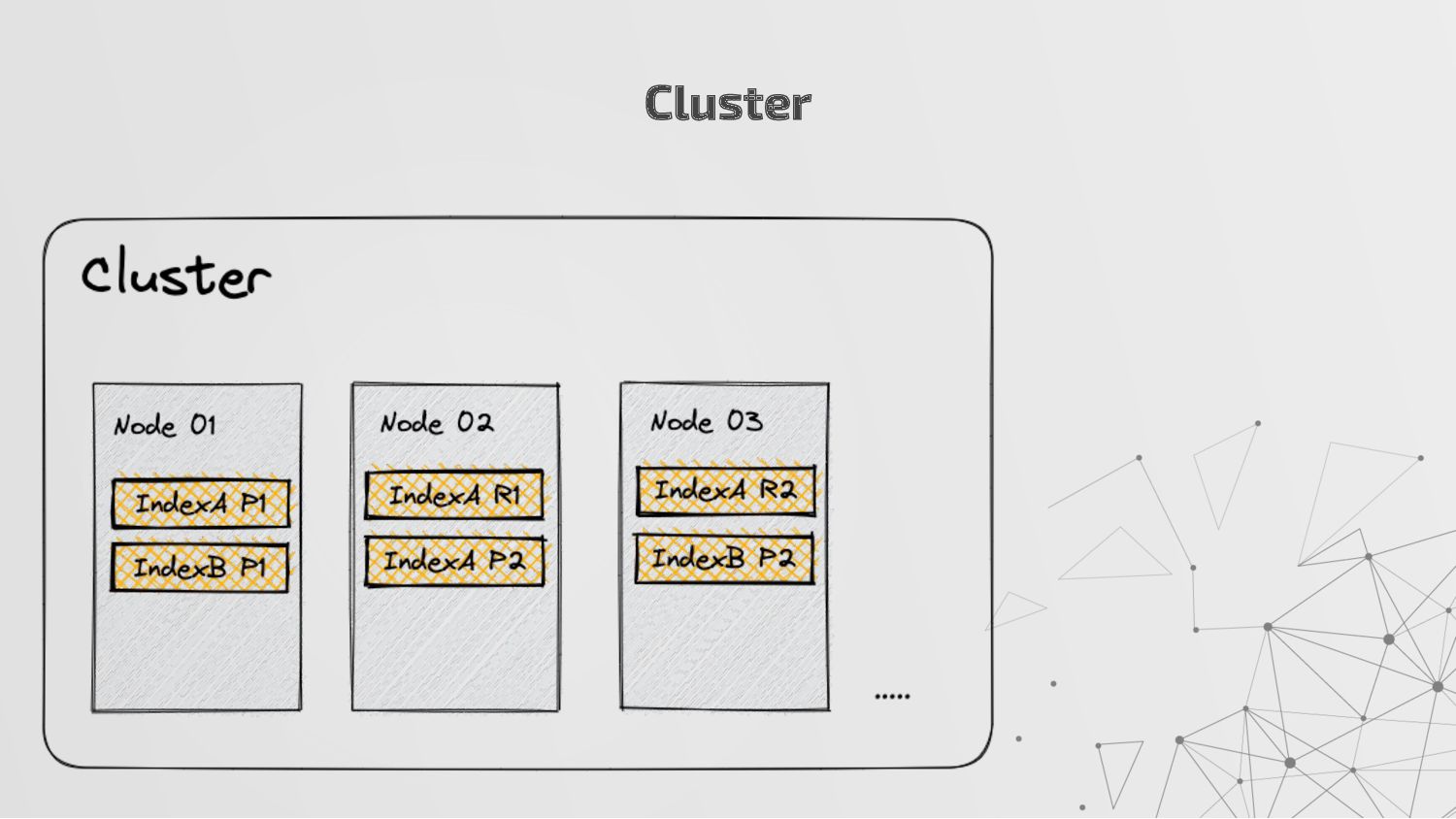
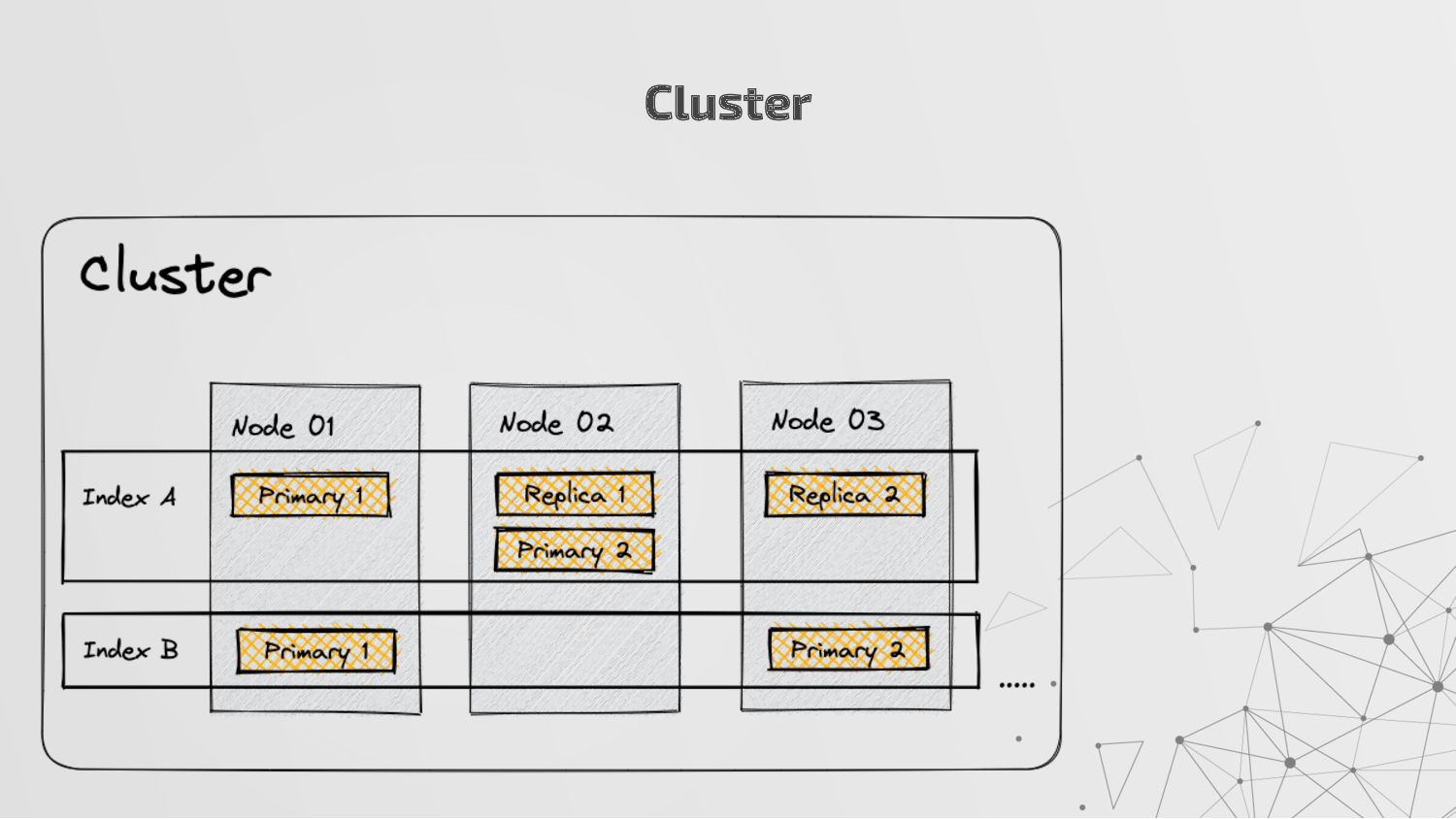
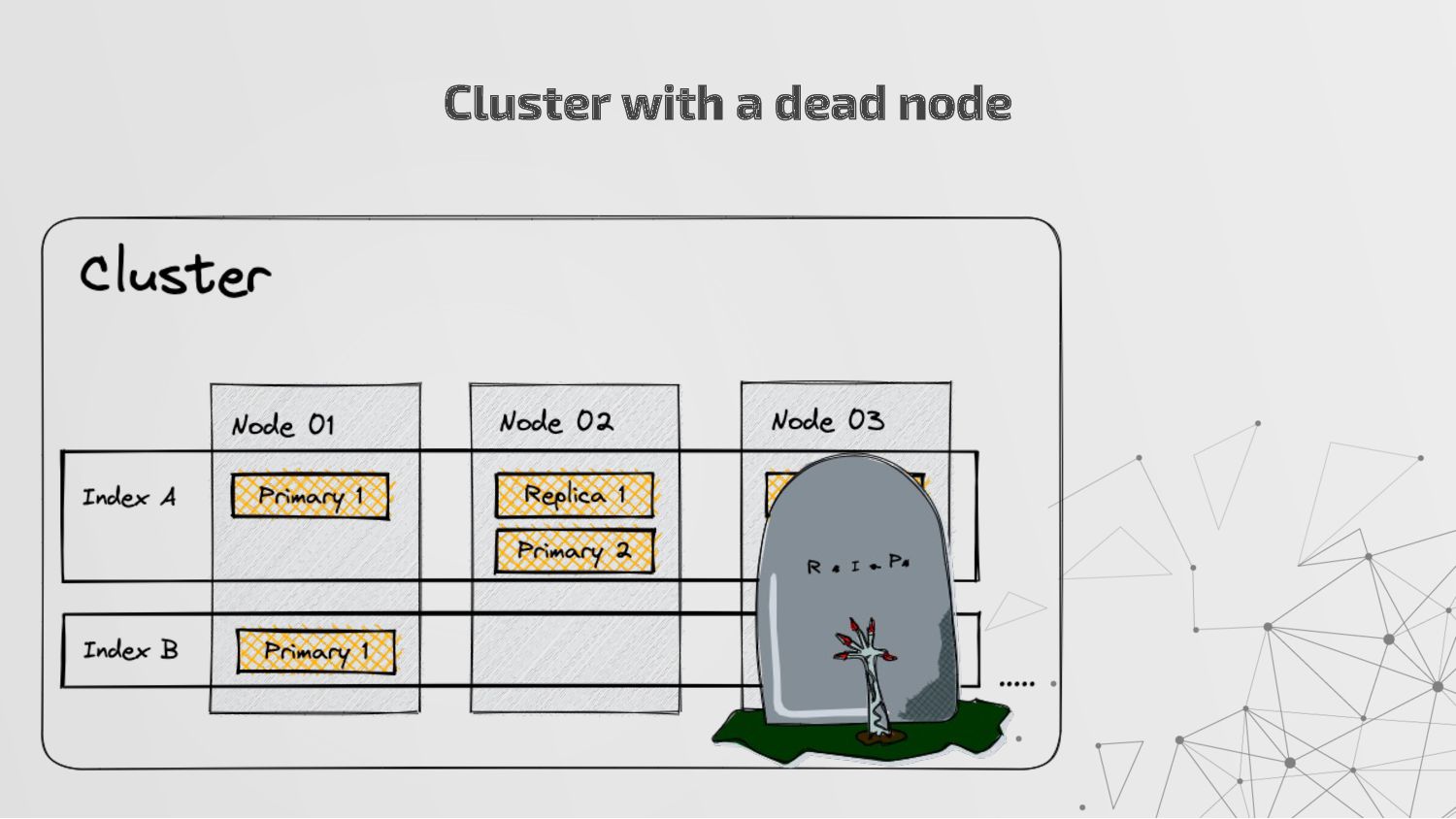
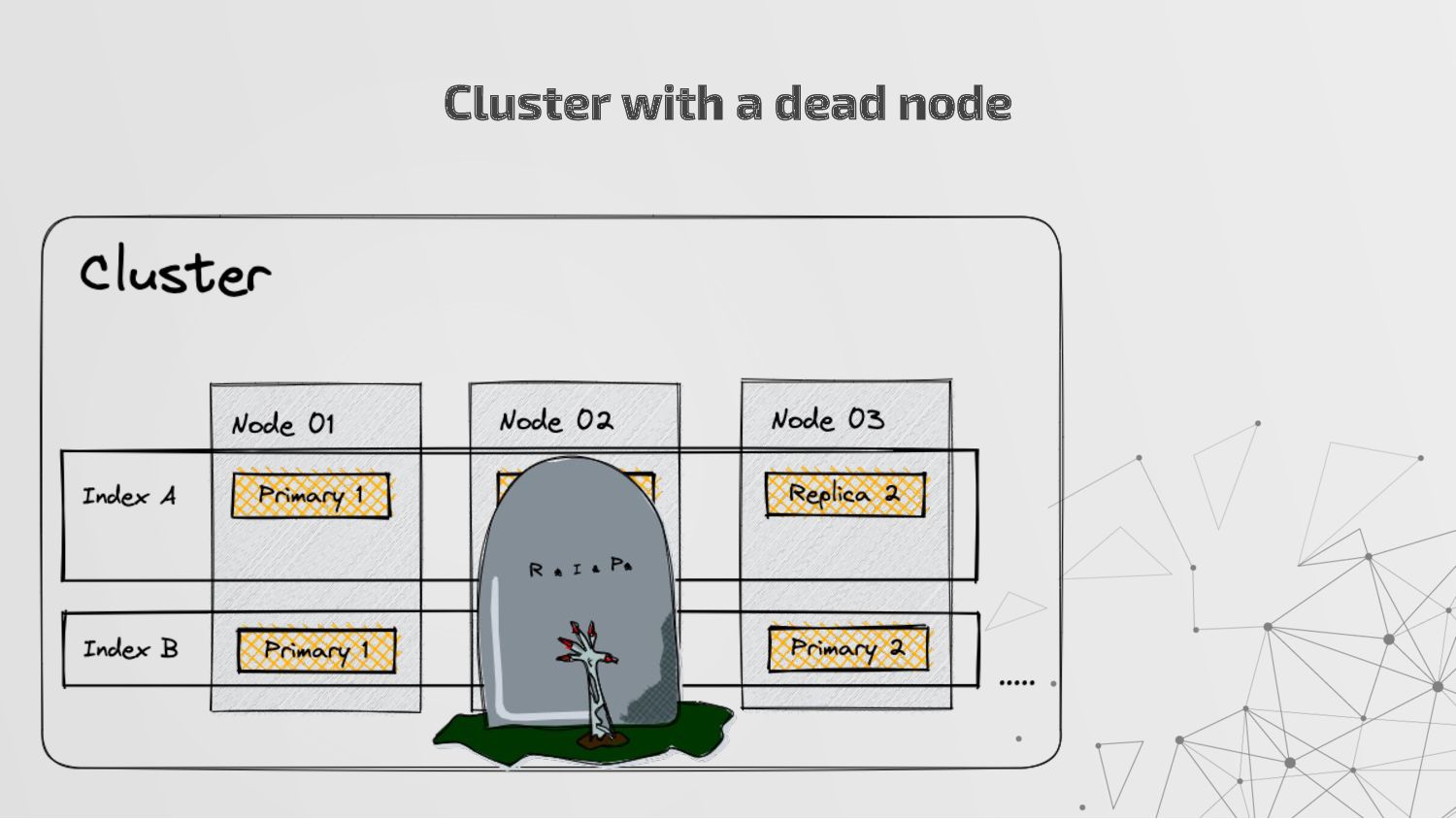
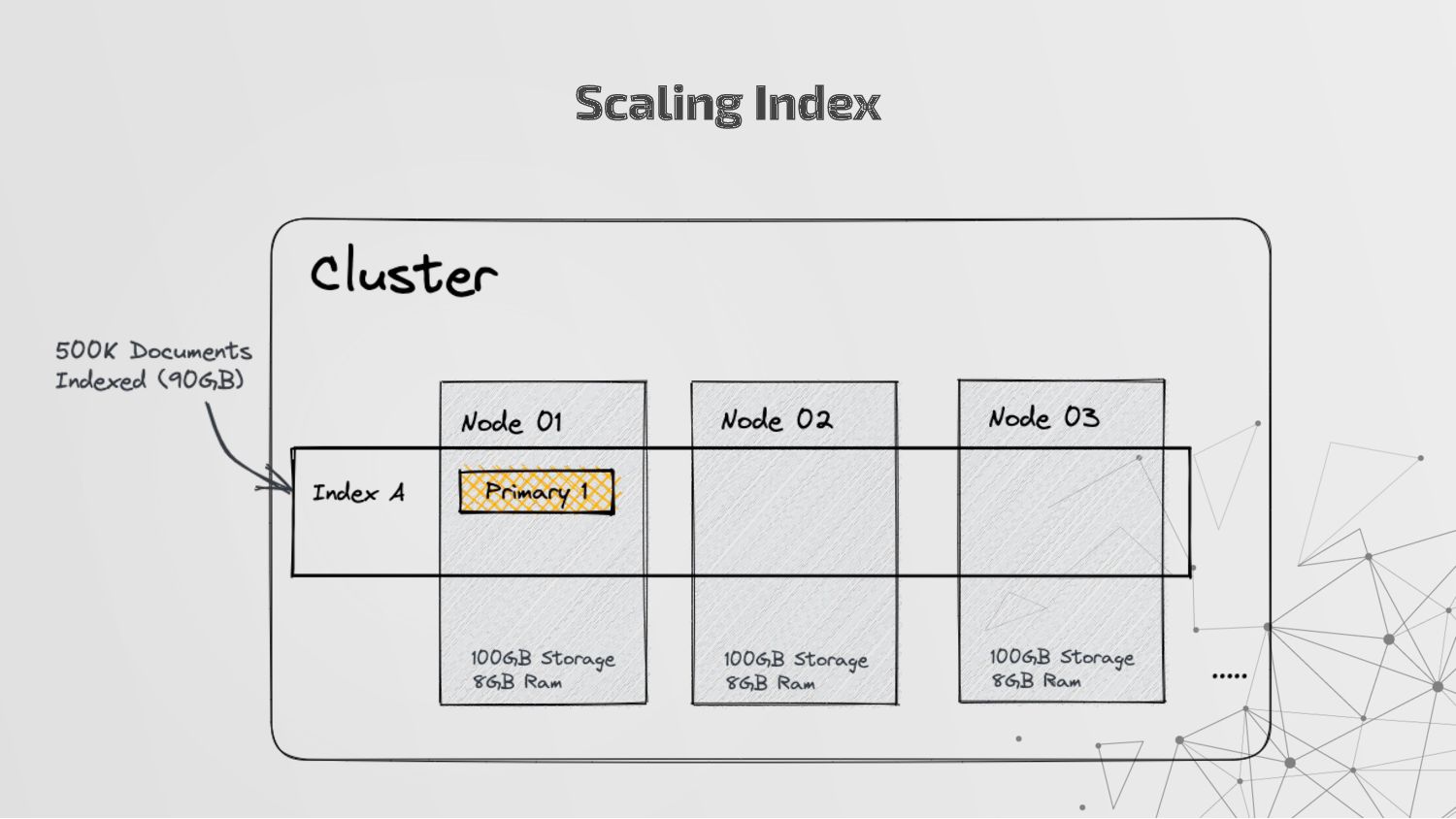
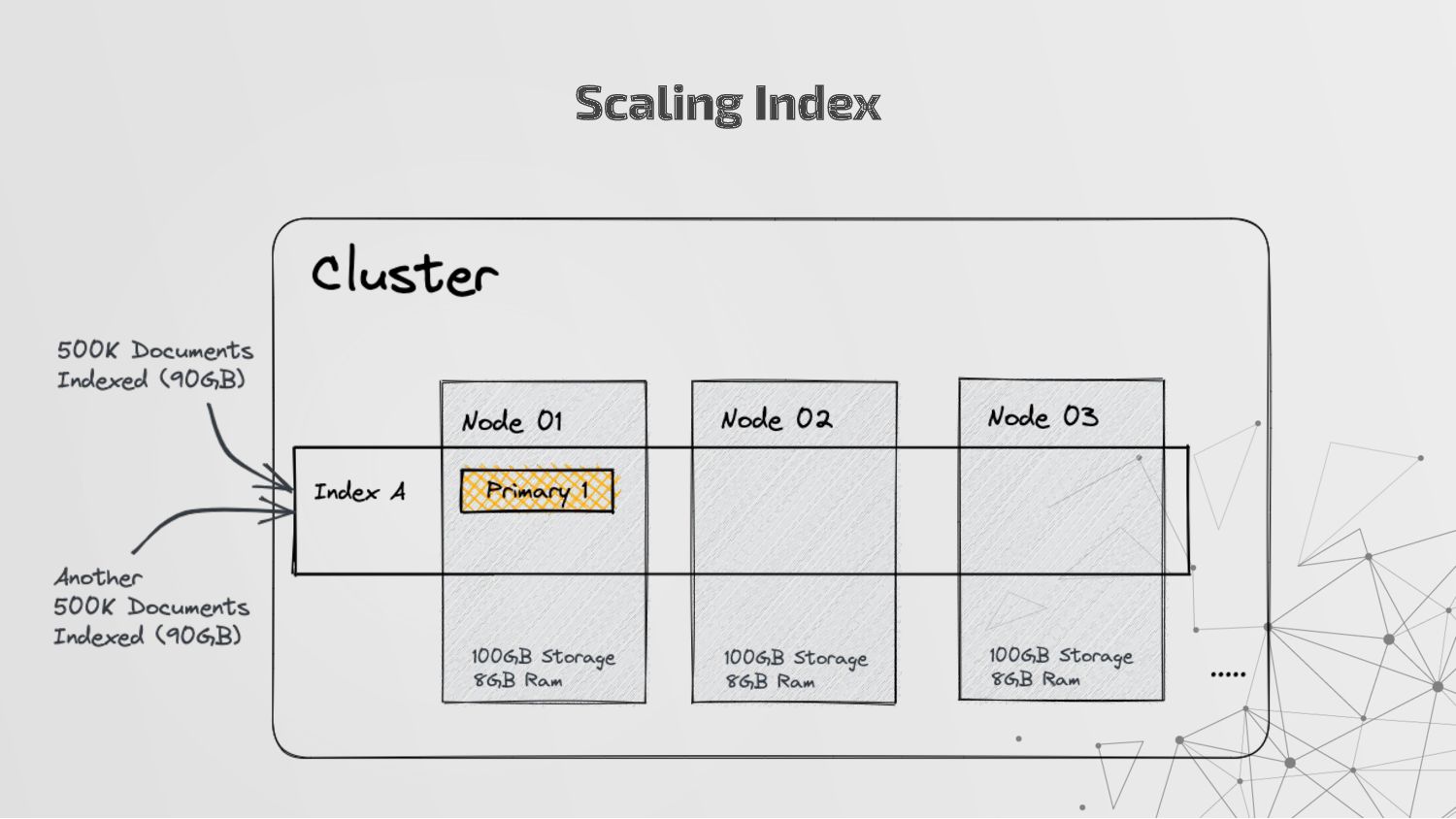
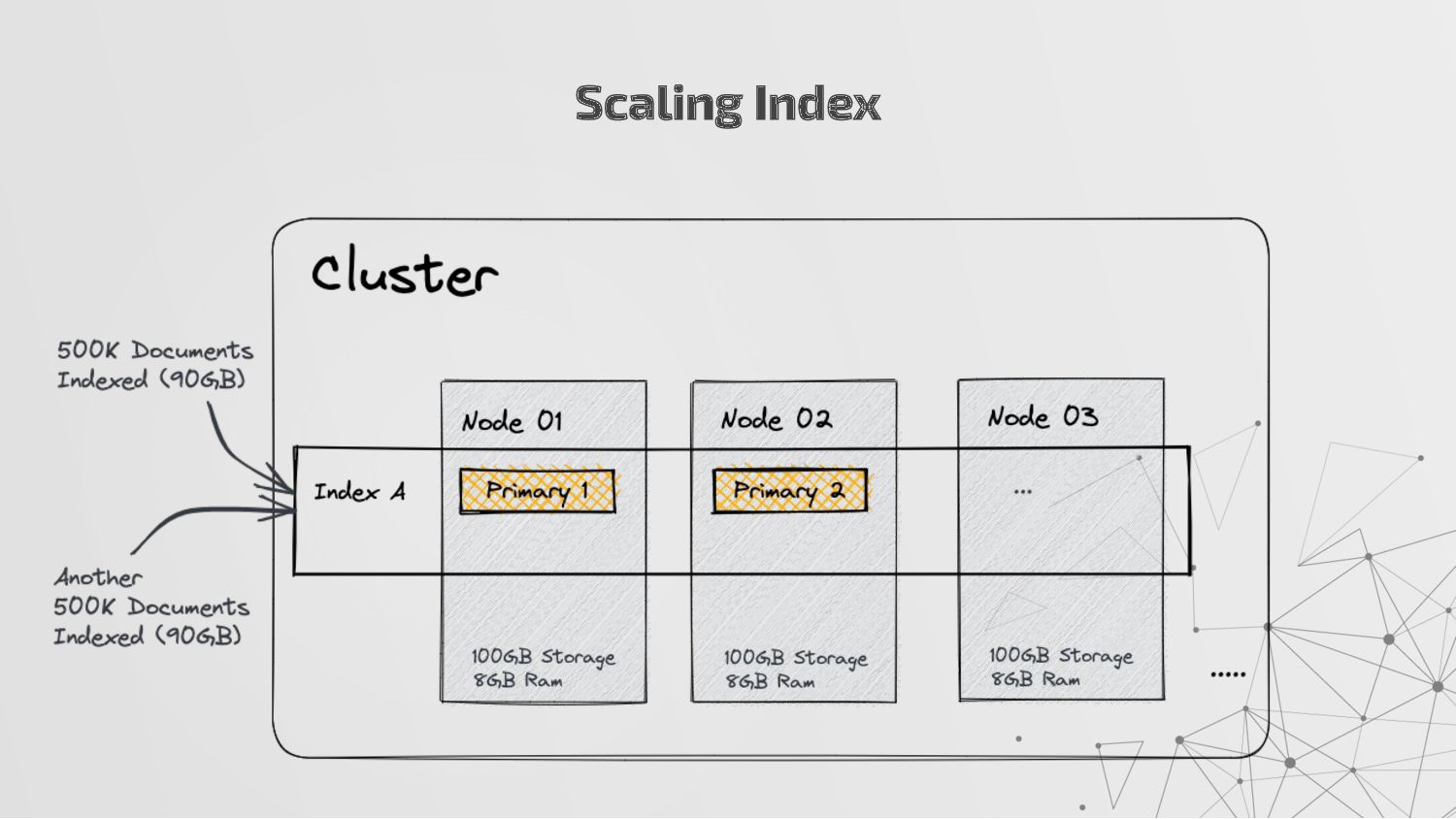
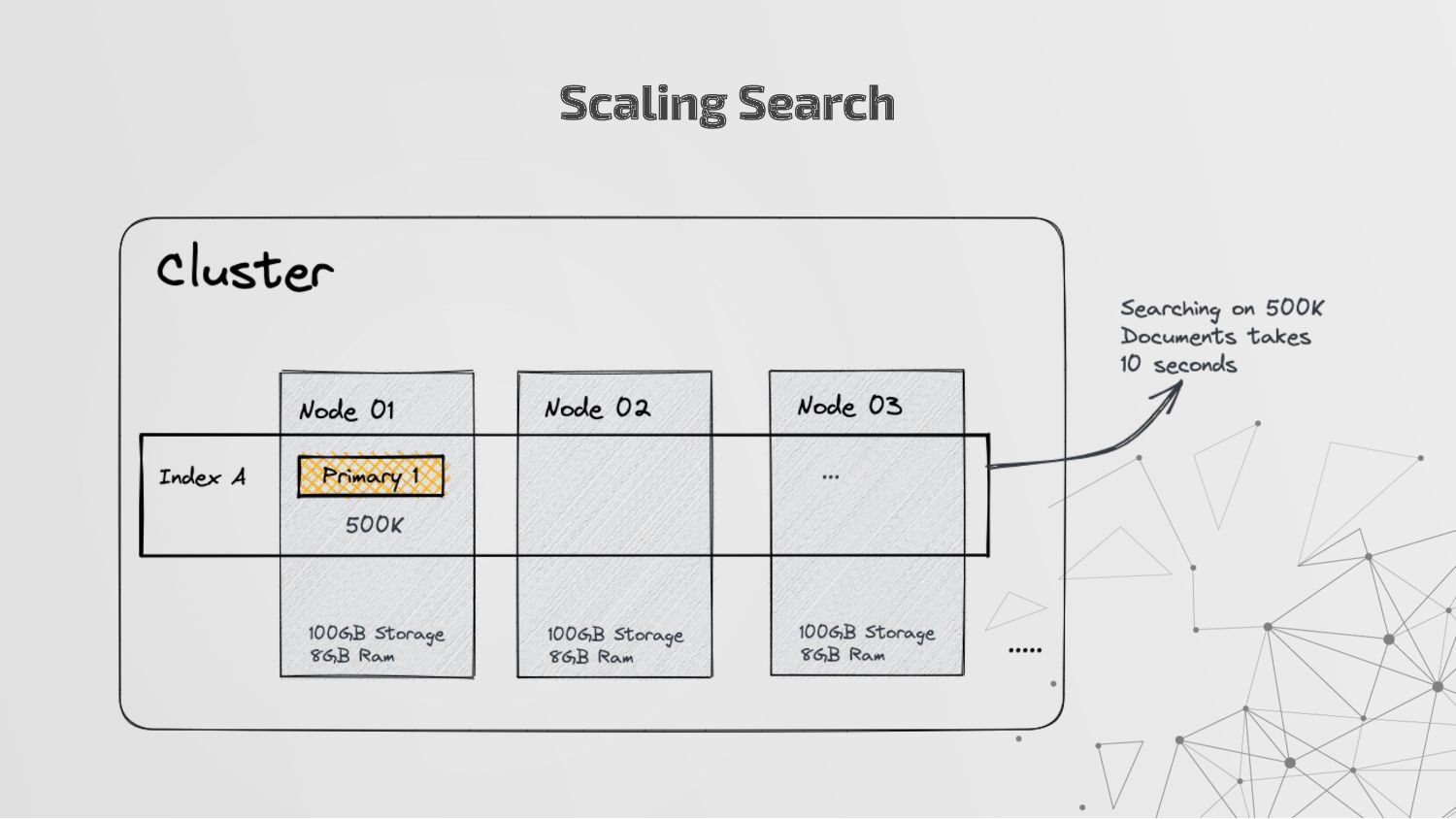
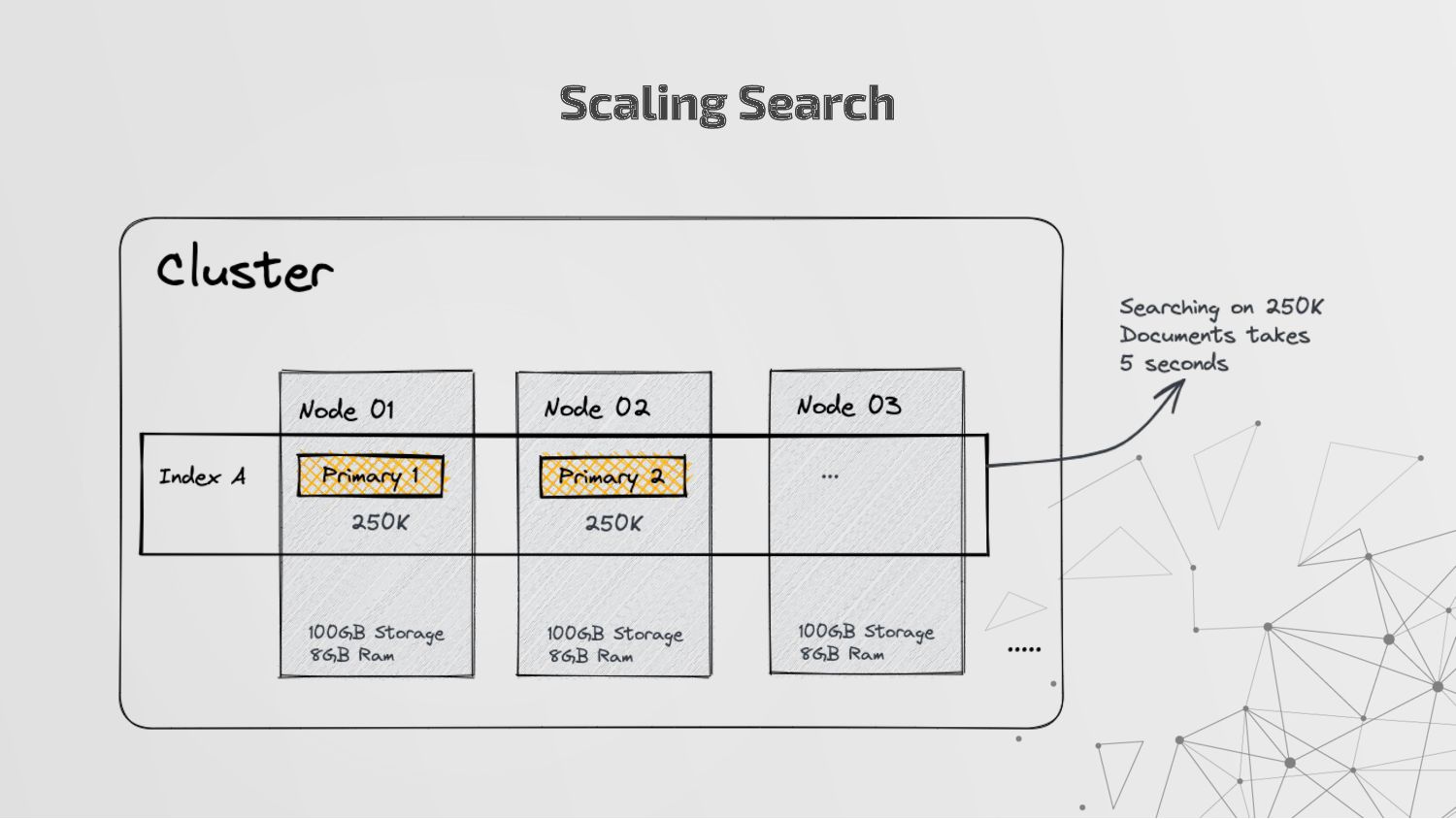
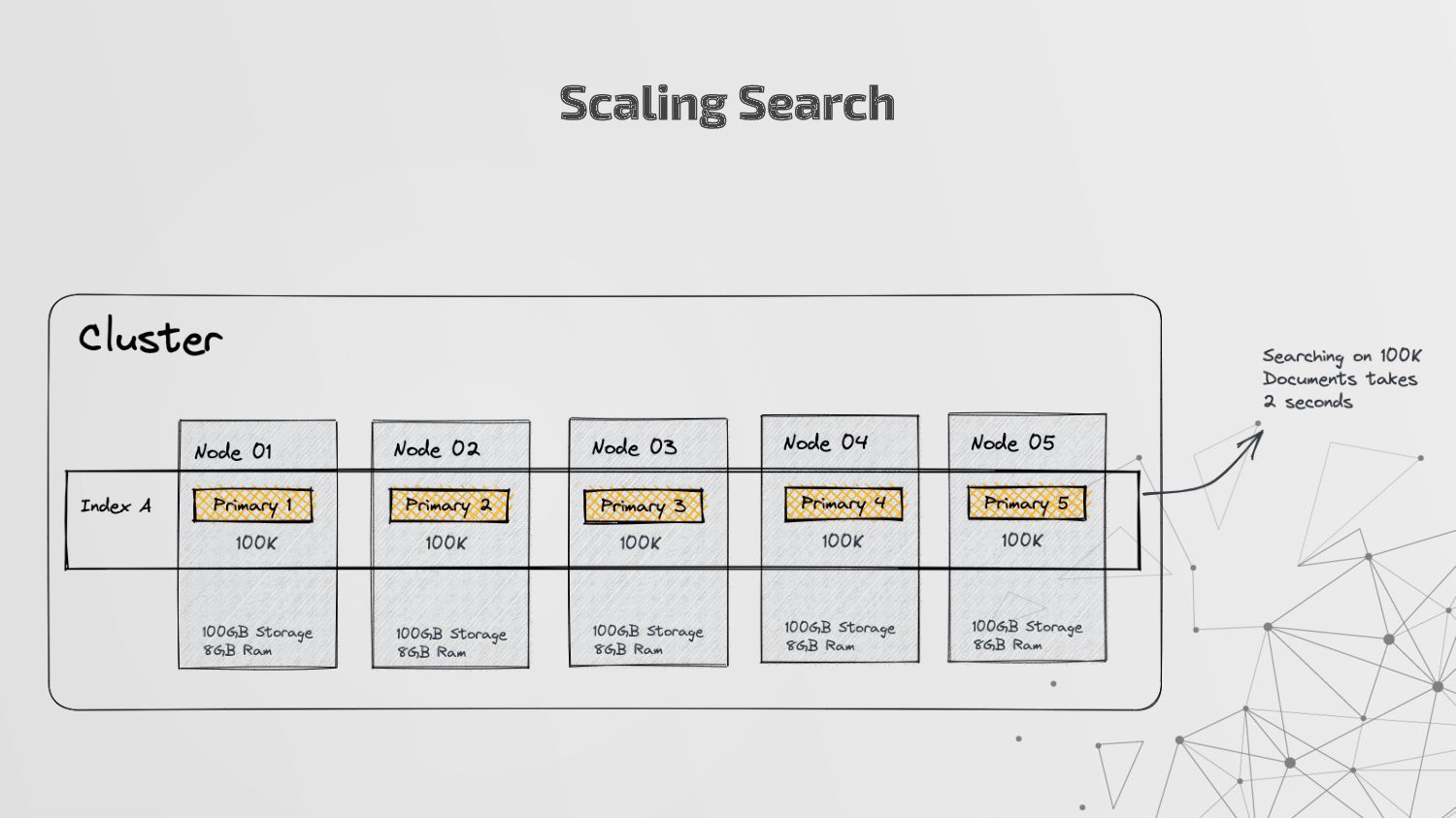
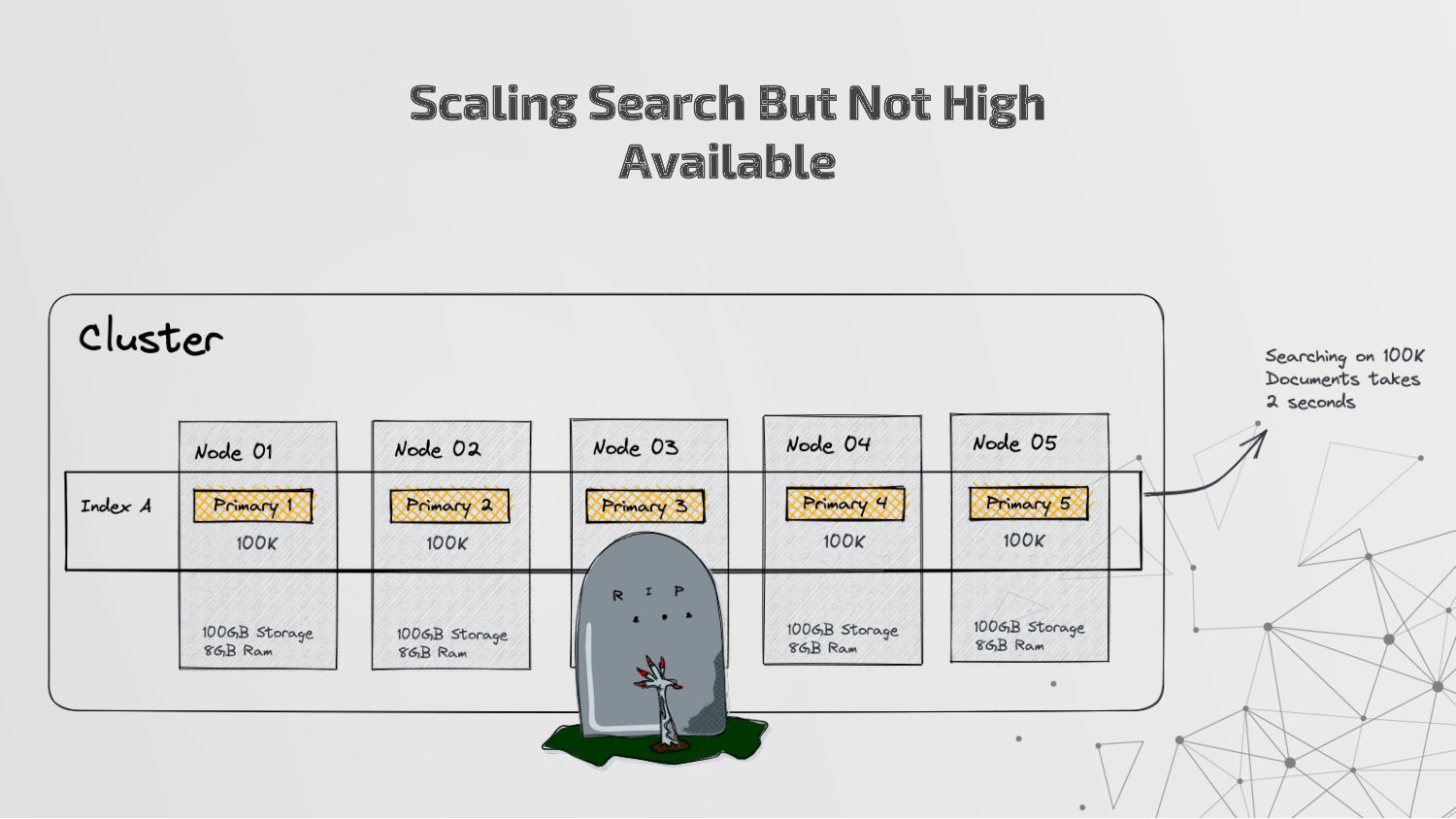
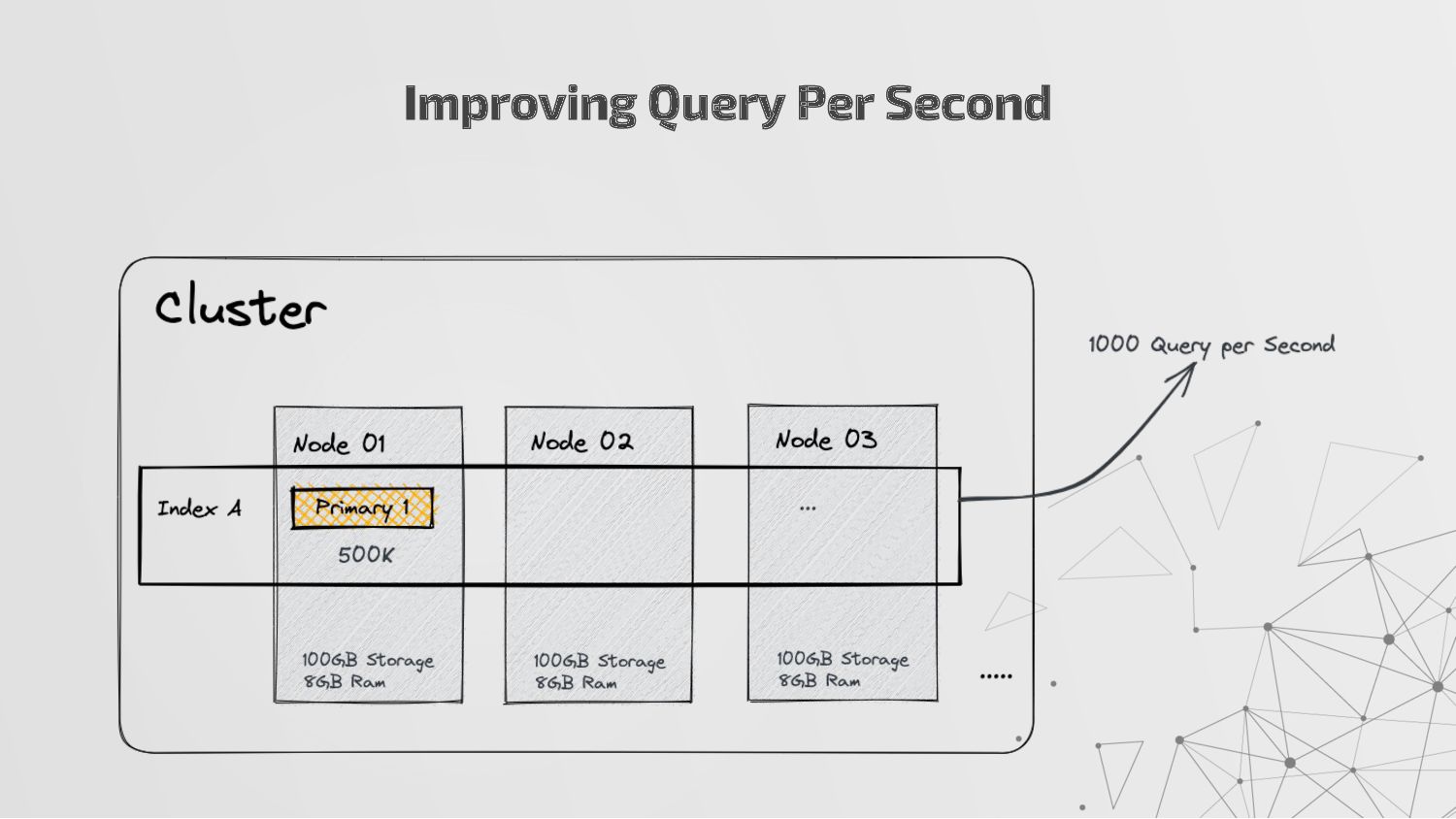
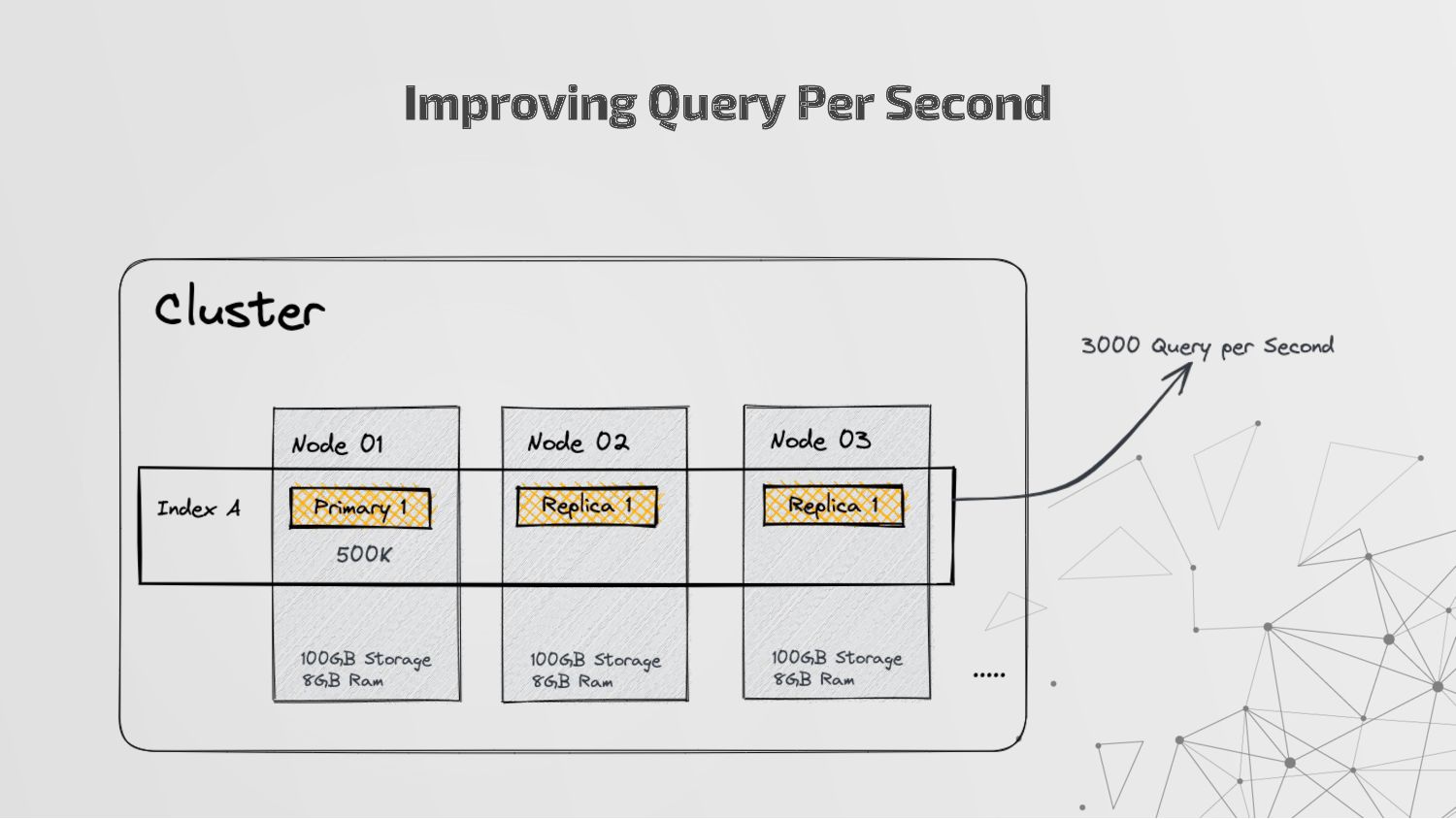
more nodes that together hold the entire data. It provides distributed indexing, high availability and search capabilities across all nodes. • Node: A node is a single server in a cluster, which stores data and participates in the cluster’s indexing and search capabilities. • Shard: Elasticsearch facilitates High availability, fault tolerance, scalability by providing the ability to subdivide the index into multiple pieces called shards. Each shard can be hosted on any node within the cluster. We can set a number of shards manually inside index schema for a particular Index. Some Keywords
copies of your index’s shards called replica shards or replica. We can set a number of replicas manually inside index schema for a particular Index. • Index: An index is a collection of documents and is identified by a name. • Document: A document is a basic unit of information that can be indexed. It is stored in JSON format which is a global internet data interchange format. • Inverted Index: Elasticsearch uses a data structure called an inverted index that supports very fast full-text searches. More Keywords
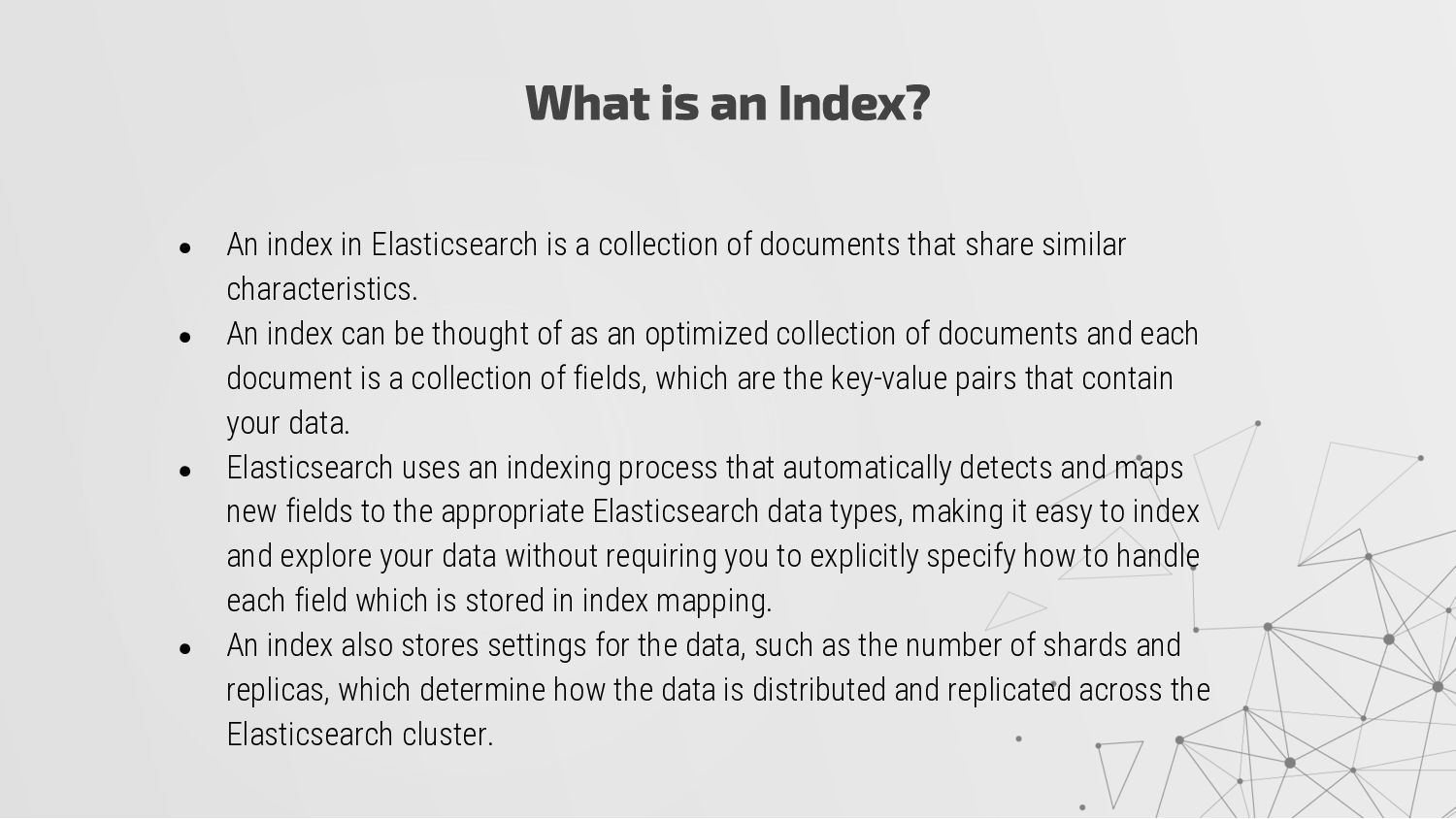
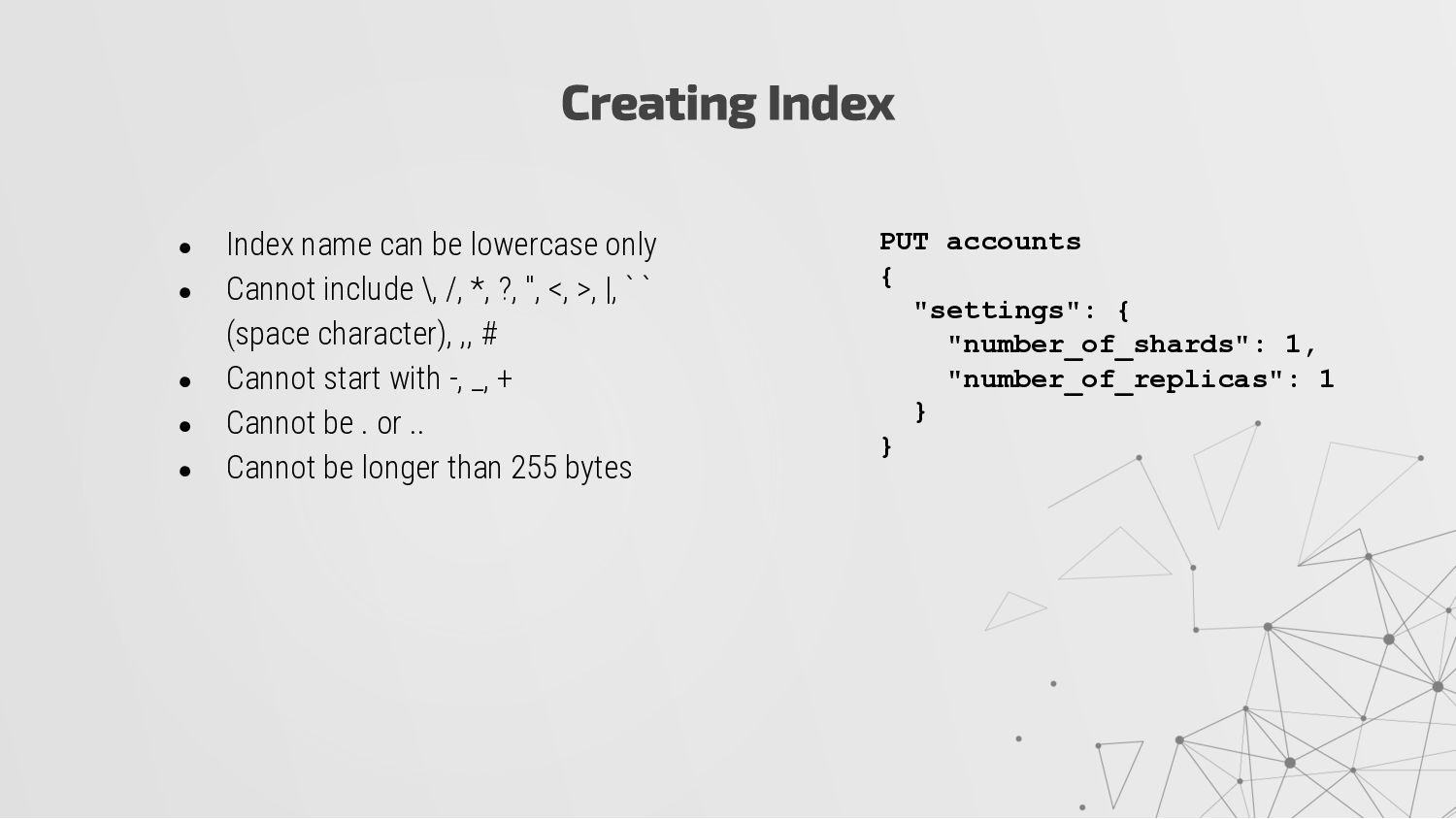
a collection of documents that share similar characteristics. • An index can be thought of as an optimized collection of documents and each document is a collection of fields, which are the key-value pairs that contain your data. • Elasticsearch uses an indexing process that automatically detects and maps new fields to the appropriate Elasticsearch data types, making it easy to index and explore your data without requiring you to explicitly specify how to handle each field which is stored in index mapping. • An index also stores settings for the data, such as the number of shards and replicas, which determine how the data is distributed and replicated across the Elasticsearch cluster.
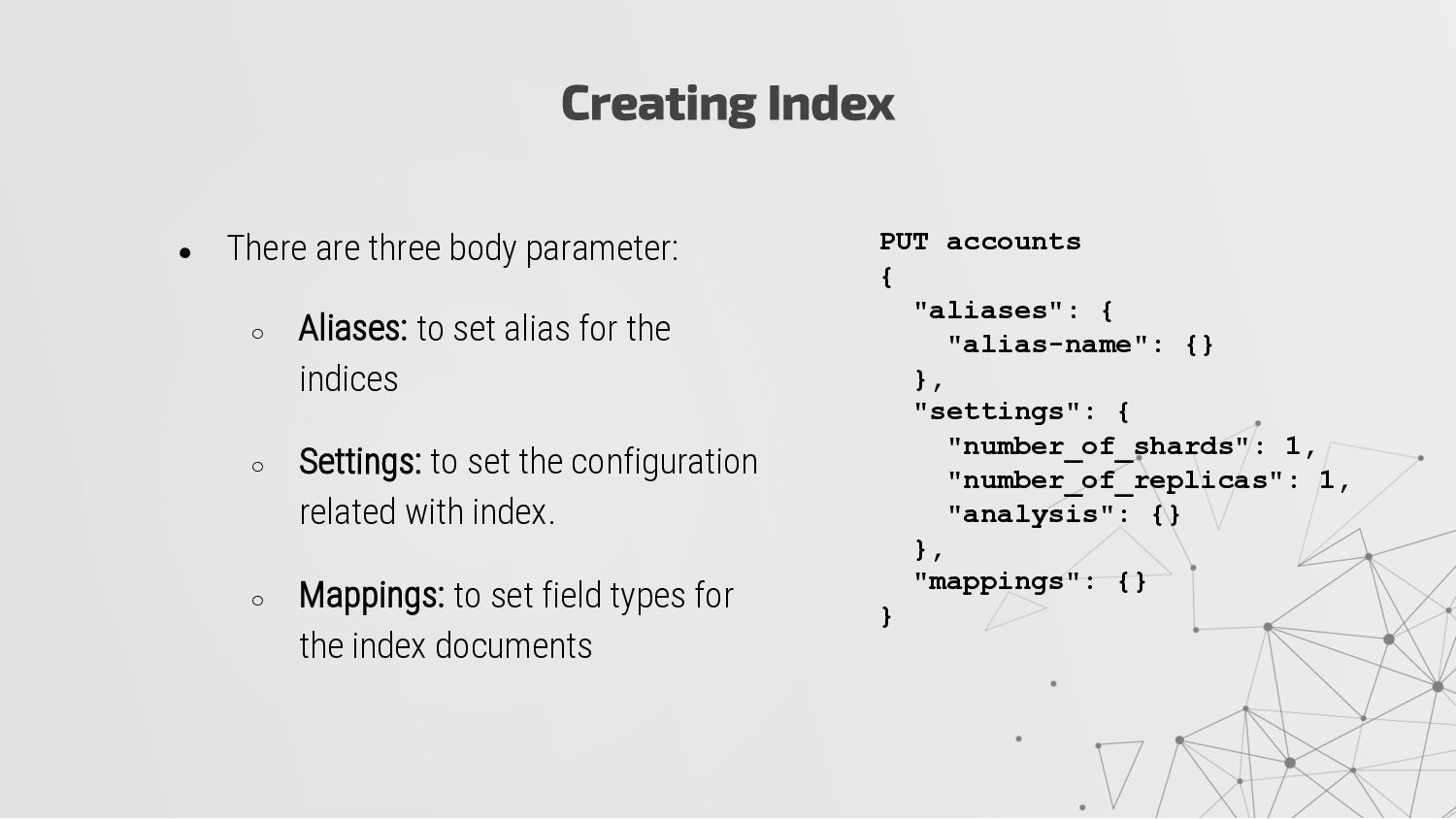
alias for the indices ◦ Settings: to set the configuration related with index. ◦ Mappings: to set field types for the index documents Creating Index PUT accounts { "aliases": { "alias-name": {} }, "settings": { "number_of_shards": 1, "number_of_replicas": 1, "analysis": {} }, "mappings": {} }
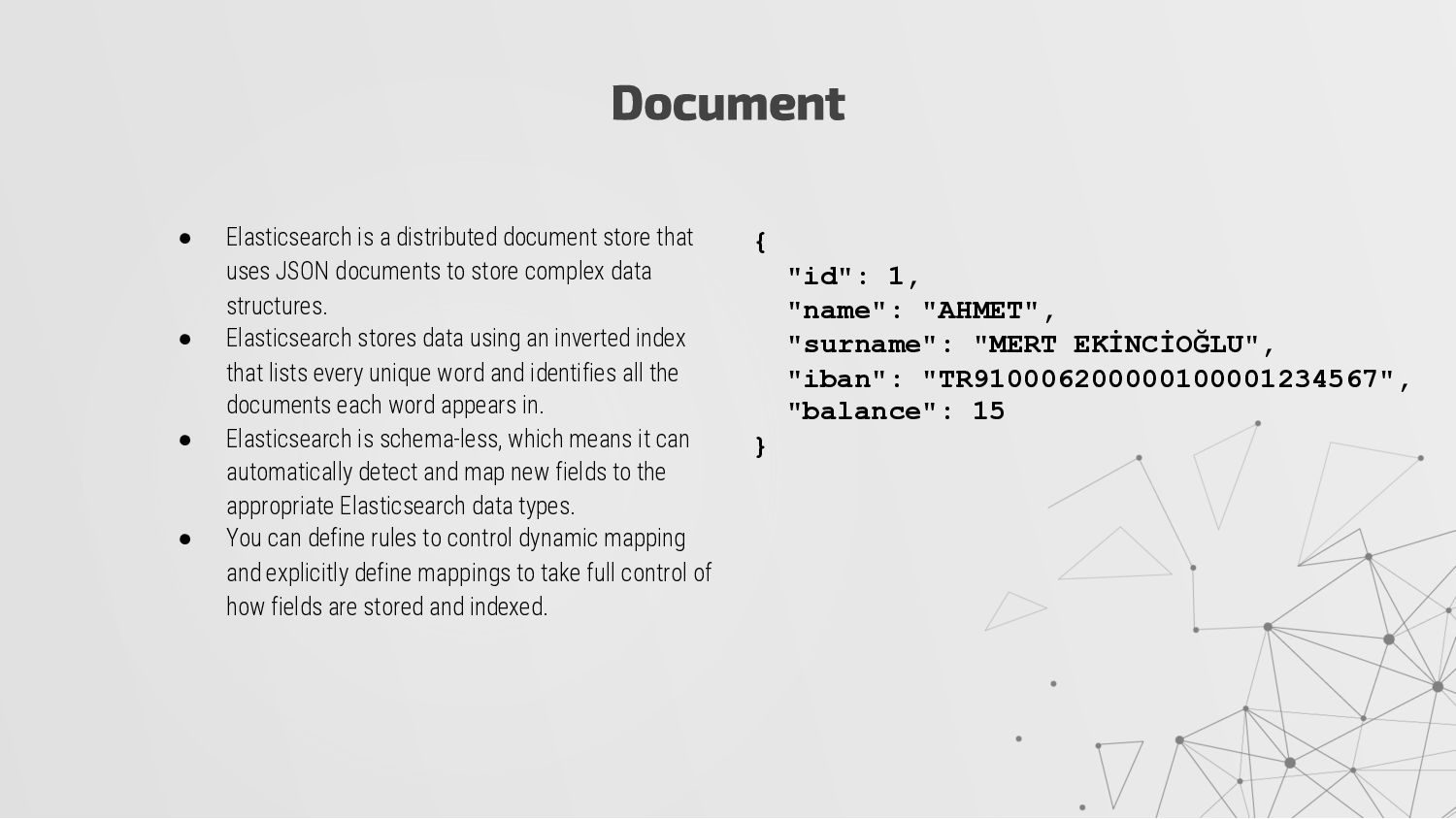
documents to store complex data structures. • Elasticsearch stores data using an inverted index that lists every unique word and identifies all the documents each word appears in. • Elasticsearch is schema-less, which means it can automatically detect and map new fields to the appropriate Elasticsearch data types. • You can define rules to control dynamic mapping and explicitly define mappings to take full control of how fields are stored and indexed. Document { "id": 1, "name": "AHMET", "surname": "MERT EKİNCİOĞLU", "iban": "TR910006200000100001234567", "balance": 15 }
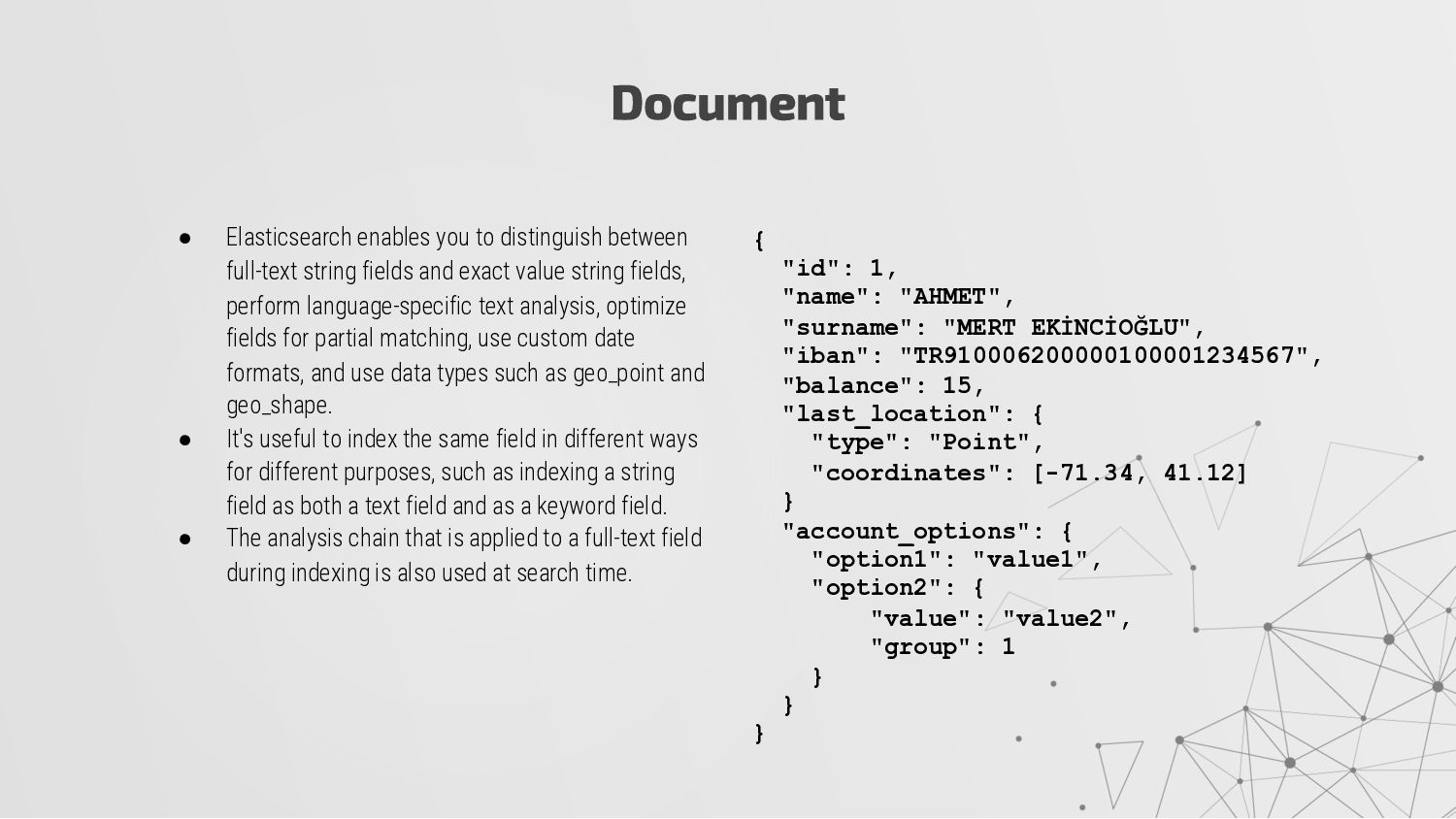
and exact value string fields, perform language-specific text analysis, optimize fields for partial matching, use custom date formats, and use data types such as geo_point and geo_shape. • It's useful to index the same field in different ways for different purposes, such as indexing a string field as both a text field and as a keyword field. • The analysis chain that is applied to a full-text field during indexing is also used at search time. Document { "id": 1, "name": "AHMET", "surname": "MERT EKİNCİOĞLU", "iban": "TR910006200000100001234567", "balance": 15, "last_location": { "type": "Point", "coordinates": [-71.34, 41.12] } "account_options": { "option1": "value1", "option2": { "value": "value2", "group": 1 } } }
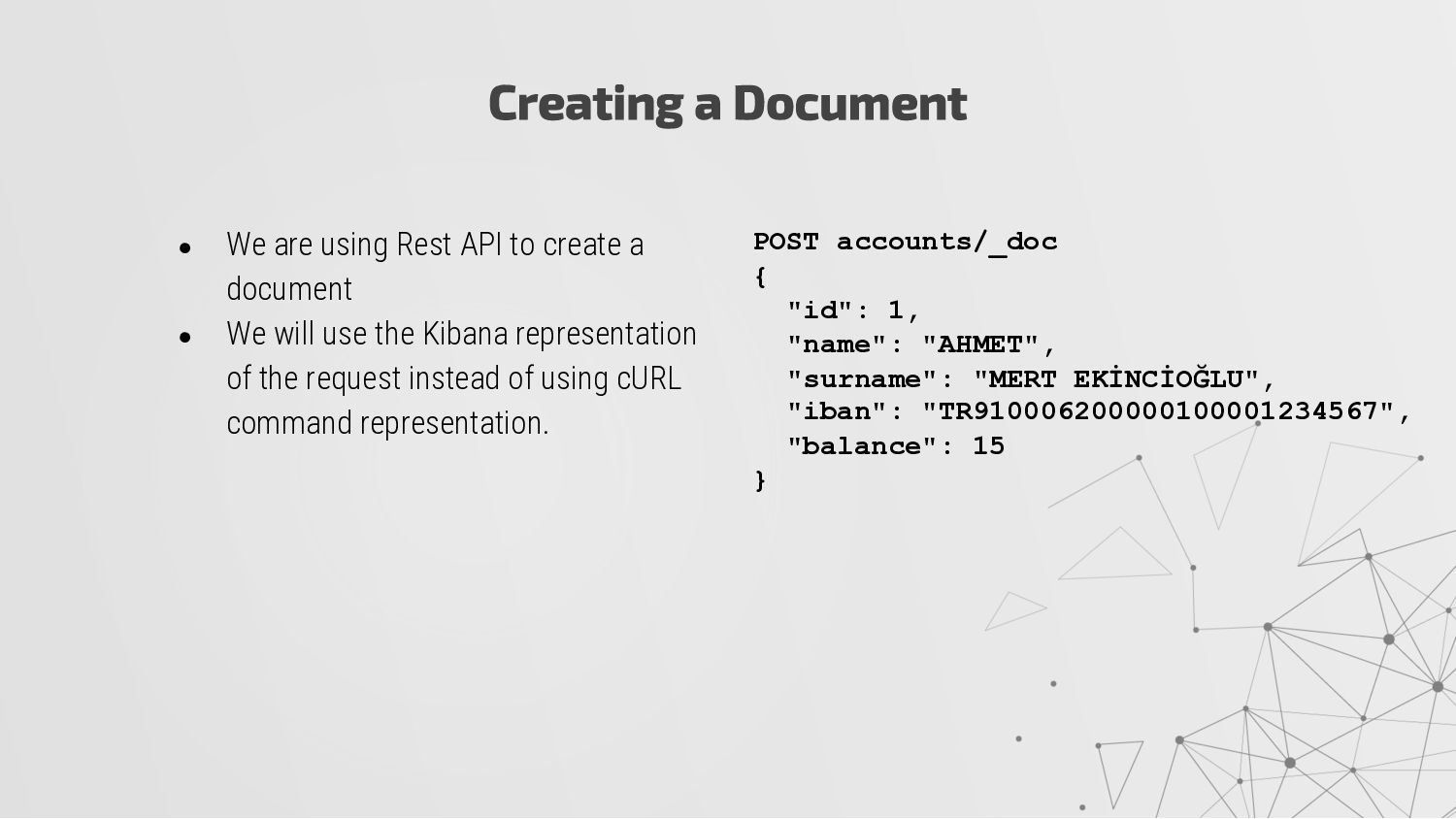
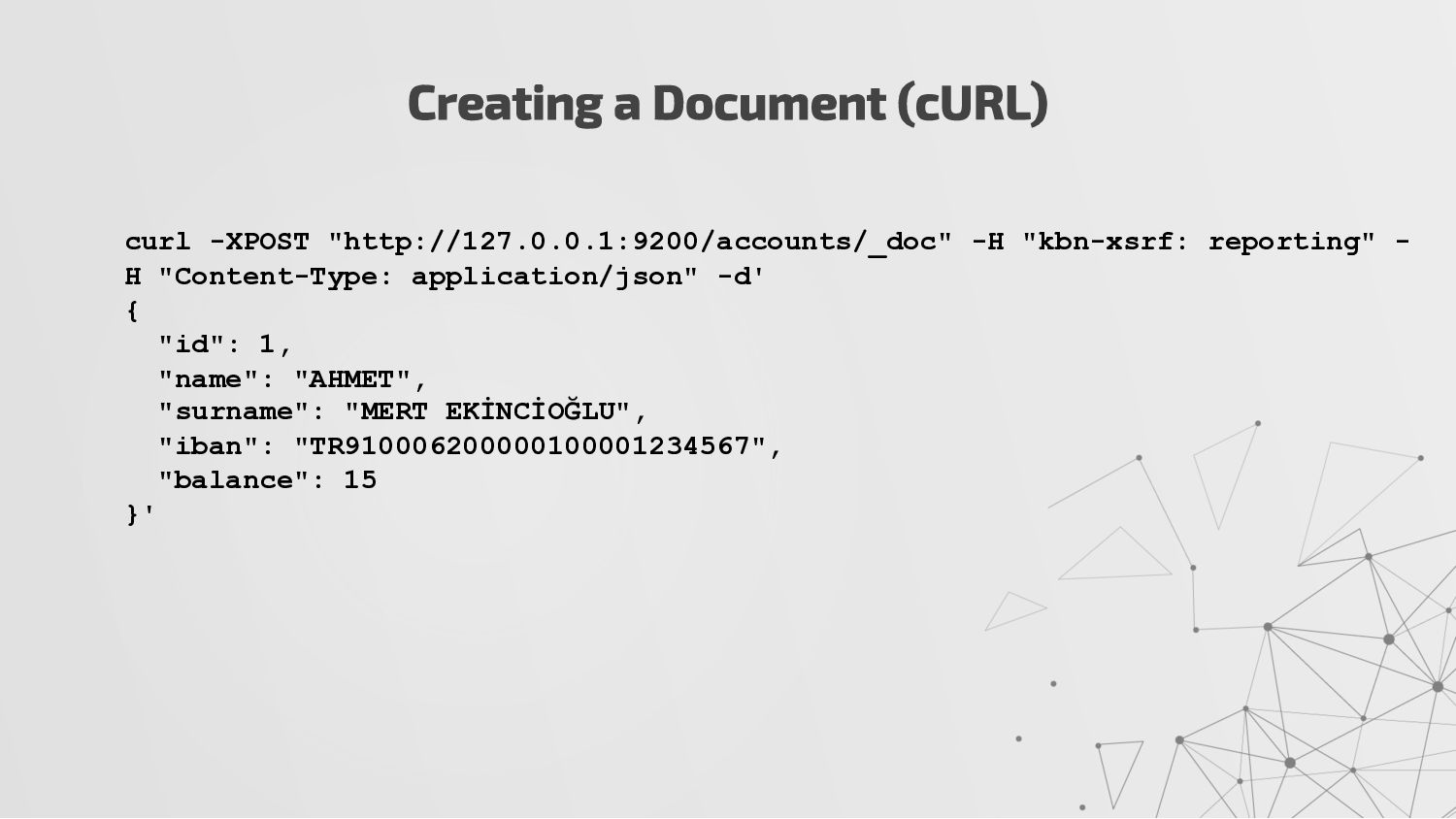
• We will use the Kibana representation of the request instead of using cURL command representation. Creating a Document POST accounts/_doc { "id": 1, "name": "AHMET", "surname": "MERT EKİNCİOĞLU", "iban": "TR910006200000100001234567", "balance": 15 }
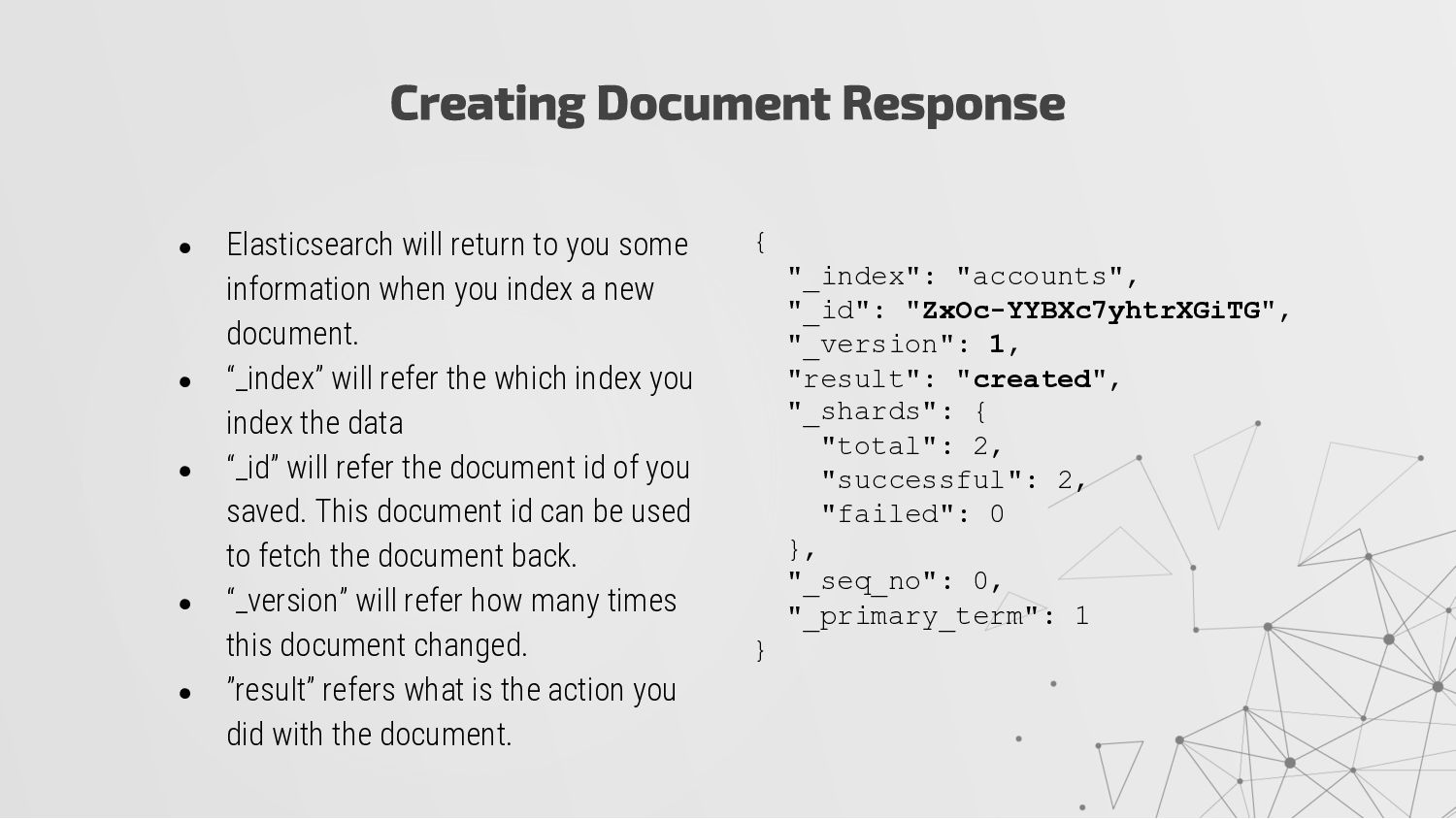
index a new document. • “_index” will refer the which index you index the data • “_id” will refer the document id of you saved. This document id can be used to fetch the document back. • “_version” will refer how many times this document changed. • ”result” refers what is the action you did with the document. Creating Document Response { "_index": "accounts", "_id": "ZxOc-YYBXc7yhtrXGiTG", "_version": 1, "result": "created", "_shards": { "total": 2, "successful": 2, "failed": 0 }, "_seq_no": 0, "_primary_term": 1 }
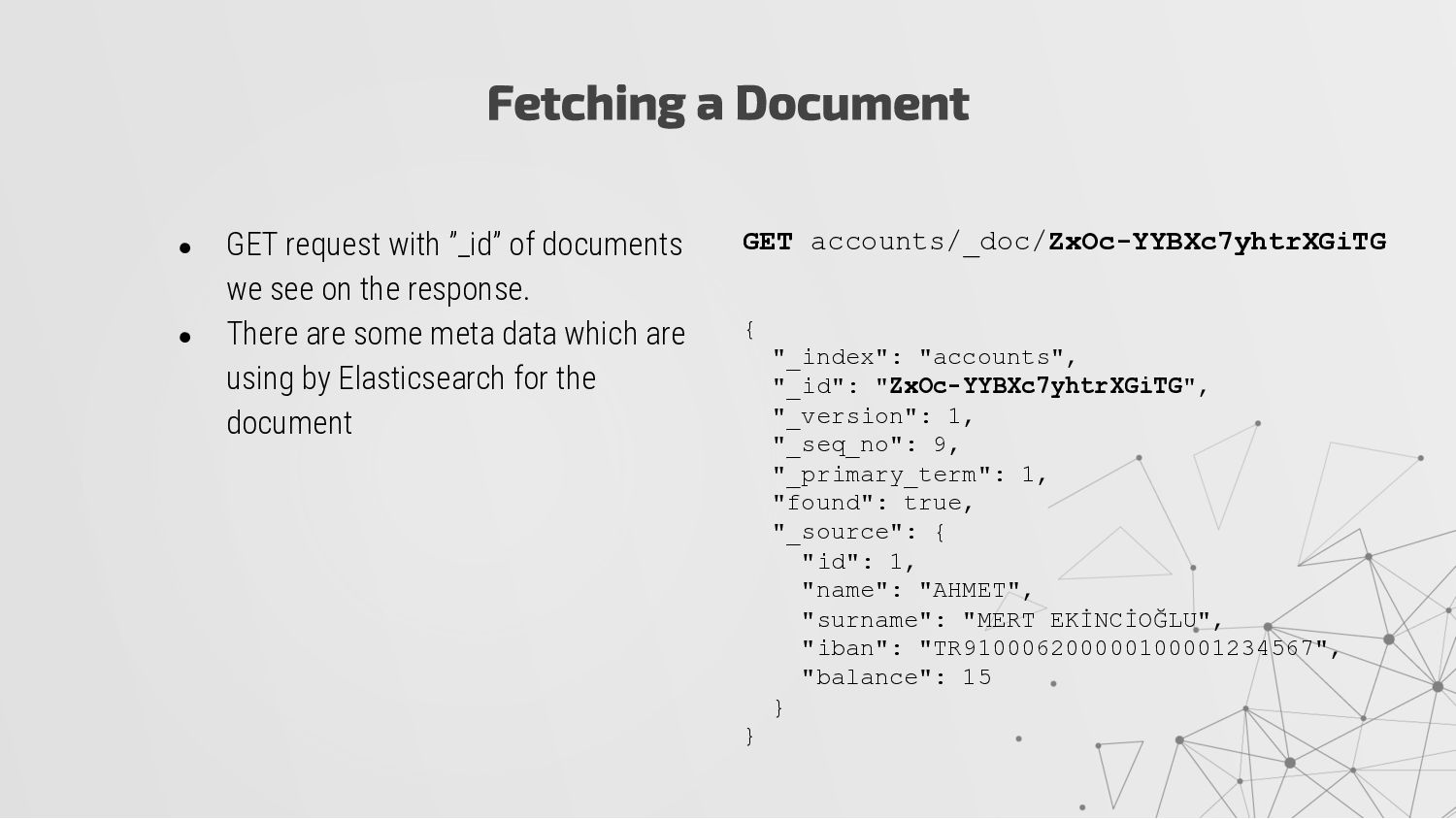
the response. • There are some meta data which are using by Elasticsearch for the document Fetching a Document GET accounts/_doc/ZxOc-YYBXc7yhtrXGiTG { "_index": "accounts", "_id": "ZxOc-YYBXc7yhtrXGiTG", "_version": 1, "_seq_no": 9, "_primary_term": 1, "found": true, "_source": { "id": 1, "name": "AHMET", "surname": "MERT EKİNCİOĞLU", "iban": "TR910006200000100001234567", "balance": 15 } }
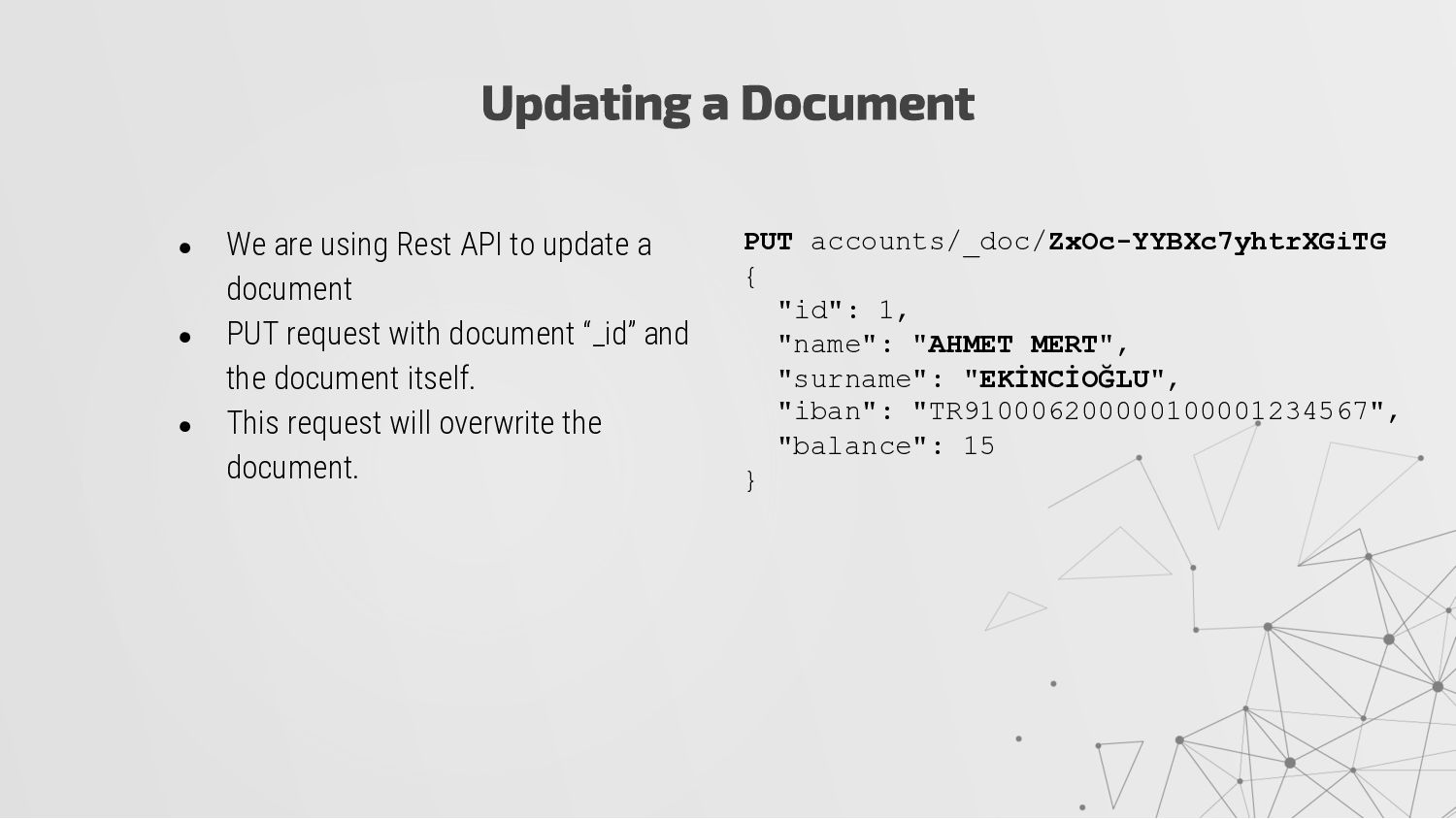
• PUT request with document “_id” and the document itself. • This request will overwrite the document. Updating a Document PUT accounts/_doc/ZxOc-YYBXc7yhtrXGiTG { "id": 1, "name": "AHMET MERT", "surname": "EKİNCİOĞLU", "iban": "TR910006200000100001234567", "balance": 15 }
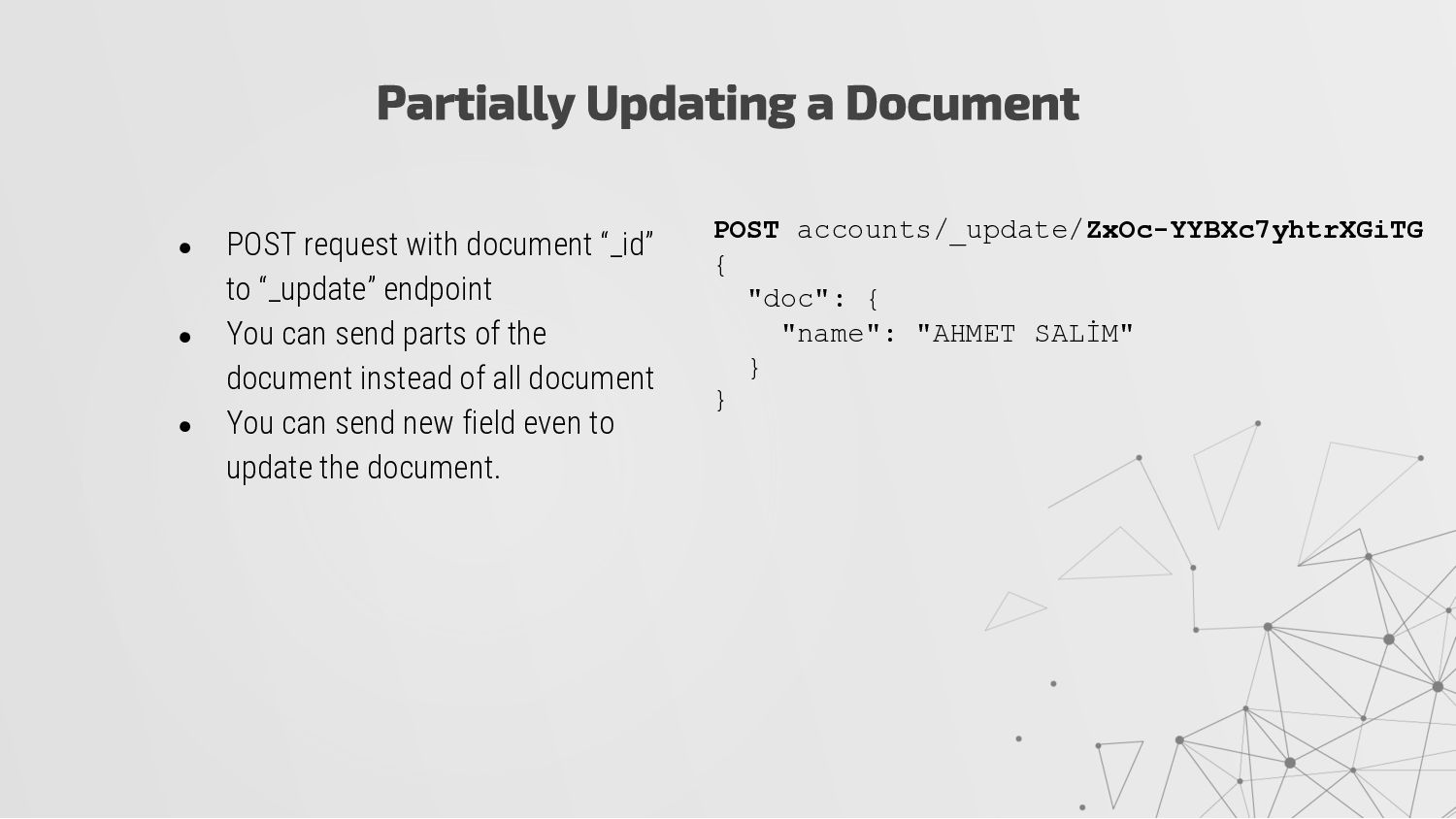
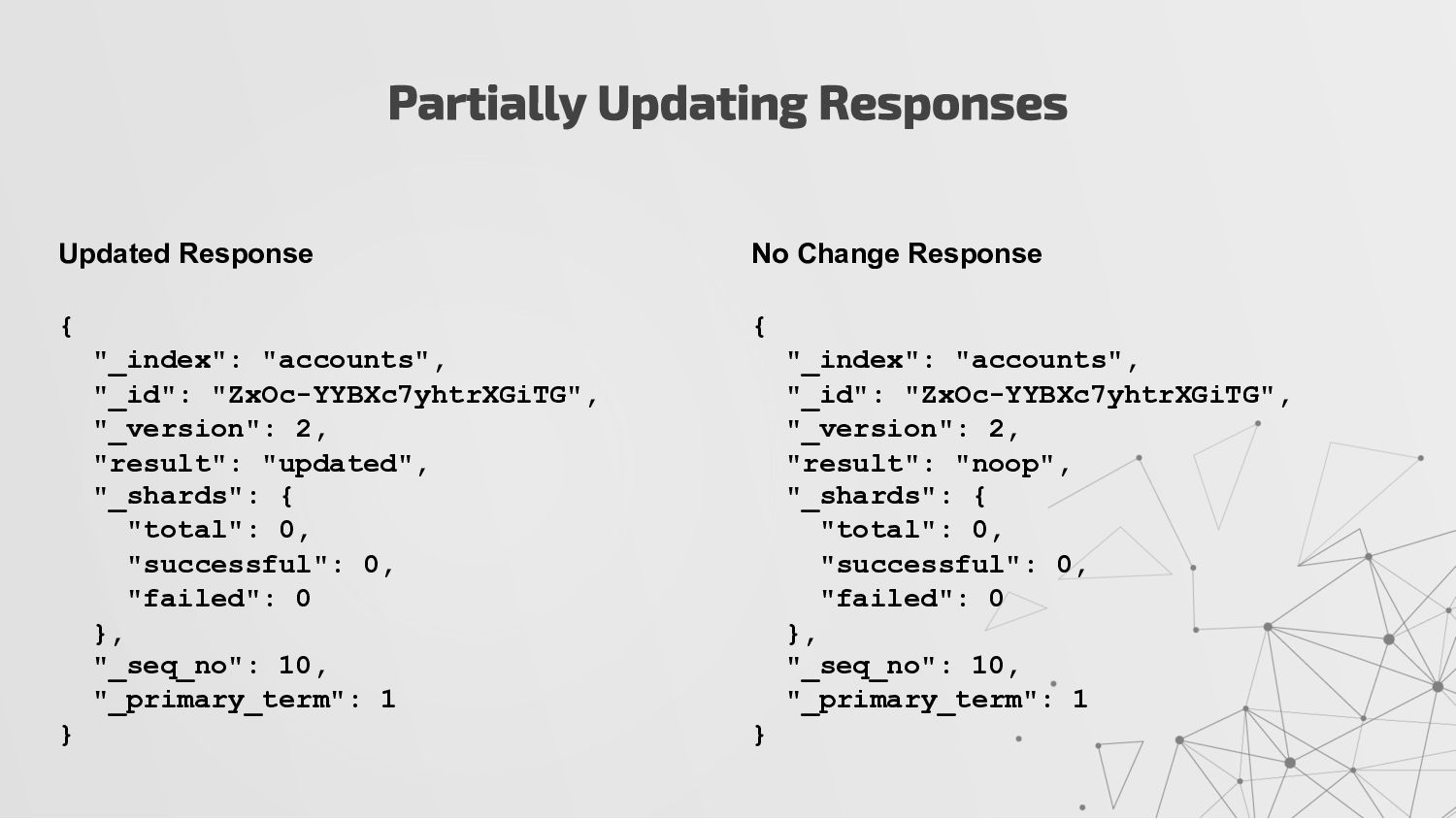
You can send parts of the document instead of all document • You can send new field even to update the document. Partially Updating a Document POST accounts/_update/ZxOc-YYBXc7yhtrXGiTG { "doc": { "name": "AHMET SALİM" } }
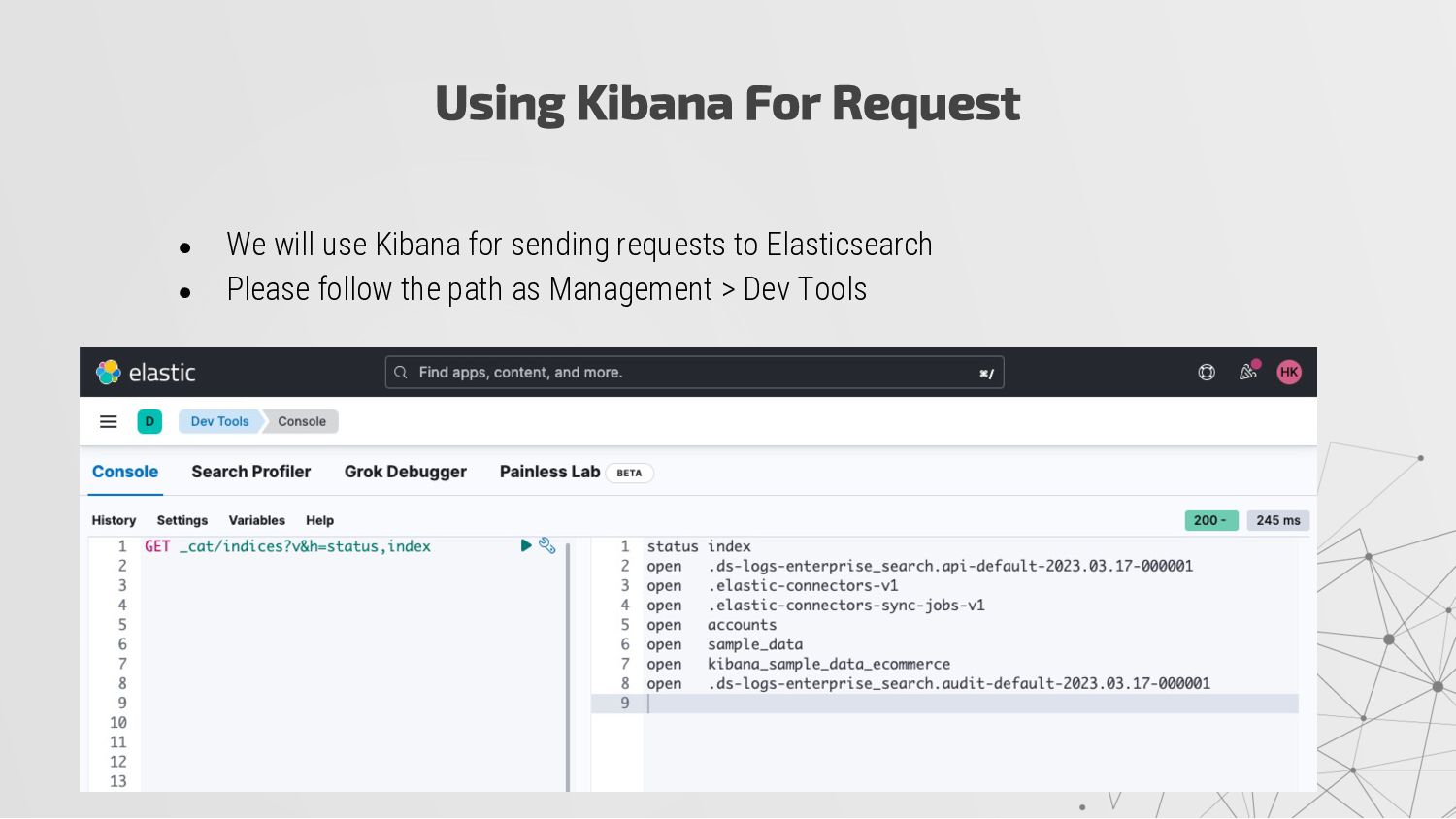
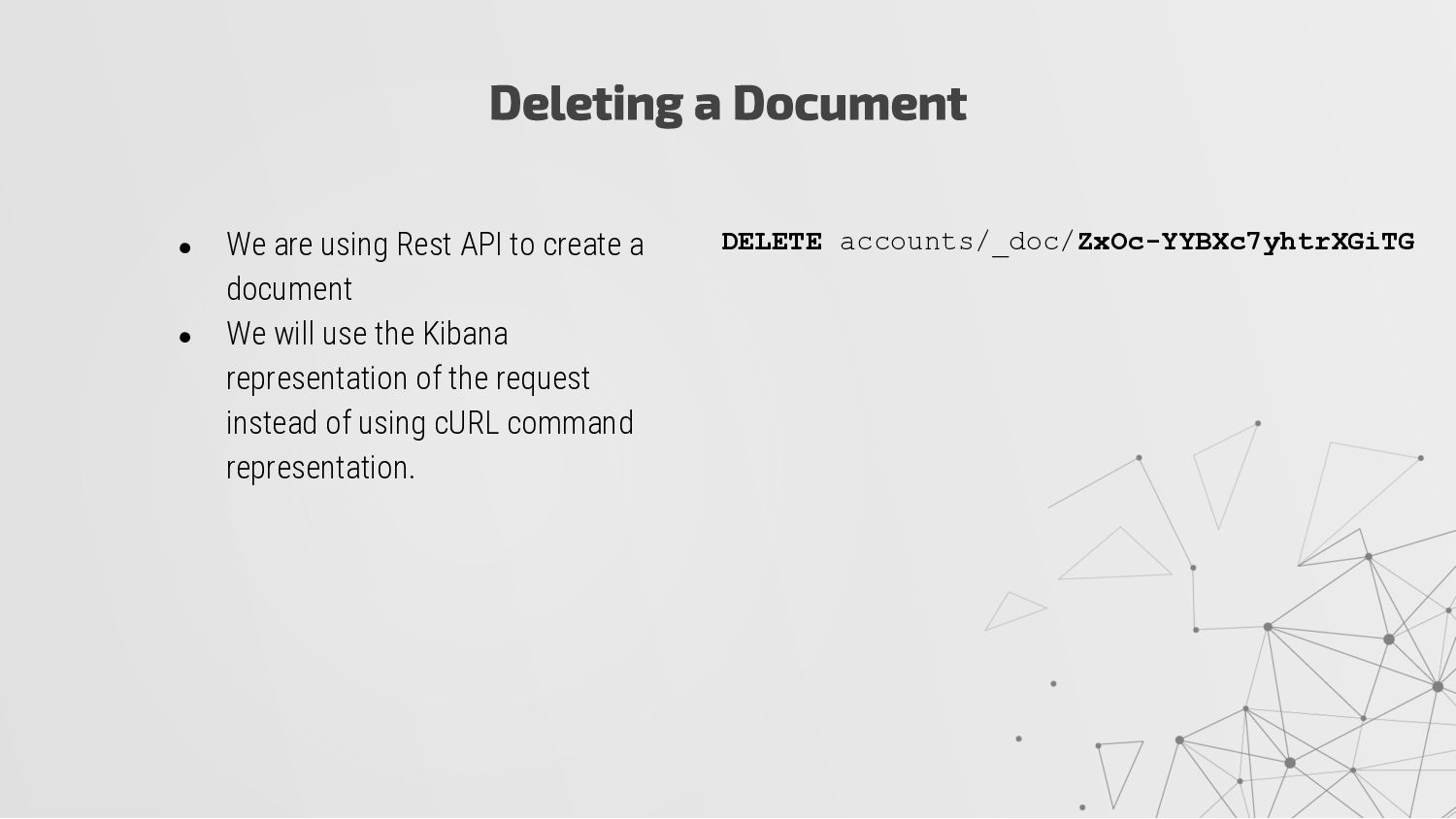
• We will use the Kibana representation of the request instead of using cURL command representation. Deleting a Document DELETE accounts/_doc/ZxOc-YYBXc7yhtrXGiTG
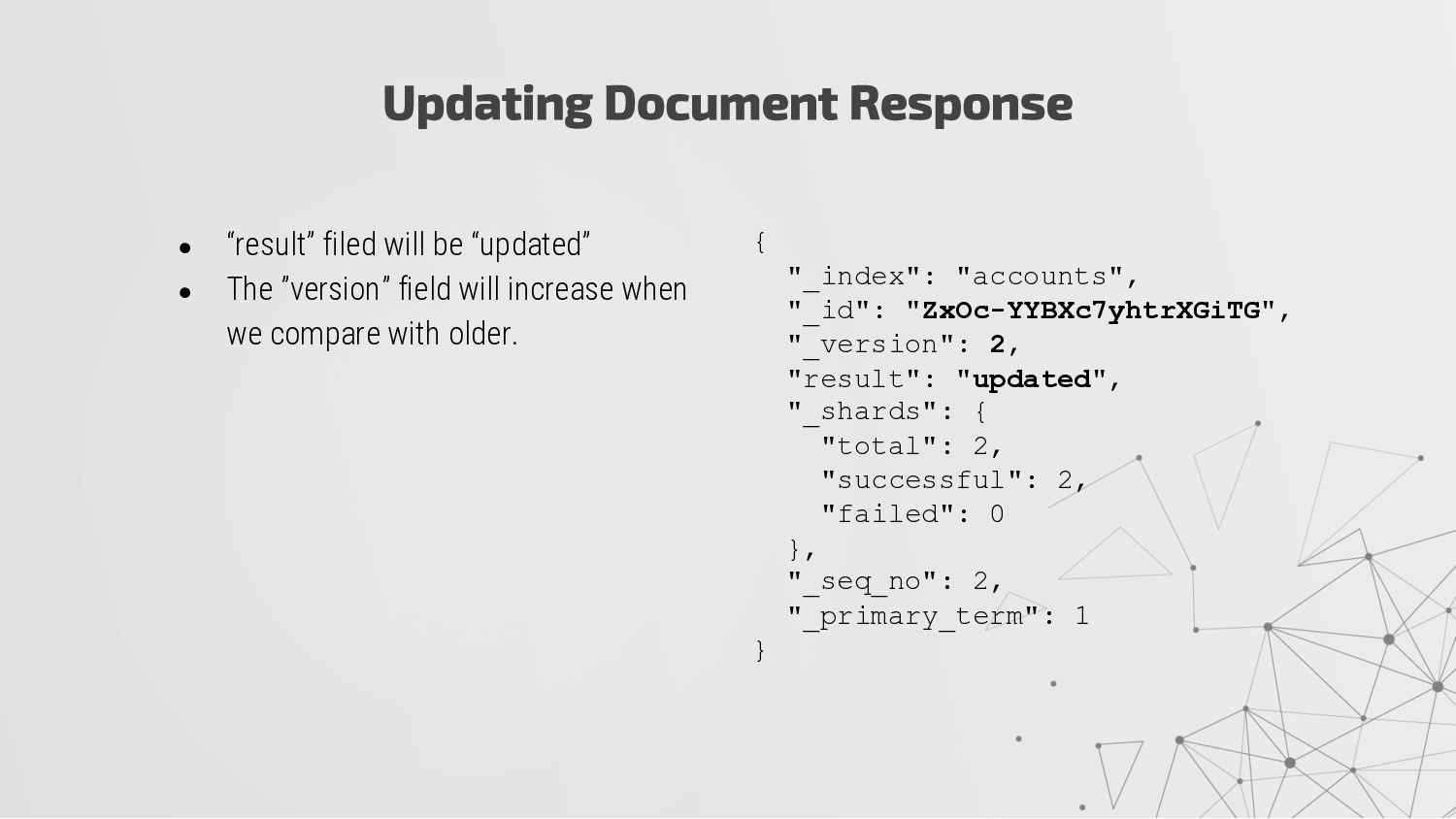
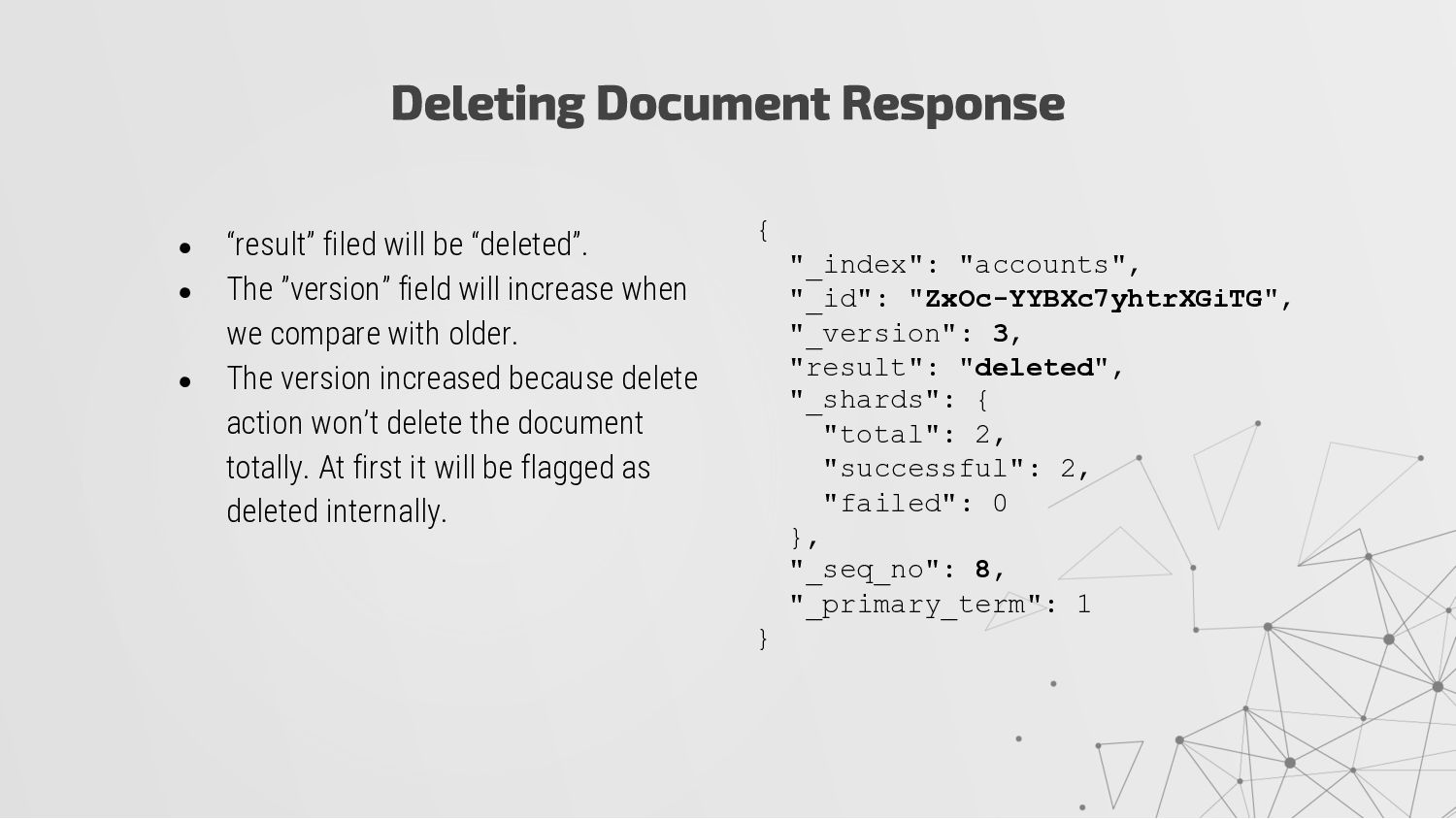
will increase when we compare with older. • The version increased because delete action won’t delete the document totally. At first it will be flagged as deleted internally. Deleting Document Response { "_index": "accounts", "_id": "ZxOc-YYBXc7yhtrXGiTG", "_version": 3, "result": "deleted", "_shards": { "total": 2, "successful": 2, "failed": 0 }, "_seq_no": 8, "_primary_term": 1 }
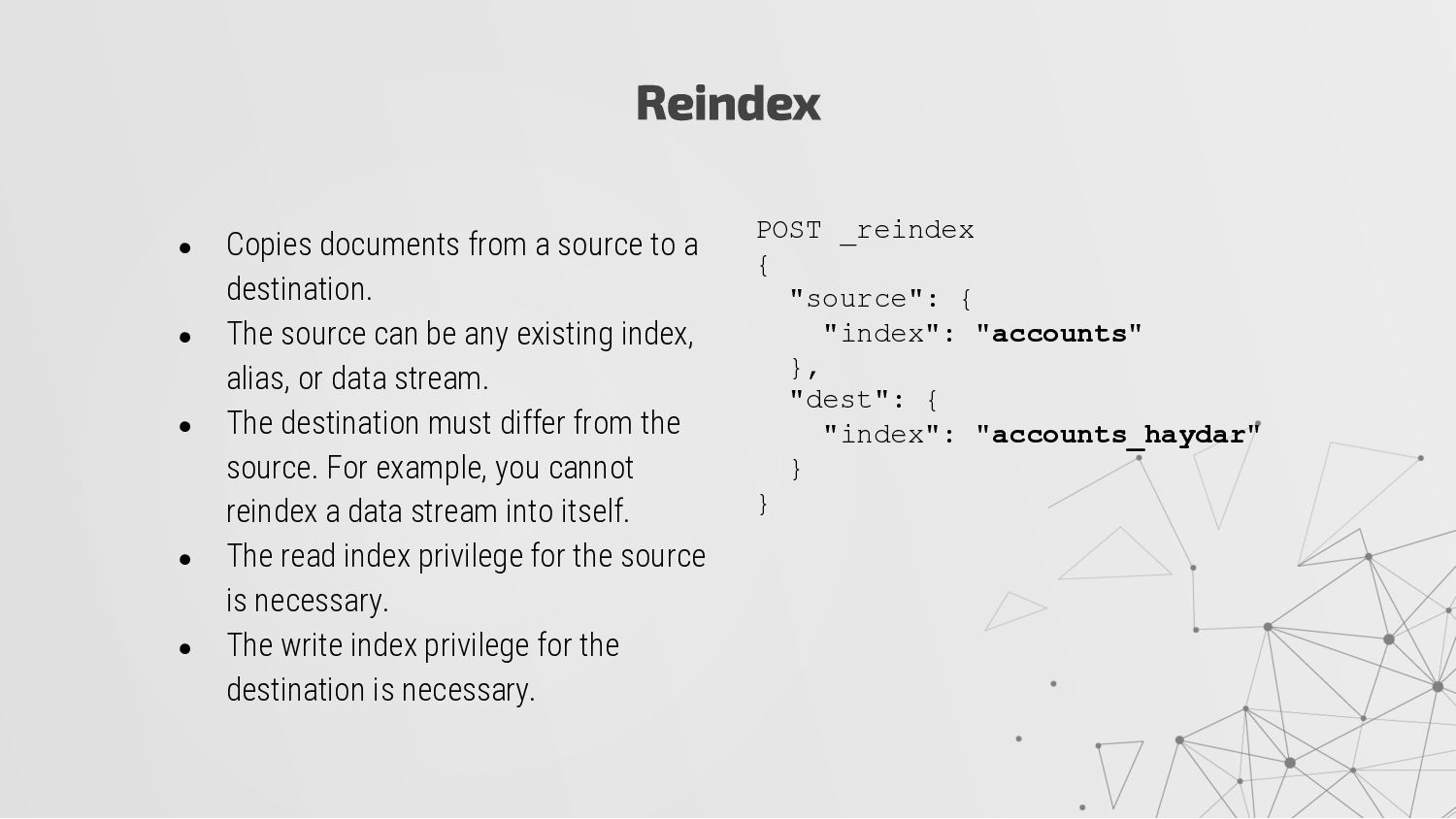
• The source can be any existing index, alias, or data stream. • The destination must differ from the source. For example, you cannot reindex a data stream into itself. • The read index privilege for the source is necessary. • The write index privilege for the destination is necessary. POST _reindex { "source": { "index": "accounts" }, "dest": { "index": "accounts_haydar" } }
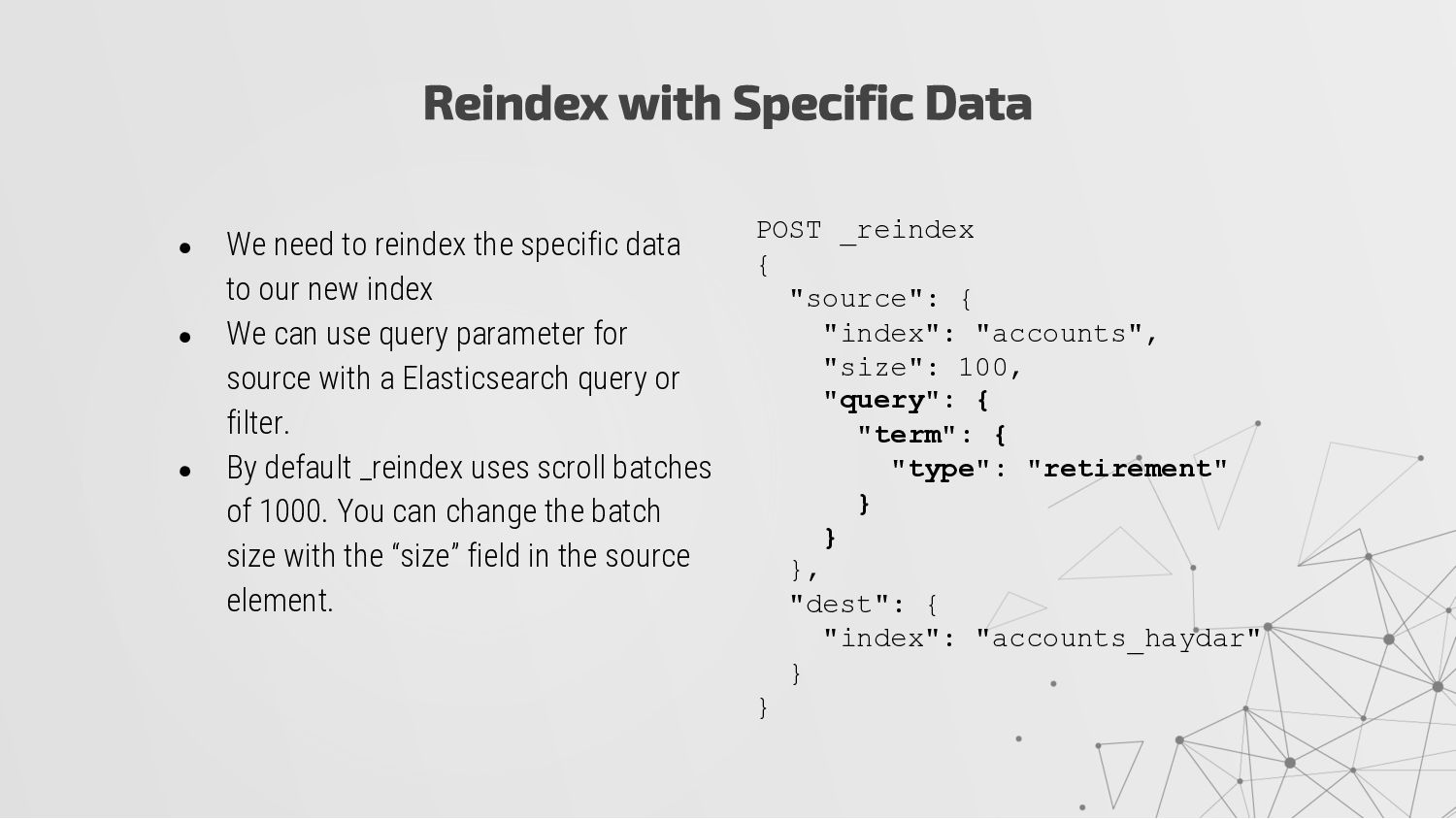
specific data to our new index • We can use query parameter for source with a Elasticsearch query or filter. • By default _reindex uses scroll batches of 1000. You can change the batch size with the “size” field in the source element. POST _reindex { "source": { "index": "accounts", "size": 100, "query": { "term": { "type": "retirement" } } }, "dest": { "index": "accounts_haydar" } }
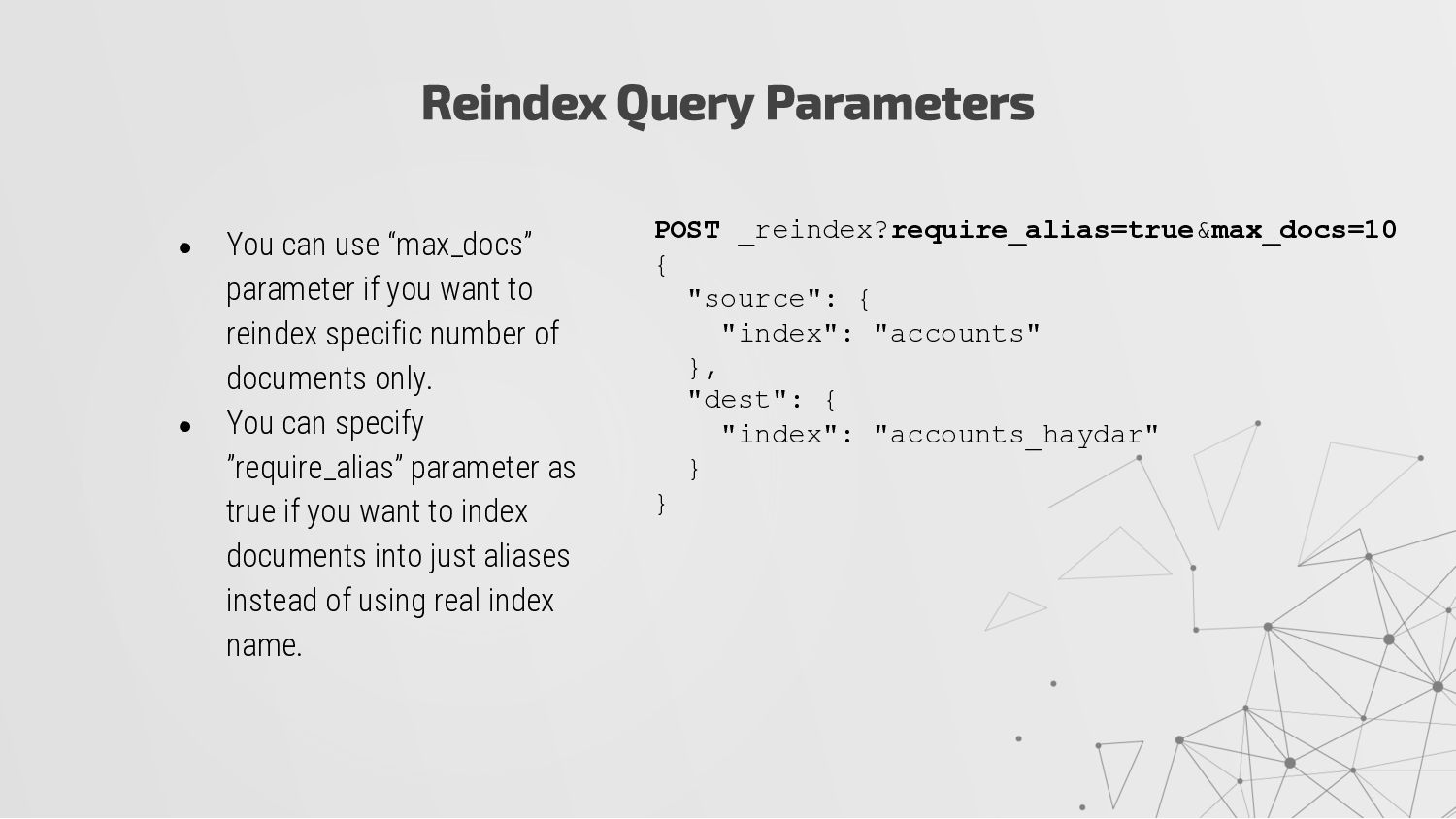
you want to reindex specific number of documents only. • You can specify ”require_alias” parameter as true if you want to index documents into just aliases instead of using real index name. POST _reindex?require_alias=true&max_docs=10 { "source": { "index": "accounts" }, "dest": { "index": "accounts_haydar" } }
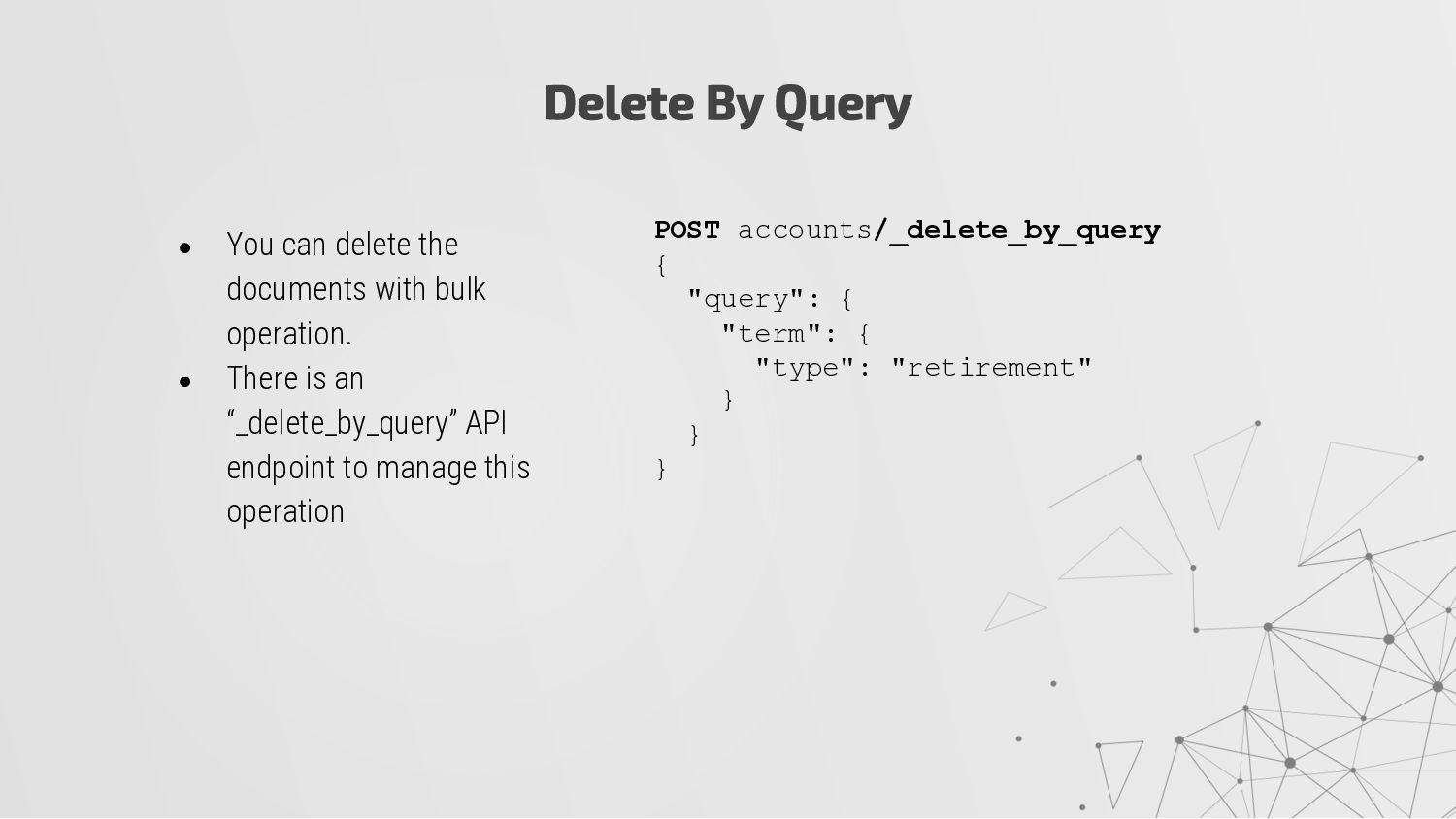
bulk operation. • There is an “_delete_by_query” API endpoint to manage this operation POST accounts/_delete_by_query { "query": { "term": { "type": "retirement" } } }
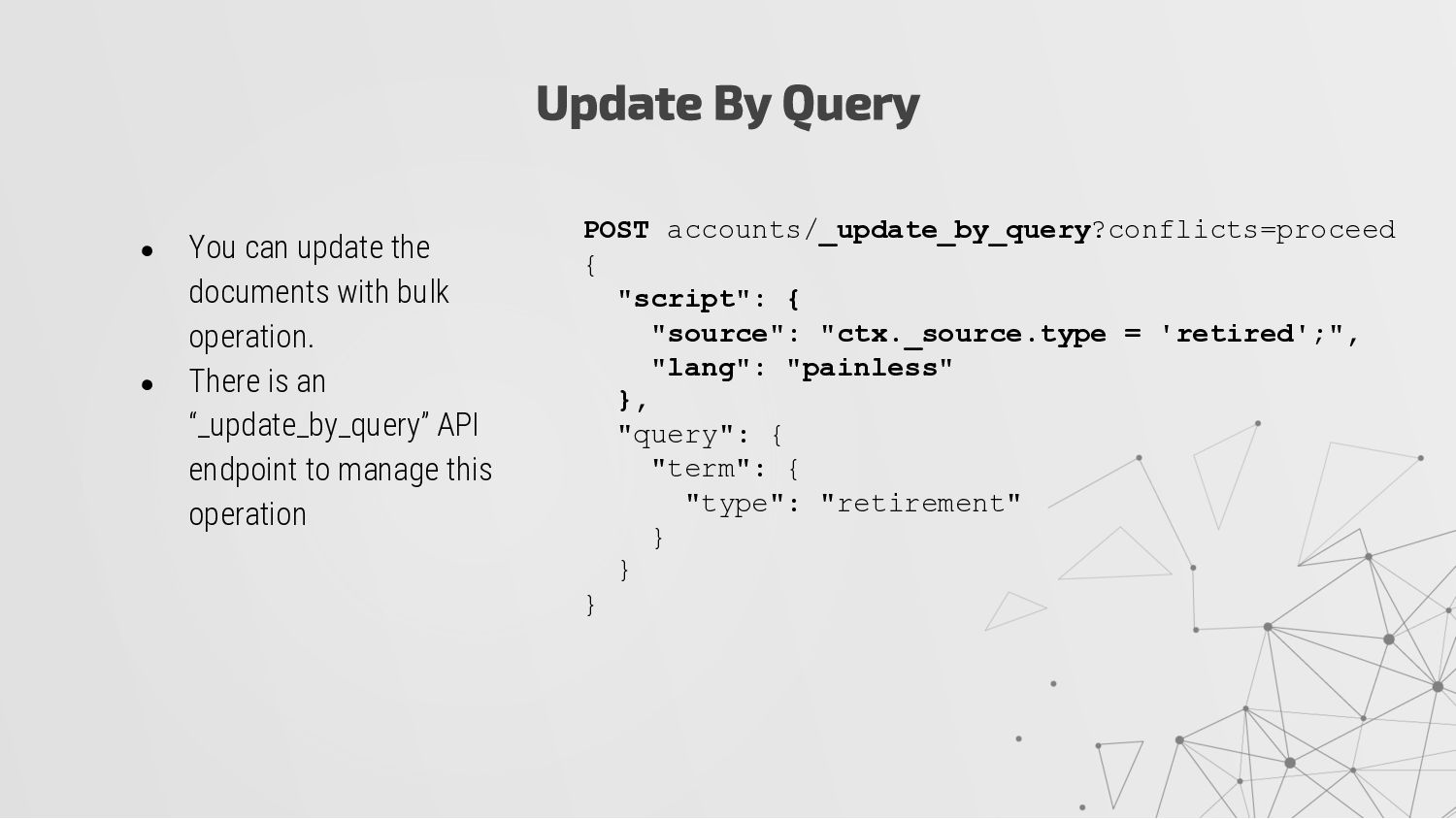
bulk operation. • There is an “_update_by_query” API endpoint to manage this operation POST accounts/_update_by_query?conflicts=proceed { "script": { "source": "ctx._source.type = 'retired';", "lang": "painless" }, "query": { "term": { "type": "retirement" } } }


 hkulekci
 erikaheidi
 bermonpainter
 auna
auna
 axbom
axbom
 caitiem20
 bluesmoon
 elsirapls
.png) helenjbeal
helenjbeal
 samanthasiow
 marcelosomers
 jcasabona
 addyosmani