• Understand the components of Chef and how they fit together • Know just enough Ruby to get started • Be able to create a new cookbook • Understand the core primitives of Chef recipes • Get accustomed to the common workflows used by experienced Chef users/developers Tuesday, July 23, 13
comprehensive course. • We will do some hands on exercises. • You should get a taste for automating with Chef. • You should have received instructions for prerequisites prior to this tutorial • Chef works and runs on Windows, but the exercises for this tutorial are Linux-based Tuesday, July 23, 13
key auth • Infrastructure data store such as node data • Search Service • Derivative Services? http://www.flickr.com/photos/core-materials/4419853626/sizes/o/in/photostream/ Tuesday, July 23, 13
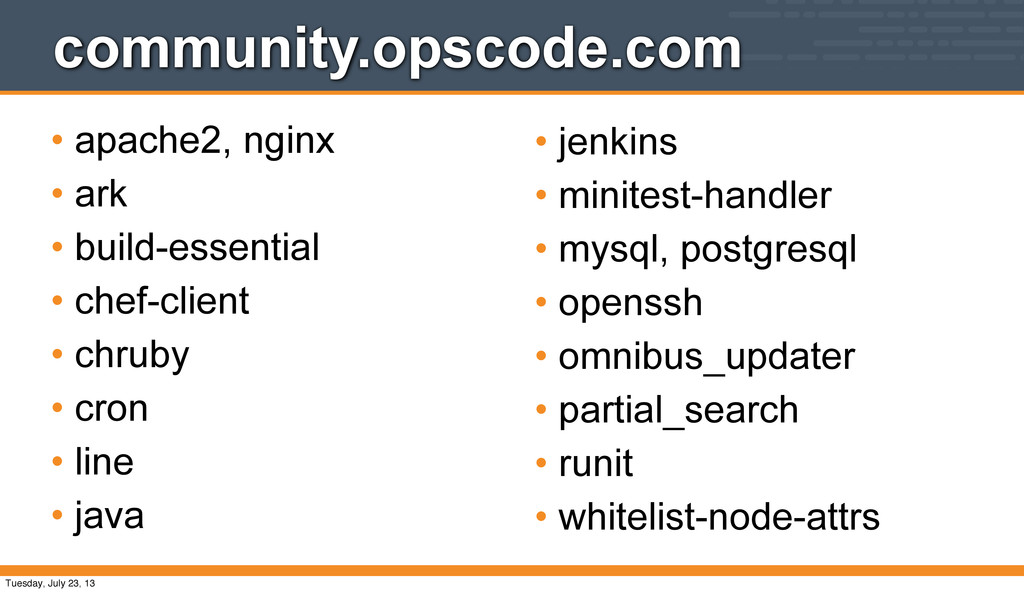
License, Version 2.0 • Hundreds of Individual and Corporate contributors. • Hundreds of cookbooks available from the community • http://community.opscode.com Tuesday, July 23, 13
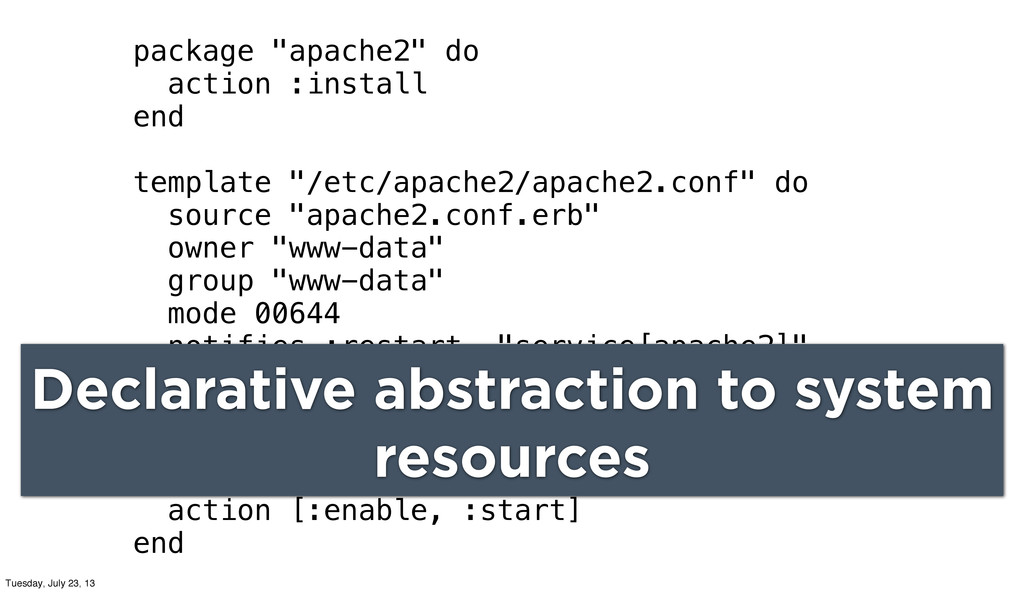
"apache2.conf.erb" owner "www-data" group "www-data" mode 00644 notifies :restart, "service[apache2]" end service "apache2" do supports :status => true, :restart => true action [:enable, :start] end Declarative abstraction to system resources Tuesday, July 23, 13
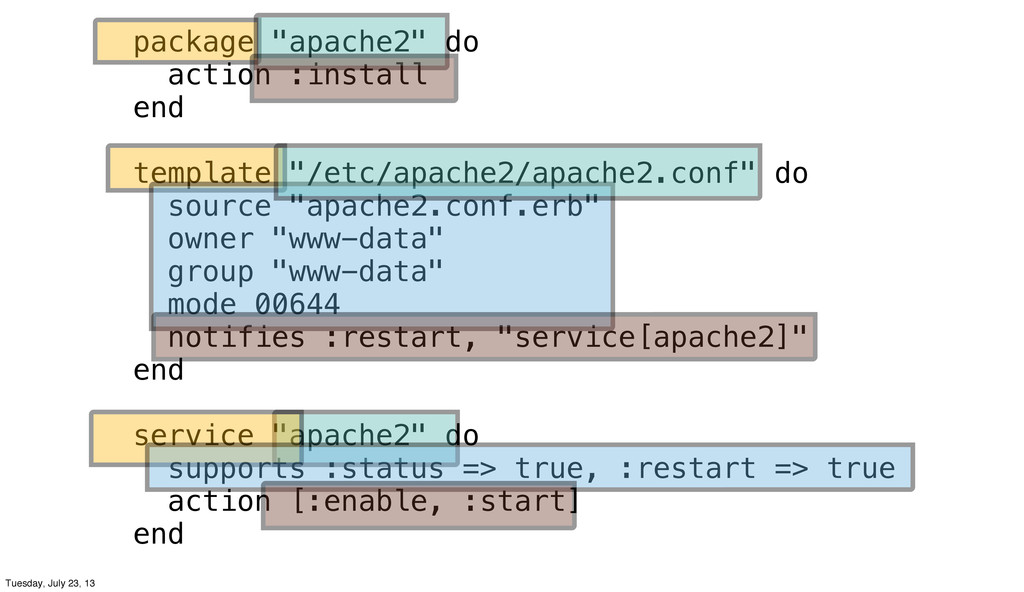
"apache2.conf.erb" owner "www-data" group "www-data" mode 00644 notifies :restart, "service[apache2]" end service "apache2" do supports :status => true, :restart => true action [:enable, :start] end Tuesday, July 23, 13
end template "/etc/apache2/apache2.conf" do source "apache2.conf.erb" owner "www-data" group "www-data" mode 00644 notifies :restart, "service[apache2]" end service "apache2" do supports :status => true, :restart => true action [:enable, :start] end Tuesday, July 23, 13
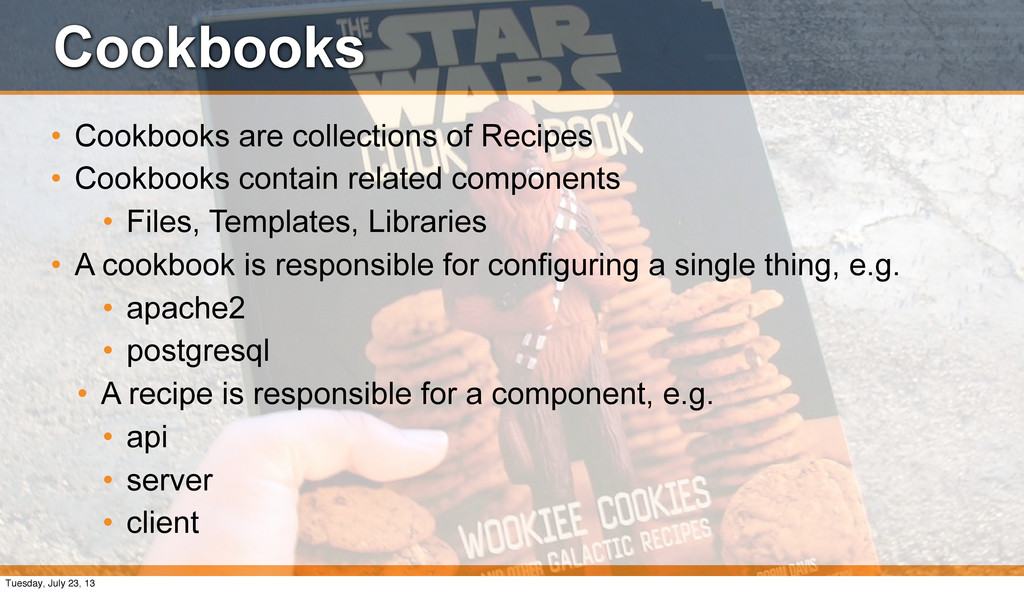
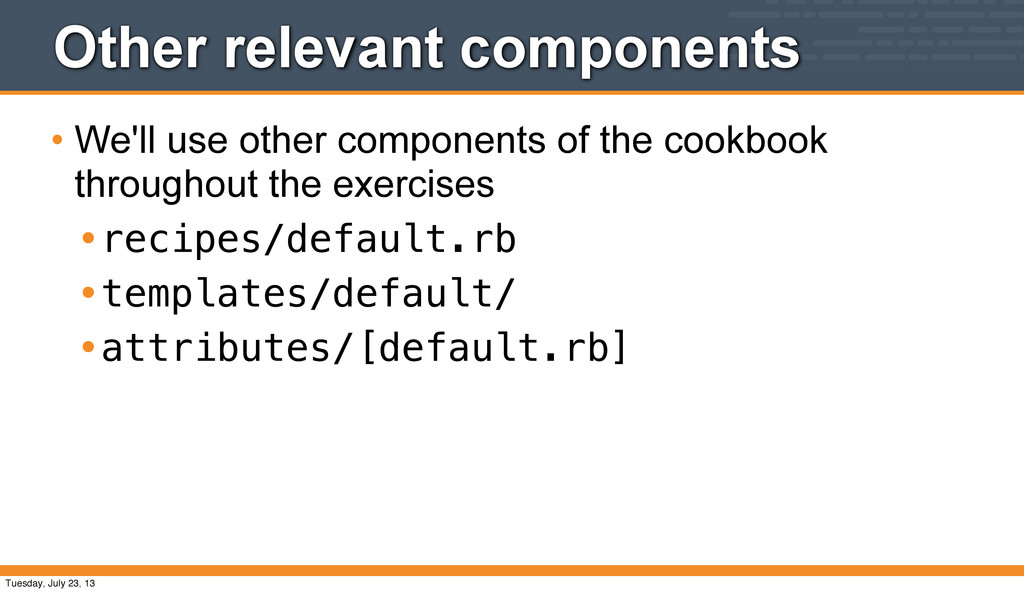
related components • Files, Templates, Libraries • A cookbook is responsible for configuring a single thing, e.g. • apache2 • postgresql • A recipe is responsible for a component, e.g. • api • server • client Tuesday, July 23, 13
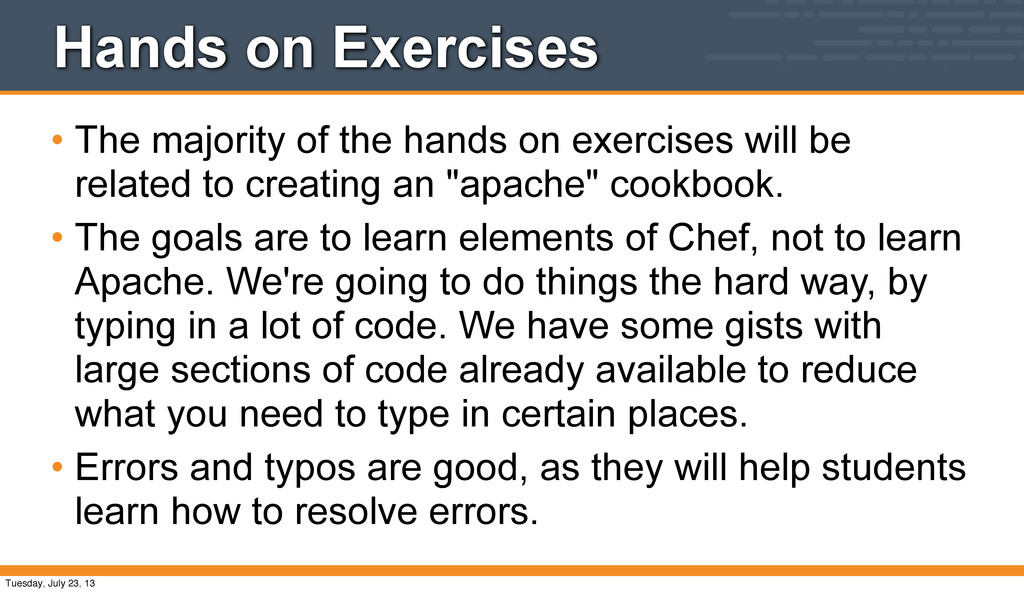
exercises will be related to creating an "apache" cookbook. • The goals are to learn elements of Chef, not to learn Apache. We're going to do things the hard way, by typing in a lot of code. We have some gists with large sections of code already available to reduce what you need to type in certain places. • Errors and typos are good, as they will help students learn how to resolve errors. Tuesday, July 23, 13
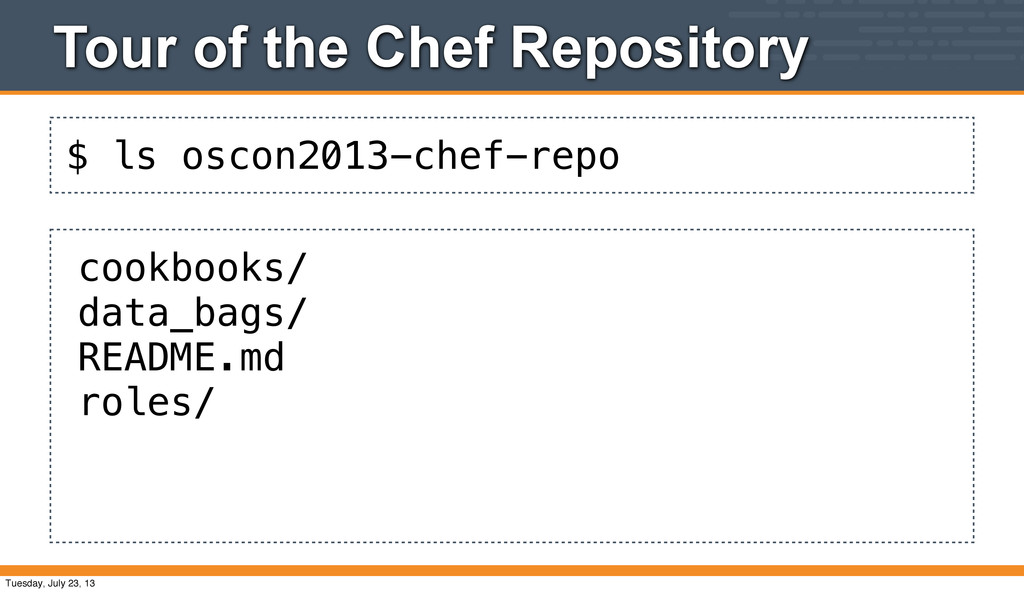
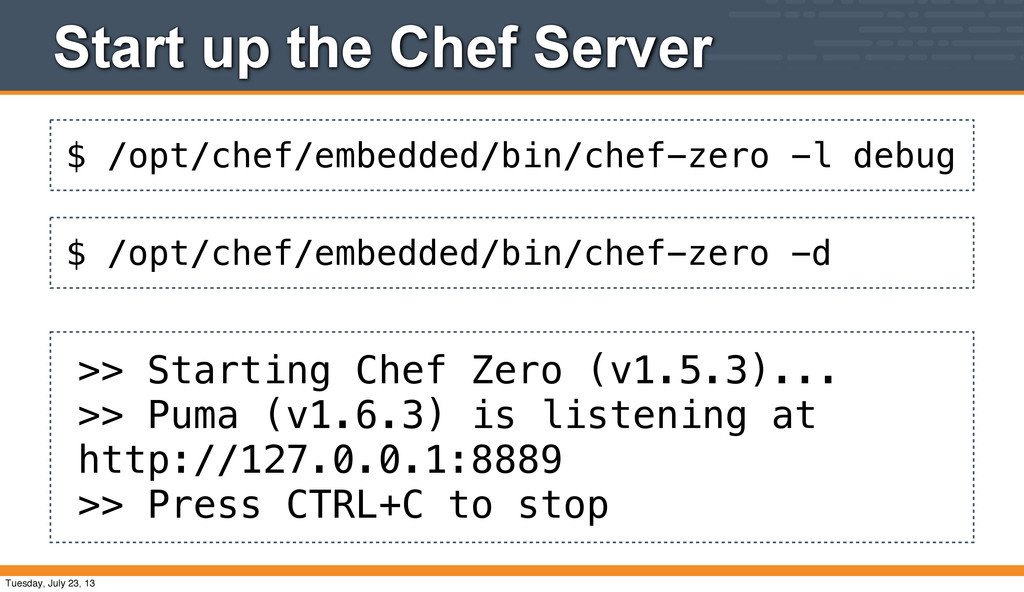
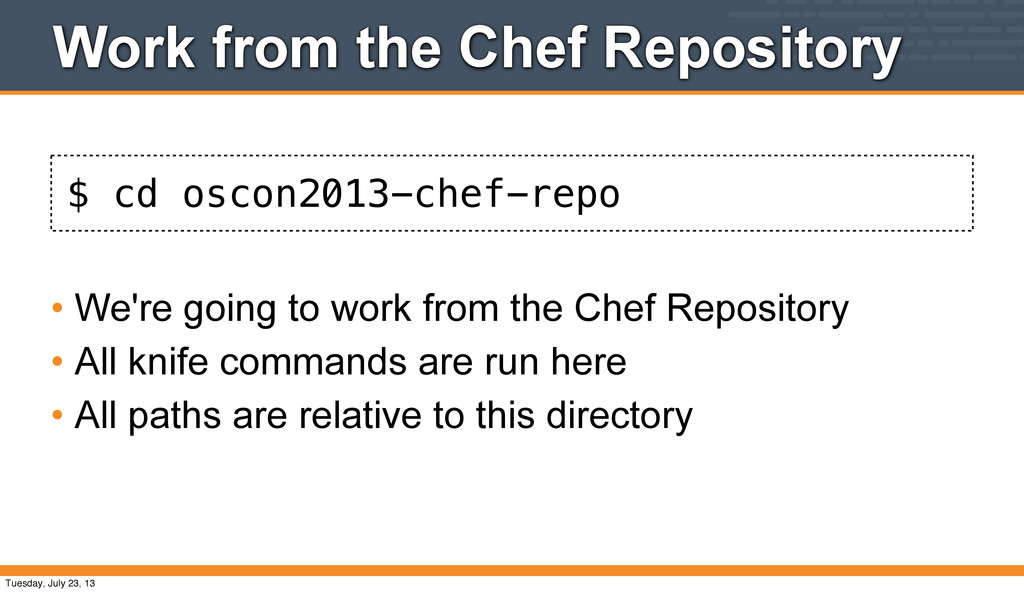
all the exercises. • Introduce the students to the Chef Repository • Start up the Chef Server • Introduce the knife command-line tool Tuesday, July 23, 13
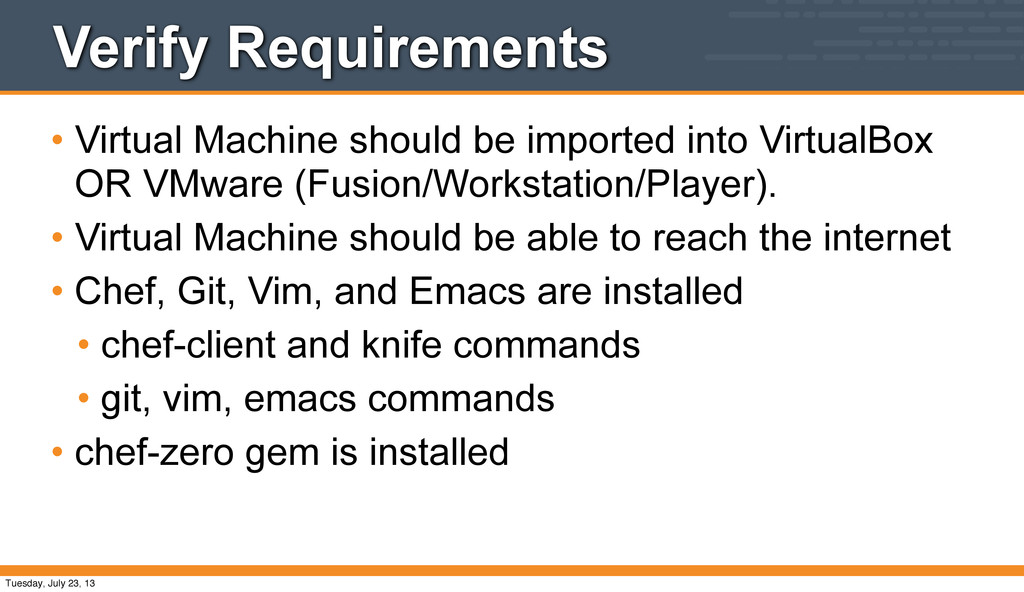
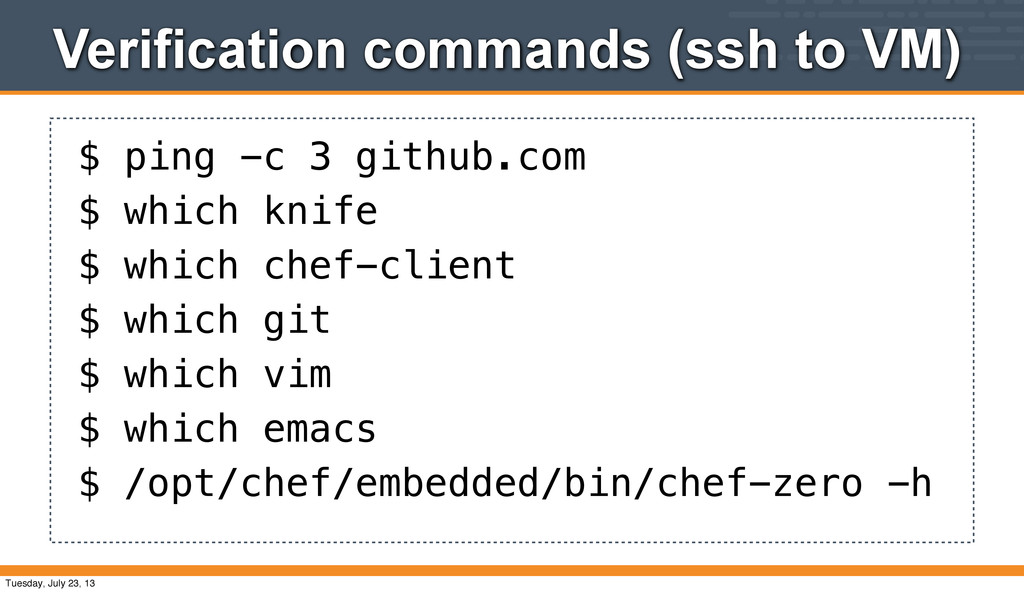
OR VMware (Fusion/Workstation/Player). • Virtual Machine should be able to reach the internet • Chef, Git, Vim, and Emacs are installed • chef-client and knife commands • git, vim, emacs commands • chef-zero gem is installed Tuesday, July 23, 13
Starting Chef Zero (v1.5.3)... >> Puma (v1.6.3) is listening at http://127.0.0.1:8889 >> Press CTRL+C to stop $ /opt/chef/embedded/bin/chef-zero -d Tuesday, July 23, 13
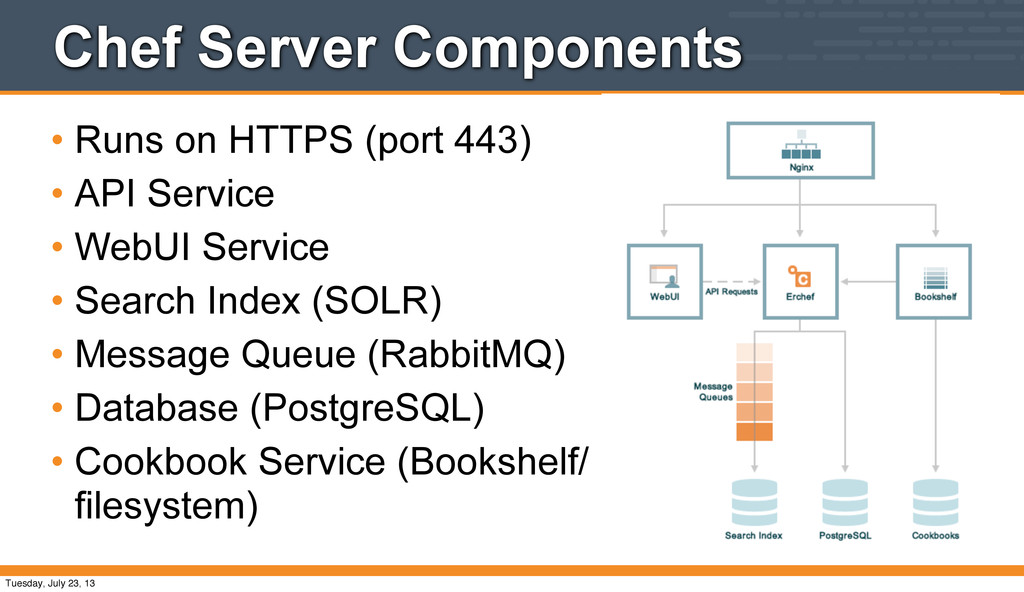
Opscode Hosted Chef • Opscode Private Chef • Chef Solo • Chef Zero (our flavor today) • Alternate implementations of the server API Tuesday, July 23, 13
API Service • WebUI Service • Search Index (SOLR) • Message Queue (RabbitMQ) • Database (PostgreSQL) • Cookbook Service (Bookshelf/ filesystem) Tuesday, July 23, 13
Server package is > 200M • Numerous moving parts • We have limited time in a 3 hour tutorial, and would rather focus on the steeper part of the learning curve • You wouldn't learn sendmail just to send email... Tuesday, July 23, 13
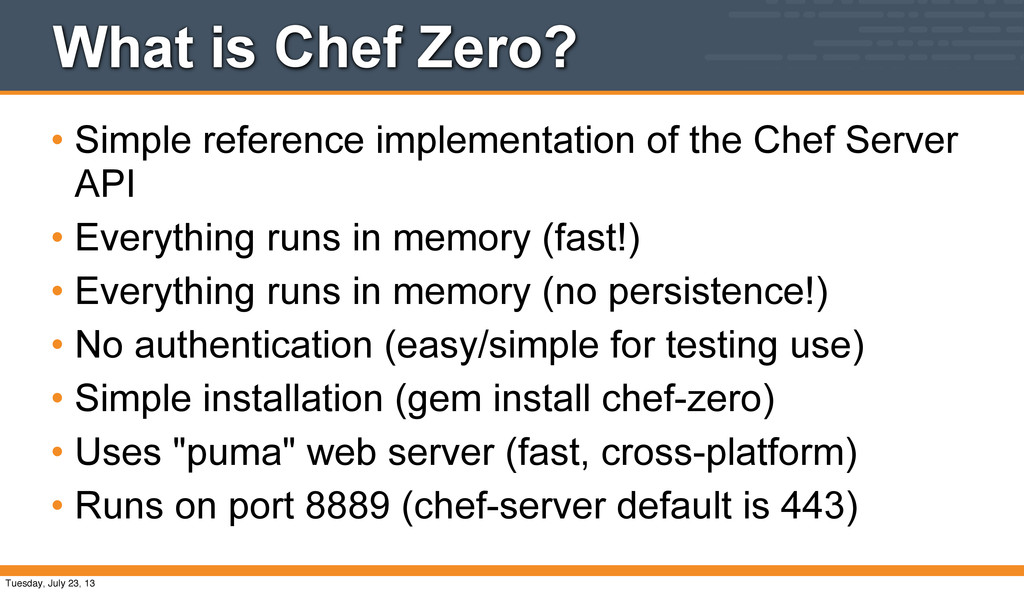
Chef Server API • Everything runs in memory (fast!) • Everything runs in memory (no persistence!) • No authentication (easy/simple for testing use) • Simple installation (gem install chef-zero) • Uses "puma" web server (fast, cross-platform) • Runs on port 8889 (chef-server default is 443) Tuesday, July 23, 13
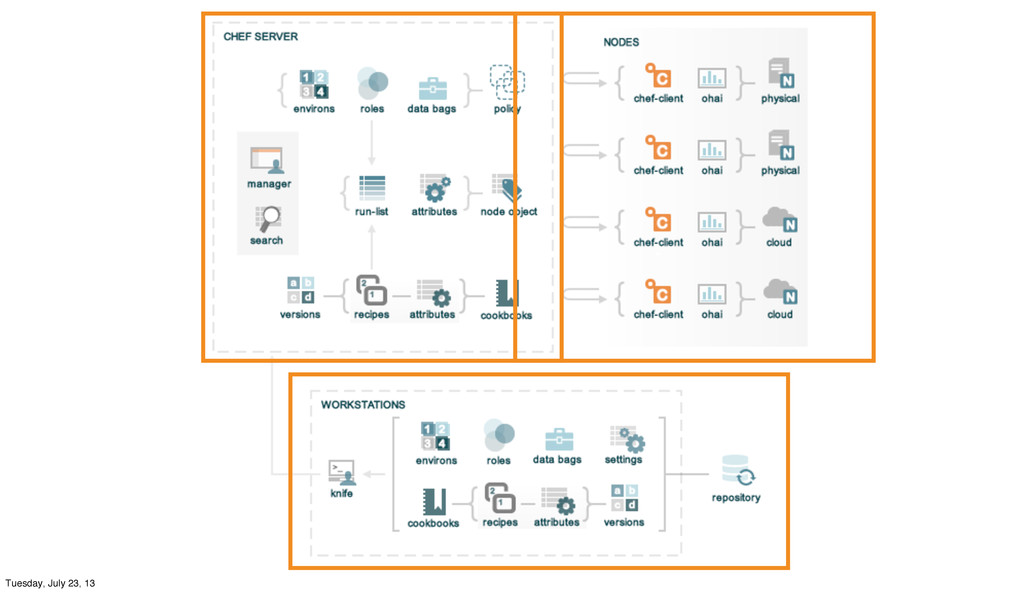
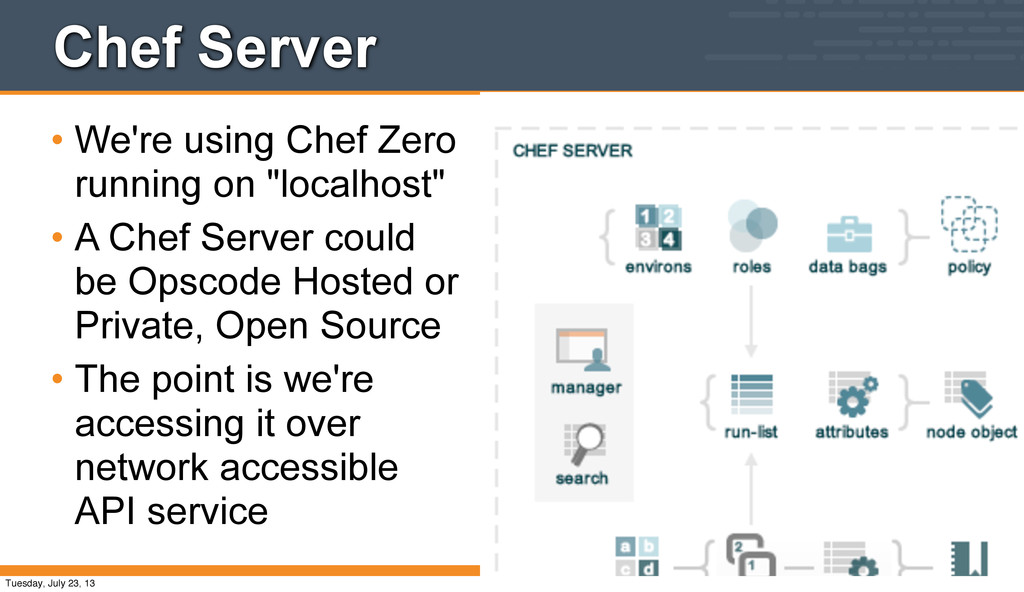
• A Chef Server could be Opscode Hosted or Private, Open Source • The point is we're accessing it over network accessible API service Tuesday, July 23, 13
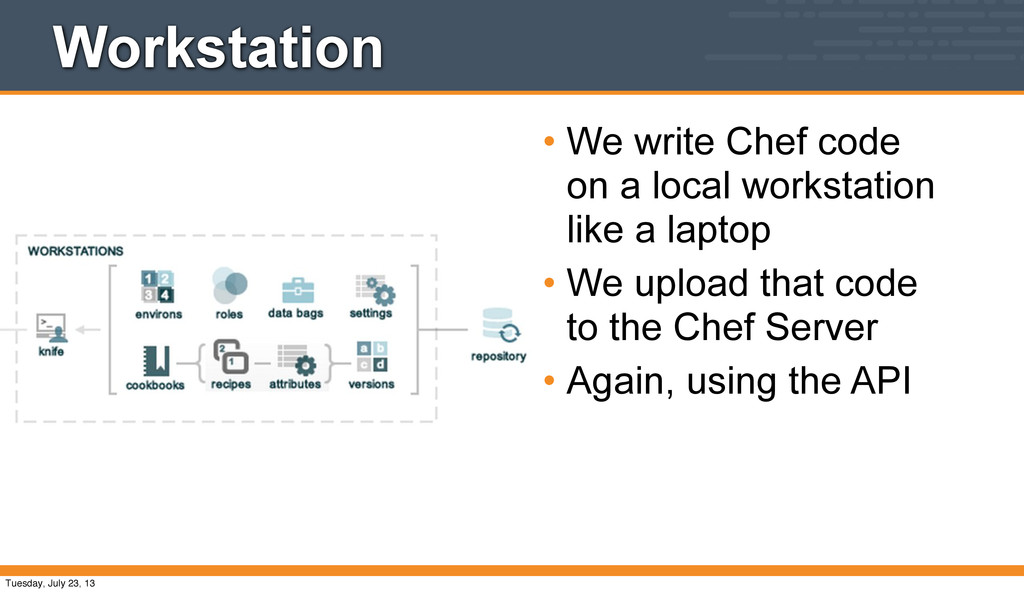
Chef Server • We're going to manage a single node • It happens to be on the same system as the Chef Zero server • Again, we're accessing the server via the API Tuesday, July 23, 13
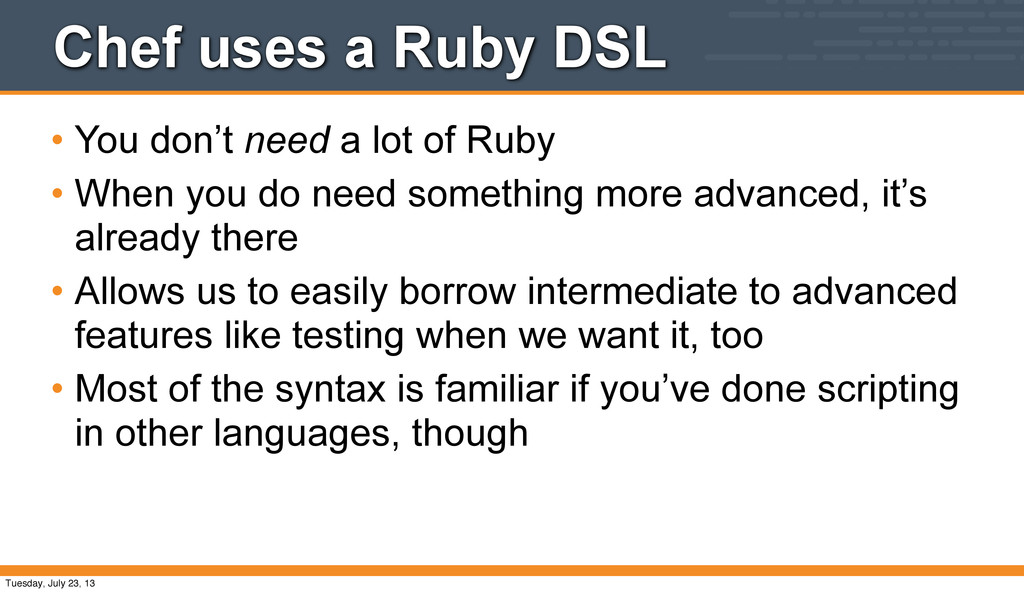
lot of Ruby • When you do need something more advanced, it’s already there • Allows us to easily borrow intermediate to advanced features like testing when we want it, too • Most of the syntax is familiar if you’ve done scripting in other languages, though Tuesday, July 23, 13
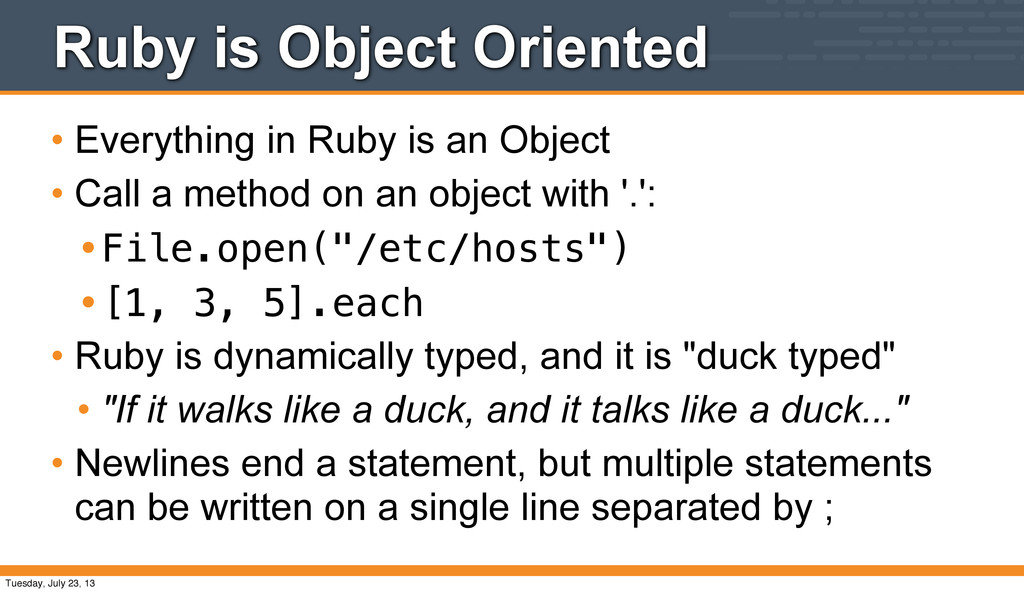
Object • Call a method on an object with '.': •File.open("/etc/hosts") •[1, 3, 5].each • Ruby is dynamically typed, and it is "duck typed" • "If it walks like a duck, and it talks like a duck..." • Newlines end a statement, but multiple statements can be written on a single line separated by ; Tuesday, July 23, 13
is a "REPL" or "Read, Eval, Print, Loop" • Installed w/ Ruby package • Installed w/ Chef Omnibus Package • /opt/chef/embedded/bin/irb Tuesday, July 23, 13
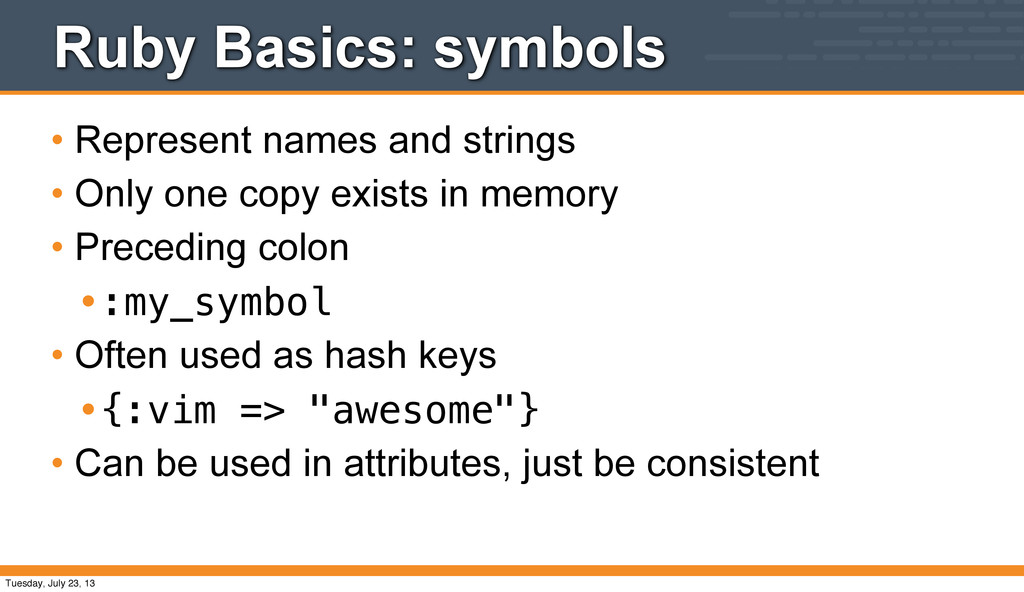
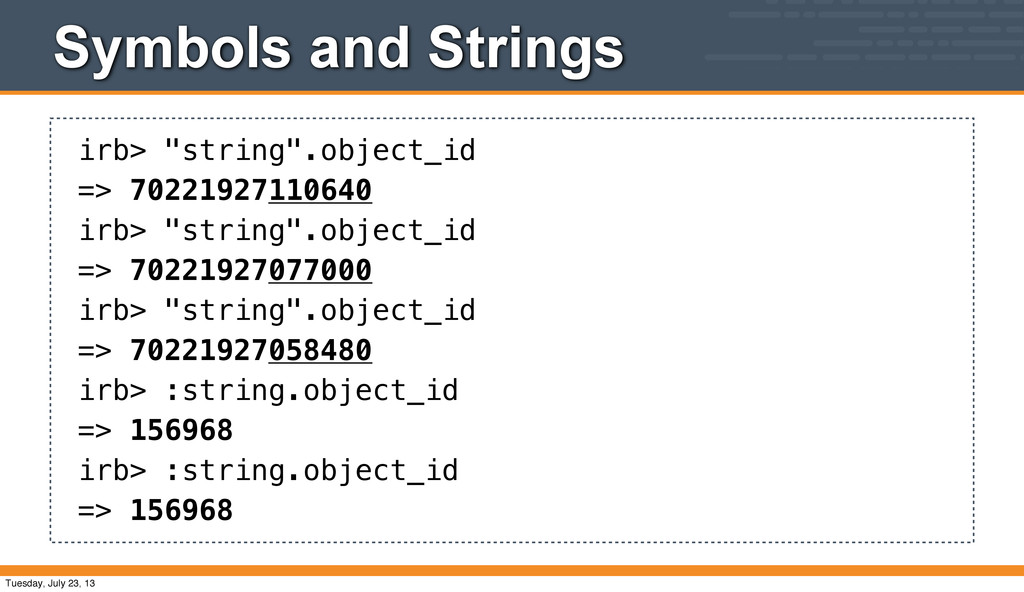
one copy exists in memory • Preceding colon •:my_symbol • Often used as hash keys •{:vim => "awesome"} • Can be used in attributes, just be consistent Tuesday, July 23, 13
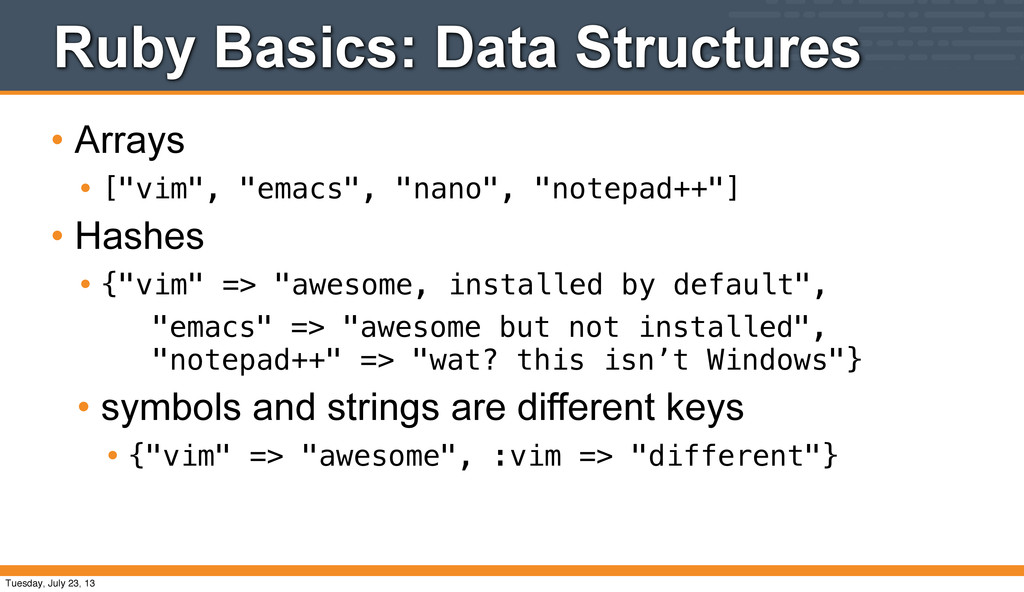
"notepad++"] • Hashes • {"vim" => "awesome, installed by default", "emacs" => "awesome but not installed", "notepad++" => "wat? this isn’t Windows"} • symbols and strings are different keys • {"vim" => "awesome", :vim => "different"} Tuesday, July 23, 13
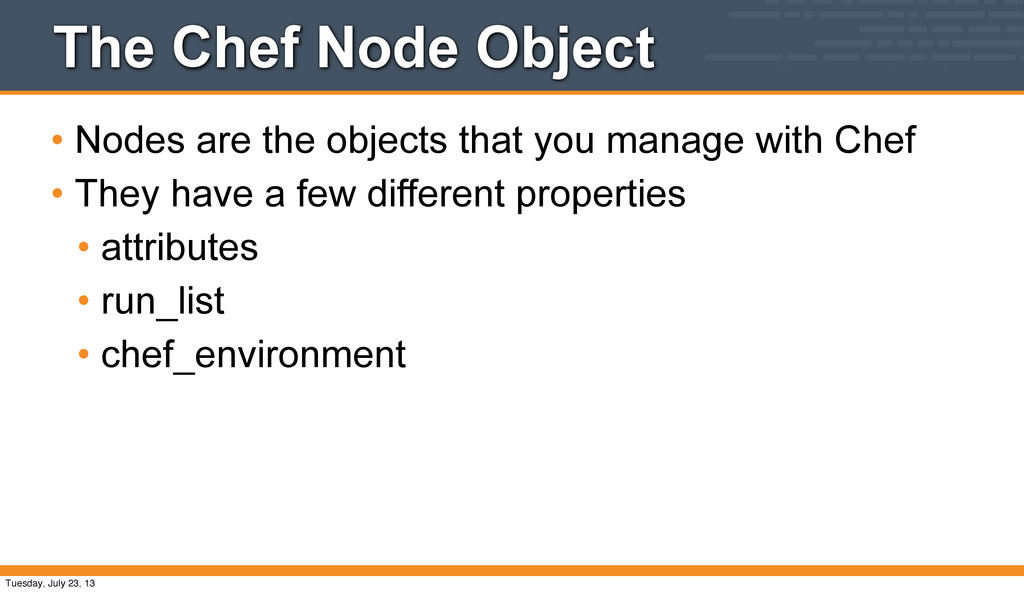
to create a new cookbook • Understand what a recipe is • Understand how to use the package, service, and template resources • Know how to upload a cookbook to the Chef Server • Understand what a run list is, and how to set it • How to read the output of the chef-client run Tuesday, July 23, 13
"package" for Chef recipes • It contains all the recipes, files, templates, libraries, etc. required to configure a portion of your infrastructure • Typically cookbooks map 1:1 to a piece of software or functionality. • "our tomcat cookbook" • "our zlib cookbook" • "our security_policy cookbook" Tuesday, July 23, 13
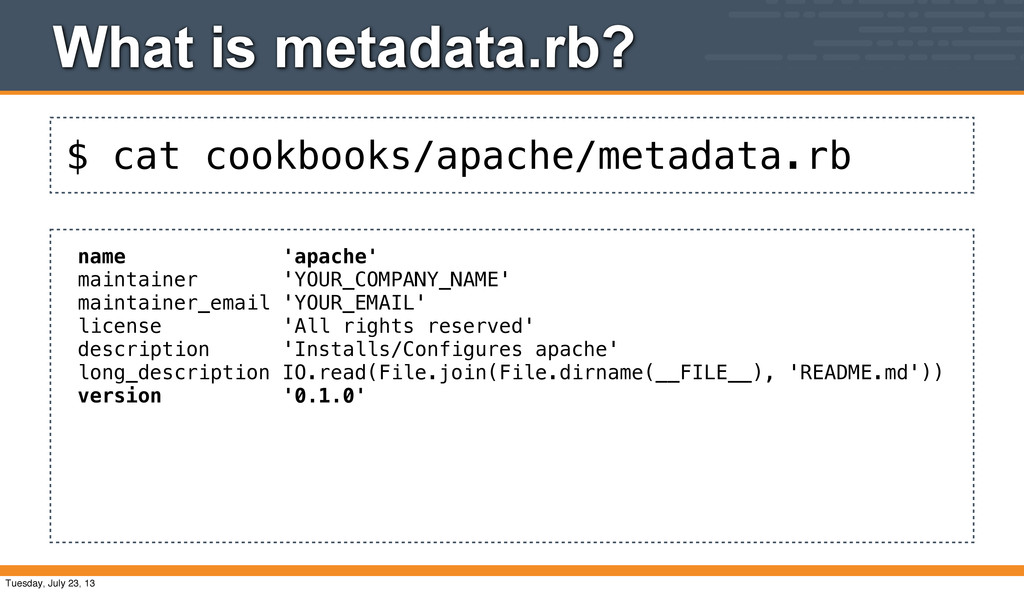
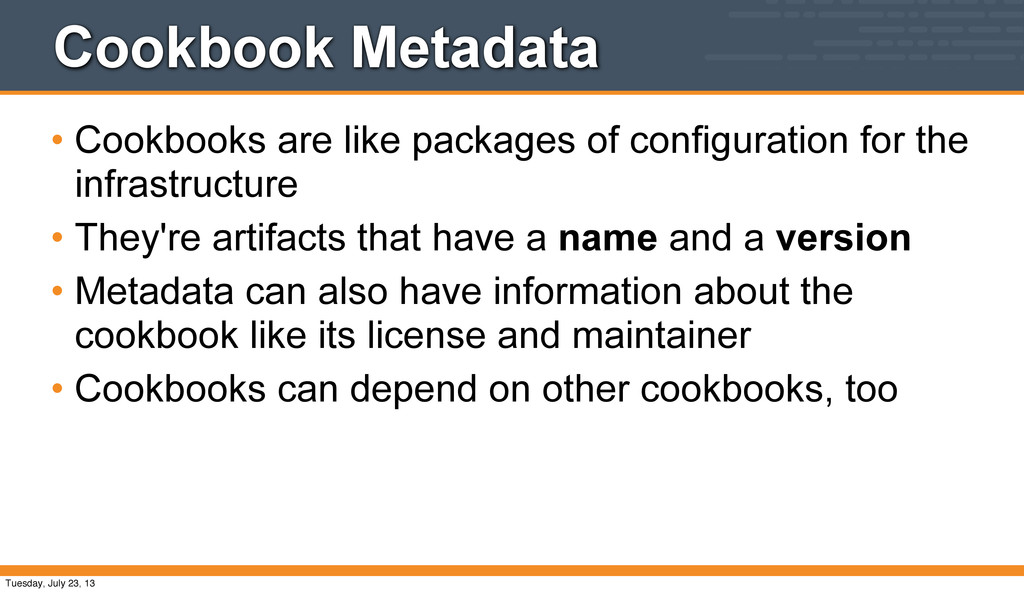
the infrastructure • They're artifacts that have a name and a version • Metadata can also have information about the cookbook like its license and maintainer • Cookbooks can depend on other cookbooks, too Tuesday, July 23, 13
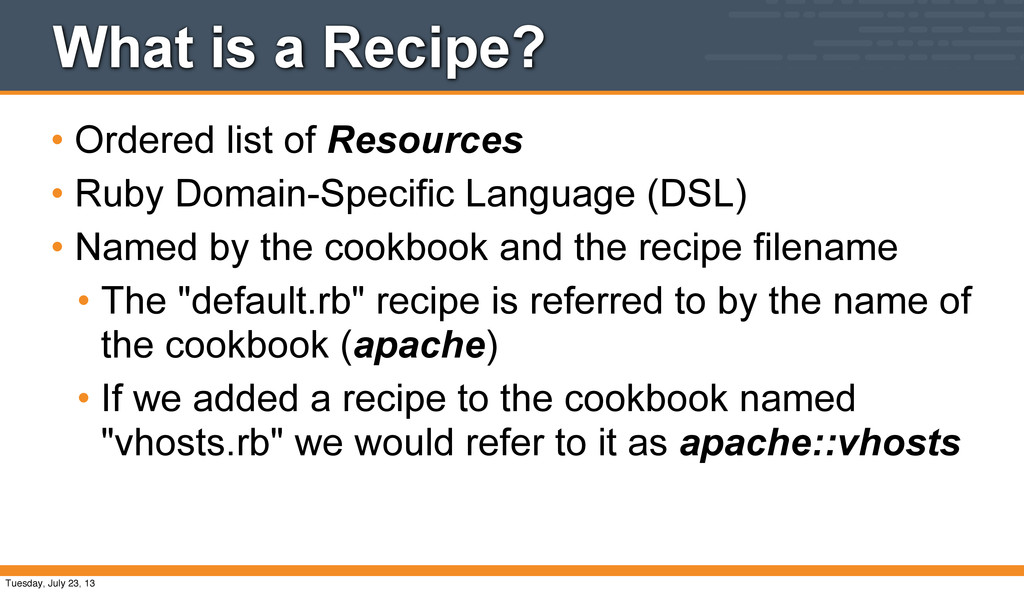
Ruby Domain-Specific Language (DSL) • Named by the cookbook and the recipe filename • The "default.rb" recipe is referred to by the name of the cookbook (apache) • If we added a recipe to the cookbook named "vhosts.rb" we would refer to it as apache::vhosts Tuesday, July 23, 13
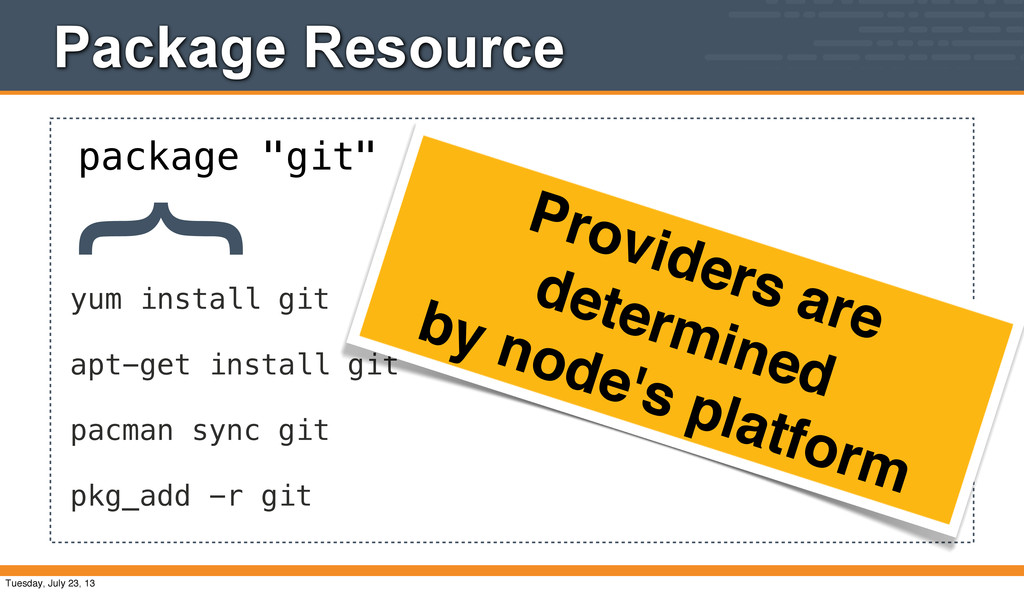
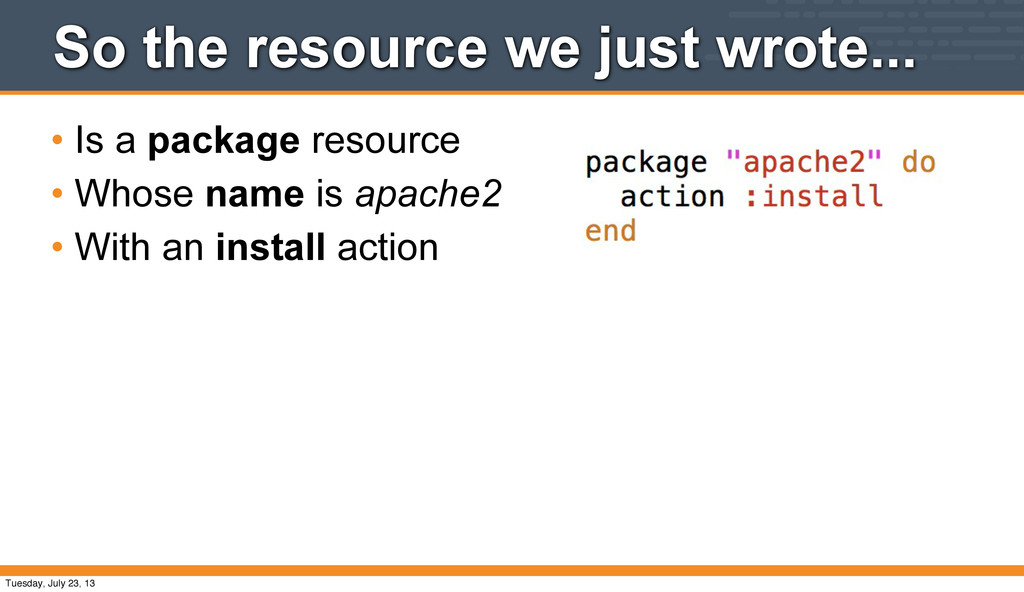
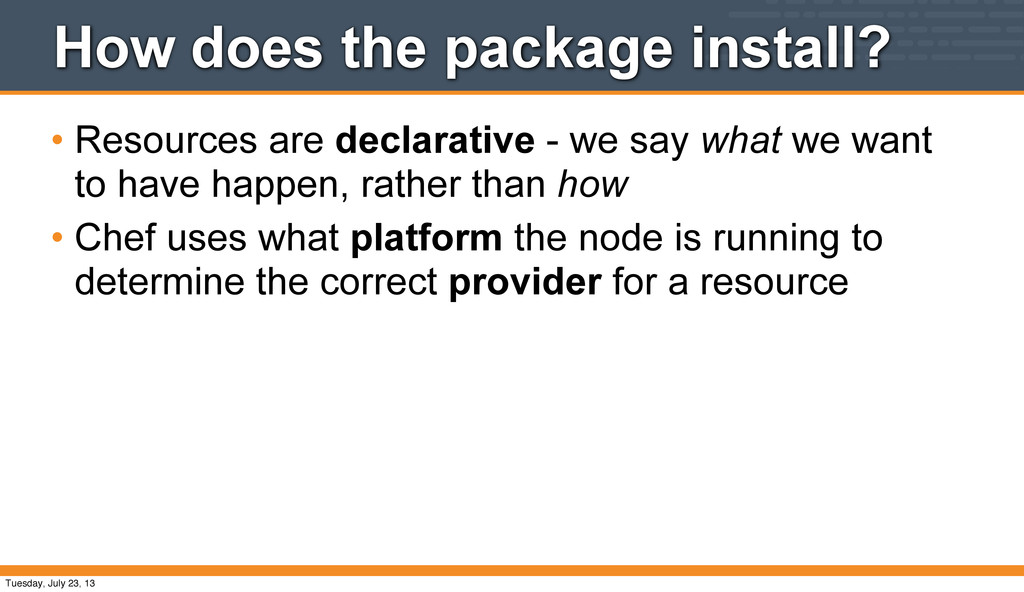
we say what we want to have happen, rather than how • Chef uses what platform the node is running to determine the correct provider for a resource Tuesday, July 23, 13
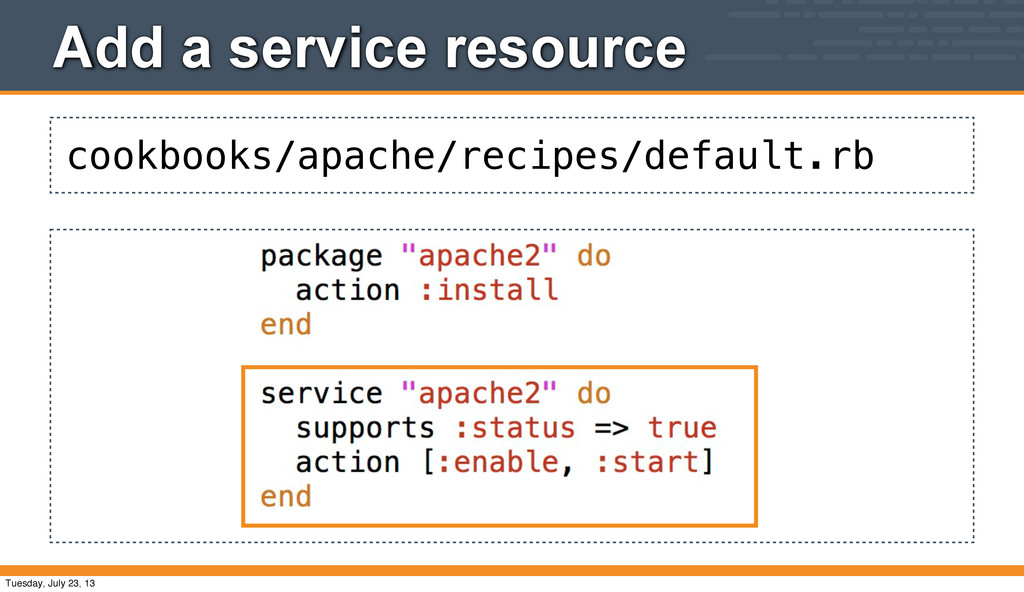
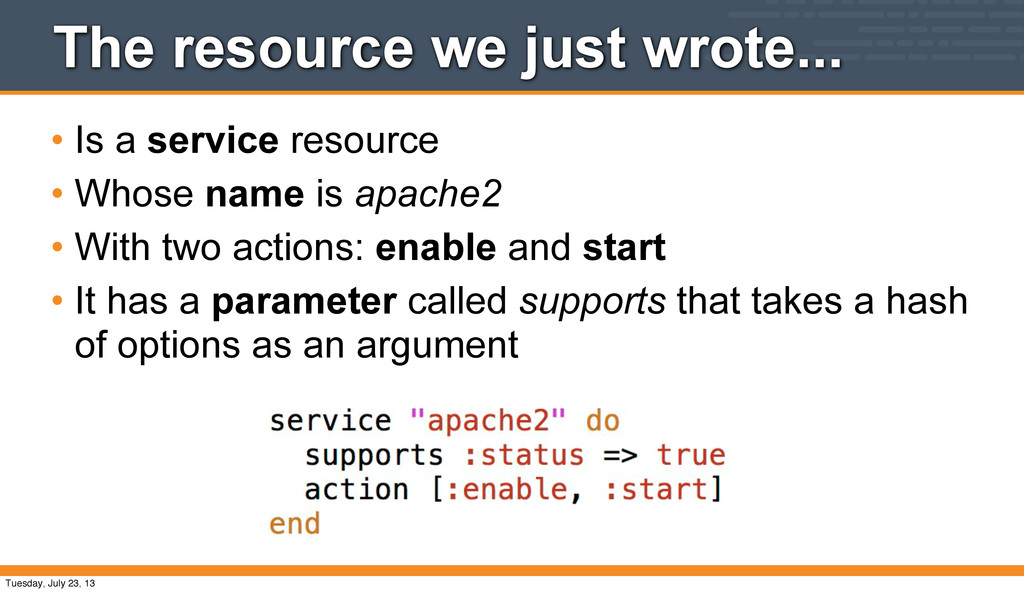
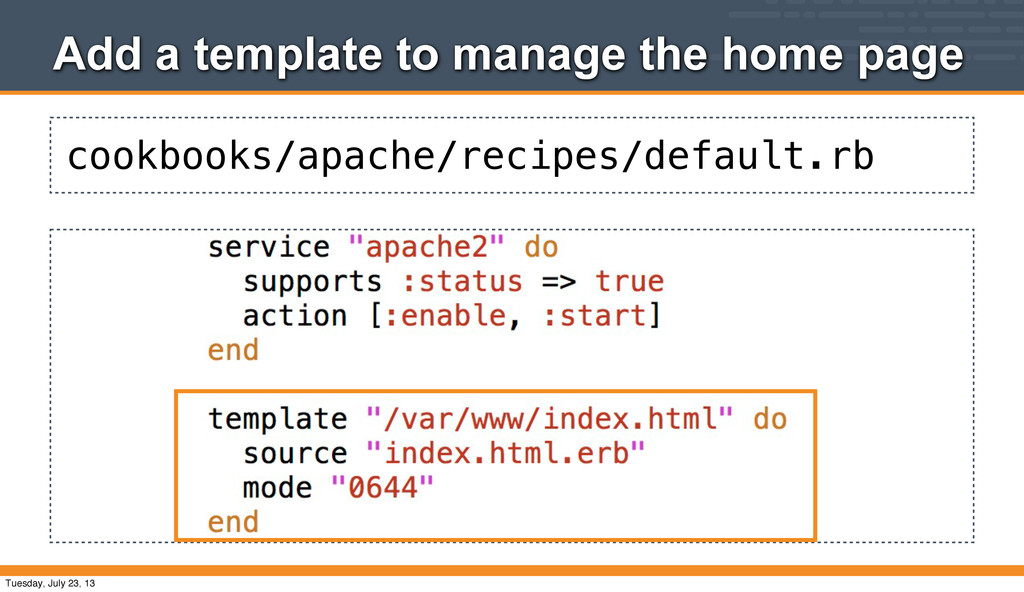
• Whose name is apache2 • With two actions: enable and start • It has a parameter called supports that takes a hash of options as an argument Tuesday, July 23, 13
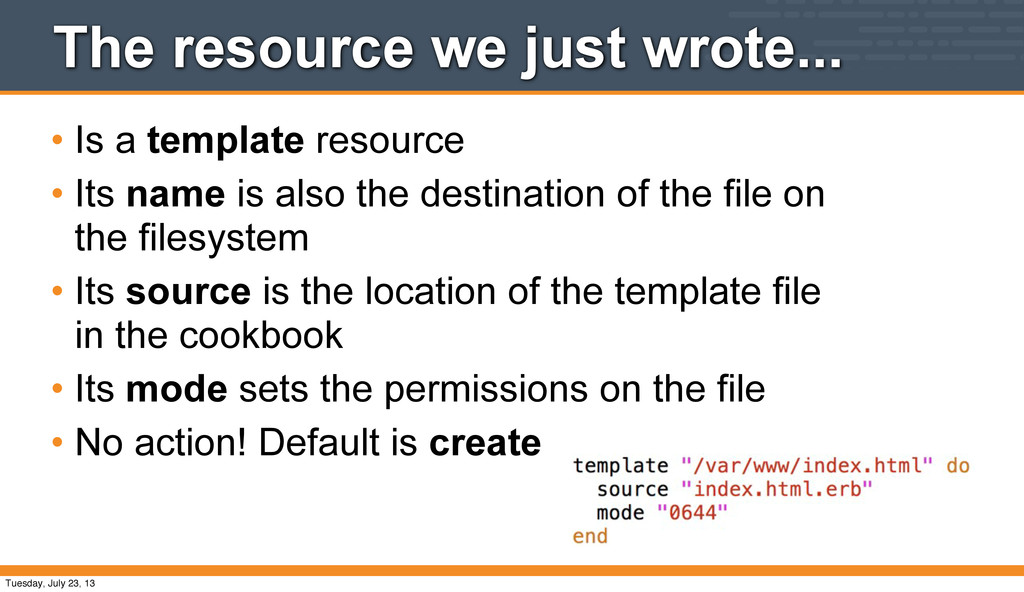
• Its name is also the destination of the file on the filesystem • Its source is the location of the template file in the cookbook • Its mode sets the permissions on the file • No action! Default is create Tuesday, July 23, 13
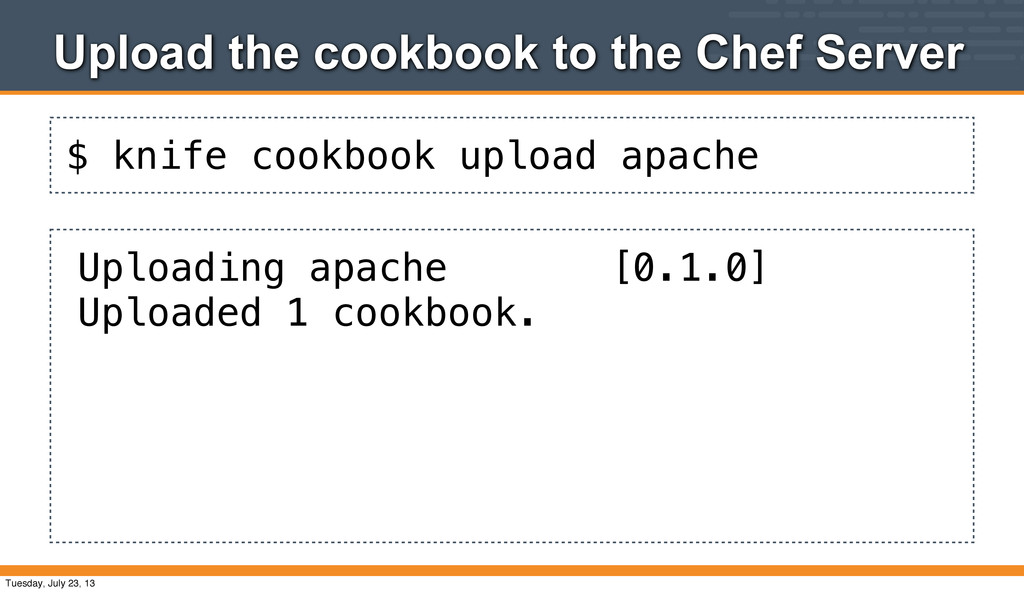
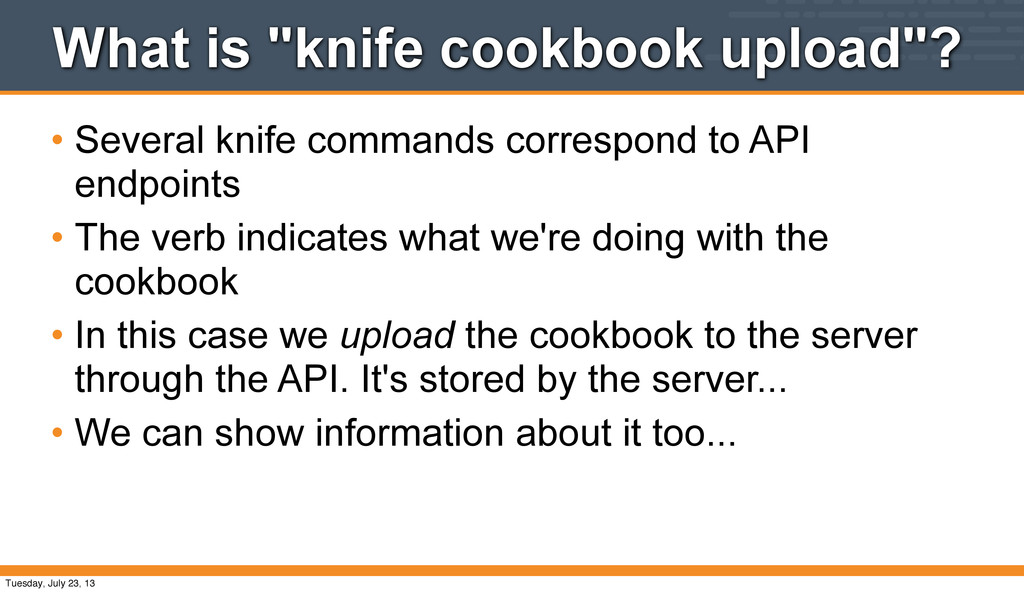
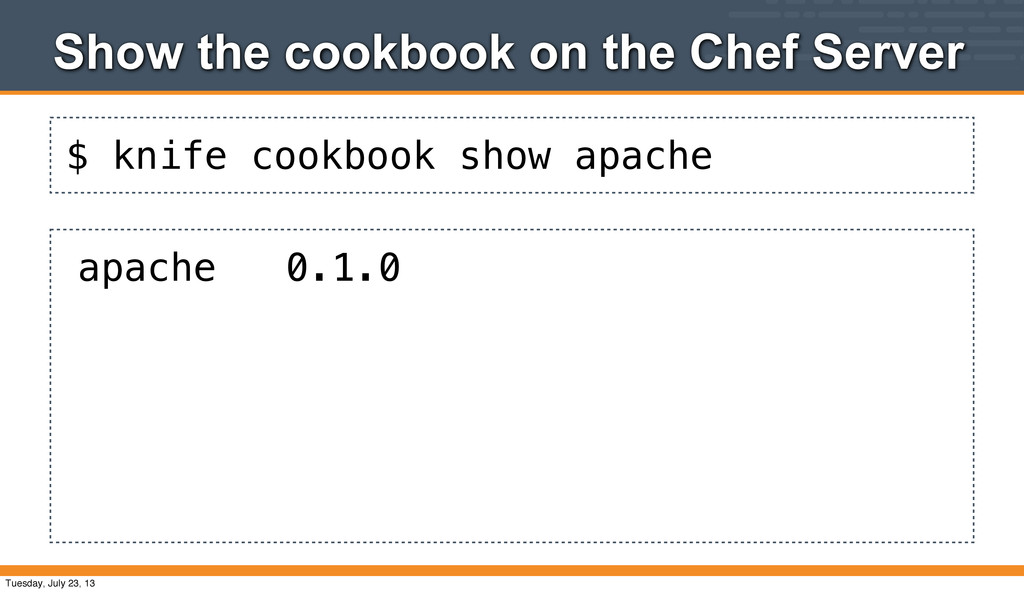
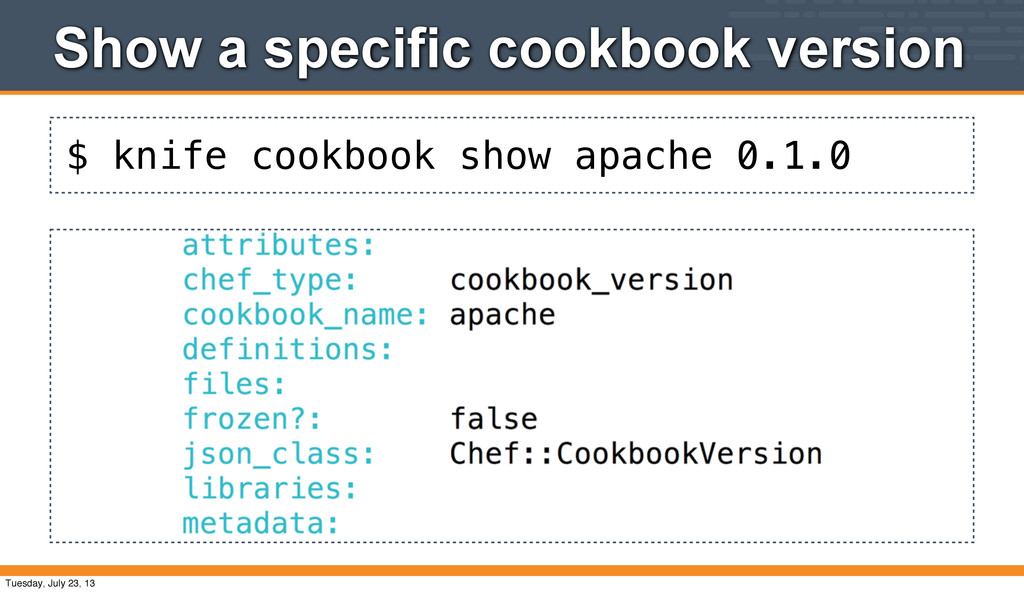
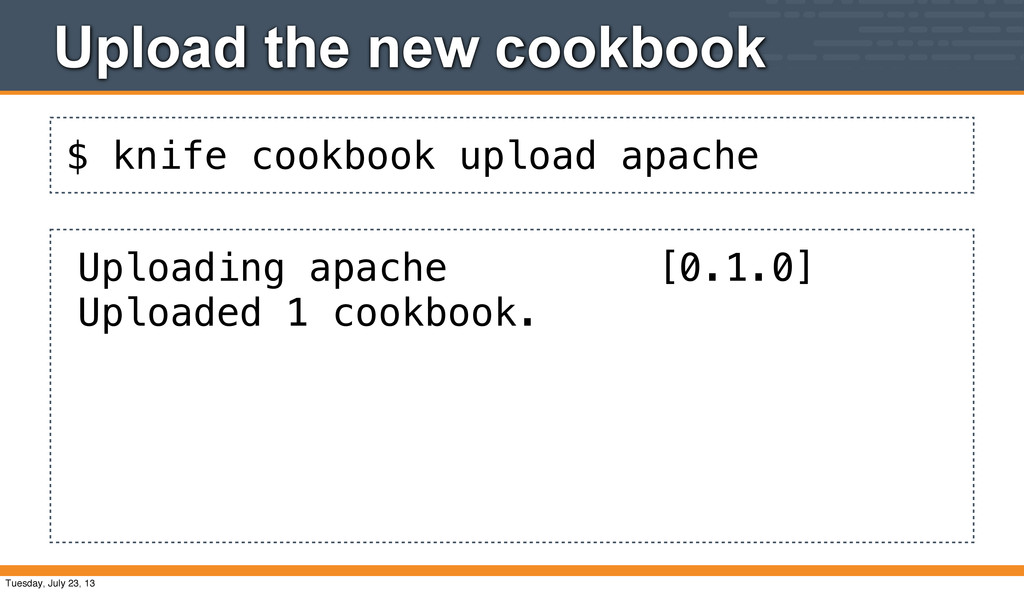
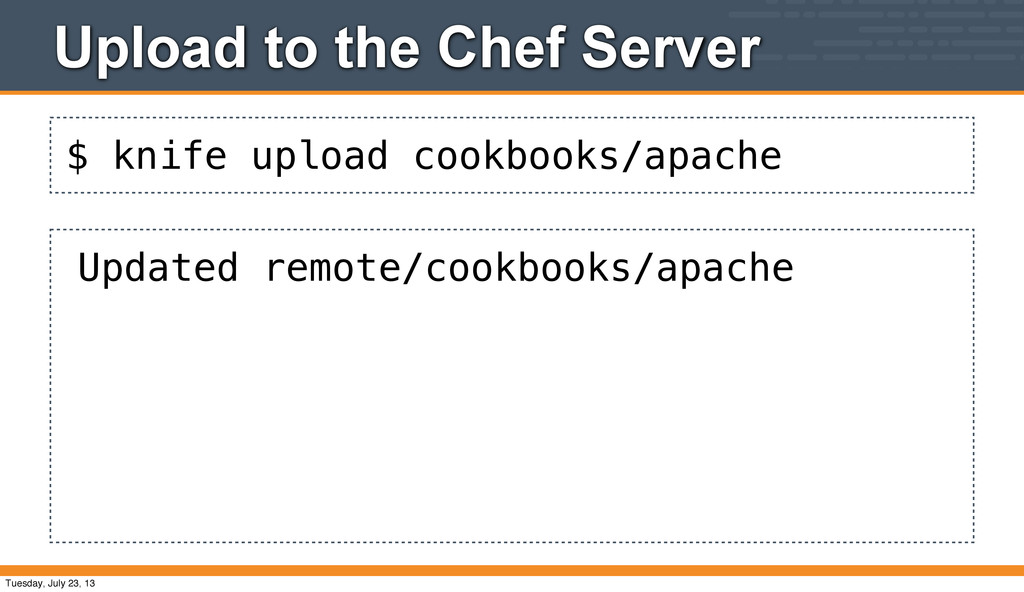
to API endpoints • The verb indicates what we're doing with the cookbook • In this case we upload the cookbook to the server through the API. It's stored by the server... • We can show information about it too... Tuesday, July 23, 13
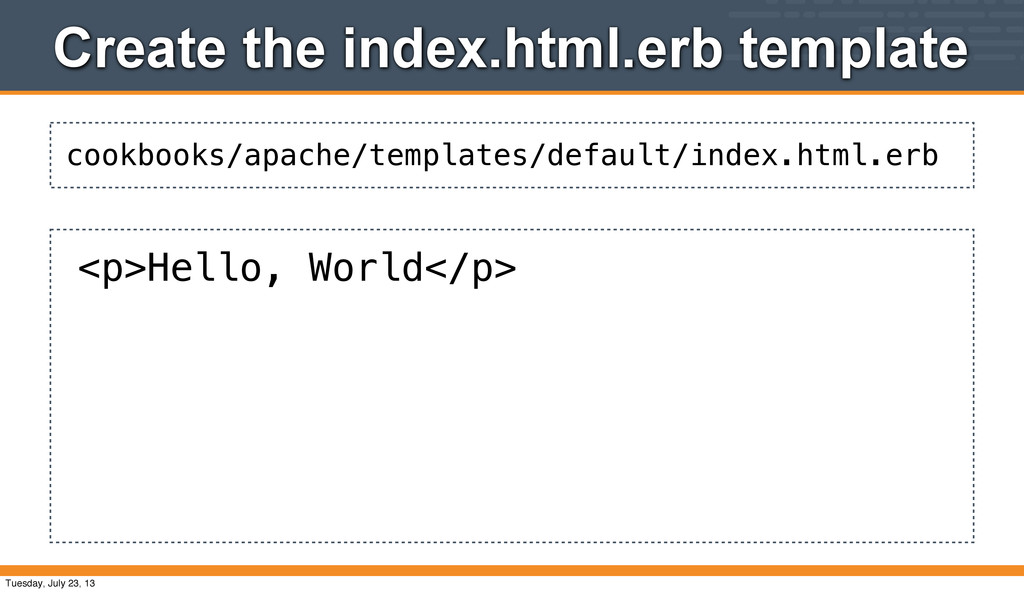
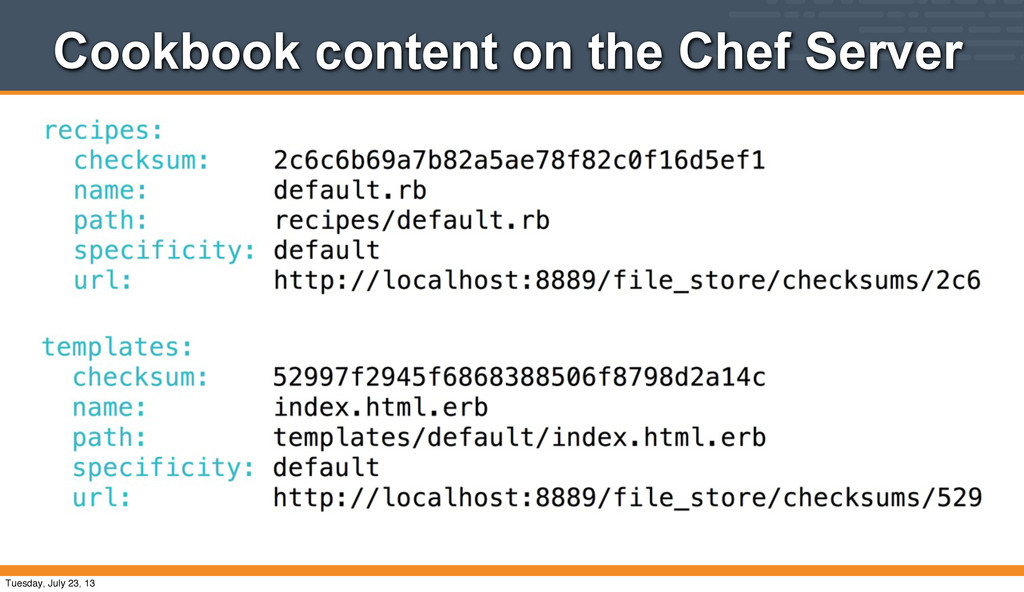
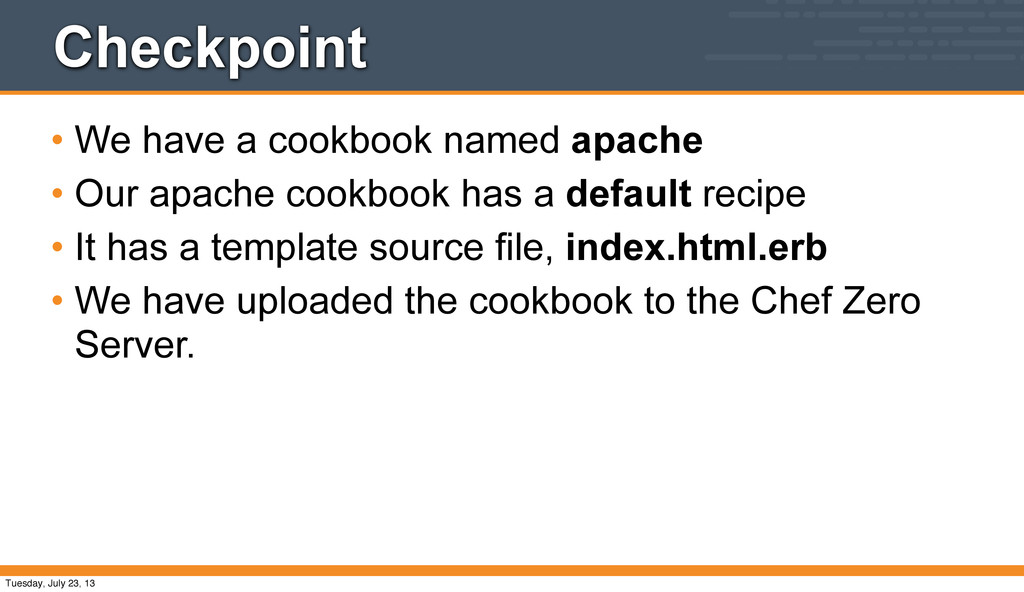
apache cookbook has a default recipe • It has a template source file, index.html.erb • We have uploaded the cookbook to the Chef Zero Server. Tuesday, July 23, 13
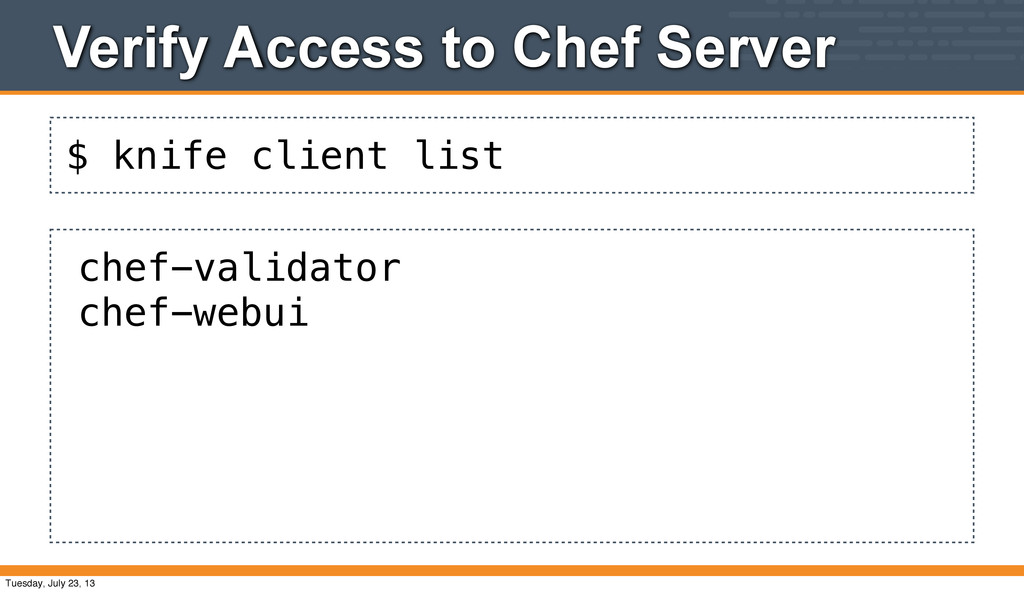
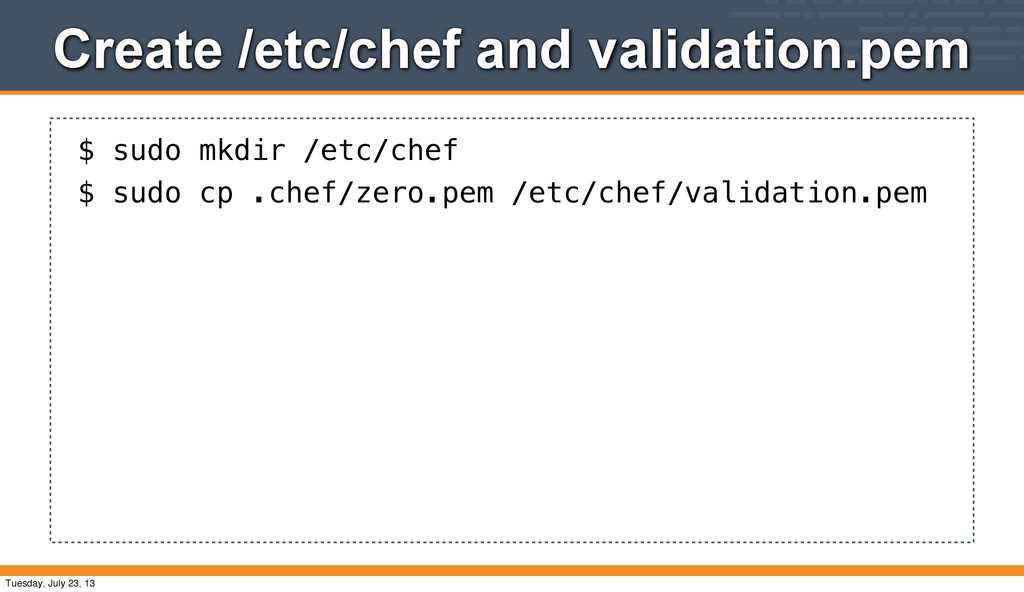
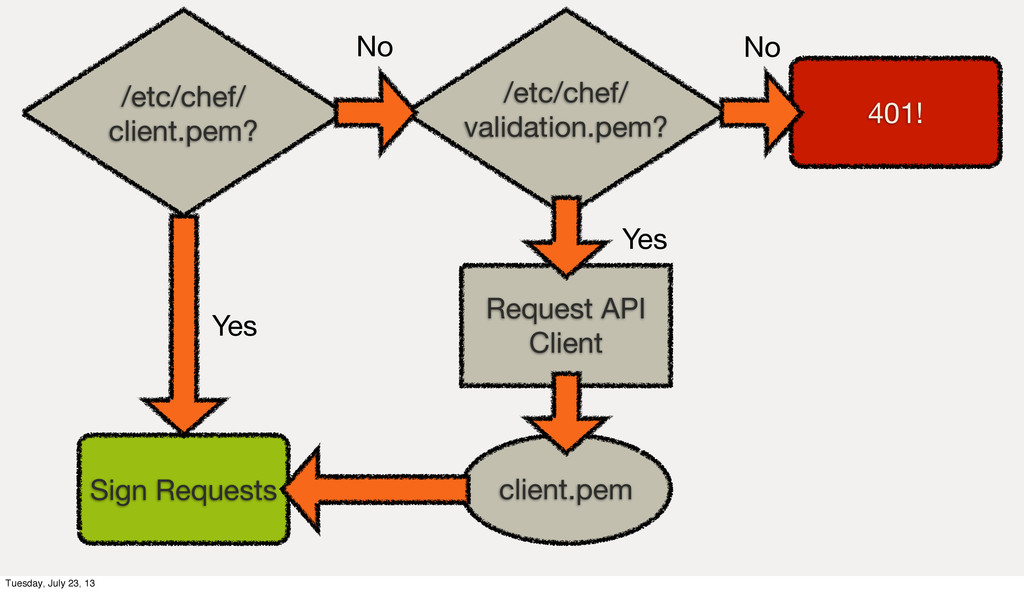
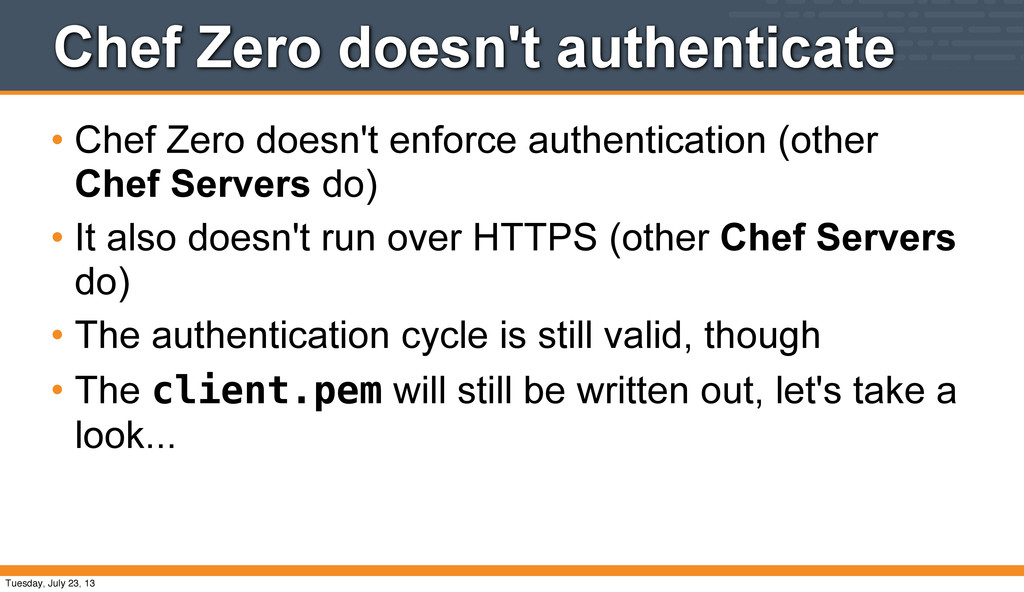
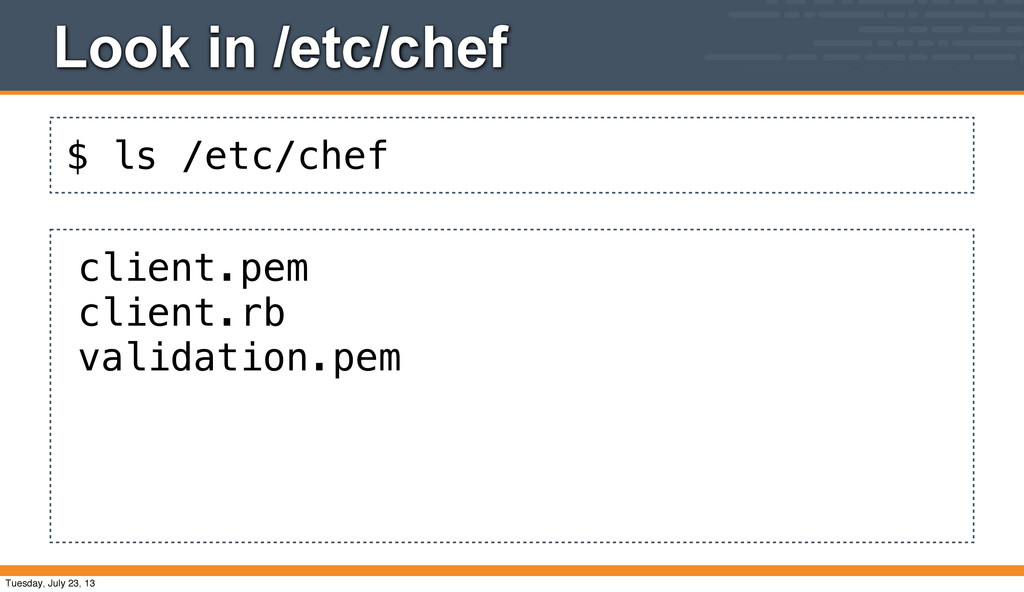
(other Chef Servers do) • It also doesn't run over HTTPS (other Chef Servers do) • The authentication cycle is still valid, though • The client.pem will still be written out, let's take a look... Tuesday, July 23, 13
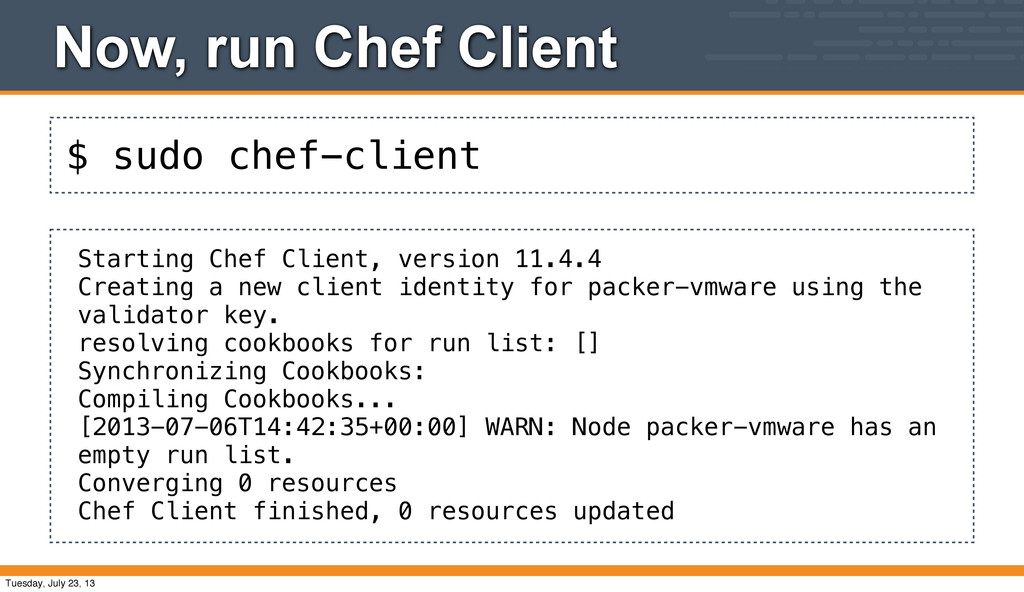
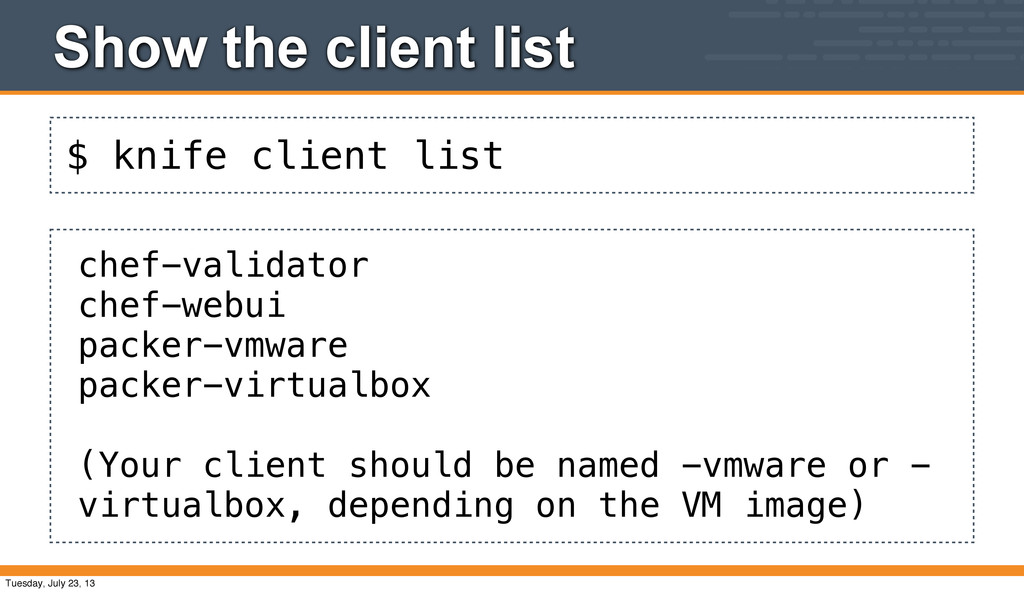
version 11.4.4 Creating a new client identity for packer-vmware using the validator key. resolving cookbooks for run list: [] Synchronizing Cookbooks: Compiling Cookbooks... [2013-07-06T14:42:35+00:00] WARN: Node packer-vmware has an empty run list. Converging 0 resources Chef Client finished, 0 resources updated Tuesday, July 23, 13
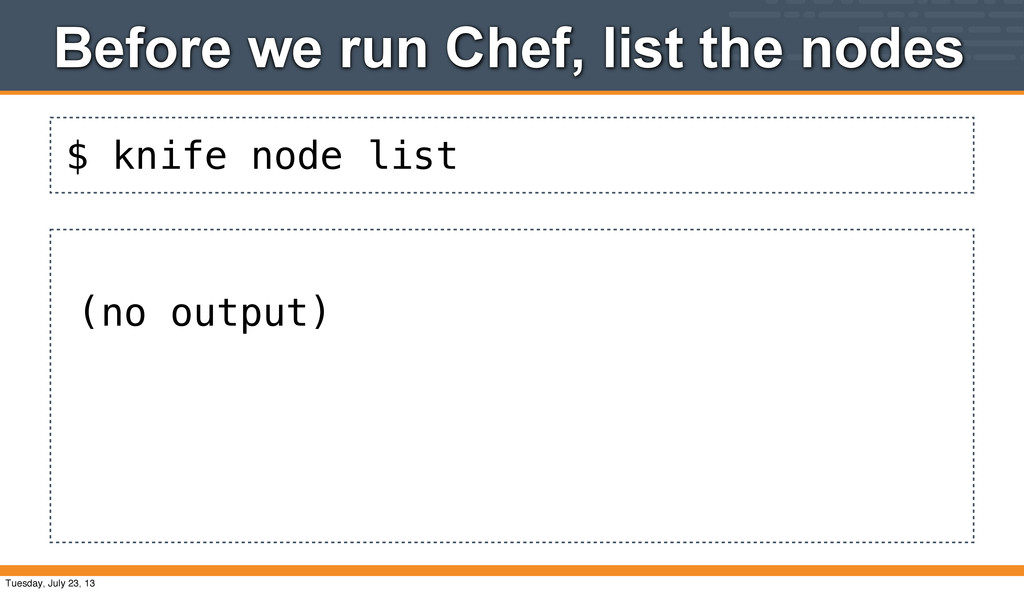
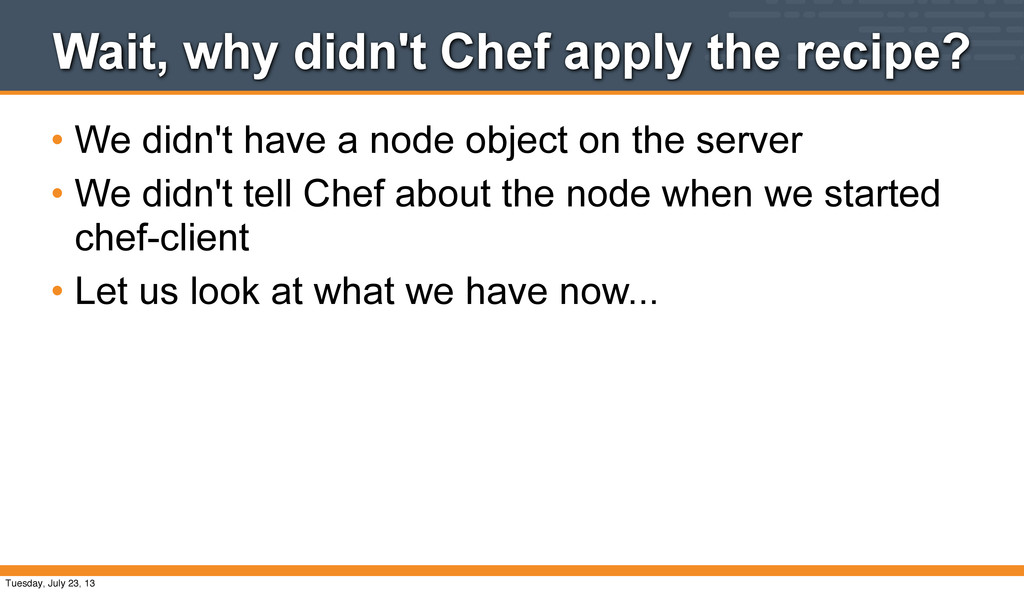
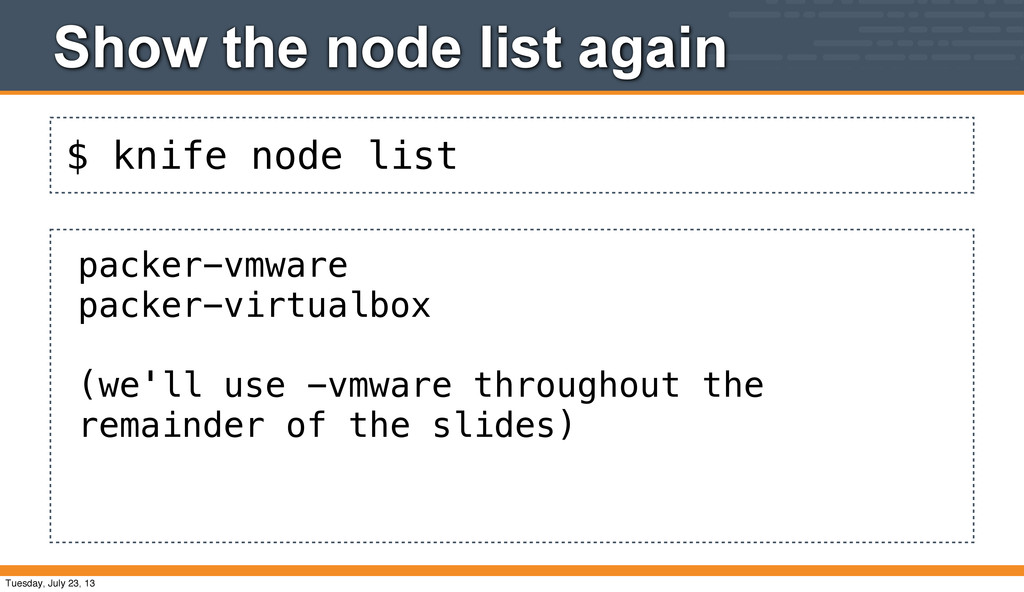
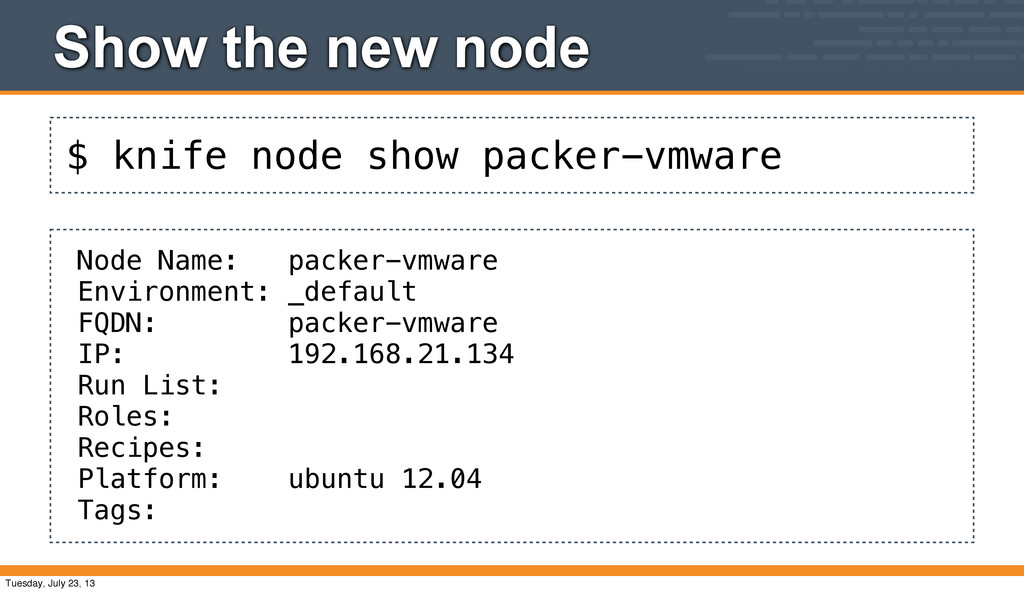
have a node object on the server • We didn't tell Chef about the node when we started chef-client • Let us look at what we have now... Tuesday, July 23, 13
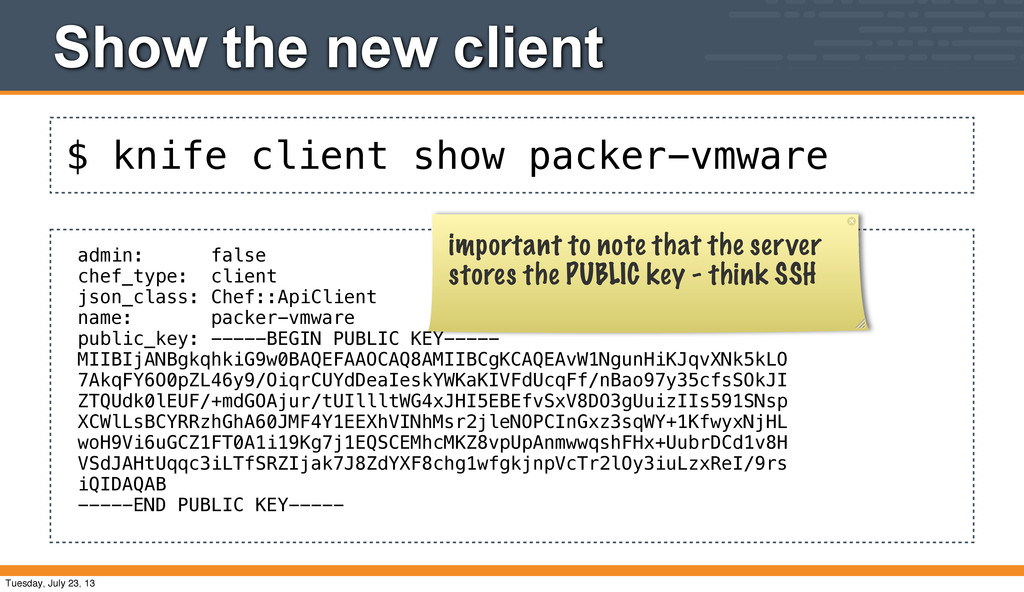
false chef_type: client json_class: Chef::ApiClient name: packer-vmware public_key: -----BEGIN PUBLIC KEY----- MIIBIjANBgkqhkiG9w0BAQEFAAOCAQ8AMIIBCgKCAQEAvW1NgunHiKJqvXNk5kLO 7AkqFY6O0pZL46y9/OiqrCUYdDeaIeskYWKaKIVFdUcqFf/nBao97y35cfsSOkJI ZTQUdk0lEUF/+mdGOAjur/tUIllltWG4xJHI5EBEfvSxV8DO3gUuizIIs591SNsp XCWlLsBCYRRzhGhA60JMF4Y1EEXhVINhMsr2jleNOPCInGxz3sqWY+1KfwyxNjHL woH9Vi6uGCZ1FT0A1i19Kg7j1EQSCEMhcMKZ8vpUpAnmwwqshFHx+UubrDCd1v8H VSdJAHtUqqc3iLTfSRZIjak7J8ZdYXF8chg1wfgkjnpVcTr2lOy3iuLzxReI/9rs iQIDAQAB -----END PUBLIC KEY----- important to note that the server stores the PUBLIC key - think SSH Tuesday, July 23, 13
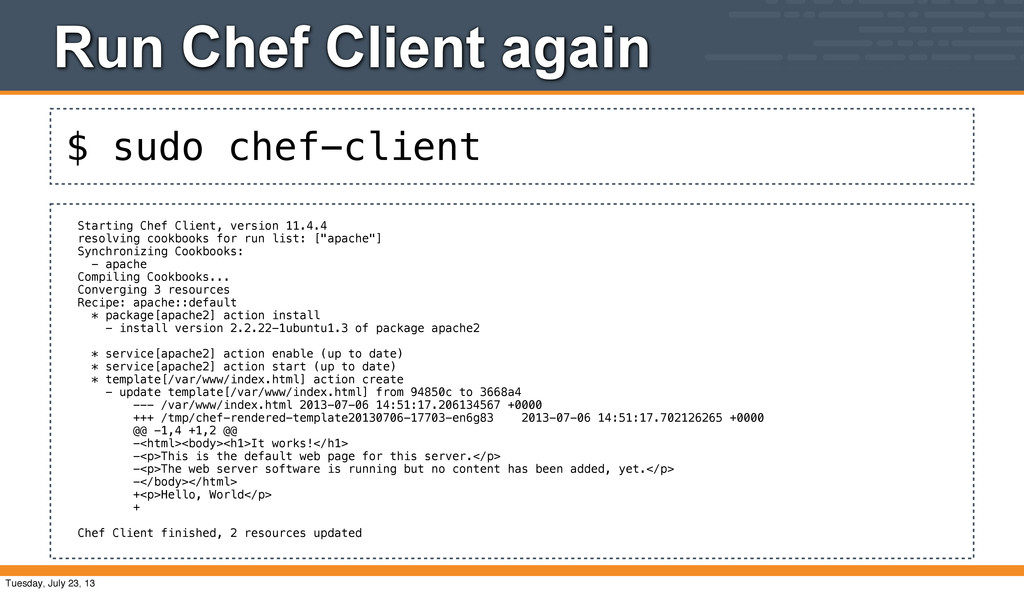
version 11.4.4 resolving cookbooks for run list: ["apache"] Synchronizing Cookbooks: - apache Compiling Cookbooks... Converging 3 resources Recipe: apache::default * package[apache2] action install - install version 2.2.22-1ubuntu1.3 of package apache2 * service[apache2] action enable (up to date) * service[apache2] action start (up to date) * template[/var/www/index.html] action create - update template[/var/www/index.html] from 94850c to 3668a4 --- /var/www/index.html 2013-07-06 14:51:17.206134567 +0000 +++ /tmp/chef-rendered-template20130706-17703-en6g83 2013-07-06 14:51:17.702126265 +0000 @@ -1,4 +1,2 @@ -<html><body><h1>It works!</h1> -<p>This is the default web page for this server.</p> -<p>The web server software is running but no content has been added, yet.</p> -</body></html> +<p>Hello, World</p> + Chef Client finished, 2 resources updated Tuesday, July 23, 13
problem with "golden images" • The images we're using were created a couple of weeks ago • Ubuntu has released new versions of Apache 2 packages (security update) • The apt cache is stale, so we need to update it • The recommended practice is to put "apt-get update" in a recipe, though we won't do that today Tuesday, July 23, 13
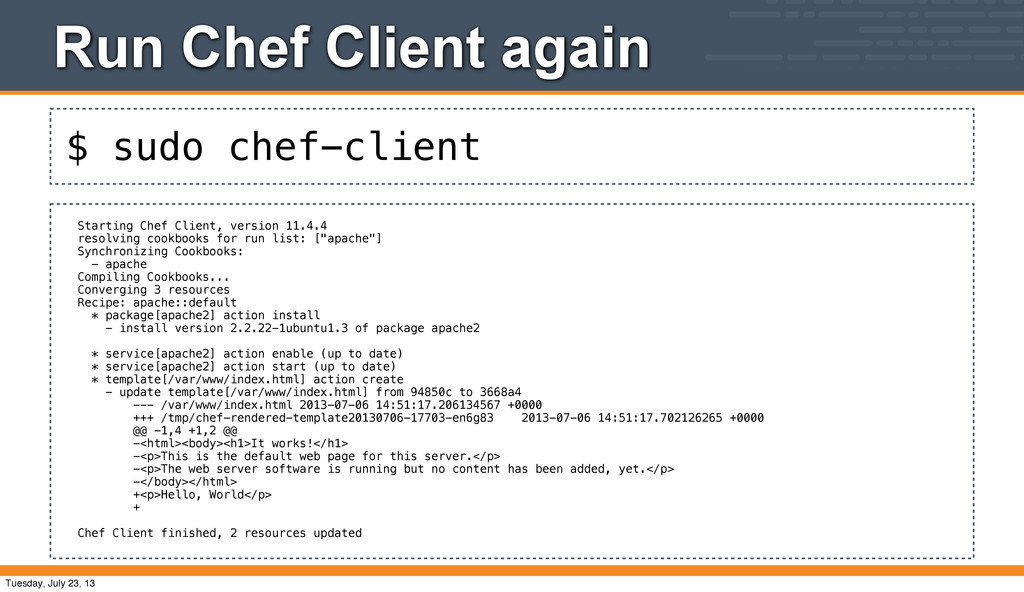
version 11.4.4 resolving cookbooks for run list: ["apache"] Synchronizing Cookbooks: - apache Compiling Cookbooks... Converging 3 resources Recipe: apache::default * package[apache2] action install - install version 2.2.22-1ubuntu1.3 of package apache2 * service[apache2] action enable (up to date) * service[apache2] action start (up to date) * template[/var/www/index.html] action create - update template[/var/www/index.html] from 94850c to 3668a4 --- /var/www/index.html 2013-07-06 14:51:17.206134567 +0000 +++ /tmp/chef-rendered-template20130706-17703-en6g83 2013-07-06 14:51:17.702126265 +0000 @@ -1,4 +1,2 @@ -<html><body><h1>It works!</h1> -<p>This is the default web page for this server.</p> -<p>The web server software is running but no content has been added, yet.</p> -</body></html> +<p>Hello, World</p> + Chef Client finished, 2 resources updated Tuesday, July 23, 13
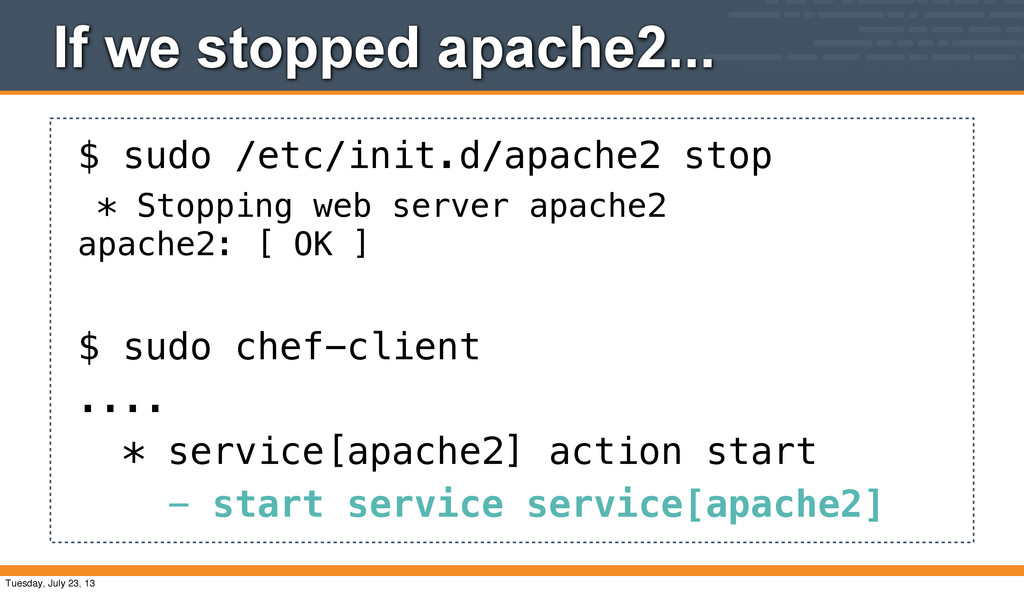
start (up to date) Why wasn't the service updated? • Chef takes idempotent actions on resources to ensure they are converged to the desired state • The apache2 package on Ubuntu automatically enables and starts the apache2 service in its post- install script • Thus, Chef didn't need to do anything Tuesday, July 23, 13
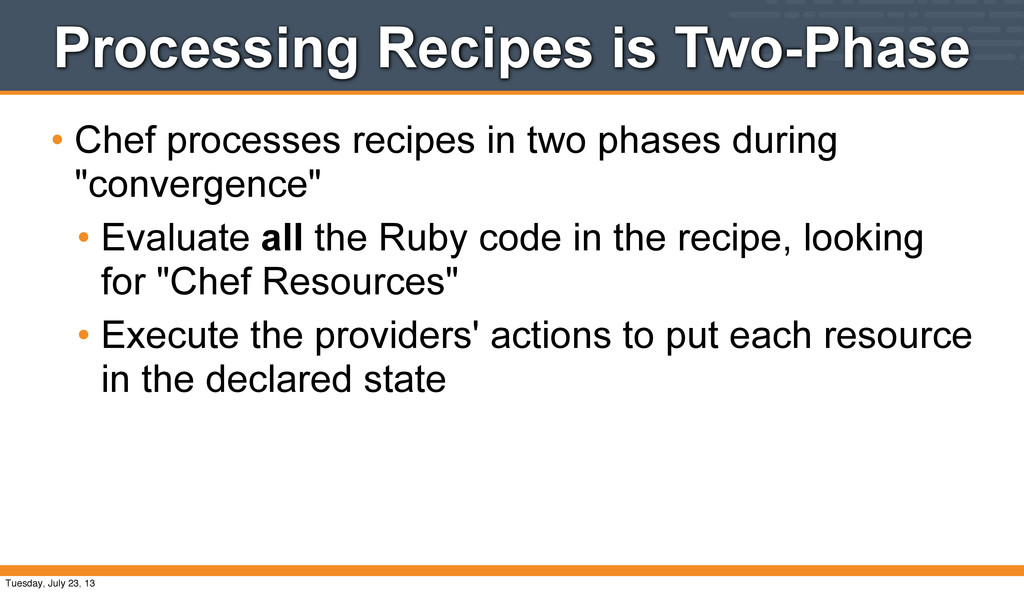
phases during "convergence" • Evaluate all the Ruby code in the recipe, looking for "Chef Resources" • Execute the providers' actions to put each resource in the declared state Tuesday, July 23, 13
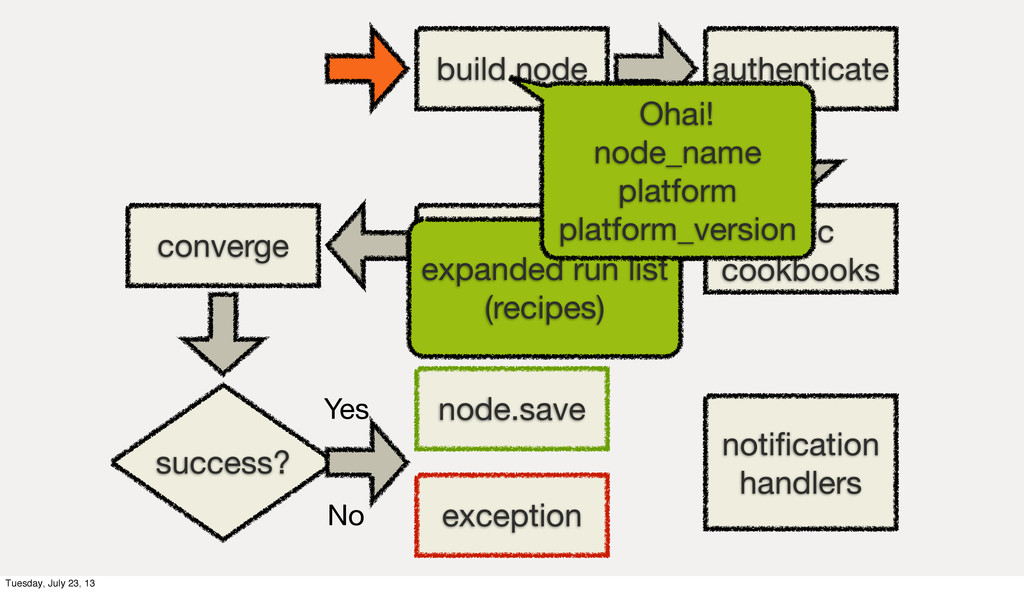
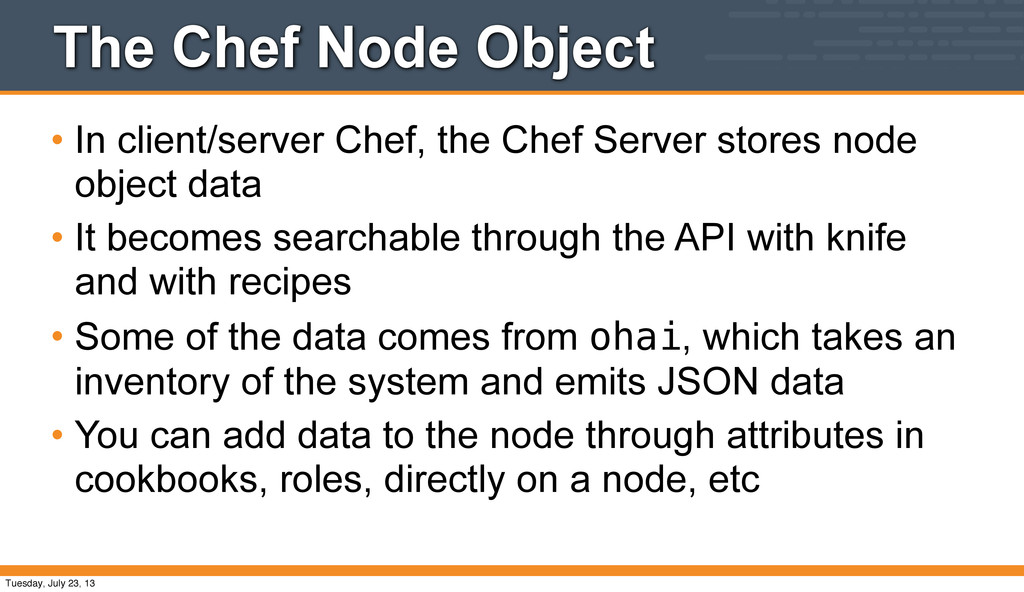
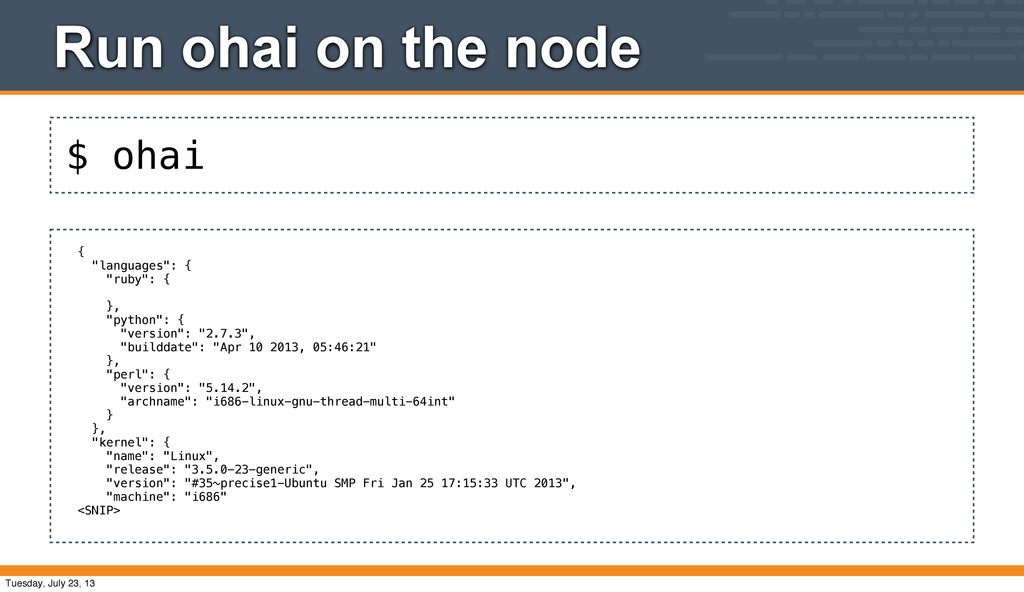
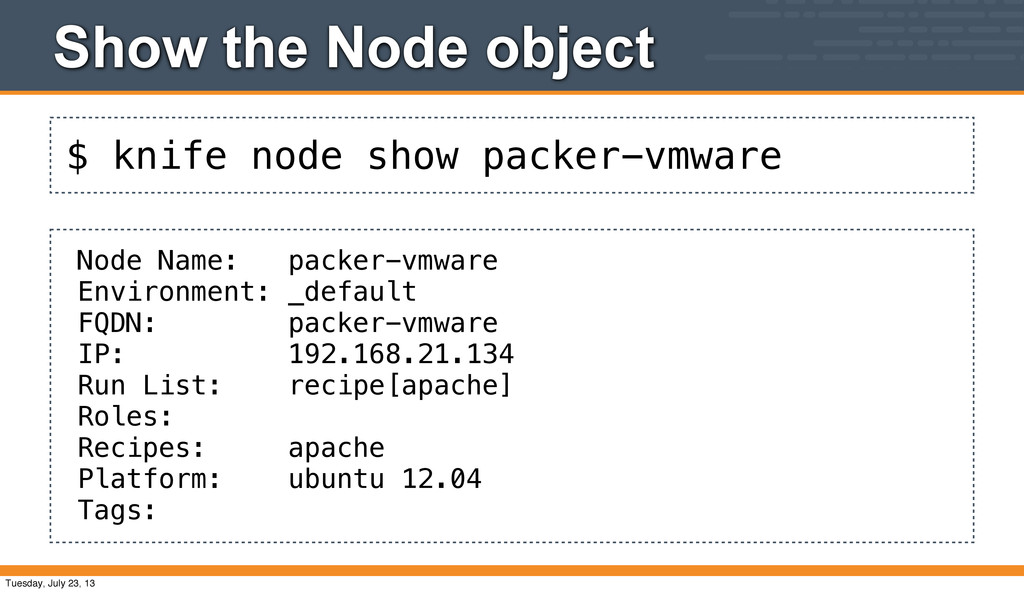
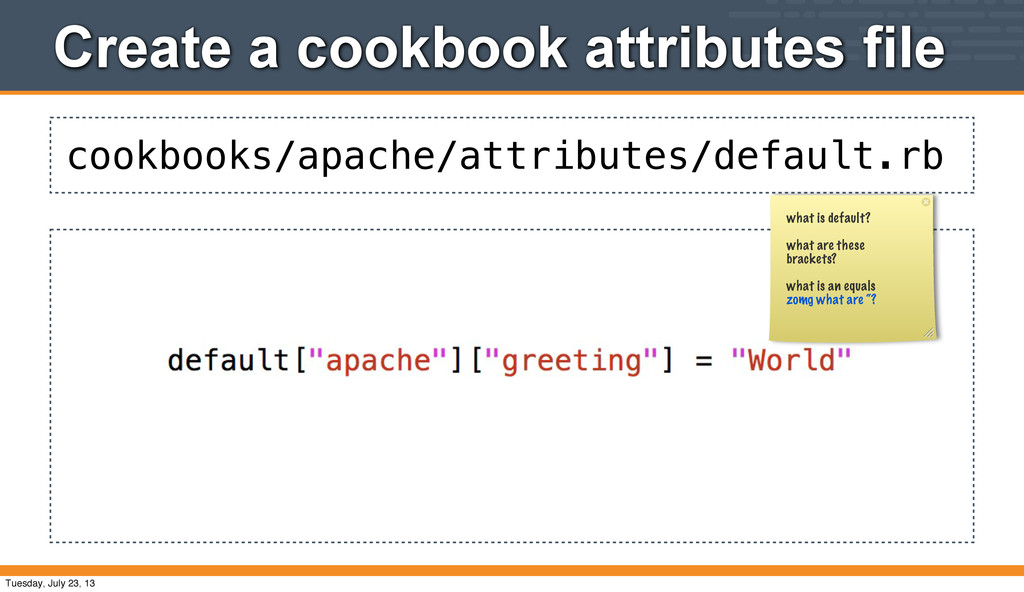
Server stores node object data • It becomes searchable through the API with knife and with recipes • Some of the data comes from ohai, which takes an inventory of the system and emits JSON data • You can add data to the node through attributes in cookbooks, roles, directly on a node, etc Tuesday, July 23, 13
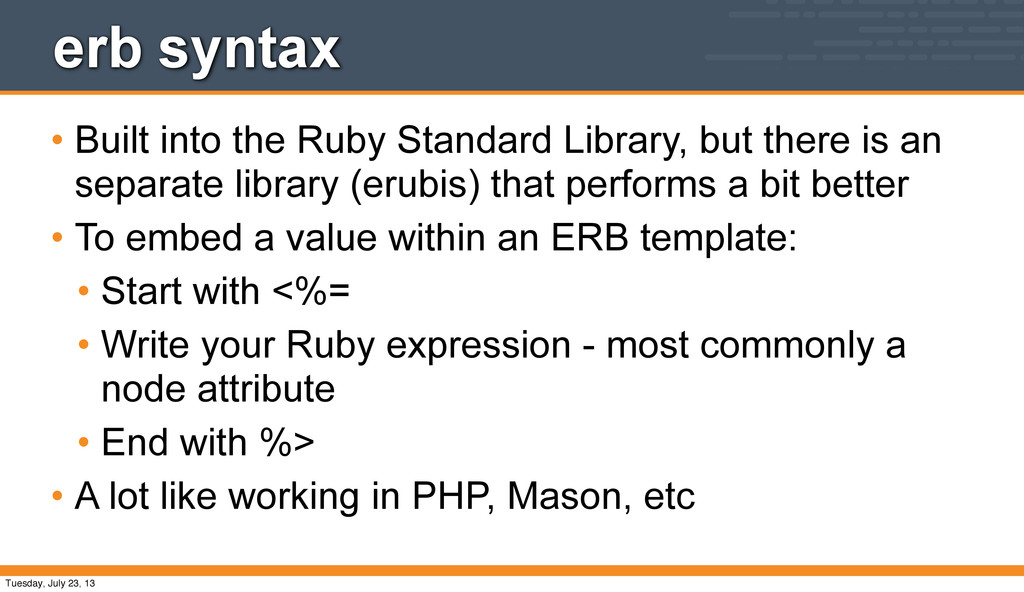
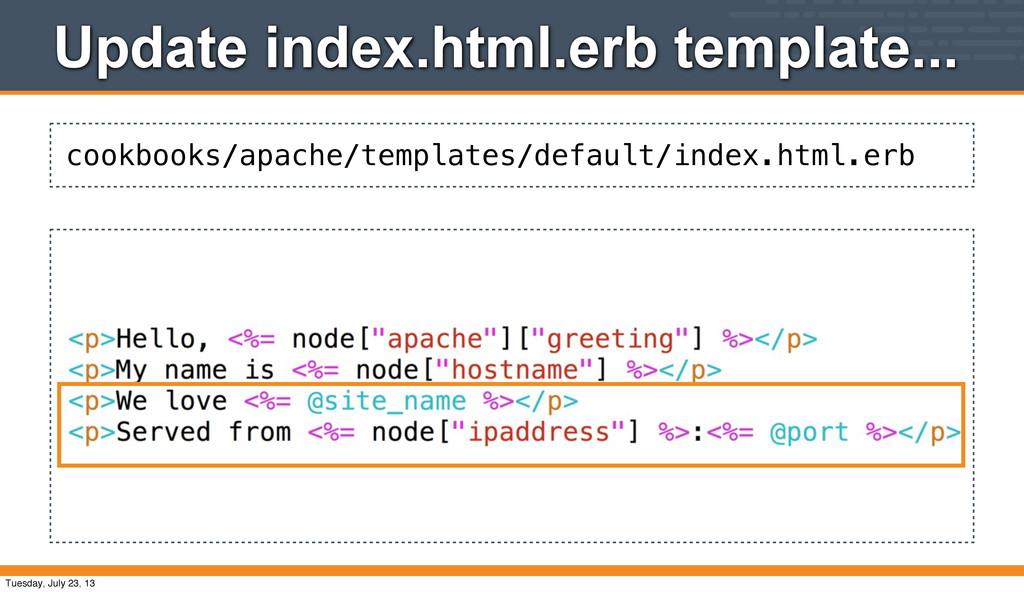
there is an separate library (erubis) that performs a bit better • To embed a value within an ERB template: • Start with <%= • Write your Ruby expression - most commonly a node attribute • End with %> • A lot like working in PHP, Mason, etc Tuesday, July 23, 13
- update template[/var/www/index.html] from 3668a4 to 418b05 --- /var/www/index.html 2013-07-06 14:51:17.758125327 +0000 +++ /tmp/chef-rendered-template20130706-18568-cd45vw 2013-07-06 15:09:56.631395484 +0000 @@ -1,2 +1,2 @@ <p>Hello, World</p> - +<p>My name is packer-vmware</p> Chef Client finished, 1 resources updated Explain how the checksum things work for the content change in the template. Note that we don't get the ERB content, we get the rendered content of the template which comes from the attribute Tuesday, July 23, 13
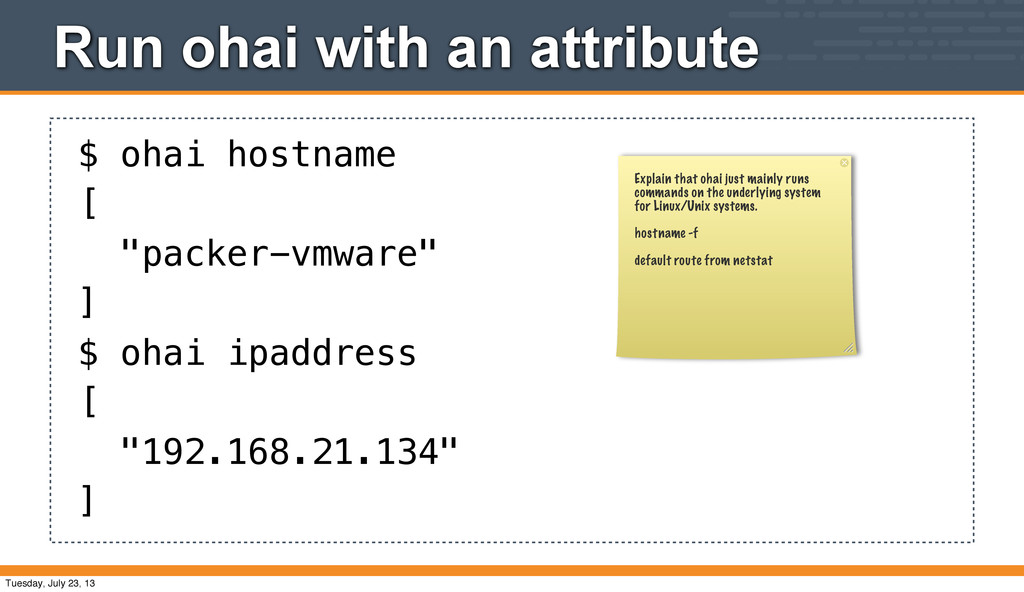
] $ ohai ipaddress [ "192.168.21.134" ] Explain that ohai just mainly runs commands on the underlying system for Linux/Unix systems. hostname -f default route from netstat Tuesday, July 23, 13
packer-vmware -a hostname packer-vmware: hostname: packer-vmware $ knife node show packer-vmware -a ipaddress packer-vmware: ipaddress: 192.168.21.134 $ knife node show packer-vmware -a platform packer-vmware: platform: ubuntu Tuesday, July 23, 13
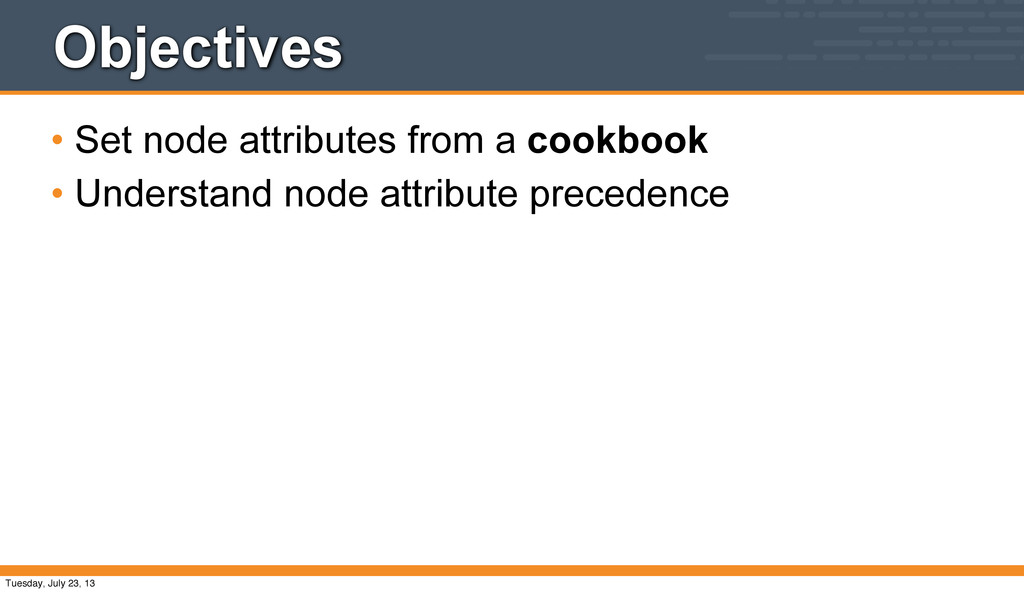
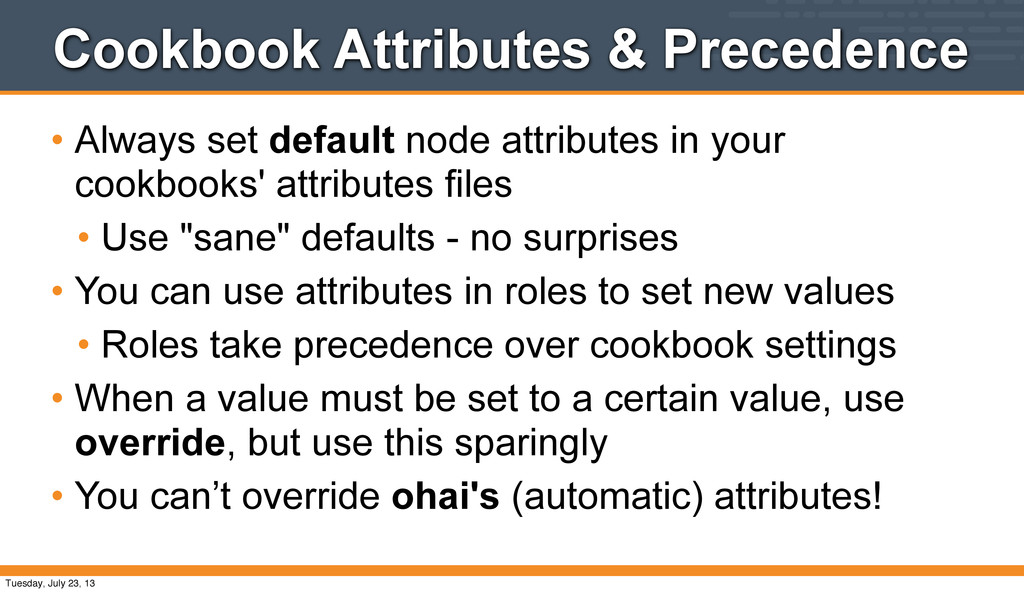
in your cookbooks' attributes files • Use "sane" defaults - no surprises • You can use attributes in roles to set new values • Roles take precedence over cookbook settings • When a value must be set to a certain value, use override, but use this sparingly • You can’t override ohai's (automatic) attributes! Tuesday, July 23, 13
run Chef Recipe: apache::default * package[apache2] action install (up to date) * template[/var/www/index.html] action create (up to date) * service[apache2] action enable (up to date) * service[apache2] action start (up to date) Chef Client finished, 0 resources updated Why didn't the index.html file change? The attribute is the same value as the previous content Tuesday, July 23, 13
recipes • Use the "knife essentials" plugin commands • Understand using multiple recipes for a node's run list • Control execution of arbitrary commands with Chef's resource conditionals Tuesday, July 23, 13
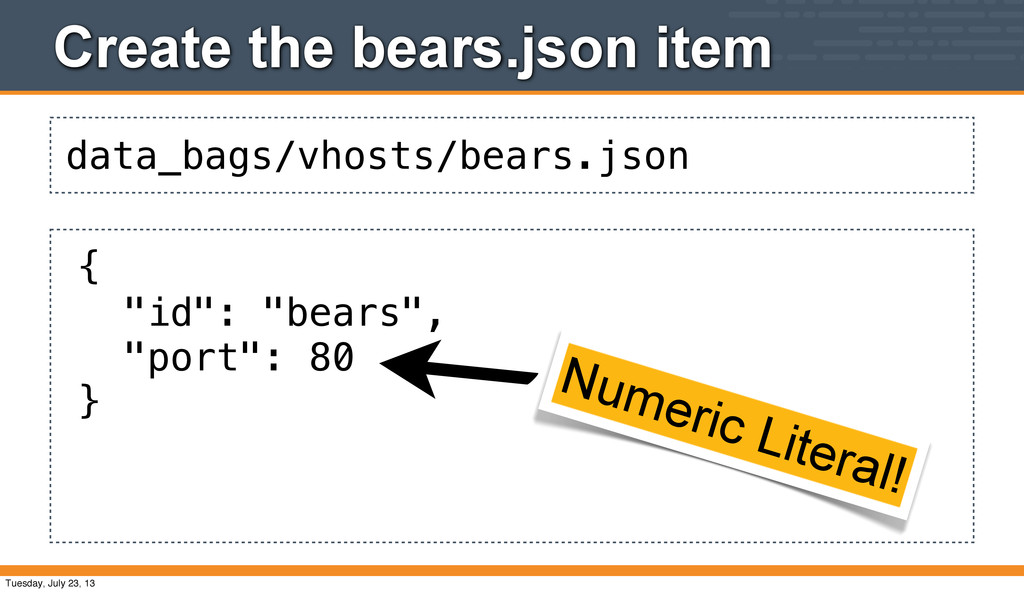
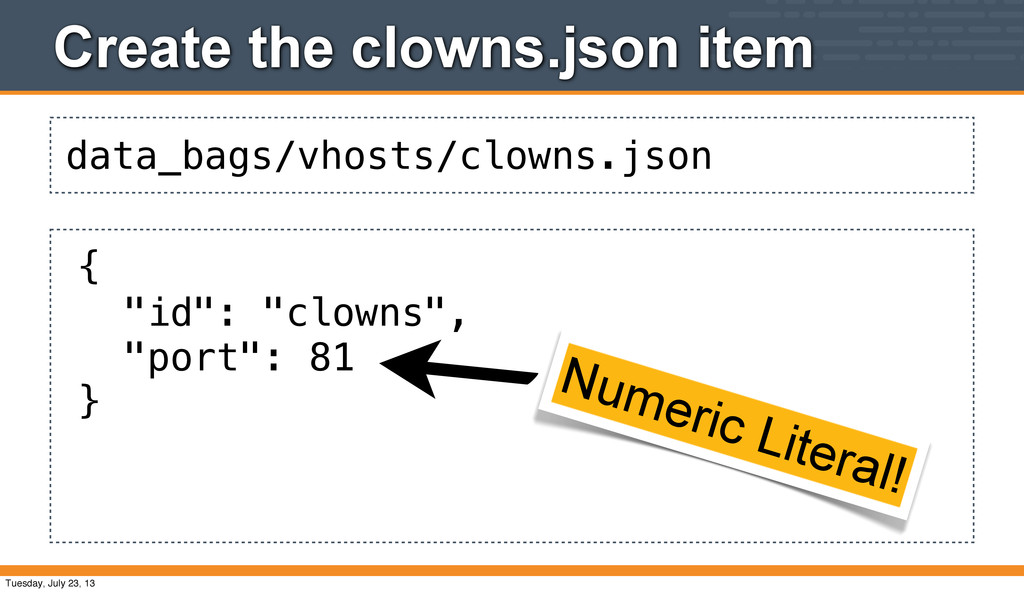
are generic, arbitrary stores of information about the infrastructure. • Data Bag Items are JSON data • Our apache cookbook provides a good baseline • We'll drive site-specific virtual hosts with data bags Tuesday, July 23, 13
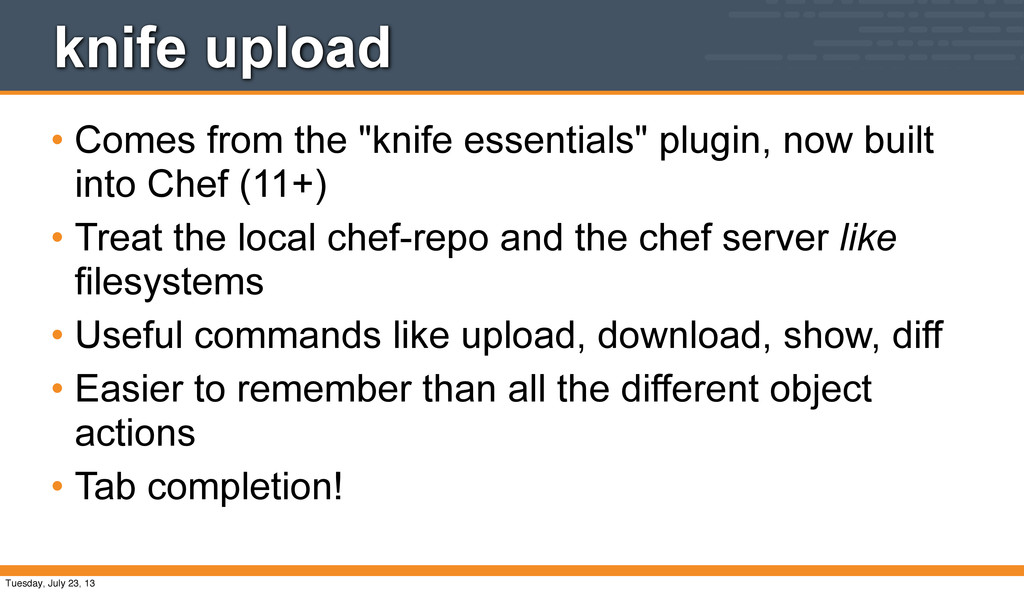
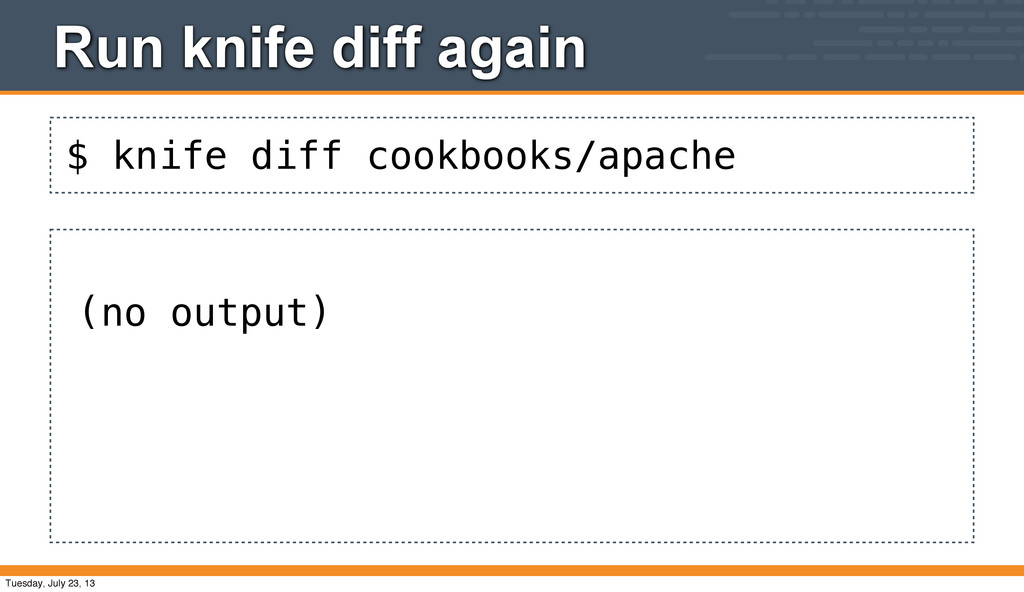
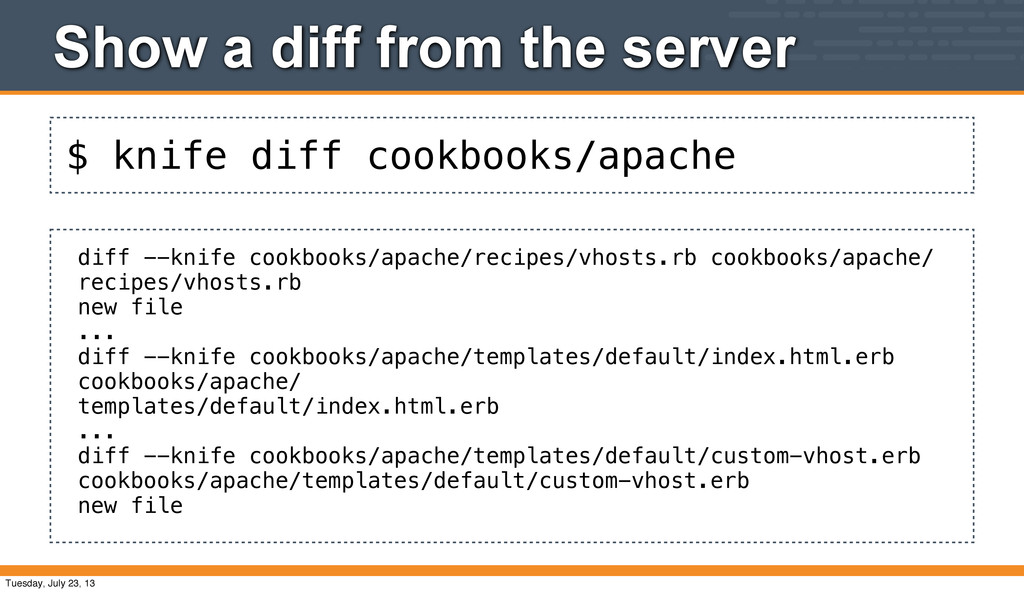
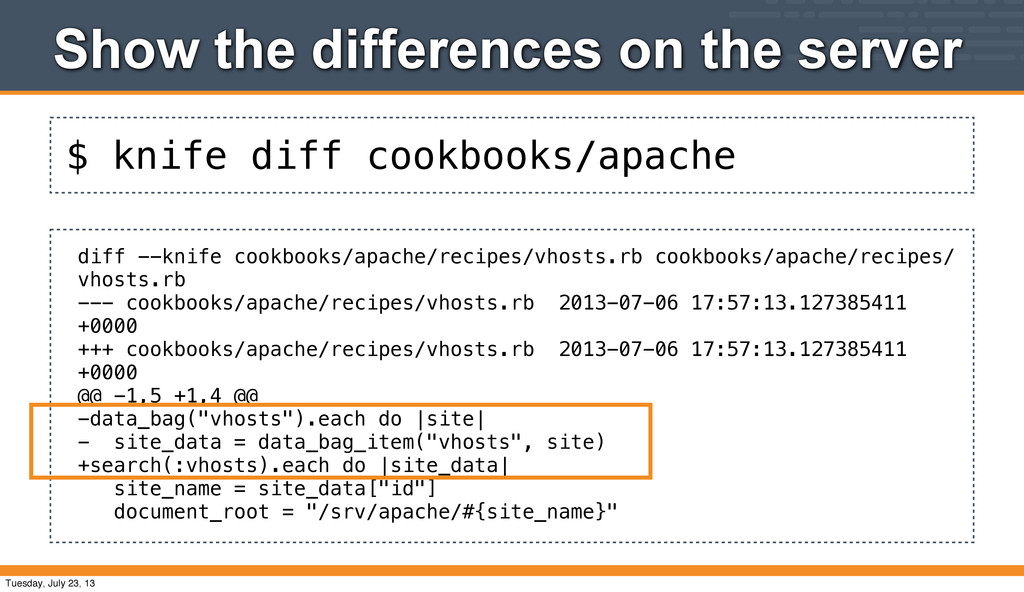
built into Chef (11+) • Treat the local chef-repo and the chef server like filesystems • Useful commands like upload, download, show, diff • Easier to remember than all the different object actions • Tab completion! Tuesday, July 23, 13
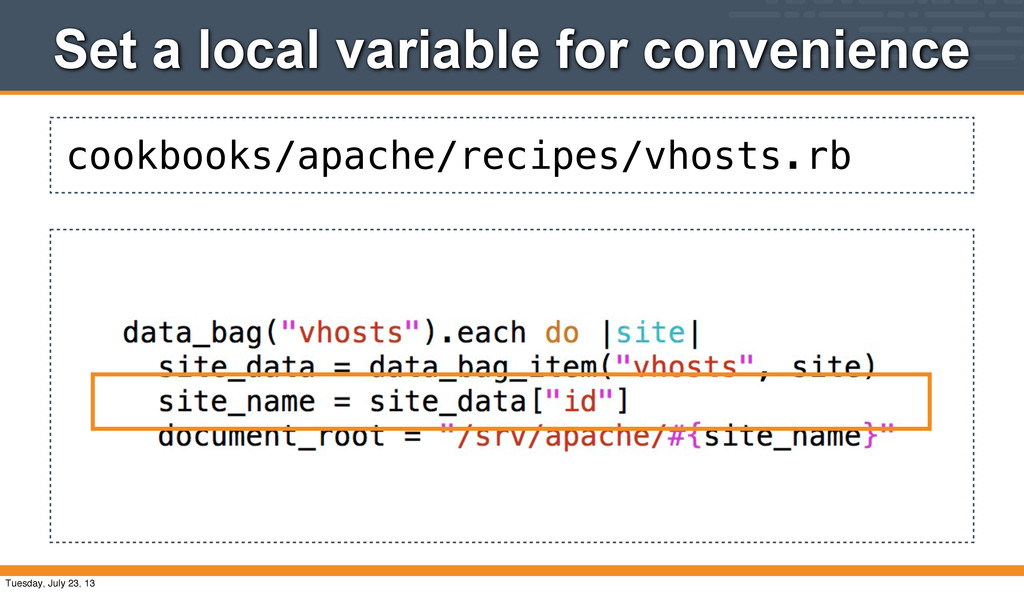
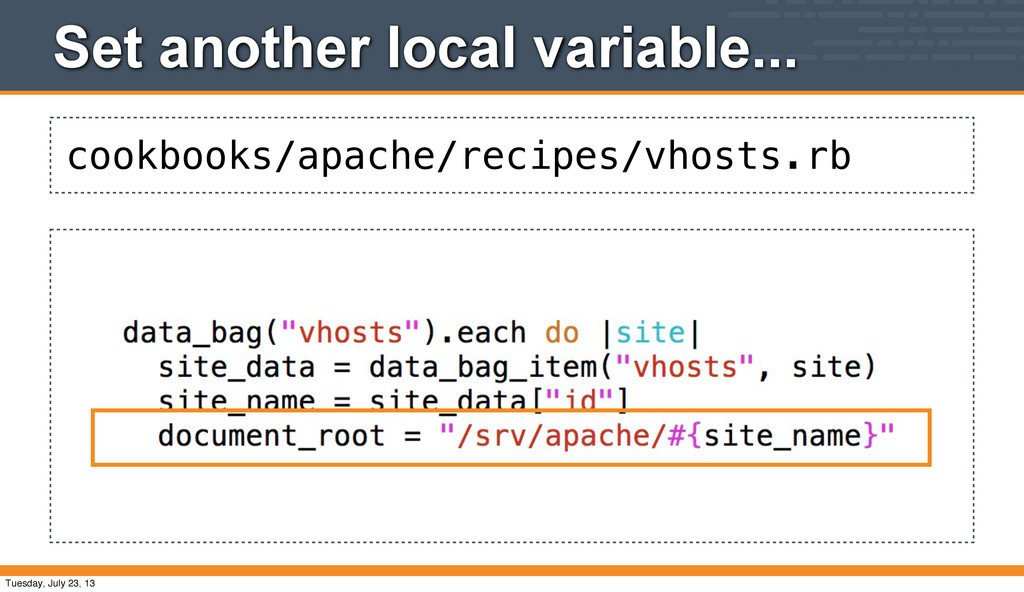
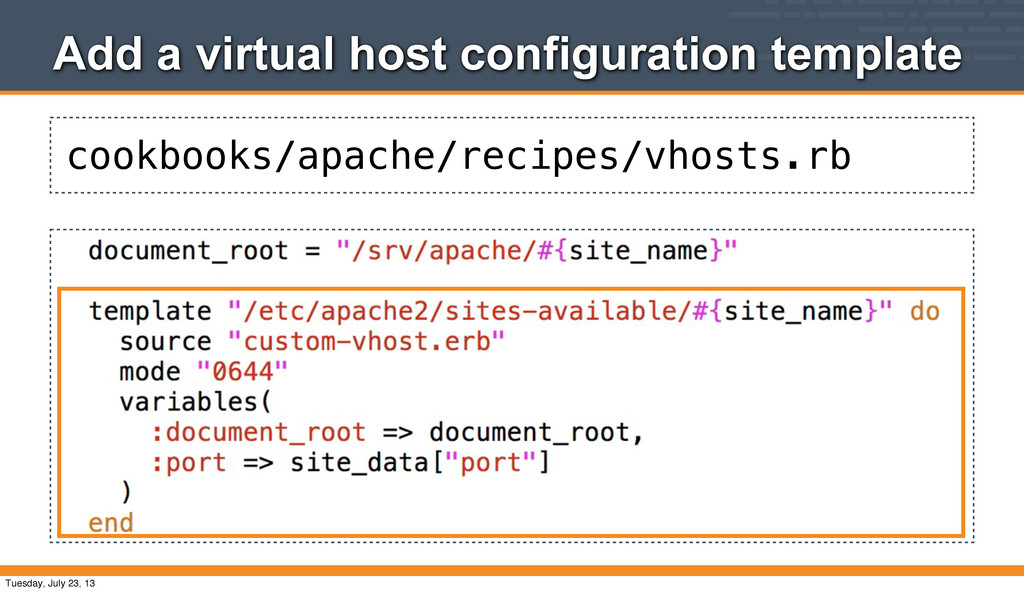
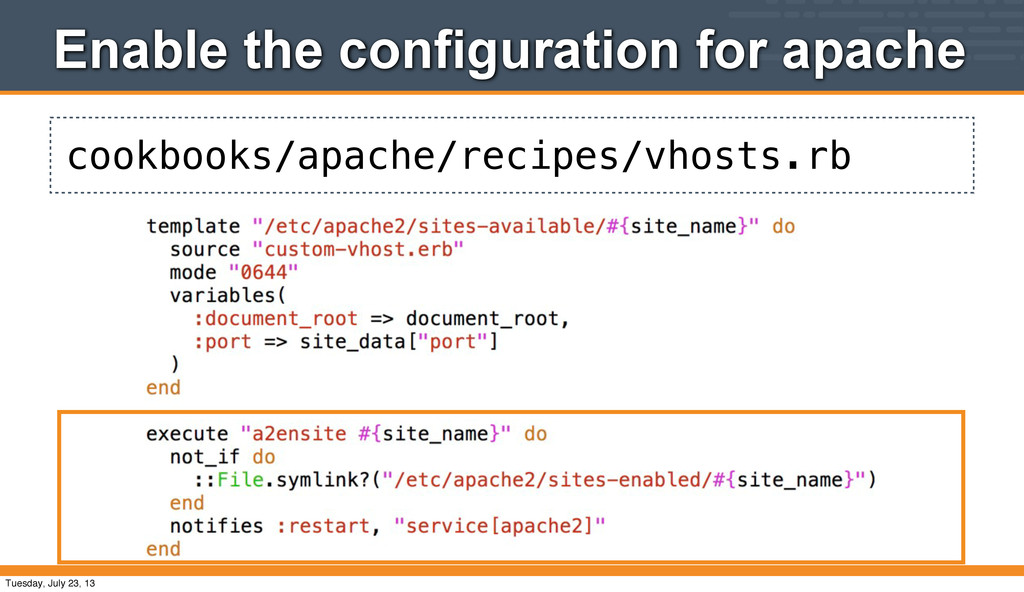
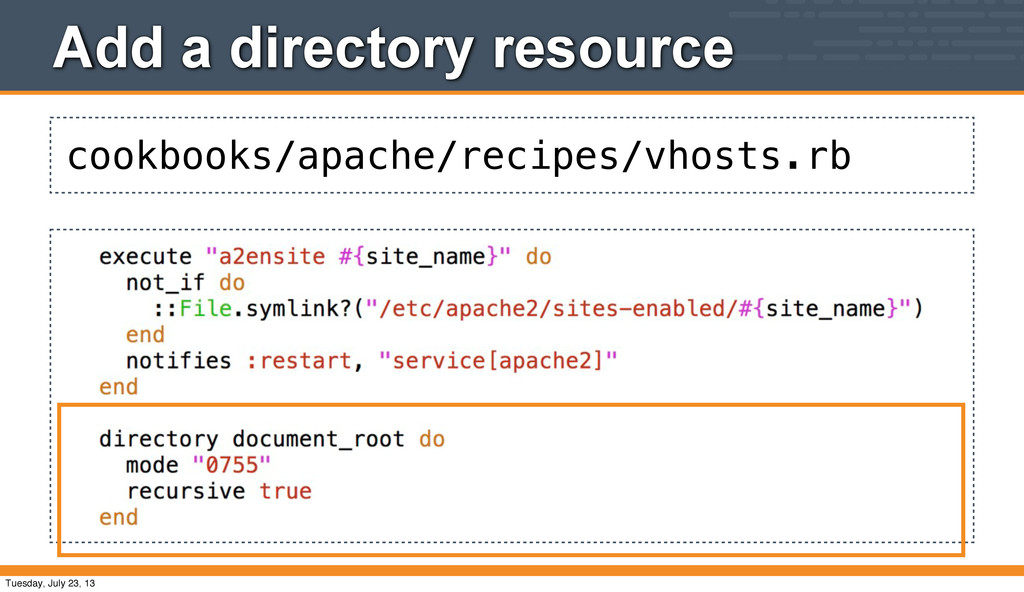
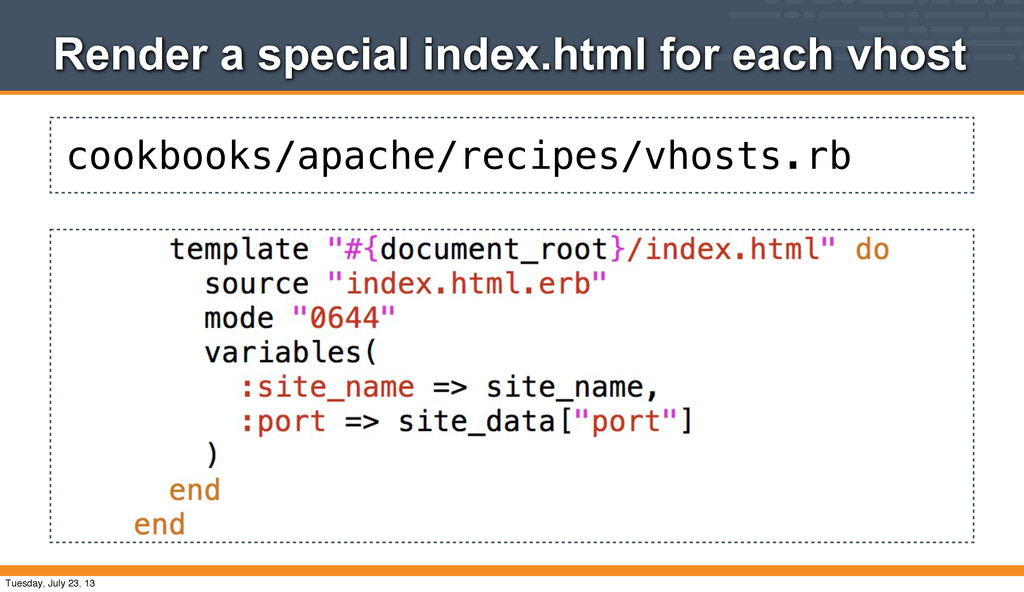
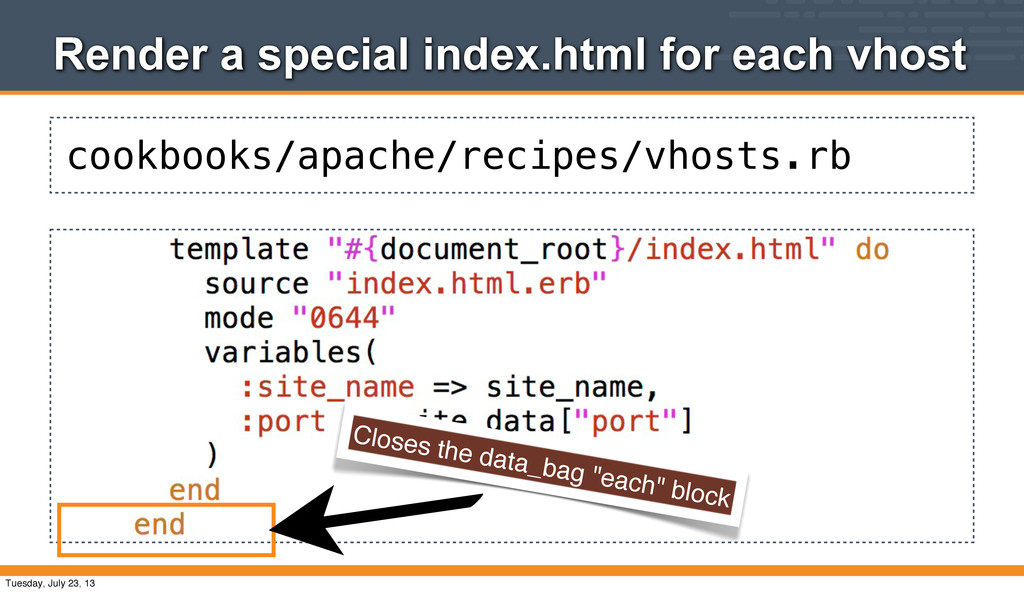
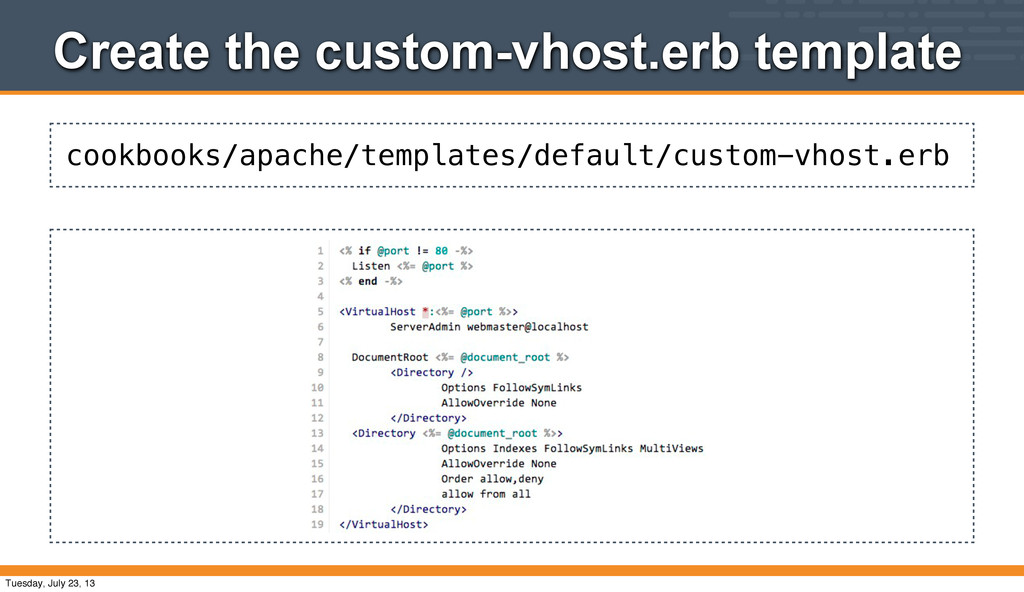
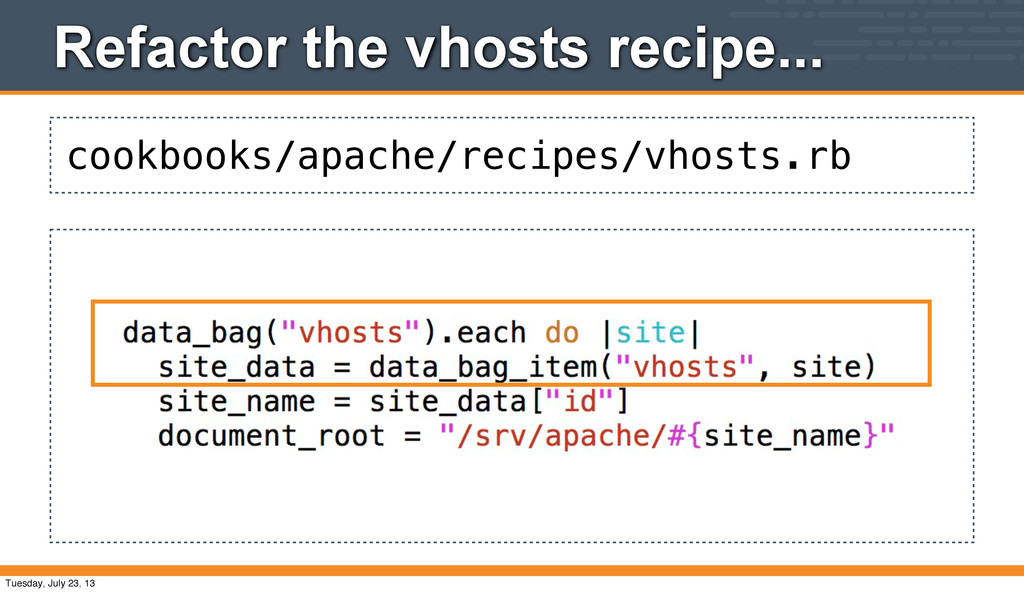
apache::vhosts recipe to manage the virtual hosts we created in data bag items • There's a number of new things to talk about in this recipe • We'll take this nice and slow :) Tuesday, July 23, 13
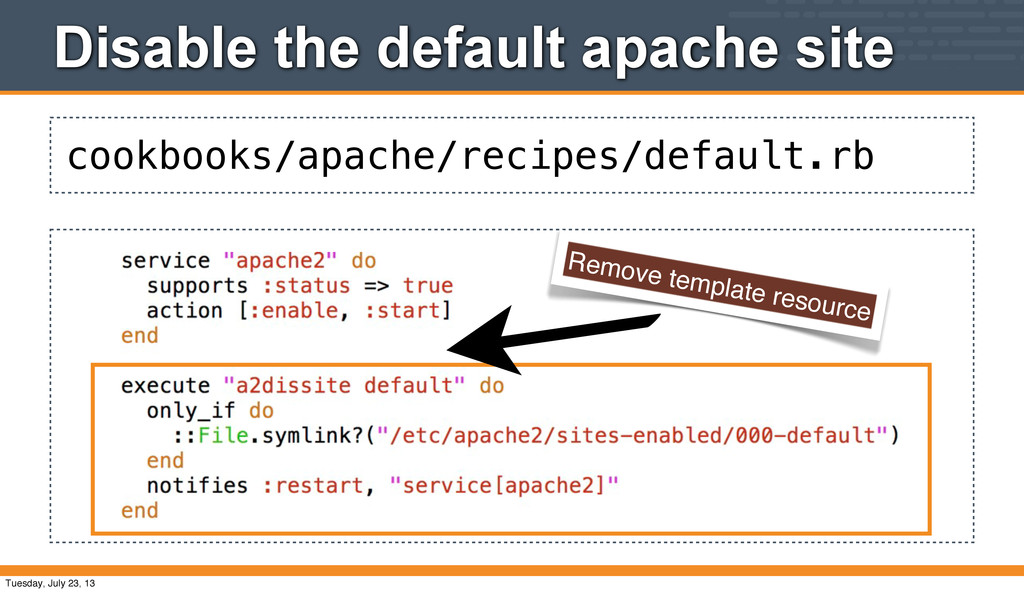
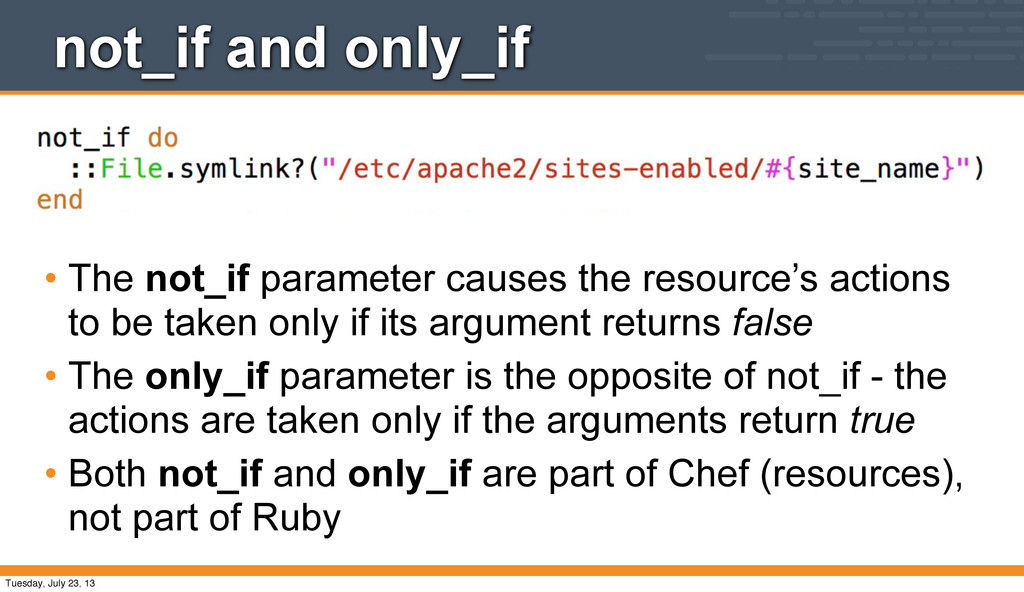
actions to be taken only if its argument returns false • The only_if parameter is the opposite of not_if - the actions are taken only if the arguments return true • Both not_if and only_if are part of Chef (resources), not part of Ruby Tuesday, July 23, 13
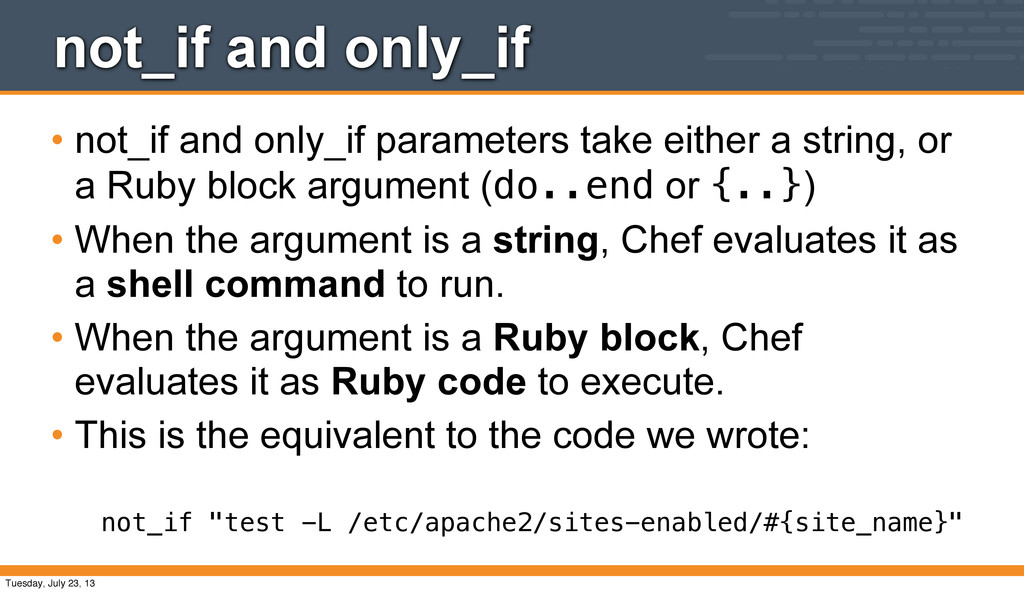
a string, or a Ruby block argument (do..end or {..}) • When the argument is a string, Chef evaluates it as a shell command to run. • When the argument is a Ruby block, Chef evaluates it as Ruby code to execute. • This is the equivalent to the code we wrote: not_if "test -L /etc/apache2/sites-enabled/#{site_name}" Tuesday, July 23, 13
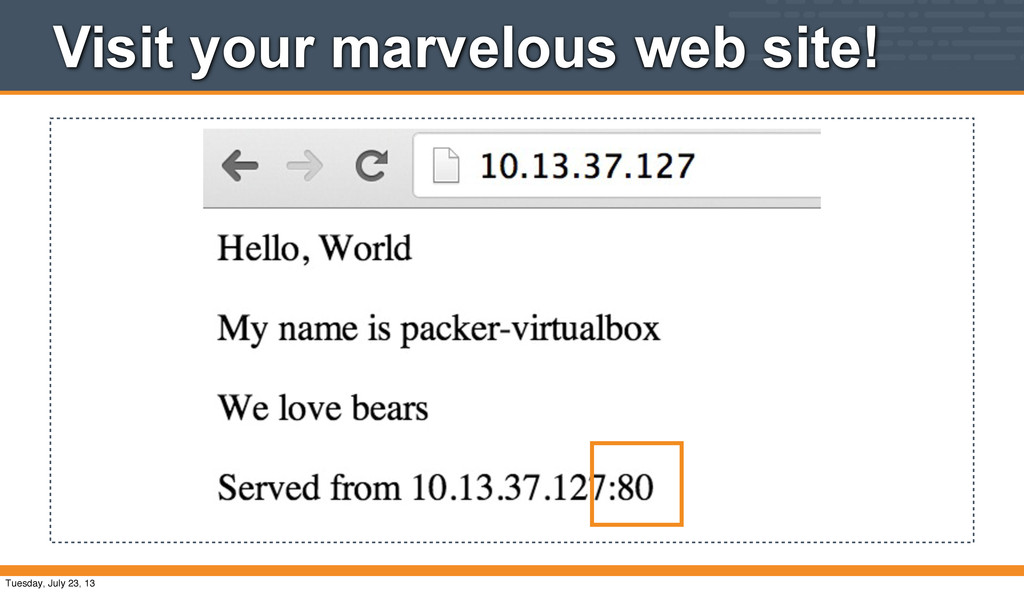
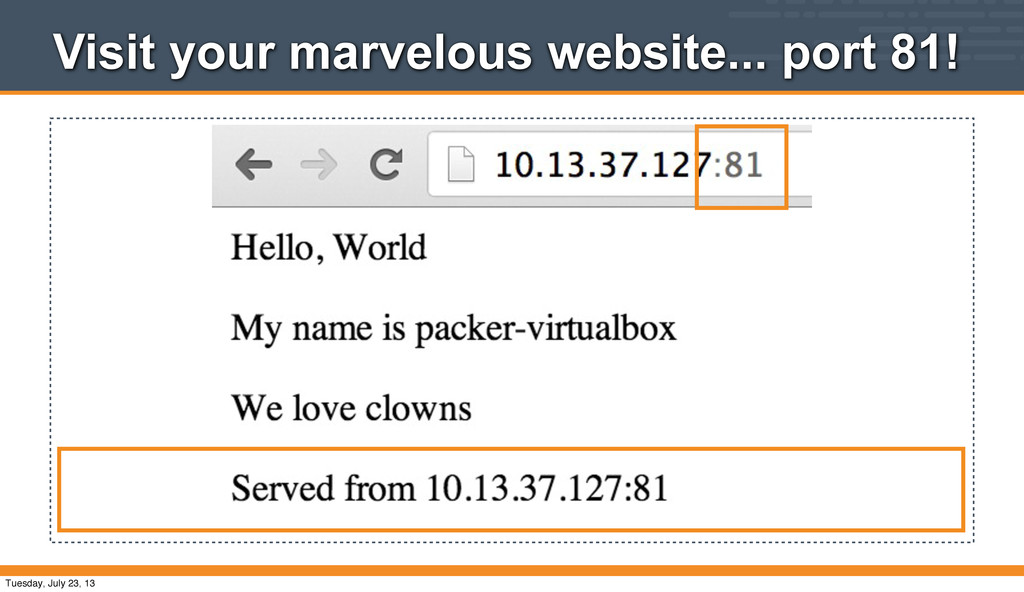
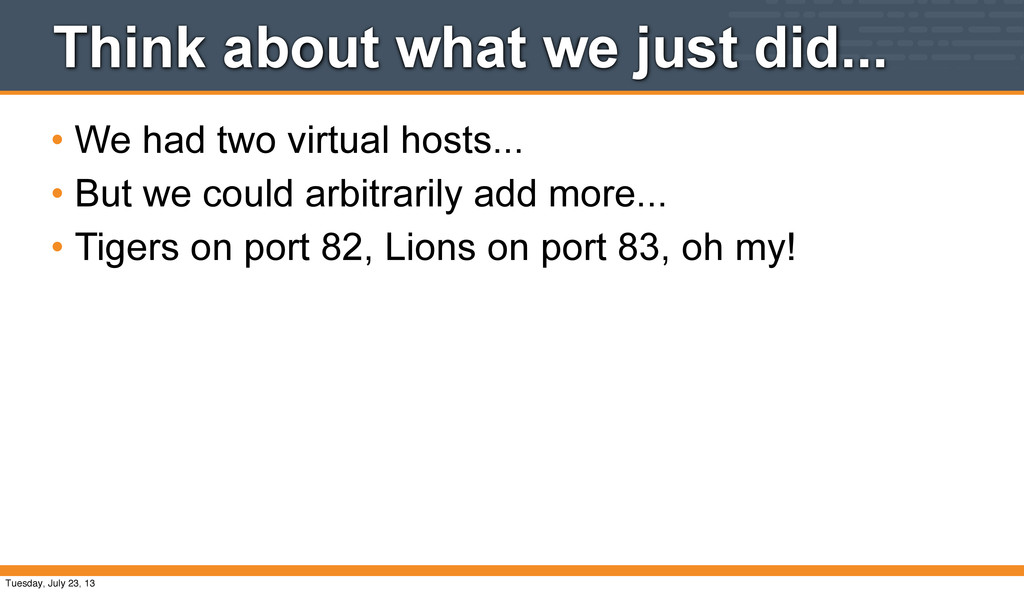
to upload to our Chef server. • Our cookbook has two recipes, default and vhosts • Additional data bags can be added, expanding our Virtual Hosting empire! Tuesday, July 23, 13
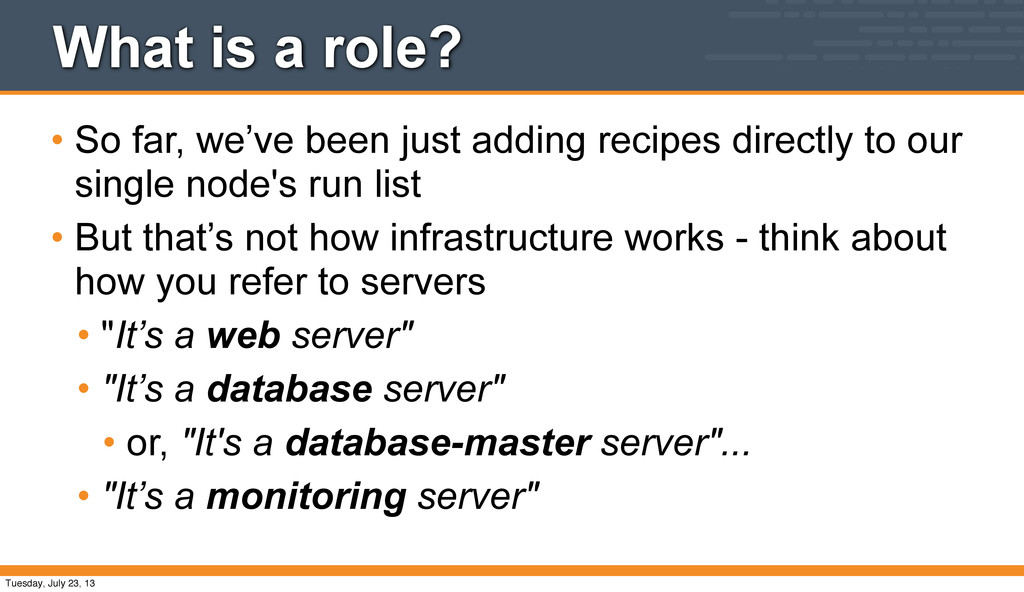
adding recipes directly to our single node's run list • But that’s not how infrastructure works - think about how you refer to servers • "It’s a web server" • "It’s a database server" • or, "It's a database-master server"... • "It’s a monitoring server" Tuesday, July 23, 13
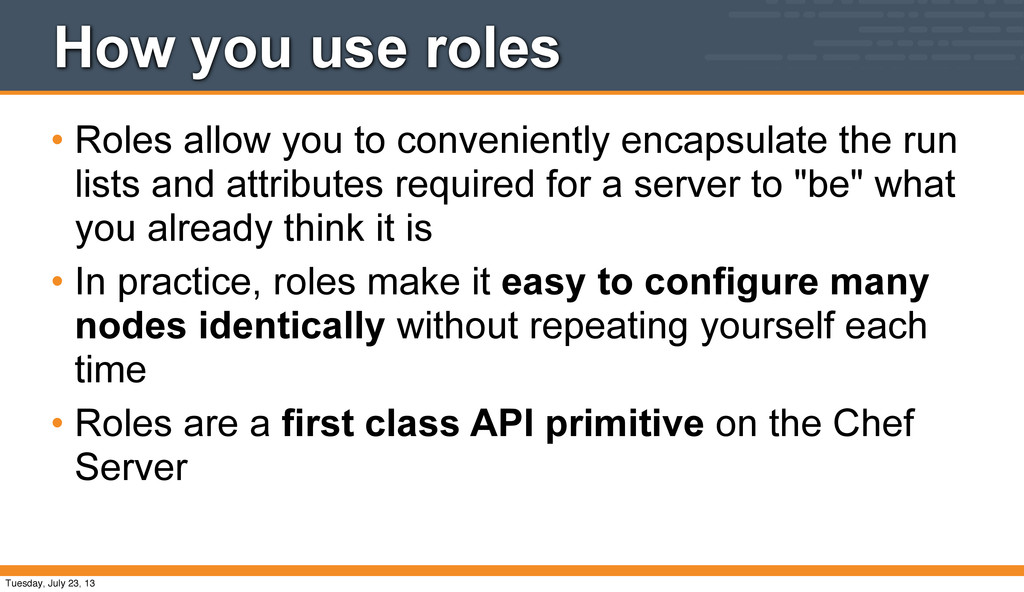
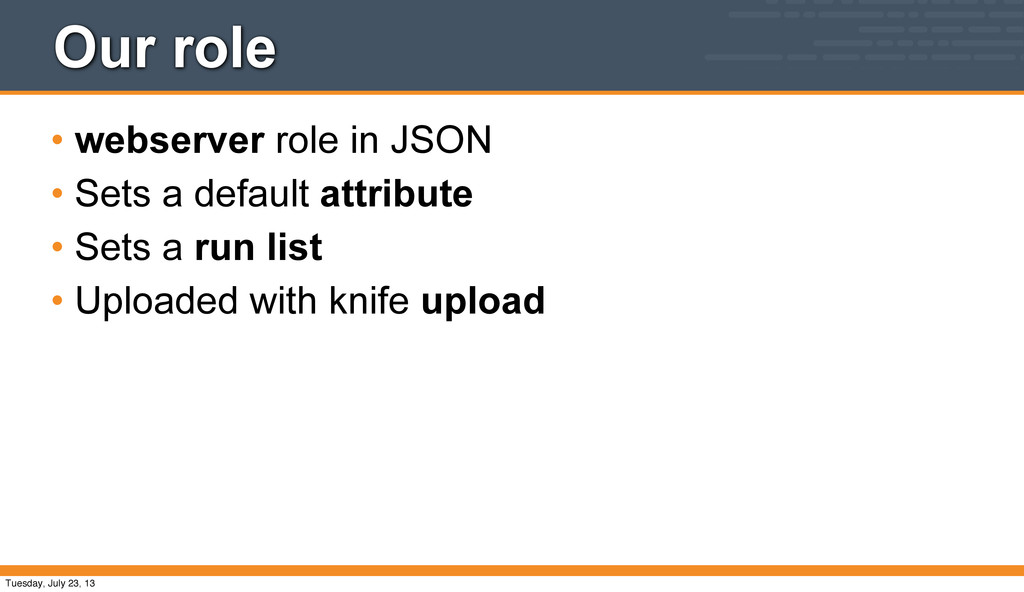
encapsulate the run lists and attributes required for a server to "be" what you already think it is • In practice, roles make it easy to configure many nodes identically without repeating yourself each time • Roles are a first class API primitive on the Chef Server Tuesday, July 23, 13
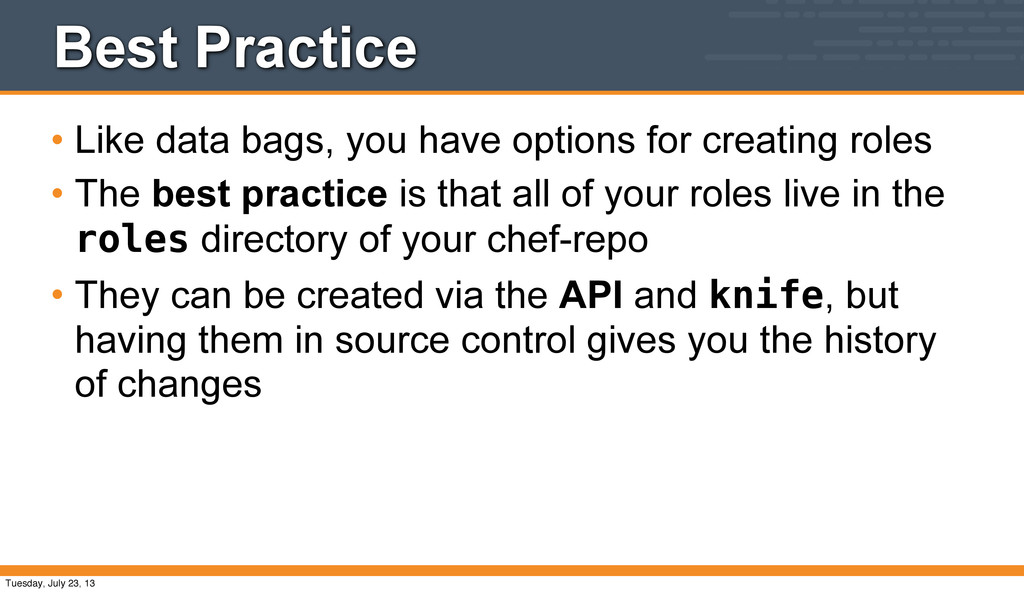
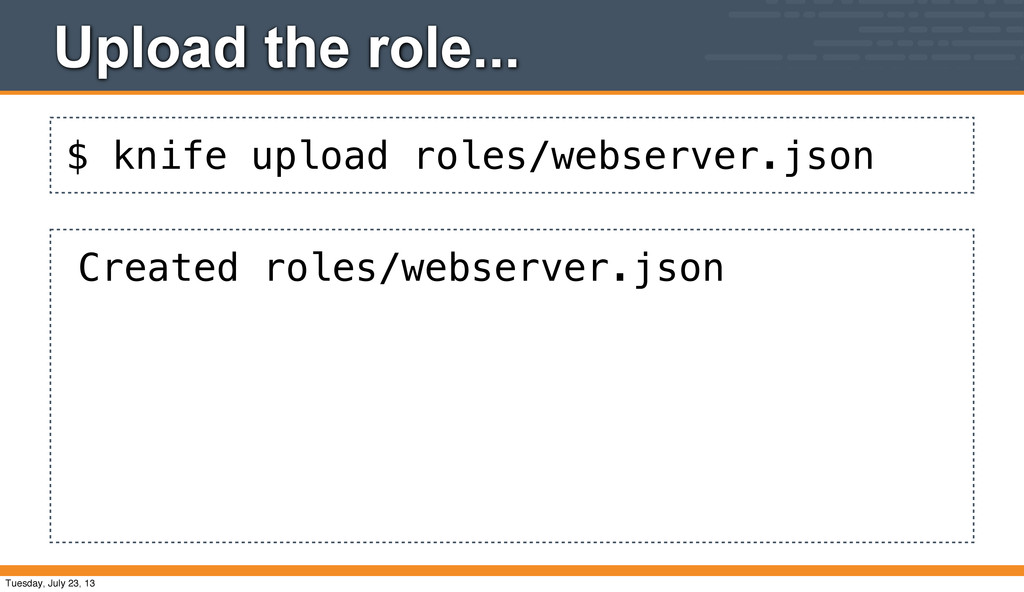
creating roles • The best practice is that all of your roles live in the roles directory of your chef-repo • They can be created via the API and knife, but having them in source control gives you the history of changes Tuesday, July 23, 13
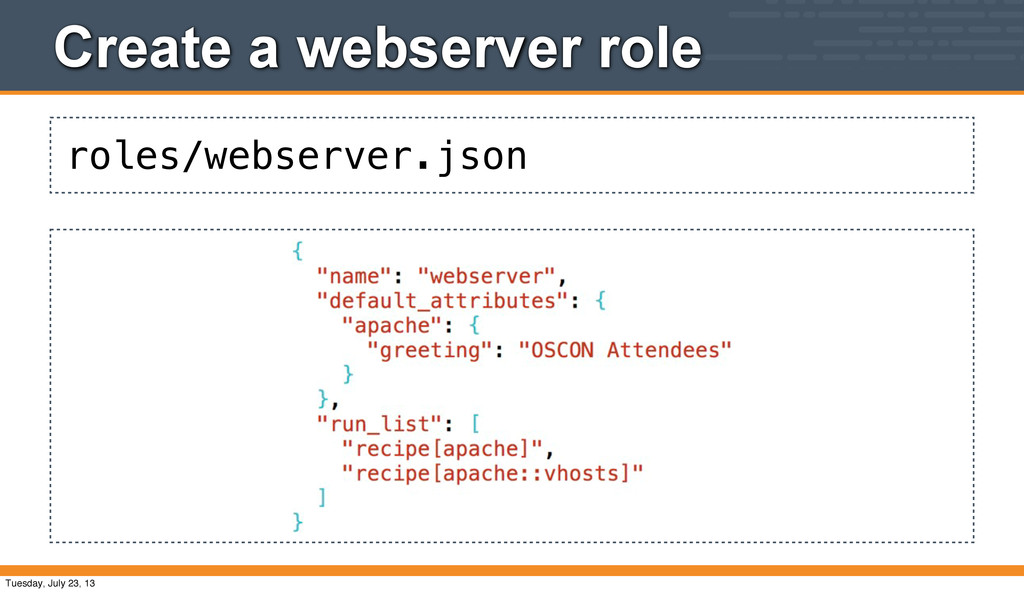
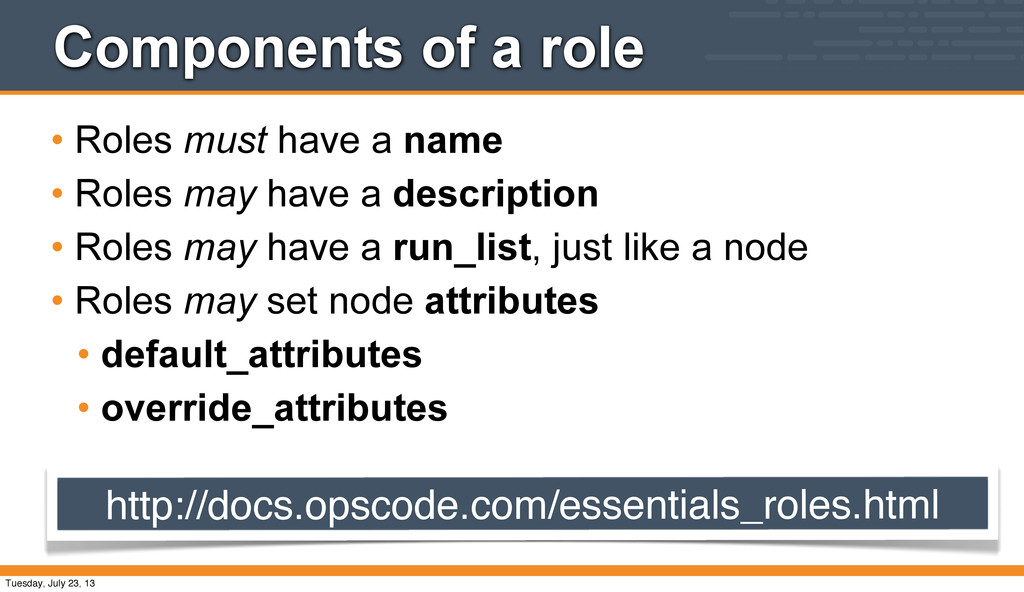
• Roles may have a description • Roles may have a run_list, just like a node • Roles may set node attributes • default_attributes • override_attributes http://docs.opscode.com/essentials_roles.html Tuesday, July 23, 13
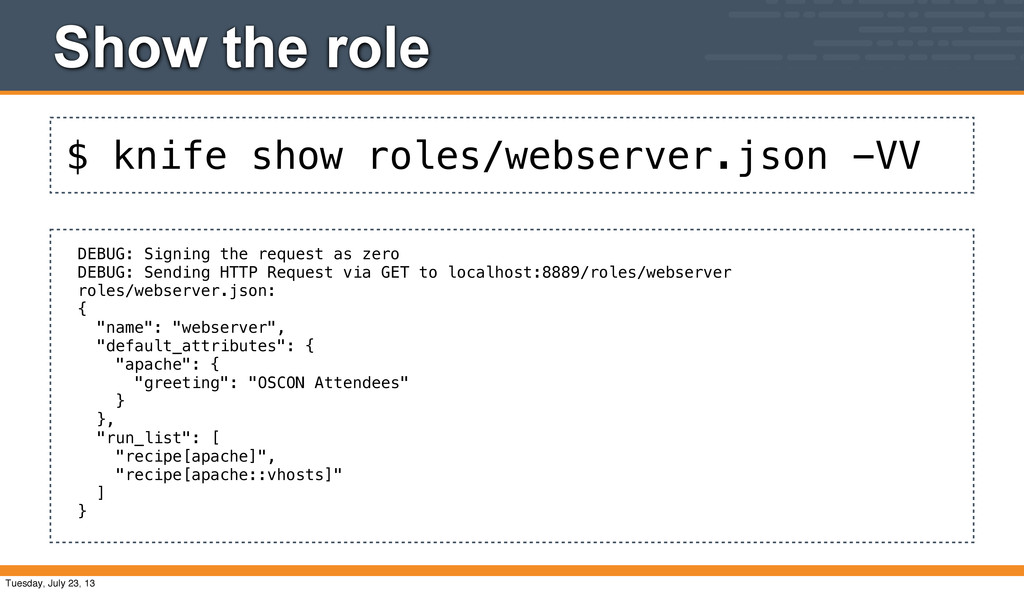
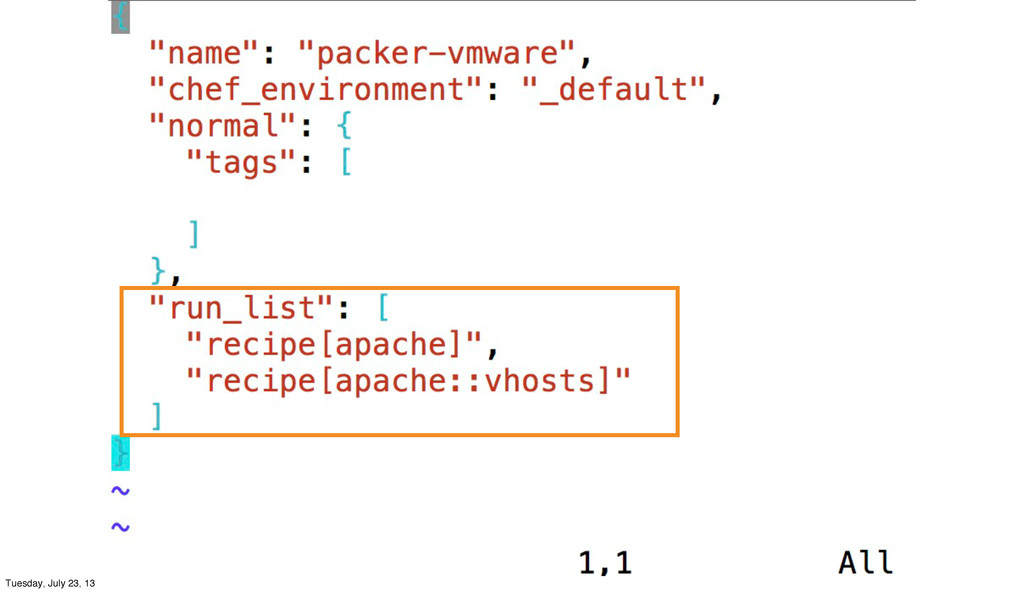
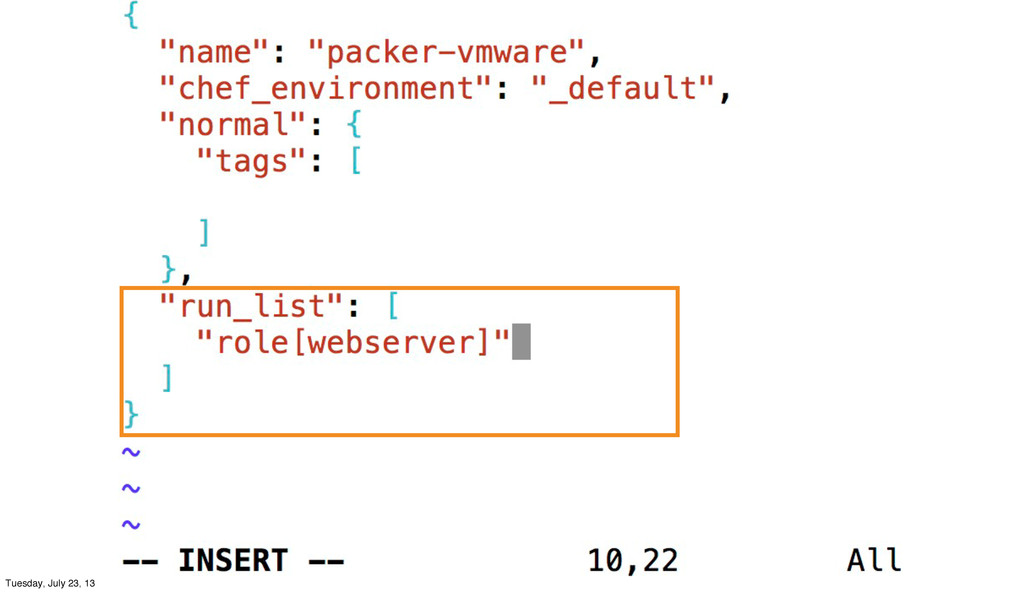
the request as zero DEBUG: Sending HTTP Request via GET to localhost:8889/roles/webserver roles/webserver.json: { "name": "webserver", "default_attributes": { "apache": { "greeting": "OSCON Attendees" } }, "run_list": [ "recipe[apache]", "recipe[apache::vhosts]" ] } Tuesday, July 23, 13
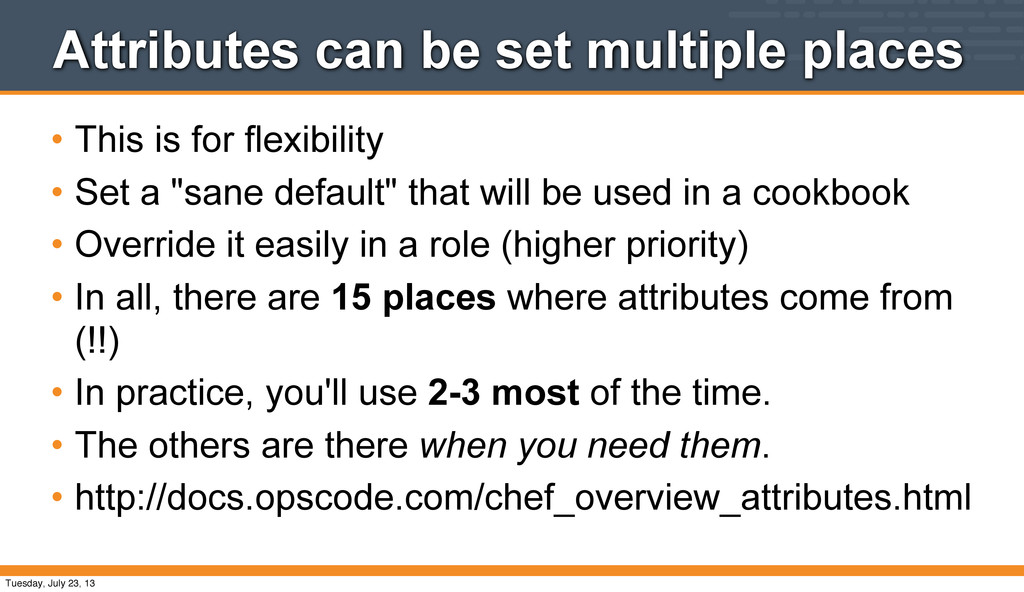
flexibility • Set a "sane default" that will be used in a cookbook • Override it easily in a role (higher priority) • In all, there are 15 places where attributes come from (!!) • In practice, you'll use 2-3 most of the time. • The others are there when you need them. • http://docs.opscode.com/chef_overview_attributes.html Tuesday, July 23, 13
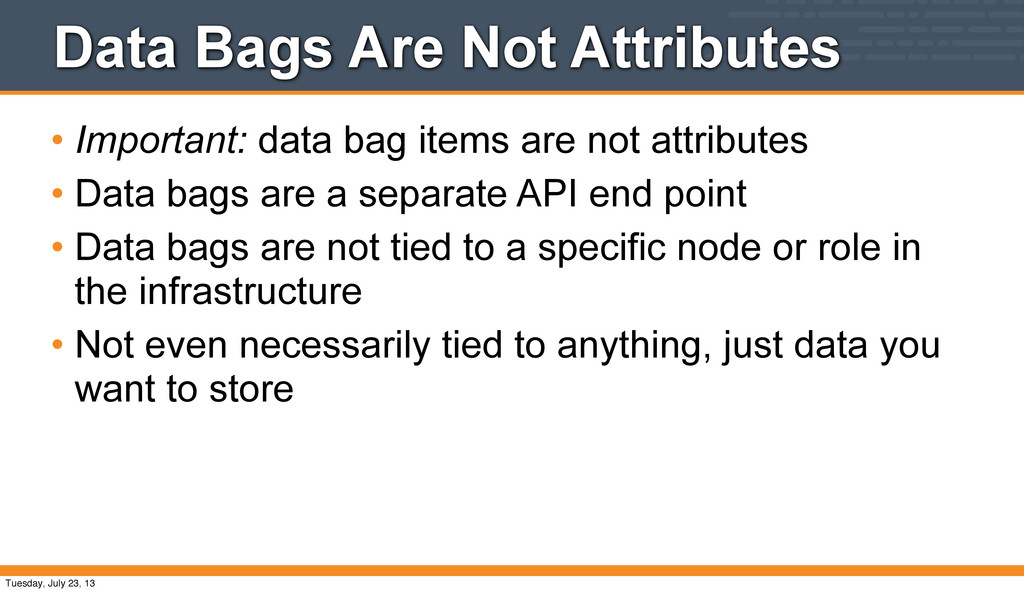
are not attributes • Data bags are a separate API end point • Data bags are not tied to a specific node or role in the infrastructure • Not even necessarily tied to anything, just data you want to store Tuesday, July 23, 13
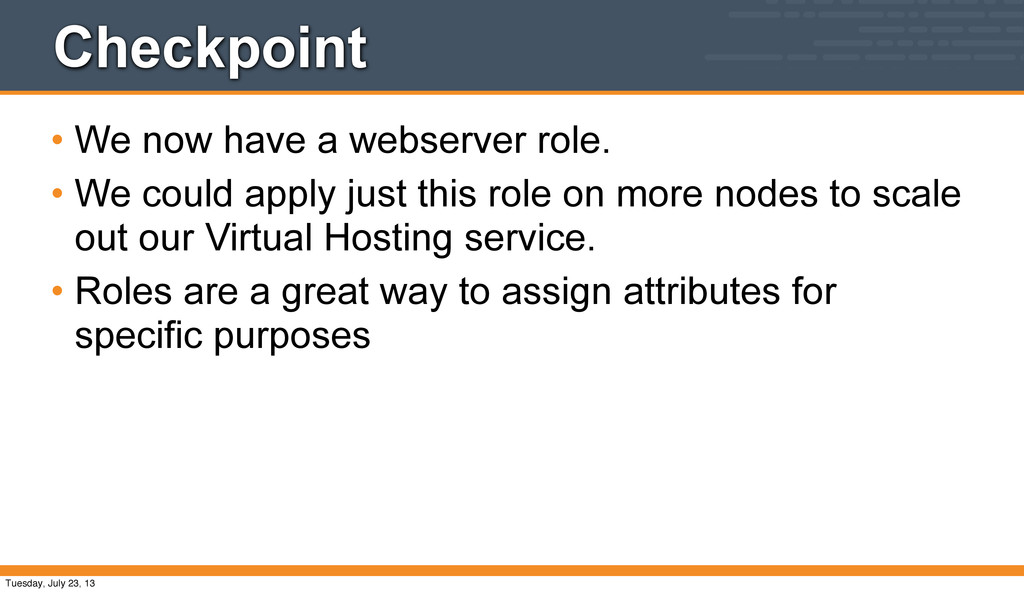
could apply just this role on more nodes to scale out our Virtual Hosting service. • Roles are a great way to assign attributes for specific purposes Tuesday, July 23, 13
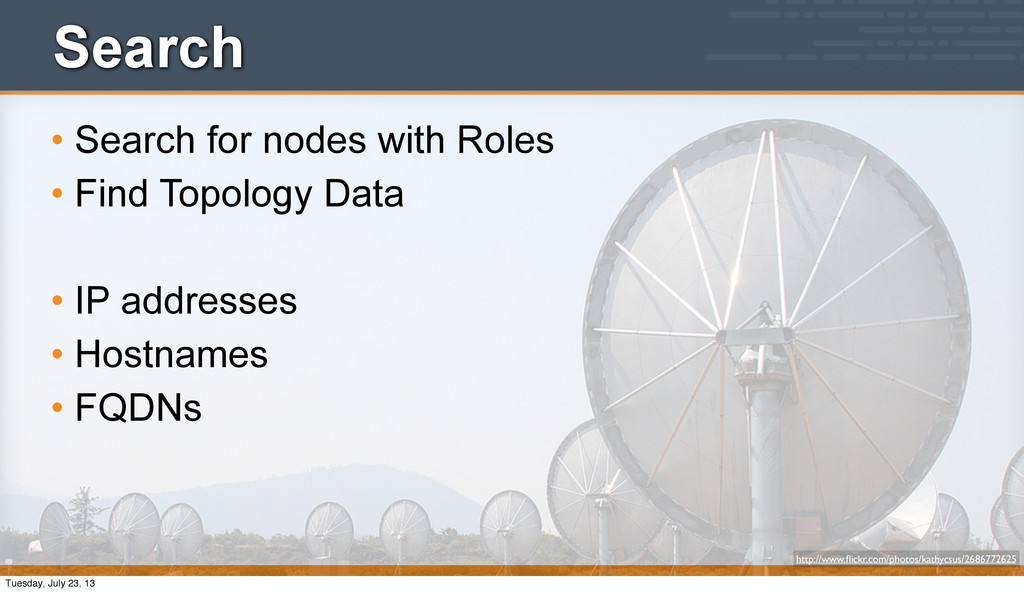
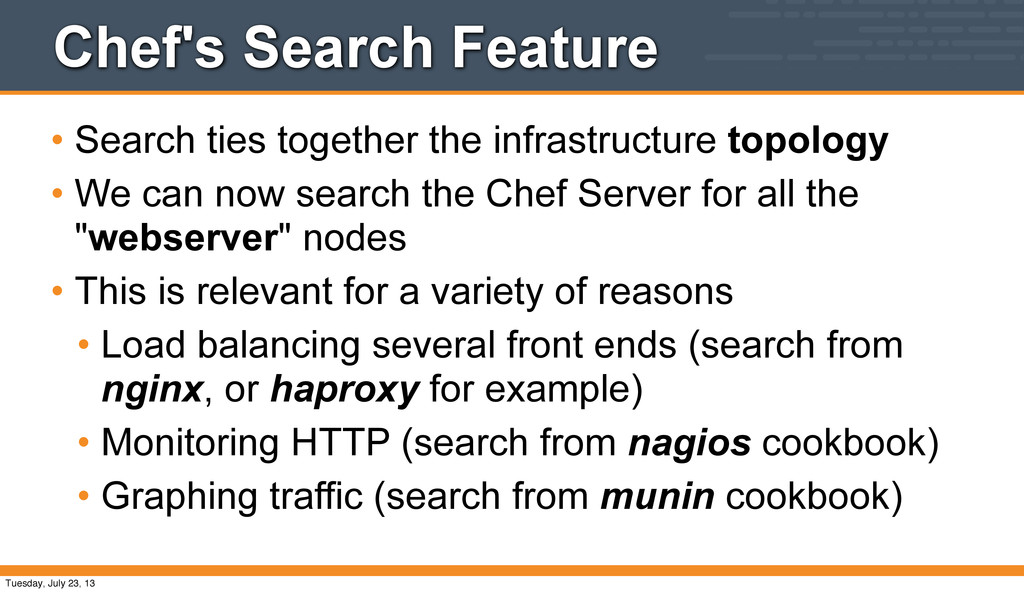
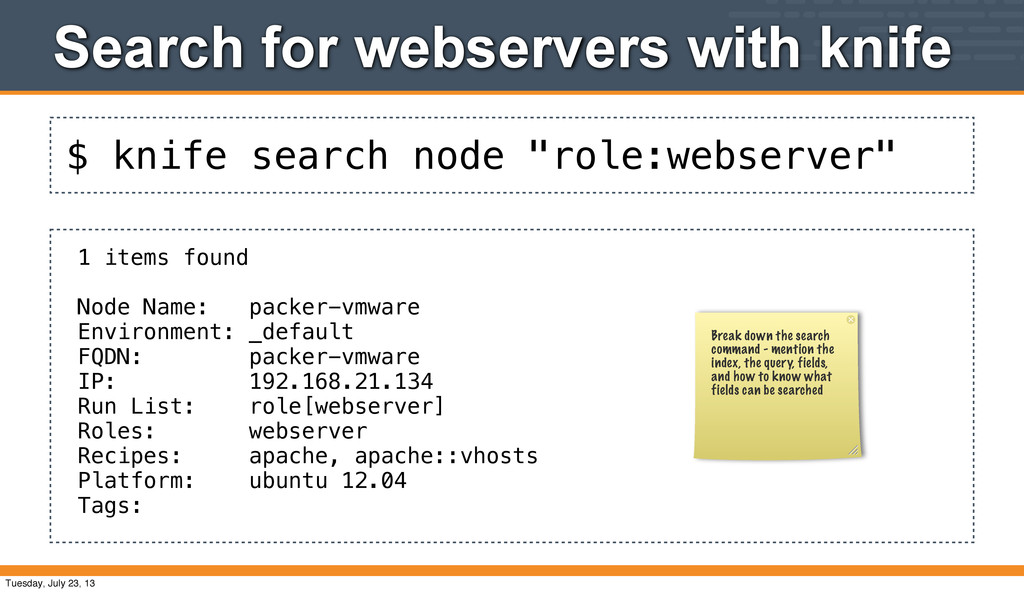
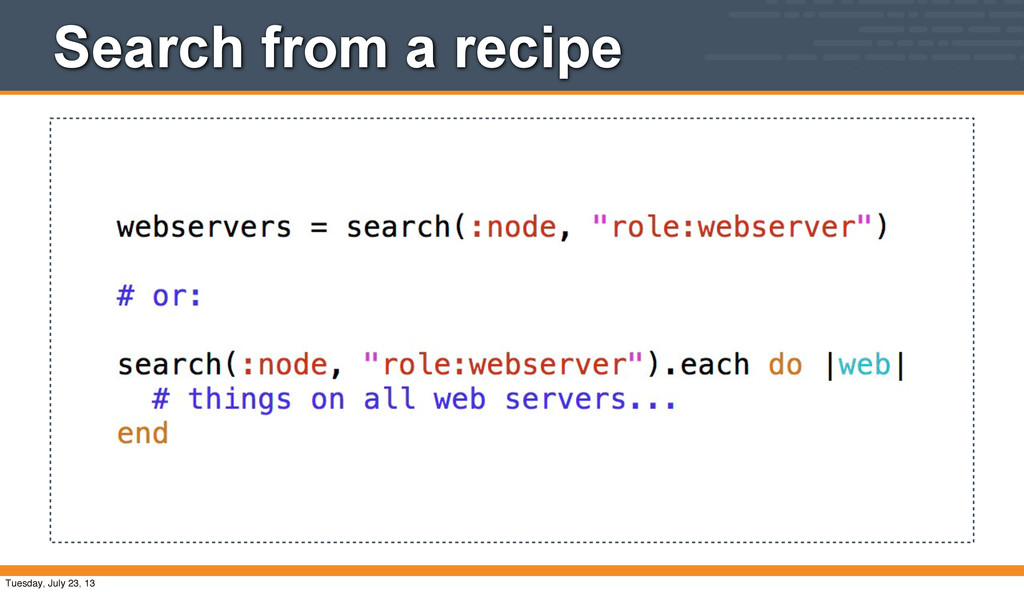
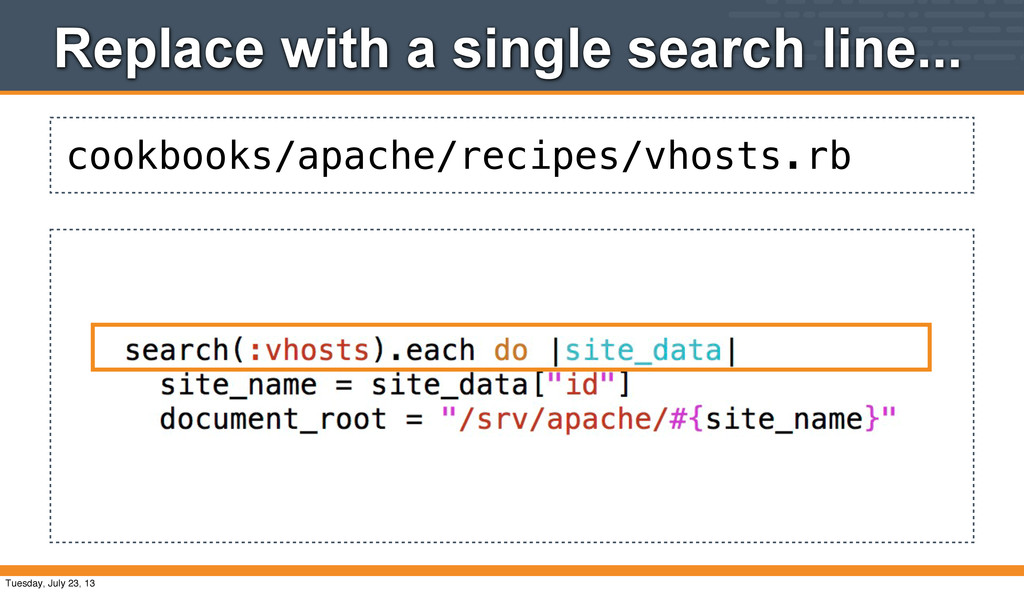
• We can now search the Chef Server for all the "webserver" nodes • This is relevant for a variety of reasons • Load balancing several front ends (search from nginx, or haproxy for example) • Monitoring HTTP (search from nagios cookbook) • Graphing traffic (search from munin cookbook) Tuesday, July 23, 13
an environment that is really setup for doing search • But we will talk about what kind of search we do with the command-line, or in a recipe Tuesday, July 23, 13
1 items found Node Name: packer-vmware Environment: _default FQDN: packer-vmware IP: 192.168.21.134 Run List: role[webserver] Roles: webserver Recipes: apache, apache::vhosts Platform: ubuntu 12.04 Tags: Break down the search command - mention the index, the query, fields, and how to know what fields can be searched Tuesday, July 23, 13
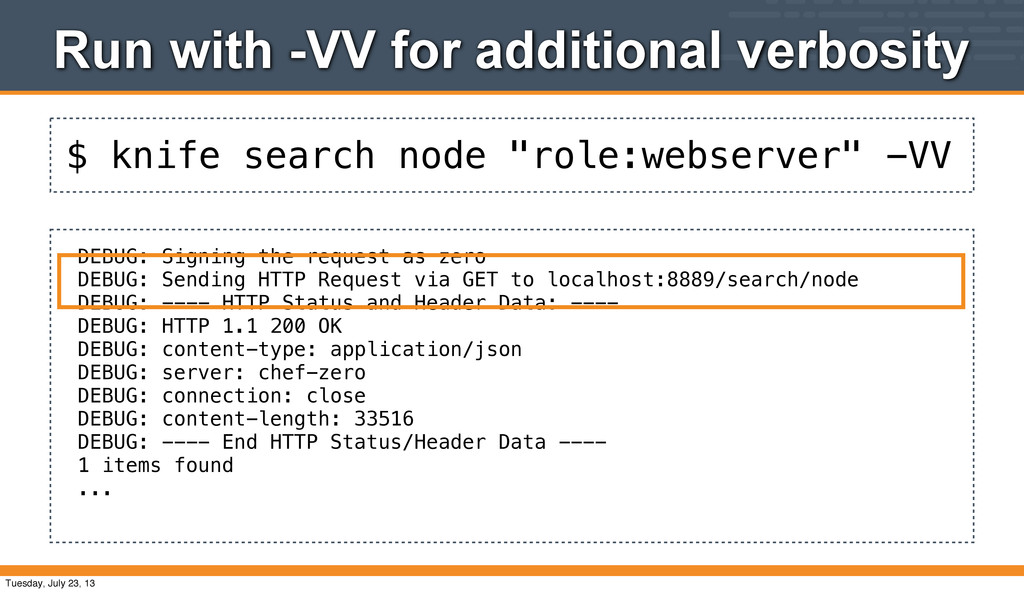
additional verbosity DEBUG: Signing the request as zero DEBUG: Sending HTTP Request via GET to localhost:8889/search/node DEBUG: ---- HTTP Status and Header Data: ---- DEBUG: HTTP 1.1 200 OK DEBUG: content-type: application/json DEBUG: server: chef-zero DEBUG: connection: close DEBUG: content-length: 33516 DEBUG: ---- End HTTP Status/Header Data ---- 1 items found ... Tuesday, July 23, 13
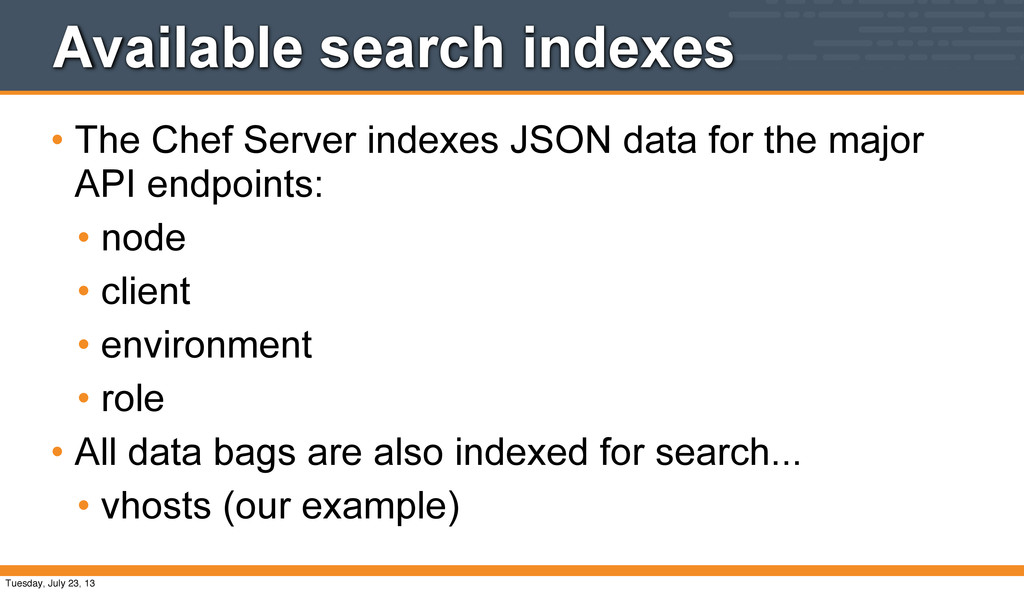
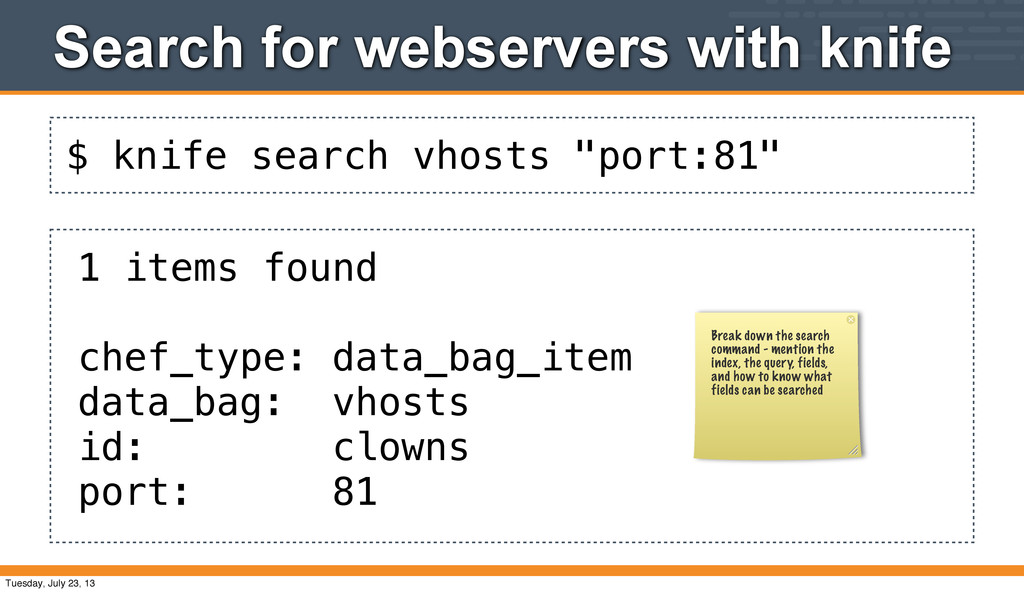
for the major API endpoints: • node • client • environment • role • All data bags are also indexed for search... • vhosts (our example) Tuesday, July 23, 13
1 items found chef_type: data_bag_item data_bag: vhosts id: clowns port: 81 Break down the search command - mention the index, the query, fields, and how to know what fields can be searched Tuesday, July 23, 13
action create (up to date) * execute[a2ensite bears] action run (skipped due to not_if) * directory[/srv/apache/bears] action create (up to date) * template[/srv/apache/bears/index.html] action create (up to date) * template[/etc/apache2/sites-available/clowns] action create (up to date) * execute[a2ensite clowns] action run (skipped due to not_if) * directory[/srv/apache/clowns] action create (up to date) * template[/srv/apache/clowns/index.html] action create (up to date) Chef Client finished, 0 resources updated Tuesday, July 23, 13
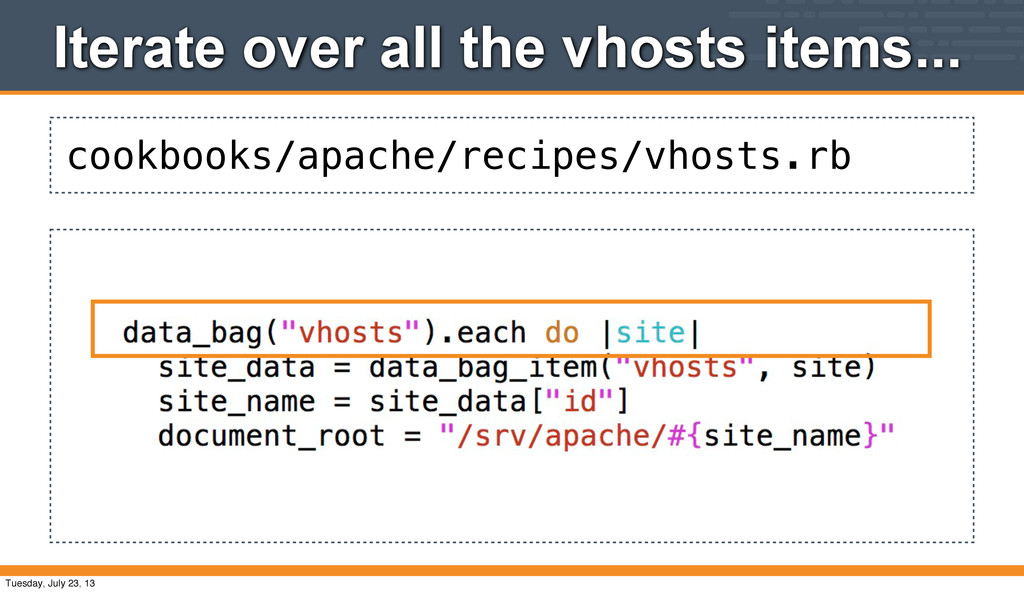
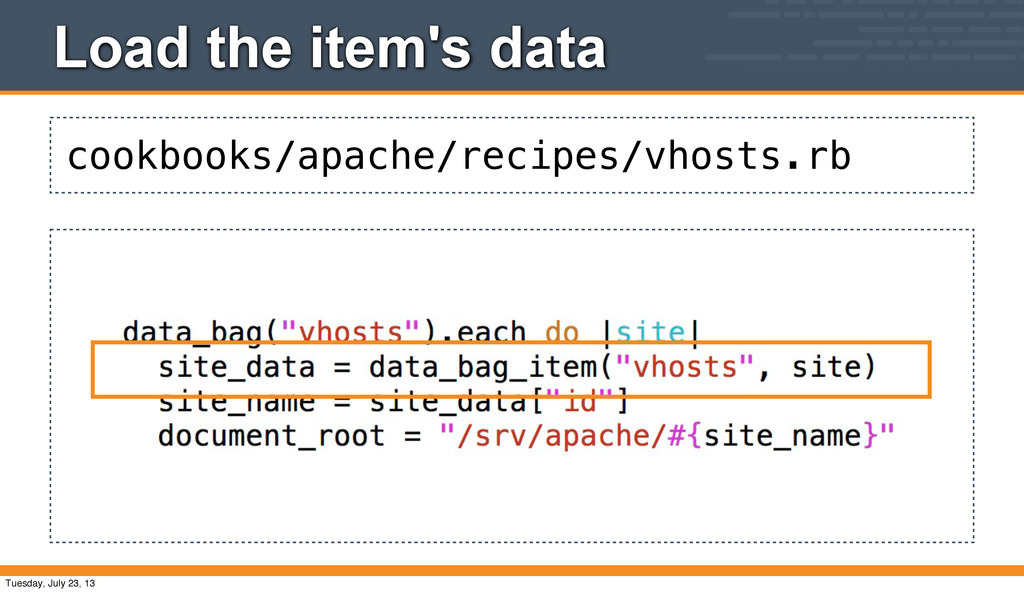
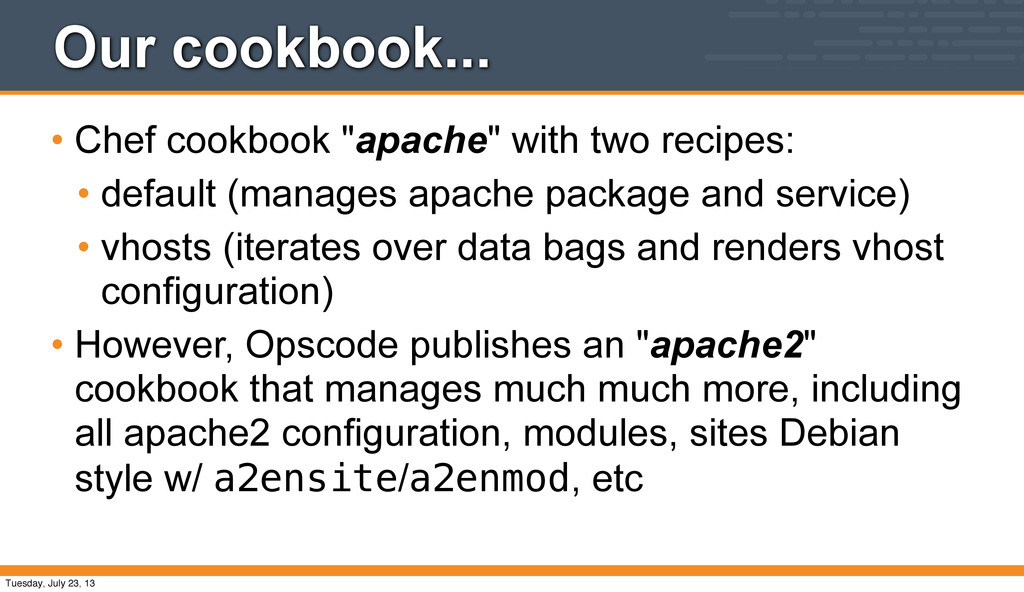
default (manages apache package and service) • vhosts (iterates over data bags and renders vhost configuration) • However, Opscode publishes an "apache2" cookbook that manages much much more, including all apache2 configuration, modules, sites Debian style w/ a2ensite/a2enmod, etc Tuesday, July 23, 13
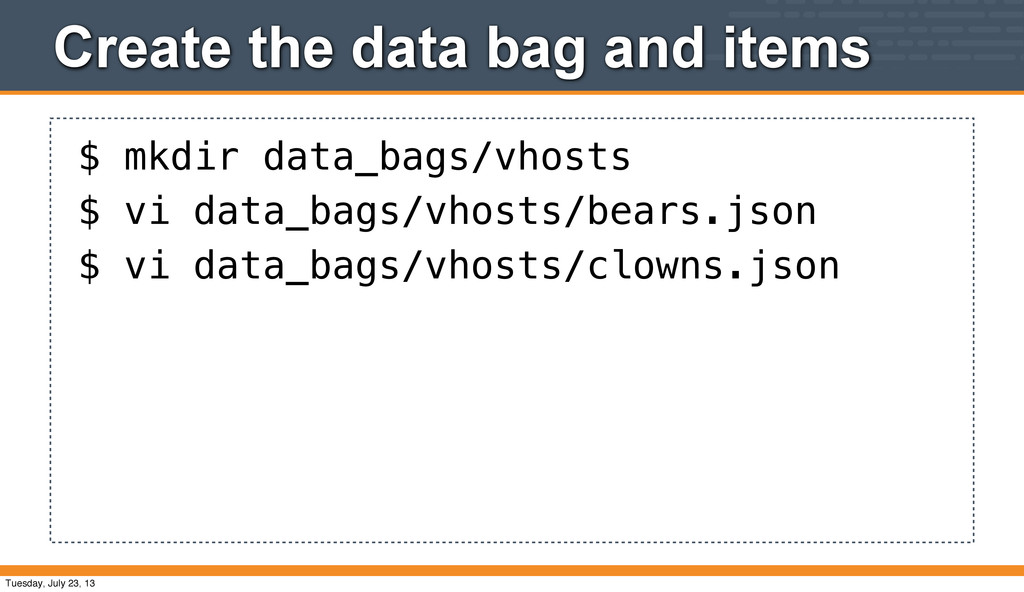
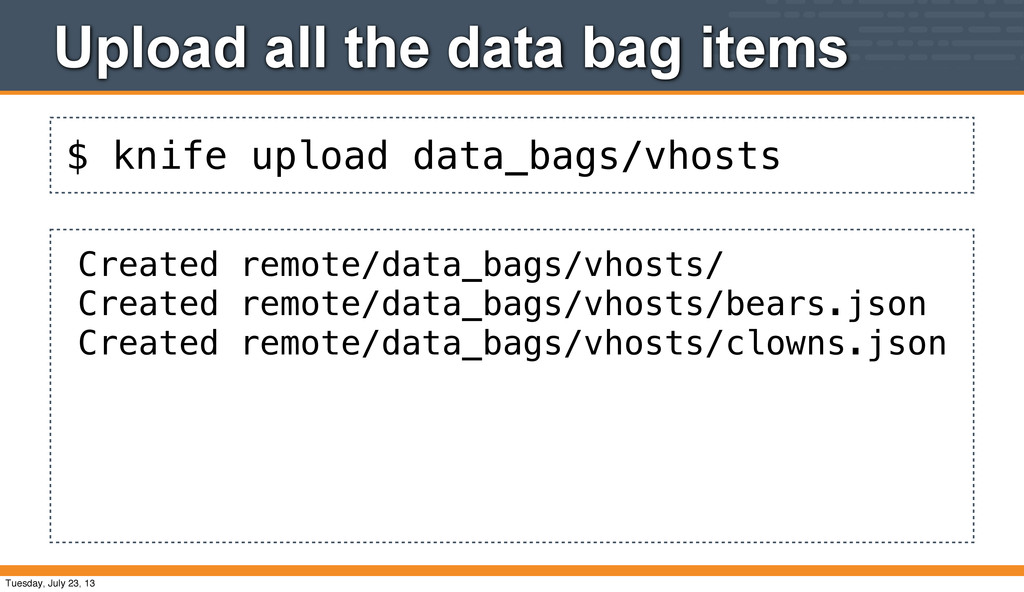
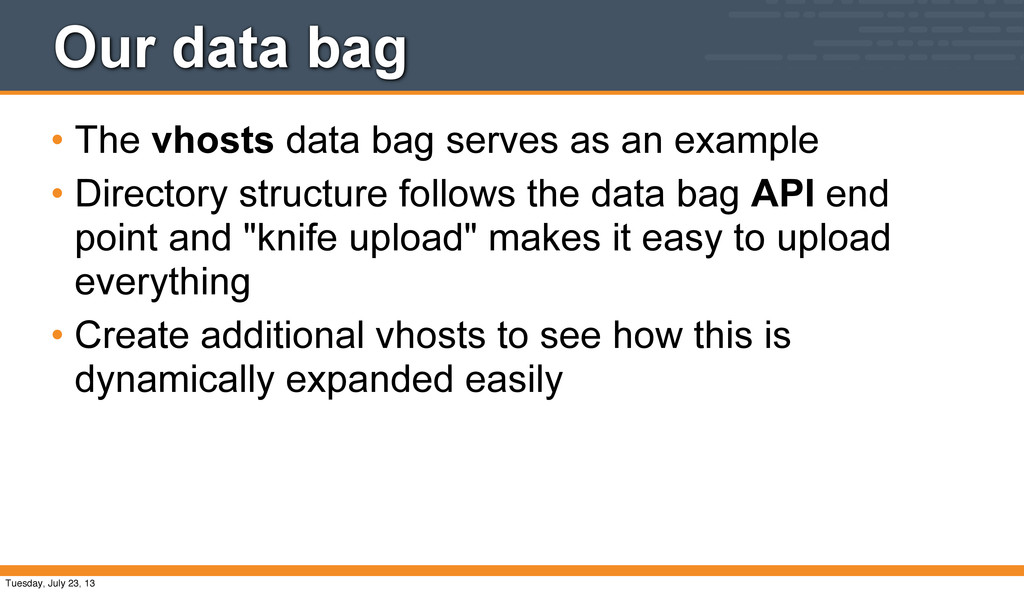
an example • Directory structure follows the data bag API end point and "knife upload" makes it easy to upload everything • Create additional vhosts to see how this is dynamically expanded easily Tuesday, July 23, 13
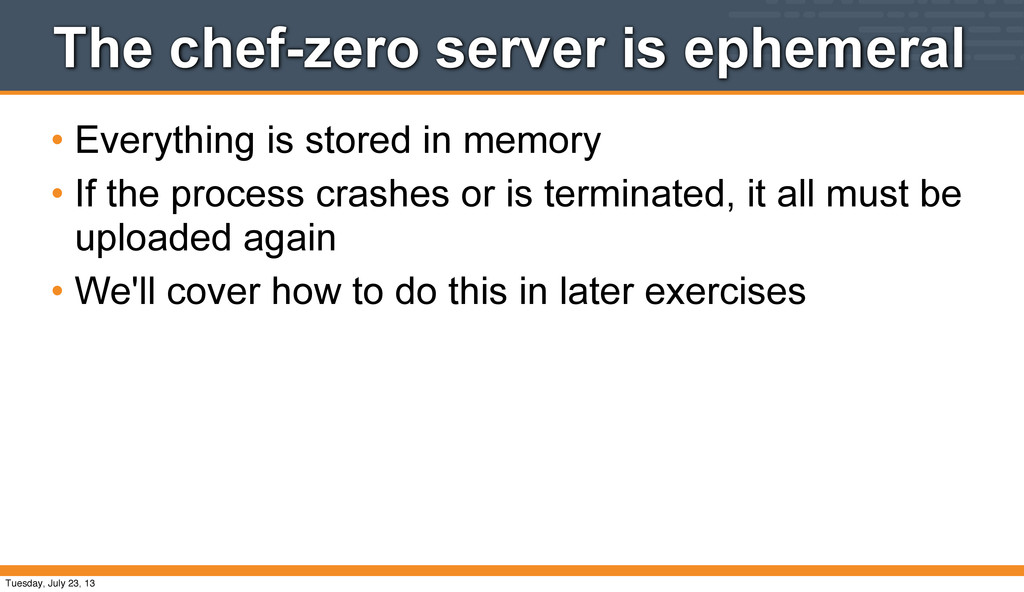
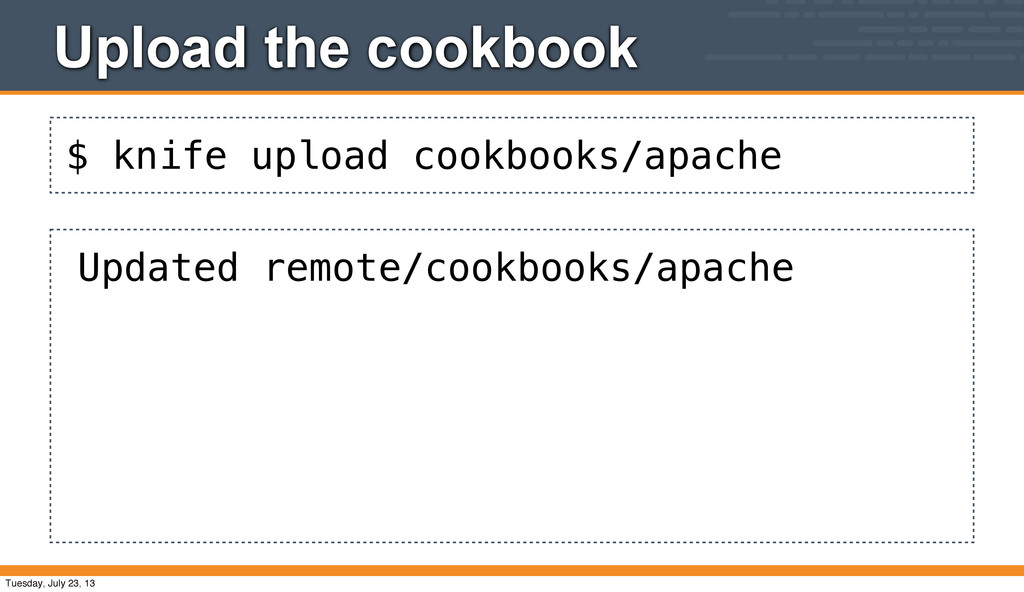
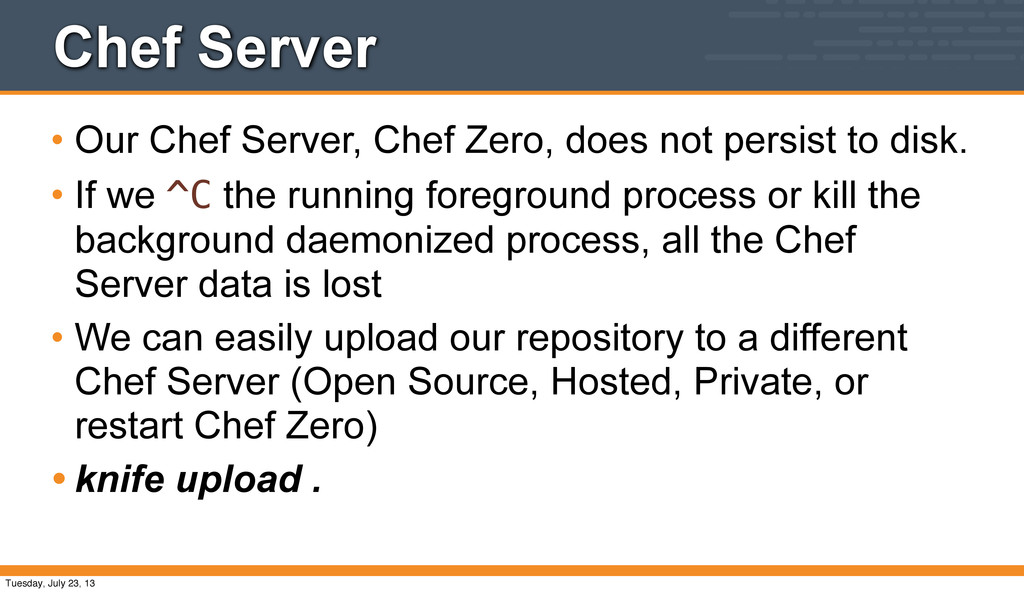
persist to disk. • If we ^C the running foreground process or kill the background daemonized process, all the Chef Server data is lost • We can easily upload our repository to a different Chef Server (Open Source, Hosted, Private, or restart Chef Zero) • knife upload . Tuesday, July 23, 13
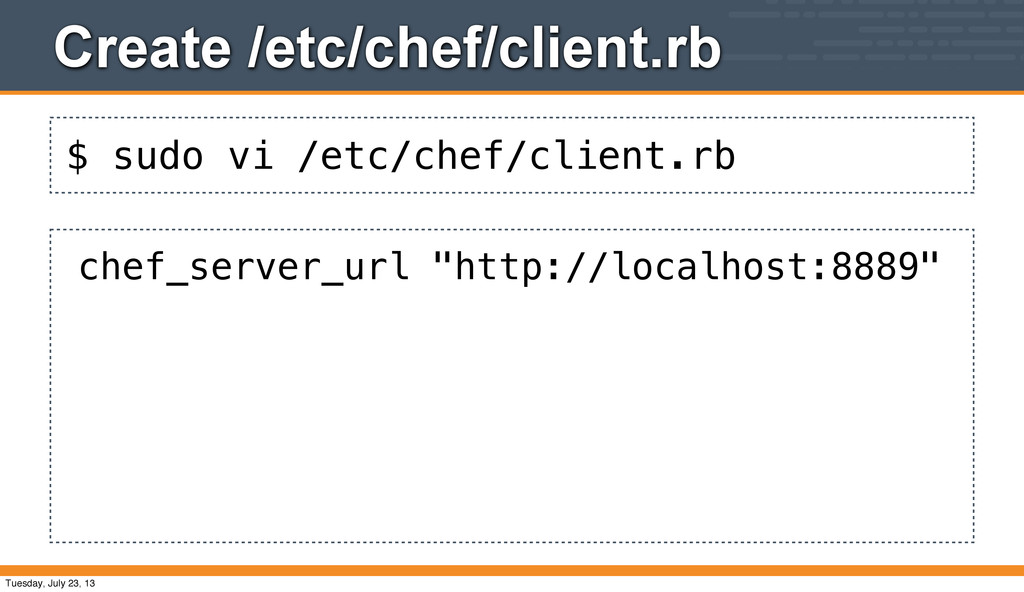
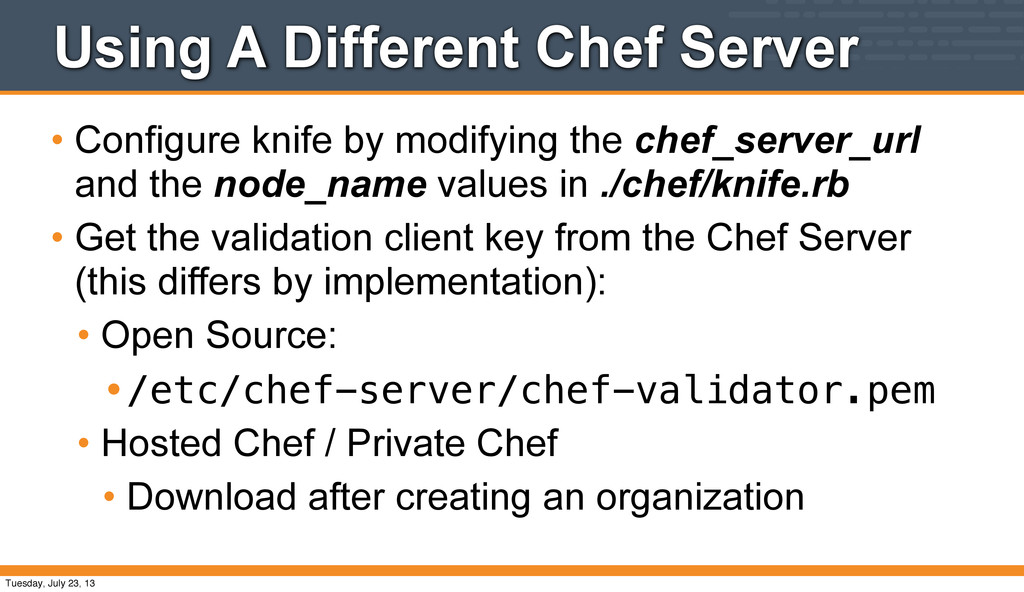
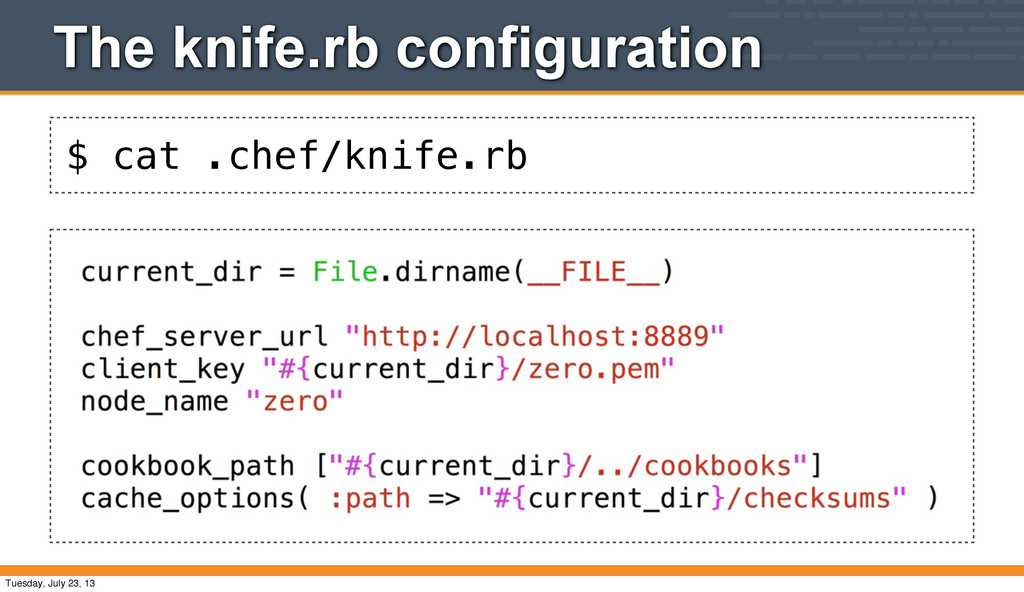
the chef_server_url and the node_name values in ./chef/knife.rb • Get the validation client key from the Chef Server (this differs by implementation): • Open Source: •/etc/chef-server/chef-validator.pem • Hosted Chef / Private Chef • Download after creating an organization Tuesday, July 23, 13
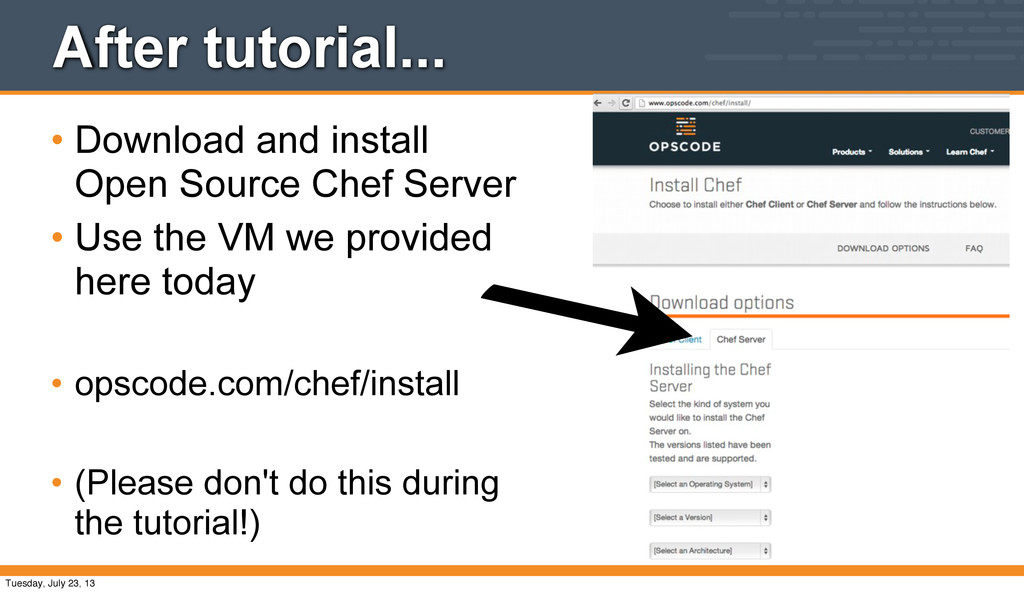
Server, Up and Running • 3 Commands! (ish) • Full stack package, ~300Mb • (Please don't download on the wifi! :)) http://bit.ly/XjDGDs Tuesday, July 23, 13
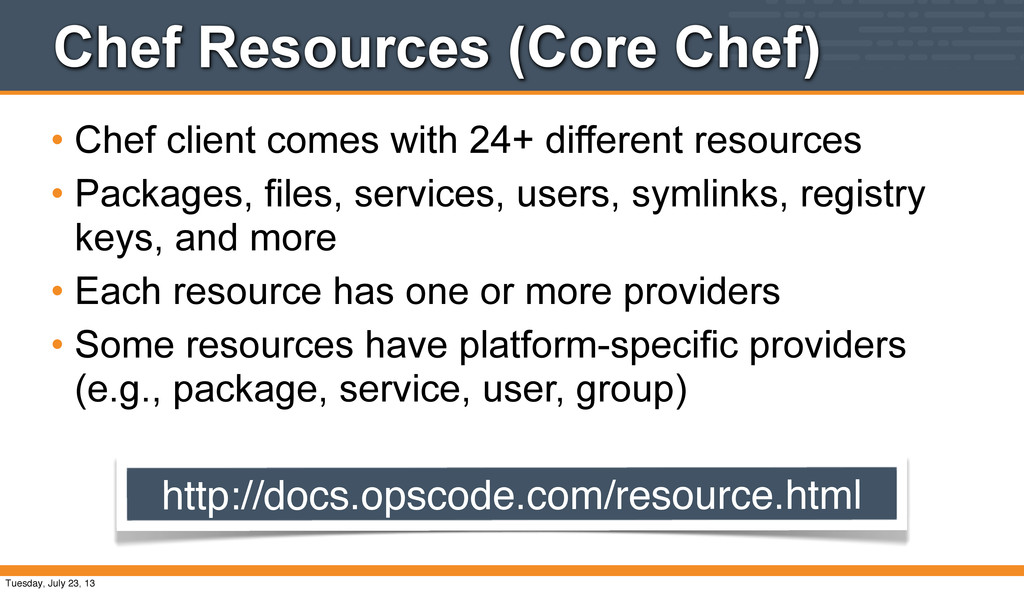
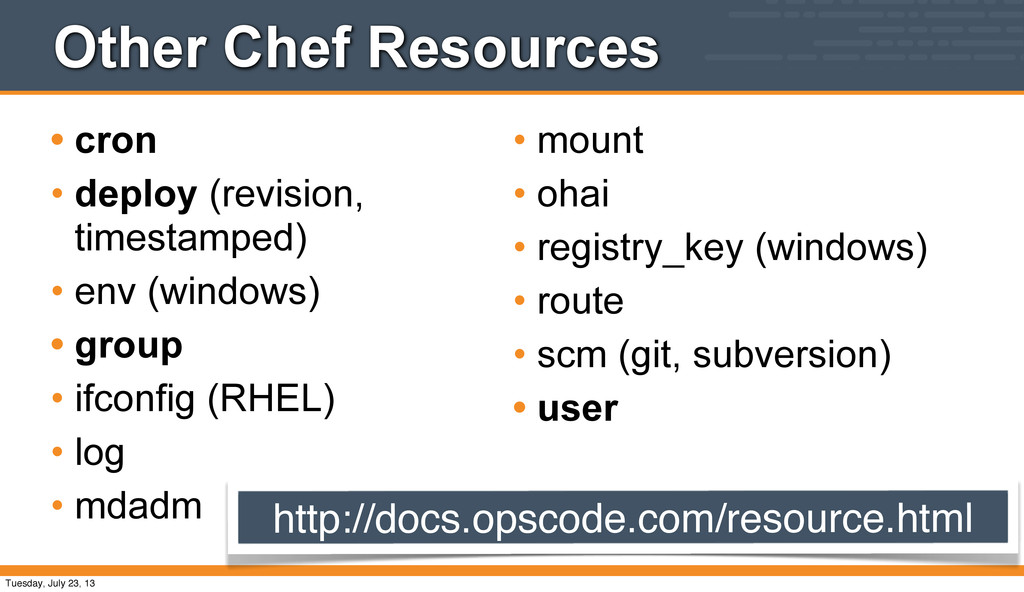
different resources • Packages, files, services, users, symlinks, registry keys, and more • Each resource has one or more providers • Some resources have platform-specific providers (e.g., package, service, user, group) http://docs.opscode.com/resource.html Tuesday, July 23, 13
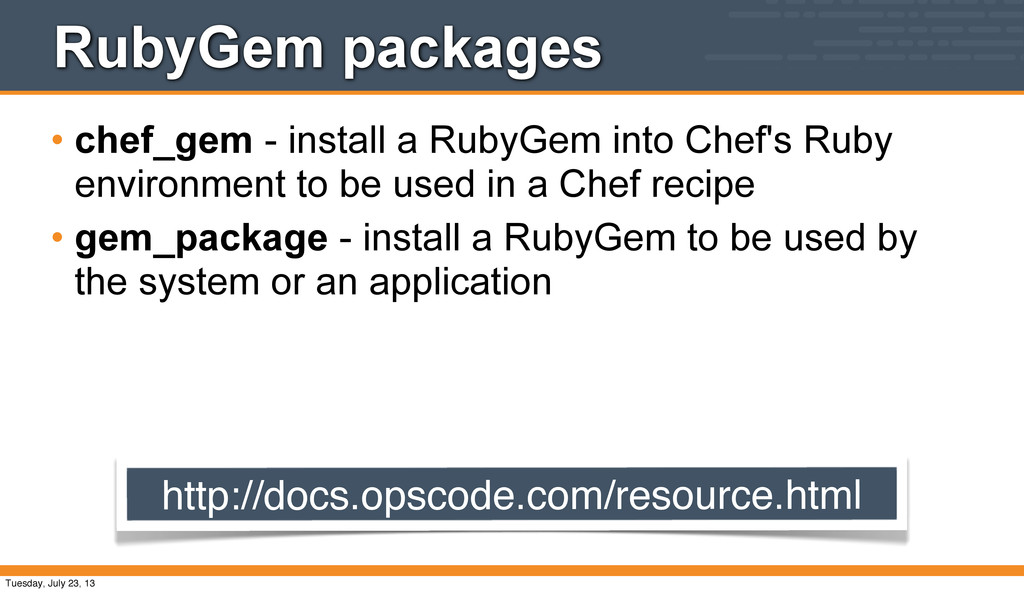
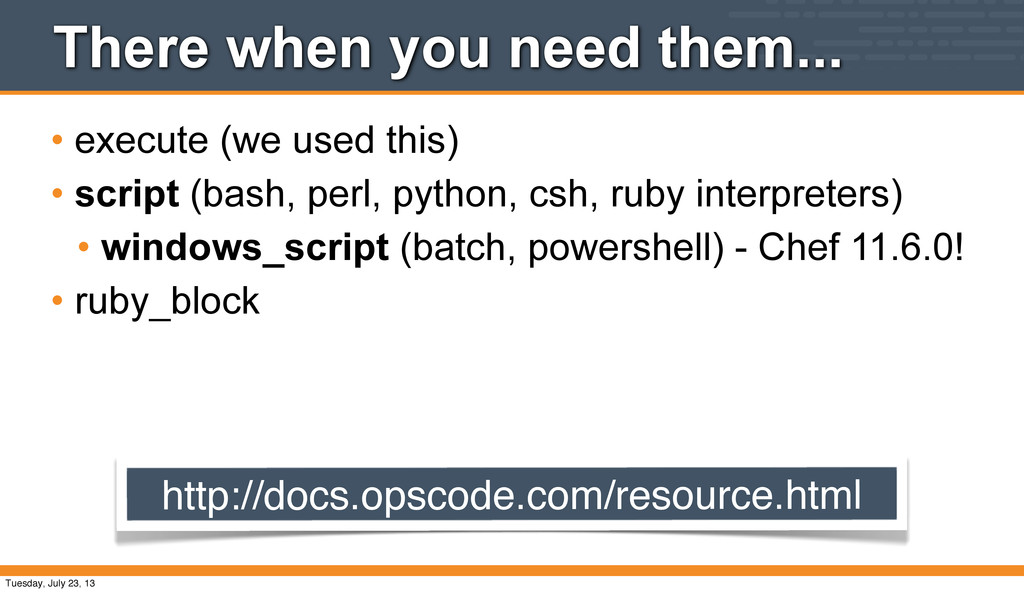
Ruby environment to be used in a Chef recipe • gem_package - install a RubyGem to be used by the system or an application http://docs.opscode.com/resource.html Tuesday, July 23, 13
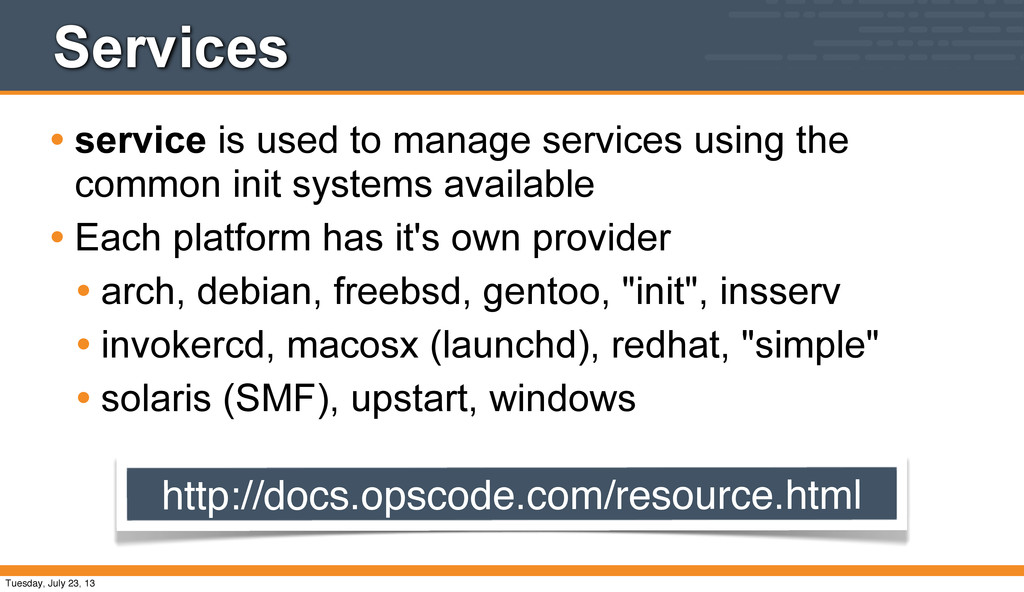
common init systems available • Each platform has it's own provider • arch, debian, freebsd, gentoo, "init", insserv • invokercd, macosx (launchd), redhat, "simple" • solaris (SMF), upstart, windows http://docs.opscode.com/resource.html Tuesday, July 23, 13
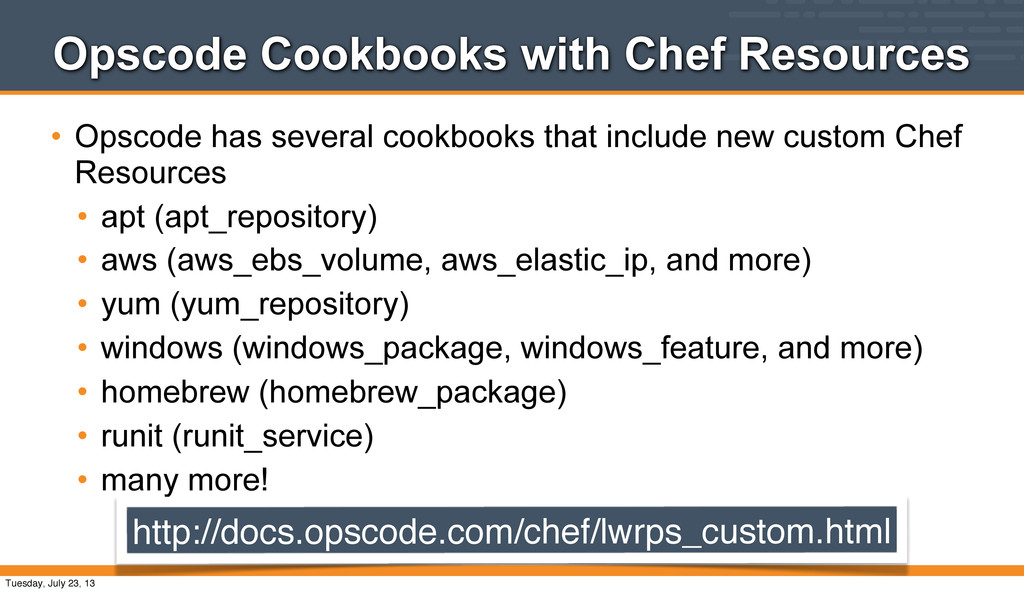
that include new custom Chef Resources • apt (apt_repository) • aws (aws_ebs_volume, aws_elastic_ip, and more) • yum (yum_repository) • windows (windows_package, windows_feature, and more) • homebrew (homebrew_package) • runit (runit_service) • many more! http://docs.opscode.com/chef/lwrps_custom.html Tuesday, July 23, 13
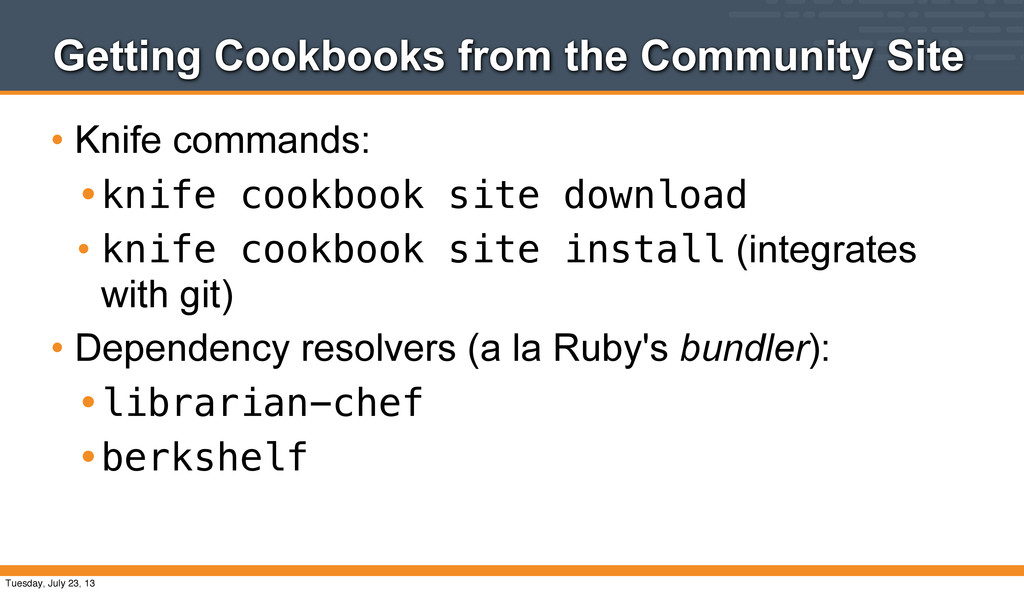
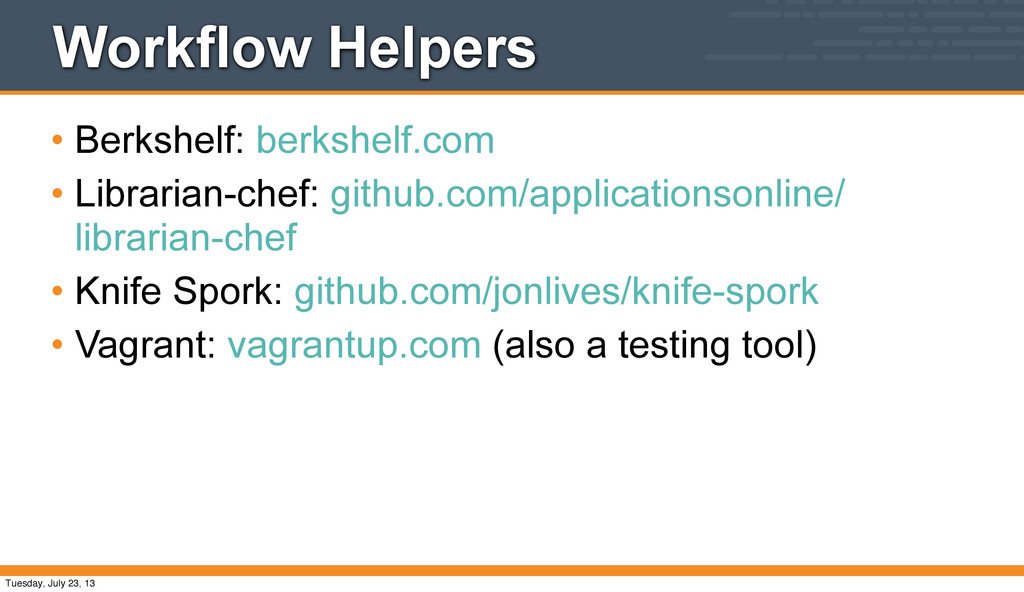
cookbook site download • knife cookbook site install (integrates with git) • Dependency resolvers (a la Ruby's bundler): •librarian-chef •berkshelf Tuesday, July 23, 13


 jtimberman
 mofurune
 ivargrimstad
 oniak3ibm
 uyuki234
 o0h
o0h
 findyinc
 yub0n
yub0n
 utakaha
 suneo3476
 steliosf
 y0hgi
y0hgi
 irinanazarova
 morganepeng
 letsgokoyo
 mfonobong
 techseoconnect
 csswizardry
 brad_frost
 tanoku
 dugsong
 nikkihalliwell
 soudai
 mongodb
 skipperchong













![$ ssh [email protected] Log into the VM [email protected]'s password: vagrant](https://files.speakerdeck.com/presentations/5cb4bfc0d5ec013088ac6efb78f5c6c9/slide_47.jpg)







![$ knife node run list add packer-vmware 'recipe[apache]' How do](https://files.speakerdeck.com/presentations/5cb4bfc0d5ec013088ac6efb78f5c6c9/slide_111.jpg)
![$ sudo apt-get update Did you get this error? [2013-07-18T21:14:56+00:00]](https://files.speakerdeck.com/presentations/5cb4bfc0d5ec013088ac6efb78f5c6c9/slide_113.jpg)
![The problem... • This is [an unintended] illustration of the](https://files.speakerdeck.com/presentations/5cb4bfc0d5ec013088ac6efb78f5c6c9/slide_114.jpg)
![* service[apache2] action enable (up to date) * service[apache2] action](https://files.speakerdeck.com/presentations/5cb4bfc0d5ec013088ac6efb78f5c6c9/slide_116.jpg)


![$ sudo chef-client Run Chef Client * template[/var/www/index.html] action create](https://files.speakerdeck.com/presentations/5cb4bfc0d5ec013088ac6efb78f5c6c9/slide_127.jpg)




![Checkpoint • We have a node attribute • node["apache"]["greeting"] •](https://files.speakerdeck.com/presentations/5cb4bfc0d5ec013088ac6efb78f5c6c9/slide_138.jpg)


![$ sudo chef-client Run Chef Recipe: apache::default * package[apache2] action](https://files.speakerdeck.com/presentations/5cb4bfc0d5ec013088ac6efb78f5c6c9/slide_168.jpg)
![$ knife node run list add packer-vmware 'recipe[apache::vhosts]' Why didn't](https://files.speakerdeck.com/presentations/5cb4bfc0d5ec013088ac6efb78f5c6c9/slide_169.jpg)
![$ sudo chef-client Run Chef Recipe: apache::vhosts [69/1004] * template[/etc/apache2/sites-available/bears]](https://files.speakerdeck.com/presentations/5cb4bfc0d5ec013088ac6efb78f5c6c9/slide_170.jpg)
![Chef client output... * execute[a2ensite bears] action run - execute](https://files.speakerdeck.com/presentations/5cb4bfc0d5ec013088ac6efb78f5c6c9/slide_171.jpg)


![$ sudo chef-client Run Chef * template[/srv/apache/bears/index.html] action create -](https://files.speakerdeck.com/presentations/5cb4bfc0d5ec013088ac6efb78f5c6c9/slide_188.jpg)


![$ sudo chef-client Run Chef Client Recipe: apache::vhosts * template[/etc/apache2/sites-available/bears]](https://files.speakerdeck.com/presentations/5cb4bfc0d5ec013088ac6efb78f5c6c9/slide_205.jpg)




![Thank you! Questions & Answers [email protected] [email protected] Tuesday, July 23,](https://files.speakerdeck.com/presentations/5cb4bfc0d5ec013088ac6efb78f5c6c9/slide_231.jpg)