Upgrade to Pro
— share decks privately, control downloads, hide ads and more …
Speaker Deck
Sign up for free
Menu
Search
Features
All features
Private URLs
Password Protection
Custom URLS
Scheduled publishing
Remove Branding
Restrict embedding
Deck Collections
Notes
Features
All features
Private URLs
Password Protection
Custom URLS
Scheduled publishing
Remove Branding
Restrict embedding
Deck Collections
Notes
Explore
Featured decks
Featured speakers
Programming
Technology
Storyboards
Explore
Featured decks
Featured speakers
Programming
Technology
Storyboards
Pricing
Search
Sign in
Sign up for free
nacatl_slide_02_MapView_in_Recycler_view.pdf
Search
nacatl
March 18, 2019
370
1
Share
Embed
Copy iframe code
Copy JS code
Copy link
Start on current slide
nacatl_slide_02_MapView_in_Recycler_view.pdf
nacatl
March 18, 2019
More Decks by nacatl
See All by nacatl
Flutterにおけるアプリ内課金実装 -Android/iOS完全なる統一 -
nacatl
2
8.3k
Navigation Componentを実戦投入した際の感動、便利さ、そしてつまづき
nacatl
0
3.2k
nacatl_slide_04_AAC_Navigation_Toolbar
nacatl
0
840
nacatl_slide_03_AAC_Navigation_SafeArfgs.pdf
nacatl
0
95
DynamicLinks 知られざる?Firebaseの秘技
nacatl
2
1.4k
Featured
See All Featured
SEO in 2025: How to Prepare for the Future of Search
ipullrank
3
3.9k
How to Get Subject Matter Experts Bought In and Actively Contributing to SEO & PR Initiatives.
livdayseo
0
200
Marketing to machines
jonoalderson
1
5.8k
Designing Powerful Visuals for Engaging Learning
tmiket
1
590
How GitHub (no longer) Works
holman
316
150k
Building an army of robots
kneath
307
47k
Writing Fast Ruby
sferik
630
63k
Tips & Tricks on How to Get Your First Job In Tech
honzajavorek
1
780
From π to Pie charts
rasagy
1
380
<Decoding/> the Language of Devs - We Love SEO 2024
nikkihalliwell
1
340
Responsive Adventures: Dirty Tricks From The Dark Corners of Front-End
smashingmag
254
22k
Amusing Abliteration
ianozsvald
1
320
Transcript
Copyright 2018 Studyplus, Inc. All Rights Reserved. MapView in RecyclerView
つまずいた話 Yuzuru Nakashima / Studyplus Inc. 2019.03.18 @ Otemachi.apk #02
自己紹介 ✎ なかてぃる affinity_robots nacatl ✎ スタディプラスのAndroidエンジニア ✎ 趣味: Magic
the Gathering
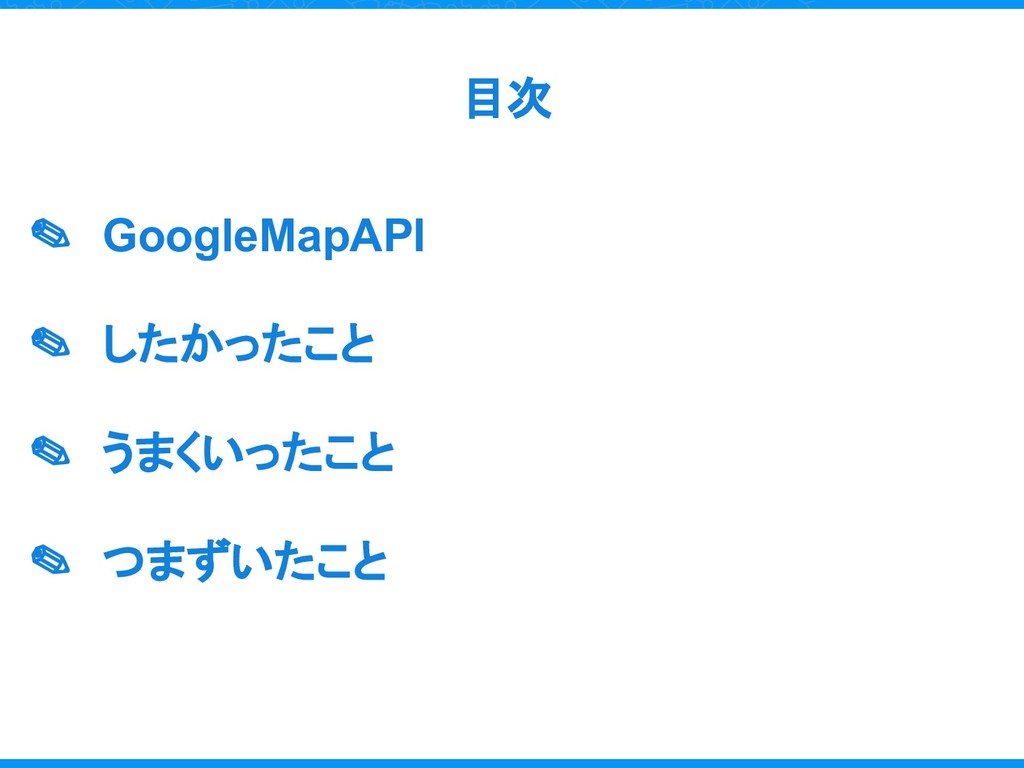
目次 ✎ GoogleMapAPI ✎ したかったこと ✎ うまくいったこと ✎ つまずいたこと
GoogleMapPlatformAPI MapFragment? MapView?
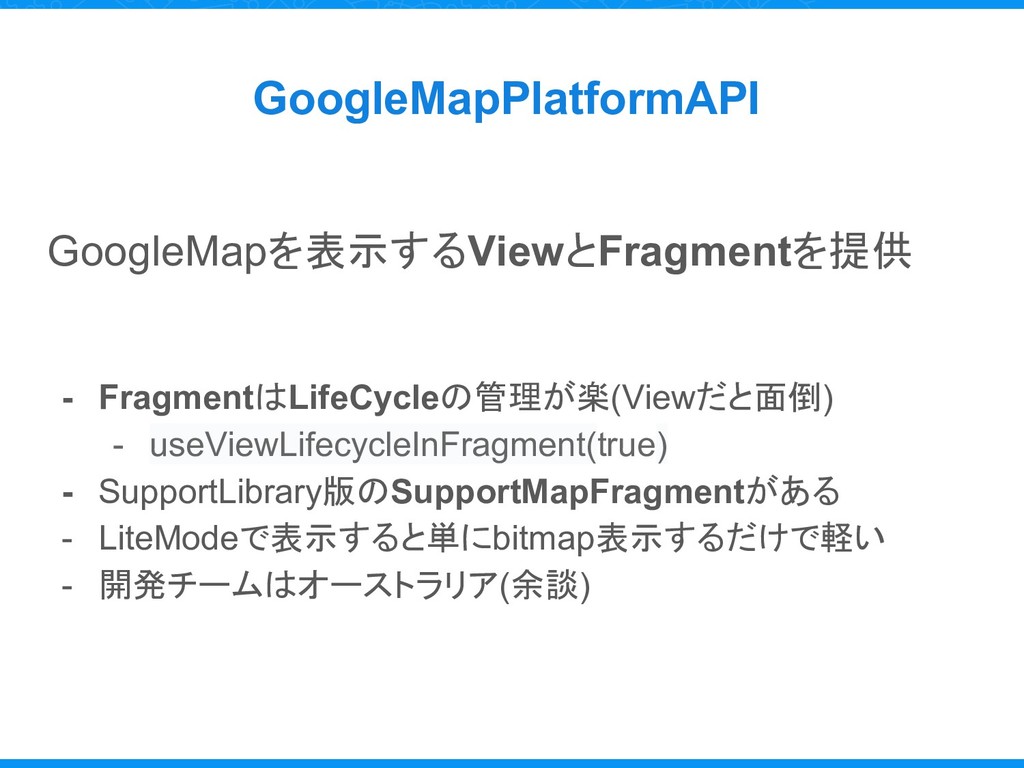
GoogleMapPlatformAPI GoogleMapを表示するViewとFragmentを提供 - FragmentはLifeCycleの管理が楽(Viewだと面倒) - useViewLifecycleInFragment(true) - SupportLibrary版のSupportMapFragmentがある - LiteModeで表示すると単にbitmap表示するだけで軽い
- 開発チームはオーストラリア(余談)
したかったこと What is want to do?
したかったこと 大学のキャンパス一覧を RecyclerViewで実装したかった
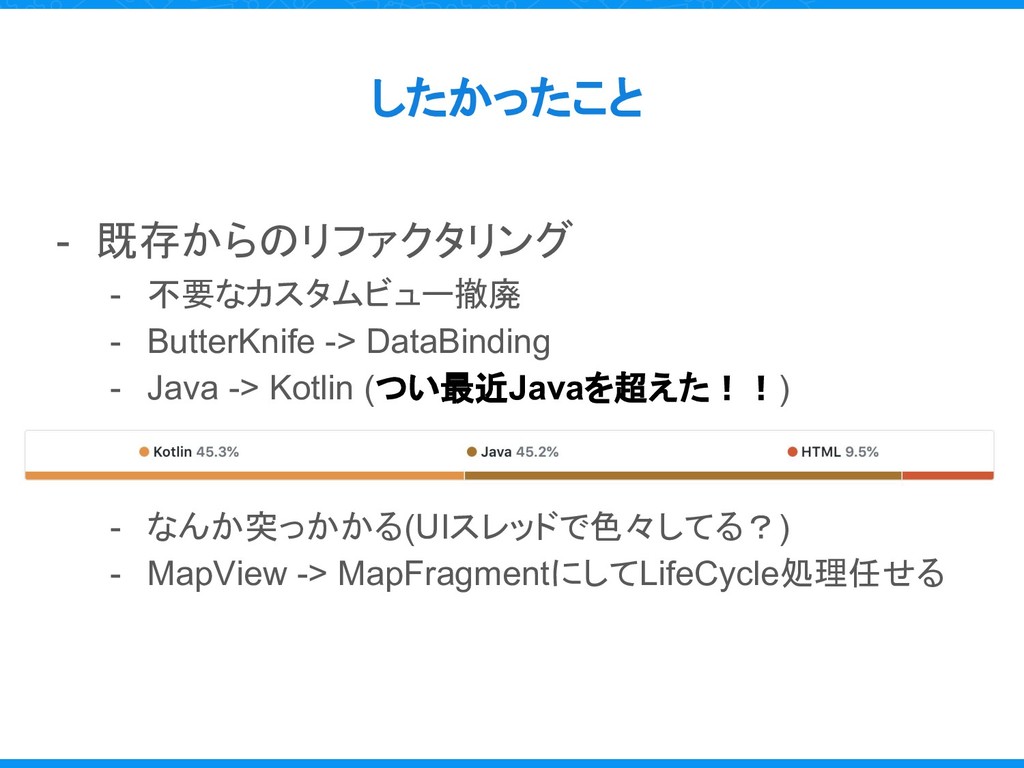
したかったこと - 既存からのリファクタリング - 不要なカスタムビュー撤廃 - ButterKnife -> DataBinding -
Java -> Kotlin (つい最近Javaを超えた!!) - なんか突っかかる(UIスレッドで色々してる?) - MapView -> MapFragmentにしてLifeCycle処理任せる
うまくいったこと Success
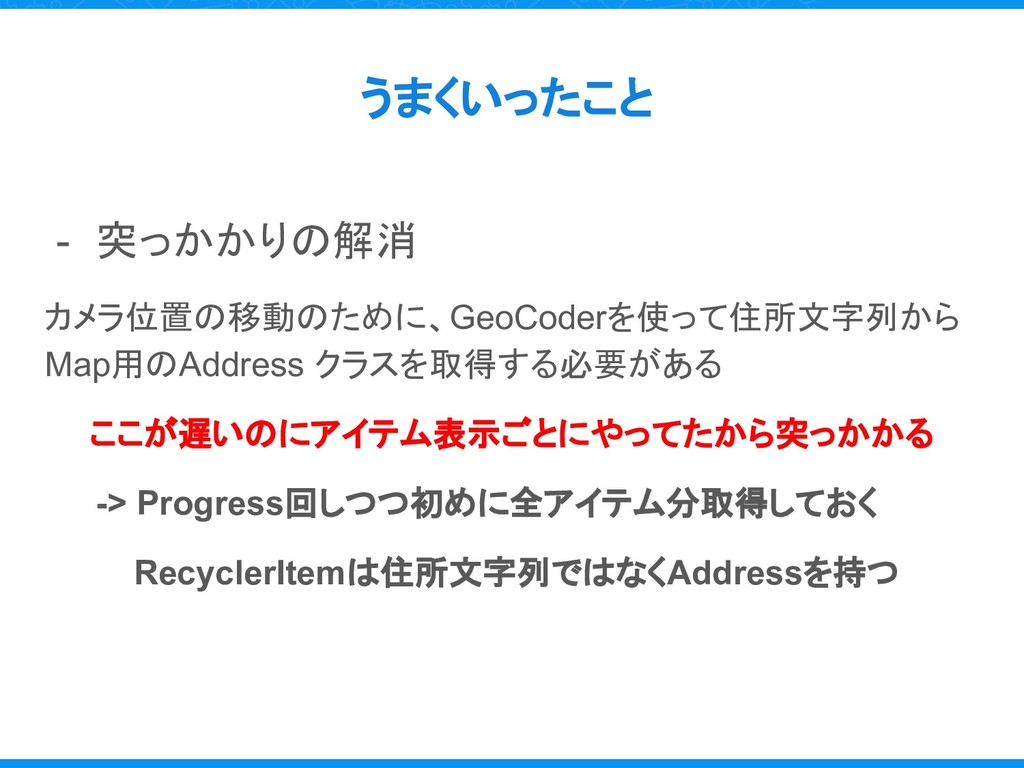
うまくいったこと - 突っかかりの解消 カメラ位置の移動のために、GeoCoderを使って住所文字列から Map用のAddress クラスを取得する必要がある ここが遅いのにアイテム表示ごとにやってたから突っかかる -> Progress回しつつ初めに全アイテム分取得しておく RecyclerItemは住所文字列ではなくAddressを持つ
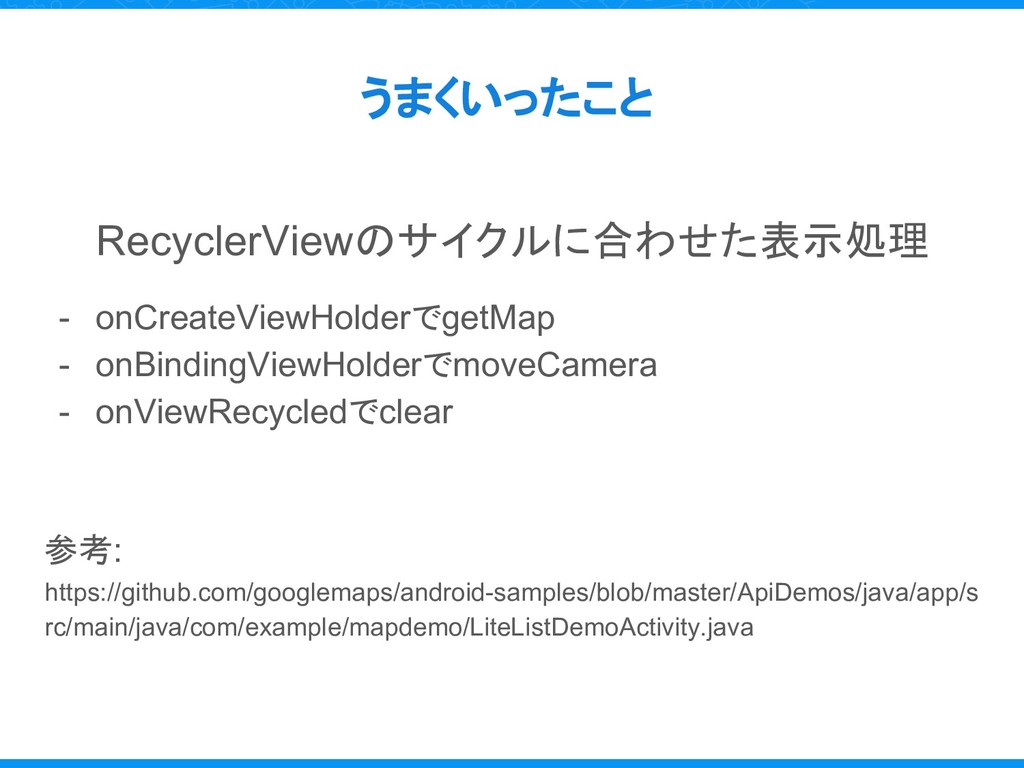
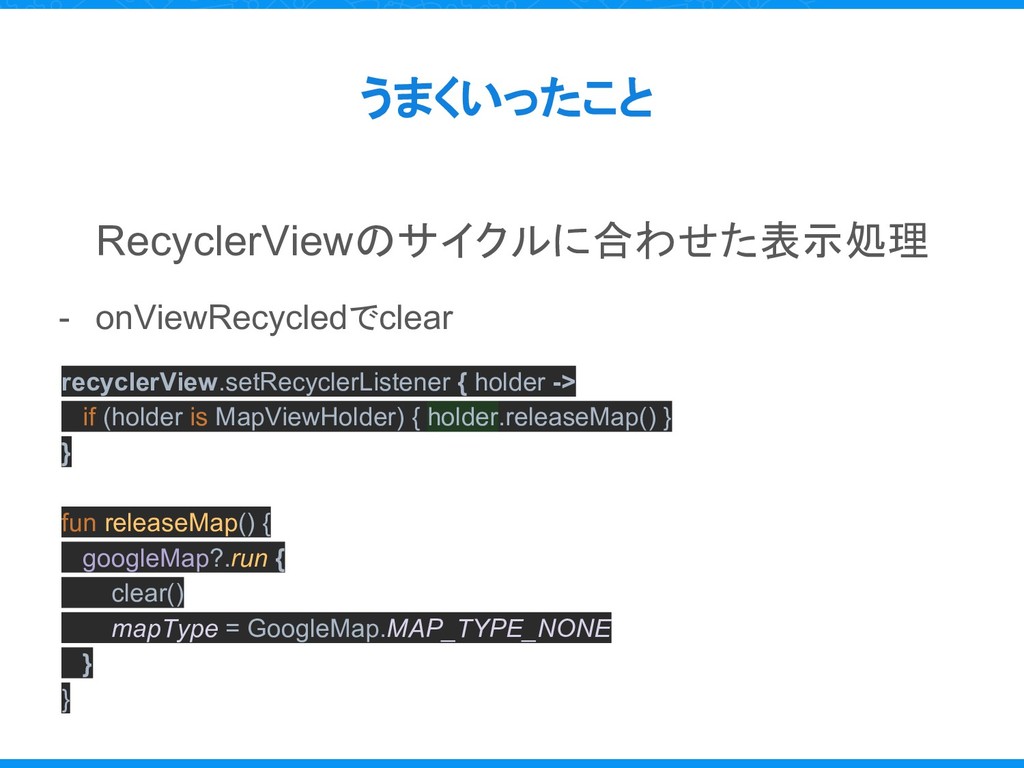
うまくいったこと RecyclerViewのサイクルに合わせた表示処理 - onCreateViewHolderでgetMap - onBindingViewHolderでmoveCamera - onViewRecycledでclear 参考: https://github.com/googlemaps/android-samples/blob/master/ApiDemos/java/app/s
rc/main/java/com/example/mapdemo/LiteListDemoActivity.java
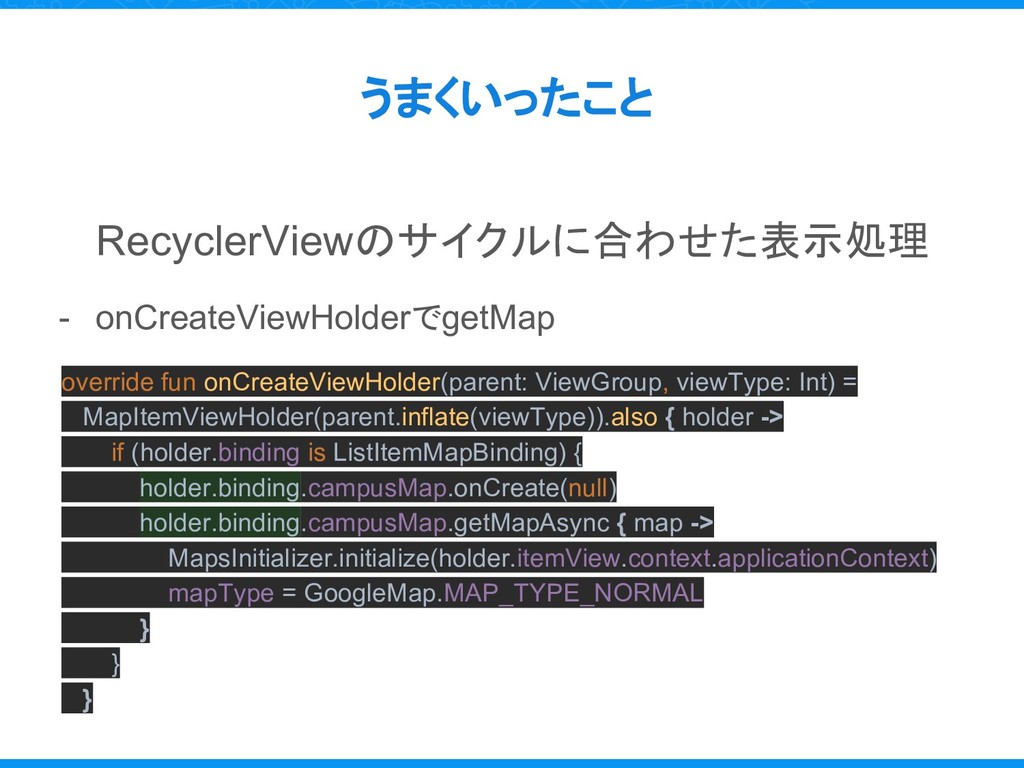
うまくいったこと RecyclerViewのサイクルに合わせた表示処理 - onCreateViewHolderでgetMap override fun onCreateViewHolder(parent: ViewGroup, viewType: Int)
= MapItemViewHolder(parent.inflate(viewType)).also { holder -> if (holder.binding is ListItemMapBinding) { holder.binding.campusMap.onCreate(null) holder.binding.campusMap.getMapAsync { map -> MapsInitializer.initialize(holder.itemView.context.applicationContext) mapType = GoogleMap.MAP_TYPE_NORMAL } } }
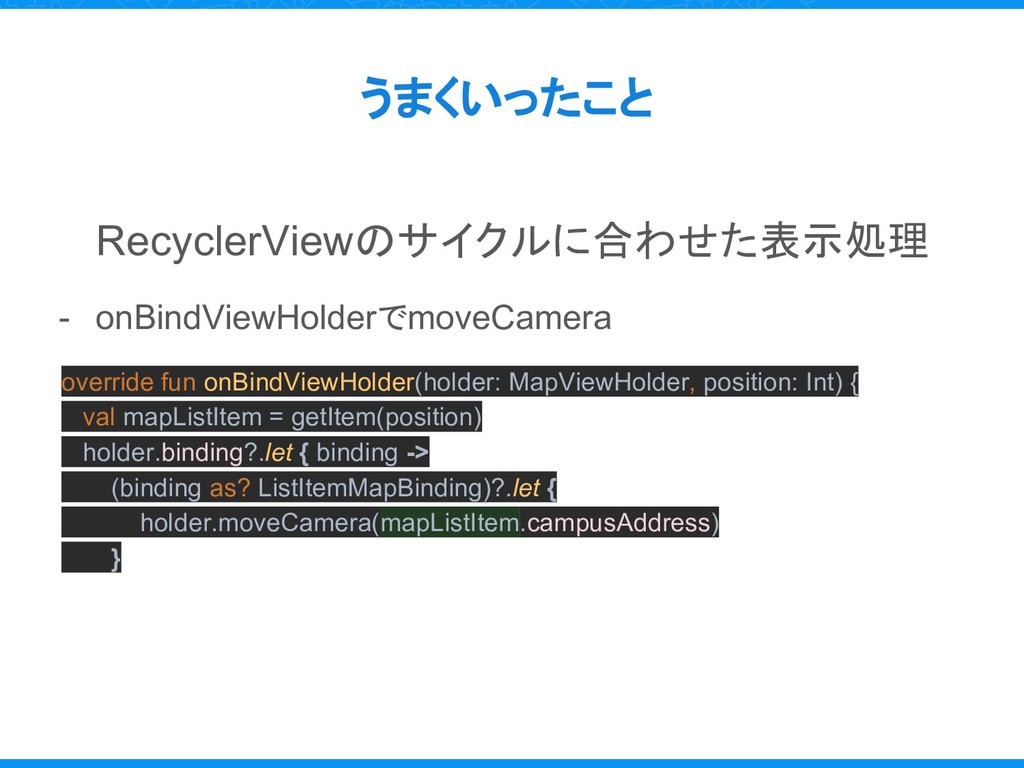
うまくいったこと RecyclerViewのサイクルに合わせた表示処理 - onBindViewHolderでmoveCamera override fun onBindViewHolder(holder: MapViewHolder, position: Int)
{ val mapListItem = getItem(position) holder.binding?.let { binding -> (binding as? ListItemMapBinding)?.let { holder.moveCamera(mapListItem.campusAddress) }
うまくいったこと RecyclerViewのサイクルに合わせた表示処理 - onViewRecycledでclear recyclerView.setRecyclerListener { holder -> if (holder
is MapViewHolder) { holder.releaseMap() } } fun releaseMap() { googleMap?.run { clear() mapType = GoogleMap.MAP_TYPE_NONE } }
つまずいたこと Missteps
最初の一個以外真っ白になった MAP つまずいたこと
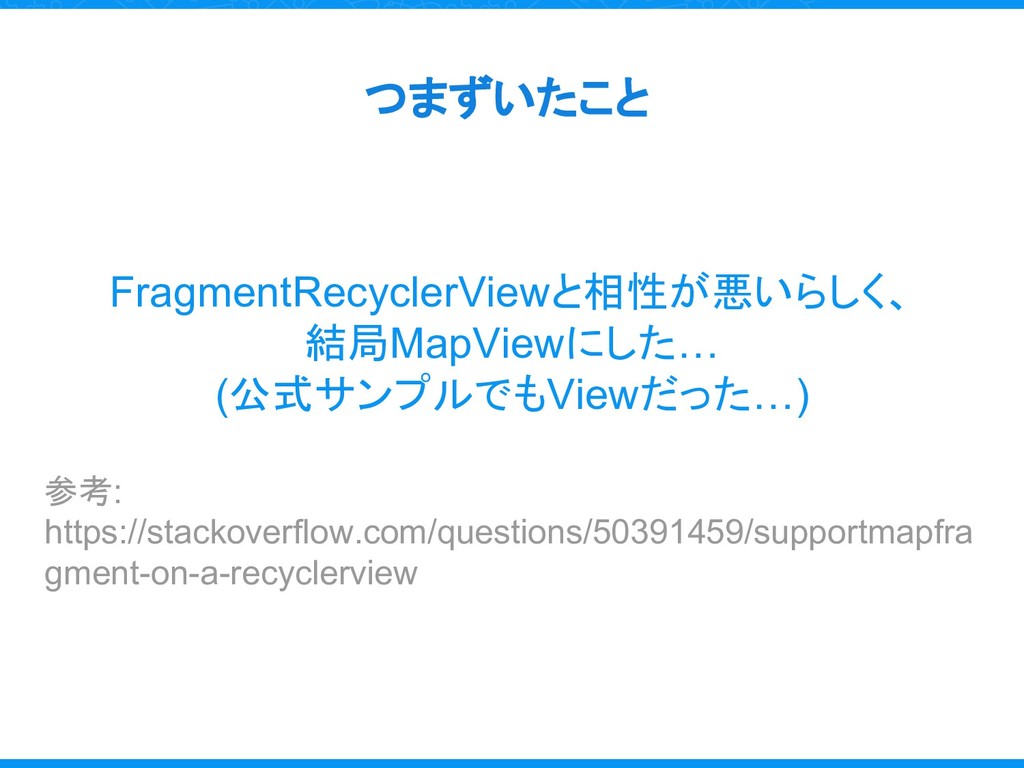
つまずいたこと FragmentRecyclerViewと相性が悪いらしく、 結局MapViewにした… (公式サンプルでもViewだった…) 参考: https://stackoverflow.com/questions/50391459/supportmapfra gment-on-a-recyclerview
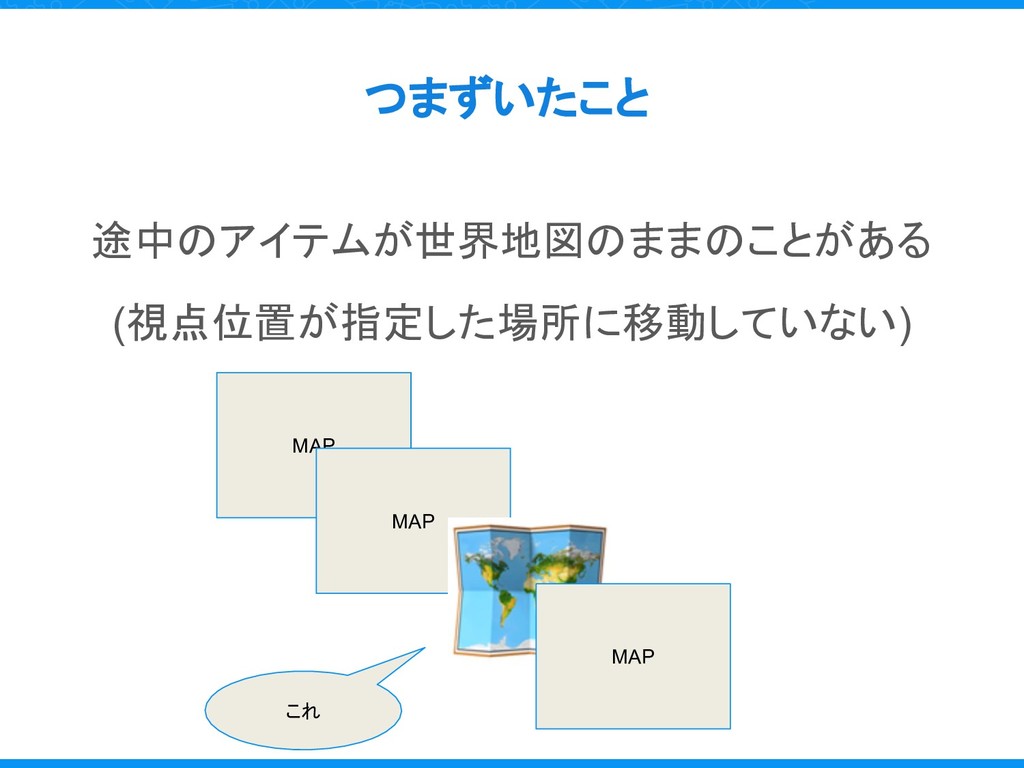
途中のアイテムが世界地図のままのことがある (視点位置が指定した場所に移動していない) つまずいたこと これ MAP MAP MAP
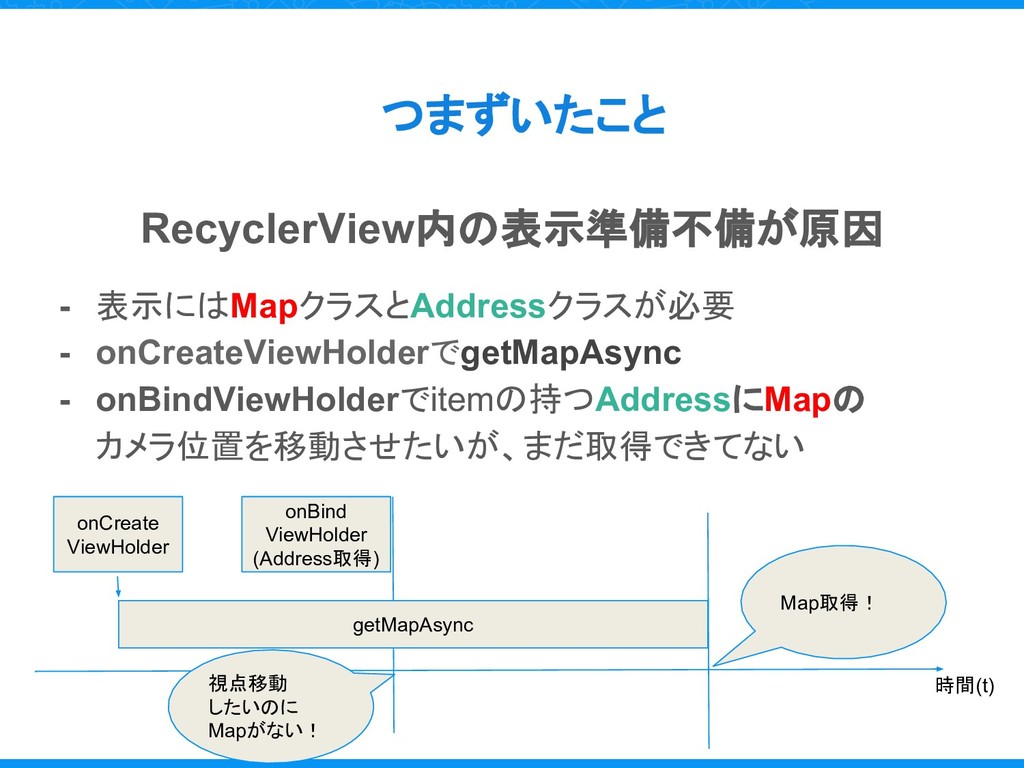
つまずいたこと RecyclerView内の表示準備不備が原因 - 表示にはMapクラスとAddressクラスが必要 - onCreateViewHolderでgetMapAsync - onBindViewHolderでitemの持つAddressにMapの カメラ位置を移動させたいが、まだ取得できてない onCreate
ViewHolder onBind ViewHolder (Address取得) 視点移動 したいのに Mapがない! Map取得! 時間(t) getMapAsync
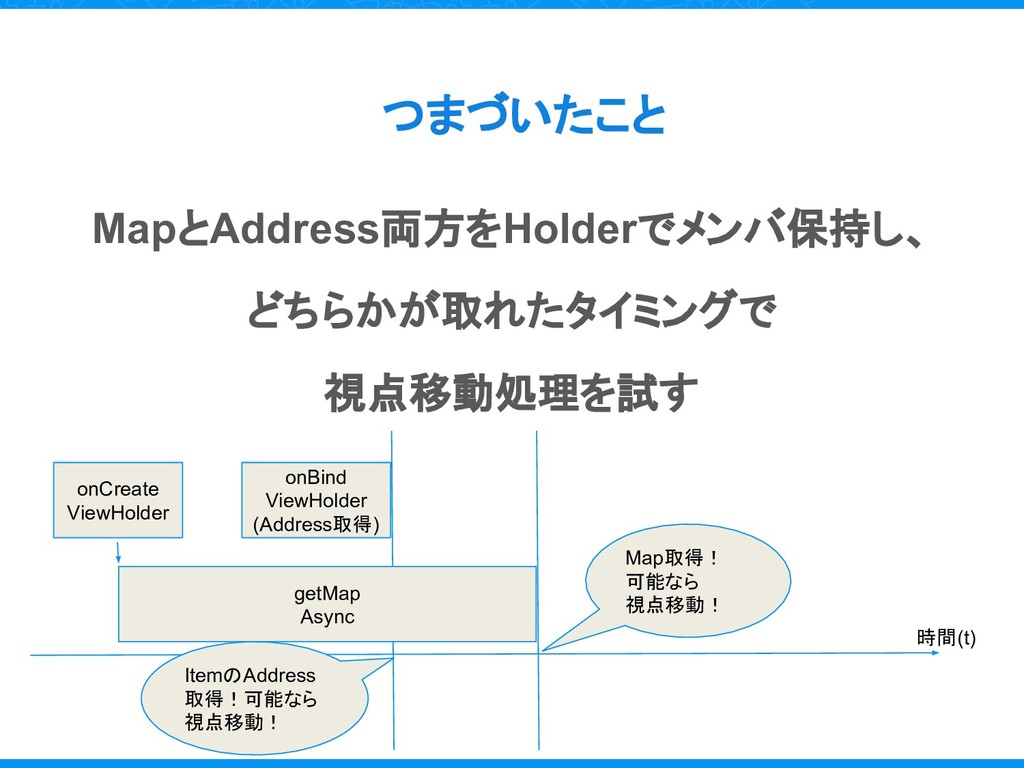
MapとAddress両方をHolderでメンバ保持し、 どちらかが取れたタイミングで 視点移動処理を試す つまづいたこと onCreate ViewHolder onBind ViewHolder (Address取得) getMap
Async ItemのAddress 取得!可能なら 視点移動! Map取得! 可能なら 視点移動! 時間(t)
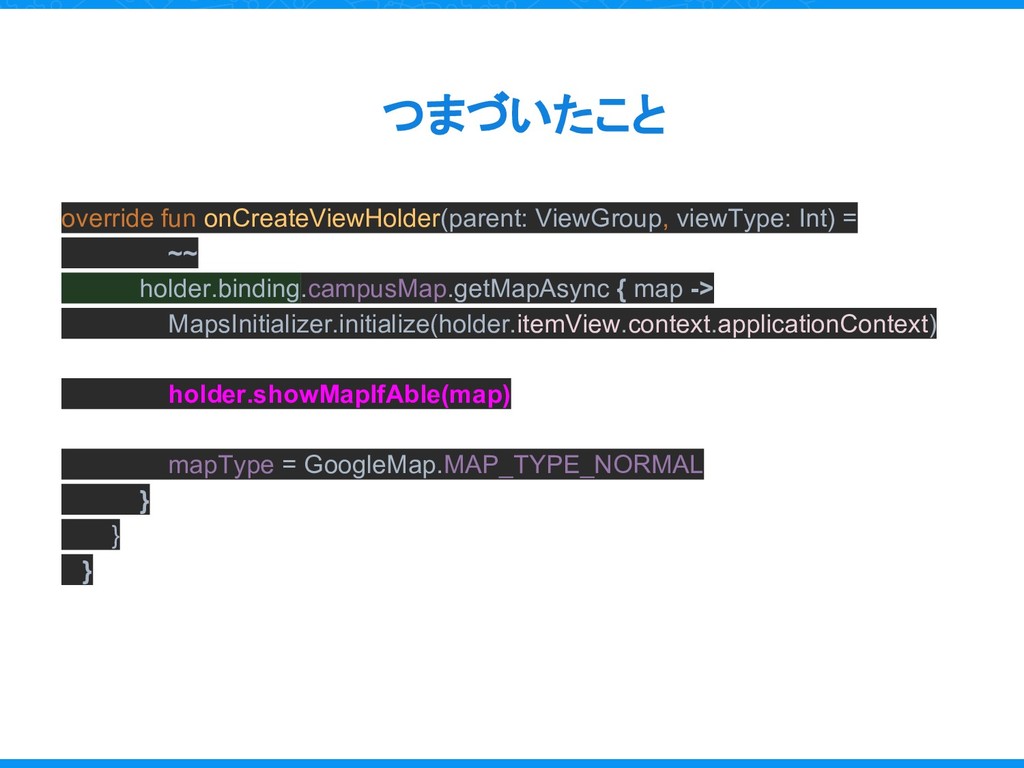
override fun onCreateViewHolder(parent: ViewGroup, viewType: Int) = ~~ holder.binding.campusMap.getMapAsync {
map -> MapsInitializer.initialize(holder.itemView.context.applicationContext) holder.showMapIfAble(map) mapType = GoogleMap.MAP_TYPE_NORMAL } } } つまづいたこと
まとめ Result
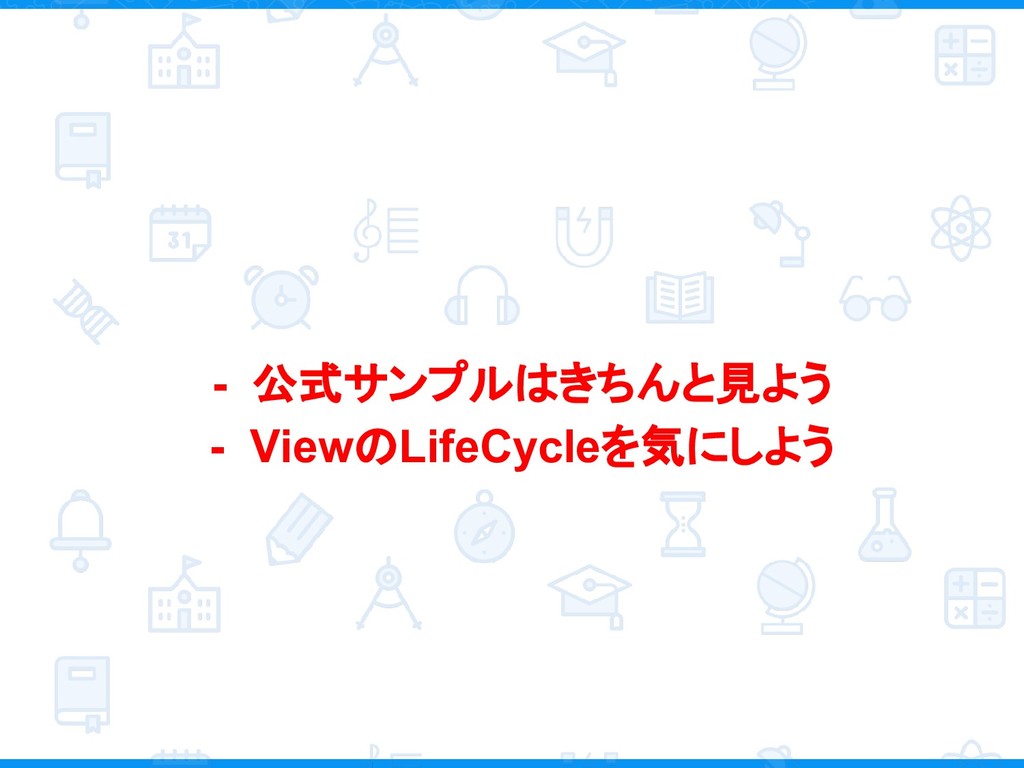
- 公式サンプルはきちんと見よう - ViewのLifeCycleを気にしよう
https://info.studyplus.co.jp/recruit
ご静聴ありがとうございました


 nacatl
 ipullrank
 livdayseo
 jonoalderson
 tmiket
 holman
 kneath
 sferik
 honzajavorek
 rasagy
 nikkihalliwell
 smashingmag
 ianozsvald