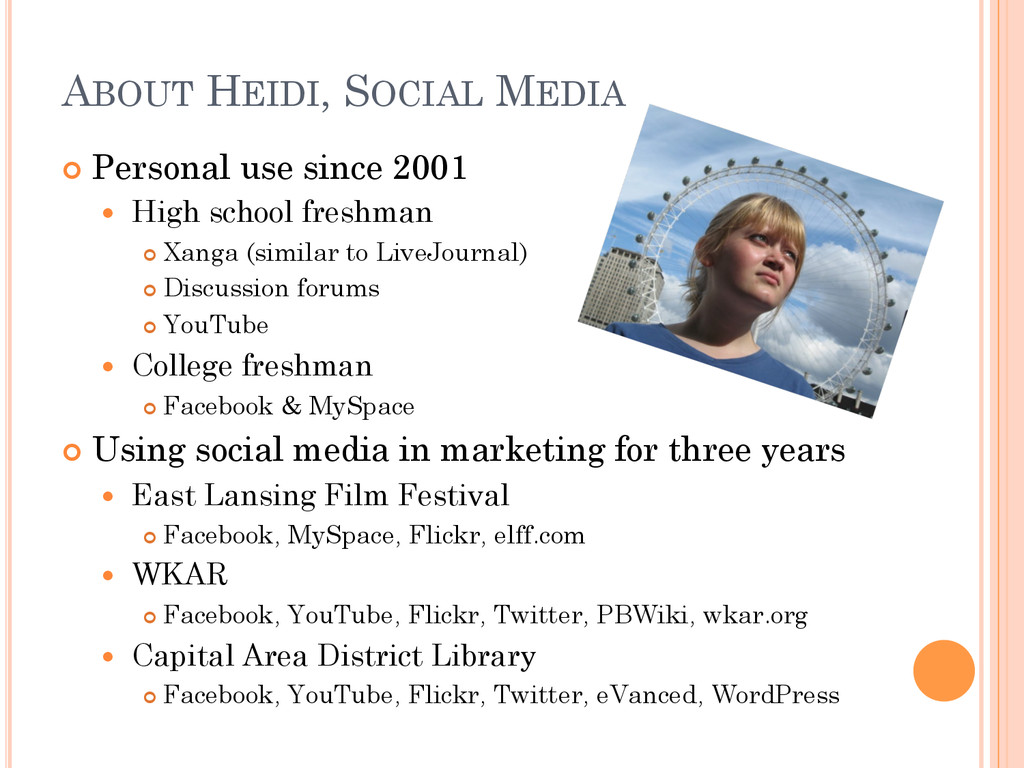
High school freshman ¢ Xanga (similar to LiveJournal) ¢ Discussion forums ¢ YouTube College freshman ¢ Facebook & MySpace ¢ Using social media in marketing for three years East Lansing Film Festival ¢ Facebook, MySpace, Flickr, elff.com WKAR ¢ Facebook, YouTube, Flickr, Twitter, PBWiki, wkar.org Capital Area District Library ¢ Facebook, YouTube, Flickr, Twitter, eVanced, WordPress
your skill set ¢ Adds value to your department ¢ Engages demographics Enhance tried & true Add NEW ones Most important demo: your boss ¢ It’s fun! J
to make at least 3 big mistakes over the course of the next 6 months. ¢ Trust yourself, trust your staff People care about keeping their jobs People will forgive your typos You can always delete or make edits to posts ¢ With a goal like this in mind, what’s there to fear?
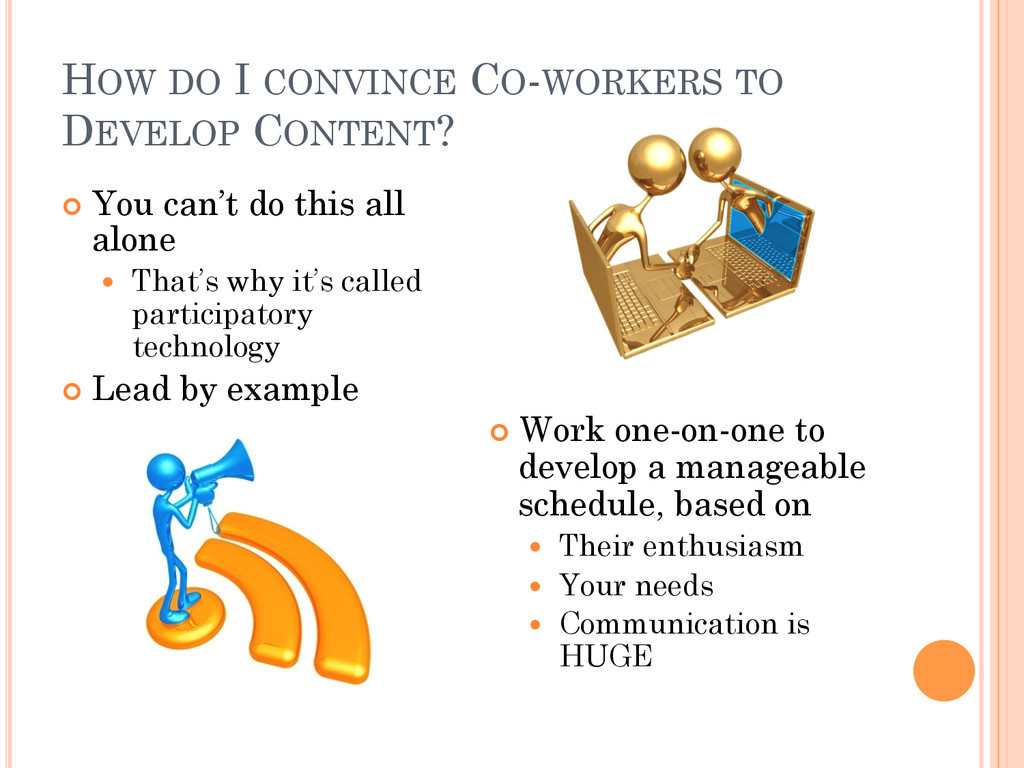
can’t do this all alone That’s why it’s called participatory technology ¢ Lead by example ¢ Work one-on-one to develop a manageable schedule, based on Their enthusiasm Your needs Communication is HUGE
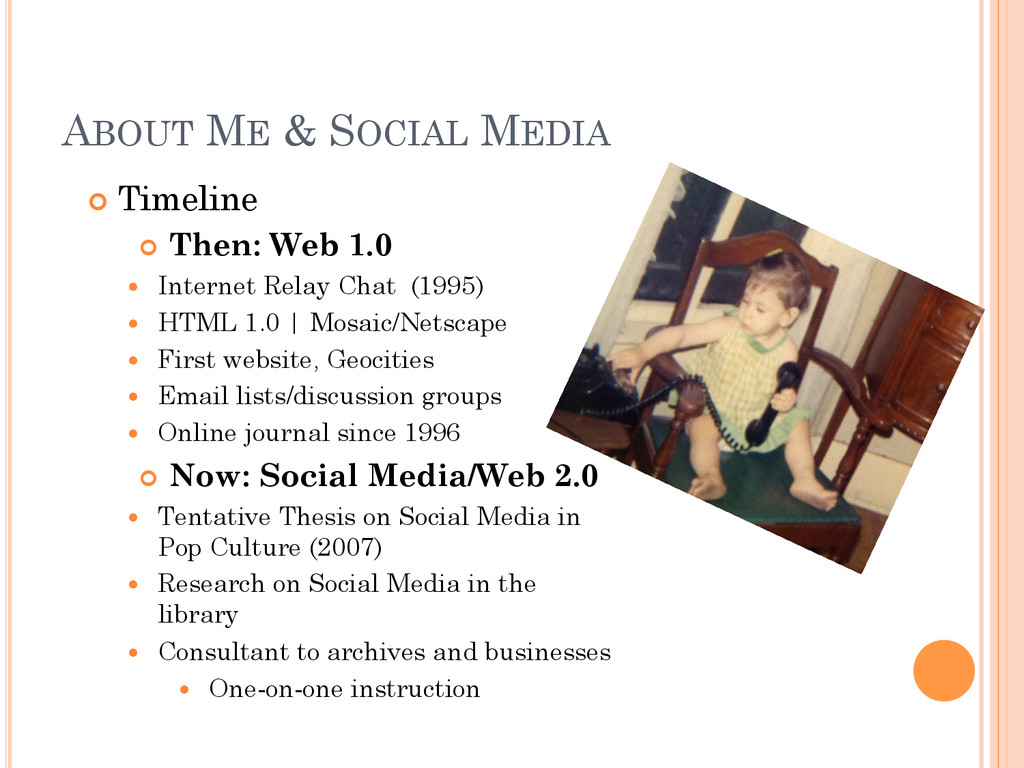
1.0 Internet Relay Chat (1995) HTML 1.0 | Mosaic/Netscape First website, Geocities Email lists/discussion groups Online journal since 1996 ¢ Now: Social Media/Web 2.0 Tentative Thesis on Social Media in Pop Culture (2007) Research on Social Media in the library Consultant to archives and businesses One-on-one instruction
people. (Tagging, sharing, retweeting, commenting.) ¢ People sell to people. ¢ Creation of mashups between technologies (i.e. FlickrSudoku). ¢ The ability to publish to multiple networking sites with one button (Flickr->Twitter -> Facebook. Blog->Twitter.). ¢ It’s fun. J
become blurred as web users become the ubiquitous “Generation C.” ¢ What does this mean? People create content, the content gets tagged, shared, commented on. The content can then become viral, as popularity spreads. This spurs the originator to continue to create additional content for the cycle to begin again. ¢ Therefore, if Sally likes Bob’s work, she’ll look for him on other sites to follow or friend him. ¢ Bottom line: Make sure whatever “brand” you are, you are the same across all networks for transparency and continuity, regardless if personal or business.
have to be. ¢ Learning how to use the technology is like learning a new language: Immersion and starting slow. Not mutually exclusive! ¢ Try it out: Personal before business. ¢ Also – only use one or two technologies. Blog and Twitter, Twitter or Facebook, then expand as needed. ¢ Keep the content relevant but personable. ¢ All it takes is one person passionate about the technology to make it work. ¢ Don’t feel guilty about logging into social networking sites when at work – it can be used professionally!
thing as a “certified” social media consultant/mediaist/whatever. The field is far too new. There are no agreed upon standards. ANYONE can be an expert, which means you can be too! Lots of organizations, reputable and not so reputable, are charging to learn how to use the services. ¢ All social networking sites and tools are FREE. ¢ One can learn on their own at their own pace. ¢ Determine value of paid workshop/class on what it will give you above and beyond what you can learn on your own.
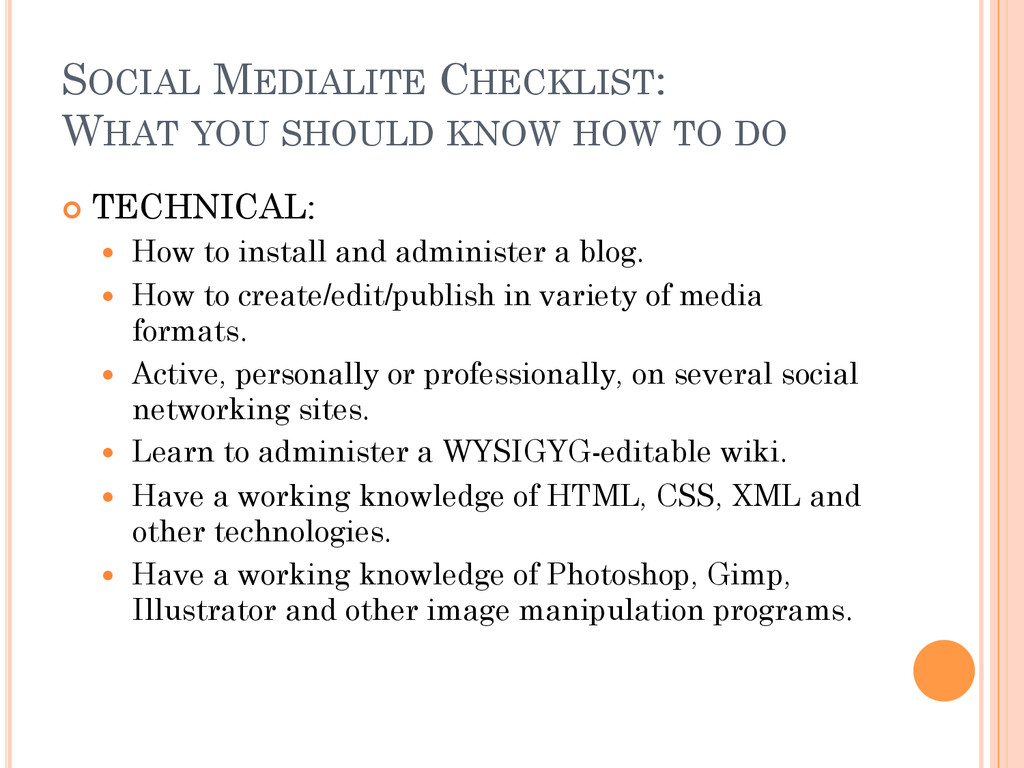
¢ TECHNICAL: How to install and administer a blog. How to create/edit/publish in variety of media formats. Active, personally or professionally, on several social networking sites. Learn to administer a WYSIGYG-editable wiki. Have a working knowledge of HTML, CSS, XML and other technologies. Have a working knowledge of Photoshop, Gimp, Illustrator and other image manipulation programs.
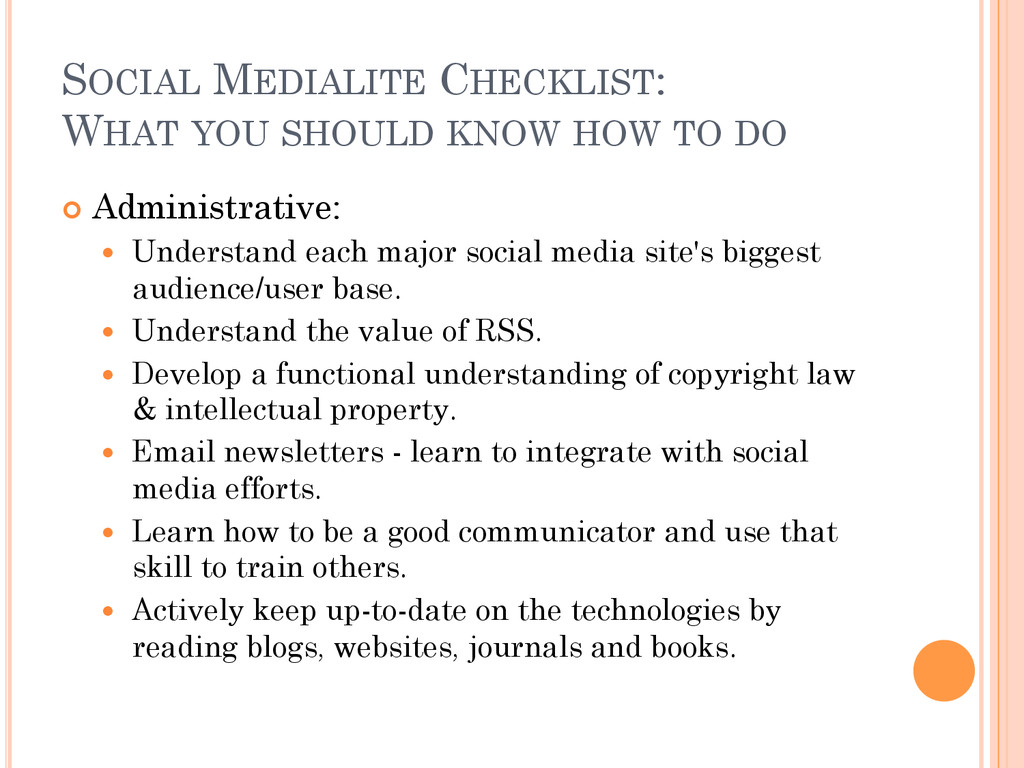
¢ Administrative: Understand each major social media site's biggest audience/user base. Understand the value of RSS. Develop a functional understanding of copyright law & intellectual property. Email newsletters - learn to integrate with social media efforts. Learn how to be a good communicator and use that skill to train others. Actively keep up-to-date on the technologies by reading blogs, websites, journals and books.
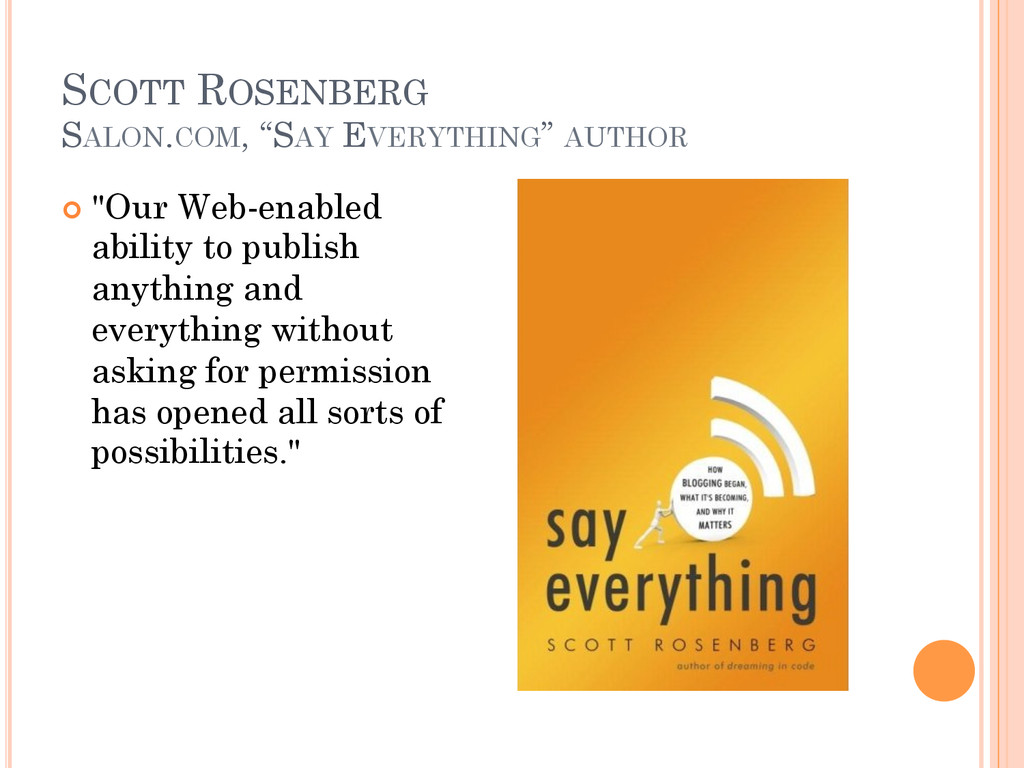
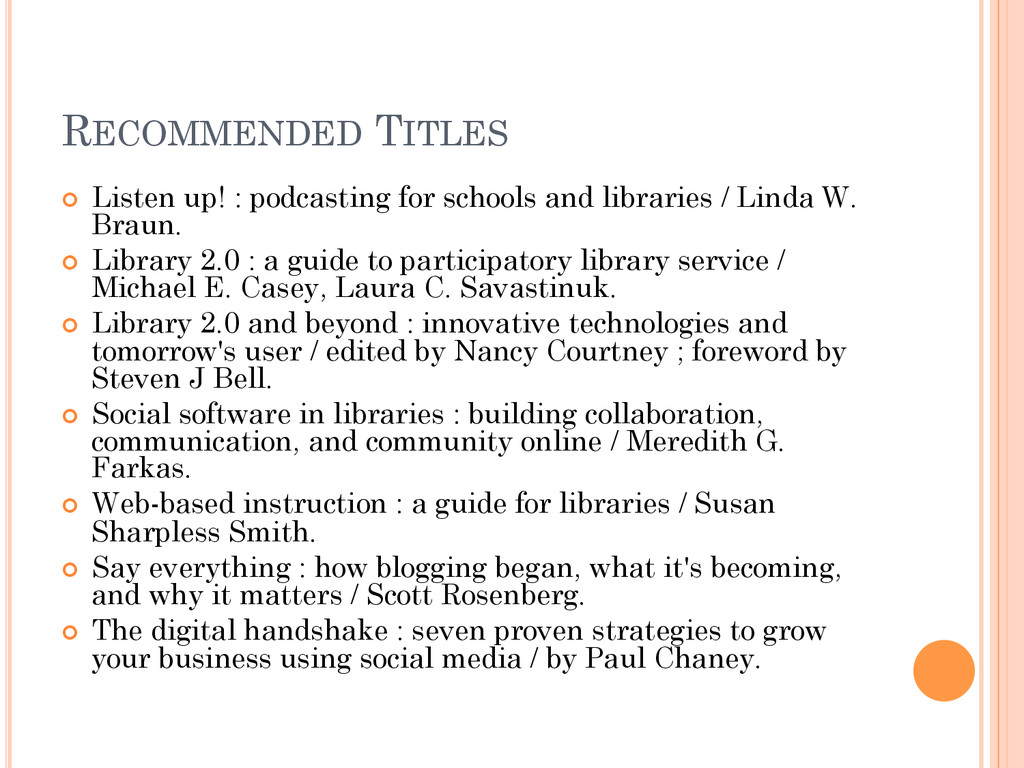
libraries / Linda W. Braun. ¢ Library 2.0 : a guide to participatory library service / Michael E. Casey, Laura C. Savastinuk. ¢ Library 2.0 and beyond : innovative technologies and tomorrow's user / edited by Nancy Courtney ; foreword by Steven J Bell. ¢ Social software in libraries : building collaboration, communication, and community online / Meredith G. Farkas. ¢ Web-based instruction : a guide for libraries / Susan Sharpless Smith. ¢ Say everything : how blogging began, what it's becoming, and why it matters / Scott Rosenberg. ¢ The digital handshake : seven proven strategies to grow your business using social media / by Paul Chaney.
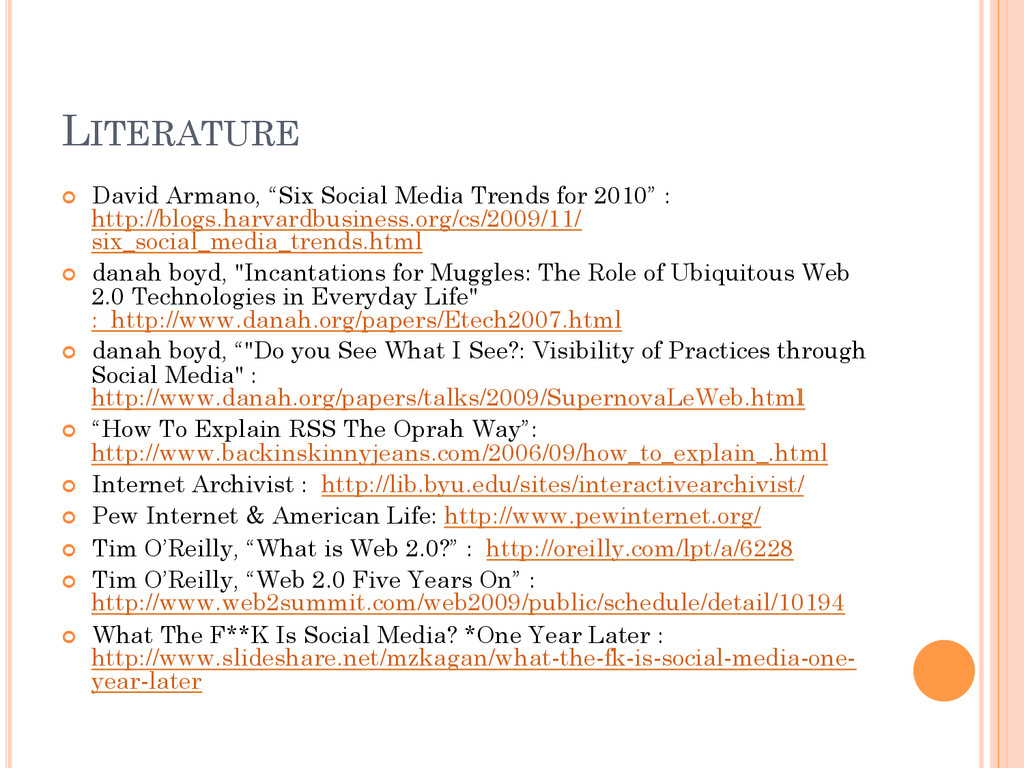
: http://blogs.harvardbusiness.org/cs/2009/11/ six_social_media_trends.html ¢ danah boyd, "Incantations for Muggles: The Role of Ubiquitous Web 2.0 Technologies in Everyday Life" : http://www.danah.org/papers/Etech2007.html ¢ danah boyd, “"Do you See What I See?: Visibility of Practices through Social Media" : http://www.danah.org/papers/talks/2009/SupernovaLeWeb.html ¢ “How To Explain RSS The Oprah Way”: http://www.backinskinnyjeans.com/2006/09/how_to_explain_.html ¢ Internet Archivist : http://lib.byu.edu/sites/interactivearchivist/ ¢ Pew Internet & American Life: http://www.pewinternet.org/ ¢ Tim O’Reilly, “What is Web 2.0?” : http://oreilly.com/lpt/a/6228 ¢ Tim O’Reilly, “Web 2.0 Five Years On” : http://www.web2summit.com/web2009/public/schedule/detail/10194 ¢ What The F**K Is Social Media? *One Year Later : http://www.slideshare.net/mzkagan/what-the-fk-is-social-media-one- year-later


 nerdgirlindustries
 frievea
 pawan_pharm
 sciencetokyo
 juanmartin2026
 camel_404
 3l4l5
3l4l5
 akiraasano
 axbom
axbom
 palkan
 nikkihalliwell
 tammyeverts
 scottboms
 bkeepers
 andyhume
 mayunak
 samtorres
 mlcsv
mlcsv
 productmarketing
 rocio
rocio