Upgrade to Pro
— share decks privately, control downloads, hide ads and more …
Speaker Deck
Sign up for free
Menu
Search
Features
All features
Private URLs
Password Protection
Custom URLS
Scheduled publishing
Remove Branding
Restrict embedding
Deck Collections
Notes
Features
All features
Private URLs
Password Protection
Custom URLS
Scheduled publishing
Remove Branding
Restrict embedding
Deck Collections
Notes
Explore
Featured decks
Featured speakers
Programming
Technology
Storyboards
Explore
Featured decks
Featured speakers
Programming
Technology
Storyboards
Pricing
Search
Sign in
Sign up for free
CMS前端代码评审
Search
Sponsored
·
SiteGround - Reliable hosting with speed, security, and support you can count on.
→
cssrain
September 02, 2014
Technology
180
0
Share
Embed
Copy iframe code
Copy JS code
Copy link
Start on current slide
CMS前端代码评审
CMS前端代码评审
cssrain
September 02, 2014
More Decks by cssrain
See All by cssrain
UED工作流程分享和交流
cssrain
1
540
解读HTML
cssrain
0
220
解读HTML5
cssrain
2
230
基础CSS(1)
cssrain
0
220
基础CSS(2)
cssrain
0
160
高效的CSS
cssrain
0
220
高级CSS—继承
cssrain
0
190
PhoneGap分享和交流
cssrain
0
160
PhoneGap实践
cssrain
0
110
Other Decks in Technology
See All in Technology
自作バイナリを動かす「入口」8選
puhitaku
2
1.3k
Rustuna: Rustによる高速なOptuna実装
pfn
PRO
0
200
Running Kotlin + Quarkus with Lambda
nealle
1
3.9k
実践! SRE × AI - ABEMA における AIOps -
tetsuya28
8
3.1k
Classmethod Company Deck
satoshi7
1
730
USB PDを使ってスマホを労わりたい
raspython3
0
180
日本語に強いオープンな大規模言語モデル「LLM-jp」
odashi
5
1.1k
Webの常識が通じないHTMLメールのダークモード
teamlab
PRO
0
130
Browser Spec: Testing Hotwire with Ruby
takahashim
1
130
Benchmarking Disaggregated Serving on vLLM + Dynamo with a Real Coding-Agent Workload
nttcom
1
200
Kiro Crewで「みのるん式」仕事術やってみた
minorun365
PRO
1
250
夫婦で子育てするための育児標準化
codmoninc
PRO
0
430
Featured
See All Featured
How GitHub (no longer) Works
holman
316
150k
16th Malabo Montpellier Forum Presentation
akademiya2063
PRO
0
410
Leo the Paperboy
mayatellez
10
2.4k
Writing Fast Ruby
sferik
630
63k
Mind Mapping
helmedeiros
1
400
A brief & incomplete history of UX Design for the World Wide Web: 1989–2019
jct
2
530
Un-Boring Meetings
codingconduct
0
460
Optimizing for Happiness
mojombo
378
71k
The Hidden Cost of Media on the Web [PixelPalooza 2025]
tammyeverts
2
530
Cheating the UX When There Is Nothing More to Optimize - PixelPioneers
stephaniewalter
287
14k
How to audit for AI Accessibility on your Front & Back End
davetheseo
0
600
30 Presentation Tips
portentint
PRO
1
430
Transcript
单东林 2012年08月 CMS前端代码规范&禁忌 UED分享 · 交流 http://cssrain.github.io
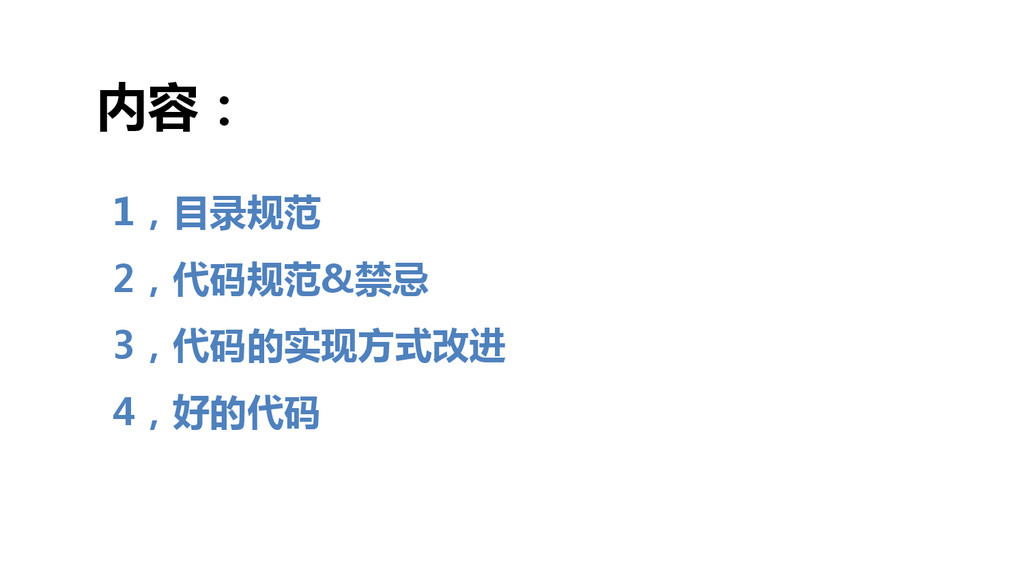
1,目录规范 2,代码规范&禁忌 3,代码的实现方式改进 4,好的代码 内容:
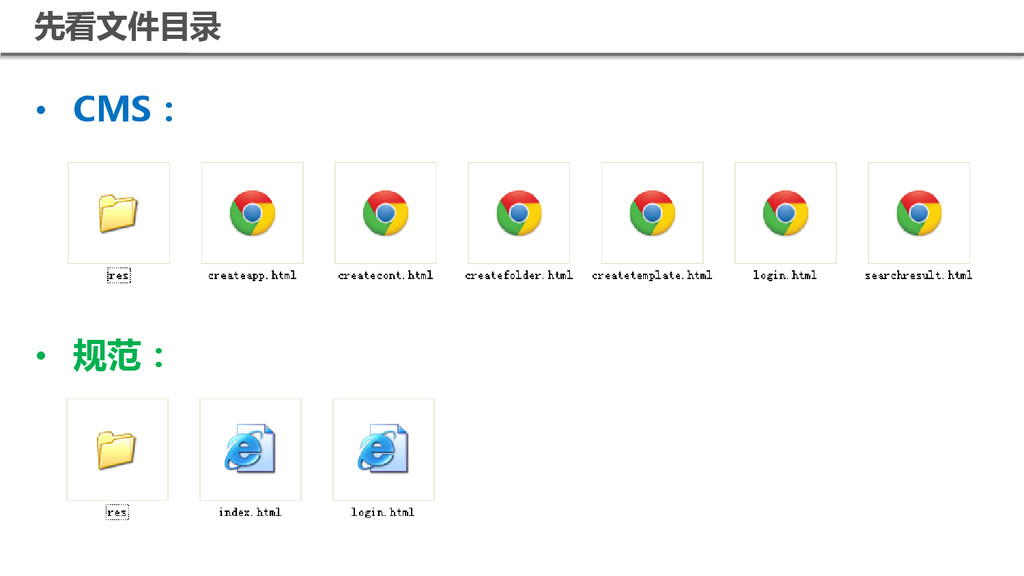
目录规范
先看文件目录 • CMS: • 规范:
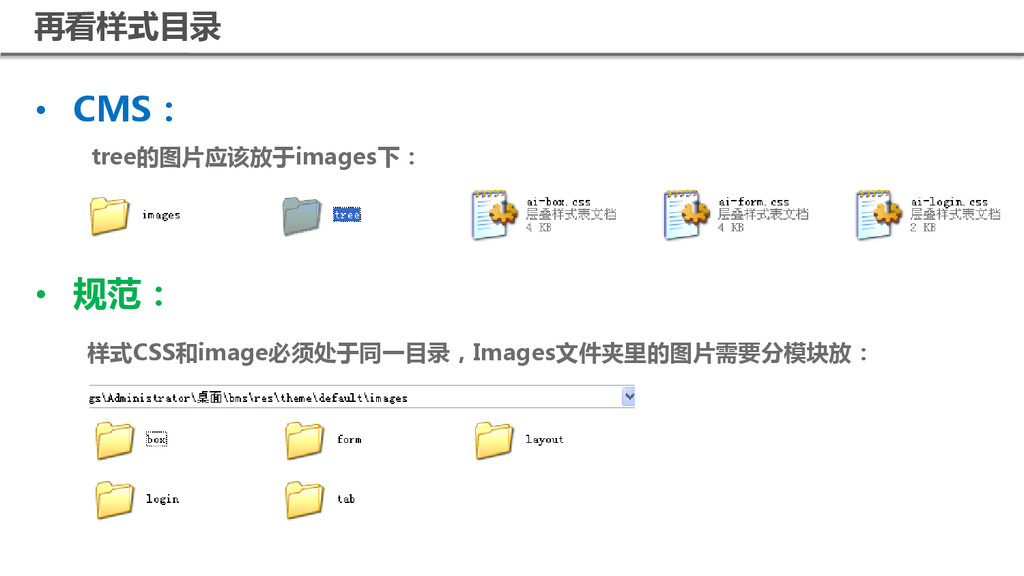
• CMS: • 规范: 样式CSS和image必须处于同一目录,Images文件夹里的图片需要分模块放: tree的图片应该放于images下: 再看样式目录
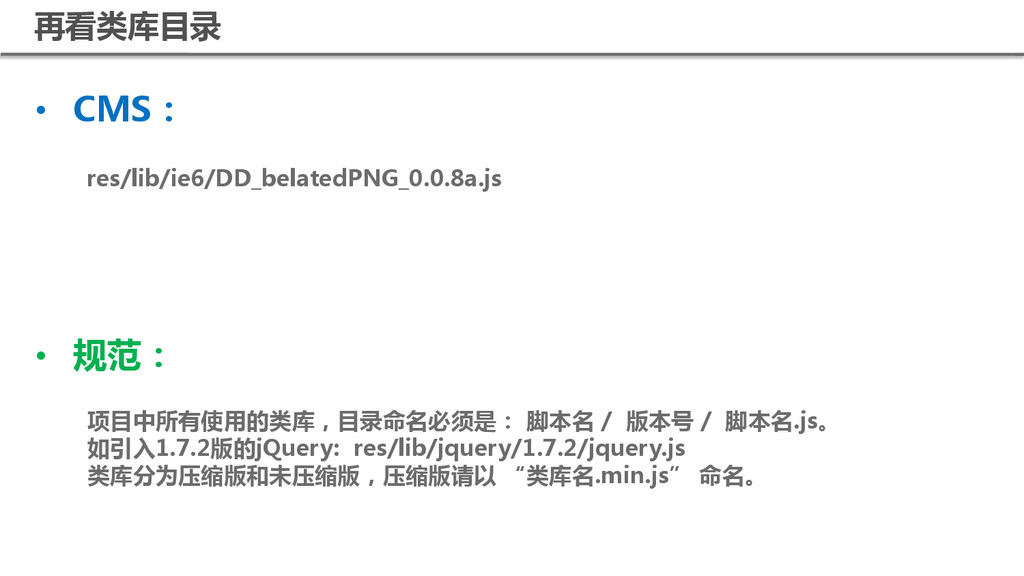
• CMS: • 规范: 项目中所有使用的类库,目录命名必须是: 脚本名 / 版本号 / 脚本名.js。
如引入1.7.2版的jQuery: res/lib/jquery/1.7.2/jquery.js 类库分为压缩版和未压缩版,压缩版请以 “类库名.min.js” 命名。 res/lib/ie6/DD_belatedPNG_0.0.8a.js 再看类库目录
代码规范&禁忌
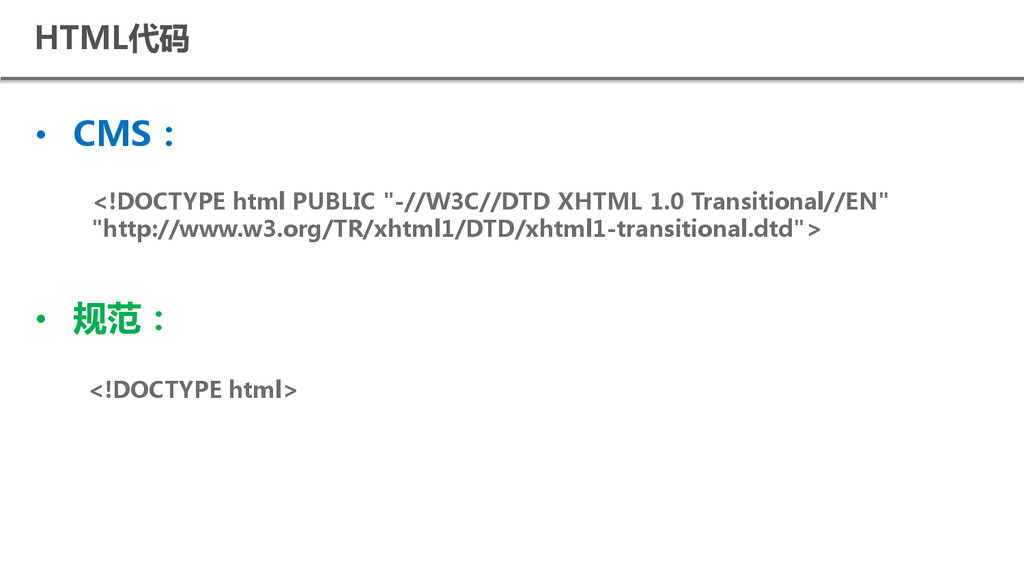
HTML代码 • CMS: • 规范: <!DOCTYPE html> <!DOCTYPE html PUBLIC
"-//W3C//DTD XHTML 1.0 Transitional//EN" "http://www.w3.org/TR/xhtml1/DTD/xhtml1-transitional.dtd">
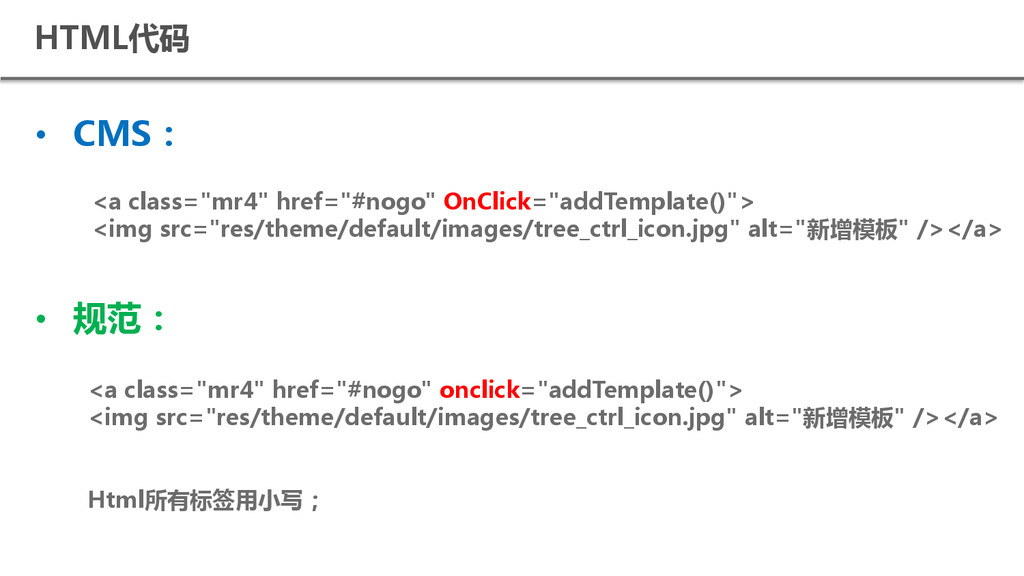
HTML代码 • CMS: • 规范: <a class="mr4" href="#nogo" onclick="addTemplate()"> <img
src="res/theme/default/images/tree_ctrl_icon.jpg" alt="新增模板" /></a> Html所有标签用小写; <a class="mr4" href="#nogo" OnClick="addTemplate()"> <img src="res/theme/default/images/tree_ctrl_icon.jpg" alt="新增模板" /></a>
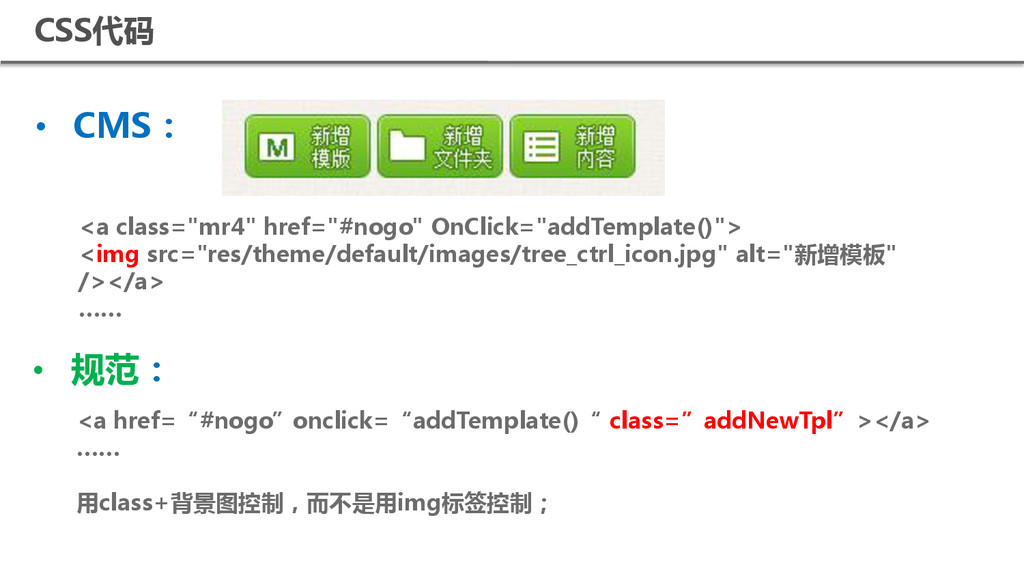
• CMS: <a class="mr4" href="#nogo" OnClick="addTemplate()"> <img src="res/theme/default/images/tree_ctrl_icon.jpg" alt="新增模板" /></a>
…… • 规范: <a href=“#nogo”onclick=“addTemplate()“ class=”addNewTpl”></a> …… 用class+背景图控制,而不是用img标签控制; CSS代码
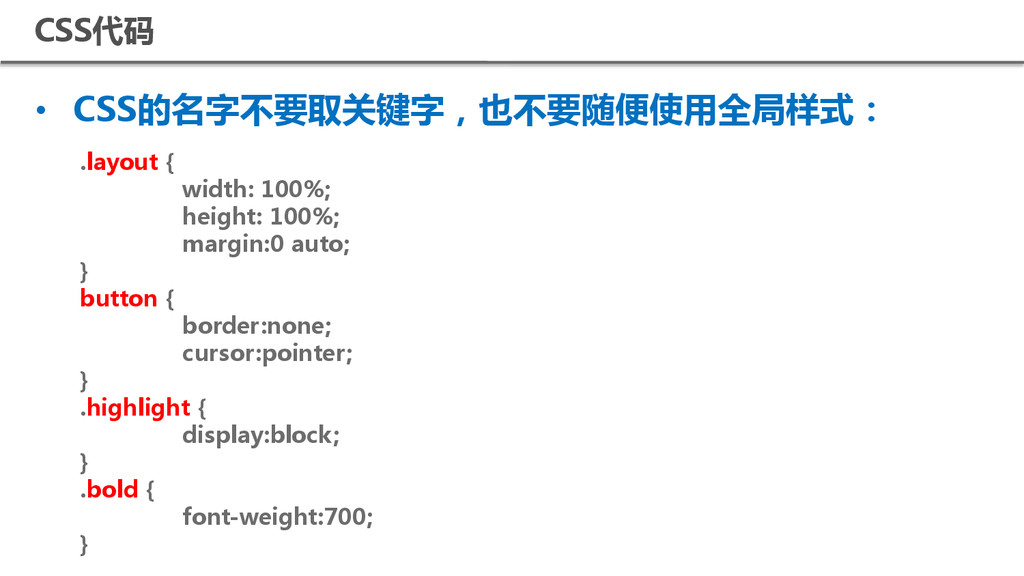
CSS代码 • CSS的名字不要取关键字,也不要随便使用全局样式: .layout { width: 100%; height: 100%; margin:0
auto; } button { border:none; cursor:pointer; } .highlight { display:block; } .bold { font-weight:700; }
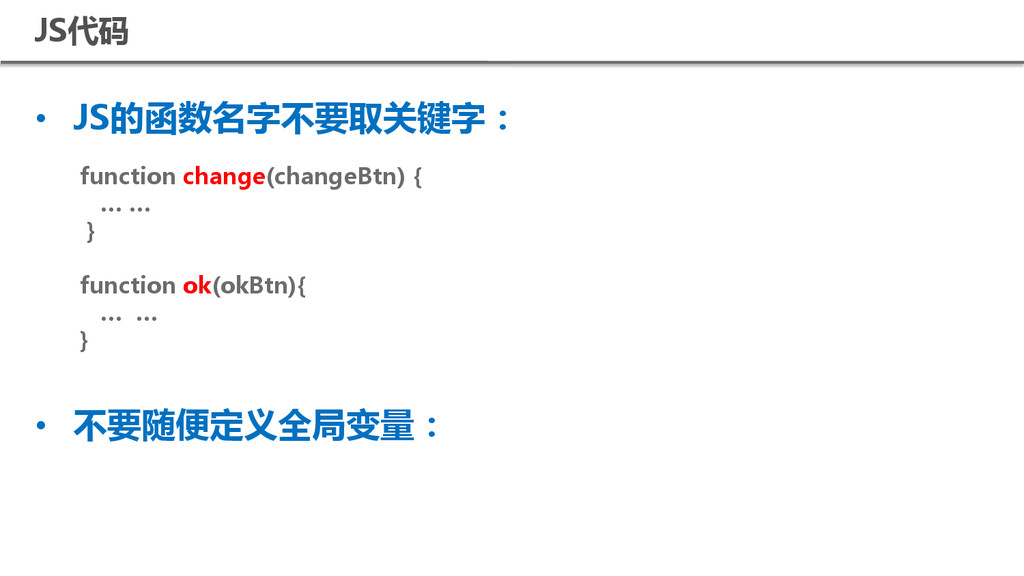
JS代码 • JS的凼数名字不要取关键字: • 不要随便定义全局变量: function change(changeBtn){ … … }
function ok(okBtn){ … … }
代码实现方式改进
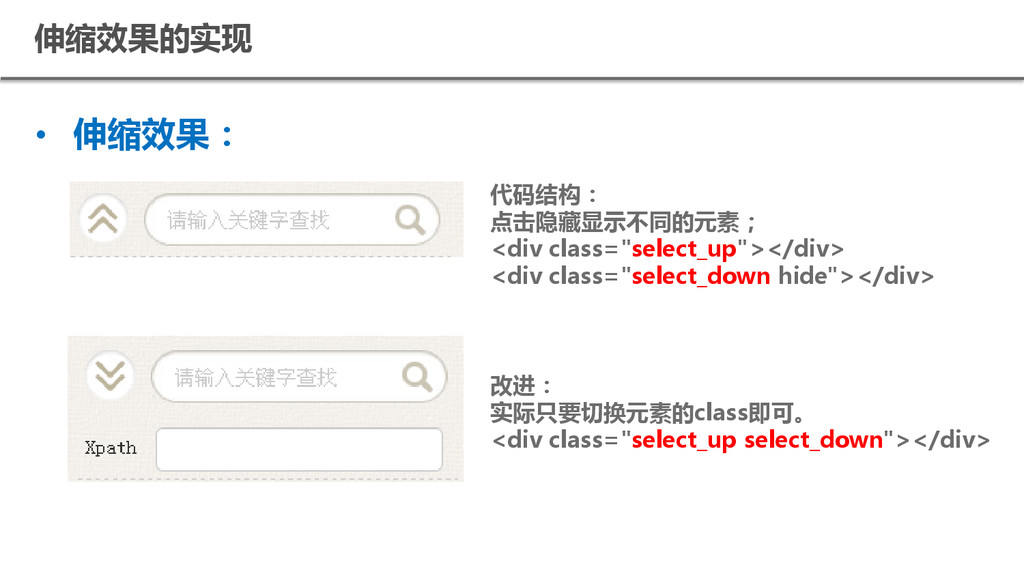
伸缩效果的实现 • 伸缩效果: 代码结构: 点击隐藏显示不同的元素; <div class="select_up"></div> <div class="select_down hide"></div>
改进: 实际只要切换元素的class即可。 <div class="select_up select_down"></div>
好的代码
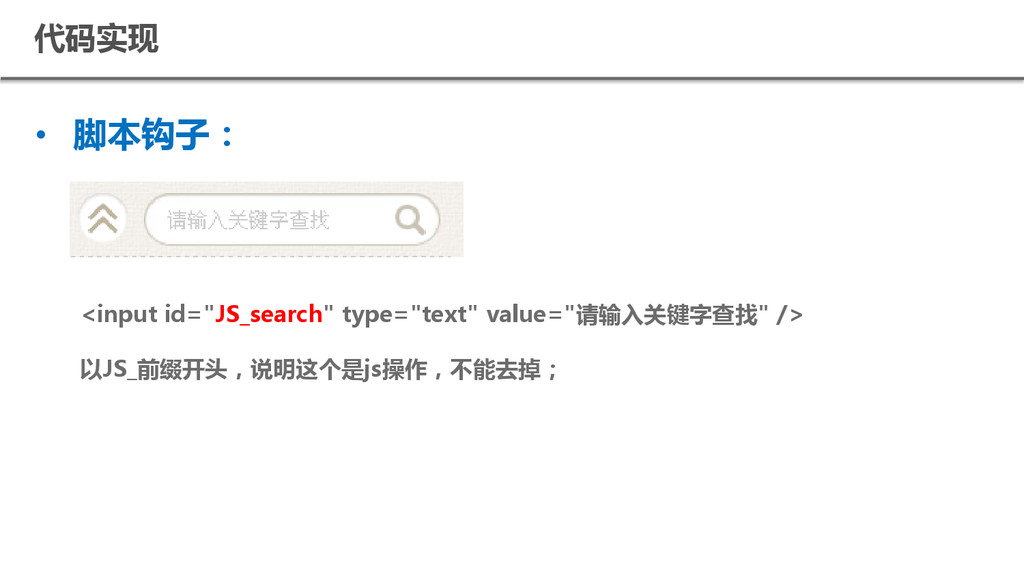
代码实现 • 脚本钩子: <input id="JS_search" type="text" value="请输入关键字查找" /> 以JS_前缀开头,说明这个是js操作,不能去掉;
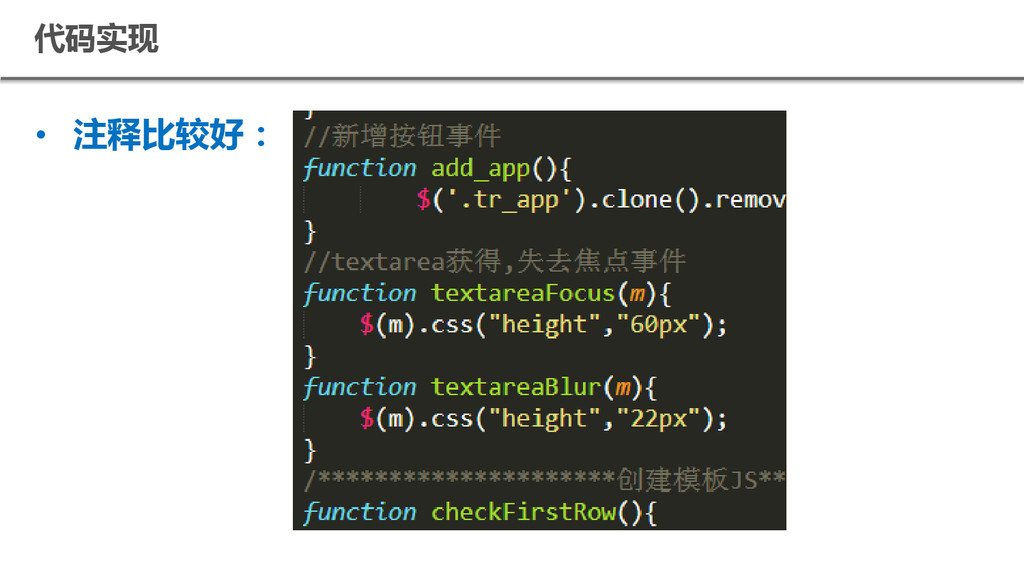
代码实现 • 注释比较好:
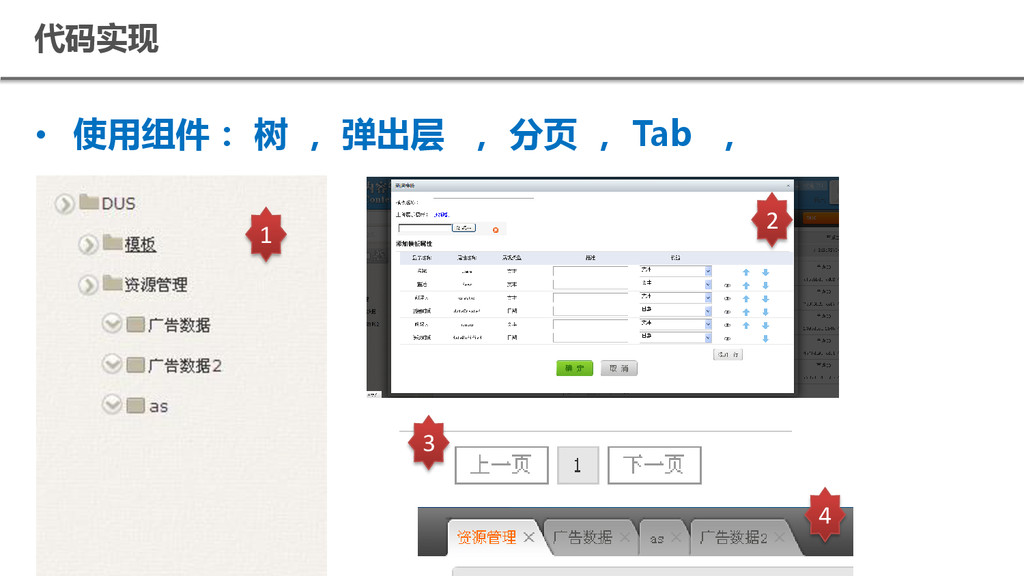
代码实现 • 使用组件: 树 , 弹出层 , 分页 , Tab
, 1 2 3 4
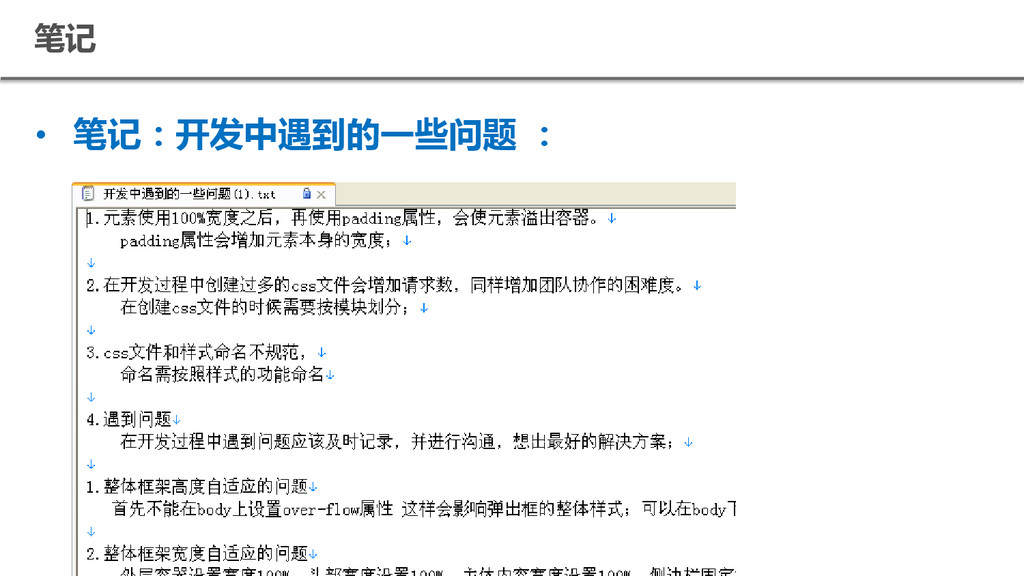
笔记 • 笔记:开发中遇到的一些问题 :
Q&A
感 谢 聆 听


 cssrain
 puhitaku
 pfn
pfn
 nealle
 tetsuya28
 satoshi7
 raspython3
 odashi
 teamlab
 takahashim
 nttcom
 minorun365
 codmoninc
 holman
 akademiya2063
 mayatellez
 sferik
 helmedeiros
 jct
jct
 codingconduct
 mojombo
 tammyeverts
 stephaniewalter
 davetheseo
 portentint