Upgrade to Pro
— share decks privately, control downloads, hide ads and more …
Speaker Deck
Features
Speaker Deck
PRO
Sign in
Sign up for free
Search
Search
[deSymfony] Docker on every environment
Search
Jose Armesto
September 16, 2016
Programming
680
2
Share
Embed
Copy iframe code
Copy JS code
Copy link
Start on current slide
[deSymfony] Docker on every environment
Jose Armesto
September 16, 2016
More Decks by Jose Armesto
See All by Jose Armesto
Lessons learnt trying to deploy Docker in production
fiunchinho
0
200
Unit Testing Sucks (... and it's our fault)
fiunchinho
5
1.5k
Hexagonal Architecture
fiunchinho
9
1.2k
Other Decks in Programming
See All in Programming
PostgreSQL 18で考えるUUID主キー
kazuhiro1982
0
490
メールのエイリアス機能を履き違えない
isshinfunada
0
250
Dockerfile CMD for Node.js
grazie1999
0
110
自動化したのに回らないテスト運用の壁ーAI時代の品質責任と生産性
mfunaki
1
150
進化を続けるGo toolsの現在地 / The Current State of Ever-Evolving Go Tools
hond0413
0
250
為什麼你並不需要ViewModel / No, you don't need a ViewModel
lovee
1
500
MySQLとPostgreSQLって何が違うの?
akagami
0
120
片田舎のおっさん、 Swift Buildのダイアモンド問題解決の不具合修正PRを出すが、解決方法がキャッシュをしないようにすることであり、ビルド時間が伸びると言われてマージされないので高速化もする/swiftbuild
yimajo
0
210
AWS DevOps AgentのAzure接続機能を検証して見えた活用法/Use Cases Verified for the AWS DevOps Agent's Azure Connectivity Feature
masakiokuda
1
250
改善しないと、タスクが回らない。 “てんこ盛りポジション” を引き継いだ情シスの、入社3ヶ月の業務改善録
krm963
0
280
freeeにおけるEvalsの実践例の紹介
freee
PRO
0
130
What's New in Android 2026
veronikapj
0
270
Featured
See All Featured
The Art of Delivering Value - GDevCon NA Keynote
reverentgeek
16
2.1k
Why Your Marketing Sucks and What You Can Do About It - Sophie Logan
marketingsoph
0
390
ピンチをチャンスに:未来をつくるプロダクトロードマップ #pmconf2020
aki_iinuma
128
56k
Building an army of robots
kneath
306
46k
エンジニアに許された特別な時間の終わり
watany
108
250k
Leveraging LLMs for student feedback in introductory data science courses - posit::conf(2025)
minecr
1
350
Navigating the Design Leadership Dip - Product Design Week Design Leaders+ Conference 2024
apolaine
2
400
Lightning talk: Run Django tests with GitHub Actions
sabderemane
0
240
Fantastic passwords and where to find them - at NoRuKo
philnash
52
3.8k
Organizational Design Perspectives: An Ontology of Organizational Design Elements
kimpetersen
PRO
1
800
What does AI have to do with Human Rights?
axbom
PRO
1
2.3k
Exploring the relationship between traditional SERPs and Gen AI search
raygrieselhuber
PRO
2
4.2k
Transcript
None
None
None
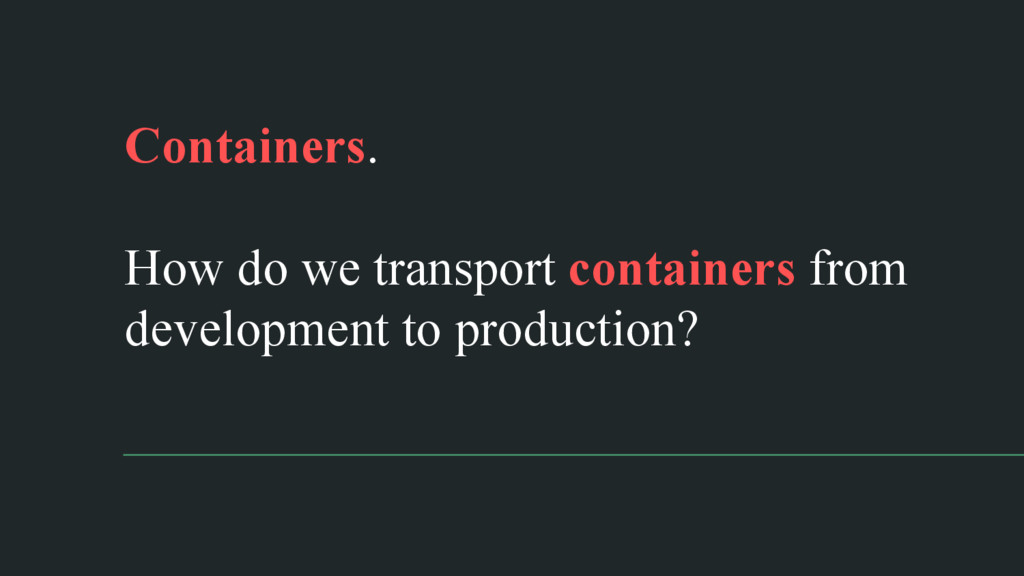
Containers. How do we transport containers from development to production?
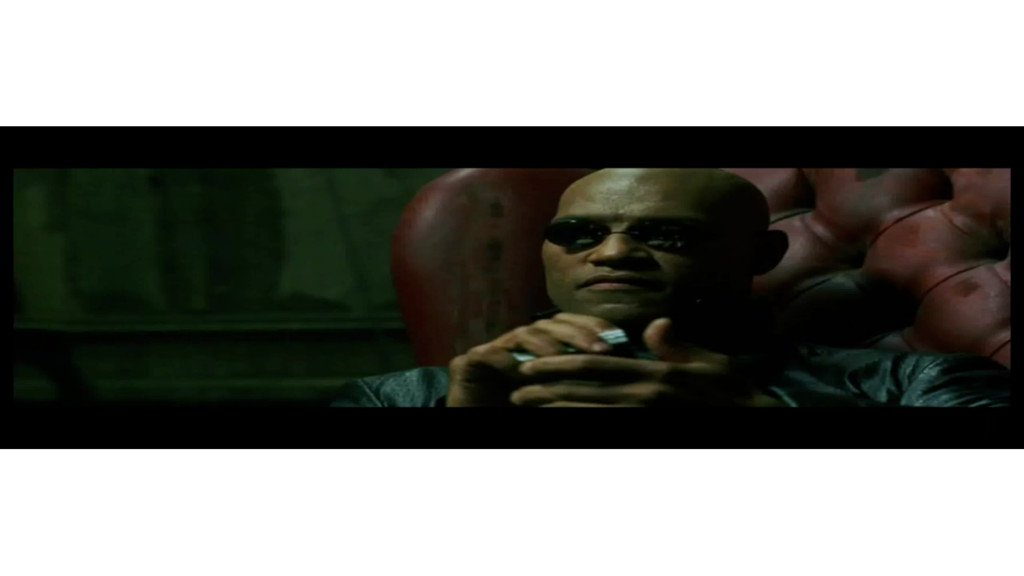
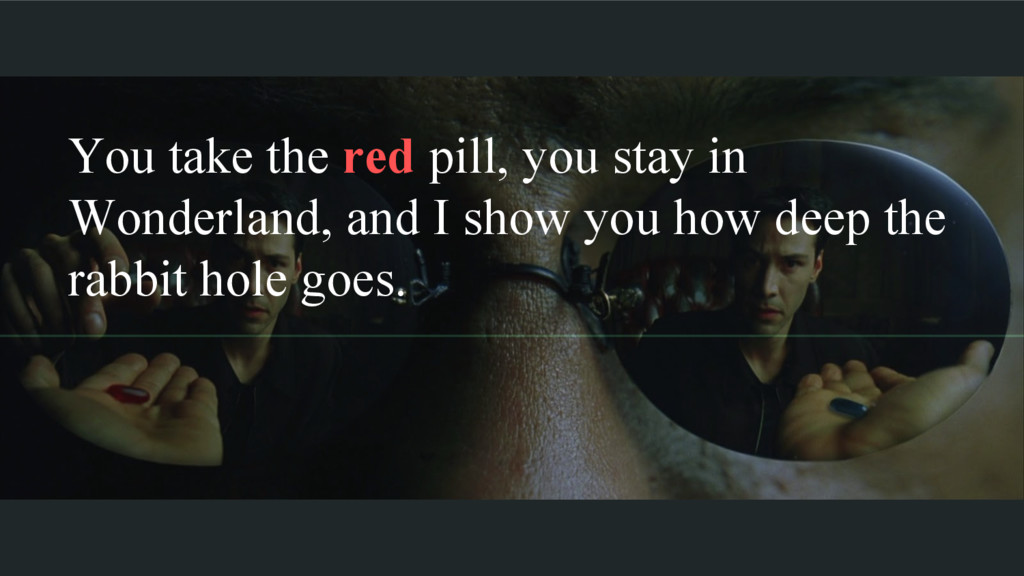
You take the red pill, you stay in Wonderland, and
I show you how deep the rabbit hole goes.
Docker provides a beautiful API that hides the real complexity.
Why do we call them containers?
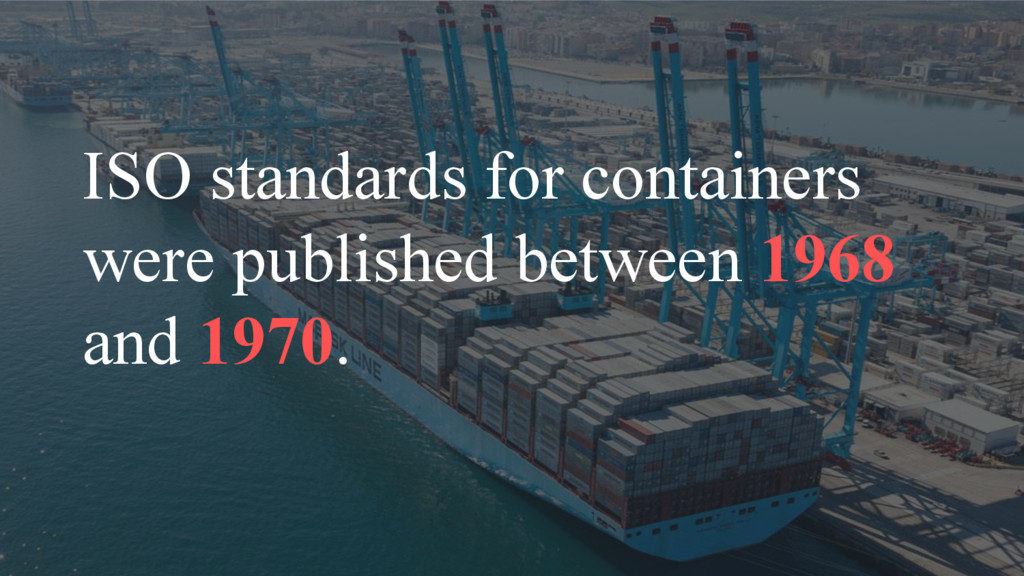
ISO standards for containers were published between 1968 and 1970.
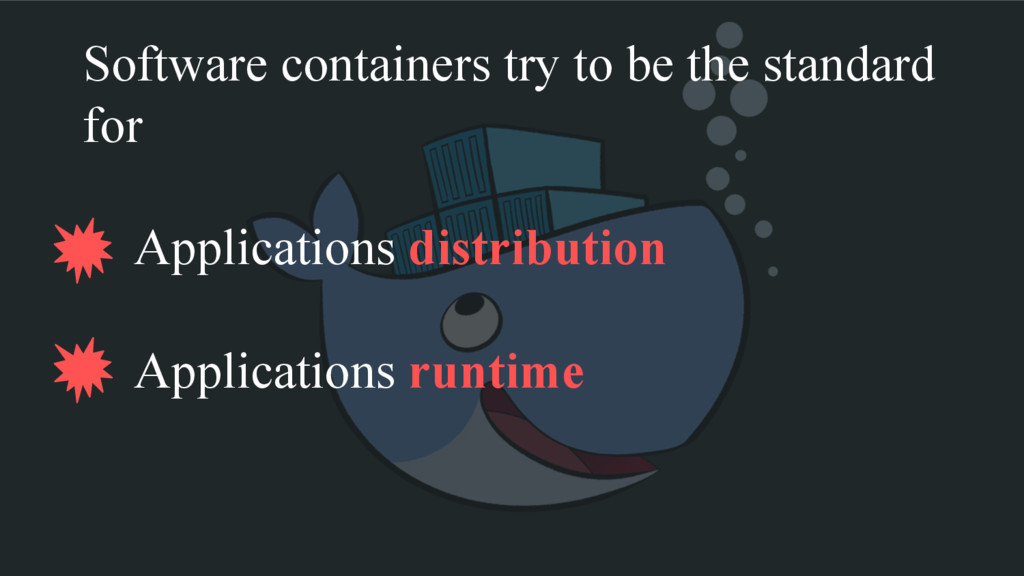
Software containers try to be the standard for Applications distribution
Applications runtime
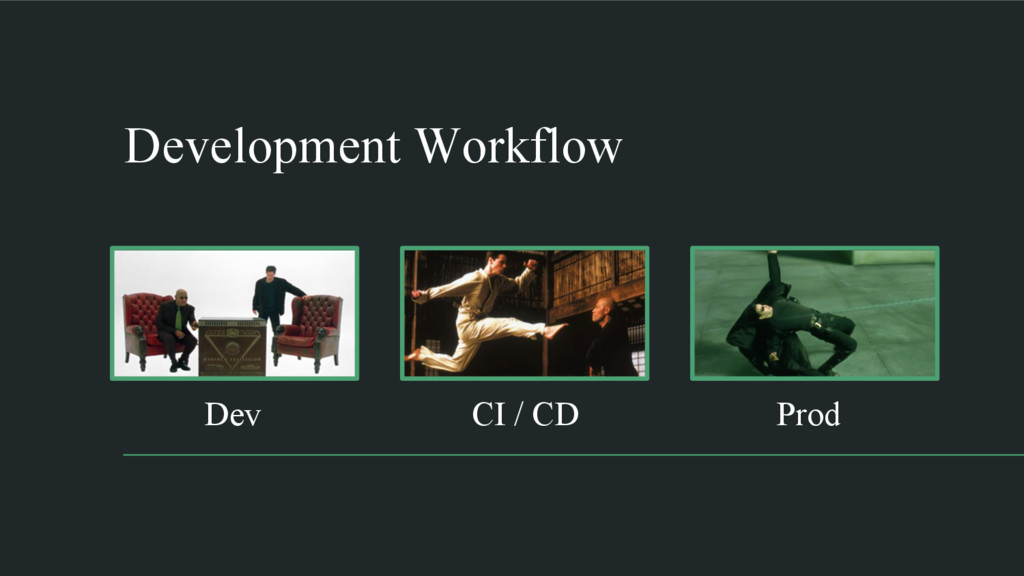
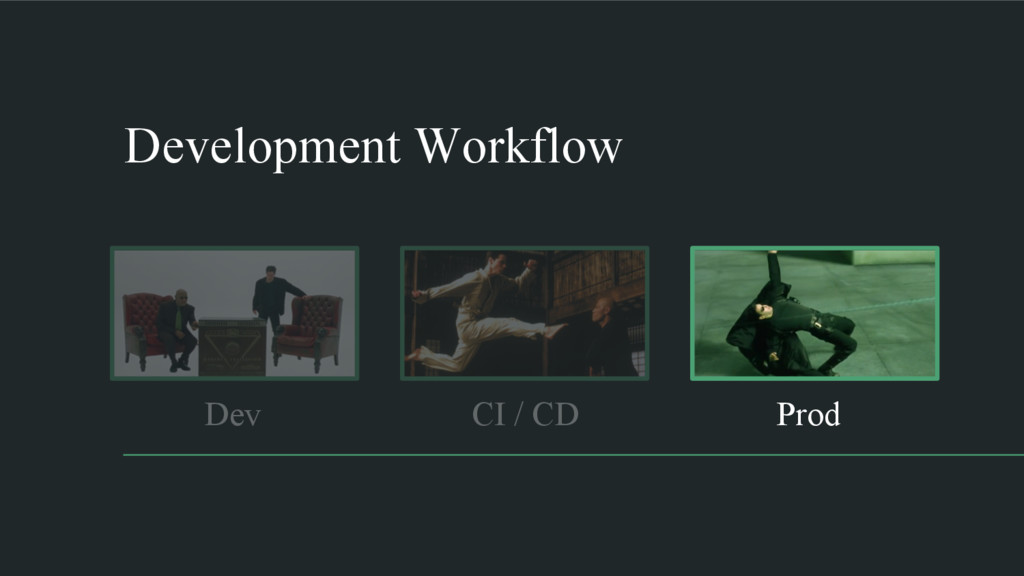
Development Workflow Dev Prod CI / CD
CI / CD Development Workflow Dev Prod
None
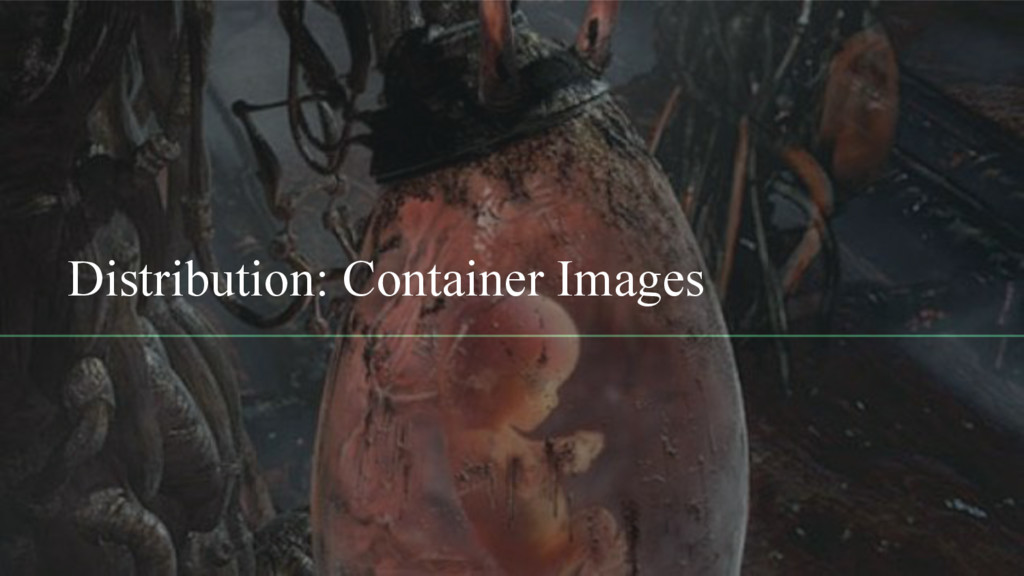
Distribution: Container Images
Packaging applications for distribution is not a new problem.
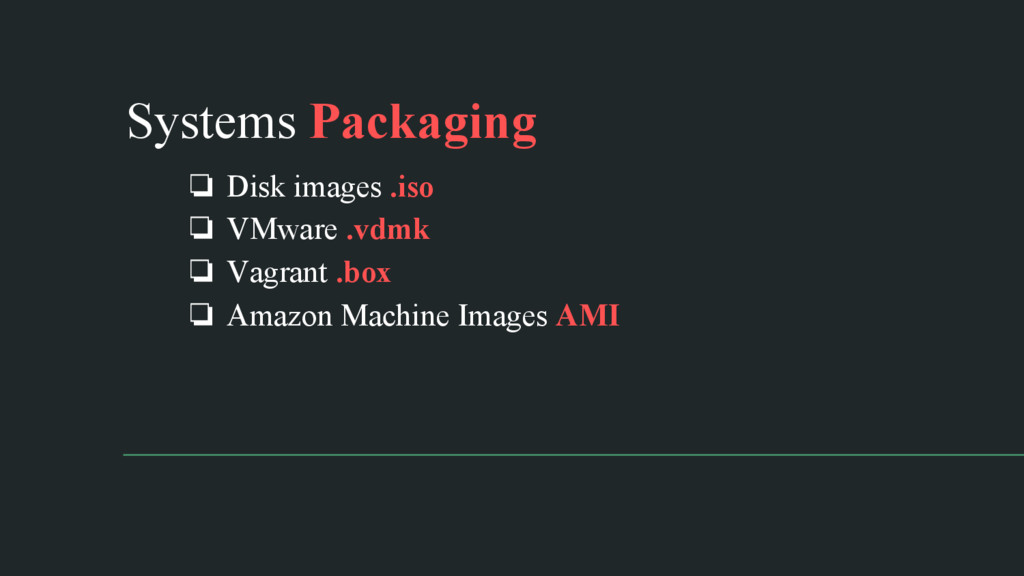
❏ Disk images .iso ❏ VMware .vdmk ❏ Vagrant .box
❏ Amazon Machine Images AMI Systems Packaging
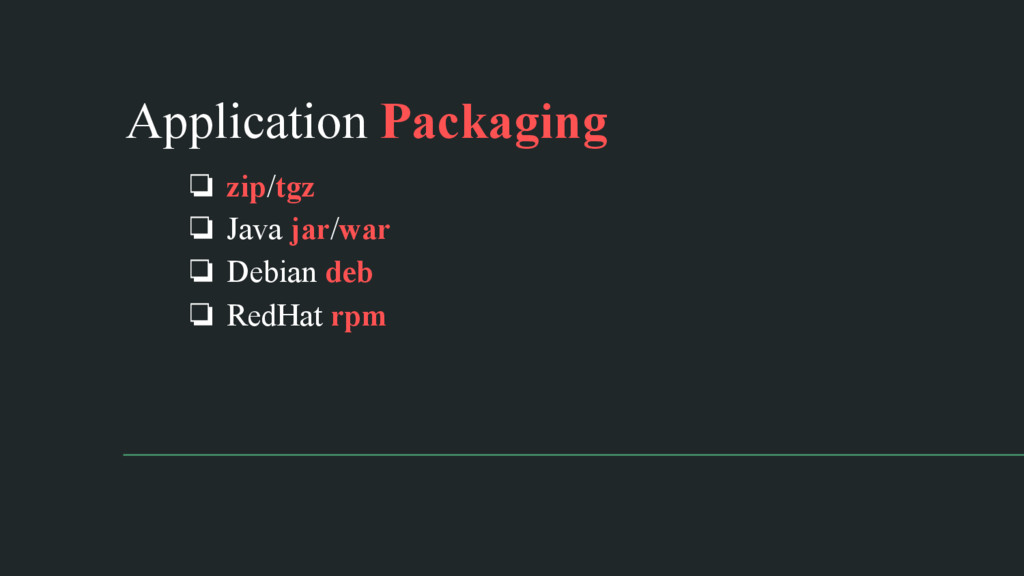
❏ zip/tgz ❏ Java jar/war ❏ Debian deb ❏ RedHat
rpm Application Packaging
Container images combine both system and application packaging. Old best
practices still apply.
Container images can be easily built using manifests.
Building the same manifest twice could produce different images.
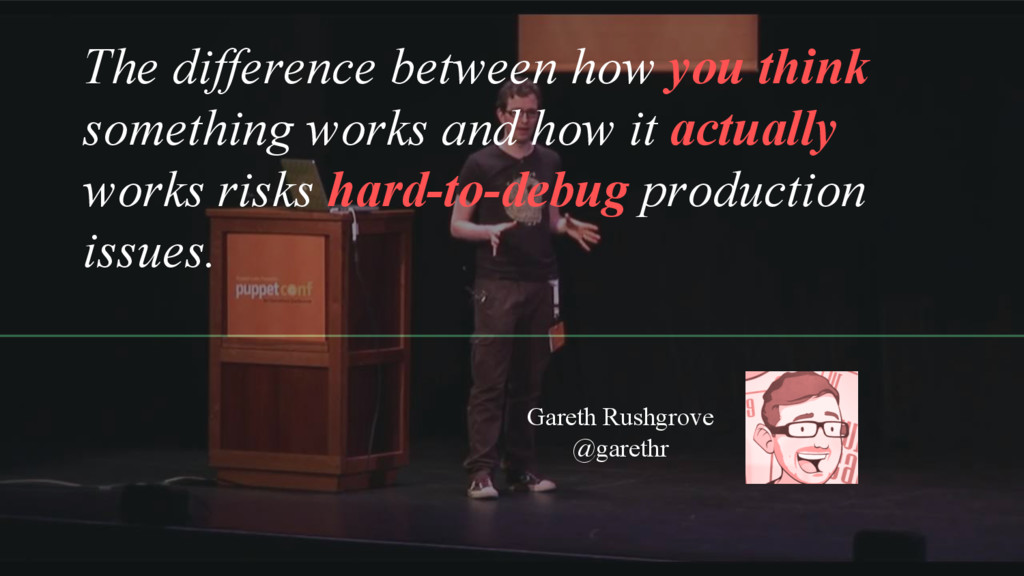
The difference between how you think something works and how
it actually works risks hard-to-debug production issues. Gareth Rushgrove @garethr
None
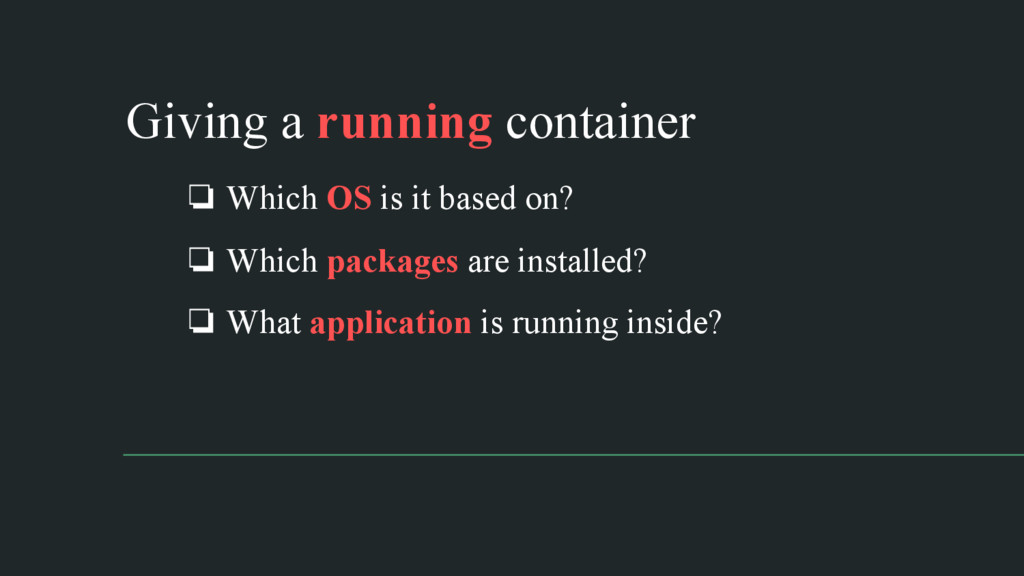
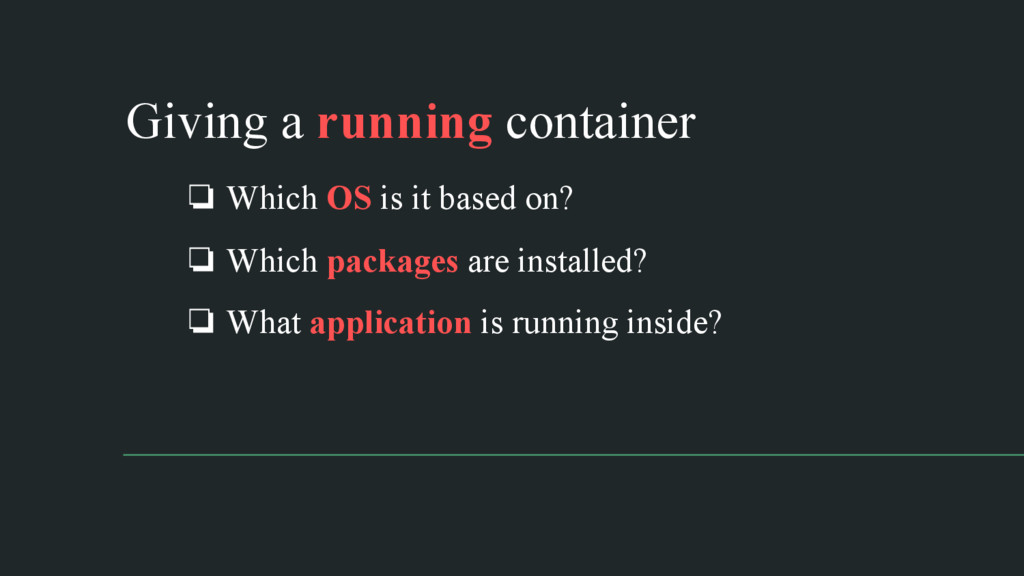
❏ Which OS is it based on? ❏ Which packages
are installed? ❏ What application is running inside? Giving a running container
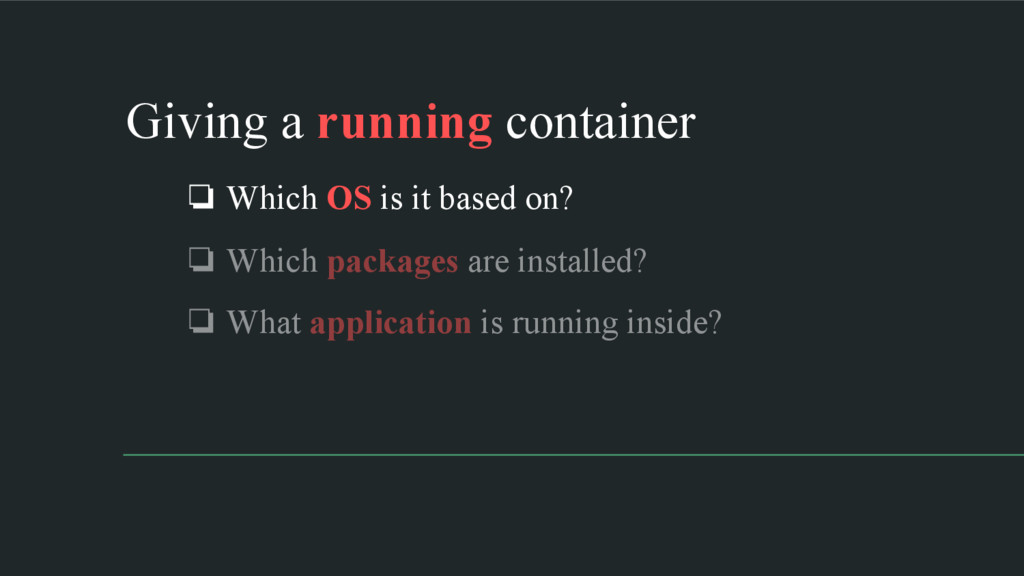
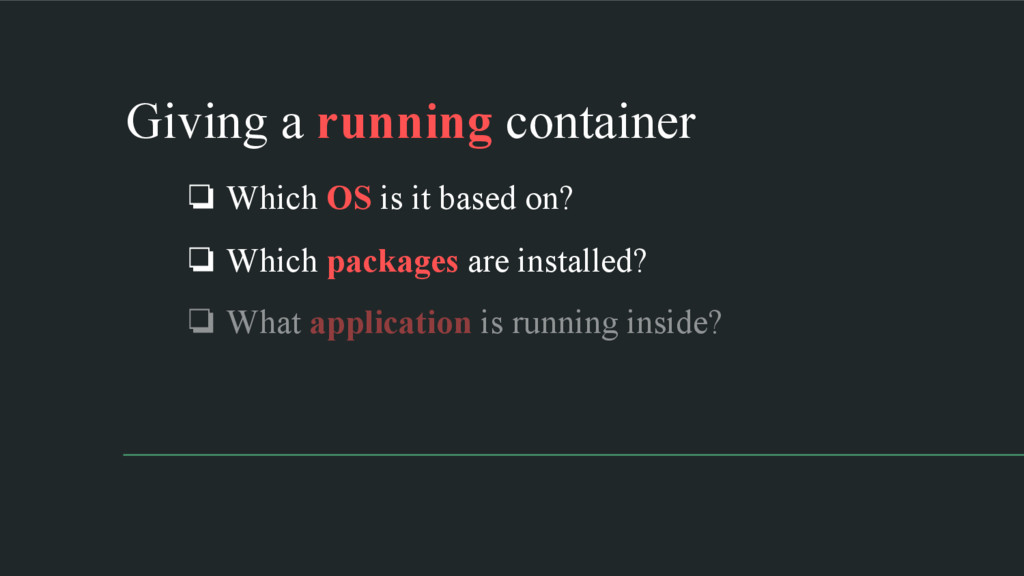
❏ Which OS is it based on? ❏ Which packages
are installed? ❏ What application is running inside? Giving a running container
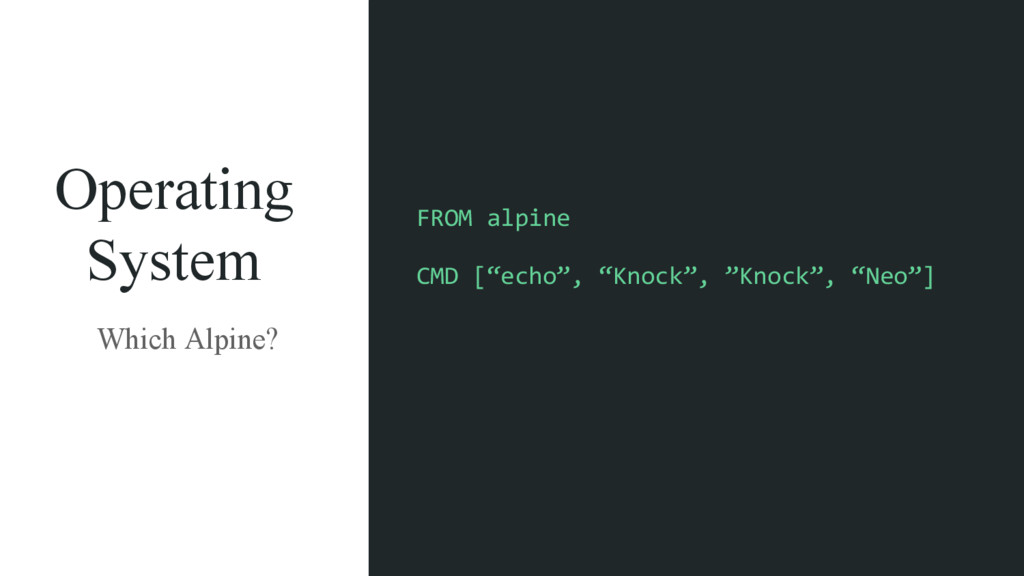
Operating System Which Alpine? FROM alpine CMD [“echo”, “Knock”, ”Knock”,
“Neo”]
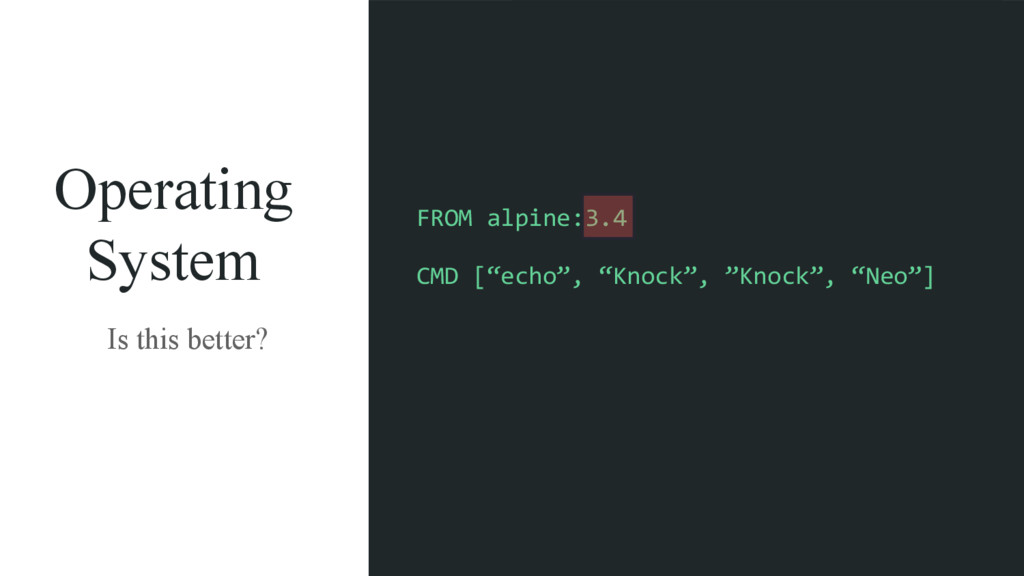
Operating System Is this better? FROM alpine:3.4 CMD [“echo”, “Knock”,
”Knock”, “Neo”]
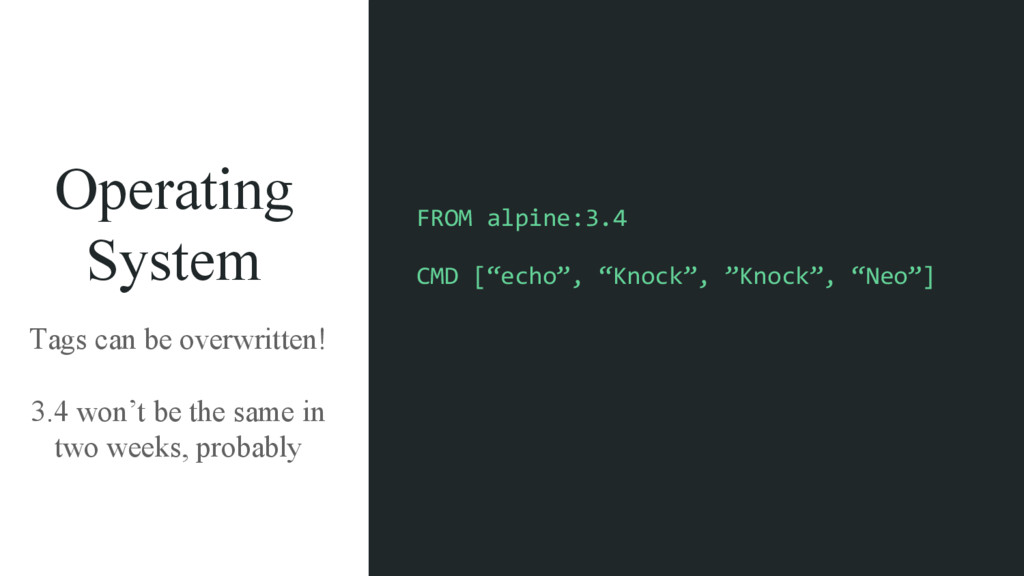
Operating System Tags can be overwritten! 3.4 won’t be the
same in two weeks, probably FROM alpine:3.4 CMD [“echo”, “Knock”, ”Knock”, “Neo”]
❏ Which OS is it based on? ❏ Which packages
are installed? ❏ What application is running inside? Giving a running container
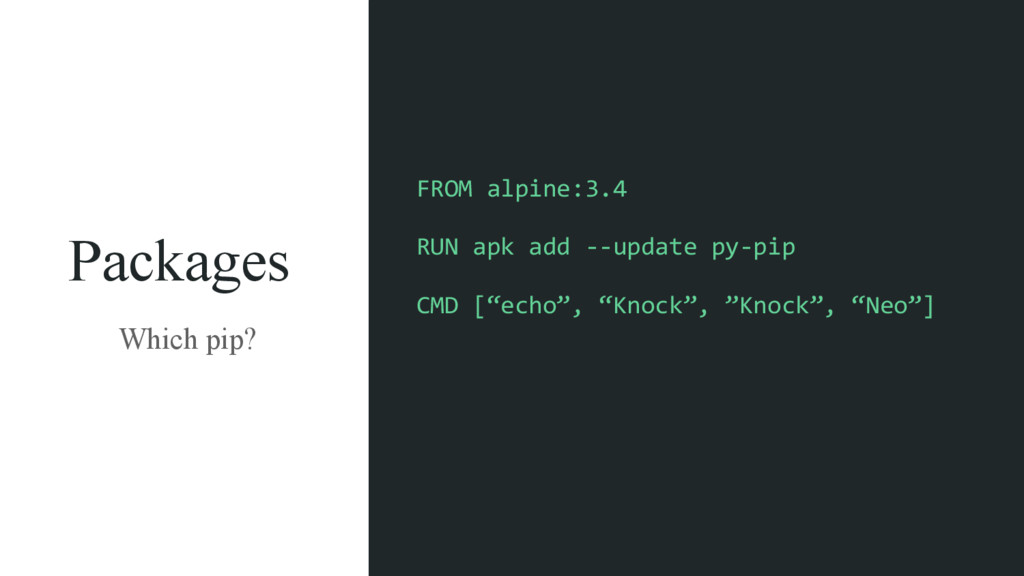
Packages Which pip? FROM alpine:3.4 RUN apk add -‐-‐update py-‐pip
CMD [“echo”, “Knock”, ”Knock”, “Neo”]
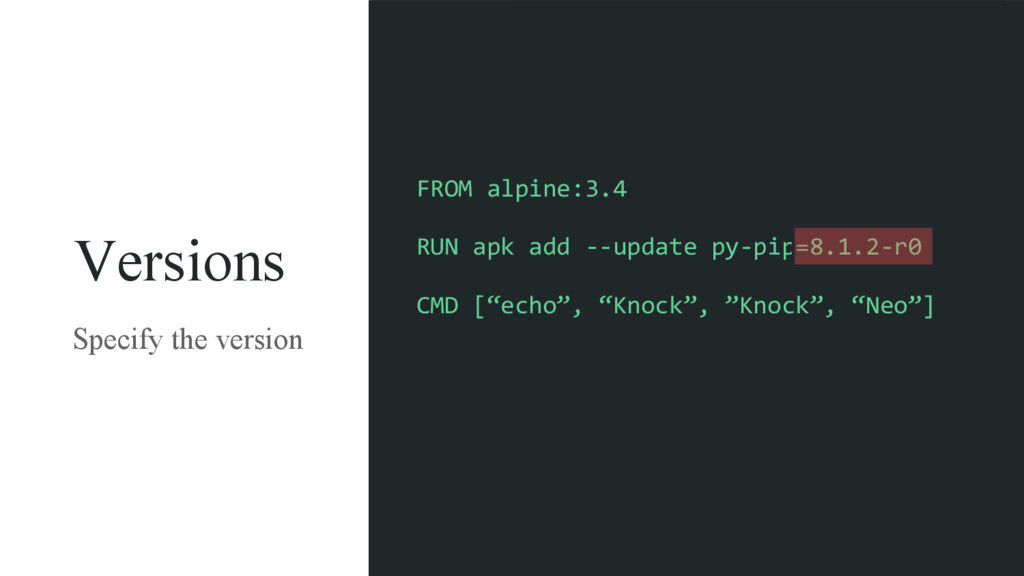
Versions Specify the version FROM alpine:3.4 RUN apk add -‐-‐update
py-‐pip=8.1.2-‐r0 CMD [“echo”, “Knock”, ”Knock”, “Neo”]
❏ Which OS is it based on? ❏ Which packages
are installed? ❏ What application is running inside? Giving a running container
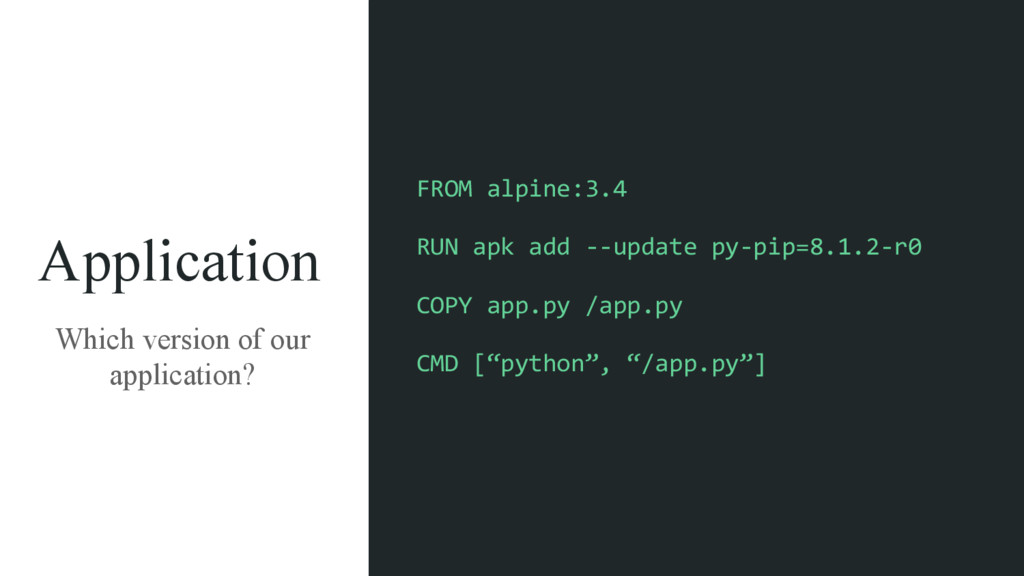
Application Which version of our application? FROM alpine:3.4 RUN apk
add -‐-‐update py-‐pip=8.1.2-‐r0 COPY app.py /app.py CMD [“python”, “/app.py”]
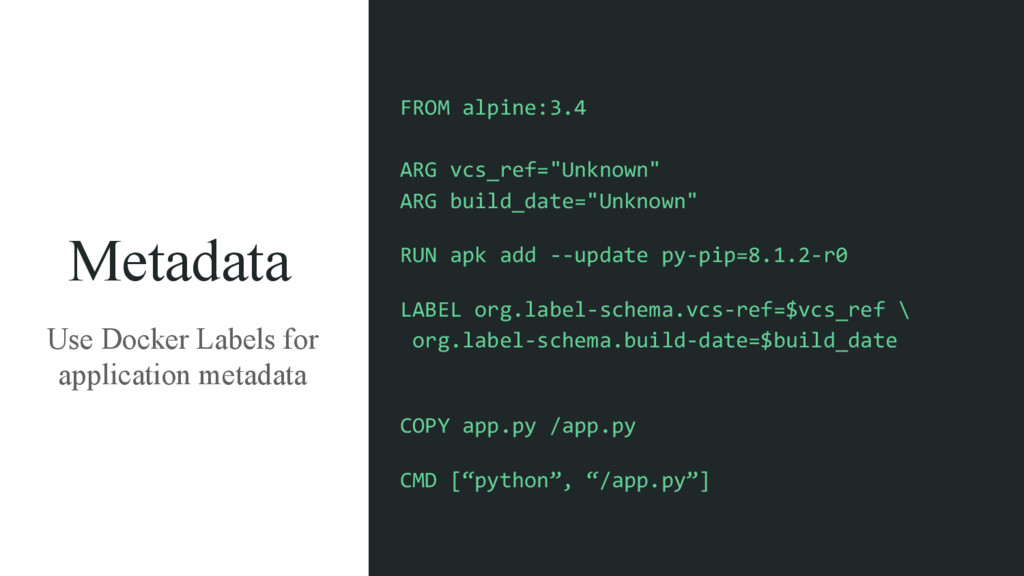
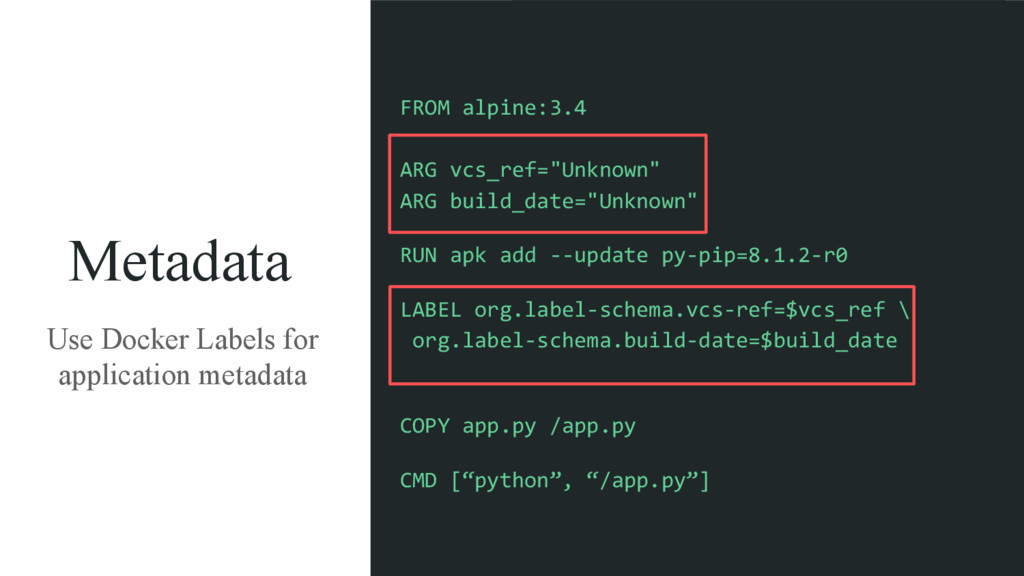
Metadata Use Docker Labels for application metadata FROM alpine:3.4 ARG
vcs_ref="Unknown" ARG build_date="Unknown" RUN apk add -‐-‐update py-‐pip=8.1.2-‐r0 LABEL org.label-‐schema.vcs-‐ref=$vcs_ref \ org.label-‐schema.build-‐date=$build_date COPY app.py /app.py CMD [“python”, “/app.py”]
Metadata Use Docker Labels for application metadata FROM alpine:3.4 ARG
vcs_ref="Unknown" ARG build_date="Unknown" RUN apk add -‐-‐update py-‐pip=8.1.2-‐r0 LABEL org.label-‐schema.vcs-‐ref=$vcs_ref \ org.label-‐schema.build-‐date=$build_date COPY app.py /app.py CMD [“python”, “/app.py”]
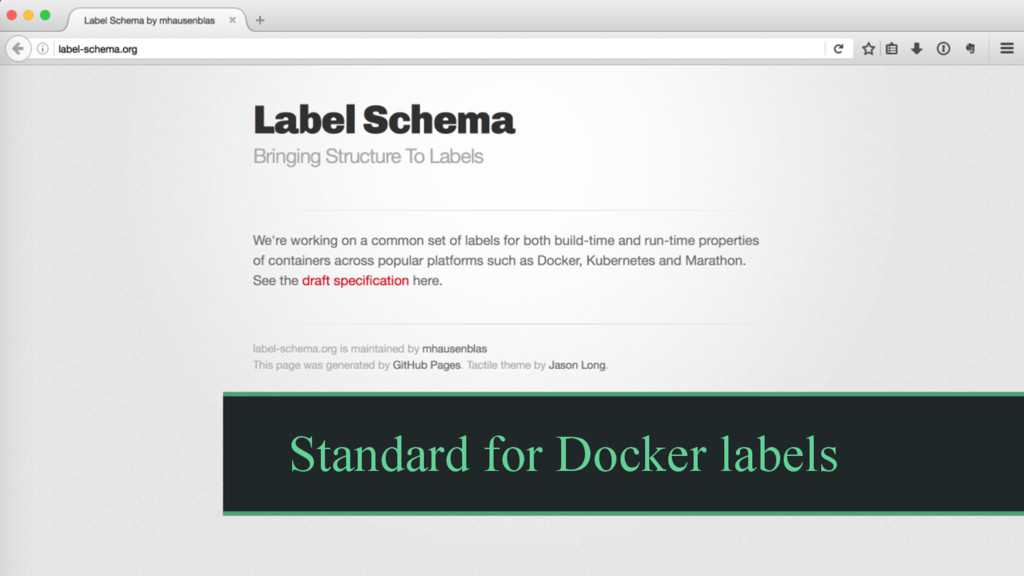
Standard for Docker labels
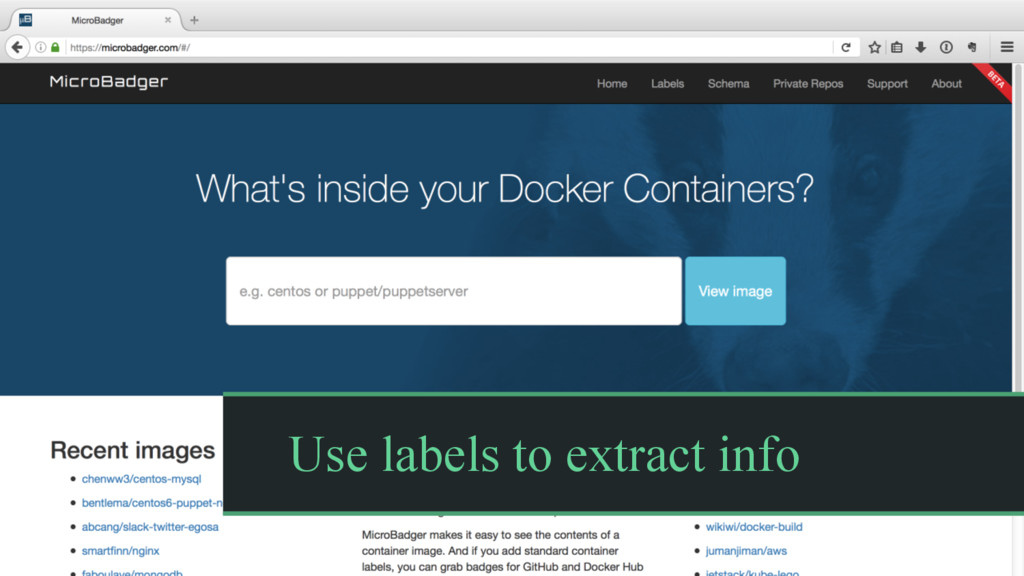
Use labels to extract info
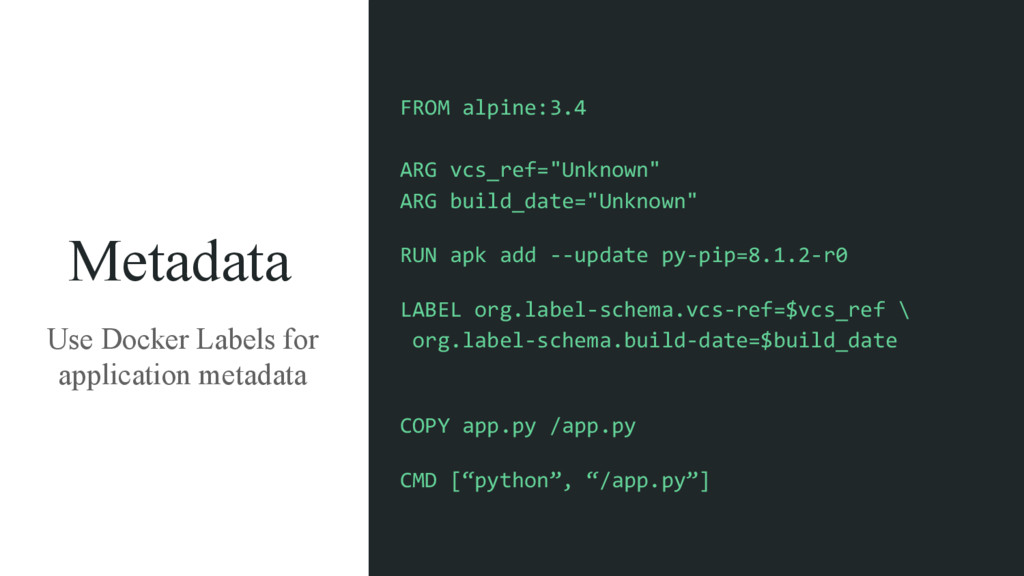
Metadata Use Docker Labels for application metadata FROM alpine:3.4 ARG
vcs_ref="Unknown" ARG build_date="Unknown" RUN apk add -‐-‐update py-‐pip=8.1.2-‐r0 LABEL org.label-‐schema.vcs-‐ref=$vcs_ref \ org.label-‐schema.build-‐date=$build_date COPY app.py /app.py CMD [“python”, “/app.py”]
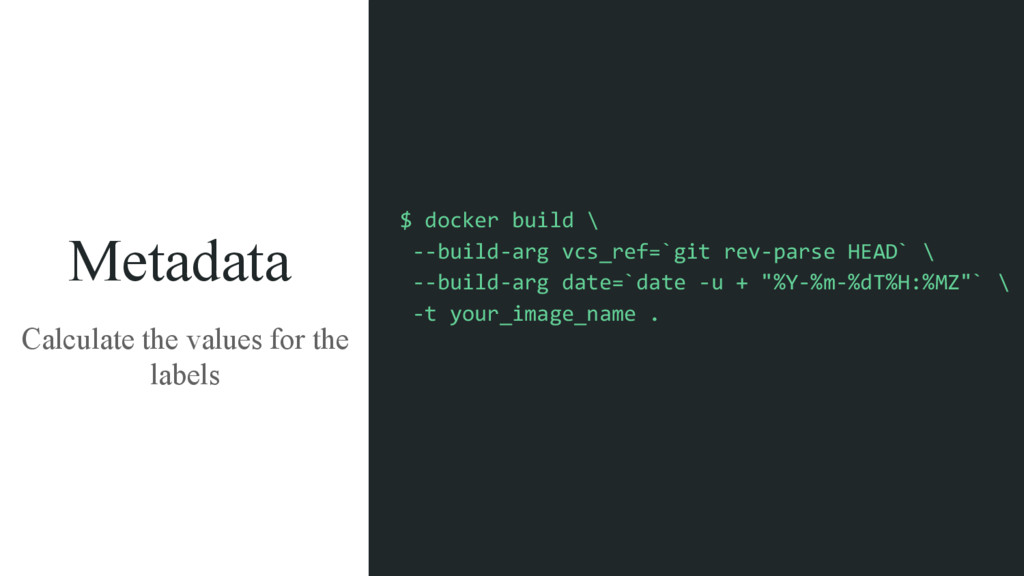
Metadata Calculate the values for the labels $ docker build
\ -‐-‐build-‐arg vcs_ref=`git rev-‐parse HEAD` \ -‐-‐build-‐arg date=`date -‐u + "%Y-‐%m-‐%dT%H:%MZ"` \ -‐t your_image_name .
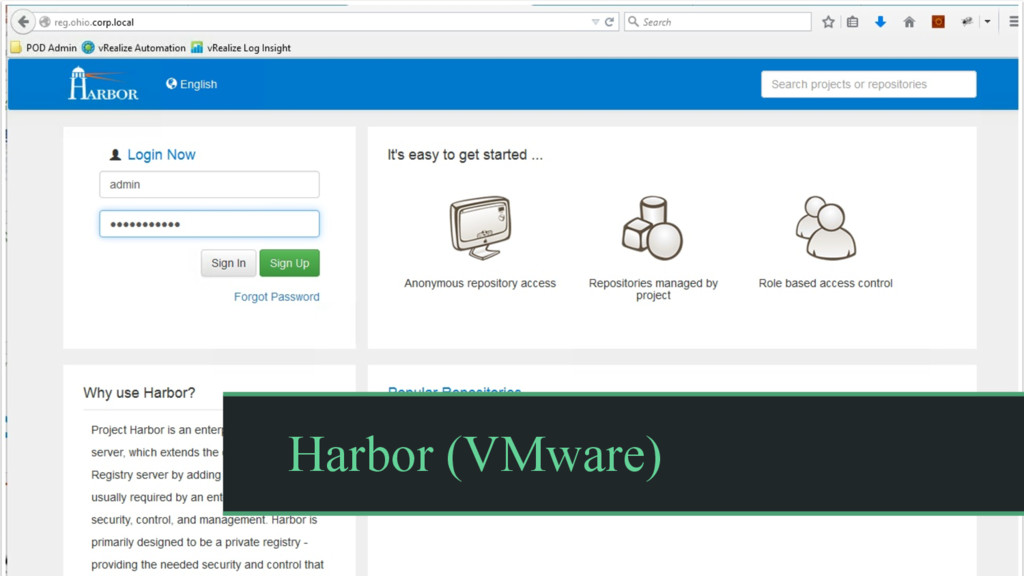
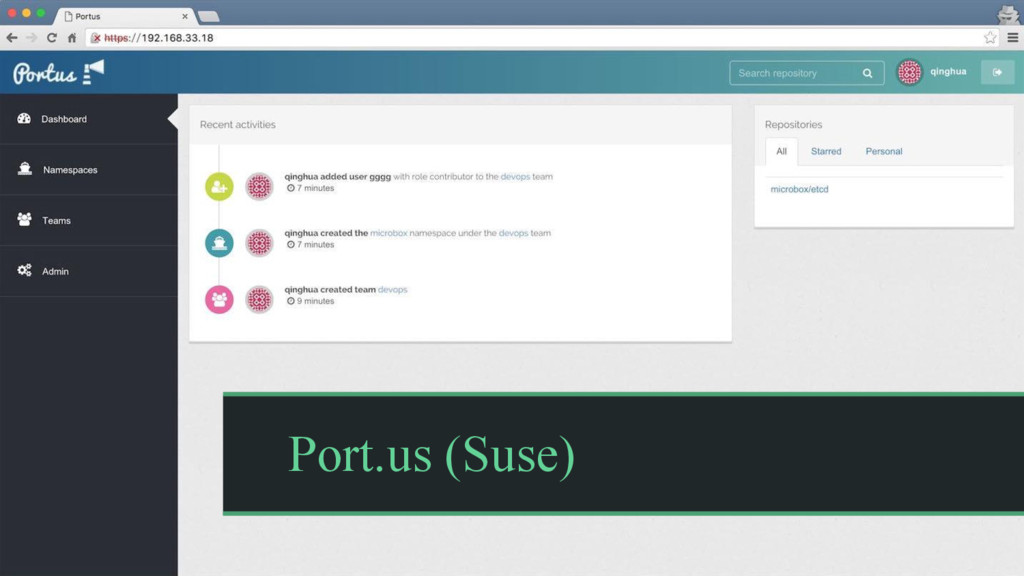
Open Source Docker Registries
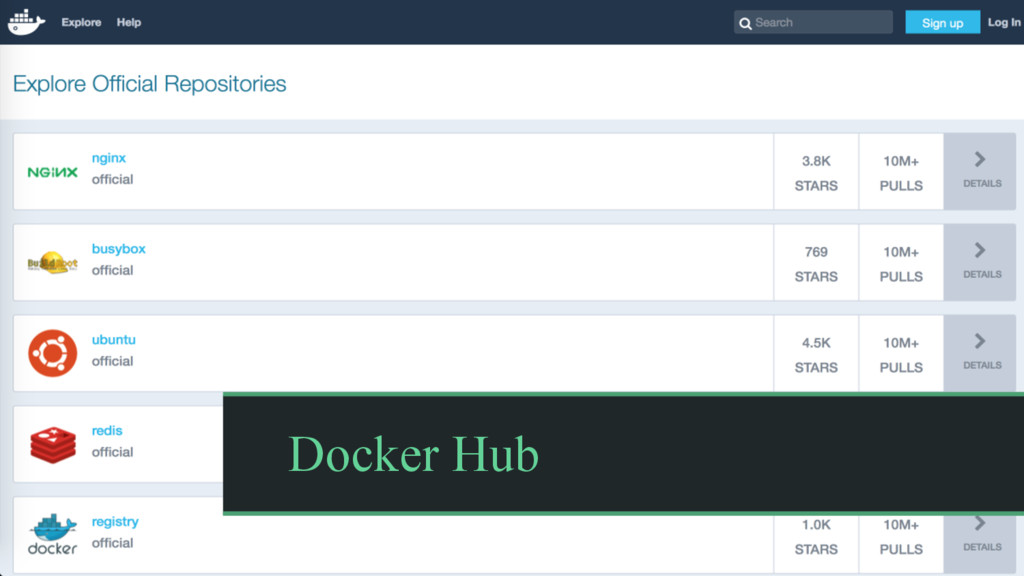
Docker Hub
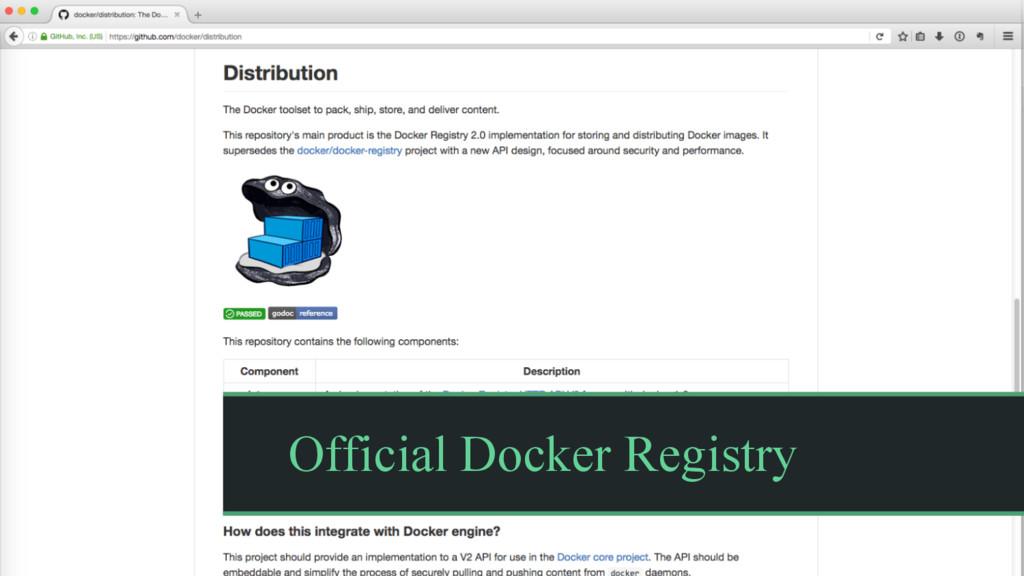
Official Docker Registry
Harbor (VMware)
Port.us (Suse)
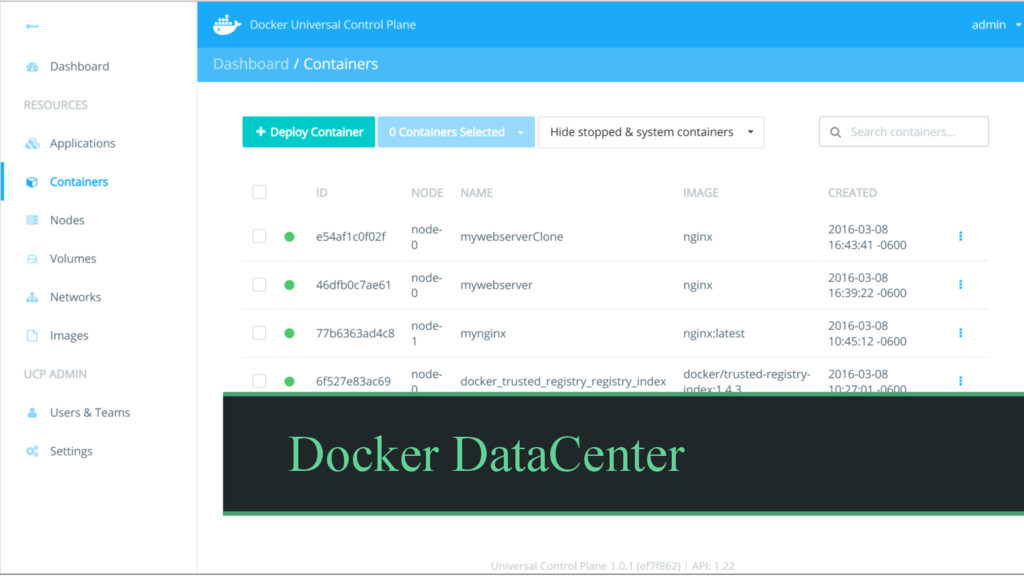
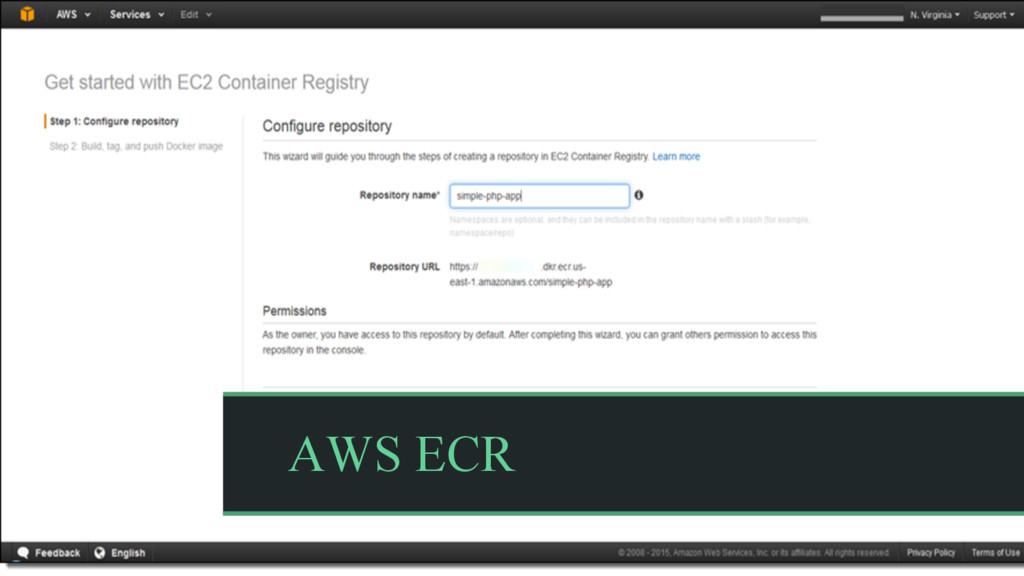
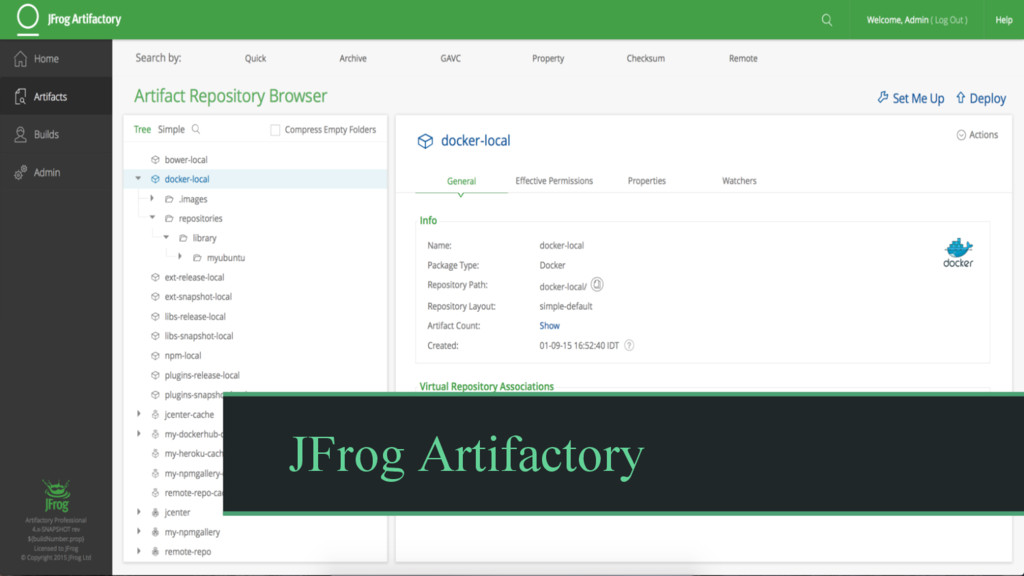
Paid Docker Registries
Docker DataCenter
AWS ECR
JFrog Artifactory
Development Workflow Dev CI / CD Prod
Building our images
Building the same manifest twice could produce different images.
Build once. Promote images to different environments.
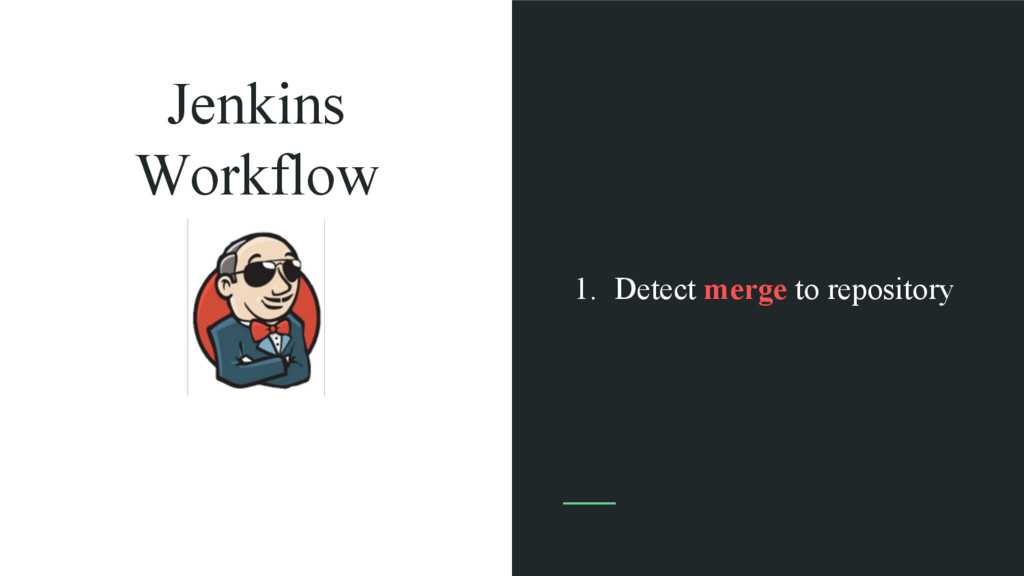
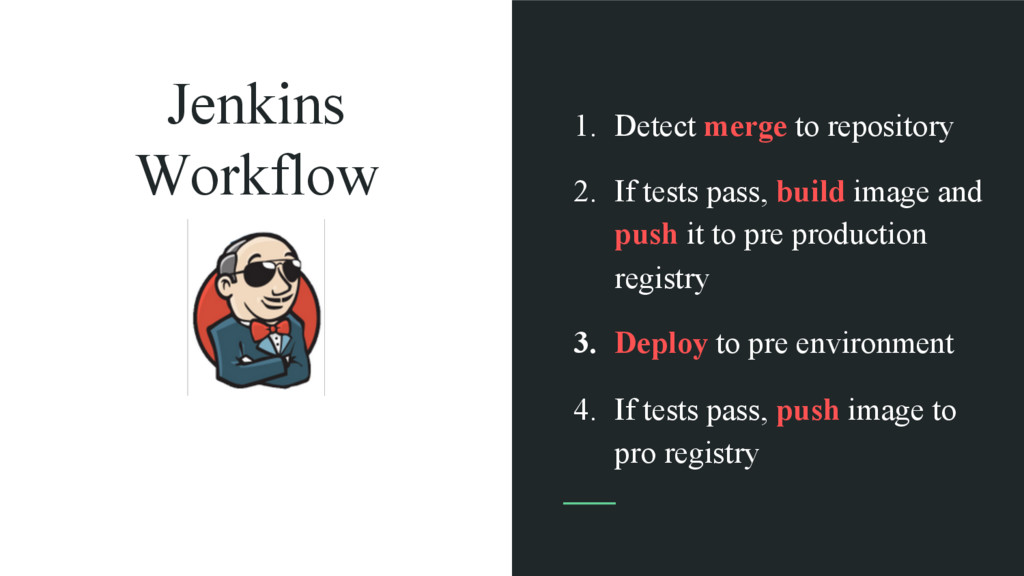
Jenkins Workflow 1. Detect merge to repository
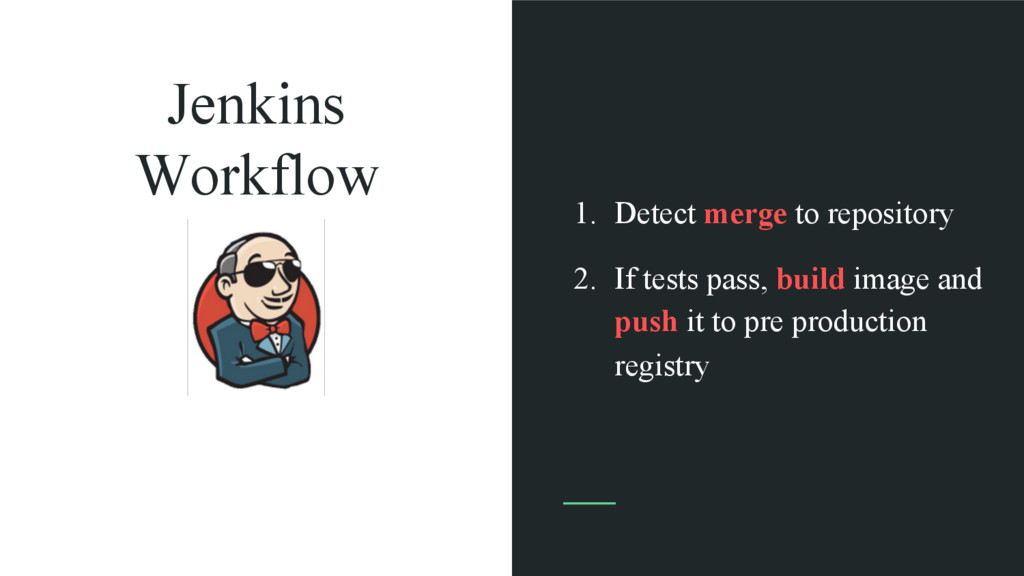
Jenkins Workflow 1. Detect merge to repository 2. If tests
pass, build image and push it to pre production registry
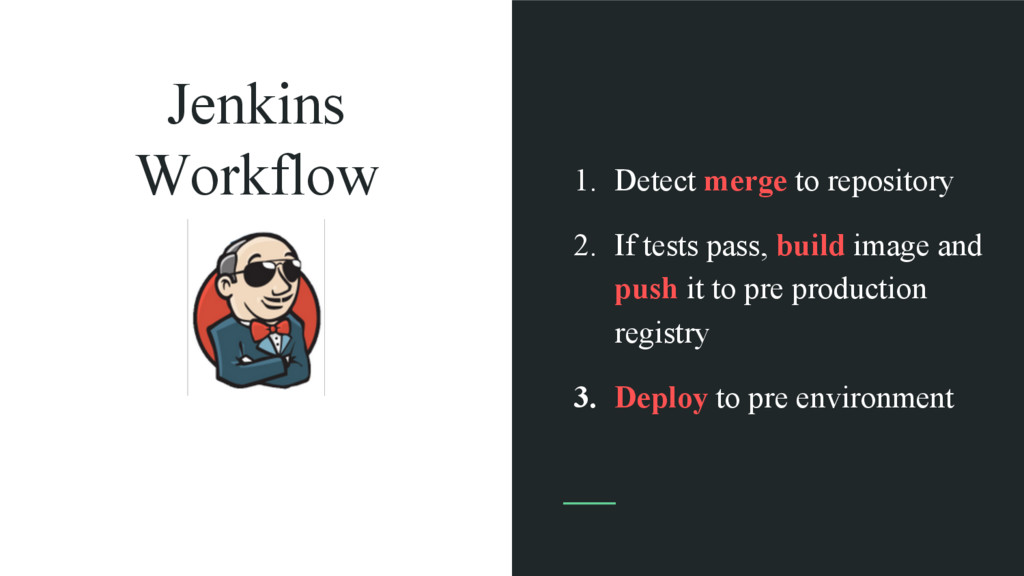
Jenkins Workflow 1. Detect merge to repository 2. If tests
pass, build image and push it to pre production registry 3. Deploy to pre environment
Jenkins Workflow 1. Detect merge to repository 2. If tests
pass, build image and push it to pre production registry 3. Deploy to pre environment 4. If tests pass, push image to pro registry
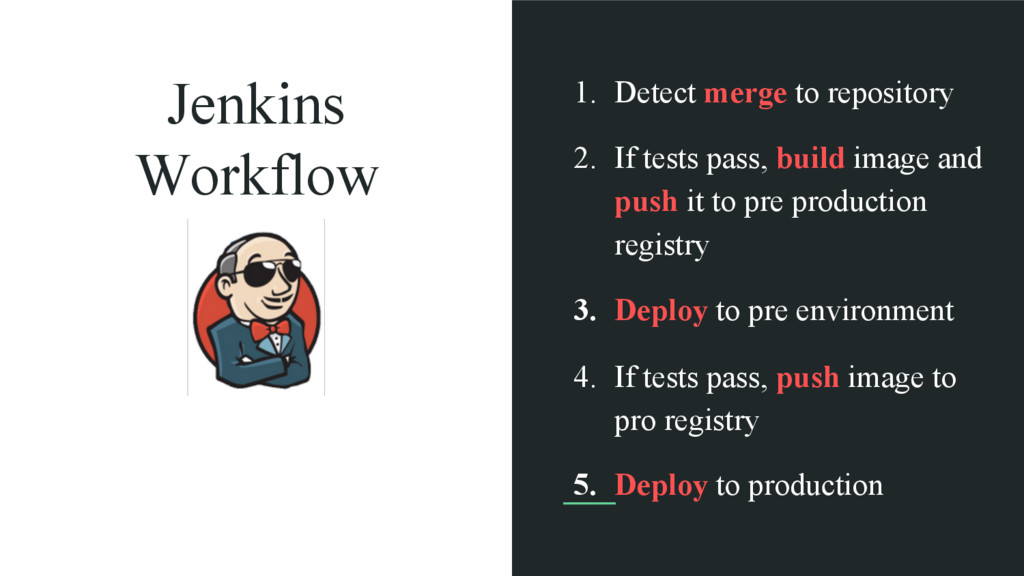
Jenkins Workflow 1. Detect merge to repository 2. If tests
pass, build image and push it to pre production registry 3. Deploy to pre environment 4. If tests pass, push image to pro registry 5. Deploy to production
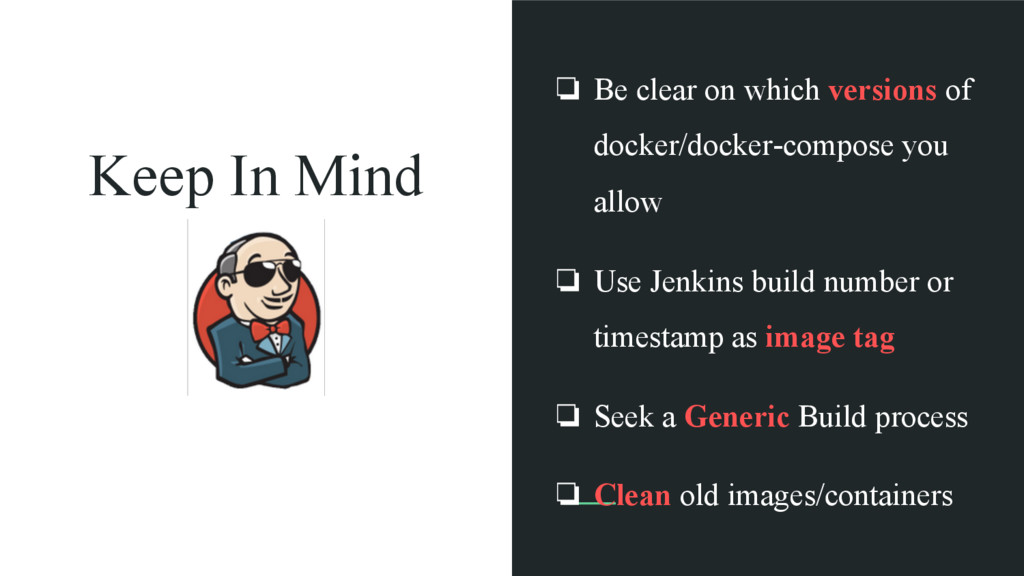
Keep In Mind ❏ Be clear on which versions of
docker/docker-compose you allow ❏ Use Jenkins build number or timestamp as image tag ❏ Seek a Generic Build process ❏ Clean old images/containers
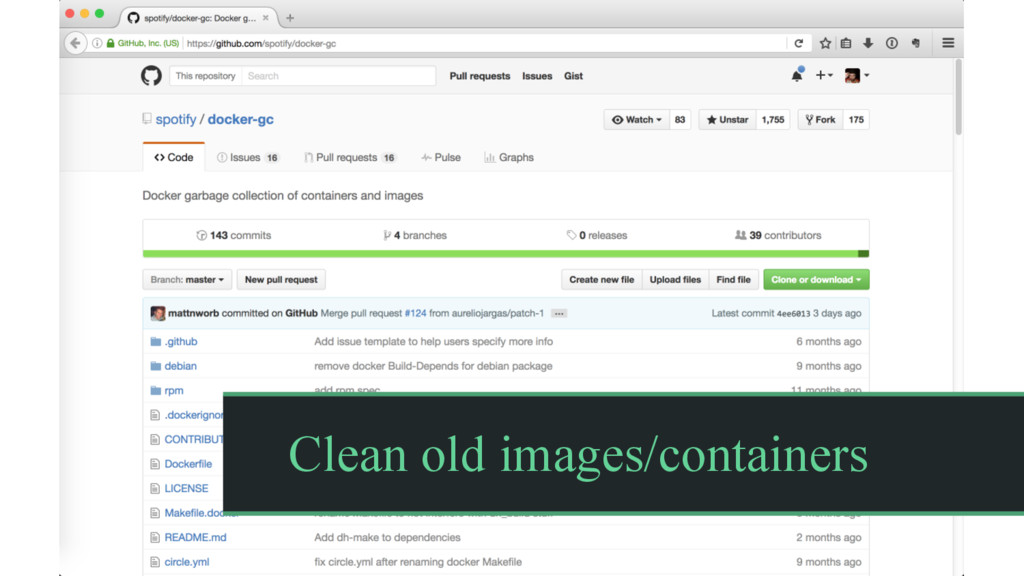
Clean old images/containers
CI / CD Development Workflow Dev Prod
Container Runtime
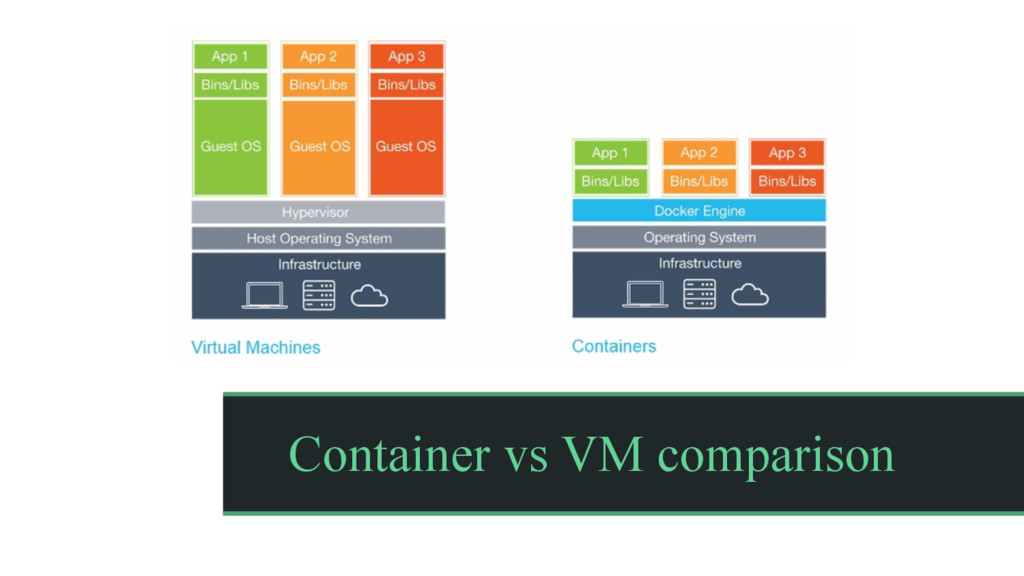
Container vs VM comparison
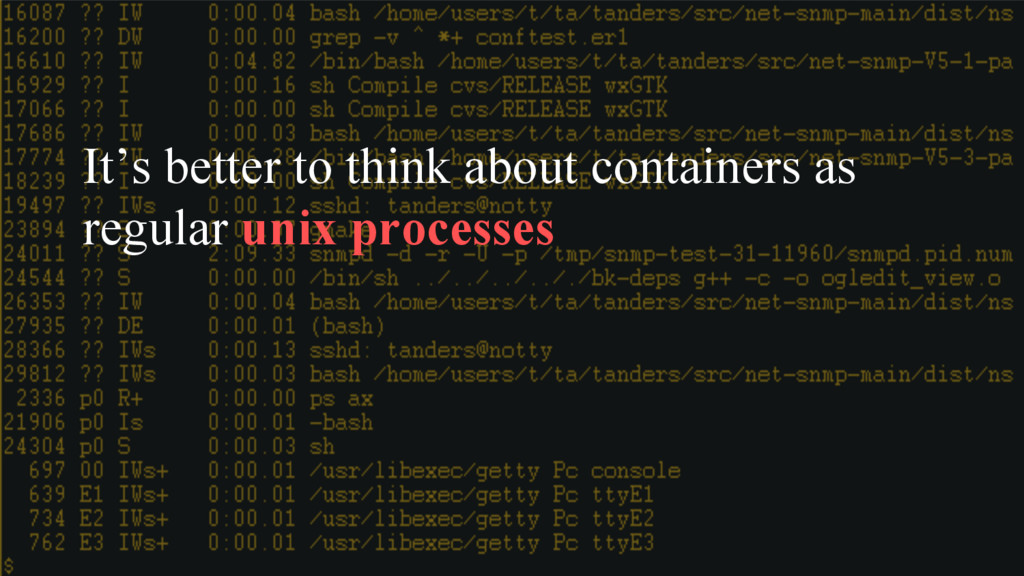
It’s better to think about containers as regular unix processes
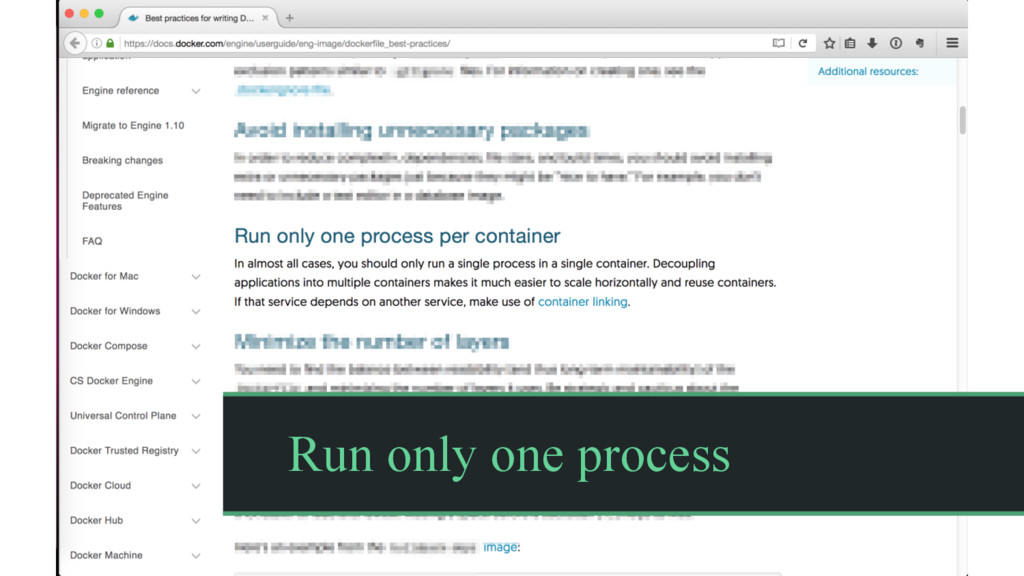
Run only one process
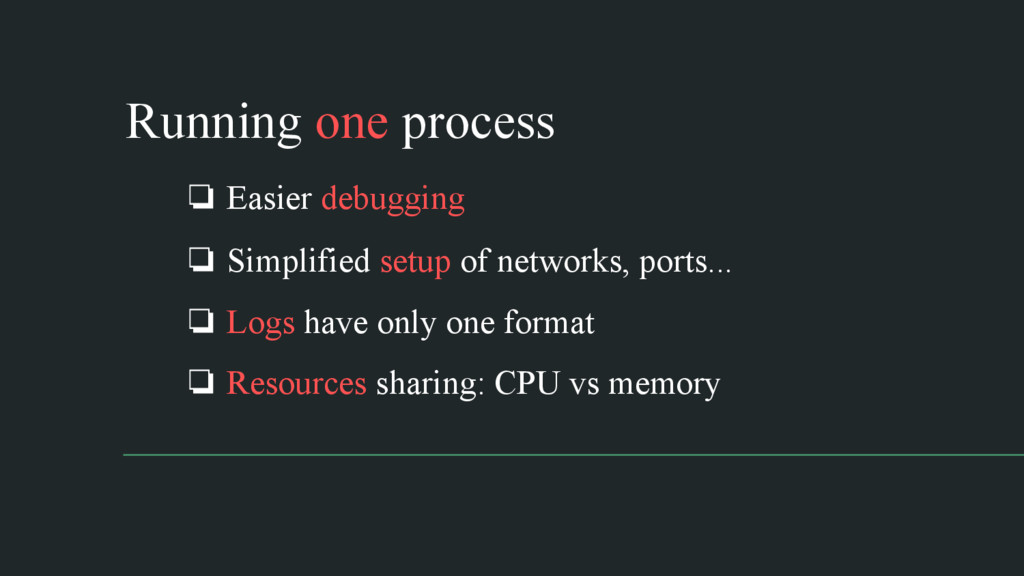
❏ Easier debugging ❏ Simplified setup of networks, ports... ❏
Logs have only one format ❏ Resources sharing: CPU vs memory Running one process
Processes inside containers are started and stopped the same way
a unix system would do it.
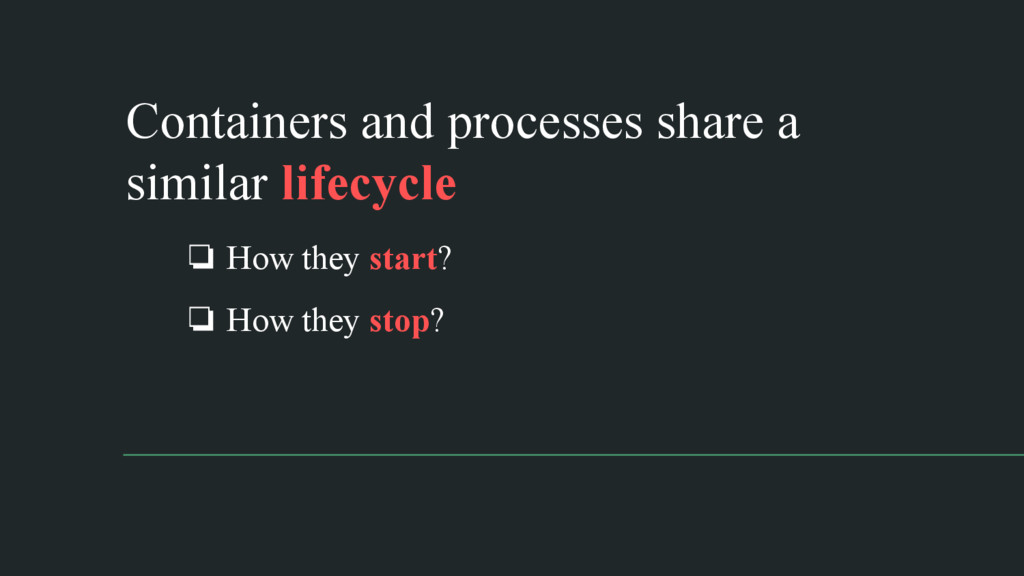
❏ How they start? ❏ How they stop? Containers and
processes share a similar lifecycle
Unix Processes: the chosen PID1 (the One, got it? :D)
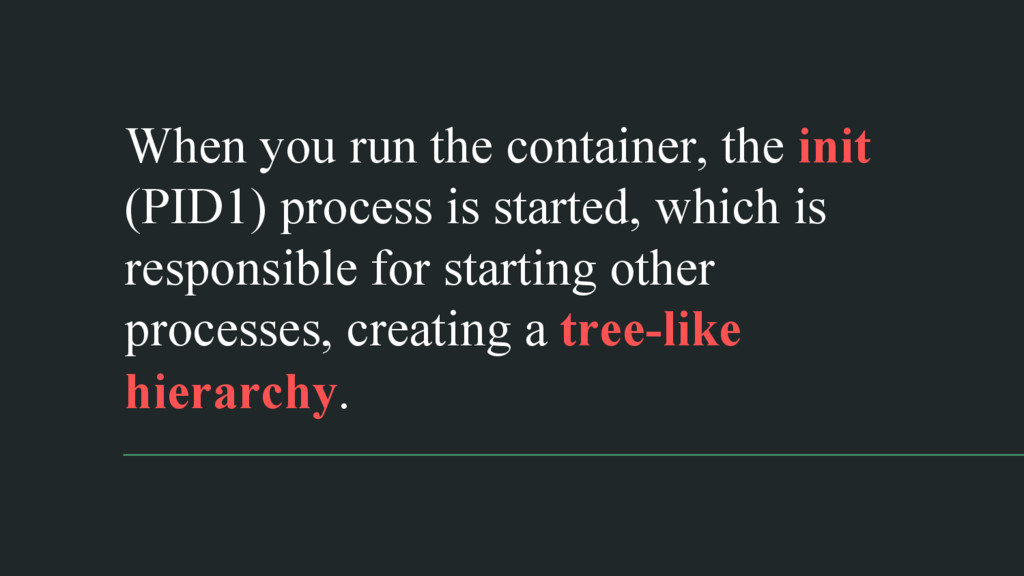
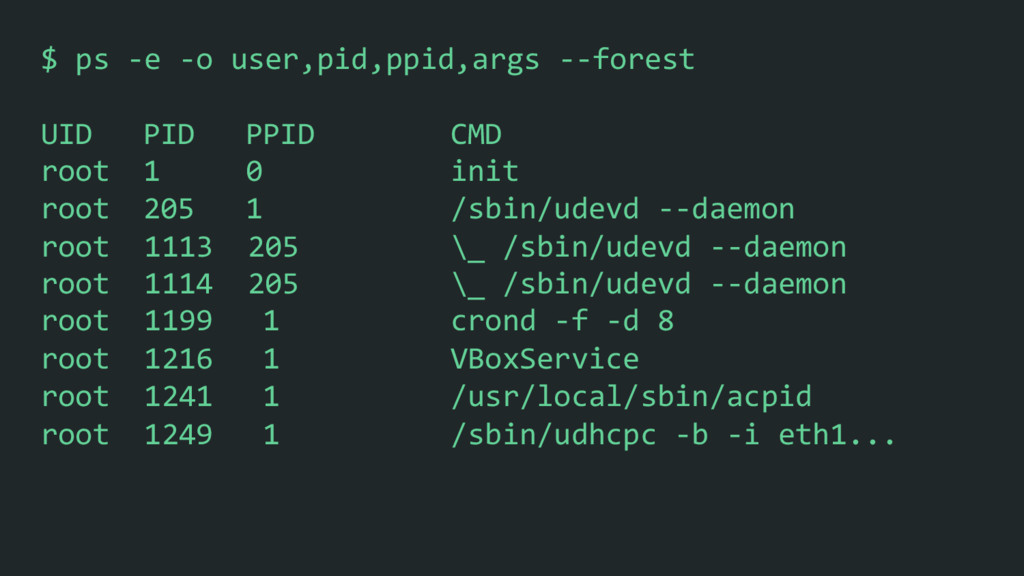
When you run the container, the init (PID1) process is
started, which is responsible for starting other processes, creating a tree-like hierarchy.
$ ps -‐e -‐o user,pid,ppid,args -‐-‐forest UID PID
PPID CMD root 1 0 init root 205 1 /sbin/udevd -‐-‐daemon root 1113 205 \_ /sbin/udevd -‐-‐daemon root 1114 205 \_ /sbin/udevd -‐-‐daemon root 1199 1 crond -‐f -‐d 8 root 1216 1 VBoxService root 1241 1 /usr/local/sbin/acpid root 1249 1 /sbin/udhcpc -‐b -‐i eth1...
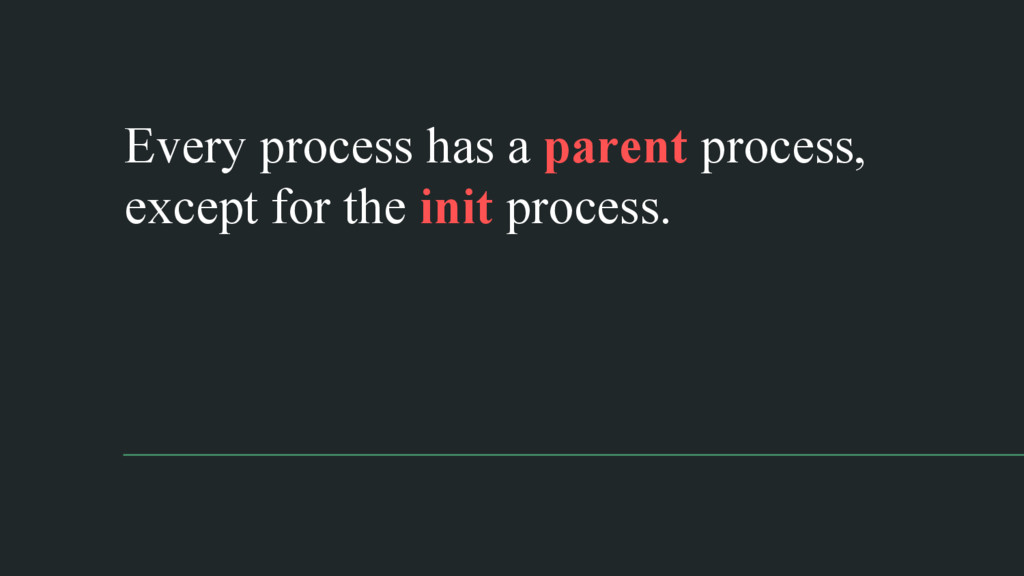
Every process has a parent process, except for the init
process.
When a process ends, its entry in the process table
remains, keeping the process in a defunct or zombie status.
Only after the parent read the child’s exit status to
know what happened, the zombie is removed. This is called reaping.
The init process also adopts orphans. An orphan is a
process that is still executing but whose parent has died.
None
If your process is running as PID1, it’s probably expecting
a init process to properly adopting and reaping processes.
Running our process as a subcommand of bash would solve
this problem. But bash doesn’t handle unix signals.
Unix Signals
A signal is an asynchronous notification sent to a process
in order to notify it of an event that occurred.
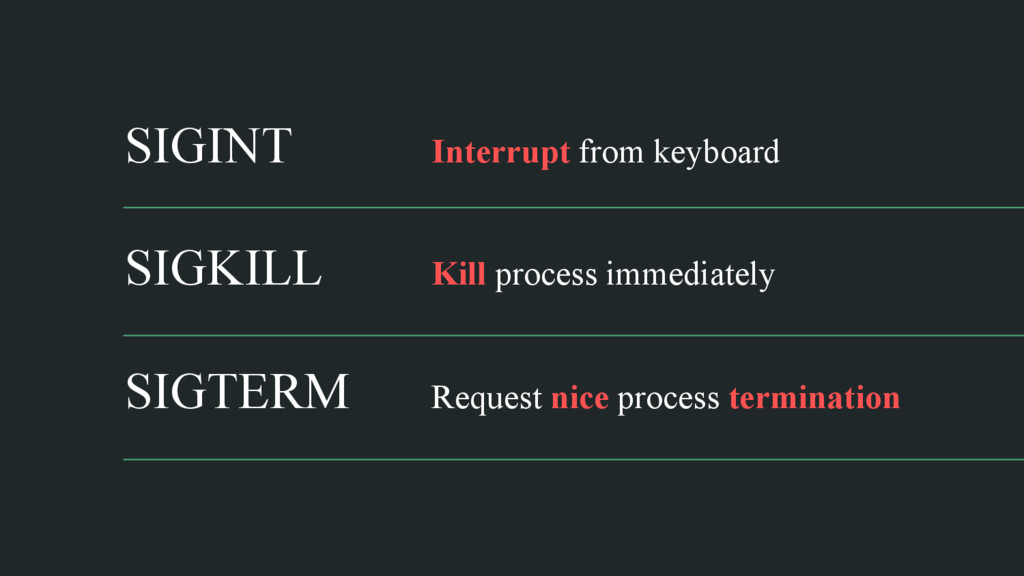
SIGINT Interrupt from keyboard SIGKILL Kill process immediately SIGTERM Request
nice process termination
Signals sent by the Docker engine to the containers are
handled by the init process.
Unless a process has registered a custom signal handler for
SIGTERM, the kernel will fall back sending a SIGKILL signal.
For PID1, though, the kernel won’t even fall back to
SIGKILL. If your process hasn’t registered a handler, SIGTERM will have no effect on the process.
None
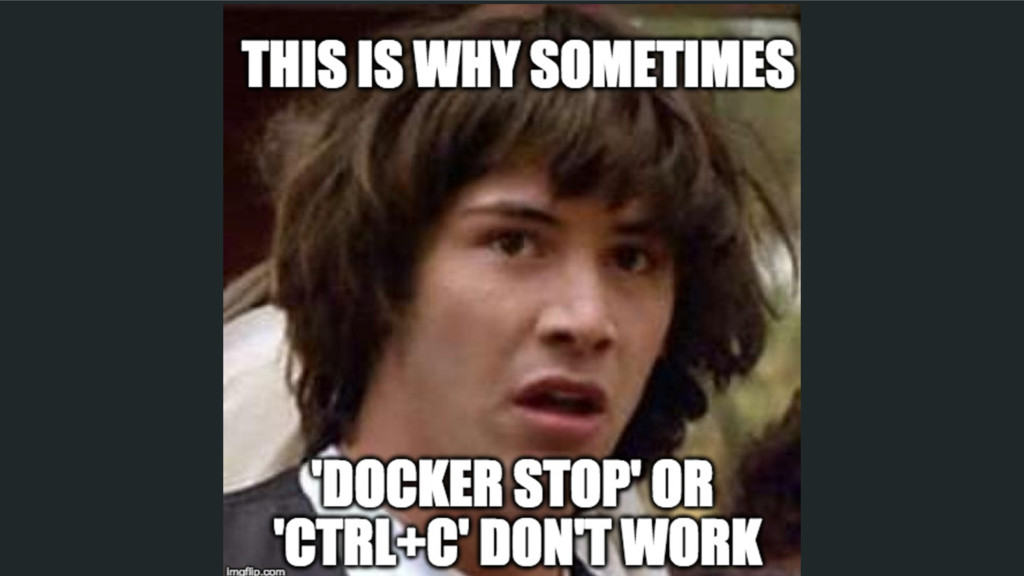
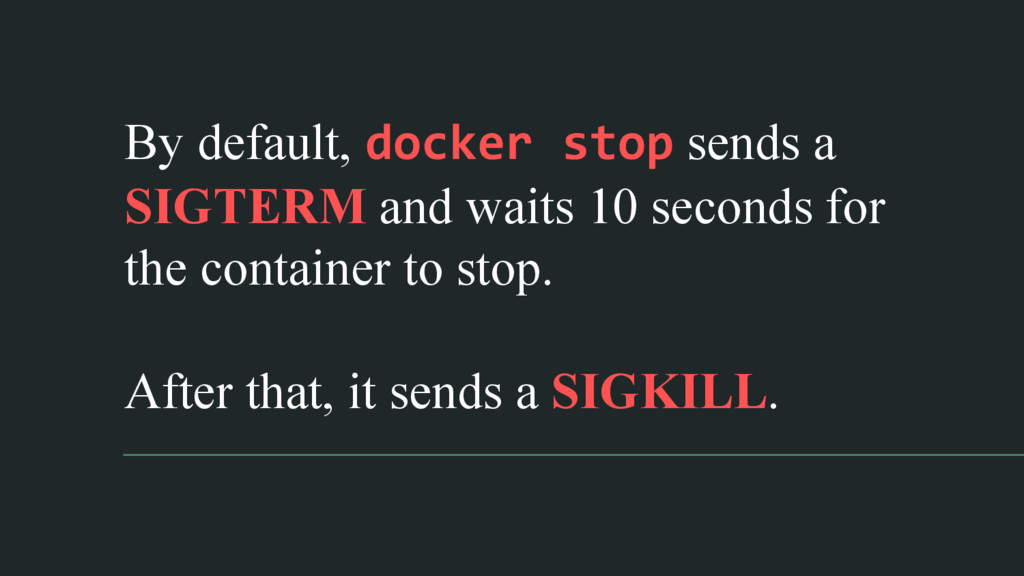
By default, docker stop sends a SIGTERM and waits 10
seconds for the container to stop. After that, it sends a SIGKILL.
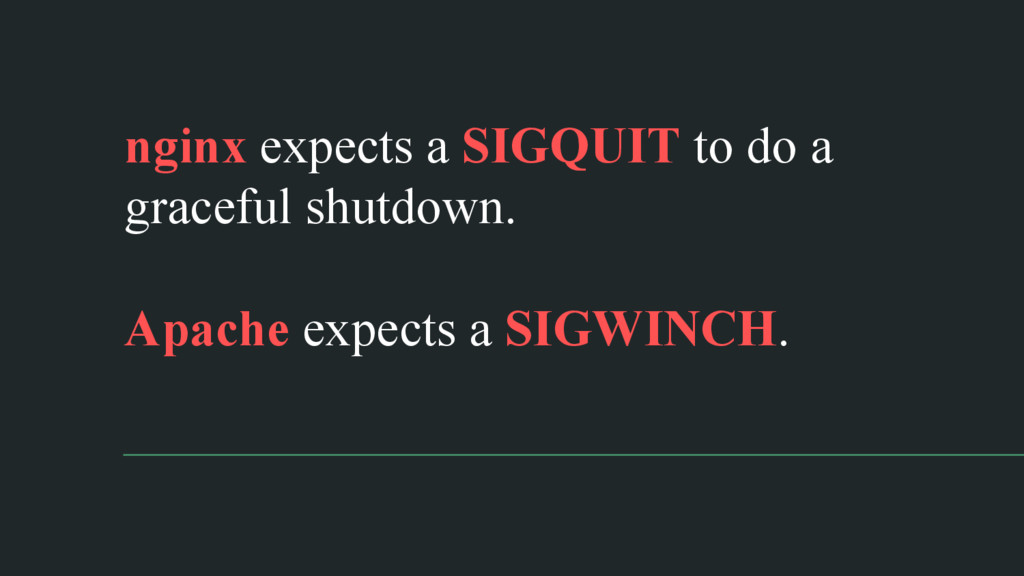
nginx expects a SIGQUIT to do a graceful shutdown. Apache
expects a SIGWINCH.
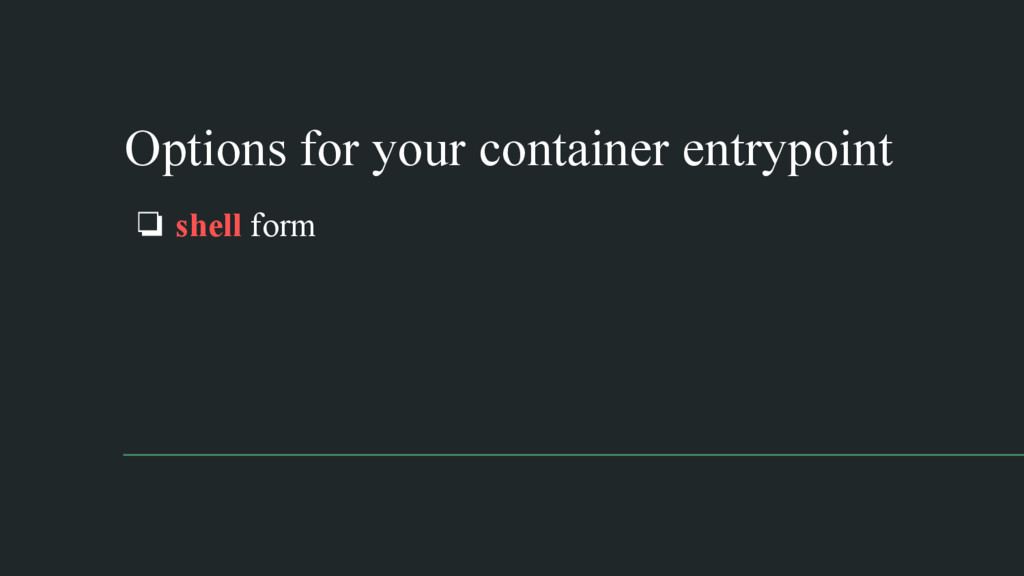
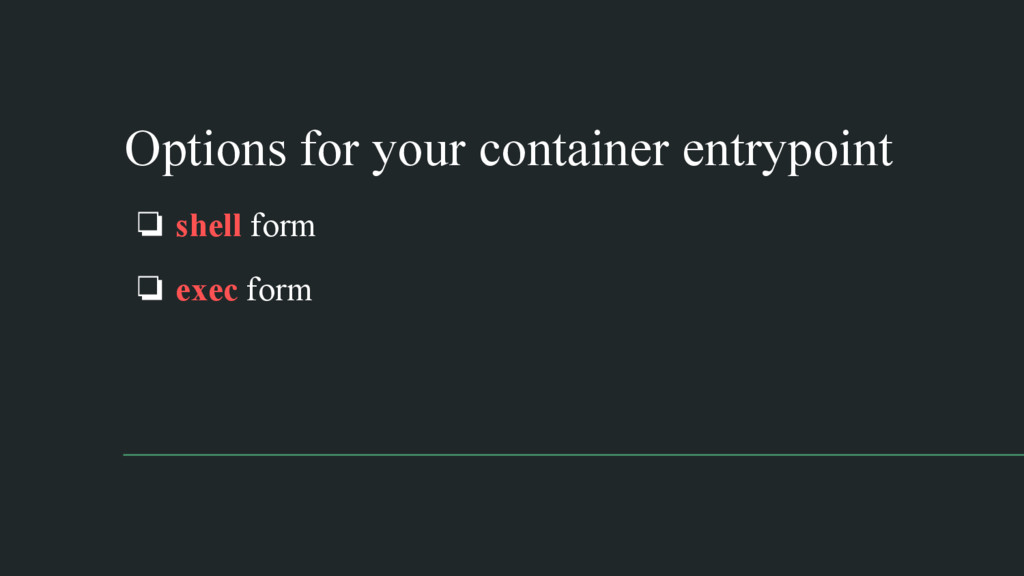
Options for your container entrypoint ❏ shell form
Options for your container entrypoint ❏ shell form ❏ exec
form
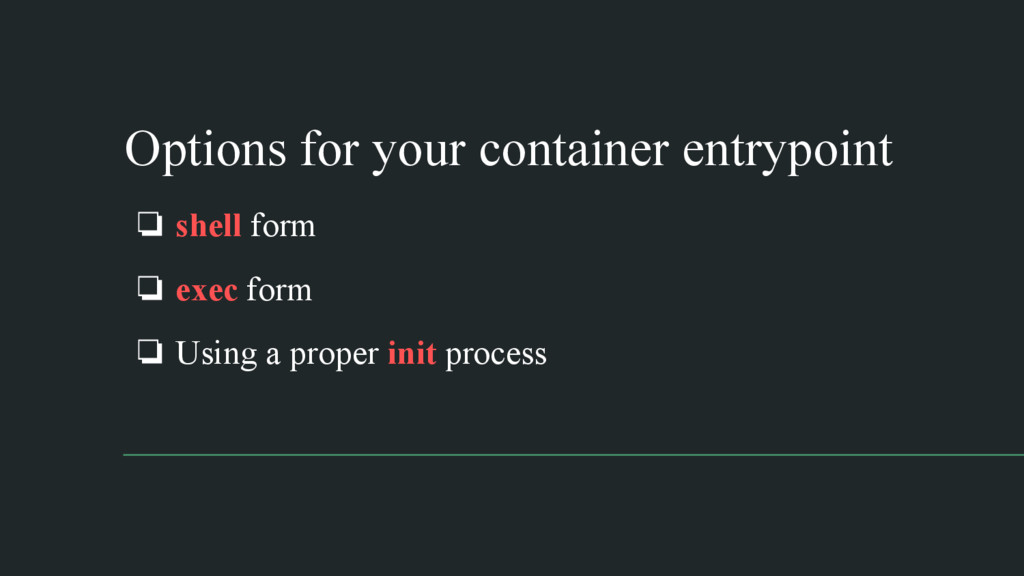
Options for your container entrypoint ❏ shell form ❏ exec
form ❏ Using a proper init process
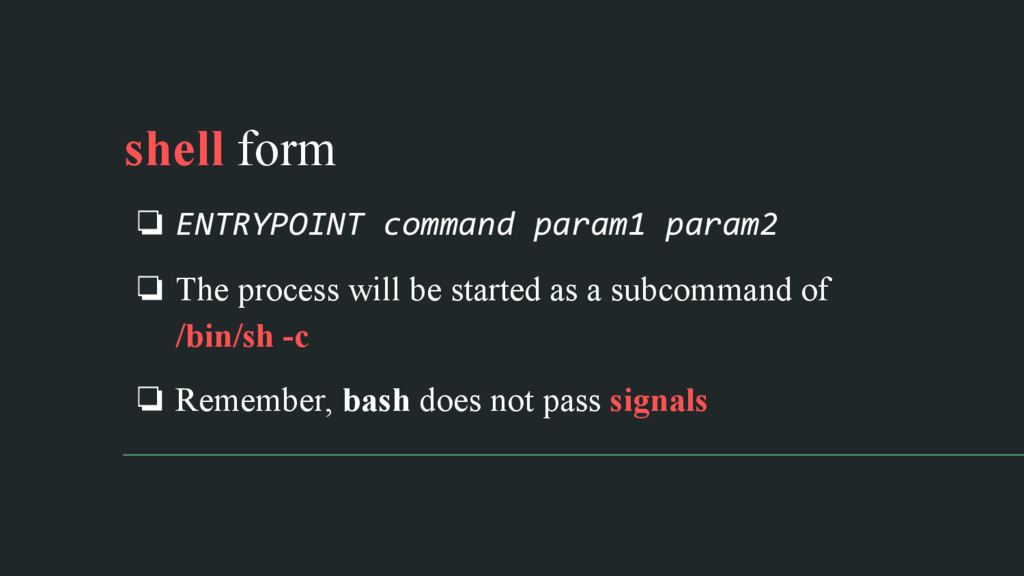
shell form ❏ ENTRYPOINT command param1 param2 ❏ The process
will be started as a subcommand of /bin/sh -c ❏ Remember, bash does not pass signals
exec form ❏ ENTRYPOINT ["executable", "param1"] ❏ The process will
be PID1 init process inside the container ❏ Your process should adopt and take care of reaping
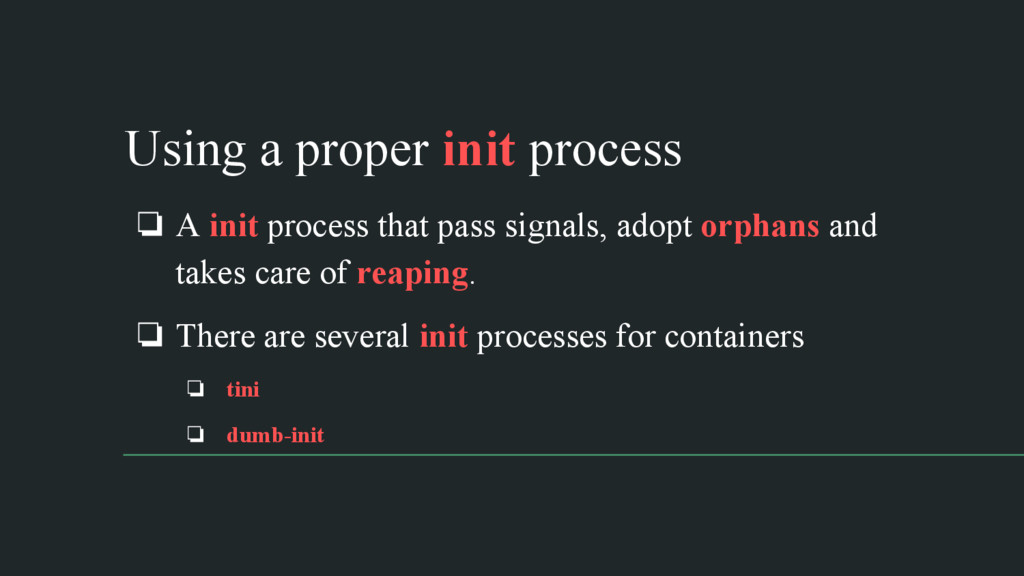
Using a proper init process ❏ A init process that
pass signals, adopt orphans and takes care of reaping. ❏ There are several init processes for containers ❏ tini ❏ dumb-init
Demo
Wrapping Up
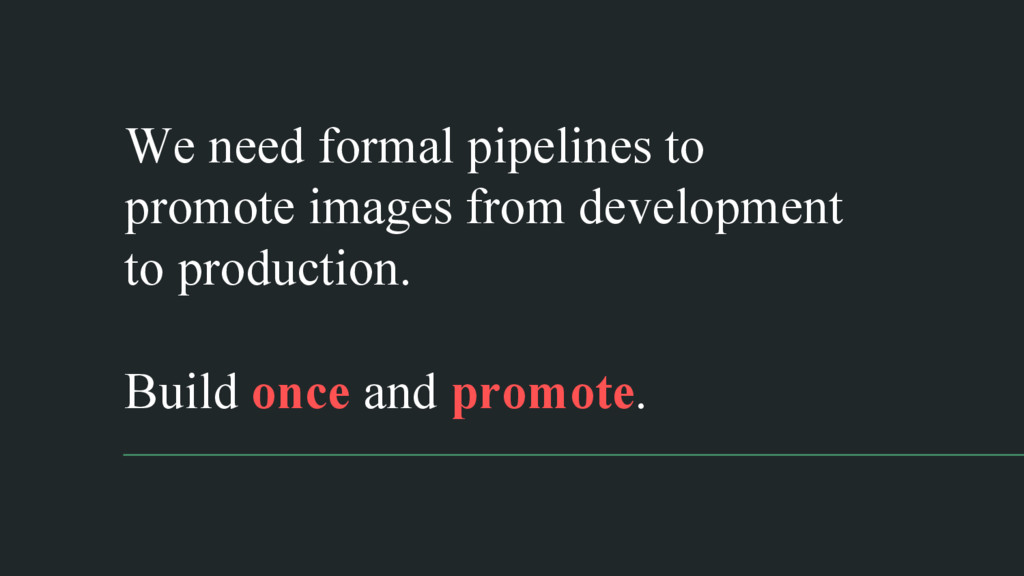
We need formal pipelines to promote images from development to
production. Build once and promote.
Without a proper init system ❏ Zombie processes could become
a problem in the system. ❏ Signals are not passed to your process as you may expect, not being able to gracefully stop a process.
We need to understand the container lifecycle to deploy those
images.
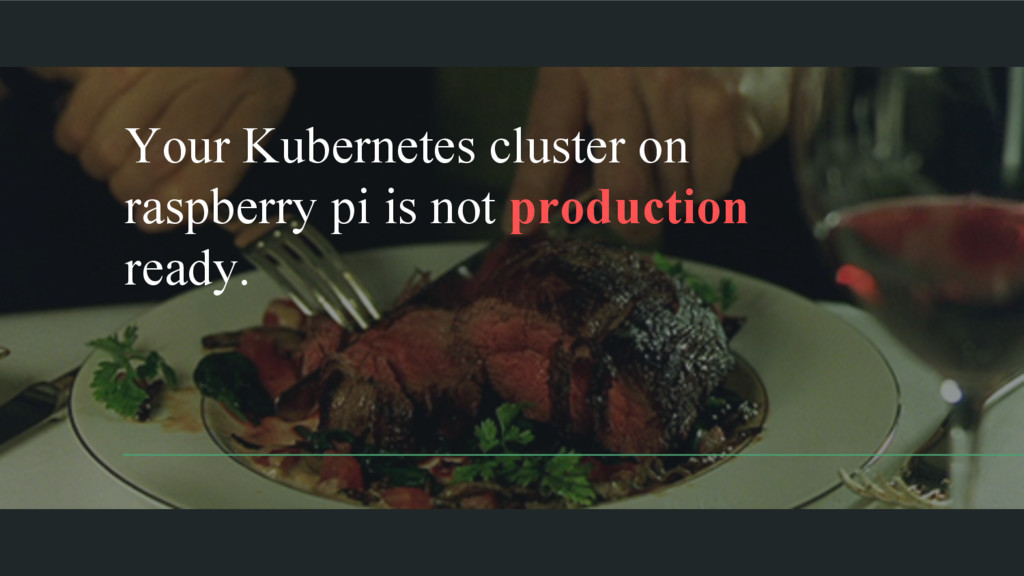
Your Kubernetes cluster on raspberry pi is not production ready.
None
@fiunchinho Schibsted Spain Jose Armesto


 fiunchinho
 kazuhiro1982
 isshinfunada
 grazie1999
 mfunaki
%20(2)%20(1).png) hond0413
hond0413
 lovee
lovee
 akagami
 yimajo
 masakiokuda
 krm963
 freee
freee
 veronikapj
 reverentgeek
 marketingsoph
 aki_iinuma
 kneath
 watany
 minecr
 apolaine
 sabderemane
 philnash
 kimpetersen
 axbom
axbom
 raygrieselhuber

![exec form ❏ ENTRYPOINT ["executable", "param1"] ❏ The process will](https://files.speakerdeck.com/presentations/17291887d8214fc2afacc94f1ea8fb81/slide_88.jpg)