Spaces and knowledge (Get answers from your com...

Spaces and knowledge (Get answers from your company's own documents) | AWS Quick: Zero to Hero 05
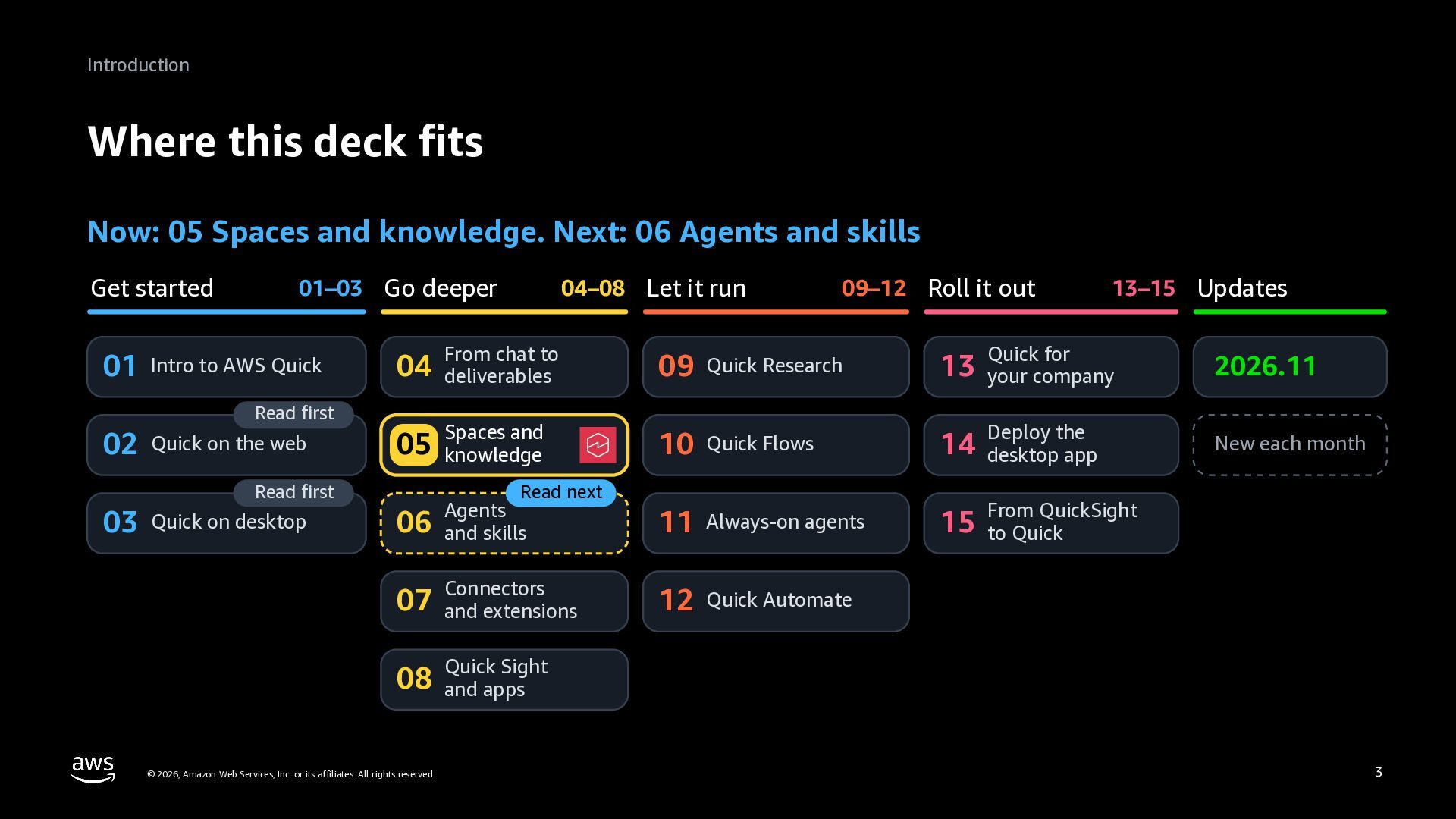
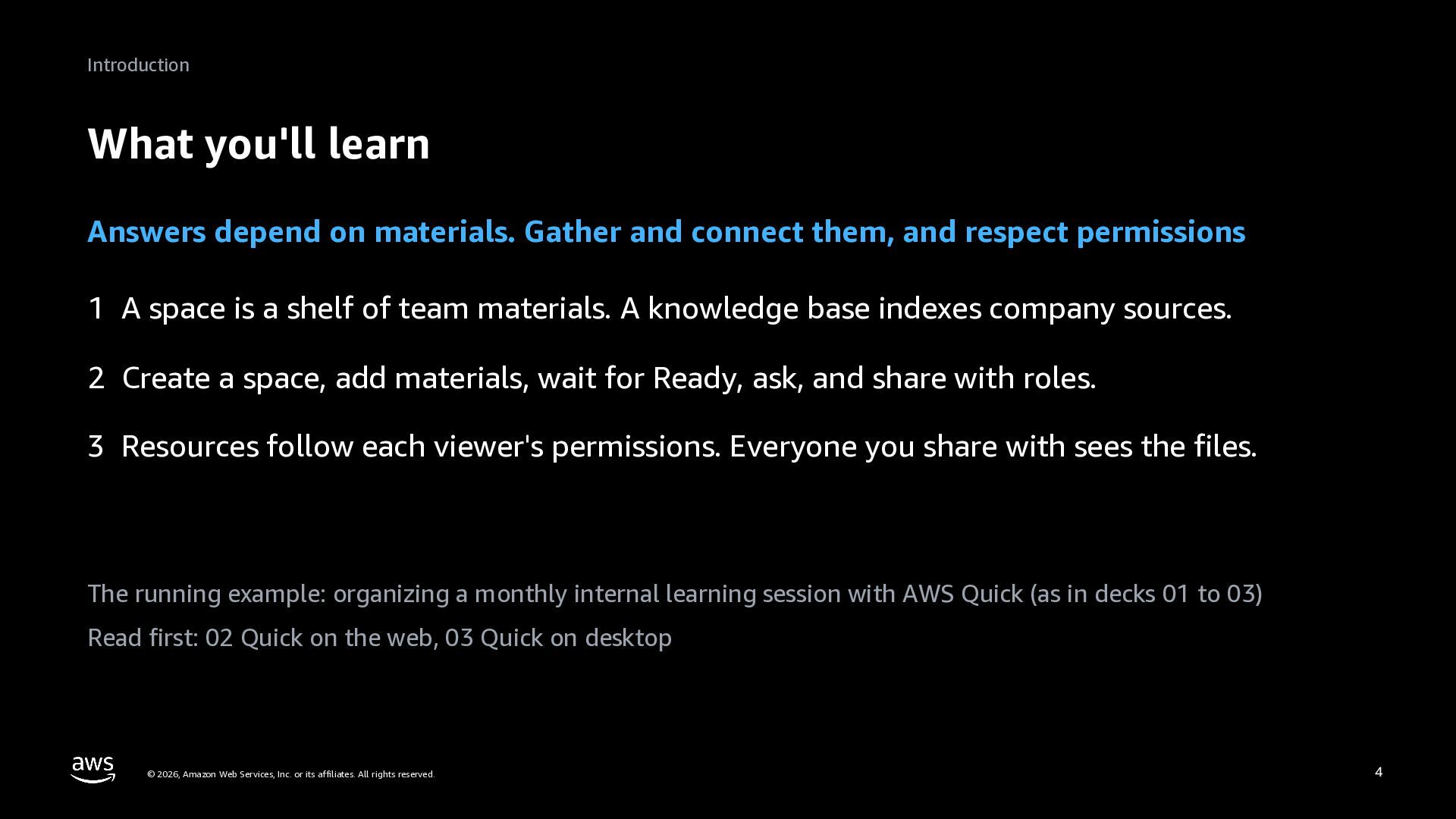
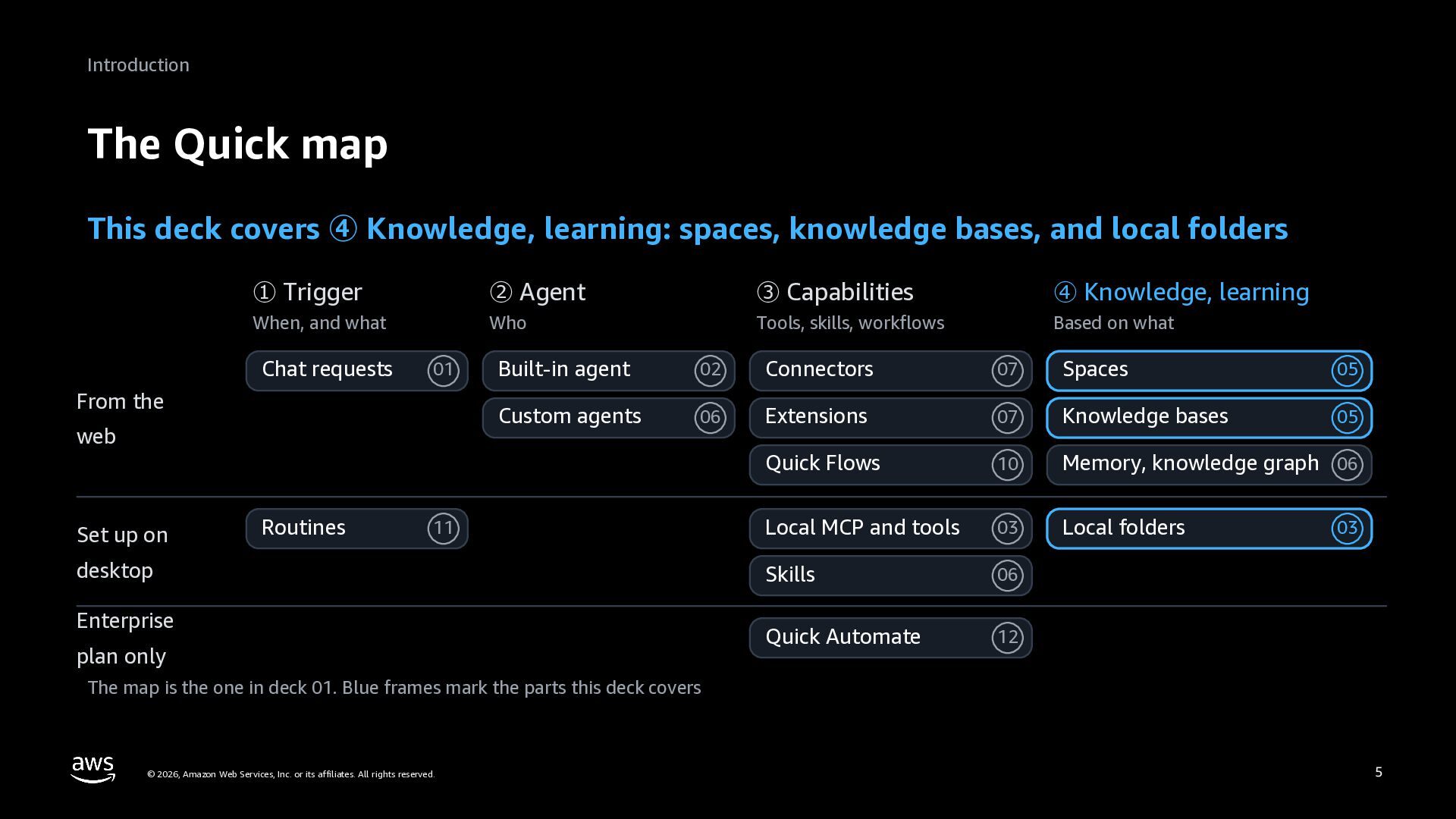
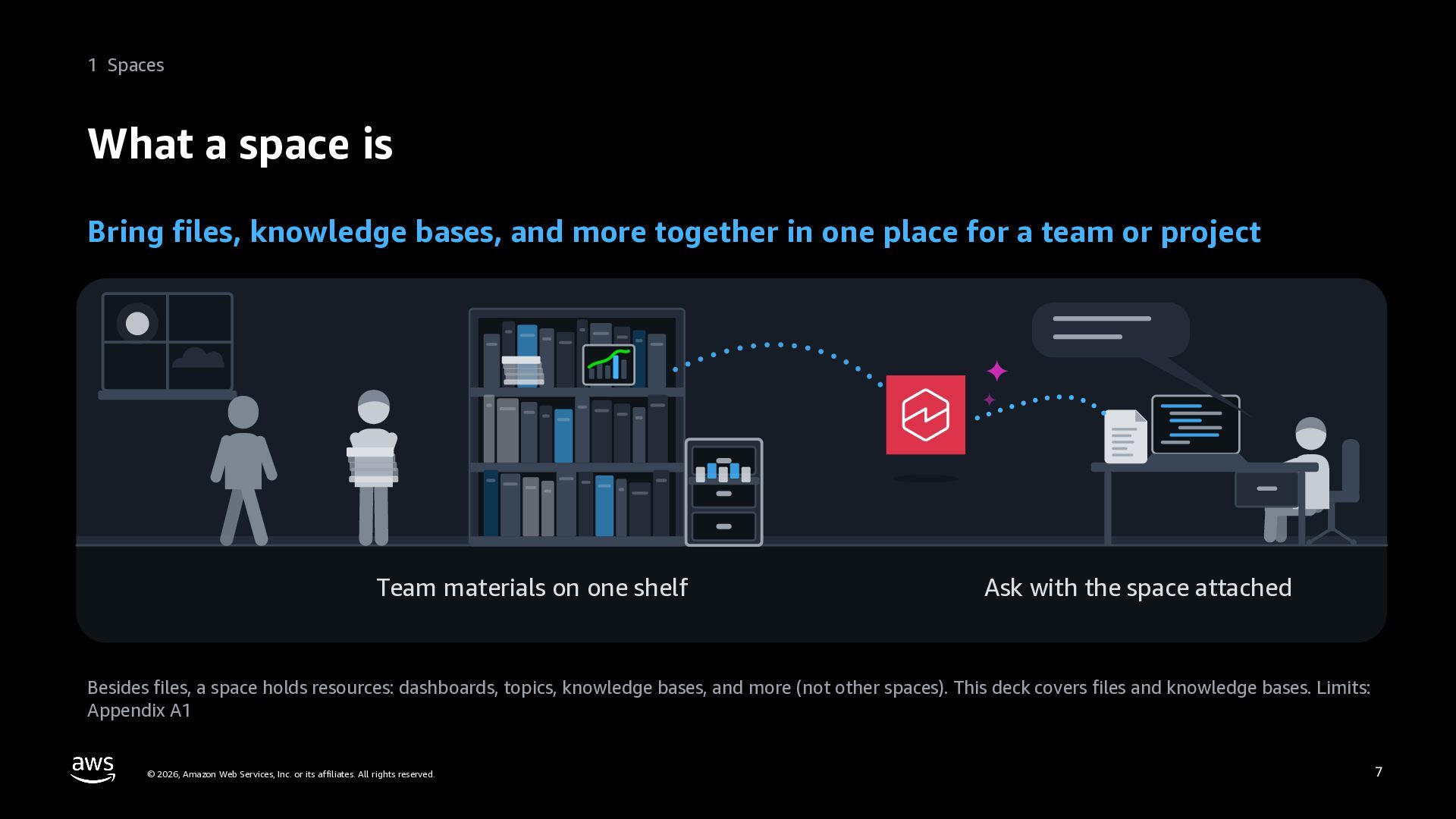
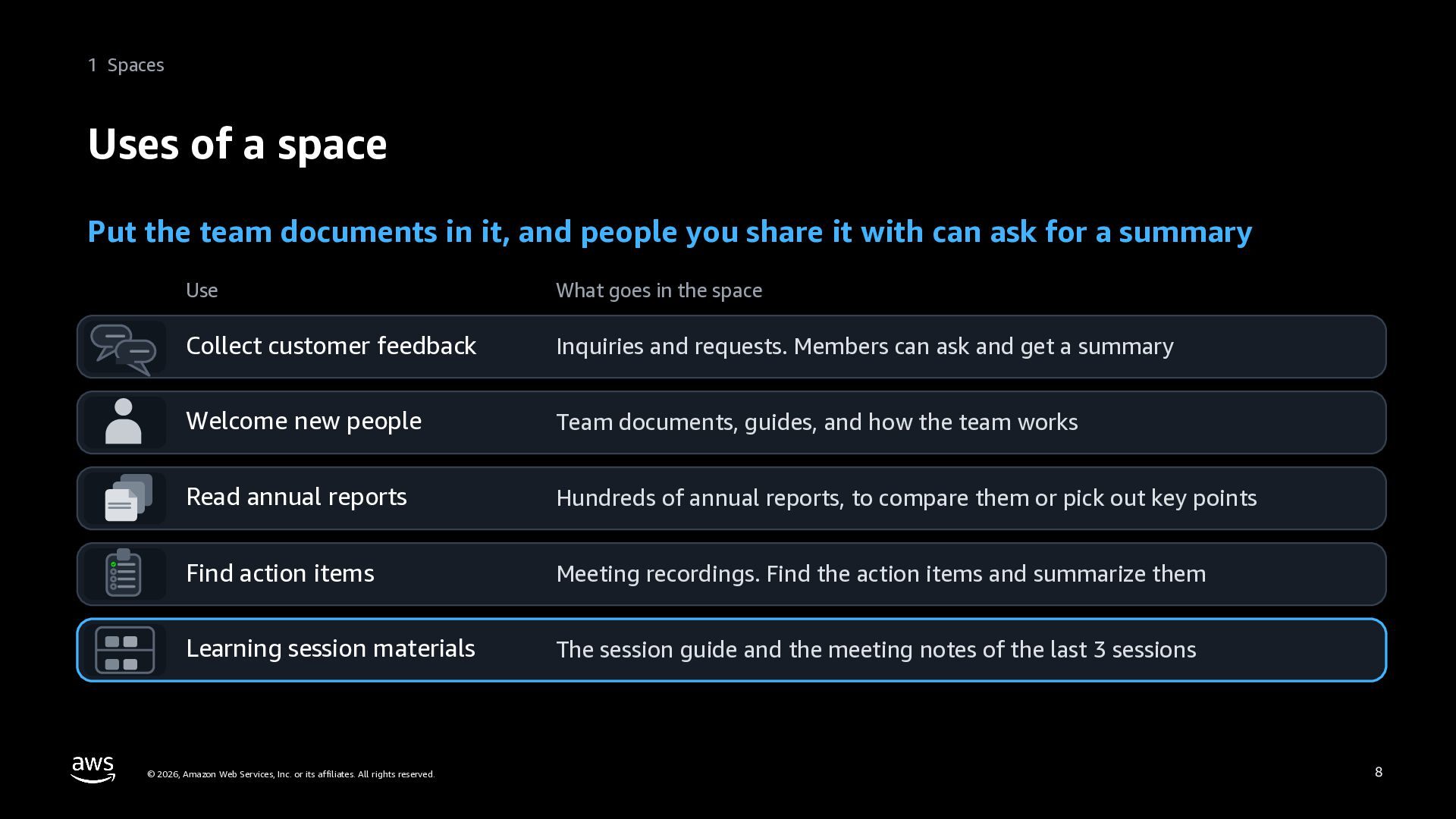
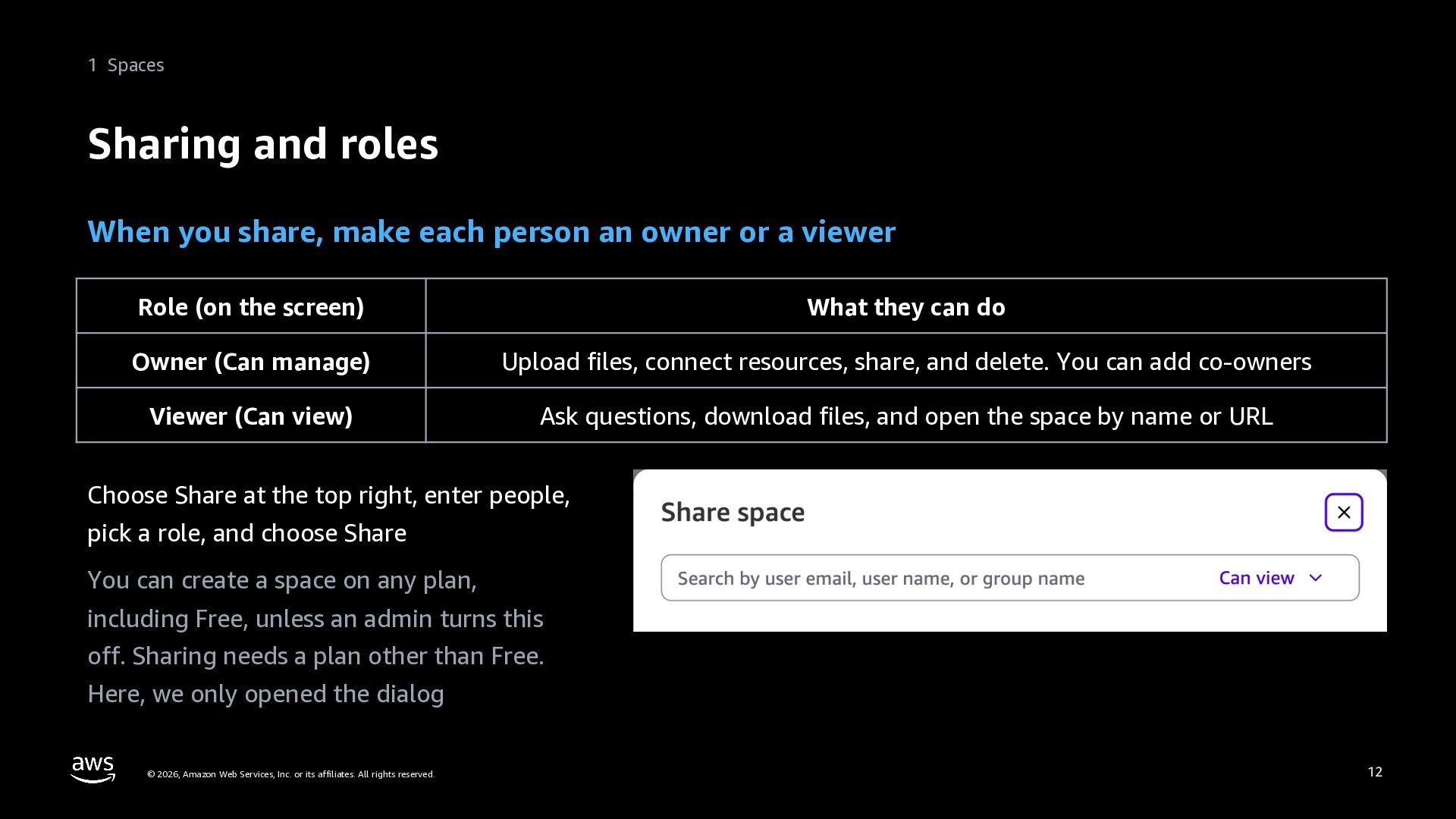
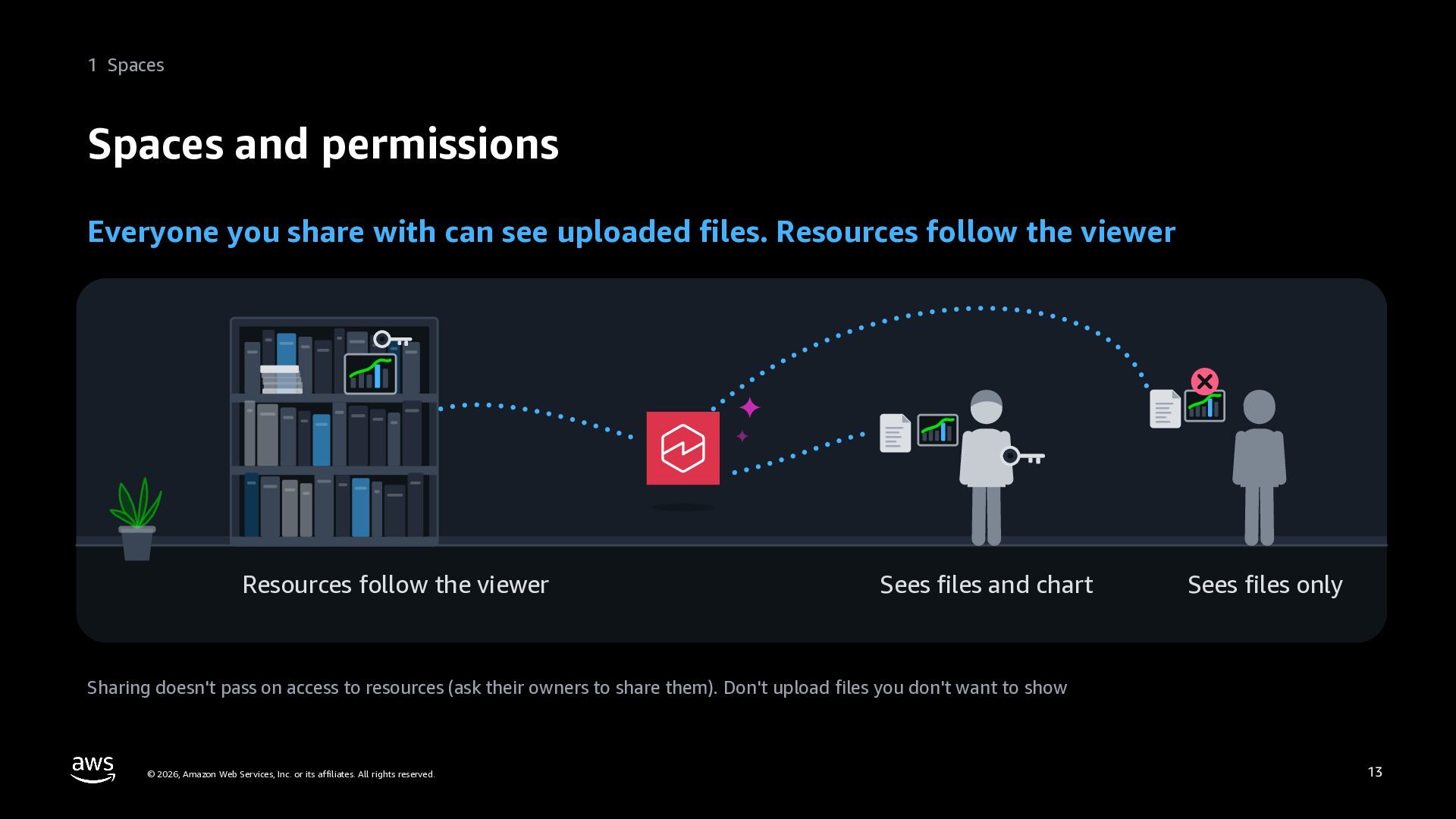
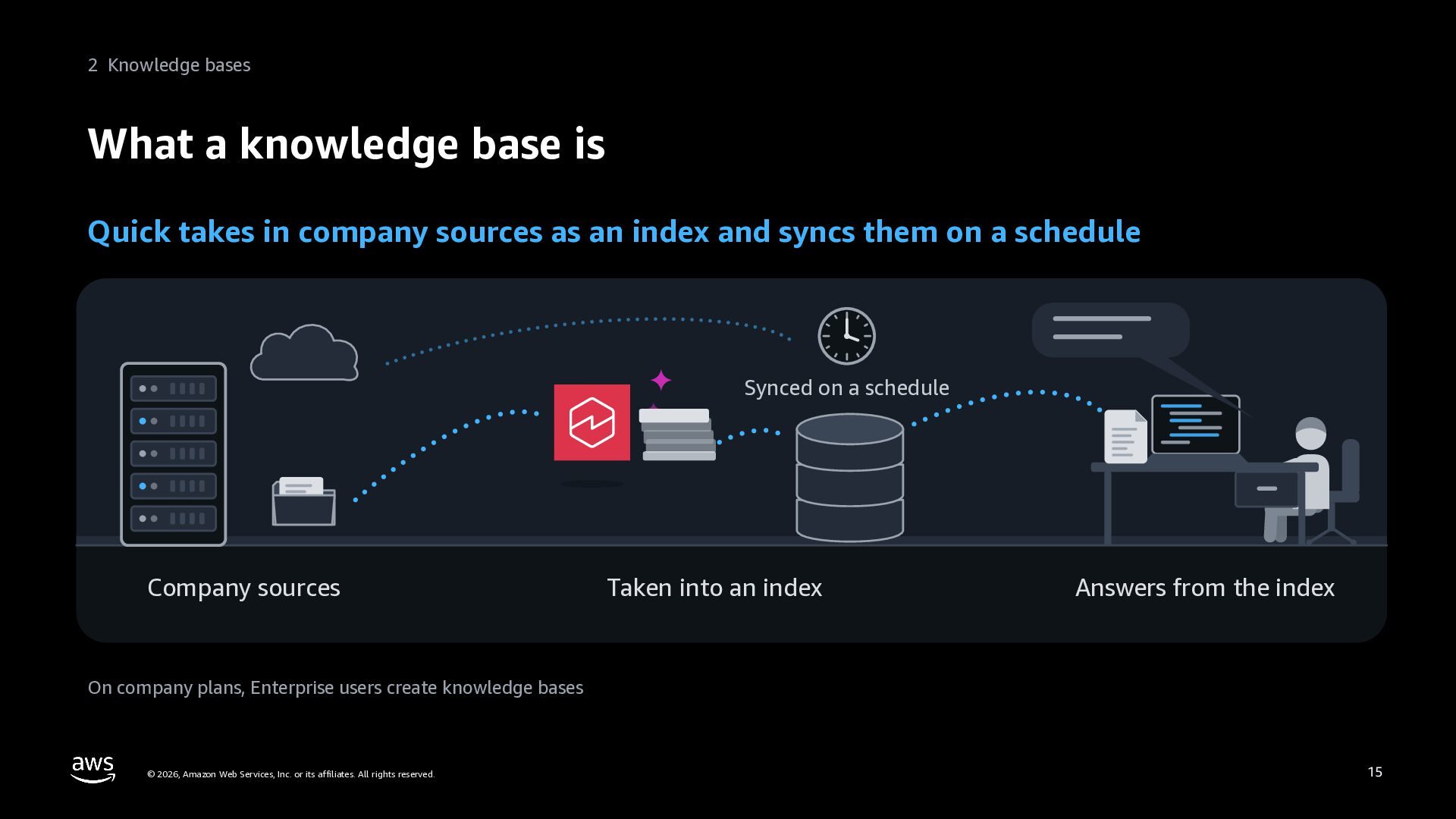
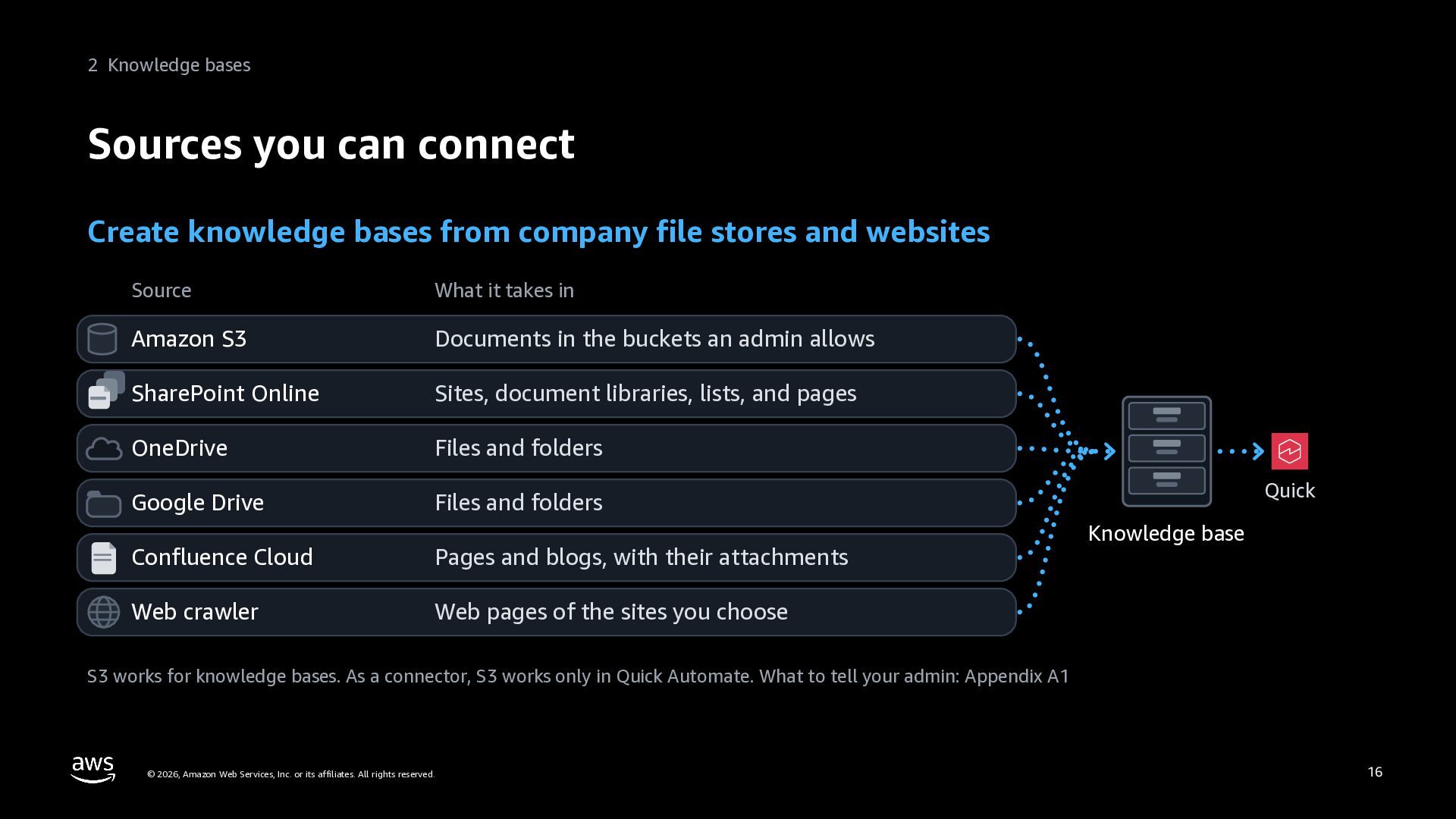
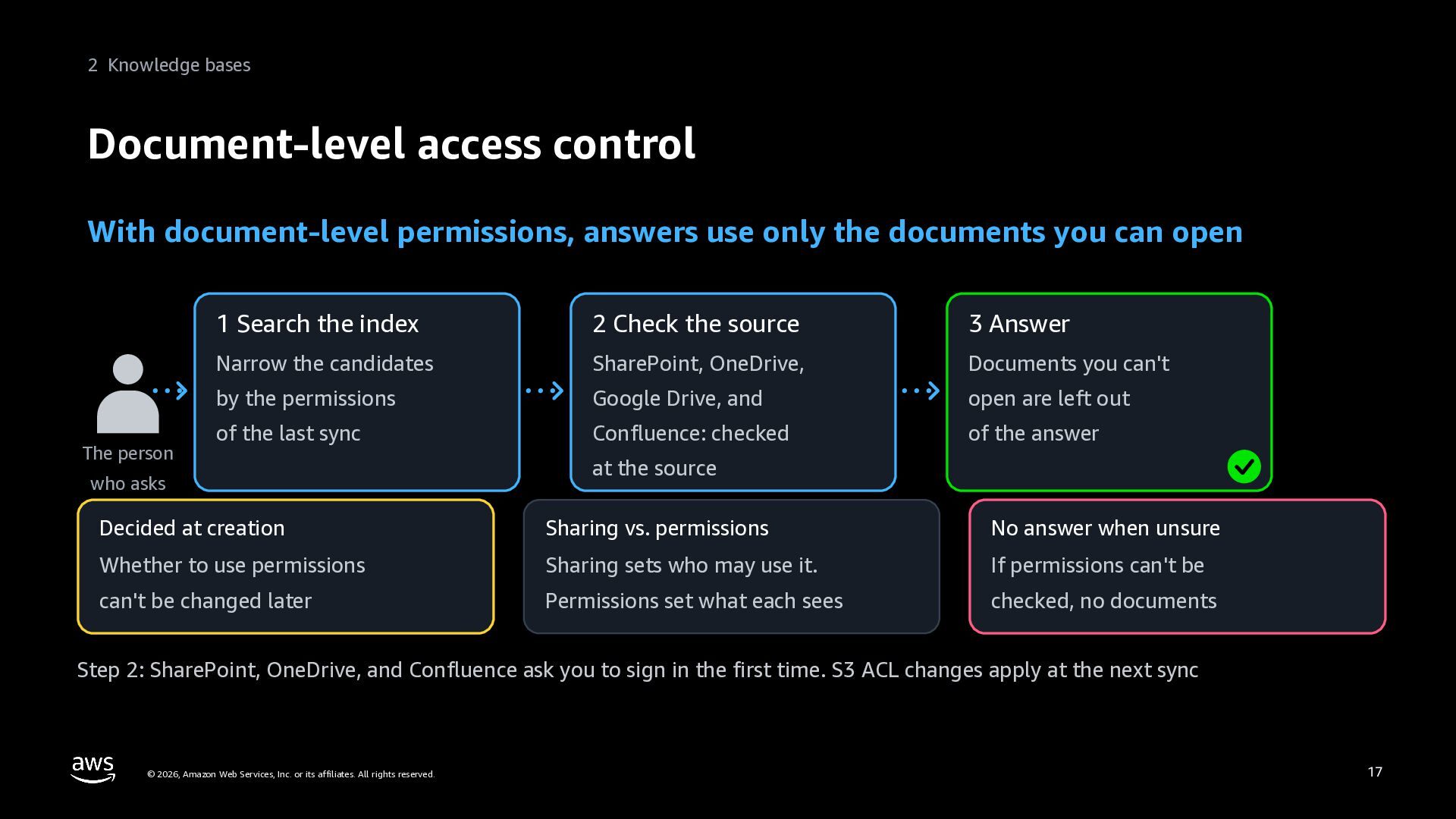
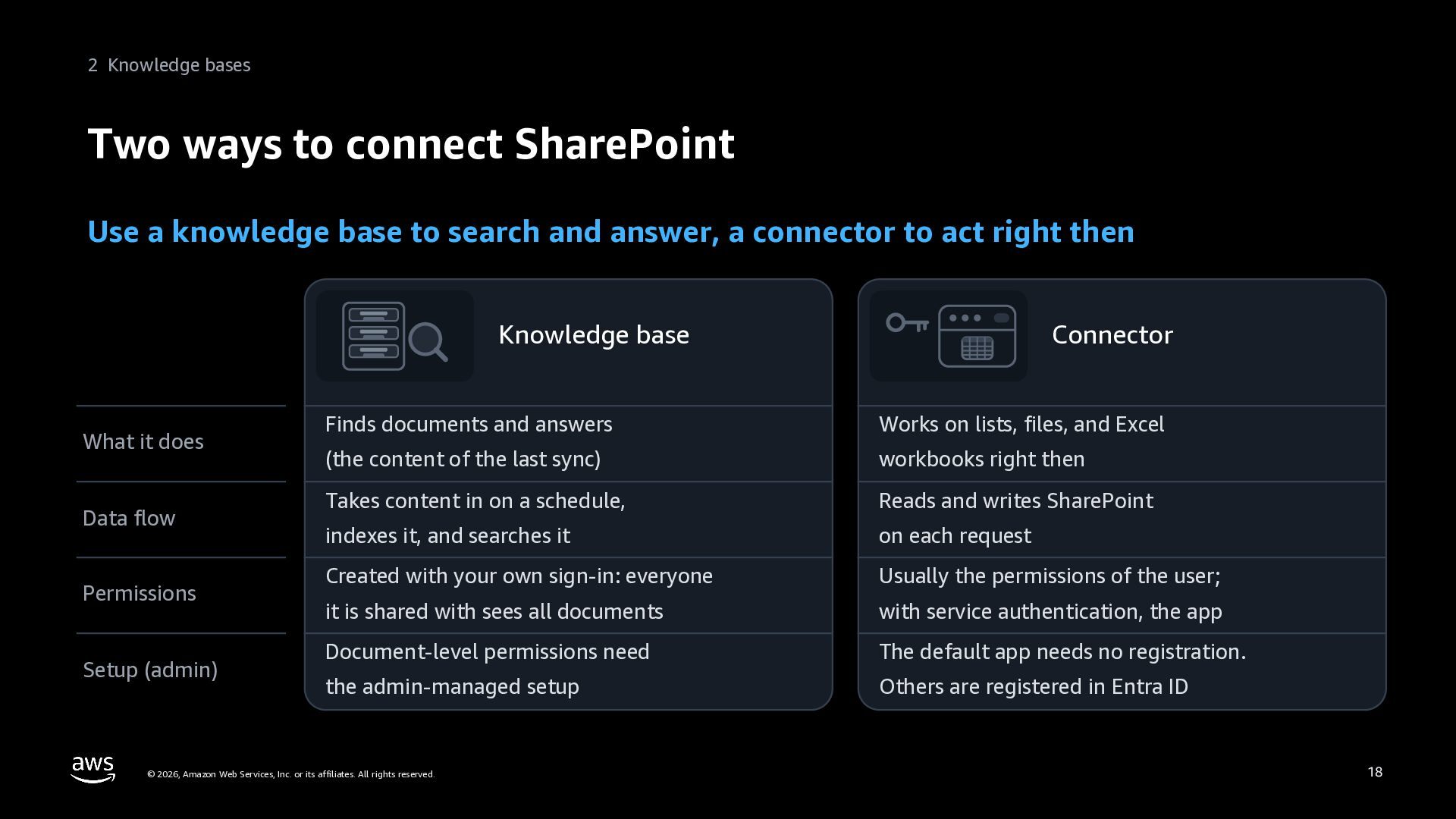
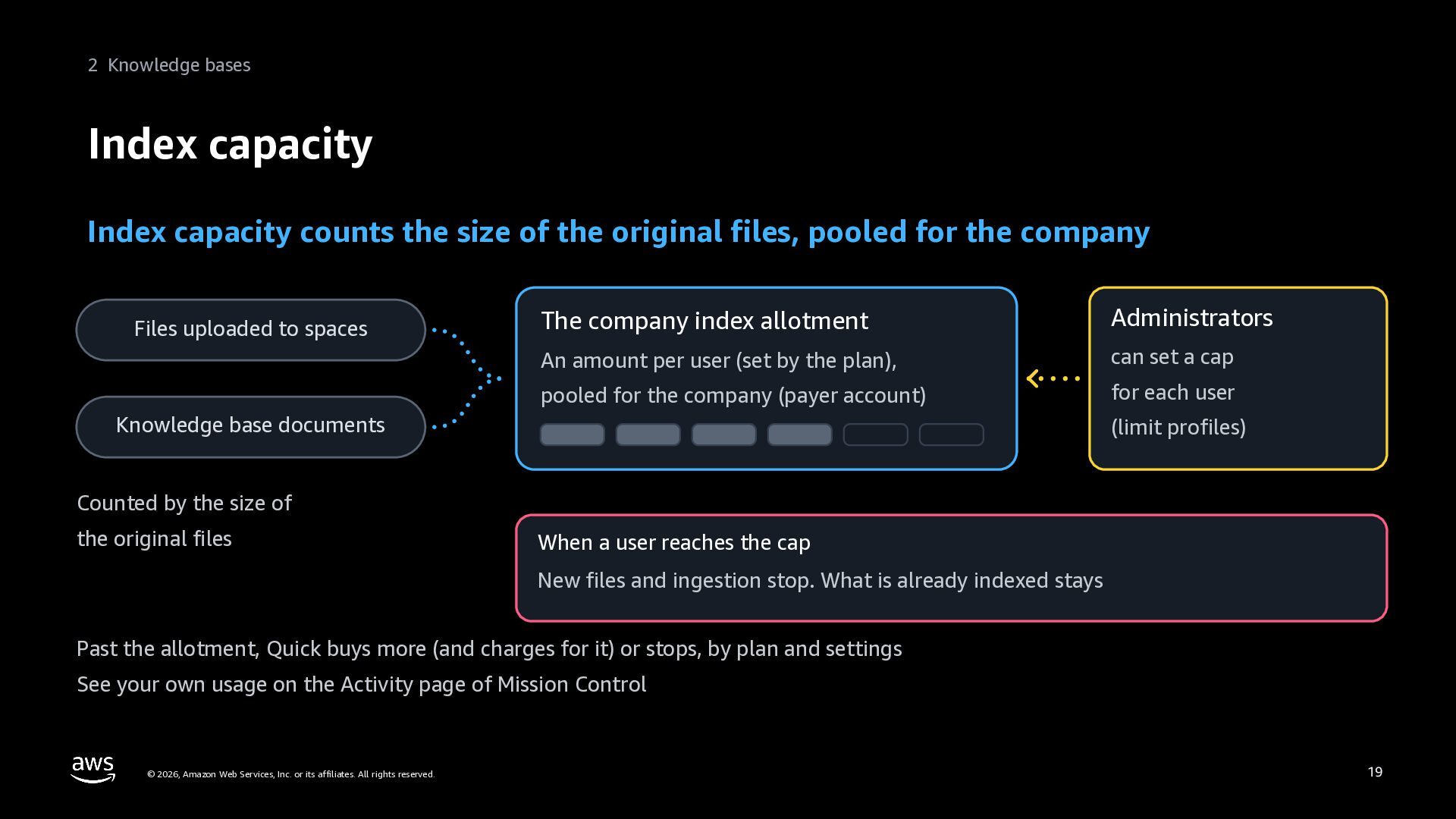
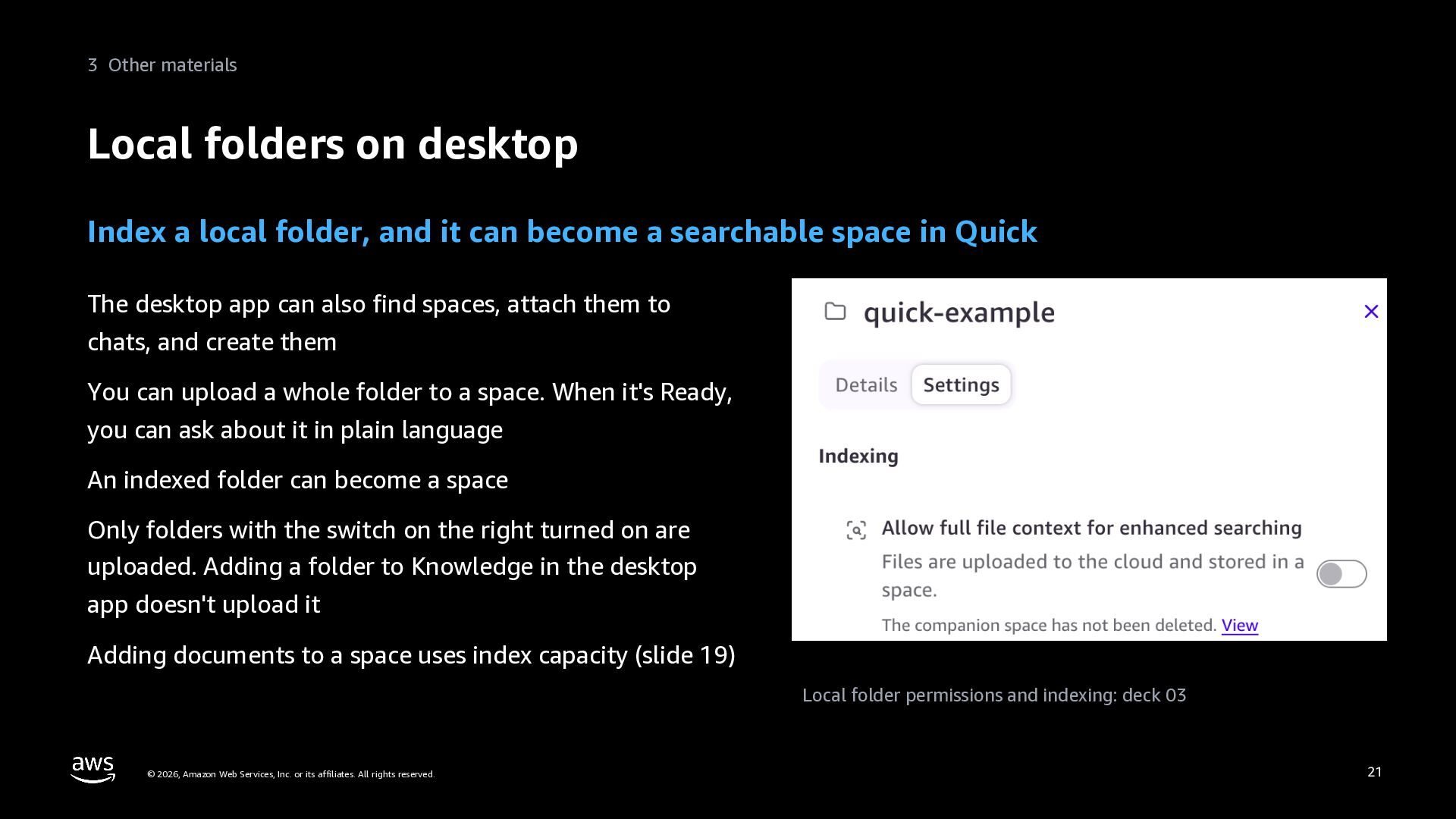
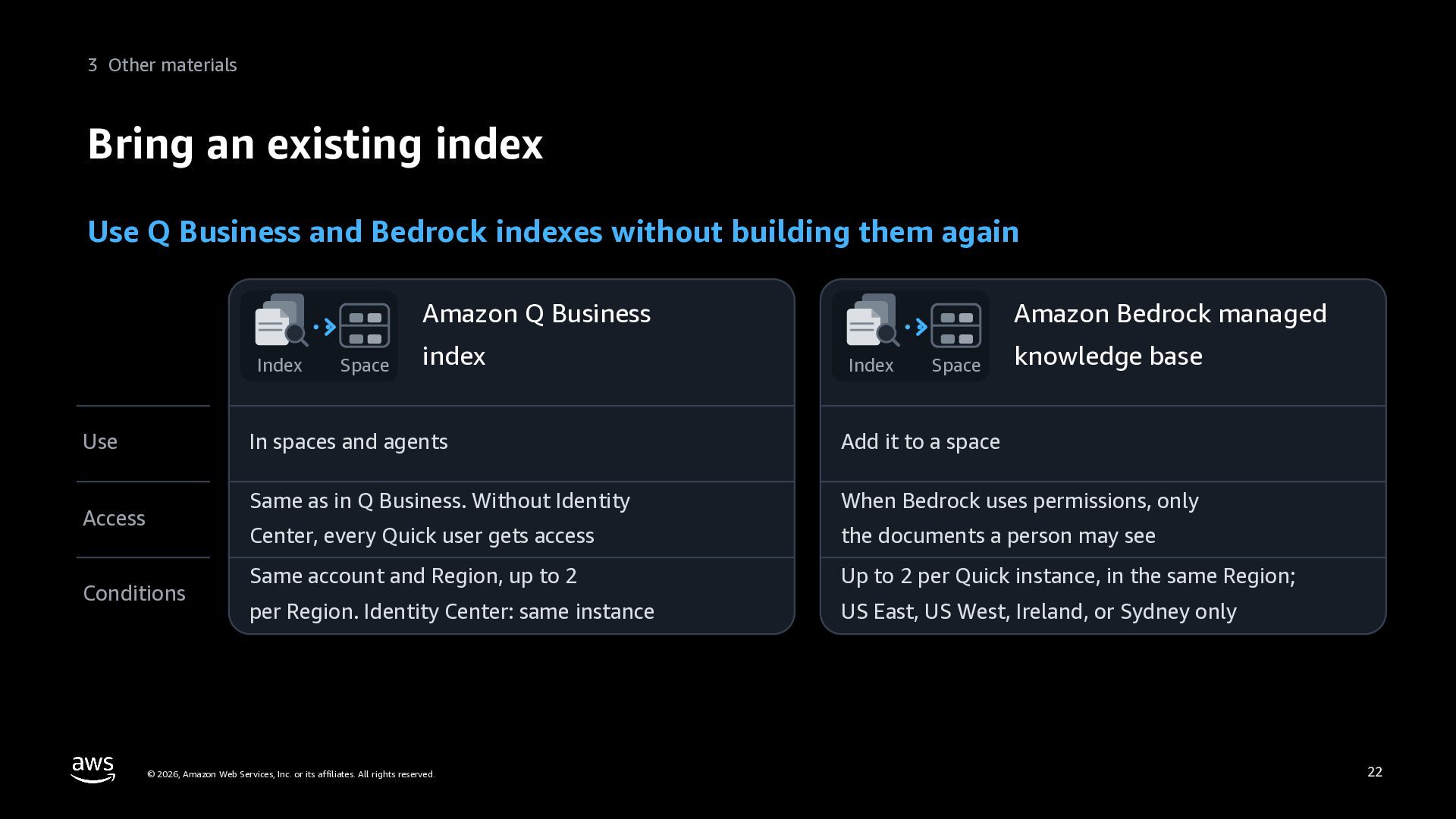
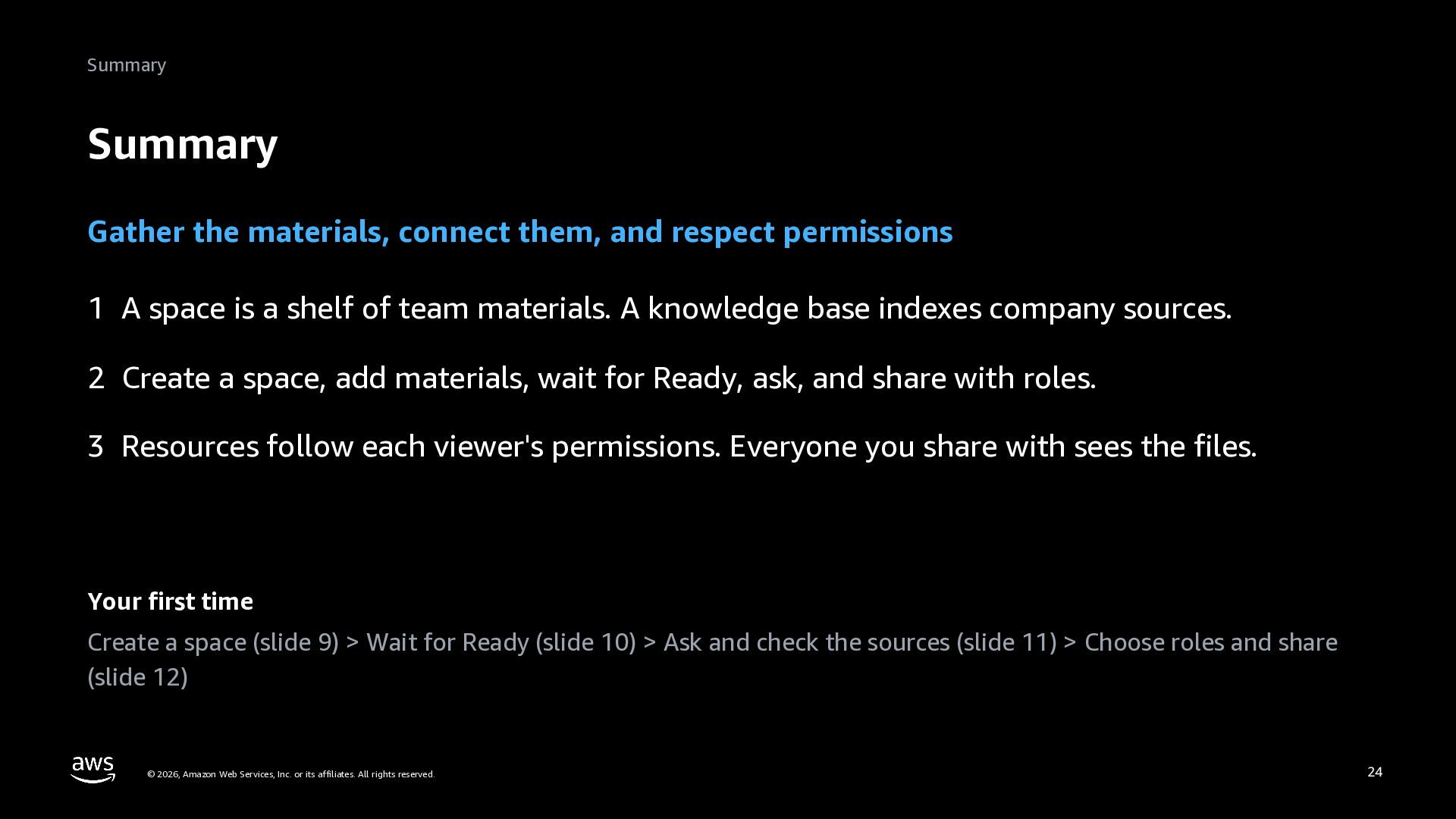
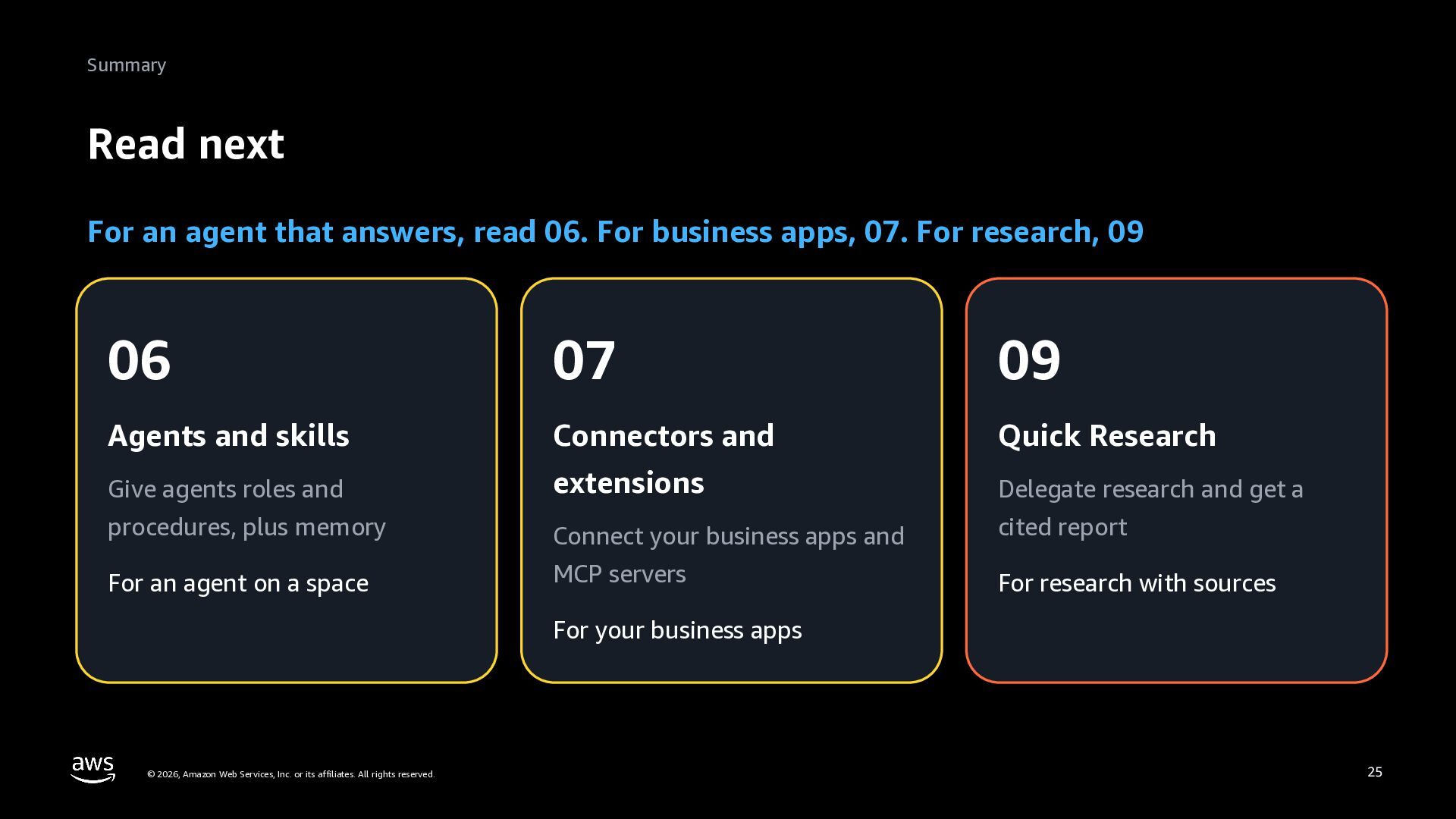
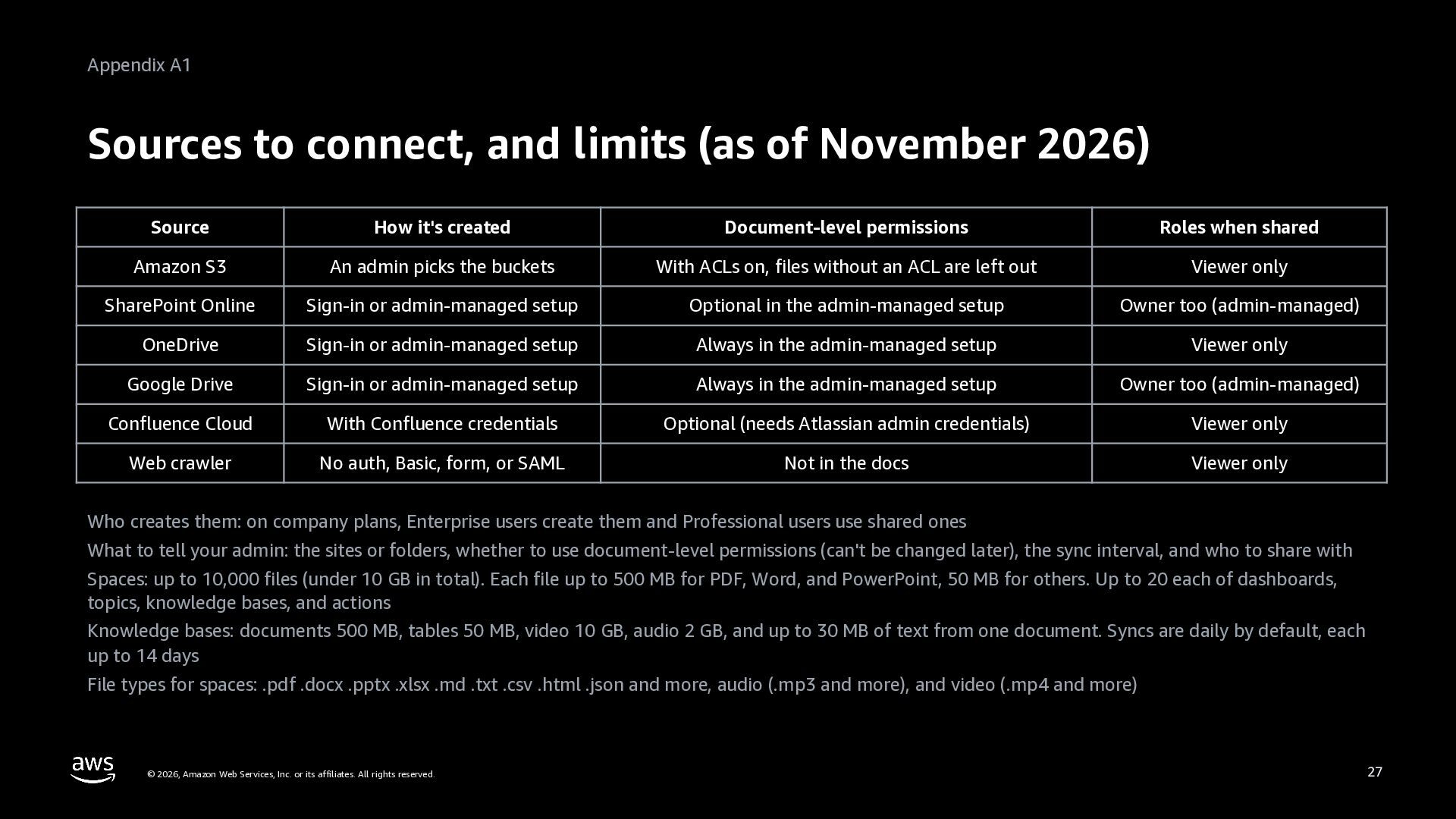
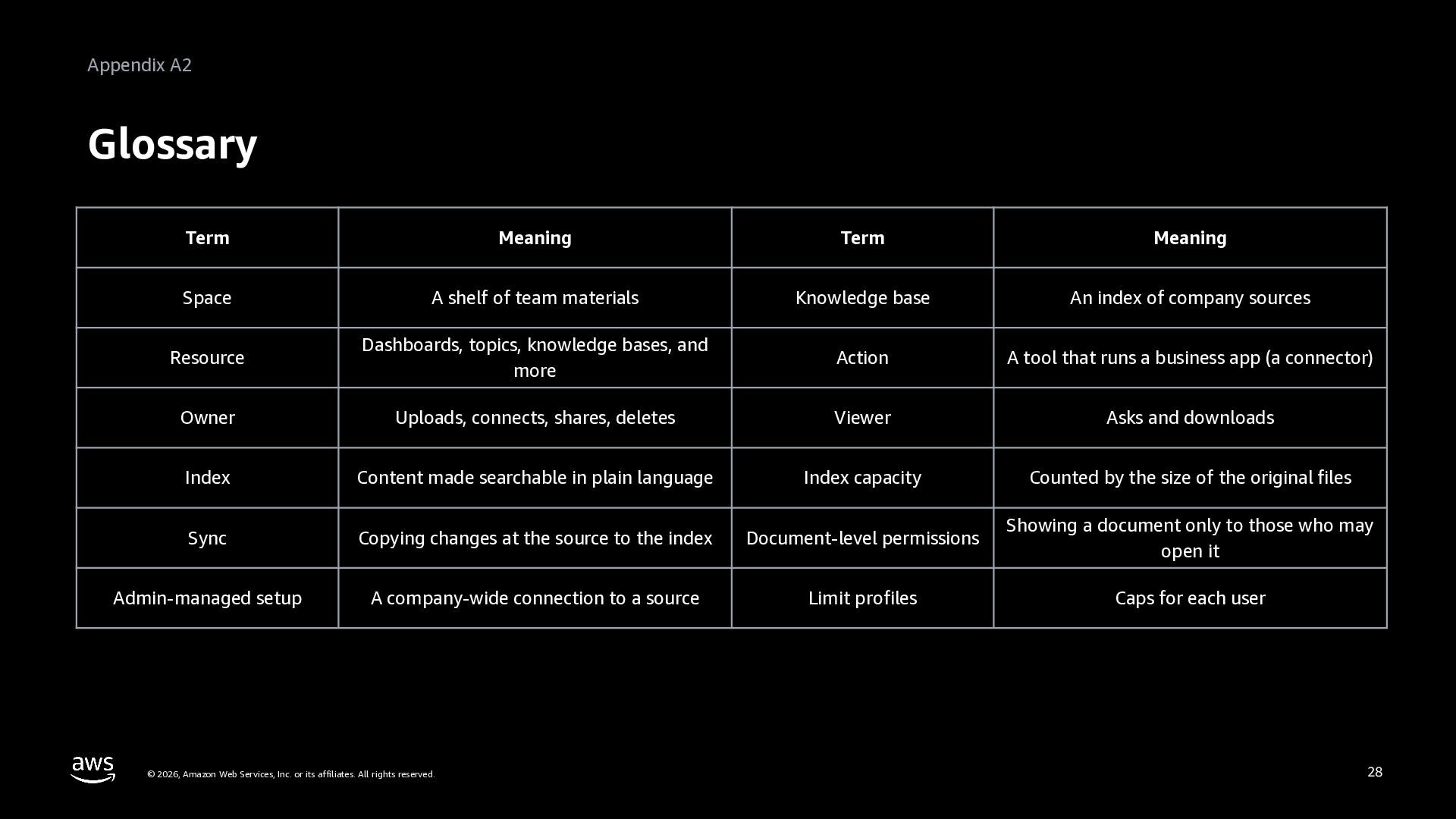
Level 200. A handout on how to use spaces and knowledge bases so that AWS Quick answers from your team and company documents. A space brings files, knowledge bases, and more together in one place for a team or project. With a monthly internal learning session as the example, it shows on English screens of Quick on the web how to create a space, wait for Ready, ask and check the sources, and share it with roles (owner or viewer). Everyone a space is shared with can see the files uploaded to it, while dashboards and knowledge bases in Quick follow the permissions of the viewer. A knowledge base takes in content from sources such as SharePoint, Amazon S3, and Google Drive as an index and syncs it on a schedule. Diagrams and tables, not screens, explain how this works, document-level access control, the two ways to connect SharePoint (a knowledge base or a connector), and how index capacity is counted. Sharing a space needs a plan other than Free, and on company plans Enterprise users create knowledge bases. It also covers indexing local folders in the desktop app and bringing in an Amazon Q Business index or an Amazon Bedrock managed knowledge base. The appendix has the sources to connect and their limits, a glossary, and sources. Based on public documentation and screens as of November 2026. Deck 05 (Go deeper) of the series AWS Quick: Zero to Hero.

Riku INADA PRO
Annual Pro sale · Save $30
Have presentations of your own?
Share with private links, password protection, and more control over your work.
 inariku
 ar_tama
 rokuosan
 nagix
 tombo
 ysuzuki
 tascript
 yuriemori
 zenta
 kyotomon
 visional_engineering_and_design
 _kotobuki_
 zozotech
 bkeepers
 retrage
 denniskardys
 stephenakadiri
 tonyrice
 aleyda
 inesmontani
 joshbly
 tessaabrams
 sergeychernyshev
 speakerdeck
 scottboms