Upgrade to Pro
— share decks privately, control downloads, hide ads and more …
Speaker Deck
Sign up for free
Menu
Search
Features
All features
Private URLs
Password Protection
Custom URLS
Scheduled publishing
Remove Branding
Restrict embedding
Deck Collections
Notes
Features
All features
Private URLs
Password Protection
Custom URLS
Scheduled publishing
Remove Branding
Restrict embedding
Deck Collections
Notes
Explore
Featured decks
Featured speakers
Programming
Technology
Storyboards
Explore
Featured decks
Featured speakers
Programming
Technology
Storyboards
Pricing
Search
Sign in
Sign up for free
MVVMについて.pdf
Search
keisukeYamagishi
November 28, 2021
510
0
Share
Embed
Copy iframe code
Copy JS code
Copy link
Start on current slide
MVVMについて.pdf
keisukeYamagishi
November 28, 2021
More Decks by keisukeYamagishi
See All by keisukeYamagishi
RxAlert 結構便利だと思います。
keisukeyamagishi
0
220
Chart実装が楽になりました。
keisukeyamagishi
0
1.2k
NabigationControllerとの付き合い方
keisukeyamagishi
0
350
開発効率を考えてみました。xsort
keisukeyamagishi
0
340
Featured
See All Featured
Music & Morning Musume
bryan
48
7.5k
Conquering PDFs: document understanding beyond plain text
inesmontani
PRO
4
3.2k
Prompt Engineering for Job Search
mfonobong
0
540
Typedesign – Prime Four
hannesfritz
42
3.2k
Writing Fast Ruby
sferik
630
63k
Responsive Adventures: Dirty Tricks From The Dark Corners of Front-End
smashingmag
254
22k
End of SEO as We Know It (SMX Advanced Version)
ipullrank
3
4.4k
Principles of Awesome APIs and How to Build Them.
keavy
128
18k
WCS-LA-2024
lcolladotor
0
920
The Director’s Chair: Orchestrating AI for Truly Effective Learning
tmiket
1
340
How To Speak Unicorn (iThemes Webinar)
marktimemedia
1
610
Connecting the Dots Between Site Speed, User Experience & Your Business [WebExpo 2025]
tammyeverts
11
1.1k
Transcript
僭越ながら、 MVVM🤔 Input Output について考えてみました。 Shichimitoucarashi keisuke yamagishi
自己紹介 名前:山岸恵介 iOSエンジニア Github: https://github.com/keisukeYamagishi HP: https://sevens-api.herokuapp.com/
読みやすく、わかりやすく、管理しやすい コンセプトは
まずは ’Input’これは入力される値を渡すわけです が、工学的🧐 学術的🤔、そして抽象的🤩
わかりづらいと感じます🤓
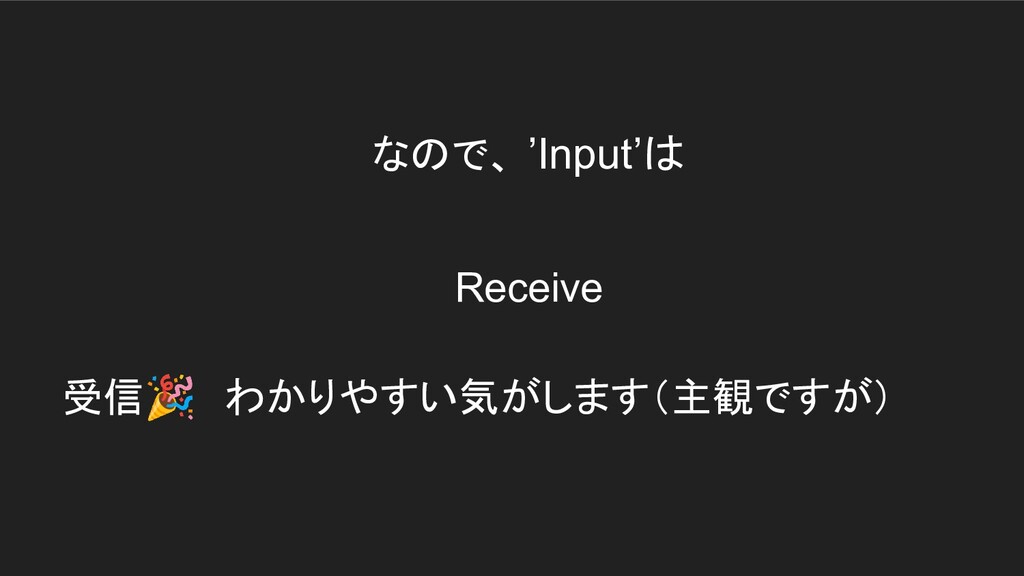
受信🎉 わかりやすい気がします(主観ですが) なので、 ’Input’は Receive
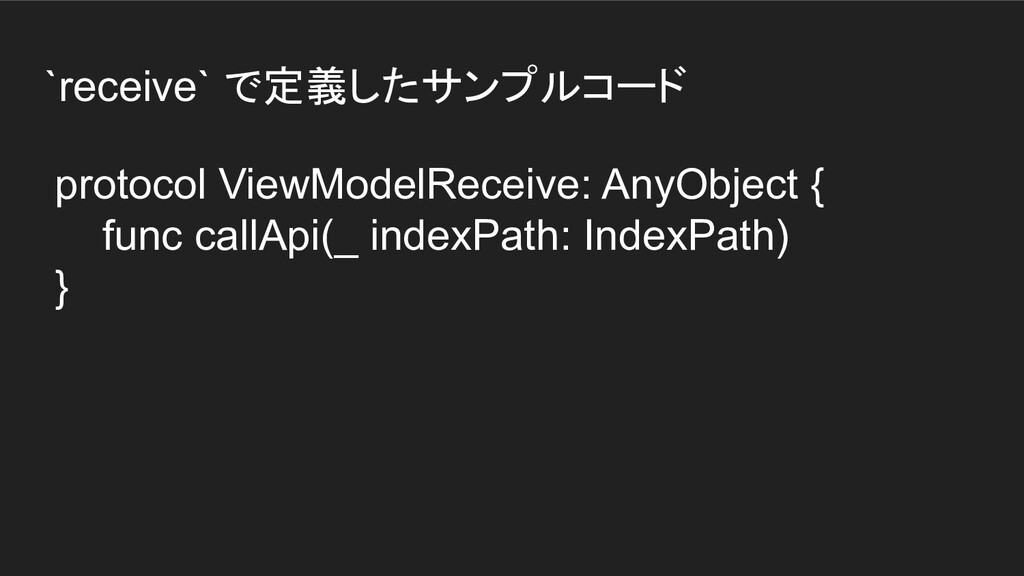
`receive` で定義したサンプルコード protocol ViewModelReceive: AnyObject { func callApi(_ indexPath: IndexPath)
}
`Output` に関しても、工学的🧐、学術的 🤔、そして抽象的🎉
やっぱりこちらもわかりづらいと感じます😇
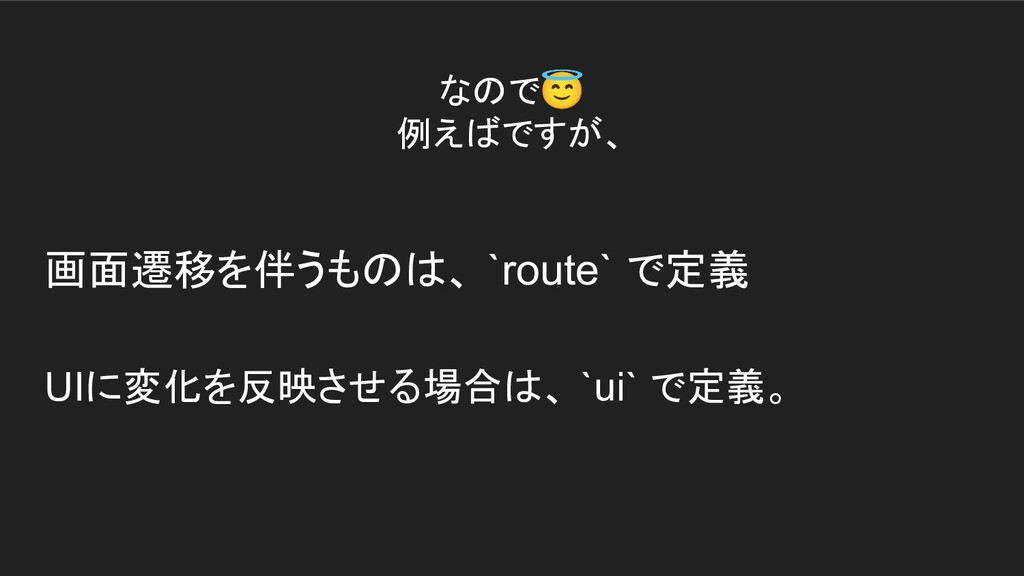
なので😇 例えばですが、 画面遷移を伴うものは、 `route` で定義 UIに変化を反映させる場合は、 `ui` で定義。
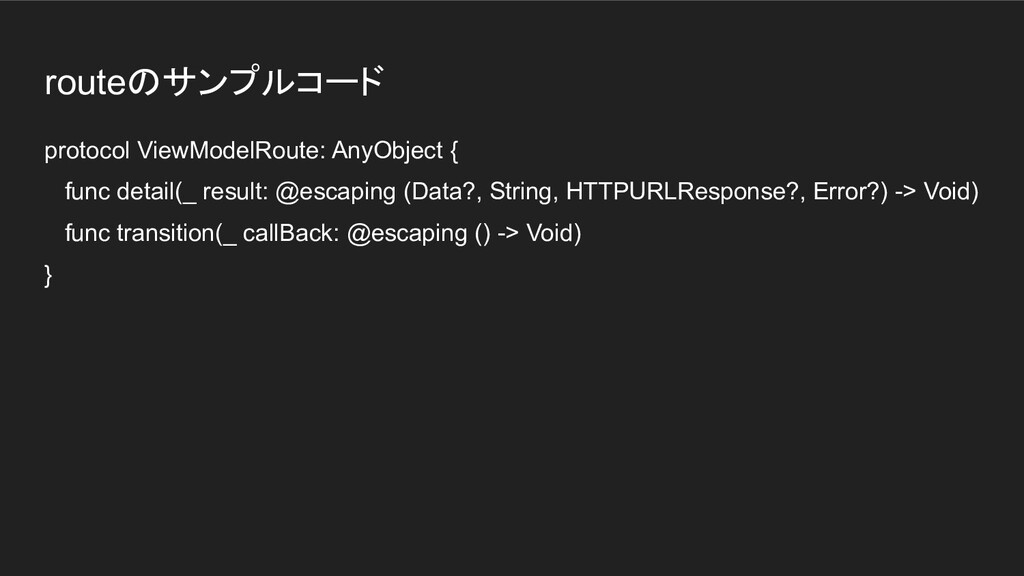
routeのサンプルコード protocol ViewModelRoute: AnyObject { func detail(_ result: @escaping (Data?,
String, HTTPURLResponse?, Error?) -> Void) func transition(_ callBack: @escaping () -> Void) }
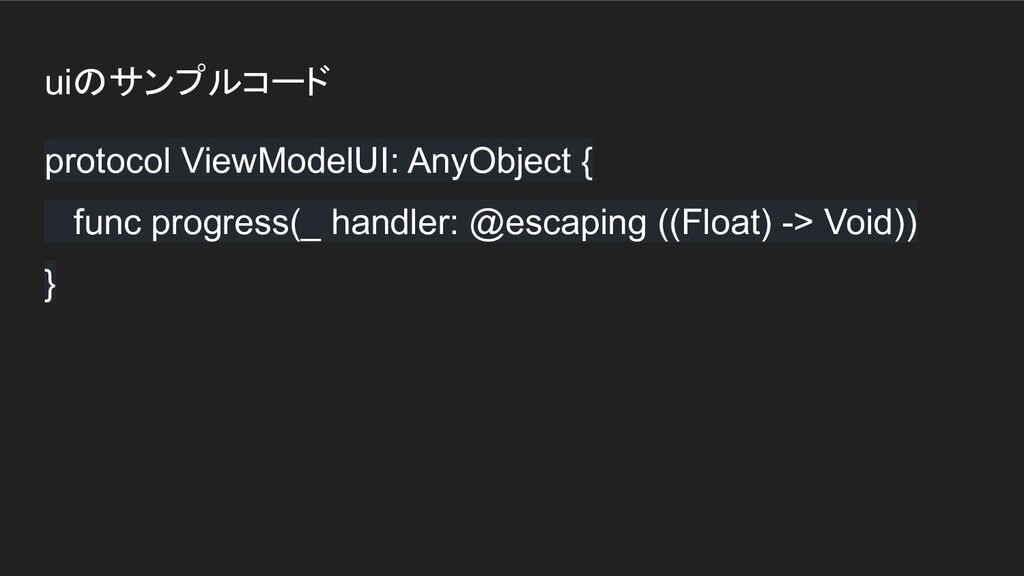
uiのサンプルコード protocol ViewModelUI: AnyObject { func progress(_ handler: @escaping ((Float)
-> Void)) }
ViewController側の実装🦾 viewModel.route.detail { [unowned self] data, str, res, error in
self.detail(data: data, param: str, response: res, error: error) } viewModel.route.transition {[unowned self] in self.detailViewController(isDL: true) } viewModel.ui.progress { percentage in self.progressView.progress = percentage } viewModel.receive.callApi(indexPath)
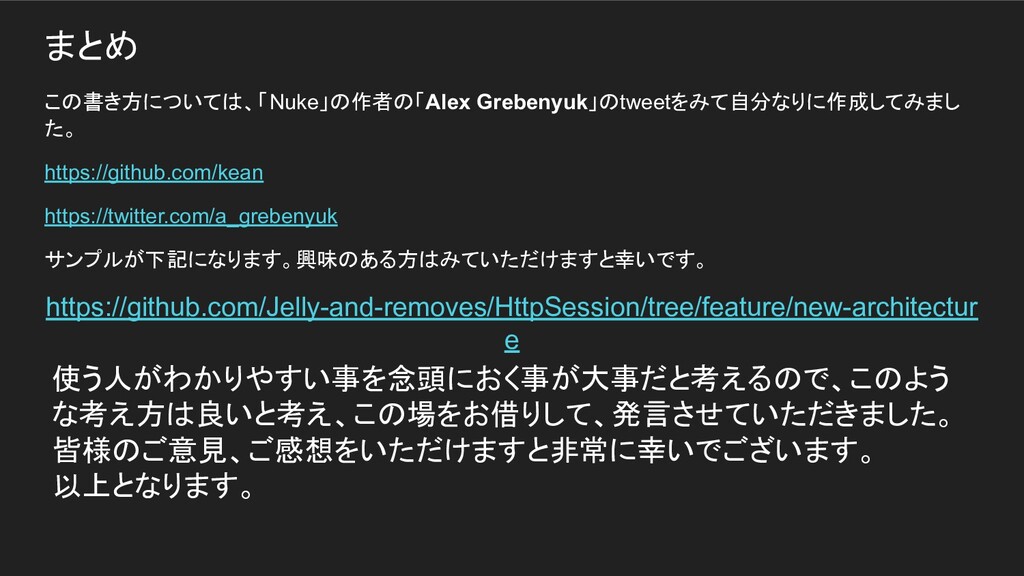
まとめ この書き方については、「Nuke」の作者の「Alex Grebenyuk」のtweetをみて自分なりに作成してみまし た。 https://github.com/kean https://twitter.com/a_grebenyuk サンプルが下記になります。興味のある方はみていただけますと幸いです。 https://github.com/Jelly-and-removes/HttpSession/tree/feature/new-architectur e 使う人がわかりやすい事を念頭におく事が大事だと考えるので、このよう
な考え方は良いと考え、この場をお借りして、発言させていただきました。 皆様のご意見、ご感想をいただけますと非常に幸いでございます。 以上となります。
ご静聴いただき誠にありがとうございました。 🎉


 keisukeyamagishi
 bryan
bryan
 inesmontani
 mfonobong
 hannesfritz
 sferik
 smashingmag
 ipullrank
 keavy
keavy
 lcolladotor
 tmiket
 marktimemedia
 tammyeverts




![ViewController側の実装🦾 viewModel.route.detail { [unowned self] data, str, res, error in](https://files.speakerdeck.com/presentations/2d0ed9f1c5544a58a6f5086d191c6aa5/slide_12.jpg)