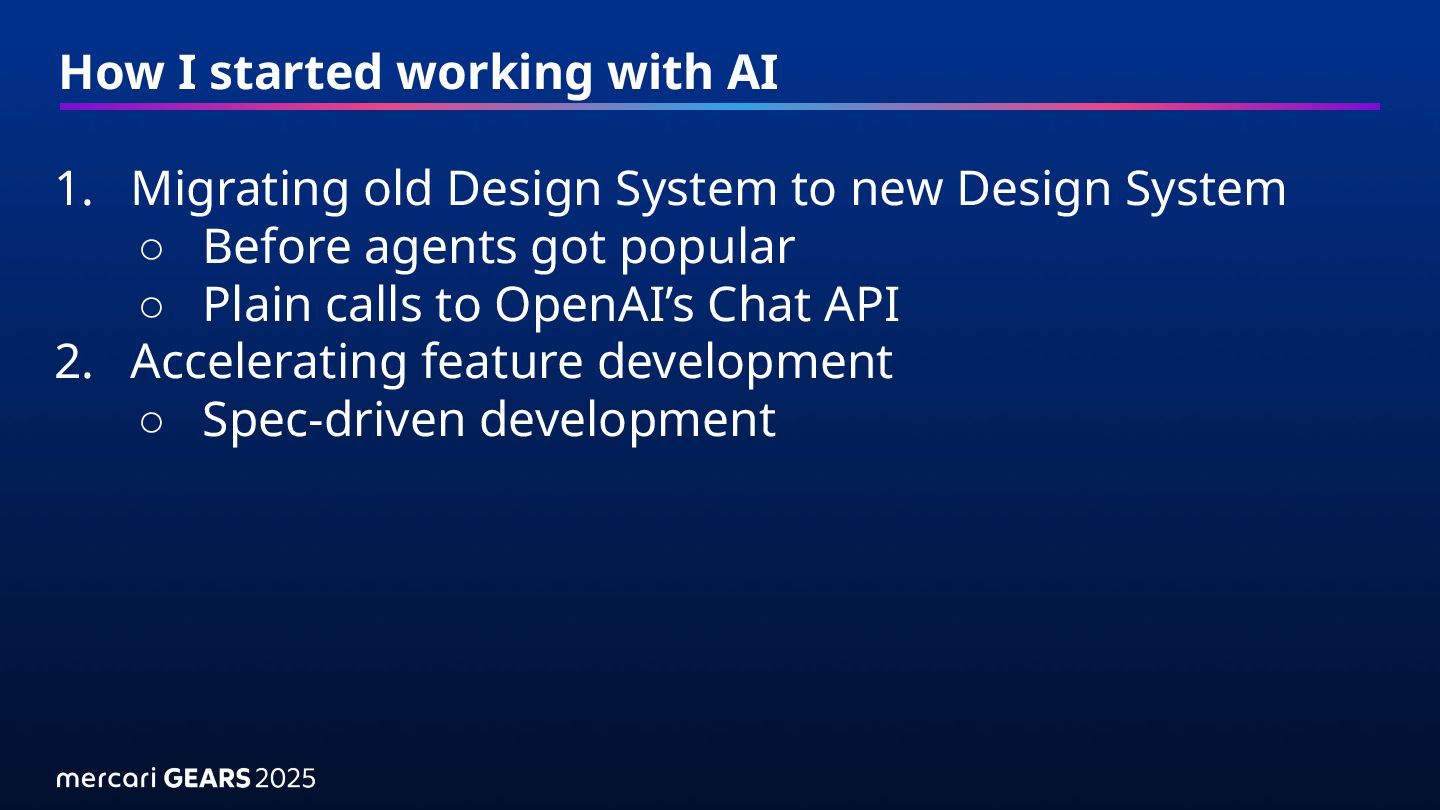
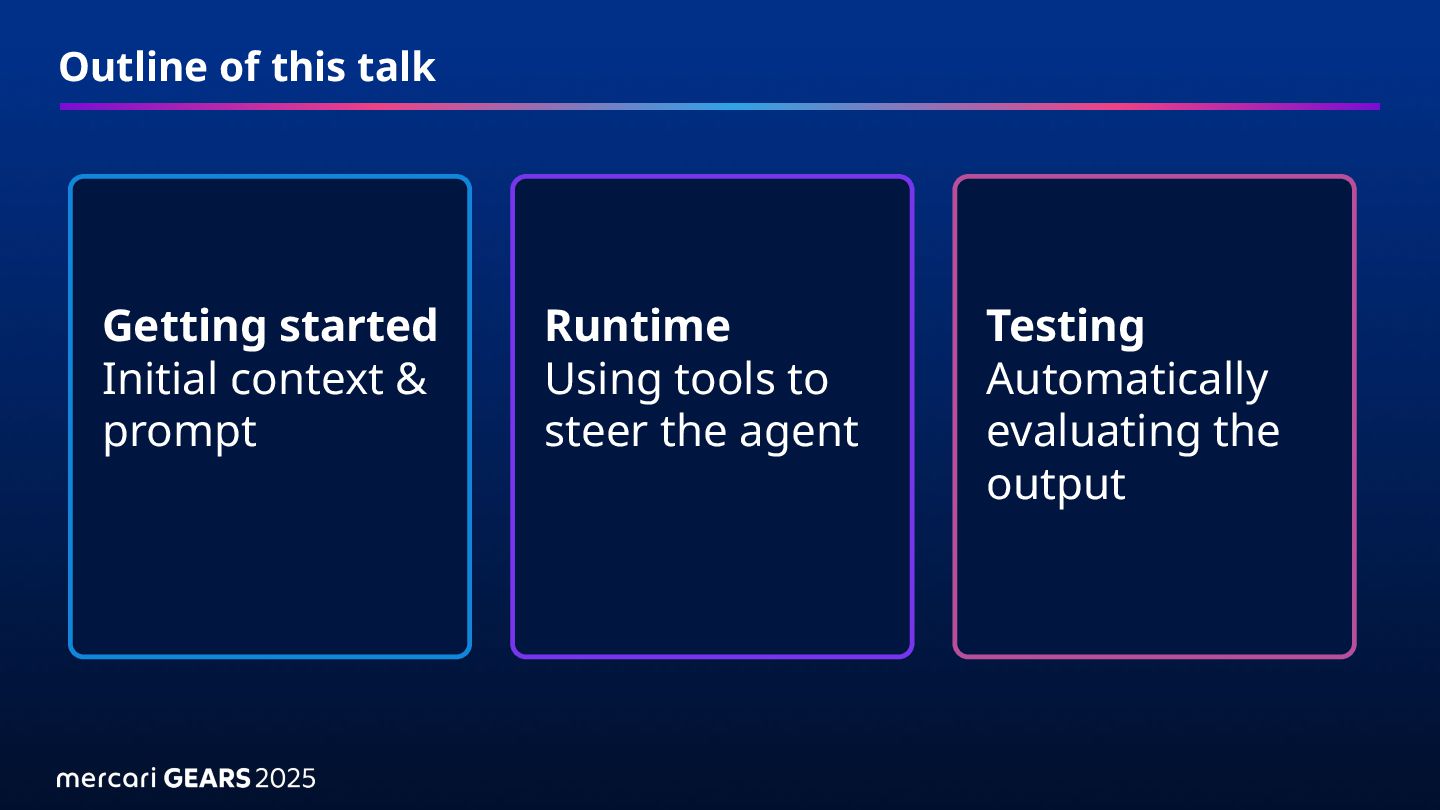
System to new Design System ◦ Before agents got popular ◦ Plain calls to OpenAI’s Chat API 2. Accelerating feature development ◦ Spec-driven development
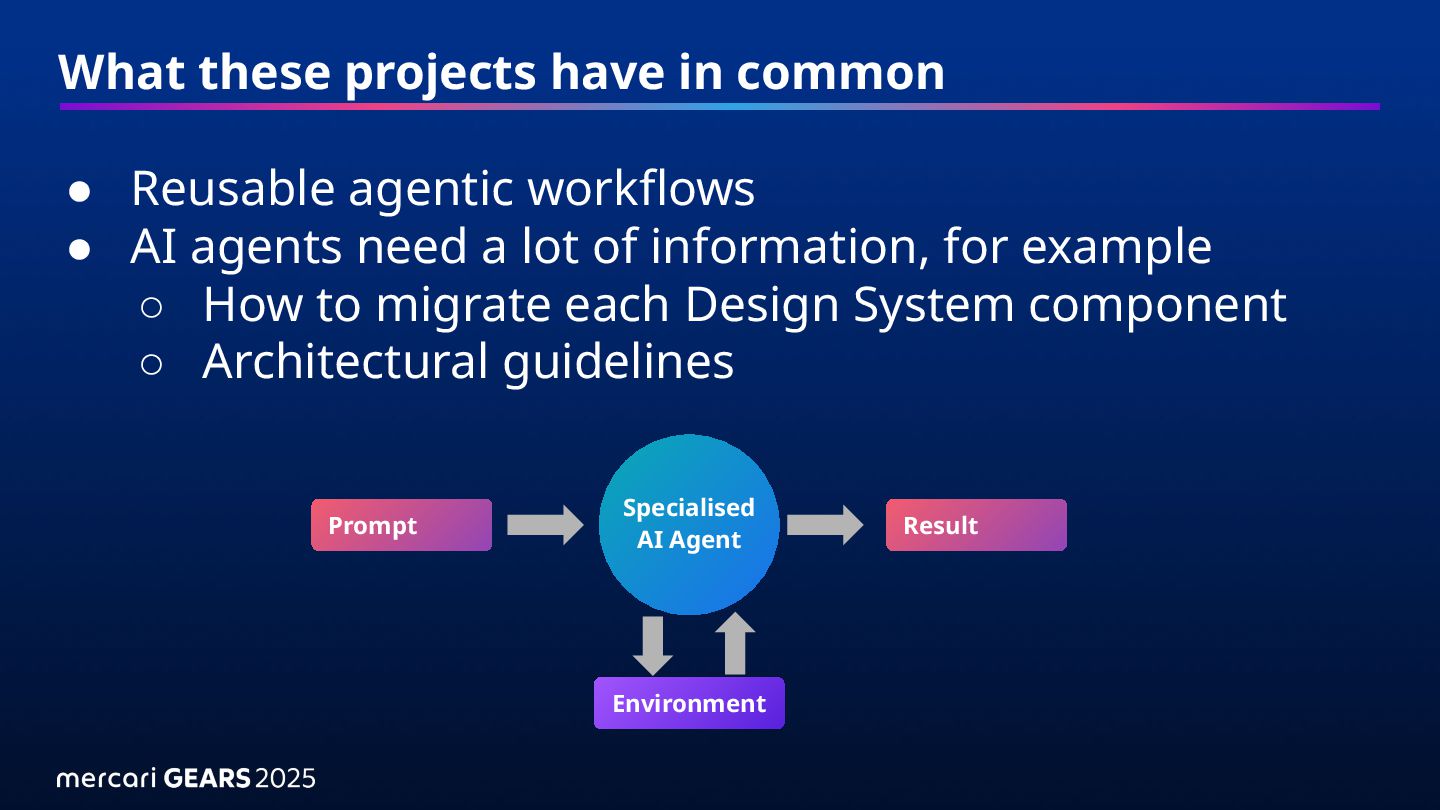
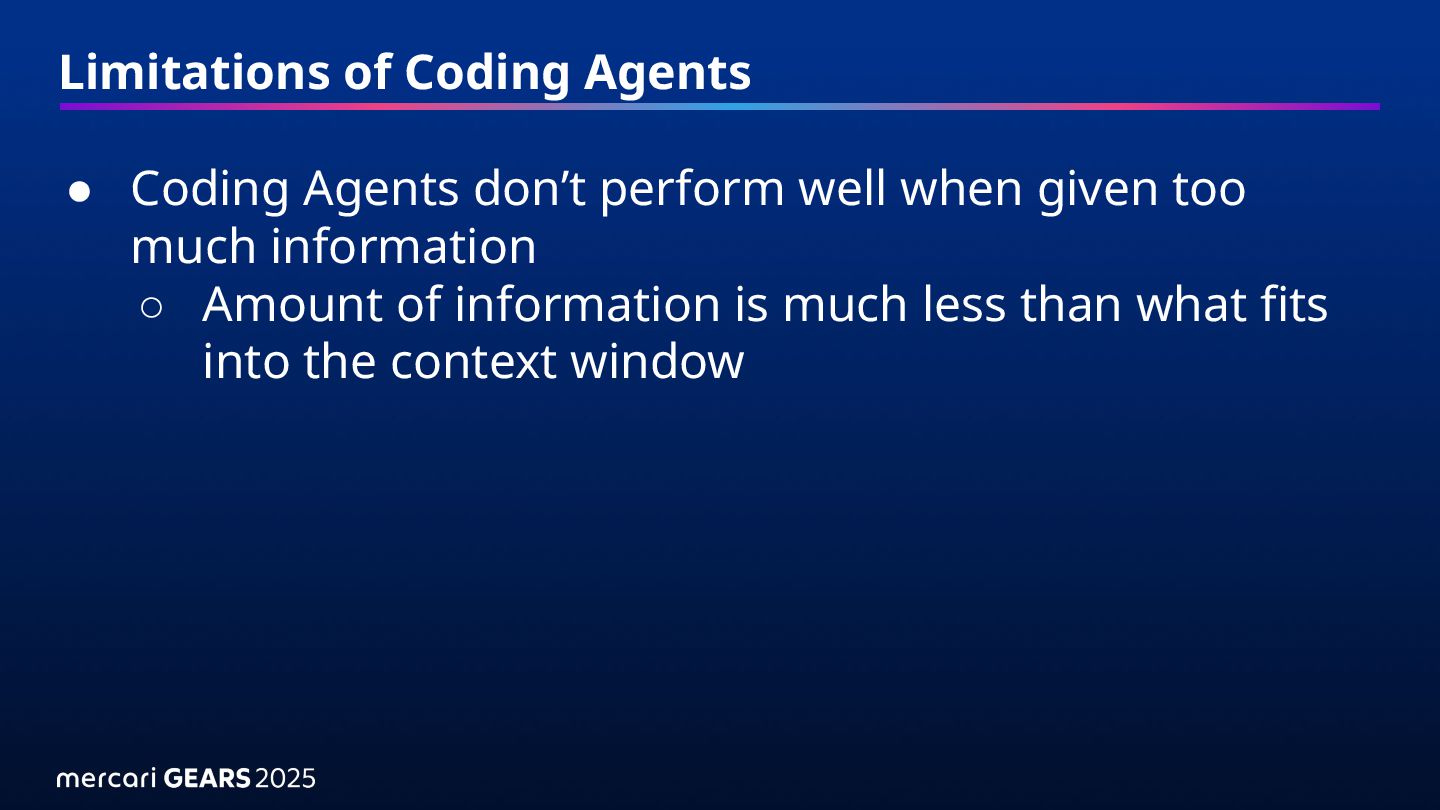
• AI agents need a lot of information, for example ◦ How to migrate each Design System component ◦ Architectural guidelines Specialised AI Agent Environment Prompt Result
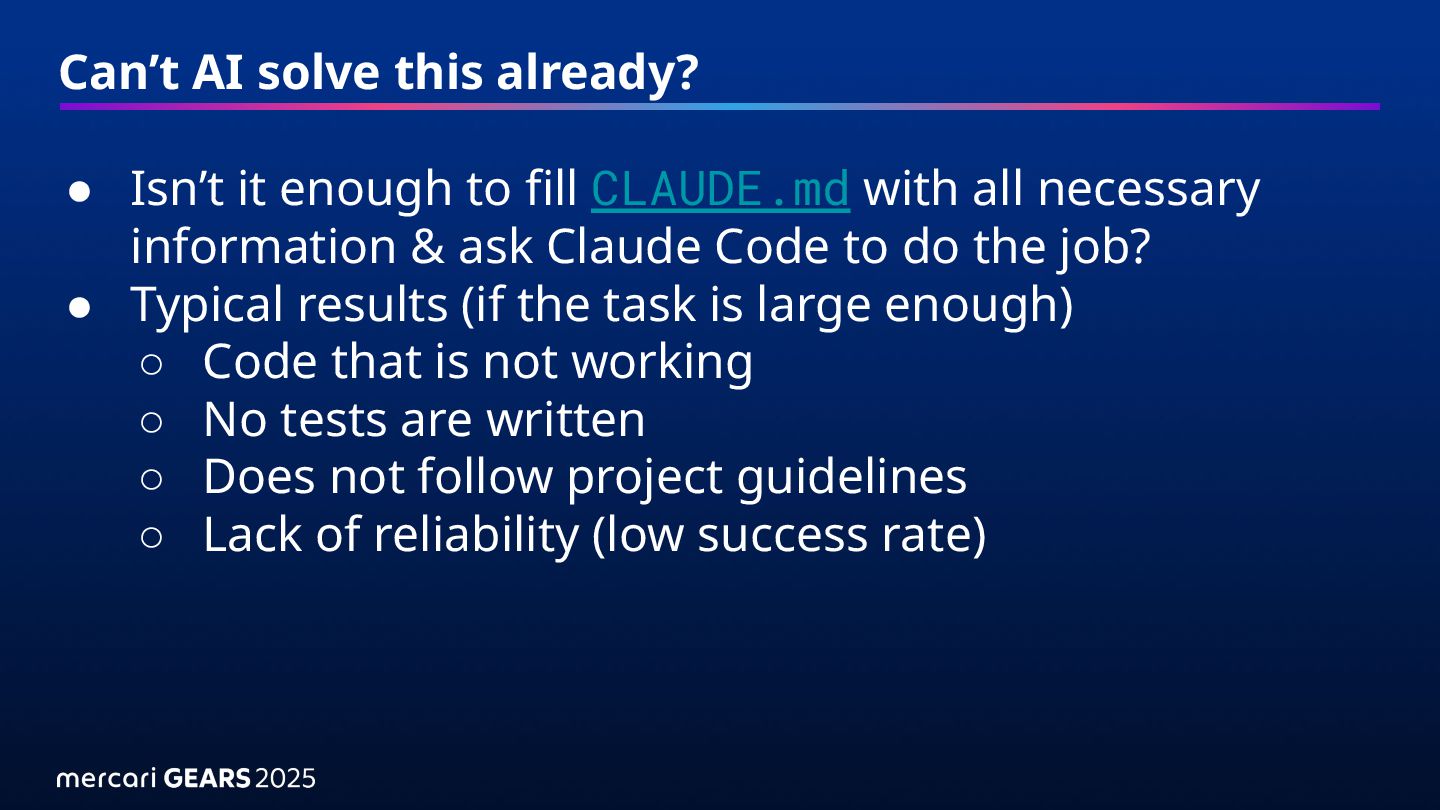
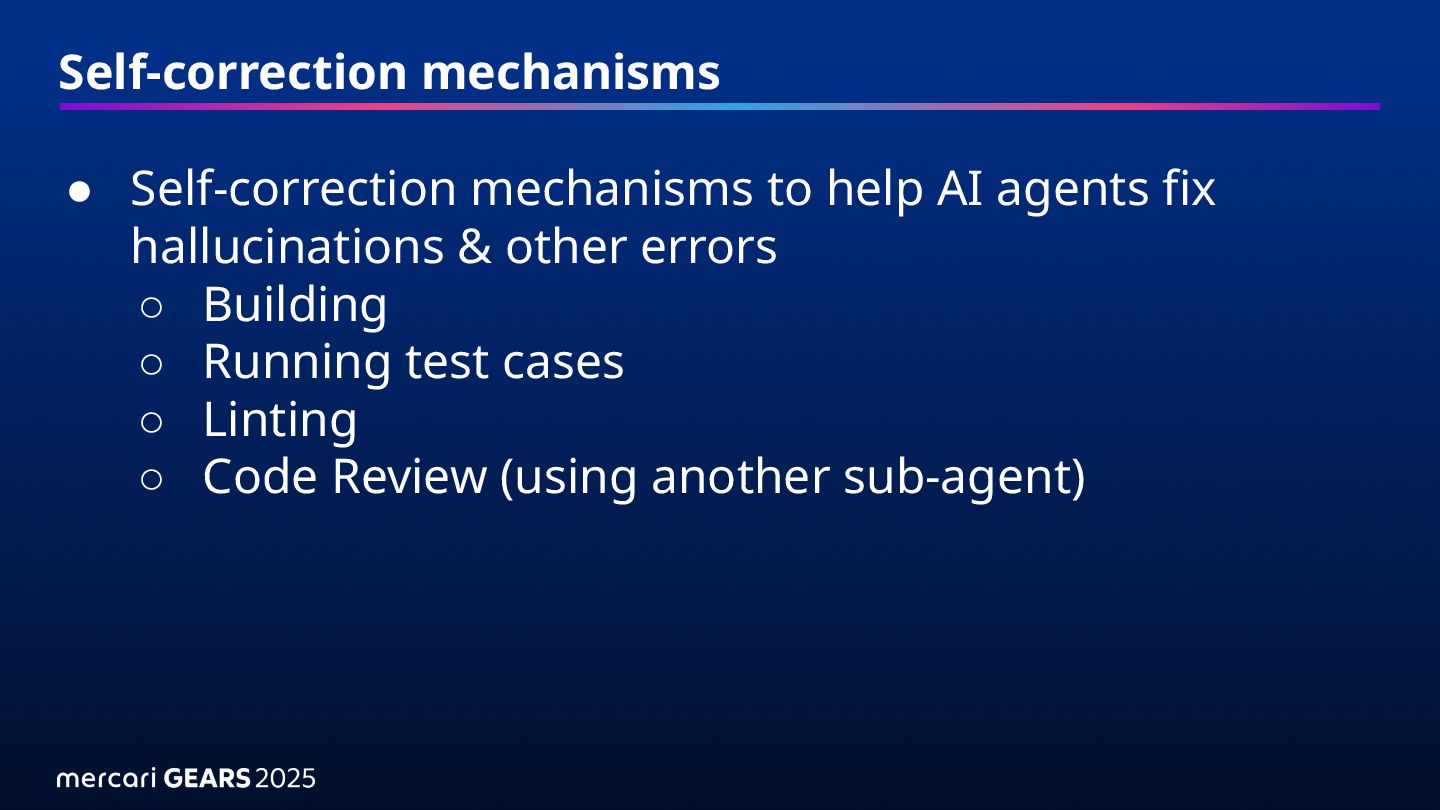
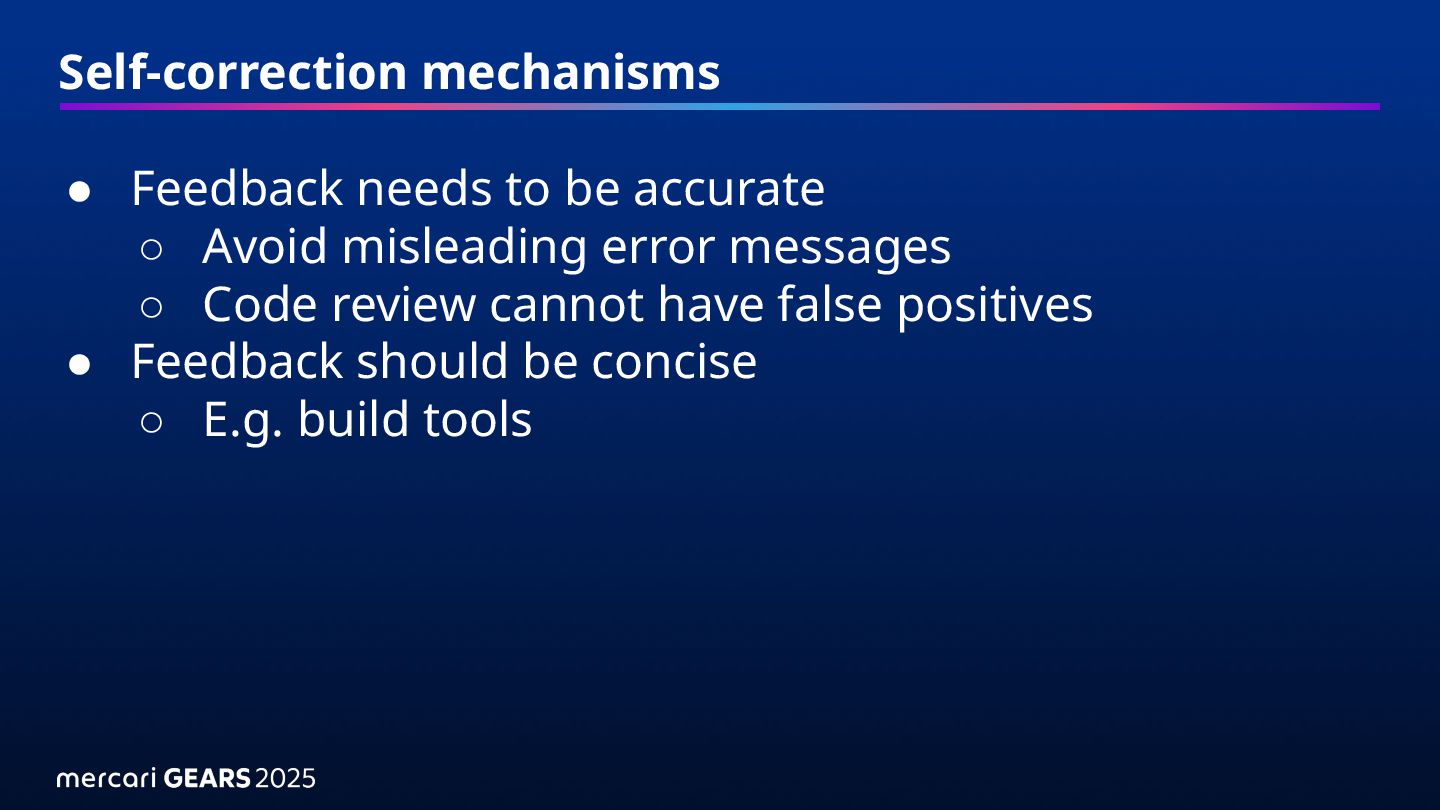
fill CLAUDE.md with all necessary information & ask Claude Code to do the job? • Typical results (if the task is large enough) ◦ Code that is not working ◦ No tests are written ◦ Does not follow project guidelines ◦ Lack of reliability (low success rate)
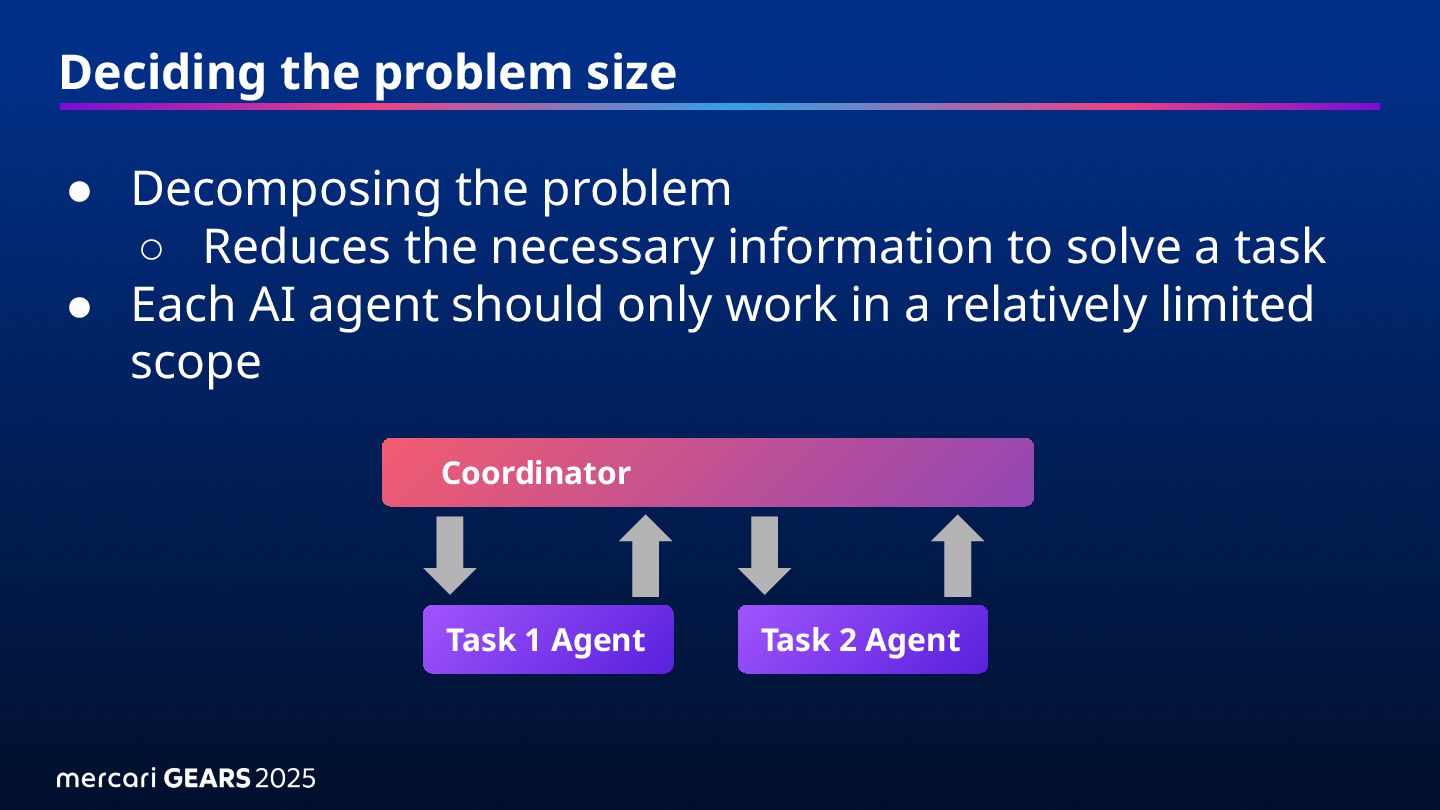
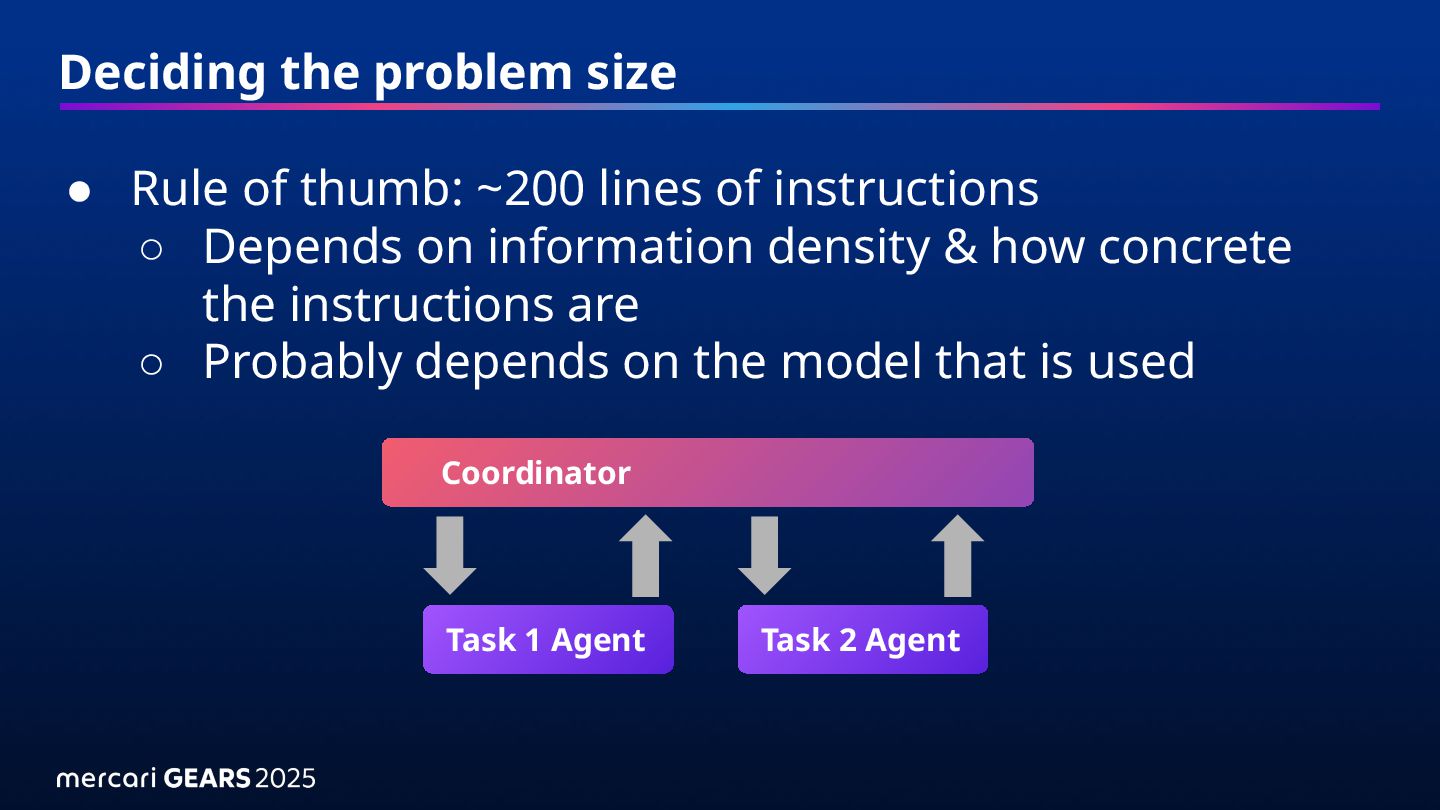
of instructions ◦ Depends on information density & how concrete the instructions are ◦ Probably depends on the model that is used Task 1 Agent Coordinator Task 2 Agent
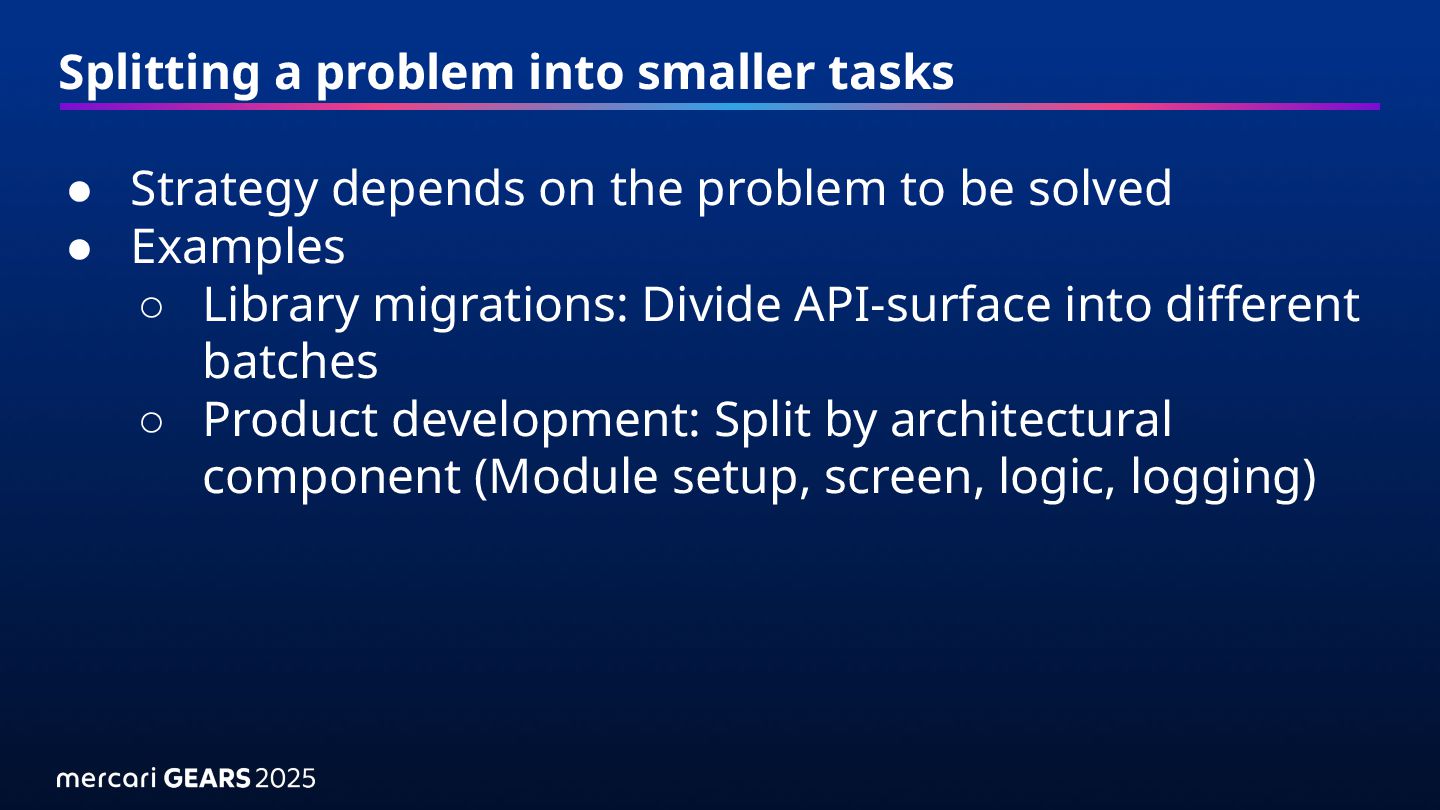
the problem to be solved • Examples ◦ Library migrations: Divide API-surface into different batches ◦ Product development: Split by architectural component (Module setup, screen, logic, logging)
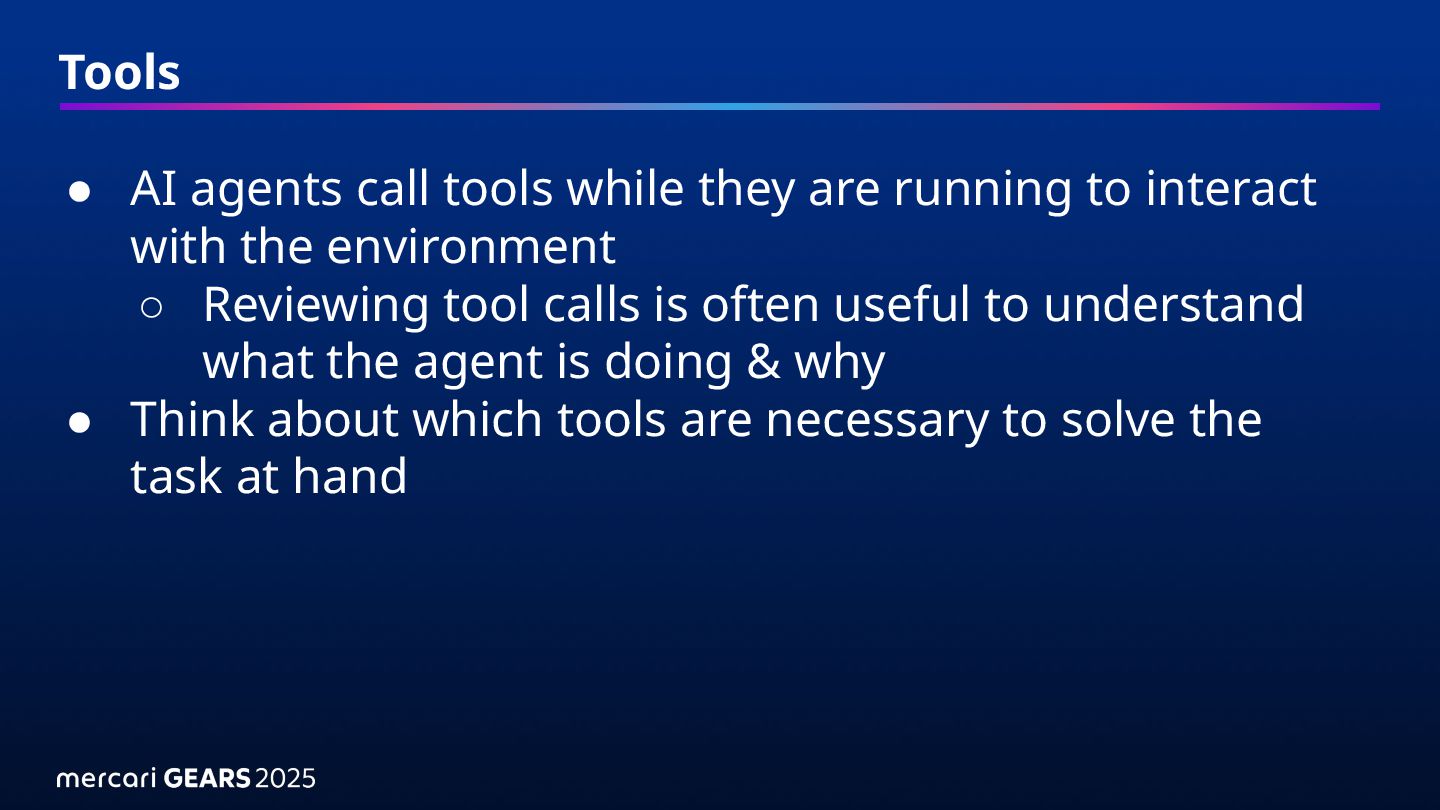
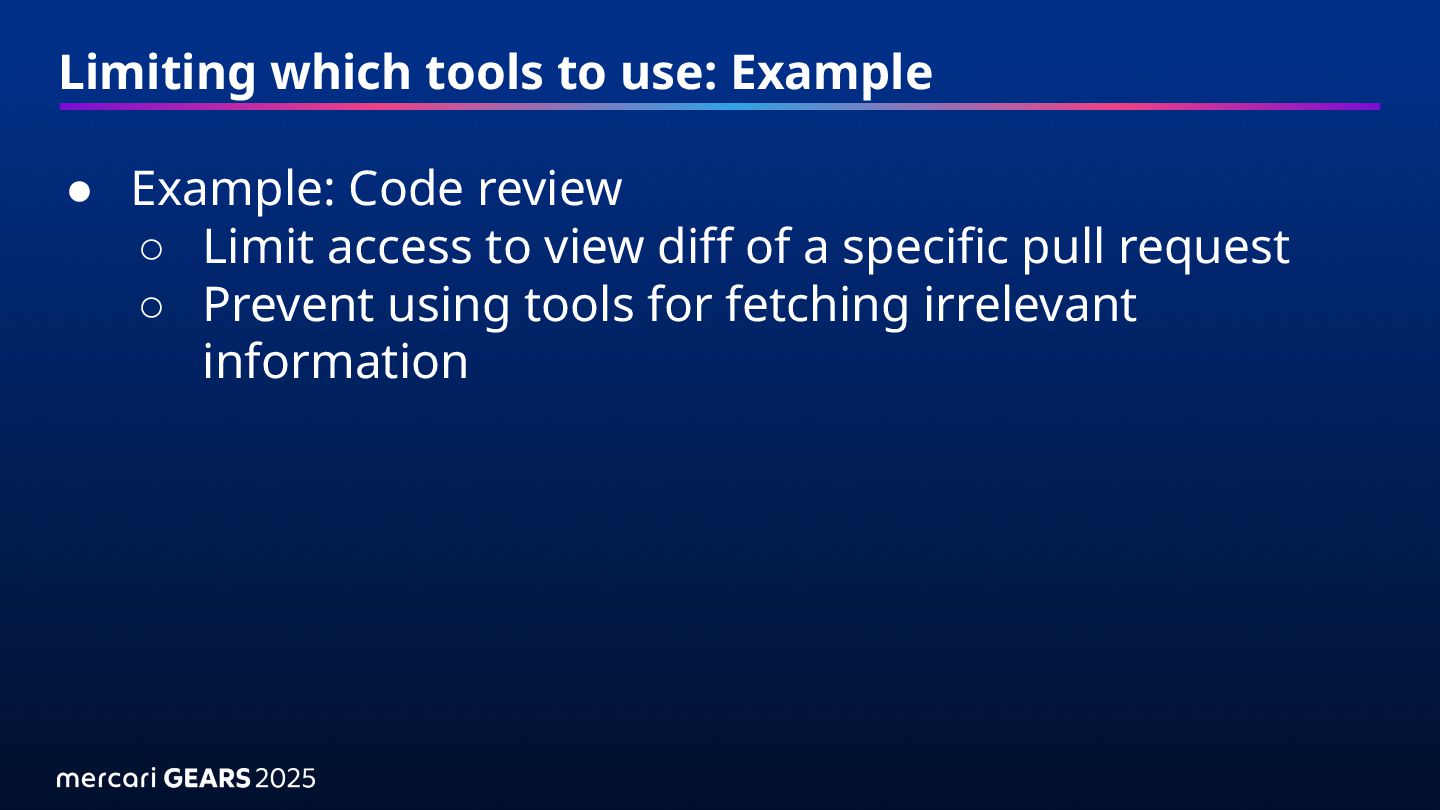
to interact with the environment ◦ Reviewing tool calls is often useful to understand what the agent is doing & why • Think about which tools are necessary to solve the task at hand
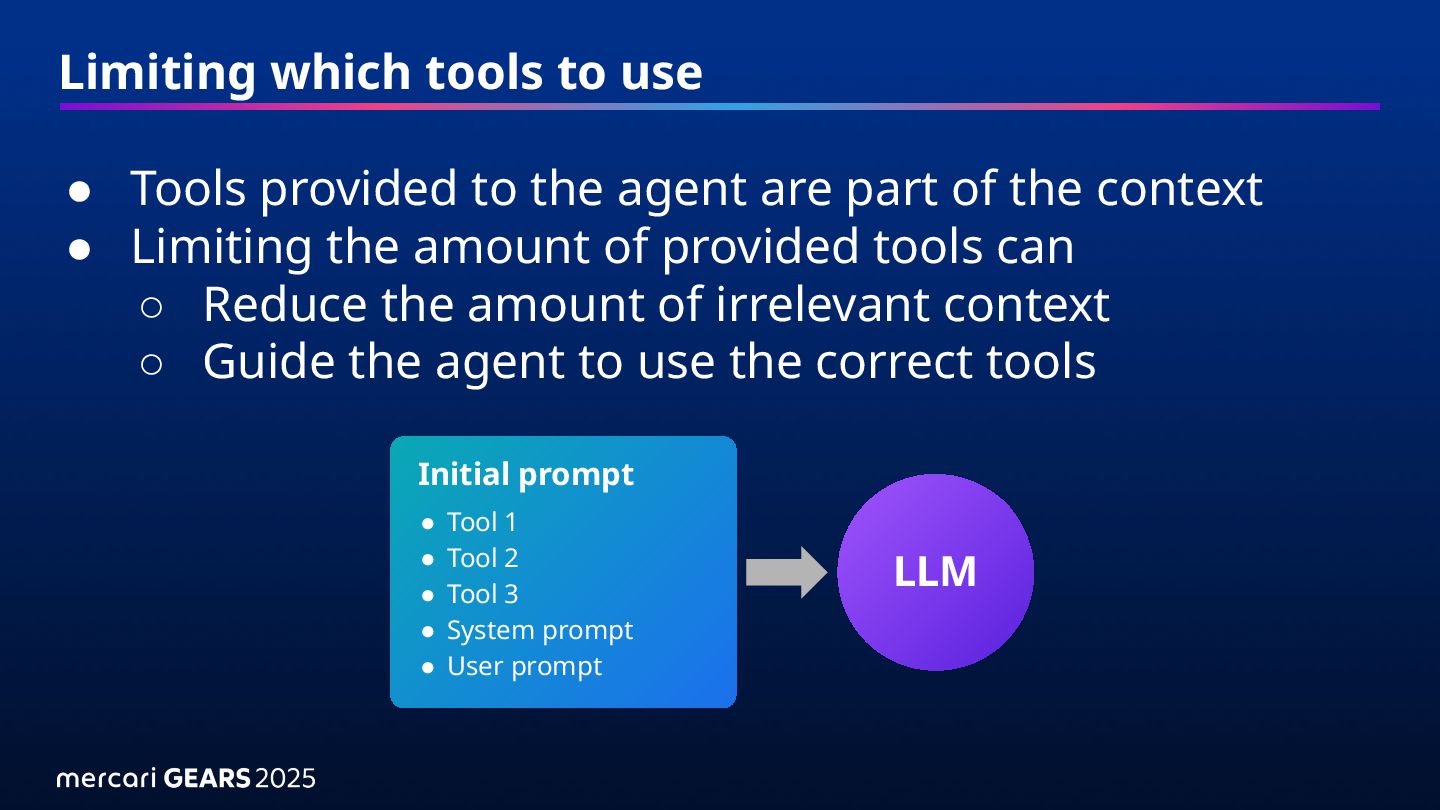
agent are part of the context • Limiting the amount of provided tools can ◦ Reduce the amount of irrelevant context ◦ Guide the agent to use the correct tools LLM Initial prompt • Tool 1 • Tool 2 • Tool 3 • System prompt • User prompt
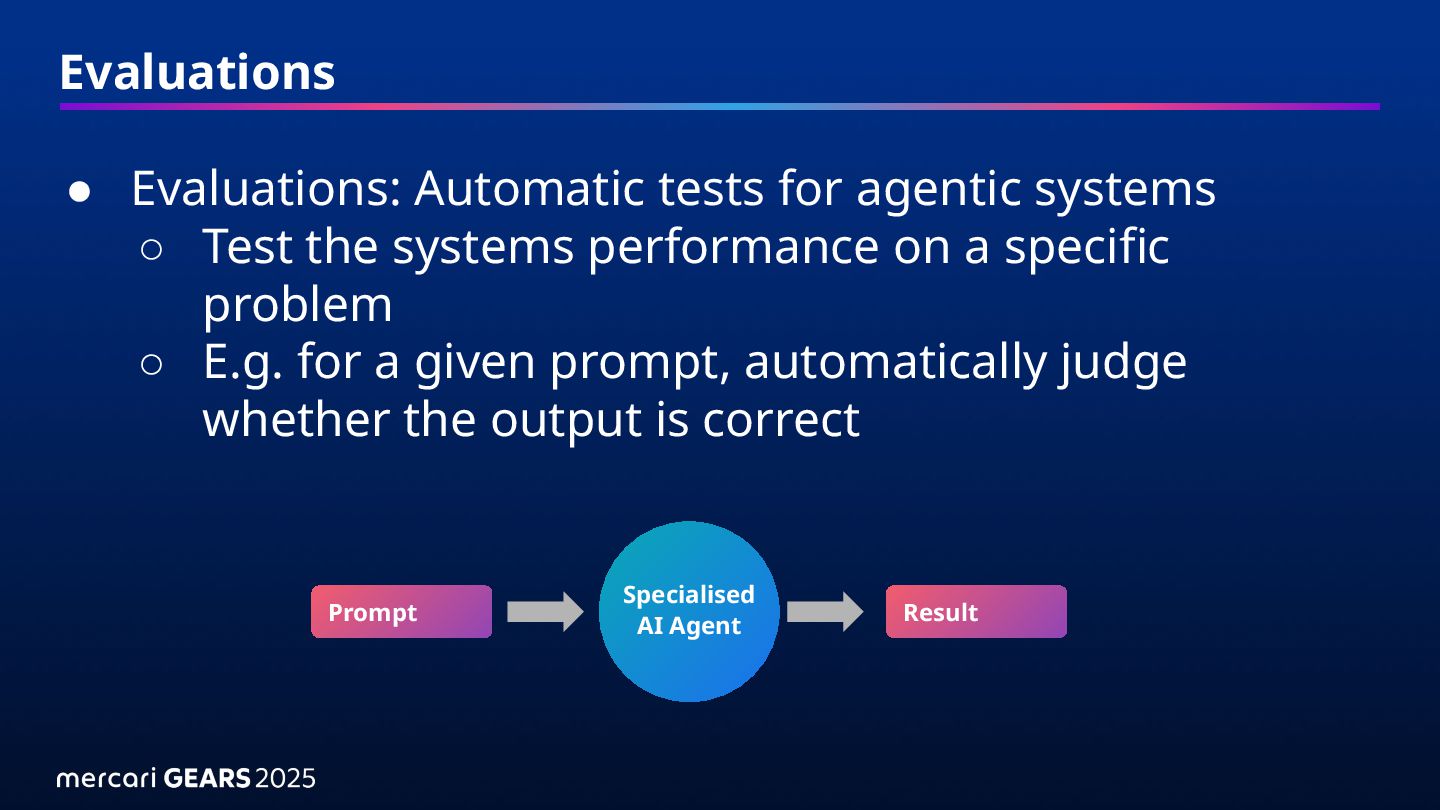
the systems performance on a specific problem ◦ E.g. for a given prompt, automatically judge whether the output is correct Specialised AI Agent Prompt Result
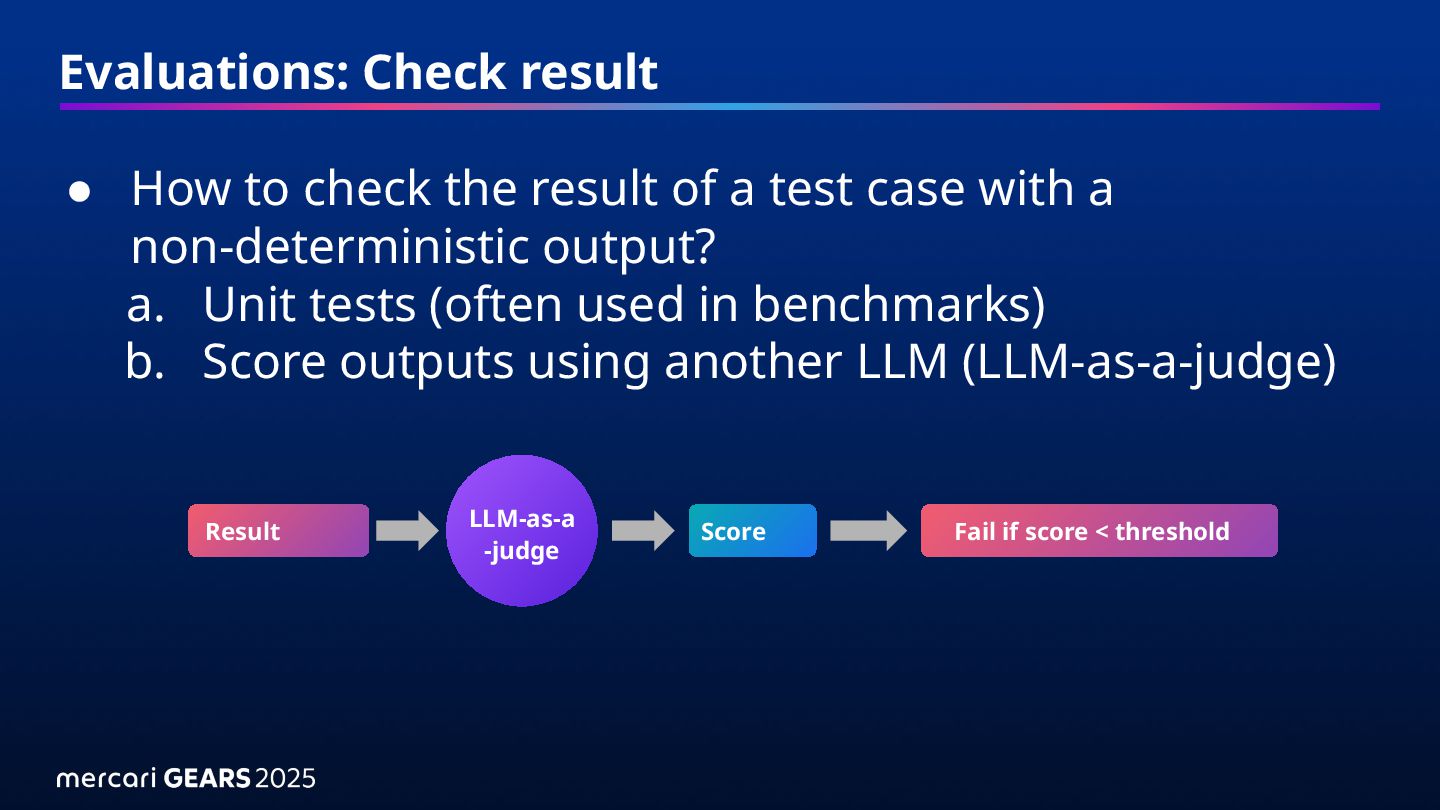
a test case with a non-deterministic output? a. Unit tests (often used in benchmarks) b. Score outputs using another LLM (LLM-as-a-judge) Result Score Fail if score < threshold LLM-as-a -judge
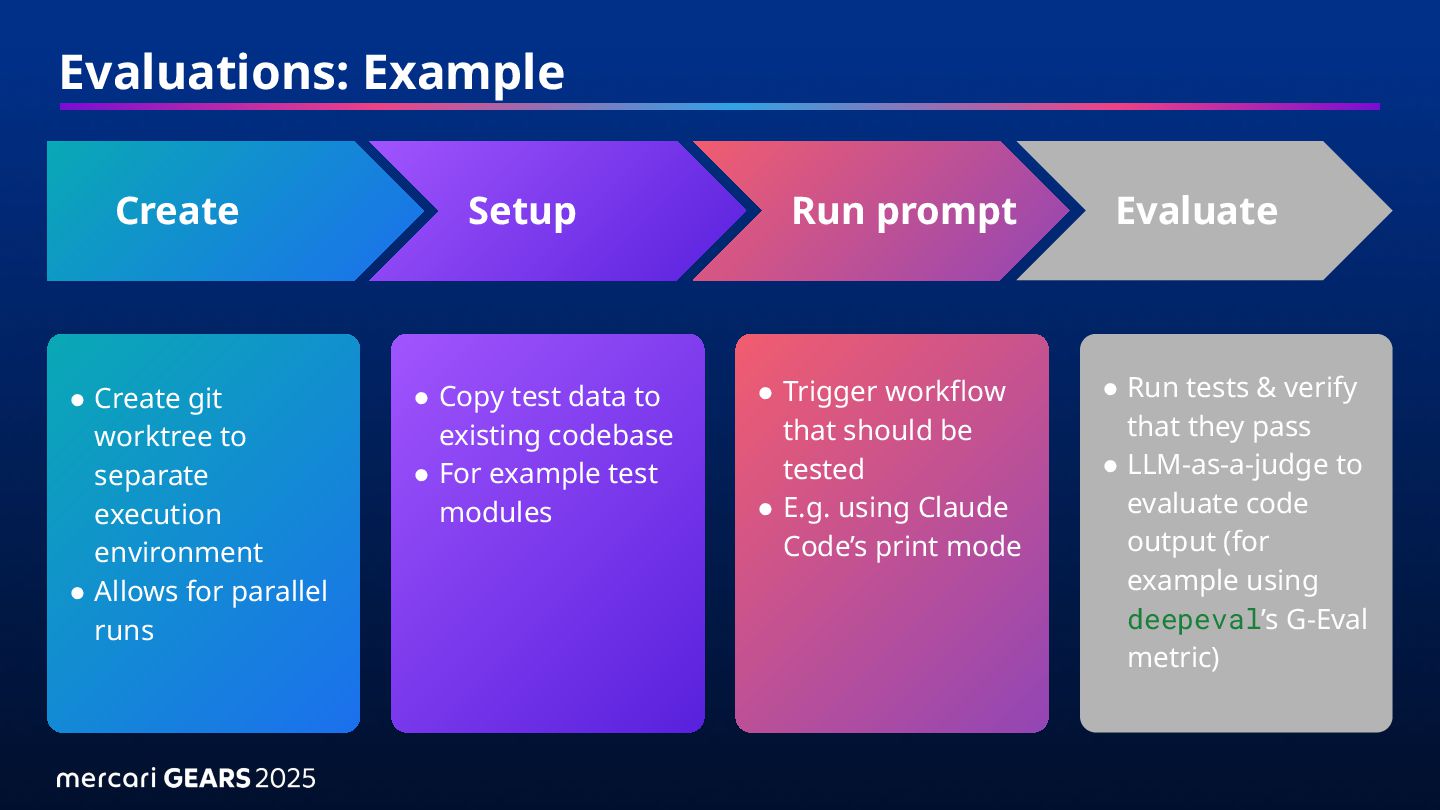
• Allows for parallel runs • Copy test data to existing codebase • For example test modules • Trigger workflow that should be tested • E.g. using Claude Code’s print mode • Run tests & verify that they pass • LLM-as-a-judge to evaluate code output (for example using deepeval’s G-Eval metric) Create Setup Run prompt Evaluate
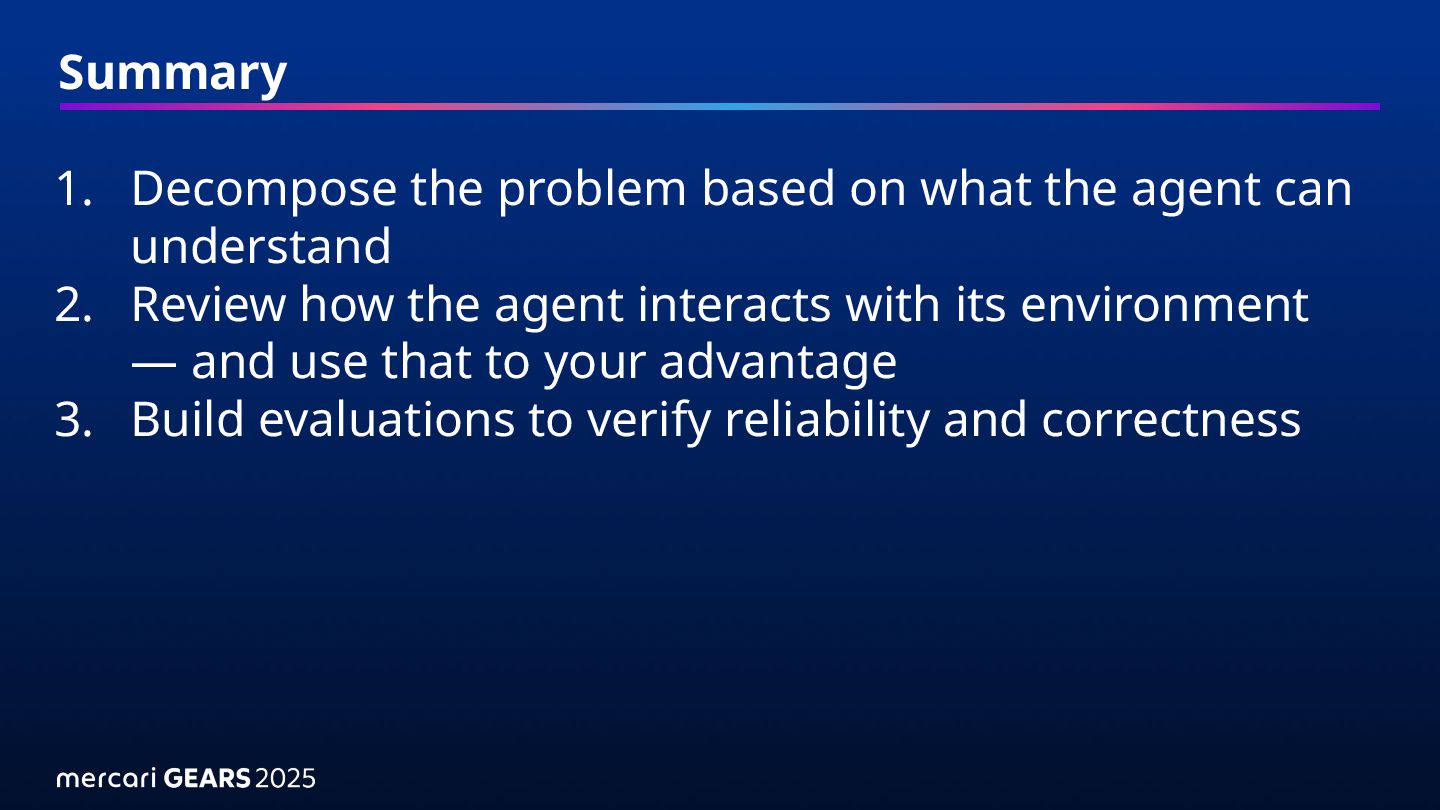
can understand 2. Review how the agent interacts with its environment — and use that to your advantage 3. Build evaluations to verify reliability and correctness


 mercari
 everpeace
 sioncojp
 tkito
 mikanichinose
 yusuke427
 goyoki
 ykimi
 fortegp05
 jacopen
 kazzpapa3
 munakata
 bengo4com
 thoeni
 katarinadahlin
 deanohume
 jnunemaker
 inesmontani
 tammyeverts
 mclloyd
 akihiro_kokubo
 apolaine
 addyosmani
 kristinabergwall1
 davetheseo