Upgrade to Pro
— share decks privately, control downloads, hide ads and more …
Speaker Deck
Sign up for free
Menu
Search
Features
All features
Private URLs
Password Protection
Custom URLS
Scheduled publishing
Remove Branding
Restrict embedding
Deck Collections
Notes
Features
All features
Private URLs
Password Protection
Custom URLS
Scheduled publishing
Remove Branding
Restrict embedding
Deck Collections
Notes
Explore
Featured decks
Featured speakers
Programming
Technology
Storyboards
Explore
Featured decks
Featured speakers
Programming
Technology
Storyboards
Pricing
Search
Sign in
Sign up for free
AIにキーボード作らせてみた - min. - Hello LT world『ガチ推しガジェッ...
Search
Sponsored
·
Your Podcast. Everywhere. Effortlessly.
Share. Educate. Inspire. Entertain. You do you. We'll handle the rest.
→
min.
July 15, 2026
32
1
Share
Embed
Copy iframe code
Copy JS code
Copy link
Start on current slide
AIにキーボード作らせてみた - min. - Hello LT world『ガチ推しガジェット LT Night 』
min.
July 15, 2026
Featured
See All Featured
The Illustrated Children's Guide to Kubernetes
chrisshort
51
53k
No one is an island. Learnings from fostering a developers community.
thoeni
21
3.9k
Unlocking the hidden potential of vector embeddings in international SEO
frankvandijk
0
1k
HTML-Aware ERB: The Path to Reactive Rendering @ RubyCon 2026, Rimini, Italy
marcoroth
5
850
How to build an LLM SEO readiness audit: a practical framework
nmsamuel
2
960
Agile that works and the tools we love
rasmusluckow
331
22k
DBのスキルで生き残る技術 - AI時代におけるテーブル設計の勘所
soudai
PRO
68
59k
How Software Deployment tools have changed in the past 20 years
geshan
2
35k
Making Projects Easy
brettharned
120
6.8k
A Modern Web Designer's Workflow
chriscoyier
699
190k
XXLCSS - How to scale CSS and keep your sanity
sugarenia
250
1.3M
Cheating the UX When There Is Nothing More to Optimize - PixelPioneers
stephaniewalter
287
14k
Transcript
AIに キーボード 作らせてみた 回路‧PCB‧ケース設計まで min.(みんどっと) ∕ 2026.07.15 ∕ Findy
ガチ推しガジェット LT
⾃⼰紹介 min.(みんどっと) 仕事→モバイルエンジニア 趣味→⾃作キーボード
機能にこだわると、 既製品じゃ満⾜できない。
「⾃分の指と⽤途に合った 完璧な1台」 が、頭に浮かぶ。
基板から作るしかない
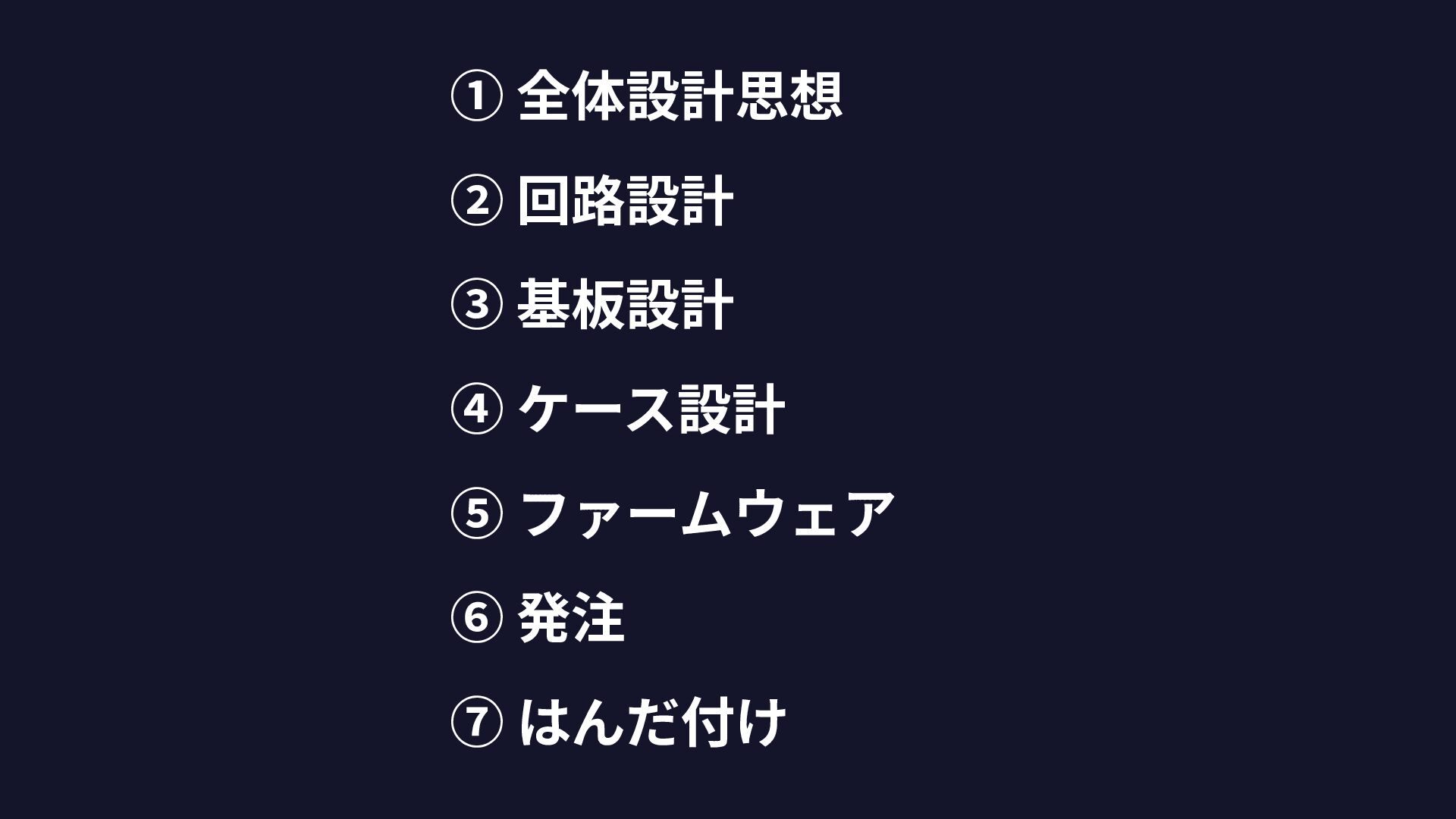
基板⾃作は、 7ステップ
① 全体設計思想 ② 回路設計 ③ 基板設計 ④ ケース設計 ⑤ ファームウェア
⑥ 発注 ⑦ はんだ付け
今のAIで どこまでできる?
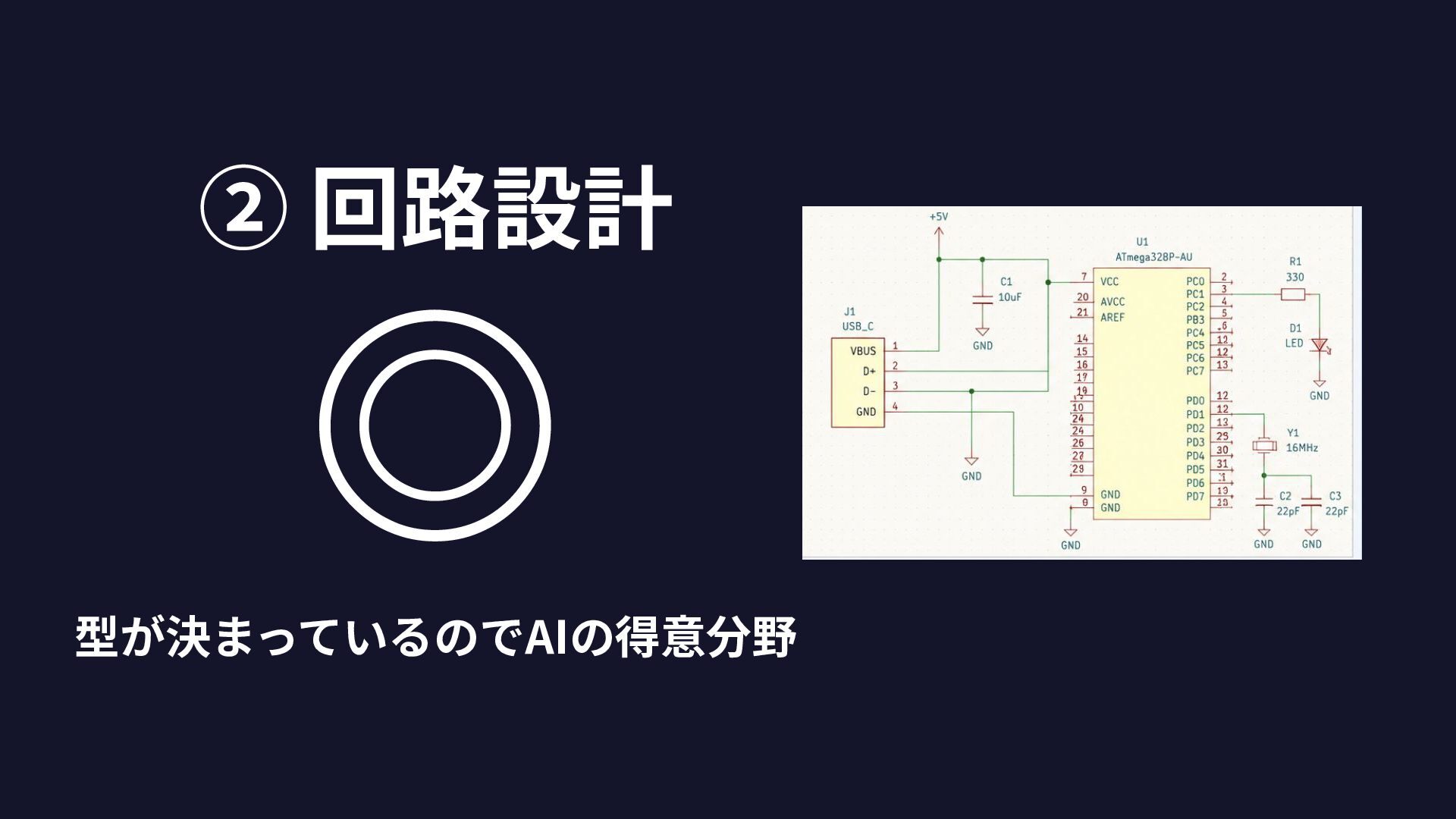
② 回路設計 ◎ 型が決まっているのでAIの得意分野
⑤ ファームウェア ◎ プログラムは得意分野
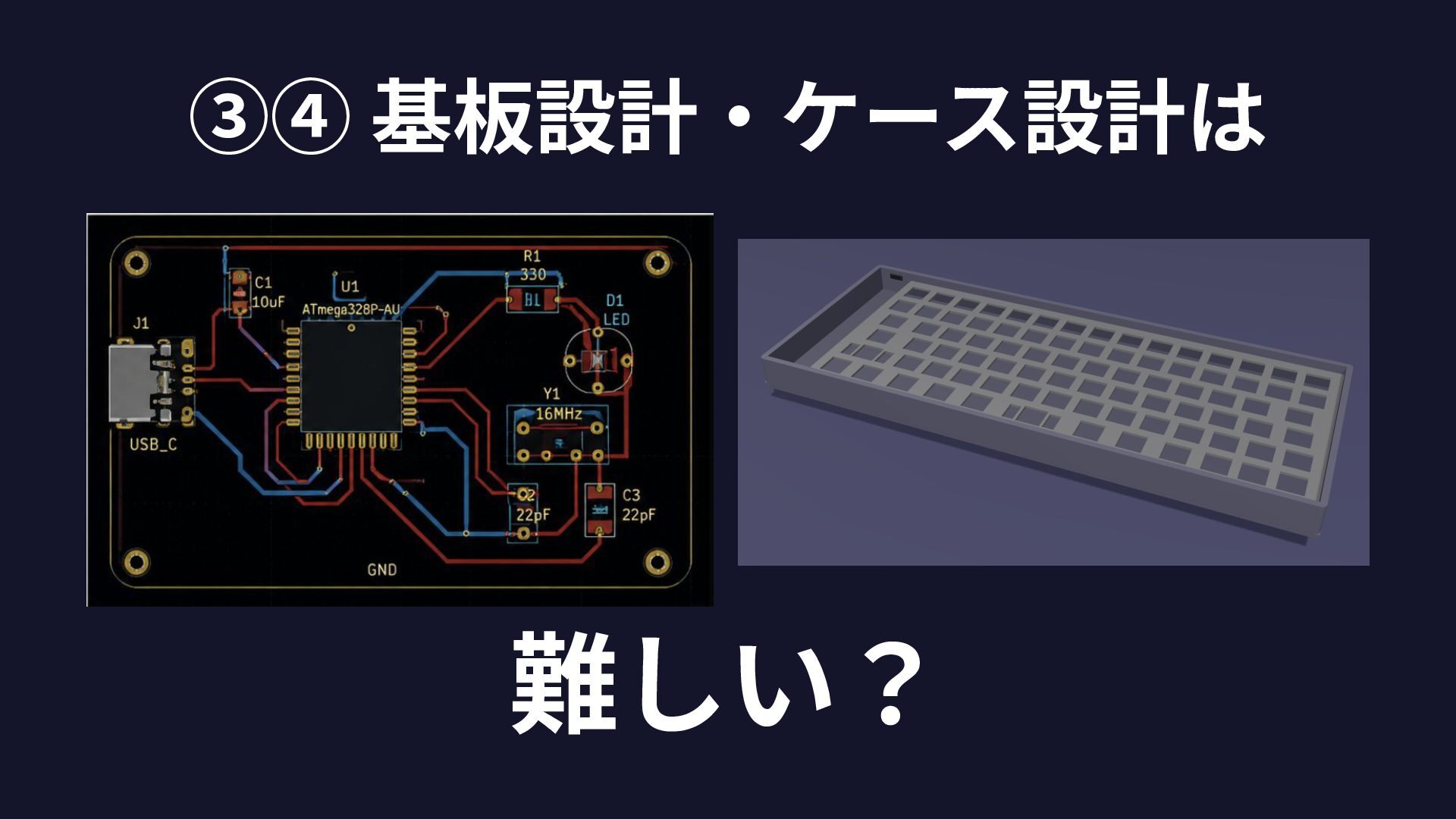
③④ 基板設計‧ケース設計は 難しい?
AIだけで やってみた。
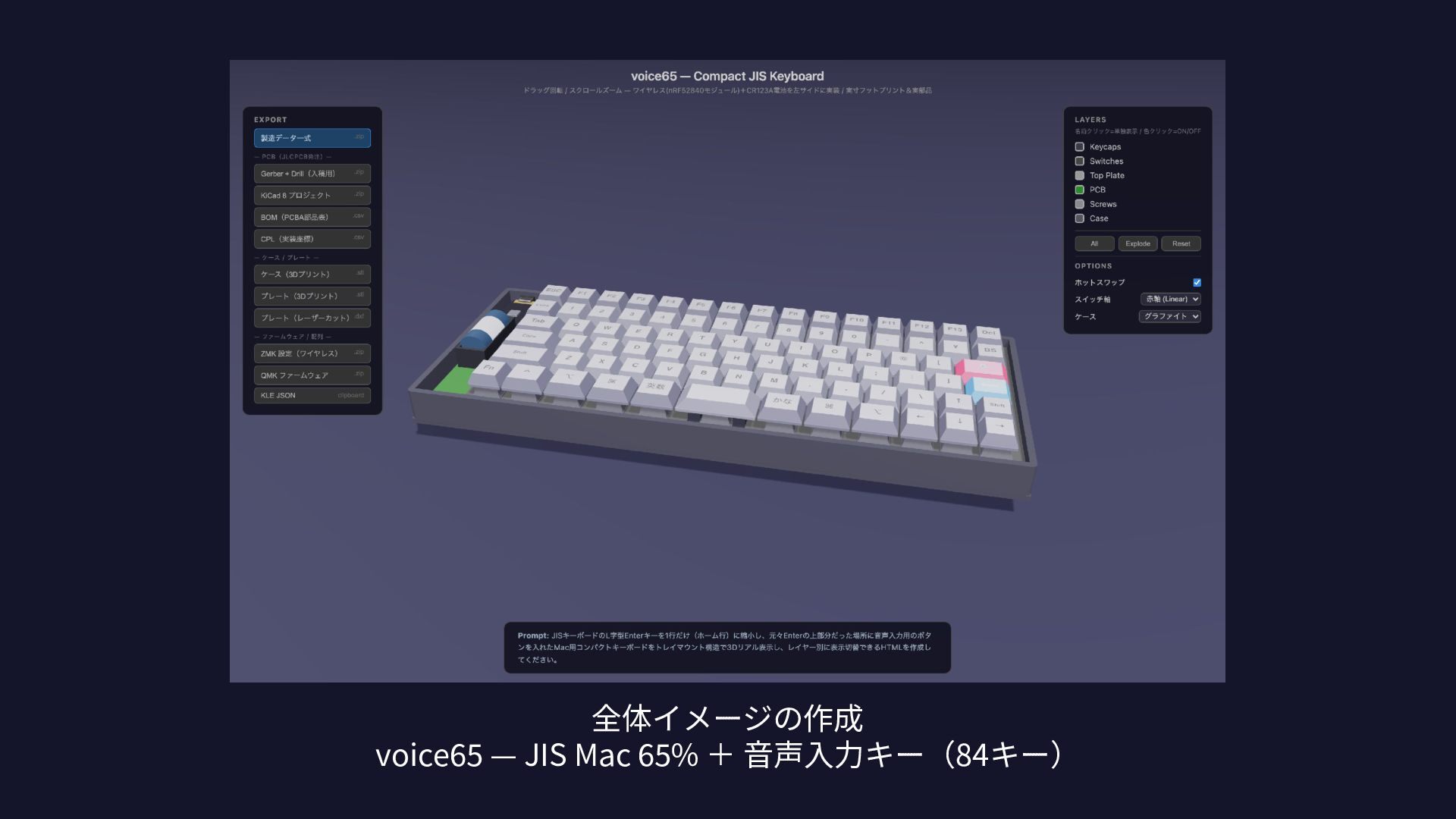
全体イメージの作成 voice65 — JIS Mac 65% + ⾳声⼊⼒キー(84キー)
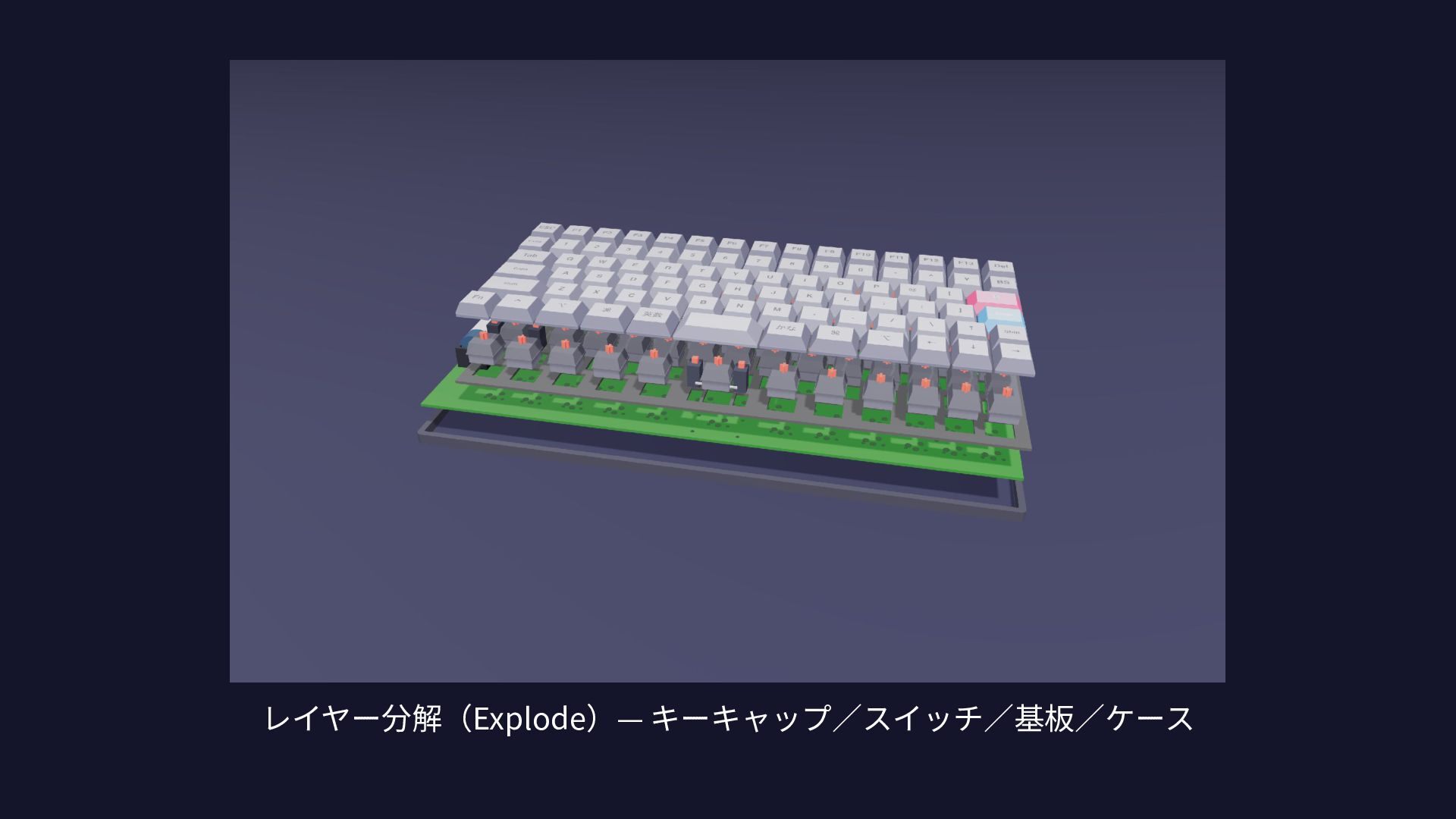
レイヤー分解(Explode)— キーキャップ∕スイッチ∕基板∕ケース
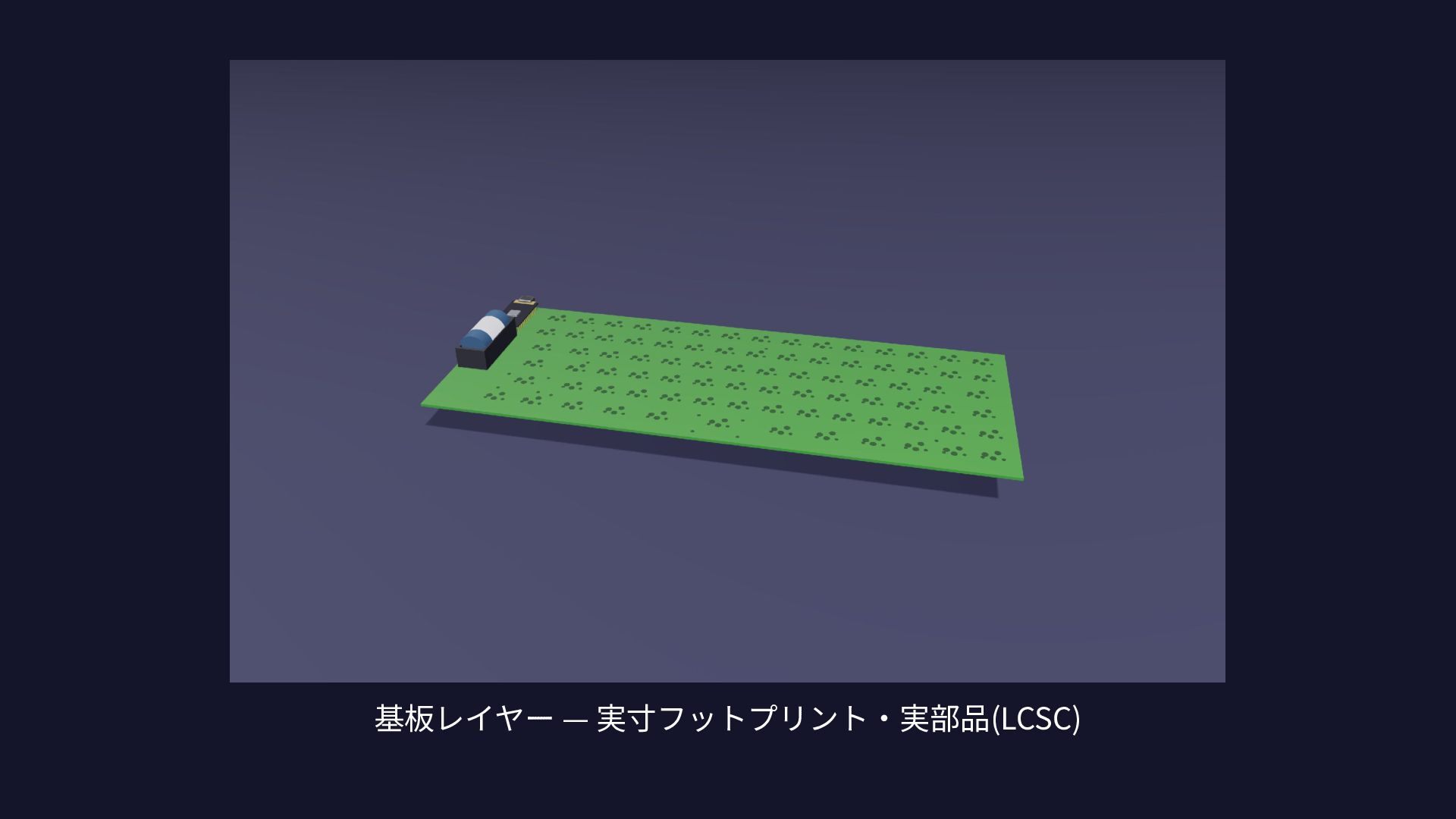
基板レイヤー — 実⼨フットプリント‧実部品(LCSC)
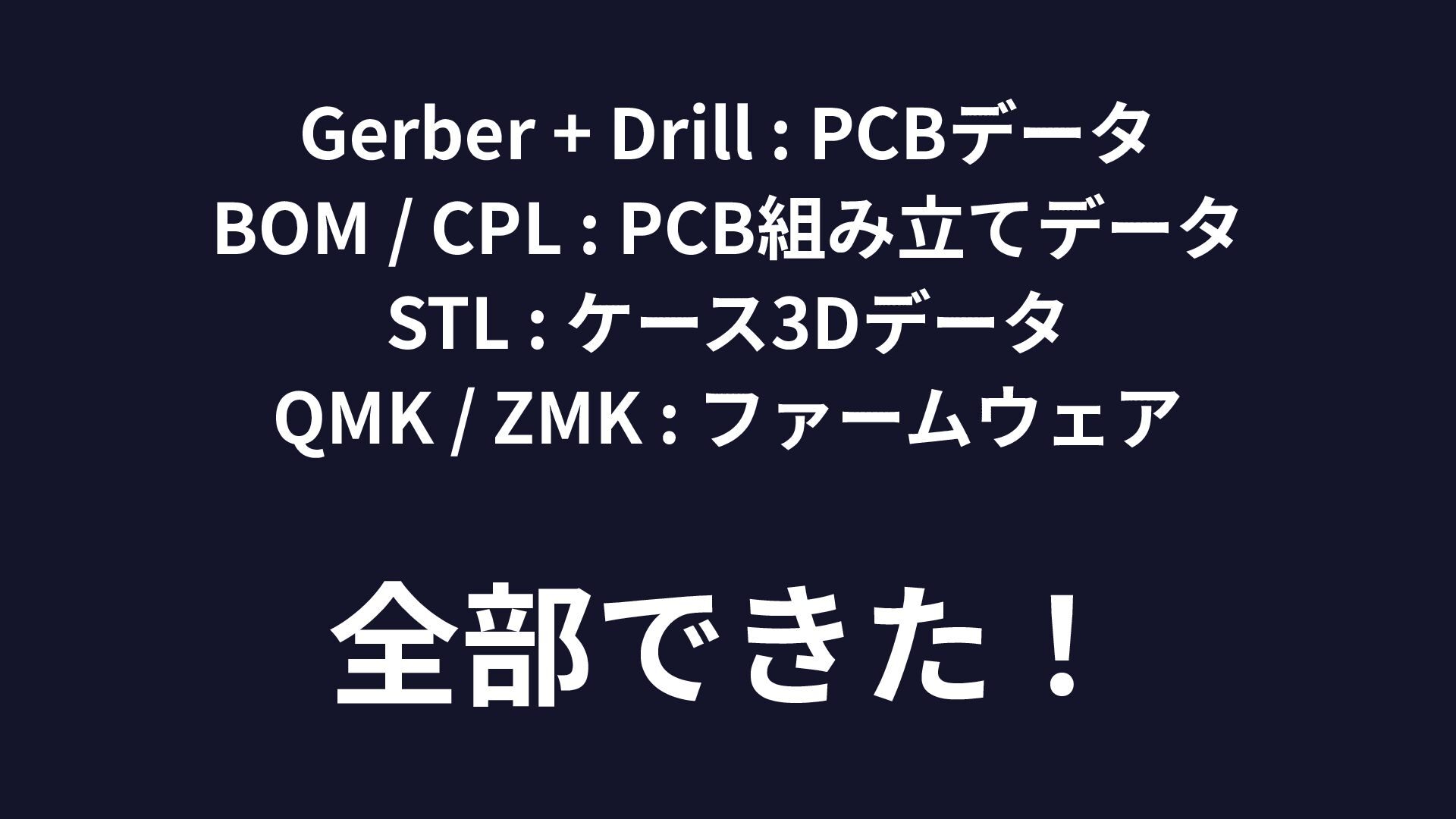
Gerber + Drill : PCBデータ BOM / CPL : PCB組み⽴てデータ
STL : ケース3Dデータ QMK / ZMK : ファームウェア 全部できた!
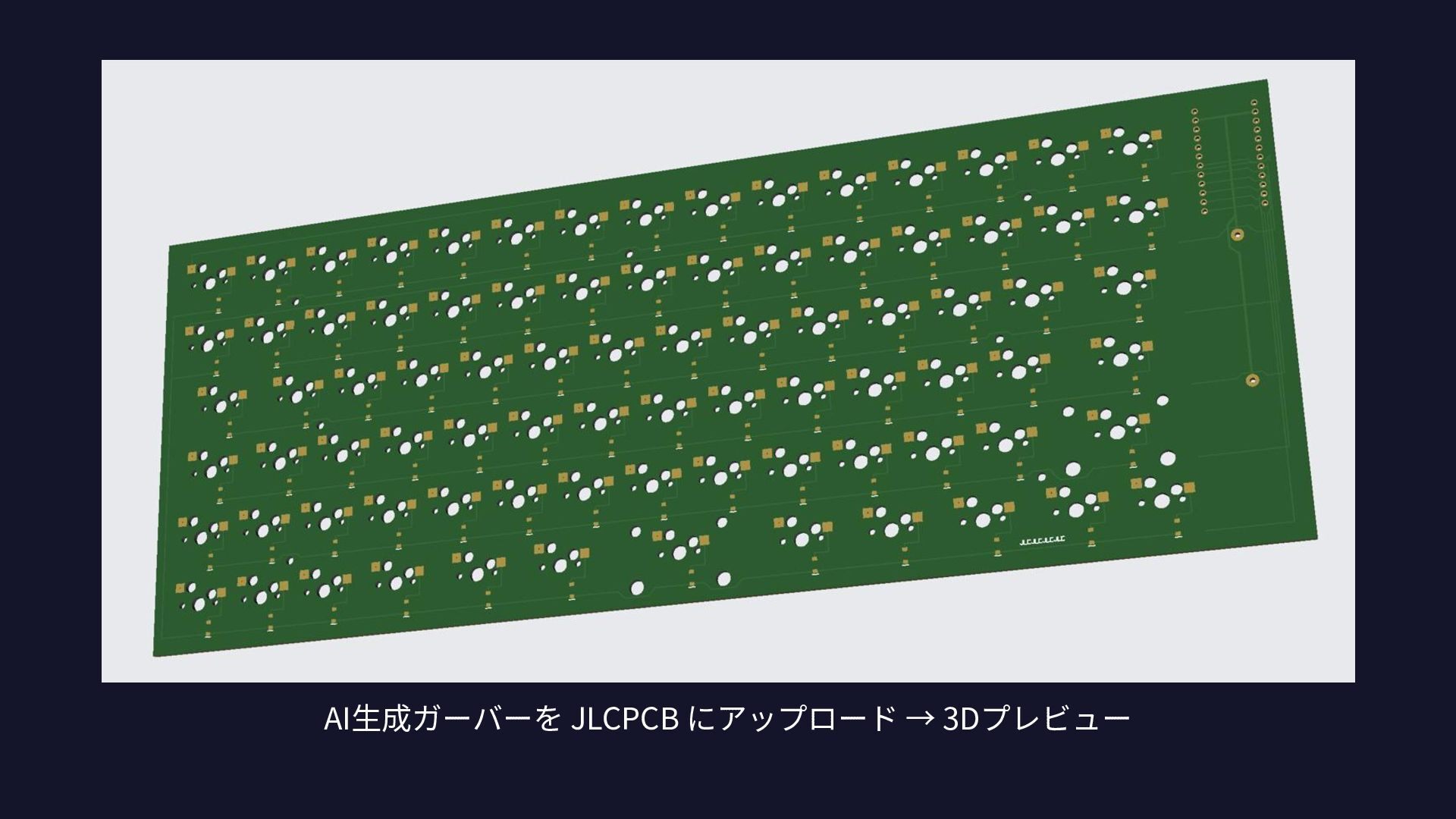
発注は、⼿動だが JLCPCBにデータを⼊れるだけ。 ガーバーをアップ → プレビュー確認 → 注⽂
そのまま 通った。
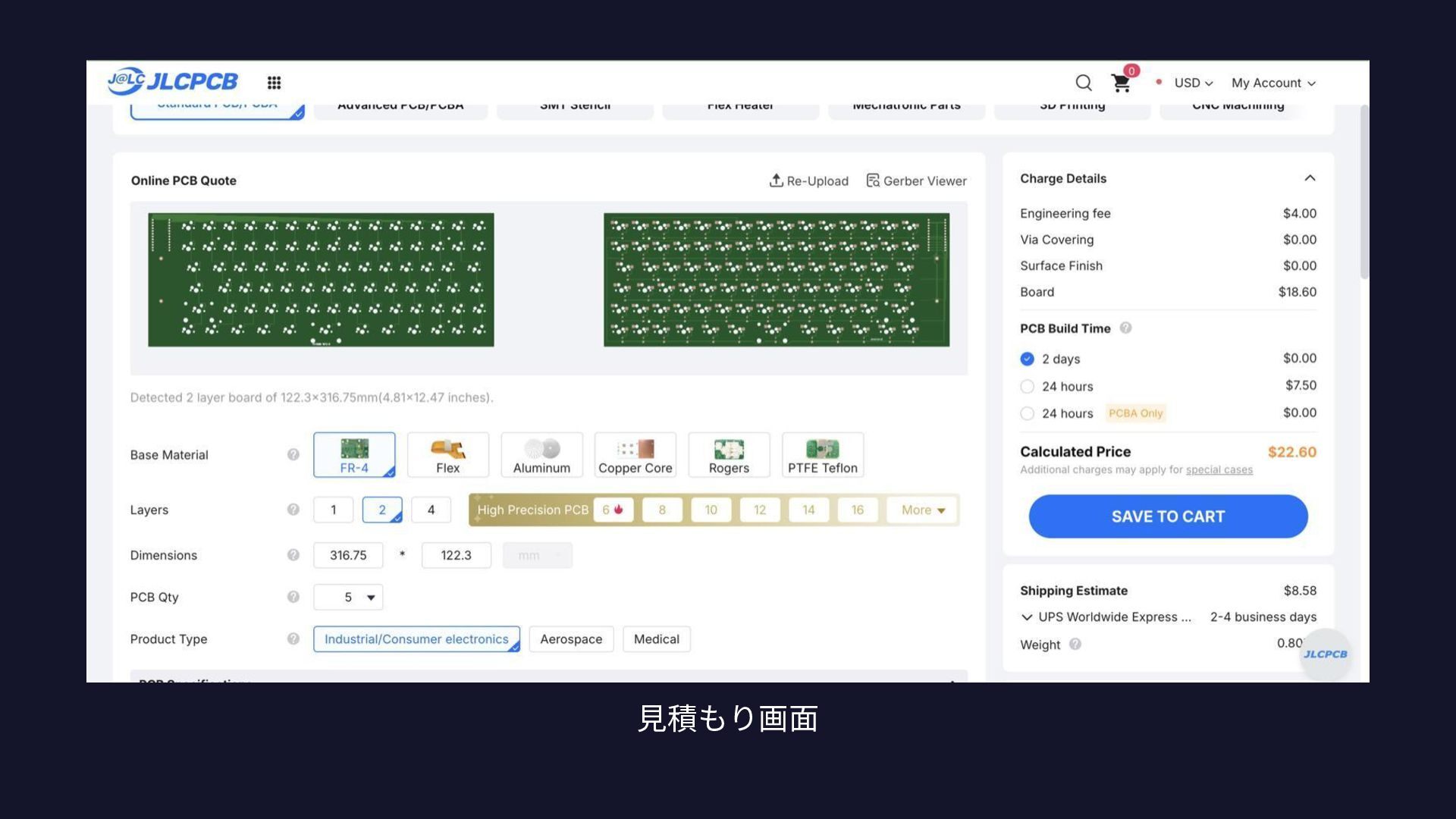
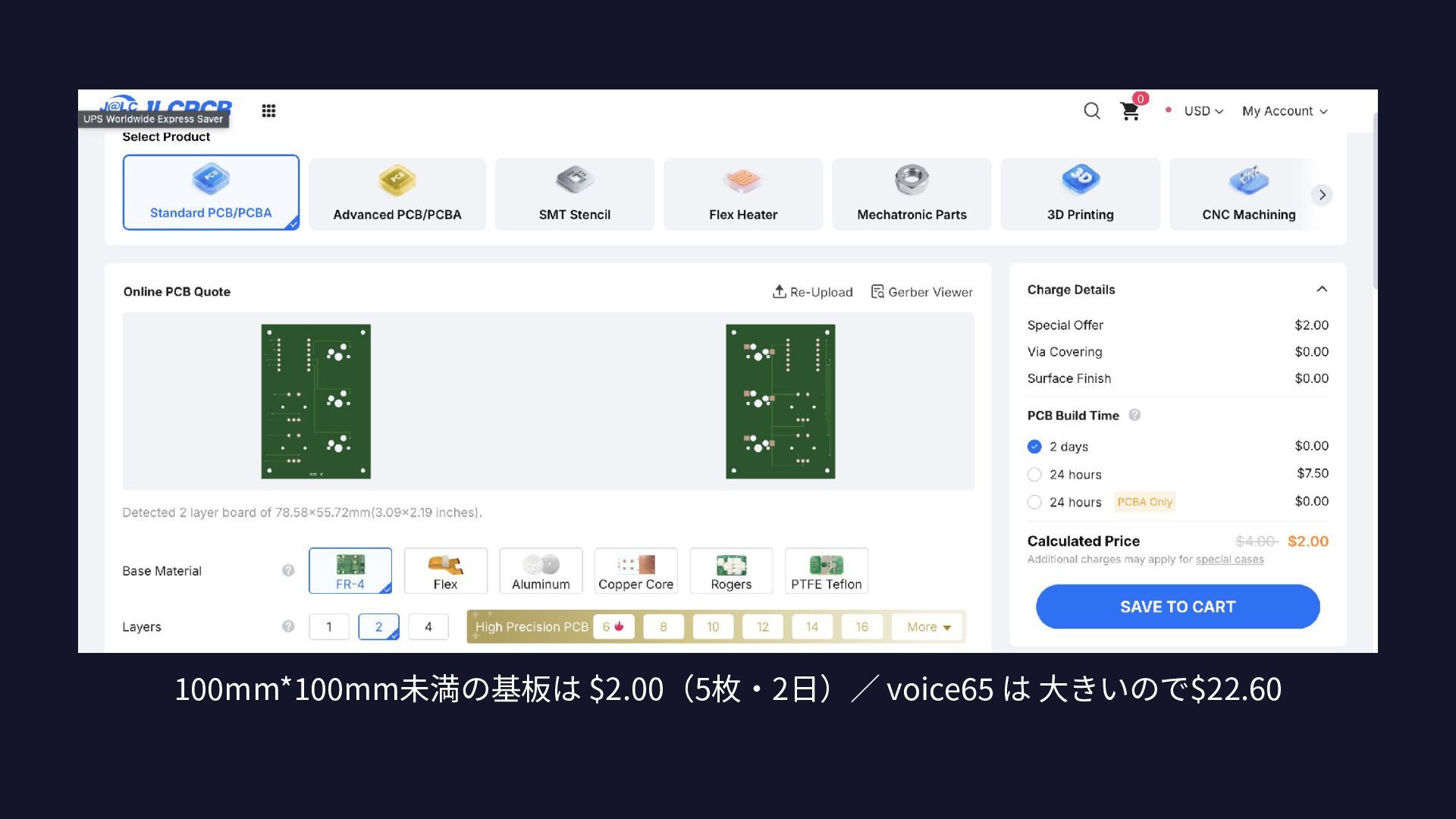
⾒積もり画⾯
AI⽣成ガーバーを JLCPCB にアップロード → 3Dプレビュー
無線機能まで! nRF52840 モジュール + CR123A 電池
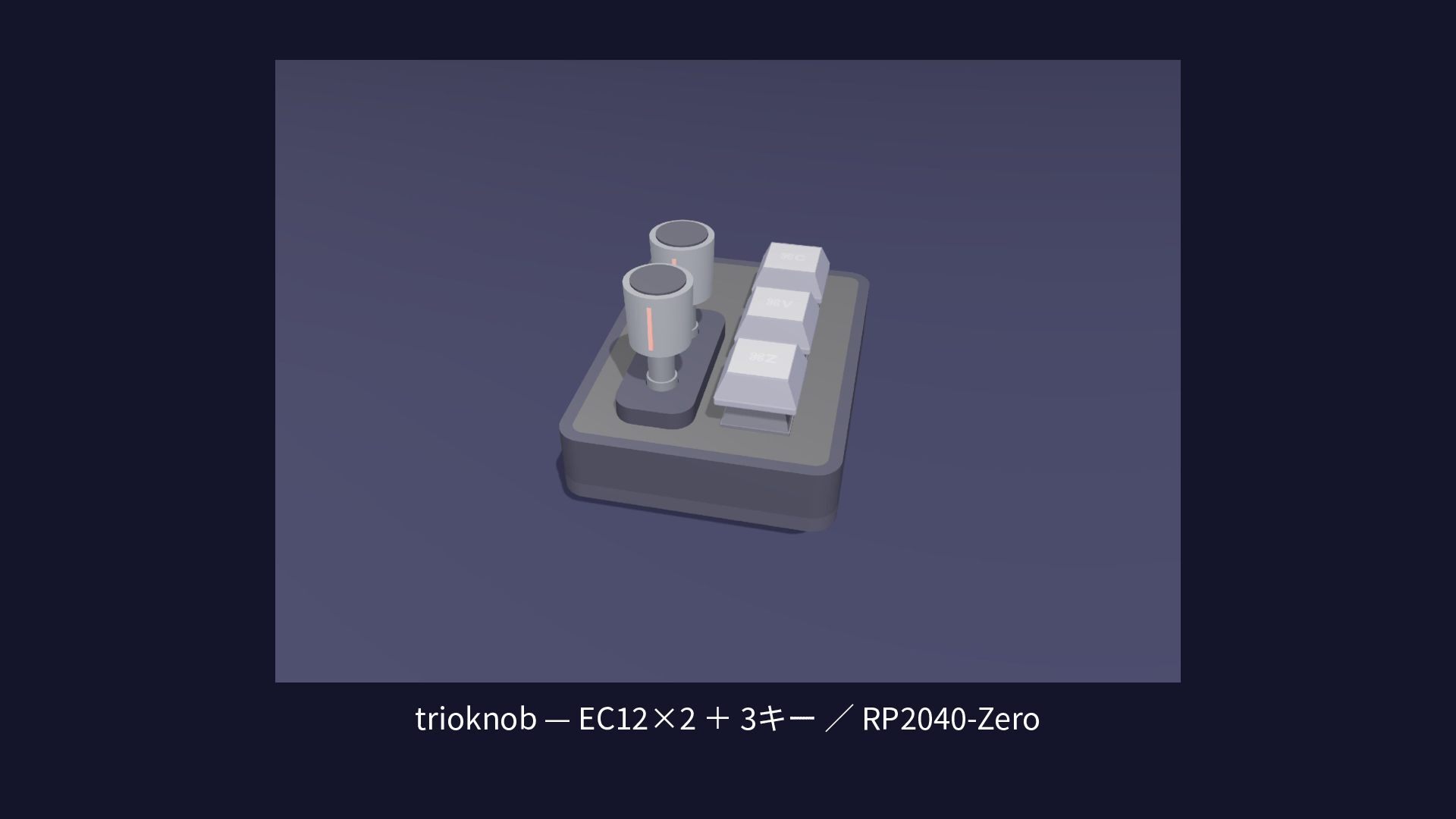
⼩さい版も 作りました
trioknob — EC12×2 + 3キー ∕ RP2040-Zero
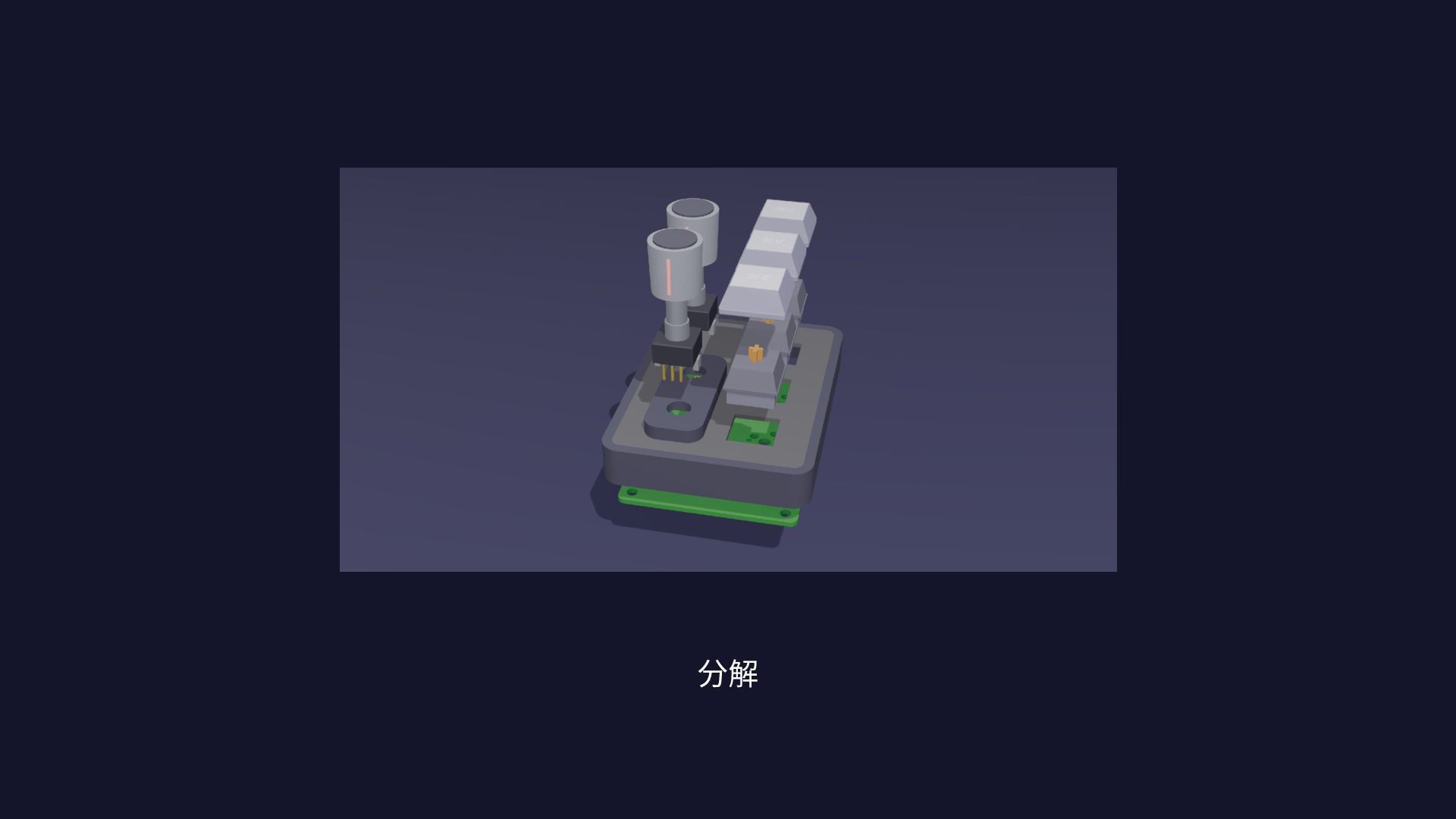
分解
100mm*100mm未満の基板は $2.00(5枚‧2⽇)∕ voice65 は ⼤きいので$22.60
今⽇、 実物持ってきました ぜひ触ってみてください
まだ、 ⼀⾔では作れない
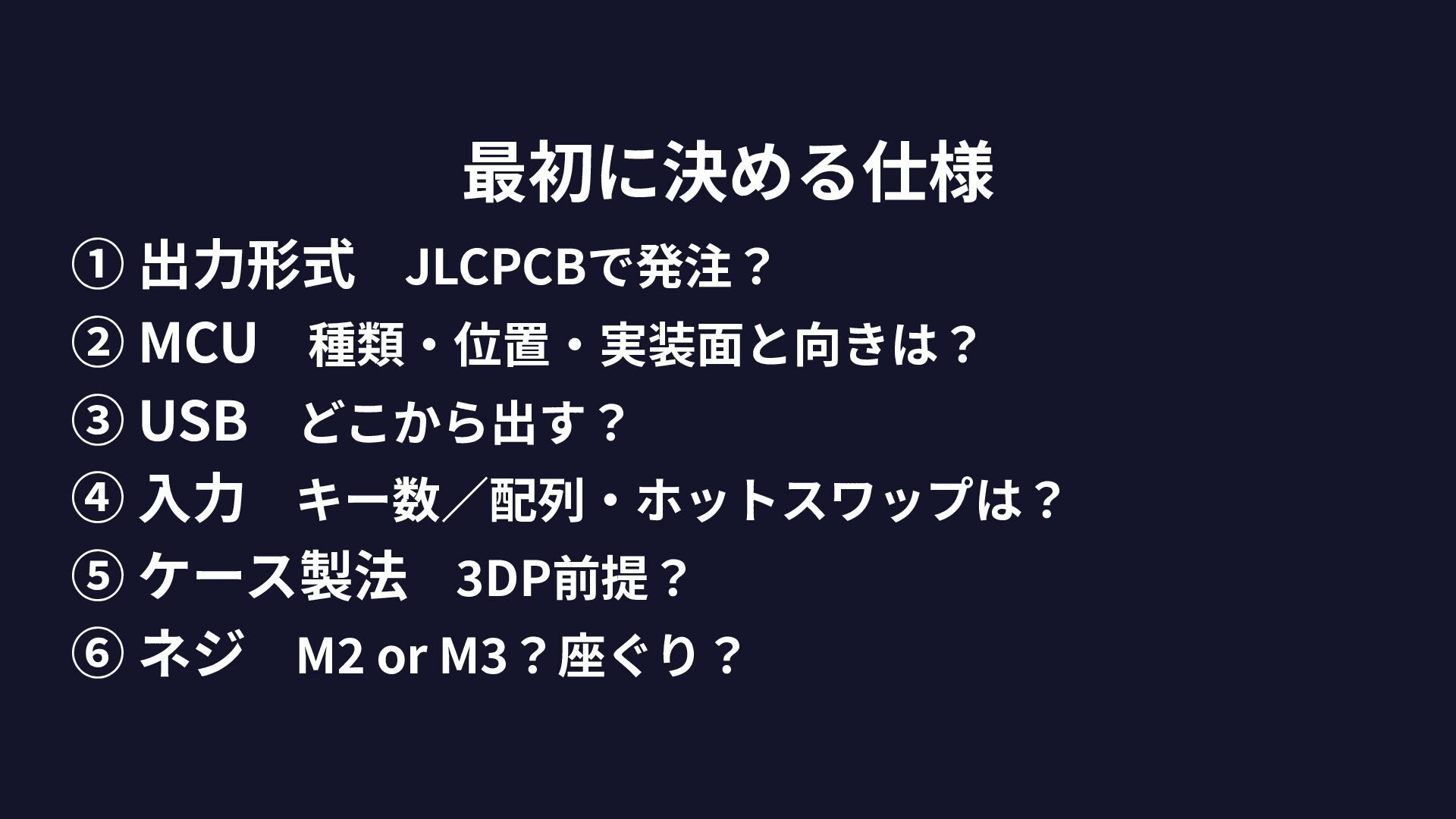
最初に決める仕様 ① 出⼒形式 JLCPCBで発注? ② MCU 種類‧位置‧実装⾯と向きは? ③ USB どこから出す? ④ ⼊⼒ キー数∕配列‧ホットスワップは? ⑤
ケース製法 3DP前提? ⑥ ネジ M2 or M3?座ぐり?
基板⾃作 × AI ↓ 誰でもできる時代がきた!
ありがとう ございました!

 Your Podcast. Everywhere. Effortlessly.


 chrisshort
 thoeni
 frankvandijk
 marcoroth
 nmsamuel
 rasmusluckow
 soudai
 geshan
 brettharned
 chriscoyier
 sugarenia
 stephaniewalter