Upgrade to Pro — share decks privately, control downloads, hide ads and more …

知っておきたかったUIGestureRecognizerとUITouchの違い

Sponsored · Your Podcast. Everywhere. Effortlessly. Share. Educate. Inspire. Entertain. You do you. We'll handle the rest.
Avatar for Maika Yamada Maika Yamada
November 15, 2018
1.1k

 知っておきたかったUIGestureRecognizerとUITouchの違い

Avatar for Maika Yamada

Maika Yamada

November 15, 2018
Tweet

Transcript

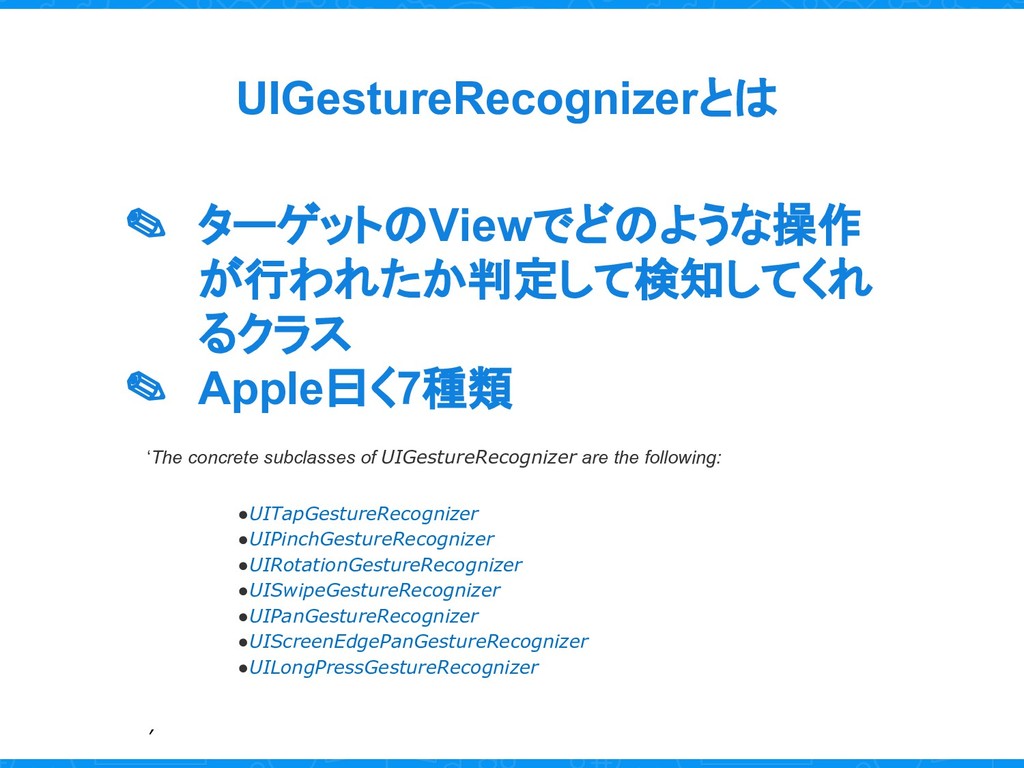
  1. UIGestureRecognizerとは ✎ ターゲットのViewでどのような操作 が行われたか判定して検知してくれ るクラス ✎ Apple曰く7種類 ‘The concrete subclasses

    of UIGestureRecognizer are the following: •UITapGestureRecognizer •UIPinchGestureRecognizer •UIRotationGestureRecognizer •UISwipeGestureRecognizer •UIPanGestureRecognizer •UIScreenEdgePanGestureRecognizer •UILongPressGestureRecognizer ’
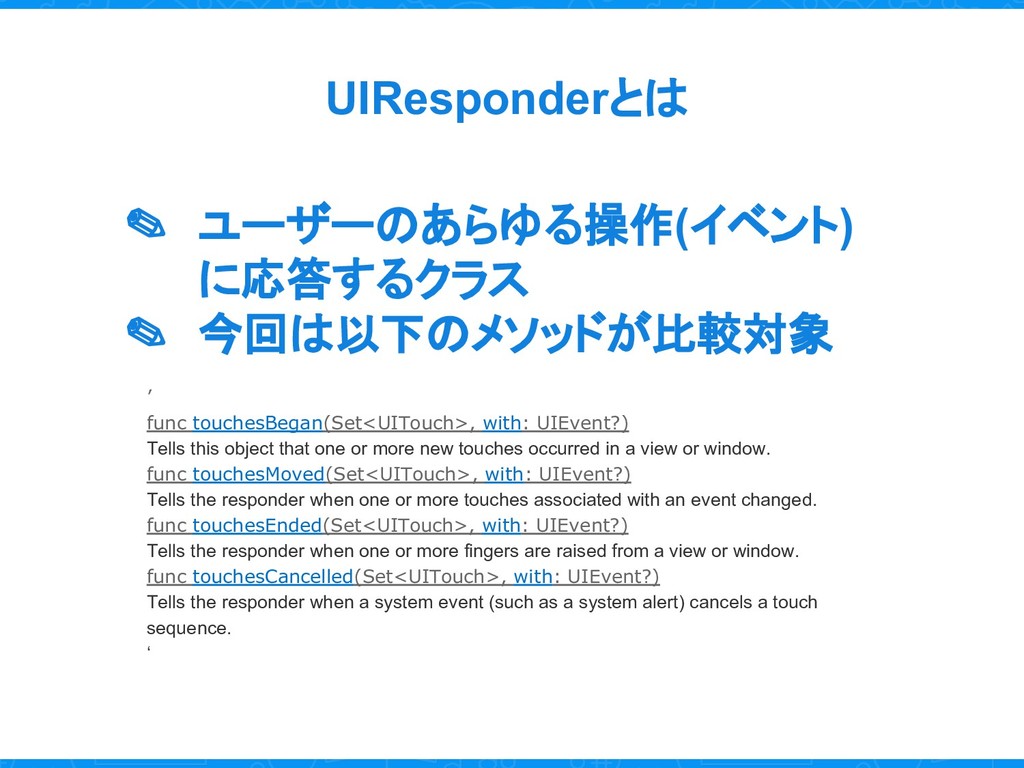
  2. UIResponderとは ✎ ユーザーのあらゆる操作(イベント) に応答するクラス ✎ 今回は以下のメソッドが比較対象 ’ func touchesBegan(Set<UITouch>, with:

    UIEvent?) Tells this object that one or more new touches occurred in a view or window. func touchesMoved(Set<UITouch>, with: UIEvent?) Tells the responder when one or more touches associated with an event changed. func touchesEnded(Set<UITouch>, with: UIEvent?) Tells the responder when one or more fingers are raised from a view or window. func touchesCancelled(Set<UITouch>, with: UIEvent?) Tells the responder when a system event (such as a system alert) cancels a touch sequence. ‘
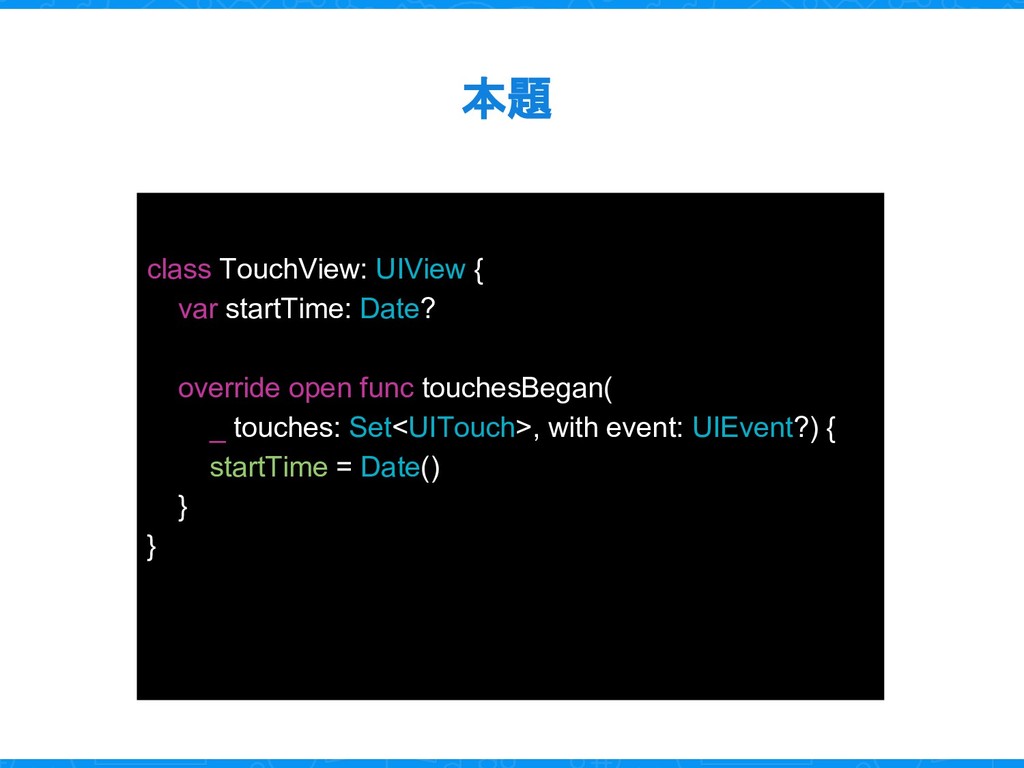
  3. 本題 class TouchView: UIView { var startTime: Date? override open

    func touchesBegan( _ touches: Set<UITouch>, with event: UIEvent?) { startTime = Date() } }
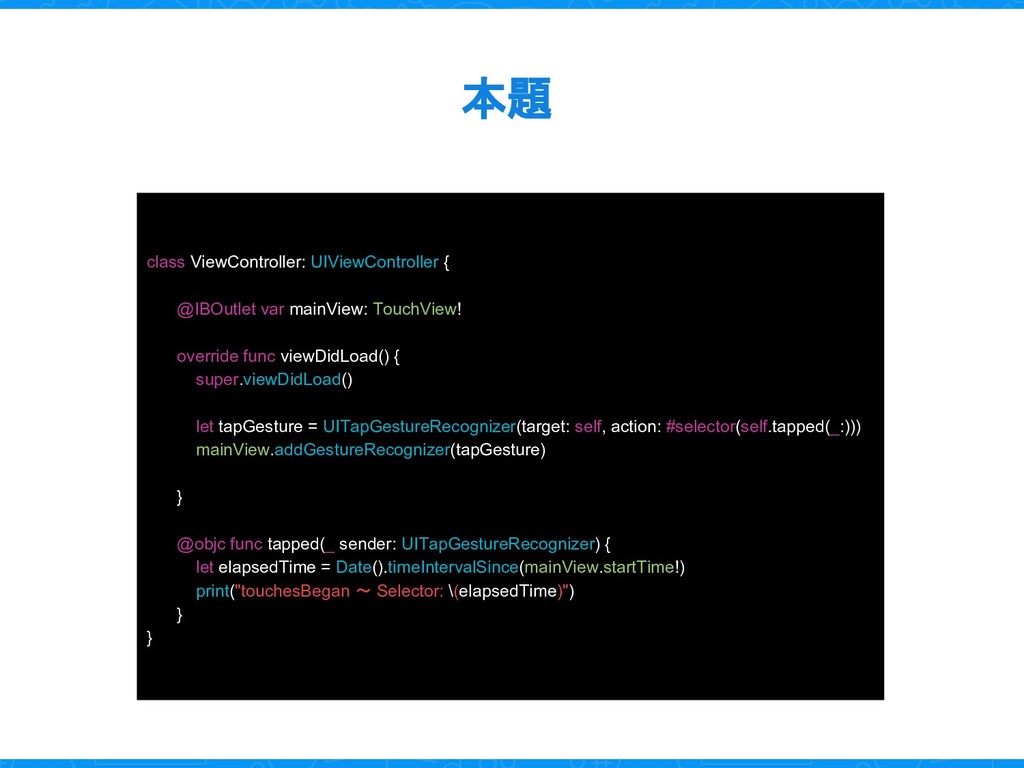
  4. 本題 class ViewController: UIViewController { @IBOutlet var mainView: TouchView! override

    func viewDidLoad() { super.viewDidLoad() let tapGesture = UITapGestureRecognizer(target: self, action: #selector(self.tapped(_:))) mainView.addGestureRecognizer(tapGesture) } @objc func tapped(_ sender: UITapGestureRecognizer) { let elapsedTime = Date().timeIntervalSince(mainView.startTime!) print("touchesBegan 〜 Selector: \(elapsedTime)") } }
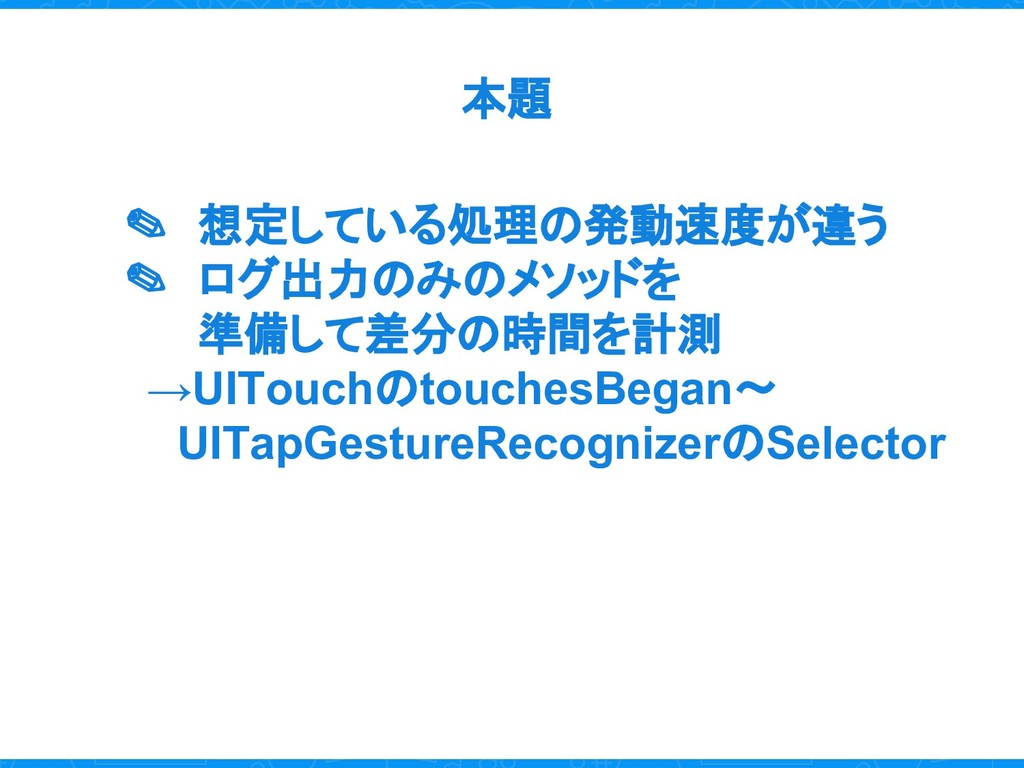
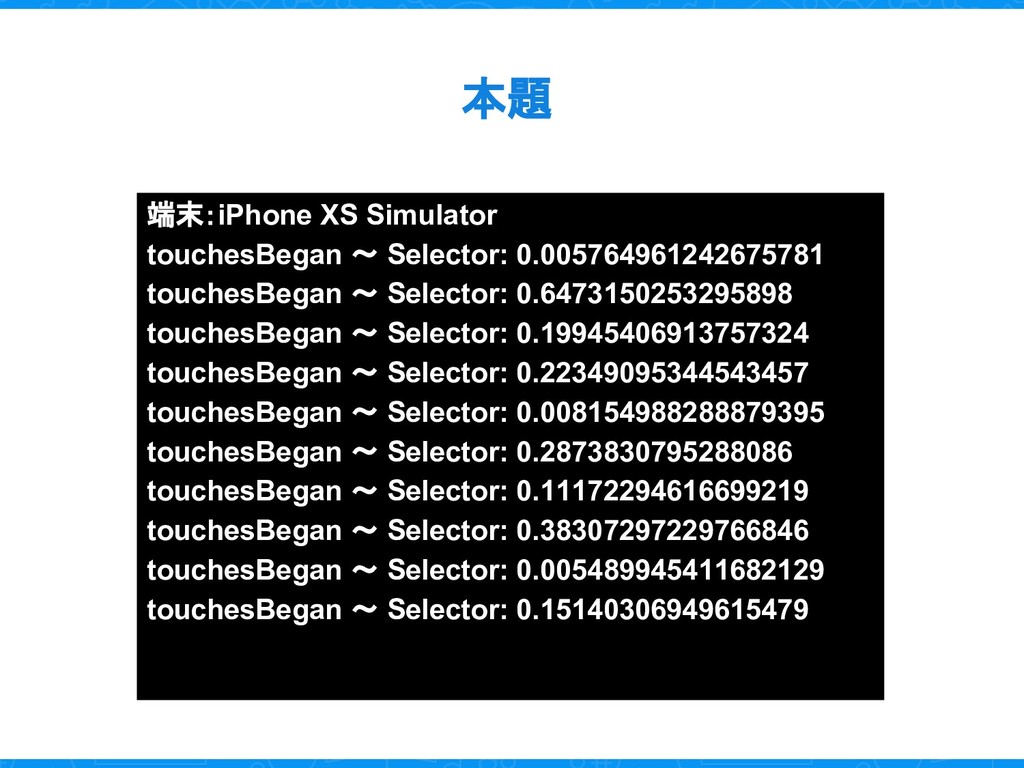
  5. 本題 端末:iPhone XS Simulator touchesBegan 〜 Selector: 0.005764961242675781 touchesBegan 〜

    Selector: 0.6473150253295898 touchesBegan 〜 Selector: 0.19945406913757324 touchesBegan 〜 Selector: 0.22349095344543457 touchesBegan 〜 Selector: 0.008154988288879395 touchesBegan 〜 Selector: 0.2873830795288086 touchesBegan 〜 Selector: 0.11172294616699219 touchesBegan 〜 Selector: 0.38307297229766846 touchesBegan 〜 Selector: 0.005489945411682129 touchesBegan 〜 Selector: 0.15140306949615479
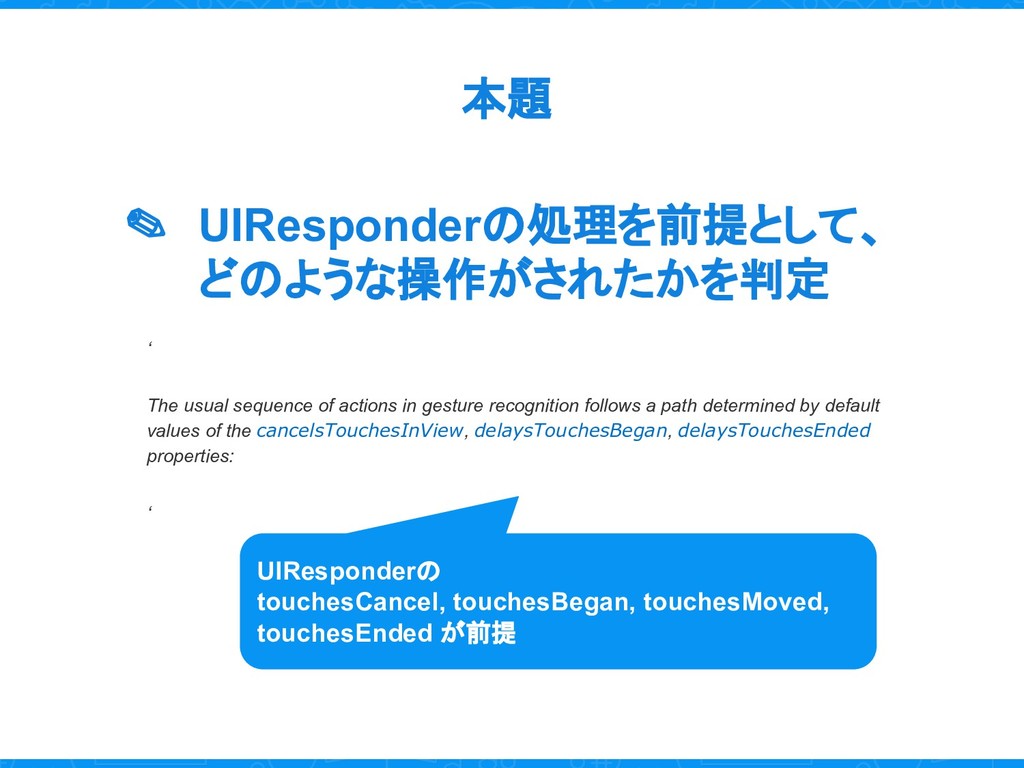
  6. 本題 ✎ UIResponderの処理を前提として、 どのような操作がされたかを判定 ‘ The usual sequence of actions

    in gesture recognition follows a path determined by default values of the cancelsTouchesInView, delaysTouchesBegan, delaysTouchesEnded properties: ‘ UIResponderの touchesCancel, touchesBegan, touchesMoved, touchesEnded が前提