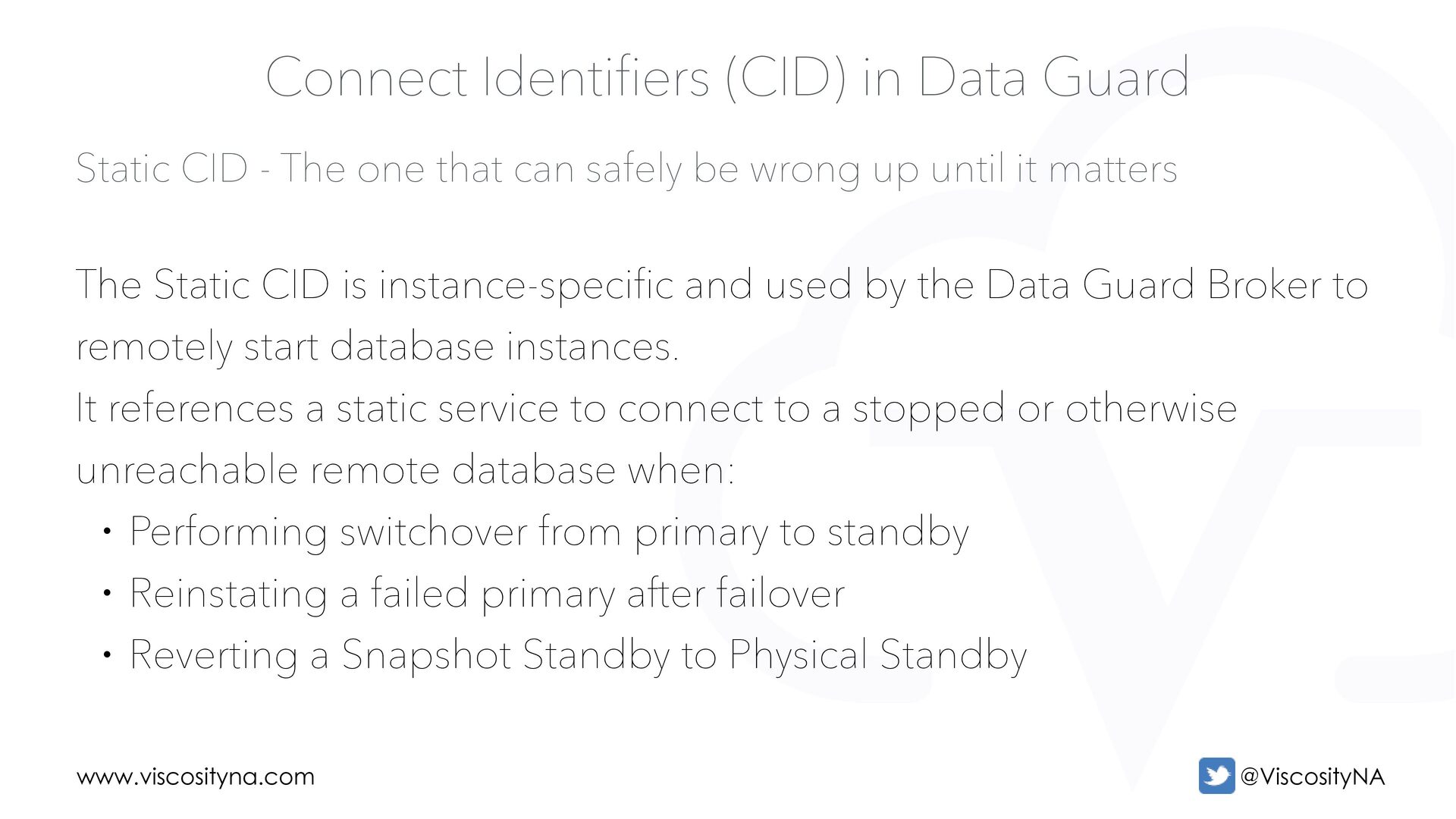
be wrong up until it matters Connect Identifiers (CID) in Data Guard The Static CID is instance-specific and used by the Data Guard Broker to remotely start database instances. It references a static service to connect to a stopped or otherwise unreachable remote database when: • Performing switchover from primary to standby • Reinstating a failed primary after failover • Reverting a Snapshot Standby to Physical Standby
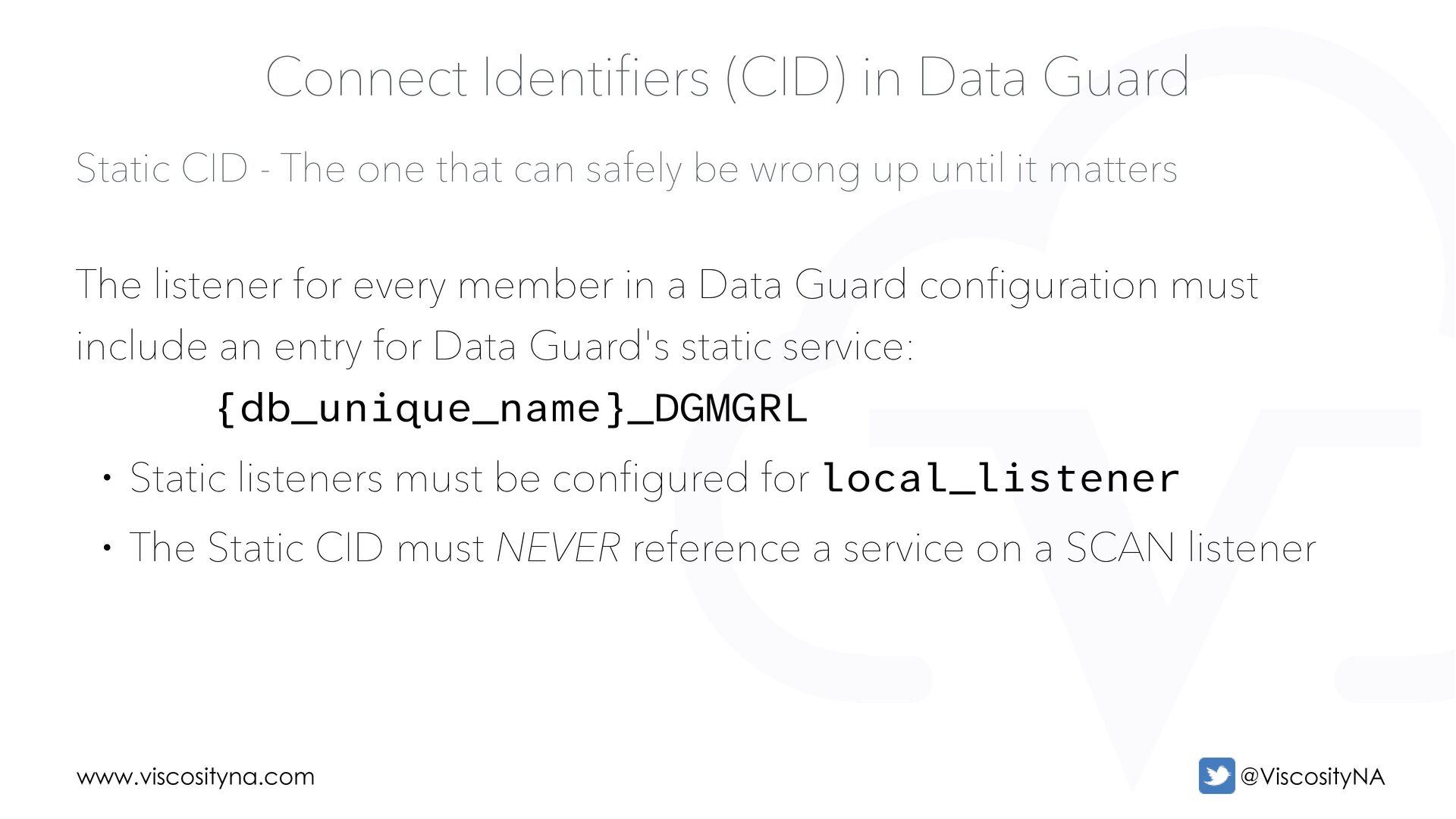
be wrong up until it matters Connect Identifiers (CID) in Data Guard The listener for every member in a Data Guard configuration must include an entry for Data Guard's static service: {db_unique_name}_DGMGRL • Static listeners must be configured for local_listener • The Static CID must NEVER reference a service on a SCAN listener
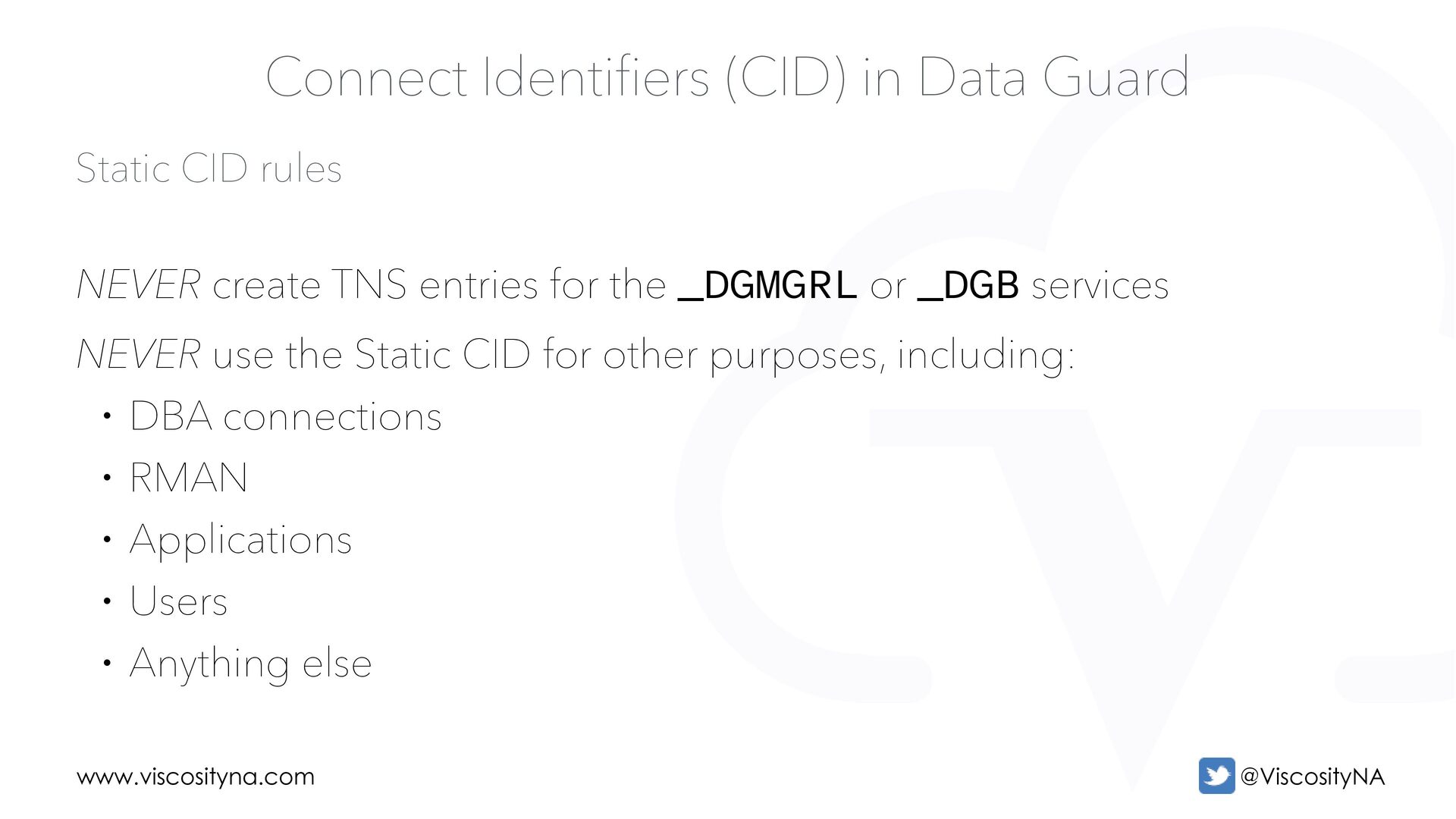
Guard NEVER create TNS entries for the _DGMGRL or _DGB services NEVER use the Static CID for other purposes, including: • DBA connections • RMAN • Applications • Users • Anything else
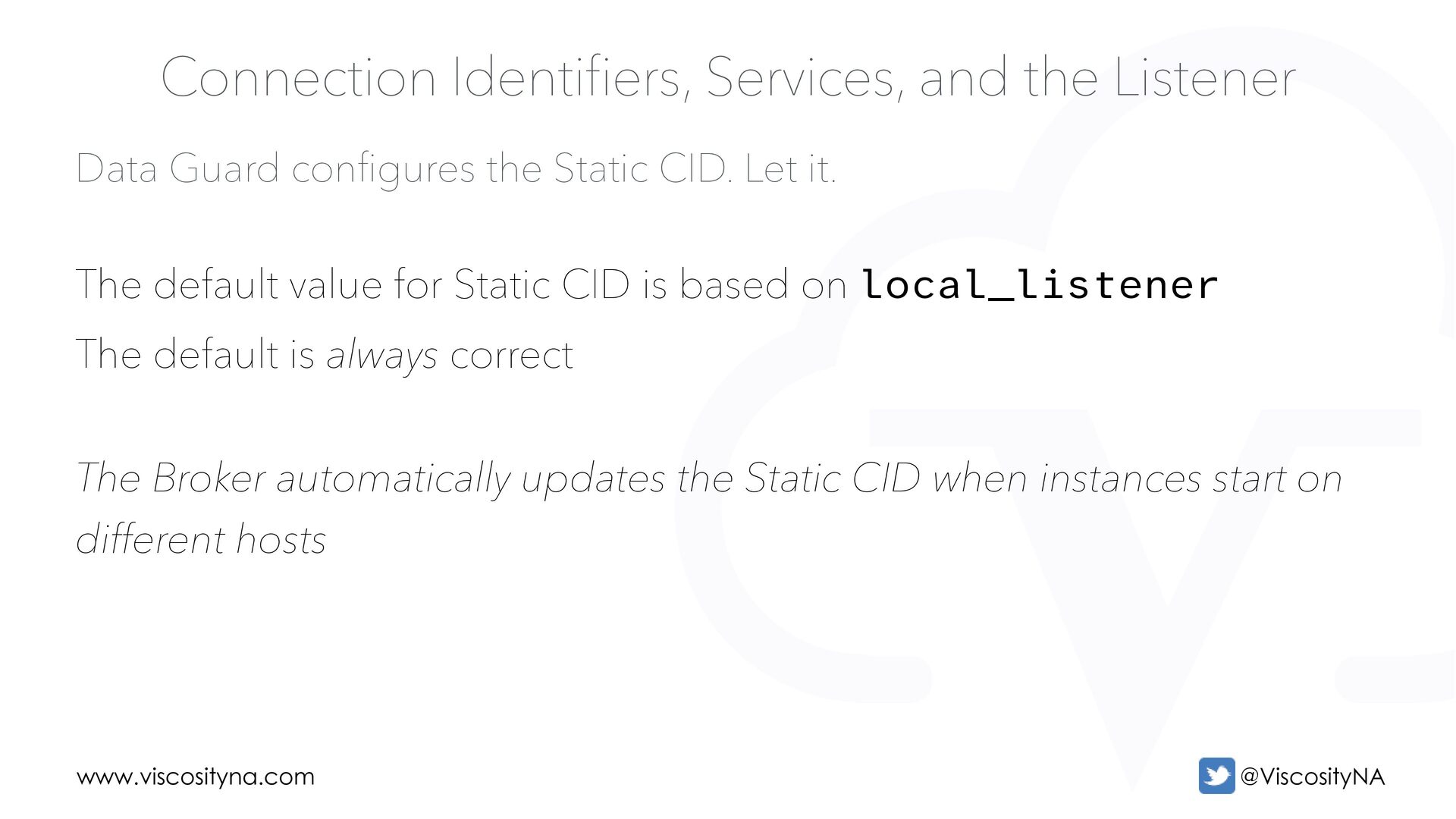
Let it. Connection Identifiers, Services, and the Listener The default value for Static CID is based on local_listener The default is always correct The Broker automatically updates the Static CID when instances start on different hosts
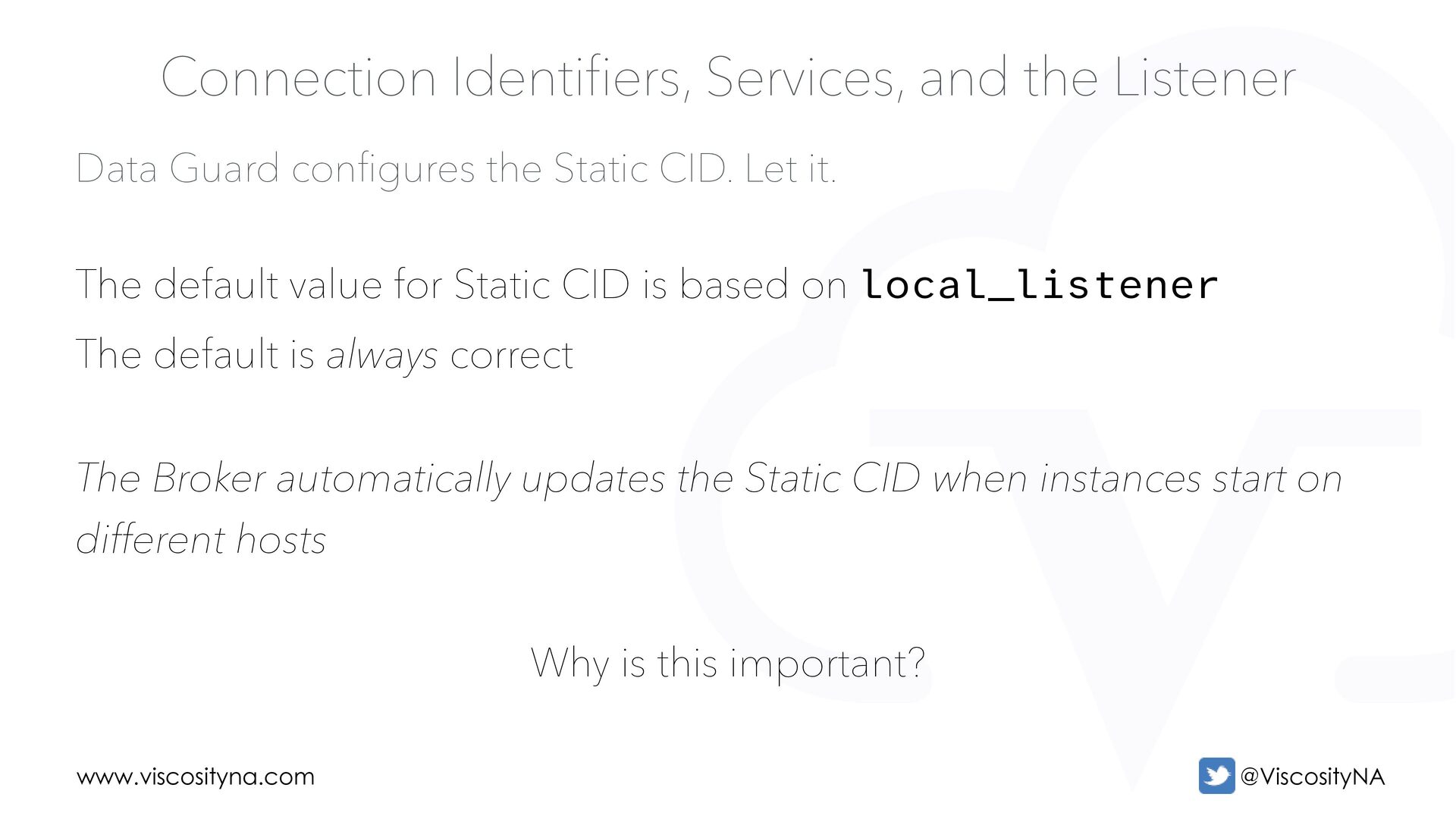
Let it. Connection Identifiers, Services, and the Listener The default value for Static CID is based on local_listener The default is always correct The Broker automatically updates the Static CID when instances start on different hosts Why is this important?
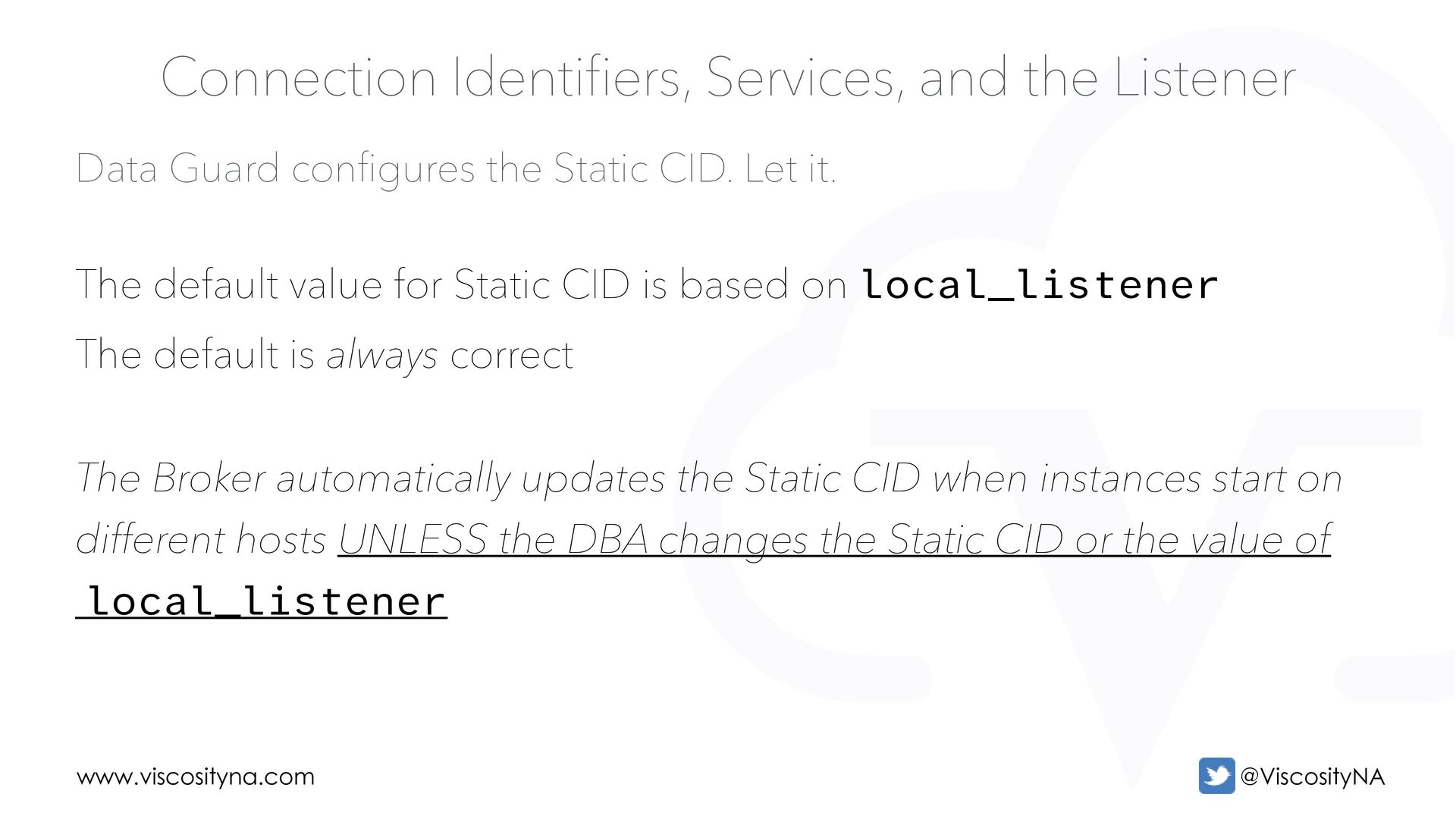
Let it. Connection Identifiers, Services, and the Listener The default value for Static CID is based on local_listener The default is always correct The Broker automatically updates the Static CID when instances start on different hosts UNLESS the DBA changes the Static CID or the value of local_listener
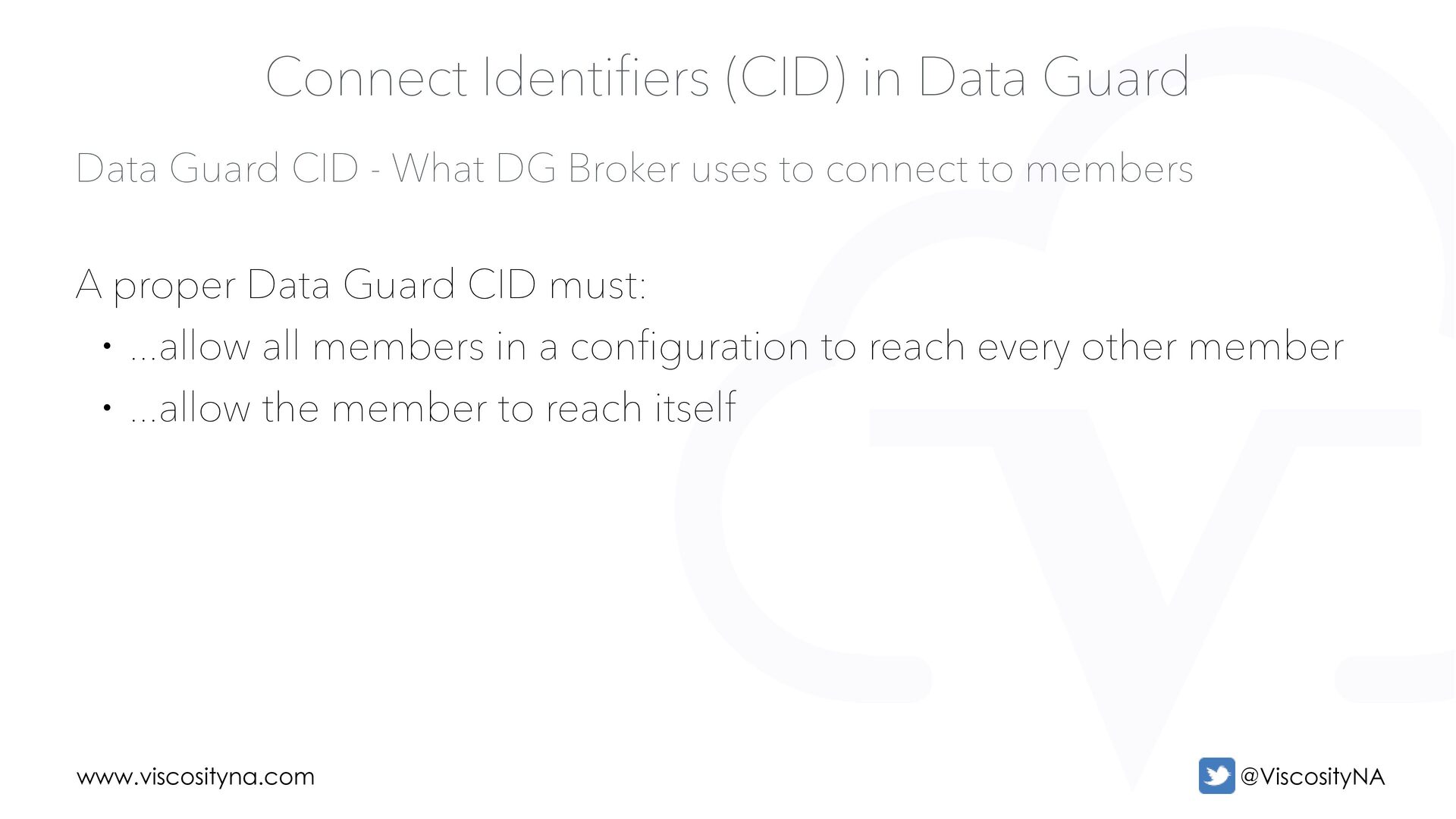
to connect to members Connect Identifiers (CID) in Data Guard A proper Data Guard CID must: • ...allow all members in a configuration to reach every other member • ...allow the member to reach itself
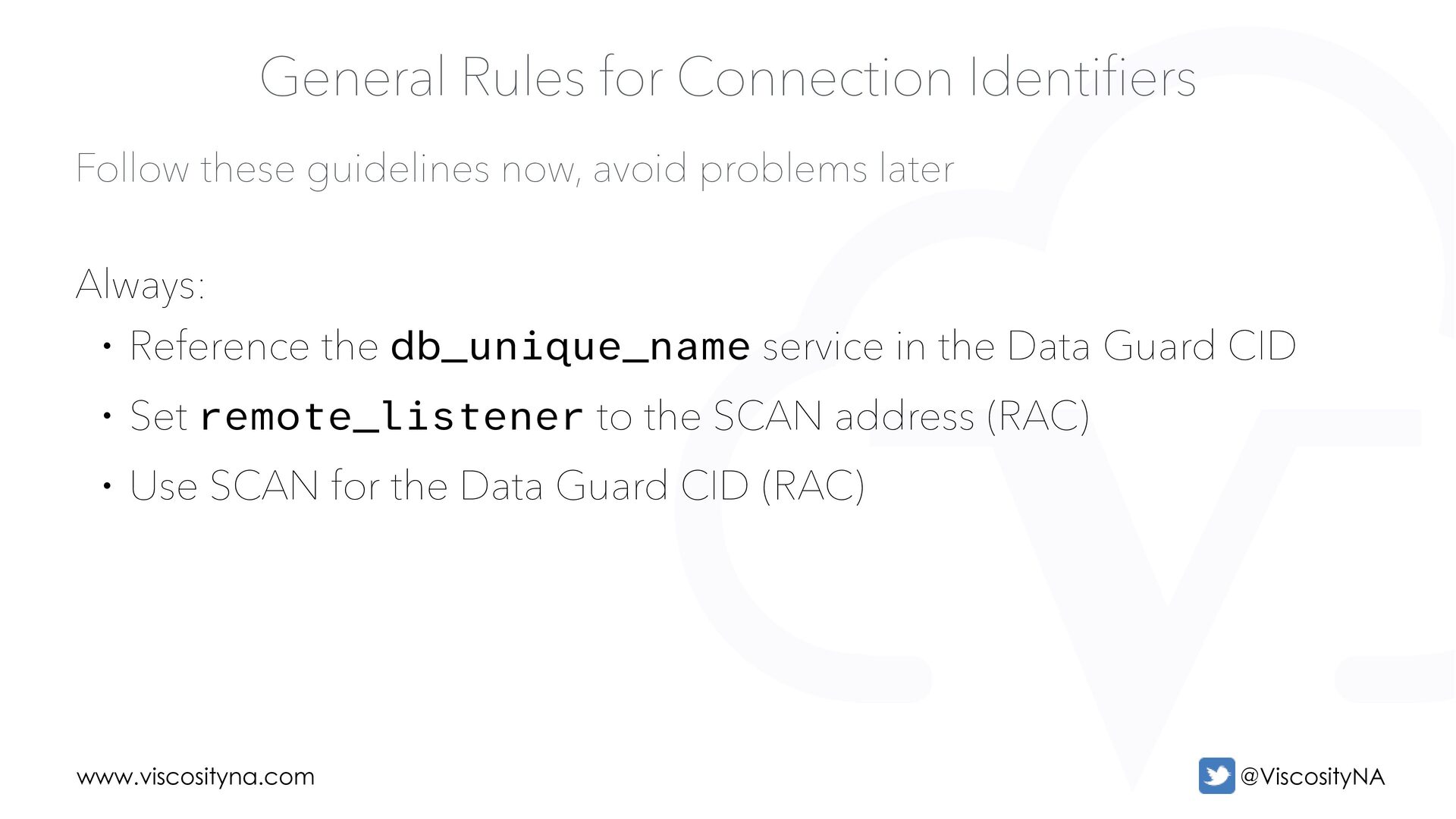
Rules for Connection Identifiers Always: • Reference the db_unique_name service in the Data Guard CID • Set remote_listener to the SCAN address (RAC) • Use SCAN for the Data Guard CID (RAC)
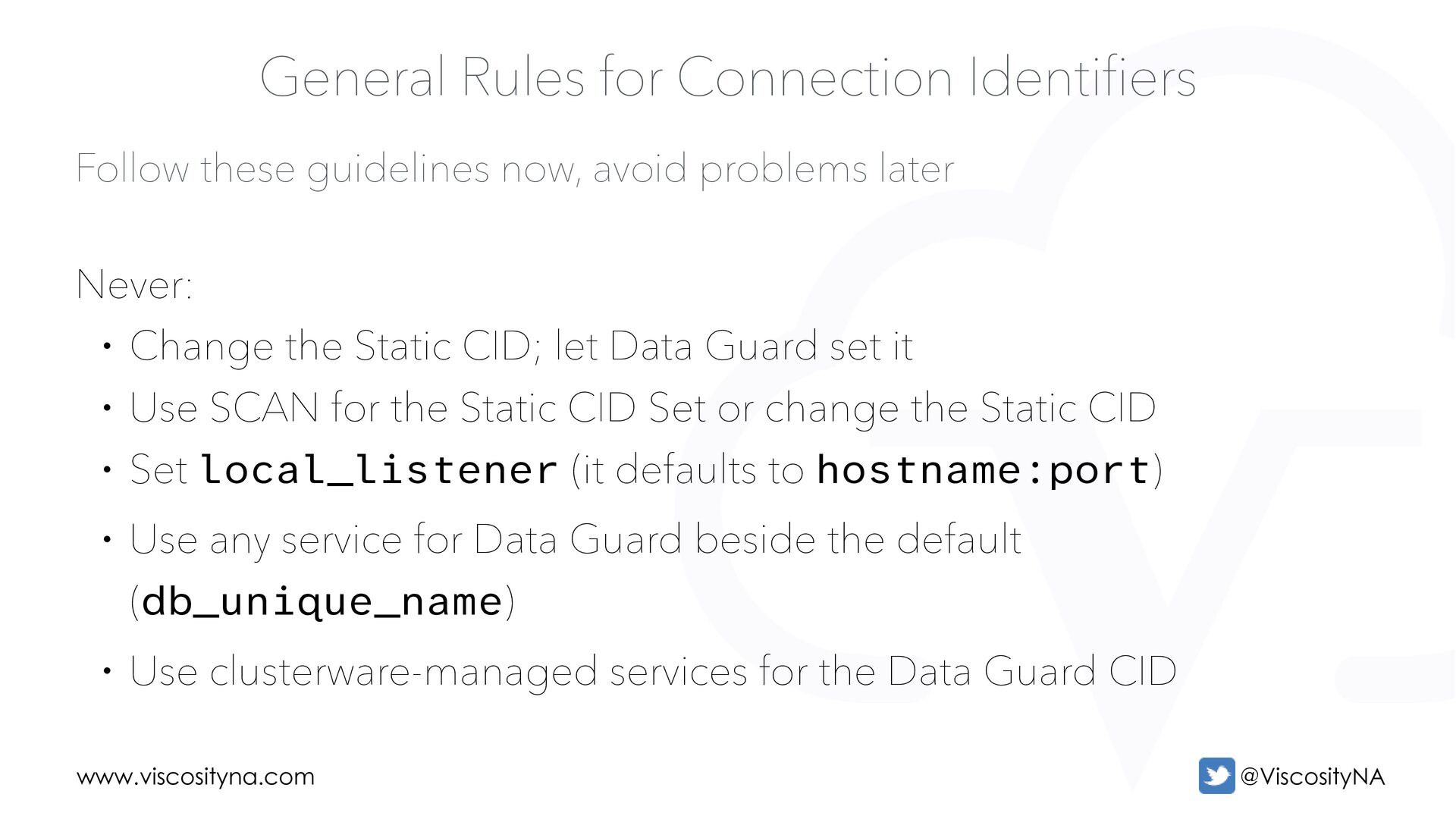
Rules for Connection Identifiers Never: • Change the Static CID; let Data Guard set it • Use SCAN for the Static CID Set or change the Static CID • Set local_listener (it defaults to hostname:port) • Use any service for Data Guard beside the default (db_unique_name) • Use clusterware-managed services for the Data Guard CID
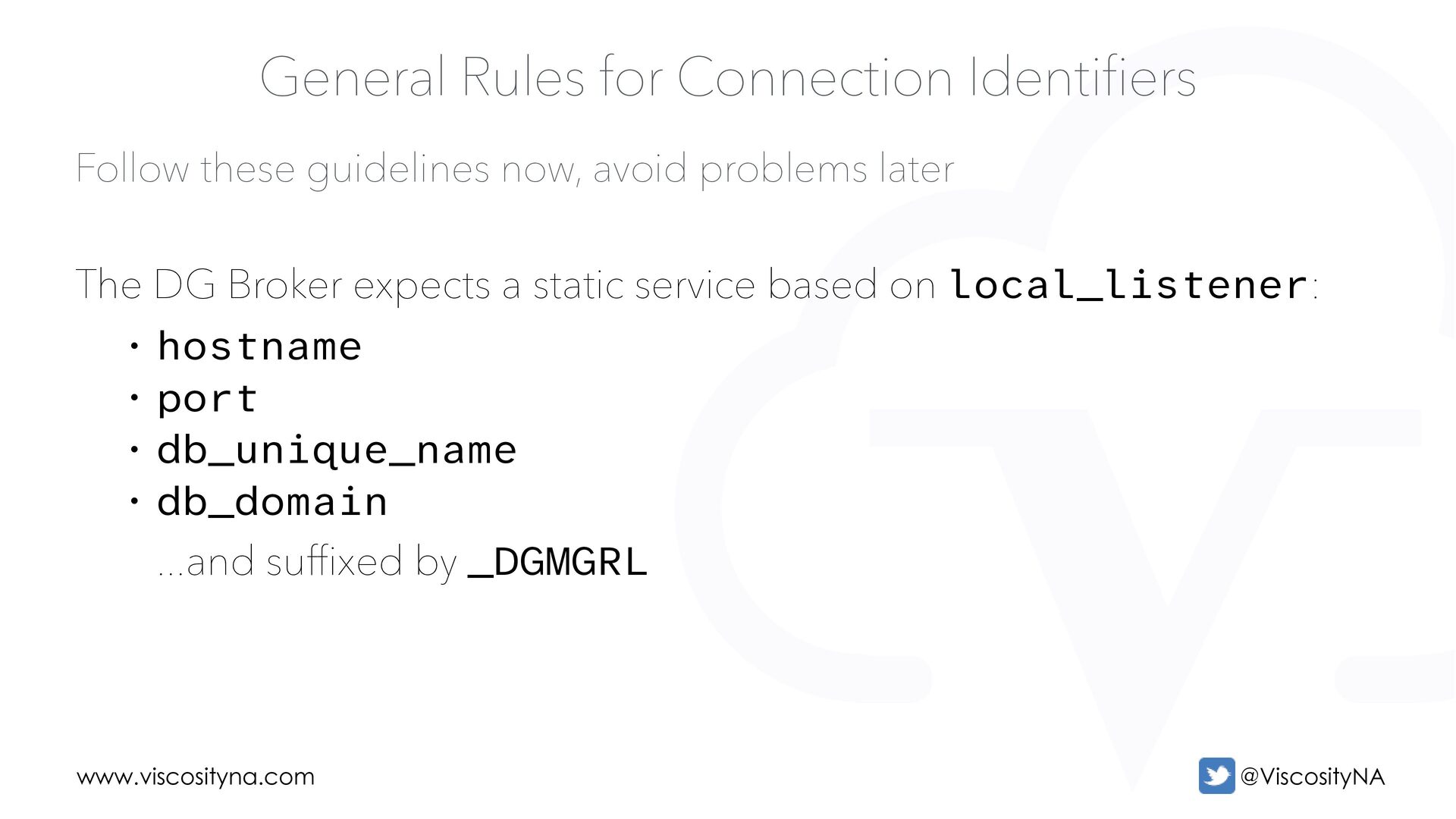
Rules for Connection Identifiers The DG Broker expects a static service based on local_listener: • hostname • port • db_unique_name • db_domain ...and suffixed by _DGMGRL
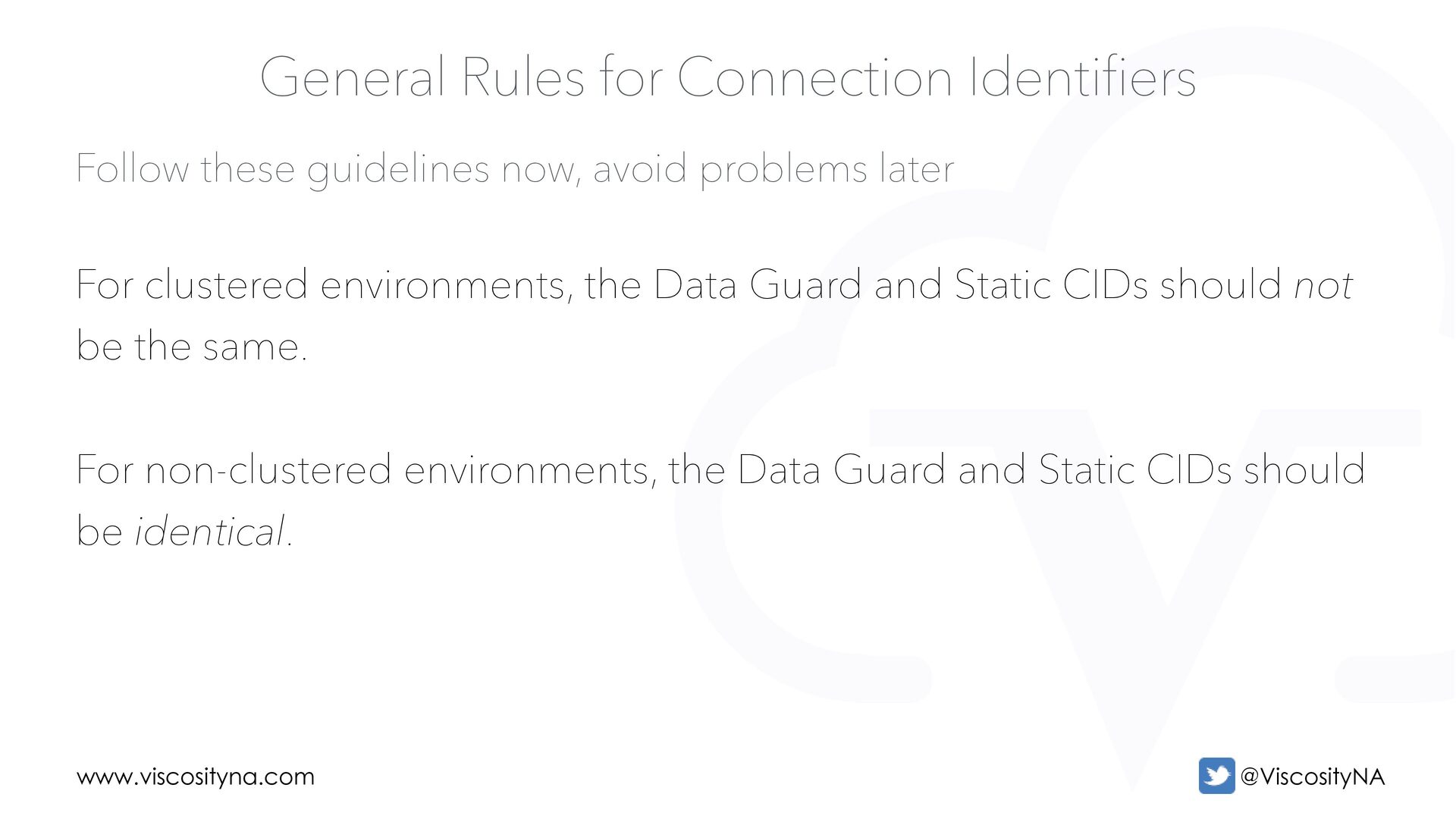
Rules for Connection Identifiers For clustered environments, the Data Guard and Static CIDs should not be the same. For non-clustered environments, the Data Guard and Static CIDs should be identical.
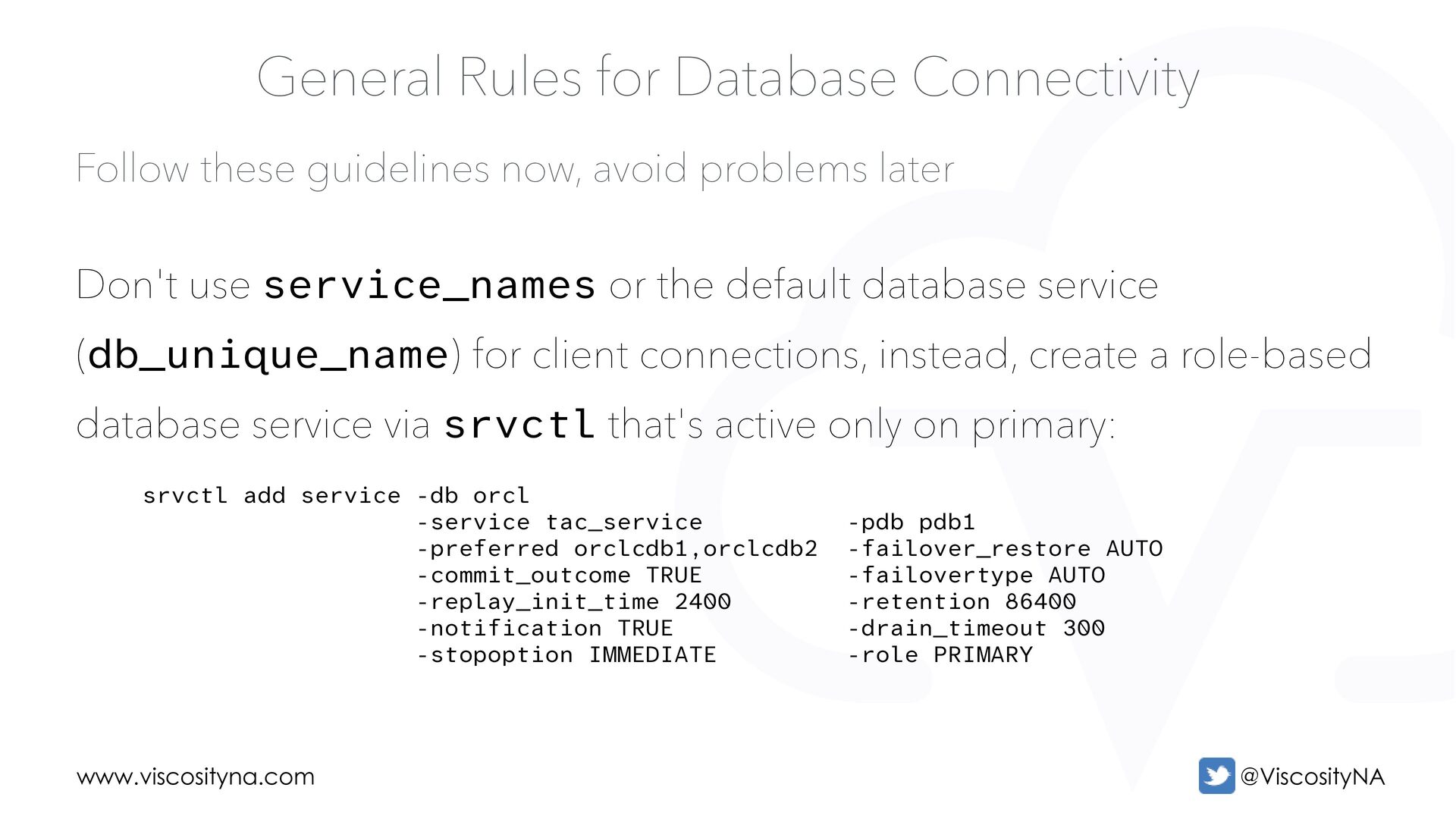
Rules for Database Connectivity Don't use service_names or the default database service (db_unique_name) for client connections, instead, create a role-based database service via srvctl that's active only on primary: srvctl add service -db orcl -service tac_service -pdb pdb1 -preferred orclcdb1,orclcdb2 -failover_restore AUTO -commit_outcome TRUE -failovertype AUTO -replay_init_time 2400 -retention 86400 -notification TRUE -drain_timeout 300 -stopoption IMMEDIATE -role PRIMARY
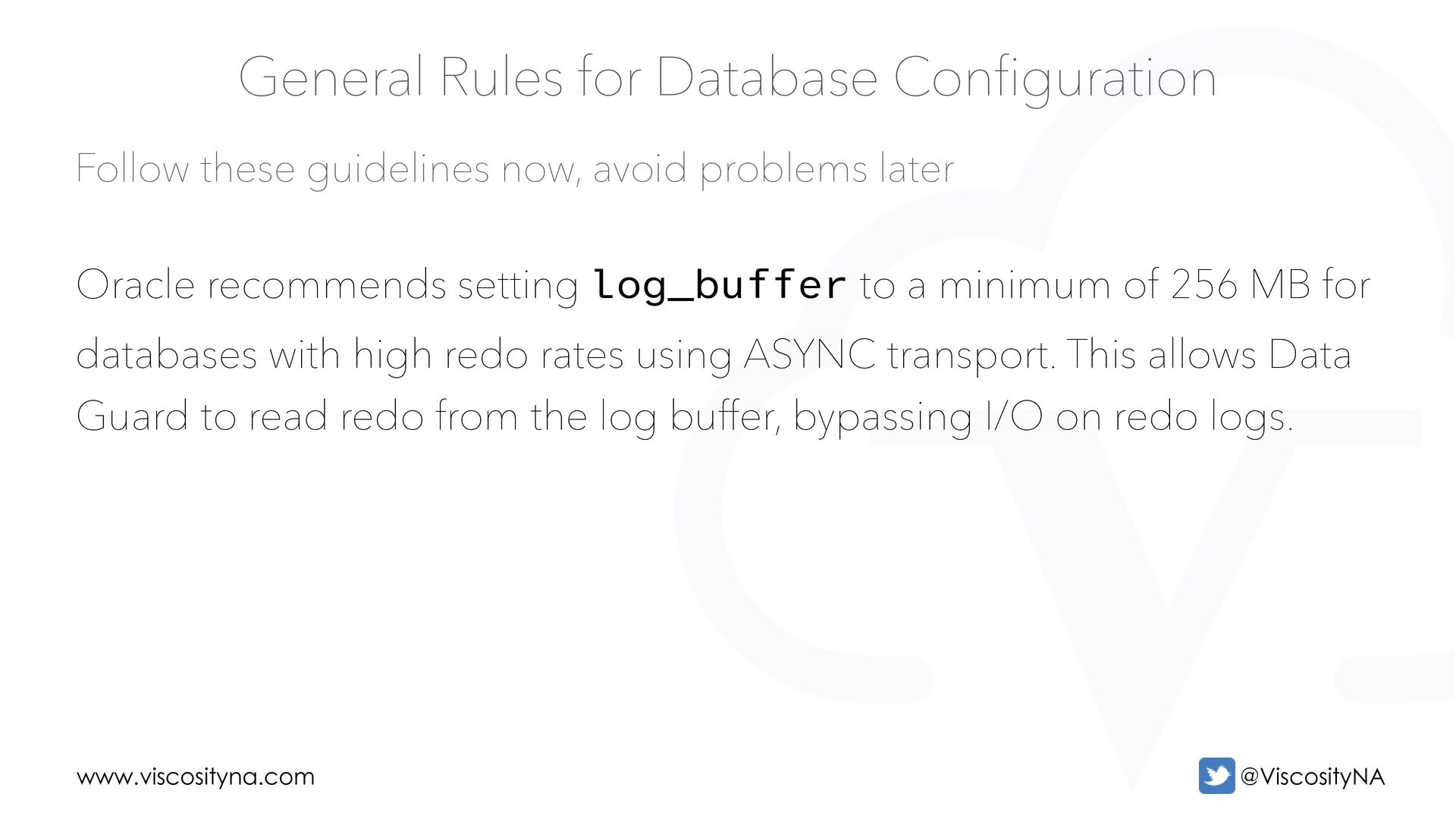
Rules for Database Configuration Oracle recommends setting log_buffer to a minimum of 256 MB for databases with high redo rates using ASYNC transport. This allows Data Guard to read redo from the log buffer, bypassing I/O on redo logs.
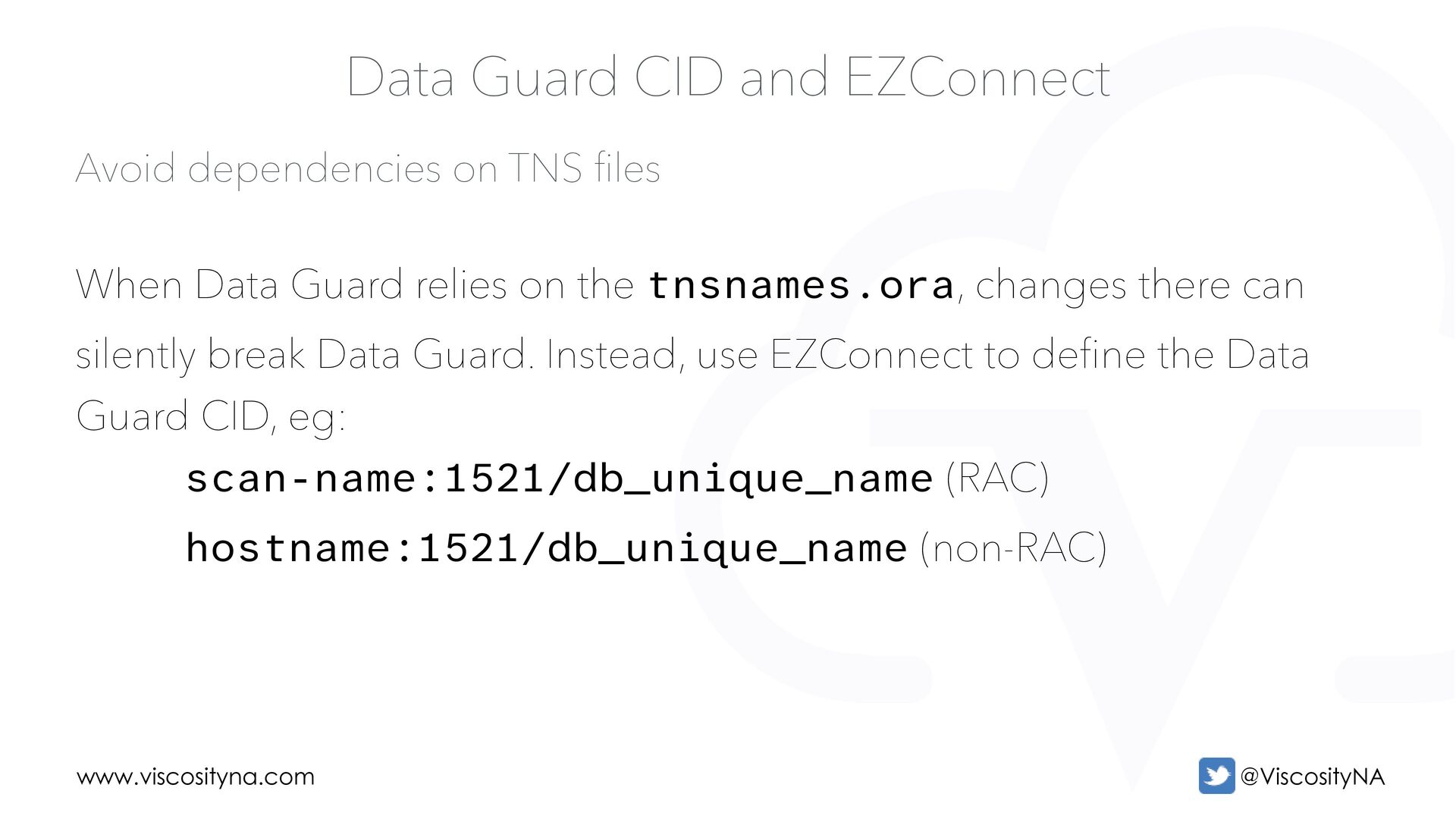
CID and EZConnect When Data Guard relies on the tnsnames.ora, changes there can silently break Data Guard. Instead, use EZConnect to define the Data Guard CID, eg: scan-name:1521/db_unique_name (RAC) hostname:1521/db_unique_name (non-RAC)
CID and EZConnect Be weary of iFiles in TNS configurations used by Data Guard! • TNS files are are evaluated sequentially (top to bottom) • Duplicate entries in iFiles can confuse/create unintended behavior • iFiles can be nested, but Oracle only evaluates three levels
Guard Broker The Broker simplifies every aspect of Data Guard configuration, management, and monitoring. In Oracle AI Database 26ai, Broker commands are available via: • Data Guard Broker CLI (dgmgrl) • SQLcl • PL/SQL API • REST API
Guard Broker In Oracle AI Database 26ai, the Broker adds automatic primary database preparation, including: • Setting archive log mode • Creating an spfile and setting the necessary parameters • Activating Flashback and the required logging • Creating standby redo logs • Adding an archive log deletion policy in RMAN
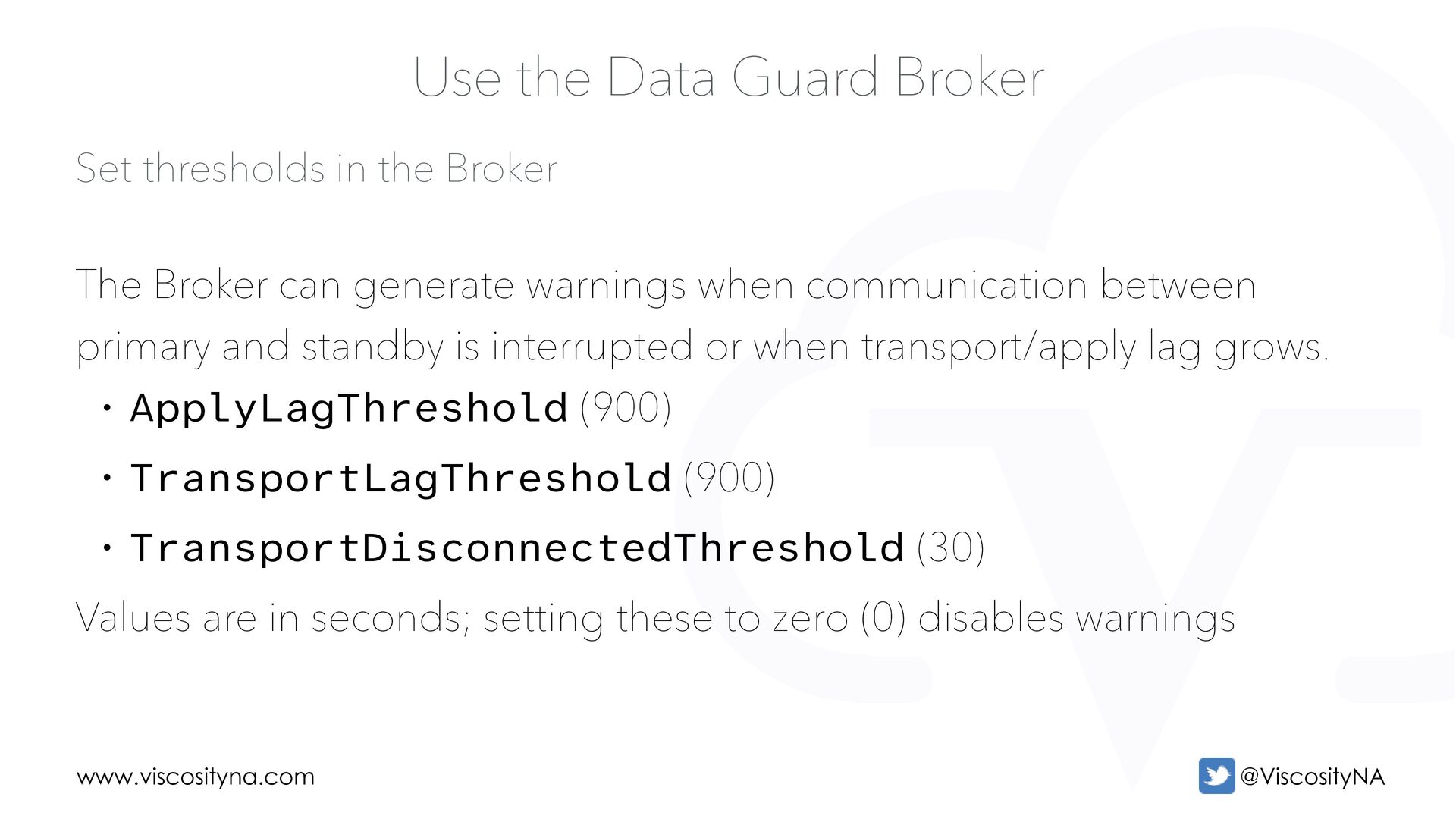
Guard Broker The Broker can generate warnings when communication between primary and standby is interrupted or when transport/apply lag grows. • ApplyLagThreshold (900) • TransportLagThreshold (900) • TransportDisconnectedThreshold (30) Values are in seconds; setting these to zero (0) disables warnings
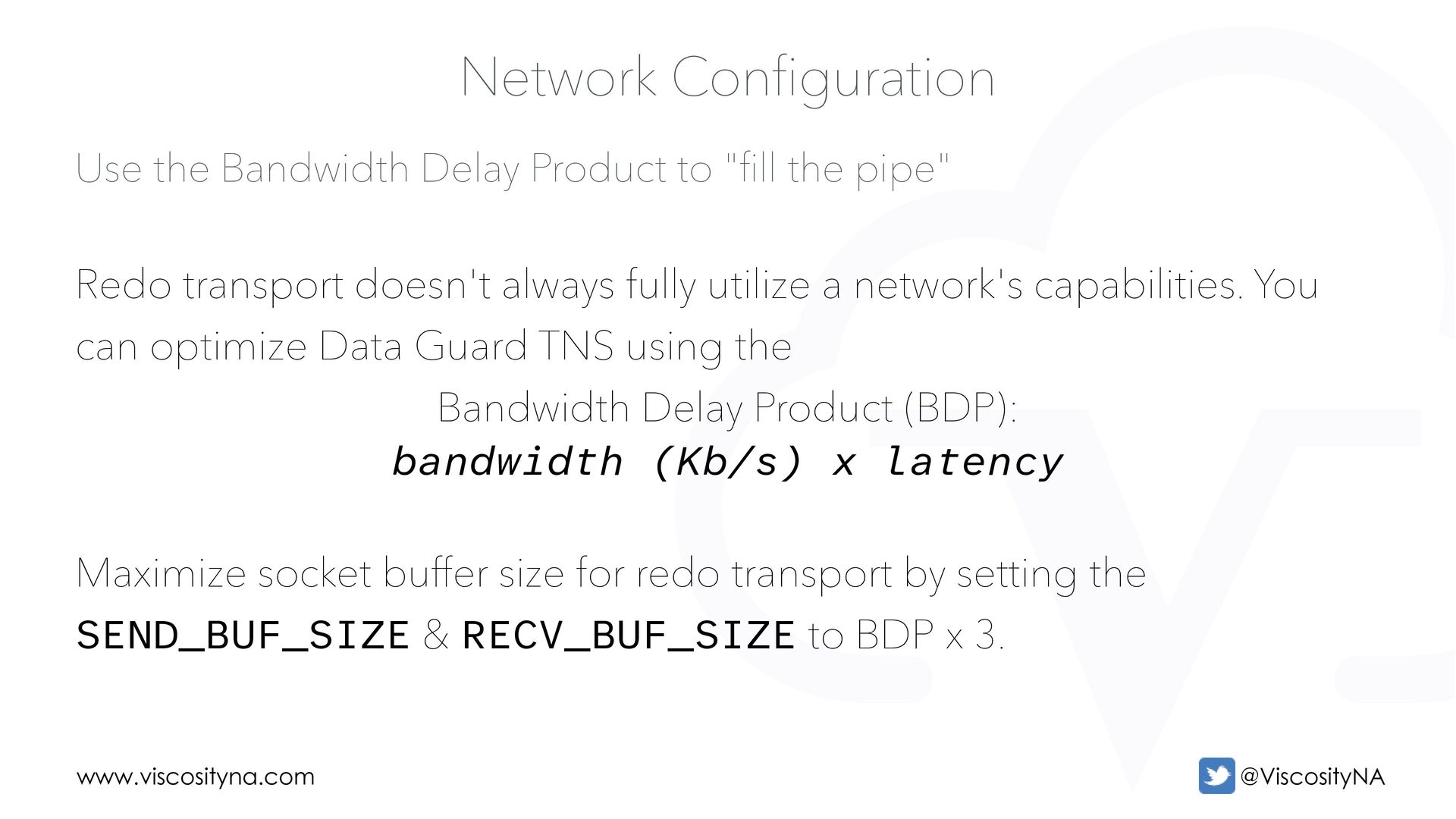
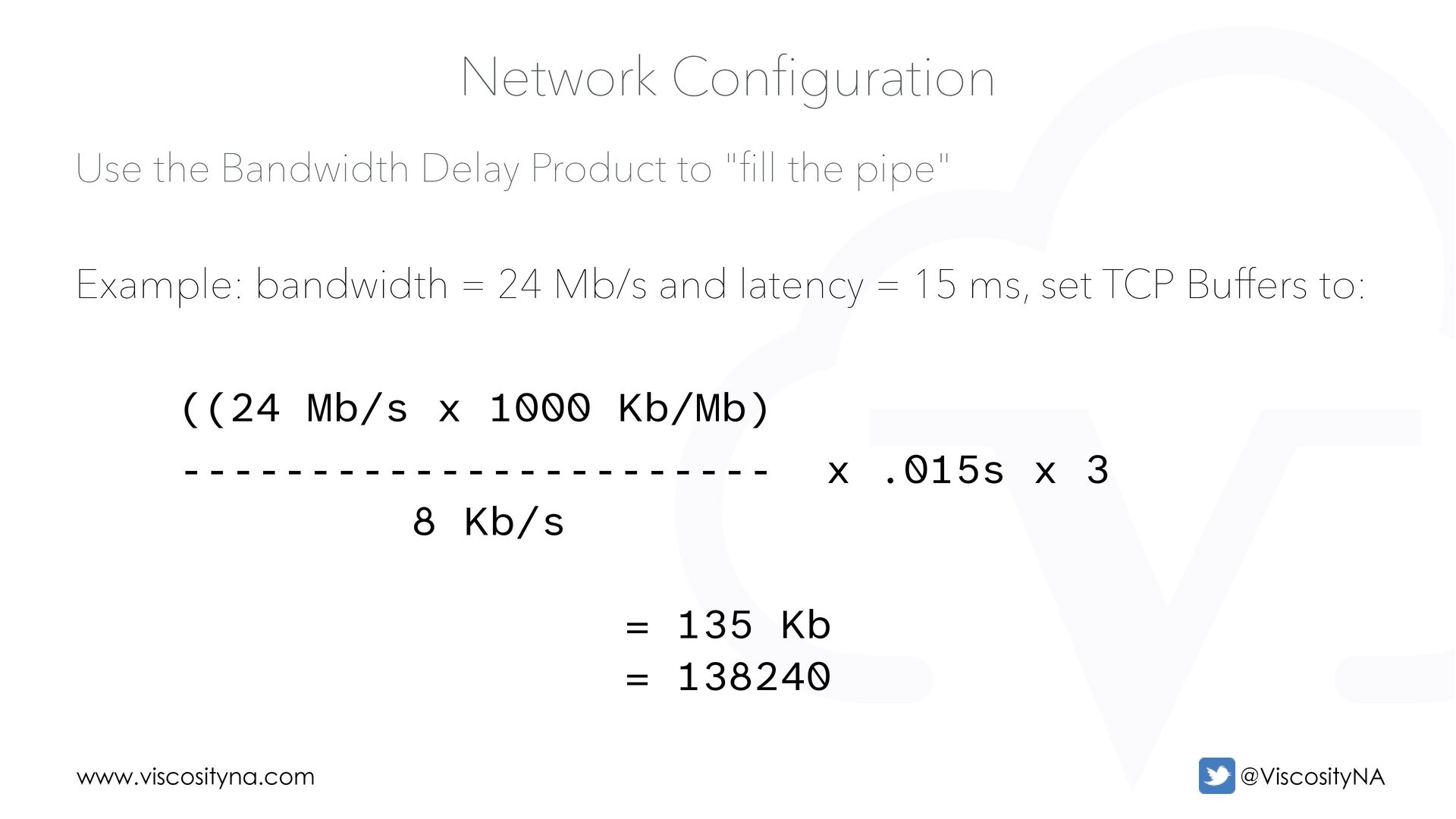
ll the pipe" Network Configuration Redo transport doesn't always fully utilize a network's capabilities. You can optimize Data Guard TNS using the Bandwidth Delay Product (BDP): bandwidth (Kb/s) x latency Maximize socket buffer size for redo transport by setting the SEND_BUF_SIZE & RECV_BUF_SIZE to BDP x 3.
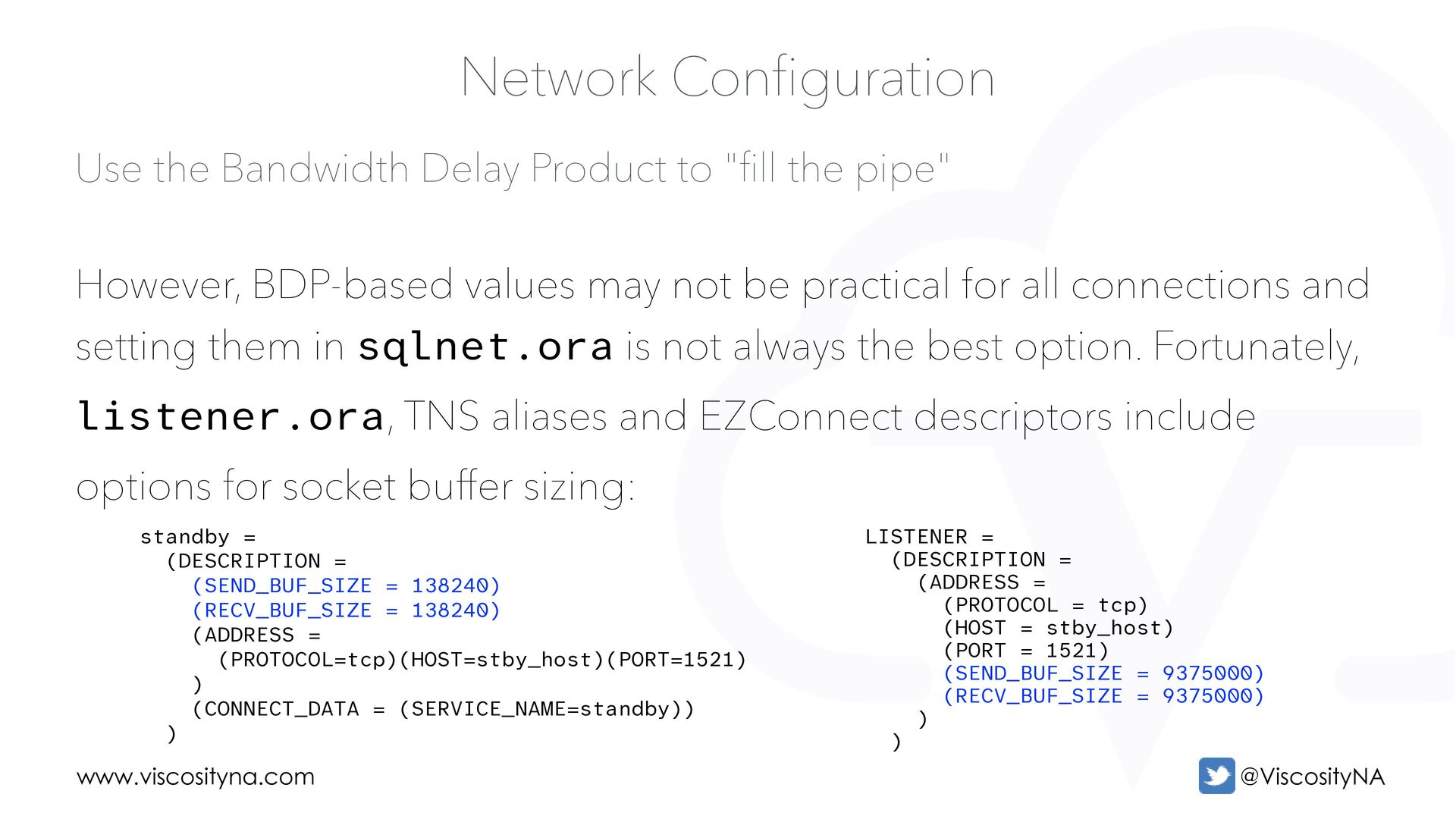
ll the pipe" Network Configuration However, BDP-based values may not be practical for all connections and setting them in sqlnet.ora is not always the best option. Fortunately, listener.ora, TNS aliases and EZConnect descriptors include options for socket buffer sizing: standby = (DESCRIPTION = (SEND_BUF_SIZE = 138240) (RECV_BUF_SIZE = 138240) (ADDRESS = (PROTOCOL=tcp)(HOST=stby_host)(PORT=1521) ) (CONNECT_DATA = (SERVICE_NAME=standby)) ) LISTENER = (DESCRIPTION = (ADDRESS = (PROTOCOL = tcp) (HOST = stby_host) (PORT = 1521) (SEND_BUF_SIZE = 9375000) (RECV_BUF_SIZE = 9375000) ) )
ll the pipe" Network Configuration BDP sizing applies to both ASYNC and SYNC transport, but remember: • Socket buffer size must be equal across databases in a configuration • Set appropriate values for net.core.rmem_max and net.core.wmem_max
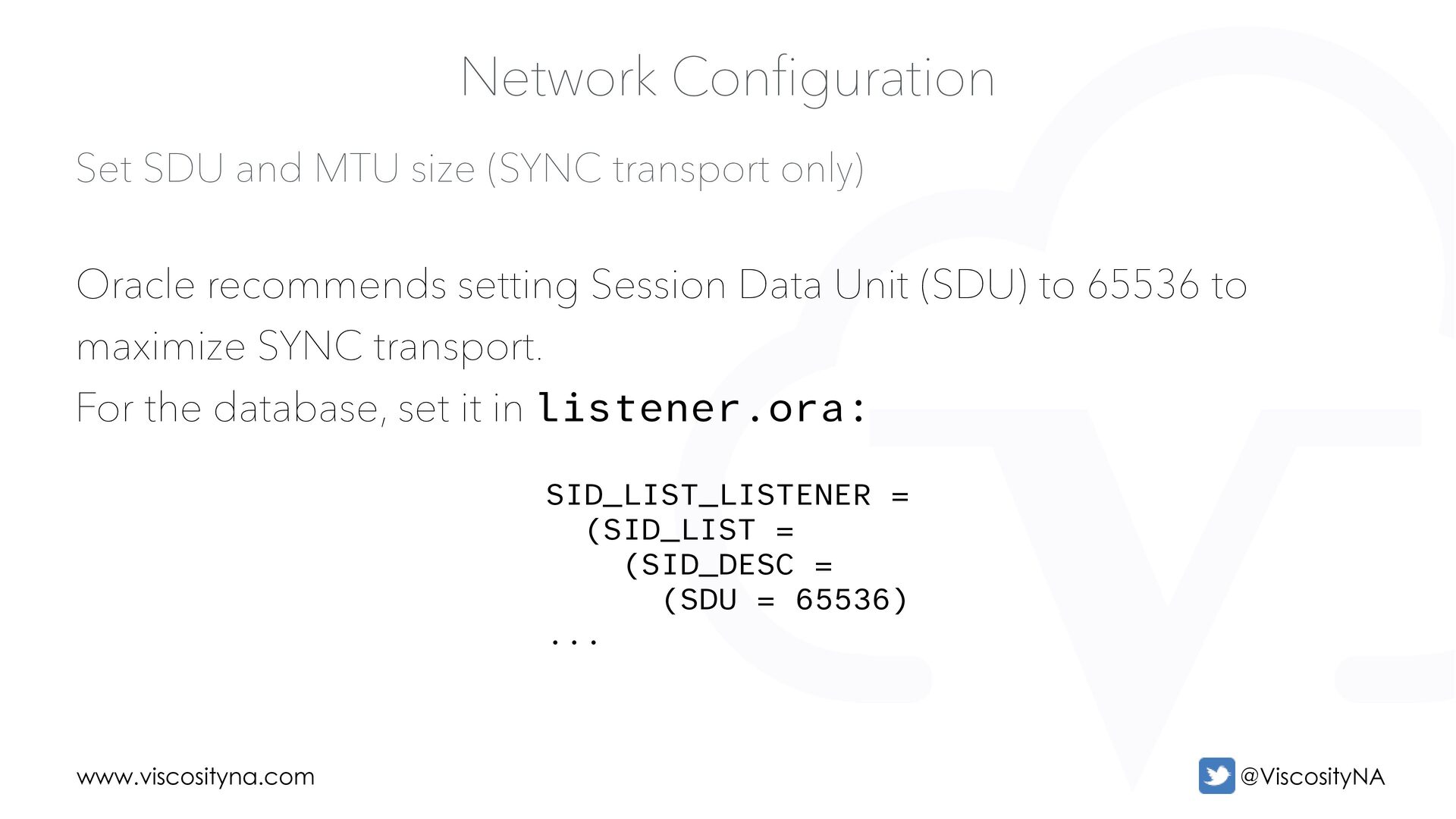
Network Configuration Oracle recommends setting Session Data Unit (SDU) to 65536 to maximize SYNC transport. For the database, set it in listener.ora: SID_LIST_LISTENER = (SID_LIST = (SID_DESC = (SDU = 65536) ...
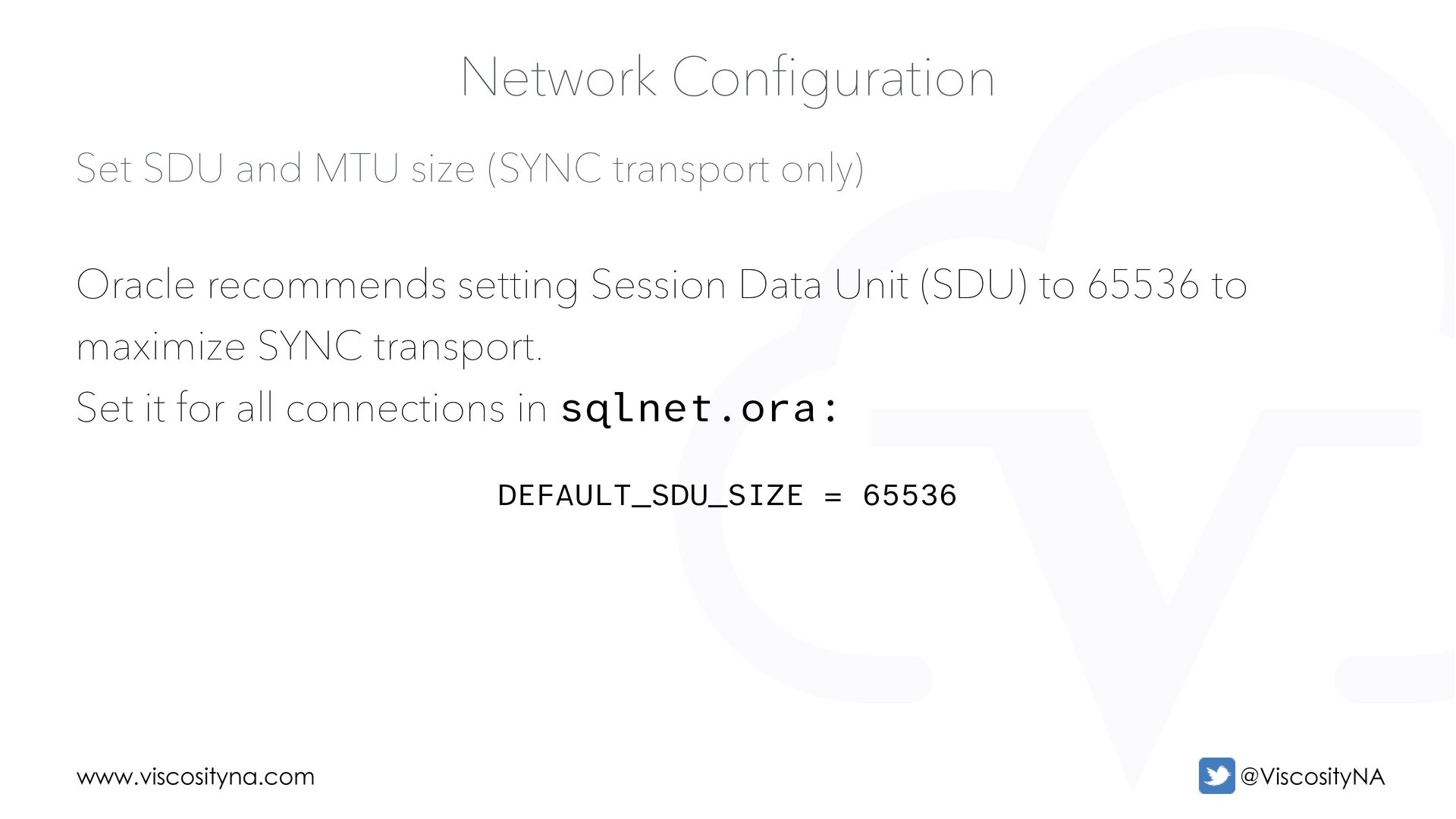
Network Configuration Oracle recommends setting Session Data Unit (SDU) to 65536 to maximize SYNC transport. Set it for all connections in sqlnet.ora: DEFAULT_SDU_SIZE = 65536
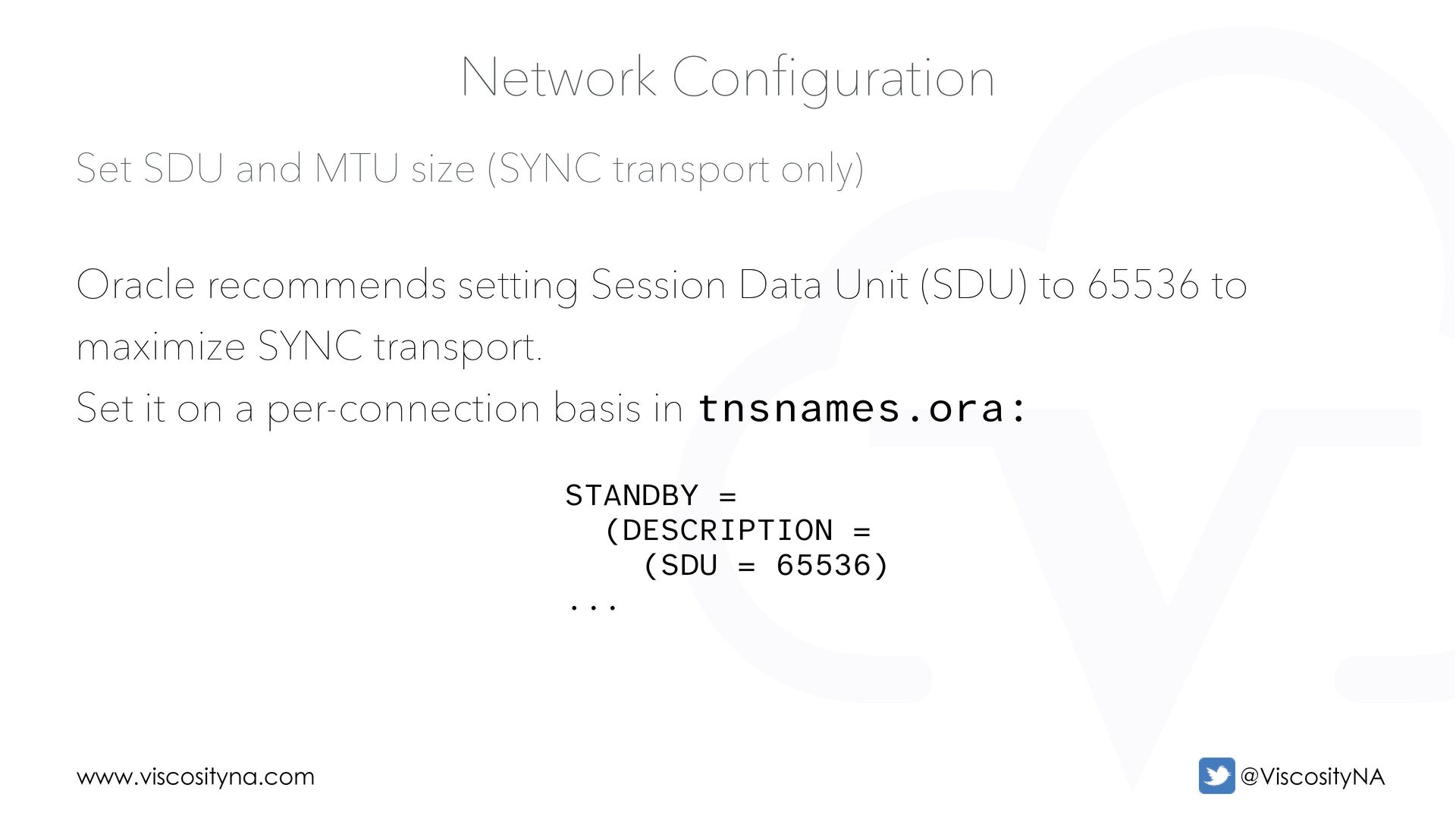
Network Configuration Oracle recommends setting Session Data Unit (SDU) to 65536 to maximize SYNC transport. Set it on a per-connection basis in tnsnames.ora: STANDBY = (DESCRIPTION = (SDU = 65536) ...
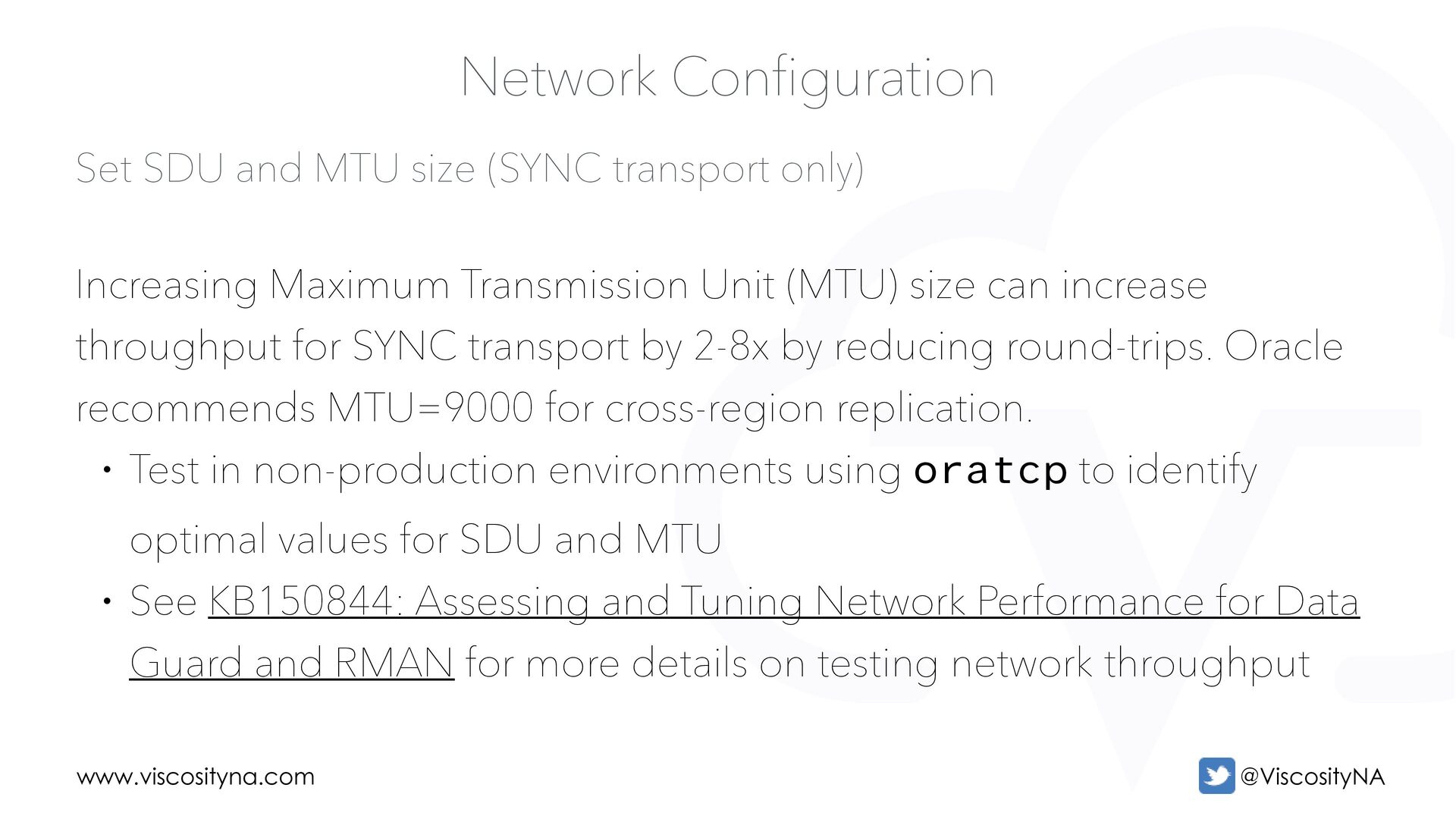
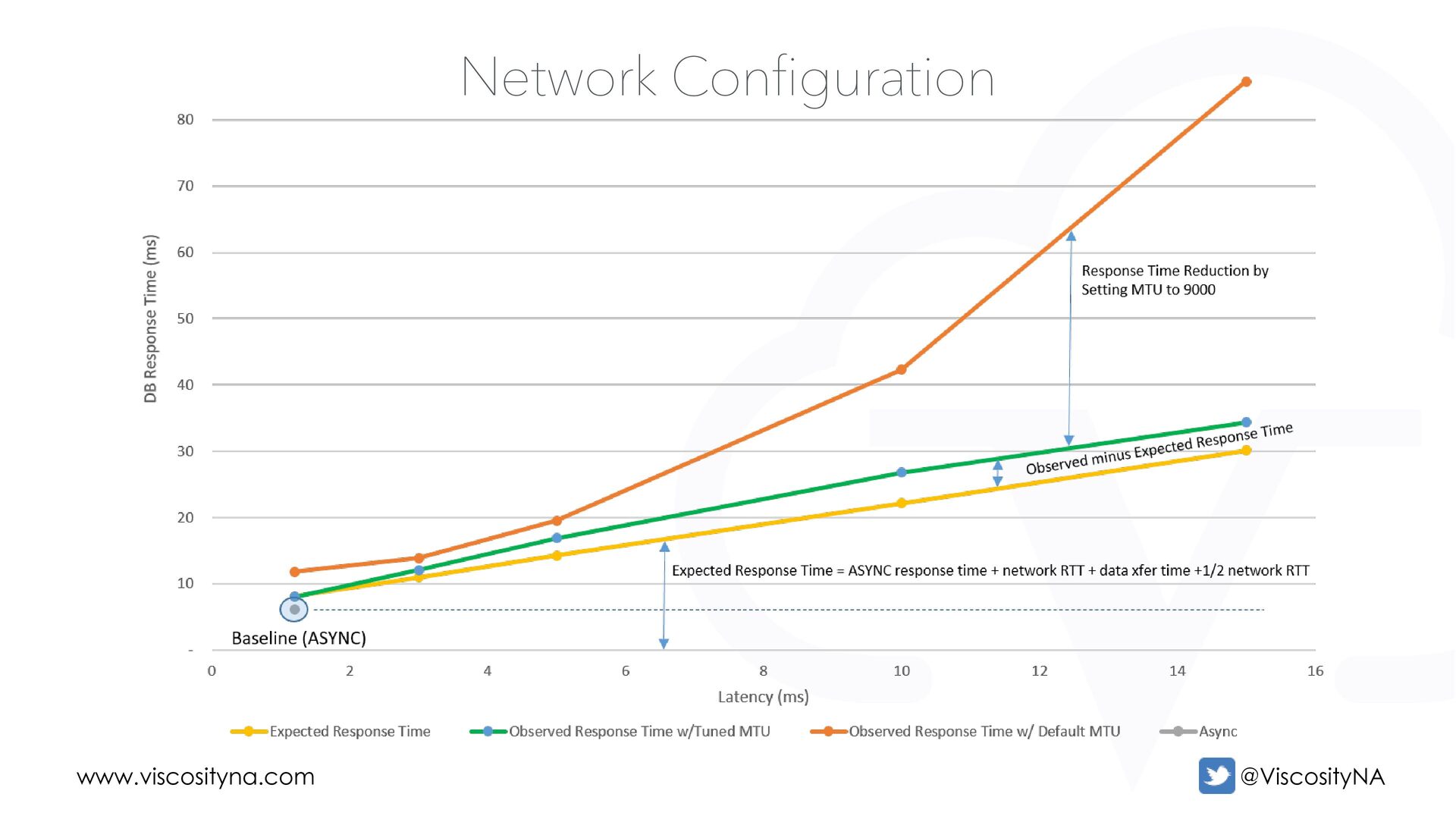
Network Configuration Increasing Maximum Transmission Unit (MTU) size can increase throughput for SYNC transport by 2-8x by reducing round-trips. Oracle recommends MTU=9000 for cross-region replication. • Test in non-production environments using oratcp to identify optimal values for SDU and MTU • See KB150844: Assessing and Tuning Network Performance for Data Guard and RMAN for more details on testing network throughput
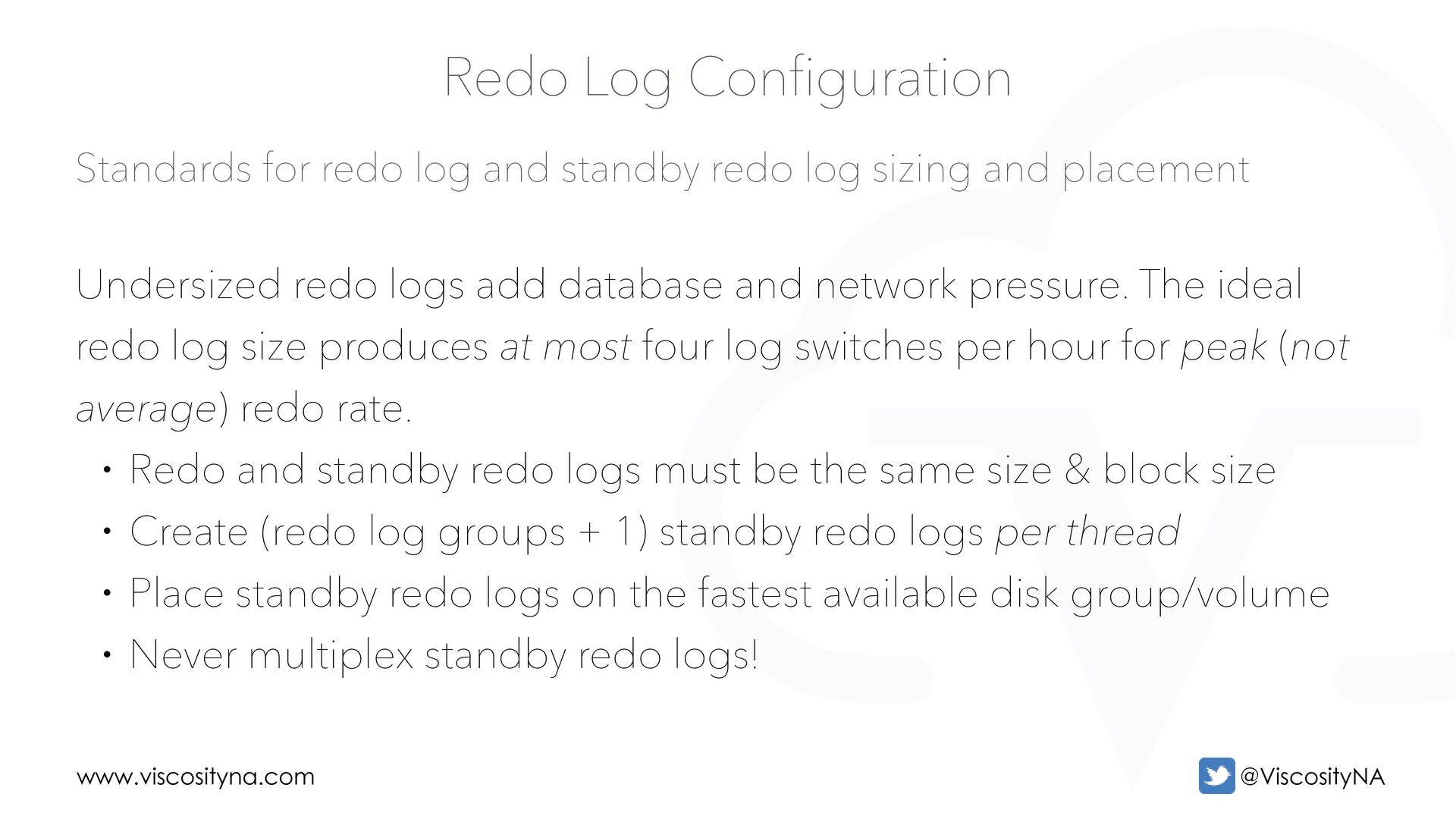
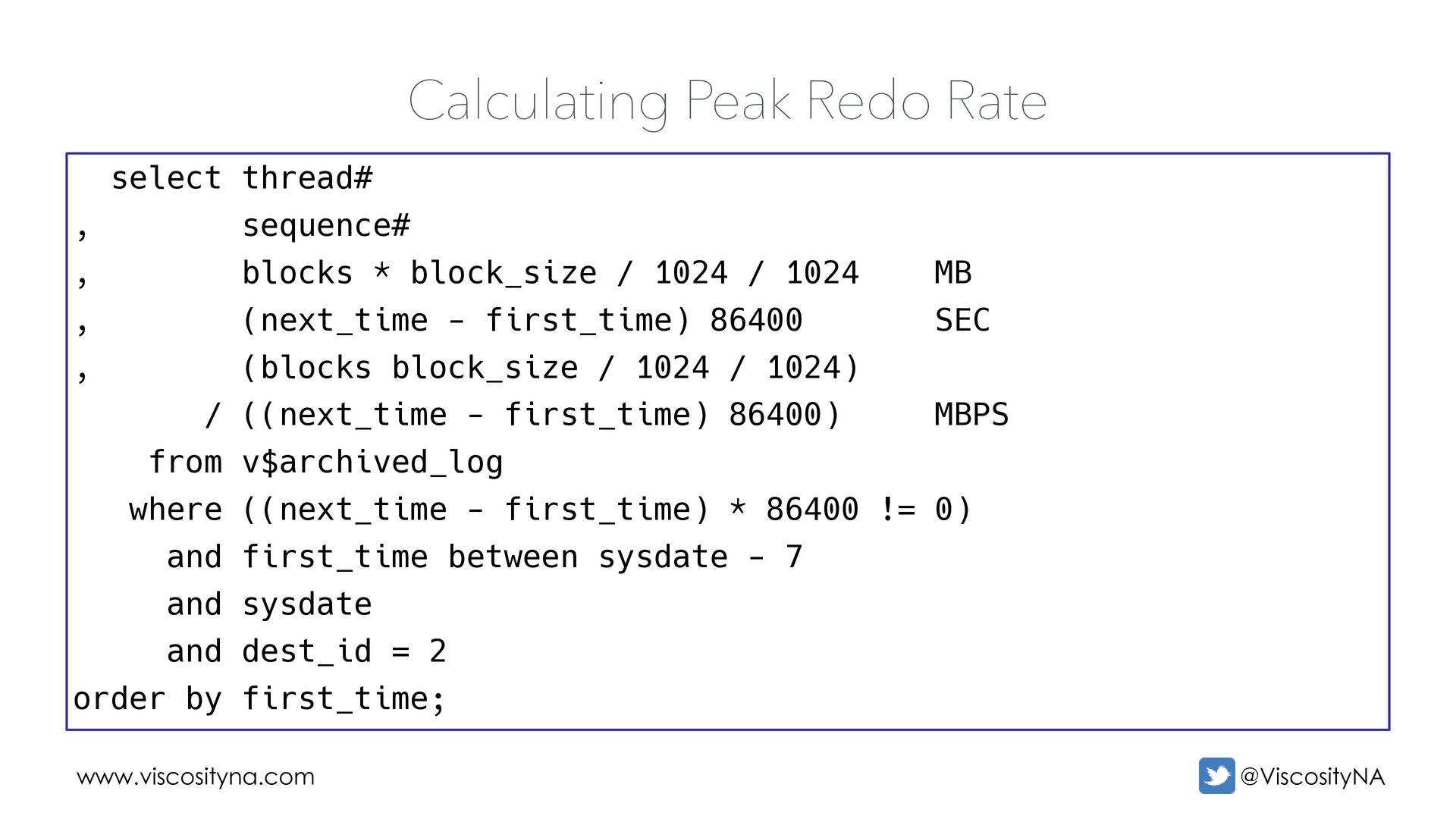
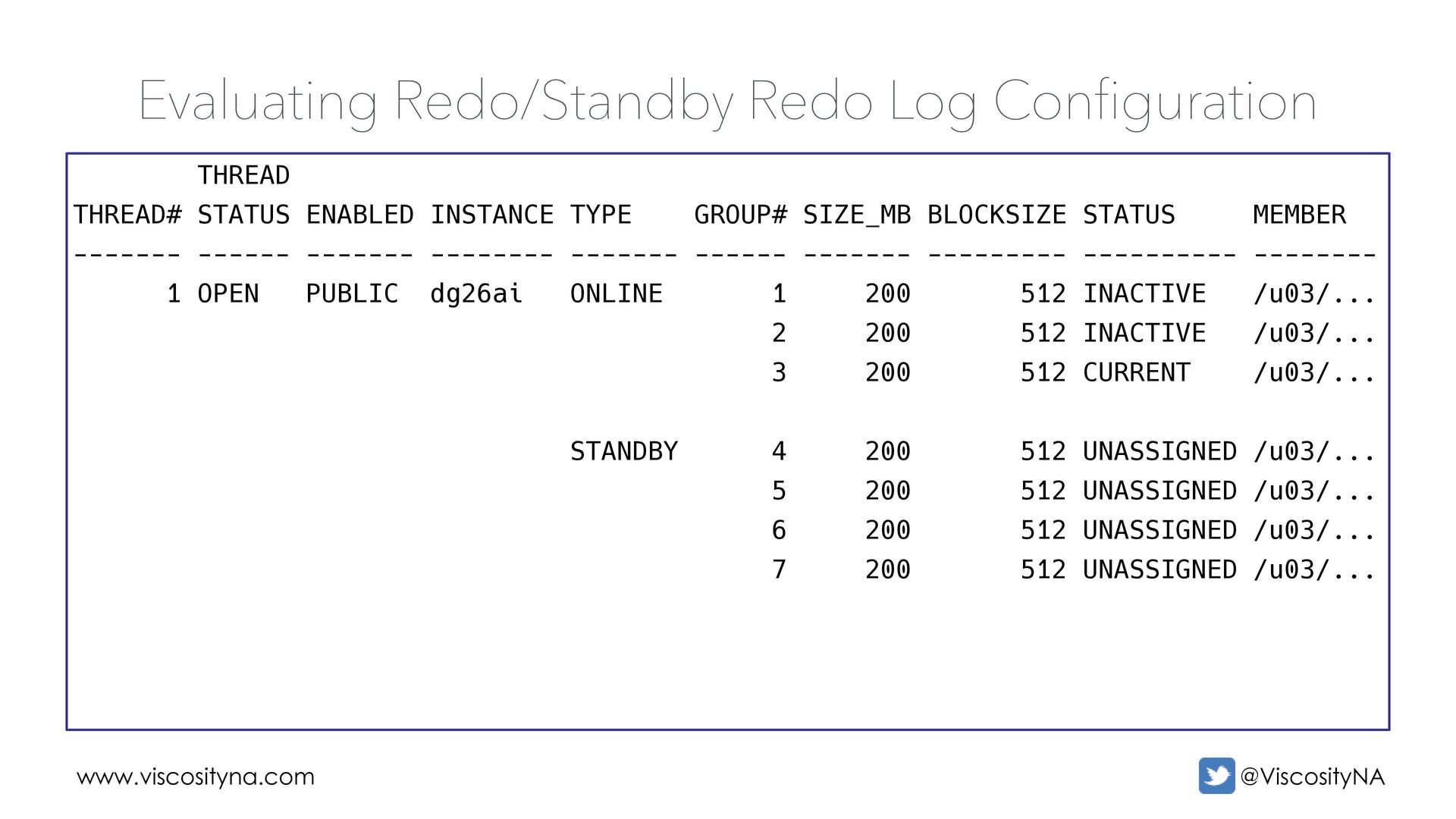
sizing and placement Redo Log Configuration Undersized redo logs add database and network pressure. The ideal redo log size produces at most four log switches per hour for peak (not average) redo rate. • Redo and standby redo logs must be the same size & block size • Create (redo log groups + 1) standby redo logs per thread • Place standby redo logs on the fastest available disk group/volume • Never multiplex standby redo logs!
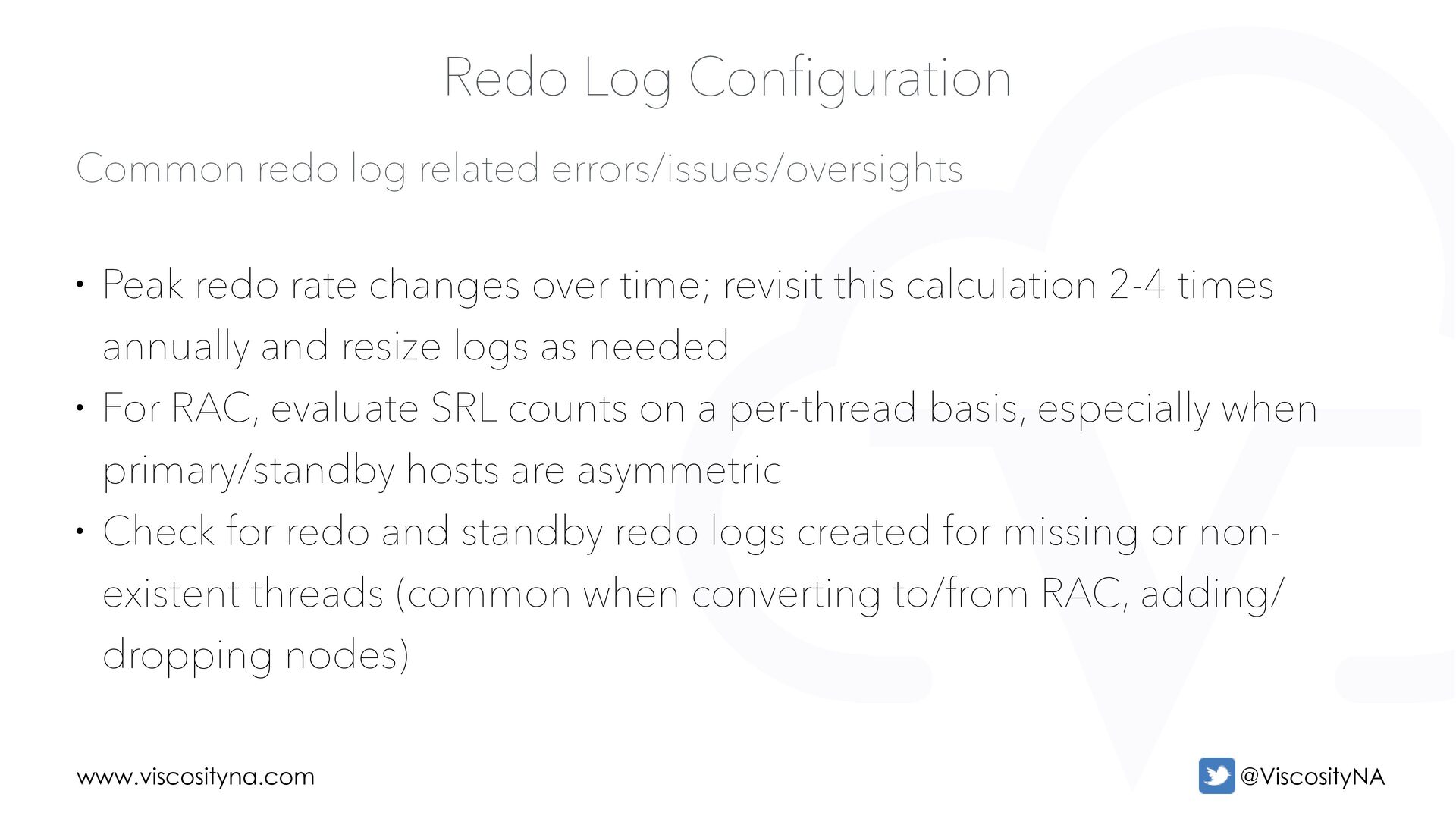
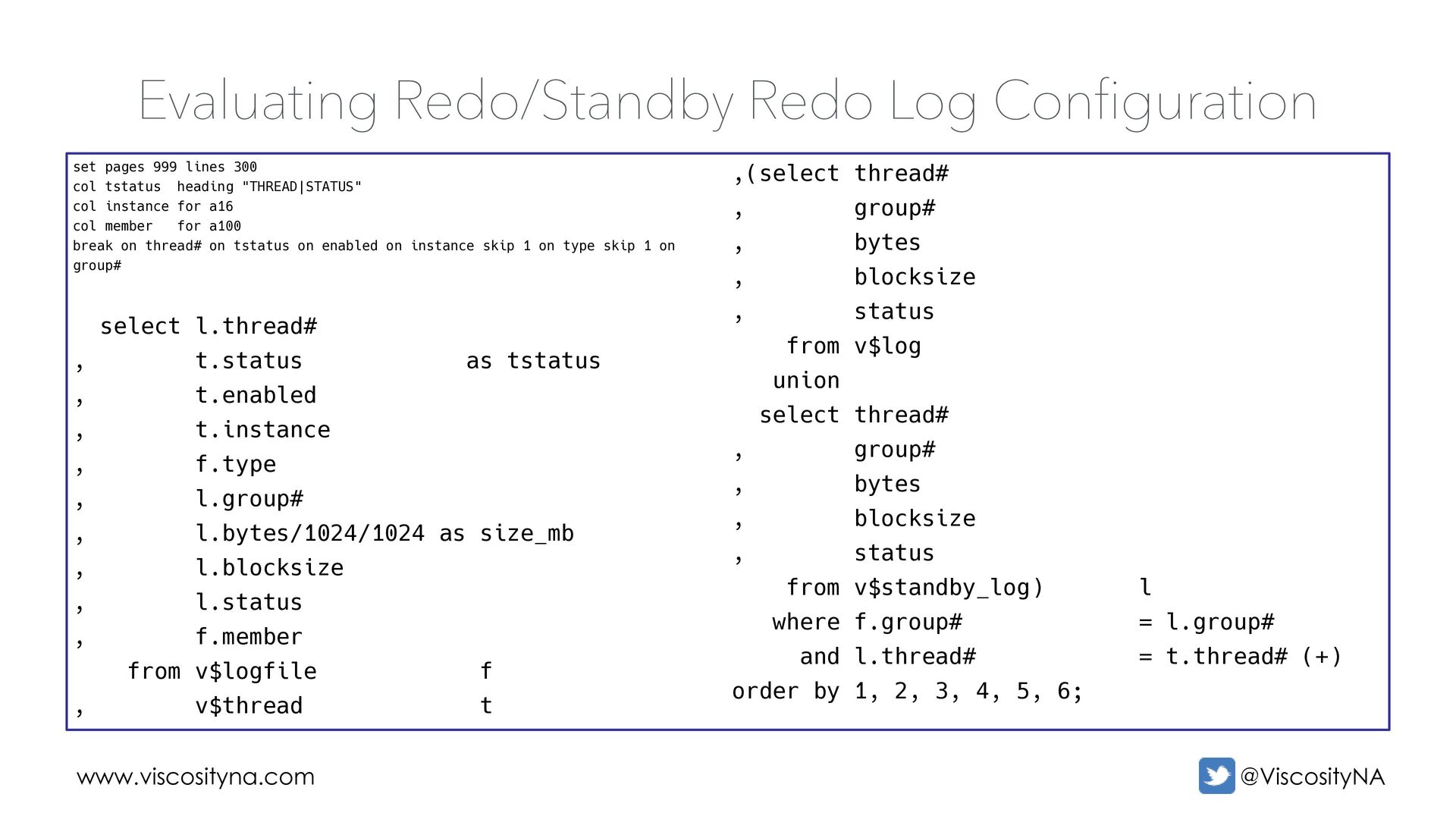
• Peak redo rate changes over time; revisit this calculation 2-4 times annually and resize logs as needed • For RAC, evaluate SRL counts on a per-thread basis, especially when primary/standby hosts are asymmetric • Check for redo and standby redo logs created for missing or non- existent threads (common when converting to/from RAC, adding/ dropping nodes)
lines 300 col tstatus heading "THREAD|STATUS" col instance for a16 col member for a100 break on thread# on tstatus on enabled on instance skip 1 on type skip 1 on group# select l.thread# , t.status as tstatus , t.enabled , t.instance , f.type , l.group# , l.bytes/1024/1024 as size_mb , l.blocksize , l.status , f.member from v$logfile f , v$thread t ,(select thread# , group# , bytes , blocksize , status from v$log union select thread# , group# , bytes , blocksize , status from v$standby_log) l where f.group# = l.group# and l.thread# = t.thread# (+) order by 1, 2, 3, 4, 5, 6;
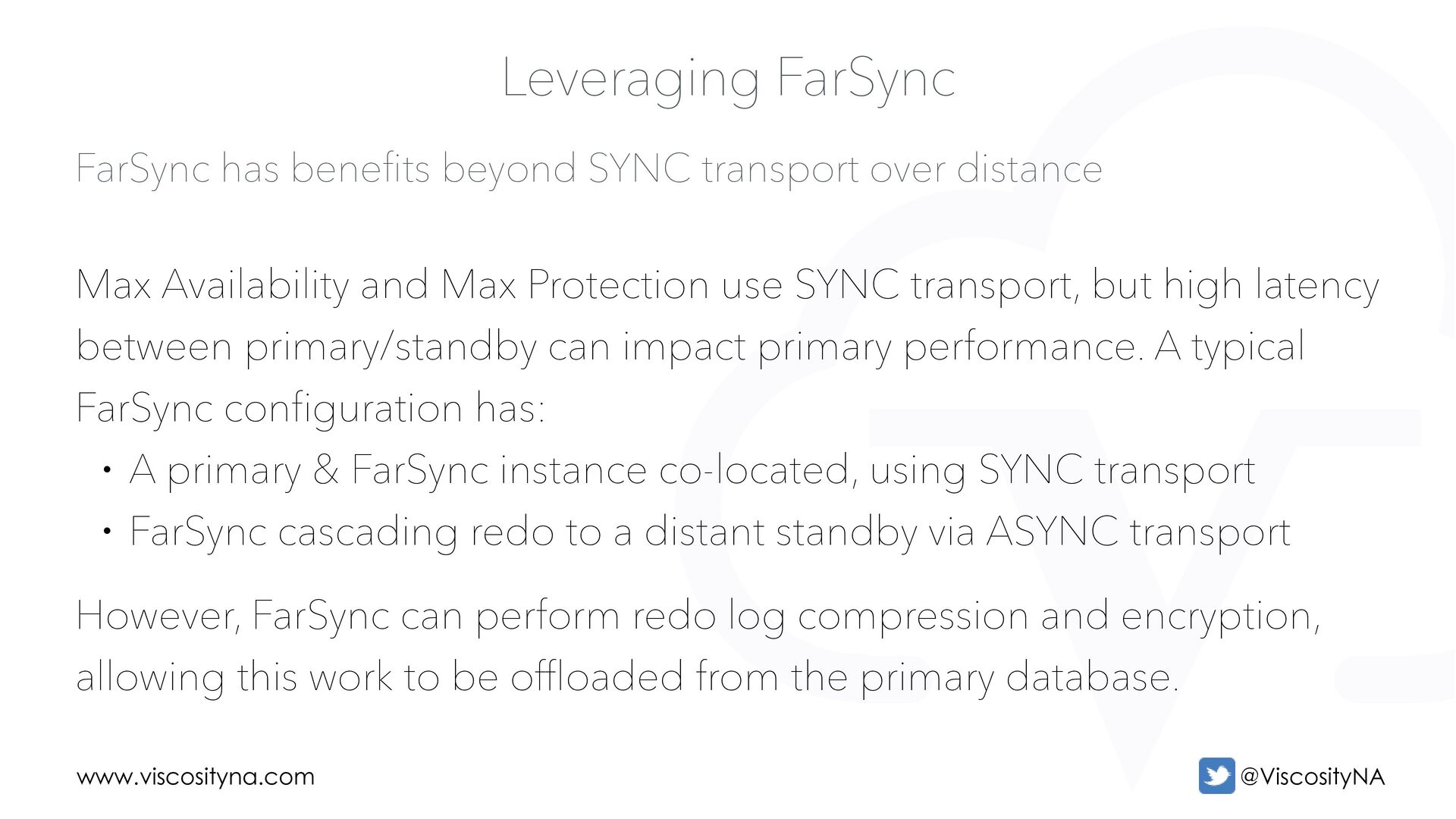
over distance Leveraging FarSync Max Availability and Max Protection use SYNC transport, but high latency between primary/standby can impact primary performance. A typical FarSync configuration has: • A primary & FarSync instance co-located, using SYNC transport • FarSync cascading redo to a distant standby via ASYNC transport However, FarSync can perform redo log compression and encryption, allowing this work to be offloaded from the primary database.
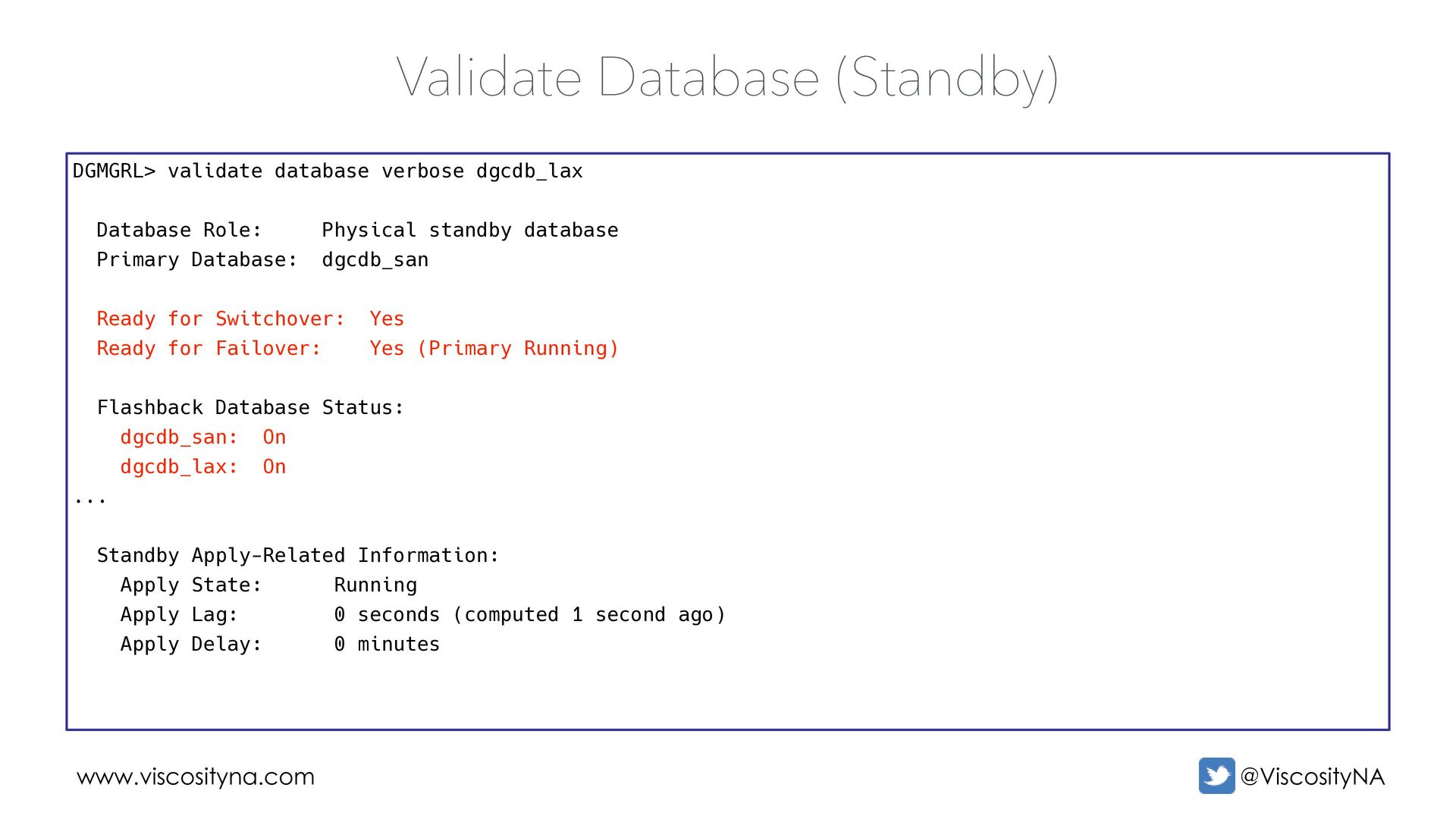
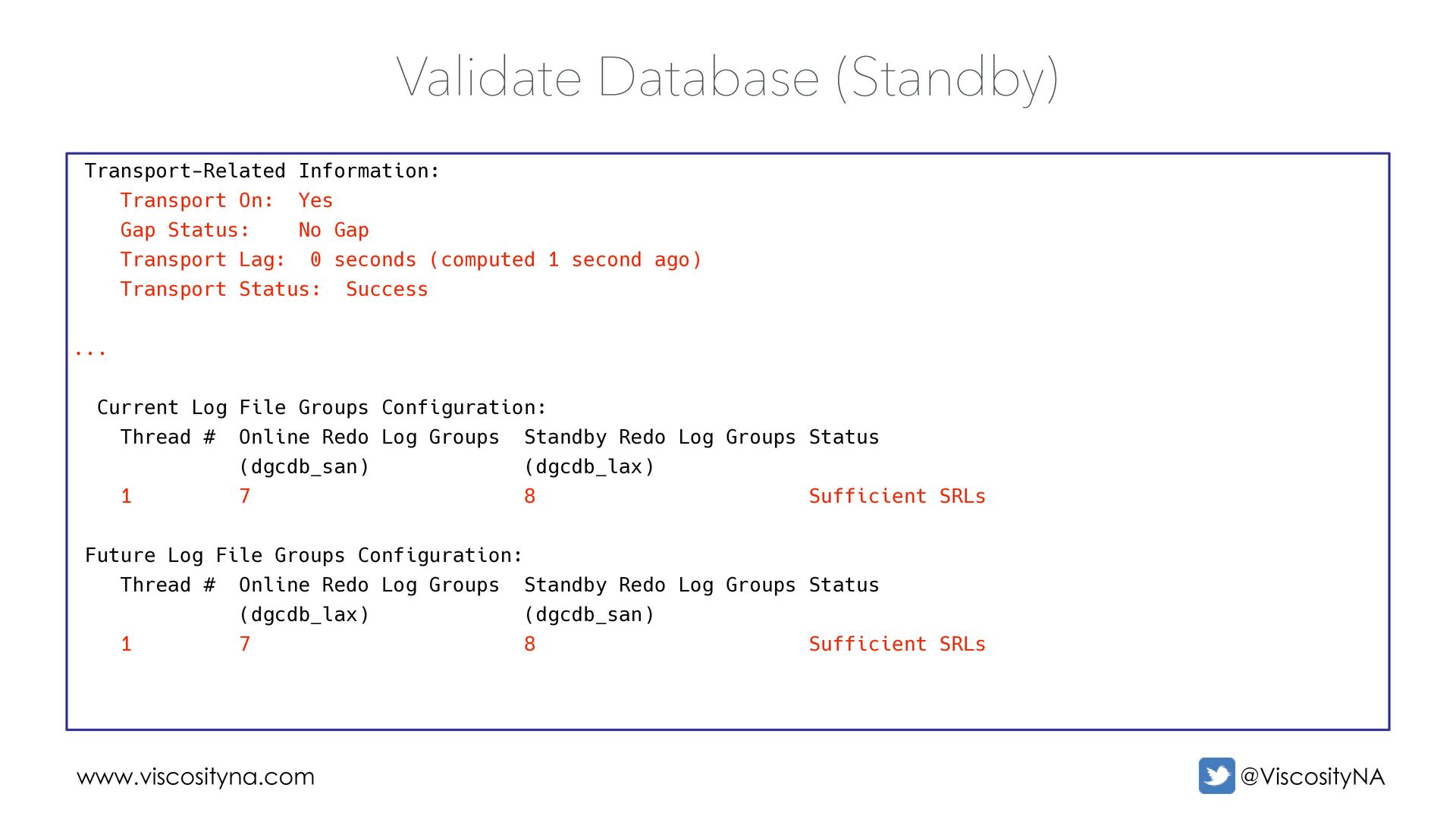
Gap Transport Lag: 0 seconds (computed 1 second ago) Transport Status: Success ... Current Log File Groups Configuration: Thread # Online Redo Log Groups Standby Redo Log Groups Status (dgcdb_san) (dgcdb_lax) 1 7 8 Sufficient SRLs Future Log File Groups Configuration: Thread # Online Redo Log Groups Standby Redo Log Groups Status (dgcdb_lax) (dgcdb_san) 1 7 8 Sufficient SRLs Validate Database (Standby)
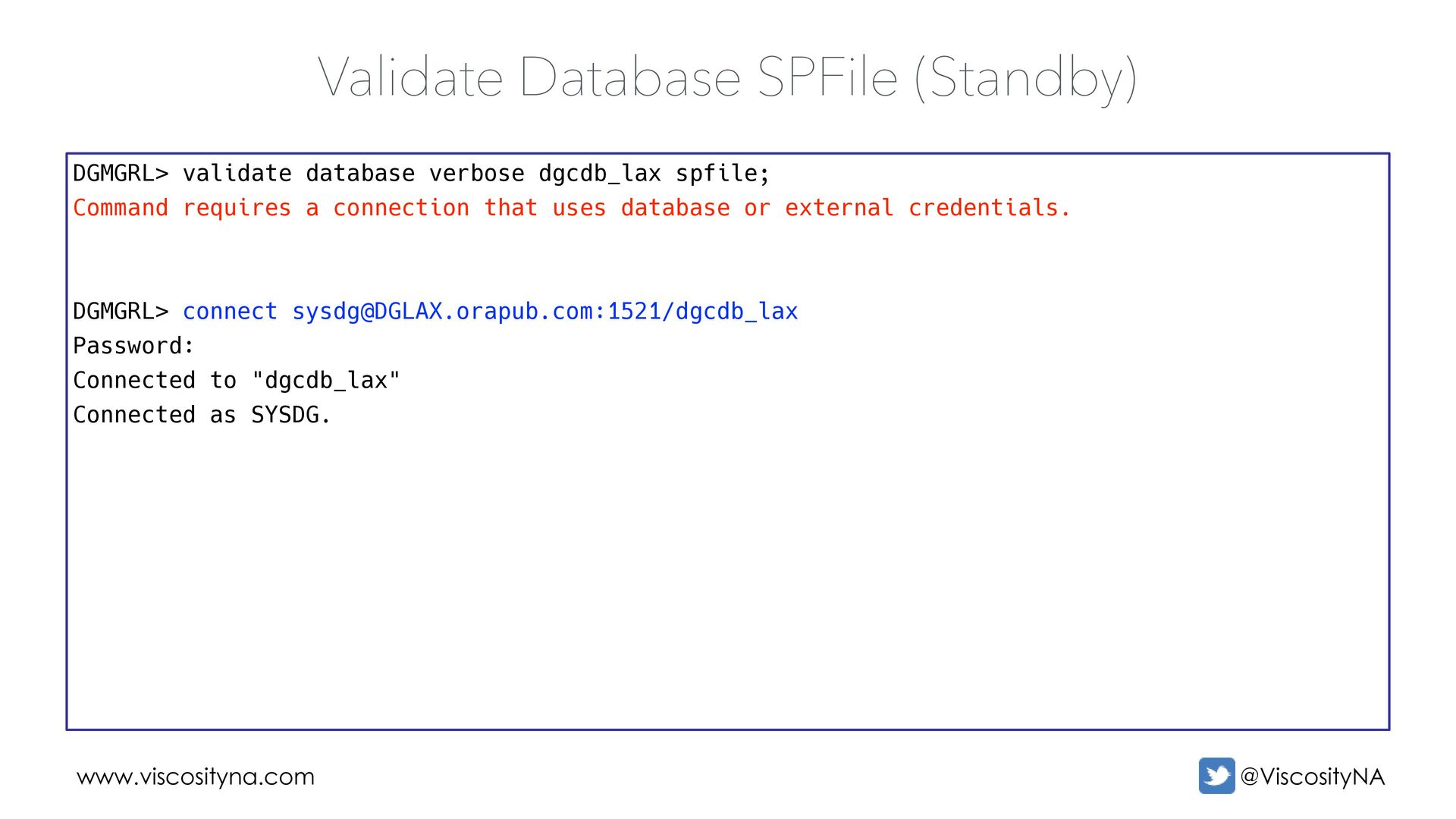
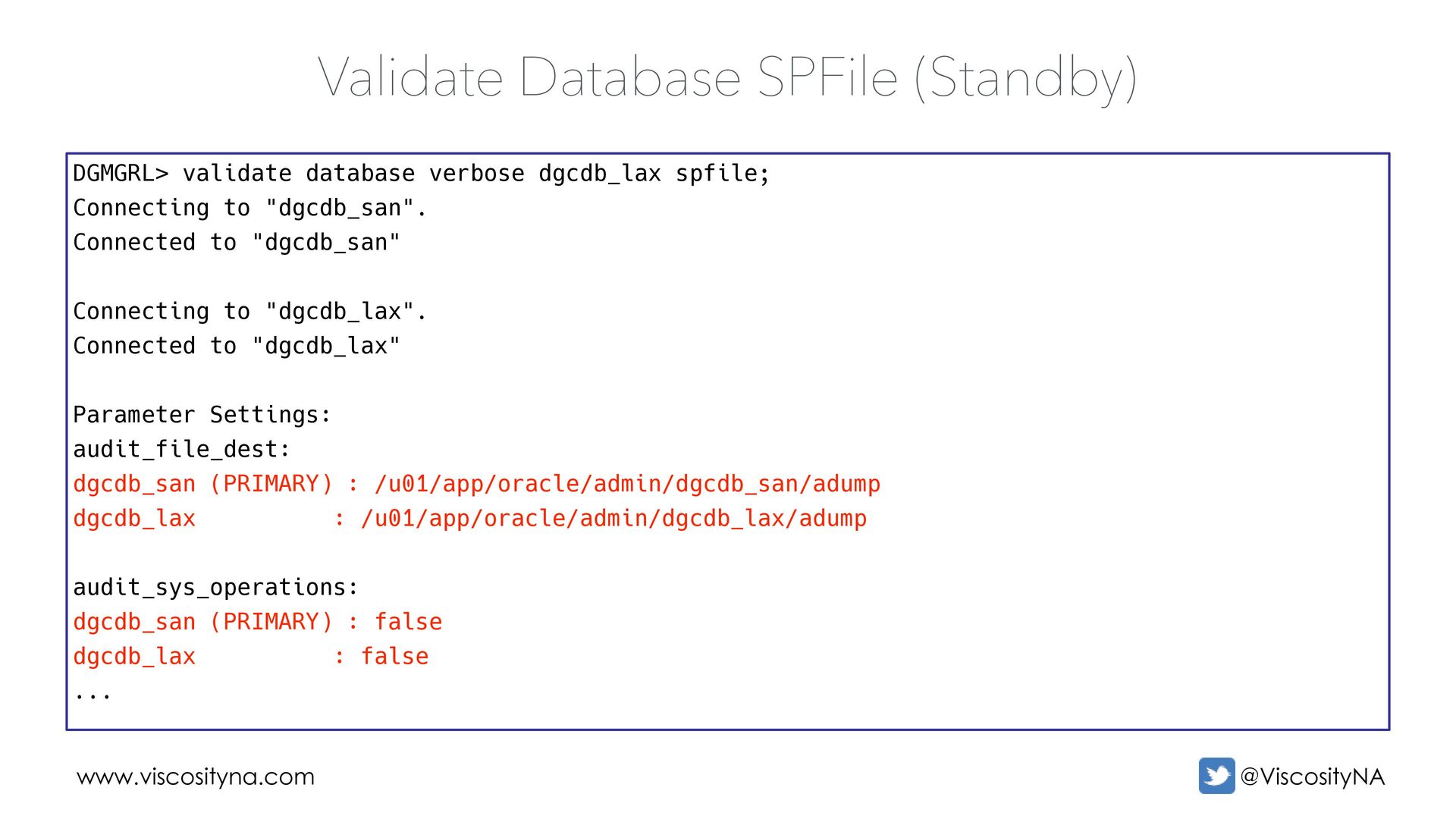
a connection that uses database or external credentials. DGMGRL> connect [email protected]:1521/dgcdb_lax Password: Connected to "dgcdb_lax" Connected as SYSDG. Validate Database SPFile (Standby)
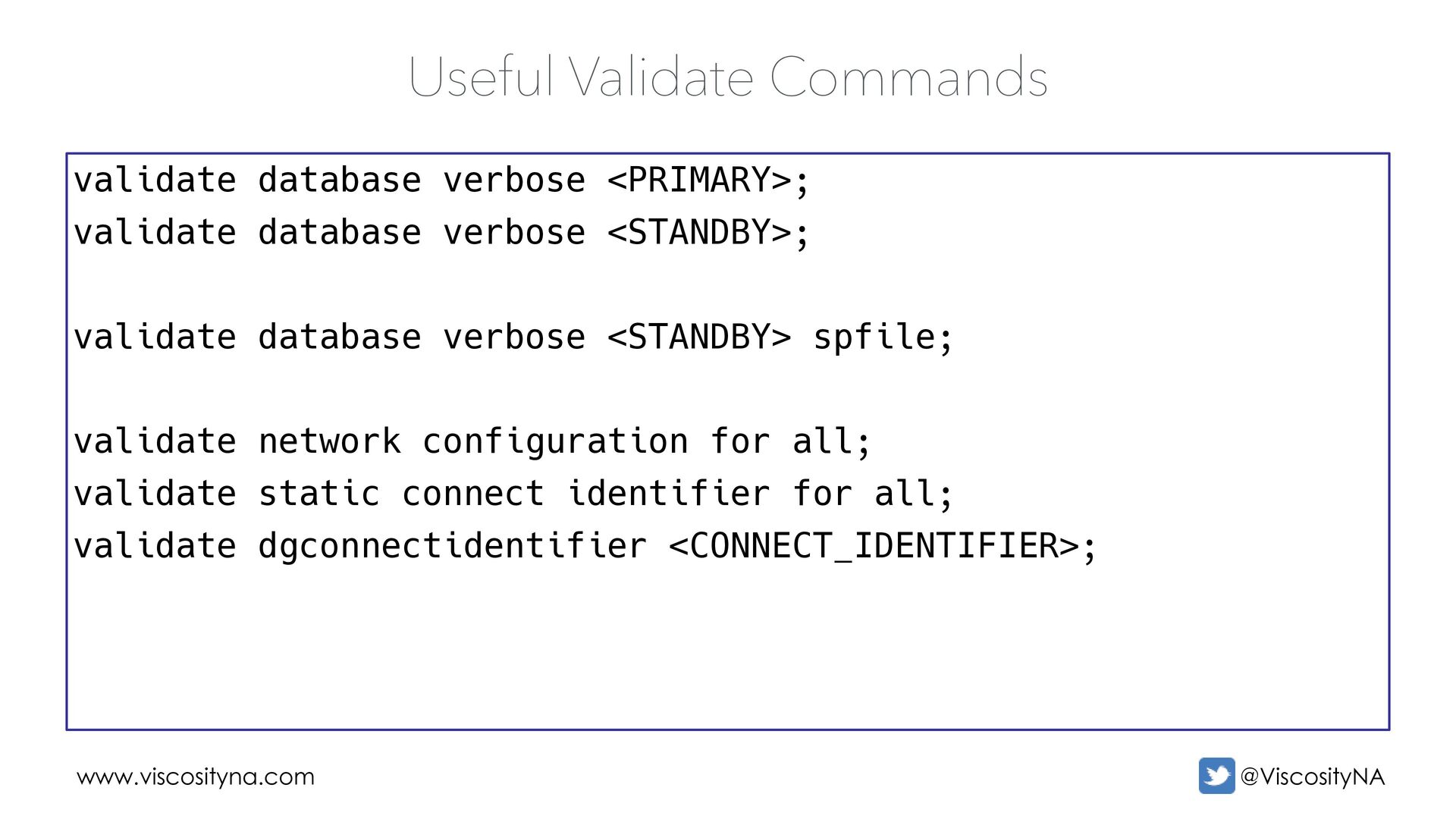
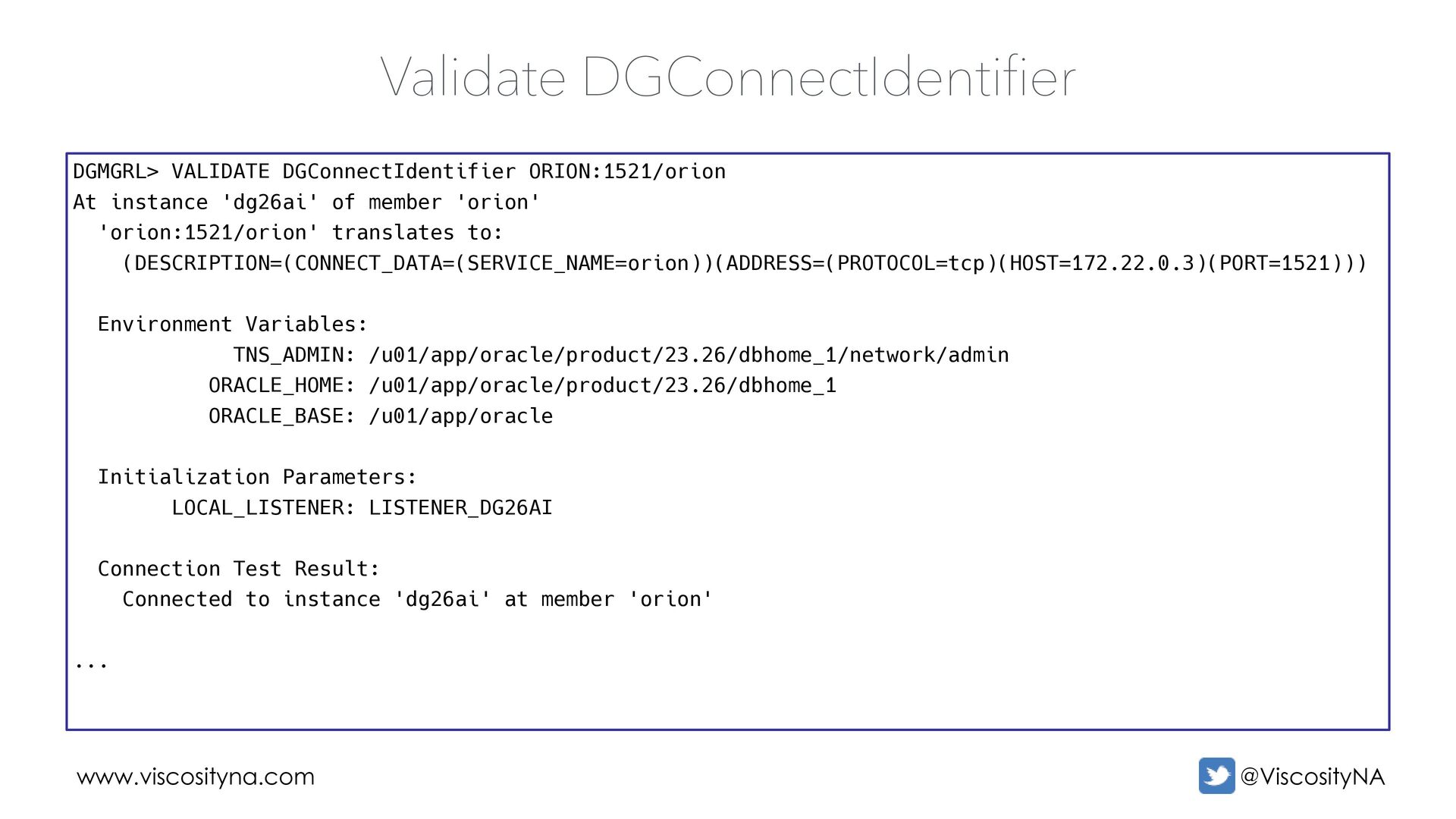
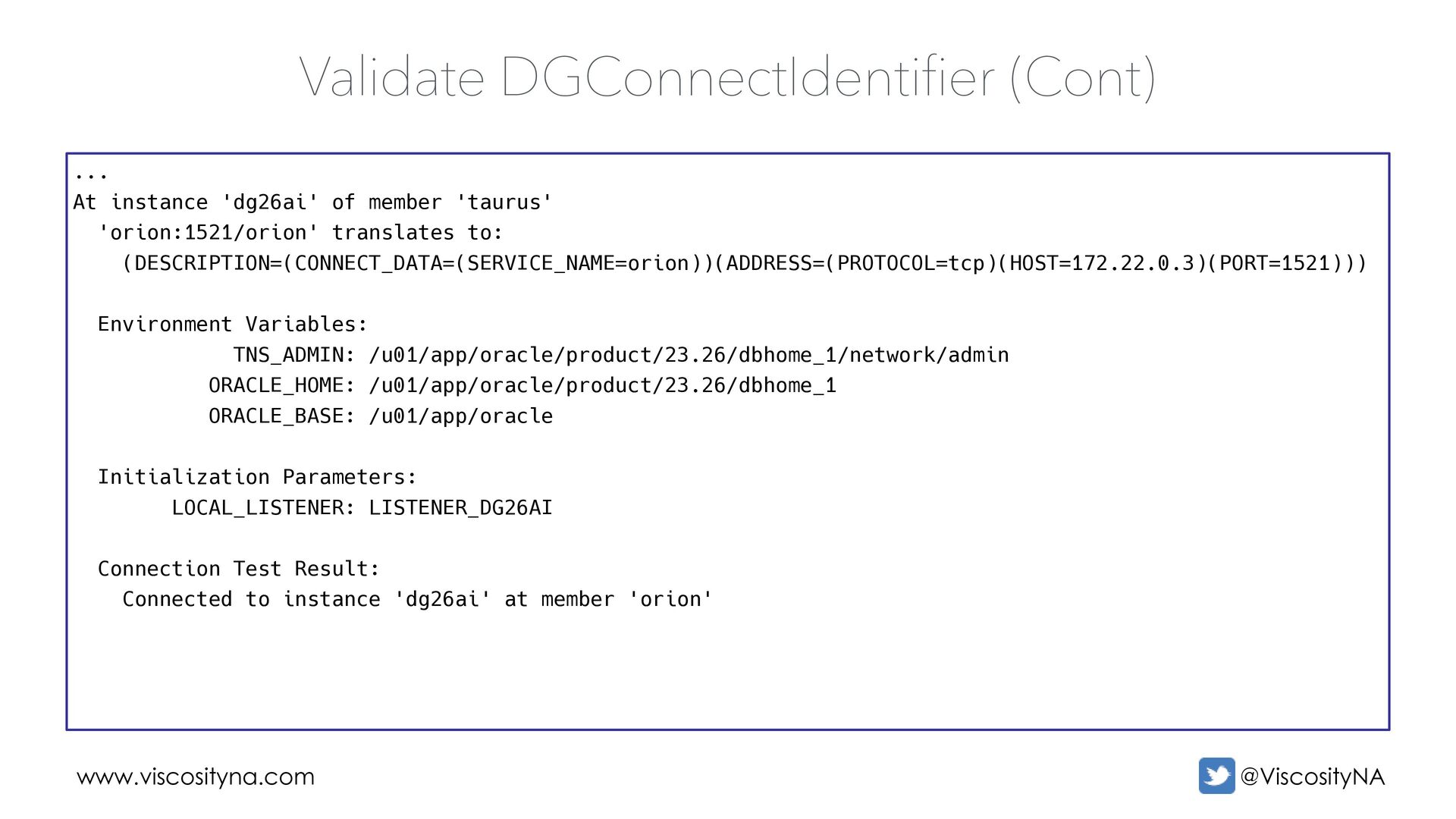
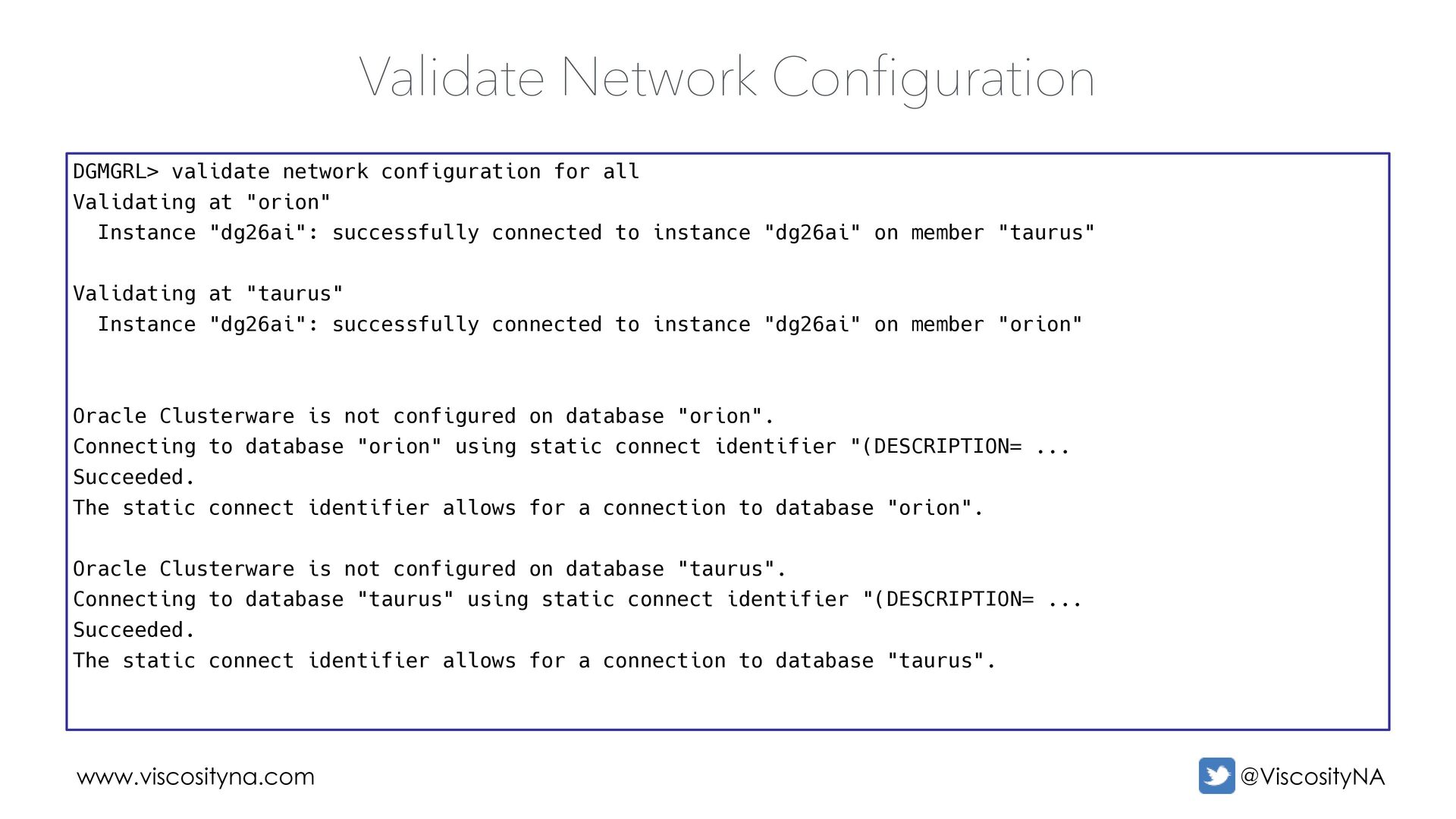
"orion" Instance "dg26ai": successfully connected to instance "dg26ai" on member "taurus" Validating at "taurus" Instance "dg26ai": successfully connected to instance "dg26ai" on member "orion" Oracle Clusterware is not configured on database "orion". Connecting to database "orion" using static connect identifier "(DESCRIPTION= ... Succeeded. The static connect identifier allows for a connection to database "orion". Oracle Clusterware is not configured on database "taurus". Connecting to database "taurus" using static connect identifier "(DESCRIPTION= ... Succeeded. The static connect identifier allows for a connection to database "taurus". Validate Network Configuration
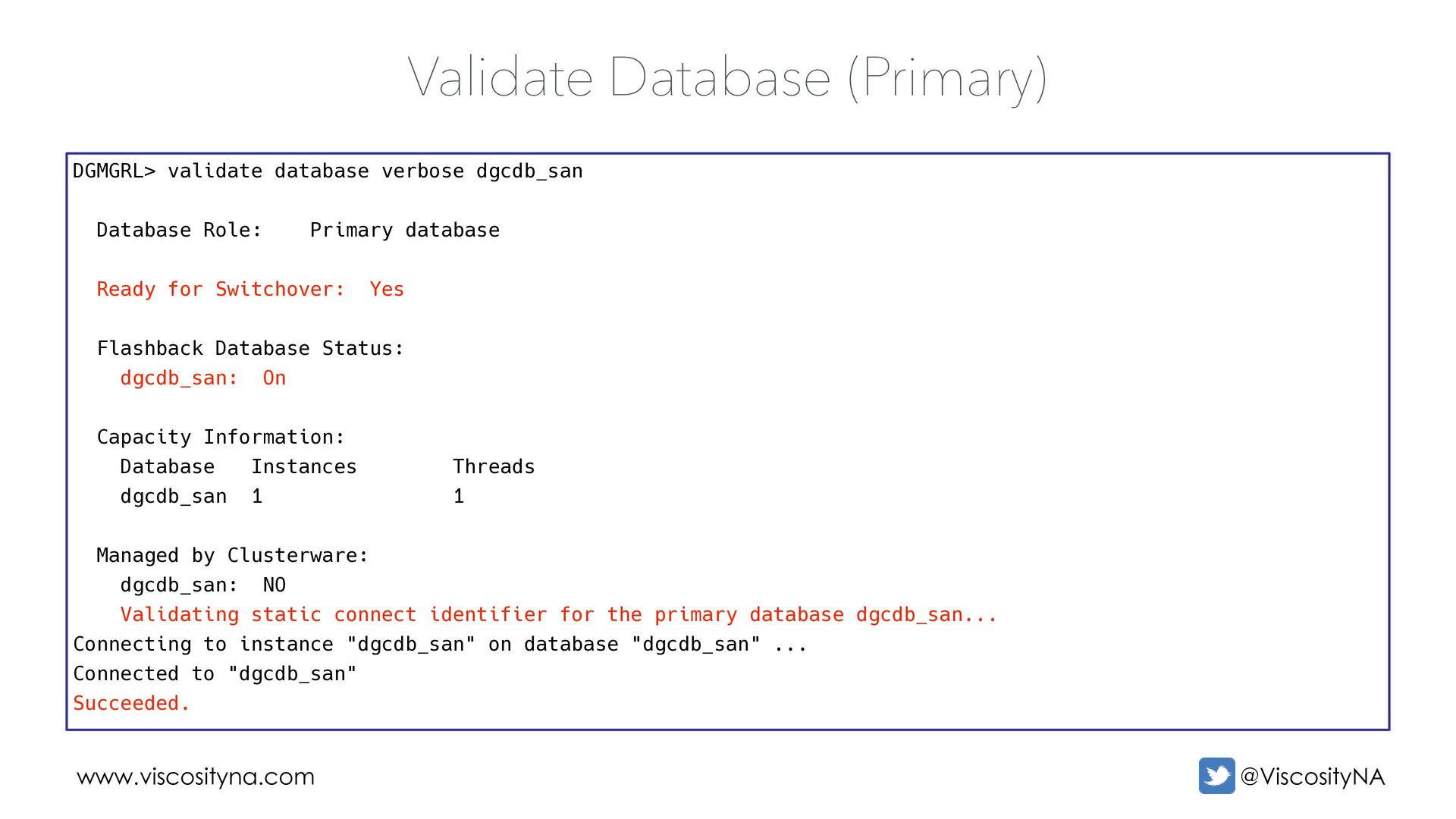
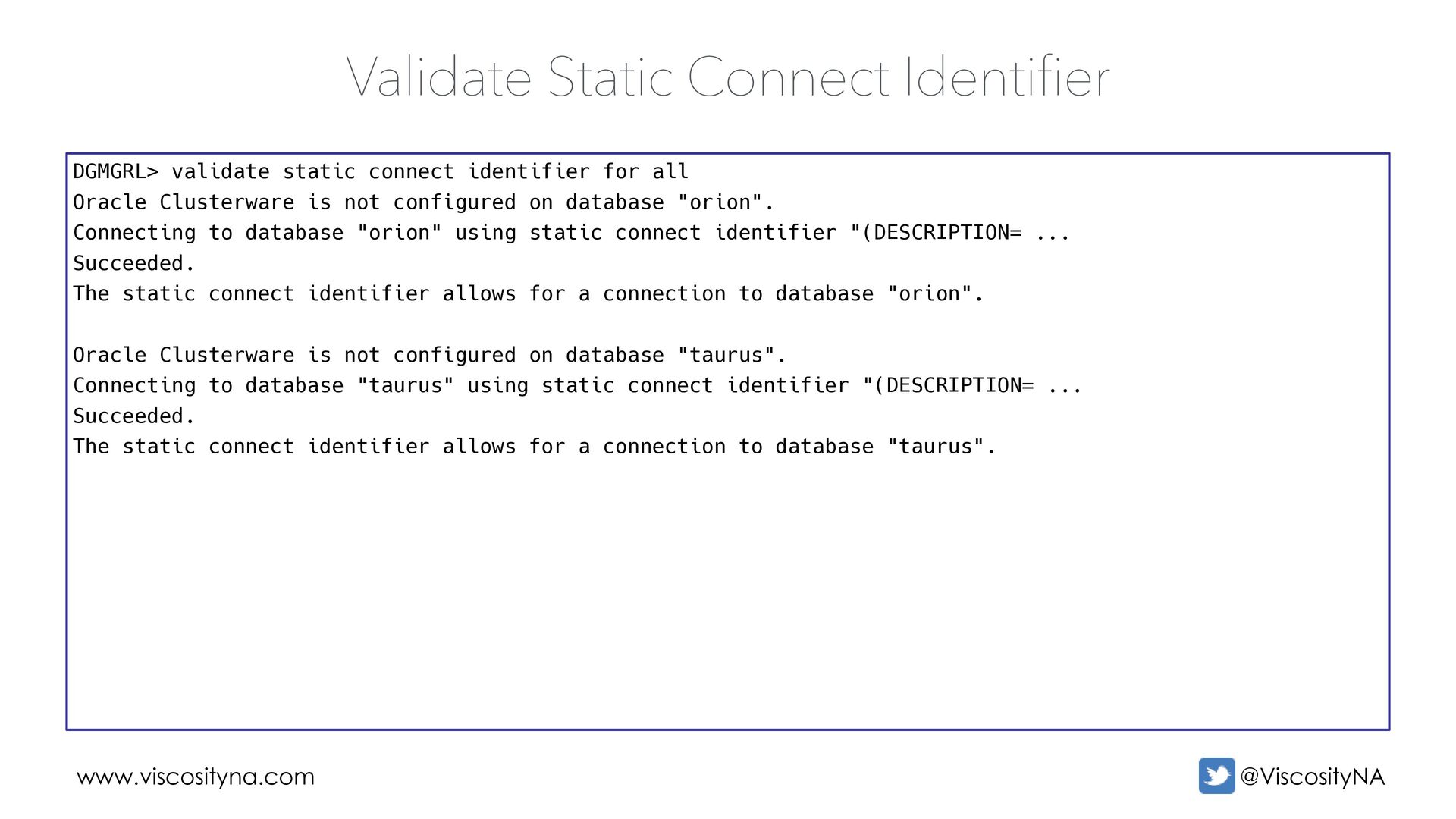
Clusterware is not configured on database "orion". Connecting to database "orion" using static connect identifier "(DESCRIPTION= ... Succeeded. The static connect identifier allows for a connection to database "orion". Oracle Clusterware is not configured on database "taurus". Connecting to database "taurus" using static connect identifier "(DESCRIPTION= ... Succeeded. The static connect identifier allows for a connection to database "taurus". Validate Static Connect Identifier
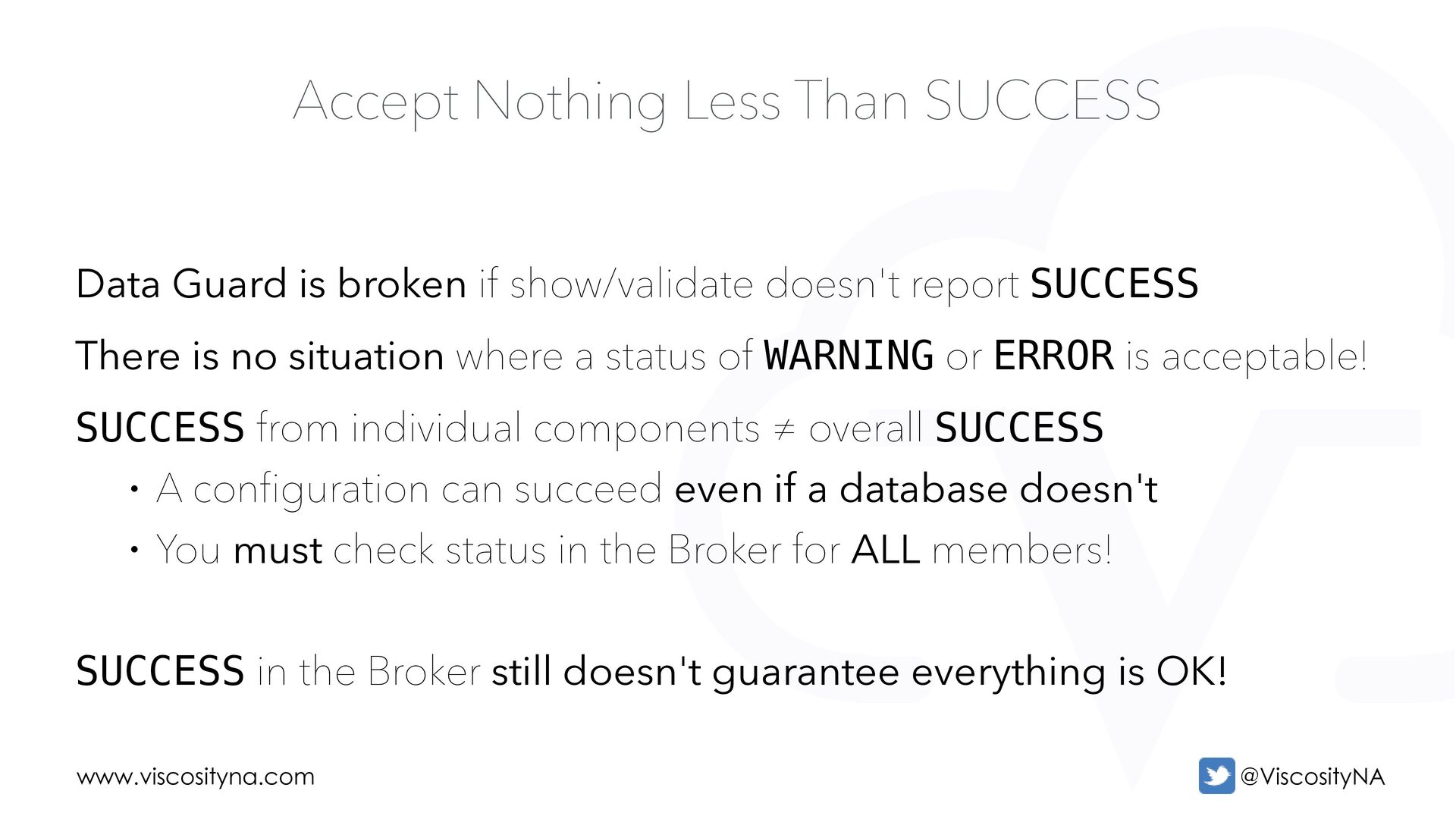
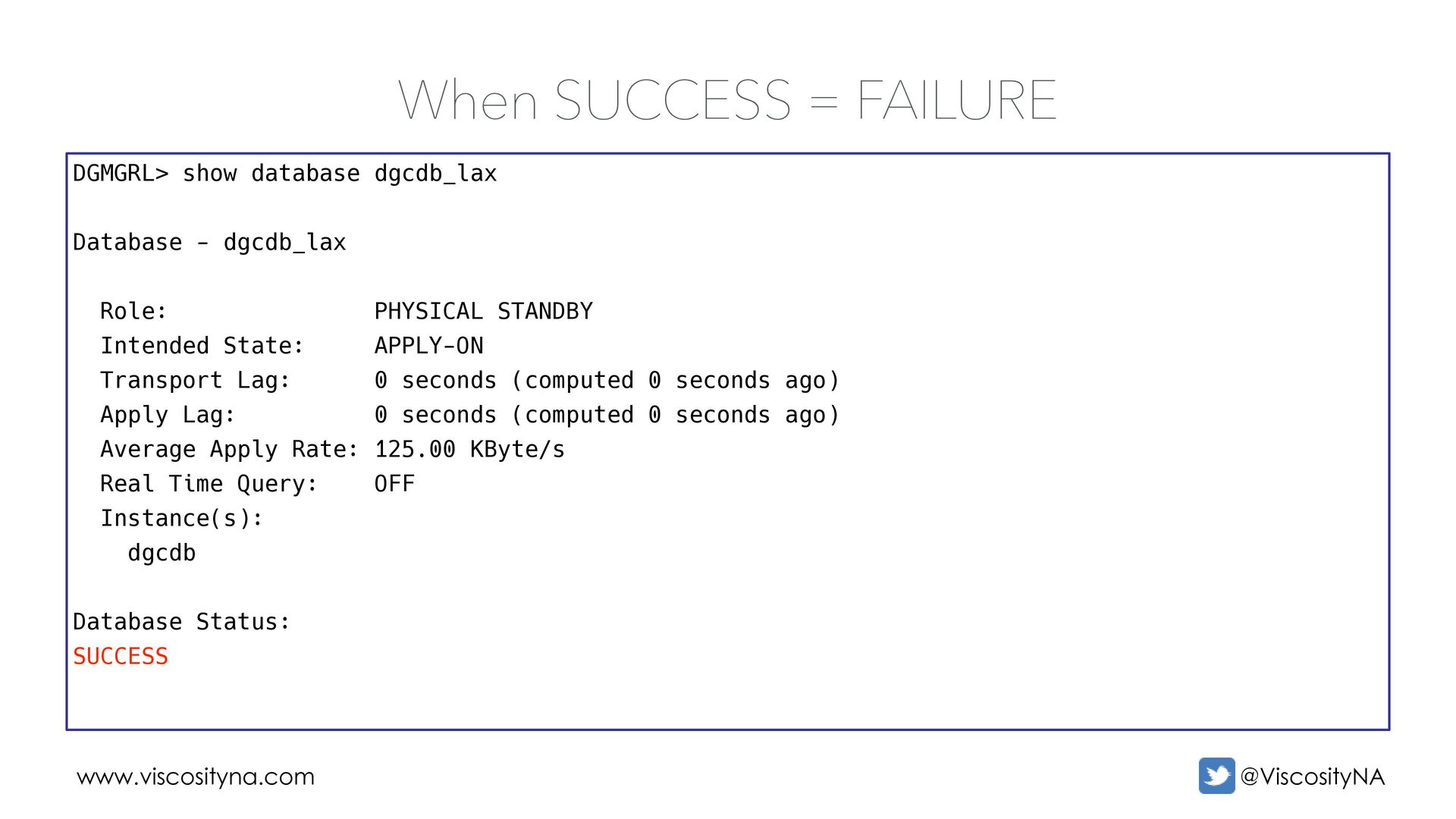
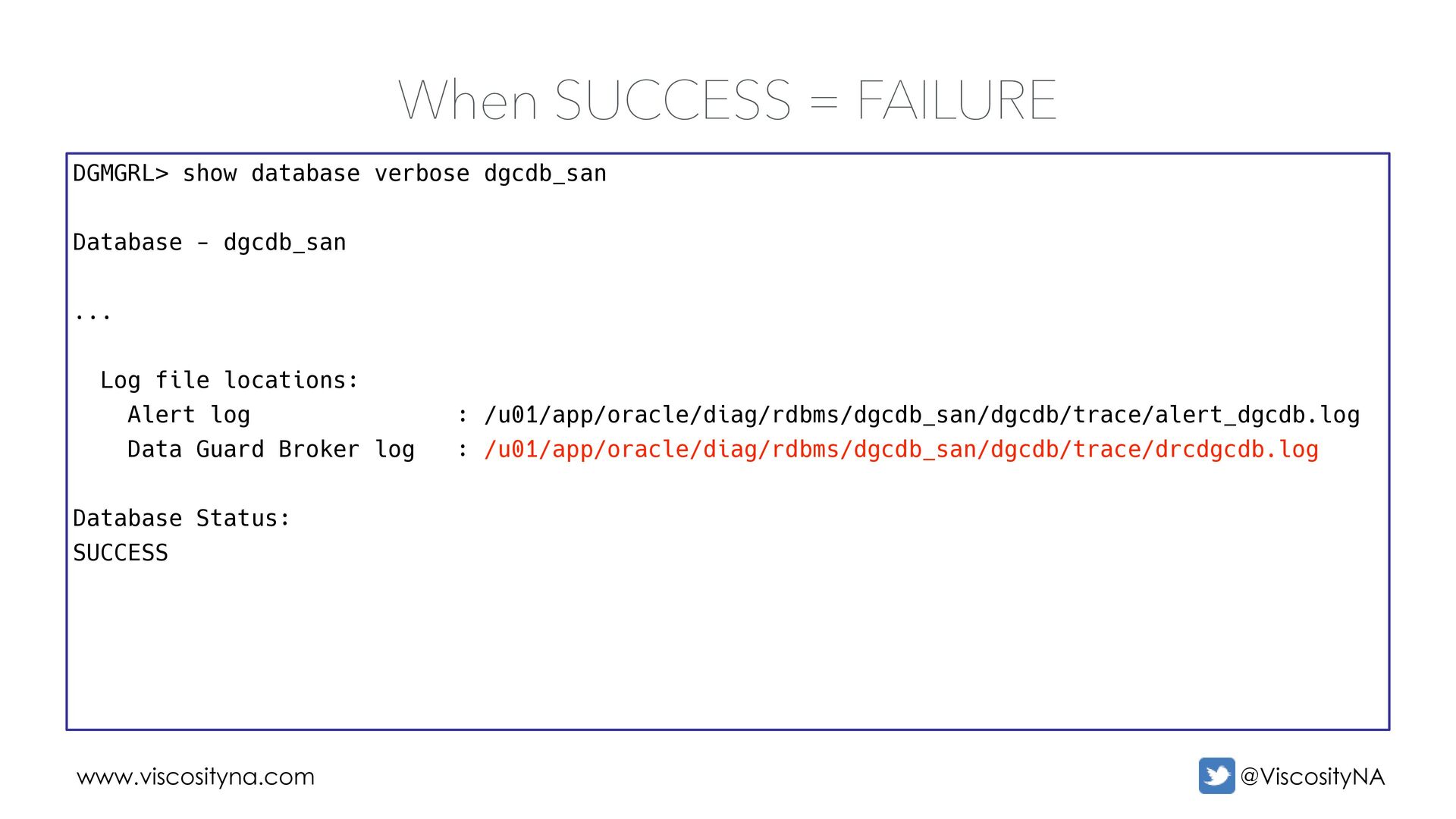
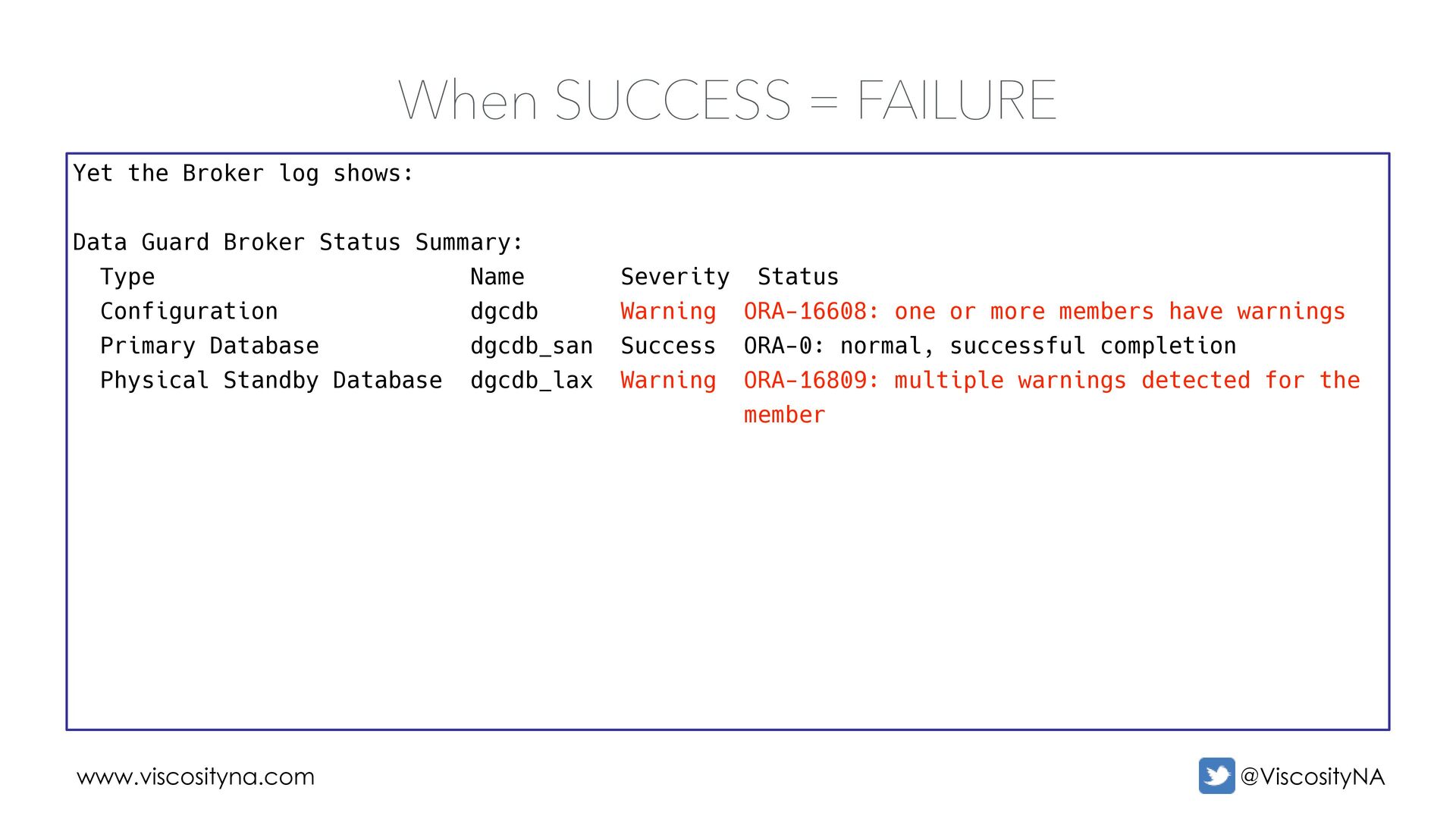
SUCCESS There is no situation where a status of WARNING or ERROR is acceptable! SUCCESS from individual components ≠ overall SUCCESS • A configuration can succeed even if a database doesn't • You must check status in the Broker for ALL members! SUCCESS in the Broker still doesn't guarantee everything is OK! Accept Nothing Less Than SUCCESS
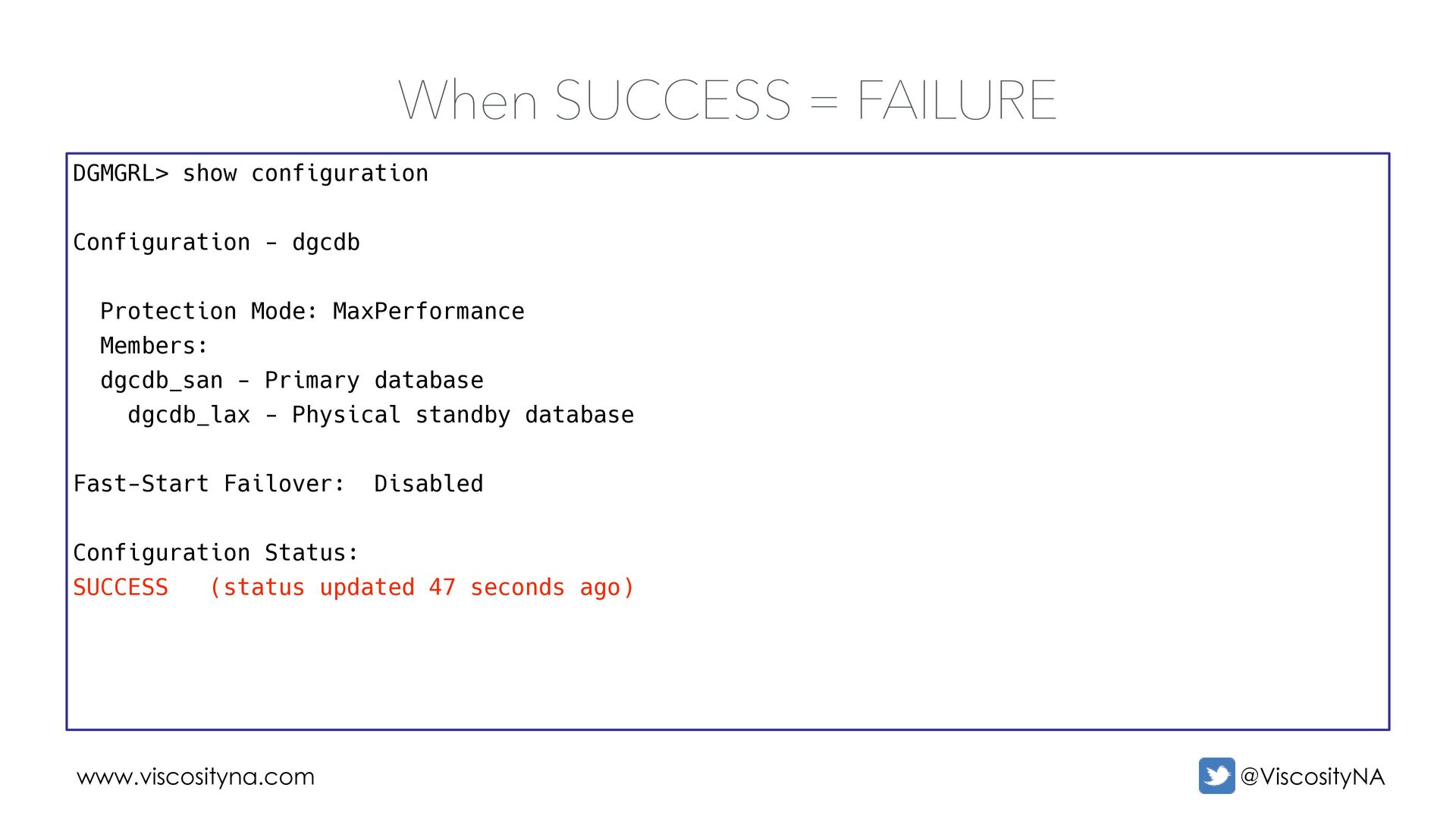
shows: Data Guard Broker Status Summary: Type Name Severity Status Configuration dgcdb Warning ORA-16608: one or more members have warnings Primary Database dgcdb_san Success ORA-0: normal, successful completion Physical Standby Database dgcdb_lax Warning ORA-16809: multiple warnings detected for the member
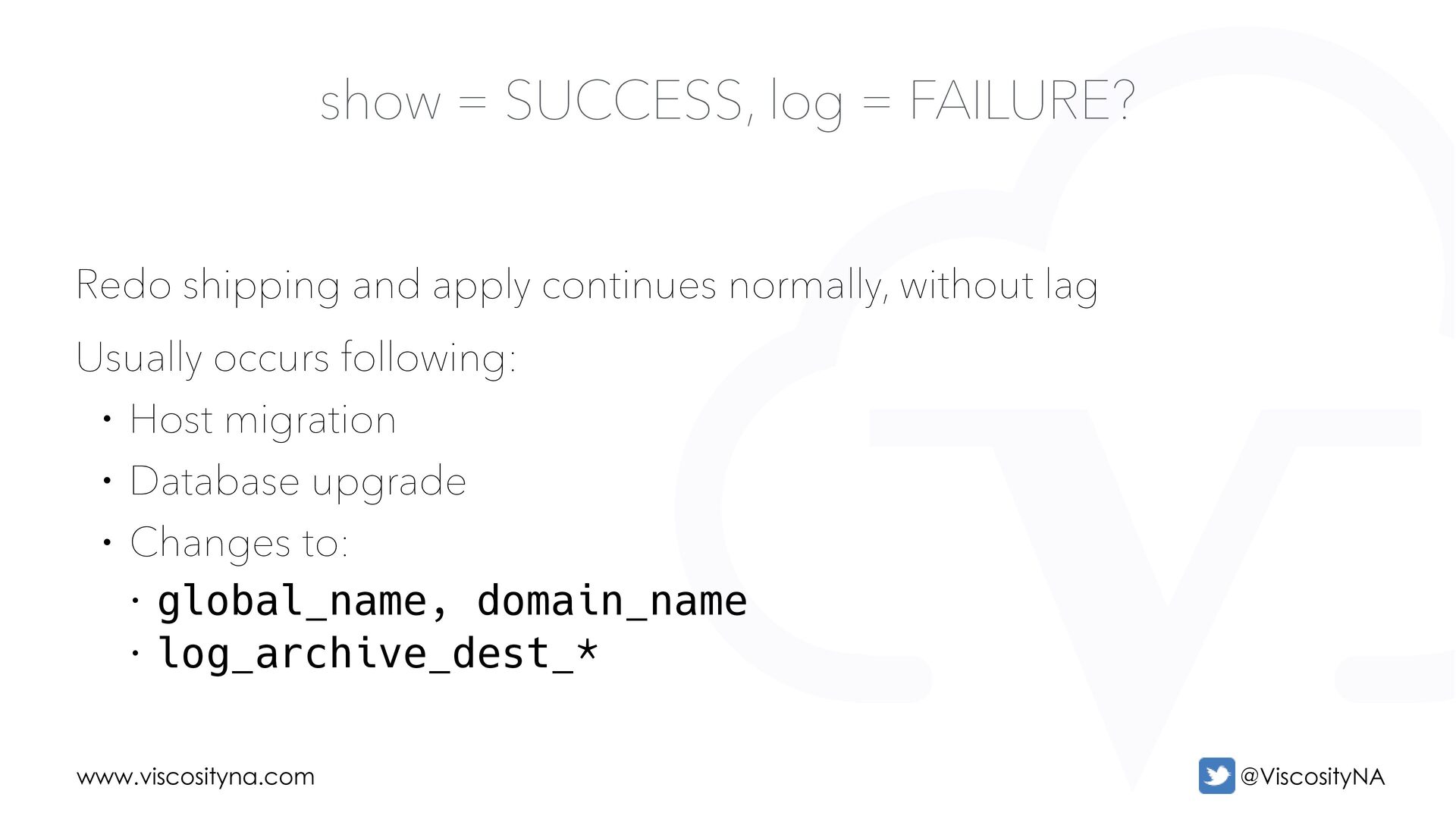
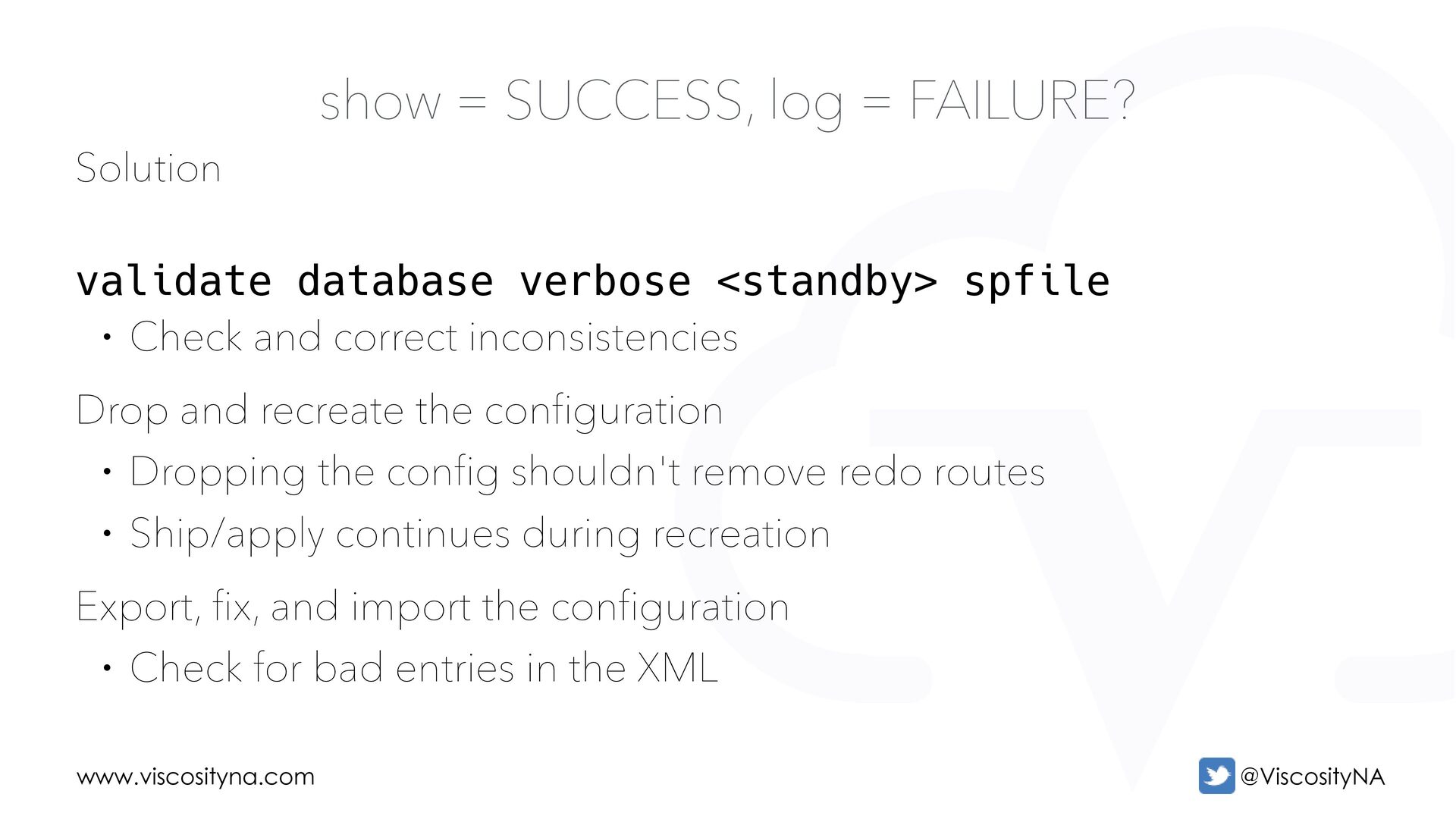
and correct inconsistencies Drop and recreate the configuration • Dropping the config shouldn't remove redo routes • Ship/apply continues during recreation Export, fix, and import the configuration • Check for bad entries in the XML show = SUCCESS, log = FAILURE?

 SiteGround - Reliable hosting with speed, security, and support you can count on.


 oraclesean
 sudoakiy
 shumei_ito
 torumakabe
 htan
htan
 tsho
tsho
 pei0804
 chack411
 ufried
 athug
athug
 kazuho
 toru_kubota
 camiha
 jonoalderson
 inesmontani
 uxyall
 keithpitt
 keavy
keavy
 kimpetersen
 afnizarnur
 schroneko
 aleyda
 skipperchong
 maggiecrowley
 seathinner

![Questions? Contact Me! [email protected] https://linktr.ee/oraclesean www.viscosityna.com](https://files.speakerdeck.com/presentations/11c4f086bc6947118e638fe015f5cecf/slide_62.jpg)