Share
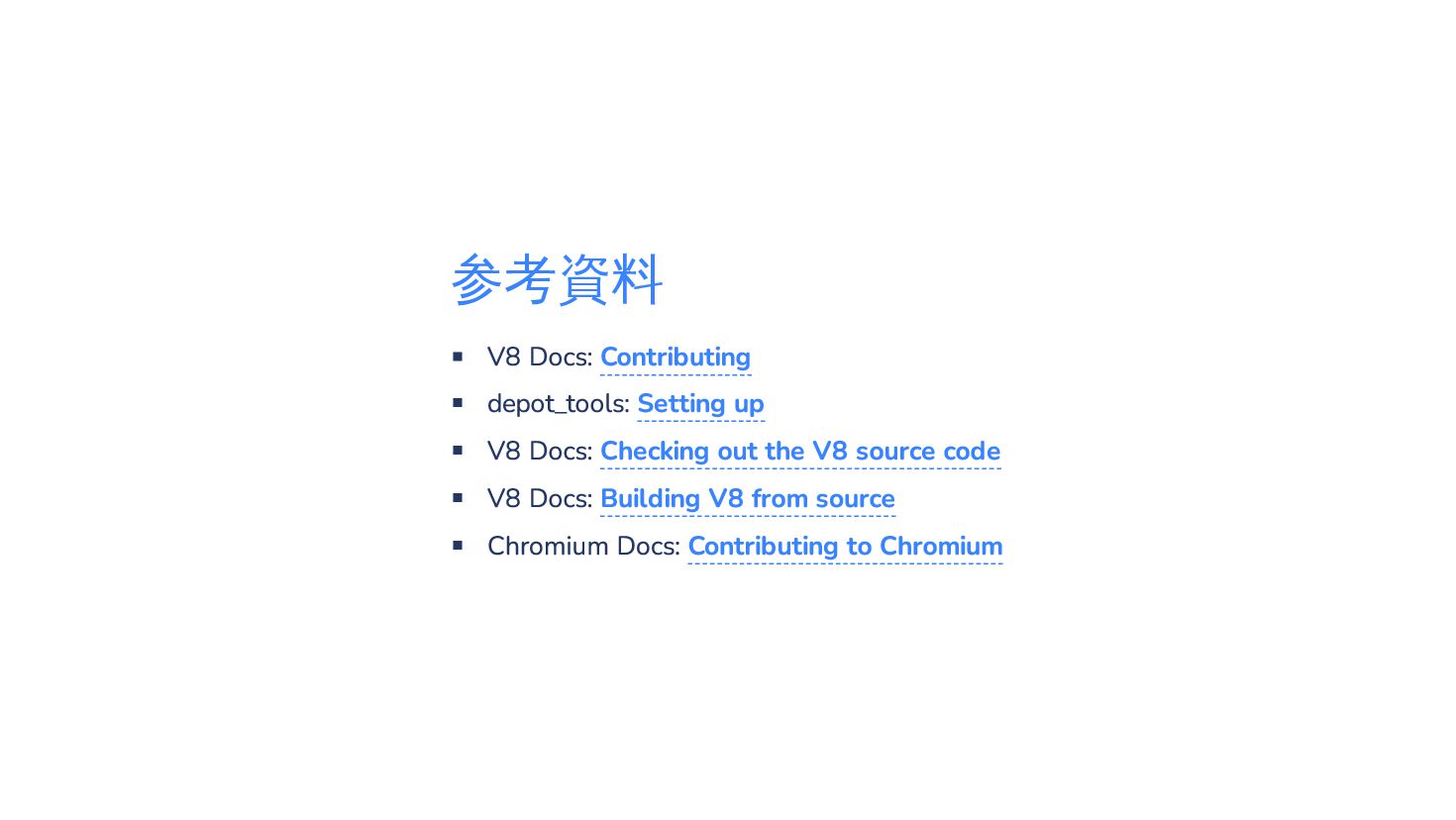
このスライドはSlidevで作られており、以下のレポジトリで公開しています https://github.com/riya-amemiya/amemiya_riya_slide_data/blob/main/v8_contribute_intro


 riyaamemiya
 shisyu_gaku
 hamadakoji
 reuven
 maroon1st
 kentarofujii
 masa_my
 shinichirokawano
 yappli_developers
 murachiakira
 zozotech
 yakumo
 taka_aki
 frankvandijk
 akademiya2063
 twada
twada
 kimpetersen
 rkendrick25
 chriscoyier
 jonrohan
 baasie
 thirion
 emna__ayadi
 codingconduct
 bkeepers






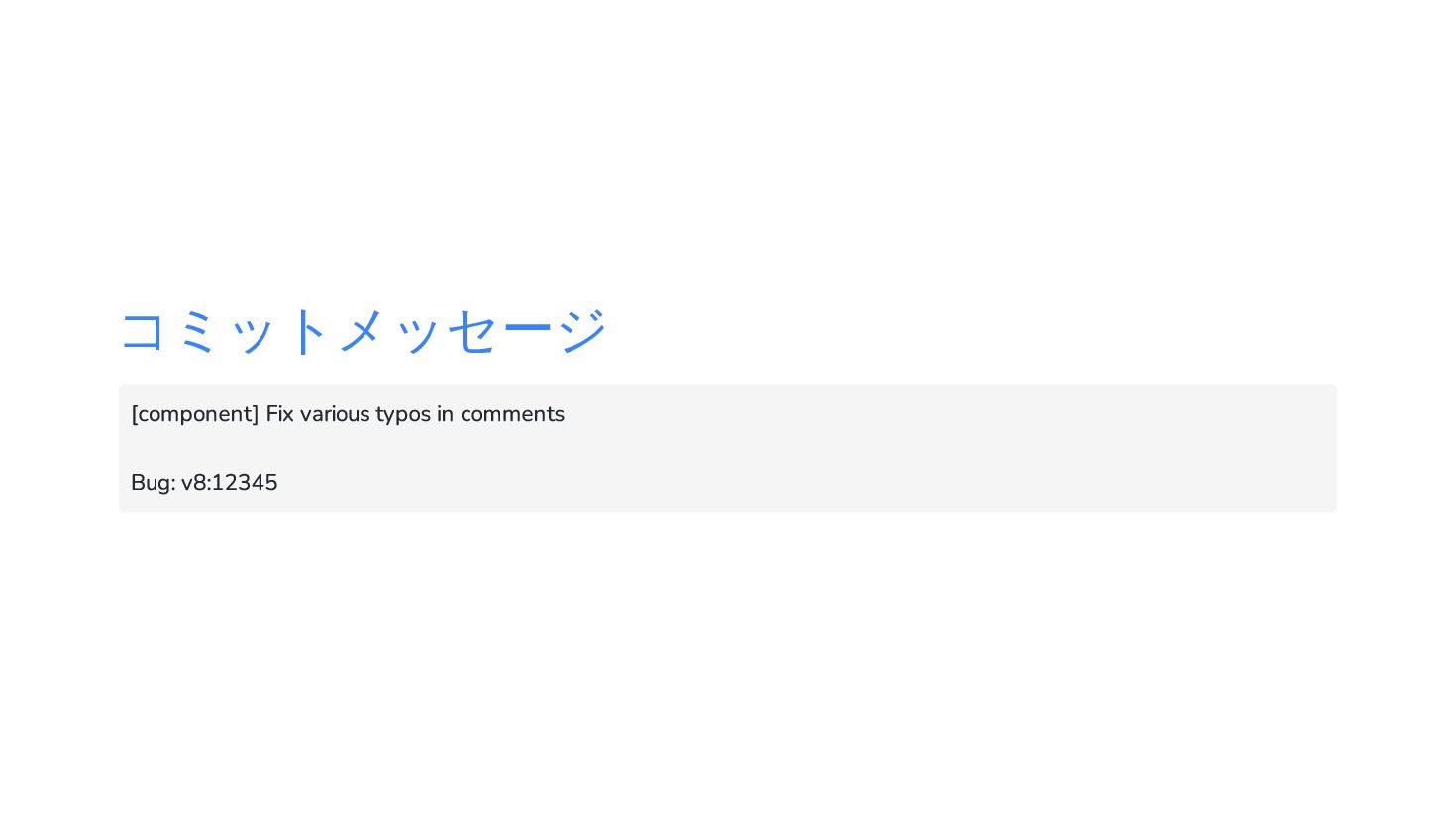
![コミットメッセージ [component] Fix various typos in comments Bug: v8:12345](https://files.speakerdeck.com/presentations/b23cda9cb3e348518e56acd6b75b8625/slide_16.jpg)