Upgrade to Pro
— share decks privately, control downloads, hide ads and more …
Speaker Deck
Sign up for free
Menu
Search
Features
All features
Private URLs
Password Protection
Custom URLS
Scheduled publishing
Remove Branding
Restrict embedding
Deck Collections
Notes
Features
All features
Private URLs
Password Protection
Custom URLS
Scheduled publishing
Remove Branding
Restrict embedding
Deck Collections
Notes
Explore
Featured decks
Featured speakers
Programming
Technology
Storyboards
Explore
Featured decks
Featured speakers
Programming
Technology
Storyboards
Pricing
Search
Sign in
Sign up for free
ConstraintLayoutの機能の実現
Search
HiroYUKI Seto
February 03, 2018
Technology
3.5k
0
Share
Embed
Copy iframe code
Copy JS code
Copy link
Start on current slide
ConstraintLayoutの機能の実現
2018/2/9
DroidKaigi 2018 DAY02 room1 10:30~
発表の付録2
HiroYUKI Seto
February 03, 2018
More Decks by HiroYUKI Seto
See All by HiroYUKI Seto
Androidアプリの 安全なリファクタリングを行うパターン集
seto_hi
2
5k
UI TestやVisual Regression Testを コスパ良くやる
seto_hi
3
2k
事業支援というお仕事
seto_hi
0
470
MDCの内部実装から学ぶ 表現力の高いViewの作り方
seto_hi
5
1.9k
CoordinatorLayoutのBehaviorを使い倒す
seto_hi
1
480
Jetpack Compose
seto_hi
2
900
UI改善に繋がるエンジニアの立ち回り
seto_hi
2
4.9k
MDCのButtonのCorner Family
seto_hi
1
270
MDCのBottomAppBarのShadowの実現方法
seto_hi
0
1.1k
Other Decks in Technology
See All in Technology
契約書画像からの情報抽出に特化した視覚接地モデルを育てる話
sansantech
PRO
1
160
並行性の問題を防げ!実践トランザクション入門
occhi
0
280
AI時代のAPI開発を加速する品質ガードレール / API Quality Guardrails in the AI Era
yokawasa
0
180
AIは爆速なのに、私が詰まっていた話 ― 音声入力と鳴くマスコットでボトルネックを削る
yama3133
0
600
ファミコンでPHPを動かす / PHP on the Famicom side b
tomzoh
0
140
Execution in the Kingdom of Agents: Reflections on Abstraction and Complexity
bcantrill
0
940
3つのアプローチで目指す チームを強くするAI駆動開発
thkt
0
150
ハードウェアコンペでもAI駆動開発が進んでいる話
iotengineer22
1
680
生成AIで高い生産性を求められて、 悩み、乗り越えた話
mot_techtalk
2
160
LocalStack を使ったサーバーレスアプリケーション開発 / Serverless Development with LocalStack
kakakakakku
1
390
FactoryBotアンチパターン / factory_bot anti-patterns
toshimaru
0
150
夫婦で子育てするための育児標準化
codmoninc
PRO
0
150
Featured
See All Featured
4 Signs Your Business is Dying
shpigford
187
23k
SEO Brein meetup: CTRL+C is not how to scale international SEO
lindahogenes
2
2.9k
No one is an island. Learnings from fostering a developers community.
thoeni
21
3.8k
It's Worth the Effort
3n
188
29k
Let's Do A Bunch of Simple Stuff to Make Websites Faster
chriscoyier
508
140k
[RailsConf 2023 Opening Keynote] The Magic of Rails
eileencodes
31
10k
Deep Space Network (abreviated)
tonyrice
0
360
The Pragmatic Product Professional
lauravandoore
37
7.5k
The SEO Collaboration Effect
kristinabergwall1
1
590
世界の人気アプリ100個を分析して見えたペイウォール設計の心得
akihiro_kokubo
PRO
74
42k
The Organizational Zoo: Understanding Human Behavior Agility Through Metaphoric Constructive Conversations (based on the works of Arthur Shelley, Ph.D)
kimpetersen
PRO
0
490
The SEO identity crisis: Don't let AI make you average
varn
0
580
Transcript
DroidKaigi 2018付録2 ConstraintLayout の 機能の実現 株式会社ノハナ 瀬戸優之 @seto_hi
略解 ConstraintLayoutの 機能の内部実装 https://qiita.com/hiroyuki-seto/items/7b8781b336efba14872e のもう少し深い話
Guideline
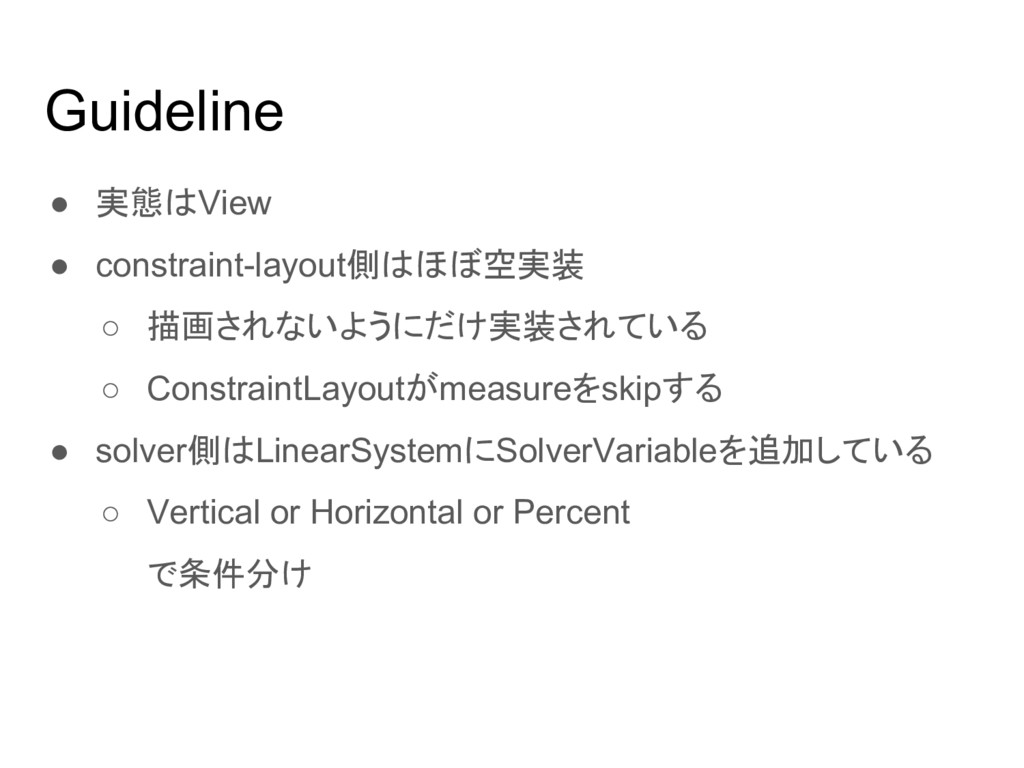
Guideline • 実態はView • constraint-layout側はほぼ空実装 ◦ 描画されないようにだけ実装されている ◦ ConstraintLayoutがmeasureをskipする •
solver側はLinearSystemにSolverVariableを追加している ◦ Vertical or Horizontal or Percent で条件分け
Group
の前に
ConstraintHelper
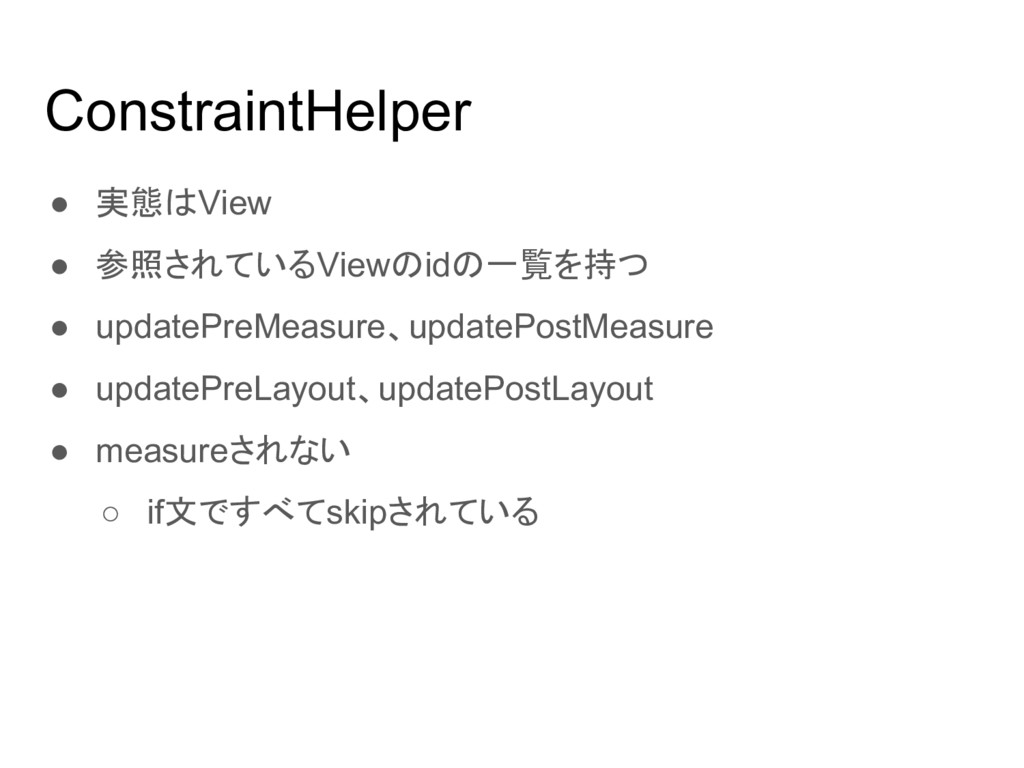
ConstraintHelper • 実態はView • 参照されているViewのidの一覧を持つ • updatePreMeasure、updatePostMeasure • updatePreLayout、updatePostLayout •
measureされない ◦ if文ですべてskipされている
Group
Group • View、ConstraintHelper • updatePreLayout ◦ 対象Viewのvisibilityとelevationを変更 • updatePostLayout ◦
自身の幅と高さを0 ▪ VisibilityがGONEでないため レイアウトされる可能性がある その際に幅と高さを持たないため
Barrier
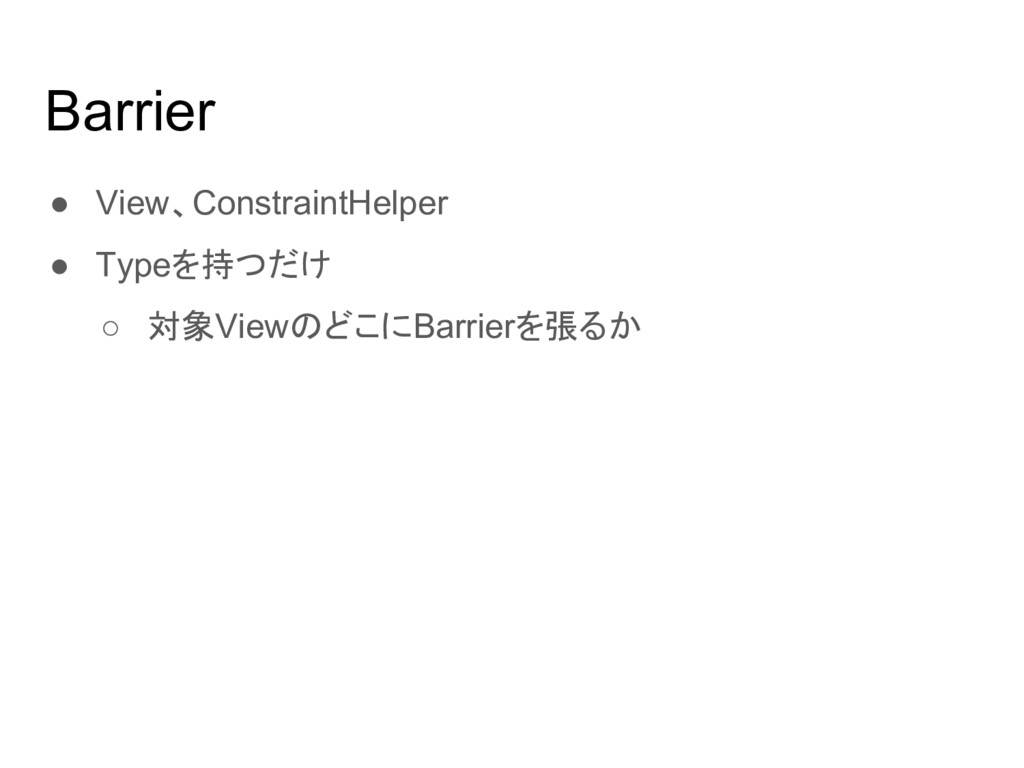
Barrier • View、ConstraintHelper • Typeを持つだけ ◦ 対象ViewのどこにBarrierを張るか
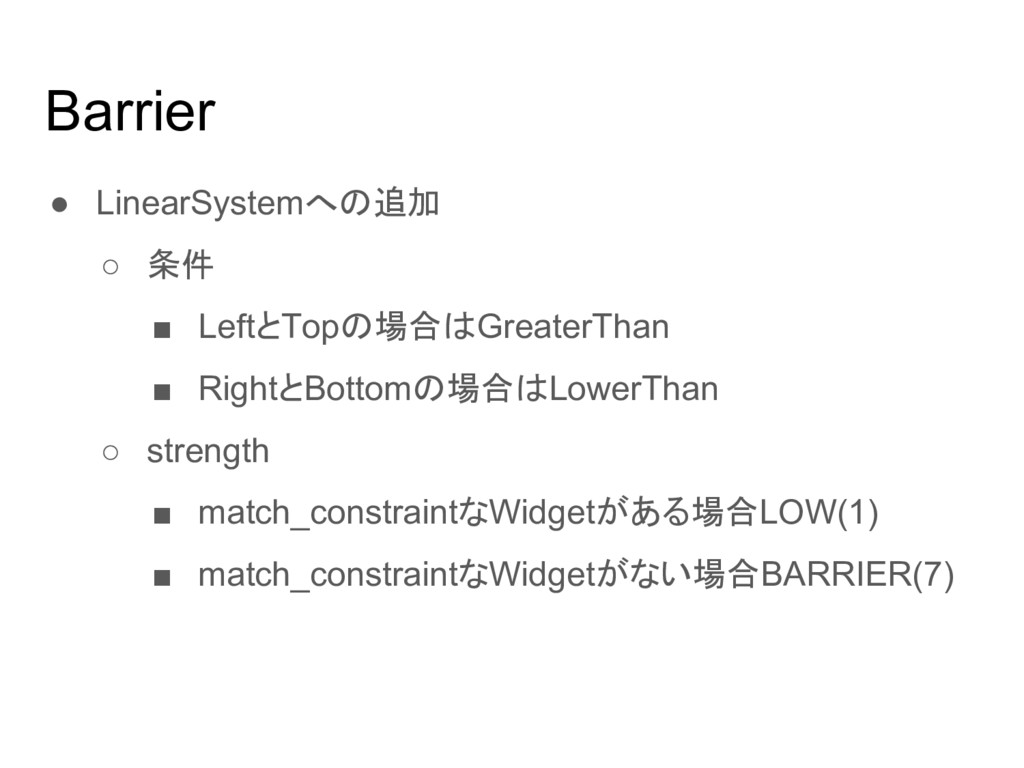
Barrier • LinearSystemへの追加 ◦ 条件 ▪ LeftとTopの場合はGreaterThan ▪ RightとBottomの場合はLowerThan ◦
strength ▪ match_constraintなWidgetがある場合LOW(1) ▪ match_constraintなWidgetがない場合BARRIER(7)
Placeholder
Placeholder • solver側に対応するクラスがない • updatePostMeasure ◦ contentのvisibilityをVISIBLE →自身のサイズに子Viewのサイズを代入 →contentのvisibilityをGONE ▪
ConstraintWidgetはvisibilityがGONEだとsizeが0 • updatePreLayout ◦ contentにisInPlaceholderフラグを立てる ◦ 自身とcontentのvisibilityをVISIBLE
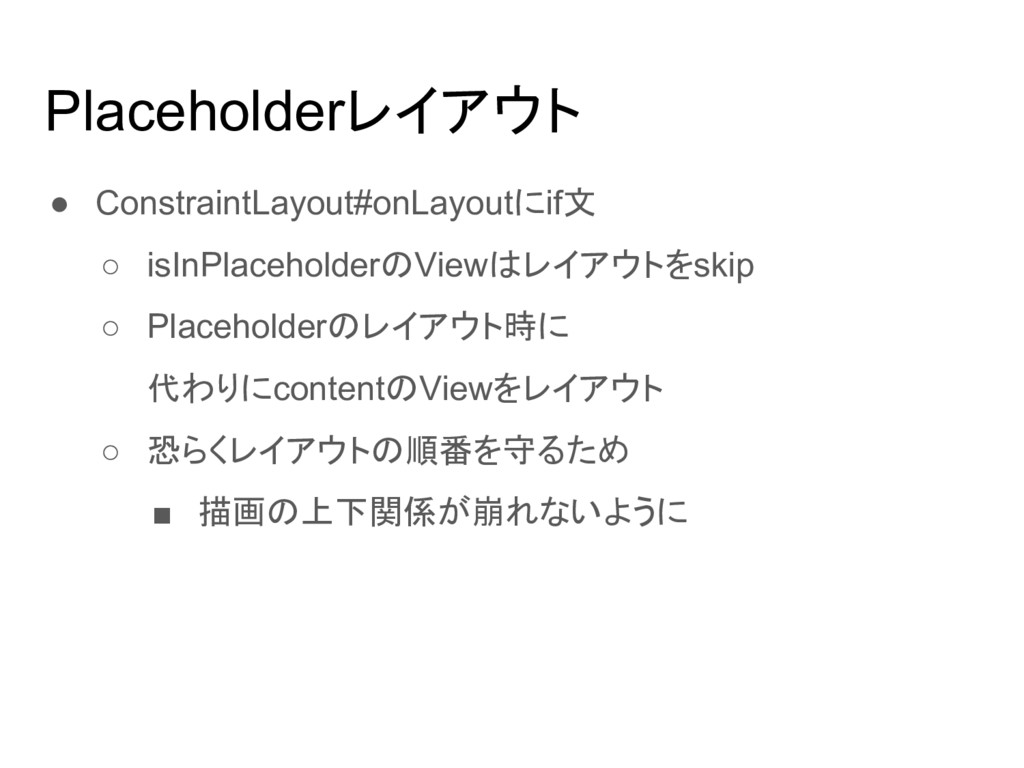
Placeholderレイアウト • ConstraintLayout#onLayoutにif文 ◦ isInPlaceholderのViewはレイアウトをskip ◦ Placeholderのレイアウト時に 代わりにcontentのViewをレイアウト ◦ 恐らくレイアウトの順番を守るため
▪ 描画の上下関係が崩れないように
Chain
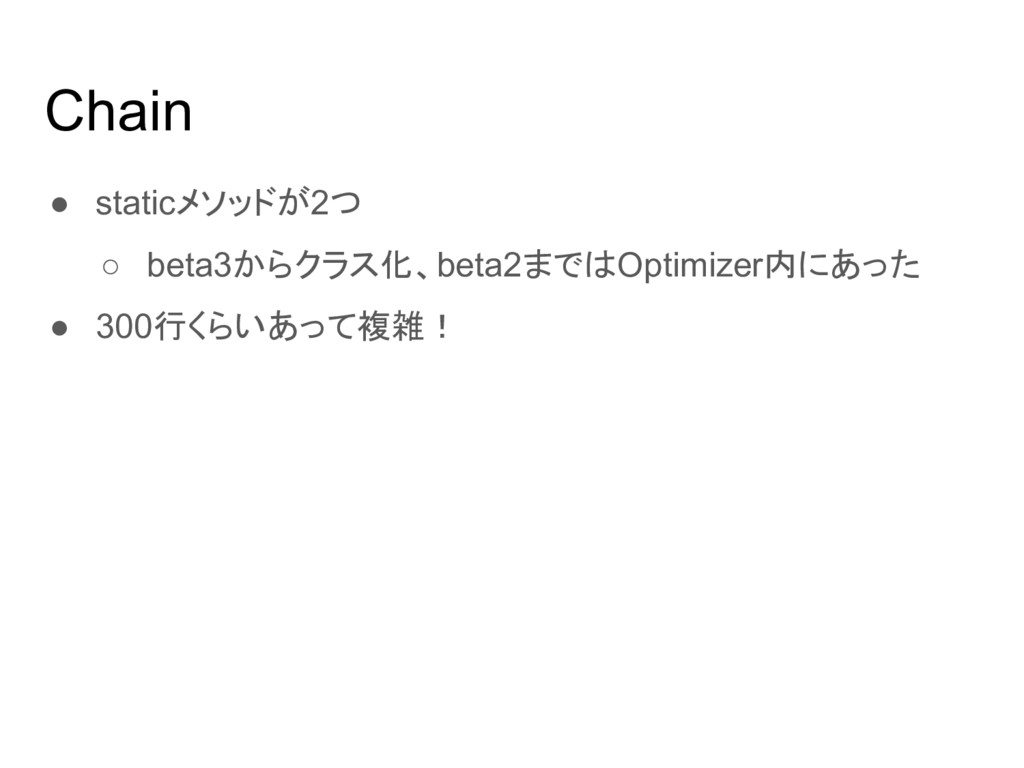
Chain • staticメソッドが2つ ◦ beta3からクラス化、beta2まではOptimizer内にあった • 300行くらいあって複雑!
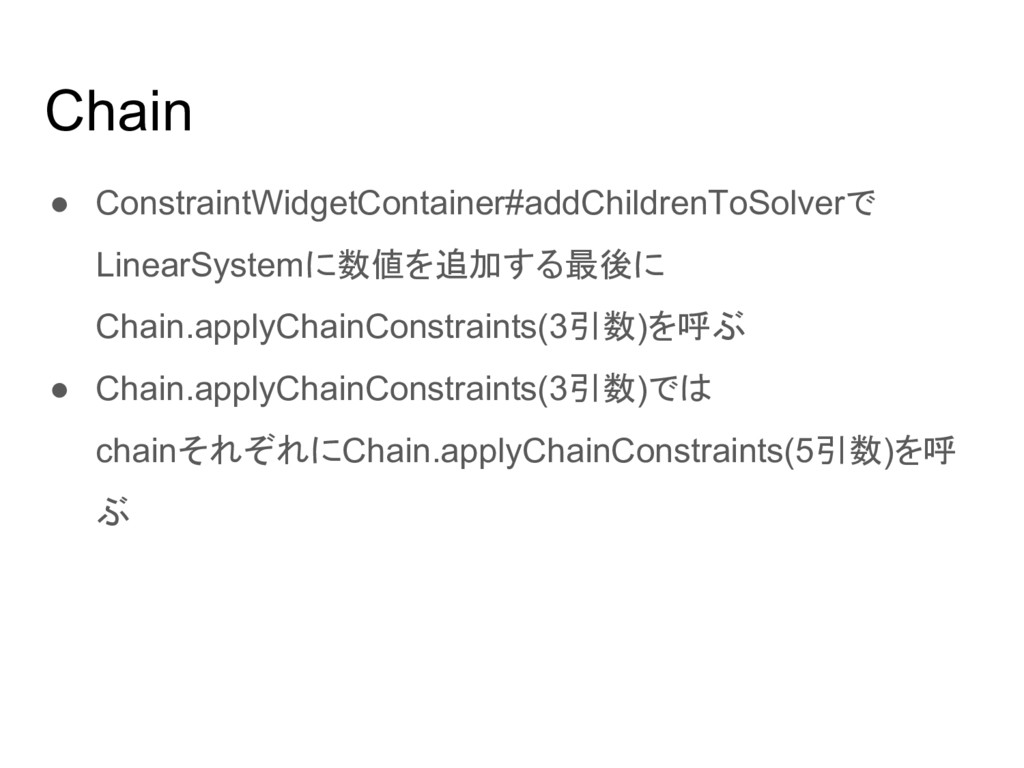
Chain • ConstraintWidgetContainer#addChildrenToSolverで LinearSystemに数値を追加する最後に Chain.applyChainConstraints(3引数)を呼ぶ • Chain.applyChainConstraints(3引数)では chainそれぞれにChain.applyChainConstraints(5引数)を呼 ぶ
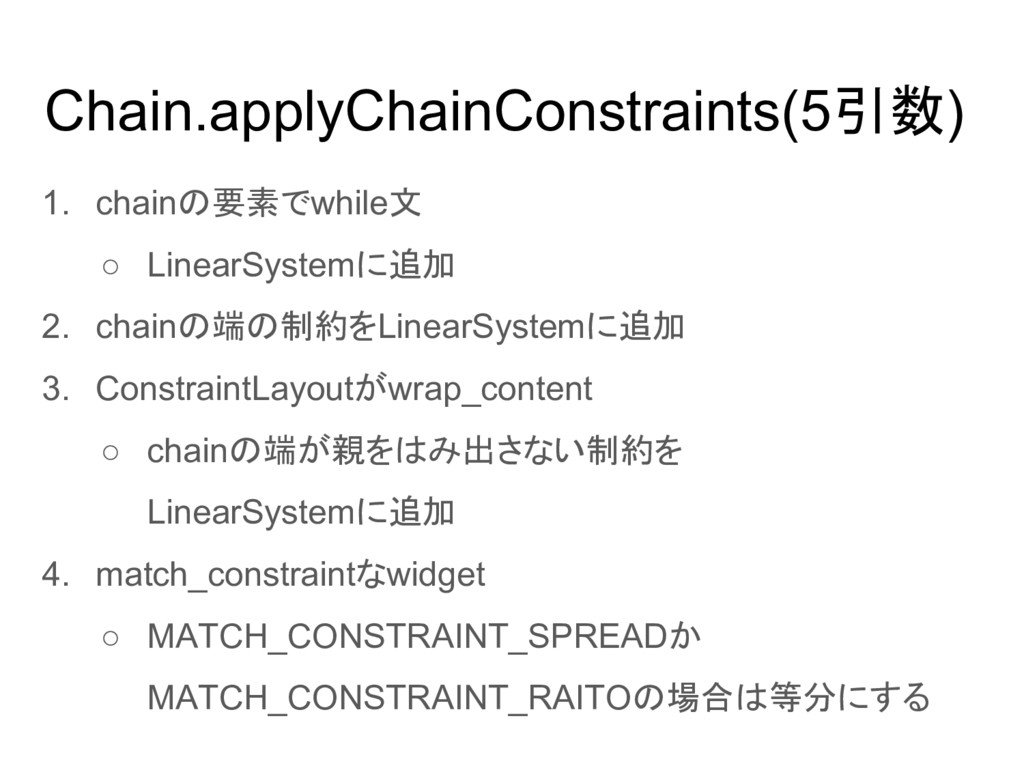
Chain.applyChainConstraints(5引数) 1. chainの要素でwhile文 ◦ LinearSystemに追加 2. chainの端の制約をLinearSystemに追加 3. ConstraintLayoutがwrap_content ◦
chainの端が親をはみ出さない制約を LinearSystemに追加 4. match_constraintなwidget ◦ MATCH_CONSTRAINT_SPREADか MATCH_CONSTRAINT_RAITOの場合は等分にする
Chain.applyChainConstraints(5引数) 5. packed, spread, spreadInsideの処理 • packed or 要素Chainの1個 ◦
先頭の項目を中央揃え(bias考慮)で配置 ◦ packedは1.の時に各要素が隣接するように配置 • spread ◦ Chainの要素を中央寄せで配置 • spreadInside ◦ Chainの端以外の要素を中央寄せで配置 ◦ Chainの端の要素をmarginの位置に配置


 seto_hi
 sansantech
 occhi
occhi
 yokawasa
 yama3133
 tomzoh
 bcantrill
 thkt
thkt
 iotengineer22
 mot_techtalk
 kakakakakku
 toshimaru
 codmoninc
 shpigford
 lindahogenes
 thoeni
 3n
3n
 chriscoyier
 eileencodes
 tonyrice
 lauravandoore
 kristinabergwall1
 akihiro_kokubo
 kimpetersen
 varn
varn