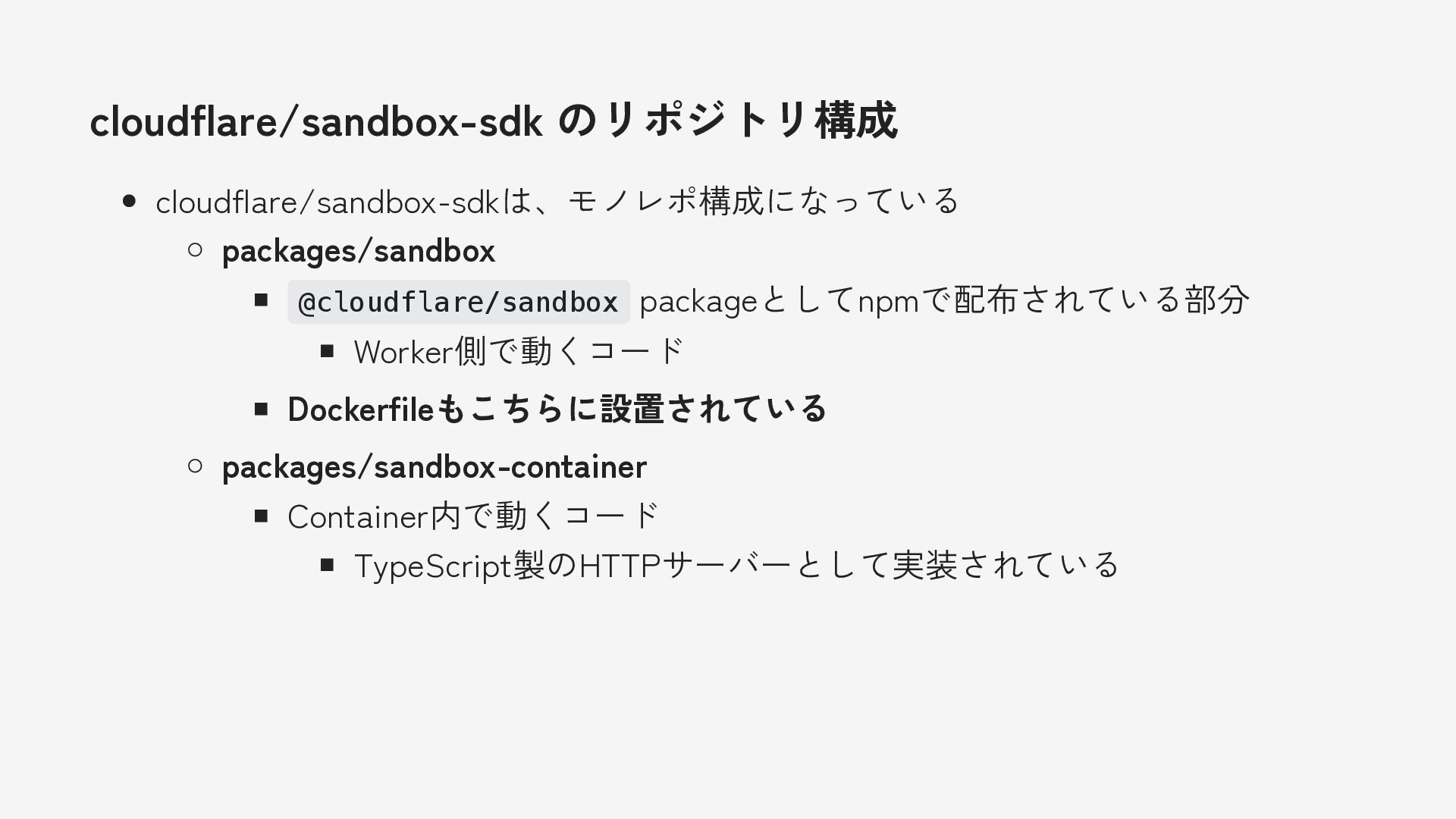
Share
Embed
Transcript
49 slides
-
自己紹介 syumai ECMAScript 仕様輪読会 / Asakusa.go 主催 Software Design 2023年12月号から2025年2月号まで
Cloudflare Workersの連載をしました Twitter (現𝕏): @__syumai Website: https://syum.ai -
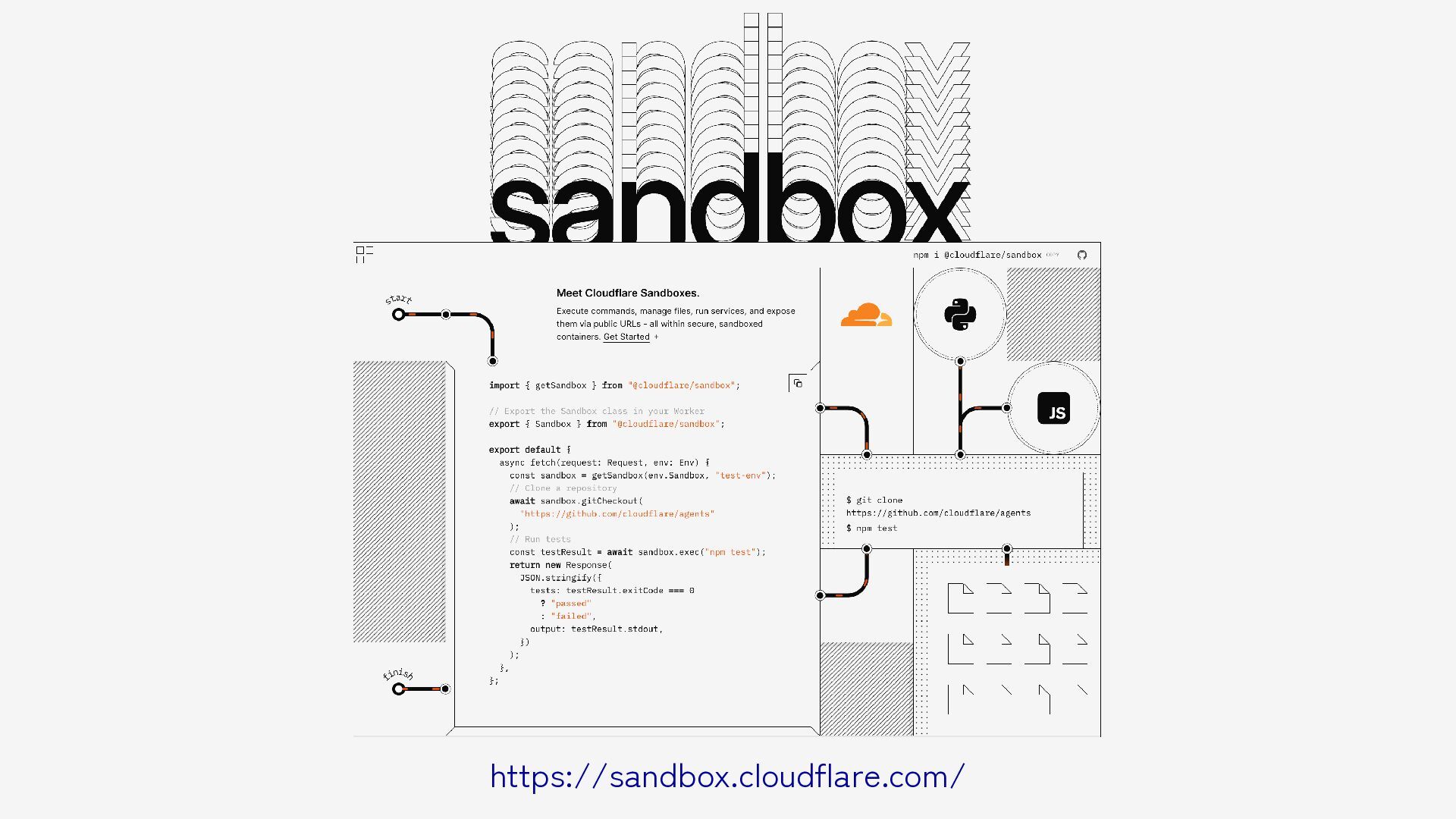
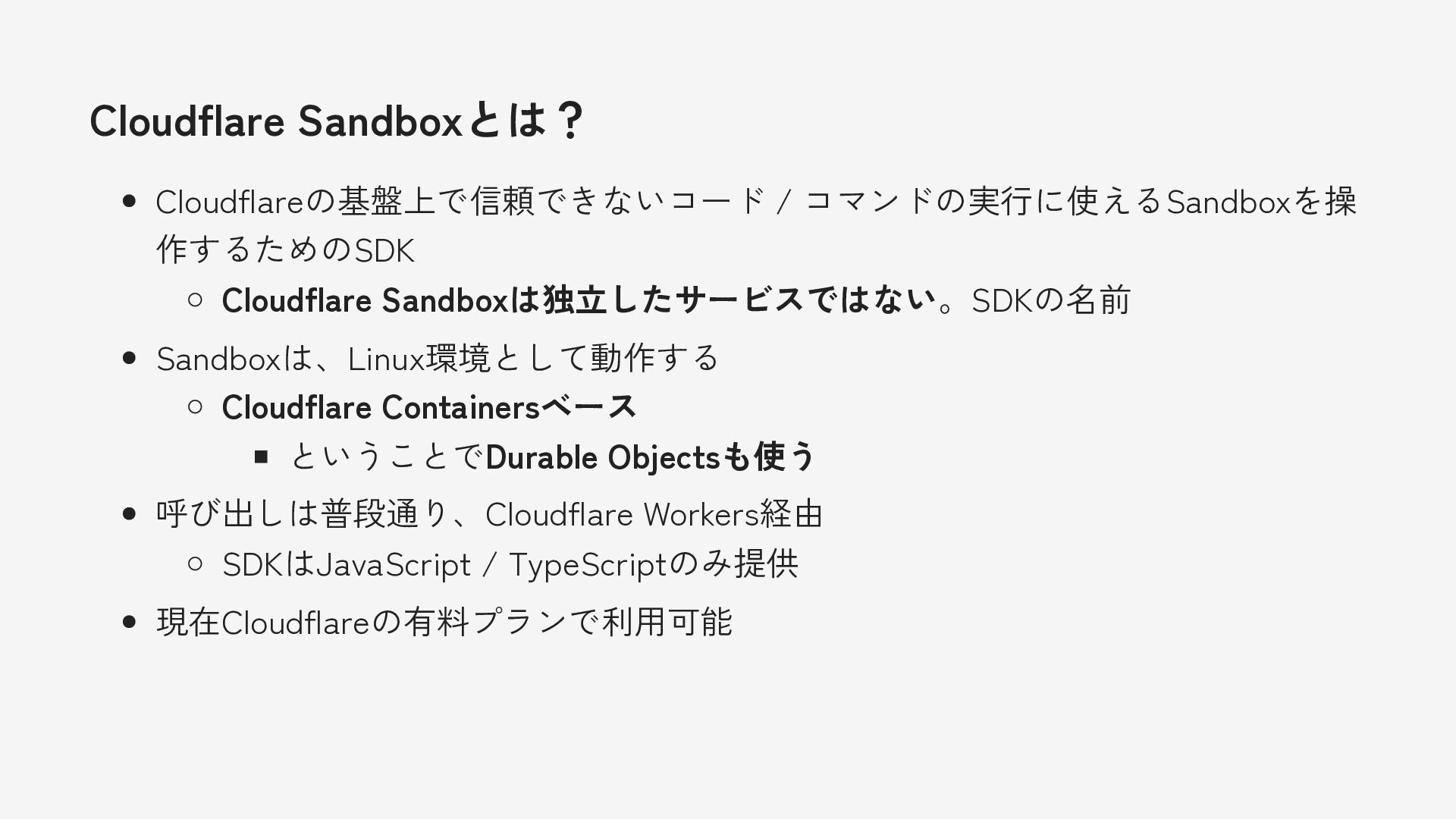
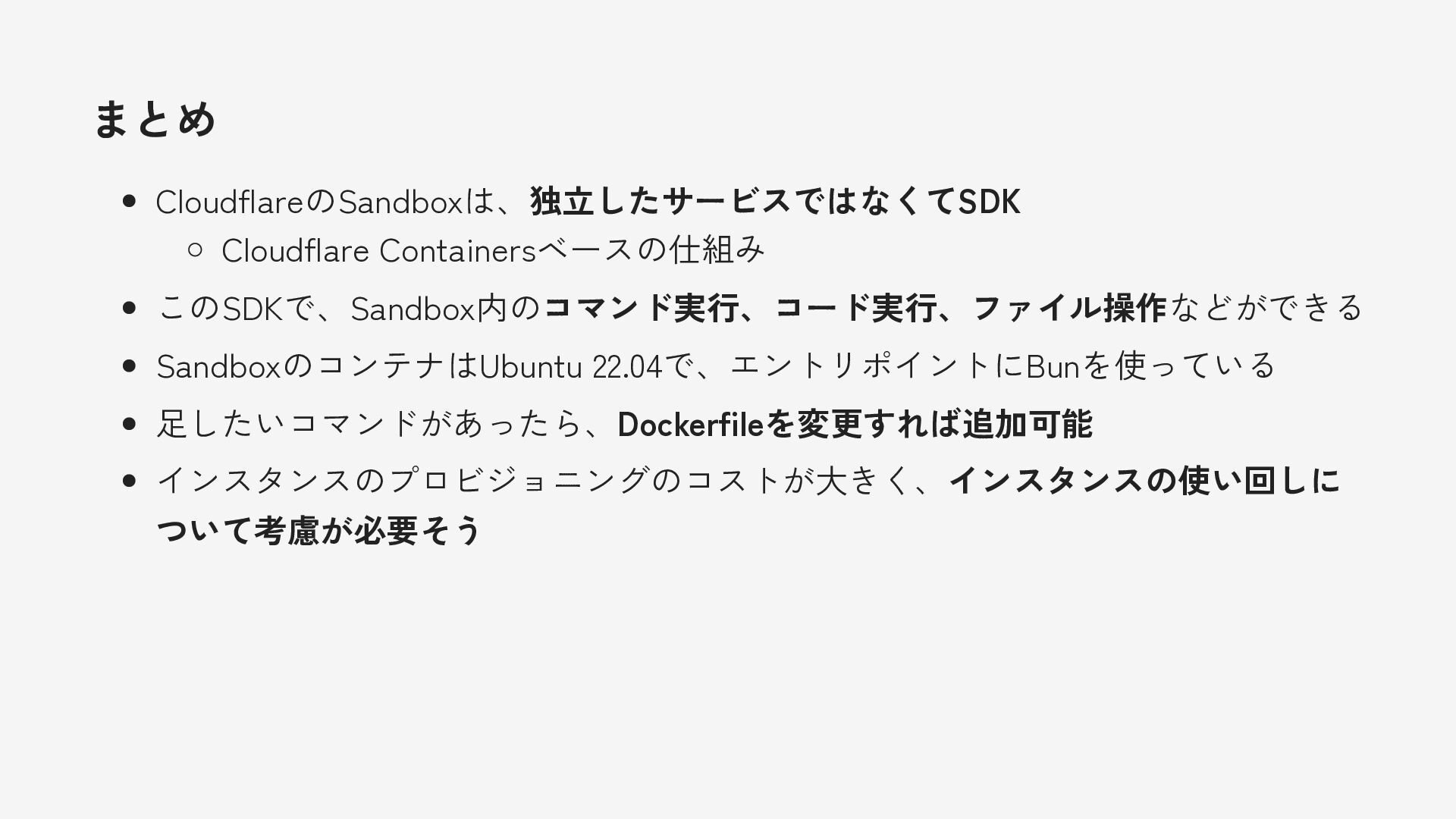
CloudflareのSandbox SDKとは? Cloudflareの基盤上で信頼できないコード / コマンドの実行に使えるSandboxを操 作するためのSDK Cloudflare Sandboxという独立したサービスは無い。SDKの名前 Sandboxは、Linux環境として動作する Cloudflare
Containersベース ということでDurable Objectsも使う 呼び出しは普段通り、Cloudflare Workers経由 SDKはJavaScript / TypeScriptのみ提供 現在Cloudflareの有料プランで利用可能 -
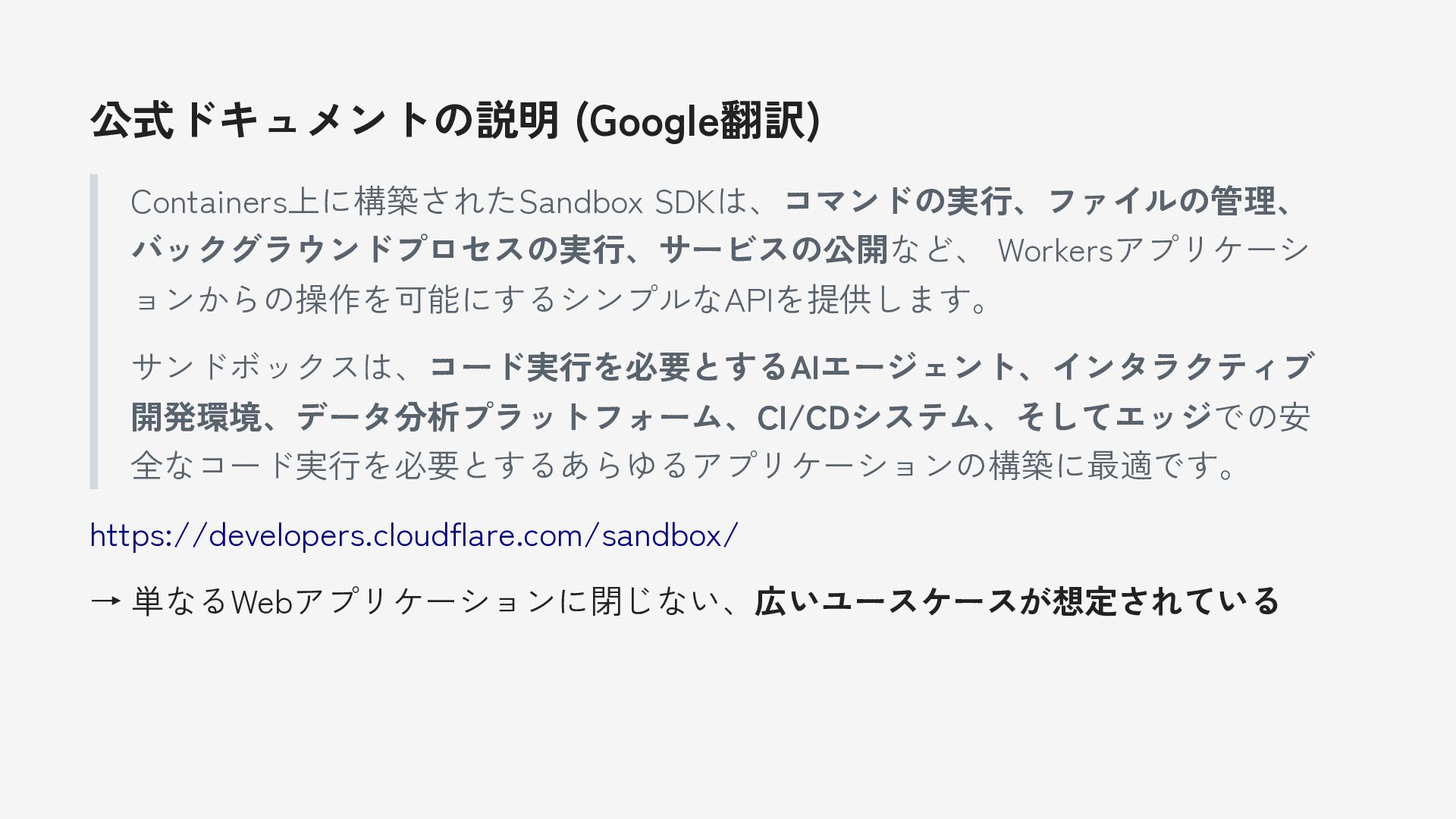
公式ドキュメントの説明 (Google翻訳) Containers上に構築されたSandbox SDKは、コマンドの実行、ファイルの管理、 バックグラウンドプロセスの実行、サービスの公開など、 Workersアプリケーシ ョンからの操作を可能にするシンプルなAPIを提供します。 サンドボックスは、コード実行を必要とするAIエージェント、インタラクティブ 開発環境、データ分析プラットフォーム、CI/CDシステム、そしてエッジでの安 全なコード実行を必要とするあらゆるアプリケーションの構築に最適です。
https://developers.cloudflare.com/sandbox/ → 単なるWebアプリケーションに閉じない、広いユースケースが想定されている -
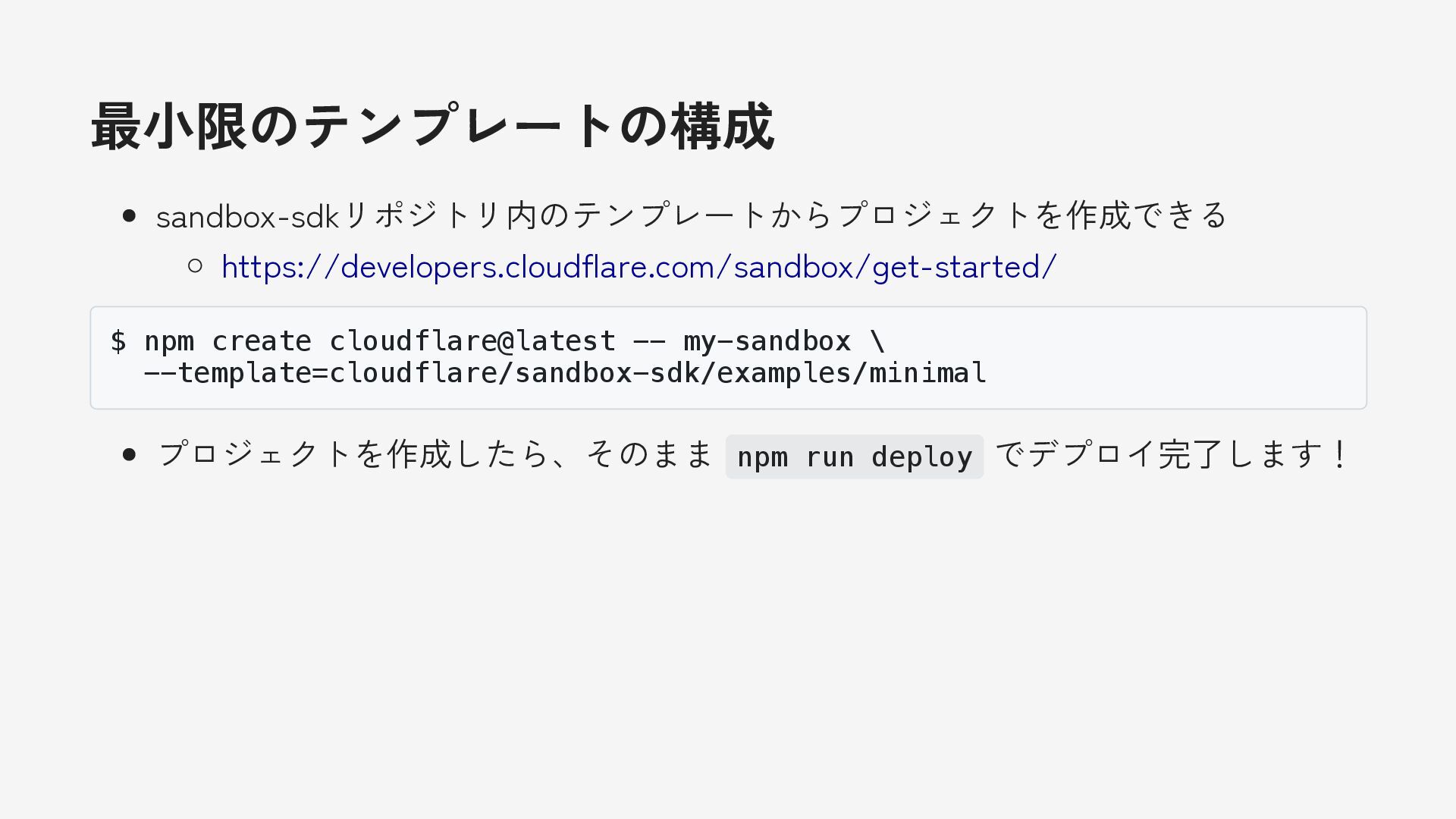
最小限のテンプレートの構成 sandbox-sdkリポジトリ内のテンプレートからプロジェクトを作成できる https://developers.cloudflare.com/sandbox/get-started/ $ npm create cloudflare@latest -- my-sandbox \
--template=cloudflare/sandbox-sdk/examples/minimal プロジェクトを作成したら、そのまま npm run deploy でデプロイ完了します! -
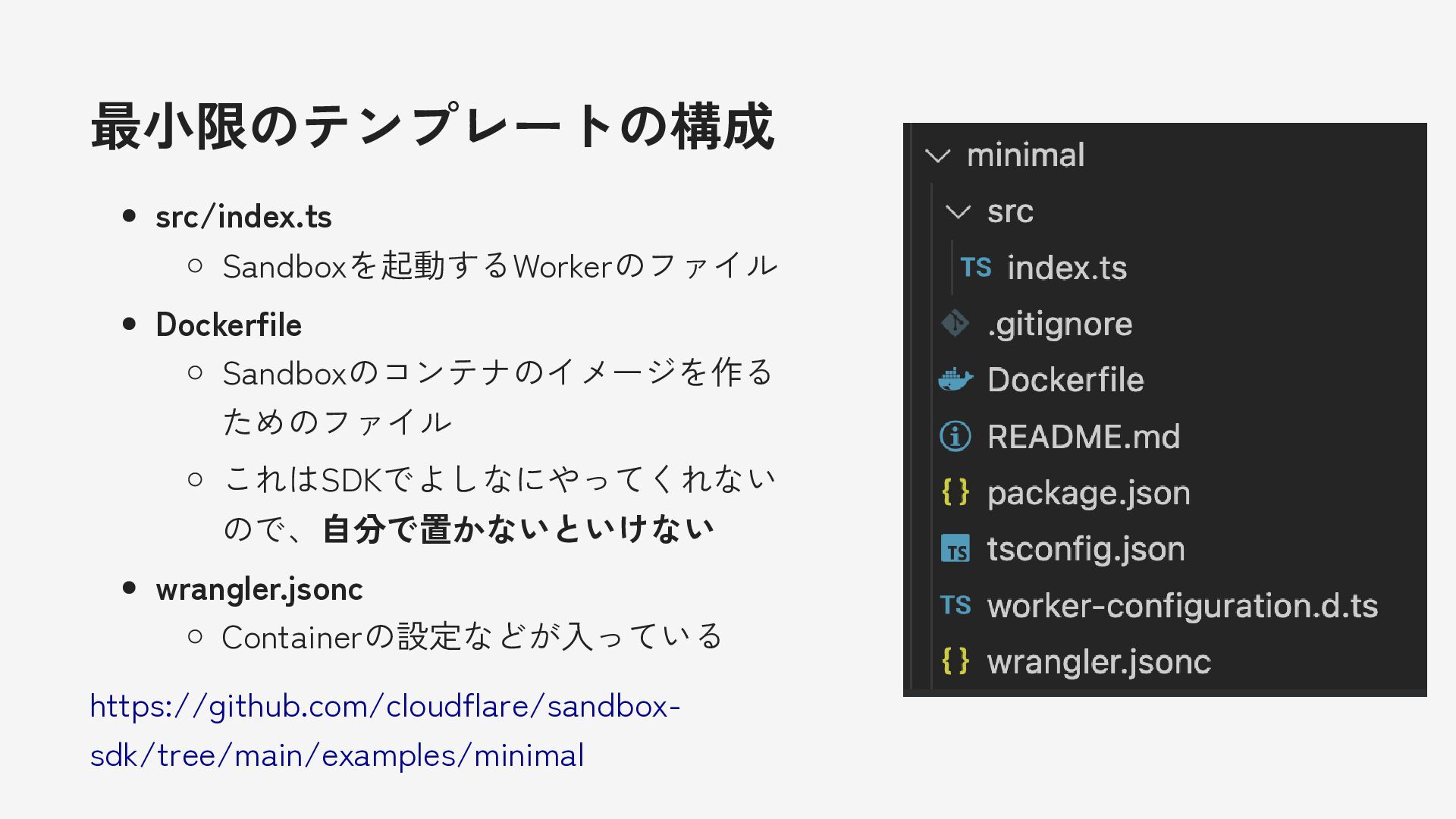
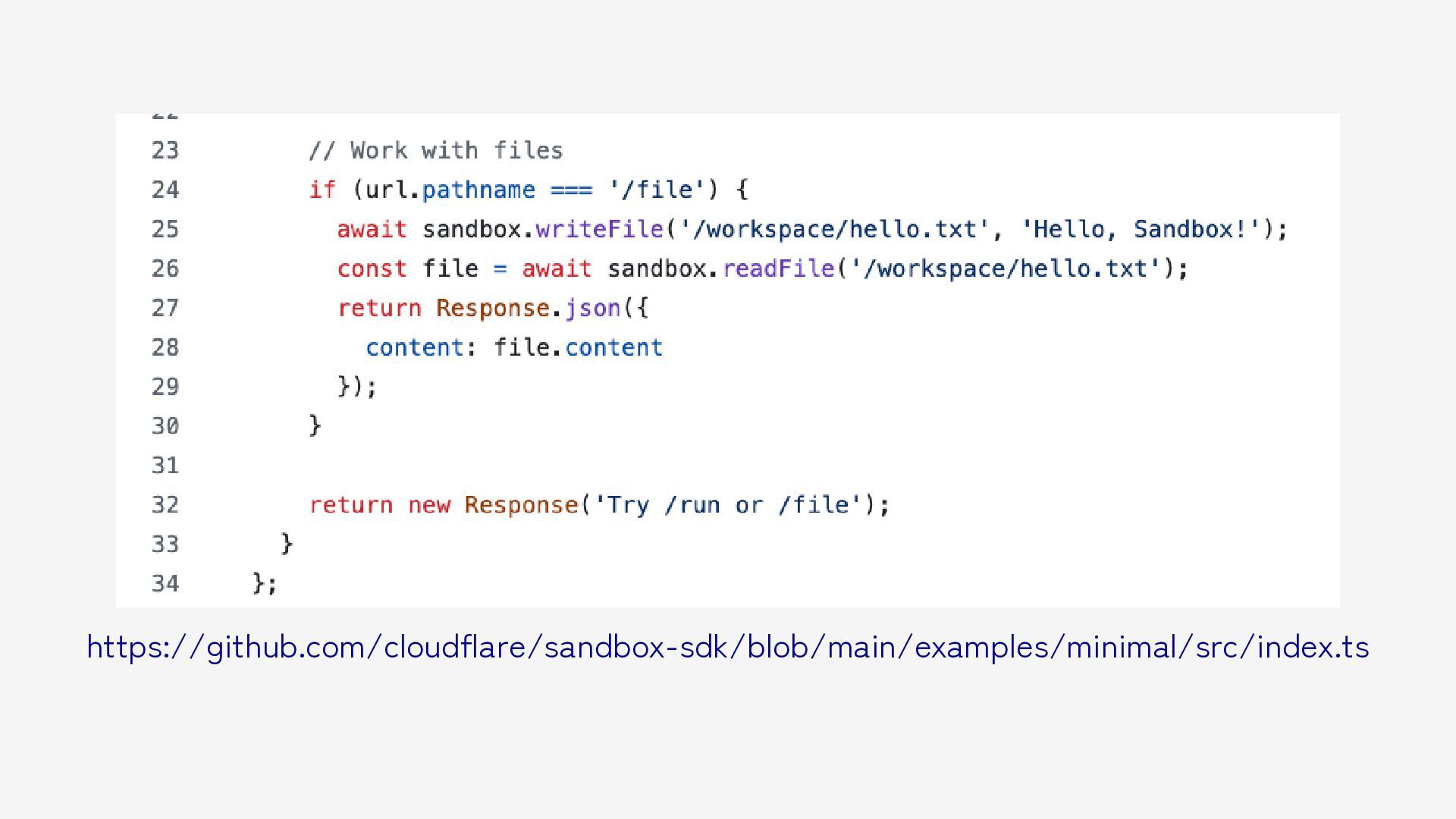
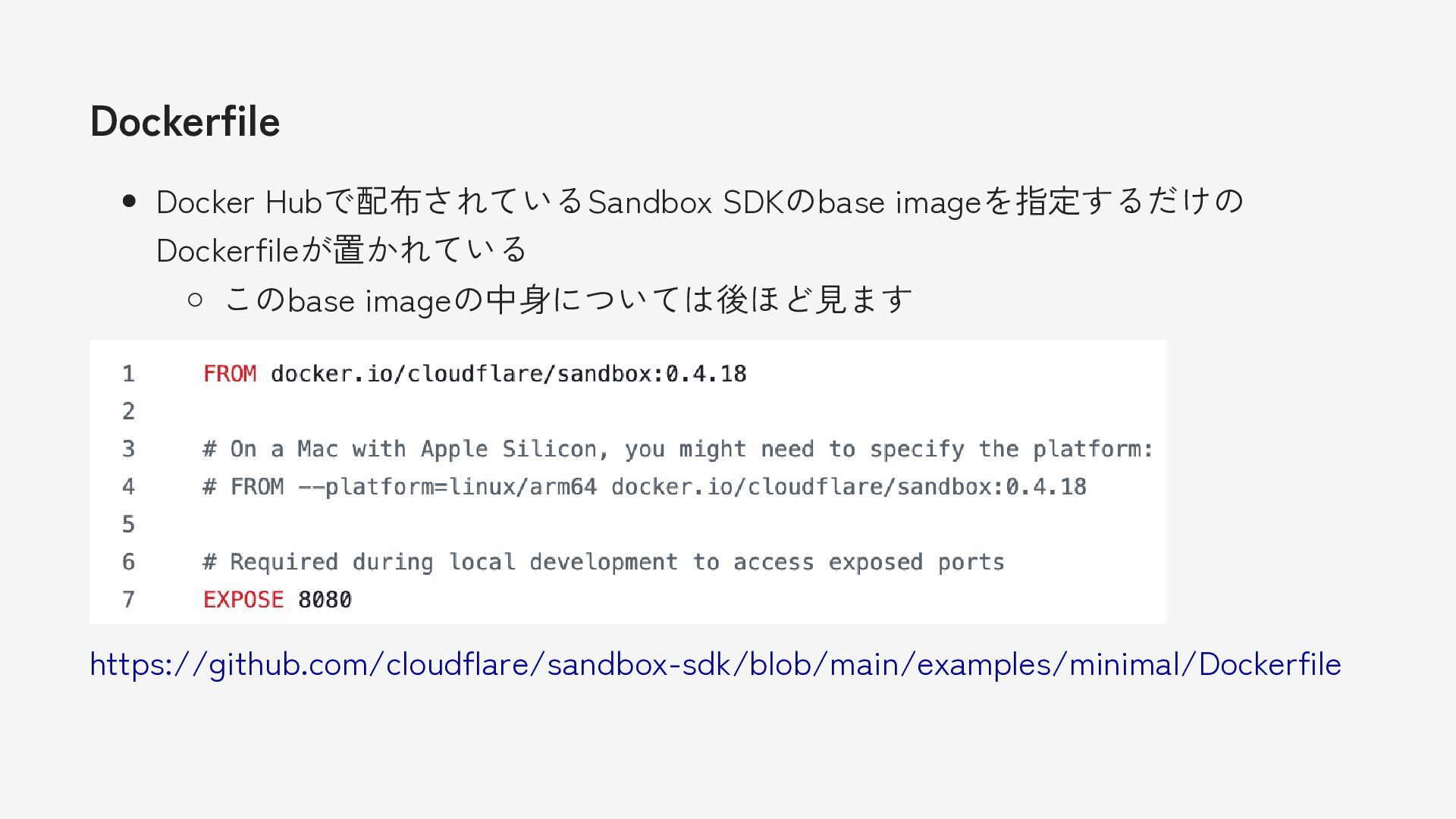
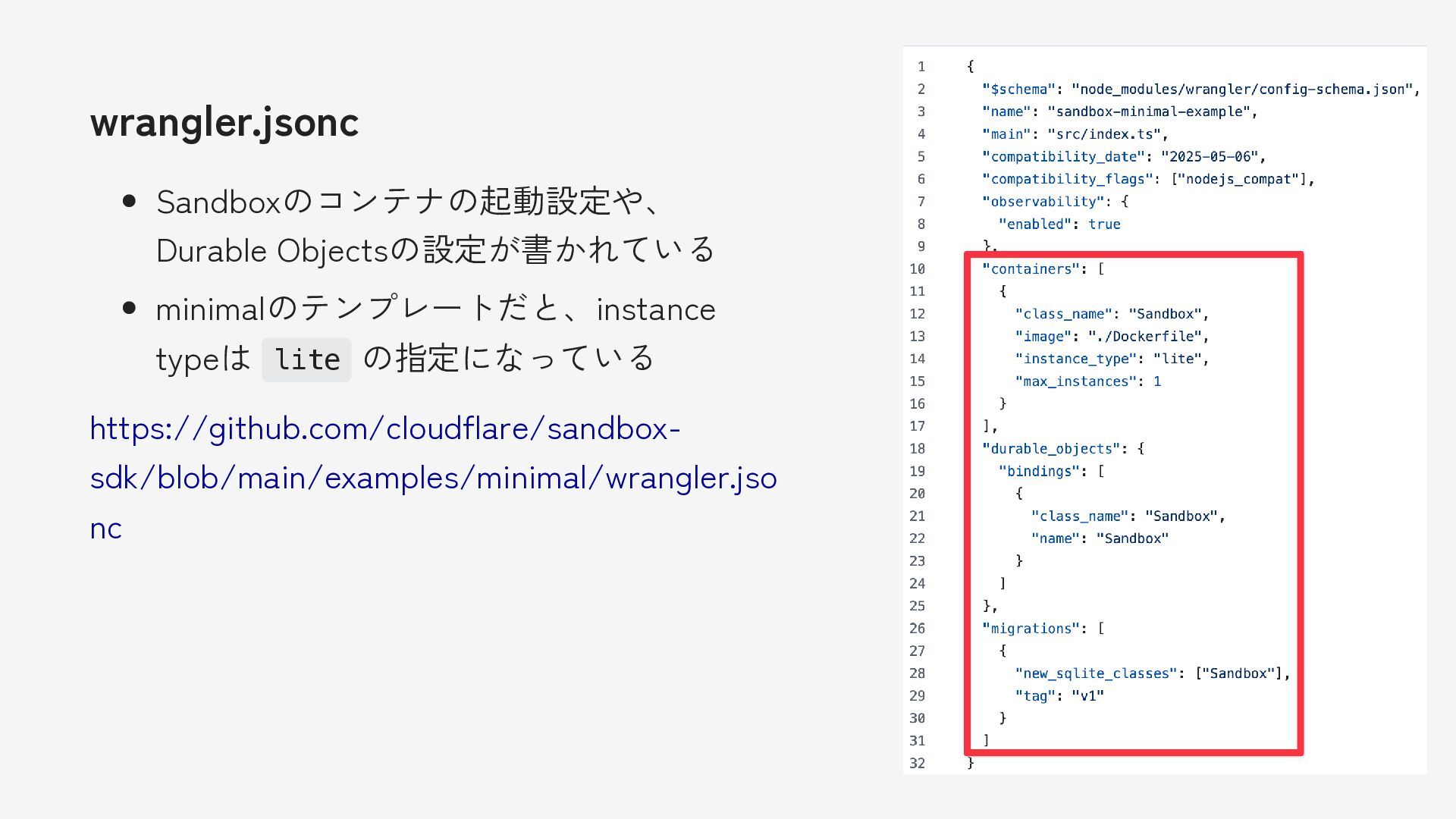
最小限のテンプレートの構成 src/index.ts Sandboxを起動するWorkerのファイル Dockerfile Sandboxのコンテナのイメージを作る ためのファイル これはSDKでよしなにやってくれない ので、自分で置かないといけない wrangler.jsonc Containerの設定などが入っている
https://github.com/cloudflare/sandbox- sdk/tree/main/examples/minimal -
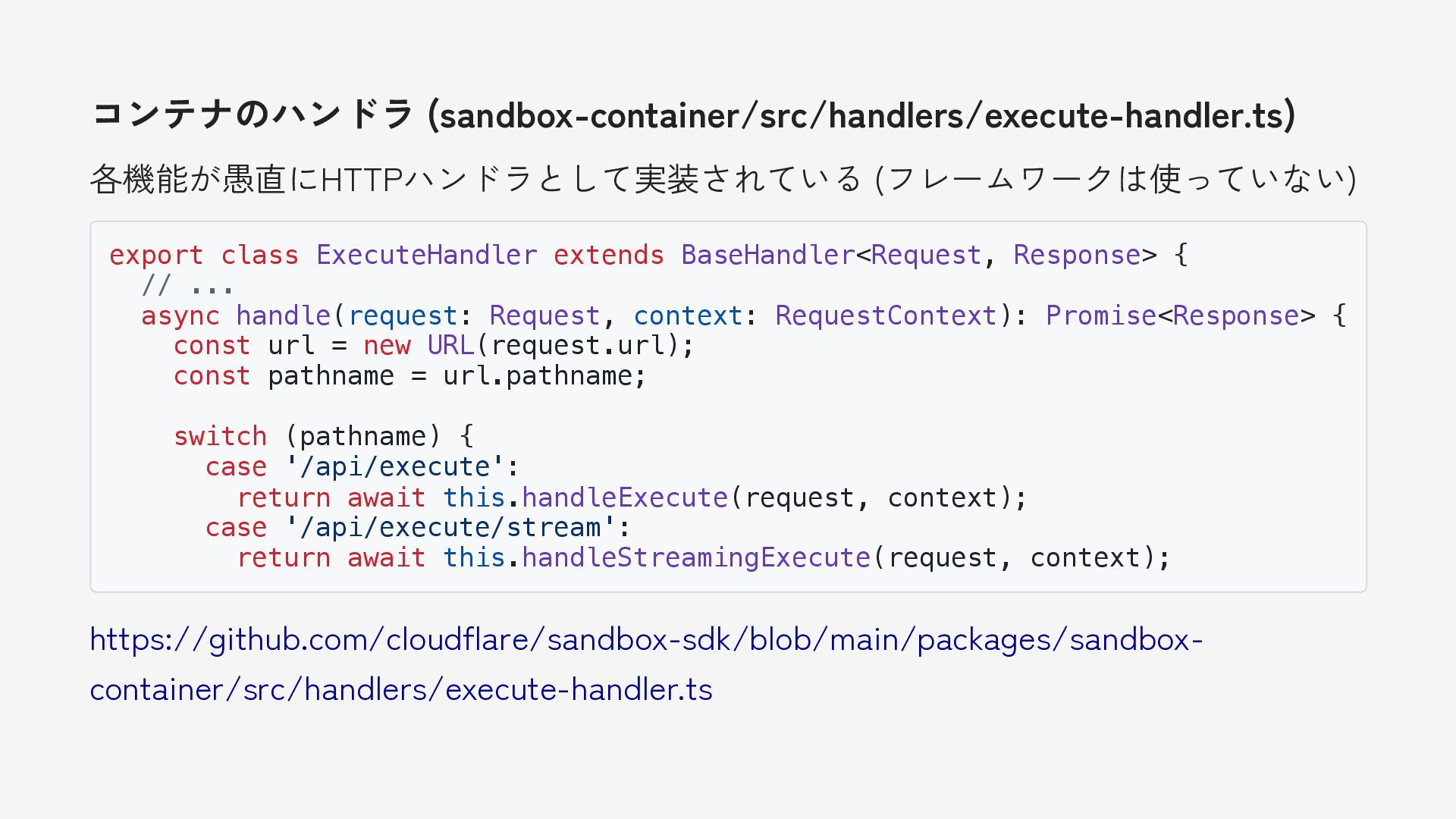
コンテナのハンドラ (sandbox-container/src/handlers/execute-handler.ts) 各機能が愚直にHTTPハンドラとして実装されている (フレームワークは使っていない) export class ExecuteHandler extends BaseHandler<Request, Response>
{ // ... async handle(request: Request, context: RequestContext): Promise<Response> { const url = new URL(request.url); const pathname = url.pathname; switch (pathname) { case '/api/execute': return await this.handleExecute(request, context); case '/api/execute/stream': return await this.handleStreamingExecute(request, context); https://github.com/cloudflare/sandbox-sdk/blob/main/packages/sandbox- container/src/handlers/execute-handler.ts -
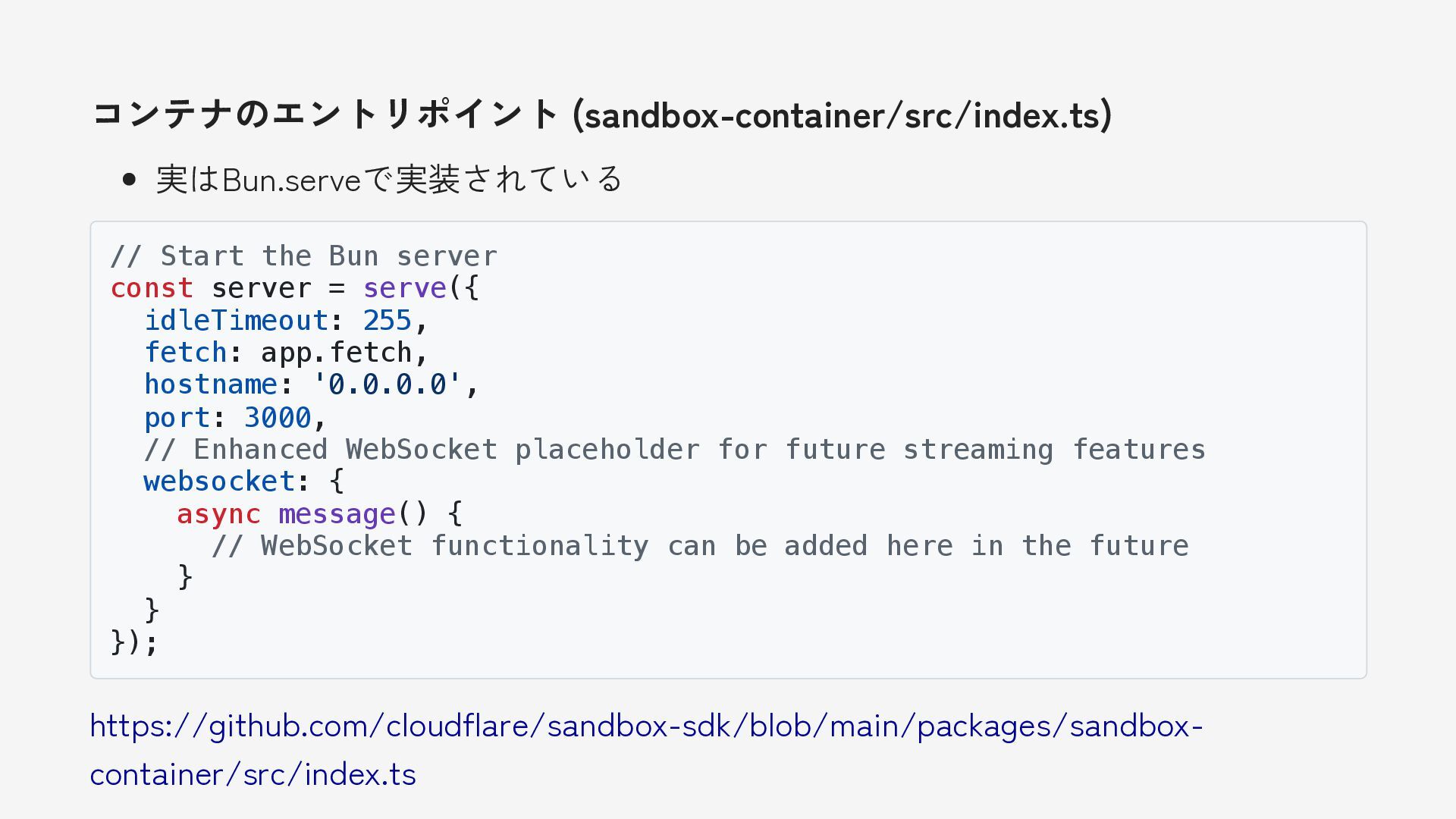
コンテナのエントリポイント (sandbox-container/src/index.ts) 実はBun.serveで実装されている // Start the Bun server const server
= serve({ idleTimeout: 255, fetch: app.fetch, hostname: '0.0.0.0', port: 3000, // Enhanced WebSocket placeholder for future streaming features websocket: { async message() { // WebSocket functionality can be added here in the future } } }); https://github.com/cloudflare/sandbox-sdk/blob/main/packages/sandbox- container/src/index.ts -
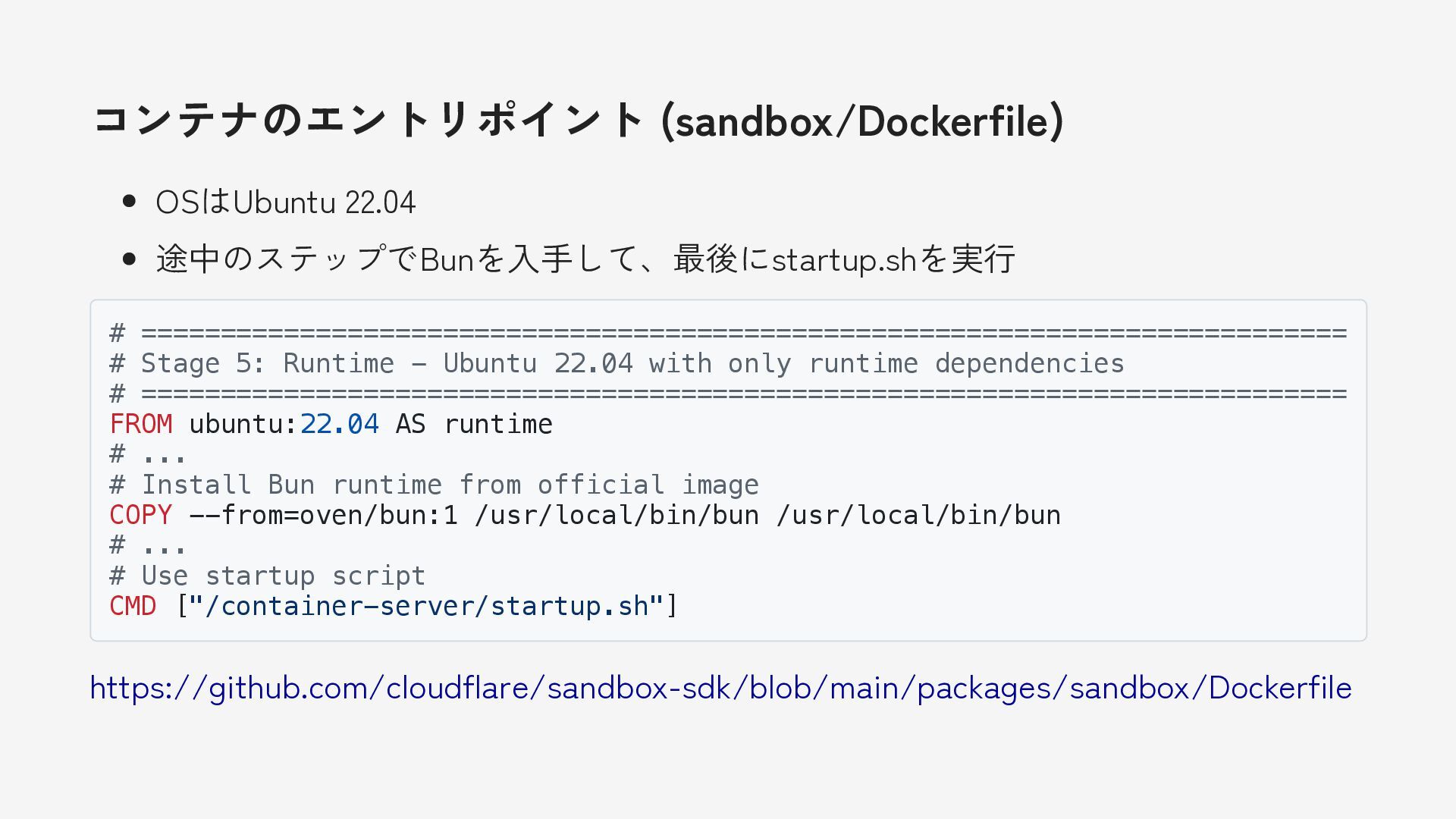
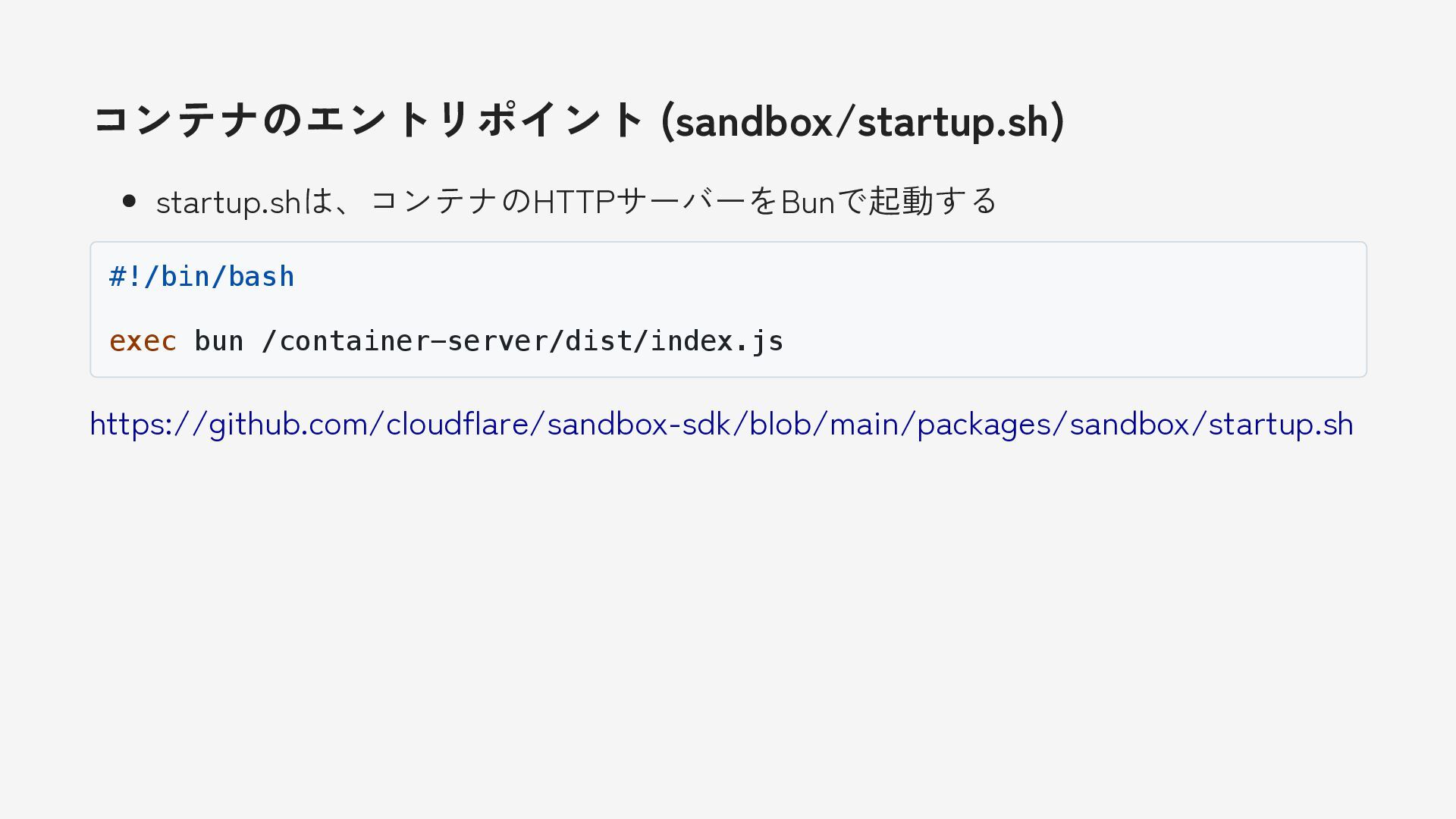
コンテナのエントリポイント (sandbox/Dockerfile) OSはUbuntu 22.04 途中のステップでBunを入手して、最後にstartup.shを実行 # ============================================================================ # Stage 5:
Runtime - Ubuntu 22.04 with only runtime dependencies # ============================================================================ FROM ubuntu:22.04 AS runtime # ... # Install Bun runtime from official image COPY --from=oven/bun:1 /usr/local/bin/bun /usr/local/bin/bun # ... # Use startup script CMD ["/container-server/startup.sh"] https://github.com/cloudflare/sandbox-sdk/blob/main/packages/sandbox/Dockerfile -
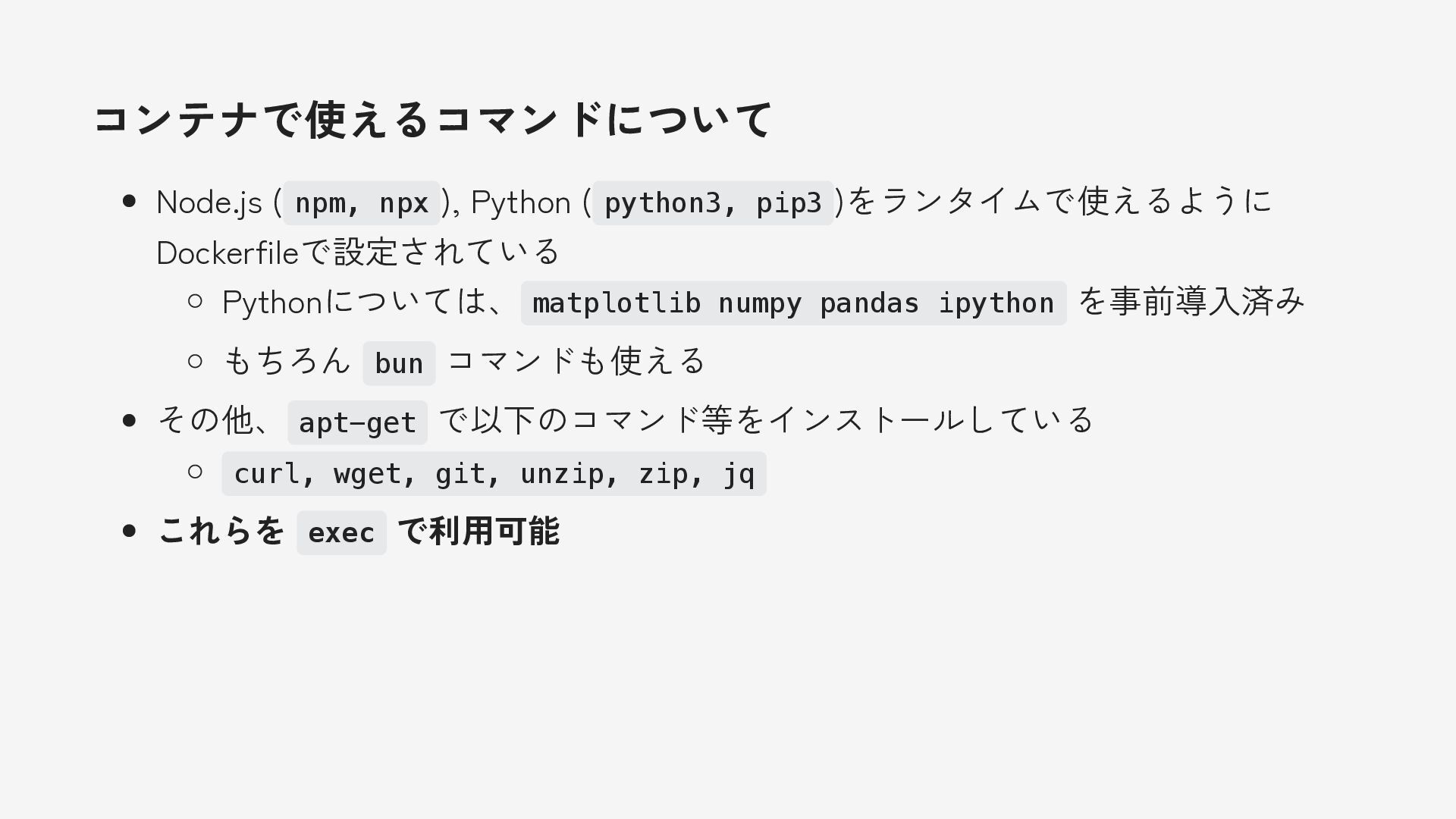
コンテナで使えるコマンドについて Node.js ( npm, npx ), Python ( python3, pip3
)をランタイムで使えるように Dockerfileで設定されている Pythonについては、 matplotlib numpy pandas ipython を事前導入済み もちろん bun コマンドも使える その他、 apt-get で以下のコマンド等をインストールしている curl, wget, git, unzip, zip, jq これらを exec で利用可能 -
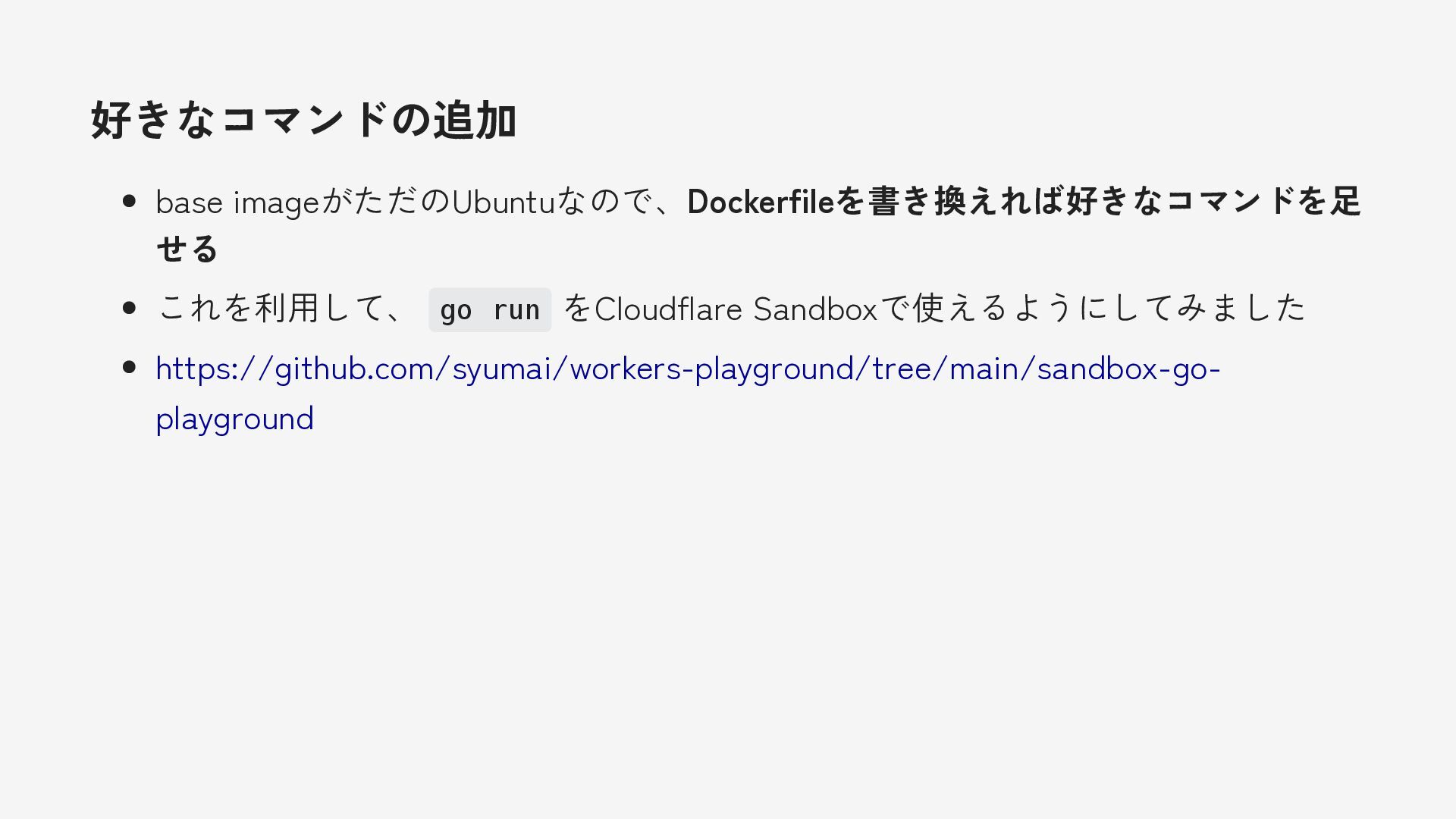
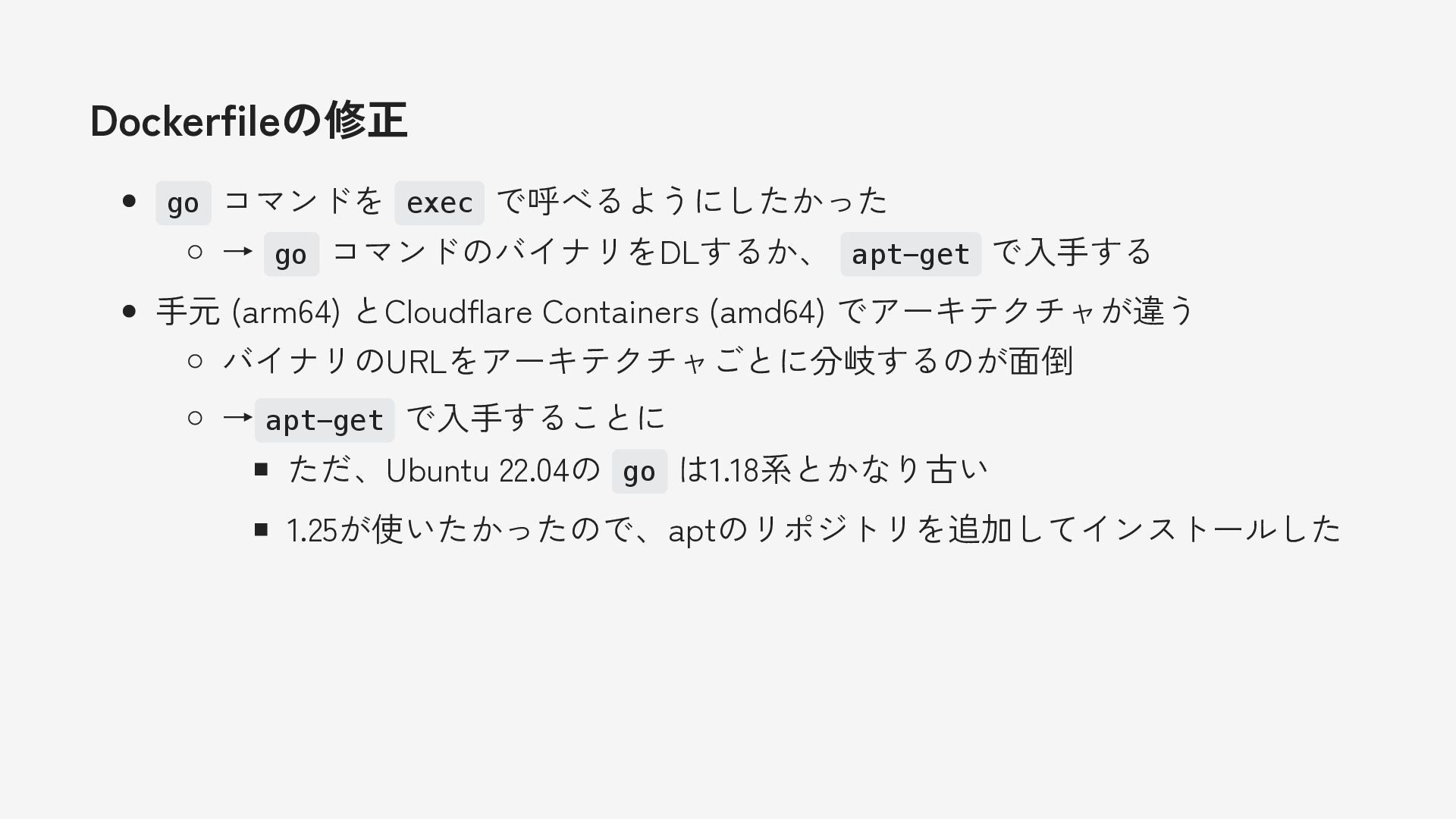
Dockerfileの修正 go コマンドを exec で呼べるようにしたかった → go コマンドのバイナリをDLするか、 apt-get で入手する
手元 (arm64) とCloudflare Containers (amd64) でアーキテクチャが違う バイナリのURLをアーキテクチャごとに分岐するのが面倒 → apt-get で入手することに ただ、Ubuntu 22.04の go は1.18系とかなり古い 1.25が使いたかったので、aptのリポジトリを追加してインストールした -
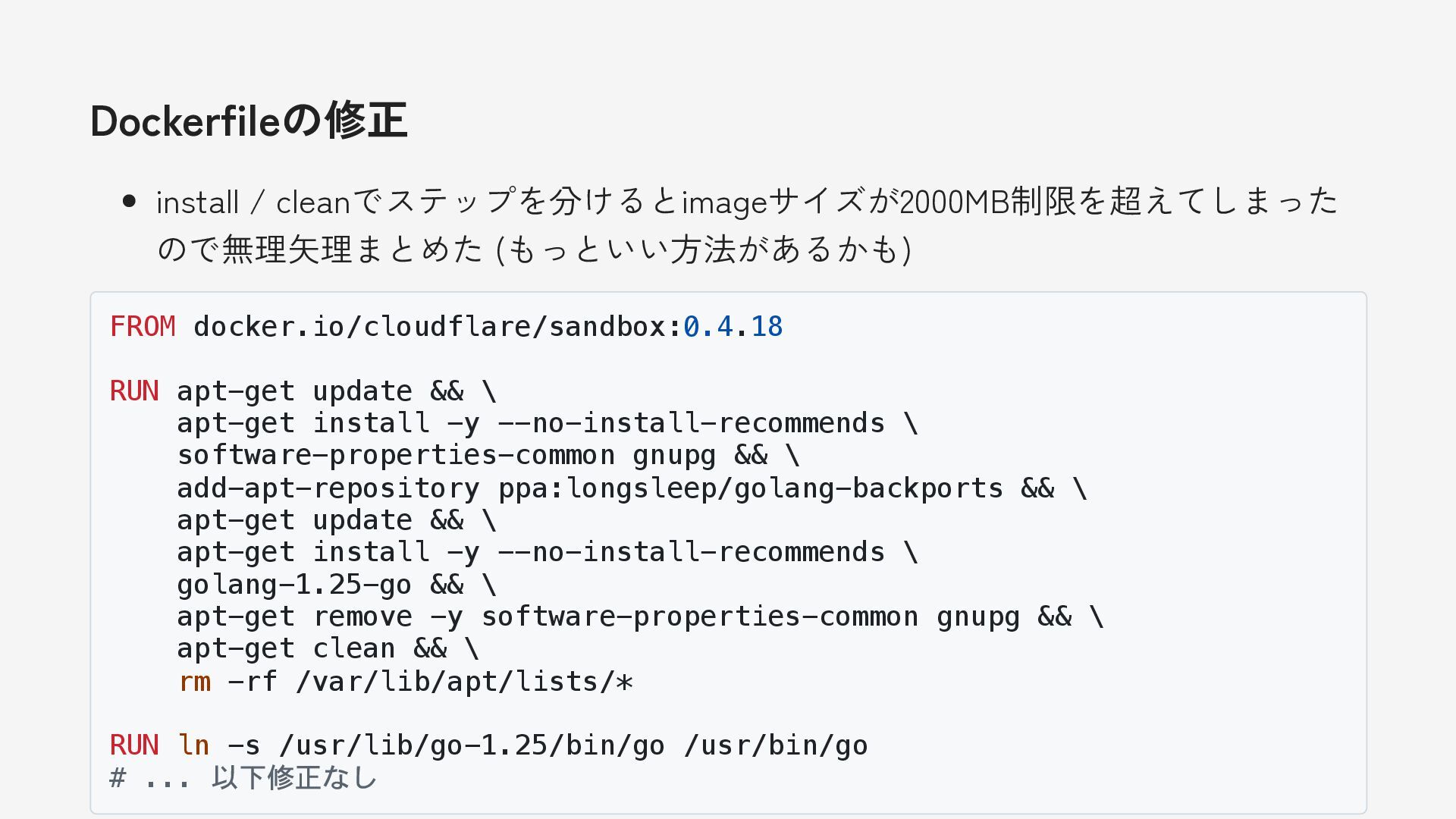
Dockerfileの修正 install / cleanでステップを分けるとimageサイズが2000MB制限を超えてしまった ので無理矢理まとめた (もっといい方法があるかも) FROM docker.io/cloudflare/sandbox:0.4.18 RUN apt-get
update && \ apt-get install -y --no-install-recommends \ software-properties-common gnupg && \ add-apt-repository ppa:longsleep/golang-backports && \ apt-get update && \ apt-get install -y --no-install-recommends \ golang-1.25-go && \ apt-get remove -y software-properties-common gnupg && \ apt-get clean && \ rm -rf /var/lib/apt/lists/* RUN ln -s /usr/lib/go-1.25/bin/go /usr/bin/go # ... 以下修正なし -
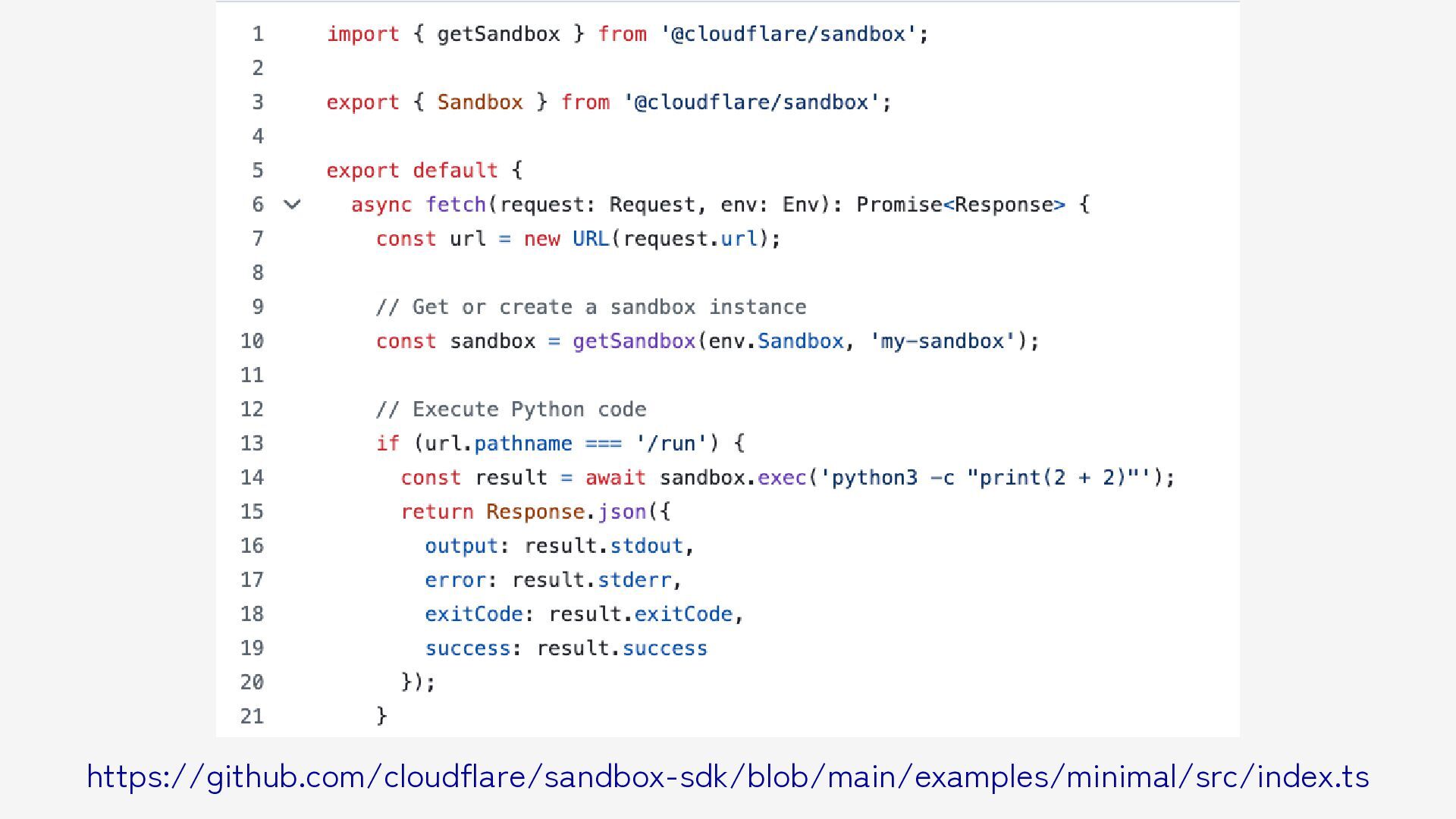
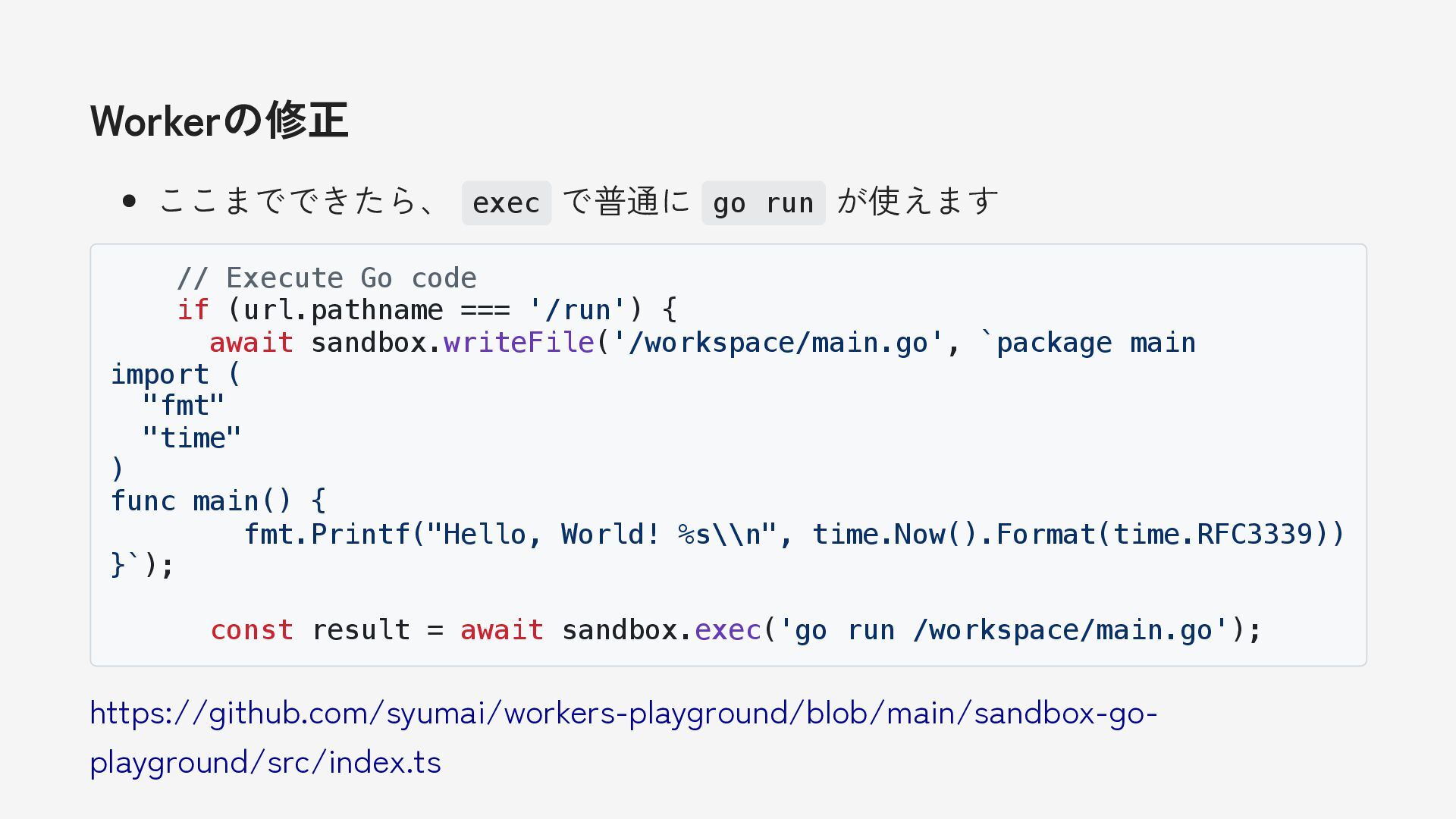
Workerの修正 ここまでできたら、 exec で普通に go run が使えます // Execute Go
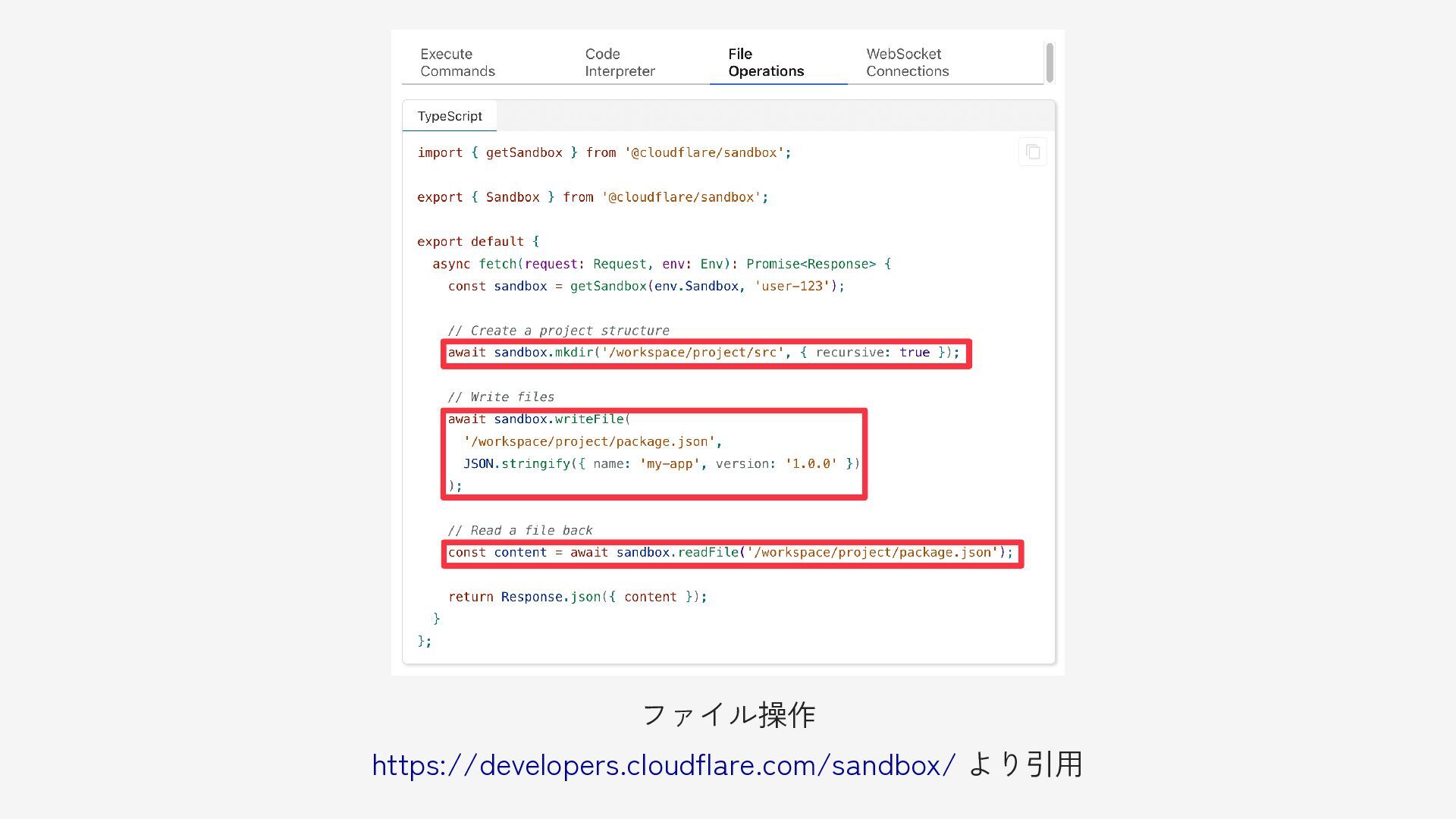
code if (url.pathname === '/run') { await sandbox.writeFile('/workspace/main.go', `package main import ( "fmt" "time" ) func main() { fmt.Printf("Hello, World! %s\\n", time.Now().Format(time.RFC3339)) }`); const result = await sandbox.exec('go run /workspace/main.go'); https://github.com/syumai/workers-playground/blob/main/sandbox-go- playground/src/index.ts -
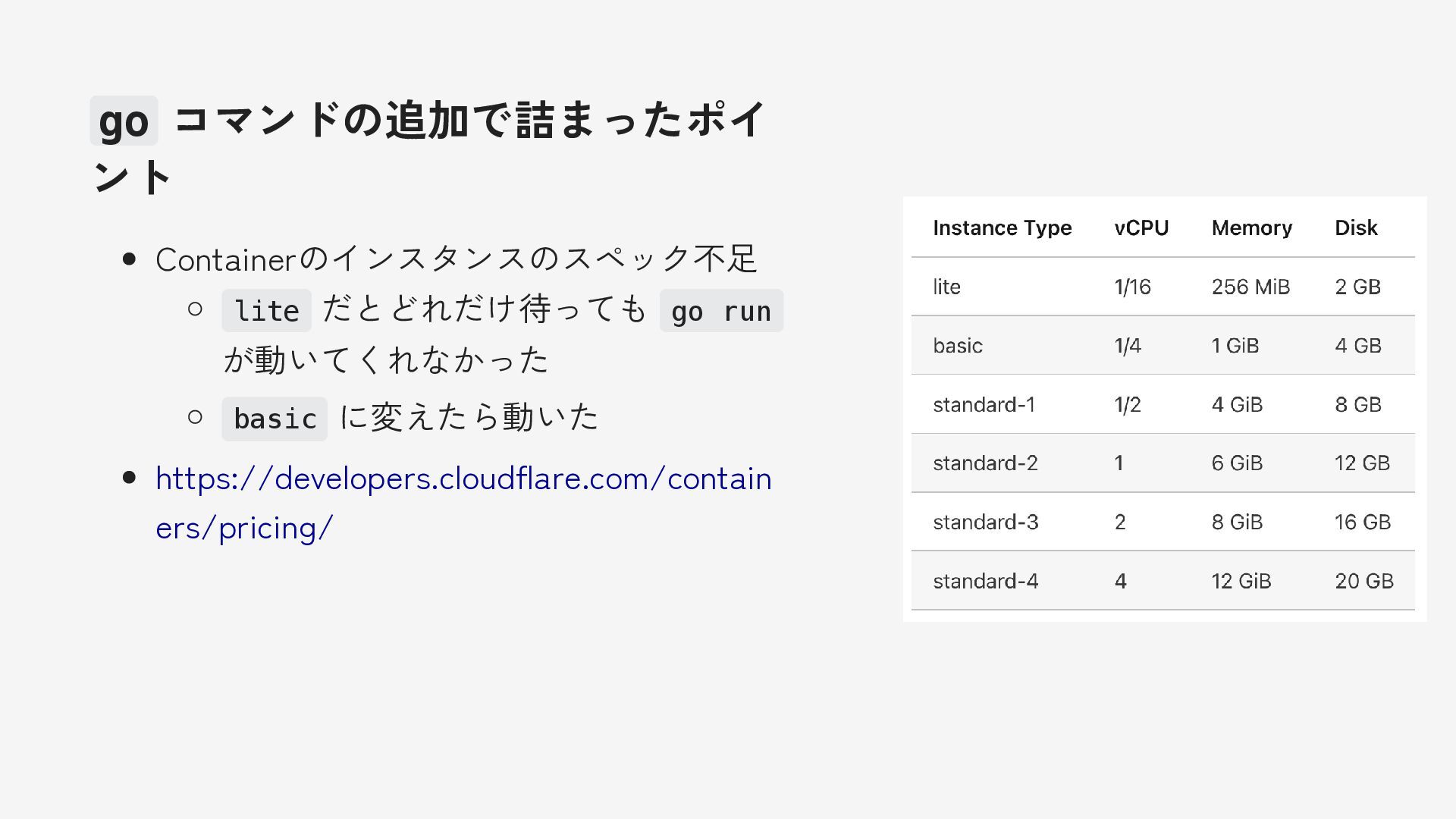
go コマンドの追加で詰まったポイ ント Containerのインスタンスのスペック不足 lite だとどれだけ待っても go run が動いてくれなかった basic
に変えたら動いた https://developers.cloudflare.com/contain ers/pricing/