Upgrade to Pro
— share decks privately, control downloads, hide ads and more …
Speaker Deck
Sign up for free
Menu
Search
Features
All features
Private URLs
Password Protection
Custom URLS
Scheduled publishing
Remove Branding
Restrict embedding
Deck Collections
Notes
Features
All features
Private URLs
Password Protection
Custom URLS
Scheduled publishing
Remove Branding
Restrict embedding
Deck Collections
Notes
Explore
Featured decks
Featured speakers
Programming
Technology
Storyboards
Explore
Featured decks
Featured speakers
Programming
Technology
Storyboards
Pricing
Search
Sign in
Sign up for free
test
Search
thirdlf03
July 05, 2026
21
0
Share
Embed
Copy iframe code
Copy JS code
Copy link
Start on current slide
test
thirdlf03
July 05, 2026
More Decks by thirdlf03
See All by thirdlf03
単語で読み解くクラウドネイティブ会議
thirdlf03
1
73
PHPでGitを実装してみる
thirdlf03
0
230
実務経験なし、資格なしの学生が、AWSとAlexaをフルで活用し福岡の地域課題解決に挑んでみた話
thirdlf03
3
320
とにかく楽して登壇資料を作る/EasyPresentationSlides
thirdlf03
2
300
学生のうちにいろんなカンファレンスへ行こう!
thirdlf03
2
490
MCP登場から約1年!あの頃と今、何が変わった? / MCP One Year Later
thirdlf03
0
190
cursorで実践するContext Engineering
thirdlf03
1
72
Cloudflare Containers使ってみた
thirdlf03
1
54
Jujutsuを使うモチベーション
thirdlf03
1
84
Featured
See All Featured
Agile Actions for Facilitating Distributed Teams - ADO2019
mkilby
0
300
How to Build an AI Search Optimization Roadmap - Criteria and Steps to Take #SEOIRL
aleyda
1
2.2k
The Language of Interfaces
destraynor
162
27k
Color Theory Basics | Prateek | Gurzu
gurzu
1
480
The State of eCommerce SEO: How to Win in Today's Products SERPs - #SEOweek
aleyda
2
12k
Crafting Experiences
bethany
1
370
The SEO Collaboration Effect
kristinabergwall1
1
590
SEO for Brand Visibility & Recognition
aleyda
0
4.8k
Balancing Empowerment & Direction
lara
6
1.3k
"I'm Feeling Lucky" - Building Great Search Experiences for Today's Users (#IAC19)
danielanewman
230
23k
CSS Pre-Processors: Stylus, Less & Sass
bermonpainter
360
31k
Utilizing Notion as your number one productivity tool
mfonobong
4
610
Transcript
Cloudflare Sandbox 徹底ガイド 初級から応用、そして数日後に迫る破壊的変更まで
第1部 初級編
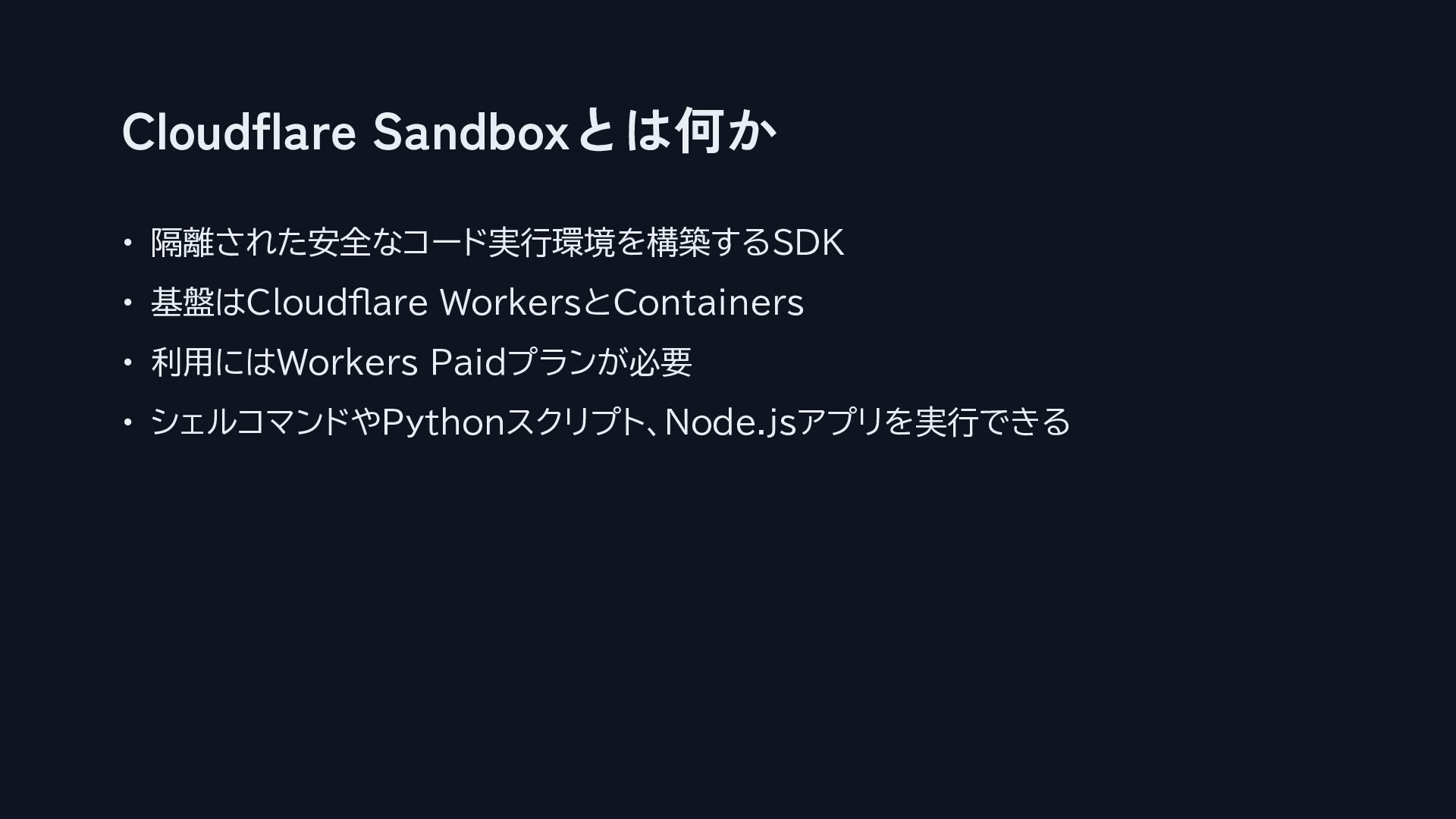
Cloudflare Sandboxとは何か • 隔離された安全なコード実行環境を構築するSDK • 基盤はCloudflare WorkersとContainers • 利用にはWorkers Paidプランが必要
• シェルコマンドやPythonスクリプト、Node.jsアプリを実行できる
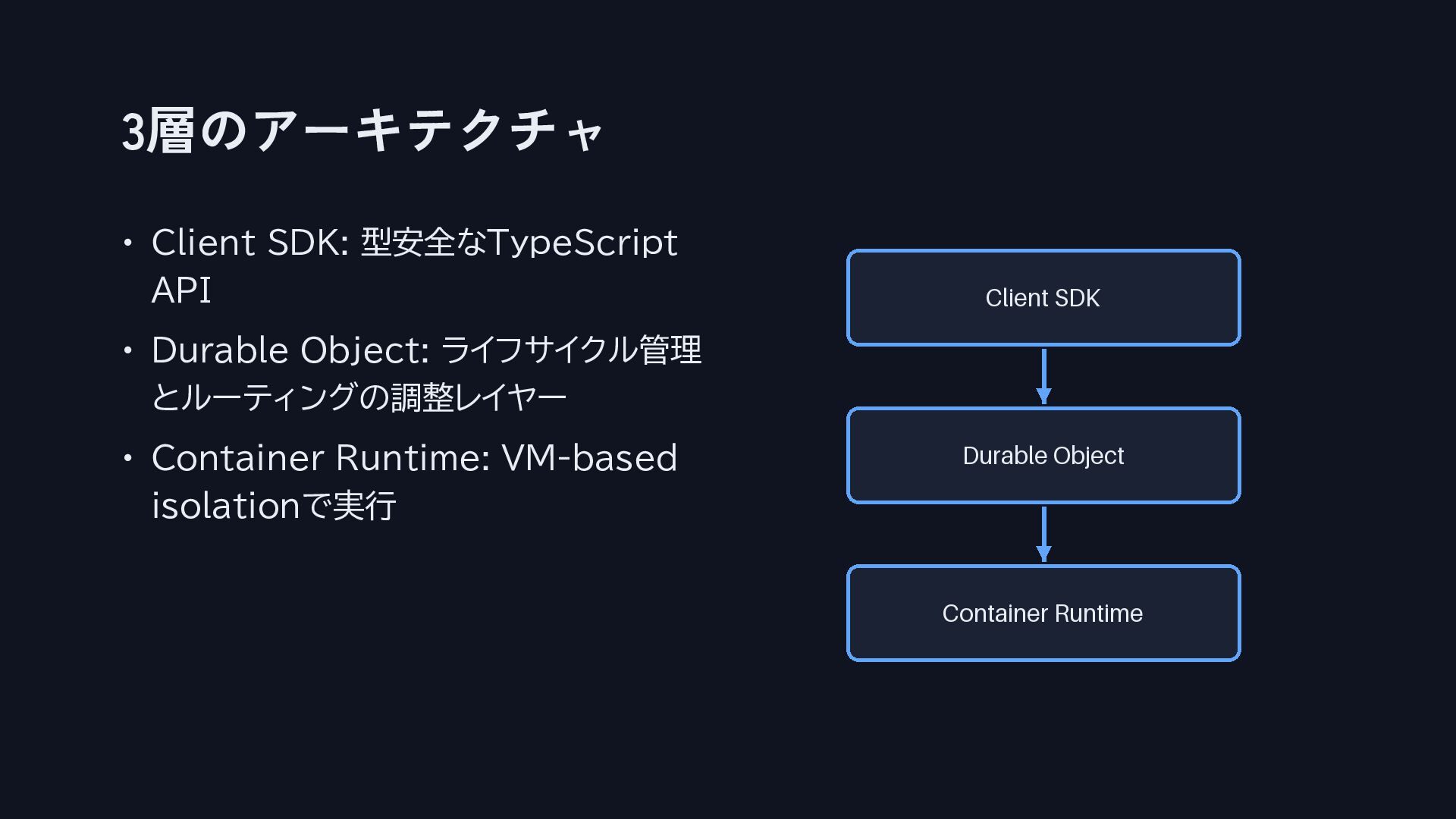
3層のアーキテクチャ • Client SDK: 型安全なTypeScript API • Durable Object: ライフサイクル管理
とルーティングの調整レイヤー • Container Runtime: VM-based isolationで実行
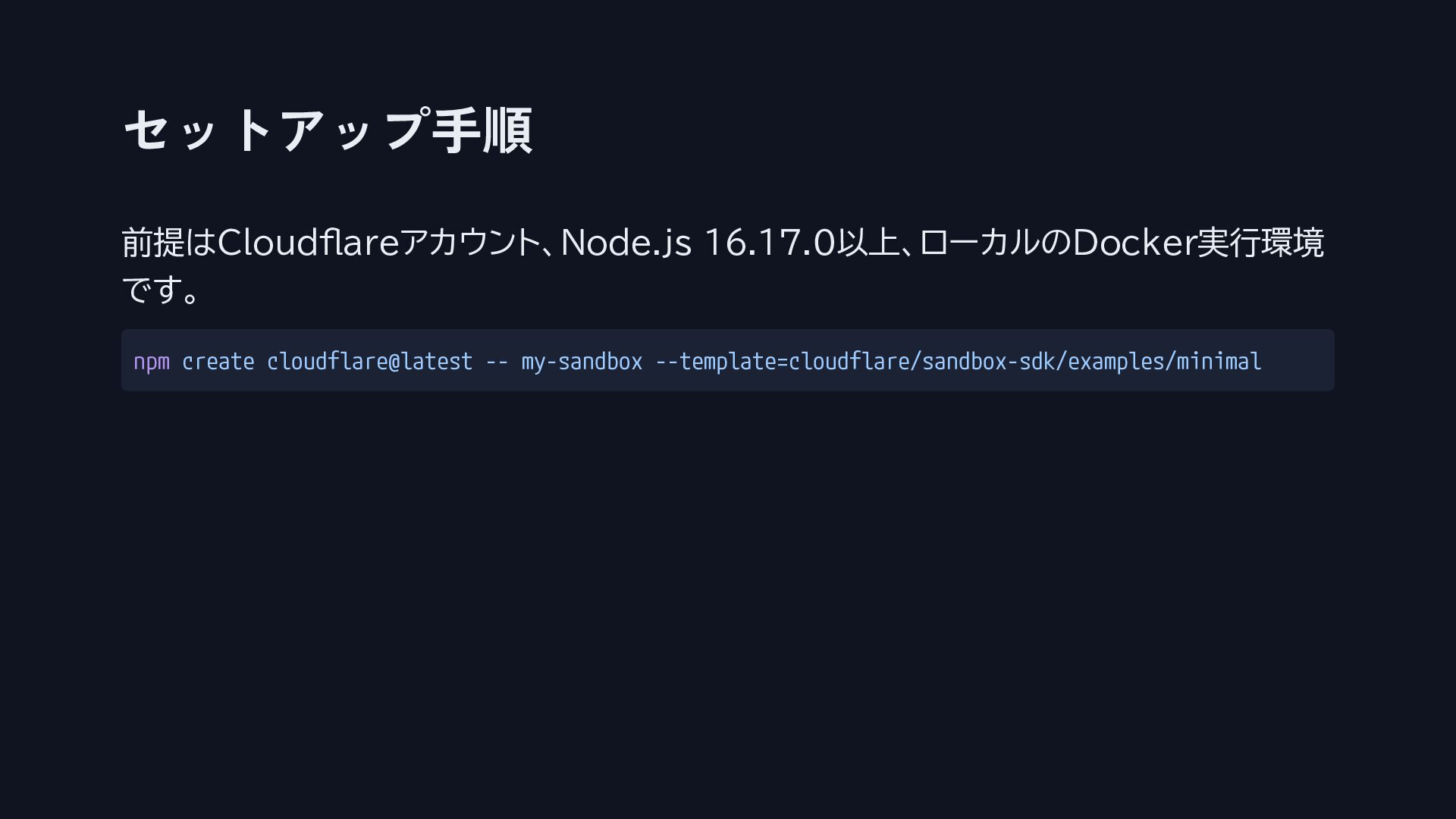
セットアップ手順 前提はCloudflareアカウント、Node.js 16.17.0以上、ローカルのDocker実行環境 です。 npm create cloudflare@latest -- my-sandbox --template=cloudflare/sandbox-sdk/examples/minimal
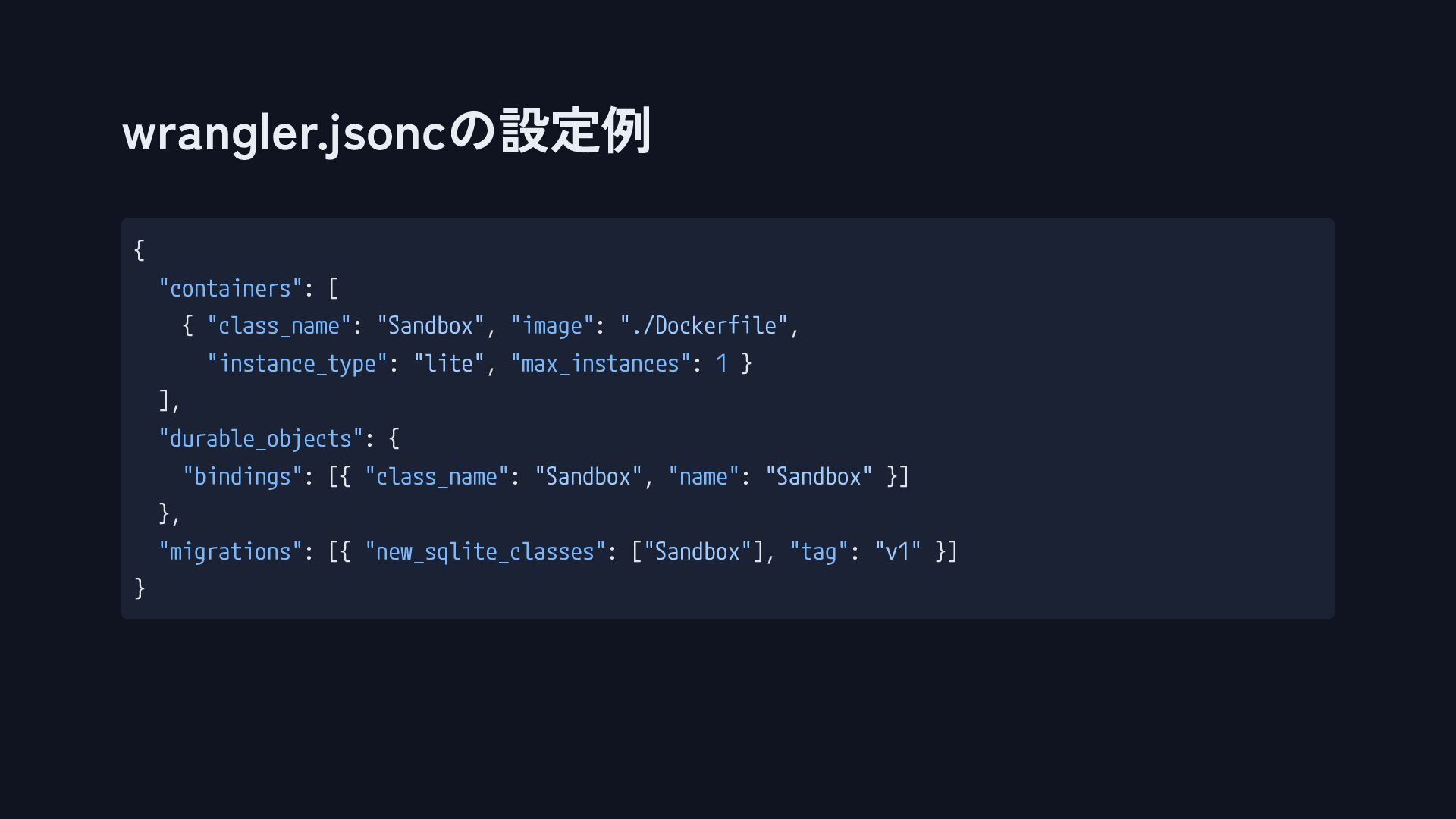
wrangler.jsoncの設定例 { "containers": [ { "class_name": "Sandbox", "image": "./Dockerfile", "instance_type":
"lite", "max_instances": 1 } ], "durable_objects": { "bindings": [{ "class_name": "Sandbox", "name": "Sandbox" }] }, "migrations": [{ "new_sqlite_classes": ["Sandbox"], "tag": "v1" }] }
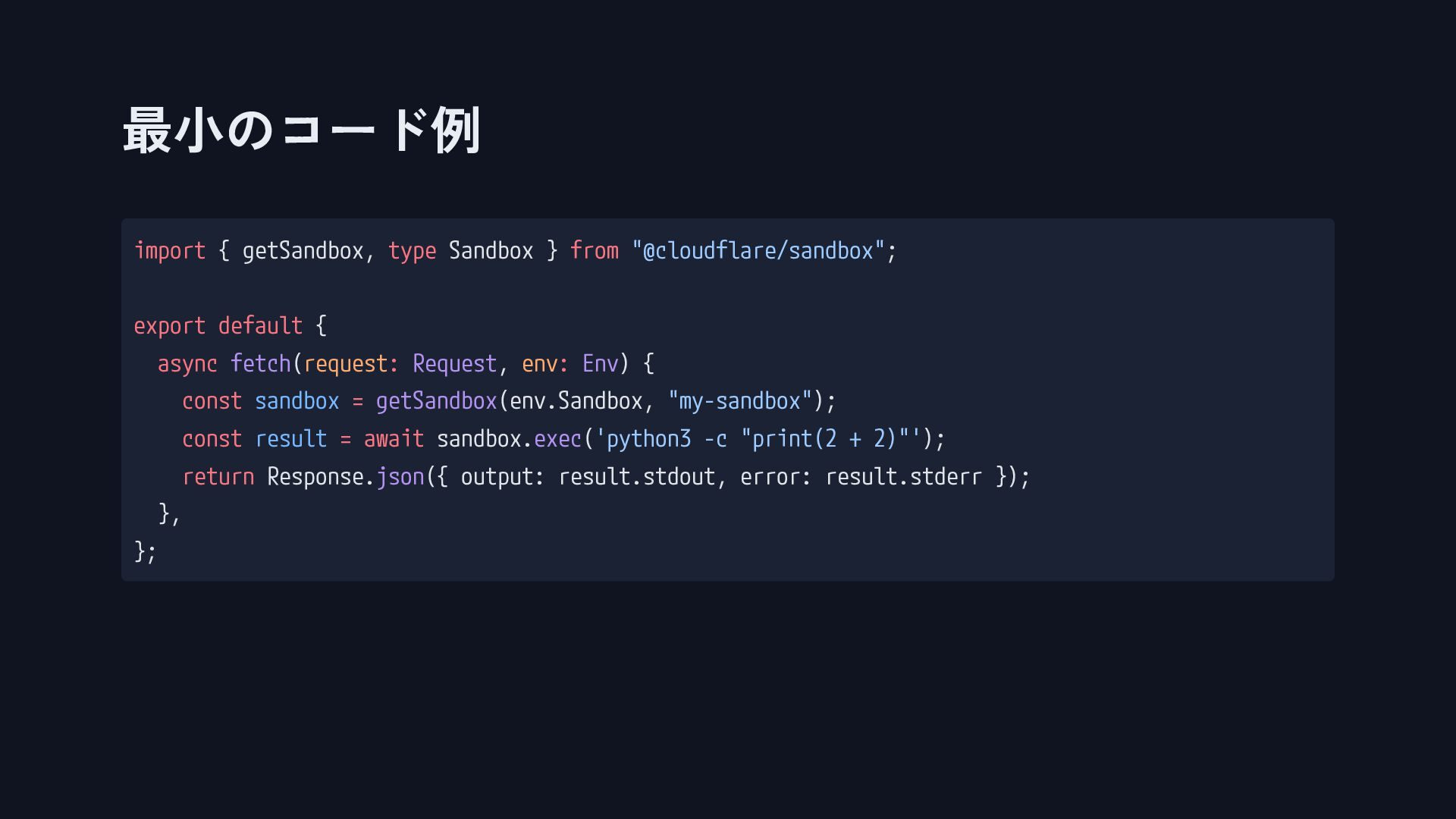
最小のコード例 import { getSandbox, type Sandbox } from "@cloudflare/sandbox"; export
default { async fetch(request: Request, env: Env) { const sandbox = getSandbox(env.Sandbox, "my-sandbox"); const result = await sandbox.exec('python3 -c "print(2 + 2)"'); return Response.json({ output: result.stdout, error: result.stderr }); }, };
第2部 中級編
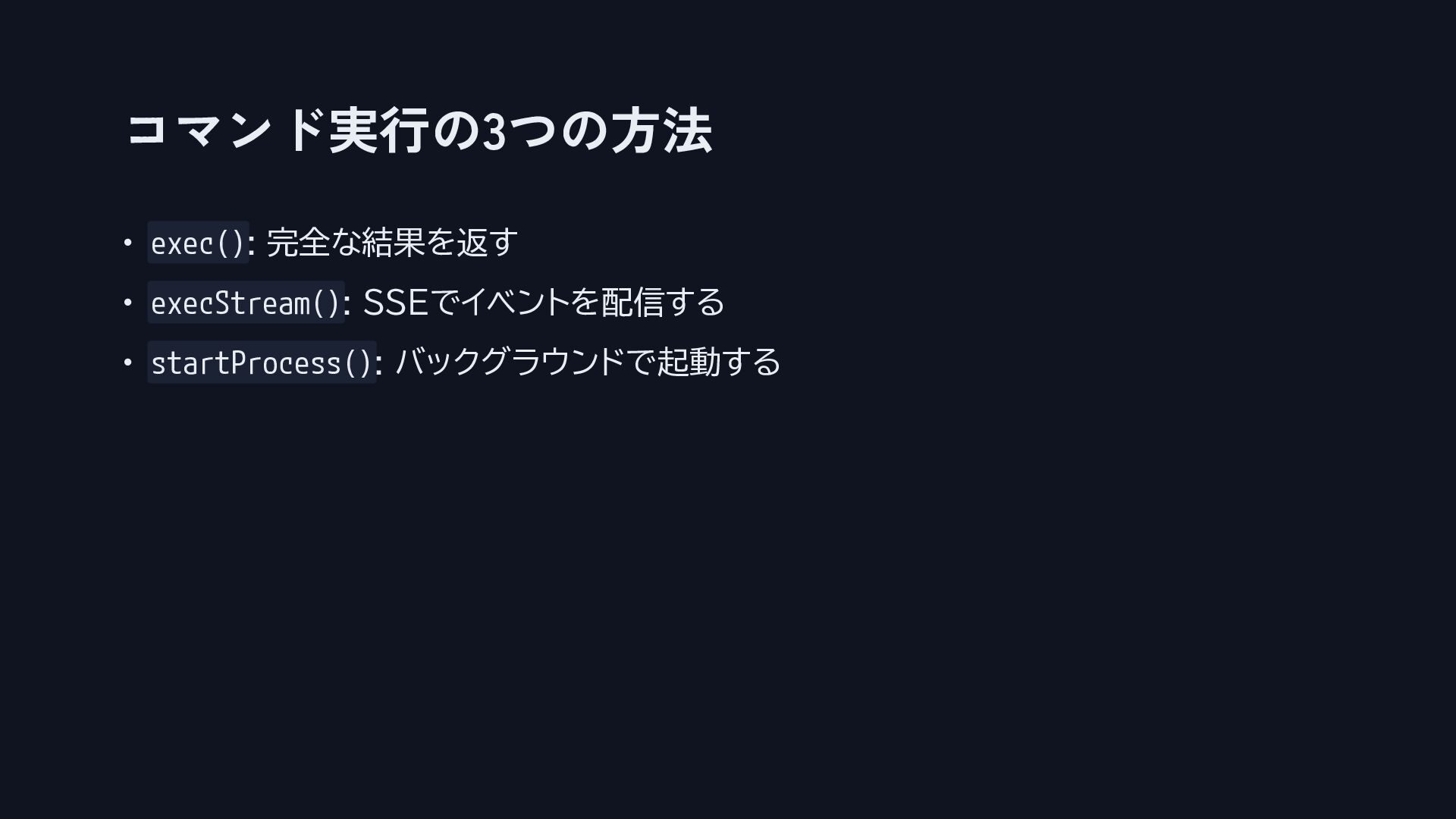
コマンド実行の3つの方法 • exec(): 完全な結果を返す • execStream(): SSEでイベントを配信する • startProcess(): バックグラウンドで起動する
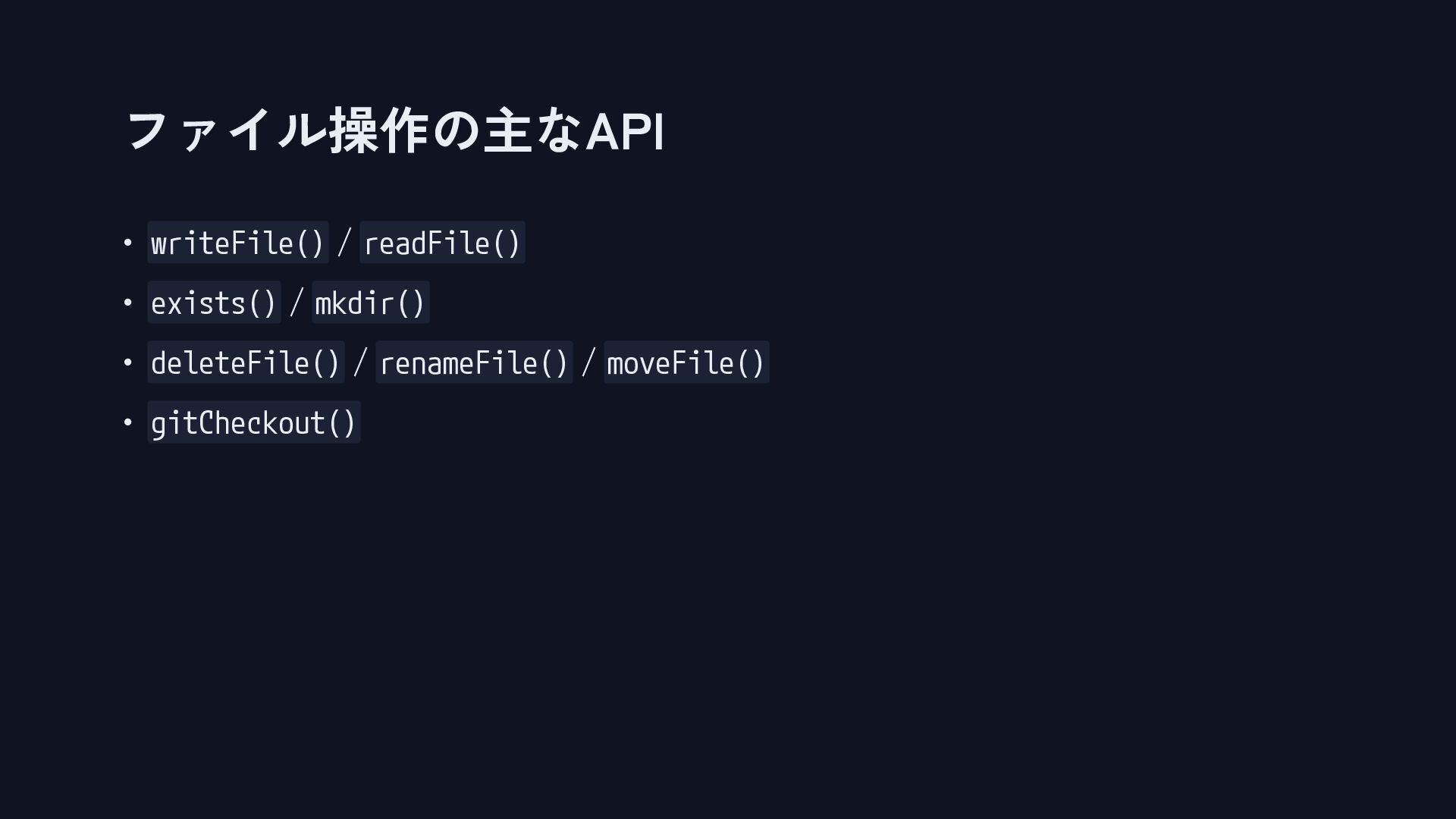
ファイル操作の主なAPI • writeFile() / readFile() • exists() / mkdir() •
deleteFile() / renameFile() / moveFile() • gitCheckout()
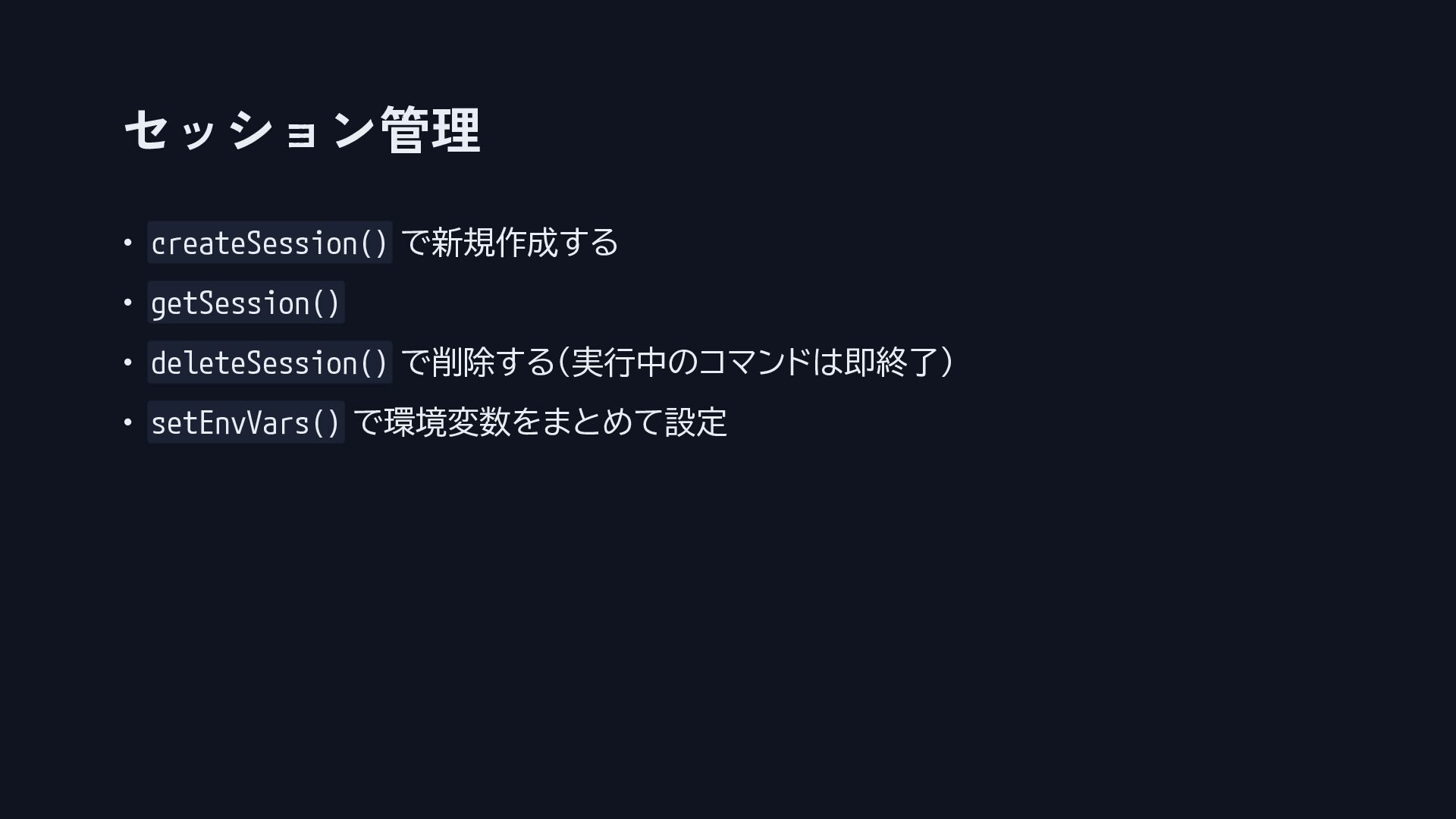
セッション管理 • createSession() で新規作成する • getSession() • deleteSession() で削除する(実行中のコマンドは即終了) •
setEnvVars() で環境変数をまとめて設定
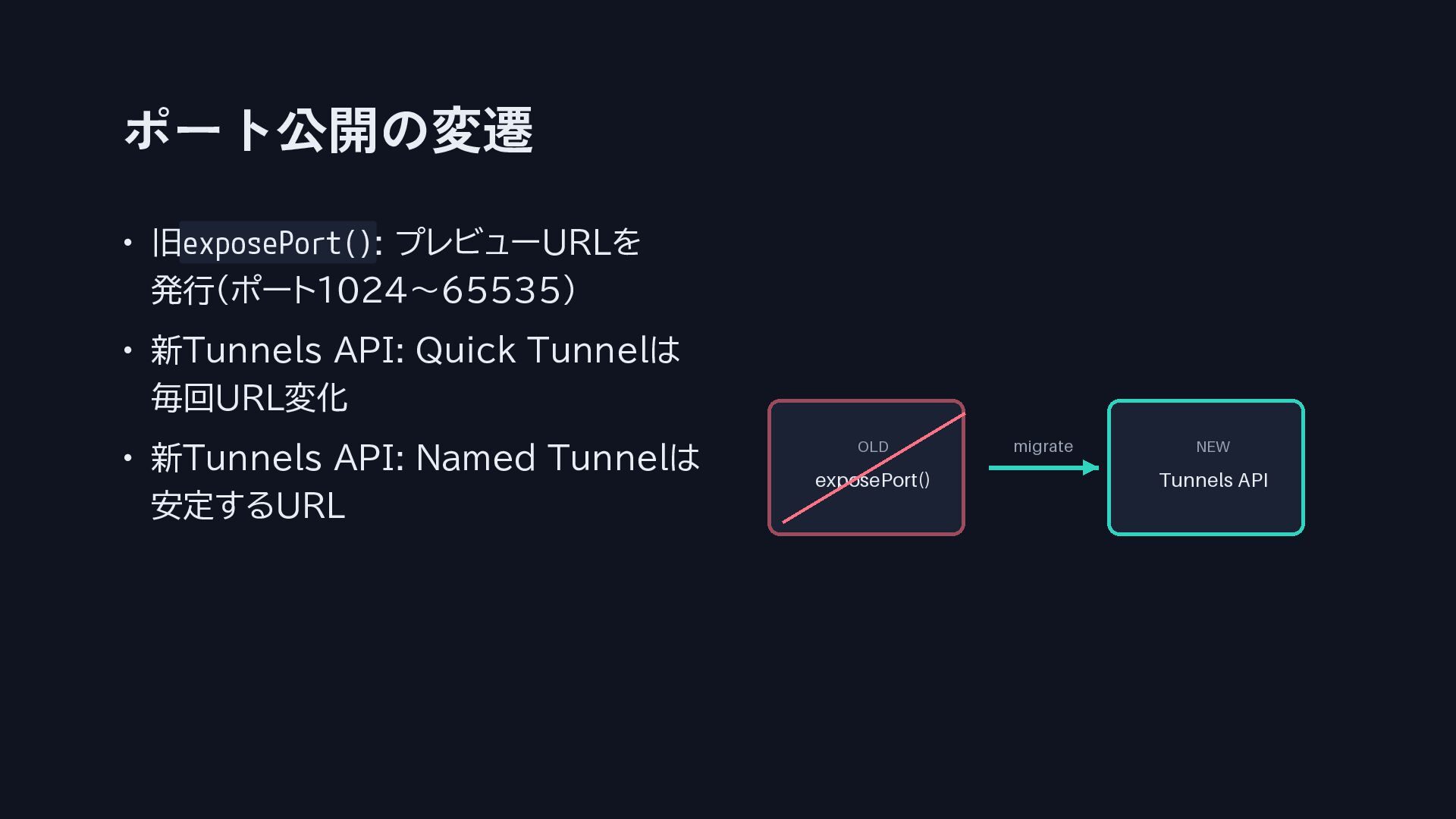
ポート公開の変遷 • 旧exposePort(): プレビューURLを 発行(ポート1024〜65535) • 新Tunnels API: Quick Tunnelは
毎回URL変化 • 新Tunnels API: Named Tunnelは 安定するURL
第3部 応用編
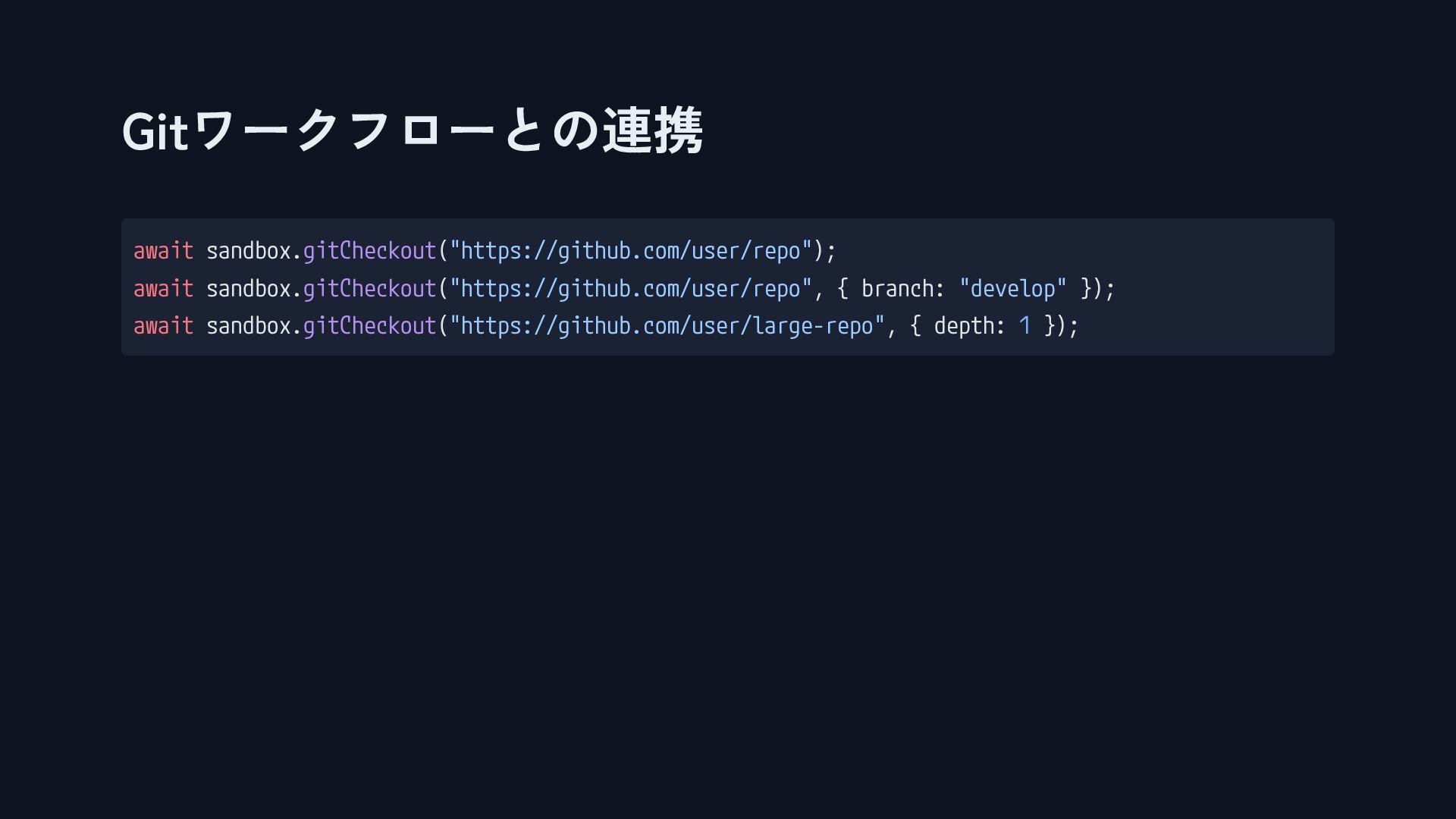
Gitワークフローとの連携 await sandbox.gitCheckout("https://github.com/user/repo"); await sandbox.gitCheckout("https://github.com/user/repo", { branch: "develop" }); await
sandbox.gitCheckout("https://github.com/user/large-repo", { depth: 1 });
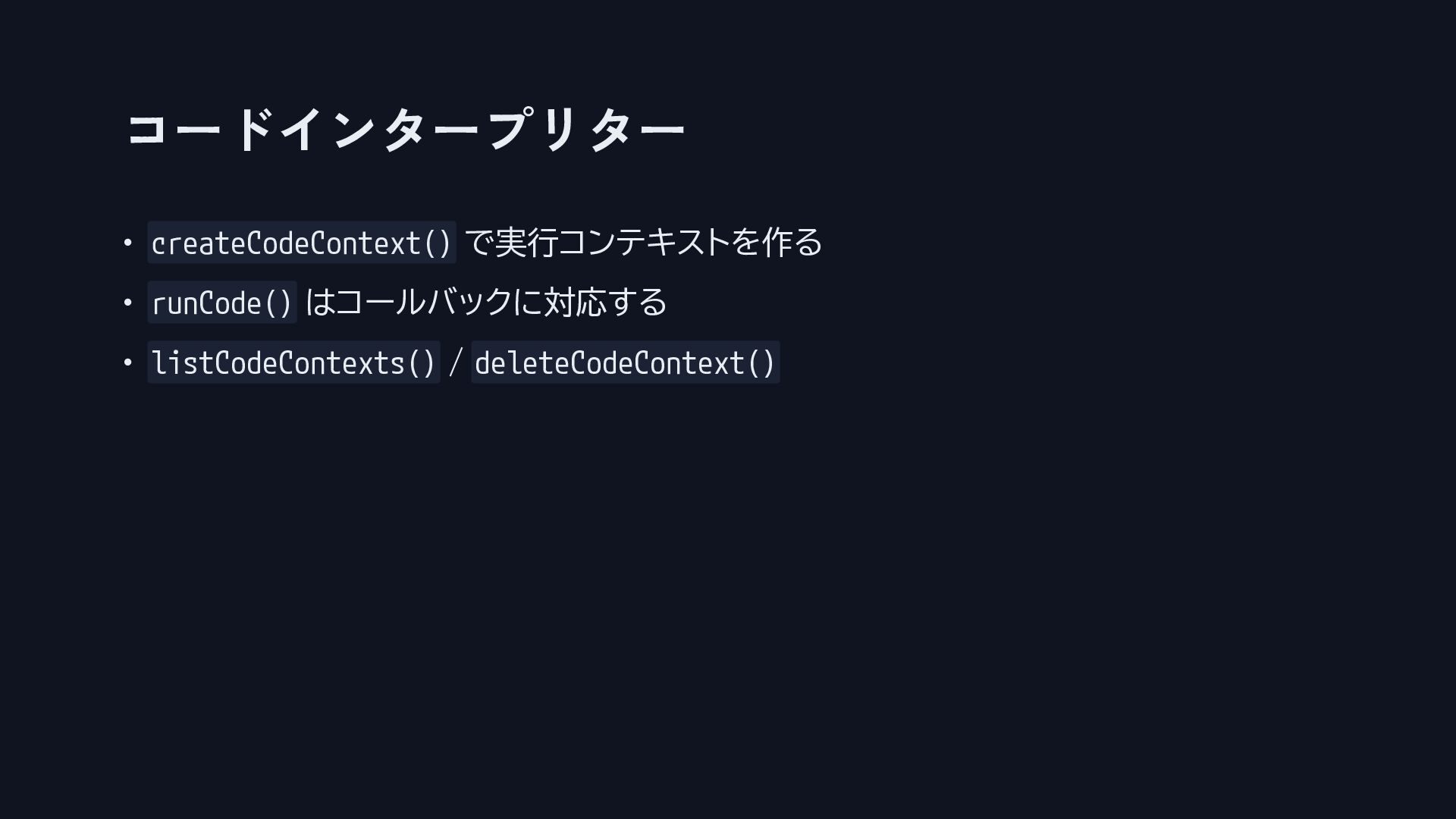
コードインタープリター • createCodeContext() で実行コンテキストを作る • runCode() はコールバックに対応する • listCodeContexts() /
deleteCodeContext()
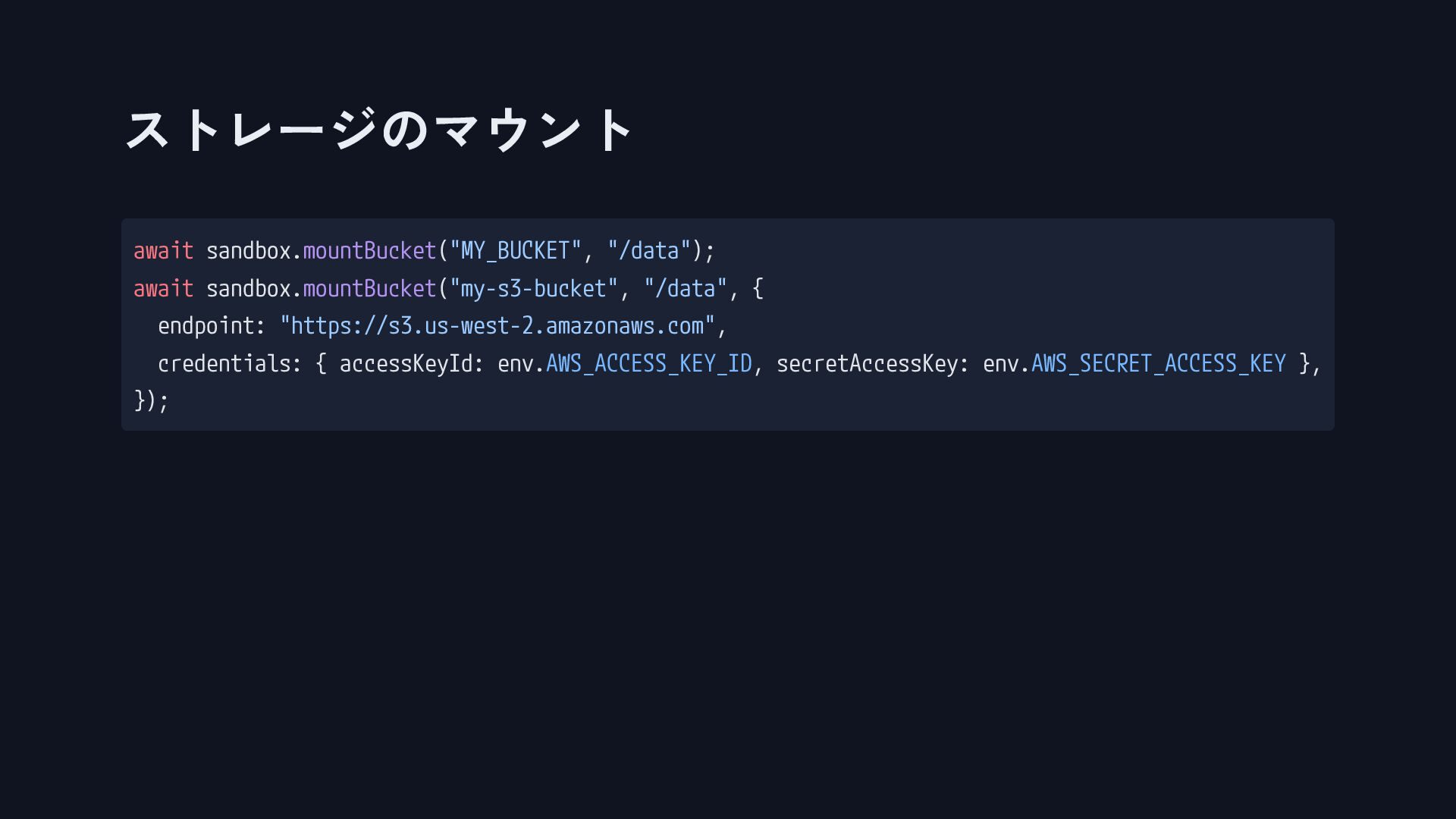
ストレージのマウント await sandbox.mountBucket("MY_BUCKET", "/data"); await sandbox.mountBucket("my-s3-bucket", "/data", { endpoint: "https://s3.us-west-2.amazonaws.com",
credentials: { accessKeyId: env.AWS_ACCESS_KEY_ID, secretAccessKey: env.AWS_SECRET_ACCESS_KEY }, });
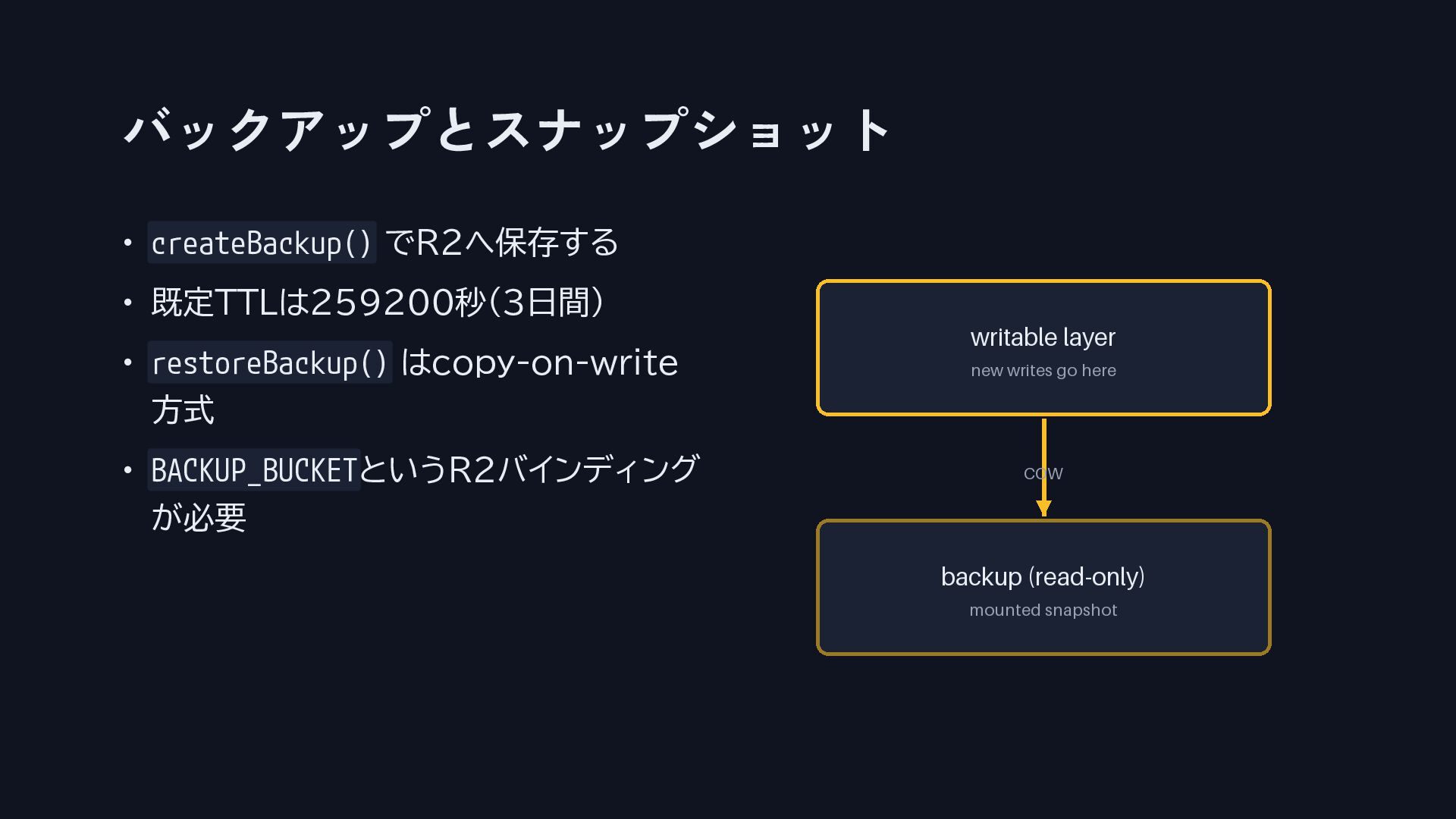
バックアップとスナップショット • createBackup() でR2へ保存する • 既定TTLは259200秒(3日間) • restoreBackup() はcopy-on-write 方式
• BACKUP_BUCKETというR2バインディング が必要
第4部 ニッチな豆知識
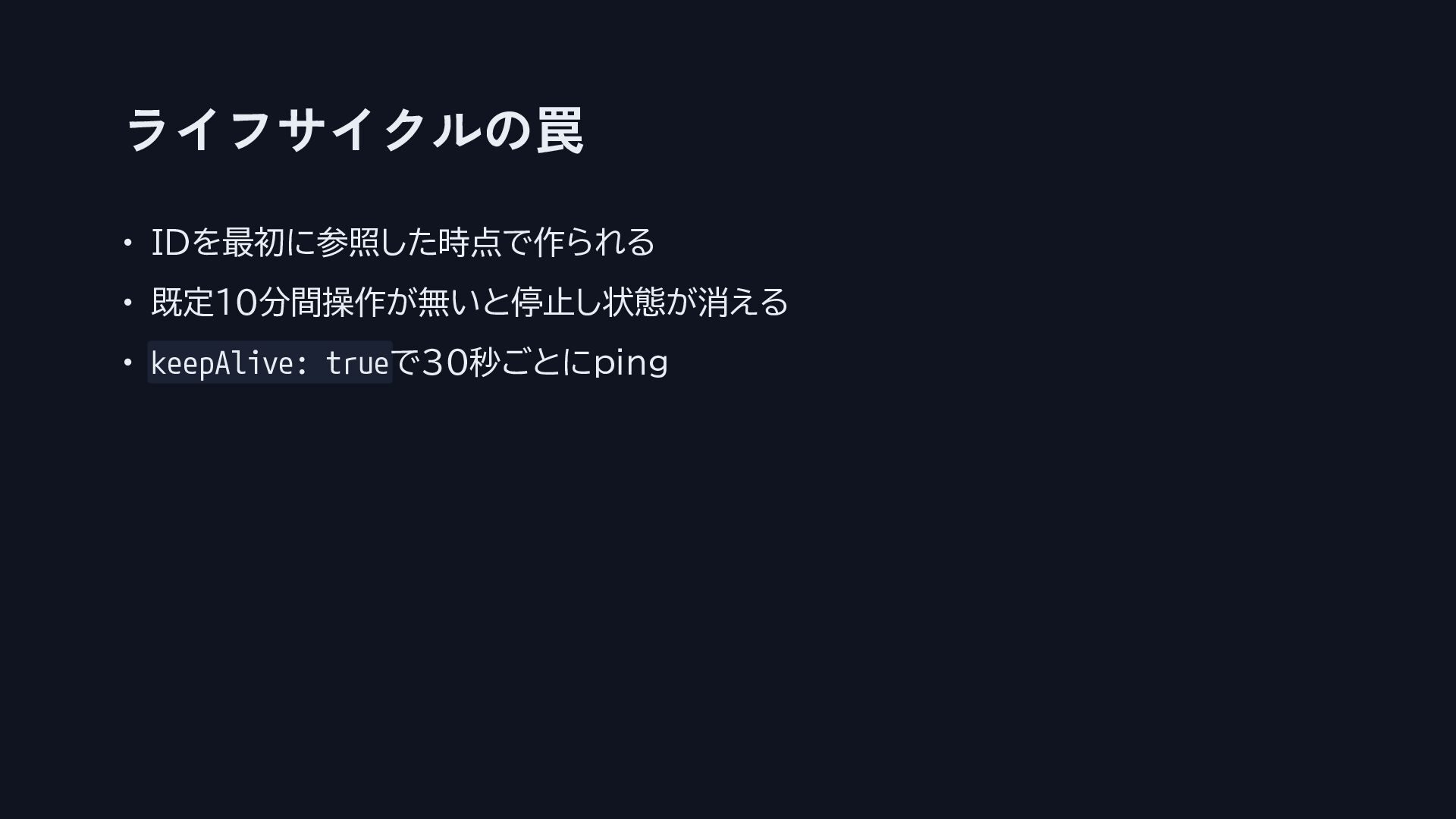
ライフサイクルの罠 • IDを最初に参照した時点で作られる • 既定10分間操作が無いと停止し状態が消える • keepAlive: trueで30秒ごとにping
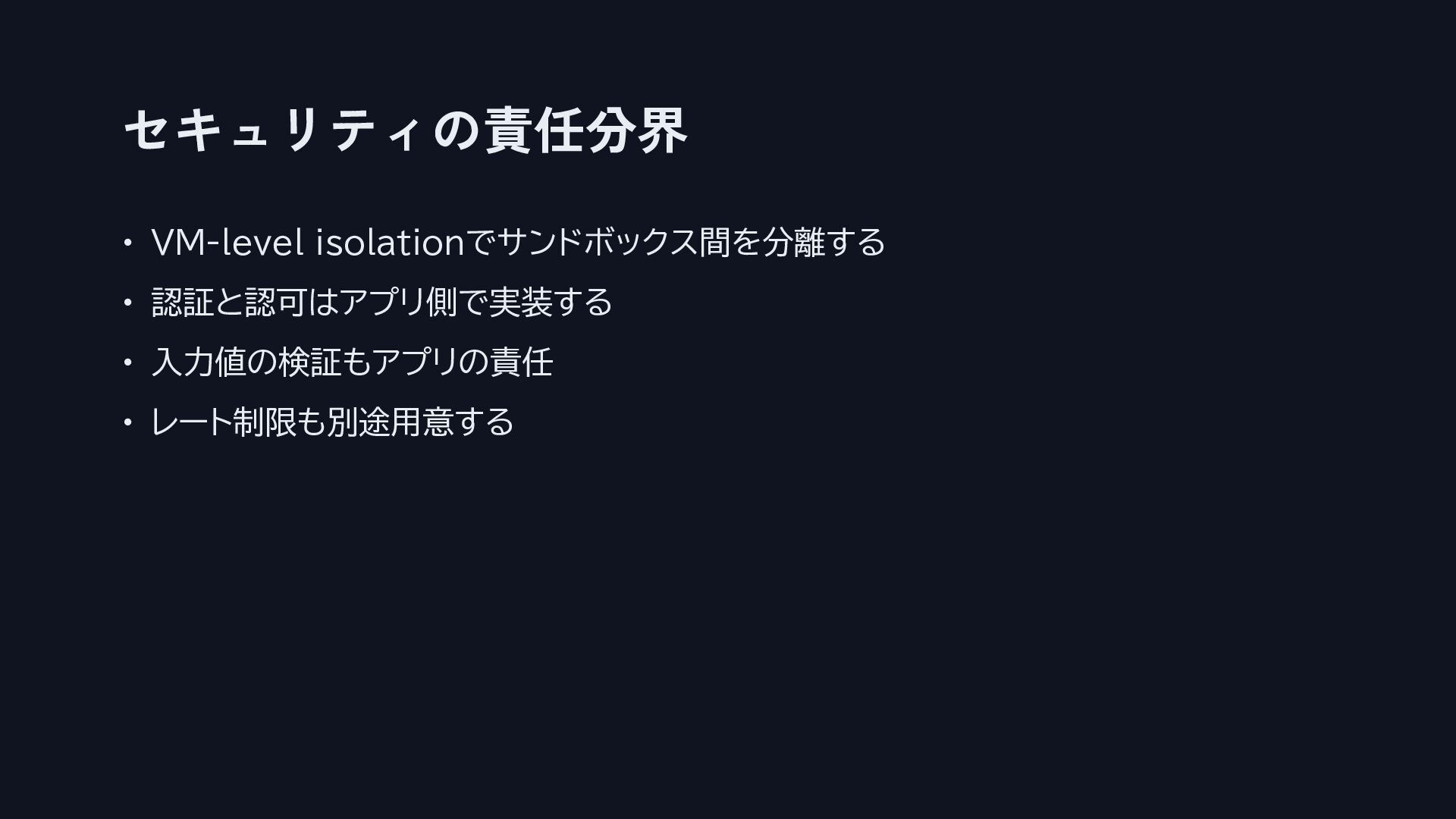
セキュリティの責任分界 • VM-level isolationでサンドボックス間を分離する • 認証と認可はアプリ側で実装する • 入力値の検証もアプリの責任 • レート制限も別途用意する
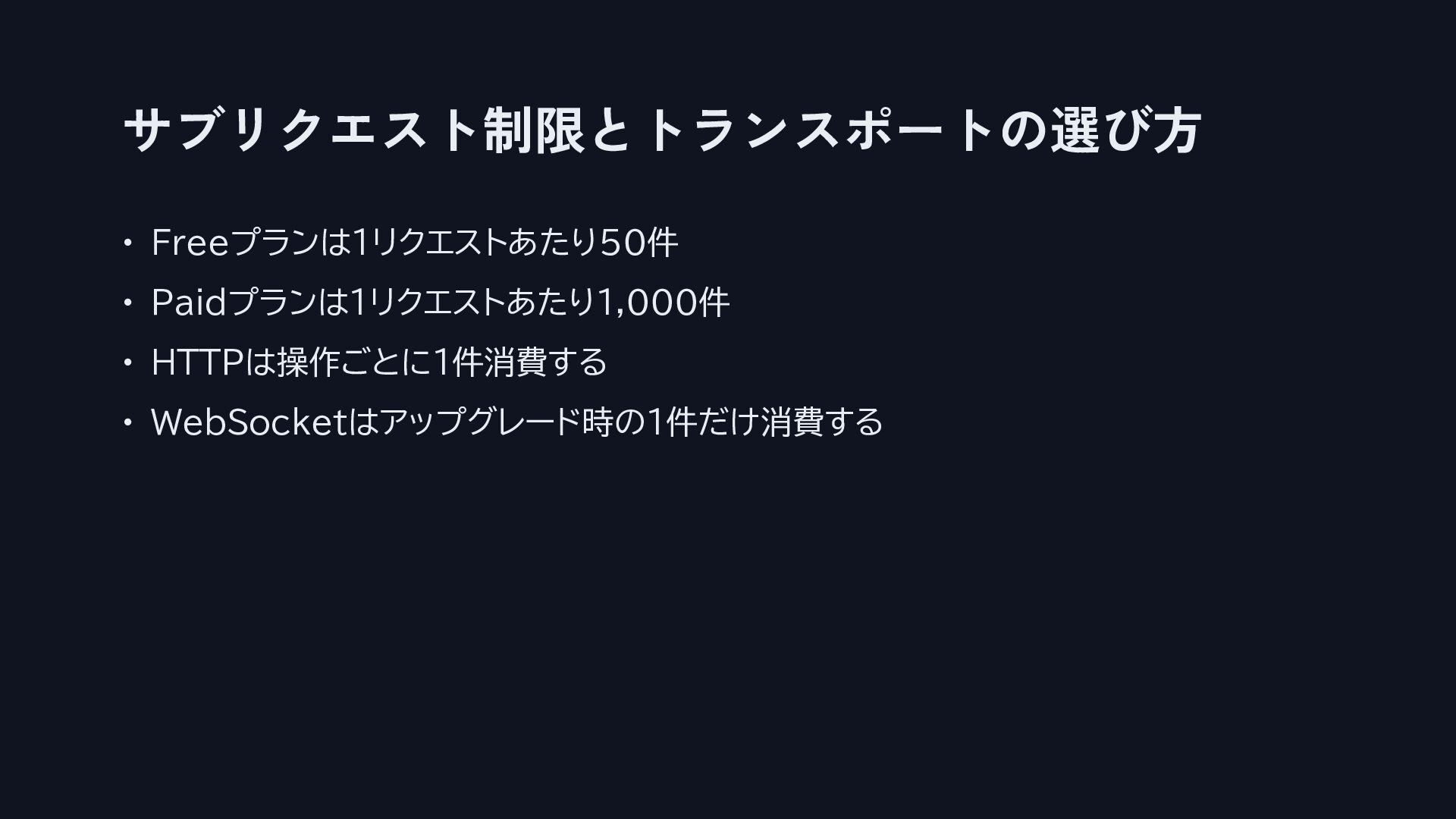
サブリクエスト制限とトランスポートの選び方 • Freeプランは1リクエストあたり50件 • Paidプランは1リクエストあたり1,000件 • HTTPは操作ごとに1件消費する • WebSocketはアップグレード時の1件だけ消費する
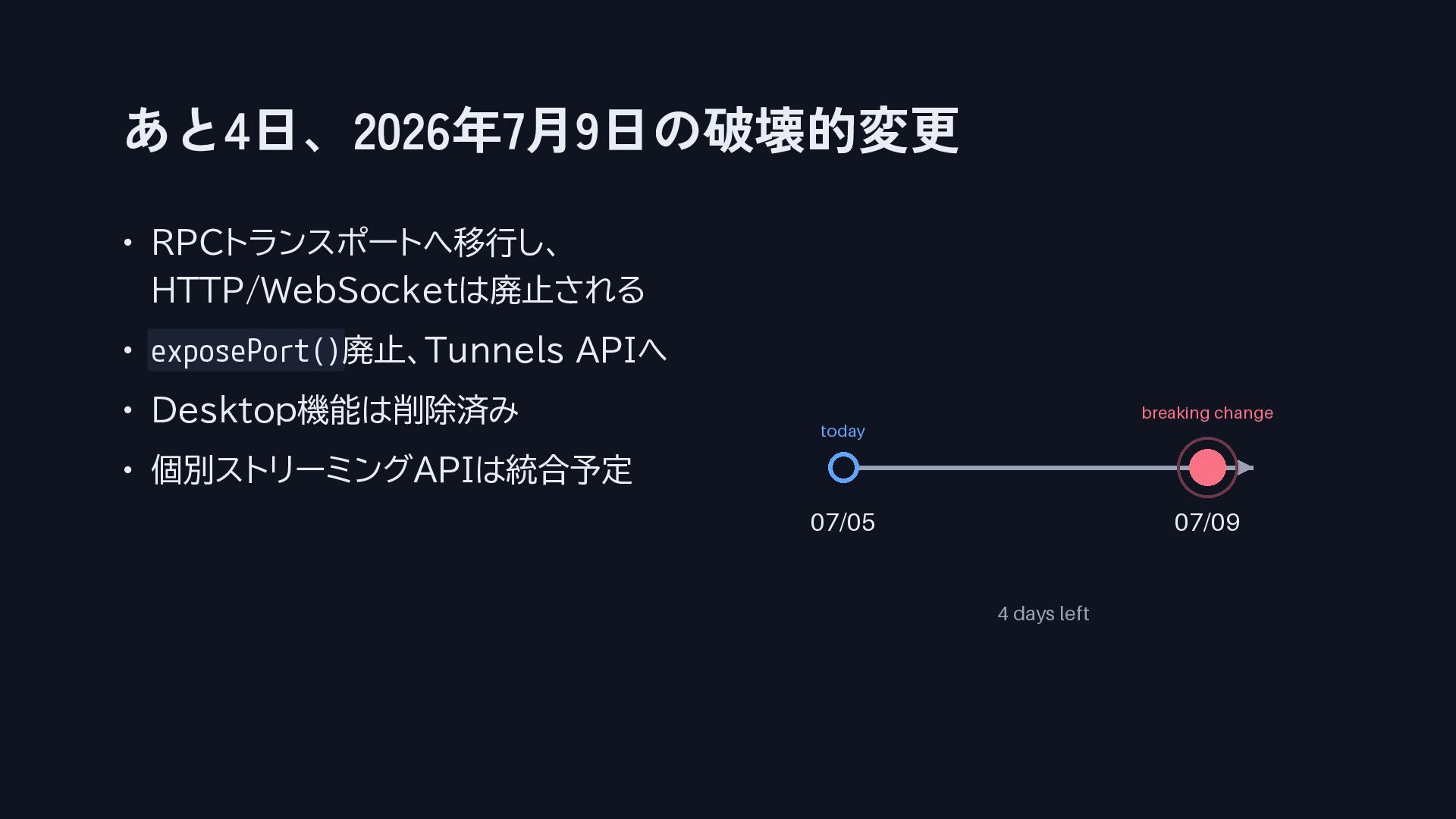
あと4日、2026年7月9日の破壊的変更 • RPCトランスポートへ移行し、 HTTP/WebSocketは廃止される • exposePort()廃止、Tunnels APIへ • Desktop機能は削除済み •
個別ストリーミングAPIは統合予定
強力なAPIも、締め切りのある変更も、最初から構造化して 備えておけば怖くない。
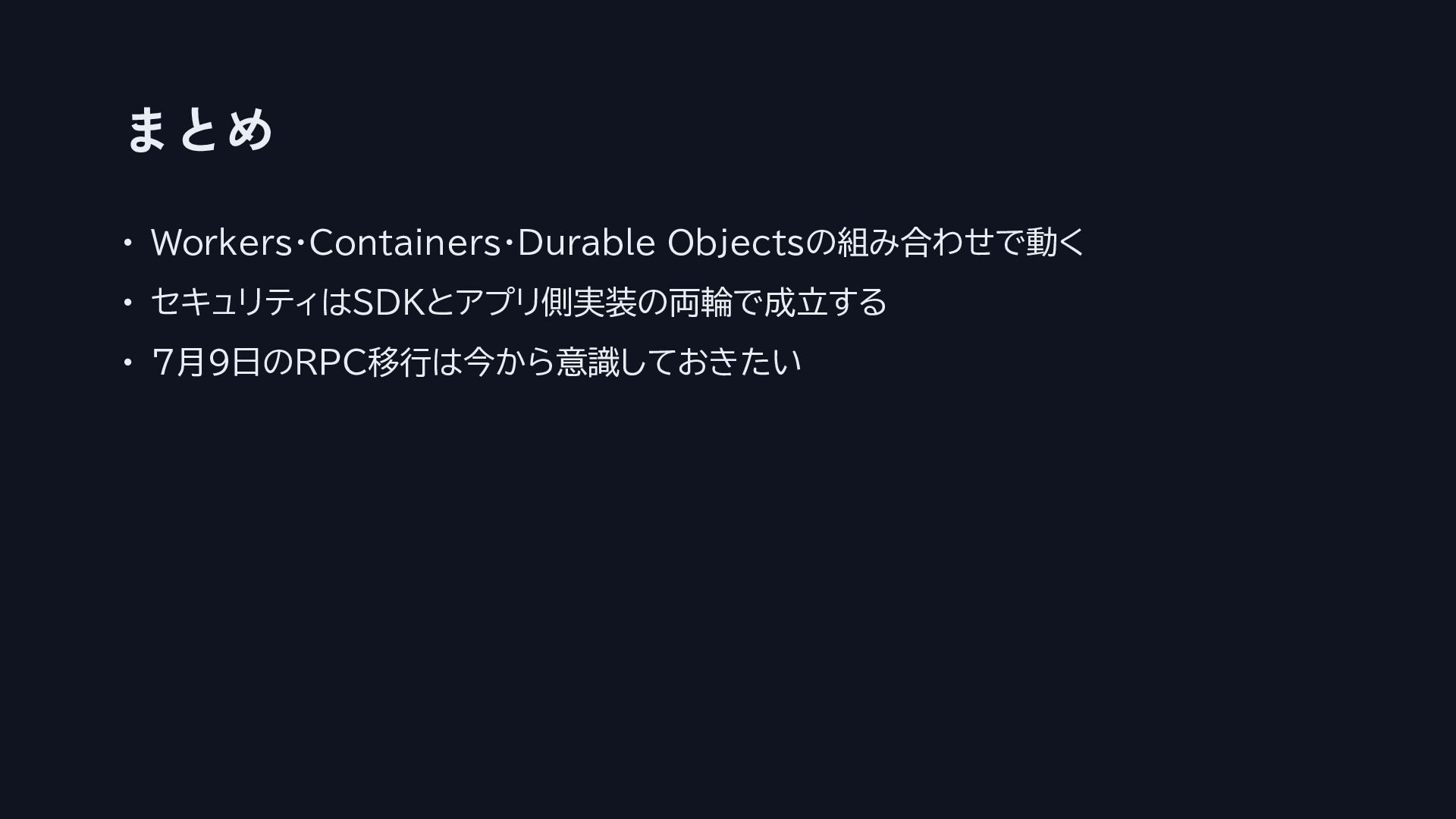
まとめ • Workers・Containers・Durable Objectsの組み合わせで動く • セキュリティはSDKとアプリ側実装の両輪で成立する • 7月9日のRPC移行は今から意識しておきたい
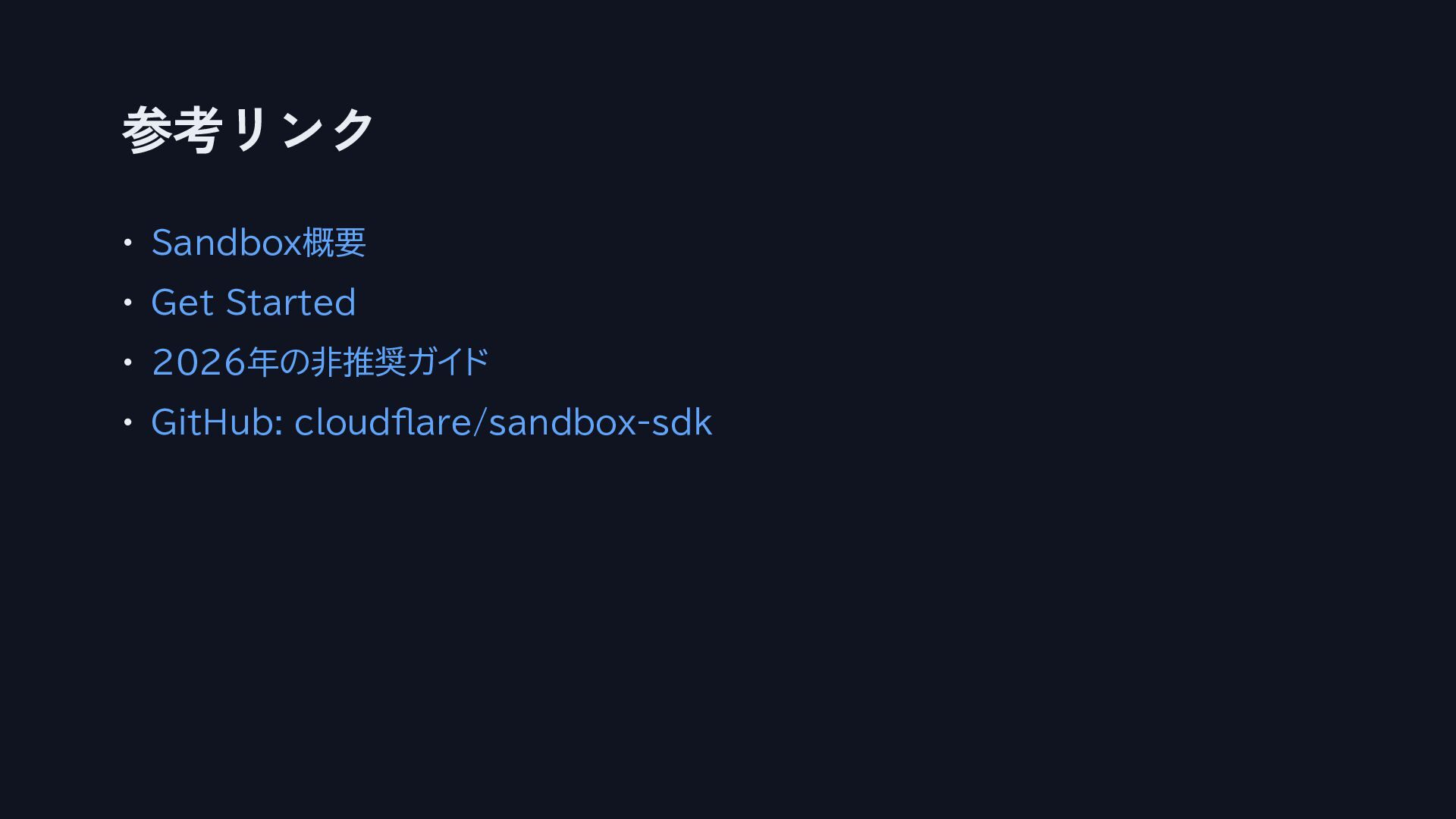
参考リンク • Sandbox概要 • Get Started • 2026年の非推奨ガイド • GitHub:
cloudflare/sandbox-sdk


 thirdlf03
 mkilby
 aleyda
 destraynor
 gurzu
gurzu
 bethany
 kristinabergwall1
 lara
lara
 danielanewman
 bermonpainter
 mfonobong