$30 off During Our Annual Pro Sale. View Details »

Compose Deep Dive

Compose Deep Dive

A talk about the inner workings of Compose. It delves a bit into the compiler and then covers vitals parts of the Compose runtime.
The slides are only partially useful, since one crucial bit has been the live demo of the code, the compiler generates.

Avatar for Wolfram Rittmeyer

Wolfram Rittmeyer

December 18, 2025
Tweet

More Decks by Wolfram Rittmeyer

Other Decks in Programming

Transcript

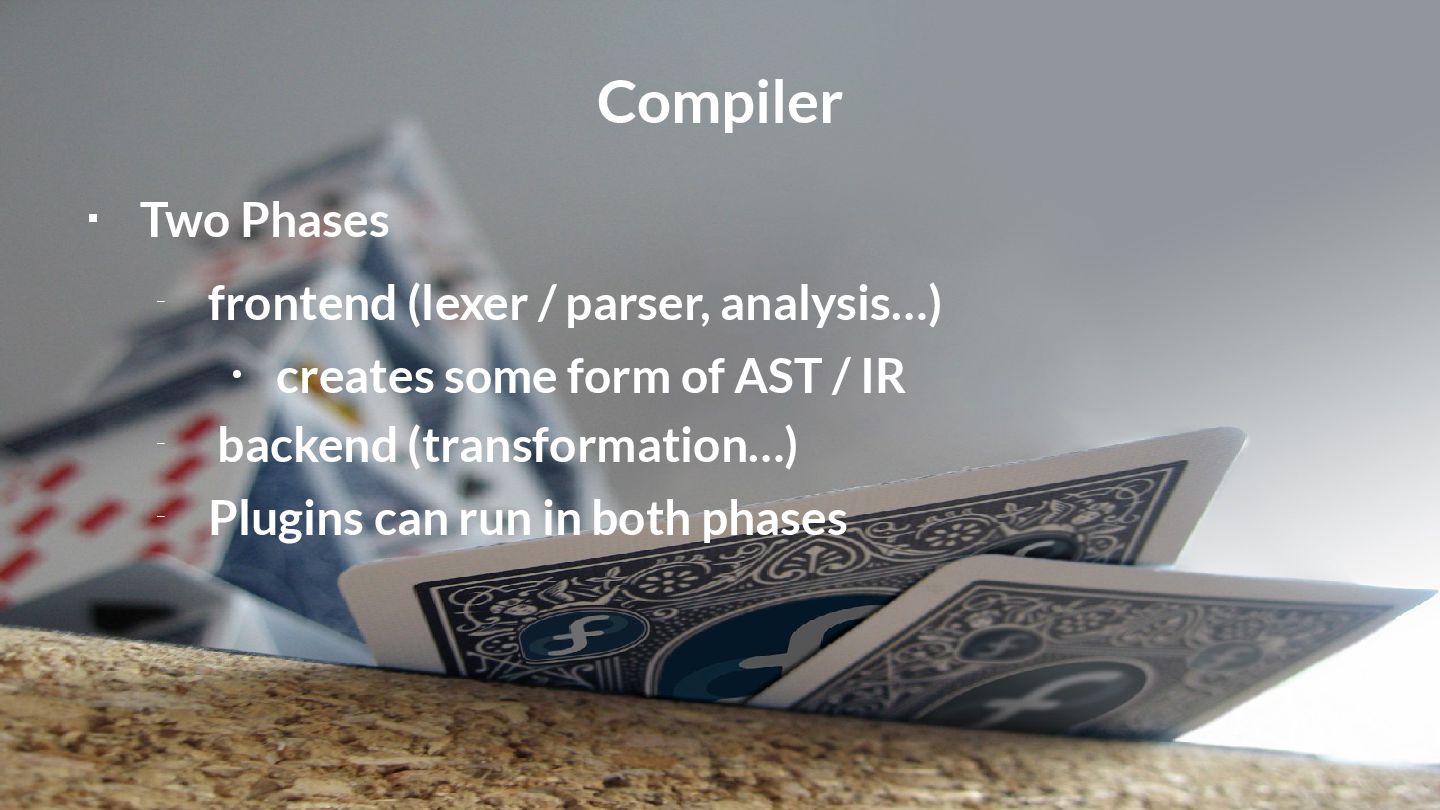
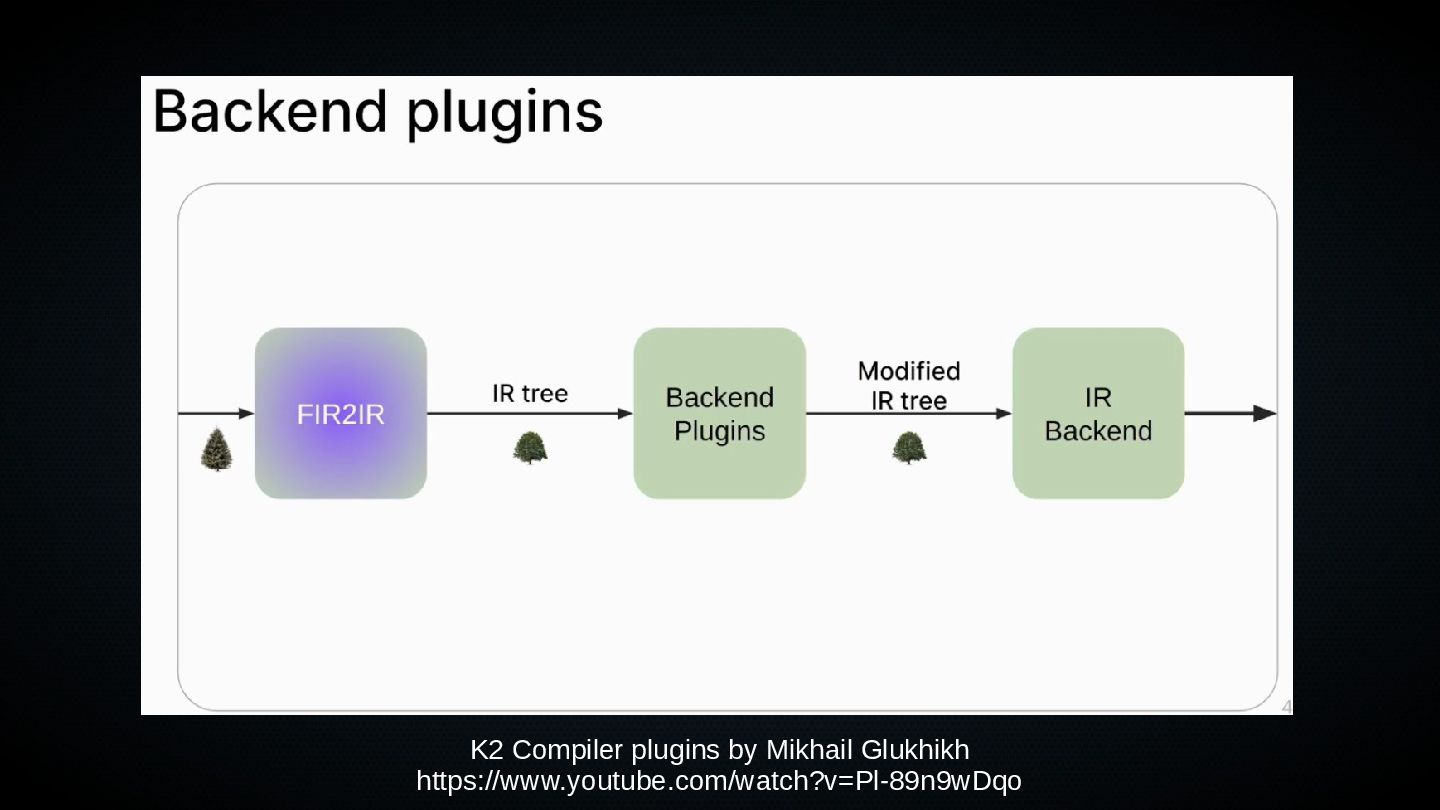
  1. Compiler  Two Phases – frontend (lexer / parser, analysis…)

    • creates some form of AST / IR – backend (transformation…) – Plugins can run in both phases
  2. Kotlin Compiler  Documentation in Kotlin project: – compiler-plugins/basics.md –

    fir/fir-basics.md – fir/fir-plugins.md – native/compilation-model.md
  3. Compose Compiler Frontend  Used in the check phase –

    Is it a valid Composable function call? – Is expect / actual of a Composable correct? – Has the key call an argument?  E.g. ComposableCallChecker – which implements the abstract class FirDeclarationChecker –
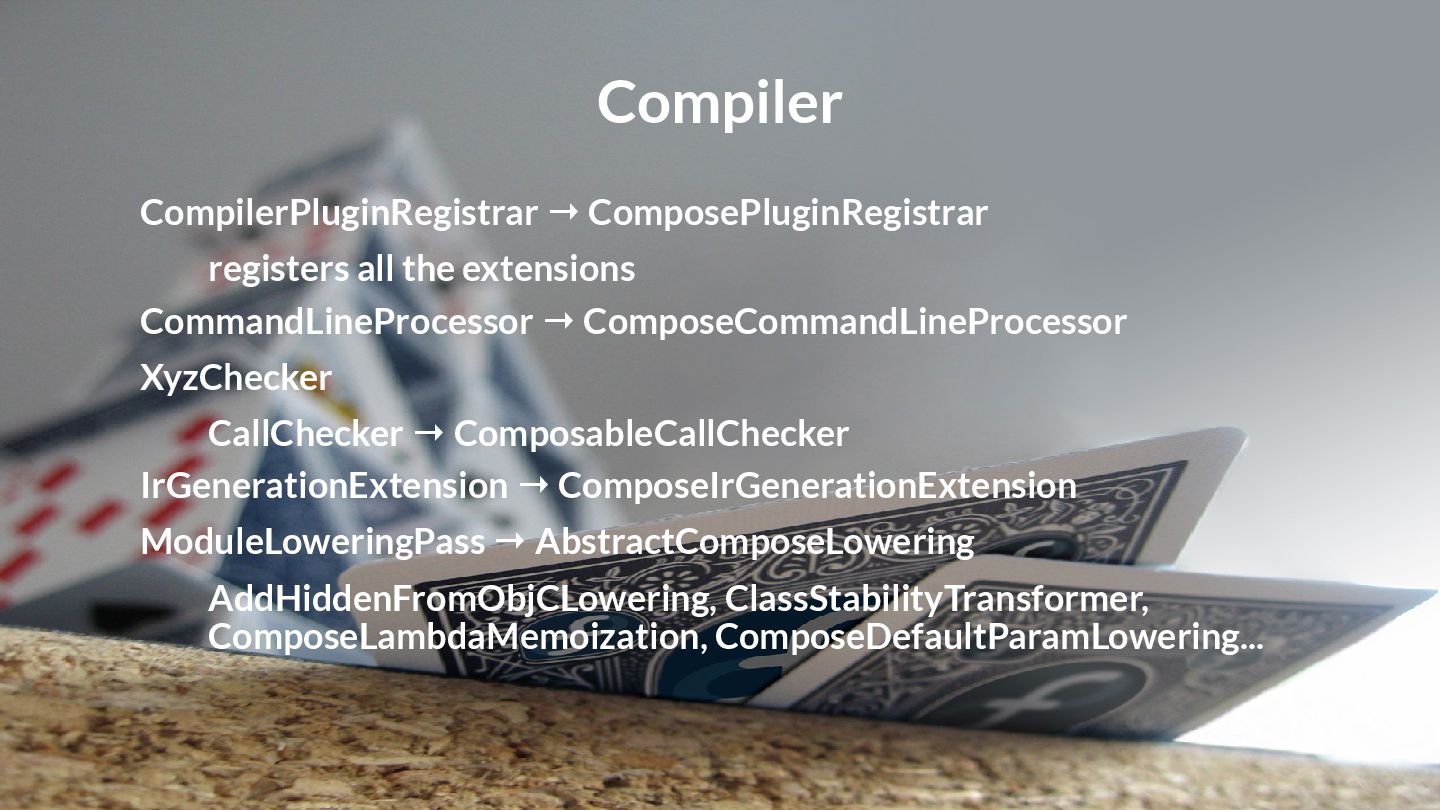
  4. Compiler CompilerPluginRegistrar ComposePluginRegistrar → registers all the extensions CommandLineProcessor ComposeCommandLineProcessor

    → XyzChecker CallChecker ComposableCallChecker → IrGenerationExtension ComposeIrGenerationExtension → ModuleLoweringPass AbstractComposeLowering → AddHiddenFromObjCLowering, ClassStabilityTransformer, ComposeLambdaMemoization, ComposeDefaultParamLowering...
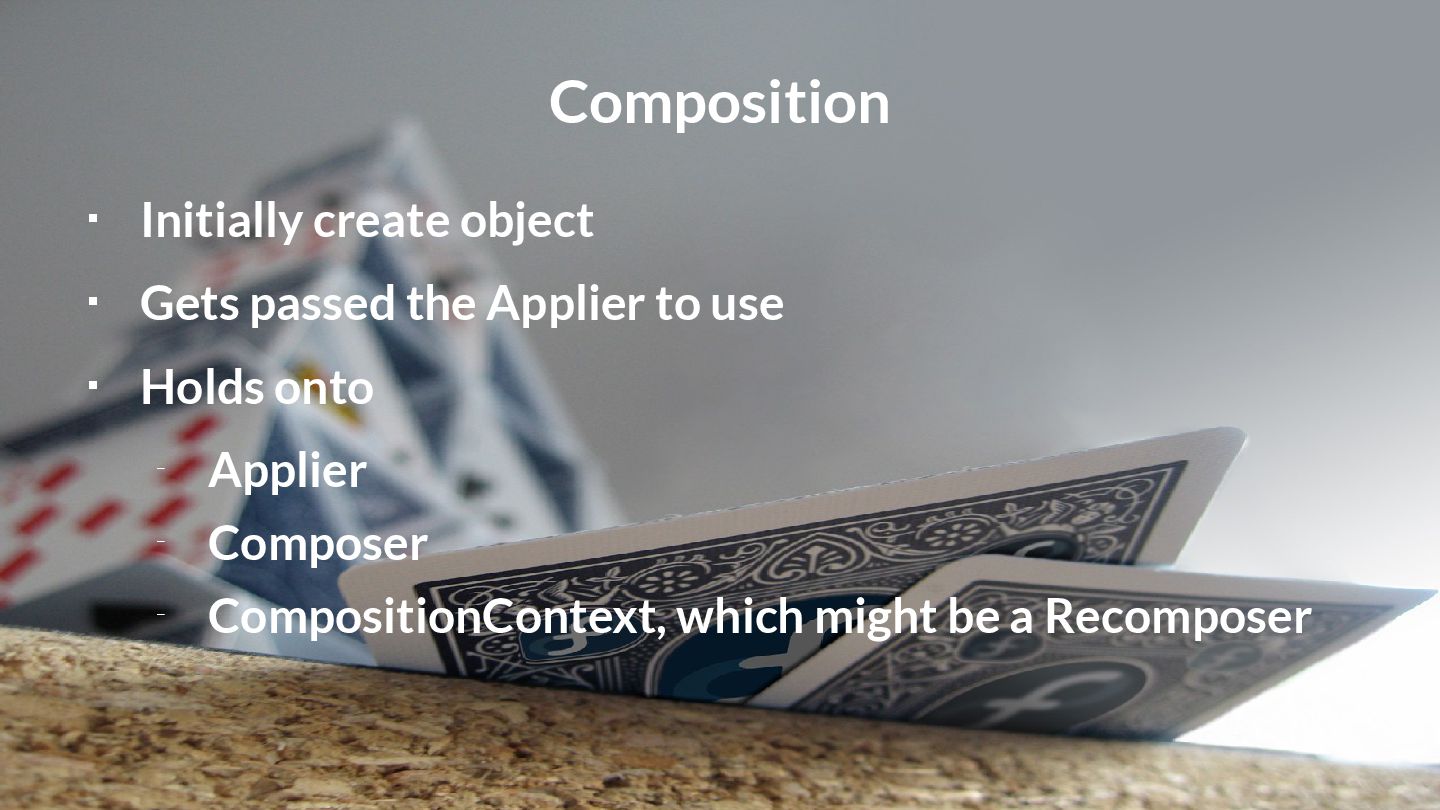
  5. Composition  Initially create object  Gets passed the Applier

    to use  Holds onto – Applier – Composer – CompositionContext, which might be a Recomposer
  6. Composer  Main interface used by compiler  Mananges the

    node trees  composer.changed() important for Recomposition- Decision – (see Recomposer sample)
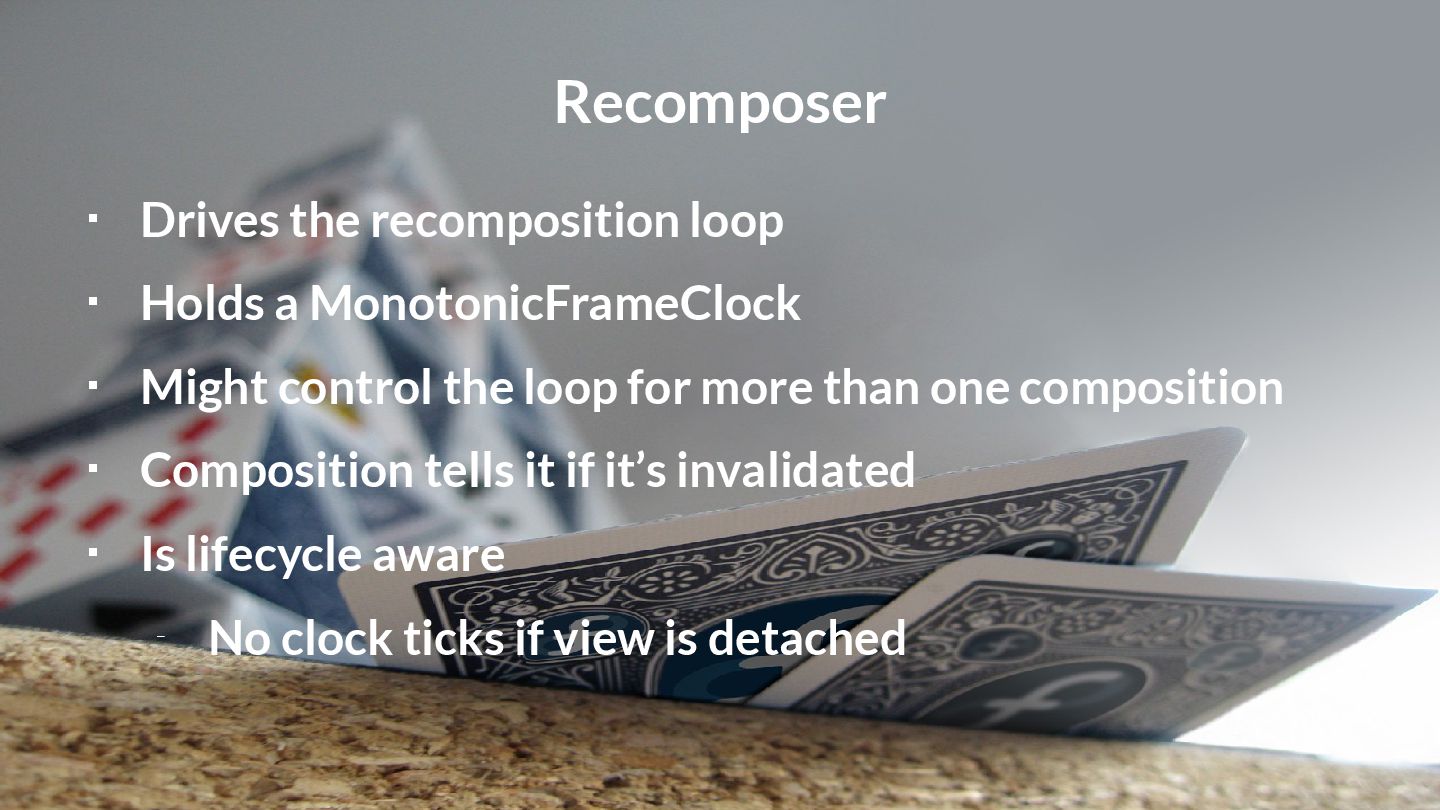
  7. Recomposer  Drives the recomposition loop  Holds a MonotonicFrameClock

     Might control the loop for more than one composition  Composition tells it if it’s invalidated  Is lifecycle aware – No clock ticks if view is detached
  8. Recomposer Compositions Composer → →  Recomposer calls recompose –

    On every composition that needs to be recomposed – Composition calls recompose • On Composer
  9. Structures  SlotTable – Groups / Slots  Applier –

    Completely agnostic – AbstractApplier • Stack of Nodes

  10. SlotTable  Remember startRestartGroup()…?  Groups and Slots form the

    SlotTable  Slots might be – remembered values – Meta data – CompositionLocal values
  11. SlotTable  Internally used by the Composer  Decides if
    something needs to be recomposed – Depending on the comparison of SlotTable data  Caches all kind of data
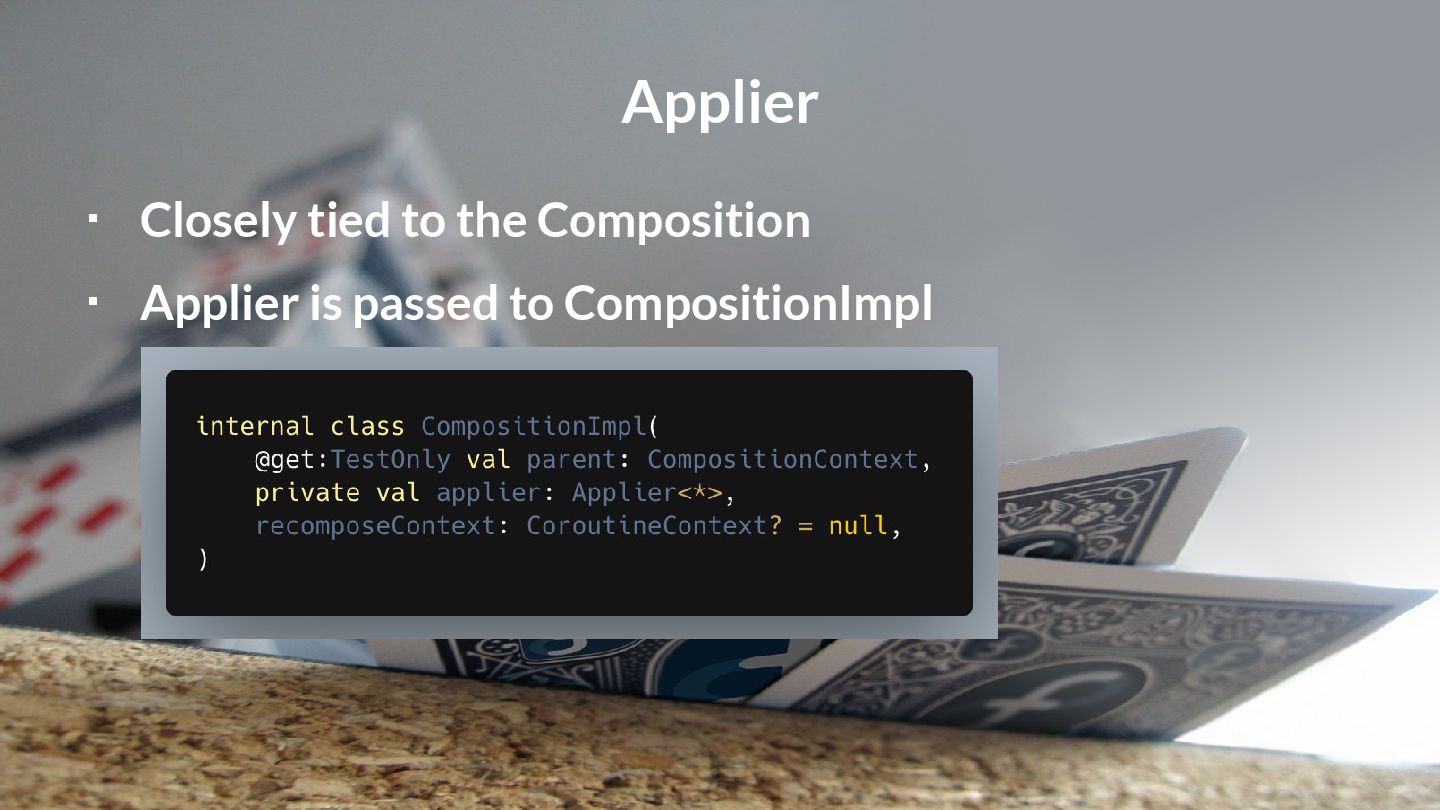
  12. Applier  Part of runtime lib – Same goes for
    AbstractApplier  Concrete implementations in UI libs
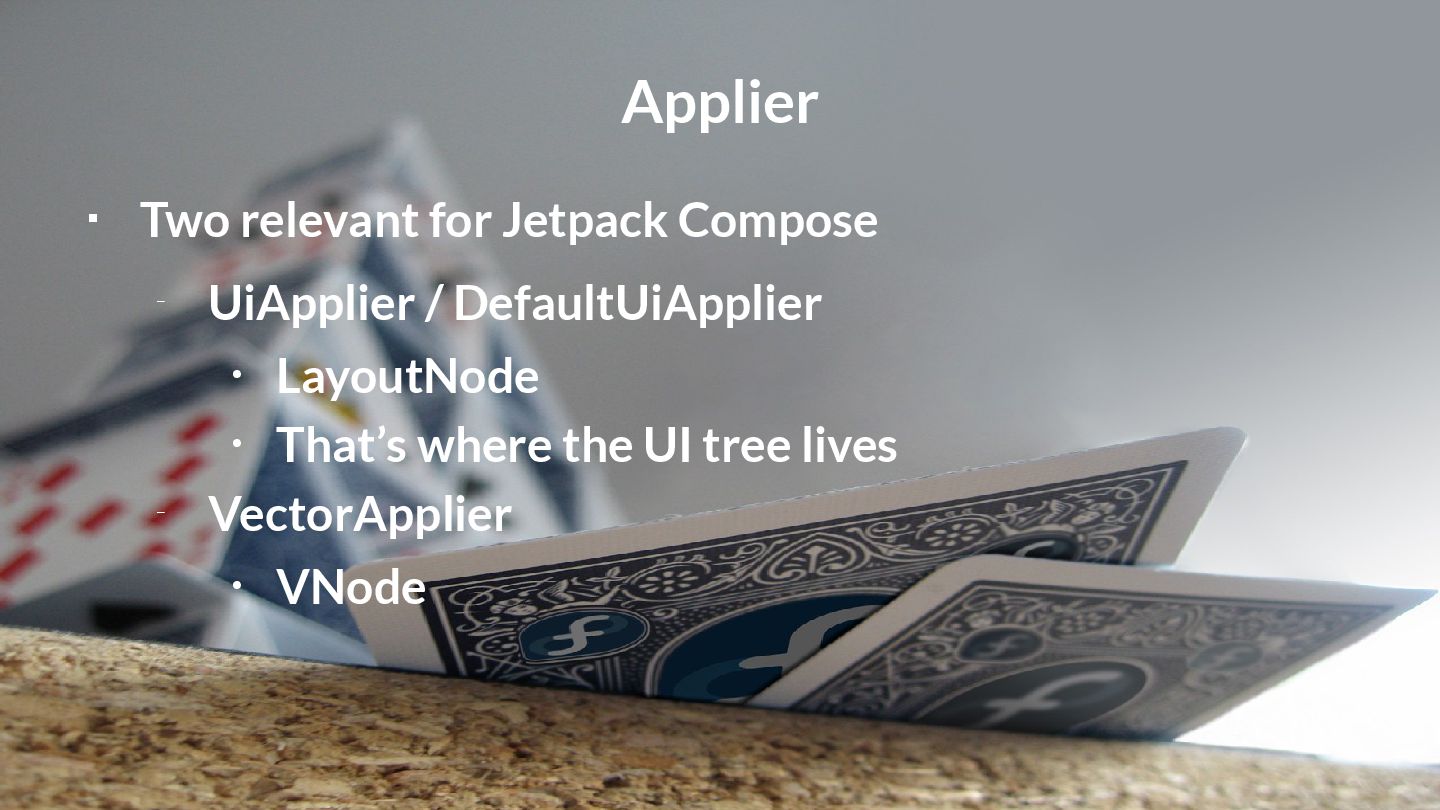
  13. Applier  Two relevant for Jetpack Compose – UiApplier /

    DefaultUiApplier • LayoutNode • That’s where the UI tree lives – VectorApplier • VNode
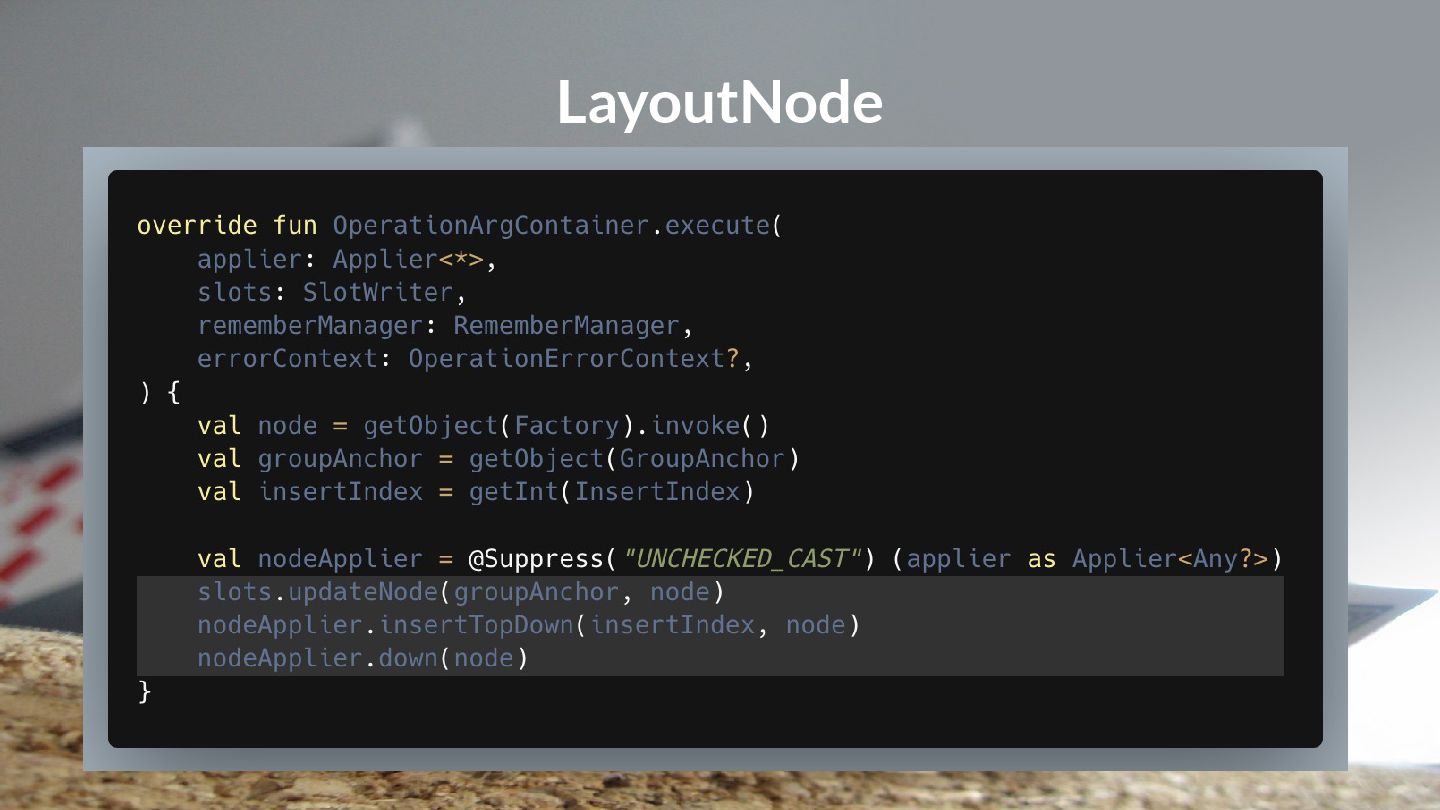
  14. LayoutNode  Represents Composables  Created by the Layout composable

     Get’s inserted into SlotTable and Applier  Applier handles relationship between Nodes
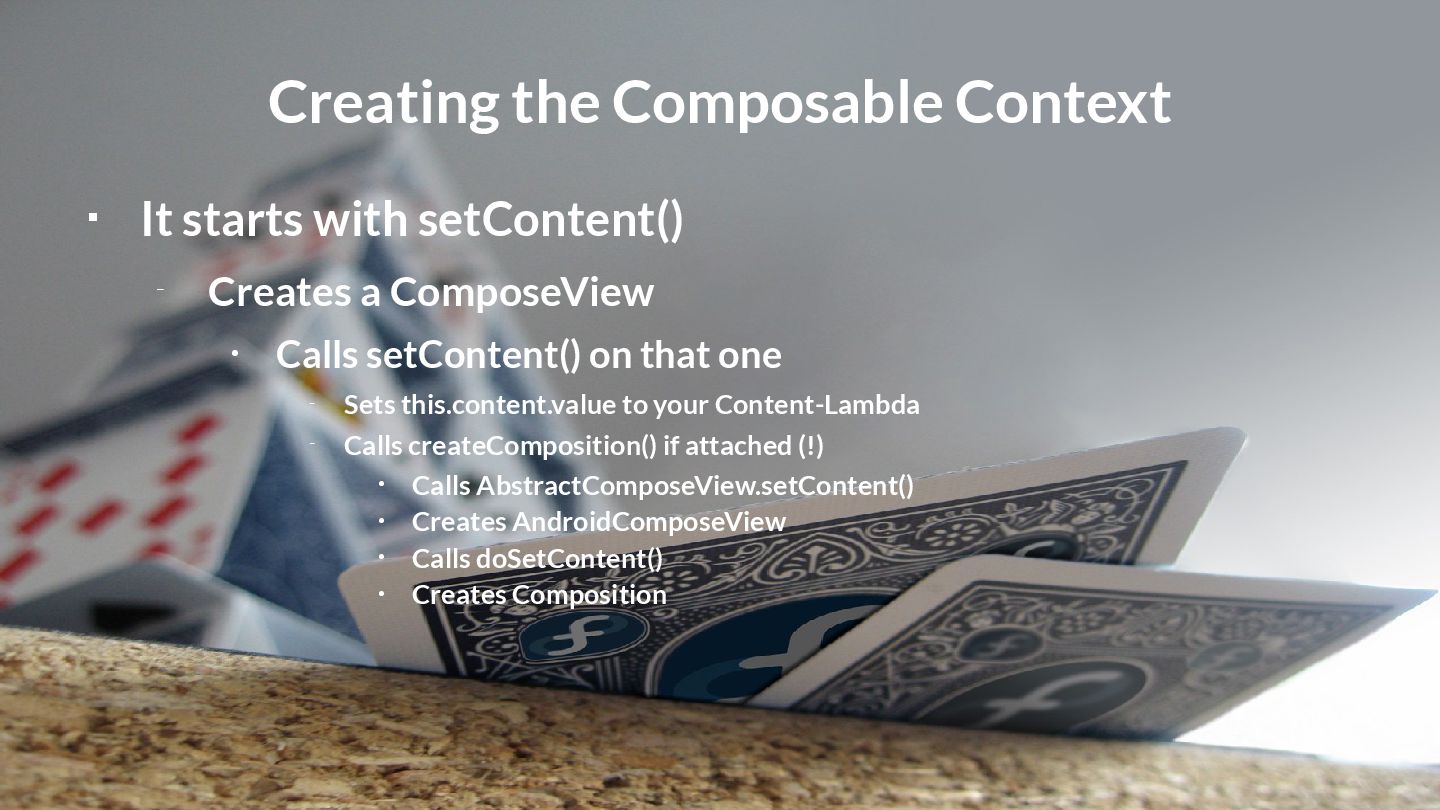
  15. Creating the Composable Context  It starts with setContent() –

    Creates a ComposeView • Calls setContent() on that one – Sets this.content.value to your Content-Lambda – Calls createComposition() if attached (!) • Calls AbstractComposeView.setContent() • Creates AndroidComposeView • Calls doSetContent() • Creates Composition
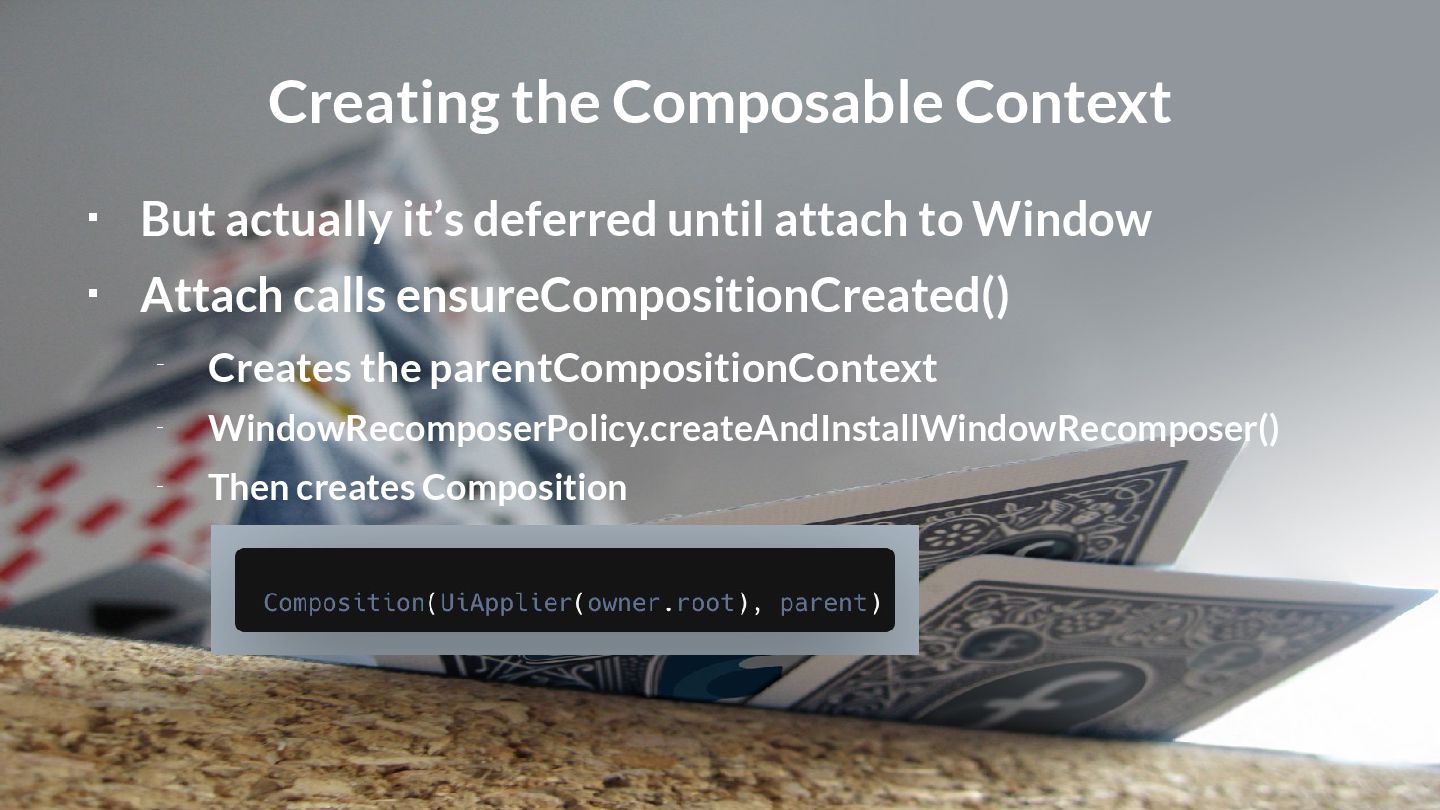
  16. Creating the Composable Context  But actually it’s deferred until

    attach to Window  Attach calls ensureCompositionCreated() – Creates the parentCompositionContext – WindowRecomposerPolicy.createAndInstallWindowRecomposer() – Then creates Composition
  17. Owner  Holds onto the Composition  Boundary between old

    View and Compose – AndroidComposeView (Android) – RootNodeOwner (other platforms)
  18. Owner  Deals with – Accessibility – Clipboard – Measuring

    / Layouting – Creates and hold SharedDrawScope
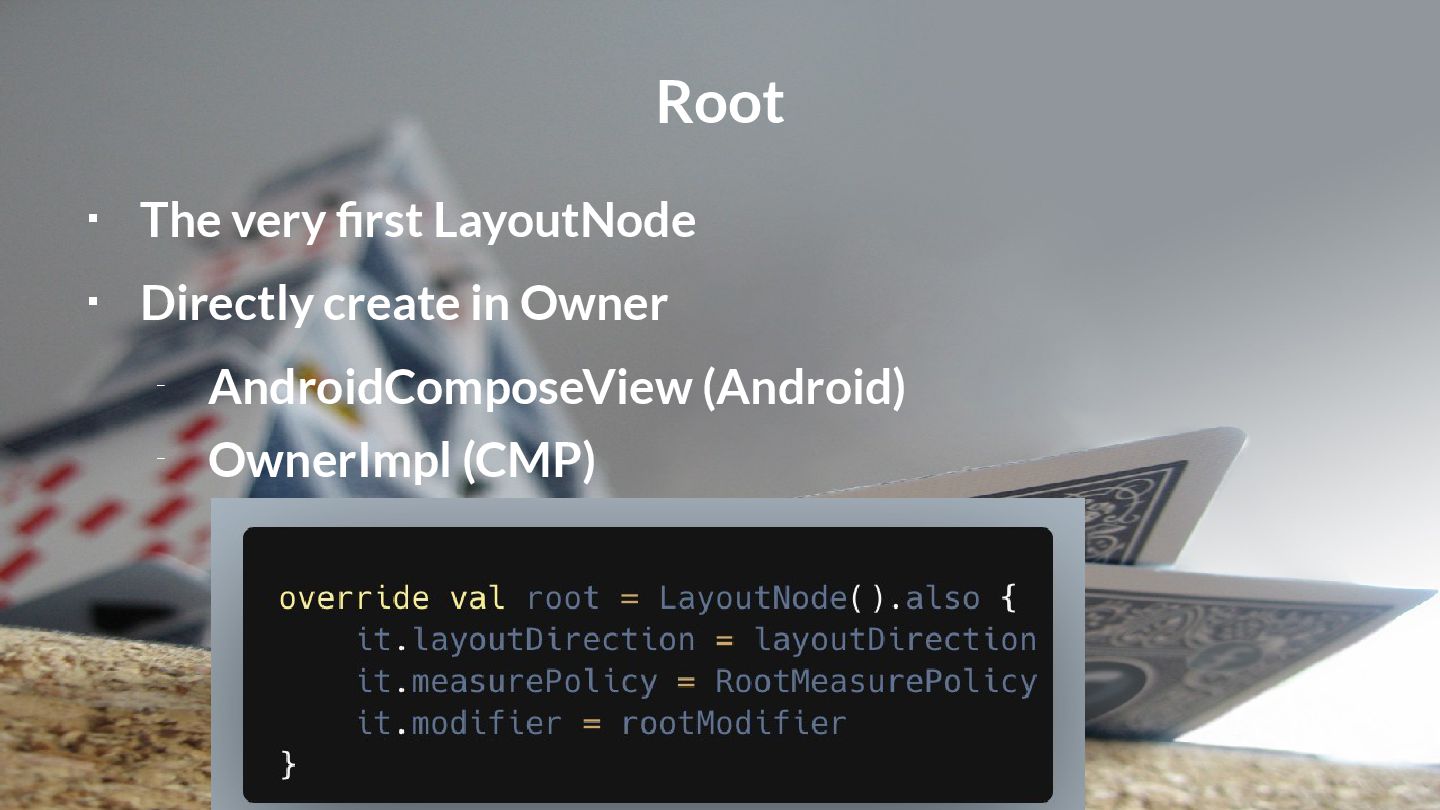
  19. Root  The very first LayoutNode  Directly create in

    Owner – AndroidComposeView (Android) – OwnerImpl (CMP)
  20. Root  The very first LayoutNode  Directly create in

    Owner – AndroidComposeView (Android) – OwnerImpl (CMP)
  21. Painting  Owner (AndroidComposeView / RootNodeOwner) – Holds shared DrawScope

    – Calls root.draw() – Root delegates this to it’s innerCoordinator • Which is the tail end of the Modifier chain • Iterates over all children and calls draw() on them
  22. Painting  All drawing is only done in Modifiers 

    Canvas composable delegates to drawBehind() Modifier  LayoutNodes ensure that modfiers are drawn
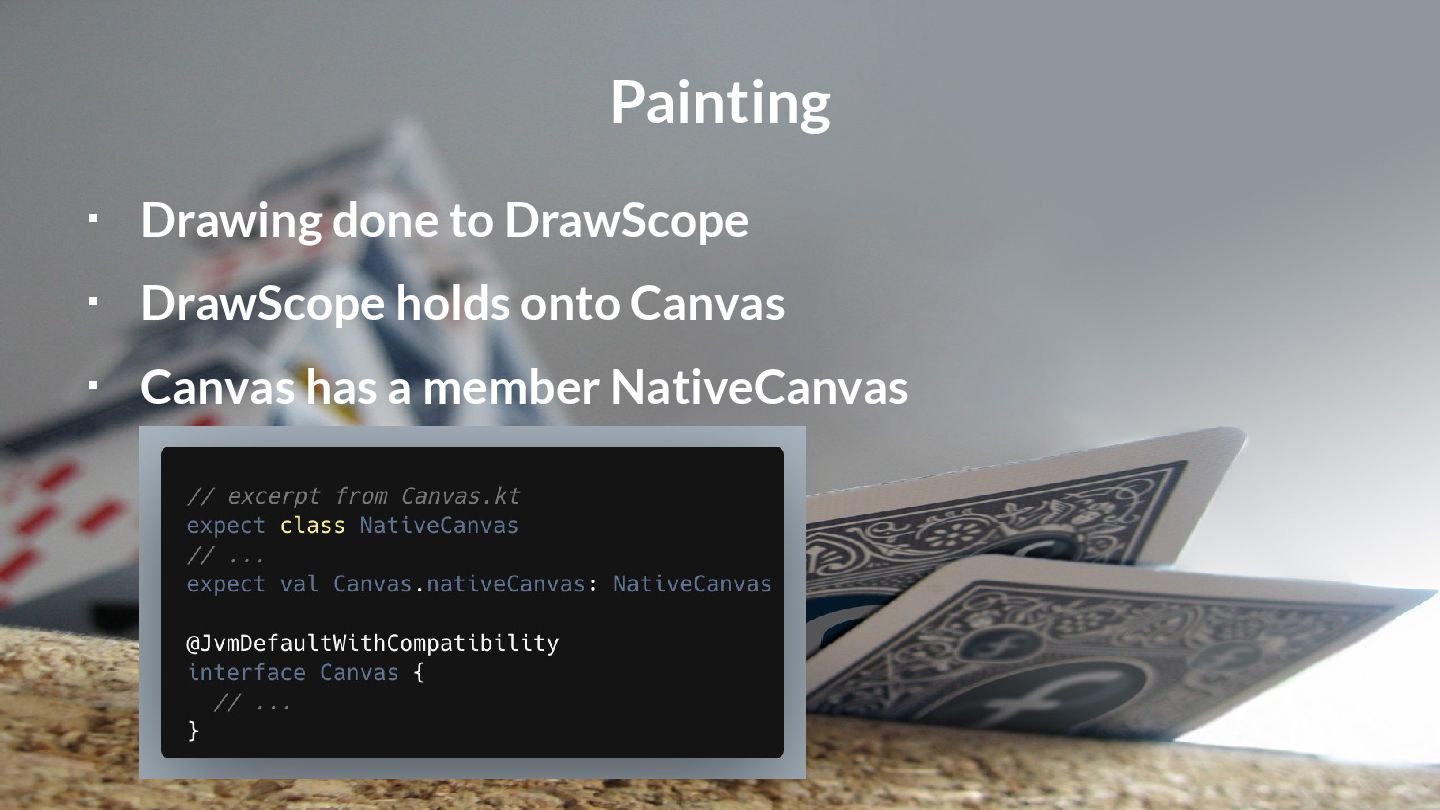
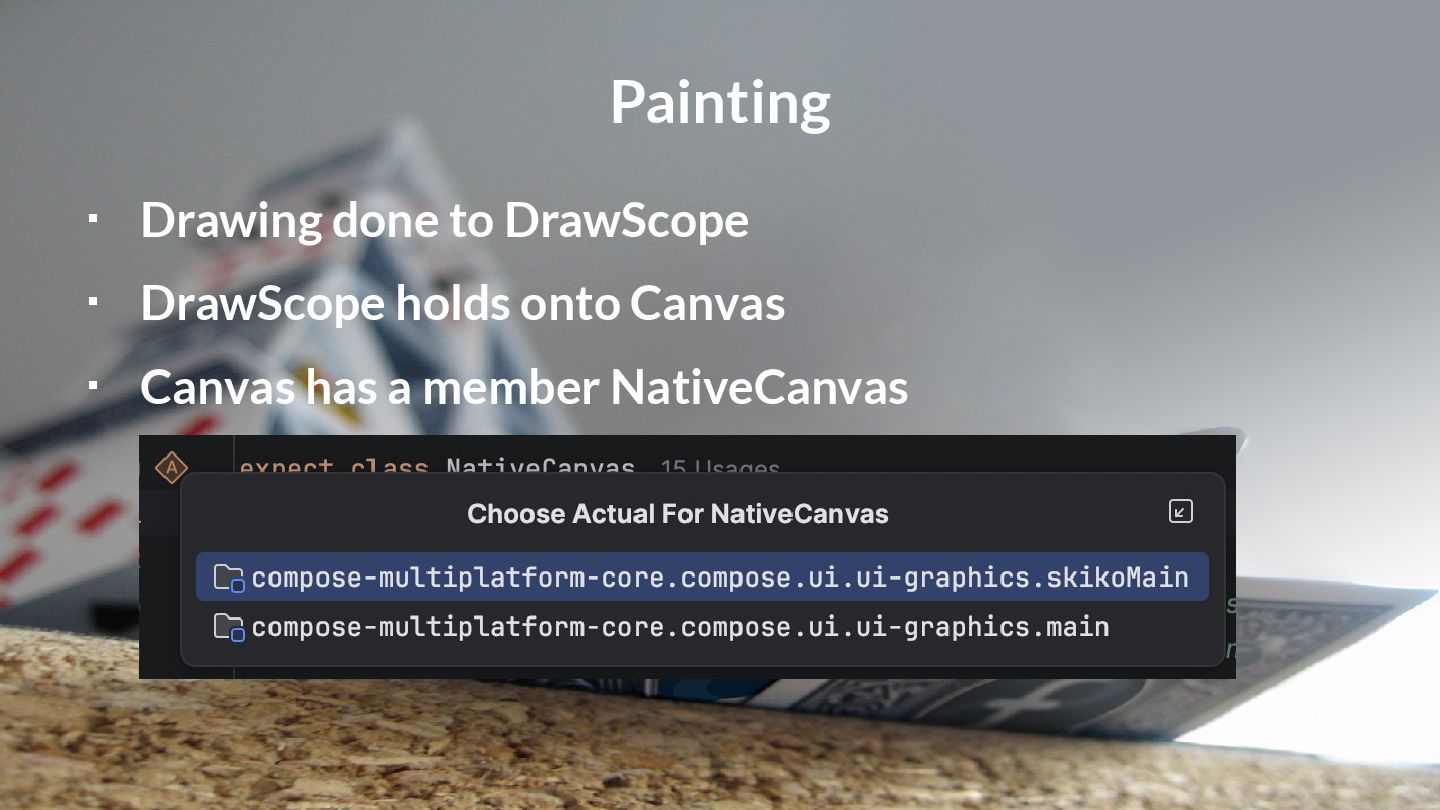
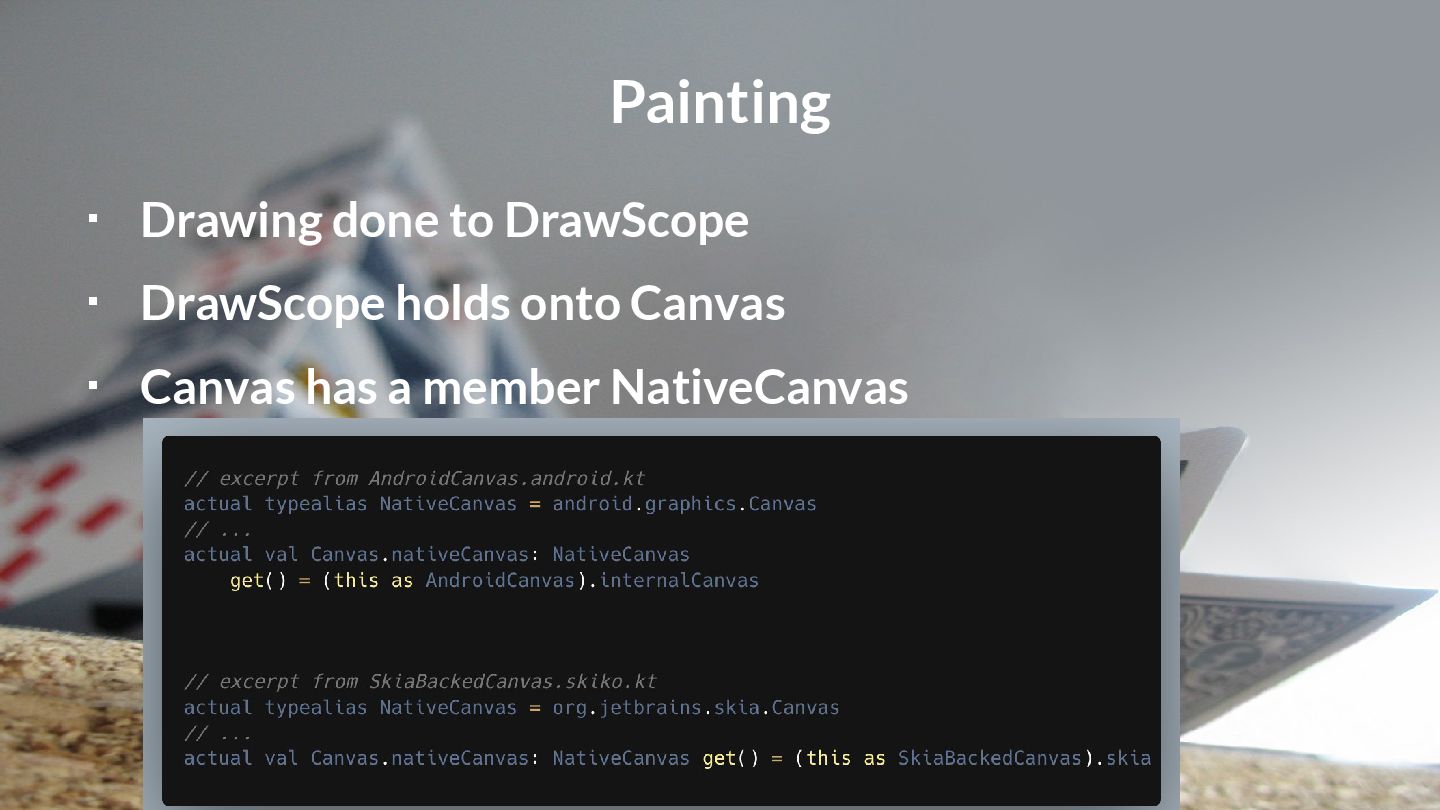
  23. Painting  Drawing done to DrawScope  DrawScope holds onto

    Canvas  Canvas has a member NativeCanvas
  24. Painting  Drawing done to DrawScope  DrawScope holds onto

    Canvas  Canvas has a member NativeCanvas
  25. Painting  Drawing done to DrawScope  DrawScope holds onto

    Canvas  Canvas has a member NativeCanvas
  26. Painting  Drawing done to DrawScope  DrawScope holds onto

    Canvas  Canvas has a member NativeCanvas
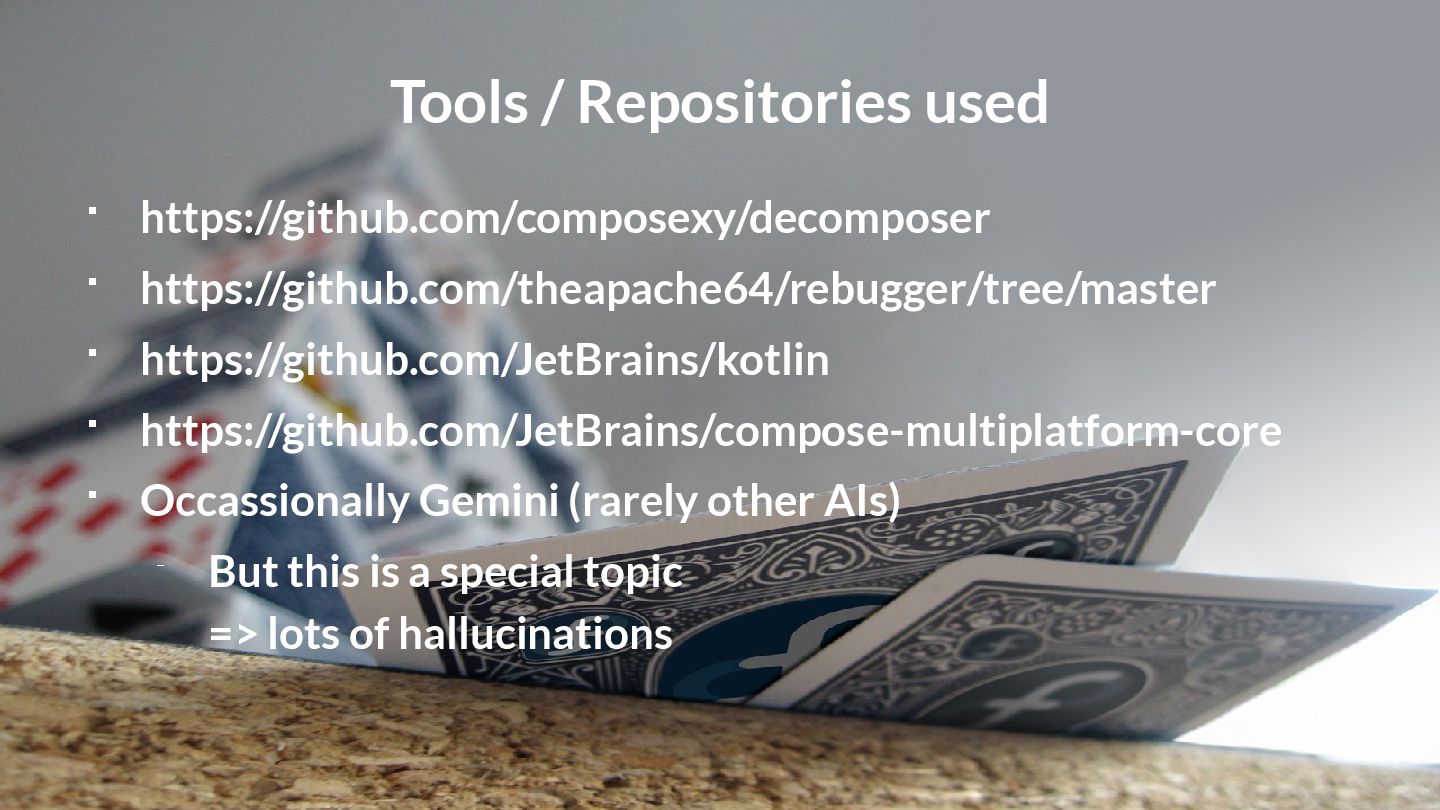
  27. Tools / Repositories used  https://github.com/composexy/decomposer  https://github.com/theapache64/rebugger/tree/master  https://github.com/JetBrains/kotlin

     https://github.com/JetBrains/compose-multiplatform-core  Occassionally Gemini (rarely other AIs) – But this is a special topic => lots of hallucinations
  28. Painting This is the end. My only friend, the end.

    The Doors https://www.linkedin.com/in/wolfram-rittmeyer/ https://www.linkedin.com/in/wolfram-rittmeyer/ https://mastodon.social/@RittmeyerW https://mastodon.social/@RittmeyerW https://www.grokkingandroid.com https://www.grokkingandroid.com
  29. Pictures / Licenses 1: Background of title slide shows a

    small section of a photo by Romain Guy: https://www.flickr.com/photos/romainguy/48539281152 2: Jetpack Compose logo: https://developer.android.com/jetpack/compose 3: Pictures: Waves: https://unsplash.com/de/fotos/nahaufnahme-eines-grauen-felsens-auf-einem-gewasser-wahrend-des-tages-6i6-hNlF1MI Cocoons: https://unsplash.com/de/fotos/drei-puppen-VMKBFR6r_jg Sign in forest: https://unsplash.com/de/fotos/ein-schild-ist-an-einem-baum-im-wald-angebracht-Cu1YQr0DJ9w Brooch down a hill: https://unsplash.com/de/fotos/fluss-umgeben-von-bergen-NkdCAiPRQhM Public footpath: https://unsplash.com/de/fotos/weisse-und-grune-strassenbeschilderung-b5v6QgeMMiE Gnarled tree: https://unsplash.com/de/fotos/ein-grosser-baum-mitten-im-wald-vK0t4xzK9ig Sapling: https://unsplash.com/de/fotos/eine-kleine-pflanze-spriesst-aus-dem-boden-vi-_Up8Mgd4 Grafted tree: https://upload.wikimedia.org/wikipedia/commons/6/6a/Grafted_blossoming_tree_unidentified_white_pink.JPG?download Coloured forest: https://unsplash.com/de/fotos/ein-wald-voller-bunter-baume-gse8kWzQXTc Axe: https://unsplash.com/de/fotos/braunes-und-graues-metall-rundwerkzeug-P292P90d6o4 Fog: https://unsplash.com/de/fotos/gruner-baum-bei-nebligem-wetter-kNxg6olh9d8 4: Final Coffee by Fahmi Fakhrudin: https://unsplash.com/photos/person-making-latte-art-nzyzAUsbV0M 5: Slide design "Fedora Photography" by Liam Doherty: https://github.com/dohliam/libreoffice-impress-templates/tree/master/fedora-slideshow/fedora-photography Licenses: 1: Public Domain 2: CC Attribution 2.5 3: Pictures: Unsplash License (Grafted tree: CC BY-SA 3.0) 4: Unsplash License 5: MIT License
  30. UI is Just a Layer of Compose „Compose is, at

    its core, a general-purpose tool for managing a tree of nodes of any type.“ https://jakewharton.com/a-jetpack-compose-by-any-other-name/