Share
Embed
Transcript
76 slides
-
HANAMI 作者は 氏 昔はフリーランスだったが、今は の中の人 最初のリリースは2014/01/01 最新バージョンは1.0.0(2017/04/06)リリース Luca Guidi DNSimple
Welcome Luca Guidi - DNSimple Blog -
HANAMI "Hanami is a full-stack, lightweight, yet powerful web framework
for Ruby" Webサービス用フレームワーク。MVCモデル。 -
HANAMI 最初は"Lotus"という名前だったが、2016/01/22 に"Hanami"に変更された IBMの中の人に指摘された なんやかんやあってHanamiになった 詳細な説明は 参照 Project name is
unauthorized use of a registered trademark? Lotus is now Hanami -
V1.0.0 production ready new core team automatic logging logger rotation
enhanced model generator faster boot 等々 -
ARCHITECTURES Hanamiのarchitectureは と をベースに考えられている(らしい) Application CoreとDelivery Mechanismsを分離出来る ようになっている The Clean
Architecture MonolithFirst Hanami | Guides - Architectures: Container -
DIRECTORY "bookshelf" というプロジェクトがあった場合、ルートディレク トリ配下は下記のような構成になる tree -L 2 . ├── Gemfile
├── Gemfile.lock ├── Rakefile ├── apps │ └── web ├── config │ ├── boot.rb │ ├── environment.rb │ └── initializers ├── config.ru ├── db │ ├── migrations │ └── schema.sql ├── lib │ ├── bookshelf -
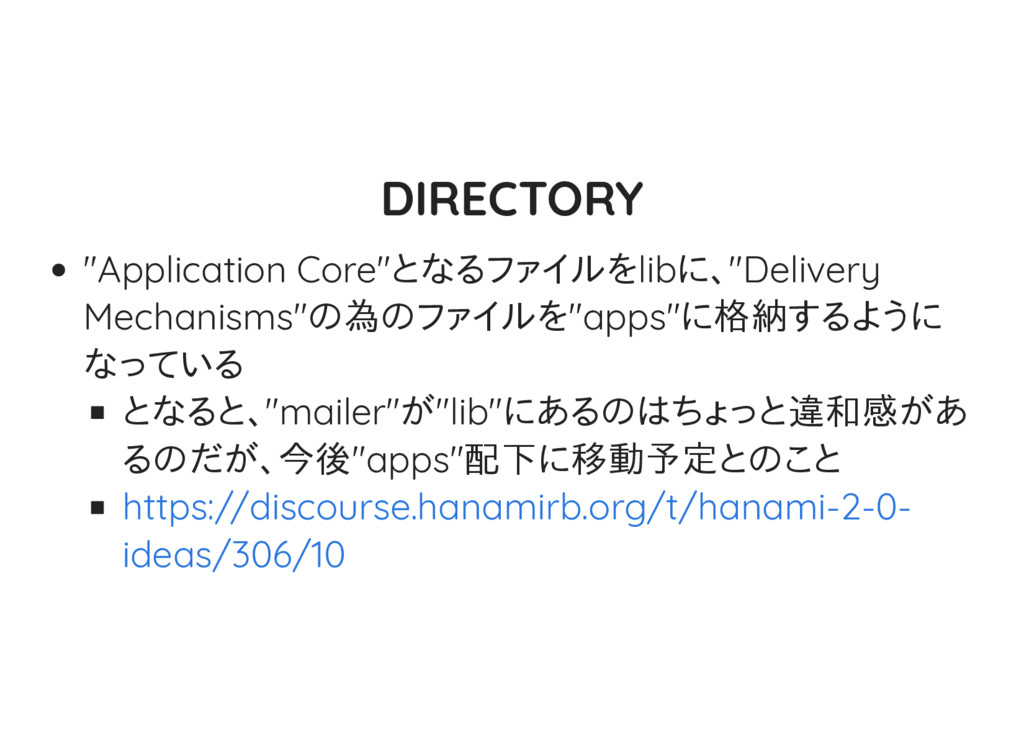
DIRECTORY "apps"配下にはcontroller / view / assets 等が格納さ れる "libs"配下にはentity /
repository / mailerが格納される -
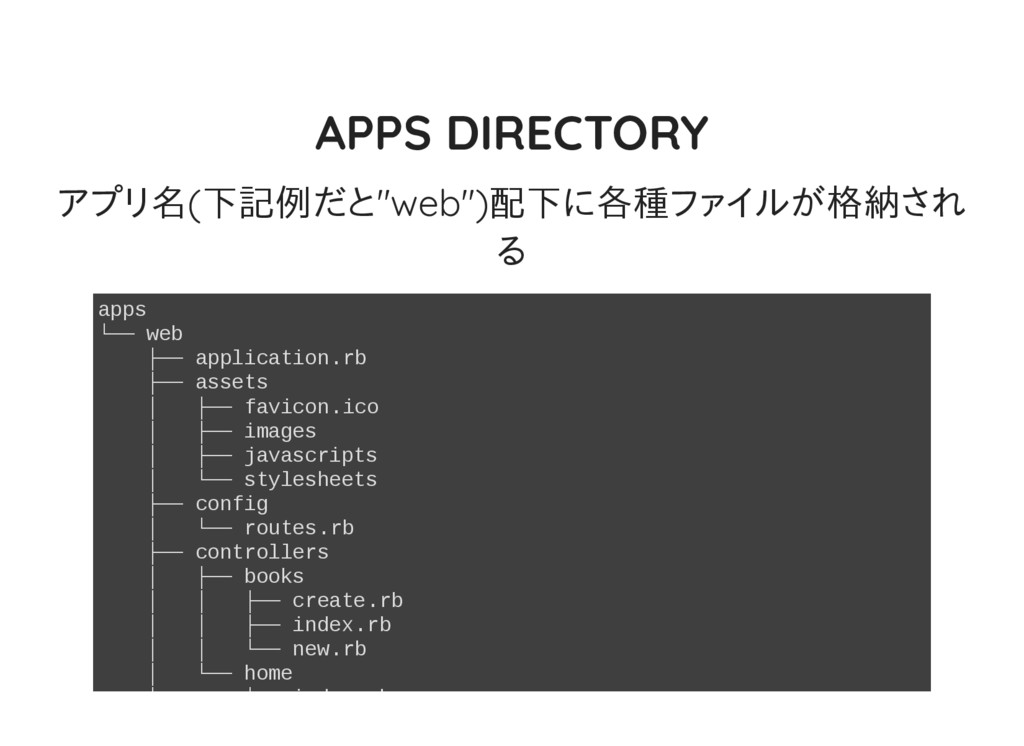
APPS DIRECTORY アプリ名(下記例だと"web")配下に各種ファイルが格納され る apps └── web ├── application.rb ├──
assets │ ├── favicon.ico │ ├── images │ ├── javascripts │ └── stylesheets ├── config │ └── routes.rb ├── controllers │ ├── books │ │ ├── create.rb │ │ ├── index.rb │ │ └── new.rb │ └── home │ └── index.rb -
LIB DIRECTORY lib ├── bookshelf │ ├── entities │ │
└── book.rb │ ├── mailers │ │ └── templates │ └── repositories │ └── book_repository.rb └── bookshelf.rb -
DIRECTORY "admin"用のUIを追加した場合は下記のようになる apps ├── admin │ ├── application.rb │ ├──
assets │ │ ├── favicon.ico │ │ ├── images │ │ ├── javascripts │ │ └── stylesheets │ ├── config │ │ └── routes.rb │ ├── controllers │ ├── templates │ │ └── application.html.erb │ └── views │ └── application_layout.rb └── web ├── application.rb -
GEMFILE デフォルトで生成されるGem leは下記の通り(DBに PostgresSQLを指定した場合) source 'https://rubygems.org' gem 'rake' gem 'hanami',
'1.0.0.rc1' gem 'hanami-model', '~> 1.0.0.rc1' gem 'pg' group :development do # Code reloading # See: http://hanamirb.org/guides/projects/code-reloading gem 'shotgun' end group :test, :development do gem 'dotenv', '~> 2.0' end -
APPLICATION.RB アプリの設定は(rootディレクトリ、load path等)は全 て"application.rb"に定義する # apps/web/application.rb require 'hanami/helpers' require 'hanami/assets'
module Web class Application < Hanami::Application configure do ## # BASIC # # Define the root path of this application. # All paths specified in this configuration are relative to path below. # root __dir__ # Relative load paths where this application will recursively load the -
ROUTING Rackコンパチ HTTP verb、path、endpointという書き方 HTTP verbは、GET, POST, PUT, PATCH, DELETE,
TRACE 及び OPTIONSが使用出来る -
ROUTING "resources"や"namespace"も使える get '/hello', to: endpoint get '/', to: 'home#index',
as: :home get '/books/:id', to: 'books#show' resources :books resources :books, only: [:new, :create, :show] resources :books, except: [:index, :edit, :update, :destroy] namespace 'docs' do get '/installation', to: 'docs#installation' get '/usage', to: 'docs#usage' end Railsのroutingの書き方に大分近い -
ROUTING Routingを取得する為のヘルパーメソッドもある <%= routes.path(:greeting) %> <%= routes.url(:greeting) %> または <%=
routes.greeting_path %> <%= routes.greeting_url %> -
ACTIONS Railsと異なり、1つのクラスに1つのアクションを定義する "index"アクションを定義する場合 # apps/web/controllers/dashboard/index.rb module Web::Controllers::Dashboard class Index include
Web::Action def call(params) self.body = 'OK' end end end 必要なのは、"Action" moduleのincludeと、"call"メソッド を定義する事だけ "view"の定義はViewクラスで行う(後述) -
ACTIONS 普通にRubyのクラスとして扱われる為、コンストラクタを定 義する事も出来る # apps/web/controllers/dashboard/index.rb module Web::Controllers::Dashboard class Index include
Web::Action def initialize(greeting: Greeting.new) @greeting = greeting end def call(params) self.body = @greeting.message end end end -
PARAMS params変数を操作すればOK module Web::Controllers::Dashboard class Index include Web::Action def call(params)
self.body = "Query string: #{ params[:q] }" end end end -
PARAMS ホワイトリスト処理は "params"メソッドで行う module Web::Controllers::Signup class Create include Web::Action params
do required(:email).filled required(:password).filled required(:address).schema do required(:country).filled end end def call(params) puts params[:email] # => "[email protected]" puts params[:password] # => "secret" puts params[:address][:country] # => "Italy" -
PARAMS validationも書ける # apps/web/controllers/signup/create.rb module Web::Controllers::Signup class Create include Web::Action
MEGABYTE = 1024 ** 2 params do required(:name).filled(:str?) required(:email).filled(:str?, format?: /@/).confirmation required(:password).filled(:str?).confirmation required(:terms_of_service).filled(:bool?) required(:age).filled(:int?, included_in?: 18..99) optional(:avatar).filled(size?: 1..(MEGABYTE * 3)) end def call(params) if params.valid? -
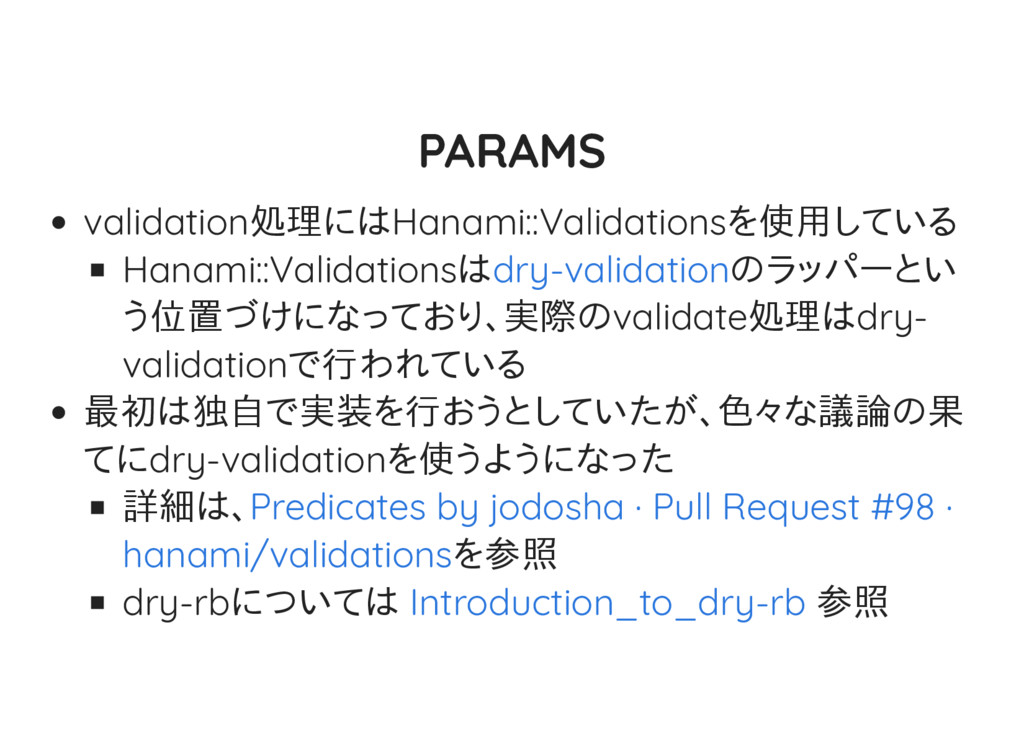
PARAMS validation処理にはHanami::Validationsを使用している Hanami::Validationsは のラッパーとい う位置づけになっており、実際のvalidate処理はdry- validationで行われている 最初は独自で実装を行おうとしていたが、色々な議論の果 てにdry-validationを使うようになった 詳細は、 を参照
dry-rbについては 参照 dry-validation Predicates by jodosha · Pull Request #98 · hanami/validations Introduction_to_dry-rb -
EXPOSURES Railsと違い、インスタンス変数を宣言しただけではviewで その変数を使用する事が出来ない viewで使いたい変数は、明示的に"expose"メソッドを使っ て宣言する必要がある # apps/web/controllers/dashboard/index.rb module Web::Controllers::Dashboard class
Index include Web::Action expose :greeting def call(params) @greeting = "Hello" @foo = 23 end end end 上記例だと、"greeting"はviewから使えるが、"foo"はview からは使えない -
その他 "request" / "reponse"は普通にRackのクラスが使用出 来る 独自middlewareの追加 cookies sessions デフォルトでは無効になってる アクション毎の前処理(before)
/ 後処理(after) Error Handling Module Inclusion 等々の機能がある -
VIEWS Viewの定義はView Classで行う # apps/web/views/dashboard/index.rb module Web::Views::Dashboard class Index include
Web::View end end クラス名にそのviewを使用するアクション名を指定する その為、アクション毎にClassが必要になる -
VIEWS View Classとtemplateはコンテキストが一緒なので、 View Classで定義したメソッドは、templateが呼び出す事 が可能 # apps/web/templates/dashboard/index.html.erb <h1><%= title
%></h1> # apps/web/views/dashboard/index.rb module Web::Views::Dashboard class Index include Web::View def title 'Dashboard' end end end 当然controllerで定義する事も可能だが、"expose"が必 要 + 変数しか使えない -
TEMPLATE デフォルトではクラス名に指定された名前のファイルを使 用する "Web::Views::Dashboard::New" というクラス名だった 場合、デフォルト は"web/templates/dashboard/new.html.erb" 任意のテンプレートを使用したい場合は、"template"メソッ ドで指定する module
Web::Views::Books class Create include Web::View template 'books/new' end end -
TEMPLATE デフォルトのtemplate engineはerb 当然haml / slimもgemを追加すれば使用可能 サポートしているtemplate engineについては、 参照 Hanami
| Guides - View Templates -
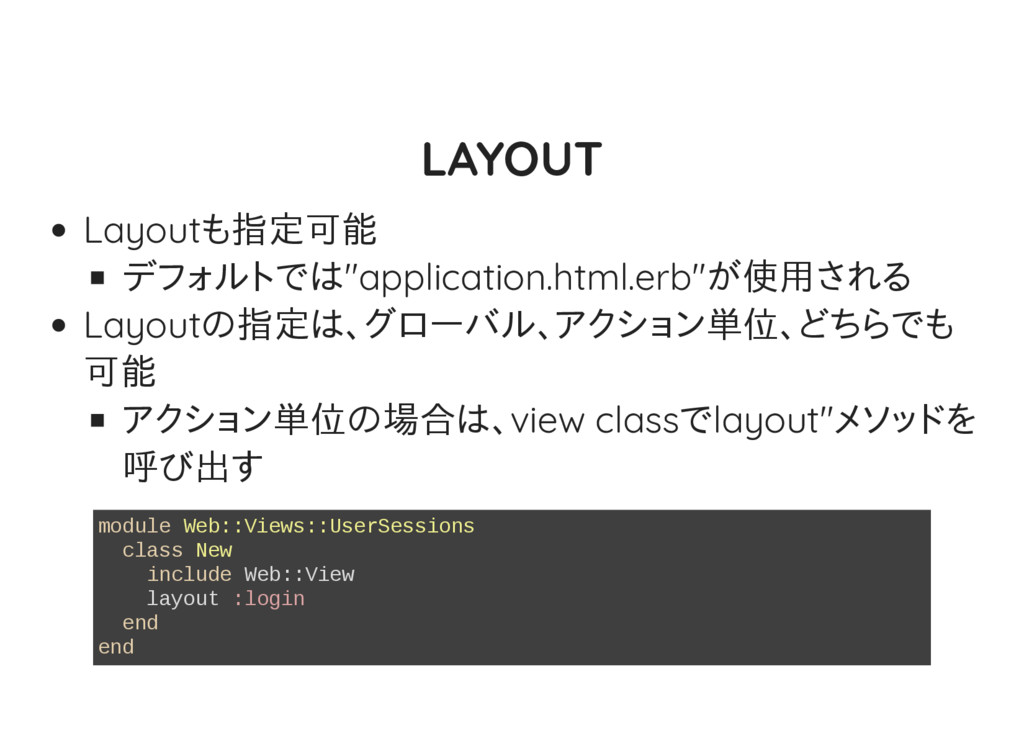
LAYOUT Layoutも指定可能 デフォルトでは"application.html.erb"が使用される Layoutの指定は、グローバル、アクション単位、どちらでも 可能 アクション単位の場合は、view classでlayout"メソッドを 呼び出す module Web::Views::UserSessions
class New include Web::View layout :login end end -
LAYOUT Layoutもクラスで管理されているので、Layoutを追加した い場合、Layout用のクラスを追加する必要がある # app/web/views/login_layout.rb module Web module Views class
LoginLayout include Web::Layout end end end -
MODELS "book"というmodelがあった場合 # db/migrations/20170326014641_create_books.rb Hanami::Model.migration do change do create_table :books
do primary_key :id column :title, String, null: false column :author, String, null: false column :created_at, DateTime, null: false column :updated_at, DateTime, null: false end end end # lib/bookshelf/entities/book.rb class Book < Hanami::Entity -
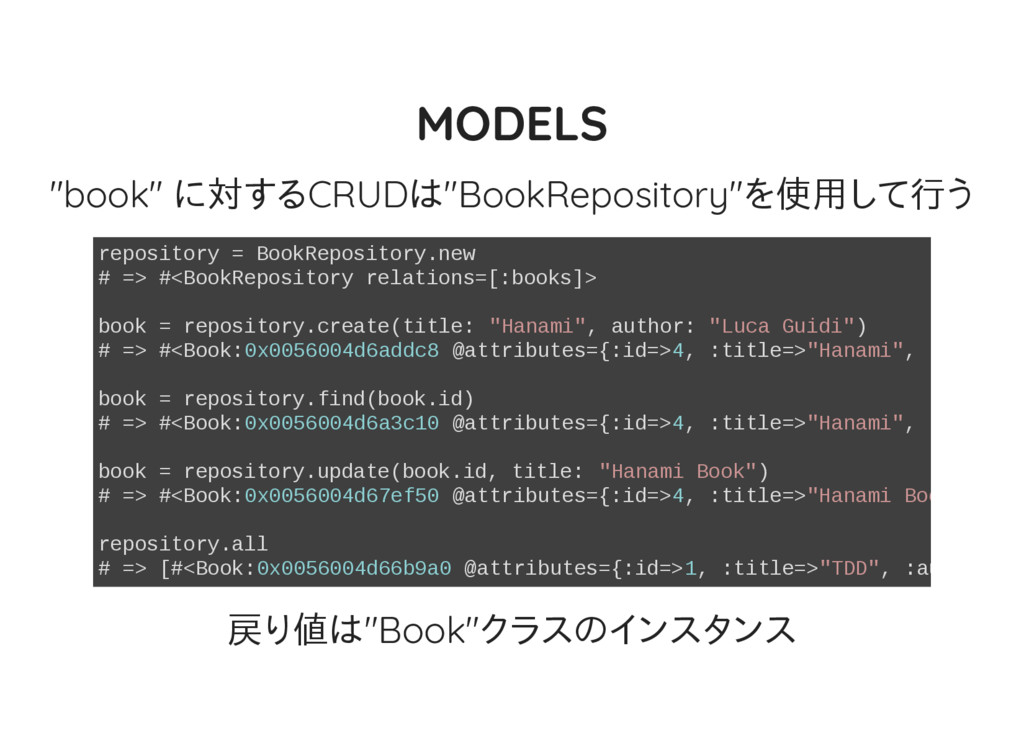
MODELS "book" に対するCRUDは"BookRepository"を使用して行う repository = BookRepository.new # => #<BookRepository relations=[:books]>
book = repository.create(title: "Hanami", author: "Luca Guidi") # => #<Book:0x0056004d6addc8 @attributes={:id=>4, :title=>"Hanami", :author= book = repository.find(book.id) # => #<Book:0x0056004d6a3c10 @attributes={:id=>4, :title=>"Hanami", :author= book = repository.update(book.id, title: "Hanami Book") # => #<Book:0x0056004d67ef50 @attributes={:id=>4, :title=>"Hanami Book" repository.all # => [#<Book:0x0056004d66b9a0 @attributes={:id=>1, :title=>"TDD", :author=> 戻り値は"Book"クラスのインスタンス -
MODELS engineには を使用している ROMについては を参照 昔(Lotus時代)はストレージにRDBMS以外も使用出来る ようになっていたが、現状サポートしているのはRDBMSの み rom側がRDBMS以外もサポートしているので、いずれ サポートするかも
ROM New Engine (ROM) Introduction_to_rom-rb -
ASSOCIATIONS 一応ある。が、 "As of the current version, Hanami supports associations
as an experimental feature only for the SQL adapter. " とのこと -
ASSOCIATIONS # db/migrations/20170402002401_create_users.rb Hanami::Model.migration do change do create_table :users do
primary_key :id column :name, String, null: false column :created_at, DateTime, null: false column :updated_at, DateTime, null: false end end end # db/migrations/20170402002500_create_todos.rb Hanami::Model.migration do change do create_table :todos do -
ASSOCIATIONS class UserRepository < Hanami::Repository associations do has_many :todos end
def create_with_todos(data) assoc(:todos).create(data) end def find_with_todos(id) aggregate(:todos).where(id: id).as(User).one end end -
ASSOCIATIONS repository = UserRepository.new # => #<UserRepository relations=[:users :todos]> repository.create_with_todos(name:
"Alexandre Dumas", todos: [{title: # => #<User:0x00564d5ec98900 @attributes={:id=>1, :name=>"Alexandre Dumas", user.todos # => [#<Todo:0x00564d5ebd5fb8 @attributes={:id=>1, :user_id=>1, :title=>"Cre user = repository.find(user.id) user.todos # => nil user = repository.find_with_todos(user.id) user.todos # => [#<Todo:0x00564d5ebd5fb8 @attributes={:id=>1, :user_id=>1, :title=>"Cre -
MIGRATIONS Hanami::Model.migration do change do create_table :books do primary_key :id
foreign_key :author_id, :authors, on_delete: :cascade, null: false column :code, String, null: false, unique: true, size: 128 column :title, String, null: false column :price, Integer, null: false, default: 100 # cents check { price > 0 } end end end -
MIGRATIONS "change"はRails同様、リバーシブルでよしなにやってくれ る "up"/"down"も使える migrationはSequel のメソッドを使用しているだけなので、 詳細はSequelのdoc( )参照 Sequel自体については 参照
schema_modi cation.rdoc About Sequel -
HELPERS <%= form_for :book, routes.books_path do div class: 'input' do
label :title text_field :title end div class: 'input' do label :author text_field :author end div class: 'controls' do submit 'Create Book' end end %> -
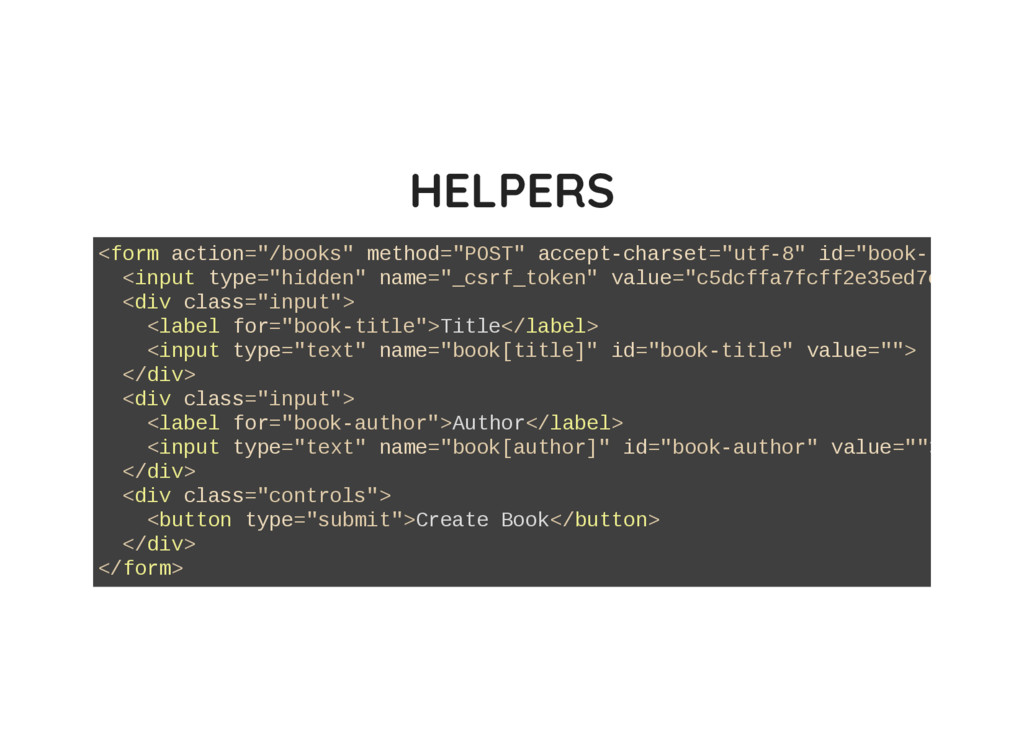
HELPERS <form action="/books" method="POST" accept-charset="utf-8" id="book-form" <input type="hidden" name="_csrf_token" value="c5dcffa7fcff2e35ed7e3da2c01
<div class="input"> <label for="book-title">Title</label> <input type="text" name="book[title]" id="book-title" value=""> </div> <div class="input"> <label for="book-author">Author</label> <input type="text" name="book[author]" id="book-author" value=""> </div> <div class="controls"> <button type="submit">Create Book</button> </div> </form> -
MAILERS class Mailers::Welcome include Hanami::Mailer from '[email protected]' to '[email protected]' subject
'Welcome to Bookshelf' end Mailers::Welcome.deliver Mailers::Welcome.deliver(format: :html) Mailers::Welcome.deliver(format: :txt) -
COMMANDS bundle exec hanami --help Commands: hanami assets [SUBCOMMAND] #
Manage assets hanami console # Starts a hanami console hanami db [SUBCOMMAND] # Manage set of DB operations hanami destroy [SUBCOMMAND] # Destroy hanami classes hanami generate [SUBCOMMAND] # Generate hanami classes hanami help [COMMAND] # Describe available commands or one specifi hanami new PROJECT_NAME # Generate a new hanami project hanami rackserver # [private] hanami routes # Prints the routes hanami server # Starts a hanami server hanami version # Prints hanami version -
ASSETS # apps/web/application.rb ... configure do # ... assets do
end end configure :production do assets do fingerprint true end end ... <%= javascript 'application' %> # => <script src="/assets/application-d1829dc353b734e3adc24855693b70f9.js" <%= stylesheet 'application' %> # => <link href="/assets/application-d1829dc353b734e3adc24855693b70f9.css" -
CDN con gにCDNの設定を書くことが出来る # apps/web/application.rb assets do # ... fingerprint
true # CDN settings scheme 'https' host '123.cloudfront.net' port 443 end <%= stylesheet 'application' %> # => <link href="https://123.cloudfront.net/assets/application-9ab4d1f57027f0 -
HANAMIの今後について Remove Global State Components IoC/Dependency Injection Immutability Converge Apps
Settings to Project Settings Improve CLI commands Native Webpack Support 等が検討されている