• Global Styles & theme.json • Differences and similarities between classic themes and block themes • Advantages of block themes • Disadvantages/Limitations of block themes Agenda
of WordPress theme built using blocks. • WordPress Themes with support for full site editing are built with blocks, and are commonly called block themes. • With block themes, you use blocks to create entire pages or websites. • Everything you see on a page is a block. Introduction
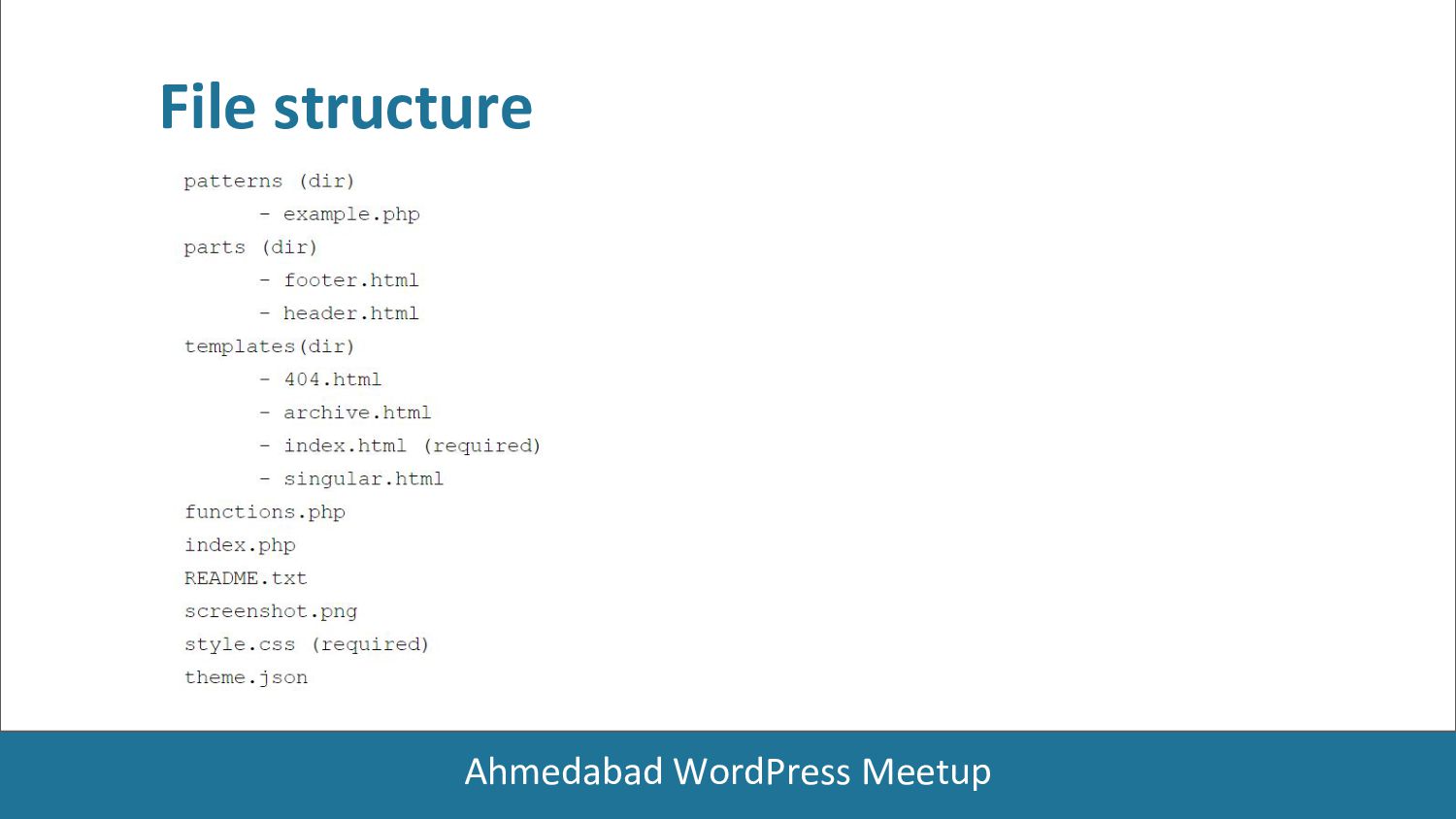
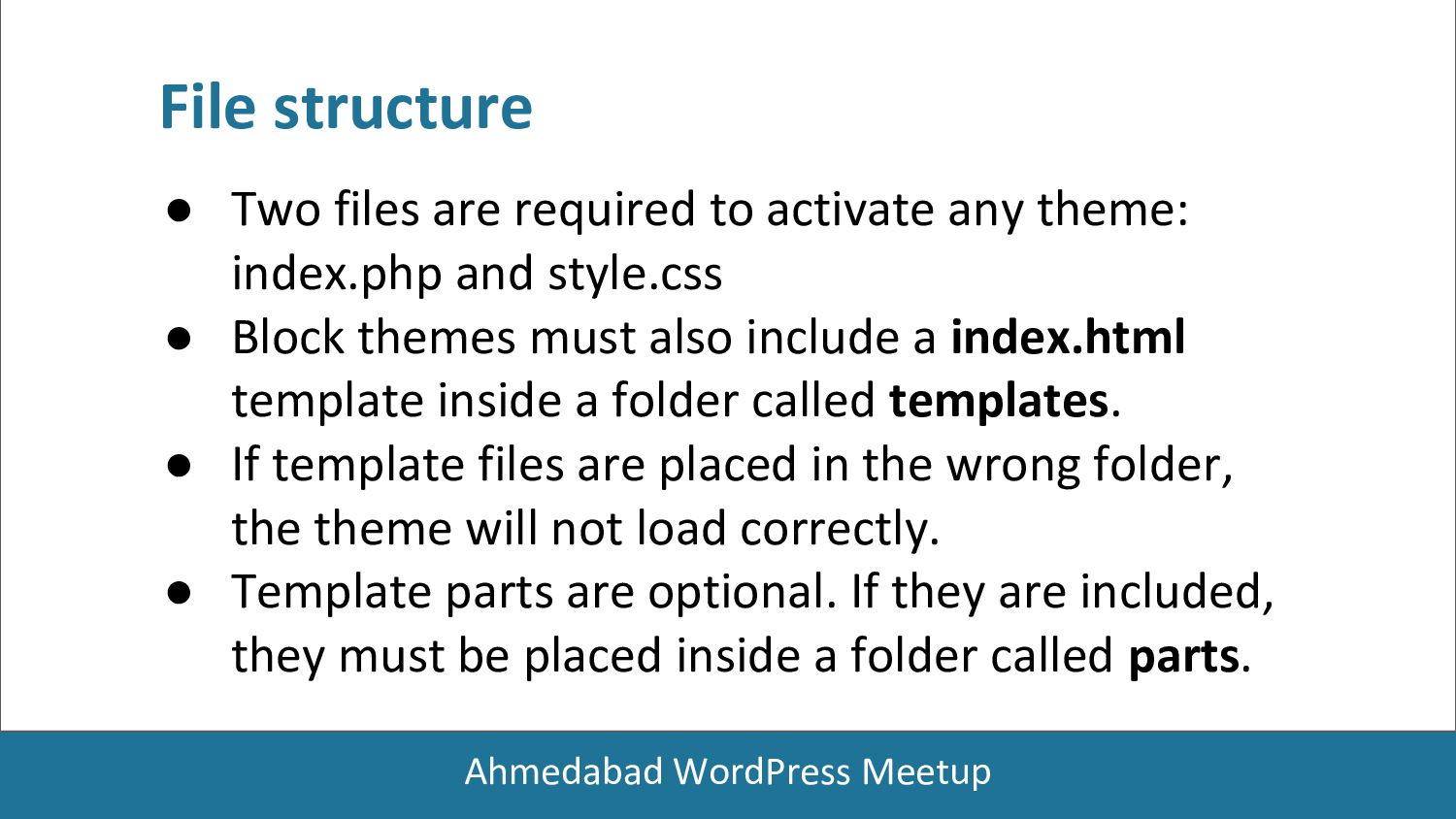
any theme: index.php and style.css • Block themes must also include a index.html template inside a folder called templates. • If template files are placed in the wrong folder, the theme will not load correctly. • Template parts are optional. If they are included, they must be placed inside a folder called parts. File structure
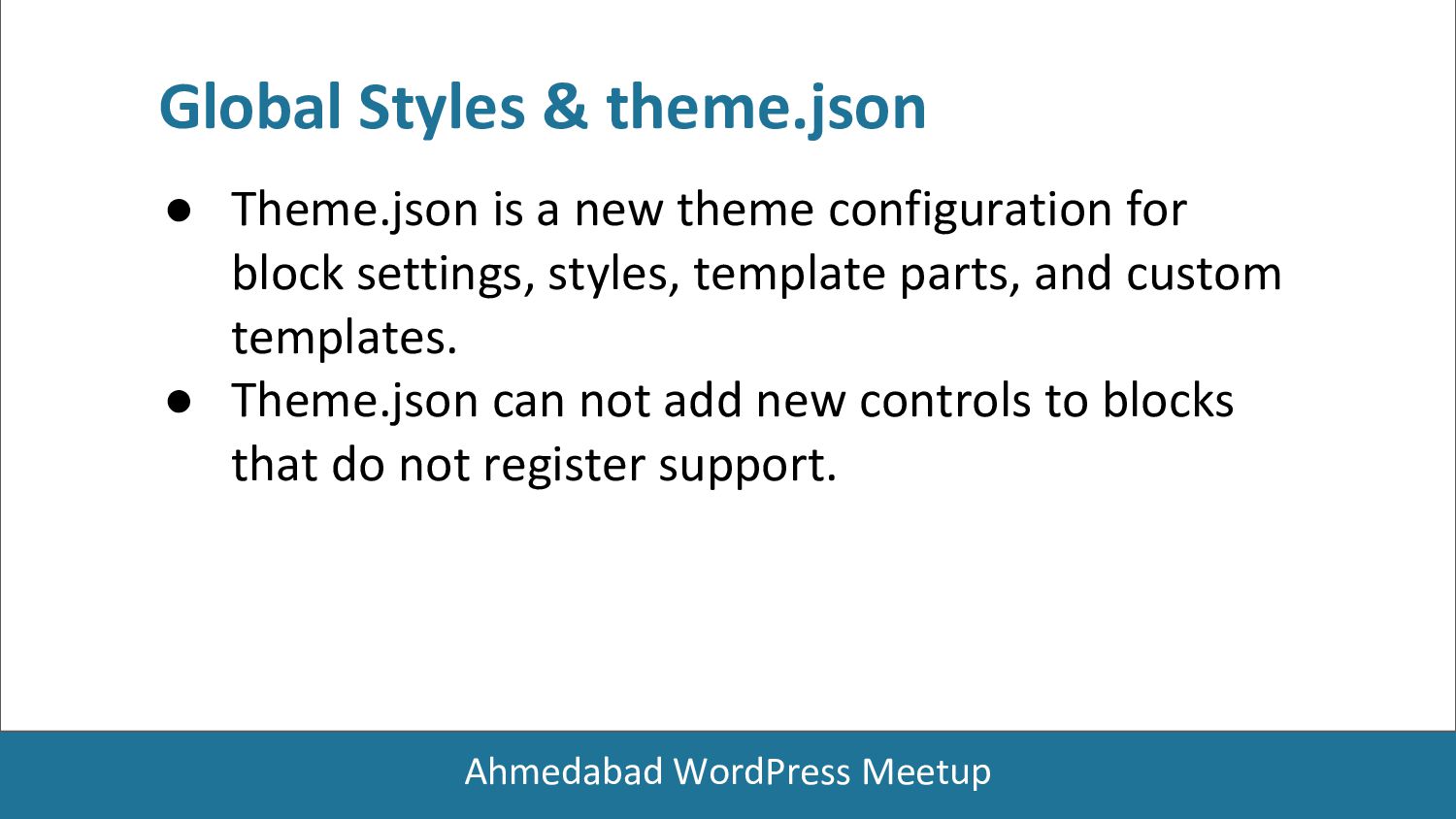
for block settings, styles, template parts, and custom templates. • Theme.json can not add new controls to blocks that do not register support. Global Styles & theme.json
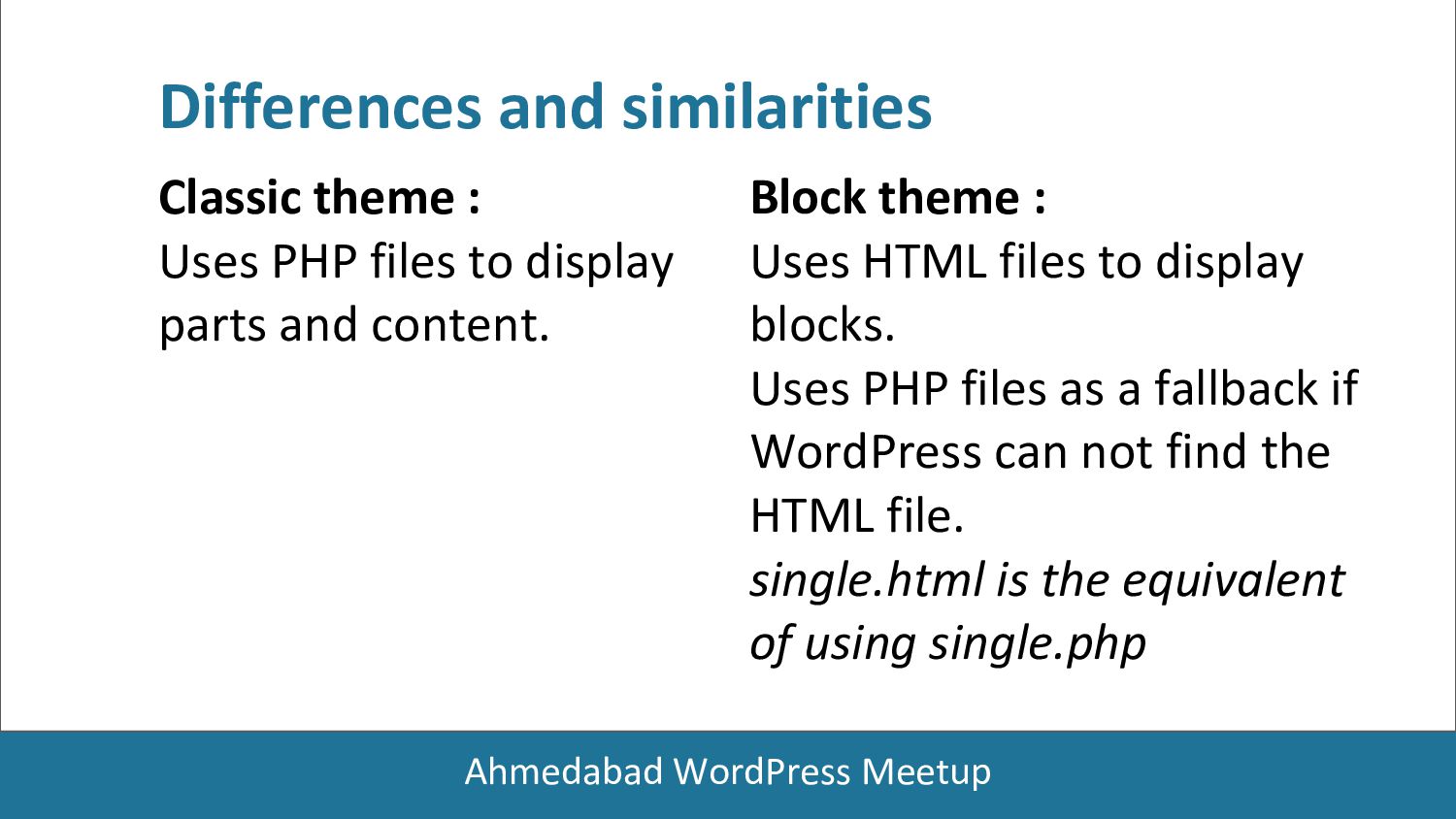
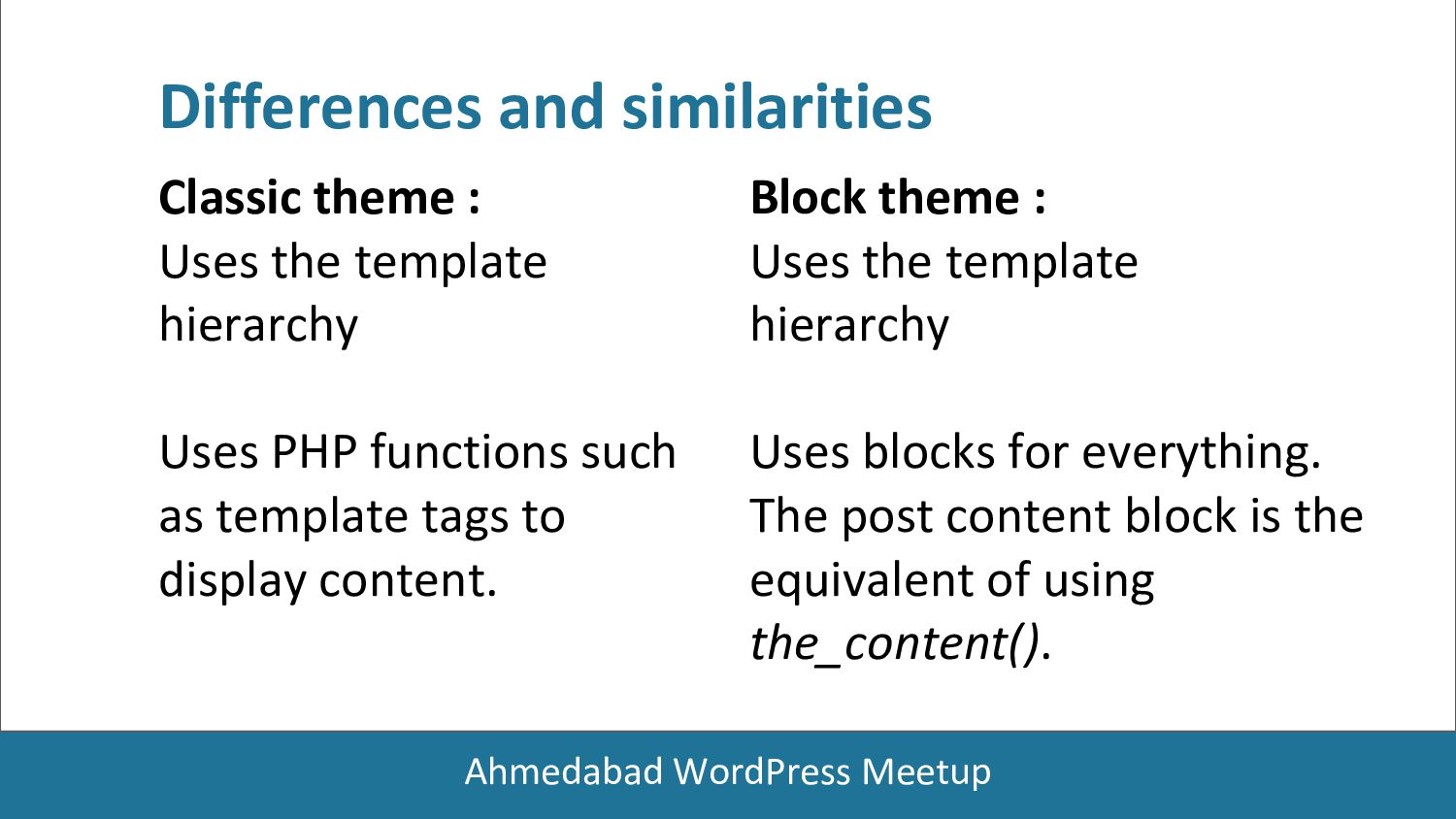
display parts and content. Differences and similarities Block theme : Uses HTML files to display blocks. Uses PHP files as a fallback if WordPress can not find the HTML file. single.html is the equivalent of using single.php
Uses PHP functions such as template tags to display content. Differences and similarities Block theme : Uses the template hierarchy Uses blocks for everything. The post content block is the equivalent of using the_content().
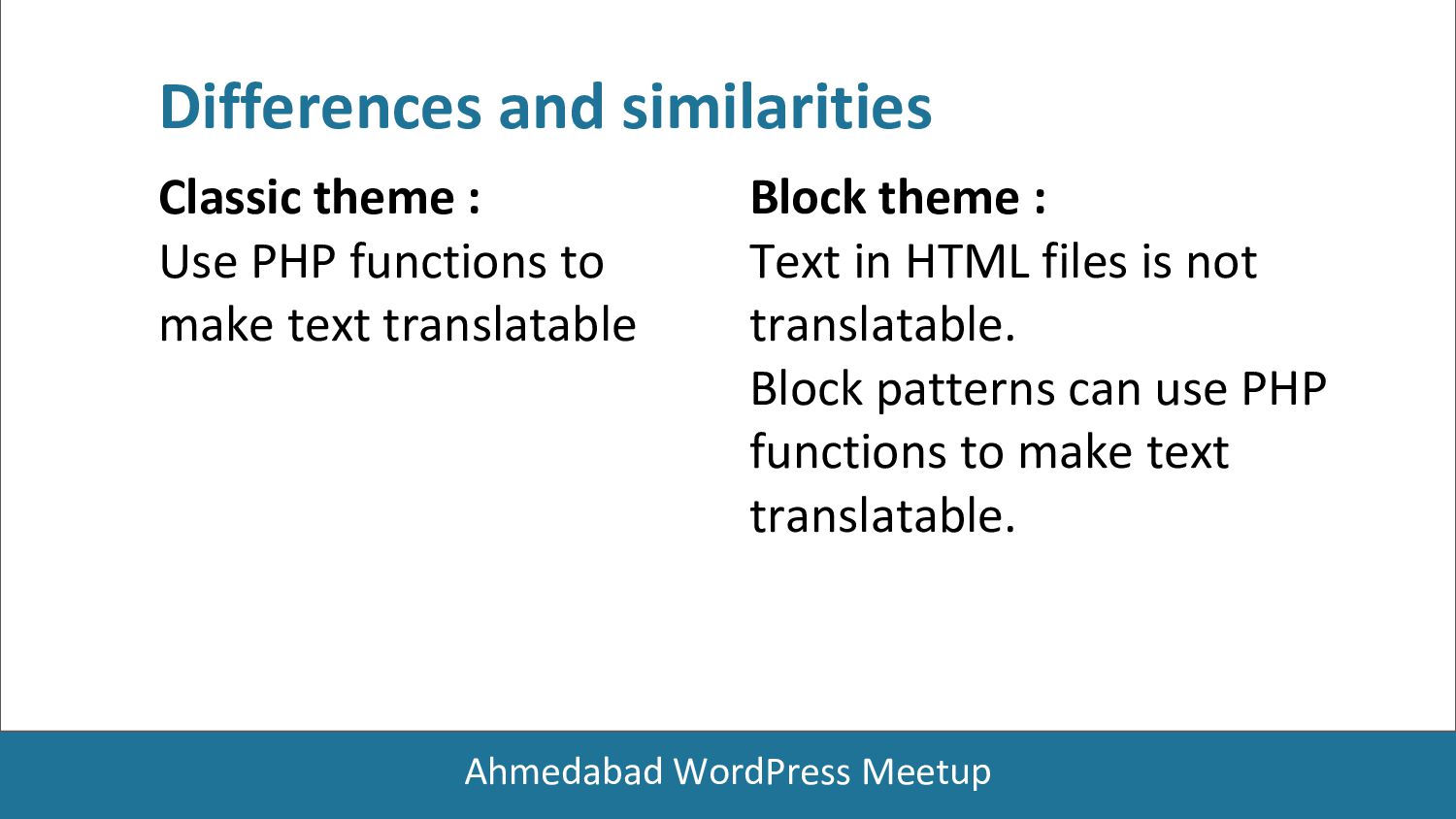
make text translatable Differences and similarities Block theme : Text in HTML files is not translatable. Block patterns can use PHP functions to make text translatable.
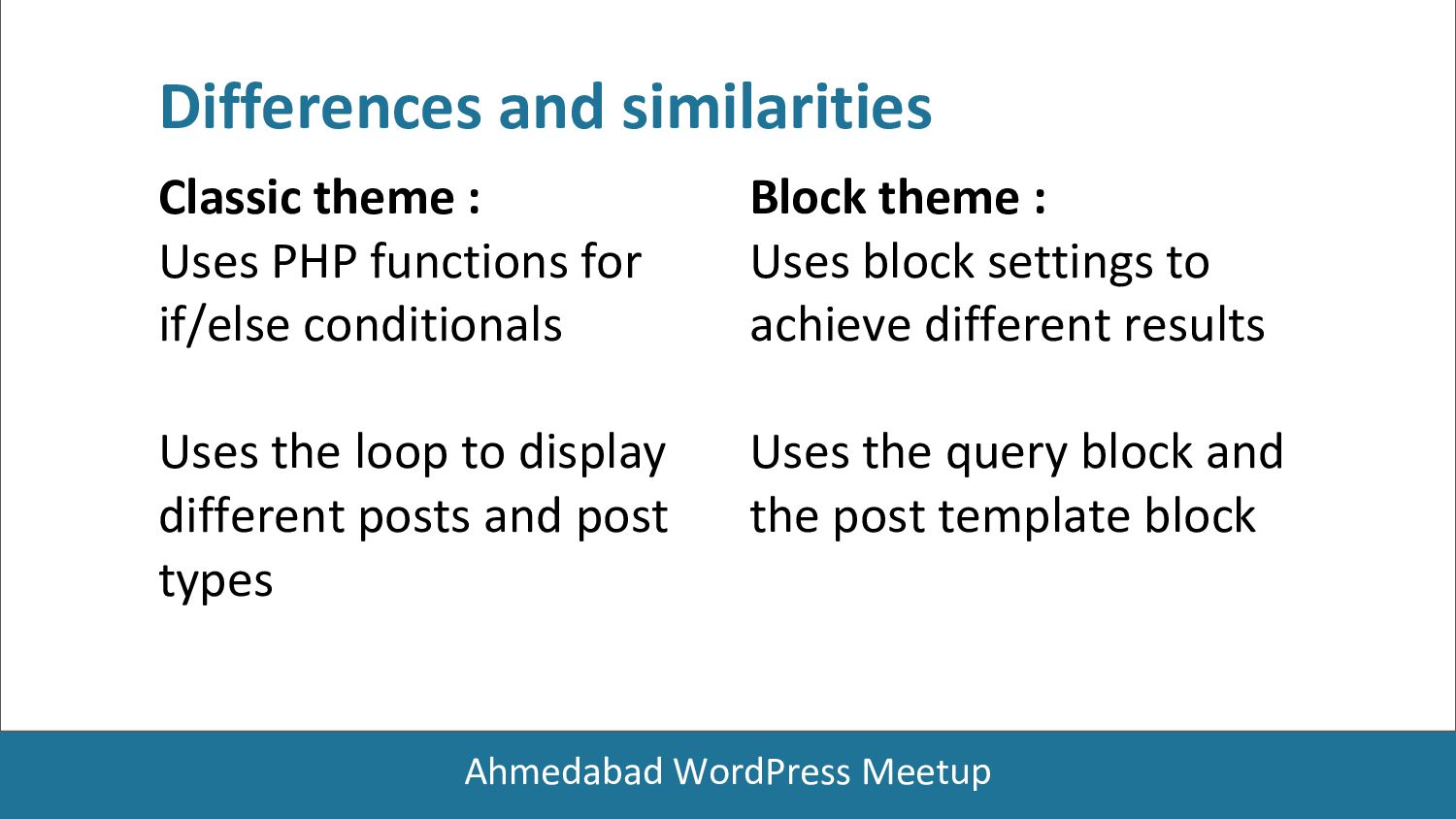
if/else conditionals Uses the loop to display different posts and post types Differences and similarities Block theme : Uses block settings to achieve different results Uses the query block and the post template block
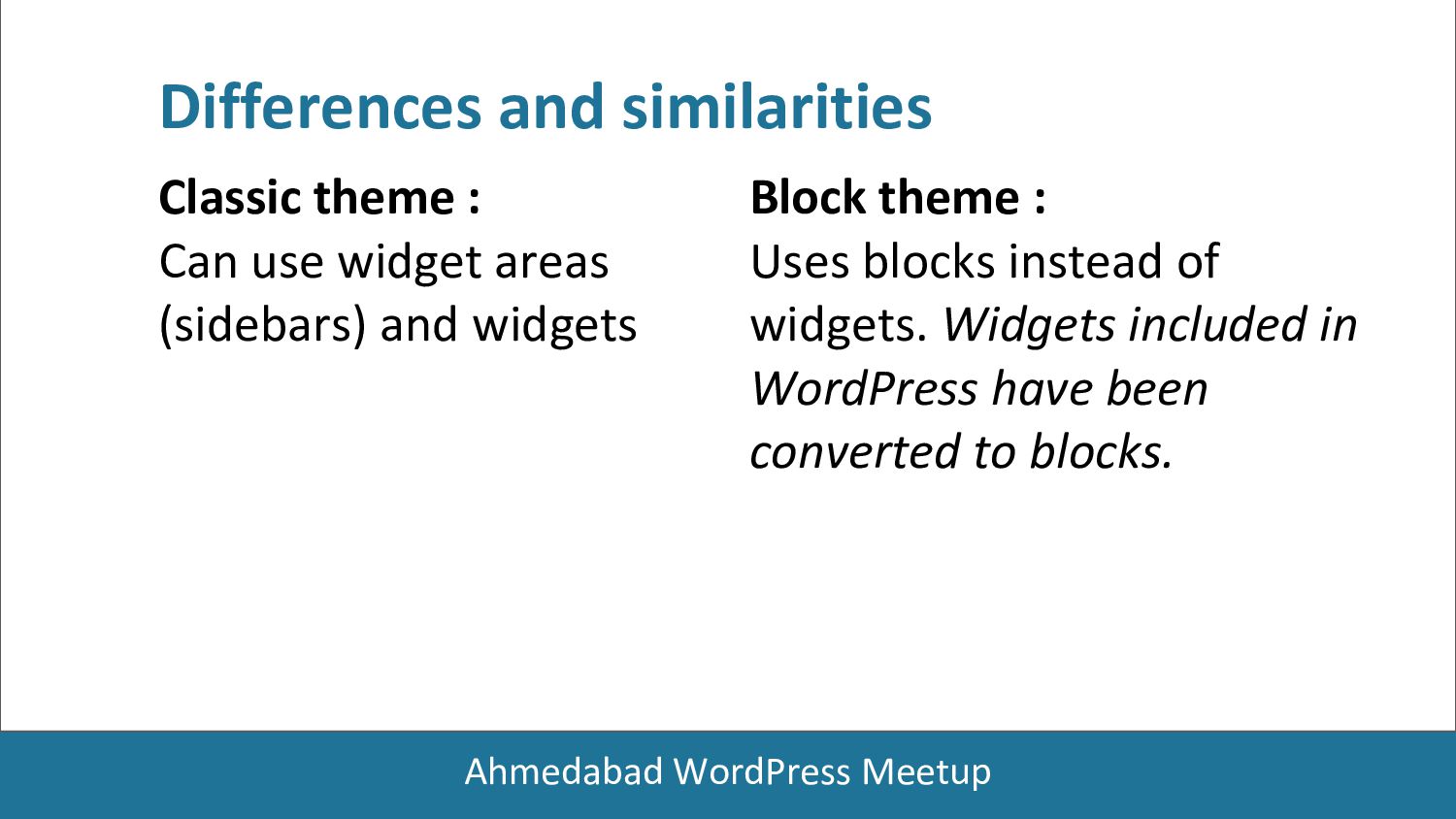
(sidebars) and widgets Differences and similarities Block theme : Uses blocks instead of widgets. Widgets included in WordPress have been converted to blocks.
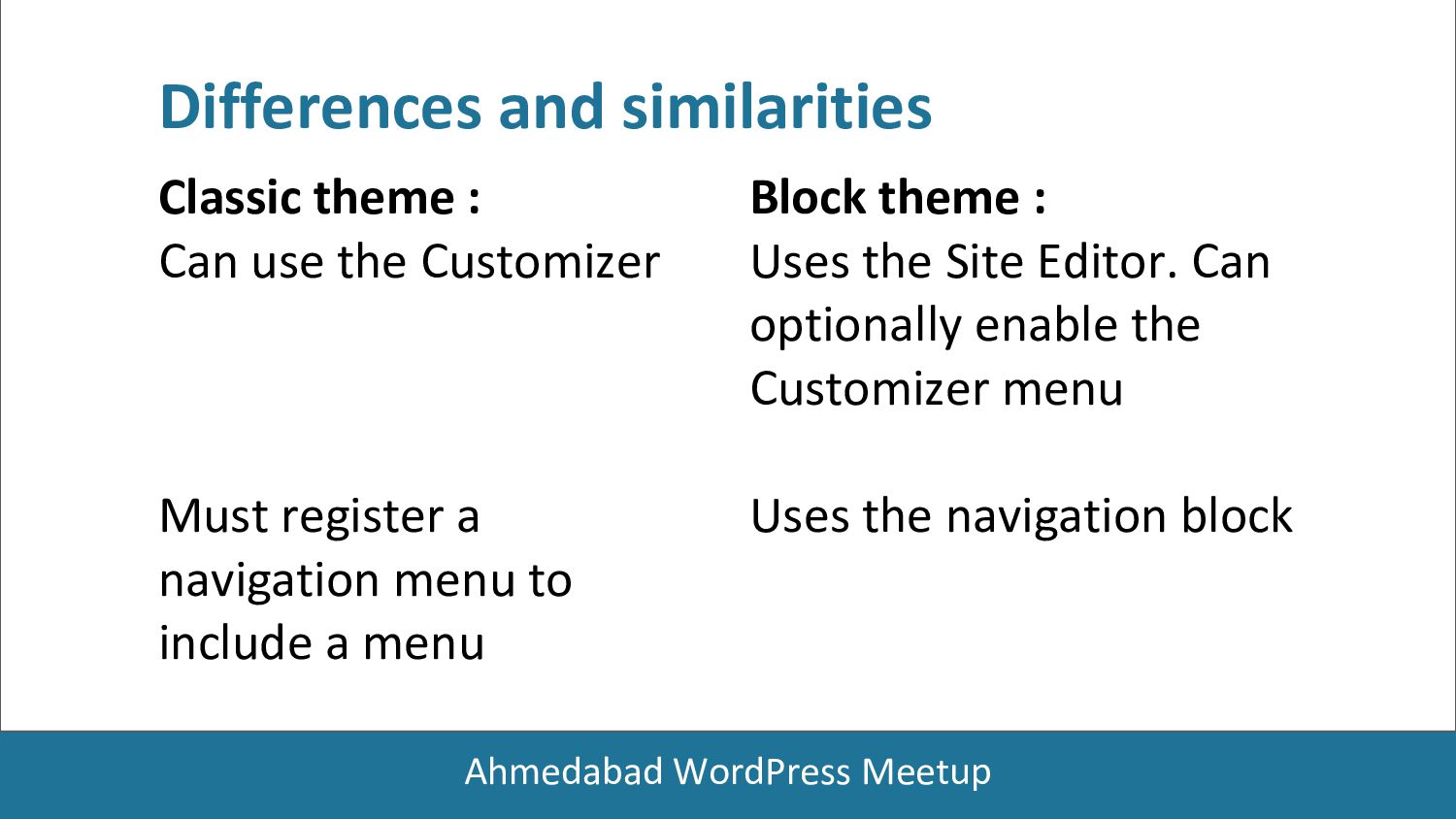
Must register a navigation menu to include a menu Differences and similarities Block theme : Uses the Site Editor. Can optionally enable the Customizer menu Uses the navigation block
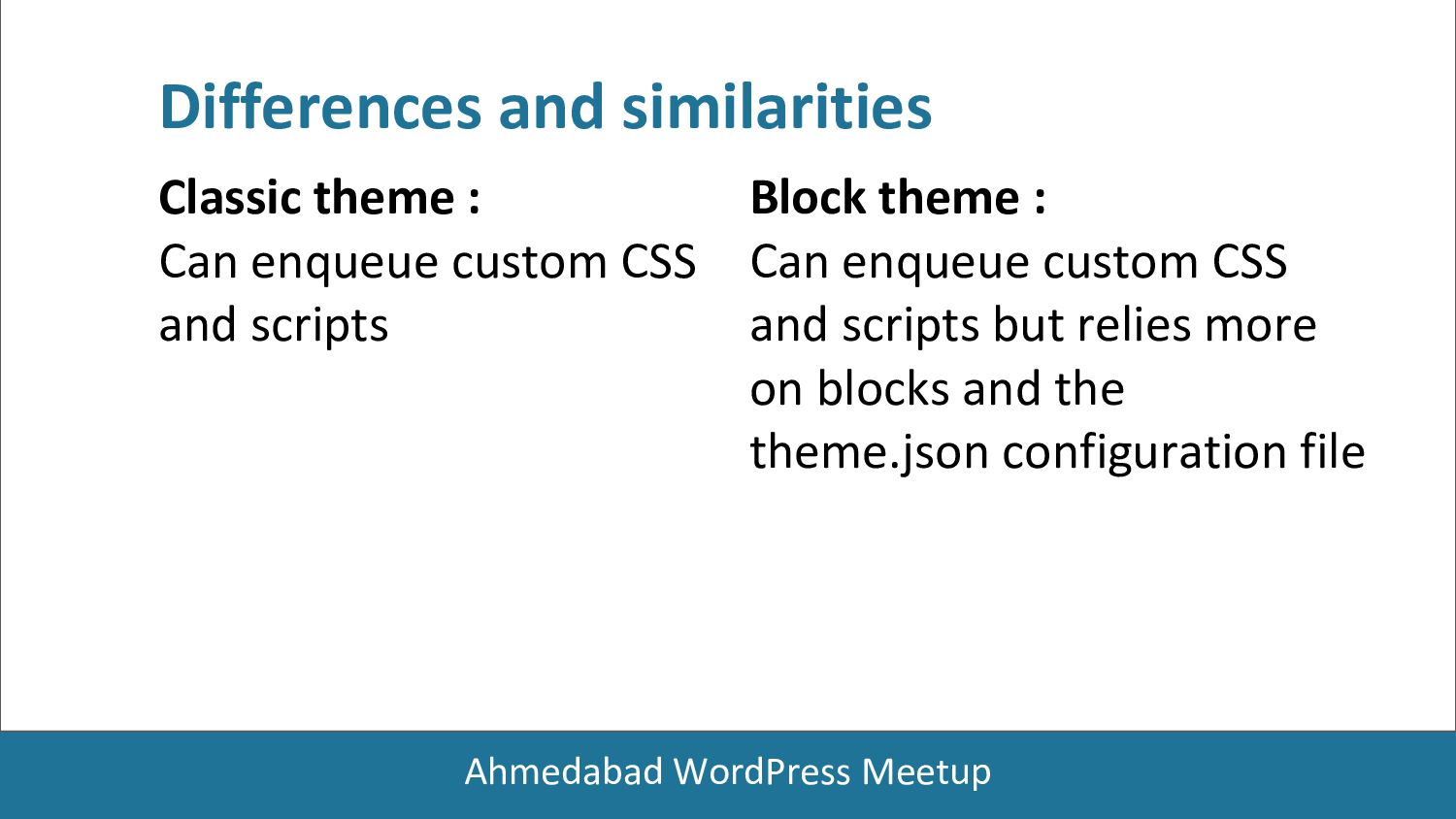
and scripts Differences and similarities Block theme : Can enqueue custom CSS and scripts but relies more on blocks and the theme.json configuration file
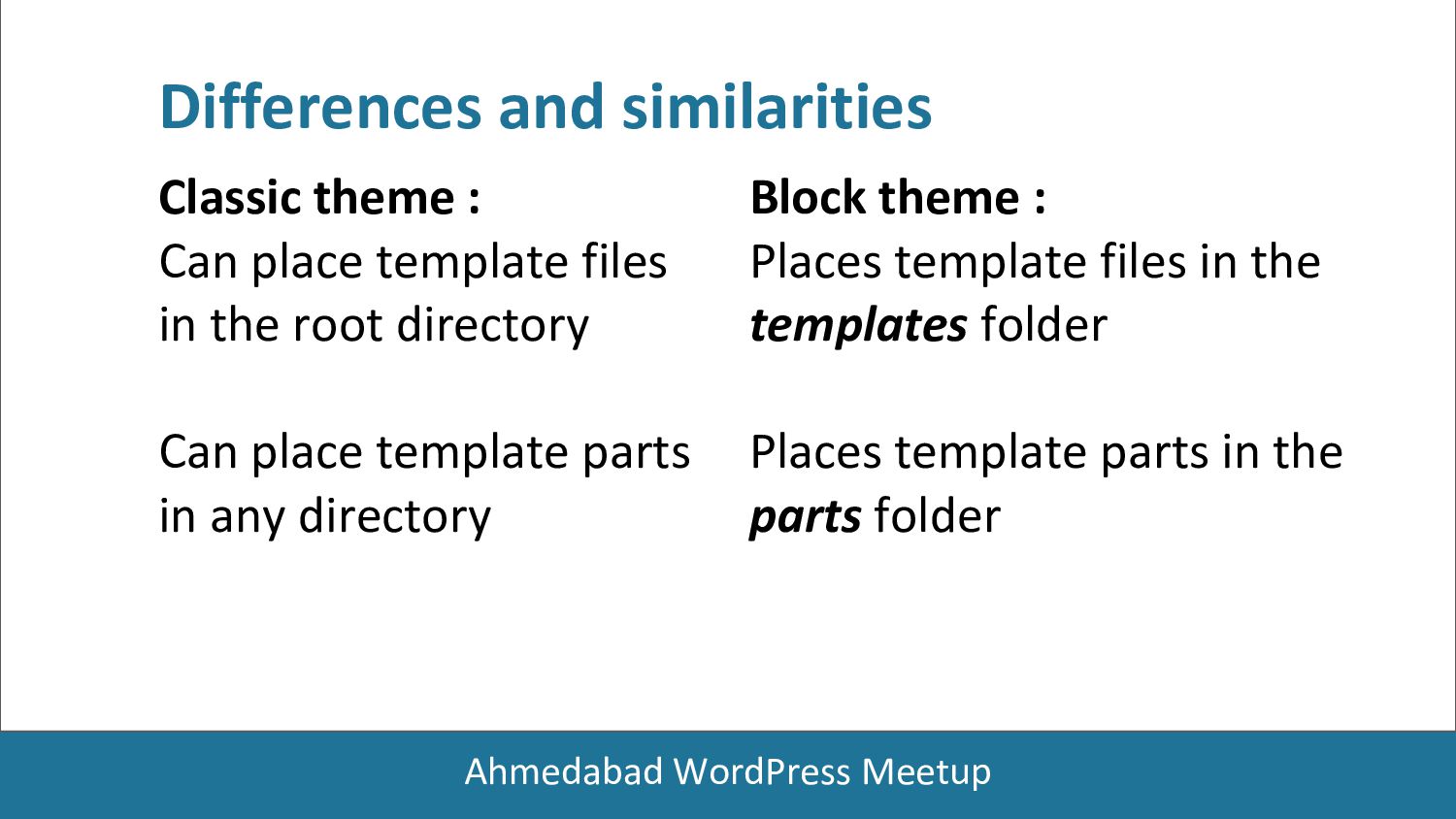
in the root directory Can place template parts in any directory Differences and similarities Block theme : Places template files in the templates folder Places template parts in the parts folder
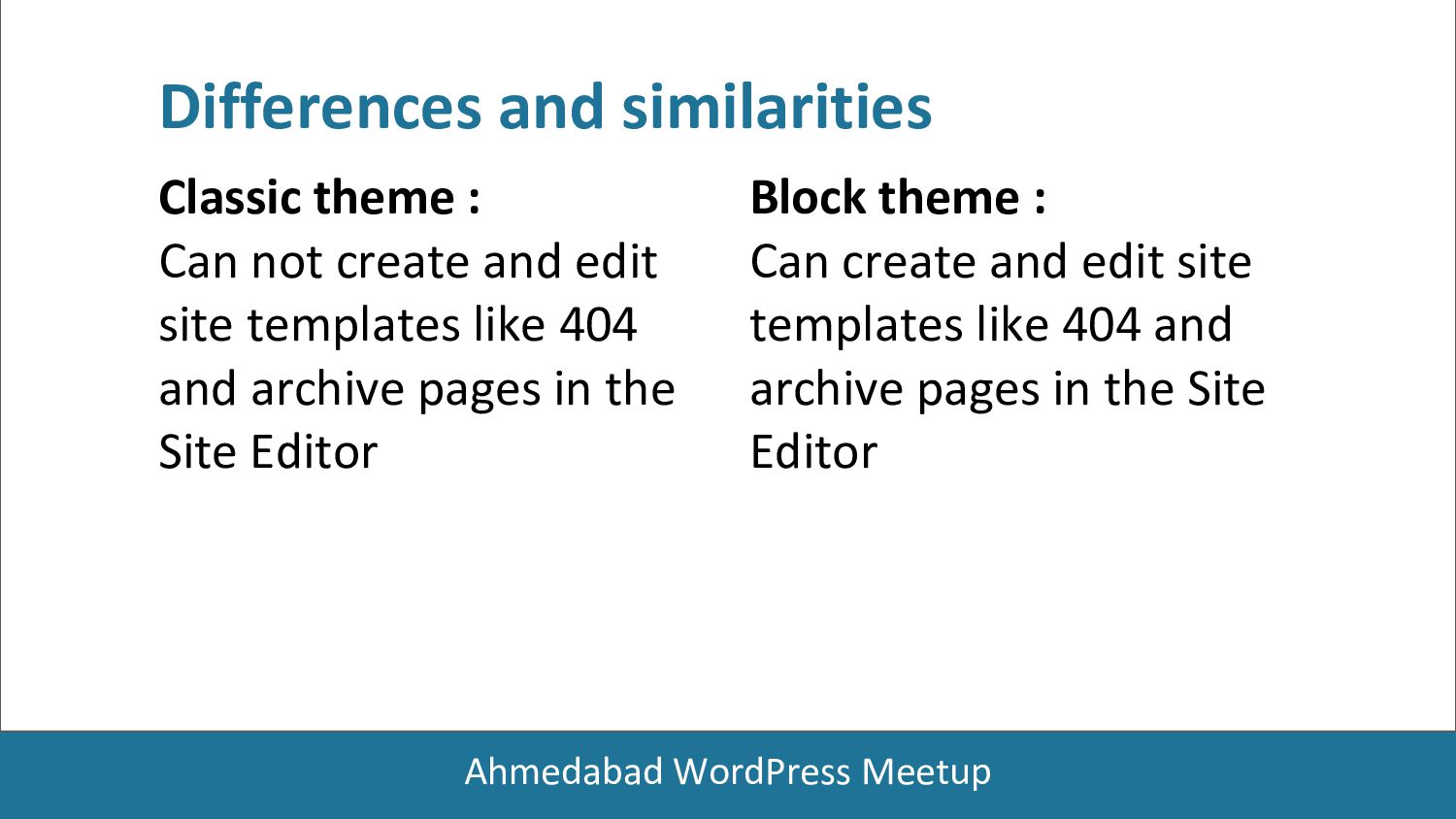
edit site templates like 404 and archive pages in the Site Editor Differences and similarities Block theme : Can create and edit site templates like 404 and archive pages in the Site Editor
loading styles only for rendered blocks on a page. • Block themes are not required to manually enqueue stylesheets for both front-end and editors The benefits
• Accessibility features such as Skip to content, keyboard navigation, and landmarks are generated automatically without adding additional code The benefits
can edit all parts of their website without code • By using the Styles interface, users can customize colors and typography for the website and for the blocks. The benefits
( Could be more harder to complex design ). • No advanced capabilities like popups, animations, sliders • Still, many external plugins are not fully compatible with new Block Editor. • A bit learning curve for a newbie or a first-time user. Disadvantages
option • Not provide any ajax based functionality. • Not fully compatible with WPML multilingual plugin. • Not fully compatible with woocommerce plugin. Disadvantages


 ahmedabadwordpress
 panda728
 inoueasei
 sushichan044
 hananouchi
 utilforever
 mogamit
 andpad
 ivargrimstad
 kentaroutakeda
 oku053
 ryanjones
 mclloyd
 destraynor
 nonsquared
 soudai
 aleyda
 konakalab
 signer
 addyosmani
 sferik
 quramy
 chikuwait