Share
Embed
Transcript
55 slides
-
Alexandre Salomé (he/him) Director, Engineering, Upsun [email protected] ◼ Web boomer
(25 years ago) ◼ Symfony lover (16 years ago) ◼ WordPress developer (2 years ago) About Me https://alexandre.salome.fr -
Agenda ◼ Introduction ◼ WordPress Concepts ◼ From Symfony to
WordPress ◼ From WordPress to Symfony ◼ Integration Techniques ◼ Conclusion -
Demo Code The code in this presentation are demonstrated in
this Github repository: github.com/alexandresalome/symfony-wordpress The README contains setup instructions & link to those slides with clickable links. You now have all materials. -
◼ 22 years old (May 2003) ◼ Modular with customization
& extension ◼ Popular thanks to PHP & community ◼ Maintained with regular new features WordPress https://en.wikipedia.org/wiki/WordPress -
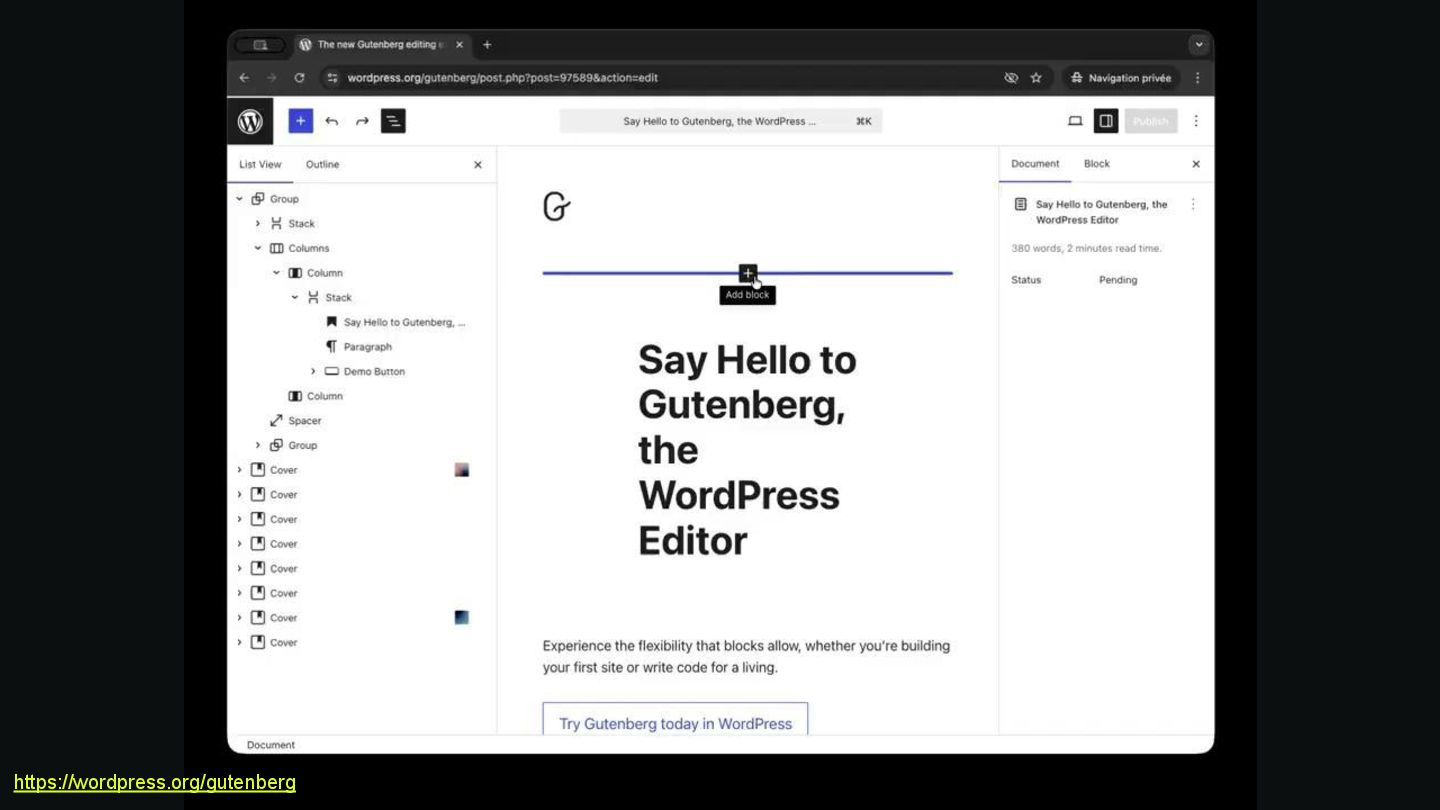
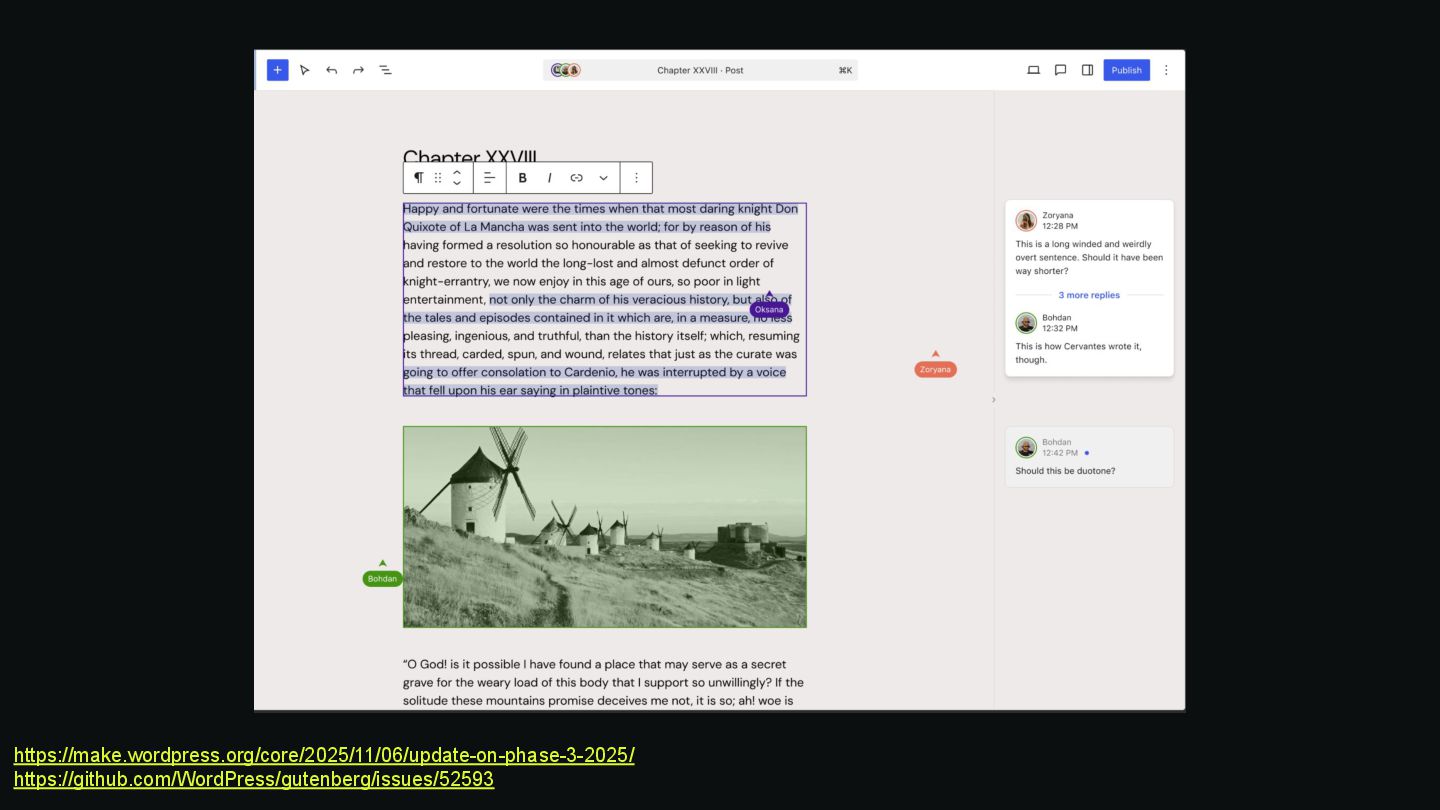
The Gutenberg Project “ The Gutenberg project is a reimagination
of the way we manage content on the web. ” – WordPress roadmap ◼ Phase 1 = new block editor (2018) ◼ Phase 2 = site editing (2022) ◼ Phase 3 = collaborate (2026) https://wordpress.org/about/roadmap/ -
The Gutenberg Project “ The Gutenberg project is a reimagination
of the way we manage content on the web. ” – WordPress roadmap ◼ Phase 1 = new block editor (2018) ◼ Phase 2 = site editing (2022) ◼ Phase 3 = collaborate (2026) https://wordpress.org/gutenberg -
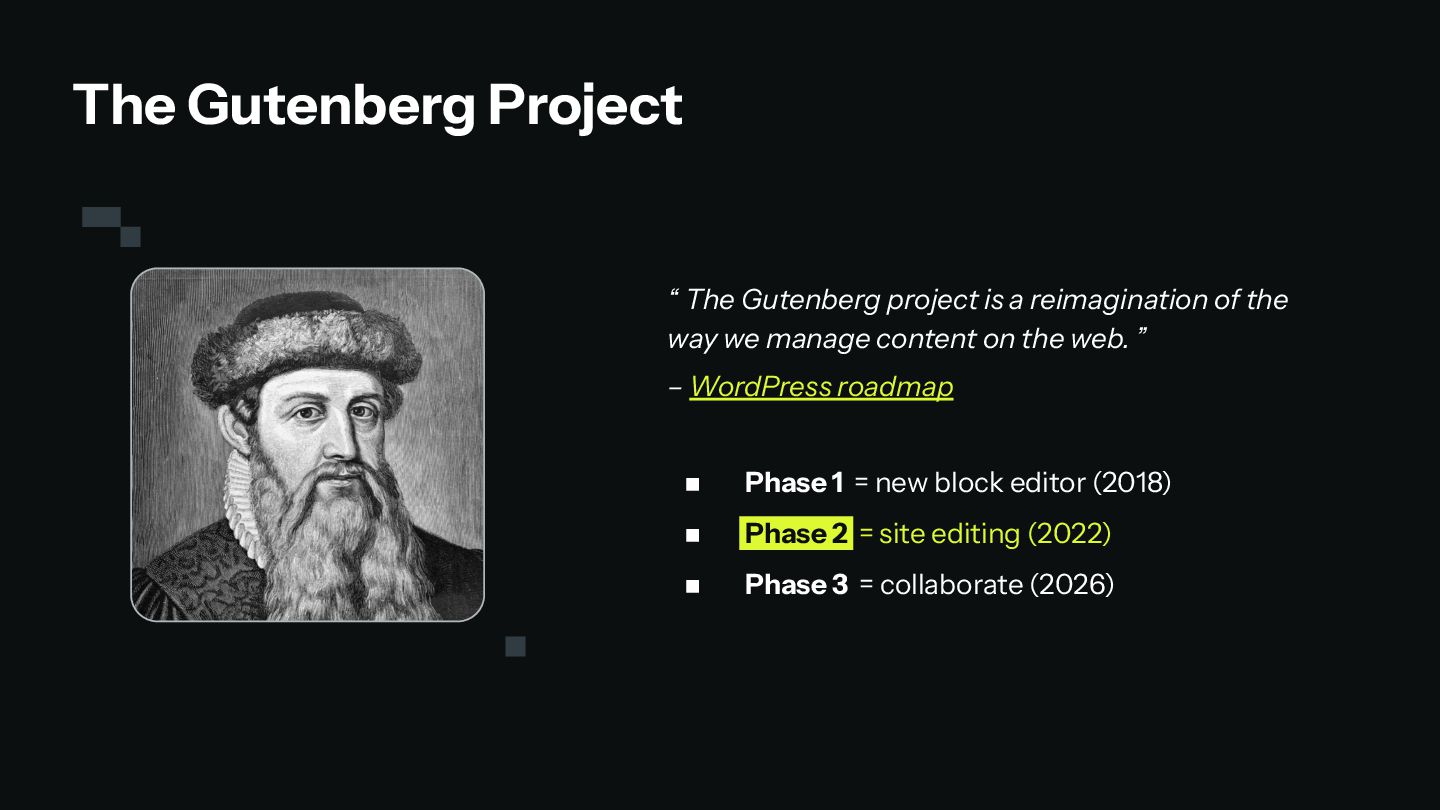
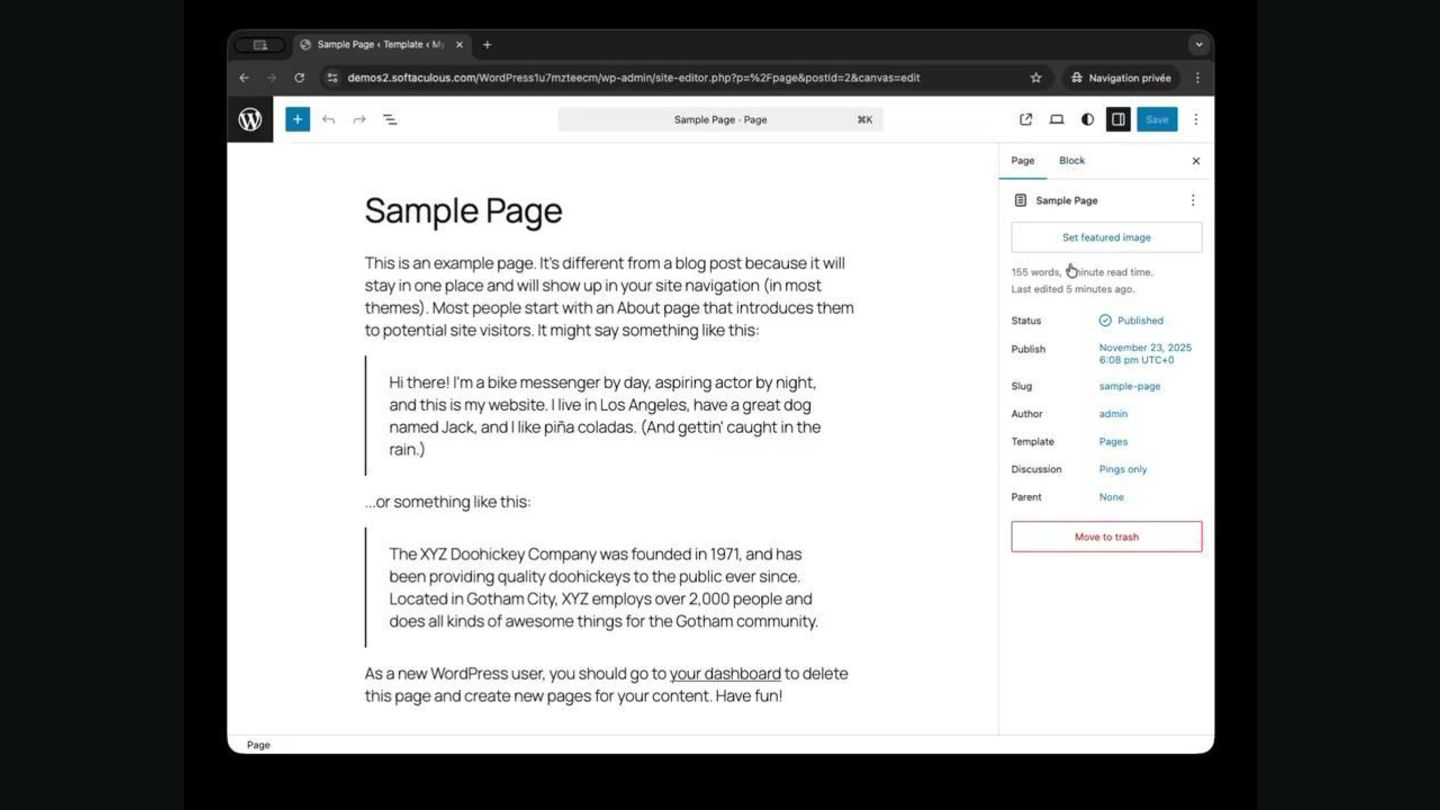
The Gutenberg Project “ The Gutenberg project is a reimagination
of the way we manage content on the web. ” – WordPress roadmap ◼ Phase 1 = new block editor (2018) ◼ Phase 2 = site editing (2022) ◼ Phase 3 = collaborate (2026) -
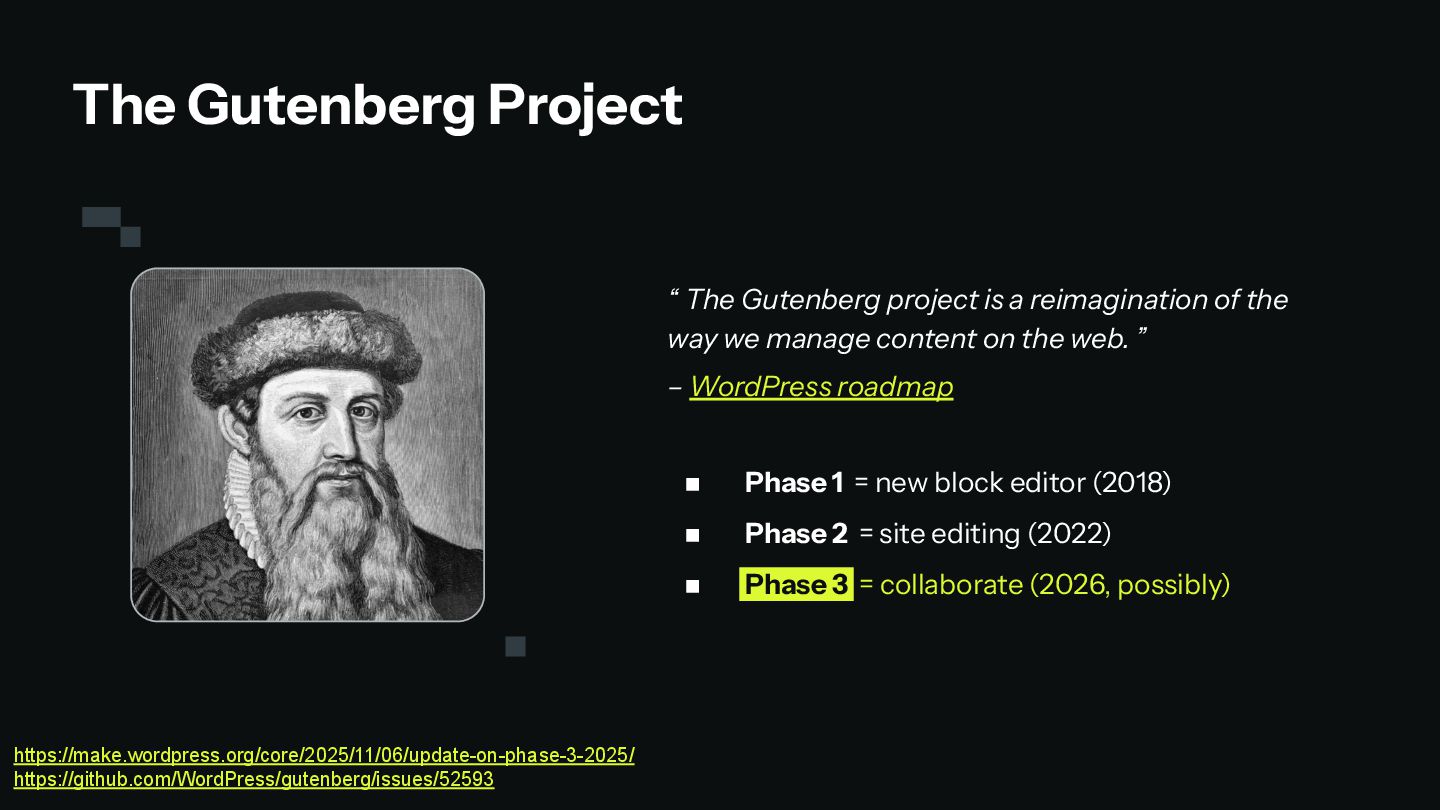
The Gutenberg Project “ The Gutenberg project is a reimagination
of the way we manage content on the web. ” – WordPress roadmap ◼ Phase 1 = new block editor (2018) ◼ Phase 2 = site editing (2022) ◼ Phase 3 = collaborate (2026, possibly) https://make.wordpress.org/core/2025/11/06/update-on-phase-3-2025/ https://github.com/WordPress/gutenberg/issues/52593 -
◼ All the code is in public/ ◼ No complete
dependency manager ◼ Files editable from the browser ◼ Usage of exit(), header(), and constants WordPress is Special -
◼ 20 years old (October 2005) ◼ Modular with customization
& extension ◼ Popular thanks to PHP & community ◼ Maintained with regularly new features Symfony is Great -
WordPress for website building ◼ Content, media management ◼ Editor,
design tools Symfony for custom business ◼ Structured, standardized ◼ Modular, flexible + The Best of Both Worlds -
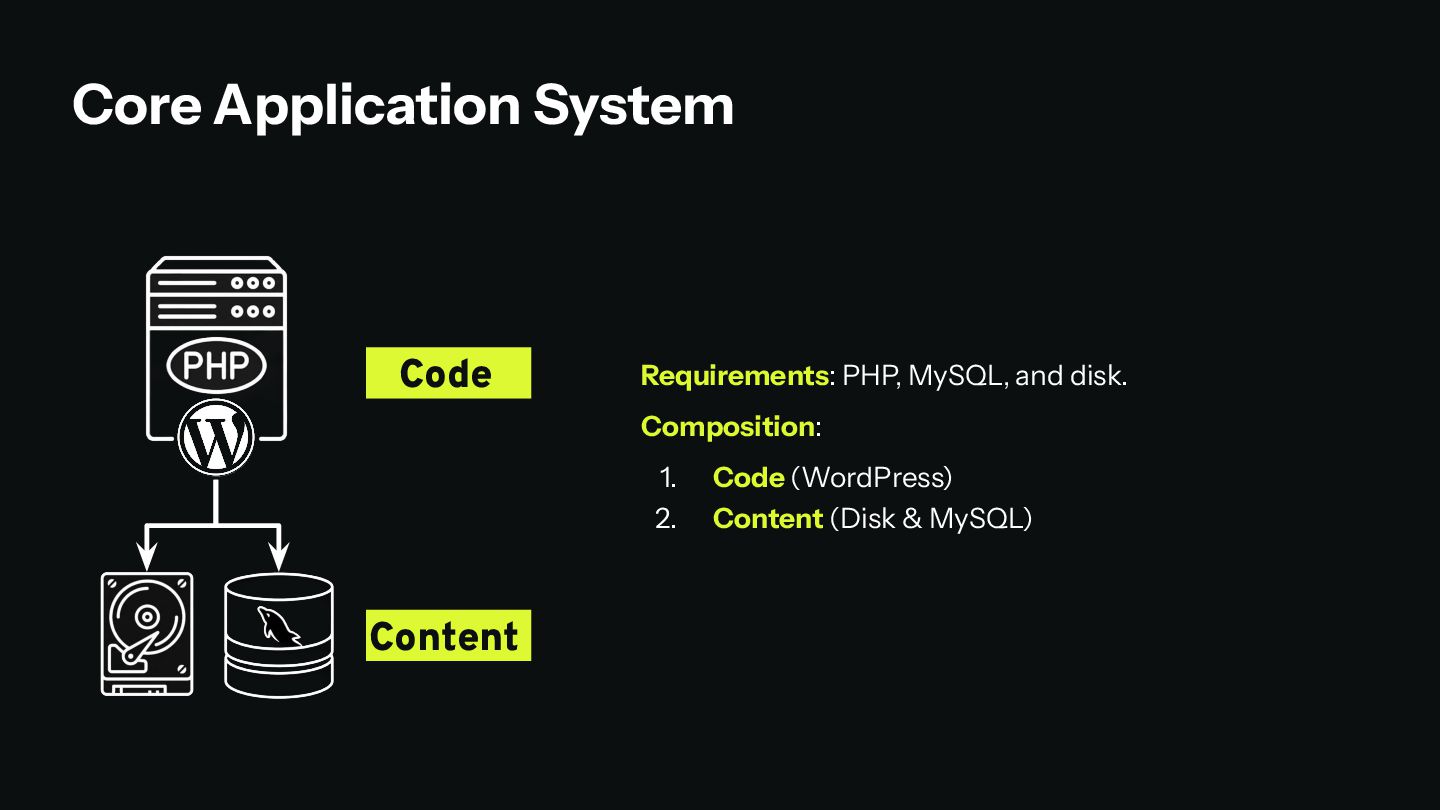
Core Application System Requirements: PHP, MySQL, and disk. Composition: 1.
Code (WordPress) 2. Content (Disk & MySQL) Code Content -
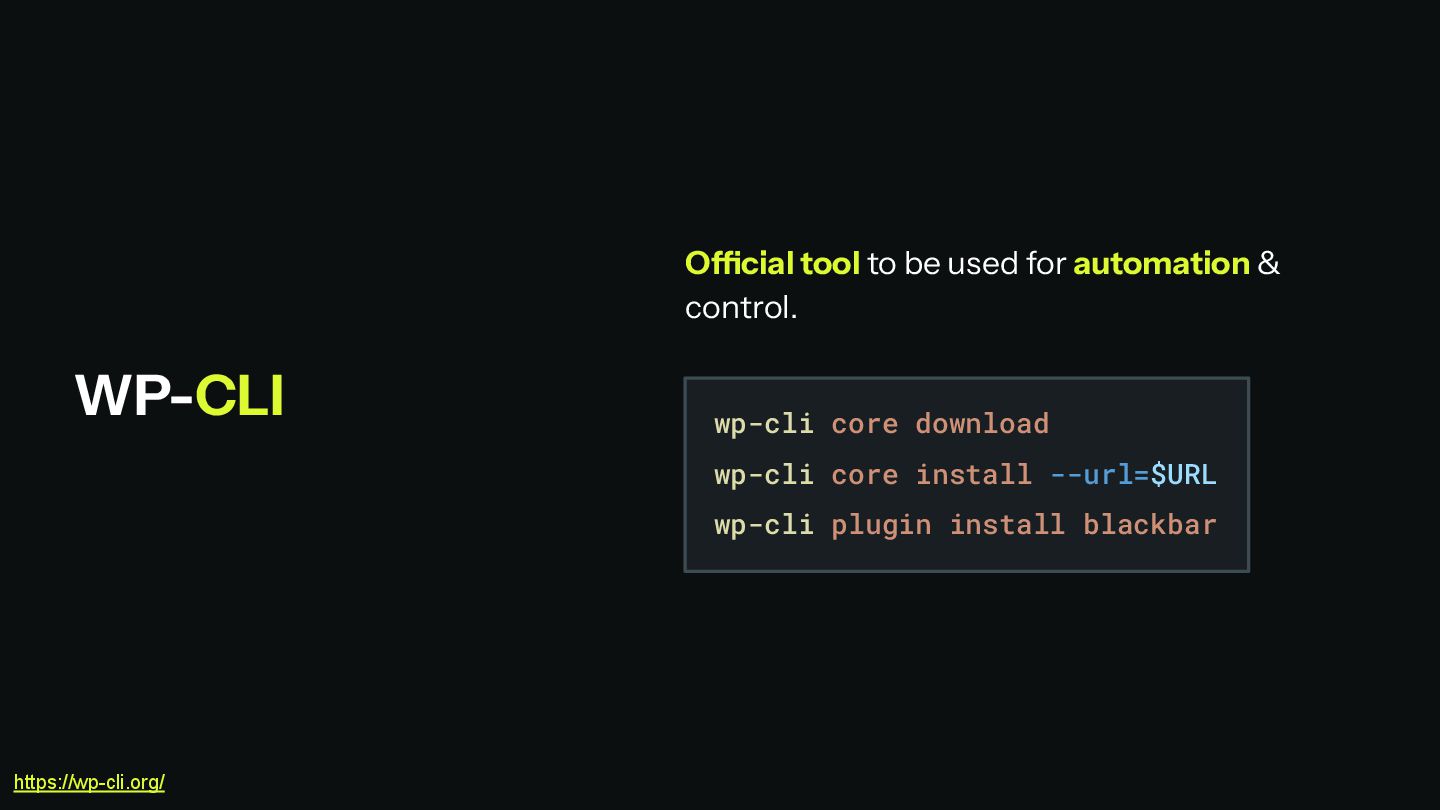
WP-CLI Official tool to be used for automation & control.
wp-cli core download wp-cli core install --url=$URL wp-cli plugin install blackbar https://wp-cli.org/ -
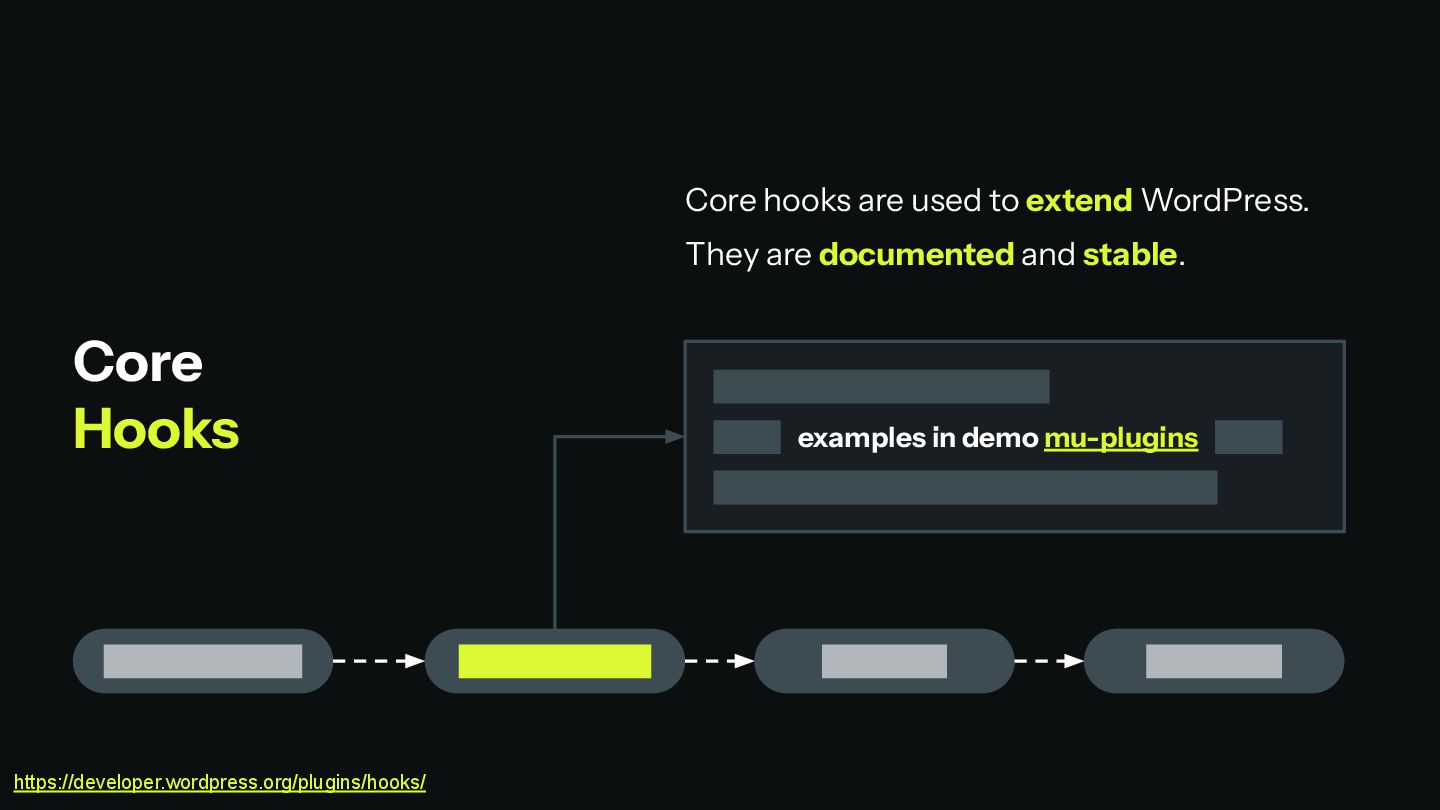
Core hooks are used to extend WordPress. They are documented
and stable. Core Hooks shutdown https://developer.wordpress.org/plugins/hooks/ parse_request send_headers wp_head wp-cli core download w-l examples in demo mu-plugins l=UR wp-cli plugin install blackbar -
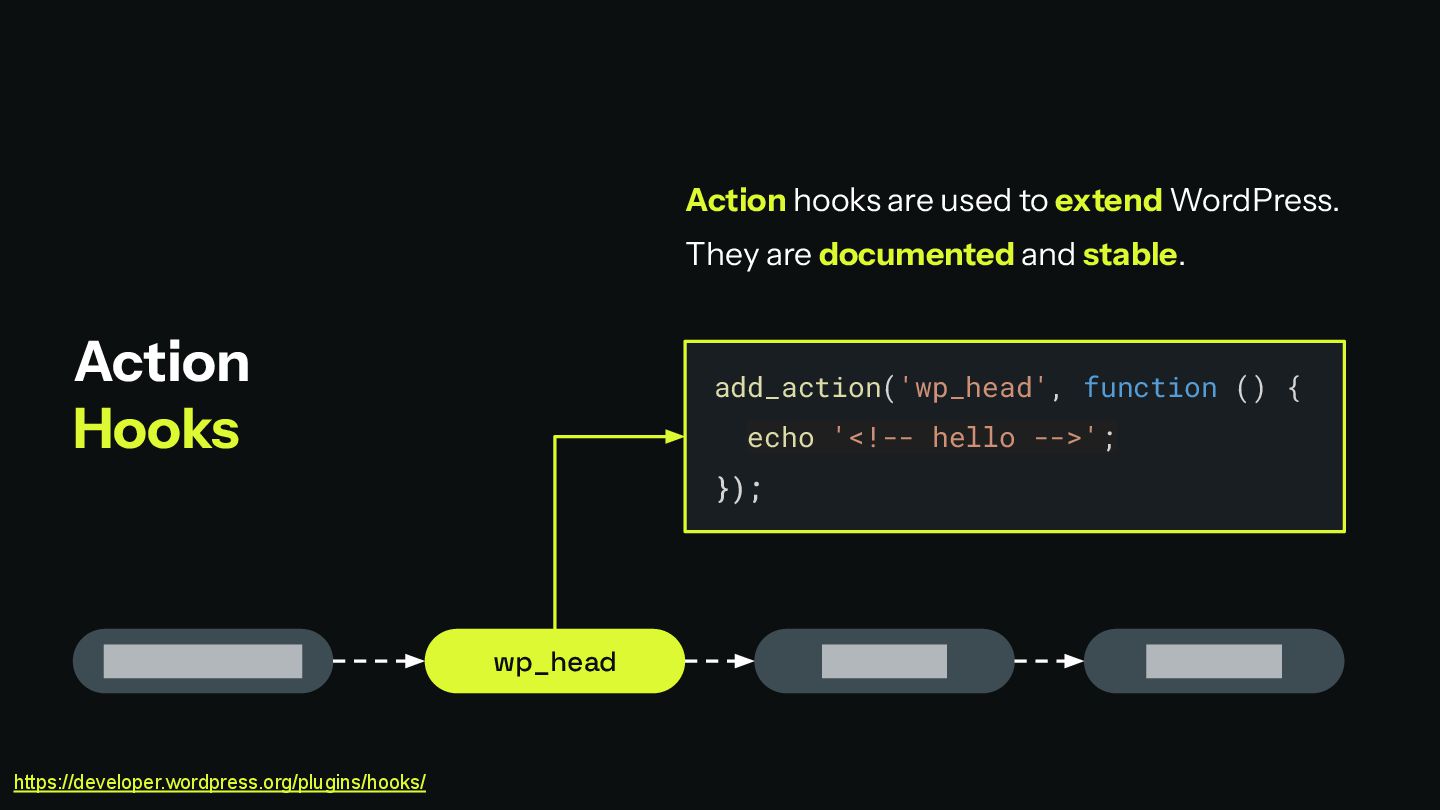
Action hooks are used to extend WordPress. They are documented
and stable. Action Hooks shutdown https://developer.wordpress.org/plugins/hooks/ parse_request wp_head wp_head add_action('wp_head', function () { echo '<!-- hello -->'; }); -
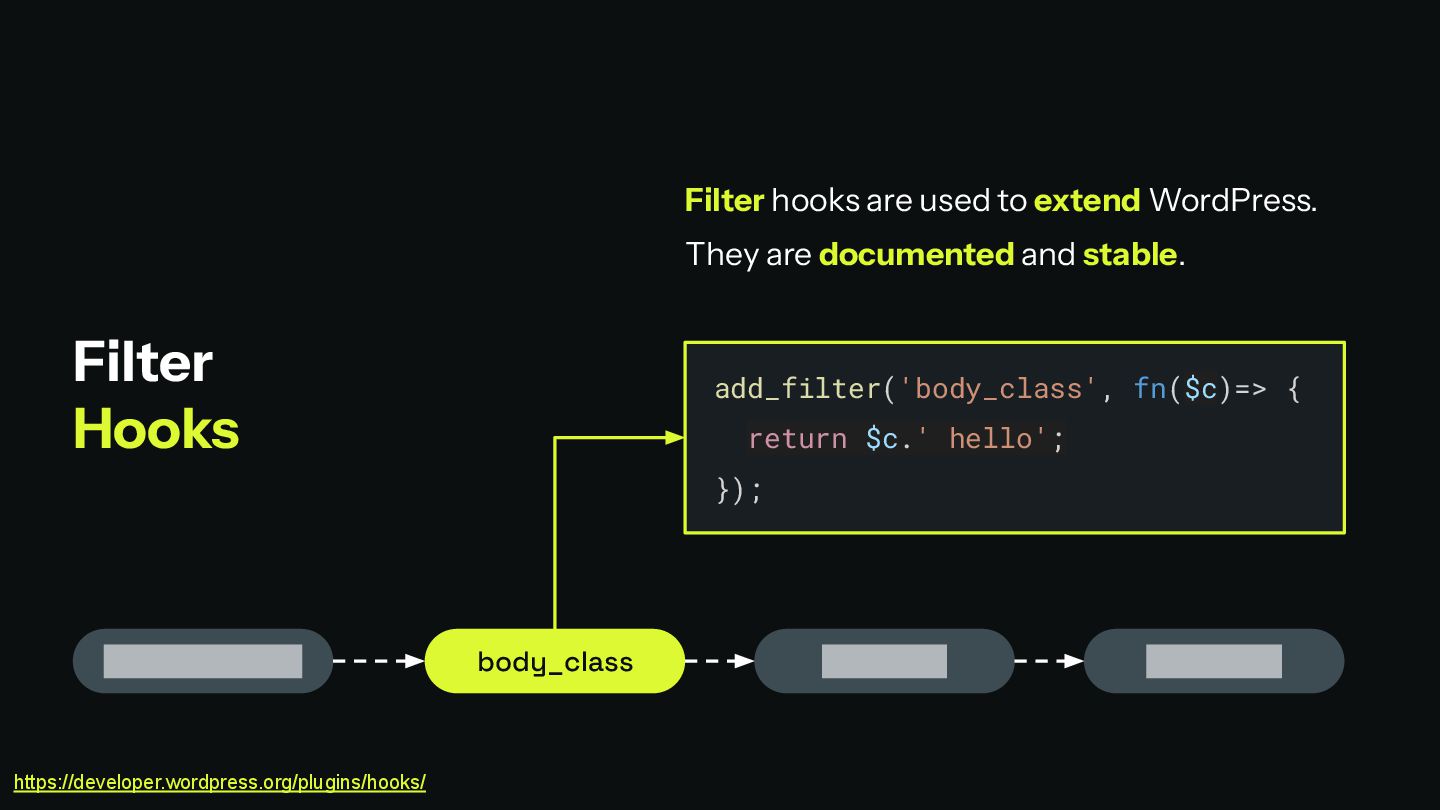
Filter hooks are used to extend WordPress. They are documented
and stable. Filter Hooks shutdown https://developer.wordpress.org/plugins/hooks/ parse_request body_class wp_head add_filter('body_class', fn($c)=> { return $c.' hello'; }); -
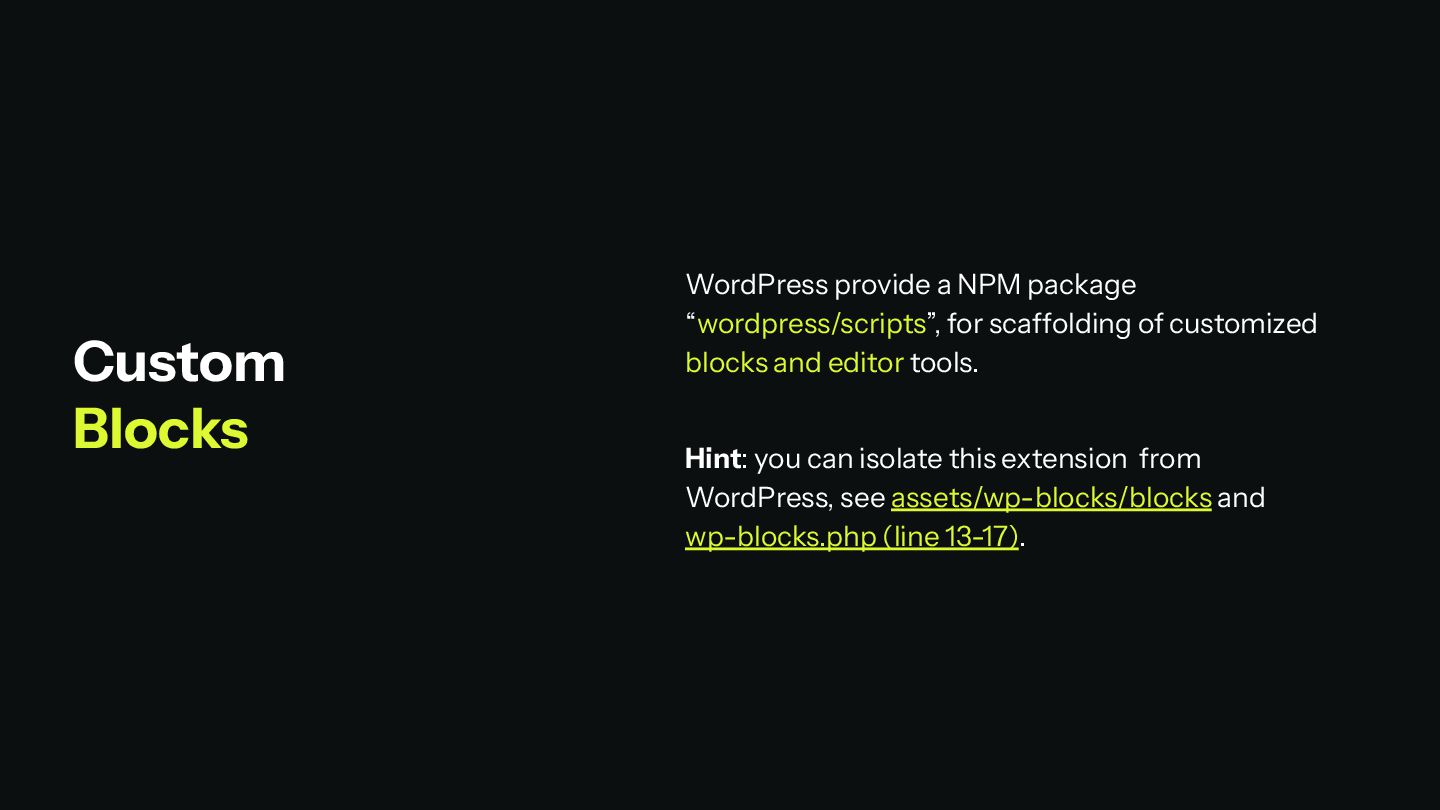
WordPress provide a NPM package “wordpress/scripts”, for scaffolding of customized
blocks and editor tools. Hint: you can isolate this extension from WordPress, see assets/wp-blocks/blocks and wp-blocks.php (line 13-17). Custom Blocks -
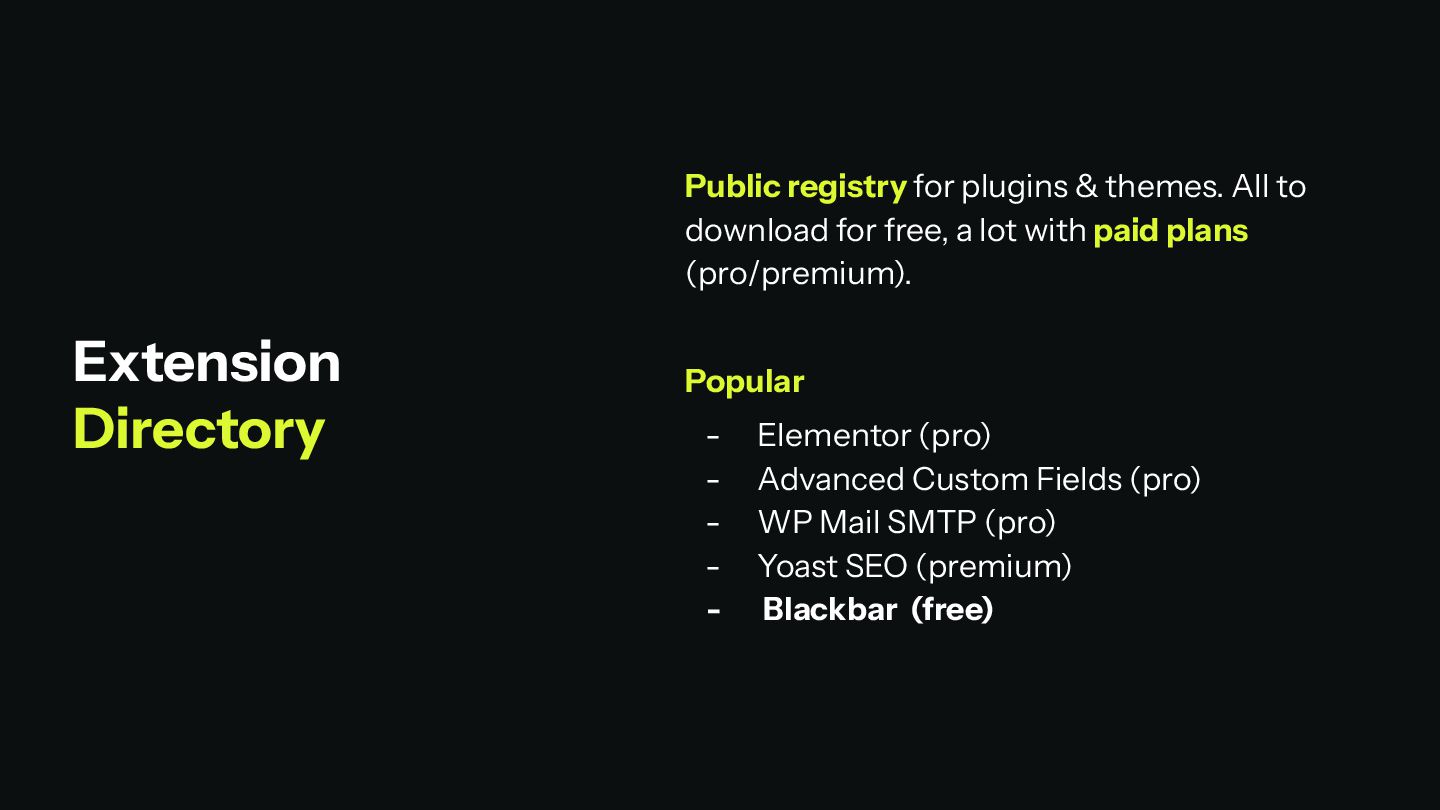
Public registry for plugins & themes. All to download for
free, a lot with paid plans (pro/premium). Popular - Elementor (pro) - Advanced Custom Fields (pro) - WP Mail SMTP (pro) - Yoast SEO (premium) - Blackbar (free) Extension Directory -
WPackagist The official extension directory mirrored via composer packages. They
do not share dependencies. Each extensions have a unique autoloader. -
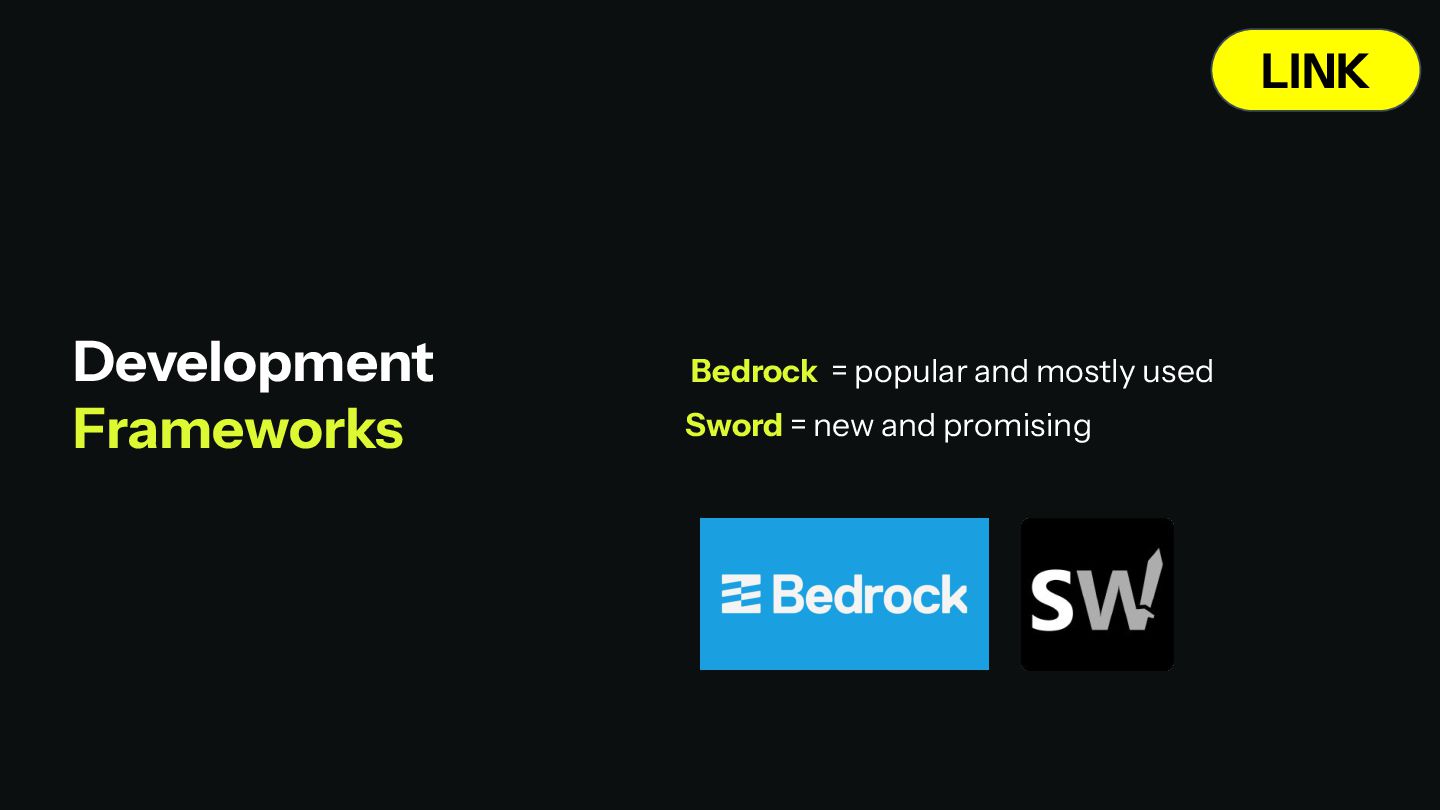
Bedrock = popular and mostly used Sword = new and
promising Development Frameworks LINK -
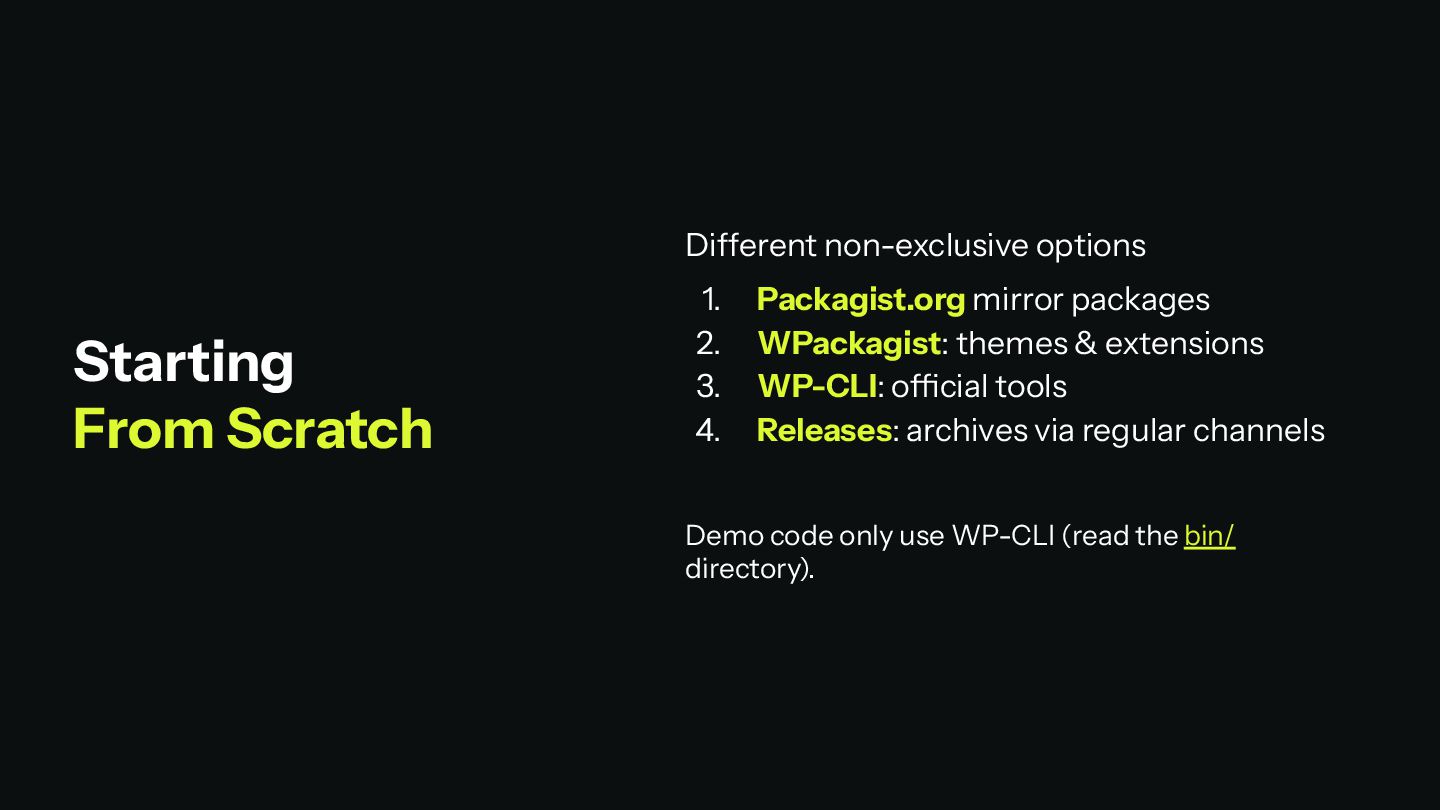
Different non-exclusive options 1. Packagist.org mirror packages 2. WPackagist: themes
& extensions 3. WP-CLI: official tools 4. Releases: archives via regular channels Demo code only use WP-CLI (read the bin/ directory). Starting From Scratch -
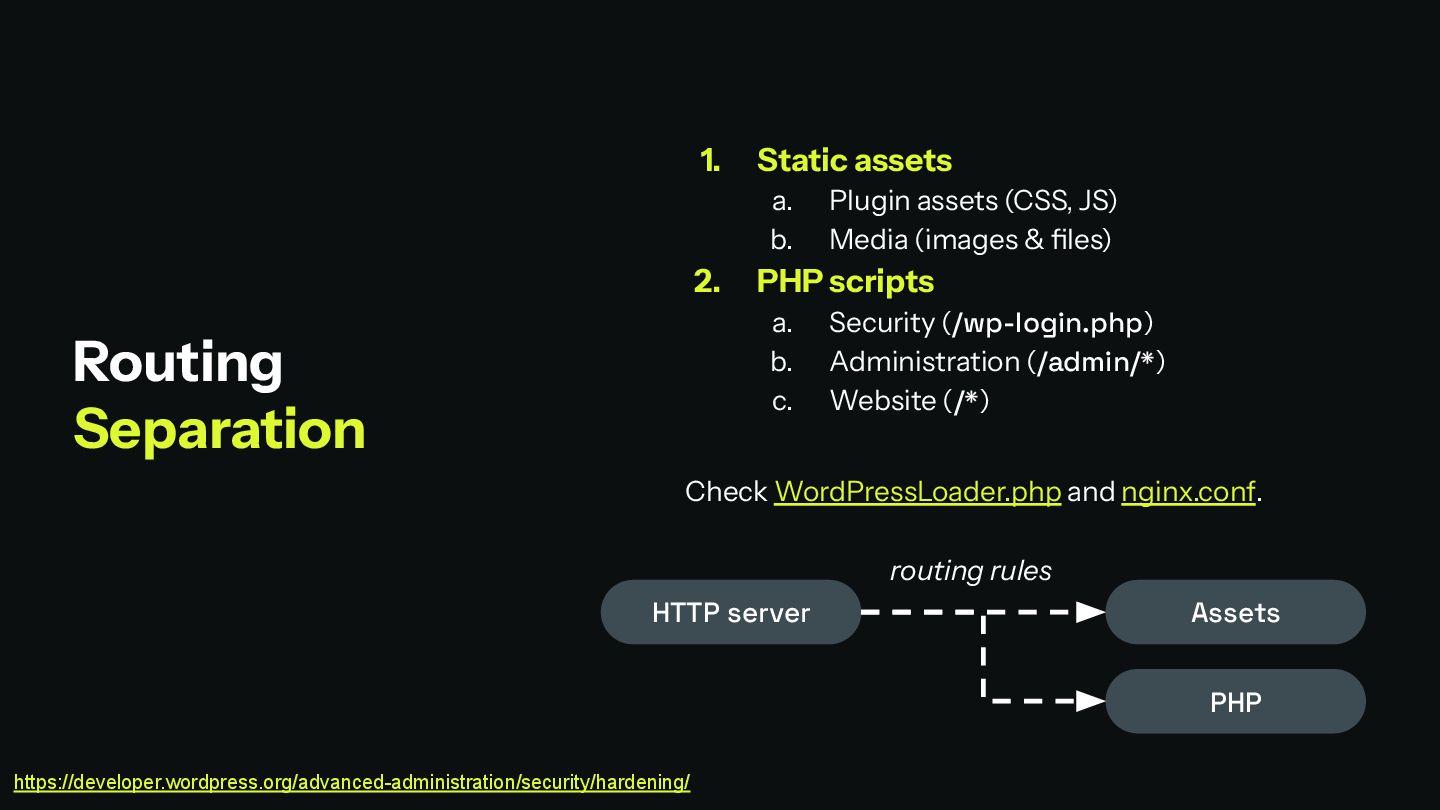
1. Static assets a. Plugin assets (CSS, JS) b. Media
(images & files) 2. PHP scripts a. Security (/wp-login.php) b. Administration (/admin/*) c. Website (/*) Check WordPressLoader.php and nginx.conf. Routing Separation HTTP server Assets PHP routing rules https://developer.wordpress.org/advanced-administration/security/hardening/ -
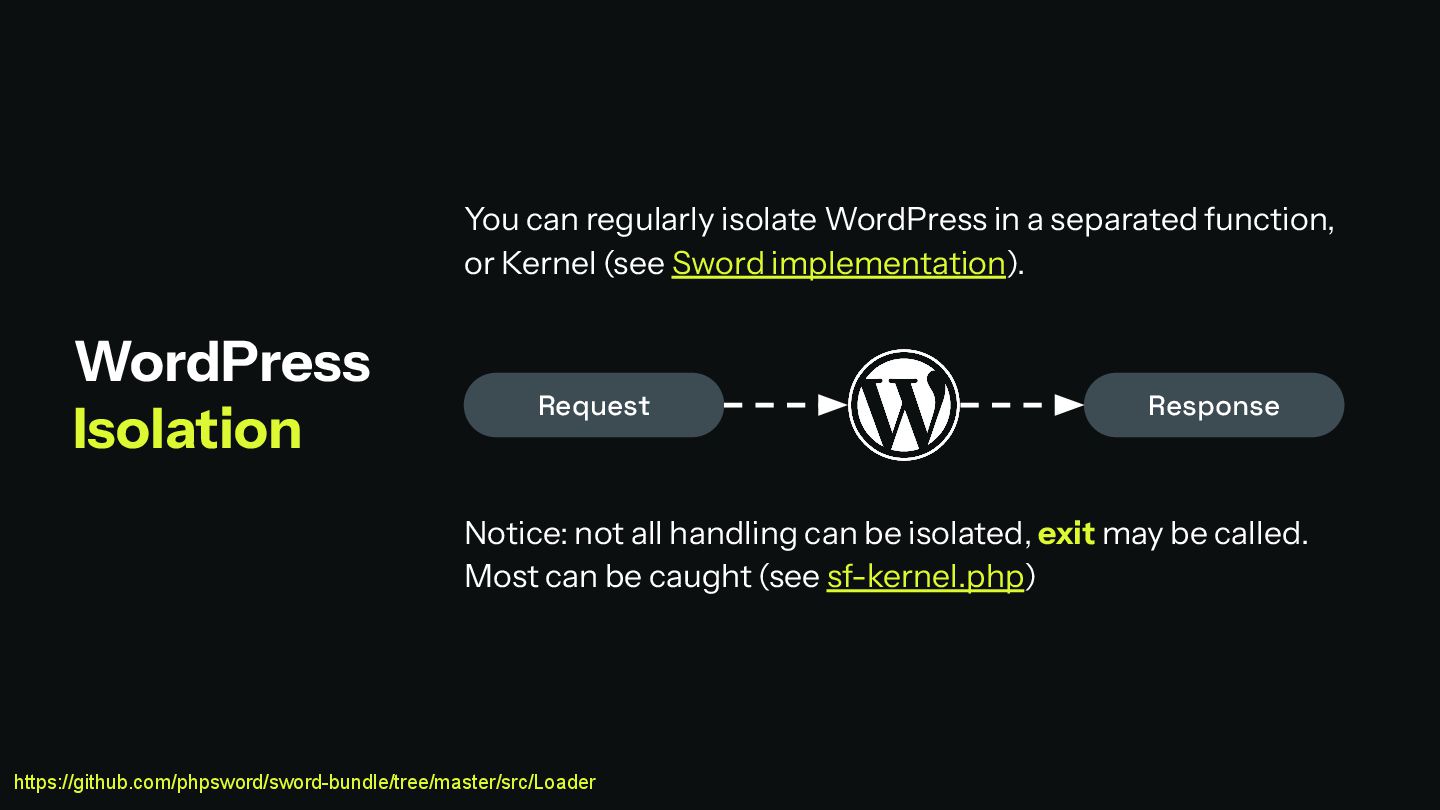
You can regularly isolate WordPress in a separated function, or
Kernel (see Sword implementation). Notice: not all handling can be isolated, exit may be called. Most can be caught (see sf-kernel.php) WordPress Isolation Request Response https://github.com/phpsword/sword-bundle/tree/master/src/Loader -
Using Rector and a rule to modify some function calls,
eventually expliciting globals. You can, Actually -
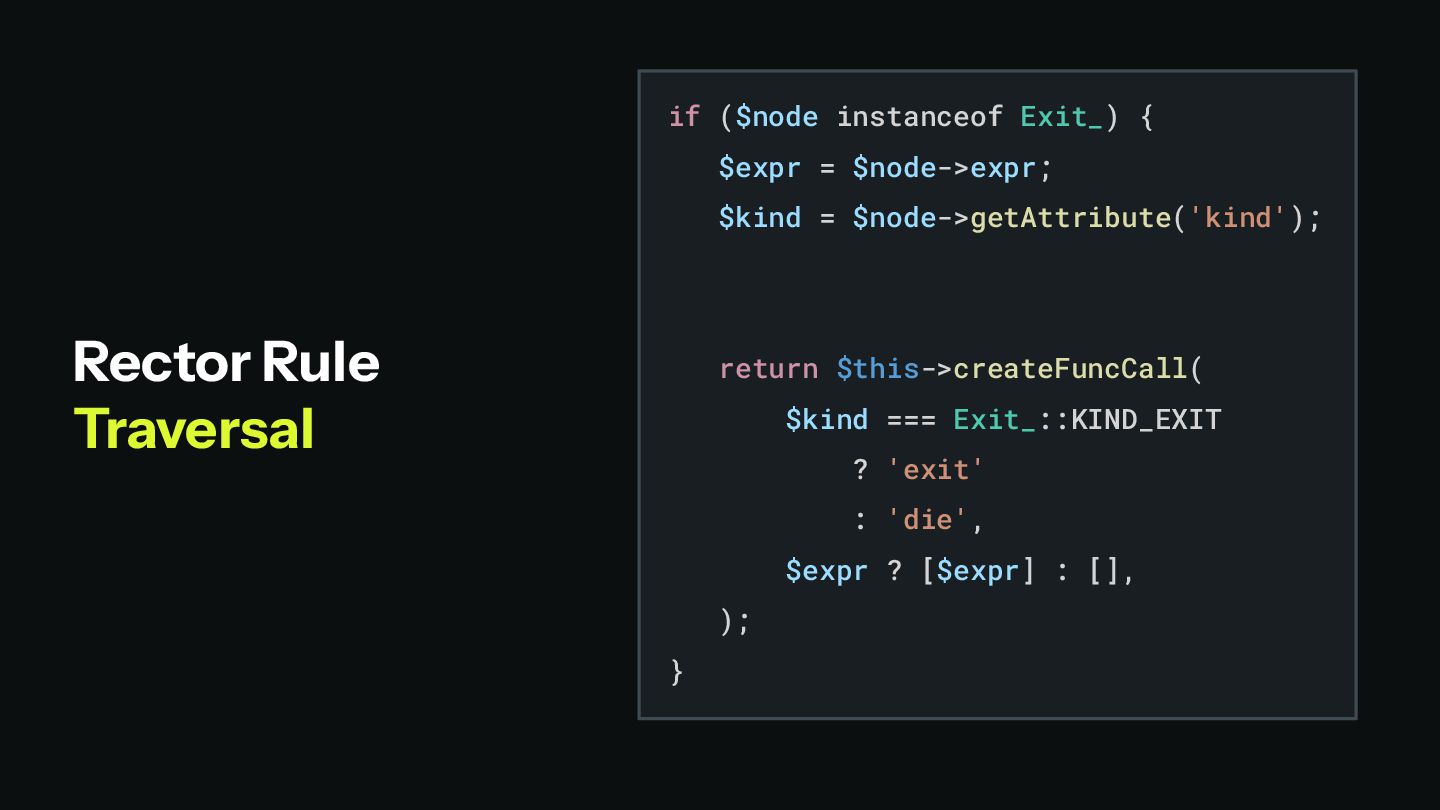
if ($node instanceof Exit_) { $expr = $node->expr; $kind =
$node->getAttribute('kind'); return $this->createFuncCall( $kind === Exit_::KIND_EXIT ? 'exit' : 'die', $expr ? [$expr] : [], ); } Rector Rule Traversal -
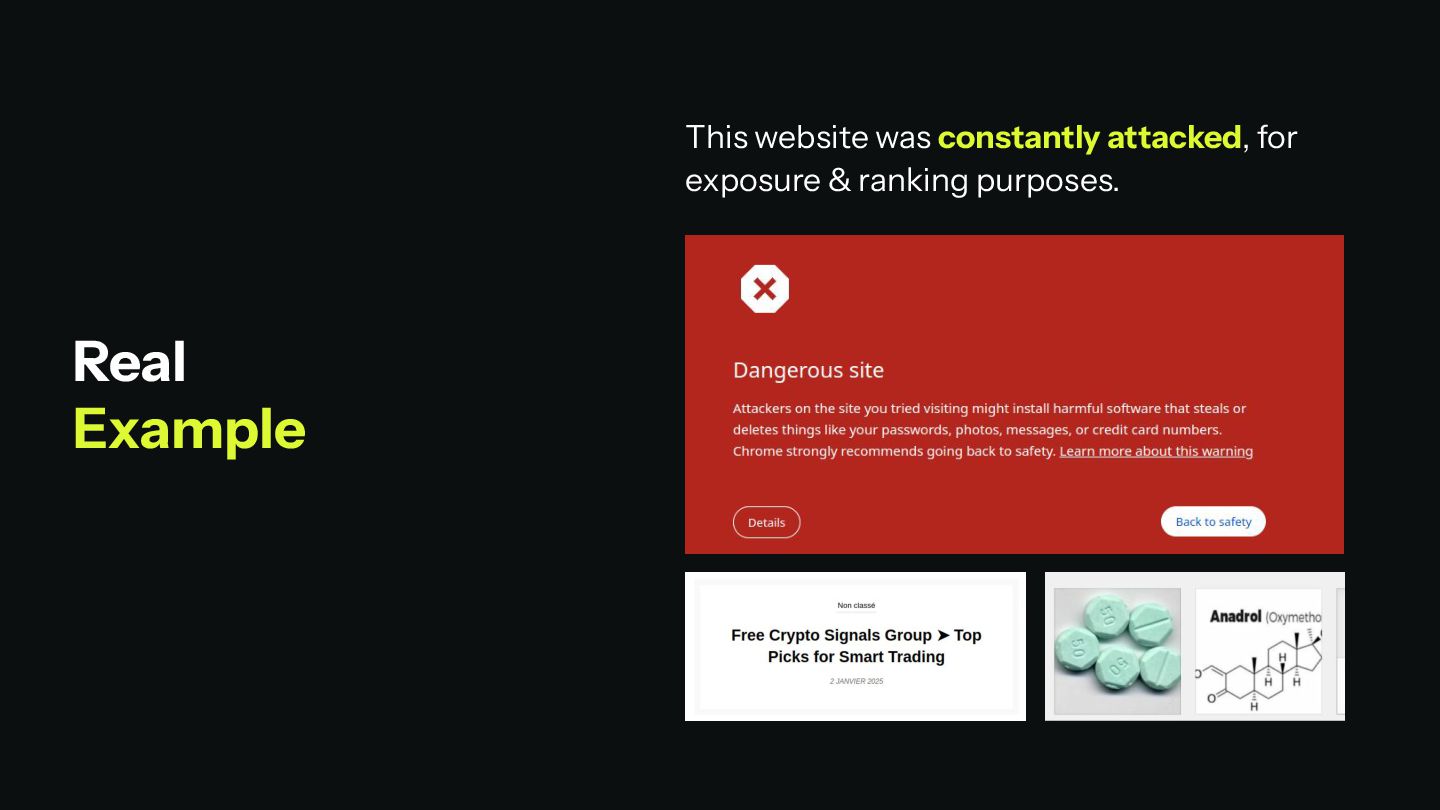
A public website deployed over FTP with no code versioning.
All directories and files are modifiable to allow for WordPress updates in the admin. Starting from a real example -
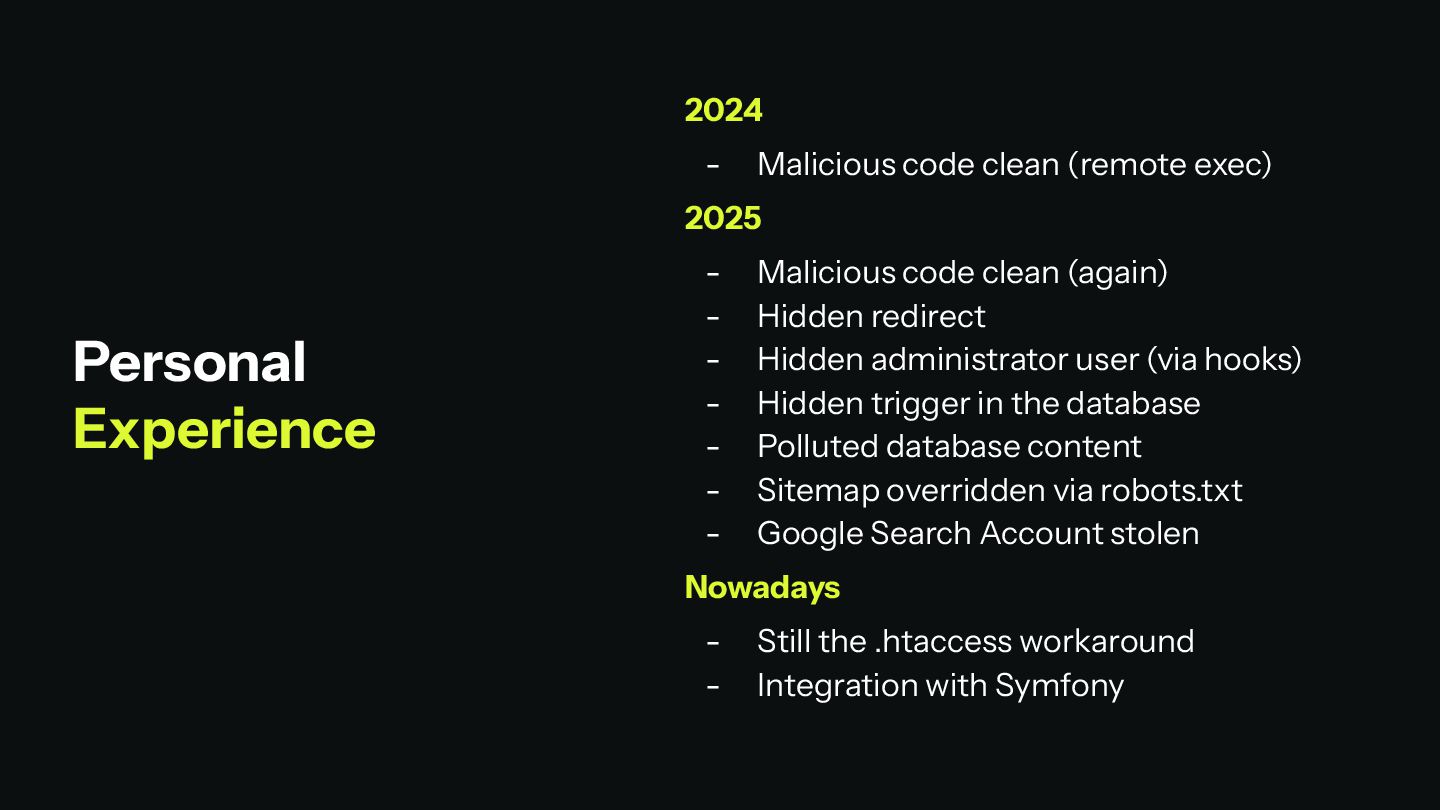
2024 - Malicious code clean (remote exec) 2025 - Malicious
code clean (again) - Hidden redirect - Hidden administrator user (via hooks) - Hidden trigger in the database - Polluted database content - Sitemap overridden via robots.txt - Google Search Account stolen Nowadays - Still the .htaccess workaround - Integration with Symfony Personal Experience -
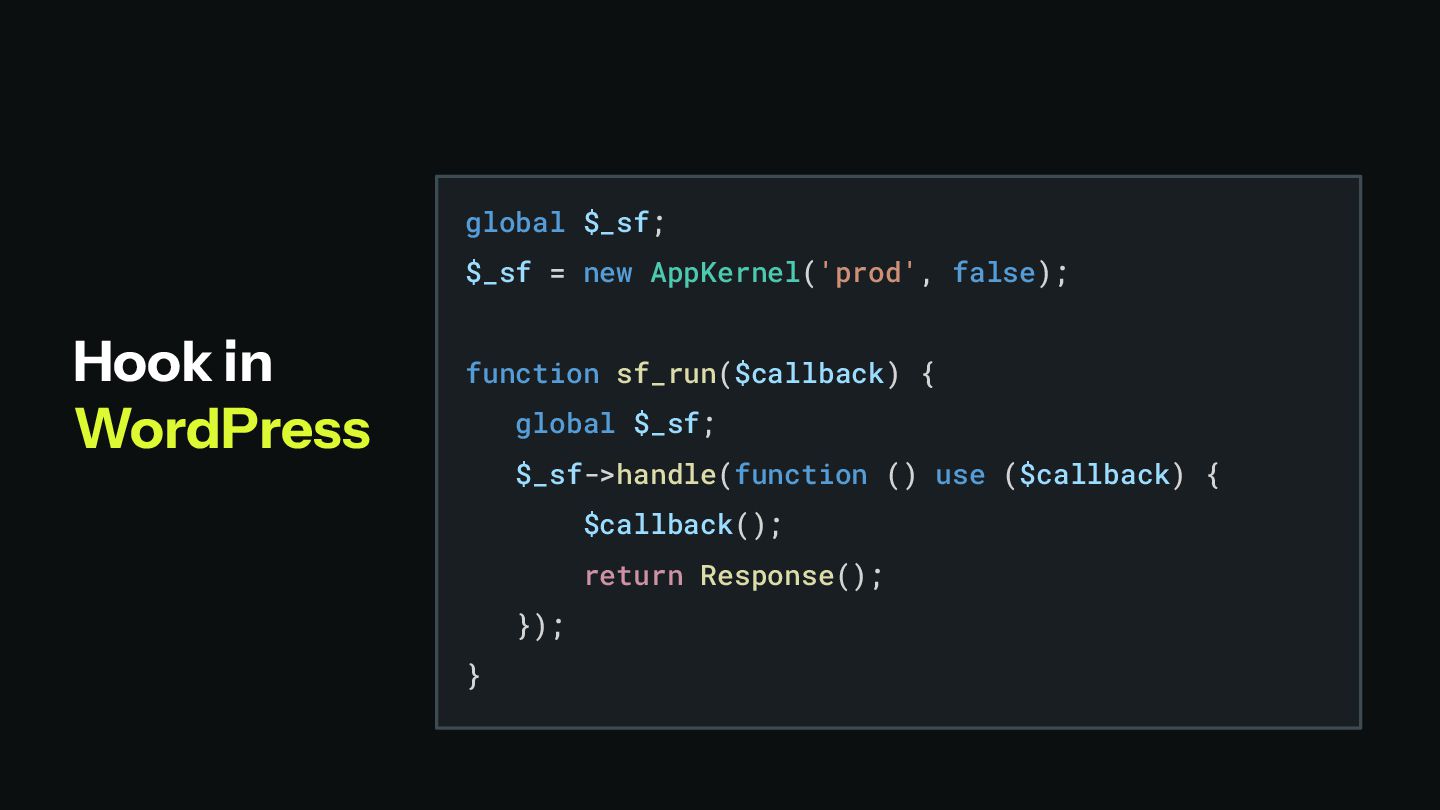
Hook in WordPress global $_sf; $_sf = new AppKernel('prod', false);
function sf_run($callback) { global $_sf; $_sf->handle(function () use ($callback) { $callback(); return Response(); }); } -
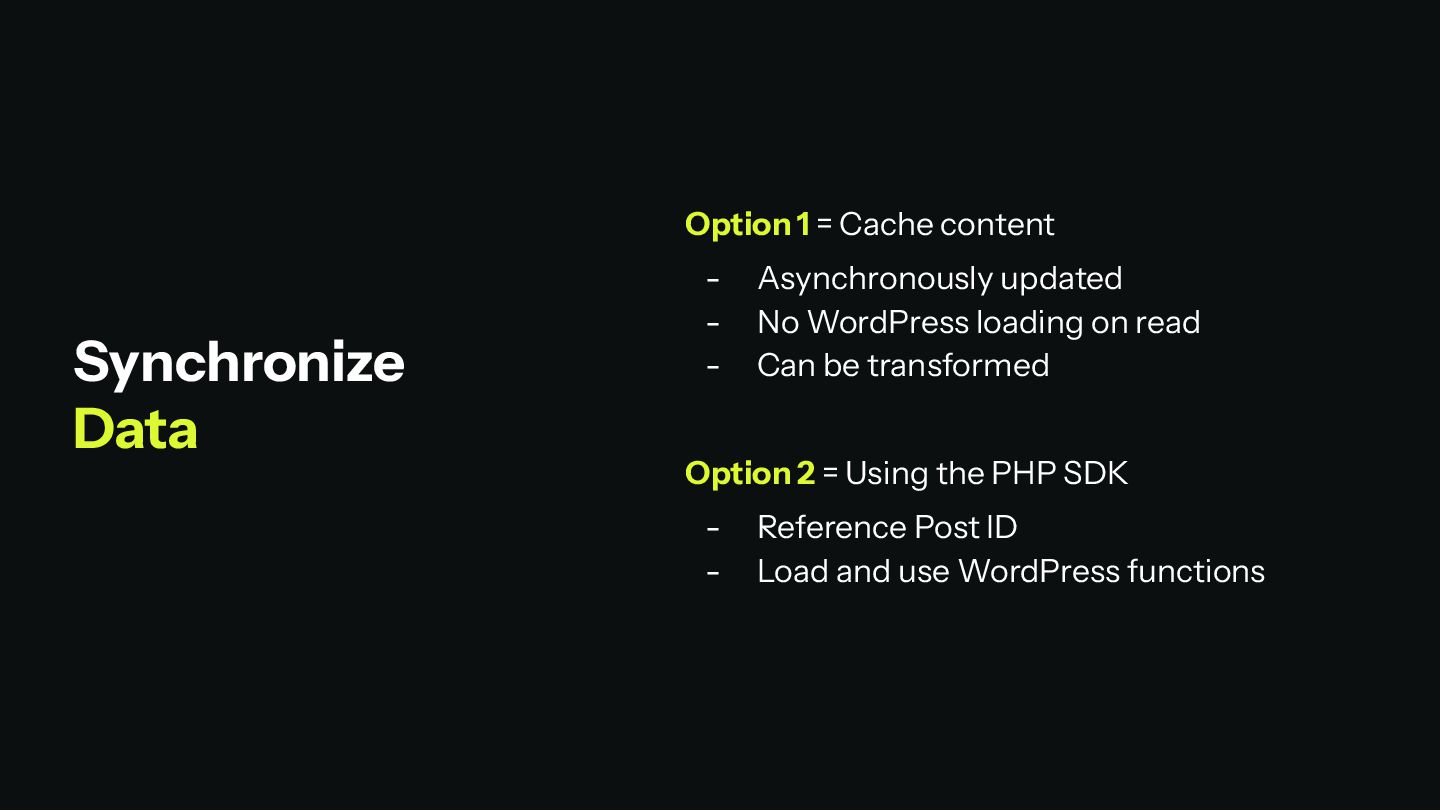
Option 1 = Cache content - Asynchronously updated - No
WordPress loading on read - Can be transformed Option 2 = Using the PHP SDK - Reference Post ID - Load and use WordPress functions Synchronize Data -
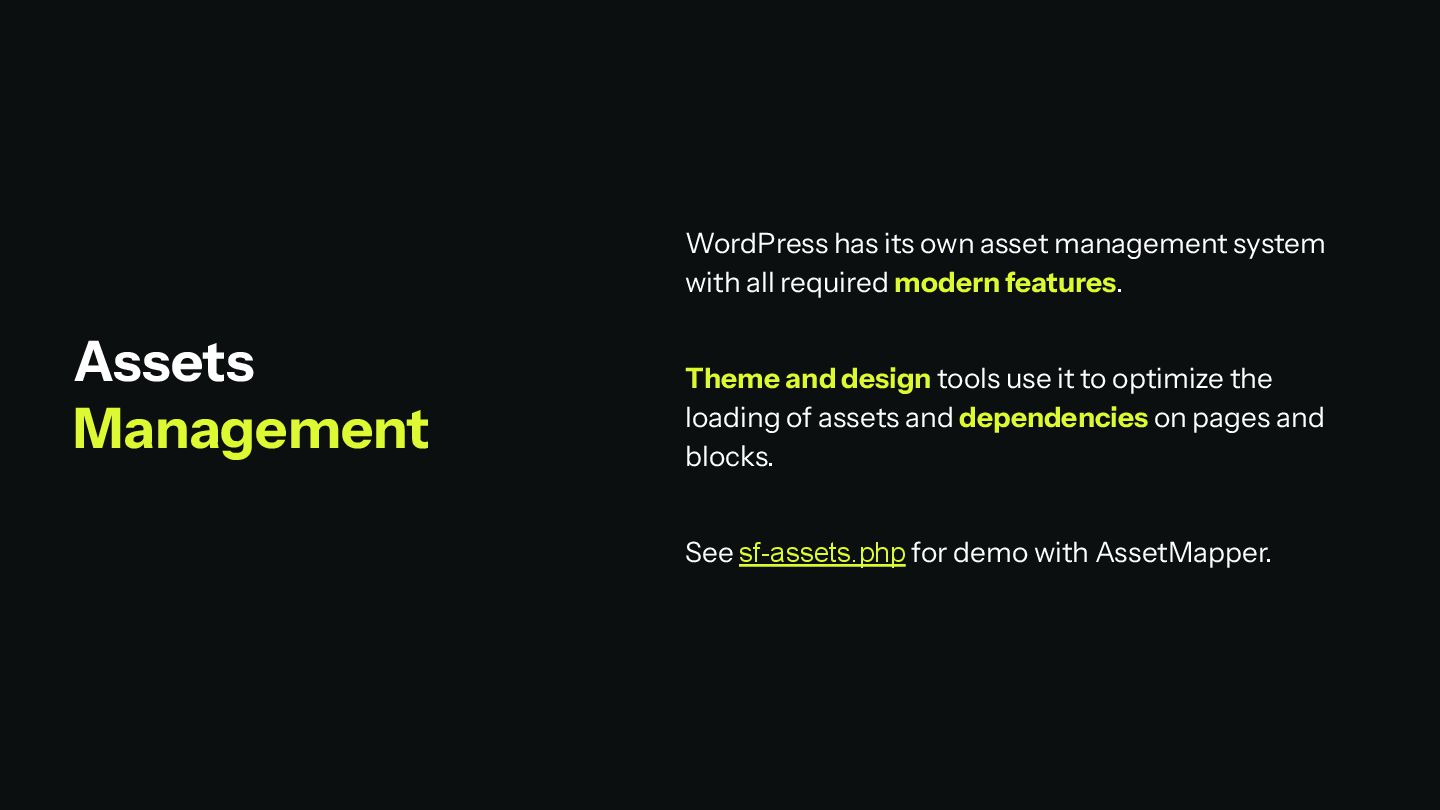
WordPress has its own asset management system with all required
modern features. Theme and design tools use it to optimize the loading of assets and dependencies on pages and blocks. See sf-assets.php for demo with AssetMapper. Assets Management -
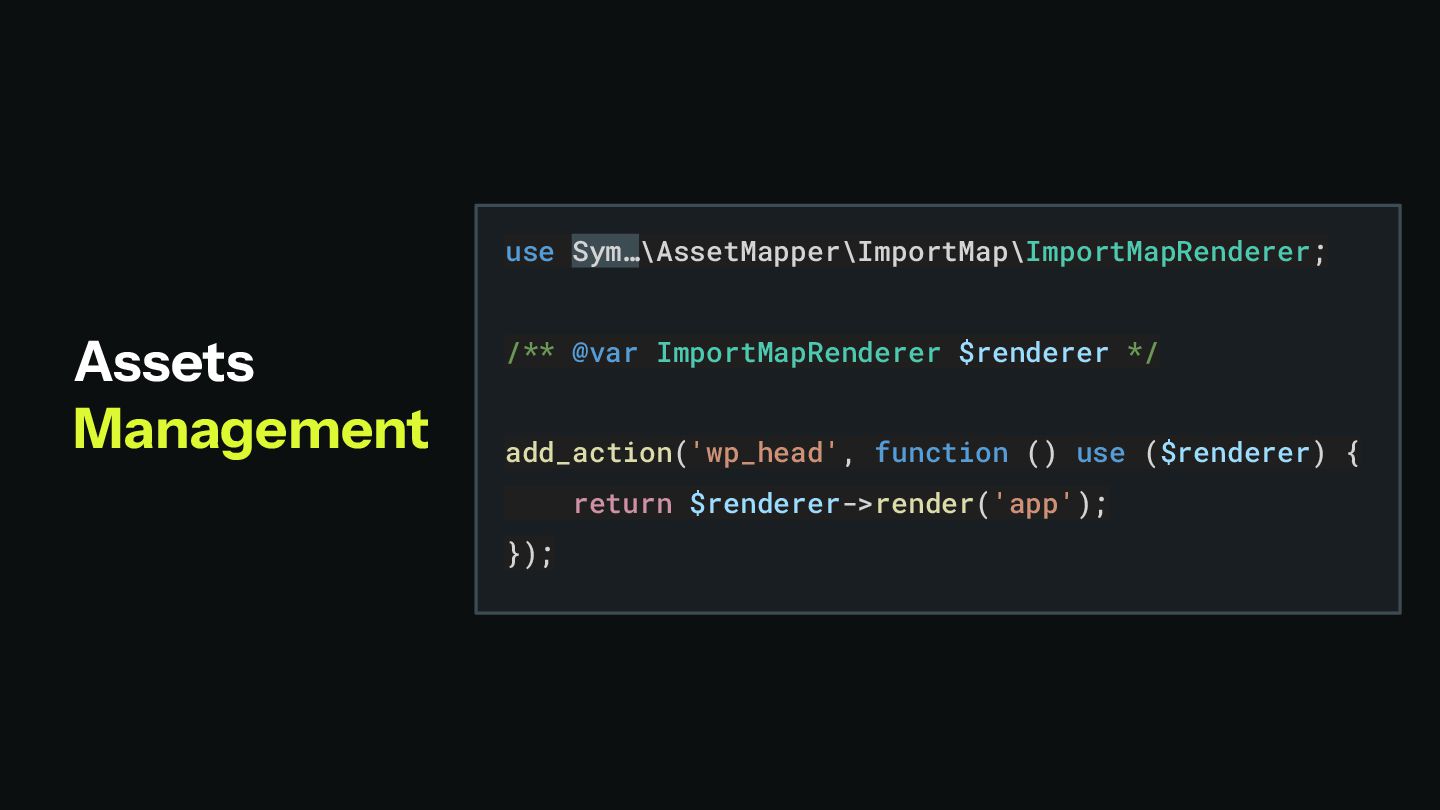
Assets Management use Sym…\AssetMapper\ImportMap\ImportMapRenderer; /** @var ImportMapRenderer $renderer */ add_action('wp_head',
function () use ($renderer) { return $renderer->render('app'); }); -
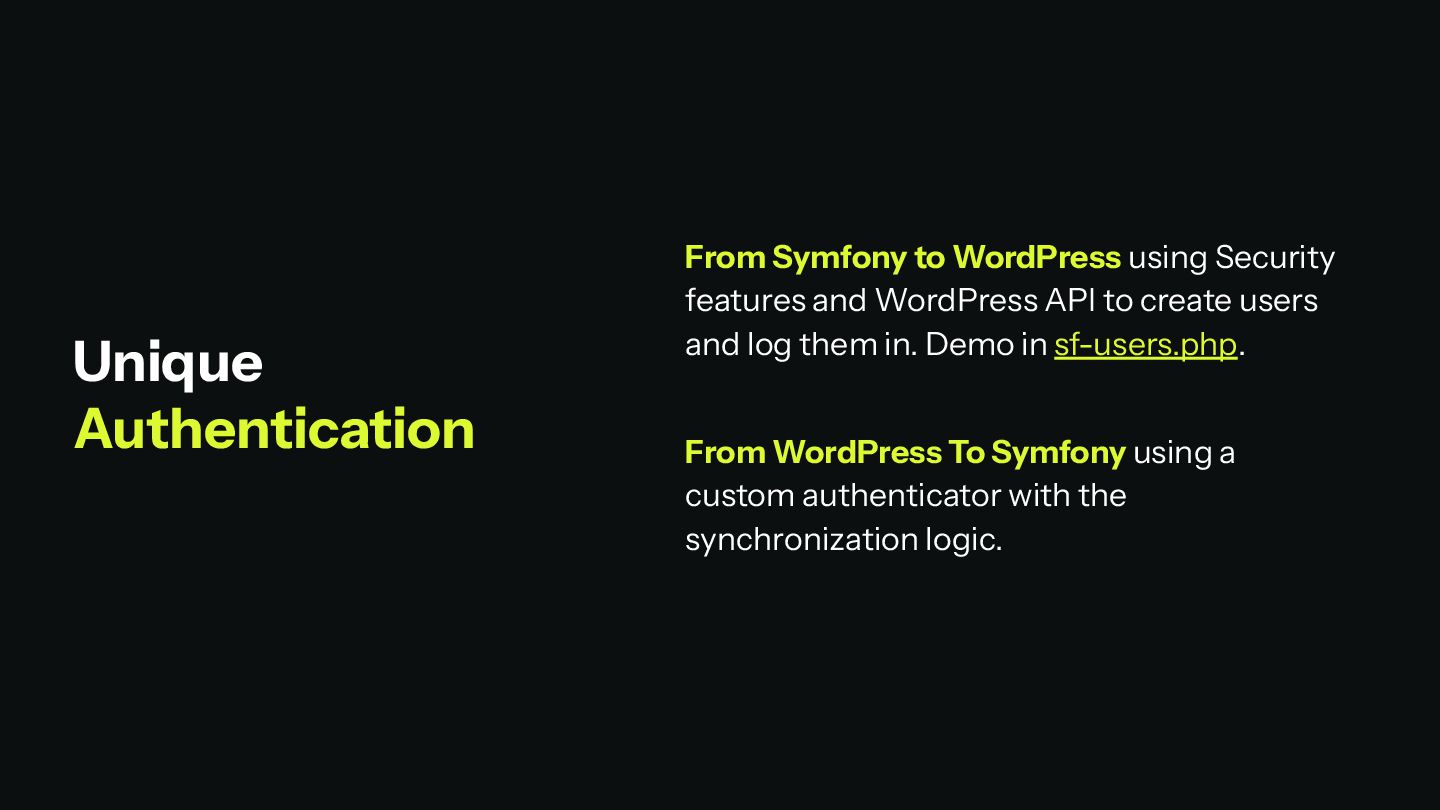
From Symfony to WordPress using Security features and WordPress API
to create users and log them in. Demo in sf-users.php. From WordPress To Symfony using a custom authenticator with the synchronization logic. Unique Authentication -
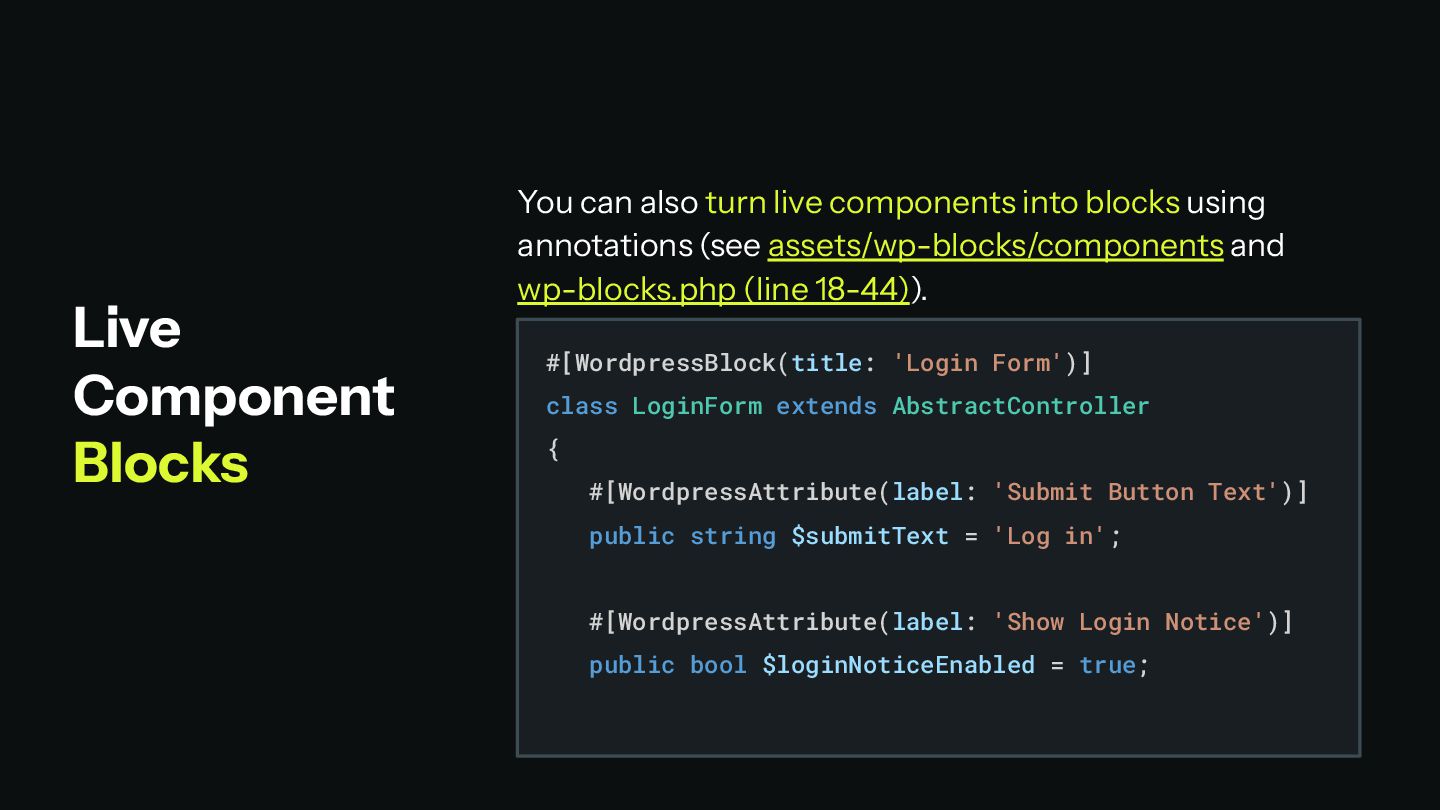
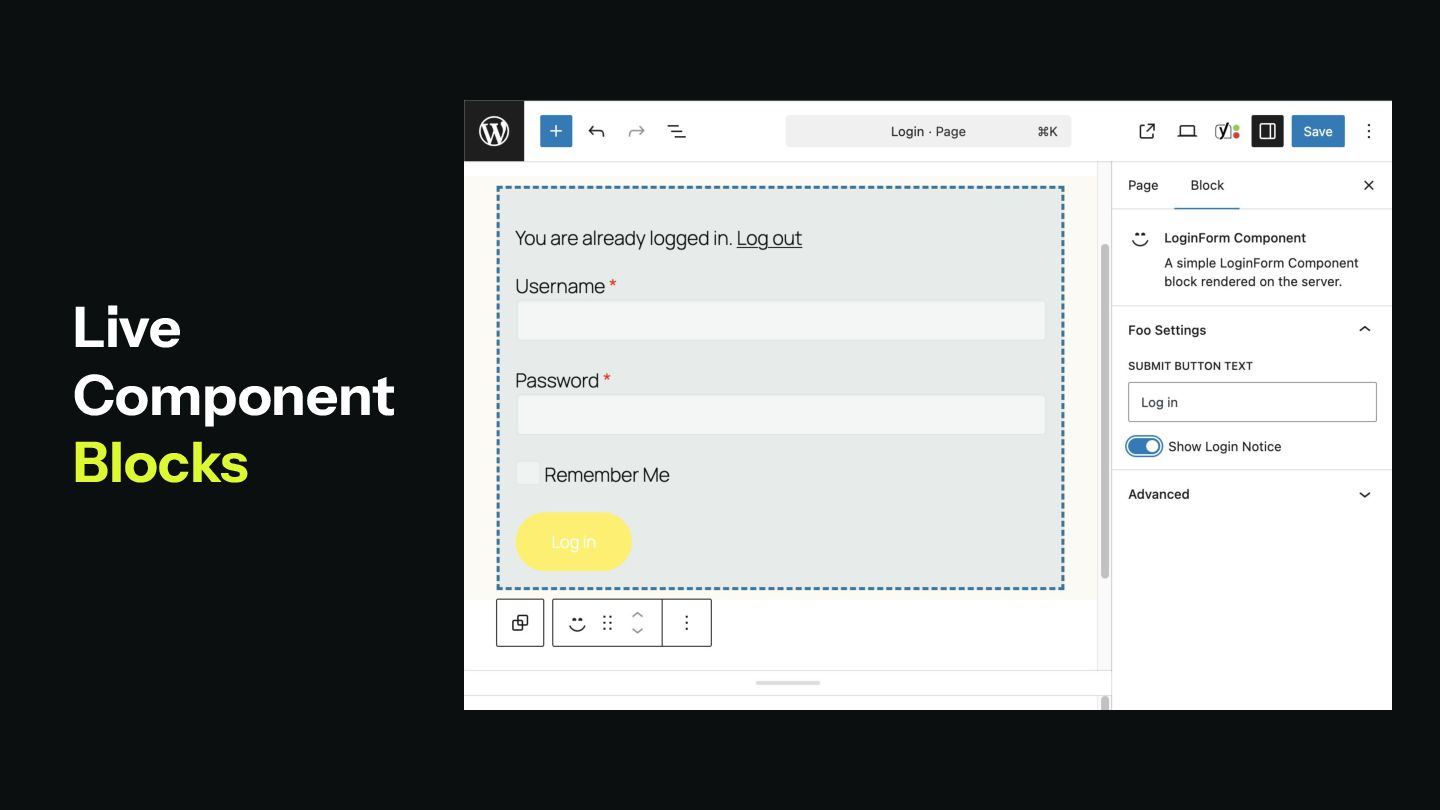
Live Component Blocks #[WordpressBlock(title: 'Login Form')] class LoginForm extends AbstractController
{ #[WordpressAttribute(label: 'Submit Button Text')] public string $submitText = 'Log in'; #[WordpressAttribute(label: 'Show Login Notice')] public bool $loginNoticeEnabled = true; You can also turn live components into blocks using annotations (see assets/wp-blocks/components and wp-blocks.php (line 18-44)). -
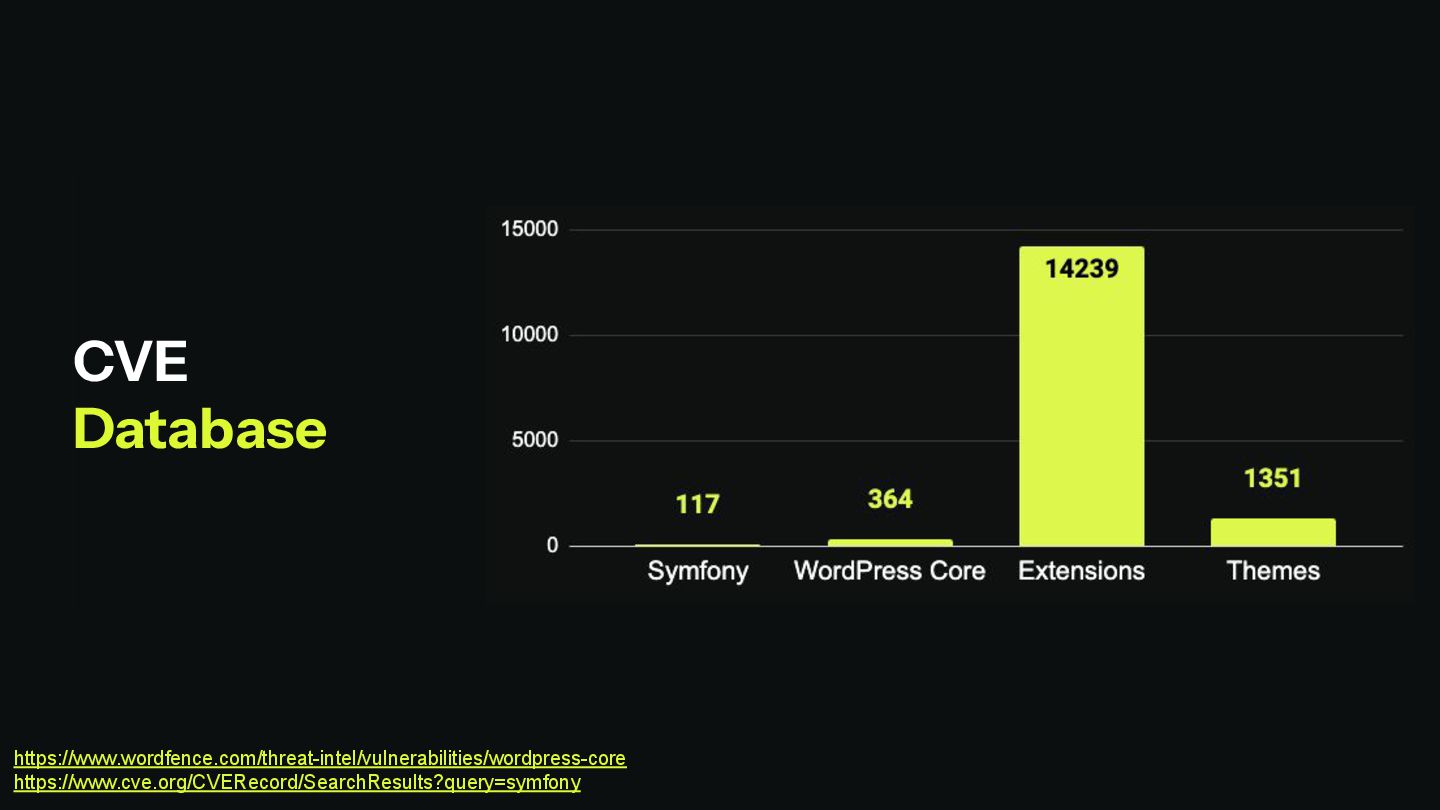
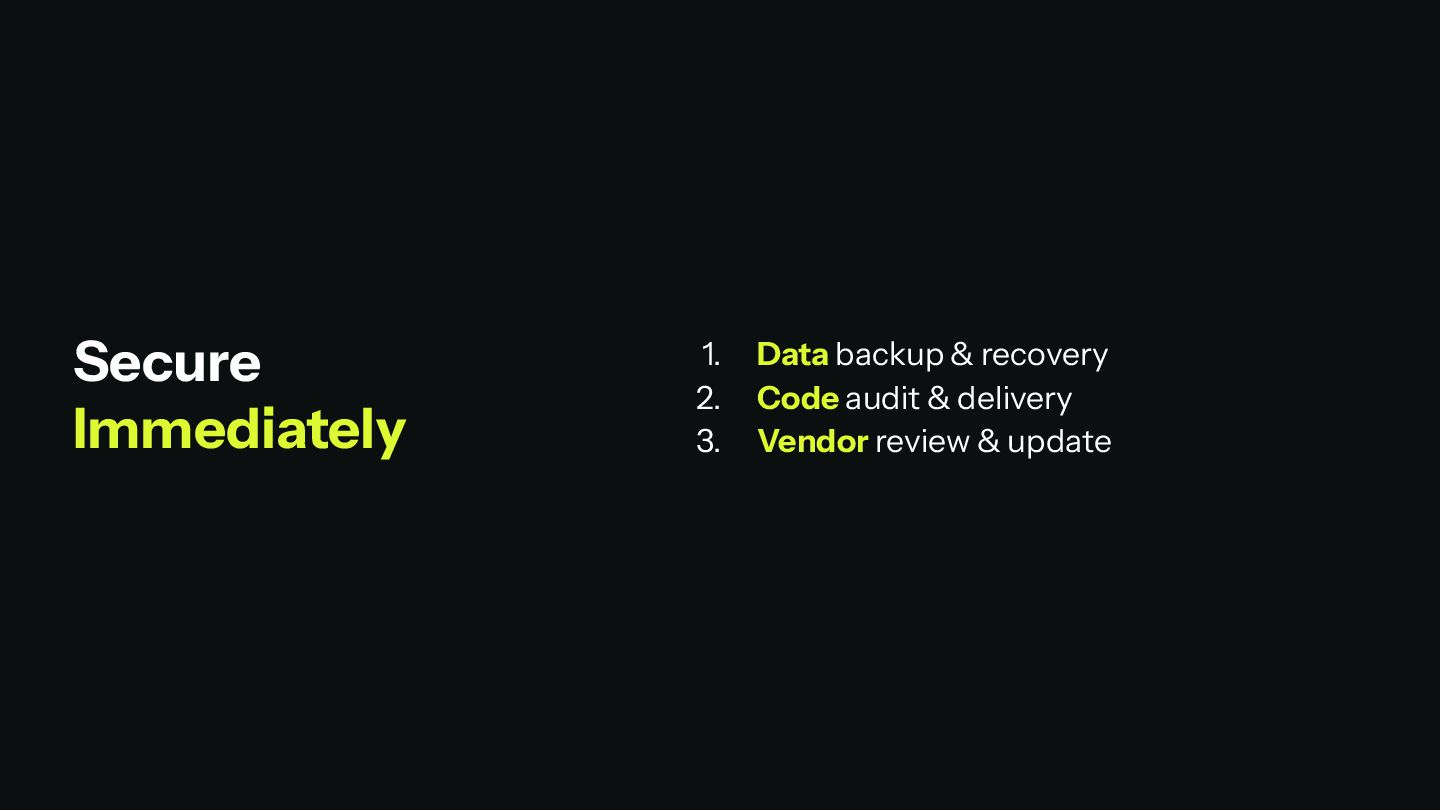
1. Data backup & recovery 2. Code audit & delivery
3. Vendor review & update Secure Immediately -
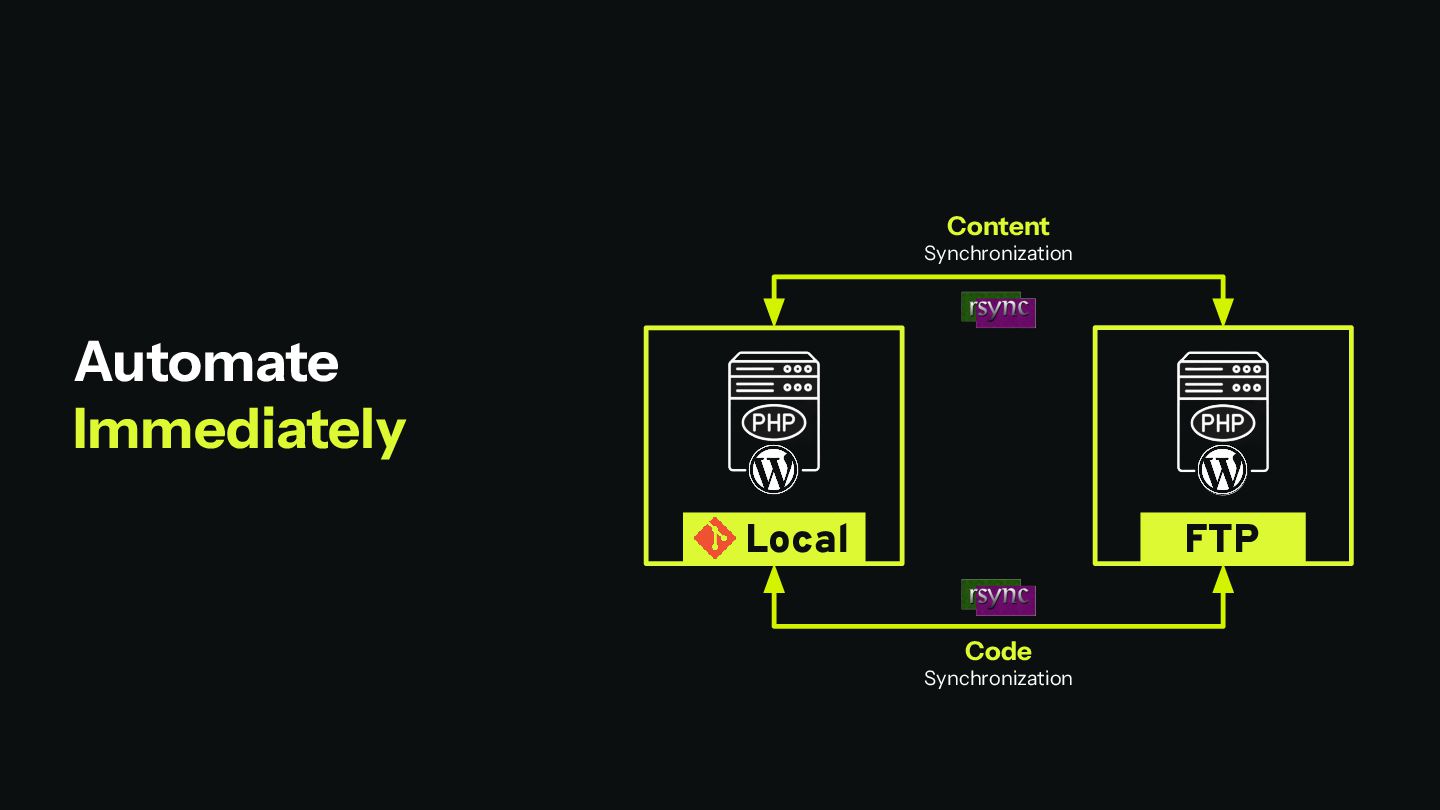
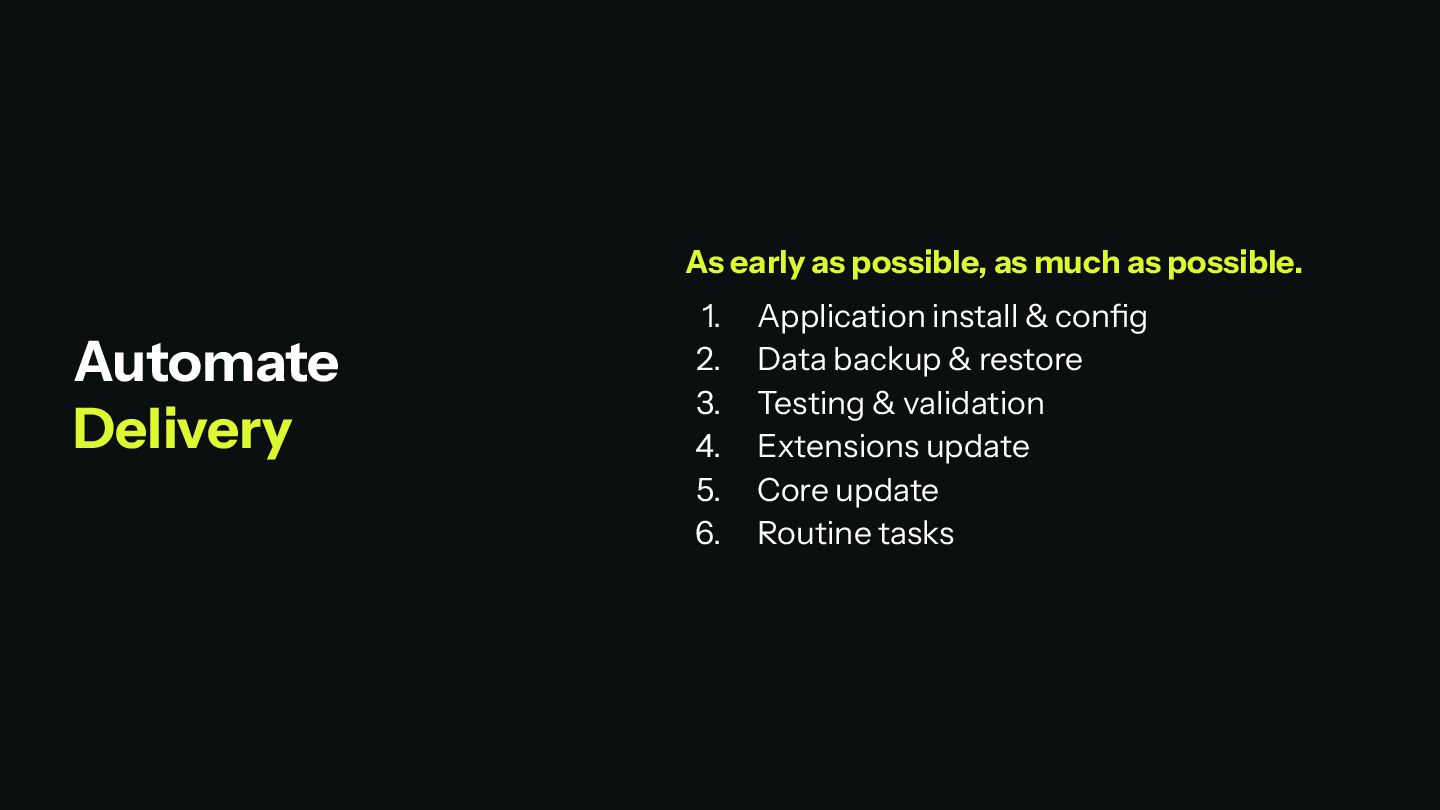
As early as possible, as much as possible. 1. Application
install & config 2. Data backup & restore 3. Testing & validation 4. Extensions update 5. Core update 6. Routine tasks Automate Delivery -
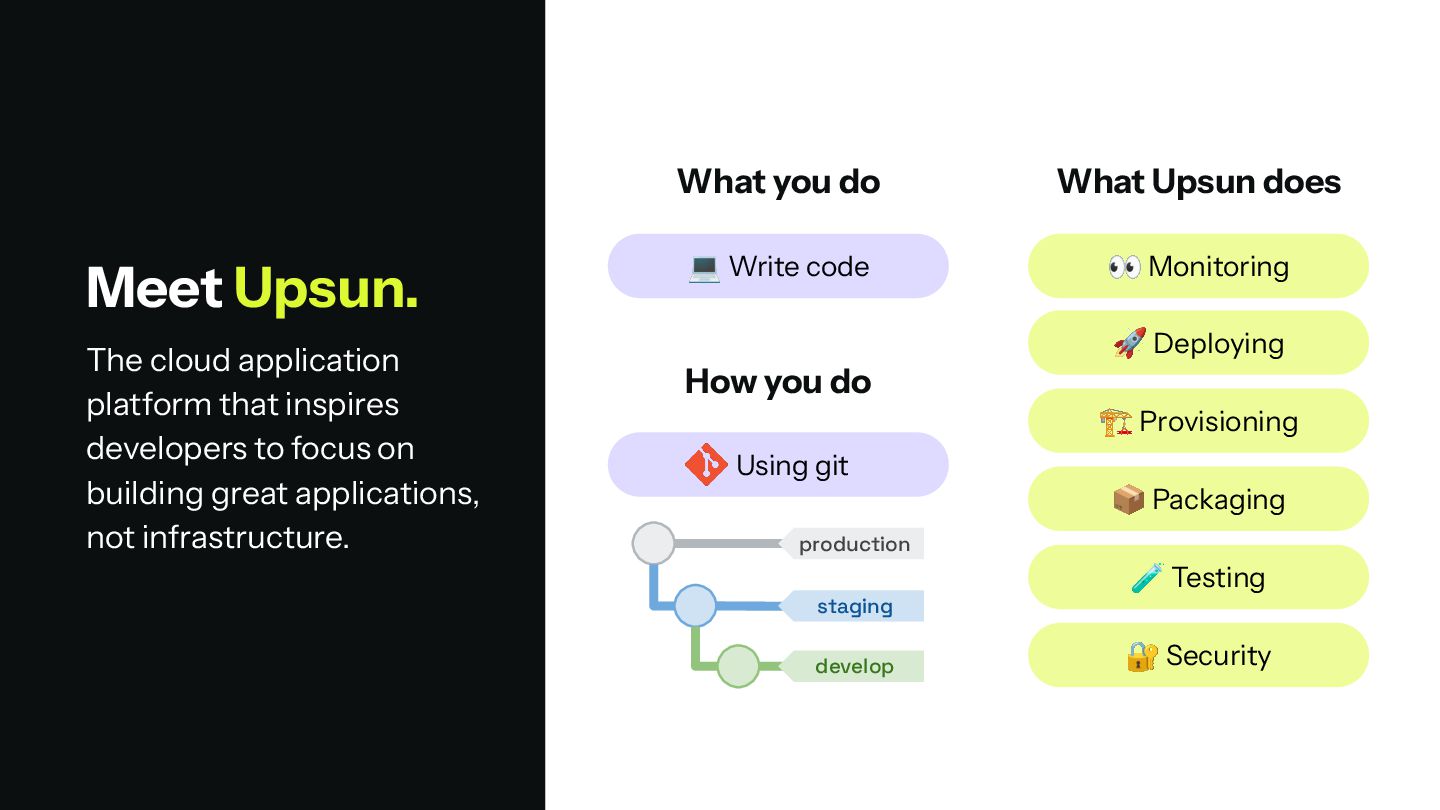
Meet Upsun. The cloud application platform that inspires developers to
focus on building great applications, not infrastructure. What Upsun does What you do 👀 Monitoring 🚀 Deploying 🏗 Provisioning 📦 Packaging 💻 Write code 🔐 Security 🧪 Testing Using git How you do production staging develop -
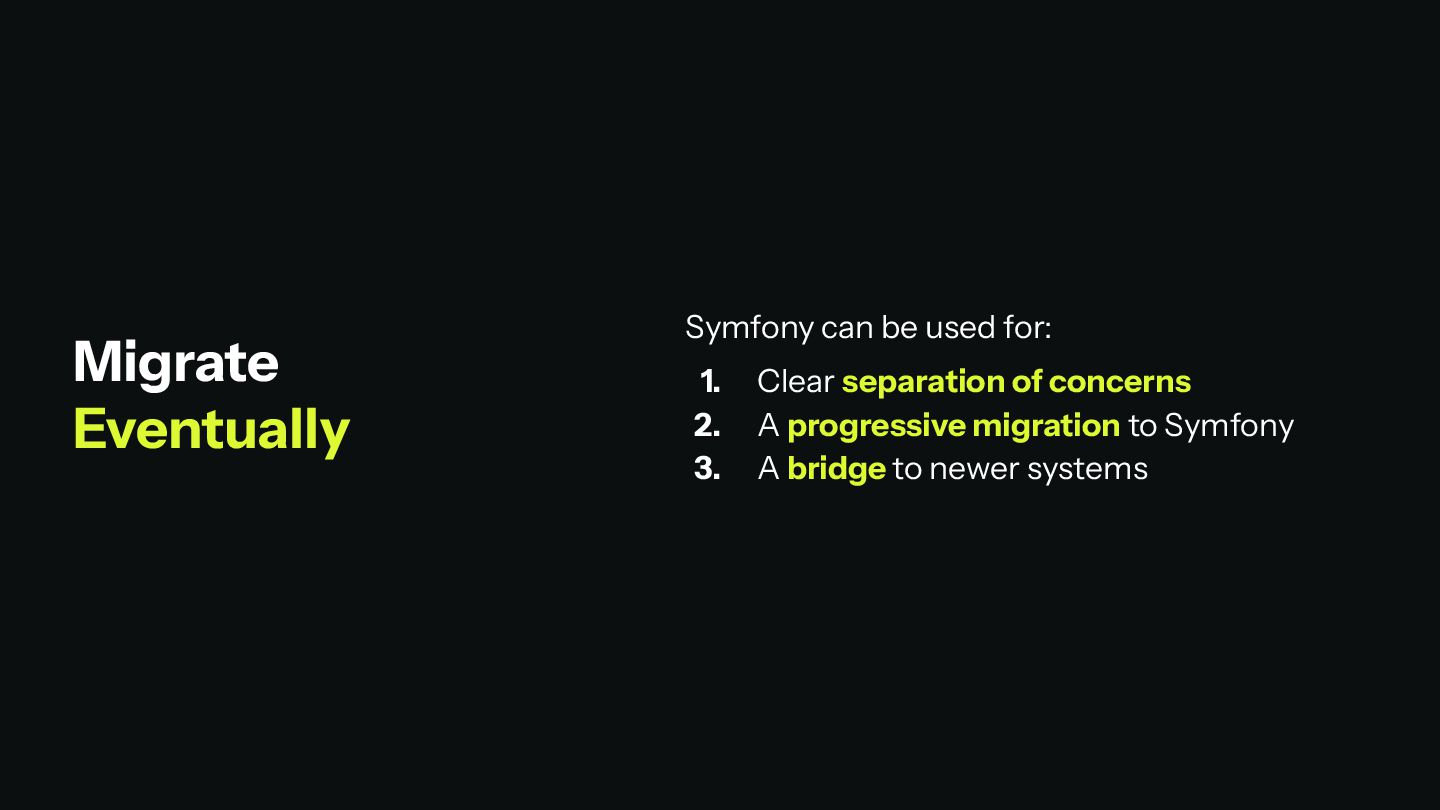
Symfony can be used for: 1. Clear separation of concerns
2. A progressive migration to Symfony 3. A bridge to newer systems Migrate Eventually