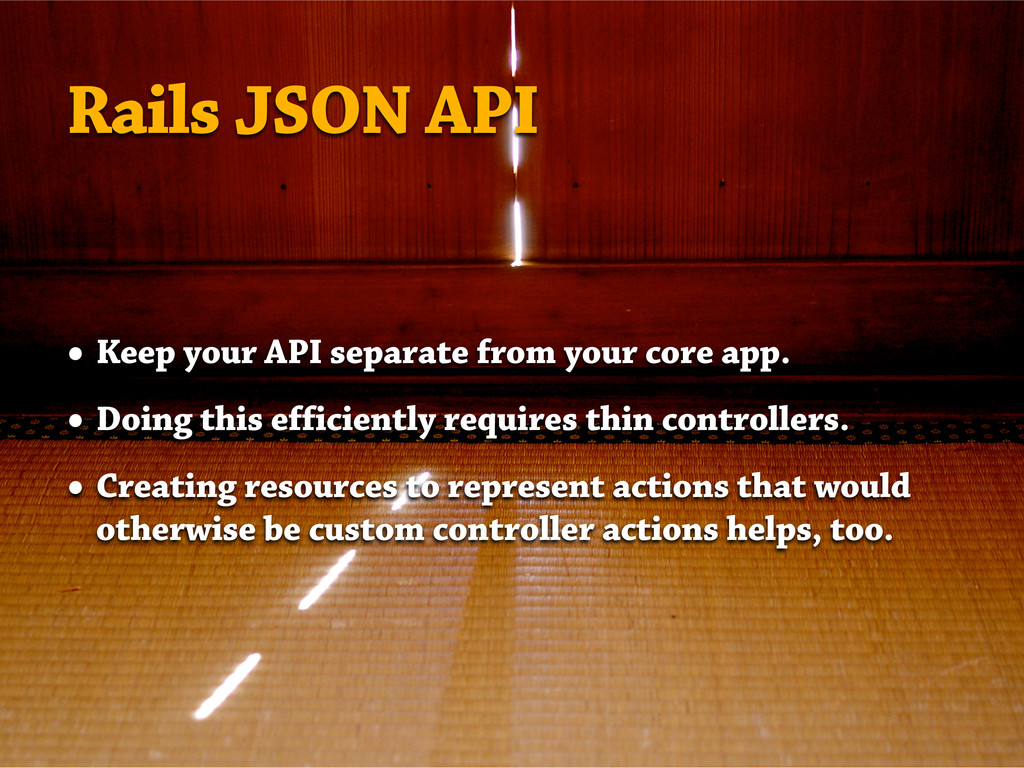
This presentation discusses (and provides example code for) the following things you'll want to think about when integrating your iOS app with a Rails-based API:
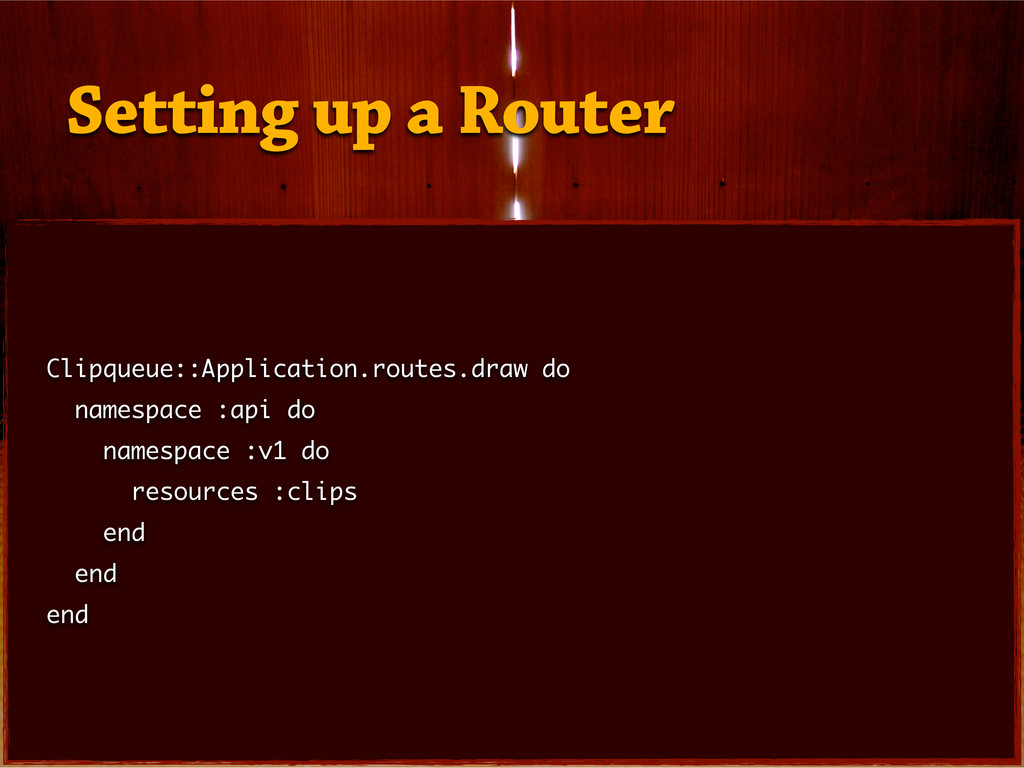
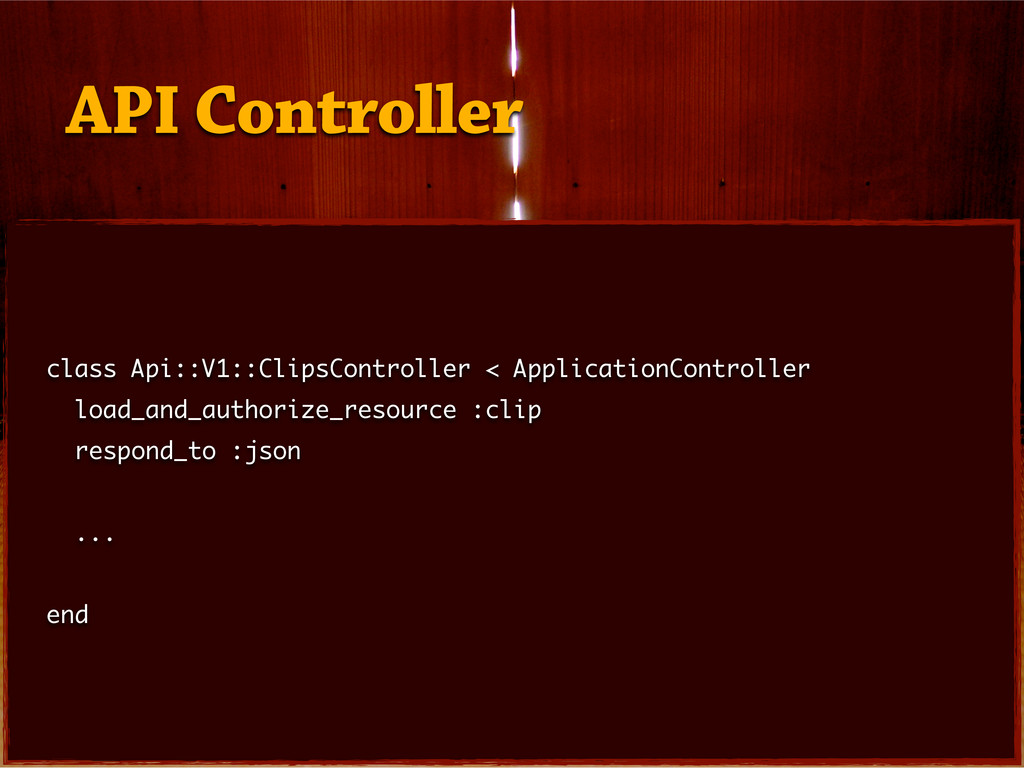
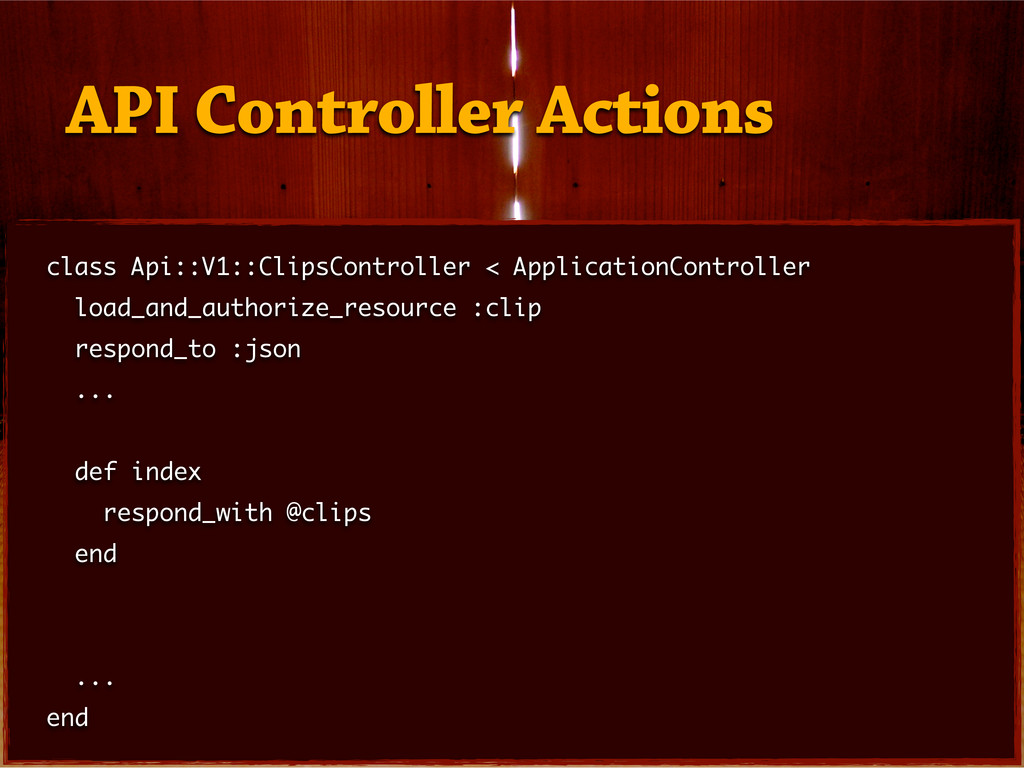
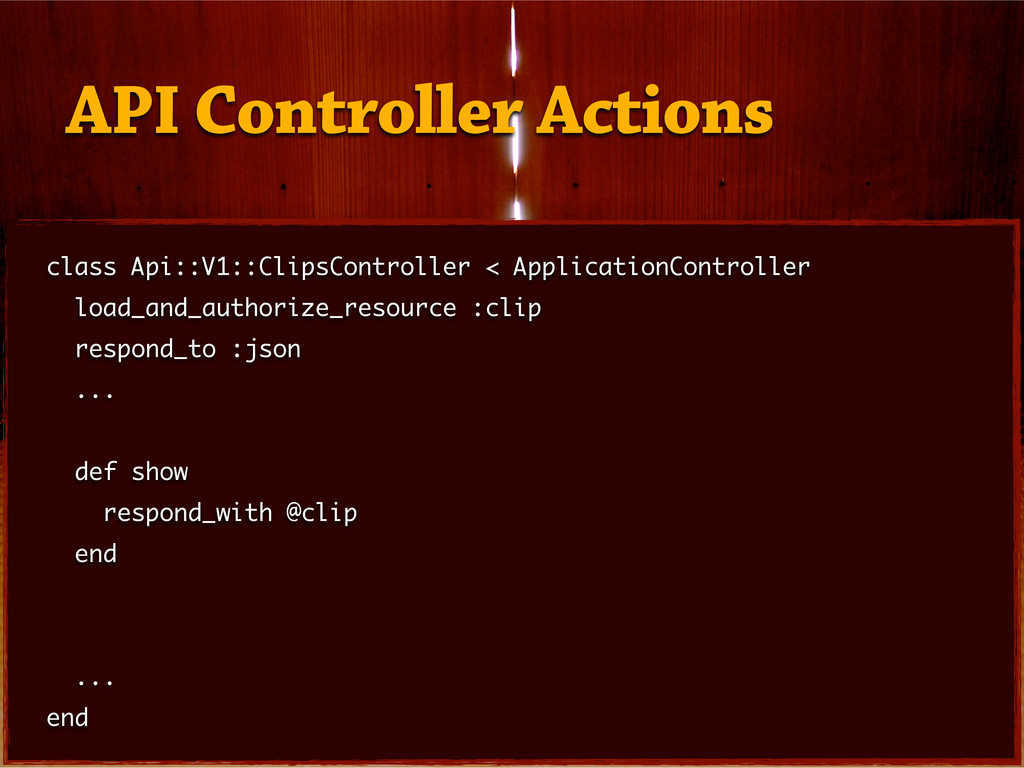
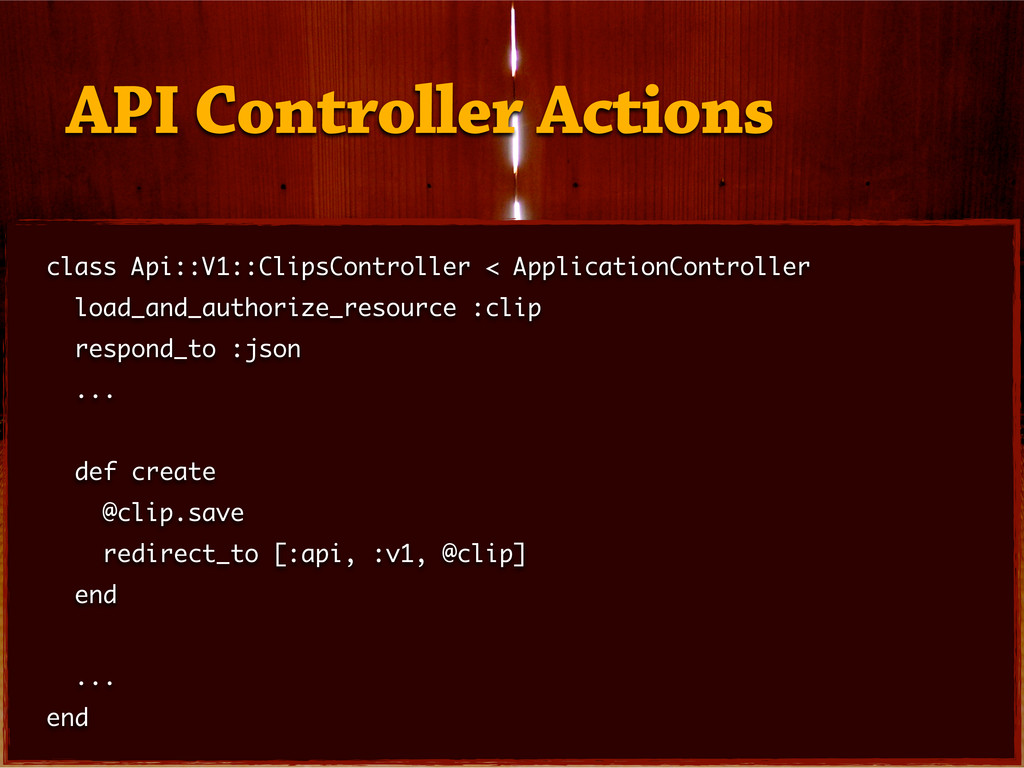
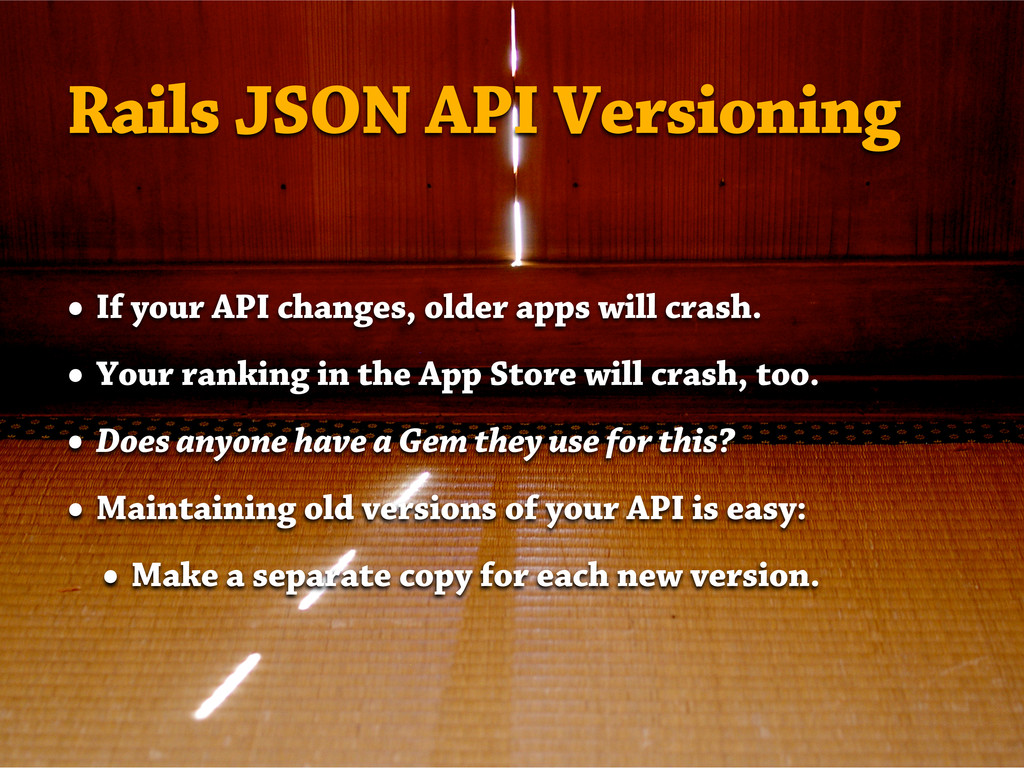
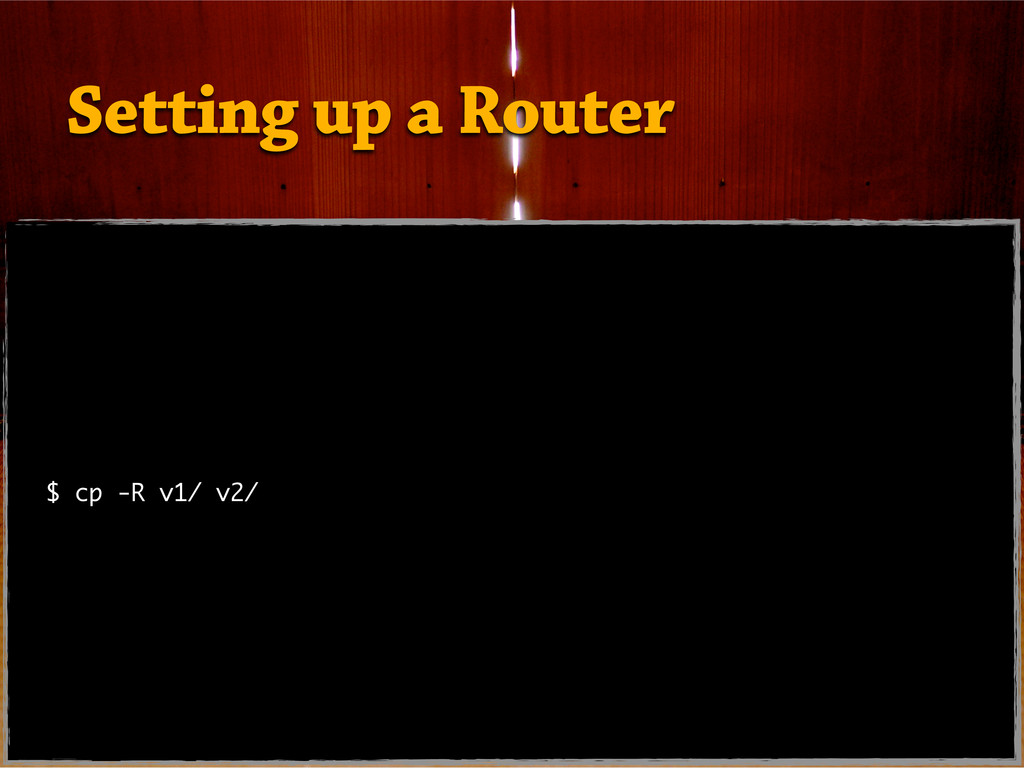
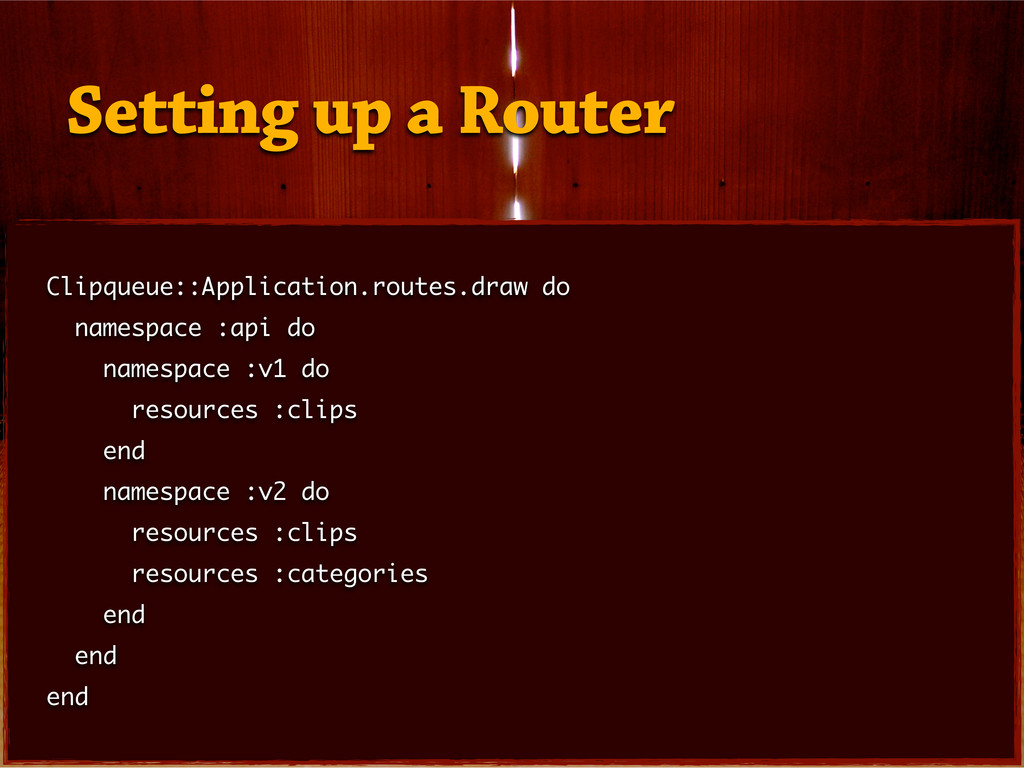
— Rails API Versioning
— RestKit Installation
— Mapping Configuration
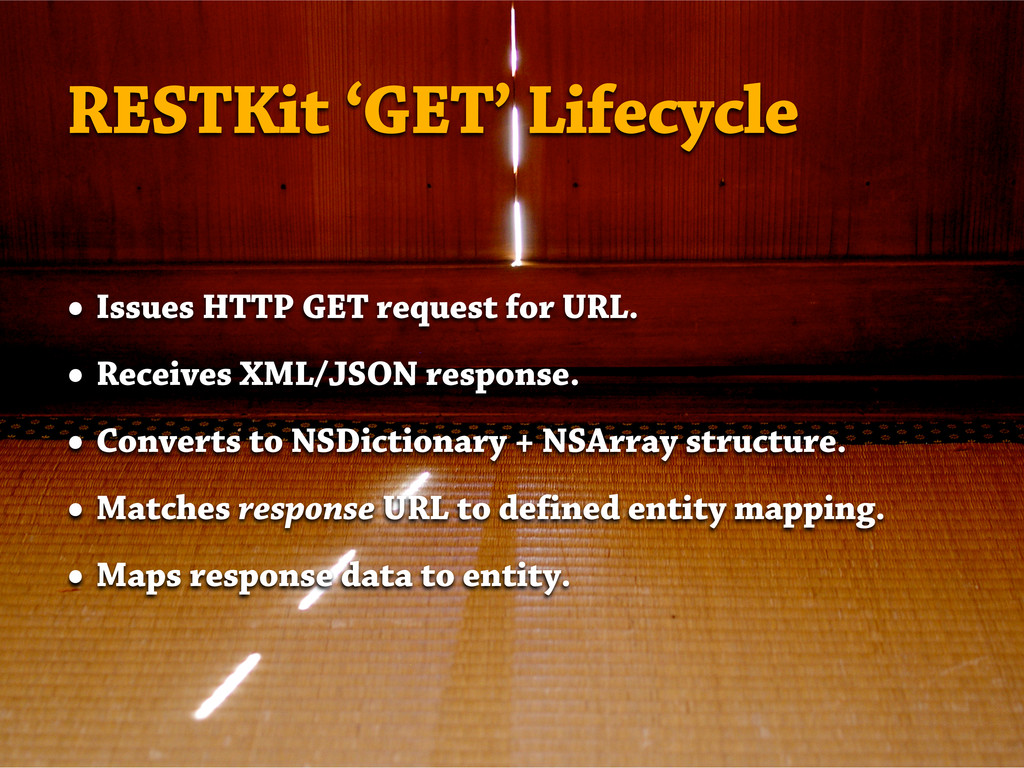
— Pulling and Pushing Data
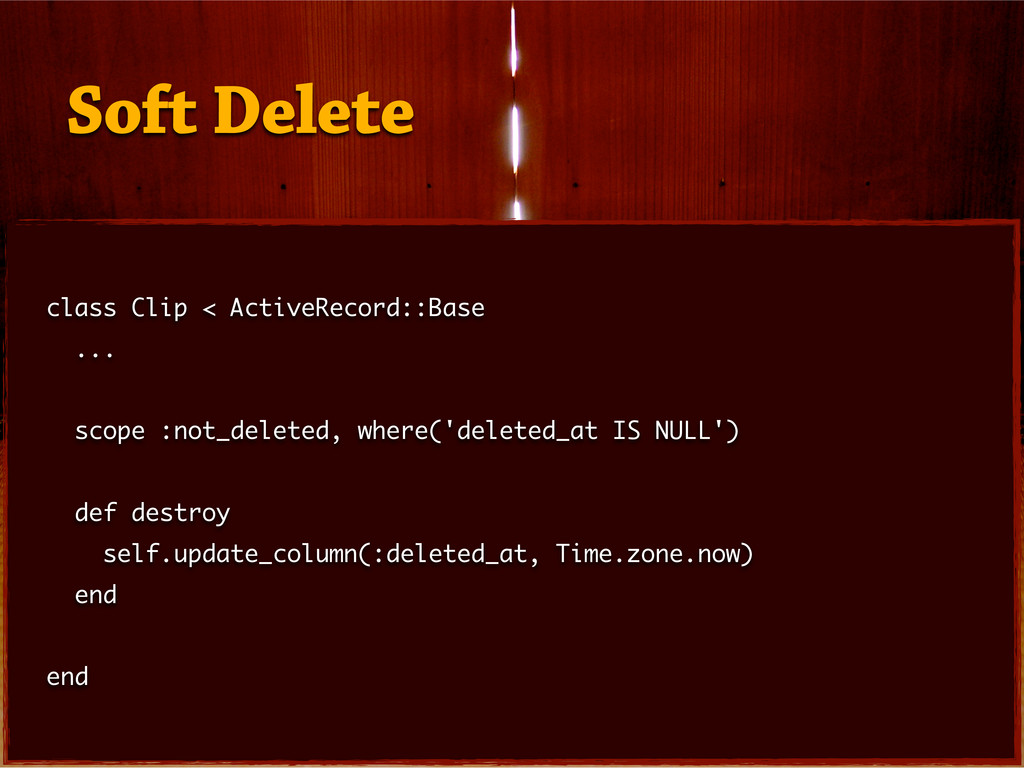
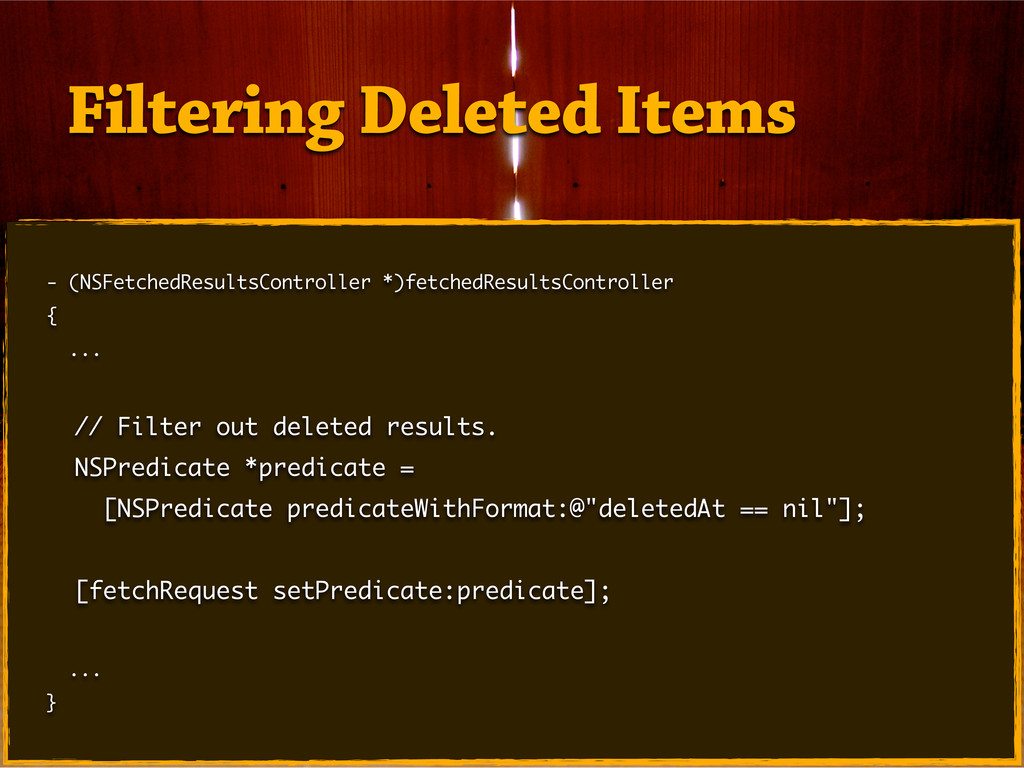
— Offline Mode and Other Syncing
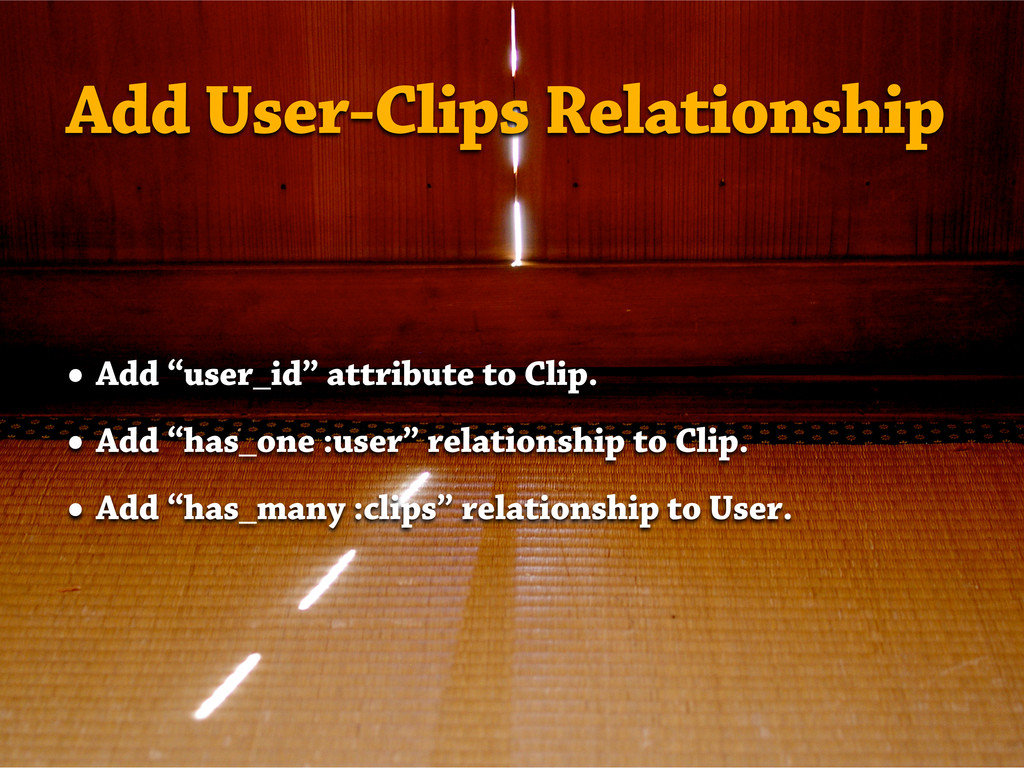
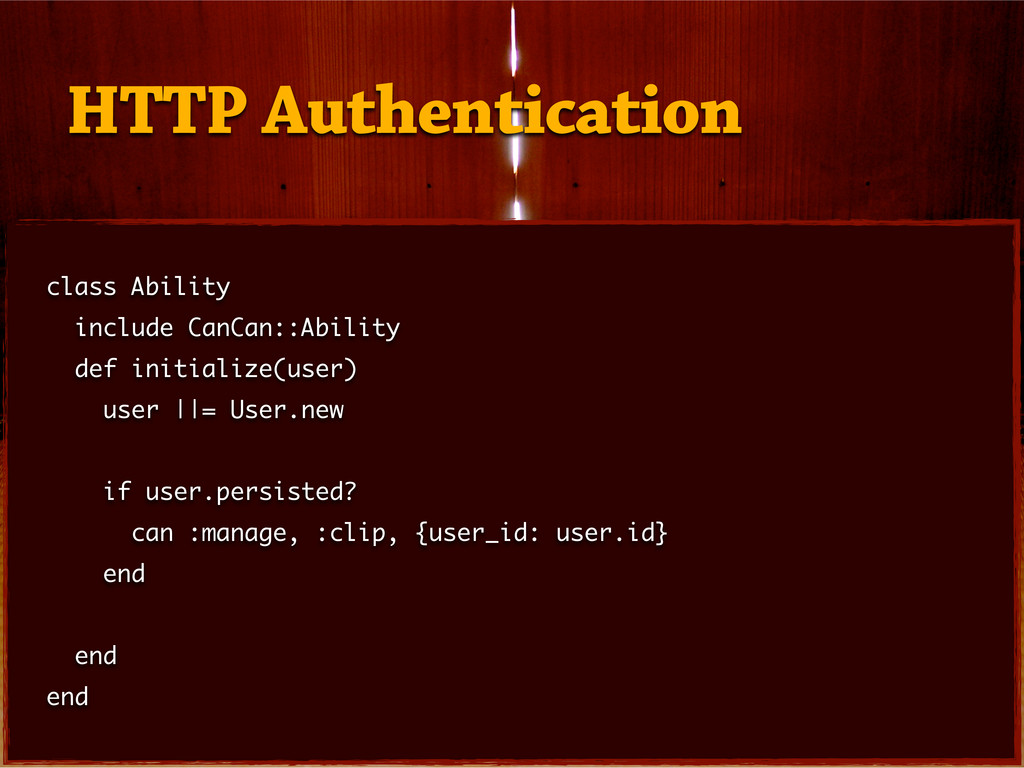
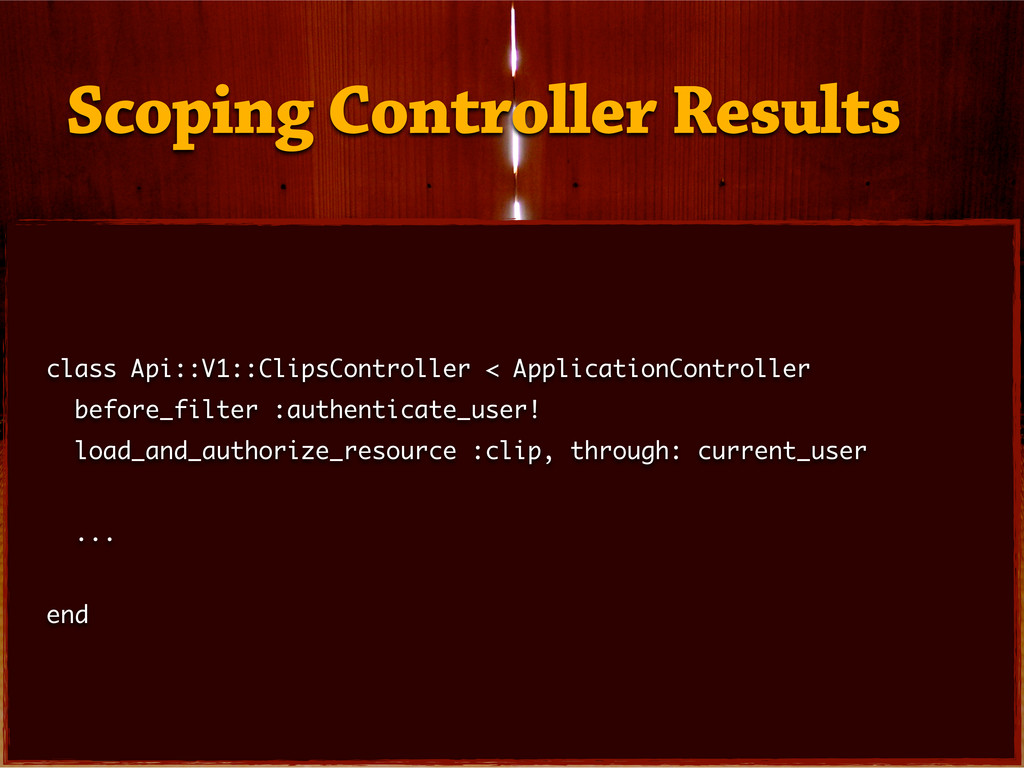
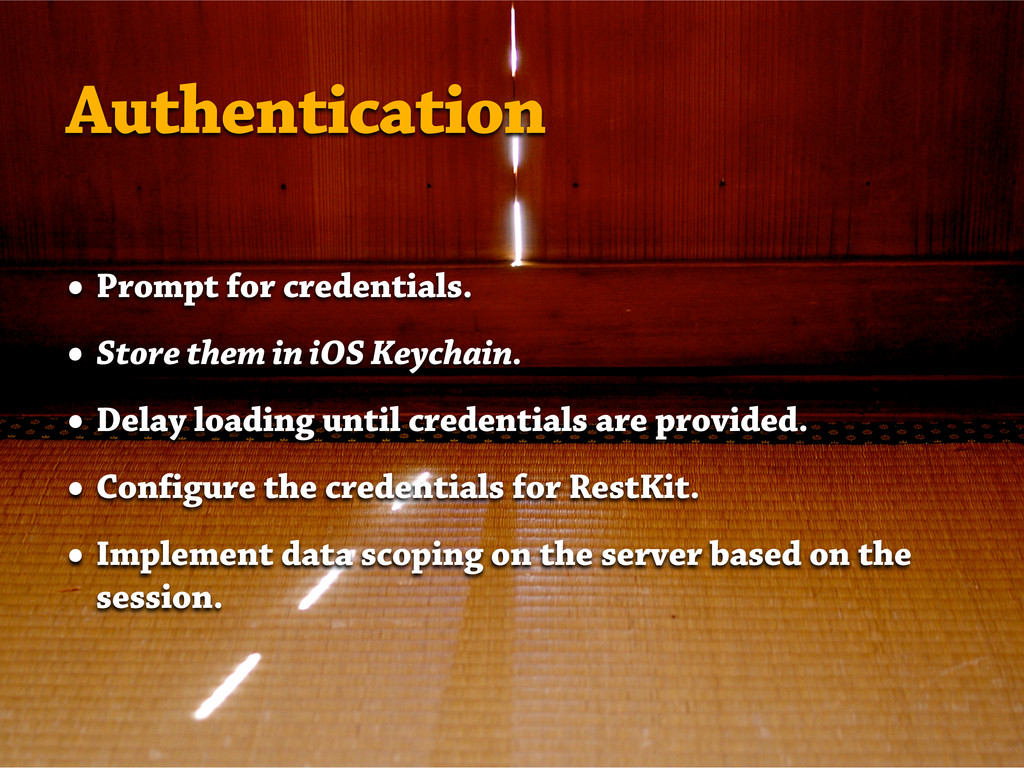
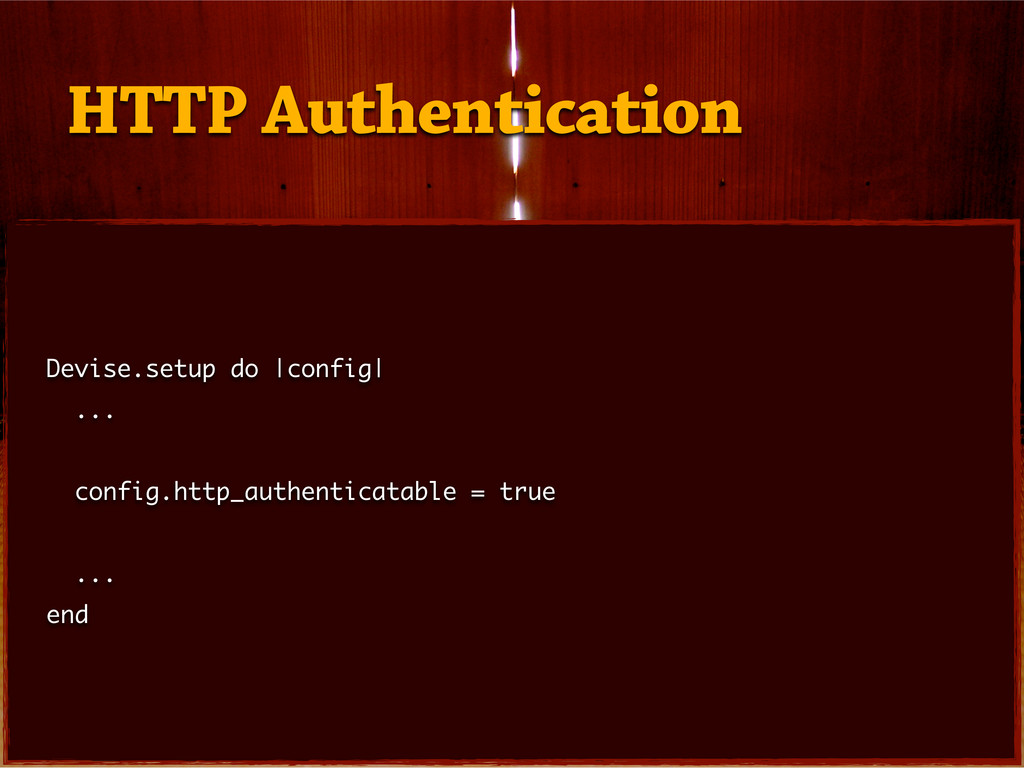
— User Authentication


 andrewculver
 kasacchiful
 yutobara
 chobishiba
 quramy
 chigichan24
 yosuke_furukawa
 n_takehata
 yukikurage
 falcon8823
 econanringo
 sylph01
 xleitix
 lemiorhan
 tenderlove
 katarinadahlin
 427marketing
 panda_program
 watany
 aleyda
 denniskardys
 smashingmag
 techseoconnect
 bryan
bryan
 akademiya2063

![RKEntityMapping *clipMapping = [RKEntityMapping mappingForEntityForName: @"Clip" inManagedObjectStore: managedObjectStore]; [clipMapping addAttributeMappingsFromDictionary:@{](https://files.speakerdeck.com/presentations/004a8de0cace0130fe4816b67735e2ef/slide_34.jpg)
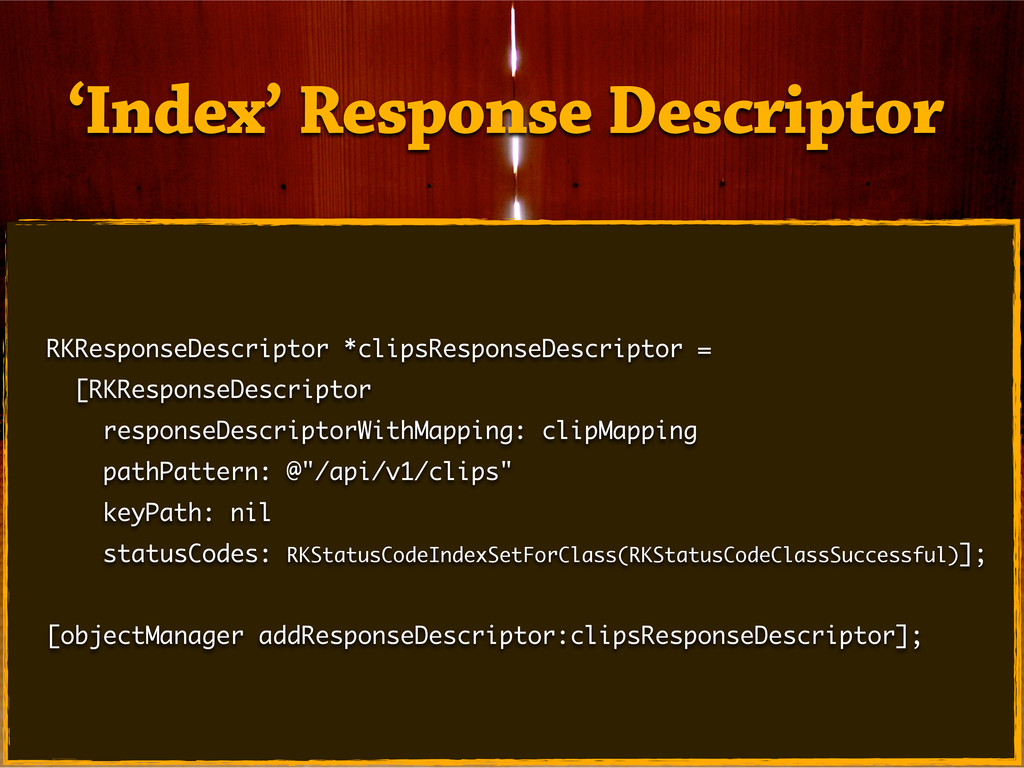
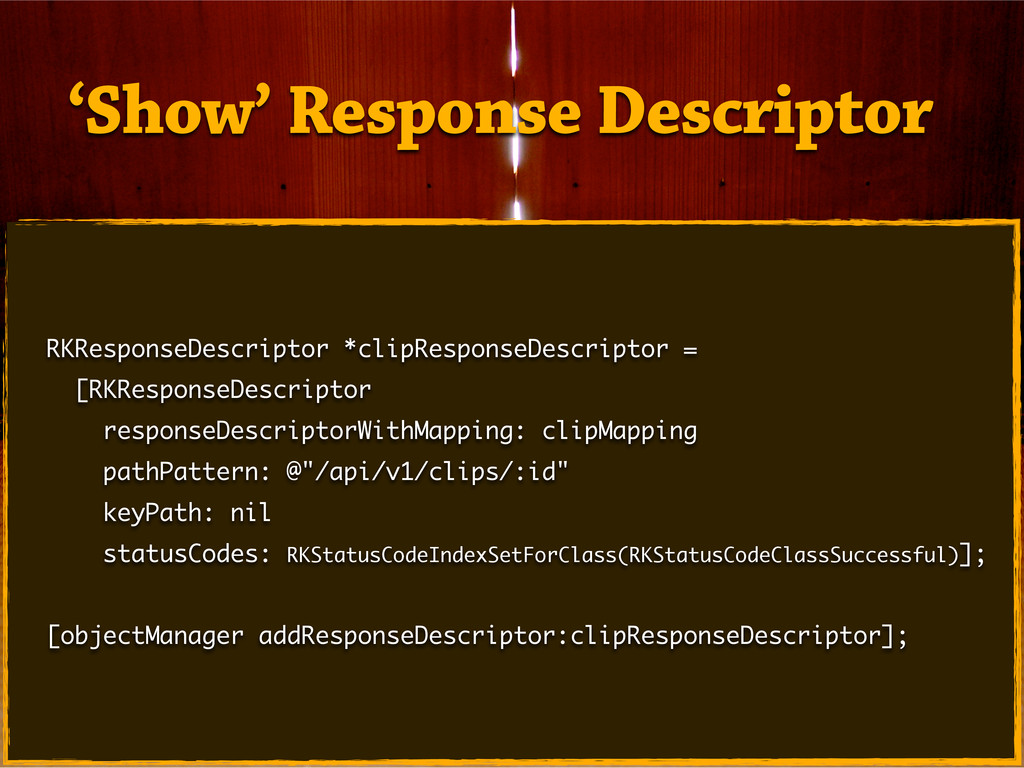
![- (void)loadClips { [[RKObjectManager sharedManager] getObjectsAtPath:@"/api/v1/clips" parameters:nil success:nil failure:nil]; }](https://files.speakerdeck.com/presentations/004a8de0cace0130fe4816b67735e2ef/slide_37.jpg)
![- (void)loadClips { [[RKObjectManager sharedManager] getObjectsAtPath:@"/api/v1/clips" parameters:nil success: ^(RKObjectRequestOperation *operation,](https://files.speakerdeck.com/presentations/004a8de0cace0130fe4816b67735e2ef/slide_38.jpg)
![// In your UITableViewController. UIRefreshControl *refreshControl = [UIRefreshControl new]; [refreshControl](https://files.speakerdeck.com/presentations/004a8de0cace0130fe4816b67735e2ef/slide_41.jpg)
![Clip *clip = (Clip *)[NSEntityDescription insertNewObjectForEntityForName:@"Clip" inManagedObjectContext:self.managedObjectContext]; clip.content = [[UIPasteboard](https://files.speakerdeck.com/presentations/004a8de0cace0130fe4816b67735e2ef/slide_44.jpg)
![[[RKObjectManager sharedManager] postObject:clip path:@"/api/v1/clips" parameters:nil success:nil failure:nil]; Posting a New](https://files.speakerdeck.com/presentations/004a8de0cace0130fe4816b67735e2ef/slide_45.jpg)
![[[RKObjectManager sharedManager] postObject:clip path:@"/api/v1/clips" parameters:nil success: ^(RKObjectRequestOperation *operation, RKMappingResult *mappingResult)](https://files.speakerdeck.com/presentations/004a8de0cace0130fe4816b67735e2ef/slide_46.jpg)
![RKRequestDescriptor *newClipRequestDescriptor = [RKRequestDescriptor requestDescriptorWithMapping:[clipMapping inverseMapping] objectClass:[Clip class] rootKeyPath:@"clip"]; [objectManager](https://files.speakerdeck.com/presentations/004a8de0cace0130fe4816b67735e2ef/slide_47.jpg)
![NSString *dataBaseString = [RKApplicationDataDirectory() stringByAppendingPathComponent:@"ClipQueue.sqlite"]; NSPersistentStore __unused *persistentStore = [managedObjectStore](https://files.speakerdeck.com/presentations/004a8de0cace0130fe4816b67735e2ef/slide_55.jpg)
![RKEntityMapping *clipMapping = [RKEntityMapping mappingForEntityForName: @"Clip" inManagedObjectStore: managedObjectStore]; [clipMapping addAttributeMappingsFromDictionary:@{](https://files.speakerdeck.com/presentations/004a8de0cace0130fe4816b67735e2ef/slide_56.jpg)
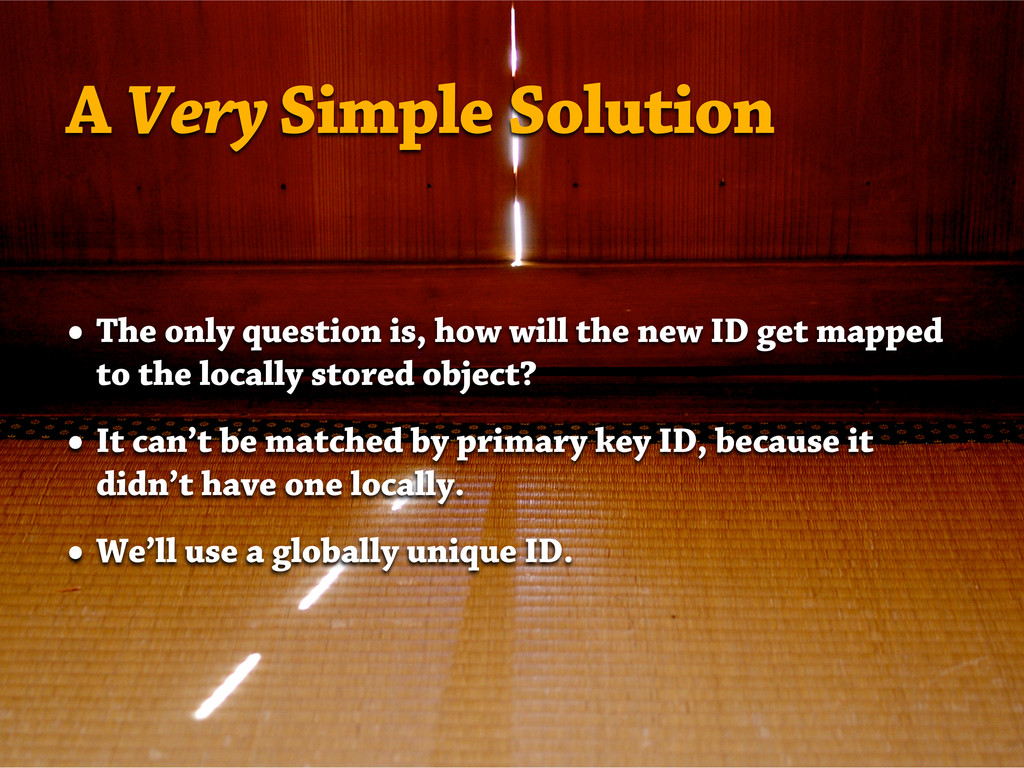
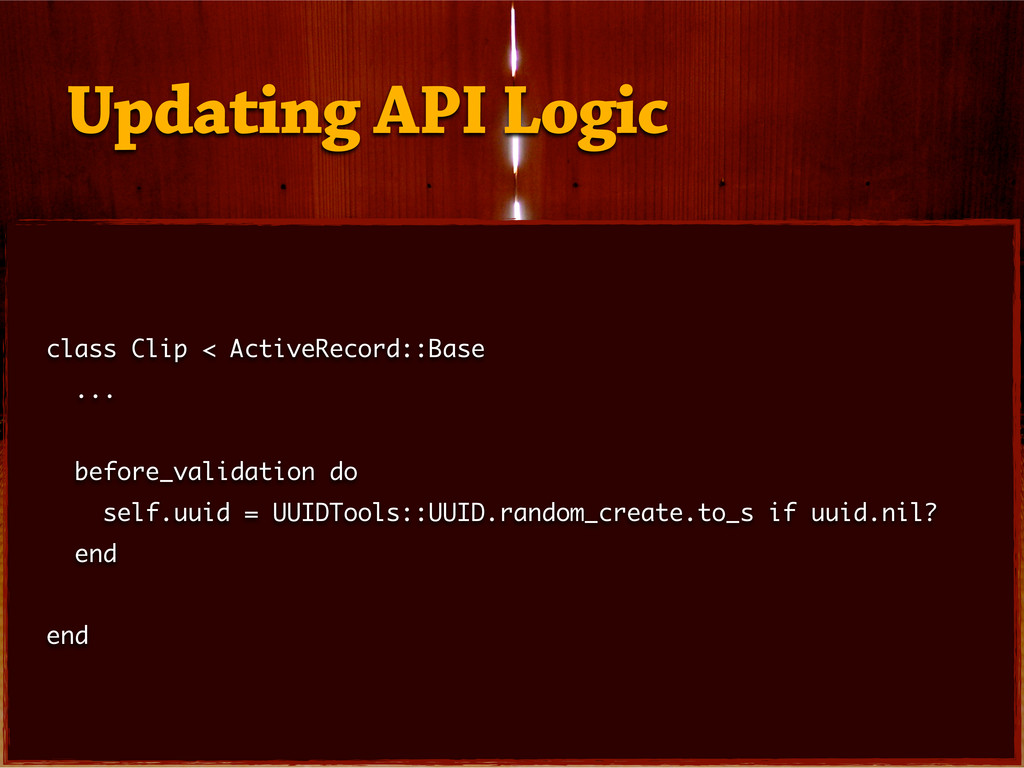
![clip.uuid = [self getUUID]; [[RKObjectManager sharedManager] postObject:clip path:@"/api/v1/clips" parameters:nil success:](https://files.speakerdeck.com/presentations/004a8de0cace0130fe4816b67735e2ef/slide_57.jpg)
![NSFetchRequest *request = [[NSFetchRequest alloc] init]; NSEntityDescription *entity = [NSEntityDescription](https://files.speakerdeck.com/presentations/004a8de0cace0130fe4816b67735e2ef/slide_58.jpg)
![- (void)viewWillAppear:(BOOL)animated { [super viewWillAppear:animated]; if ([self shouldDisplayLoginModal]) { [self](https://files.speakerdeck.com/presentations/004a8de0cace0130fe4816b67735e2ef/slide_69.jpg)
![- (void)viewDidAppear:(BOOL)animated { [super viewDidAppear:animated]; if (![self shouldDisplayLoginModal]) { [self](https://files.speakerdeck.com/presentations/004a8de0cace0130fe4816b67735e2ef/slide_70.jpg)
![RKObjectManager* objectManager = [RKObjectManager sharedManager]; objectManager.client.username = emailAddressField.text; objectManager.client.password =](https://files.speakerdeck.com/presentations/004a8de0cace0130fe4816b67735e2ef/slide_71.jpg)