Upgrade to Pro
— share decks privately, control downloads, hide ads and more …
Speaker Deck
Sign up for free
Menu
Search
Features
All features
Private URLs
Password Protection
Custom URLS
Scheduled publishing
Remove Branding
Restrict embedding
Deck Collections
Notes
Features
All features
Private URLs
Password Protection
Custom URLS
Scheduled publishing
Remove Branding
Restrict embedding
Deck Collections
Notes
Explore
Featured decks
Featured speakers
Programming
Technology
Storyboards
Explore
Featured decks
Featured speakers
Programming
Technology
Storyboards
Pricing
Search
Sign in
Sign up for free
Android Build Performance at DenverDroids
Search
Tony Robalik
July 16, 2019
Programming
130
1
Share
Embed
Copy iframe code
Copy JS code
Copy link
Start on current slide
Android Build Performance at DenverDroids
Tony Robalik
July 16, 2019
More Decks by Tony Robalik
See All by Tony Robalik
Android Build Performance - DroidconSF 2018
autonomousapps
1
93
Improving Android Build Performance
autonomousapps
4
690
Other Decks in Programming
See All in Programming
エージェントを使い続けるためのメタワーク / Meta-work for keeping using the agent
rkaga
6
1.9k
[2026-10-14](C)Re:ゼロから始める異世界生活〜始まりの終わりと終わりの始まり〜
tosite
0
160
Inertia Rails: The One-Person Framework with React & Friends
skryukov
0
120
Atomic Design, Enforced: Scaling Mobile Design Systems (next.app devCon / droidCon Berlin 2026)
steliosf
PRO
0
180
Web Framework Benchmark Battle 2026, Any%
a_matsuda
3
3k
学びを記事・スライド・Xへ高速展開する― AI-assisted Learning Loopで回すコンテンツ生成術
ochtum
0
150
気持ちぃ〜角丸 Squircle
ryu1013
0
340
Vue Fes Japan の “作る側”に関わってみて
naokihaba
1
190
PyConTW 2026 - AI Coding 不只是工具升級, 區域醫院醫療資訊系統協作開發與資訊團隊轉型實踐
cclai999
0
200
Findy - エンジニア向け会社紹介/Findy Company Deck
findyinc
6
400k
AmebaブログはKMPから卒業します
kmars0605
0
240
複雑なUIコンポーネントとの ⻑い付き合い⽅:波及するバグからテスト戦略を経て、安全な再設計へ
mixplace
0
460
Featured
See All Featured
Done Done
chrislema
187
17k
Why You Should Never Use an ORM
jnunemaker
PRO
61
10k
We Have a Design System, Now What?
morganepeng
55
8.4k
The AI Revolution Will Not Be Monopolized: How open-source beats economies of scale, even for LLMs
inesmontani
PRO
3
3.8k
Improving Core Web Vitals using Speculation Rules API
sergeychernyshev
21
1.7k
Lightning Talk: Beautiful Slides for Beginners
inesmontani
PRO
2
740
Rebuilding a faster, lazier Slack
samanthasiow
85
9.7k
VelocityConf: Rendering Performance Case Studies
addyosmani
331
25k
Redefining SEO in the New Era of Traffic Generation
szymonslowik
1
490
I Don’t Have Time: Getting Over the Fear to Launch Your Podcast
jcasabona
35
2.9k
Keith and Marios Guide to Fast Websites
keithpitt
413
23k
Java REST API Framework Comparison - PWX 2021
mraible
34
9.8k
Transcript
Improving Android Build Performance Tony Robalik, Gradle Inc.
None
The Cost of Builds (#perfmatters)
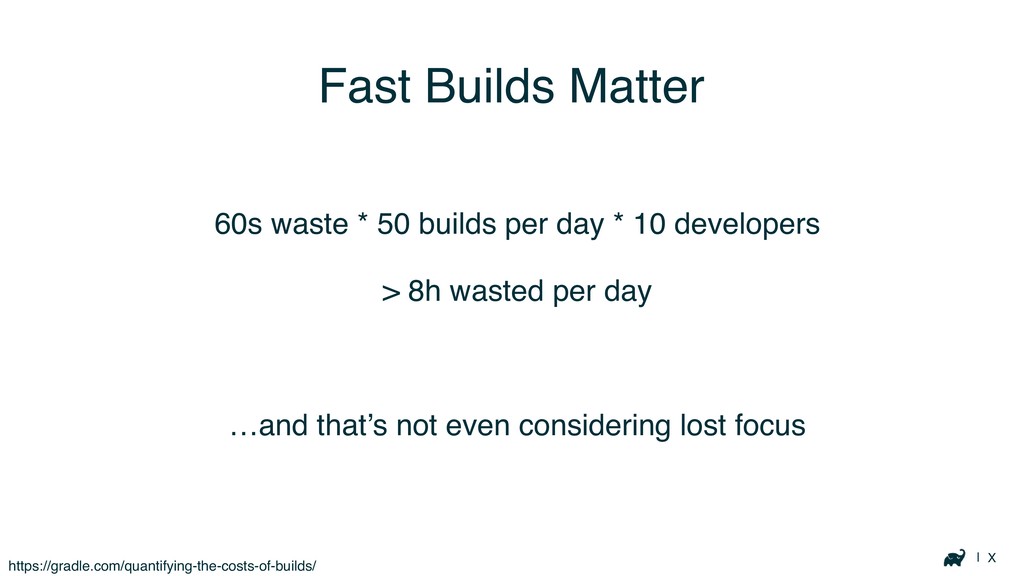
| X Fast Builds Matter 60s waste * 50 builds
per day * 10 developers > 8h wasted per day …and that’s not even considering lost focus https://gradle.com/quantifying-the-costs-of-builds/
| X
| X
| X Fast Builds Matter Don’t even get me started
on morale…
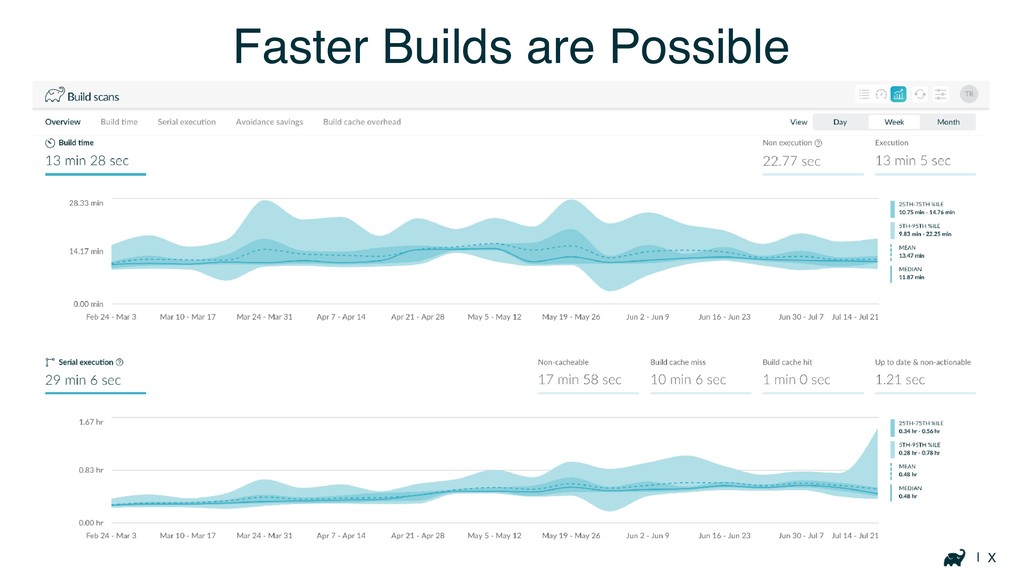
| X Faster Builds are Possible
General Advice
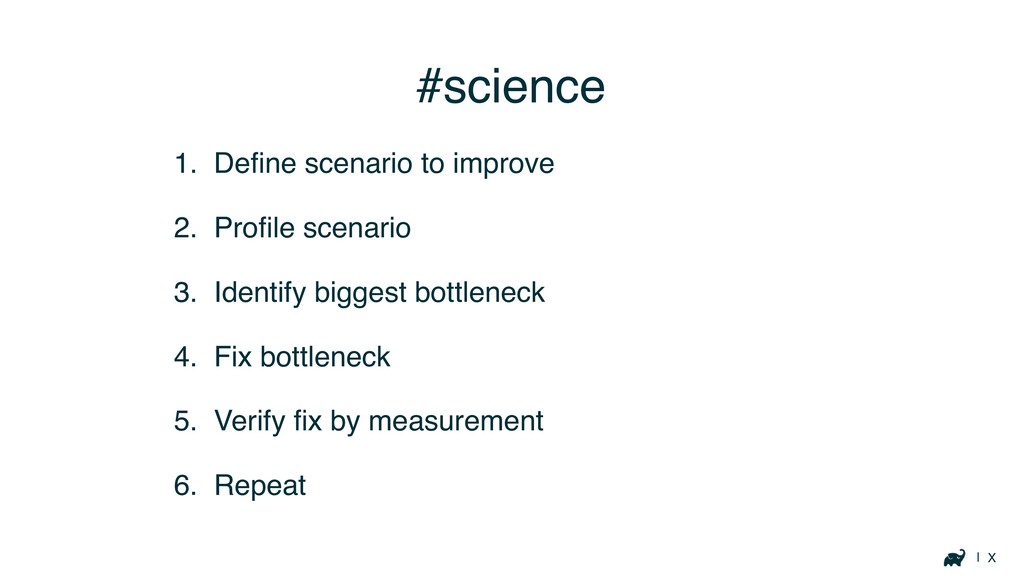
| X #science 1. Define scenario to improve 2. Profile
scenario 3. Identify biggest bottleneck 4. Fix bottleneck 5. Verify fix by measurement 6. Repeat
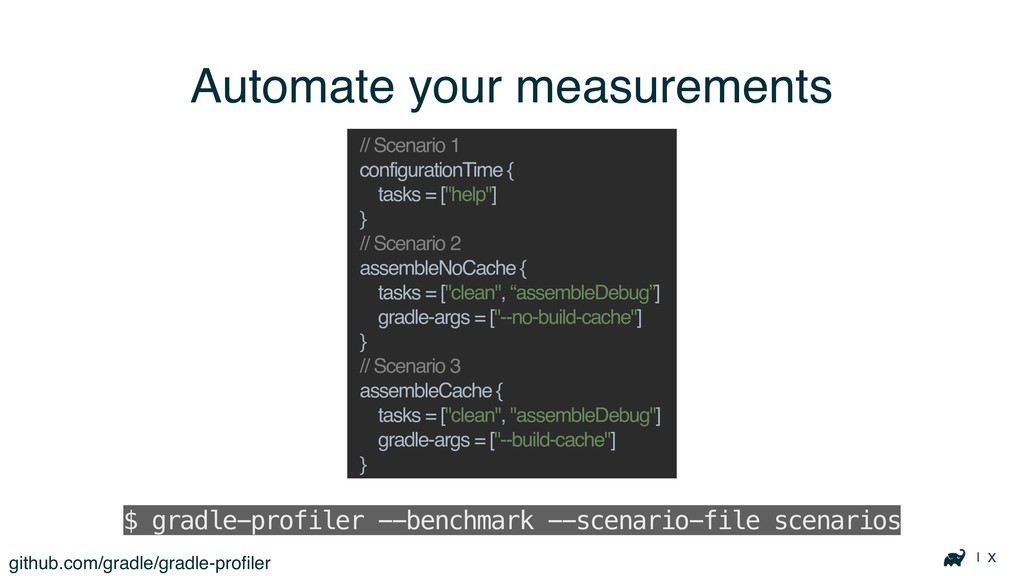
| X Automate your measurements github.com/gradle/gradle-profiler $ gradle-profiler --benchmark --scenario-file
scenarios // Scenario 1 configurationTime { tasks = ["help"] } // Scenario 2 assembleNoCache { tasks = ["clean", “assembleDebug”] gradle-args = ["--no-build-cache"] } // Scenario 3 assembleCache { tasks = ["clean", "assembleDebug"] gradle-args = ["--build-cache"] }
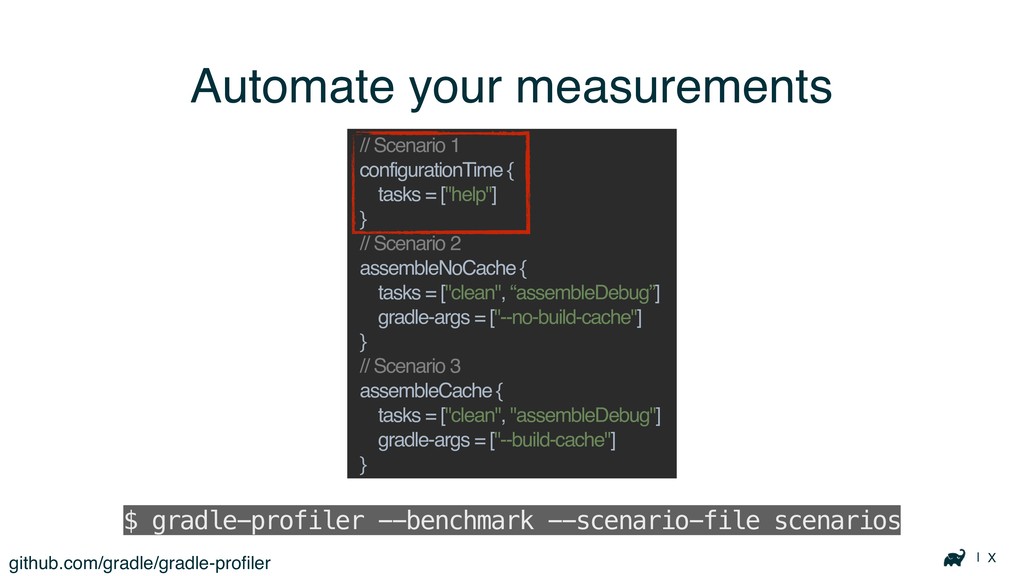
| X Automate your measurements github.com/gradle/gradle-profiler $ gradle-profiler --benchmark --scenario-file
scenarios // Scenario 1 configurationTime { tasks = ["help"] } // Scenario 2 assembleNoCache { tasks = ["clean", “assembleDebug”] gradle-args = ["--no-build-cache"] } // Scenario 3 assembleCache { tasks = ["clean", "assembleDebug"] gradle-args = ["--build-cache"] }
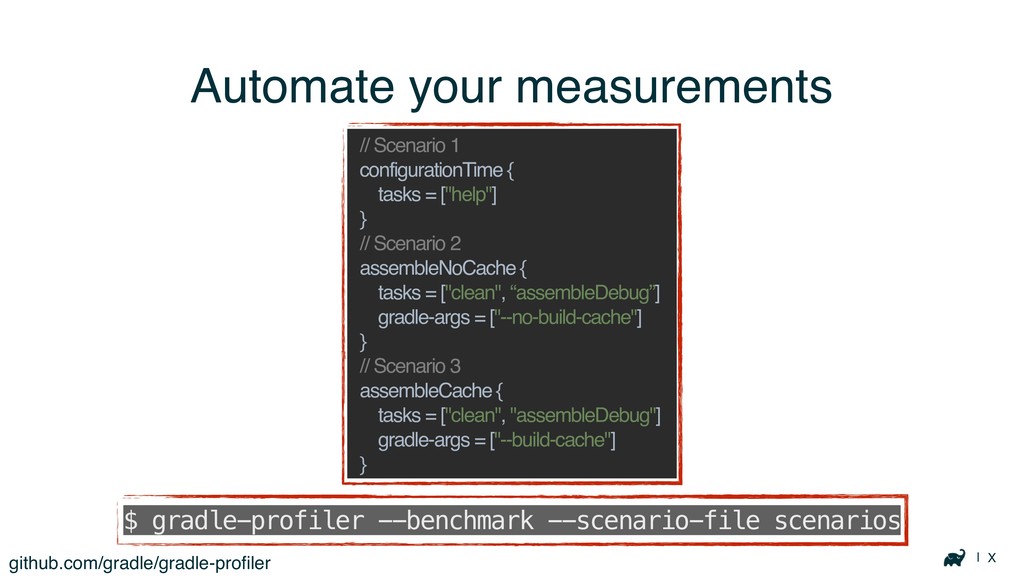
| X Automate your measurements github.com/gradle/gradle-profiler $ gradle-profiler --benchmark --scenario-file
scenarios // Scenario 1 configurationTime { tasks = ["help"] } // Scenario 2 assembleNoCache { tasks = ["clean", “assembleDebug”] gradle-args = ["--no-build-cache"] } // Scenario 3 assembleCache { tasks = ["clean", "assembleDebug"] gradle-args = ["--build-cache"] }
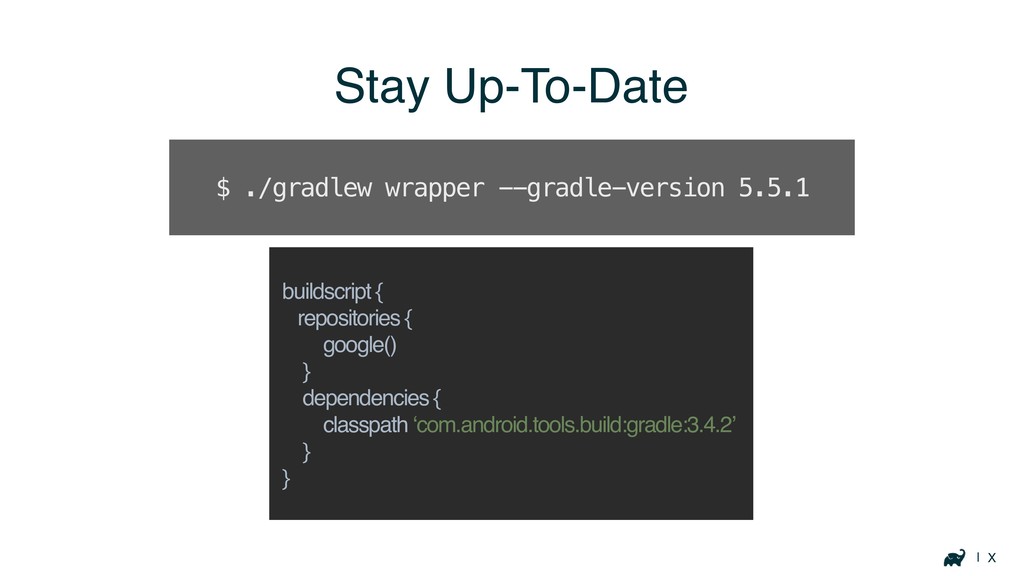
| X Stay Up-To-Date buildscript { repositories { google() }
dependencies { classpath ‘com.android.tools.build:gradle:3.4.2’ } } $ ./gradlew wrapper --gradle-version 5.5.1
| X JVM tuning Provide enough heap space Other tweaks
often do more harm than good Spend your time on structural improvements
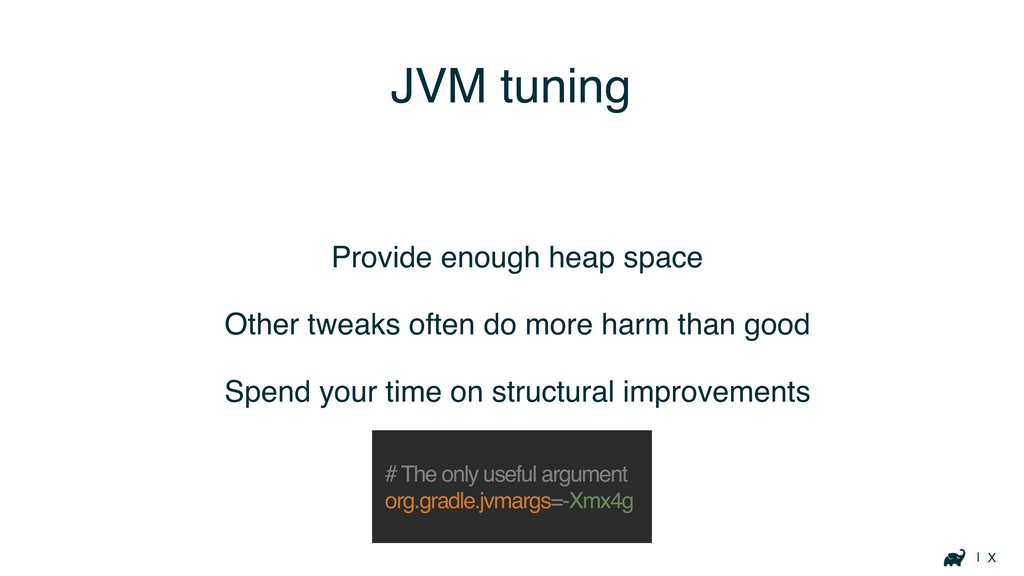
| X JVM tuning Provide enough heap space Other tweaks
often do more harm than good Spend your time on structural improvements # The only useful argument org.gradle.jvmargs=-Xmx4g
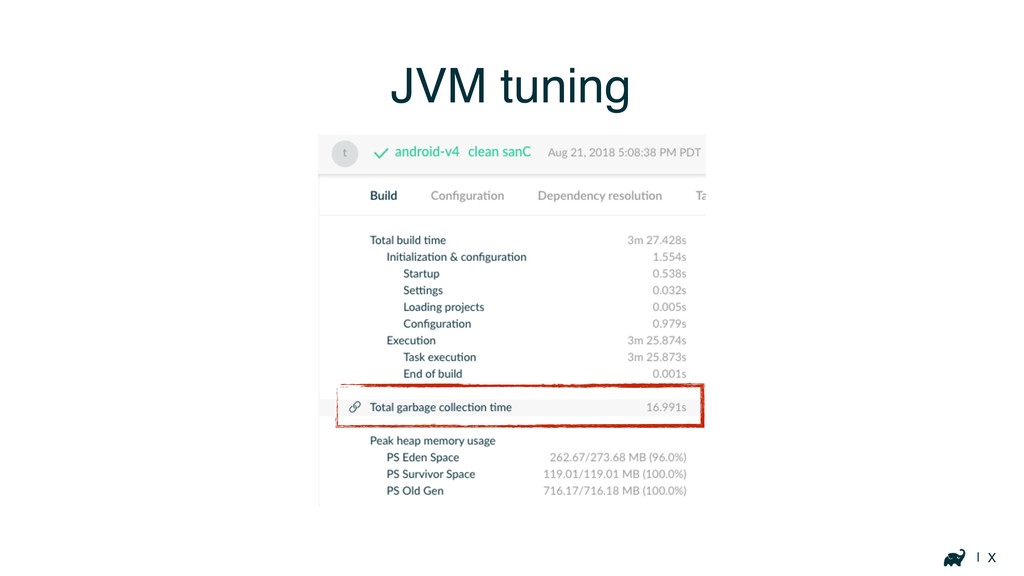
| X JVM tuning
Diagnosing build issues
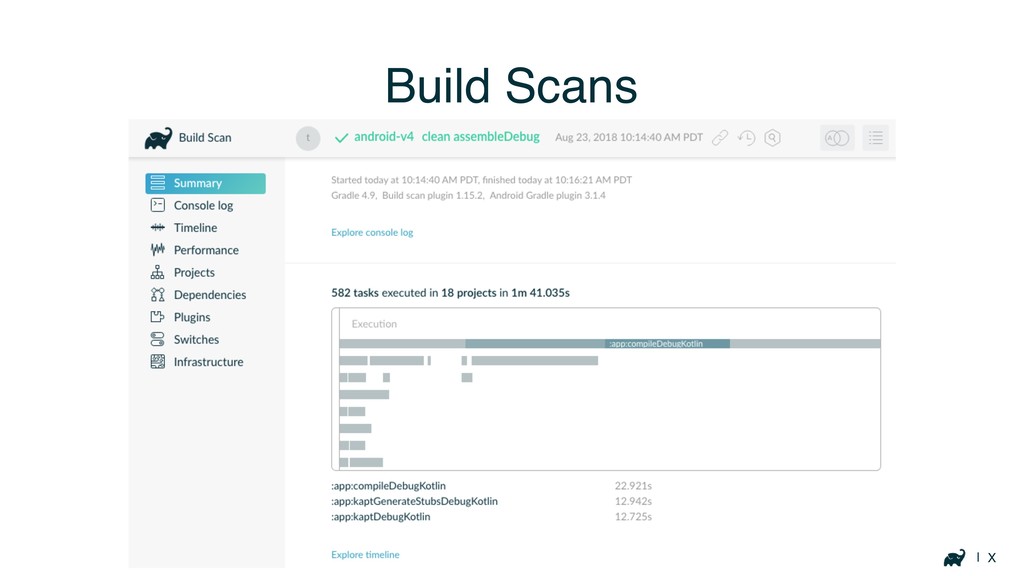
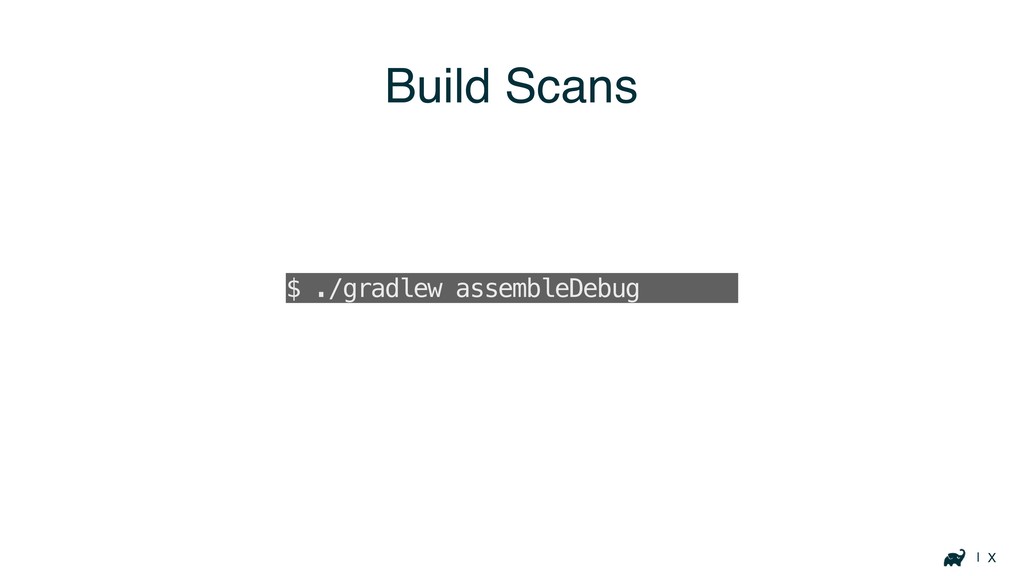
| X Build Scans
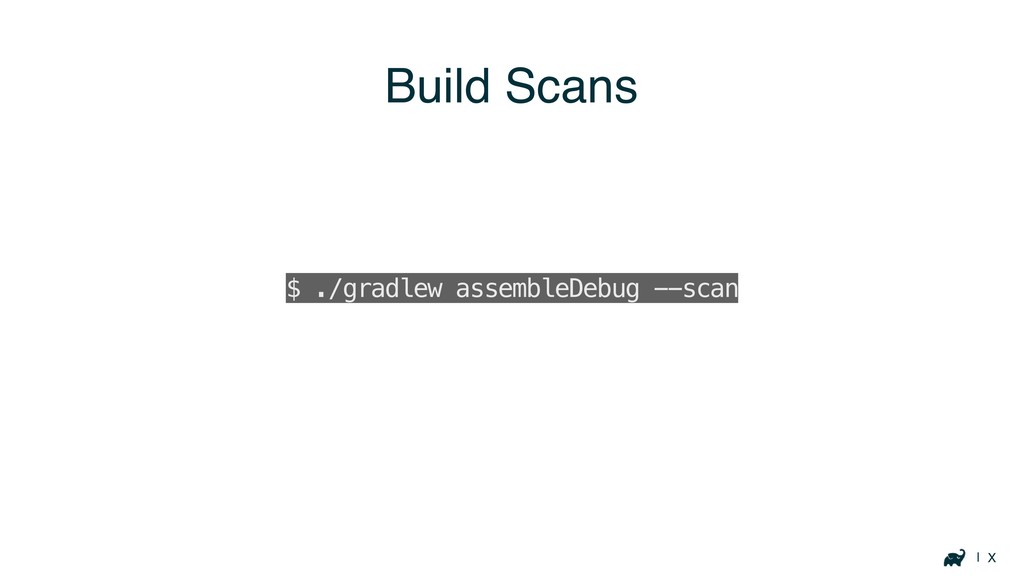
| X Build Scans $ ./gradlew assembleDebug --scan
| X Build Scans $ ./gradlew assembleDebug --scan
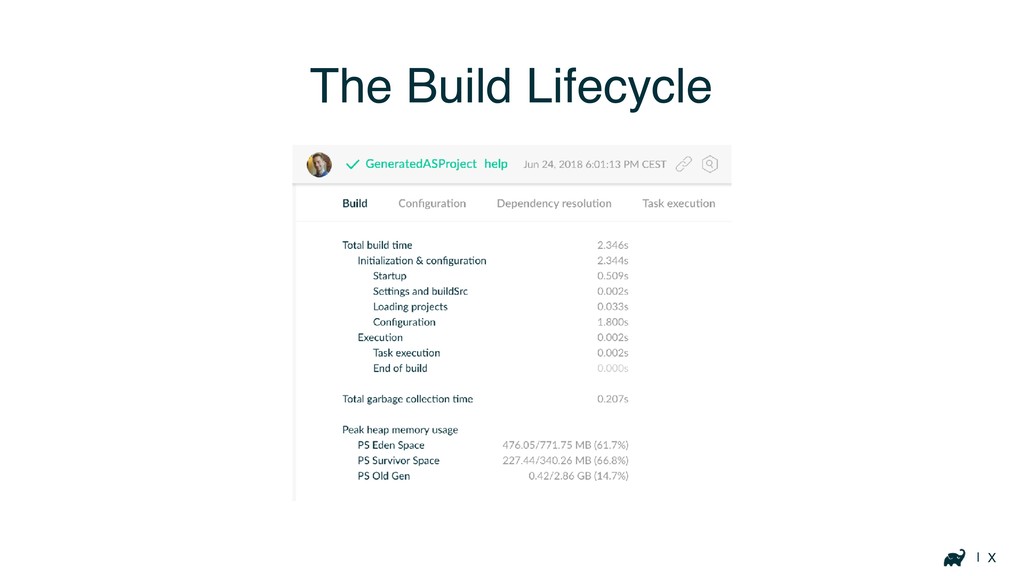
| X The Build Lifecycle
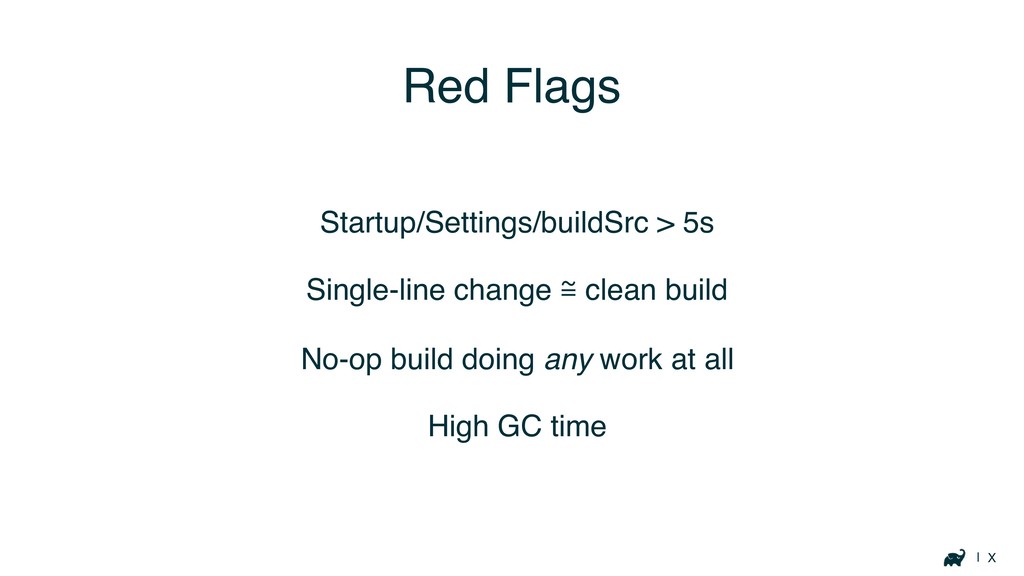
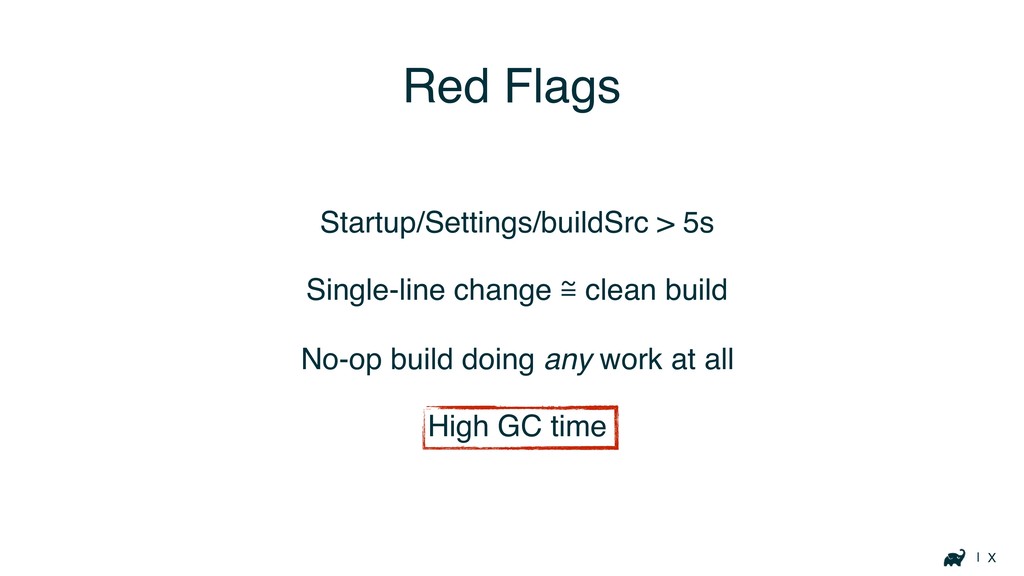
| X Red Flags Startup/Settings/buildSrc > 5s Single-line change ℳ
clean build No-op build doing any work at all High GC time
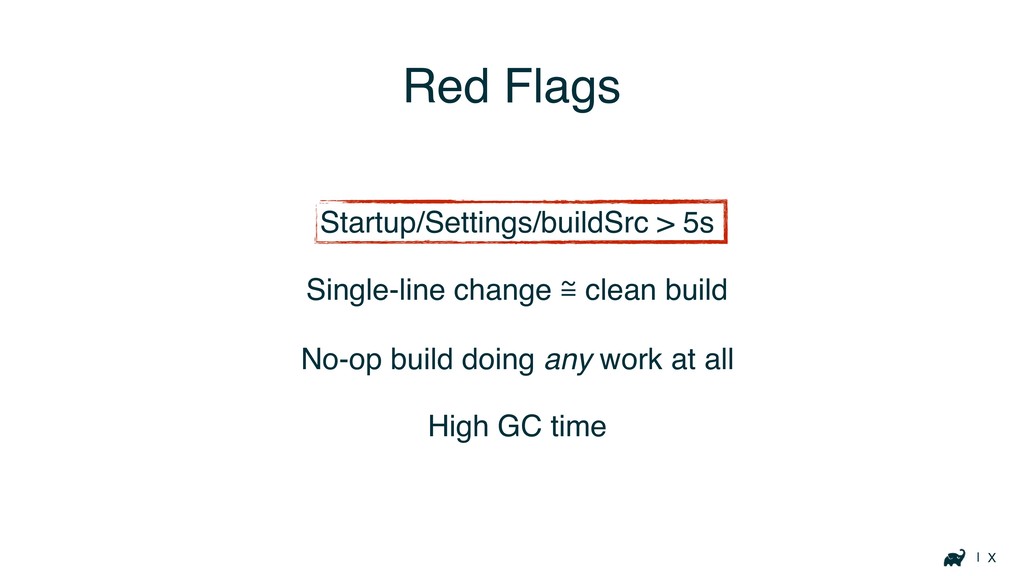
| X Red Flags Startup/Settings/buildSrc > 5s Single-line change ℳ
clean build No-op build doing any work at all High GC time
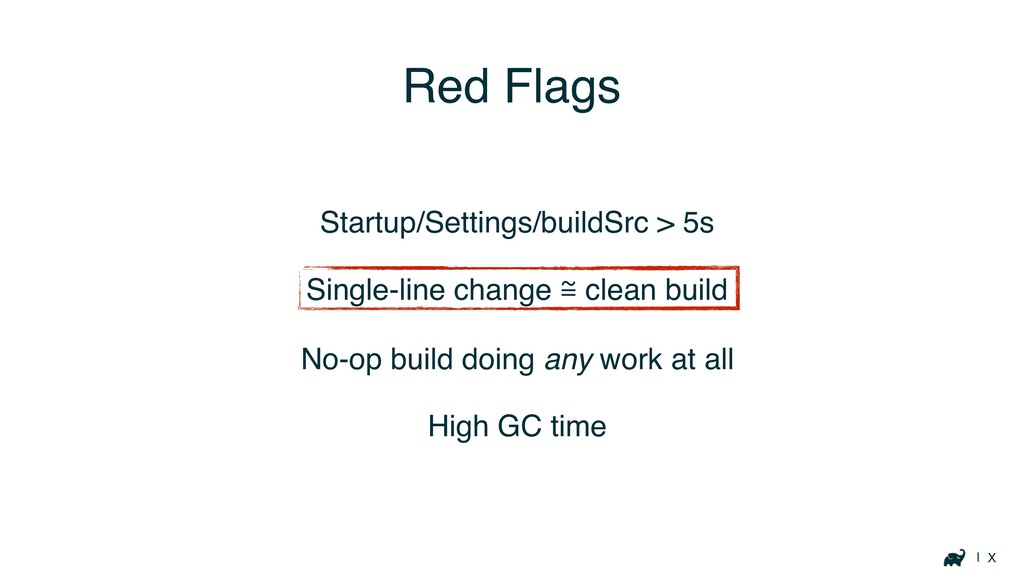
| X Red Flags Startup/Settings/buildSrc > 5s Single-line change ℳ
clean build No-op build doing any work at all High GC time
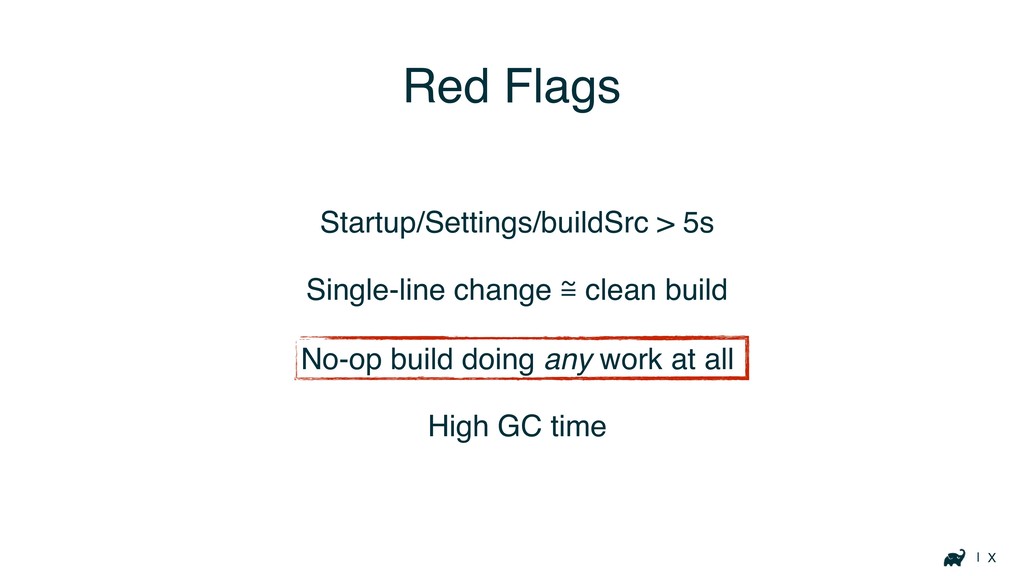
| X Red Flags Startup/Settings/buildSrc > 5s Single-line change ℳ
clean build No-op build doing any work at all High GC time
| X Red Flags Startup/Settings/buildSrc > 5s Single-line change ℳ
clean build No-op build doing any work at all High GC time
Your Build
Startup, buildSrc, Settings
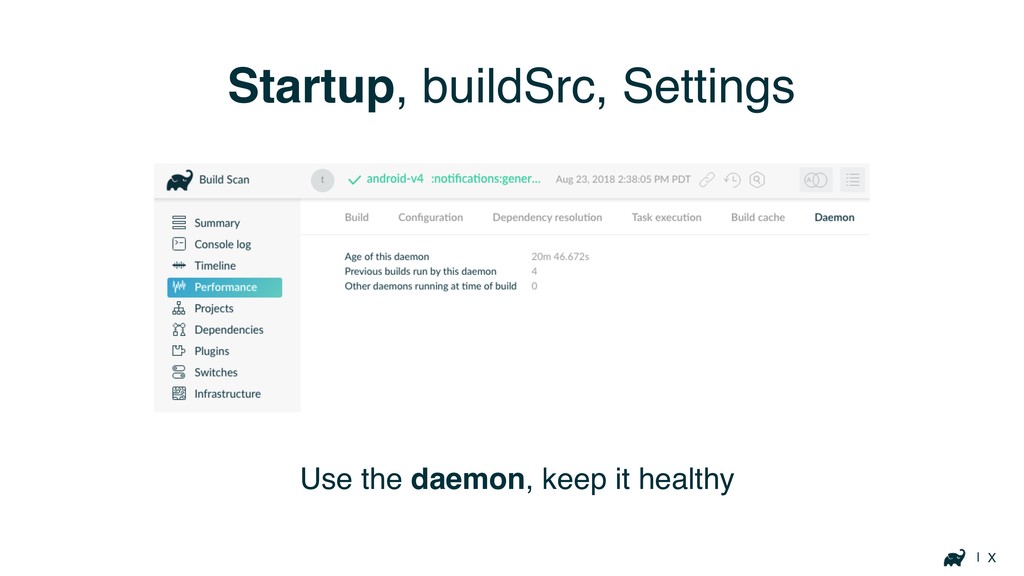
| X Startup, buildSrc, Settings Use the daemon, keep it
healthy
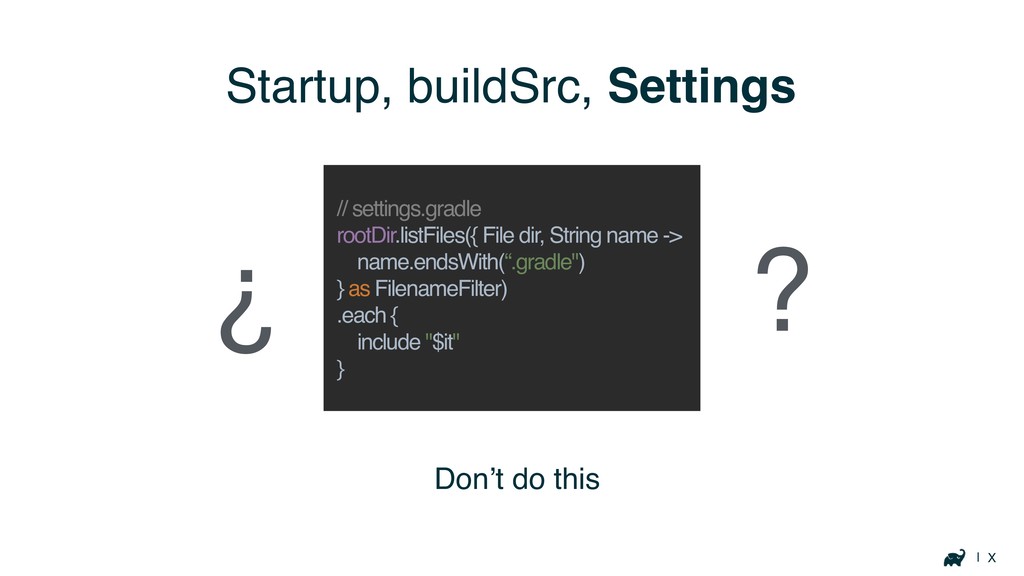
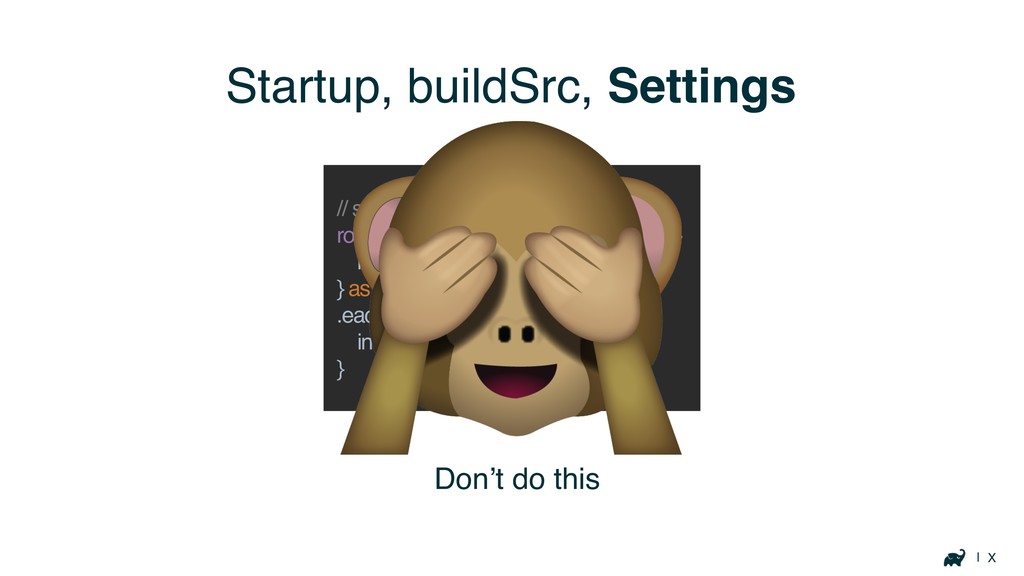
| X Startup, buildSrc, Settings Don’t do this // settings.gradle
rootDir.listFiles({ File dir, String name -> name.endsWith(“.gradle") } as FilenameFilter) .each { include "$it" } ? ¿
| X Startup, buildSrc, Settings Don’t do this // settings.gradle
rootDir.listFiles({ File dir, String name -> name.endsWith(“.gradle") } as FilenameFilter) .each { include "$it" }
| X Startup, buildSrc, Settings ?
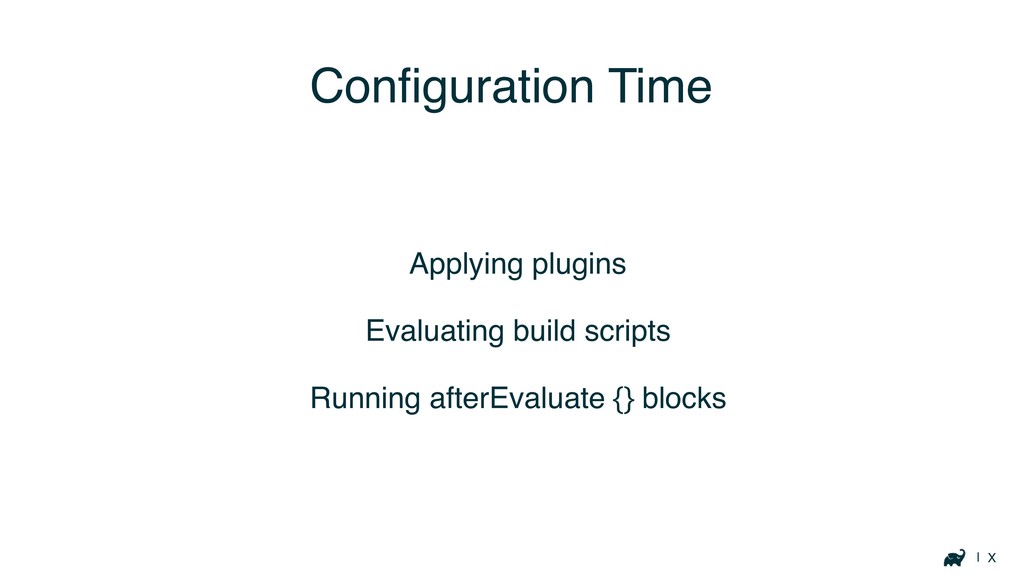
Configuration Time
| X Configuration Time Applying plugins Evaluating build scripts Running
afterEvaluate {} blocks
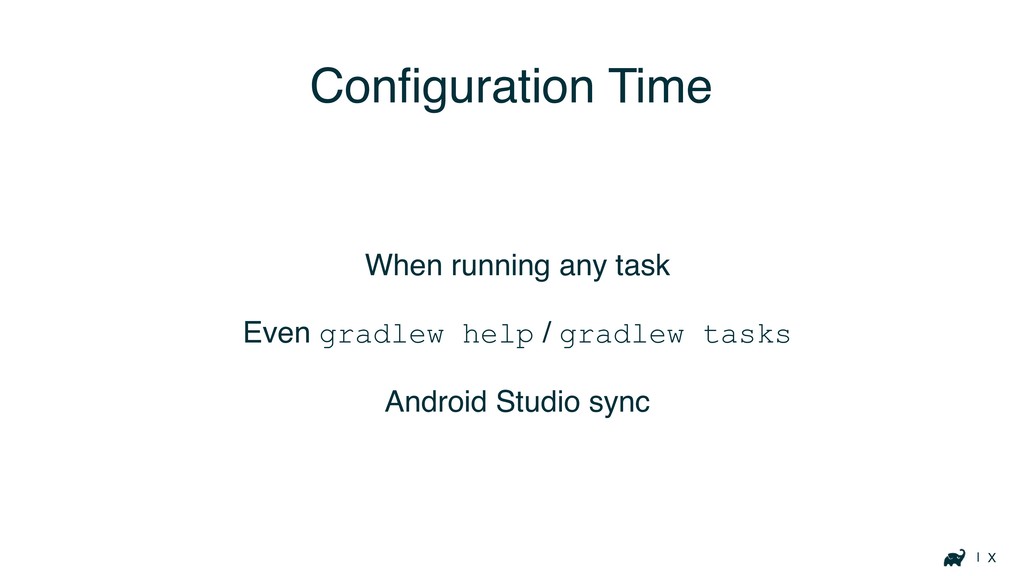
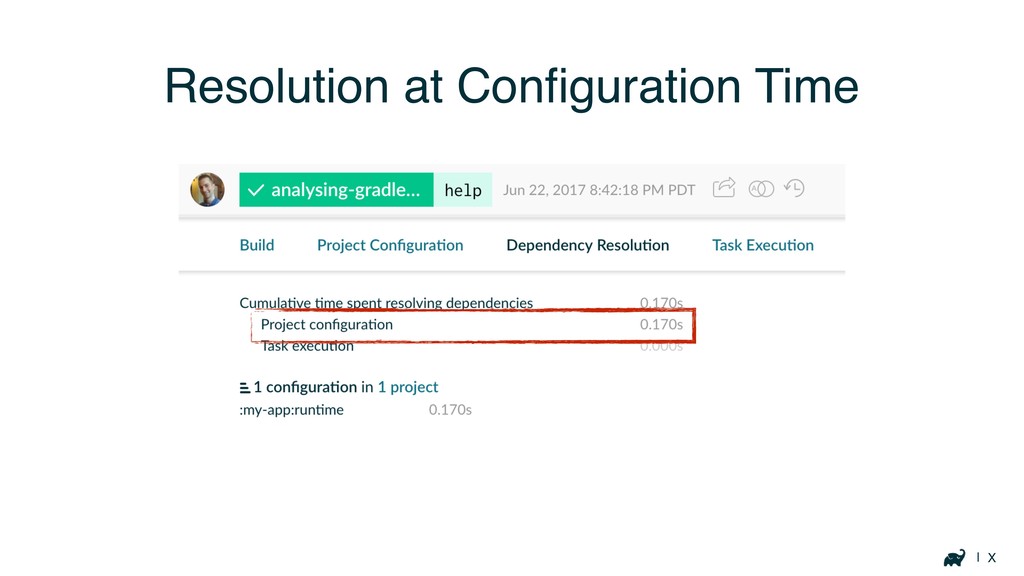
| X Configuration Time When running any task Even gradlew
help / gradlew tasks Android Studio sync
| X Resolution at Configuration Time
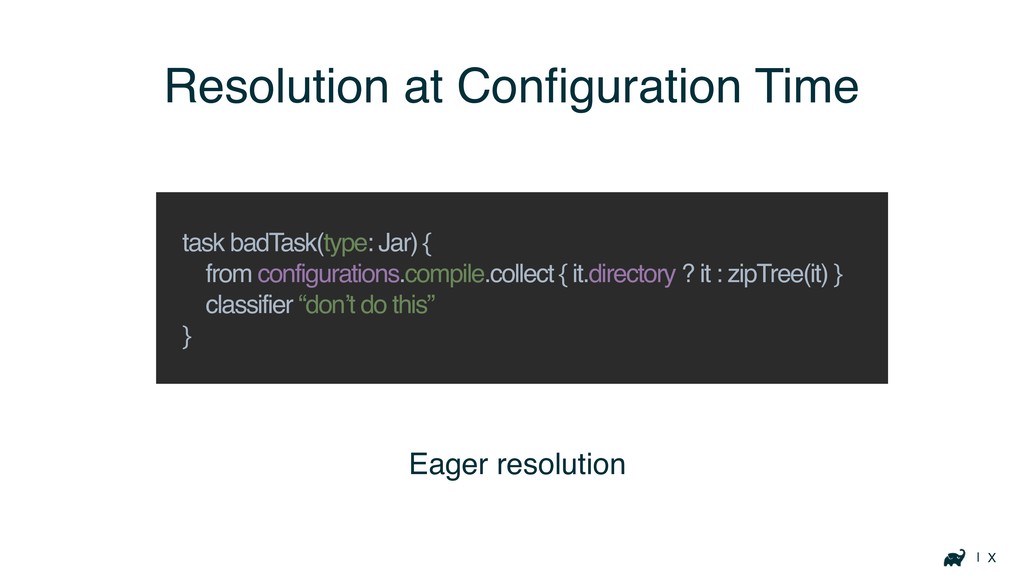
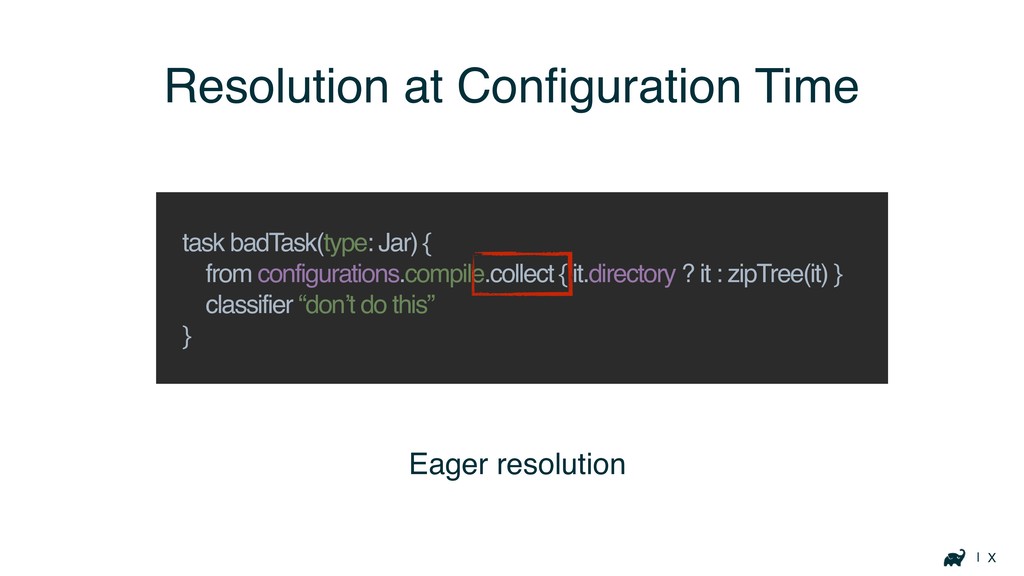
| X Eager resolution Resolution at Configuration Time task badTask(type:
Jar) { from configurations.compile.collect { it.directory ? it : zipTree(it) } classifier “don’t do this” }
| X Eager resolution Resolution at Configuration Time task badTask(type:
Jar) { from configurations.compile.collect { it.directory ? it : zipTree(it) } classifier “don’t do this” }
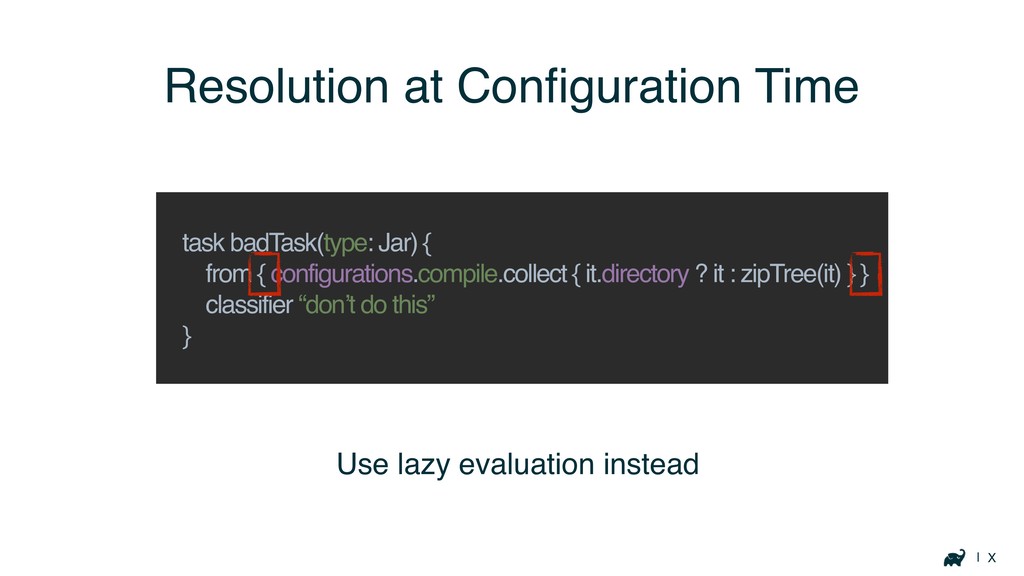
| X Resolution at Configuration Time task badTask(type: Jar) {
from { configurations.compile.collect { it.directory ? it : zipTree(it) } } classifier “don’t do this” } Use lazy evaluation instead
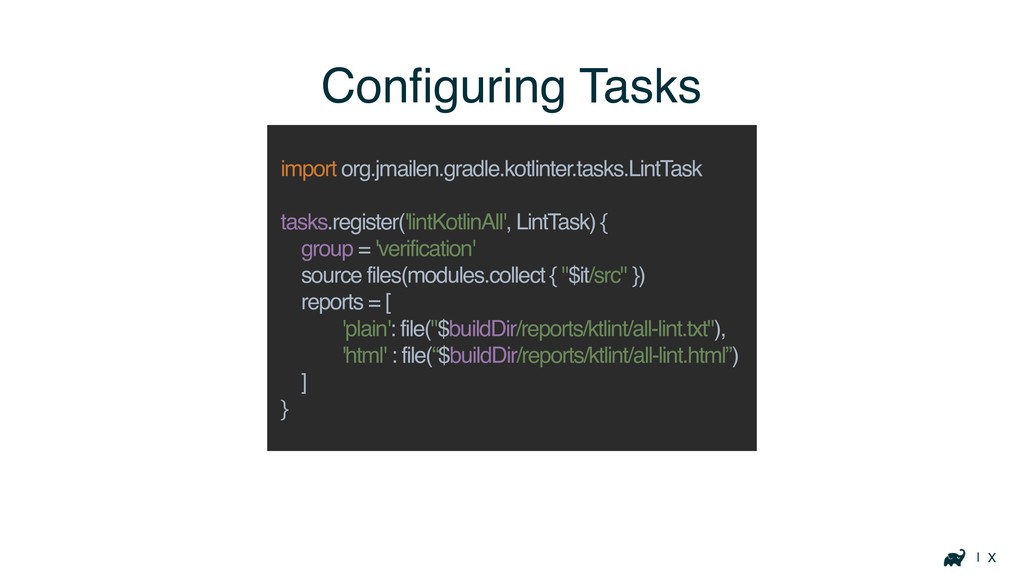
| X Configuring Tasks import org.jmailen.gradle.kotlinter.tasks.LintTask tasks.register('lintKotlinAll', LintTask) { group
= 'verification' source files(modules.collect { "$it/src" }) reports = [ 'plain': file("$buildDir/reports/ktlint/all-lint.txt"), 'html' : file(“$buildDir/reports/ktlint/all-lint.html”) ] }
| X Inefficient Plugins
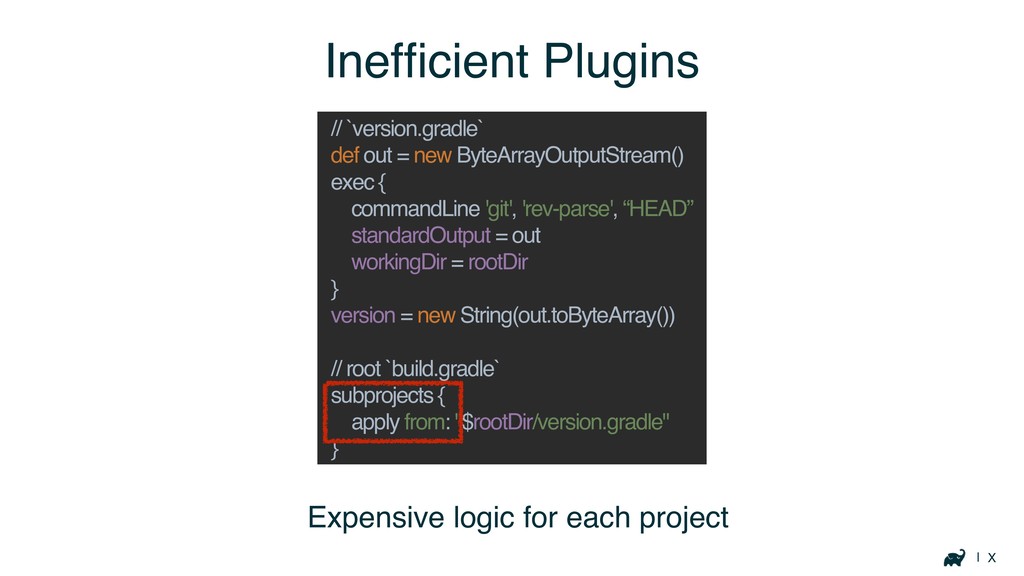
| X Expensive logic for each project Inefficient Plugins //
`version.gradle` def out = new ByteArrayOutputStream() exec { commandLine 'git', 'rev-parse', “HEAD” standardOutput = out workingDir = rootDir } version = new String(out.toByteArray()) // root `build.gradle` subprojects { apply from: "$rootDir/version.gradle" }
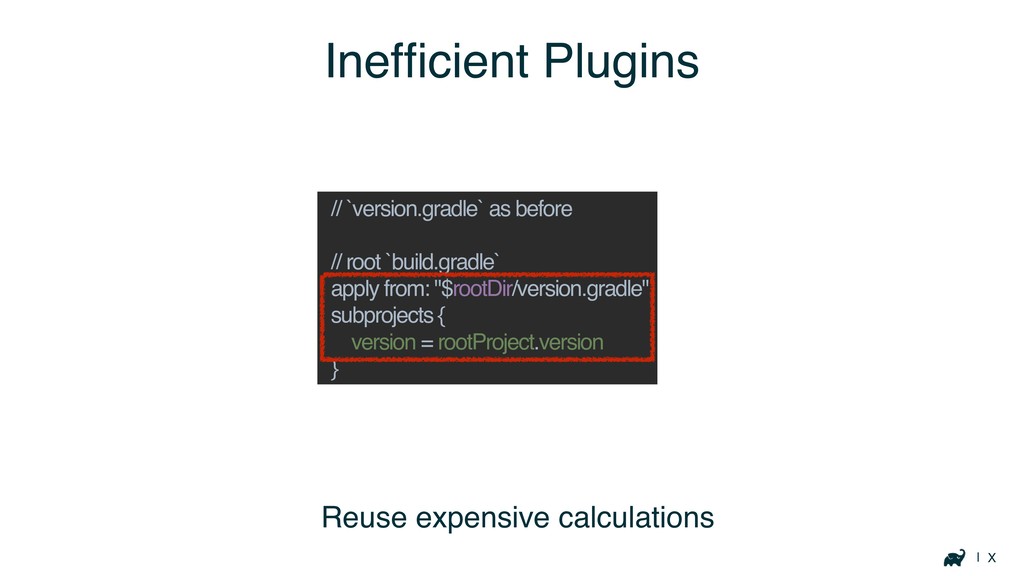
| X Inefficient Plugins // `version.gradle` as before // root
`build.gradle` apply from: "$rootDir/version.gradle" subprojects { version = rootProject.version } Reuse expensive calculations
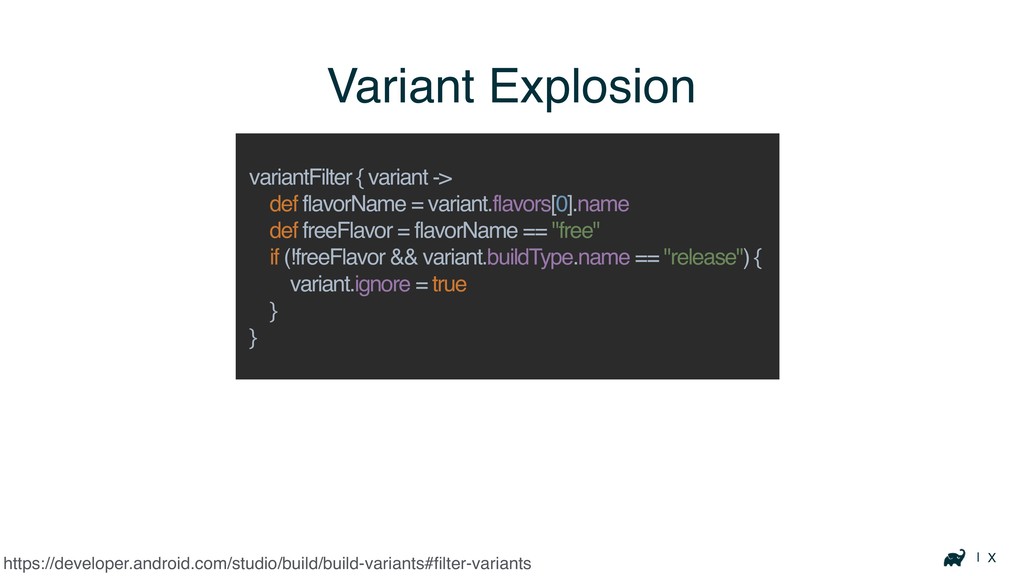
| X Variant Explosion https://developer.android.com/studio/build/build-variants#filter-variants variantFilter { variant -> def
flavorName = variant.flavors[0].name def freeFlavor = flavorName == "free" if (!freeFlavor && variant.buildType.name == "release") { variant.ignore = true } }
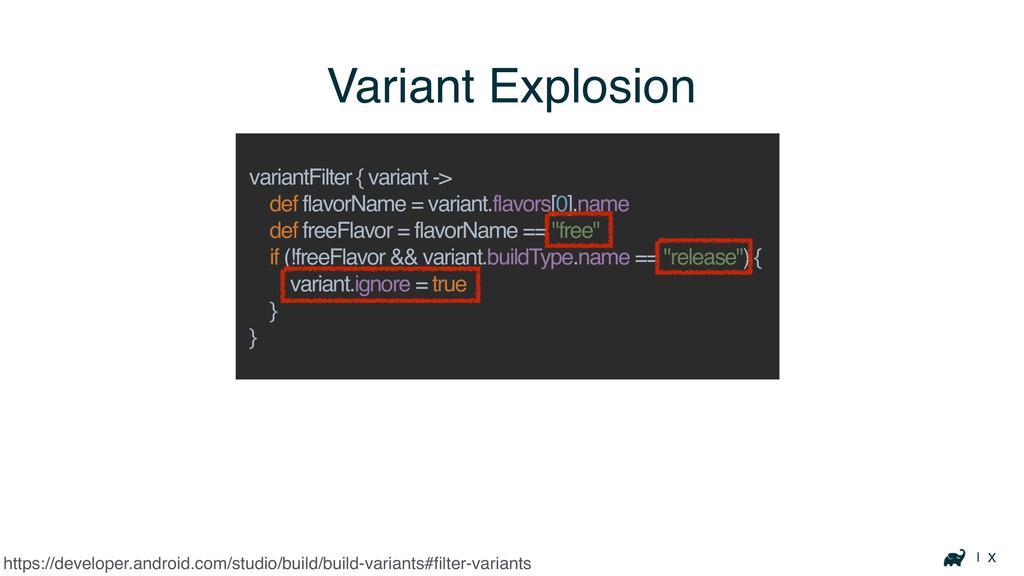
| X Variant Explosion https://developer.android.com/studio/build/build-variants#filter-variants variantFilter { variant -> def
flavorName = variant.flavors[0].name def freeFlavor = flavorName == "free" if (!freeFlavor && variant.buildType.name == "release") { variant.ignore = true } }
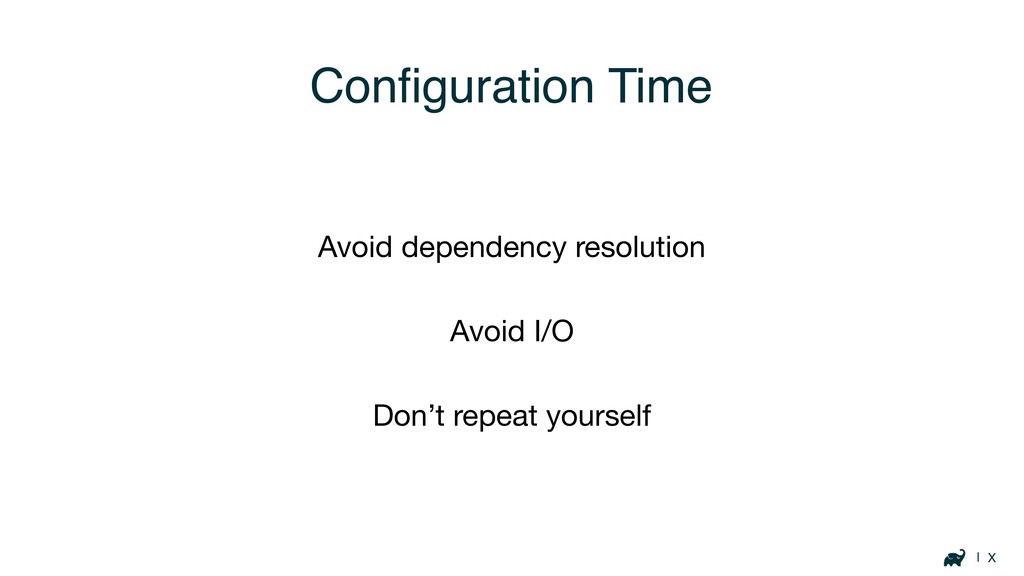
| X Configuration Time Avoid dependency resolution Avoid I/O Don’t
repeat yourself
Optimizing Build Logic
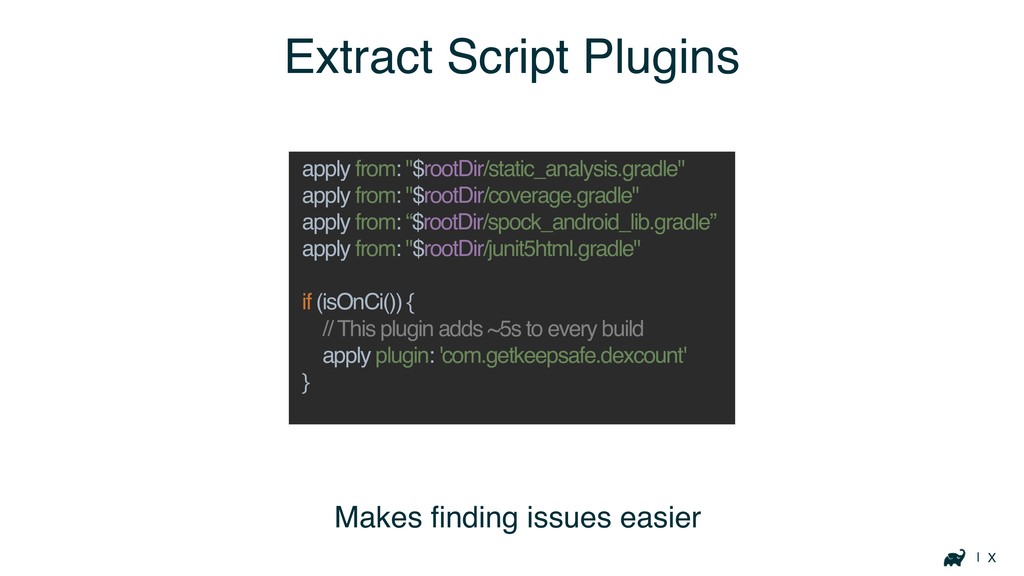
| X Extract Script Plugins apply from: "$rootDir/static_analysis.gradle" apply from:
"$rootDir/coverage.gradle" apply from: “$rootDir/spock_android_lib.gradle” apply from: "$rootDir/junit5html.gradle" if (isOnCi()) { // This plugin adds ~5s to every build apply plugin: 'com.getkeepsafe.dexcount' } Makes finding issues easier
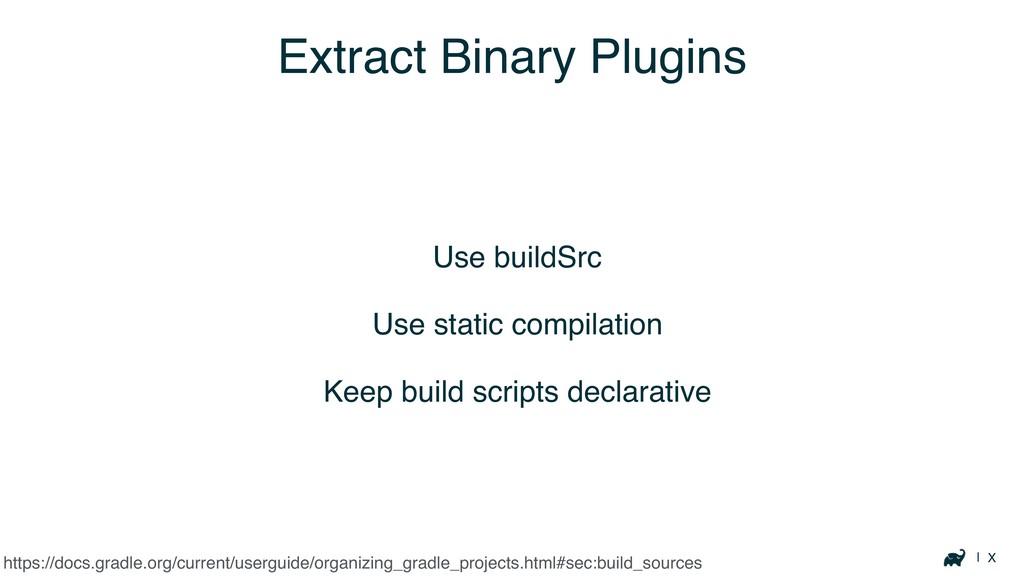
| X Extract Binary Plugins Use buildSrc Use static compilation
Keep build scripts declarative https://docs.gradle.org/current/userguide/organizing_gradle_projects.html#sec:build_sources
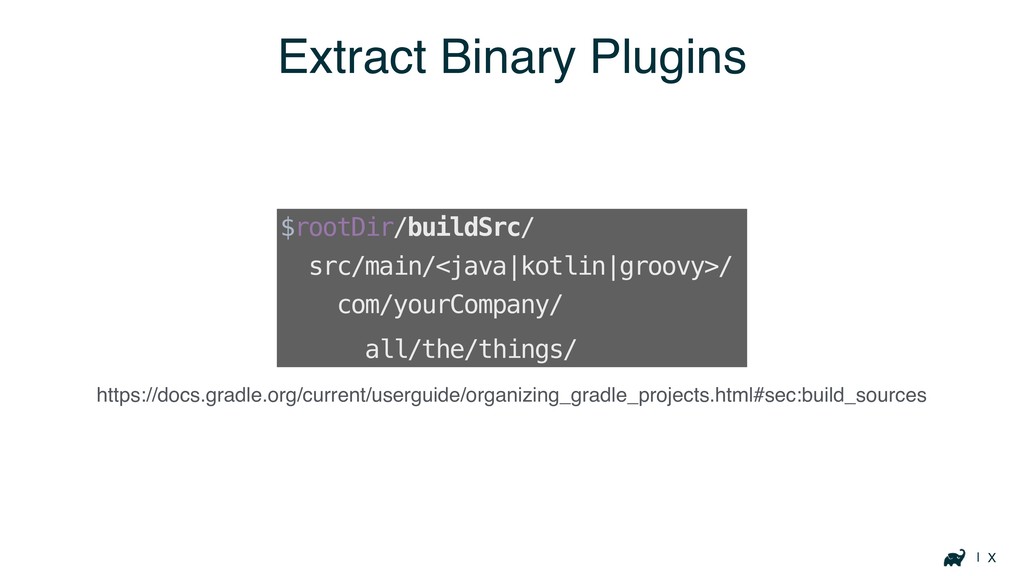
| X Extract Binary Plugins https://docs.gradle.org/current/userguide/organizing_gradle_projects.html#sec:build_sources $rootDir/buildSrc/ src/main/<java|kotlin|groovy>/ com/yourCompany/ all/the/things/
Execution Time
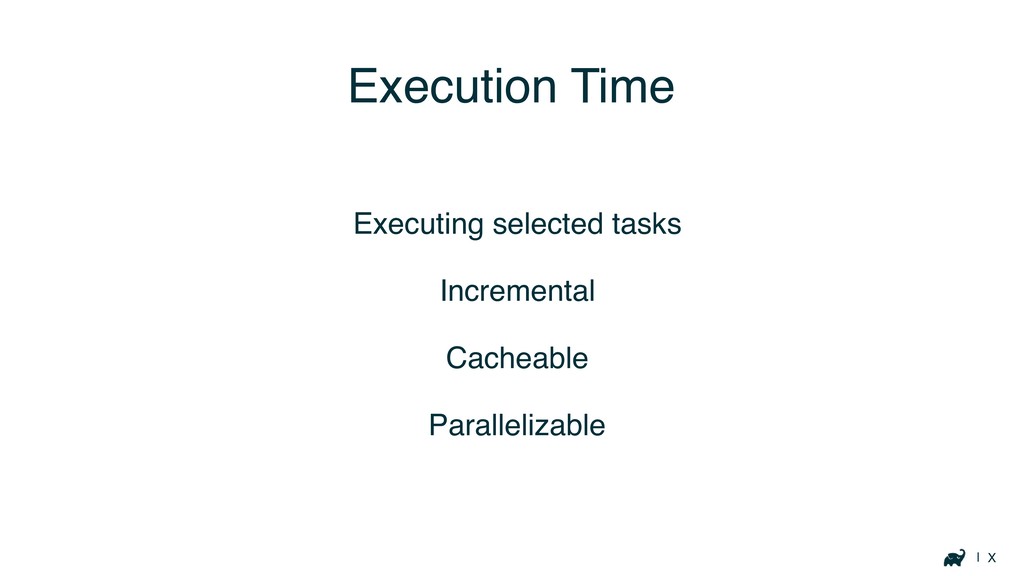
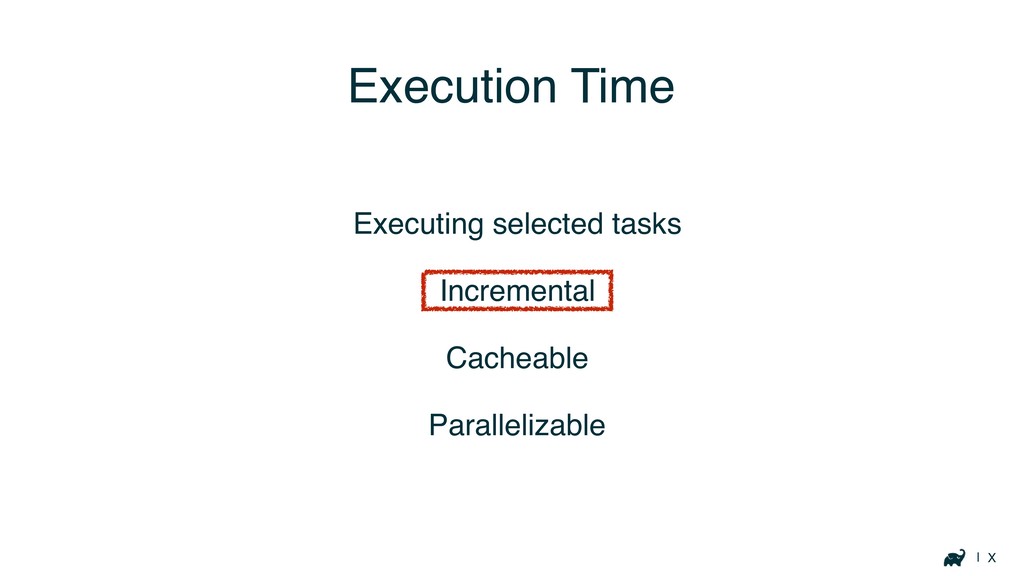
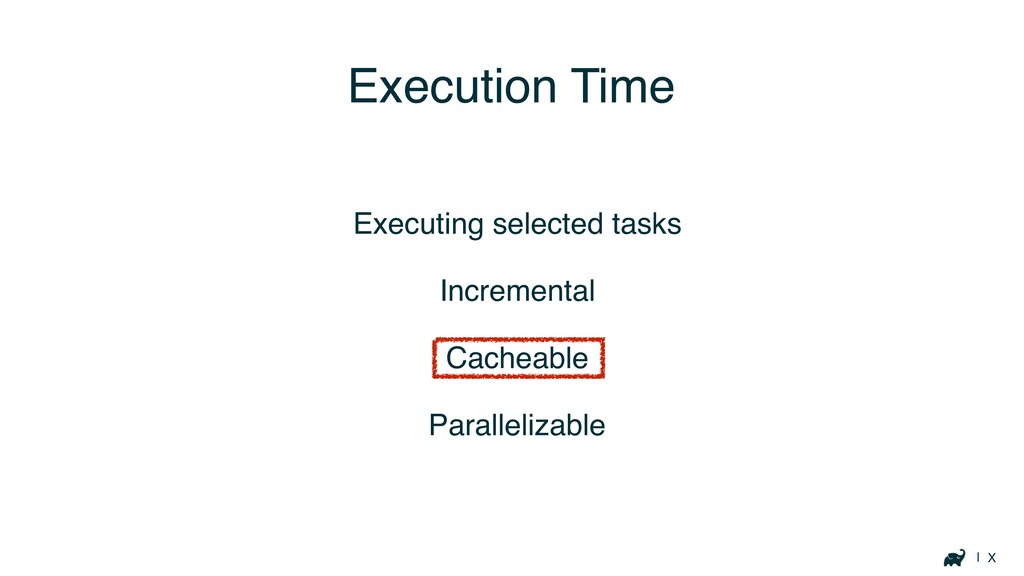
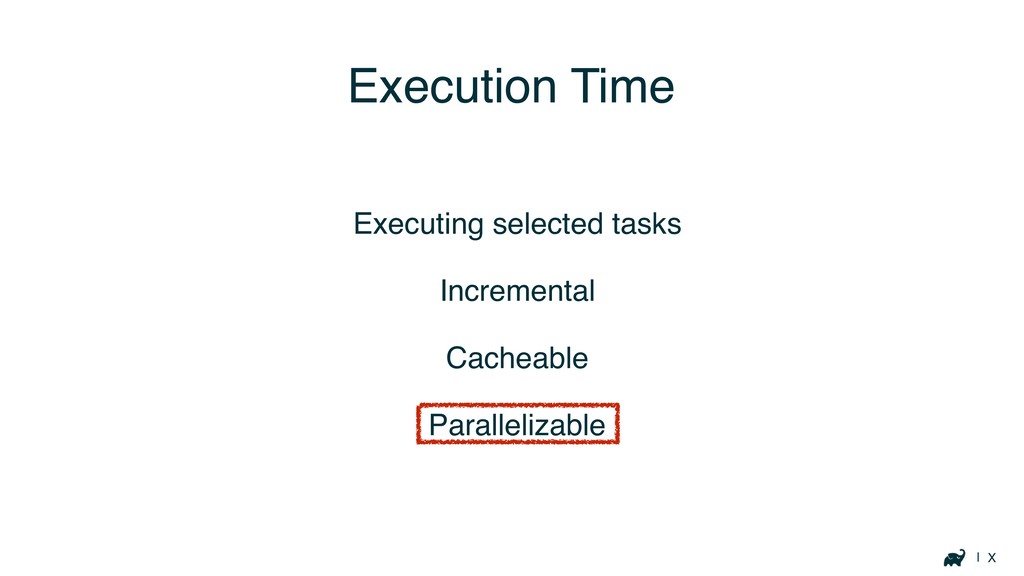
| X Execution Time Executing selected tasks Incremental Cacheable Parallelizable
| X Execution Time Executing selected tasks Incremental Cacheable Parallelizable
| X Execution Time Executing selected tasks Incremental Cacheable Parallelizable
| X Execution Time Executing selected tasks Incremental Cacheable Parallelizable
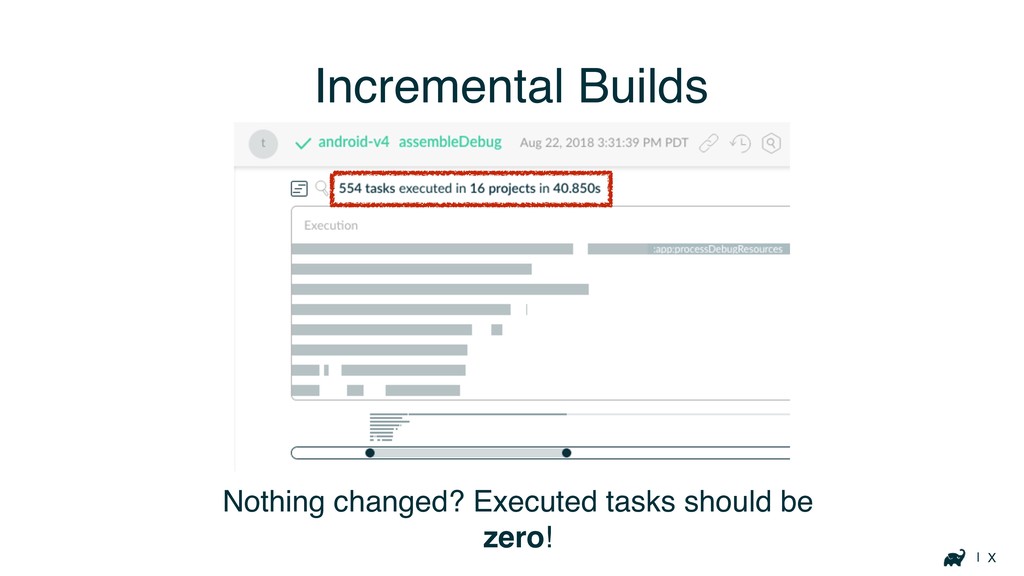
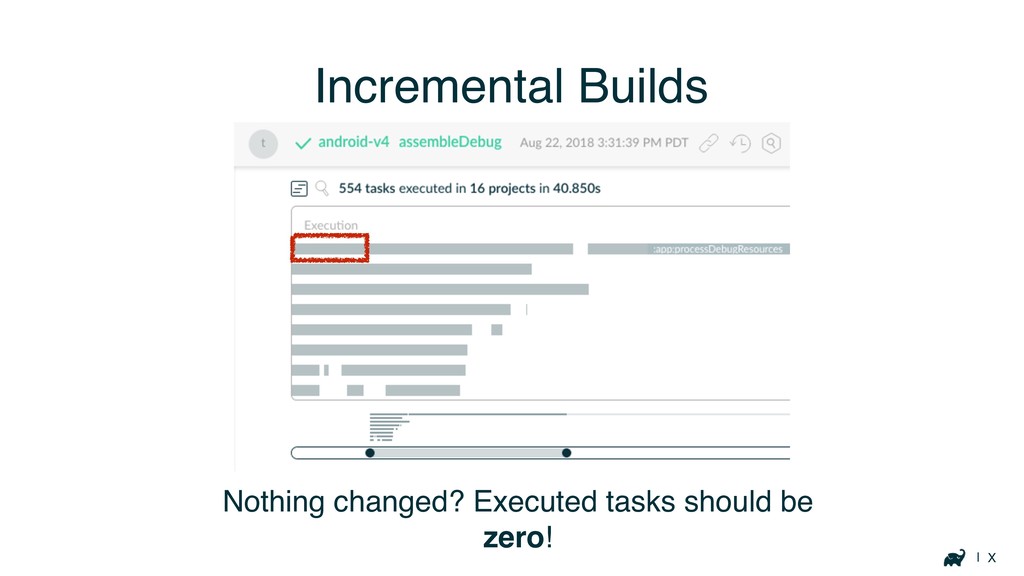
| X Incremental Builds Nothing changed? Executed tasks should be
zero!
| X Incremental Builds Nothing changed? Executed tasks should be
zero!
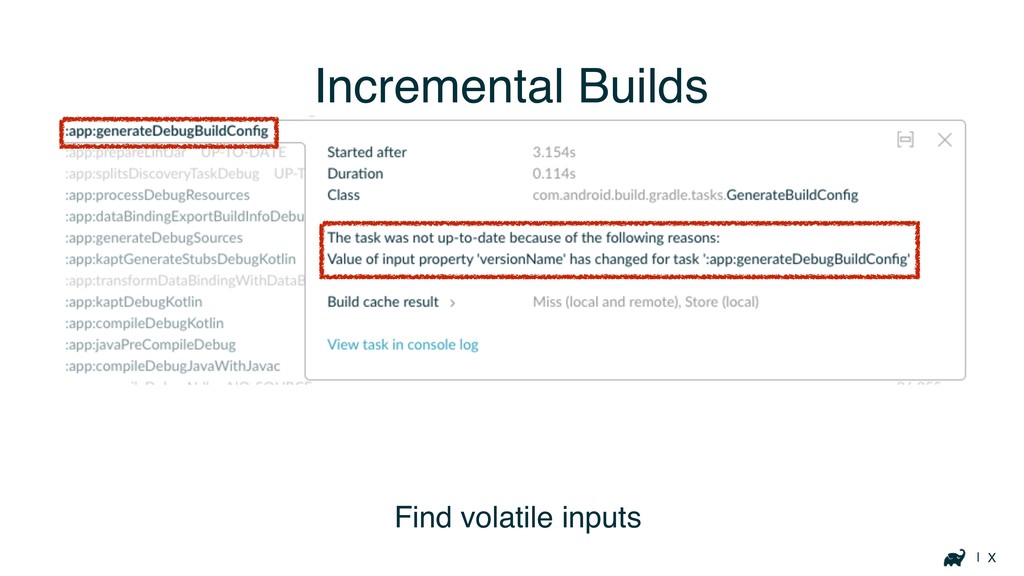
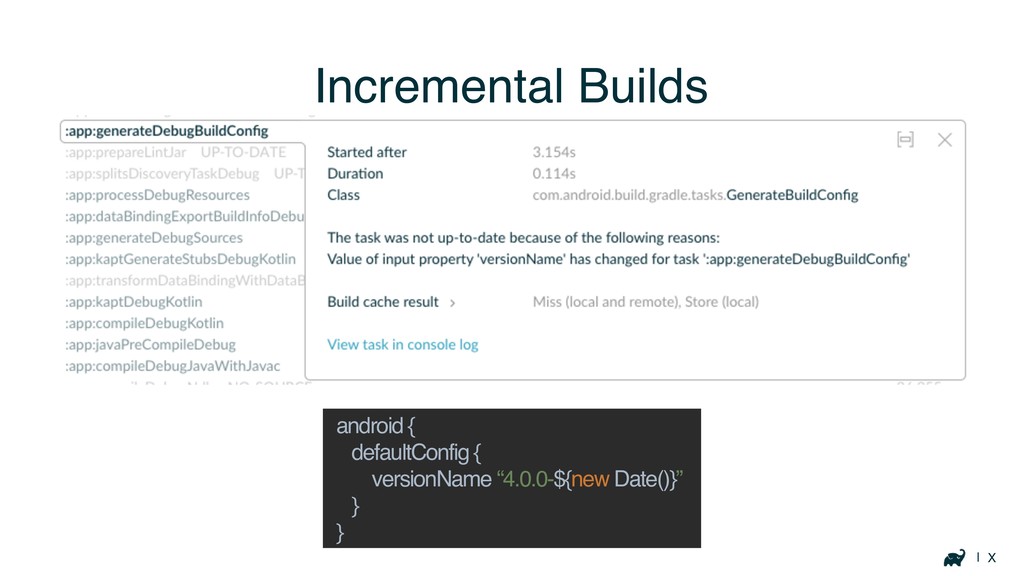
| X Incremental Builds Find volatile inputs
| X Incremental Builds android { defaultConfig { versionName “4.0.0-${new
Date()}” } }
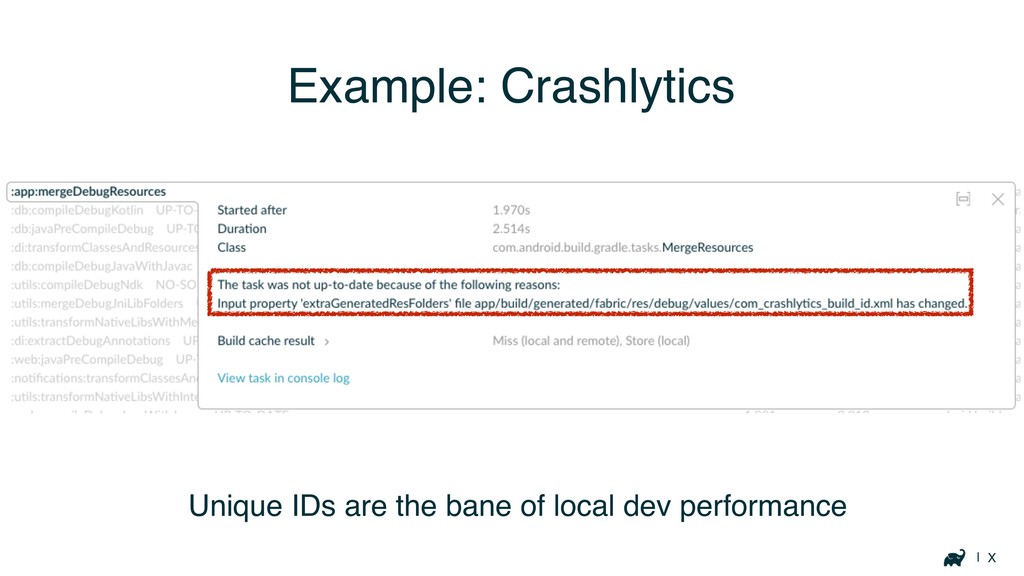
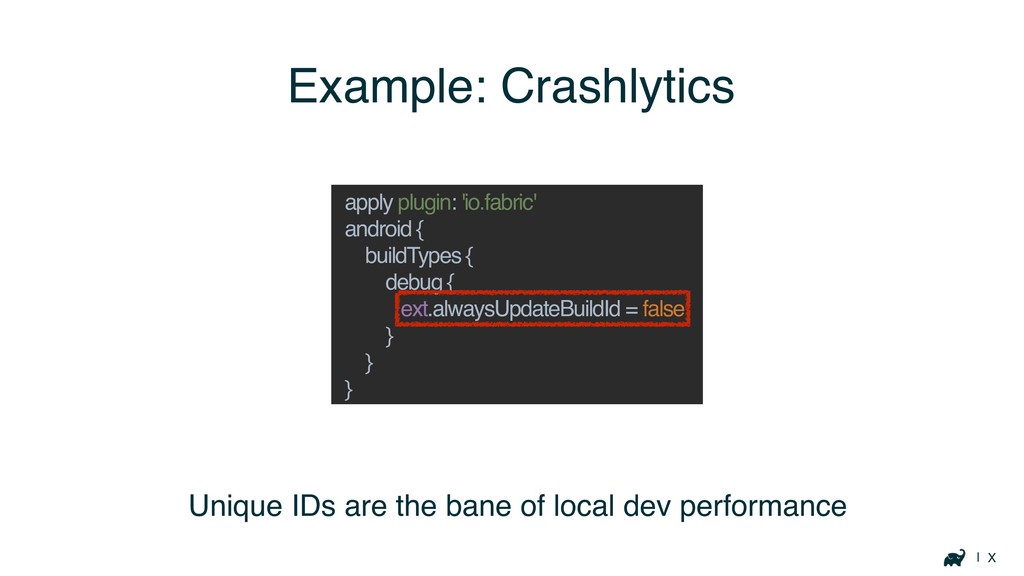
| X Example: Crashlytics Unique IDs are the bane of
local dev performance
| X Example: Crashlytics Unique IDs are the bane of
local dev performance apply plugin: 'io.fabric' android { buildTypes { debug { ext.alwaysUpdateBuildId = false } } }
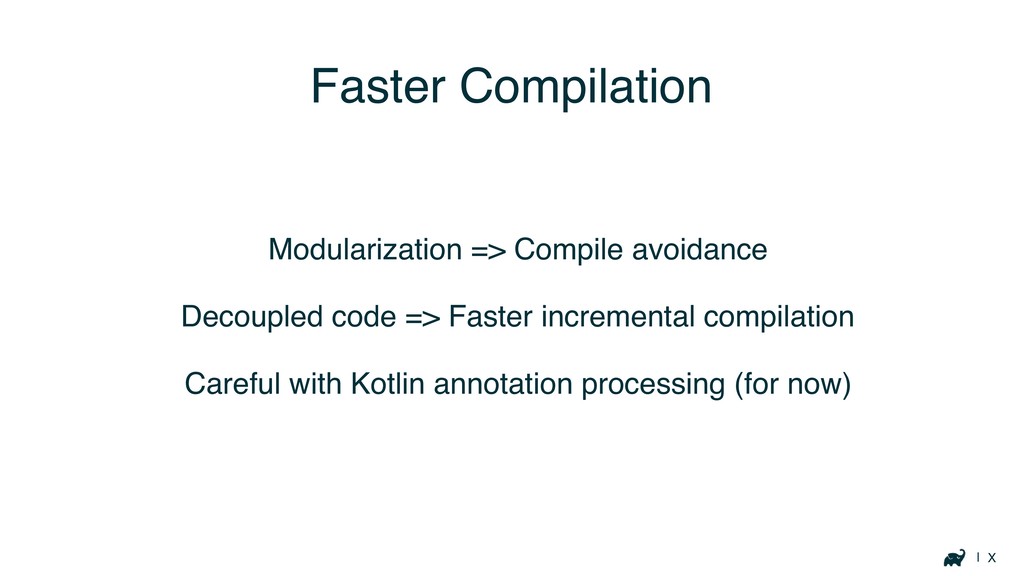
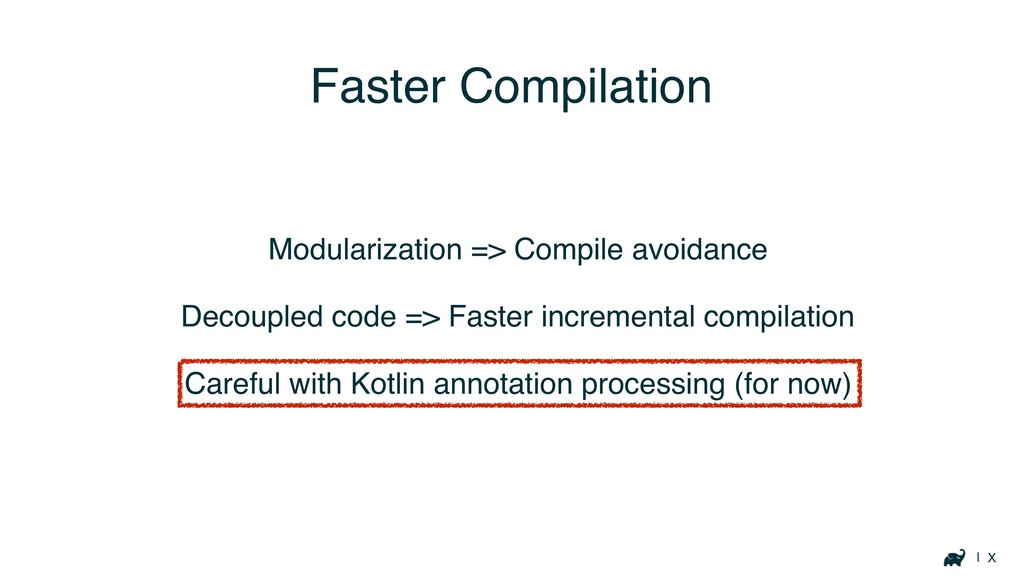
| X Faster Compilation Modularization => Compile avoidance Decoupled code
=> Faster incremental compilation Careful with Kotlin annotation processing (for now)
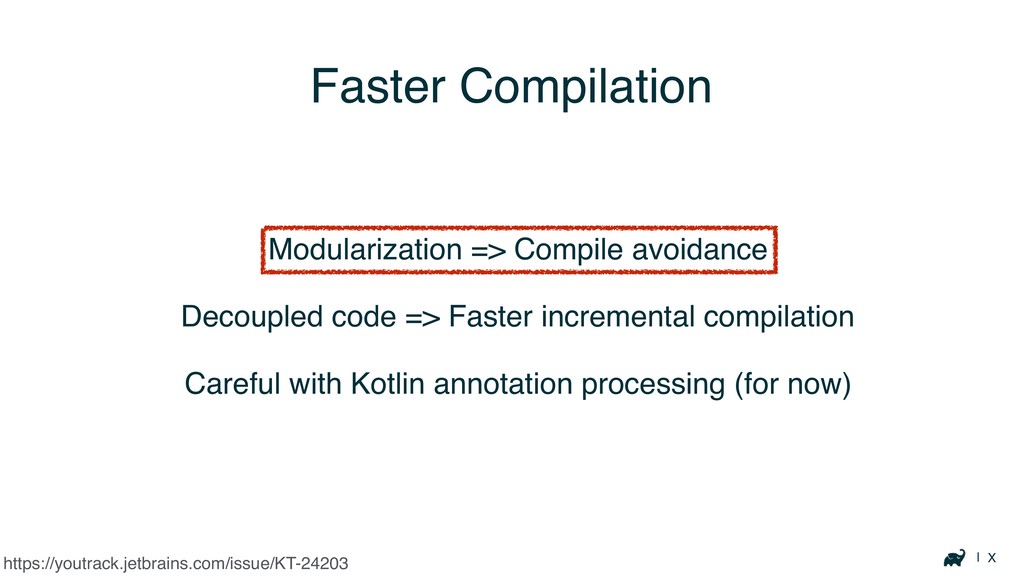
| X Faster Compilation Modularization => Compile avoidance Decoupled code
=> Faster incremental compilation Careful with Kotlin annotation processing (for now) https://youtrack.jetbrains.com/issue/KT-24203
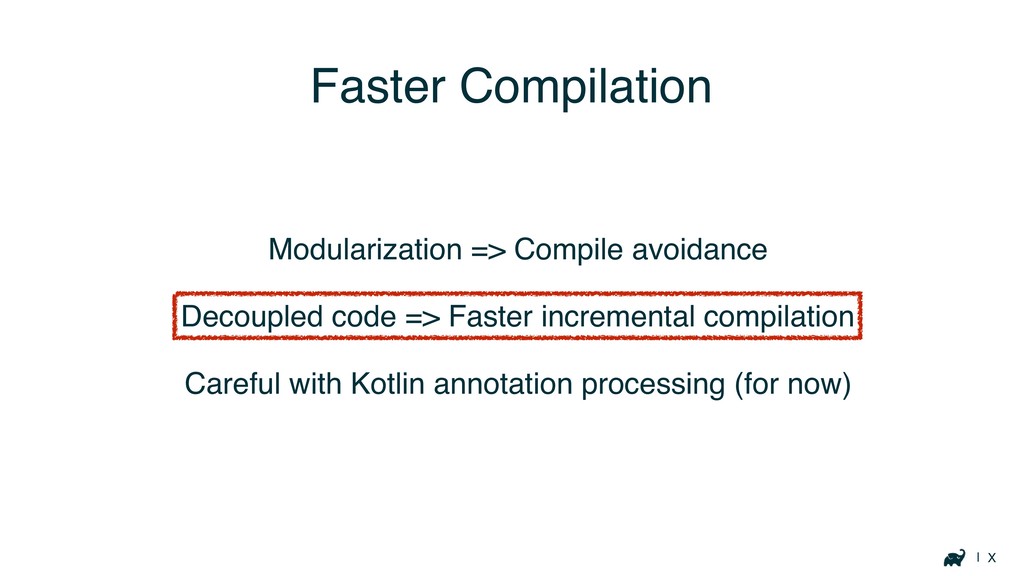
| X Faster Compilation Modularization => Compile avoidance Decoupled code
=> Faster incremental compilation Careful with Kotlin annotation processing (for now)
| X Faster Compilation Modularization => Compile avoidance Decoupled code
=> Faster incremental compilation Careful with Kotlin annotation processing (for now)
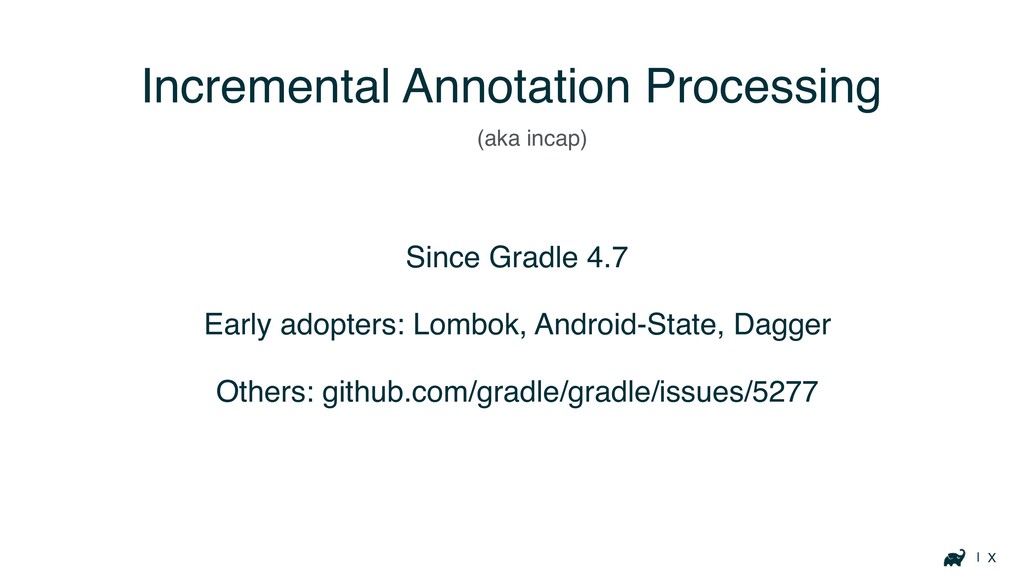
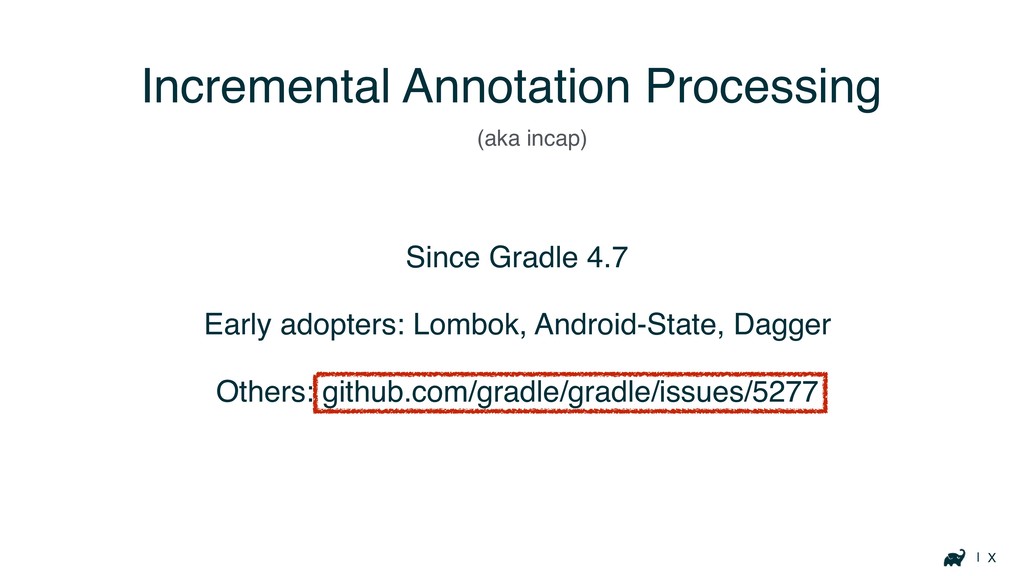
| X Incremental Annotation Processing Since Gradle 4.7 Early adopters:
Lombok, Android-State, Dagger Others: github.com/gradle/gradle/issues/5277 (aka incap)
| X Incremental Annotation Processing Since Gradle 4.7 Early adopters:
Lombok, Android-State, Dagger Others: github.com/gradle/gradle/issues/5277 (aka incap)
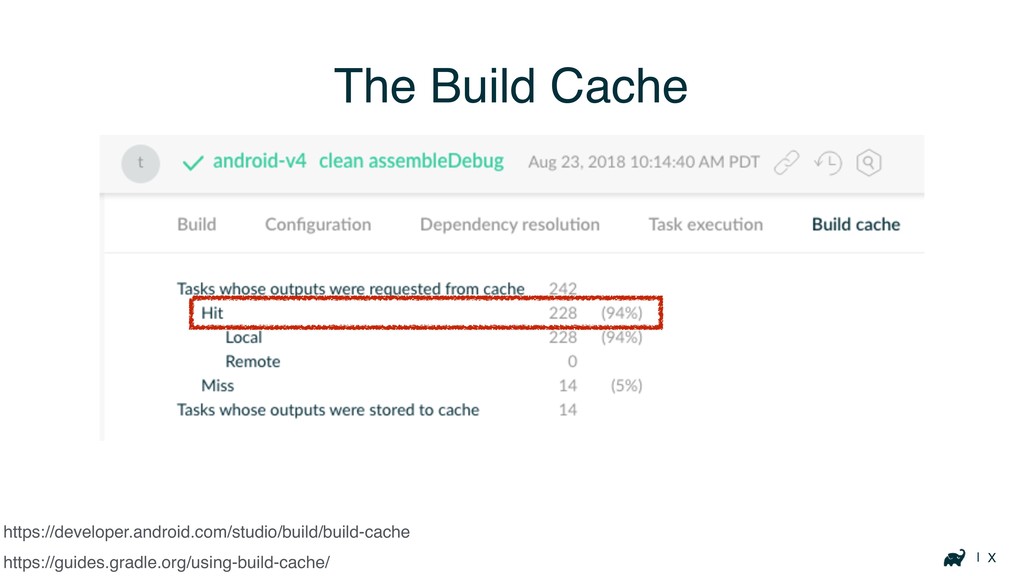
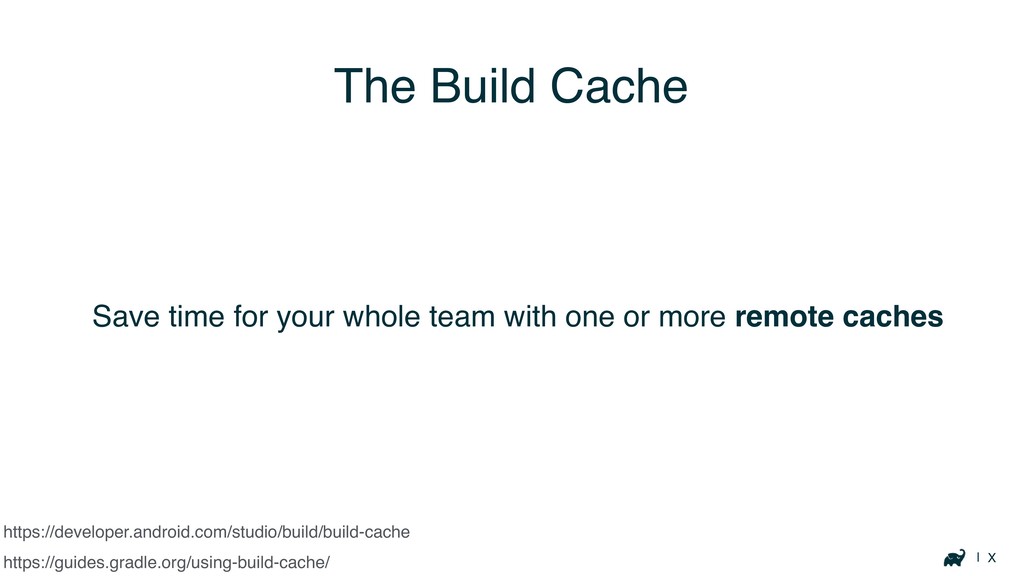
| X The Build Cache https://guides.gradle.org/using-build-cache/ https://developer.android.com/studio/build/build-cache
| X The Build Cache https://guides.gradle.org/using-build-cache/ https://developer.android.com/studio/build/build-cache
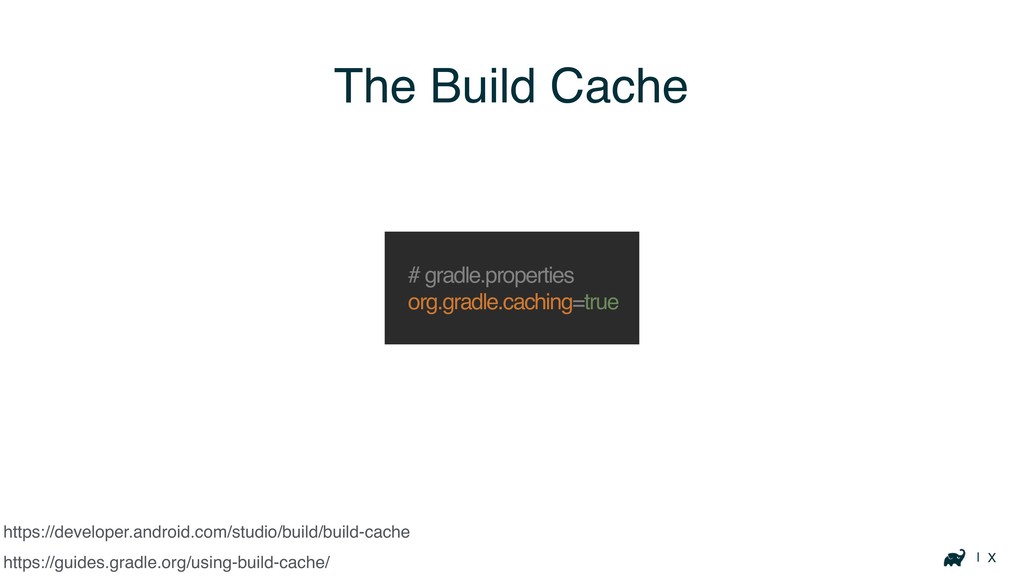
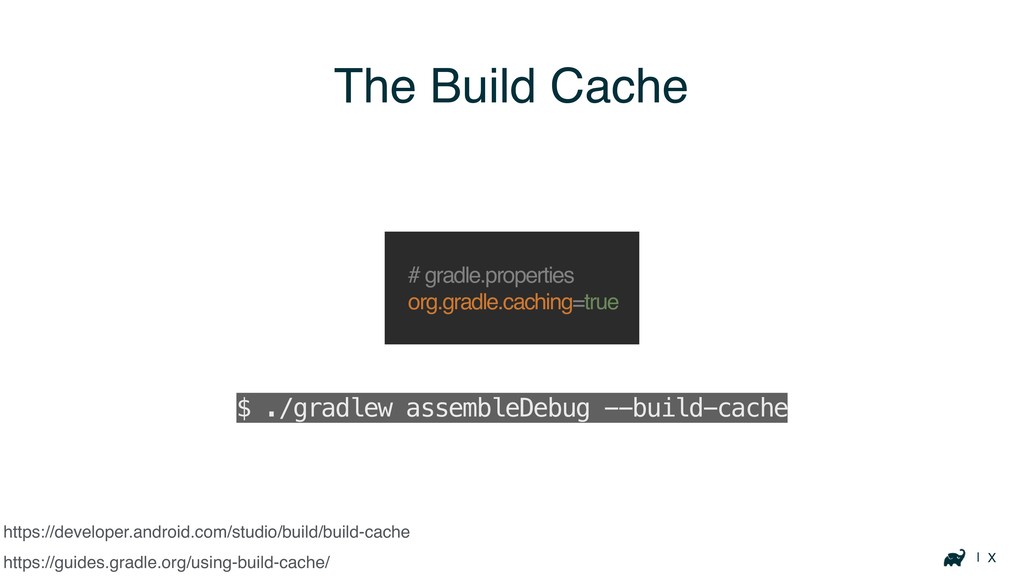
| X The Build Cache https://guides.gradle.org/using-build-cache/ # gradle.properties org.gradle.caching=true https://developer.android.com/studio/build/build-cache
| X The Build Cache https://guides.gradle.org/using-build-cache/ # gradle.properties org.gradle.caching=true $
./gradlew assembleDebug --build-cache https://developer.android.com/studio/build/build-cache
| X The Build Cache https://guides.gradle.org/using-build-cache/ Many tasks are cacheable
https://developer.android.com/studio/build/build-cache
| X https://developer.android.com/studio/build/build-cache Save time for your whole team with
one or more remote caches https://guides.gradle.org/using-build-cache/ The Build Cache
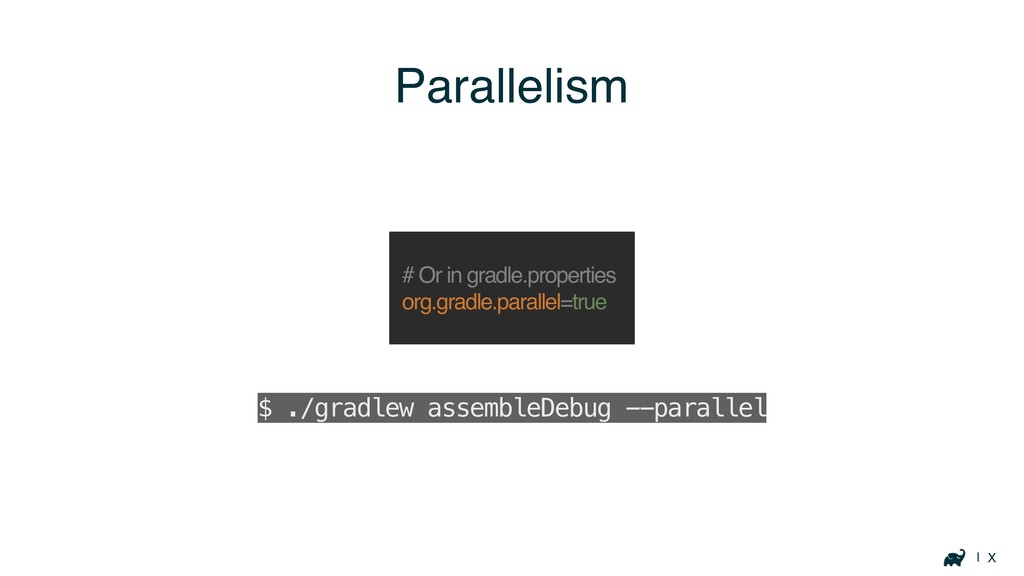
| X Parallelism # Or in gradle.properties org.gradle.parallel=true $ ./gradlew
assembleDebug --parallel
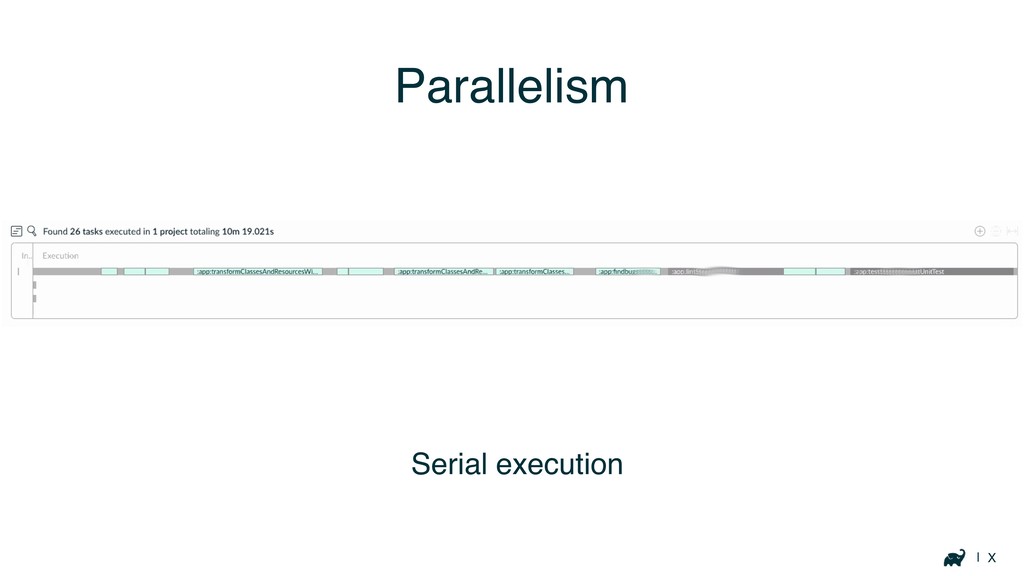
| X Parallelism Serial execution
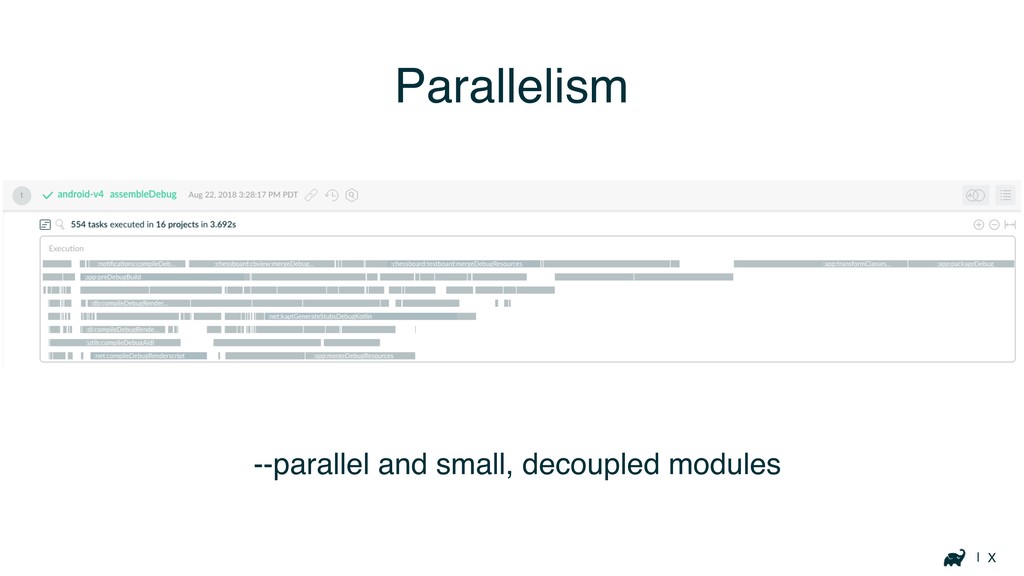
| X Parallelism --parallel and small, decoupled modules
Keeping track of performance
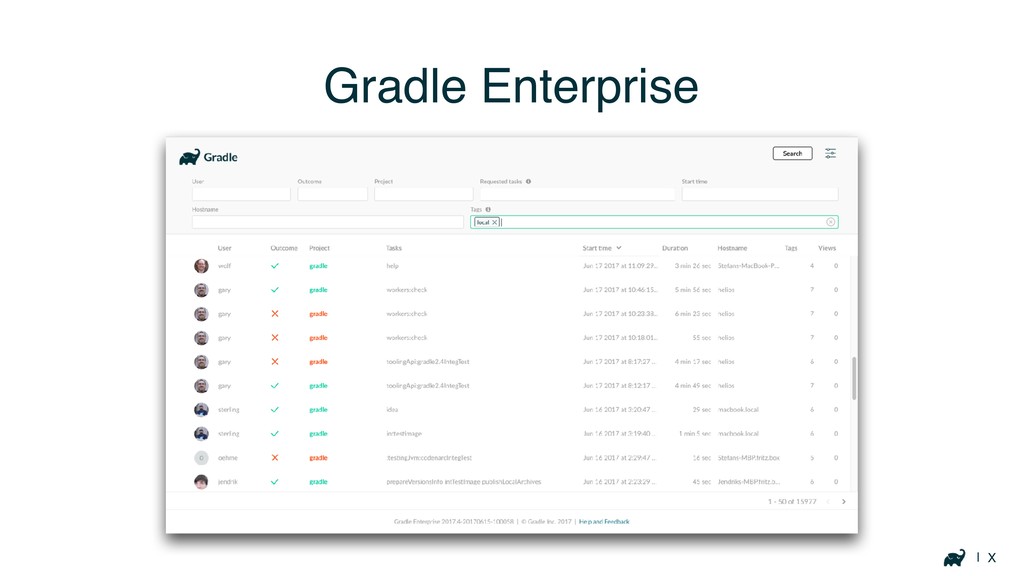
| X Gradle Enterprise
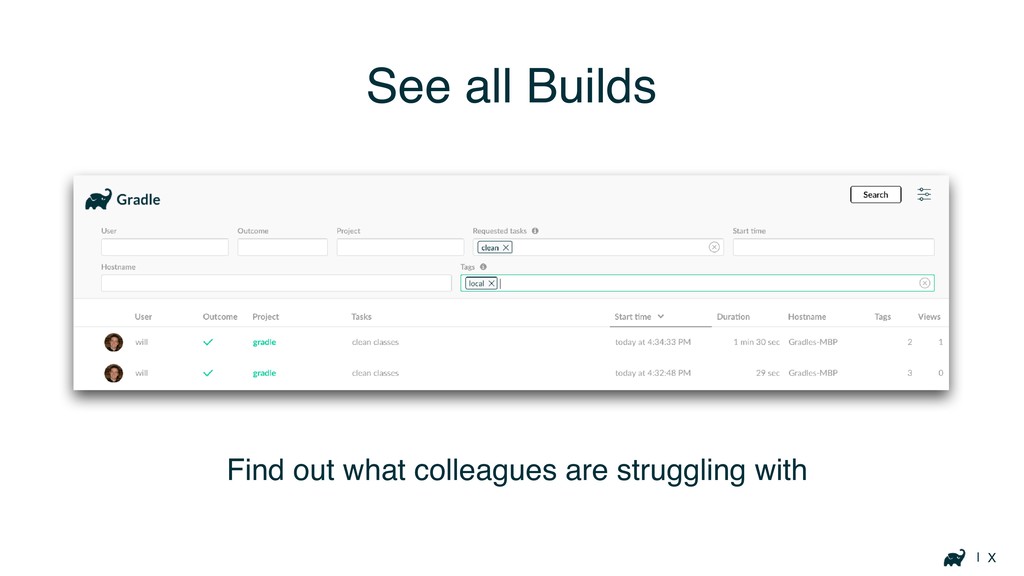
| X See all Builds Find out what colleagues are
struggling with
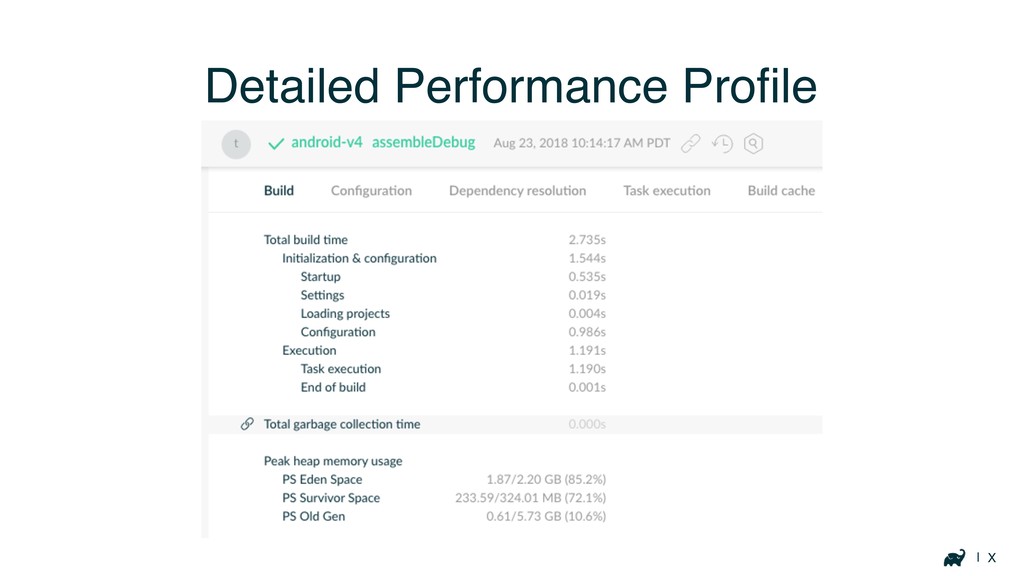
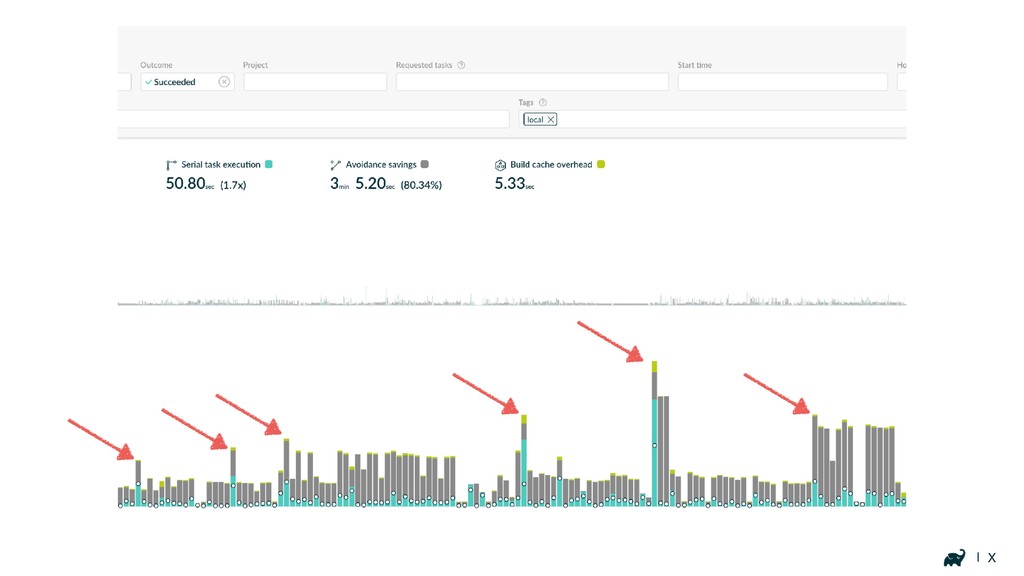
| X Detailed Performance Profile
| X
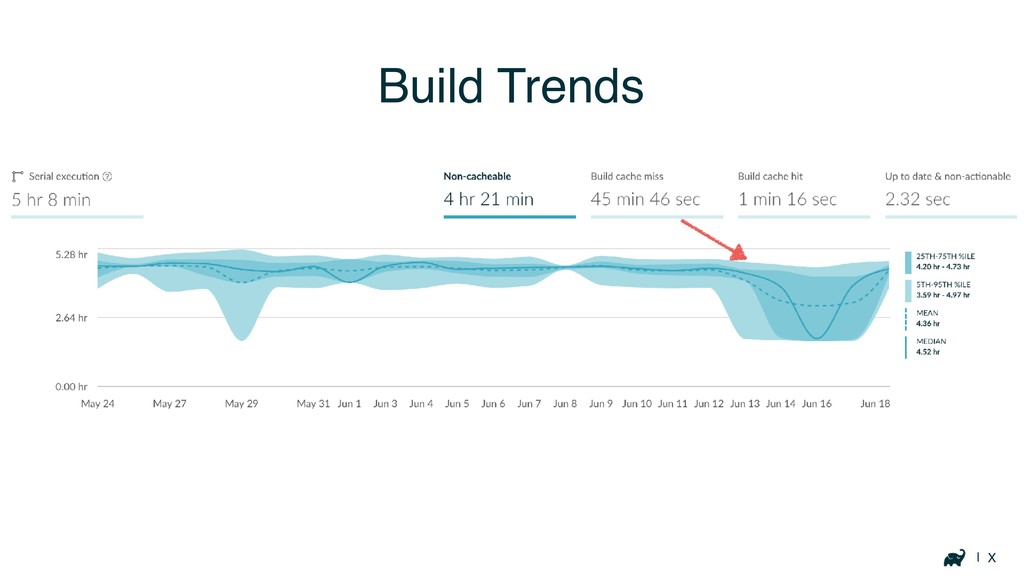
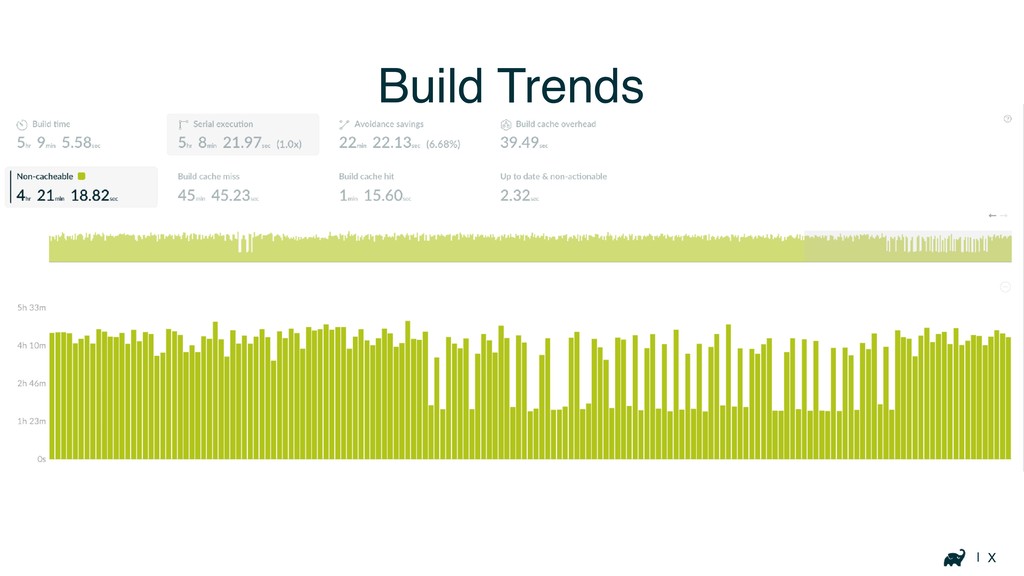
| X Build Trends
| X Build Trends
Resources
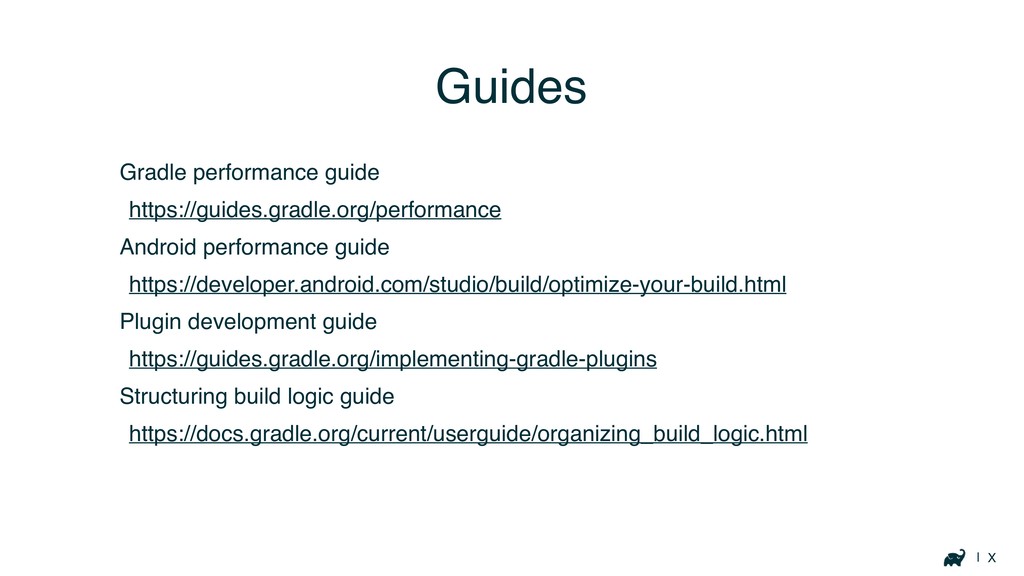
| X Gradle performance guide https://guides.gradle.org/performance Android performance guide https://developer.android.com/studio/build/optimize-your-build.html
Plugin development guide https://guides.gradle.org/implementing-gradle-plugins Structuring build logic guide https://docs.gradle.org/current/userguide/organizing_build_logic.html Guides
| X scans.gradle.com
w Thank you DenverDroids, July 2019
[email protected]
@autonomousapps


 autonomousapps
 rkaga
rkaga
 tosite
 skryukov
 steliosf
 a_matsuda
 ochtum
 ryu1013
 naokihaba
 cclai999
 findyinc
 kmars0605
 mixplace
 chrislema
 jnunemaker
 morganepeng
 inesmontani
 sergeychernyshev
 samanthasiow
 addyosmani
 szymonslowik
 jcasabona
 keithpitt
 mraible











![w Thank you DenverDroids, July 2019 [email protected] @autonomousapps](https://files.speakerdeck.com/presentations/fbba933b3d5147f2a4f1362e4b1050b1/slide_87.jpg)