Upgrade to Pro
— share decks privately, control downloads, hide ads and more …
Speaker Deck
Sign up for free
Menu
Search
Features
All features
Private URLs
Password Protection
Custom URLS
Scheduled publishing
Remove Branding
Restrict embedding
Deck Collections
Notes
Features
All features
Private URLs
Password Protection
Custom URLS
Scheduled publishing
Remove Branding
Restrict embedding
Deck Collections
Notes
Explore
Featured decks
Featured speakers
Programming
Technology
Storyboards
Explore
Featured decks
Featured speakers
Programming
Technology
Storyboards
Pricing
Search
Sign in
Sign up for free
Android Build Performance - DroidconSF 2018
Search
Tony Robalik
November 20, 2018
Programming
87
1
Share
Embed
Copy iframe code
Copy JS code
Copy link
Start on current slide
Android Build Performance - DroidconSF 2018
This is a reprisal of my earlier presentation at DroidconNYC, with a few minor updates.
Tony Robalik
November 20, 2018
More Decks by Tony Robalik
See All by Tony Robalik
Android Build Performance at DenverDroids
autonomousapps
1
130
Improving Android Build Performance
autonomousapps
4
690
Other Decks in Programming
See All in Programming
iOSDC Japan 2026 - Swiftで作って学ぼう!データベース自作入門
kaseken
2
280
Starting & Sustaining Code-Based E2E Testing for Non-Coding QA Teams( #jasstniigata )
teyamagu
PRO
1
490
AI Agent時代のリアーキテクチャ戦略と実践
hokaccha
9
4.9k
AgentCore CLI で進化した AWS での AI エージェントの作り方 : 必要な機能を必要な時に
icoxfog417
PRO
3
360
App Storeの外へ──日本のiOSサイドローディング入門 for iOSDC Japan 2026
yuukiw00w
0
230
選挙速報を多くのユーザーへ 届ける Live Activities 設計
hamayokokuririn
0
150
巨大モノリシックアプリ モダン化大作戦
ktcryomm
1
1.1k
AI活用は、個人から組織へ|マルチプレイヤーエージェントハーネス「QM」の社内活用事例 / AI use is moving from individuals to orgs
rkaga
1
140
Omarchy Tokyo やると聞いて UMPC 買ってセットアップしてきた
mtsmfm
0
150
技術的負債を組織課題として解く-増えすぎたマイクロサービスとの戦い-
reimaru
1
2.2k
Family mrubyの進捗
kishima
1
130
変化を抱擁するドキュメントの作り方 - ビジネスルール駆動開発がもたらす、コードとの新しい関係
ioki
2
220
Featured
See All Featured
Why Our Code Smells
bkeepers
PRO
340
58k
Building the Perfect Custom Keyboard
takai
2
880
Thoughts on Productivity
jonyablonski
76
5.4k
Six Lessons from altMBA
skipperchong
29
4.5k
How Software Deployment tools have changed in the past 20 years
geshan
1
34k
How To Speak Unicorn (iThemes Webinar)
marktimemedia
1
580
Amusing Abliteration
ianozsvald
1
310
The Art of Programming - Codeland 2020
erikaheidi
57
14k
Paper Plane
katiecoart
PRO
4
53k
Gemini Prompt Engineering: Practical Techniques for Tangible AI Outcomes
mfonobong
2
530
Why You Should Never Use an ORM
jnunemaker
PRO
61
10k
New Earth Scene 8
popppiees
4
2.6k
Transcript
Improving Android Build Performance Tony Robalik, Gradle Inc.
None
The Cost of Builds (#perfmatters)
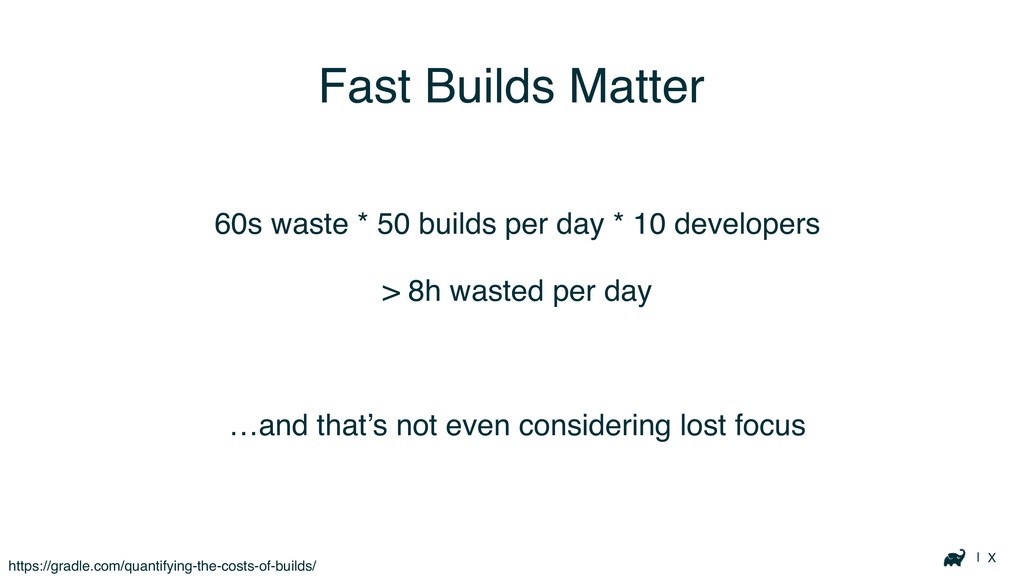
| X Fast Builds Matter 60s waste * 50 builds
per day * 10 developers > 8h wasted per day …and that’s not even considering lost focus https://gradle.com/quantifying-the-costs-of-builds/
| X
| X
| X Fast Builds Matter Don’t even get me started
on morale…
General Advice
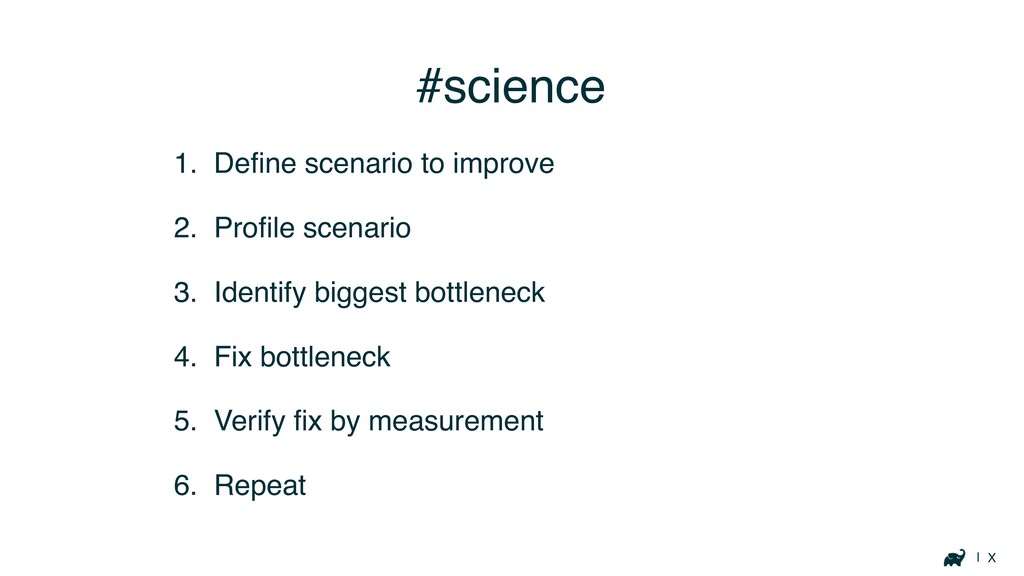
| X #science 1. Define scenario to improve 2. Profile
scenario 3. Identify biggest bottleneck 4. Fix bottleneck 5. Verify fix by measurement 6. Repeat
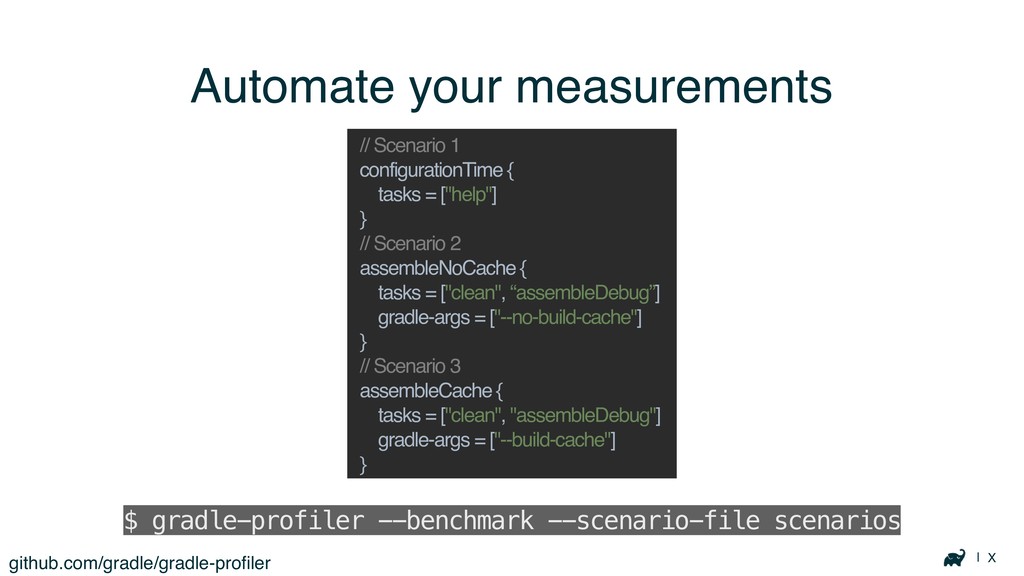
| X Automate your measurements github.com/gradle/gradle-profiler $ gradle-profiler --benchmark --scenario-file
scenarios // Scenario 1 configurationTime { tasks = ["help"] } // Scenario 2 assembleNoCache { tasks = ["clean", “assembleDebug”] gradle-args = ["--no-build-cache"] } // Scenario 3 assembleCache { tasks = ["clean", "assembleDebug"] gradle-args = ["--build-cache"] }
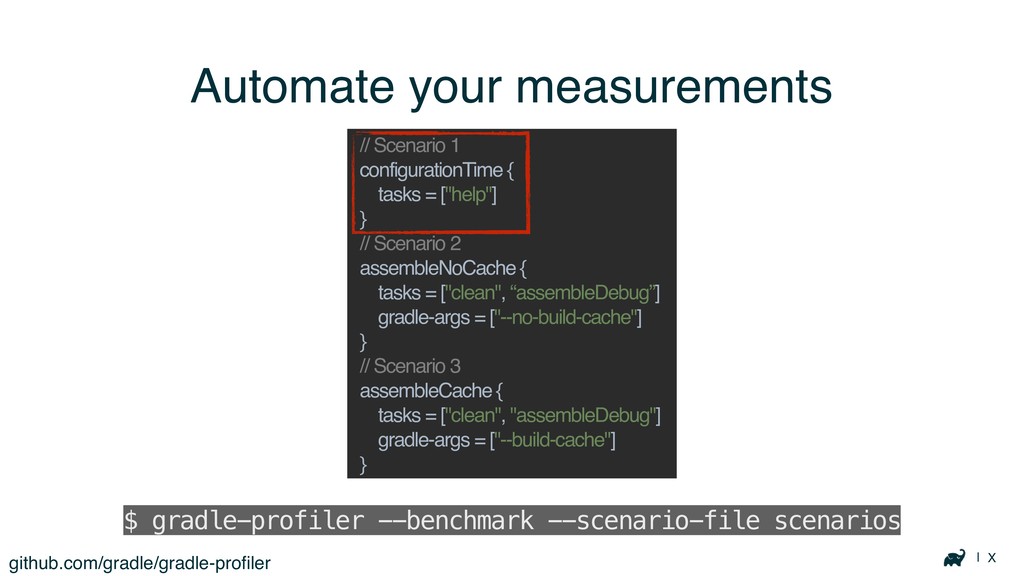
| X Automate your measurements github.com/gradle/gradle-profiler $ gradle-profiler --benchmark --scenario-file
scenarios // Scenario 1 configurationTime { tasks = ["help"] } // Scenario 2 assembleNoCache { tasks = ["clean", “assembleDebug”] gradle-args = ["--no-build-cache"] } // Scenario 3 assembleCache { tasks = ["clean", "assembleDebug"] gradle-args = ["--build-cache"] }
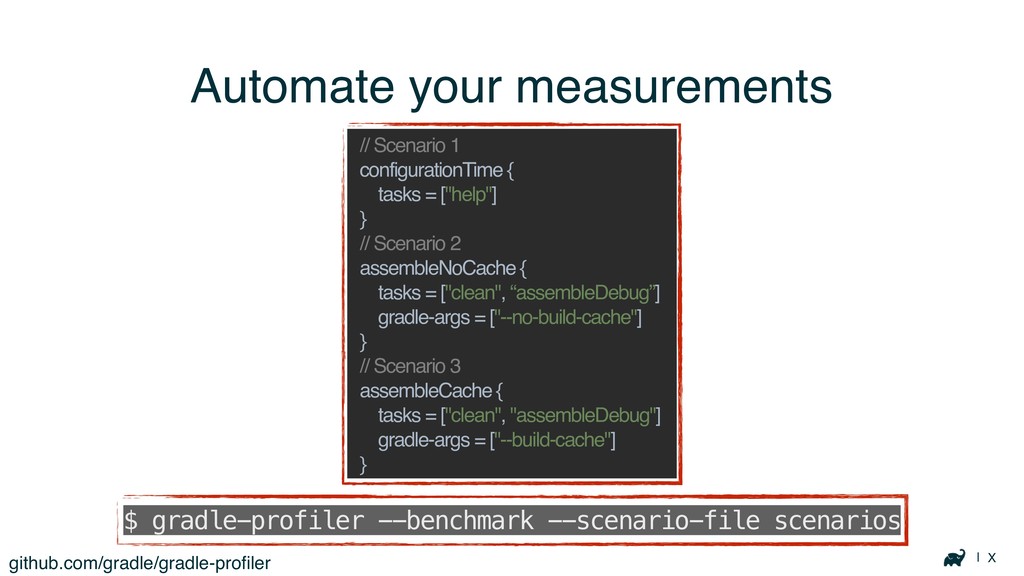
| X Automate your measurements github.com/gradle/gradle-profiler $ gradle-profiler --benchmark --scenario-file
scenarios // Scenario 1 configurationTime { tasks = ["help"] } // Scenario 2 assembleNoCache { tasks = ["clean", “assembleDebug”] gradle-args = ["--no-build-cache"] } // Scenario 3 assembleCache { tasks = ["clean", "assembleDebug"] gradle-args = ["--build-cache"] }
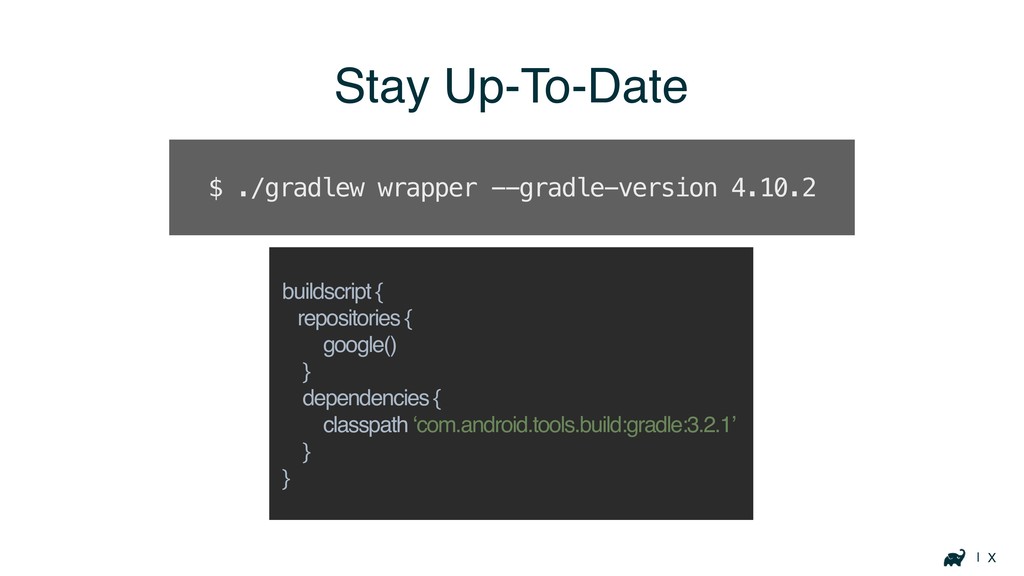
| X Stay Up-To-Date buildscript { repositories { google() }
dependencies { classpath ‘com.android.tools.build:gradle:3.2.1’ } } $ ./gradlew wrapper --gradle-version 4.10.2
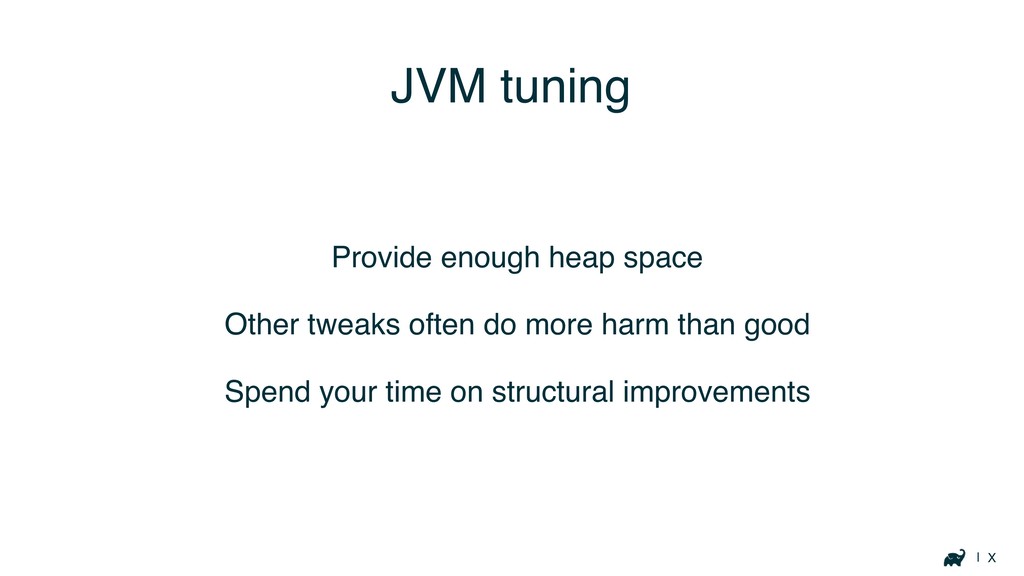
| X JVM tuning Provide enough heap space Other tweaks
often do more harm than good Spend your time on structural improvements
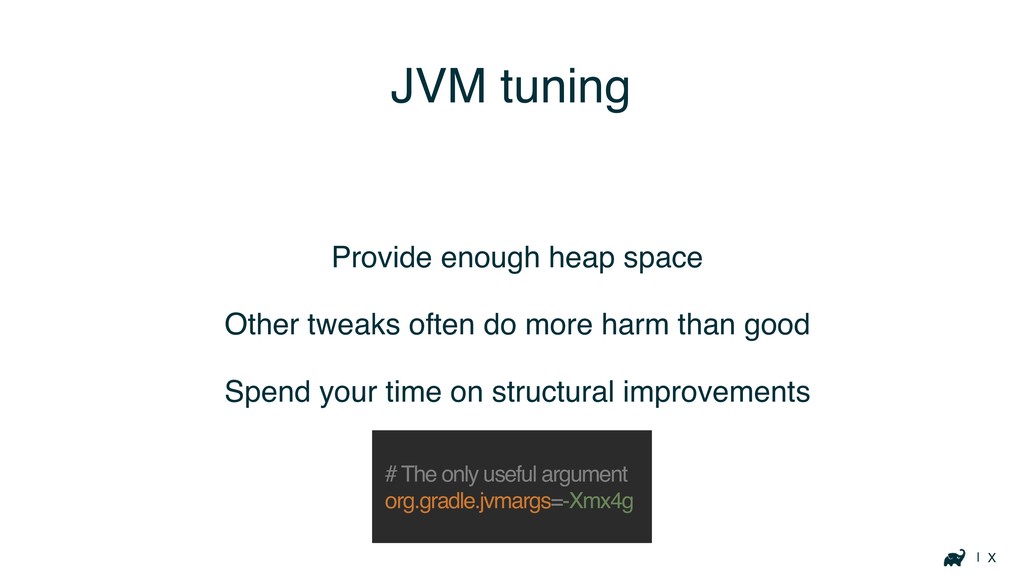
| X JVM tuning Provide enough heap space Other tweaks
often do more harm than good Spend your time on structural improvements # The only useful argument org.gradle.jvmargs=-Xmx4g
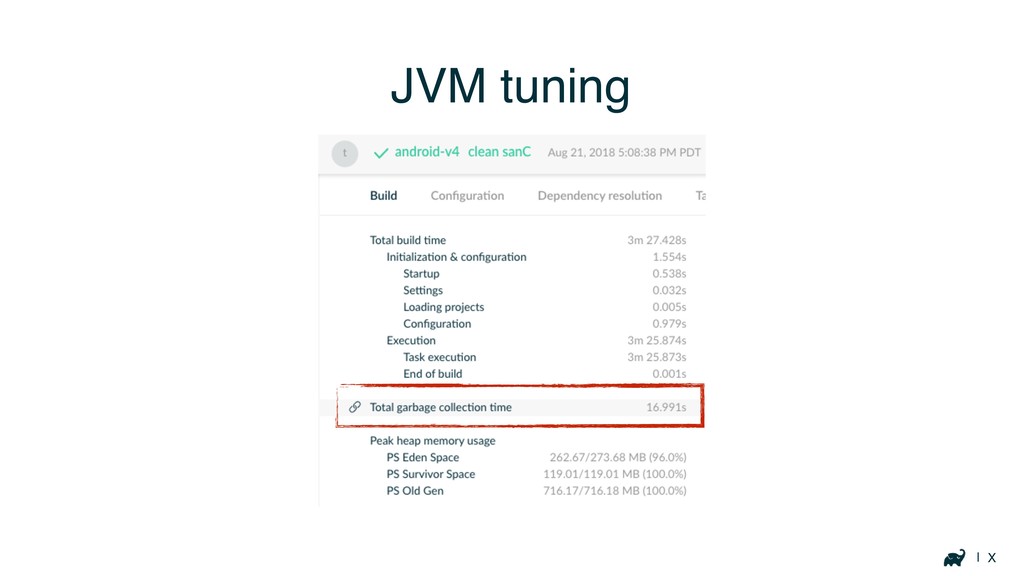
| X JVM tuning
Where is the Problem?
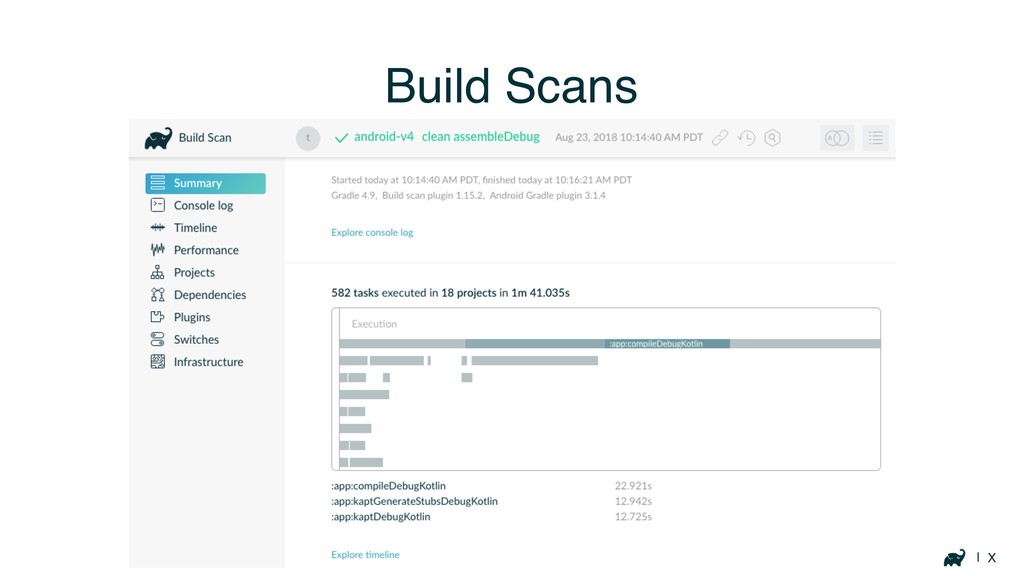
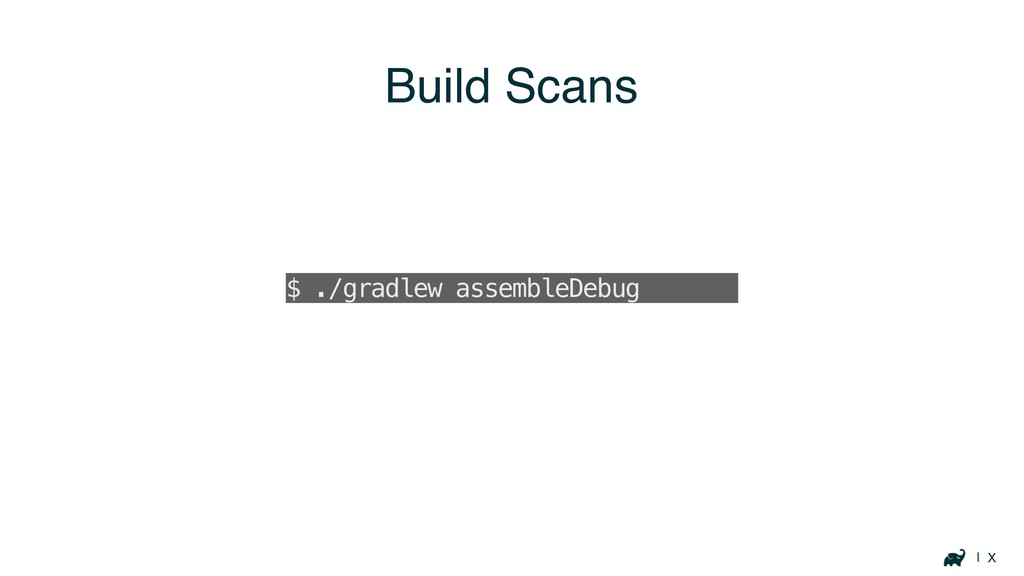
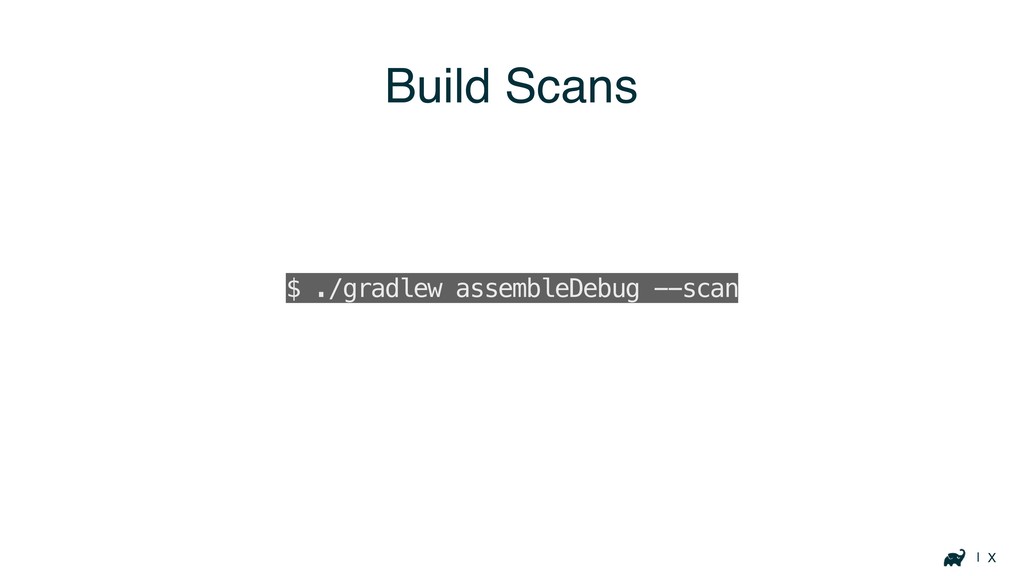
| X Build Scans
| X Build Scans $ ./gradlew assembleDebug --scan
| X Build Scans $ ./gradlew assembleDebug --scan
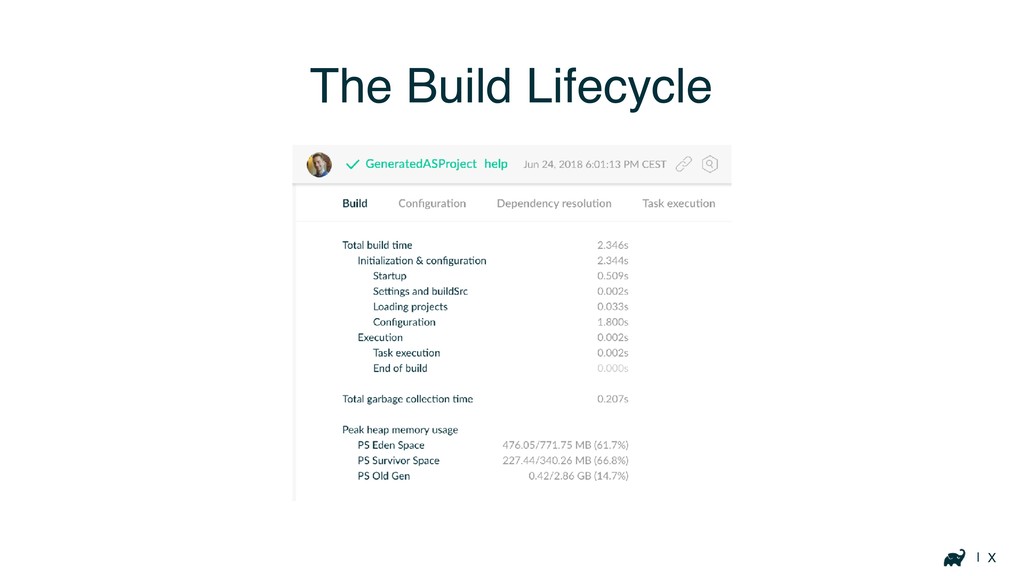
| X The Build Lifecycle
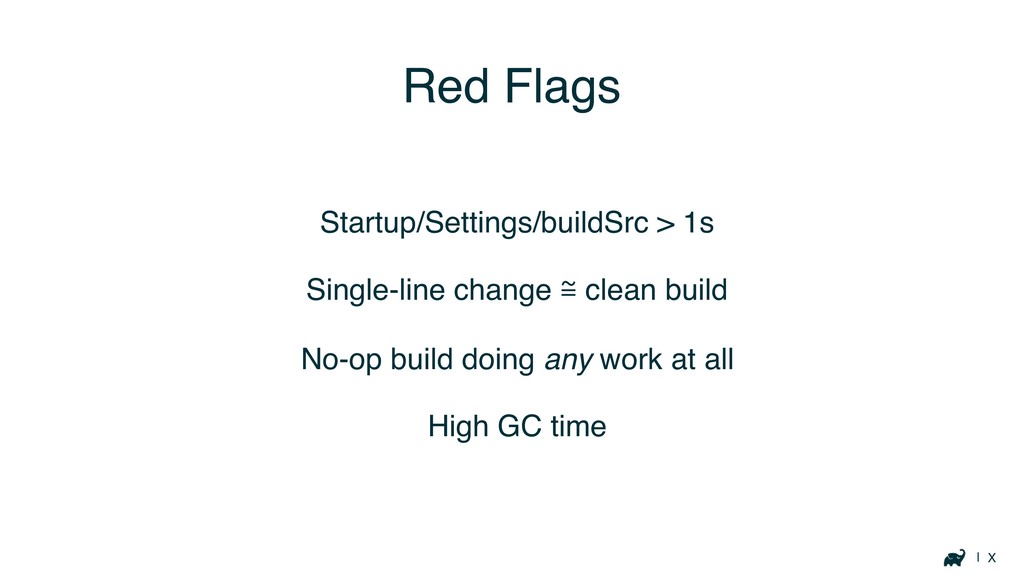
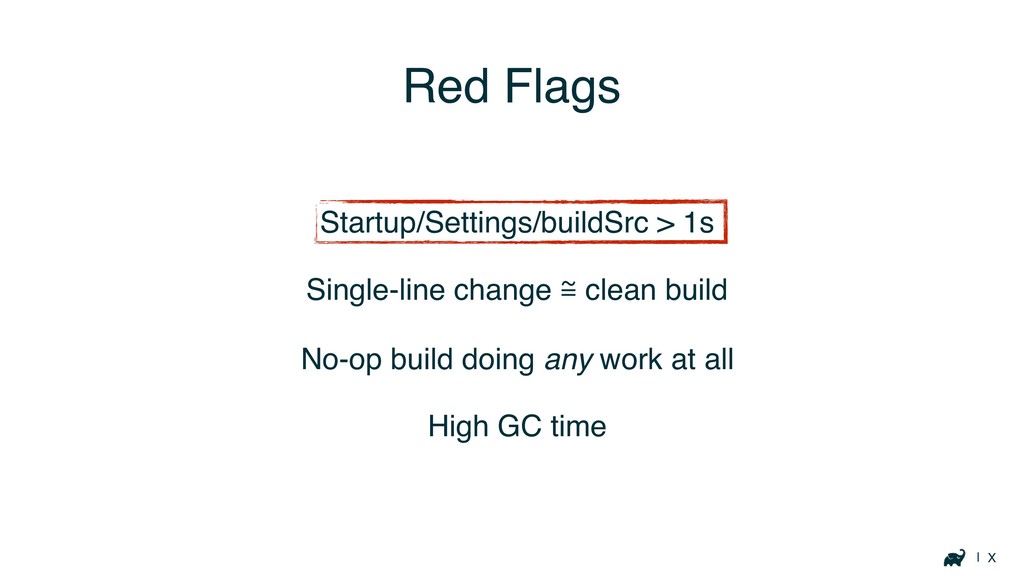
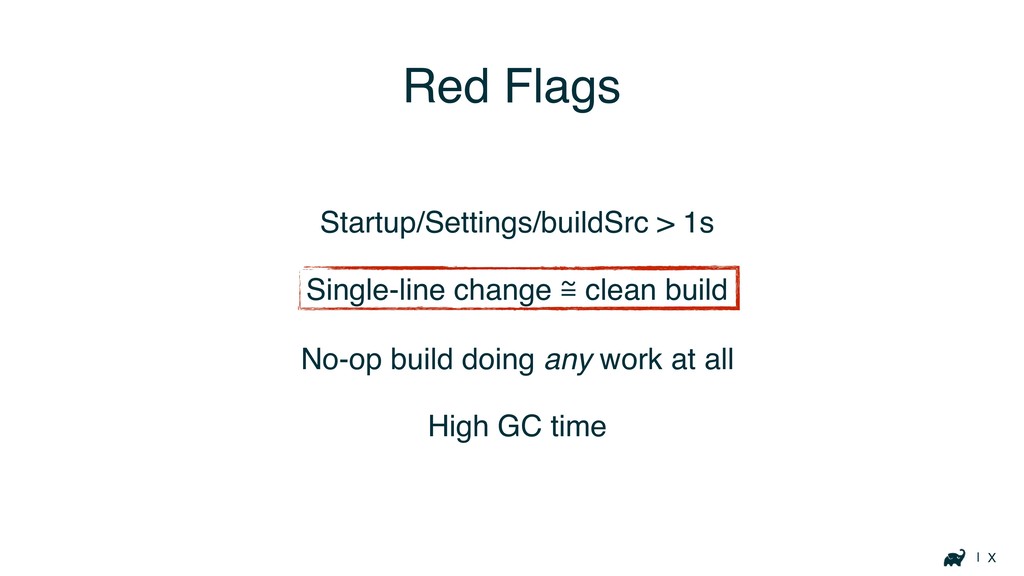
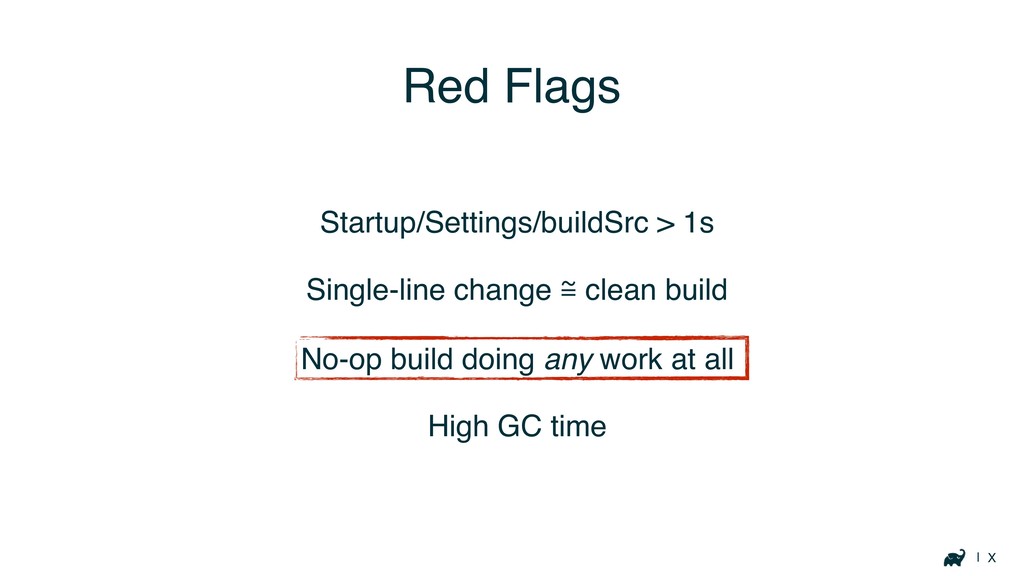
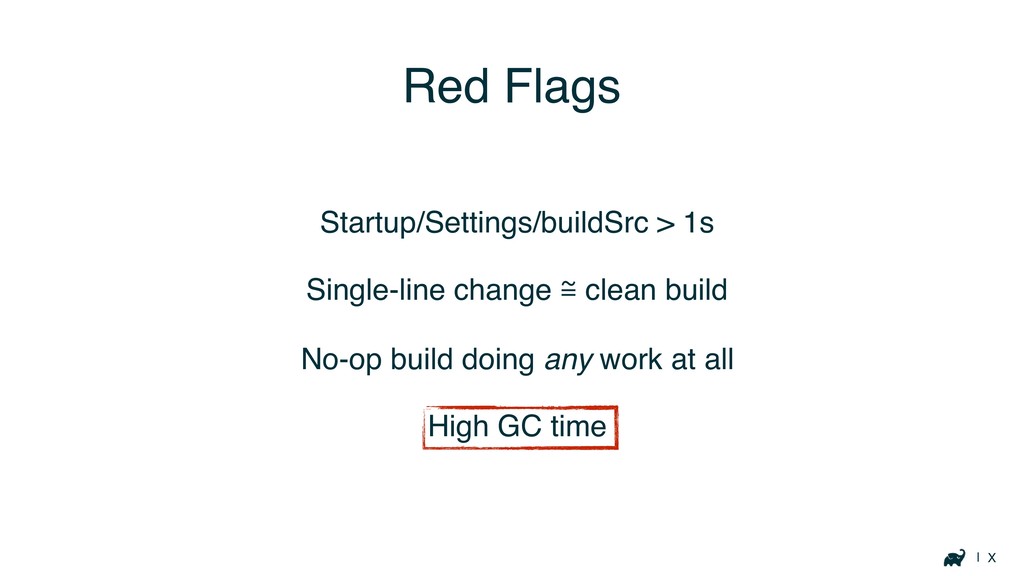
| X Red Flags Startup/Settings/buildSrc > 1s Single-line change ℳ
clean build No-op build doing any work at all High GC time
| X Red Flags Startup/Settings/buildSrc > 1s Single-line change ℳ
clean build No-op build doing any work at all High GC time
| X Red Flags Startup/Settings/buildSrc > 1s Single-line change ℳ
clean build No-op build doing any work at all High GC time
| X Red Flags Startup/Settings/buildSrc > 1s Single-line change ℳ
clean build No-op build doing any work at all High GC time
| X Red Flags Startup/Settings/buildSrc > 1s Single-line change ℳ
clean build No-op build doing any work at all High GC time
Your Build
Startup, buildSrc, Settings
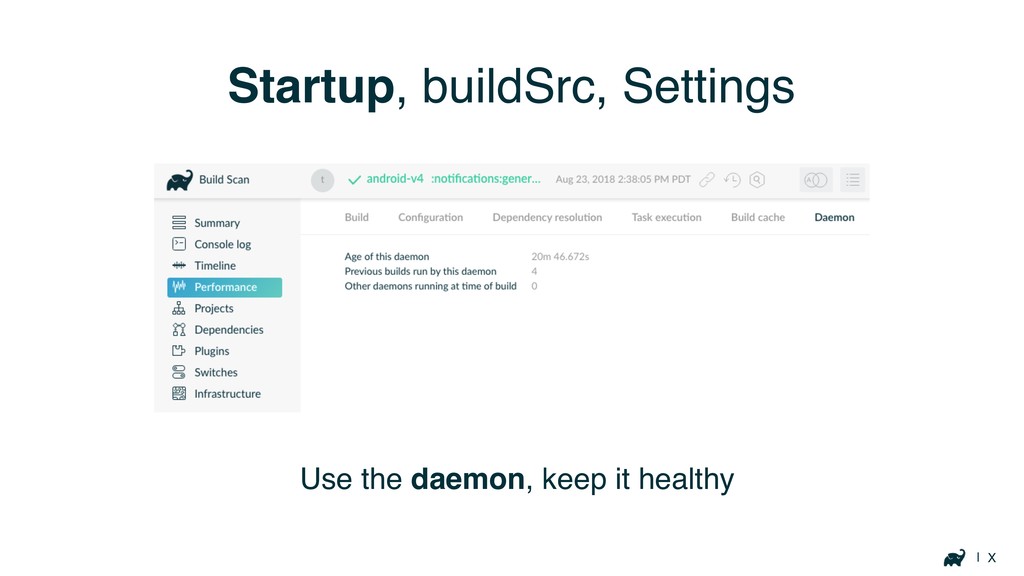
| X Startup, buildSrc, Settings Use the daemon, keep it
healthy
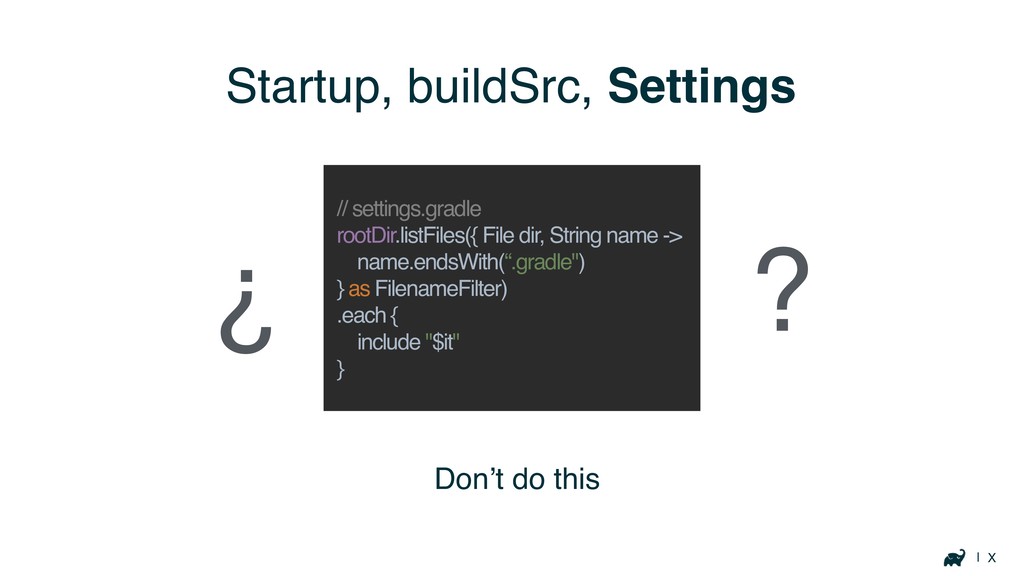
| X Startup, buildSrc, Settings Don’t do this // settings.gradle
rootDir.listFiles({ File dir, String name -> name.endsWith(“.gradle") } as FilenameFilter) .each { include "$it" } ? ¿
| X Startup, buildSrc, Settings Don’t do this // settings.gradle
rootDir.listFiles({ File dir, String name -> name.endsWith(“.gradle") } as FilenameFilter) .each { include "$it" }
| X Startup, buildSrc, Settings ?
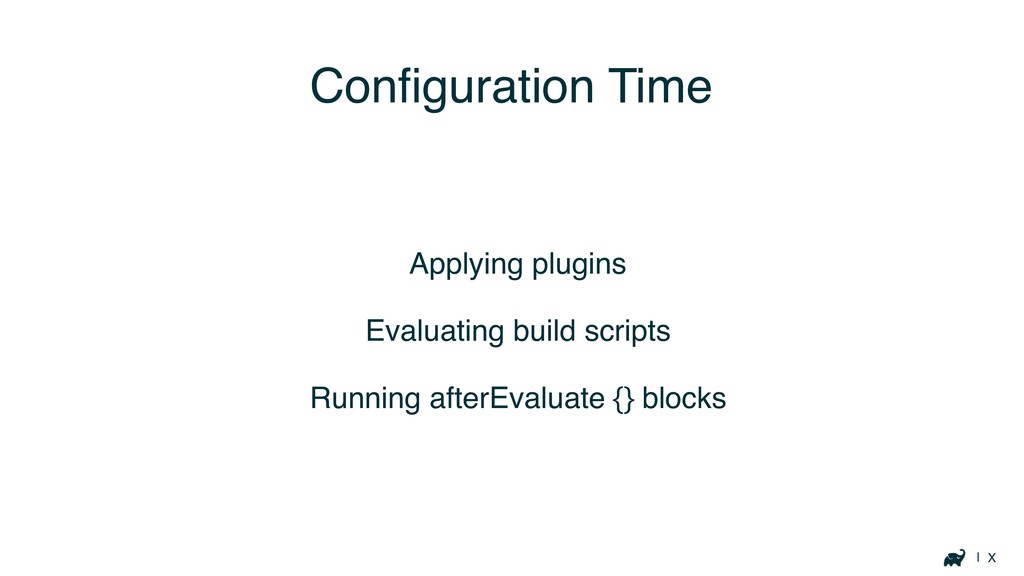
Configuration Time
| X Configuration Time Applying plugins Evaluating build scripts Running
afterEvaluate {} blocks
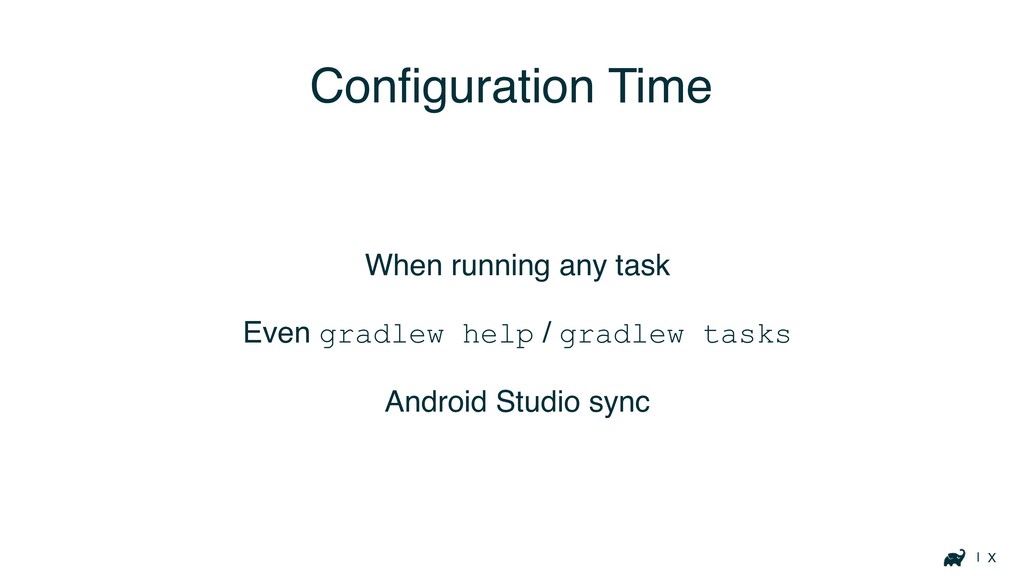
| X Configuration Time When running any task Even gradlew
help / gradlew tasks Android Studio sync
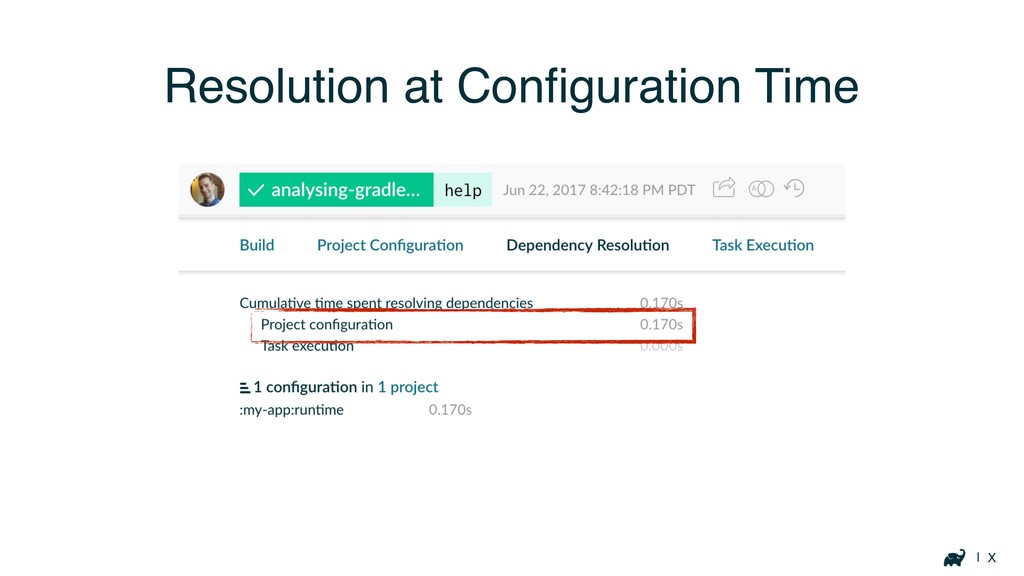
| X Resolution at Configuration Time
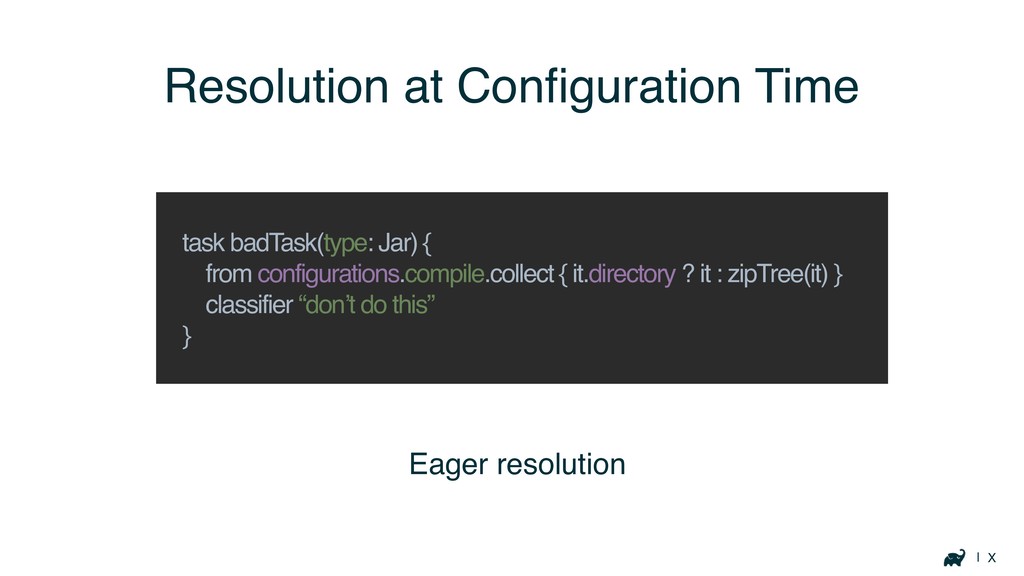
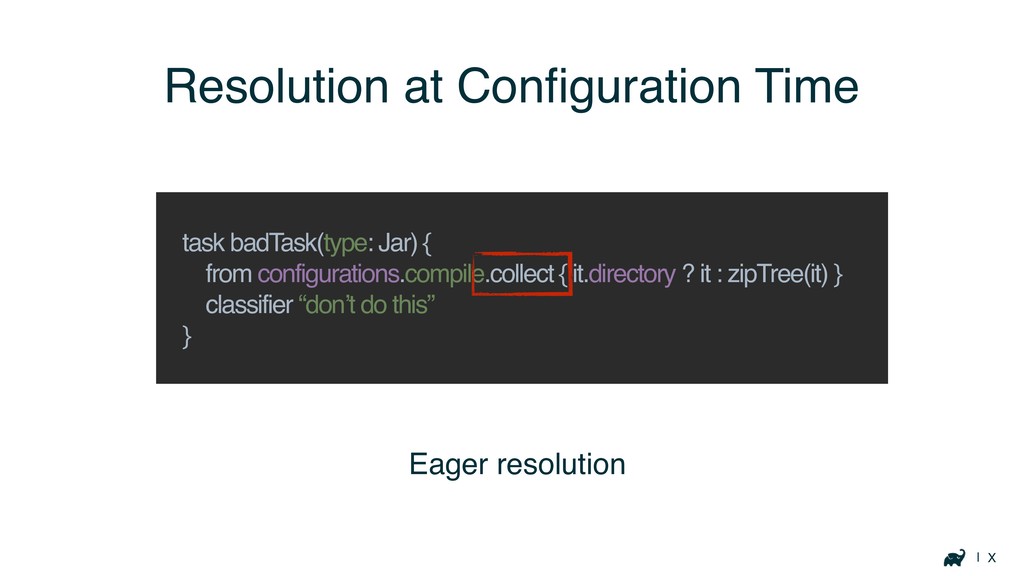
| X Eager resolution Resolution at Configuration Time task badTask(type:
Jar) { from configurations.compile.collect { it.directory ? it : zipTree(it) } classifier “don’t do this” }
| X Eager resolution Resolution at Configuration Time task badTask(type:
Jar) { from configurations.compile.collect { it.directory ? it : zipTree(it) } classifier “don’t do this” }
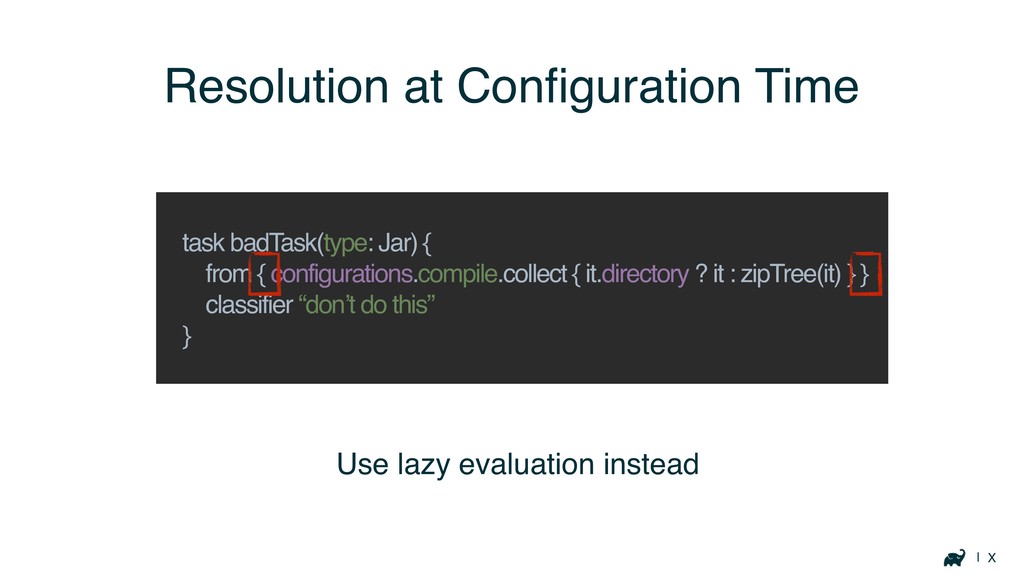
| X Resolution at Configuration Time task badTask(type: Jar) {
from { configurations.compile.collect { it.directory ? it : zipTree(it) } } classifier “don’t do this” } Use lazy evaluation instead
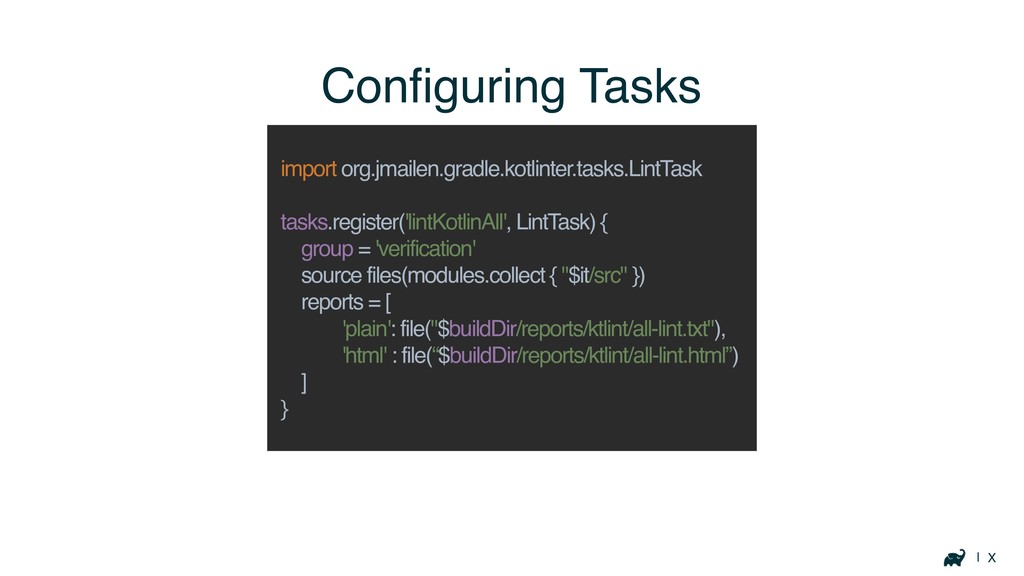
| X Configuring Tasks import org.jmailen.gradle.kotlinter.tasks.LintTask tasks.register('lintKotlinAll', LintTask) { group
= 'verification' source files(modules.collect { "$it/src" }) reports = [ 'plain': file("$buildDir/reports/ktlint/all-lint.txt"), 'html' : file(“$buildDir/reports/ktlint/all-lint.html”) ] }
| X Inefficient Plugins
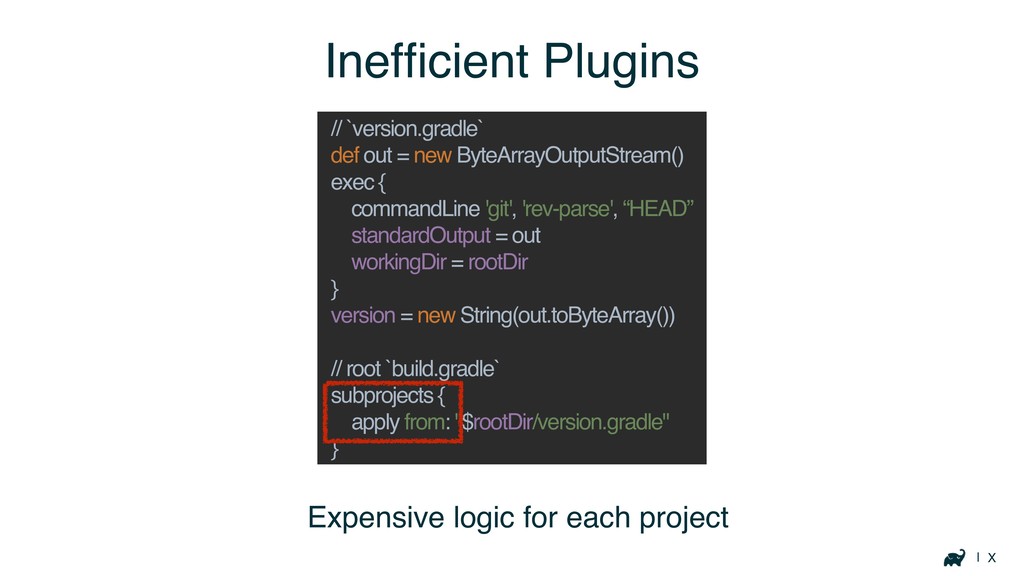
| X Expensive logic for each project Inefficient Plugins //
`version.gradle` def out = new ByteArrayOutputStream() exec { commandLine 'git', 'rev-parse', “HEAD” standardOutput = out workingDir = rootDir } version = new String(out.toByteArray()) // root `build.gradle` subprojects { apply from: "$rootDir/version.gradle" }
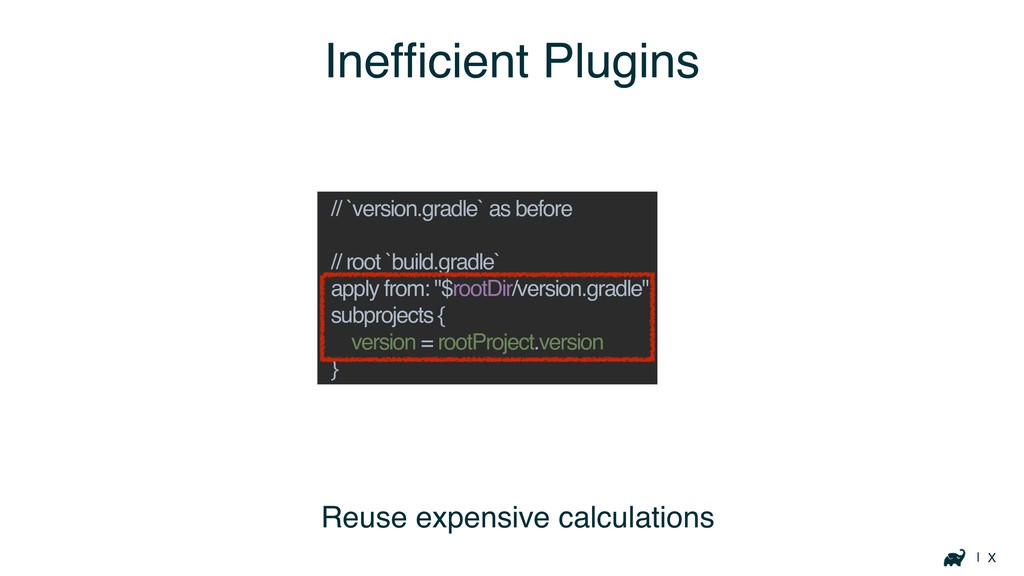
| X Inefficient Plugins // `version.gradle` as before // root
`build.gradle` apply from: "$rootDir/version.gradle" subprojects { version = rootProject.version } Reuse expensive calculations
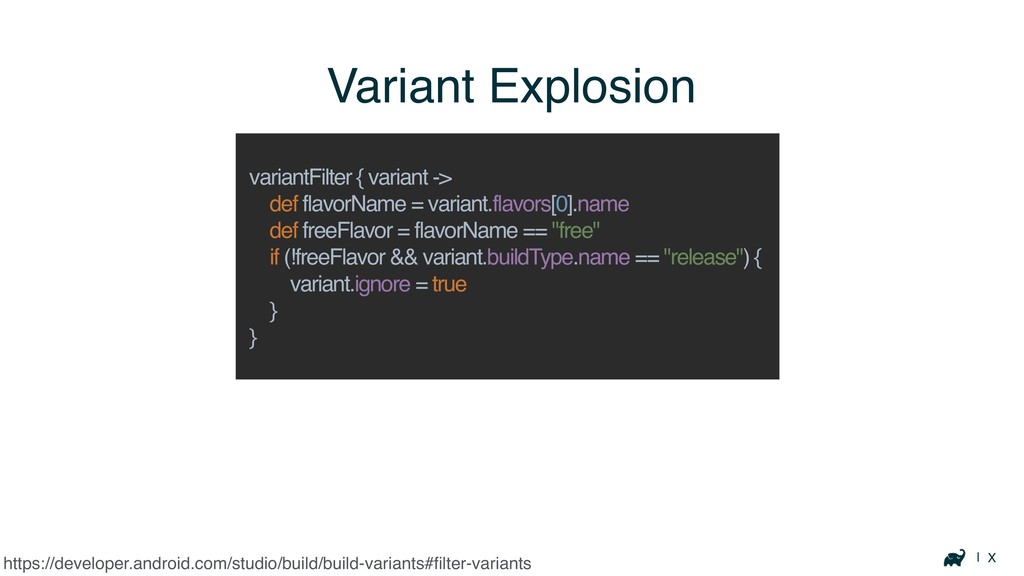
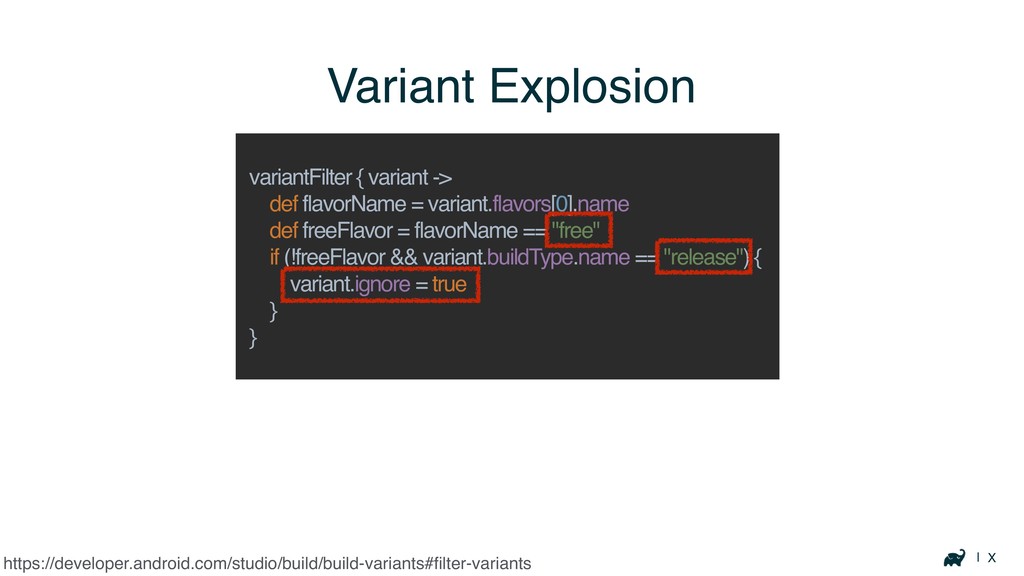
| X Variant Explosion https://developer.android.com/studio/build/build-variants#filter-variants variantFilter { variant -> def
flavorName = variant.flavors[0].name def freeFlavor = flavorName == "free" if (!freeFlavor && variant.buildType.name == "release") { variant.ignore = true } }
| X Variant Explosion https://developer.android.com/studio/build/build-variants#filter-variants variantFilter { variant -> def
flavorName = variant.flavors[0].name def freeFlavor = flavorName == "free" if (!freeFlavor && variant.buildType.name == "release") { variant.ignore = true } }
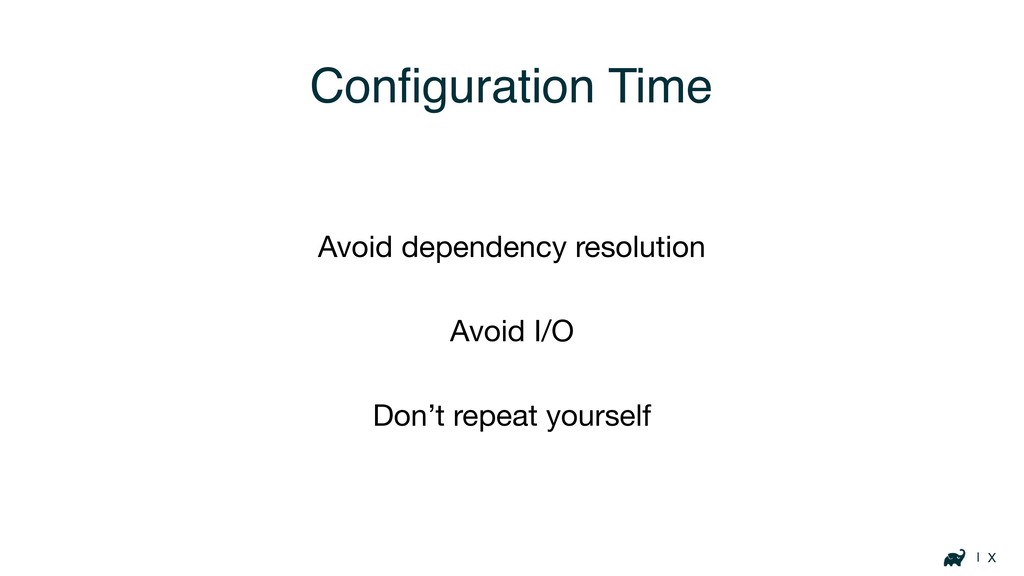
| X Configuration Time Avoid dependency resolution Avoid I/O Don’t
repeat yourself
Optimizing Build Logic
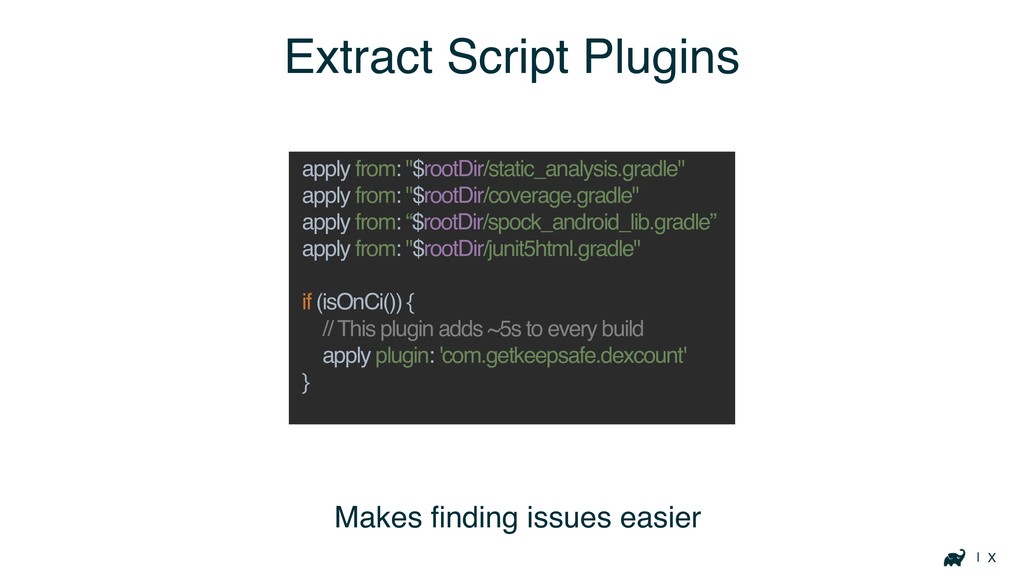
| X Extract Script Plugins apply from: "$rootDir/static_analysis.gradle" apply from:
"$rootDir/coverage.gradle" apply from: “$rootDir/spock_android_lib.gradle” apply from: "$rootDir/junit5html.gradle" if (isOnCi()) { // This plugin adds ~5s to every build apply plugin: 'com.getkeepsafe.dexcount' } Makes finding issues easier
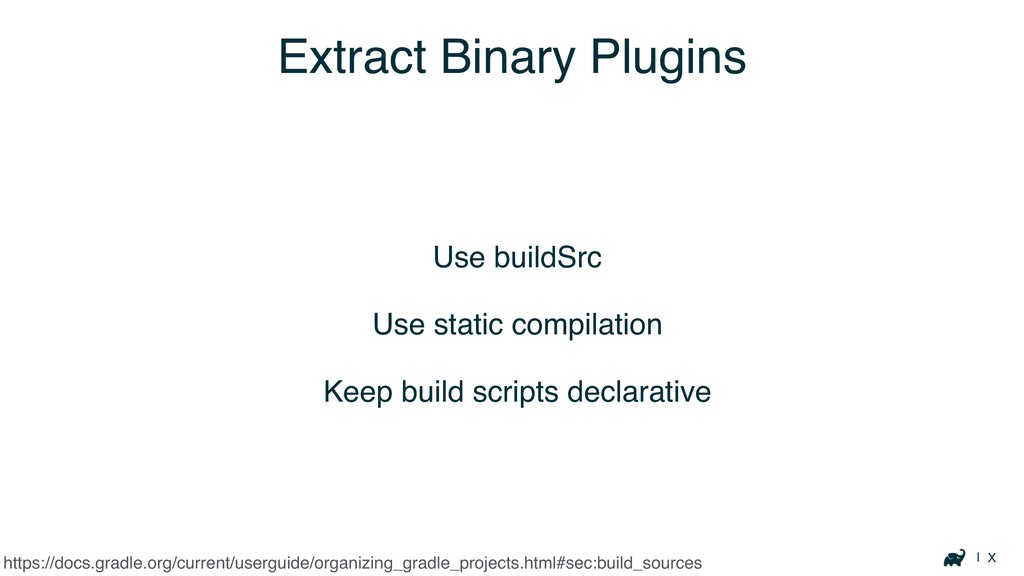
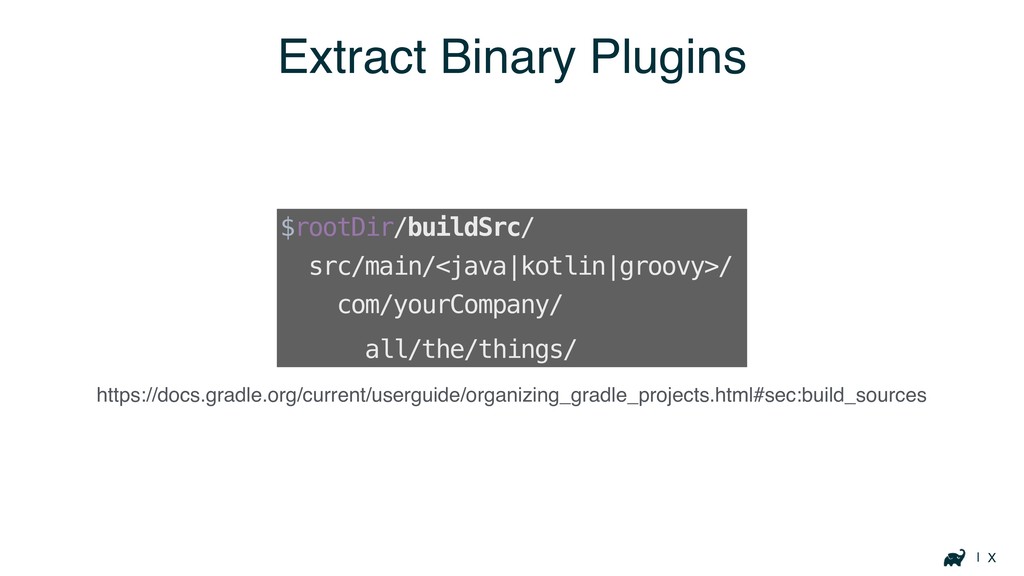
| X Extract Binary Plugins Use buildSrc Use static compilation
Keep build scripts declarative https://docs.gradle.org/current/userguide/organizing_gradle_projects.html#sec:build_sources
| X Extract Binary Plugins https://docs.gradle.org/current/userguide/organizing_gradle_projects.html#sec:build_sources $rootDir/buildSrc/ src/main/<java|kotlin|groovy>/ com/yourCompany/ all/the/things/
Execution Time
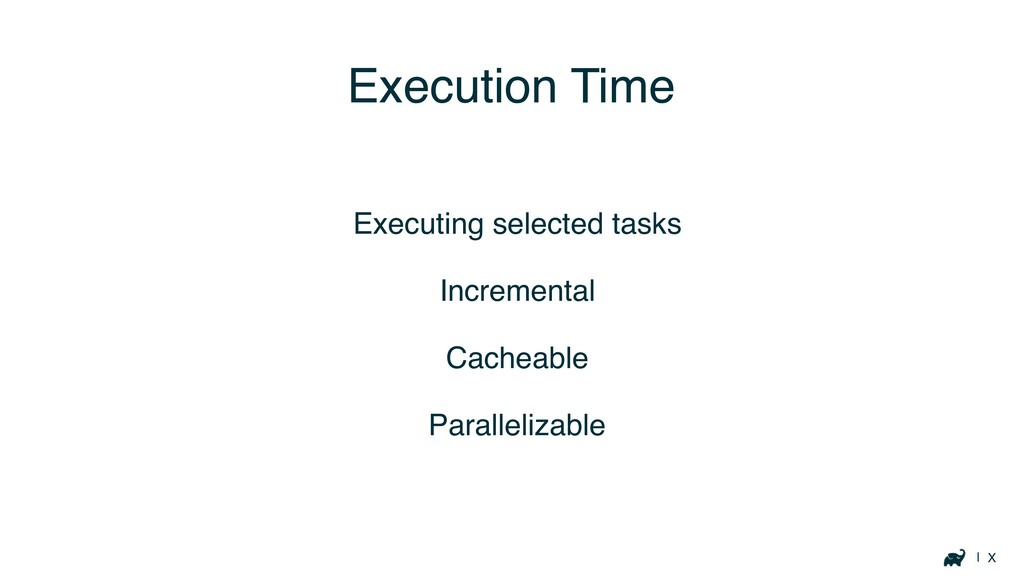
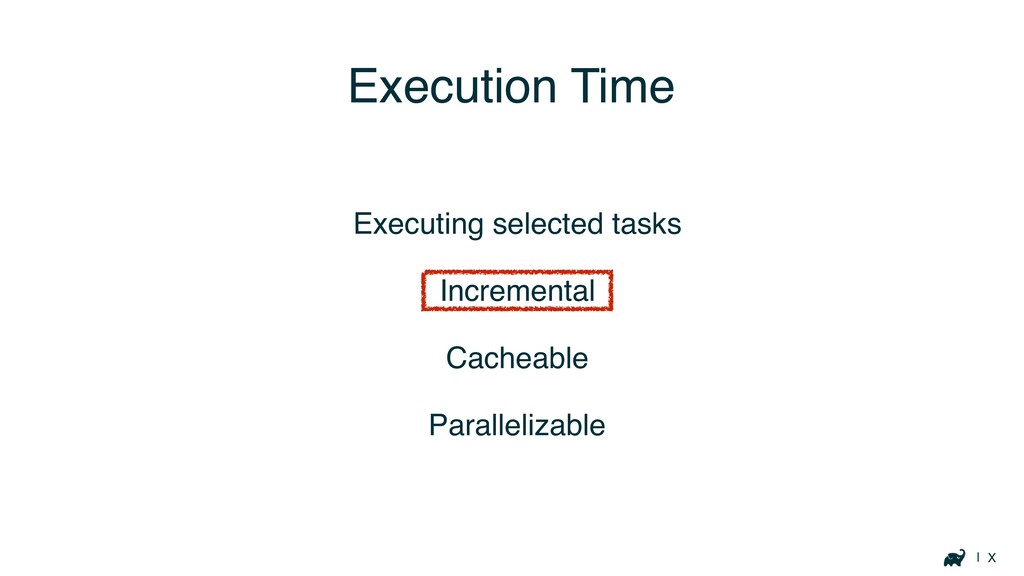
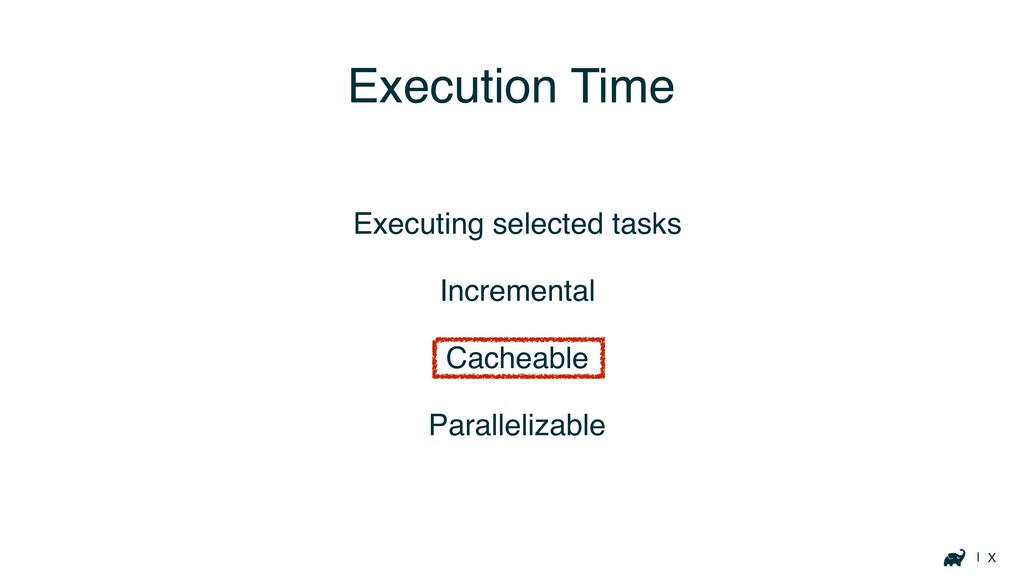
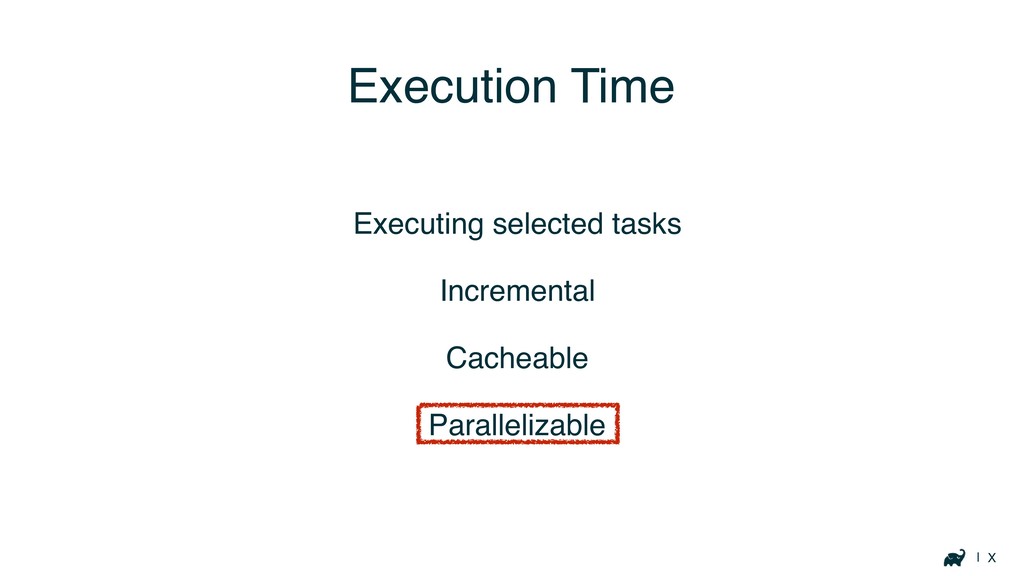
| X Execution Time Executing selected tasks Incremental Cacheable Parallelizable
| X Execution Time Executing selected tasks Incremental Cacheable Parallelizable
| X Execution Time Executing selected tasks Incremental Cacheable Parallelizable
| X Execution Time Executing selected tasks Incremental Cacheable Parallelizable
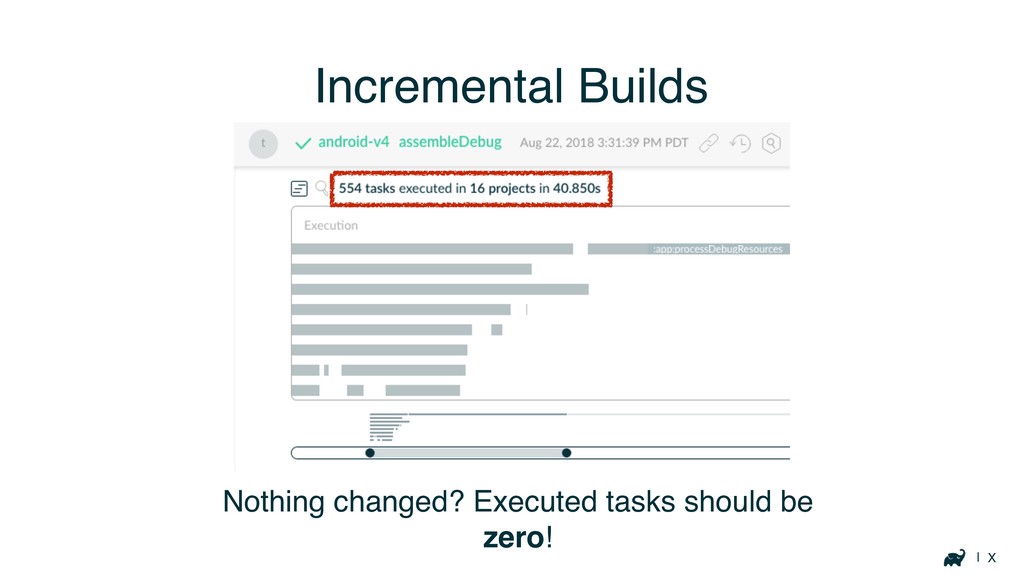
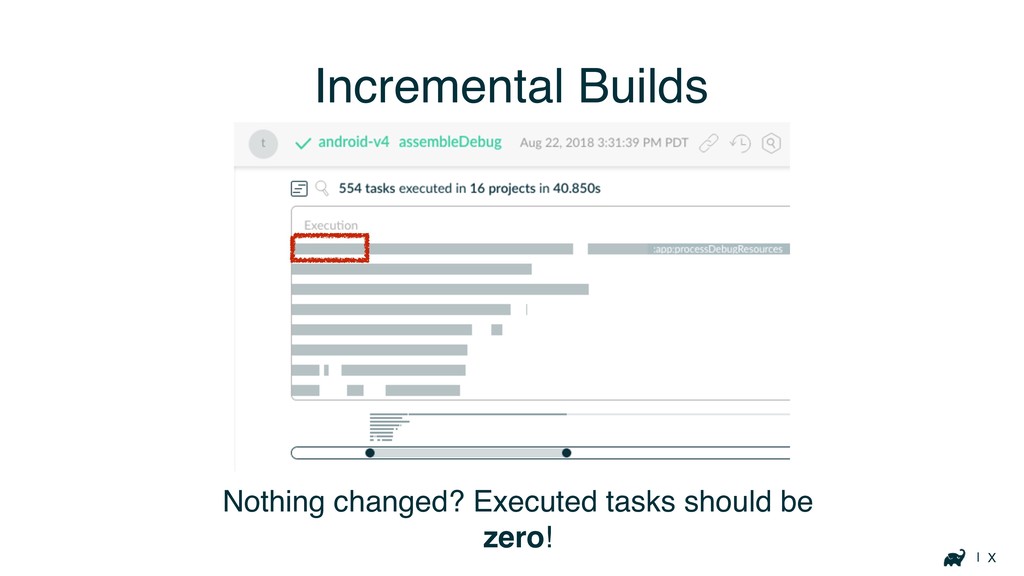
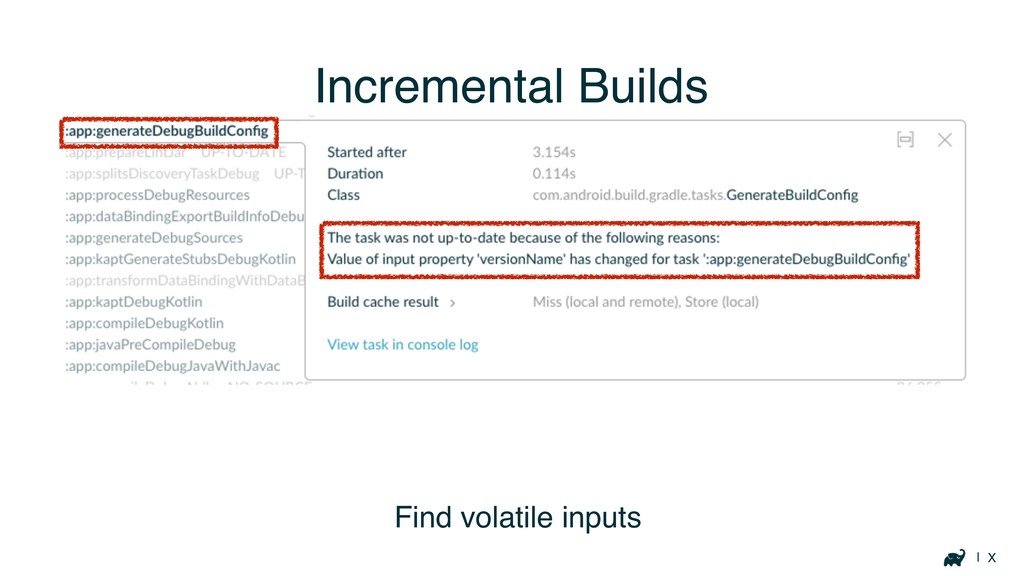
| X Incremental Builds Nothing changed? Executed tasks should be
zero!
| X Incremental Builds Nothing changed? Executed tasks should be
zero!
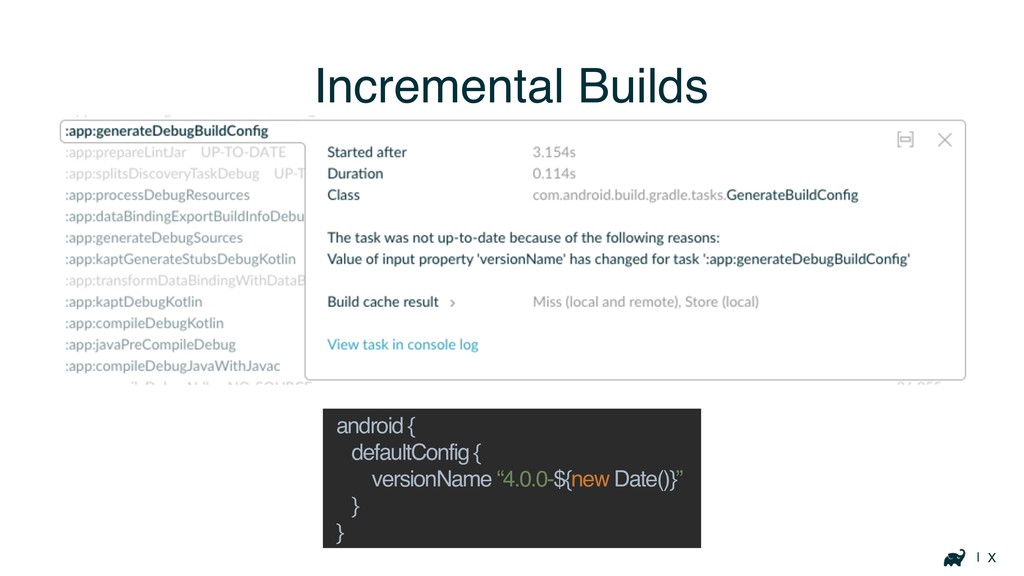
| X Incremental Builds Find volatile inputs
| X Incremental Builds android { defaultConfig { versionName “4.0.0-${new
Date()}” } }
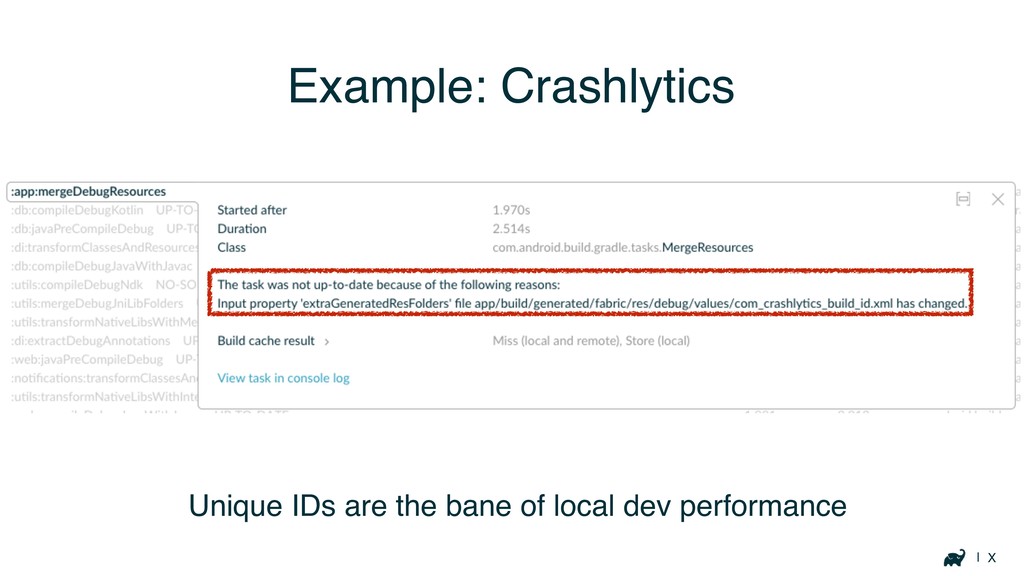
| X Example: Crashlytics Unique IDs are the bane of
local dev performance
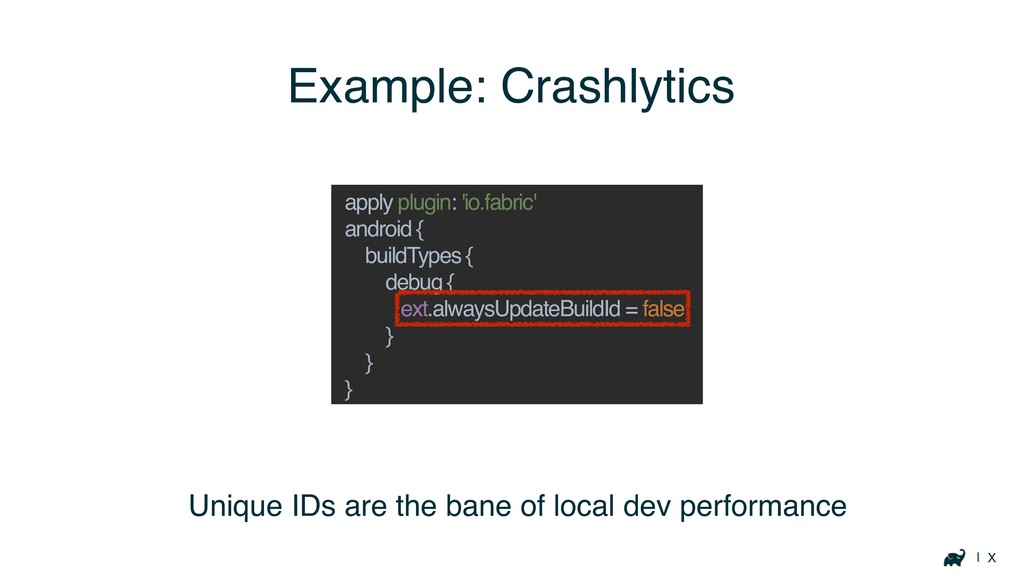
| X Example: Crashlytics Unique IDs are the bane of
local dev performance apply plugin: 'io.fabric' android { buildTypes { debug { ext.alwaysUpdateBuildId = false } } }
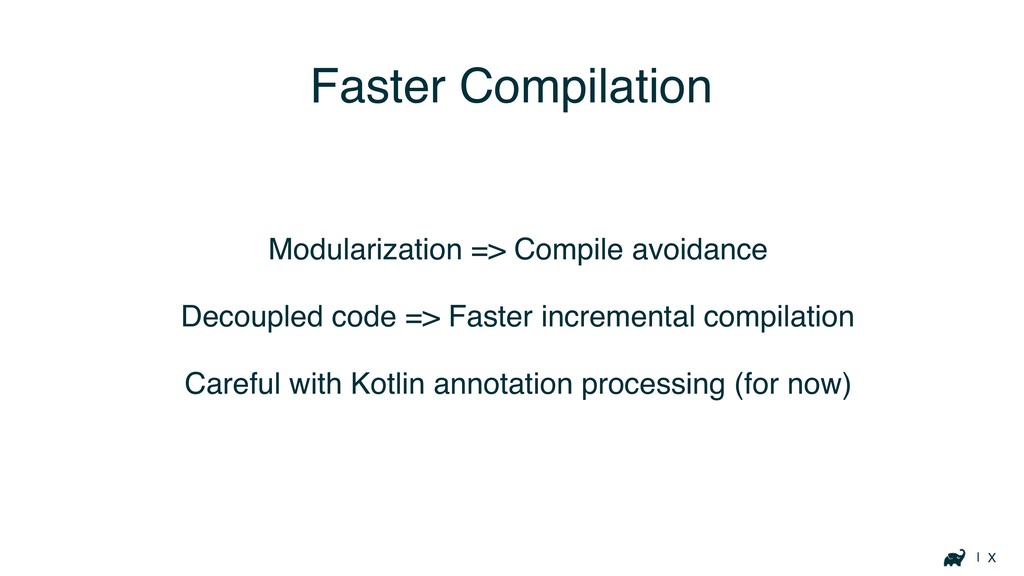
| X Faster Compilation Modularization => Compile avoidance Decoupled code
=> Faster incremental compilation Careful with Kotlin annotation processing (for now)
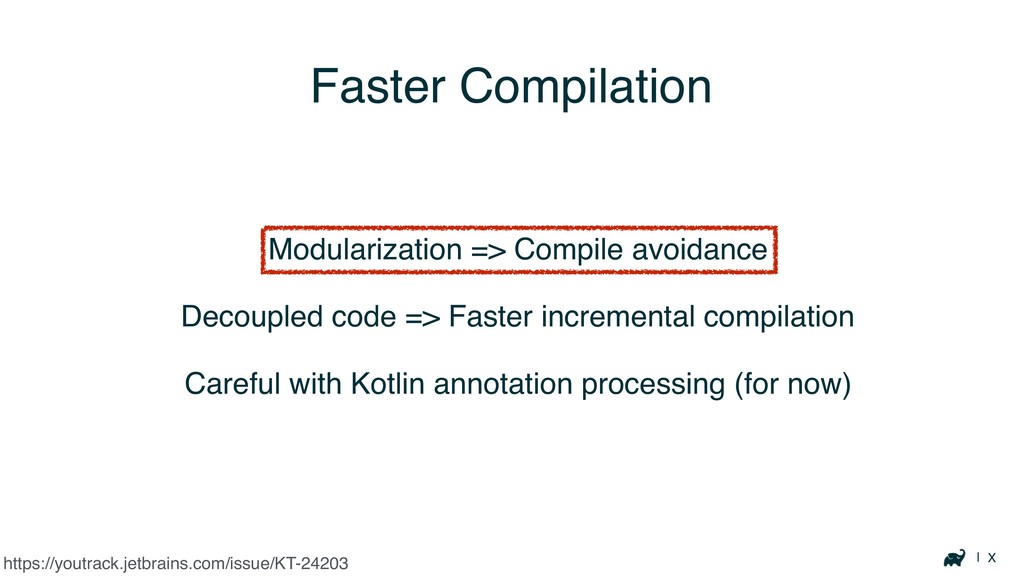
| X Faster Compilation Modularization => Compile avoidance Decoupled code
=> Faster incremental compilation Careful with Kotlin annotation processing (for now) https://youtrack.jetbrains.com/issue/KT-24203
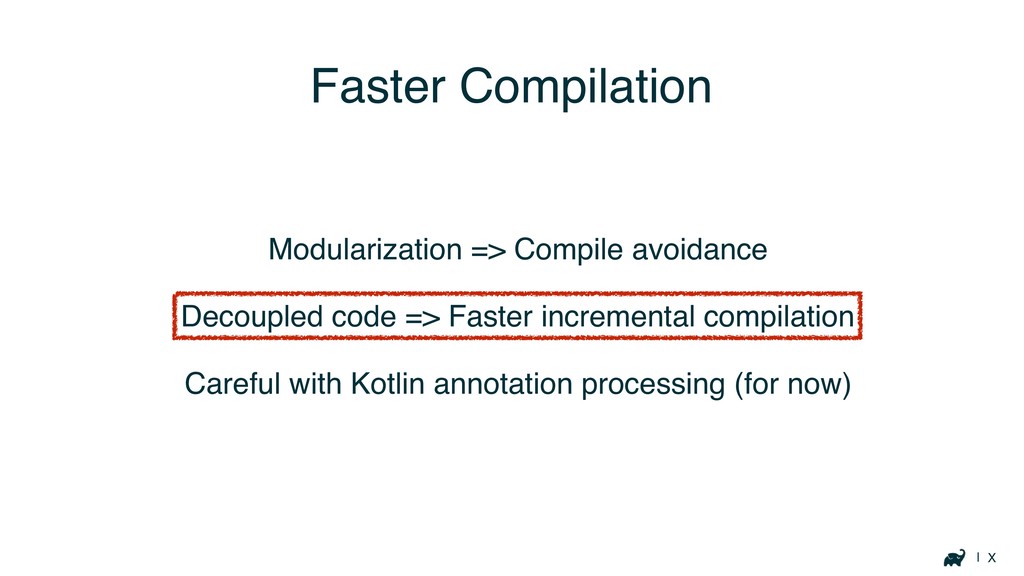
| X Faster Compilation Modularization => Compile avoidance Decoupled code
=> Faster incremental compilation Careful with Kotlin annotation processing (for now)
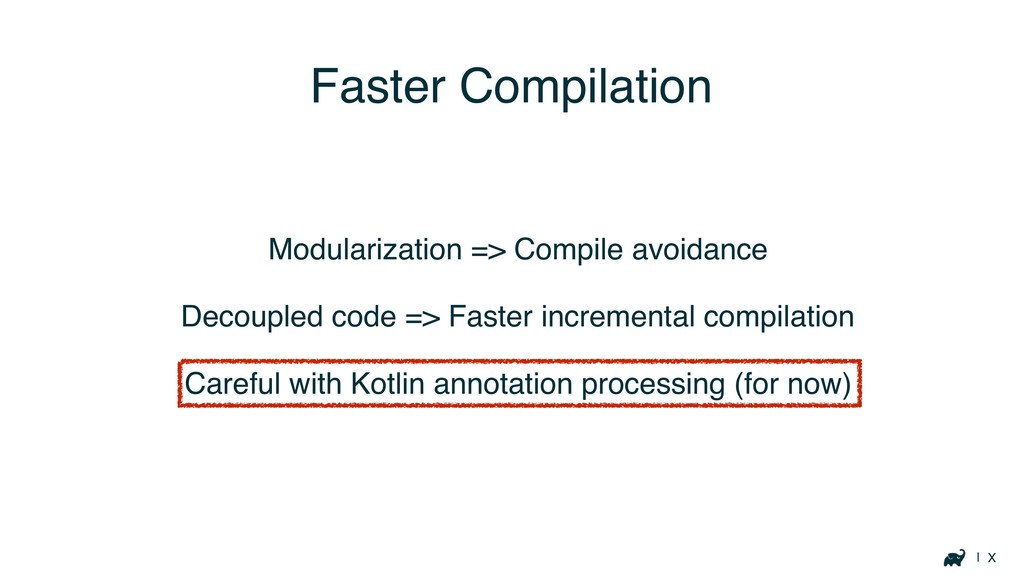
| X Faster Compilation Modularization => Compile avoidance Decoupled code
=> Faster incremental compilation Careful with Kotlin annotation processing (for now)
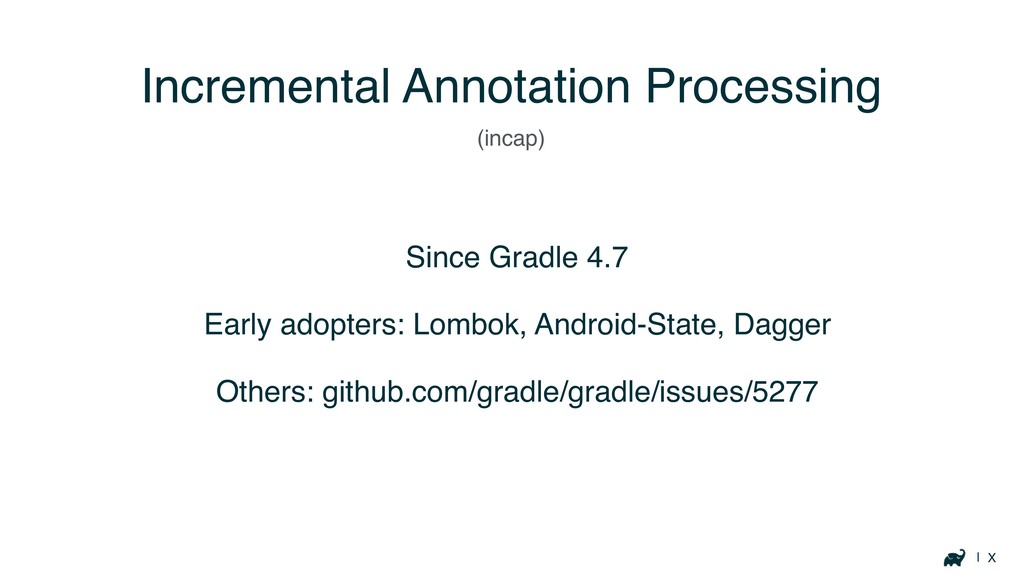
| X Incremental Annotation Processing Since Gradle 4.7 Early adopters:
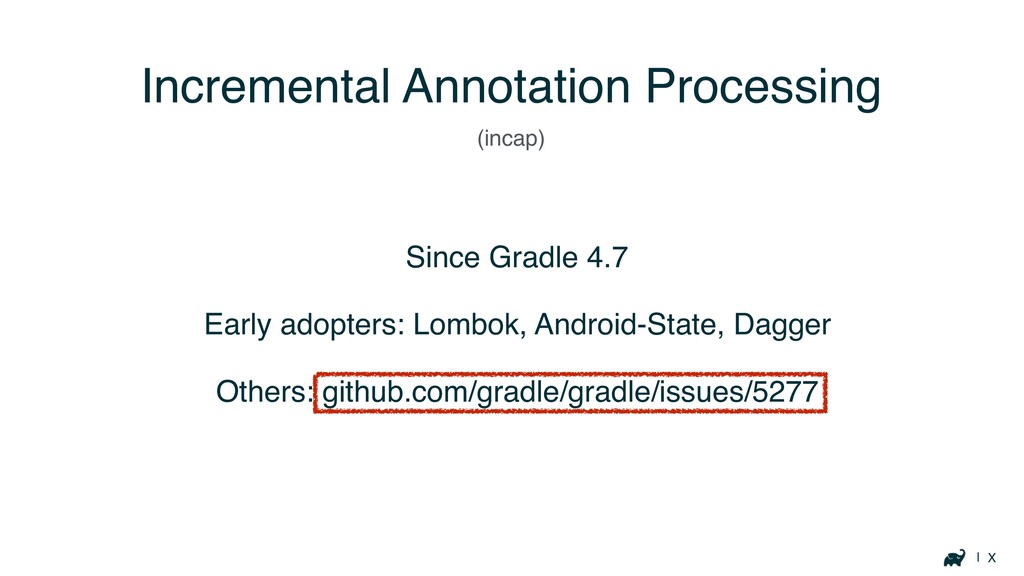
Lombok, Android-State, Dagger Others: github.com/gradle/gradle/issues/5277 (incap)
| X Incremental Annotation Processing Since Gradle 4.7 Early adopters:
Lombok, Android-State, Dagger Others: github.com/gradle/gradle/issues/5277 (incap)
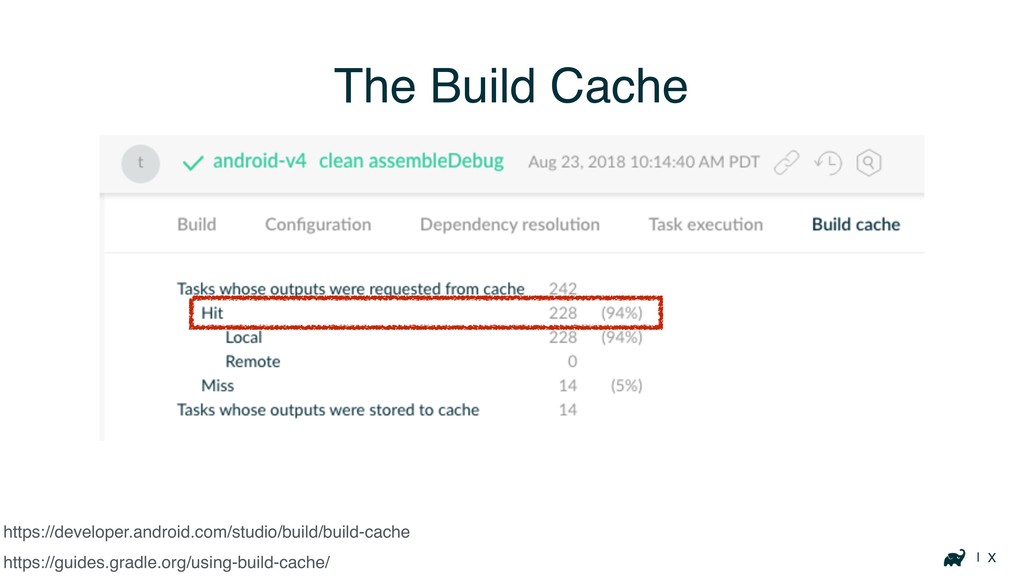
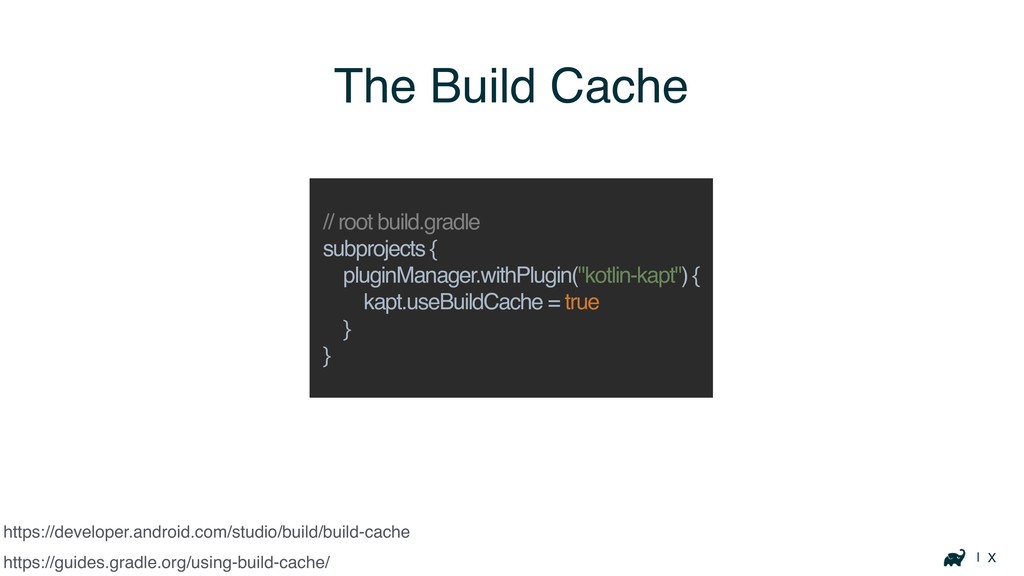
| X The Build Cache https://guides.gradle.org/using-build-cache/ https://developer.android.com/studio/build/build-cache
| X The Build Cache https://guides.gradle.org/using-build-cache/ https://developer.android.com/studio/build/build-cache
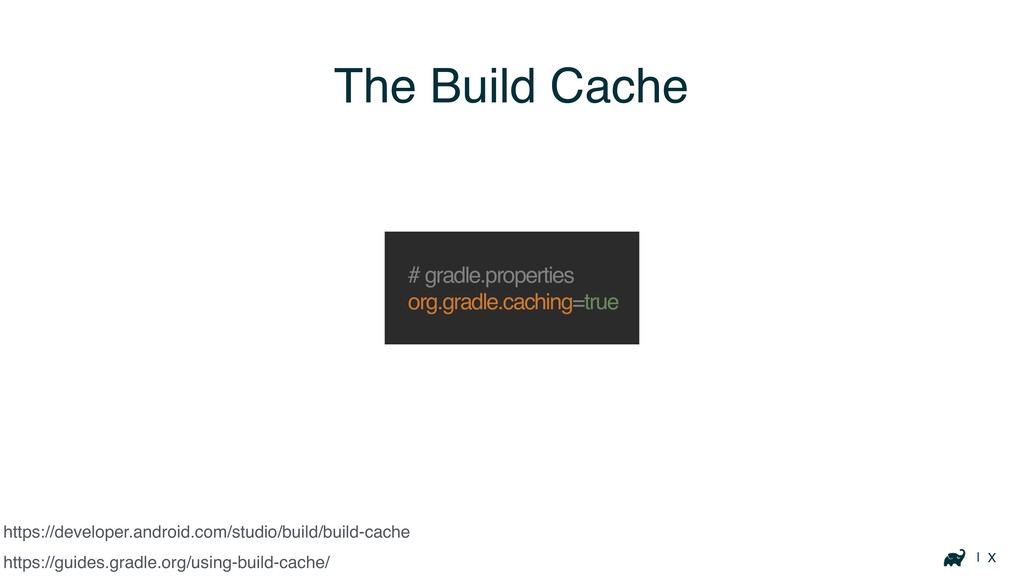
| X The Build Cache https://guides.gradle.org/using-build-cache/ # gradle.properties org.gradle.caching=true https://developer.android.com/studio/build/build-cache
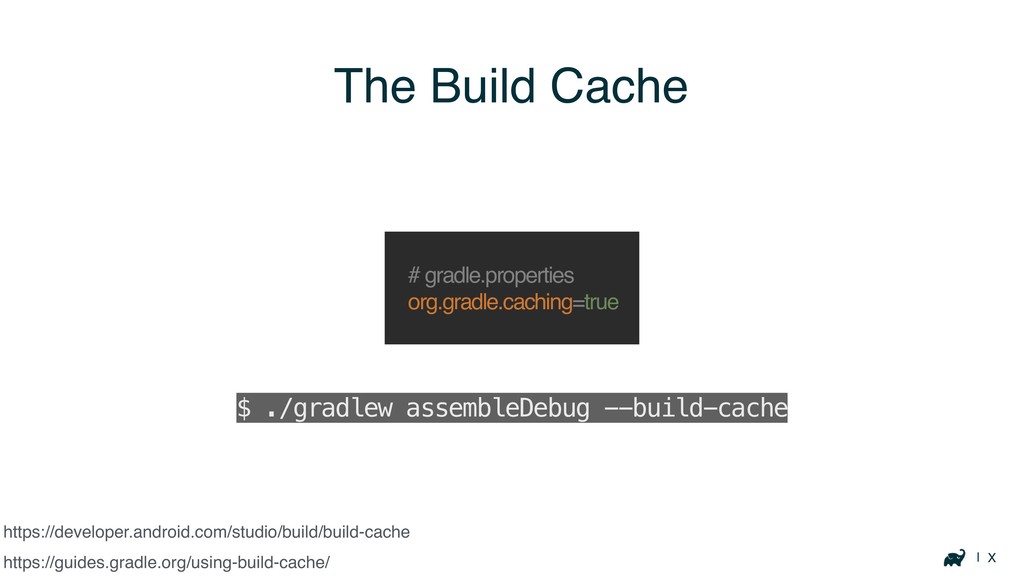
| X The Build Cache https://guides.gradle.org/using-build-cache/ # gradle.properties org.gradle.caching=true $
./gradlew assembleDebug --build-cache https://developer.android.com/studio/build/build-cache
| X The Build Cache https://guides.gradle.org/using-build-cache/ Many tasks are cacheable
https://developer.android.com/studio/build/build-cache
| X https://developer.android.com/studio/build/build-cache Save time for your whole team with
one or more remote caches https://guides.gradle.org/using-build-cache/ The Build Cache
| X https://developer.android.com/studio/build/build-cache https://guides.gradle.org/using-build-cache/ The Build Cache // root build.gradle
subprojects { pluginManager.withPlugin("kotlin-kapt") { kapt.useBuildCache = true } }
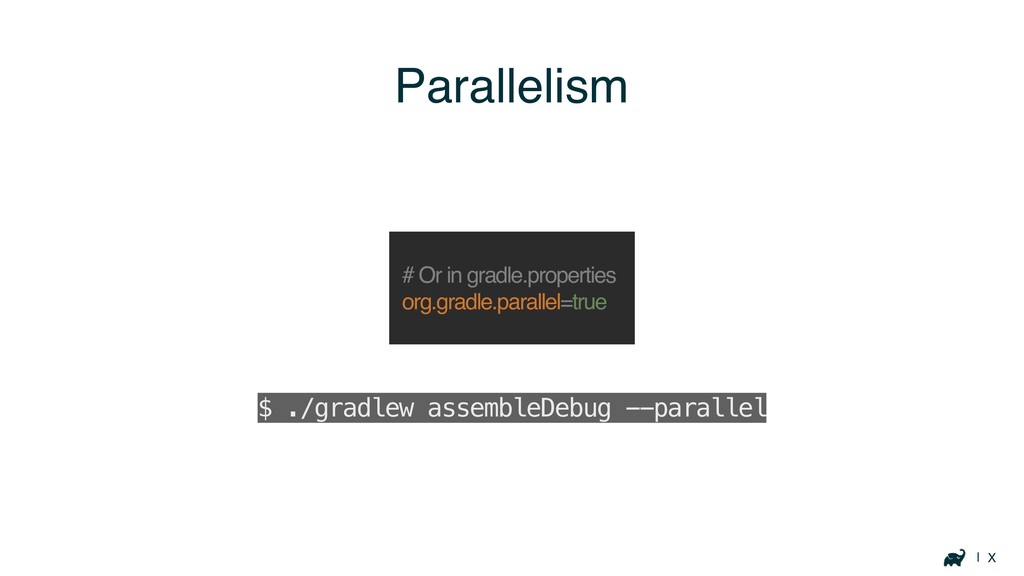
| X Parallelism # Or in gradle.properties org.gradle.parallel=true $ ./gradlew
assembleDebug --parallel
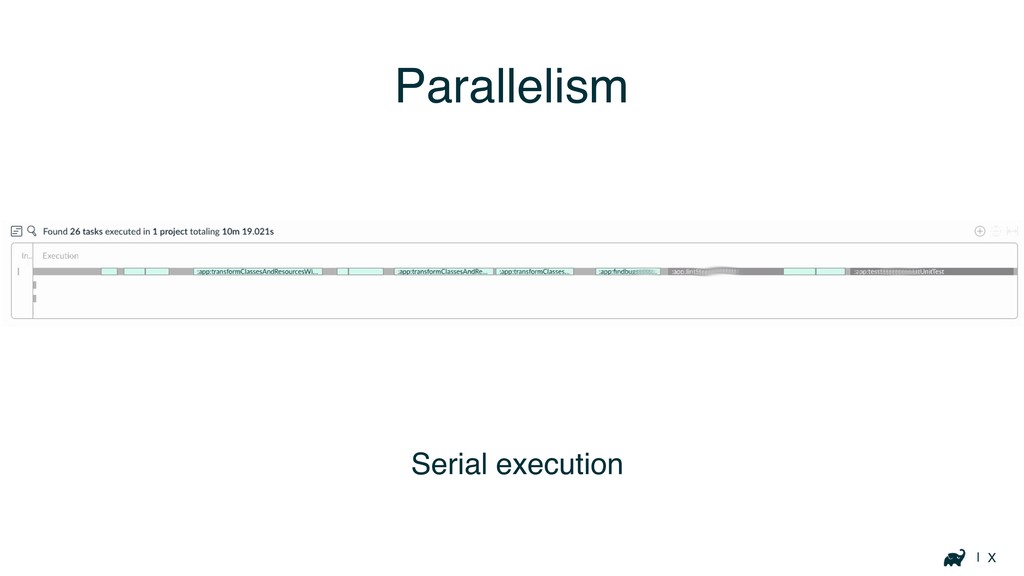
| X Parallelism Serial execution
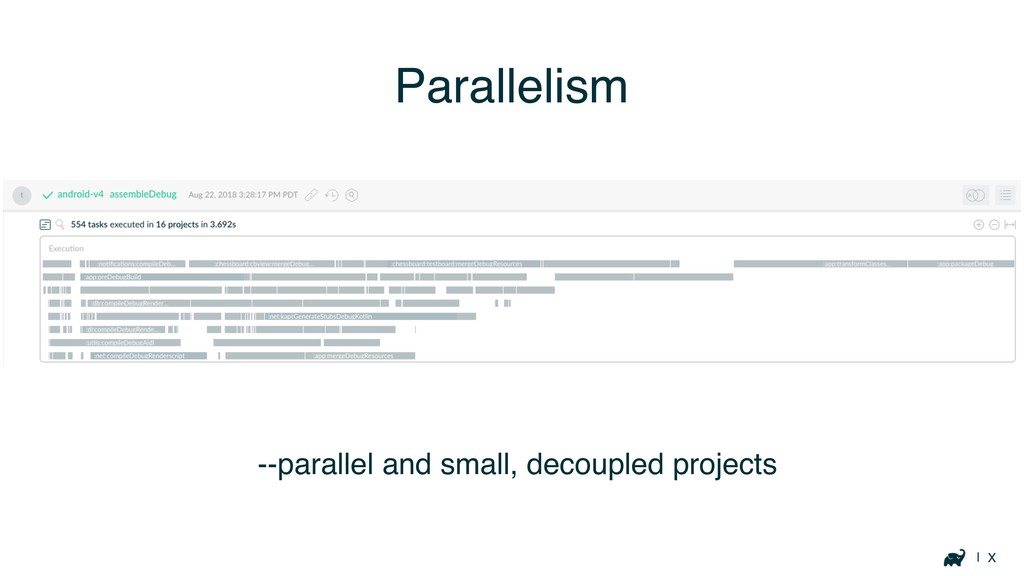
| X Parallelism --parallel and small, decoupled projects
Keeping track of performance
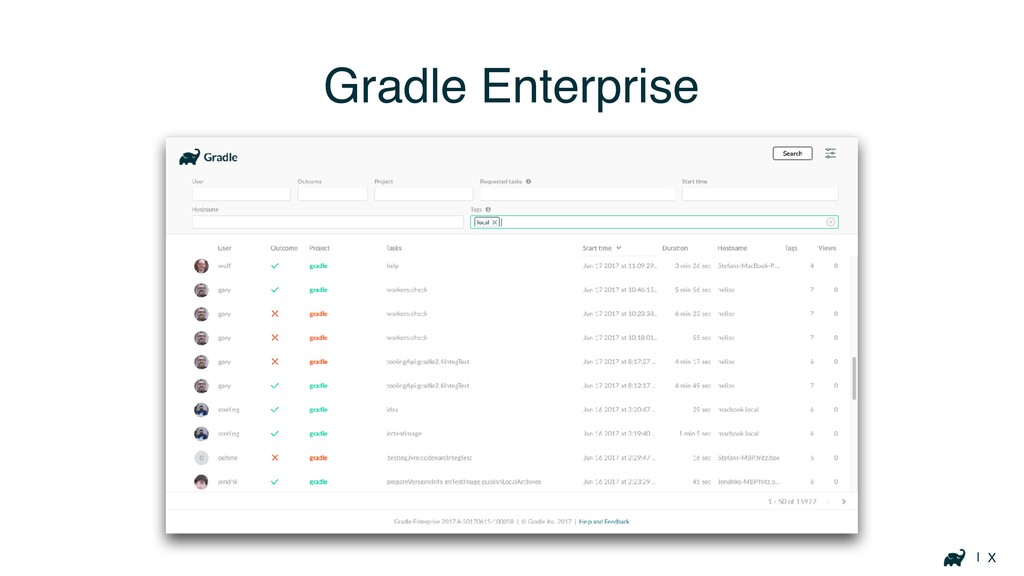
| X Gradle Enterprise
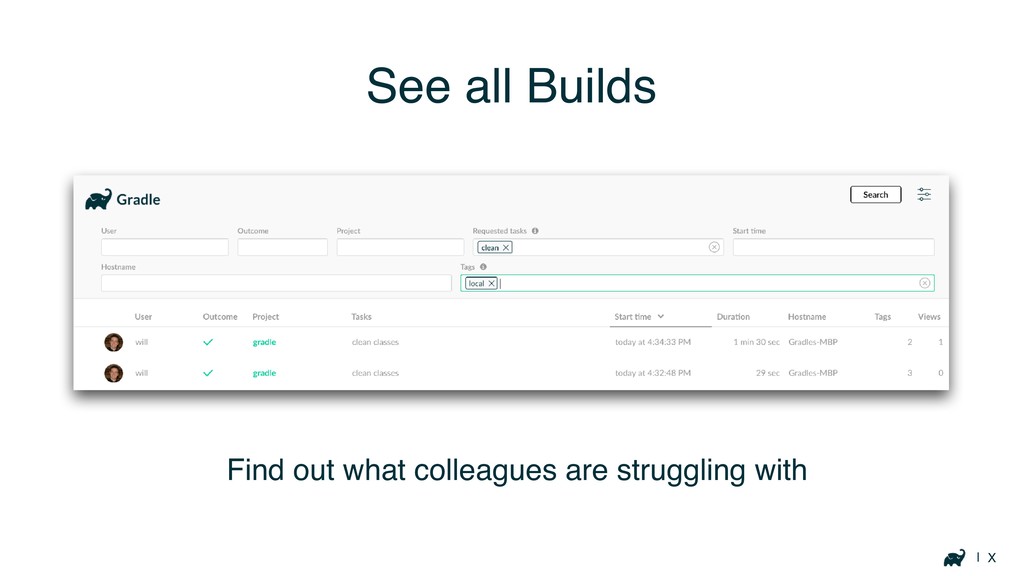
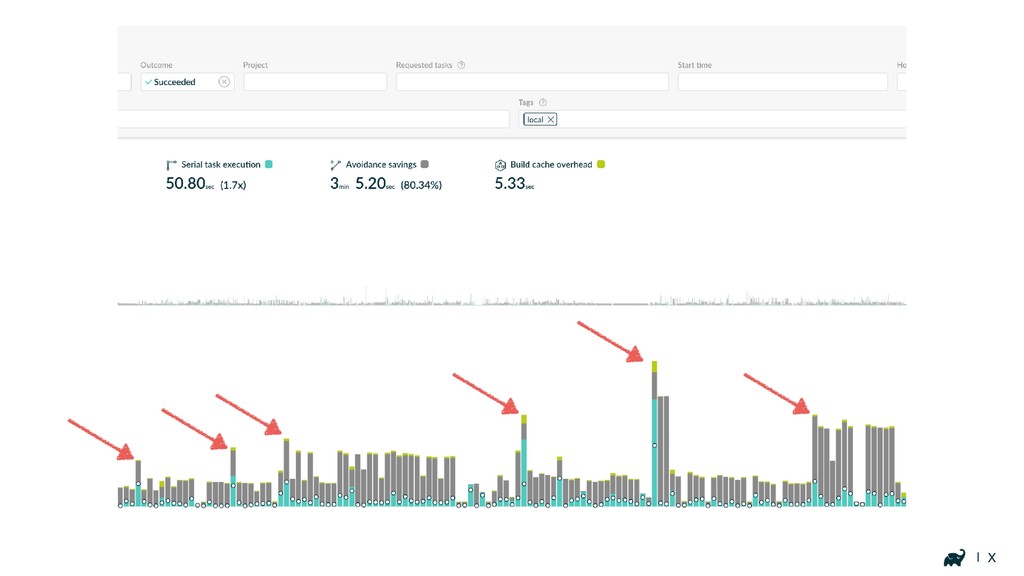
| X See all Builds Find out what colleagues are
struggling with
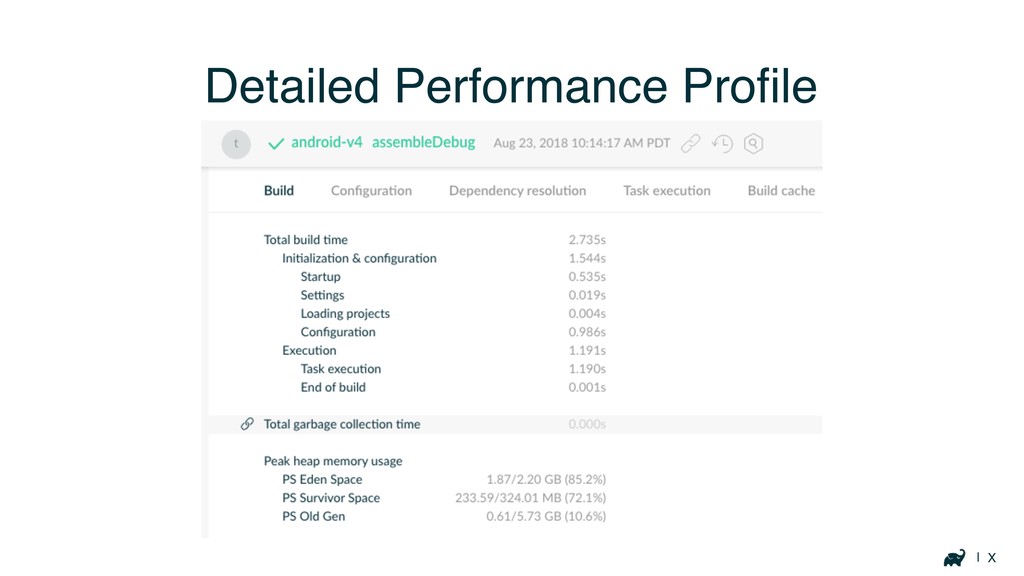
| X Detailed Performance Profile
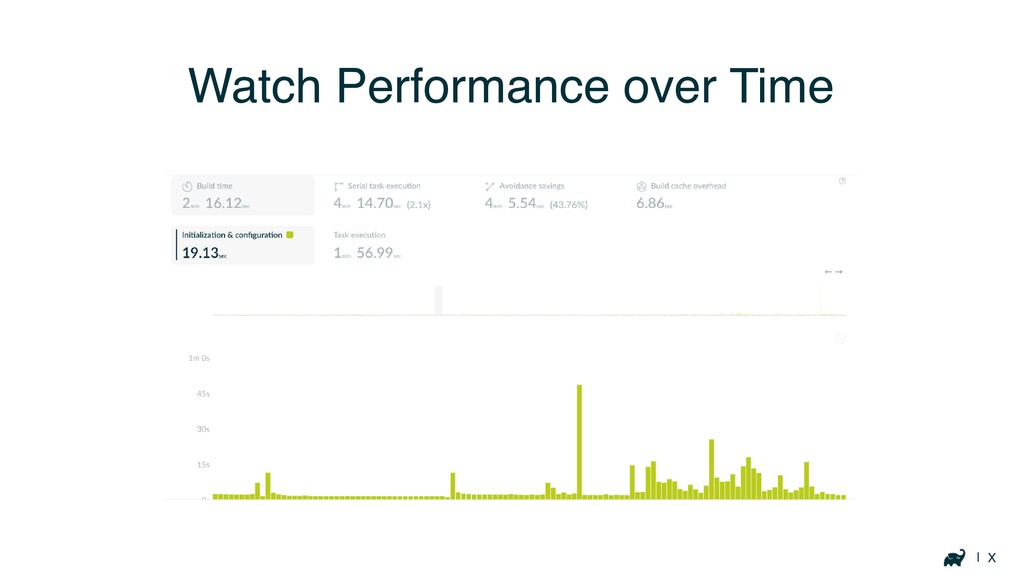
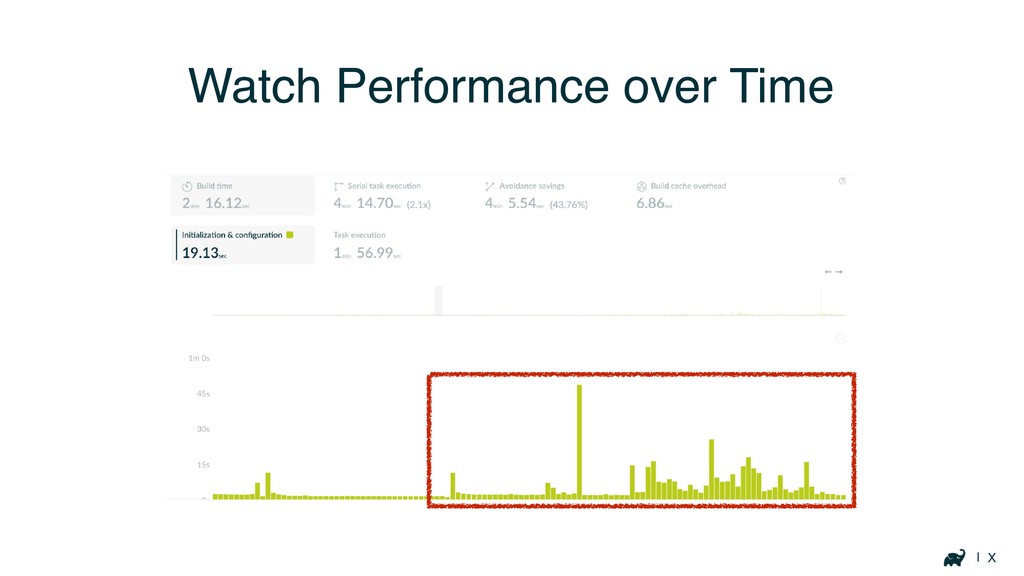
| X Watch Performance over Time
| X Watch Performance over Time
| X
Resources
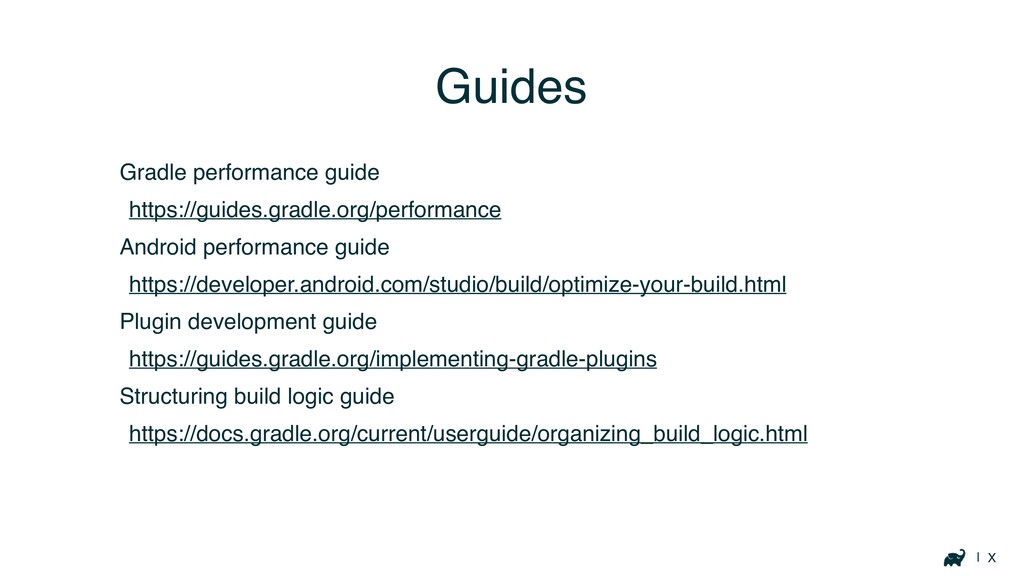
| X Gradle performance guide https://guides.gradle.org/performance Android performance guide https://developer.android.com/studio/build/optimize-your-build.html
Plugin development guide https://guides.gradle.org/implementing-gradle-plugins Structuring build logic guide https://docs.gradle.org/current/userguide/organizing_build_logic.html Guides
| X scans.gradle.com
w Thank you DroidconSF 2018
[email protected]
@autonomousapps


 autonomousapps
.jpeg) kaseken
kaseken
 teyamagu
 hokaccha
 icoxfog417
 yuukiw00w
 hamayokokuririn
 ktcryomm
 rkaga
rkaga
 mtsmfm
 reimaru
 kishima
 ioki
ioki
 bkeepers
 takai
takai
 jonyablonski
 skipperchong
 geshan
 marktimemedia
 ianozsvald
 erikaheidi
 katiecoart
 mfonobong
 jnunemaker
 popppiees











![w Thank you DroidconSF 2018 [email protected] @autonomousapps](https://files.speakerdeck.com/presentations/8dd639b574134068a5388d62f85a9b38/slide_87.jpg)