Upgrade to Pro — share decks privately, control downloads, hide ads and more …

Fantastic Secure Elements and Where to Find The...

Fantastic Secure Elements and Where to Find Them // droidcon Lisbon 2026

My presentation about Android Secure Elements and StrongBox as presented at droidcon Lisbon 2026 on October 20, 2026.

Intro
Ever since working on security-sensitive apps, there's been one topic I couldn’t avoid: secure key management. I'm glad to see hardware-backed Keystore and StrongBox adopted more beyond Pixel devices, but reality is full of vendor-specific bugs and quirks (e.g., Exynos only supports SHA-256). Users blame you when they can authenticate with a fingerprint elsewhere but not in your app.

I’ll show you that taming StrongBox is not a mystery, but you should understand that checking FEATURE_STRONGBOX_KEYSTORE support (hasSystemFeature) isn't enough. You need to create test keys to verify if it’s actually usable on the device. You'll see the security/compatibility tradeoffs to decide when to enforce it (e.g., when regulatory compliance requires key attestation) and when gracefully falling back to TEE is the better engineering decision. I'll point out where StrongBox's threat model ends: it prevents key extraction even on rooted devices, but it may not be enough if app identity is compromised.

Links
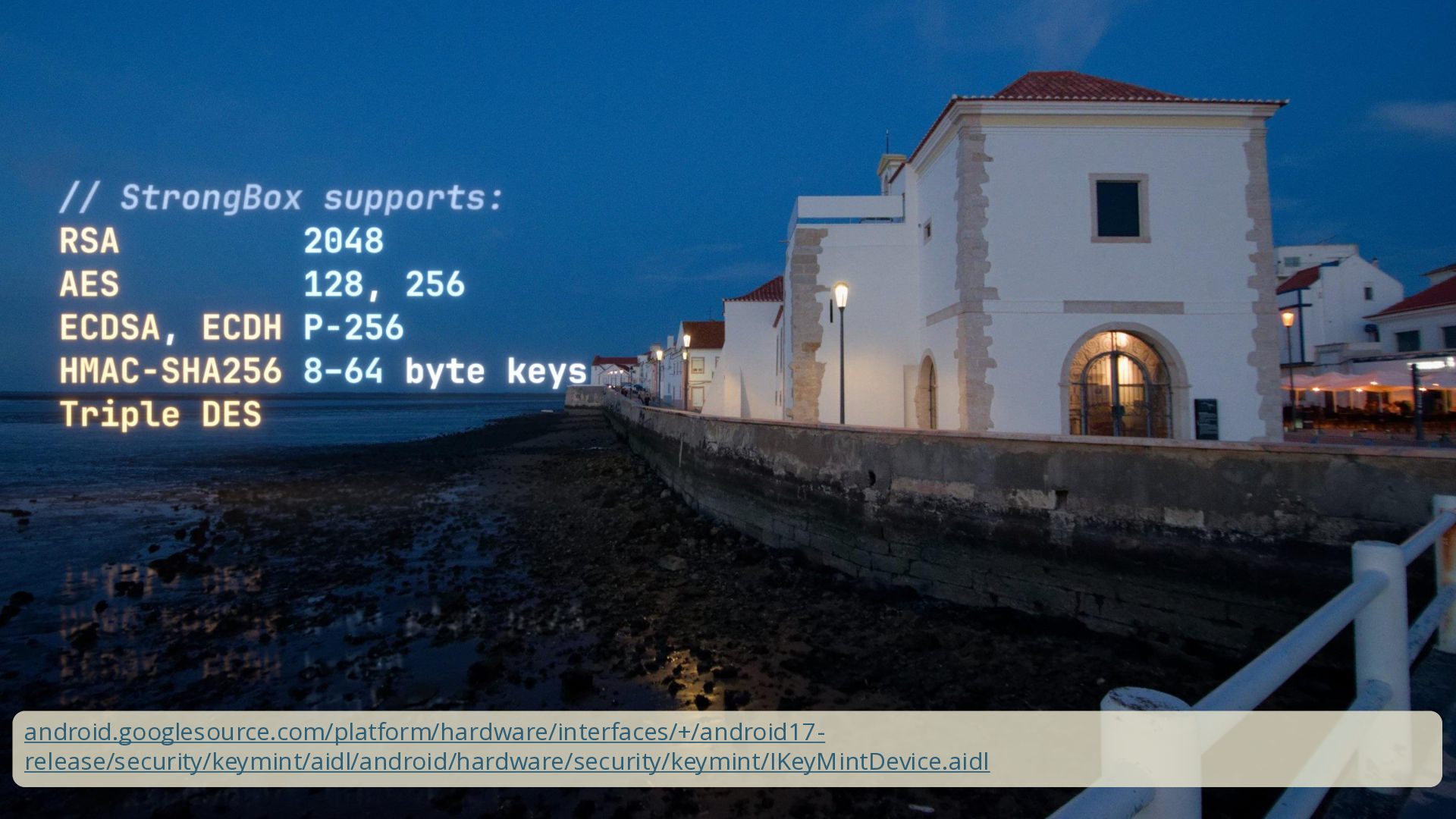
Source of IKeyMintDevice.aidl from AOSP
https://android.googlesource.com/platform/hardware/interfaces/+/android17-release/security/keymint/aidl/android/hardware/security/keymint/IKeyMintDevice.aidl

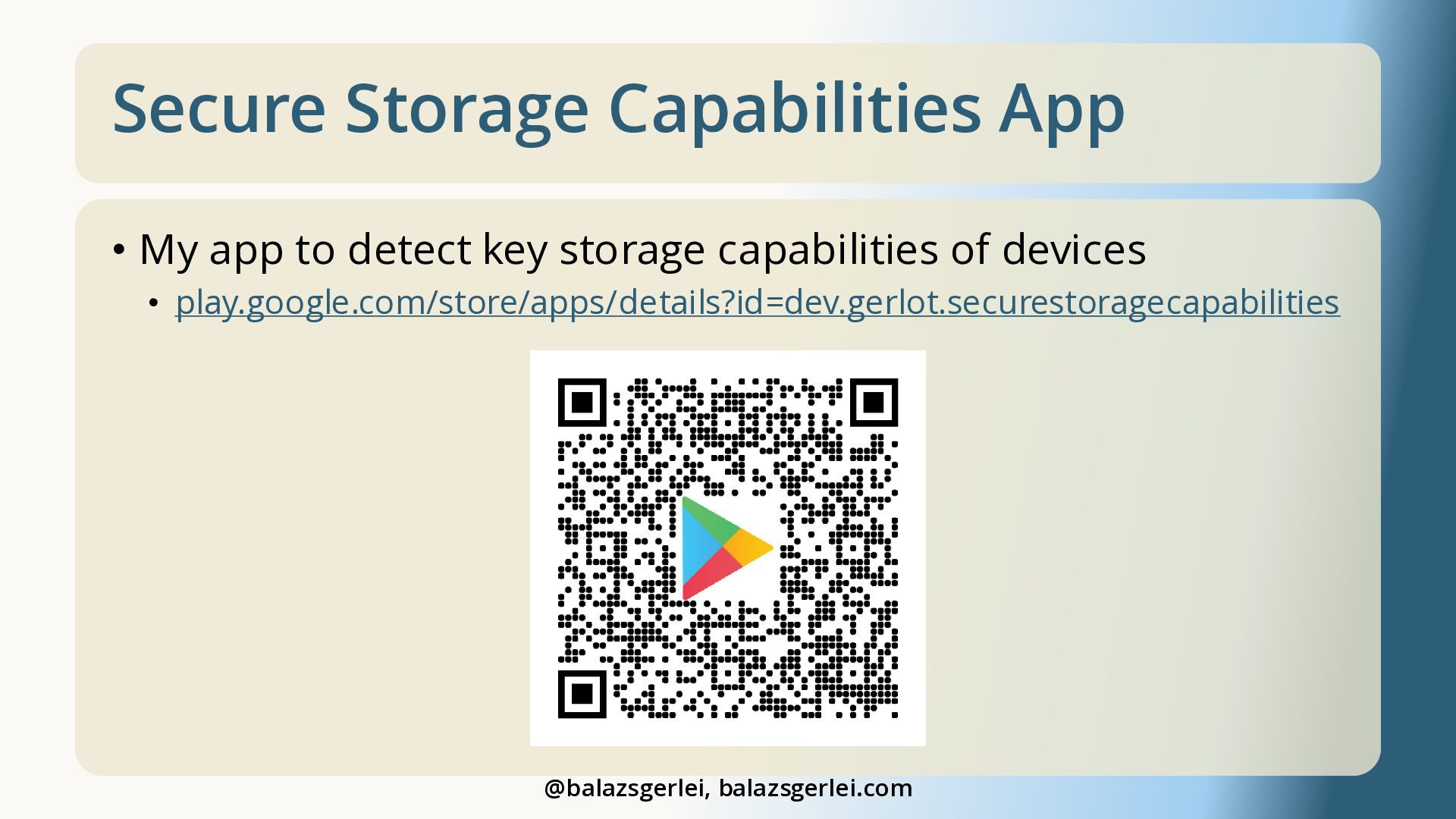
My Secure Storage Capabilities App​
https://play.google.com/store/apps/details?id=dev.gerlot.securestoragecapabilities

Hardware-backed Keystore – AOSP​
https://source.android.com/docs/security/features/keystore

“Google Reimagined a Phone. It was Our Job to Red Team and Secure it.” – Black Hat talk by Google’s Red Hat team​
https://youtu.be/WJ6o2F9st9g

“2021: A Titan M Odyssey” - BlackHat talk about breaking Google’s first StrongBox implementation (Titan M)
https://youtu.be/UNPblJup5ko

“Attack on Titan M, Reloaded: Vulnerability Research on a Modern Security Chip” - another BlackHat talk about breaking Google’s first StrongBox implementation (Titan M)
https://youtu.be/bCjkAkXiwK4

Avatar for Balázs Gerlei

Balázs Gerlei

October 20, 2026

More Decks by Balázs Gerlei

Other Decks in Programming

Transcript

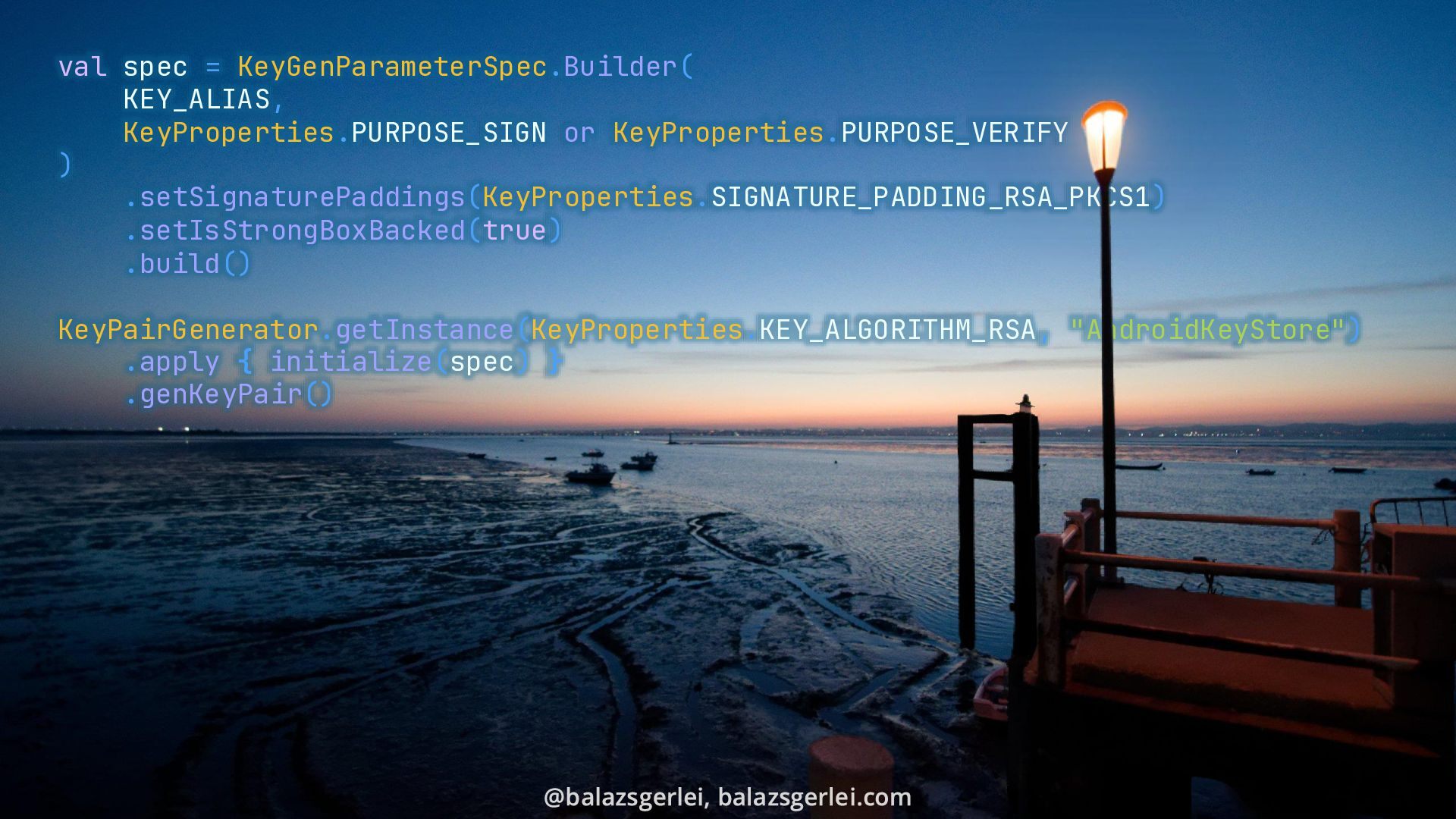
  1. val spec = KeyGenParameterSpec.Builder( KEY_ALIAS, KeyProperties.PURPOSE_SIGN or KeyProperties.PURPOSE_VERIFY ) .setSignaturePaddings(KeyProperties.SIGNATURE_PADDING_RSA_PKCS1)

    .setIsStrongBoxBacked(true) .build() KeyPairGenerator.getInstance(KeyProperties.KEY_ALGORITHM_RSA, "AndroidKeyStore") .apply { initialize(spec) } .genKeyPair()
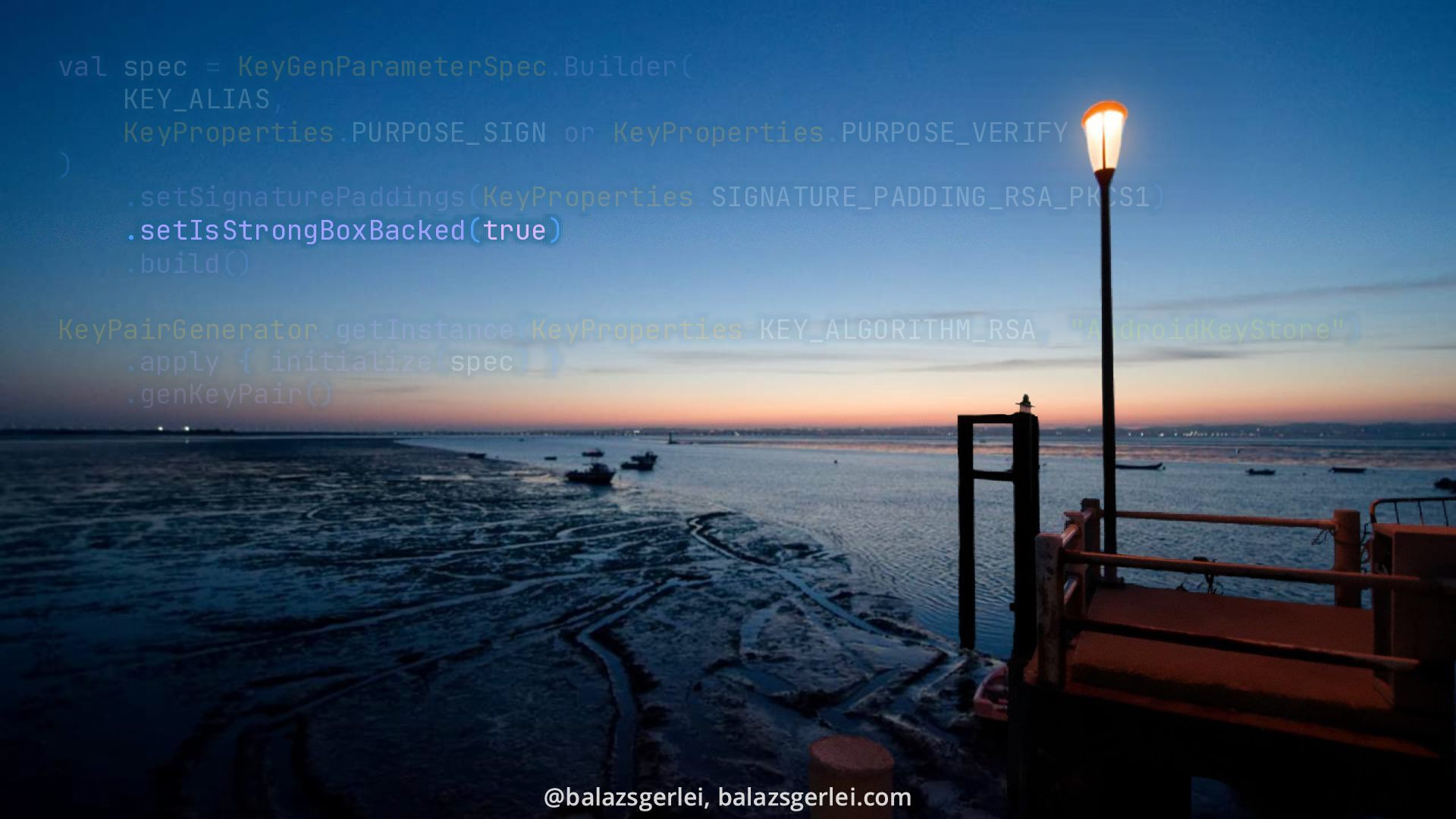
  2. val spec = KeyGenParameterSpec.Builder( KEY_ALIAS, KeyProperties.PURPOSE_SIGN or KeyProperties.PURPOSE_VERIFY ) .setSignaturePaddings(KeyProperties.SIGNATURE_PADDING_RSA_PKCS1)

    .setIsStrongBoxBacked(true) .build() KeyPairGenerator.getInstance(KeyProperties.KEY_ALGORITHM_RSA, "AndroidKeyStore") .apply { initialize(spec) } .genKeyPair()
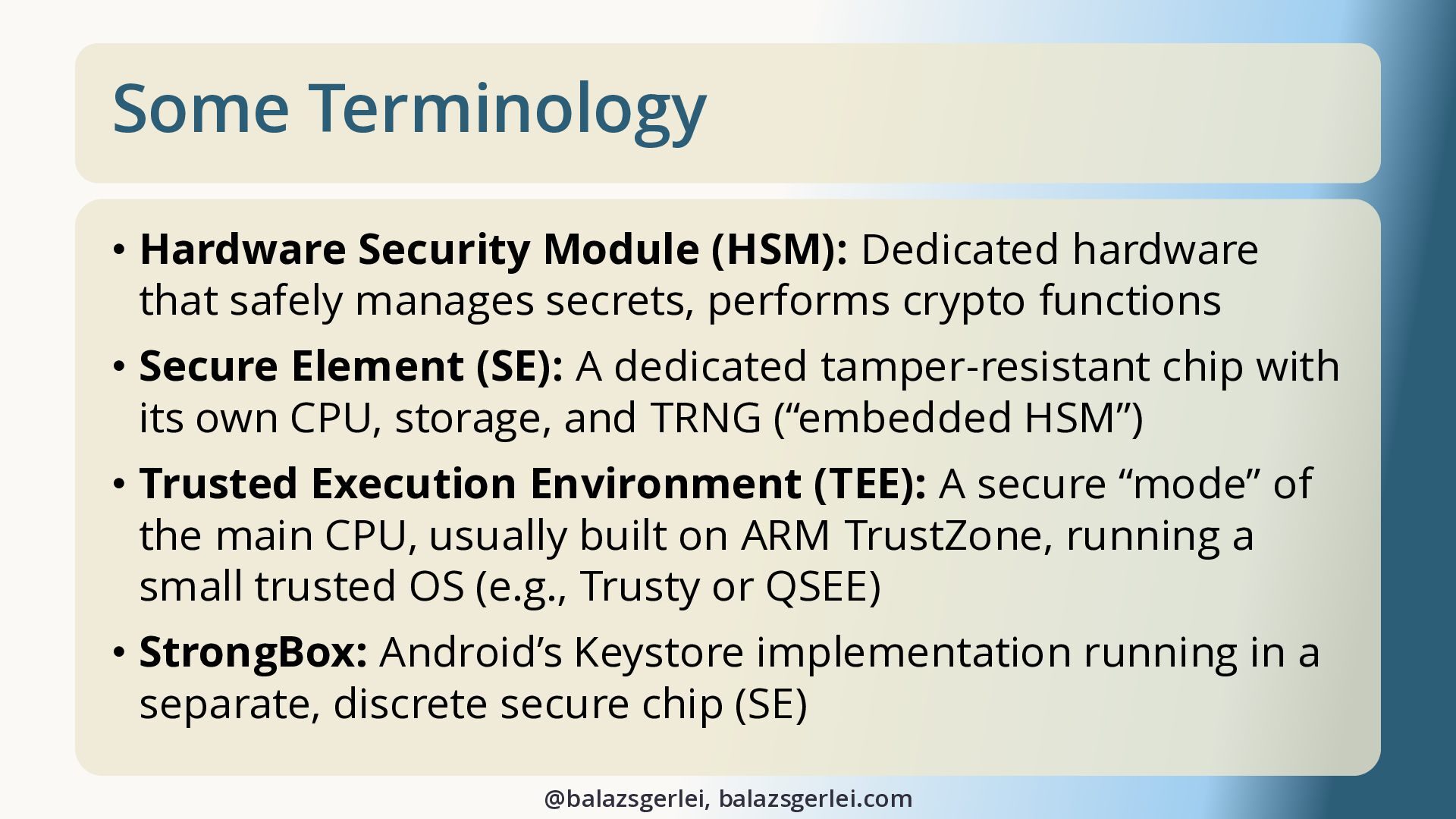
  3. Some Terminology • Hardware Security Module (HSM): Dedicated hardware that

    safely manages secrets, performs crypto functions • Secure Element (SE): A dedicated tamper-resistant chip with its own CPU, storage, and TRNG (“embedded HSM”) • Trusted Execution Environment (TEE): A secure “mode” of the main CPU, usually built on ARM TrustZone, running a small trusted OS (e.g., Trusty or QSEE) • StrongBox: Android’s Keystore implementation running in a separate, discrete secure chip (SE) @balazsgerlei, balazsgerlei.com
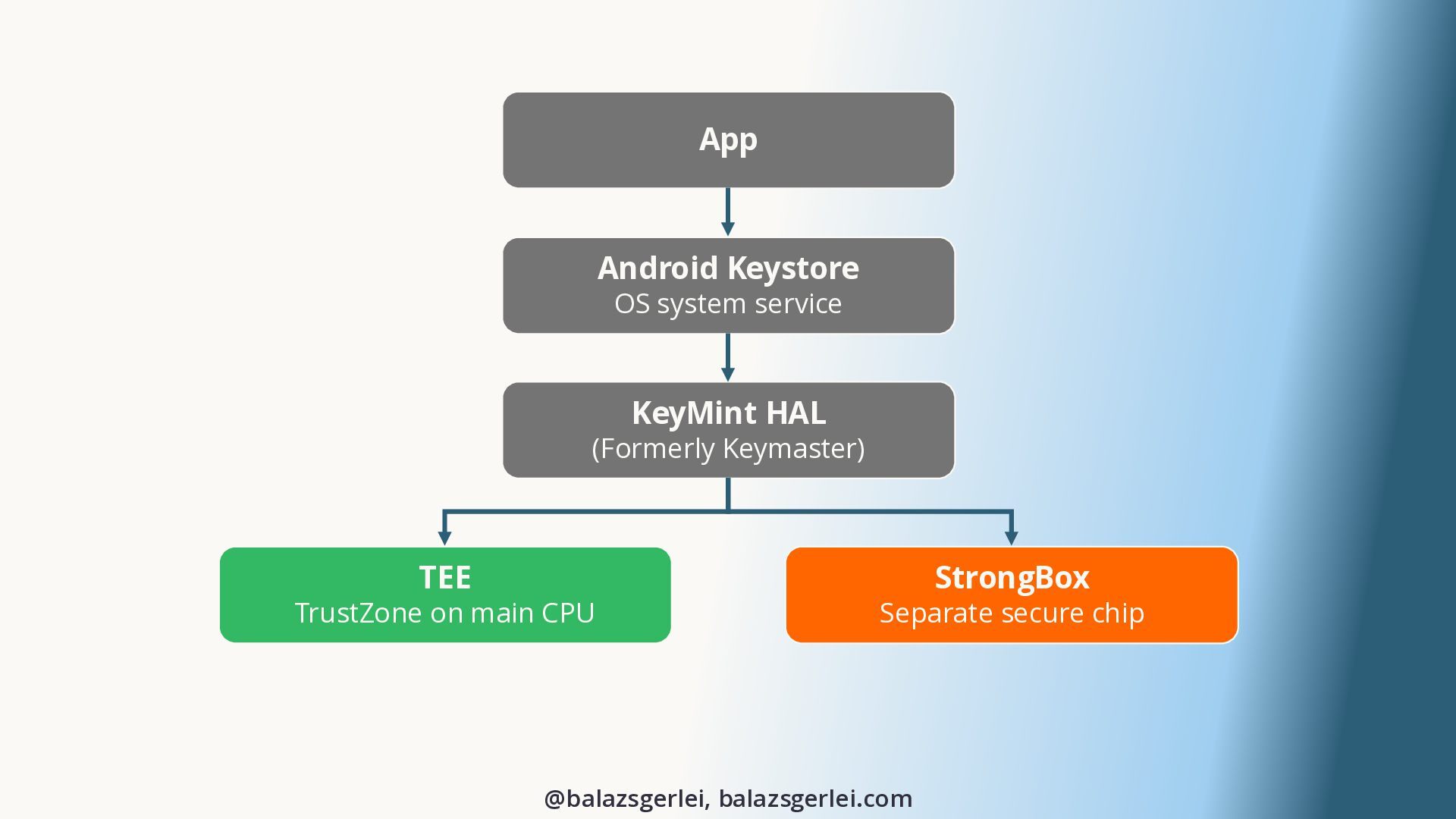
  4. App Android Keystore OS system service KeyMint HAL (Formerly Keymaster)

    TEE TrustZone on main CPU StrongBox Separate secure chip @balazsgerlei, balazsgerlei.com
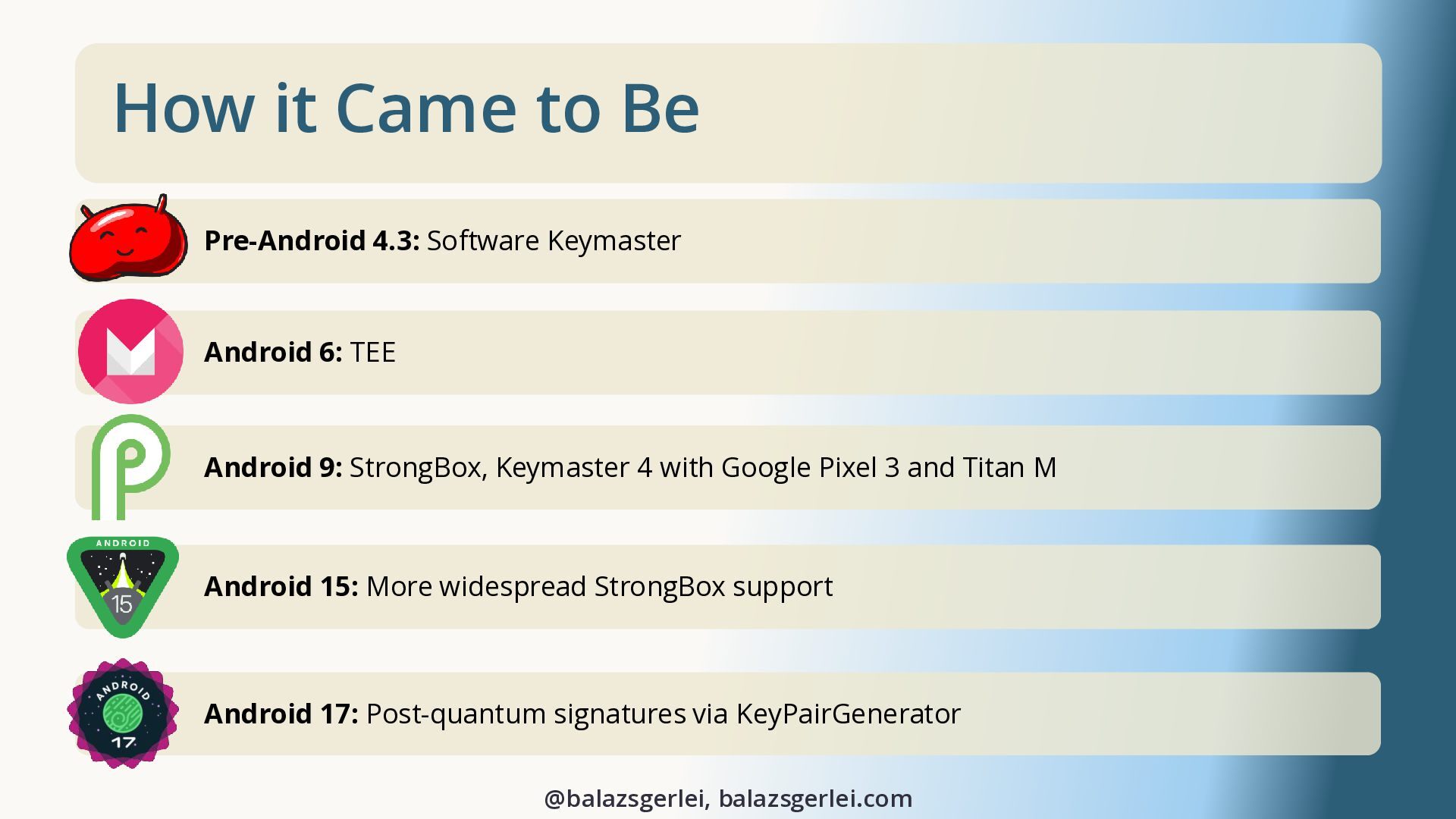
  5. How it Came to Be Pre-Android 4.3: Software Keymaster Android

    6: TEE Android 9: StrongBox, Keymaster 4 with Google Pixel 3 and Titan M Android 15: More widespread StrongBox support Android 17: Post-quantum signatures via KeyPairGenerator @balazsgerlei, balazsgerlei.com
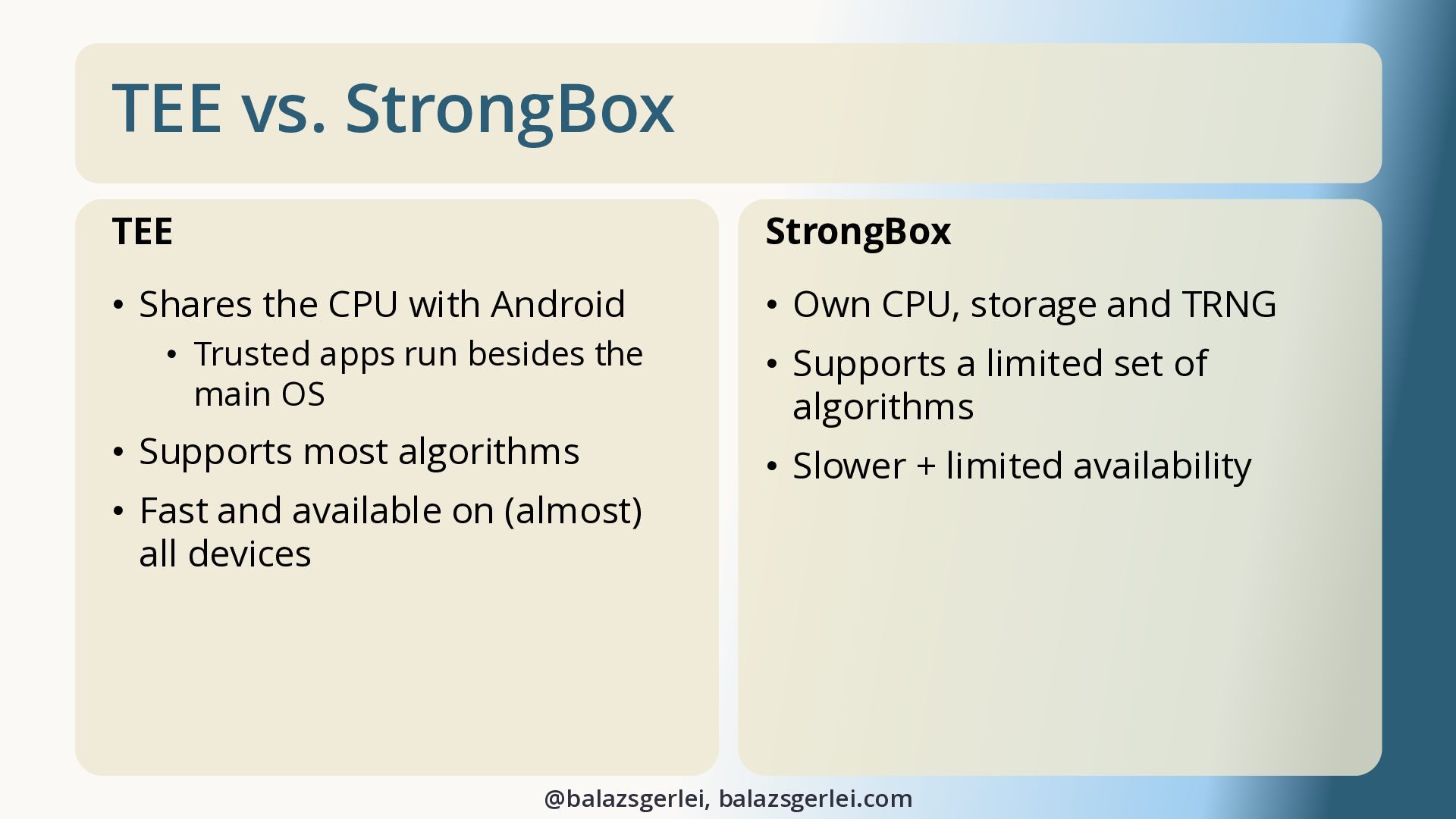
  6. TEE vs. StrongBox TEE StrongBox • Shares the CPU with

    Android • Own CPU, storage and TRNG • Trusted apps run besides the main OS • Supports most algorithms • Fast and available on (almost) all devices • Supports a limited set of algorithms • Slower + limited availability @balazsgerlei, balazsgerlei.com
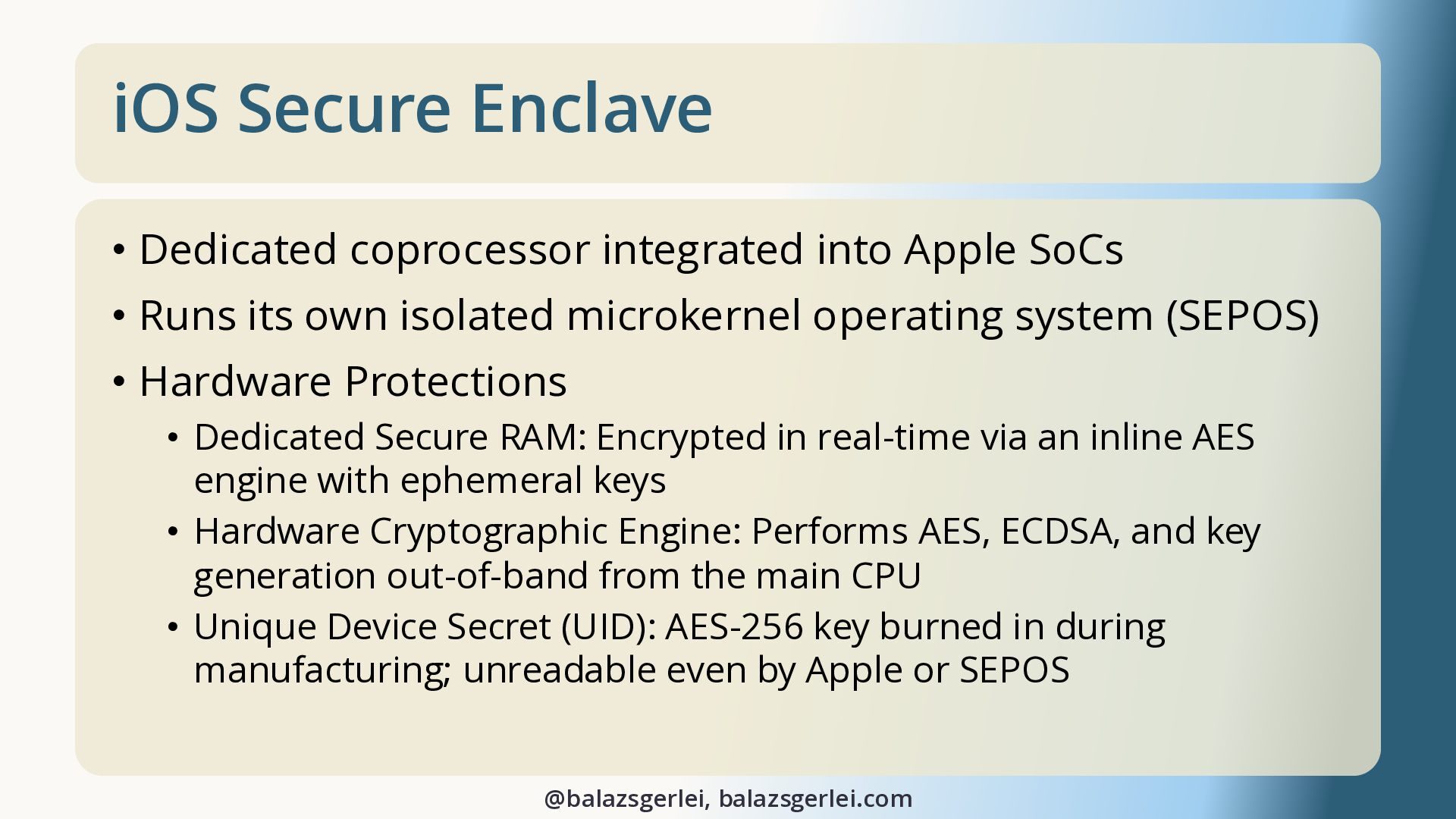
  7. iOS Secure Enclave • Dedicated coprocessor integrated into Apple SoCs

    • Runs its own isolated microkernel operating system (SEPOS) • Hardware Protections • Dedicated Secure RAM: Encrypted in real-time via an inline AES engine with ephemeral keys • Hardware Cryptographic Engine: Performs AES, ECDSA, and key generation out-of-band from the main CPU • Unique Device Secret (UID): AES-256 key burned in during manufacturing; unreadable even by Apple or SEPOS @balazsgerlei, balazsgerlei.com
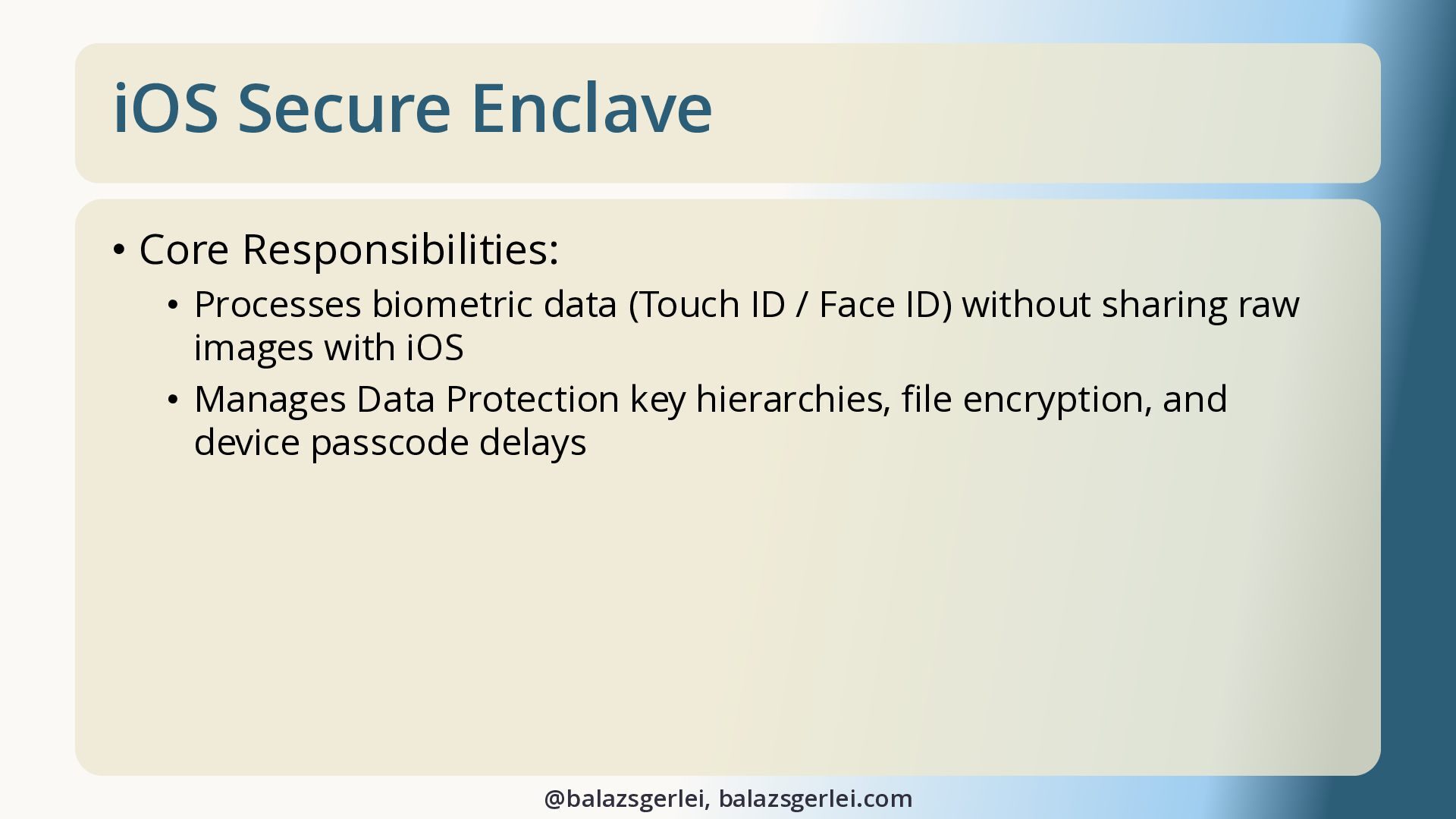
  8. iOS Secure Enclave • Core Responsibilities: • Processes biometric data

    (Touch ID / Face ID) without sharing raw images with iOS • Manages Data Protection key hierarchies, file encryption, and device passcode delays @balazsgerlei, balazsgerlei.com
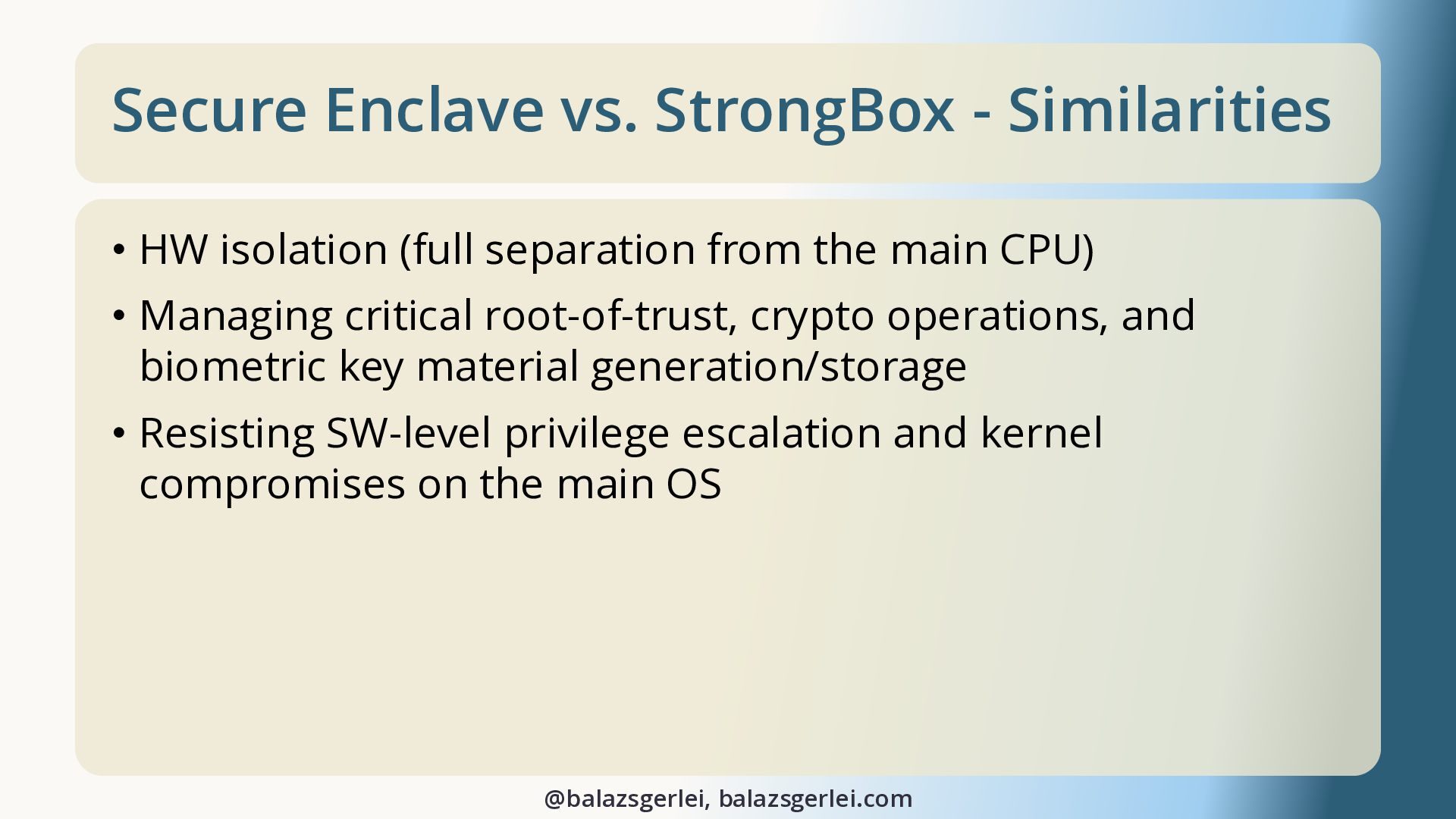
  9. Secure Enclave vs. StrongBox - Similarities • HW isolation (full

    separation from the main CPU) • Managing critical root-of-trust, crypto operations, and biometric key material generation/storage • Resisting SW-level privilege escalation and kernel compromises on the main OS @balazsgerlei, balazsgerlei.com
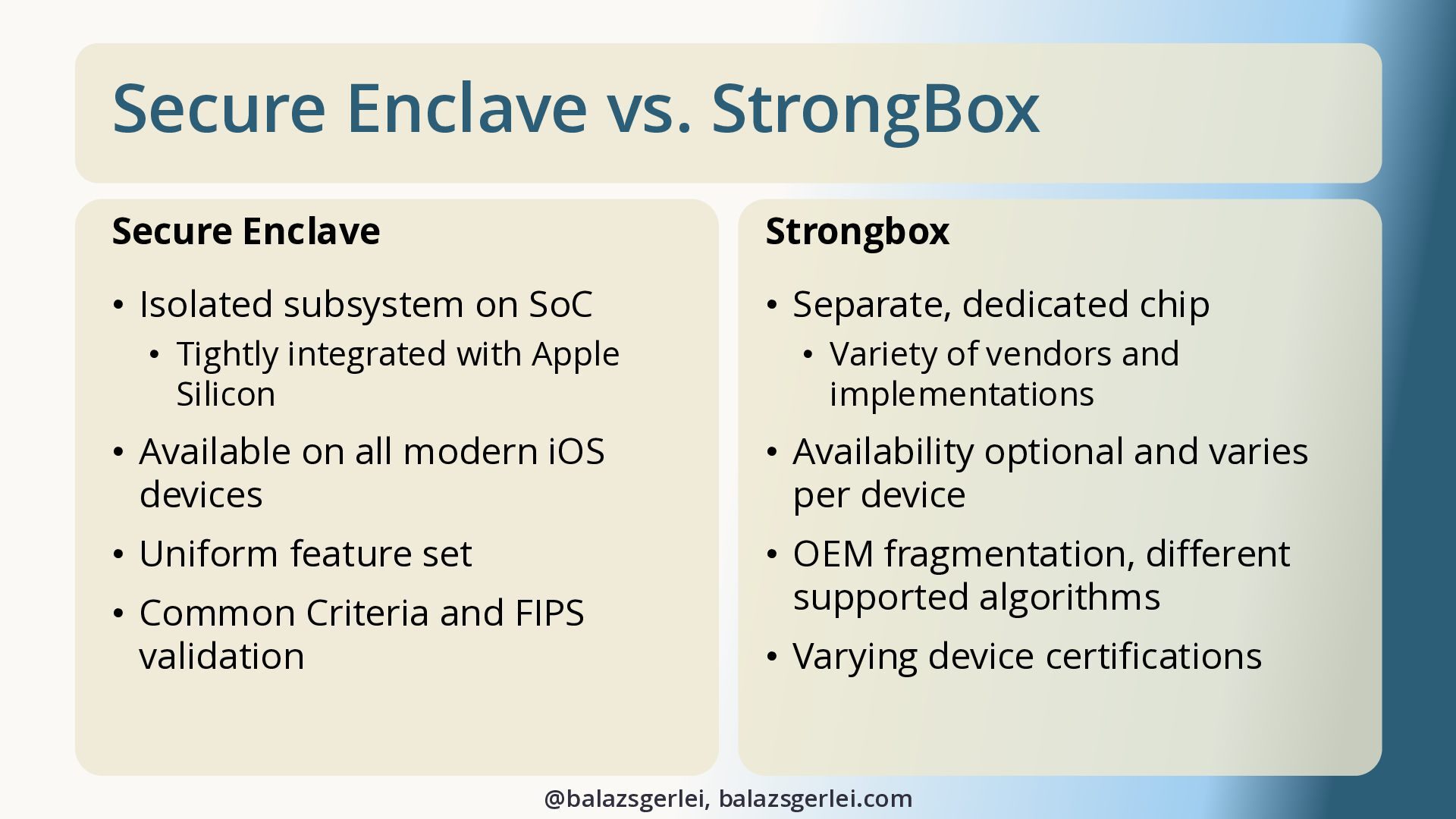
  10. Secure Enclave vs. StrongBox Secure Enclave Strongbox • Isolated subsystem

    on SoC • Separate, dedicated chip • Tightly integrated with Apple Silicon • Variety of vendors and implementations • Available on all modern iOS devices • Availability optional and varies per device • Uniform feature set • OEM fragmentation, different supported algorithms • Common Criteria and FIPS validation • Varying device certifications @balazsgerlei, balazsgerlei.com
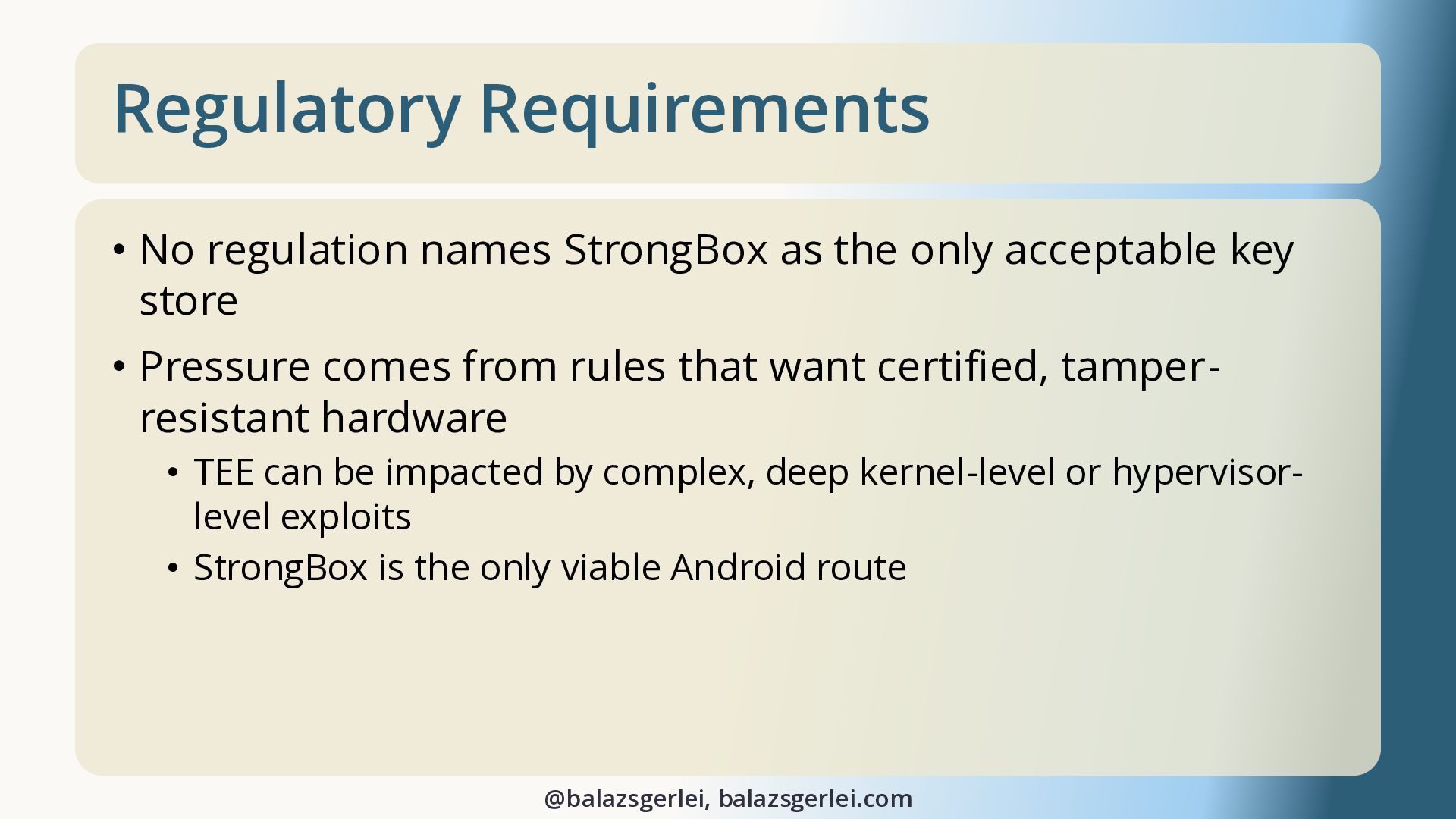
  11. Regulatory Requirements • No regulation names StrongBox as the only

    acceptable key store • Pressure comes from rules that want certified, tamperresistant hardware • TEE can be impacted by complex, deep kernel-level or hypervisorlevel exploits • StrongBox is the only viable Android route @balazsgerlei, balazsgerlei.com
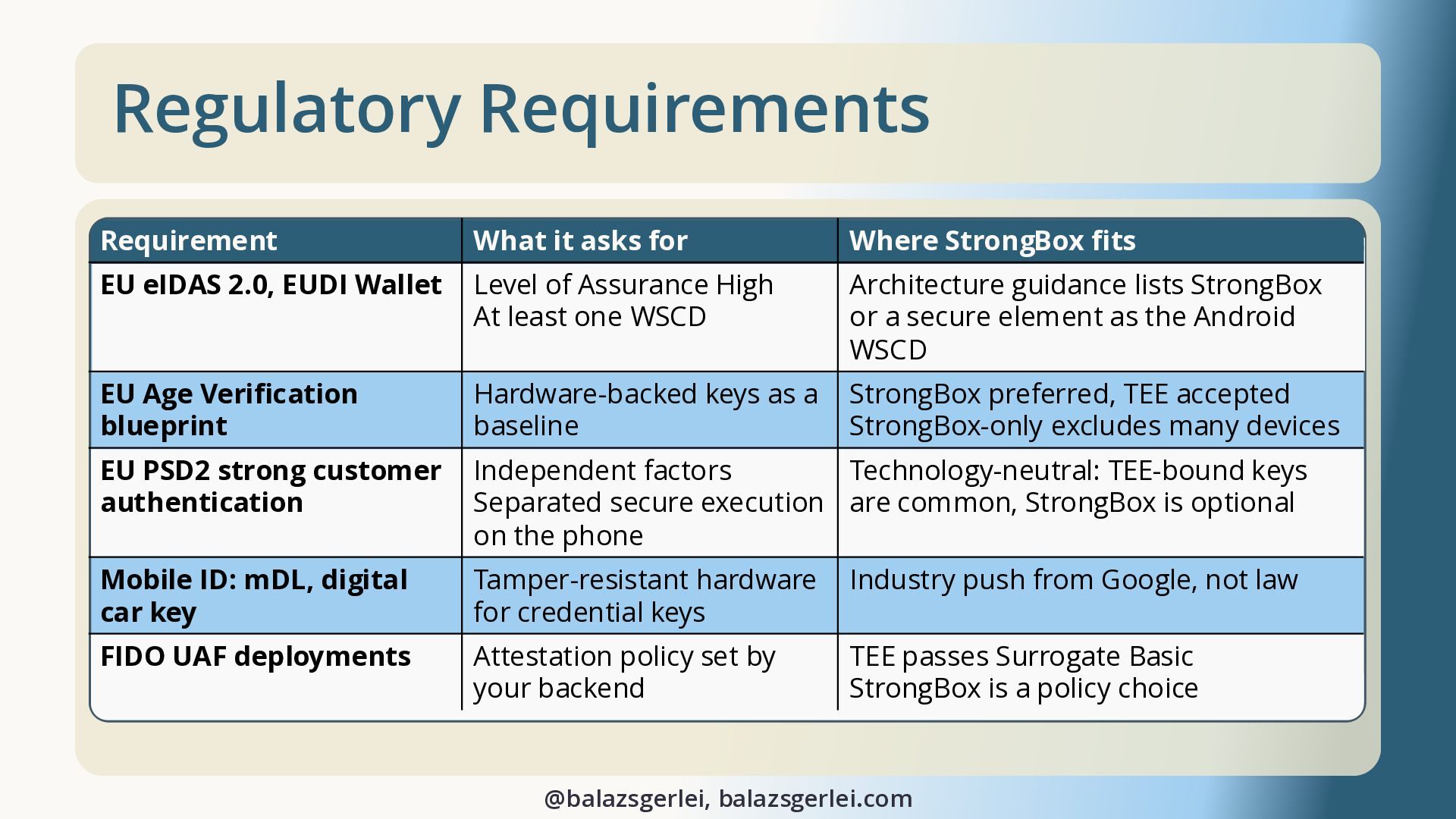
  12. Regulatory Requirements Requirement What it asks for Where StrongBox fits

    EU eIDAS 2.0, EUDI Wallet Level of Assurance High At least one WSCD Architecture guidance lists StrongBox or a secure element as the Android WSCD EU Age Verification blueprint Hardware-backed keys as a baseline StrongBox preferred, TEE accepted StrongBox-only excludes many devices EU PSD2 strong customer authentication Independent factors Technology-neutral: TEE-bound keys Separated secure execution are common, StrongBox is optional on the phone Mobile ID: mDL, digital car key Tamper-resistant hardware for credential keys Industry push from Google, not law FIDO UAF deployments Attestation policy set by your backend TEE passes Surrogate Basic StrongBox is a policy choice @balazsgerlei, balazsgerlei.com
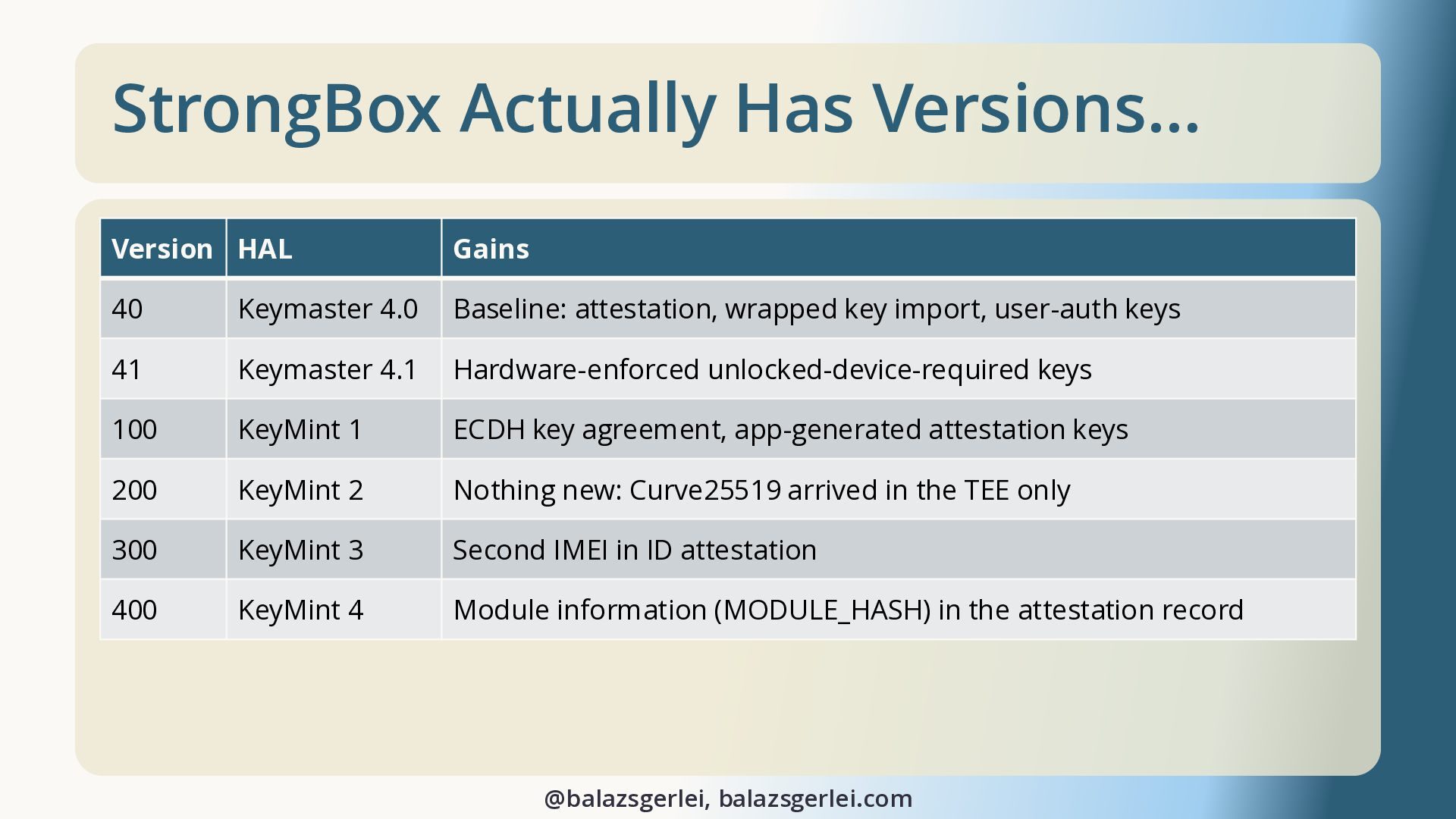
  13. StrongBox Actually Has Versions… Version HAL Gains 40 Keymaster 4.0

    Baseline: attestation, wrapped key import, user-auth keys 41 Keymaster 4.1 Hardware-enforced unlocked-device-required keys 100 KeyMint 1 ECDH key agreement, app-generated attestation keys 200 KeyMint 2 Nothing new: Curve25519 arrived in the TEE only 300 KeyMint 3 Second IMEI in ID attestation 400 KeyMint 4 Module information (MODULE_HASH) in the attestation record @balazsgerlei, balazsgerlei.com
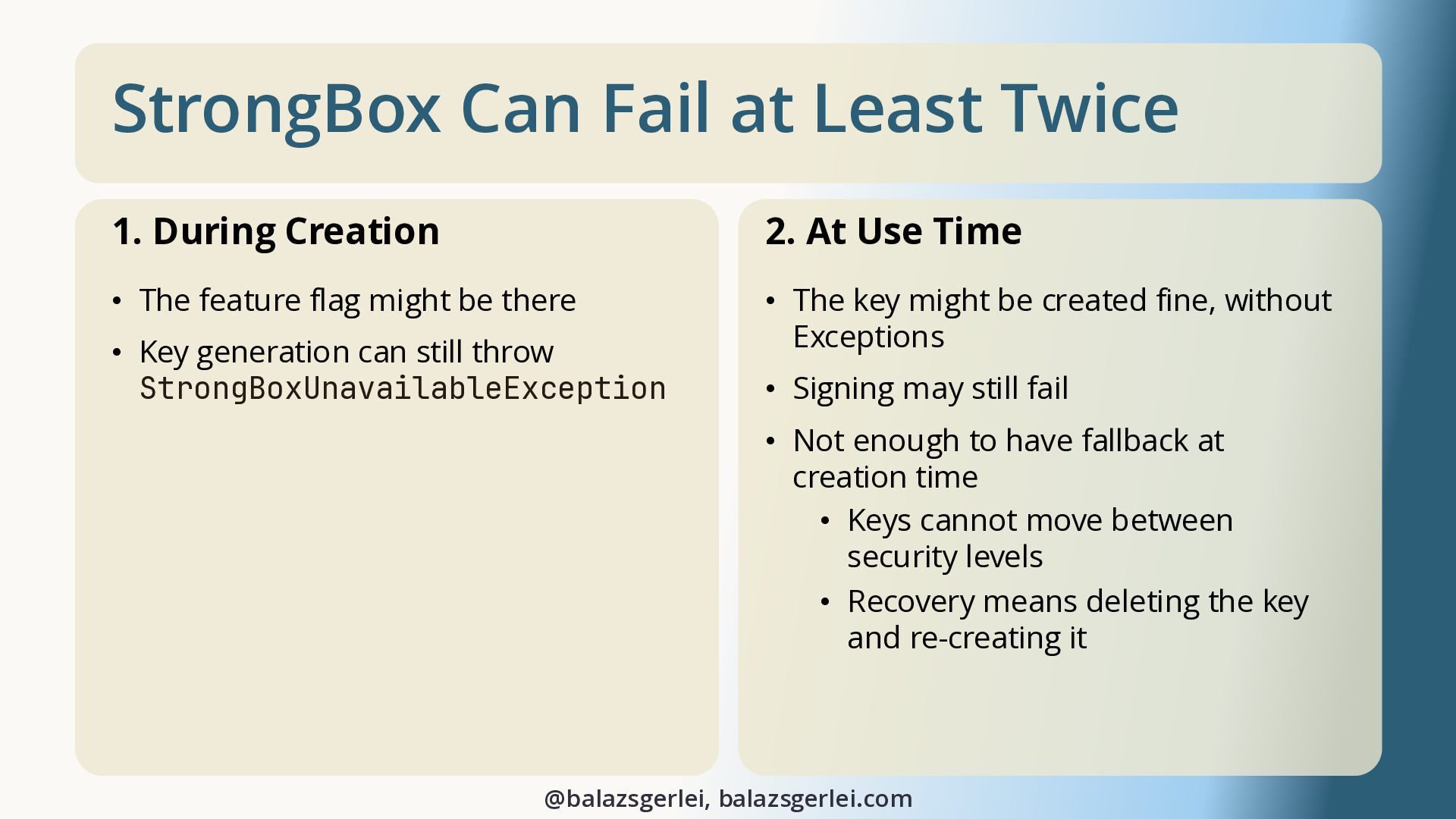
  14. StrongBox Can Fail at Least Twice 1. During Creation 2.

    At Use Time • The feature flag might be there • The key might be created fine, without Exceptions • Key generation can still throw StrongBoxUnavailableException • Signing may still fail • Not enough to have fallback at creation time • Keys cannot move between security levels • Recovery means deleting the key and re-creating it @balazsgerlei, balazsgerlei.com
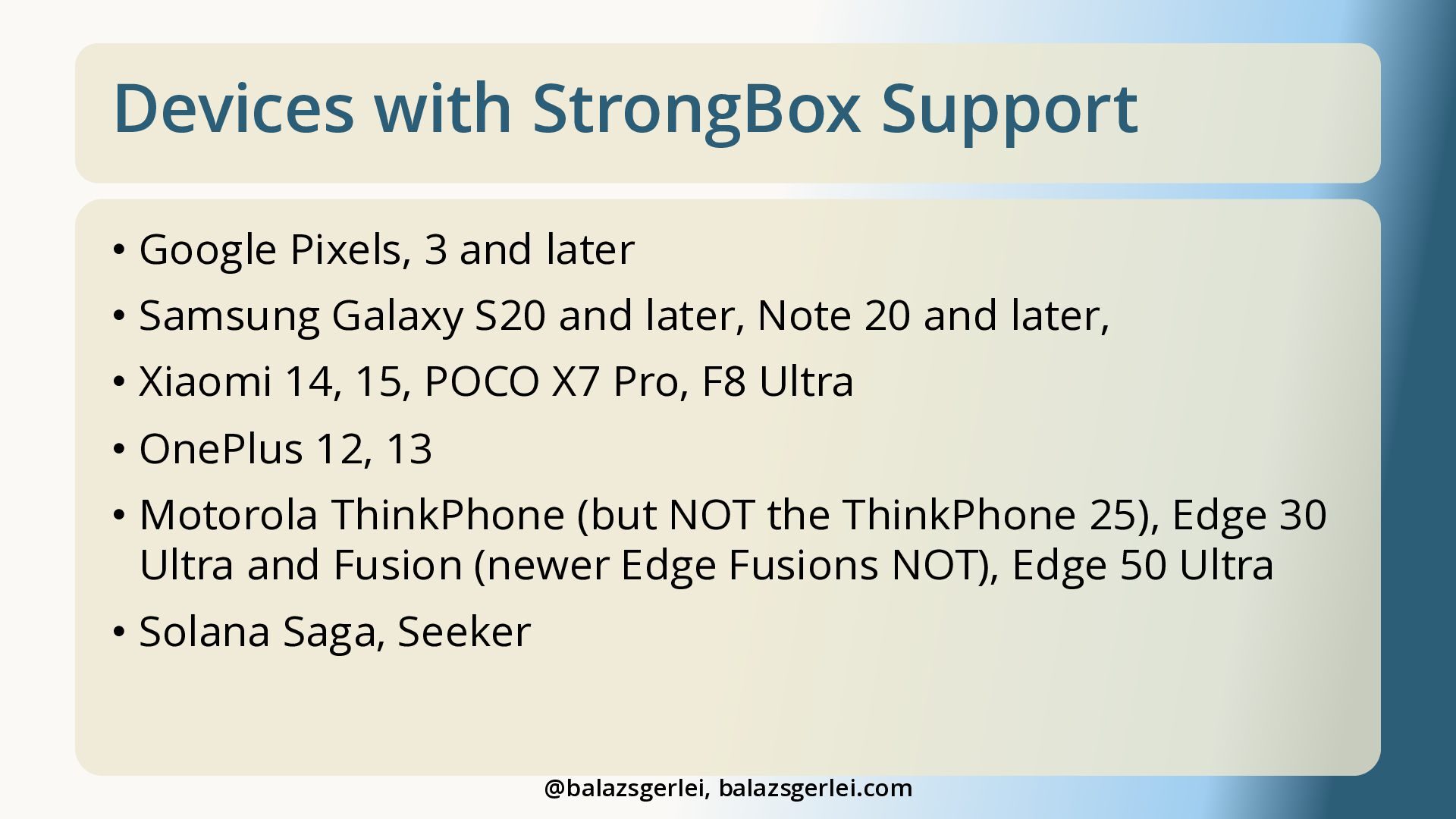
  15. Devices with StrongBox Support • Google Pixels, 3 and later

    • Samsung Galaxy S20 and later, Note 20 and later, • Xiaomi 14, 15, POCO X7 Pro, F8 Ultra • OnePlus 12, 13 • Motorola ThinkPhone (but NOT the ThinkPhone 25), Edge 30 Ultra and Fusion (newer Edge Fusions NOT), Edge 50 Ultra • Solana Saga, Seeker @balazsgerlei, balazsgerlei.com
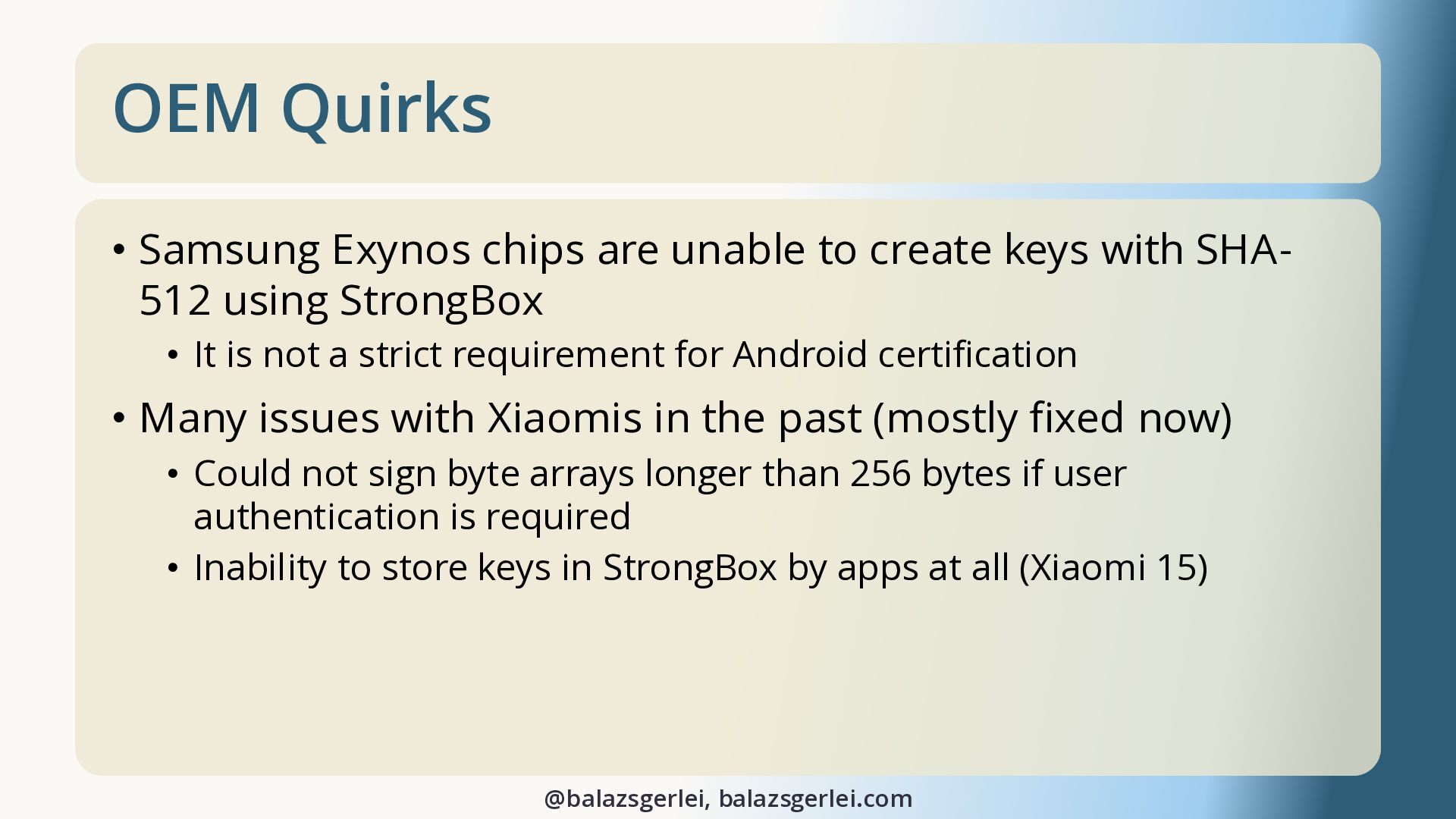
  16. OEM Quirks • Samsung Exynos chips are unable to create

    keys with SHA512 using StrongBox • It is not a strict requirement for Android certification • Many issues with Xiaomis in the past (mostly fixed now) • Could not sign byte arrays longer than 256 bytes if user authentication is required • Inability to store keys in StrongBox by apps at all (Xiaomi 15) @balazsgerlei, balazsgerlei.com
  17. Secure Storage Capabilities App • My app to detect key

    storage capabilities of devices • play.google.com/store/apps/details?id=dev.gerlot.securestoragecapabilities @balazsgerlei, balazsgerlei.com
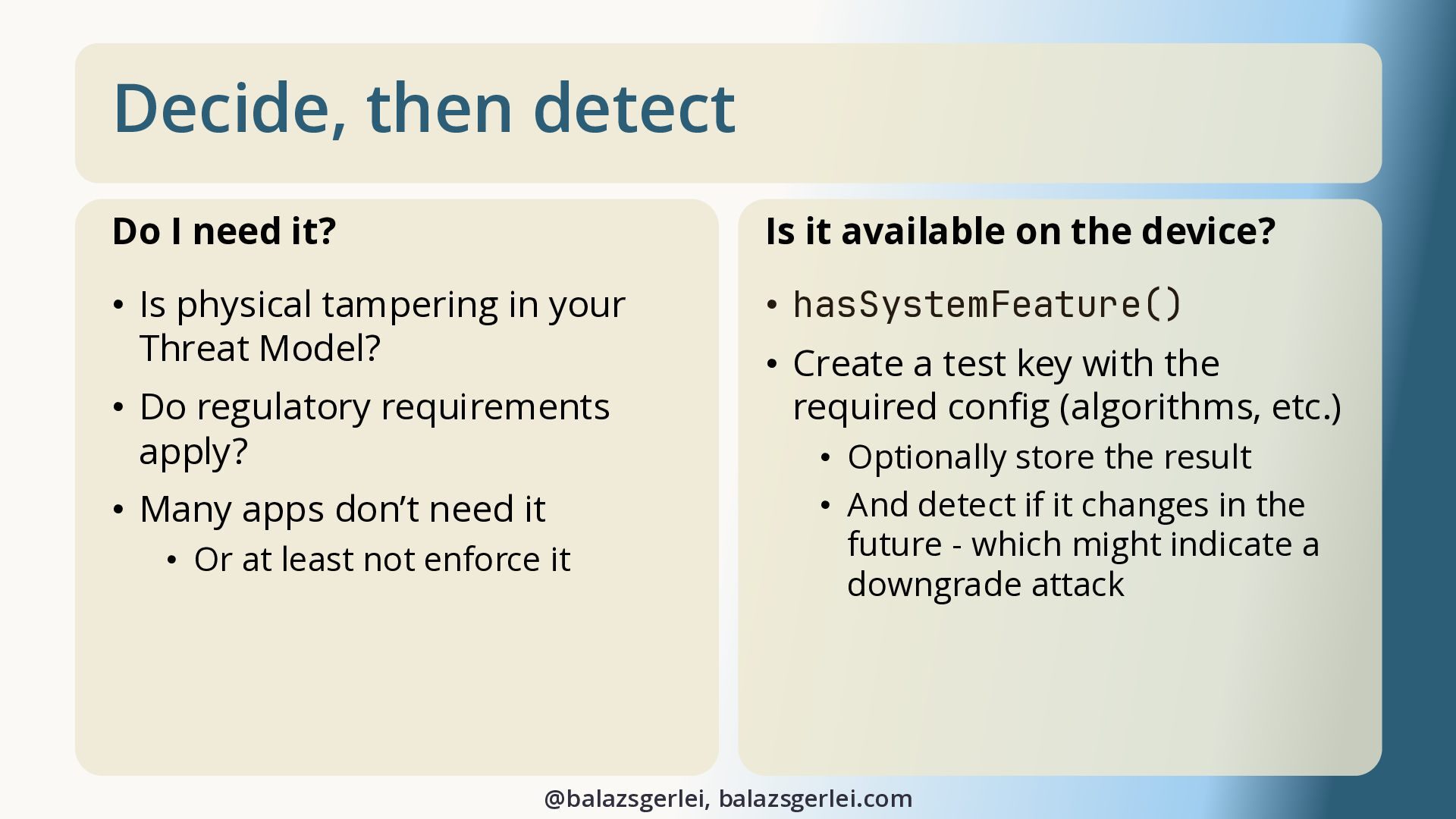
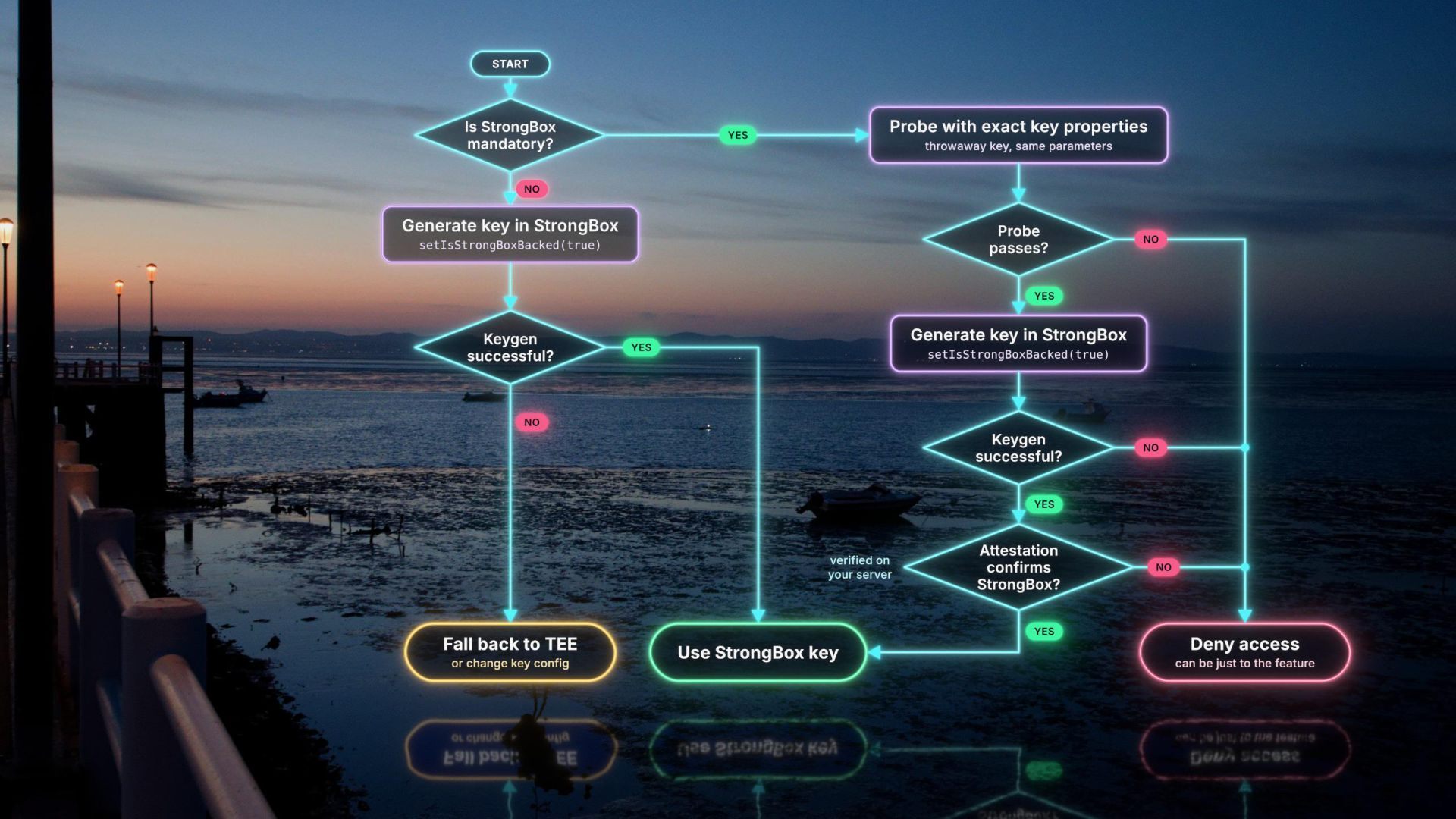
  18. Decide, then detect Do I need it? Is it available

    on the device? • Is physical tampering in your Threat Model? • hasSystemFeature() • Do regulatory requirements apply? • Many apps don’t need it • Or at least not enforce it • Create a test key with the required config (algorithms, etc.) • Optionally store the result • And detect if it changes in the future - which might indicate a downgrade attack @balazsgerlei, balazsgerlei.com
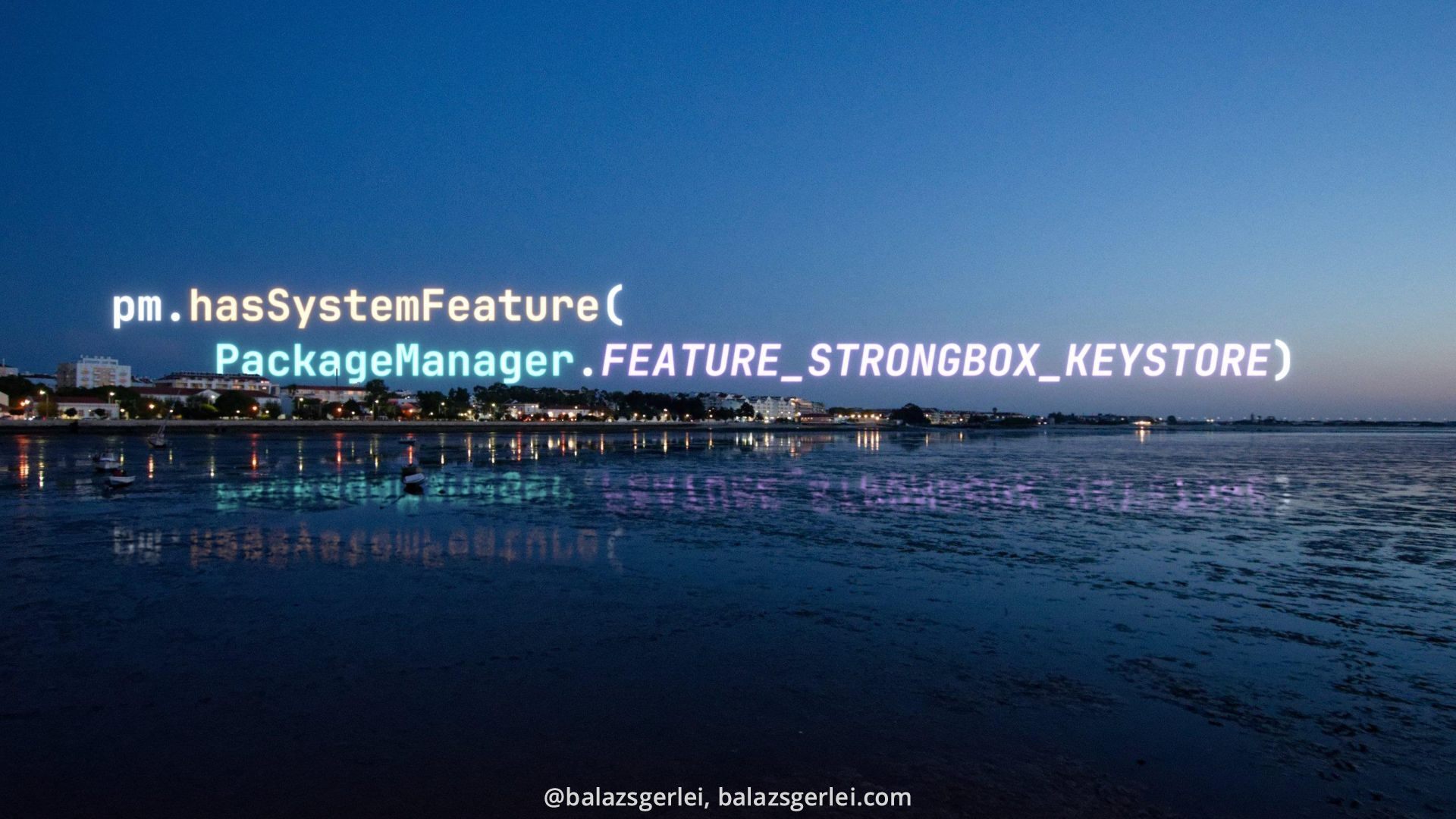
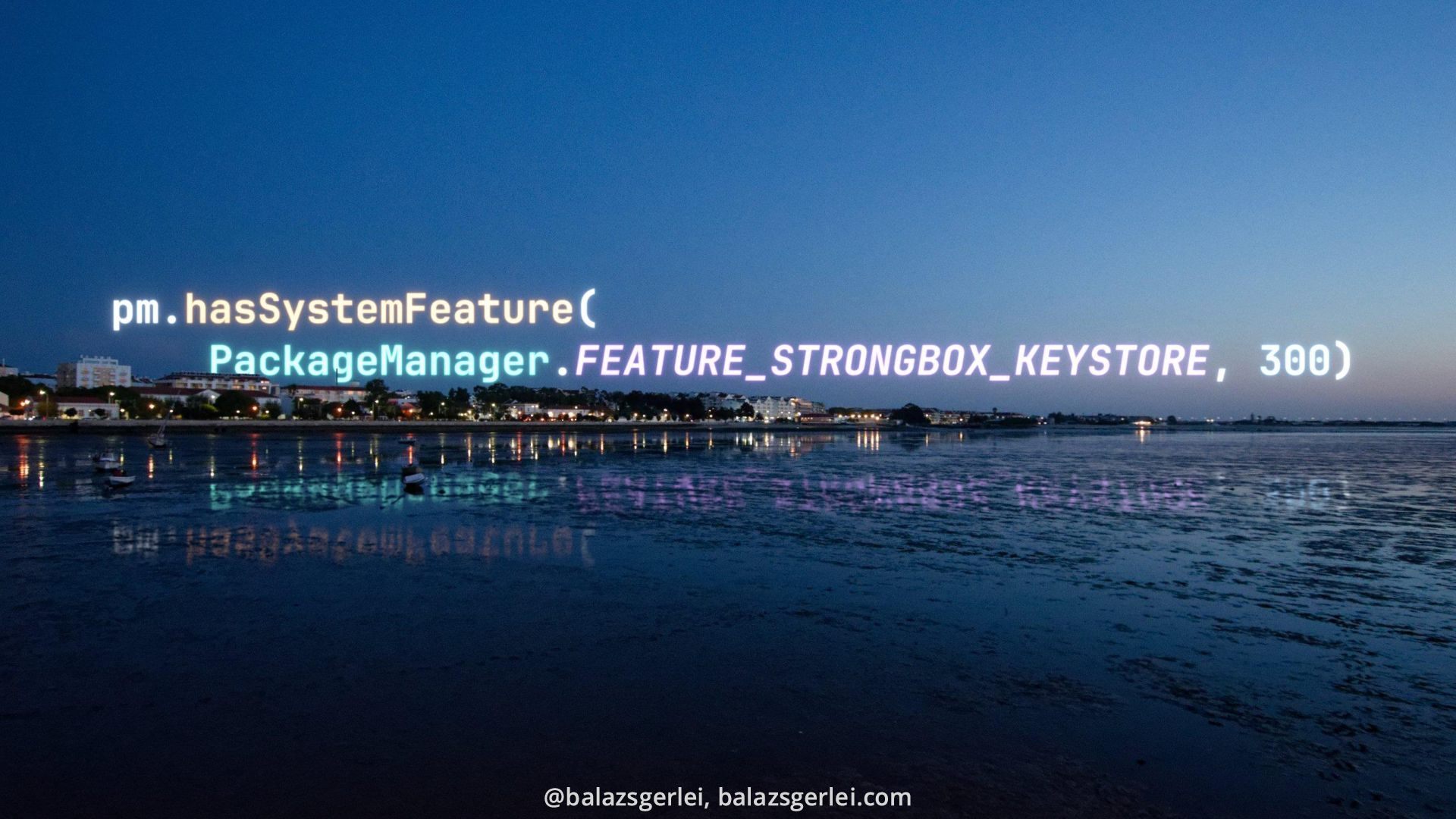
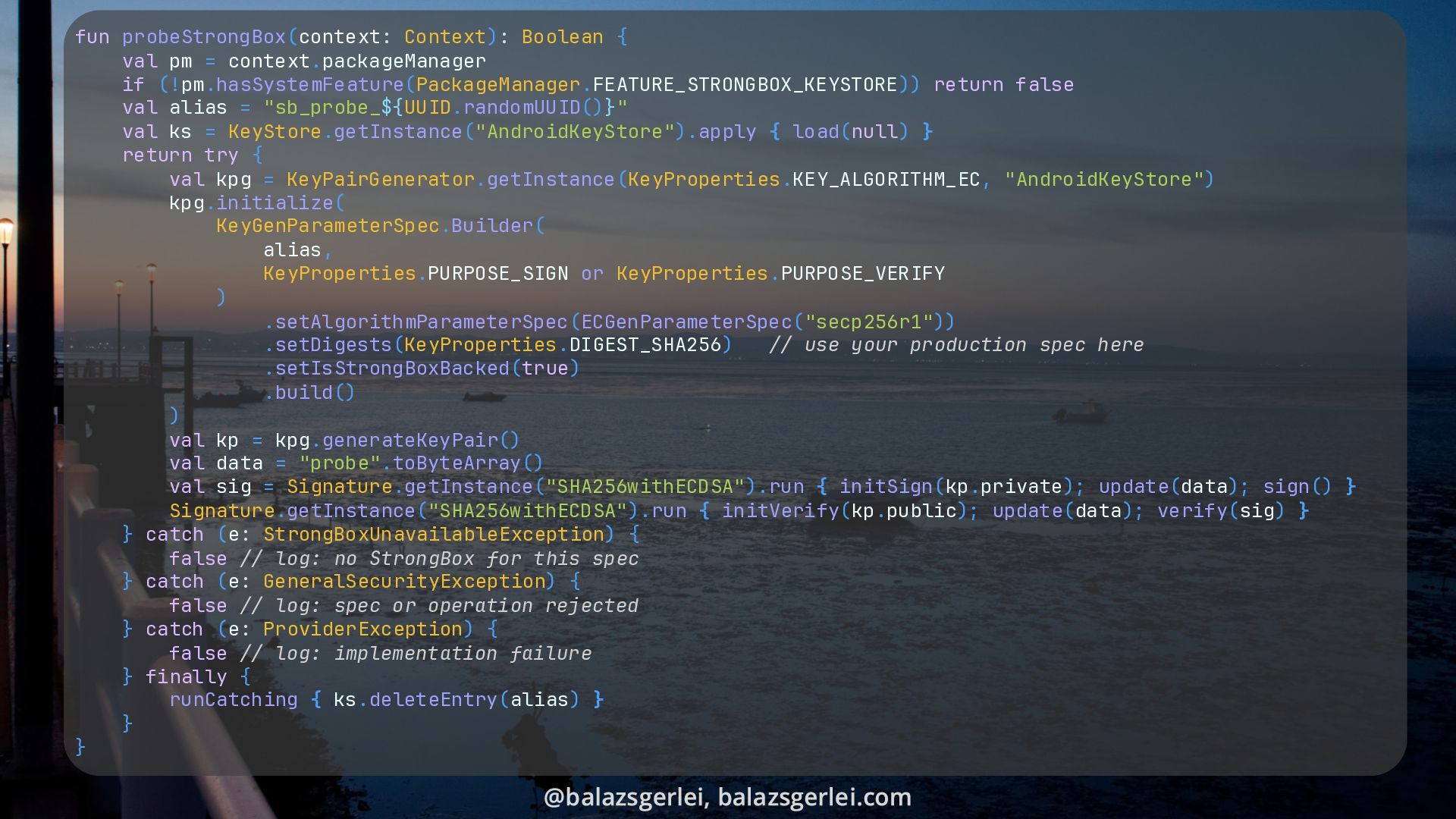
  19. fun probeStrongBox(context: Context): Boolean { val pm = context.packageManager if

    (!pm.hasSystemFeature(PackageManager.FEATURE_STRONGBOX_KEYSTORE)) return false val alias = "sb_probe_${UUID.randomUUID()}" val ks = KeyStore.getInstance("AndroidKeyStore").apply { load(null) } return try { val kpg = KeyPairGenerator.getInstance(KeyProperties.KEY_ALGORITHM_EC, "AndroidKeyStore") kpg.initialize( KeyGenParameterSpec.Builder( alias, KeyProperties.PURPOSE_SIGN or KeyProperties.PURPOSE_VERIFY ) .setAlgorithmParameterSpec(ECGenParameterSpec("secp256r1")) .setDigests(KeyProperties.DIGEST_SHA256) // use your production spec here .setIsStrongBoxBacked(true) .build() ) val kp = kpg.generateKeyPair() val data = "probe".toByteArray() val sig = Signature.getInstance("SHA256withECDSA").run { initSign(kp.private); update(data); sign() } Signature.getInstance("SHA256withECDSA").run { initVerify(kp.public); update(data); verify(sig) } } catch (e: StrongBoxUnavailableException) { false // log: no StrongBox for this spec } catch (e: GeneralSecurityException) { false // log: spec or operation rejected } catch (e: ProviderException) { false // log: implementation failure } finally { runCatching { ks.deleteEntry(alias) } } } @balazsgerlei, balazsgerlei.com
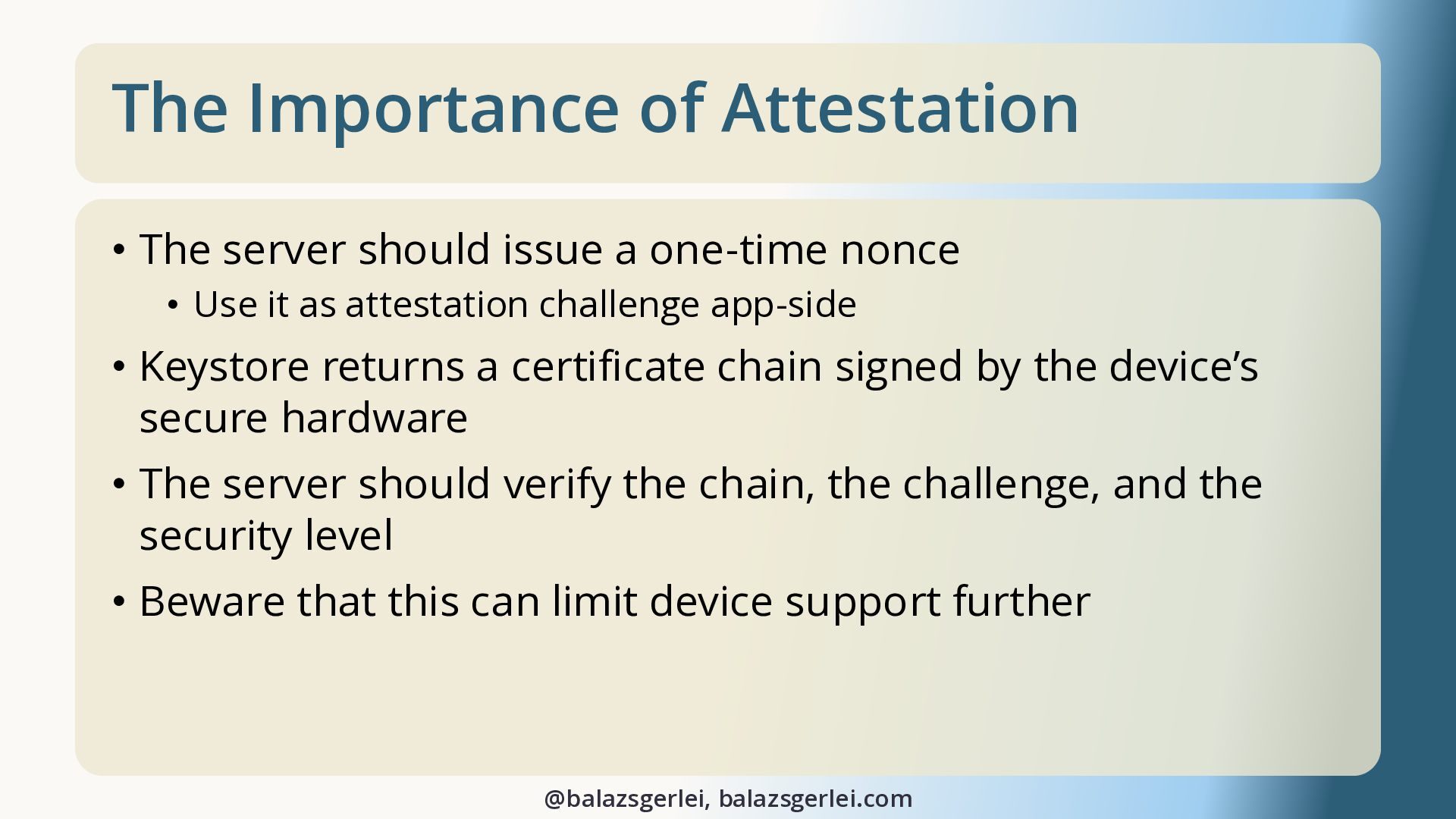
  20. The Importance of Attestation • The server should issue a

    one-time nonce • Use it as attestation challenge app-side • Keystore returns a certificate chain signed by the device’s secure hardware • The server should verify the chain, the challenge, and the security level • Beware that this can limit device support further @balazsgerlei, balazsgerlei.com
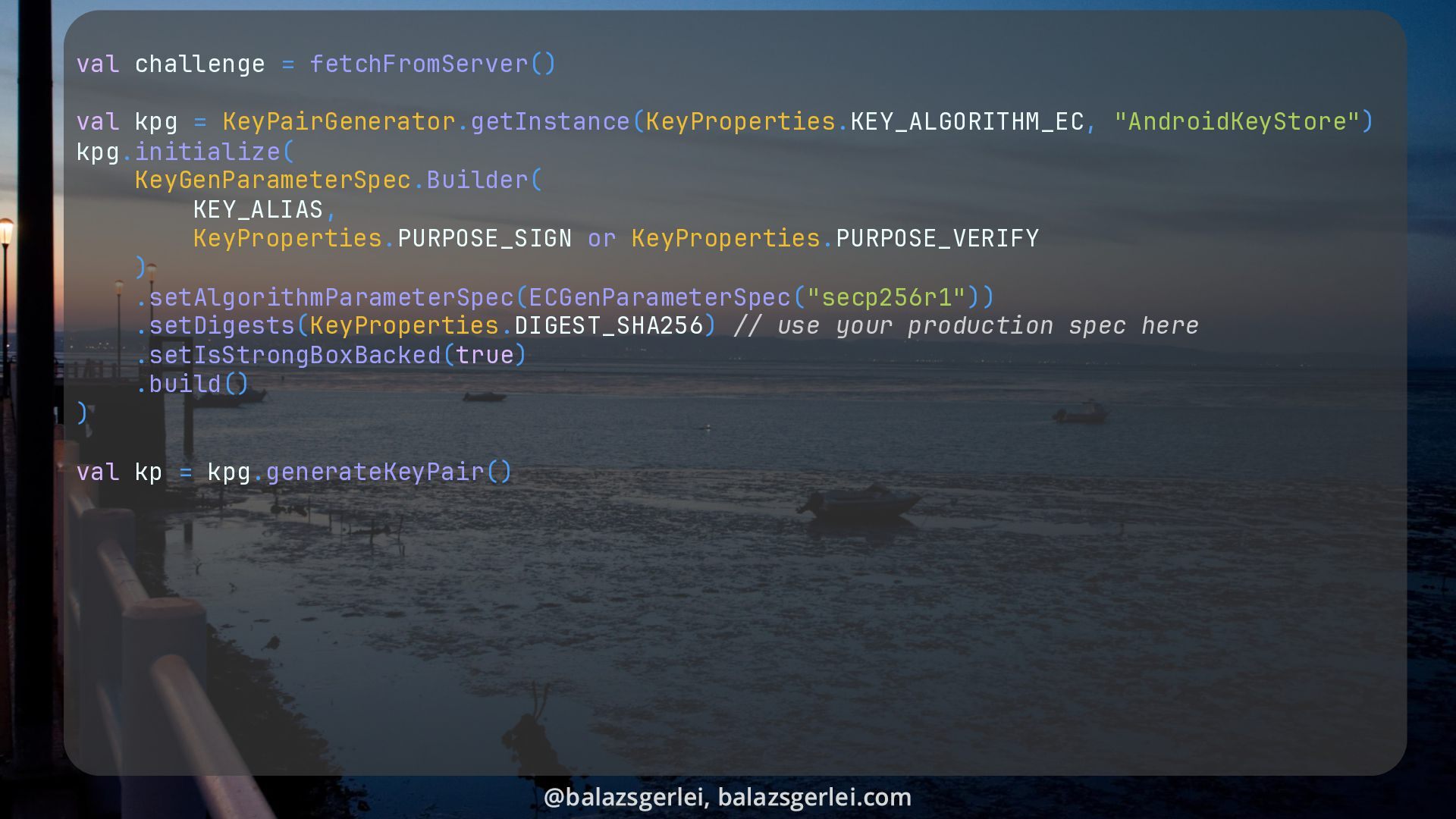
  21. val challenge = fetchFromServer() val kpg = KeyPairGenerator.getInstance(KeyProperties.KEY_ALGORITHM_EC, "AndroidKeyStore") kpg.initialize(

    KeyGenParameterSpec.Builder( KEY_ALIAS, KeyProperties.PURPOSE_SIGN or KeyProperties.PURPOSE_VERIFY ) .setAlgorithmParameterSpec(ECGenParameterSpec("secp256r1")) .setDigests(KeyProperties.DIGEST_SHA256) // use your production spec here .setIsStrongBoxBacked(true) .build() ) val kp = kpg.generateKeyPair() @balazsgerlei, balazsgerlei.com
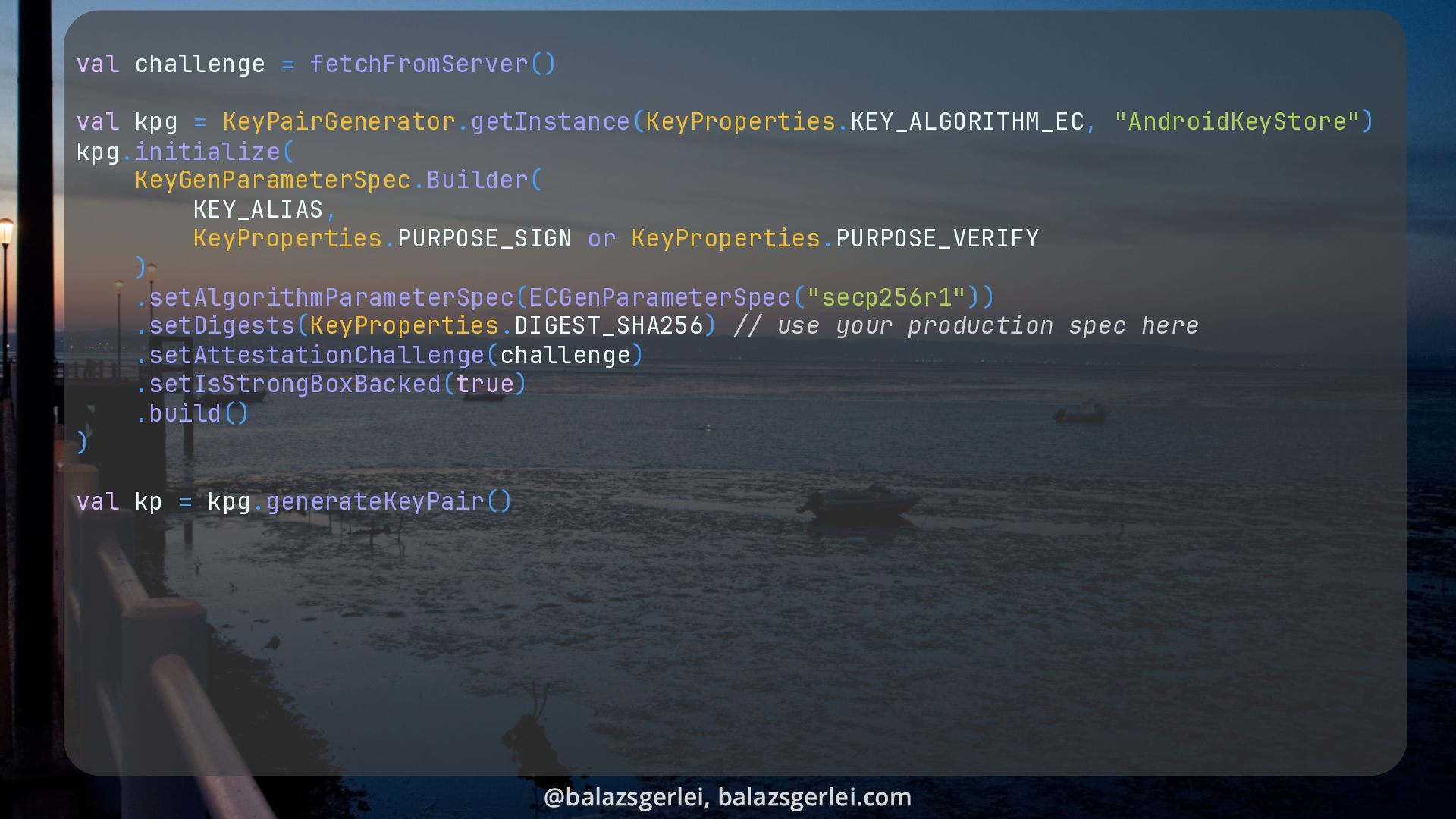
  22. val challenge = fetchFromServer() val kpg = KeyPairGenerator.getInstance(KeyProperties.KEY_ALGORITHM_EC, "AndroidKeyStore") kpg.initialize(

    KeyGenParameterSpec.Builder( KEY_ALIAS, KeyProperties.PURPOSE_SIGN or KeyProperties.PURPOSE_VERIFY ) .setAlgorithmParameterSpec(ECGenParameterSpec("secp256r1")) .setDigests(KeyProperties.DIGEST_SHA256) // use your production spec here .setAttestationChallenge(challenge) .setIsStrongBoxBacked(true) .build() ) val kp = kpg.generateKeyPair() @balazsgerlei, balazsgerlei.com
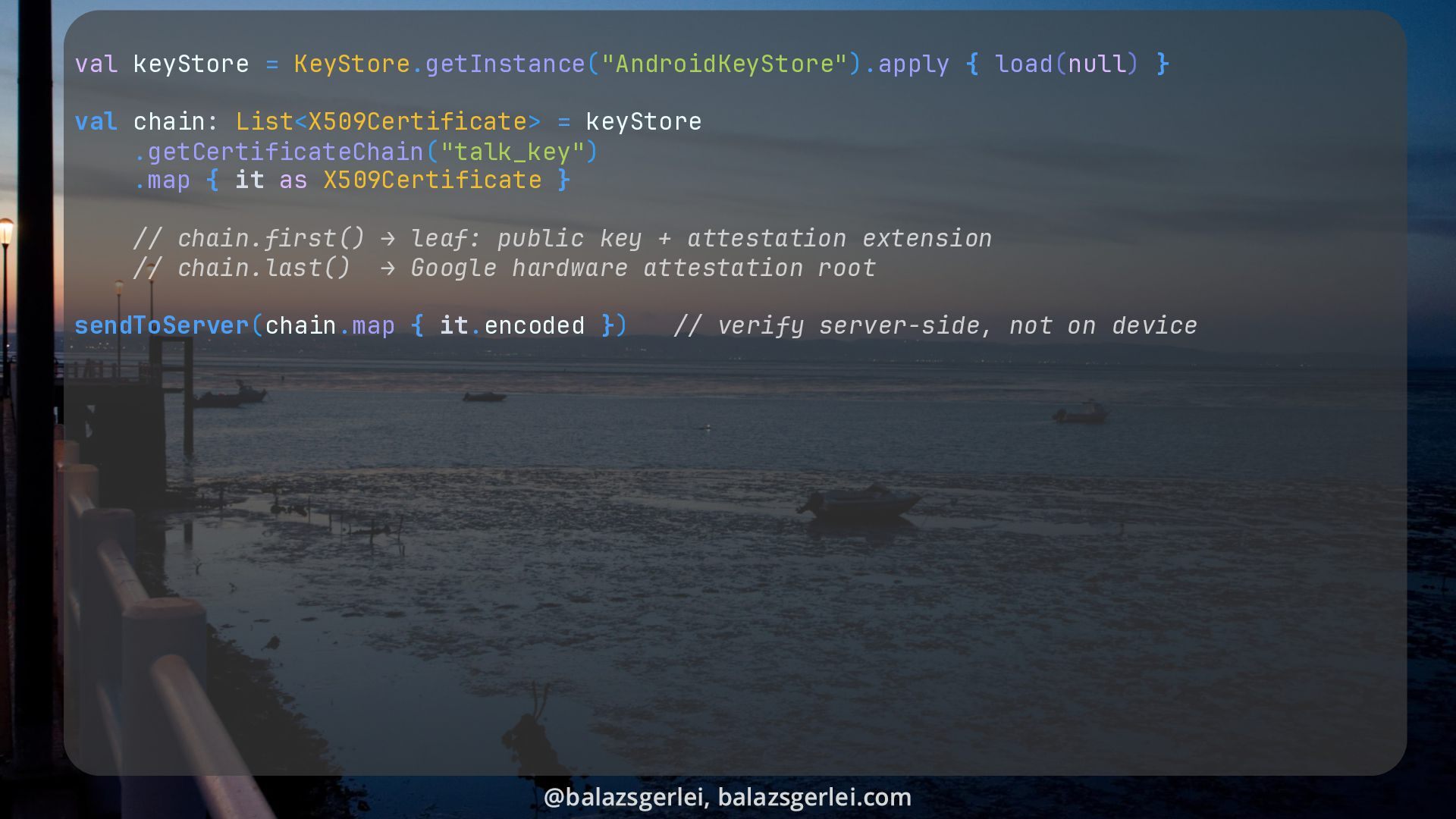
  23. val keyStore = KeyStore.getInstance("AndroidKeyStore").apply { load(null) } val chain: List<X509Certificate>

    = keyStore .getCertificateChain("talk_key") .map { it as X509Certificate } // chain.first() → leaf: public key + attestation extension // chain.last() → Google hardware attestation root sendToServer(chain.map { it.encoded }) // verify server-side, not on device @balazsgerlei, balazsgerlei.com
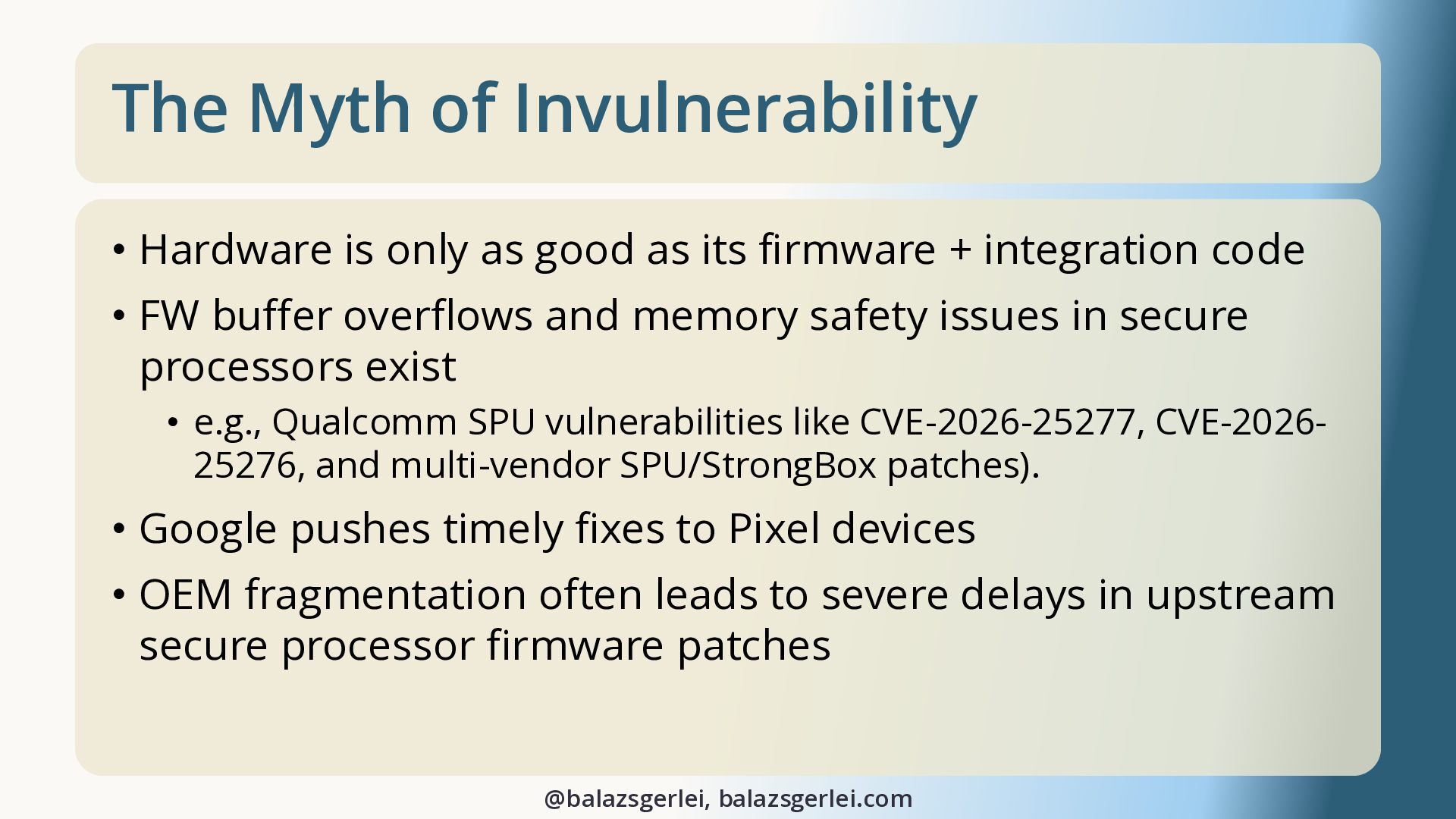
  24. The Myth of Invulnerability • Hardware is only as good

    as its firmware + integration code • FW buffer overflows and memory safety issues in secure processors exist • e.g., Qualcomm SPU vulnerabilities like CVE-2026-25277, CVE-202625276, and multi-vendor SPU/StrongBox patches). • Google pushes timely fixes to Pixel devices • OEM fragmentation often leads to severe delays in upstream secure processor firmware patches @balazsgerlei, balazsgerlei.com
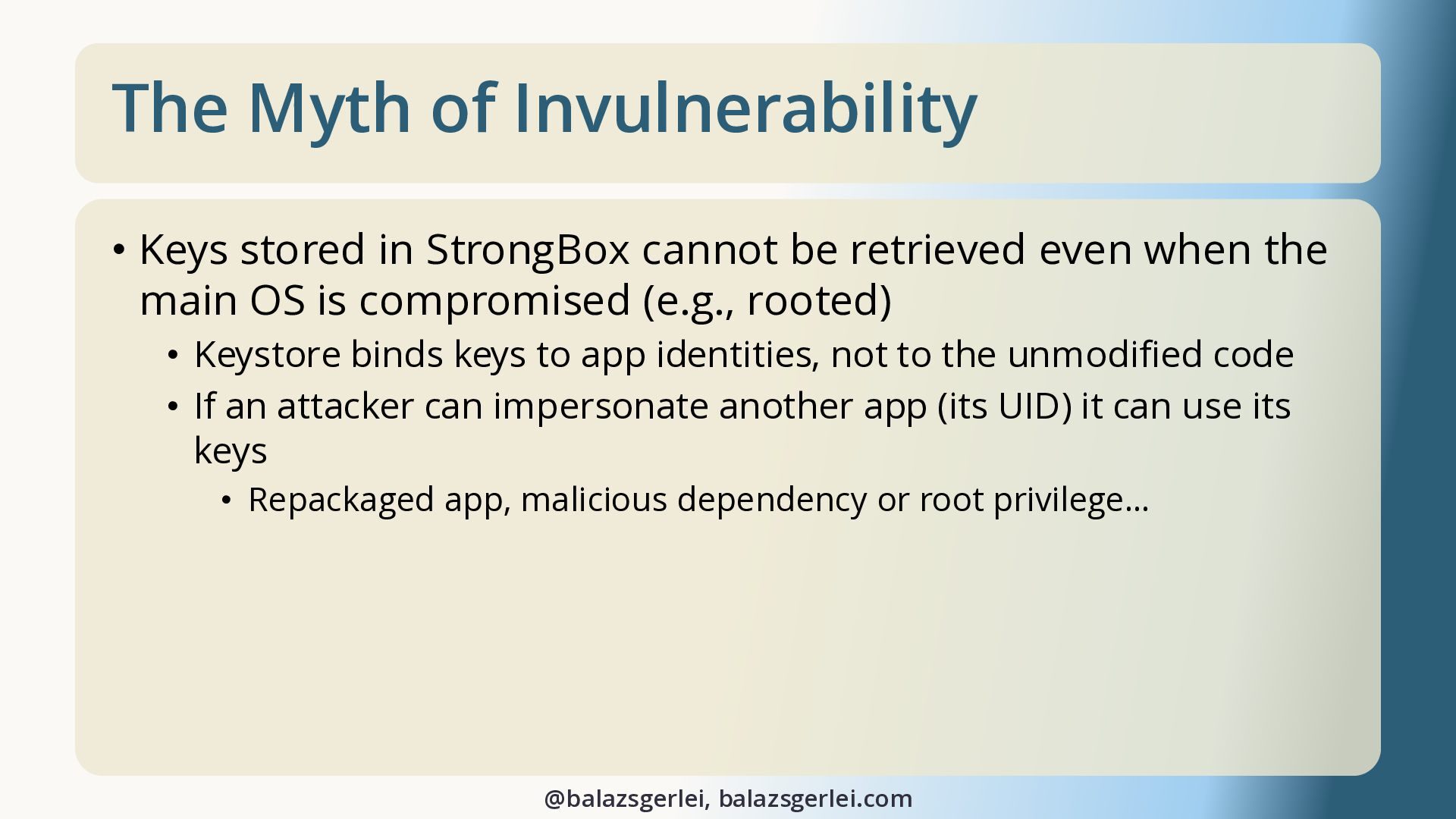
  25. The Myth of Invulnerability • Keys stored in StrongBox cannot

    be retrieved even when the main OS is compromised (e.g., rooted) • Keystore binds keys to app identities, not to the unmodified code • If an attacker can impersonate another app (its UID) it can use its keys • Repackaged app, malicious dependency or root privilege… @balazsgerlei, balazsgerlei.com
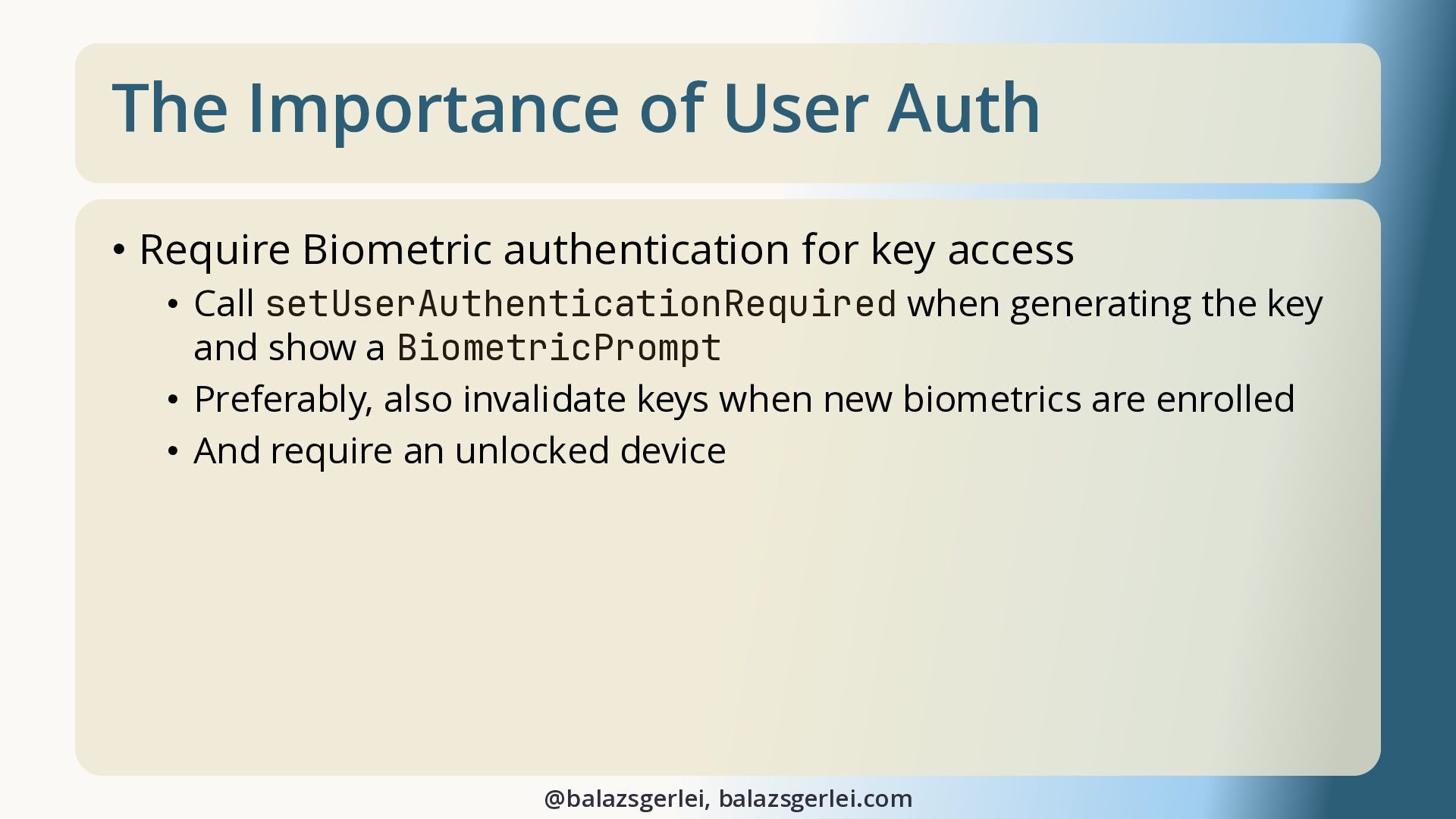
  26. The Importance of User Auth • Require Biometric authentication for

    key access • Call setUserAuthenticationRequired when generating the key and show a BiometricPrompt • Preferably, also invalidate keys when new biometrics are enrolled • And require an unlocked device @balazsgerlei, balazsgerlei.com
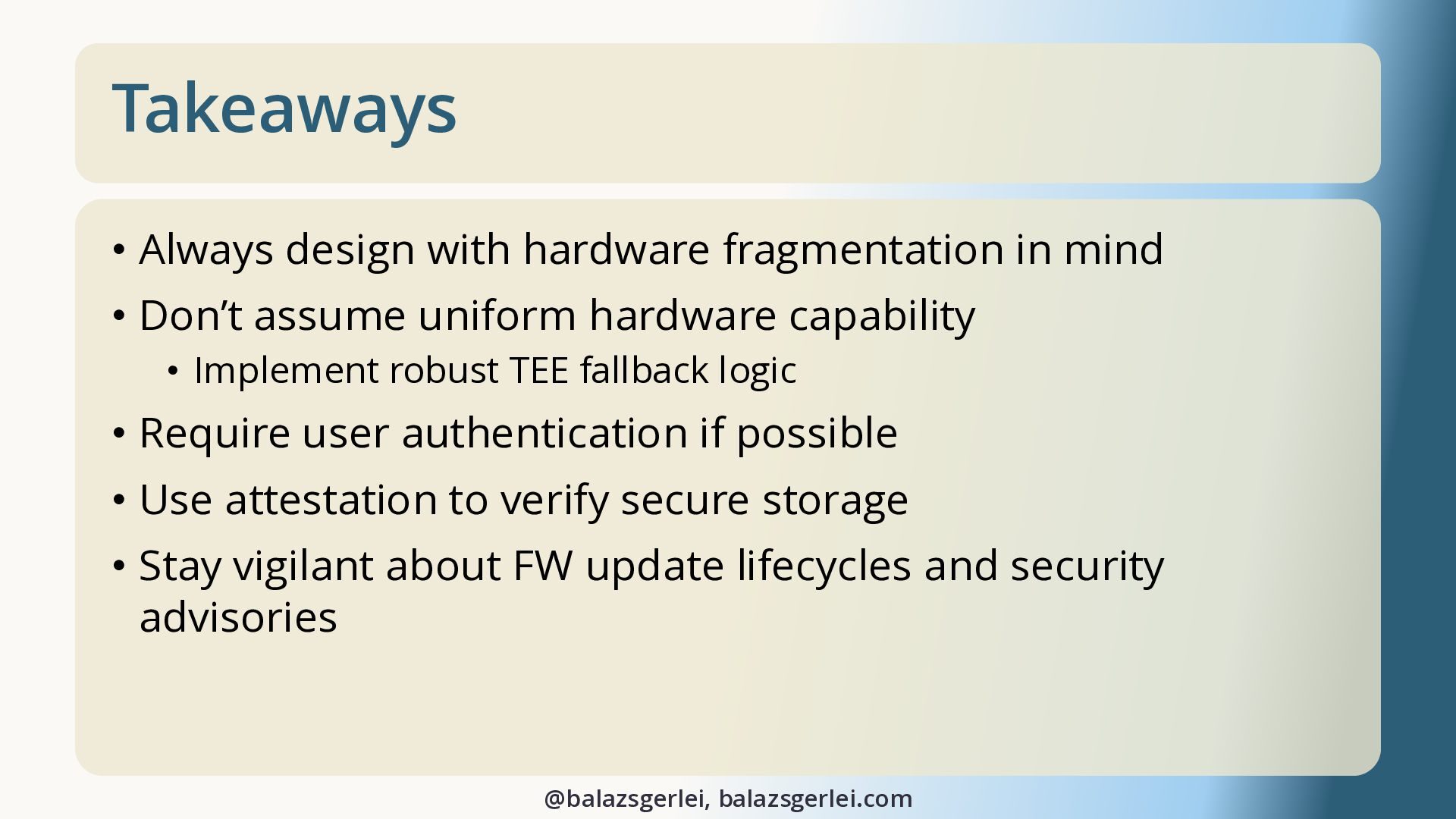
  27. Takeaways • Always design with hardware fragmentation in mind •

    Don’t assume uniform hardware capability • Implement robust TEE fallback logic • Require user authentication if possible • Use attestation to verify secure storage • Stay vigilant about FW update lifecycles and security advisories @balazsgerlei, balazsgerlei.com
  28. Obrigado! Thank you! • speakerdeck.com/balazsgerlei • Hardware-backed Keystore – AOSP

    • source.android.com/docs/security/features/keystore • “Google Reimagined a Phone. It was Our Job to Red Team and Secure it.” – Black Hat talk by Google’s Red Hat team • youtu.be/WJ6o2F9st9g • “2021: A Titan M Odyssey” & “Attack on Titan M, Reloaded: Vulnerability Research on a Modern Security Chip” – Black Hat talks about breaking Google’s StrongBox implementation • https://youtu.be/UNPblJup5ko • https://youtu.be/bCjkAkXiwK4 @balazsgerlei, balazsgerlei.com All Photos © Balázs Gerlei, taken last year here in Alcochete