Upgrade to Pro — share decks privately, control downloads, hide ads and more …

When Every Second Matters: Building Live Update...

Sponsored · Your Podcast. Everywhere. Effortlessly. Share. Educate. Inspire. Entertain. You do you. We'll handle the rest.
Avatar for Bhoomi Vaghasiya Gadhiya Bhoomi Vaghasiya Gadhiya
December 15, 2025
16

When Every Second Matters: Building Live Update Notifications for Real-Time Experiences

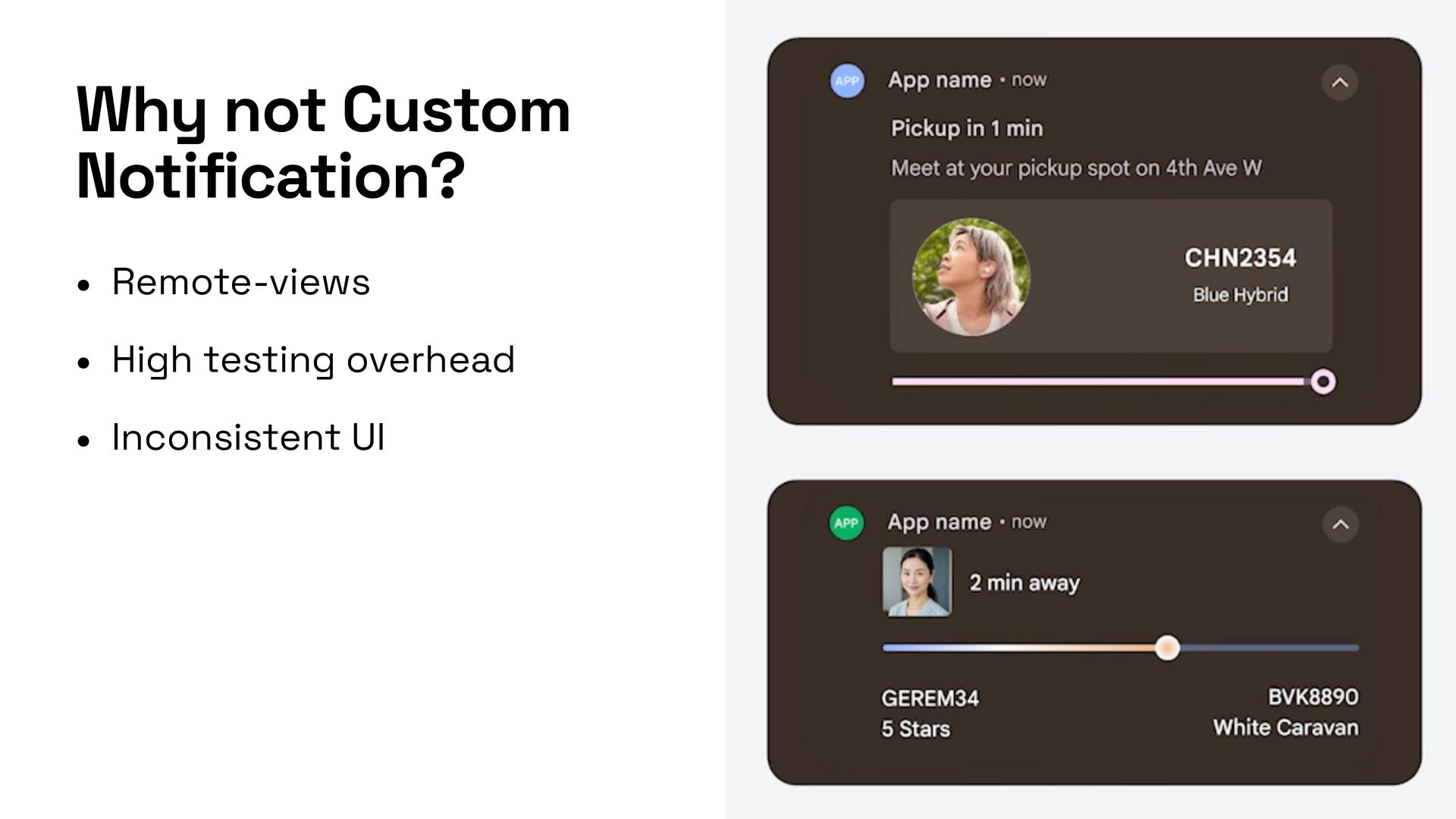
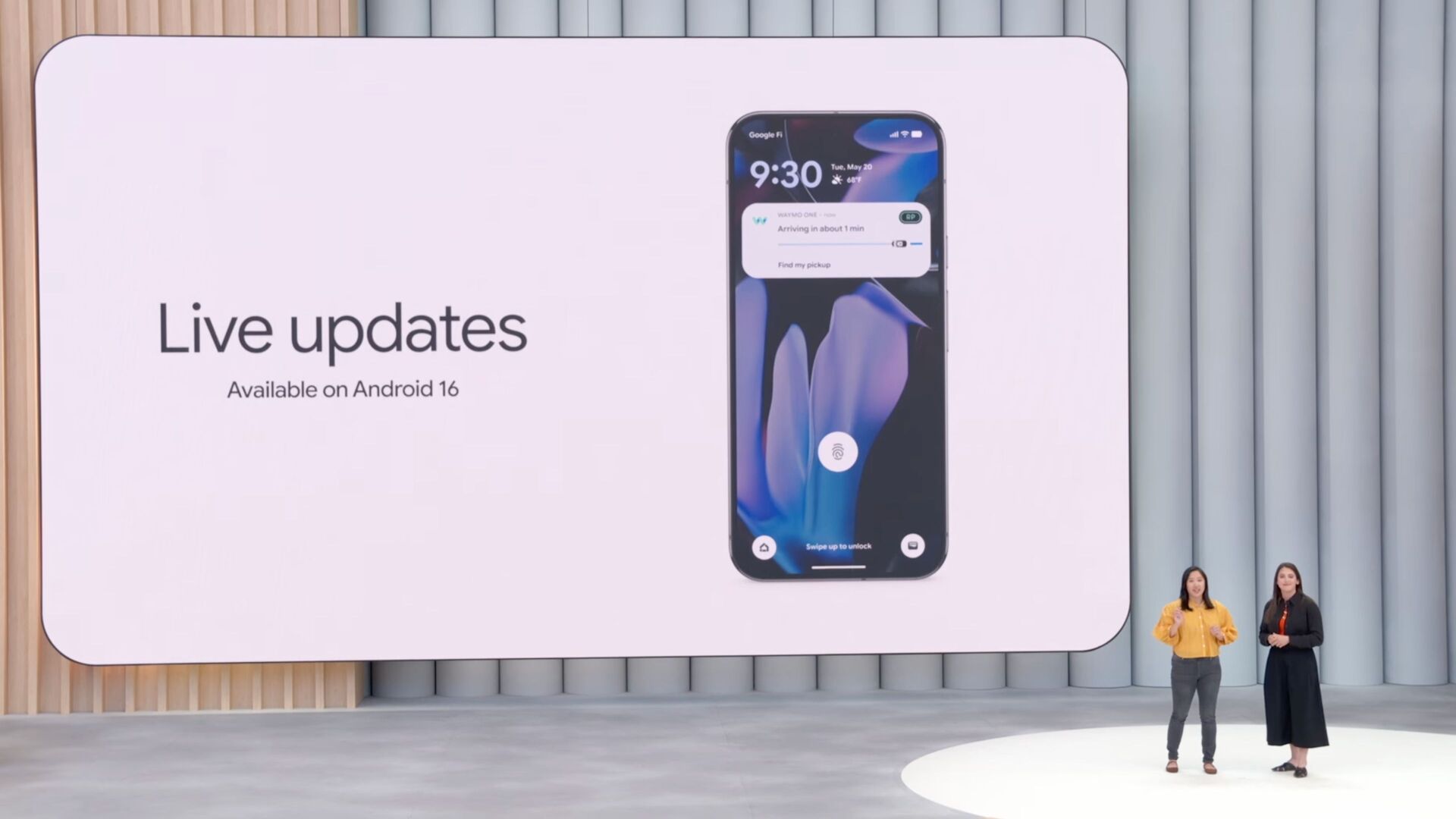
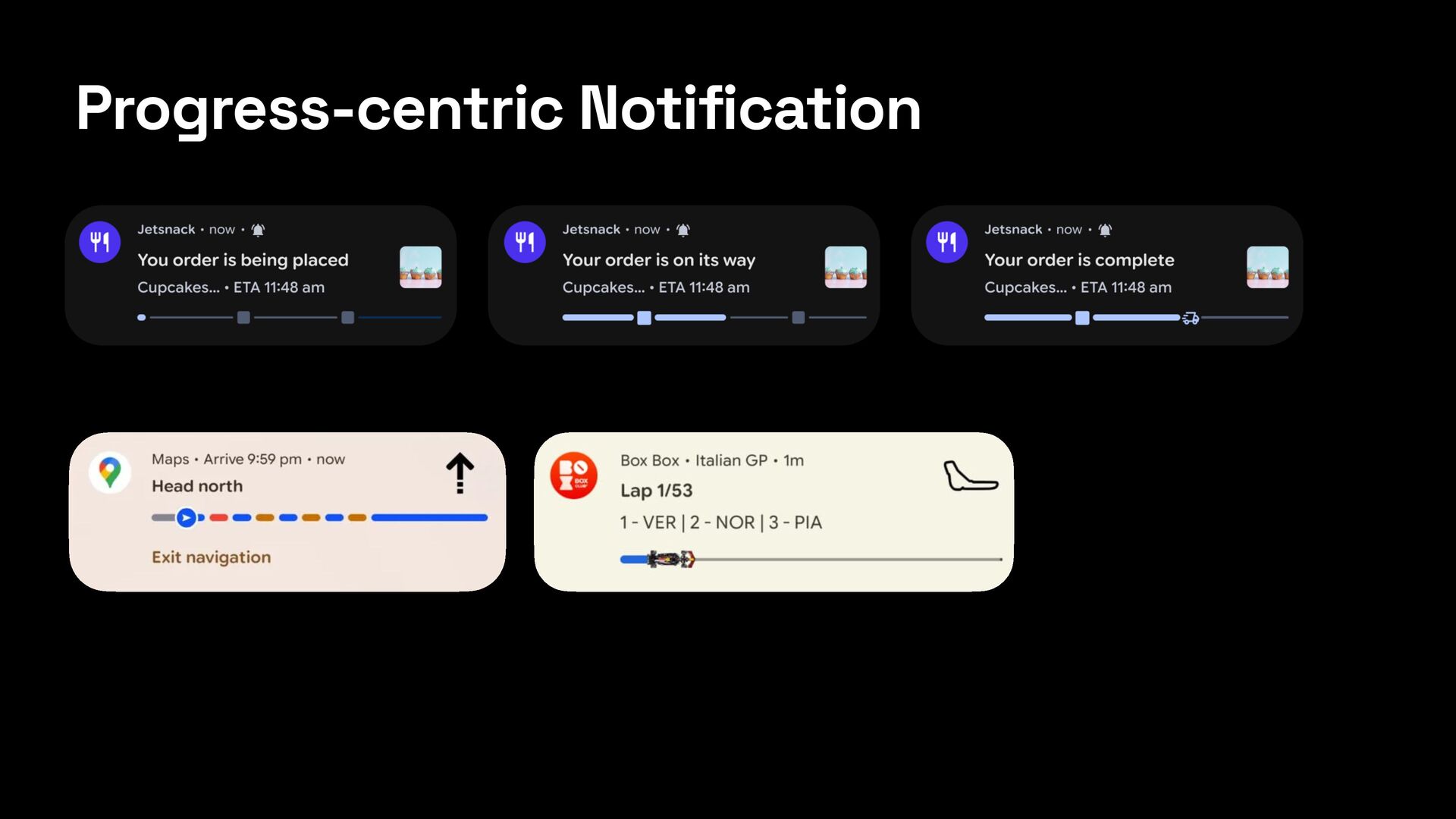
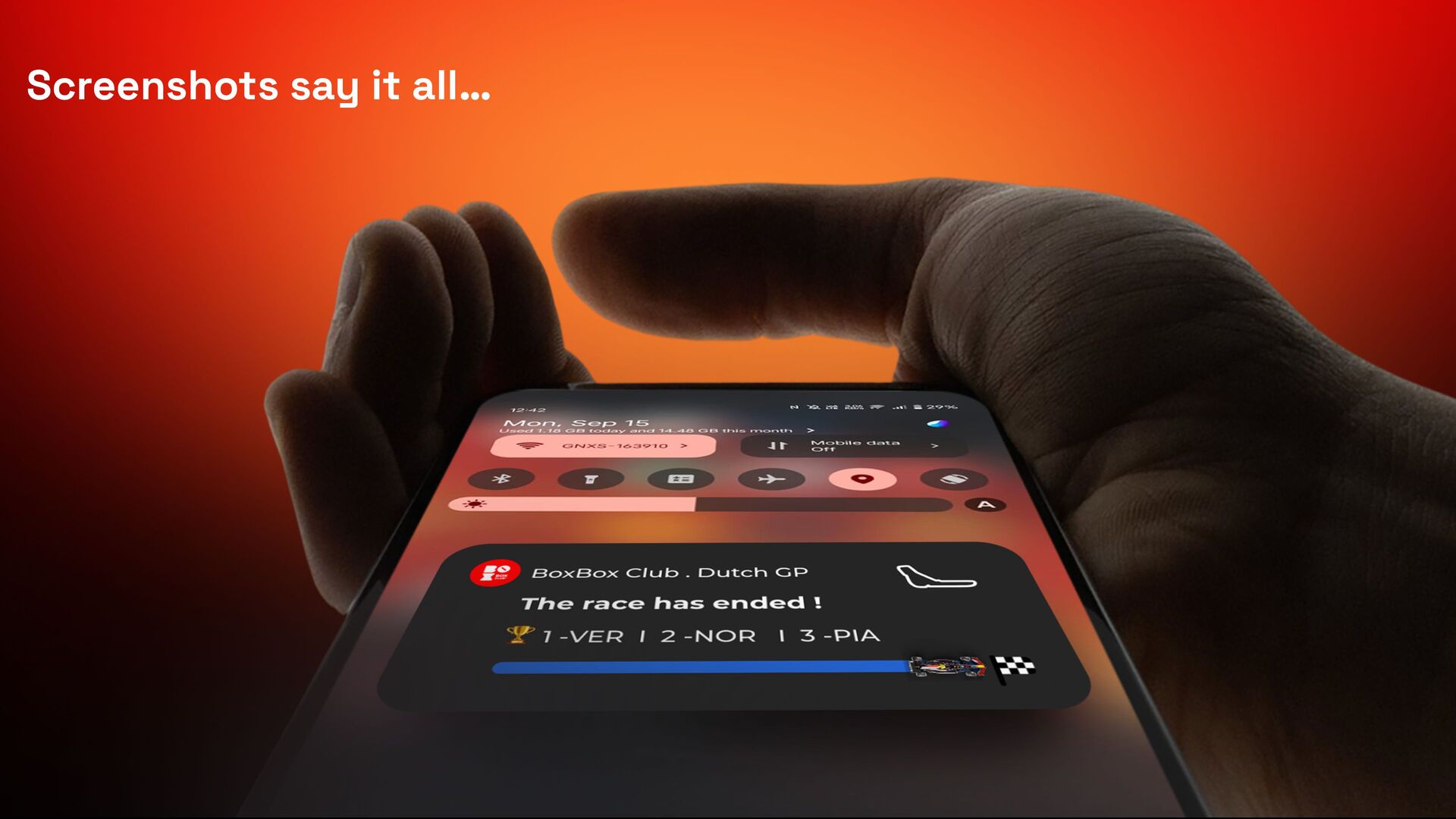
From checking a sports score to tracking a delivery, we often need information the moment it happens. With Android 16, Live Update Notifications became a game-changer! They allow users to see real-time updates directly on their notification panel or lock screen without even opening an app!

This talk includes the following points:
- How Does a Notification Become a Live Update?
- Implementation of Live Update Notification
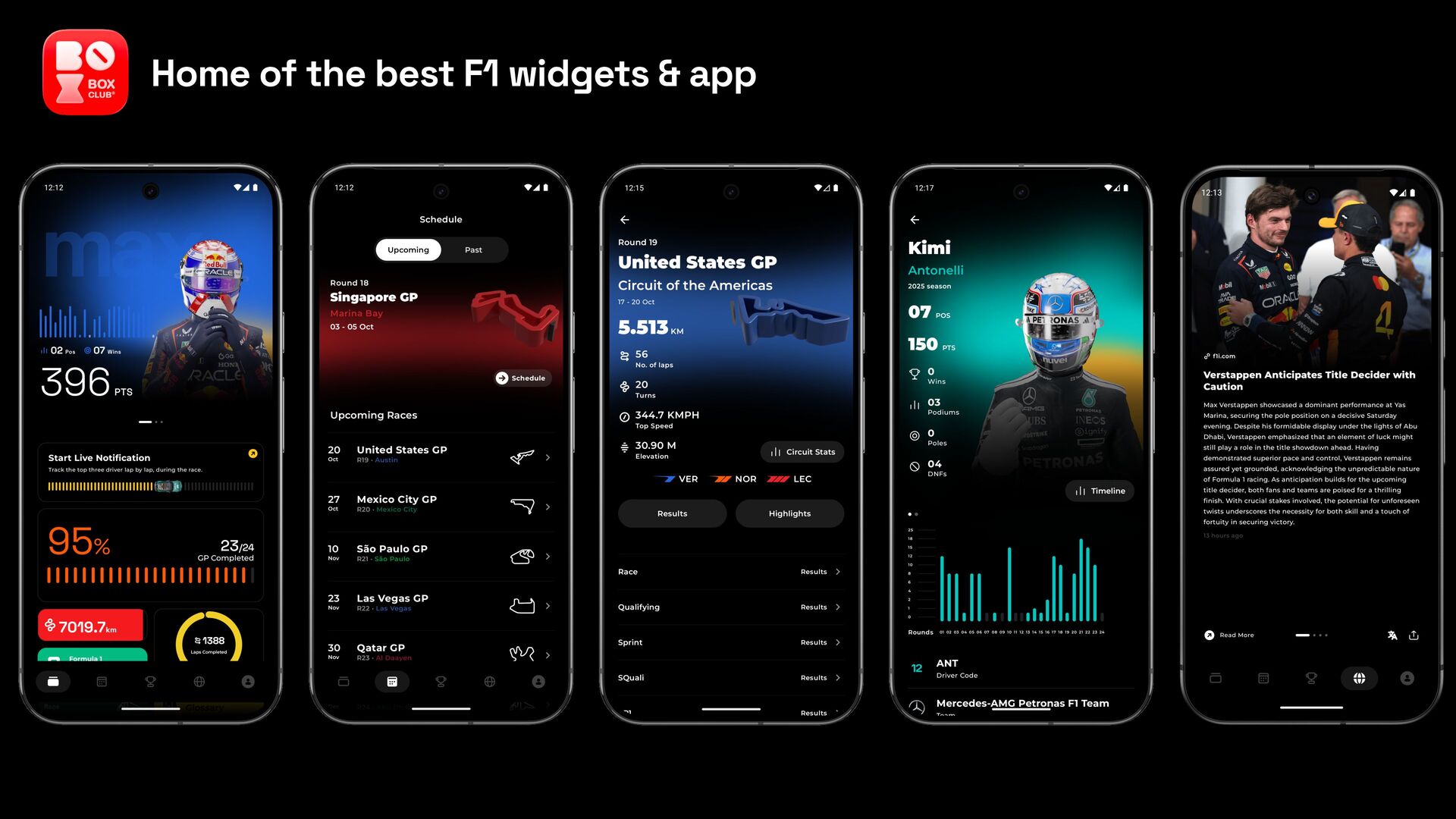
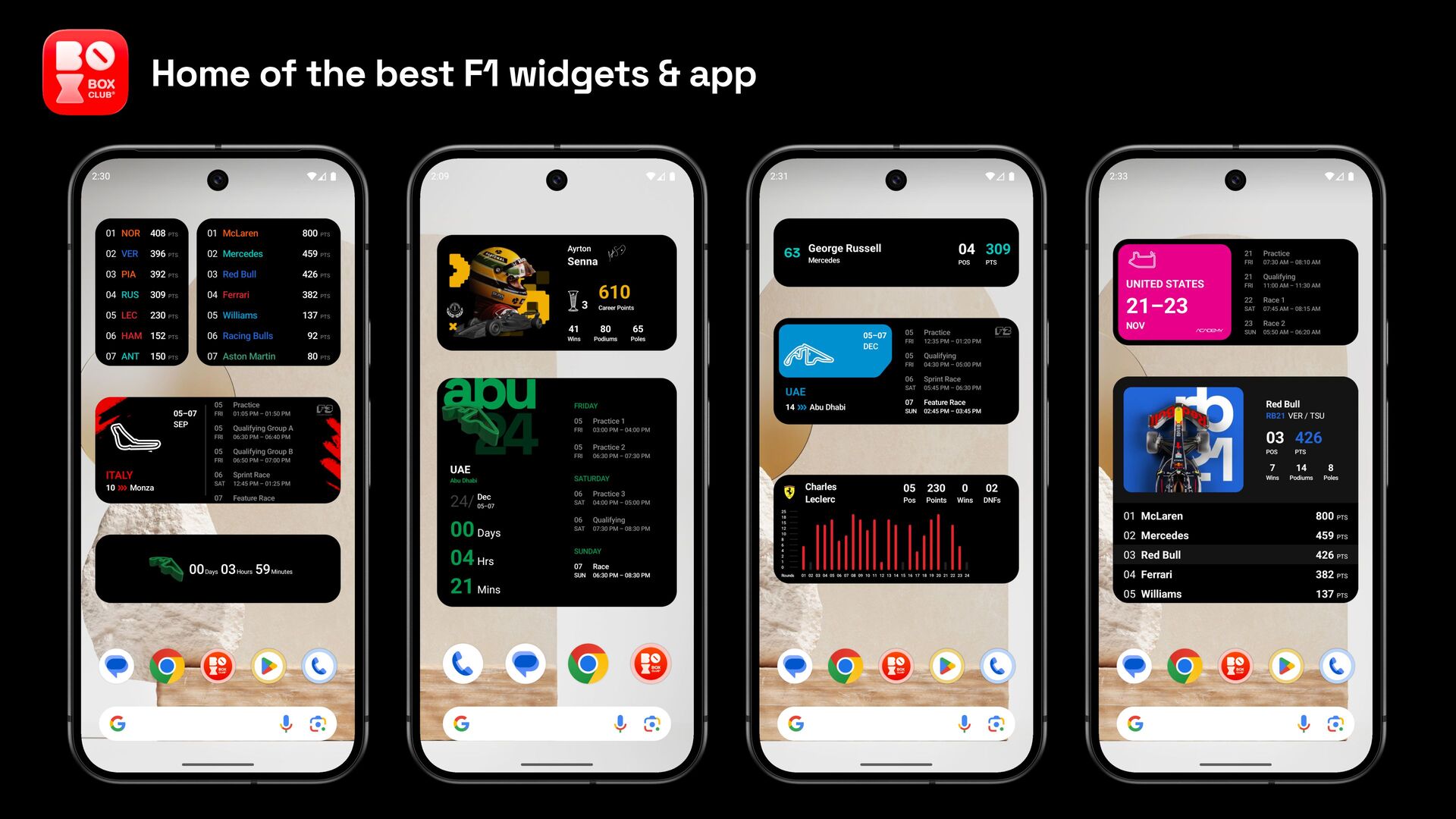
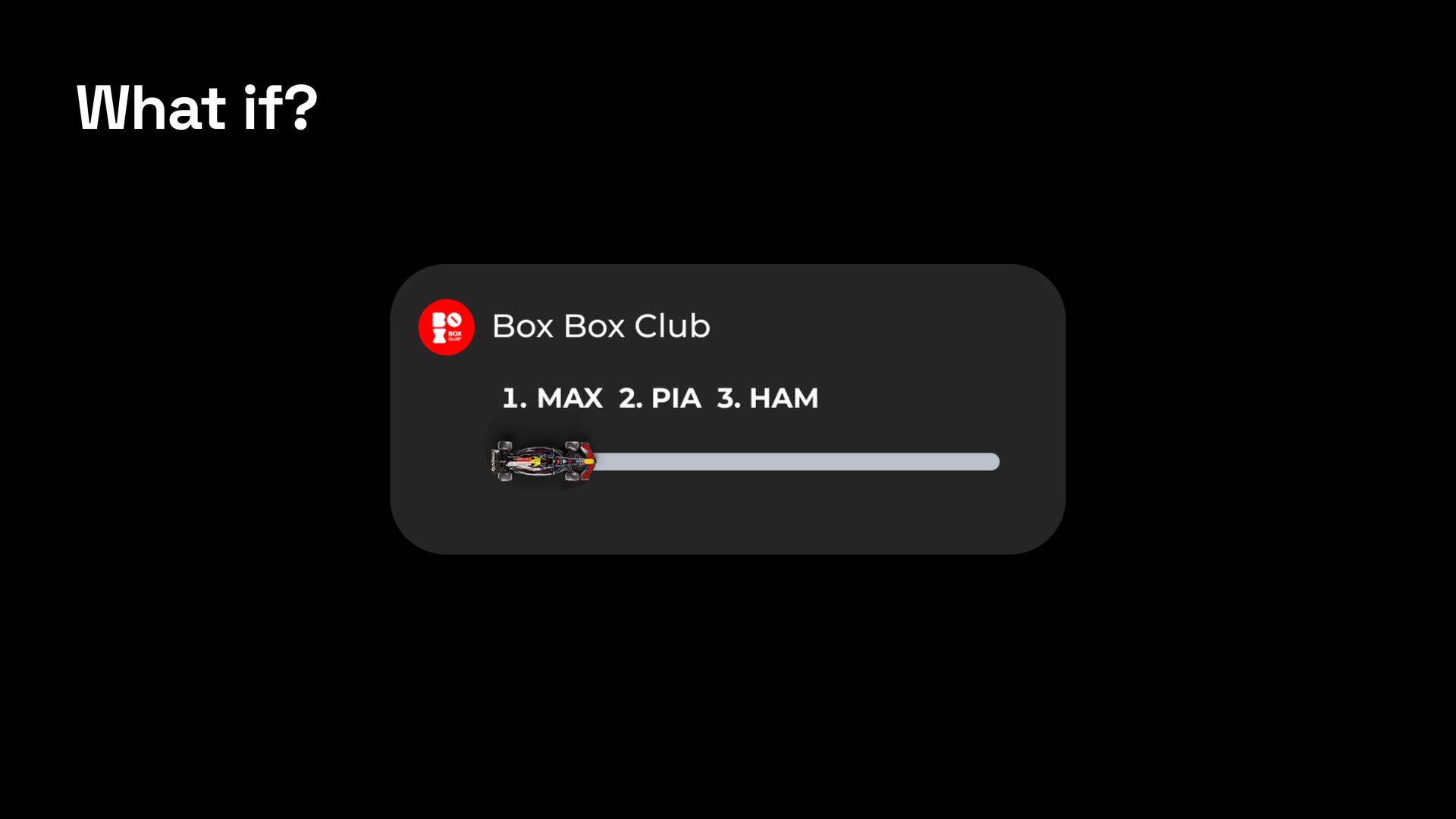
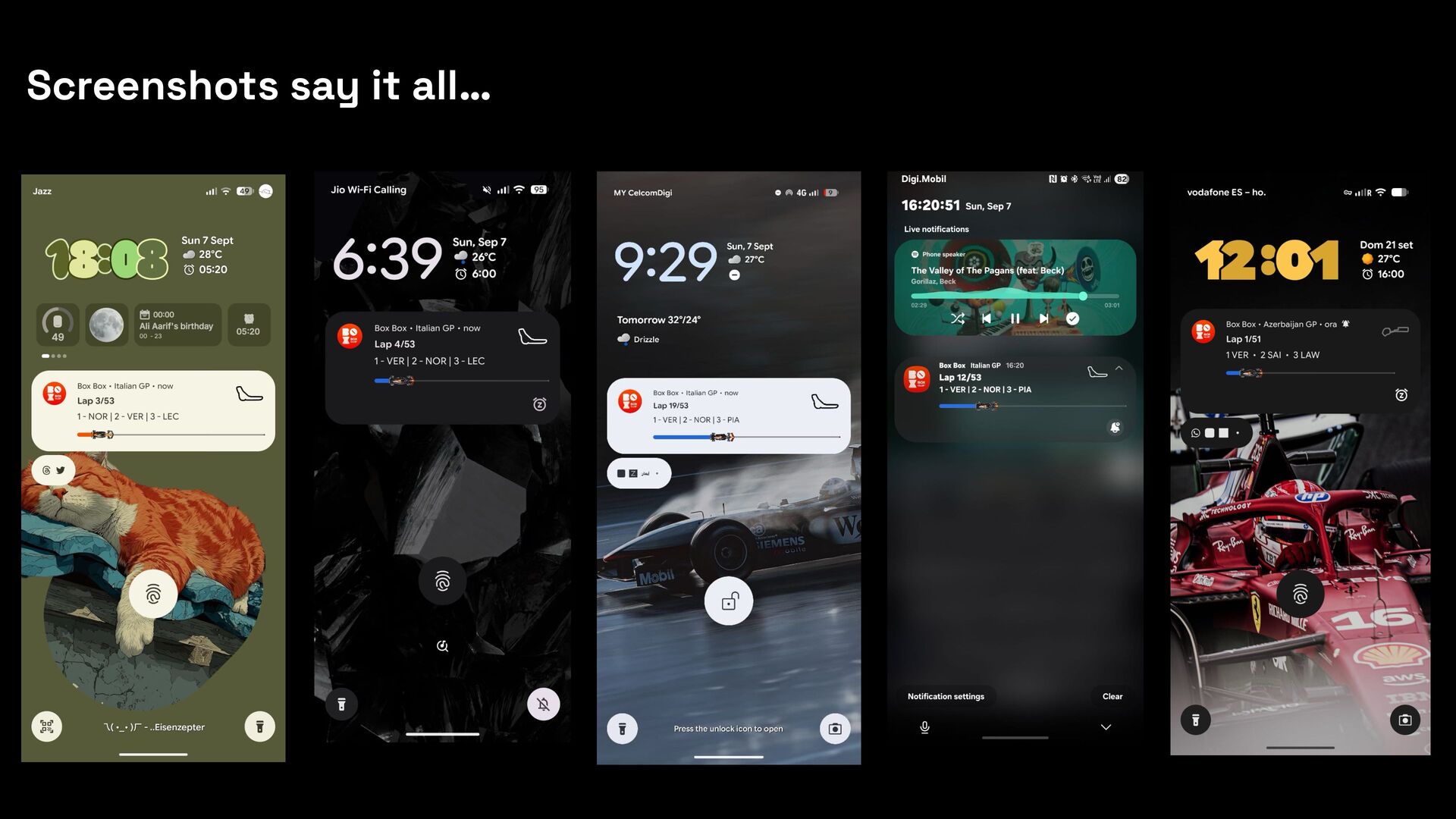
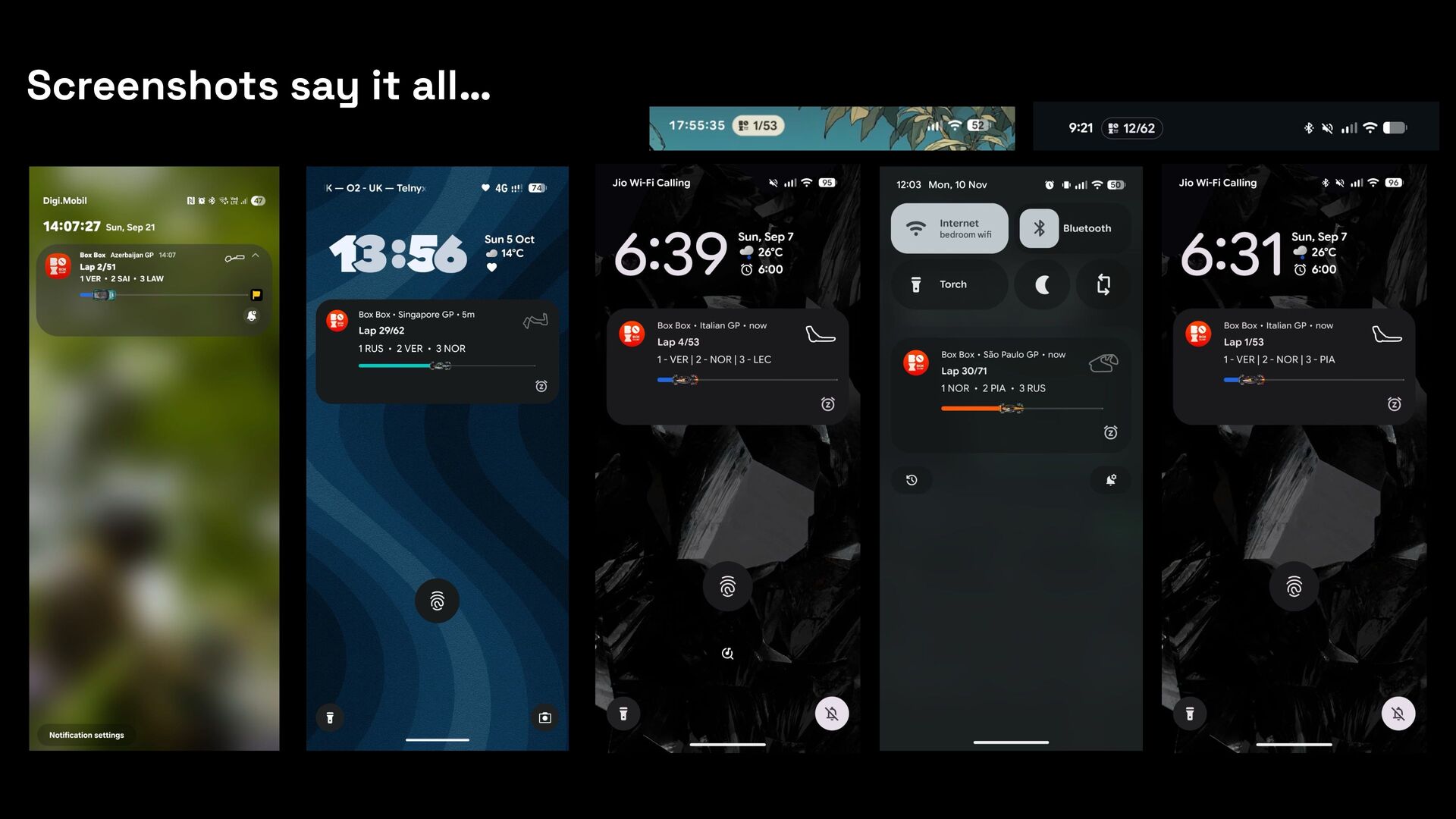
- How we took full advantage of all available functions of Live Update Notifications at Box Box Club and delivered the best experience.

With these insights, you can build a Live Update Notification that keeps the user informed in real-time.

Avatar for Bhoomi Vaghasiya Gadhiya

Bhoomi Vaghasiya Gadhiya

December 15, 2025
Tweet

Transcript

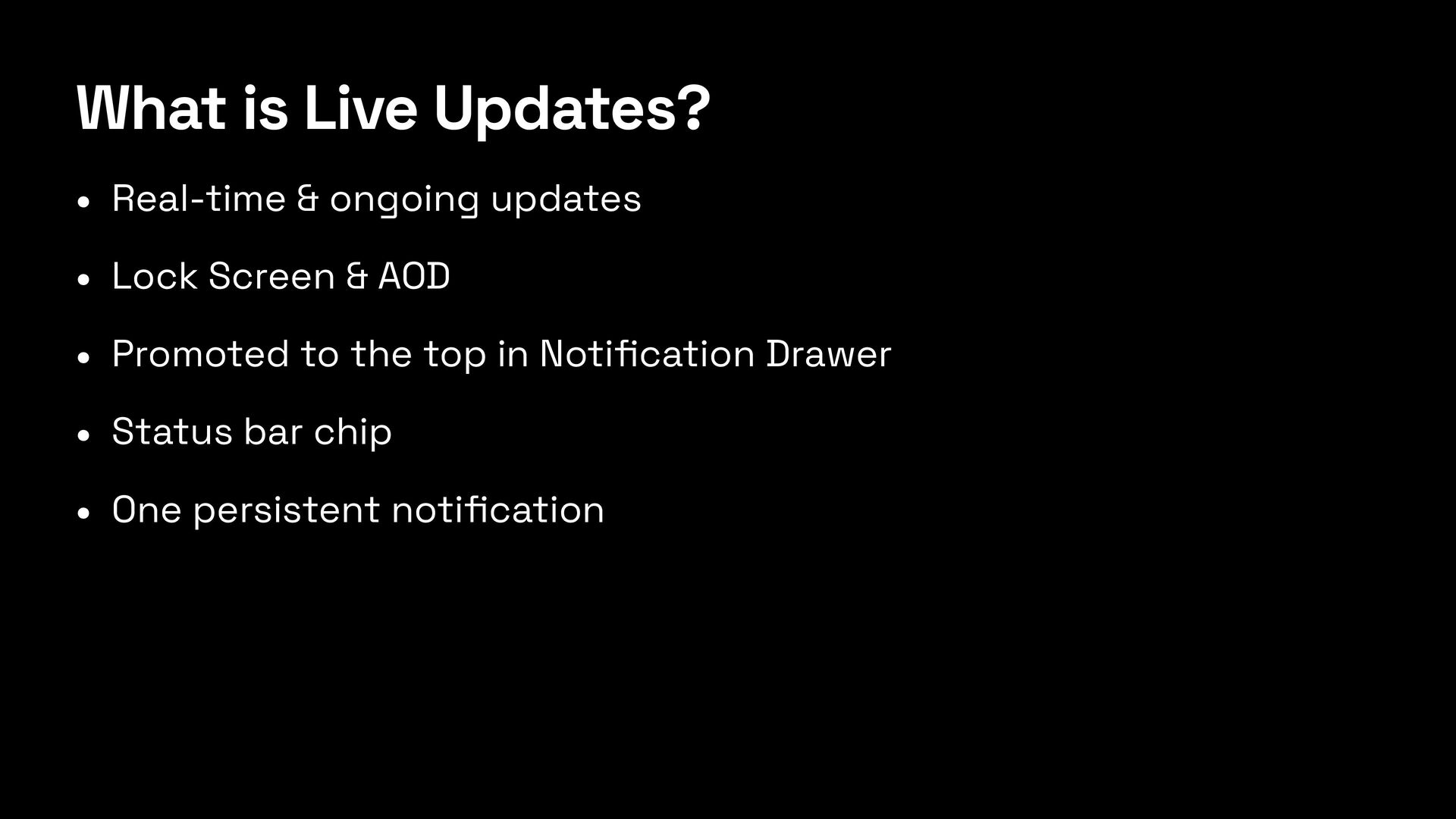
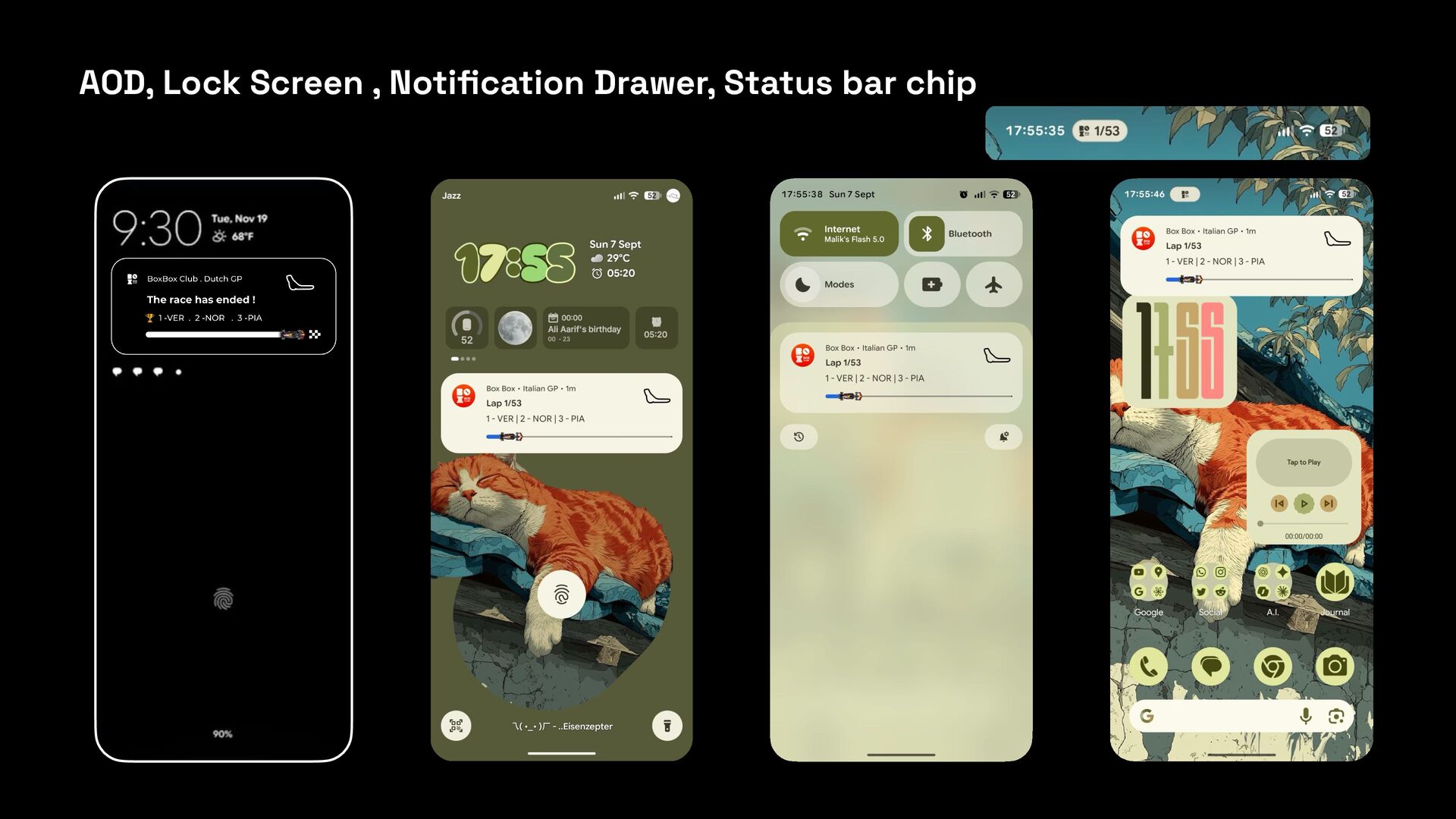
  1. What is Live Updates? • Real-time & ongoing updates •

    Lock Screen & AOD • Promoted to the top in Noti fi cation Drawer • Status bar chip • One persistent noti fi cation
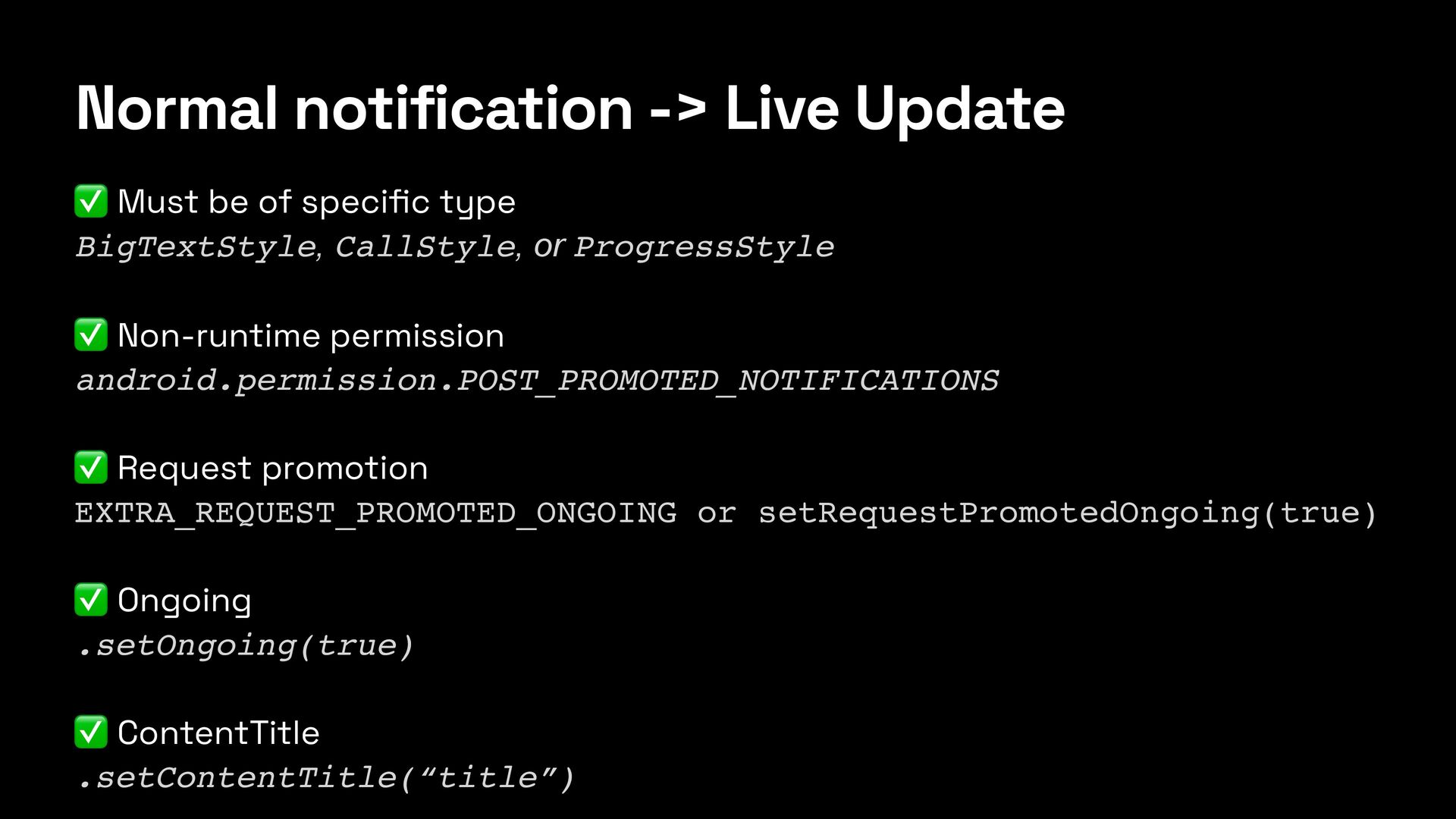
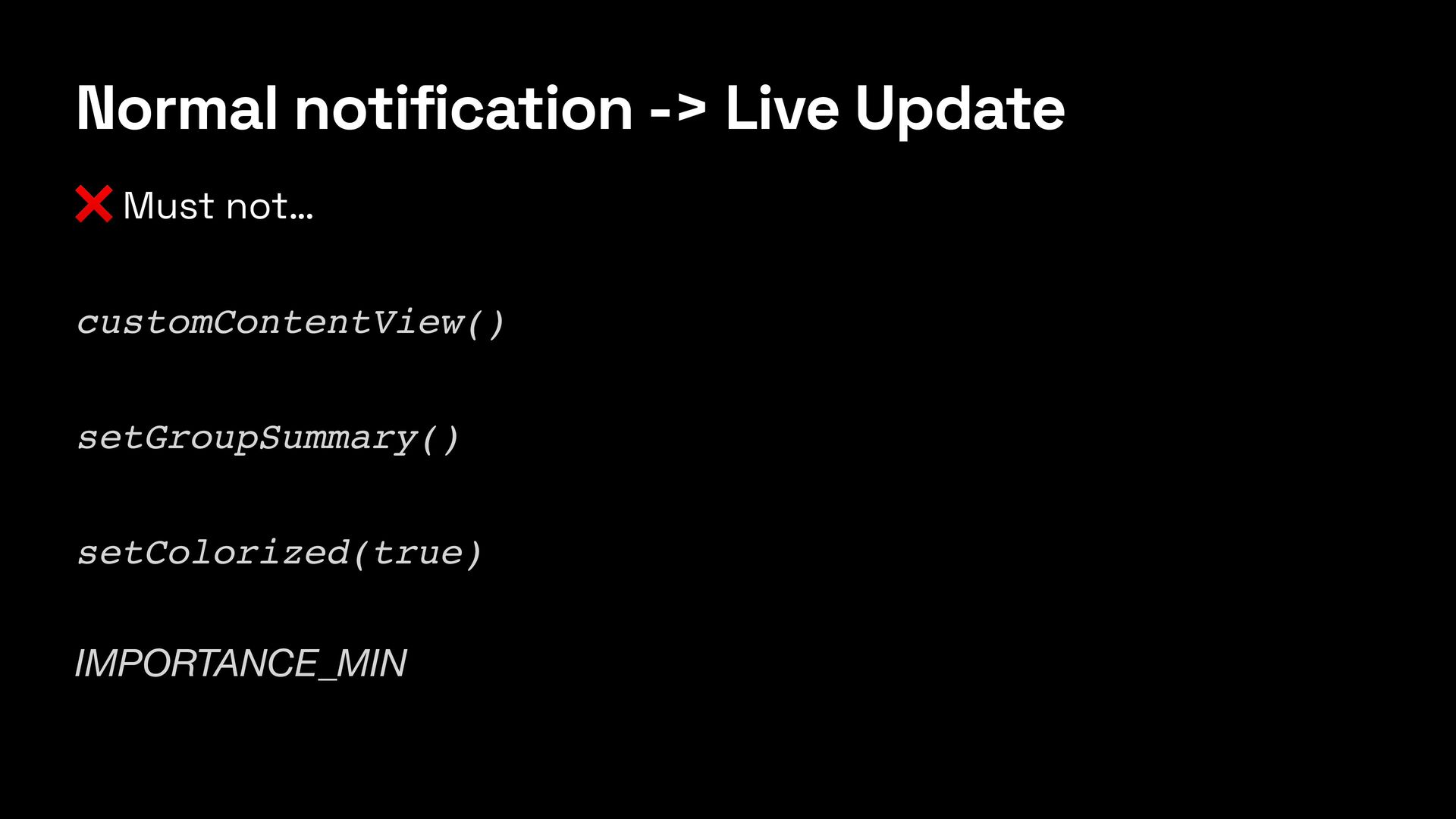
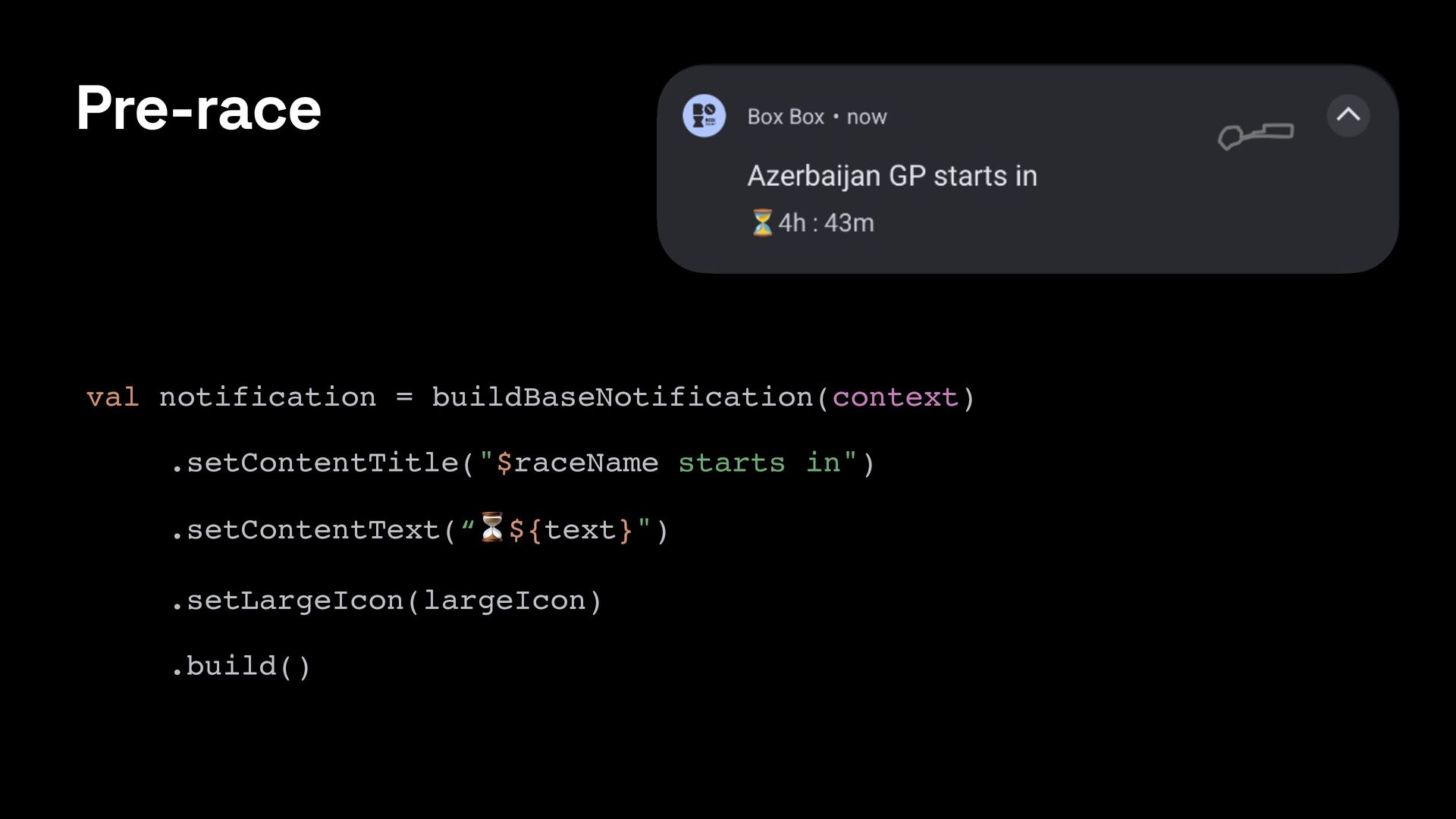
  2. Normal notification -> Live Update ✅ Must be of speci

    fi c type BigTextStyle, CallStyle, or ProgressStyle ✅ Non-runtime permission android.permission.POST_PROMOTED_NOTIFICATIONS ✅ Request promotion EXTRA_REQUEST_PROMOTED_ONGOING or setRequestPromotedOngoing(true) ✅ Ongoing .setOngoing(true) ✅ ContentTitle .setContentTitle(“title”)
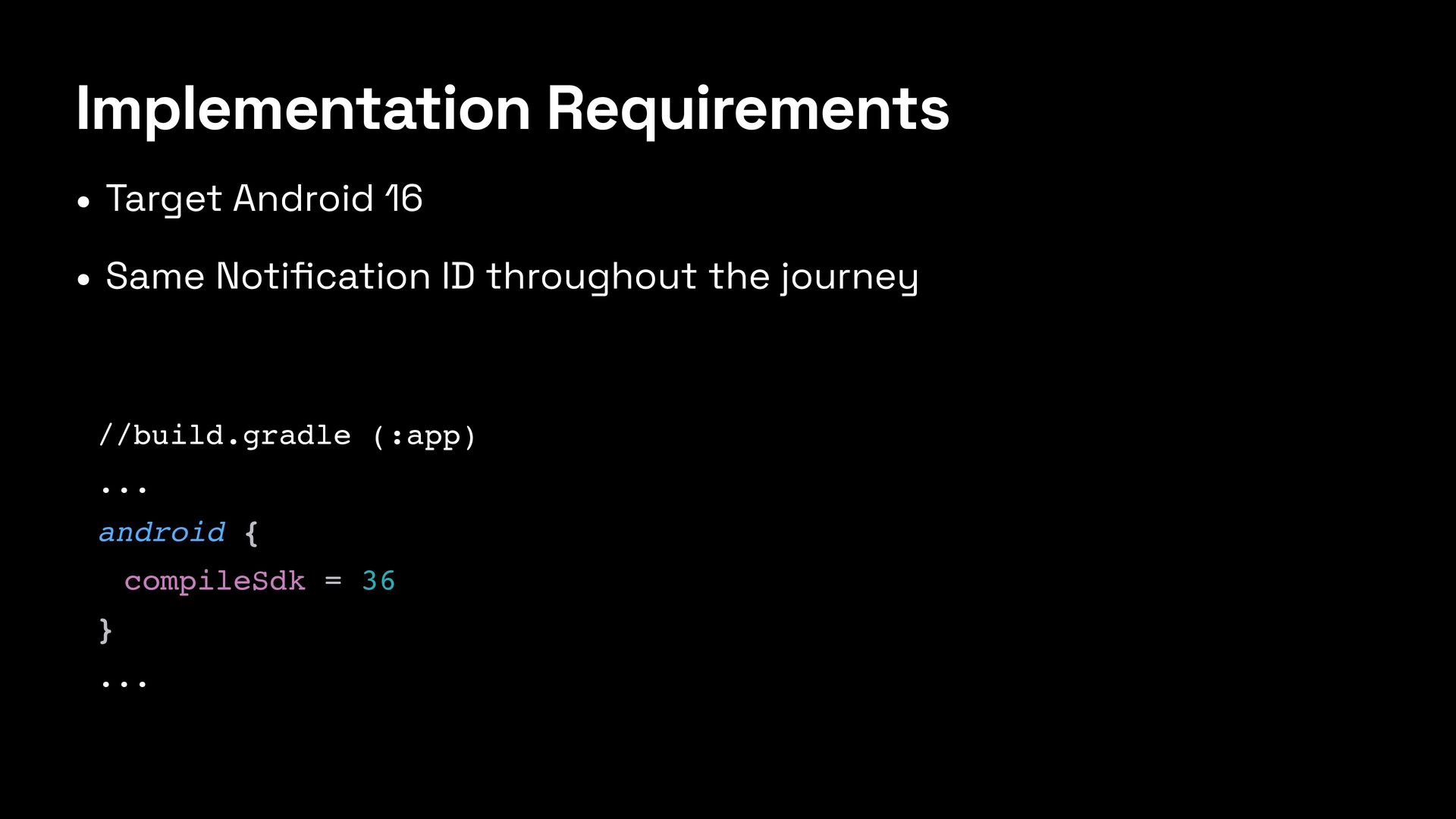
  3. Implementation Requirements • Target Android 16 • Same Noti fi

    cation ID throughout the journey //build.gradle (:app) ... android { compileSdk = 36 } ...
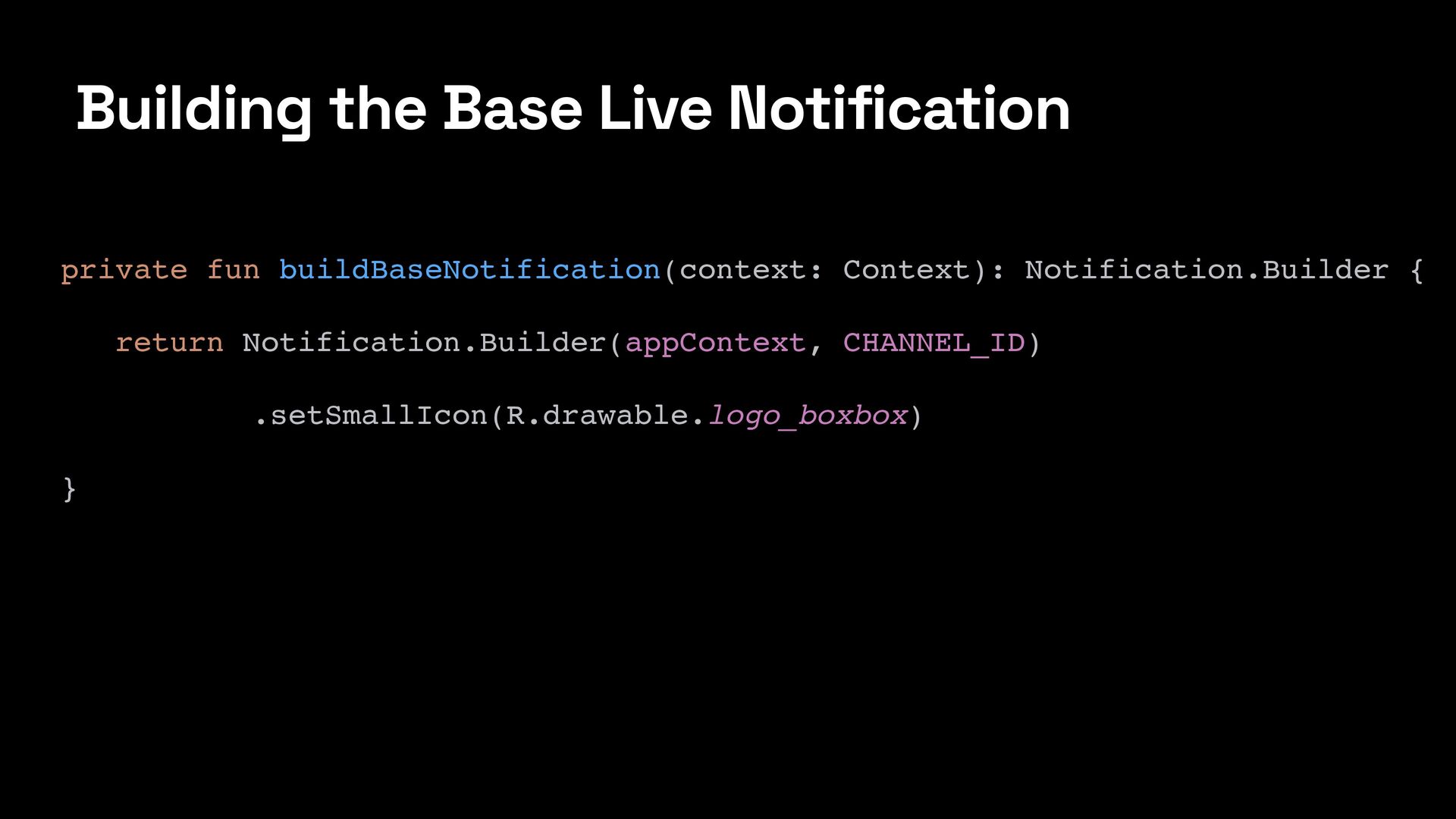
  4. Building the Base Live Notification private fun buildBaseNotification(context: Context): Notification.Builder

    { return Notification.Builder(appContext, CHANNEL_ID) .setSmallIcon(R.drawable.logo_boxbox) }
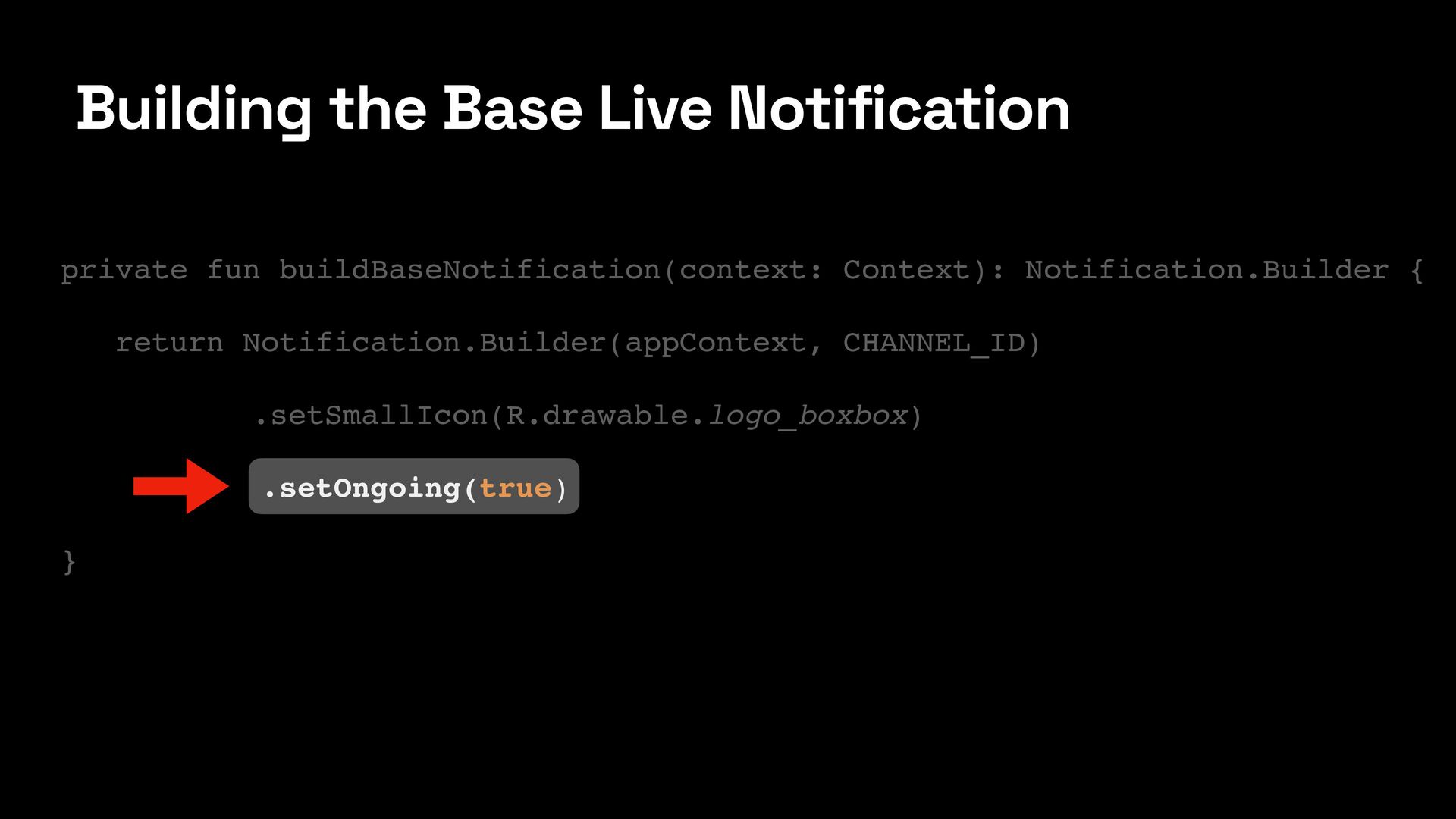
  5. Building the Base Live Notification private fun buildBaseNotification(context: Context): Notification.Builder

    { return Notification.Builder(appContext, CHANNEL_ID) .setSmallIcon(R.drawable.logo_boxbox) .setOngoing(true) }
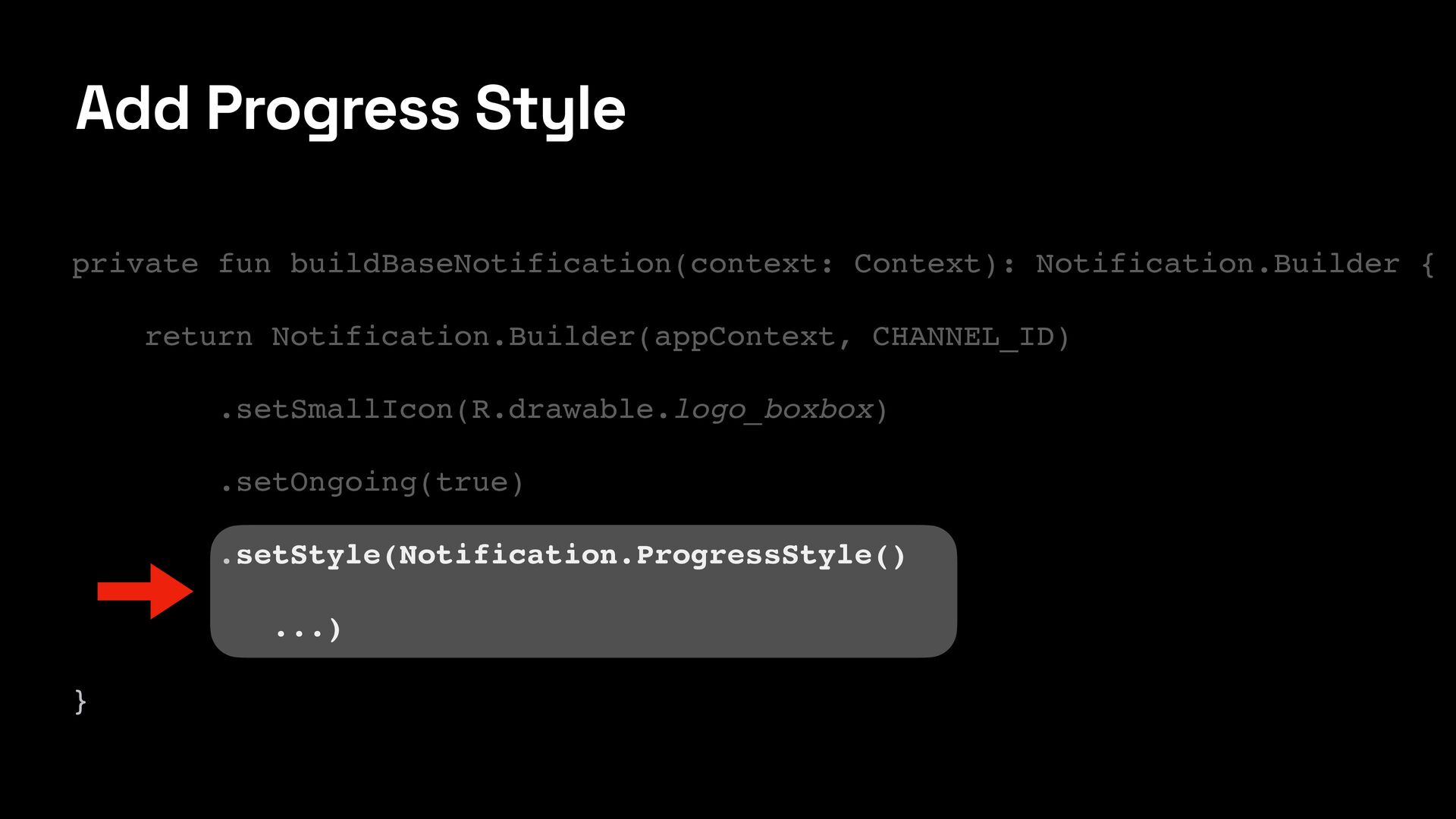
  6. Add Progress Style private fun buildBaseNotification(context: Context): Notification.Builder { return

    Notification.Builder(appContext, CHANNEL_ID) .setSmallIcon(R.drawable.logo_boxbox) .setOngoing(true) .setStyle(Notification.ProgressStyle() ...) }
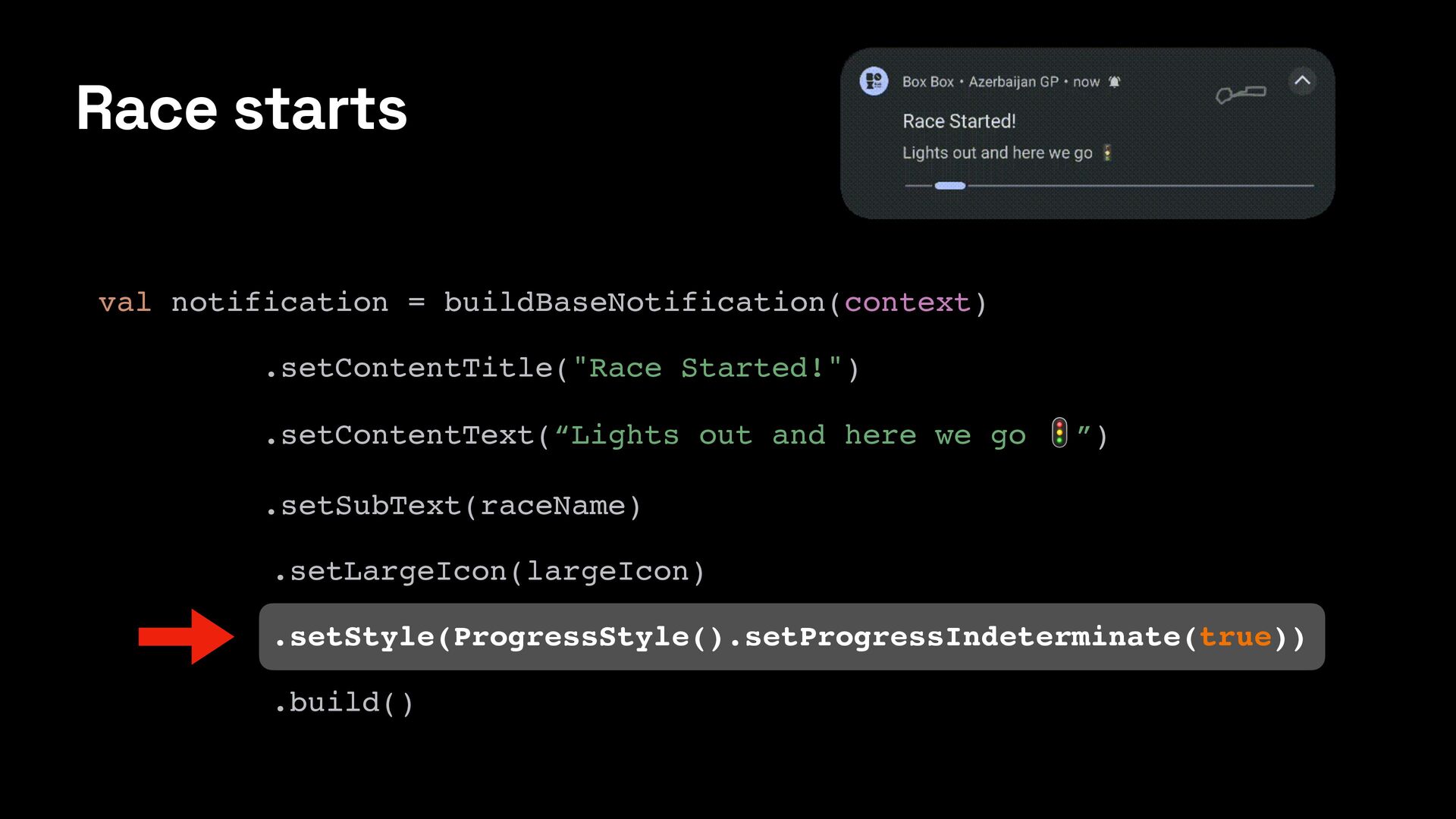
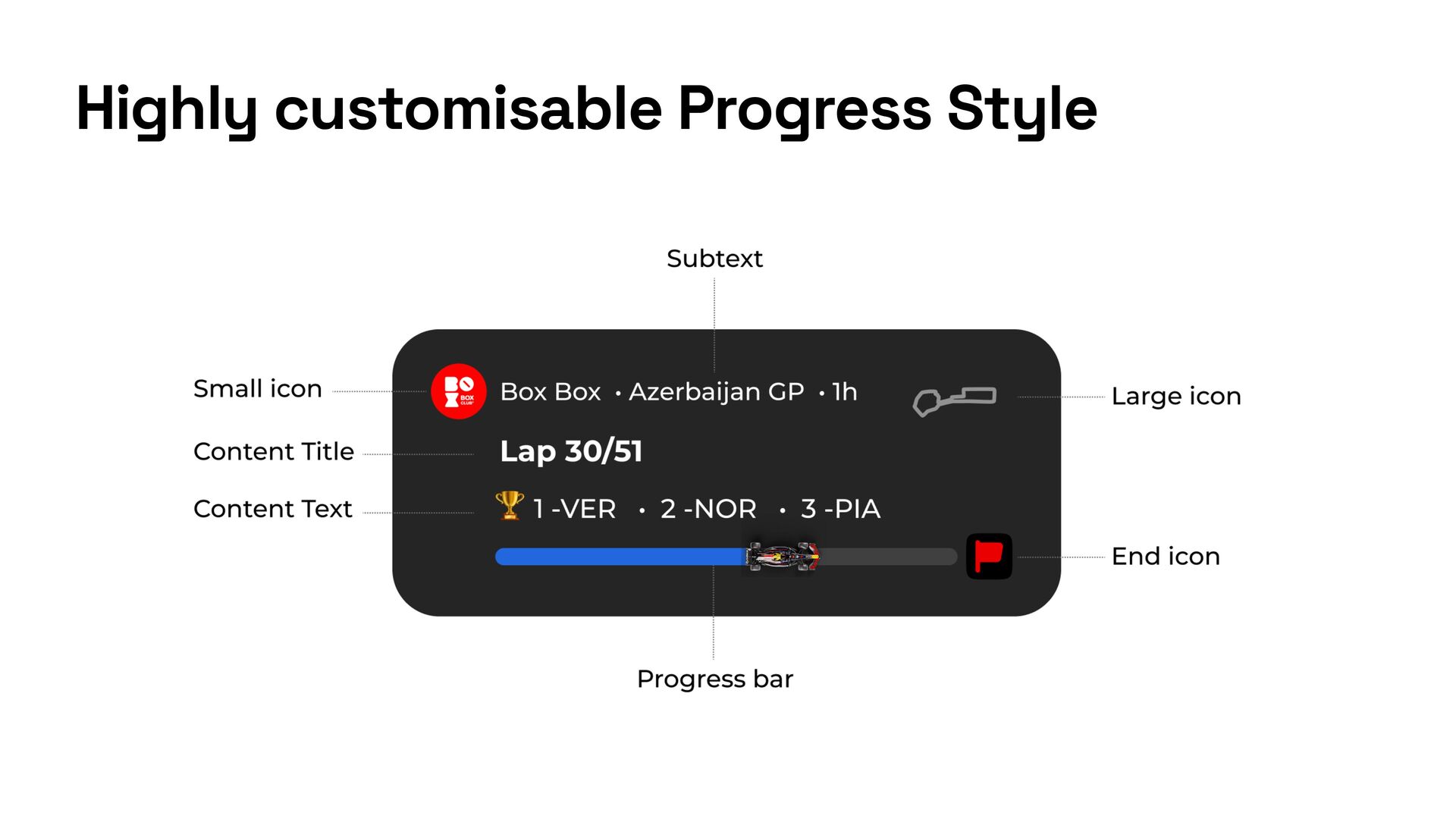
  7. Race starts val notification = buildBaseNotification(context) .setContentTitle("Race Started!") .setContentText(“Lights out

    and here we go 🚦”) .setSubText(raceName) .setLargeIcon(largeIcon) .setStyle(ProgressStyle().setProgressIndeterminate(true)) .build()
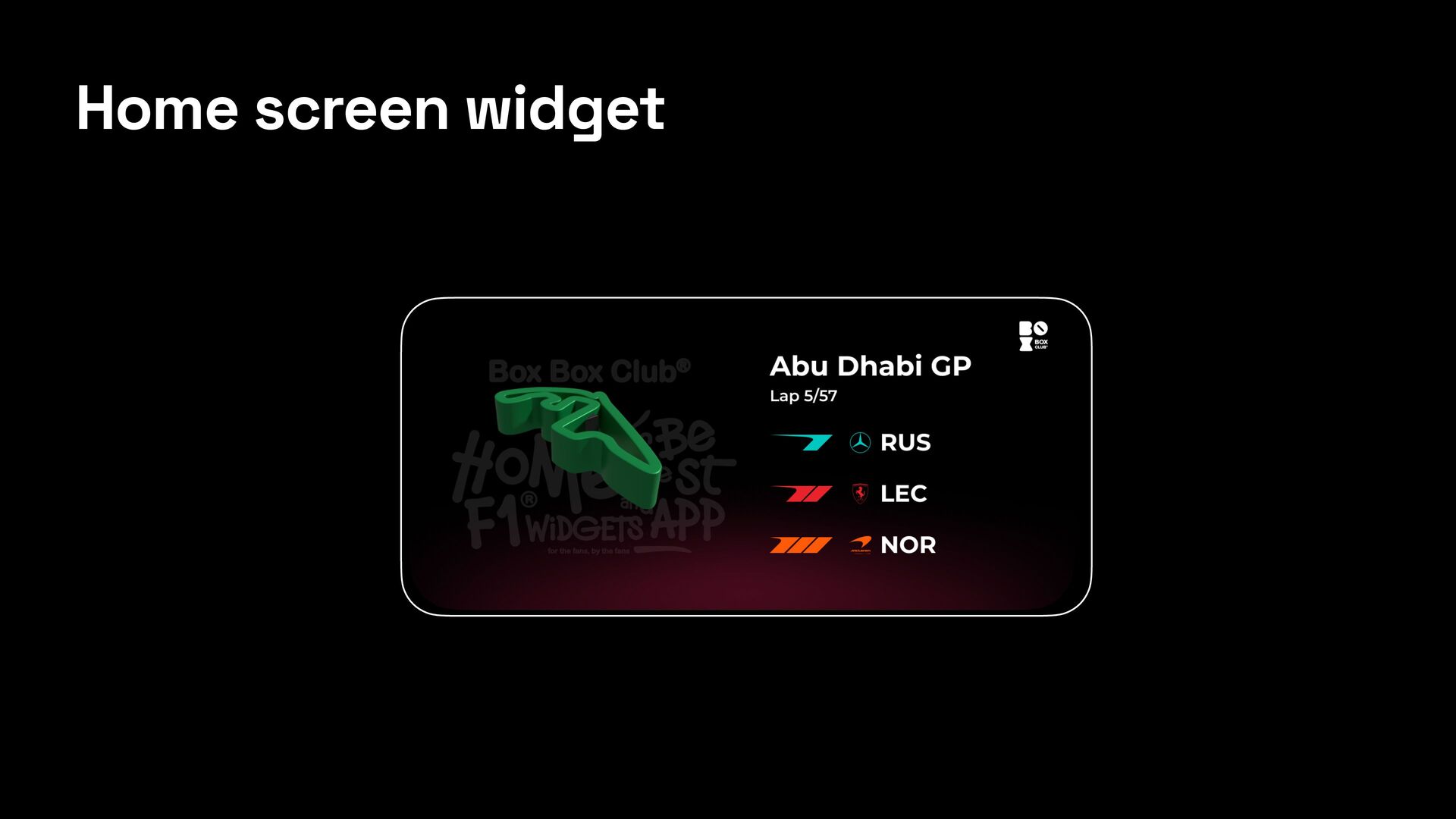
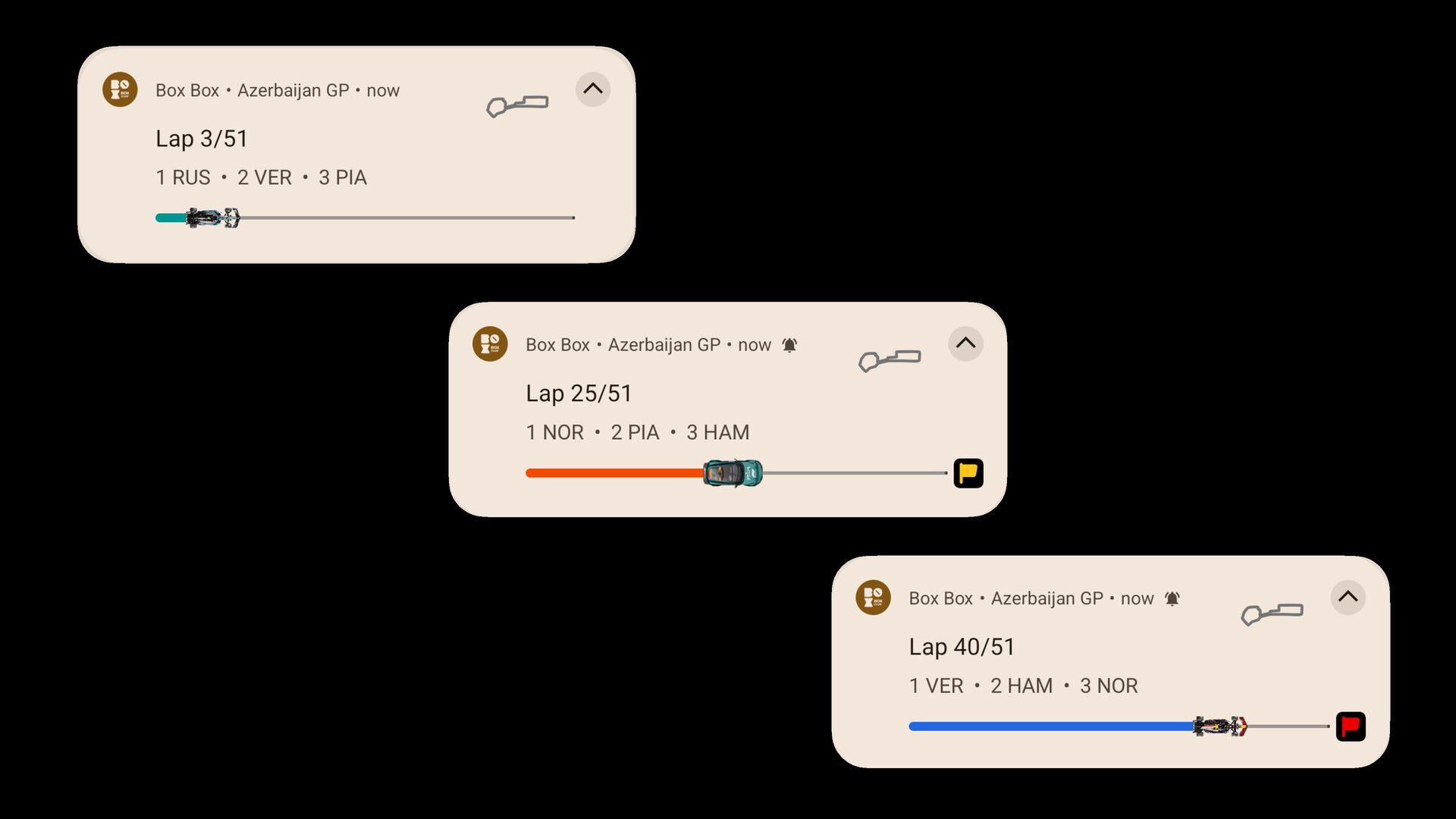
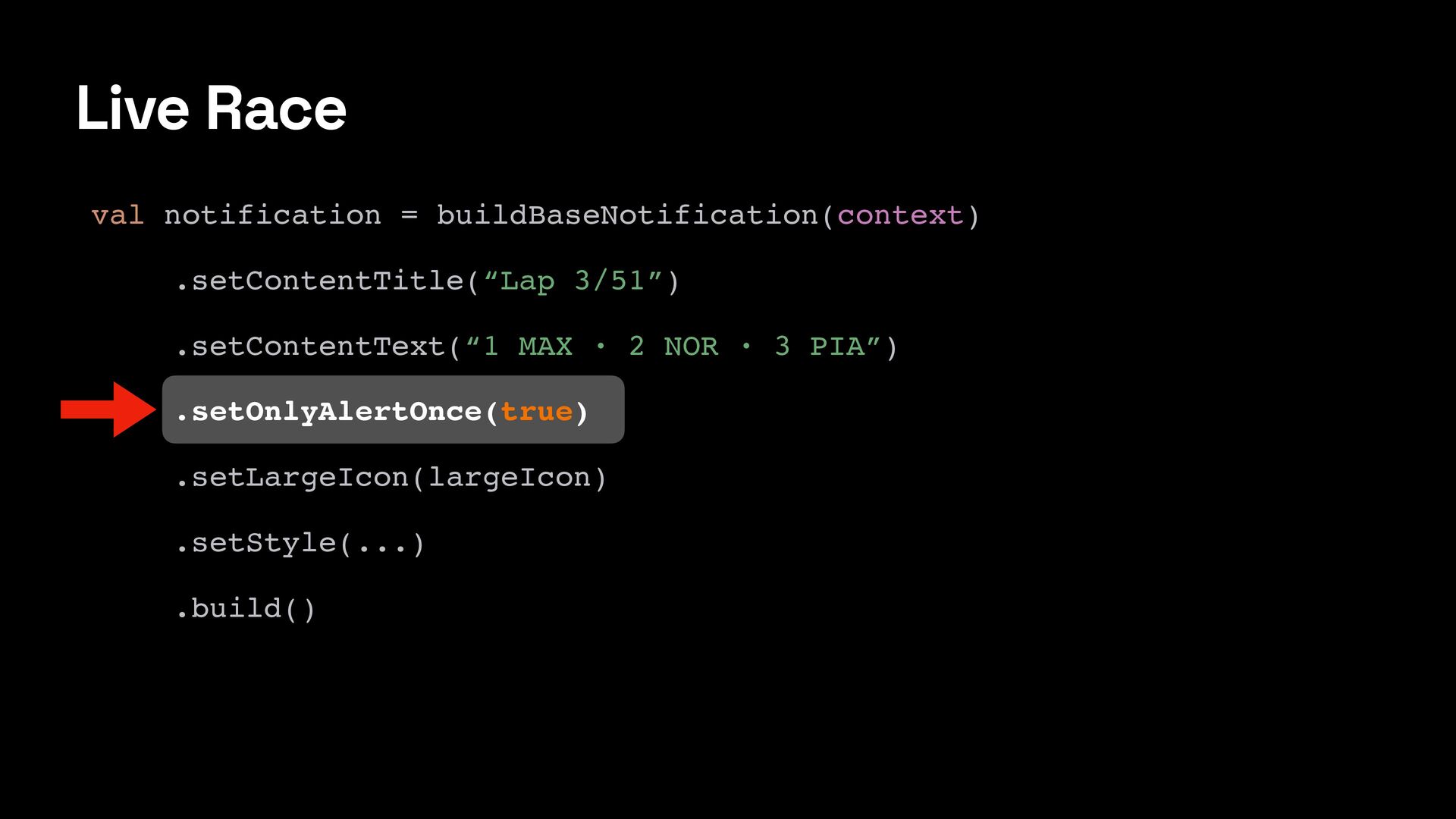
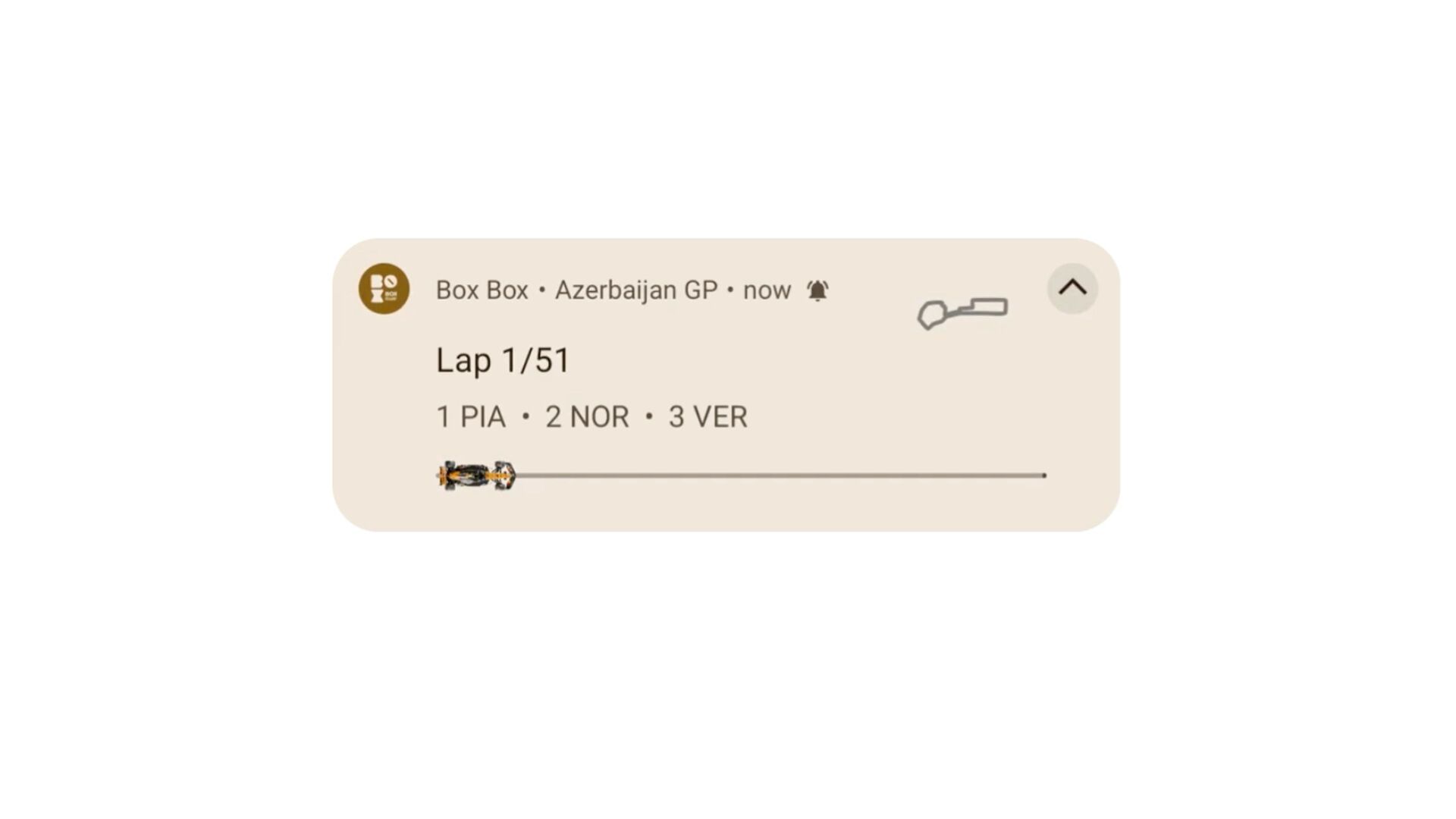
  8. Live Race val notification = buildBaseNotification(context) .setContentTitle(“Lap 3/51”) .setContentText(“1 MAX

    · 2 NOR · 3 PIA”) .setOnlyAlertOnce(true) .setLargeIcon(largeIcon) .setStyle(...) .build()
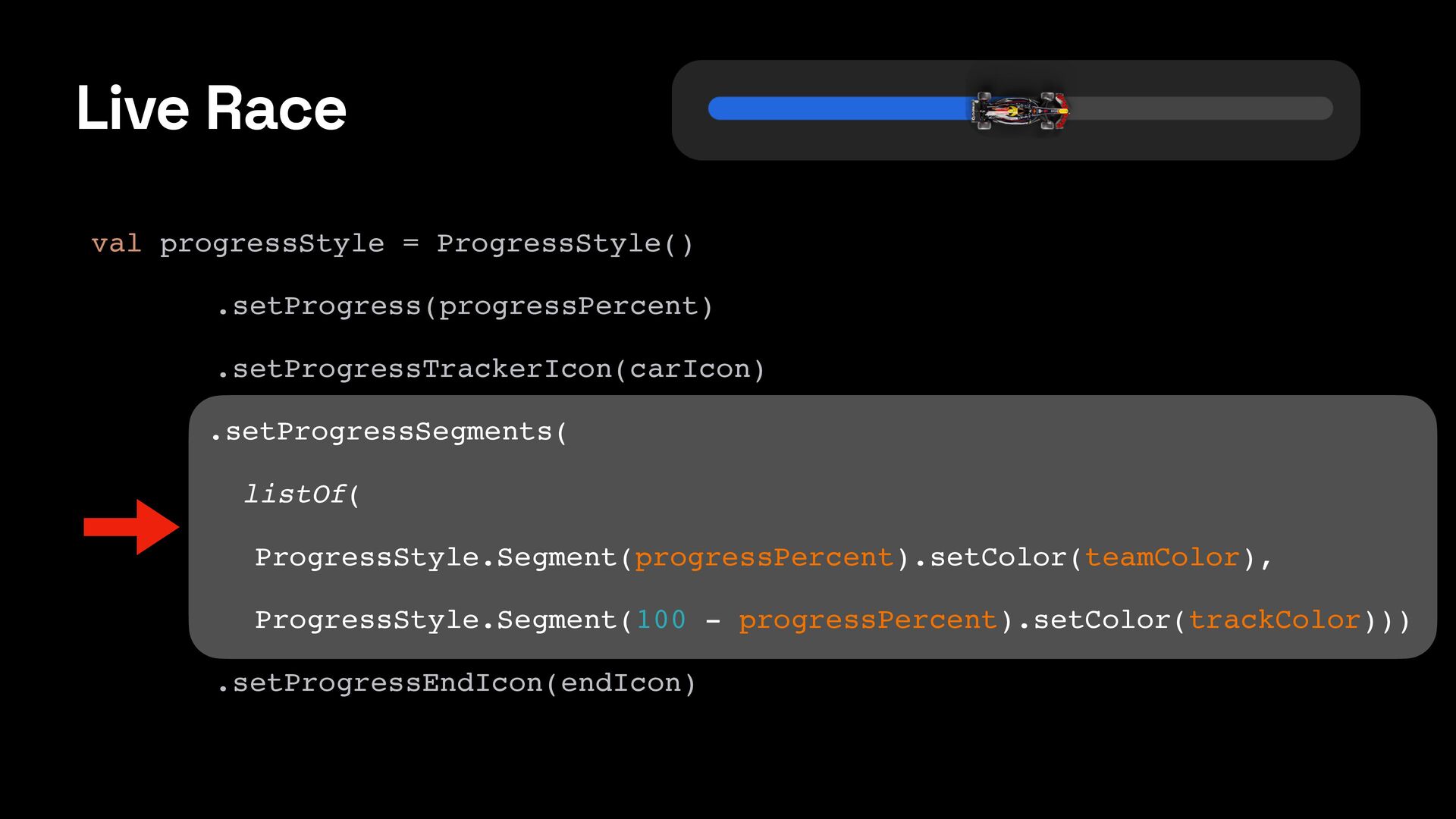
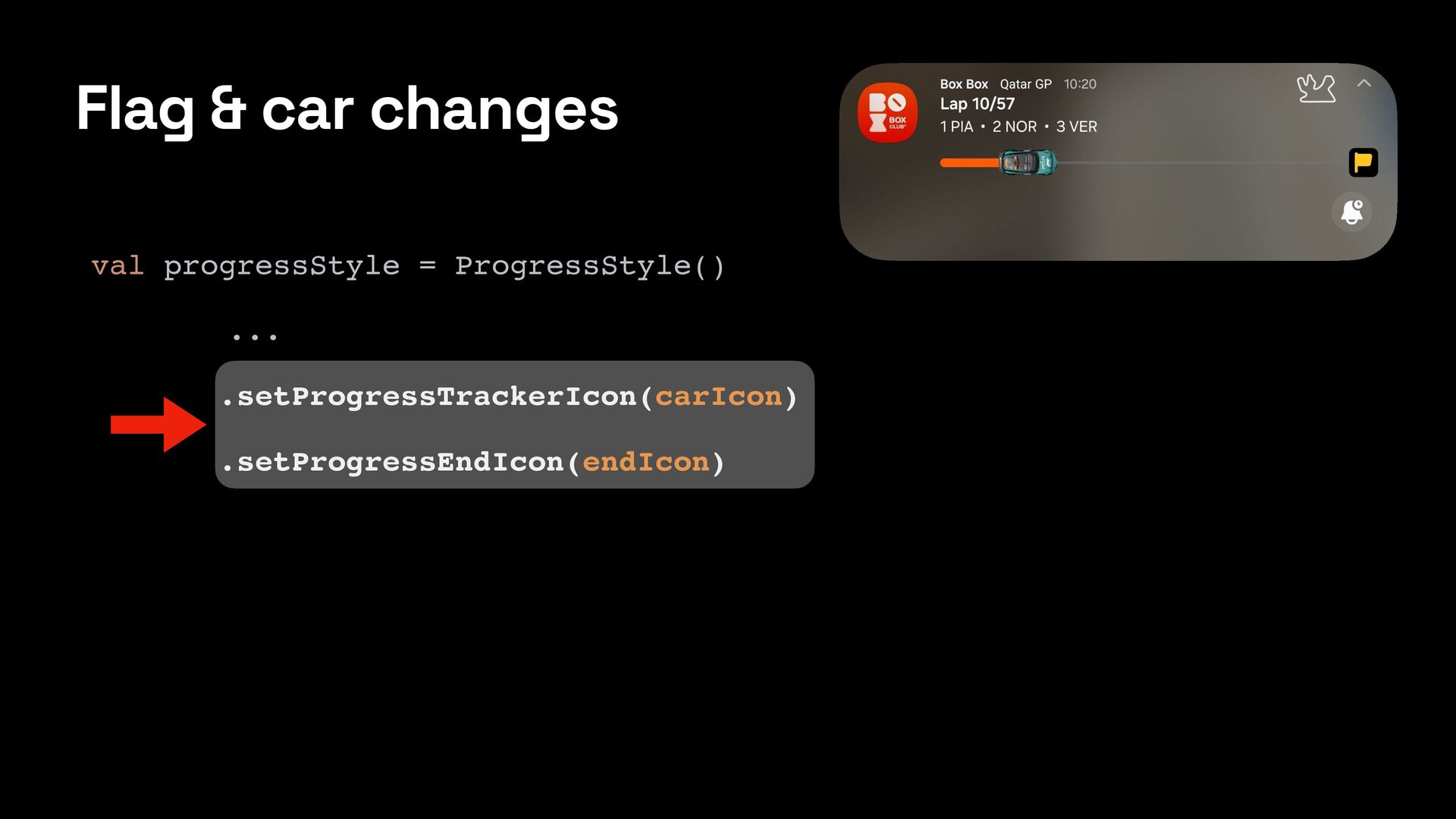
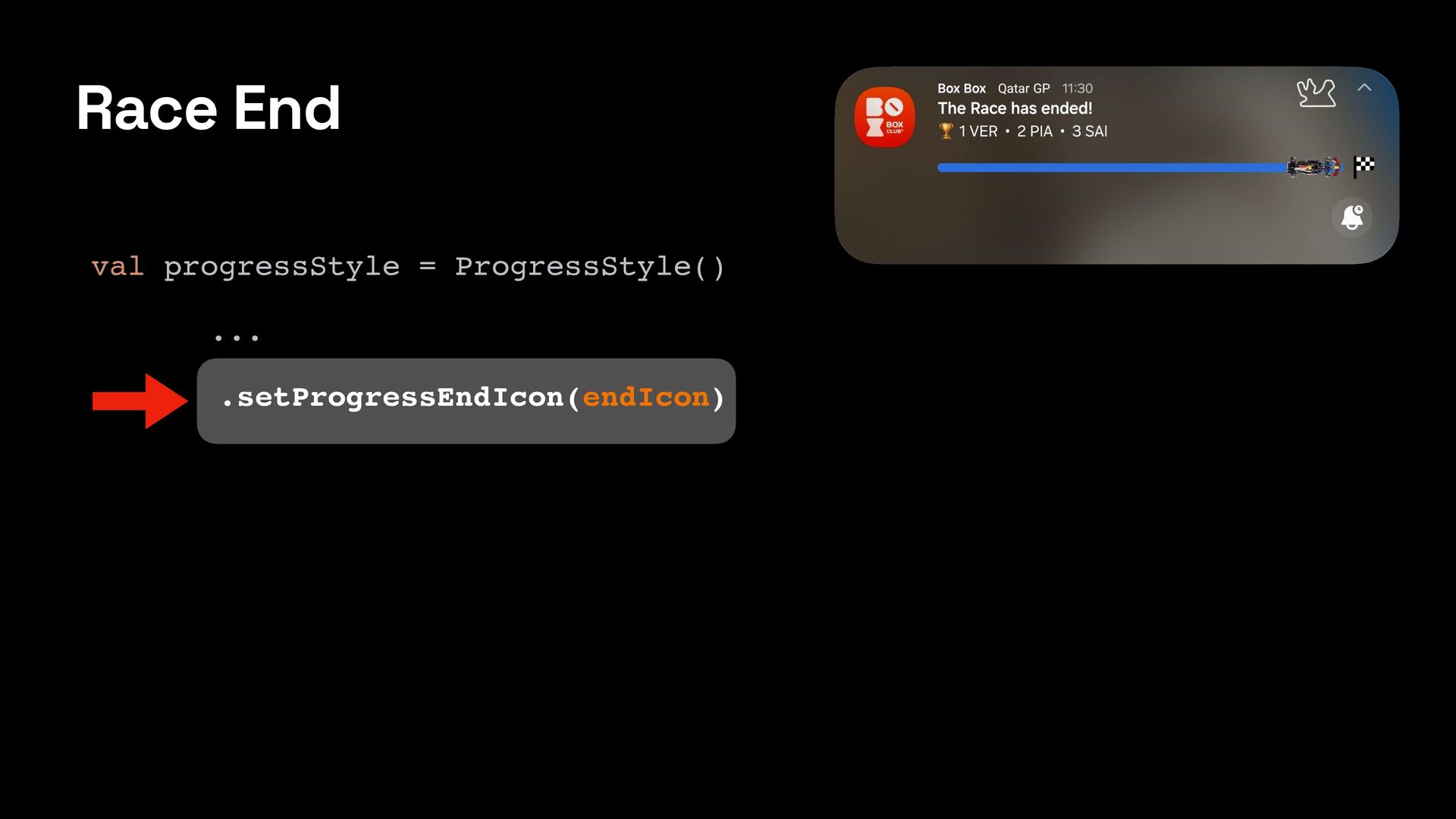
  9. Live Race val progressStyle = ProgressStyle() .setProgress(progressPercent) .setProgressTrackerIcon(carIcon) .setProgressSegments( listOf(

    ProgressStyle.Segment(progressPercent).setColor(teamColor), ProgressStyle.Segment(100 - progressPercent).setColor(trackColor))) .setProgressEndIcon(endIcon)
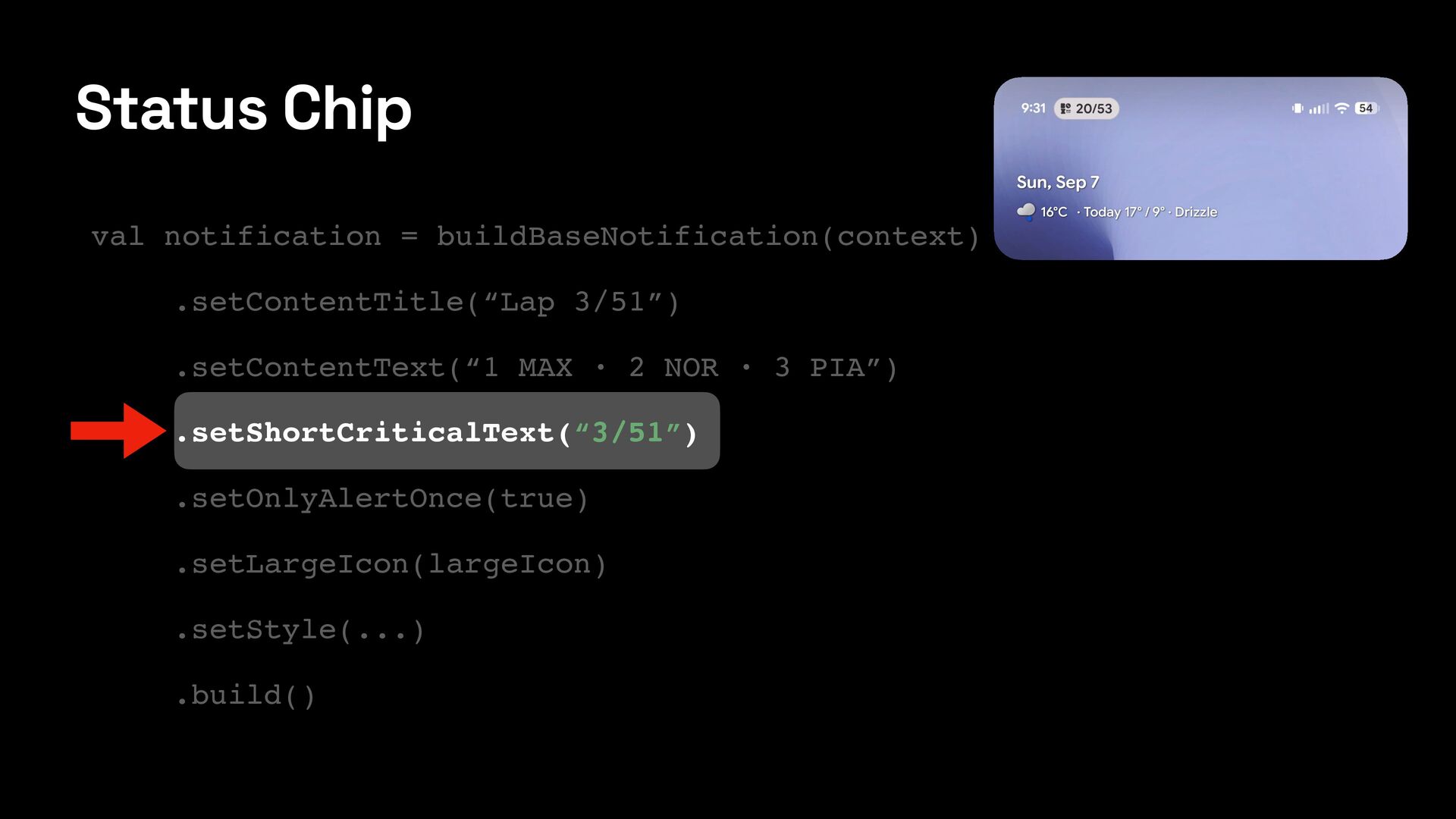
  10. val notification = buildBaseNotification(context) .setContentTitle(“Lap 3/51”) .setContentText(“1 MAX · 2

    NOR · 3 PIA”) .setShortCriticalText(“3/51”) .setOnlyAlertOnce(true) .setLargeIcon(largeIcon) .setStyle(...) .build() Status Chip
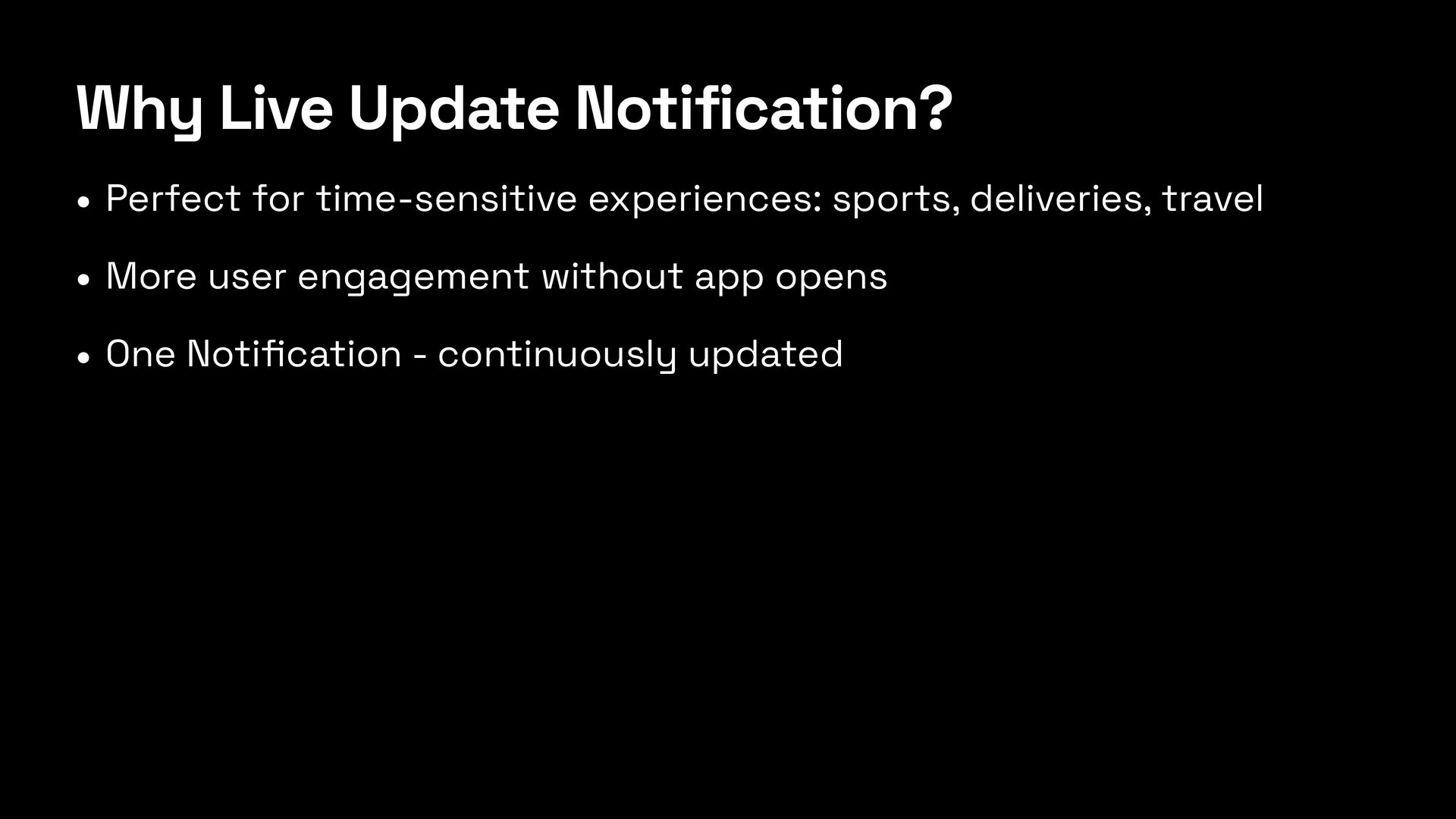
  11. Why Live Update Notification? • Perfect for time-sensitive experiences: sports,

    deliveries, travel • More user engagement without app opens • One Noti fi cation - continuously updated