Share
Embed
Explain it to me like I’m 5: Oauth 2
Oauth2 and OpenID are quickly becoming mainstays for application developers. Companies want integrated authentication to reduce security footprints and users expect the convenience of single sign-on. As an application developer, it's up to you to facilitate this in your applications.
In this talk, you'll learn about Oauth2 & OpenID starting with their basic concepts presented in the simplest light possible. From there, the session will take a practical focus, showing what you need to know as a developer, the tools and libraries that will make your life easier and, of course, concrete examples in Java, .NET and for static apps.
Daniel Mikusa
January 10, 2020
Transcript
28 slides
-
© Copyright 2019 Pivotal Software, Inc. All rights Reserved. Explain
it to me like I’m 5: Oauth 2 Daniel Mikusa <[email protected]> -
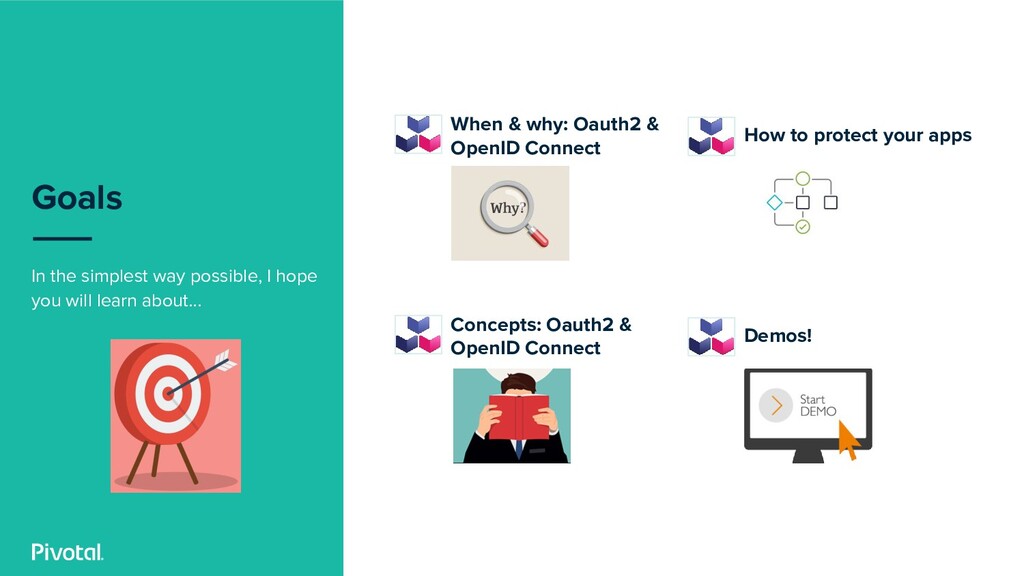
Goals In the simplest way possible, I hope you will
learn about... When & why: Oauth2 & OpenID Connect Concepts: Oauth2 & OpenID Connect How to protect your apps Demos! -
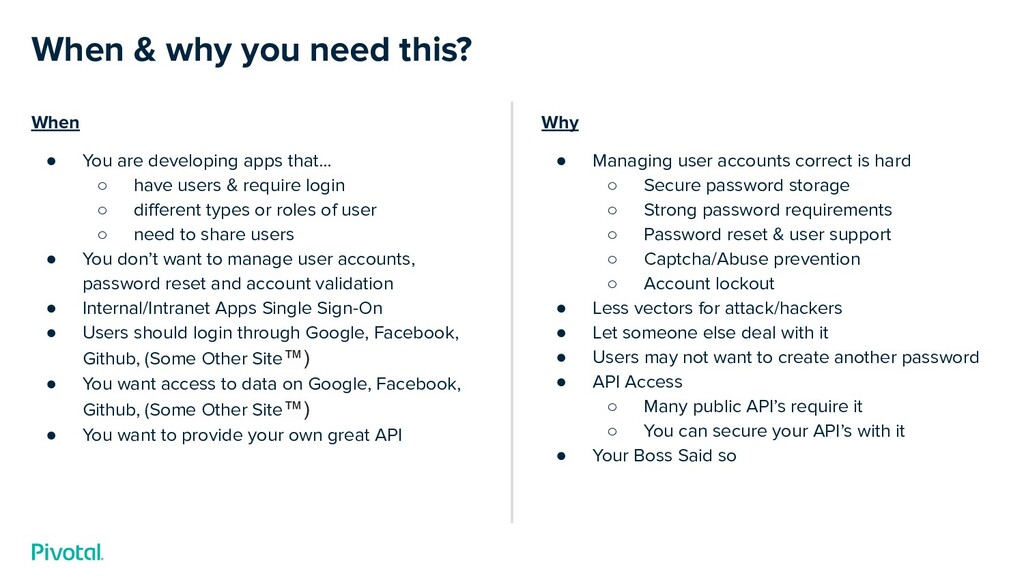
When • You are developing apps that… ◦ have users
& require login ◦ different types or roles of user ◦ need to share users • You don’t want to manage user accounts, password reset and account validation • Internal/Intranet Apps Single Sign-On • Users should login through Google, Facebook, Github, (Some Other Site™) • You want access to data on Google, Facebook, Github, (Some Other Site™) • You want to provide your own great API When & why you need this? Why • Managing user accounts correct is hard ◦ Secure password storage ◦ Strong password requirements ◦ Password reset & user support ◦ Captcha/Abuse prevention ◦ Account lockout • Less vectors for attack/hackers • Let someone else deal with it • Users may not want to create another password • API Access ◦ Many public API’s require it ◦ You can secure your API’s with it • Your Boss Said so -
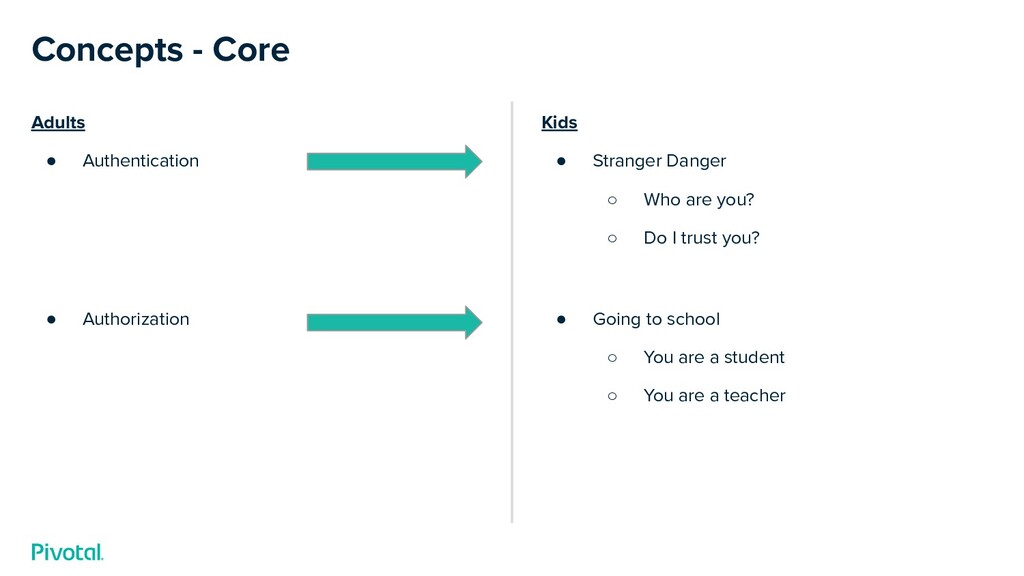
Adults • Authentication • Authorization Concepts - Core Kids •
Stranger Danger ◦ Who are you? ◦ Do I trust you? • Going to school ◦ You are a student ◦ You are a teacher -
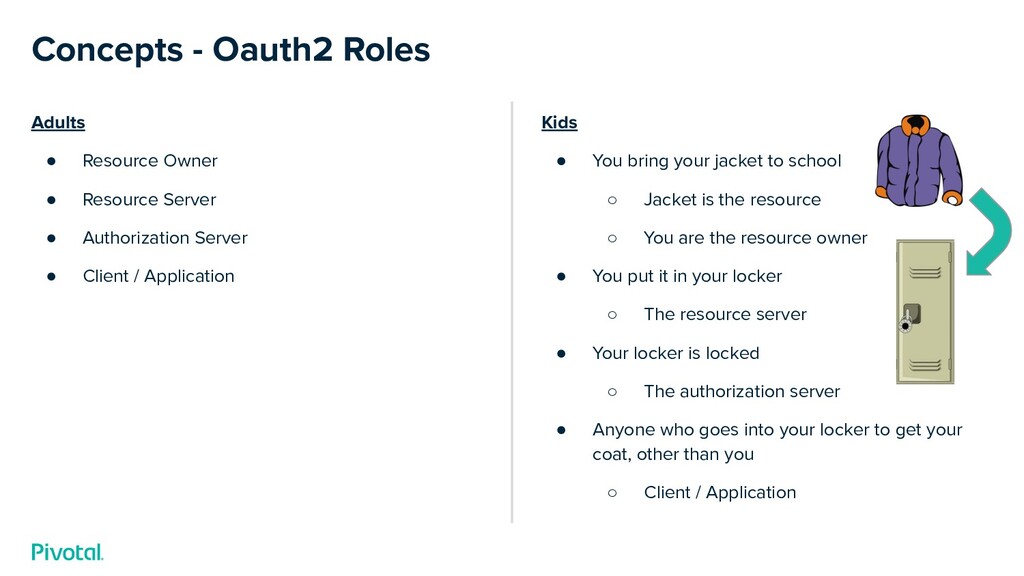
Adults • Resource Owner • Resource Server • Authorization Server
• Client / Application Concepts - Oauth2 Roles Kids • You bring your jacket to school ◦ Jacket is the resource ◦ You are the resource owner • You put it in your locker ◦ The resource server • Your locker is locked ◦ The authorization server • Anyone who goes into your locker to get your coat, other than you ◦ Client / Application -
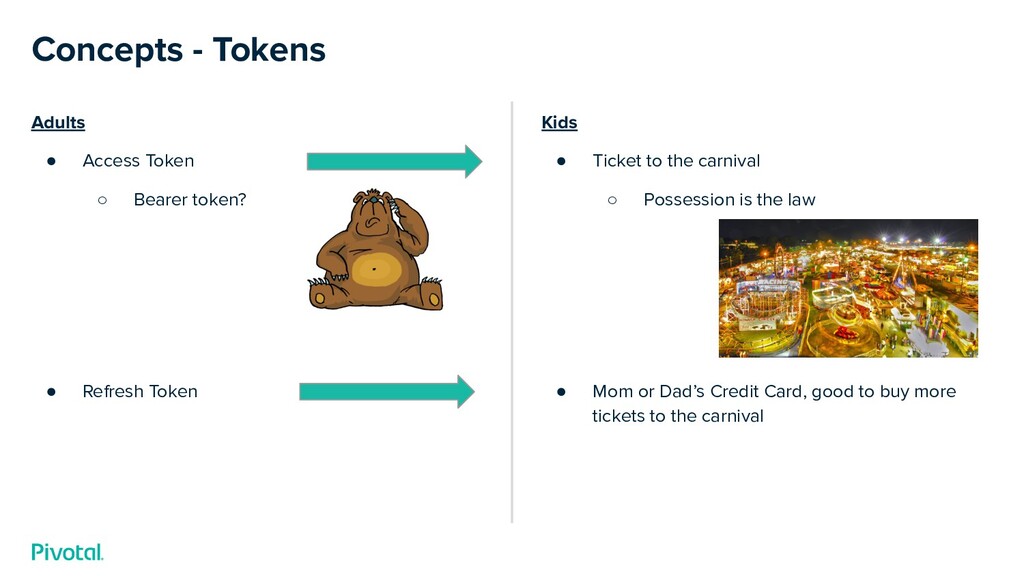
Adults • Access Token ◦ Bearer token? • Refresh Token
Concepts - Tokens Kids • Ticket to the carnival ◦ Possession is the law • Mom or Dad’s Credit Card, good to buy more tickets to the carnival -
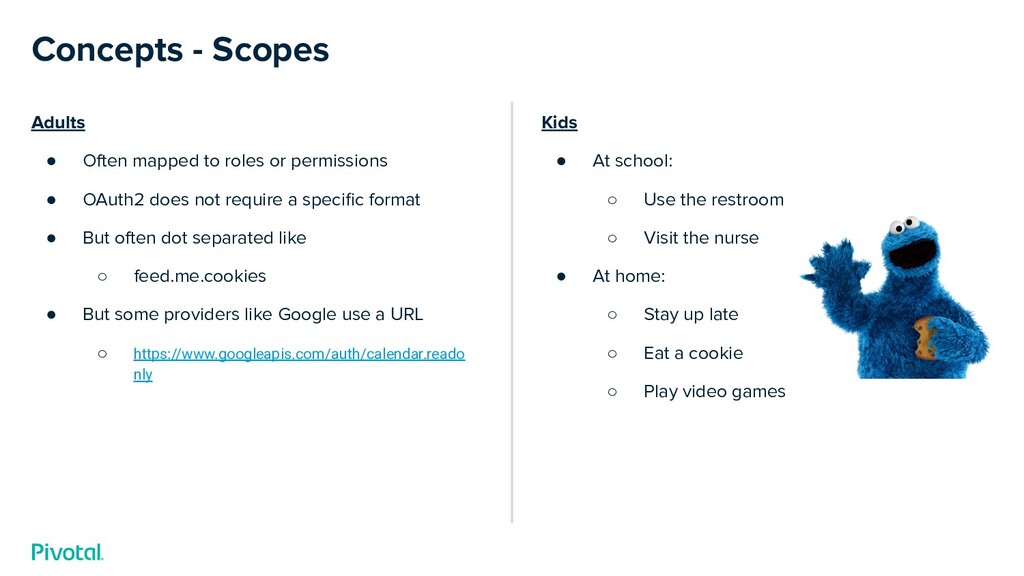
Adults • Often mapped to roles or permissions • OAuth2
does not require a specific format • But often dot separated like ◦ feed.me.cookies • But some providers like Google use a URL ◦ https://www.googleapis.com/auth/calendar.reado nly Concepts - Scopes Kids • At school: ◦ Use the restroom ◦ Visit the nurse • At home: ◦ Stay up late ◦ Eat a cookie ◦ Play video games -
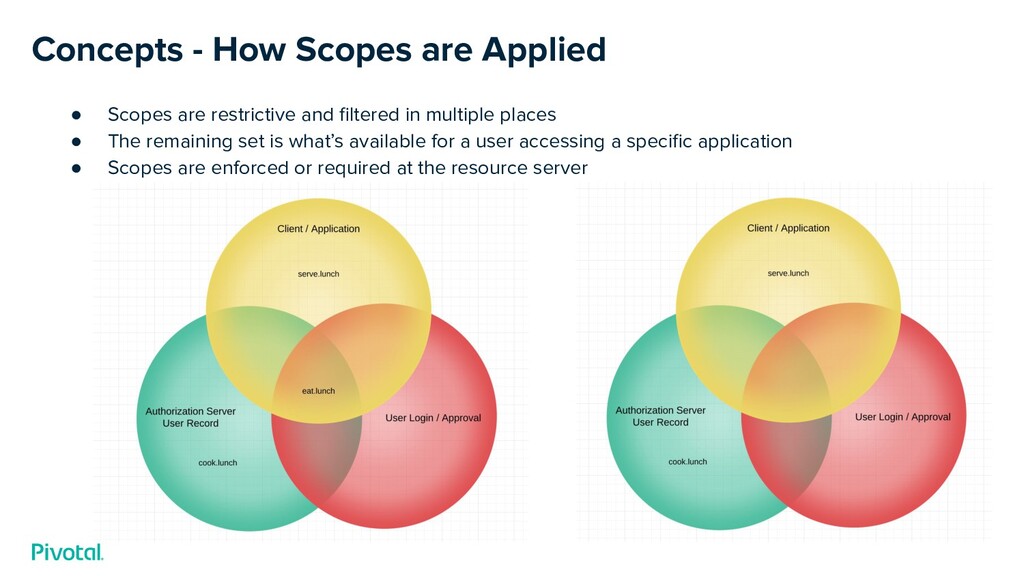
Concepts - How Scopes are Applied • Scopes are restrictive
and filtered in multiple places • The remaining set is what’s available for a user accessing a specific application • Scopes are enforced or required at the resource server -
Concepts - Grant Types • The three you’ll use often:
◦ Authorization Code ◦ Client Credentials ◦ Refresh Token • Two you might hear about but should try to avoid (legacy): ◦ Implicit ◦ Password • One for unique circumstances: ◦ Device Code -
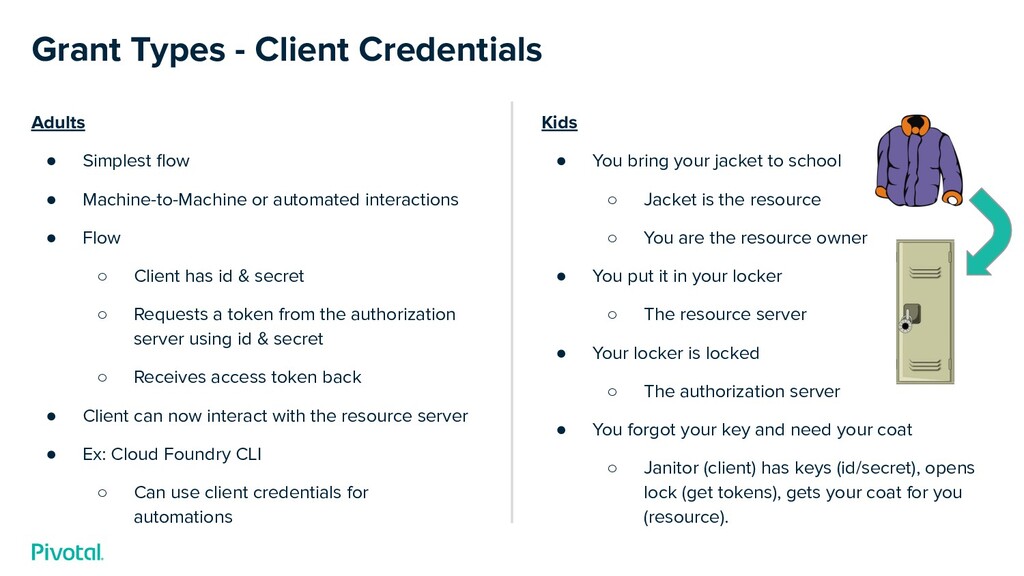
Adults • Simplest flow • Machine-to-Machine or automated interactions •
Flow ◦ Client has id & secret ◦ Requests a token from the authorization server using id & secret ◦ Receives access token back • Client can now interact with the resource server • Ex: Cloud Foundry CLI ◦ Can use client credentials for automations Grant Types - Client Credentials Kids • You bring your jacket to school ◦ Jacket is the resource ◦ You are the resource owner • You put it in your locker ◦ The resource server • Your locker is locked ◦ The authorization server • You forgot your key and need your coat ◦ Janitor (client) has keys (id/secret), opens lock (get tokens), gets your coat for you (resource). -
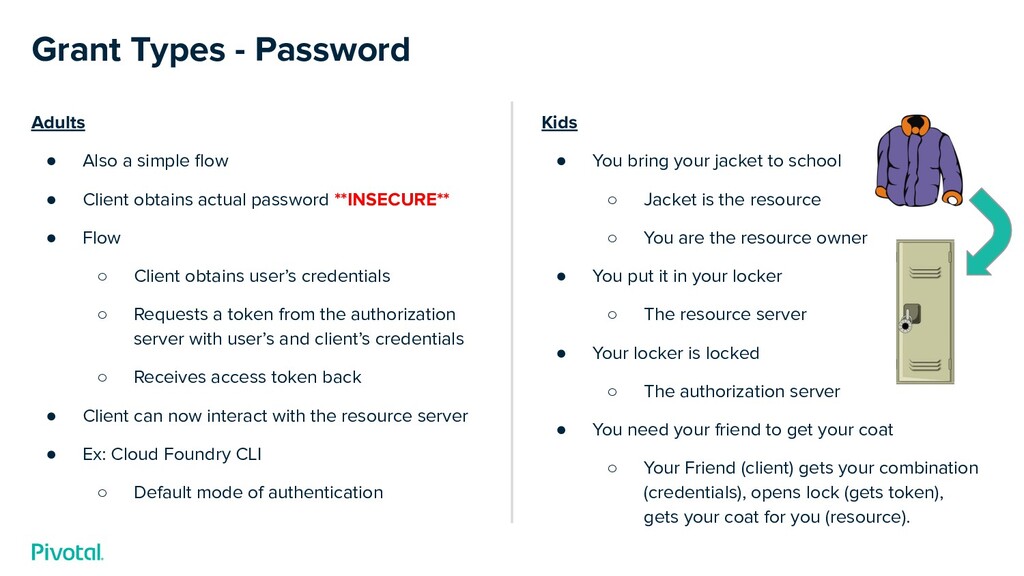
Adults • Also a simple flow • Client obtains actual
password **INSECURE** • Flow ◦ Client obtains user’s credentials ◦ Requests a token from the authorization server with user’s and client’s credentials ◦ Receives access token back • Client can now interact with the resource server • Ex: Cloud Foundry CLI ◦ Default mode of authentication Grant Types - Password Kids • You bring your jacket to school ◦ Jacket is the resource ◦ You are the resource owner • You put it in your locker ◦ The resource server • Your locker is locked ◦ The authorization server • You need your friend to get your coat ◦ Your Friend (client) gets your combination (credentials), opens lock (gets token), gets your coat for you (resource). -
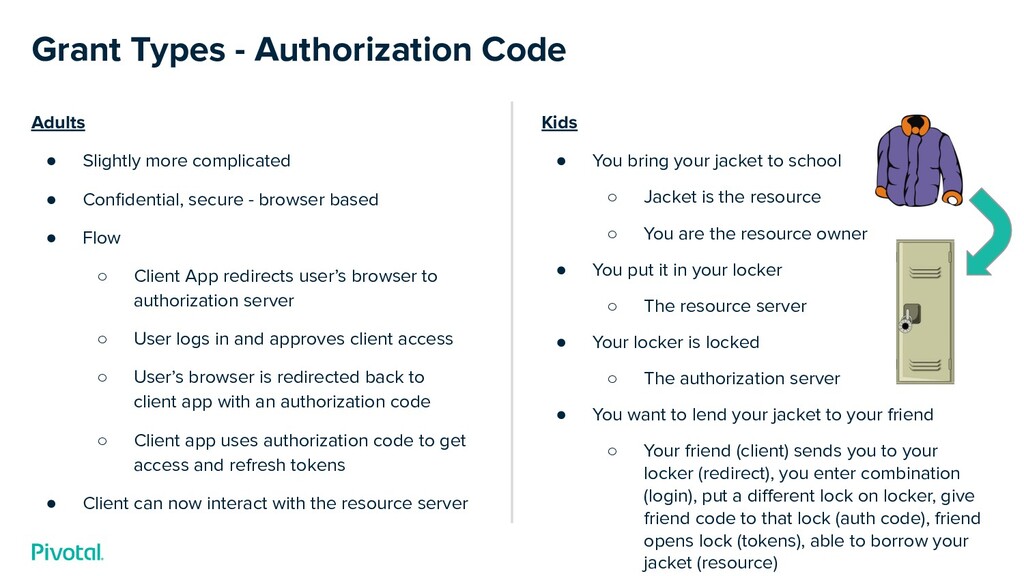
Adults • Slightly more complicated • Confidential, secure - browser
based • Flow ◦ Client App redirects user’s browser to authorization server ◦ User logs in and approves client access ◦ User’s browser is redirected back to client app with an authorization code ◦ Client app uses authorization code to get access and refresh tokens • Client can now interact with the resource server Grant Types - Authorization Code Kids • You bring your jacket to school ◦ Jacket is the resource ◦ You are the resource owner • You put it in your locker ◦ The resource server • Your locker is locked ◦ The authorization server • You want to lend your jacket to your friend ◦ Your friend (client) sends you to your locker (redirect), you enter combination (login), put a different lock on locker, give friend code to that lock (auth code), friend opens lock (tokens), able to borrow your jacket (resource) -
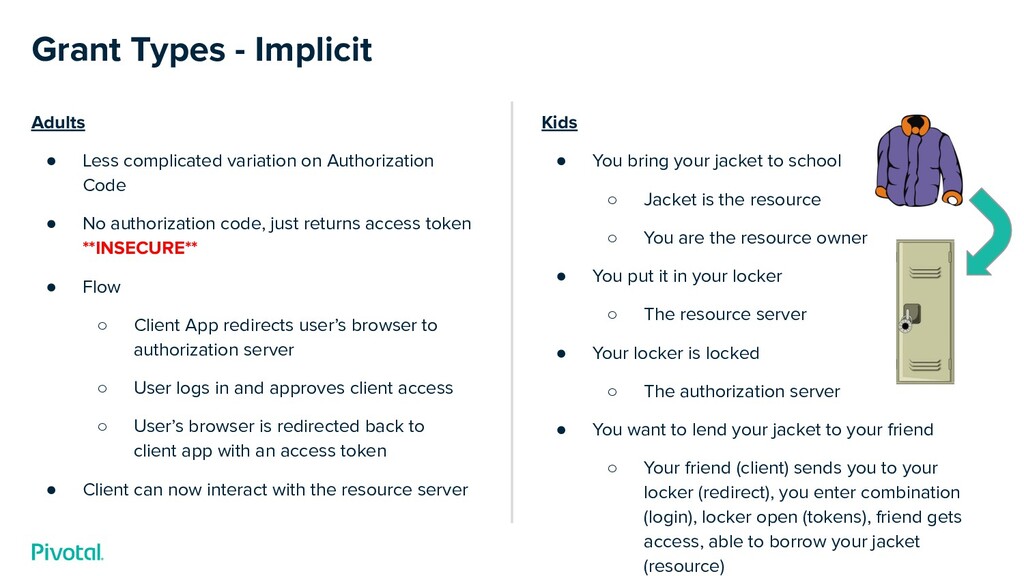
Adults • Less complicated variation on Authorization Code • No
authorization code, just returns access token **INSECURE** • Flow ◦ Client App redirects user’s browser to authorization server ◦ User logs in and approves client access ◦ User’s browser is redirected back to client app with an access token • Client can now interact with the resource server Grant Types - Implicit Kids • You bring your jacket to school ◦ Jacket is the resource ◦ You are the resource owner • You put it in your locker ◦ The resource server • Your locker is locked ◦ The authorization server • You want to lend your jacket to your friend ◦ Your friend (client) sends you to your locker (redirect), you enter combination (login), locker open (tokens), friend gets access, able to borrow your jacket (resource) -
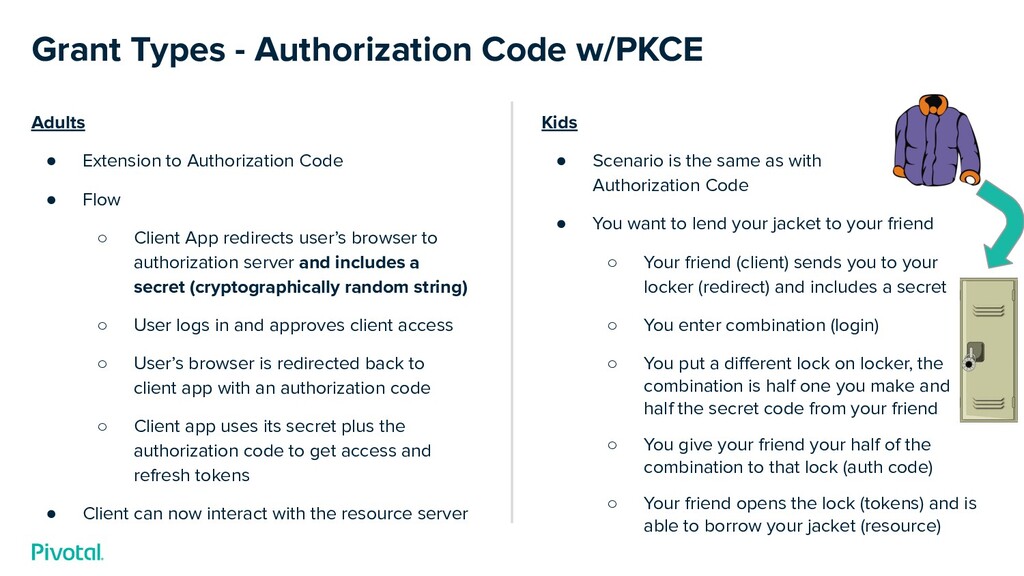
Adults • Extension to Authorization Code • Flow ◦ Client
App redirects user’s browser to authorization server and includes a secret (cryptographically random string) ◦ User logs in and approves client access ◦ User’s browser is redirected back to client app with an authorization code ◦ Client app uses its secret plus the authorization code to get access and refresh tokens • Client can now interact with the resource server Grant Types - Authorization Code w/PKCE Kids • Scenario is the same as with Authorization Code • You want to lend your jacket to your friend ◦ Your friend (client) sends you to your locker (redirect) and includes a secret ◦ You enter combination (login) ◦ You put a different lock on locker, the combination is half one you make and half the secret code from your friend ◦ You give your friend your half of the combination to that lock (auth code) ◦ Your friend opens the lock (tokens) and is able to borrow your jacket (resource) -
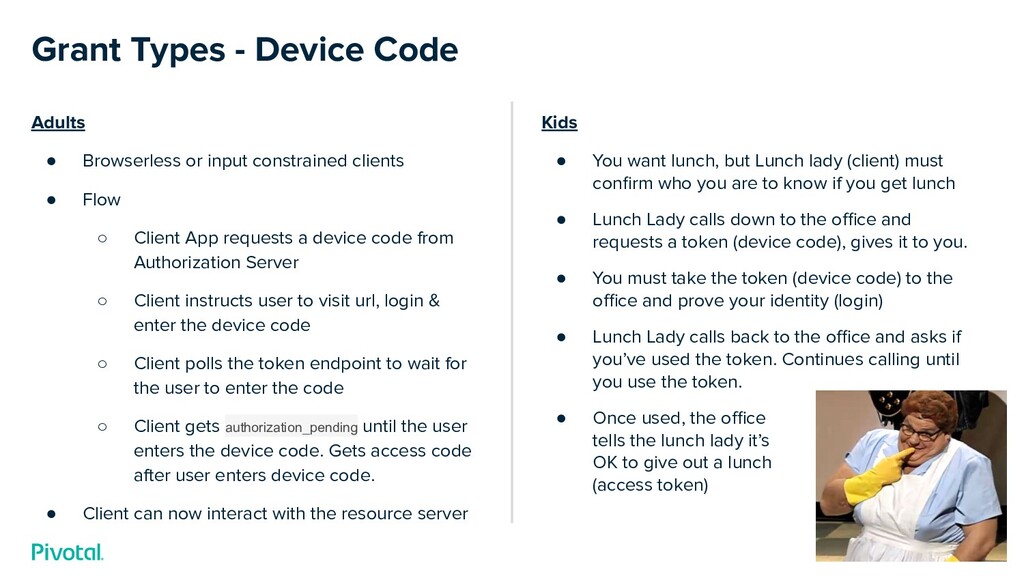
Adults • Browserless or input constrained clients • Flow ◦
Client App requests a device code from Authorization Server ◦ Client instructs user to visit url, login & enter the device code ◦ Client polls the token endpoint to wait for the user to enter the code ◦ Client gets authorization_pending until the user enters the device code. Gets access code after user enters device code. • Client can now interact with the resource server Grant Types - Device Code Kids • You want lunch, but Lunch lady (client) must confirm who you are to know if you get lunch • Lunch Lady calls down to the office and requests a token (device code), gives it to you. • You must take the token (device code) to the office and prove your identity (login) • Lunch Lady calls back to the office and asks if you’ve used the token. Continues calling until you use the token. • Once used, the office tells the lunch lady it’s OK to give out a lunch (access token) -
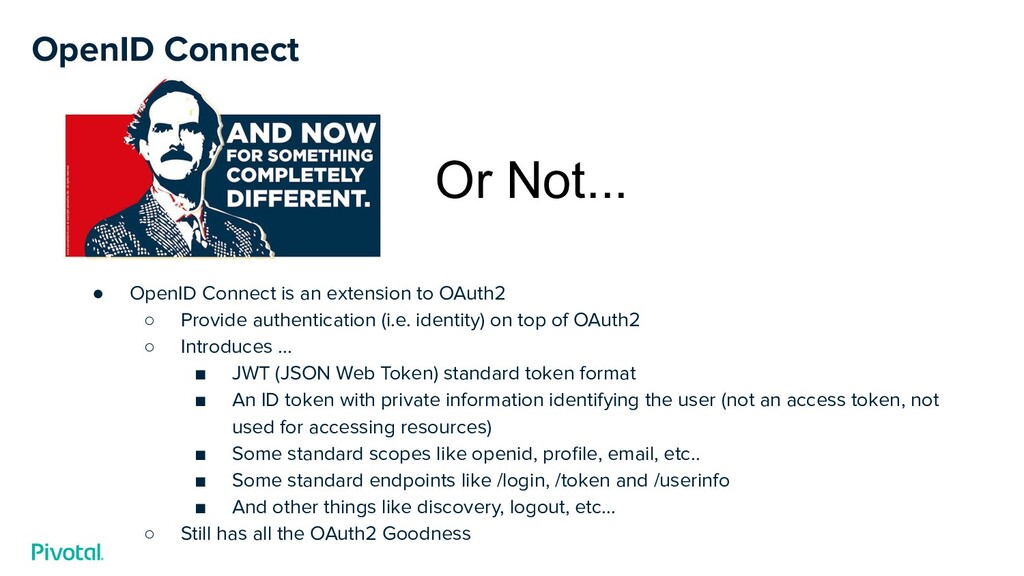
OpenID Connect • OpenID Connect is an extension to OAuth2
◦ Provide authentication (i.e. identity) on top of OAuth2 ◦ Introduces ... ▪ JWT (JSON Web Token) standard token format ▪ An ID token with private information identifying the user (not an access token, not used for accessing resources) ▪ Some standard scopes like openid, profile, email, etc.. ▪ Some standard endpoints like /login, /token and /userinfo ▪ And other things like discovery, logout, etc… ◦ Still has all the OAuth2 Goodness Or Not... -
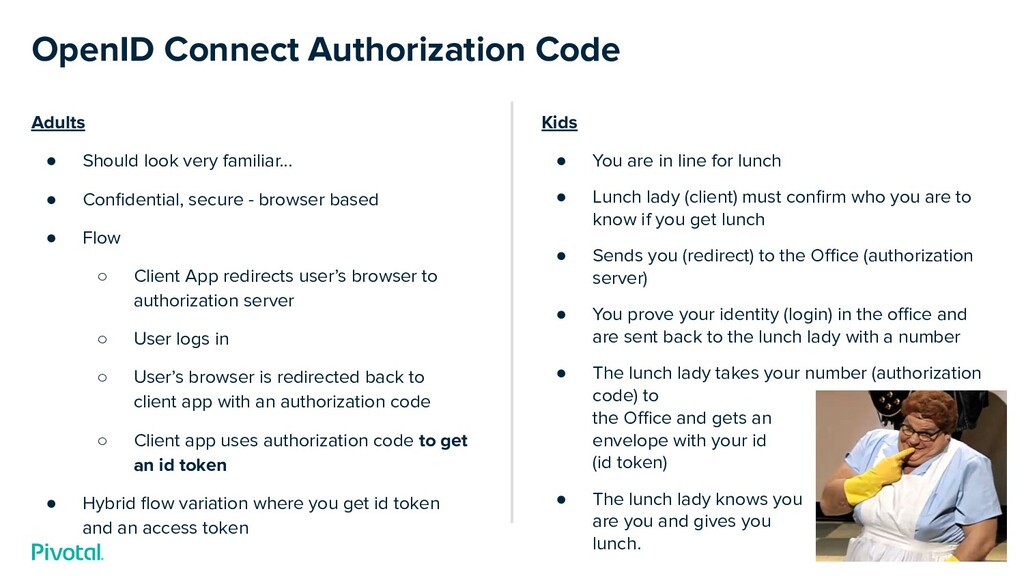
Adults • Should look very familiar... • Confidential, secure -
browser based • Flow ◦ Client App redirects user’s browser to authorization server ◦ User logs in ◦ User’s browser is redirected back to client app with an authorization code ◦ Client app uses authorization code to get an id token • Hybrid flow variation where you get id token and an access token OpenID Connect Authorization Code Kids • You are in line for lunch • Lunch lady (client) must confirm who you are to know if you get lunch • Sends you (redirect) to the Office (authorization server) • You prove your identity (login) in the office and are sent back to the lunch lady with a number • The lunch lady takes your number (authorization code) to the Office and gets an envelope with your id (id token) • The lunch lady knows you are you and gives you lunch. -
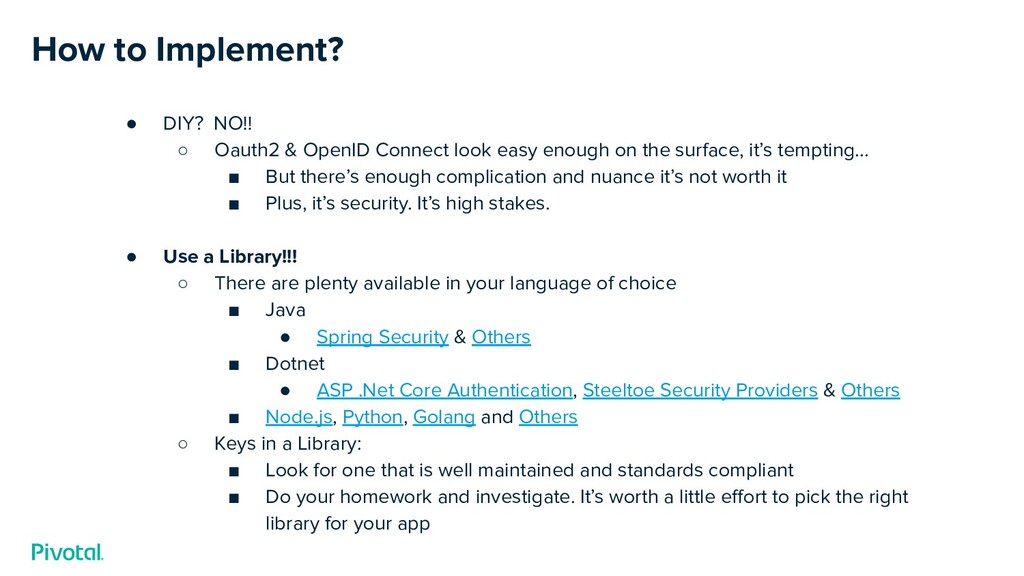
• DIY? NO!! ◦ Oauth2 & OpenID Connect look easy
enough on the surface, it’s tempting... ▪ But there’s enough complication and nuance it’s not worth it ▪ Plus, it’s security. It’s high stakes. • Use a Library!!! ◦ There are plenty available in your language of choice ▪ Java • Spring Security & Others ▪ Dotnet • ASP .Net Core Authentication, Steeltoe Security Providers & Others ▪ Node.js, Python, Golang and Others ◦ Keys in a Library: ▪ Look for one that is well maintained and standards compliant ▪ Do your homework and investigate. It’s worth a little effort to pick the right library for your app How to Implement? -
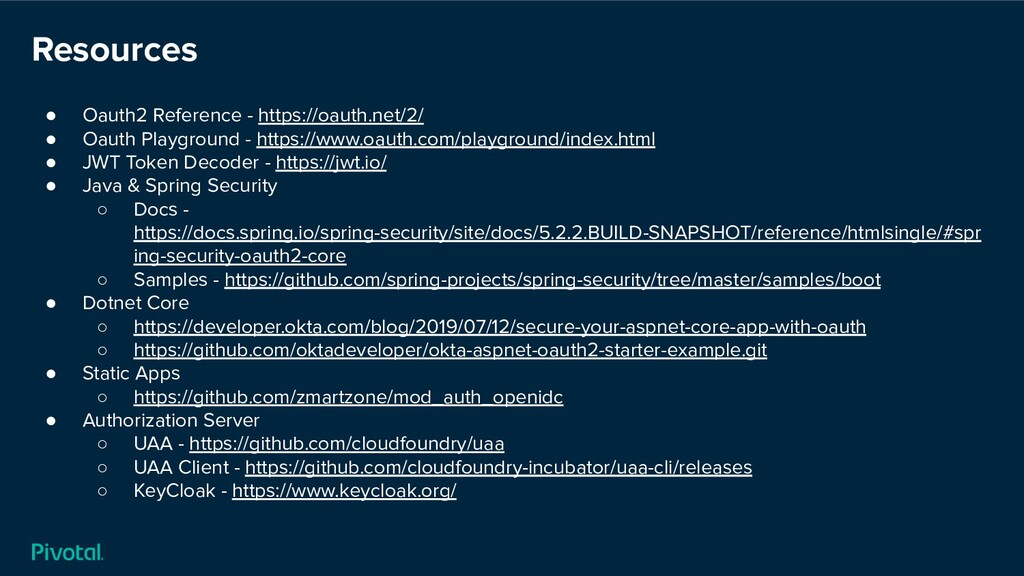
• Oauth2 Reference - https://oauth.net/2/ • Oauth Playground - https://www.oauth.com/playground/index.html
• JWT Token Decoder - https://jwt.io/ • Java & Spring Security ◦ Docs - https://docs.spring.io/spring-security/site/docs/5.2.2.BUILD-SNAPSHOT/reference/htmlsingle/#spr ing-security-oauth2-core ◦ Samples - https://github.com/spring-projects/spring-security/tree/master/samples/boot • Dotnet Core ◦ https://developer.okta.com/blog/2019/07/12/secure-your-aspnet-core-app-with-oauth ◦ https://github.com/oktadeveloper/okta-aspnet-oauth2-starter-example.git • Static Apps ◦ https://github.com/zmartzone/mod_auth_openidc • Authorization Server ◦ UAA - https://github.com/cloudfoundry/uaa ◦ UAA Client - https://github.com/cloudfoundry-incubator/uaa-cli/releases ◦ KeyCloak - https://www.keycloak.org/ Resources