Upgrade to Pro — share decks privately, control downloads, hide ads and more …

Collections in Elixir

Collections in Elixir

Elixir offers many ways to store data in a collection: tuples, lists, keyword lists,
maps and structs. Let's review each of those and discuss use cases.

Hugo Frappier

April 14, 2017

Transcript

73 slides
  1. Collections in Elixir 4 What do we get out of

    the box? 4 How they work? 4 When to use them? 4 Tips & tricks
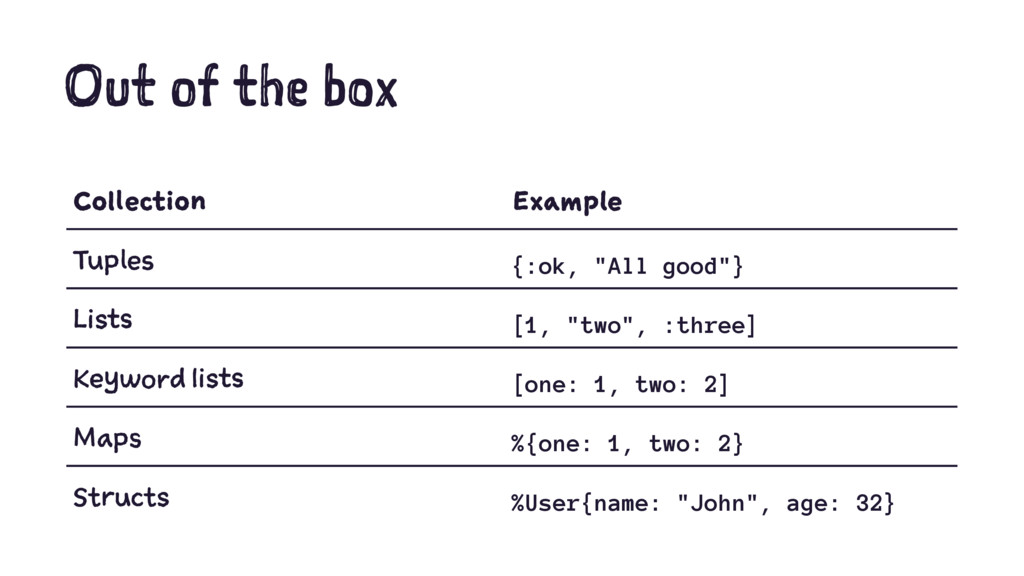
  2. Out of the box Collection Example Tuples {:ok, "All good"}

    Lists [1, "two", :three] Keyword lists [one: 1, two: 2] Maps %{one: 1, two: 2} Structs %User{name: "John", age: 32}
  3. Tuples {:ok, "All good"} 4 Closest thing to an array

    in other languages 4 Usually used to return data from a function
  4. Tuples Often used with pattern matching: def transform(data) do ...

    {:error, 543, "You forgot something"} end case transform(data) do {:error, _code, message} -> "Error: #{message}" {:ok, data} -> data end # "Error: You forgot something"
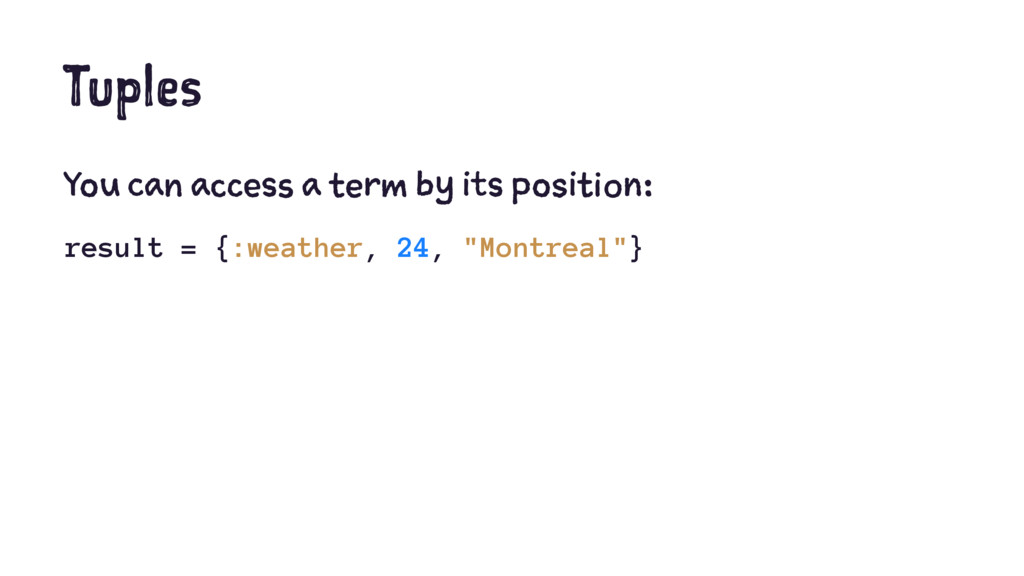
  5. Tuples You can access a term by its position: result

    = {:weather, 24, "Montreal"} temp = elem(result, 1) # 24
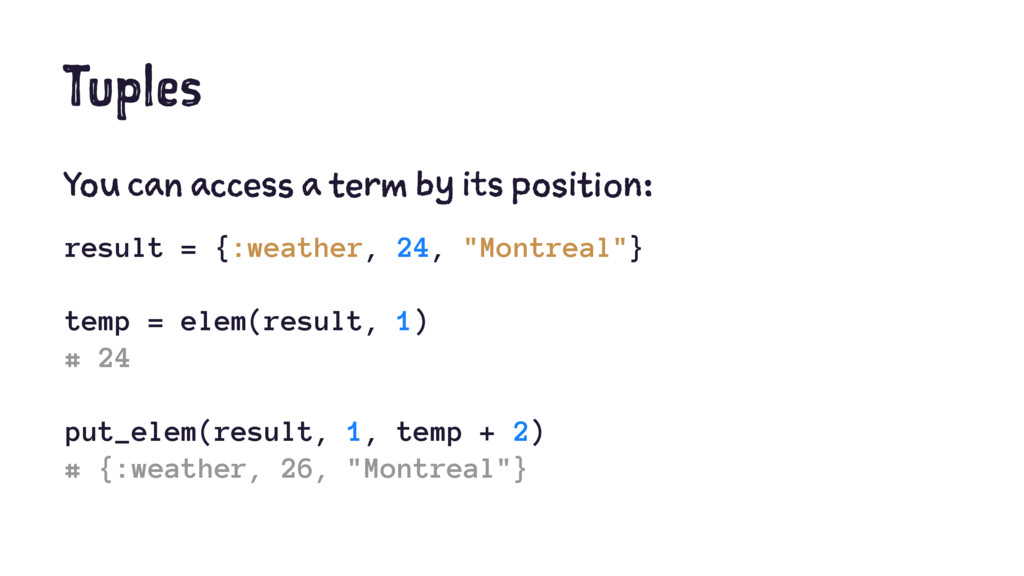
  6. Tuples You can access a term by its position: result

    = {:weather, 24, "Montreal"} temp = elem(result, 1) # 24 put_elem(result, 1, temp + 2) # {:weather, 26, "Montreal"}
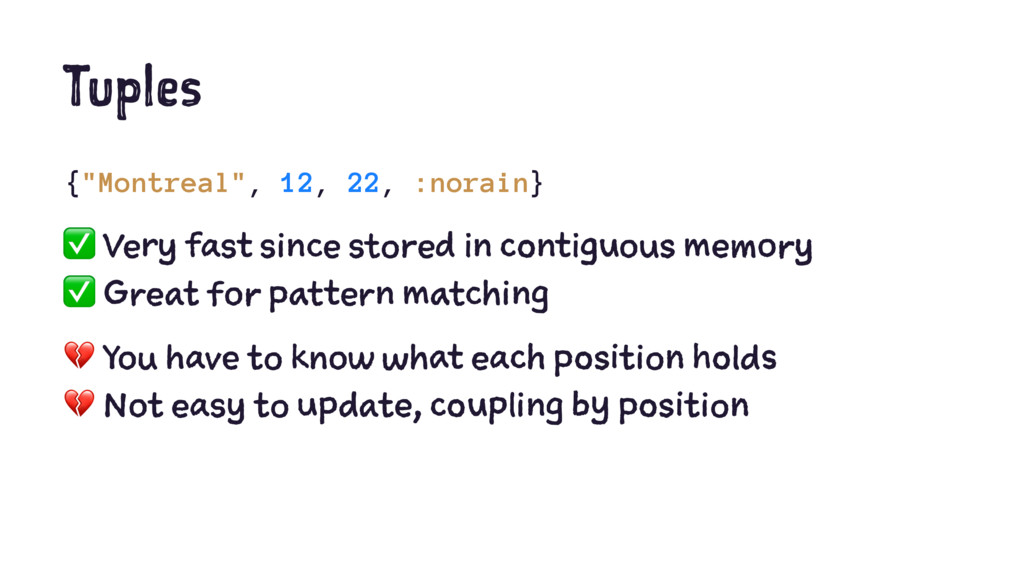
  7. Tuples {"Montreal", 12, 22, :norain} ✅ Very fast since stored

    in contiguous memory ✅ Great for pattern matching ! You have to know what each position holds ! Not easy to update, coupling by position
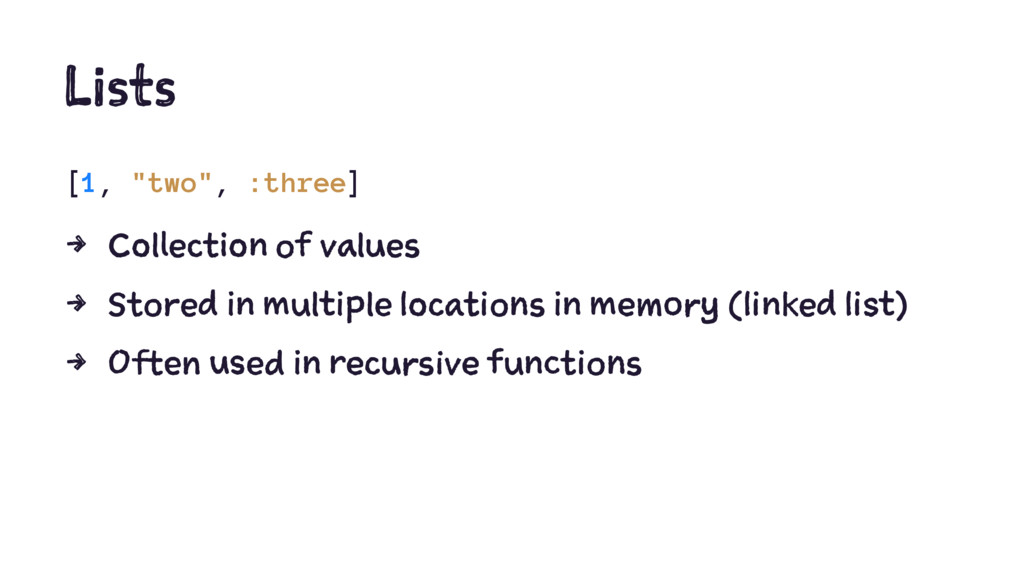
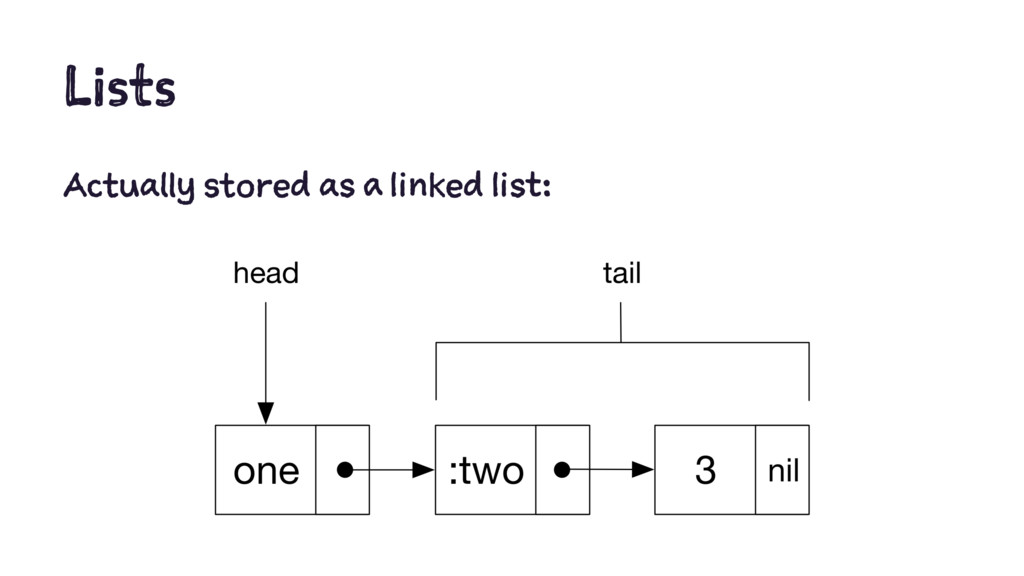
  8. Lists [1, "two", :three] 4 Collection of values 4 Stored

    in multiple locations in memory (linked list) 4 Often used in recursive functions
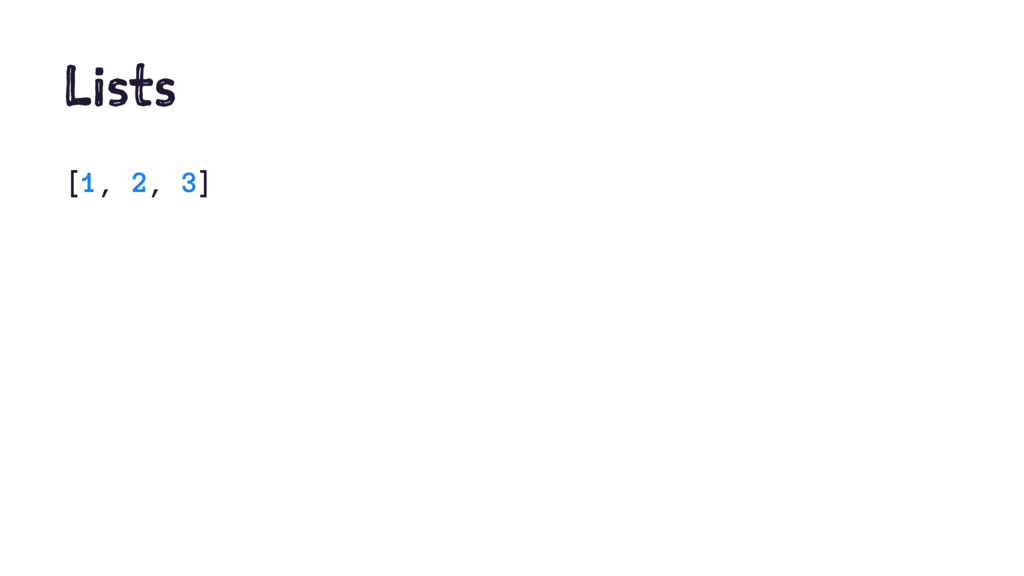
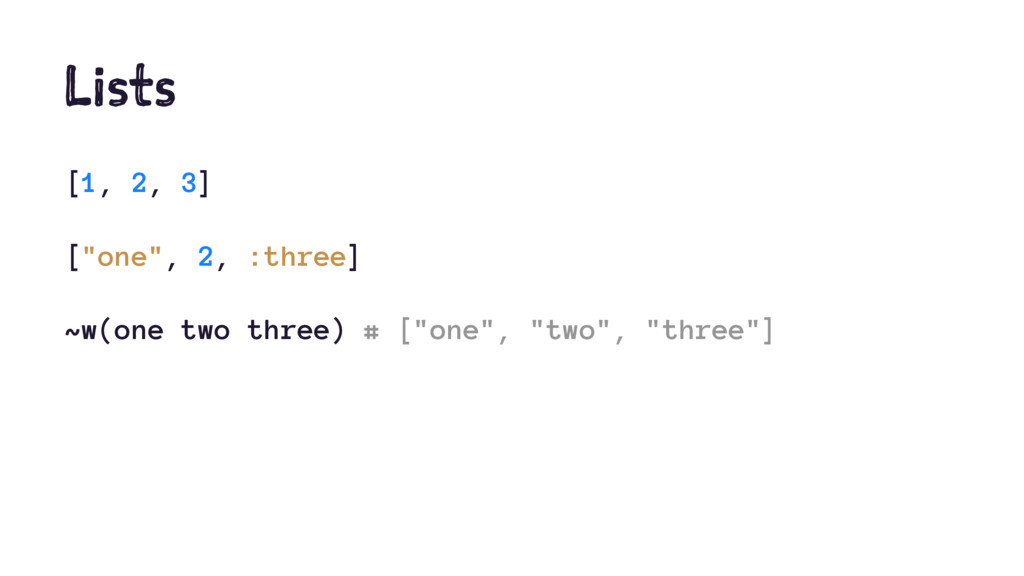
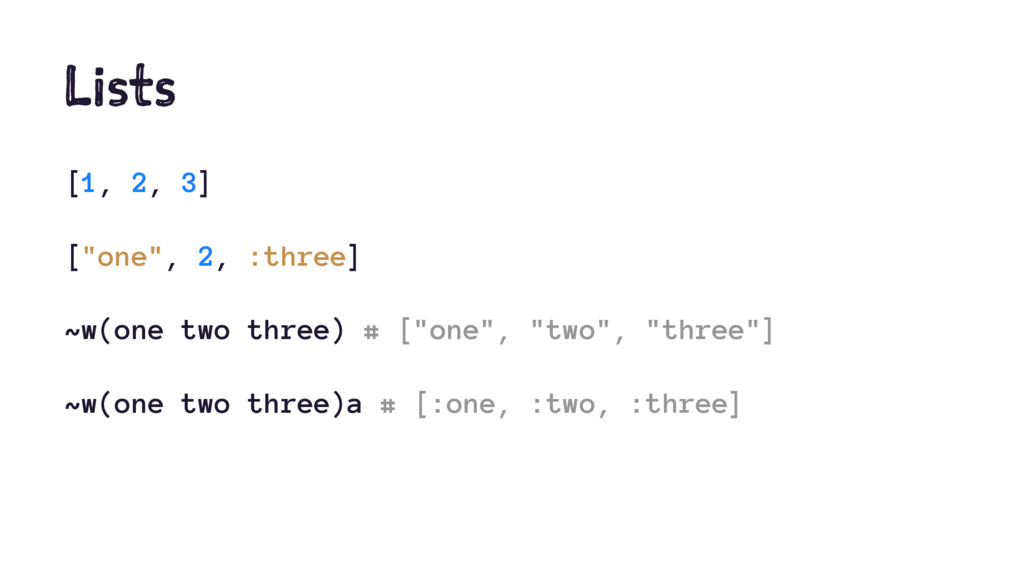
  9. Lists [1, 2, 3] ["one", 2, :three] ~w(one two three)

    # ["one", "two", "three"] ~w(one two three)a # [:one, :two, :three]
  10. Lists How to manipulate a list: 4 ++ & --

    operators 4 hd/1 & tl/1 Kernel functions 4 Pipe operator 4 List and Enum functions
  11. Lists [1, 2, 3] ++ [4, 5] # [1, 2,

    3, 4, 5] [1, 2] -- [2, 3] # [1]
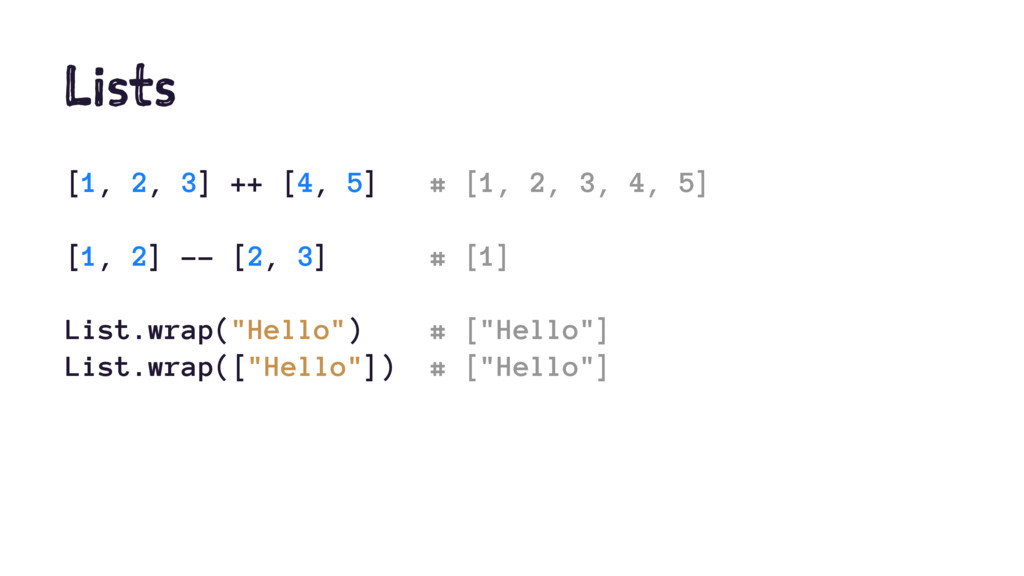
  12. Lists [1, 2, 3] ++ [4, 5] # [1, 2,

    3, 4, 5] [1, 2] -- [2, 3] # [1] List.wrap("Hello") # ["Hello"] List.wrap(["Hello"]) # ["Hello"]
  13. Lists [1, 2, 3] ++ [4, 5] # [1, 2,

    3, 4, 5] [1, 2] -- [2, 3] # [1] List.wrap("Hello") # ["Hello"] List.wrap(["Hello"]) # ["Hello"] [ 1 | [2, 3]] # [1, 2, 3]
  14. Lists hd ["one", "two"] # "one" List.first ["one", "two"] #

    "one" tl [1, 2, 3] # [2, 3] List.last [1, 2, 3] # 3
  15. Lists hd ["one", "two"] # "one" List.first ["one", "two"] #

    "one" tl [1, 2, 3] # [2, 3] List.last [1, 2, 3] # 3 [head | tail] = [1, 2, 3] # head: 1, tail: [2, 3]
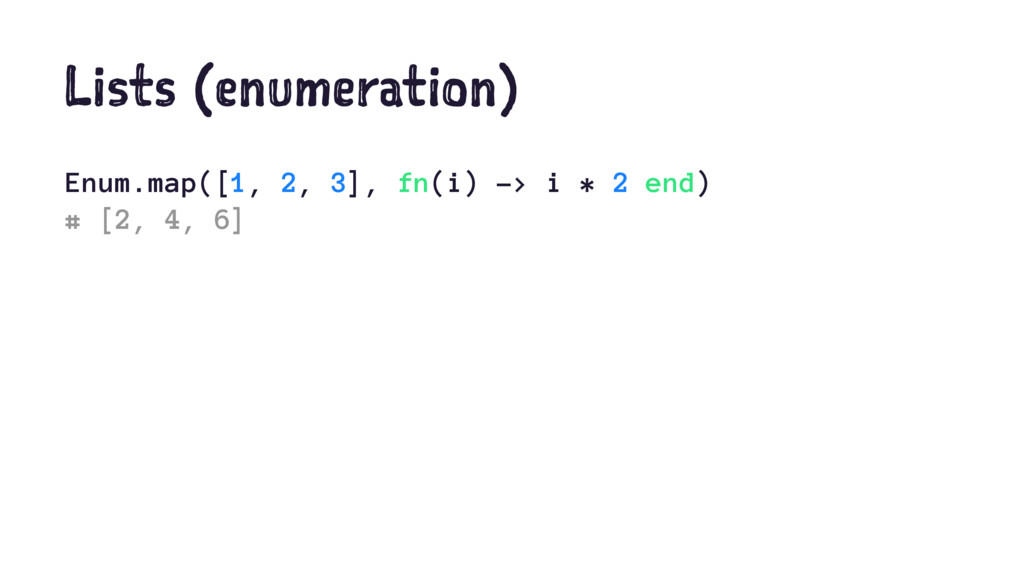
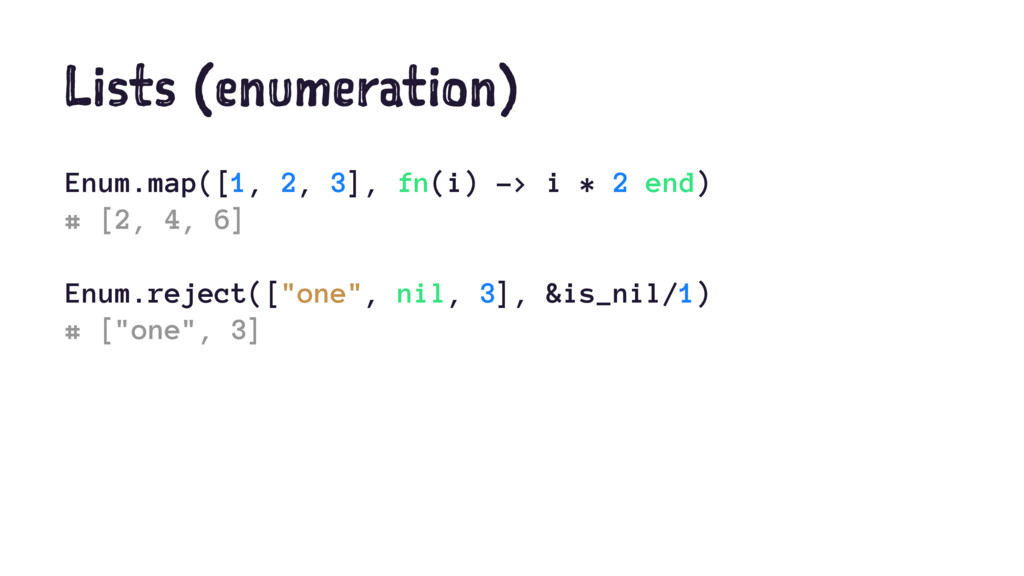
  16. Lists (enumeration) Enum.map([1, 2, 3], fn(i) -> i * 2

    end) # [2, 4, 6] Enum.reject(["one", nil, 3], &is_nil/1) # ["one", 3]
  17. Lists (enumeration) for i <- [1, 2, 3], do: i

    * 2 # [2, 4, 6] for i <- [1, 2, 3], j <- [1, 2], do: i * j # [1, 2, 2, 4, 3, 6]
  18. Lists (recursion) defmodule Math do def sum_list([], accumulator), do: accumulator

    def sum_list([head | tail], accumulator) do sum_list(tail, head + accumulator) end end Math.sum_list([1, 2, 3], 0) # 6
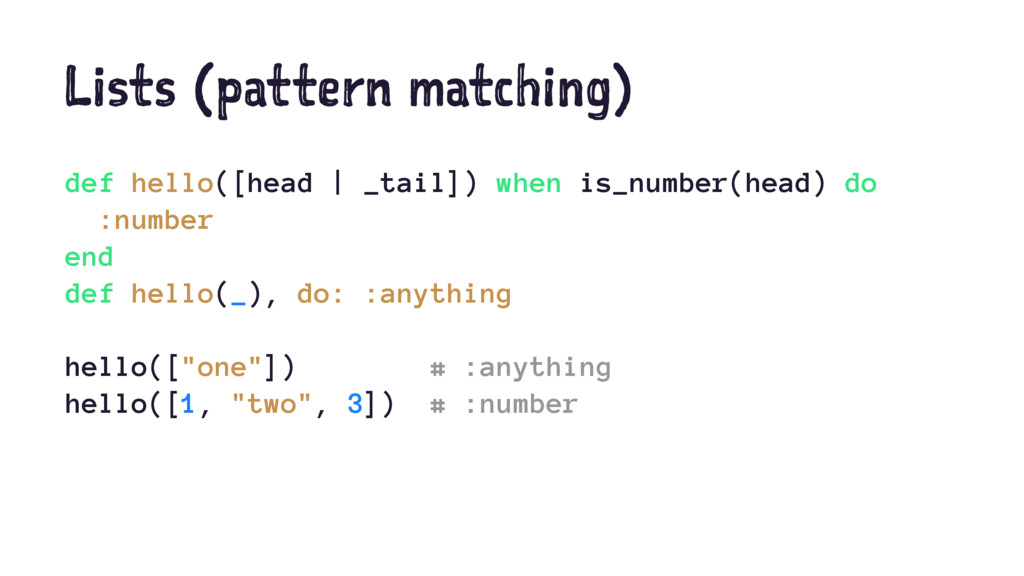
  19. Lists (pattern matching) def hello([head | _tail]) when is_number(head) do

    :number end def hello(_), do: :anything hello(["one"]) # :anything hello([1, "two", 3]) # :number
  20. Lists (pattern matching) def hello([x, x | _tail]), do: :twins

    def hello([head | _tail]) when is_number(head) do :number end def hello(_), do: :anything hello(["one"]) # :anything hello([1, "two", 3]) # :number hello([1, 1, 2, 3]) # :twins
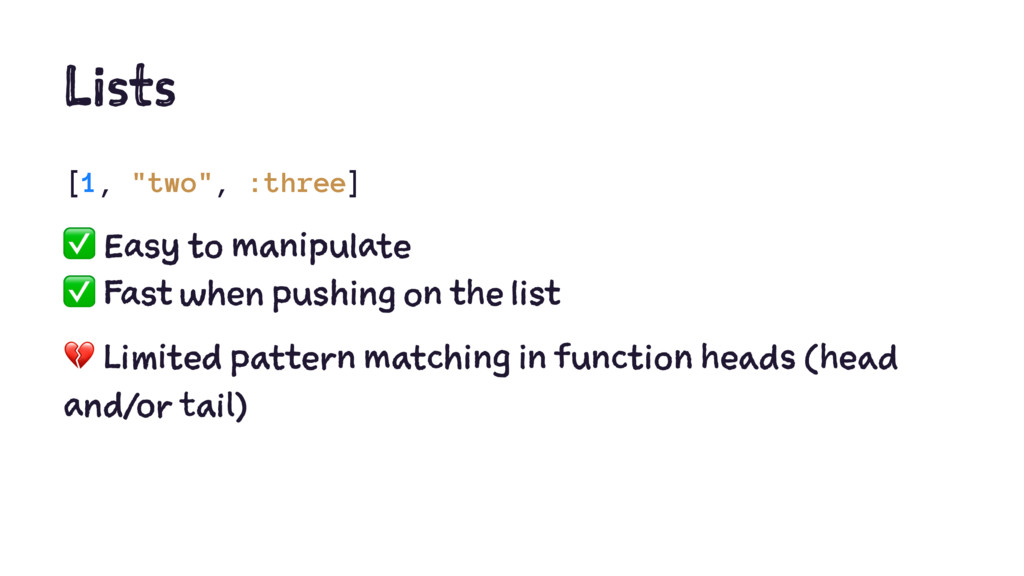
  21. Lists [1, "two", :three] ✅ Easy to manipulate ✅ Fast

    when pushing on the list ! Limited pattern matching in function heads (head and/or tail)
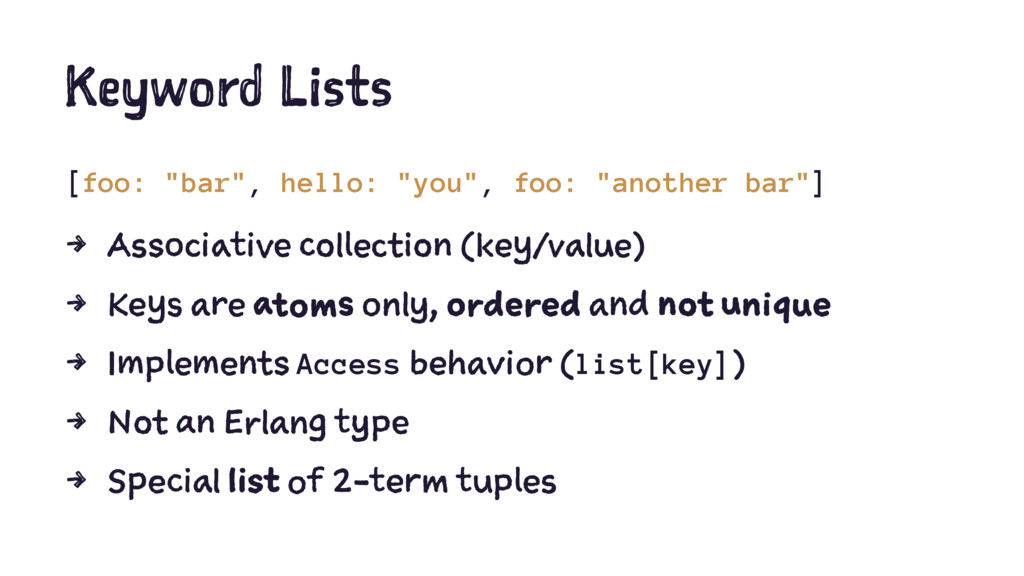
  22. Keyword Lists [foo: "bar", hello: "you", foo: "another bar"] 4

    Associative collection (key/value) 4 Keys are atoms only, ordered and not unique 4 Implements Access behavior (list[key]) 4 Not an Erlang type 4 Special list of 2-term tuples
  23. Keyword Lists [foo: "bar", hello: "you", foo: "another bar"] [{:foo,

    "bar"}, {:hello, "you"}, {:foo, "another bar"}]
  24. Keyword Lists [foo: "bar", hello: "you", foo: "another bar"] [{:foo,

    "bar"}, {:hello, "you"}, {:foo, "another bar"}] list = [id: 1, title: "Post"] list[:title] # "Post"
  25. Keyword Lists [foo: "bar", hello: "you", foo: "another bar"] [{:foo,

    "bar"}, {:hello, "you"}, {:foo, "another bar"}] list = [id: 1, title: "Post"] list[:title] # "Post" Enum.map(list, fn({k,v}) -> k end) # [:id, :title]
  26. Keyword Lists Keyword module provides keyword list functions, such as:

    Keyword.take/2 Keyword.has_key?/2 Keyword.keys/1 Keyword.values/1 Keyword.put/3
  27. Keyword Lists Mostly used for passing options to a function:

    def say(message, options \\ []) do prefix = Keyword.get(options, :prefix, Time.utc_now) "#{prefix} #{message}" end say("World") # "14:19:53.464950 World" say("World", prefix: "Hello") # "Hello World"
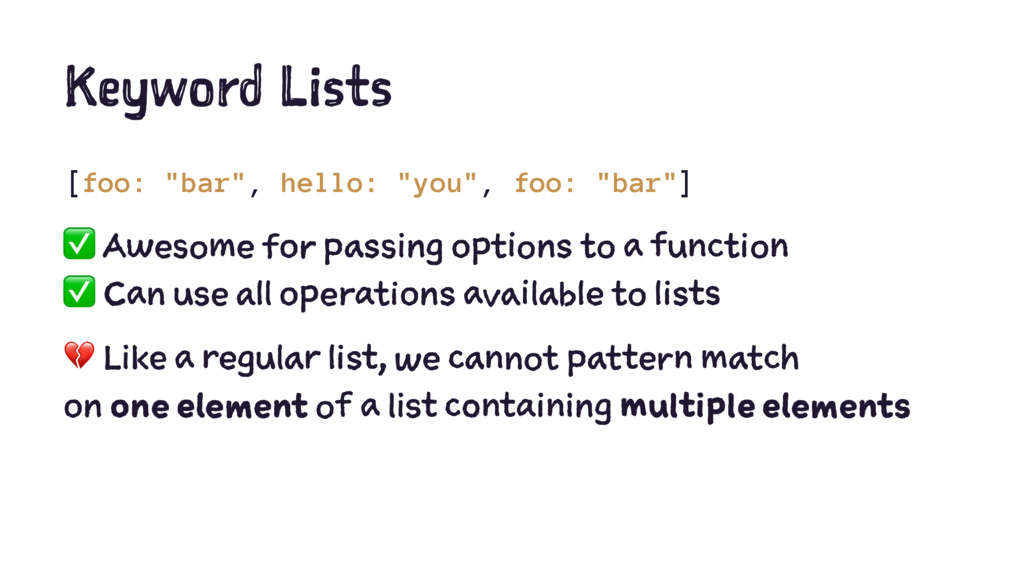
  28. Keyword Lists [foo: "bar", hello: "you", foo: "bar"] ✅ Awesome

    for passing options to a function ✅ Can use all operations available to lists ! Like a regular list, we cannot pattern match on one element of a list containing multiple elements
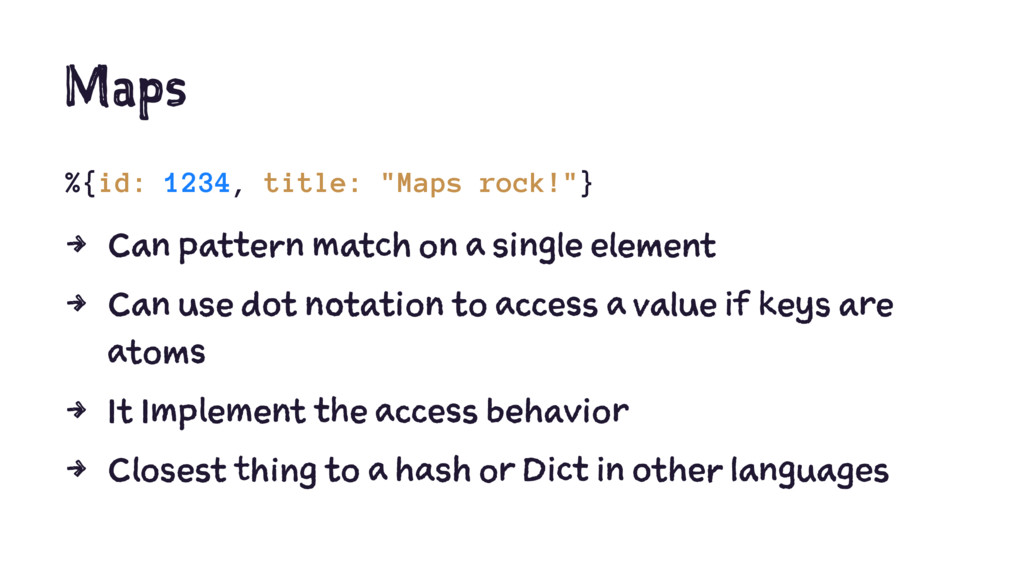
  29. Maps %{id: 1234, title: "Maps rock!"} 4 Associative collection (key/value)

    4 "The" key-value store in Elixir 4 Keys can be in any order and of any type (unlike keyword lists) 4 Keys must be unique
  30. Maps %{id: 1234, title: "Maps rock!"} 4 Can pattern match

    on a single element 4 Can use dot notation to access a value if keys are atoms 4 It Implement the access behavior 4 Closest thing to a hash or Dict in other languages
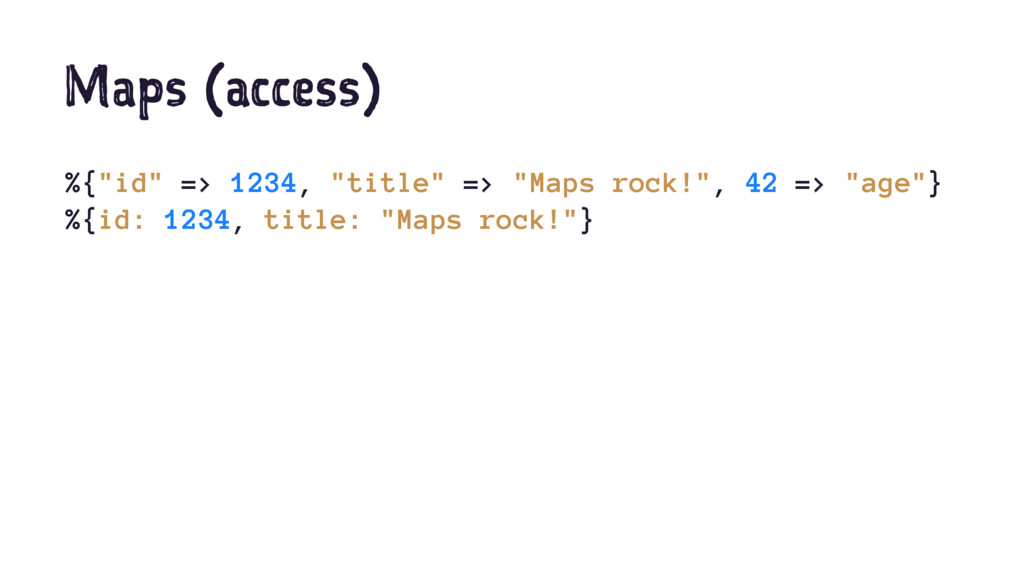
  31. Maps (access) %{"id" => 1234, "title" => "Maps rock!", 42

    => "age"} %{id: 1234, title: "Maps rock!"}
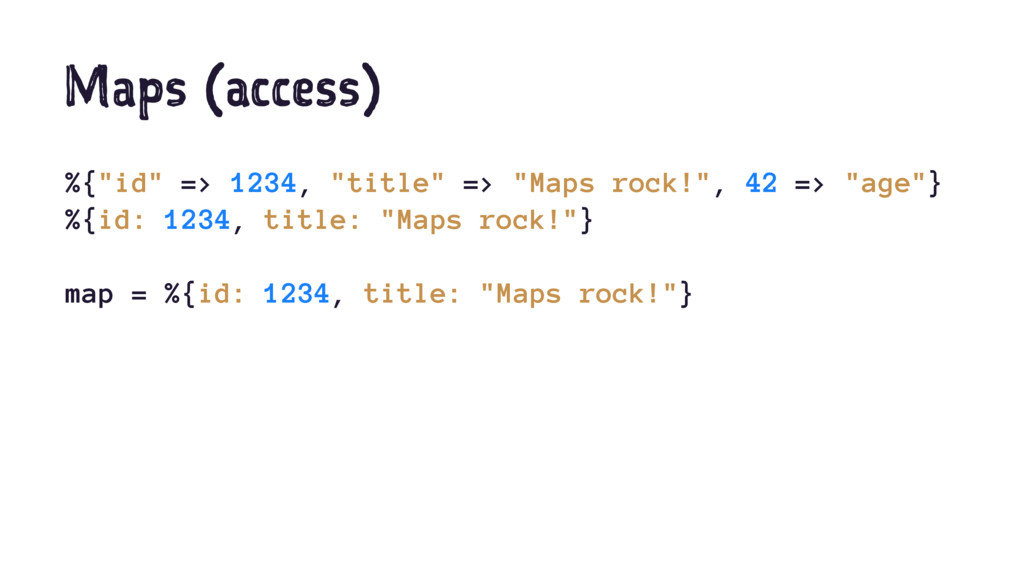
  32. Maps (access) %{"id" => 1234, "title" => "Maps rock!", 42

    => "age"} %{id: 1234, title: "Maps rock!"} map = %{id: 1234, title: "Maps rock!"}
  33. Maps (access) %{"id" => 1234, "title" => "Maps rock!", 42

    => "age"} %{id: 1234, title: "Maps rock!"} map = %{id: 1234, title: "Maps rock!"} %{id: id} = map id # 1234
  34. Maps (access) %{"id" => 1234, "title" => "Maps rock!", 42

    => "age"} %{id: 1234, title: "Maps rock!"} map = %{id: 1234, title: "Maps rock!"} %{id: id} = map id # 1234 map.title <> map[:title] # "Maps rock!Maps rock!"
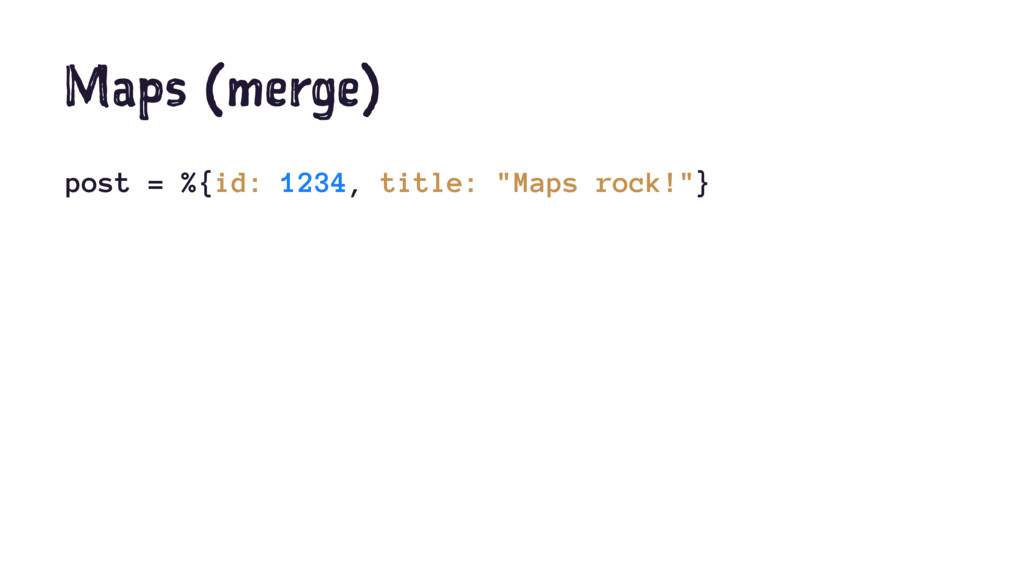
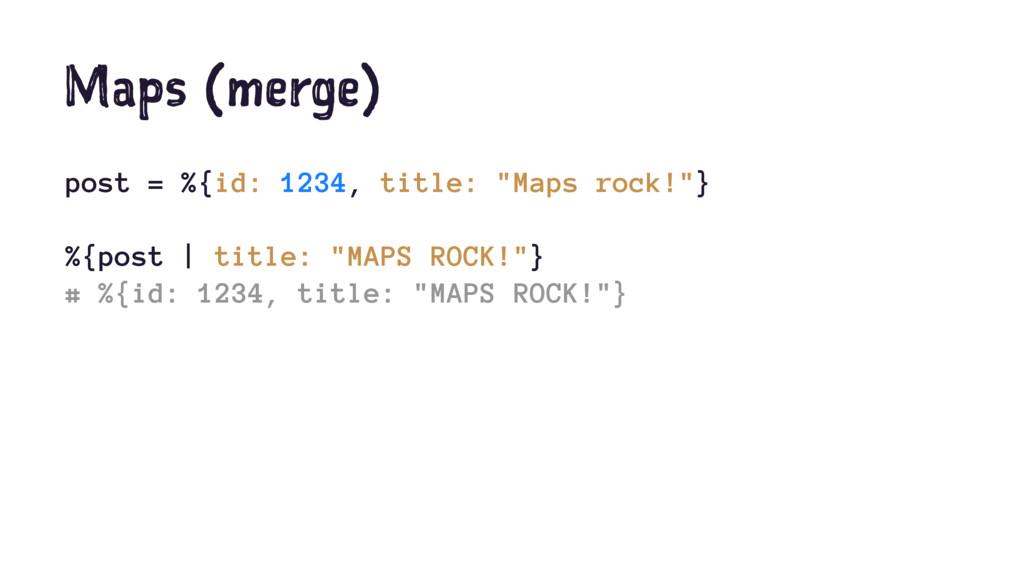
  35. Maps (merge) post = %{id: 1234, title: "Maps rock!"} %{post

    | title: "MAPS ROCK!"} # %{id: 1234, title: "MAPS ROCK!"}
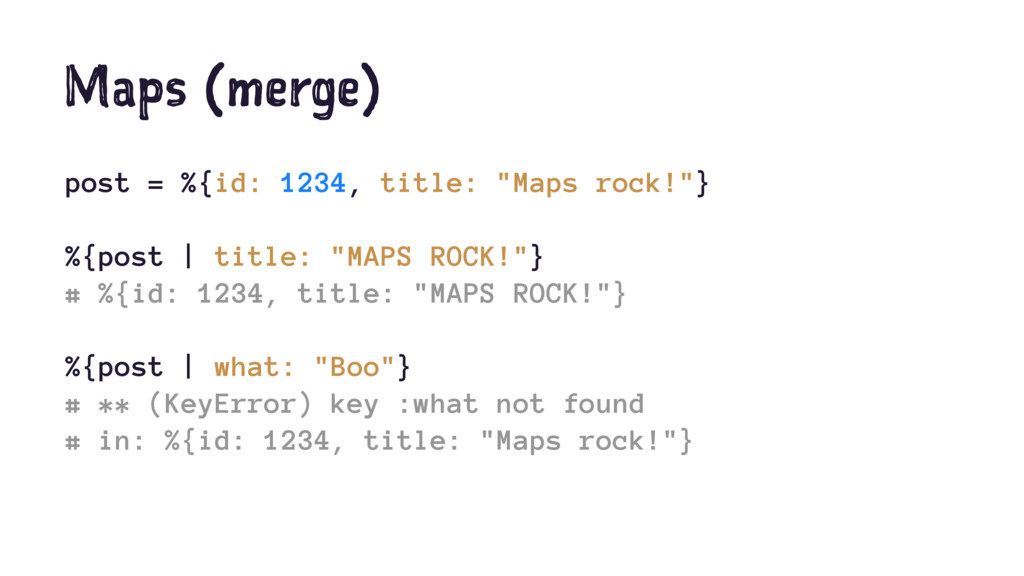
  36. Maps (merge) post = %{id: 1234, title: "Maps rock!"} %{post

    | title: "MAPS ROCK!"} # %{id: 1234, title: "MAPS ROCK!"} %{post | what: "Boo"} # ** (KeyError) key :what not found # in: %{id: 1234, title: "Maps rock!"}
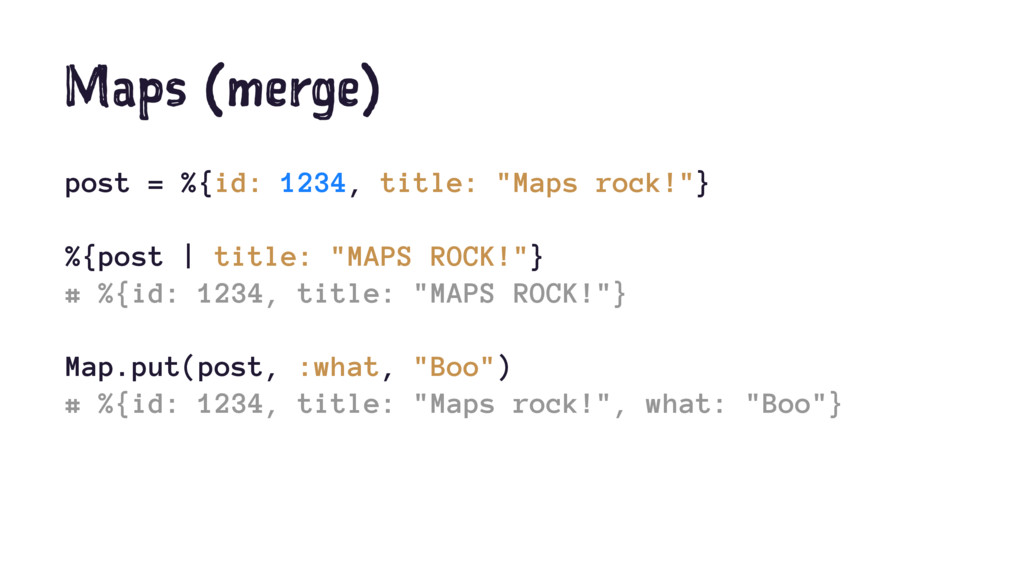
  37. Maps (merge) post = %{id: 1234, title: "Maps rock!"} %{post

    | title: "MAPS ROCK!"} # %{id: 1234, title: "MAPS ROCK!"} Map.put(post, :what, "Boo") # %{id: 1234, title: "Maps rock!", what: "Boo"}
  38. Maps Map module provides functions for maps, such as: Map.take/2

    Map.has_key?/2 Map.keys/1 Map.values/1 Map.put/3
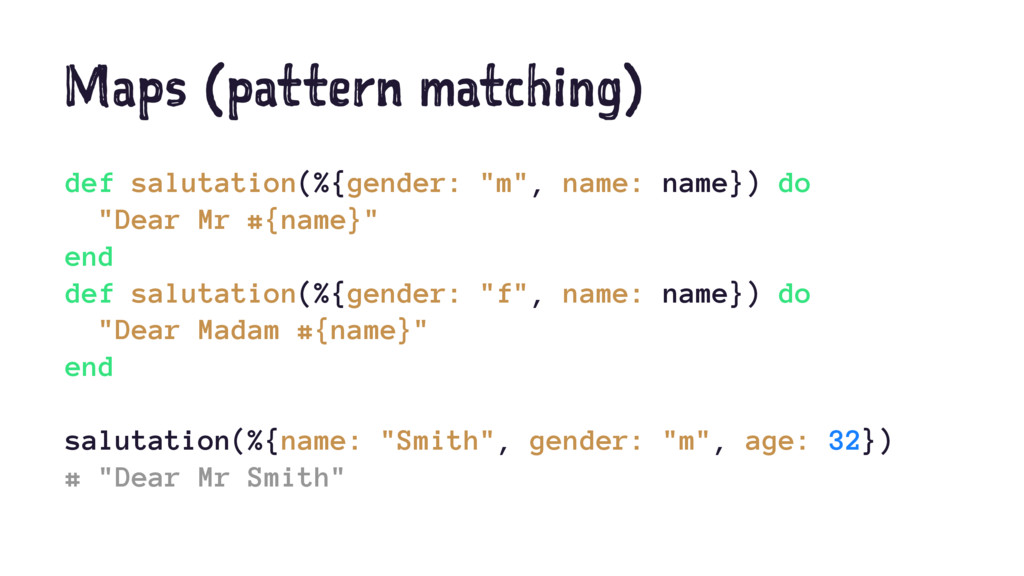
  39. Maps (pattern matching) def salutation(%{gender: "m", name: name}) do "Dear

    Mr #{name}" end def salutation(%{gender: "f", name: name}) do "Dear Madam #{name}" end salutation(%{name: "Smith", gender: "m", age: 32}) # "Dear Mr Smith"
  40. Maps (pattern matching) def square?(%{width: x, height: x}), do: true

    def square?(_), do: false square?(%{width: 10, height: 10}) # true square?(%{width: 3, height: 2}) # false
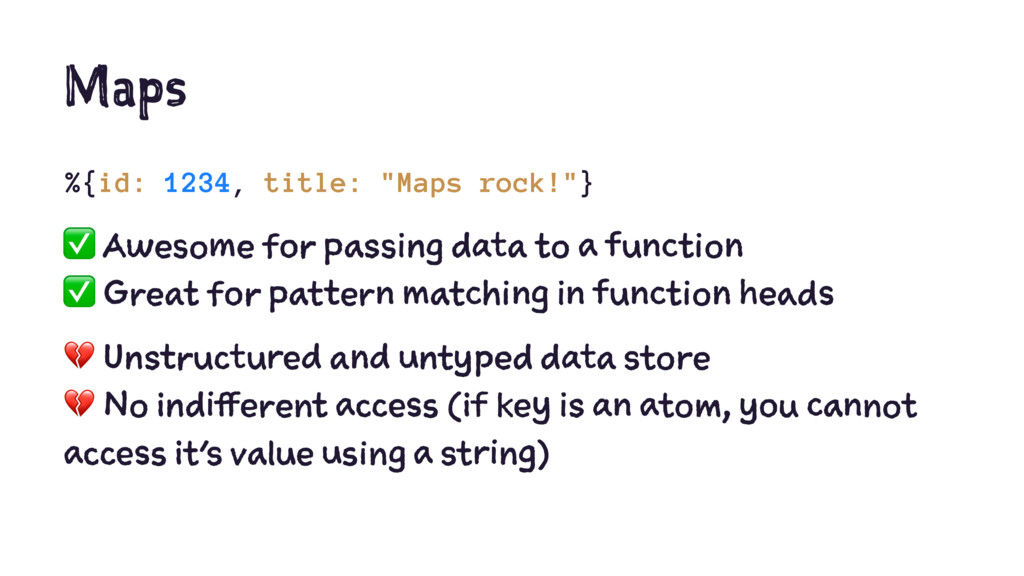
  41. Maps %{id: 1234, title: "Maps rock!"} ✅ Awesome for passing

    data to a function ✅ Great for pattern matching in function heads ! Unstructured and untyped data store ! No indifferent access (if key is an atom, you cannot access it's value using a string)
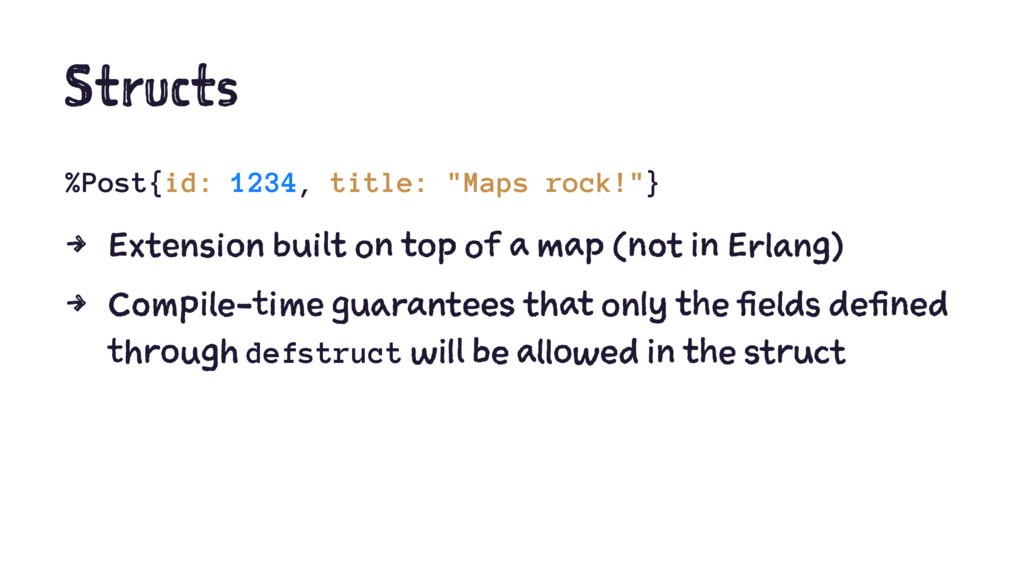
  42. Structs %Post{id: 1234, title: "Maps rock!"} 4 Extension built on

    top of a map (not in Erlang) 4 Compile-time guarantees that only the fields defined through defstruct will be allowed in the struct
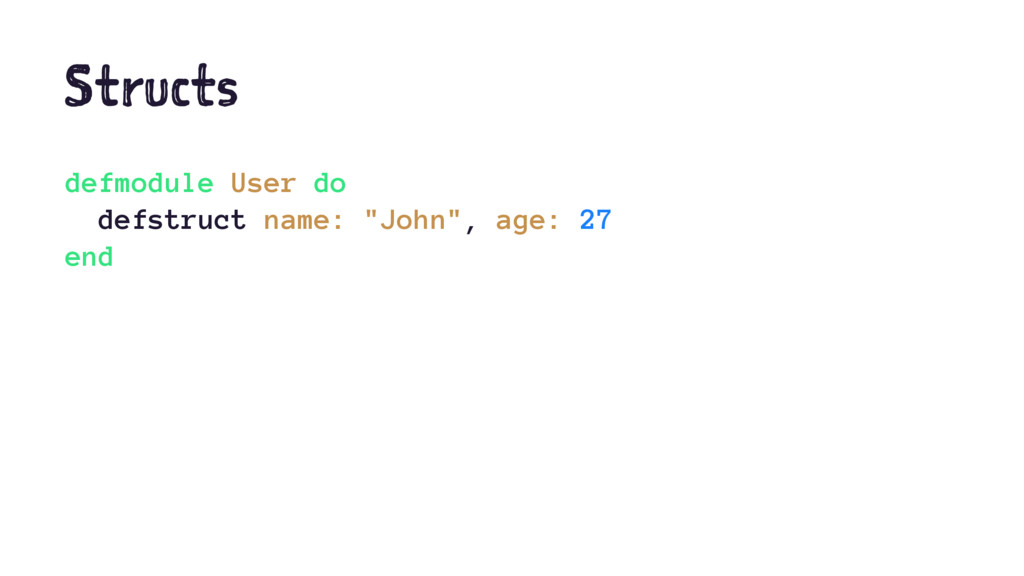
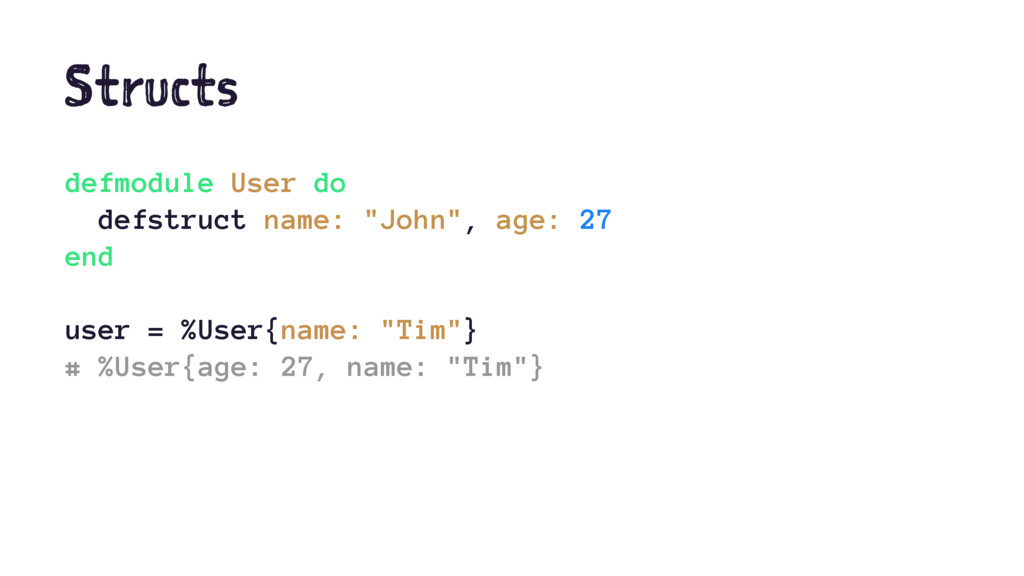
  43. Structs defmodule User do defstruct name: "John", age: 27 end

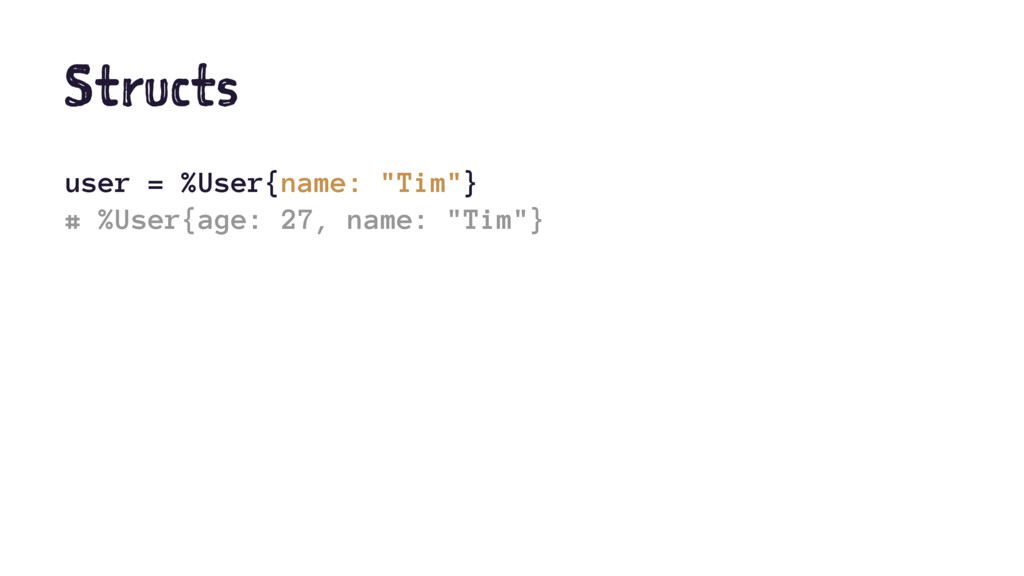
    user = %User{name: "Tim"} # %User{age: 27, name: "Tim"}
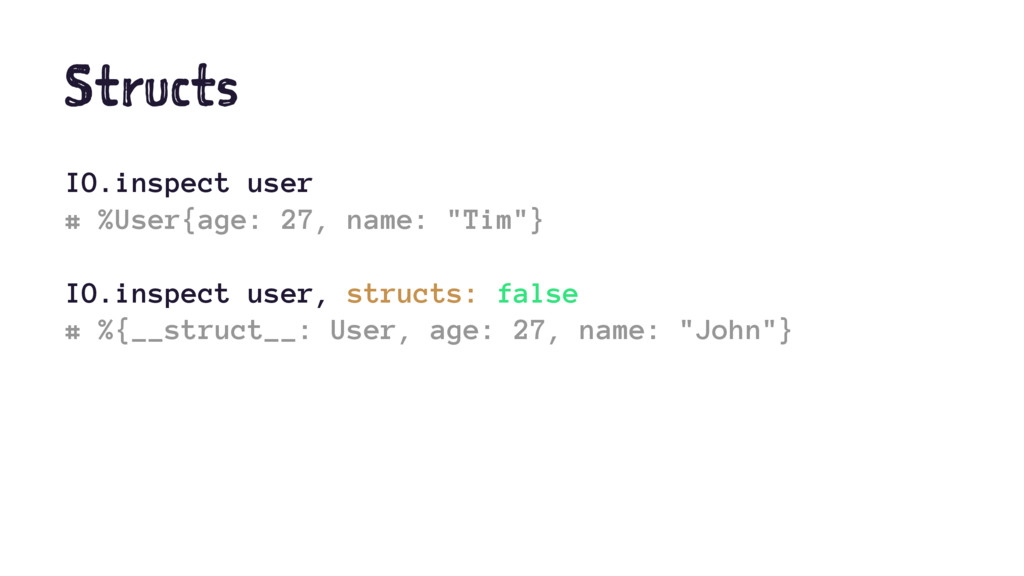
  44. Structs IO.inspect user # %User{age: 27, name: "Tim"} IO.inspect user,

    structs: false # %{__struct__: User, age: 27, name: "John"}
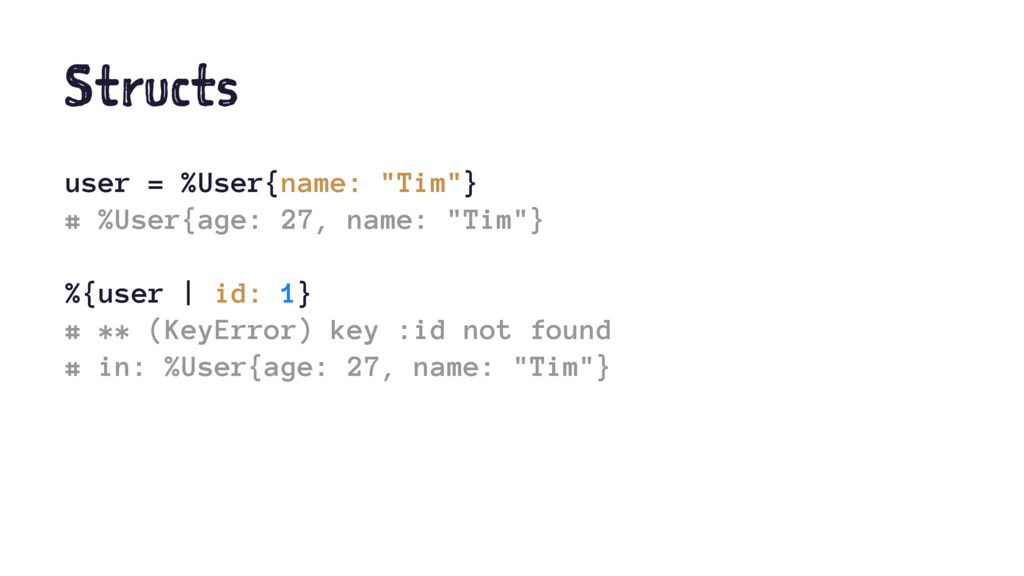
  45. Structs user = %User{name: "Tim"} # %User{age: 27, name: "Tim"}

    %{user | id: 1} # ** (KeyError) key :id not found # in: %User{age: 27, name: "Tim"}
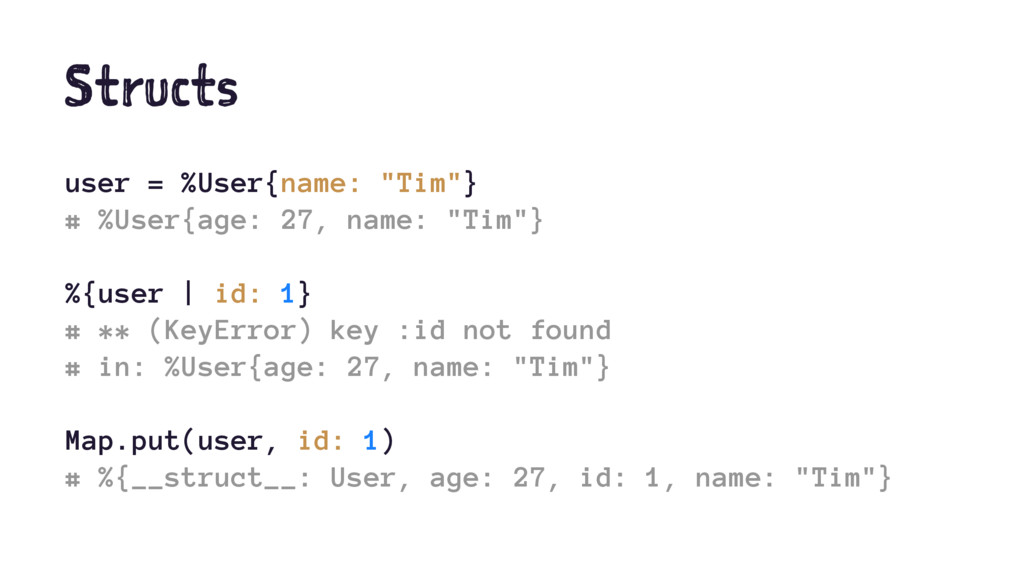
  46. Structs user = %User{name: "Tim"} # %User{age: 27, name: "Tim"}

    %{user | id: 1} # ** (KeyError) key :id not found # in: %User{age: 27, name: "Tim"} Map.put(user, id: 1) # %{__struct__: User, age: 27, id: 1, name: "Tim"}
  47. Structs %Post{id: 1234, title: "Maps rock!"} ✅ All the advantages

    of a map ✅ Type checking enforced at compile time ! Be careful when using Map functions, you could end- up with a struct disconnected from its definition
  48. Collections in Elixir What When Tuples Returning data from a

    function Lists For a collection of items Keyword lists Passing options to a function Maps Flexible key/value store Structs Typed/fixed key/value store

More Decks by Hugo Frappier

Other Decks in Programming