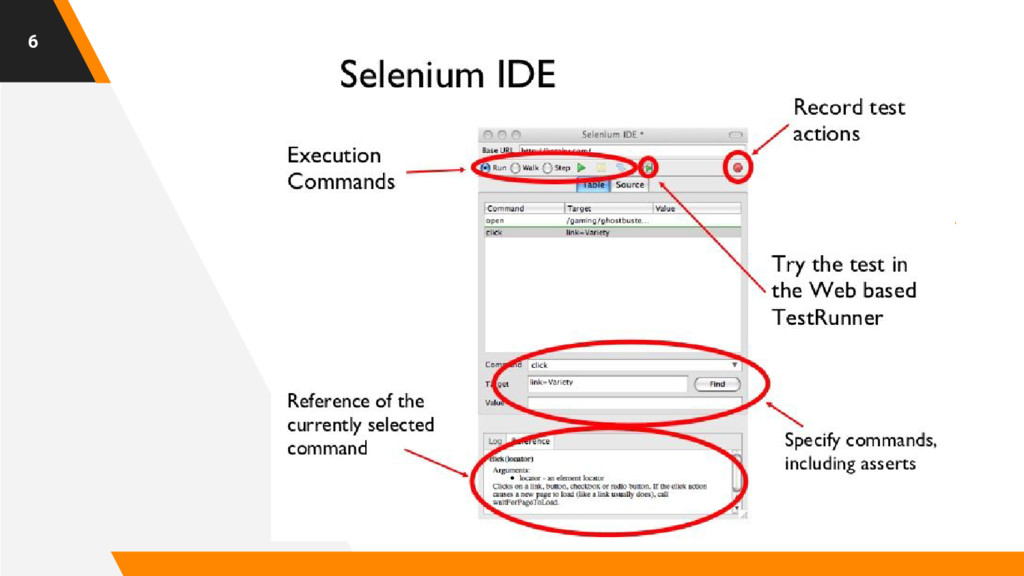
to automate web browsers across many platforms. Selenium… ▸ runs in many browsers and operating systems; ▸ can be controlled by many programming languages and testing frameworks. 3
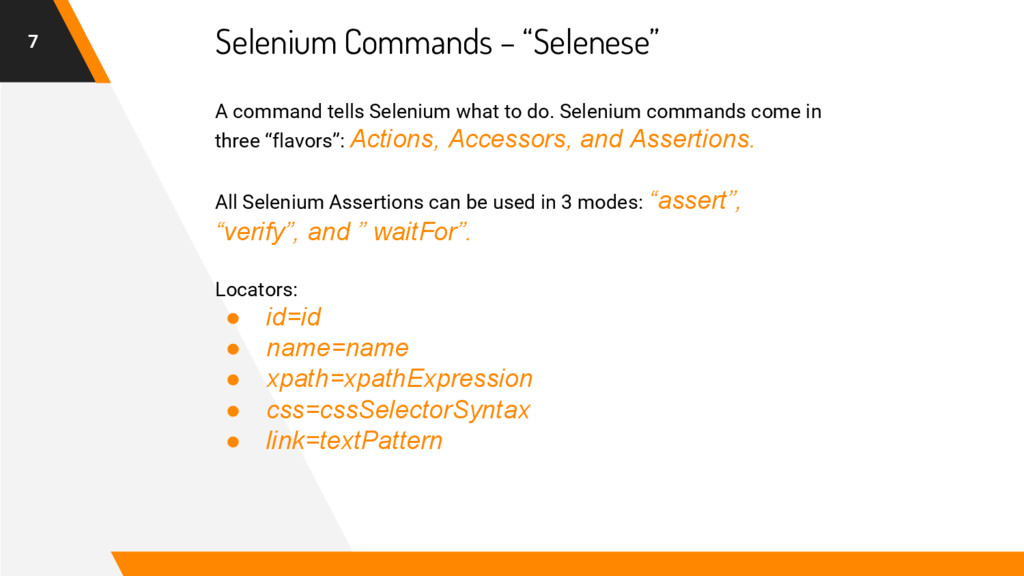
come in three “flavors”: Actions, Accessors, and Assertions. All Selenium Assertions can be used in 3 modes: “assert”, “verify”, and ” waitFor”. Locators: • id=id • name=name • xpath=xpathExpression • css=cssSelectorSyntax • link=textPattern Selenium Commands – “Selenese”
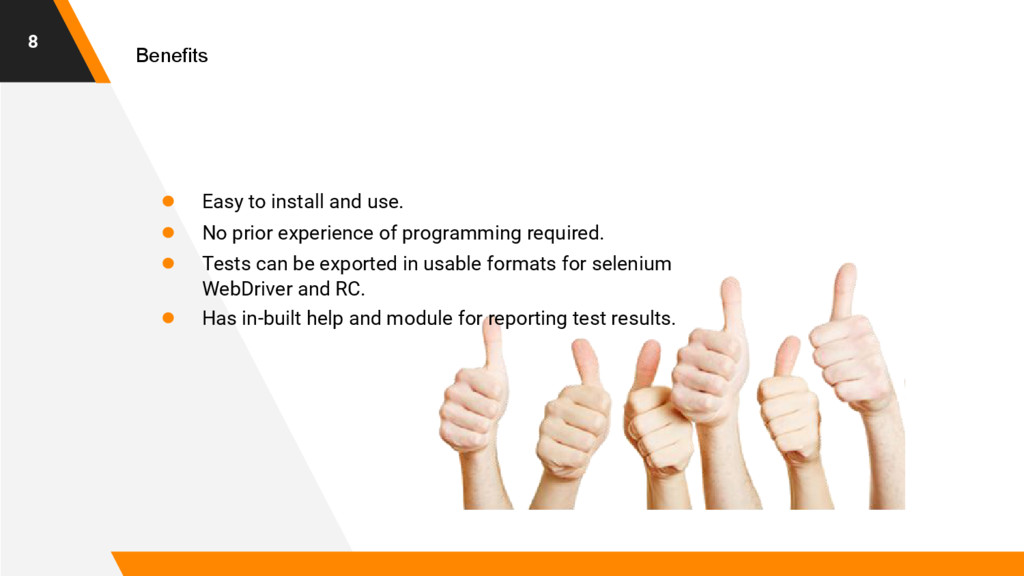
prior experience of programming required. • Tests can be exported in usable formats for selenium WebDriver and RC. • Has in-built help and module for reporting test results.
allows you to write automated web application UI tests in any programming language against any HTTP website using any mainstream JavaScript-enabled browser. 9
It can easily be used in cross-platform and cross-browser environment. • It can perform conditional operations and looping. • It supports data driven testing • New browsers can easily be supported • Its execution is faster than IDE.
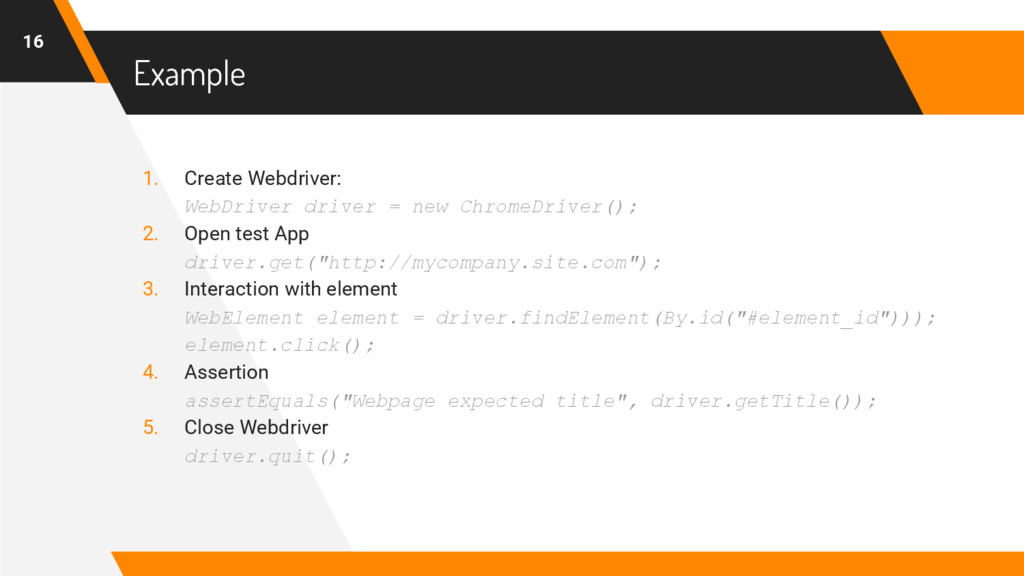
Open test App driver.get("http://mycompany.site.com"); 3. Interaction with element WebElement element = driver.findElement(By.id("#element_id"))); element.click(); 4. Assertion assertEquals("Webpage expected title", driver.getTitle()); 5. Close Webdriver driver.quit(); 16
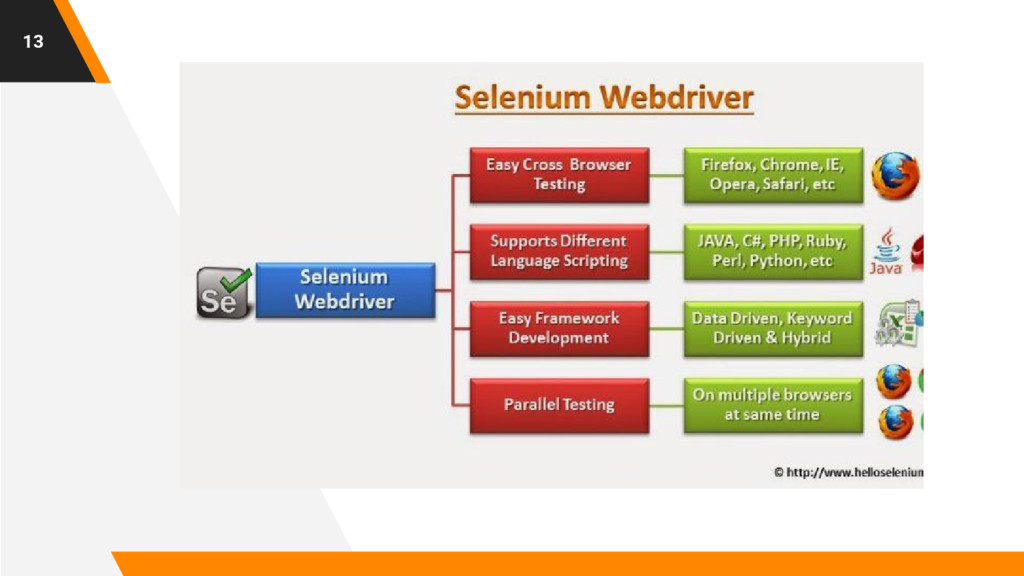
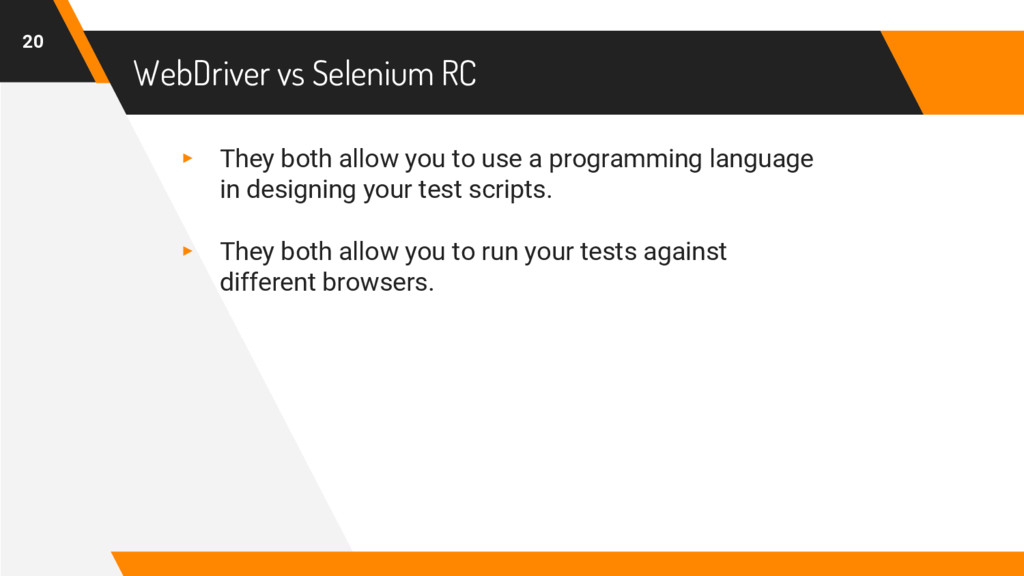
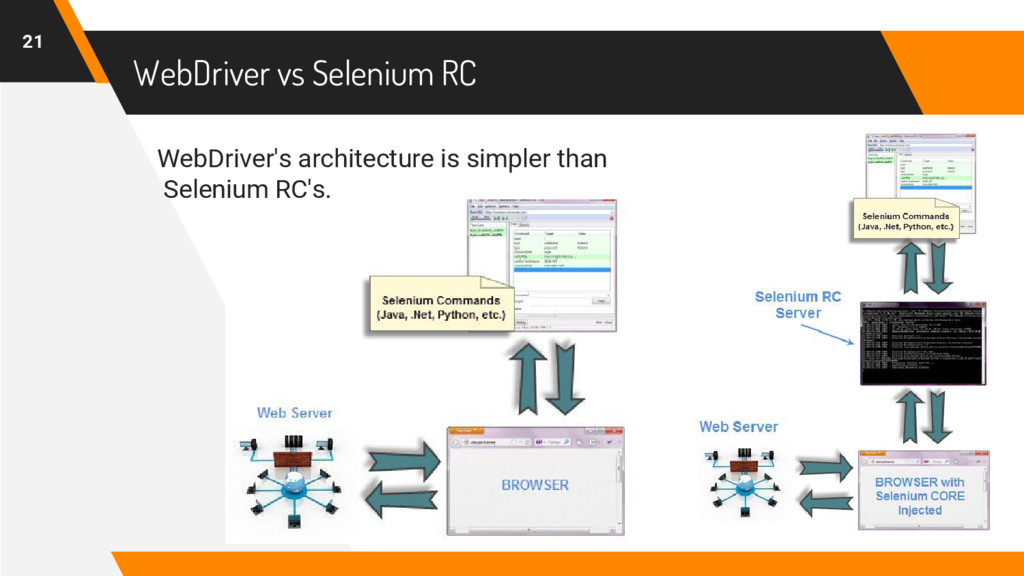
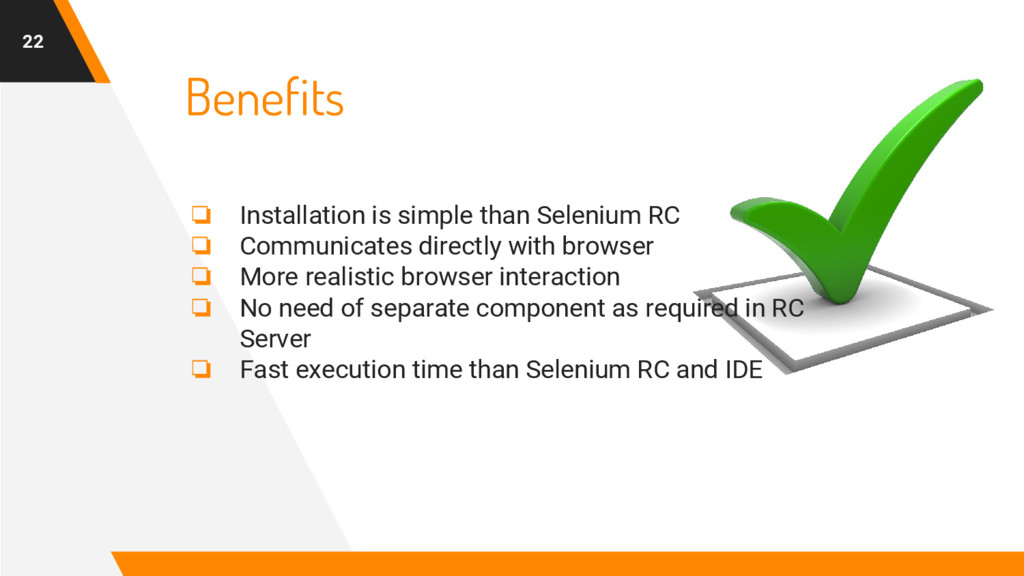
Communicates directly with browser ❏ More realistic browser interaction ❏ No need of separate component as required in RC Server ❏ Fast execution time than Selenium RC and IDE
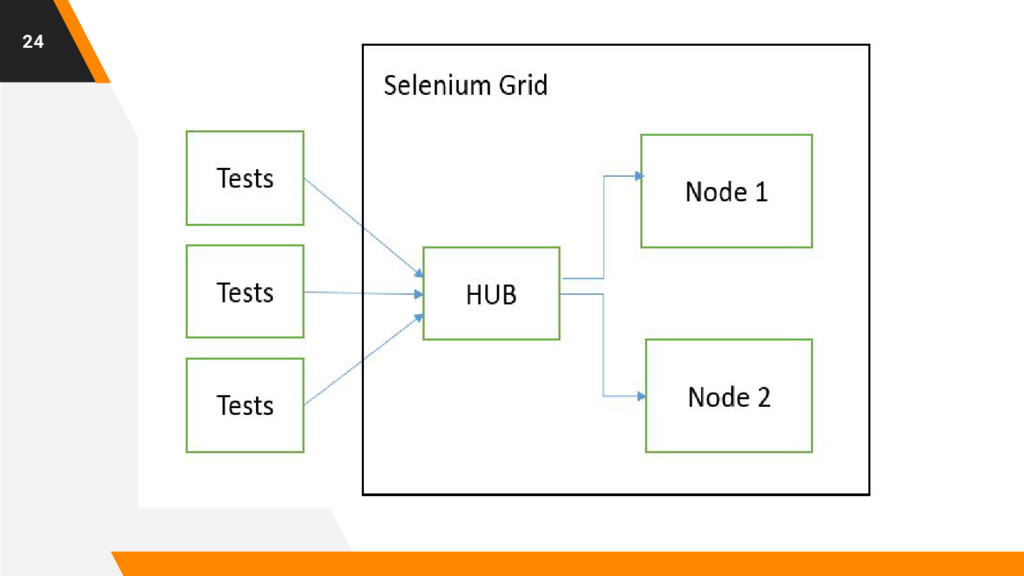
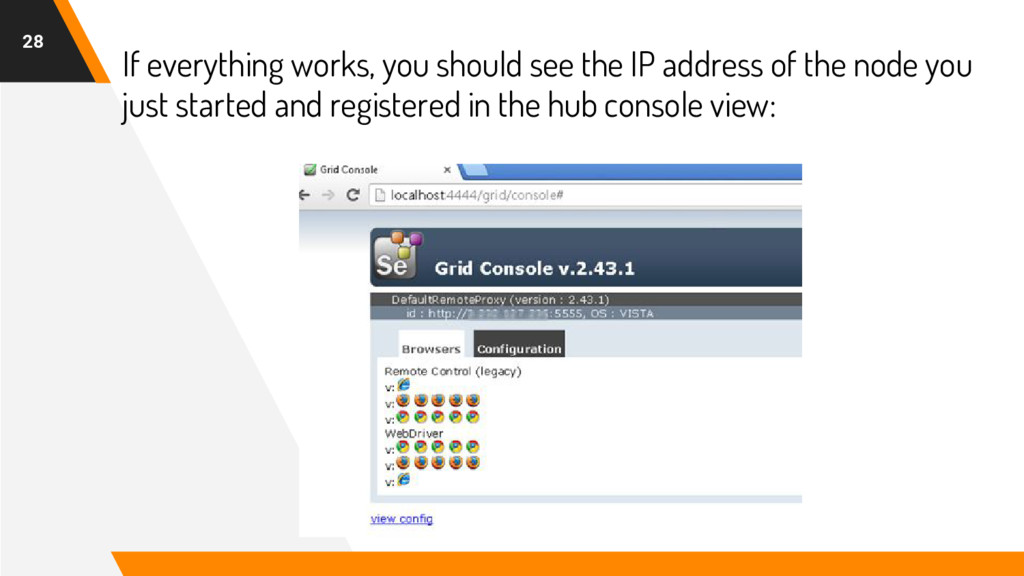
different browsers and environments. • It usually saves time. • It employ hub-nodes concept. For each connected node, hub acts as main source of Selenium commands.


 gdgternopil
 panda728
 ayumu_yamaguchi
 palkan
 headius
 glassfiber
 steliosf
 repunit11
 kishida
 koic
koic
 irinanazarova
 naokihaba
 drumath2237
 axbom
axbom
 inesmontani
 nwiizo
 bethany
 letsgokoyo
 moore
moore
 sstephenson
 keavy
keavy
 tmiket
 frankvandijk