Upgrade to Pro
— share decks privately, control downloads, hide ads and more …
Speaker Deck
Sign up for free
Menu
Search
Features
All features
Private URLs
Password Protection
Custom URLS
Scheduled publishing
Remove Branding
Restrict embedding
Deck Collections
Notes
Features
All features
Private URLs
Password Protection
Custom URLS
Scheduled publishing
Remove Branding
Restrict embedding
Deck Collections
Notes
Explore
Featured decks
Featured speakers
Programming
Technology
Storyboards
Explore
Featured decks
Featured speakers
Programming
Technology
Storyboards
Pricing
Search
Sign in
Sign up for free
名古屋商科大学ビジネススクール様 事例紹介
Search
笠谷@アップルップル
September 17, 2024
Technology
65
0
Share
Embed
Copy iframe code
Copy JS code
Copy link
Start on current slide
名古屋商科大学ビジネススクール様 事例紹介
a-blog cms で構築された既存のサイトに htmx を取り入れる
笠谷@アップルップル
September 17, 2024
Other Decks in Technology
See All in Technology
会社説明資料
persolserverworks
0
9.8k
エンタメ企業のM&Aを支えるデータ基盤 ― 統合から店舗のリアルタイム分析まで / Data Engineering Summit 2026
genda
0
190
AIがコードを書く時代に、エンジニアは何で自分の価値を証明するのか / In an era where AI writes code how do engineers prove their value
carta_engineering
3
1.1k
Code for Security プロジェクト紹介 2026年10月
yu23ki14
0
110
"優秀な誰か"の下位互換にならないために
yut0naga1_fa
1
1.8k
DBについての基礎説明(MySQL編) - コロプラ 2026年度 新卒研修
colopl
0
120
AI導入は済んだ。次は統制を作り替える番だ_AI×開発組織 Summit 2026
techtekt
PRO
0
320
AIにシークレットを見せない、WSL2で安全な開発環境
yazm
0
310
Gemini Intelligence 入門 ― AppFunctions と Gemini Nano
takuroabe
0
290
Browser Spec: Testing Hotwire with Ruby
takahashim
1
130
DevelopersIO 2026 知識の地図を描く ─ オントロジーとは何か?
ishikawa_satoru
1
1.7k
PHPカンファレンス関西の招待状 / Invitation to PHP Conference Kansai
ykanoh
0
200
Featured
See All Featured
SEO for Brand Visibility & Recognition
aleyda
0
4.8k
Future Trends and Review - Lecture 12 - Web Technologies (1019888BNR)
signer
PRO
0
3.8k
From Legacy to Launchpad: Building Startup-Ready Communities
dugsong
0
360
Gemini Prompt Engineering: Practical Techniques for Tangible AI Outcomes
mfonobong
2
590
Agile Actions for Facilitating Distributed Teams - ADO2019
mkilby
0
310
The Illustrated Children's Guide to Kubernetes
chrisshort
51
53k
Lessons Learnt from Crawling 1000+ Websites
charlesmeaden
PRO
1
1.6k
Crafting Experiences
bethany
1
380
KATA
mclloyd
PRO
35
16k
RailsConf 2023
tenderlove
30
1.6k
Leveraging Curiosity to Care for An Aging Population
cassininazir
1
540
For a Future-Friendly Web
brad_frost
184
10k
Transcript
名古屋商科大学ビジネススクール様 事例紹介 a-blog cms で構築された既存のサイトに htmx を取り入れる 2024-9-17 a-blog cms
LIVE vol.19 笠谷亜貴子 @ appleple
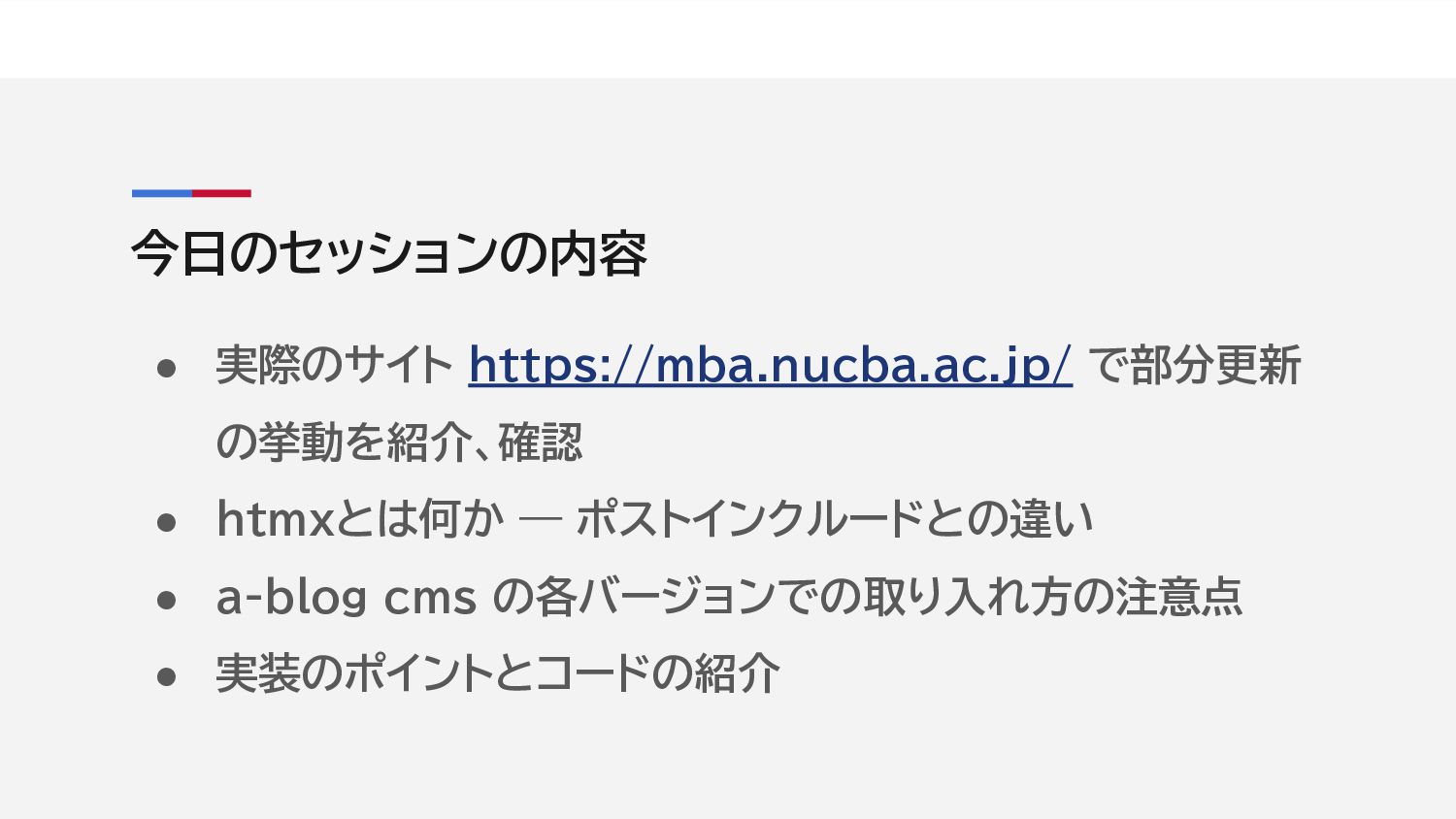
今日のセッションの内容 • 実際のサイト https://mba.nucba.ac.jp/ で部分更新 の挙動を紹介、確認 • htmxとは何か — ポストインクルードとの違い
• a-blog cms の各バージョンでの取り入れ方の注意点 • 実装のポイントとコードの紹介
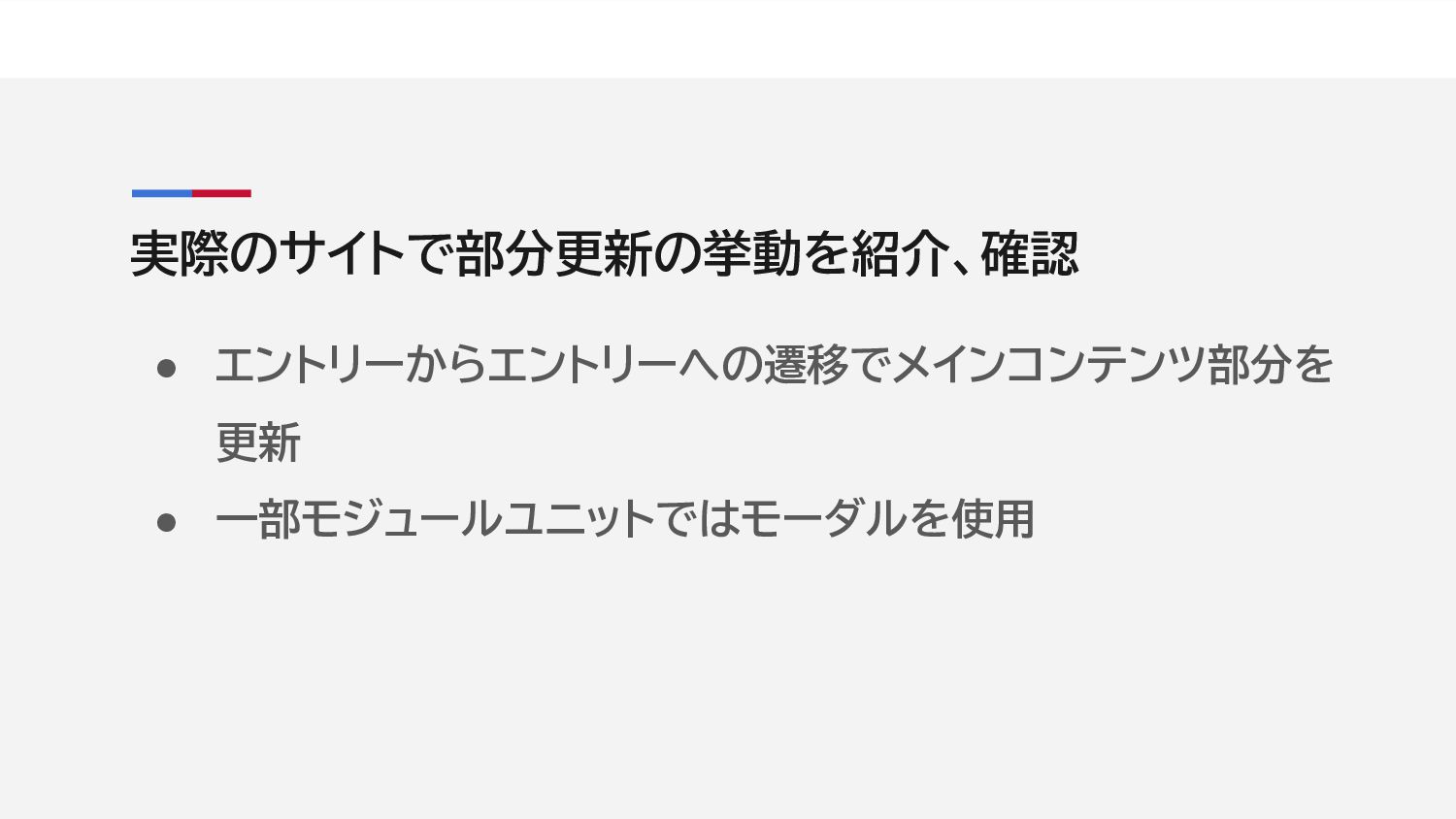
実際のサイトで部分更新の挙動を紹介、確認 • エントリーからエントリーへの遷移でメインコンテンツ部分を 更新 • 一部モジュールユニットではモーダルを使用
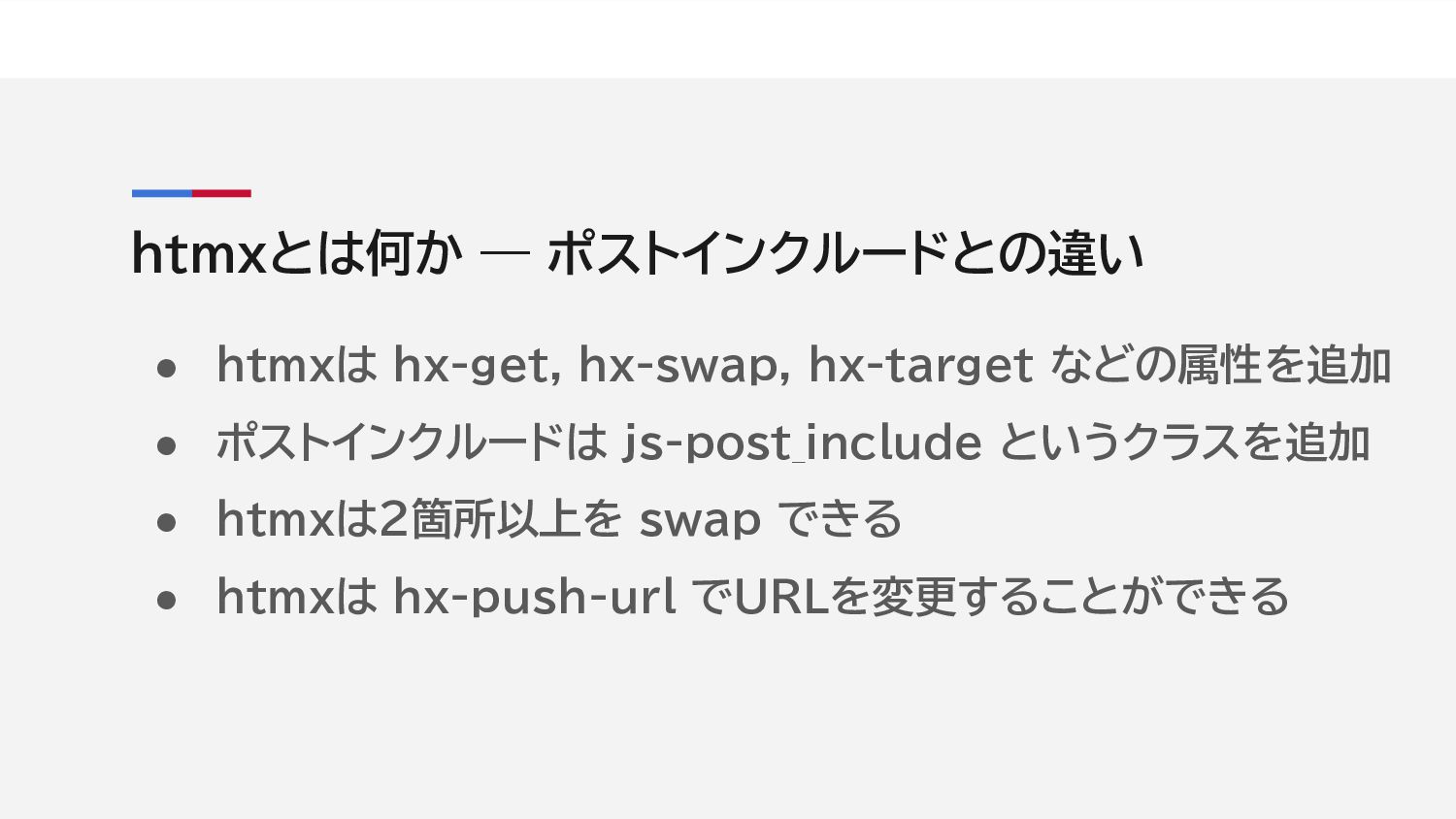
htmxとは何か — ポストインクルードとの違い • htmxは hx-get, hx-swap, hx-target などの属性を追加 •
ポストインクルードは js-post_include というクラスを追加 • htmxは2箇所以上を swap できる • htmxは hx-push-url でURLを変更することができる
headタグ内 <script src="https://unpkg.com/
[email protected]
"></script> <script src="https://unpkg.com/htmx.org/dist/ext/ajax-header.js"> </script> 1. 2. • 1行目はhtmxを使用する際は共通で必要
• 2行目は a-blog cms をバックエンドとして使用する際に必 要(Ver. 3.1.17以上であれば不要)
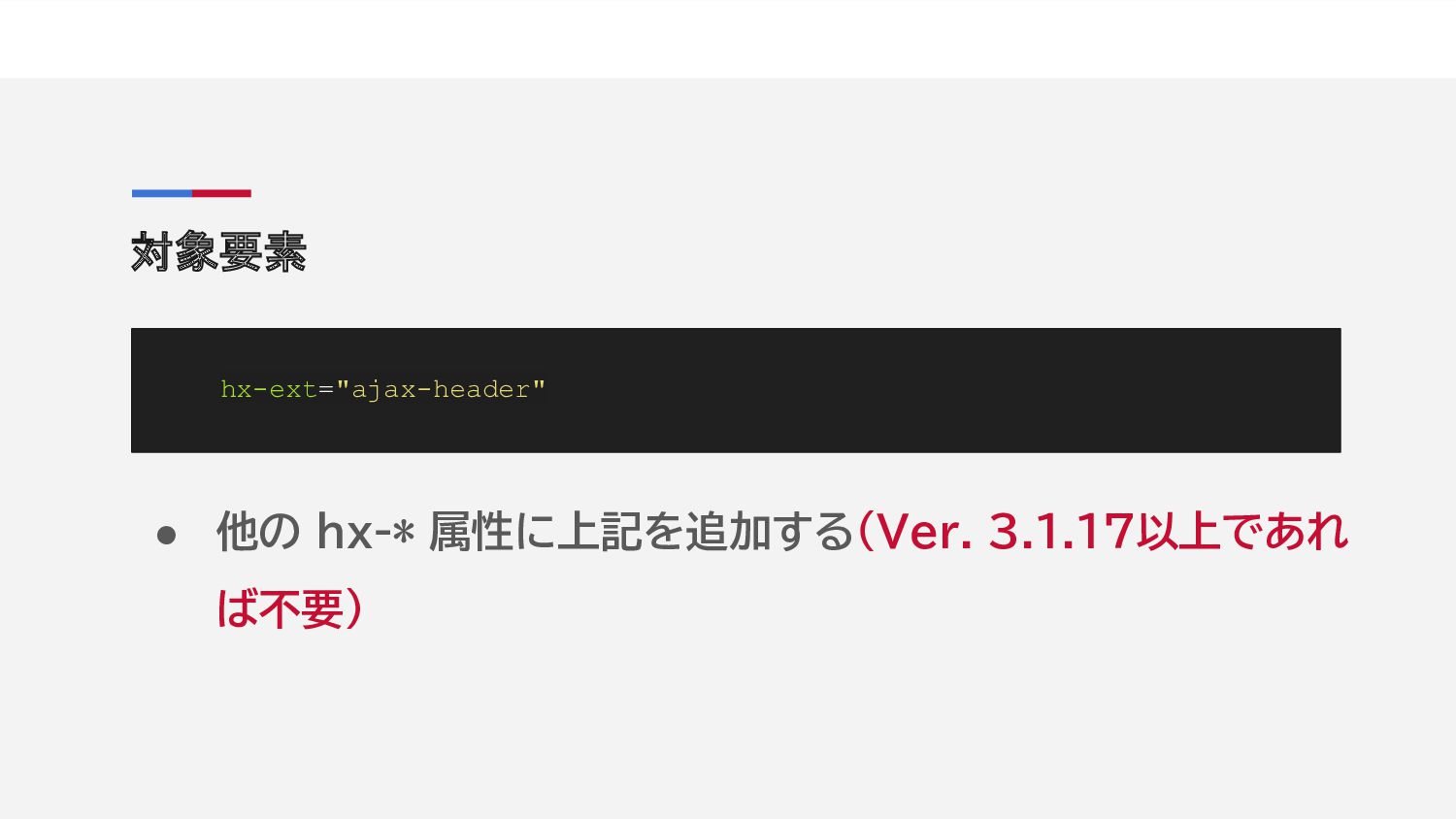
対象要素 hx-ext="ajax-header" • 他の hx-* 属性に上記を追加する(Ver. 3.1.17以上であれ ば不要)
/private/config.system.yaml allow_tpl_path : [template-name.html ] • ポストインクルードでも必要だった設定(Ver. 3.1.17以上で あれば不要)
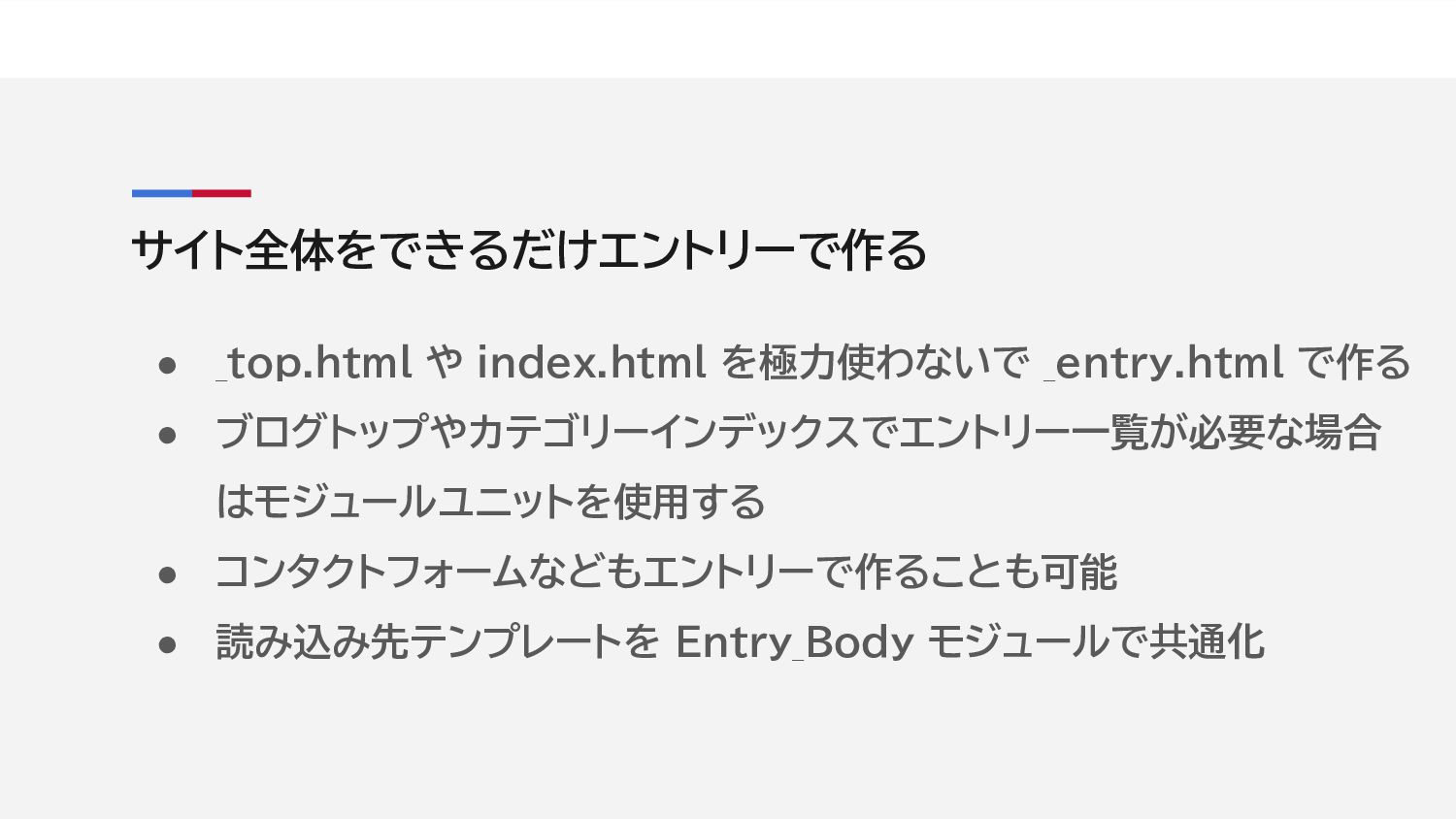
サイト全体をできるだけエントリーで作る • _top.html や index.html を極力使わないで _entry.html で作る • ブログトップやカテゴリーインデックスでエントリー一覧が必要な場合
はモジュールユニットを使用する • コンタクトフォームなどもエントリーで作ることも可能 • 読み込み先テンプレートを Entry_Body モジュールで共通化
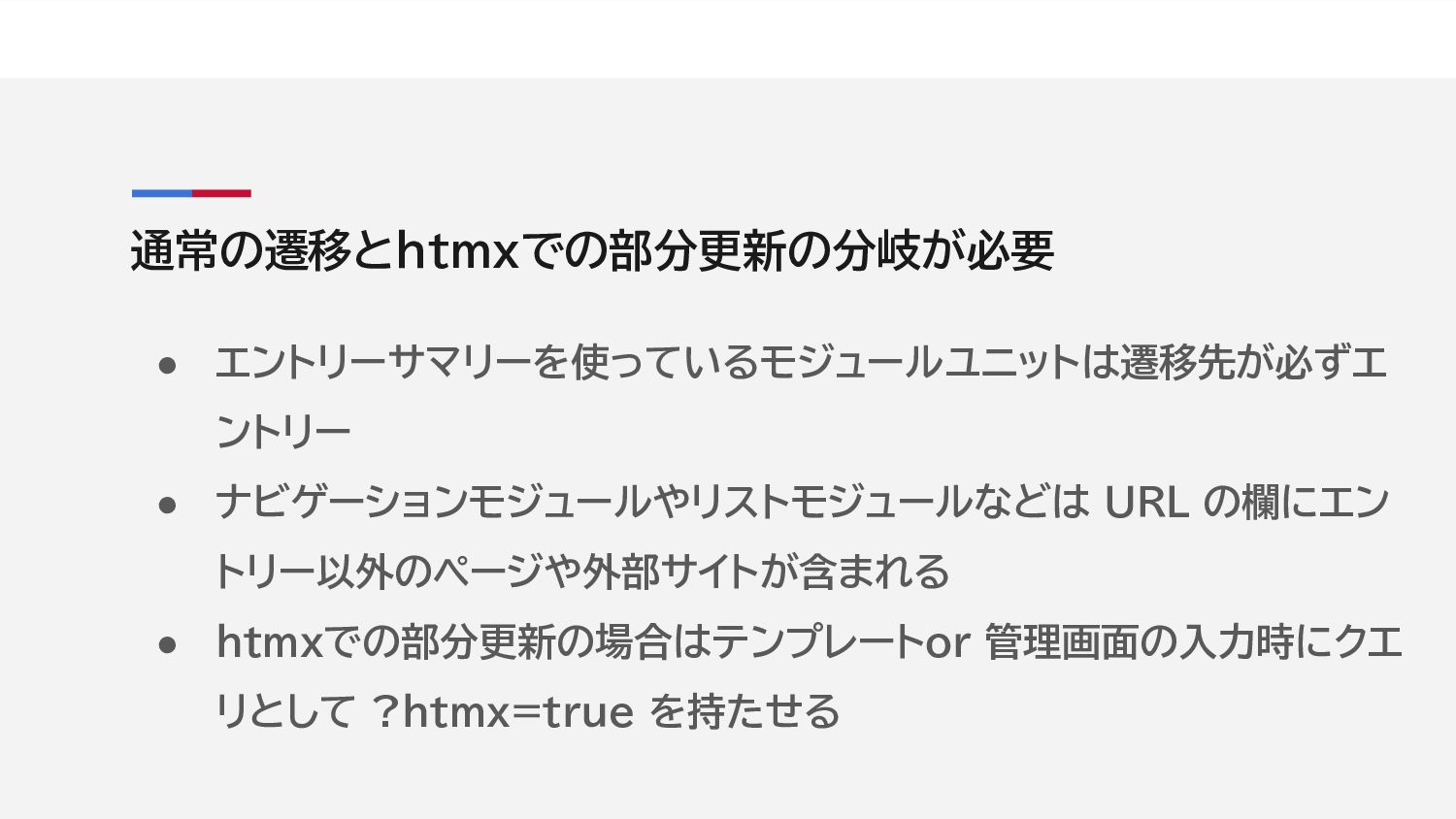
通常の遷移とhtmxでの部分更新の分岐が必要 • エントリーサマリーを使っているモジュールユニットは遷移先が必ずエ ントリー • ナビゲーションモジュールやリストモジュールなどは URL の欄にエン トリー以外のページや外部サイトが含まれる •
htmxでの部分更新の場合はテンプレートor 管理画面の入力時にクエ リとして ?htmx=true を持たせる
aタグのhref属性とhx-*属性をincludeで共通化する href="{{href}}" <!-- BEGIN_IF [{{href}}/lk/?htmx=true/_and_/%{IS_ADMIN}/eq/0] --> hx-get="{{url}}<!-- BEGIN_IF [{{url}}/nre/.*/$] -->/<!--
END_IF -->tpl/include/htmx/entry/body.html" hx-push-url="{{url}}" hx-swap="innerHTML" hx-target="#main-content" hx-trigger="click"<!-- END_IF --> themes/theme_name/include/htmx/attributes-main-content.txt
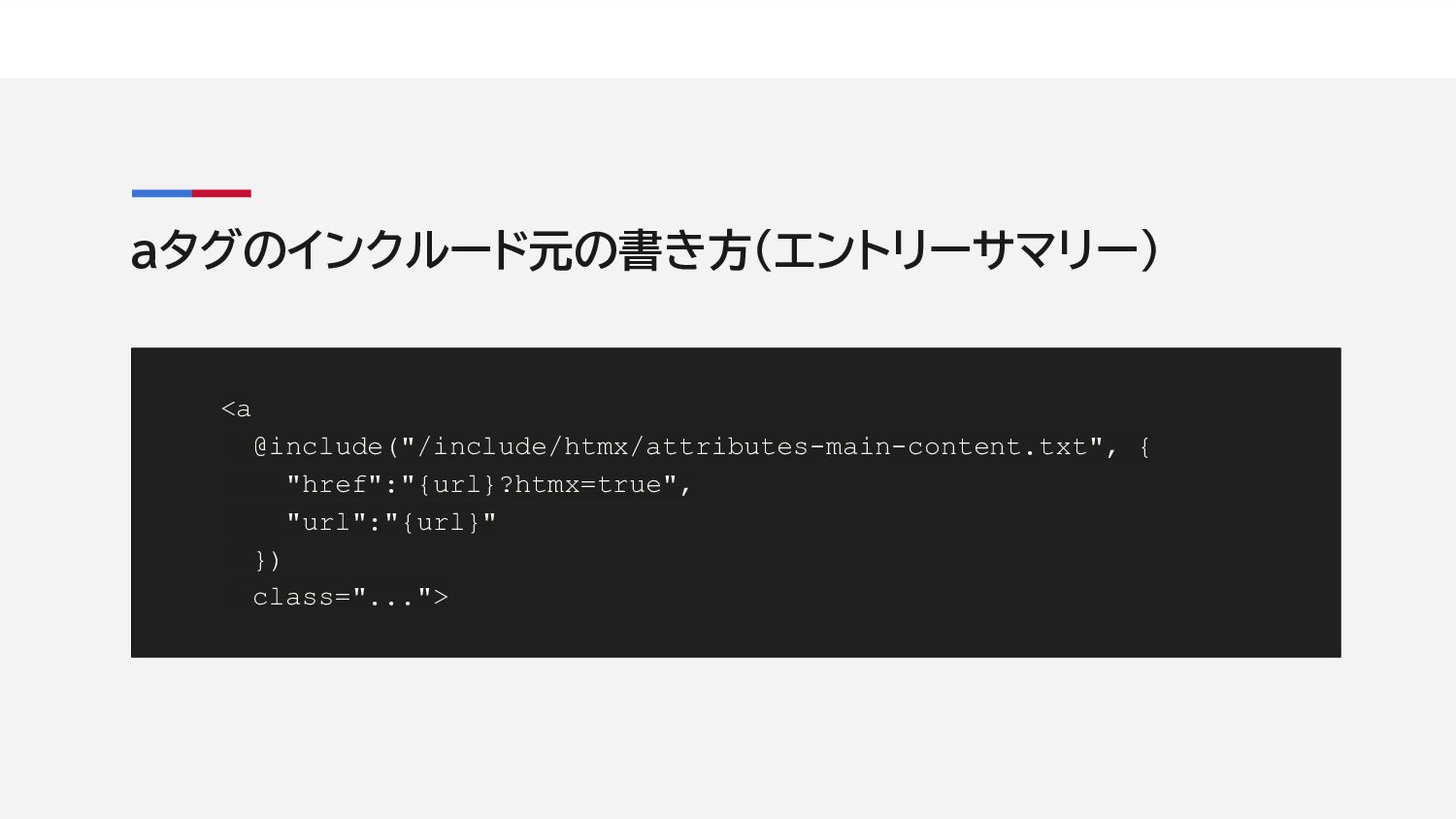
aタグのインクルード元の書き方(エントリーサマリー) <a @include("/include/htmx/attributes-main-content.txt", { "href":"{url}?htmx=true", "url":"{url}" }) class="...">
aタグのインクルード元の書き方(ナビゲーションモジュールなど) <a @include("/include/htmx/attributes-main-content.txt", { "href":"{url}", "url":"{url}[rmHxQuery]" }) class="...">
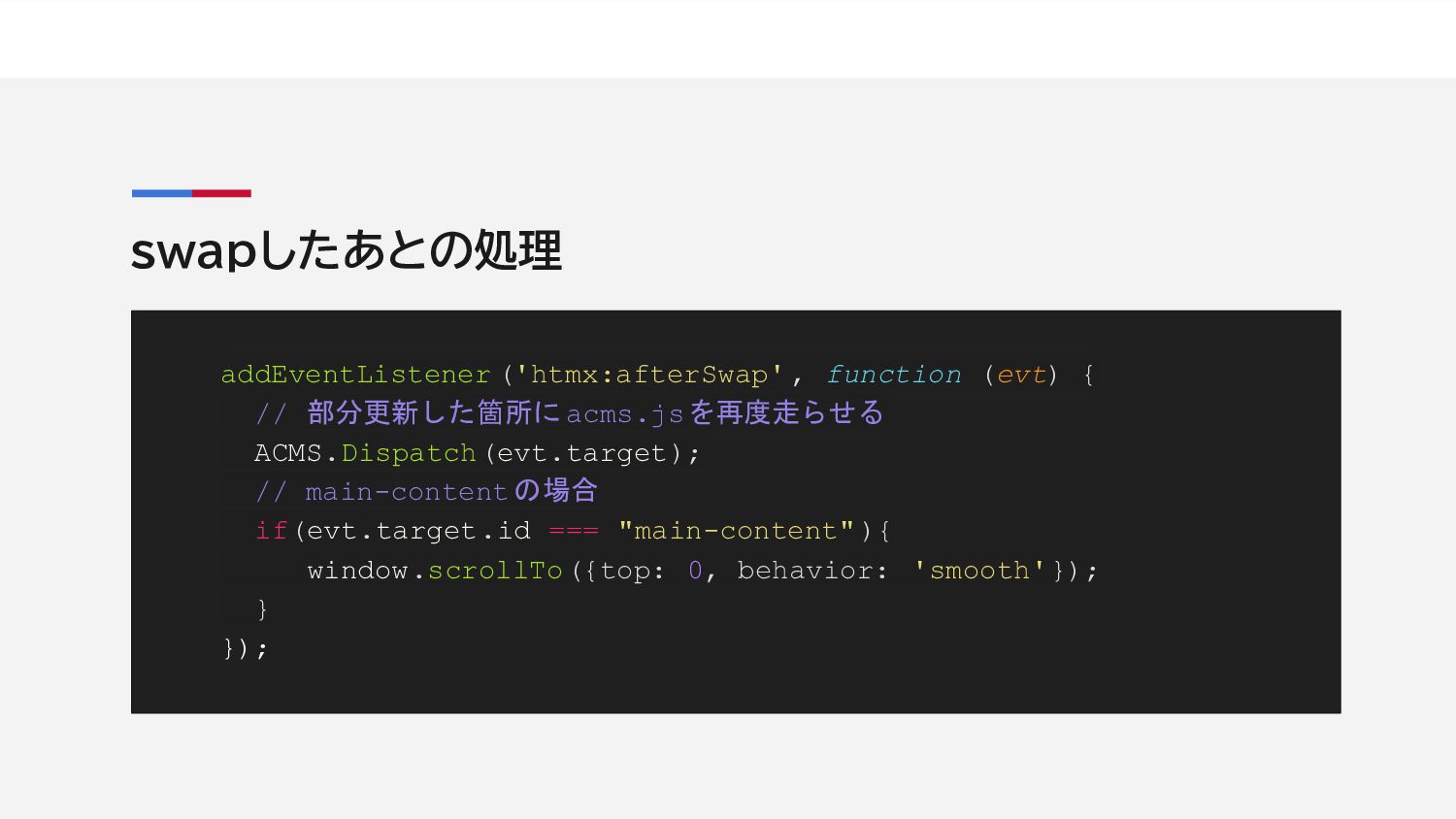
swapしたあとの処理 addEventListener ('htmx:afterSwap' , function (evt) { // 部分更新した箇所に acms.jsを再度走らせる
ACMS.Dispatch(evt.target); // main-content の場合 if(evt.target.id === "main-content" ){ window.scrollTo({top: 0, behavior: 'smooth'}); } });
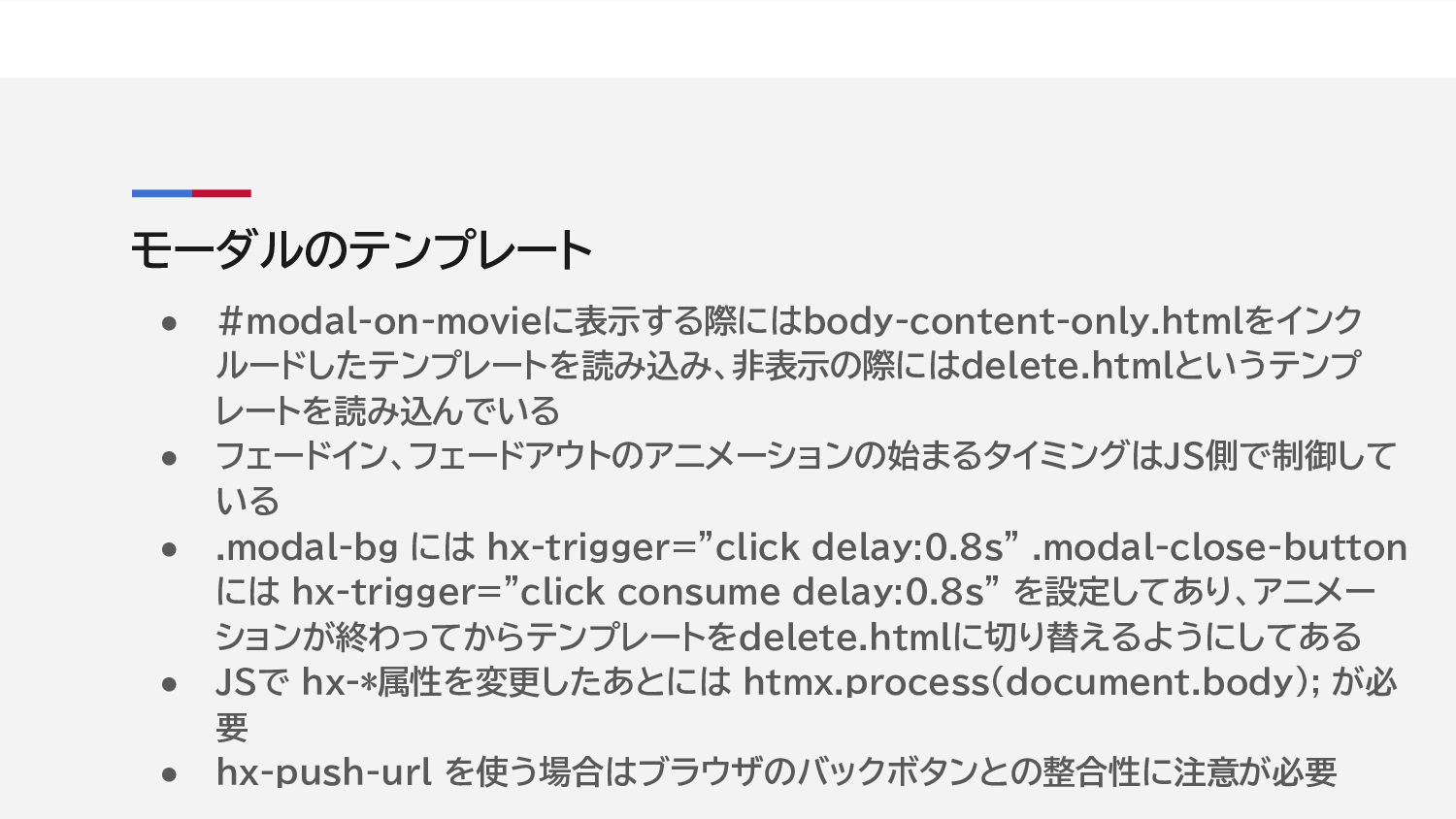
モーダルのテンプレート • #modal-on-movieに表示する際にはbody-content-only.htmlをインク ルードしたテンプレートを読み込み、非表示の際にはdelete.htmlというテンプ レートを読み込んでいる • フェードイン、フェードアウトのアニメーションの始まるタイミングはJS側で制御して いる • .modal-bg
には hx-trigger="click delay:0.8s" .modal-close-button には hx-trigger="click consume delay:0.8s" を設定してあり、アニメー ションが終わってからテンプレートをdelete.htmlに切り替えるようにしてある • JSで hx-*属性を変更したあとには htmx.process(document.body); が必 要 • hx-push-url を使う場合はブラウザのバックボタンとの整合性に注意が必要
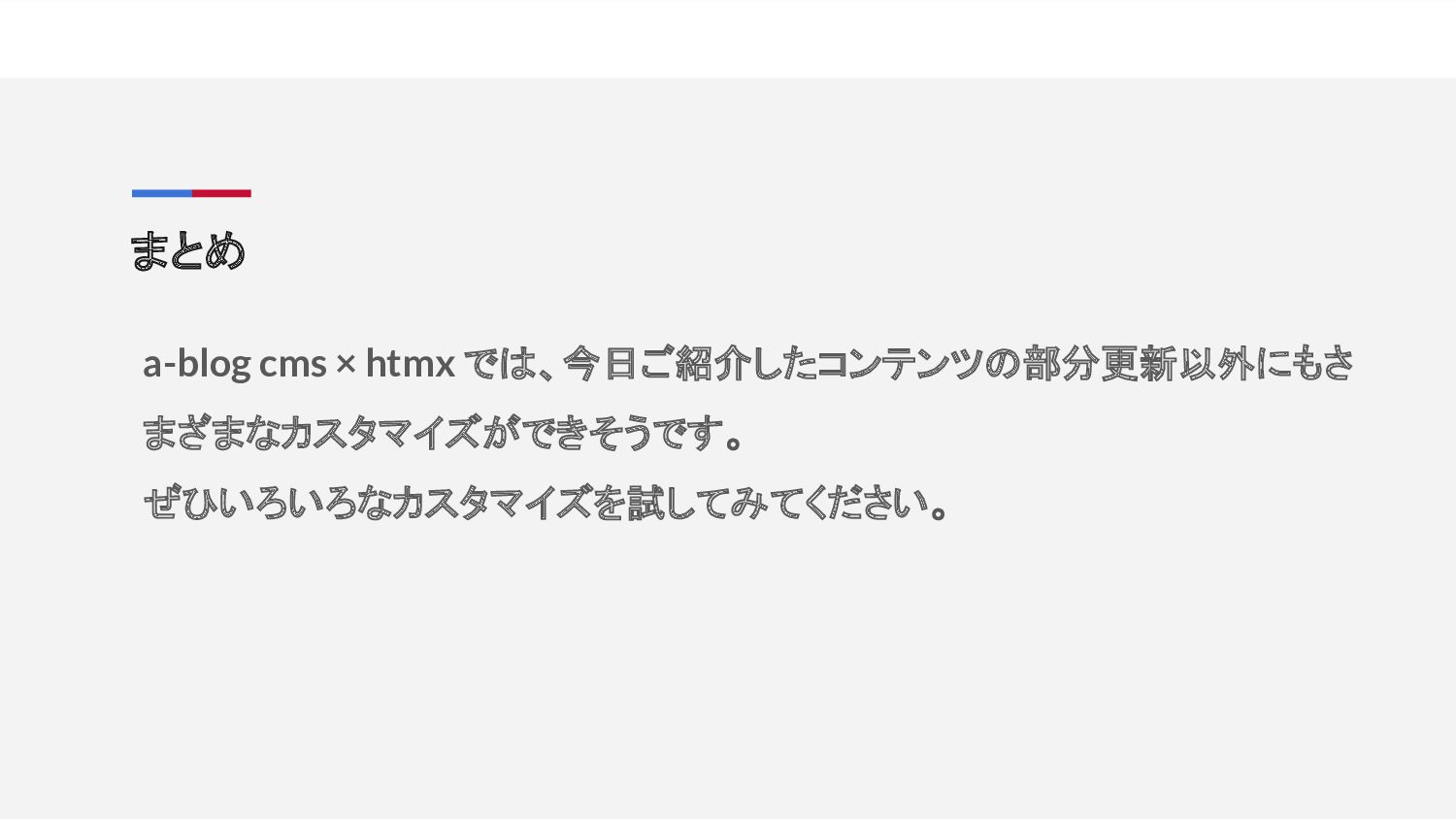
まとめ a-blog cms × htmx では、今日ご紹介したコンテンツの部分更新以外にもさ まざまなカスタマイズができそうです。 ぜひいろいろなカスタマイズを試してみてください。
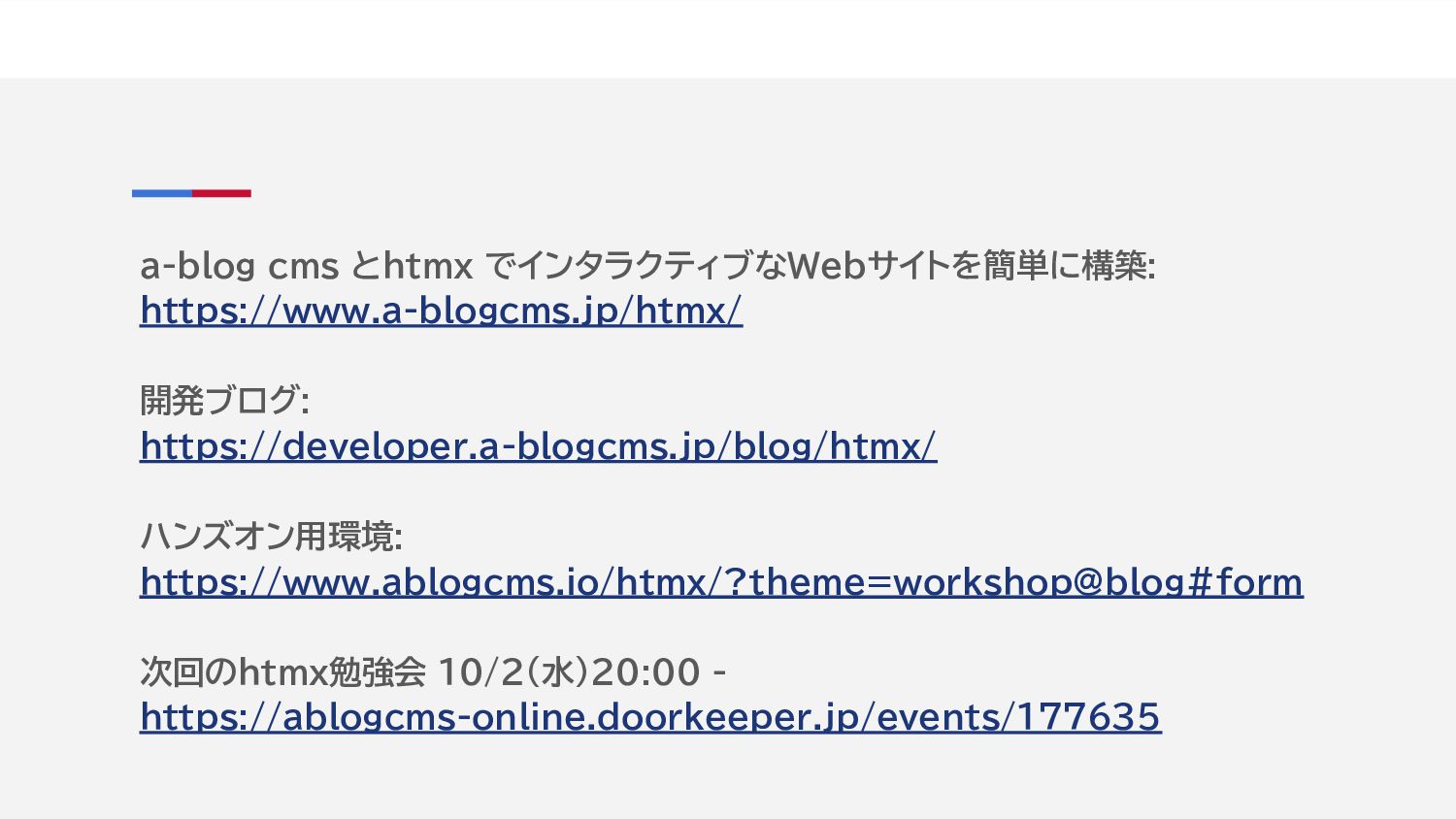
a-blog cms とhtmx でインタラクティブなWebサイトを簡単に構築: https://www.a-blogcms.jp/htmx/ 開発ブログ: https://developer.a-blogcms.jp/blog/htmx/ ハンズオン用環境: https://www.ablogcms.io/htmx/?theme=workshop@blog#form 次回のhtmx勉強会
10/2(水)20:00 - https://ablogcms-online.doorkeeper.jp/events/177635


 persolserverworks
 genda
genda
 carta_engineering
 yu23ki14
 yut0naga1_fa
 colopl
 techtekt
 yazm
yazm
 takuroabe
 takahashim
 ishikawa_satoru
 ykanoh
 aleyda
 signer
 dugsong
 mfonobong
 mkilby
 chrisshort
 charlesmeaden
 bethany
 mclloyd
 tenderlove
 cassininazir
 brad_frost
![headタグ内 <script src="https://unpkg.com/[email protected]"></script> <script src="https://unpkg.com/htmx.org/dist/ext/ajax-header.js"> </script> 1. 2. • 1行目はhtmxを使用する際は共通で必要](https://files.speakerdeck.com/presentations/914bad290f0546a4b987aba70991e749/slide_4.jpg)
![/private/config.system.yaml allow_tpl_path : [template-name.html ] • ポストインクルードでも必要だった設定(Ver. 3.1.17以上で あれば不要)](https://files.speakerdeck.com/presentations/914bad290f0546a4b987aba70991e749/slide_6.jpg)
![aタグのhref属性とhx-*属性をincludeで共通化する href="{{href}}" <!-- BEGIN_IF [{{href}}/lk/?htmx=true/_and_/%{IS_ADMIN}/eq/0] --> hx-get="{{url}}<!-- BEGIN_IF [{{url}}/nre/.*/$] -->/<!--](https://files.speakerdeck.com/presentations/914bad290f0546a4b987aba70991e749/slide_9.jpg)
![aタグのインクルード元の書き方(ナビゲーションモジュールなど) <a @include("/include/htmx/attributes-main-content.txt", { "href":"{url}", "url":"{url}[rmHxQuery]" }) class="...">](https://files.speakerdeck.com/presentations/914bad290f0546a4b987aba70991e749/slide_11.jpg)