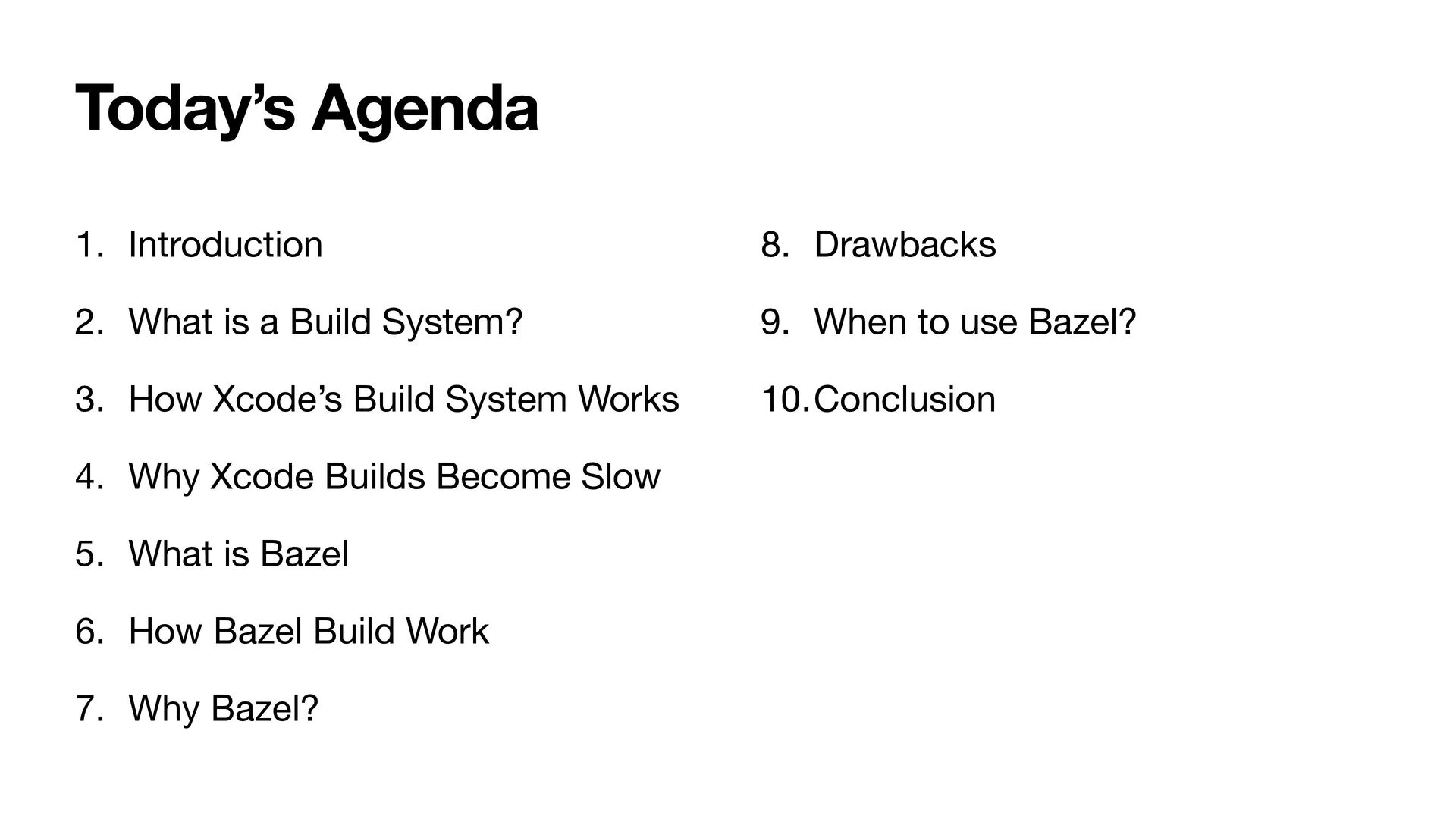
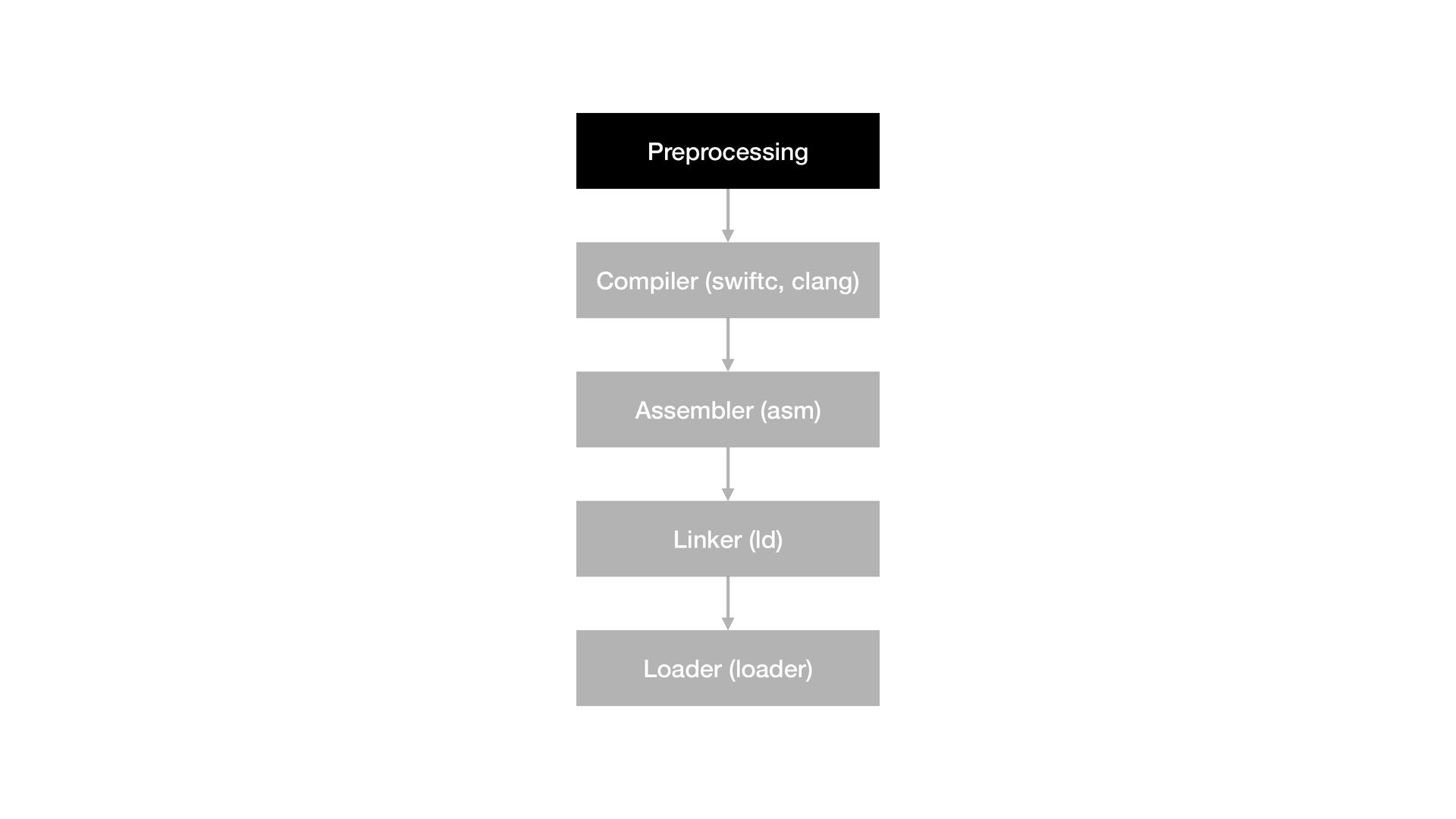
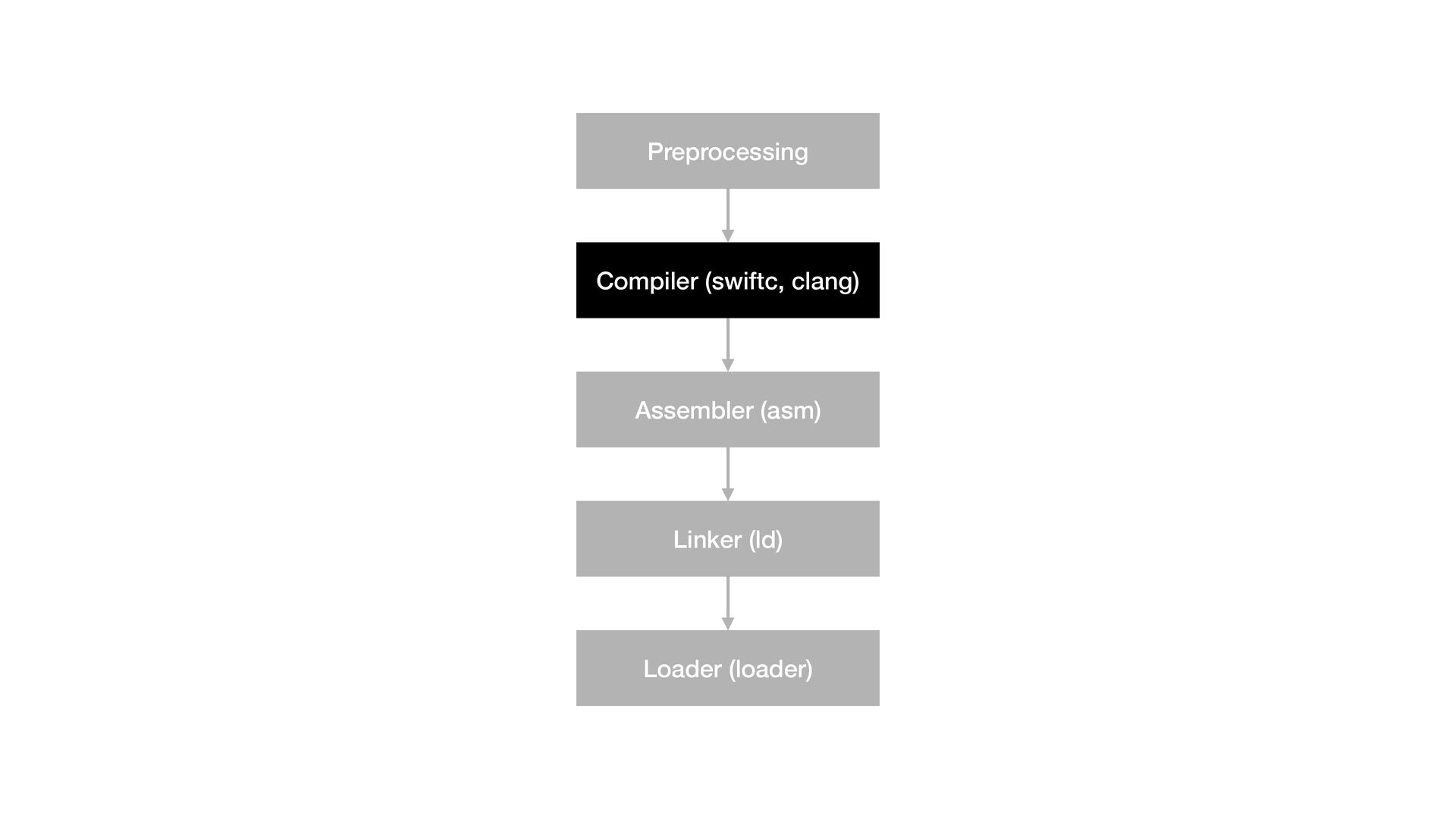
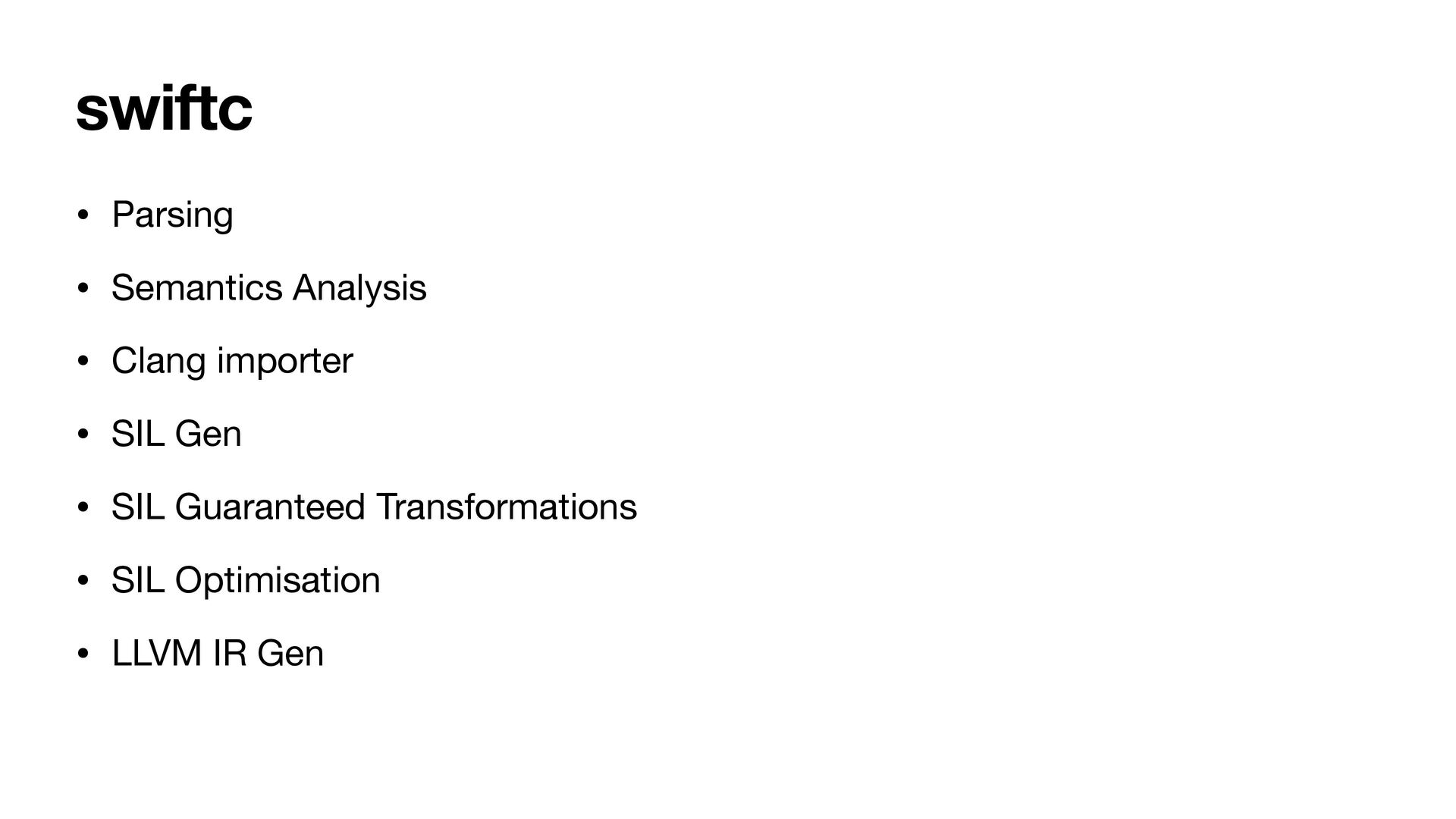
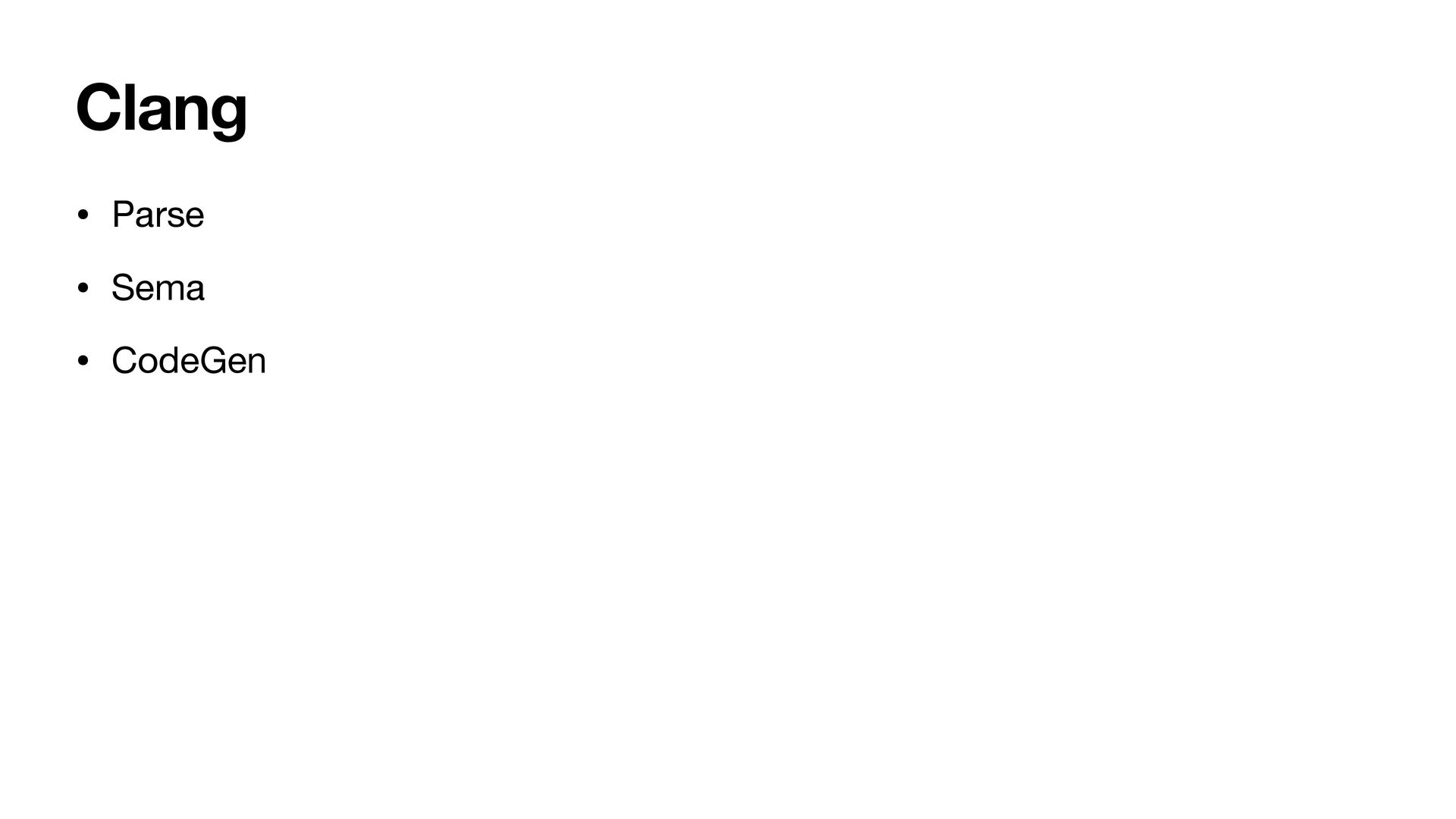
3. How Xcode’s Build System Works 4. Why Xcode Builds Become Slow 5. What is Bazel 6. How Bazel Build Work 7. Why Bazel? 8. Drawbacks 9. When to use Bazel? 10.Conclusion
Group • Indie hacker of a few bets - PhayarSar, Griddy, Rohingya Keyboard • Interested in DevX, platform engineering and compilers • @KyawTheMonkey on X, GitHub, Medium etc Hello DevFest 👋
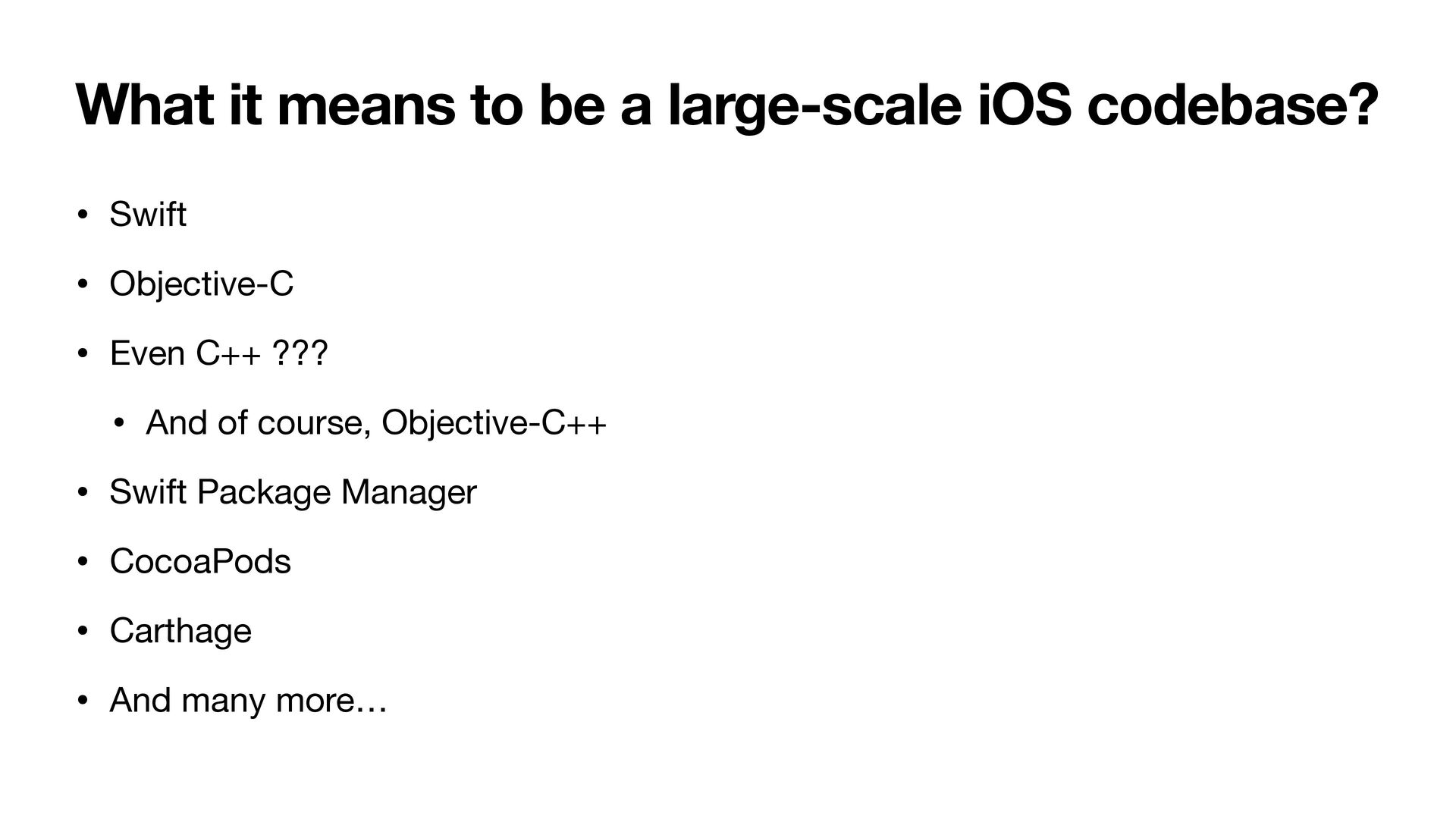
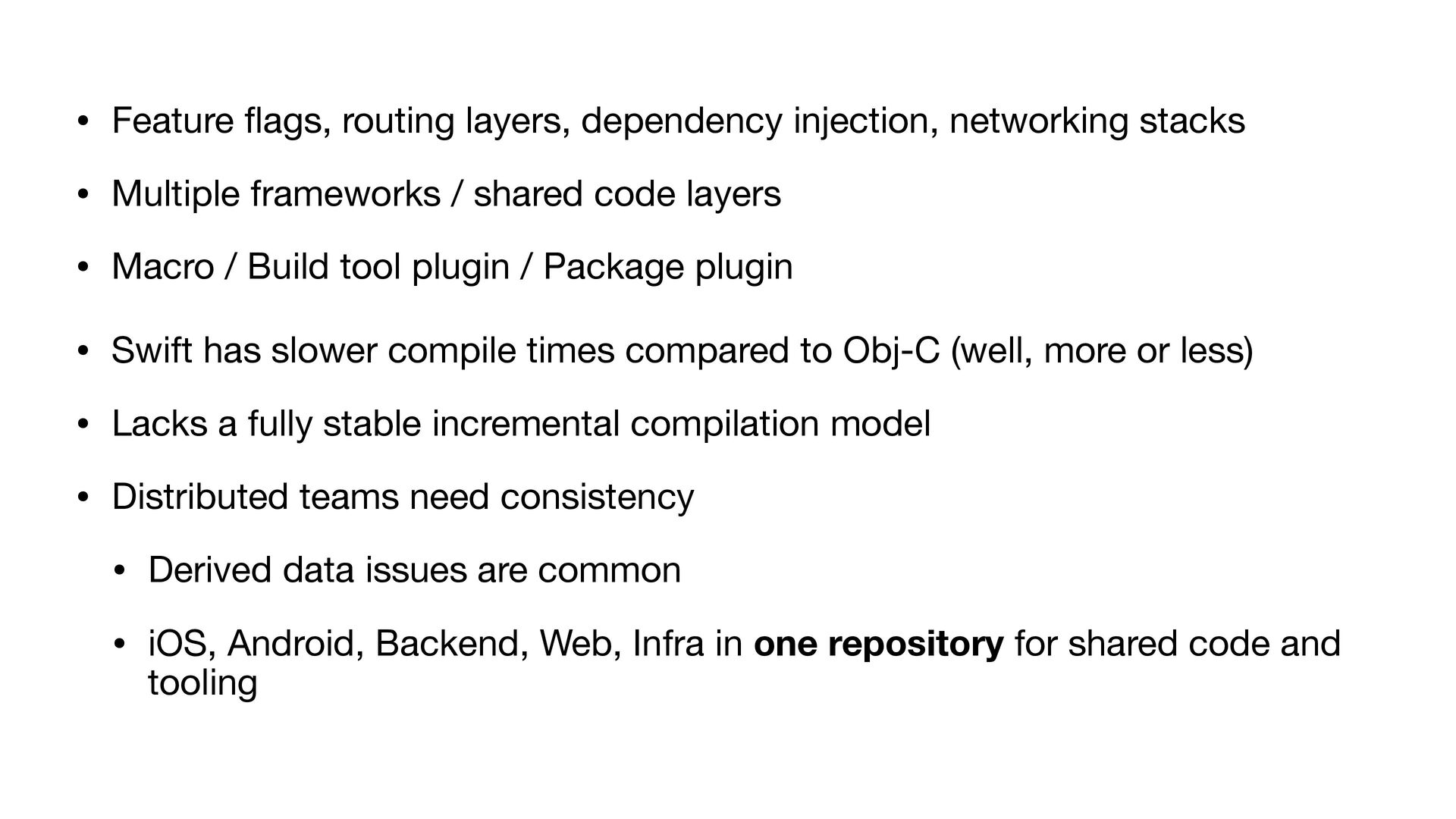
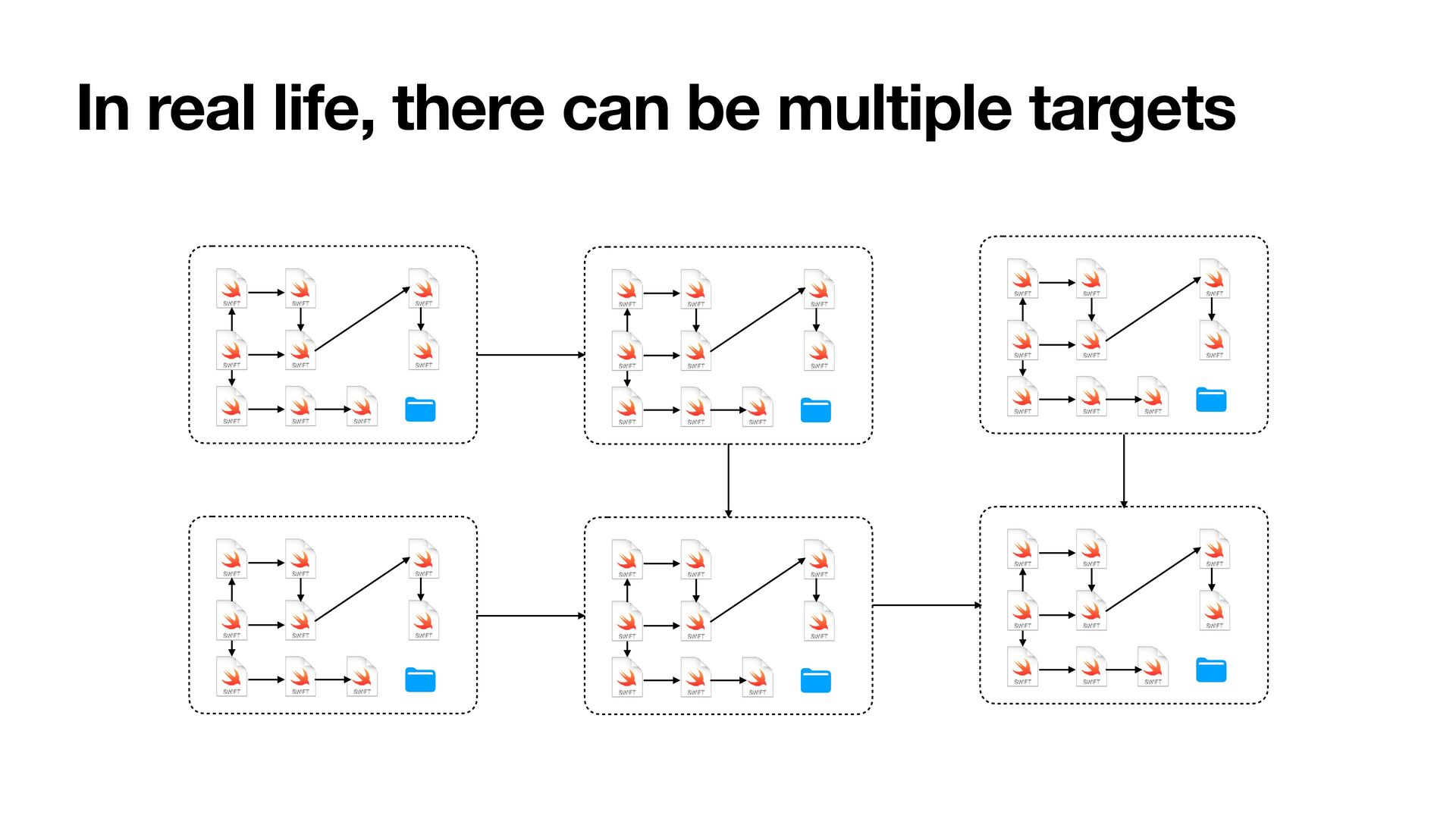
• Multiple frameworks / shared code layers • Macro / Build tool plugin / Package plugin • Swift has slower compile times compared to Obj-C (well, more or less) • Lacks a fully stable incremental compilation model • Distributed teams need consistency • Derived data issues are common • iOS, Android, Backend, Web, Infra in one repository for shared code and tooling
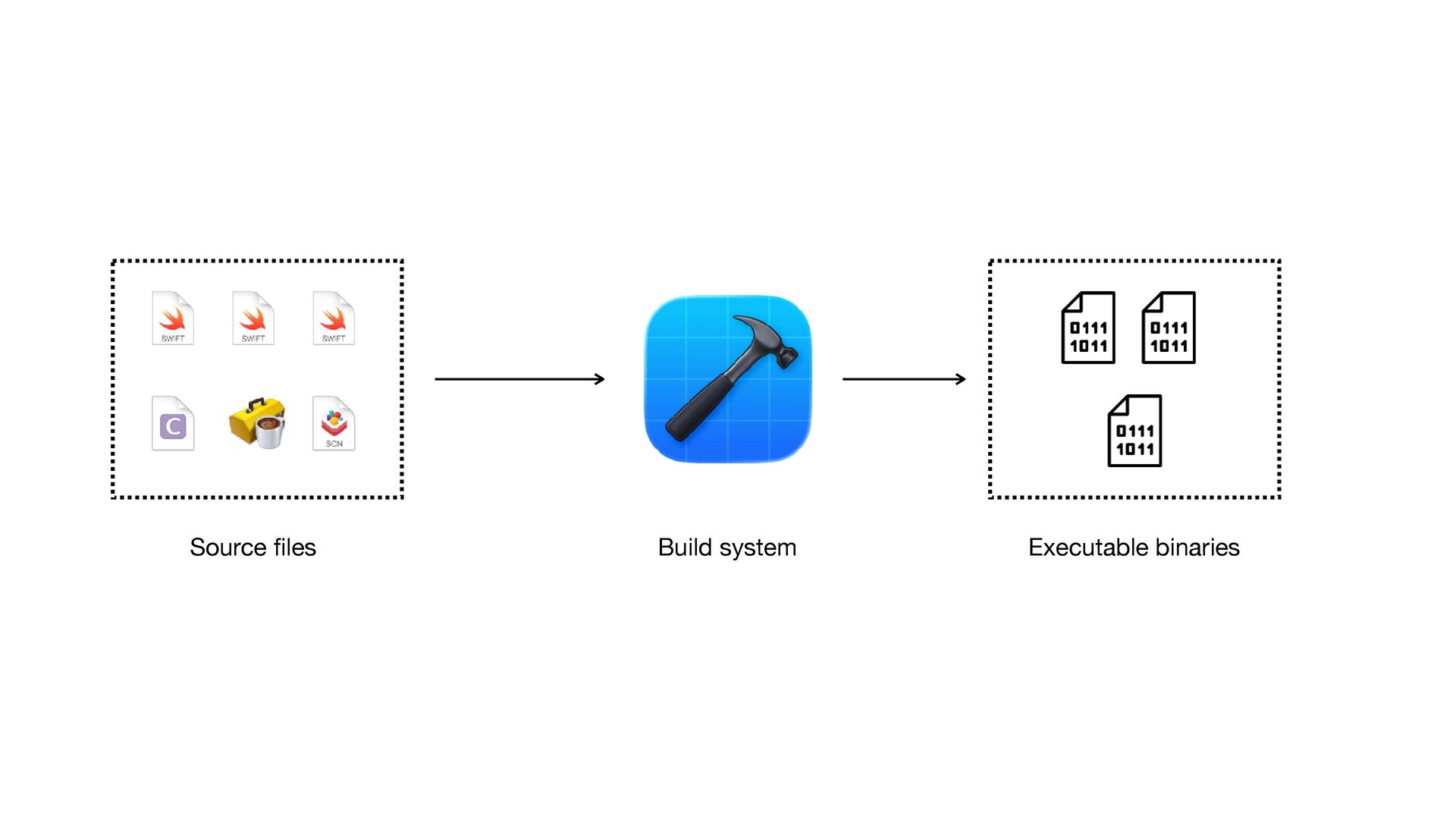
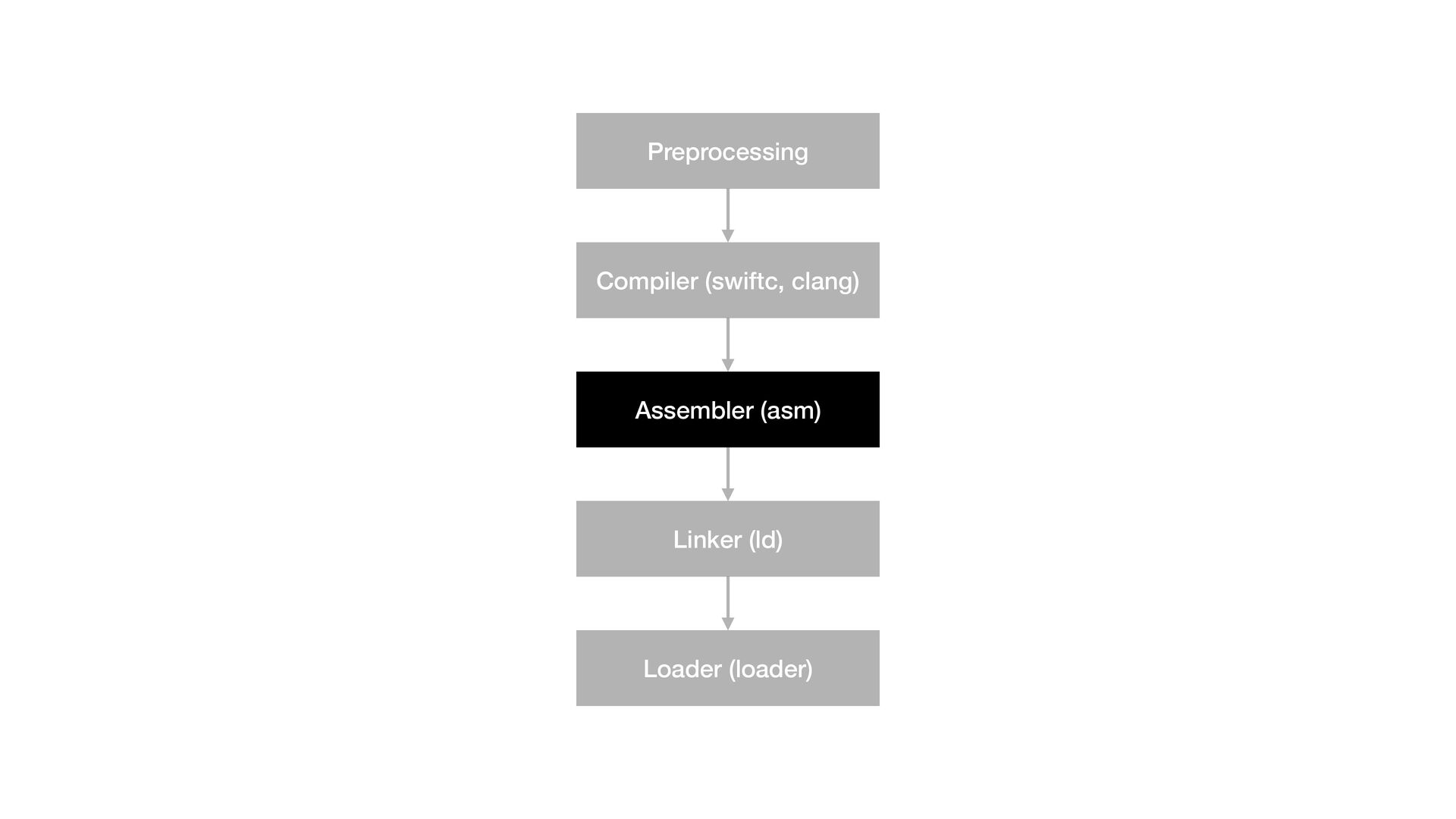
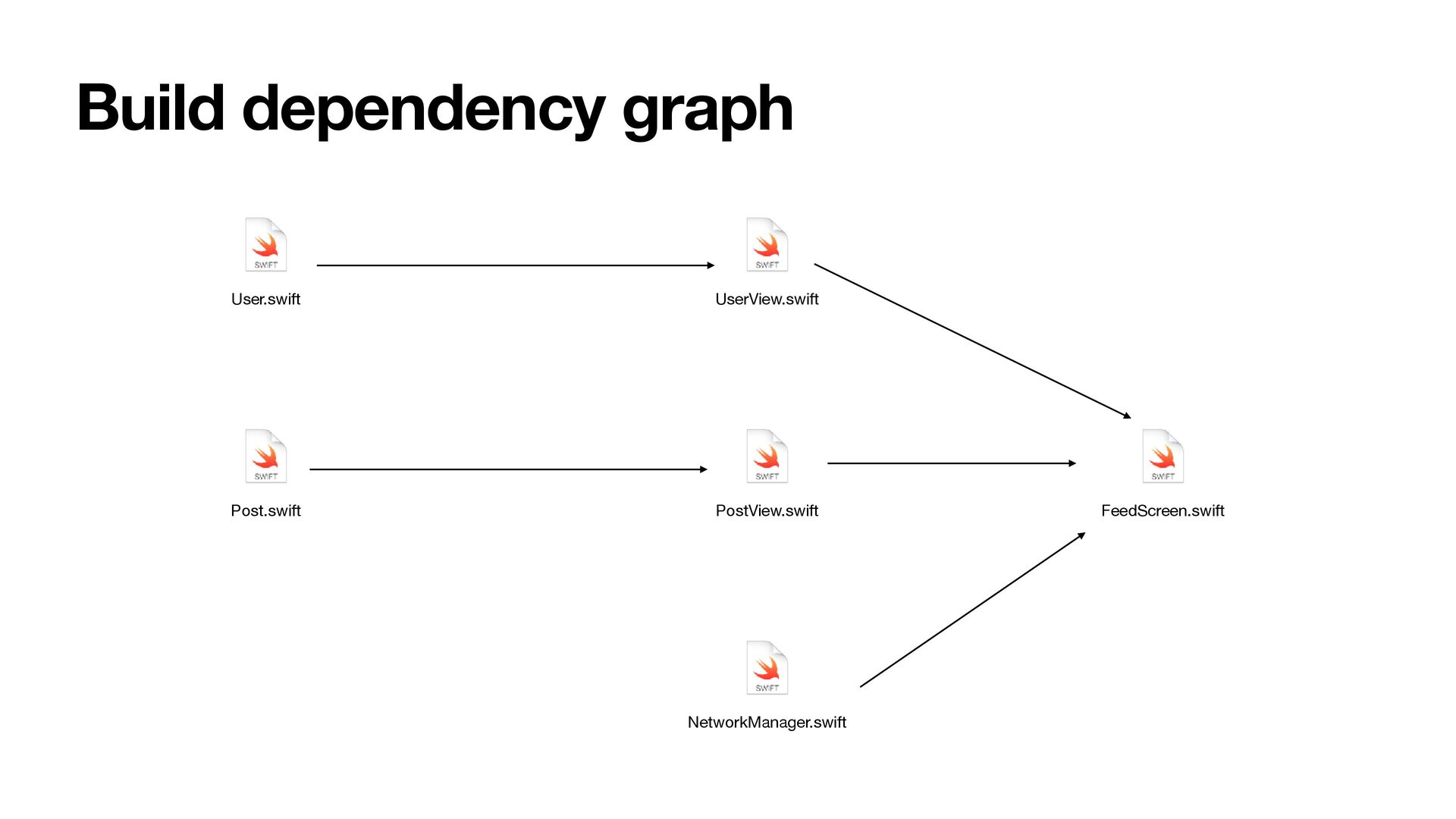
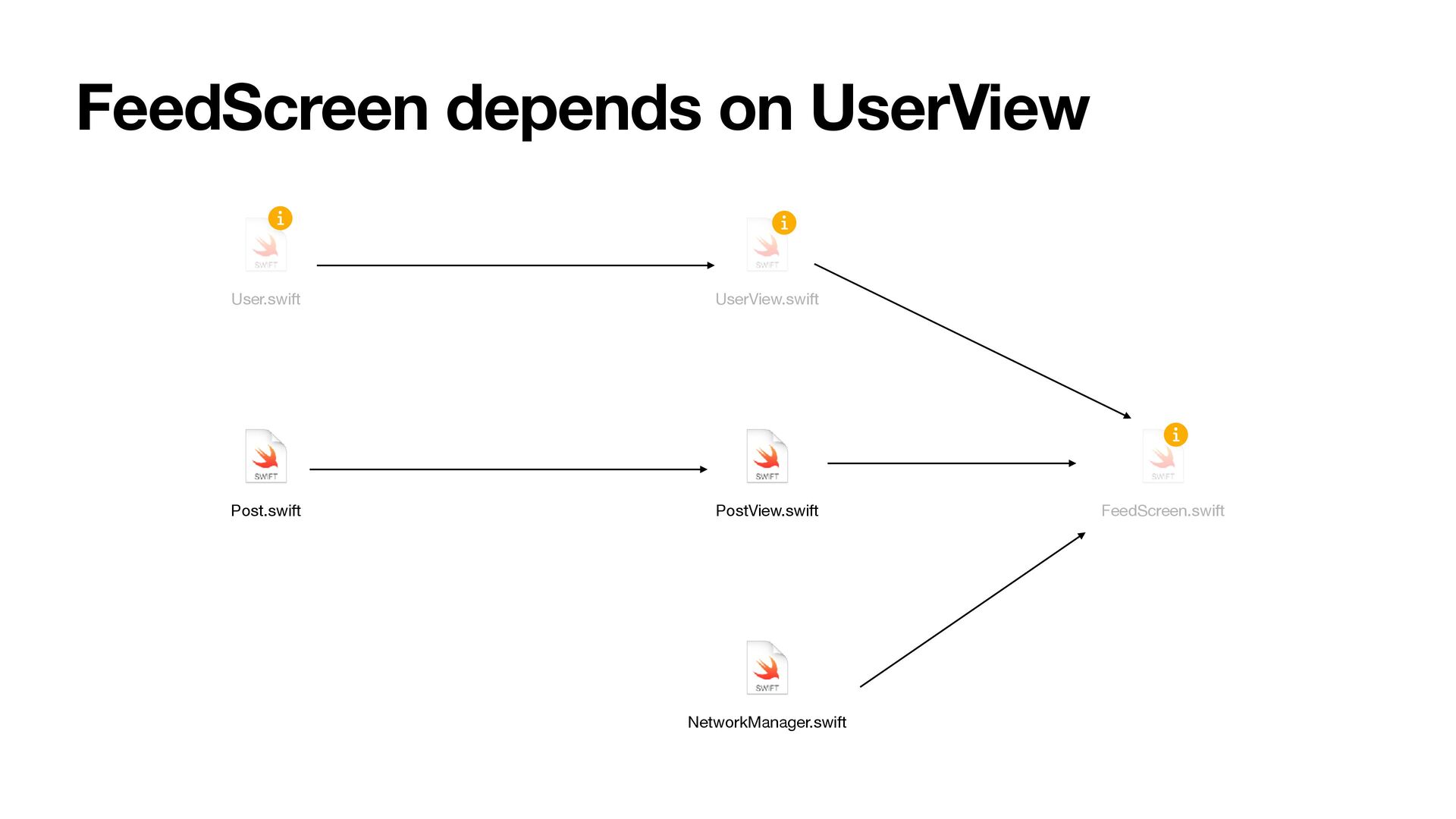
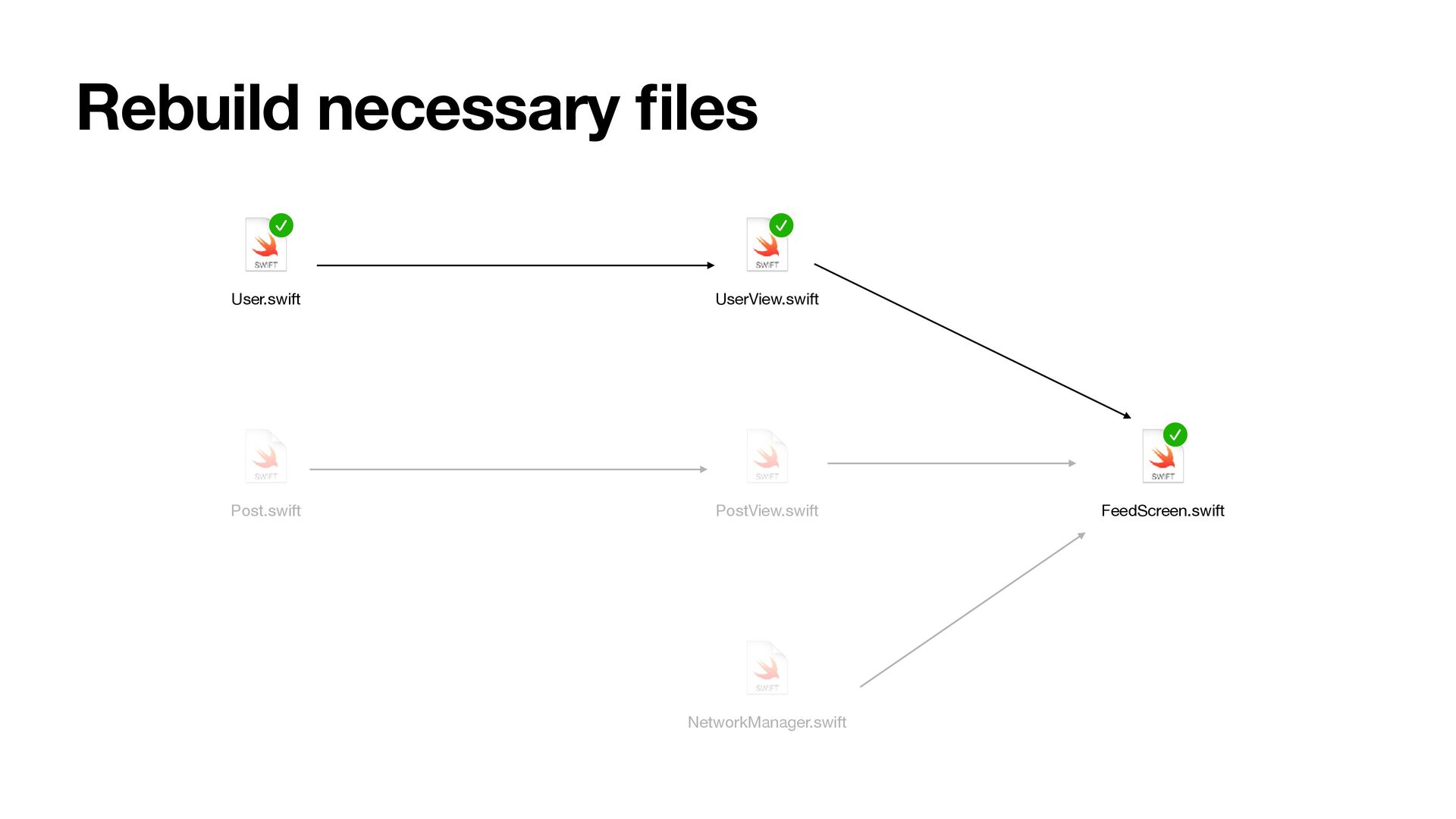
fi les. Build system can execute in parallel any fi les whose inputs don’t depend on each other. Xcode tries this, but complex implicit dependencies can reduce parallelism.
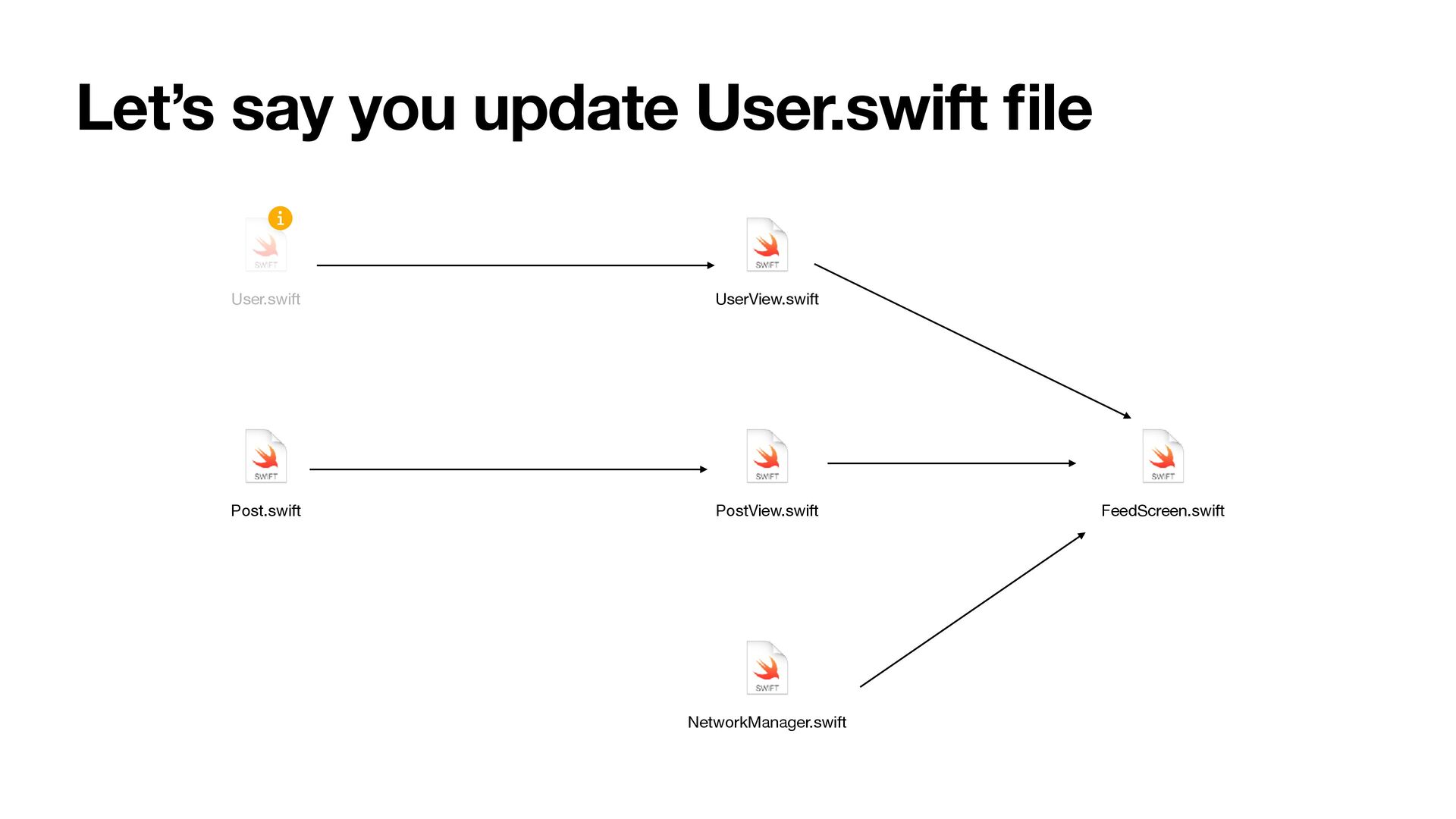
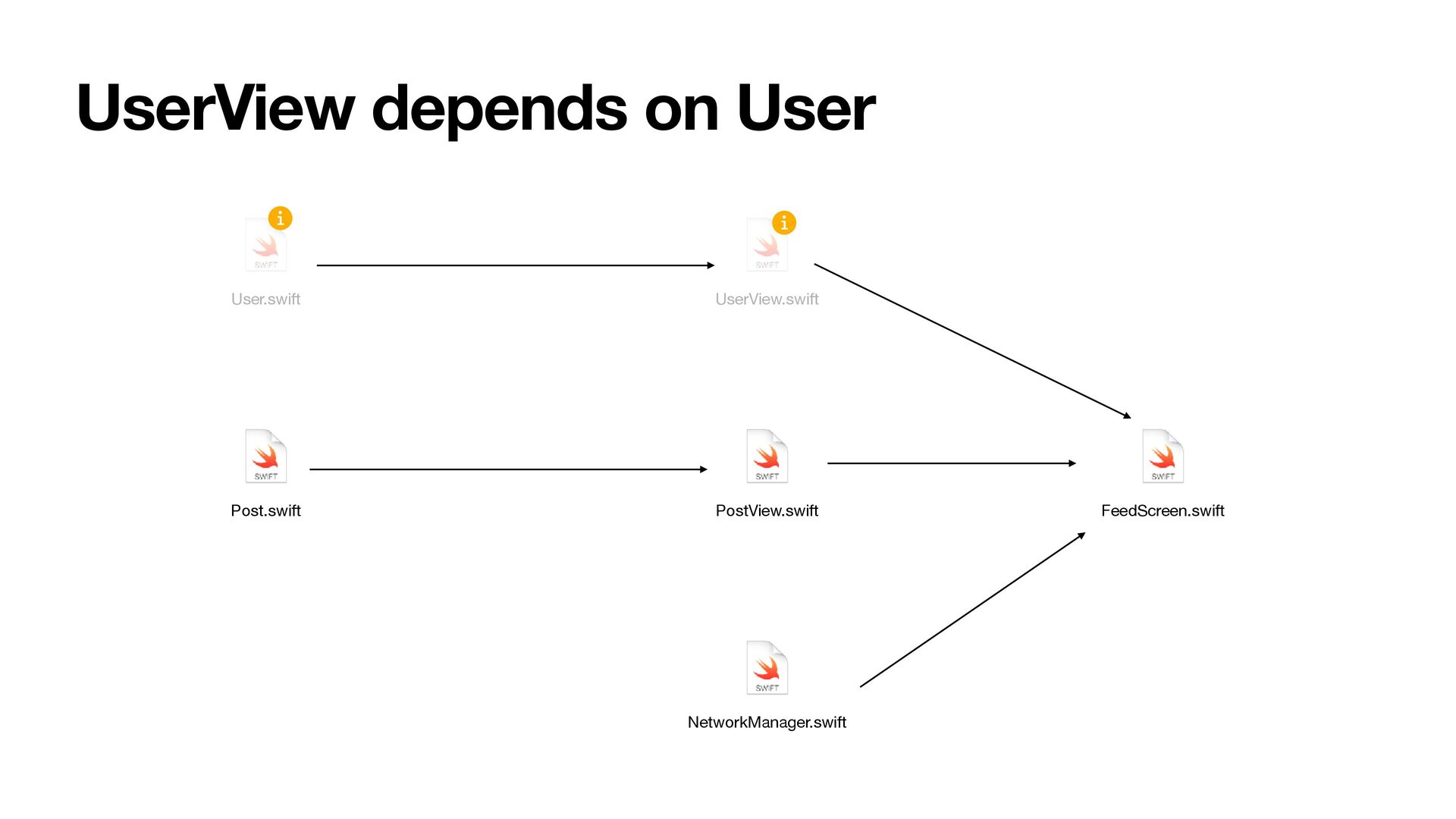
• Large Swift modules can drastically slow both cold and incremental builds. • A change in one fi le can trigger rebuilds of many dependent fi les due to cross-module type inference • Implicit or hidden dependencies (like headers or bridging fi les) often force unnecessary recompilation.
DerivedData • Compiled object fi les, caches and indexing info • Speci fi c to machine and Xcode version 🚨 • “Works on my machine” becomes a daily problem • Corruption in DerivedData may cause unnecessary rebuilds • rm -rf Library/Developer/Xcode/DerivedData is often needed to fi x weird build issues
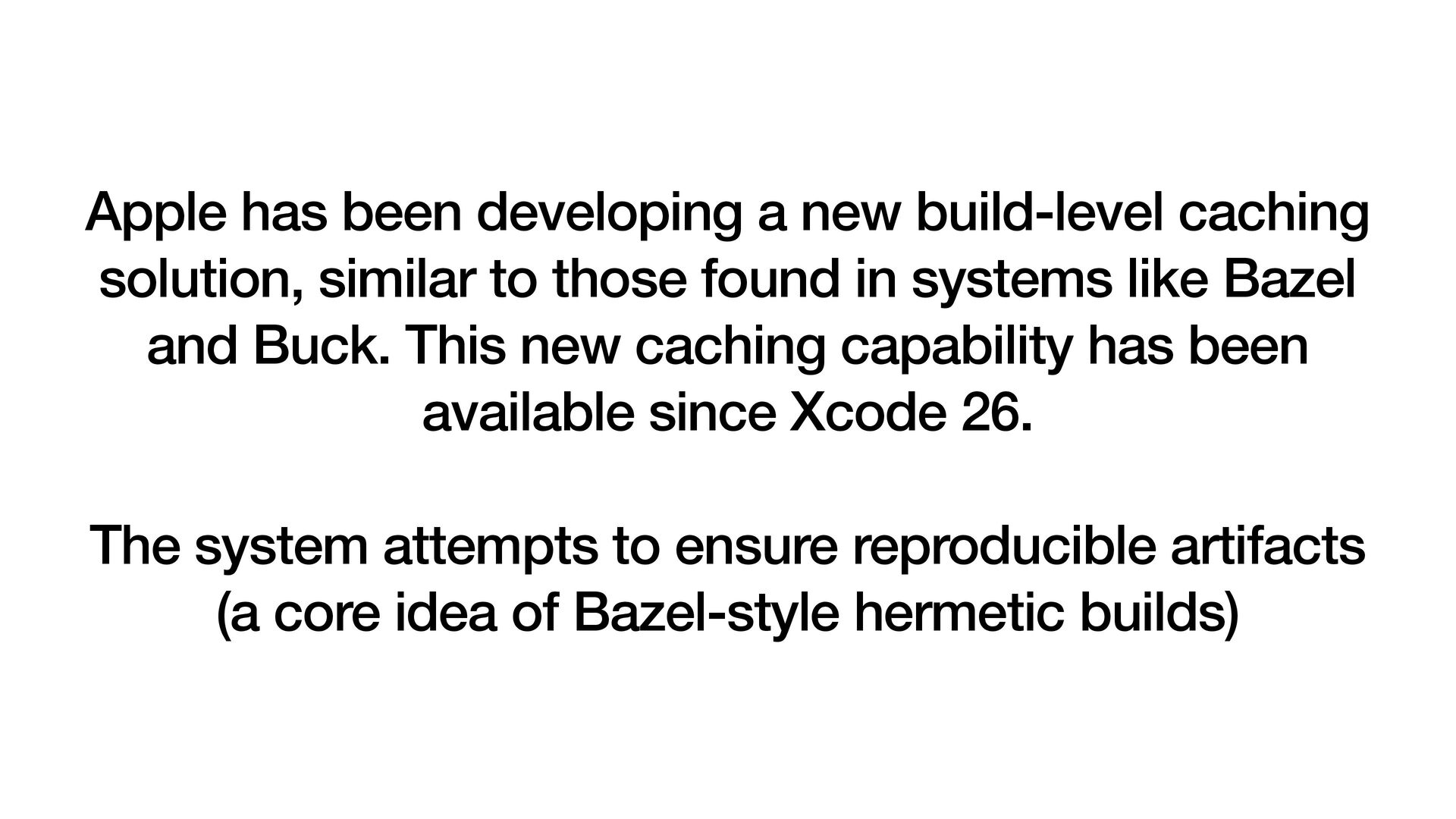
to those found in systems like Bazel and Buck. This new caching capability has been available since Xcode 26. The system attempts to ensure reproducible artifacts (a core idea of Bazel-style hermetic builds)
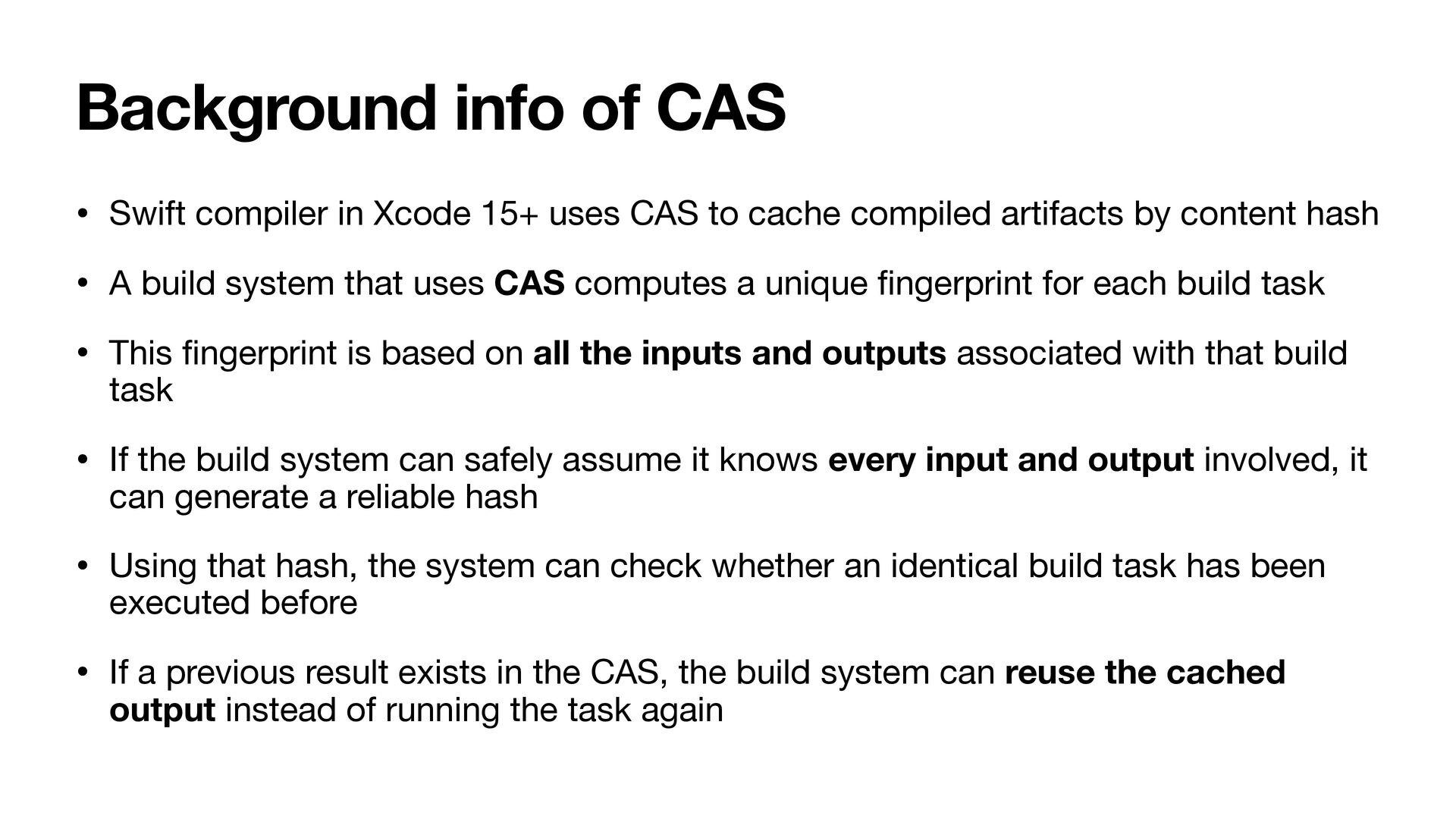
uses CAS to cache compiled artifacts by content hash • A build system that uses CAS computes a unique fi ngerprint for each build task • This fi ngerprint is based on all the inputs and outputs associated with that build task • If the build system can safely assume it knows every input and output involved, it can generate a reliable hash • Using that hash, the system can check whether an identical build task has been executed before • If a previous result exists in the CAS, the build system can reuse the cached output instead of running the task again
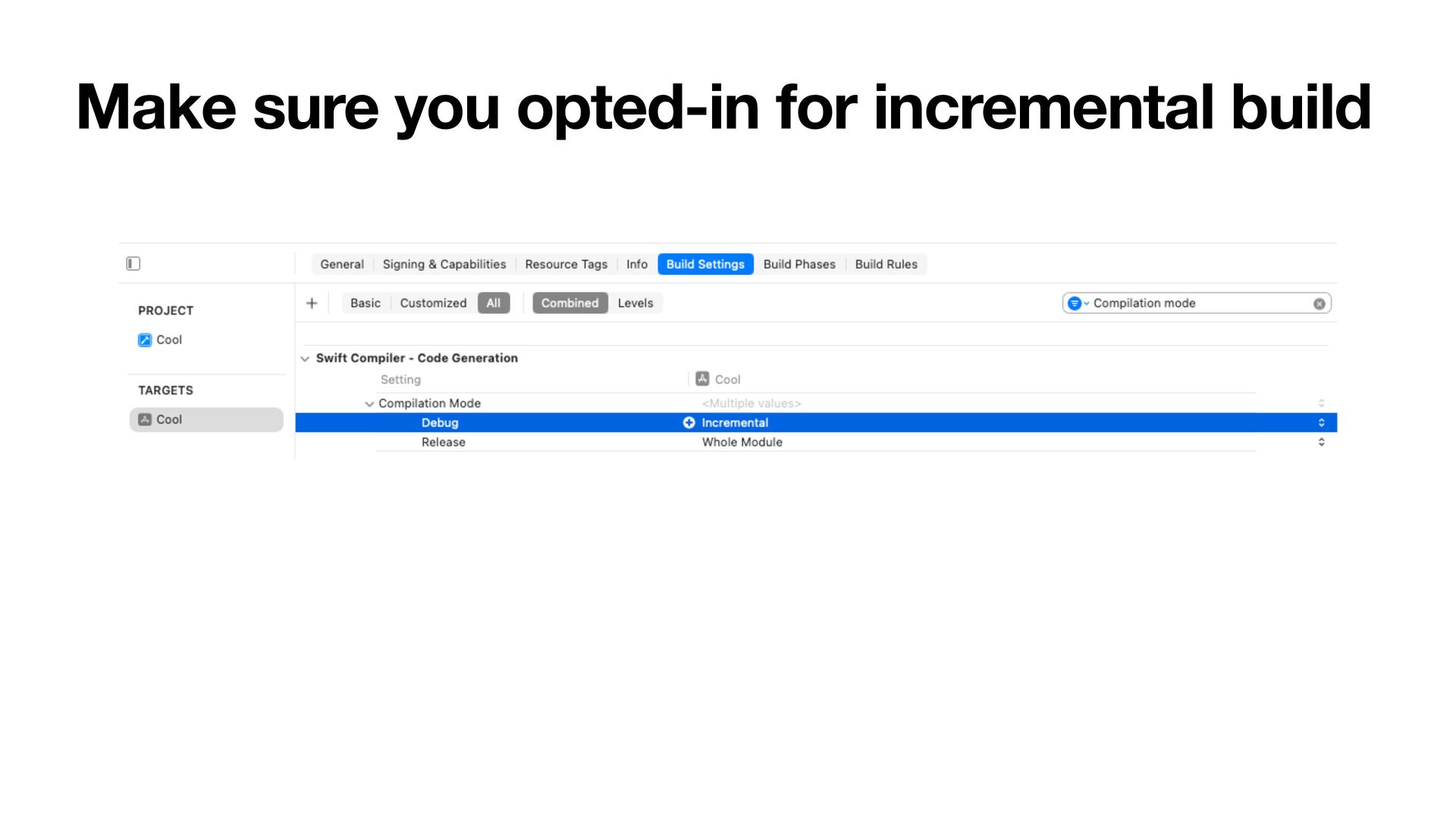
• Derived data • Hidden build settings • Only applies to Swift compilation, not the full build (linking, assets, bridging headers etc) • CAS relies on knowing all inputs, but Xcode may miss some, resulting in unnecessary rebuilds
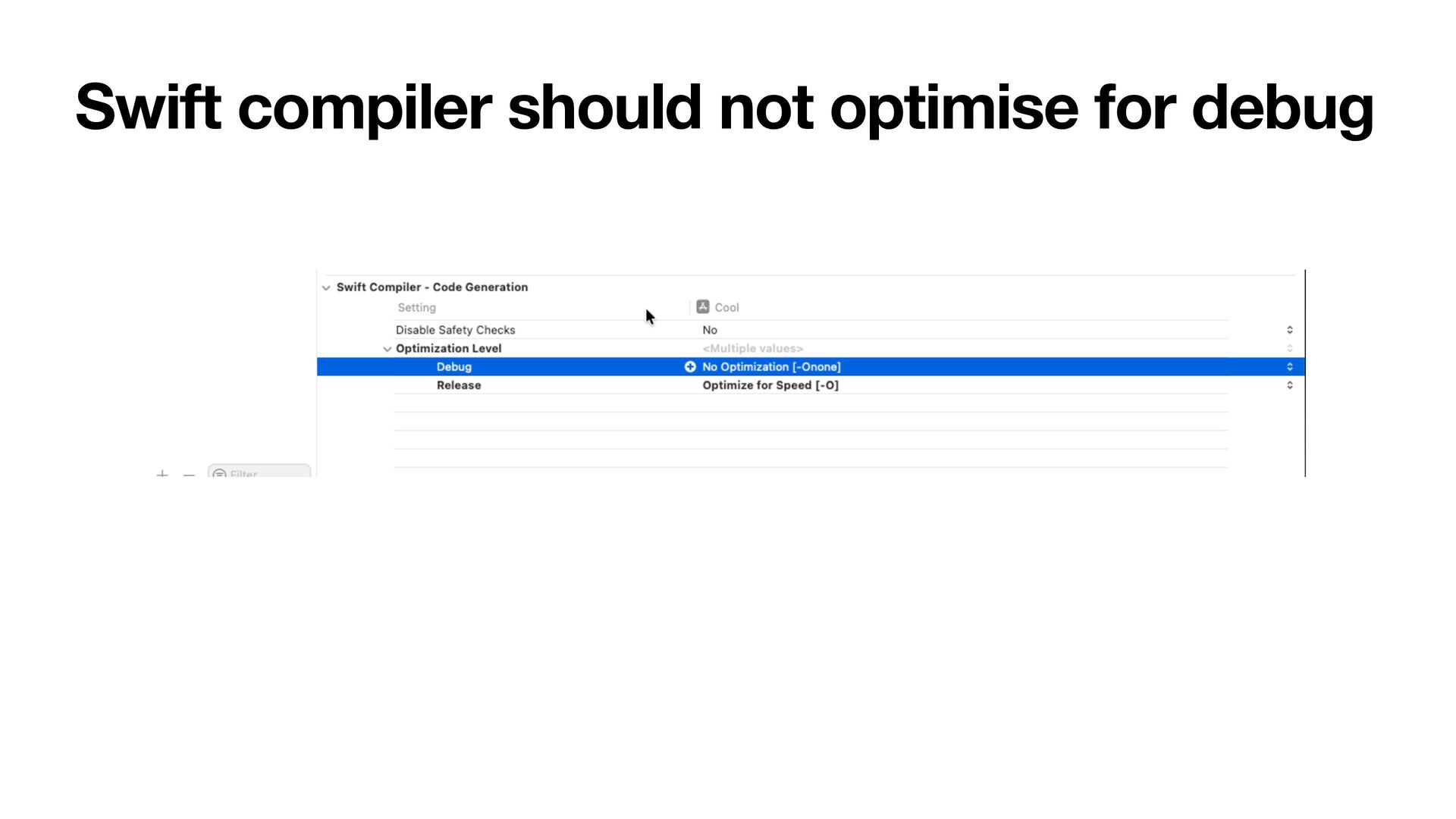
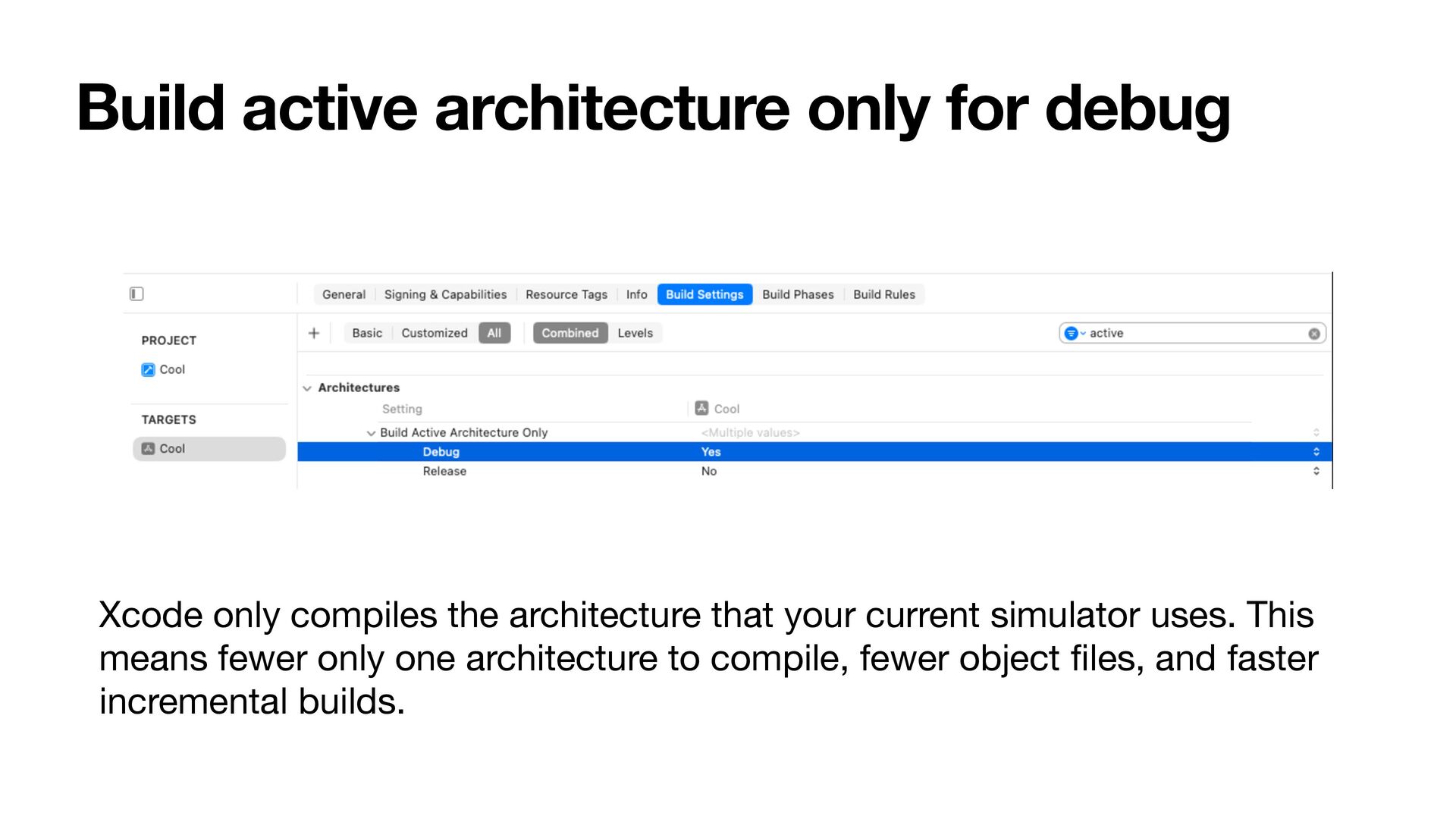
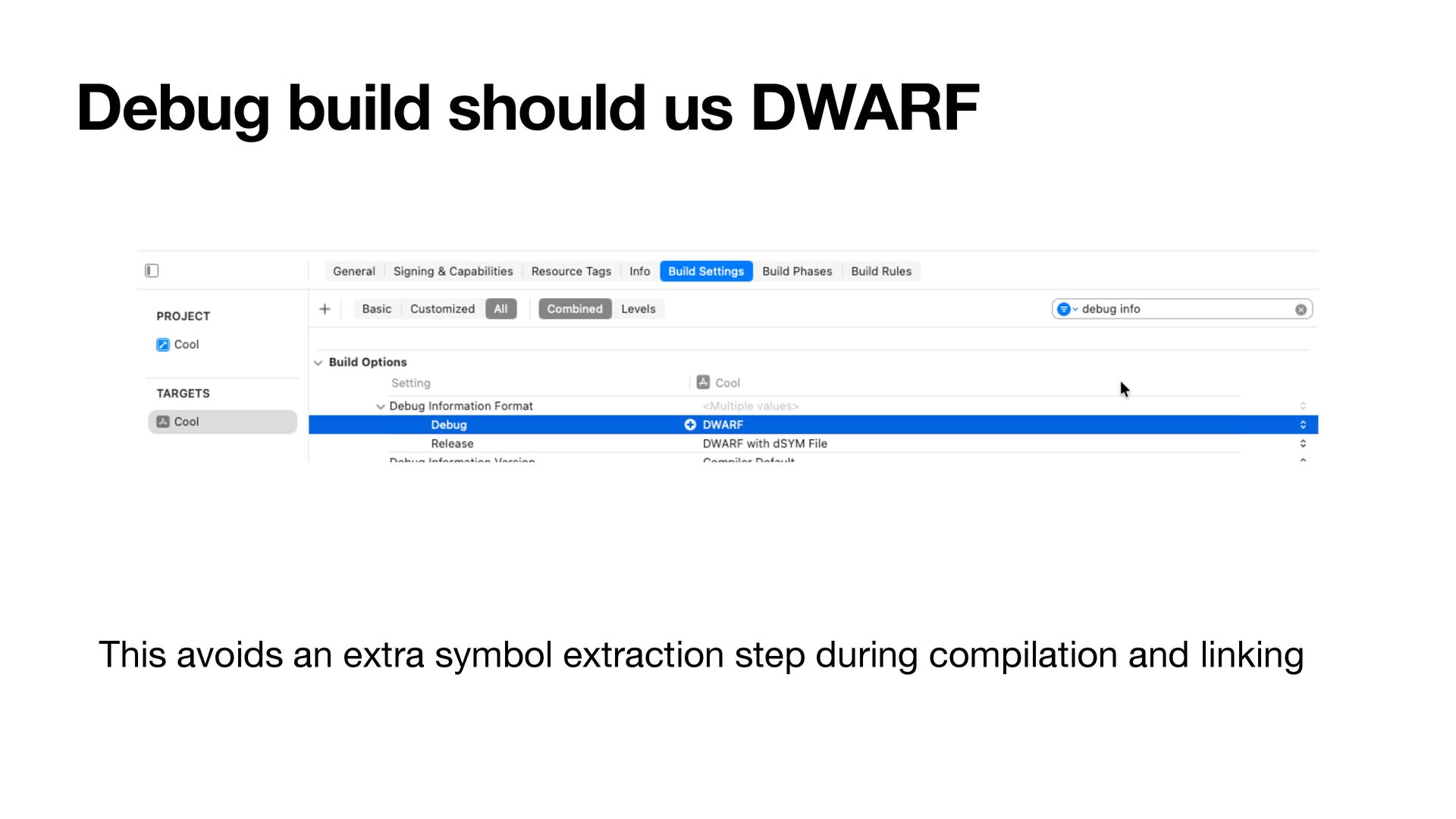
Use custom build system, ld64, ld_prime (for Xcode 15+) along those lines • Buy MacStudio or set up a device farm (using Ansible) for distributed build • Migrate to Tuist modules (which uses Xcode build) and leverage binary caching • XCCacheAgent by Thuyen Trinh
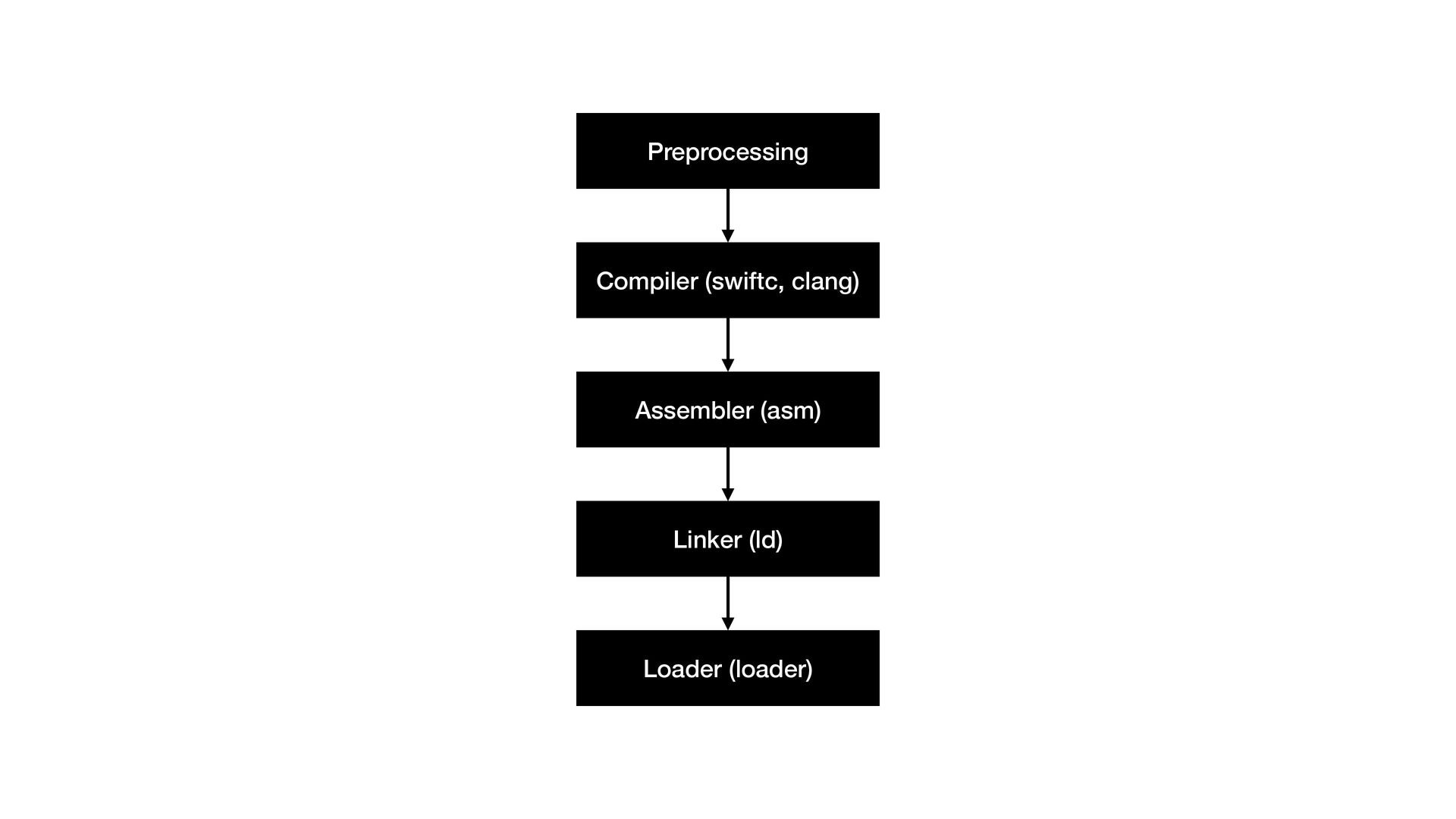
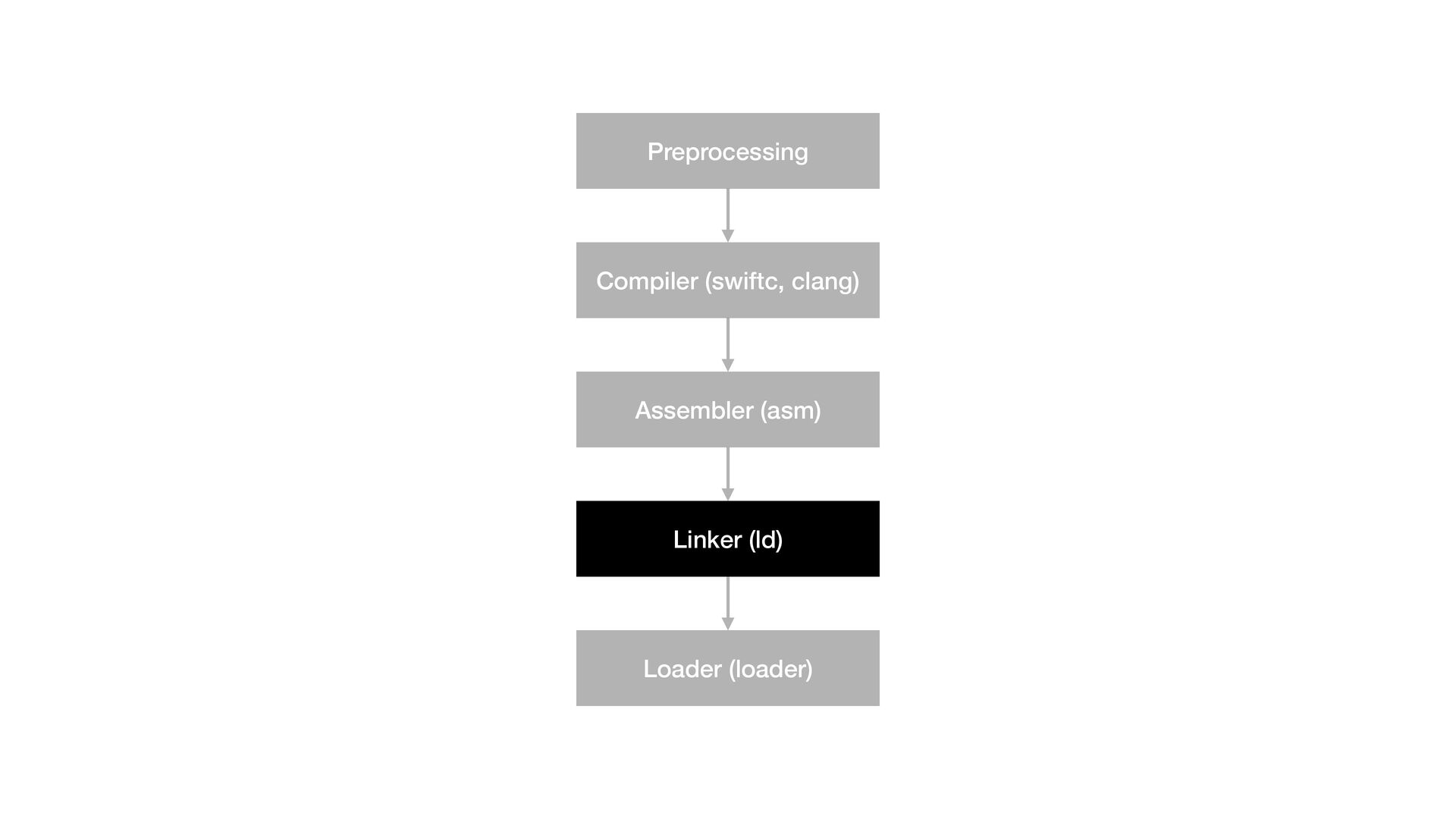
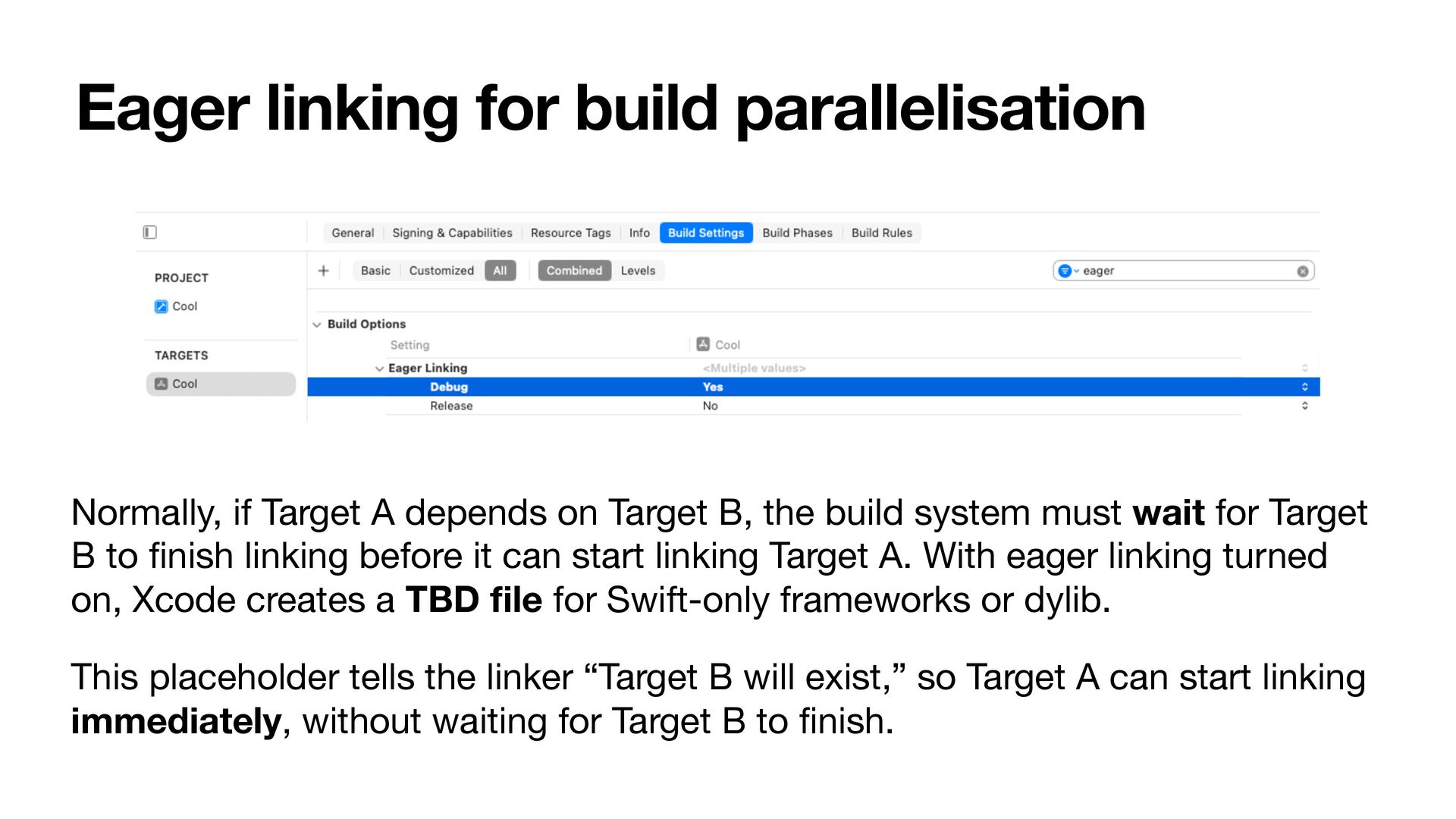
on Target B, the build system must wait for Target B to fi nish linking before it can start linking Target A. With eager linking turned on, Xcode creates a TBD fi le for Swift-only frameworks or dylib. This placeholder tells the linker “Target B will exist,” so Target A can start linking immediately, without waiting for Target B to fi nish.
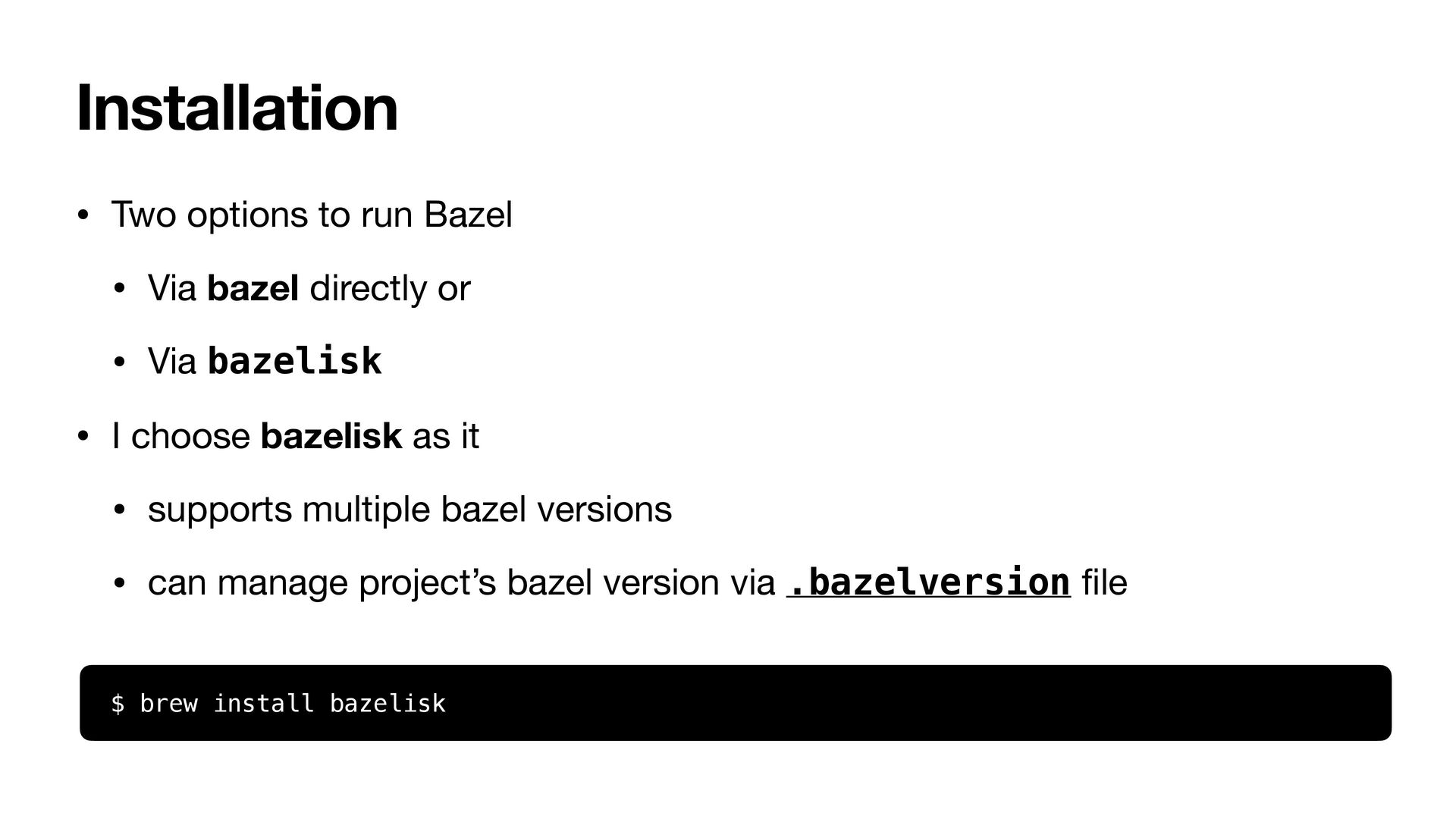
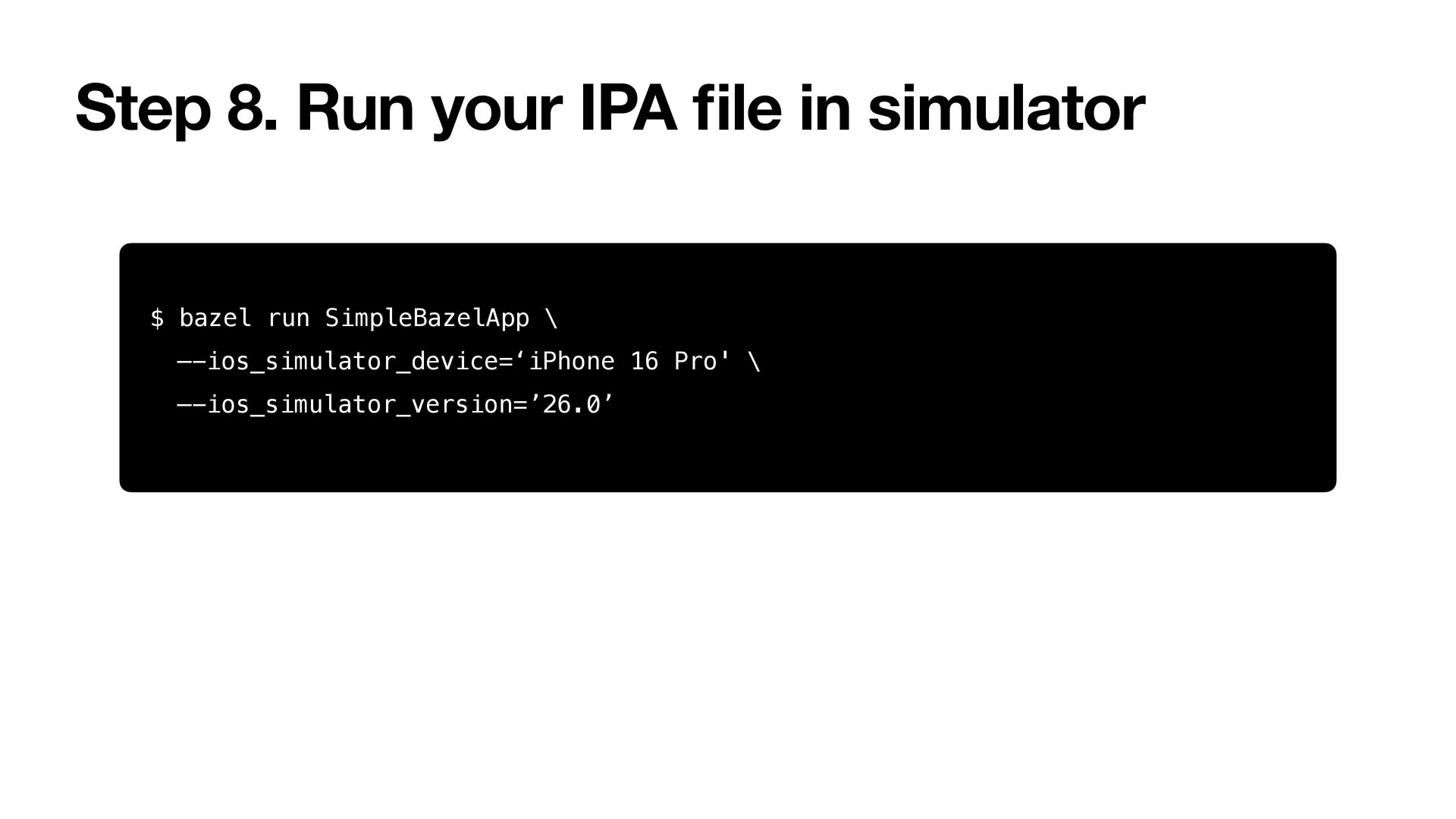
directly or • Via bazelisk • I choose bazelisk as it • supports multiple bazel versions • can manage project’s bazel version via .bazelversion fi le $ brew install bazelisk
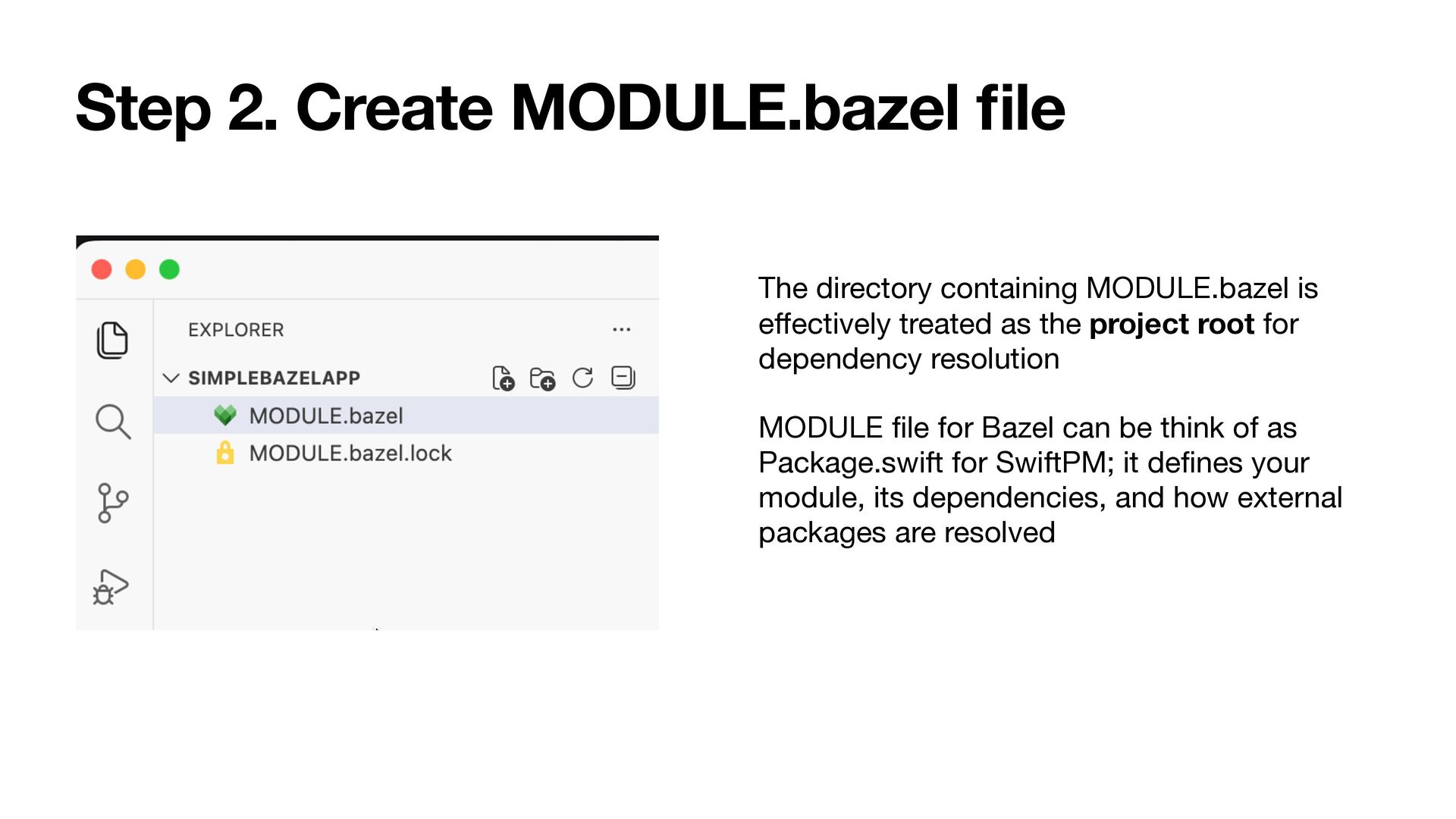
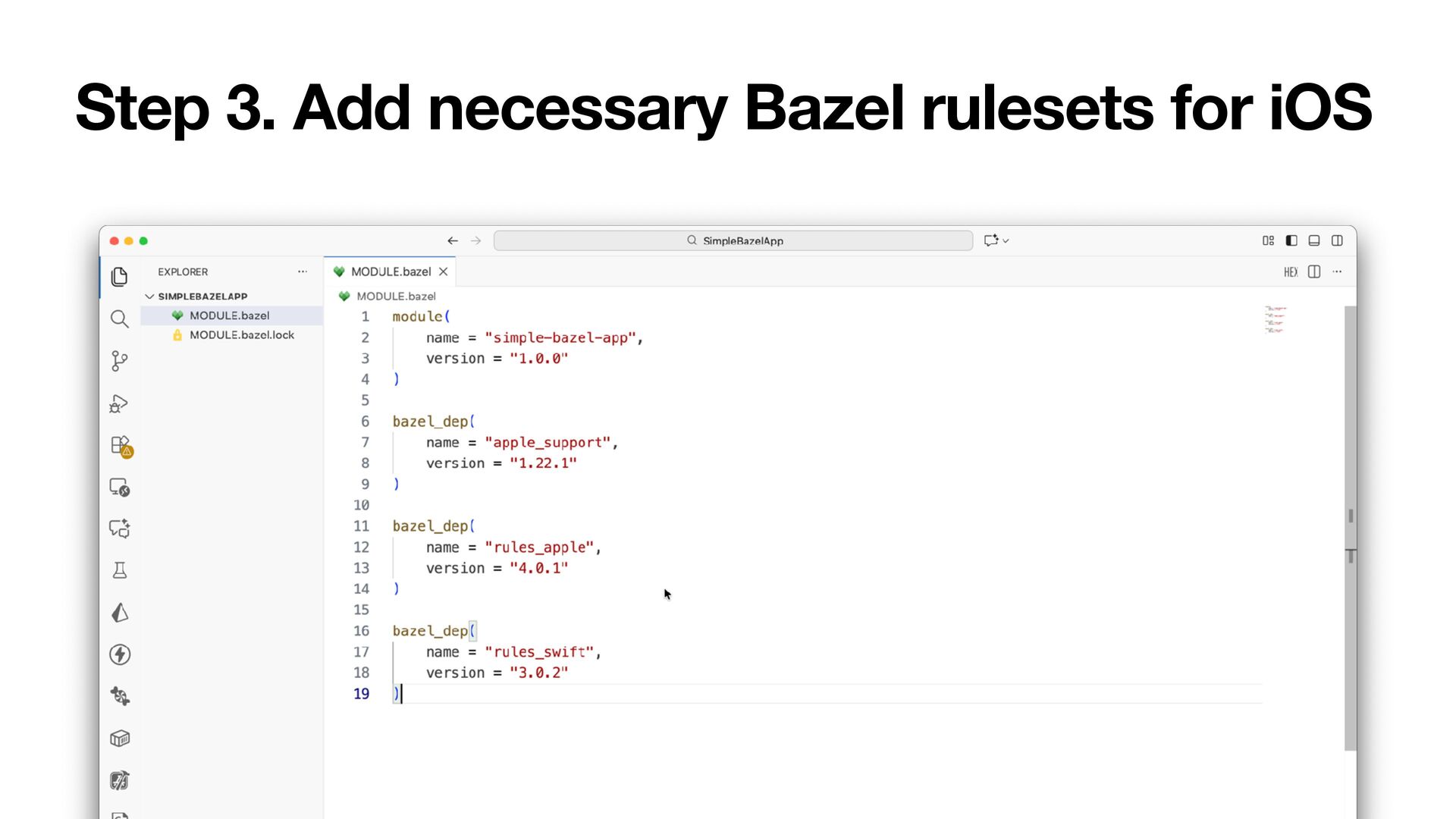
is e ff ectively treated as the project root for dependency resolution MODULE fi le for Bazel can be think of as Package.swift for SwiftPM; it de fi nes your module, its dependencies, and how external packages are resolved
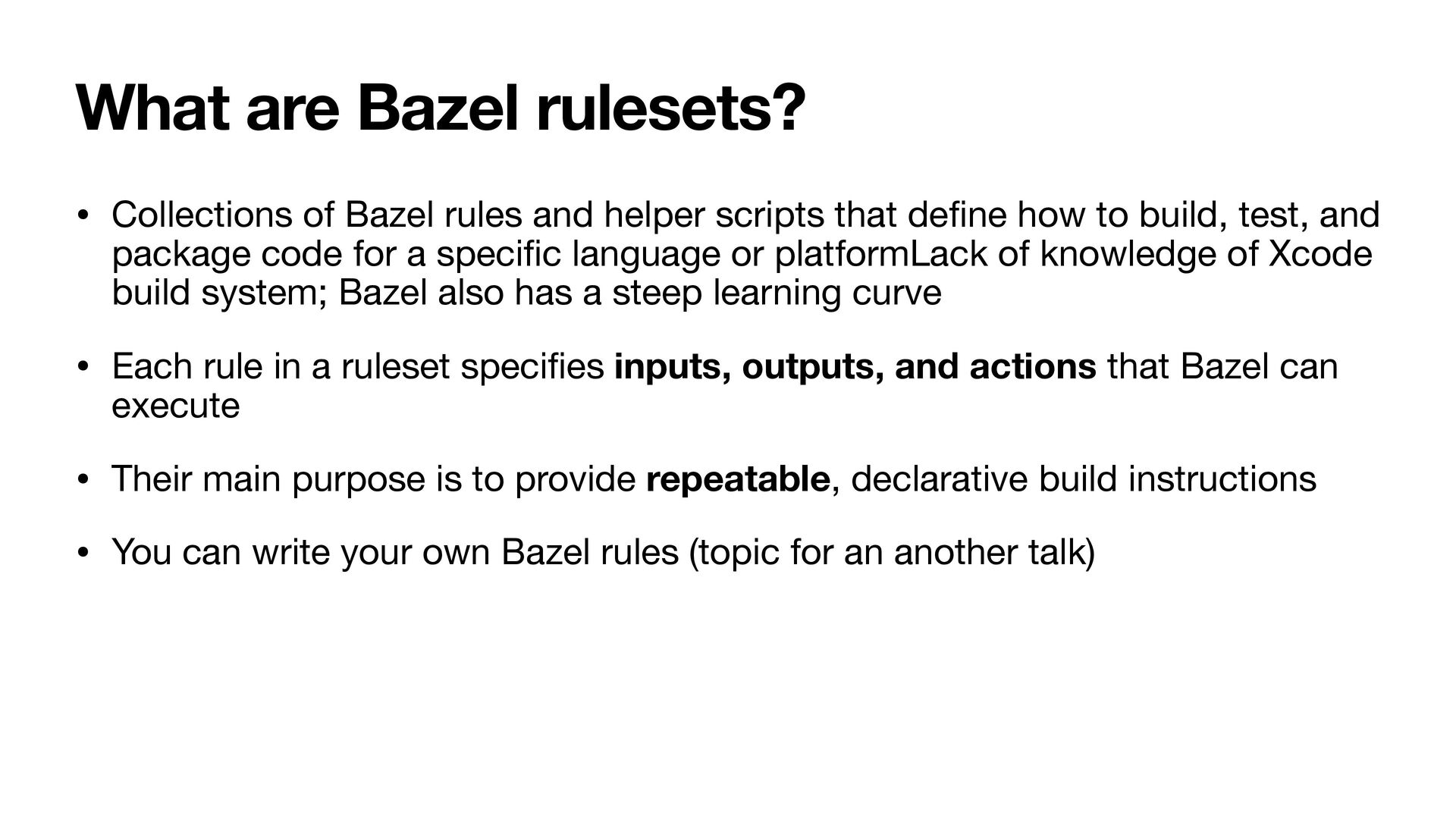
helper scripts that de fi ne how to build, test, and package code for a speci fi c language or platformLack of knowledge of Xcode build system; Bazel also has a steep learning curve • Each rule in a ruleset speci fi es inputs, outputs, and actions that Bazel can execute • Their main purpose is to provide repeatable, declarative build instructions • You can write your own Bazel rules (topic for an another talk)
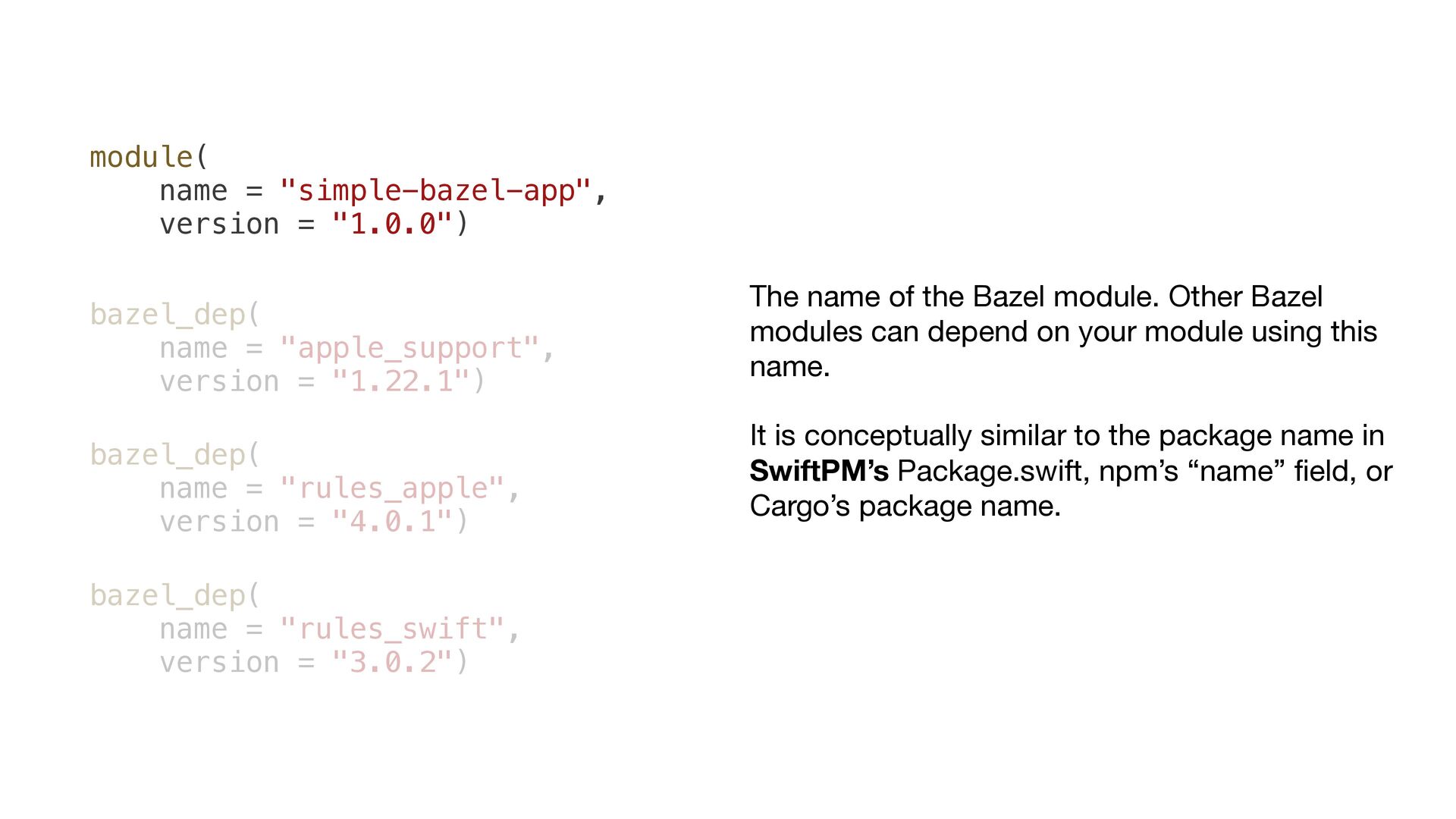
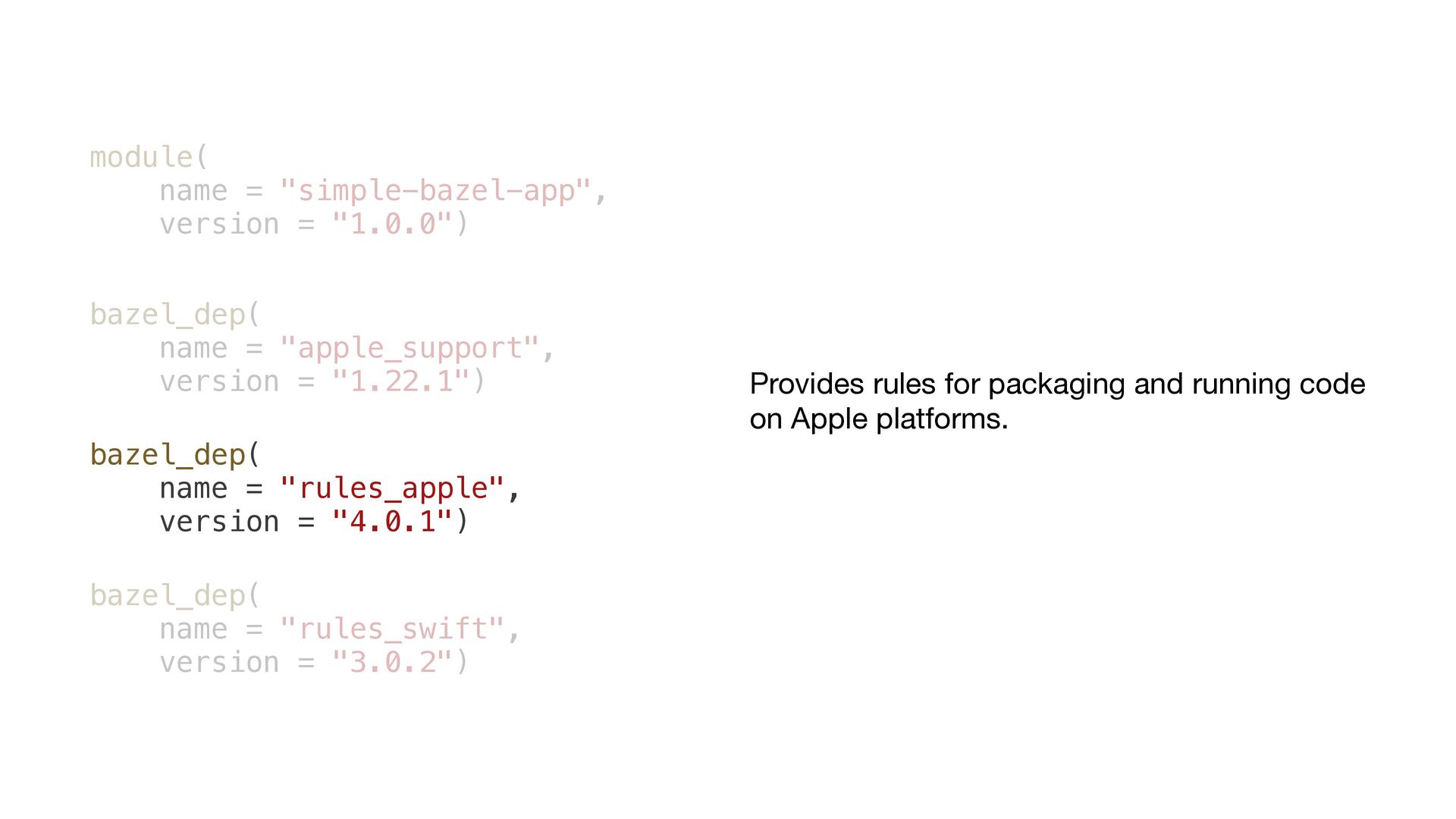
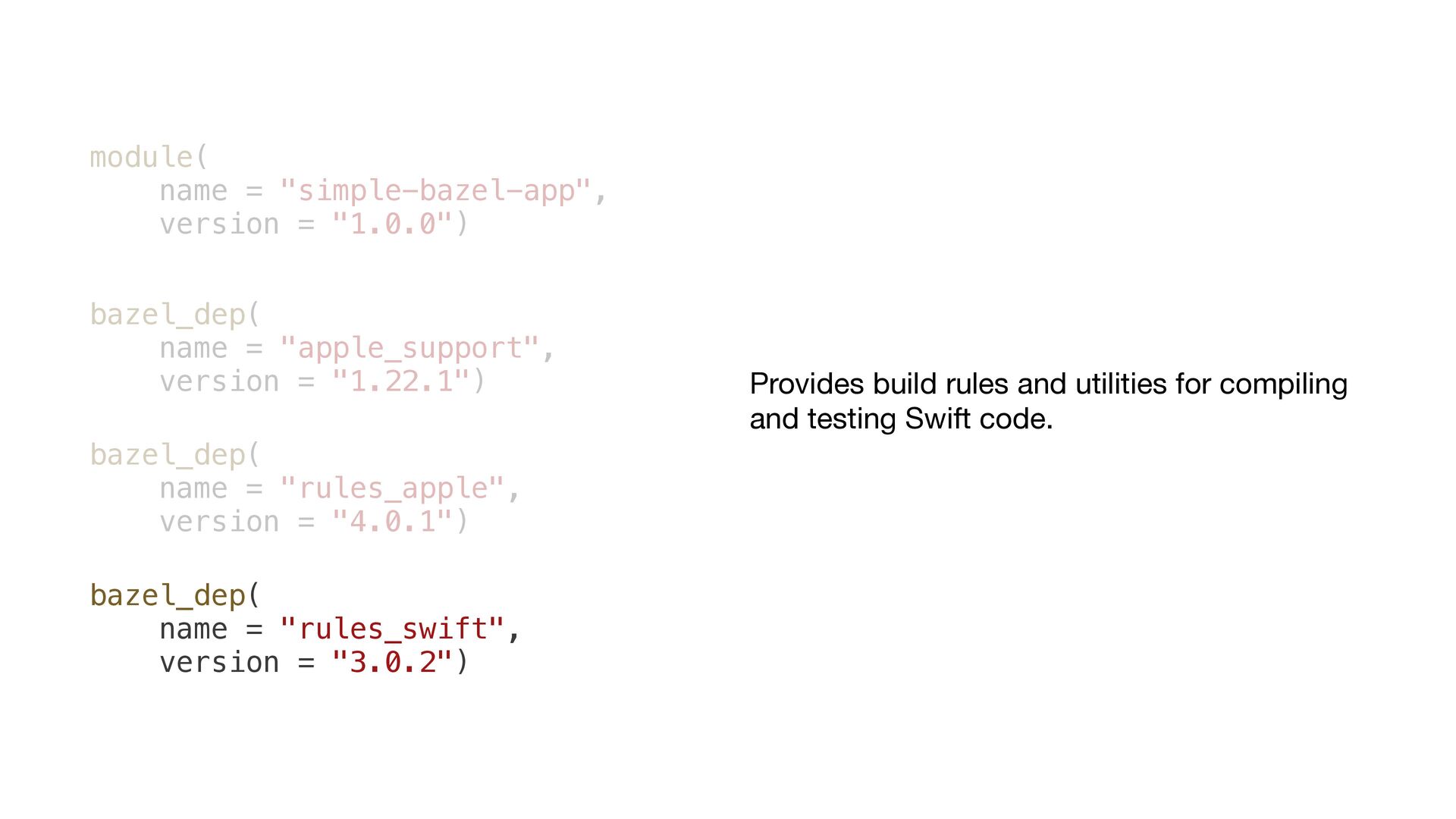
"apple_support", version = "1.22.1") bazel_dep( name = "rules_apple", version = "4.0.1") bazel_dep( name = "rules_swift", version = "3.0.2") The name of the Bazel module. Other Bazel modules can depend on your module using this name. It is conceptually similar to the package name in SwiftPM’s Package.swift, npm’s “name” fi eld, or Cargo’s package name.
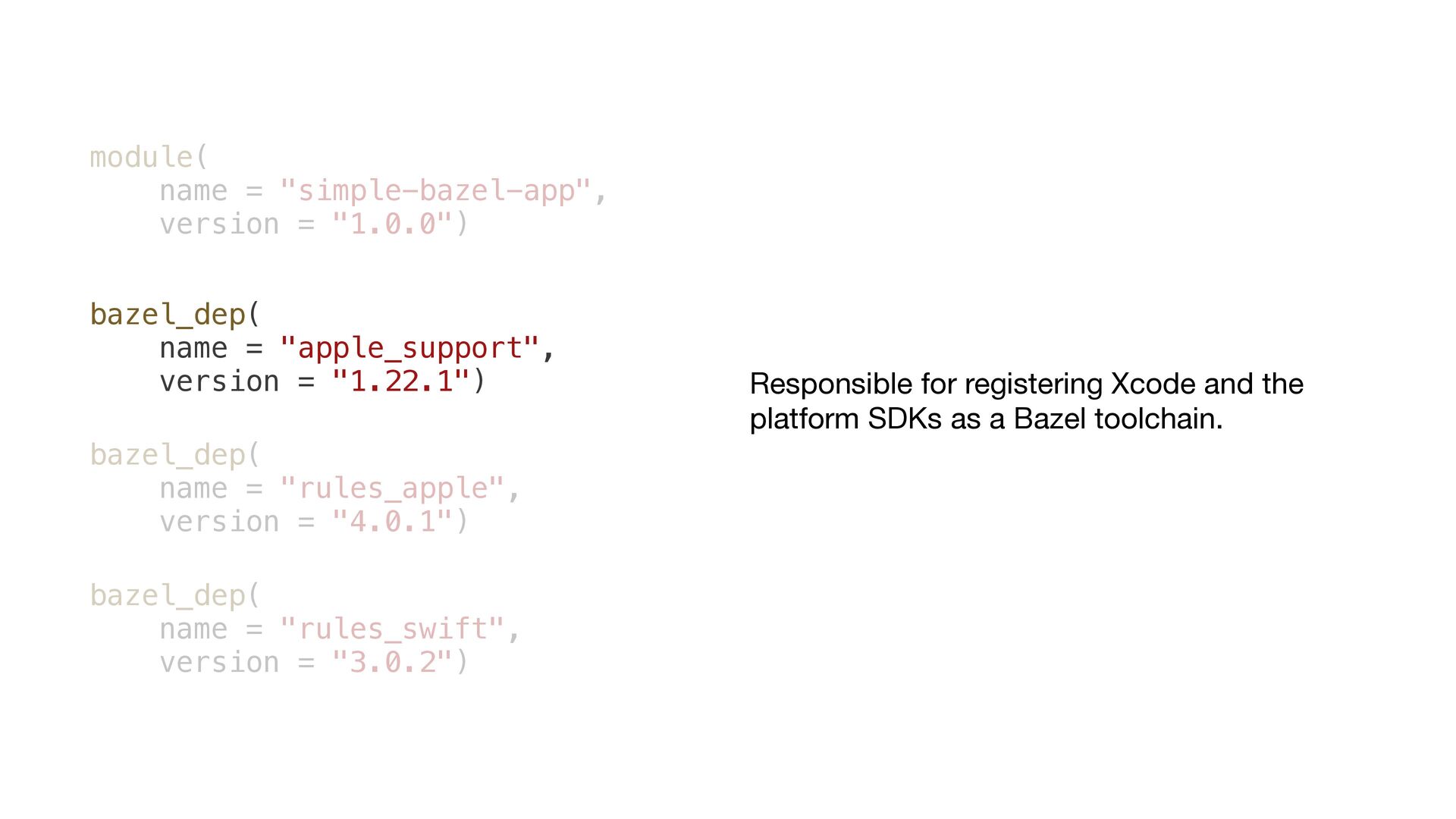
"apple_support", version = "1.22.1") bazel_dep( name = "rules_apple", version = "4.0.1") bazel_dep( name = "rules_swift", version = "3.0.2") Responsible for registering Xcode and the platform SDKs as a Bazel toolchain.
"apple_support", version = "1.22.1") bazel_dep( name = "rules_apple", version = "4.0.1") bazel_dep( name = "rules_swift", version = "3.0.2") Provides rules for packaging and running code on Apple platforms.
"apple_support", version = "1.22.1") bazel_dep( name = "rules_apple", version = "4.0.1") bazel_dep( name = "rules_swift", version = "3.0.2") Provides build rules and utilities for compiling and testing Swift code.
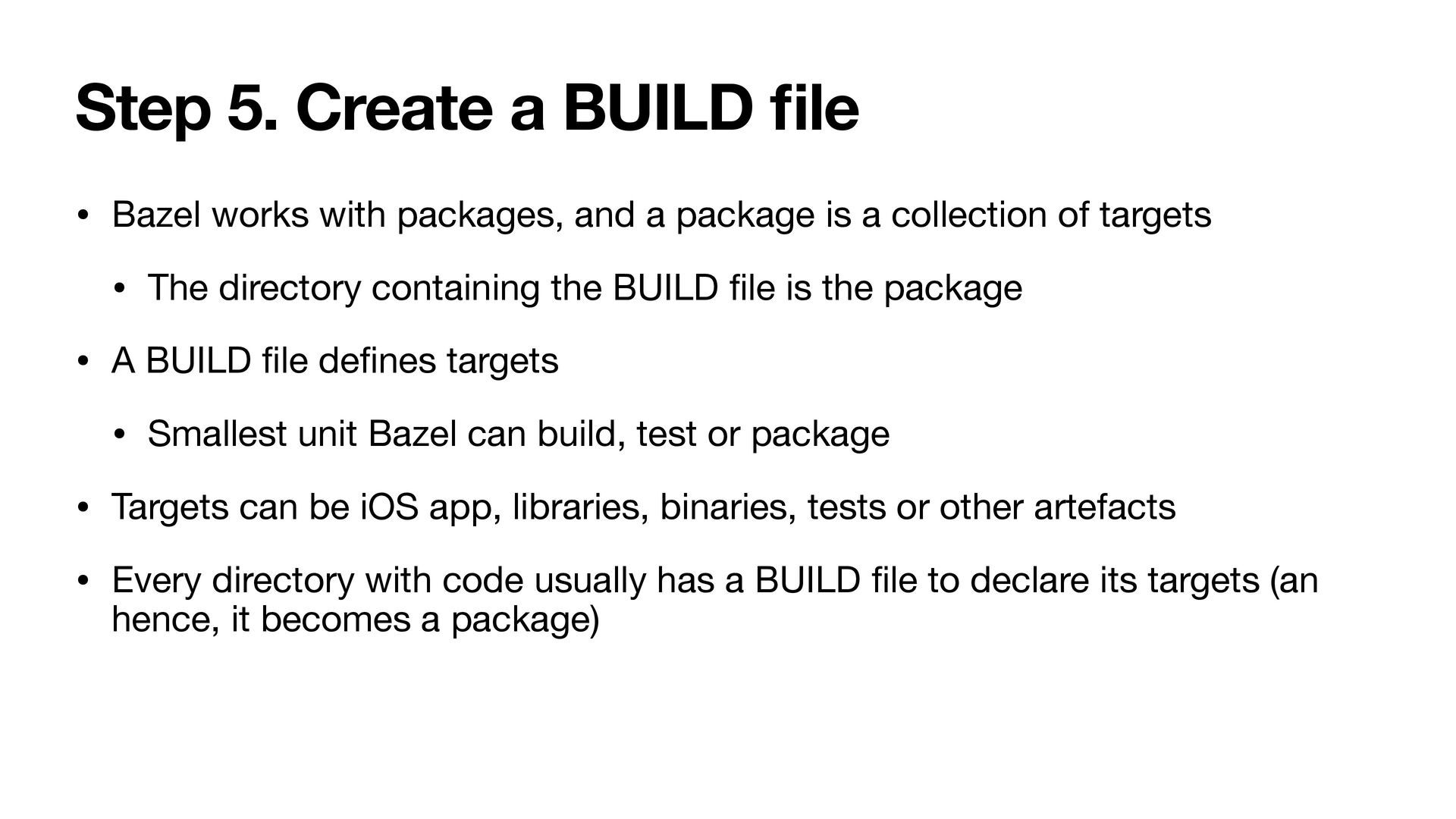
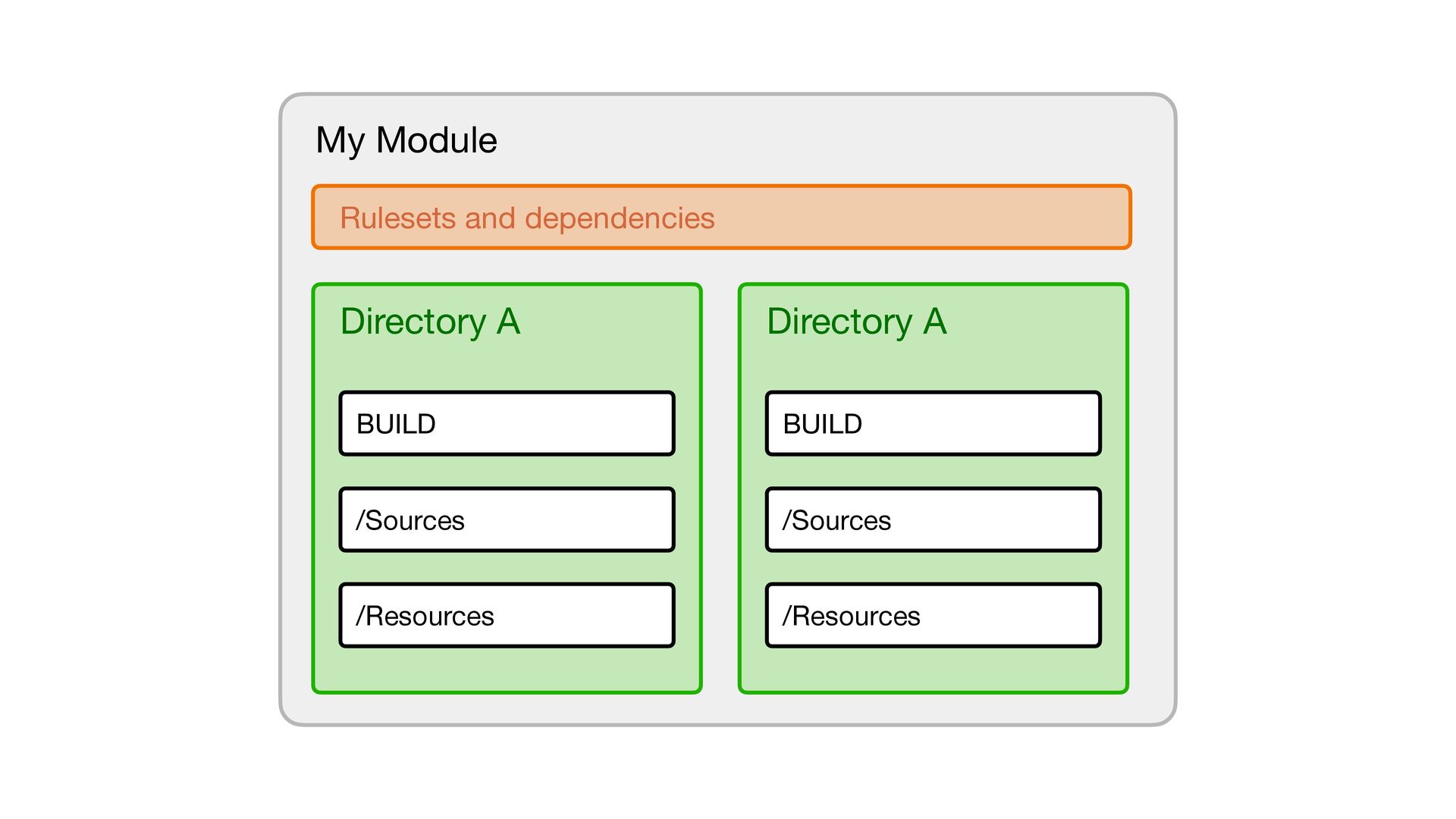
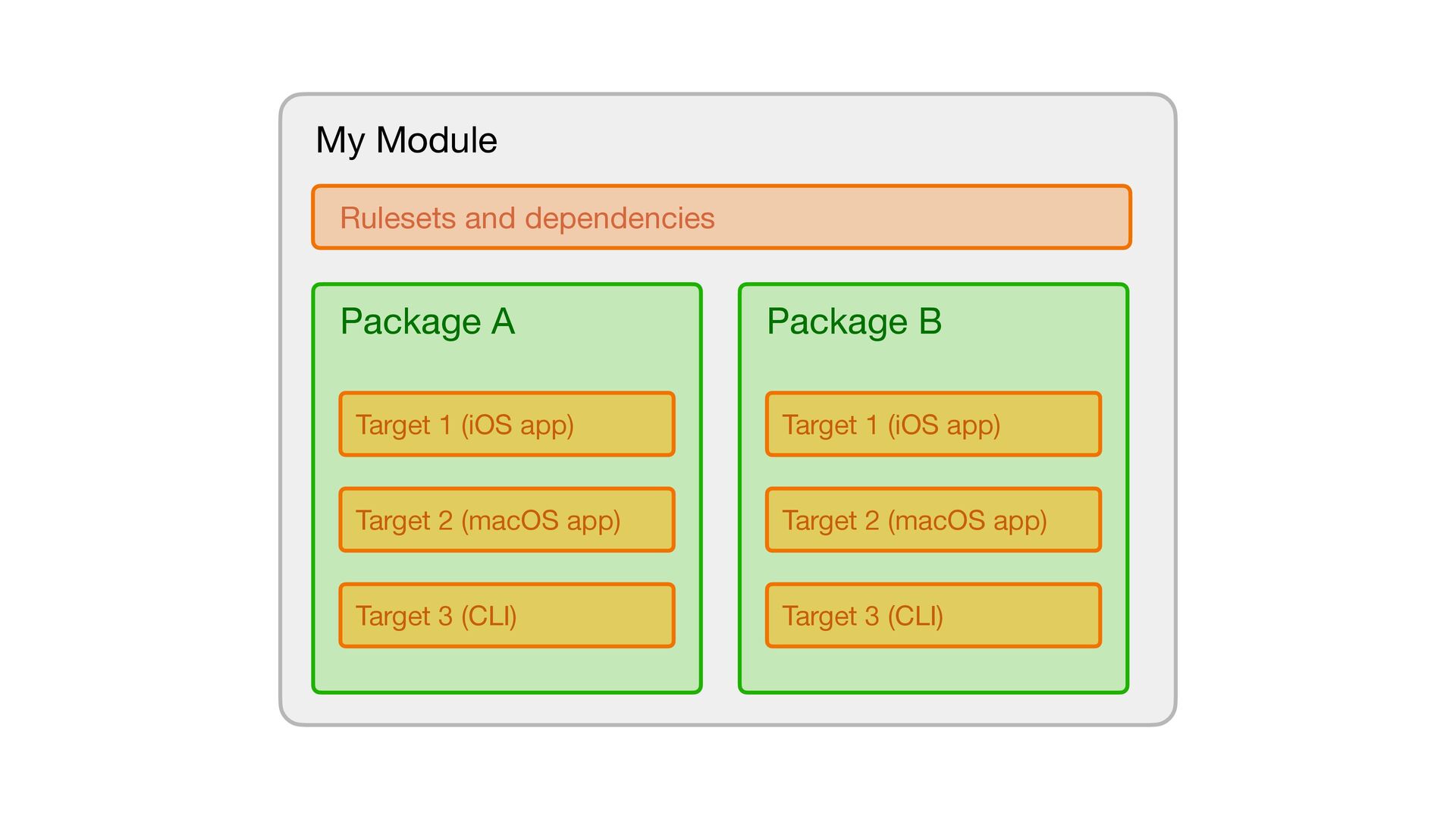
with packages, and a package is a collection of targets • The directory containing the BUILD fi le is the package • A BUILD fi le de fi nes targets • Smallest unit Bazel can build, test or package • Targets can be iOS app, libraries, binaries, tests or other artefacts • Every directory with code usually has a BUILD fi le to declare its targets (an hence, it becomes a package)
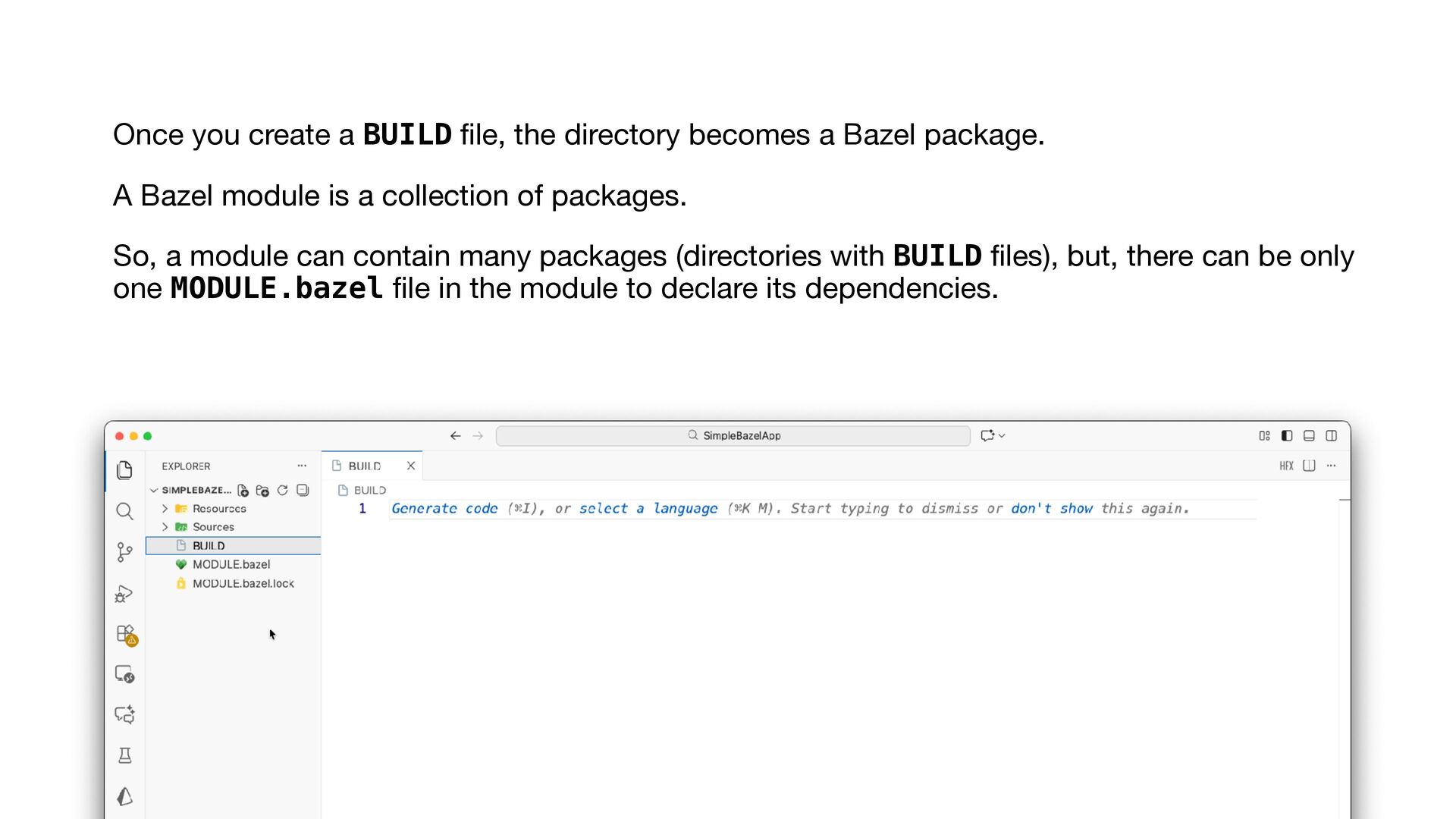
a Bazel package. A Bazel module is a collection of packages. So, a module can contain many packages (directories with BUILD fi les), but, there can be only one MODULE.bazel fi le in the module to declare its dependencies.
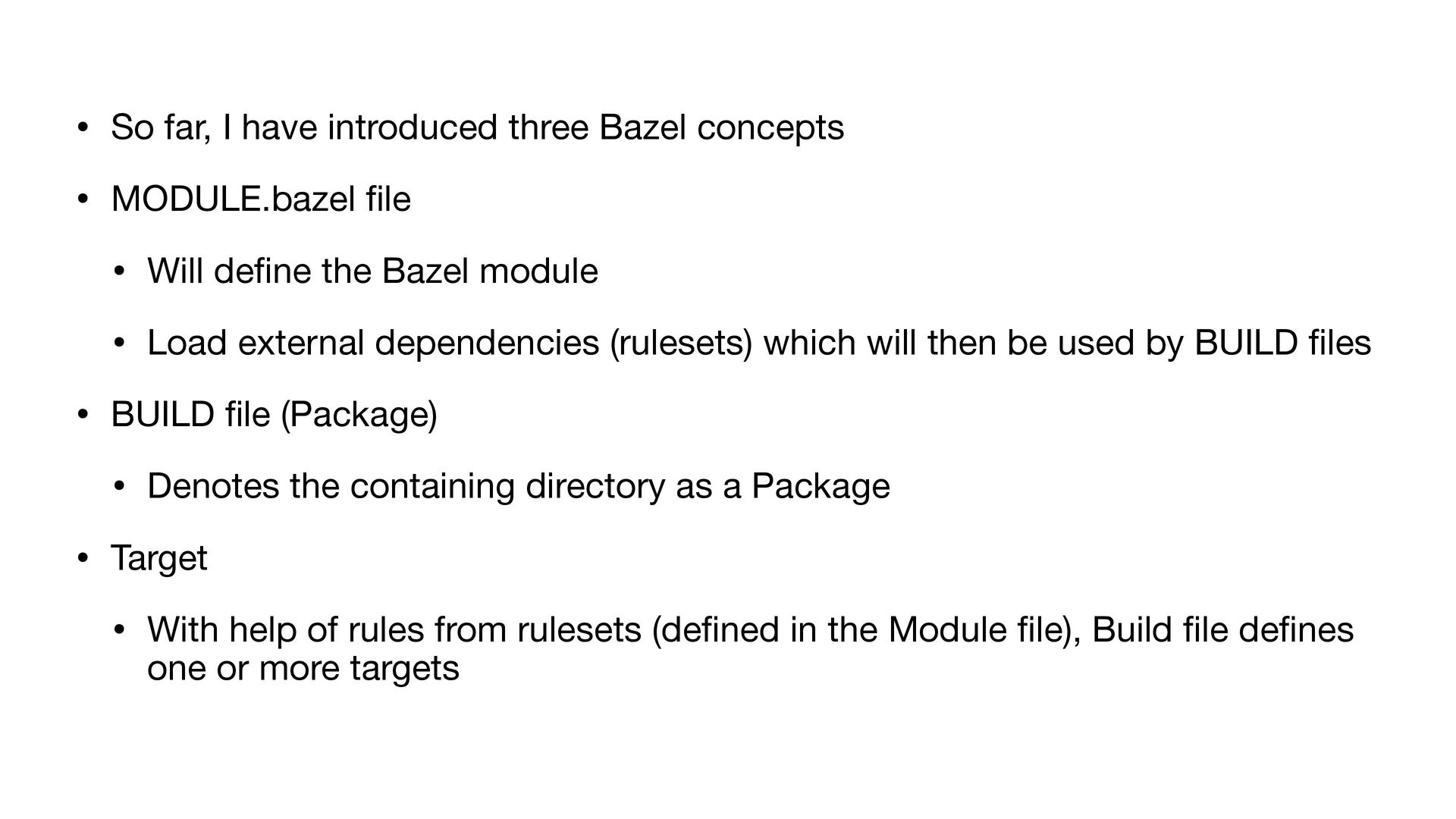
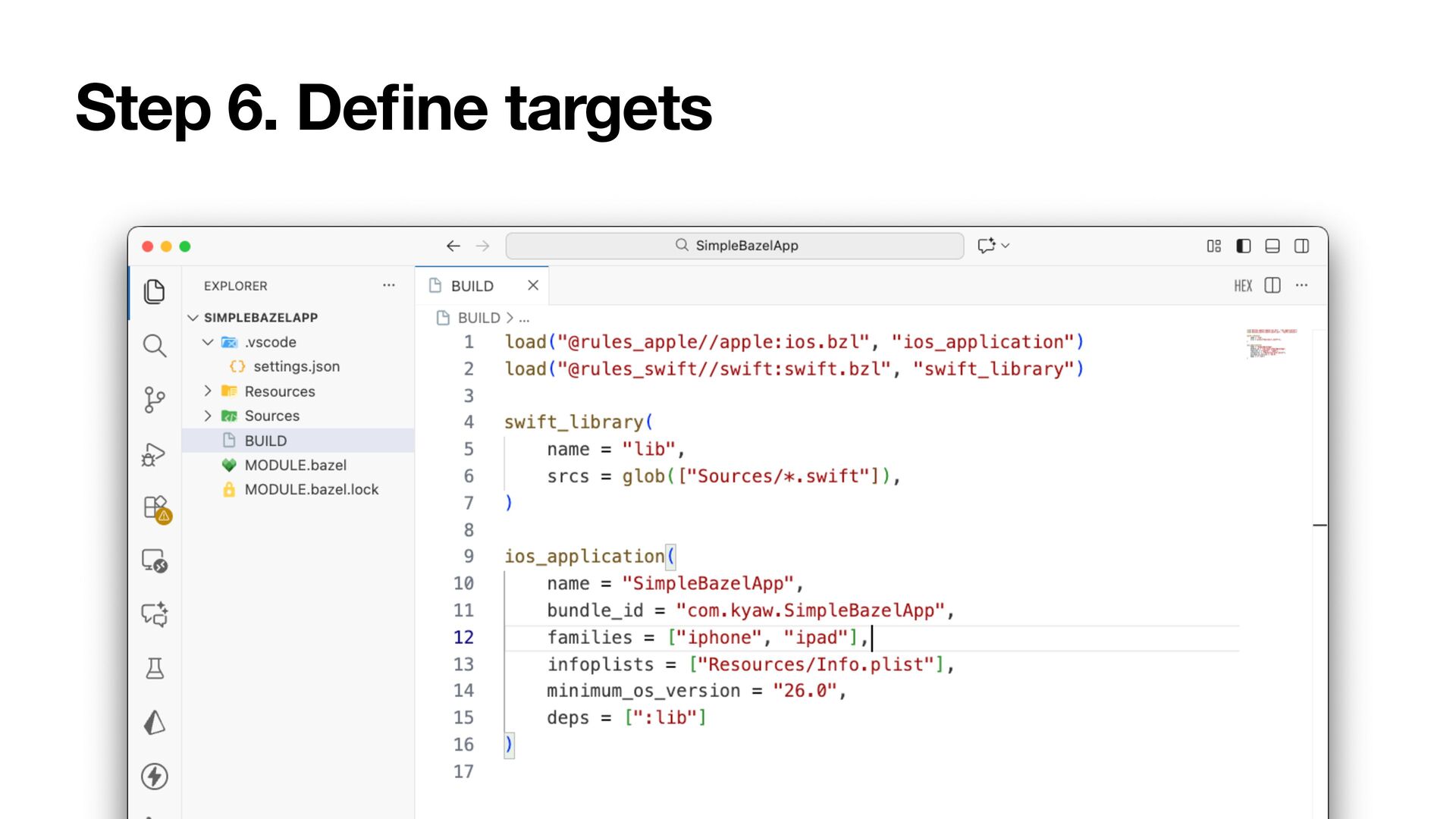
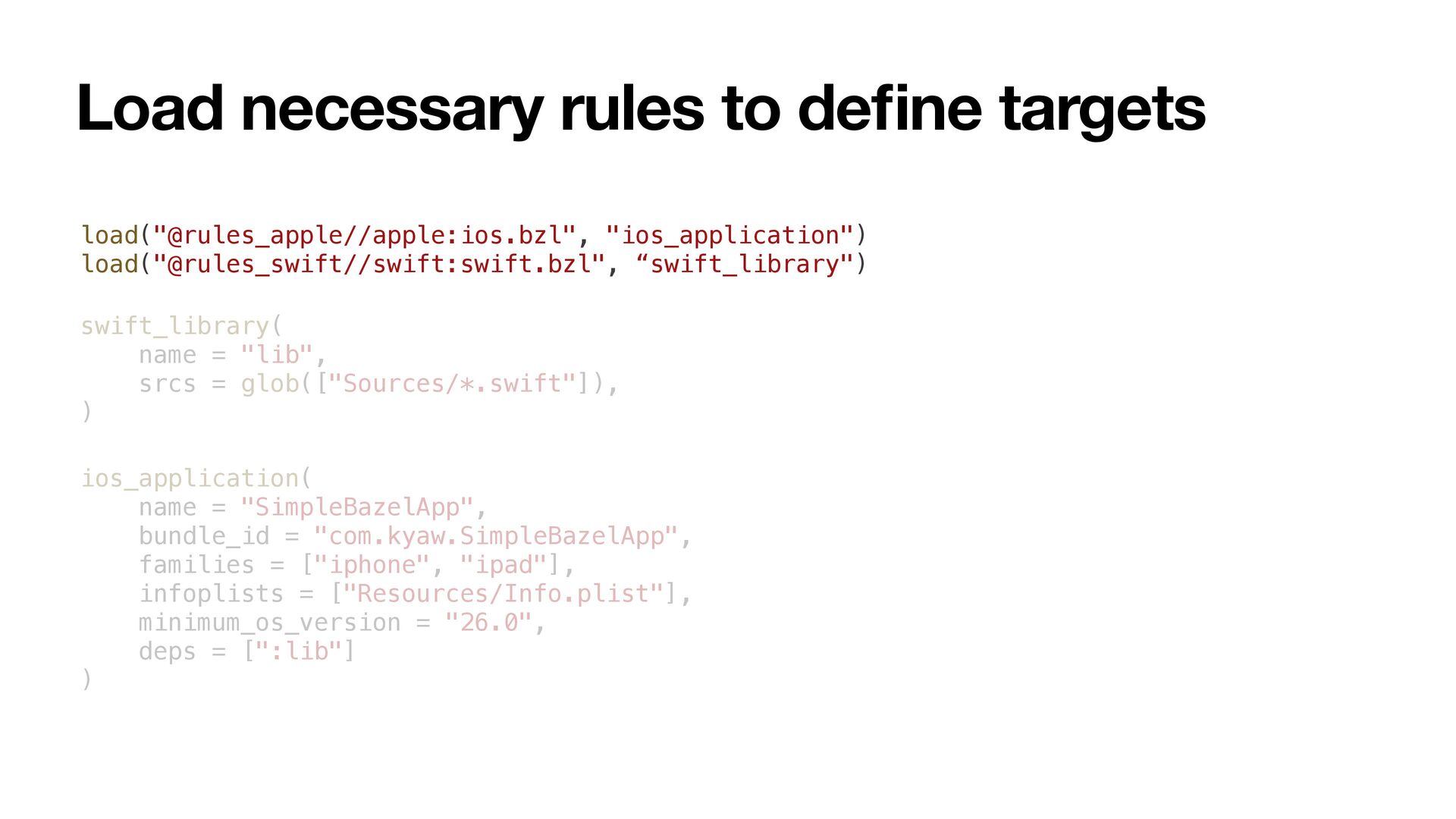
MODULE.bazel fi le • Will de fi ne the Bazel module • Load external dependencies (rulesets) which will then be used by BUILD fi les • BUILD fi le (Package) • Denotes the containing directory as a Package • Target • With help of rules from rulesets (de fi ned in the Module fi le), Build fi le de fi nes one or more targets
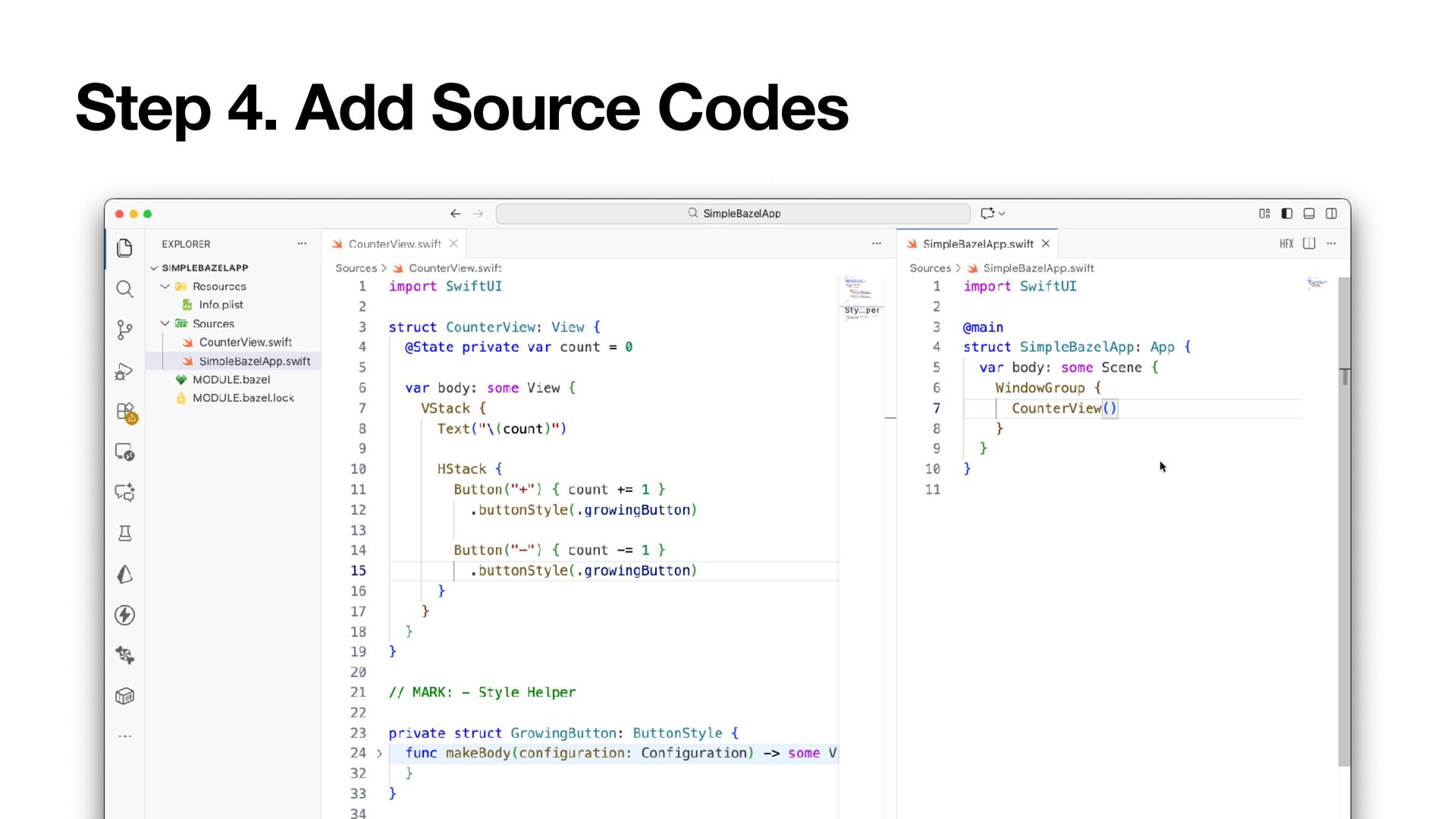
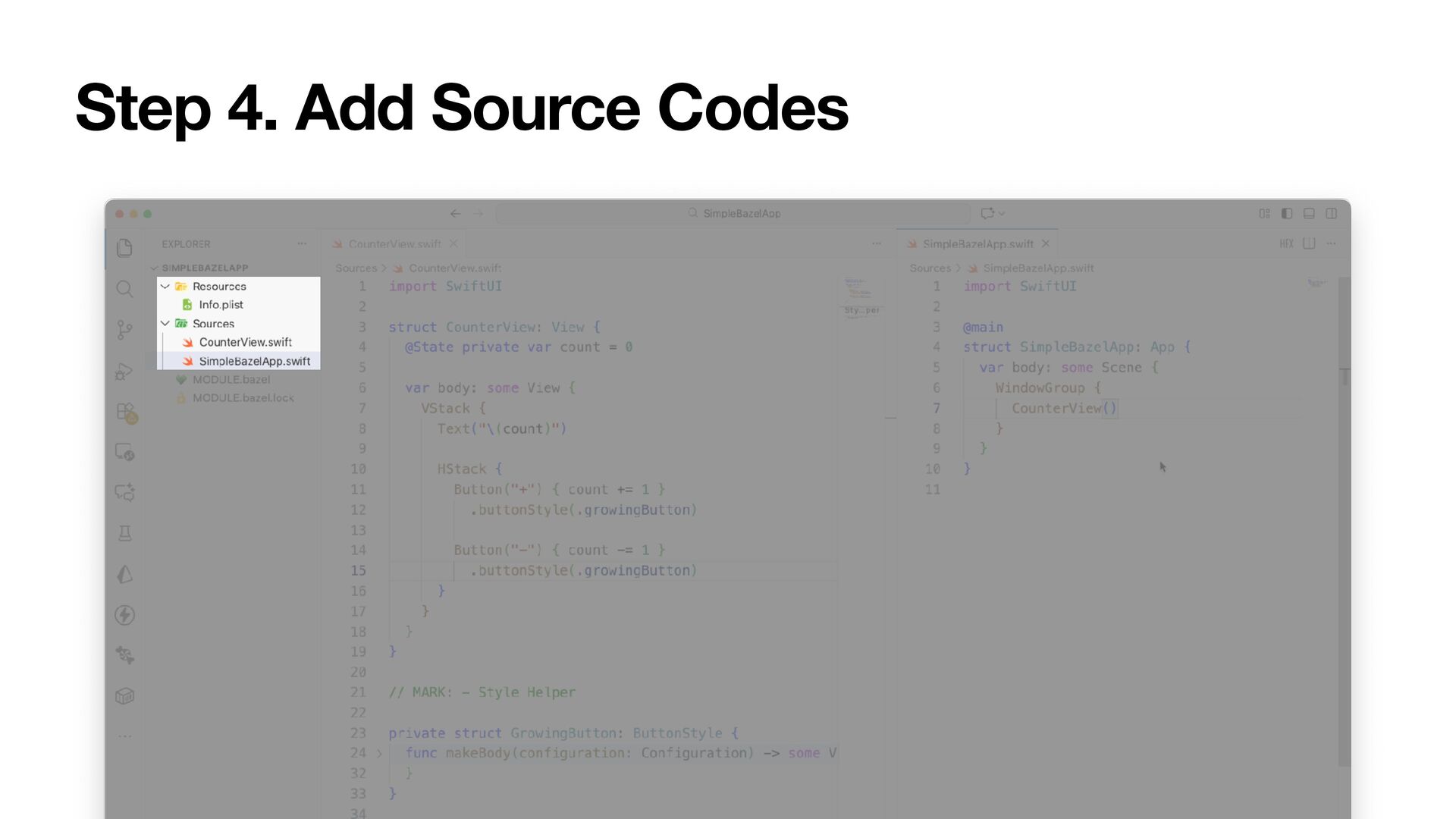
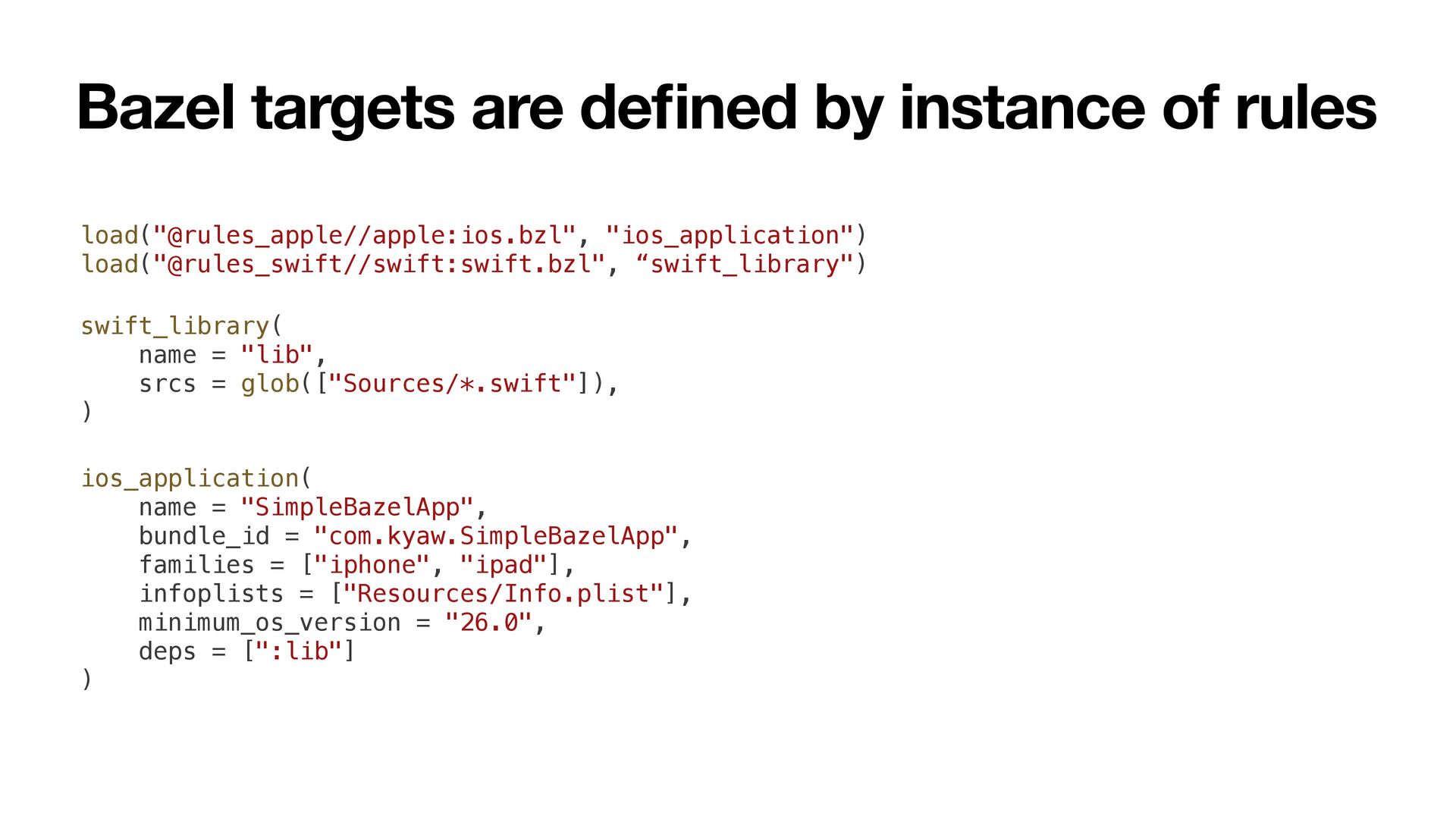
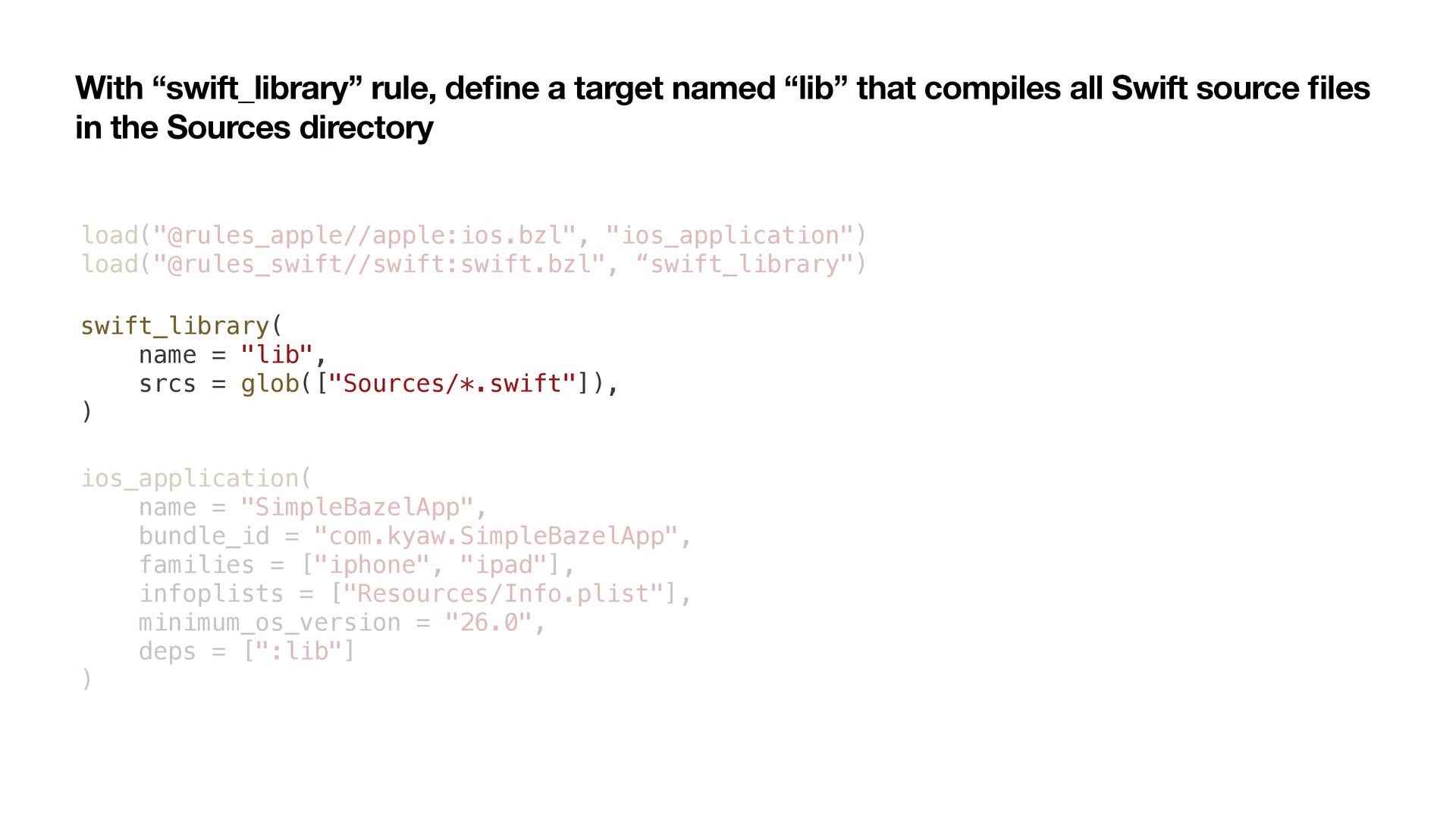
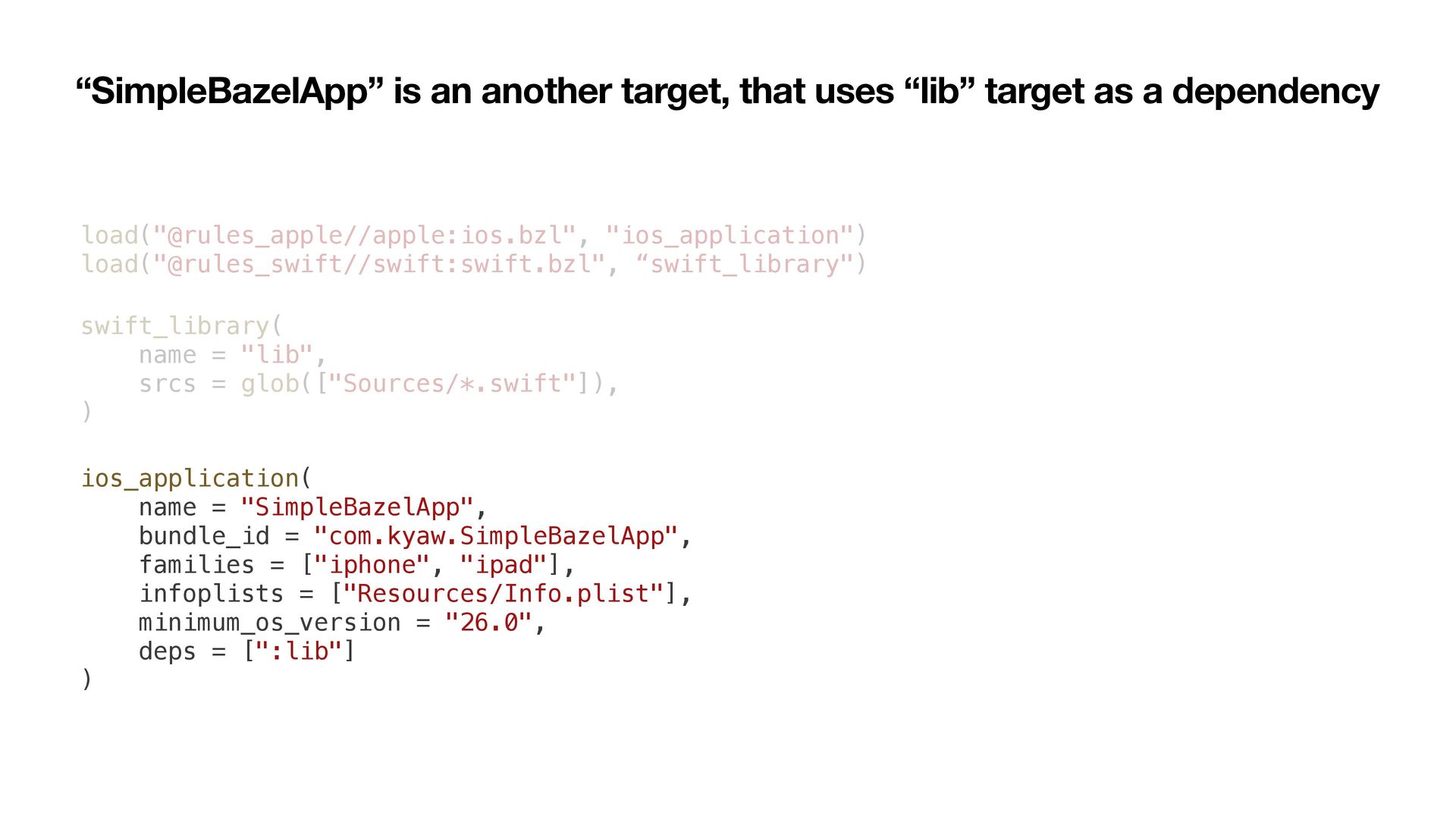
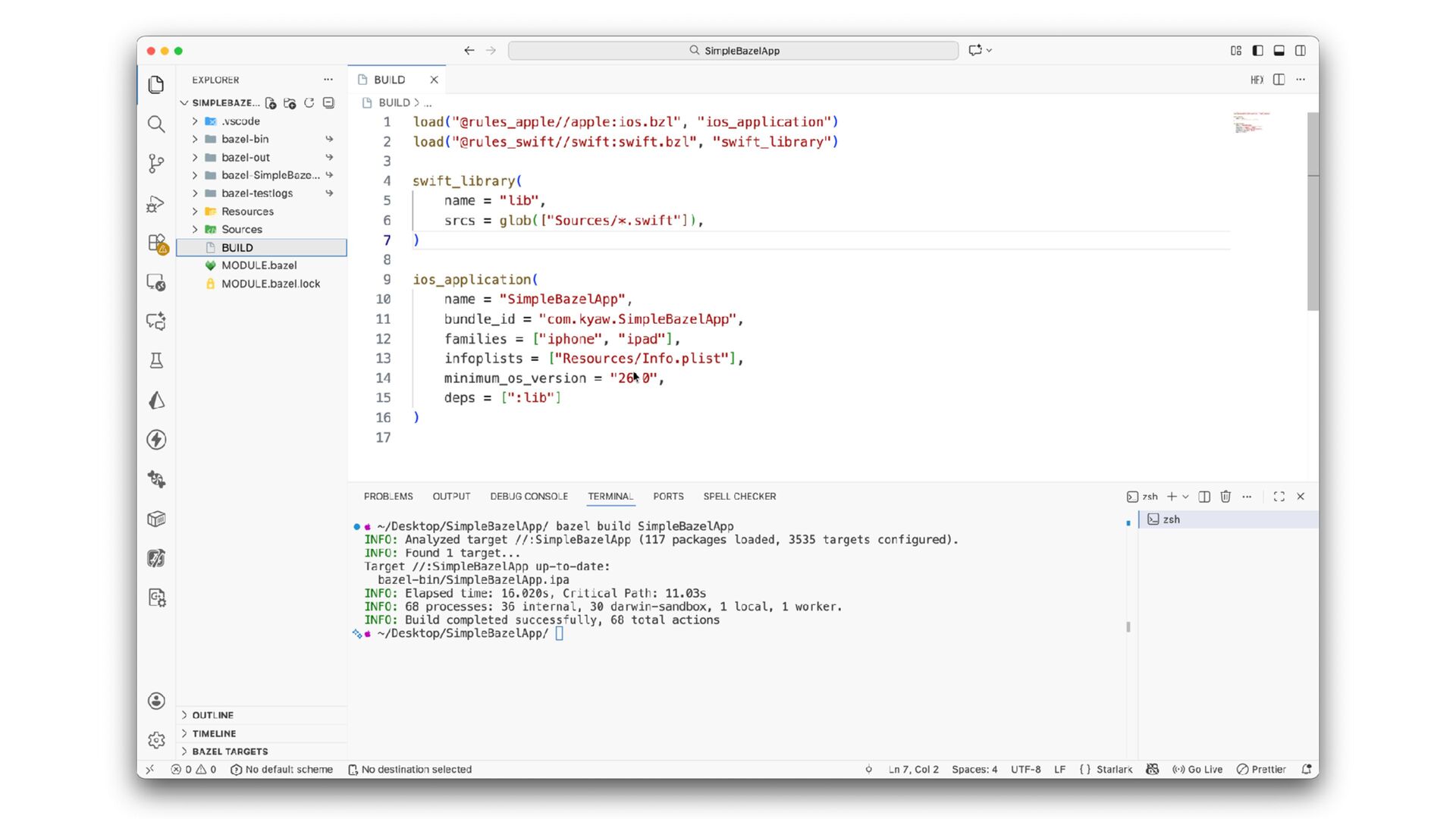
that compiles all Swift source fi les in the Sources directory load("@rules_apple//apple:ios.bzl", "ios_application") load("@rules_swift//swift:swift.bzl", “swift_library") swift_library( name = "lib", srcs = glob(["Sources/*.swift"]), ) ios_application( name = "SimpleBazelApp", bundle_id = "com.kyaw.SimpleBazelApp", families = ["iphone", "ipad"], infoplists = ["Resources/Info.plist"], minimum_os_version = "26.0", deps = [":lib"] )
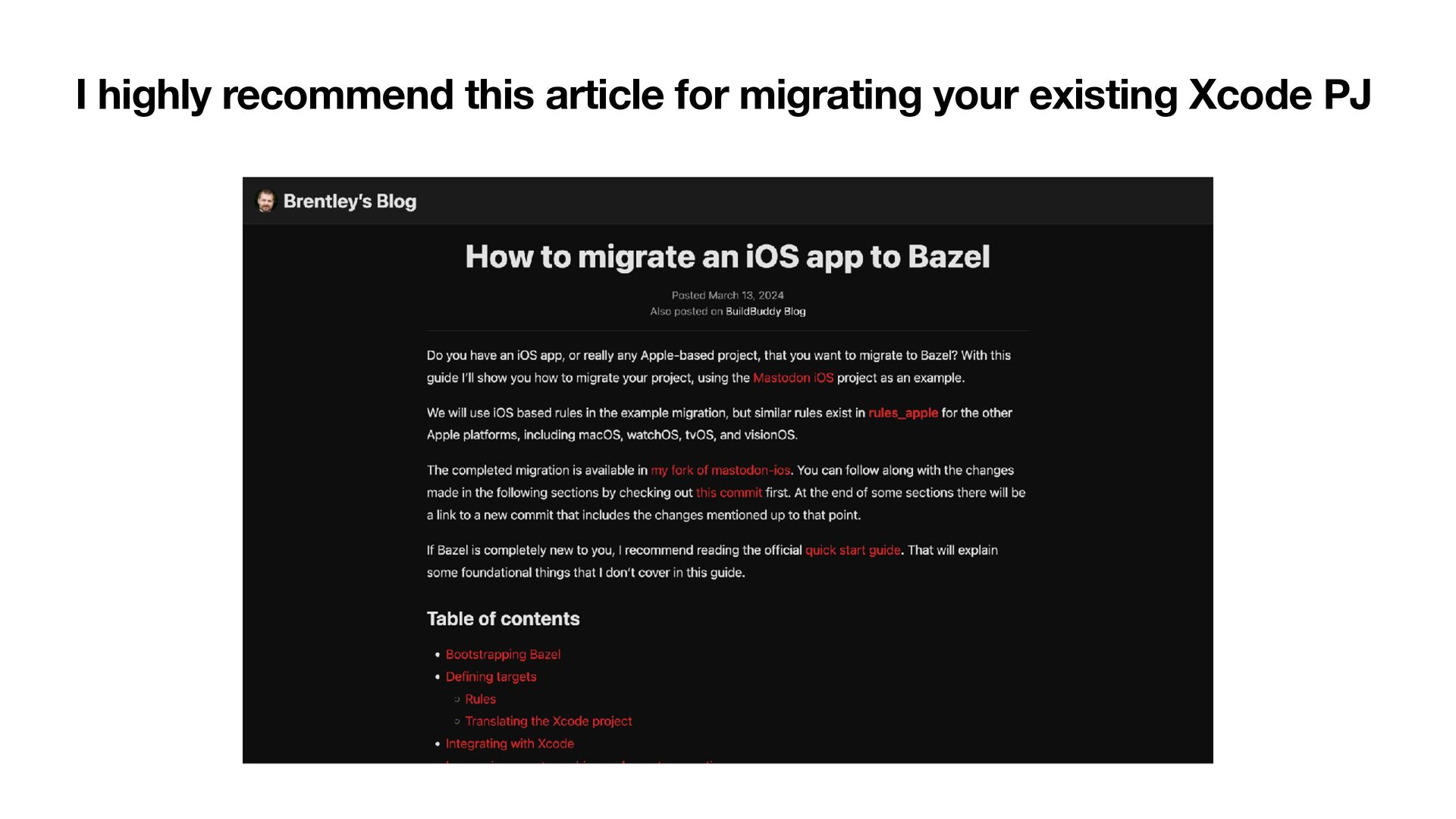
rule-based directory layout where each package has its own BUILD fi le, unlike Xcode. So, how are we going to migrate our existing Xcode projects??? Two Xcode projects, one for Xcode Build and the other for Bazel?
is structured, and many teams build internal CLI tools to help migrate code, generate Bazel targets, or manage modules. It’s also possible to streamline this using XcodeGen. You can de fi ne a module template in a YAML fi le and pass arguments such as module name or source paths through a Swift Argument Parser based command-line tool to generate consistent Xcode project fi les.
provide fully reproducible builds where a build target’s inputs can be precisely identi fi ed and will reliably generate the same output on any machine • Low-level dependencies that don’t change very often can be built once and shared across other developers rather than having to be rebuilt by each • Compared to Buck, Bazel bene fi ts from a more active community, especially for iOS. Major adopters including Google, LinkedIn, and several early users have achieved impressive and satisfying outcomes • Can be con fi gured and extended to work with languages that are not o ff i cially supported by the tool itself • Can have more than just building, eg, dynamic code generation
Python), a new language, to maintain the project’s build con fi guration • Lack of knowledge of Xcode build system, and tooling • Must be able to analyse the codebase, and its dependencies • Master static and dynamic linking behaviours • Able to use tools like XcodeGen to sca ff old modules • If required, need to develop/maintain internal tools (CLIs) to speed up feature development • Not every company can a ff ord to invest in mobile platform/infra squad • Bazel also has a steep learning curve
automatically support new Xcode features and must wait for community updates to stay compatible. • Eg, M1 Mac was introduced Nov 2020 but Bazel only fully supported it January 2022 • That means, you may contribute or rely on the Bazel community to keep the tooling and resources up to date • AFAIMC, Bazel has a limited resources, poor migration guide, and most of the tutorials are outdated
tool • Mobile platform team • You have at least 10+ iOS developers working on your codebase • You have a massive codebase where the duration of the build time on each and every dev’s machine surpasses the time you have to invest in maintaining Bazel modules • Or you wanna work at a speci fi c company that uses Bazel
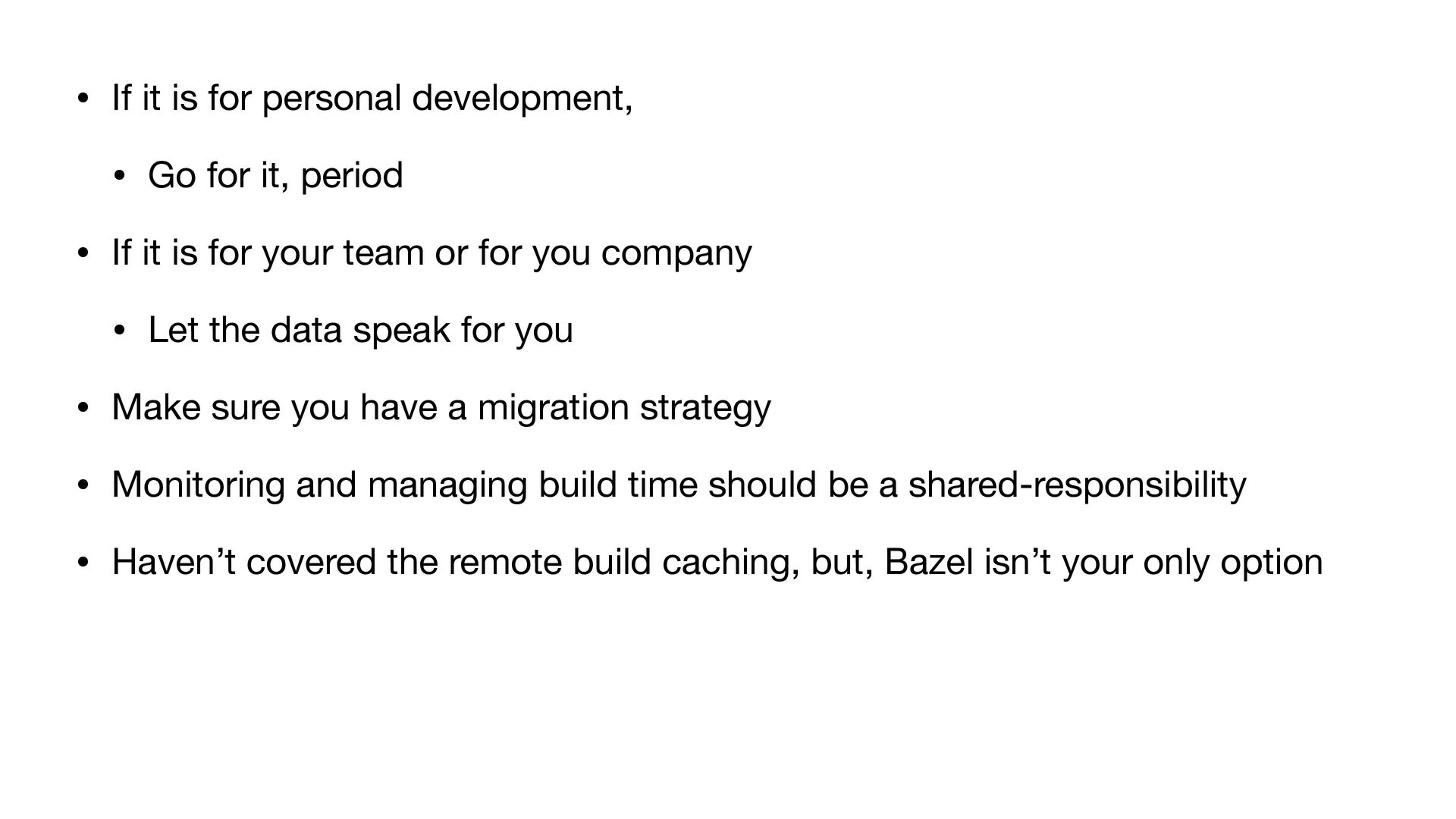
it, period • If it is for your team or for you company • Let the data speak for you • Make sure you have a migration strategy • Monitoring and managing build time should be a shared-responsibility • Haven’t covered the remote build caching, but, Bazel isn’t your only option


 kyawthemonkey
 y0hgi
y0hgi
 oku053
 tomokon
 mofurune
 satoshi256kbyte
 armondando
 akkeylab
 soyuka
 akit37
 optim
optim
 sylph01
 minodriven
 codingconduct
 destraynor
 palkan
 aleyda
 tenderlove
 thoeni
 katiecoart
 garrettdimon
 sachag
 mfonobong
 baasie