Upgrade to Pro — share decks privately, control downloads, hide ads and more …

Record.Replay.Reproduce

Sponsored · Ship Features Fearlessly Turn features on and off without deploys. Used by thousands of Ruby developers.

 Record.Replay.Reproduce

HelsinkiJS

Avatar for Mats Bryntse

Mats Bryntse

March 09, 2017
Tweet

More Decks by Mats Bryntse

Other Decks in Programming

Transcript

  1. Who is Mats Bryntse? • From Stockholm • Founder of

    Bryntum • Scheduler, Gantt + Kanban UI components • Web dev tools (testing, monitoring) • @bryntum • www.bryntum.com !
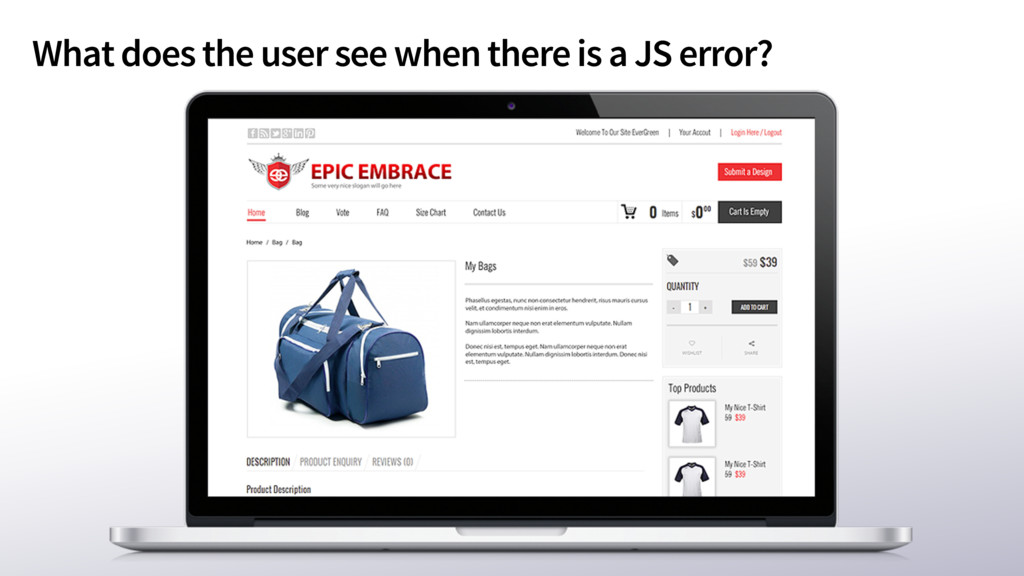
  2. Javascript error basics • Javascript errors are unhandled exceptions in

    your code base • Or in the frameworks you use • Doesn’t matter where errors happen, poor user impression • With JS codebases in the size of MBs, cannot ignore error handling + logging • Good news - it’s easy
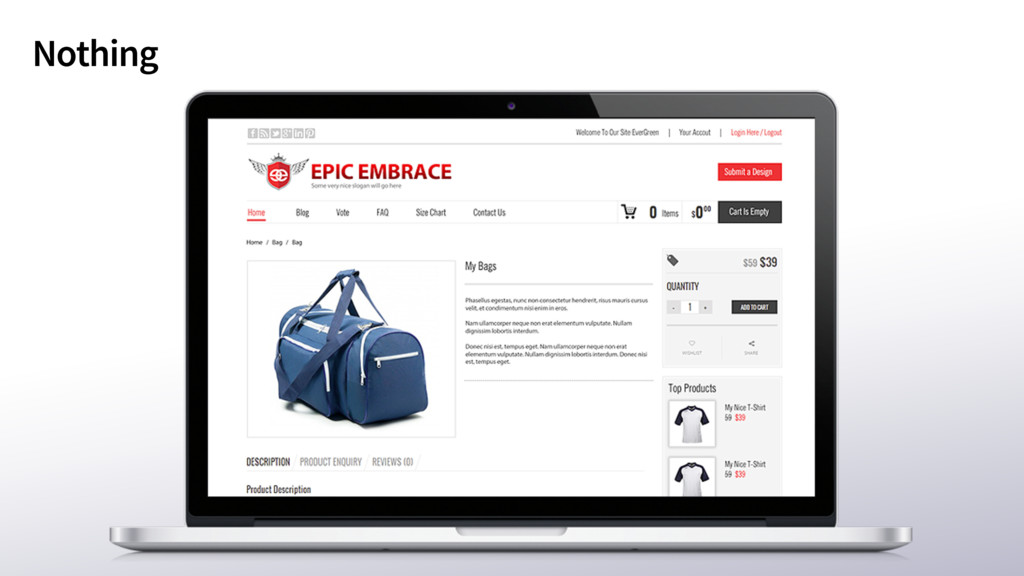
  3. Two scenarios for the end user: • Error is captured

    by you. User notified • Or…… • Nothing happens for user, will probably try same action again. • If you’re lucky, user will contact you ✉ ✊
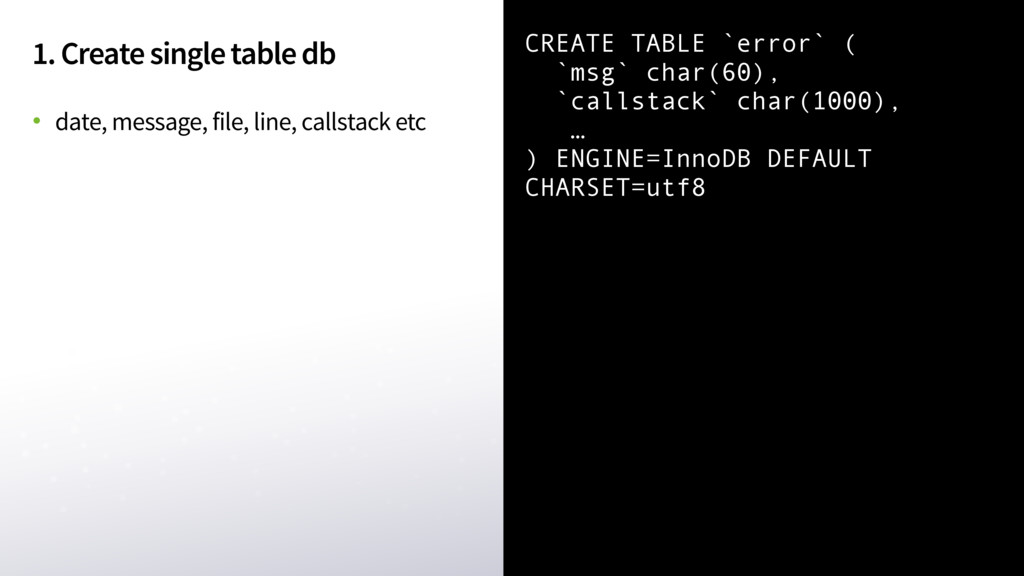
  4. 1. Create single table db • date, message, file, line,

    callstack etc CREATE TABLE `error` ( `msg` char(60), `callstack` char(1000), … ) ENGINE=InnoDB DEFAULT CHARSET=utf8
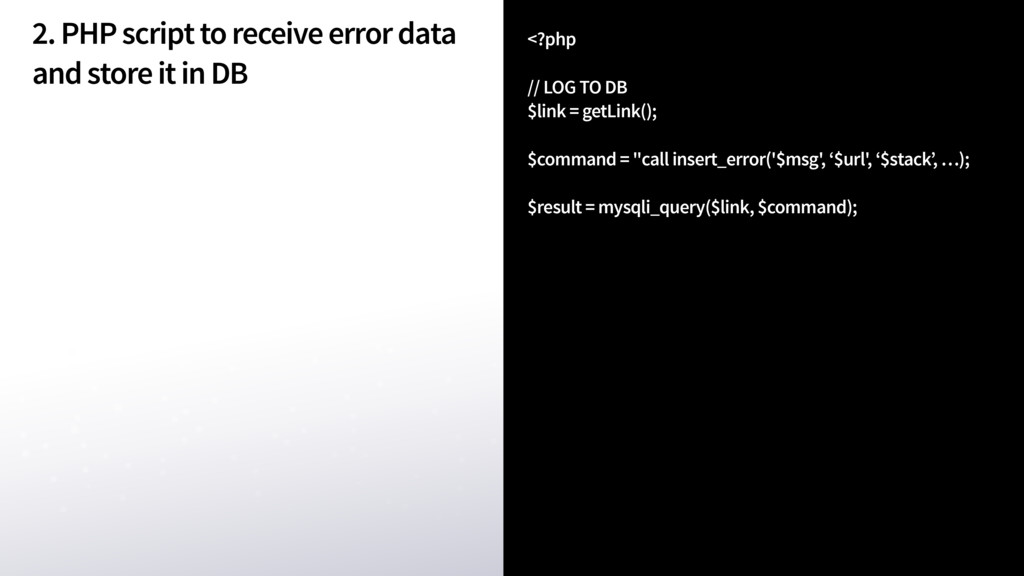
  5. 2. PHP script to receive error data and store it

    in DB <?php // LOG TO DB
 $link = getLink();
 
 $command = "call insert_error('$msg', ‘$url', ‘$stack’, …); 
 $result = mysqli_query($link, $command);
 

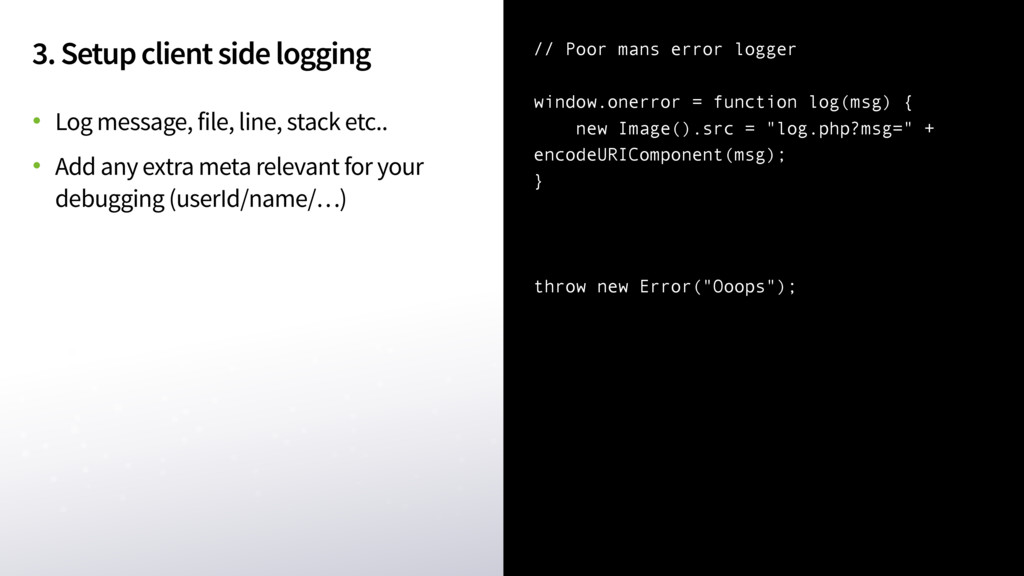
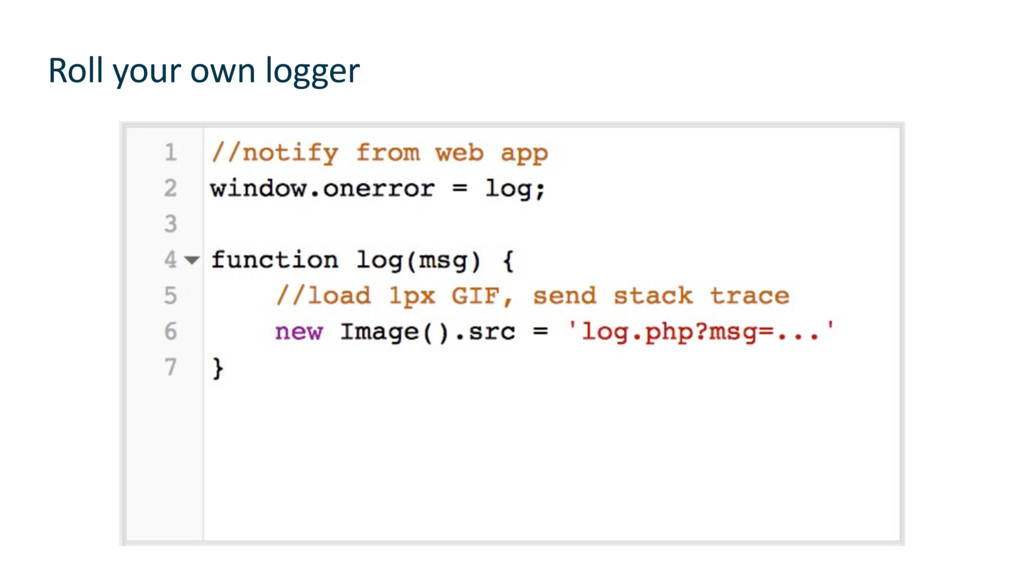
  6. 3. Setup client side logging • Log message, file, line,

    stack etc.. • Add any extra meta relevant for your debugging (userId/name/…) // Poor mans error logger window.onerror = function log(msg) { new Image().src = "log.php?msg=" + encodeURIComponent(msg); } throw new Error("Ooops");
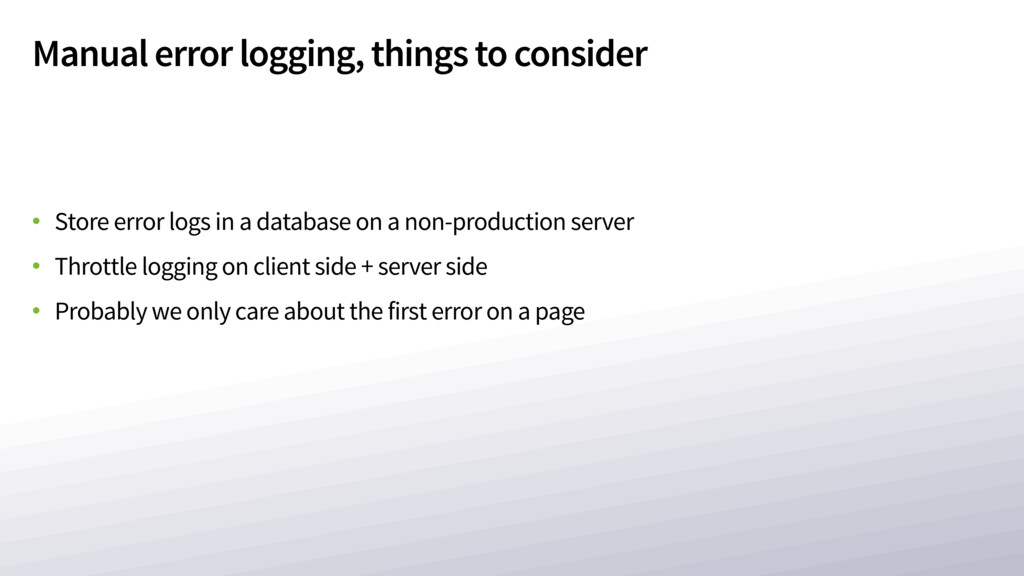
  7. Manual error logging, things to consider • Store error logs

    in a database on a non-production server • Throttle logging on client side + server side • Probably we only care about the first error on a page
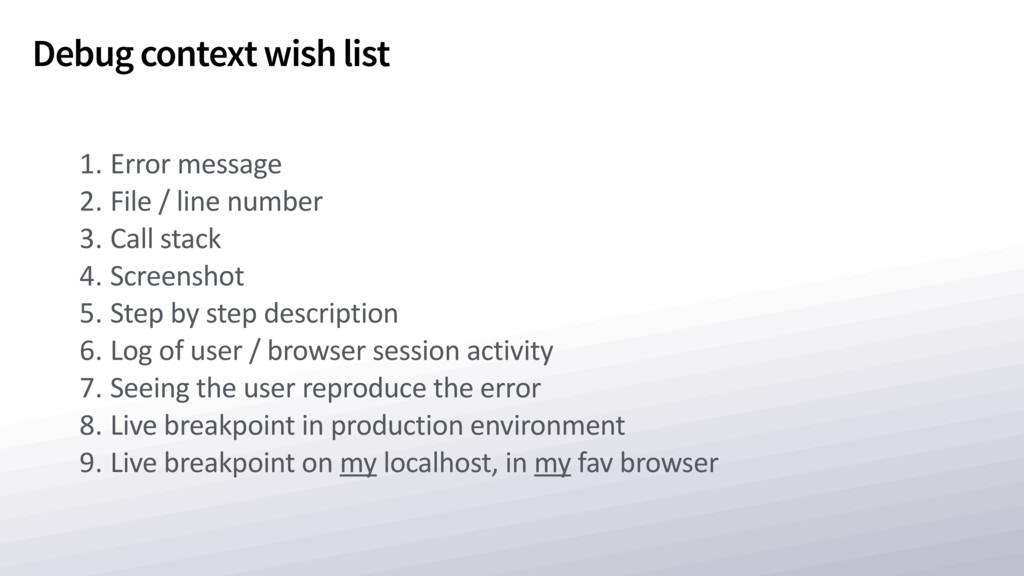
  8. Debug context wish list 1. Error message 2. File /

    line number 3. Call stack 4. Screenshot 5. Step by step description 6. Log of user / browser session activity 7. Seeing the user reproduce the error 8. Live breakpoint in production environment 9. Live breakpoint on my localhost, in my fav browser
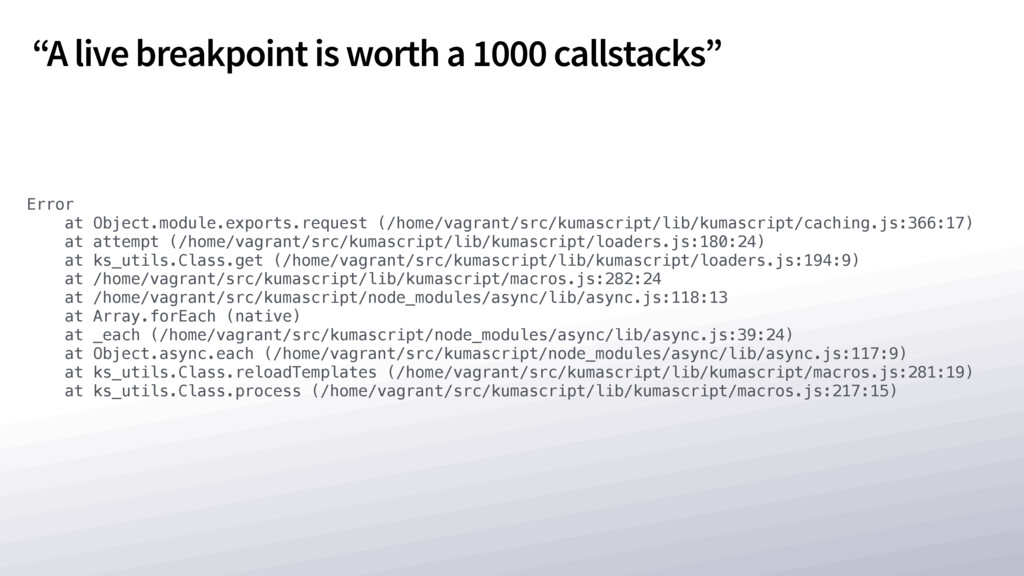
  9. Error at Object.module.exports.request (/home/vagrant/src/kumascript/lib/kumascript/caching.js:366:17) at attempt (/home/vagrant/src/kumascript/lib/kumascript/loaders.js:180:24) at ks_utils.Class.get (/home/vagrant/src/kumascript/lib/kumascript/loaders.js:194:9)

    at /home/vagrant/src/kumascript/lib/kumascript/macros.js:282:24 at /home/vagrant/src/kumascript/node_modules/async/lib/async.js:118:13 at Array.forEach (native) at _each (/home/vagrant/src/kumascript/node_modules/async/lib/async.js:39:24) at Object.async.each (/home/vagrant/src/kumascript/node_modules/async/lib/async.js:117:9) at ks_utils.Class.reloadTemplates (/home/vagrant/src/kumascript/lib/kumascript/macros.js:281:19) at ks_utils.Class.process (/home/vagrant/src/kumascript/lib/kumascript/macros.js:217:15) “A live breakpoint is worth a 1000 callstacks”
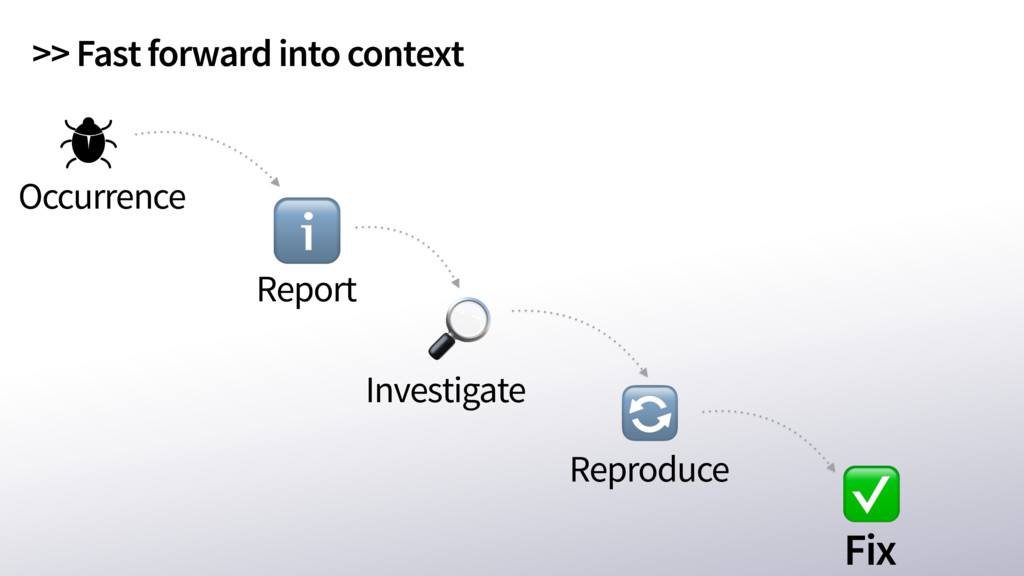
  10. Email ping pong - Enterprise version Error in web app

    Reports to own support Your company User realises it’s an error 01010 10110 11110 User Dear User, /Depressed dev. Can’t reproduce, need more info. Sincerely yours,
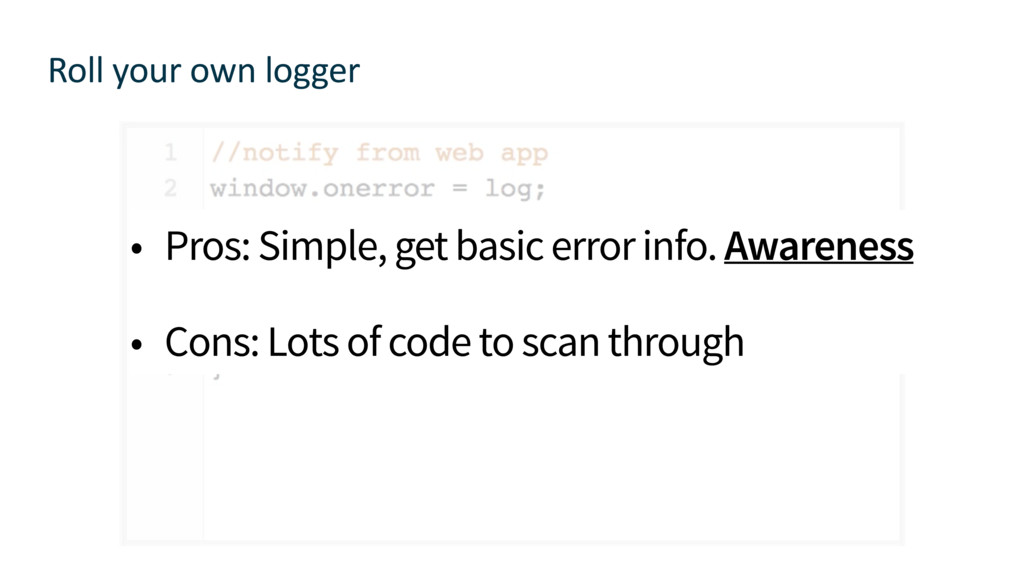
  11. Roll your own logger • Pros: Simple, get basic error
    info. Awareness • Cons: Lots of code to scan through
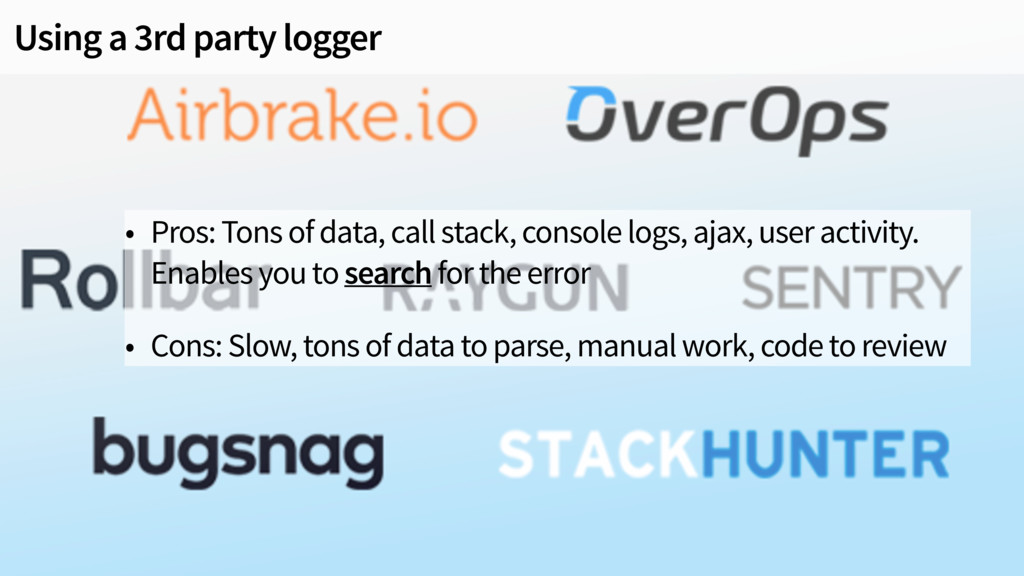
  12. Using a 3rd party logger • Pros: Tons of data,

    call stack, console logs, ajax, user activity. Enables you to search for the error • Cons: Slow, tons of data to parse, manual work, code to review
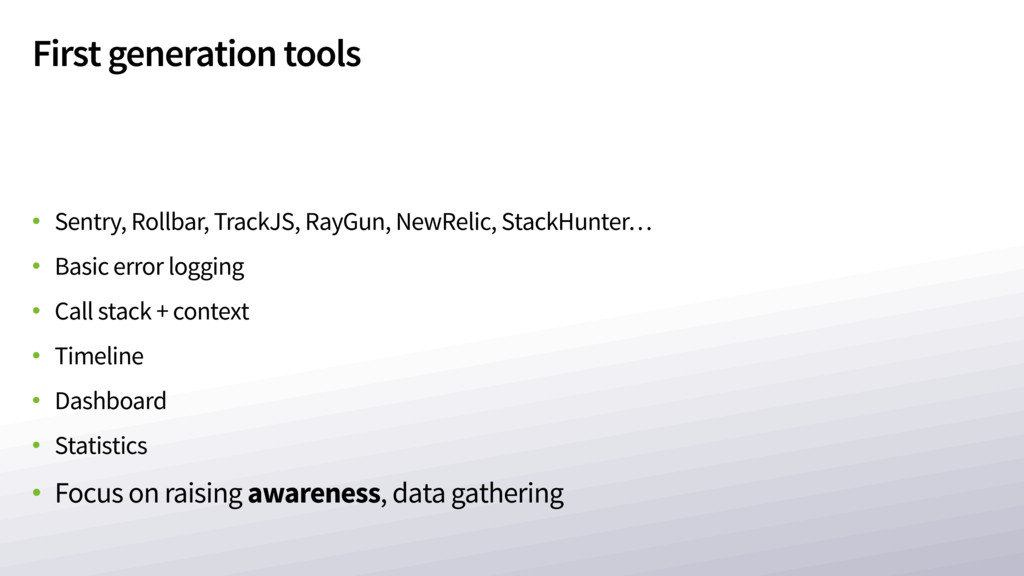
  13. First generation tools • Sentry, Rollbar, TrackJS, RayGun, NewRelic, StackHunter…

    • Basic error logging • Call stack + context • Timeline • Dashboard • Statistics • Focus on raising awareness, data gathering
  14. Second generation tools • Generate video • Manual video recording

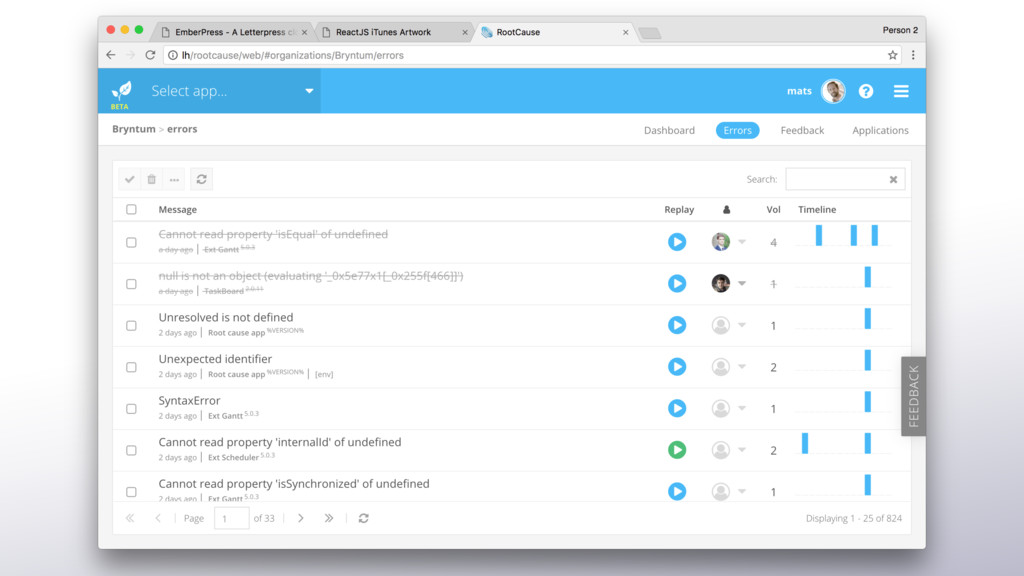
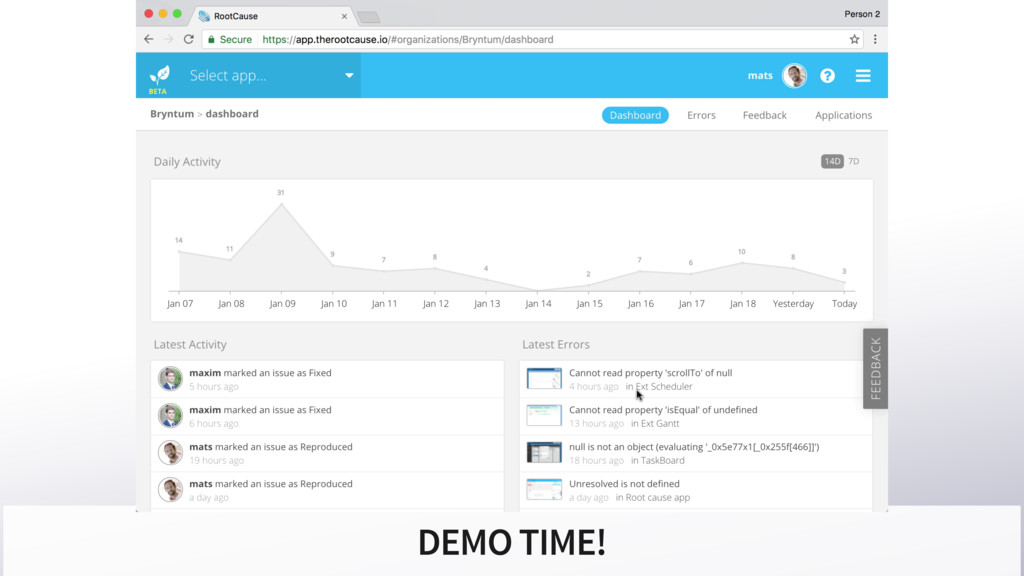
    + feedback collection • Replay & view the error • Focus on showing you the bug, not just data gathering
  15. Installing the RC logger in your web app window.logger =

    new RC.Logger({
 applicationId : 'yourToken',
 recordUserActions : true,
 showFeedbackButton : true,
 logAjaxRequests : true,
 captureScreenshot : true,
 environment : 'prod',
 user : {
 email : '[email protected]',
 name : 'Anton'
 }
 });

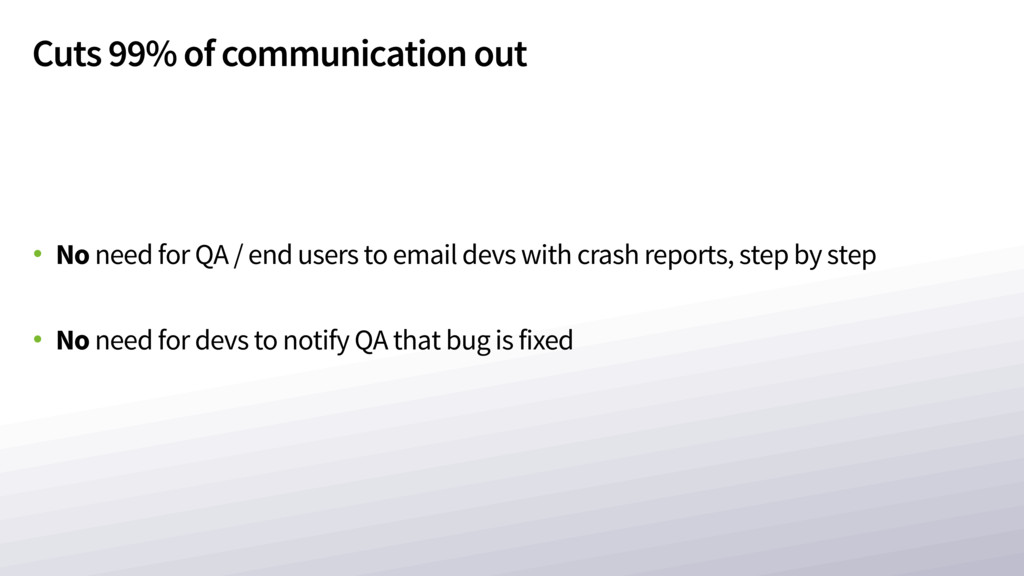
  16. Cuts 99% of communication out • No need for QA

    / end users to email devs with crash reports, step by step • No need for devs to notify QA that bug is fixed
  17. Technical details • Recorder: 100% vanilla JS • Screenshots: HTML2Canvas

    • Dashboard: Ext JS • Replay studio powered by Siesta
  18. Sign up here: https://app.therootcause.io Summing up: • Fix your external

    script tags. Never see “Script error”. Ever. • Don’t rely on users reporting bugs • Automate your error reporting