Upgrade to Pro
— share decks privately, control downloads, hide ads and more …
Speaker Deck
Sign up for free
Menu
Search
Features
All features
Private URLs
Password Protection
Custom URLS
Scheduled publishing
Remove Branding
Restrict embedding
Deck Collections
Notes
Features
All features
Private URLs
Password Protection
Custom URLS
Scheduled publishing
Remove Branding
Restrict embedding
Deck Collections
Notes
Explore
Featured decks
Featured speakers
Programming
Technology
Storyboards
Explore
Featured decks
Featured speakers
Programming
Technology
Storyboards
Pricing
Search
Sign in
Sign up for free
Building watchOS apps
Search
Sponsored
·
Ship Features Fearlessly
Turn features on and off without deploys. Used by thousands of Ruby developers.
→
Boris Bügling
July 13, 2015
Programming
280
2
Share
Embed
Copy iframe code
Copy JS code
Copy link
Start on current slide
Building watchOS apps
An introduction to building watchOS apps, given at Mobile Optimized 2015 in Minsk.
Boris Bügling
July 13, 2015
More Decks by Boris Bügling
See All by Boris Bügling
Testing ⌚️ Apps and Other Extensions
neonichu
1
4.7k
Cross-platform Swift
neonichu
4
18k
Building better API clients in Swift
neonichu
1
360
Cross-platform Swift
neonichu
3
970
Swift Package Manager
neonichu
2
380
Swift Package Manager
neonichu
0
92
📺
neonichu
0
2.1k
Cross-Platform Swift
neonichu
0
150
Swift Package Manager
neonichu
6
4.5k
Other Decks in Programming
See All in Programming
iOS 27でニュースアプリはどう変わる!? 〜日経電子版の新機能対応と、開発事例から〜
lynnswap
7
13k
Workers Cache を知る
syumai
0
360
動作中のプログラムの中身をリアルタイムに覗く / Realtime Debugger for CSharp with Roslyn
prota
1
1.9k
全ての永続トークンを、生まれる前に消し去りたい!
sylph01
2
430
The Rails Doctrine Decade
koic
2
570
Simple Storage Service(S3) is not simple
iwatsukayura
0
280
残高管理から台帳サービスへの進化
artoy
1
200
Vue Fes Japan の “作る側”に関わってみて
naokihaba
0
150
Verilogで学ぶCPU自作入門
uyuki234
8
4.1k
SalesForceを内製化!? ~ HR事業を支える顧客管理基盤のインフラを大公開 ~
oku053
0
170
コードレビューのボトルネックを"する側"と"される側"の両面から解消する
yub0n
2
1.6k
なぜCTOを降りてFDEを選んだのか?〜なぜプロダクト企業がFDEで顧客の現場に踏み込むのか〜
gonta
1
200
Featured
See All Featured
Mobile First: as difficult as doing things right
swwweet
225
10k
SEOcharity - Dark patterns in SEO and UX: How to avoid them and build a more ethical web
sarafernandez
0
300
Unsuck your backbone
ammeep
672
58k
Prompt Engineering for Job Search
mfonobong
0
510
StorybookのUI Testing Handbookを読んだ
zakiyama
31
7k
The Success of Rails: Ensuring Growth for the Next 100 Years
eileencodes
47
8.4k
Refactoring Trust on Your Teams (GOTO; Chicago 2020)
rmw
35
3.8k
Producing Creativity
orderedlist
PRO
348
41k
The Illustrated Children's Guide to Kubernetes
chrisshort
51
53k
Navigating Team Friction
lara
192
16k
個人開発の失敗を避けるイケてる考え方 / tips for indie hackers
panda_program
123
22k
Data-driven link building: lessons from a $708K investment (BrightonSEO talk)
szymonslowik
1
1.4k
Transcript
BUILDING WATCHOS APPS MOBILEOPTIMIZED 2015 BORIS BÜGLING - @NEONACHO
COCOAPODS
CONTENTFUL
None
!!!!
ᴡᴀᴛᴄʜ
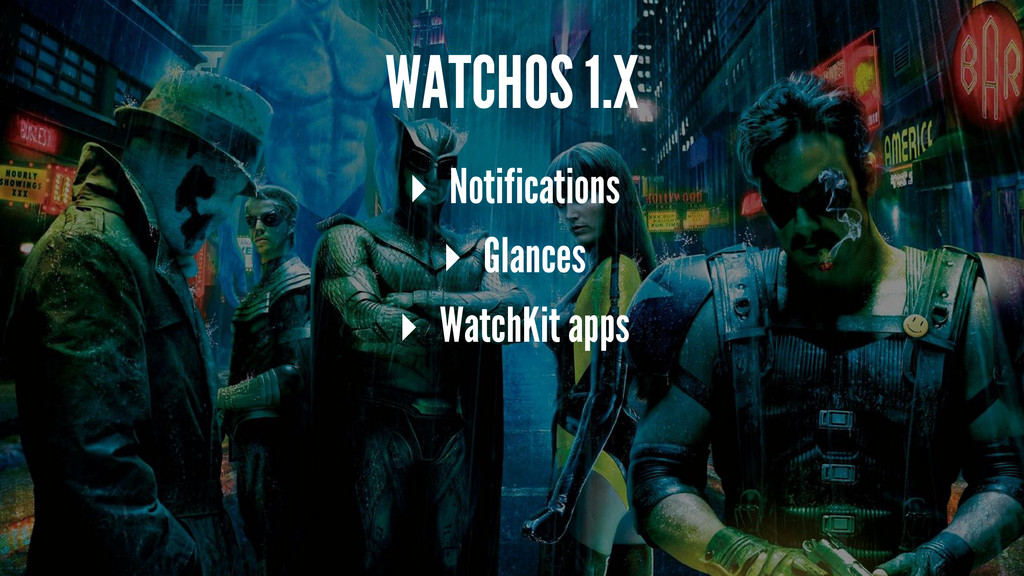
WATCHOS 1.X ▸ Notifications ▸ Glances ▸ WatchKit apps
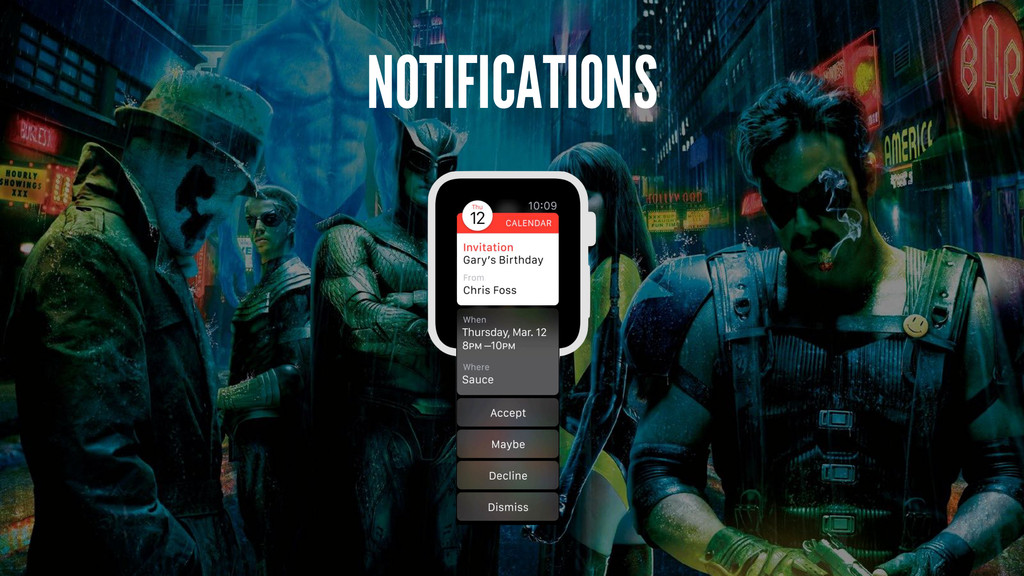
NOTIFICATIONS
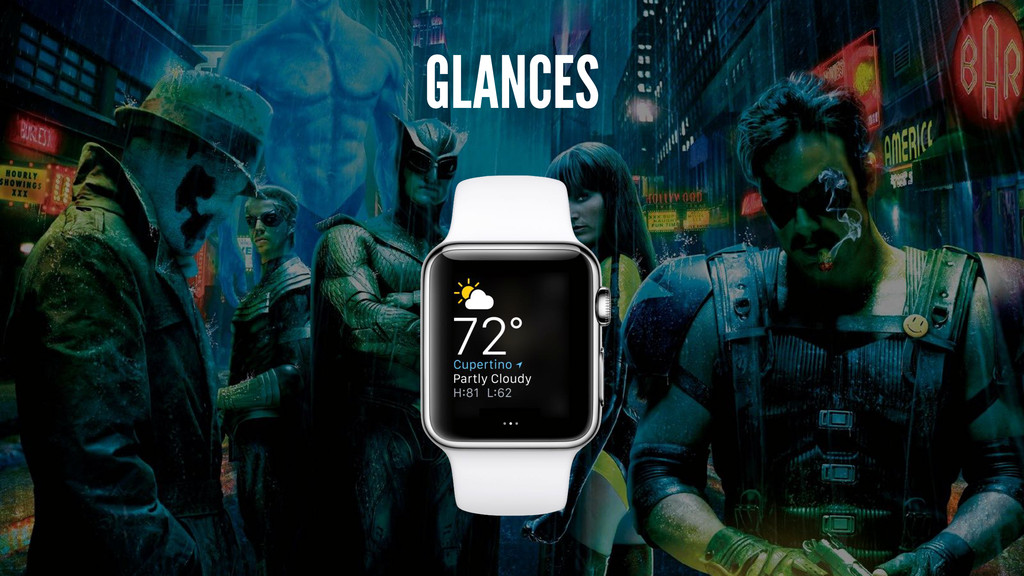
GLANCES
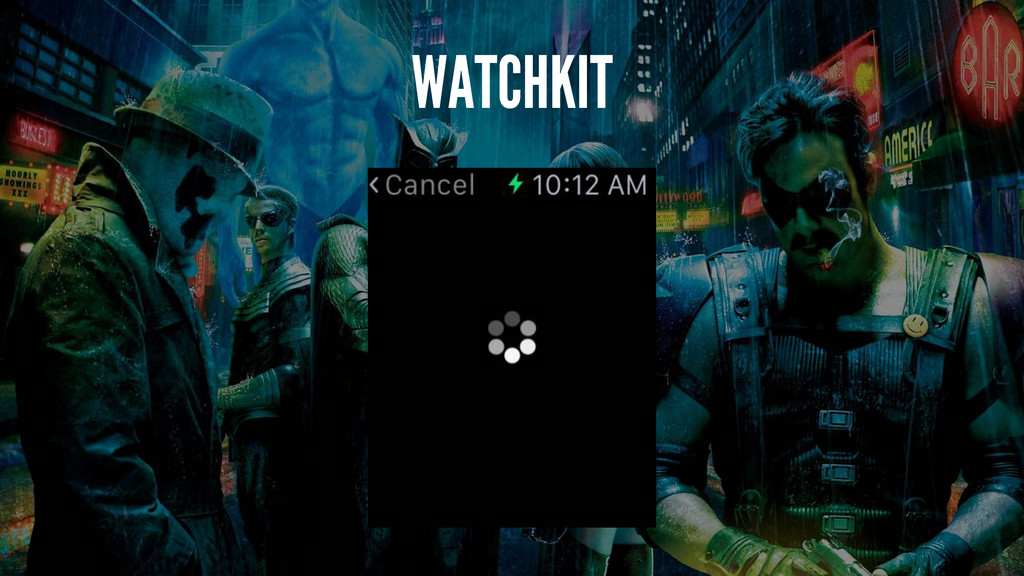
WATCHKIT
WATCHOS 2.X ▸ Apps run natively on the watch ▸
Custom complications
!!!
None
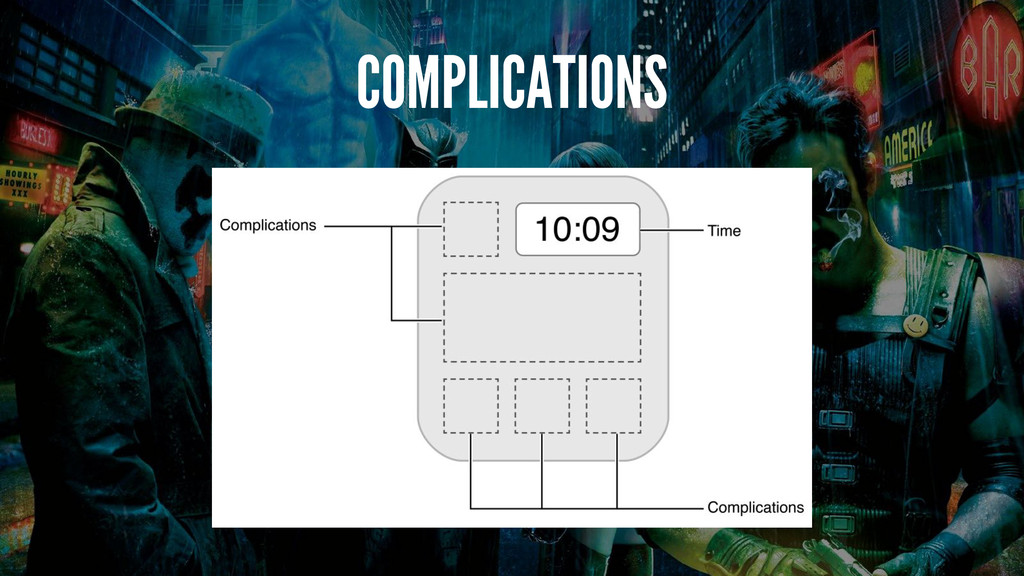
COMPLICATIONS
ARCHITECTURE
None
WATCHOS 2 Extension phone => watch
RESOURCES ▸ Interface.storyboard ▸ Asset catalogs
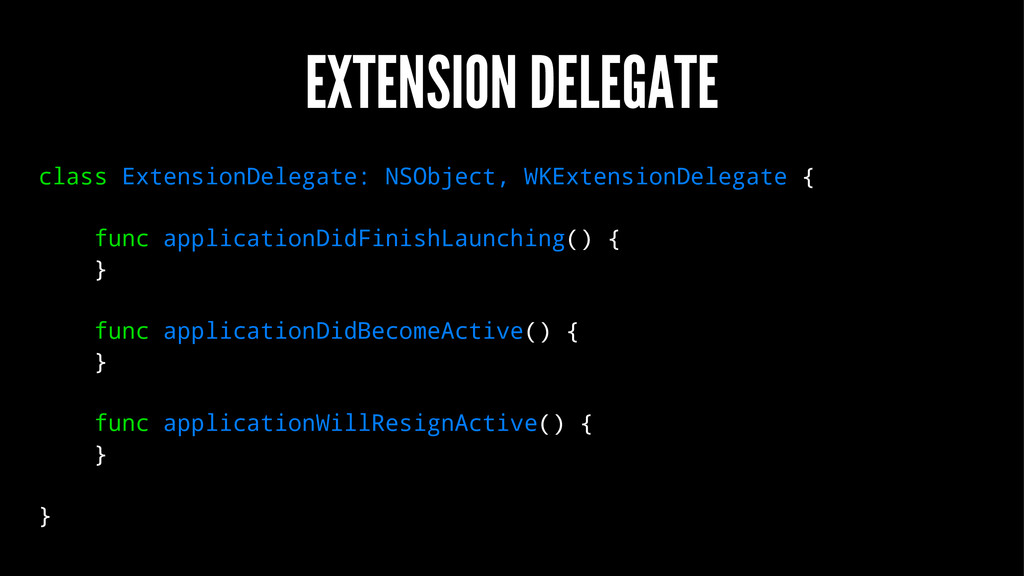
EXTENSION DELEGATE class ExtensionDelegate: NSObject, WKExtensionDelegate { func applicationDidFinishLaunching() {
} func applicationDidBecomeActive() { } func applicationWillResignActive() { } }
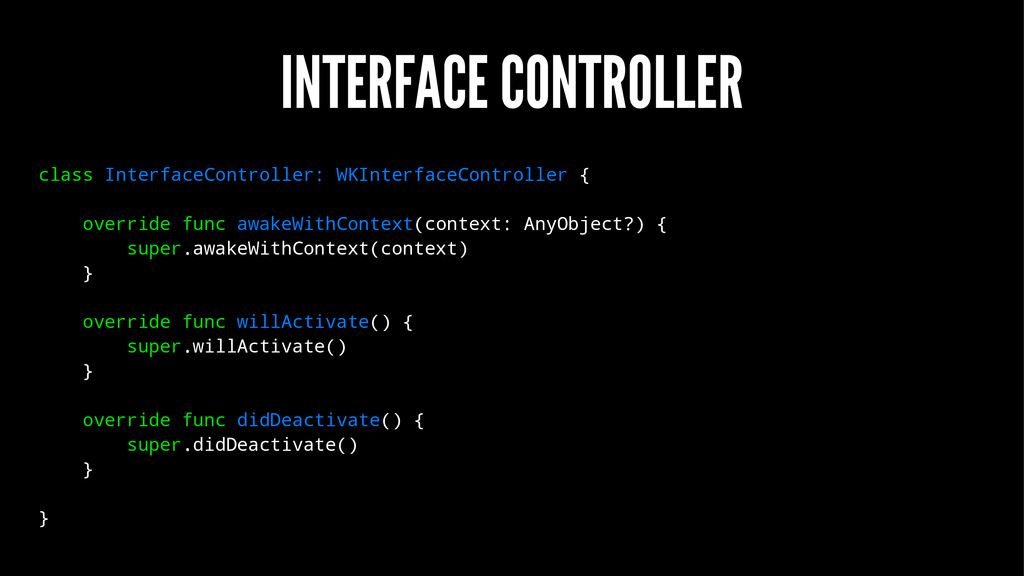
INTERFACE CONTROLLER class InterfaceController: WKInterfaceController { override func awakeWithContext(context: AnyObject?)
{ super.awakeWithContext(context) } override func willActivate() { super.willActivate() } override func didDeactivate() { super.didDeactivate() } }
WKINTERFACECONTROLLER ▸ Navigation ▸ Presentation ▸ Handoff ▸ Handle notification
actions ▸ Communicate with parent app
DESIGN
If you measure interactions with your iOS app in minutes,
you can expect interactions with your Watch app to be measured in seconds.
PRINCIPLES ▸ Lightweight interactions ▸ Holistic design ▸ Personal communication
LAYOUT ▸ based on horizontal or vertical groups ▸ very
similar to UIStackView ▸ two device sizes (38mm and 42mm) ▸ edge-to-edge, bezel provides margins
None
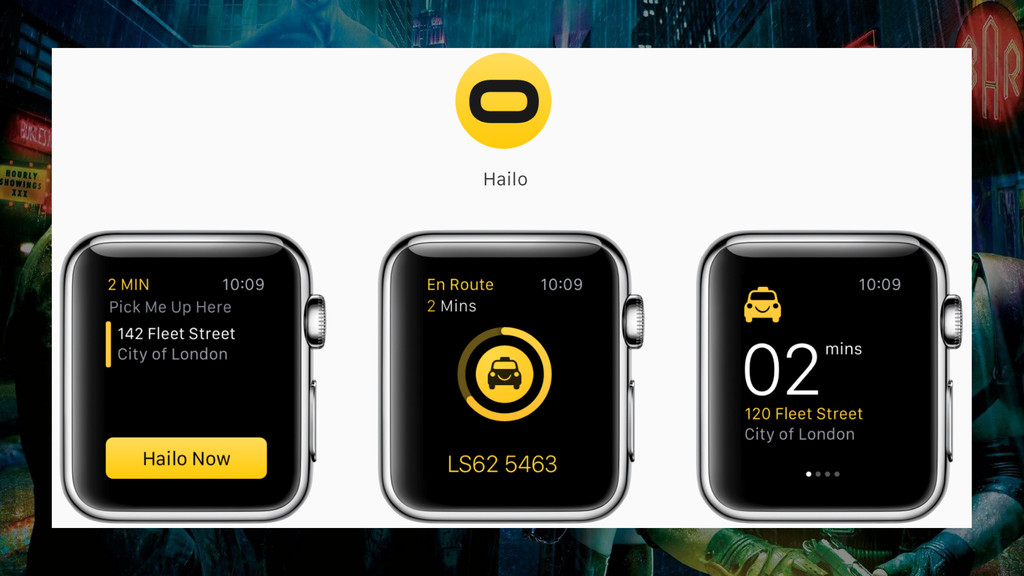
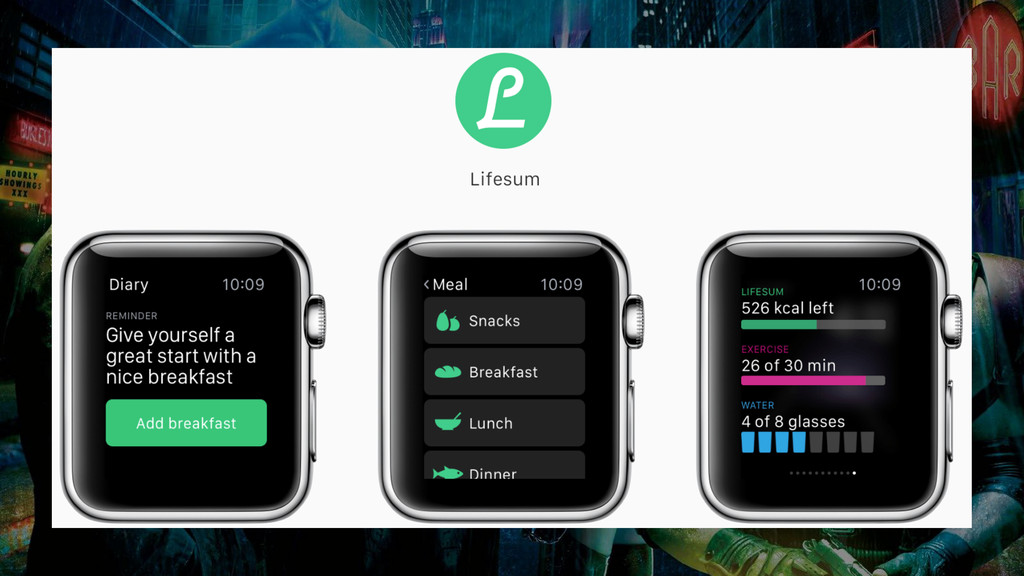
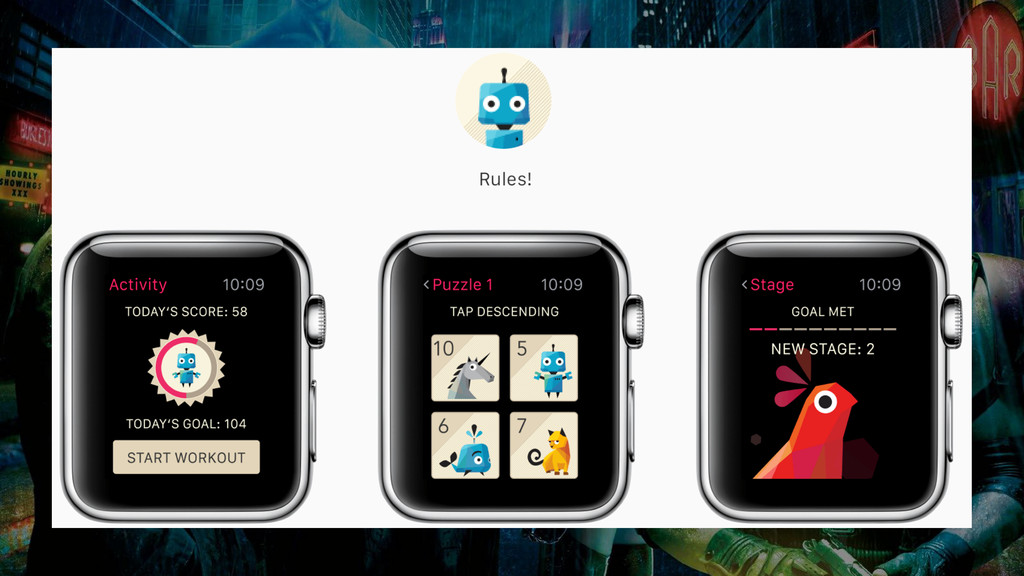
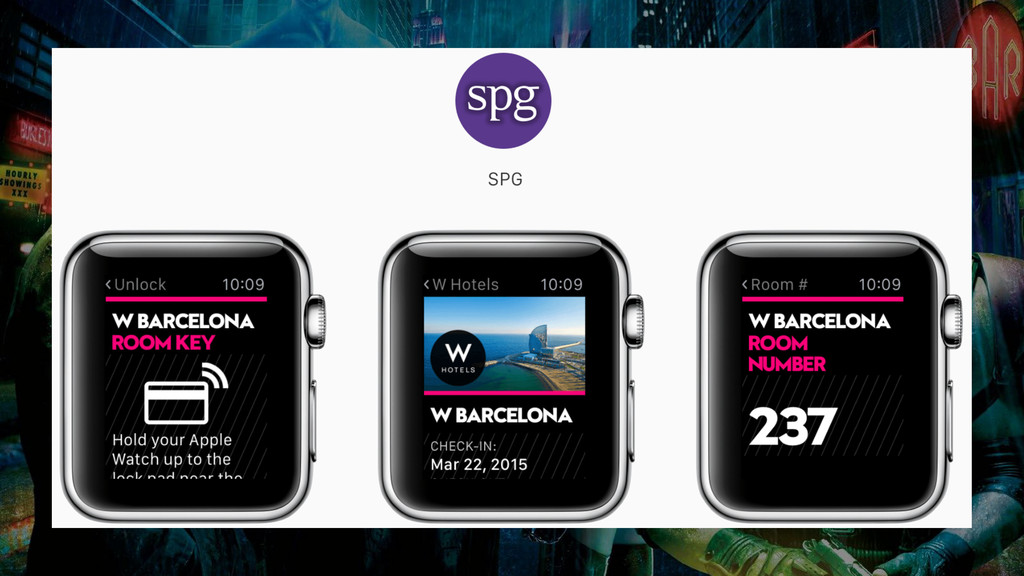
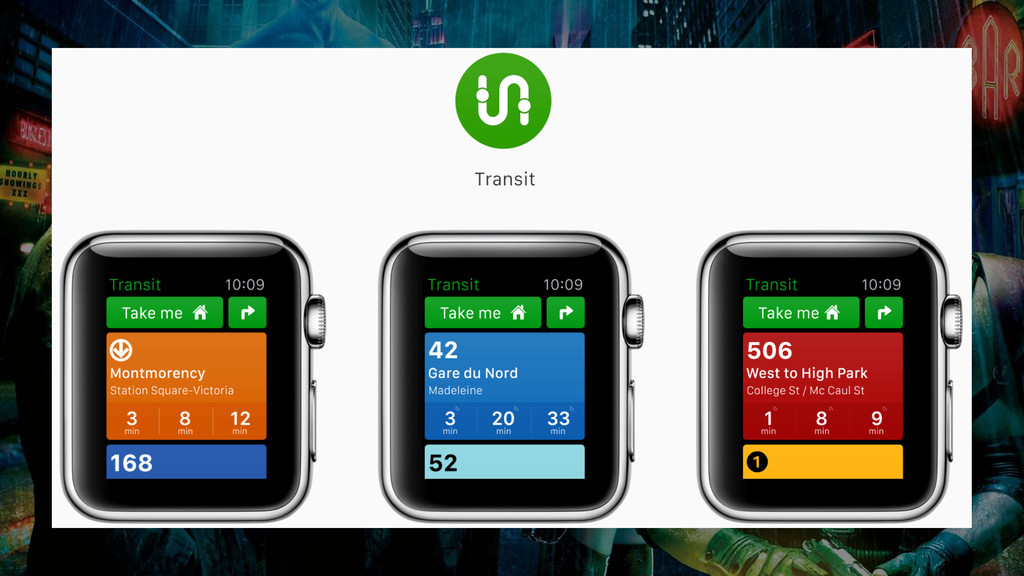
SOME EXAMPLES
None
None
None
None
None
BUILDING A SIMPLE APP
None
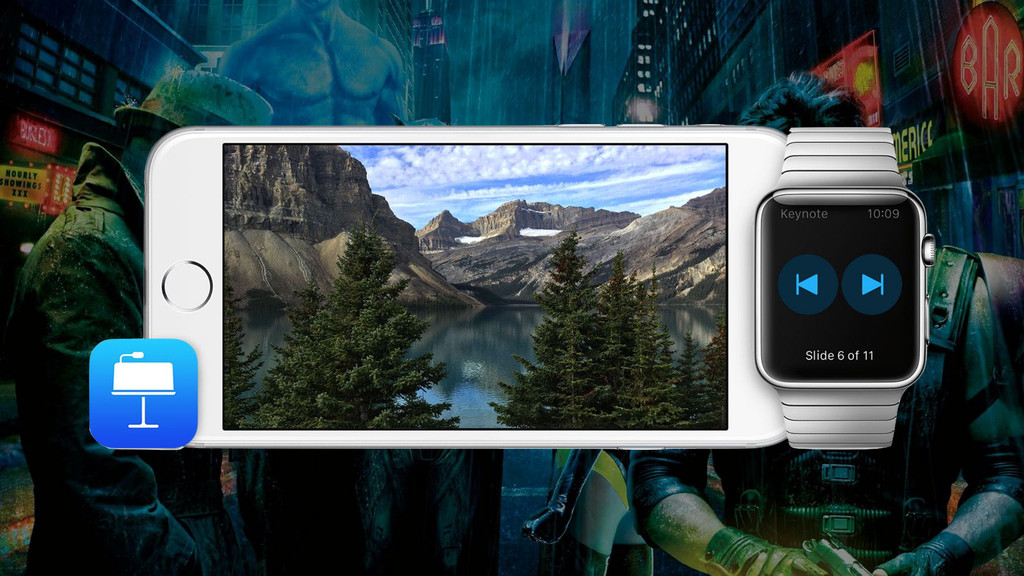
WATCHPRESENTER ▸ Remote controls Deckset instead ▸ Direct connection to
the Mac ▸ Shows a preview of the slides ▸ Measures heartrate to display the "most exciting" slide ▸ Taps you if you're running out of time
MULTIPEER CONNECTIVITY!
AVAILABLE FRAMEWORKS
CFNetwork.framework ClockKit.framework Contacts.framework CoreData.framework CoreFoundation.framework CoreGraphics.framework CoreLocation.framework CoreMotion.framework EventKit.framework Foundation.framework
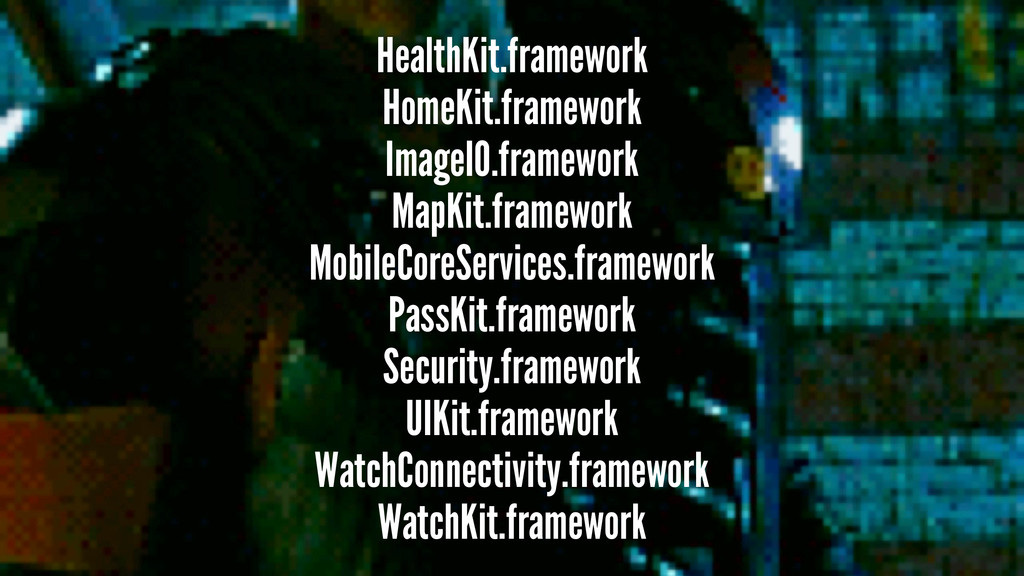
HealthKit.framework HomeKit.framework ImageIO.framework MapKit.framework MobileCoreServices.framework PassKit.framework Security.framework UIKit.framework WatchConnectivity.framework WatchKit.framework
BT APIS ARE PRIVATE :(
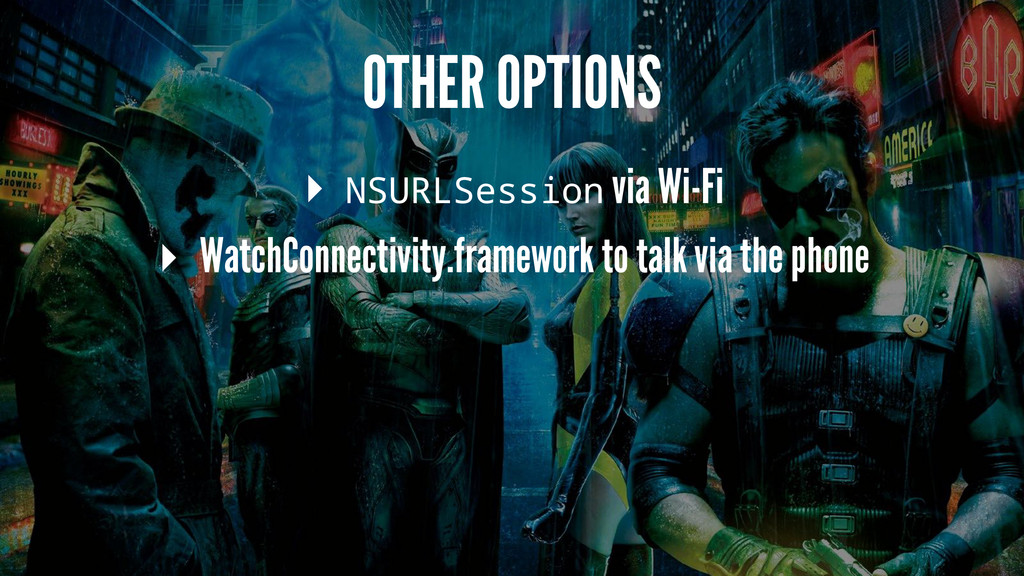
OTHER OPTIONS ▸ NSURLSession via Wi-Fi ▸ WatchConnectivity.framework to talk
via the phone
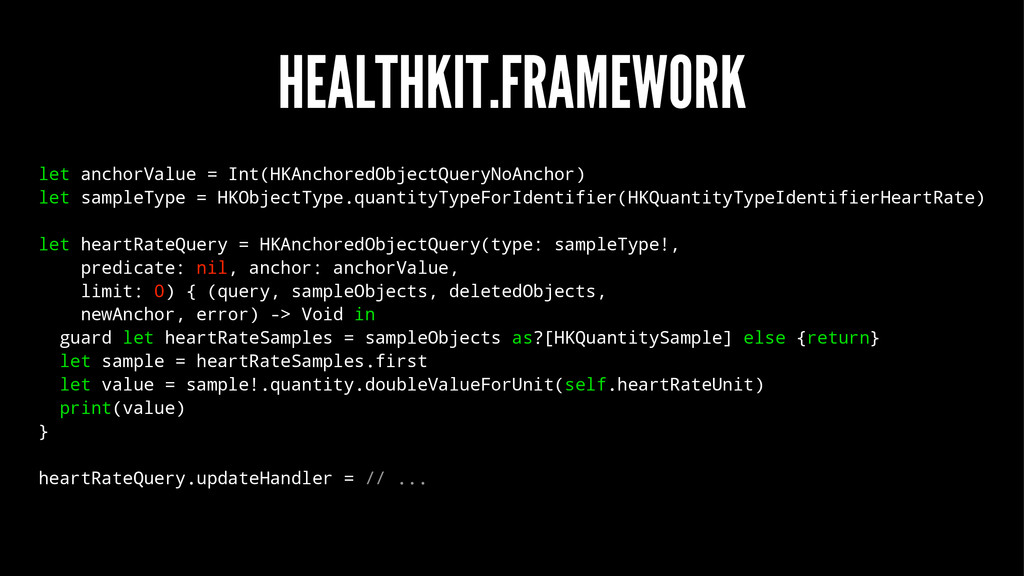
HEALTHKIT.FRAMEWORK let anchorValue = Int(HKAnchoredObjectQueryNoAnchor) let sampleType = HKObjectType.quantityTypeForIdentifier(HKQuantityTypeIdentifierHeartRate) let
heartRateQuery = HKAnchoredObjectQuery(type: sampleType!, predicate: nil, anchor: anchorValue, limit: 0) { (query, sampleObjects, deletedObjects, newAnchor, error) -> Void in guard let heartRateSamples = sampleObjects as?[HKQuantitySample] else {return} let sample = heartRateSamples.first let value = sample!.quantity.doubleValueForUnit(self.heartRateUnit) print(value) } heartRateQuery.updateHandler = // ...
None
HEALTHKIT.FRAMEWORK ▸ not usable in the Watch simulator
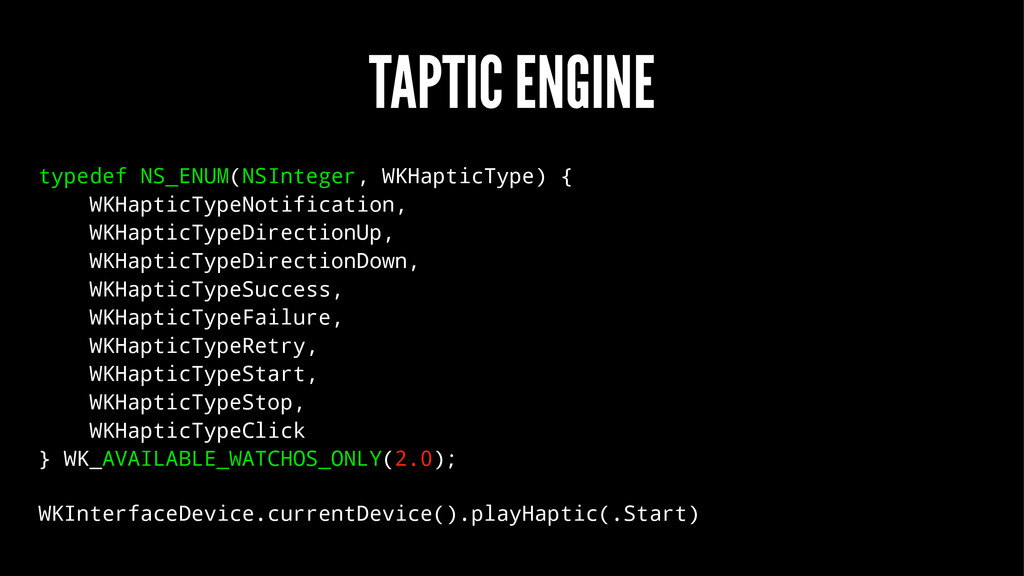
TAPTIC ENGINE typedef NS_ENUM(NSInteger, WKHapticType) { WKHapticTypeNotification, WKHapticTypeDirectionUp, WKHapticTypeDirectionDown, WKHapticTypeSuccess,
WKHapticTypeFailure, WKHapticTypeRetry, WKHapticTypeStart, WKHapticTypeStop, WKHapticTypeClick } WK_AVAILABLE_WATCHOS_ONLY(2.0); WKInterfaceDevice.currentDevice().playHaptic(.Start)
BUT ALSO NOT USABLE IN THE SIM
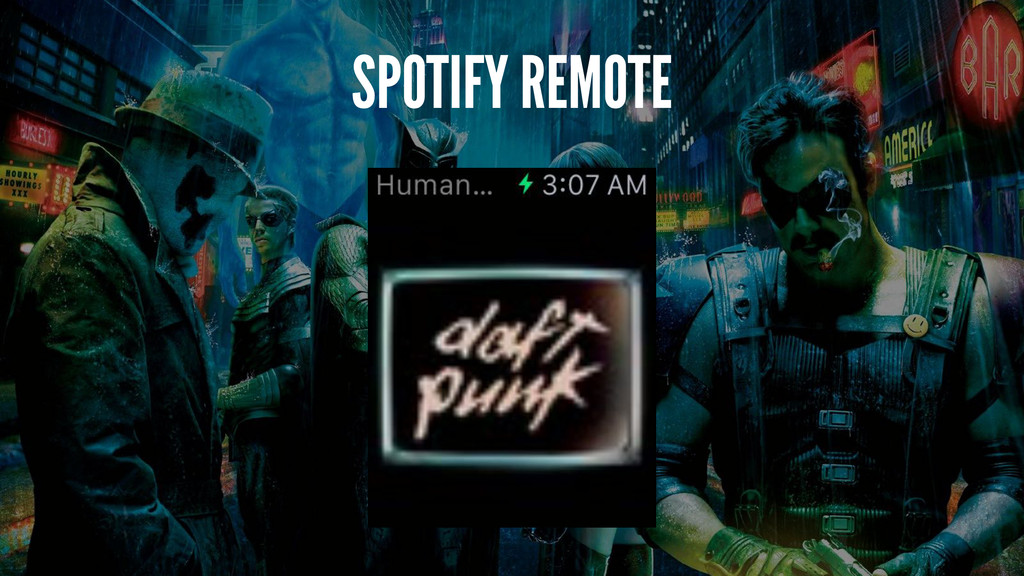
SPOTIFY REMOTE
DEMO
None
None
None
TIPS
printf DEBUGGING IS GREAT!
MMWORMHOLE ▸ watchOS 1.0: CFNotificationCenter ▸ watchOS 2.0: WatchConnectivity.framework
FORCE QUIT APPS ▸ Long press until "reboot" menu ▸
Long press again
IF IN DOUBT, REBOOT THE WATCH :)
WHAT HAVE WE LEARNED? ▸ Code isn't very different from
iOS apps ▸ But design very much is ▸ Rethink your app for the watch, don't port it ▸ If you can't - maybe you don't need a watch app
Don’t be afraid to not ship. @orta
THANK YOU!
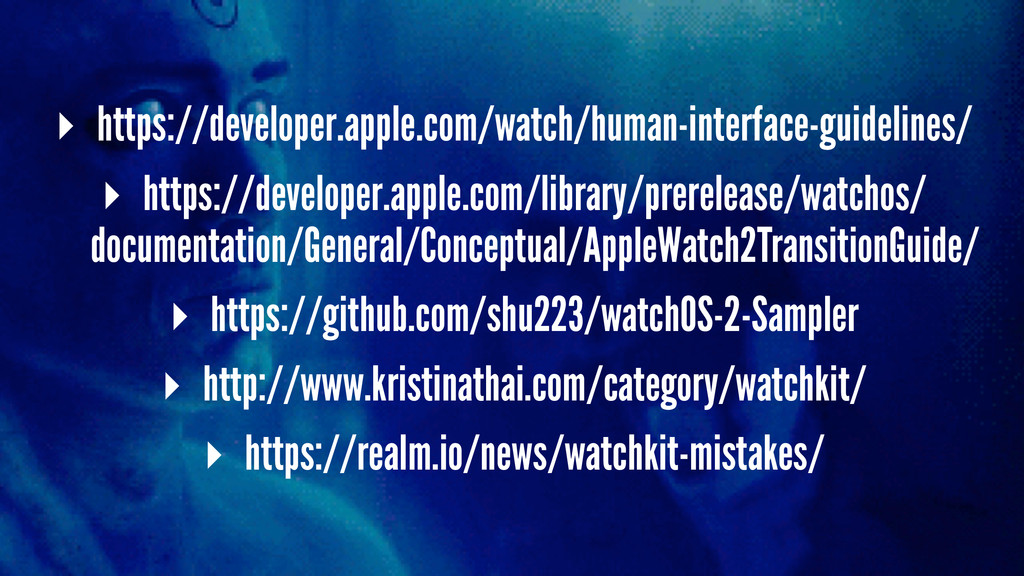
▸ https://developer.apple.com/watch/human-interface-guidelines/ ▸ https://developer.apple.com/library/prerelease/watchos/ documentation/General/Conceptual/AppleWatch2TransitionGuide/ ▸ https://github.com/shu223/watchOS-2-Sampler ▸ http://www.kristinathai.com/category/watchkit/ ▸
https://realm.io/news/watchkit-mistakes/
@NeoNacho
[email protected]
http://buegling.com/talks


 neonichu
 lynnswap
 syumai
 prota
prota
 sylph01
 koic
koic
 iwatsukayura
 artoy
artoy
 naokihaba
 uyuki234
 oku053
 yub0n
yub0n
 gonta
gonta
 swwweet
 sarafernandez
 ammeep
 mfonobong
 zakiyama
 eileencodes
 rmw
rmw
 orderedlist
 chrisshort
 lara
lara
 panda_program
 szymonslowik












![@NeoNacho [email protected] http://buegling.com/talks](https://files.speakerdeck.com/presentations/09c23957dbcc4cce83df62f71611a095/slide_60.jpg)