$30 off During Our Annual Pro Sale. View Details »

shell自作した話

Avatar for noharu36 noharu36
December 01, 2025

 shell自作した話

Avatar for noharu36

noharu36

December 01, 2025
Tweet

More Decks by noharu36

Other Decks in Programming

Transcript

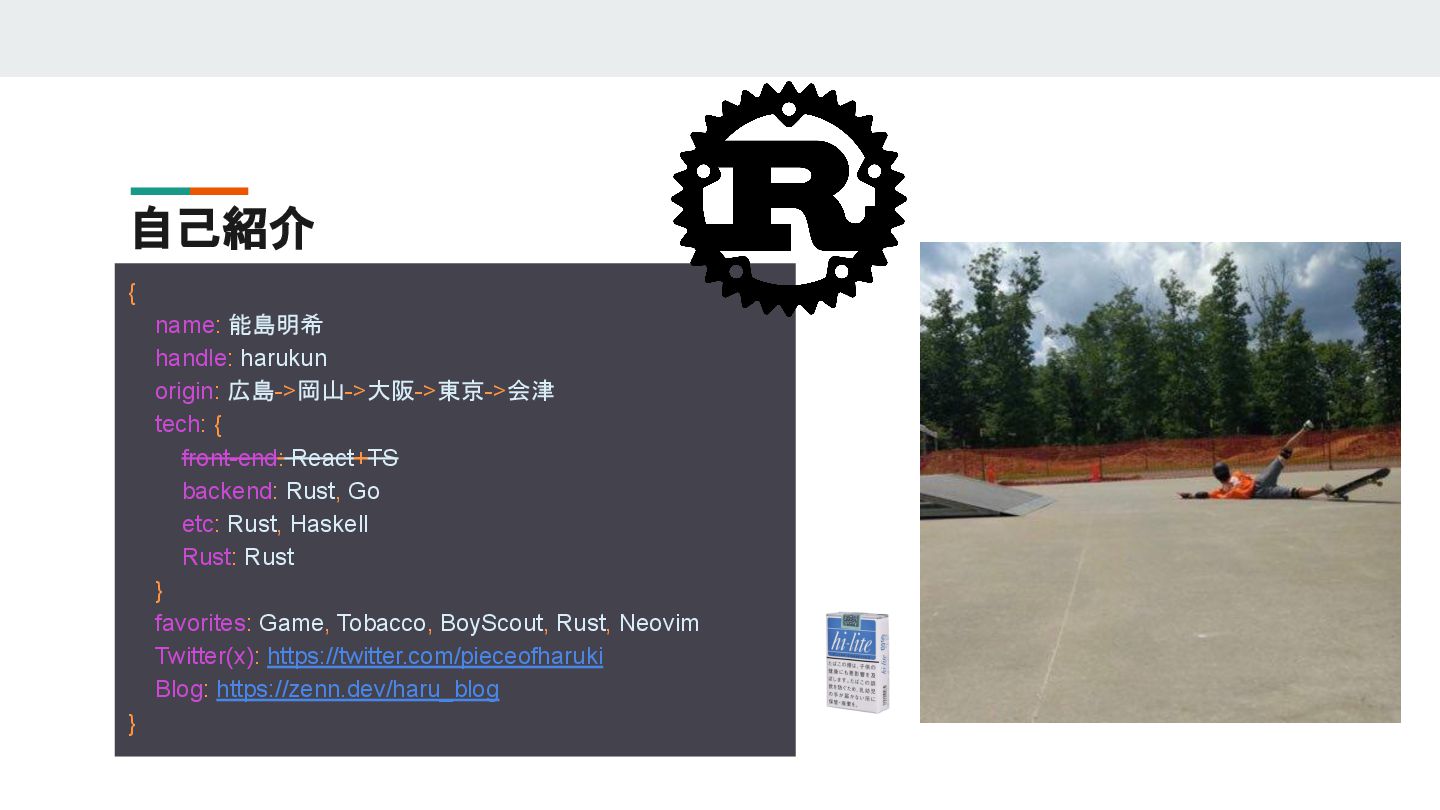
  1. 自己紹介 { name: 能島明希 handle: harukun origin: 広島->岡山->大阪->東京->会津 tech: {

    front-end: React+TS backend: Rust, Go etc: Rust, Haskell Rust: Rust } favorites: Game, Tobacco, BoyScout, Rust, Neovim Twitter(x): https://twitter.com/pieceofharuki Blog: https://zenn.dev/haru_blog }
  2. nushellについて(宣伝) Gemini 1.5 Flashくんに聞いてみた nushell は、現代的で柔軟なクロスプラットフォームのシェル です。従来のシェルとは異なり、 すべてのデータを 構造化データとして扱う という点が特徴です。これにより、

    強力なパイプライン処理や直感的なデータ操作が 可能になります。 他の特徴 • Nu(nushell内で使えるプログラミング言語 )を用いて高度な処理もできる • プラットフォームが変わっても同じ操作をできる • Rustで開発されている 要するに高機能で見た目がリッチ(浅すぎ)
  3. [dependencies] nix = {version = "0.29.0", features = ["process", "term",

    "signal"]} whoami = "1.5.1" colored = "2.1.0" once_cell = "1.19.0" chrono = "0.4.38" csv = "1.3.0" 使用した外部クレート
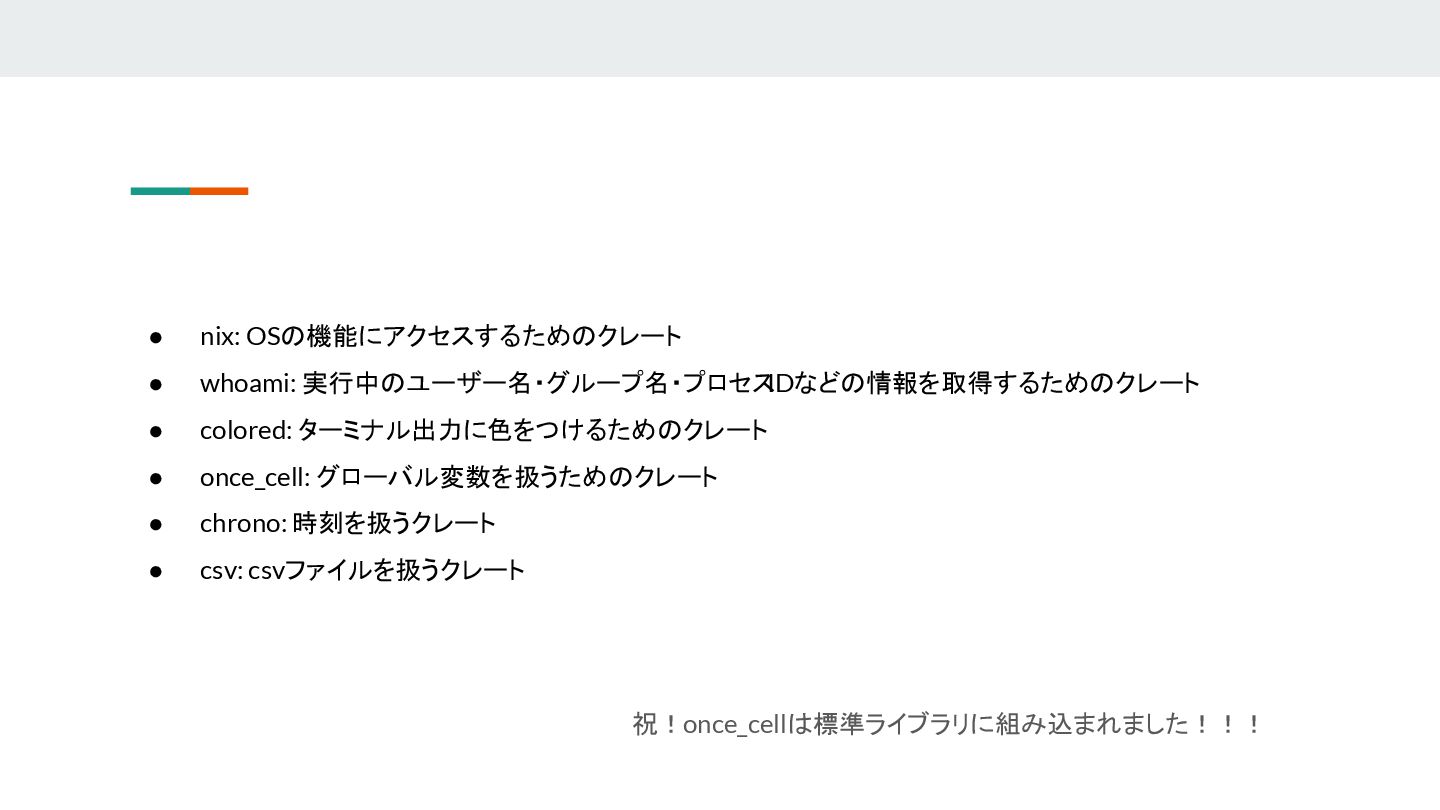
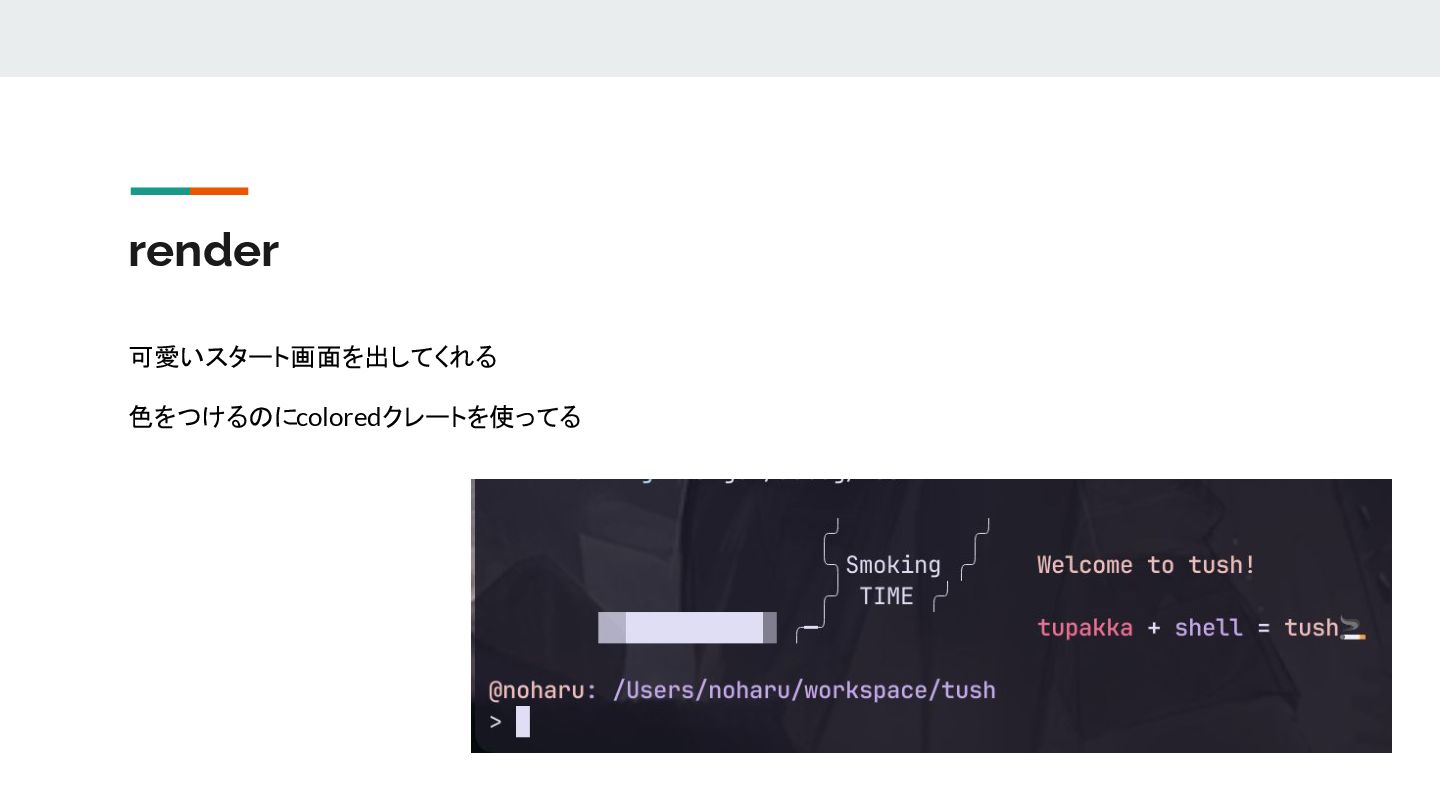
  4. • nix: OSの機能にアクセスするためのクレート • whoami: 実行中のユーザー名・グループ名・プロセス IDなどの情報を取得するためのクレート • colored: ターミナル出力に色をつけるためのクレート

    • once_cell: グローバル変数を扱うためのクレート • chrono: 時刻を扱うクレート • csv: csvファイルを扱うクレート 祝!once_cellは標準ライブラリに組み込まれました!!!
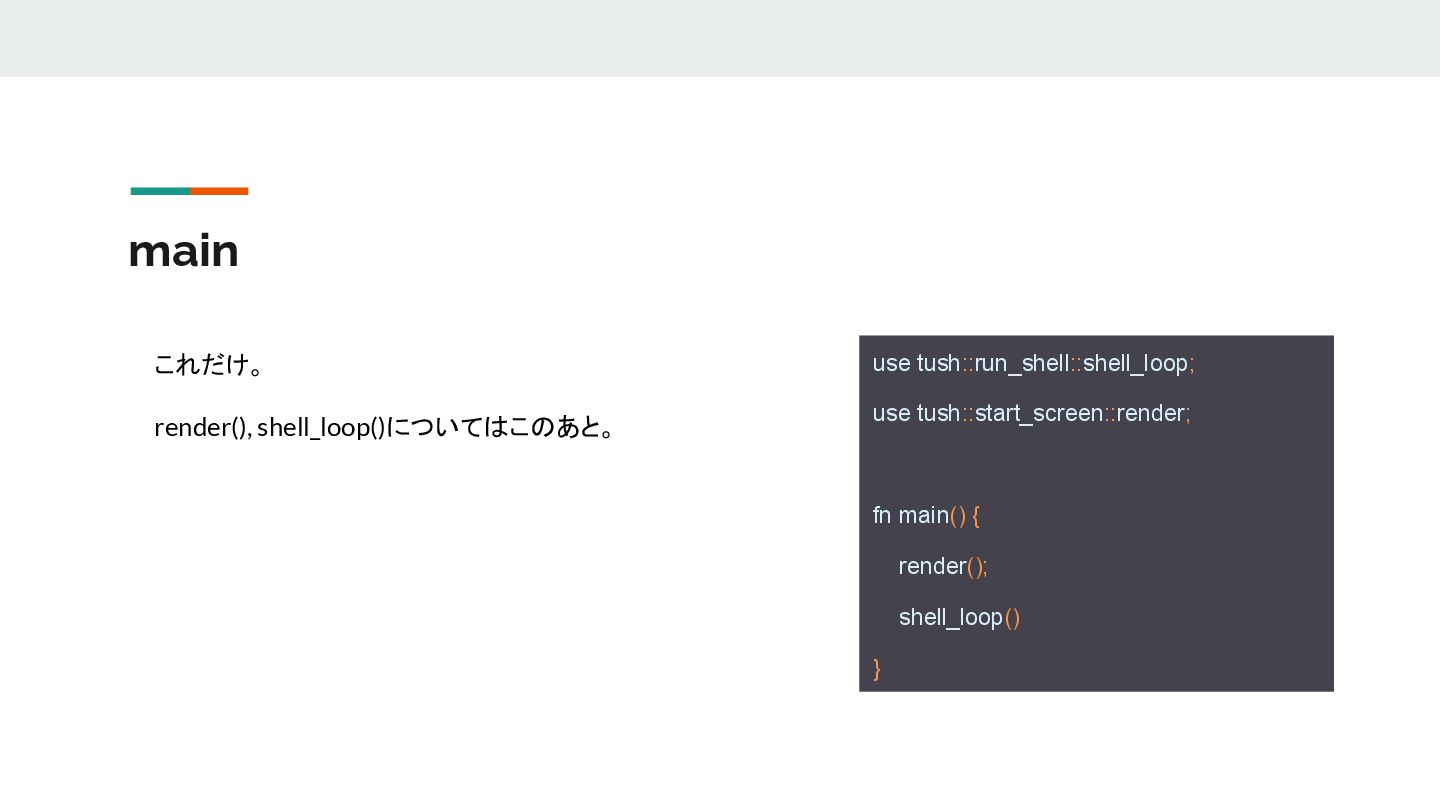
  5. main use tush::run_shell::shell_loop; use tush::start_screen::render; fn main() { render(); shell_loop()

    } これだけ。 render(), shell_loop()についてはこのあと。
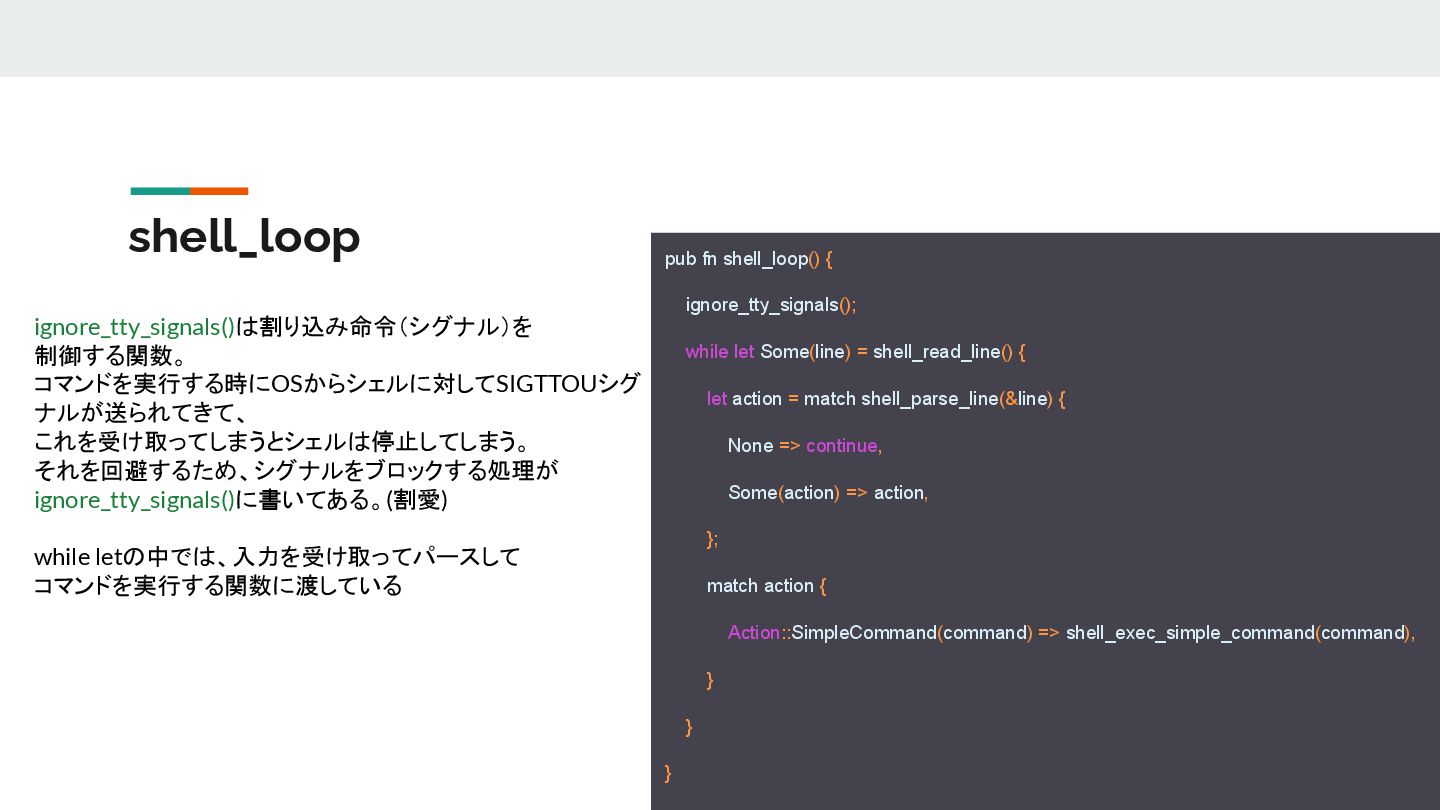
  6. shell_loop pub fn shell_loop() { ignore_tty_signals(); while let Some(line) =

    shell_read_line() { let action = match shell_parse_line(&line) { None => continue, Some(action) => action, }; match action { Action::SimpleCommand(command) => shell_exec_simple_command(command), } } } ignore_tty_signals()は割り込み命令(シグナル)を 制御する関数。 コマンドを実行する時にOSからシェルに対してSIGTTOUシグ ナルが送られてきて、 これを受け取ってしまうとシェルは停止してしまう。 それを回避するため、シグナルをブロックする処理が ignore_tty_signals()に書いてある。(割愛) while letの中では、入力を受け取ってパースして コマンドを実行する関数に渡している
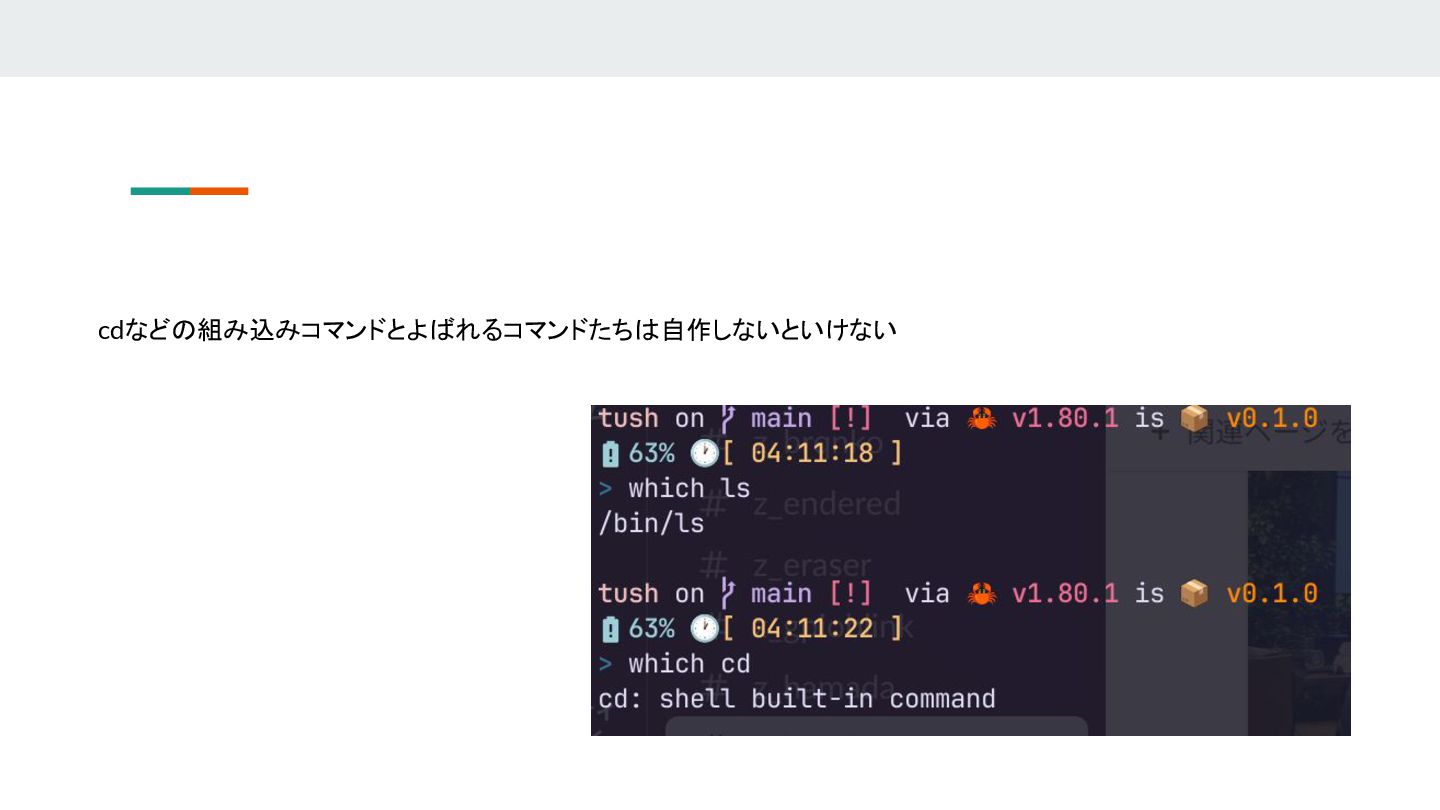
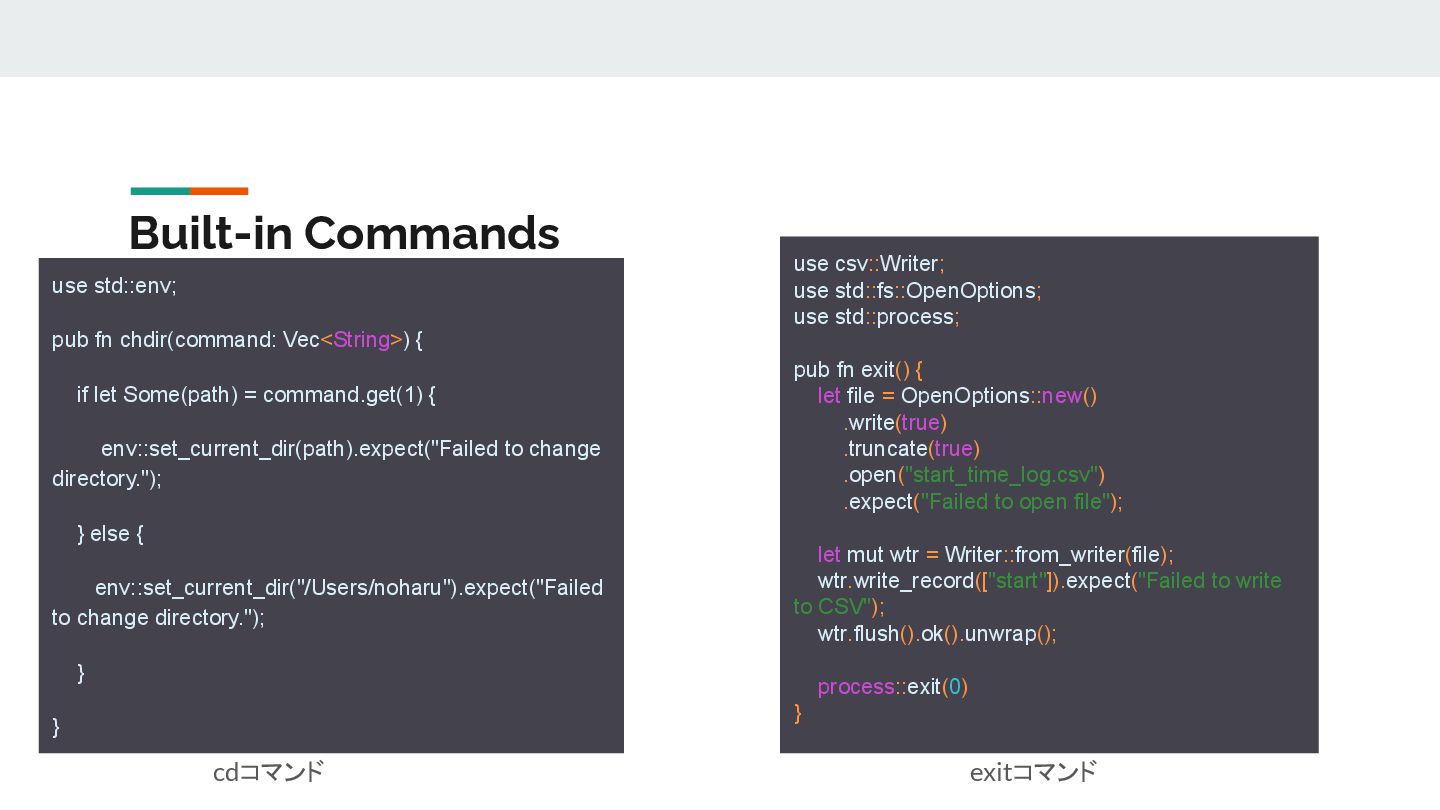
  7. Built-in Commands use std::env; pub fn chdir(command: Vec<String>) { if

    let Some(path) = command.get(1) { env::set_current_dir(path).expect("Failed to change directory."); } else { env::set_current_dir("/Users/noharu").expect("Failed to change directory."); } } use csv::Writer; use std::fs::OpenOptions; use std::process; pub fn exit() { let file = OpenOptions::new() .write(true) .truncate(true) .open("start_time_log.csv") .expect("Failed to open file"); let mut wtr = Writer::from_writer(file); wtr.write_record(["start"]).expect("Failed to write to CSV"); wtr.flush().ok().unwrap(); process::exit(0) } cdコマンド exitコマンド
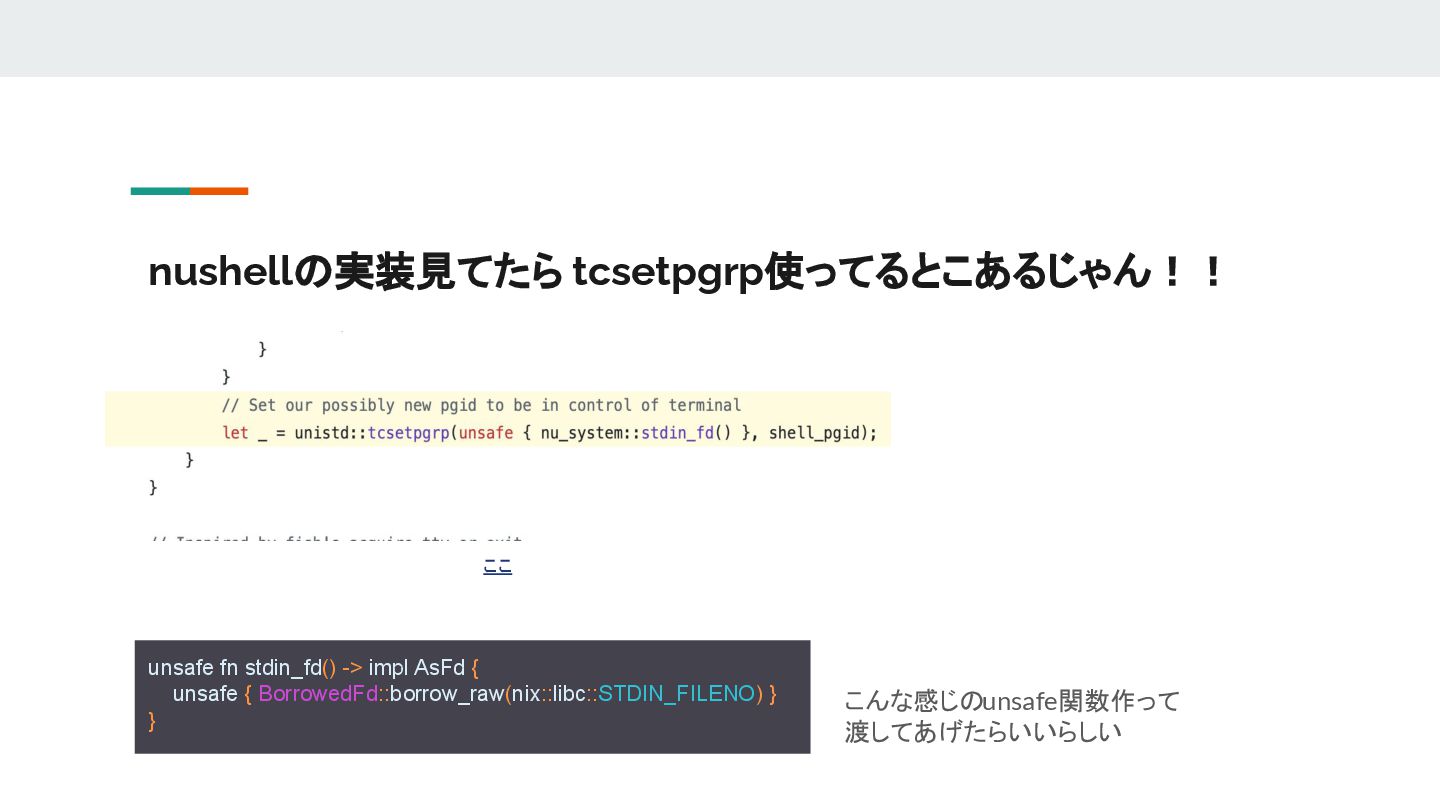
  8. nushellの実装見てたら tcsetpgrp使ってるとこあるじゃん!! ここ unsafe fn stdin_fd() -> impl AsFd {

    unsafe { BorrowedFd::borrow_raw(nix::libc::STDIN_FILENO) } } こんな感じのunsafe関数作って 渡してあげたらいいらしい