Upgrade to Pro
— share decks privately, control downloads, hide ads and more …
Speaker Deck
Sign up for free
Menu
Search
Features
All features
Private URLs
Password Protection
Custom URLS
Scheduled publishing
Remove Branding
Restrict embedding
Deck Collections
Notes
Features
All features
Private URLs
Password Protection
Custom URLS
Scheduled publishing
Remove Branding
Restrict embedding
Deck Collections
Notes
Explore
Featured decks
Featured speakers
Programming
Technology
Storyboards
Explore
Featured decks
Featured speakers
Programming
Technology
Storyboards
Pricing
Search
Sign in
Sign up for free
スキマAIでスライドを!
Search
Sponsored
·
Your Podcast. Everywhere. Effortlessly.
Share. Educate. Inspire. Entertain. You do you. We'll handle the rest.
→
進捗ゼミ
October 24, 2025
40
0
Share
Embed
Copy iframe code
Copy JS code
Copy link
Start on current slide
スキマAIでスライドを!
2025/10/24のKyoto.ltでの発表資料です。
進捗ゼミ
October 24, 2025
More Decks by 進捗ゼミ
See All by 進捗ゼミ
RuccaをLuccaに変える技術
progresscicada
2
260
言葉の格闘技のススメ~紙とペンと言葉から始める、キャリアの描き方~
progresscicada
3
600
sqlcとLLMによる型安全なSQL生成
progresscicada
0
320
Featured
See All Featured
Practical Tips for Bootstrapping Information Extraction Pipelines
honnibal
25
2.1k
Rails Girls Zürich Keynote
gr2m
96
14k
How to Get Subject Matter Experts Bought In and Actively Contributing to SEO & PR Initiatives.
livdayseo
0
220
Joys of Absence: A Defence of Solitary Play
codingconduct
1
550
JAMstack: Web Apps at Ludicrous Speed - All Things Open 2022
reverentgeek
1
640
How Software Deployment tools have changed in the past 20 years
geshan
2
35k
B2B Lead Gen: Tactics, Traps & Triumph
marketingsoph
1
280
From Legacy to Launchpad: Building Startup-Ready Communities
dugsong
0
360
The agentic SEO stack - context over prompts
schlessera
0
970
ピンチをチャンスに:未来をつくるプロダクトロードマップ #pmconf2020
aki_iinuma
128
56k
How To Stay Up To Date on Web Technology
chriscoyier
790
250k
ReactJS: Keep Simple. Everything can be a component!
pedronauck
666
130k
Transcript
スキマAIでスライドを 足利聡太
自己紹介 名前:足利聡太 所属:京都大学、情報学 最近の趣味:ポケモンZA 12年ぶりのミアレシティ楽すぎ 最近は就職活動とかいうものに疲弊しております
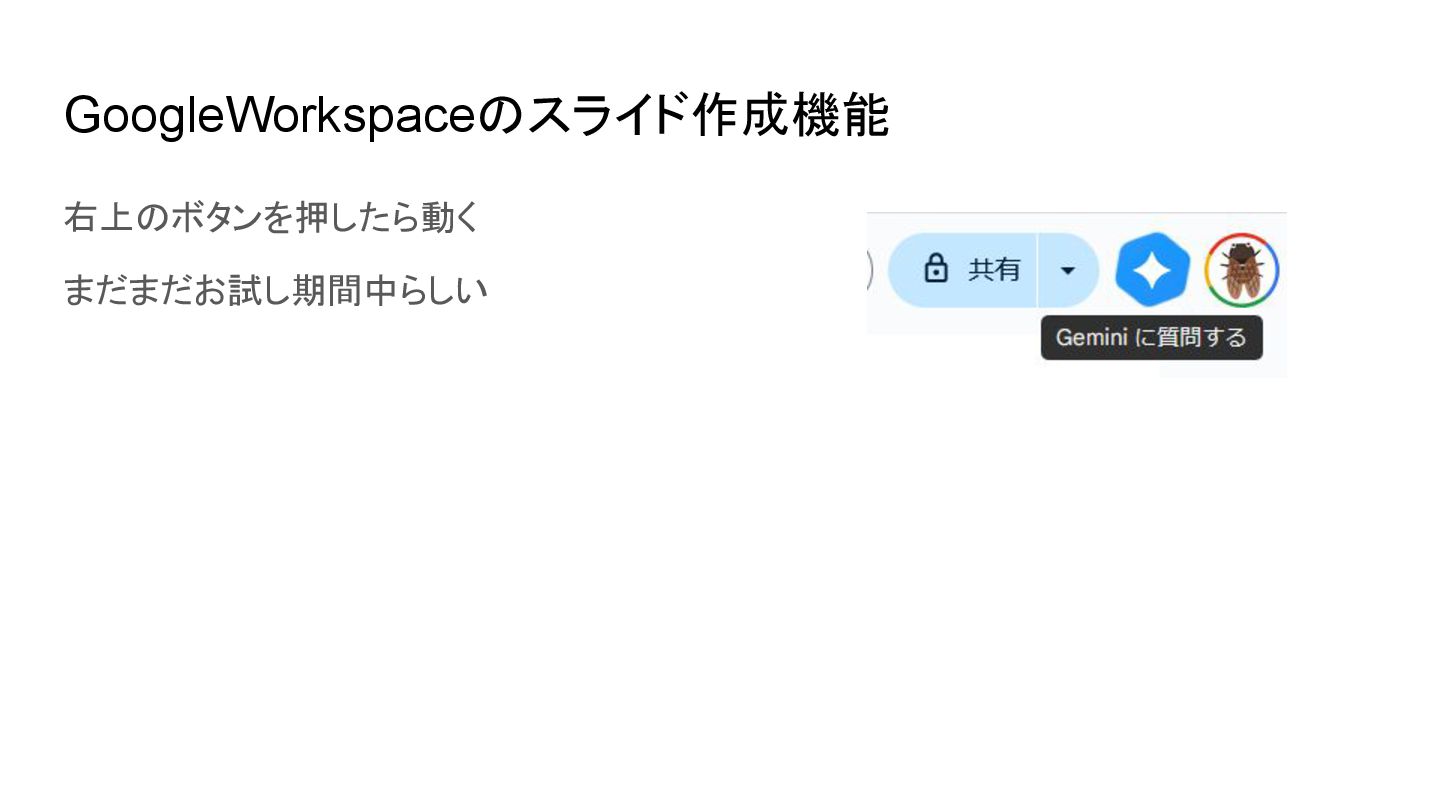
GoogleWorkspaceのスライド作成機能 右上のボタンを押したら動く まだまだお試し期間中らしい
これで面白い LTつくるぞ~
失敗!!😿
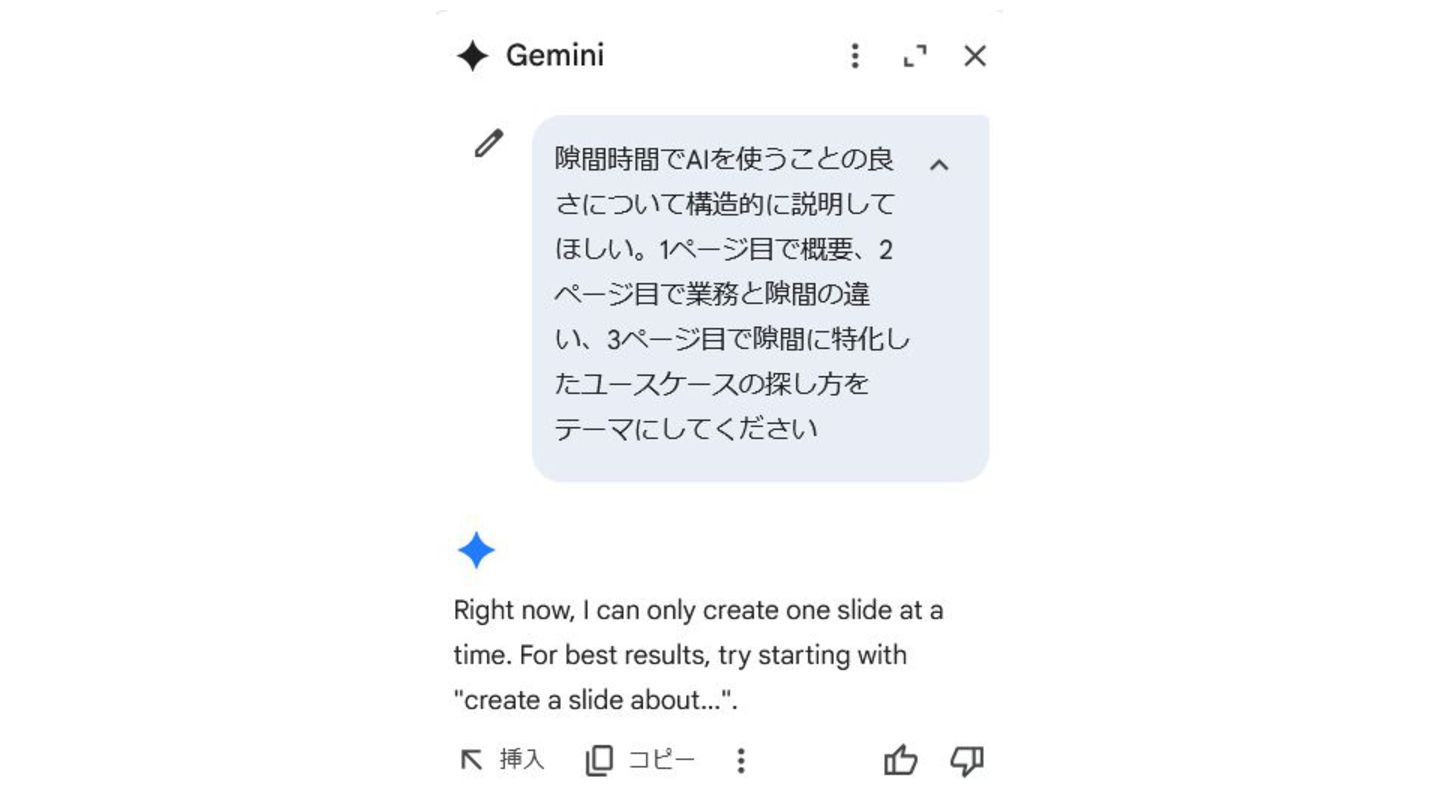
1スライドずつ丁寧に指示しないと作れない 複数スライドに渡った情報の参照ができない スライド生成も1枚ずつしかできない 「誤字脱字レイアウト崩れを直して」ができない
None
どう考えても使い道のない挿入ボタン
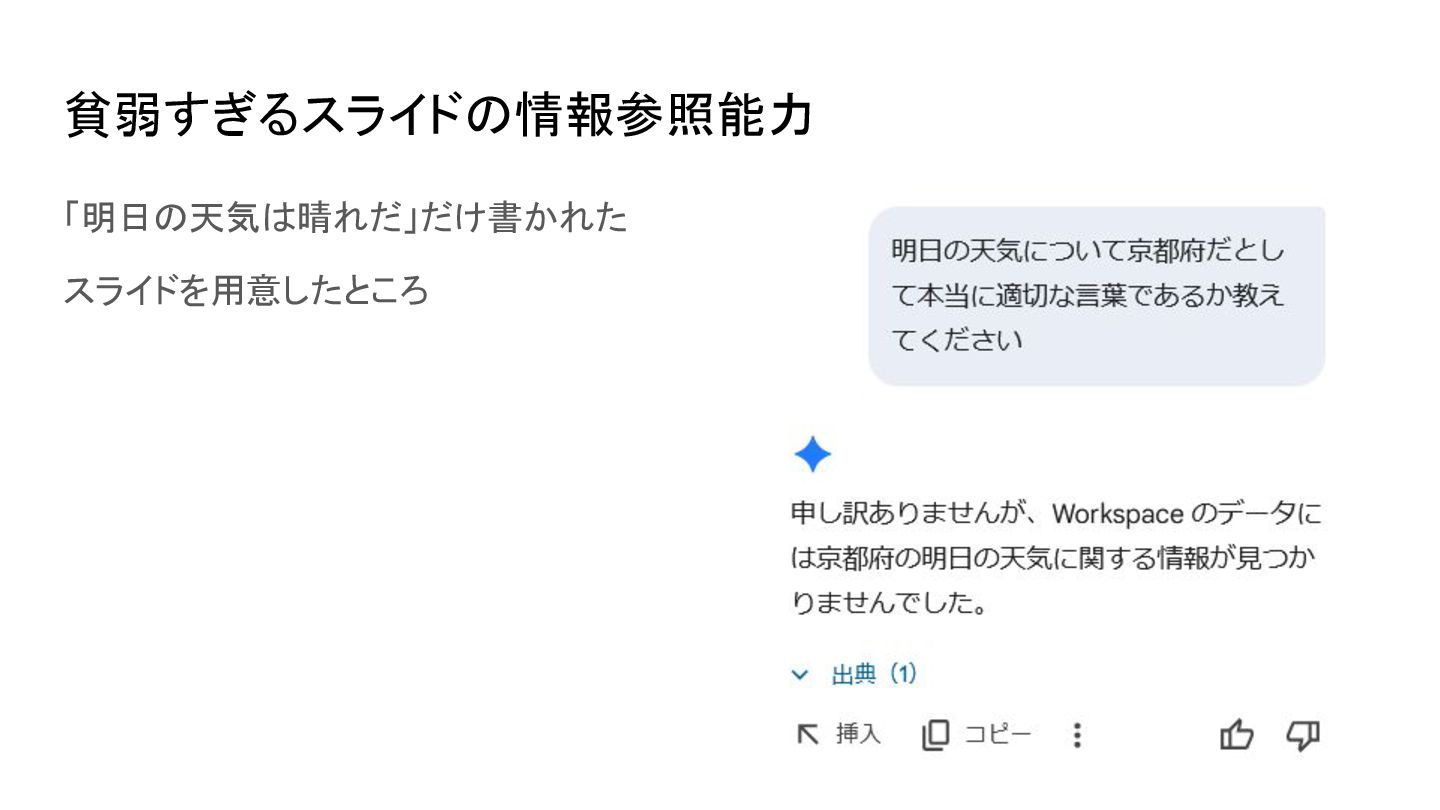
貧弱すぎるスライドの情報参照能力 「明日の天気は晴れだ」だけ書かれた スライドを用意したところ
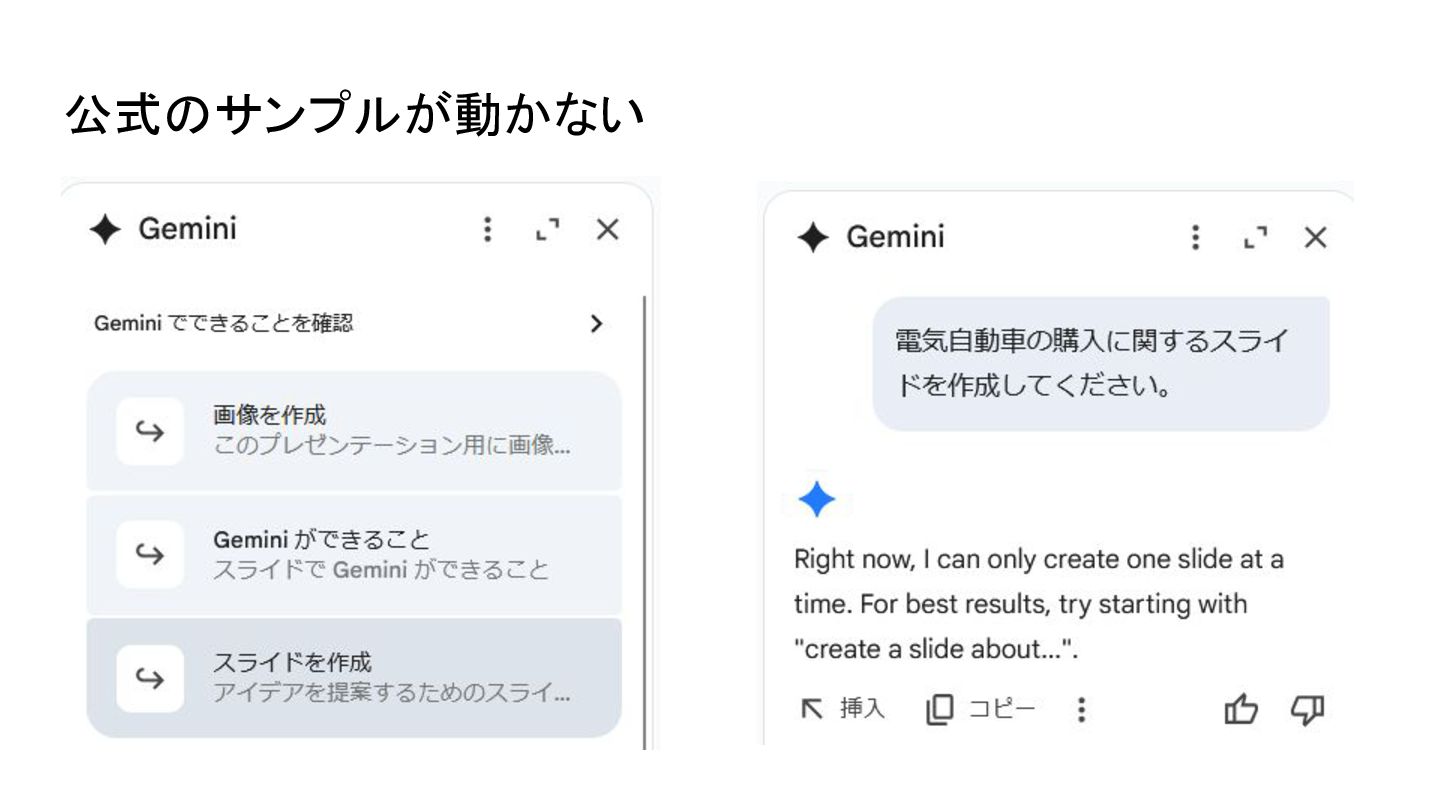
公式のサンプルが動かない
どうしてこんなことに? UXの設計が辛すぎ!!
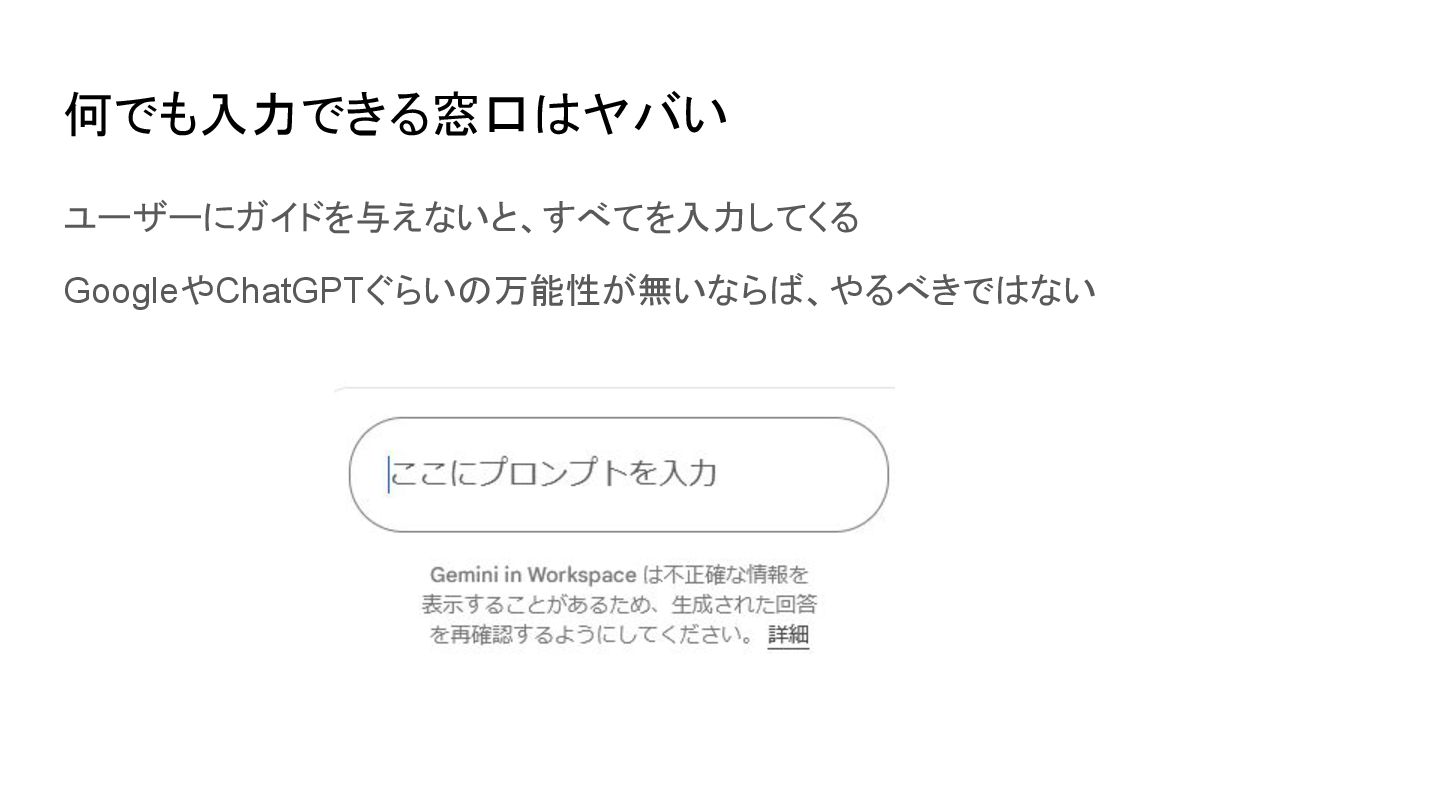
何でも入力できる窓口はヤバい ユーザーにガイドを与えないと、すべてを入力してくる GoogleやChatGPTぐらいの万能性が無いならば、やるべきではない
ガチャガチャやってたらなんとなく使えた!を目指せ ガチャガチャやるときには画面に映るボタンをランダムに連打するはず ユーザーの初動を考察し、自然に誘導しよう 無理やり誘導するボタンやマニュアルはまず読まれない 例:いまのスライドをAIでするなら~みたいな提案を出してみる
今どこにいるのかが分からない スライドのどの部分に対してAIが何をしてくれるのかわからん! 画像の生成を頼んだとしてどこに入れてくれるのか…!


 progresscicada
 honnibal
 gr2m
gr2m
 livdayseo
 codingconduct
 reverentgeek
 geshan
 marketingsoph
 dugsong
 schlessera
 aki_iinuma
 chriscoyier
 pedronauck