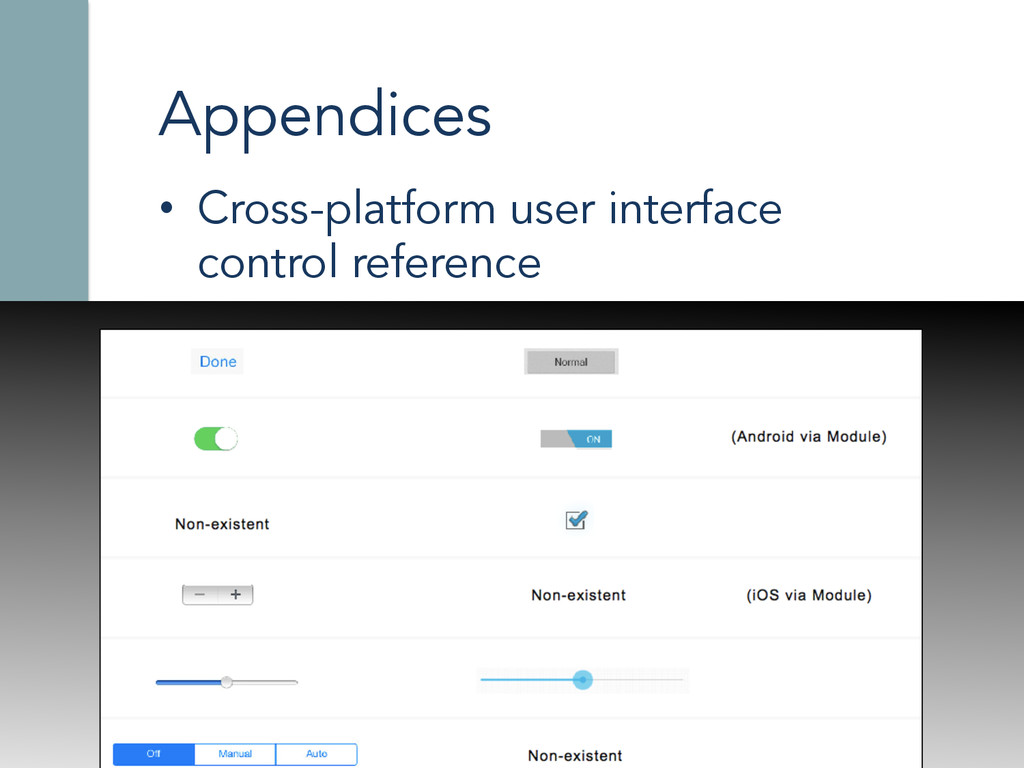
My presentation at TiConf EU 2014 in Amsterdam where I talk about the challenges of being a cross-platform mobile developer and how to properly approach it using Titanium Alloy. Get the book at http://manning.com/alcocer
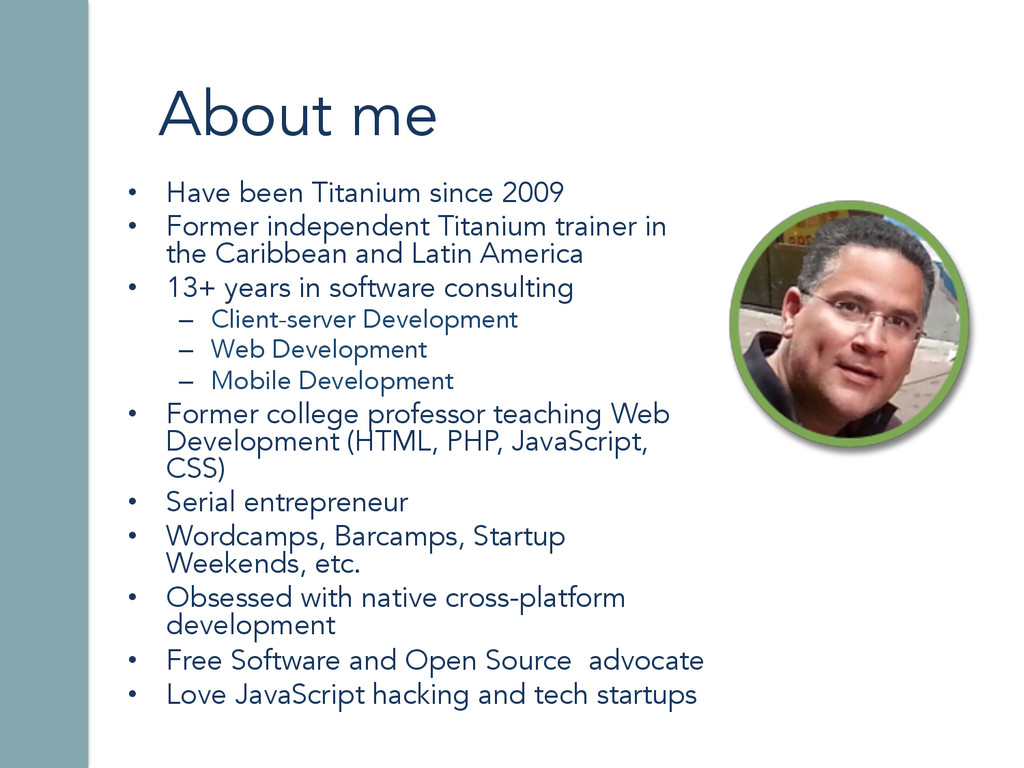
independent Titanium trainer in the Caribbean and Latin America • 13+ years in software consulting – Client-server Development – Web Development – Mobile Development • Former college professor teaching Web Development (HTML, PHP, JavaScript, CSS) • Serial entrepreneur • Wordcamps, Barcamps, Startup Weekends, etc. • Obsessed with native cross-platform development • Free Software and Open Source advocate • Love JavaScript hacking and tech startups
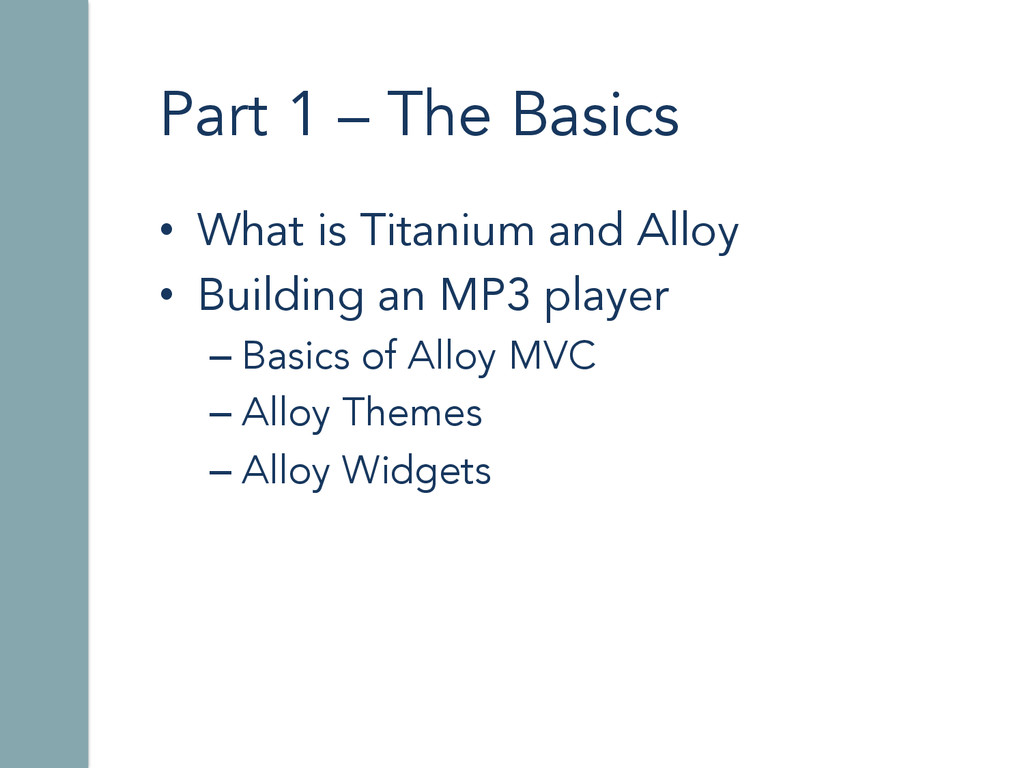
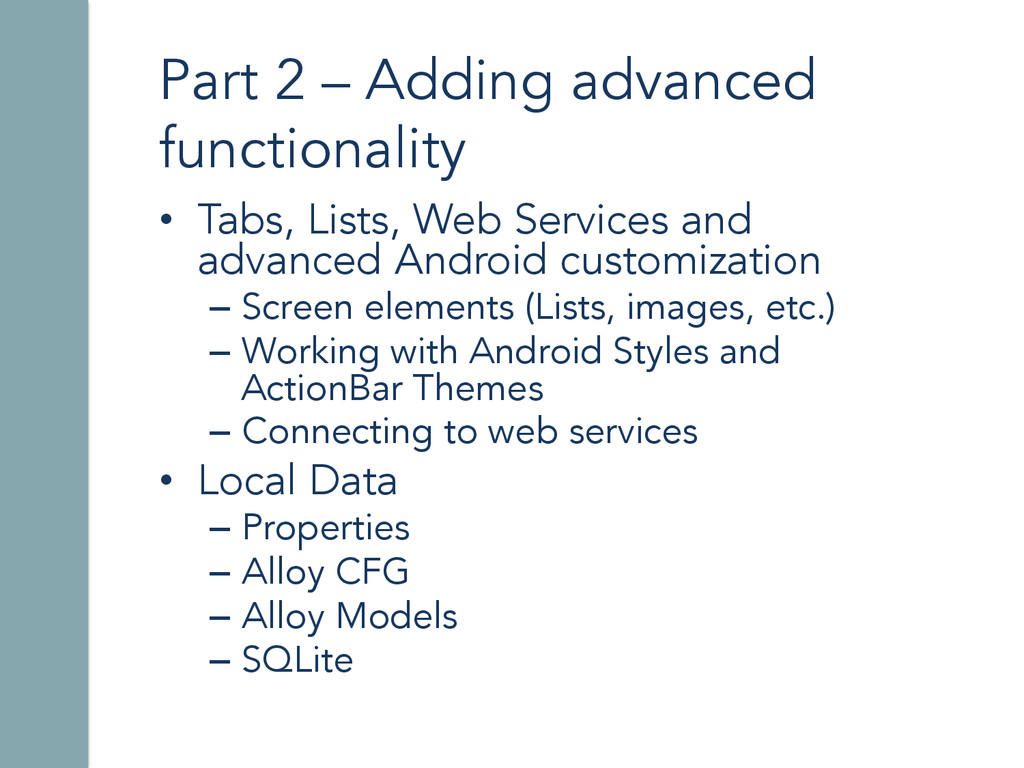
Services and advanced Android customization – Screen elements (Lists, images, etc.) – Working with Android Styles and ActionBar Themes – Connecting to web services • Local Data – Properties – Alloy CFG – Alloy Models – SQLite
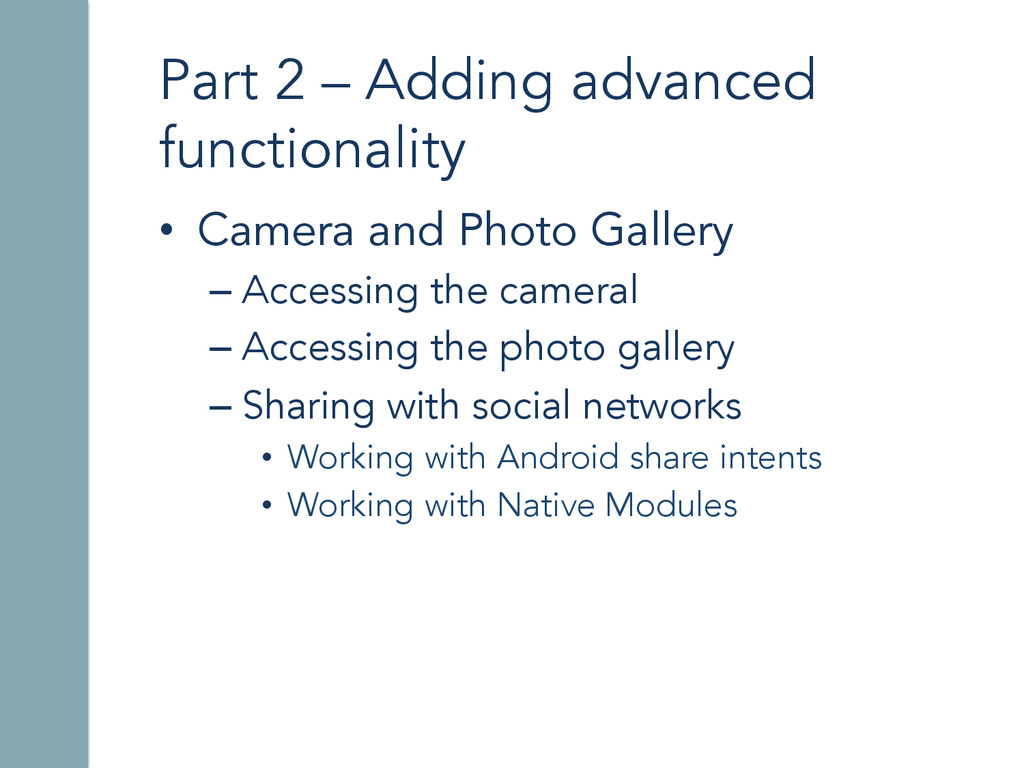
Gallery – Accessing the cameral – Accessing the photo gallery – Sharing with social networks • Working with Android share intents • Working with Native Modules


 ricardoalcocer
 palkan
 morizo_1984
 y0hgi
y0hgi
 kishida
 uyuki234
 tosite
 colorful12
 tmikov2023
 satoshi256kbyte
 irinanazarova
 deka_morita
 yuukiw00w
 gurzu
gurzu
 rocio
rocio
 khoart
 lara
lara
 reverentgeek
 tammyeverts
 coloredviolet
 bkeepers
 marcelosomers
 oripsolob
 skipperchong
 techseoconnect