You're looking for more insight into how React works. • You want to build a toolset for diagnosing performance issues in React. • You want to learn some best practices when building React applications in hopes of avoiding some performance issues down the road.
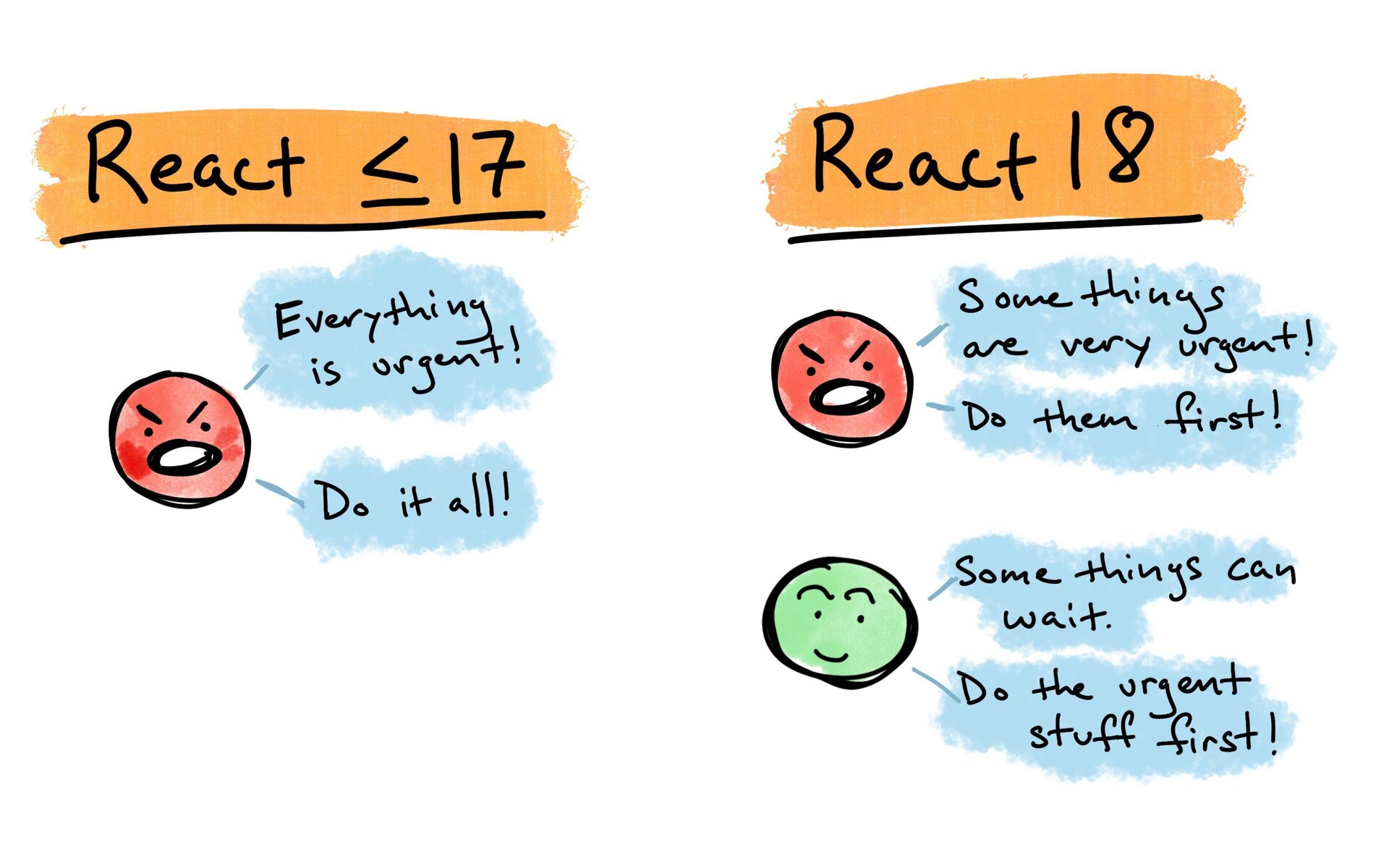
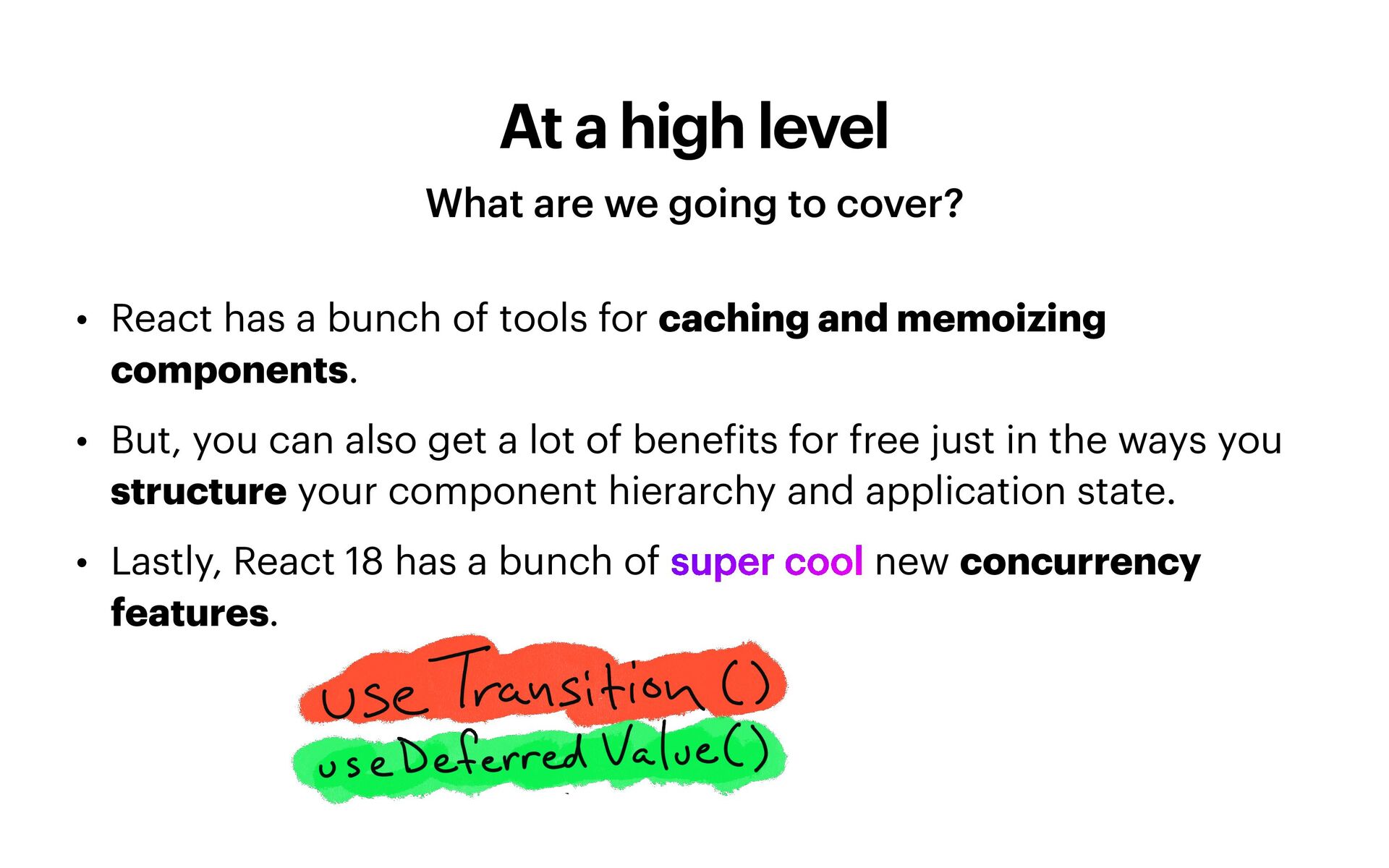
• React has a bunch of tools for caching and memoizing components. • But, you can also get a lot of bene f its for free just in the ways you structure your component hierarchy and application state. • Lastly, React 18 has a bunch of super cool new concurrency features.
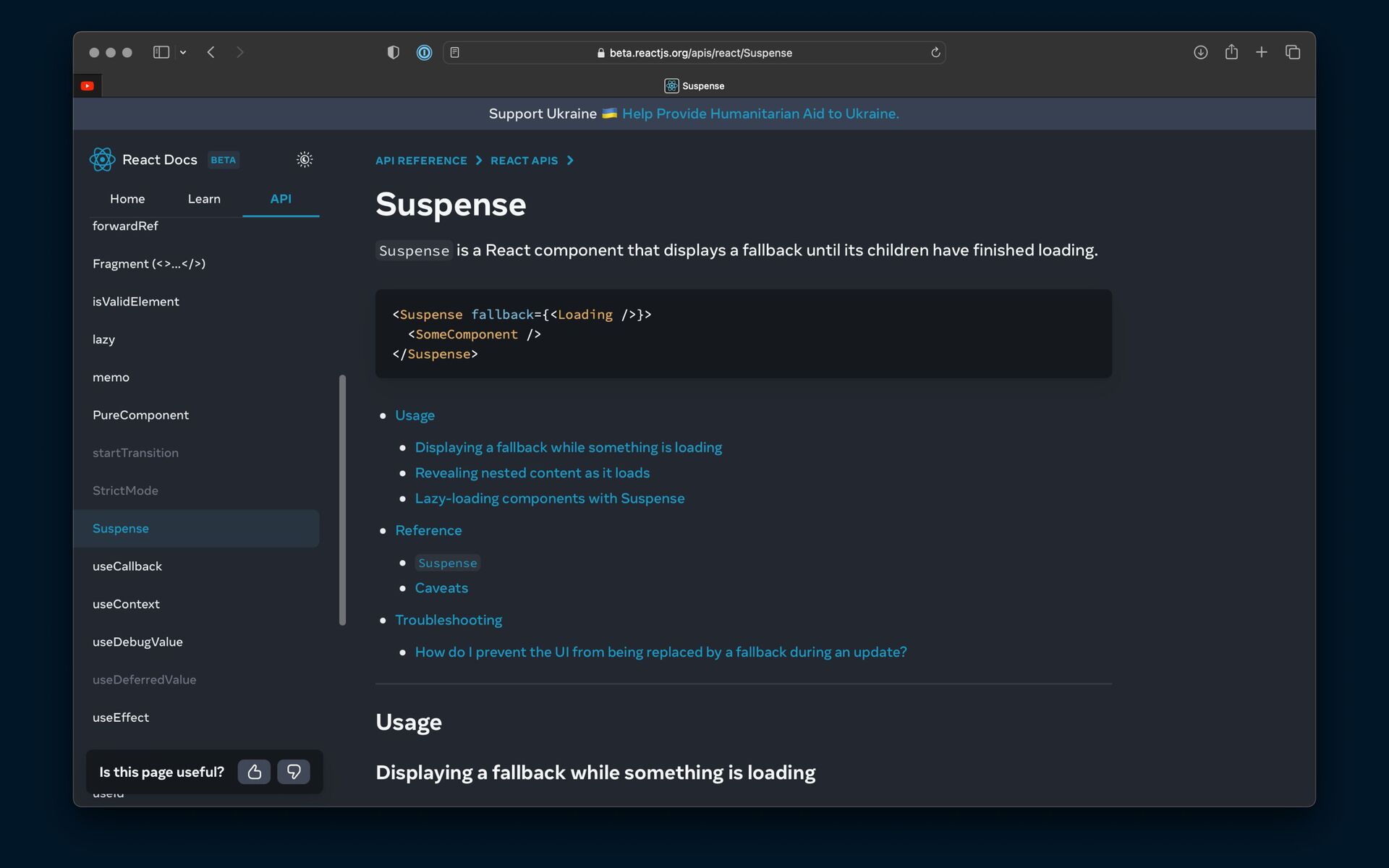
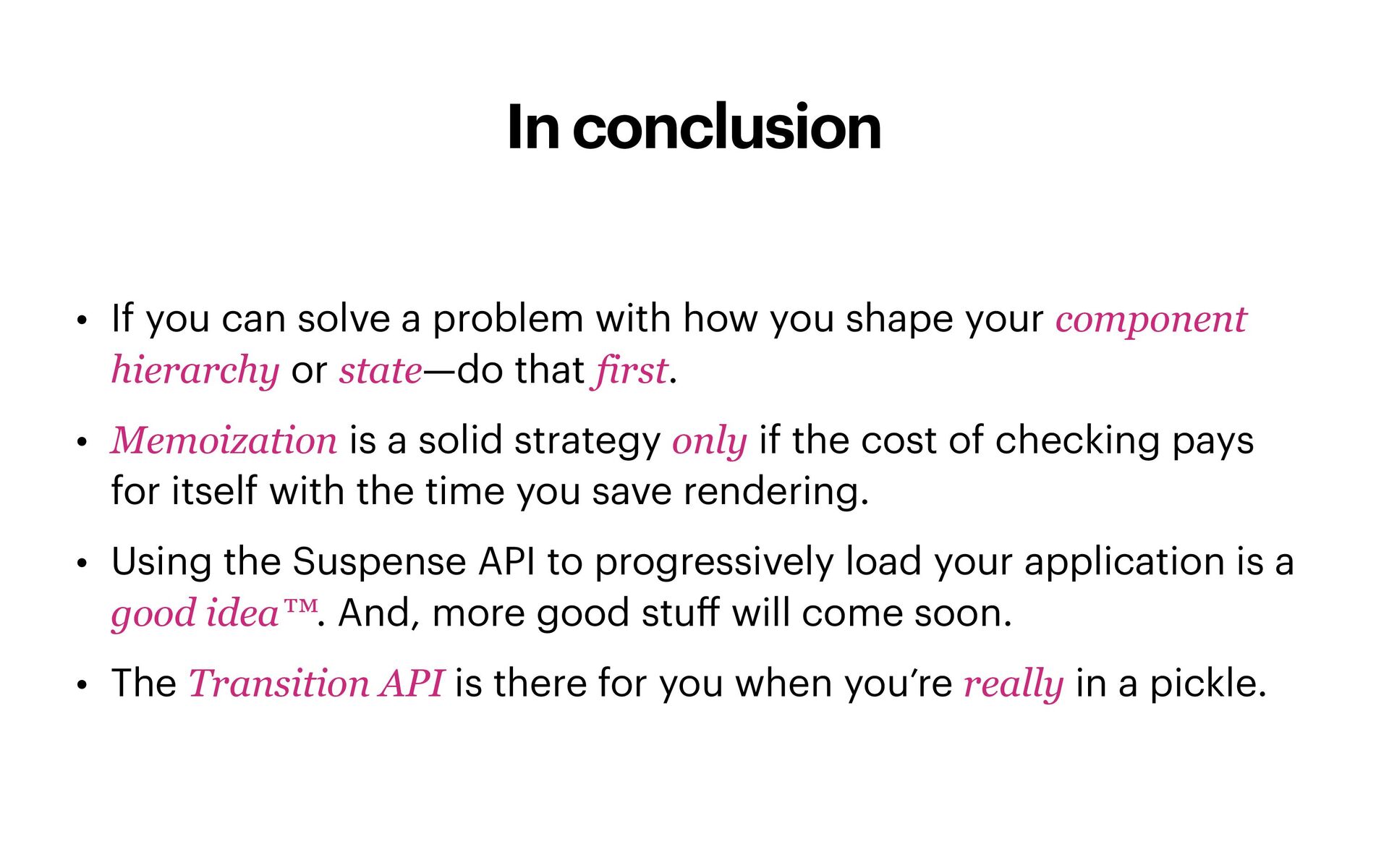
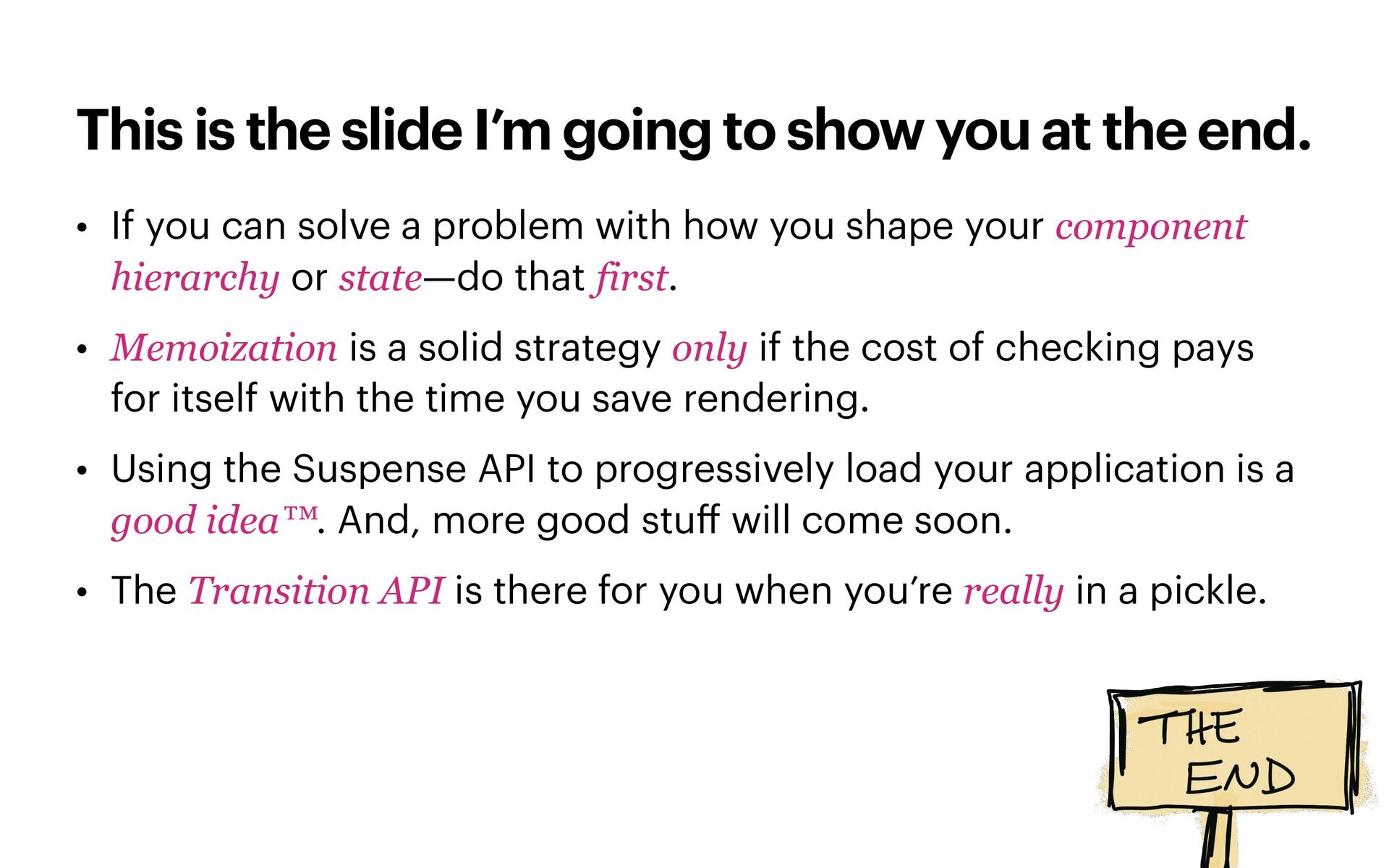
the end. • If you can solve a problem with how you shape your component hierarchy or state—do that first. • Memoization is a solid strategy only if the cost of checking pays for itself with the time you save rendering. • Using the Suspense API to progressively load your application is a good idea™. And, more good stu ff will come soon. • The Transition API is there for you when you’re really in a pickle.
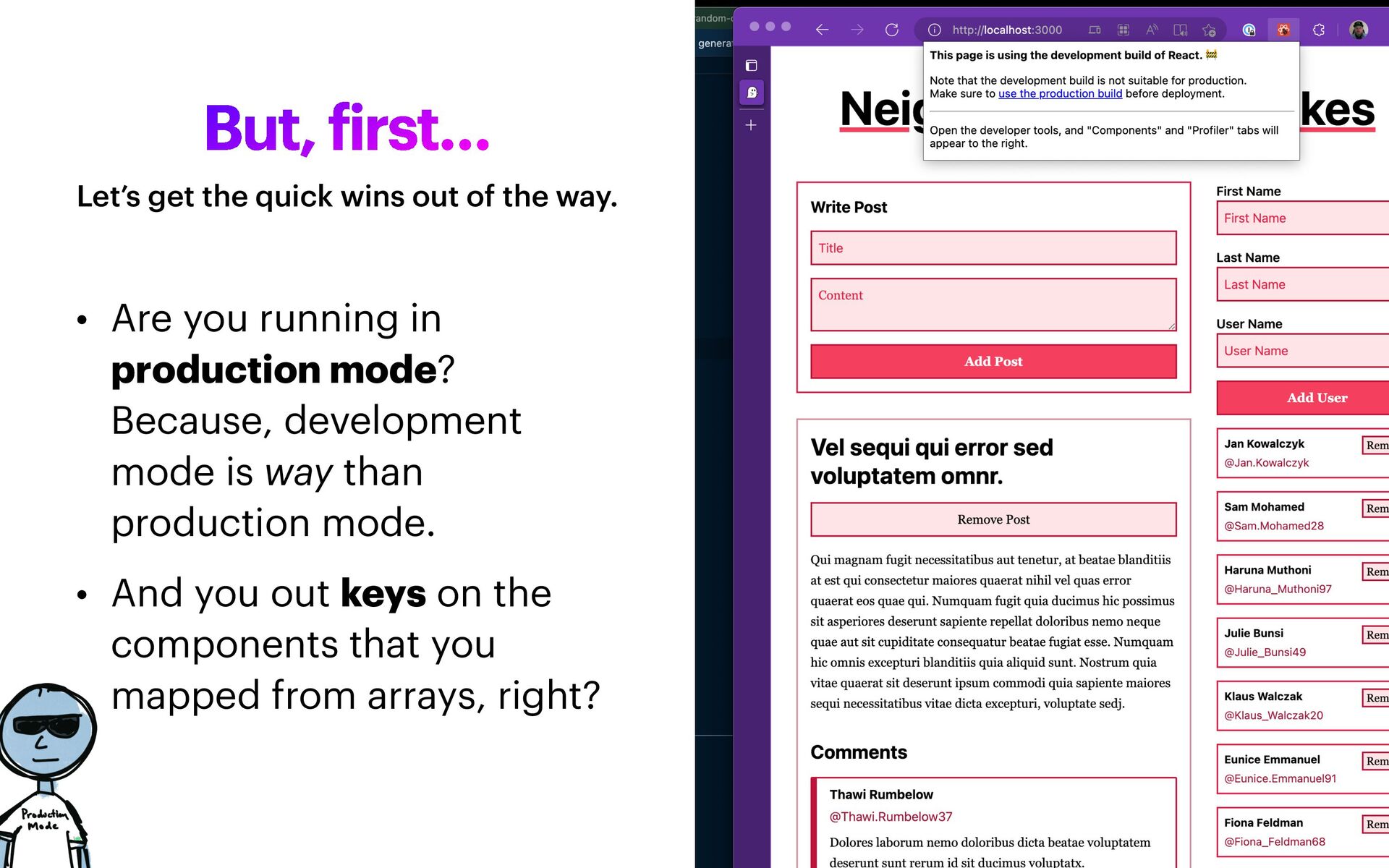
Because, development mode is way than production mode. • And you out keys on the components that you mapped from arrays, right? Let’s get the quick wins out of the way.
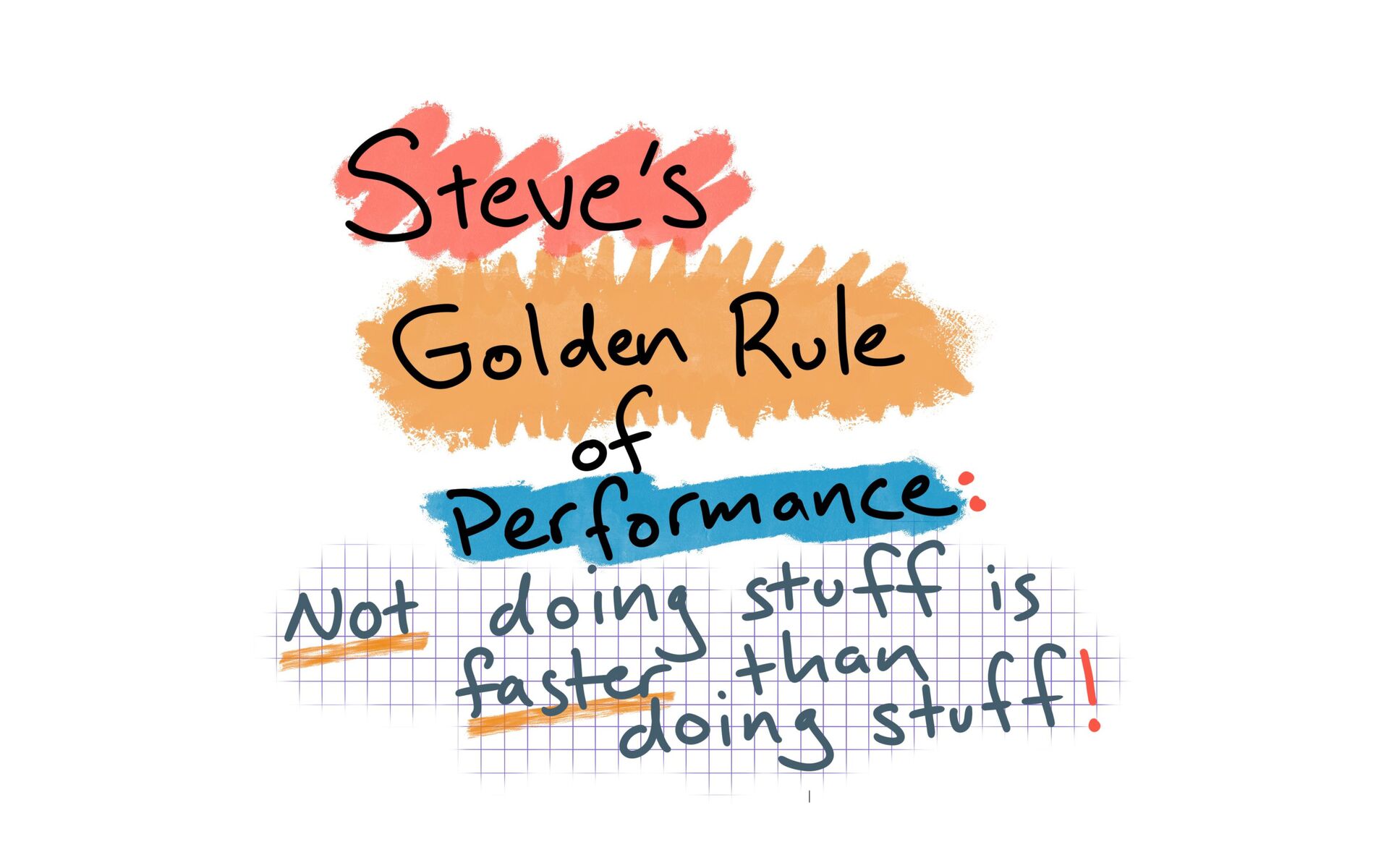
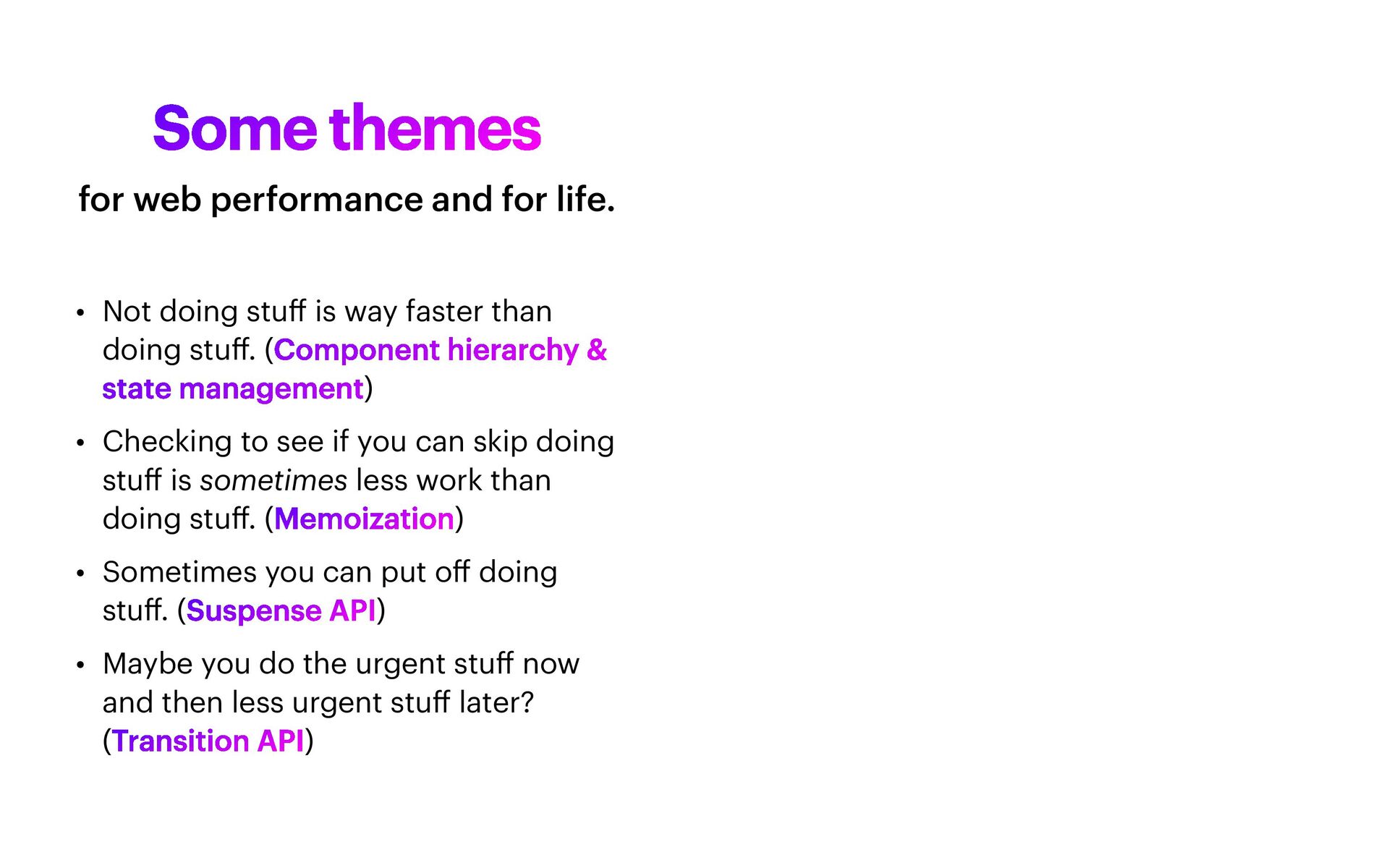
than doing stu ff . (Component hierarchy & state management) • Checking to see if you can skip doing stu ff is sometimes less work than doing stu ff . (Memoization) • Sometimes you can put o ff doing stu ff . (Suspense API) • Maybe you do the urgent stu ff now and then less urgent stu ff later? (Transition API) for web performance and for life.
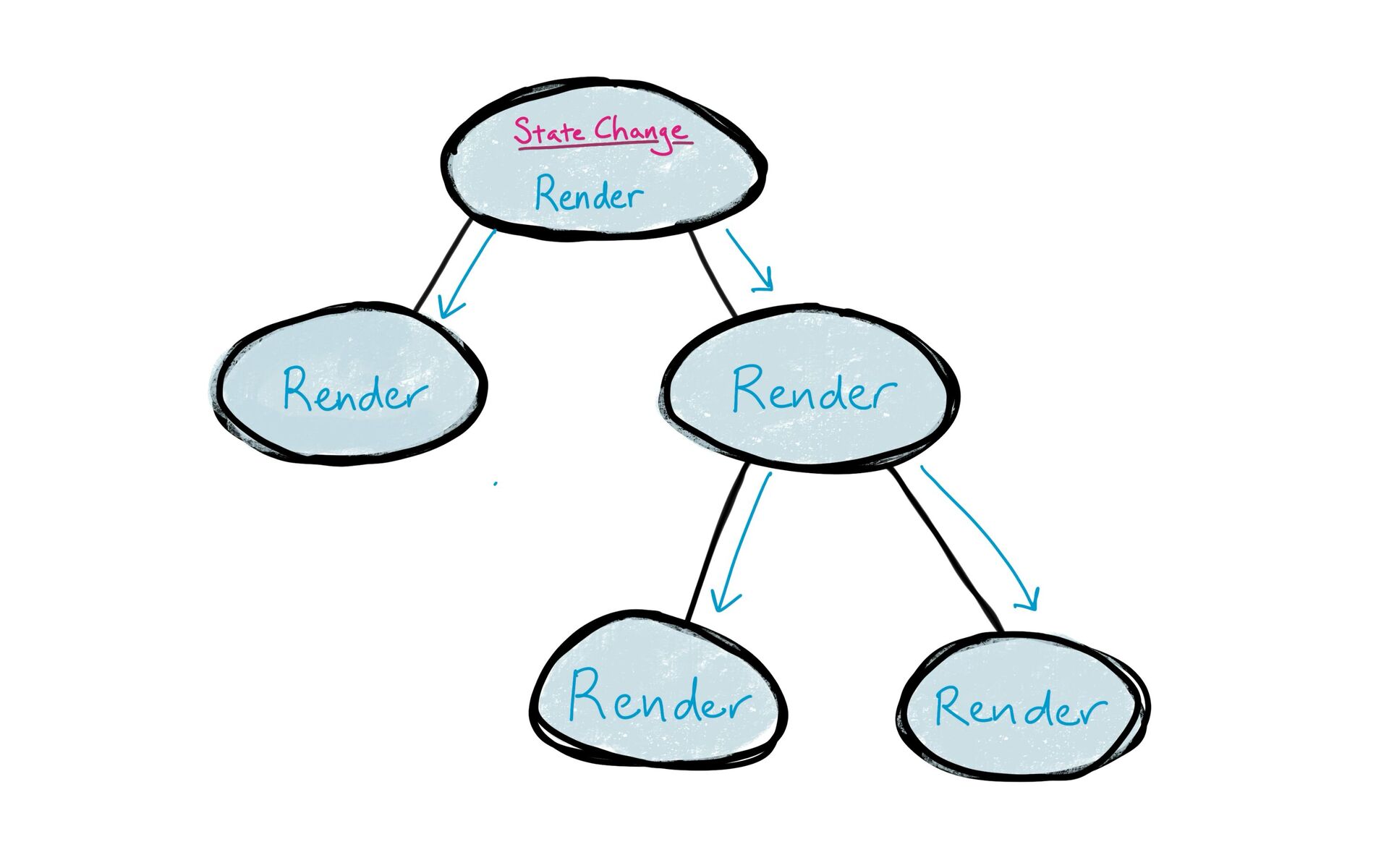
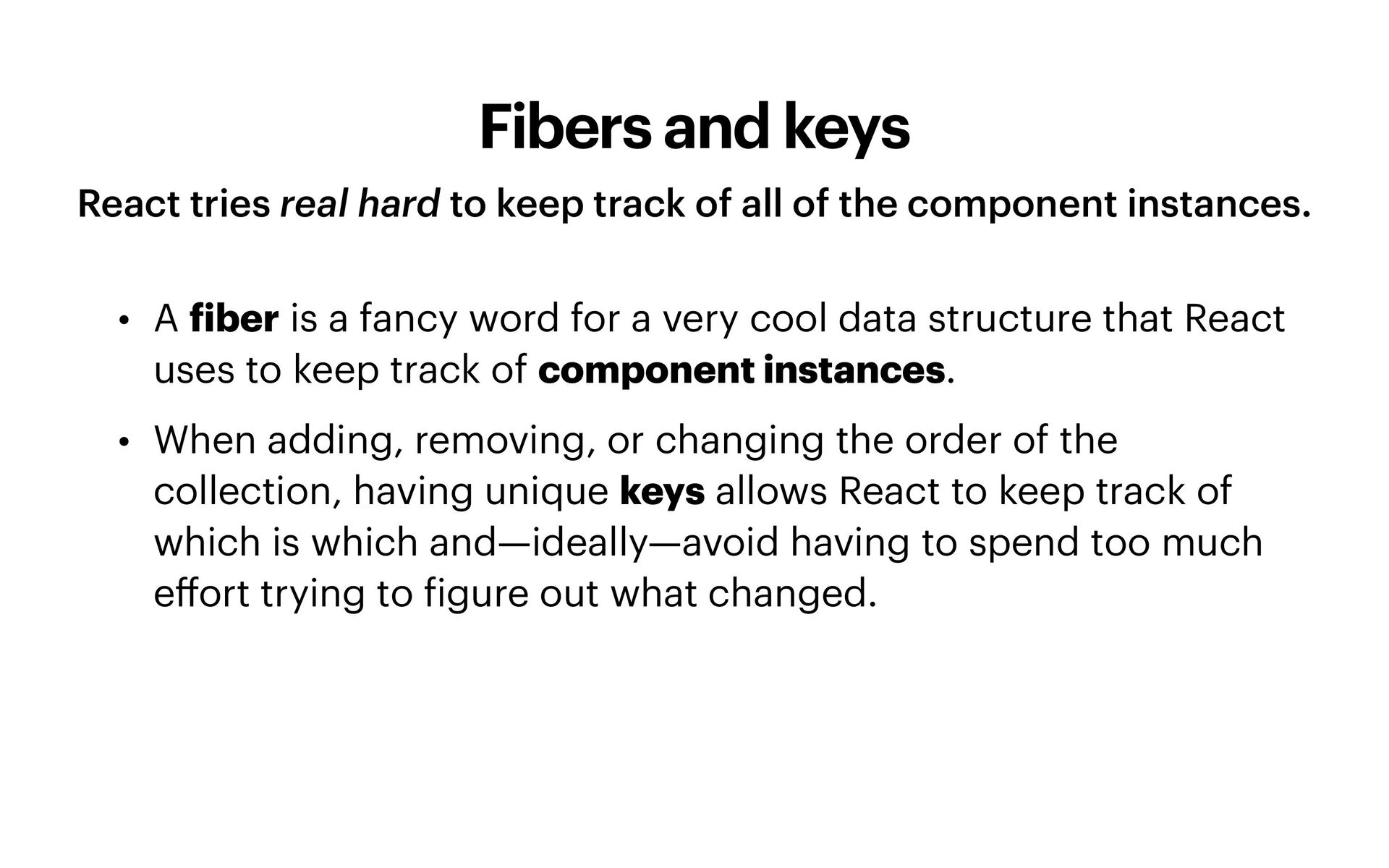
of all of the component instances. • A f iber is a fancy word for a very cool data structure that React uses to keep track of component instances. • When adding, removing, or changing the order of the collection, having unique keys allows React to keep track of which is which and—ideally—avoid having to spend too much e ff ort trying to f igure out what changed.
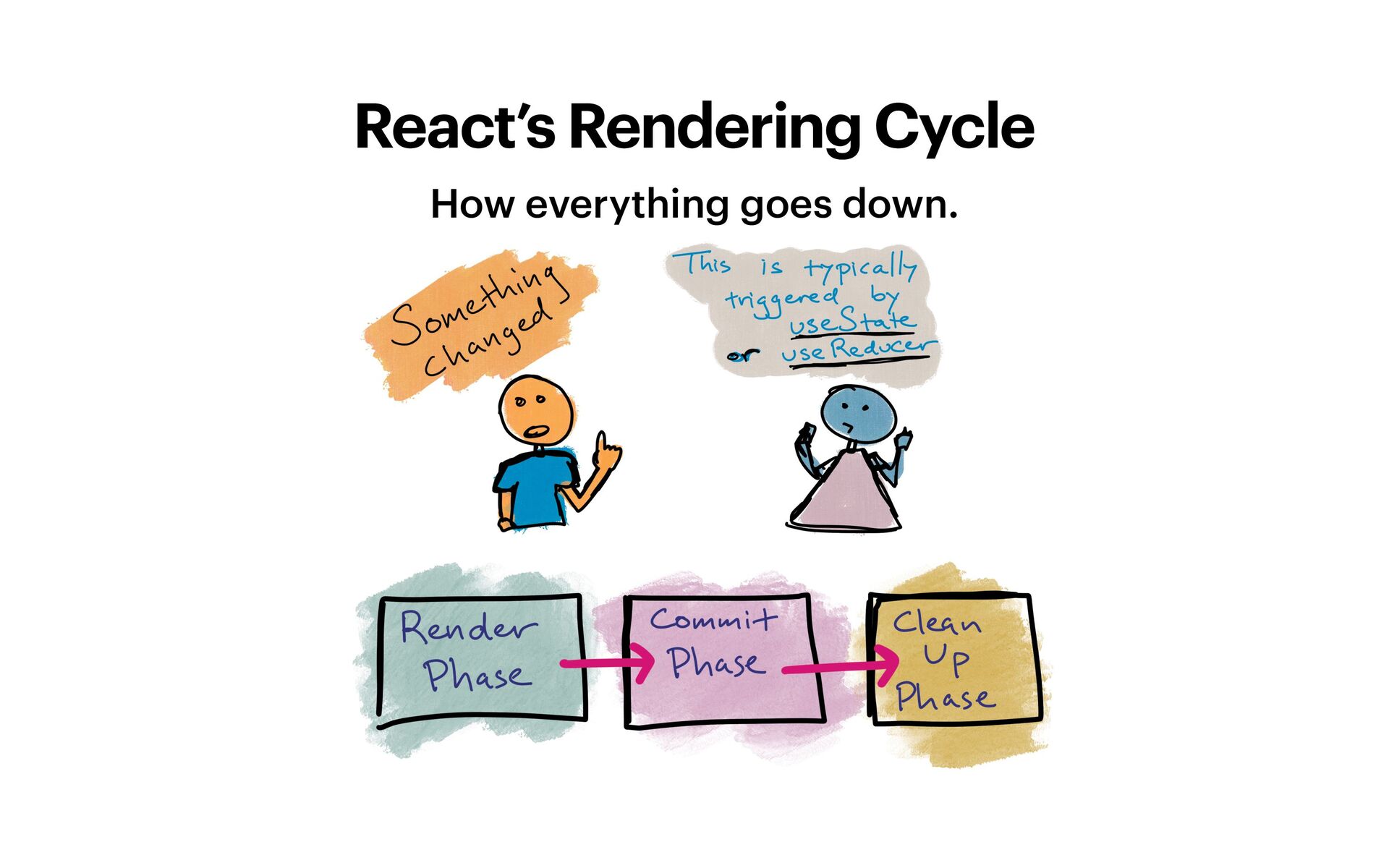
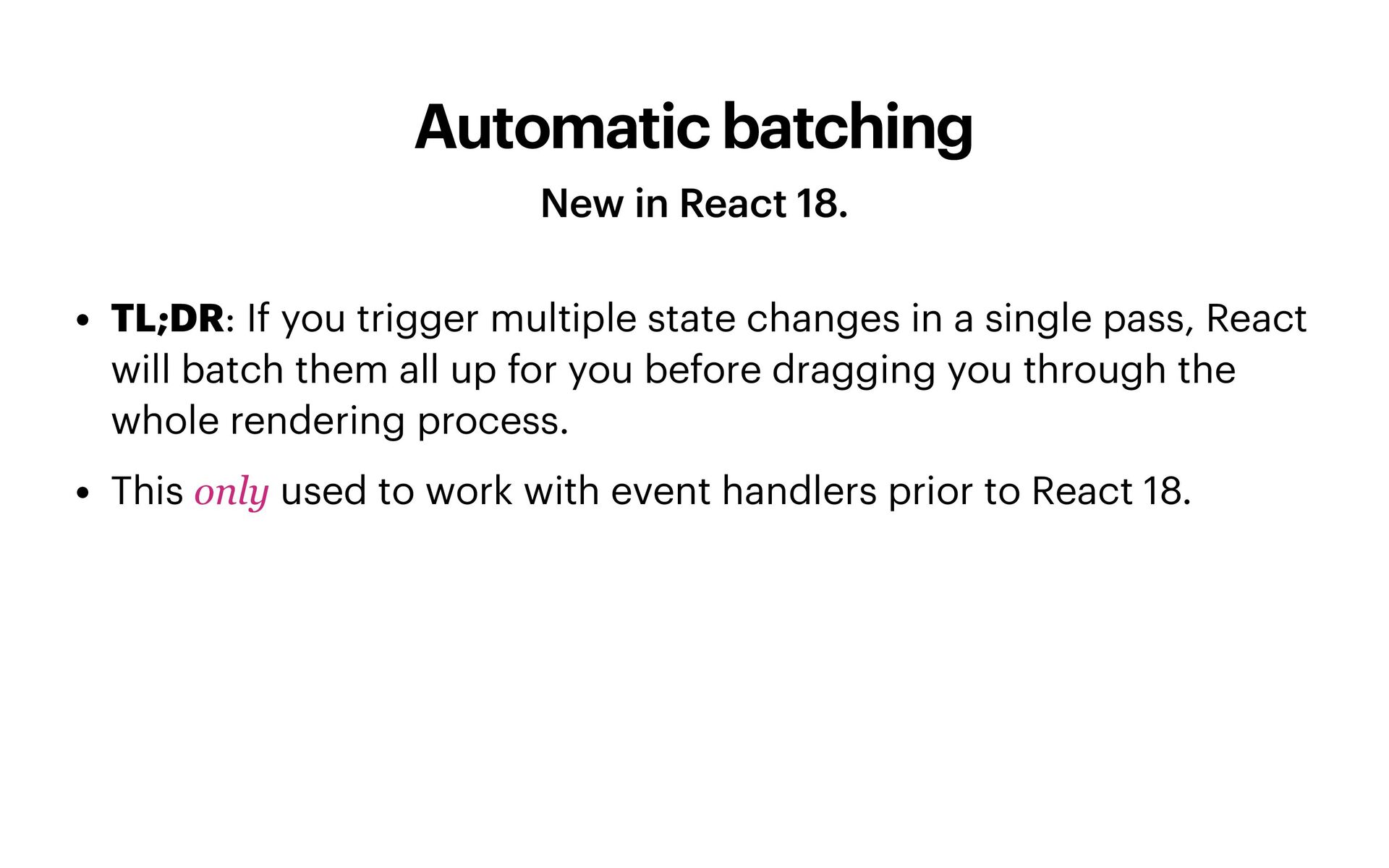
trigger multiple state changes in a single pass, React will batch them all up for you before dragging you through the whole rendering process. • This only used to work with event handlers prior to React 18.
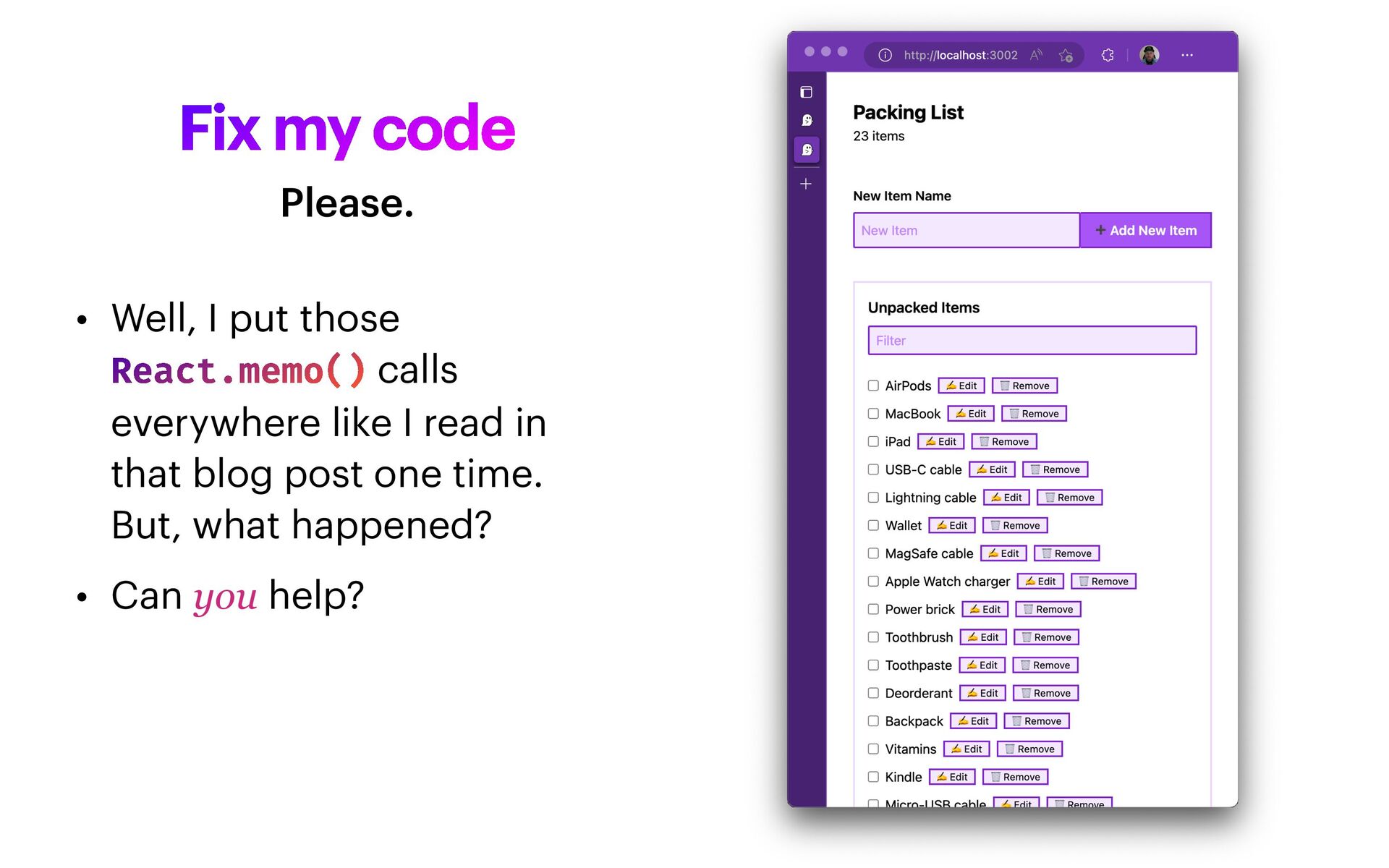
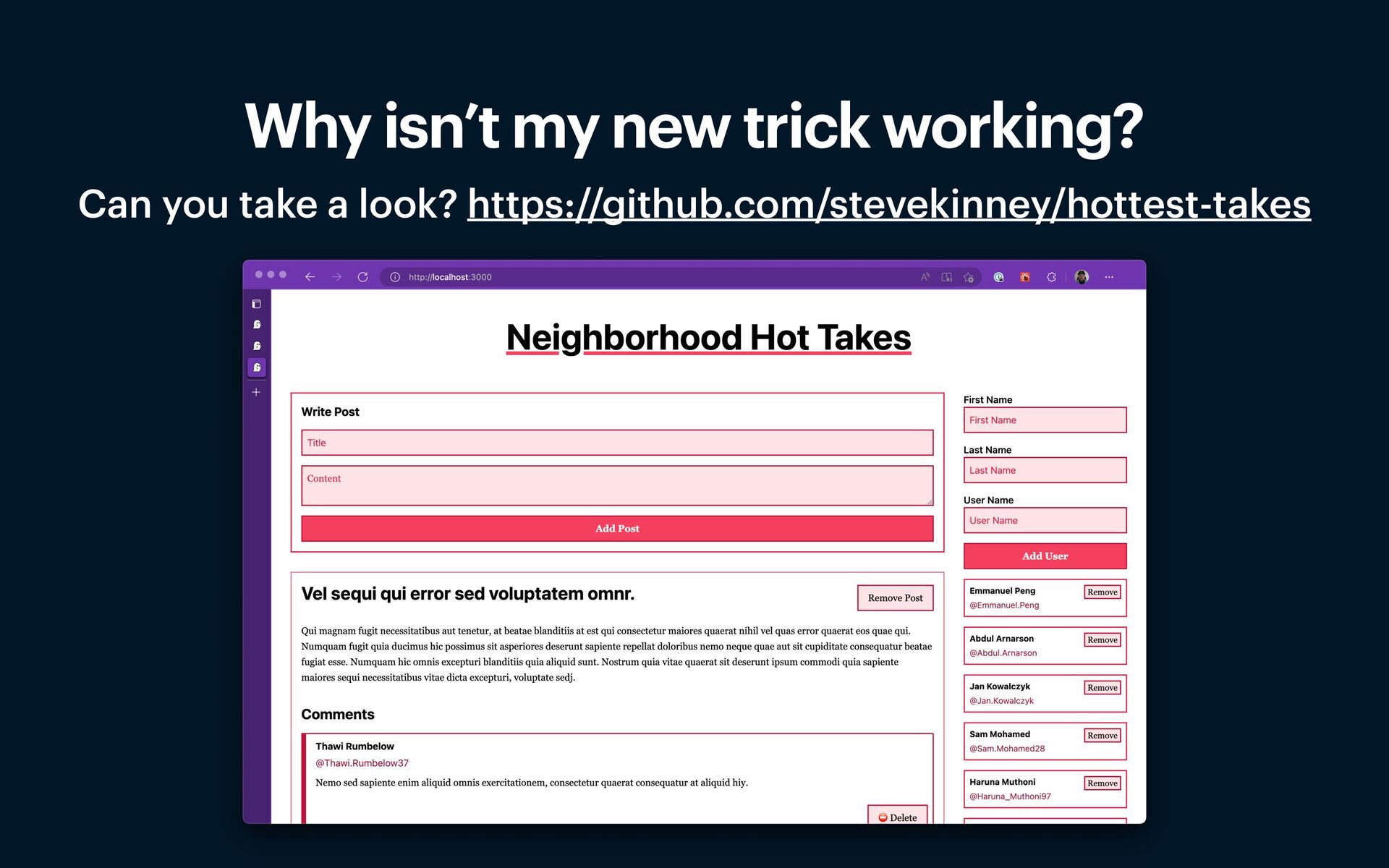
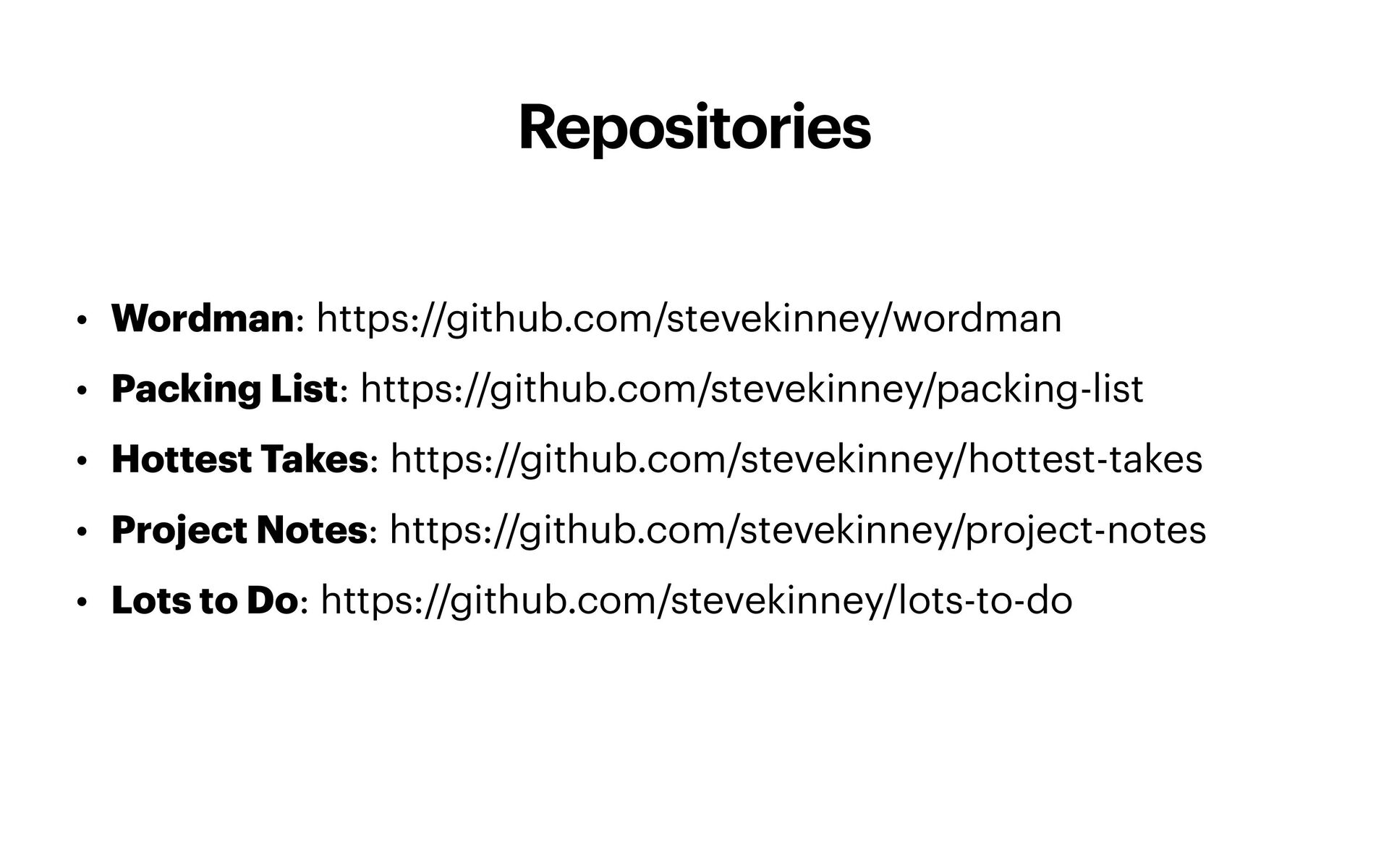
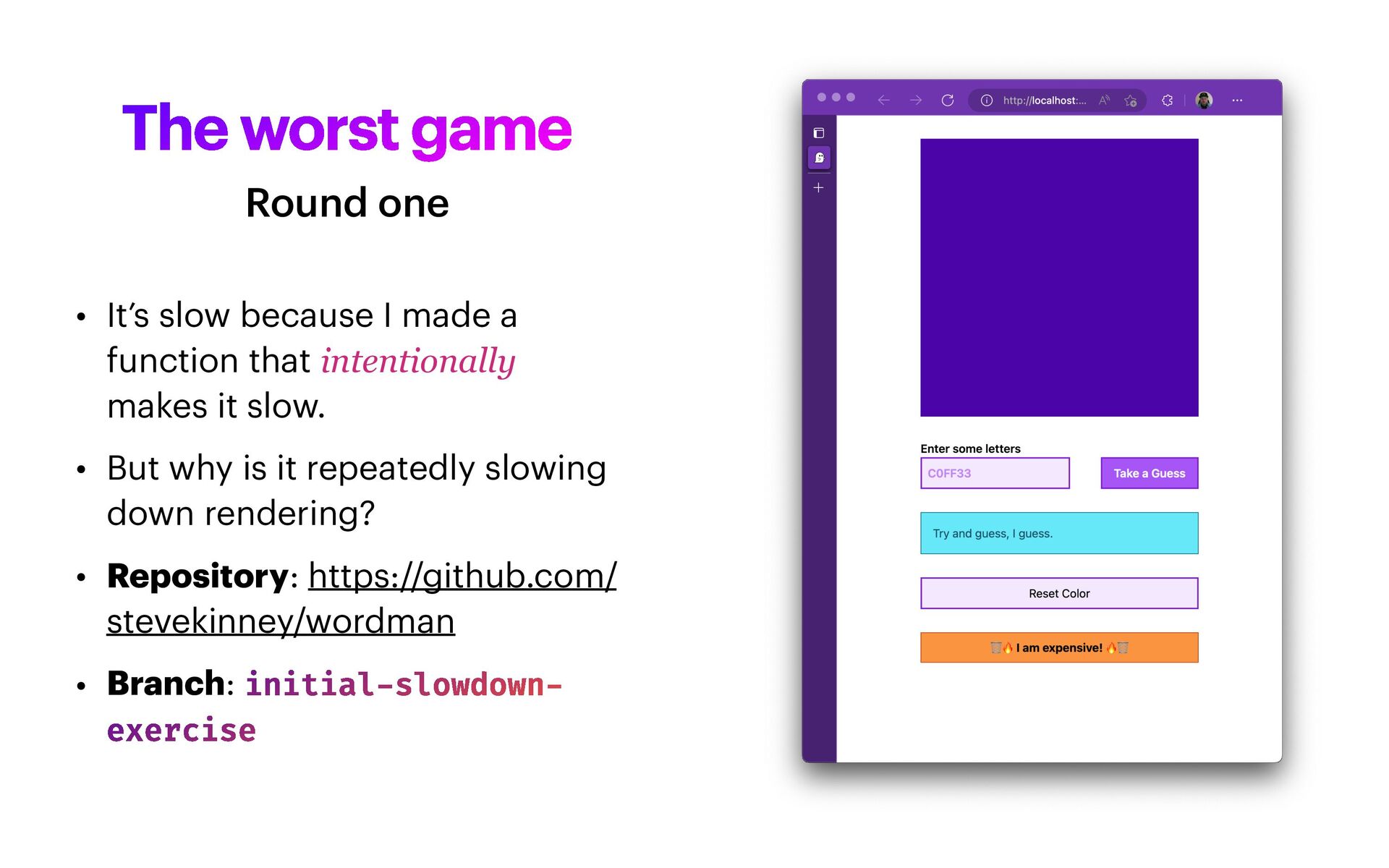
function that intentionally makes it slow. • But why is it repeatedly slowing down rendering? • Repository: https://github.com/ stevekinney/wordman • Branch: initial - slowdown - exercise Round one
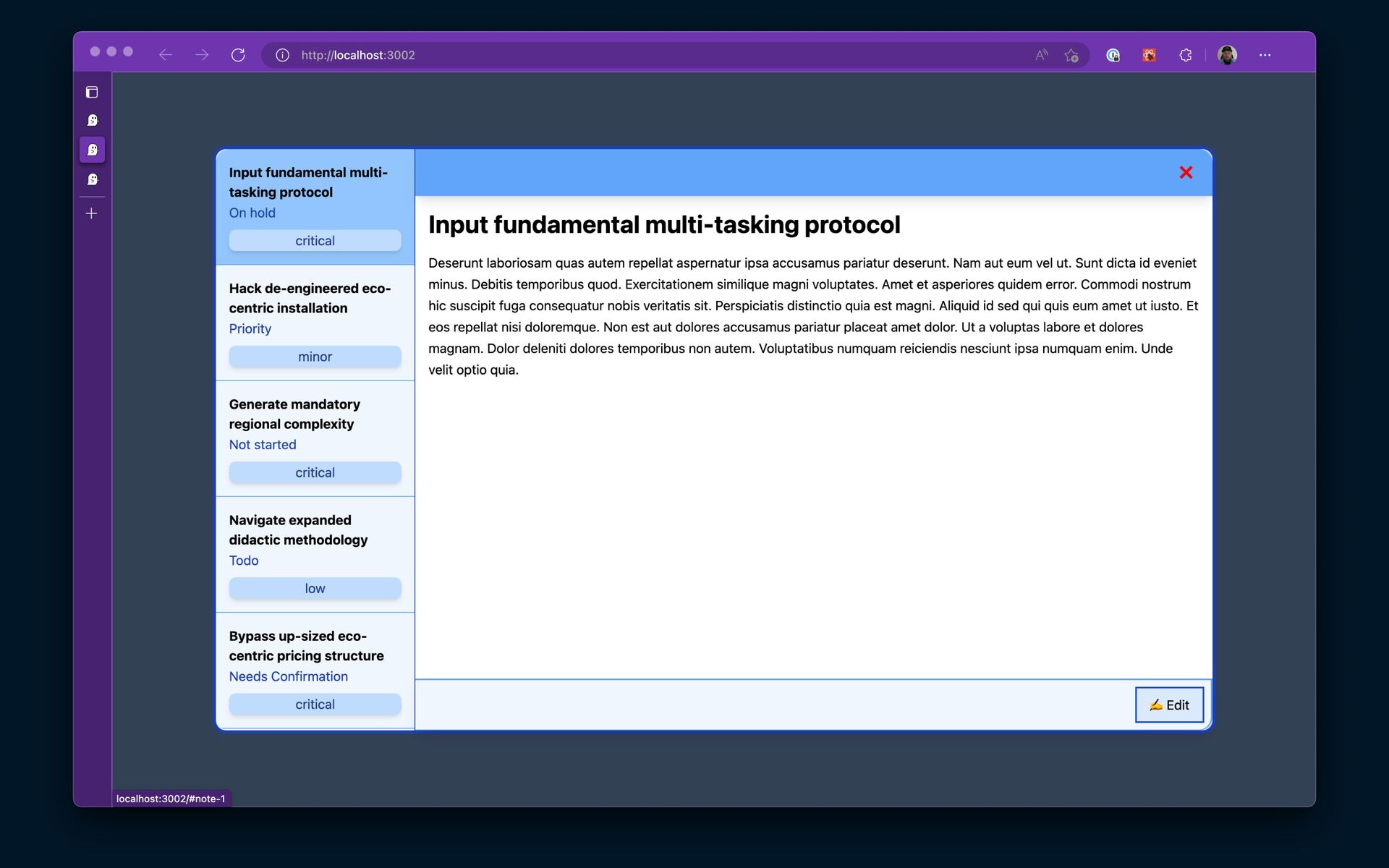
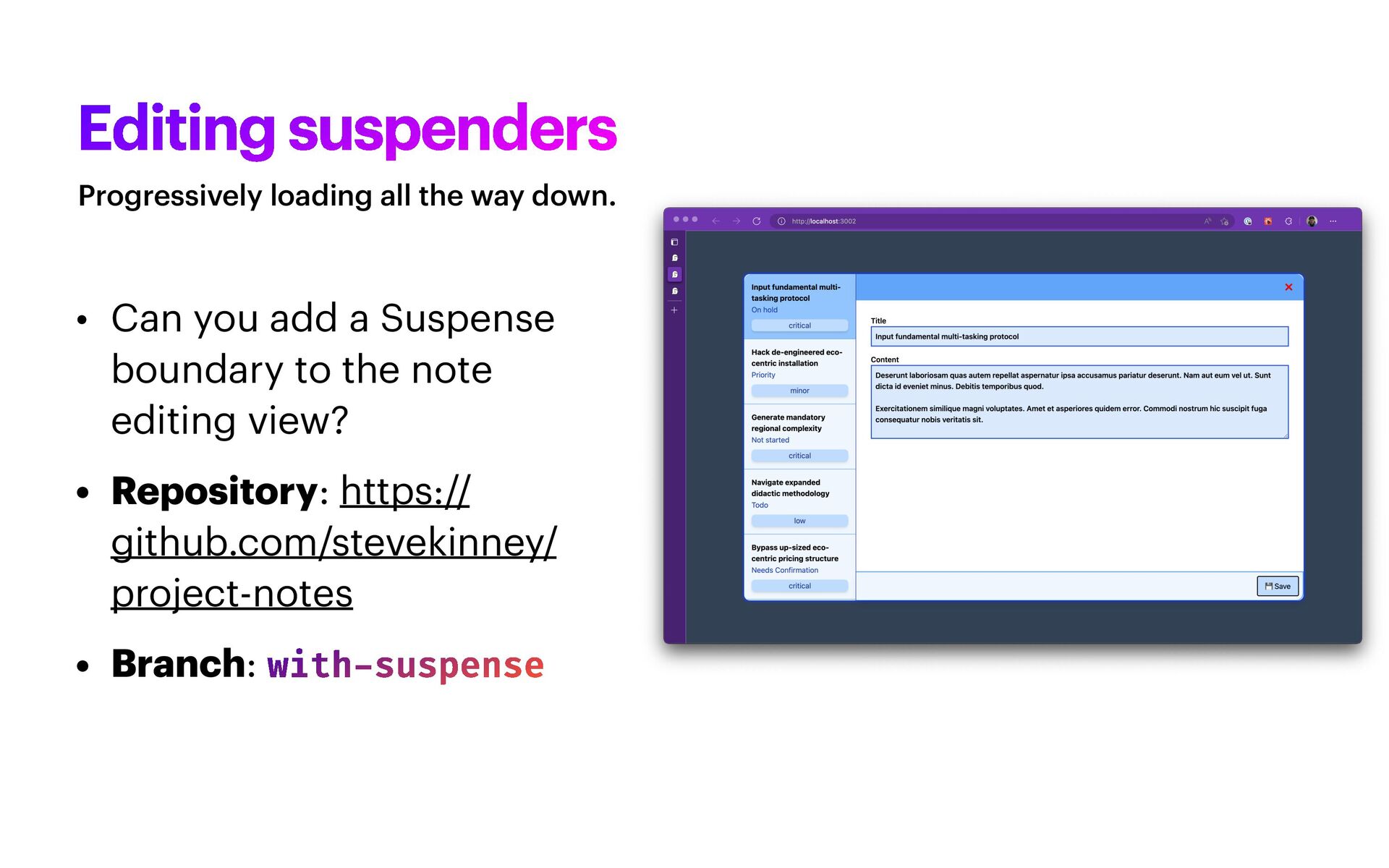
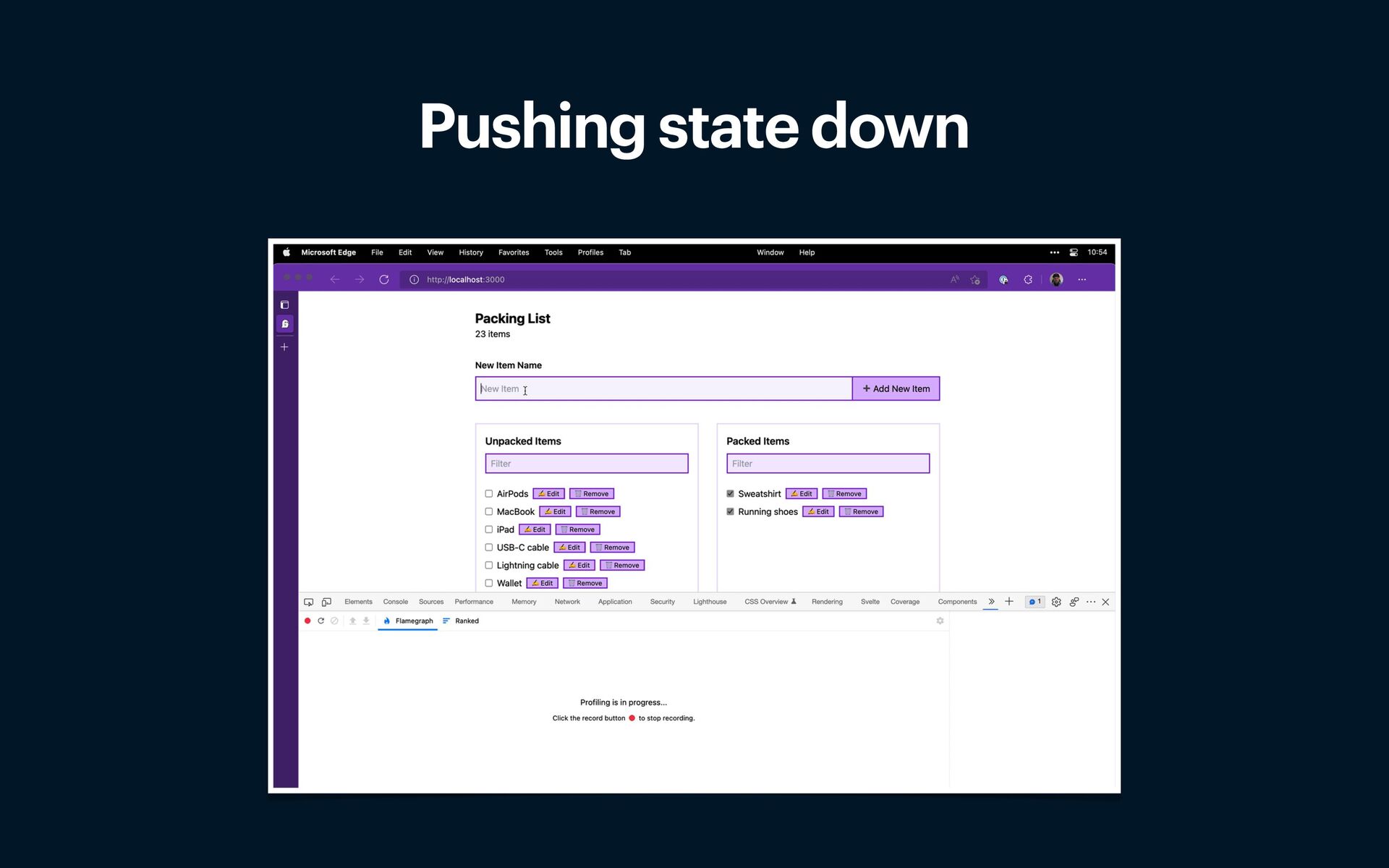
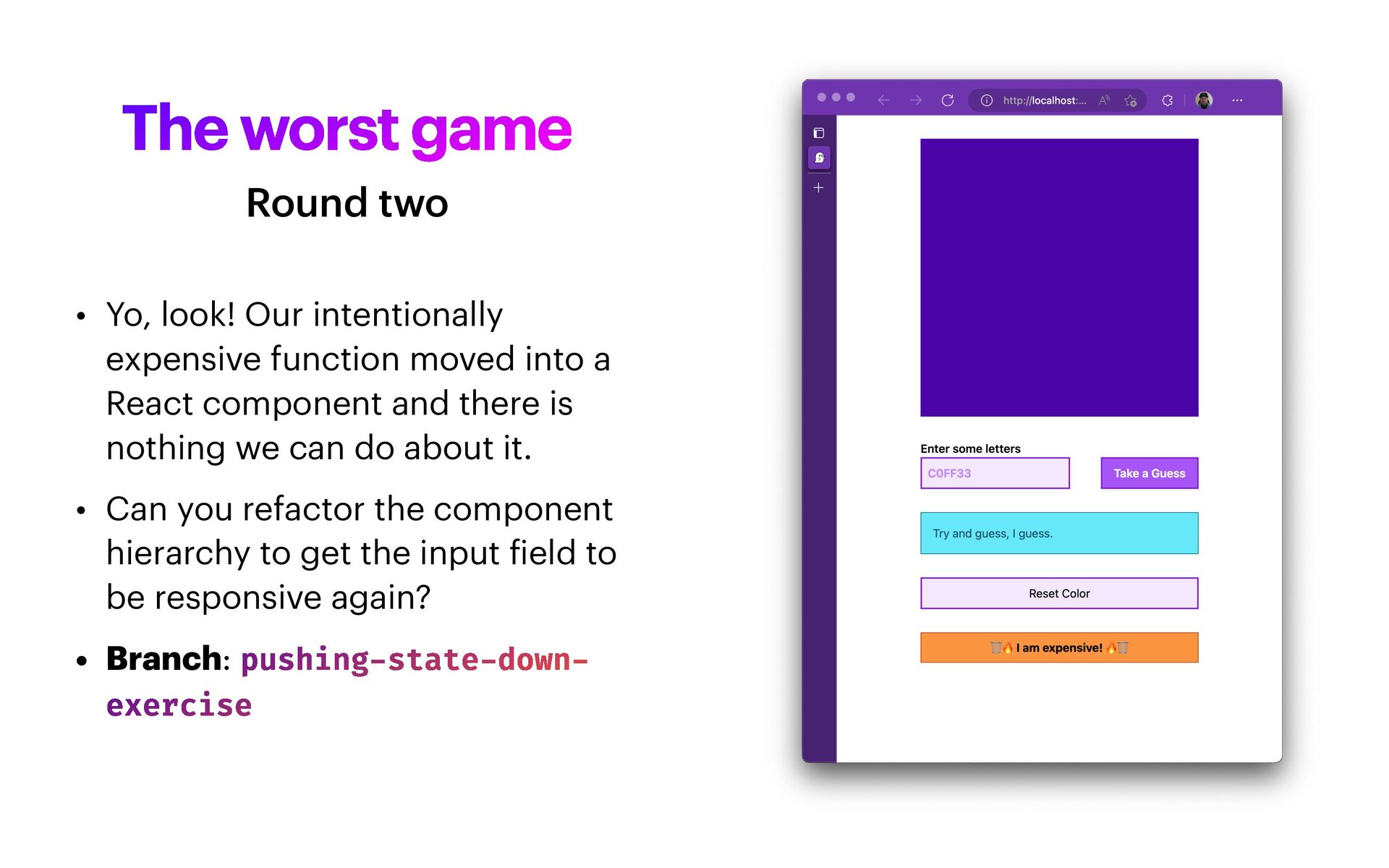
moved into a React component and there is nothing we can do about it. • Can you refactor the component hierarchy to get the input f ield to be responsive again? • Branch: pushing - state - down - exercise Round two
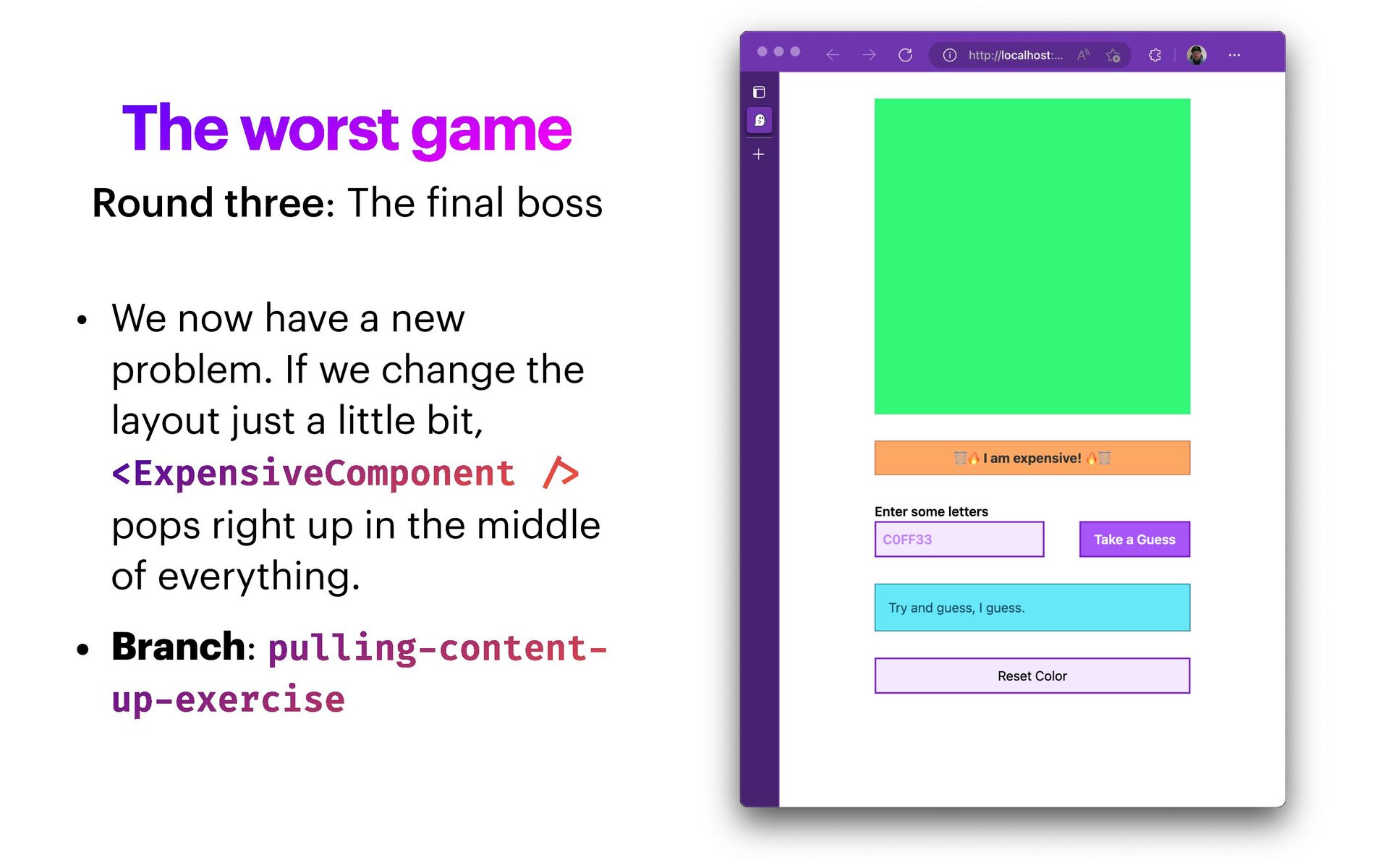
If we change the layout just a little bit, <ExpensiveComponent / > pops right up in the middle of everything. • Branch: pulling - content - up - exercise Round three: The f inal boss
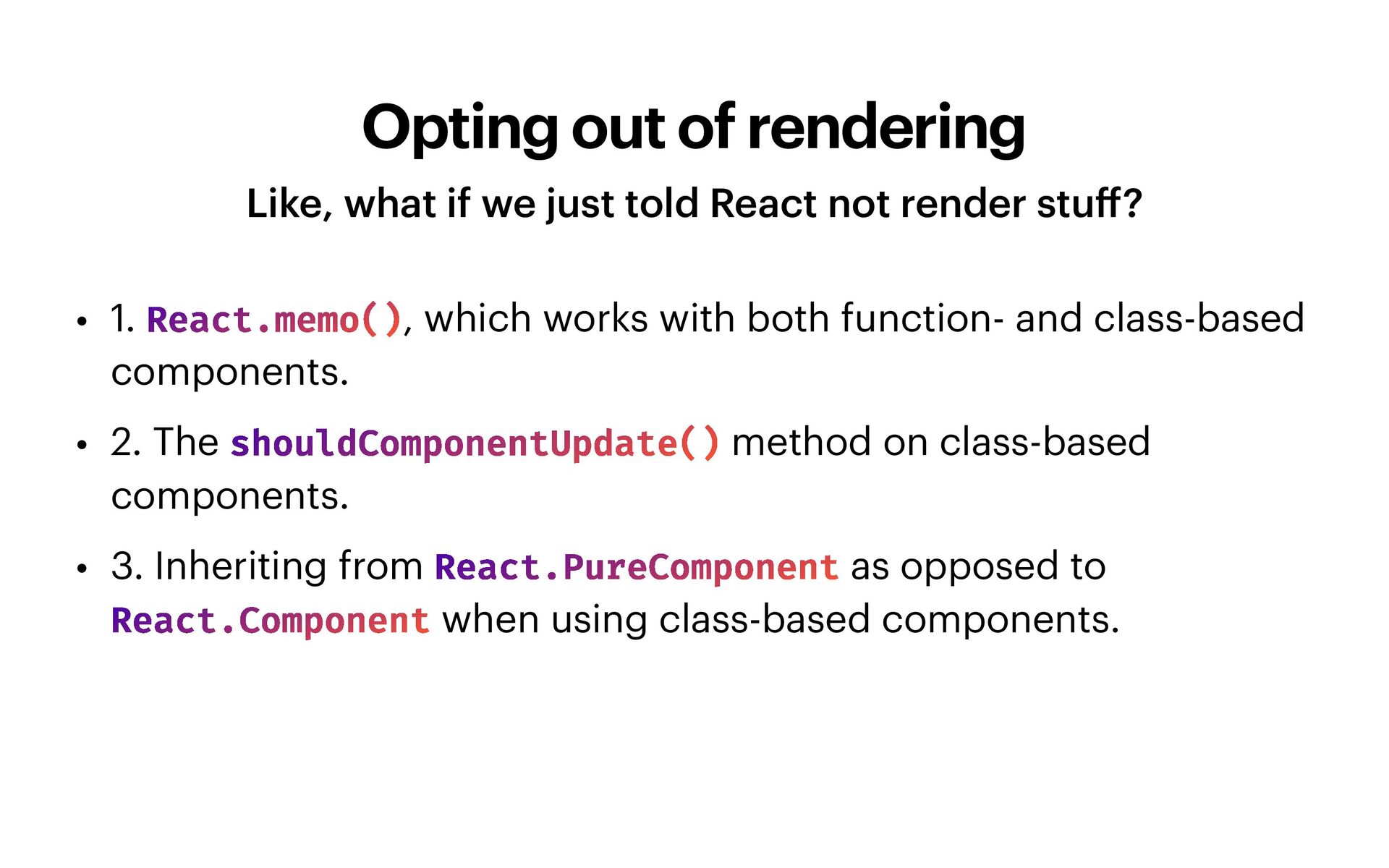
React not render stu ff ? • 1. React.memo(), which works with both function- and class-based components. • 2. The shouldComponentUpdate() method on class-based components. • 3. Inheriting from React.PureComponent as opposed to React.Component when using class-based components.
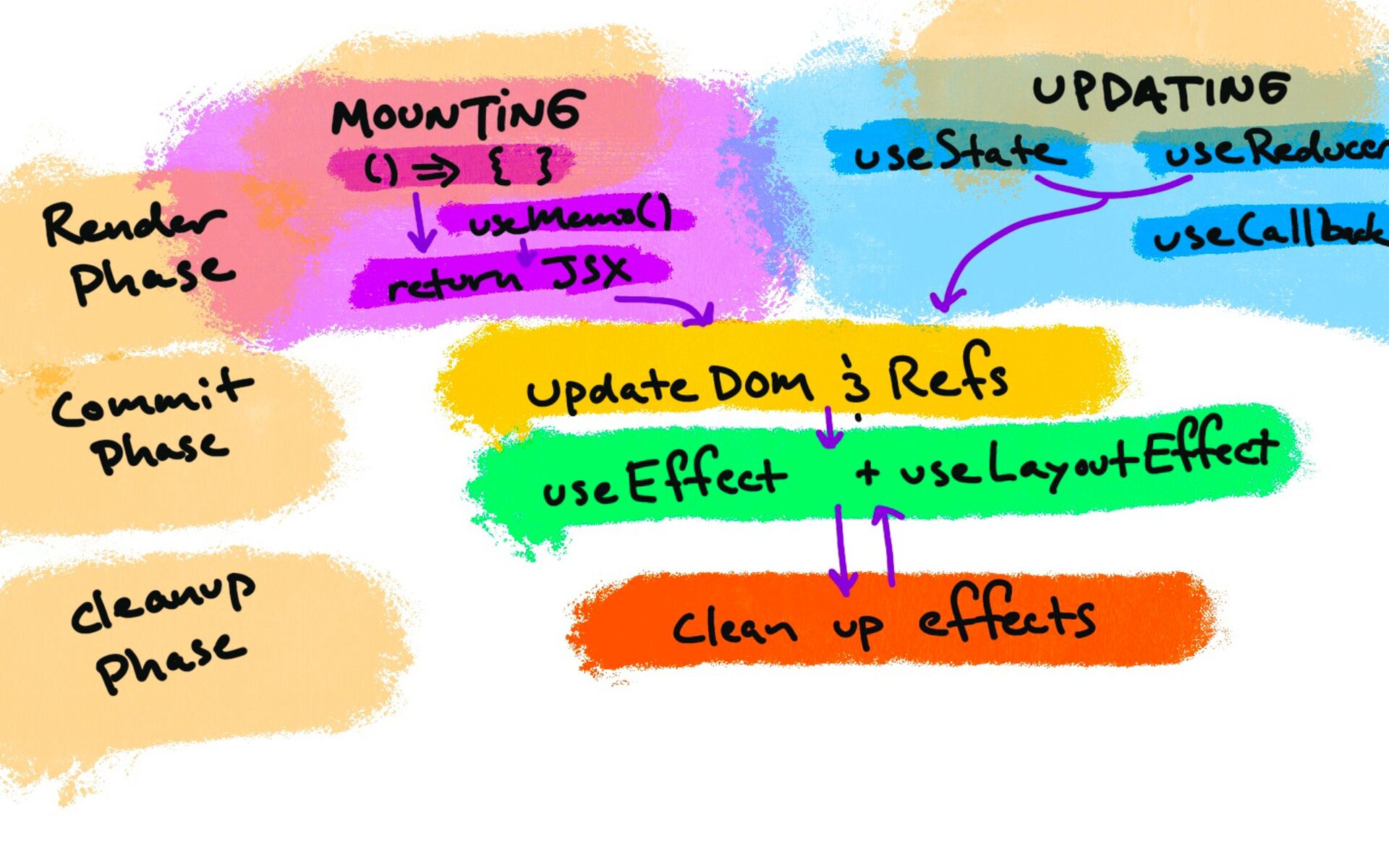
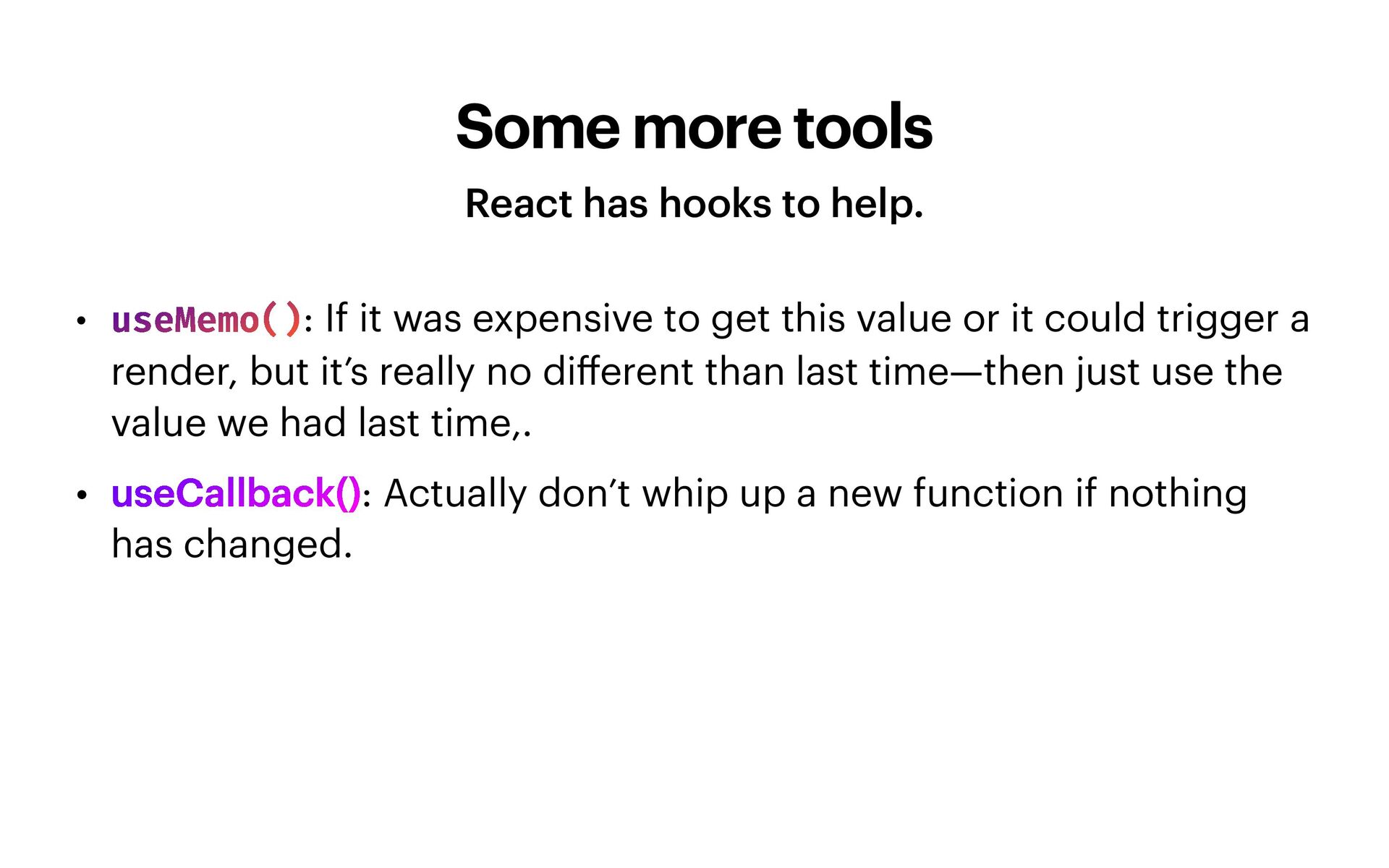
If it was expensive to get this value or it could trigger a render, but it’s really no di ff erent than last time—then just use the value we had last time,. • useCallback(): Actually don’t whip up a new function if nothing has changed.
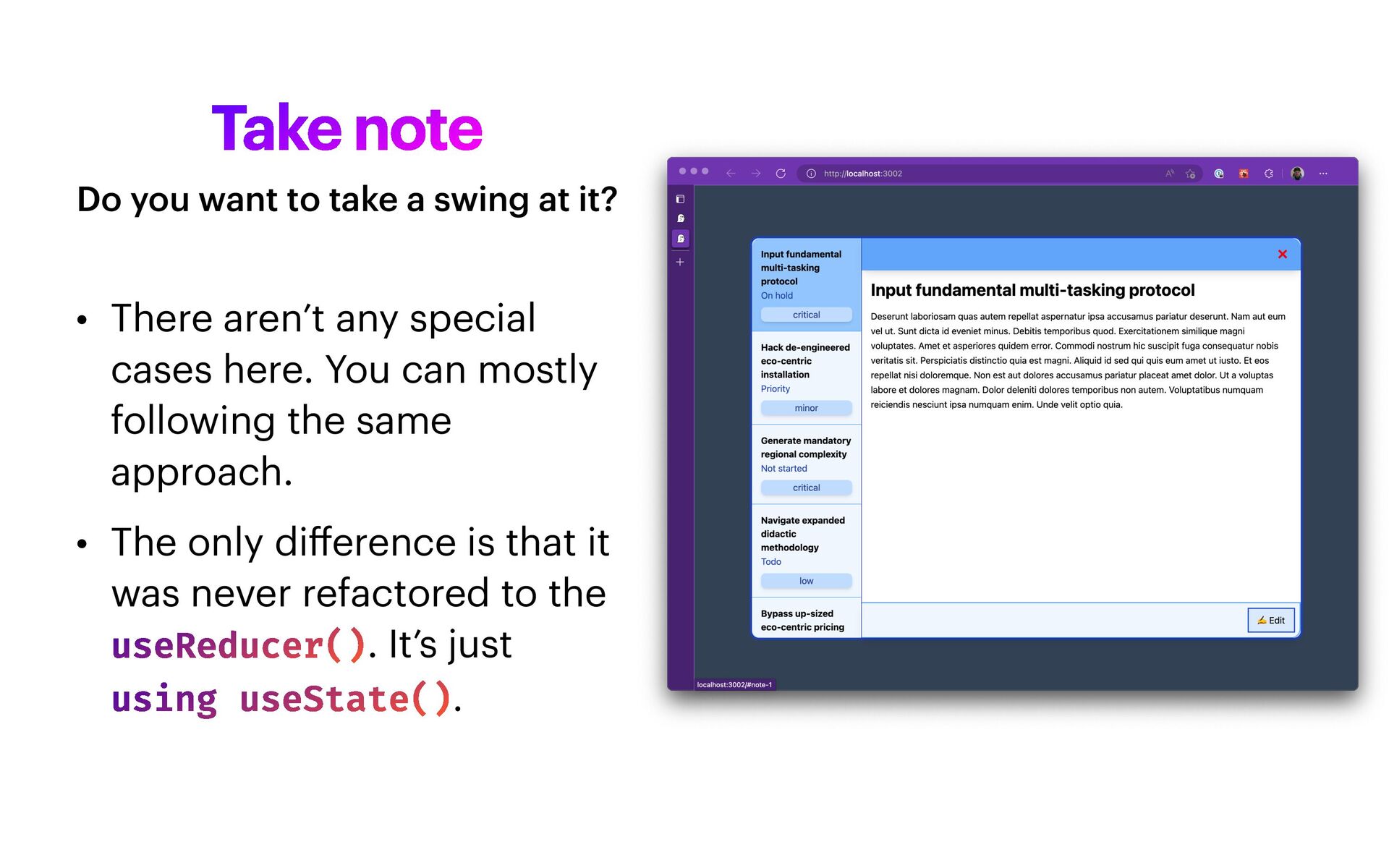
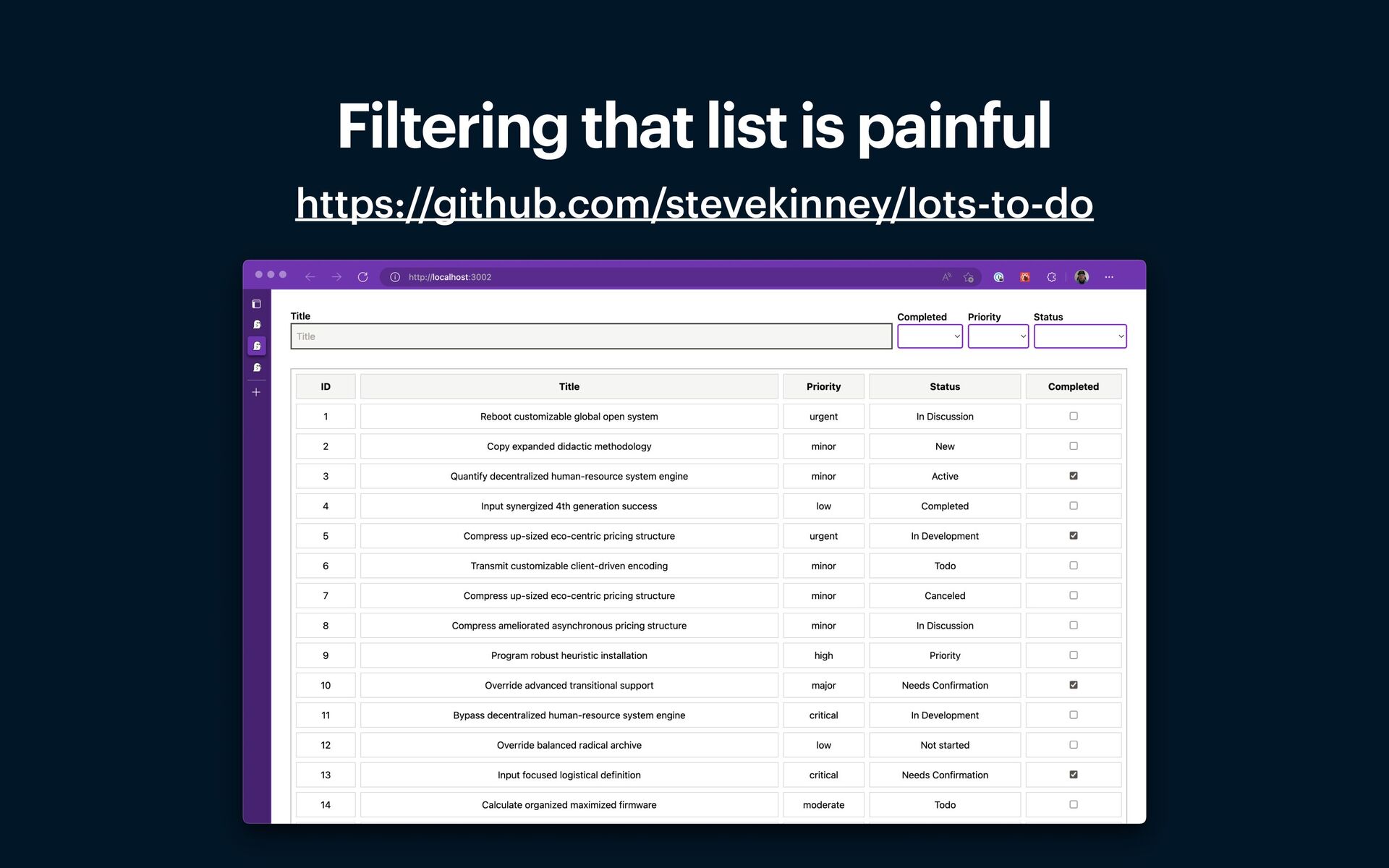
can mostly following the same approach. • The only di ff erence is that it was never refactored to the useReducer(). It’s just using useState(). Do you want to take a swing at it?
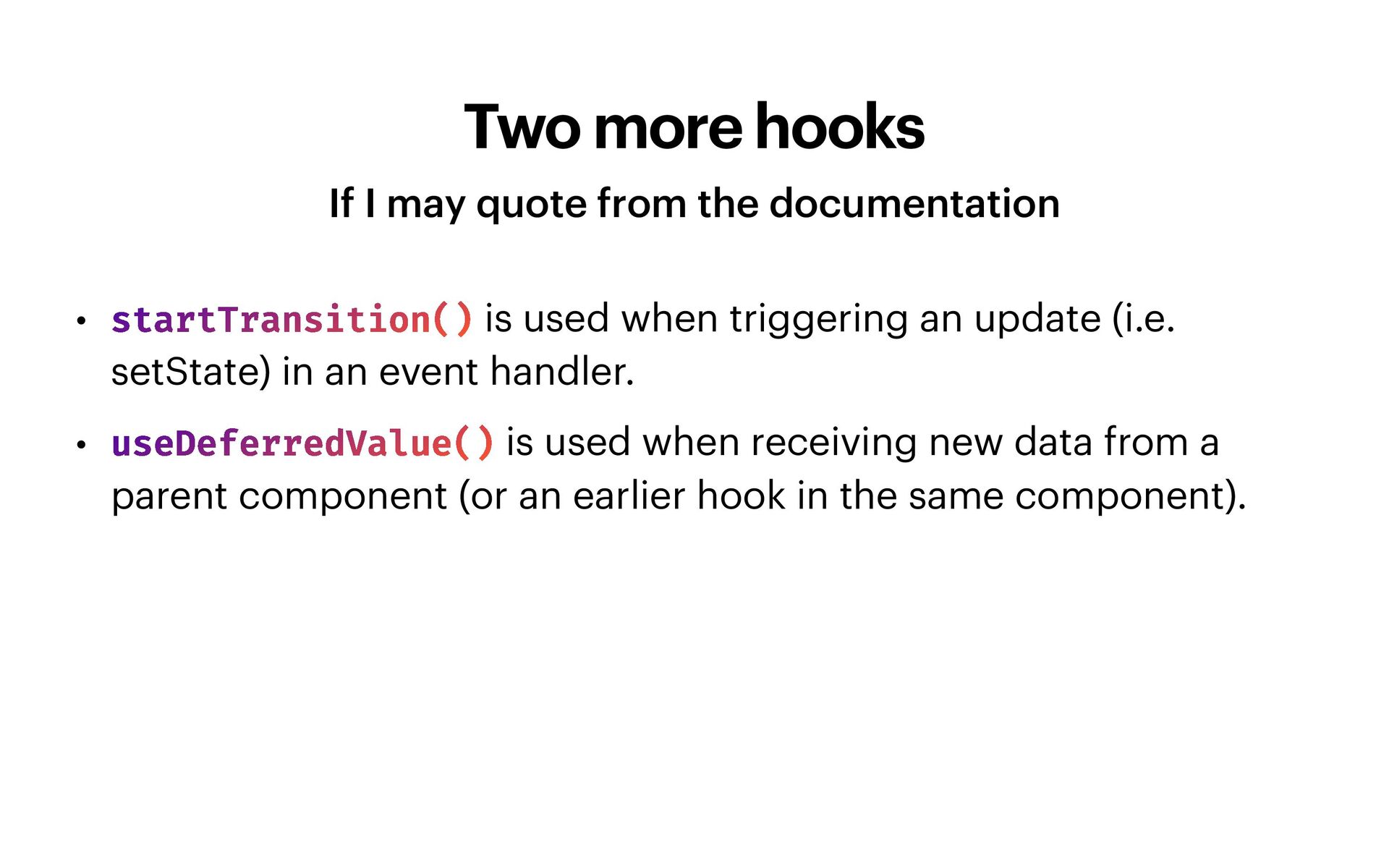
• startTransition() is used when triggering an update (i.e. setState) in an event handler. • useDeferredValue() is used when receiving new data from a parent component (or an earlier hook in the same component).
how you shape your component hierarchy or state—do that first. • Memoization is a solid strategy only if the cost of checking pays for itself with the time you save rendering. • Using the Suspense API to progressively load your application is a good idea™. And, more good stu ff will come soon. • The Transition API is there for you when you’re really in a pickle.


 stevekinney
 tammyeverts
 varn
varn
 samtorres
 chriscoyier
 coloredviolet
 jnunemaker
 frankvandijk
 sachag
 skoyamalab
 livdayseo
 mojombo
 mkilby

![useMemo(() = > somethingSuperExpensive(a, b), [a, b]); useCallback(handleClickAndUpdateCount, [count]);](https://files.speakerdeck.com/presentations/57c2156e876d4daeb0846abc00e3e169/slide_30.jpg)