Upgrade to Pro
— share decks privately, control downloads, hide ads and more …
Speaker Deck
Sign up for free
Menu
Search
Features
All features
Private URLs
Password Protection
Custom URLS
Scheduled publishing
Remove Branding
Restrict embedding
Deck Collections
Notes
Features
All features
Private URLs
Password Protection
Custom URLS
Scheduled publishing
Remove Branding
Restrict embedding
Deck Collections
Notes
Explore
Featured decks
Featured speakers
Programming
Technology
Storyboards
Explore
Featured decks
Featured speakers
Programming
Technology
Storyboards
Pricing
Search
Sign in
Sign up for free
【toranoana.deno#15】WebGPUで遊ぼう
Search
虎の穴ラボ株式会社
February 14, 2024
Technology
1.1k
0
Share
Embed
Copy iframe code
Copy JS code
Copy link
Start on current slide
【toranoana.deno#15】WebGPUで遊ぼう
toranoana.deno#15での発表資料です。
https://yumenosora.connpass.com/event/307235/
虎の穴ラボ株式会社
February 14, 2024
More Decks by 虎の穴ラボ株式会社
See All by 虎の穴ラボ株式会社
関西Ruby登壇資料
toranoana
0
33
Tailwind CSSとAtomic Designで実現する効率的な Web 開発の事例
toranoana
1
710
Denoについて、同人誌記事を出しました+update
toranoana
0
240
【虎の穴ラボ Tech Talk #2】プロンプトエンジニアリング
toranoana
0
170
20241121_[TechTalk#2]虎の穴ラボでのLLMについて取り組み紹介
toranoana
0
180
社内チャットへRAG導入した話(Tech Talk #2)
toranoana
0
250
Deno Deploy で Web Cache API を 使えるようになったので試した知見
toranoana
1
770
【虎の穴ラボ Tech Talk】虎の穴ラボTech Talk説明資料
toranoana
0
530
虎の穴ラボ Tech Talk_CDKでFargate環境構築
toranoana
1
700
Other Decks in Technology
See All in Technology
「とりあえず動く」の先へ。 AI時代のチーム開発と内部設計/2026-slsdays
slsops
0
100
AWS FinOps Agent 結局何が得意なの?
siromi
0
230
AI Native Platform Engineering 〜PlatformとAgileで“作る速さ”を“価値”へ〜
uya116
0
590
Account Factory for Terraformによる 標準化されたアカウント発行の自動化
pensuke628
0
120
「大丈夫そう?」をObservabilityで確かめる
mrmtsu
0
250
生成AIと進める探索的データ分析(2026.10.03 第122回Tokyo.R勉強会)
tatamiya
1
680
行動するAIのためのオントロジー | DevRev — Encraft #26.pdf
dvrv_tknrszk
2
660
Oracle Cloud Infrastructure(OCI):Onboarding Session(はじめてのOCI/Oracle Supportご利⽤ガイド)
oracle4engineer
PRO
3
21k
Argo CDとAtlantisで実現するインフラ管理のセルフサービス化──小規模SREチームで支えるプラットフォーム
cassius7
0
270
顧客の成果創出とプロダクトの成長を 両立するためのFDE
sansantech
PRO
0
600
私の推しは「聞いてから進む」AIです -AI-DLCに一人でアプリを作らせた話
yama3133
1
160
10年欲しかった音楽管理アプリを、AIと一緒に作りはじめた
judau
1
200
Featured
See All Featured
Tell your own story through comics
letsgokoyo
1
1.1k
Designing for Timeless Needs
cassininazir
1
510
Build The Right Thing And Hit Your Dates
maggiecrowley
39
3.5k
Leading Effective Engineering Teams in the AI Era
addyosmani
9
2.7k
How to Ace a Technical Interview
jacobian
280
24k
A brief & incomplete history of UX Design for the World Wide Web: 1989–2019
jct
2
520
How to build an LLM SEO readiness audit: a practical framework
nmsamuel
2
930
WCS-LA-2024
lcolladotor
0
840
Designing for Performance
lara
611
70k
How To Speak Unicorn (iThemes Webinar)
marktimemedia
1
590
Code Review Best Practice
trishagee
74
20k
My Coaching Mixtape
mlcsv
0
330
Transcript
Copyright (C) 2024 Toranoana Lab Inc. All Rights Reserved. WebGPUで遊ぼう
虎の穴ラボ株式会社 藤原佳顕 T O R A N O A N A L a b 1
Copyright (C) 2024 Toranoana Lab Inc. All Rights Reserved. 目次
1. 自己紹介 2. 概要 3. denoでのWebGPU 4. 作ったもの紹介 5. まとめ 2
Copyright (C) 2024 Toranoana Lab Inc. All Rights Reserved. 自己紹介ページ(藤原)
藤原 佳顕(ふじわら よしあき): yoshiaki fujiwara ‣ Webエンジニア ‣ 新規事業担当(Fantia、Creatia)、アーキテクトチーム ‣ 前職:独立系ソフトウェア会社、主に GISとWeb、ライブラリ開発 ‣ TypeScript、Ruby on Rails、C#、C++ ‣ React、Vue、Angular ‣ 入社理由 ‣ 自分がスキルアップできそうな場所に行きたい ‣ オタク系の話ができるところに行きたい 好きなモノ ‣ シューティングゲーム、格闘ゲーム ‣ SF小説 ‣ プログラミング 3
Copyright (C) 2024 Toranoana Lab Inc. All Rights Reserved. 概要
4
Copyright (C) 2024 Toranoana Lab Inc. All Rights Reserved. 概要と経緯
• 概要 ◦ denoでのWebGPUが使えるようになったので色々作ってみた紹介になりま す ◦ 実装と合わせて、何を作ったか、どうやったかについても紹介します ◦ WebGPUに詳しい人ではありませんので、割とそこら辺は適当です 5
Copyright (C) 2024 Toranoana Lab Inc. All Rights Reserved. denoでのWebGPU
6
Copyright (C) 2024 Toranoana Lab Inc. All Rights Reserved. denoでのWebGPU
• そもそもWebGPUとは? ◦ 元々Web(ブラウザ)でGPUを使う仕組みとしてWebGLが存在 ◦ WebGPUはWebGLの後継として開発された API ◦ あくまでWebGLはグラフィックを目的にしており、機械学習をはじめとした GPGPUなどの利用は あまりうまくできなかった ◦ こういった問題を解決するために作られたのが WebGPU ◦ 詳細はいつものMDNへ https://developer.mozilla.org/ja/docs/Web/API/WebGPU_API ◦ 仕様はDraft時点から色々変わっている模様 ▪ 古いもの https://www.w3.org/TR/2021/WD-webgpu-20210601/ ▪ 今のもの https://www.w3.org/TR/webgpu/ ▪ 古いものだとswapChainがあるが、現在だと無いなど ▪ 検索とかAIとかたまに古いものが出てくると動かないので注意 7
Copyright (C) 2024 Toranoana Lab Inc. All Rights Reserved. denoでのWebGPU
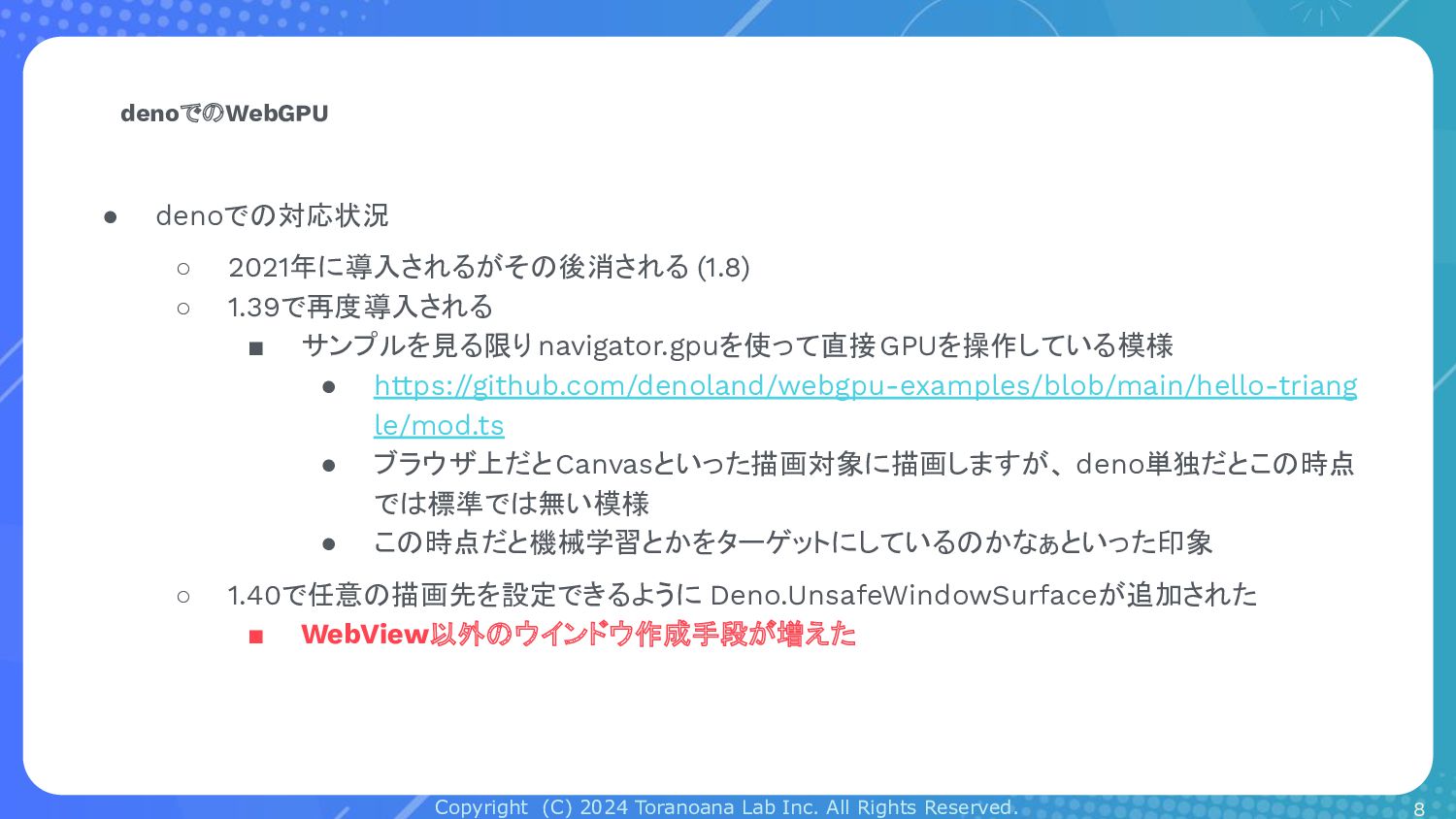
• denoでの対応状況 ◦ 2021年に導入されるがその後消される (1.8) ◦ 1.39で再度導入される ▪ サンプルを見る限りnavigator.gpuを使って直接GPUを操作している模様 • https://github.com/denoland/webgpu-examples/blob/main/hello-triang le/mod.ts • ブラウザ上だとCanvasといった描画対象に描画しますが、 deno単独だとこの時点 では標準では無い模様 • この時点だと機械学習とかをターゲットにしているのかなぁといった印象 ◦ 1.40で任意の描画先を設定できるように Deno.UnsafeWindowSurfaceが追加された ▪ WebView以外のウインドウ作成手段が増えた 8
Copyright (C) 2024 Toranoana Lab Inc. All Rights Reserved. 作ったもの紹介
9
Copyright (C) 2024 Toranoana Lab Inc. All Rights Reserved. 作ったもの紹介
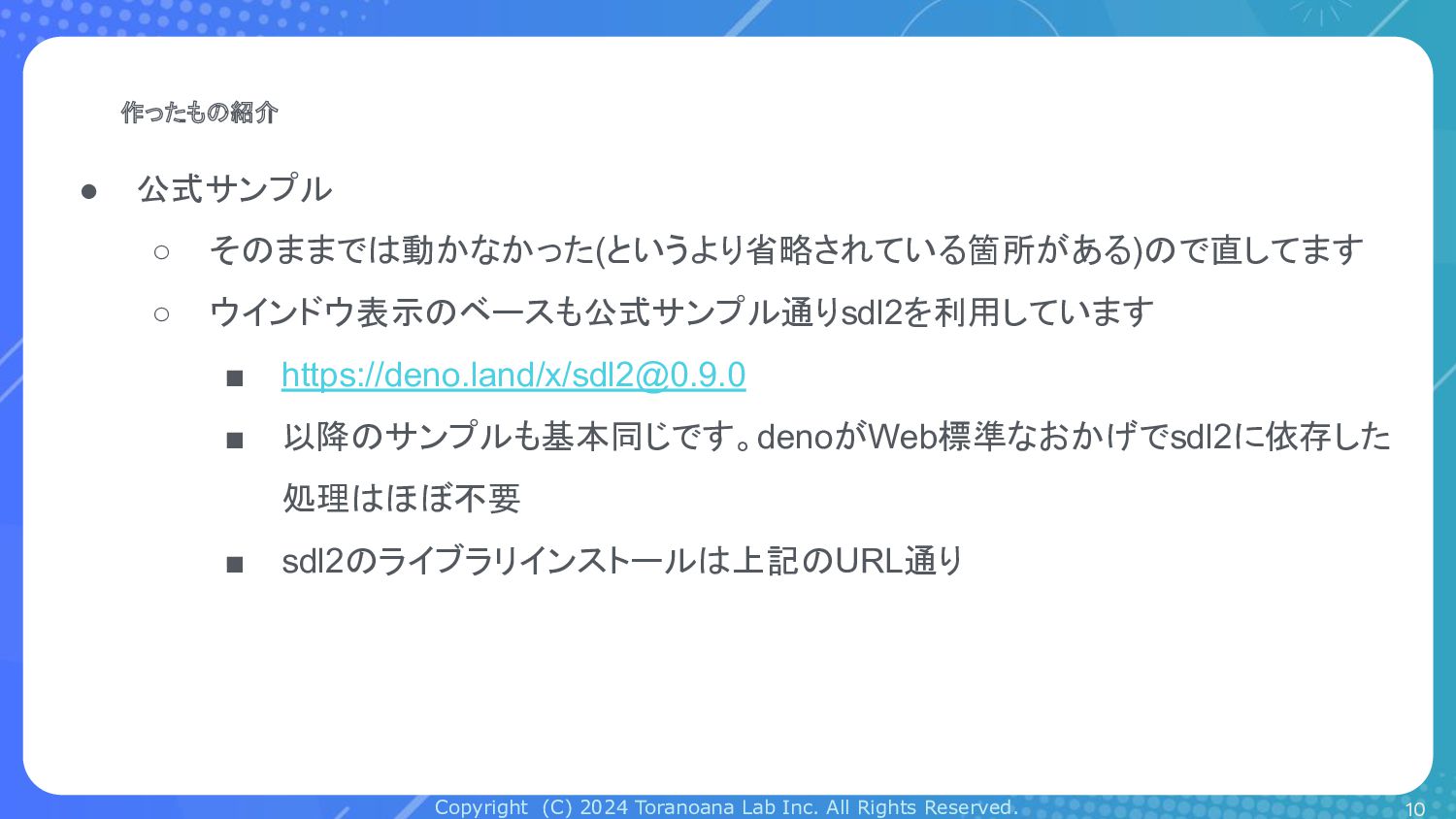
• 公式サンプル ◦ そのままでは動かなかった(というより省略されている箇所がある)ので直してます ◦ ウインドウ表示のベースも公式サンプル通りsdl2を利用しています ▪ https://deno.land/x/
[email protected]
▪ 以降のサンプルも基本同じです。denoがWeb標準なおかげでsdl2に依存した 処理はほぼ不要 ▪ sdl2のライブラリインストールは上記のURL通り 10
Copyright (C) 2024 Toranoana Lab Inc. All Rights Reserved. 作ったもの紹介
• 公式サンプル ◦ そのままでは動かなかった(というより省略されている箇所がある)ので直してます ◦ ウインドウ表示のベースも公式サンプル通りsdl2を利用しています ▪ https://deno.land/x/
[email protected]
▪ 以降のサンプルも基本同じです。denoがWeb標準なおかげでsdl2に依存した 処理はほぼ不要 ▪ sdl2のライブラリインストールは上記のURL通り 11
Copyright (C) 2024 Toranoana Lab Inc. All Rights Reserved. 作ったもの紹介
12
Copyright (C) 2024 Toranoana Lab Inc. All Rights Reserved. 作ったもの紹介
13 import { EventType, Window, WindowBuilder, } from "https://deno.land/x/
[email protected]
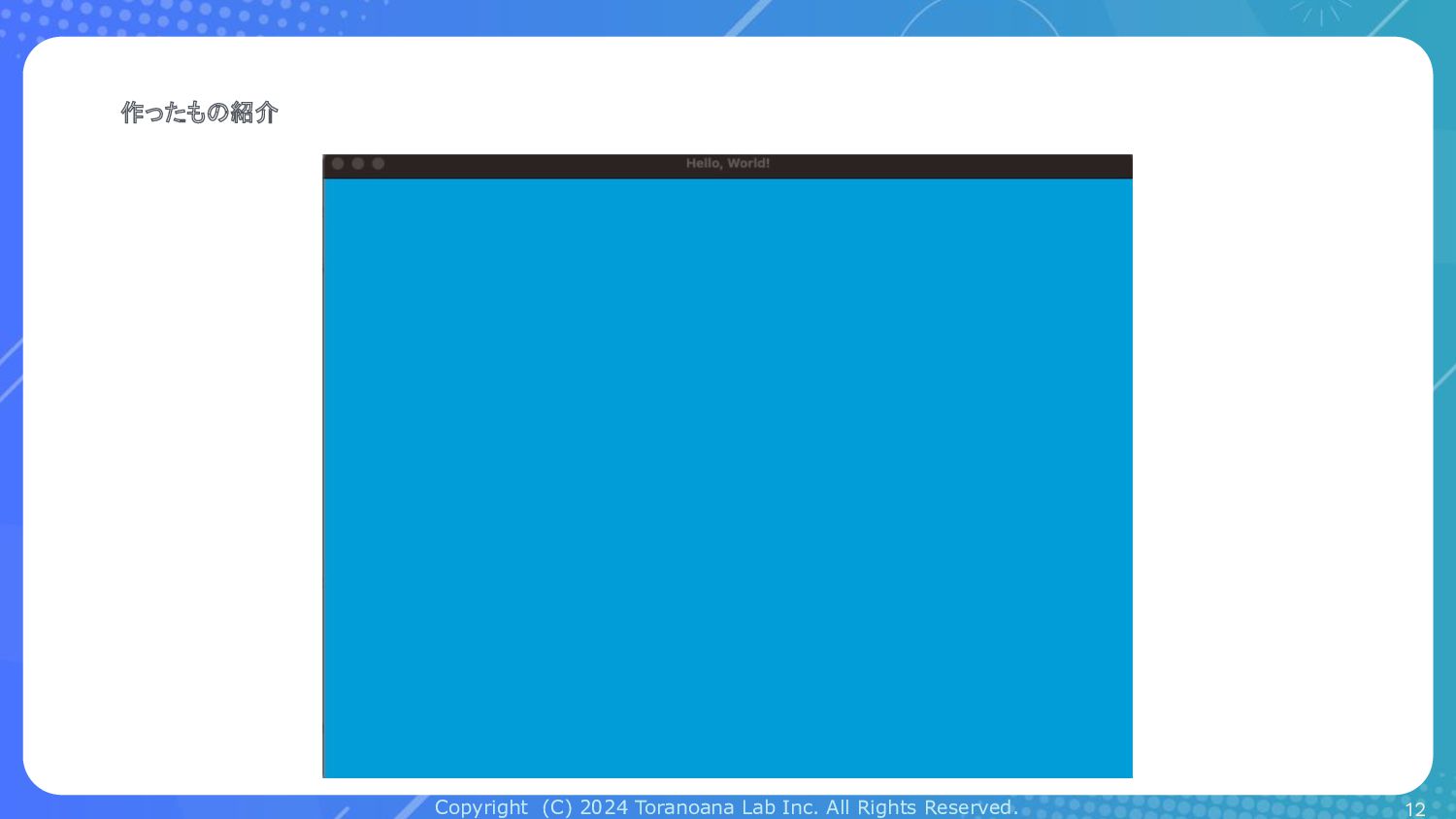
/mod.ts"; const win: Window = new WindowBuilder("Hello, World!", 800, 600).build(); const adapter = await navigator.gpu.requestAdapter(); if (!adapter) { console.error("adapter is null"); Deno.exit(); } const device = await adapter.requestDevice(); const surface: Deno.UnsafeWindowSurface = win.windowSurface(); // フォーマットを contextの設定として用います const context = surface.getContext("webgpu"); context.configure({ device, format: navigator.gpu.getPreferredCanvasFormat(), width: 800, height: 600 }); for await (const event of win.events(false)) { if (event.type === EventType.Quit) break; // Sine wave const r = Math.sin(Date.now() / 1000) / 2 + 0.5; const g = Math.sin(Date.now() / 1000 + 2) / 2 + 0.5; const b = Math.sin(Date.now() / 1000 + 4) / 2 + 0.5; const textureView = context.getCurrentTexture().createView(); const renderPassDescriptor: GPURenderPassDescriptor = { colorAttachments: [ { view: textureView, clearValue: { r, g, b, a: 1.0 }, loadOp: "clear", storeOp: "store", }, ], }; const commandEncoder = device.createCommandEncoder(); const passEncoder = commandEncoder.beginRenderPass(renderPassDescriptor); passEncoder.end(); device.queue.submit([commandEncoder.finish()]); surface.present(); }
Copyright (C) 2024 Toranoana Lab Inc. All Rights Reserved. 作ったもの紹介
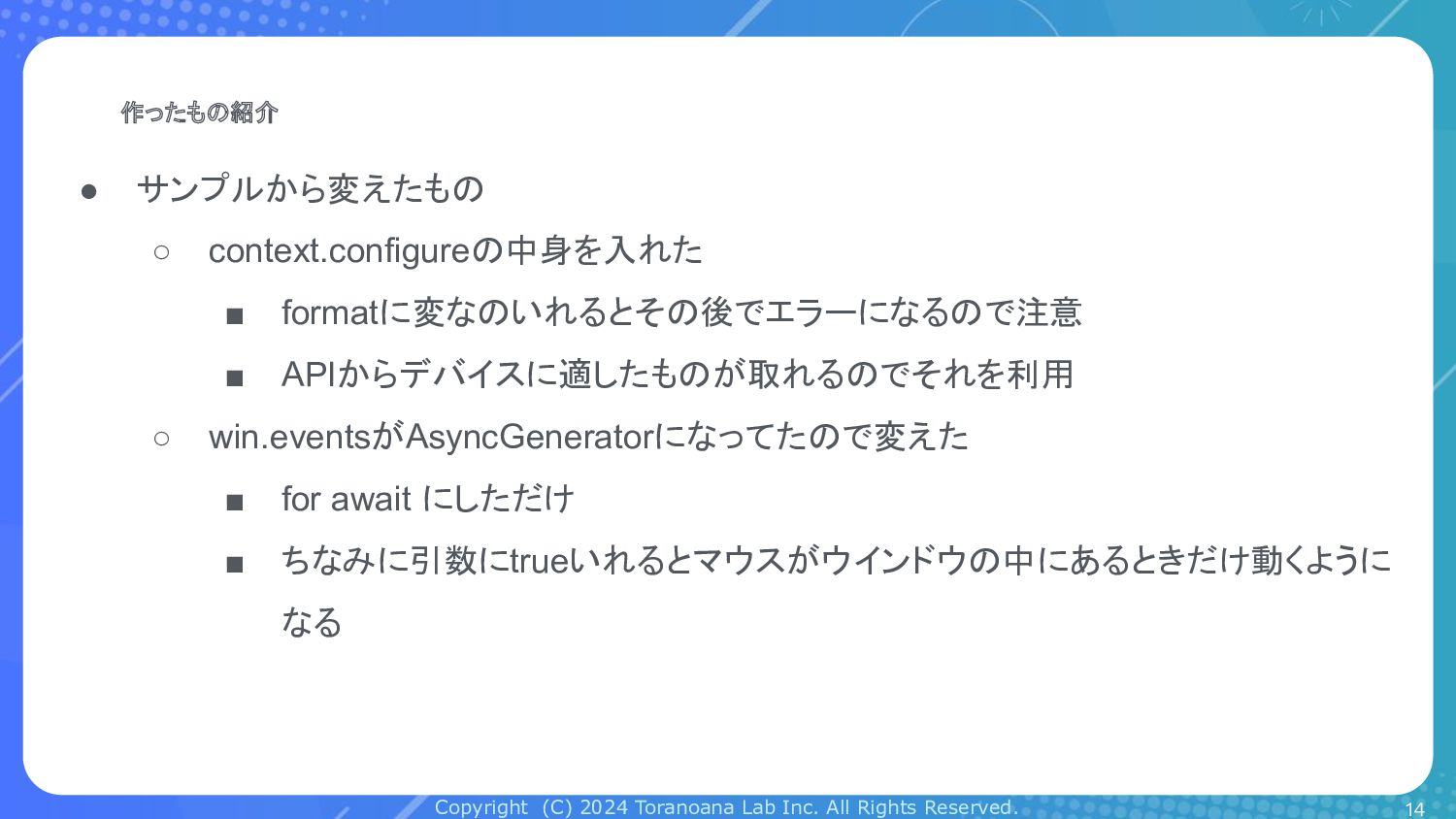
• サンプルから変えたもの ◦ context.configureの中身を入れた ▪ formatに変なのいれるとその後でエラーになるので注意 ▪ APIからデバイスに適したものが取れるのでそれを利用 ◦ win.eventsがAsyncGeneratorになってたので変えた ▪ for await にしただけ ▪ ちなみに引数にtrueいれるとマウスがウインドウの中にあるときだけ動くように なる 14
Copyright (C) 2024 Toranoana Lab Inc. All Rights Reserved. 作ったもの紹介
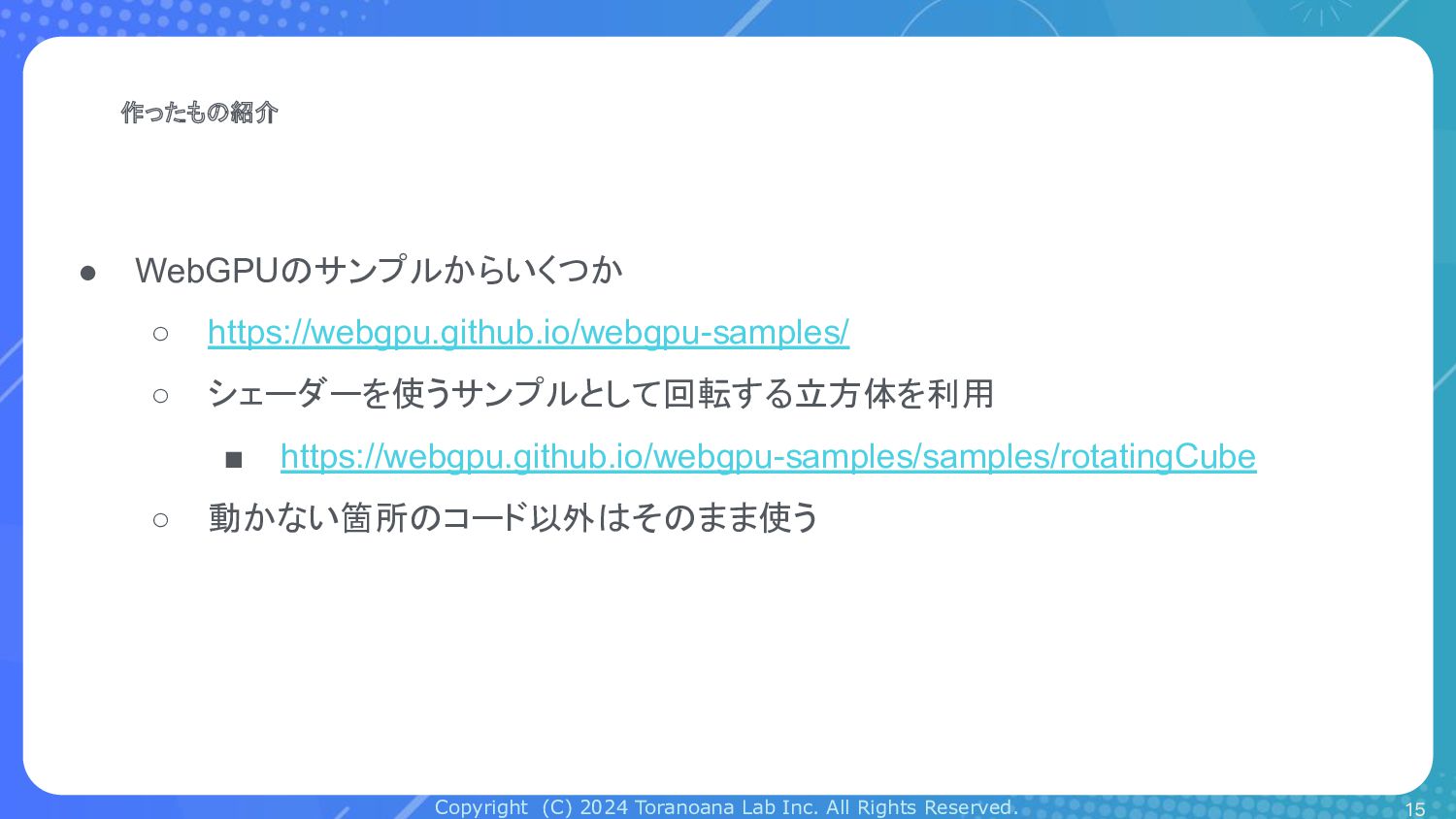
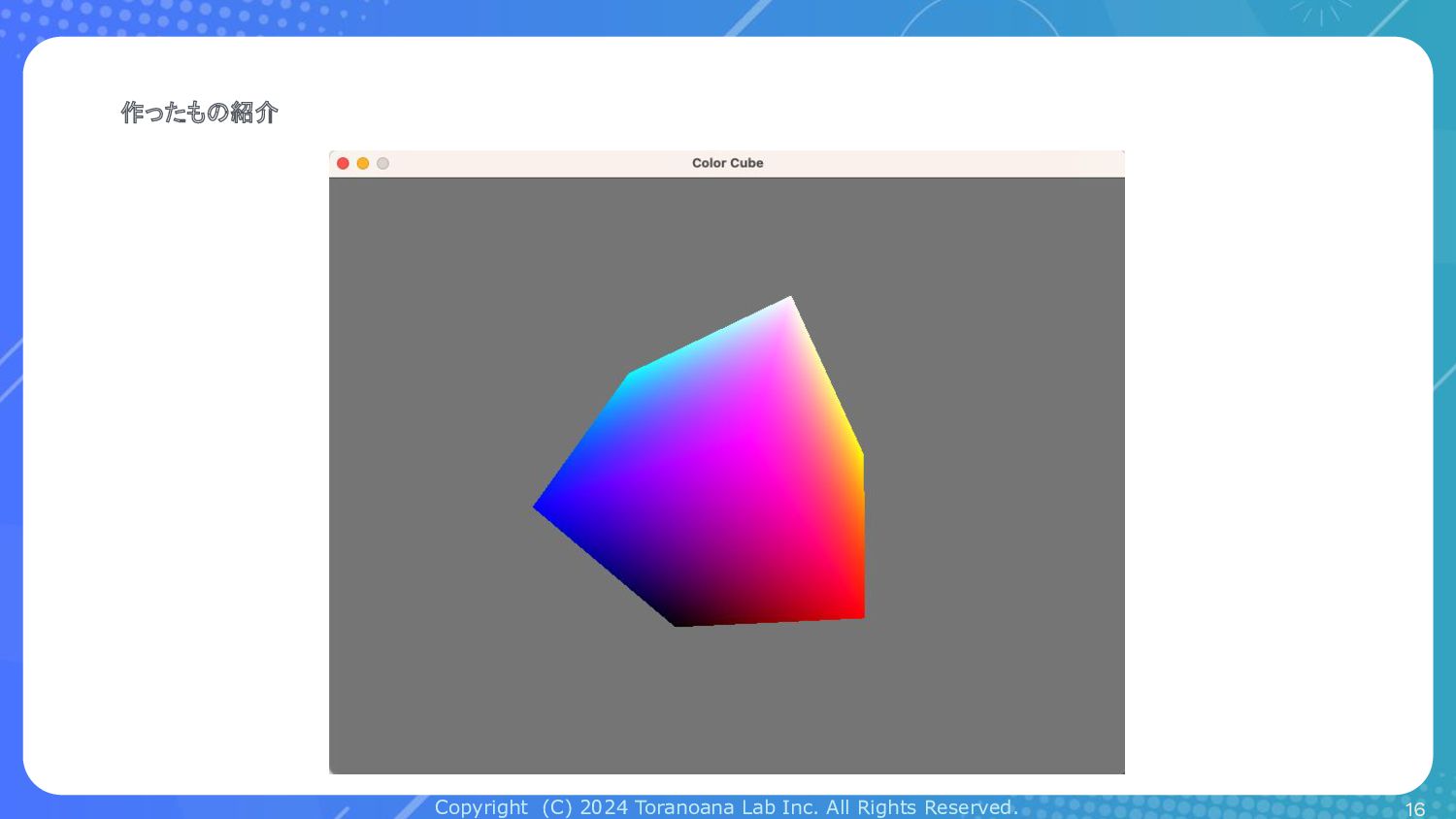
• WebGPUのサンプルからいくつか ◦ https://webgpu.github.io/webgpu-samples/ ◦ シェーダーを使うサンプルとして回転する立方体を利用 ▪ https://webgpu.github.io/webgpu-samples/samples/rotatingCube ◦ 動かない箇所のコード以外はそのまま使う 15
Copyright (C) 2024 Toranoana Lab Inc. All Rights Reserved. 作ったもの紹介
16
Copyright (C) 2024 Toranoana Lab Inc. All Rights Reserved. 作ったもの紹介
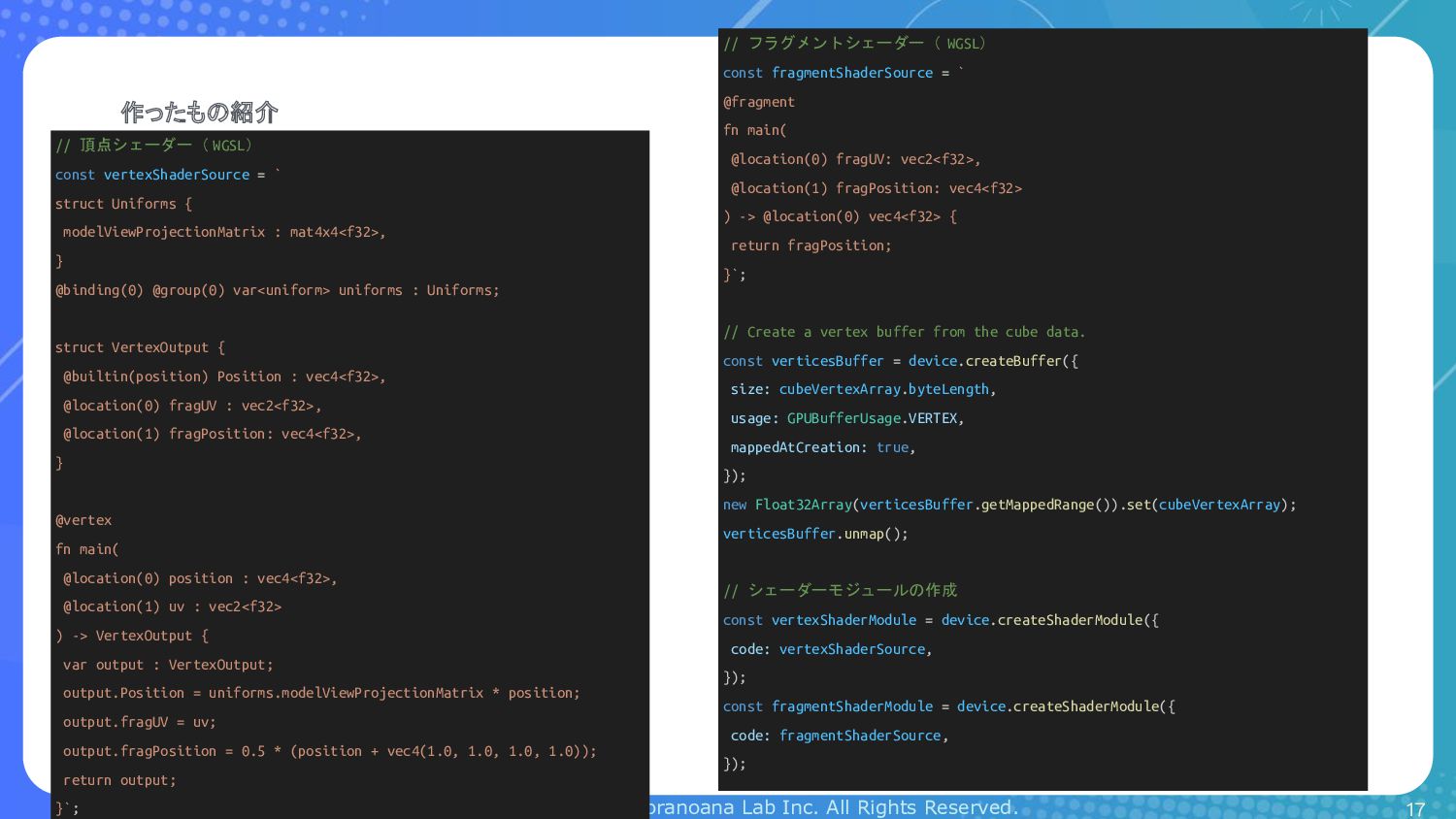
17 // 頂点シェーダー( WGSL) const vertexShaderSource = ` struct Uniforms { modelViewProjectionMatrix : mat4x4<f32>, } @binding(0) @group(0) var<uniform> uniforms : Uniforms; struct VertexOutput { @builtin(position) Position : vec4<f32>, @location(0) fragUV : vec2<f32>, @location(1) fragPosition: vec4<f32>, } @vertex fn main( @location(0) position : vec4<f32>, @location(1) uv : vec2<f32> ) -> VertexOutput { var output : VertexOutput; output.Position = uniforms.modelViewProjectionMatrix * position; output.fragUV = uv; output.fragPosition = 0.5 * (position + vec4(1.0, 1.0, 1.0, 1.0)); return output; }`; // フラグメントシェーダー( WGSL) const fragmentShaderSource = ` @fragment fn main( @location(0) fragUV: vec2<f32>, @location(1) fragPosition: vec4<f32> ) -> @location(0) vec4<f32> { return fragPosition; }`; // Create a vertex buffer from the cube data. const verticesBuffer = device.createBuffer({ size: cubeVertexArray.byteLength, usage: GPUBufferUsage.VERTEX, mappedAtCreation: true, }); new Float32Array(verticesBuffer.getMappedRange()).set(cubeVertexArray); verticesBuffer.unmap(); // シェーダーモジュールの作成 const vertexShaderModule = device.createShaderModule({ code: vertexShaderSource, }); const fragmentShaderModule = device.createShaderModule({ code: fragmentShaderSource, });
Copyright (C) 2024 Toranoana Lab Inc. All Rights Reserved. 作ったもの紹介
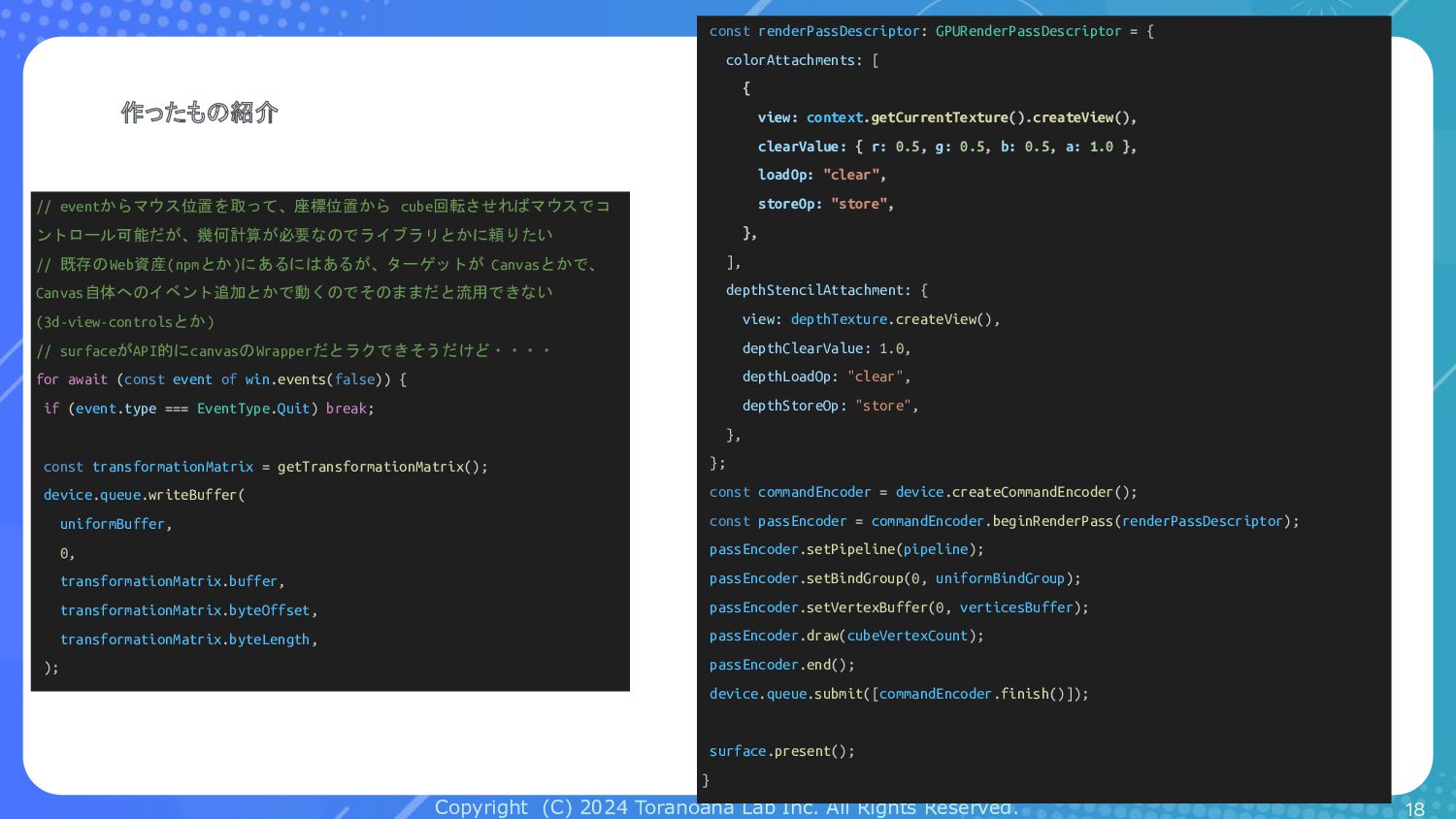
18 // eventからマウス位置を取って、座標位置から cube回転させればマウスでコ ントロール可能だが、幾何計算が必要なのでライブラリとかに頼りたい // 既存のWeb資産(npmとか)にあるにはあるが、ターゲットが Canvasとかで、 Canvas自体へのイベント追加とかで動くのでそのままだと流用できない (3d-view-controlsとか) // surfaceがAPI的にcanvasのWrapperだとラクできそうだけど・・・・ for await (const event of win.events(false)) { if (event.type === EventType.Quit) break; const transformationMatrix = getTransformationMatrix(); device.queue.writeBuffer( uniformBuffer, 0, transformationMatrix.buffer, transformationMatrix.byteOffset, transformationMatrix.byteLength, ); const renderPassDescriptor: GPURenderPassDescriptor = { colorAttachments: [ { view: context.getCurrentTexture().createView(), clearValue: { r: 0.5, g: 0.5, b: 0.5, a: 1.0 }, loadOp: "clear", storeOp: "store", }, ], depthStencilAttachment: { view: depthTexture.createView(), depthClearValue: 1.0, depthLoadOp: "clear", depthStoreOp: "store", }, }; const commandEncoder = device.createCommandEncoder(); const passEncoder = commandEncoder.beginRenderPass(renderPassDescriptor); passEncoder.setPipeline(pipeline); passEncoder.setBindGroup(0, uniformBindGroup); passEncoder.setVertexBuffer(0, verticesBuffer); passEncoder.draw(cubeVertexCount); passEncoder.end(); device.queue.submit([commandEncoder.finish()]); surface.present(); }
Copyright (C) 2024 Toranoana Lab Inc. All Rights Reserved. 作ったもの紹介
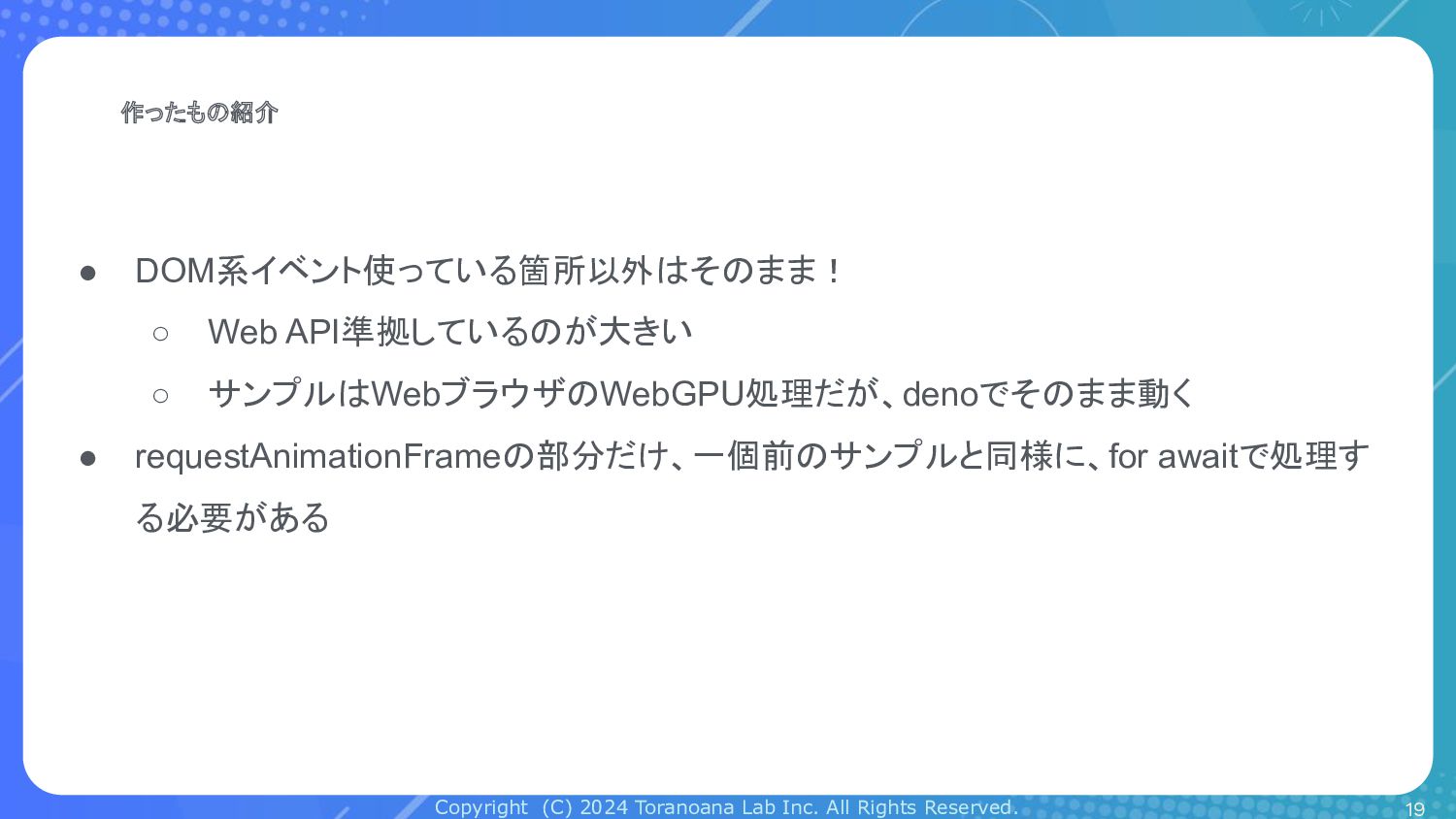
• DOM系イベント使っている箇所以外はそのまま! ◦ Web API準拠しているのが大きい ◦ サンプルはWebブラウザのWebGPU処理だが、denoでそのまま動く • requestAnimationFrameの部分だけ、一個前のサンプルと同様に、for awaitで処理す る必要がある 19
Copyright (C) 2024 Toranoana Lab Inc. All Rights Reserved. まとめ
20
Copyright (C) 2024 Toranoana Lab Inc. All Rights Reserved. まとめ
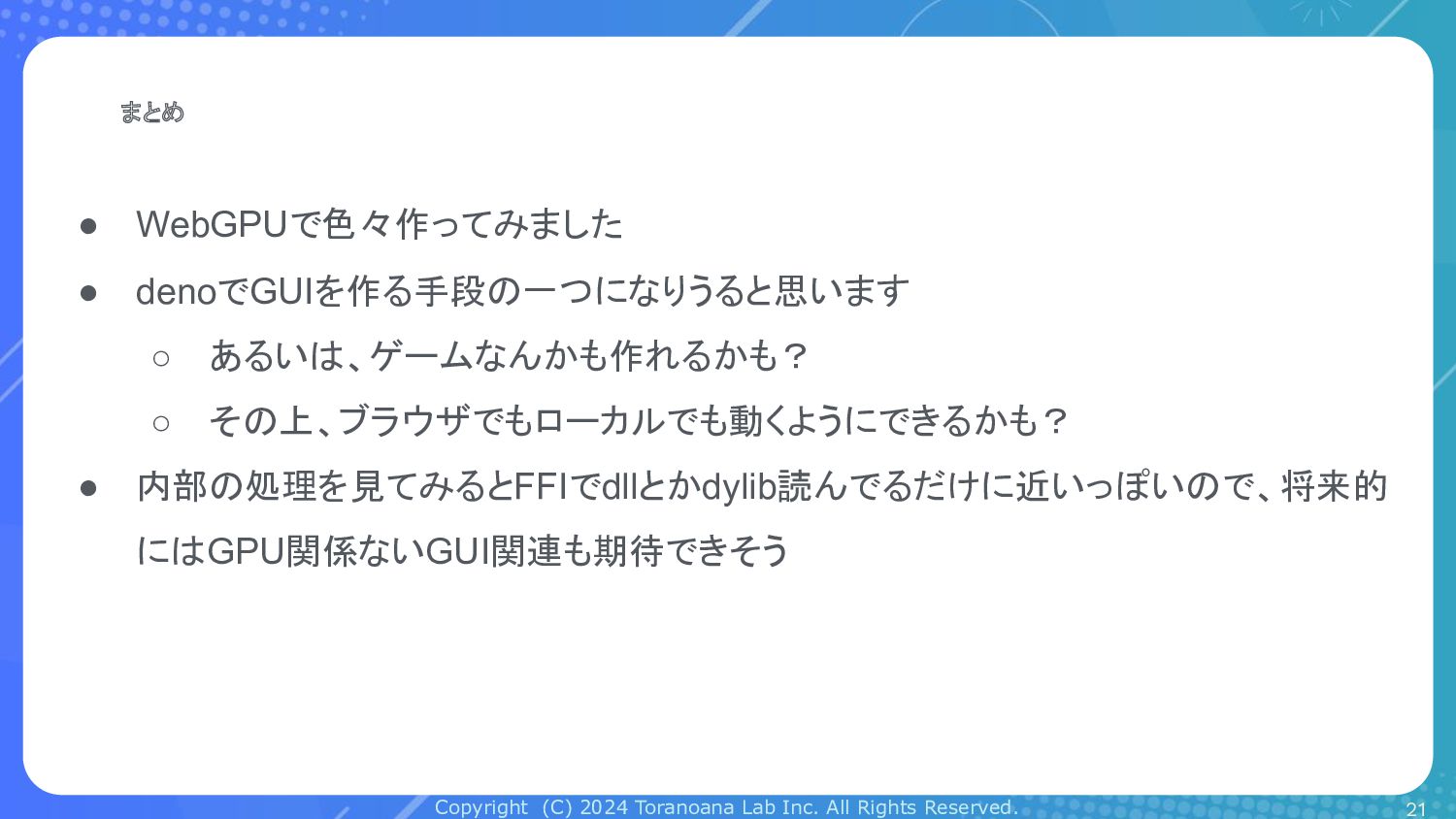
• WebGPUで色々作ってみました • denoでGUIを作る手段の一つになりうると思います ◦ あるいは、ゲームなんかも作れるかも? ◦ その上、ブラウザでもローカルでも動くようにできるかも? • 内部の処理を見てみるとFFIでdllとかdylib読んでるだけに近いっぽいので、将来的 にはGPU関係ないGUI関連も期待できそう 21


 toranoana
 slsops
 siromi
 uya116
 pensuke628
 mrmtsu
 tatamiya
 dvrv_tknrszk
 oracle4engineer
 cassius7
 sansantech
 yama3133
 judau
judau
 letsgokoyo
 cassininazir
 maggiecrowley
 addyosmani
 jacobian
 jct
jct
 nmsamuel
 lcolladotor
 lara
lara
 marktimemedia
 trishagee
 mlcsv
mlcsv