Upgrade to Pro — share decks privately, control downloads, hide ads and more …

An Intro to Docker for Djangonauts

An Intro to Docker for Djangonauts

If you've never used it before, Docker can be a little overwhelming. There is new vocabulary to learn, new commands to memorize, and new files to add to each project. Most resources fall into one of two camps: they teach you the bare bones of Docker but still leave you with too many questions to comfortably try it on your own, or they throw you into the deep end by assuming you're more familiar with Docker than you are.

In this talk, you will find that middle ground: a talk that doesn't assume you're familiar with Docker and so keeps everything simple, but leaves you with enough information that you can get started as soon as you leave the room.

Presented at DjangoCon Europe 2018.

More Decks by Lacey Williams Henschel

Other Decks in Technology

Transcript

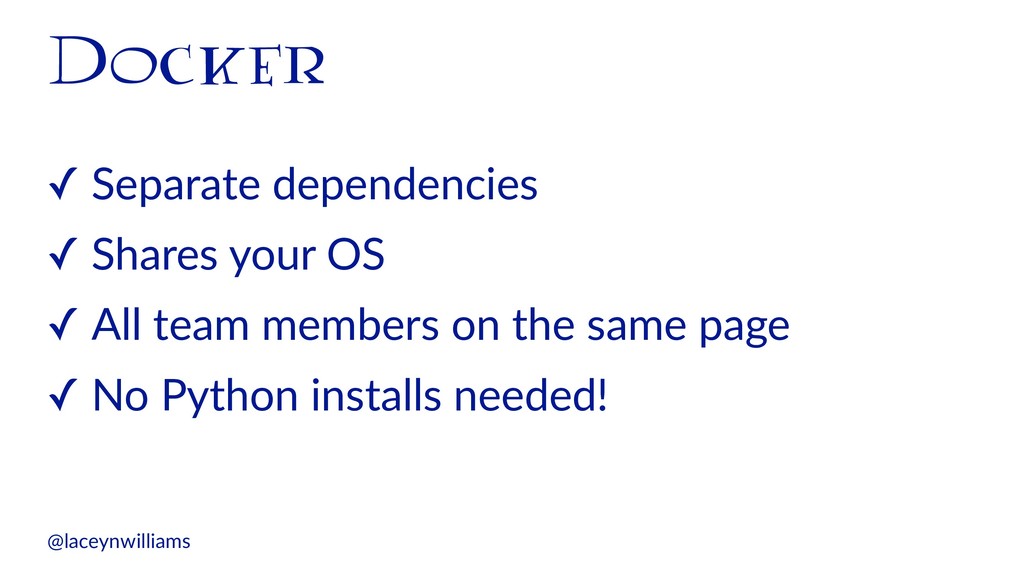
  1. Docker ✓ Separate dependencies ✓ Shares your OS ✓ All

    team members on the same page ✓ No Python installs needed! @laceynwilliams
  2. The image is the person you want to turn into

    @laceynwilliams | Source: Harry Po5er Wiki
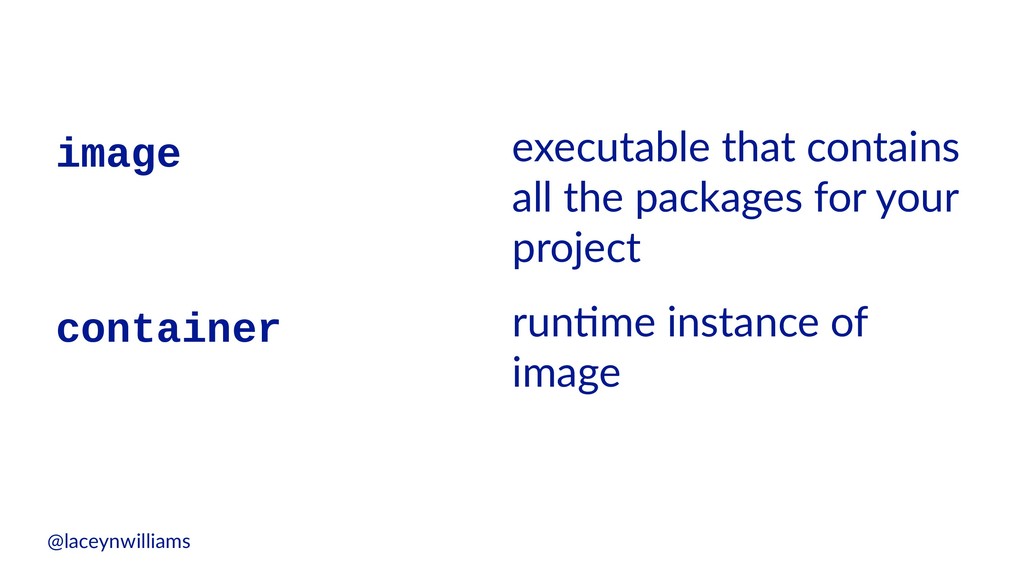
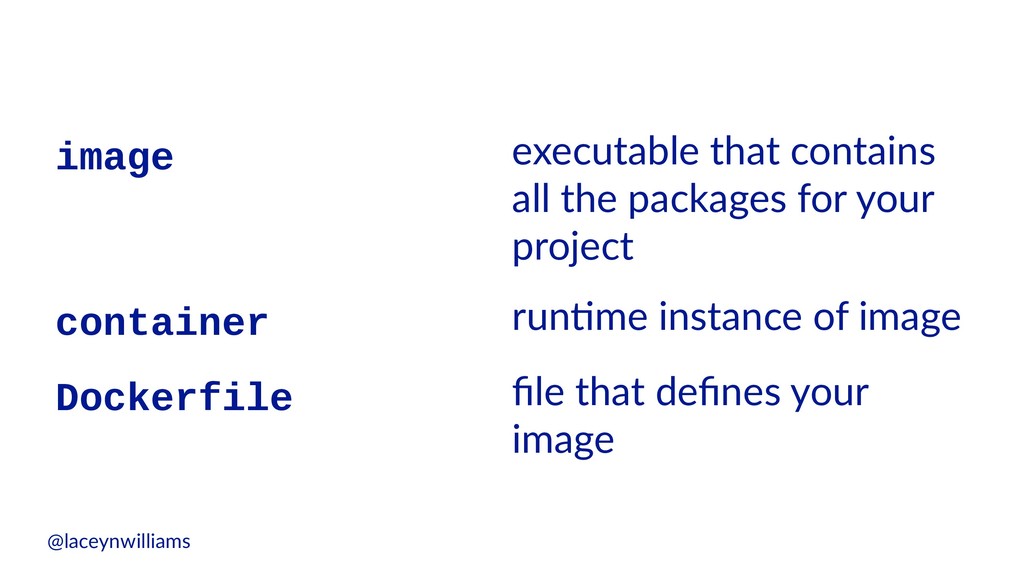
  3. image executable that contains all the packages for your project

    container run6me instance of image @laceynwilliams
  4. The Dockerfile is the hair of the person you want

    to turn into @laceynwilliams | Source: Beth Purchases
  5. image executable that contains all the packages for your project

    container run6me instance of image Dockerfile file that defines your image @laceynwilliams
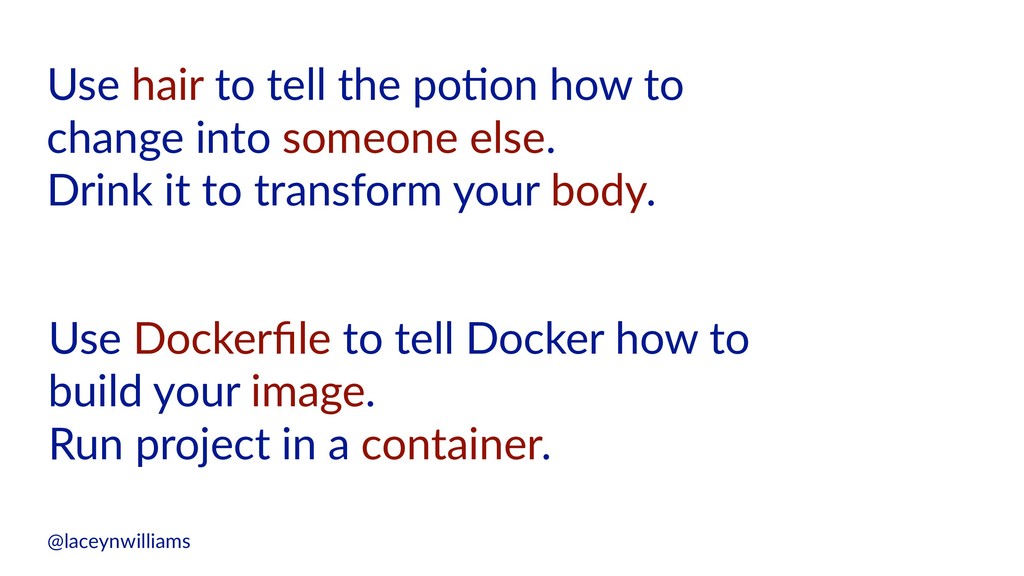
  6. Use hair to tell the po-on how to change into

    someone else. Drink it to transform your body. Use Dockerfile to tell Docker how to build your image. Run project in a container. @laceynwilliams
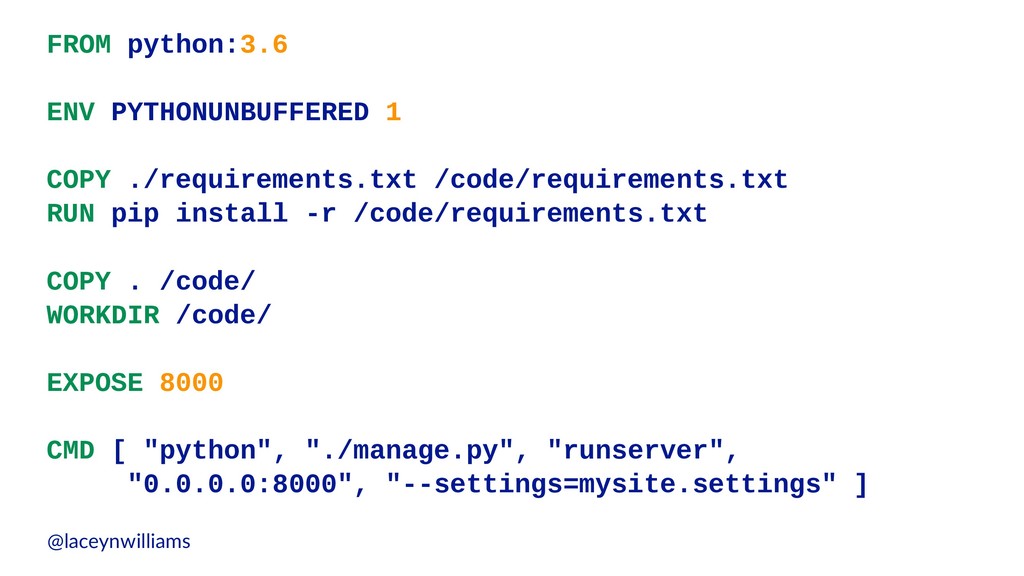
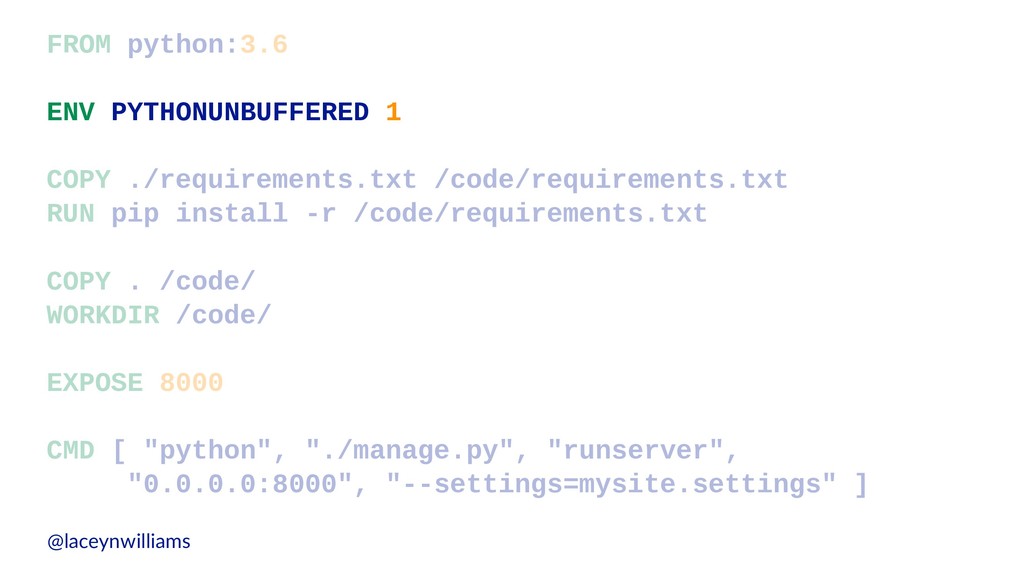
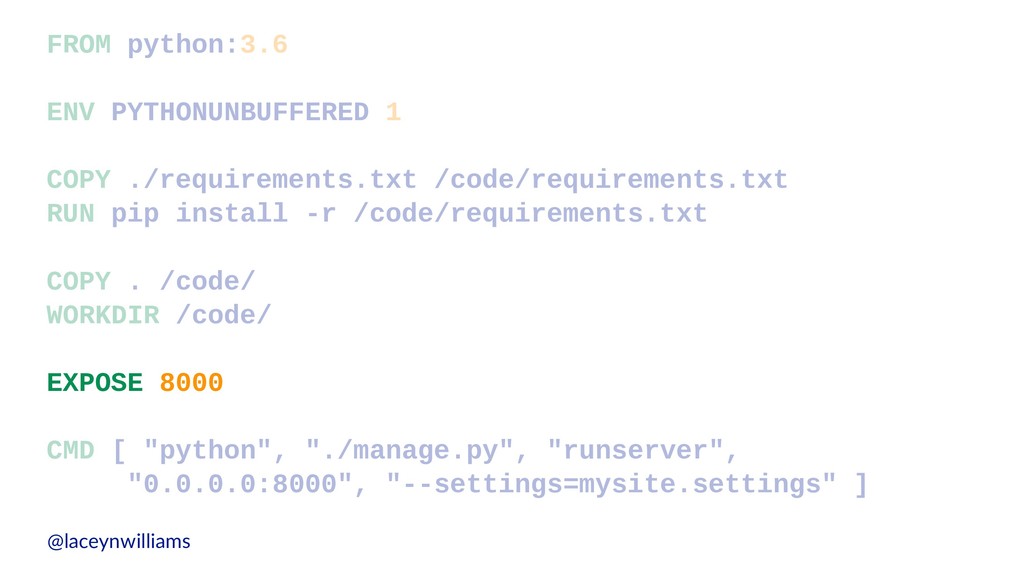
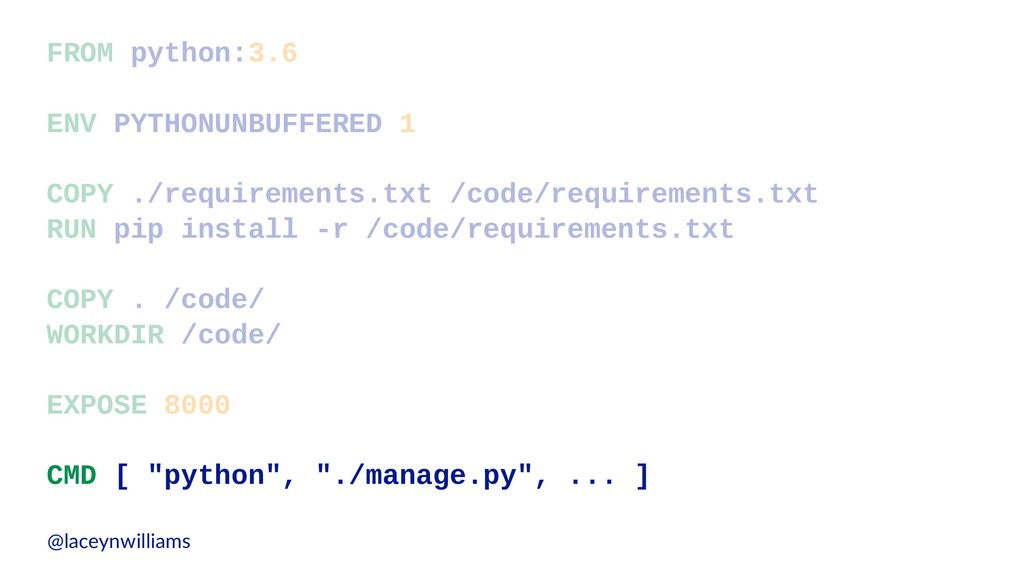
  7. FROM python:3.6 ENV PYTHONUNBUFFERED 1 COPY ./requirements.txt /code/requirements.txt RUN pip

    install -r /code/requirements.txt COPY . /code/ WORKDIR /code/ EXPOSE 8000 CMD [ "python", "./manage.py", "runserver", "0.0.0.0:8000", "--settings=mysite.settings" ] @laceynwilliams
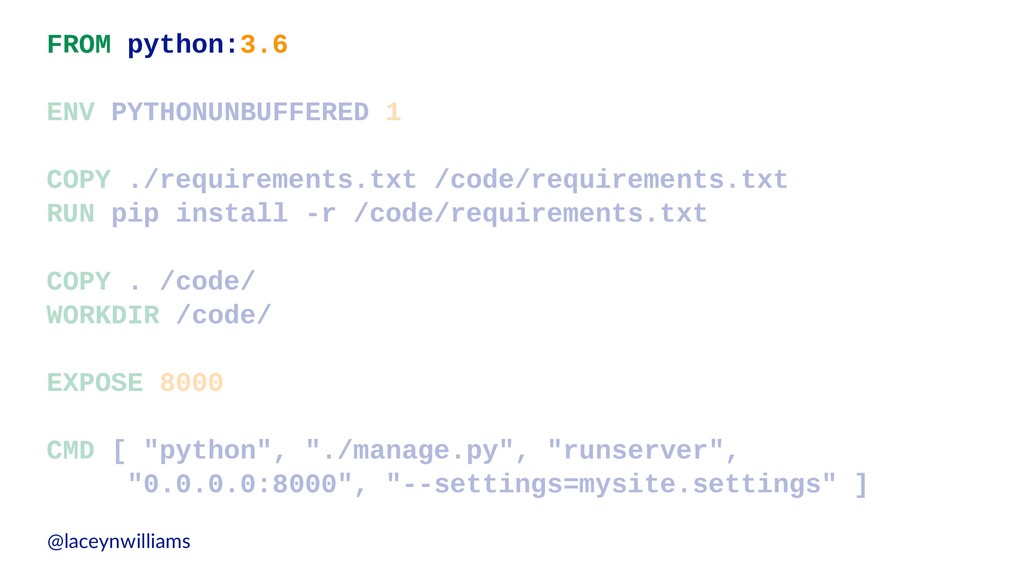
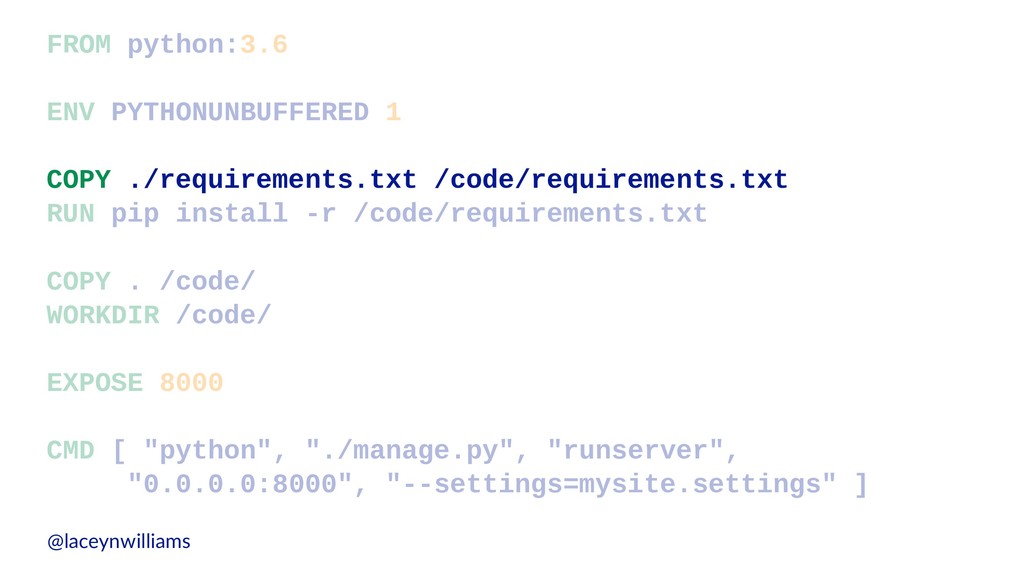
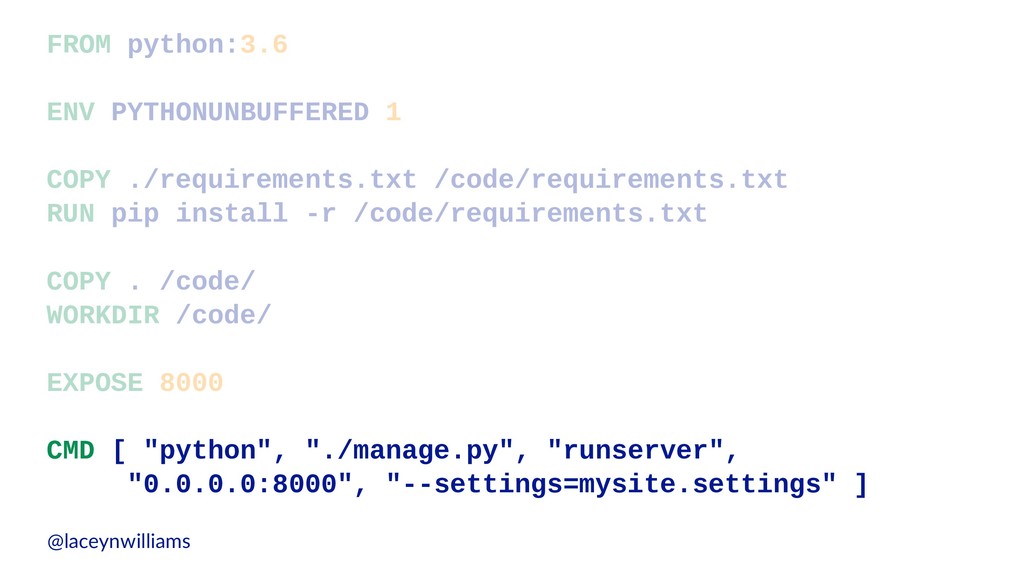
  8. FROM python:3.6 ENV PYTHONUNBUFFERED 1 COPY ./requirements.txt /code/requirements.txt RUN pip

    install -r /code/requirements.txt COPY . /code/ WORKDIR /code/ EXPOSE 8000 CMD [ "python", "./manage.py", "runserver", "0.0.0.0:8000", "--settings=mysite.settings" ] @laceynwilliams
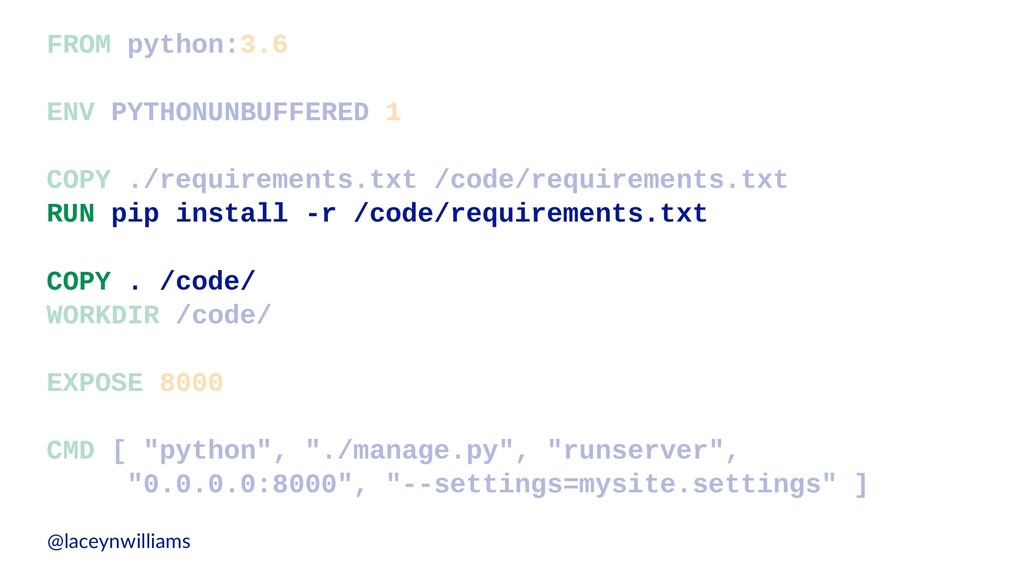
  9. FROM python:3.6 ENV PYTHONUNBUFFERED 1 COPY ./requirements.txt /code/requirements.txt RUN pip

    install -r /code/requirements.txt COPY . /code/ WORKDIR /code/ EXPOSE 8000 CMD [ "python", "./manage.py", "runserver", "0.0.0.0:8000", "--settings=mysite.settings" ] @laceynwilliams
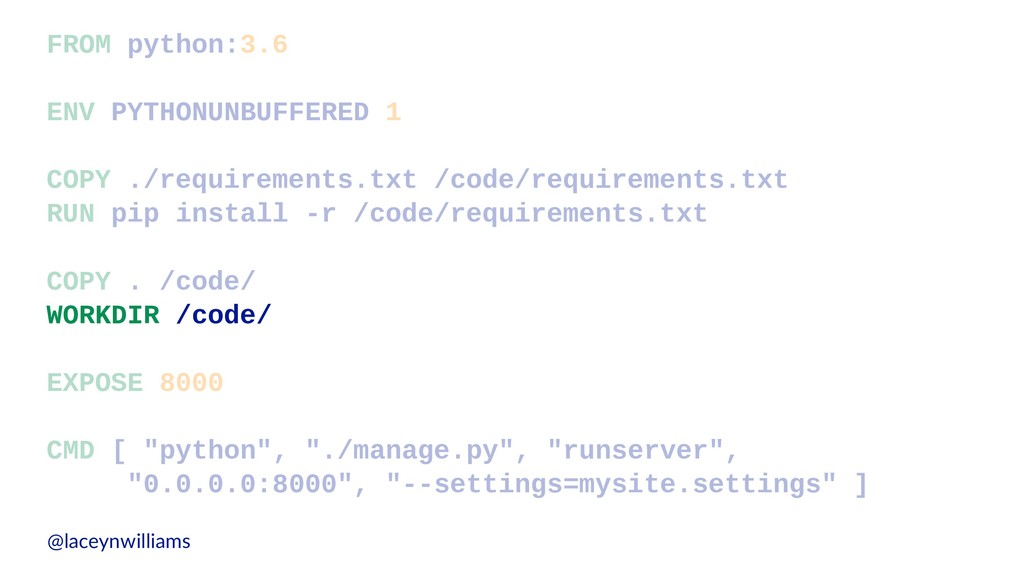
  10. FROM python:3.6 ENV PYTHONUNBUFFERED 1 COPY ./requirements.txt /code/requirements.txt RUN pip

    install -r /code/requirements.txt COPY . /code/ WORKDIR /code/ EXPOSE 8000 CMD [ "python", "./manage.py", "runserver", "0.0.0.0:8000", "--settings=mysite.settings" ] @laceynwilliams
  11. FROM python:3.6 ENV PYTHONUNBUFFERED 1 COPY ./requirements.txt /code/requirements.txt RUN pip

    install -r /code/requirements.txt COPY . /code/ WORKDIR /code/ EXPOSE 8000 CMD [ "python", "./manage.py", "runserver", "0.0.0.0:8000", "--settings=mysite.settings" ] @laceynwilliams
  12. FROM python:3.6 ENV PYTHONUNBUFFERED 1 COPY ./requirements.txt /code/requirements.txt RUN pip

    install -r /code/requirements.txt COPY . /code/ WORKDIR /code/ EXPOSE 8000 CMD [ "python", "./manage.py", "runserver", "0.0.0.0:8000", "--settings=mysite.settings" ] @laceynwilliams
  13. FROM python:3.6 ENV PYTHONUNBUFFERED 1 COPY ./requirements.txt /code/requirements.txt RUN pip

    install -r /code/requirements.txt COPY . /code/ WORKDIR /code/ EXPOSE 8000 CMD [ "python", "./manage.py", "runserver", "0.0.0.0:8000", "--settings=mysite.settings" ] @laceynwilliams
  14. FROM python:3.6 ENV PYTHONUNBUFFERED 1 COPY ./requirements.txt /code/requirements.txt RUN pip

    install -r /code/requirements.txt COPY . /code/ WORKDIR /code/ EXPOSE 8000 CMD [ "python", "./manage.py", "runserver", "0.0.0.0:8000", "--settings=mysite.settings" ] @laceynwilliams
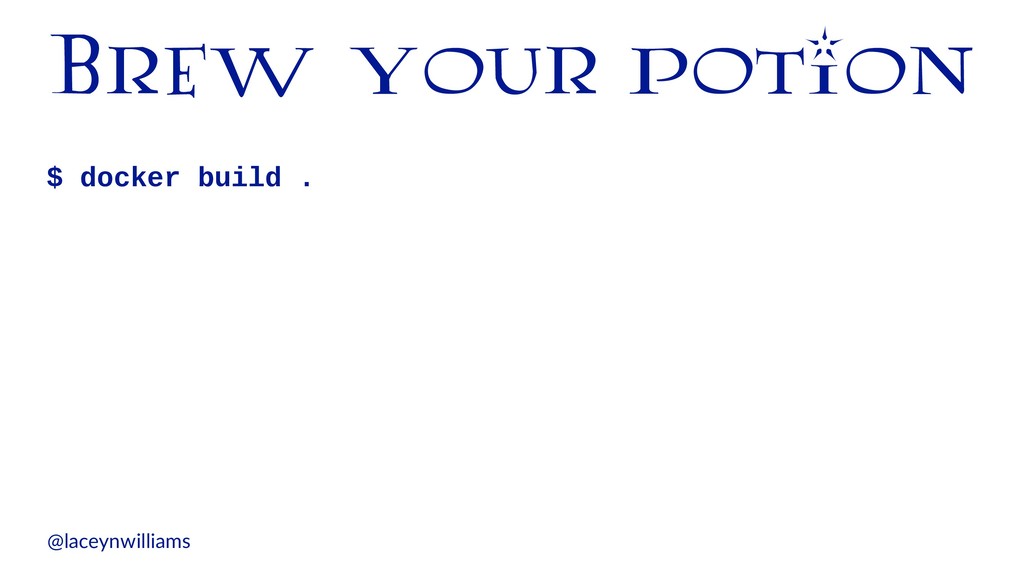
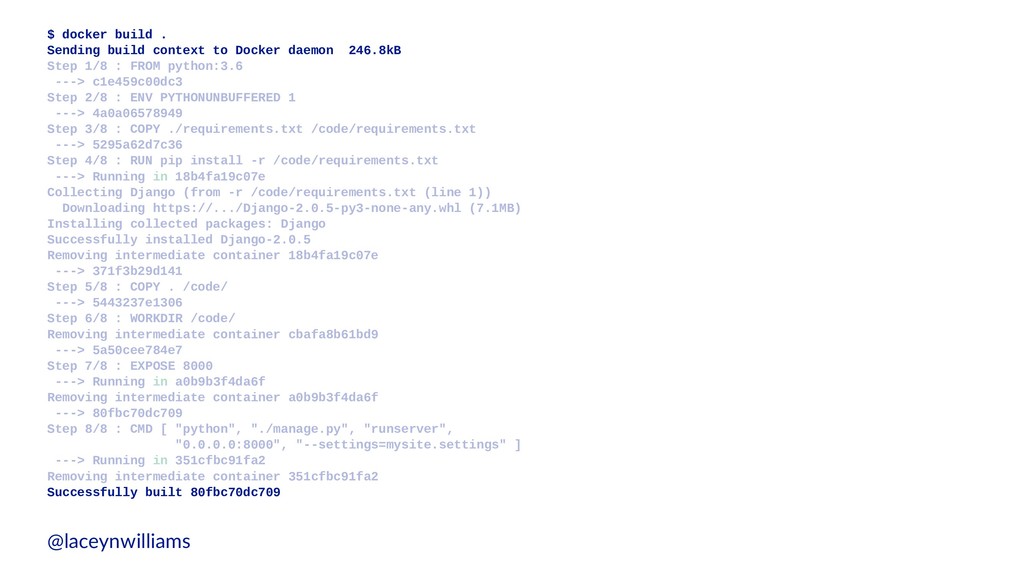
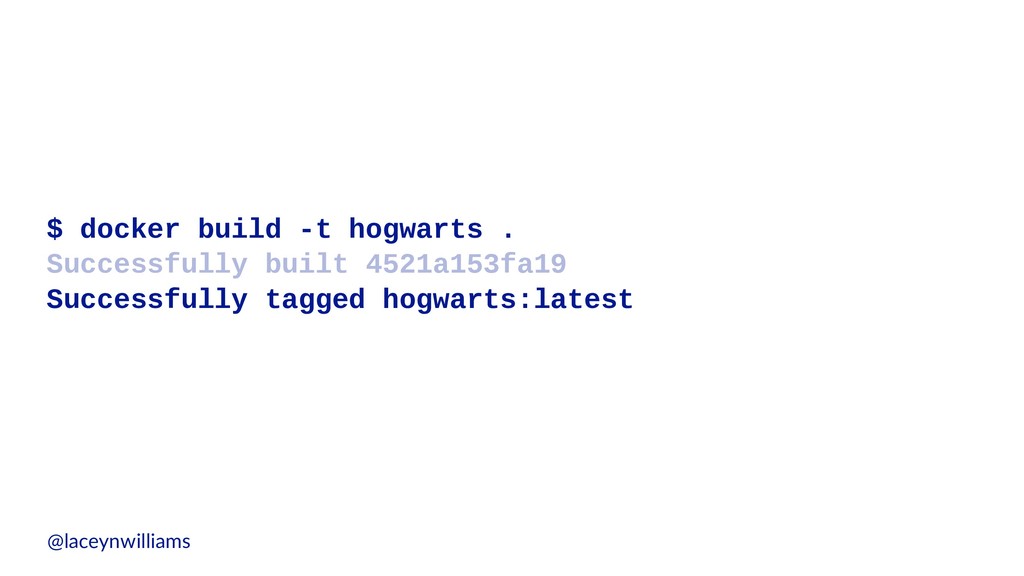
  15. $ docker build . Sending build context to Docker daemon

    246.8kB Step 1/8 : FROM python:3.6 ---> c1e459c00dc3 Step 2/8 : ENV PYTHONUNBUFFERED 1 ---> 4a0a06578949 Step 3/8 : COPY ./requirements.txt /code/requirements.txt ---> 5295a62d7c36 Step 4/8 : RUN pip install -r /code/requirements.txt ---> Running in 18b4fa19c07e Collecting Django (from -r /code/requirements.txt (line 1)) Downloading https://.../Django-2.0.5-py3-none-any.whl (7.1MB) Installing collected packages: Django Successfully installed Django-2.0.5 Removing intermediate container 18b4fa19c07e ---> 371f3b29d141 Step 5/8 : COPY . /code/ ---> 5443237e1306 Step 6/8 : WORKDIR /code/ Removing intermediate container cbafa8b61bd9 ---> 5a50cee784e7 Step 7/8 : EXPOSE 8000 ---> Running in a0b9b3f4da6f Removing intermediate container a0b9b3f4da6f ---> 80fbc70dc709 Step 8/8 : CMD [ "python", "./manage.py", "runserver", "0.0.0.0:8000", "--settings=mysite.settings" ] ---> Running in 351cfbc91fa2 Removing intermediate container 351cfbc91fa2 Successfully built 80fbc70dc709 @laceynwilliams
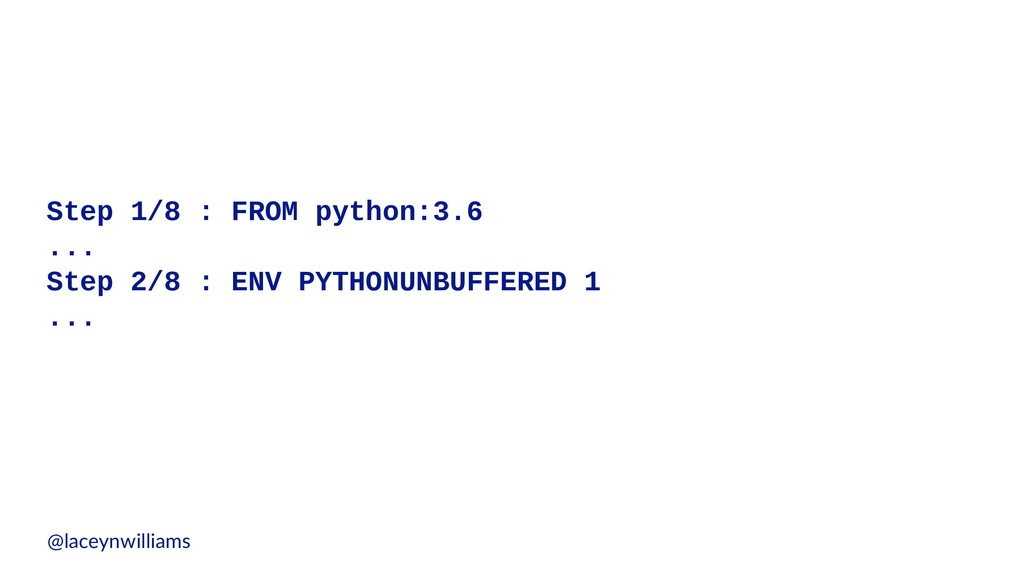
  16. Step 1/8 : FROM python:3.6 ... Step 2/8 : ENV

    PYTHONUNBUFFERED 1 ... @laceynwilliams
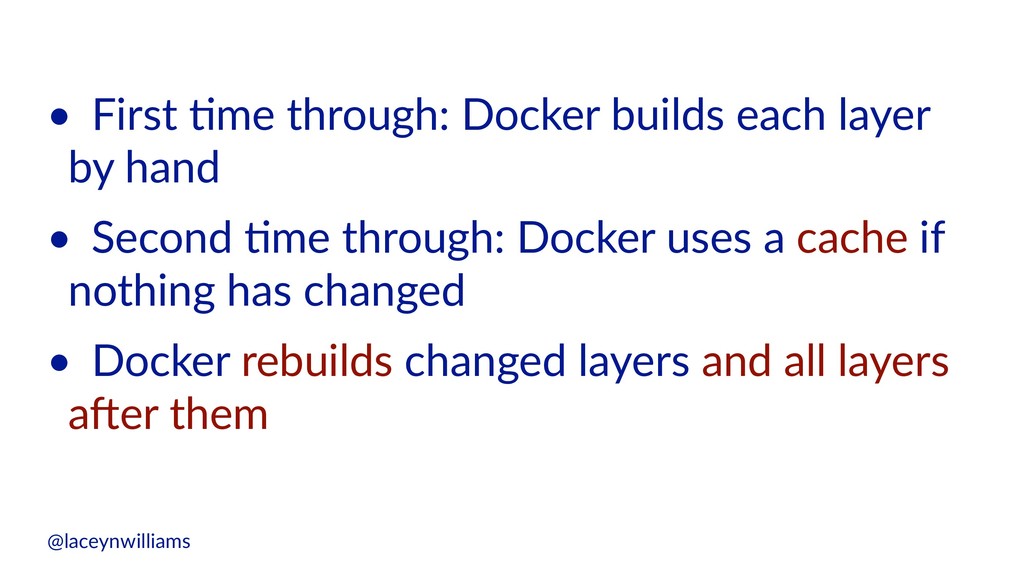
  17. • First (me through: Docker builds each layer by hand

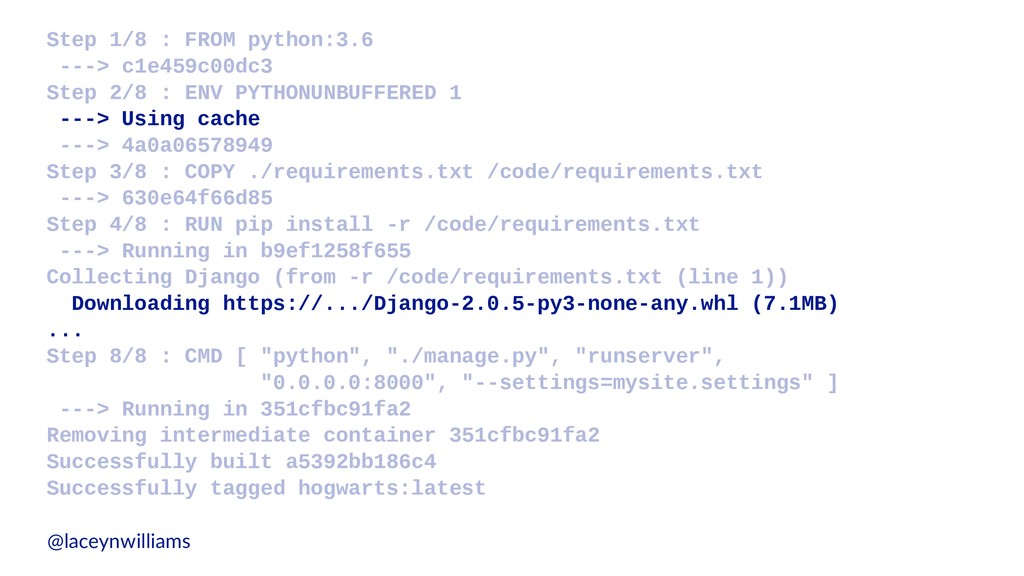
    • Second (me through: Docker uses a cache if nothing has changed • Docker rebuilds changed layers and all layers a;er them @laceynwilliams
  18. Step 1/8 : FROM python:3.6 ---> c1e459c00dc3 Step 2/8 :

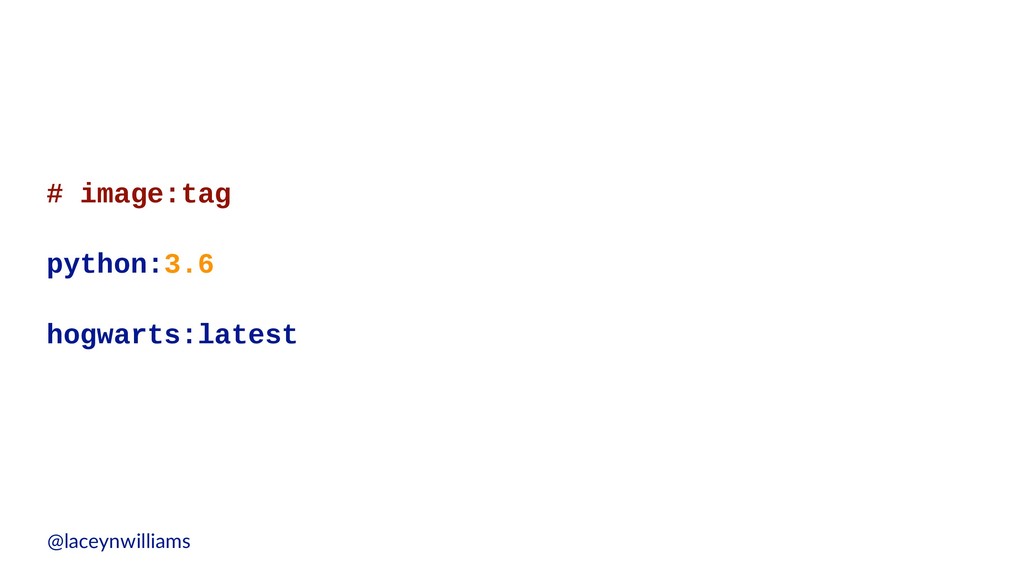
    ENV PYTHONUNBUFFERED 1 ---> Using cache ---> 4a0a06578949 Step 3/8 : COPY ./requirements.txt /code/requirements.txt ---> 630e64f66d85 Step 4/8 : RUN pip install -r /code/requirements.txt ---> Running in b9ef1258f655 Collecting Django (from -r /code/requirements.txt (line 1)) Downloading https://.../Django-2.0.5-py3-none-any.whl (7.1MB) ... Step 8/8 : CMD [ "python", "./manage.py", "runserver", "0.0.0.0:8000", "--settings=mysite.settings" ] ---> Running in 351cfbc91fa2 Removing intermediate container 351cfbc91fa2 Successfully built a5392bb186c4 Successfully tagged hogwarts:latest @laceynwilliams
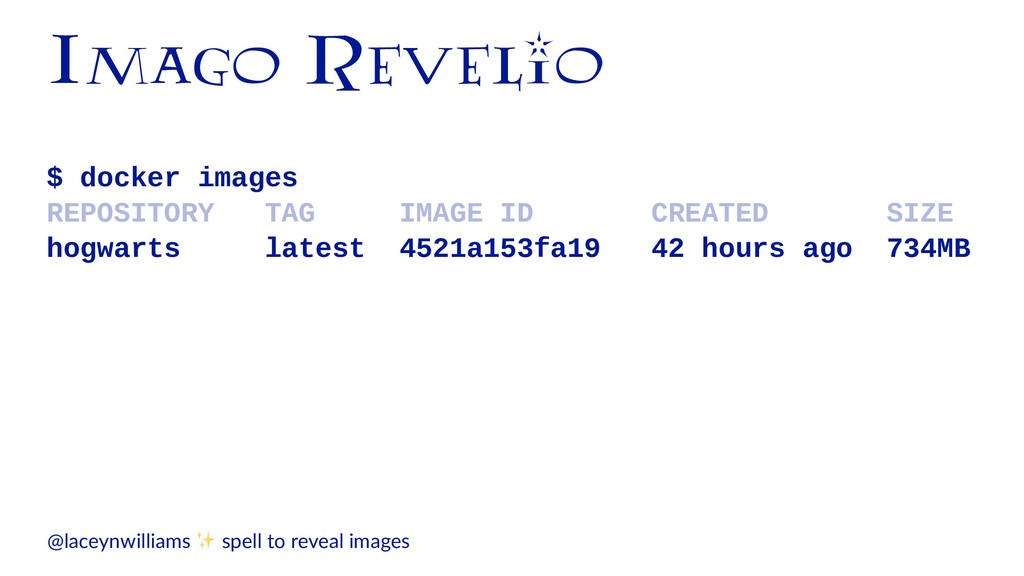
  19. Imago Revelio $ docker images REPOSITORY TAG IMAGE ID CREATED

    SIZE hogwarts latest 4521a153fa19 42 hours ago 734MB @laceynwilliams ✨ spell to reveal images
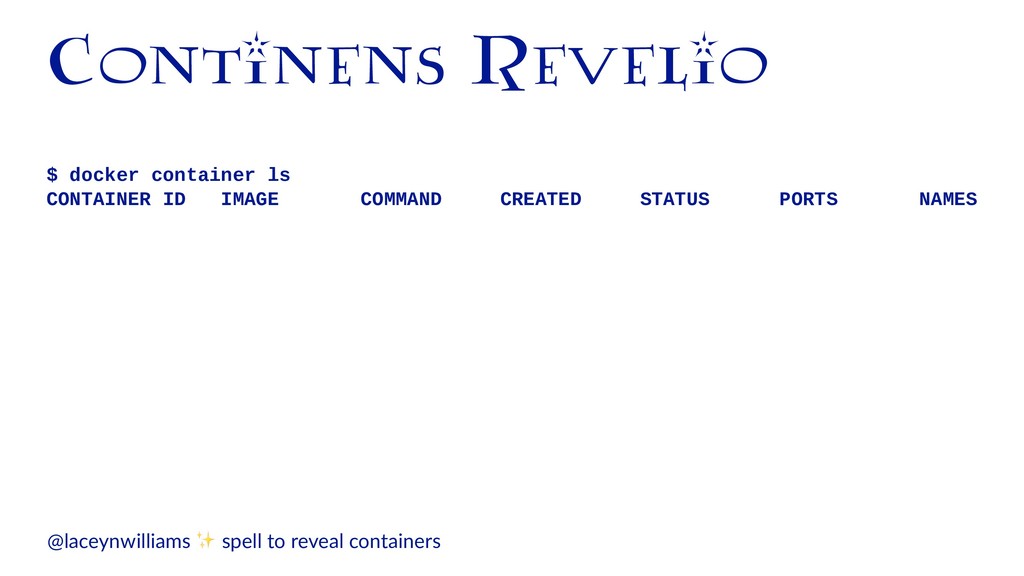
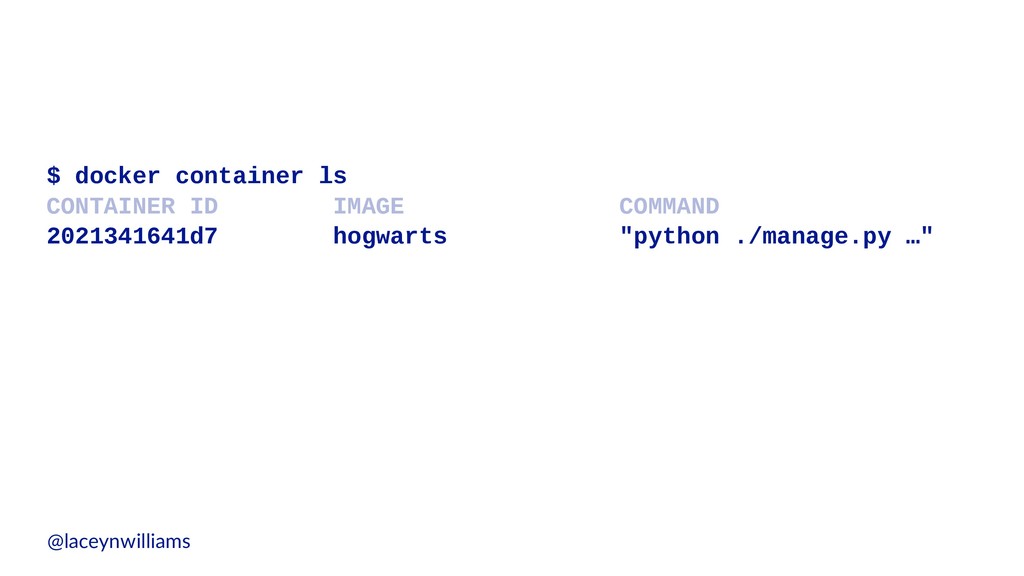
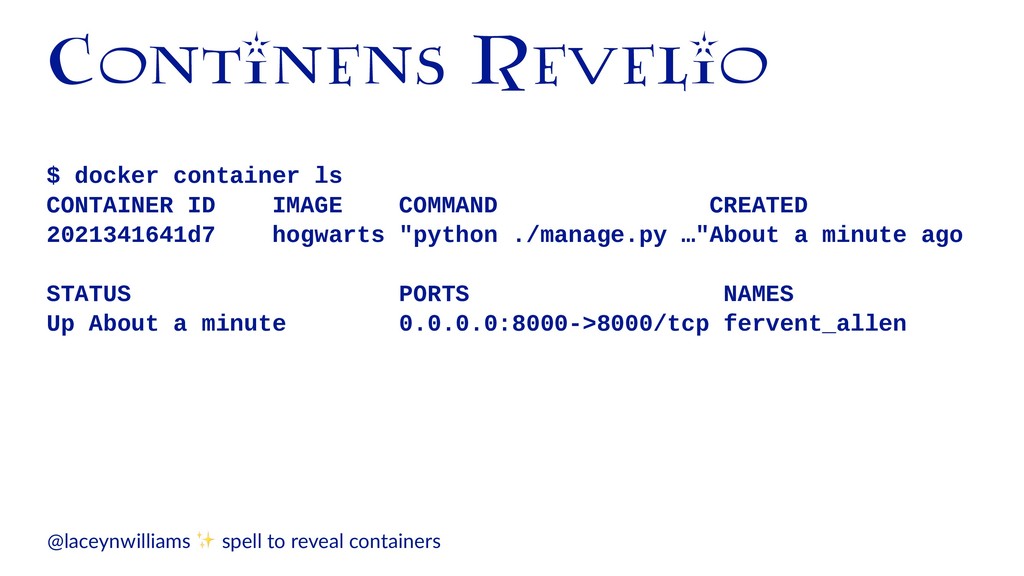
  20. Continens Revelio $ docker container ls CONTAINER ID IMAGE COMMAND

    CREATED STATUS PORTS NAMES @laceynwilliams ✨ spell to reveal containers
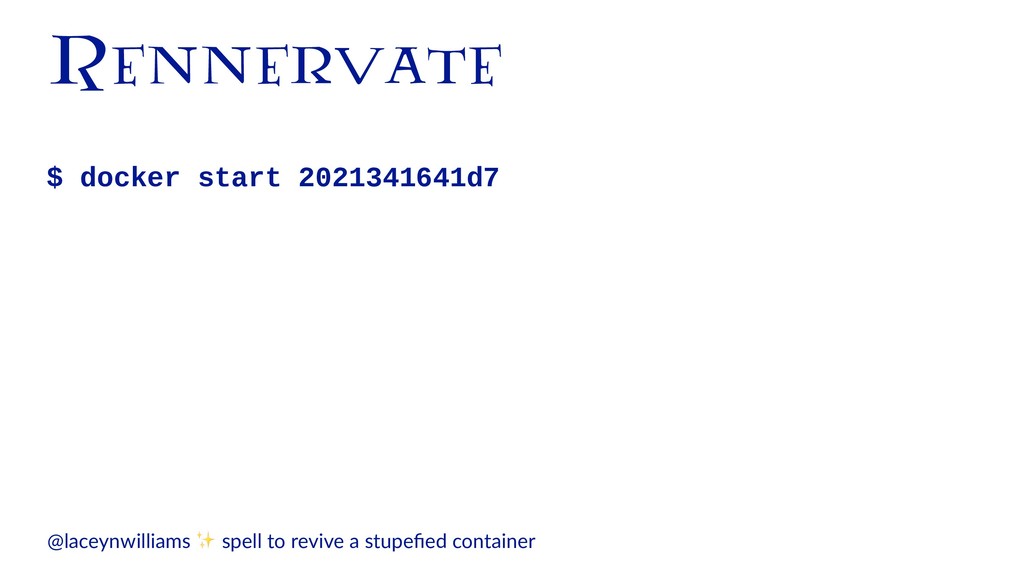
  21. Continens Revelio $ docker container ls CONTAINER ID IMAGE COMMAND

    CREATED 2021341641d7 hogwarts "python ./manage.py …"About a minute ago STATUS PORTS NAMES Up About a minute 0.0.0.0:8000->8000/tcp fervent_allen @laceynwilliams ✨ spell to reveal containers
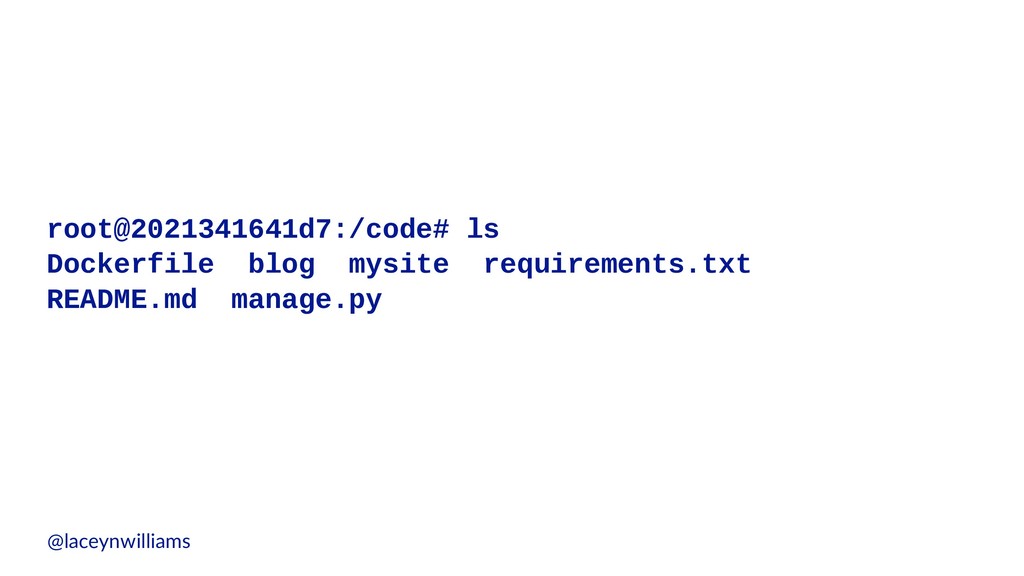
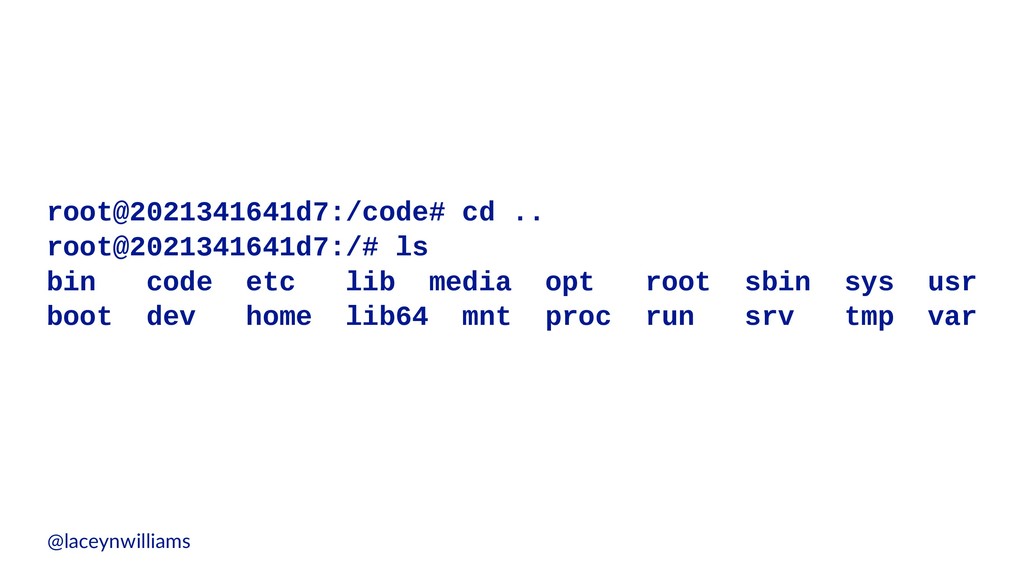
  22. root@2021341641d7:/code# cd .. root@2021341641d7:/# ls bin code etc lib media

    opt root sbin sys usr boot dev home lib64 mnt proc run srv tmp var @laceynwilliams
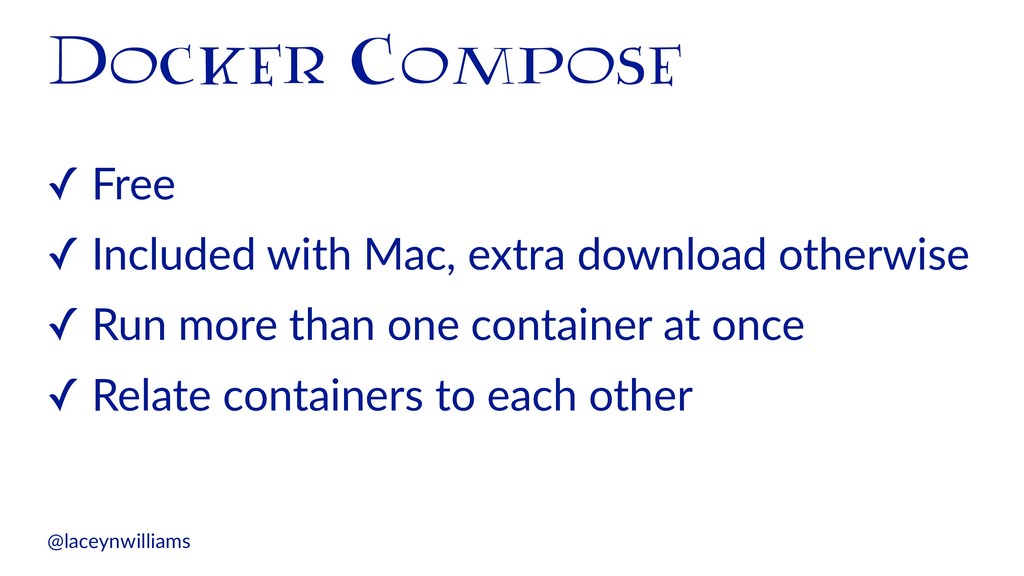
  23. Docker Compose ✓ Free ✓ Included with Mac, extra download

    otherwise ✓ Run more than one container at once ✓ Relate containers to each other @laceynwilliams
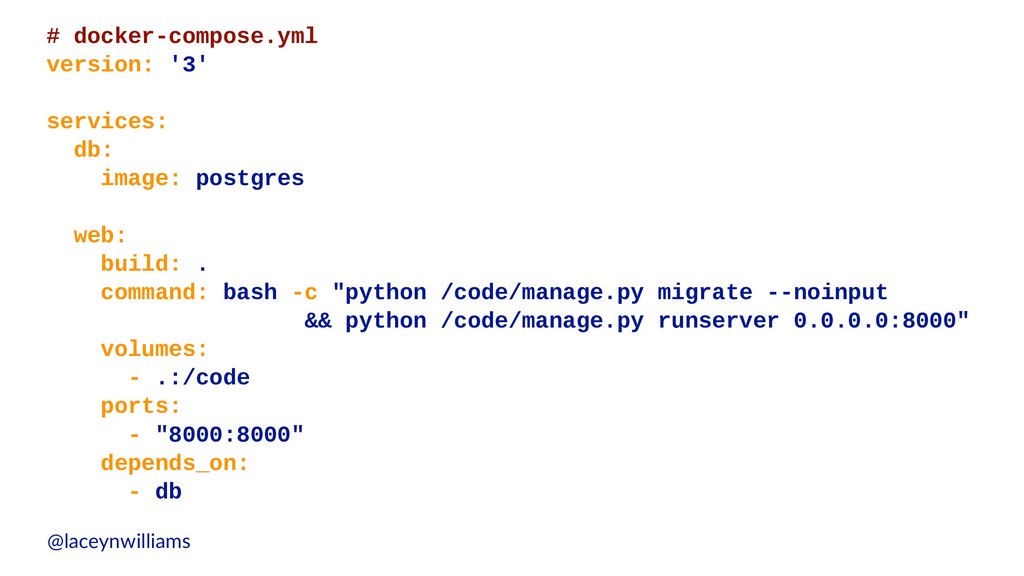
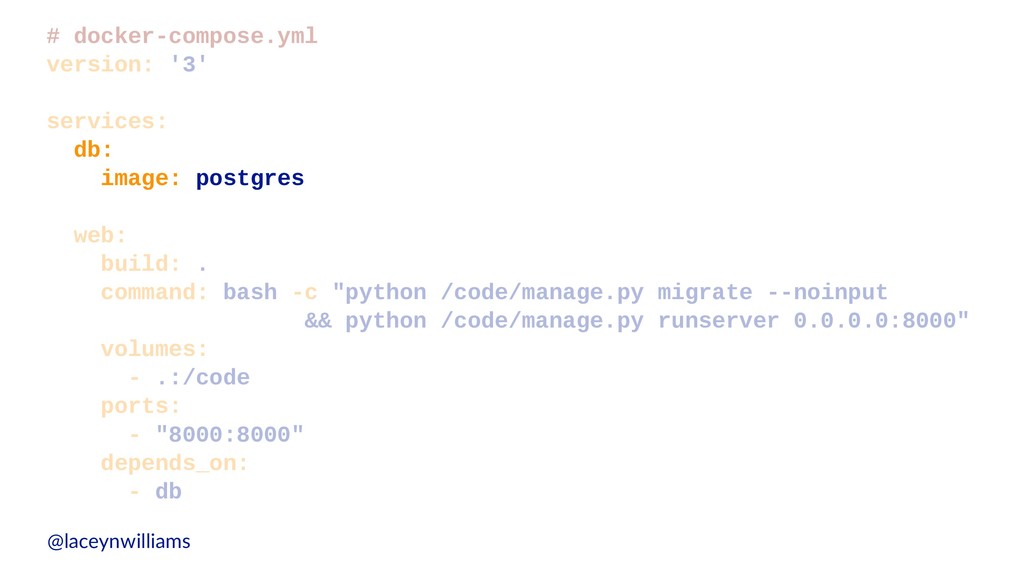
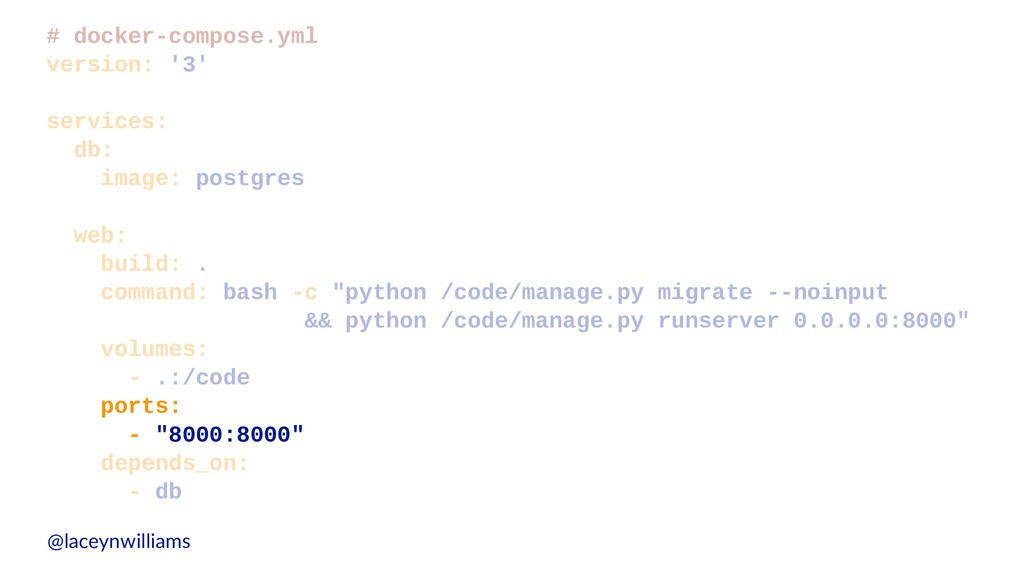
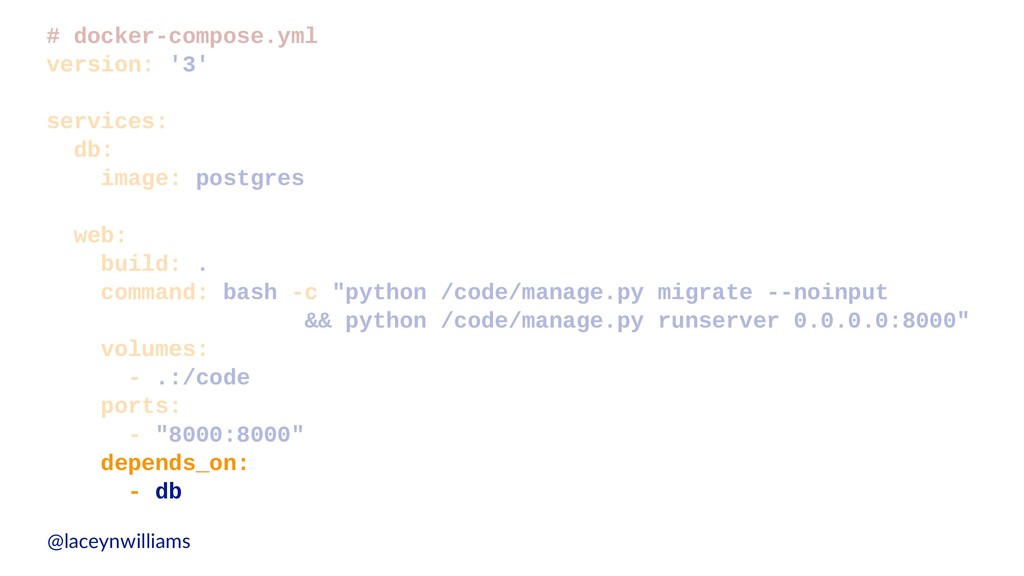
  24. # docker-compose.yml version: '3' services: db: image: postgres web: build:

    . command: bash -c "python /code/manage.py migrate --noinput && python /code/manage.py runserver 0.0.0.0:8000" volumes: - .:/code ports: - "8000:8000" depends_on: - db @laceynwilliams
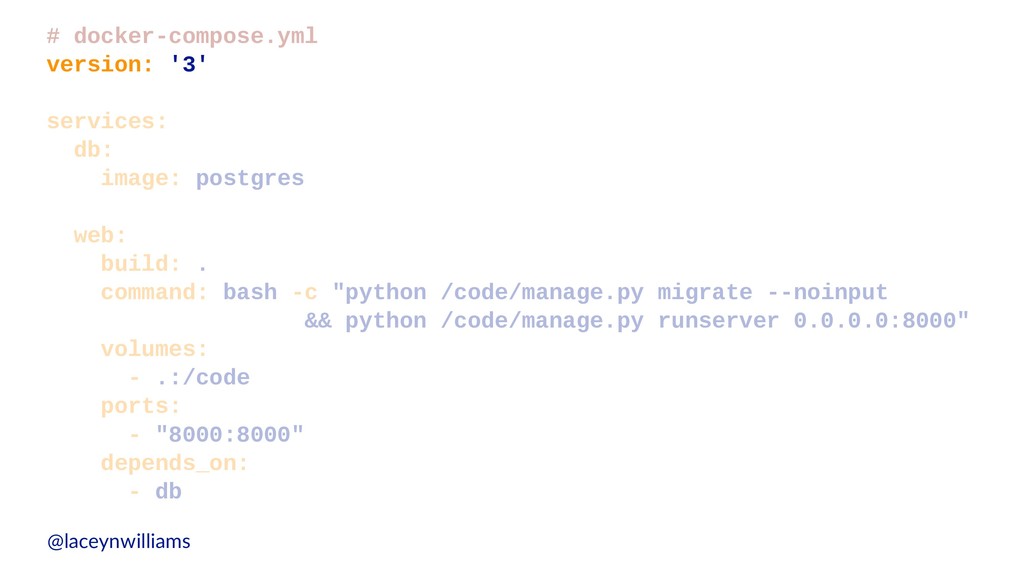
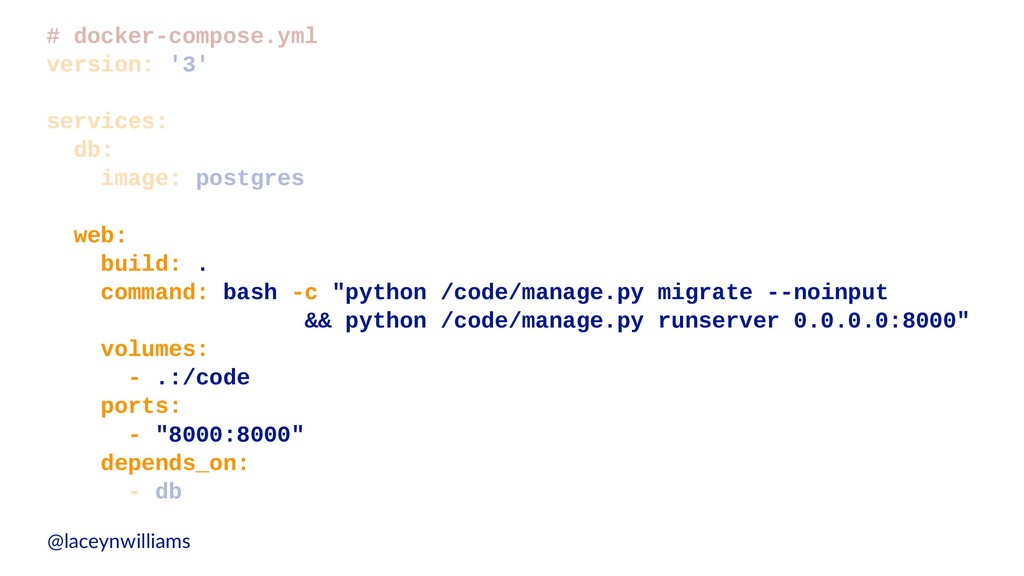
  25. # docker-compose.yml version: '3' services: db: image: postgres web: build:

    . command: bash -c "python /code/manage.py migrate --noinput && python /code/manage.py runserver 0.0.0.0:8000" volumes: - .:/code ports: - "8000:8000" depends_on: - db @laceynwilliams
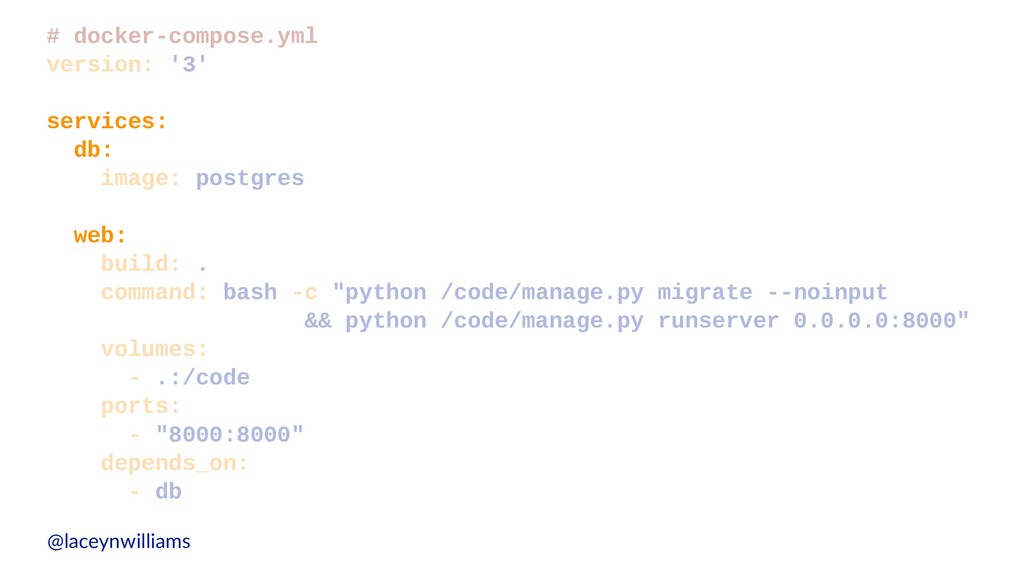
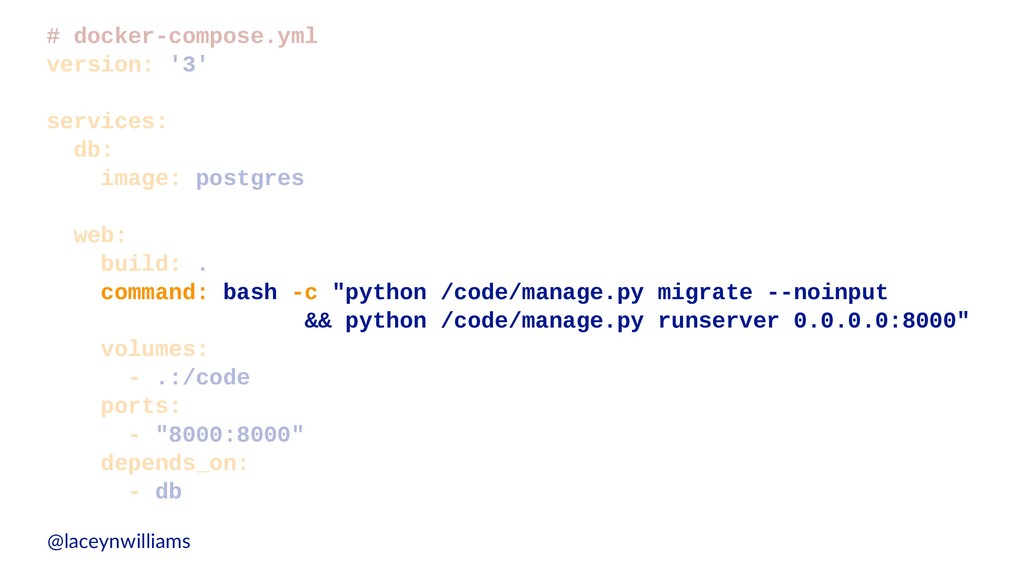
  26. # docker-compose.yml version: '3' services: db: image: postgres web: build:

    . command: bash -c "python /code/manage.py migrate --noinput && python /code/manage.py runserver 0.0.0.0:8000" volumes: - .:/code ports: - "8000:8000" depends_on: - db @laceynwilliams
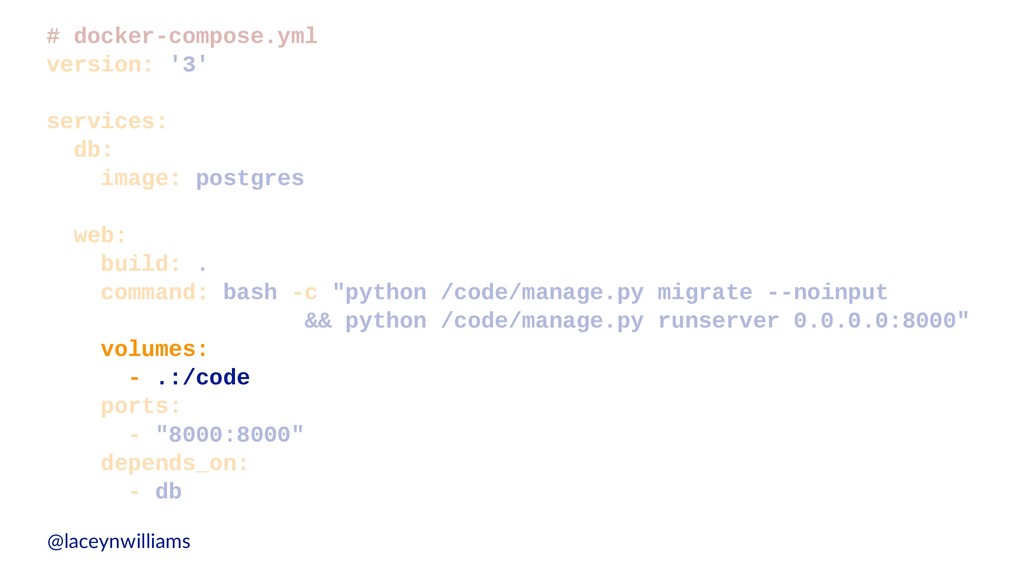
  27. # docker-compose.yml version: '3' services: db: image: postgres web: build:

    . command: bash -c "python /code/manage.py migrate --noinput && python /code/manage.py runserver 0.0.0.0:8000" volumes: - .:/code ports: - "8000:8000" depends_on: - db @laceynwilliams
  28. # docker-compose.yml version: '3' services: db: image: postgres web: build:

    . command: bash -c "python /code/manage.py migrate --noinput && python /code/manage.py runserver 0.0.0.0:8000" volumes: - .:/code ports: - "8000:8000" depends_on: - db @laceynwilliams
  29. # docker-compose.yml version: '3' services: db: image: postgres web: build:

    . command: bash -c "python /code/manage.py migrate --noinput && python /code/manage.py runserver 0.0.0.0:8000" volumes: - .:/code ports: - "8000:8000" depends_on: - db @laceynwilliams
  30. # docker-compose.yml version: '3' services: db: image: postgres web: build:

    . command: bash -c "python /code/manage.py migrate --noinput && python /code/manage.py runserver 0.0.0.0:8000" volumes: - .:/code ports: - "8000:8000" depends_on: - db @laceynwilliams
  31. # docker-compose.yml version: '3' services: db: image: postgres web: build:

    . command: bash -c "python /code/manage.py migrate --noinput && python /code/manage.py runserver 0.0.0.0:8000" volumes: - .:/code ports: - "8000:8000" depends_on: - db @laceynwilliams
  32. # docker-compose.yml version: '3' services: db: image: postgres web: build:

    . command: bash -c "python /code/manage.py migrate --noinput && python /code/manage.py runserver 0.0.0.0:8000" volumes: - .:/code ports: - "8000:8000" depends_on: - db @laceynwilliams
  33. FROM python:3.6 ENV PYTHONUNBUFFERED 1 COPY ./requirements.txt /code/requirements.txt RUN pip

    install -r /code/requirements.txt COPY . /code/ WORKDIR /code/ EXPOSE 8000 CMD [ "python", "./manage.py", ... ] @laceynwilliams
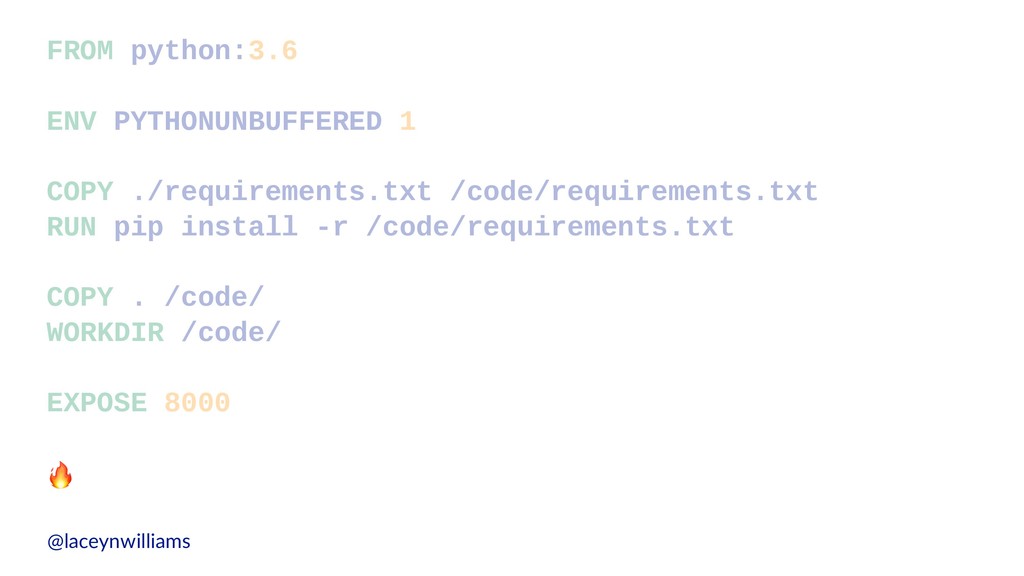
  34. FROM python:3.6 ENV PYTHONUNBUFFERED 1 COPY ./requirements.txt /code/requirements.txt RUN pip

    install -r /code/requirements.txt COPY . /code/ WORKDIR /code/ EXPOSE 8000 ! @laceynwilliams
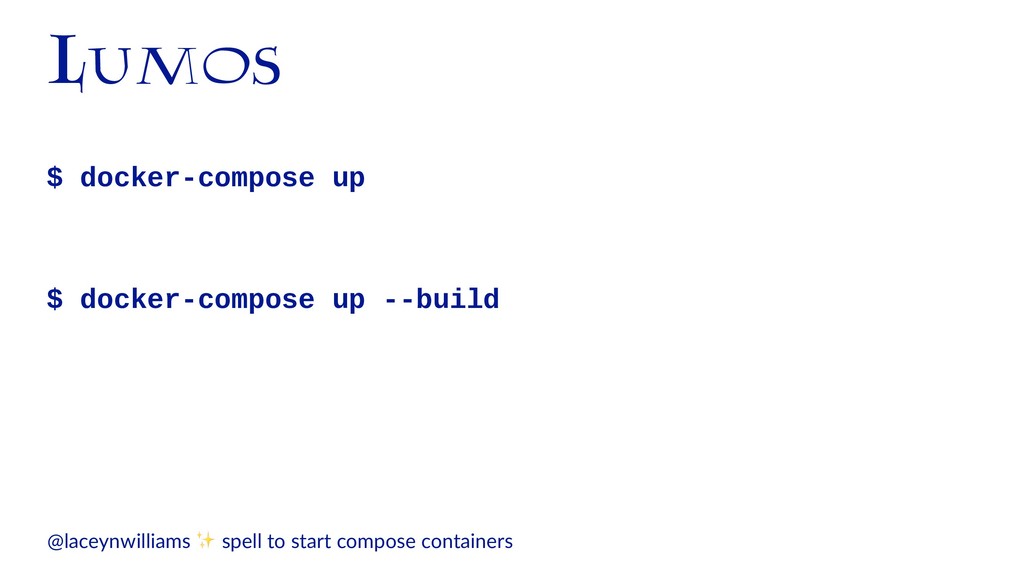
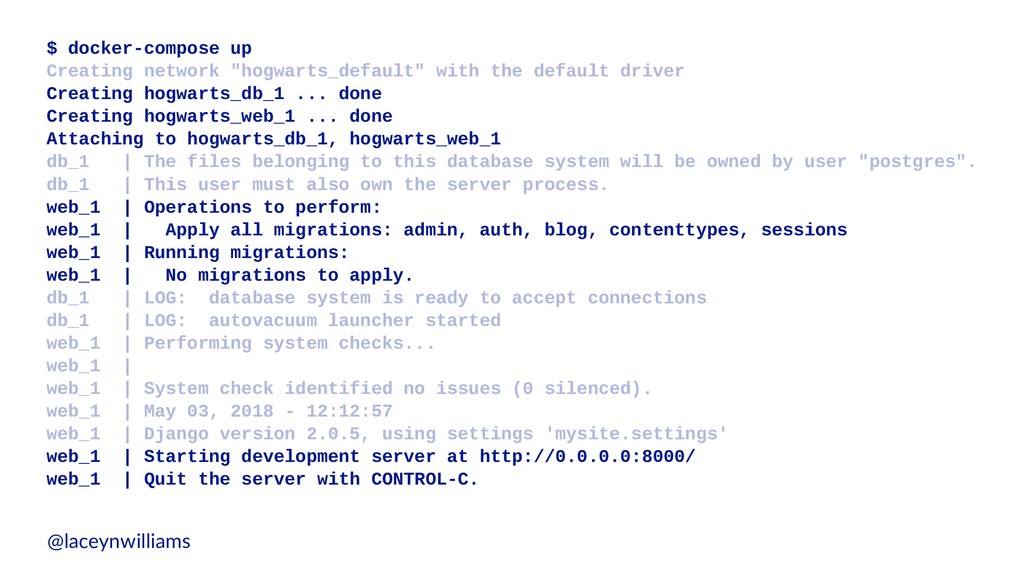
  35. $ docker-compose up Creating network "hogwarts_default" with the default driver

    Creating hogwarts_db_1 ... done Creating hogwarts_web_1 ... done Attaching to hogwarts_db_1, hogwarts_web_1 db_1 | The files belonging to this database system will be owned by user "postgres". db_1 | This user must also own the server process. web_1 | Operations to perform: web_1 | Apply all migrations: admin, auth, blog, contenttypes, sessions web_1 | Running migrations: web_1 | No migrations to apply. db_1 | LOG: database system is ready to accept connections db_1 | LOG: autovacuum launcher started web_1 | Performing system checks... web_1 | web_1 | System check identified no issues (0 silenced). web_1 | May 03, 2018 - 12:12:57 web_1 | Django version 2.0.5, using settings 'mysite.settings' web_1 | Starting development server at http://0.0.0.0:8000/ web_1 | Quit the server with CONTROL-C. @laceynwilliams
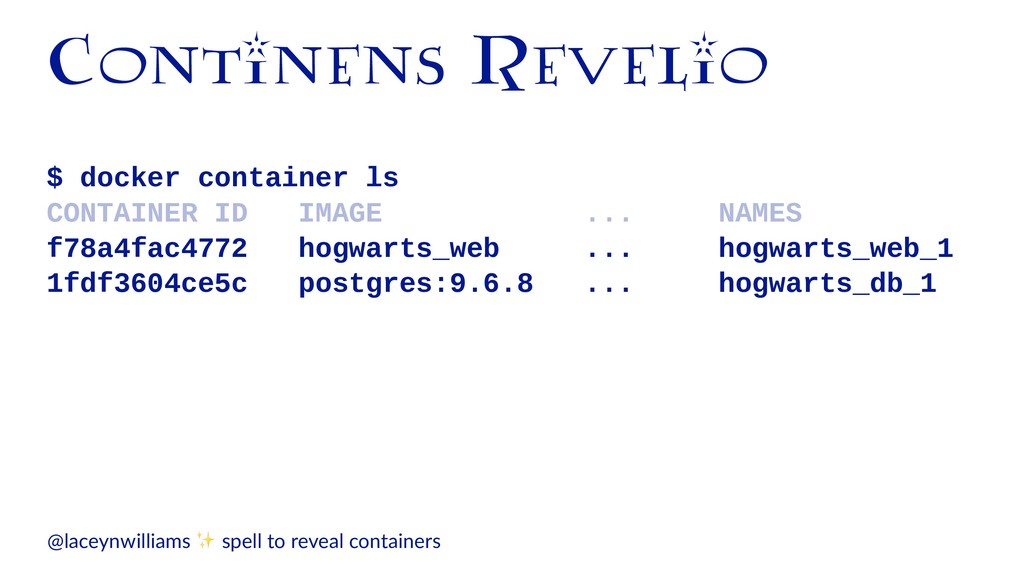
  36. Continens Revelio $ docker container ls CONTAINER ID IMAGE ...

    NAMES f78a4fac4772 hogwarts_web ... hogwarts_web_1 1fdf3604ce5c postgres:9.6.8 ... hogwarts_db_1 @laceynwilliams ✨ spell to reveal containers
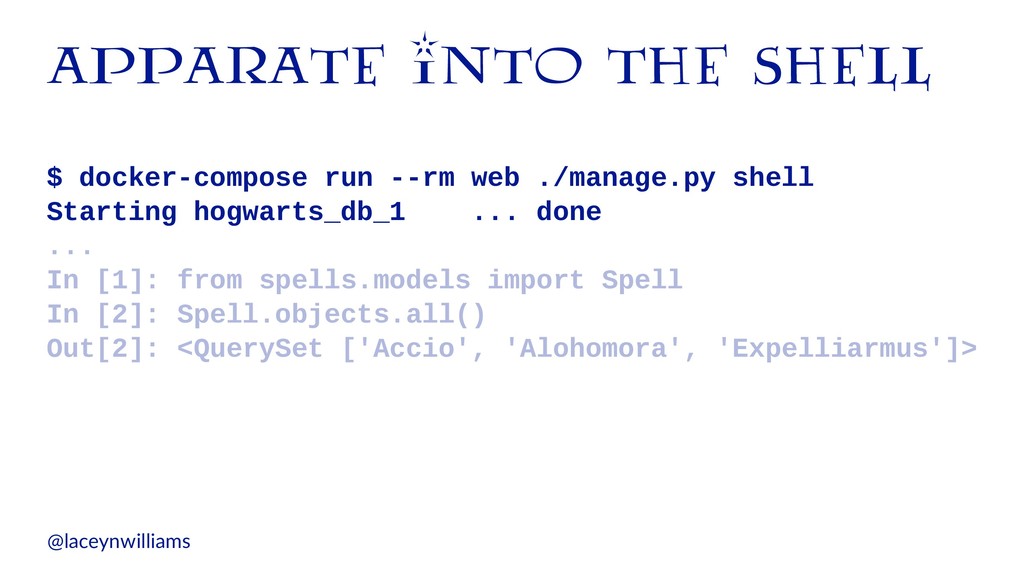
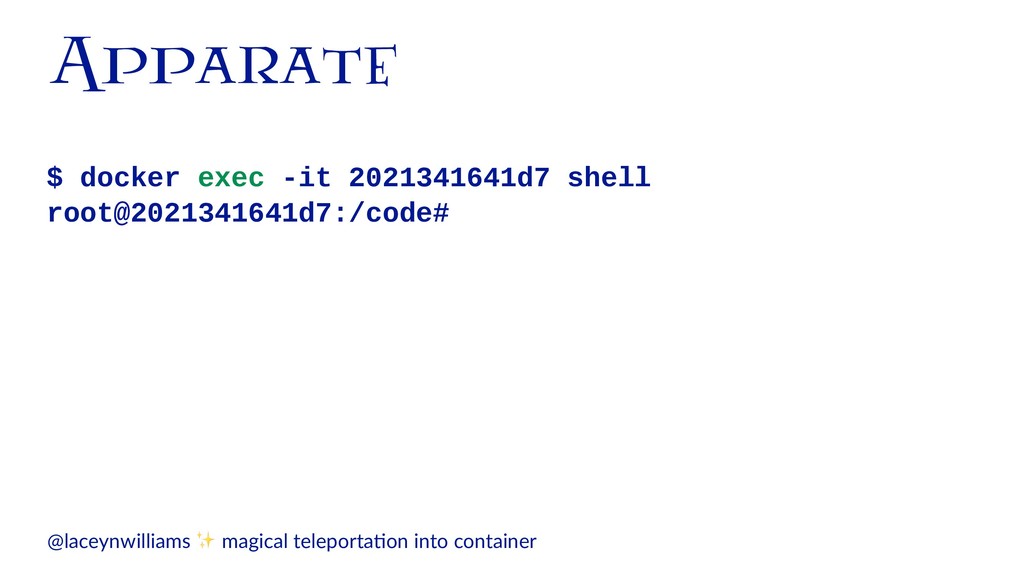
  37. apparate into the shell $ docker-compose run --rm web ./manage.py

    shell Starting hogwarts_db_1 ... done ... In [1]: from spells.models import Spell In [2]: Spell.objects.all() Out[2]: <QuerySet ['Accio', 'Alohomora', 'Expelliarmus']> @laceynwilliams
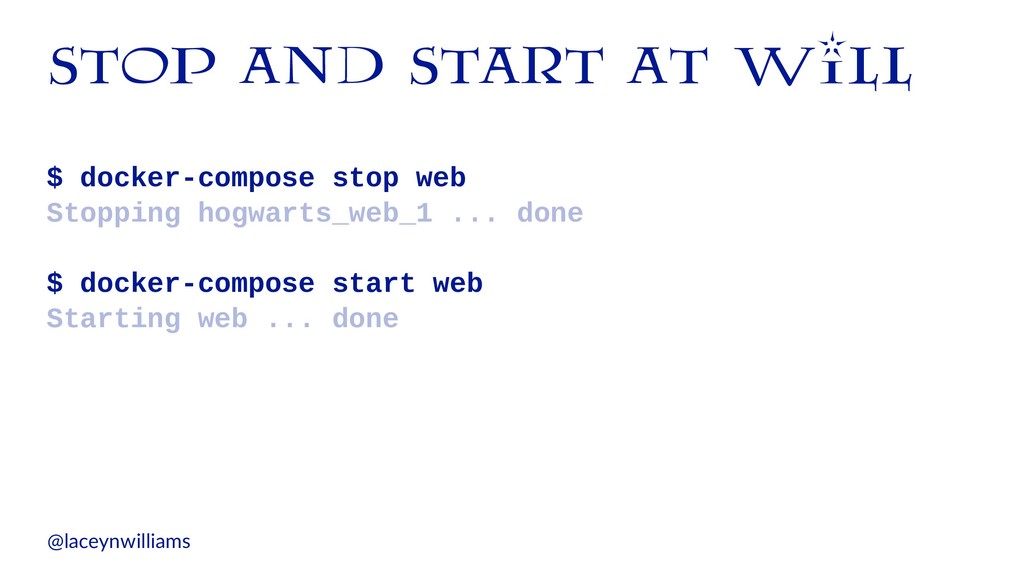
  38. stop and start at will $ docker-compose stop web Stopping

    hogwarts_web_1 ... done $ docker-compose start web Starting web ... done @laceynwilliams
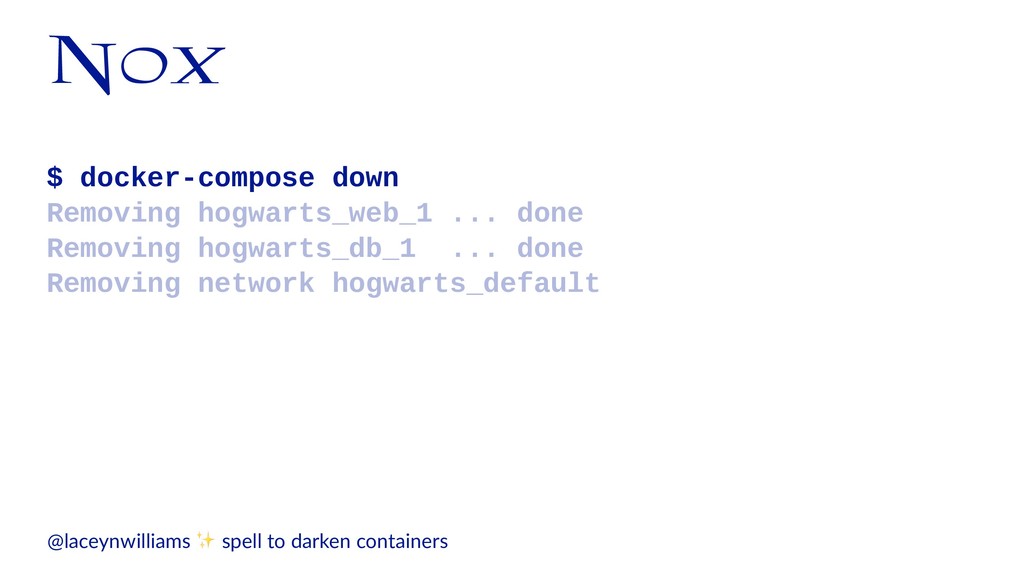
  39. Nox $ docker-compose down Removing hogwarts_web_1 ... done Removing hogwarts_db_1

    ... done Removing network hogwarts_default @laceynwilliams ✨ spell to darken containers
  40. It is the unknown we fear when we look upon

    Docker, nothing more. — Albus Dumbledore, probably @laceynwilliams | S/ll from Harry Po5er and the Order of the Phoenix
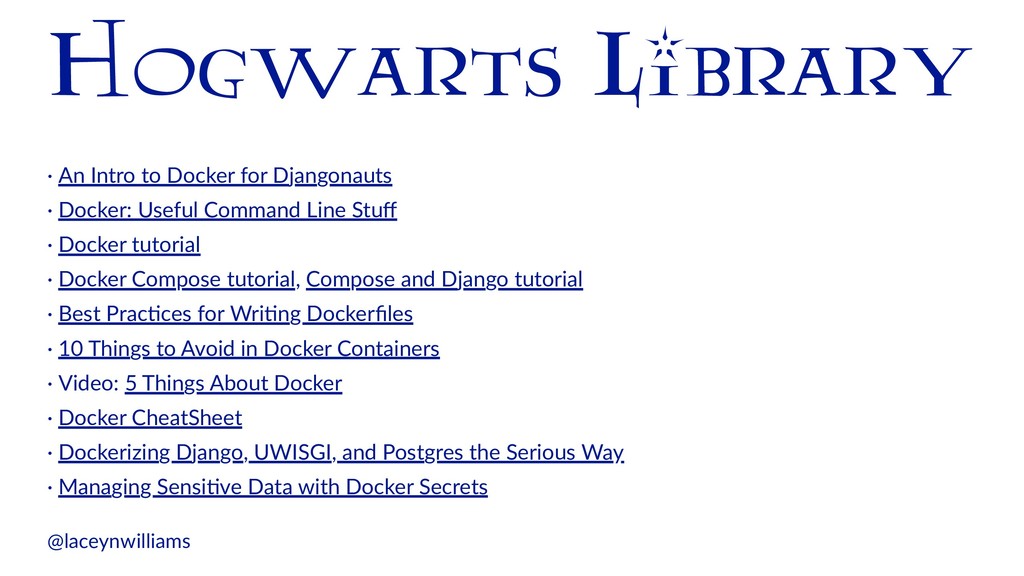
  41. Hogwarts Library · An Intro to Docker for Djangonauts ·

    Docker: Useful Command Line Stuff · Docker tutorial · Docker Compose tutorial, Compose and Django tutorial · Best PracAces for WriAng Dockerfiles · 10 Things to Avoid in Docker Containers · Video: 5 Things About Docker · Docker CheatSheet · Dockerizing Django, UWISGI, and Postgres the Serious Way · Managing SensiAve Data with Docker Secrets @laceynwilliams