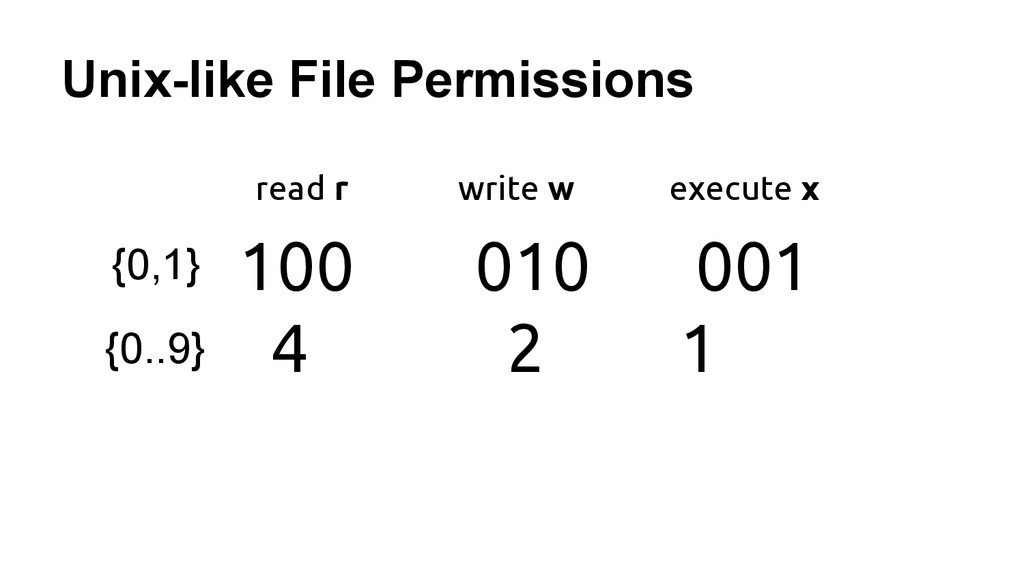
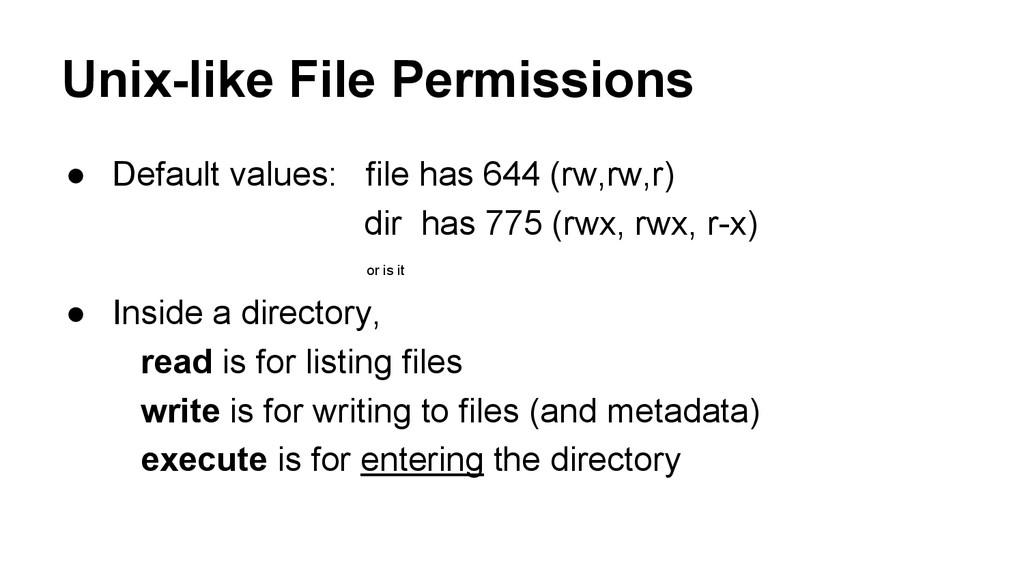
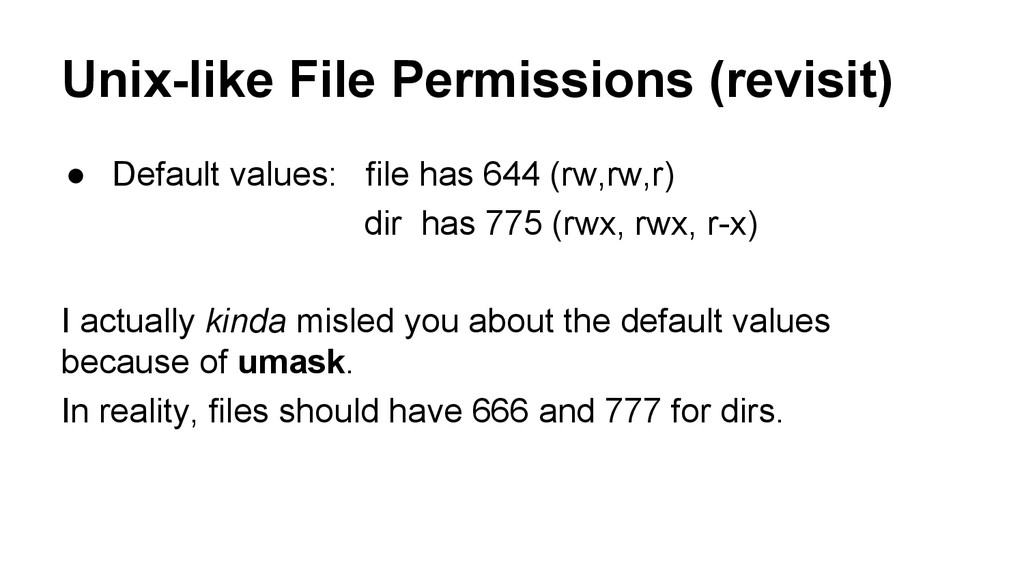
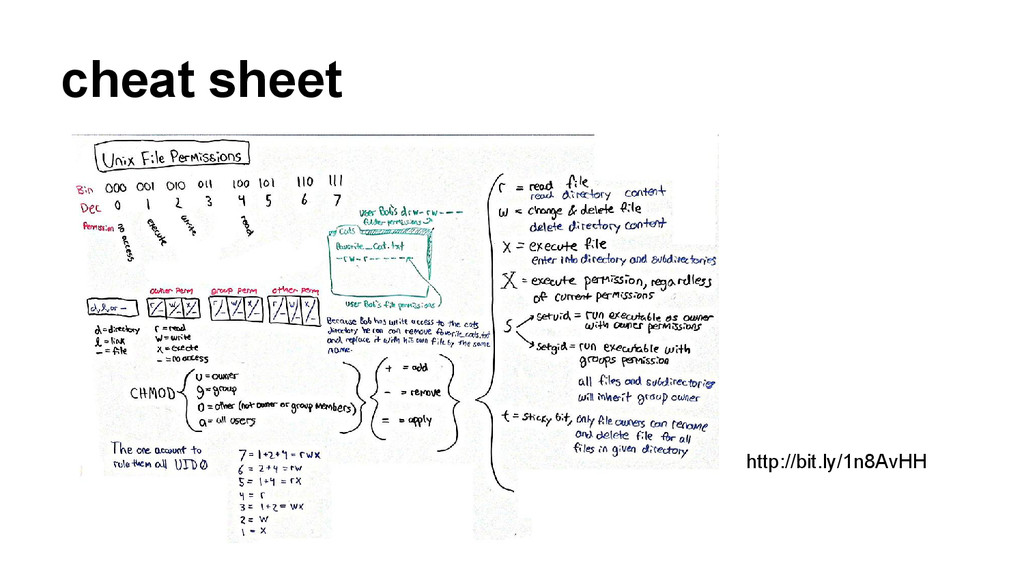
dir has 775 (rwx, rwx, r-x) or is it • Inside a directory, read is for listing files write is for writing to files (and metadata) execute is for entering the directory
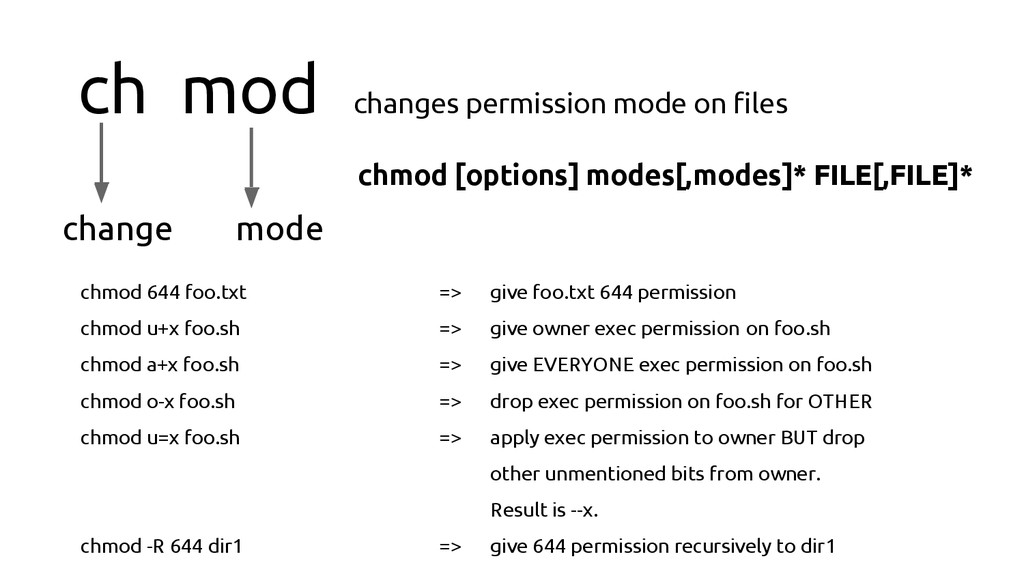
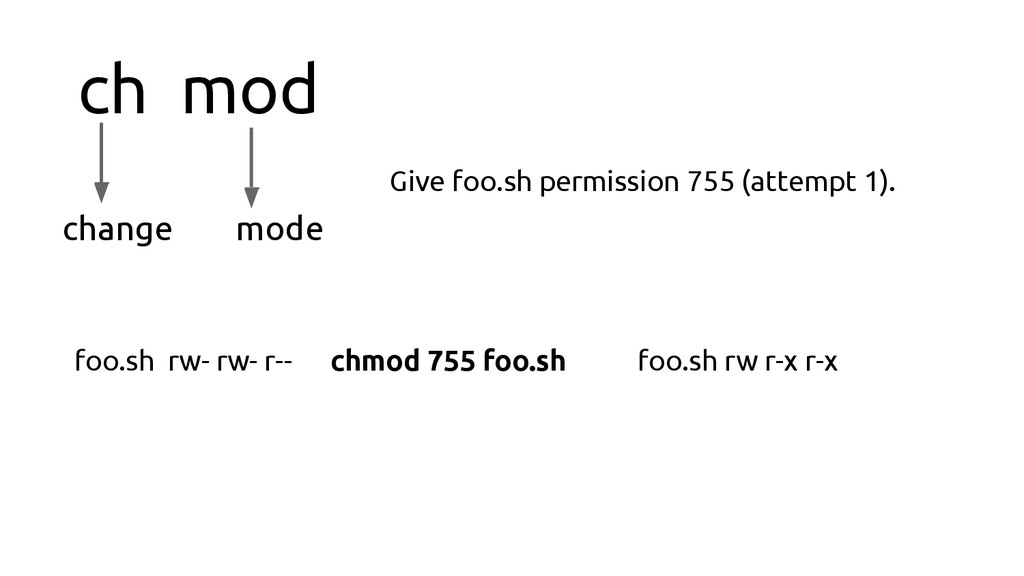
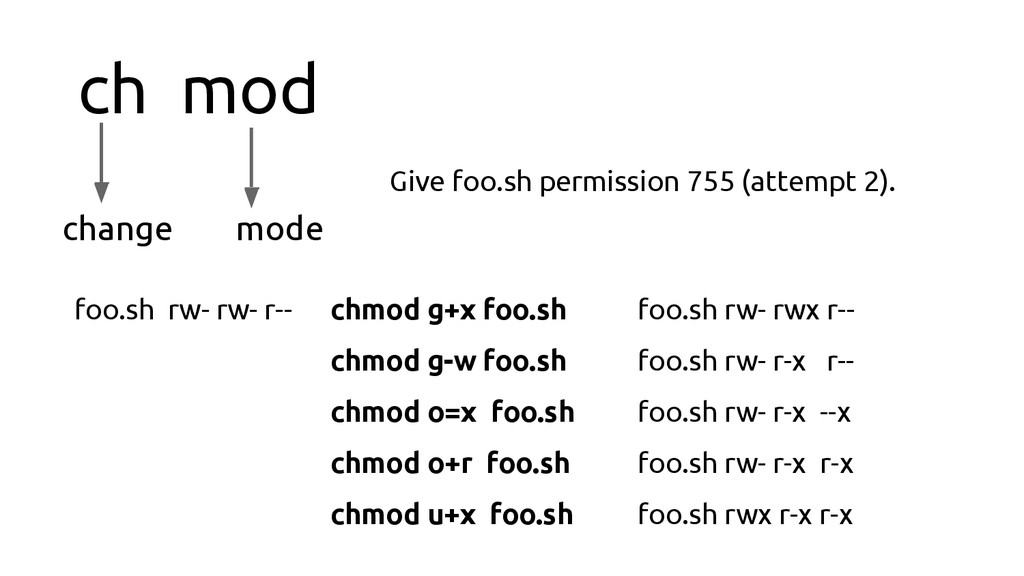
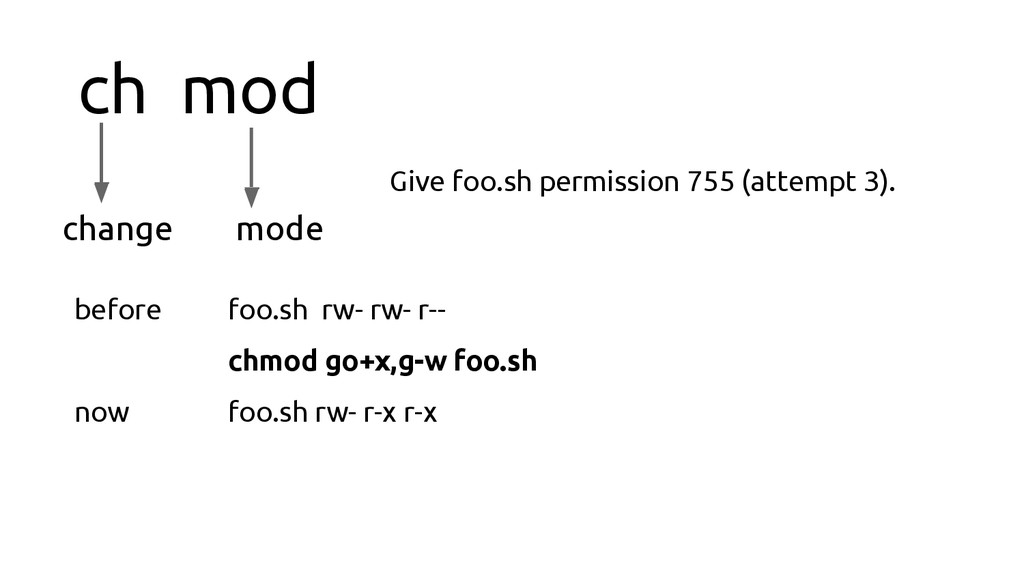
[options] modes[,modes]* FILE[,FILE]* chmod 644 foo.txt => give foo.txt 644 permission chmod u+x foo.sh => give owner exec permission on foo.sh chmod a+x foo.sh => give EVERYONE exec permission on foo.sh chmod o-x foo.sh => drop exec permission on foo.sh for OTHER chmod u=x foo.sh => apply exec permission to owner BUT drop other unmentioned bits from owner. Result is --x. chmod -R 644 dir1 => give 644 permission recursively to dir1
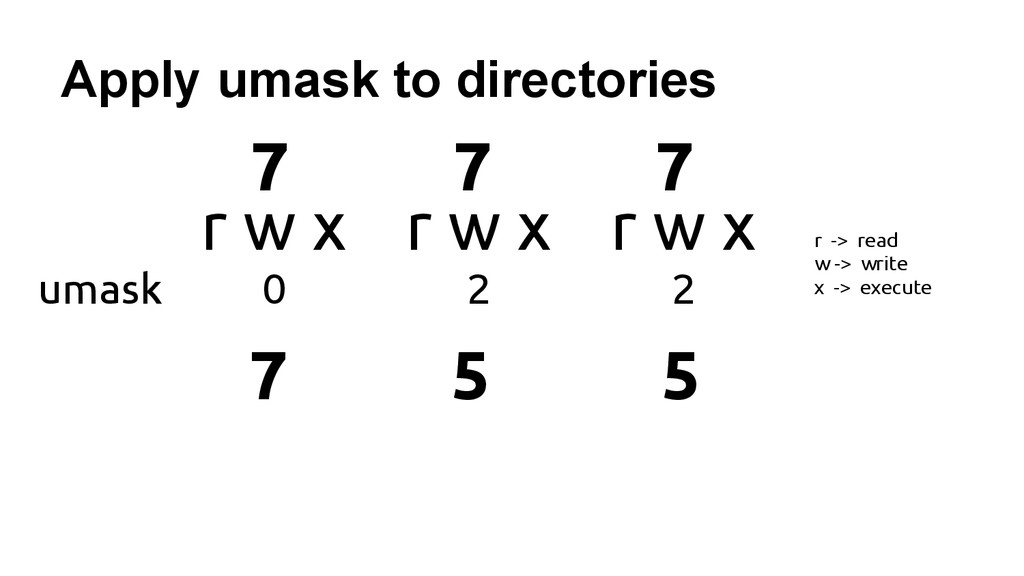
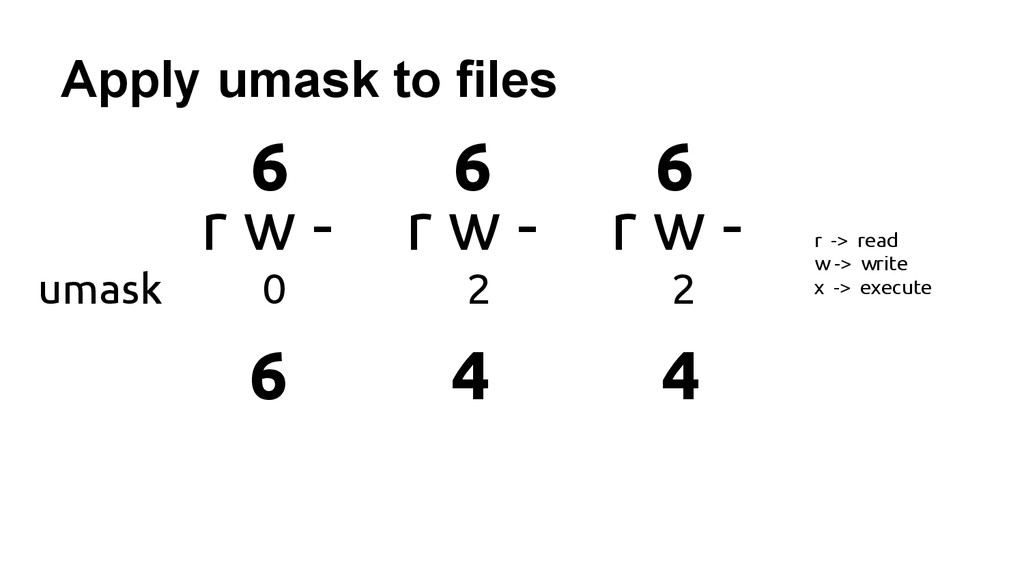
(rw,rw,r) dir has 775 (rwx, rwx, r-x) I actually kinda misled you about the default values because of umask. In reality, files should have 666 and 777 for dirs.
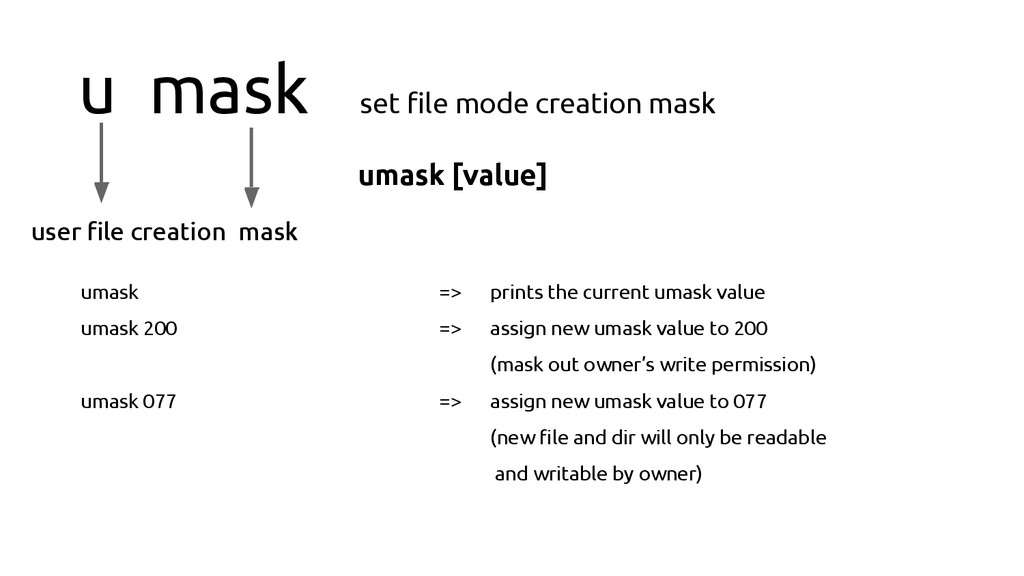
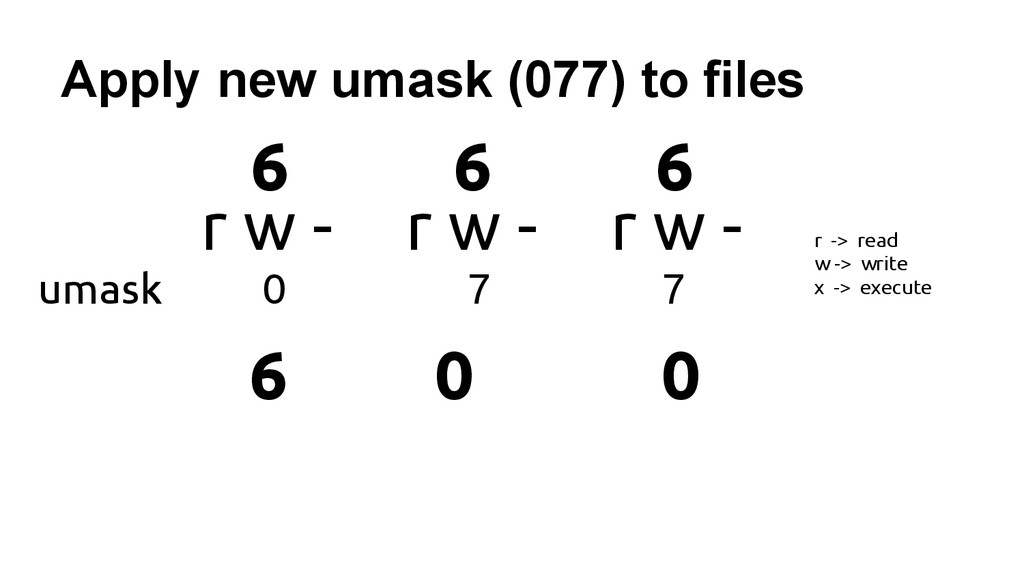
mask umask [value] umask => prints the current umask value umask 200 => assign new umask value to 200 (mask out owner’s write permission) umask 077 => assign new umask value to 077 (new file and dir will only be readable and writable by owner)
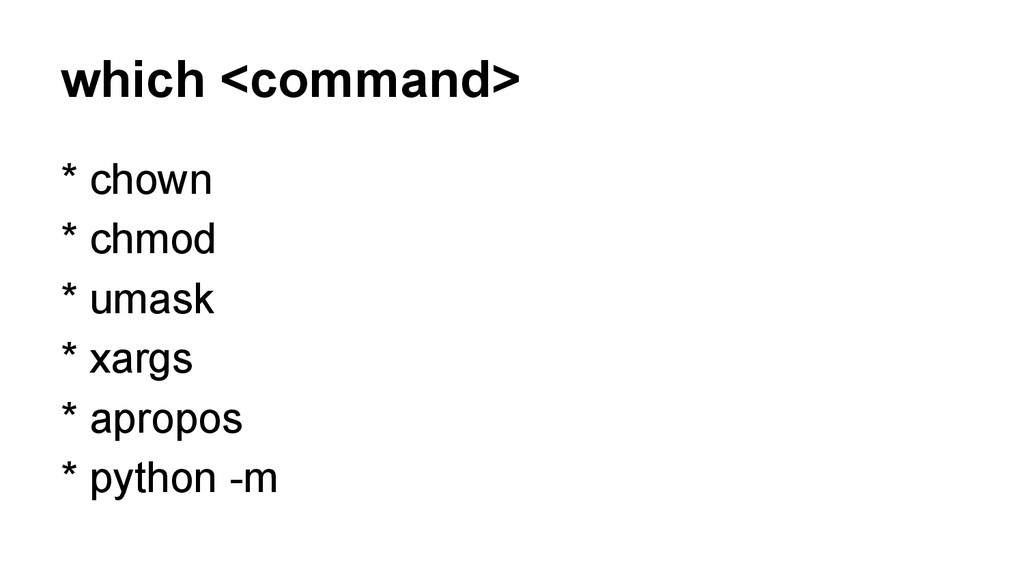
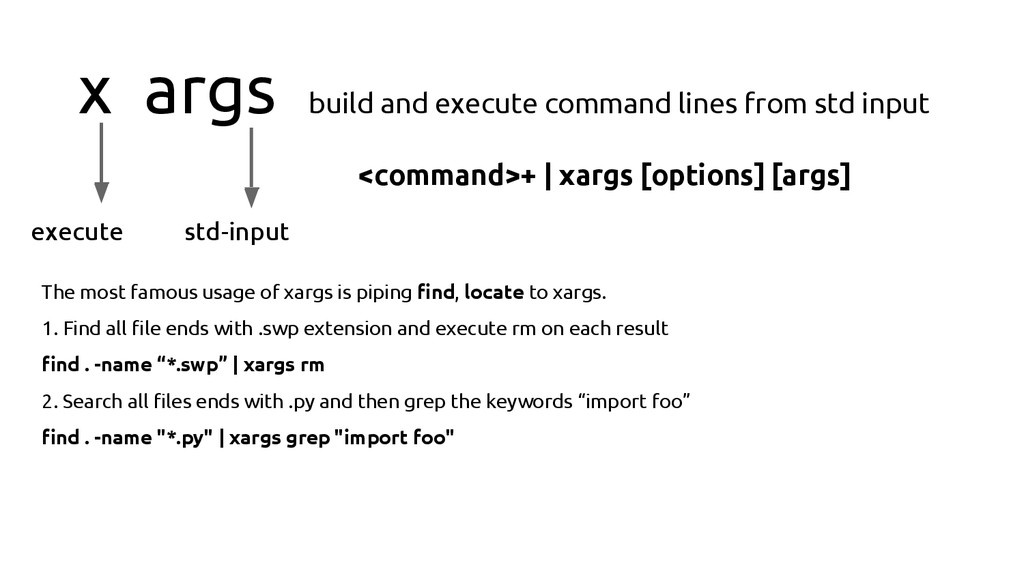
execute std-input <command>+ | xargs [options] [args] The most famous usage of xargs is piping find, locate to xargs. 1. Find all file ends with .swp extension and execute rm on each result find . -name “*.swp” | xargs rm 2. Search all files ends with .py and then grep the keywords “import foo” find . -name "*.py" | xargs grep "import foo"


 yeukhon
 kishida
 bash0c7
 convto
 steliosf
 glassfiber
 texmeijin
 mtsmfm
 yukiny
 po3rin
 seike460
 j341nono
 aemeredith
 jcasabona
 marktimemedia
 apolaine
 michielstock
 jmmastey
 badams
 dougneiner
 lfama
lfama
 palkan
 pauljervisheath
 quramy





![python -m SimpleHTTPServer [port]](https://files.speakerdeck.com/presentations/4a35ea10b3bc0131dbd50a3d9e32eaab/slide_25.jpg)
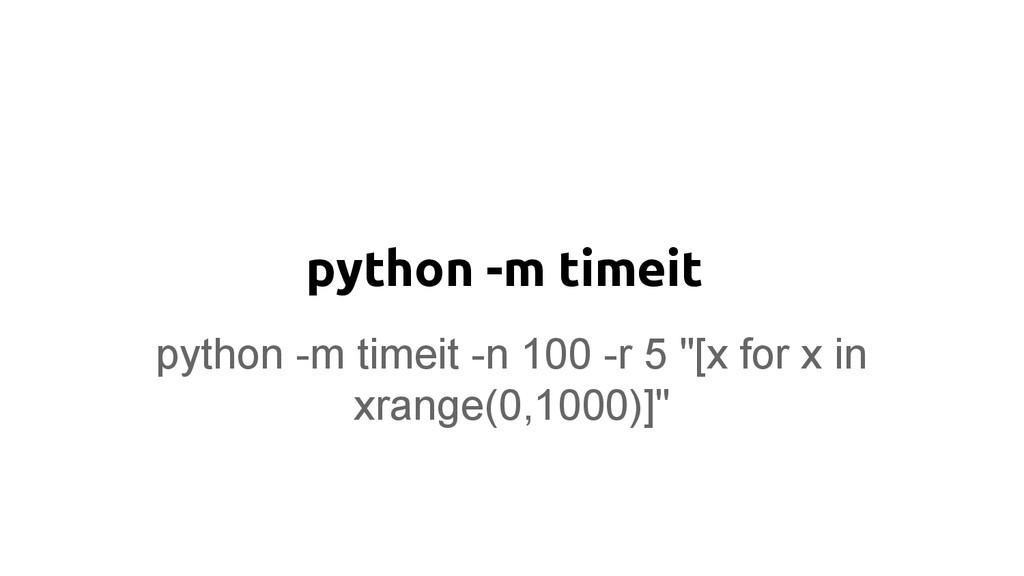
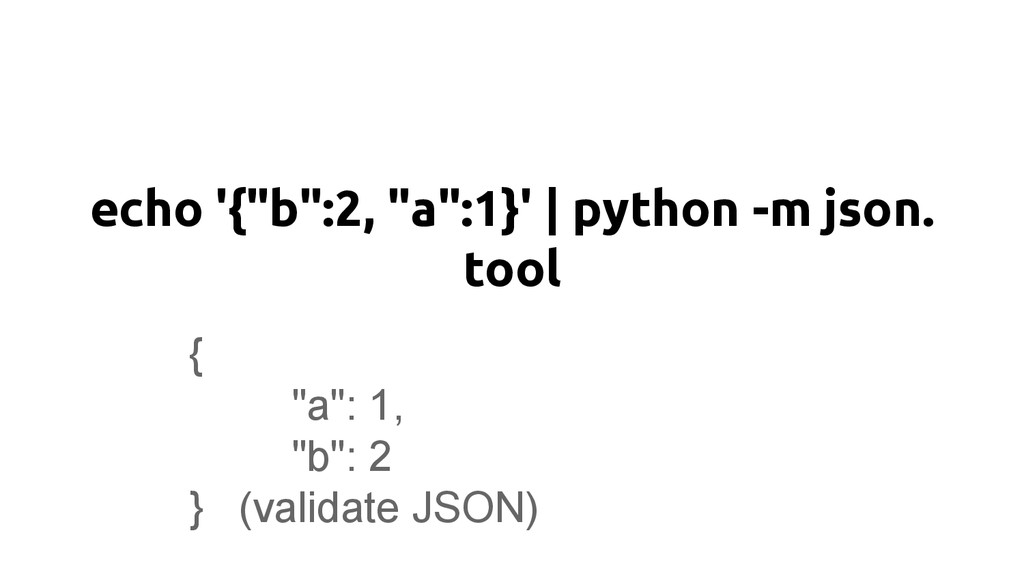
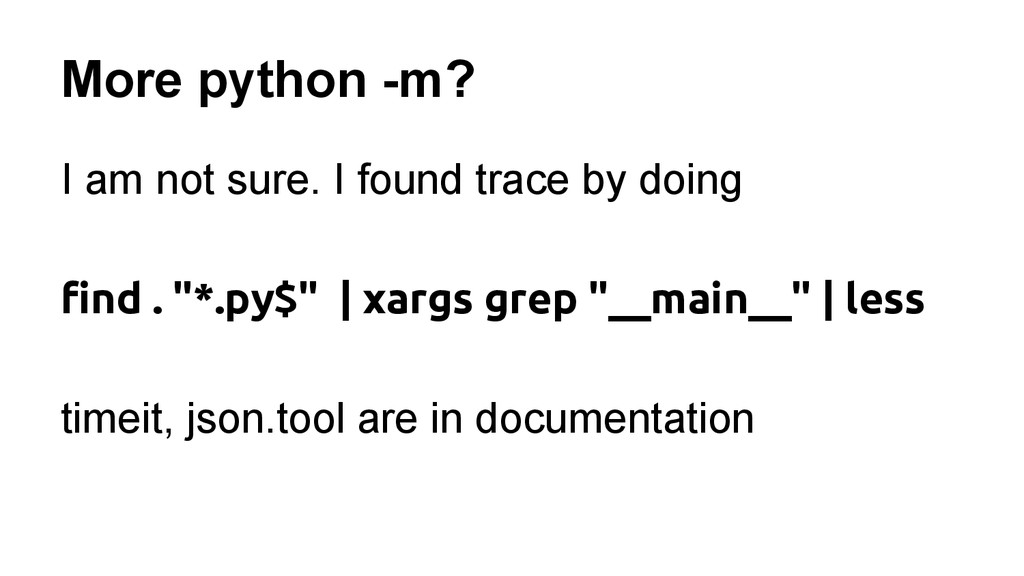
![python -m trace [options] <args> python -m trace --trace trace.py](https://files.speakerdeck.com/presentations/4a35ea10b3bc0131dbd50a3d9e32eaab/slide_28.jpg)