Share
Embed
Ansible: Get Ya' Work Done in 15 minutes
I gave this talk at NYC-Python user group on May 7th. You can find the detail here: http://www.meetup.com/nycpython/events/115340402/ and code https://bitbucket.org/yeukhon/ansible-demo
yeukhon
May 18, 2013
Transcript
27 slides
-
GLASS LAB: Developing Graphyte and Aurum Serving ~100 undergraduates #mozilla
intern this summer :D -
ACTIVE COMMUNITY Started in early 2012, has over 456 forks,
1,511 watchers, 2000+ tickets solved, daily and weekly merges, active IRC & mailing list support. -
PYTHON Core is in Python and is much smaller than
other existing solutions. -
5 REQUIRED DEPENDENCIES Python interpreter for running Python source code...
Simplejson/json for transferring results Paramiko for SSH2 protocol Pyyaml for reading/writing configuration Jinja2 for template feature -
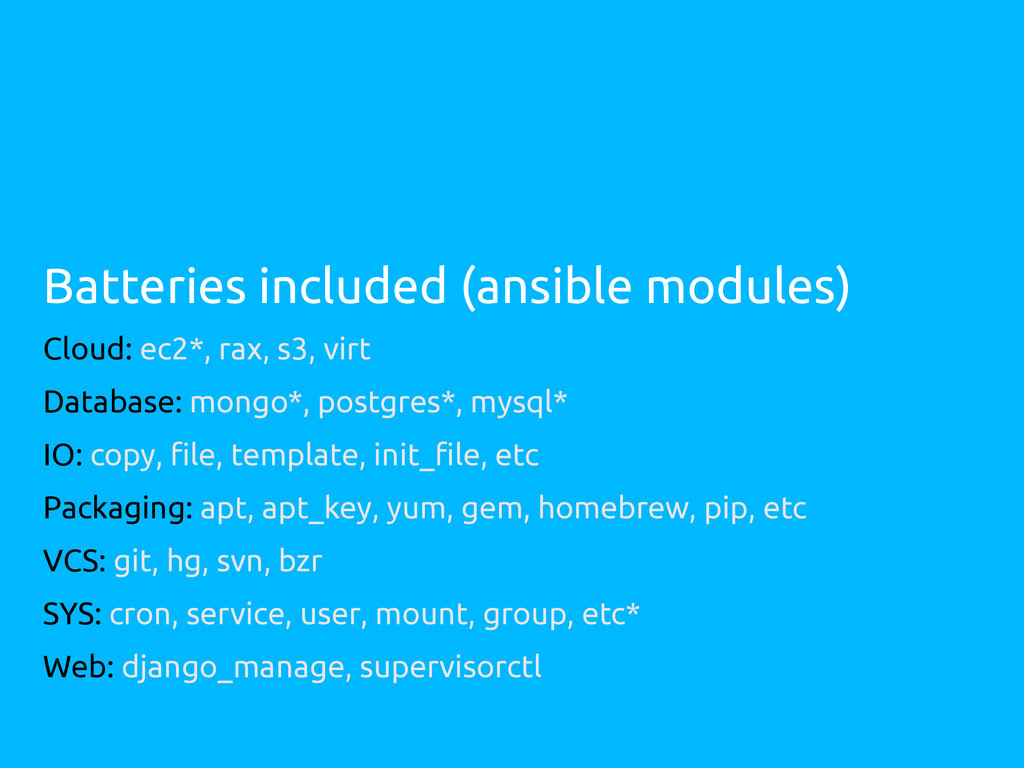
Batteries included (ansible modules) Cloud: ec2*, rax, s3, virt Database:
mongo*, postgres*, mysql* IO: copy, file, template, init_file, etc Packaging: apt, apt_key, yum, gem, homebrew, pip, etc VCS: git, hg, svn, bzr SYS: cron, service, user, mount, group, etc* Web: django_manage, supervisorctl -
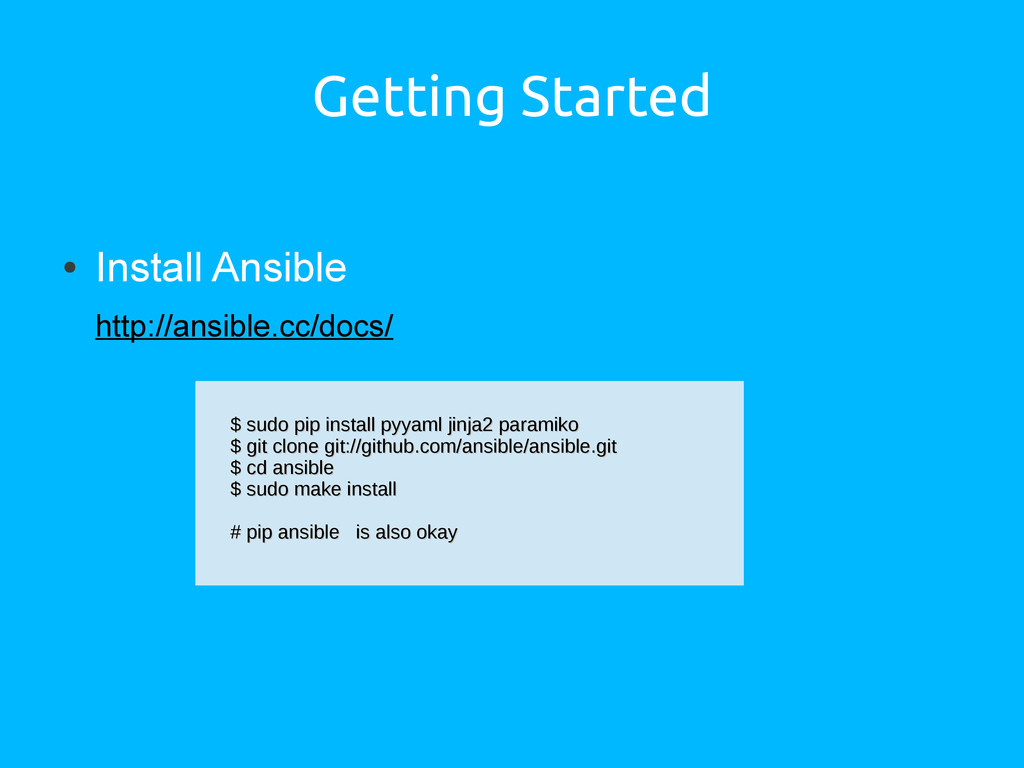
Getting Started • Install Ansible http://ansible.cc/docs/ $ sudo pip install
pyyaml jinja2 paramiko $ sudo pip install pyyaml jinja2 paramiko $ git clone git://github.com/ansible/ansible.git $ git clone git://github.com/ansible/ansible.git $ cd ansible $ cd ansible $ sudo make install $ sudo make install # pip ansible is also okay # pip ansible is also okay -
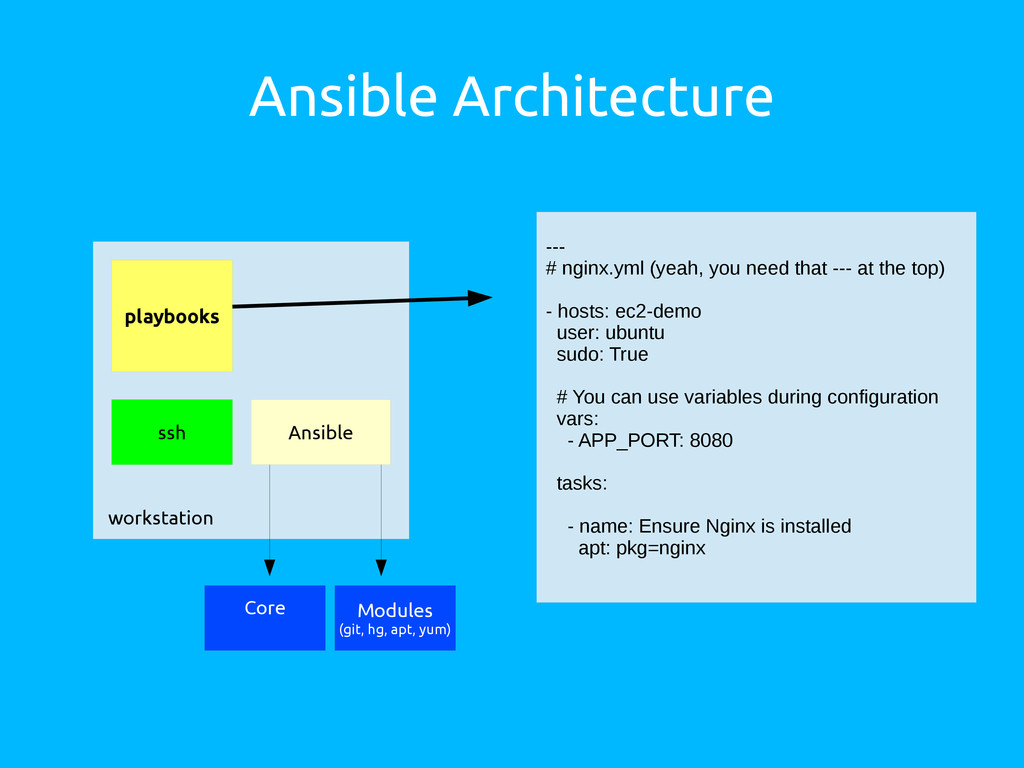
Ansible Architecture workstation playbooks Ansible ssh Modules (git, hg, apt,
yum) Core --- # nginx.yml (yeah, you need that --- at the top) - hosts: ec2-demo user: ubuntu sudo: True # You can use variables during configuration vars: - APP_PORT: 8080 tasks: - name: Ensure Nginx is installed apt: pkg=nginx -
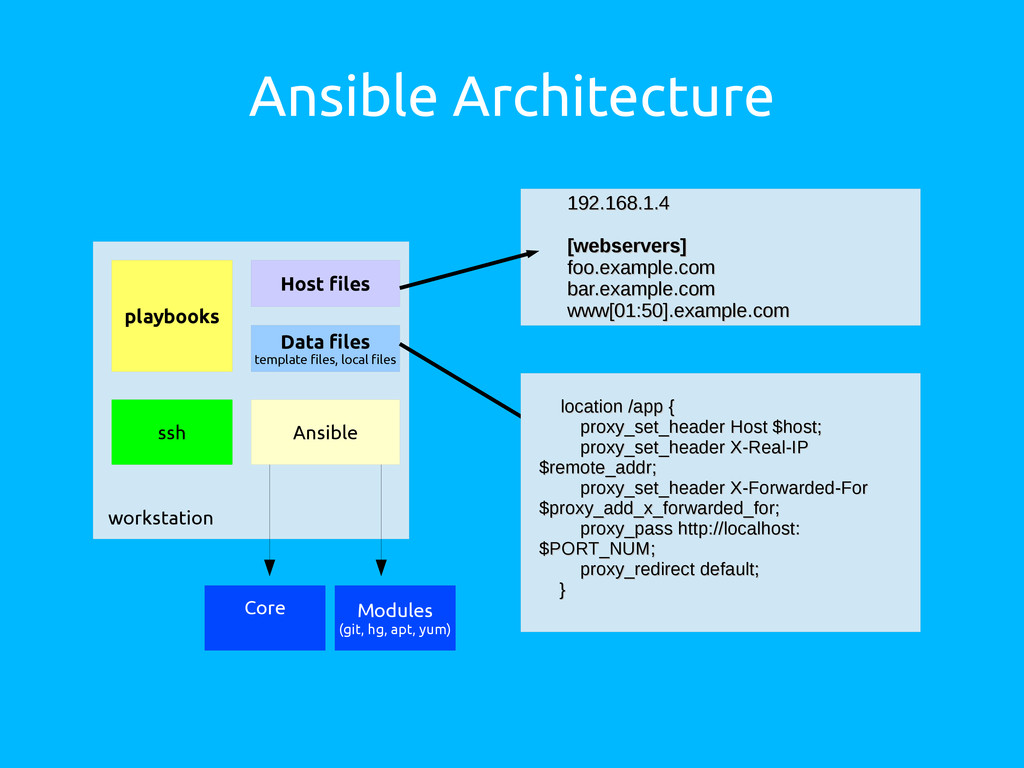
Ansible Architecture workstation playbooks Host files Data files template files,
local files Ansible ssh Modules (git, hg, apt, yum) Core 192.168.1.4 192.168.1.4 [webservers] [webservers] foo.example.com foo.example.com bar.example.com bar.example.com www[01:50].example.com www[01:50].example.com location /app { location /app { proxy_set_header Host $host; proxy_set_header Host $host; proxy_set_header X-Real-IP proxy_set_header X-Real-IP $remote_addr; $remote_addr; proxy_set_header X-Forwarded-For proxy_set_header X-Forwarded-For $proxy_add_x_forwarded_for; $proxy_add_x_forwarded_for; proxy_pass http://localhost: proxy_pass http://localhost: $PORT_NUM; $PORT_NUM; proxy_redirect default; proxy_redirect default; } } -
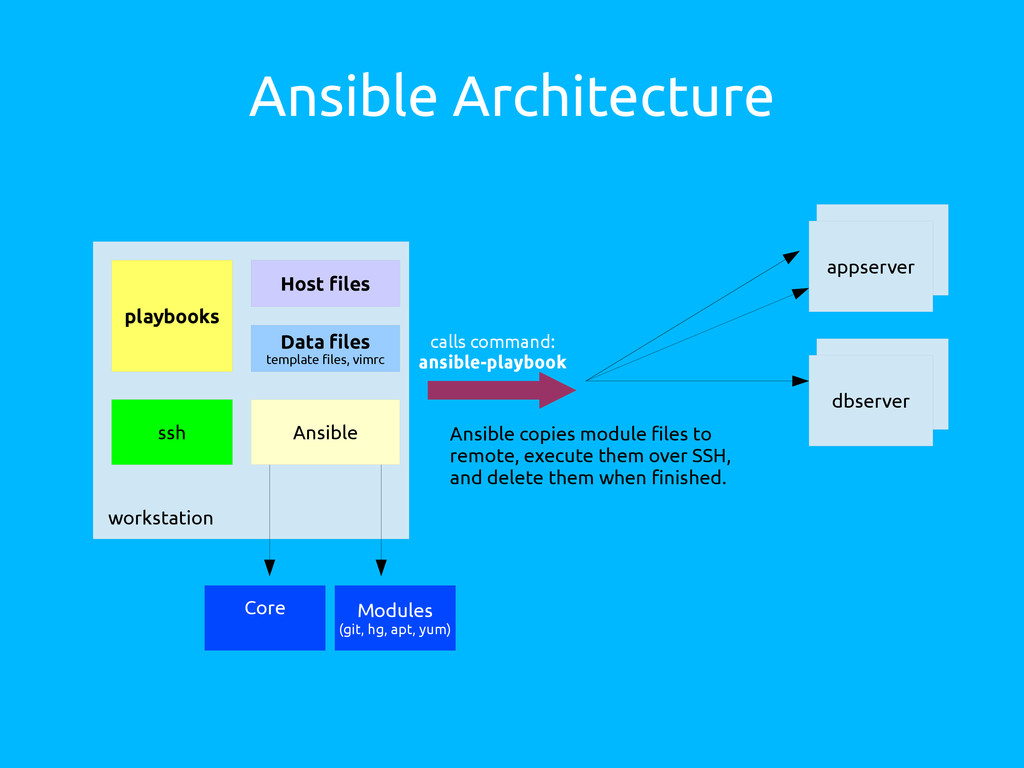
Ansible Architecture appserver dbserver calls command: ansible-playbook workstation playbooks Host
files Data files template files, vimrc Ansible ssh Ansible copies module files to remote, execute them over SSH, and delete them when finished. Modules (git, hg, apt, yum) Core -
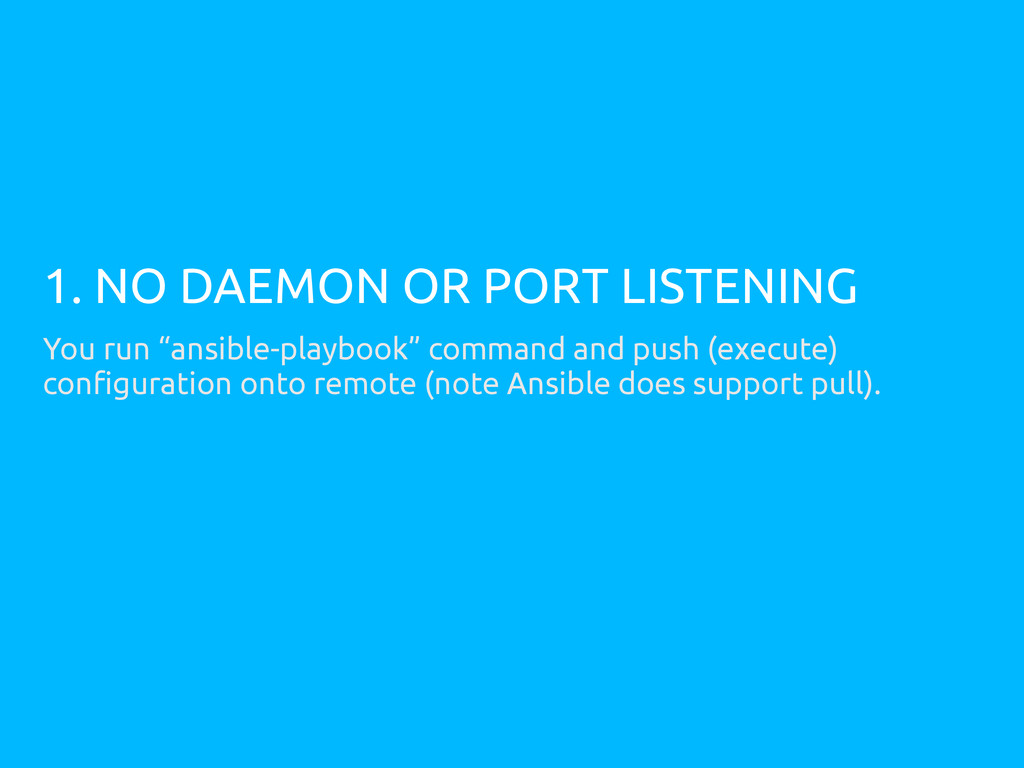
1. NO DAEMON OR PORT LISTENING You run “ansible-playbook” command
and push (execute) configuration onto remote (note Ansible does support pull). -
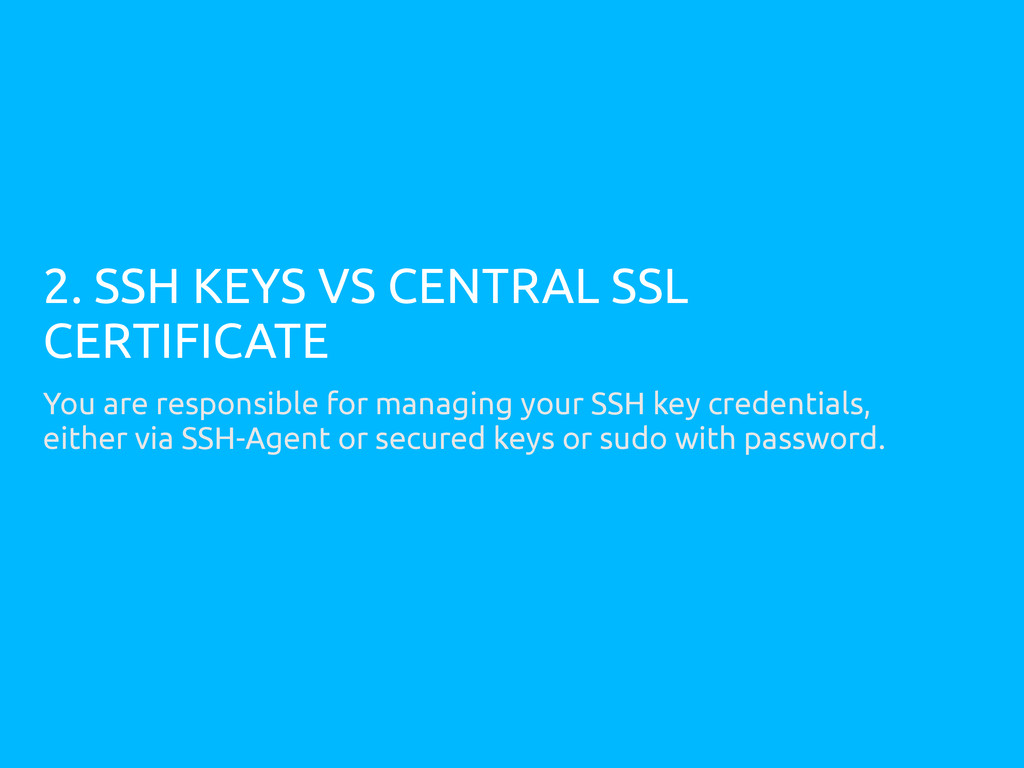
2. SSH KEYS VS CENTRAL SSL CERTIFICATE You are responsible
for managing your SSH key credentials, either via SSH-Agent or secured keys or sudo with password. -
4. HIRE THE PEOPLE WITH SKILLS You are responsible for
getting the right people doing deployment. They need network security knowledge. Knowing how to generate RSA key is not enough. -
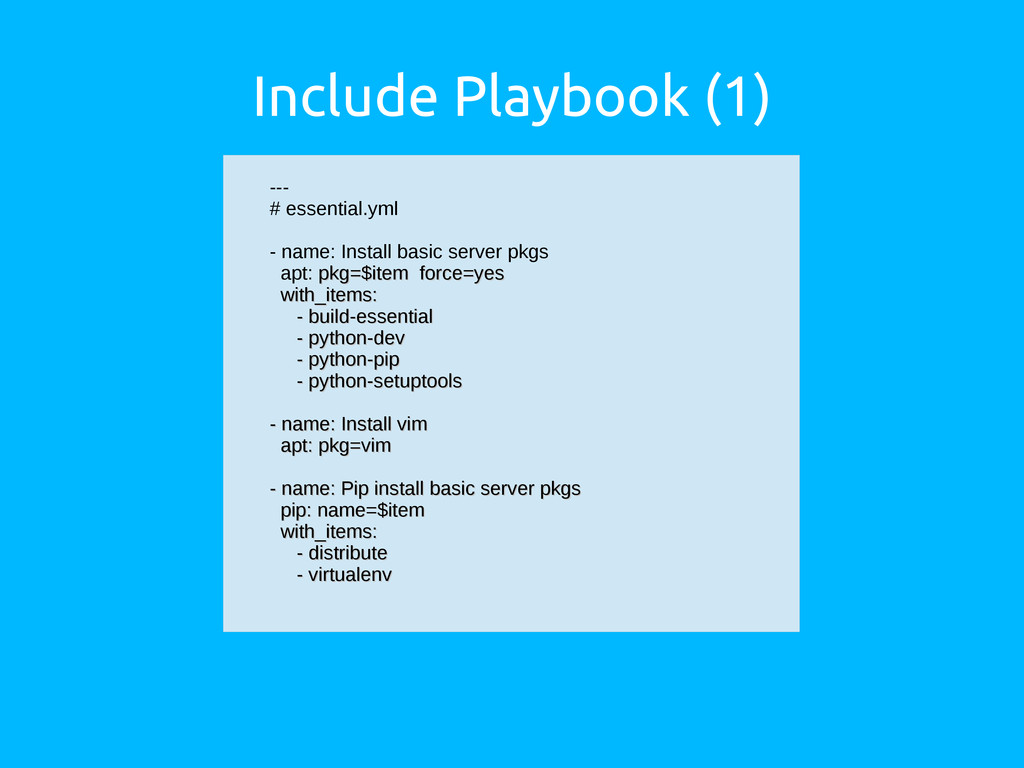
Include Playbook (1) --- # essential.yml - name: Install basic
server pkgs apt: pkg=$item force=yes pkg=$item force=yes with_items: with_items: - build-essential - build-essential - python-dev - python-dev - python-pip - python-pip - python-setuptools - python-setuptools - name: Install vim - name: Install vim apt: pkg=vim apt: pkg=vim - name: Pip install basic server pkgs - name: Pip install basic server pkgs pip: name=$item pip: name=$item with_items: with_items: - distribute - distribute - virtualenv - virtualenv -
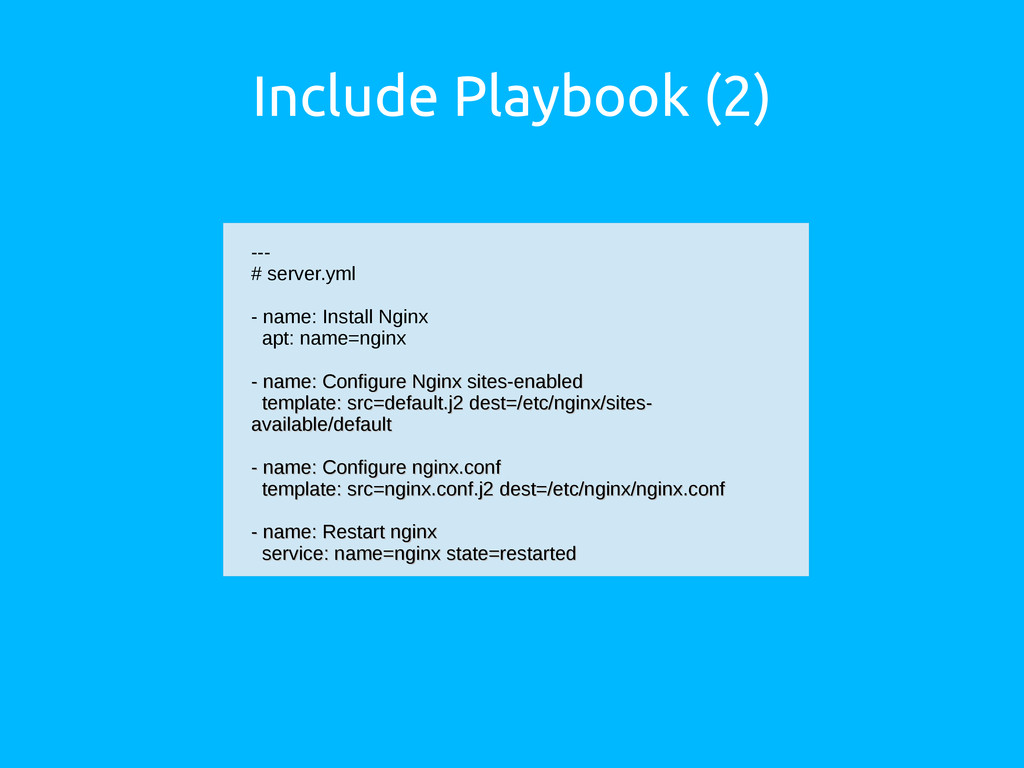
Include Playbook (2) --- # server.yml - name: Install Nginx
apt: name=nginx - name: Configure Nginx sites-enabled - name: Configure Nginx sites-enabled template: src=default.j2 dest=/etc/nginx/sites- template: src=default.j2 dest=/etc/nginx/sites- available/default available/default - name: Configure nginx.conf - name: Configure nginx.conf template: src=nginx.conf.j2 dest=/etc/nginx/nginx.conf template: src=nginx.conf.j2 dest=/etc/nginx/nginx.conf - name: Restart nginx - name: Restart nginx service: name=nginx state=restarted service: name=nginx state=restarted -
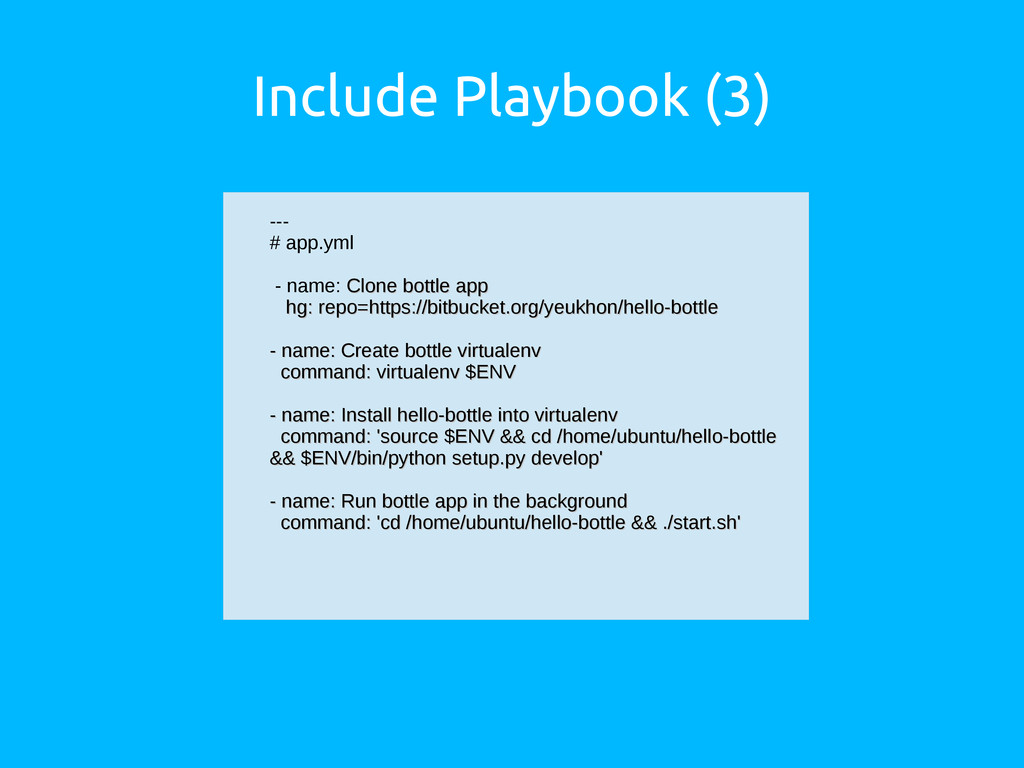
Include Playbook (3) --- # app.yml - name: Clone bottle
app Clone bottle app hg: repo= hg: repo=https://bitbucket.org/yeukhon/hello-bottle https://bitbucket.org/yeukhon/hello-bottle - name: Create bottle virtualenv - name: Create bottle virtualenv command: virtualenv $ENV command: virtualenv $ENV - name: Install hello-bottle into virtualenv - name: Install hello-bottle into virtualenv command: 'source $ENV && cd /home/ubuntu/hello-bottle command: 'source $ENV && cd /home/ubuntu/hello-bottle && $ENV/bin/python setup.py develop' && $ENV/bin/python setup.py develop' - name: Run bottle app in the background - name: Run bottle app in the background command: 'cd /home/ubuntu/hello-bottle && ./start.sh' command: 'cd /home/ubuntu/hello-bottle && ./start.sh' -
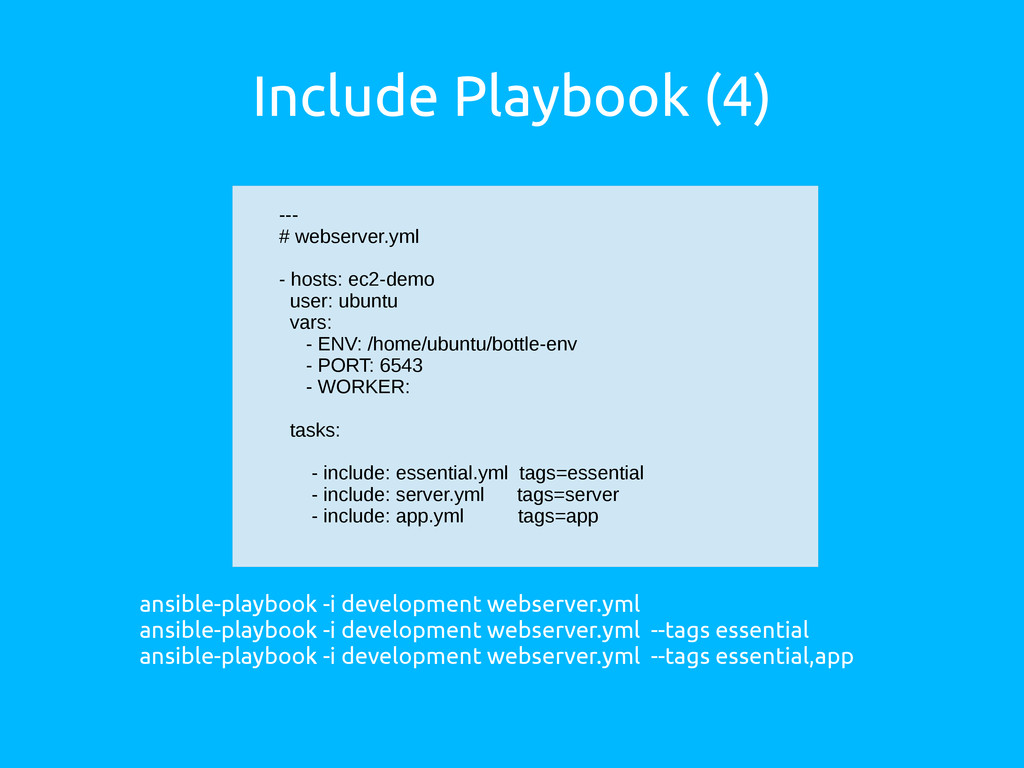
Include Playbook (4) --- # webserver.yml - hosts: ec2-demo user:
ubuntu vars: - ENV: /home/ubuntu/bottle-env - PORT: 6543 - WORKER: tasks: - include: essential.yml tags=essential - include: server.yml tags=server - include: app.yml tags=app ansible-playbook -i development webserver.yml ansible-playbook -i development webserver.yml --tags essential ansible-playbook -i development webserver.yml --tags essential,app -
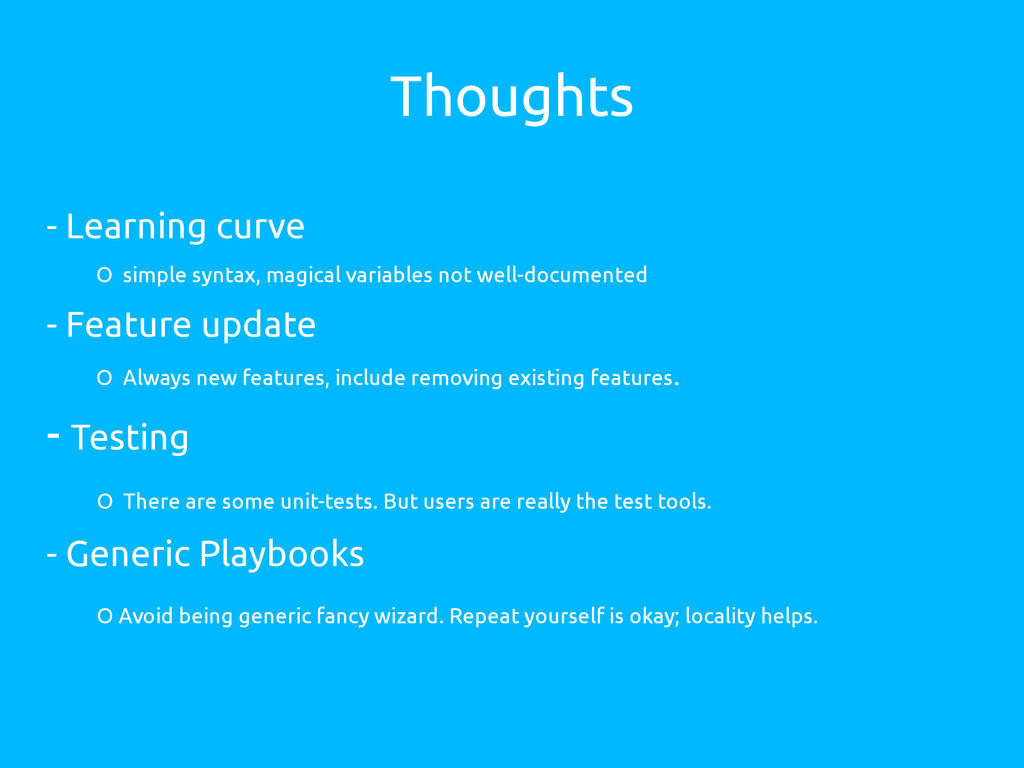
Thoughts - Learning curve O simple syntax, magical variables not
well-documented - Feature update O Always new features, include removing existing features. - Testing O There are some unit-tests. But users are really the test tools. - Generic Playbooks O Avoid being generic fancy wizard. Repeat yourself is okay; locality helps.