Upgrade to Pro
— share decks privately, control downloads, hide ads and more …
Speaker Deck
Sign up for free
Menu
Search
Features
All features
Private URLs
Password Protection
Custom URLS
Scheduled publishing
Remove Branding
Restrict embedding
Deck Collections
Notes
Features
All features
Private URLs
Password Protection
Custom URLS
Scheduled publishing
Remove Branding
Restrict embedding
Deck Collections
Notes
Explore
Featured decks
Featured speakers
Programming
Technology
Storyboards
Explore
Featured decks
Featured speakers
Programming
Technology
Storyboards
Pricing
Search
Sign in
Sign up for free
複雑なドメインに挑む.pdf
Search
Sponsored
·
SiteGround - Reliable hosting with speed, security, and support you can count on.
→
Yuki Sakai
September 04, 2025
Programming
3.5k
5
Share
Embed
Copy iframe code
Copy JS code
Copy link
Start on current slide
複雑なドメインに挑む.pdf
Yuki Sakai
September 04, 2025
More Decks by Yuki Sakai
See All by Yuki Sakai
Dart and Flutter MCP serverで実現する AI駆動E2Eテスト整備と自動操作
yukisakai1225
1
3.4k
Flutterアプリを⾃然⾔語で操作する
yukisakai1225
0
440
Other Decks in Programming
See All in Programming
ActionController meets Protocol Buffers
sorah
0
550
コーディング自動化の次へ。人の介入をゼロにするファクトリーとサポートAIによる実践
timakin
5
3.9k
S3 TablesのIcebergデータに、AIエージェントからアクセスしてみた / 20261016developersio2026joetsu-accessing-iceberg-in-s3tables-via-agent
kasacchiful
PRO
0
160
なぜCTOを降りてFDEを選んだのか?〜なぜプロダクト企業がFDEで顧客の現場に踏み込むのか〜
gonta
1
220
[Rails World 2026] Durable orchestration on Rails: from continuation to workflow
palkan
1
750
Domain-Driven Transformation
hschwentner
2
2.3k
[JA] Domain Modeling with Vanilla Rails: 「操作」から再考するRailsの設計論
yasaichi
3
410
[ハンズオン]AIへの指示だけで「五目並べ」を作ってみよう
satoshi256kbyte
1
380
AWS CDKのカスタムリソースでContinuum(旧Security Agent)を実装した話 | Implementing Continuum (formerly Security Agent) via AWS CDK Custom Resource
akihisaikeda
2
150
動作中のプログラムの中身をリアルタイムに覗く / Realtime Debugger for CSharp with Roslyn
prota
1
1.9k
Herb in Rails 8.2: Your ERB views, now HTML-aware @ Rails World 2026, Austin, Texas
marcoroth
0
220
iOS 27でニュースアプリはどう変わる!? 〜日経電子版の新機能対応と、開発事例から〜
lynnswap
7
13k
Featured
See All Featured
Unsuck your backbone
ammeep
672
58k
Code Review Best Practice
trishagee
74
20k
Rebuilding a faster, lazier Slack
samanthasiow
85
9.7k
Testing 201, or: Great Expectations
jmmastey
46
8.3k
Building Applications with DynamoDB
mza
96
7.2k
Paper Plane
katiecoart
PRO
5
54k
Bash Introduction
62gerente
615
220k
Building an army of robots
kneath
307
47k
AI: The stuff that nobody shows you
jnunemaker
PRO
10
1.2k
Between Models and Reality
mayunak
4
500
Mozcon NYC 2025: Stop Losing SEO Traffic
samtorres
1
580
The State of eCommerce SEO: How to Win in Today's Products SERPs - #SEOweek
aleyda
2
12k
Transcript
© LayerX Inc. 複雑なドメインに挑む LayerX バクラク事業部アプリチーム 酒井佑旗 〜複雑なドメインに20代として取り組むということ〜
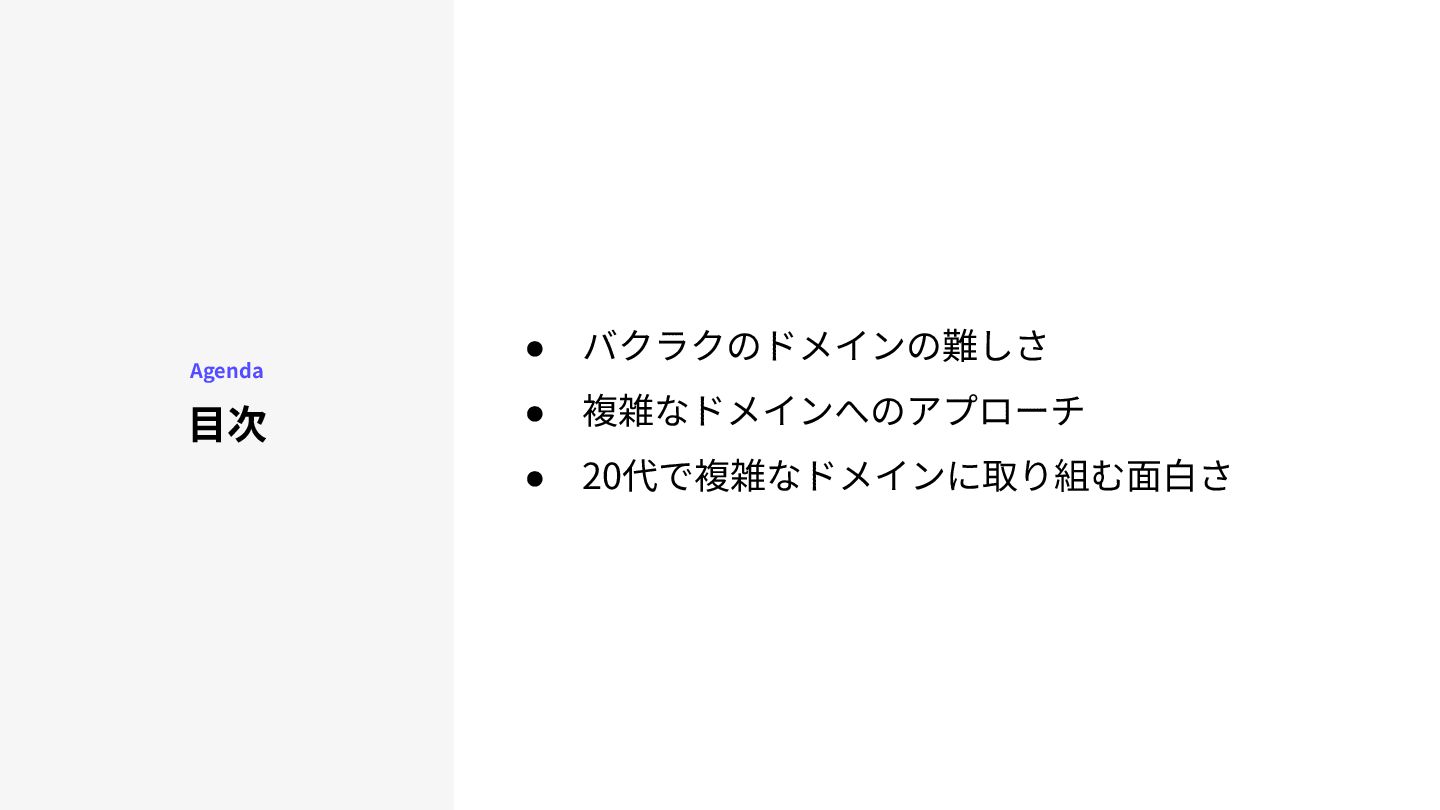
⽬次 Agenda • バクラクのドメインの難しさ • 複雑なドメインへのアプローチ • 20代で複雑なドメインに取り組む⾯⽩さ
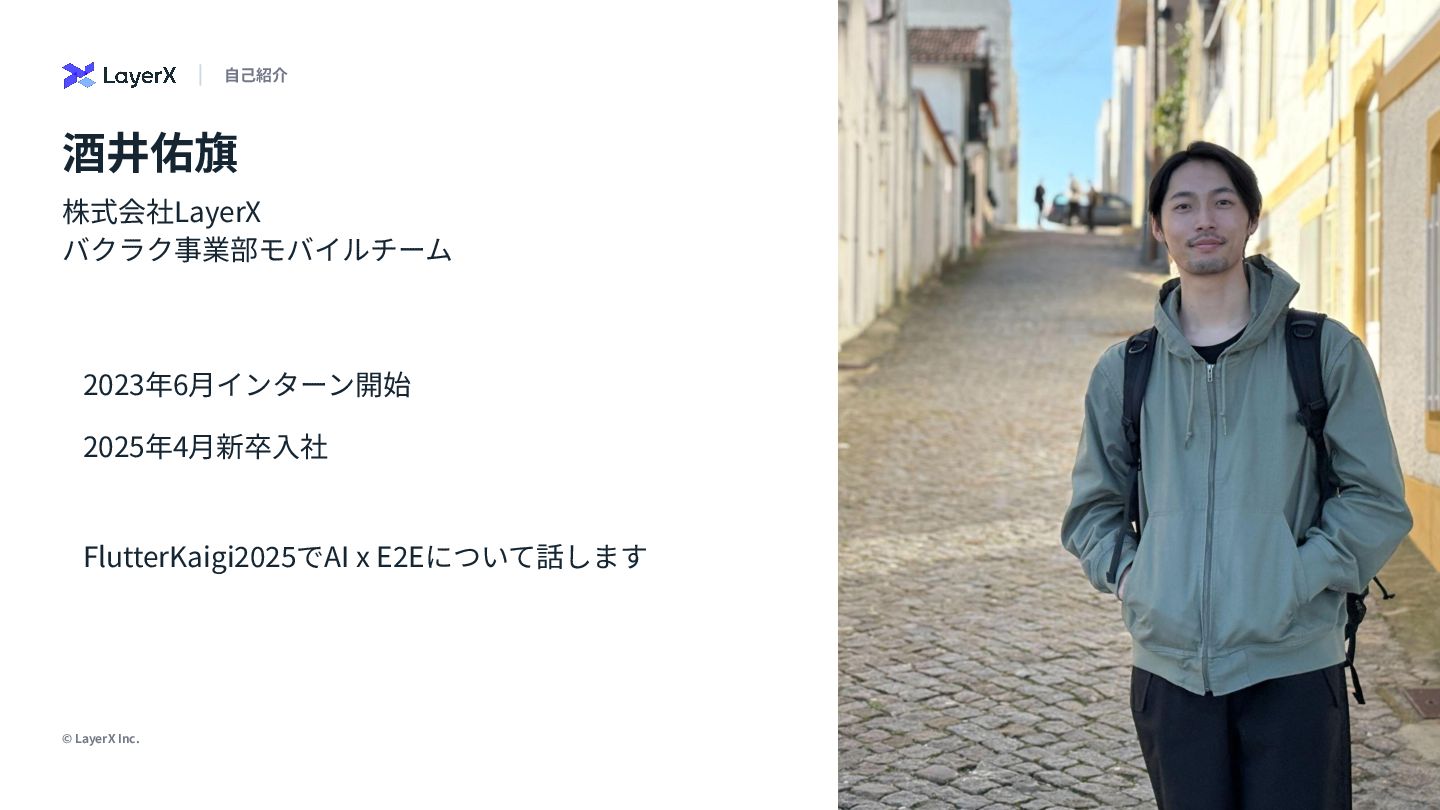
© LayerX Inc. 3 株式会社LayerX バクラク事業部モバイルチーム 2023年6⽉インターン開始 2025年4⽉新卒⼊社 酒井佑旗 ⾃⼰紹介
FlutterKaigi2025でAI x E2Eについて話します
バクラクのドメインの難しさ ワークフローはなぜ難しいのか
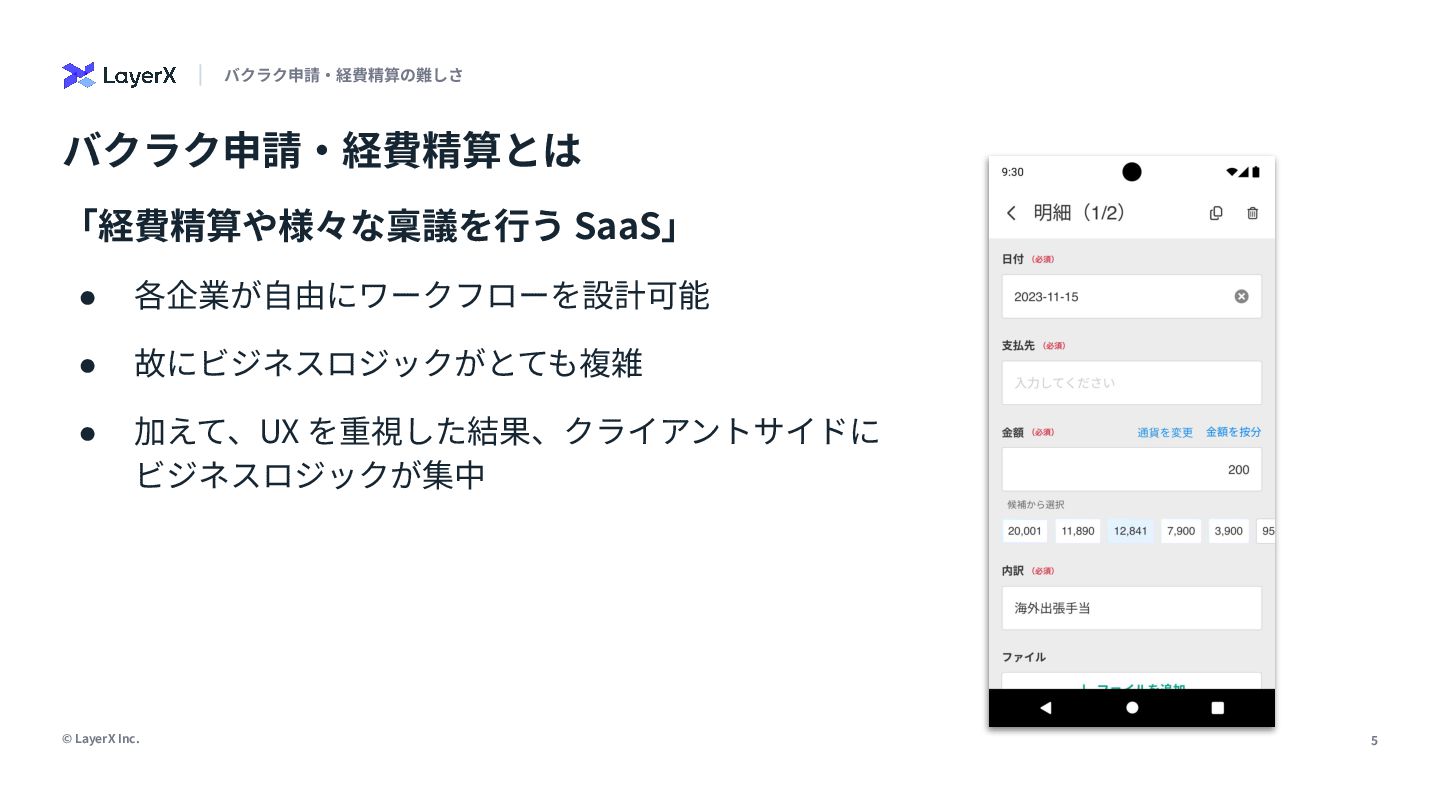
5 © LayerX Inc. • 各企業が⾃由にワークフローを設計可能 • 故にビジネスロジックがとても複雑 • 加えて、UX
を重視した結果、クライアントサイドに ビジネスロジックが集中 バクラク申請‧経費精算とは 「経費精算や様々な稟議を⾏う SaaS」 バクラク申請‧経費精算の難しさ
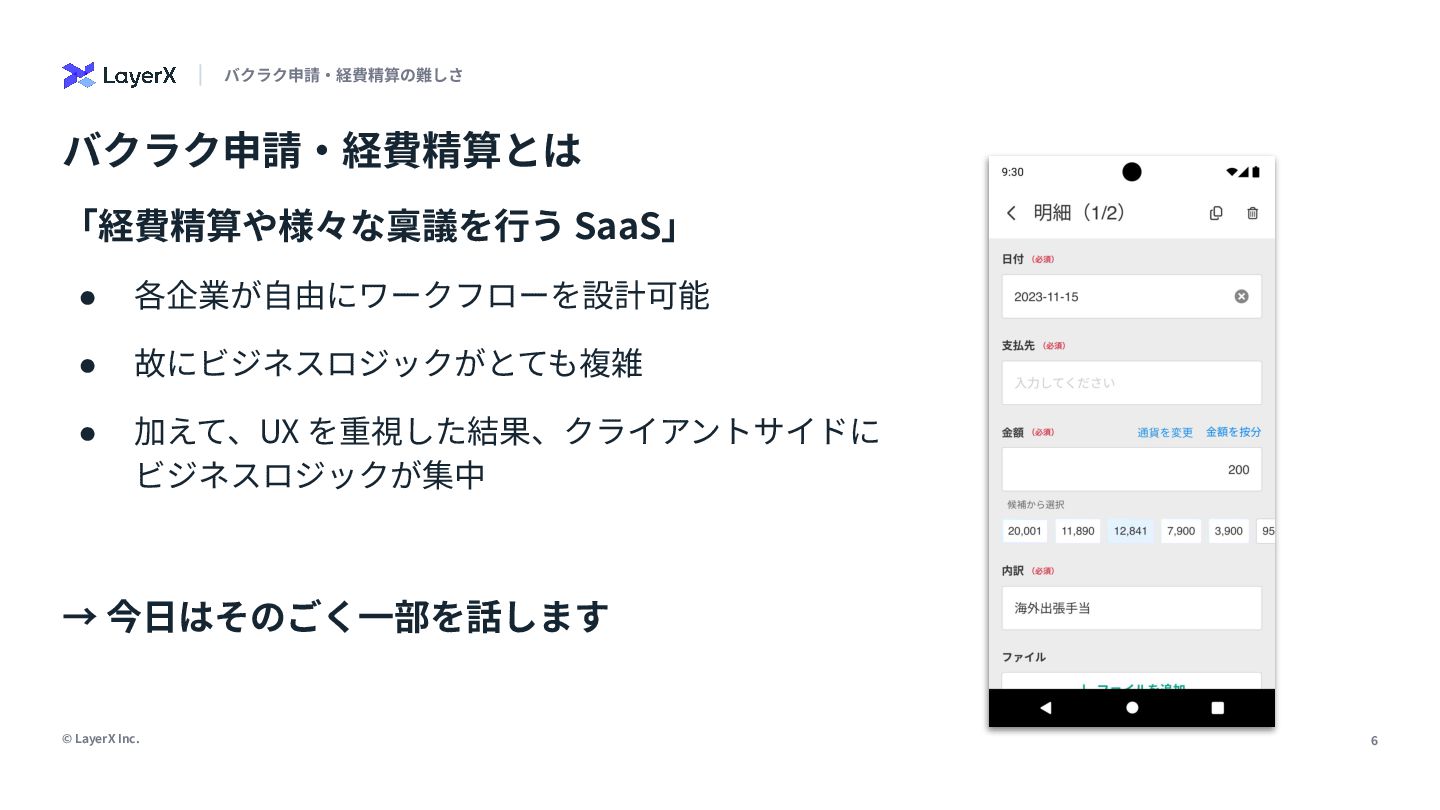
6 © LayerX Inc. バクラク申請‧経費精算とは • 各企業が⾃由にワークフローを設計可能 • 故にビジネスロジックがとても複雑 •
加えて、UX を重視した結果、クライアントサイドに ビジネスロジックが集中 「経費精算や様々な稟議を⾏う SaaS」 バクラク申請‧経費精算の難しさ → 今⽇はそのごく⼀部を話します
フィールドの ⼊⼒⽅法をどう表すか
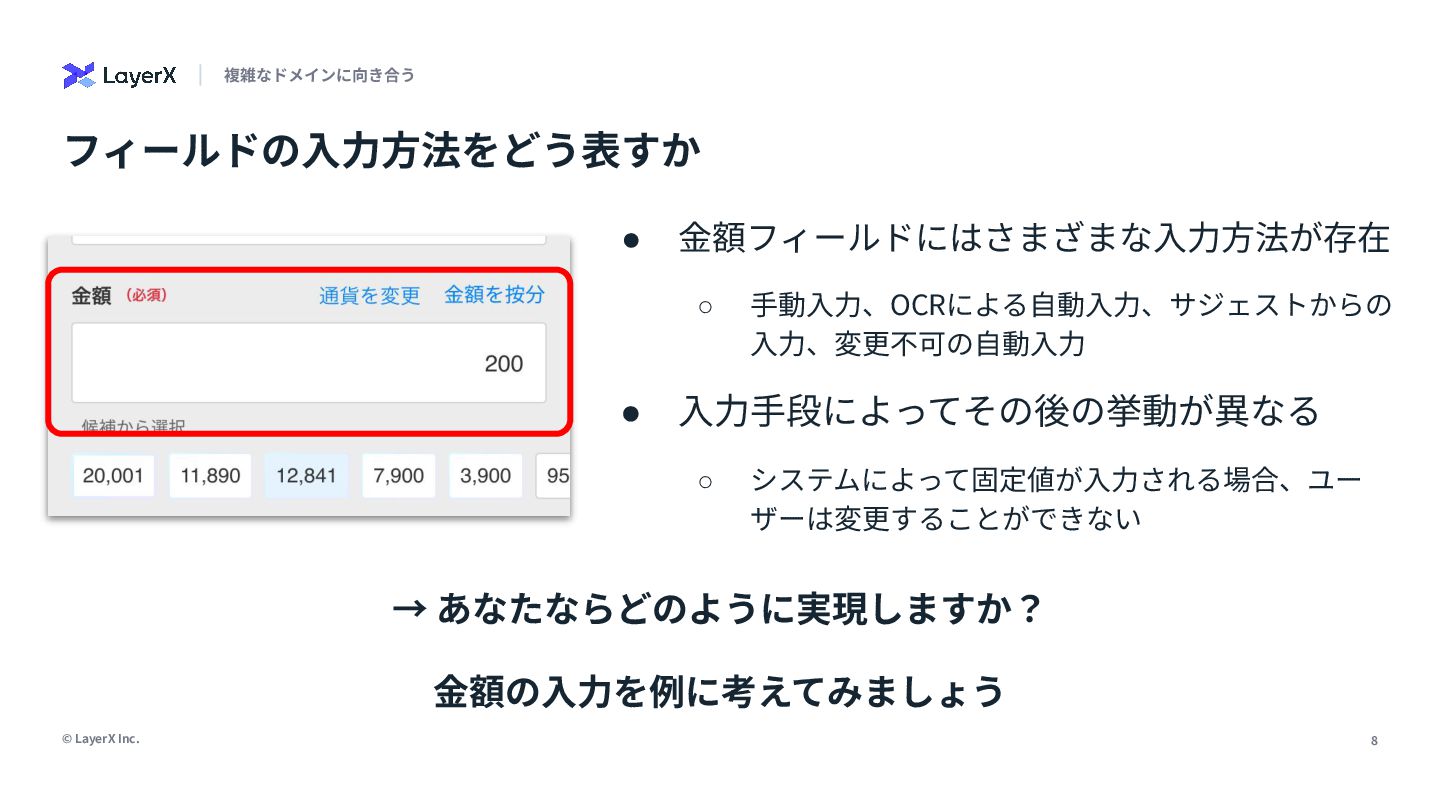
8 © LayerX Inc. フィールドの⼊⼒⽅法をどう表すか 複雑なドメインに向き合う • ⾦額フィールドにはさまざまな⼊⼒⽅法が存在 ◦ ⼿動⼊⼒、OCRによる⾃動⼊⼒、サジェストからの
⼊⼒、変更不可の⾃動⼊⼒ • ⼊⼒⼿段によってその後の挙動が異なる ◦ システムによって固定値が⼊⼒される場合、ユー ザーは変更することができない → あなたならどのように実現しますか? ⾦額の⼊⼒を例に考えてみましょう
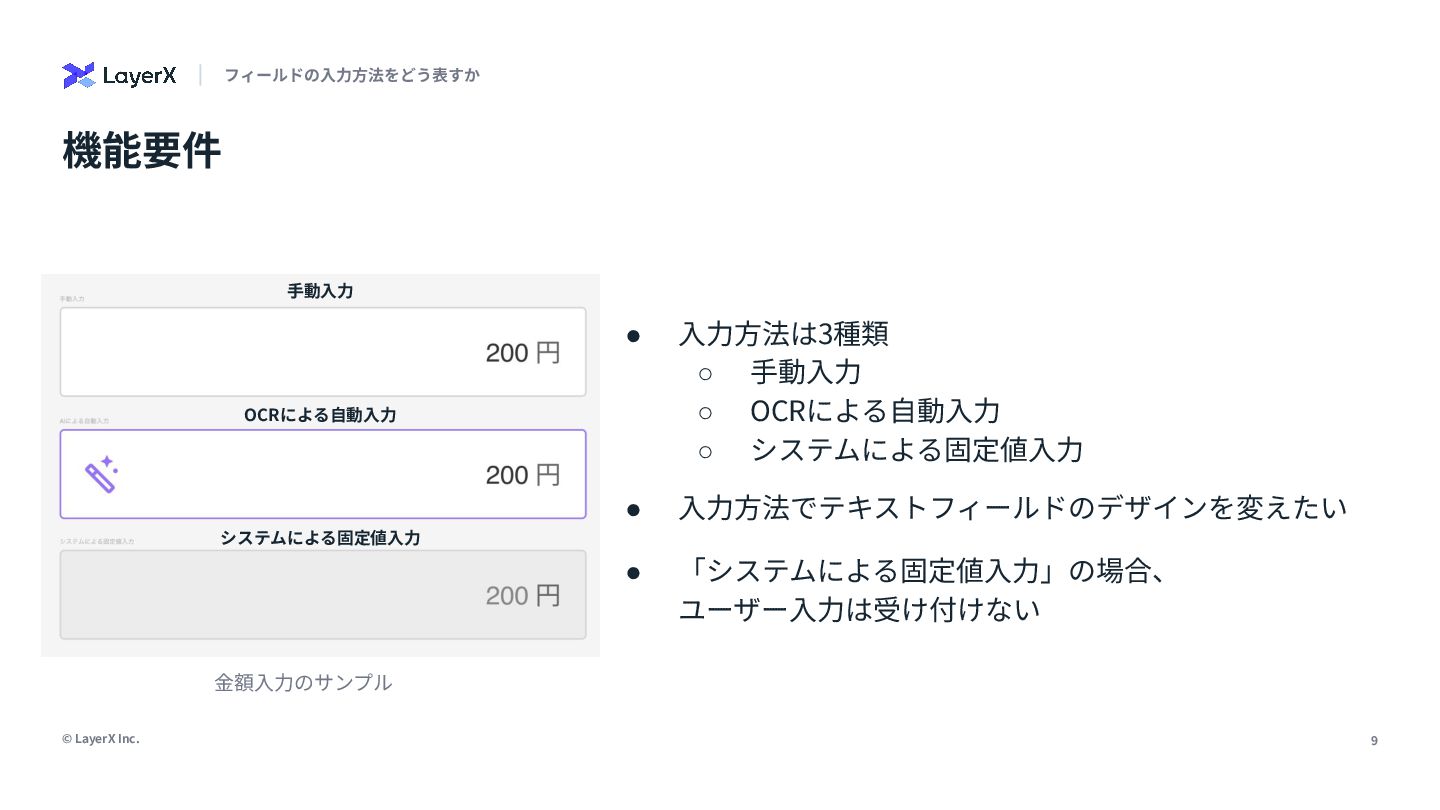
9 © LayerX Inc. 機能要件 フィールドの⼊⼒⽅法をどう表すか ⼿動⼊⼒ OCRによる⾃動⼊⼒ システムによる固定値⼊⼒ •
⼊⼒⽅法は3種類 ◦ ⼿動⼊⼒ ◦ OCRによる⾃動⼊⼒ ◦ システムによる固定値⼊⼒ • ⼊⼒⽅法でテキストフィールドのデザインを変えたい • 「システムによる固定値⼊⼒」の場合、 ユーザー⼊⼒は受け付けない ⾦額⼊⼒のサンプル
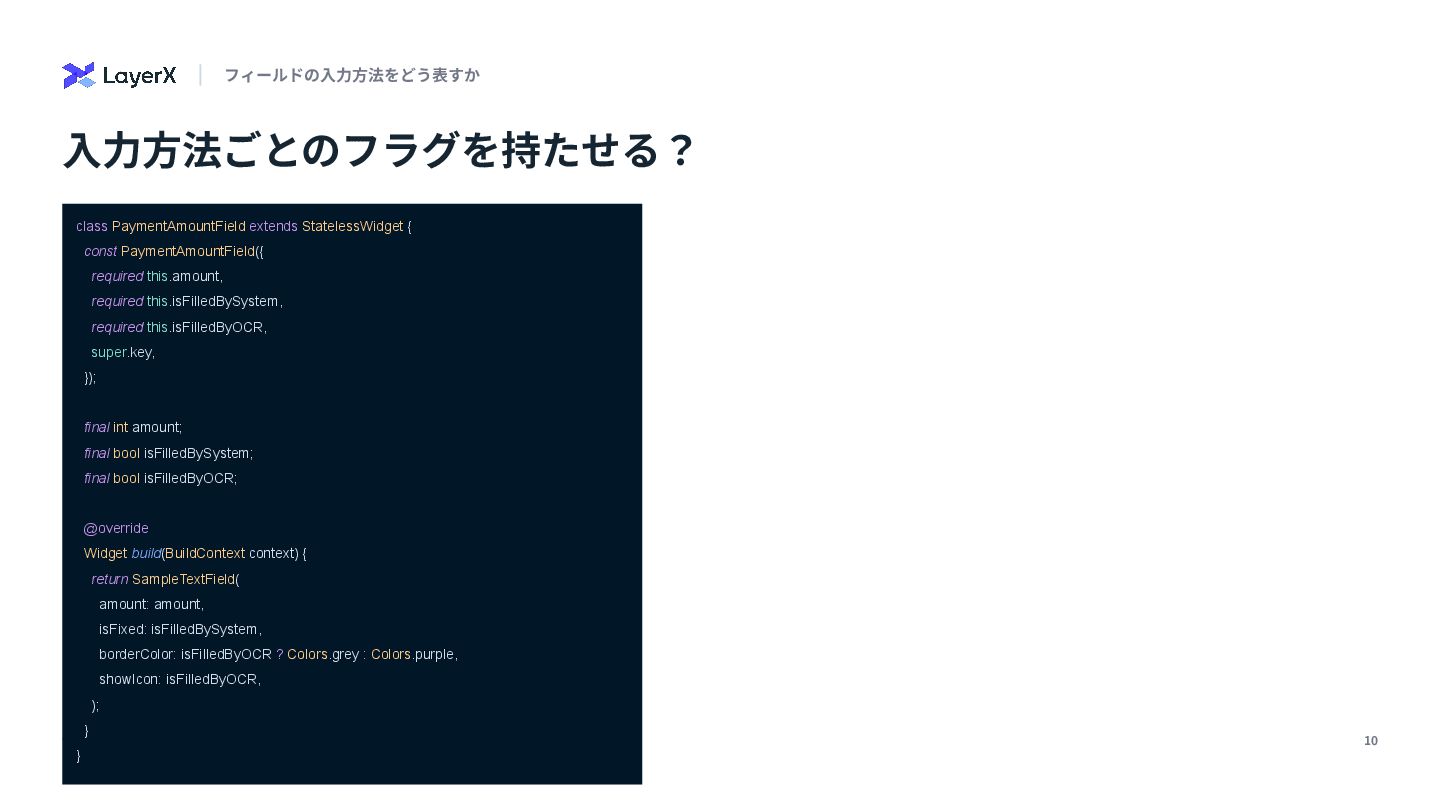
10 © LayerX Inc. ⼊⼒⽅法ごとのフラグを持たせる? フィールドの⼊⼒⽅法をどう表すか class PaymentAmountField extends StatelessWidget
{ const PaymentAmountField({ required this.amount, required this.isFilledBySystem, required this.isFilledByOCR, super.key, }); final int amount; final bool isFilledBySystem; final bool isFilledByOCR; @override Widget build(BuildContext context) { return SampleTextField( amount: amount, isFixed: isFilledBySystem, borderColor: isFilledByOCR ? Colors.grey : Colors.purple, showIcon: isFilledByOCR, ); } }
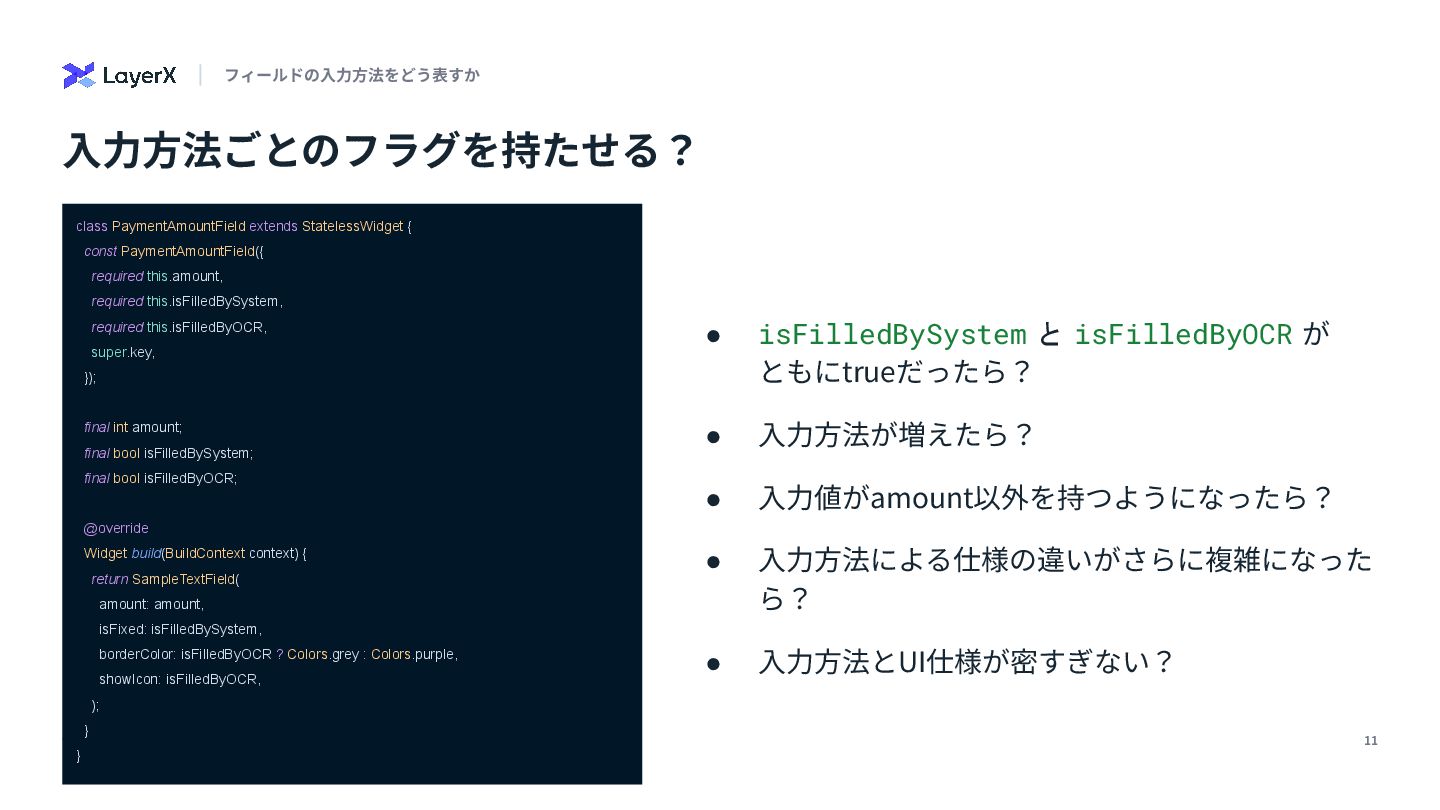
11 © LayerX Inc. ⼊⼒⽅法ごとのフラグを持たせる? フィールドの⼊⼒⽅法をどう表すか class PaymentAmountField extends StatelessWidget
{ const PaymentAmountField({ required this.amount, required this.isFilledBySystem, required this.isFilledByOCR, super.key, }); final int amount; final bool isFilledBySystem; final bool isFilledByOCR; @override Widget build(BuildContext context) { return SampleTextField( amount: amount, isFixed: isFilledBySystem, borderColor: isFilledByOCR ? Colors.grey : Colors.purple, showIcon: isFilledByOCR, ); } } • isFilledBySystem と isFilledByOCR が ともにtrueだったら? • ⼊⼒⽅法が増えたら? • ⼊⼒値がamount以外を持つようになったら? • ⼊⼒⽅法による仕様の違いがさらに複雑になった ら? • ⼊⼒⽅法とUI仕様が密すぎない?
12 © LayerX Inc. ではどうする? フィールドの⼊⼒⽅法をどう表すか Sealedクラスを使おう
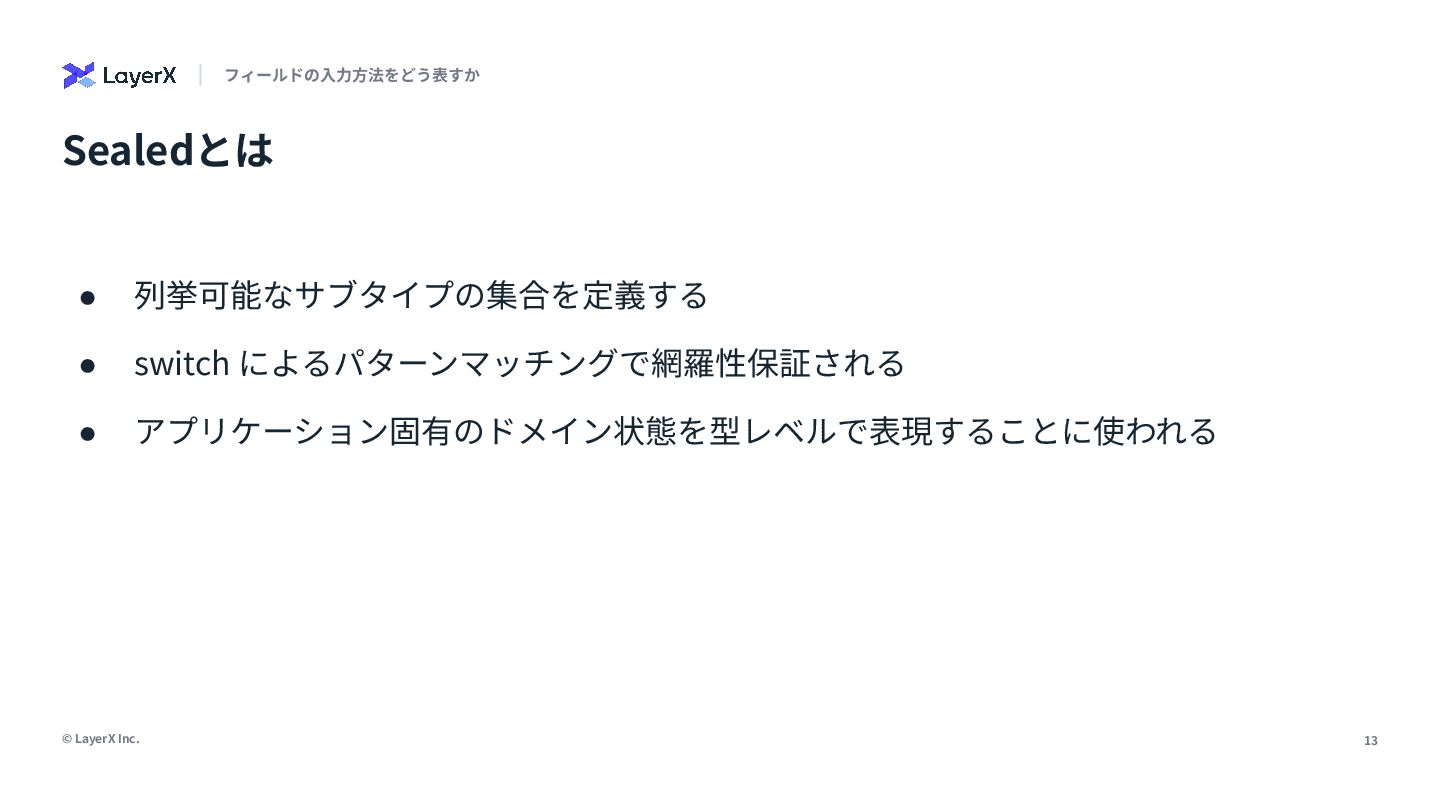
13 © LayerX Inc. Sealedとは フィールドの⼊⼒⽅法をどう表すか • 列挙可能なサブタイプの集合を定義する • switch
によるパターンマッチングで網羅性保証される • アプリケーション固有のドメイン状態を型レベルで表現することに使われる
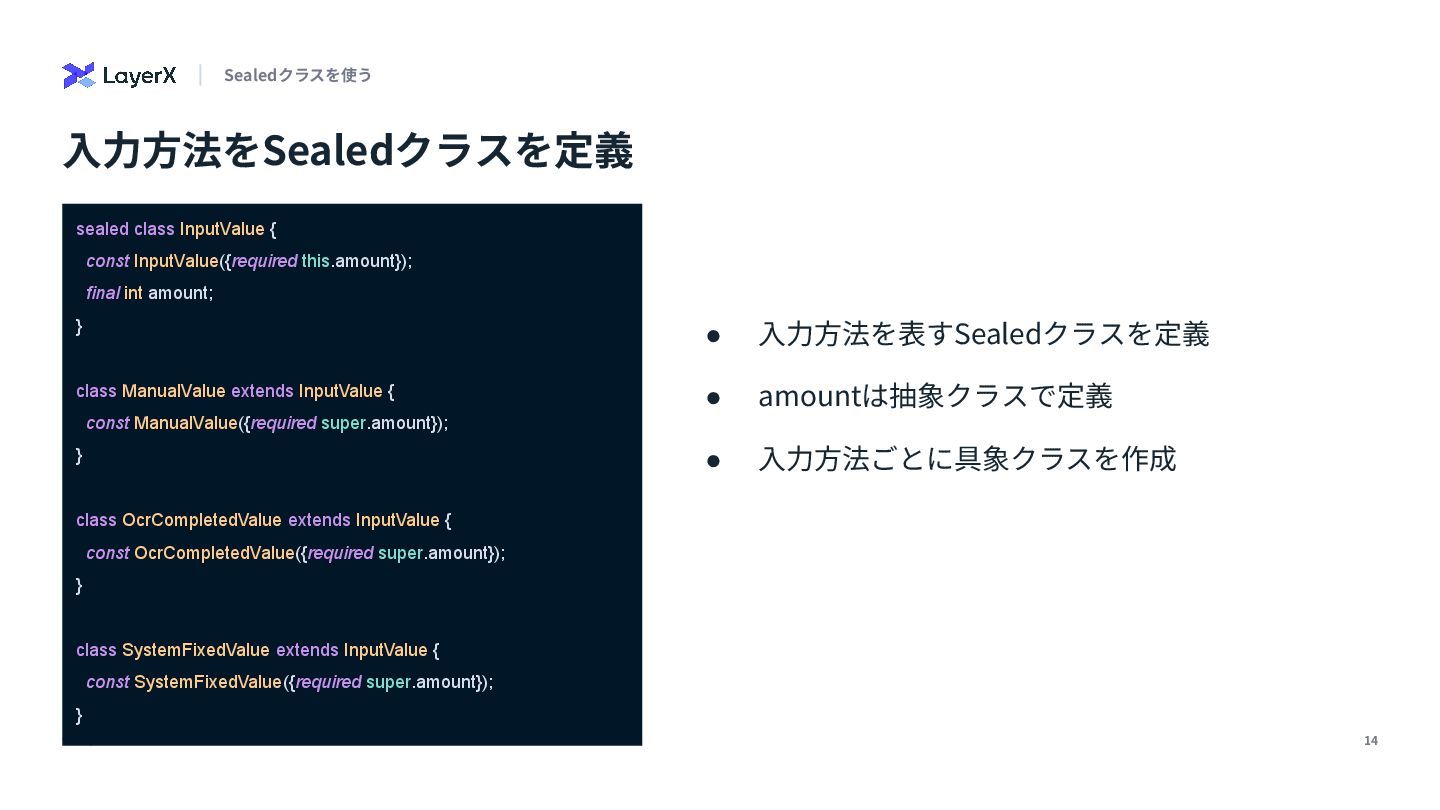
14 © LayerX Inc. • ⼊⼒⽅法を表すSealedクラスを定義 • amountは抽象クラスで定義 • ⼊⼒⽅法ごとに具象クラスを作成
⼊⼒⽅法をSealedクラスを定義 Sealedクラスを使う sealed class InputValue { const InputValue({required this.amount}); final int amount; } class ManualValue extends InputValue { const ManualValue({required super.amount}); } class OcrCompletedValue extends InputValue { const OcrCompletedValue({required super.amount}); } class SystemFixedValue extends InputValue { const SystemFixedValue({required super.amount}); }
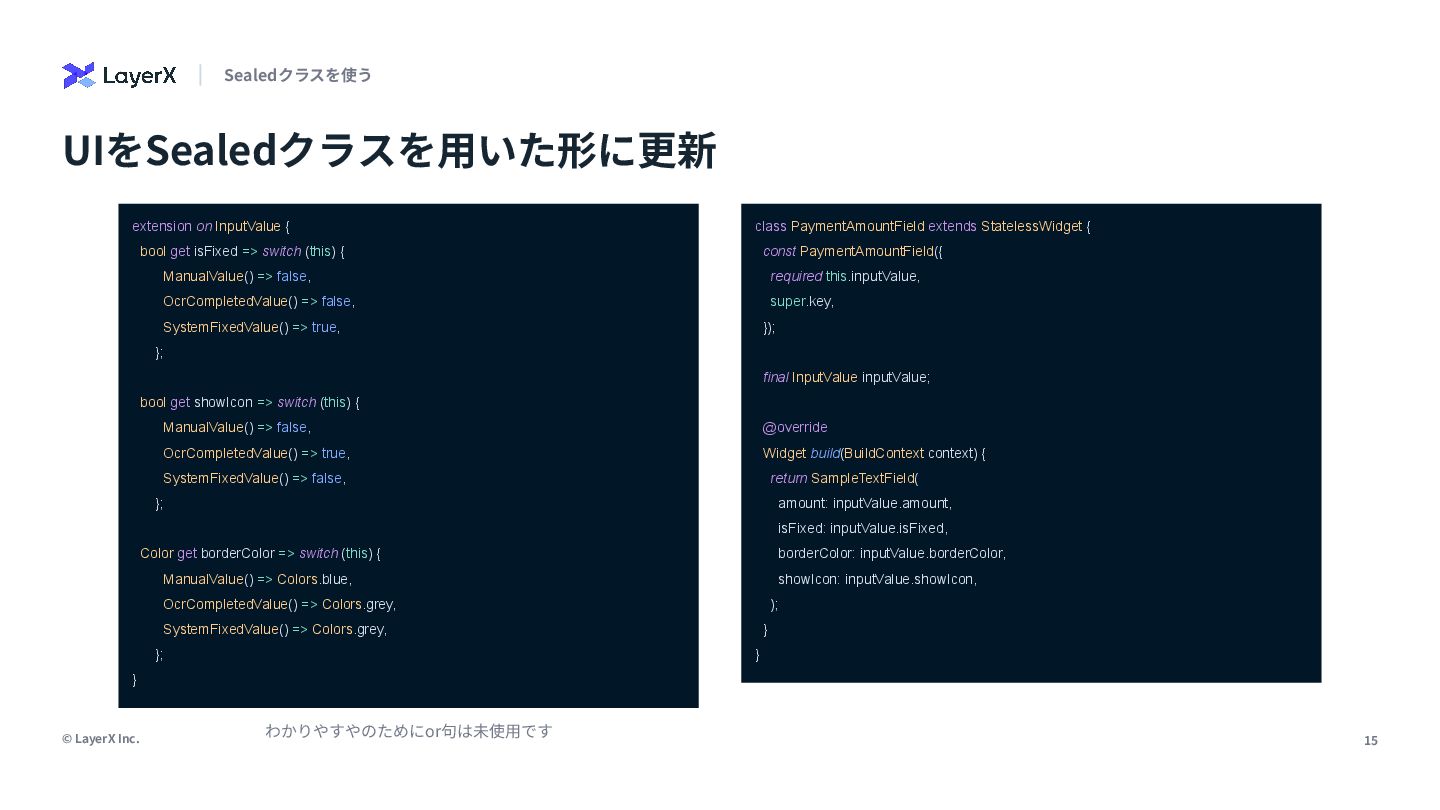
15 © LayerX Inc. UIをSealedクラスを⽤いた形に更新 Sealedクラスを使う class PaymentAmountField extends StatelessWidget
{ const PaymentAmountField({ required this.inputValue, super.key, }); final InputValue inputValue; @override Widget build(BuildContext context) { return SampleTextField( amount: inputValue.amount, isFixed: inputValue.isFixed, borderColor: inputValue.borderColor, showIcon: inputValue.showIcon, ); } } extension on InputValue { bool get isFixed => switch (this) { ManualValue() => false, OcrCompletedValue() => false, SystemFixedValue() => true, }; bool get showIcon => switch (this) { ManualValue() => false, OcrCompletedValue() => true, SystemFixedValue() => false, }; Color get borderColor => switch (this) { ManualValue() => Colors.blue, OcrCompletedValue() => Colors.grey, SystemFixedValue() => Colors.grey, }; } わかりやすやのためにor句は未使⽤です
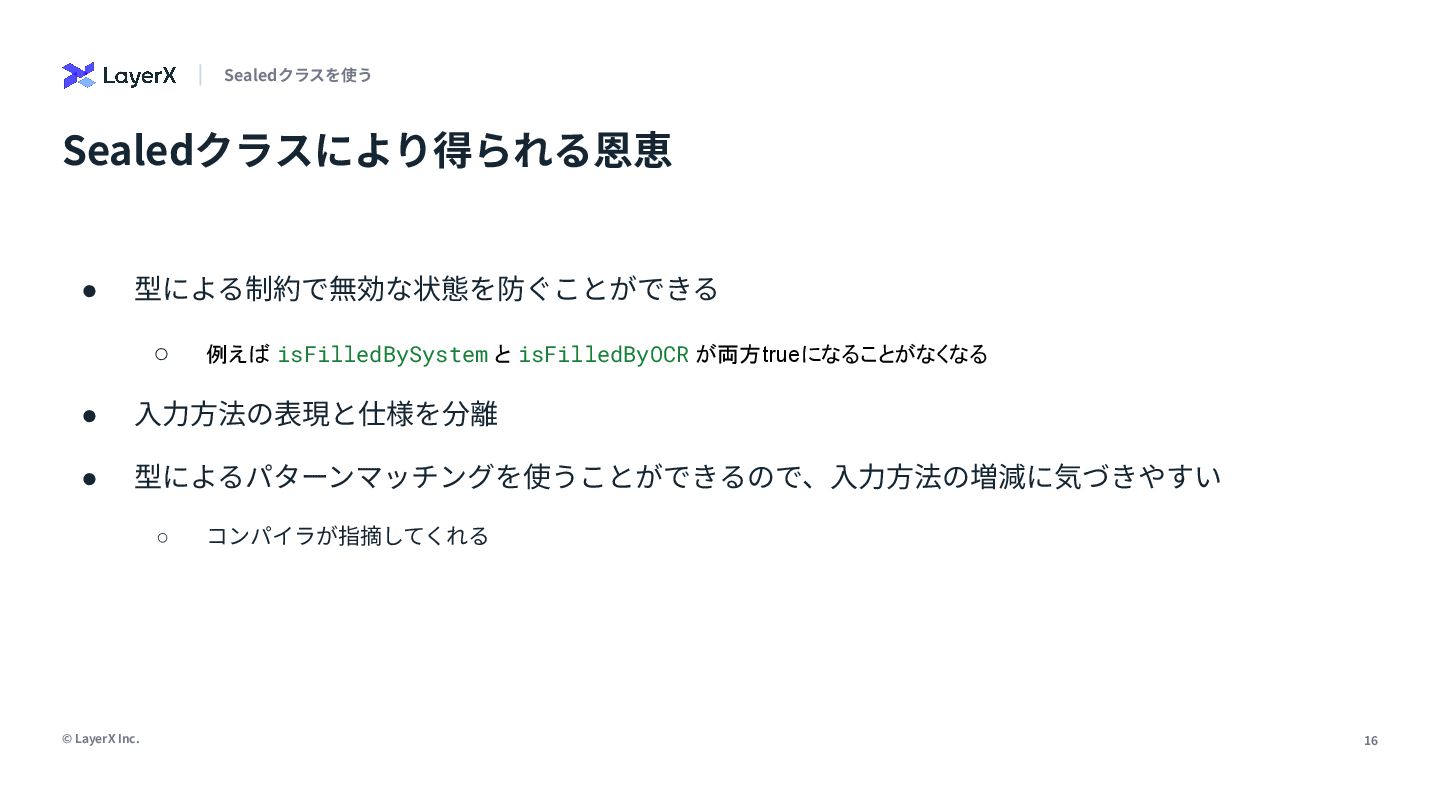
16 © LayerX Inc. • 型による制約で無効な状態を防ぐことができる ◦ 例えば isFilledBySystem と
isFilledByOCR が両方trueになることがなくなる • ⼊⼒⽅法の表現と仕様を分離 • 型によるパターンマッチングを使うことができるので、⼊⼒⽅法の増減に気づきやすい ◦ コンパイラが指摘してくれる Sealedクラスにより得られる恩恵 Sealedクラスを使う
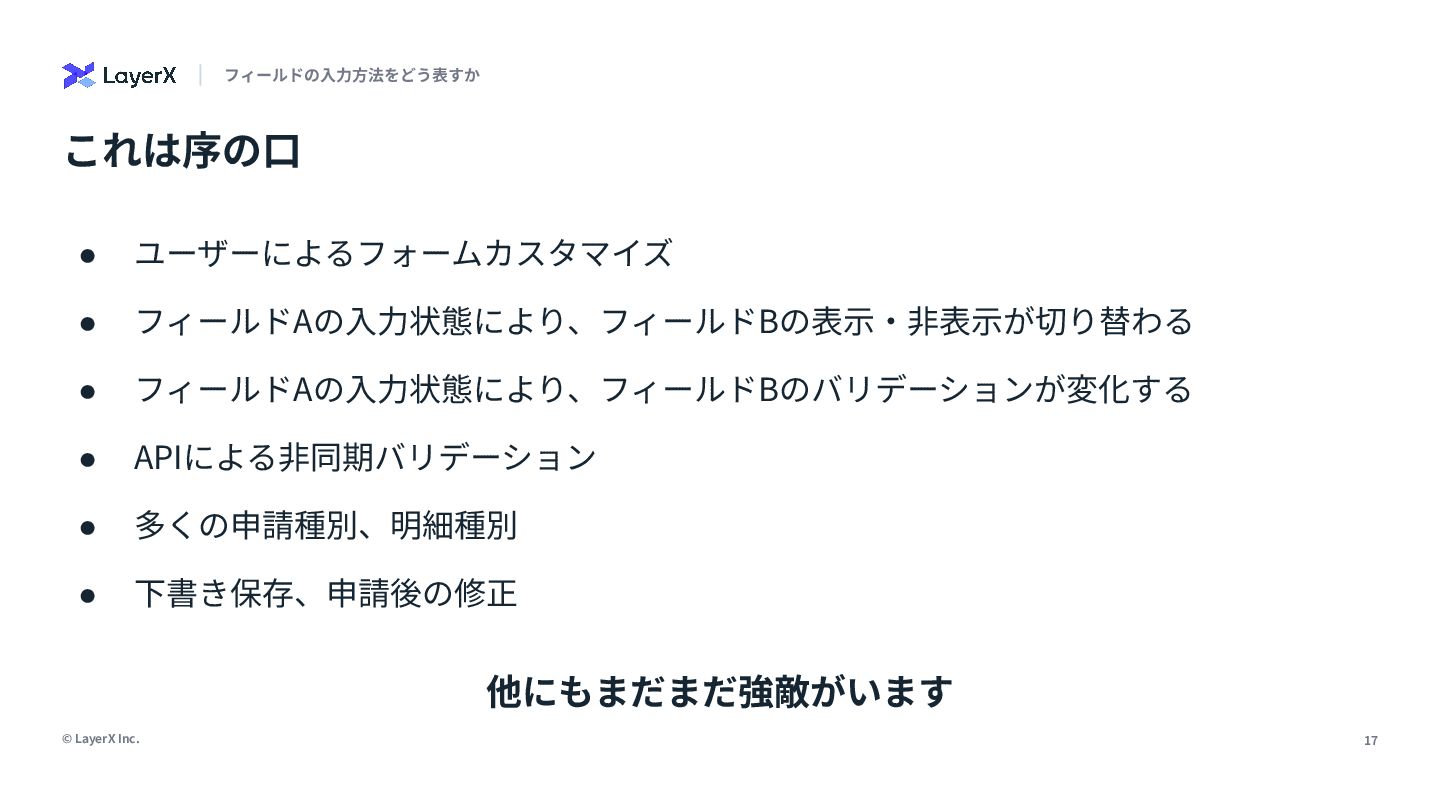
17 © LayerX Inc. これは序の⼝ フィールドの⼊⼒⽅法をどう表すか • ユーザーによるフォームカスタマイズ • フィールドAの⼊⼒状態により、フィールドBの表⽰‧⾮表⽰が切り替わる
• フィールドAの⼊⼒状態により、フィールドBのバリデーションが変化する • APIによる⾮同期バリデーション • 多くの申請種別、明細種別 • 下書き保存、申請後の修正 他にもまだまだ強敵がいます
20代で複雑なドメインに 取り組む⾯⽩さ
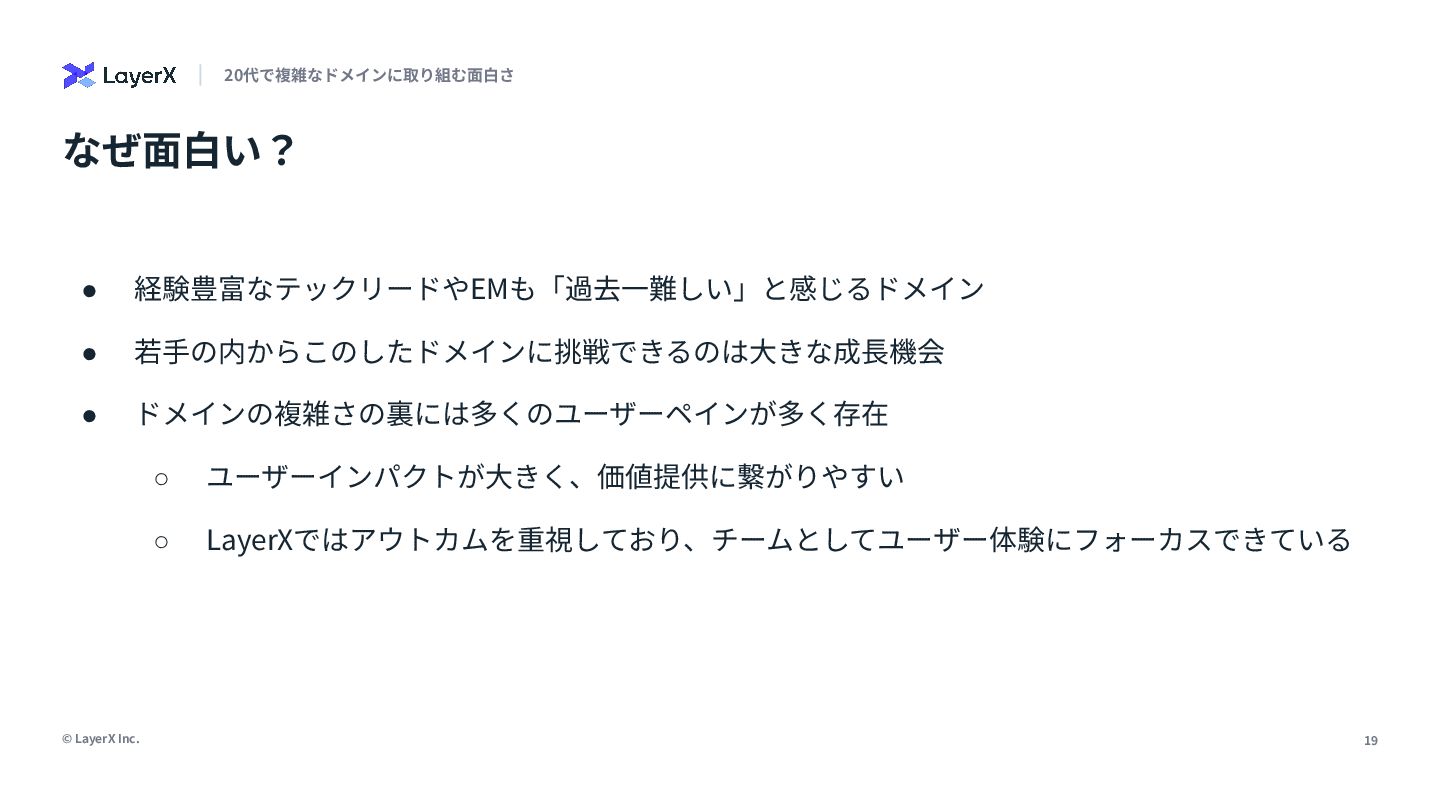
19 © LayerX Inc. • 経験豊富なテックリードやEMも「過去⼀難しい」と感じるドメイン • 若⼿の内からこのしたドメインに挑戦できるのは⼤きな成⻑機会 • ドメインの複雑さの裏には多くのユーザーペインが多く存在
◦ ユーザーインパクトが⼤きく、価値提供に繋がりやすい ◦ LayerXではアウトカムを重視しており、チームとしてユーザー体験にフォーカスできている なぜ⾯⽩い? 20代で複雑なドメインに取り組む⾯⽩さ
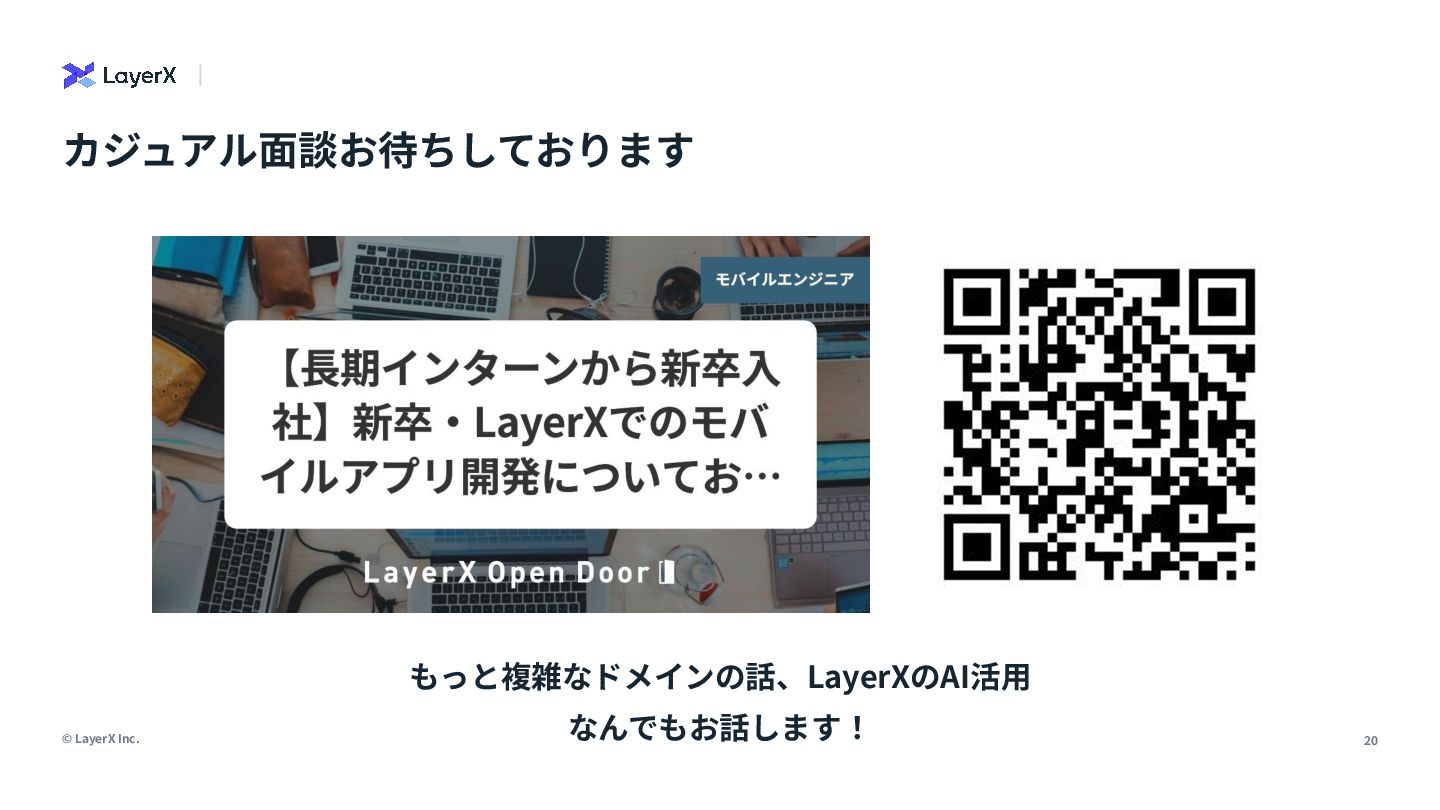
20 © LayerX Inc. カジュアル⾯談お待ちしております もっと複雑なドメインの話、LayerXのAI活⽤ なんでもお話します!


 yukisakai1225
 sorah
sorah
 timakin
 kasacchiful
 gonta
gonta
 palkan
 hschwentner
 yasaichi
 satoshi256kbyte
 akihisaikeda
 prota
prota
 marcoroth
 lynnswap
 ammeep
 trishagee
 samanthasiow
 jmmastey
 mza
mza
 katiecoart
 62gerente
 kneath
 jnunemaker
 mayunak
 samtorres
 aleyda