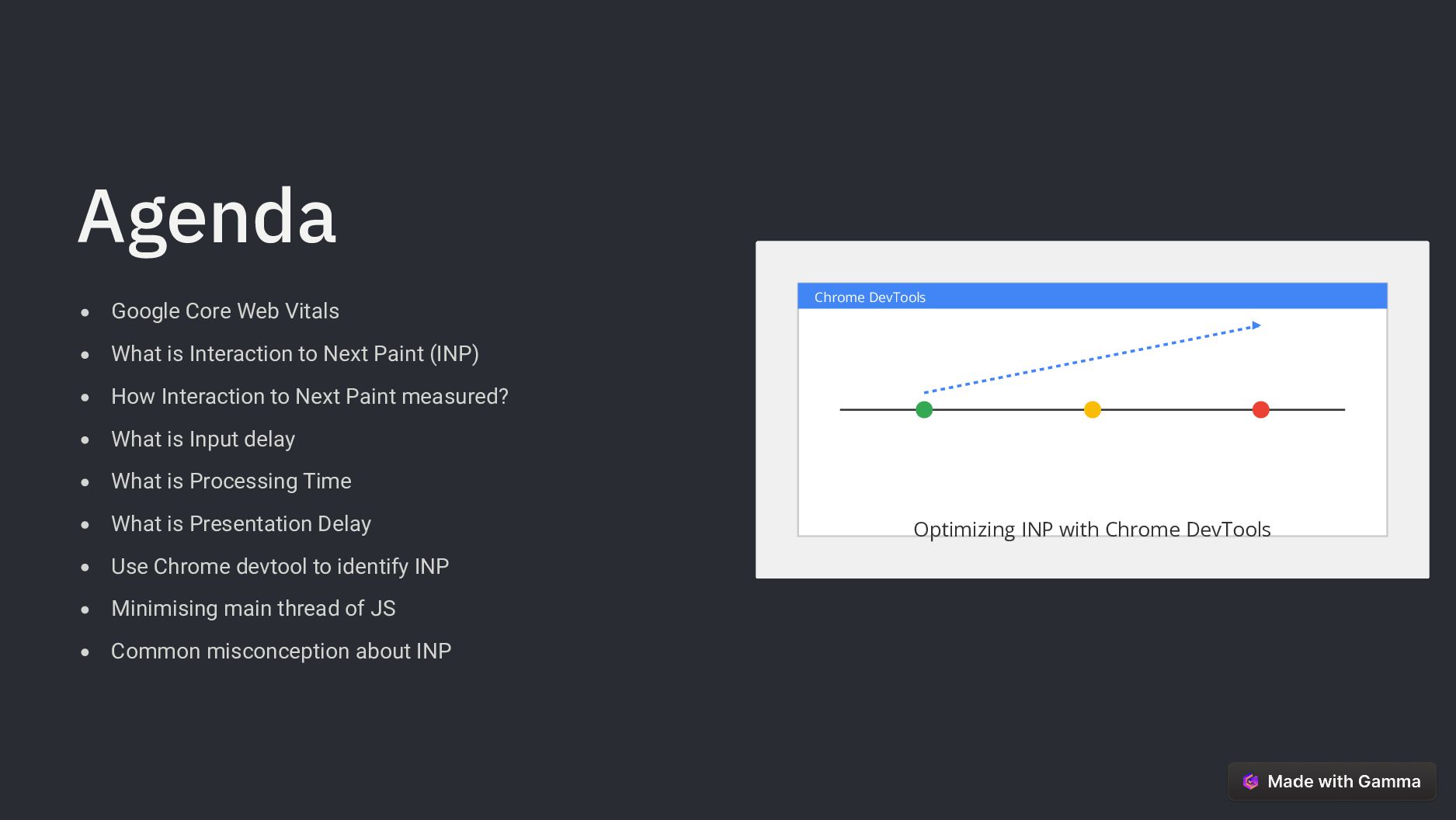
Web Vitals What is Interaction to Next Paint (INP) How Interaction to Next Paint measured? What is Input delay What is Processing Time What is Presentation Delay Use Chrome devtool to identify INP Minimising main thread of JS Common misconception about INP
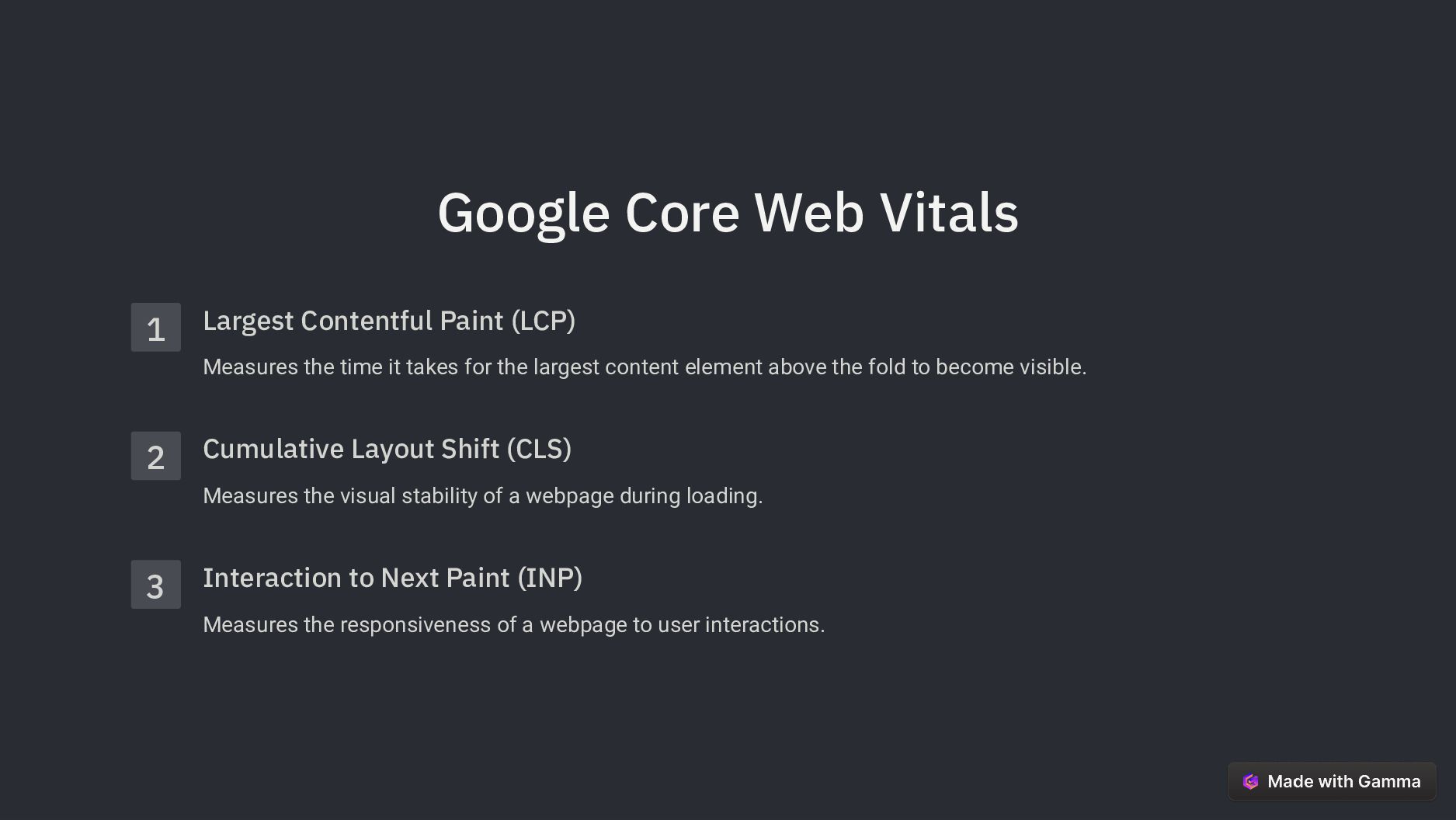
the time it takes for the largest content element above the fold to become visible. 2 Cumulative Layout Shift (CLS) Measures the visual stability of a webpage during loading. 3 Interaction to Next Paint (INP) Measures the responsiveness of a webpage to user interactions.
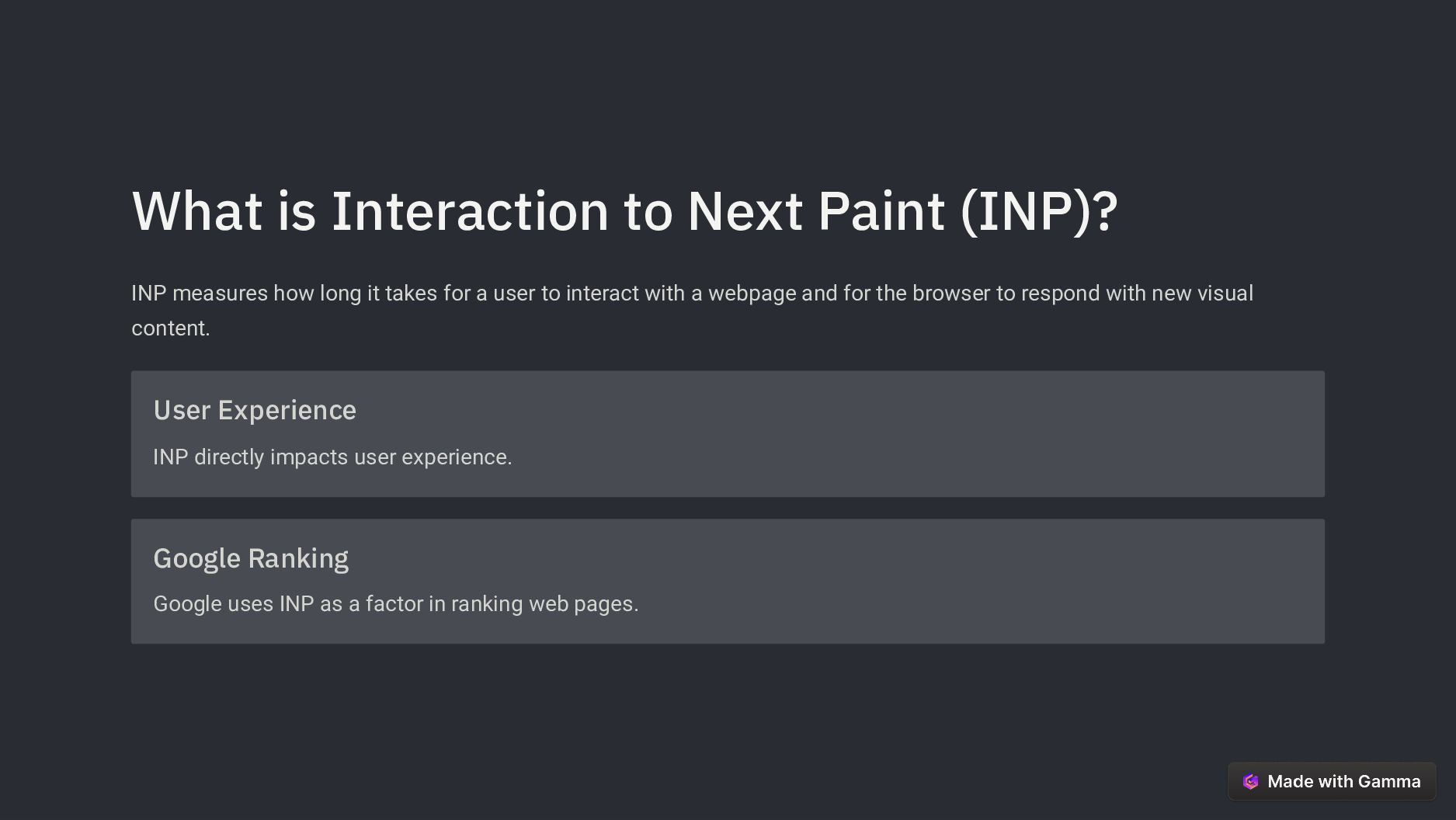
long it takes for a user to interact with a webpage and for the browser to respond with new visual content. User Experience INP directly impacts user experience. Google Ranking Google uses INP as a factor in ranking web pages.
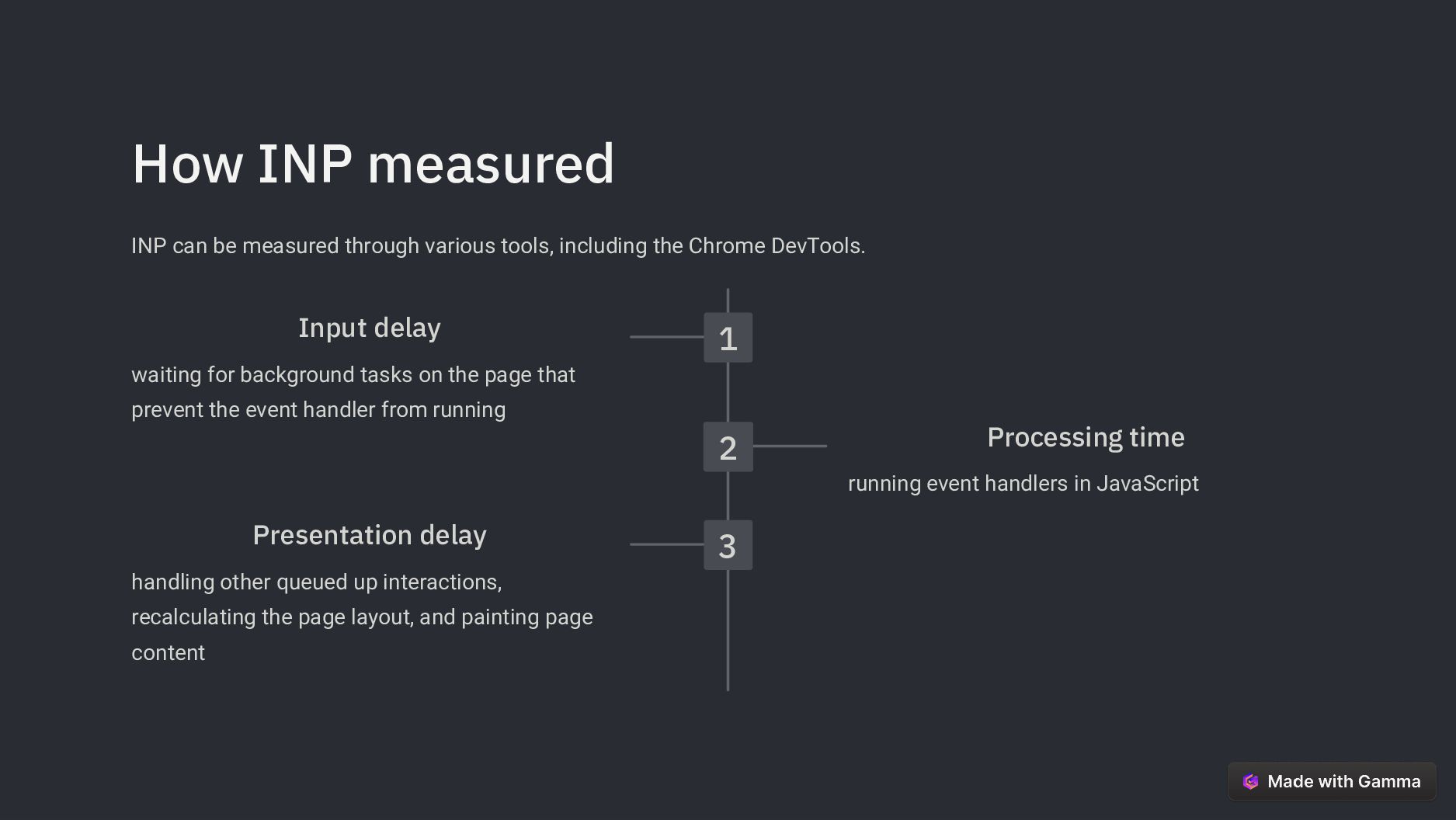
including the Chrome DevTools. 1 Input delay waiting for background tasks on the page that prevent the event handler from running 2 Processing time running event handlers in JavaScript 3 Presentation delay handling other queued up interactions, recalculating the page layout, and painting page content
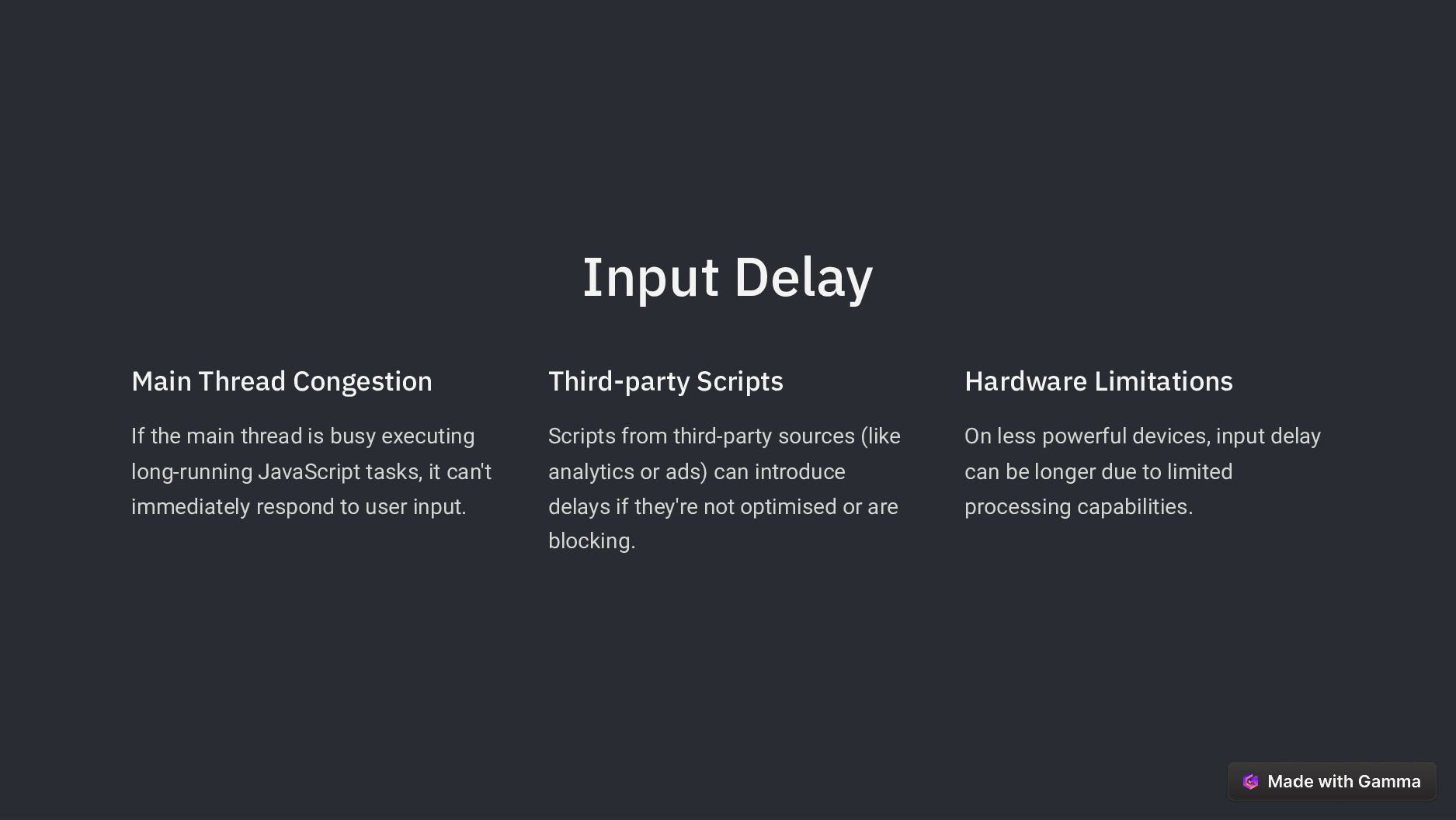
busy executing long-running JavaScript tasks, it can't immediately respond to user input. Third-party Scripts Scripts from third-party sources (like analytics or ads) can introduce delays if they're not optimised or are blocking. Hardware Limitations On less powerful devices, input delay can be longer due to limited processing capabilities.
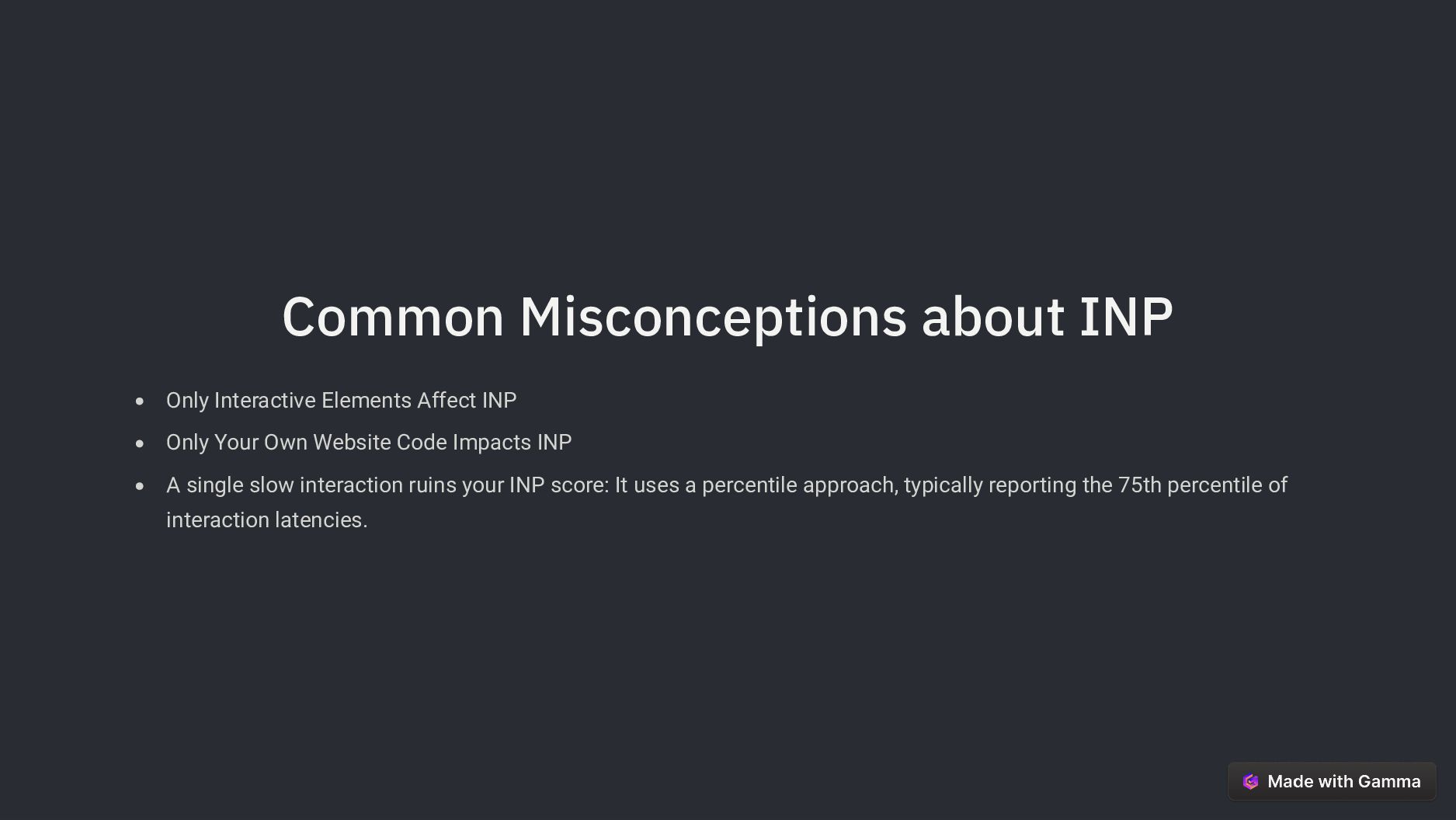
Your Own Website Code Impacts INP A single slow interaction ruins your INP score: It uses a percentile approach, typically reporting the 75th percentile of interaction latencies.


 akshayysharma
 littlehands
 jackojacko_
 orimanabu
 rist
 biwashi
 ryoskdara_
 kazzpapa3
 jirtosterone
 jcabot
 irinanazarova
 munenick
 pipepasta
 palkan
 ryanjones
 jct
 ipullrank
 khoart
 michielstock
 jdejongh
 techseoconnect
 coloredviolet
 thoeni
 jcasabona
 chriscoyier